Repository: 89luca89/distrobox
Branch: main
Commit: c6cc6a3d5bf5
Files: 113
Total size: 626.5 KB
Directory structure:
gitextract_321fe374/
├── .gitattributes
├── .github/
│ ├── ISSUE_TEMPLATE/
│ │ ├── bug_report.md
│ │ ├── discussion-issue-template.md
│ │ └── feature_request.md
│ ├── dependabot.yml
│ └── workflows/
│ ├── compatibility.yml
│ ├── main.yml
│ └── manpages.yml
├── .gitignore
├── .markdownlint.yaml
├── .shellcheckrc
├── CODE_OF_CONDUCT.md
├── CONTRIBUTING.md
├── COPYING.md
├── Containerfile
├── completions/
│ ├── bash/
│ │ ├── distrobox
│ │ ├── distrobox-assemble
│ │ ├── distrobox-create
│ │ ├── distrobox-enter
│ │ ├── distrobox-ephemeral
│ │ ├── distrobox-generate-entry
│ │ ├── distrobox-list
│ │ ├── distrobox-rm
│ │ ├── distrobox-stop
│ │ └── distrobox-upgrade
│ └── zsh/
│ ├── _distrobox
│ ├── _distrobox-assemble
│ ├── _distrobox-create
│ ├── _distrobox-enter
│ ├── _distrobox-ephemeral
│ ├── _distrobox-export
│ ├── _distrobox-generate-entry
│ ├── _distrobox-host-exec
│ ├── _distrobox-init
│ ├── _distrobox-list
│ ├── _distrobox-rm
│ ├── _distrobox-stop
│ ├── _distrobox-upgrade
│ ├── _distrobox_containers
│ ├── _distrobox_images
│ └── _distrobox_running_containers
├── distrobox
├── distrobox-assemble
├── distrobox-create
├── distrobox-enter
├── distrobox-ephemeral
├── distrobox-export
├── distrobox-generate-entry
├── distrobox-host-exec
├── distrobox-init
├── distrobox-list
├── distrobox-rm
├── distrobox-stop
├── distrobox-upgrade
├── docs/
│ ├── 404.md
│ ├── CNAME
│ ├── Gemfile
│ ├── README.md
│ ├── _config.yml
│ ├── _includes/
│ │ ├── footer.html
│ │ ├── head.html
│ │ └── header.html
│ ├── _layouts/
│ │ └── default.html
│ ├── assets/
│ │ ├── brand/
│ │ │ └── png/
│ │ │ └── distros/
│ │ │ └── base-distrobox-1.xcf
│ │ └── credits.md
│ ├── compatibility.md
│ ├── featured_articles.md
│ ├── posts/
│ │ ├── distrobox_custom.md
│ │ ├── execute_commands_on_host.md
│ │ ├── install_lilipod_static.md
│ │ ├── install_podman_static.md
│ │ ├── integrate_vscode_distrobox.md
│ │ ├── posts.md
│ │ ├── run_latest_gnome_kde_hyprland_on_distrobox.md
│ │ ├── run_libvirt_in_distrobox.md
│ │ └── steamdeck_guide.md
│ ├── style.css
│ ├── usage/
│ │ ├── distrobox-assemble.md
│ │ ├── distrobox-create.md
│ │ ├── distrobox-enter.md
│ │ ├── distrobox-ephemeral.md
│ │ ├── distrobox-export.md
│ │ ├── distrobox-generate-entry.md
│ │ ├── distrobox-host-exec.md
│ │ ├── distrobox-init.md
│ │ ├── distrobox-list.md
│ │ ├── distrobox-rm.md
│ │ ├── distrobox-stop.md
│ │ ├── distrobox-upgrade.md
│ │ └── usage.md
│ └── useful_tips.md
├── extras/
│ ├── distrobox-example-manifest.ini
│ ├── docker-host
│ ├── install-podman
│ ├── podman-host
│ └── vscode-distrobox
├── install
├── man/
│ ├── gen-man
│ └── man1/
│ ├── distrobox-assemble.1
│ ├── distrobox-compatibility.1
│ ├── distrobox-create.1
│ ├── distrobox-enter.1
│ ├── distrobox-ephemeral.1
│ ├── distrobox-export.1
│ ├── distrobox-generate-entry.1
│ ├── distrobox-host-exec.1
│ ├── distrobox-init.1
│ ├── distrobox-list.1
│ ├── distrobox-rm.1
│ ├── distrobox-stop.1
│ ├── distrobox-upgrade.1
│ └── distrobox.1
└── uninstall
================================================
FILE CONTENTS
================================================
================================================
FILE: .gitattributes
================================================
* text=auto eol=lf
================================================
FILE: .github/ISSUE_TEMPLATE/bug_report.md
================================================
---
name: Bug report
about: Create a report to help us improve
title: "[Error]"
labels: bug
assignees: ''
---
Please, before opening a bug:
- make sure you've read the documentation.
- Ensure there isn't already an open issue about this.
- Ensure there isn't already a closed/resolved issue about this.
**Describe the bug**
A clear and concise description of what the bug is.
**To Reproduce**
Steps to reproduce the behavior
**Expected behavior**
A clear and concise description of what you expected to happen.
**Logs**
Run the commands with `--verbose` and post the log here as a file upload
Attach also the output of `podman logs` or `docker logs`, possibly with `--latest` flag
**Desktop (please complete the following information):**
- Are you using podman, docker or lilipod?
- Which version or podman, docker or lilipod?
- Which version of distrobox?
- Which host distribution?
- How did you install distrobox?
**Additional context**
Add any other context about the problem here.
================================================
FILE: .github/ISSUE_TEMPLATE/discussion-issue-template.md
================================================
---
name: Discussion issue template
about: Describe this issue template's purpose here.
title: "[Discussion]"
labels: question
assignees: ''
---
Is your feature request related to a problem? Please describe.
A clear and concise description of what the problem is. Ex. I'm always frustrated when [...]
Describe the solution you'd like
A clear and concise description of what you want to happen.
Describe alternatives you've considered
A clear and concise description of any alternative solutions or features you've considered.
Additional context
Add any other context or screenshots about the feature request here.
================================================
FILE: .github/ISSUE_TEMPLATE/feature_request.md
================================================
---
name: Feature request
about: Suggest an idea for this project
title: "[Suggestion]"
labels: enhancement
assignees: ''
---
**Is your feature request related to a problem? Please describe.**
A clear and concise description of what the problem is. Ex. I'm always frustrated when [...]
**Describe the solution you'd like**
A clear and concise description of what you want to happen.
**Describe alternatives you've considered**
A clear and concise description of any alternative solutions or features you've considered.
**Additional context**
Add any other context or screenshots about the feature request here.
================================================
FILE: .github/dependabot.yml
================================================
version: 2
updates:
- package-ecosystem: "github-actions"
directory: "/"
schedule:
interval: "monthly"
================================================
FILE: .github/workflows/compatibility.yml
================================================
---
# This is a basic workflow to help you get started with Actions
name: CI
# Controls when the workflow will run
on:
# Triggers the workflow on push or pull request events but only for the master branch
push:
branches: [main]
pull_request:
branches: [main]
types: [opened, synchronize, ready_for_review, edited, labeled]
# Allows you to run this workflow manually from the Actions tab
workflow_dispatch:
inputs:
run_always:
description: 'Run even if no files are changed'
required: true
type: boolean
# Check if we indeed modified distrobox stuff
jobs:
check_changes:
runs-on: ubuntu-latest
if: >-
contains( github.event.pull_request.labels.*.name, 'CI') ||
github.ref == 'refs/heads/main'
outputs:
distrobox_changed: ${{ steps.check_file_changed.outputs.distrobox_changed }}
steps:
- uses: actions/checkout@v6
with:
# Checkout as many commits as needed for the diff
fetch-depth: 2
# Fetch from compatibility table all the distros supported
- id: check_file_changed
run: |
if git diff --name-only HEAD^ HEAD | grep -Ev "host-exec|generate-entry|ephemeral|upgrade" | grep -E "^distrobox|compatibility.md"; then
echo "::set-output name=distrobox_changed::True"
else
echo "::set-output name=distrobox_changed::False"
fi
# Prepare distros matrix
setup:
runs-on: ubuntu-latest
needs: check_changes
outputs:
targets: ${{ steps.set-matrix.outputs.targets }}
if: >-
needs.check_changes.outputs.distrobox_changed == 'True' ||
github.event.inputs.run_always == 'True'
steps:
- uses: actions/checkout@v6
# Fetch from compatibility table all the distros supported
- id: set-matrix
run: |
skip_list="bazzite|chimera|slackware|stream8|ublue|neon|steamos"
echo "::set-output name=targets::$(sed -n -e '/| Alma/,/| Void/ p' docs/compatibility.md |
cut -d'|' -f 4 |
sed 's/ /\n/g' |
tr -d ' ' |
sed '/^[[:space:]]*$/d' |
sort -u | grep -Ev "${skip_list}" |
jq -R -s -c 'split("\n")[:-1]')"
run:
runs-on: ubuntu-latest
needs: setup
timeout-minutes: 30
strategy:
fail-fast: false
matrix:
distribution: ${{fromJSON(needs.setup.outputs.targets)}}
container_manager: ["podman"] #, "docker"]
env:
XDG_CACHE_HOME: "/tmp/"
DBX_CONTAINER_MANAGER: ${{ matrix.container_manager }}
steps:
# Checks-out your repository under $GITHUB_WORKSPACE, so your job can access it
- uses: actions/checkout@v6
# Ensure distrobox create works:
- name: Distrobox create
shell: 'script -q -e -c "bash {0}"'
run: |
image=${{ matrix.distribution }}
container_name="$(basename "${image}" | sed -E 's/[:.]/-/g')"
${DBX_CONTAINER_MANAGER} pull "${image}"
# ./distrobox create --yes --absolutely-disable-root-password-i-am-really-positively-sure -i "${image}" --name "${container_name}"
case "${container_name}" in
*init*)
echo "SYSTEMD DETECTED: creating container with --init..."
./distrobox create --yes -i "${image}" --hostname "${container_name}" --name "${container_name}" --init --unshare-all
;;
*)
./distrobox create --yes -i "${image}" --hostname "${container_name}" --name "${container_name}"
;;
esac
# Ensure distrobox enter and init works:
- name: Distrobox enter - init
shell: 'script -q -e -c "bash {0}"'
run: |
image=${{ matrix.distribution }}
container_name="$(basename "${image}" | sed -E 's/[:.]/-/g')"
case "${container_name}" in
*init*)
echo "SYSTEMD DETECTED: performing systemctl check..."
./distrobox enter --name "${container_name}" -- systemctl is-system-running | grep -E "degraded|running|starting"
;;
*)
./distrobox enter --name "${container_name}" -- whoami
;;
esac
# Ensure distrobox enter and init works:
- name: Distrobox enter - user
shell: 'script -q -e -c "bash {0}"'
run: |
image=${{ matrix.distribution }}
container_name="$(basename "${image}" | sed -E 's/[:.]/-/g')"
# Assert that distrobox exported binary indeed works
set -x
command_output="$(./distrobox enter --name "${container_name}" -- whoami | tr -d '\r' | tr -d '^@')"
expected_output="$(whoami)"
if [ "$command_output" != "$expected_output" ]; then
exit 1
fi
# Ensure distrobox enter and init works:
- name: Distrobox enter - command
shell: 'script -q -e -c "bash {0}"'
run: |
image=${{ matrix.distribution }}
container_name="$(basename "${image}" | sed -E 's/[:.]/-/g')"
# Assert that distrobox exported binary indeed works
set -x
command_output="$(./distrobox enter --name "${container_name}" -- uname -n | tr -d '\r' | tr -d '^@')"
expected_output="${container_name}"
if [ "$command_output" != "$expected_output" ]; then
exit 1
fi
# Ensure distrobox export works:
- name: Distrobox export
shell: 'script -q -e -c "bash {0}"'
run: |
image=${{ matrix.distribution }}
container_name="$(basename "${image}" | sed -E 's/[:.]/-/g')"
./distrobox enter "${container_name}" -- distrobox-export --bin /bin/uname --export-path ${HOME}/
# Assert that distrobox exported binary indeed works
set -x
command_output="$(${HOME}/uname -n | tr -d '\r' | tr -d '^@')"
expected_output="${container_name}"
if [ "$command_output" != "$expected_output" ]; then
exit 1
fi
# Ensure distrobox export works:
- name: Distrobox export - sudo
if: matrix.container_manager != 'docker'
shell: 'script -q -e -c "bash {0}"'
run: |
image=${{ matrix.distribution }}
container_name="$(basename "${image}" | sed -E 's/[:.]/-/g')"
./distrobox enter "${container_name}" -- distrobox-export --sudo --bin /bin/uname --export-path ${HOME}/
# Assert that distrobox exported binary indeed works
set -x
command_output="$(${HOME}/uname -n | tr -d '\r' | tr -d '^@')"
expected_output="${container_name}"
if [ "$command_output" != "$expected_output" ]; then
exit 1
fi
# Ensure distrobox upgrade works:
- name: Distrobox upgrade
run: |
image=${{ matrix.distribution }}
container_name="$(basename "${image}" | sed -E 's/[:.]/-/g')"
./distrobox upgrade "${container_name}"
# Ensure distrobox list works:
- name: Distrobox list
run: |
image=${{ matrix.distribution }}
container_name="$(basename "${image}" | sed -E 's/[:.]/-/g')"
./distrobox list | grep "${container_name}" | grep "${image}" | grep -E "Up|running"
# Ensure distrobox stop works:
- name: Distrobox stop
run: |
image=${{ matrix.distribution }}
container_name="$(basename "${image}" | sed -E 's/[:.]/-/g')"
./distrobox stop --yes "${container_name}"
# Ensure distrobox rm works:
- name: Distrobox logs
if: ${{ always() }}
run: |
image=${{ matrix.distribution }}
container_name="$(basename "${image}" | sed -E 's/[:.]/-/g')"
$DBX_CONTAINER_MANAGER logs "${container_name}"
# Ensure distrobox rm works:
- name: Distrobox rm
if: ${{ always() }}
run: |
image=${{ matrix.distribution }}
container_name="$(basename "${image}" | sed -E 's/[:.]/-/g')"
./distrobox rm --force "${container_name}"
$DBX_CONTAINER_MANAGER rmi -f "${image}"
================================================
FILE: .github/workflows/main.yml
================================================
# This is a basic workflow to help you get started with Actions
name: Lint
# Controls when the workflow will run
on:
# Triggers the workflow on push or pull request events but only for the main branch
push:
branches: [main]
pull_request:
branches: [main]
types: [opened, synchronize, ready_for_review, edited]
# Allows you to run this workflow manually from the Actions tab
workflow_dispatch:
jobs:
dash:
runs-on: ubuntu-latest
steps:
- uses: actions/checkout@v6
- name: Run dash -n
run: |
result=0
for file in $(find . -type f -not -path "*.git*" -a -not -path "*completions*"); do
if file "$file" | grep -qi shell; then
echo "### Checking file $file..."
dash -n $file
result=$(( result + $? ))
fi
done
exit $result
shfmt:
runs-on: ubuntu-latest
steps:
- uses: actions/checkout@v6
- name: Run shfmt
run: |
result=0
podman pull docker.io/peterdavehello/shfmt:latest
for file in $(find . -type f -not -path "*.git*"); do
if file "$file" | grep -qi shell; then
echo "### Checking file $file..."
podman run --rm -v "$PWD:/mnt" docker.io/peterdavehello/shfmt:latest shfmt -d -s -ci -sr -kp -fn -i=0 -p /mnt/$file
result=$(( result + $? ))
fi
done
exit $result
shellcheck:
runs-on: ubuntu-latest
steps:
- uses: actions/checkout@v6
# Exclude from bashate the following rules:
# - SC2310 we don't want to exit if errors happen inside a check, that's why we have a check...
# - SC2311 don't care if we inherit errexit inside substitutions, we do checks for that.
# - SC2312 we already check errors and adding "|| true" everywhere hinders readability.
- name: Run shellcheck
run: |
result=0
podman pull docker.io/koalaman/shellcheck:stable
for file in $(find . -type f -name ".*" -prune -o -print | grep -v '.git'); do
if file "$file" | grep -qi shell; then
echo "### Checking file $file..."
# Should read the .shellcheckrc file to behave like -s sh -a -o all -Sstyle -Calways -x -e SC2310,SC2311,SC2312
podman run --rm -v "$PWD:/mnt" docker.io/koalaman/shellcheck:stable -a -Sstyle -Calways $file
result=$(( result + $? ))
fi
done
exit $result
differential-shellcheck:
runs-on: ubuntu-latest
permissions:
contents: read
security-events: write
steps:
- uses: actions/checkout@v6
with:
fetch-depth: 0
- name: Run Differential ShellCheck
uses: redhat-plumbers-in-action/differential-shellcheck@v5
with:
severity: style
token: ${{ secrets.GITHUB_TOKEN }}
bashate:
runs-on: ubuntu-latest
steps:
- uses: actions/checkout@v6
# Exclude from bashate the following rules:
# - E002 we use tab indentation as suggested by shfmt.
# - E003 we use tab indentation as suggested by shfmt.
# - E010 for readability allow if/then and for/do to be on different lines.
# - E011 for readability allow if/then and for/do to be on different lines.
- name: Run bashate
run: |
sudo pip3 install -U bashate
for file in $(find . -type f -not -path "*.git*"); do
if file "$file" | grep -qi shell; then
echo "### Checking file $file..."
bashate -i E002,E003,E010,E011 --max-line-length 120 $file
result=$(( result + $? ))
fi
done
exit $result
markdownlint:
runs-on: ubuntu-latest
steps:
- uses: actions/checkout@v6
- name: Run markdownlint
run: |
sudo npm install -g markdownlint-cli
markdownlint $(find . -name '*.md' | grep -vF './.git')
codespell:
runs-on: ubuntu-latest
steps:
- uses: actions/checkout@v6
- uses: codespell-project/actions-codespell@v2
with:
skip: .git,*.pdf,*.1,*.css,*.lock
shell-funcheck:
runs-on: ubuntu-latest
steps:
- uses: actions/checkout@v6
- name: Run shell-funcheck
run: |
curl -L -O https://github.com/89luca89/shell-funcheck/releases/download/v0.0.1/shell-funcheck-amd64
chmod +x ./shell-funcheck-amd64
for i in distrobox*; do
./shell-funcheck-amd64 check "$i"
done
================================================
FILE: .github/workflows/manpages.yml
================================================
---
# This is a basic workflow to help you get started with Actions
name: Docs
# Controls when the workflow will run
on:
# Triggers the workflow on push or pull request events but only for the master branch
push:
branches: [main]
# Allows you to run this workflow manually from the Actions tab
workflow_dispatch:
jobs:
# Check changes, cancel job is not.
check_changes:
runs-on: ubuntu-latest
outputs:
distrobox_changed: ${{ steps.check_file_changed.outputs.distrobox_changed }}
steps:
- uses: actions/checkout@v6
with:
# Checkout as many commits as needed for the diff
repository: 89luca89/distrobox
ref: main
persist-credentials: false
fetch-depth: 2
token: ${{ secrets.GITHUB_TOKEN }}
# Fetch from compatibility table all the distros supported
- id: check_file_changed
run: |
if git diff --name-only HEAD^ HEAD | grep -E "^docs|gen-man"; then
echo "::set-output name=distrobox_changed::True"
else
echo "::set-output name=distrobox_changed::False"
fi
gen_man:
runs-on: ubuntu-latest
needs: check_changes
if: needs.check_changes.outputs.distrobox_changed == 'True'
permissions:
contents: write
steps:
- uses: actions/checkout@v6
with:
token: ${{ secrets.PAT }}
# Fetch from compatibility table all the distros supported
- id: generate
run: |
VERSION=3.6.1
RELEASE="jgm/pandoc/releases/download/${VERSION}/pandoc-${VERSION}-1-amd64.deb"
NAME=$(echo $RELEASE | rev | cut -d'/' -f1 | rev)
curl -L https://github.com/$RELEASE -o $NAME
sudo apt-get update
sudo apt-get install -y ./$NAME
sudo apt-get install -y ronn
rm -f $NAME
man/gen-man
- uses: stefanzweifel/git-auto-commit-action@v7
with:
branch: main
commit_message: Automatic Man Page Update
commit_options: '--no-verify --signoff'
commit_user_name: distrobox-docs-bot
commit_user_email: distrobox-docs-bot@users.noreply.github.com
commit_author: distrobox-docs-bot
================================================
FILE: .gitignore
================================================
tags
*.vim
TODO.txt
================================================
FILE: .markdownlint.yaml
================================================
---
MD013:
line_length: 120
code_blocks: false
tables: false
headings: false
headers: false
MD025: false
MD033: false
MD041: false
MD045: false
MD059: false
================================================
FILE: .shellcheckrc
================================================
# Overrides the shell detected from the shebang. This is useful for files meant to be included (and thus lacking a shebang), or possibly as a more targeted alternative to 'disable=SC2039'.
shell=sh
# Always allow ShellCheck to open arbitrary files from 'source' statements.
external-sources=true
# Enable all optional checks
enable=all
# This function is invoked in an 'if' condition so set -e will be disabled. Invoke separately if failures should cause the script to exit.
# - We don't want to exit if errors happen inside a check, that's why we have a check...
disable=SC2310
# Bash implicitly disabled set -e for this function invocation because it's inside a command substitution. Add set -e; before it or enable inherit_errexit.
# - Don't care if we inherit errexit inside substitutions, we do checks for that.
disable=SC2311
# Consider invoking this command separately to avoid masking its return value (or use '|| true' to ignore).
# - We already check errors and adding "|| true" everywhere hinders readability.
disable=SC2312
================================================
FILE: CODE_OF_CONDUCT.md
================================================
# Code of Conduct
Let's just all be nice to each other and ourselves. Do we really need this?
Just follow them:

## Let's just all be wholesome to each other please
================================================
FILE: CONTRIBUTING.md
================================================
# Contributing to Distrobox
We greatly appreciate your input! We want to make contributing to this project
as easy and transparent as possible, whether it's:
- Reporting a bug
- Discussing the current state of the code
- Submitting a fix
- Proposing new features
## Creating a Pull Requests
Pull requests are the best way to propose changes to the codebase.
We actively welcome your pull requests:
1. Fork the repo and create your branch from `main`.
2. If you've added code that should be tested, add tests.
3. If you've changed APIs, update the documentation.
4. Ensure the test suite passes.
5. Make sure your code lints.
6. Issue that pull request!
## Any contributions you make will be under the GPLv3 Software License
In short, when you submit code changes, your submissions are understood to be
under the same [GPLv3 License](https://choosealicense.com/licenses/gpl-3.0/) that
covers the project.
Feel free to contact the maintainers if that's a concern.
## Suggestions
Suggestions are welcome, be sure:
- It is not already being discussed in the [issue tracker](https://github.com/89luca89/distrobox/issues)
- If it has and is marked as OPEN, go ahead and share your own
thoughts about the topic!
- If it has and is marked as CLOSED, please read the ticket and depending on
whether the suggestion was accepted consider if it is worth opening
a new issue or not.
- Consider if the suggestion is not too out of scope of the project.
- Mark them with a [Suggestion] in the title.
## Report bugs using GitHub's [issues](https://github.com/89luca89/distrobox/issues)
We use GitHub issues to track public bugs.
Report a bug by
[opening a new issue](https://github.com/89luca89/distrobox/issues); it's that easy!
### Write bug reports with detail, background, and sample code
**A good bug report** should have:
- Check that the bug is not already discussed in the [issue tracker](https://github.com/89luca89/distrobox/issues)
- See our [documentation](https://github.com/89luca89/distrobox/tree/main/docs)
if there are some steps that could help you solve your issue
- Mark them with an [Error] in the title
- A quick summary and/or background
- Steps to reproduce
- Be specific!
- Provide logs (terminal output, runs with verbose mode)
- What you expected would happen
- What actually happens
- Notes (possibly including why you think this might be happening, or stuff you
tried that didn't work)
## Use a Consistent Coding Style
- check if files have some problems with POSIX using the following:
```shell
for file in $(find . -type f -not -path "*.git*"); do
if file "$file" | grep -qi shell; then
echo "### Checking file $file..."
dash -n $file
result=$(( result + $? ))
echo "Result: $result"
fi
done
```
Here we're using `dash` to verify if there are any non-POSIX code inside the
scripts. Distrobox aims to be POSIX compliant so it's important to use a
strict POSIX compliant shell to verify. `dash` is available in all major distributions'
repositories.
- use `shellcheck` to check for posix compliance and bashisms using:
- install from: [HERE](https://github.com/koalaman/shellcheck)
following [this](https://github.com/koalaman/shellcheck#installing)
- `shellcheck -s sh -a -o all -Sstyle -Calways -x -e SC2310,SC2311,SC2312`
- use `shfmt` to style the code using:
- install from [HERE](https://github.com/mvdan/sh) using `go install mvdan.cc/sh/v3/cmd/shfmt@latest`
- `shfmt shfmt -d -s -ci -sr -kp`
- use `bashate` to check the code:
- install using `pip3 install bashate`
- `bashate -i E002,E003,E010,E011 --max-line-length 120`
- use `markdownlint`
- install using `npm -i -g markdownlint-cli`
- run `markdownlint $(find . -name '*.md' | grep -vF './.git')`
- Legibility of the code is more important than code golfing, try to be
expressive in the code
- Try to **follow the happy path**:
- [This guide](https://maelvls.dev/go-happy-line-of-sight/) is for golang,
but it's a very insightful source to follow
- Error checking is important! Ensure to LBYL (Look Before You Leap), check for
variables and for code success exit codes
- If a command or function can fail, ensure you check the outcome:
- `if ! my_function; then ...`
this is important to handle errors gracefully and to potentially warn users
of what's happening
- Use snake_case for variable naming. Keep variable names lowercase if they are
not an environment variable
- Don't hesitate to comment your code! We're placing high importance on this to
maintain the code readable and understandeable
- Update documentation to reflect your changes - Manual pages can be found in
directory `docs`
If you are using Visual Studio Code, there are [plugins](https://marketplace.visualstudio.com/items?itemName=timonwong.shellcheck)
that include all this functionality and throw a warning if you're doing
something wrong.
If you are using Vim or Emacs there are plenty of linters and checkers that will
integrate with the 2 tools listed above.
## License
By contributing, you agree that your contributions will be licensed under
its GPLv3 License.
## References
This document was adapted from the open-source contribution guidelines
for [Facebook's Draft](https://github.com/facebook/draft-js/blob/a9316a723f9e918afde44dea68b5f9f39b7d9b00/CONTRIBUTING.md).
================================================
FILE: COPYING.md
================================================
# GNU GENERAL PUBLIC LICENSE
Version 3, 29 June 2007
Copyright (C) 2007 Free Software Foundation, Inc.
Everyone is permitted to copy and distribute verbatim copies of this
license document, but changing it is not allowed.
## Preamble
The GNU General Public License is a free, copyleft license for
software and other kinds of works.
The licenses for most software and other practical works are designed
to take away your freedom to share and change the works. By contrast,
the GNU General Public License is intended to guarantee your freedom
to share and change all versions of a program--to make sure it remains
free software for all its users. We, the Free Software Foundation, use
the GNU General Public License for most of our software; it applies
also to any other work released this way by its authors. You can apply
it to your programs, too.
When we speak of free software, we are referring to freedom, not
price. Our General Public Licenses are designed to make sure that you
have the freedom to distribute copies of free software (and charge for
them if you wish), that you receive source code or can get it if you
want it, that you can change the software or use pieces of it in new
free programs, and that you know you can do these things.
To protect your rights, we need to prevent others from denying you
these rights or asking you to surrender the rights. Therefore, you
have certain responsibilities if you distribute copies of the
software, or if you modify it: responsibilities to respect the freedom
of others.
For example, if you distribute copies of such a program, whether
gratis or for a fee, you must pass on to the recipients the same
freedoms that you received. You must make sure that they, too, receive
or can get the source code. And you must show them these terms so they
know their rights.
Developers that use the GNU GPL protect your rights with two steps:
(1) assert copyright on the software, and (2) offer you this License
giving you legal permission to copy, distribute and/or modify it.
For the developers' and authors' protection, the GPL clearly explains
that there is no warranty for this free software. For both users' and
authors' sake, the GPL requires that modified versions be marked as
changed, so that their problems will not be attributed erroneously to
authors of previous versions.
Some devices are designed to deny users access to install or run
modified versions of the software inside them, although the
manufacturer can do so. This is fundamentally incompatible with the
aim of protecting users' freedom to change the software. The
systematic pattern of such abuse occurs in the area of products for
individuals to use, which is precisely where it is most unacceptable.
Therefore, we have designed this version of the GPL to prohibit the
practice for those products. If such problems arise substantially in
other domains, we stand ready to extend this provision to those
domains in future versions of the GPL, as needed to protect the
freedom of users.
Finally, every program is threatened constantly by software patents.
States should not allow patents to restrict development and use of
software on general-purpose computers, but in those that do, we wish
to avoid the special danger that patents applied to a free program
could make it effectively proprietary. To prevent this, the GPL
assures that patents cannot be used to render the program non-free.
The precise terms and conditions for copying, distribution and
modification follow.
### TERMS AND CONDITIONS
#### 0. Definitions
"This License" refers to version 3 of the GNU General Public License.
"Copyright" also means copyright-like laws that apply to other kinds
of works, such as semiconductor masks.
"The Program" refers to any copyrightable work licensed under this
License. Each licensee is addressed as "you". "Licensees" and
"recipients" may be individuals or organizations.
To "modify" a work means to copy from or adapt all or part of the work
in a fashion requiring copyright permission, other than the making of
an exact copy. The resulting work is called a "modified version" of
the earlier work or a work "based on" the earlier work.
A "covered work" means either the unmodified Program or a work based
on the Program.
To "propagate" a work means to do anything with it that, without
permission, would make you directly or secondarily liable for
infringement under applicable copyright law, except executing it on a
computer or modifying a private copy. Propagation includes copying,
distribution (with or without modification), making available to the
public, and in some countries other activities as well.
To "convey" a work means any kind of propagation that enables other
parties to make or receive copies. Mere interaction with a user
through a computer network, with no transfer of a copy, is not
conveying.
An interactive user interface displays "Appropriate Legal Notices" to
the extent that it includes a convenient and prominently visible
feature that (1) displays an appropriate copyright notice, and (2)
tells the user that there is no warranty for the work (except to the
extent that warranties are provided), that licensees may convey the
work under this License, and how to view a copy of this License. If
the interface presents a list of user commands or options, such as a
menu, a prominent item in the list meets this criterion.
#### 1. Source Code
The "source code" for a work means the preferred form of the work for
making modifications to it. "Object code" means any non-source form of
a work.
A "Standard Interface" means an interface that either is an official
standard defined by a recognized standards body, or, in the case of
interfaces specified for a particular programming language, one that
is widely used among developers working in that language.
The "System Libraries" of an executable work include anything, other
than the work as a whole, that (a) is included in the normal form of
packaging a Major Component, but which is not part of that Major
Component, and (b) serves only to enable use of the work with that
Major Component, or to implement a Standard Interface for which an
implementation is available to the public in source code form. A
"Major Component", in this context, means a major essential component
(kernel, window system, and so on) of the specific operating system
(if any) on which the executable work runs, or a compiler used to
produce the work, or an object code interpreter used to run it.
The "Corresponding Source" for a work in object code form means all
the source code needed to generate, install, and (for an executable
work) run the object code and to modify the work, including scripts to
control those activities. However, it does not include the work's
System Libraries, or general-purpose tools or generally available free
programs which are used unmodified in performing those activities but
which are not part of the work. For example, Corresponding Source
includes interface definition files associated with source files for
the work, and the source code for shared libraries and dynamically
linked subprograms that the work is specifically designed to require,
such as by intimate data communication or control flow between those
subprograms and other parts of the work.
The Corresponding Source need not include anything that users can
regenerate automatically from other parts of the Corresponding Source.
The Corresponding Source for a work in source code form is that same
work.
#### 2. Basic Permissions
All rights granted under this License are granted for the term of
copyright on the Program, and are irrevocable provided the stated
conditions are met. This License explicitly affirms your unlimited
permission to run the unmodified Program. The output from running a
covered work is covered by this License only if the output, given its
content, constitutes a covered work. This License acknowledges your
rights of fair use or other equivalent, as provided by copyright law.
You may make, run and propagate covered works that you do not convey,
without conditions so long as your license otherwise remains in force.
You may convey covered works to others for the sole purpose of having
them make modifications exclusively for you, or provide you with
facilities for running those works, provided that you comply with the
terms of this License in conveying all material for which you do not
control copyright. Those thus making or running the covered works for
you must do so exclusively on your behalf, under your direction and
control, on terms that prohibit them from making any copies of your
copyrighted material outside their relationship with you.
Conveying under any other circumstances is permitted solely under the
conditions stated below. Sublicensing is not allowed; section 10 makes
it unnecessary.
#### 3. Protecting Users' Legal Rights From Anti-Circumvention Law
No covered work shall be deemed part of an effective technological
measure under any applicable law fulfilling obligations under article
11 of the WIPO copyright treaty adopted on 20 December 1996, or
similar laws prohibiting or restricting circumvention of such
measures.
When you convey a covered work, you waive any legal power to forbid
circumvention of technological measures to the extent such
circumvention is effected by exercising rights under this License with
respect to the covered work, and you disclaim any intention to limit
operation or modification of the work as a means of enforcing, against
the work's users, your or third parties' legal rights to forbid
circumvention of technological measures.
#### 4. Conveying Verbatim Copies
You may convey verbatim copies of the Program's source code as you
receive it, in any medium, provided that you conspicuously and
appropriately publish on each copy an appropriate copyright notice;
keep intact all notices stating that this License and any
non-permissive terms added in accord with section 7 apply to the code;
keep intact all notices of the absence of any warranty; and give all
recipients a copy of this License along with the Program.
You may charge any price or no price for each copy that you convey,
and you may offer support or warranty protection for a fee.
#### 5. Conveying Modified Source Versions
You may convey a work based on the Program, or the modifications to
produce it from the Program, in the form of source code under the
terms of section 4, provided that you also meet all of these
conditions:
- a) The work must carry prominent notices stating that you modified
it, and giving a relevant date.
- b) The work must carry prominent notices stating that it is
released under this License and any conditions added under
section 7. This requirement modifies the requirement in section 4
to "keep intact all notices".
- c) You must license the entire work, as a whole, under this
License to anyone who comes into possession of a copy. This
License will therefore apply, along with any applicable section 7
additional terms, to the whole of the work, and all its parts,
regardless of how they are packaged. This License gives no
permission to license the work in any other way, but it does not
invalidate such permission if you have separately received it.
- d) If the work has interactive user interfaces, each must display
Appropriate Legal Notices; however, if the Program has interactive
interfaces that do not display Appropriate Legal Notices, your
work need not make them do so.
A compilation of a covered work with other separate and independent
works, which are not by their nature extensions of the covered work,
and which are not combined with it such as to form a larger program,
in or on a volume of a storage or distribution medium, is called an
"aggregate" if the compilation and its resulting copyright are not
used to limit the access or legal rights of the compilation's users
beyond what the individual works permit. Inclusion of a covered work
in an aggregate does not cause this License to apply to the other
parts of the aggregate.
#### 6. Conveying Non-Source Forms
You may convey a covered work in object code form under the terms of
sections 4 and 5, provided that you also convey the machine-readable
Corresponding Source under the terms of this License, in one of these
ways:
- a) Convey the object code in, or embodied in, a physical product
(including a physical distribution medium), accompanied by the
Corresponding Source fixed on a durable physical medium
customarily used for software interchange.
- b) Convey the object code in, or embodied in, a physical product
(including a physical distribution medium), accompanied by a
written offer, valid for at least three years and valid for as
long as you offer spare parts or customer support for that product
model, to give anyone who possesses the object code either (1) a
copy of the Corresponding Source for all the software in the
product that is covered by this License, on a durable physical
medium customarily used for software interchange, for a price no
more than your reasonable cost of physically performing this
conveying of source, or (2) access to copy the Corresponding
Source from a network server at no charge.
- c) Convey individual copies of the object code with a copy of the
written offer to provide the Corresponding Source. This
alternative is allowed only occasionally and noncommercially, and
only if you received the object code with such an offer, in accord
with subsection 6b.
- d) Convey the object code by offering access from a designated
place (gratis or for a charge), and offer equivalent access to the
Corresponding Source in the same way through the same place at no
further charge. You need not require recipients to copy the
Corresponding Source along with the object code. If the place to
copy the object code is a network server, the Corresponding Source
may be on a different server (operated by you or a third party)
that supports equivalent copying facilities, provided you maintain
clear directions next to the object code saying where to find the
Corresponding Source. Regardless of what server hosts the
Corresponding Source, you remain obligated to ensure that it is
available for as long as needed to satisfy these requirements.
- e) Convey the object code using peer-to-peer transmission,
provided you inform other peers where the object code and
Corresponding Source of the work are being offered to the general
public at no charge under subsection 6d.
A separable portion of the object code, whose source code is excluded
from the Corresponding Source as a System Library, need not be
included in conveying the object code work.
A "User Product" is either (1) a "consumer product", which means any
tangible personal property which is normally used for personal,
family, or household purposes, or (2) anything designed or sold for
incorporation into a dwelling. In determining whether a product is a
consumer product, doubtful cases shall be resolved in favor of
coverage. For a particular product received by a particular user,
"normally used" refers to a typical or common use of that class of
product, regardless of the status of the particular user or of the way
in which the particular user actually uses, or expects or is expected
to use, the product. A product is a consumer product regardless of
whether the product has substantial commercial, industrial or
non-consumer uses, unless such uses represent the only significant
mode of use of the product.
"Installation Information" for a User Product means any methods,
procedures, authorization keys, or other information required to
install and execute modified versions of a covered work in that User
Product from a modified version of its Corresponding Source. The
information must suffice to ensure that the continued functioning of
the modified object code is in no case prevented or interfered with
solely because modification has been made.
If you convey an object code work under this section in, or with, or
specifically for use in, a User Product, and the conveying occurs as
part of a transaction in which the right of possession and use of the
User Product is transferred to the recipient in perpetuity or for a
fixed term (regardless of how the transaction is characterized), the
Corresponding Source conveyed under this section must be accompanied
by the Installation Information. But this requirement does not apply
if neither you nor any third party retains the ability to install
modified object code on the User Product (for example, the work has
been installed in ROM).
The requirement to provide Installation Information does not include a
requirement to continue to provide support service, warranty, or
updates for a work that has been modified or installed by the
recipient, or for the User Product in which it has been modified or
installed. Access to a network may be denied when the modification
itself materially and adversely affects the operation of the network
or violates the rules and protocols for communication across the
network.
Corresponding Source conveyed, and Installation Information provided,
in accord with this section must be in a format that is publicly
documented (and with an implementation available to the public in
source code form), and must require no special password or key for
unpacking, reading or copying.
#### 7. Additional Terms
"Additional permissions" are terms that supplement the terms of this
License by making exceptions from one or more of its conditions.
Additional permissions that are applicable to the entire Program shall
be treated as though they were included in this License, to the extent
that they are valid under applicable law. If additional permissions
apply only to part of the Program, that part may be used separately
under those permissions, but the entire Program remains governed by
this License without regard to the additional permissions.
When you convey a copy of a covered work, you may at your option
remove any additional permissions from that copy, or from any part of
it. (Additional permissions may be written to require their own
removal in certain cases when you modify the work.) You may place
additional permissions on material, added by you to a covered work,
for which you have or can give appropriate copyright permission.
Notwithstanding any other provision of this License, for material you
add to a covered work, you may (if authorized by the copyright holders
of that material) supplement the terms of this License with terms:
- a) Disclaiming warranty or limiting liability differently from the
terms of sections 15 and 16 of this License; or
- b) Requiring preservation of specified reasonable legal notices or
author attributions in that material or in the Appropriate Legal
Notices displayed by works containing it; or
- c) Prohibiting misrepresentation of the origin of that material,
or requiring that modified versions of such material be marked in
reasonable ways as different from the original version; or
- d) Limiting the use for publicity purposes of names of licensors
or authors of the material; or
- e) Declining to grant rights under trademark law for use of some
trade names, trademarks, or service marks; or
- f) Requiring indemnification of licensors and authors of that
material by anyone who conveys the material (or modified versions
of it) with contractual assumptions of liability to the recipient,
for any liability that these contractual assumptions directly
impose on those licensors and authors.
All other non-permissive additional terms are considered "further
restrictions" within the meaning of section 10. If the Program as you
received it, or any part of it, contains a notice stating that it is
governed by this License along with a term that is a further
restriction, you may remove that term. If a license document contains
a further restriction but permits relicensing or conveying under this
License, you may add to a covered work material governed by the terms
of that license document, provided that the further restriction does
not survive such relicensing or conveying.
If you add terms to a covered work in accord with this section, you
must place, in the relevant source files, a statement of the
additional terms that apply to those files, or a notice indicating
where to find the applicable terms.
Additional terms, permissive or non-permissive, may be stated in the
form of a separately written license, or stated as exceptions; the
above requirements apply either way.
#### 8. Termination
You may not propagate or modify a covered work except as expressly
provided under this License. Any attempt otherwise to propagate or
modify it is void, and will automatically terminate your rights under
this License (including any patent licenses granted under the third
paragraph of section 11).
However, if you cease all violation of this License, then your license
from a particular copyright holder is reinstated (a) provisionally,
unless and until the copyright holder explicitly and finally
terminates your license, and (b) permanently, if the copyright holder
fails to notify you of the violation by some reasonable means prior to
60 days after the cessation.
Moreover, your license from a particular copyright holder is
reinstated permanently if the copyright holder notifies you of the
violation by some reasonable means, this is the first time you have
received notice of violation of this License (for any work) from that
copyright holder, and you cure the violation prior to 30 days after
your receipt of the notice.
Termination of your rights under this section does not terminate the
licenses of parties who have received copies or rights from you under
this License. If your rights have been terminated and not permanently
reinstated, you do not qualify to receive new licenses for the same
material under section 10.
#### 9. Acceptance Not Required for Having Copies
You are not required to accept this License in order to receive or run
a copy of the Program. Ancillary propagation of a covered work
occurring solely as a consequence of using peer-to-peer transmission
to receive a copy likewise does not require acceptance. However,
nothing other than this License grants you permission to propagate or
modify any covered work. These actions infringe copyright if you do
not accept this License. Therefore, by modifying or propagating a
covered work, you indicate your acceptance of this License to do so.
#### 10. Automatic Licensing of Downstream Recipients
Each time you convey a covered work, the recipient automatically
receives a license from the original licensors, to run, modify and
propagate that work, subject to this License. You are not responsible
for enforcing compliance by third parties with this License.
An "entity transaction" is a transaction transferring control of an
organization, or substantially all assets of one, or subdividing an
organization, or merging organizations. If propagation of a covered
work results from an entity transaction, each party to that
transaction who receives a copy of the work also receives whatever
licenses to the work the party's predecessor in interest had or could
give under the previous paragraph, plus a right to possession of the
Corresponding Source of the work from the predecessor in interest, if
the predecessor has it or can get it with reasonable efforts.
You may not impose any further restrictions on the exercise of the
rights granted or affirmed under this License. For example, you may
not impose a license fee, royalty, or other charge for exercise of
rights granted under this License, and you may not initiate litigation
(including a cross-claim or counterclaim in a lawsuit) alleging that
any patent claim is infringed by making, using, selling, offering for
sale, or importing the Program or any portion of it.
#### 11. Patents
A "contributor" is a copyright holder who authorizes use under this
License of the Program or a work on which the Program is based. The
work thus licensed is called the contributor's "contributor version".
A contributor's "essential patent claims" are all patent claims owned
or controlled by the contributor, whether already acquired or
hereafter acquired, that would be infringed by some manner, permitted
by this License, of making, using, or selling its contributor version,
but do not include claims that would be infringed only as a
consequence of further modification of the contributor version. For
purposes of this definition, "control" includes the right to grant
patent sublicenses in a manner consistent with the requirements of
this License.
Each contributor grants you a non-exclusive, worldwide, royalty-free
patent license under the contributor's essential patent claims, to
make, use, sell, offer for sale, import and otherwise run, modify and
propagate the contents of its contributor version.
In the following three paragraphs, a "patent license" is any express
agreement or commitment, however denominated, not to enforce a patent
(such as an express permission to practice a patent or covenant not to
sue for patent infringement). To "grant" such a patent license to a
party means to make such an agreement or commitment not to enforce a
patent against the party.
If you convey a covered work, knowingly relying on a patent license,
and the Corresponding Source of the work is not available for anyone
to copy, free of charge and under the terms of this License, through a
publicly available network server or other readily accessible means,
then you must either (1) cause the Corresponding Source to be so
available, or (2) arrange to deprive yourself of the benefit of the
patent license for this particular work, or (3) arrange, in a manner
consistent with the requirements of this License, to extend the patent
license to downstream recipients. "Knowingly relying" means you have
actual knowledge that, but for the patent license, your conveying the
covered work in a country, or your recipient's use of the covered work
in a country, would infringe one or more identifiable patents in that
country that you have reason to believe are valid.
If, pursuant to or in connection with a single transaction or
arrangement, you convey, or propagate by procuring conveyance of, a
covered work, and grant a patent license to some of the parties
receiving the covered work authorizing them to use, propagate, modify
or convey a specific copy of the covered work, then the patent license
you grant is automatically extended to all recipients of the covered
work and works based on it.
A patent license is "discriminatory" if it does not include within the
scope of its coverage, prohibits the exercise of, or is conditioned on
the non-exercise of one or more of the rights that are specifically
granted under this License. You may not convey a covered work if you
are a party to an arrangement with a third party that is in the
business of distributing software, under which you make payment to the
third party based on the extent of your activity of conveying the
work, and under which the third party grants, to any of the parties
who would receive the covered work from you, a discriminatory patent
license (a) in connection with copies of the covered work conveyed by
you (or copies made from those copies), or (b) primarily for and in
connection with specific products or compilations that contain the
covered work, unless you entered into that arrangement, or that patent
license was granted, prior to 28 March 2007.
Nothing in this License shall be construed as excluding or limiting
any implied license or other defenses to infringement that may
otherwise be available to you under applicable patent law.
#### 12. No Surrender of Others' Freedom
If conditions are imposed on you (whether by court order, agreement or
otherwise) that contradict the conditions of this License, they do not
excuse you from the conditions of this License. If you cannot convey a
covered work so as to satisfy simultaneously your obligations under
this License and any other pertinent obligations, then as a
consequence you may not convey it at all. For example, if you agree to
terms that obligate you to collect a royalty for further conveying
from those to whom you convey the Program, the only way you could
satisfy both those terms and this License would be to refrain entirely
from conveying the Program.
#### 13. Use with the GNU Affero General Public License
Notwithstanding any other provision of this License, you have
permission to link or combine any covered work with a work licensed
under version 3 of the GNU Affero General Public License into a single
combined work, and to convey the resulting work. The terms of this
License will continue to apply to the part which is the covered work,
but the special requirements of the GNU Affero General Public License,
section 13, concerning interaction through a network will apply to the
combination as such.
#### 14. Revised Versions of this License
The Free Software Foundation may publish revised and/or new versions
of the GNU General Public License from time to time. Such new versions
will be similar in spirit to the present version, but may differ in
detail to address new problems or concerns.
Each version is given a distinguishing version number. If the Program
specifies that a certain numbered version of the GNU General Public
License "or any later version" applies to it, you have the option of
following the terms and conditions either of that numbered version or
of any later version published by the Free Software Foundation. If the
Program does not specify a version number of the GNU General Public
License, you may choose any version ever published by the Free
Software Foundation.
If the Program specifies that a proxy can decide which future versions
of the GNU General Public License can be used, that proxy's public
statement of acceptance of a version permanently authorizes you to
choose that version for the Program.
Later license versions may give you additional or different
permissions. However, no additional obligations are imposed on any
author or copyright holder as a result of your choosing to follow a
later version.
#### 15. Disclaimer of Warranty
THERE IS NO WARRANTY FOR THE PROGRAM, TO THE EXTENT PERMITTED BY
APPLICABLE LAW. EXCEPT WHEN OTHERWISE STATED IN WRITING THE COPYRIGHT
HOLDERS AND/OR OTHER PARTIES PROVIDE THE PROGRAM "AS IS" WITHOUT
WARRANTY OF ANY KIND, EITHER EXPRESSED OR IMPLIED, INCLUDING, BUT NOT
LIMITED TO, THE IMPLIED WARRANTIES OF MERCHANTABILITY AND FITNESS FOR
A PARTICULAR PURPOSE. THE ENTIRE RISK AS TO THE QUALITY AND
PERFORMANCE OF THE PROGRAM IS WITH YOU. SHOULD THE PROGRAM PROVE
DEFECTIVE, YOU ASSUME THE COST OF ALL NECESSARY SERVICING, REPAIR OR
CORRECTION.
#### 16. Limitation of Liability
IN NO EVENT UNLESS REQUIRED BY APPLICABLE LAW OR AGREED TO IN WRITING
WILL ANY COPYRIGHT HOLDER, OR ANY OTHER PARTY WHO MODIFIES AND/OR
CONVEYS THE PROGRAM AS PERMITTED ABOVE, BE LIABLE TO YOU FOR DAMAGES,
INCLUDING ANY GENERAL, SPECIAL, INCIDENTAL OR CONSEQUENTIAL DAMAGES
ARISING OUT OF THE USE OR INABILITY TO USE THE PROGRAM (INCLUDING BUT
NOT LIMITED TO LOSS OF DATA OR DATA BEING RENDERED INACCURATE OR
LOSSES SUSTAINED BY YOU OR THIRD PARTIES OR A FAILURE OF THE PROGRAM
TO OPERATE WITH ANY OTHER PROGRAMS), EVEN IF SUCH HOLDER OR OTHER
PARTY HAS BEEN ADVISED OF THE POSSIBILITY OF SUCH DAMAGES.
#### 17. Interpretation of Sections 15 and 16
If the disclaimer of warranty and limitation of liability provided
above cannot be given local legal effect according to their terms,
reviewing courts shall apply local law that most closely approximates
an absolute waiver of all civil liability in connection with the
Program, unless a warranty or assumption of liability accompanies a
copy of the Program in return for a fee.
END OF TERMS AND CONDITIONS
### How to Apply These Terms to Your New Programs
If you develop a new program, and you want it to be of the greatest
possible use to the public, the best way to achieve this is to make it
free software which everyone can redistribute and change under these
terms.
To do so, attach the following notices to the program. It is safest to
attach them to the start of each source file to most effectively state
the exclusion of warranty; and each file should have at least the
"copyright" line and a pointer to where the full notice is found.
Copyright (C)
This program is free software: you can redistribute it and/or modify
it under the terms of the GNU General Public License as published by
the Free Software Foundation, either version 3 of the License, or
(at your option) any later version.
This program is distributed in the hope that it will be useful,
but WITHOUT ANY WARRANTY; without even the implied warranty of
MERCHANTABILITY or FITNESS FOR A PARTICULAR PURPOSE. See the
GNU General Public License for more details.
You should have received a copy of the GNU General Public License
along with this program. If not, see .
Also add information on how to contact you by electronic and paper
mail.
If the program does terminal interaction, make it output a short
notice like this when it starts in an interactive mode:
Copyright (C)
This program comes with ABSOLUTELY NO WARRANTY; for details type `show w'.
This is free software, and you are welcome to redistribute it
under certain conditions; type `show c' for details.
The hypothetical commands \`show w' and \`show c' should show the
appropriate parts of the General Public License. Of course, your
program's commands might be different; for a GUI interface, you would
use an "about box".
You should also get your employer (if you work as a programmer) or
school, if any, to sign a "copyright disclaimer" for the program, if
necessary. For more information on this, and how to apply and follow
the GNU GPL, see .
The GNU General Public License does not permit incorporating your
program into proprietary programs. If your program is a subroutine
library, you may consider it more useful to permit linking proprietary
applications with the library. If this is what you want to do, use the
GNU Lesser General Public License instead of this License. But first,
please read .
================================================
FILE: Containerfile
================================================
FROM docker.io/mgoltzsche/podman:latest
COPY ./distrobox* /usr/bin/
================================================
FILE: completions/bash/distrobox
================================================
# shellcheck disable=all
_generate_from_help() {
command=$1
# if command does not exist, try with `distrobox subcommand`
if ! $command --help >/dev/null 2>/dev/null ; then
command="$(echo $command | tr '-' ' ')"
fi
local list cur prev totalopts opts diropts
COMPREPLY=()
cur="${COMP_WORDS[COMP_CWORD]}"
prev="${COMP_WORDS[COMP_CWORD - 1]}"
opts="$($command --help 2>/dev/null | sed 's|^\t||g' | grep '^--' | cut -d':' -f1 | tr '/' ' ' | tr '\n' ' ')"
totalopts="$(echo $opts | tr ' ' '|')"
diropts="-H|--home|--volume"
fileopts="--file"
if [[ ${prev} =~ ${diropts} ]]; then
mapfile -t COMPREPLY < <(
IFS=$'\n'
realpath $(compgen -d -- ${cur}) 2>/dev/null
)
compopt -o filenames
return 0
fi
if [[ ${prev} =~ ${fileopts} ]]; then
COMPREPLY=($(compgen -f -- ${cur}))
compopt -o filenames
return 0
fi
if [[ ${prev} == "assemble" ]]; then
COMPREPLY+=($(compgen -W "create rm" -- ${cur}))
return 0
fi
if [[ ${prev} == "--image" ]] || [[ ${prev} == "-i" ]]; then
COMPREPLY+=($(compgen -W "$(distrobox-create --compatibility)" -- ${cur}))
return 0
fi
if [[ ${cur} == -* ]]; then
COMPREPLY+=($(compgen -W "${opts}" -- ${cur}))
return 0
elif [[ ${command} != *"create"* ]] && [[ ${command} != *"ephemeral"* ]] &&
[[ ${command} != *"list"* ]] && [[ ${command} != *"assemble"* ]] &&
[[ ${command} != *"version"* ]] && [[ ${command} != *"help"* ]]; then
while IFS= read -r line; do
list+="$line "
done < <(distrobox-list --no-color | tail -n+2 | cut -d'|' -f2)
COMPREPLY=($(compgen -W "${list}" "${cur}"))
return 0
fi
}
__distrobox() {
if [ "${#COMP_WORDS[@]}" == "2" ]; then
VALID_WORDS=$(distrobox | tail -n+4 | tr -d '|' | xargs echo)
VALID_WORDS+=" --version --help"
COMPREPLY=($(compgen -W "${VALID_WORDS}" -- "${COMP_WORDS[1]}"))
elif [ "${#COMP_WORDS[@]}" -gt "2" ]; then
_generate_from_help distrobox-"${COMP_WORDS[1]}"
fi
}
complete -F __distrobox distrobox
================================================
FILE: completions/bash/distrobox-assemble
================================================
# shellcheck disable=all
if [ -e /usr/share/bash-completion/completions/distrobox ]; then
source /usr/share/bash-completion/completions/distrobox
fi
if [ -e /usr/local/share/bash-completion/completions/distrobox ]; then
source /usr/local/share/bash-completion/completions/distrobox
fi
if [ -e "${HOME}/.local/share/bash-completion/completions/distrobox" ]; then
source "${HOME}/.local/share/bash-completion/completions/distrobox"
fi
complete -F _generate_from_help distrobox-assemble
================================================
FILE: completions/bash/distrobox-create
================================================
# shellcheck disable=all
if [ -e /usr/share/bash-completion/completions/distrobox ]; then
source /usr/share/bash-completion/completions/distrobox
fi
if [ -e /usr/local/share/bash-completion/completions/distrobox ]; then
source /usr/local/share/bash-completion/completions/distrobox
fi
if [ -e "${HOME}/.local/share/bash-completion/completions/distrobox" ]; then
source "${HOME}/.local/share/bash-completion/completions/distrobox"
fi
complete -F _generate_from_help distrobox-create
================================================
FILE: completions/bash/distrobox-enter
================================================
# shellcheck disable=all
if [ -e /usr/share/bash-completion/completions/distrobox ]; then
source /usr/share/bash-completion/completions/distrobox
fi
if [ -e /usr/local/share/bash-completion/completions/distrobox ]; then
source /usr/local/share/bash-completion/completions/distrobox
fi
if [ -e "${HOME}/.local/share/bash-completion/completions/distrobox" ]; then
source "${HOME}/.local/share/bash-completion/completions/distrobox"
fi
complete -F _generate_from_help distrobox-enter
================================================
FILE: completions/bash/distrobox-ephemeral
================================================
# shellcheck disable=all
if [ -e /usr/share/bash-completion/completions/distrobox ]; then
source /usr/share/bash-completion/completions/distrobox
fi
if [ -e /usr/local/share/bash-completion/completions/distrobox ]; then
source /usr/local/share/bash-completion/completions/distrobox
fi
if [ -e "${HOME}/.local/share/bash-completion/completions/distrobox" ]; then
source "${HOME}/.local/share/bash-completion/completions/distrobox"
fi
complete -F _generate_from_help distrobox-ephemeral
================================================
FILE: completions/bash/distrobox-generate-entry
================================================
# shellcheck disable=all
if [ -e /usr/share/bash-completion/completions/distrobox ]; then
source /usr/share/bash-completion/completions/distrobox
fi
if [ -e /usr/local/share/bash-completion/completions/distrobox ]; then
source /usr/local/share/bash-completion/completions/distrobox
fi
if [ -e "${HOME}/.local/share/bash-completion/completions/distrobox" ]; then
source "${HOME}/.local/share/bash-completion/completions/distrobox"
fi
complete -F _generate_from_help distrobox-generate-entry
================================================
FILE: completions/bash/distrobox-list
================================================
# shellcheck disable=all
if [ -e /usr/share/bash-completion/completions/distrobox ]; then
source /usr/share/bash-completion/completions/distrobox
fi
if [ -e /usr/local/share/bash-completion/completions/distrobox ]; then
source /usr/local/share/bash-completion/completions/distrobox
fi
if [ -e "${HOME}/.local/share/bash-completion/completions/distrobox" ]; then
source "${HOME}/.local/share/bash-completion/completions/distrobox"
fi
complete -F _generate_from_help distrobox-list
================================================
FILE: completions/bash/distrobox-rm
================================================
# shellcheck disable=all
if [ -e /usr/share/bash-completion/completions/distrobox ]; then
source /usr/share/bash-completion/completions/distrobox
fi
if [ -e /usr/local/share/bash-completion/completions/distrobox ]; then
source /usr/local/share/bash-completion/completions/distrobox
fi
if [ -e "${HOME}/.local/share/bash-completion/completions/distrobox" ]; then
source "${HOME}/.local/share/bash-completion/completions/distrobox"
fi
complete -F _generate_from_help distrobox-rm
================================================
FILE: completions/bash/distrobox-stop
================================================
# shellcheck disable=all
if [ -e /usr/share/bash-completion/completions/distrobox ]; then
source /usr/share/bash-completion/completions/distrobox
fi
if [ -e /usr/local/share/bash-completion/completions/distrobox ]; then
source /usr/local/share/bash-completion/completions/distrobox
fi
if [ -e "${HOME}/.local/share/bash-completion/completions/distrobox" ]; then
source "${HOME}/.local/share/bash-completion/completions/distrobox"
fi
complete -F _generate_from_help distrobox-stop
================================================
FILE: completions/bash/distrobox-upgrade
================================================
# shellcheck disable=all
if [ -e /usr/share/bash-completion/completions/distrobox ]; then
source /usr/share/bash-completion/completions/distrobox
fi
if [ -e /usr/local/share/bash-completion/completions/distrobox ]; then
source /usr/local/share/bash-completion/completions/distrobox
fi
if [ -e "${HOME}/.local/share/bash-completion/completions/distrobox" ]; then
source "${HOME}/.local/share/bash-completion/completions/distrobox"
fi
complete -F _generate_from_help distrobox-upgrade
================================================
FILE: completions/zsh/_distrobox
================================================
#compdef distrobox
local curcontext="$curcontext" state line
typeset -A opt_args
_distrobox_commands() {
local -a commands
commands=(
'assemble:Handle distrobox assembly tasks'
'create:Create a new distrobox container'
'enter:Enter an existing distrobox container'
'list:List all distrobox containers'
'ls:Alias for list'
'rm:Remove a distrobox container'
'stop:Stop a running distrobox container'
'upgrade:Upgrade a distrobox container'
'ephemeral:Create a temporary distrobox container'
'generate-entry:Generate a desktop entry for a distrobox container'
'version:Show distrobox version'
)
_describe -t commands 'distrobox command' commands
}
_arguments -C \
'1: :_distrobox_commands' \
'*:: :->args'
case $state in
args)
case $line[1] in
assemble)
_distrobox-assemble
;;
create)
_distrobox-create
;;
enter)
_distrobox-enter
;;
list|ls)
_distrobox-list
;;
rm)
_distrobox-rm
;;
stop)
_distrobox-stop
;;
upgrade)
_distrobox-upgrade
;;
ephemeral)
_distrobox-ephemeral
;;
generate-entry)
_distrobox-generate-entry
;;
version)
# No additional completions needed for version
;;
esac
esac
================================================
FILE: completions/zsh/_distrobox-assemble
================================================
#compdef distrobox-assemble
_message -r "Create or remove containers in batches, based on a manifest file."
_arguments \
'1:command:(create rm)' \
'--file[path to the distrobox manifest/ini file]:file:_files' \
'(--name -n)'{-n,--name}'[run against a single entry in the manifest/ini file]:entry name:' \
'(--replace -R)'{-R,--replace}'[replace already existing distroboxes with matching names]' \
'(--dry-run -d)'{-d,--dry-run}'[only print the container manager command generated]' \
'(--verbose -v)'{-v,--verbose}'[show more verbosity]' \
'(--version -V)'{-V,--version}'[show version]'
================================================
FILE: completions/zsh/_distrobox-create
================================================
#compdef distrobox-create
_distrobox-create() {
local -a options
local expl
local state
# Array of optargs to pass to _arguments for matching and completion
options=(
'(-i --image)'{-i,--image}'[Specify image to use for the container]:image:_distrobox_images'
'(-n --name)'{-n,--name}'[Specify name for the distrobox]:distrobox name:'
'--hostname[Specify hostname for the distrobox]:hostname:'
'(-p --pull)'{-p,--pull}'[Pull the image even if it exists locally (implies --yes)]'
'(-Y --yes)'{-Y,--yes}'[Non-interactive, pull images without asking]'
'(-r --root)'{-r,--root}'[Launch with root privileges using podman/docker/lilipod]'
'(-c --clone)'{-c,--clone}'[Name of the distrobox container to use as base for a new container]:clone container name:'
'(-H --home)'{-H,--home}'[Select a custom HOME directory for the container]:path:_files -/'
'--volume[Add additional volumes to the container]:volume:_files'
'(-a --additional-flags)'{-a,--additional-flags}'[Additional flags to pass to the container manager command]:flags:'
'(-ap --additional-packages)'{-ap,--additional-packages}'[Additional packages to install during setup]:package:'
'--init-hooks[Commands to execute during container initialization]:command:'
'--pre-init-hooks[Commands to execute prior to container initialization]:command:'
'(-I --init)'{-I,--init}'[Use an init system inside the container]'
'--nvidia[Try to integrate host nVidia drivers into the guest]'
'--unshare-devsys[Do not share host devices and sysfs dirs from host]'
'--unshare-groups[Do not forward users additional groups into the container]'
'--unshare-ipc[Do not share ipc namespace with host]'
'--unshare-netns[Do not share the net namespace with host]'
'--unshare-process[Do not share process namespace with host]'
'--unshare-all[Activate all the unshare flags]'
'(-C --compatibility)'{-C,--compatibility}'[Show list of compatible images]'
'(-h --help)'{-h,--help}'[Show this message]'
'--no-entry[Do not generate a container entry in the application list]'
'(-d --dry-run)'{-d,--dry-run}'[Only print the container manager command generated]'
'(-v --verbose)'{-v,--verbose}'[Show more verbosity]'
'(-V --version)'{-V,--version}'[Show version]'
'--absolutely-disable-root-password-i-am-really-positively-sure[Skip user password setup, leaving it blank]'
)
# Simple logic
_message -r "Create new distroboxes."
_arguments \
'1:containers:->container' \
'*:options:->options' \
$options[@]
}
_distrobox-create
================================================
FILE: completions/zsh/_distrobox-enter
================================================
#compdef distrobox-enter
_distrobox-enter() {
local -a options
local expl
local state
local _db_cc
_db_cc=("${(@f)$(distrobox list | sed 1d | awk -F'|' '{print $2}' | sed 's/^[ \t]*//;s/[ \t]*$//')}")
options=(
'(--name -n)'{-n,--name}'[name for the distrobox]:container:_distrobox_containers'
'--[end arguments and execute the rest as command to execute at login]:command:_command_names'
'(--no-tty -T)'{-T,--no-tty}'[do not instantiate a tty]'
'(--no-workdir -nw)'{-nw,--no-workdir}'[always start the container from container home directory]'
'(--additional-flags -a)'{-a,--additional-flags}'[additional flags to pass to the container manager command]:flags:'
'(--help -h)'{-h,--help}'[show this message]'
'(--root -r)'{-r,--root}'[launch podman/docker/lilipod with root privileges]'
'(--dry-run -d)'{-d,--dry-run}'[only print the container manager command generated]'
'(--verbose -v)'{-v,--verbose}'[show more verbosity]'
'(--version -V)'{-V,--version}'[show version]'
)
_message -r "Start and enter a distrobox."
if [[ -n "$_db_cc" ]]; then
_arguments -C \
'1:containers:_distrobox_containers' \
$options[@]
else
_message -r "No containers exist."
_arguments $options[@]
fi
}
_distrobox-enter
================================================
FILE: completions/zsh/_distrobox-ephemeral
================================================
#compdef distrobox-ephemeral
_distrobox-ephemeral() {
local -a options
local expl
local state
# Array of optargs to pass to _arguments for matching and completion
options=(
'(-i --image)'{-i,--image}'[Specify image to use for the container]:image:_distrobox_images'
'(-n --name)'{-n,--name}'[Specify name for the distrobox]:distrobox name:'
'--hostname[Specify hostname for the distrobox]:hostname:'
'(-p --pull)'{-p,--pull}'[Pull the image even if it exists locally (implies --yes)]'
'(-Y --yes)'{-Y,--yes}'[Non-interactive, pull images without asking]'
'(-r --root)'{-r,--root}'[Launch with root privileges using podman/docker/lilipod]'
'(-c --clone)'{-c,--clone}'[Name of the distrobox container to use as base for a new container]:clone container name:'
'(-H --home)'{-H,--home}'[Select a custom HOME directory for the container]:path:_files -/'
'--volume[Add additional volumes to the container]:volume:_files'
'(-a --additional-flags)'{-a,--additional-flags}'[Additional flags to pass to the container manager command]:flags:'
'(-ap --additional-packages)'{-ap,--additional-packages}'[Additional packages to install during setup]:package:'
'--init-hooks[Commands to execute during container initialization]:command:'
'--pre-init-hooks[Commands to execute prior to container initialization]:command:'
'(-I --init)'{-I,--init}'[Use an init system inside the container]'
'--nvidia[Try to integrate host nVidia drivers into the guest]'
'--unshare-devsys[Do not share host devices and sysfs dirs from host]'
'--unshare-groups[Do not forward users additional groups into the container]'
'--unshare-ipc[Do not share ipc namespace with host]'
'--unshare-netns[Do not share the net namespace with host]'
'--unshare-process[Do not share process namespace with host]'
'--unshare-all[Activate all the unshare flags]'
'(-C --compatibility)'{-C,--compatibility}'[Show list of compatible images]'
'(-h --help)'{-h,--help}'[Show this message]'
'--no-entry[Do not generate a container entry in the application list]'
'(-d --dry-run)'{-d,--dry-run}'[Only print the container manager command generated]'
'(-v --verbose)'{-v,--verbose}'[Show more verbosity]'
'(-V --version)'{-V,--version}'[Show version]'
'--absolutely-disable-root-password-i-am-really-positively-sure[Skip user password setup, leaving it blank]'
)
# Simple logic
_message -r "Create temporary distroboxes that are auto destroyed."
_arguments \
'1:containers:->container' \
'*:options:->options' \
$options[@]
}
_distrobox-ephemeral
================================================
FILE: completions/zsh/_distrobox-export
================================================
#compdef distrobox-export
_message -r "Export an app or a binary from the container to the host."
_arguments \
'(--app -a)'{-a,--app}'[name of the application to export]:application name:' \
'(--bin -b)'{-b,--bin}'[absolute path of the binary to export]:path to binary:_files' \
'(--delete -d)'{-d,--delete}'[delete exported application or binary]' \
'(--export-label -el)'{-el,--export-label}'[label to add to exported application name, use "none" to disable]:label:' \
'(--export-path -ep)'{-ep,--export-path}'[path where to export the binary]:export path:_files' \
'(--extra-flags -ef)'{-ef,--extra-flags}'[extra flags to add to the command]:extra flags:' \
'(--enter-flags -nf)'{-nf,--enter-flags}'[flags to add to distrobox-enter]:enter flags:' \
'--list-apps[list applications exported from this container]' \
'--list-binaries[list binaries exported from this container, use -ep to specify custom paths to search]' \
'(--sudo -S)'{-S,--sudo}'[specify if the exported item should be run as sudo]' \
'(--help -h)'{-h,--help}'[show this message]' \
'(--verbose -v)'{-v,--verbose}'[show more verbosity]' \
'(--version -V)'{-V,--version}'[show version]'
================================================
FILE: completions/zsh/_distrobox-generate-entry
================================================
#compdef distrobox-generate-entry
_distrobox-generate-entry() {
# expl is an internal zsh array that gets passed to _arguments bts
local expl
local -a options
local _db_cc
# Check for existing containers and store the result into var _db_cc
_db_cc=("${(@f)$(distrobox list | sed 1d | awk -F'|' '{print $2}' | sed 's/^[ \t]*//;s/[ \t]*$//')}")
# Array of optargs to pass to _arguments for matching and completion
options=(
'(-h --help)'{-h,--help}'[show this message]'
'(-a --all)'{-a,--all}'[perform for all distroboxes]'
'(-d --delete)'{-d,--delete}'[delete the entry]'
'(-i --icon)'{-i,--icon}'[specify a custom icon (default auto)]:icon path:(auto _files)'
'(-r --root)'{-r,--root}'[perform on rootful distroboxes]'
'(-v --verbose)'{-v,--verbose}'[show more verbosity]'
'(-V --version)'{-V,--version}'[show version]'
)
_message -r "Create a desktop icon for a distrobox"
# If containers exist then do an action
if [[ -n "$_db_cc" ]]; then
# Match both container names and optargs
_arguments \
'*:containers:_distrobox_containers' \
$options[@]
# If no containers exist then do an action
else
# Display message to user and match optargs only
_message -r "No containers exist."
_arguments $options[@]
fi
}
_distrobox-generate-entry
================================================
FILE: completions/zsh/_distrobox-host-exec
================================================
#compdef distrobox-host-exec
_message -r "Execute a command on the host while in a container"
_arguments \
'*:command:_command' \
'(--help -h)'{-h,--help}'[show this message]' \
'(--verbose -v)'{-v,--verbose}'[show more verbosity]' \
'(--version -V)'{-V,--version}'[show version]' \
'(--yes -Y)'{-Y,--yes}'[Automatically answer yes to prompt host-spawn will be installed on the guest system if not detected]'
================================================
FILE: completions/zsh/_distrobox-init
================================================
#compdef distrobox-init
_message -r "Init the distrobox (not to be launched manually)"
_arguments \
'(--name -n)'{-n,--name}'[user name]:user name:' \
'(--user -u)'{-u,--user}'[uid of the user]:uid:' \
'(--group -g)'{-g,--group}'[gid of the user]:gid:' \
'(--home -d)'{-d,--home}'[path/to/home of the user]:home path:_files' \
'(--help -h)'{-h,--help}'[show this message]' \
'--additional-packages[packages to install in addition]:packages:' \
'(--init -I)'{-I,--init}'[whether to use or not init]' \
'--pre-init-hooks[commands to execute prior to init]:commands:' \
'--nvidia[try to integrate hosts nVidia drivers in the guest]' \
'(--upgrade -U)'{-U,--upgrade}'[run init in upgrade mode]' \
'(--verbose -v)'{-v,--verbose}'[show more verbosity]' \
'(--version -V)'{-V,--version}'[show version]' \
'--:[end arguments execute the rest as command to execute during init]:command:_command'
================================================
FILE: completions/zsh/_distrobox-list
================================================
#compdef distrobox-list
_message -r "List available distroboxes."
_arguments \
'(--help -h)'{-h,--help}'[show this message]' \
'--no-color[disable color formatting]' \
'(--root -r)'{-r,--root}'[launch podman/docker/lilipod with root privileges]' \
'(--verbose -v)'{-v,--verbose}'[show more verbosity]' \
'(--version -V)'{-V,--version}'[show version]'
================================================
FILE: completions/zsh/_distrobox-rm
================================================
#compdef distrobox-rm
_distrobox-rm() {
# expl is an internal zsh array that gets passed to _arguments bts
local expl
local -a options
local _db_cc
# Check for existing containers and store the result into var _db_cc
_db_cc=("${(@f)$(distrobox list | sed 1d | awk -F'|' '{print $2}' | sed 's/^[ \t]*//;s/[ \t]*$//')}")
# Array of optargs to pass to _arguments for matching and completion
options=(
'(-a --all)'{-a,--all}'[delete all distroboxes]'
'(-f --force)'{-f,--force}'[force deletion]'
'--rm-home[remove the mounted home if it differs from the host users one]'
'(-r --root)'{-r,--root}'[launch podman/docker/lilipod with root privileges]'
'(-h --help)'{-h,--help}'[show this message]'
'(-v --verbose)'{-v,--verbose}'[show more verbosity]'
'(-V --version)'{-V,--version}'[show version]'
)
_message -r "Delete one or more distroboxes."
# If containers exist then do an action
if [[ -n "$_db_cc" ]]; then
# Match both container names and optargs
_arguments \
'*:containers:_distrobox_containers' \
$options[@]
# If no containers exist then do an action
else
# Display message to user and match optargs only
_message -r "No containers exist."
_arguments $options[@]
fi
}
_distrobox-rm
================================================
FILE: completions/zsh/_distrobox-stop
================================================
#compdef distrobox-stop
_distrobox-stop() {
local expl
local -a options
local _db_rcc
_db_rcc=($(distrobox list | awk -F'|' '$3 ~ /Up/ { gsub(/^[ \t]+|[ \t]+$/, "", $2); print $2 }'))
options=(
'(-a --all)'{-a,--all}'[stop all distroboxes]'
'(-Y --yes)'{-Y,--yes}'[non-interactive, stop without asking]'
'(-r --root)'{-r,--root}'[launch podman/docker/lilipod with root privileges]'
'(-h --help)'{-h,--help}'[show this message]'
'(-v --verbose)'{-v,--verbose}'[show more verbosity]'
'(-V --version)'{-V,--version}'[show version]'
)
_message -r "Stop running distrobox containers."
if [[ -n "$_db_rcc" ]]; then
_arguments -C \
'*:containers:_distrobox_running_containers' \
$options[@]
else
_message -r "No running containers."
_arguments $options[@]
fi
}
_distrobox-stop
================================================
FILE: completions/zsh/_distrobox-upgrade
================================================
#compdef distrobox-upgrade
_distrobox-upgrade() {
local expl
local -a options
local _db_cc
_db_cc=("${(@f)$(distrobox list | sed 1d | awk -F'|' '{print $2}' | sed 's/^[ \t]*//;s/[ \t]*$//')}")
options=(
'(-a --all)'{-a,--all}'[upgrade all distroboxes]'
'--running[perform only for running distroboxes]'
'(-r --root)'{-r,--root}'[launch podman/docker/lilipod with root privileges]'
'(-h --help)'{-h,--help}'[show this message]'
'(-v --verbose)'{-v,--verbose}'[show more verbosity]'
'(-V --version)'{-V,--version}'[show version]'
)
_message -r "Upgrade distroboxes using container's package manager."
if [[ -n "$_db_cc" ]]; then
_arguments \
'*:containers:_distrobox_containers' \
$options[@]
else
_message -r "No containers exist."
_arguments $options[@]
fi
}
_distrobox-upgrade
================================================
FILE: completions/zsh/_distrobox_containers
================================================
#autoload
_distrobox_containers() {
local -a containers
containers=("${(@f)$(distrobox list | sed 1d | awk -F'|' '{print $2}' | sed 's/^[ \t]*//;s/[ \t]*$//')}")
_describe -t containers 'available containers' containers
}
================================================
FILE: completions/zsh/_distrobox_images
================================================
#autoload
_distrobox_images() {
local -a images
images=("${(@f)$(distrobox-create --compatibility | awk 'NF {print $0}')}")
_wanted images expl 'compatible image' compadd -a images
}
================================================
FILE: completions/zsh/_distrobox_running_containers
================================================
#autoload
_distrobox_running_containers() {
local -a containers
containers=($(distrobox list | awk -F'|' '$3 ~ /Up/ { gsub(/^[ \t]+|[ \t]+$/, "", $2); print $2 }'))
if (( ${#containers} > 0 )); then
_describe -t running-containers 'running containers' containers
fi
}
================================================
FILE: distrobox
================================================
#!/bin/sh
# SPDX-License-Identifier: GPL-3.0-only
#
# This file is part of the distrobox project:
# https://github.com/89luca89/distrobox
#
# Copyright (C) 2021 distrobox contributors
#
# distrobox is free software; you can redistribute it and/or modify it
# under the terms of the GNU General Public License version 3
# as published by the Free Software Foundation.
#
# distrobox is distributed in the hope that it will be useful, but
# WITHOUT ANY WARRANTY; without even the implied warranty of
# MERCHANTABILITY or FITNESS FOR A PARTICULAR PURPOSE. See the GNU
# General Public License for more details.
#
# You should have received a copy of the GNU General Public License
# along with distrobox; if not, see .
# POSIX
set -o errexit
set -o nounset
version="1.8.2.4"
# show_help will print usage to stdout.
# Arguments:
# None
# Expected global variables:
# version: distrobox version
# Expected env variables:
# None
# Outputs:
# print usage with examples.
show_help()
{
cat << EOF
distrobox version: ${version}
Choose one of the available commands:
assemble
create
enter
list | ls
rm
stop
upgrade
ephemeral
generate-entry
version
help
EOF
}
if [ $# -eq 0 ]; then
show_help
exit
fi
distrobox_path="$(dirname "${0}")"
distrobox_command="${1}"
shift
# Simple wrapper to the distrobox utilities.
# We just detect the 1st argument and launch the matching distrobox utility.
case "${distrobox_command}" in
assemble)
"${distrobox_path}"/distrobox-assemble "$@"
;;
create)
"${distrobox_path}"/distrobox-create "$@"
;;
enter)
"${distrobox_path}"/distrobox-enter "$@"
;;
ls | list)
"${distrobox_path}"/distrobox-list "$@"
;;
stop)
"${distrobox_path}"/distrobox-stop "$@"
;;
rm)
"${distrobox_path}"/distrobox-rm "$@"
;;
upgrade)
"${distrobox_path}"/distrobox-upgrade "$@"
;;
generate-entry)
"${distrobox_path}"/distrobox-generate-entry "$@"
;;
ephemeral)
"${distrobox_path}"/distrobox-ephemeral "$@"
;;
-V | --version | version)
printf "distrobox: %s\n" "${version}"
exit 0
;;
help | --help | -h)
show_help
exit 0
;;
*) # Default case: If no more options then break out of the loop.
printf >&2 "Error: invalid command\n"
show_help
exit 1
;;
esac
================================================
FILE: distrobox-assemble
================================================
#!/bin/sh
# SPDX-License-Identifier: GPL-3.0-only
#
# This file is part of the distrobox project:
# https://github.com/89luca89/distrobox
#
# Copyright (C) 2021 distrobox contributors
#
# distrobox is free software; you can redistribute it and/or modify it
# under the terms of the GNU General Public License version 3
# as published by the Free Software Foundation.
#
# distrobox is distributed in the hope that it will be useful, but
# WITHOUT ANY WARRANTY; without even the implied warranty of
# MERCHANTABILITY or FITNESS FOR A PARTICULAR PURPOSE. See the GNU
# General Public License for more details.
#
# You should have received a copy of the GNU General Public License
# along with distrobox; if not, see .
# Ensure we have our env variables correctly set
[ -z "${USER}" ] && USER="$(id -run)"
[ -z "${HOME}" ] && HOME="$(getent passwd "${USER}" | cut -d':' -f6)"
[ -z "${SHELL}" ] && SHELL="$(getent passwd "${USER}" | cut -d':' -f7)"
# POSIX
#
default_input_file="./distrobox.ini"
delete=-1
distrobox_path="$(dirname "${0}")"
dryrun=0
boxname=""
input_file=""
replace=0
root_flag=""
# tmpfile will be used as a little buffer to pass variables without messing up
# quoting and escaping
tmpfile="$(mktemp -u)"
tmp_download_file="$(mktemp -u)"
verbose=0
version="1.8.2.4"
# initializing block of variables used in the manifest
additional_flags=""
additional_packages=""
entry=""
home=""
hostname=""
image=""
clone=""
init=""
init_hooks=""
nvidia=""
pre_init_hooks=""
pull=""
root=""
start_now=""
unshare_groups=""
unshare_ipc=""
unshare_netns=""
unshare_process=""
unshare_devsys=""
unshare_all=""
volume=""
exported_apps=""
exported_bins=""
exported_bins_path="${HOME}/.local/bin"
# Cleanup tmpfiles on exit
trap 'rm -f ${tmpfile} ${tmp_download_file}' EXIT
# Despite of running this script via SUDO/DOAS being not supported (the
# script itself will call the appropriate tool when necessary), we still want
# to allow people to run it as root, logged in in a shell, and create rootful
# containers.
#
# SUDO_USER is a variable set by SUDO and can be used to check whether the script was called by it. Same thing for DOAS_USER, set by DOAS.
if [ -n "${SUDO_USER}" ] || [ -n "${DOAS_USER}" ]; then
printf >&2 "Running %s via SUDO/DOAS is not supported." "$(basename "${0}")"
printf >&2 "Instead, please try using root=true property in the distrobox.ini file.\n"
exit 1
fi
# Source configuration files, this is done in an hierarchy so local files have
# priority over system defaults
# leave priority to environment variables.
#
# On NixOS, for the distrobox derivation to pick up a static config file shipped
# by the package maintainer the path must be relative to the script itself.
self_dir="$(dirname "$(realpath "$0")")"
nix_config_file="${self_dir}/../share/distrobox/distrobox.conf"
config_files="
${nix_config_file}
/usr/share/distrobox/distrobox.conf
/usr/share/defaults/distrobox/distrobox.conf
/usr/etc/distrobox/distrobox.conf
/usr/local/share/distrobox/distrobox.conf
/etc/distrobox/distrobox.conf
${XDG_CONFIG_HOME:-"${HOME}/.config"}/distrobox/distrobox.conf
${HOME}/.distroboxrc
"
for config_file in ${config_files}; do
# Shellcheck will give error for sourcing a variable file as it cannot follow
# it. We don't care so let's disable this linting for now.
# shellcheck disable=SC1090
[ -e "${config_file}" ] && . "$(realpath "${config_file}")"
done
[ -n "${DBX_VERBOSE}" ] && verbose="${DBX_VERBOSE}"
# Fixup variable=[true|false], in case we find it in the config file(s)
[ "${verbose}" = "true" ] && verbose=1
[ "${verbose}" = "false" ] && verbose=0
# show_help will print usage to stdout.
# Arguments:
# None
# Expected global variables:
# version: string distrobox version
# Expected env variables:
# None
# Outputs:
# print usage with examples.
show_help()
{
cat << EOF
distrobox version: ${version}
Usage:
distrobox assemble create
distrobox assemble rm
distrobox assemble create --file /path/to/file.ini
distrobox assemble rm --file /path/to/file.ini
distrobox assemble create --replace --file /path/to/file.ini
Options:
--file: path or URL to the distrobox manifest/ini file
--name/-n: run against a single entry in the manifest/ini file
--replace/-R: replace already existing distroboxes with matching names
--dry-run/-d: only print the container manager command generated
--verbose/-v: show more verbosity
--version/-V: show version
EOF
}
# Parse arguments
while :; do
case $1 in
create)
delete=0
shift
;;
rm)
delete=1
shift
;;
--file)
# Call a "show_help" function to display a synopsis, then exit.
if [ -n "$2" ]; then
input_file="${2}"
shift
shift
fi
;;
-n | --name)
# Call a "show_help" function to display a synopsis, then exit.
if [ -n "$2" ]; then
boxname="${2}"
shift
shift
fi
;;
-h | --help)
# Call a "show_help" function to display a synopsis, then exit.
show_help
exit 0
;;
-d | --dry-run)
shift
dryrun=1
;;
-v | --verbose)
verbose=1
shift
;;
-R | --replace)
replace=1
shift
;;
-V | --version)
printf "distrobox: %s\n" "${version}"
exit 0
;;
--) # End of all options.
shift
break
;;
-*) # Invalid options.
printf >&2 "ERROR: Invalid flag '%s'\n\n" "$1"
show_help
exit 1
;;
*) # Default case: If no more options then break out of the loop.
# If we have a flagless option and container_name is not specified
# then let's accept argument as container_name
if [ -n "$1" ]; then
input_file="$1"
shift
else
break
fi
;;
esac
done
set -o errexit
set -o nounset
# set verbosity
if [ "${verbose}" -ne 0 ]; then
set -o xtrace
fi
# check if we're getting the right inputs
if [ "${delete}" -eq -1 ]; then
printf >&2 "Please specify create or rm.\n"
show_help
exit 1
fi
# Fallback to distrobox.ini if no file is passed
if [ -z "${input_file}" ]; then
input_file="${default_input_file}"
fi
# Check if file effectively exists
if [ ! -e "${input_file}" ]; then
if command -v curl > /dev/null 2>&1; then
download="curl --connect-timeout 3 --retry 1 -sLo"
elif command -v wget > /dev/null 2>&1; then
download="wget --timeout=3 --tries=1 -qO"
fi
if ! ${download} - "${input_file}" > "${tmp_download_file}"; then
printf >&2 "File %s does not exist.\n" "${input_file}"
exit 1
else
input_file="${tmp_download_file}"
fi
fi
# run_distrobox will create distrobox with parameters parsed from ini file.
# Arguments:
# name: name of the distrobox.
# Expected global variables:
# boxname: string name of the target container
# tmpfile: string name of the tmpfile to read
# delete: bool delete container
# replace: bool replace container
# dryrun: bool dryrun (only print, no execute)
# verbose: bool verbose
# Expected env variables:
# None
# Outputs:
# execution of the proper distrobox-create command.
run_distrobox()
{
name="${1}"
additional_flags=""
additional_packages=""
entry=""
home=""
hostname=""
image=""
clone=""
init=""
init_hooks=""
nvidia=""
pre_init_hooks=""
pull=""
root=""
start_now=""
unshare_groups=""
unshare_ipc=""
unshare_netns=""
unshare_process=""
unshare_devsys=""
unshare_all=""
volume=""
exported_apps=""
exported_bins=""
exported_bins_path="${HOME}/.local/bin"
# Skip item if --name used and no match is found
if [ "${boxname}" != "" ] && [ "${boxname}" != "${name}" ]; then
rm -f "${tmpfile}"
return
fi
# Source the current block variables
if [ -e "${tmpfile}" ]; then
# shellcheck disable=SC1090
. "${tmpfile}" && rm -f "${tmpfile}"
fi
if [ -n "${root}" ] && [ "${root}" -eq 1 ]; then
root_flag="--root"
fi
# We're going to delete, not create!
if [ "${delete}" -ne 0 ] || [ "${replace}" -ne 0 ]; then
printf " - Deleting %s...\n" "${name}"
if [ "${dryrun}" -eq 0 ]; then
# shellcheck disable=SC2086,2248
"${distrobox_path}"/distrobox rm ${root_flag} -f "${name}" > /dev/null || :
fi
if [ "${delete}" -ne 0 ]; then
return
fi
fi
# We're going to create!
printf " - Creating %s...\n" "${name}"
# If distrobox already exist, and we have replace enabled, destroy the container
# we have to recreate it.
# shellcheck disable=SC2086,2248
if "${distrobox_path}"/distrobox-list ${root_flag} | grep -qw " ${name} " && [ "${dryrun}" -eq 0 ]; then
printf >&2 "%s already exists\n" "${name}"
return 0
fi
# Now we dynamically generate the distrobox-create command based on the
# declared flags.
result_command="${distrobox_path}/distrobox-create --yes"
if [ "${verbose}" -ne 0 ]; then
result_command="${result_command} -v"
fi
if [ -n "${name}" ]; then
result_command="${result_command} --name $(sanitize_variable "${name}")"
fi
if [ -n "${image}" ]; then
result_command="${result_command} --image $(sanitize_variable "${image}")"
fi
if [ -n "${clone}" ]; then
result_command="${result_command} --clone $(sanitize_variable "${clone}")"
fi
if [ -n "${init}" ] && [ "${init}" -eq 1 ]; then
result_command="${result_command} --init"
fi
if [ -n "${root}" ] && [ "${root}" -eq 1 ]; then
result_command="${result_command} --root"
fi
if [ -n "${pull}" ] && [ "${pull}" -eq 1 ]; then
result_command="${result_command} --pull"
fi
if [ -n "${entry}" ] && [ "${entry}" -eq 0 ]; then
result_command="${result_command} --no-entry"
fi
if [ -n "${nvidia}" ] && [ "${nvidia}" -eq 1 ]; then
result_command="${result_command} --nvidia"
fi
if [ -n "${unshare_netns}" ] && [ "${unshare_netns}" -eq 1 ]; then
result_command="${result_command} --unshare-netns"
fi
if [ -n "${unshare_groups}" ] && [ "${unshare_groups}" -eq 1 ]; then
result_command="${result_command} --unshare-groups"
fi
if [ -n "${unshare_ipc}" ] && [ "${unshare_ipc}" -eq 1 ]; then
result_command="${result_command} --unshare-ipc"
fi
if [ -n "${unshare_process}" ] && [ "${unshare_process}" -eq 1 ]; then
result_command="${result_command} --unshare-process"
fi
if [ -n "${unshare_devsys}" ] && [ "${unshare_devsys}" -eq 1 ]; then
result_command="${result_command} --unshare-devsys"
fi
if [ -n "${unshare_all}" ] && [ "${unshare_all}" -eq 1 ]; then
result_command="${result_command} --unshare-all"
fi
if [ -n "${home}" ]; then
result_command="${result_command} --home $(sanitize_variable "${home}")"
fi
if [ -n "${hostname}" ]; then
result_command="${result_command} --hostname $(sanitize_variable "${hostname}")"
fi
if [ -n "${init_hooks}" ]; then
IFS="¤"
args=": ;"
separator=""
for arg in ${init_hooks}; do
if [ -z "${arg}" ]; then
continue
fi
# Convert back from base64
arg="$(echo "${arg}" | base64 -d)"
args="${args} ${separator} ${arg}"
# Prepare for the next line, if we already have a ';' or '&&', do nothing
# else prefer adding '&&'
if ! echo "${arg}" | grep -qE ';[[:space:]]{0,1}$' &&
! echo "${arg}" | grep -qE '&&[[:space:]]{0,1}$'; then
separator="&&"
else
separator=""
fi
done
result_command="${result_command} --init-hooks $(sanitize_variable "${args}")"
fi
# Replicable flags
if [ -n "${pre_init_hooks}" ]; then
IFS="¤"
args=": ;"
separator=""
for arg in ${pre_init_hooks}; do
if [ -z "${arg}" ]; then
continue
fi
# Convert back from base64
arg="$(echo "${arg}" | base64 -d)"
args="${args} ${separator} ${arg}"
# Prepare for the next line, if we already have a ';' or '&&', do nothing
# else prefer adding '&&'
if ! echo "${arg}" | grep -qE ';[[:space:]]{0,1}$' &&
! echo "${arg}" | grep -qE '&&[[:space:]]{0,1}$'; then
separator="&&"
else
separator=""
fi
done
result_command="${result_command} --pre-init-hooks $(sanitize_variable "${args}")"
fi
if [ -n "${additional_packages}" ]; then
IFS="¤"
args=""
for packages in ${additional_packages}; do
if [ -z "${packages}" ]; then
continue
fi
args="${args} ${packages}"
done
result_command="${result_command} --additional-packages $(sanitize_variable "${args}")"
fi
if [ -n "${volume}" ]; then
IFS="¤"
for vol in ${volume}; do
if [ -z "${vol}" ]; then
continue
fi
result_command="${result_command} --volume $(sanitize_variable "${vol}")"
done
fi
if [ -n "${additional_flags}" ]; then
IFS="¤"
for flag in ${additional_flags}; do
if [ -z "${flag}" ]; then
continue
fi
result_command="${result_command} --additional-flags $(sanitize_variable "${flag}")"
done
fi
if [ "${dryrun}" -ne 0 ]; then
result_command="${result_command} --dry-run"
fi
# Execute the distrobox-create command
eval "${result_command}"
if [ "${dryrun}" -ne 0 ]; then
return
fi
# If we need to start immediately, do it, so that the container
# is ready to be entered.
if [ -n "${start_now}" ] && [ "${start_now}" -eq 1 ]; then
# Here we execute the `distrobox enter` command with a `/dev/null` stdin.
# This is due to the fact that this command is very likely to be executed inside
# the read loop in the prse_file function. This way we avoid stdin to be swallowed by
# this command execution. This is valid for all the `distrobox enter` calls from now on.
#
# shellcheck disable=SC2086,2248
"${distrobox_path}"/distrobox enter ${root_flag} "${name}" -- touch /dev/null < /dev/null
fi
# if there are exported bins and apps declared, let's export them
if [ -n "${exported_apps}" ] || [ -n "${exported_bins}" ]; then
# First we start the container
# shellcheck disable=SC2086,2248
"${distrobox_path}"/distrobox enter ${root_flag} "${name}" -- touch /dev/null < /dev/null
IFS="¤"
for apps in ${exported_apps}; do
# Split the string by spaces
IFS=" "
for app in ${apps}; do
# Export the app
# shellcheck disable=SC2086,2248
"${distrobox_path}"/distrobox enter ${root_flag} "${name}" -- distrobox-export --app "${app}" < /dev/null
done
done
IFS="¤"
for bins in ${exported_bins}; do
# Split the string by spaces
IFS=" "
for bin in ${bins}; do
# Export the bin
# shellcheck disable=SC2086,2248
"${distrobox_path}"/distrobox enter ${root_flag} "${name}" -- distrobox-export --bin "${bin}" \
--export-path "${exported_bins_path}" < /dev/null
done
done
fi
}
# encode_variable will encode an input in base64, removing surrounding single/double quotes.
# Arguments:
# variable: string
# Expected global variables:
# None
# Expected env variables:
# None
# Outputs:
# a value string encoded in base64
encode_variable()
{
variable="${1}"
# remove surrounding quotes possibly added by the user
if echo "${variable}" | grep -qE '^"'; then
variable="$(echo "${variable}" | sed -e 's/^"//' -e 's/"$//')"
elif echo "${variable}" | grep -qE "^'"; then
variable="$(echo "${variable}" | sed -e "s/^'//" -e "s/'$//")"
fi
echo "${variable}" | base64 -w 0
}
# sanitize_variable will sanitize an input, add single/double quotes and escapes
# Arguments:
# variable: string
# Expected global variables:
# None
# Expected env variables:
# None
# Outputs:
# a value string sanitized
sanitize_variable()
{
variable="${1}"
# If there are spaces but no quotes, let's add them
if echo "${variable}" | grep -q " " &&
! echo "${variable}" | grep -Eq "^'|^\""; then
# if we have double quotes we should wrap the whole line in single quotes
# in order to not "undo" them
if echo "${variable}" | grep -q '"'; then
variable="'${variable}'"
else
variable="\"${variable}\""
fi
fi
# Return
echo "${variable}"
}
# parse_file will read and parse input file and call distrobox-create accordingly
# Arguments:
# file: string path of the manifest file to parse
# Expected global variables:
# tmpfile: string name of the tmpfile to read
# Expected env variables:
# None
# Outputs:
# None
parse_file()
{
file="${1}"
name=""
IFS='
'
while read -r line; do
# Remove comments and trailing spaces
line="$(echo "${line}" |
sed 's/\t/ /g' |
sed 's/^#.*//g' |
sed 's/].*#.*//g' |
sed 's/ #.*//g' |
sed 's/\s*$//g')"
if [ -z "${line}" ]; then
# blank line, skip
continue
fi
# Detect start of new section
if [ "$(echo "${line}" | cut -c 1)" = '[' ]; then
# We're starting a new section
if [ -n "${name}" ]; then
# We've finished the previous section, so this is the time to
# perform the distrobox command, before going to the new section.
run_distrobox "${name}"
fi
# Remove brackets and spaces
name="$(echo "${line}" | tr -d '][ ')"
continue
fi
# Get key-values from the file
key="$(echo "${line}" | cut -d'=' -f1 | tr -d ' ')"
value="$(echo "${line}" | cut -d'=' -f2-)"
# Normalize true|false to 0|1
[ "${value}" = "true" ] && value=1
[ "${value}" = "false" ] && value=0
# Sanitize value, by whitespaces, quotes and escapes
if [ "${key}" = "init_hooks" ] || [ "${key}" = "pre_init_hooks" ]; then
# in case of shell commands (so the hooks) we prefer to pass the variable
# around encoded, so that we don't accidentally execute stuff
# and, we will execute sanitize_variable on the final string flag at the
# end, instead of key/value base.
value="$(encode_variable "${value}")"
else
value="$(sanitize_variable "${value}")"
fi
# Save options to tempfile, to source it later
touch "${tmpfile}"
if [ -n "${key}" ] && [ -n "${value}" ]; then
if grep -q "^${key}=" "${tmpfile}"; then
# make keys cumulative
value="\${${key}}¤${value}"
fi
echo "${key}=${value}" >> "${tmpfile}"
fi
done < "${file}"
# Execute now one last time for the last block
run_distrobox "${name}"
}
# read_section reads the content of a section from a TOML file.
# Arguments:
# section: Name of the section to find (string).
# file: Path to the file to search into (string).
# Expected global variables:
# None.
# Expected env variables:
# None.
# Outputs:
# Writes the found section body to stdout.
# Exit behavior / errors:
# Does not exit non‑zero on missing section; caller should treat empty output as needed.
read_section()
{
section="$1"
file="$2"
awk -v sec="[${section}]" '
$0 == sec {show=1; next}
show && /^\[/ {exit}
show && NF {print}
' "${file}"
}
# resolve_includes Resolve 'include' keys in a manifest by inlining referenced sections.
# Arguments:
# input_file: Path to the original manifest file that may contain 'include' keys.
# output_file: Path to the file where the resolved manifest will be written (if empty, a temp file is used).
# Expected global variables:
# read_section (function) - used to extract referenced section bodies from input_file.
# replace_line (function) - used to replace include lines with extracted content.
# Expected env variables:
# TMPDIR (optional) - may influence mktemp location.
# Outputs:
# Prints the path to the output file to stdout when completed.
# Exit behavior / errors:
# Exits with status 1 and writes to stderr on missing definitions, circular includes, or helper failures.
resolve_includes()
{
input_file="$1"
output_file="$2"
include_stack=""
# At the starting point, the output file is equal to input_file
# Later on, the output file will be edited as includes will be resolved
cat "${input_file}" > "${output_file}"
n=0
while true; do
total_lines=$(wc -l < "${output_file}")
[ "${n}" -gt "${total_lines}" ] && break
line=$(sed -n "$((n + 1))p" "${output_file}")
# Detected begin of a section: clear the include stack and go on
if [ "$(echo "${line}" | cut -c 1)" = '[' ]; then
include_stack=""
n=$((n + 1))
continue
fi
# Match key=value from the current line
key="$(echo "${line}" | cut -d'=' -f1 | tr -d ' ')"
value="$(echo "${line}" | cut -d'=' -f2-)"
if [ "${key}" = "include" ]; then
# Detect circular references while including other distrobox definitions
# The reference stack is handled as a string of shape [name].[name].[name]
if expr "${include_stack}" : ".*\[${value}\]" > /dev/null; then
printf >&2 "ERROR circular reference detected: including [%s] again after %s\n" "${value}" "${include_stack}"
exit 1
else
include_stack="[${value}]¤${include_stack}"
fi
# Read the definition for the distrobox to include from the original file
# and replace the current line with the found lines.
# The line counter is not incremented to allow recursive include resolution
inc=$(read_section "$(echo "${value}" | tr -d '"')" "${input_file}")
if [ -z "${inc}" ]; then
printf >&2 "ERROR cannot include '%s': definition not found\n" "${value}"
exit 1
fi
l=$((n + 1))
replace_line "${l}" "${inc}" "${output_file}" "${output_file}" > /dev/null
continue
fi
# Nothing to do, increment counter and go on
n=$((n + 1))
done
echo "${output_file}"
}
# replace_line Replace a 1-based numbered line in a file with provided (possibly multiline) text.
# Arguments:
# line_number: 1-based index of the line to replace.
# new_value: String to insert (may contain newlines).
# input_file: Path to the original file to read from.
# output_file: Path to write the resulting file (if empty, a temp file will be created).
# Expected global variables:
# None.
# Expected env variables:
# TMPDIR (optional) - may influence mktemp location.
# Outputs:
# Prints the path to the output file to stdout when complete.
# Exit behavior / errors:
# Exits with status 1 on fatal errors (e.g., mktemp failure).
replace_line()
{
line_number="$1"
new_value="$2"
input_file="$3"
output_file="$4"
# if no output file, use a temp file
if [ -z "${output_file}" ]; then
output_file=$(mktemp -u)
fi
tmpfile=$(mktemp) || exit 1
# Split the file into two parts around the line to replace and combine with new_value
# Print lines before line_number
sed "$((line_number - 1))q" "${input_file}" > "${tmpfile}"
# Append the new_value
printf "%s\n" "${new_value}" >> "${tmpfile}"
# Append lines after line_number
sed -n "$((line_number + 1)),\$p" "${input_file}" >> "${tmpfile}"
# Replace original file with tmpfile
mv "${tmpfile}" "${output_file}"
echo "${output_file}"
}
# Exec
expanded_file=$(mktemp -u)
resolve_includes "${input_file}" "${expanded_file}" > /dev/null
parse_file "${expanded_file}"
================================================
FILE: distrobox-create
================================================
#!/bin/sh
# SPDX-License-Identifier: GPL-3.0-only
#
# This file is part of the distrobox project:
# https://github.com/89luca89/distrobox
#
# Copyright (C) 2021 distrobox contributors
#
# distrobox is free software; you can redistribute it and/or modify it
# under the terms of the GNU General Public License version 3
# as published by the Free Software Foundation.
#
# distrobox is distributed in the hope that it will be useful, but
# WITHOUT ANY WARRANTY; without even the implied warranty of
# MERCHANTABILITY or FITNESS FOR A PARTICULAR PURPOSE. See the GNU
# General Public License for more details.
#
# You should have received a copy of the GNU General Public License
# along with distrobox; if not, see .
# POSIX
# Expected env variables:
# HOME
# USER
# Optional env variables:
# DBX_CONTAINER_ALWAYS_PULL
# DBX_CONTAINER_CUSTOM_HOME
# DBX_CONTAINER_HOME_PREFIX
# DBX_CONTAINER_IMAGE
# DBX_CONTAINER_MANAGER
# DBX_CONTAINER_NAME
# DBX_CONTAINER_HOSTNAME
# DBX_CONTAINER_GENERATE_ENTRY
# DBX_NON_INTERACTIVE
# DBX_VERBOSE
# DBX_SUDO_PROGRAM
# DBX_USERNS_NOLIMIT
# Despite of running this script via SUDO/DOAS being not supported (the
# script itself will call the appropriate tool when necessary), we still want
# to allow people to run it as root, logged in in a shell, and create rootful
# containers.
#
# SUDO_USER is a variable set by SUDO and can be used to check whether the script was called by it. Same thing for DOAS_USER, set by DOAS.
if {
[ -n "${SUDO_USER}" ] || [ -n "${DOAS_USER}" ]
} && [ "$(id -ru)" -eq 0 ]; then
printf >&2 "Running %s via SUDO/DOAS is not supported. Instead, please try running:\n" "$(basename "${0}")"
printf >&2 " %s --root %s\n" "$(basename "${0}")" "$*"
exit 1
fi
# Ensure we have our env variables correctly set
[ -z "${USER}" ] && USER="$(id -run)"
[ -z "${HOME}" ] && HOME="$(getent passwd "${USER}" | cut -d':' -f6)"
[ -z "${SHELL}" ] && SHELL="$(getent passwd "${USER}" | cut -d':' -f7)"
# Defaults
container_additional_packages=""
container_additional_volumes=""
container_always_pull=0
container_clone=""
container_generate_entry=1
container_home_prefix=""
container_image=""
container_image_default="registry.fedoraproject.org/fedora-toolbox:latest"
container_init_hook=""
container_manager="autodetect"
container_manager_additional_flags=""
container_platform=""
container_name=""
container_name_default="my-distrobox"
container_hostname=""
container_pre_init_hook=""
container_user_custom_home=""
container_user_gid="$(id -rg)"
container_user_home="${HOME:-"/"}"
container_user_name="${USER}"
container_user_uid="$(id -ru)"
dryrun=0
init=0
non_interactive=0
nvidia=0
nopasswd=0
unshare_ipc=0
unshare_groups=0
unshare_netns=0
unshare_process=0
unshare_devsys=0
# Use cd + dirname + pwd so that we do not have relative paths in mount points
# We're not using "realpath" here so that symlinks are not resolved this way
# "realpath" would break situations like Nix or similar symlink based package
# management.
distrobox_entrypoint_path="$(cd "$(dirname "${0}")" && pwd)/distrobox-init"
distrobox_export_path="$(cd "$(dirname "${0}")" && pwd)/distrobox-export"
distrobox_genentry_path="$(cd "$(dirname "${0}")" && pwd)/distrobox-generate-entry"
distrobox_hostexec_path="$(cd "$(dirname "${0}")" && pwd)/distrobox-host-exec"
# In case some of the scripts are not in the same path as create, let's search
# in PATH for them.
[ ! -e "${distrobox_entrypoint_path}" ] && distrobox_entrypoint_path="$(command -v distrobox-init)"
[ ! -e "${distrobox_export_path}" ] && distrobox_export_path="$(command -v distrobox-export)"
[ ! -e "${distrobox_genentry_path}" ] && distrobox_genentry_path="$(command -v distrobox-generate-entry)"
[ ! -e "${distrobox_hostexec_path}" ] && distrobox_hostexec_path="$(command -v distrobox-host-exec)"
# If the user runs this script as root in a login shell, set rootful=1.
# There's no need for them to pass the --root flag option in such cases.
[ "${container_user_uid}" -eq 0 ] && rootful=1 || rootful=0
userns_nolimit=0
verbose=0
version="1.8.2.4"
app_cache_dir=${XDG_CACHE_HOME:-"${HOME}/.cache"}/distrobox
# Source configuration files, this is done in an hierarchy so local files have
# priority over system defaults
# leave priority to environment variables.
#
# On NixOS, for the distrobox derivation to pick up a static config file shipped
# by the package maintainer the path must be relative to the script itself.
self_dir="$(dirname "$(realpath "$0")")"
nix_config_file="${self_dir}/../share/distrobox/distrobox.conf"
config_files="
${nix_config_file}
/usr/share/distrobox/distrobox.conf
/usr/share/defaults/distrobox/distrobox.conf
/usr/etc/distrobox/distrobox.conf
/usr/local/share/distrobox/distrobox.conf
/etc/distrobox/distrobox.conf
${XDG_CONFIG_HOME:-"${HOME}/.config"}/distrobox/distrobox.conf
${HOME}/.distroboxrc
"
for config_file in ${config_files}; do
# Shellcheck will give error for sourcing a variable file as it cannot follow
# it. We don't care so let's disable this linting for now.
# shellcheck disable=SC1090
[ -e "${config_file}" ] && . "$(realpath "${config_file}")"
done
# If we're running this script as root -- as in logged in in the shell as root
# user, and not via SUDO/DOAS --, we don't need to set distrobox_sudo_program
# as it's meaningless for this use case.
if [ "${container_user_uid}" -ne 0 ]; then
# If the DBX_SUDO_PROGRAM/distrobox_sudo_program variable was set by the
# user, use its value instead of "sudo". But only if not running the script
# as root (UID 0).
distrobox_sudo_program=${DBX_SUDO_PROGRAM:-${distrobox_sudo_program:-"sudo"}}
fi
[ -n "${DBX_CONTAINER_ALWAYS_PULL}" ] && container_always_pull="${DBX_CONTAINER_ALWAYS_PULL}"
[ -n "${DBX_CONTAINER_CUSTOM_HOME}" ] && container_user_custom_home="${DBX_CONTAINER_CUSTOM_HOME}"
[ -n "${DBX_CONTAINER_HOME_PREFIX}" ] && container_home_prefix="${DBX_CONTAINER_HOME_PREFIX}"
[ -n "${DBX_CONTAINER_IMAGE}" ] && container_image="${DBX_CONTAINER_IMAGE}"
[ -n "${DBX_CONTAINER_MANAGER}" ] && container_manager="${DBX_CONTAINER_MANAGER}"
[ -n "${DBX_CONTAINER_NAME}" ] && container_name="${DBX_CONTAINER_NAME}"
[ -n "${DBX_CONTAINER_HOSTNAME}" ] && container_hostname="${DBX_CONTAINER_HOSTNAME}"
[ -n "${DBX_CONTAINER_GENERATE_ENTRY}" ] && container_generate_entry="${DBX_CONTAINER_GENERATE_ENTRY}"
[ -n "${DBX_NON_INTERACTIVE}" ] && non_interactive="${DBX_NON_INTERACTIVE}"
[ -n "${DBX_VERBOSE}" ] && verbose="${DBX_VERBOSE}"
[ -n "${DBX_USERNS_NOLIMIT}" ] && userns_nolimit="${DBX_USERNS_NOLIMIT}"
# Fixup variable=[true|false], in case we find it in the config file(s)
[ "${non_interactive}" = "true" ] && non_interactive=1
[ "${non_interactive}" = "false" ] && non_interactive=0
[ "${verbose}" = "true" ] && verbose=1
[ "${verbose}" = "false" ] && verbose=0
[ "${userns_nolimit}" = "true" ] && userns_nolimit=1
[ "${userns_nolimit}" = "false" ] && userns_nolimit=0
# show_help will print usage to stdout.
# Arguments:
# None
# Expected global variables:
# version: string distrobox version
# container_image_default: string default container image to use
# container_name_default: string default container name to use
# Expected env variables:
# None
# Outputs:
# print usage with examples.
show_help()
{
cat << EOF
distrobox version: ${version}
Usage:
distrobox create --image alpine:latest --name test --init-hooks "touch /var/tmp/test1 && touch /var/tmp/test2"
distrobox create --image fedora:39 --name test --additional-flags "--env MY_VAR-value"
distrobox create --image fedora:39 --name test --volume /opt/my-dir:/usr/local/my-dir:rw --additional-flags "--pids-limit 100"
distrobox create -i docker.io/almalinux/8-init --init --name test --pre-init-hooks "dnf config-manager --enable powertools && dnf -y install epel-release"
distrobox create --clone fedora-39 --name fedora-39-copy
distrobox create --image alpine my-alpine-container
distrobox create --image registry.fedoraproject.org/fedora-toolbox:latest --name fedora-toolbox-latest
distrobox create --pull --image centos:stream9 --home ~/distrobox/centos9
distrobox create --image alpine:latest --name test2 --additional-packages "git tmux vim"
distrobox create --image ubuntu:22.04 --name ubuntu-nvidia --nvidia
DBX_NON_INTERACTIVE=1 DBX_CONTAINER_NAME=test-alpine DBX_CONTAINER_IMAGE=alpine distrobox-create
Options:
--image/-i: image to use for the container default: ${container_image_default}
--name/-n: name for the distrobox default: ${container_name_default}
--hostname: hostname for the distrobox default: $(uname -n)
--pull/-p: pull the image even if it exists locally (implies --yes)
--yes/-Y: non-interactive, pull images without asking
--root/-r: launch podman/docker/lilipod with root privileges. This is the only supported way to run with root
privileges. Do not use "sudo distrobox". If you need to specify a different program (e.g. 'doas') for root privileges,
use the DBX_SUDO_PROGRAM environment variable or the 'distrobox_sudo_program' config variable.
--clone/-c: name of the distrobox container to use as base for a new container
this will be useful to either rename an existing distrobox or have multiple copies
of the same environment.
--home/-H: select a custom HOME directory for the container. Useful to avoid host's home littering with temp files.
--volume: additional volumes to add to the container
--additional-flags/-a: additional flags to pass to the container manager command
--additional-packages/-ap: additional packages to install during initial container setup
--init-hooks: additional commands to execute at the end of container initialization
--pre-init-hooks: additional commands to execute at the start of container initialization
--init/-I: use init system (like systemd) inside the container.
this will make host's processes not visible from within the container. (assumes --unshare-process)
may require additional packages depending on the container image: https://github.com/89luca89/distrobox/blob/main/docs/useful_tips.md#using-init-system-inside-a-distrobox
--nvidia: try to integrate host's nVidia drivers in the guest
--platform: specify which platform to use, eg: linux/arm64
--unshare-devsys: do not share host devices and sysfs dirs from host
--unshare-groups: do not forward user's additional groups into the container
--unshare-ipc: do not share ipc namespace with host
--unshare-netns: do not share the net namespace with host
--unshare-process: do not share process namespace with host
--unshare-all: activate all the unshare flags below
--compatibility/-C: show list of compatible images
--help/-h: show this message
--no-entry: do not generate a container entry in the application list
--dry-run/-d: only print the container manager command generated
--verbose/-v: show more verbosity
--version/-V: show version
--absolutely-disable-root-password-i-am-really-positively-sure: ⚠️ ⚠️ when setting up a rootful distrobox, this will skip user password setup, leaving it blank. ⚠️ ⚠️
Compatibility:
for a list of compatible images and container managers, please consult the man page:
man distrobox-compatibility
or run
distrobox create --compatibility
or consult the documentation page on: https://github.com/89luca89/distrobox/blob/main/docs/compatibility.md
EOF
}
# show_compatibility will print the list of compatible images to stdout, caching locally in a file.
# Arguments:
# None
# Expected global variables:
# app_cache_dir: cache dir to write to
# version: distrobox version
# Expected env variables:
# None
# Outputs:
# print usage with examples.
show_compatibility()
{
if [ ! -e "${app_cache_dir}/distrobox-compatibility-${version}" ] ||
[ ! -s "${app_cache_dir}/distrobox-compatibility-${version}" ]; then
mkdir -p "${app_cache_dir}"
# If we don't have a cache file, we need connectivity. Ensure we have
# one and return error if not.
if ! curl -s "https://github.com" > /dev/null; then
printf >&2 "ERROR: no cache file and no connectivity found, cannot retrieve compatibility list.\n"
exit 1
fi
# We want to download the correspondent version of the compatibility table and extract a list from it.
# Always use the docs as source of truth for this.
curl -s \
"https://raw.githubusercontent.com/89luca89/distrobox/${version}/docs/compatibility.md" |
sed -n -e '/| Alma/,/| Void/ p' |
cut -d '|' -f 4 |
sed 's| |\n|g' |
tr -d ' ' |
sort -u > "${app_cache_dir}/distrobox-compatibility-${version}"
fi
cat "${app_cache_dir}/distrobox-compatibility-${version}"
}
# Parse arguments
while :; do
case $1 in
-h | --help)
# Call a "show_help" function to display a synopsis, then exit.
show_help
exit 0
;;
-v | --verbose)
verbose=1
shift
;;
-V | --version)
printf "distrobox: %s\n" "${version}"
exit 0
;;
--no-entry)
shift
container_generate_entry=0
;;
-d | --dry-run)
shift
dryrun=1
;;
-r | --root)
shift
rootful=1
;;
--absolutely-disable-root-password-i-am-really-positively-sure)
shift
nopasswd=1
;;
-I | --init)
shift
init=1
unshare_groups=1
unshare_process=1
;;
--unshare-ipc)
shift
unshare_ipc=1
;;
--unshare-groups)
shift
unshare_groups=1
;;
--unshare-netns)
shift
unshare_netns=1
;;
--unshare-process)
shift
unshare_process=1
;;
--unshare-devsys)
shift
unshare_devsys=1
;;
--unshare-all)
shift
unshare_devsys=1
unshare_groups=1
unshare_ipc=1
unshare_netns=1
unshare_process=1
;;
-C | --compatibility)
show_compatibility
exit 0
;;
-i | --image)
if [ -n "$2" ]; then
container_image="$2"
shift
shift
fi
;;
-n | --name)
if [ -n "$2" ]; then
container_name="$2"
shift
shift
fi
;;
--hostname)
if [ -n "$2" ]; then
container_hostname="$2"
shift
shift
fi
;;
-c | --clone)
if [ -n "$2" ]; then
container_clone="$2"
shift
shift
fi
;;
-H | --home)
if [ -n "$2" ]; then
# Remove trailing slashes
container_user_custom_home="$(echo "$2" | sed 's:/*$::')"
shift
shift
fi
;;
-p | --pull)
container_always_pull=1
shift
;;
--nvidia)
shift
nvidia=1
;;
-Y | --yes)
non_interactive=1
shift
;;
--volume)
if [ -n "$2" ]; then
container_additional_volumes="${container_additional_volumes} ${2}"
shift
shift
fi
;;
--platform)
if [ -n "$2" ]; then
container_platform="--platform=${2}"
shift
shift
fi
;;
-a | --additional-flags)
if [ -n "$2" ]; then
container_manager_additional_flags="${container_manager_additional_flags} ${2}"
shift
shift
fi
;;
-ap | --additional-packages)
if [ -n "$2" ]; then
container_additional_packages="${container_additional_packages} ${2}"
shift
shift
fi
;;
--init-hooks)
if [ -n "$2" ]; then
container_init_hook="$2"
shift
shift
fi
;;
--pre-init-hooks)
if [ -n "$2" ]; then
container_pre_init_hook="${2}"
shift
shift
fi
;;
--) # End of all options.
shift
break
;;
-*) # Invalid options.
printf >&2 "ERROR: Invalid flag '%s'\n\n" "$1"
show_help
exit 1
;;
*) # Default case: If no more options then break out of the loop.
# If we have a flagless option and container_name is not specified
# then let's accept argument as container_name
if [ -n "$1" ]; then
container_name="$1"
shift
else
break
fi
;;
esac
done
set -o errexit
set -o nounset
# set verbosity
if [ "${verbose}" -ne 0 ]; then
set -o xtrace
fi
# If no clone option and no container image, let's choose a default image to use.
# Fedora toolbox is a sensitive default
if [ -z "${container_clone}" ] && [ -z "${container_image}" ]; then
container_image="${container_image_default}"
fi
# If no name is specified and we're using the default container_image, then let's
# set a default name for the container, that is distinguishable from the default
# toolbx one. This will avoid problems when using both toolbx and distrobox on
# the same system.
if [ -z "${container_name}" ] && [ "${container_image}" = "${container_image_default}" ]; then
container_name="${container_name_default}"
fi
# If no container_name is declared, we build our container name starting from the
# container image specified.
#
# Examples:
# alpine -> alpine
# ubuntu:20.04 -> ubuntu-20.04
# registry.fedoraproject.org/fedora-toolbox:39 -> fedora-toolbox-39
# ghcr.io/void-linux/void-linux:latest-full-x86_64 -> void-linux-latest-full-x86_64
if [ -z "${container_name}" ]; then
container_name="$(basename "${container_image}" | sed -E 's/[:.]/-/g')"
fi
# set the container hostname to default value
if [ -z "${container_hostname}" ]; then
container_hostname="$(uname -n)"
if [ "${unshare_netns}" -eq 1 ]; then
container_hostname="${container_name}.${container_hostname}"
fi
fi
# check if container hostname is less than 64 chars to prevent issues
if [ "$(printf "%s" "${container_hostname}" | wc -m)" -gt 64 ]; then
printf >&2 "ERROR: Invalid hostname '%s', longer than 64 characters\n" "${container_hostname}"
printf >&2 "ERROR: Use use --hostname argument to set it manually\n"
exit 1
fi
# We depend on a container manager let's be sure we have it
# First we use podman, else docker, else lilipod
case "${container_manager}" in
autodetect)
if command -v podman > /dev/null; then
container_manager="podman"
elif command -v podman-launcher > /dev/null; then
container_manager="podman-launcher"
elif command -v docker > /dev/null; then
container_manager="docker"
elif command -v lilipod > /dev/null; then
container_manager="lilipod"
fi
;;
podman)
container_manager="podman"
;;
podman-launcher)
container_manager="podman-launcher"
;;
lilipod)
container_manager="lilipod"
;;
docker)
container_manager="docker"
;;
*)
printf >&2 "Invalid input %s.\n" "${container_manager}"
printf >&2 "The available choices are: 'autodetect', 'podman', 'docker', 'lilipod'\n"
;;
esac
# Be sure we have a container manager to work with.
if ! command -v "${container_manager}" > /dev/null && [ "${dryrun}" -eq 0 ]; then
# Error: we need at least one between docker, podman or lilipod.
printf >&2 "Missing dependency: we need a container manager.\n"
printf >&2 "Please install one of podman, docker or lilipod.\n"
printf >&2 "You can follow the documentation on:\n"
printf >&2 "\tman distrobox-compatibility\n"
printf >&2 "or:\n"
printf >&2 "\thttps://github.com/89luca89/distrobox/blob/main/docs/compatibility.md\n"
exit 127
fi
# add verbose if -v is specified
if [ "${verbose}" -ne 0 ]; then
container_manager="${container_manager} --log-level debug"
fi
# prepend sudo (or the specified sudo program) if we want our container manager to be rootful
if [ "${rootful}" -ne 0 ]; then
container_manager="${distrobox_sudo_program-} ${container_manager}"
fi
# if nopasswd, then let the init know via a mountpoint
if [ "${nopasswd}" -ne 0 ]; then
container_manager_additional_flags="${container_manager_additional_flags}
--volume /dev/null:/run/.nopasswd:ro"
fi
# Signal rootless mode explicitly so distrobox-init does not rely solely on
# the /etc/shadow heuristic, which gives false positives on Docker Desktop
# (macOS) where the container always has root access to the VM filesystem.
if [ "${rootful}" -eq 0 ]; then
container_manager_additional_flags="${container_manager_additional_flags}
--volume /dev/null:/run/.distrobox.rootless:ro"
fi
# inject additional volumes if specified
if [ -n "${container_additional_volumes}" ]; then
for volume in ${container_additional_volumes}; do
container_manager_additional_flags="${container_manager_additional_flags}
--volume ${volume}"
done
fi
# Check that we have a complete distrobox installation or
# entrypoint and export will not work.
if [ -z "${distrobox_entrypoint_path}" ] || [ -z "${distrobox_export_path}" ]; then
printf >&2 "Error: no distrobox-init found in %s\n" "${PATH}"
exit 127
fi
# get_clone_image will return the image name of a cloned existing container taken
# as input.
# Arguments:
# None
# Expected global variables:
# container_manager: string container manager to use
# container_clone: string container name to clone
# Expected env variables:
# None
# Outputs:
# prints the image name of the newly cloned container
get_clone_image()
{
# We need to clone a container.
# to do this we will commit the container and create a new tag. Then use it
# as image for the new container.
#
# to perform this we first ensure the source container exists and that the
# source container is stopped, else the clone will not work,
container_source_status="$(${container_manager} inspect --type container \
--format '{{.State.Status}}' "${container_clone}")"
# If the container is not already running, we need to start if first
if [ "${container_source_status}" = "running" ]; then
printf >&2 "Container %s is running.\nPlease stop it first.\n" "${container_clone}"
printf >&2 "Cannot clone a running container.\n"
return 1
fi
# Now we can extract the container ID and commit it to use as source image
# for the new container.
container_source_id="$(${container_manager} inspect --type container \
--format '{{.ID}}' "${container_clone}")"
container_commit_tag="$(echo "${container_clone}:$(date +%F)" | tr '[:upper:]' '[:lower:]')"
# Commit current container state to a new image tag
printf >&2 "Duplicating %s...\n" "${container_clone}"
if ! ${container_manager} container commit \
"${container_source_id}" "${container_commit_tag}" > /dev/null; then
printf >&2 "Cannot clone container: %s\n" "${container_clone}"
return 1
fi
# Return the image tag to use for the new container creation.
printf "%s" "${container_commit_tag}"
return 0
}
# generate_create_command will produce a Podman or Docker command to execute.
# Arguments:
# None
# Expected global variables:
# container_manager: string container manager to use
# container_name: string container name
# container_image: string container image
# container_manager_additional_flags: string container manager additional flags to use
# container_hostname: string container hostname
# container_additional_packages: string additional packages
# container_pre_init_hook: string pre init hooks
# container_init_hook: string init hooks
# container_user_home: string user's home path
# container_user_name: string user's username
# container_user_uid: string user's UID
# container_user_gid: string user's GID
# container_home_prefix: string container's custom home prefix
# container_user_custom_home: string container's custom home path
# init: bool initful
# nvidia: bool nvidia integration
# rootful: bool rootful
# unshare_devsys: bool unshare devsys
# unshare_groups: bool unshare groups
# unshare_ipc: bool unshare ipc
# unshare_netns: bool unshare netns
# unshare_process: bool unshare proc
# Expected env variables:
# None
# Outputs:
# prints the podman, docker or lilipod command to create the distrobox container
generate_create_command()
{
# On macOS, Docker Desktop mounts all paths as private in its Linux VM,
# so rslave/rshared bind propagation is not supported.
if [ "$(uname -s)" = "Darwin" ]; then
rslave=""
else
rslave=":rslave"
fi
# Set the container hostname the same as the container name.
result_command="${container_manager} create"
result_command="${result_command} ${container_platform}"
# use the host's namespace for ipc, network, pid, ulimit
result_command="${result_command}
--hostname \"${container_hostname}\"
--name \"${container_name}\"
--privileged
--security-opt label=disable
--security-opt apparmor=unconfined
--pids-limit=-1
--user root:root"
if [ "${unshare_ipc}" -eq 0 ]; then
result_command="${result_command}
--ipc host"
fi
if [ "${unshare_netns}" -eq 0 ]; then
result_command="${result_command}
--network host"
fi
if [ "${unshare_process}" -eq 0 ]; then
result_command="${result_command}
--pid host"
fi
# Mount useful stuff inside the container.
# We also mount host's root filesystem to /run/host, to be able to syphon
# dynamic configurations from the host.
#
# Mount user home, dev and host's root inside container.
# This grants access to external devices like usb webcams, disks and so on.
#
# Mount also the distrobox-init utility as the container entrypoint.
# Also mount in the container the distrobox-export and distrobox-host-exec
# utilities.
result_command="${result_command}
--label \"manager=distrobox\"
--label \"distrobox.unshare_groups=${unshare_groups}\"
--env \"SHELL=$(basename "${SHELL:-"/bin/bash"}")\"
--env \"HOME=${container_user_home}\"
--env \"container=${container_manager}\"
--env \"TERMINFO_DIRS=/usr/share/terminfo:/run/host/usr/share/terminfo\"
--env \"CONTAINER_ID=${container_name}\"
--volume /tmp:/tmp${rslave}
--volume \"${distrobox_entrypoint_path}\":/usr/bin/entrypoint:ro
--volume \"${distrobox_export_path}\":/usr/bin/distrobox-export:ro
--volume \"${distrobox_hostexec_path}\":/usr/bin/distrobox-host-exec:ro
--volume \"${container_user_home}\":\"${container_user_home}\"${rslave}"
# Due to breaking change in https://github.com/opencontainers/runc/commit/d4b670fca6d0ac606777376440ffe49686ce15f4
# now we cannot mount /:/run/host as before, as it will try to mount RO partitions as RW thus breaking things.
# This will ensure we will mount directories one-by-one thus avoiding this problem.
#
# This happens ONLY with podman+runc, docker and lilipod are unaffected, so let's do this only if we have podman AND runc.
if echo "${container_manager}" | grep -q "podman" && ${container_manager} info 2> /dev/null | grep -q runc > /dev/null 2>&1; then
for rootdir in /*; do
# Skip symlinks
if [ -L "${rootdir}" ]; then
continue
fi
# Find if the directory belongs to a RO mount, if do, mount it as RO+Rslave
if findmnt --notruncate --noheadings --list --output OPTIONS --target "${rootdir}" |
tr ',' '\n' | grep -q "^ro$"; then
result_command="${result_command}
--volume ${rootdir}:/run/host${rootdir}:ro${rslave}"
continue
fi
# Else we mount it RW+Rslave
result_command="${result_command}
--volume ${rootdir}:/run/host${rootdir}${rslave}"
done
else
# We're either on podman+crun, docker or lilipod, let's keep old behaviour
result_command="${result_command}
--volume /:/run/host/${rslave}"
fi
if [ "${unshare_devsys}" -eq 0 ]; then
result_command="${result_command}
--volume /dev:/dev${rslave}
--volume /sys:/sys${rslave}"
fi
# In case of initful containers, we implement a series of mountpoint in order
# for systemd to work properly inside a container.
# The following are a flag-based implementation of what podman's --systemd flag
# does under the hood, as explained in their docs here:
# https://docs.podman.io/en/latest/markdown/options/systemd.html
#
# set the default stop signal to SIGRTMIN+3.
# mount tmpfs file systems on the following directories
# /run
# /run/lock
# /tmp
# /var/lib/journal
# /sys/fs/cgroup/systemd <- this one is done by cgroupns=host
if [ "${init}" -eq 1 ] && echo "${container_manager}" | grep -q "docker"; then
# In case of docker we're actually rootful, so we need to use hosts cgroups
result_command="${result_command}
--cgroupns host"
fi
if [ "${init}" -eq 1 ] && echo "${container_manager}" | grep -vq "podman"; then
# In case of all other non-podman container managers, we can do this
result_command="${result_command}
--stop-signal SIGRTMIN+3
--mount type=tmpfs,destination=/run
--mount type=tmpfs,destination=/run/lock
--mount type=tmpfs,destination=/var/lib/journal"
fi
# This fix is needed so that the container can have a separate devpts instance
# inside
# This will mount an empty /dev/pts, and the init will take care of mounting
# a new devpts with the proper flags set
# Mounting an empty volume there, is needed in order to ensure that no package
# manager tries to fiddle with /dev/pts/X that would not be writable by them
#
# This implementation is done this way in order to be compatible with both
# docker and podman
if [ "${unshare_devsys}" -eq 0 ]; then
result_command="${result_command}
--volume /dev/pts
--volume /dev/null:/dev/ptmx"
fi
# This fix is needed as on Selinux systems, the host's selinux sysfs directory
# will be mounted inside the rootless container.
#
# This works around this and allows the rootless container to work when selinux
# policies are installed inside it.
#
# Ref. Podman issue 4452:
# https://github.com/containers/podman/issues/4452
if [ -e "/sys/fs/selinux" ]; then
result_command="${result_command}
--volume /sys/fs/selinux"
fi
# This fix is needed as systemd (or journald) will try to set ACLs on this
# path. For now overlayfs and fuse.overlayfs are not compatible with ACLs
#
# This works around this using an unnamed volume so that this path will be
# mounted with a normal non-overlay FS, allowing ACLs and preventing errors.
#
# This work around works in conjunction with distrobox-init's package manager
# setups.
# So that we can use pre/post hooks for package managers to present to the
# systemd install script a blank path to work with, and mount the host's
# journal path afterwards.
result_command="${result_command}
--volume /var/log/journal"
# In some systems, for example using sysvinit, /dev/shm is a symlink
# to /run/shm, instead of the other way around.
# Resolve this detecting if /dev/shm is a symlink and mount original
# source also in the container.
if [ -L "/dev/shm" ] && [ "${unshare_ipc}" -eq 0 ]; then
result_command="${result_command}
--volume $(realpath /dev/shm):$(realpath /dev/shm)"
fi
# Ensure that both all container managers (not only podman) support forwarding of RedHat subscription-manager
# This is needed in order to have a working subscription forwarded into the container,
# this will ensure that rhel-9-for-x86_64-appstream-rpms and rhel-9-for-x86_64-baseos-rpms repos
# will be available in the container, so that distrobox-init will be able to
# install properly all the dependencies like mesa drivers.
#
# /run/secrets is a standard location for RHEL containers, that is being pointed by
# /etc/rhsm-host by default.
RHEL_SUBSCRIPTION_FILES="
/etc/pki/entitlement/:/run/secrets/etc-pki-entitlement:ro
/etc/rhsm/:/run/secrets/rhsm:ro
/etc/yum.repos.d/redhat.repo:/run/secrets/redhat.repo:ro
"
for rhel_file in ${RHEL_SUBSCRIPTION_FILES}; do
if [ -e "$(echo "${rhel_file}" | cut -d':' -f1)" ]; then
result_command="${result_command}
--volume ${rhel_file}"
fi
done
# If we have a home prefix to use, ano no custom home set, then we set
# the custom home to be PREFIX/CONTAINER_NAME
if [ -n "${container_home_prefix}" ] && [ -z "${container_user_custom_home}" ]; then
container_user_custom_home="${container_home_prefix}/${container_name}"
fi
# If we have a custom home to use,
# 1- override the HOME env variable
# 2- export the DISTROBOX_HOST_HOME env variable pointing to original HOME
# 3- mount the custom home inside the container.
if [ -n "${container_user_custom_home}" ]; then
if [ ! -d "${container_user_custom_home}" ]; then
if ! mkdir -p "${container_user_custom_home}"; then
printf >&2 "Do you have permission to write to %s?\n" "${container_user_custom_home}"
exit 1
fi
fi
result_command="${result_command}
--env \"HOME=${container_user_custom_home}\"
--env \"DISTROBOX_HOST_HOME=${container_user_home}\"
--volume \"${container_user_custom_home}:${container_user_custom_home}${rslave}\""
fi
# Mount also the /var/home dir on ostree based systems
# do this only if $HOME was not already set to /var/home/username
if [ "${container_user_home}" != "/var/home/${container_user_name}" ] &&
[ -d "/var/home/${container_user_name}" ]; then
result_command="${result_command}
--volume \"/var/home/${container_user_name}\":\"/var/home/${container_user_name}\"${rslave}"
fi
# Mount also the XDG_RUNTIME_DIR to ensure functionality of the apps.
# This is skipped in case of initful containers, so that a dedicated
# systemd user session can be used.
if [ -d "/run/user/${container_user_uid}" ] && [ "${init}" -eq 0 ]; then
result_command="${result_command}
--volume /run/user/${container_user_uid}:/run/user/${container_user_uid}${rslave}"
fi
# These are dynamic configs needed by the container to function properly
# and integrate with the host
#
# We're doing this now instead of inside the init because some distros will
# have symlinks places for these files that use absolute paths instead of
# relative paths.
# This is the bare minimum to ensure connectivity inside the container.
# These files, will then be kept updated by the main loop every 15 seconds.
if [ "${unshare_netns}" -eq 0 ]; then
NET_FILES="
/etc/hosts
/etc/resolv.conf
"
# If container_hostname is custom, we skip mounting /etc/hostname, else
# we want to keep it in sync
if [ "${container_hostname}" = "$(uname -n)" ]; then
NET_FILES="${NET_FILES} /etc/hostname"
fi
for net_file in ${NET_FILES}; do
if [ -e "${net_file}" ]; then
result_command="${result_command}
--volume ${net_file}:${net_file}:ro"
fi
done
fi
# These flags are not supported by docker, so we use them only if our
# container manager is podman.
if echo "${container_manager}" | grep -q "podman"; then
# If possible, always prefer crun, as it allows keeping original groups.
# useful for rootless containers.
if command -v crun > /dev/null 2>&1; then
result_command="${result_command}
--runtime=crun"
fi
result_command="${result_command}
--annotation run.oci.keep_original_groups=1
--ulimit host"
if [ "${init}" -eq 1 ]; then
result_command="${result_command}
--systemd=always"
fi
# Use keep-id only if going rootless.
if [ "${rootful}" -eq 0 ]; then
result_command="${result_command}
--userns keep-id"
# Test if podman supports keep-id:size=
if podman run --rm --userns=keep-id:size=65536 "${container_image}" /bin/true > /dev/null 2>&1 || [ "$?" -eq 127 ]; then
has_keepid_size=1
else
has_keepid_size=0
fi
# Add :size=65536 if wanted
if [ "${has_keepid_size}" -eq 1 ] && [ "${userns_nolimit}" -eq 0 ]; then
result_command="${result_command}:size=65536"
fi
fi
fi
# Add additional flags
result_command="${result_command}
${container_manager_additional_flags}"
# Now execute the entrypoint, refer to `distrobox-init -h` for instructions
#
# Be aware that entrypoint corresponds to distrobox-init, the copying of it
# inside the container is moved to distrobox-enter, in the start phase.
# This is done to make init, export and host-exec location independent from
# the host, and easier to upgrade.
#
# We set the entrypoint _before_ running the container image so that
# we can override any user provided entrypoint if need be
result_command="${result_command}
--entrypoint /usr/bin/entrypoint
${container_image}
--verbose
--name \"${container_user_name}\"
--user ${container_user_uid}
--group ${container_user_gid}
--home \"${container_user_custom_home:-"${container_user_home}"}\"
--init \"${init}\"
--nvidia \"${nvidia}\"
--pre-init-hooks \"${container_pre_init_hook}\"
--additional-packages \"${container_additional_packages}\"
-- '${container_init_hook}'
"
# use container_user_custom_home if defined, else fallback to normal home.
# Return generated command.
printf "%s" "${result_command}"
}
# dry run mode, just generate the command and print it. No creation.
if [ "${dryrun}" -ne 0 ]; then
if [ -n "${container_clone}" ]; then
container_image="${container_clone}"
fi
cmd="$(generate_create_command)"
cmd="$(echo "${cmd}" | sed 's/\t//g')"
printf "%s\n" "${cmd}"
exit 0
fi
# Check if the container already exists.
# If it does, notify the user and exit.
if ${container_manager} inspect --type container "${container_name}" > /dev/null 2>&1; then
printf "Distrobox named '%s' already exists.\n" "${container_name}"
printf "To enter, run:\n\n"
# If it's a rootful container AND user is not logged as root.
if [ "${rootful}" -eq 1 ] && [ "${container_user_uid}" -ne 0 ]; then
printf "distrobox enter --root %s\n\n" "${container_name}"
# If user is logged as root OR it's a rootless container.
elif [ "${container_user_uid}" -eq 0 ] || [ "${rootful}" -eq 0 ]; then
printf "distrobox enter %s\n\n" "${container_name}"
fi
exit 0
fi
# if we are using the clone flag, let's set the image variable
# to the output of container duplication
if [ -n "${container_clone}" ]; then
if ! echo "${container_manager}" | grep -Eq "podman|docker"; then
printf >&2 "ERROR: clone is only supported with docker and podman\n"
exit 127
fi
container_image="$(get_clone_image)"
fi
# First, check if the image exists in the host or auto-pull is enabled
# If not prompt to download it.
if [ "${container_always_pull}" -eq 1 ] ||
! ${container_manager} inspect --type image "${container_image}" > /dev/null 2>&1; then
# If we do auto-pull, don't ask questions
if [ "${non_interactive}" -eq 1 ] || [ "${container_always_pull}" -eq 1 ]; then
response="yes"
else
# Prompt to download it.
printf >&2 "Image %s not found.\n" "${container_image}"
printf >&2 "Do you want to pull the image now? [Y/n]: "
read -r response
response="${response:-"Y"}"
fi
# Accept only y,Y,Yes,yes,n,N,No,no.
case "${response}" in
y | Y | Yes | yes | YES)
# Pull the image
# shellcheck disable=SC2086
${container_manager} pull ${container_platform} "${container_image}"
;;
n | N | No | no | NO)
printf >&2 "next time, run this command first:\n"
printf >&2 "\t%s pull %s\n" "${container_manager}" "${container_image}"
exit 0
;;
*) # Default case: If no more options then break out of the loop.
printf >&2 "Invalid input.\n"
printf >&2 "The available choices are: y,Y,Yes,yes,YES or n,N,No,no,NO.\nExiting.\n"
exit 1
;;
esac
fi
# Generate the create command and run it
printf >&2 "Creating '%s' using image %s\t" "${container_name}" "${container_image}"
cmd="$(generate_create_command)"
# Eval the generated command. If successful display an helpful message.
# shellcheck disable=SC2086
if eval ${cmd} > /dev/null; then
printf >&2 "\033[32m [ OK ]\n\033[0mDistrobox '%s' successfully created.\n" "${container_name}"
printf >&2 "To enter, run:\n\n"
# If it's a rootful container AND user is not logged as root.
if [ "${rootful}" -eq 1 ] && [ "${container_user_uid}" -ne 0 ]; then
printf "distrobox enter --root %s\n\n" "${container_name}"
# If user is logged as root OR it's a rootless container.
elif [ "${container_user_uid}" -eq 0 ] || [ "${rootful}" -eq 0 ]; then
printf "distrobox enter %s\n\n" "${container_name}"
fi
# We've created the box, let's also create the entry
if [ "${rootful}" -eq 0 ]; then
if [ "${container_generate_entry}" -ne 0 ]; then
"${distrobox_genentry_path}" "${container_name}"
fi
fi
else
error="$?"
printf >&2 "\033[31m [ ERR ]\033[0m failed to create container.\n"
exit "${error}"
fi
================================================
FILE: distrobox-enter
================================================
#!/bin/sh
# SPDX-License-Identifier: GPL-3.0-only
#
# This file is part of the distrobox project:
# https://github.com/89luca89/distrobox
#
# Copyright (C) 2021 distrobox contributors
#
# distrobox is free software; you can redistribute it and/or modify it
# under the terms of the GNU General Public License version 3
# as published by the Free Software Foundation.
#
# distrobox is distributed in the hope that it will be useful, but
# WITHOUT ANY WARRANTY; without even the implied warranty of
# MERCHANTABILITY or FITNESS FOR A PARTICULAR PURPOSE. See the GNU
# General Public License for more details.
#
# You should have received a copy of the GNU General Public License
# along with distrobox; if not, see .
# POSIX
# Expected env variables:
# HOME
# USER
# Optional env variables:
# DBX_CONTAINER_ALWAYS_PULL
# DBX_CONTAINER_CUSTOM_HOME
# DBX_CONTAINER_GENERATE_ENTRY
# DBX_CONTAINER_HOME_PREFIX
# DBX_CONTAINER_HOSTNAME
# DBX_CONTAINER_IMAGE
# DBX_CONTAINER_MANAGER
# DBX_CONTAINER_NAME
# DBX_CONTAINER_CLEAN_PATH
# DBX_NON_INTERACTIVE
# DBX_VERBOSE
# DBX_SKIP_WORKDIR
# DBX_SUDO_PROGRAM
# Ensure we have our env variables correctly set
[ -z "${USER}" ] && USER="$(id -run)"
[ -z "${HOME}" ] && HOME="$(getent passwd "${USER}" | cut -d':' -f6)"
[ -z "${SHELL}" ] && SHELL="$(getent passwd "${USER}" | cut -d':' -f7)"
app_cache_dir=${XDG_CACHE_HOME:-"${HOME}/.cache"}/distrobox
trap cleanup TERM INT HUP EXIT
# cleanup will remove fifo and temp files, and print to stdout
# container's logs in case of error and verbose.
# Arguments:
# None
# Expected global variables:
# container_manager: string container manager to use
# container_name: string container name
# app_cache_dir: string cache dire to write file into
# logs_pid: string pid of the podman/docker logs process
# verbose: bool verbose
# Expected env variables:
# None
# Outputs:
# None
cleanup()
{
rm -f "${app_cache_dir}/.${container_name}.fifo"
if [ -n "${logs_pid:-}" ]; then
kill "${logs_pid:-}" 2> /dev/null || :
fi
if [ "${verbose}" -eq 1 ]; then
${container_manager} logs "${container_name}"
fi
}
# Despite of running this script via SUDO/DOAS being not supported (the
# script itself will call the appropriate tool when necessary), we still want
# to allow people to run it as root, logged in in a shell, and create rootful
# containers.
#
# SUDO_USER is a variable set by SUDO and can be used to check whether the script was called by it. Same thing for DOAS_USER, set by DOAS.
if {
[ -n "${SUDO_USER}" ] || [ -n "${DOAS_USER}" ]
} && [ "$(id -ru)" -eq 0 ]; then
printf >&2 "Running %s via SUDO/DOAS is not supported. Instead, please try running:\n" "$(basename "${0}")"
printf >&2 " %s --root %s\n" "$(basename "${0}")" "$*"
exit 1
fi
# Defaults
# by default we use getent to get the login shell of the user and use that
container_custom_command=0
container_command_user="$(echo "${USER}" | sed 's|\\|\\\\|g')"
container_image_default="registry.fedoraproject.org/fedora-toolbox:latest"
container_manager="autodetect"
container_manager_additional_flags=""
container_name=""
container_name_default="my-distrobox"
non_interactive=0
# Use cd + dirname + pwd so that we do not have relative paths in mount points
# We're not using "realpath" here so that symlinks are not resolved this way
# "realpath" would break situations like Nix or similar symlink based package
# management.
distrobox_enter_path="$(cd "$(dirname "$0")" && pwd)/distrobox-enter"
dryrun=0
headless=0
# If the user runs this script as root in a login shell, set rootful=1.
# There's no need for them to pass the --root flag option in such cases.
[ "$(id -ru)" -eq 0 ] && rootful=1 || rootful=0
skip_workdir=0
verbose=0
clean_path=0
version="1.8.2.4"
# Source configuration files, this is done in an hierarchy so local files have
# priority over system defaults
# leave priority to environment variables.
#
# On NixOS, for the distrobox derivation to pick up a static config file shipped
# by the package maintainer the path must be relative to the script itself.
self_dir="$(dirname "$(realpath "$0")")"
nix_config_file="${self_dir}/../share/distrobox/distrobox.conf"
config_files="
${nix_config_file}
/usr/share/distrobox/distrobox.conf
/usr/share/defaults/distrobox/distrobox.conf
/usr/etc/distrobox/distrobox.conf
/usr/local/share/distrobox/distrobox.conf
/etc/distrobox/distrobox.conf
${XDG_CONFIG_HOME:-"${HOME}/.config"}/distrobox/distrobox.conf
${HOME}/.distroboxrc
"
for config_file in ${config_files}; do
# Shellcheck will give error for sourcing a variable file as it cannot follow
# it. We don't care so let's disable this linting for now.
# shellcheck disable=SC1090
[ -e "${config_file}" ] && . "$(realpath "${config_file}")"
done
# If we're running this script as root -- as in, logged in in the shell as root
# user, and not via SUDO/DOAS --, we don't need to set distrobox_sudo_program
# as it's meaningless for this use case.
if [ "$(id -ru)" -ne 0 ]; then
# If the DBX_SUDO_PROGRAM/distrobox_sudo_program variable was set by the
# user, use its value instead of "sudo". But only if not running the script
# as root (UID 0).
distrobox_sudo_program=${DBX_SUDO_PROGRAM:-${distrobox_sudo_program:-"sudo"}}
fi
[ -n "${DBX_CONTAINER_MANAGER}" ] && container_manager="${DBX_CONTAINER_MANAGER}"
[ -n "${DBX_CONTAINER_NAME}" ] && container_name="${DBX_CONTAINER_NAME}"
[ -n "${DBX_CONTAINER_CLEAN_PATH}" ] && clean_path=1
[ -n "${DBX_SKIP_WORKDIR}" ] && skip_workdir="${DBX_SKIP_WORKDIR}"
[ -n "${DBX_NON_INTERACTIVE}" ] && non_interactive="${DBX_NON_INTERACTIVE}"
[ -n "${DBX_VERBOSE}" ] && verbose="${DBX_VERBOSE}"
# Fixup variable=[true|false], in case we find it in the config file(s)
[ "${non_interactive}" = "true" ] && non_interactive=1
[ "${non_interactive}" = "false" ] && non_interactive=0
[ "${verbose}" = "true" ] && verbose=1
[ "${verbose}" = "false" ] && verbose=0
# show_help will print usage to stdout.
# Arguments:
# None
# Expected global variables:
# version: distrobox version
# Expected env variables:
# None
# Outputs:
# print usage with examples.
show_help()
{
cat << EOF
distrobox version: ${version}
Usage:
distrobox-enter --name fedora-39 -- bash -l
distrobox-enter my-alpine-container -- sh -l
distrobox-enter --additional-flags "--preserve-fds" --name test -- bash -l
distrobox-enter --additional-flags "--env MY_VAR=value" --name test -- bash -l
MY_VAR=value distrobox-enter --additional-flags "--preserve-fds" --name test -- bash -l
Options:
--name/-n: name for the distrobox default: my-distrobox
--/-e: end arguments execute the rest as command to execute at login default: default ${USER}'s shell
--clean-path: reset PATH inside container to FHS standard
--no-tty/-T: do not instantiate a tty
--no-workdir/-nw: always start the container from container's home directory
--additional-flags/-a: additional flags to pass to the container manager command
--help/-h: show this message
--root/-r: launch podman/docker/lilipod with root privileges. Note that if you need root this is the preferred
way over "sudo distrobox" (note: if using a program other than 'sudo' for root privileges is necessary,
specify it through the DBX_SUDO_PROGRAM env variable, or 'distrobox_sudo_program' config variable)
--dry-run/-d: only print the container manager command generated
--verbose/-v: show more verbosity
--version/-V: show version
EOF
}
# Parse arguments
while :; do
case $1 in
-h | --help)
# Call a "show_help" function to display a synopsis, then exit.
show_help
exit 0
;;
-v | --verbose)
shift
verbose=1
;;
-T | -H | --no-tty)
shift
headless=1
;;
-r | --root)
shift
rootful=1
;;
-V | --version)
printf "distrobox: %s\n" "${version}"
exit 0
;;
-d | --dry-run)
shift
dryrun=1
;;
-nw | --no-workdir)
shift
skip_workdir=1
;;
-n | --name)
if [ -n "$2" ]; then
container_name="$2"
shift
shift
fi
;;
-a | --additional-flags)
if [ -n "$2" ]; then
if [ -z "${container_manager_additional_flags=}" ]; then
container_manager_additional_flags="$(echo "${2}" | sed -E "s/(--[a-zA-Z]+) ([^ ]+)/\1=\2/g" | sed 's/ --/\n--/g')"
else
container_manager_additional_flags="${container_manager_additional_flags}
$(echo "${2}" | sed -E "s/(--[a-zA-Z]+) ([^ ]+)/\1=\2/g" | sed 's/ --/\n--/g')"
fi
shift
shift
fi
;;
-Y | --yes)
non_interactive=1
shift
;;
-e | --exec | --)
container_custom_command=1
shift
# We pass the rest of arguments as $@ at the end
break
;;
--clean-path)
shift
clean_path=1
;;
-*) # Invalid options.
printf >&2 "ERROR: Invalid flag '%s'\n\n" "$1"
show_help
exit 1
;;
*) # Default case: If no more options then break out of the loop.
# If we have a flagless option and container_name is not specified
# then let's accept argument as container_name
if [ -n "$1" ]; then
container_name="$1"
shift
else
break
fi
;;
esac
done
set -o errexit
set -o nounset
# set verbosity
if [ "${verbose}" -ne 0 ]; then
set -o xtrace
fi
if [ -z "${container_name}" ]; then
container_name="${container_name_default}"
fi
if [ ! -t 0 ] || [ ! -t 1 ]; then
headless=1
fi
# We depend on a container manager let's be sure we have it
# First we use podman, else docker, else lilipod
case "${container_manager}" in
autodetect)
if command -v podman > /dev/null; then
container_manager="podman"
elif command -v podman-launcher > /dev/null; then
container_manager="podman-launcher"
elif command -v docker > /dev/null; then
container_manager="docker"
elif command -v lilipod > /dev/null; then
container_manager="lilipod"
fi
;;
podman)
container_manager="podman"
;;
podman-launcher)
container_manager="podman-launcher"
;;
lilipod)
container_manager="lilipod"
;;
docker)
container_manager="docker"
;;
*)
printf >&2 "Invalid input %s.\n" "${container_manager}"
printf >&2 "The available choices are: 'autodetect', 'podman', 'docker', 'lilipod'\n"
;;
esac
# Be sure we have a container manager to work with.
if ! command -v "${container_manager}" > /dev/null && [ "${dryrun}" -eq 0 ]; then
# Error: we need at least one between docker, podman or lilipod.
printf >&2 "Missing dependency: we need a container manager.\n"
printf >&2 "Please install one of podman, docker or lilipod.\n"
printf >&2 "You can follow the documentation on:\n"
printf >&2 "\tman distrobox-compatibility\n"
printf >&2 "or:\n"
printf >&2 "\thttps://github.com/89luca89/distrobox/blob/main/docs/compatibility.md\n"
exit 127
fi
# add verbose if -v is specified
if [ "${verbose}" -ne 0 ]; then
container_manager="${container_manager} --log-level debug"
fi
# prepend sudo (or the specified sudo program) if we want our container manager to be rootful
if [ "${rootful}" -ne 0 ]; then
container_manager="${distrobox_sudo_program-} ${container_manager}"
fi
# generate_enter_command will produce a Podman, Docker or Lilipod command to execute to enter the container.
# Arguments:
# None
# Expected global variables:
# container_manager: string container manager to use
# container_name: string container name
# container_manager_additional_flags: string container manager additional flags to use
# container_home: string container's home path
# container_path: string container's default PATH variable
# headless: bool headless mode
# skip_workdir: bool skip workdir
# verbose: bool verbose
# unshare_groups
# distrobox_enter_path
# Expected env variables:
# PATH
# USER
# PWD
# XDG_DATA_DIRS
# XDG_CONFIG_DIRS
# Outputs:
# prints the podman, docker or lilipod command to enter the distrobox container
generate_enter_command()
{
result_command="exec"
result_command="${result_command}
--interactive"
result_command="${result_command}
--detach-keys="
# In case of initful systems or unshared groups, we don't enter directly
# as our user, but we instead enter as root, and then su $USER, in order
# to trigger a proper login
if [ "${unshare_groups:-0}" -eq 1 ]; then
result_command="${result_command}
--user=root"
else
result_command="${result_command}
--user=${USER}"
fi
# For some usage, like use in service, or launched by non-terminal
# eg. from desktop files, TTY can fail to instantiate, and fail to enter
# the container.
# To work around this, --headless let's you skip the --tty flag and make it
# work in tty-less situations.
# Disable tty also if we're NOT in a tty (test -t 0, test -t 1).
if [ "${headless}" -eq 0 ]; then
result_command="${result_command}
--tty"
fi
# Entering container using our user and workdir.
# Start container from working directory. Else default to home. Else do /.
# Since we are entering from host, drop at workdir through '/run/host'
# which represents host's root inside container. Any directory on host
# even if not explicitly mounted is bound to exist under /run/host.
# Since user $HOME is very likely present in container, enter there directly
# to avoid confusing the user about shifted paths.
# pass distrobox-enter path, it will be used in the distrobox-export tool.
if [ "${skip_workdir}" -eq 0 ]; then
workdir="${PWD:-${container_home:-"/"}}"
if [ -n "${workdir##*"${container_home}"*}" ]; then
workdir="/run/host${workdir}"
fi
else
# Skipping workdir we just enter $HOME of the container.
workdir="${container_home}"
fi
result_command="${result_command}
--workdir=${workdir}"
result_command="${result_command}
--env=PWD=${workdir}"
result_command="${result_command}
--env=CONTAINER_ID=${container_name}"
result_command="${result_command}
--env=DISTROBOX_ENTER_PATH=${distrobox_enter_path}"
# Loop through all the environment vars
# and export them to the container.
set +o xtrace
# disable logging for this snippet, or it will be too talkative.
# We filter the environment so that we do not have strange variables or
# multiline.
# We also NEED to ignore the HOME variable, as this is set at create time
# and needs to stay that way to use custom home dirs. or it will be too talkative.
result_command="${result_command}
$(printenv | grep '=' | grep -Ev '"|`|\$' |
grep -Ev '^(CONTAINER_ID|FPATH|HOST|HOSTNAME|HOME|PATH|PROFILEREAD|PWD|SHELL|XDG_SEAT|XDG_VTNR|XDG_.*_DIRS|^_)' |
sed 's/ /\ /g' | sed 's/^\(.*\)$/--env=\1/g')"
# Start with the $PATH set in the container's config
container_paths="${container_path:-""}"
# Ensure the standard FHS program paths are in PATH environment
standard_paths="/usr/local/sbin /usr/local/bin /usr/sbin /usr/bin /sbin /bin"
if [ "${clean_path}" -eq 1 ]; then
# only add the standard paths
for standard_path in ${standard_paths}; do
if [ -z "${container_paths}" ]; then
container_paths="${standard_path}"
else
container_paths="${container_paths}:${standard_path}"
fi
done
else
# collect standard paths not existing from host PATH
for standard_path in ${standard_paths}; do
pattern="(:|^)${standard_path}(:|$)"
if ! echo "${PATH}" | grep -Eq "${pattern}"; then
if [ -z "${container_paths}" ]; then
container_paths="${standard_path}"
else
container_paths="${container_paths}:${standard_path}"
fi
fi
done
# append additional standard paths to host PATH to get final container_paths
if [ -n "${container_paths}" ]; then
container_paths="${PATH}:${container_paths}"
else
container_paths="${PATH}"
fi
# Ensure /usr/local/{s,}bin appears before /usr/{s,}bin in PATH.
# This follows FHS conventions: /usr/local should override /usr,
# and ensures distrobox wrappers in /usr/local/bin are found first.
reordered_paths=""
IFS_OLD="${IFS}"
IFS=":"
for p in ${container_paths}; do
case "${p}" in
/usr/local/bin | /usr/local/sbin)
# skip, will be re-inserted before their /usr counterpart
;;
/usr/bin)
# insert /usr/local/bin right before /usr/bin
reordered_paths="${reordered_paths:+${reordered_paths}:}/usr/local/bin:${p}"
;;
/usr/sbin)
# insert /usr/local/sbin right before /usr/sbin
reordered_paths="${reordered_paths:+${reordered_paths}:}/usr/local/sbin:${p}"
;;
*)
reordered_paths="${reordered_paths:+${reordered_paths}:}${p}"
;;
esac
done
IFS="${IFS_OLD}"
# If /usr/bin or /usr/sbin were not in PATH, the corresponding
# /usr/local paths were skipped above. Re-add them if missing.
for lp in /usr/local/bin /usr/local/sbin; do
pattern="(:|^)${lp}(:|$)"
if ! echo "${reordered_paths}" | grep -Eq "${pattern}"; then
reordered_paths="${lp}:${reordered_paths}"
fi
done
container_paths="${reordered_paths}"
fi
result_command="${result_command}
--env=PATH=${container_paths}"
# Ensure the standard FHS program paths are in XDG_DATA_DIRS environment
standard_paths="/usr/local/share /usr/share"
container_paths="${XDG_DATA_DIRS:-}"
# add to the XDG_DATA_DIRS only after the host's paths, and only if not already present.
for standard_path in ${standard_paths}; do
pattern="(:|^)${standard_path}(:|$)"
if [ -z "${container_paths}" ]; then
container_paths="${standard_path}"
elif ! echo "${container_paths}" | grep -Eq "${pattern}"; then
container_paths="${container_paths}:${standard_path}"
fi
done
result_command="${result_command}
--env=XDG_DATA_DIRS=${container_paths}"
# This correctly sets the XDG_* dirs to the container_home
# it will be $HOME if using regular home dirs
# if will be $container_home if using a custom home during create
result_command="${result_command}
--env=XDG_CACHE_HOME=${container_home}/.cache
--env=XDG_CONFIG_HOME=${container_home}/.config
--env=XDG_DATA_HOME=${container_home}/.local/share
--env=XDG_STATE_HOME=${container_home}/.local/state"
# Ensure the standard FHS program paths are in XDG_CONFIG_DIRS environment
standard_paths="/etc/xdg"
container_paths="${XDG_CONFIG_DIRS:-}"
# add to the XDG_CONFIG_DIRS only after the host's paths, and only if not already present.
for standard_path in ${standard_paths}; do
pattern="(:|^)${standard_path}(:|$)"
if [ -z "${container_paths}" ]; then
container_paths="${standard_path}"
elif ! echo "${container_paths}" | grep -Eq "${pattern}"; then
container_paths="${container_paths}:${standard_path}"
fi
done
result_command="${result_command}
--env=XDG_CONFIG_DIRS=${container_paths}"
# re-enable logging if it was enabled previously.
if [ "${verbose}" -ne 0 ]; then
set -o xtrace
fi
# Add additional flags
if [ -n "${container_manager_additional_flags}" ]; then
result_command="${result_command}
${container_manager_additional_flags}"
fi
# Run selected container with specified command.
result_command="${result_command}
${container_name}"
# Return generated command.
# here we remove tabs as an artifact of using indentation in code to improve
# readability
printf "%s\n" "${result_command}" | tr -d '\t'
}
container_home="${HOME}"
container_path="${PATH}"
unshare_groups=0
################################################################################
# In this section we will manipulate the positional parameters
# in order to generate our long docker/podman/lilipod command to execute.
#
# We use positional parameters in order to have the shell manage escaping and spaces
# so we remove the problem of we having to handle them.
#
# 1 - handle absence of custom command, we will need to add a getent command to
# execute the right container's user's shell
# 2 - in case of unshared groups (or initful) we need to trigger a proper login
# using `su`, so we will need to manipulate these arguments accorodingly
# 3 - prepend our generated command
# to do this, we use `tac` so we reverse loop it and prepend each argument.
# 4 - now that we're done, we can prepend our container_command
# we will need to use `rev` to reverse it as we reverse loop and prepend each
# argument
################################################################################
#
# Setup default commands if none are specified
# execute a getent command using the /bin/sh shell
# to find out the default shell of the user, and
# do a login shell with it (eg: /bin/bash -l)
if [ "${container_custom_command}" -eq 0 ]; then
set - "$@" "/bin/sh" "-c" "\$(getent passwd '${container_command_user}' | cut -f 7 -d :) -l"
fi
# If we have a command and we're unsharing groups, we need to execute those
# command using su $container_command_user
# if we're in a tty, also allocate one
if [ "${unshare_groups:-0}" -eq 1 ]; then
# shellcheck disable=SC2089,SC2016
set -- "-c" '"$0" "$@"' -- "$@"
set -- "-s" "/bin/sh" "$@"
if [ "${headless}" -eq 0 ]; then
set -- "--pty" "$@"
fi
set -- "-m" "$@"
set -- "${container_command_user}" "$@"
set -- "su" "$@"
fi
################################################################################
# Execution section
################################################################################
# dry run mode, just generate the command and print it. No execution.
if [ "${dryrun}" -ne 0 ]; then
cmd="$(generate_enter_command | sed 's/\t//g')"
printf "%s %s\n" "${cmd}" "$*"
exit 0
fi
# Now inspect the container we're working with.
container_status="unknown"
eval "$(${container_manager} inspect --type container --format \
'container_status={{.State.Status}};
unshare_groups={{ index .Config.Labels "distrobox.unshare_groups" }};
{{range .Config.Env}}{{if and (ge (len .) 5) (eq (slice . 0 5) "HOME=")}}container_home={{slice . 5 | printf "%q"}}{{end}}{{end}};
{{range .Config.Env}}{{if and (ge (len .) 5) (eq (slice . 0 5) "PATH=")}}container_path={{slice . 5 | printf "%q"}}{{end}}{{end}}' \
"${container_name}")"
# Check if the container is even there
if [ "${container_status}" = "unknown" ]; then
# If not, prompt to create it first
# If we're not-interactive, just don't ask questions
if [ "${non_interactive}" -eq 1 ]; then
response="yes"
else
printf >&2 "Create it now, out of image %s? [Y/n]: " "${container_image_default}"
read -r response
response="${response:-"Y"}"
fi
# Accept only y,Y,Yes,yes,n,N,No,no.
case "${response}" in
y | Y | Yes | yes | YES)
# Ok, let's create the container with just 'distrobox create $container_name
create_command="$(dirname "${0}")/distrobox-create"
if [ "${rootful}" -ne 0 ]; then
create_command="${create_command} --root"
fi
create_command="${create_command} --yes -i ${container_image_default} -n ${container_name}"
printf >&2 "Creating the container %s\n" "${container_name}"
if [ "${dryrun}" -ne 1 ]; then
${create_command}
fi
;;
n | N | No | no | NO)
printf >&2 "Ok. For creating it, run this command:\n"
printf >&2 "\tdistrobox create --image /:\n"
exit 0
;;
*) # Default case: If no more options then break out of the loop.
printf >&2 "Invalid input.\n"
printf >&2 "The available choices are: y,Y,Yes,yes,YES or n,N,No,no,NO.\nExiting.\n"
exit 1
;;
esac
fi
# If the container is not already running, we need to start if first
if [ "${container_status}" != "running" ]; then
# If container is not running, start it first
#
# Here, we save the timestamp before launching the start command, so we can
# be sure we're working with this very same session of logs later.
log_timestamp="$(date -u +%FT%T).000000000+00:00"
${container_manager} start "${container_name}" > /dev/null
#
# Check if the container is going in error status earlier than the
# entrypoint
if [ "$(${container_manager} inspect \
--type container \
--format "{{.State.Status}}" "${container_name}")" != "running" ]; then
printf >&2 "\033[31m Error: could not start entrypoint.\n\033[0m"
container_manager_log="$(${container_manager} logs "${container_name}")"
printf >&2 "%s\n" "${container_manager_log}"
exit 1
fi
printf >&2 "%-40s\t" "Starting container..."
mkdir -p "${app_cache_dir}"
rm -f "${app_cache_dir}/.${container_name}.fifo"
mkfifo "${app_cache_dir}/.${container_name}.fifo"
while true; do
# Exit early in case of crashed/stopped container during setup
if [ "$(${container_manager} inspect --type container --format '{{.State.Status}}' "${container_name}")" != "running" ]; then
printf >&2 "\nContainer Setup Failure!\n"
exit 1
fi
# save starting loop timestamp in temp variable, we'll use it
# after to let logs command minimize possible holes
${container_manager} logs --since "${log_timestamp}" -f "${container_name}" \
> "${app_cache_dir}/.${container_name}.fifo" 2>&1 &
logs_pid="$!"
# read logs from log_timestamp to now, line by line
while IFS= read -r line; do
case "${line}" in
"+"*)
# Ignoring logging commands
;;
"Error:"*)
printf >&2 "\033[31m %s\n\033[0m" "${line}"
exit 1
;;
"Warning:"*)
printf >&2 "\n\033[33m %s\033[0m" "${line}"
;;
"distrobox:"*)
current_line="$(echo "${line}" | cut -d' ' -f2-)"
# Save current line in the status, to avoid printing the same line multiple times
printf >&2 "\033[32m [ OK ]\n\033[0m%-40s\t" "${current_line}"
;;
"container_setup_done"*)
printf >&2 "\033[32m [ OK ]\n\033[0m"
kill "${logs_pid}" > /dev/null 2>&1
break 2
;;
*) ;;
esac
done < "${app_cache_dir}/.${container_name}.fifo"
done
# cleanup fifo
rm -f "${app_cache_dir}/.${container_name}.fifo"
printf >&2 "\nContainer Setup Complete!\n"
fi
# Generate the exec command and run it
cmd="$(generate_enter_command | awk '{a[i++]=$0} END {for (j=i-1; j>=0;) print a[j--]}')"
# Reverse it so we can reverse loop and prepend the command's arguments
# to our positional parameters
IFS='
'
for arg in ${cmd}; do
set - "${arg}" "$@"
done
# Prepend the container manager command
# reverse it first, so we can loop backward as we're prepending not appending
IFS=' '
for arg in $(echo "${container_manager}" | rev); do
arg="$(echo "${arg}" | rev)"
set - "${arg}" "$@"
done
exec "$@"
================================================
FILE: distrobox-ephemeral
================================================
#!/bin/sh
# SPDX-License-Identifier: GPL-3.0-only
#
# This file is part of the distrobox project:
# https://github.com/89luca89/distrobox
#
# Copyright (C) 2021 distrobox contributors
#
# distrobox is free software; you can redistribute it and/or modify it
# under the terms of the GNU General Public License version 3
# as published by the Free Software Foundation.
#
# distrobox is distributed in the hope that it will be useful, but
# WITHOUT ANY WARRANTY; without even the implied warranty of
# MERCHANTABILITY or FITNESS FOR A PARTICULAR PURPOSE. See the GNU
# General Public License for more details.
#
# You should have received a copy of the GNU General Public License
# along with distrobox; if not, see .
# POSIX
# Optional env variables:
# DBX_CONTAINER_MANAGER
# DBX_CONTAINER_NAME
# DBX_VERBOSE
# DBX_SUDO_PROGRAM
# Despite of running this script via SUDO/DOAS being not supported (the
# script itself will call the appropriate tool when necessary), we still want
# to allow people to run it as root, logged in in a shell, and create rootful
# containers.
#
# SUDO_USER is a variable set by SUDO and can be used to check whether the script was called by it. Same thing for DOAS_USER, set by DOAS.
if {
[ -n "${SUDO_USER}" ] || [ -n "${DOAS_USER}" ]
} && [ "$(id -ru)" -eq 0 ]; then
printf >&2 "Running %s via SUDO/DOAS is not supported. Instead, please try running:\n" "$(basename "${0}")"
printf >&2 " %s --root %s\n" "$(basename "${0}")" "$*"
exit 1
fi
# Ensure we have our env variables correctly set
[ -z "${USER}" ] && USER="$(id -run)"
[ -z "${HOME}" ] && HOME="$(getent passwd "${USER}" | cut -d':' -f6)"
[ -z "${SHELL}" ] && SHELL="$(getent passwd "${USER}" | cut -d':' -f7)"
trap cleanup TERM INT HUP
name=$(mktemp -u distrobox-XXXXXXXXXX)
container_command=""
create_flags=""
distrobox_path="$(dirname "${0}")"
extra_flags=""
# If the user runs this script as root in a login shell, set rootful=1.
# There's no need for them to pass the --root flag option in such cases.
[ "$(id -ru)" -eq 0 ] && rootful=1 || rootful=0
verbose=0
version="1.8.2.4"
container_additional_packages=""
container_init_hook=" "
container_manager_additional_flags=""
container_pre_init_hook=" "
# Source configuration files, this is done in an hierarchy so local files have
# priority over system defaults
# leave priority to environment variables.
#
# On NixOS, for the distrobox derivation to pick up a static config file shipped
# by the package maintainer the path must be relative to the script itself.
self_dir="$(dirname "$(realpath "$0")")"
nix_config_file="${self_dir}/../share/distrobox/distrobox.conf"
config_files="
${nix_config_file}
/usr/share/distrobox/distrobox.conf
/usr/share/defaults/distrobox/distrobox.conf
/usr/etc/distrobox/distrobox.conf
/usr/local/share/distrobox/distrobox.conf
/etc/distrobox/distrobox.conf
${XDG_CONFIG_HOME:-"${HOME}/.config"}/distrobox/distrobox.conf
${HOME}/.distroboxrc
"
for config_file in ${config_files}; do
# Shellcheck will give error for sourcing a variable file as it cannot follow
# it. We don't care so let's disable this linting for now.
# shellcheck disable=SC1090
[ -e "${config_file}" ] && . "$(realpath "${config_file}")"
done
[ -n "${DBX_VERBOSE}" ] && verbose="${DBX_VERBOSE}"
# Fixup variable=[true|false], in case we find it in the config file(s)
[ "${verbose}" = "true" ] && verbose=1
[ "${verbose}" = "false" ] && verbose=0
# show_help will print usage to stdout.
# Arguments:
# None
# Expected global variables:
# version: distrobox version
# Expected env variables:
# None
# Outputs:
# print usage with examples.
show_help()
{
cat << EOF
distrobox version: ${version}
Usage:
distrobox-ephemeral [--root/-r]
Options:
--root/-r: launch podman/docker/lilipod with root privileges. Note that if you need root this is the preferred
way over "sudo distrobox" (note: if using a program other than 'sudo' for root privileges is necessary,
specify it through the DBX_SUDO_PROGRAM env variable, or 'distrobox_sudo_program' config variable)
--verbose/-v: show more verbosity
--help/-h: show this message
--/-e: end arguments execute the rest as command to execute at login default: default ${USER}'s shell
--version/-V: show version
See also:
distrobox-ephemeral also inherits all the flags from distrobox-create:
EOF
}
# Parse arguments
while :; do
case $1 in
-h | --help)
# Call a "show_help" function to display a synopsis, then exit.
show_help
"${distrobox_path}"/distrobox-create --help | tail -n +2
exit 0
;;
-r | --root)
shift
rootful=1
;;
-v | --verbose)
verbose=1
shift
;;
-V | --version)
printf "distrobox: %s\n" "${version}"
exit 0
;;
-e | --exec | --)
shift
container_command="-- $*"
break
;;
-n | --name)
# Ignore --name on ephemeral
if [ -n "$2" ]; then
name="${2}"
shift
shift
fi
;;
-a | --additional-flags)
if [ -n "$2" ]; then
container_manager_additional_flags="${container_manager_additional_flags} ${2}"
shift
shift
fi
;;
-ap | --additional-packages)
if [ -n "$2" ]; then
container_additional_packages="${container_additional_packages} ${2}"
shift
shift
fi
;;
--init-hooks)
if [ -n "$2" ]; then
container_init_hook="$2"
shift
shift
fi
;;
--pre-init-hooks)
if [ -n "$2" ]; then
container_pre_init_hook="${2}"
shift
shift
fi
;;
*) # Default case: If no more options then break out of the loop.
# If we have a flagless option and container_name is not specified
# then let's accept argument as container_name
if [ -n "$1" ]; then
create_flags="${create_flags} $1"
shift
else
break
fi
;;
esac
done
set -o nounset
# set verbosity
if [ "${verbose}" -ne 0 ]; then
set -o xtrace
extra_flags="${extra_flags} --verbose"
fi
# prepend sudo (or the specified sudo program) if we want our container manager to be rootful
if [ "${rootful}" -ne 0 ]; then
extra_flags="${extra_flags} --root"
fi
# generate_ephemeral_create_command will produce a distrobox-create command to execute.
# Arguments:
# None
# Expected global variables:
# distrobox_path = string distrobox path
# name = string container name
# extra_flags = string extra flags to inject
# create_flags = string create extra flags to inject
# Expected env variables:
# None
# Outputs:
# prints the distrobox-create command handling special flags
generate_ephemeral_create_command()
{
result_command="${distrobox_path}/distrobox-create"
if [ -n "${container_manager_additional_flags}" ]; then
result_command="${result_command} \
--additional-flags \"${container_manager_additional_flags}\""
fi
if [ -n "${container_additional_packages}" ]; then
result_command="${result_command} \
--additional-packages \"${container_additional_packages}\""
fi
if [ -n "${container_init_hook}" ]; then
result_command="${result_command} \
--init-hooks \"${container_init_hook}\""
fi
if [ -n "${container_pre_init_hook}" ]; then
result_command="${result_command} \
--pre-init-hooks \"${container_pre_init_hook}\""
fi
result_command="${result_command} \
${extra_flags} ${create_flags} --yes --name ${name}"
# Return generated command.
printf "%s" "${result_command}"
}
# cleanup will ensure we remove the ephemeral container
# Arguments:
# None
# Expected global variables:
# name: string the name of the container
# extra_flags: string extra flags to append to the distrobox command
# distrobox_path: string path to the distrobox script
# Expected env variables:
# None
# Outputs:
# None
cleanup()
{
trap - TERM INT HUP
# shellcheck disable=SC2086
"${distrobox_path}"/distrobox-rm ${extra_flags} --force "${name}" --yes
}
cmd="$(generate_ephemeral_create_command)"
# shellcheck disable=SC2086
eval ${cmd}
# shellcheck disable=SC2086
"${distrobox_path}"/distrobox-enter ${extra_flags} "${name}" ${container_command}
exit_code="$?"
cleanup
exit "${exit_code}"
================================================
FILE: distrobox-export
================================================
#!/bin/sh
# SPDX-License-Identifier: GPL-3.0-only
#
# This file is part of the distrobox project:
# https://github.com/89luca89/distrobox
#
# Copyright (C) 2021 distrobox contributors
#
# distrobox is free software; you can redistribute it and/or modify it
# under the terms of the GNU General Public License version 3
# as published by the Free Software Foundation.
#
# distrobox is distributed in the hope that it will be useful, but
# WITHOUT ANY WARRANTY; without even the implied warranty of
# MERCHANTABILITY or FITNESS FOR A PARTICULAR PURPOSE. See the GNU
# General Public License for more details.
#
# You should have received a copy of the GNU General Public License
# along with distrobox; if not, see .
# POSIX
# Expected env variables:
# HOME
# USER
# DISTROBOX_ENTER_PATH
# DISTROBOX_HOST_HOME
# Ensure we have our env variables correctly set
[ -z "${USER}" ] && USER="$(id -run)"
[ -z "${HOME}" ] && HOME="$(getent passwd "${USER}" | cut -d':' -f6)"
[ -z "${SHELL}" ] && SHELL="$(getent passwd "${USER}" | cut -d':' -f7)"
# Defaults
container_name="${CONTAINER_ID:-}"
[ -z "${container_name}" ] && container_name="$(grep "name=" /run/.containerenv | cut -d'=' -f2- | tr -d '"')"
export_action=""
exported_app=""
exported_app_label=""
exported_bin=""
exported_delete=0
extra_flags=""
enter_flags=""
# Use DBX_HOST_HOME if defined, else fallback to HOME
# DBX_HOST_HOME is set in case container is created
# with custom --home directory
host_home="${DISTROBOX_HOST_HOME:-"${HOME}"}"
dest_path="${DISTROBOX_EXPORT_PATH:-${host_home}/.local/bin}"
is_sudo=0
rootful=""
sudo_prefix=""
verbose=0
version="1.8.2.4"
sudo_askpass_path="${dest_path}/distrobox_sudo_askpass"
sudo_askpass_script="#!/bin/sh
if command -v zenity 2>&1 > /dev/null; then
zenity --password
elif command -v kdialog 2>&1 > /dev/null; then
kdialog --password 'A password is required...'
else
exit 127
fi"
# We depend on some commands, let's be sure we have them
base_dependencies="basename find grep sed"
for dep in ${base_dependencies}; do
if ! command -v "${dep}" > /dev/null; then
printf >&2 "Missing dependency: %s\n" "${dep}"
exit 127
fi
done
# show_help will print usage to stdout.
# Arguments:
# None
# Expected global variables:
# version: distrobox version
# Expected env variables:
# None
# Outputs:
# print usage with examples.
show_help()
{
cat << EOF
distrobox version: ${version}
Usage:
distrobox-export --app mpv [--extra-flags "flags"] [--enter-flags "flags"] [--delete] [--sudo]
distrobox-export --bin /path/to/bin [--export-path ~/.local/bin] [--extra-flags "flags"] [--enter-flags "flags"] [--delete] [--sudo]
Options:
--app/-a: name of the application to export or absolute path to desktopfile to export
--bin/-b: absolute path of the binary to export
--list-apps: list applications exported from this container
--list-binaries: list binaries exported from this container, use -ep to specify custom paths to search
--delete/-d: delete exported application or binary
--export-label/-el: label to add to exported application name.
Use "none" to disable.
Defaults to (on \$container_name)
--export-path/-ep: path where to export the binary
--extra-flags/-ef: extra flags to add to the command
--enter-flags/-nf: flags to add to distrobox-enter
--sudo/-S: specify if the exported item should be run as sudo
--help/-h: show this message
--verbose/-v: show more verbosity
--version/-V: show version
EOF
}
# Parse arguments
while :; do
case $1 in
-h | --help)
# Call a "show_help" function to display a synopsis, then exit.
show_help
exit 0
;;
-v | --verbose)
shift
verbose=1
;;
-V | --version)
printf "distrobox: %s\n" "${version}"
exit 0
;;
-a | --app)
if [ -n "$2" ]; then
export_action="app"
exported_app="$2"
shift
shift
fi
;;
-b | --bin)
if [ -n "$2" ]; then
export_action="bin"
exported_bin="$2"
shift
shift
fi
;;
--list-apps)
export_action="list-apps"
exported_bin="null"
shift
;;
--list-binaries)
export_action="list-binaries"
exported_bin="null"
shift
;;
-S | --sudo)
is_sudo=1
shift
;;
-el | --export-label)
if [ -n "$2" ]; then
exported_app_label="$2"
shift
shift
fi
;;
-ep | --export-path)
if [ -n "$2" ]; then
dest_path="$2"
shift
shift
fi
;;
-ef | --extra-flags)
if [ -n "$2" ]; then
extra_flags="$2"
shift
shift
fi
;;
-nf | --enter-flags)
if [ -n "$2" ]; then
enter_flags="$2"
shift
shift
fi
;;
-d | --delete)
exported_delete=1
shift
;;
-*) # Invalid options.
printf >&2 "ERROR: Invalid flag '%s'\n\n" "$1"
show_help
exit 1
;;
*) # Default case: If no more options then break out of the loop.
break ;;
esac
done
set -o errexit
set -o nounset
# set verbosity
if [ "${verbose}" -ne 0 ]; then
set -o xtrace
fi
# Ensure we can write stuff there
if [ ! -e "${dest_path}" ]; then
mkdir -p "${dest_path}"
fi
# Check we're running inside a container and not on the host.
if [ ! -f /run/.containerenv ] && [ ! -f /.dockerenv ] && [ -z "${container:-}" ]; then
printf >&2 "You must run %s inside a container!\n" " $(basename "$0")"
exit 126
fi
# Check if we're in a rootful or rootless container.
if grep -q "rootless=0" /run/.containerenv 2> /dev/null; then
rootful="--root"
# We need an askpass script for SUDO_ASKPASS, to launch graphical apps
# from the drawer
if [ ! -e "${sudo_askpass_path}" ]; then
echo "${sudo_askpass_script}" > "${sudo_askpass_path}"
chmod +x "${sudo_askpass_path}"
fi
fi
# We're working with HOME, so we must run as USER, not as root.
if [ "$(id -u)" -eq 0 ]; then
printf >&2 "You must not run %s as root!\n" " $(basename "$0")"
exit 1
fi
# Ensure we're not receiving more than one action at time.
if [ -n "${exported_app}" ] && [ -n "${exported_bin}" ]; then
printf >&2 "Error: Invalid arguments, choose only one action below.\n"
printf >&2 "Error: You can only export one thing at time.\n"
exit 2
fi
# Filter enter_flags and remove redundant options
if [ -n "${enter_flags}" ]; then
# shellcheck disable=SC2086
set -- ${enter_flags}
filtered_flags=""
# Inform user that certain flags are redundant
while [ $# -gt 0 ]; do
case "$1" in
--root | -r)
printf >&2 "Warning: %s argument will be set automatically and should be removed.\n" "${1}"
;;
--name | -n)
printf >&2 "Warning: %s argument will be set automatically and should be removed.\n" "${1}"
shift
;;
*)
filtered_flags="${filtered_flags} $1"
;;
esac
shift
done
enter_flags="${filtered_flags}"
fi
# Command to execute
container_command_suffix="'${exported_bin}' ${extra_flags} \"\$@\""
# Check if exported application/binary should be run with sudo privileges
if [ "${is_sudo}" -ne 0 ]; then
sudo_prefix="sudo -S"
if ! ${sudo_prefix} test > /dev/null 2>&1; then
sudo_prefix="sudo"
fi
# Edge case for systems with doas
if command -v doas > /dev/null >&1; then
sudo_prefix="doas"
container_command_suffix="sh -l -c \"'${exported_bin}' ${extra_flags} \$@\""
fi
# Edge case for systems without sudo
if command -v su-exec > /dev/null >&1; then
sudo_prefix="su-exec root"
container_command_suffix="sh -l -c \"'${exported_bin}' ${extra_flags} \$@\""
fi
fi
# Prefix to add to an existing command to work through the container
container_command_prefix="${DISTROBOX_ENTER_PATH:-"distrobox-enter"} ${rootful} -n ${container_name} ${enter_flags} -- ${sudo_prefix} "
if [ -n "${rootful}" ]; then
container_command_prefix="env SUDO_ASKPASS=\"${sudo_askpass_path}\" DBX_SUDO_PROGRAM=\"sudo --askpass\" ${container_command_prefix}"
fi
if [ -z "${exported_app_label}" ]; then
exported_app_label=" (on ${container_name})"
elif [ "${exported_app_label}" = "none" ]; then
exported_app_label=""
else
# Add a leading space so that we can have "NAME LABEL" in the entry
exported_app_label=" ${exported_app_label}"
fi
# generate_script will generate a script from template. This script will wrap the
# exported binary in order to ensure it will be executed in the right container.
# Arguments:
# None
# Expected global variables:
# CONTAINER_ID: id of the current container
# container_command_suffix: string to postpone to the command to launch
# container_name: string name of this container
# dest_path: string path where to export the binary
# enter_flags: string extra flags to append to the distrobox enter command
# exported_bin: string path to the binary to export
# exported_delete: bool delete the binary exported
# extra_flags: string extra flags to append to the exported app command
# rootful: bool if this is a rootful container
# sudo_prefix: string sudo command to prepend to the exported command
# Expected env variables:
# None
# Outputs:
# print generated script.
generate_script()
{
cat << EOF
#!/bin/sh
# distrobox_binary
# name: ${container_name}
if [ -z "\${CONTAINER_ID}" ]; then
exec "${DISTROBOX_ENTER_PATH:-"distrobox-enter"}" ${rootful} -n ${container_name} ${enter_flags} -- ${sudo_prefix} ${container_command_suffix}
elif [ -n "\${CONTAINER_ID}" ] && [ "\${CONTAINER_ID}" != "${container_name}" ]; then
exec distrobox-host-exec '${dest_path}/$(basename "${exported_bin}")' "\$@"
else
exec ${sudo_prefix} '${exported_bin}' "\$@"
fi
EOF
return $?
}
# export_binary will export selected binary to destination directory.
# the following function will use generate_script to create a shell script in
# dest_path that will execute the exported binary in the selected distrobox.
#
# Arguments:
# None
# Expected global variables:
# CONTAINER_ID: id of the current container
# container_name: string name of this container
# dest_path: string path where to export the binary
# exported_bin: string path to the binary to export
# exported_delete: bool delete the binary exported
# Expected env variables:
# None
# Outputs:
# a generated_script in dest_path
# or error code.
export_binary()
{
# Ensure the binary we're exporting is installed
if [ ! -f "${exported_bin}" ]; then
printf >&2 "Error: cannot find %s.\n" "${exported_bin}"
return 127
fi
# generate dest_file path
dest_file="${dest_path}/$(basename "${exported_bin}")"
# create the binary destination path if it doesn't exist
mkdir -p "${dest_path}"
# If we're deleting it, just do it and exit
if [ "${exported_delete}" -ne 0 ]; then
# ensure it's a distrobox exported binary
if ! grep -q "distrobox_binary" "${dest_file}"; then
printf >&2 "Error: %s is not exported.\n" "${exported_bin}"
return 1
fi
if rm -f "${dest_file}"; then
printf "%s from %s removed successfully from %s.\nOK!\n" \
"${exported_bin}" "${container_name}" "${dest_path}"
return 0
fi
return 1
fi
# test if we have writing rights on the file
if ! touch "${dest_file}"; then
printf >&2 "Error: cannot create destination file %s.\n" "${dest_file}"
return 1
fi
# create the script from template and write to file
if generate_script > "${dest_file}"; then
chmod +x "${dest_file}"
printf "%s from %s exported successfully in %s.\nOK!\n" \
"${exported_bin}" "${container_name}" "${dest_path}"
return 0
fi
# Unknown error.
return 3
}
# export_application will export input graphical application to the host.
# the following function will scan the distrobox for desktop and icon files for
# the selected application. It will then put the needed icons in the host's icons
# directory and create a new .desktop file that will execute the selected application
# in the distrobox.
#
# Arguments:
# None
# Expected global variables:
# CONTAINER_ID: id of the current container
# container_command_prefix: string to prepend to the command to launch
# container_name: string name of this container
# exported_app: string name of the app to export
# exported_app_label: string label to use to mark the exported app
# exported_delete: bool if we want to delete or not
# extra_flags: string extra flags to append to the exported app command
# host_home: home path ofr the host, where to search desktop files
# Expected env variables:
# None
# Outputs:
# needed icons in /run/host/$host_home/.local/share/icons
# needed desktop files in /run/host/$host_home/.local/share/applications
# or error code.
export_application()
{
canon_dirs=""
# In case we're explicitly going for a full desktopfile path
if [ -e "${exported_app}" ]; then
desktop_files="${exported_app}"
else
IFS=":"
if [ -n "${XDG_DATA_DIRS}" ]; then
for xdg_data_dir in ${XDG_DATA_DIRS}; do
[ -d "${xdg_data_dir}/applications" ] && canon_dirs="${canon_dirs} ${xdg_data_dir}/applications"
done
else
[ -d /usr/share/applications ] && canon_dirs="/usr/share/applications"
[ -d /usr/local/share/applications ] && canon_dirs="${canon_dirs} /usr/local/share/applications"
[ -d /var/lib/flatpak/exports/share/applications ] && canon_dirs="${canon_dirs} /var/lib/flatpak/exports/share/applications"
fi
if [ -n "${XDG_DATA_HOME}" ]; then
[ -d "${XDG_DATA_HOME}/applications" ] && canon_dirs="${canon_dirs} ${XDG_DATA_HOME}/applications"
else
[ -d "${HOME}/.local/share/applications" ] && canon_dirs="${canon_dirs} ${HOME}/.local/share/applications"
fi
unset IFS
# In this phase we search for applications to export.
# First find command will grep through all files in the canonical directories
# and only list files that contain the $exported_app, excluding those that
# already contains a distrobox-enter command. So skipping already exported apps.
# Second find will list all files that contain the name specified, so that
# it is possible to export an app not only by its executable name but also
# by its launcher name.
desktop_files=$(
# shellcheck disable=SC2086
find ${canon_dirs} -type f -print -o -type l -print | sed 's/./\\&/g' |
xargs -I{} grep -l -e "Exec=.*${exported_app}.*" -e "Name=.*${exported_app}.*" "{}" | sed 's/./\\&/g' |
xargs -I{} grep -L -e "Exec=.*${DISTROBOX_ENTER_PATH:-"distrobox.*enter"}.*" "{}" | sed 's/./\\&/g' |
xargs -I{} printf "%s¤" "{}"
)
fi
# Ensure the app we're exporting is installed
# Check that we found some desktop files first.
if [ -z "${desktop_files}" ]; then
printf >&2 "Error: cannot find any desktop files.\n"
printf >&2 "Error: trying to export a non-installed application.\n"
return 127
fi
# Find icons by using the Icon= specification. If it's only a name, we'll
# search for the file, if it's already a path, just grab it.
icon_files=""
IFS="¤"
for desktop_file in ${desktop_files}; do
if [ -z "${desktop_file}" ]; then
continue
fi
icon_name="$(grep Icon= "${desktop_file}" | cut -d'=' -f2- | paste -sd "¤" -)"
for icon in ${icon_name}; do
if case "${icon_name}" in "/"*) true ;; *) false ;; esac &&
[ -e "${icon_name}" ]; then
# In case it's an hard path, conserve it and continue
icon_files="${icon_files}¤${icon_name}"
else
# If it's not an hard path, find all files in the canonical paths.
icon_files="${icon_files}¤$(find \
/usr/share/icons \
/usr/share/pixmaps \
/var/lib/flatpak/exports/share/icons -iname "*${icon}*" \
-printf "%p¤" 2> /dev/null || :)"
fi
done
# remove leading delimiter
icon_files=${icon_files#¤}
done
# create applications dir if not existing
mkdir -p "/run/host${host_home}/.local/share/applications"
# copy icons in home directory
icon_file_absolute_path=""
IFS="¤"
for icon_file in ${icon_files}; do
if [ -z "${icon_file}" ]; then
continue
fi
# replace canonical paths with equivalent paths in HOME
icon_home_directory="$(dirname "${icon_file}" |
sed "s|/usr/share/|\/run\/host\/${host_home}/.local/share/|g" |
sed "s|/var/lib/flatpak/exports/share|\/run\/host\/${host_home}/.local/share/|g" |
sed "s|pixmaps|icons|g")"
# check if we're exporting an icon which is not in a canonical path
if [ "${icon_home_directory}" = "$(dirname "${icon_file}")" ]; then
icon_home_directory="${host_home}/.local/share/icons/"
icon_file_absolute_path="${icon_home_directory}$(basename "${icon_file}")"
fi
# check if we're exporting or deleting
if [ "${exported_delete}" -ne 0 ]; then
# we need to remove, not export
rm -rf "${icon_home_directory:?}"/"$(basename "${icon_file:?}")"
continue
fi
# we wanto to export the application's icons
mkdir -p "${icon_home_directory}"
if [ ! -e "${icon_home_directory}/$(basename "${icon_file}")" ] && [ -e "$(realpath "${icon_file}")" ]; then
cp -rf "$(realpath "${icon_file}")" "${icon_home_directory}"
fi
done
# create desktop files for the distrobox
IFS="¤"
for desktop_file in ${desktop_files}; do
if [ -z "${desktop_file}" ]; then
continue
fi
desktop_original_file="$(basename "${desktop_file}")"
desktop_home_file="${container_name}-$(basename "${desktop_file}")"
# check if we're exporting or deleting
if [ "${exported_delete}" -ne 0 ]; then
rm -f "/run/host${host_home}/.local/share/applications/${desktop_original_file}"
rm -f "/run/host${host_home}/.local/share/applications/${desktop_home_file}"
# we're done, go to next
continue
fi
# Add command_prefix
# Add extra flags
# Add closing quote
# If a TryExec is present, we have to fake it as it will not work
# through the container separation
sed "s|^Exec=\(.*\)|Exec=${container_command_prefix} \1 |g" "${desktop_file}" |
sed "s|\(%.*\)|${extra_flags} \1|g" |
sed "/^TryExec=.*/d" |
sed "/^DBusActivatable=true/d" |
sed "s|Name.*|&${exported_app_label}|g" \
> "/run/host${host_home}/.local/share/applications/${desktop_home_file}"
# in the end we add the final quote we've opened in the "container_command_prefix"
if ! grep -q "StartupWMClass" "/run/host${host_home}/.local/share/applications/${desktop_home_file}"; then
printf "StartupWMClass=%s\n" "${exported_app}" >> "\
/run/host${host_home}/.local/share/applications/${desktop_home_file}"
fi
# In case of an icon in a non canonical path, we need to replace the path
# in the desktop file.
if [ -n "${icon_file_absolute_path}" ]; then
sed -i "s|Icon=.*|Icon=${icon_file_absolute_path}|g" \
"/run/host${host_home}/.local/share/applications/${desktop_home_file}"
# we're done, go to next
continue
fi
# In case of an icon in a canonical path, but specified as an absolute
# we need to replace the path in the desktop file.
sed -i "s|Icon=/usr/share/|Icon=/run/host${host_home}/.local/share/|g" \
"/run/host${host_home}/.local/share/applications/${desktop_home_file}"
sed -i "s|pixmaps|icons|g" \
"/run/host${host_home}/.local/share/applications/${desktop_home_file}"
done
# Update the desktop files database to ensure exported applications will
# show up in the taskbar/desktop menu/whatnot right after running this
# script.
/usr/bin/distrobox-host-exec --yes update-desktop-database "${host_home}/.local/share/applications" > /dev/null 2>&1 || :
if [ "${exported_delete}" -ne 0 ]; then
printf "Application %s successfully un-exported.\nOK!\n" "${exported_app}"
printf "%s will disappear from your applications list in a few seconds.\n" "${exported_app}"
else
printf "Application %s successfully exported.\nOK!\n" "${exported_app}"
printf "%s will appear in your applications list in a few seconds.\n" "${exported_app}"
fi
}
# list_exported_applications will print all exported applications in canonical directories.
# the following function will list exported desktop files from this container.
#
# Arguments:
# None
# Expected global variables:
# host_home: home path ofr the host, where to search desktop files
# CONTAINER_ID: id of the current container
# Expected env variables:
# None
# Outputs:
# a list of exported apps
# or error code.
list_exported_applications()
{
# In this phase we search for applications exported.
# First find command will grep through all files in the canonical directories
# and only list files that contain the $DISTROBOX_ENTER_PATH.
desktop_files=$(
# shellcheck disable=SC2086
find "/run/host${host_home}/.local/share/applications" -type f -print -o -type l -print 2> /dev/null | sed 's/./\\&/g' |
xargs -I{} grep -l -e "Exec=.*${DISTROBOX_ENTER_PATH:-"distrobox.*enter"}.*" "{}" | sed 's/./\\&/g' |
xargs -I{} printf "%s¤" "{}"
)
# Then we try to pretty print them.
IFS="¤"
for i in ${desktop_files}; do
if [ -z "${i}" ]; then
continue
fi
# Get app name, and remove label
name="$(grep -Eo 'Name=.*' "${i}" | head -n 1 | cut -d'=' -f2- | sed 's|(.*)||g')"
# Print only stuff we exported from this box!
if echo "${i}" | grep -q "${CONTAINER_ID}"; then
printf "%-20s | %-30s\n" "${name}" "${i}"
fi
done
unset IFS
}
# list_exported_binaries will print all exported binaries.
# the following function will list exported desktop files from this container.
# If no export-path is specified, it searches in the default path.
#
# Arguments:
# None
# Expected global variables:
# dest_path: destination path where to search binaries
# CONTAINER_ID: id of the current container
# Expected env variables:
# None
# Outputs:
# a list of exported apps
# or error code.
list_exported_binaries()
{
# In this phase we search for binaries exported.
# First find command will grep through all files in the canonical directories
# and only list files that contain the comment "# distrobox_binary".
binary_files=$(
find "${dest_path}" -type f -print 2> /dev/null | sed 's/./\\&/g' |
xargs -I{} grep -l -e "^# distrobox_binary" "{}" | sed 's/./\\&/g' |
xargs -I{} printf "%s¤" "{}"
)
# Then we try to pretty print them.
IFS="¤"
for i in ${binary_files}; do
if [ -z "${i}" ]; then
continue
fi
# Get original binary name
name="$(grep -B1 "fi" "${i}" | grep exec | cut -d' ' -f2)"
# Print only stuff we exported from this box!
if grep "^# name:.*" "${i}" | grep -q "${CONTAINER_ID}"; then
printf "%-20s | %-30s\n" "${name}" "${i}"
fi
done
unset IFS
}
# Main routine
case "${export_action}" in
app)
export_application
;;
bin)
export_binary
;;
list-apps)
list_exported_applications
;;
list-binaries)
list_exported_binaries
;;
*)
printf >&2 "Invalid arguments, choose an action below.\n"
show_help
exit 2
;;
esac
================================================
FILE: distrobox-generate-entry
================================================
#!/bin/sh
# SPDX-License-Identifier: GPL-3.0-only
#
# This file is part of the distrobox project:
# https://github.com/89luca89/distrobox
#
# Copyright (C) 2021 distrobox contributors
#
# distrobox is free software; you can redistribute it and/or modify it
# under the terms of the GNU General Public License version 3
# as published by the Free Software Foundation.
#
# distrobox is distributed in the hope that it will be useful, but
# WITHOUT ANY WARRANTY; without even the implied warranty of
# MERCHANTABILITY or FITNESS FOR A PARTICULAR PURPOSE. See the GNU
# General Public License for more details.
#
# You should have received a copy of the GNU General Public License
# along with distrobox; if not, see .
# POSIX
# Optional env variables:
# DBX_CONTAINER_MANAGER
# DBX_VERBOSE
# Despite of running this script via SUDO/DOAS being not supported (the
# script itself will call the appropriate tool when necessary), we still want
# to allow people to run it as root, logged in in a shell, and create rootful
# containers.
#
# SUDO_USER is a variable set by SUDO and can be used to check whether the script was called by it. Same thing for DOAS_USER, set by DOAS.
if {
[ -n "${SUDO_USER}" ] || [ -n "${DOAS_USER}" ]
} && [ "$(id -ru)" -eq 0 ]; then
printf >&2 "Running %s via SUDO/DOAS is not supported. Instead, please try running:\n" "$(basename "${0}")"
printf >&2 " %s --root %s\n" "$(basename "${0}")" "$*"
exit 1
fi
# Ensure we have our env variables correctly set
[ -z "${USER}" ] && USER="$(id -run)"
[ -z "${HOME}" ] && HOME="$(getent passwd "${USER}" | cut -d':' -f6)"
[ -z "${SHELL}" ] && SHELL="$(getent passwd "${USER}" | cut -d':' -f7)"
# If the user runs this script as root in a login shell, set rootful=1.
# There's no need for them to pass the --root flag option in such cases.
[ "$(id -ru)" -eq 0 ] && rootful=1 || rootful=0
extra_flags=""
all=0
container_manager="autodetect"
container_name_default="my-distrobox"
delete=0
icon="auto"
icon_default="${XDG_DATA_HOME:-${HOME}/.local/share}/icons/terminal-distrobox-icon.svg"
verbose=0
online=0
version="1.8.2.4"
# Source configuration files, this is done in an hierarchy so local files have
# priority over system defaults
# leave priority to environment variables.
#
# On NixOS, for the distrobox derivation to pick up a static config file shipped
# by the package maintainer the path must be relative to the script itself.
self_dir="$(dirname "$(realpath "$0")")"
nix_config_file="${self_dir}/../share/distrobox/distrobox.conf"
config_files="
${nix_config_file}
/usr/share/distrobox/distrobox.conf
/usr/share/defaults/distrobox/distrobox.conf
/usr/etc/distrobox/distrobox.conf
/usr/local/share/distrobox/distrobox.conf
/etc/distrobox/distrobox.conf
${XDG_CONFIG_HOME:-"${HOME}/.config"}/distrobox/distrobox.conf
${HOME}/.distroboxrc
"
for config_file in ${config_files}; do
# Shellcheck will give error for sourcing a variable file as it cannot follow
# it. We don't care so let's disable this linting for now.
# shellcheck disable=SC1090
[ -e "${config_file}" ] && . "$(realpath "${config_file}")"
done
[ -n "${DBX_CONTAINER_MANAGER}" ] && container_manager="${DBX_CONTAINER_MANAGER}"
[ -n "${DBX_VERBOSE}" ] && verbose="${DBX_VERBOSE}"
# Fixup variable=[true|false], in case we find it in the config file(s)
[ "${verbose}" = "true" ] && verbose=1
[ "${verbose}" = "false" ] && verbose=0
# show_help will print usage to stdout.
# Arguments:
# None
# Expected global variables:
# version: distrobox version
# Expected env variables:
# None
# Outputs:
# print usage with examples.
show_help()
{
cat << EOF
distrobox version: ${version}
Usage:
distrobox-generate-entry container-name [--delete] [--icon [auto,/path/to/icon]]
Options:
--help/-h: show this message
--all/-a: perform for all distroboxes
--delete/-d: delete the entry
--icon/-i: specify a custom icon [/path/to/icon] (default auto)
--root/-r: perform on rootful distroboxes
--verbose/-v: show more verbosity
--version/-V: show version
EOF
}
# Parse arguments
while :; do
case $1 in
-h | --help)
# Call a "show_help" function to display a synopsis, then exit.
show_help
exit 0
;;
-v | --verbose)
verbose=1
shift
;;
-V | --version)
printf "distrobox: %s\n" "${version}"
exit 0
;;
-d | --delete)
delete=1
shift
;;
-a | --all)
all=1
shift
;;
-i | --icon)
if [ -n "$2" ]; then
icon="$2"
shift
shift
fi
;;
-r | --root)
shift
rootful=1
;;
--) # End of all options.
shift
break
;;
-*) # Invalid options.
printf >&2 "ERROR: Invalid flag '%s'\n\n" "$1"
show_help
exit 1
;;
*) # Default case: If no more options then break out of the loop.
# If we have a flagless option and container_name is not specified
# then let's accept argument as container_name
if [ -n "$1" ]; then
container_name="$1"
shift
else
break
fi
;;
esac
done
set -o errexit
set -o nounset
# set verbosity
if [ "${verbose}" -ne 0 ]; then
set -o xtrace
fi
if [ -z "${container_name:-}" ]; then
container_name="${container_name_default}"
fi
if [ "${all}" -ne 0 ]; then
container_names="$(distrobox list --no-color | tail -n +2 | cut -d'|' -f2 | tr -d ' ')"
for container_name in ${container_names}; do
if [ "${delete}" -ne 0 ]; then
"${0}" "${container_name}" --delete
continue
fi
"${0}" "${container_name}"
done
exit
fi
# If we delete, just ask confirmation and exit.
if [ "${delete}" -ne 0 ]; then
rm -f "${XDG_DATA_HOME:-${HOME}/.local/share}/applications/${container_name}.desktop"
exit
fi
if ! command -v curl > /dev/null && ! command -v wget > /dev/null; then
printf >&2 "Icon generation depends on either curl or wget\n"
printf >&2 "Fallbacking to default icon.\n"
download="null"
fi
if command -v curl > /dev/null 2>&1; then
download="curl --connect-timeout 3 --retry 1 -sLo"
elif command -v wget > /dev/null 2>&1; then
download="wget --timeout=3 --tries=1 -qO"
fi
# We depend on a container manager let's be sure we have it
# First we use podman, else docker, else lilipod
case "${container_manager}" in
autodetect)
if command -v podman > /dev/null; then
container_manager="podman"
container_manager_cp_command="podman cp"
elif command -v podman-launcher > /dev/null; then
container_manager="podman-launcher"
container_manager_cp_command="podman-launcher cp"
elif command -v docker > /dev/null; then
container_manager="docker"
container_manager_cp_command="docker cp -L"
elif command -v lilipod > /dev/null; then
container_manager="lilipod"
container_manager_cp_command="lilipod cp"
fi
;;
podman)
container_manager="podman"
container_manager_cp_command="podman cp"
;;
podman-launcher)
container_manager="podman-launcher"
container_manager_cp_command="podman-launcher cp"
;;
lilipod)
container_manager="lilipod"
container_manager_cp_command="lilipod cp"
;;
docker)
container_manager="docker"
container_manager_cp_command="docker cp -L"
;;
*)
printf >&2 "Invalid input %s.\n" "${container_manager}"
printf >&2 "The available choices are: 'autodetect', 'podman', 'docker', 'lilipod'\n"
;;
esac
# Be sure we have a container manager to work with.
if ! command -v "${container_manager}" > /dev/null; then
# Error: we need at least one between docker, podman or lilipod.
printf >&2 "Missing dependency: we need a container manager.\n"
printf >&2 "Please install one of podman, docker or lilipod.\n"
printf >&2 "You can follow the documentation on:\n"
printf >&2 "\tman distrobox-compatibility\n"
printf >&2 "or:\n"
printf >&2 "\thttps://github.com/89luca89/distrobox/blob/main/docs/compatibility.md\n"
exit 127
fi
# add verbose if -v is specified
if [ "${verbose}" -ne 0 ]; then
container_manager="${container_manager} --log-level debug"
container_manager_cp_command="${container_manager_cp_command} --log-level debug"
fi
# prepend sudo (or the specified sudo program) if we want our container manager to be rootful
if [ "${rootful}" -ne 0 ]; then
extra_flags="${extra_flags} --root"
container_manager="${distrobox_sudo_program:-"sudo"} ${container_manager}"
container_manager_cp_command="${distrobox_sudo_program:-"sudo"} ${container_manager_cp_command}"
fi
if ! ${container_manager} inspect --type container "${container_name}" > /dev/null; then
printf >&2 "Cannot find container %s. Please create it first.\n" "${container_name}"
exit 1
fi
# Ensure the destination dir exists.
mkdir -p "${XDG_DATA_HOME:-${HOME}/.local/share}/applications"
mkdir -p "${XDG_DATA_HOME:-${HOME}/.local/share}/icons/distrobox"
distrobox_path="$(dirname "$(realpath "${0}")")"
entry_name="$(echo "${container_name}" | cut -c1 | tr "[:lower:]" "[:upper:]")$(echo "${container_name}" | cut -c2-)"
if [ "${icon}" = "auto" ]; then
# Set icon to the generic terminal as a fallback.
icon="${icon_default}"
# This is a NON comprehensive list of logos of the most popular distributions. If you find logos for
# other supported distros, add it here.
DISTRO_ICON_MAP="
alma:https://raw.githubusercontent.com/89luca89/distrobox/main/docs/assets/png/distros/alma-distrobox.png
alpine:https://raw.githubusercontent.com/89luca89/distrobox/main/docs/assets/png/distros/alpine-distrobox.png
alt:https://raw.githubusercontent.com/89luca89/distrobox/main/docs/assets/png/distros/alt-distrobox.png
arch:https://raw.githubusercontent.com/89luca89/distrobox/main/docs/assets/png/distros/arch-distrobox.png
centos:https://raw.githubusercontent.com/89luca89/distrobox/main/docs/assets/png/distros/centos-distrobox.png
clear--os:https://raw.githubusercontent.com/89luca89/distrobox/main/docs/assets/png/distros/clear-distrobox.png
debian:https://raw.githubusercontent.com/89luca89/distrobox/main/docs/assets/png/distros/debian-distrobox.png
deepin:https://raw.githubusercontent.com/89luca89/distrobox/main/docs/assets/png/distros/deepin-distrobox.png
fedora:https://raw.githubusercontent.com/89luca89/distrobox/main/docs/assets/png/distros/fedora-distrobox.png
gentoo:https://raw.githubusercontent.com/89luca89/distrobox/main/docs/assets/png/distros/gentoo-distrobox.png
kali:https://raw.githubusercontent.com/89luca89/distrobox/main/docs/assets/png/distros/kali-distrobox.png
kdeneon:https://raw.githubusercontent.com/89luca89/distrobox/main/docs/assets/png/distros/kdeneon-distrobox.png
opensuse-leap:https://raw.githubusercontent.com/89luca89/distrobox/main/docs/assets/png/distros/opensuse-distrobox.png
opensuse-tumbleweed:https://raw.githubusercontent.com/89luca89/distrobox/main/docs/assets/png/distros/opensuse-distrobox.png
rhel:https://raw.githubusercontent.com/89luca89/distrobox/main/docs/assets/png/distros/redhat-distrobox.png
rocky:https://raw.githubusercontent.com/89luca89/distrobox/main/docs/assets/png/distros/rocky-distrobox.png
ubuntu:https://raw.githubusercontent.com/89luca89/distrobox/main/docs/assets/png/distros/ubuntu-distrobox.png
vanilla:https://raw.githubusercontent.com/89luca89/distrobox/main/docs/assets/png/distros/vanilla-distrobox.png
void:https://raw.githubusercontent.com/89luca89/distrobox/main/docs/assets/png/distros/void-distrobox.png
"
# Try to detect container's distribution by using /etc/os-release
${container_manager_cp_command} "${container_name}":/etc/os-release /tmp/"${container_name}".os-release
container_distro="$(grep "^ID=" /tmp/"${container_name}".os-release |
cut -d'=' -f2- |
sed "s|linux||g" |
tr -d ' ' |
tr -d '"')"
if [ "${rootful}" -ne 0 ]; then
${distrobox_sudo_program:-"sudo"} rm -f /tmp/"${container_name}".os-release
else
rm -f /tmp/"${container_name}".os-release
fi
icon_url="$(echo "${DISTRO_ICON_MAP}" | grep "${container_distro}:" | cut -d':' -f2-)"
# Distro not found in our map, fallback to generic icon
if [ -z "${icon_url}" ]; then
icon_url="https://raw.githubusercontent.com/89luca89/distrobox/main/icons/terminal-distrobox-icon.svg"
container_distro="terminal-distrobox-icon"
fi
if [ -n "${icon_url}" ] && [ "${download}" != "null" ]; then
icon_extension="${icon_url##*.}"
if [ "${online}" -lt 1 ] && ${download} - "${icon_url}" > "${XDG_DATA_HOME:-${HOME}/.local/share}/icons/distrobox/${container_distro}.${icon_extension}"; then
icon="${XDG_DATA_HOME:-${HOME}/.local/share}/icons/distrobox/${container_distro}.${icon_extension}"
else
# Wget failed for some reasons. Default to generic terminal icon as declared at the beginning.
printf >&2 "Warning: Failed to download icon. Defaulting to generic one.\n"
fi
else
# Distribution not found in the list. Default to generic terminal icon as declared at the beginning.
printf >&2 "Warning: Distribution not found in default icon set. Defaulting to generic one.\n"
fi
fi
cat << EOF > "${XDG_DATA_HOME:-${HOME}/.local/share}/applications/${container_name}.desktop"
[Desktop Entry]
Name=${entry_name}
GenericName=Terminal entering ${entry_name}
Comment=Terminal entering ${entry_name}
Categories=Distrobox;System;Utility
Exec=${distrobox_path}/distrobox enter ${extra_flags} ${container_name}
Icon=${icon}
Keywords=distrobox;
NoDisplay=false
Terminal=true
TryExec=${distrobox_path}/distrobox
Type=Application
Actions=Remove;
[Desktop Action Remove]
Name=Remove ${entry_name} from system
Exec=${distrobox_path}/distrobox rm ${extra_flags} ${container_name}
EOF
================================================
FILE: distrobox-host-exec
================================================
#!/bin/sh
# SPDX-License-Identifier: GPL-3.0-only
#
# This file is part of the distrobox project:
# https://github.com/89luca89/distrobox
#
# Copyright (C) 2022 distrobox contributors
#
# distrobox is free software; you can redistribute it and/or modify it
# under the terms of the GNU General Public License version 3
# as published by the Free Software Foundation.
#
# distrobox is distributed in the hope that it will be useful, but
# WITHOUT ANY WARRANTY; without even the implied warranty of
# MERCHANTABILITY or FITNESS FOR A PARTICULAR PURPOSE. See the GNU
# General Public License for more details.
#
# You should have received a copy of the GNU General Public License
# along with distrobox; if not, see .
# Ensure we have our env variables correctly set
[ -z "${USER}" ] && USER="$(id -run)"
[ -z "${HOME}" ] && HOME="$(getent passwd "${USER}" | cut -d':' -f6)"
[ -z "${SHELL}" ] && SHELL="$(getent passwd "${USER}" | cut -d':' -f7)"
# Defaults
host_command=""
non_interactive=0
# If we're in a non-interactive shell, let's act accordingly
if [ ! -t 1 ] ||
! tty > /dev/null 2>&1; then
non_interactive=1
fi
distrobox_host_exec_default_command="${SHELL:-/bin/sh}"
host_spawn_version="v1.6.0"
download_command=""
sudo_command=""
verbose=0
version="1.8.2.4"
# show_help will print usage to stdout.
# Arguments:
# None
# Expected global variables:
# version: distrobox version
# Expected env variables:
# None
# Outputs:
# print usage with examples.
show_help()
{
cat << EOF
distrobox version: ${version}
Usage:
distrobox-host-exec [command [arguments]]
distrobox-host-exec ls
distrobox-host-exec bash -l
distrobox-host-exec flatpak run org.mozilla.firefox
distrobox-host-exec podman ps -a
Options:
--help/-h: show this message
--verbose/-v: show more verbosity
--version/-V: show version
--yes/-Y: Automatically answer yes to prompt:
host-spawn will be installed on the guest system
if host-spawn is not detected.
This behaviour is default when running in a non-interactive shell.
EOF
}
# If we're a symlink to a command, use that as command to exec, and skip arg parsing.
if [ "$(basename "${0}")" != "distrobox-host-exec" ]; then
host_command="$(basename "${0}")"
fi
# Parse arguments
if [ -z "${host_command}" ]; then
# Skip argument parsing if we're a symlink
while :; do
case $1 in
-h | --help)
# Call a "show_help" function to display a synopsis, then exit.
show_help
exit 0
;;
-v | --verbose)
verbose=1
shift
;;
-V | --version)
printf "distrobox: %s\n" "${version}"
printf "host-spawn: %s\n" "${host_spawn_version}"
exit 0
;;
-Y | --yes)
non_interactive=1
shift
;;
--) # End of all options.
shift
;;
-*) # Invalid options.
printf >&2 "ERROR: Invalid flag '%s'\n\n" "$1"
show_help
exit 1
;;
*)
if [ -n "$1" ]; then
host_command=$1
shift
fi
break
;;
esac
done
fi
set -o errexit
set -o nounset
# set verbosity
if [ "${verbose}" -ne 0 ]; then
set -o xtrace
fi
# Check we're running inside a container and not on the host
if [ ! -f /run/.containerenv ] && [ ! -f /.dockerenv ] && [ -z "${container:-}" ]; then
printf >&2 "You must run %s inside a container!\n" " $(basename "$0")"
exit 126
fi
if [ -z "${host_command}" ]; then
host_command="${distrobox_host_exec_default_command}"
fi
if [ "$(id -ru)" -ne 0 ]; then
if command -v sudo 2> /dev/null > /dev/null; then
sudo_command="sudo"
else
sudo_command="su -l -c"
fi
fi
if command -v curl > /dev/null 2>&1; then
download_command="curl -sLfo"
elif command -v wget > /dev/null 2>&1; then
download_command="wget -qO"
fi
# Normalize architecture name to comply to golang/release naming
architecture="$(uname -m)"
if echo "${architecture}" | grep -q armv; then
architecture="$(echo "${architecture}" | grep -Eo "armv[0-9]+")"
fi
# Setup host-spawn as a way to execute commands back on the host
if ! command -v host-spawn > /dev/null ||
[ "$(printf "%s\n%s\n" "${host_spawn_version}" "$(host-spawn --version)" |
sort -V | head -n 1)" != "${host_spawn_version}" ]; then
# if non-interactive flag flag hasn't been set
if [ "${non_interactive}" -eq 0 ]; then
# Prompt to download it.
printf "Warning: host-spawn not found or version is too old!\n"
printf "Do you want to install host-spawn utility? [Y/n] "
read -r response
response=${response:-"Y"}
else
response="yes"
fi
# Accept only y,Y,Yes,yes,n,N,No,no.
case "${response}" in
y | Y | Yes | yes | YES)
# Download matching version with current distrobox
if ! ${download_command} /tmp/host-spawn \
"https://github.com/1player/host-spawn/releases/download/${host_spawn_version}/host-spawn-${architecture}"; then
printf "Error: Cannot download host-spawn\n"
exit 1
fi
if [ -e /tmp/host-spawn ]; then
${sudo_command} sh -c "mv /tmp/host-spawn /usr/bin/"
${sudo_command} sh -c "chmod +x /usr/bin/host-spawn"
fi
;;
n | N | No | no | NO)
printf "Installation aborted, please install host-spawn.\n"
exit 0
;;
*) # Default case: If no more options then break out of the loop.
printf >&2 "Invalid input.\n"
printf >&2 "The available choices are: y,Y,Yes,yes,YES or n,N,No,no,NO.\nExiting.\n"
exit 1
;;
esac
fi
# This makes host-spawn work on initful containers, where the dbus session is
# separate from the host, we point the dbus session straight to the host's socket
# in order to talk with the org.freedesktop.Flatpak.Development.HostCommand on the host
[ -z "${XDG_RUNTIME_DIR:-}" ] && XDG_RUNTIME_DIR="/run/user/$(id -ru)"
[ -z "${DBUS_SESSION_BUS_ADDRESS:-}" ] && DBUS_SESSION_BUS_ADDRESS="unix:path=/run/user/$(id -ru)/bus"
XDG_RUNTIME_DIR="/run/host/${XDG_RUNTIME_DIR}"
DBUS_SESSION_BUS_ADDRESS="unix:path=/run/host/$(echo "${DBUS_SESSION_BUS_ADDRESS}" | cut -d '=' -f2-)"
###
# This workaround is needed because of a bug in gio (used by xdg-open) where
# a race condition happens when allocating a pty, leading to the command
# being killed before having time to be executed.
#
# https://gitlab.gnome.org/GNOME/glib/-/issues/2695
# https://github.com/1player/host-spawn/issues/7
#
# As an (ugly) workaround, we will not allocate a pty for those commands.
###
# Also, we don't initialize a pty, if we're not in a tty.
if [ "$(basename "${host_command}")" = "xdg-open" ] ||
[ "$(basename "${host_command}")" = "gio" ] ||
[ "$(basename "${host_command}")" = "flatpak" ] ||
[ ! -t 1 ] ||
! tty > /dev/null 2>&1; then
host-spawn --no-pty "${host_command}" "$@"
# Exit here, we don't continue execution
exit $?
fi
host-spawn "${host_command}" "$@"
# Exit here, we don't continue execution
exit $?
================================================
FILE: distrobox-init
================================================
#!/bin/sh
# SPDX-License-Identifier: GPL-3.0-only
#
# This file is part of the distrobox project:
# https://github.com/89luca89/distrobox
#
# Copyright (C) 2021 distrobox contributors
#
# distrobox is free software; you can redistribute it and/or modify it
# under the terms of the GNU General Public License version 3
# as published by the Free Software Foundation.
#
# distrobox is distributed in the hope that it will be useful, but
# WITHOUT ANY WARRANTY; without even the implied warranty of
# MERCHANTABILITY or FITNESS FOR A PARTICULAR PURPOSE. See the GNU
# General Public License for more details.
#
# You should have received a copy of the GNU General Public License
# along with distrobox; if not, see .
# POSIX
# Expected env variables:
# HOME
# USER
# SHELL
trap '[ "$?" -ne 0 ] && printf "Error: An error occurred\n"' EXIT
# Redirect stderr to stdout as podman by default logs stderr as priority 3 journald errors.
# Github issue: https://github.com/containers/podman/issues/20728
exec 2>&1
# We'll also bind mount READ-WRITE useful mountpoints to pass external drives and libvirt from
# the host to the container
HOST_MOUNTS="
/etc/host.conf
/etc/machine-id
/media
/mnt
/run/libvirt
/run/media
/run/netconfig/
/run/systemd/journal
/run/systemd/resolve/
/run/systemd/seats
/run/systemd/sessions
/run/systemd/users
/run/udev
/var/lib/libvirt
/var/mnt"
# We'll also bind mount in READ-ONLY useful directories from the host
HOST_MOUNTS_RO="
/etc/localtime
/var/lib/systemd/coredump
/var/log/journal"
HOST_MOUNTS_RO_INIT="
/etc/localtime
/run/systemd/journal
/run/systemd/resolve
/run/systemd/seats
/run/systemd/sessions
/run/systemd/users
/var/lib/systemd/coredump
/var/log/journal"
# Defaults
container_additional_packages=""
init=0
init_hook=""
nvidia=0
pre_init_hook=""
rootful=0
upgrade=0
verbose=0
version="1.8.2.4"
# show_help will print usage to stdout.
# Arguments:
# None
# Expected global variables:
# version: distrobox version
# Expected env variables:
# USER
# HOME
# Outputs:
# print usage with examples.
show_help()
{
cat << EOF
distrobox version: ${version}
Usage:
distrobox-init --name ${USER} --user $(id -ru) --group $(id -rg) --home ${HOME}
Options:
--name/-n: user name
--user/-u: uid of the user
--group/-g: gid of the user
--home/-d: path/to/home of the user
--help/-h: show this message
--additional-packages: packages to install in addition
--init/-I: whether to use or not init
--pre-init-hooks: commands to execute prior to init
--nvidia: try to integrate host's nVidia drivers in the guest
--upgrade/-U: run init in upgrade mode
--verbose/-v: show more verbosity
--version/-V: show version
--: end arguments execute the rest as command to execute during init
EOF
}
# Parse arguments
while :; do
case $1 in
-h | --help)
# Call a "show_help" function to display a synopsis, then exit.
show_help
exit 0
;;
-v | --verbose)
shift
verbose=1
;;
-V | --version)
printf "distrobox: %s\n" "${version}"
exit 0
;;
-U | --upgrade)
shift
upgrade=1
;;
-n | --name)
if [ -n "$2" ]; then
container_user_name="$2"
shift
shift
fi
;;
-i | --init)
if [ -n "$2" ]; then
init="$2"
shift
shift
fi
;;
-d | --home)
if [ -n "$2" ]; then
container_user_home="$2"
shift
shift
fi
;;
-u | --user)
if [ -n "$2" ]; then
container_user_uid="$2"
shift
shift
fi
;;
-g | --group)
if [ -n "$2" ]; then
container_user_gid="$2"
shift
shift
fi
;;
--pre-init-hooks)
if [ -n "$2" ]; then
pre_init_hook="$2"
fi
shift
shift
;;
--additional-packages)
if [ -n "$2" ]; then
container_additional_packages="$2"
fi
shift
shift
;;
--nvidia)
if [ -n "$2" ]; then
nvidia="$2"
shift
shift
fi
;;
--)
shift
init_hook=$*
break
;;
-*) # Invalid options.
printf >&2 "Error: Invalid flag '%s'\n\n" "$1"
show_help
exit 1
;;
*) # Default case: If no more options then break out of the loop.
break ;;
esac
done
# Check we're running inside a container and not on the host
if [ ! -f /run/.containerenv ] && [ ! -f /.dockerenv ] && [ -z "${container:-}" ]; then
printf >&2 "You must run %s inside a container!\n" " $(basename "$0")"
printf >&2 "distrobox-init should only be used as an entrypoint for a distrobox!\n\n"
printf >&2 "This is not intended to be used manually, but instead used by distrobox-enter\n"
printf >&2 "to set up the container's entrypoint.\n"
exit 126
fi
# Ensure the foundamental variables are set and not empty, we will not proceed if
# they are not all set.
if [ "${upgrade}" -eq 0 ]; then
[ -z "${container_user_gid}" ] && printf "Error: Invalid arguments, missing user gid\n" && exit 2
[ -z "${container_user_home}" ] && printf "Error: Invalid argument, missing user home\n" && exit 2
[ -z "${container_user_name}" ] && printf "Error: Invalid arguments, missing username\n" && exit 2
[ -z "${container_user_uid}" ] && printf "Error: Invalid arguments, missing user uid\n" && exit 2
fi
set -o errexit
set -o nounset
# set verbosity
if [ "${verbose}" -ne 0 ]; then
set -o xtrace
fi
# Determine if we're in a rootful container, generally if we're able to read
# host's /etc/shadow, it means we're really root!
#
# if /run/.nopasswd is present, let's treat the init as rootless, this is not
# a good thing, users behold!
#
# if /run/.distrobox.rootless is present, the container was explicitly created
# without --root (distrobox-create mounts this marker for rootless containers).
# Trust it over the shadow heuristic, which gives false positives on Docker
# Desktop (macOS) where the container always has root access to the VM's fs.
if [ ! -e /run/.distrobox.rootless ] &&
stat /run/host/etc/shadow > /dev/null &&
{
[ "$(stat -c "%u" /run/host/etc/shadow)" = "0" ] || [ "$(stat -f "%u" /run/host/etc/shadow 2> /dev/null)" = "0" ]
} &&
[ ! -e /run/.nopasswd ]; then
rootful=1
fi
# Get host $LANG
if [ -f "/run/host/etc/locale.conf" ]; then
HOST_LOCALE=$(grep -e '^LANG=' /run/host/etc/locale.conf | sed 's/LANG=//' | sed 's/"//g' | sed "s/'//g")
HOST_LOCALE_ENCODING=$(echo "${HOST_LOCALE}" | sed -n 's/^[^.]*\.\(.*\)$/\1/p')
HOST_LOCALE_LANG=$(echo "${HOST_LOCALE}" | sed -n 's/^\([^.]*\)\..*$/\1/p')
elif [ -f "/run/host/etc/default/locale" ]; then
HOST_LOCALE=$(grep -e '^LANG=' /run/host/etc/default/locale | sed 's/LANG=//' | sed 's/"//g')
HOST_LOCALE_ENCODING=$(echo "${HOST_LOCALE}" | sed -n 's/^[^.]*\.\(.*\)$/\1/p')
HOST_LOCALE_LANG=$(echo "${HOST_LOCALE}" | sed -n 's/^\([^.]*\)\..*$/\1/p')
fi
# Add fallback values in case host's locale is not set correctly
if [ -z "${HOST_LOCALE:-}" ] || [ "${HOST_LOCALE:-}" = "C.UTF-8" ]; then
HOST_LOCALE="en_US.UTF-8"
HOST_LOCALE_ENCODING="UTF-8"
HOST_LOCALE_LANG="en_US"
fi
# get_locked_mount_flags will print mount flags considered "locked".
# Arguments:
# src: path to the file/directory
# Expected env variables:
# None
# Expected global variables:
# None
# Outputs:
# Comma-separated list of locked mount flags
get_locked_mount_flags()
{
src="$1"
prev=""
locked_flags=""
# If findmnt does not exist, exit
if ! command -v findmnt 2> /dev/null > /dev/null; then
return 0
fi
# If we can't read the file/directory, exit
if ! ls "${src}" 2> /dev/null > /dev/null; then
return 0
fi
# Get mount flags of given file/directory, using nearest mountpoint.
# Earlier versions of findmnt did not check parents until it found a mountpoint,
# so we use a workaround with dirname.
while true; do
flags="$(findmnt --noheadings --output OPTIONS --target "${src}" || :)"
# shellcheck disable=SC2181
if [ -n "${flags}" ]; then
break
fi
prev="${src}"
src="$(dirname "${src}")"
[ "${src}" = "${prev}" ] && return 1
done
for flag in nodev noexec nosuid; do
if printf "%s" "${flags}" | grep -q "${flag}"; then
# Locked flag found, append to list while avoiding leading/trailing commas
locked_flags="${locked_flags:+${locked_flags},}${flag}"
fi
done
printf "%s" "${locked_flags}"
}
# init_readlink is a simplistic implementation for
# readlink -fm
# we use this as readlink -fm does not work on
# busybox systems, and we need the path even for broken links.
# Arguments:
# source file
# Expected env variables:
# None
# Expected global variables:
# None
# Outputs:
# original path the link is pointing
init_readlink()
{
# shellcheck disable=SC2010
ls -l "${1}" | grep -Eo '\->.*' | cut -d' ' -f2- | sed 's|\.\./|/|g'
}
# mount_bind will perform a bind mount for inputs or error
# Arguments:
# source_dir: string what to mount
# target_dir: string where to mount
# mount_flags: list of mount flags -> optional
# Expected env variables:
# None
# Expected global variables:
# None
# Outputs:
# No output if all ok
# Error if not
mount_bind()
{
source_dir="$1"
target_dir="$2"
mount_flags=""
if [ "$#" -gt 2 ]; then
mount_flags="$3"
fi
# Adjust source_dir in order to point to /run/host if it's a symlink
if [ -L "${source_dir}" ]; then
source_dir="$(init_readlink "${source_dir}")"
if ! printf "%s" "${source_dir}" | grep -q "/run/host"; then
source_dir="/run/host${source_dir}"
fi
fi
# if source dir doesn't exist, just exit
if [ ! -d "${source_dir}" ] && [ ! -f "${source_dir}" ]; then
return 0
fi
# if target_dir exists, check if it is a mountpoint and umount it.
if [ -e "${target_dir}" ] && findmnt "${target_dir}" > /dev/null; then
umount "${target_dir}"
fi
# if target_dir exists, and is a symlink, remove it
if [ -L "${target_dir}" ]; then
rm -f "${target_dir}"
fi
# if the source_dir exists, then create the target_dir
if [ -d "${source_dir}" ]; then
if ! mkdir -p "${target_dir}"; then
printf "Warning: cannot create mount target directory: %s\n" "${target_dir}"
return 1
fi
# if instead it's a file, create it with touch
elif [ -f "${source_dir}" ]; then
if [ ! -d "$(dirname "${target_dir}")" ]; then
mkdir -p "$(dirname "${target_dir}")"
fi
# if we encounter a broken link, and we touch it
# then remove the broken link, the next touch
# will cover it.
if ! touch "${target_dir}"; then
printf "Warning: cannot create mount target file: %s\n" "${target_dir}"
return 1
fi
fi
# Add mountflags if needed, if no are specified, use rslave as default.
# bind mount source_dir to target_dir, return error if not successful
if [ "${mount_flags}" = "" ]; then
if ! mount --rbind "${source_dir}" "${target_dir}"; then
printf "Warning: failed to bind mount %s to %s\n" "${source_dir}" "${target_dir}"
return 1
fi
if ! mount --make-rslave "${target_dir}"; then
printf "Warning: failed to make rslave to %s\n" "${target_dir}"
return 1
fi
elif ! mount --rbind -o "${mount_flags}" "${source_dir}" "${target_dir}"; then
printf "Warning: failed to bind mount %s to %s using option %s\n" "${source_dir}" "${target_dir}" "${mount_flags}"
return 1
fi
return 0
}
if [ -n "${pre_init_hook}" ]; then
printf "distrobox: Executing pre-init hooks...\n"
# execute pre-init hooks if specified
# shellcheck disable=SC2086
eval ${pre_init_hook}
fi
###############################################################################
printf "distrobox: Installing basic packages...\n"
# Extract shell name from the $SHELL environment variable
# If not present as package in the container, we want to install it.
shell_pkg="$(basename "${SHELL:-"bash"}")"
# Ash shell is an exception, it is not a standalone package, but part of busybox.
# for this reason, use this quirk to adjust the package name to standard bash.
if [ "${shell_pkg}" = "ash" ]; then
shell_pkg="bash"
fi
# setup_pkg_manager_hooks will create umount/remount hooks script for a package
# manager. Mainly used by apt and pacman.
# Arguments:
# None
# Expected global variables:
# init: if this is an initful container
# HOST_MOUNTS_RO_INIT: list of mountpoints of an initful system, to avoid
# Expected env variables:
# None
# Outputs:
# None
setup_pkg_manager_hooks()
{
if {
[ -d "/etc/dpkg/dpkg.cfg.d/" ] || [ -d "/usr/share/libalpm/scripts" ]
} && [ "${init}" -eq 0 ]; then
cat << EOF > /etc/distrobox-pre-hook.sh
#!/bin/sh
mounts="${HOST_MOUNTS_RO_INIT}"
for mount in \$mounts; do
if findmnt \$mount >/dev/null; then
umount -l \$mount
fi
done
EOF
cat << EOF > /etc/distrobox-post-hook.sh
#!/bin/sh
mounts="${HOST_MOUNTS_RO_INIT}"
for mount in \$mounts; do
if [ -e /run/host/\$mount ] || [ -e /run/host/\$(readlink -fm /run/host/\$mount) ]; then
if [ ! -d /run/host/\$mount ]; then
rm -f \$mount && touch \$mount
fi
if ! mount --rbind \$(readlink -fm /run/host/\$mount) \$mount; then
mount --rbind /run/host/\$(readlink -fm /run/host/\$mount) \$mount
fi
fi
done
EOF
chmod +x /etc/distrobox-pre-hook.sh /etc/distrobox-post-hook.sh
fi
}
# setup_deb_exceptions will create path-excludes for host mounts, dpkg/apt only.
# Arguments:
# None
# Expected global variables:
# init: if this is an initful container
# HOST_MOUNTS_RO: list of readonly mountpoints, to avoid
# HOST_MOUNTS: list of readwrite mountpoints, to avoid
# Expected env variables:
# None
# Outputs:
# None
setup_deb_exceptions()
{
setup_pkg_manager_hooks
# In case of an DEB distro, we can specify that our bind_mount directories
# have to be ignored. This prevents conflicts during package installations.
if [ "${init}" -eq 0 ]; then
# Loop through all the environment vars
# and export them to the container.
mkdir -p /etc/dpkg/dpkg.cfg.d/
printf "" > /etc/dpkg/dpkg.cfg.d/00_distrobox
for net_mount in ${HOST_MOUNTS_RO} ${HOST_MOUNTS}; do
printf "path-exclude %s/*\n" "${net_mount}" >> /etc/dpkg/dpkg.cfg.d/00_distrobox
done
# Also we put a hook to clear some critical paths that do not play well
# with read only filesystems, like Systemd.
if [ -d "/etc/apt/apt.conf.d/" ]; then
printf 'DPkg::Pre-Invoke {/etc/distrobox-pre-hook.sh};\n' > /etc/apt/apt.conf.d/00_distrobox
printf 'DPkg::Post-Invoke {/etc/distrobox-post-hook.sh};\n' >> /etc/apt/apt.conf.d/00_distrobox
fi
fi
}
# setup_pacman_exceptions will set pre/post transaction hooks to avoid host's mounts, pacman only.
# Arguments:
# None
# Expected global variables:
# init: if this is an initful container
# Expected env variables:
# None
# Outputs:
# None
setup_pacman_exceptions()
{
setup_pkg_manager_hooks
# Workarounds for pacman. We need to exclude the paths by using a pre-hook to umount them and a
# post-hook to remount them. Additionally we neutralize the systemd-post-hooks as they do not
# work on a rootless container system.
if [ -d "/usr/share/libalpm/scripts" ] && [ "${init}" -eq 0 ]; then
# in case we're not using an init image, neutralize systemd post installation hooks
# so that we do not encounter problems along the way.
# This will be removed if we're using --init.
cat << EOF > /usr/share/libalpm/scripts/distrobox_post_hook.sh
#!/bin/sh
echo -e '#!/bin/sh\nexit 0' > /usr/share/libalpm/scripts/systemd-hook;
EOF
chmod +x /usr/share/libalpm/scripts/distrobox_post_hook.sh
# create hooks files for them
find /usr/share/libalpm/hooks/*distrobox* -delete || :
for hook in /etc/distrobox-pre-hook.sh /etc/distrobox-post-hook.sh /usr/share/libalpm/scripts/distrobox_post_hook.sh; do
when="PostTransaction"
[ -z "${hook##*pre*}" ] && when="PreTransaction"
cat << EOF > "/usr/share/libalpm/hooks/$(basename "${hook}").hook"
[Trigger]
Operation = Install
Operation = Upgrade
Type = Package
Target = *
[Action]
Description = Distrobox hook ${hook}...
When = ${when}
Exec = ${hook}
EOF
done
fi
}
# setup_rpm_exceptions will create path-excludes for host mounts, rpm only (dnf, yum, zypper, microdnf).
# Arguments:
# None
# Expected global variables:
# init: if this is an initful container
# HOST_MOUNTS_RO: list of readonly mountpoints, to avoid
# HOST_MOUNTS: list of readwrite mountpoints, to avoid
# Expected env variables:
# None
# Outputs:
# None
setup_rpm_exceptions()
{
# In case of an RPM distro, we can specify that our bind_mount directories
# are in fact net shares. This prevents conflicts during package installations.
if [ "${init}" -eq 0 ]; then
mkdir -p /usr/lib/rpm/macros.d/
# Loop through all the environment vars
# and export them to the container.
net_mounts=""
for net_mount in \
${HOST_MOUNTS_RO} ${HOST_MOUNTS} \
'/dev' '/proc' '/sys' '/tmp' \
'/etc/hosts' '/etc/resolv.conf' '/etc/passwd' '/etc/shadow'; do
net_mounts="${net_mount}:${net_mounts}"
done
net_mounts=${net_mounts%?}
cat << EOF > /usr/lib/rpm/macros.d/macros.distrobox
%_netsharedpath ${net_mounts}
EOF
fi
}
# setup_xbps_exceptions will create path-excludes for host mounts, xbps only.
# Arguments:
# None
# Expected global variables:
# None
# Expected env variables:
# None
# Outputs:
# None
setup_xbps_exceptions()
{
# We have to lock this paths from xbps extraction, as it's incompatible with distrobox's
# mount process.
cat << EOF > /etc/xbps.d/distrobox-ignore.conf
noextract=/etc/passwd
noextract=/etc/hosts
noextract=/etc/host.conf
noextract=/etc/hostname
noextract=/etc/localtime
noextract=/etc/machine-id
noextract=/etc/resolv.conf
EOF
}
# setup_apk will upgrade or setup all packages for apk based systems.
# Arguments:
# None
# Expected global variables:
# upgrade: if we need to upgrade or not
# container_additional_packages: additional packages to install during this phase
# Expected env variables:
# None
# Outputs:
# None
setup_apk()
{
# If we need to upgrade, do it and exit, no further action required.
if [ "${upgrade}" -ne 0 ]; then
apk update
apk upgrade
exit
fi
# Check if shell_pkg is available in distro's repo. If not we
# fall back to bash, and we set the SHELL variable to bash so
# that it is set up correctly for the user.
if ! apk add "${shell_pkg}"; then
shell_pkg="bash"
fi
if apk add wolfi-base; then
deps="
busybox
gnutar
man-db
mesa
openssh-client
pinentry
posix-libc-utils
script
"
elif apk add alpine-base; then
deps="
bash-completion
docs
gcompat
libc-utils
lsof
man-pages
mandoc
musl-utils
openssh-client-default
pinentry
tar
vte3
which
$(apk search -q mesa-dri)
$(apk search -q mesa-vulkan)
"
elif apk add base-bootstrap; then
# Prevent "ADB schema error" while installing tzdb in rootful container on currently old image
apk upgrade -Ua
# Prevent "fchownat() of /tmp failed: Operation not permitted" from sd-tools trigger script
sed -i '' '/^q \/tmp/ s/^/#/' /usr/lib/tmpfiles.d/tmp.conf
# Setup rest of packages while also allowing install of extras from user repo
apk add chimera-repo-user
apk update
deps="
base-full-man
bash-completion
bc-gh
gtar
libarchive-progs
libcap-progs
lsof
mesa-dri
ncurses-term
opendoas
openssh
util-linux-mount
vte
wget2
"
fi
deps="${deps:-}
${shell_pkg}
bash
bc
bzip2
coreutils
curl
diffutils
findmnt
findutils
gnupg
gpg
iproute2
iputils
keyutils
less
libcap
mount
ncurses
ncurses-terminfo
net-tools
pigz
rsync
shadow
sudo
tcpdump
tree
tzdata
umount
unzip
util-linux
util-linux-login
util-linux-misc
vulkan-loader
wget
xauth
xz
zip
$(apk search -qe procps)
"
# shellcheck disable=SC2086
found_deps="$(apk search -qe ${deps} | tr '\n' ' ')"
install_pkg=""
for dep in ${deps}; do
# shellcheck disable=SC2249
case " ${found_deps} " in
*" ${dep} "*)
install_pkg="${install_pkg} ${dep}"
;;
esac
done
# shellcheck disable=SC2086
apk add --force-overwrite ${install_pkg}
# Ensure we have tzdata installed and populated, sometimes container
# images blank the zoneinfo directory, so we reinstall the package to
# ensure population
if [ ! -e /usr/share/zoneinfo/UTC ]; then
apk del tzdata
apk add tzdata
fi
# Install additional packages passed at distrbox-create time
if [ -n "${container_additional_packages}" ]; then
# shellcheck disable=SC2086
apk add --force-overwrite ${container_additional_packages}
fi
}
# setup_apt will upgrade or setup all packages for apt based systems.
# Arguments:
# None
# Expected global variables:
# upgrade: if we need to upgrade or not
# container_additional_packages: additional packages to install during this phase
# Expected env variables:
# None
# Outputs:
# None
setup_apt()
{
export DEBIAN_FRONTEND=noninteractive
# If we need to upgrade, do it and exit, no further action required.
if [ "${upgrade}" -ne 0 ]; then
apt-get update
apt-get upgrade -o Dpkg::Options::="--force-confold" -y
exit
fi
# In Ubuntu official images, dpkg is configured to ignore locale and docs
# This however, results in a rather poor out-of-the-box experience
# So, let's enable them.
rm -f /etc/dpkg/dpkg.cfg.d/excludes
apt-get update
# Check if shell_pkg is available in distro's repo. If not we
# fall back to bash, and we set the SHELL variable to bash so
# that it is set up correctly for the user.
if ! apt-get install -y "${shell_pkg}"; then
shell_pkg="bash"
fi
deps="
${shell_pkg}
apt-utils
bash-completion
bc
bzip2
curl
dialog
diffutils
findutils
gnupg
gnupg2
gpgsm
hostname
iproute2
iputils-ping
keyutils
language-pack-en
less
libcap2-bin
libkrb5-3
libnss-mdns
libnss-myhostname
libvte-2.9*-common
libvte-common
locales
lsof
man-db
manpages
mtr
ncurses-base
openssh-client
passwd
pigz
pinentry-curses
procps
rsync
sudo
tcpdump
time
traceroute
tree
tzdata
unzip
util-linux
wget
xauth
xz-utils
zip
libgl1
libegl-mesa0
libegl1-mesa
libgl1-mesa-glx
libegl1
libglx-mesa0
libvulkan1
mesa-vulkan-drivers
"
# shellcheck disable=SC2086,2046
apt-get install -y $(apt-cache show ${deps} 2> /dev/null | grep "Package:" | sort -u | cut -d' ' -f2-)
# In case the locale is not available, install it
# will ensure we don't fallback to C.UTF-8
if [ -e /etc/locale.gen ] && {
! locale -a | grep -qi en_us.utf8 || ! locale -a | grep -qi "$(echo "${HOST_LOCALE}" | tr -d '-')"
}; then
sed -i "s|#.*en_US.UTF-8|en_US.UTF-8|g" /etc/locale.gen
sed -i "s|#.*${HOST_LOCALE}|${HOST_LOCALE}|g" /etc/locale.gen
locale-gen
update-locale LC_ALL="${HOST_LOCALE}" LANG="${HOST_LOCALE}"
dpkg-reconfigure locales
fi
# Ensure we have tzdata installed and populated, sometimes container
# images blank the zoneinfo directory, so we reinstall the package to
# ensure population
if [ ! -e /usr/share/zoneinfo/UTC ]; then
apt-get --reinstall install tzdata
fi
# Install additional packages passed at distrbox-create time
if [ -n "${container_additional_packages}" ]; then
# shellcheck disable=SC2086
apt-get install -y ${container_additional_packages}
fi
}
# setup_aptrpm will upgrade or setup all packages for apt-get and rpm based systems.
# Arguments:
# None
# Expected global variables:
# upgrade: if we need to upgrade or not
# container_additional_packages: additional packages to install during this phase
# Expected env variables:
# None
# Outputs:
# None
setup_aptrpm()
{
# If we need to upgrade, do it and exit, no further action required.
if [ "${upgrade}" -ne 0 ]; then
apt-get update
apt-get dist-upgrade -y
exit
fi
apt-get update
# Check if shell_pkg is available in distro's repo. If not we
# fall back to bash, and we set the SHELL variable to bash so
# that it is set up correctly for the user.
if ! apt-get install -y "${shell_pkg}"; then
shell_pkg="bash"
fi
deps="
${shell_pkg}
apt-repo-tools
apt-rsync
bash-completion
bc
bzip2
curl
cracklib
dialog
diffutils
findutils
fontconfig
gettext
glibc
glibc-i18ndata
gnupg
gnupg2
iconv
iproute2
iputils
keyutils
less
libcap
libEGL
libGL
libkrb5
libnss-mdns
libnss-myhostname
vte3
libvulkan1
lsof
man-db
mount
mtr
ncurses
openssh-clients
pam
passwd
pigz
pinentry-common
procps
su
sudo
tcpdump
time
traceroute
tree
tzdata
unzip
util-linux
wget
xauth
xorg-dri-intel
xorg-dri-radeon
xorg-utils
xz
zip
"
# shellcheck disable=SC2086,2046
apt-get install -y ${deps}
# Altlinux hooks. Without them the commands su, sudo, sudoreplay and passwd do not work
if command -v control; then
control passwd traditional
control sudo public
control sudoreplay public
control su wheel
control pam_mktemp disabled
mkdir -p /etc/tcb/"${container_user_name}"
echo "${container_user_name}::::::::" > /etc/tcb/"${container_user_name}"/shadow
sed -i 's/*//g' /etc/passwd
# ALT Linux ships its own su incompatible with util-linux su flags.
# distrobox-enter passes flags like -m, --pty, -s, -c which ALT su rejects.
# runuser (from util-linux, always present) accepts the same flags.
# Place the wrapper in /usr/local/bin so it is found before /bin/su.
mkdir -p /usr/local/bin
cat << 'EOF' > /usr/local/bin/su
#!/bin/sh
exec /usr/sbin/runuser "$@"
EOF
chmod +x /usr/local/bin/su
fi
# In case the locale is not available, install it
# will ensure we don't fallback to C.UTF-8
if [ ! -e /usr/share/i18n/charmaps ]; then
apt-get --reinstall install -y glibc-i18ndata iconv
fi
if ! locale -a | grep -qi en_us.utf8 || ! locale -a | grep -qi "${HOST_LOCALE}"; then
LANG="${HOST_LOCALE}" localedef -i "${HOST_LOCALE_LANG}" -f "${HOST_LOCALE_ENCODING}" "${HOST_LOCALE}"
fi
# Ensure we have tzdata installed and populated, sometimes container
# images blank the zoneinfo directory, so we reinstall the package to
# ensure population
if [ ! -e /usr/share/zoneinfo/UTC ]; then
apt-get --reinstall install -y tzdata
fi
# Install additional packages passed at distrbox-create time
if [ -n "${container_additional_packages}" ]; then
# shellcheck disable=SC2086
apt-get install -y ${container_additional_packages}
fi
}
# setup_dnf will upgrade or setup all packages for dnf/yum based systems.
# Arguments:
# manager: yum or dnf
# Expected global variables:
# upgrade: if we need to upgrade or not
# container_additional_packages: additional packages to install during this phase
# Expected env variables:
# None
# Outputs:
# None
setup_dnf()
{
manager=$1
# If we need to upgrade, do it and exit, no further action required.
if [ "${upgrade}" -ne 0 ]; then
${manager} upgrade -y
exit
fi
# In dnf family official images, dnf is configured to ignore locale and docs
# This however, results in a rather poor out-of-the-box experience
# So, let's enable them.
[ -e /etc/dnf/dnf.conf ] && sed -i '/tsflags=nodocs/d' /etc/dnf/dnf.conf
[ -e /etc/yum.conf ] && sed -i '/tsflags=nodocs/d' /etc/yum.conf
# Check if shell_pkg is available in distro's repo. If not we
# fall back to bash, and we set the SHELL variable to bash so
# that it is set up correctly for the user.
if ! ${manager} install -y "${shell_pkg}" 2> /dev/null; then
shell_pkg="bash"
fi
flags=""
if [ "${manager}" = "dnf" ]; then
flags="--allowerasing"
fi
deps="
${shell_pkg}
bash-completion
bc
bzip2
cracklib-dicts
curl
diffutils
dnf-plugins-core
findutils
glibc-all-langpacks
glibc-common
glibc-locale-source
gnupg2
gnupg2-smime
hostname
iproute
iputils
keyutils
krb5-libs
less
lsof
man-db
man-pages
mtr
ncurses
nss-mdns
openssh-clients
pam
passwd
pigz
pinentry
procps-ng
rsync
shadow-utils
sudo
tcpdump
time
traceroute
tree
tzdata
unzip
util-linux
util-linux-script
vte-profile
wget
wget2-wget
which
whois
words
xorg-x11-xauth
xz
zip
mesa-dri-drivers
mesa-vulkan-drivers
vulkan
"
# shellcheck disable=SC2086,2046,2248
${manager} install ${flags} -y $(${manager} list -q ${deps} |
grep -v "Packages" |
grep "$(uname -m)" |
cut -d' ' -f1)
# In case the locale is not available, install it
# will ensure we don't fallback to C.UTF-8
if [ ! -e /usr/share/i18n/charmaps ]; then
${manager} reinstall -y glibc-common
fi
if ! locale -a | grep -qi en_us.utf8 || ! locale -a | grep -qi "$(echo "${HOST_LOCALE}" | tr -d '-')"; then
LANG="${HOST_LOCALE}" localedef -i "${HOST_LOCALE_LANG}" -f "${HOST_LOCALE_ENCODING}" "${HOST_LOCALE}"
fi
# Ensure we have tzdata installed and populated, sometimes container
# images blank the zoneinfo directory, so we reinstall the package to
# ensure population
if [ ! -e /usr/share/zoneinfo/UTC ]; then
${manager} reinstall -y tzdata
fi
# Install additional packages passed at distrbox-create time
if [ -n "${container_additional_packages}" ]; then
# shellcheck disable=SC2086
${manager} install -y ${container_additional_packages}
fi
}
# setup_emerge will upgrade or setup all packages for gentoo based systems.
# Arguments:
# None
# Expected global variables:
# upgrade: if we need to upgrade or not
# container_additional_packages: additional packages to install during this phase
# Expected env variables:
# None
# Outputs:
# None
setup_emerge()
{
# Check if the container we are using has a ::gentoo repo defined,
# if it is defined and it is empty, then synchroznize it.
gentoo_repo="$(portageq get_repo_path / gentoo)"
if [ -n "${gentoo_repo}" ] && [ ! -e "${gentoo_repo}" ]; then
emerge-webrsync
fi
# If we need to upgrade, do it and exit, no further action required.
if [ "${upgrade}" -ne 0 ]; then
emerge --sync
exit
fi
# Check if shell_pkg is available in distro's repo. If not we
# fall back to bash, and we set the SHELL variable to bash so
# that it is set up correctly for the user.
if ! emerge --ask=n --autounmask-continue --noreplace --quiet-build "${shell_pkg}"; then
shell_pkg="bash"
fi
deps="
app-shells/${shell_pkg}
app-crypt/gnupg
app-shells/bash-completion
sys-apps/diffutils
sys-apps/findutils
sys-apps/less
sys-libs/ncurses
net-misc/curl
app-crypt/pinentry
sys-process/procps
sys-apps/shadow
app-admin/sudo
sys-devel/bc
sys-process/lsof
sys-apps/util-linux
net-misc/wget
"
install_pkg=""
for dep in ${deps}; do
if [ "$(emerge --ask=n --search "${dep}" | grep "Applications found" | grep -Eo "[0-9]")" -gt 0 ]; then
# shellcheck disable=SC2086
install_pkg="${install_pkg} ${dep}"
fi
done
# shellcheck disable=SC2086
emerge --ask=n --autounmask-continue --noreplace --quiet-build ${install_pkg}
# In case the locale is not available, install it
# will ensure we don't fallback to C.UTF-8
if ! locale -a | grep -qi en_us.utf8 || ! locale -a | grep -qi "$(echo "${HOST_LOCALE}" | tr -d '-')"; then
sed -i "s|#.*en_US.UTF-8|en_US.UTF-8|g" /etc/locale.gen
sed -i "s|#.*${HOST_LOCALE}|${HOST_LOCALE}|g" /etc/locale.gen
locale-gen
cat << EOF > /etc/env.d/02locale
LANG=${HOST_LOCALE}
LC_CTYPE=${HOST_LOCALE}
EOF
fi
# Install additional packages passed at distrbox-create time
if [ -n "${container_additional_packages}" ]; then
# shellcheck disable=SC2086
emerge --ask=n --autounmask-continue --noreplace --quiet-build \
${container_additional_packages}
fi
}
# setup_microdnf will upgrade or setup all packages for microdnf based systems.
# Arguments:
# None
# Expected global variables:
# upgrade: if we need to upgrade or not
# container_additional_packages: additional packages to install during this phase
# Expected env variables:
# None
# Outputs:
# None
setup_microdnf()
{
# If we need to upgrade, do it and exit, no further action required.
if [ "${upgrade}" -ne 0 ]; then
microdnf upgrade -y
exit
fi
# Check if shell_pkg is available in distro's repo. If not we
# fall back to bash, and we set the SHELL variable to bash so
# that it is set up correctly for the user.
if ! microdnf install -y "${shell_pkg}"; then
shell_pkg="bash"
fi
deps="
${shell_pkg}
bash-completion
bc
bzip2
cracklib-dicts
diffutils
dnf-plugins-core
findutils
glibc-all-langpacks
glibc-common
glibc-locale-source
gnupg2
gnupg2-smime
hostname
iproute
iputils
keyutils
krb5-libs
less
lsof
man-db
man-pages
mtr
ncurses
nss-mdns
openssh-clients
pam
passwd
pigz
pinentry
procps-ng
rsync
shadow-utils
sudo
tcpdump
time
traceroute
tree
tzdata
unzip
util-linux
vte-profile
wget
which
whois
words
xorg-x11-xauth
xz
zip
mesa-dri-drivers
mesa-vulkan-drivers
vulkan
"
install_pkg=""
for dep in ${deps}; do
if [ "$(microdnf repoquery "${dep}" | wc -l)" -gt 0 ]; then
install_pkg="${install_pkg} ${dep}"
fi
done
# shellcheck disable=SC2086,SC2046
microdnf install -y ${install_pkg}
# In case the locale is not available, install it
# will ensure we don't fallback to C.UTF-8
if [ ! -e /usr/share/zoneinfo/UTC ]; then
microdnf reinstall -y tzdata || microdnf install -y glibc-common
fi
if ! locale -a | grep -qi en_us.utf8 || ! locale -a | grep -qi "$(echo "${HOST_LOCALE}" | tr -d '-')"; then
LANG="${HOST_LOCALE}" localedef -i "${HOST_LOCALE_LANG}" -f "${HOST_LOCALE_ENCODING}" "${HOST_LOCALE}"
fi
# Ensure we have tzdata installed and populated, sometimes container
# images blank the zoneinfo directory, so we reinstall the package to
# ensure population
if [ ! -e /usr/share/zoneinfo/UTC ]; then
microdnf reinstall -y tzdata || microdnf install -y tzdata
fi
# Install additional packages passed at distrbox-create time
if [ -n "${container_additional_packages}" ]; then
# shellcheck disable=SC2086
microdnf install -y ${container_additional_packages}
fi
}
# setup_pacman will upgrade or setup all packages for pacman based systems.
# Arguments:
# None
# Expected global variables:
# upgrade: if we need to upgrade or not
# container_additional_packages: additional packages to install during this phase
# Expected env variables:
# None
# Outputs:
# None
setup_pacman()
{
# Update the package repository cache exactly once before installing packages.
pacman -S -y -y
# If we need to upgrade, do it and exit, no further action required.
if [ "${upgrade}" -ne 0 ]; then
pacman -S -u --noconfirm
exit
fi
# In archlinux official images, pacman is configured to ignore locale and docs
# This however, results in a rather poor out-of-the-box experience
# So, let's enable them.
sed -i "s|NoExtract.*||g" /etc/pacman.conf
sed -i "s|NoProgressBar.*||g" /etc/pacman.conf
pacman -S -u --noconfirm
# Check if shell_pkg is available in distro's repo. If not we
# fall back to bash, and we set the SHELL variable to bash so
# that it is set up correctly for the user.
if ! pacman -S --needed --noconfirm "${shell_pkg}"; then
shell_pkg="bash"
fi
deps="
${shell_pkg}
bash-completion
bc
curl
diffutils
findutils
glibc
gnupg
iputils
inetutils
keyutils
less
lsof
man-db
man-pages
mlocate
mtr
ncurses
nss-mdns
openssh
pigz
pinentry
procps-ng
rsync
shadow
sudo
tcpdump
time
traceroute
tree
tzdata
unzip
util-linux
util-linux-libs
vte-common
wget
words
xorg-xauth
zip
mesa
vulkan-intel
vulkan-radeon
"
# shellcheck disable=SC2086,2046
pacman -S --needed --noconfirm $(pacman -Ssq | grep -E "^($(echo ${deps} | tr ' ' '|'))$")
if [ ! -e "/usr/share/i18n/locales${HOST_LOCALE}" ]; then
pacman -S --noconfirm glibc glibc-locales
fi
# Ensure we have tzdata installed and populated, sometimes container
# images blank the zoneinfo directory, so we reinstall the package to
# ensure population
if [ ! -e /usr/share/zoneinfo/UTC ]; then
pacman -S --noconfirm tzdata
fi
# In case the locale is not available, install it
# will ensure we don't fallback to C.UTF-8
if ! locale -a | grep -qi en_us.utf8 || ! locale -a | grep -qi "$(echo "${HOST_LOCALE}" | tr -d '-')"; then
sed -i "s|#.*en_US.UTF-8|en_US.UTF-8|g" /etc/locale.gen
sed -i "s|#.*${HOST_LOCALE}|${HOST_LOCALE}|g" /etc/locale.gen
locale-gen -a
fi
# Install additional packages passed at distrbox-create time
if [ -n "${container_additional_packages}" ]; then
# shellcheck disable=SC2086
pacman -S --needed --noconfirm ${container_additional_packages}
fi
}
# setup_slackpkg will upgrade or setup all packages for slackware based systems.
# Arguments:
# None
# Expected global variables:
# upgrade: if we need to upgrade or not
# container_additional_packages: additional packages to install during this phase
# Expected env variables:
# None
# Outputs:
# None
setup_slackpkg()
{
# If we need to upgrade, do it and exit, no further action required.
if [ "${upgrade}" -ne 0 ]; then
yes | slackpkg upgrade-all -default_answer=yes -batch=yes
exit
fi
slackpkg update
# Check if shell_pkg is available in distro's repo. If not we
# fall back to bash, and we set the SHELL variable to bash so
# that it is set up correctly for the user.
if ! yes | slackpkg install -default_answer=yes -batch=yes "${shell_pkg}"; then
shell_pkg="bash"
fi
deps="
${shell_pkg}
bash-completion
bc
curl
diffutils
findutils
glew
glibc
glu
gnupg2
iputils
less
libX11
libXau
libXdamage
libXdmcp
libXext
libXfixes
libXxf86vm
libdrm
libvte-2
libxcb
libxcb-dri2
libxcb-dri3
libxcb-glx
libxcb-present
libxcb-randr
libxcb-render
libxcb-shape
libxcb-sync
libxcb-xfixes
libxshmfence
lsof
man
mesa
ncurses
openssh
pinentry
procps
rsync
shadow
ssh
sudo
time
wget
xauth
"
install_pkg=""
dep=""
for dep in ${deps}; do
if ! slackpkg search "${dep}" | grep -q "No package name matches the pattern"; then
install_pkg="${install_pkg} ${dep}"
fi
done
rm -f /var/lock/slackpkg.*
# shellcheck disable=SC2086
yes | slackpkg install -default_answer=yes -batch=yes ${install_pkg}
# Install additional packages passed at distrbox-create time
if [ -n "${container_additional_packages}" ]; then
# shellcheck disable=SC2086
yes | slackpkg install -default_answer=yes -batch=yes \
${container_additional_packages}
fi
}
# setup_xbps will upgrade or setup all packages for xbps based systems.
# Arguments:
# None
# Expected global variables:
# upgrade: if we need to upgrade or not
# container_additional_packages: additional packages to install during this phase
# Expected env variables:
# None
# Outputs:
# None
setup_xbps()
{
# If we need to upgrade, do it and exit, no further action required.
if [ "${upgrade}" -ne 0 ]; then
xbps-install -Syu
exit
fi
# Ensure we avoid errors by keeping xbps updated
xbps-install -Syu xbps
# Check if shell_pkg is available in distro's repo. If not we
# fall back to bash, and we set the SHELL variable to bash so
# that it is set up correctly for the user.
if ! xbps-install -Sy "${shell_pkg}"; then
shell_pkg="bash"
fi
deps="
${shell_pkg}
bash-completion
bc
bzip2
curl
diffutils
findutils
gnupg2
inetutils-ping
iproute2
less
lsof
man-db
mit-krb5-client
mit-krb5-libs
mtr
ncurses-base
nss
openssh
pigz
pinentry-tty
procps-ng
rsync
shadow
sudo
time
traceroute
tree
tzdata
unzip
util-linux
xauth
xz
zip
wget
vte3
mesa-dri
vulkan-loader
mesa-vulkan-intel
mesa-vulkan-radeon
"
# shellcheck disable=SC2086,2046
xbps-install -Sy $(xbps-query -Rs '*' | awk '{print $2}' | sed 's/-[^-]*$//' | grep -E "^($(echo ${deps} | tr ' ' '|'))$")
# In case the locale is not available, install it
# will ensure we don't fallback to C.UTF-8
if command -v locale && {
! locale -a | grep -qi en_us.utf8 || ! locale -a | grep -qi "$(echo "${HOST_LOCALE}" | tr -d '-')"
}; then
sed -i "s|#.*en_US.UTF-8|en_US.UTF-8|g" /etc/default/libc-locales
sed -i "s|#.*${HOST_LOCALE}|${HOST_LOCALE}|g" /etc/default/libc-locales
xbps-reconfigure --force glibc-locales
fi
# Ensure we have tzdata installed and populated, sometimes container
# images blank the zoneinfo directory, so we reinstall the package to
# ensure population
if [ ! -e /usr/share/zoneinfo/UTC ]; then
xbps-install --force -y tzdata
fi
# Install additional packages passed at distrbox-create time
if [ -n "${container_additional_packages}" ]; then
# shellcheck disable=SC2086
xbps-install -Sy ${container_additional_packages}
fi
}
# setup_zypper will upgrade or setup all packages for zypper based systems.
# Arguments:
# None
# Expected global variables:
# upgrade: if we need to upgrade or not
# container_additional_packages: additional packages to install during this phase
# Expected env variables:
# None
# Outputs:
# None
setup_zypper()
{
# If we need to upgrade, do it and exit, no further action required.
if [ "${upgrade}" -ne 0 ]; then
zypper dup -y
exit
fi
if ! zypper install -y "${shell_pkg}"; then
shell_pkg="bash"
fi
# In openSUSE official images, zypper is configured to ignore recommended
# packages (i.e., weak dependencies). This however, results in a rather
# poor out-of-the-box experience (e.g., when trying to run GUI apps).
# So, let's enable them. For the same reason, we make sure we install
# docs.
if [ -d /etc/zypp/zypp.conf.d ]; then
cat << EOF > /etc/zypp/zypp.conf.d/99-distrobox.conf
[main]
solver.onlyRequires = false
rpm.install.excludedocs = no
EOF
else
sed -i 's/.*solver.onlyRequires.*/solver.onlyRequires = false/g' /etc/zypp/zypp.conf
sed -i 's/.*rpm.install.excludedocs.*/rpm.install.excludedocs = no/g' /etc/zypp/zypp.conf
fi
# With recommended packages, something might try to pull in
# parallel-printer-support which can't be installed in rootless containers.
# Since we very much likely never need it, just lock it
zypper al parallel-printer-support
# Check if shell_pkg is available in distro's repo. If not we
# fall back to bash, and we set the SHELL variable to bash so
# that it is set up correctly for the user.
deps="
${shell_pkg}
bash-completion
bc
bzip2
curl
diffutils
findutils
glibc-locale
glibc-locale-base
gnupg
hostname
iputils
keyutils
less
libvte-2*
lsof
man
man-pages
mtr
ncurses
nss-mdns
openssh-clients
pam
pam-extra
pigz
pinentry
procps
rsync
shadow
sudo
system-group-wheel
systemd
time
timezone
tree
unzip
util-linux
util-linux-systemd
wget
words
xauth
zip
Mesa-dri
libvulkan1
libvulkan_intel
libvulkan_radeon
"
# Mark gpg errors (exit code 106) as non-fatal, but don't pull anything from unverified repos
# shellcheck disable=SC2086,SC2046
zypper -n install -y $(zypper -n -q se --match-exact ${deps} | grep -e 'package$' | cut -d'|' -f2) || [ ${?} = 106 ]
# In case the locale is not available, install it
# will ensure we don't fallback to C.UTF-8
if ! locale -a | grep -qi en_us.utf8 || ! locale -a | grep -qi "$(echo "${HOST_LOCALE}" | tr -d '-')"; then
LANG="${HOST_LOCALE}" localedef -i "${HOST_LOCALE_LANG}" -f "${HOST_LOCALE_ENCODING}" "${HOST_LOCALE}" || true
fi
# Ensure we have tzdata installed and populated, sometimes container
# images blank the zoneinfo directory, so we reinstall the package to
# ensure population
if [ ! -e /usr/share/zoneinfo/UTC ]; then
zypper install -f -y timezone
fi
# Install additional packages passed at distrbox-create time
if [ -n "${container_additional_packages}" ]; then
# shellcheck disable=SC2086
zypper install -y ${container_additional_packages}
fi
}
# Check if all commands are installed.
# Arguments:
# None
# Expected global variables:
# shell_pkg: shell package of the container shell
# Expected env variables:
# None
# Outputs:
# None
check_missing_packages()
{
dependencies="
bc
bzip2
chpasswd
curl
diff
find
findmnt
gpg
hostname
less
lsof
man
mount
passwd
pigz
pinentry
ping
ps
rsync
script
ssh
sudo
time
tree
umount
unzip
useradd
wc
wget
xauth
zip
${shell_pkg}
"
for dep in ${dependencies}; do
! command -v "${dep}" && return 1
done
return 0
}
# Ensure we have the least minimal path of standard Linux File System set
PATH="${PATH}:/bin:/sbin:/usr/bin:/usr/sbin"
# Setup pkg manager exceptions and excludes
if command -v apt-get; then
if command -v rpm; then
setup_rpm_exceptions
else
setup_deb_exceptions
fi
elif command -v pacman; then
setup_pacman_exceptions
elif command -v xbps-install; then
setup_xbps_exceptions
elif command -v zypper; then
setup_rpm_exceptions
elif command -v dnf; then
setup_rpm_exceptions
elif command -v microdnf; then
setup_rpm_exceptions
elif command -v yum; then
setup_rpm_exceptions
fi
# Check if dependencies are met for the script to run.
if [ "${upgrade}" -ne 0 ] || [ ! -e /.containersetupdone ]; then
# Detect the available package manager
# install minimal dependencies needed to bootstrap the container:
# the same shell that's on the host + ${dependencies}
if command -v apk; then
setup_apk
elif command -v apt-get; then
if command -v rpm; then
setup_aptrpm
else
setup_apt
fi
elif command -v emerge; then
setup_emerge
elif command -v pacman; then
setup_pacman
elif command -v slackpkg; then
setup_slackpkg
elif command -v xbps-install; then
setup_xbps
elif command -v zypper; then
setup_zypper
elif command -v dnf; then
setup_dnf dnf
elif command -v microdnf; then
setup_microdnf
elif command -v yum; then
setup_dnf yum
else
printf "Error: could not find a supported package manager.\n"
printf "Error: could not set up base dependencies.\n"
# Exit as command not found
exit 127
fi
if [ ! -e /.containersetupdone ]; then
if ! check_missing_packages; then
printf "Warning: some dependencies are missing.\n"
fi
touch /.containersetupdone
fi
fi
# Set SHELL to the install path inside the container
SHELL="$(command -v "${shell_pkg}")"
# Attempt to download host-spawn during init, we don't care if it fails, so let's
# continue in that case
/usr/bin/distrobox-host-exec -Y test 2> /dev/null > /dev/null || :
# If xdg-open is not present and we don't have an init system, do a link of it.
# This is handy to handle opening of links, files and apps from inside the container
# into the host.
if [ "${init}" -eq 0 ] && ! command -v xdg-open; then
mkdir -p /usr/local/bin/
ln -sf /usr/bin/distrobox-host-exec /usr/local/bin/xdg-open
fi
# If flatpak is not present, do a link of it. This is handy to handle opening of
# links, files and apps from inside the container into the host.
# Note: we're using /usr/bin instead of /usr/local/bin because xdg-open will read
# the desktopfile, which will contain an absolute path of /usr/bin/flatpak
if ! command -v flatpak; then
ln -sf /usr/bin/distrobox-host-exec /usr/bin/flatpak
fi
###############################################################################
# Ensure compatibility with older versions of su, this will allow to specify
# the --pty flag
#
# This won't work well on very old distros with su version from util-linux
# before version 2.34 or other su implementations but will give an usable
# shell nonetheless
if [ ! -e /usr/local/bin/su ] && {
! su --version | grep -q util-linux ||
su --version | awk '{printf "%s\n%s", $4, 2.34}' | sort --check=quiet --version-sort
}; then
cat << EOF > /usr/local/bin/su
#!/bin/sh
for i do
[ "\$i" = --pty ] || set -- "\$@" "\$i"
shift
done
/bin/su "\$@"
EOF
chmod +x /usr/local/bin/su
fi
###############################################################################
printf "distrobox: Setting up devpts mounts...\n"
# First we need to ensure we have a tty group to assign /dev/pts to
if ! grep -q tty /etc/group; then
printf "%s" 'tty:x:5:' >> /etc/group
fi
# Instantiate a new /dev/pts mount, this will ensure pseudoterminals are container-scoped
# and make easier in case of initful containers to have a separate /dev/console
#
# Podman supports a mount option to do this at creation time, but we're doing it
# here to support also other container rmanagers which does not support that flag
mount -t devpts devpts -o noexec,nosuid,newinstance,ptmxmode=0666,mode=0620,gid=tty /dev/pts/
mount --bind /dev/pts/ptmx /dev/ptmx
# Change mount propagation to shared to make the environment more similar to a
# modern Linux system, e.g. with Systemd as PID 1.
mount --make-rshared /
###############################################################################
###############################################################################
printf "distrobox: Setting up read-only mounts...\n"
for host_mount_ro in ${HOST_MOUNTS_RO}; do
# Mounting read-only in a user namespace will trigger a check to see if certain
# "locked" flags (line noexec,nodev,nosuid) are changed. This ensures we explicitly reuse those flags.
locked_flags="$(get_locked_mount_flags /run/host"${host_mount_ro}")"
if ! mount_bind /run/host"${host_mount_ro}" "${host_mount_ro}" ro"${locked_flags:+,${locked_flags}}"; then
printf "Warning: %s integration with the host failed, runtime sync for %s disabled.\n" "${host_mount_ro}" "${host_mount_ro}"
# Fallback options for files, we do a hard copy of it
if [ -f /run/host"${host_mount_ro}" ]; then
if ! (rm -f "${host_mount_ro}" && cp -f /run/host"${host_mount_ro}" "${host_mount_ro}"); then
printf "Warning: Hard copy failed. Error: %s\n" "$(cp -f /run/host"${host_mount_ro}" "${host_mount_ro}" 2>&1)"
fi
fi
fi
done
###############################################################################
###############################################################################
printf "distrobox: Setting up read-write mounts...\n"
# On some ostree systems, home is in /var/home, but most of the software expects
# it to be in /home. In the hosts systems this is fixed by using a symlink.
# Do something similar here with a bind mount.
if [ -e "/var/home/${container_user_name}" ]; then
if ! mount_bind "/run/host/var/home/${container_user_name}" "/home/${container_user_name}"; then
printf "Warning: Cannot bind mount %s to /run/host%s\n" "/var/home" "/home"
fi
fi
for host_mount in ${HOST_MOUNTS}; do
if ! mount_bind /run/host"${host_mount}" "${host_mount}"; then
printf "Warning: Cannot bind mount %s to /run/host%s\n" "${host_mount}" "${host_mount}"
fi
done
###############################################################################
###############################################################################
printf "distrobox: Setting up host's sockets integration...\n"
# Find all the user's socket and mount them inside the container
# this will allow for continuity of functionality between host and container
#
# for example using `podman --remote` to control the host's podman from inside
# the container or accessing docker and libvirt sockets.
host_sockets="$(find /run/host/run \
-xdev \
-path /run/host/run/media -prune -o \
-path /run/host/run/timeshift -prune -o \
-name 'user' -prune -o \
-name 'bees' -prune -o \
-name 'nscd' -prune -o \
-name 'schroot' -prune -o \
-name 'system_bus_socket' -prune -o \
-name 'io.systemd.Multiplexer' -prune -o \
-name 'io.systemd.DropIn' -prune -o \
-name 'io.systemd.NameServiceSwitch' -prune -o \
-type s -print \
2> /dev/null || :)"
# we're excluding system dbus socket, nscd socket and systemd-userdbd sockets here. Including them will
# create many problems with package managers thinking they have access to
# system dbus, user auth cache misused or query wrong user information.
for host_socket in ${host_sockets}; do
container_socket="${host_socket#/run/host}"
# Check if the socket already exists or the symlink already exists
if [ ! -S "${container_socket}" ] && [ ! -L "${container_socket}" ]; then
# link it.
rm -f "${container_socket}"
mkdir -p "$(dirname "${container_socket}")"
if ! ln -s "${host_socket}" "${container_socket}"; then
printf "Warning: Cannot link socket %s to %s\n" "${host_socket}" "${container_socket}"
fi
fi
done
###############################################################################
# If --nvidia, we try to integrate host's nvidia drivers in to the guest
if [ "${nvidia}" -eq 1 ]; then
printf "distrobox: Setting up host's nvidia integration...\n"
# Refresh ldconfig cache, also detect if there are empty files remaining
# and clean them.
# This could happen when upgrading drivers and changing versions.
find /usr/lib* -empty -iname "*.so.*" -exec sh -c 'rm -rf "$1" || umount "$1" && rm -rf "$1"' sh {} ';' || :
find /usr/ /etc/ -empty -iname "*nvidia*" -exec sh -c 'rm -rf "$1" || umount "$1" && rm -rf "$1"' sh {} ';' || :
# First we find all generic config files we might need
NVIDIA_FILES="$(find /run/host/etc/ -not -type d \
-wholename "*nvidia*" || :)"
for nvidia_file in ${NVIDIA_FILES}; do
dest_file="$(printf "%s" "${nvidia_file}" | sed 's|/run/host||g')"
if [ ! -e "$(dirname "${dest_file}")" ]; then
if ! mkdir -p "$(dirname "${dest_file}")"; then
printf "Warning: skpping file %s, %s mounted as read-only\n" "${dest_file}" "$(dirname "${dest_file}")"
continue
fi
fi
if [ ! -w "$(dirname "${dest_file}")" ]; then
printf "Warning: skpping file %s, %s mounted as read-only\n" "${dest_file}" "$(dirname "${dest_file}")"
continue
fi
type="file"
if [ -L "${nvidia_file}" ]; then
type="link"
fi
if [ "${type}" = "link" ]; then
nvidia_file="$(readlink -fm "${nvidia_file}")"
fi
# Mounting read-only in a user namespace will trigger a check to see if certain
# "locked" flags (line noexec,nodev,nosuid) are changed. This ensures we explicitly reuse those flags.
locked_flags="$(get_locked_mount_flags "${nvidia_file}")"
mount_bind "${nvidia_file}" "${dest_file}" ro"${locked_flags:+,${locked_flags}}"
done
# Then we find all non-lib files we need, this includes
# - egl files
# - icd files
# - doc files
# - src files
NVIDIA_CONFS="$(find /run/host/usr/ -not -type d \
-wholename "*glvnd/egl_vendor.d/10_nvidia.json" \
-o -wholename "*X11/xorg.conf.d/10-nvidia.conf" \
-o -wholename "*X11/xorg.conf.d/nvidia-drm-outputclass.conf" \
-o -wholename "*egl/egl_external_platform.d/10_nvidia_wayland.json" \
-o -wholename "*egl/egl_external_platform.d/15_nvidia_gbm.json" \
-o -wholename "*nvidia/nvoptix.bin" \
-o -wholename "*vulkan/icd.d/nvidia_icd*.json" \
-o -wholename "*vulkan/icd.d/nvidia_layers.json" \
-o -wholename "*vulkan/implicit_layer.d/nvidia_layers.json" \
-o -wholename "*nvidia.icd" \
-o -wholename "*nvidia.yaml" \
-o -wholename "*nvidia.json" || :)"
for nvidia_file in ${NVIDIA_CONFS}; do
dest_file="$(printf "%s" "${nvidia_file}" | sed 's|/run/host||g')"
if [ ! -e "$(dirname "${dest_file}")" ]; then
if ! mkdir -p "$(dirname "${dest_file}")"; then
printf "Warning: skpping file %s, %s mounted as read-only\n" "${dest_file}" "$(dirname "${dest_file}")"
continue
fi
fi
if [ ! -w "$(dirname "${dest_file}")" ]; then
printf "Warning: skpping file %s, %s mounted as read-only\n" "${dest_file}" "$(dirname "${dest_file}")"
continue
fi
# Mounting read-only in a user namespace will trigger a check to see if certain
# "locked" flags (line noexec,nodev,nosuid) are changed. This ensures we explicitly reuse those flags.
locked_flags="$(get_locked_mount_flags "${nvidia_file}")"
mount_bind "${nvidia_file}" "${dest_file}" ro"${locked_flags:+,${locked_flags}}"
done
# Then we find all the CLI utilities
NVIDIA_BINARIES="$(find /run/host/bin/ /run/host/sbin/ /run/host/usr/bin/ /run/host/usr/sbin/ -not -type d \
-iname "*nvidia*" || :)"
for nvidia_file in ${NVIDIA_BINARIES}; do
dest_file="$(printf "%s" "${nvidia_file}" | sed 's|/run/host||g')"
if [ ! -e "$(dirname "${dest_file}")" ]; then
if ! mkdir -p "$(dirname "${dest_file}")"; then
printf "Warning: skpping file %s, %s mounted as read-only\n" "${dest_file}" "$(dirname "${dest_file}")"
continue
fi
fi
if [ ! -w "$(dirname "${dest_file}")" ]; then
printf "Warning: skpping file %s, %s mounted as read-only\n" "${dest_file}" "$(dirname "${dest_file}")"
continue
fi
type="file"
if [ -L "${nvidia_file}" ]; then
type="link"
fi
if [ "${type}" = "link" ]; then
nvidia_file="$(readlink -fm "${nvidia_file}")"
fi
# Mounting read-only in a user namespace will trigger a check to see if certain
# "locked" flags (line noexec,nodev,nosuid) are changed. This ensures we explicitly reuse those flags.
locked_flags="$(get_locked_mount_flags "${nvidia_file}")"
mount_bind "${nvidia_file}" "${dest_file}" ro"${locked_flags:+,${locked_flags}}"
done
# Find where the system expects libraries to be put
lib32_dir="/usr/lib/"
lib64_dir="/usr/lib/"
if [ -e "/usr/lib/x86_64-linux-gnu" ]; then
lib64_dir="/usr/lib/x86_64-linux-gnu/"
lib32_dir="/usr/lib/i386-linux-gnu/"
elif [ -e "/usr/lib64" ]; then
lib64_dir="/usr/lib64/"
fi
if [ -e "/usr/lib32" ]; then
lib32_dir="/usr/lib32/"
fi
# Then we find all the ".so" libraries, these are searched separately
# because we need to extract the relative path to mount them in the
# correct path based on the guest's setup
#
# /usr/lib64 is common in Arch or RPM based distros, while /usr/lib/x86_64-linux-gnu is
# common on Debian derivatives, so we need to adapt between the two nomenclatures.
NVIDIA_LIBS="$(find /run/host/usr/lib*/ -not -type d \
-iname "*lib*nvidia*.so*" \
-o -iname "*nvidia*.so*" \
-o -iname "libcuda*.so*" \
-o -iname "libnvcuvid*" \
-o -iname "libnvoptix*" || :)"
for nvidia_lib in ${NVIDIA_LIBS}; do
dest_file="$(printf "%s" "${nvidia_lib}" |
sed "s|/run/host/usr/lib/x86_64-linux-gnu/|${lib64_dir}|g" |
sed "s|/run/host/usr/lib/i386-linux-gnu/|${lib32_dir}|g" |
sed "s|/run/host/usr/lib64/|${lib64_dir}|g" |
sed "s|/run/host/usr/lib32/|${lib32_dir}|g" |
sed "s|/run/host/usr/lib/|${lib32_dir}|g")"
# If file exists, just continue
# this may happen for directories like /usr/lib/nvidia/xorg/foo.so
# where the directory is already bind mounted (ro) and we don't need
# to mount further files in it.
if [ -e "${dest_file}" ]; then
continue
fi
if [ ! -e "$(dirname "${dest_file}")" ]; then
if ! mkdir -p "$(dirname "${dest_file}")"; then
printf "Warning: skpping file %s, %s mounted as read-only\n" "${dest_file}" "$(dirname "${dest_file}")"
continue
fi
fi
if [ ! -w "$(dirname "${dest_file}")" ]; then
printf "Warning: skpping file %s, %s mounted as read-only\n" "${dest_file}" "$(dirname "${dest_file}")"
continue
fi
type="file"
if [ -L "${nvidia_lib}" ]; then
type="link"
fi
if [ "${type}" = "link" ]; then
nvidia_lib="$(readlink -fm "${nvidia_lib}")"
fi
# Mounting read-only in a user namespace will trigger a check to see if certain
# "locked" flags (line noexec,nodev,nosuid) are changed. This ensures we explicitly reuse those flags.
locked_flags="$(get_locked_mount_flags "${nvidia_lib}")"
mount_bind "${nvidia_lib}" "${dest_file}" ro"${locked_flags:+,${locked_flags}}"
done
# Refresh ldconfig cache
ldconfig 2>&1 /dev/null
fi
###############################################################################
printf "distrobox: Integrating host's themes, icons, fonts...\n"
# Themes and icons integration works using a bind mount inside the container
# of the host's themes and icons directory. This ensures that the host's home will
# not be littered with files and directories and broken symlinks.
if ! mount_bind "/run/host/usr/share/themes" "/usr/local/share/themes"; then
printf "Warning: Cannot bind mount /run/host/usr/share/themes to /usr/local/share/themes\n"
printf "Warning: Themes integration with the host is disabled.\n"
fi
if ! mount_bind "/run/host/usr/share/icons" "/usr/local/share/icons"; then
printf "Warning: Cannot bind mount /run/host/usr/share/icons to /usr/local/share/icons\n"
printf "Warning: Icons integration with the host is disabled.\n"
fi
if ! mount_bind "/run/host/usr/share/fonts" "/usr/local/share/fonts"; then
printf "Warning: Cannot bind mount /run/host/usr/share/fonts to /usr/local/share/fonts\n"
printf "Warning: Fonts integration with the host is disabled.\n"
fi
###############################################################################
printf "distrobox: Setting up distrobox profile...\n"
# This ensures compatibility with prompts and tools between toolbx and distrobox
touch /run/.toolboxenv
# Ensure we have some basic env variables and prompt as base if /etc/profile.d is missing
if [ ! -d /etc/profile.d ]; then
rcfiles="
/etc/profile
/etc/bash.bashrc
/etc/bashrc
/etc/zshrc
"
for rcfile in ${rcfiles}; do
if [ -e "${rcfile}" ] && ! grep -q 'distrobox_profile.sh' "${rcfile}"; then
echo "[ -e /etc/profile.d/distrobox_profile.sh ] && . /etc/profile.d/distrobox_profile.sh" >> "${rcfile}"
fi
done
mkdir -p /etc/profile.d
fi
cat << EOF > /etc/profile.d/distrobox_profile.sh
test -z "\$USER" && export USER="\$(id -un 2> /dev/null)"
test -z "\$UID" && readonly UID="\$(id -ur 2> /dev/null)"
test -z "\$EUID" && readonly EUID="\$(id -u 2> /dev/null)"
export SHELL="\$(getent passwd "\${USER}" | cut -f 7 -d :)"
test -z "\${XDG_RUNTIME_DIR:-}" && export XDG_RUNTIME_DIR="/run/user/\$(id -ru)"
test -z "\${DBUS_SESSION_BUS_ADDRESS:-}" && export DBUS_SESSION_BUS_ADDRESS="unix:path=/run/user/\$(id -ru)/bus"
# Ensure we have these two variables from the host, so that graphical apps
# also work in case we use a login session
if [ -z "\$XAUTHORITY" ]; then
export XAUTHORITY="\$(host-spawn sh -c "printf "%s" \\\$XAUTHORITY")"
# if the variable is still empty, unset it, because empty it could be harmful
[ -z "\$XAUTHORITY" ] && unset XAUTHORITY
fi
if [ -z "\$XAUTHLOCALHOSTNAME" ]; then
export XAUTHLOCALHOSTNAME="\$(host-spawn sh -c "printf "%s" \\\$XAUTHLOCALHOSTNAME")"
[ -z "\$XAUTHLOCALHOSTNAME" ] && unset XAUTHLOCALHOSTNAME
fi
if [ -z "\$WAYLAND_DISPLAY" ]; then
export WAYLAND_DISPLAY="\$(host-spawn sh -c "printf "%s" \\\$WAYLAND_DISPLAY")"
[ -z "\$WAYLAND_DISPLAY" ] && unset WAYLAND_DISPLAY
fi
if [ -z "\$DISPLAY" ]; then
export DISPLAY="\$(host-spawn sh -c "printf "%s" \\\$DISPLAY")"
[ -z "\$DISPLAY" ] && unset DISPLAY
fi
# This will ensure a default prompt for a container, this will be remineshent of
# toolbx prompt: https://github.com/containers/toolbox/blob/main/profile.d/toolbox.sh#L47
# this will ensure greater compatibility between the two implementations
if [ -f /run/.toolboxenv ]; then
[ "\${BASH_VERSION:-}" != "" ] && export PS1="📦[\u@\$CONTAINER_ID \W]\$ "
[ "\${ZSH_VERSION:-}" != "" ] && export PS1="📦[%n@\$CONTAINER_ID]%~%# "
fi
# This will ensure we have a first-shell password setup for an user if needed.
# We're going to use this later in case of rootful containers
if [ -e /var/tmp/.\$USER.passwd.initialize ]; then
echo "⚠️ First time user password setup ⚠️ "
trap "echo; exit" INT
passwd && rm -f /var/tmp/.\$USER.passwd.initialize
trap - INT
fi
EOF
# It's also importanto to keep this working on fish shells
if [ -e "/etc/fish/config.fish" ]; then
mkdir -p /etc/fish/conf.d
cat << EOF > /etc/fish/conf.d/distrobox_config.fish
if status --is-interactive
test -z "\$USER" && set -gx USER (id -un 2> /dev/null)
test -z "\$UID" && set -gx UID (id -ur 2> /dev/null)
test -z "\$EUID" && set -gx EUID (id -u 2> /dev/null)
set -gx SHELL (getent passwd "\$USER" | cut -f 7 -d :)
test -z "\$XDG_RUNTIME_DIR && set -gx XDG_RUNTIME_DIR /run/user/(id -ru)
test -z "\$DBUS_SESSION_BUS_ADDRESS && set -gx DBUS_SESSION_BUS_ADDRESS unix:path=/run/user/(id -ru)/bus
# Ensure we have these two variables from the host, so that graphical apps
# also work in case we use a login session
if test -z \$XAUTHORITY
set -gx XAUTHORITY (host-spawn sh -c "printf "%s" \\\$XAUTHORITY")
# if the variable is still empty, unset it, because empty it could be harmful
test -z \$XAUTHORITY ; and set -e XAUTHORITY
end
if test -z \$XAUTHLOCALHOSTNAME
set -gx XAUTHLOCALHOSTNAME (host-spawn sh -c "printf "%s" \\\$XAUTHLOCALHOSTNAME")
test -z \$XAUTHLOCALHOSTNAME ; and set -e XAUTHLOCALHOSTNAME
end
if test -z \$WAYLAND_DISPLAY
set -gx WAYLAND_DISPLAY (host-spawn sh -c "printf "%s" \\\$WAYLAND_DISPLAY")
test -z \$WAYLAND_DISPLAY ; and set -e WAYLAND_DISPLAY
end
if test -z \$DISPLAY
set -gx DISPLAY (host-spawn sh -c "printf "%s" \\\$DISPLAY")
test -z \$DISPLAY ; and set -e DISPLAY
end
# This will ensure we have a first-shell password setup for an user if needed.
# We're going to use this later in case of rootful containers
if test -e /var/tmp/.\$USER.passwd.initialize
echo "⚠️ First time user password setup ⚠️ "
trap "echo; exit" INT
passwd && rm -f /var/tmp/.\$USER.passwd.initialize
trap - INT
end
end
EOF
mkdir -p /etc/fish/functions
cat << EOF > /etc/fish/functions/fish_prompt.fish
function fish_prompt
set current_dir (basename (pwd))
echo "📦[\$USER@\$CONTAINER_ID \$current_dir]> "
end
EOF
fi
###############################################################################
###############################################################################
printf "distrobox: Setting up sudo...\n"
mkdir -p /etc/sudoers.d
# Ensure we're using the user's password for sudo, not root
if [ -e /etc/sudoers ]; then
sed -i "s|^Defaults targetpw.*||g" /etc/sudoers
fi
# Do not check fqdn when doing sudo, it will not work anyways
# Also allow canonical groups to use sudo
cat << EOF > /etc/sudoers.d/sudoers
Defaults !targetpw
Defaults !fqdn
%wheel ALL=(ALL:ALL) ALL
%sudo ALL=(ALL:ALL) ALL
%root ALL=(ALL:ALL) ALL
EOF
# ditto for doas
if [ -e /etc/doas.conf ]; then
cat << EOF > /etc/doas.conf
permit persist :root
permit persist :wheel
permit nopass root
permit nopass keepenv setenv { PATH } root as root
EOF
fi
# if no sudo but doas is present, we want to have it as an alias
# of sudo, so other part of the program will find it as expected
if command -v doas && ! command -v sudo; then
ln -sf "$(command -v doas)" /usr/bin/sudo
fi
# PAM config for "su" command
if [ ! -e /etc/pam.d/su ]; then
mkdir -p /etc/pam.d
cat << EOF > /etc/pam.d/su
auth sufficient pam_rootok.so
auth required pam_unix.so
account required pam_unix.so
session required pam_unix.so
-session optional pam_systemd.so
EOF
fi
if ! grep -q "pam_systemd.so" /etc/pam.d/su; then
printf "%s" '-session optional pam_systemd.so' >> /etc/pam.d/su
fi
# If we're running this script as root in a login shell (sudoless), we don't
# have to bother setting up sudo.
#
# Also if we're in a rootful container, we will setup user's password,
# so let's skip passwordless sudo too
if [ "${container_user_uid}" -ne 0 ] && [ "${rootful}" -eq 0 ]; then
# Ensure passwordless sudo is set up for user
printf "\"%s\" ALL = (root) NOPASSWD:ALL\n" "${container_user_name}" >> /etc/sudoers.d/sudoers
# ditto for doas
if [ -e /etc/doas.conf ]; then
printf "permit nopass %s\n" "${container_user_name}" >> /etc/doas.conf
fi
fi
###############################################################################
###############################################################################
# If not existing, ensure we have a group for our user.
if ! grep -q "^${container_user_name}:" /etc/group; then
printf "distrobox: Setting up user groups...\n"
if ! groupadd --force --gid "${container_user_gid}" "${container_user_name}"; then
# It may occur that we have users with unsupported user name (eg. on LDAP or AD)
# So let's try and force the group creation this way.
printf "%s:x:%s:\n" "${container_user_name}" "${container_user_gid}" >> /etc/group
fi
fi
###############################################################################
###############################################################################
# Setup kerberos integration with the host
if [ -d "/run/host/var/kerberos" ] &&
[ -d "/etc/krb5.conf.d" ] &&
[ ! -e "/etc/krb5.conf.d/kcm_default_ccache" ]; then
printf "distrobox: Setting up kerberos integration...\n"
cat << EOF > /etc/krb5.conf.d/kcm_default_ccache
# # To disable the KCM credential cache, comment out the following lines.
[libdefaults]
default_ccache_name = KCM:
EOF
fi
printf "distrobox: Setting up user's group list...\n"
# If we have sudo/wheel groups, let's add the user to them.
# and ensure that user's in those groups can effectively sudo
additional_groups=""
if grep -q "^sudo" /etc/group; then
additional_groups="sudo"
elif grep -q "^wheel" /etc/group; then
additional_groups="wheel"
elif grep -q "^root" /etc/group; then
additional_groups="root"
fi
# If we're rootful, search for host's groups, if we're not in anyone, let's not
# add the current user to any sudoers group, so that host's sudo settings are
# respected
if [ "${rootful}" -eq 1 ] &&
! grep -q "^wheel.*${container_user_name}" /run/host/etc/group &&
! grep -q "^wheel.*${container_user_name}" /run/host/etc/group &&
! grep -q "^sudo.*${container_user_name}" /run/host/etc/group; then
additional_groups=""
fi
# Let's add our user to the container. if the user already exists, enforce properties.
#
# In case of AD or LDAP usernames, it is possible we will have a backslach in the name.
# In that case grep would fail, so we replace the backslash with a point to make the regex work.
# shellcheck disable=SC1003
if ! grep -q "^$(printf '%s' "${container_user_name}" | tr '\\' '.'):" /etc/passwd &&
! getent passwd "${container_user_uid}"; then
printf "distrobox: Adding user...\n"
if ! useradd \
--home-dir "${container_user_home}" \
--no-create-home \
--groups "${additional_groups}" \
--shell "${SHELL:-"/bin/bash"}" \
--uid "${container_user_uid}" \
--gid "${container_user_gid}" \
"${container_user_name}"; then
printf "Warning: There was a problem setting up the user with usermod, trying manual addition\n"
printf "%s:x:%s:%s:%s:%s:%s\n" \
"${container_user_name}" "${container_user_uid}" \
"${container_user_gid}" "${container_user_name}" \
"${container_user_home}" "${SHELL:-"/bin/bash"}" >> /etc/passwd
printf "%s::1::::::" "${container_user_name}" >> /etc/shadow
fi
# Ensure we're not using the specified SHELL. Run it only once, so that future
# user's preferences are not overwritten at each start.
elif [ ! -e /etc/passwd.done ]; then
# This situation is presented when podman or docker already creates the user
# for us inside container. We should modify the user's prepopulated shadowfile
# entry though as per user's active preferences.
# Get current user attributes using container_user_uid as the reference
# (script runs as root, so we must look up the target user by UID)
current_user_entry=$(getent passwd "${container_user_uid}")
current_user_name=$(printf '%s' "${current_user_entry}" | cut -d: -f1)
current_shell=$(printf '%s' "${current_user_entry}" | cut -d: -f7)
current_gid=$(printf '%s' "${current_user_entry}" | cut -d: -f4)
current_groups=$(id -nG "${current_user_name}" 2> /dev/null)
# Modify username if needed
if [ "${current_user_name}" != "${container_user_name}" ]; then
printf "distrobox: Setting up existing user - username...\n"
if ! usermod --login "${container_user_name}" "${current_user_name}"; then
printf "Warning: usermod --login failed, trying manual modification\n"
sed -i "s|^${current_user_name}:|${container_user_name}:|g" /etc/passwd
if ! getent passwd "${container_user_name}" > /dev/null 2>&1; then
printf "Error: Failed to modify user login name\n" >&2
exit 1
fi
fi
# Update current_user_name for subsequent commands
current_user_name="${container_user_name}"
fi
# Modify shell if needed
if [ "${current_shell}" != "${SHELL:-"/bin/bash"}" ]; then
printf "distrobox: Setting up existing user - shell...\n"
if ! usermod --shell "${SHELL:-"/bin/bash"}" "${current_user_name}"; then
printf "Warning: usermod --shell failed, trying manual modification\n"
# sed to update shell field (7th field) in /etc/passwd
sed -i "s|^\(${current_user_name}:[^:]*:[^:]*:[^:]*:[^:]*:[^:]*:\).*|\1${SHELL:-"/bin/bash"}|g" /etc/passwd
fi
fi
# Modify GID if needed
if [ "${current_gid}" != "${container_user_gid}" ]; then
printf "distrobox: Setting up existing user - GID...\n"
if ! usermod --gid "${container_user_gid}" "${current_user_name}"; then
printf "Warning: usermod --gid failed, trying manual modification\n"
# sed to update gid field (4th field) in /etc/passwd
sed -i "s|^\(${current_user_name}:[^:]*:[^:]*:\)[^:]*|\1${container_user_gid}|g" /etc/passwd
fi
fi
# Modify groups if needed (check if user is missing from any additional group)
groups_need_modification=0
for group in ${additional_groups}; do
if ! printf '%s' " ${current_groups} " | grep -q " ${group} "; then
groups_need_modification=1
break
fi
done
if [ "${groups_need_modification}" -eq 1 ]; then
printf "distrobox: Setting up existing user - groups...\n"
# Workaround: usermod --groups fails if an /etc/group file does not end with
# a newline, so we preemptively add one just in case.
printf '\n' >> /etc/group
if ! usermod --append --groups "${additional_groups}" "${current_user_name}"; then
printf "Warning: usermod --groups failed, trying manual modification\n"
for group in ${additional_groups}; do
if ! grep -q "^${group}.*${current_user_name}.*" /etc/group; then
group_line="$(grep "^${group}.*" /etc/group)"
if grep -q "^${group}.*:$" /etc/group; then
sed -i "s|${group_line}|${group_line}${current_user_name}|g" /etc/group
else
sed -i "s|${group_line}|${group_line},${current_user_name}|g" /etc/group
fi
fi
done
fi
fi
# Modify UID if needed
current_uid=$(getent passwd "${current_user_name}" | cut -d: -f3)
if [ "${current_uid}" != "${container_user_uid}" ]; then
printf "distrobox: UID...\n"
if ! usermod --uid "${container_user_uid}" "${current_user_name}"; then
printf "Warning: usermod --uid failed, trying manual modification\n"
sed -i "s|^\(${current_user_name}:[^:]*:\)[^:]*|\1${container_user_uid}|g" /etc/passwd
fi
fi
fi
# Ensure we have our home correctly set, in case of cloned containers or whatnot
if [ "$(getent passwd "${container_user_name}" | cut -d: -f6)" != "${container_user_home}" ]; then
printf "distrobox: Setting up user home...\n"
if ! usermod -d "${container_user_home}" "${container_user_name}"; then
sed -i "s|^${container_user_name}.*|${container_user_name}:x:${container_user_uid}:${container_user_gid}::${container_user_home}:${SHELL:-"/bin/bash"}|g" /etc/passwd
fi
fi
# If we're rootless, delete password for root and user
if [ ! -e /etc/passwd.done ]; then
printf "distrobox: Ensuring user's access...\n"
temporary_password="$(md5sum < /proc/sys/kernel/random/uuid | cut -d' ' -f1)"
# We generate a random password to initialize the entry for the user.
chpasswd_failed=0
printf "%s:%s" "${container_user_name}" "${temporary_password}" | chpasswd || chpasswd_failed=1
# Then we remove the password for current user
if ! passwd -d "${container_user_name}"; then
# Fallback to chpasswd for older systems without passwd -d
printf "%s:" "${container_user_name}" | chpasswd || chpasswd_failed=1
fi
if [ "${chpasswd_failed}" -eq 1 ]; then
printf "Warning: There was a problem setting up the user, trying manual addition\n"
if grep -q "${container_user_name}" /etc/shadow; then
sed -i "s|^${container_user_name}.*|${container_user_name}::::::::|g" /etc/shadow
else
echo "${container_user_name}::::::::" >> /etc/shadow
fi
fi
if [ "${rootful}" -eq 0 ]; then
# We're rootless so we don't care about account password, so we remove it
passwd_cmd=passwd
if passwd --help 2>&1 | grep -q -- --stdin; then
passwd_cmd="passwd --stdin"
fi
printf "%s\n%s\n" "${temporary_password}" "${temporary_password}" | ${passwd_cmd} root
if ! passwd -d "root"; then
# Fallback to chpasswd for older systems without passwd -d
printf "%s:" "root" | chpasswd
fi
else
# We're rootful, so we don't want passwordless accounts, so we lock them
# down by default.
# lock out root user
if ! usermod -L root; then
sed -i 's|^root.*|root:!:1::::::|g' /etc/shadow
fi
fi
fi
# If we are in a rootful container, let's setup a first-shell password setup
# so that sudo, and su has a password
#
# else we fallback to the usual setup with passwordless sudo/su user. This is
# likely because we're in a rootless setup, so privilege escalation is not a concern.
if [ "${rootful}" -eq 1 ] &&
{
[ "$(grep "${container_user_name}" /etc/shadow | cut -d':' -f2)" = '!!' ] ||
[ "$(grep "${container_user_name}" /etc/shadow | cut -d':' -f2)" = "" ]
}; then
# force setup of user's password on first shell
if [ ! -e /var/tmp ]; then
mkdir -p /var/tmp
chmod 0777 /var/tmp
fi
touch /var/tmp/."${container_user_name}".passwd.initialize
chown "${container_user_name}:${container_user_gid}" /var/tmp/."${container_user_name}".passwd.initialize
fi
# Now we're done
touch /etc/passwd.done
# Ensure shadow files are readable by root without relying on CAP_DAC_OVERRIDE,
# which may not be effective on all container storage drivers (e.g. fuse-overlayfs
# in rootless mode, or VMs like Docker Desktop / Colima on macOS).
# Fedora/Arch ship these as mode 000, expecting the capability to bypass DAC.
chmod 0400 /etc/shadow 2> /dev/null || :
chmod 0400 /etc/gshadow 2> /dev/null || :
###############################################################################
###############################################################################
if [ -n "${DISTROBOX_HOST_HOME-}" ] && [ -d "/etc/skel" ]; then
printf "distrobox: Setting up skel...\n"
# If we do not have profile files in the home, we should copy the
# skeleton files, if present.
# Ensure we copy only if the dotfile is not already present.
skel_files="$(find /etc/skel/ -type f || :)"
for skel_file in ${skel_files}; do
base_file_name=$(basename "${skel_file}")
skel_file_path=$(dirname "${skel_file}")
file_path_for_home=${skel_file_path#/etc/skel}
if [ -n "${file_path_for_home}" ] &&
[ ! -d "${container_user_home}/${file_path_for_home:+"${file_path_for_home}"}" ]; then
mkdir -p "${container_user_home}/${file_path_for_home:+"${file_path_for_home}"/}"
chown "${container_user_uid}":"${container_user_gid}" "${container_user_home}/${file_path_for_home:+"${file_path_for_home}"/}"
fi
if [ ! -f "${container_user_home}/${file_path_for_home:+"${file_path_for_home}"/}${base_file_name}" ] &&
[ ! -L "${container_user_home}/${file_path_for_home:+"${file_path_for_home}"/}${base_file_name}" ]; then
cp "${skel_file}" "${container_user_home}/${file_path_for_home:+"${file_path_for_home}"/}${base_file_name}"
chown "${container_user_uid}":"${container_user_gid}" "${container_user_home}/${file_path_for_home:+"${file_path_for_home}"/}${base_file_name}"
fi
done
fi
###############################################################################
###############################################################################
if [ -n "${init_hook}" ]; then
printf "distrobox: Executing init hooks...\n"
# execute eventual init hooks if specified
# shellcheck disable=SC2086
eval ${init_hook}
fi
###############################################################################
HOST_WATCH="
/etc/hostname
/etc/hosts
/etc/localtime
/etc/resolv.conf
"
id="${CONTAINER_ID:-}"
if [ -e /run/.containerenv ]; then
# shellcheck disable=SC1091,SC2034
. /run/.containerenv
elif [ -e /.dockerenv ]; then
id="$(curl -s --unix-socket /run/docker.sock http://docker/containers/"${CONTAINER_ID:-$(hostname | cut -d'.' -f1)}"/json |
grep -Eo '"Id":"[a-zA-Z0-9]{64}",' | cut -d '"' -f4)"
fi
###############################################################################
# If init support is disabled, let's do our routine to keep the container
# up, running and in sync with host.
#
# For non-init containers, the init will stop here
if [ "${init}" -eq 0 ]; then
printf "container_setup_done\n"
# Keepalive loop
# disable verbose logging for this phase.
set +x
while true; do
# Let's check for changes every 15 seconds.
# This way we can dynamically keep hosts, dns and timezone setups
# in sync with host, without having permissions problems:
# - symlink will fail with "Device or Resource busy"
# - bindmount will need a container restart on changes
for file_watch in ${HOST_WATCH}; do
# do stuff, only if the file is a mountpoint, and if the mountpoint is NOT containing the
# container id, because if it does, it is because it's part of the podman/docker setup
# The mount point might not exist, either because it's umounted or it doesn't exist on
# host in some cases like /etc/localtime, so ignore findmnt errors
mount_source="$(findmnt -no SOURCE "${file_watch}")" || :
if [ -n "${mount_source}" ] && ! echo "${mount_source}" | grep -q "${id}"; then
file_watch_src="/run/host${file_watch}"
# check if the target file exists
if ls -l "${file_watch_src}" 2> /dev/null > /dev/null; then
# if it's a symlink and take the source
if [ -L "${file_watch_src}" ]; then
file_watch_src="$(init_readlink "/run/host${file_watch}")"
# if it's an absolute link, we need to append /run/host ourselves.
if ! printf "%s" "${file_watch_src}" | grep -q "/run/host"; then
file_watch_src="/run/host${file_watch_src}"
fi
fi
if ! diff "${file_watch}" "${file_watch_src}" > /dev/null; then
# We only do this, if the file is actually different
umount "${file_watch}" &&
mount_bind "${file_watch_src}" "${file_watch}"
# Let's keep in sync host's hostname and container's hostname
if [ "${file_watch}" = "/etc/hostname" ]; then
hostname "$(cat /etc/hostname)"
fi
fi
fi
fi
done
sleep 15
done
fi
###############################################################################
###############################################################################
# If we're here, the init support has been enabled.
printf "distrobox: Setting up init system...\n"
# some of this directories are needed by
# the init system. If they're mounts, there might
# be problems. Let's unmount them.
for host_mount in ${HOST_MOUNTS_RO_INIT}; do
if findmnt "${host_mount}" > /dev/null; then umount "${host_mount}"; fi
done
# Remove symlinks
rm -f /run/systemd/coredump
rm -f /run/systemd/io.system.ManagedOOM
rm -f /run/systemd/notify
rm -f /run/systemd/private
# Restore the symlink if it's an empty file
if [ -f /etc/localtime ]; then
rm -f /etc/localtime
ln -sf /usr/share/zoneinfo/UCT /etc/localtime
fi
# Remove /dev/console when using init systems, this will confuse host system if
# we use rootful containers
# Instantiate a new pty to mount over /dev/console
# this way we will have init output right of the logs
[ -e /dev/console ] || touch /dev/console
rm -f /var/console
mkfifo /var/console
script -c "cat /var/console" /dev/null &
# Ensure the pty is created
sleep 0.5
# Mount the created pty over /dev/console in order to have systemd logs
# right into container logs
if ! mount --bind /dev/pts/0 /dev/console; then
# Fallback to older behaviour or fake plaintext file in case it fails
# this ensures rootful + initful boxes do not interfere with host's /dev/console
rm -f /var/console
touch /var/console
mount --bind /var/console /dev/console
fi
if [ -e /etc/inittab ]; then
# Cleanup openrc to not interfere with the host
sed -i 's/^\(tty\d\:\:\)/#\1/g' /etc/inittab
fi
if [ -e /etc/rc.conf ]; then
sed -i \
-e 's/#rc_env_allow=".*"/rc_env_allow="\*"/g' \
-e 's/#rc_crashed_stop=.*/rc_crashed_stop=NO/g' \
-e 's/#rc_crashed_start=.*/rc_crashed_start=YES/g' \
-e 's/#rc_provide=".*"/rc_provide="loopback net"/g' \
/etc/rc.conf
fi
if [ -e /etc/init.d ]; then
rm -f /etc/init.d/hwdrivers \
/etc/init.d/hwclock \
/etc/init.d/hwdrivers \
/etc/init.d/modules \
/etc/init.d/modules-load \
/etc/init.d/modloop
fi
if command -v systemctl 2> /dev/null; then
# Cleanup Systemd to not interfere with the host
UNIT_TARGETS="
/usr/lib/systemd/system/*.mount
/usr/lib/systemd/system/console-getty.service
/usr/lib/systemd/system/getty@.service
/usr/lib/systemd/system/systemd-machine-id-commit.service
/usr/lib/systemd/system/systemd-binfmt.service
/usr/lib/systemd/system/systemd-tmpfiles*
/usr/lib/systemd/system/systemd-udevd.service
/usr/lib/systemd/system/systemd-udev-trigger.service
/usr/lib/systemd/system/systemd-update-utmp*
/usr/lib/systemd/user/pipewire*
/usr/lib/systemd/user/wireplumber*
/usr/lib/systemd/system/suspend.target
/usr/lib/systemd/system/hibernate.target
/usr/lib/systemd/system/hybrid-sleep.target
/usr/lib/systemd/system/systemd-remount-fs.service
"
# in case /etc/resolv.conf is a mount, we need to mask resolved
# in this case we're using network=host and systemd-resolved won't
# be able to bind to localhost:53
mount_source="$(findmnt -no SOURCE /etc/resolv.conf)" || :
if [ -n "${mount_source}" ] && ! echo "${mount_source}" | grep -q "${id}"; then
UNIT_TARGETS="${UNIT_TARGETS}
/usr/lib/systemd/system/systemd-resolved.service
"
fi
# shellcheck disable=SC2086,SC2044
for unit in $(find ${UNIT_TARGETS} 2> /dev/null); do
systemctl mask "$(basename "${unit}")" || :
done
fi
# Let's do a minimal user-integration for the user when using system
# as the user@.service will trigger the user-runtime-dir@.service which will
# undo all the integration we did at the start of the script
#
# This will ensure the basic integration for x11/wayland/pipewire/keyring
if [ -e /usr/lib/systemd/system/user@.service ]; then
cat << EOF > /usr/local/bin/user-integration
#!/bin/sh
sleep 1
ln -sf /run/host/run/user/\$(id -ru)/wayland-* /run/user/\$(id -ru)/
ln -sf /run/host/run/user/\$(id -ru)/pipewire-* /run/user/\$(id -ru)/
find /run/host/run/user/\$(id -ru)/ -maxdepth 1 -type f -exec sh -c 'grep -qlE COOKIE \$0 && ln -sf \$0 /run/user/\$(id -ru)/\$(basename \$0)' {} \;
mkdir -p /run/user/\$(id -ru)/app && ln -sf /run/host/run/user/\$(id -ru)/app/* /run/user/\$(id -ru)/app/
mkdir -p /run/user/\$(id -ru)/at-spi && ln -sf /run/host/run/user/\$(id -ru)/at-spi/* /run/user/\$(id -ru)/at-spi/
mkdir -p /run/user/\$(id -ru)/dbus-1 && ln -sf /run/host/run/user/\$(id -ru)/dbus-1/* /run/user/\$(id -ru)/dbus-1/
mkdir -p /run/user/\$(id -ru)/dconf && ln -sf /run/host/run/user/\$(id -ru)/dconf/* /run/user/\$(id -ru)/dconf/
mkdir -p /run/user/\$(id -ru)/gnupg && ln -sf /run/host/run/user/\$(id -ru)/gnupg/* /run/user/\$(id -ru)/gnupg/
mkdir -p /run/user/\$(id -ru)/keyring && ln -sf /run/host/run/user/\$(id -ru)/keyring/* /run/user/\$(id -ru)/keyring/
mkdir -p /run/user/\$(id -ru)/p11-kit && ln -sf /run/host/run/user/\$(id -ru)/p11-kit/* /run/user/\$(id -ru)/p11-kit/
mkdir -p /run/user/\$(id -ru)/pulse && ln -sf /run/host/run/user/\$(id -ru)/pulse/* /run/user/\$(id -ru)/pulse/
find /run/user/\$(id -ru) -maxdepth 2 -xtype l -delete
EOF
chmod +x /usr/local/bin/user-integration
cat << EOF > /usr/lib/systemd/system/user-integration@.service
[Unit]
Description=User runtime integration for UID %i
After=user@%i.service
Requires=user-runtime-dir@%i.service
[Service]
User=%i
Type=oneshot
ExecStart=/usr/local/bin/user-integration
Slice=user-%i.slice
EOF
fi
# Now we can launch init
printf "distrobox: Firing up init system...\n"
if [ -e /usr/lib/systemd/systemd ] || [ -e /lib/systemd/systemd ]; then
# Start user Systemd unit, this will attempt until Systemd is ready
sh -c "timeout=120 && sleep 1 && while [ \"\${timeout}\" -gt 0 ]; do \
systemctl is-system-running | grep -E 'running|degraded' && break; \
echo 'waiting for systemd to come up...\n' && sleep 1 && timeout=\$(( timeout -1 )); \
done && \
systemctl start user@${container_user_name}.service && \
systemctl start user-integration@${container_user_name}.service && \
loginctl enable-linger ${container_user_name} || : && \
echo container_setup_done" &
[ -e /usr/lib/systemd/systemd ] && exec /usr/lib/systemd/systemd --system --log-target=console --unit=multi-user.target
[ -e /lib/systemd/systemd ] && exec /lib/systemd/systemd --system --log-target=console --unit=multi-user.target
elif [ -e /sbin/init ]; then
printf "container_setup_done\n"
# Fallback to standard init path, this is useful in case of non-Systemd containers
# like an openrc alpine
exec /sbin/init
else
printf "Error: could not set up init system, no init found! Consider using an image that ships with an init system, or add it with \"--additional-packages\" during creation.!\n"
exit 1
fi
================================================
FILE: distrobox-list
================================================
#!/bin/sh
# SPDX-License-Identifier: GPL-3.0-only
#
# This file is part of the distrobox project:
# https://github.com/89luca89/distrobox
#
# Copyright (C) 2021 distrobox contributors
#
# distrobox is free software; you can redistribute it and/or modify it
# under the terms of the GNU General Public License version 3
# as published by the Free Software Foundation.
#
# distrobox is distributed in the hope that it will be useful, but
# WITHOUT ANY WARRANTY; without even the implied warranty of
# MERCHANTABILITY or FITNESS FOR A PARTICULAR PURPOSE. See the GNU
# General Public License for more details.
#
# You should have received a copy of the GNU General Public License
# along with distrobox; if not, see .
# POSIX
# Optional env variables:
# DBX_CONTAINER_MANAGER
# DBX_VERBOSE
# DBX_SUDO_PROGRAM
# Despite of running this script via SUDO/DOAS being not supported (the
# script itself will call the appropriate tool when necessary), we still want
# to allow people to run it as root, logged in in a shell, and create rootful
# containers.
#
# SUDO_USER is a variable set by SUDO and can be used to check whether the script was called by it. Same thing for DOAS_USER, set by DOAS.
if {
[ -n "${SUDO_USER}" ] || [ -n "${DOAS_USER}" ]
} && [ "$(id -ru)" -eq 0 ]; then
printf >&2 "Running %s via SUDO/DOAS is not supported. Instead, please try running:\n" "$(basename "${0}")"
printf >&2 " %s --root %s\n" "$(basename "${0}")" "$*"
exit 1
fi
# Ensure we have our env variables correctly set
[ -z "${USER}" ] && USER="$(id -run)"
[ -z "${HOME}" ] && HOME="$(getent passwd "${USER}" | cut -d':' -f6)"
[ -z "${SHELL}" ] && SHELL="$(getent passwd "${USER}" | cut -d':' -f7)"
# Defaults
no_color=0
# If the user runs this script as root in a login shell, set rootful=1.
# There's no need for them to pass the --root flag option in such cases.
[ "$(id -ru)" -eq 0 ] && rootful=1 || rootful=0
verbose=0
version="1.8.2.4"
container_manager="autodetect"
# Source configuration files, this is done in an hierarchy so local files have
# priority over system defaults
# leave priority to environment variables.
#
# On NixOS, for the distrobox derivation to pick up a static config file shipped
# by the package maintainer the path must be relative to the script itself.
self_dir="$(dirname "$(realpath "$0")")"
nix_config_file="${self_dir}/../share/distrobox/distrobox.conf"
config_files="
${nix_config_file}
/usr/share/distrobox/distrobox.conf
/usr/share/defaults/distrobox/distrobox.conf
/usr/etc/distrobox/distrobox.conf
/usr/local/share/distrobox/distrobox.conf
/etc/distrobox/distrobox.conf
${XDG_CONFIG_HOME:-"${HOME}/.config"}/distrobox/distrobox.conf
${HOME}/.distroboxrc
"
for config_file in ${config_files}; do
# Shellcheck will give error for sourcing a variable file as it cannot follow
# it. We don't care so let's disable this linting for now.
# shellcheck disable=SC1090
[ -e "${config_file}" ] && . "$(realpath "${config_file}")"
done
[ -n "${DBX_VERBOSE}" ] && verbose="${DBX_VERBOSE}"
# Fixup variable=[true|false], in case we find it in the config file(s)
[ "${verbose}" = "true" ] && verbose=1
[ "${verbose}" = "false" ] && verbose=0
# If we're running this script as root -- as in logged in in the shell as root
# user, and not via SUDO/DOAS --, we don't need to set distrobox_sudo_program
# as it's meaningless for this use case.
if [ "$(id -ru)" -ne 0 ]; then
# If the DBX_SUDO_PROGRAM/distrobox_sudo_program variable was set by the
# user, use its value instead of "sudo". But only if not running the script
# as root (UID 0).
distrobox_sudo_program=${DBX_SUDO_PROGRAM:-${distrobox_sudo_program:-"sudo"}}
fi
[ -n "${DBX_CONTAINER_MANAGER}" ] && container_manager="${DBX_CONTAINER_MANAGER}"
# show_help will print usage to stdout.
# Arguments:
# None
# Expected global variables:
# version: distrobox version
# Expected env variables:
# None
# Outputs:
# print usage with examples.
show_help()
{
cat << EOF
distrobox version: ${version}
Usage:
distrobox-list
Options:
--help/-h: show this message
--no-color: disable color formatting
--root/-r: launch podman/docker/lilipod with root privileges. Note that if you need root this is the preferred
way over "sudo distrobox" (note: if using a program other than 'sudo' for root privileges is necessary,
specify it through the DBX_SUDO_PROGRAM env variable, or 'distrobox_sudo_program' config variable)
--verbose/-v: show more verbosity
--version/-V: show version
EOF
}
# Parse arguments
while :; do
case $1 in
-h | --help)
# Call a "show_help" function to display a synopsis, then exit.
show_help
exit 0
;;
--no-color)
shift
no_color=1
;;
-r | --root)
shift
rootful=1
;;
-v | --verbose)
verbose=1
shift
;;
-V | --version)
printf "distrobox: %s\n" "${version}"
exit 0
;;
--) # End of all options.
shift
break
;;
-*) # Invalid options.
printf >&2 "ERROR: Invalid flag '%s'\n\n" "$1"
show_help
exit 1
;;
*) # Default case: If no more options then break out of the loop.
break ;;
esac
done
set -o errexit
set -o nounset
# set verbosity
if [ "${verbose}" -ne 0 ]; then
set -o xtrace
fi
# We depend on a container manager let's be sure we have it
# First we use podman, else docker, else lilipod
case "${container_manager}" in
autodetect)
if command -v podman > /dev/null; then
container_manager="podman"
elif command -v podman-launcher > /dev/null; then
container_manager="podman-launcher"
elif command -v docker > /dev/null; then
container_manager="docker"
elif command -v lilipod > /dev/null; then
container_manager="lilipod"
fi
;;
podman)
container_manager="podman"
;;
podman-launcher)
container_manager="podman-launcher"
;;
lilipod)
container_manager="lilipod"
;;
docker)
container_manager="docker"
;;
*)
printf >&2 "Invalid input %s.\n" "${container_manager}"
printf >&2 "The available choices are: 'autodetect', 'podman', 'docker', 'lilipod'\n"
;;
esac
# Be sure we have a container manager to work with.
if ! command -v "${container_manager}" > /dev/null; then
# Error: we need at least one between docker, podman or lilipod.
printf >&2 "Missing dependency: we need a container manager.\n"
printf >&2 "Please install one of podman, docker or lilipod.\n"
printf >&2 "You can follow the documentation on:\n"
printf >&2 "\tman distrobox-compatibility\n"
printf >&2 "or:\n"
printf >&2 "\thttps://github.com/89luca89/distrobox/blob/main/docs/compatibility.md\n"
exit 127
fi
# add verbose if -v is specified
if [ "${verbose}" -ne 0 ]; then
container_manager="${container_manager} --log-level debug"
fi
# prepend sudo (or the specified sudo program) if we want our container manager to be rootful
if [ "${rootful}" -ne 0 ]; then
container_manager="${distrobox_sudo_program-} ${container_manager}"
fi
# List containers using custom format that included MOUNTS
# we do this as we can detect the custom mounts done by distrobox to distringuish
# between a normal container and a distrobox one.
container_list=$(${container_manager} ps -a --no-trunc --format \
"{{.ID}}|{{.Image}}|{{.Names}}|{{.Status}}|{{.Labels}}{{.Mounts}}")
printf "%-12s | %-20s | %-18s | %-30s\n" \
"ID" "NAME" "STATUS" "IMAGE"
IFS='
'
# if we're in not a tty, don't use colors
GREEN=""
YELLOW=""
CLEAR=""
if [ -t 0 ] && [ -t 1 ] && [ "${no_color}" -ne 1 ]; then
# we're in a tty, use colors
GREEN='\033[32m'
YELLOW='\033[33m'
CLEAR='\033[0m'
fi
# Header of the output
for container in ${container_list}; do
# Check if the current container has a custom mount point for distrobox.
if [ -z "${container##*distrobox*}" ]; then
# Extract the information for the single container to pretty print it
container_id="$(printf "%s" "${container}" | cut -d'|' -f1 | cut -c1-12)"
container_image="$(printf "%s" "${container}" | cut -d'|' -f2)"
container_name="$(printf "%s" "${container}" | cut -d'|' -f3)"
container_status="$(printf "%s" "${container}" | cut -d'|' -f4)"
IFS=' '
# If the container is Up and Running, print it in green and go next.
if [ -z "${container_status##*Up*}" ] || [ -z "${container_status##*running*}" ]; then
# echo -e is not defined in posix, and printing with %s will not work
# for colors, so we're disabling this lint for color prints.
# shellcheck disable=SC2059
printf "${GREEN}"
else
# shellcheck disable=SC2059
printf "${YELLOW}"
fi
# print it in yellow if not Running
printf "%-12s | %-20s | %-18s | %-30s" \
"${container_id}" "${container_name}" "${container_status}" "${container_image}"
# shellcheck disable=SC2059
printf "${CLEAR}\n"
fi
done
================================================
FILE: distrobox-rm
================================================
#!/bin/sh
# SPDX-License-Identifier: GPL-3.0-only
#
# This file is part of the distrobox project:
# https://github.com/89luca89/distrobox
#
# Copyright (C) 2021 distrobox contributors
#
# distrobox is free software; you can redistribute it and/or modify it
# under the terms of the GNU General Public License version 3
# as published by the Free Software Foundation.
#
# distrobox is distributed in the hope that it will be useful, but
# WITHOUT ANY WARRANTY; without even the implied warranty of
# MERCHANTABILITY or FITNESS FOR A PARTICULAR PURPOSE. See the GNU
# General Public License for more details.
#
# You should have received a copy of the GNU General Public License
# along with distrobox; if not, see .
# POSIX
# Optional env variables:
# DBX_CONTAINER_MANAGER
# DBX_CONTAINER_NAME
# DBX_CONTAINER_RM_CUSTOM_HOME
# DBX_NON_INTERACTIVE
# DBX_VERBOSE
# DBX_SUDO_PROGRAM
# Despite of running this script via SUDO/DOAS being not supported (the
# script itself will call the appropriate tool when necessary), we still want
# to allow people to run it as root, logged in in a shell, and create rootful
# containers.
#
# SUDO_USER is a variable set by SUDO and can be used to check whether the script was called by it. Same thing for DOAS_USER, set by DOAS.
if {
[ -n "${SUDO_USER}" ] || [ -n "${DOAS_USER}" ]
} && [ "$(id -ru)" -eq 0 ]; then
printf >&2 "Running %s via SUDO/DOAS is not supported. Instead, please try running:\n" "$(basename "${0}")"
printf >&2 " %s --root %s\n" "$(basename "${0}")" "$*"
exit 1
fi
# Ensure we have our env variables correctly set
[ -z "${USER}" ] && USER="$(id -run)"
[ -z "${HOME}" ] && HOME="$(getent passwd "${USER}" | cut -d':' -f6)"
[ -z "${SHELL}" ] && SHELL="$(getent passwd "${USER}" | cut -d':' -f7)"
# Defaults
all=0
container_manager="autodetect"
distrobox_flags=""
distrobox_path="$(dirname "$(realpath "${0}")")"
force=0
force_flag=""
non_interactive=0
# If the user runs this script as root in a login shell, set rootful=1.
# There's no need for them to pass the --root flag option in such cases.
[ "$(id -ru)" -eq 0 ] && rootful=1 || rootful=0
verbose=0
rm_home=0
response_rm_home="N"
version="1.8.2.4"
# Source configuration files, this is done in an hierarchy so local files have
# priority over system defaults
# leave priority to environment variables.
#
# On NixOS, for the distrobox derivation to pick up a static config file shipped
# by the package maintainer the path must be relative to the script itself.
self_dir="$(dirname "$(realpath "$0")")"
nix_config_file="${self_dir}/../share/distrobox/distrobox.conf"
config_files="
${nix_config_file}
/usr/share/distrobox/distrobox.conf
/usr/share/defaults/distrobox/distrobox.conf
/usr/etc/distrobox/distrobox.conf
/usr/local/share/distrobox/distrobox.conf
/etc/distrobox/distrobox.conf
${XDG_CONFIG_HOME:-"${HOME}/.config"}/distrobox/distrobox.conf
${HOME}/.distroboxrc
"
for config_file in ${config_files}; do
# Shellcheck will give error for sourcing a variable file as it cannot follow
# it. We don't care so let's disable this linting for now.
# shellcheck disable=SC1090
[ -e "${config_file}" ] && . "$(realpath "${config_file}")"
done
[ -n "${DBX_CONTAINER_MANAGER}" ] && container_manager="${DBX_CONTAINER_MANAGER}"
[ -n "${DBX_CONTAINER_RM_CUSTOM_HOME}" ] && rm_home="${DBX_CONTAINER_RM_CUSTOM_HOME}"
[ -n "${DBX_NON_INTERACTIVE}" ] && non_interactive="${DBX_NON_INTERACTIVE}"
[ -n "${DBX_VERBOSE}" ] && verbose="${DBX_VERBOSE}"
# Fixup variable=[true|false], in case we find it in the config file(s)
[ "${non_interactive}" = "true" ] && non_interactive=1
[ "${non_interactive}" = "false" ] && non_interactive=0
[ "${verbose}" = "true" ] && verbose=1
[ "${verbose}" = "false" ] && verbose=0
# If we're running this script as root - as in logged in in the shell as root
# user, and not via SUDO/DOAS -, we don't need to set distrobox_sudo_program
# as it's meaningless for this use case.
if [ "$(id -ru)" -ne 0 ]; then
# If the DBX_SUDO_PROGRAM/distrobox_sudo_program variable was set by the
# user, use its value instead of "sudo". But only if not running the script
# as root (UID 0).
distrobox_sudo_program=${DBX_SUDO_PROGRAM:-${distrobox_sudo_program:-"sudo"}}
fi
# Declare it AFTER config sourcing because we do not want a default name set for rm.
container_name_default="my-distrobox"
container_name_list=""
# show_help will print usage to stdout.
# Arguments:
# None
# Expected global variables:
# version: distrobox version
# Expected env variables:
# None
# Outputs:
# print usage with examples.
show_help()
{
cat << EOF
distrobox version: ${version}
Usage:
distrobox-rm [-f/--force] container-name [container-name1 container-name2 ...]
Options:
--all/-a: delete all distroboxes
--force/-f: force deletion
--rm-home: remove the mounted home if it differs from the host user's one
--root/-r: launch podman/docker/lilipod with root privileges. Note that if you need root this is the preferred
way over "sudo distrobox" (note: if using a program other than 'sudo' for root privileges is necessary,
specify it through the DBX_SUDO_PROGRAM env variable, or 'distrobox_sudo_program' config variable)
--help/-h: show this message
--verbose/-v: show more verbosity
--version/-V: show version
EOF
}
# Parse arguments
while :; do
case $1 in
-h | --help)
# Call a "show_help" function to display a synopsis, then exit.
show_help
exit 0
;;
-a | --all)
shift
all=1
;;
-r | --root)
shift
rootful=1
;;
--rm-home)
shift
rm_home=1
;;
-v | --verbose)
verbose=1
shift
;;
-V | --version)
printf "distrobox: %s\n" "${version}"
exit 0
;;
-f | --force)
force=1
non_interactive=1
shift
;;
-Y | --yes)
non_interactive=1
shift
;;
--) # End of all options.
shift
break
;;
-*) # Invalid options.
printf >&2 "ERROR: Invalid flag '%s'\n\n" "$1"
show_help
exit 1
;;
*) # Default case: If no more options then break out of the loop.
# If we have a flagless option and container_name is not specified
# then let's accept argument as container_name
if [ -n "$1" ]; then
container_name_list="${container_name_list} $1"
shift
else
break
fi
;;
esac
done
set -o errexit
set -o nounset
# set verbosity
if [ "${verbose}" -ne 0 ]; then
set -o xtrace
fi
# We depend on a container manager let's be sure we have it
# First we use podman, else docker, else lilipod
case "${container_manager}" in
autodetect)
if command -v podman > /dev/null; then
container_manager="podman"
elif command -v podman-launcher > /dev/null; then
container_manager="podman-launcher"
elif command -v docker > /dev/null; then
container_manager="docker"
elif command -v lilipod > /dev/null; then
container_manager="lilipod"
fi
;;
podman)
container_manager="podman"
;;
podman-launcher)
container_manager="podman-launcher"
;;
lilipod)
container_manager="lilipod"
;;
docker)
container_manager="docker"
;;
*)
printf >&2 "Invalid input %s.\n" "${container_manager}"
printf >&2 "The available choices are: 'autodetect', 'podman', 'docker', 'lilipod'\n"
;;
esac
# Be sure we have a container manager to work with.
if ! command -v "${container_manager}" > /dev/null; then
# Error: we need at least one between docker, podman or lilipod.
printf >&2 "Missing dependency: we need a container manager.\n"
printf >&2 "Please install one of podman, docker or lilipod.\n"
printf >&2 "You can follow the documentation on:\n"
printf >&2 "\tman distrobox-compatibility\n"
printf >&2 "or:\n"
printf >&2 "\thttps://github.com/89luca89/distrobox/blob/main/docs/compatibility.md\n"
exit 127
fi
# add verbose if -v is specified
if [ "${verbose}" -ne 0 ]; then
container_manager="${container_manager} --log-level debug"
fi
# add -f if force is specified
if [ "${force}" -ne 0 ]; then
force_flag="--force"
fi
# prepend sudo (or the specified sudo program) if we want our container manager to be rootful
if [ "${rootful}" -ne 0 ]; then
container_manager="${distrobox_sudo_program-} ${container_manager}"
distrobox_flags="--root"
fi
# If all, just set container_name to the list of names in distrobox-list
if [ "${all}" -ne 0 ]; then
# prepend sudo (or the specified sudo program) if we want our container manager to be rootful
# shellcheck disable=SC2086,2248
container_name_list="$("${distrobox_path}"/distrobox-list ${distrobox_flags} --no-color |
tail -n +2 | cut -d'|' -f2 | tr -d ' ' | tr '\n' ' ')"
fi
if [ -z "${container_name_list}" ] && [ "${all}" -ne 0 ]; then
printf >&2 "No containers found.\n"
exit 0
fi
# check if we have containers to delete
if [ -z "${container_name_list}" ]; then
container_name_list="${container_name_default}"
fi
# cleanup_exports will remove exported apps and bins for container to delete.
# Arguments:
# container_name: string container name
# Expected global variables:
# distrobox_flags: string additional distrobox flags to use
# Expected env variables:
# None
# Outputs:
# None
cleanup_exports()
{
container_name="$1"
IFS='¤'
printf "Removing exported binaries...\n"
binary_files="$(grep -rl "# distrobox_binary" "${HOME}/.local/bin" 2> /dev/null | sed 's/./\\&/g' |
xargs -I{} grep -le "# name: ${container_name}$" "{}" | sed 's/./\\&/g' |
xargs -I{} printf "%s¤" "{}" 2> /dev/null || :)"
for file in ${binary_files}; do
printf "Removing exported binary %s...\n" "${file}"
rm -f "${file}"
done
# Remove exported gui apps from this container in default path
# shellcheck disable=SC2086,SC2038
desktop_files="$(find "${HOME}/.local/share/applications/${container_name}"* -type f -o -type l 2> /dev/null | sed 's/./\\&/g' |
xargs -I{} grep -le "Exec=.*${container_name} " "{}" | sed 's/./\\&/g' |
xargs -I{} printf "%s¤" "{}" 2> /dev/null || :)"
for file in ${desktop_files}; do
if [ -e "${file}" ]; then
app="$(grep -Eo "Name=.*" "${file}" | head -n 1 | cut -d'=' -f2)"
icon="$(grep -Eo "Icon=.*" "${file}" | head -n 1 | cut -d'=' -f2)"
printf "Removing exported app %s...\n" "${app}"
rm -f "${file}"
find "${HOME}/.local/share/icons" -name "${icon}.*" -delete
fi
done
unset IFS
}
# delete_container will remove input container
# Arguments:
# container_name: string container name
# Expected global variables:
# container_manager: string container manager to use
# distrobox_flags: string distrobox additional flags
# non_interactive: bool non interactive mode
# force_flag: bool force mode
# rm_home: bool remove home
# verbose: bool verbose
# Expected env variables:
# None
# Outputs:
# None
delete_container()
{
container_name="$1"
# Inspect the container we're working with.
container_status="$(${container_manager} inspect --type container \
--format '{{.State.Status}}' "${container_name}" || :)"
# Does the container exist? check if inspect reported errors
if [ -z "${container_status}" ]; then
# If not, prompt to create it first
printf >&2 "Cannot find container %s.\n" "${container_name}"
return
fi
# Retrieve container's HOME, and check if it's different from host's one. In
# this case we prompt for deletion of the custom home.
container_home=$(${container_manager} inspect --type container --format \
'{{range .Config.Env}}{{if and (ge (len .) 5) (eq (slice . 0 5) "HOME=")}}{{slice . 5}}{{end}}{{end}}' "${container_name}")
# Prompt for confirmation
if [ "${container_home}" != "${HOME}" ]; then
if [ "${non_interactive}" -eq 0 ] &&
[ "${rm_home}" -eq 1 ]; then
printf "Do you want to remove custom home of container %s (%s)? [y/N]: " "${container_name}" "${container_home}"
read -r response_rm_home
response_rm_home="${response_rm_home:-"N"}"
fi
fi
# Validate home response
# Accept only y,Y,Yes,yes,n,N,No,no.
case "${response_rm_home}" in
y | Y | Yes | yes | YES)
rm_home_local=1
;;
n | N | No | no | NO)
rm_home_local=0
;;
*) # Default case: If no more options then break out of the loop.
printf >&2 "Invalid input.\n"
printf >&2 "The available choices are: y,Y,Yes,yes,YES or n,N,No,no,NO.\nExiting.\n"
exit 1
;;
esac
# Remove the container
printf "Removing container...\n"
# shellcheck disable=SC2086,SC2248
${container_manager} rm ${force_flag} --volumes "${container_name}"
# Remove exported apps and bins
cleanup_exports "${container_name}"
# We're going to delete the box, let's also delete the entry
verbose_arg=""
if [ "${verbose}" -ne 0 ]; then
verbose_arg="--verbose"
fi
"$(dirname "$(realpath "${0}")")/distrobox-generate-entry" "${container_name}" --delete "${verbose_arg}"
# Remove custom home
if [ "${rm_home_local}" -eq 1 ]; then
rm -r "${container_home}"
printf "Successfully removed %s\n" "${container_home}"
fi
}
# Prompt for confirmation
if [ "${non_interactive}" -eq 0 ] && [ "${force}" -eq 0 ]; then
printf "Do you really want to delete containers:%s? [Y/n]: " "${container_name_list}"
read -r response
response="${response:-"Y"}"
else
response="yes"
fi
for container in ${container_name_list}; do
if [ "$(${container_manager} inspect --type container --format '{{.State.Status}}' "${container}")" = "running" ]; then
if [ "${non_interactive}" -eq 0 ] && [ "${force}" -eq 0 ]; then
printf "Container %s running, do you want to force delete them? [Y/n]: " "${container_name_list}"
read -r response_force
response_force="${response_force:-"Y"}"
else
response_force="yes"
fi
fi
# Accept only y,Y,Yes,yes,n,N,No,no.
case "${response_force:-"N"}" in
y | Y | Yes | yes | YES)
force=1
force_flag="--force"
break
;;
n | N | No | no | NO) ;;
*) # Default case: If no more options then break out of the loop.
printf >&2 "Invalid input.\n"
printf >&2 "The available choices are: y,Y,Yes,yes,YES or n,N,No,no,NO.\nExiting.\n"
;;
esac
done
# Accept only y,Y,Yes,yes,n,N,No,no.
case "${response}" in
y | Y | Yes | yes | YES)
for container in ${container_name_list}; do
delete_container "${container}"
done
;;
n | N | No | no | NO)
printf "Aborted.\n"
exit 0
;;
*) # Default case: If no more options then break out of the loop.
printf >&2 "Invalid input.\n"
printf >&2 "The available choices are: y,Y,Yes,yes,YES or n,N,No,no,NO.\nExiting.\n"
exit 1
;;
esac
================================================
FILE: distrobox-stop
================================================
#!/bin/sh
# SPDX-License-Identifier: GPL-3.0-only
#
# This file is part of the distrobox project:
# https://github.com/89luca89/distrobox
#
# Copyright (C) 2021 distrobox contributors
#
# distrobox is free software; you can redistribute it and/or modify it
# under the terms of the GNU General Public License version 3
# as published by the Free Software Foundation.
#
# distrobox is distributed in the hope that it will be useful, but
# WITHOUT ANY WARRANTY; without even the implied warranty of
# MERCHANTABILITY or FITNESS FOR A PARTICULAR PURPOSE. See the GNU
# General Public License for more details.
#
# You should have received a copy of the GNU General Public License
# along with distrobox; if not, see .
# POSIX
# Optional env variables:
# DBX_CONTAINER_MANAGER
# DBX_CONTAINER_NAME
# DBX_NON_INTERACTIVE
# DBX_VERBOSE
# DBX_SUDO_PROGRAM
# Despite of running this script via SUDO/DOAS being not supported (the
# script itself will call the appropriate tool when necessary), we still want
# to allow people to run it as root, logged in in a shell, and create rootful
# containers.
#
# SUDO_USER is a variable set by SUDO and can be used to check whether the script was called by it. Same thing for DOAS_USER, set by DOAS.
if {
[ -n "${SUDO_USER}" ] || [ -n "${DOAS_USER}" ]
} && [ "$(id -ru)" -eq 0 ]; then
printf >&2 "Running %s via SUDO/DOAS is not supported. Instead, please try running:\n" "$(basename "${0}")"
printf >&2 " %s --root %s\n" "$(basename "${0}")" "$*"
exit 1
fi
# Ensure we have our env variables correctly set
[ -z "${USER}" ] && USER="$(id -run)"
[ -z "${HOME}" ] && HOME="$(getent passwd "${USER}" | cut -d':' -f6)"
[ -z "${SHELL}" ] && SHELL="$(getent passwd "${USER}" | cut -d':' -f7)"
# Defaults
all=0
container_manager="autodetect"
distrobox_flags=""
distrobox_path="$(dirname "$(realpath "${0}")")"
container_name=""
container_name_default="my-distrobox"
container_name_list=""
non_interactive=0
# If the user runs this script as root in a login shell, set rootful=1.
# There's no need for them to pass the --root flag option in such cases.
[ "$(id -ru)" -eq 0 ] && rootful=1 || rootful=0
verbose=0
version="1.8.2.4"
# Source configuration files, this is done in an hierarchy so local files have
# priority over system defaults
# leave priority to environment variables.
#
# On NixOS, for the distrobox derivation to pick up a static config file shipped
# by the package maintainer the path must be relative to the script itself.
self_dir="$(dirname "$(realpath "$0")")"
nix_config_file="${self_dir}/../share/distrobox/distrobox.conf"
config_files="
${nix_config_file}
/usr/share/distrobox/distrobox.conf
/usr/share/defaults/distrobox/distrobox.conf
/usr/etc/distrobox/distrobox.conf
/usr/local/share/distrobox/distrobox.conf
/etc/distrobox/distrobox.conf
${XDG_CONFIG_HOME:-"${HOME}/.config"}/distrobox/distrobox.conf
${HOME}/.distroboxrc
"
for config_file in ${config_files}; do
# Shellcheck will give error for sourcing a variable file as it cannot follow
# it. We don't care so let's disable this linting for now.
# shellcheck disable=SC1090
[ -e "${config_file}" ] && . "$(realpath "${config_file}")"
done
[ -n "${DBX_CONTAINER_MANAGER}" ] && container_manager="${DBX_CONTAINER_MANAGER}"
[ -n "${DBX_CONTAINER_NAME}" ] && container_name="${DBX_CONTAINER_NAME}"
[ -n "${DBX_NON_INTERACTIVE}" ] && non_interactive="${DBX_NON_INTERACTIVE}"
[ -n "${DBX_VERBOSE}" ] && verbose="${DBX_VERBOSE}"
# Fixup variable=[true|false], in case we find it in the config file(s)
[ "${verbose}" = "true" ] && verbose=1
[ "${verbose}" = "false" ] && verbose=0
[ "${non_interactive}" = "true" ] && non_interactive=1
[ "${non_interactive}" = "false" ] && non_interactive=0
# If we're running this script as root - as in logged in in the shell as root
# user, and not via SUDO/DOAS -, we don't need to set distrobox_sudo_program
# as it's meaningless for this use case.
if [ "$(id -ru)" -ne 0 ]; then
# If the DBX_SUDO_PROGRAM/distrobox_sudo_program variable was set by the
# user, use its value instead of "sudo". But only if not running the script
# as root (UID 0).
distrobox_sudo_program=${DBX_SUDO_PROGRAM:-${distrobox_sudo_program:-"sudo"}}
fi
[ -n "${DBX_SUDO_PROGRAM}" ] && distrobox_sudo_program="${DBX_SUDO_PROGRAM}"
# show_help will print usage to stdout.
# Arguments:
# None
# Expected global variables:
# version: distrobox version
# Expected env variables:
# None
# Outputs:
# print usage with examples.
show_help()
{
cat << EOF
distrobox version: ${version}
Usage:
distrobox-stop container-name
Options:
--all/-a: stop all distroboxes
--yes/-Y: non-interactive, stop without asking
--help/-h: show this message
--root/-r: launch podman/docker/lilipod with root privileges. Note that if you need root this is the preferred
way over "sudo distrobox" (note: if using a program other than 'sudo' for root privileges is necessary,
specify it through the DBX_SUDO_PROGRAM env variable, or 'distrobox_sudo_program' config variable)
--verbose/-v: show more verbosity
--version/-V: show version
EOF
}
# Parse arguments
while :; do
case $1 in
-h | --help)
# Call a "show_help" function to display a synopsis, then exit.
show_help
exit 0
;;
-a | --all)
shift
all=1
;;
-r | --root)
shift
rootful=1
;;
-v | --verbose)
verbose=1
shift
;;
-V | --version)
printf "distrobox: %s\n" "${version}"
exit 0
;;
-Y | --yes)
non_interactive=1
shift
;;
--) # End of all options.
shift
break
;;
-*) # Invalid options.
printf >&2 "ERROR: Invalid flag '%s'\n\n" "$1"
show_help
exit 1
;;
*) # Default case: If no more options then break out of the loop.
# If we have a flagless option and container_name is not specified
# then let's accept argument as container_name
if [ -n "$1" ]; then
container_name_list="${container_name_list} $1"
shift
else
break
fi
;;
esac
done
set -o errexit
set -o nounset
# set verbosity
if [ "${verbose}" -ne 0 ]; then
set -o xtrace
fi
if [ -z "${container_name}" ]; then
container_name="${container_name_default}"
fi
# We depend on a container manager let's be sure we have it
# First we use podman, else docker, else lilipod
case "${container_manager}" in
autodetect)
if command -v podman > /dev/null; then
container_manager="podman"
elif command -v podman-launcher > /dev/null; then
container_manager="podman-launcher"
elif command -v docker > /dev/null; then
container_manager="docker"
elif command -v lilipod > /dev/null; then
container_manager="lilipod"
fi
;;
podman)
container_manager="podman"
;;
podman-launcher)
container_manager="podman-launcher"
;;
lilipod)
container_manager="lilipod"
;;
docker)
container_manager="docker"
;;
*)
printf >&2 "Invalid input %s.\n" "${container_manager}"
printf >&2 "The available choices are: 'autodetect', 'podman', 'docker', 'lilipod'\n"
;;
esac
# Be sure we have a container manager to work with.
if ! command -v "${container_manager}" > /dev/null; then
# Error: we need at least one between docker, podman or lilipod.
printf >&2 "Missing dependency: we need a container manager.\n"
printf >&2 "Please install one of podman, docker or lilipod.\n"
printf >&2 "You can follow the documentation on:\n"
printf >&2 "\tman distrobox-compatibility\n"
printf >&2 "or:\n"
printf >&2 "\thttps://github.com/89luca89/distrobox/blob/main/docs/compatibility.md\n"
exit 127
fi
# add verbose if -v is specified
if [ "${verbose}" -ne 0 ]; then
container_manager="${container_manager} --log-level debug"
fi
# prepend sudo (or the specified sudo program) if we want our container manager to be rootful
if [ "${rootful}" -ne 0 ]; then
container_manager="${distrobox_sudo_program-} ${container_manager}"
distrobox_flags="--root"
fi
# If all, just set container_name to the list of names in distrobox-list
if [ "${all}" -ne 0 ]; then
# prepend sudo (or the specified sudo program) if we want our container manager to be rootful
# shellcheck disable=SC2086,2248
container_name_list="$("${distrobox_path}"/distrobox-list ${distrobox_flags} --no-color |
tail -n +2 | cut -d'|' -f2 | tr -d ' ' | tr '\n' ' ')"
fi
if [ -z "${container_name_list}" ] && [ "${all}" -ne 0 ]; then
printf >&2 "No containers found.\n"
exit 0
fi
# check if we have containers to delete
if [ -z "${container_name_list}" ]; then
container_name_list="${container_name_default}"
else
# strip leading whitespace from container name
container_name_list="$(echo "${container_name_list}" | sed -E 's/^[[:space:]]+//')"
fi
if [ "${non_interactive}" -eq 0 ]; then
# Prompt to stop the container.
printf "Do you really want to stop %s? [Y/n]: " "${container_name_list}"
read -r response
response="${response:-"Y"}"
else
response="yes"
fi
# Accept only y,Y,Yes,yes,n,N,No,no.
case "${response}" in
y | Y | Yes | yes | YES)
# Stop the container
for container_name in ${container_name_list}; do
${container_manager} stop "${container_name}"
done
;;
n | N | No | no | NO)
printf "Aborted.\n"
exit 0
;;
*) # Default case: If no more options then break out of the loop.
printf >&2 "Invalid input.\n"
printf >&2 "The available choices are: y,Y,Yes,yes,YES or n,N,No,no,NO.\nExiting.\n"
exit 1
;;
esac
================================================
FILE: distrobox-upgrade
================================================
#!/bin/sh
# SPDX-License-Identifier: GPL-3.0-only
#
# This file is part of the distrobox project:
# https://github.com/89luca89/distrobox
#
# Copyright (C) 2021 distrobox contributors
#
# distrobox is free software; you can redistribute it and/or modify it
# under the terms of the GNU General Public License version 3
# as published by the Free Software Foundation.
#
# distrobox is distributed in the hope that it will be useful, but
# WITHOUT ANY WARRANTY; without even the implied warranty of
# MERCHANTABILITY or FITNESS FOR A PARTICULAR PURPOSE. See the GNU
# General Public License for more details.
#
# You should have received a copy of the GNU General Public License
# along with distrobox; if not, see .
# Despite of running this script via SUDO/DOAS being not supported (the
# script itself will call the appropriate tool when necessary), we still want
# to allow people to run it as root, logged in in a shell, and create rootful
# containers.
#
# SUDO_USER is a variable set by SUDO and can be used to check whether the script was called by it. Same thing for DOAS_USER, set by DOAS.
if {
[ -n "${SUDO_USER}" ] || [ -n "${DOAS_USER}" ]
} && [ "$(id -ru)" -eq 0 ]; then
printf >&2 "Running %s via SUDO/DOAS is not supported. Instead, please try running:\n" "$(basename "${0}")"
printf >&2 " %s --root %s\n" "$(basename "${0}")" "$*"
exit 1
fi
# Ensure we have our env variables correctly set
[ -z "${USER}" ] && USER="$(id -run)"
[ -z "${HOME}" ] && HOME="$(getent passwd "${USER}" | cut -d':' -f6)"
[ -z "${SHELL}" ] && SHELL="$(getent passwd "${USER}" | cut -d':' -f7)"
all=0
running=0
container_manager="autodetect"
distrobox_flags=""
distrobox_path="$(dirname "$(realpath "${0}")")"
rootful=0
verbose=0
version="1.8.2.4"
# Source configuration files, this is done in an hierarchy so local files have
# priority over system defaults
# leave priority to environment variables.
#
# On NixOS, for the distrobox derivation to pick up a static config file shipped
# by the package maintainer the path must be relative to the script itself.
self_dir="$(dirname "$(realpath "$0")")"
nix_config_file="${self_dir}/../share/distrobox/distrobox.conf"
config_files="
${nix_config_file}
/usr/share/distrobox/distrobox.conf
/usr/share/defaults/distrobox/distrobox.conf
/usr/etc/distrobox/distrobox.conf
/usr/local/share/distrobox/distrobox.conf
/etc/distrobox/distrobox.conf
${XDG_CONFIG_HOME:-"${HOME}/.config"}/distrobox/distrobox.conf
${HOME}/.distroboxrc
"
for config_file in ${config_files}; do
# Shellcheck will give error for sourcing a variable file as it cannot follow
# it. We don't care so let's disable this linting for now.
# shellcheck disable=SC1090
[ -e "${config_file}" ] && . "$(realpath "${config_file}")"
done
[ -n "${DBX_CONTAINER_MANAGER}" ] && container_manager="${DBX_CONTAINER_MANAGER}"
[ -n "${DBX_VERBOSE}" ] && verbose="${DBX_VERBOSE}"
# Fixup variable=[true|false], in case we find it in the config file(s)
[ "${verbose}" = "true" ] && verbose=1
[ "${verbose}" = "false" ] && verbose=0
# If we're running this script as root - as in logged in in the shell as root
# user, and not via SUDO/DOAS -, we don't need to set distrobox_sudo_program
# as it's meaningless for this use case.
if [ "$(id -ru)" -ne 0 ]; then
# If the DBX_SUDO_PROGRAM/distrobox_sudo_program variable was set by the
# user, use its value instead of "sudo". But only if not running the script
# as root (UID 0).
distrobox_sudo_program=${DBX_SUDO_PROGRAM:-${distrobox_sudo_program:-"sudo"}}
fi
# Declare it AFTER config sourcing because we do not want a default name set.
container_name=""
# show_help will print usage to stdout.
# Arguments:
# None
# Expected global variables:
# version: distrobox version
# Expected env variables:
# None
# Outputs:
# print usage with examples.
show_help()
{
cat << EOF
distrobox version: ${version}
Usage:
distrobox-upgrade container-name
distrobox-upgrade --all
Options:
--help/-h: show this message
--all/-a: perform for all distroboxes
--running: perform only for running distroboxes
--root/-r: launch podman/docker/lilipod with root privileges. Note that if you need root this is the preferred
way over "sudo distrobox" (note: if using a program other than 'sudo' for root privileges is necessary,
specify it through the DBX_SUDO_PROGRAM env variable, or 'distrobox_sudo_program' config variable)
--verbose/-v: show more verbosity
--version/-V: show version
EOF
}
if [ $# -eq 0 ]; then
show_help
exit
fi
# Parse arguments
while :; do
case $1 in
-h | --help)
# Call a "show_help" function to display a synopsis, then exit.
show_help
exit 0
;;
-v | --verbose)
verbose=1
shift
;;
-V | --version)
printf "distrobox: %s\n" "${version}"
exit 0
;;
-a | --all)
all=1
shift
;;
--running)
running=1
shift
;;
-r | --root)
shift
rootful=1
;;
--) # End of all options.
shift
break
;;
-*) # Invalid options.
printf >&2 "ERROR: Invalid flag '%s'\n\n" "$1"
show_help
exit 1
;;
*) # Default case: If no more options then break out of the loop.
# If we have a flagless option and container_name is not specified
# then let's accept argument as container_name
if [ -n "$1" ]; then
container_name="${container_name} $1"
shift
else
break
fi
;;
esac
done
set -o errexit
set -o nounset
# set verbosity
if [ "${verbose}" -ne 0 ]; then
set -o xtrace
fi
if [ -z "${container_name}" ] && [ "${all}" -eq 0 ] && [ "${running}" -eq 0 ]; then
printf >&2 "Please specify the name of the container.\n"
exit 1
fi
# We depend on a container manager let's be sure we have it
# First we use podman, else docker, else lilipod
case "${container_manager}" in
autodetect)
if command -v podman > /dev/null; then
container_manager="podman"
elif command -v podman-launcher > /dev/null; then
container_manager="podman-launcher"
elif command -v docker > /dev/null; then
container_manager="docker"
elif command -v lilipod > /dev/null; then
container_manager="lilipod"
fi
;;
podman)
container_manager="podman"
;;
podman-launcher)
container_manager="podman-launcher"
;;
lilipod)
container_manager="lilipod"
;;
docker)
container_manager="docker"
;;
*)
printf >&2 "Invalid input %s.\n" "${container_manager}"
printf >&2 "The available choices are: 'autodetect', 'podman', 'docker', 'lilipod'\n"
;;
esac
# Be sure we have a container manager to work with.
if ! command -v "${container_manager}" > /dev/null; then
# Error: we need at least one between docker, podman or lilipod.
printf >&2 "Missing dependency: we need a container manager.\n"
printf >&2 "Please install one of podman, docker or lilipod.\n"
printf >&2 "You can follow the documentation on:\n"
printf >&2 "\tman distrobox-compatibility\n"
printf >&2 "or:\n"
printf >&2 "\thttps://github.com/89luca89/distrobox/blob/main/docs/compatibility.md\n"
exit 127
fi
# add verbose if -v is specified
if [ "${verbose}" -ne 0 ]; then
container_manager="${container_manager} --log-level debug"
fi
# prepend sudo (or the specified sudo program) if we want our container manager to be rootful
if [ "${rootful}" -ne 0 ]; then
container_manager="${distrobox_sudo_program} ${container_manager}"
distrobox_flags="--root"
fi
# If all, just set container_name to the list of names in distrobox-list
if [ "${all}" -ne 0 ]; then
# prepend sudo (or the specified sudo program) if we want our container manager to be rootful
# shellcheck disable=SC2086,2248
container_name="$("${distrobox_path}"/distrobox-list ${distrobox_flags} --no-color |
tail -n +2 | cut -d'|' -f2 | tr -d ' ')"
# If running, set container_name to the list of names of running instances
if [ "${running}" -ne 0 ]; then
# shellcheck disable=SC2086,2248
container_name="$("${distrobox_path}"/distrobox-list ${distrobox_flags} --no-color |
tail -n +2 | grep -iE '\| running|up' | cut -d'|' -f2 | tr -d ' ')"
fi
fi
# Launch the entrypoint in upgrade mode
for container in ${container_name}; do
printf >&2 "\033[1;31m Upgrading %s...\n\033[0m" "${container}"
# shellcheck disable=SC2086,SC2248
"${distrobox_path}"/distrobox-enter \
${distrobox_flags} ${container} -- sh -c \
"command -v su-exec 2>/dev/null && su-exec root /usr/bin/entrypoint --upgrade || command -v doas 2>/dev/null && doas /usr/bin/entrypoint --upgrade || sudo -S /usr/bin/entrypoint --upgrade"
done
================================================
FILE: docs/404.md
================================================
---
layout: default
permalink: /404.html
---
{:.full.pixels}
# Document Not Found
The requested page could not be found. If you feel this is not normal, then you create an issue on the Gitlab.
[Go Back](){: .inline-button} [File an issue]({{site.issuesurl}})
{: .dialog-buttons}
================================================
FILE: docs/CNAME
================================================
distrobox.it
================================================
FILE: docs/Gemfile
================================================
source "https://rubygems.org"
# Hello! This is where you manage which Jekyll version is used to run.
# When you want to use a different version, change it below, save the
# file and run `bundle install`. Run Jekyll with `bundle exec`, like so:
#
# bundle exec jekyll serve
#
# This will help ensure the proper Jekyll version is running.
# Happy Jekylling!
gem "jekyll", "~> 4.1.0"
# This is the default theme for new Jekyll sites. You may change this to anything you like.
# If you want to use GitHub Pages, remove the "gem "jekyll"" above and
# uncomment the line below. To upgrade, run `bundle update github-pages`.
# gem "github-pages", group: :jekyll_plugins
# If you have any plugins, put them here!
group :jekyll_plugins do
# gem 'jekyll-feed', '~> 0.13'
# gem 'jekyll-sitemap', '~> 1.4'
# gem 'jekyll-compose', '~> 0.12.0'
# gem 'jekyll-postfiles', '~> 3.1'
end
# Windows does not include zoneinfo files, so bundle the tzinfo-data gem
# gem "tzinfo-data", platforms: [:mingw, :mswin, :x64_mingw, :jruby]
# Performance-booster for watching directories on Windows
# gem "wdm", "~> 0.1.0" if Gem.win_platform?
================================================
FILE: docs/README.md
================================================
# Distrobox
previous logo credits [j4ckr3d](https://github.com/j4ckr3d)
current logo credits [David Lapshin](https://github.com/daudix)
[](https://github.com/89luca89/distrobox/actions/workflows/main.yml)
[](https://github.com/89luca89/distrobox/actions/workflows/compatibility.yml)
[](../COPYING.md)
[](https://github.com/89luca89/distrobox/releases/latest)
[](https://repology.org/project/distrobox/versions)
[](https://github.com/89luca89/distrobox/issues?q=is%3Aissue+is%3Aopen+label%3Abug+-label%3Await-on-user)
Use any Linux distribution inside your terminal. Enable both backward and forward
compatibility with software and freedom to use whatever distribution you’re more
comfortable with.
Distrobox uses `podman`, `docker` or
[`lilipod`](https://github.com/89luca89/lilipod) to create containers using the Linux distribution
of your choice.
The created container will be tightly integrated with the host, allowing sharing
of the HOME directory of the user, external storage, external USB devices and
graphical apps (X11/Wayland), and audio.
---
[Documentation](https://distrobox.it/#distrobox) -
[Matrix Room](https://matrix.to/#/%23distrobox:matrix.org) -
[Telegram Group](https://t.me/distrobox_chat_new)
---

---
> [!WARNING]
> Documentation on GitHub strictly refers to the code in the main branch. For the official documentation
> Head over [https://distrobox.it](https://distrobox.it)
- [Distrobox](#distrobox)
- [What it does](#what-it-does)
- [See it in action](#see-it-in-action)
- [Why?](#why)
- [Aims](#aims)
- [Security implications](#security-implications)
- [Quick Start](#quick-start)
- [Assemble Distrobox](#assemble-distrobox)
- [Configure Distrobox](#configure-distrobox)
- [Installation](#installation)
- [Alternative methods](#alternative-methods)
- [Curl or Wget](#curl-or-wget)
- [Git](#git)
- [Dependencies](#dependencies)
- [Install Podman without root](compatibility.md#install-podman-in-a-static-manner)
- [Uninstallation](#uninstallation)
- [Compatibility](compatibility.md)
- [Supported container managers](compatibility.md#supported-container-managers)
- [Host Distros](compatibility.md#host-distros)
- [Install on the Steamdeck](posts/steamdeck_guide.md)
- [Containers Distros](compatibility.md#containers-distros)
- [Usage](usage/usage.md)
- [Outside the distrobox](usage/usage.md#outside-the-distrobox)
- [distrobox-assemble](usage/distrobox-assemble.md)
- [distrobox-create](usage/distrobox-create.md)
- [distrobox-enter](usage/distrobox-enter.md)
- [distrobox-ephemeral](usage/distrobox-ephemeral.md)
- [distrobox-generate-entry](usage/distrobox-generate-entry.md)
- [distrobox-list](usage/distrobox-list.md)
- [distrobox-rm](usage/distrobox-rm.md)
- [distrobox-stop](usage/distrobox-stop.md)
- [distrobox-upgrade](usage/distrobox-upgrade.md)
- [Inside the distrobox](usage/usage.md#inside-the-distrobox)
- [distrobox-export](usage/distrobox-export.md)
- [distrobox-host-exec](usage/distrobox-host-exec.md)
- [distrobox-init](usage/distrobox-init.md)
- [Configure distrobox](#configure-distrobox)
- [Useful tips](useful_tips.md)
- [Launch a distrobox from your applications list](useful_tips.md#launch-a-distrobox-from-your-applications-list)
- [Create a distrobox with a custom HOME directory](useful_tips.md#create-a-distrobox-with-a-custom-home-directory)
- [Mount additional volumes in a distrobox](useful_tips.md#mount-additional-volumes-in-a-distrobox)
- [Use a different shell than the host](useful_tips.md#use-a-different-shell-than-the-host)
- [Run the container with real root](useful_tips.md#run-the-container-with-real-root)
- [Run Debian/Ubuntu container behind proxy](useful_tips.md#run-debianubuntu-container-behind-proxy)
- [Using a command other than sudo to run a rootful container](useful_tips.md#using-a-command-other-than-sudo-to-run-a-rootful-container)
- [Duplicate an existing distrobox](useful_tips.md#duplicate-an-existing-distrobox)
- [Export to the host](useful_tips.md#export-to-the-host)
- [Execute commands on the host](useful_tips.md#execute-commands-on-the-host)
- [Resolve "Error cannot open display: :0"](useful_tips.md#resolve-error-cannot-open-display-0)
- [Enable SSH X-Forwarding when SSH-ing in a distrobox](useful_tips.md#enable-ssh-x-forwarding-when-ssh-ing-in-a-distrobox)
- [Using init system inside a distrobox](useful_tips.md#using-init-system-inside-a-distrobox)
- [Using Docker inside a Distrobox](useful_tips.md#using-docker-inside-a-distrobox)
- [Using Podman inside a Distrobox](useful_tips.md#using-podman-inside-a-distrobox)
- [Using LXC inside a Distrobox](useful_tips.md#using-lxc-inside-a-distrobox)
- [Using Waydroid inside a Distrobox](useful_tips.md#using-waydroid-inside-a-distrobox)
- [Manual Installation](useful_tips.md#manual-installation)
- [Automated Installation](useful_tips.md#automated-installation)
- [Using host's Podman or Docker inside a Distrobox](useful_tips.md#using-hosts-podman-or-docker-inside-a-distrobox)
- [Using distrobox as main cli](useful_tips.md#using-distrobox-as-main-cli)
- [Using a different architecture](useful_tips.md#using-a-different-architecture)
- [Using the GPU inside the container](useful_tips.md#using-the-gpu-inside-the-container)
- [Using nvidia-container-toolkit](useful_tips.md#using-nvidia-container-toolkit)
- [Slow creation on podman and image size getting bigger with distrobox create](useful_tips.md#slow-creation-on-podman-and-image-size-getting-bigger-with-distrobox-create)
- [Container save and restore](useful_tips.md#container-save-and-restore)
- [Check used resources](useful_tips.md#check-used-resources)
- [Pre-installing additional package repositories](useful_tips.md#pre-installing-additional-package-repositories)
- [Apply resource limitation on the fly](useful_tips.md#apply-resource-limitation-on-the-fly)
- [Posts](posts/posts.md)
- [Create a dedicated distrobox container](posts/distrobox_custom.md)
- [Execute a command on the Host](posts/execute_commands_on_host.md)
- [Install Podman in HOME](posts/install_podman_static.md)
- [Install Lilipod in HOME](posts/install_lilipod_static.md)
- [Install on Steamdeck](posts/steamdeck_guide.md)
- [Integrate VSCode and Distrobox](posts/integrate_vscode_distrobox.md)
- [Run Libvirt using distrobox](posts/run_libvirt_in_distrobox.md)
- [Run latest GNOME and KDE Plasma using distrobox](posts/run_latest_gnome_kde_on_distrobox.md)
- [Featured Articles](featured_articles.md)
- [Articles](featured_articles.md#articles)
- [Run Distrobox on Fedora Linux - Fedora Magazine](https://fedoramagazine.org/run-distrobox-on-fedora-linux/)
- [DistroBox – Run Any Linux Distribution Inside Linux Terminal - TecMint](https://www.tecmint.com/distrobox-run-any-linux-distribution/)
- [Distrobox: Try Multiple Linux Distributions via the Terminal - It's FOSS](https://itsfoss.com/distrobox/)
- [Distrobox - How to quickly deploy a Linux distribution with GUI applications via a container](https://www.techrepublic.com/article/how-to-quickly-deploy-a-linux-distribution-with-gui-applications-via-a-container/)
- [Using Distrobox To Augment The Package Selection On Clear Linux - Phoronix](https://www.phoronix.com/scan.php?page=news_item&px=Distrobox-Clear-Linux)
- [Benchmark: benefits of Clear Linux containers (distrobox) - Phoronix](https://www.phoronix.com/forums/forum/phoronix/latest-phoronix-articles/1305326-clear-linux-container-performance-continues-showing-sizable-gains)
- [Distrobox - A great item in the Linux toolbelt - phmurphy's blog](https://phmurphy.com/posts/distrobox-toolbelt/)
- [Distrobox: Run (pretty much) any Linux distro under almost any other - TheRegister](https://www.theregister.com/2022/05/31/distrobox_130_released/)
- [Day-to-day differences between Fedora Silverblue and Ubuntu - castrojo's blog](https://www.ypsidanger.com/day-to-day-advantages-of-fedora-silverblue/)
- [Distrobox is Awesome - Running Window Manager and Desktop environments using Distrobox](https://cloudyday.tech.blog/2022/05/14/distrobox-is-awesome/)
- [Japanese input on Clear Linux with Mozc via Ubuntu container with Distrobox](https://impsbl.hatenablog.jp/entry/JapaneseInputOnClearLinuxWithMozc_en)
- [MID (MaXX Interactive Desktop) on Clear Linux via Ubuntu container with Distrobox](https://impsbl.hatenablog.jp/entry/MIDonClearLinuxWithDistrobox_en)
- [Running Other Linux Distros with Distrobox on Fedora Linux - bandithijo's blog](featured_articles.md)
- [Talks and Videos](featured_articles.md#talks)
- [Linux App Summit 2022 - Distrobox: Run Any App On Any Distro - BoF](https://github.com/89luca89/distrobox/files/8598433/distrobox-las-talk.pdf)
- [Opensource Summit 2022 - Distrobox: Run Any App On Any Distro](https://www.youtube.com/watch?v=eM1p47tow4o)
- [A "Box" Full of Tools and Distros - Dario Faggioli @ OpenSUSE Conference 2022](https://www.youtube.com/watch?v=_RzARte80SQ)
- [Podman Community Meeting October 4, 2022](https://www.youtube.com/watch?v=JNijOHL4_Ko)
- [Distrobox opens the Steam Deck to a whole new world (GUIDE) - GamingOnLinux](https://www.youtube.com/watch?v=kkkyNA31KOA)
- [CERN - Containerization as a means of extending the lifetime of HDL development tools](https://cdsweb.cern.ch/record/2859962?ln=ja)
- [How to Code with Distrobox on the Steam Deck](https://www.youtube.com/watch?v=qic7lmACqPo)
- [Why you should be running the MicroOS Desktop](https://www.youtube.com/watch?v=lKYLF1tA4Ik)
- [Podcasts](featured_articles.md#podcasts)
---
## What it does
Simply put it's a fancy wrapper around `podman`, `docker`, or `lilipod` to create and start
containers which are highly integrated with the hosts.
The distrobox environment is based on an [OCI image](https://github.com/opencontainers/image-spec).
This image is used to create a container that seamlessly integrates with the
rest of the operating system by providing access to the user's home directory,
the Wayland and X11 sockets, networking, removable devices (like USB sticks),
systemd journal, SSH agent, D-Bus,
ulimits, /dev and the udev database, etc...
It implements the same concepts introduced by
but in a simplified way, using POSIX sh and aiming at broader compatibility.
All the props go to them as they had the great idea to implement this stuff.
It is divided into 12 commands:
- `distrobox-assemble` – create and destroy containers based on a config file
- `distrobox-create` – create a container
- `distrobox-enter` – enter a container
- `distrobox-ephemeral` – create a temporal container, destroy it when exiting the shell
- `distrobox-list` – list containers created with distrobox
- `distrobox-rm` – delete a container created with distrobox
- `distrobox-stop` – stop a running container created with distrobox
- `distrobox-upgrade` – upgrade one or more running containers created with distrobox at once
- `distrobox-generate-entry` – create an entry of a created container in the applications list
- `distrobox-init` – entry point of the container (not meant to be used manually)
- `distrobox-export` – use inside the container,
export apps and services from the container to the host
- `distrobox-host-exec` – run commands/programs from the host, while inside
of the container
It also includes a little wrapper to launch commands with `distrobox COMMAND`
instead of calling the single files.
Please check [the usage docs](usage/usage.md) and [see some handy tips on how to use it](useful_tips.md).
### See it in action
Thanks to [castrojo](https://github.com/castrojo), you can see Distrobox in
action in this explanatory video on his setup with Distrobox, Toolbx,
Fedora Silverblue for the [uBlue](https://github.com/ublue-os) project
(check it out!)
[](https://www.youtube.com/watch?v=Q2PrISAOtbY)
## Why
- Provide a mutable environment on an immutable OS, like [ChromeOS, Endless OS,
Fedora Atomic Desktops (e.g. Silverblue), OpenSUSE Aeon/Kalpa, Vanilla OS](compatibility.md#host-distros), or [SteamOS3](posts/steamdeck_guide.md)
- Provide a locally privileged environment for sudoless setups
(e.g. company-provided laptops, security reasons, etc...)
- To mix and match a stable base system (e.g. Debian Stable, Ubuntu LTS, Red Hat)
with a bleeding-edge environment for development or gaming
(e.g. Arch, OpenSUSE Tumbleweed, or Fedora with the latest Mesa)
- Leverage a high abundance of curated distro images for `docker`/`podman` to
manage multiple environments.
Refer to the compatibility list for an overview of the supported host distros
[HERE](compatibility.md#host-distros) and container's distro [HERE](compatibility.md#containers-distros).
### Aims
This project aims to bring **any distro userland to any other distro**
supporting `podman`, `docker`, or `lilipod`.
It has been written in POSIX shell to be as portable as possible and it does not have
problems with dependencies and `glibc` version's compatibility.
Refer [HERE](compatibility.md#supported-container-managers) for a list of
supported container managers and minimum supported versions.
It also aims to enter the container **as fast as possible**, every millisecond
adds up if you use the container as your default environment for your terminal:
These are some sample results of `distrobox-enter` on the same container on my
weak laptop:
```console
~$ hyperfine --warmup 3 --runs 100 "distrobox enter bench -- whoami"
Benchmark 1: distrobox enter bench -- whoami
Time (mean ± σ): 395.6 ms ± 10.5 ms [User: 167.4 ms, System: 62.4 ms]
Range (min … max): 297.3 ms … 408.9 ms 100 runs
```
#### Security implications
Isolation and sandboxing are **not** the main aims of the project, on the contrary
it aims to tightly integrate the container with the host.
The container will have complete access to your home, pen drive, and so on,
so do not expect it to be highly sandboxed like a plain
`docker`/`podman` container or a Flatpak.
⚠️ **BE CAREFUL**:⚠️ if you use `docker`, or you use `podman`/`lilipod` with the `--root/-r` flag,
the containers will run as root, so **root inside the rootful container can modify
system stuff outside the container**,
Be also aware that **In rootful mode, you'll be asked to set up the user's password**, this will
ensure at least that the container is not a passwordless gate to root,
but if you have security concerns for this, **use `podman` or `lilipod` that runs in rootless mode**.
Rootless `docker` is still not working as intended and will be included in the future
when it will be complete.
That said, it is useful to read the discussion about decoupling with the host,
available here: [#28 Sandboxed mode](https://github.com/89luca89/distrobox/issues/28).
If you are looking for something similar to Distrobox but with sandboxing capabilities,
there are other options to consider which do prioritise isolation such as [Litterbox](https://github.com/Gerharddc/litterbox).
---
# Quick Start
**Create a new distrobox:**
`distrobox create -n test`
**Create a new distrobox with Systemd (acts similar to an LXC):**
`distrobox create --name test --init --image debian:latest --additional-packages "systemd libpam-systemd pipewire-audio-client-libraries"`
**Enter created distrobox:**
`distrobox enter test`
**Add one with a [different distribution](https://github.com/89luca89/distrobox/blob/main/docs/compatibility.md#host-distros),
e.g. Ubuntu 20.04:**
`distrobox create -i ubuntu:20.04`
**Execute a command in a distrobox:**
`distrobox enter test -- command-to-execute`
**List running distroboxes:**
`distrobox list`
**Stop a running distrobox:**
`distrobox stop test`
**Remove a distrobox:**
`distrobox rm test`
You can check [HERE for more advanced usage](usage/usage.md)
and check a [comprehensive list of useful tips HERE](useful_tips.md).
# Assemble Distrobox
Manifest files can be used to declare a set of distroboxes and use
`distrobox-assemble` to create/destroy them in batch.
Head over the [usage docs of distrobox-assemble](usage/distrobox-assemble.md)
for a more detailed guide.
# Configure Distrobox
Configuration files can be placed in the following paths, from the least important
to the most important:
- /usr/share/distrobox/distrobox.conf
- /usr/etc/distrobox/distrobox.conf
- /etc/distrobox/distrobox.conf
- ${HOME}/.config/distrobox/distrobox.conf
- ${HOME}/.distroboxrc
You can specify inside distrobox configurations and distrobox-specific Environment
variables.
Example configuration file:
```conf
container_always_pull="1"
container_generate_entry=0
container_manager="docker"
container_image_default="registry.opensuse.org/opensuse/toolbox:latest"
container_name_default="test-name-1"
container_user_custom_home="$HOME/.local/share/container-home-test"
container_init_hook="~/.local/distrobox/a_custom_default_init_hook.sh"
container_pre_init_hook="~/a_custom_default_pre_init_hook.sh"
container_manager_additional_flags="--env-file /path/to/file --custom-flag"
container_additional_volumes="/example:/example1 /example2:/example3:ro"
non_interactive="1"
skip_workdir="0"
PATH="$PATH:/path/to/custom/podman"
```
Alternatively, it is possible to specify preferences using ENV variables:
- DBX_CONTAINER_ALWAYS_PULL
- DBX_CONTAINER_CUSTOM_HOME
- DBX_CONTAINER_IMAGE
- DBX_CONTAINER_MANAGER
- DBX_CONTAINER_NAME
- DBX_CONTAINER_ENTRY
- DBX_NON_INTERACTIVE
- DBX_SKIP_WORKDIR
---
# Installation
Distrobox is packaged in the following distributions, if your distribution is
on this list, you can refer to your repos for installation:
[](https://repology.org/project/distrobox/versions)
Thanks to the maintainers for their work: [M0Rf30](https://github.com/M0Rf30),
[alcir](https://github.com/alcir), [dfaggioli](https://github.com/dfaggioli),
[AtilaSaraiva](https://github.com/AtilaSaraiva), [michel-slm](https://github.com/michel-slm)
## Alternative methods
Here is a list of alternative ways to install `distrobox`.
### Curl or Wget
If you like to live your life dangerously, or you want the latest release,
you can trust me and simply run this in your terminal:
```sh
curl -s https://raw.githubusercontent.com/89luca89/distrobox/main/install | sudo sh
```
or using wget
```sh
wget -qO- https://raw.githubusercontent.com/89luca89/distrobox/main/install | sudo sh
```
or if you want to select a custom directory to install without sudo:
```sh
curl -s https://raw.githubusercontent.com/89luca89/distrobox/main/install | sh -s -- --prefix ~/.local
```
or using wget
```sh
wget -qO- https://raw.githubusercontent.com/89luca89/distrobox/main/install | sh -s -- --prefix ~/.local
```
If you want to install the last development version, directly from the last commit on Git, you can use:
```sh
curl -s https://raw.githubusercontent.com/89luca89/distrobox/main/install | sudo sh -s -- --next
```
or using wget
```sh
wget -qO- https://raw.githubusercontent.com/89luca89/distrobox/main/install | sudo sh -s -- --next
```
or:
```sh
curl -s https://raw.githubusercontent.com/89luca89/distrobox/main/install | sh -s -- --next --prefix ~/.local
```
or using wget
```sh
wget -qO- https://raw.githubusercontent.com/89luca89/distrobox/main/install | sh -s -- --next --prefix ~/.local
```
### Upgrading
Just run the `curl` or `wget` command again.
> [!WARNING]
> Remember to add prefix-path-you-choose/bin to your PATH, to make it work.
### Git
Alternatively, you can clone the project using `git clone` or using the latest
release [HERE](https://github.com/89luca89/distrobox/releases/latest).
Enter the directory and run `./install`, by default it will attempt to install
in `~/.local` but if you run the script as root, it will default to `/usr/local`.
You can specify a custom directory with the `--prefix` flag
such as `./install --prefix ~/.distrobox`.
Prefix explained: main distrobox files get installed to `${prefix}/bin` whereas
the man pages get installed to `${prefix}/share/man`.
---
Check the [Host Distros](compatibility.md#host-distros) compatibility list for
distro-specific instructions.
## Dependencies
Distrobox depends on a container manager to work, you can choose to install
either `podman`, `docker` or [`lilipod`](https://github.com/89luca89/lilipod).
Please look in the [Compatibility Table](compatibility.md#host-distros) for your
distribution notes.
There are ways to install
[Podman without root privileges and in home](compatibility.md#install-podman-in-a-static-manner). Or
[Lilipod without root privileges and in home](compatibility.md#install-lilipod-in-a-static-manner).
This should play well with completely sudoless setups and with devices like the Steam Deck (SteamOS).
---
## Uninstallation
If you installed `distrobox` using the `install` script in the default install
directory use this:
```sh
curl -s https://raw.githubusercontent.com/89luca89/distrobox/main/uninstall | sudo sh
```
or if you specified a custom path:
```sh
curl -s https://raw.githubusercontent.com/89luca89/distrobox/main/uninstall | sh -s -- --prefix ~/.local
```
Else, if you cloned the project using `git clone` or using the latest archive release
from [HERE](https://github.com/89luca89/distrobox/releases/latest),
enter the directory and run `./uninstall`, by default it will assume the installation
directory was `/usr/local` if ran as root or `~/.local`,
you can specify another directory if needed with `./uninstall --prefix ~/.local`
---

This artwork uses [Cardboard Box](https://skfb.ly/6Wq6q) model by [J0Y](https://sketchfab.com/lloydrostek)
licensed under [Creative Commons Attribution 4.0](http://creativecommons.org/licenses/by/4.0)
This artwork uses [GTK Loop Animation](https://github.com/gnome-design-team/gnome-mockups/blob/master/gtk/loop6.blend)
by [GNOME Project](https://www.gnome.org)
licensed under [Creative Commons Attribution-ShareAlike 3.0](https://creativecommons.org/licenses/by-sa/3.0)
as a pre-configured scene
================================================
FILE: docs/_config.yml
================================================
# Site settings
title: Distrobox
baseurl: "/" # the subpath of your site, e.g. /blog/
# usually empty. necessary for building absolute URIs
# for metadata header
url: "https://distrobox.it" # the base hostname & protocol for your site
sourceurl: "https://github.com/89luca89/distrobox/tree/main/docs" # "edit this website" link in the footer
description: "Use any linux distribution inside your terminal."
issuesurl: "https://github.com/89luca89/distrobox/issues" # issue tracker for website
permalink: /:title/
primary-color: "#70594d" #used in ios theme. further color customization in style.css
# Build settings
markdown: kramdown
================================================
FILE: docs/_includes/footer.html
================================================
================================================
FILE: docs/_includes/head.html
================================================
{% if page.title %}{{ page.title }}{% else %}{{ site.title }}{% endif %}
================================================
FILE: docs/_includes/header.html
================================================
================================================
FILE: docs/_layouts/default.html
================================================
{% include head.html %}
{% include header.html %}
{{ content }}
{% include footer.html %}
================================================
FILE: docs/assets/credits.md
================================================
# Assets credits
## Logo
Previous logo was created by [j4ckr3d](https://github.com/j4ckr3d)
Current logo was created by [daudix-UFO](https://github.com/daudix-UFO)
## Images
Assets used in `distro-box.webp`
- [Cardboard Box](https://skfb.ly/6Wq6q) model by
[J0Y](https://sketchfab.com/lloydrostek) licensed under
[Creative Commons Attribution 4.0](http://creativecommons.org/licenses/by/4.0)
- [GTK Loop Animation](https://github.com/gnome-design-team/gnome-mockups/blob/master/gtk/loop6.blend) by
[GNOME Project](https://www.gnome.org) licensed under
[Creative Commons Attribution-ShareAlike 3.0](https://creativecommons.org/licenses/by-sa/3.0) as a pre-configured scene
- Distro icons by
[u/walrusz](https://www.reddit.com/r/linux/comments/nt1tm9/i_made_a_uniform_icon_set_of_linux_distribution)
Assets used in `distro-box-alt.webp`
- ['90 Light Commercial Truck](https://skfb.ly/ootyy) model by
[Daniel Zhabotinsky](https://sketchfab.com/DanielZhabotinsky) licensed under
[Creative Commons Attribution 4.0](http://creativecommons.org/licenses/by/4.0)
- [Cardboard Box](https://skfb.ly/6Wq6q) model by
[J0Y](https://sketchfab.com/lloydrostek) licensed under
[Creative Commons Attribution 4.0](http://creativecommons.org/licenses/by/4.0)
- [GTK Loop Animation](https://github.com/gnome-design-team/gnome-mockups/blob/master/gtk/loop6.blend) by
[GNOME Project](https://www.gnome.org) licensed under
[Creative Commons Attribution-ShareAlike 3.0](https://creativecommons.org/licenses/by-sa/3.0) as a pre-configured scene
- Distro icons by
[u/walrusz](https://www.reddit.com/r/linux/comments/nt1tm9/i_made_a_uniform_icon_set_of_linux_distribution)
================================================
FILE: docs/compatibility.md
================================================
- [Distrobox](README.md)
- [Compatibility](#compatibility)
- [Supported container managers](#supported-container-managers)
- [Host Distros](#host-distros)
- [Compatibility notes](#compatibility-notes)
- [Non shared mounts](#non-shared-mounts)
- [List of distributions including distrobox in their repositories](#list-of-distributions-including-distrobox-in-their-repositories)
- [New Host Distro support](#new-host-distro-support)
- [Containers Distros](#containers-distros)
- [New Distro support](#new-distro-support)
- [Older distributions](#older-distributions)
---
# Compatibility
This project **does not need a dedicated image**. It can use any OCI images from
docker-hub, quay.io, or any registry of your choice.
Many cloud images are stripped down on purpose to save size and may not include
commands such as `which`, `mount`, `less` or `vi`). Additional packages can be
installed once inside the container. We recommend using your preferred automation
tool inside the container if you find yourself having to repeatedly create new containers.
Maintaining your own custom image is also an option.
The main concern is having basic Linux utilities (`mount`), basic user management
utilities (`usermod, passwd`), and `sudo` correctly set.
## Supported container managers
`distrobox` can run on either `podman`, `docker` or [`lilipod`](https://github.com/89luca89/lilipod)
It depends either on `podman` configured in `rootless mode`
or on `docker` configured without sudo (follow [THESE instructions](https://docs.docker.com/engine/install/linux-postinstall/))
- Minimum podman version: **2.1.0**
- Minimum docker client version: **19.03.15**
- Minimum lilipod version: **v0.0.1**
Follow the official installation guide here:
-
-
-
## Host Distros
Distrobox has been successfully tested on:
| Distro | Version | Notes |
| --- | --- | --- |
| Alpine Linux | | To setup rootless podman, look [HERE](https://wiki.alpinelinux.org/wiki/Podman) |
| Arch Linux | | `distrobox` is available in the `extra` repository and `distrobox-git` is available in the AUR (thanks [M0Rf30](https://github.com/M0Rf30)!). To setup rootless podman, look [HERE](https://wiki.archlinux.org/title/Podman) |
| Bazzite | 38 | `distrobox-git` is preinstalled. |
| CentOS | 8 8 Stream 9 Stream | `distrobox` is available in epel repos. (thanks [alcir](https://github.com/alcir)!) |
| Chimera Linux | | `distrobox` is available in `chimera-repo-user`. |
| ChromeOS | Debian 11 (docker with make-shared workaround #non-shared-mounts) Debian 12 (podman) | using built-in Linux on ChromeOS mode which is debian-based, which can be [upgraded](https://wiki.debian.org/DebianUpgrade) from 11 bullseye to 12 bookworm (in fact 12 is recommended) |
| Debian | 11 12 Testing Unstable | `distrobox` is available in default repos starting from version 12 (thanks [michel-slm!](https://github.com/michel-slm!)!) |
| deepin | 23 Testing Unstable | `distrobox` is available in default repos in `testing` and `unstable` |
| EndlessOS | 4.0.0 | |
| Fedora Silverblue/Kinoite | 35 36 37 Rawhide | `distrobox` is available in default repos.(thanks [alcir](https://github.com/alcir)!) |
| Fedora | 35 36 37 38 Rawhide | `distrobox` is available in default repos.(thanks [alcir](https://github.com/alcir)!) |
| Gentoo | | To setup rootless podman, look [HERE](https://wiki.gentoo.org/wiki/Podman) |
| KDE neon | | `distrobox` is available in default repo |
| macOS | | Requires [Docker Desktop](https://docs.docker.com/desktop/install/mac-install/). Support is limited to CLI use only; GUI, sound, and graphics are not supported. Please do not open issues for GUI/sound/graphics-related bugs on macOS. |
| Manjaro | | To setup rootless podman, look [HERE](https://wiki.archlinux.org/title/Podman) |
| NixOS | 21.11 | Make sure to mind your executable paths. Sometimes a container will not have nix paths, and sometimes it will not have its own paths. Distrobox is available in Nixpkg collection (thanks [AtilaSaraiva](https://github.com/AtilaSaraiva)!)< To setup Docker, look [HERE](https://wiki.nixos.org/wiki/Docker) To setup Podman, look [HERE](https://wiki.nixos.org/wiki/Podman) and [HERE](https://gist.github.com/adisbladis/187204cb772800489ee3dac4acdd9947) |
| openSUSE | Leap | `distrobox` is available in default repos (thanks [dfaggioli](https://github.com/dfaggioli)!). Prior to Leap 15.6 ``podman`` logging needs to be configured properly, more details in [this openSUSE bug](https://bugzilla.opensuse.org/show_bug.cgi?id=1199871). |
| openSUSE | Tumbleweed Slowroll Aeon/Kalpa | `distrobox` is available in default repos (thanks [dfaggioli](https://github.com/dfaggioli)!) For Tumbleweed/Slowroll, do: `zypper install distrobox`. For Aeon/Kalpa, **distrobox is installed by default**. |
| SUSE Linux Enterprise Server | 15 SP5 or later | `distrobox` is available in `SUSE Package Hub` repo. Enable this repo and then: `zypper install distrobox`. Prior to SLES 15 SP6 ``podman`` logging needs to be configured properly, more details in [this openSUSE bug](https://bugzilla.opensuse.org/show_bug.cgi?id=1199871). |
| SteamOS | | SteamOS officially included Podman and Distrobox as pre-installed tools starting with the release of **SteamOS 3.5**. However, the versions are a little bit behind. You can follow the [Install Podman in a static manner](posts/install_podman_static.md) or [Install Lilipod in a static manner](posts/install_lilipod_static.md) guide, this will install it in your $HOME and it will survive updates. |
| RedHat | 8 9 | `distrobox` is available in epel repos. (thanks [alcir](https://github.com/alcir)!) |
| Ubuntu | 18.04 20.04 22.04 23.04 24.04 | Older versions based on 20.04 or earlier may need external repos to install newer Podman and Docker releases. Derivatives like Pop_OS!, Mint and Elementary OS should work the same. [Now PPA available!](https://launchpad.net/~michel-slm/+archive/ubuntu/distrobox), also `distrobox` is available in default repos from `22.10` onward (thanks [michel-slm](https://github.com/michel-slm)!) |
| Vanilla OS | 22.10 Orchid | `distrobox` should be installed in the home directory using the official script |
| Void Linux | glibc musl | |
| Windows | Oracle Linux 9 | using built-in Windows Subsystem for Linux |
### Compatibility notes
### Non shared mounts
Note also that in some distributions, root filesystem is **not** mounted as a shared mount,
this will give an error like:
```sh
$ distrobox-enter
Error response from daemon: path /sys is mounted on /sys but it is not a shared or slave mount
Error: failed to start containers: ...
```
To resolve this, use this command:
```sh
mount --make-rshared /
```
To make it permanent, you can place it in `/etc/rc.local`.
#### systemd Service unit
`/etc/rc.local` may be missing in your system.
If your system uses `systemd`, here is how you can create and activate a systemd Service unit with the same
functionality.
##### Create the Service unit file
Create `/etc/systemd/system/mount-root-shared.service` file using your favorite text editor (e.g. `sudo nano
/etc/systemd/system/mount-root-shared.service`), with the following contents:
```systemd
[Unit]
Description=Mount root filesystem as a shared mount
# Ensure the service runs after the root fs is mounted
After=local-fs.target
[Service]
Type=oneshot
ExecStart=/usr/bin/mount --make-rshared /
# Ensure the service is considered "active" after running
RemainAfterExit=yes
[Install]
# Ensure the service runs before user login
WantedBy=multi-user.target
```
##### Enable and start the Service
The following command registers the service so it runs on every boot, and starts it immediately so you don't have to
reboot for it to take effect:
```sh
sudo systemctl enable --now mount-root-shared.service
```
## List of distributions including distrobox in their repositories
[](https://repology.org/project/distrobox/versions)
### New Host Distro support
If your distro of choice is not on the list, open an issue requesting support
for it, we can work together to check if it is possible to add support for it.
Or just try using it anyway, if it works, open an issue
and it will be added to the list!
---
## Containers Distros
Distrobox guests tested successfully with the following container images:
| Distro | Version | Images |
| --- | --- | --- |
| AlmaLinux (Toolbox) | 8 9 | quay.io/toolbx-images/almalinux-toolbox:8 quay.io/toolbx-images/almalinux-toolbox:9 quay.io/toolbx-images/almalinux-toolbox:latest |
| Alpine (Toolbox) | 3.20 3.21 3.22 edge | quay.io/toolbx-images/alpine-toolbox:3.20 quay.io/toolbx-images/alpine-toolbox:3.21 quay.io/toolbx-images/alpine-toolbox:3.22 quay.io/toolbx-images/alpine-toolbox:edge quay.io/toolbx-images/alpine-toolbox:latest |
| AmazonLinux (Toolbox) | 2 2022 | quay.io/toolbx-images/amazonlinux-toolbox:2 quay.io/toolbx-images/amazonlinux-toolbox:2023 quay.io/toolbx-images/amazonlinux-toolbox:latest |
| Archlinux (Toolbox) | | quay.io/toolbx/arch-toolbox:latest |
| ALT Linux | p10 p11 sisyphus | docker.io/library/alt:p10 docker.io/library/alt:p11 docker.io/library/alt:sisyphus |
| Bazzite Arch | | ghcr.io/ublue-os/bazzite-arch:latest ghcr.io/ublue-os/bazzite-arch-gnome:latest |
| Centos (Toolbox) | stream9 stream10 | quay.io/toolbx-images/centos-toolbox:stream9 quay.io/toolbx-images/centos-toolbox:stream10 quay.io/toolbx-images/centos-toolbox:latest |
| Debian (Toolbox) | 11 12 13 testing unstable | quay.io/toolbx-images/debian-toolbox:11 quay.io/toolbx-images/debian-toolbox:12 quay.io/toolbx-images/debian-toolbox:13 quay.io/toolbx-images/debian-toolbox:testing quay.io/toolbx-images/debian-toolbox:unstable quay.io/toolbx-images/debian-toolbox:latest |
| Fedora (Toolbox) | 38 39 40 41 42 43 Rawhide | registry.fedoraproject.org/fedora-toolbox:38 registry.fedoraproject.org/fedora-toolbox:39 registry.fedoraproject.org/fedora-toolbox:40 quay.io/fedora/fedora-toolbox:41 quay.io/fedora/fedora-toolbox:42 quay.io/fedora/fedora-toolbox:43 quay.io/fedora/fedora-toolbox:rawhide |
| openSUSE (Toolbox) | | registry.opensuse.org/opensuse/distrobox:latest |
| RedHat (Toolbox) | 8 9 | registry.access.redhat.com/ubi8/toolbox registry.access.redhat.com/ubi9/toolbox |
| Rocky Linux (Toolbox) | 8 9 | quay.io/toolbx-images/rockylinux-toolbox:8 quay.io/toolbx-images/rockylinux-toolbox:9 quay.io/toolbx-images/rockylinux-toolbox:latest |
| Ubuntu (Toolbox) | 16.04 18.04 20.04 22.04 24.04 | quay.io/toolbx/ubuntu-toolbox:16.04 quay.io/toolbx/ubuntu-toolbox:18.04 quay.io/toolbx/ubuntu-toolbox:20.04 quay.io/toolbx/ubuntu-toolbox:22.04 quay.io/toolbx/ubuntu-toolbox:24.04 quay.io/toolbx/ubuntu-toolbox:latest |
| Chainguard Wolfi (Toolbox) | | quay.io/toolbx-images/wolfi-toolbox:latest |
| Ublue | ubuntu-toolbox fedora-toolbox wolfi-toolbox archlinux-distrobox | ghcr.io/ublue-os/ubuntu-toolbox ghcr.io/ublue-os/fedora-toolbox ghcr.io/ublue-os/wolfi-toolbox ghcr.io/ublue-os/arch-toolbox |
| | | |
| AlmaLinux | 8 8-minimal 9 9-minimal | docker.io/library/almalinux:8 docker.io/library/almalinux:9 |
| Alpine Linux | 3.20 3.21 3.22 edge | docker.io/library/alpine:3.20 docker.io/library/alpine:3.21 docker.io/library/alpine:3.22 docker.io/library/alpine:edge docker.io/library/alpine:latest |
| AmazonLinux | 1 2 2023 | public.ecr.aws/amazonlinux/amazonlinux:1 public.ecr.aws/amazonlinux/amazonlinux:2 public.ecr.aws/amazonlinux/amazonlinux:2023 |
| Archlinux | | docker.io/library/archlinux:latest |
| Blackarch | | docker.io/blackarchlinux/blackarch:latest |
| CentOS Stream | 8 9 10 | quay.io/centos/centos:stream8 quay.io/centos/centos:stream9 quay.io/centos/centos:stream10 |
| Chainguard Wolfi | | cgr.dev/chainguard/wolfi-base:latest |
| Chimera Linux | | docker.io/chimeralinux/chimera:latest |
| Crystal Linux | | registry.gitlab.com/crystal-linux/misc/docker:latest |
| Debian | 7 8 9 10 11 12 13 | docker.io/debian/eol:wheezy docker.io/debian/eol:buster docker.io/debian/eol:bullseye docker.io/library/debian:bookworm-backports docker.io/library/debian:stable-backports |
| Debian | Testing | docker.io/library/debian:testing docker.io/library/debian:testing-backports |
| Debian | Unstable | docker.io/library/debian:unstable |
| deepin | 20 (apricot) 23 (beige) | docker.io/linuxdeepin/apricot docker.io/linuxdeepin/deepin:beige |
| Fedora | 38 39 40 41 42 43 Rawhide | quay.io/fedora/fedora:38 quay.io/fedora/fedora:39 quay.io/fedora/fedora:40 quay.io/fedora/fedora:41 quay.io/fedora/fedora:42
quay.io/fedora/fedora:43 quay.io/fedora/fedora:rawhide |
| Gentoo Linux | rolling | docker.io/gentoo/stage3:latest |
| KDE neon | Latest | invent-registry.kde.org/neon/docker-images/plasma:latest |
| Kali Linux | rolling | docker.io/kalilinux/kali-rolling:latest |
| Mint | 22.3 | docker.io/linuxmintd/mint22.3-amd64 |
| Neurodebian | nd120 | docker.io/library/neurodebian:nd120 |
| openSUSE | Leap | registry.opensuse.org/opensuse/leap:latest |
| openSUSE | Tumbleweed | registry.opensuse.org/opensuse/distrobox:latest registry.opensuse.org/opensuse/tumbleweed:latest registry.opensuse.org/opensuse/toolbox:latest registry.opensuse.org/opensuse/distrobox-bpftrace:latest |
| Oracle Linux | 8 8-slim 9 9-slim 10 10-slim | container-registry.oracle.com/os/oraclelinux:8 container-registry.oracle.com/os/oraclelinux:8-slim container-registry.oracle.com/os/oraclelinux:9 container-registry.oracle.com/os/oraclelinux:9-slim container-registry.oracle.com/os/oraclelinux:10 container-registry.oracle.com/os/oraclelinux:10-slim |
| RedHat (UBI) | 7 8 9 | registry.access.redhat.com/ubi7/ubi registry.access.redhat.com/ubi8/ubi registry.access.redhat.com/ubi8/ubi-init registry.access.redhat.com/ubi8/ubi-minimal registry.access.redhat.com/ubi9/ubi registry.access.redhat.com/ubi9/ubi-init registry.access.redhat.com/ubi9/ubi-minimal |
| Rocky Linux | 8 8-minimal 9 | quay.io/rockylinux/rockylinux:8 quay.io/rockylinux/rockylinux:8-minimal quay.io/rockylinux/rockylinux:9 quay.io/rockylinux/rockylinux:latest |
| Slackware | | docker.io/vbatts/slackware:current |
| SteamOS | | ghcr.io/linuxserver/steamos:latest |
| Ubuntu | 14.04 16.04 18.04 20.04 22.04 24.04 | docker.io/library/ubuntu:14.04 docker.io/library/ubuntu:16.04 docker.io/library/ubuntu:18.04 docker.io/library/ubuntu:20.04 docker.io/library/ubuntu:22.04 docker.io/library/ubuntu:24.04 |
| Vanilla OS | VSO | ghcr.io/vanilla-os/vso:main |
| Void Linux | glibc musl | ghcr.io/void-linux/void-glibc-full:latest ghcr.io/void-linux/void-musl-full:latest |
Images marked with **Toolbox** are tailored images made by the community efforts in [toolbx-images/images](https://github.com/toolbx-images/images),
so they are more indicated for desktop use, and first setup will take less time.
Note however that if you use a non-toolbox preconfigured image,
the **first** `distrobox-enter` you'll perform
can take a while as it will download and install the missing dependencies.
A small time tax to pay for the ability to use any type of image.
This will **not** occur after the first time, **subsequent enters will be much faster.**
NixOS is not a supported container distro, and there are currently no plans to
bring support to it. If you are looking for unprivileged NixOS environments,
we suggest you look into [nix-shell](https://nixos.org/manual/nix/unstable/command-ref/nix-shell.html)
or [nix portable](https://github.com/DavHau/nix-portable)
### New Distro support
If your distro of choice is not on the list, open an issue requesting support
for it, we can work together to check if it is possible to add support for it.
Or just try using it anyway, if it works, open an issue
and it will be added to the list!
### Older distributions
For older distributions like CentOS 5, CentOS 6, Debian 6, Ubuntu 12.04,
compatibility is not assured.
Their `libc` version is incompatible with kernel releases after `>=4.11`.
A work around this is to use the `vsyscall=emulate` flag in the bootloader of the
host.
Keep also in mind that mirrors could be down for such old releases, so you will
need to build a [custom distrobox image to ensure basic dependencies are met](./posts/distrobox_custom.md).
### GPU Acceleration support
For Intel and AMD Gpus, the support is baked in, as the containers will install
their latest available mesa/dri drivers.
For NVidia, you can use the `--nvidia` flag during create, see [distrobox-create](./usage/distrobox-create.md)
documentation to discover how to use it.
Alternatively, you can use the [nvidia-container-toolkit](./useful_tips.md#using-nvidia-container-toolkit)
utility to set up the integration independently from the distrobox's own flag.
================================================
FILE: docs/featured_articles.md
================================================
- [Distrobox](README.md)
- [Featured articles](#articles)
- [Talks](#talks)
- [Podcasts](#podcasts)
---
## Articles
- [Run Distrobox on Fedora Linux - Fedora Magazine](https://fedoramagazine.org/run-distrobox-on-fedora-linux/)
- [DistroBox – Run Any Linux Distribution Inside Linux Terminal - TecMint](https://www.tecmint.com/distrobox-run-any-linux-distribution/)
- [Distrobox: Try Multiple Linux Distributions via the Terminal - It's FOSS](https://itsfoss.com/distrobox/)
- [Distrobox - How to quickly deploy a Linux distribution with GUI applications via a container](https://www.techrepublic.com/article/how-to-quickly-deploy-a-linux-distribution-with-gui-applications-via-a-container/)
- [Using Distrobox To Augment The Package Selection On Clear Linux - Phoronix](https://www.phoronix.com/scan.php?page=news_item&px=Distrobox-Clear-Linux)
- [Benchmark: benefits of Clear Linux containers (distrobox) - Phoronix](https://www.phoronix.com/forums/forum/phoronix/latest-phoronix-articles/1305326-clear-linux-container-performance-continues-showing-sizable-gains)
- [Distrobox - A great item in the Linux toolbelt - phmurphy's blog](https://phmurphy.com/posts/distrobox-toolbelt/)
- Running Other Linux Distros with Distrobox on Fedora Linux - bandithijo's blog:
[ORIGINAL](https://bandithijo.github.io/blog/menjalankan-distro-linux-lain-dengan-distrobox-di-fedora-linux)
or [TRANSLATED](https://bandithijo-github-io.translate.goog/blog/menjalankan-distro-linux-lain-dengan-distrobox-di-fedora-linux?_x_tr_sl=id&_x_tr_tl=en&_x_tr_hl=it&_x_tr_pto=wapp)
- [Distrobox: Run (pretty much) any Linux distro under almost any other - TheRegister](https://www.theregister.com/2022/05/31/distrobox_130_released/)
- [Day-to-day differences between Fedora Silverblue and Ubuntu - castrojo's blog](https://www.ypsidanger.com/day-to-day-advantages-of-fedora-silverblue/)
- [Distrobox is Awesome - Running Window Manager and Desktop environments using Distrobox](https://cloudyday.tech.blog/2022/05/14/distrobox-is-awesome/)
- [Japanese input on Clear Linux with Mozc via Ubuntu container with Distrobox](https://impsbl.hatenablog.jp/entry/JapaneseInputOnClearLinuxWithMozc_en)
- [MID (MaXX Interactive Desktop) on Clear Linux via Ubuntu container with Distrobox](https://impsbl.hatenablog.jp/entry/MIDonClearLinuxWithDistrobox_en)
## Talks
- [Linux App Summit 2022 - Distrobox: Run Any App On Any Distro - BoF](https://github.com/89luca89/distrobox/files/8598433/distrobox-las-talk.pdf)
- [A "Box" Full of Tools and Distros - Dario Faggioli @ OpenSUSE Conference 2022](https://www.youtube.com/watch?v=_RzARte80SQ)
## Podcasts
- [Linux After Dark – Episode 07](https://linuxafterdark.net/linux-after-dark-episode-07/)
- [Linux Lads - Season 7 - Episode 1](https://linuxlads.com/episodes/season-7-episode-1)
- [Late Night Linux - Episode 39](https://latenightlinux.com/linux-downtime-episode-39/)
- [Late After Dark - Episode 16](https://linuxafterdark.net/linux-after-dark-episode-16/)
================================================
FILE: docs/posts/distrobox_custom.md
================================================
- [Distrobox](README.md)
---
# Create a dedicated distrobox container
Distrobox wants to be as generic as possible in supporting OCI images,
but sometimes there could be some problems:
- The image you want to use is too old and the package manager mirrors are down
- The image you want to use has not a supported package manager or no package
manager at all
## Requirements
The only required programs that must be available in the container so that
`distrobox-init` won't start the installation are:
- the $SHELL you use (bash, zsh, fish etc etc)
- bash-completion
- bc
- bzip2
- curl
- diffutils
- findutils
- gnupg2
- hostname
- iproute
- iputils
- keyutils
- krb5-libs
- less
- lsof
- man-db
- man-pages
- ncurses
- nss-mdns
- openssh-clients
- pam
- passwd
- pigz
- pinentry
- ping
- procps-ng
- rsync
- shadow-utils
- sudo
- tcpdump
- time
- traceroute
- tree
- tzdata
- unzip
- util-linux
- vte-profile
- wget
- which
- whois
- words
- xorg-x11-xauth
- xz
- zip
And optionally:
- mesa-dri-drivers
- mesa-vulkan-drivers
- vulkan
If all those dependencies are met, then the `distrobox-init`
will simply skip the installation process and work as expected.
To test if all packages requirements are met just run this in the container:
```shell
dependencies="
bc
bzip2
chpasswd
curl
diff
find
findmnt
gpg
hostname
less
lsof
man
mount
passwd
pigz
pinentry
ping
ps
rsync
script
ssh
sudo
time
tree
umount
unzip
useradd
wc
wget
xauth
zip
"
for dep in ${dependencies}; do
! command -v "${dep}" && echo "missing $dep"
done
```
================================================
FILE: docs/posts/execute_commands_on_host.md
================================================
- [Distrobox](../README.md)
- [Execute a command on the host](#execute-a-command-on-the-host)
- [With distrobox-host-exec](#with-distrobox-host-exec)
- [Using symlinks](#using-symlinks)
- [Integrate host with container seamlessly](#integrate-host-with-container-seamlessly)
- [bash or zsh](#bash-or-zsh)
- [fish](#fish)
---
# Execute a command on the host
It may be needed to execute commands back on the host. Be it the filemanager, an
archive manager, a container manager and so on.
Here are a couple of solutions.
## With distrobox-host-exec
distrobox offers the `distrobox-host-exec` helper, that can be used exactly for this.
See [distrobox-host-exec](../usage/distrobox-host-exec.md).
```console
user@fedora-distrobox:~$ which podman
/usr/bin/which: no podman in [...]
user@fedora-distrobox:~$ distrobox-host-exec podman version # <-- this is executed on host.
Client:
Version: 3.4.2
API Version: 3.4.2
Go Version: go1.16.6
Built: Thu Jan 1 01:00:00 1970
OS/Arch: linux/amd64
Server:
Version: 3.4.2
API Version: 3.4.2
Go Version: go1.16.6
Built: Thu Jan 1 01:00:00 1970
OS/Arch: linux/amd64
```
## Using symlinks
Another way to execute commands on the host, is to create executables symlinking `distrobox-host-exec`:
```console
user@fedora-distrobox:~$ ln -s /usr/bin/distrobox-host-exec /usr/local/bin/podman
user@fedora-distrobox:~$ ls -l /usr/local/bin/podman
lrwxrwxrwx. 1 root root 51 Jul 11 19:26 /usr/local/bin/podman -> /usr/bin/distrobox-host-exec
user@fedora-distrobox:~$ podman version # <-- this is executed on host. Equivalent to "distrobox-host-exec podman version"
Client:
Version: 3.4.2
API Version: 3.4.2
Go Version: go1.16.6
Built: Thu Jan 1 01:00:00 1970
OS/Arch: linux/amd64
Server:
Version: 3.4.2
API Version: 3.4.2
Go Version: go1.16.6
Built: Thu Jan 1 01:00:00 1970
OS/Arch: linux/amd64
```
# Integrate host with container seamlessly
Another cool trick we can pull, is to use the handy `command_not_found_handle` function
to try and execute missing commands in the container on the host.
## bash or zsh
Place this in your `~/.profile`:
```shell
command_not_found_handle() {
# don't run if not in a container
if [ ! -e /run/.containerenv ] && [ ! -e /.dockerenv ]; then
exit 127
fi
distrobox-host-exec "${@}"
}
if [ -n "${ZSH_VERSION-}" ]; then
command_not_found_handler() {
command_not_found_handle "$@"
}
fi
```
And then, run `source ~/.profile` to reload `.profile` in the current session.
## fish
Place this snippet in a new fish function file (`~/.config/fish/functions/fish_command_not_found.fish`):
```fish
function fish_command_not_found
# "In a container" check
if test -e /run/.containerenv -o -e /.dockerenv
distrobox-host-exec $argv
else
__fish_default_command_not_found_handler $argv
end
end
```
And restart your terminal. Now when a command does not exist on your container,
it will be automatically executed back on the host:
```shell
user@fedora-distrobox:~$ which podman
/usr/bin/which: no podman in [...]
user@fedora-distrobox:~$ podman version # <-- this is automatically executed on host.
Client:
Version: 3.4.2
API Version: 3.4.2
Go Version: go1.16.6
Built: Thu Jan 1 01:00:00 1970
OS/Arch: linux/amd64
Server:
Version: 3.4.2
API Version: 3.4.2
Go Version: go1.16.6
Built: Thu Jan 1 01:00:00 1970
OS/Arch: linux/amd64
```
This is also useful to open `code`, `xdg-open`, or `flatpak` from within the container
seamlessly.
================================================
FILE: docs/posts/install_lilipod_static.md
================================================
# Install Lilipod in a static manner
If on your distribution (eg. SteamOS) can be difficult to install something and keep it
between updates, then you could use this guide to install [lilipod](https://github.com/89luca89/lilipod) in your `$HOME`.
[Lilipod](https://github.com/89luca89/lilipod) is a very simple container manager with minimal features to:
- Download and manager images
- Create and run containers
To install `lilipod`:
1. Add the Path you've chosen to install to your PATH (by default it's `$HOME/.local/bin`.
- [See here how to do it](https://www.howtogeek.com/658904/how-to-add-a-directory-to-your-path-in-linux/)
2. Ensure you have /etc/subuid and /etc/subgid, if you don't do:
- `sudo touch /etc/subuid /etc/subgid`
- `sudo usermod --add-subuid 100000-165535 --add-subgid 100000-165535 $USER`
This is particularly indicated also for completely *sudoless* setups, where you don't
have any superuser access to the system, like for example company provided computers.
Download the latest release of [lilipod](https://github.com/89luca89/lilipod/releases)
and put it somewhere in your $PATH
Provided the only dependency on the host (`newuidmap/newgidmap`, of the package `uidmap` or `shadow`),
you should be good to go.
To uninstall, just delete the binary.
================================================
FILE: docs/posts/install_podman_static.md
================================================
# Install Podman in a static manner
If on your distribution (eg. SteamOS) can be difficult to install something and keep it
between updates, then you could use this guide to install `podman` in your `$HOME`.
1. Add the Path you've chosen to install to your PATH (by default it's `$HOME/.local/bin`.
- [See here how to do it](https://www.howtogeek.com/658904/how-to-add-a-directory-to-your-path-in-linux/)
2. Ensure you have /etc/subuid and /etc/subgid, if you don't do:
- `sudo touch /etc/subuid /etc/subgid`
- `sudo usermod --add-subuid 100000-165535 --add-subgid 100000-165535 $USER`
This is particularly indicated also for completely *sudoless* setups, where you don't
have any superuser access to the system, like for example company provided computers.
Download the latest release of [podman-launcher](https://github.com/89luca89/podman-launcher/releases),
make it executable and put it somewhere in your $PATH
Provided the only dependency on the host (`newuidmap/newgidmap`, of the package `uidmap` or `shadow`),
you should be good to go.
To uninstall, just delete the binary.
================================================
FILE: docs/posts/integrate_vscode_distrobox.md
================================================
- [Distrobox](../README.md)
- [Integrate VSCode and Distrobox](#integrate-vscode-and-distrobox)
- [From distrobox](#from-distrobox)
- [From flatpak](#from-flatpak)
- [First step, install it](#first-step-install-it)
- [Second step, extensions](#second-step-extensions)
- [Third step, podman wrapper](#third-step-podman-wrapper)
- [Final Result](#final-result)
---
# Integrate VSCode and Distrobox
VScode doesn't need presentations, and it's a powerful tool for development.
You may want to use it, but how to handle the dualism between host and container?
In this experiment we will use [VSCodium](https://vscodium.com/) as an opensource
alternative to VSCode. Dev Containers extension works only
for non-opensource version of VS code. There are community made extensions like
[DevPod Containers](https://open-vsx.org/extension/3timeslazy/vscodium-devpodcontainers) that work in VSCodium
This guide has become outdated and you will need to expect that some things broke since then.
## From distrobox
Well, you could just install VSCodium in your Distrobox of choice, and export it!
For example using an Arch Linux container (We use --home so to not clutter our home directory.
You can change it if you have VSCode configuration in your home directory that you like):
```shell
~$ distrobox create --image archlinux:latest --name arch-distrobox --home ./devcontainer
~$ distrobox enter --name arch-distrobox
user@arch-distrobox:~$
```
Download the deb file
[HERE](https://github.com/VSCodium/vscodium/releases), or in Arch case just install
```shell
user@arch-distrobox:~$ sudo pacman -S code
```
Now that we have installed it, we can export it:
```shell
user@ubuntu-distrobox:~$ distrobox-export --app code
```
For proprietary version you need to use the binary hosted on [AUR](https://aur.archlinux.org/packages/visual-studio-code-bin).
To enable and install from AUR do:
```bash
sudo pacman -Syu git base-devel &&\
git clone https://aur.archlinux.org/yay.git &&\
cd yay &&\
makepkg -si &&\
yay -S visual-studio-code-bin &&\
distrobox-export --app code
```
And that's really it, you'll have VSCode in your app list, and it will run from
the Distrobox itself, so it will have access to all the software and tools inside
it without problems.


### Manage podman from Distrobox
We will use the
[podman-remote](https://docs.redhat.com/en/documentation/red_hat_enterprise_linux/8/html/building_running_and_managing_containers/using-the-container-tools-api)
to manage our containers running on host
1. Install
[Dev Containers extension](https://marketplace.visualstudio.com/items?itemName=ms-vscode-remote.remote-containers)
in VSCode
2. Make sure that podman sockets is enabled on the host system
`
ls -l /run/user/$(id -u)/podman/podman.sock
`
if it isn't, enable it with:
`
systemctl --user enable --now podman.socket
`
3. Inside the Distrobox install podman to provide `podman-remote`
`
sudo pacman -Syu podman
`
4. Check if it's working by running:
`
podman-remote info
`
5. Configure Dev Containers Extension by putting `podman-remote` in
[vscode://settings/dev.containers.dockerPath](vscode://settings/dev.containers.dockerPath)
6. If you click refresh in Dev Containers extension you should see your host's containers
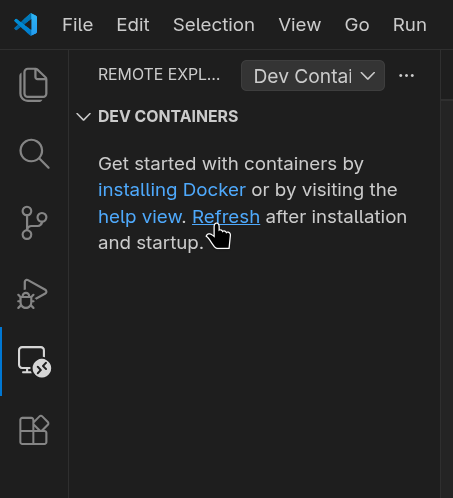
## From flatpak
Alternatively you may want to install VSCode on your host. We will explore how
to integrate VSCode installed via **Flatpak** with Distrobox.
For this one you'll need to use VSCode from Microsoft, and not VSCodium, in order
to have access to the remote containers extension.
### First step install it
```shell
~$ flatpak install --user app/com.visualstudio.code
```
### Second step, extensions
Now we want to install VSCode [Dev Containers extension](https://marketplace.visualstudio.com/items?itemName=ms-vscode-remote.remote-containers)

### Third step podman wrapper
Being in a Flatpak, we will need access to host's `podman` to be
able to use the containers. Place this in your `~/.local/bin/podman-host`
In case of access to host's `docker` to be
able to use the containers, use `~/.local/bin/docker-host`
For podman:
```shell
curl -s https://raw.githubusercontent.com/89luca89/distrobox/main/extras/podman-host -o ~/.local/bin/podman-host
chmod +x ~/.local/bin/podman-host
```
For docker:
```shell
curl -s https://raw.githubusercontent.com/89luca89/distrobox/main/extras/docker-host -o ~/.local/bin/docker-host
chmod +x ~/.local/bin/docker-host
```
Open VSCode settings (Ctrl+,) and head to `Remote>Containers>Docker Path` and
set it to the path of `/home//.local/bin/podman-host` (or docker-host in case of docker), like in the example

This will give a way to execute host's container manager from within the
flatpak app.
## Final Result
After that, we're good to go! Open VSCode and Attach to Remote Container:

And let's choose our Distrobox

And we're good to go! We have our VSCode remote session inside our Distrobox container!

# Open VSCode directly attached to our Distrobox
You may want to instead have a more direct way to launch your VSCode when you're already in your project directory,
in this case you can use `vscode-distrobox` script:
```shell
curl -s https://raw.githubusercontent.com/89luca89/distrobox/main/extras/vscode-distrobox -o ~/.local/bin/vscode-distrobox
chmod +x ~/.local/bin/vscode-distrobox
```
This will make it easy to launch VSCode attached to target distrobox, on a target path:
`vscode-distrobox my-distrobox /path/to/project`
================================================
FILE: docs/posts/posts.md
================================================
- [Distrobox](../README.md)
---
## Latest posts
- [Execute a command on the Host](execute_commands_on_host.md)
- [Install Podman in HOME](install_podman_static.md)
- [Install Lilipod in HOME](install_lilipod_static.md)
- [Install on Steamdeck](steamdeck_guide.md)
- [Integrate VSCode and Distrobox](integrate_vscode_distrobox.md)
- [Run Libvirt using distrobox](run_libvirt_in_distrobox.md)
- [Run latest GNOME and KDE Plasma using distrobox](run_latest_gnome_kde_on_distrobox.md)
================================================
FILE: docs/posts/run_latest_gnome_kde_hyprland_on_distrobox.md
================================================
- [Distrobox](../README.md)
- [Run latest GNOME, KDE Plasma, and Hyprland using distrobox](run_latest_gnome_kde_on_distrobox.md)
- [Using a stable-release distribution](#using-a-stable-release-distribution)
- [Initializing the distrobox](#initializing-the-distrobox)
- [Running Latest GNOME](#running-latest-gnome)
- [Generate session file - GNOME](#generate-session-file---gnome)
- [Running Latest Plasma](#running-latest-plasma)
- [Generate session file - Plasma](#generate-session-file---plasma)
- [Add a couple of fixes](#add-a-couple-of-fixes)
- [Running Latest Hyprland](#running-latest-hyprland)
- [Using other GUIs](#using-other-guis)
- [Using apps from host](#using-apps-from-host)
---
⚠️ **BE CAREFUL**:⚠️ THIS IS EXPERIMENTAL, JUST FOOD FOR THOUGHTS
⚠️ **BE CAREFUL**:⚠️ BUG REPORTS FOR THIS TYPE OF EXPERIMENTS WILL BE TREATED WITH VERY LOW PRIORITY
# Using a stable-release distribution
Lots of people prefer to run a distribution following a stable-LTS release cycle
like Debian, UbuntuLTS or CentOS family (Almalinux, Rocky Linux).
This ensures great stability on one hand, but package staling on the other.
One way to counter this effect is to use a pet-container managed by Distrobox
to run packages from much newer distributions without giving up on core base os stability.
## Initializing the distrobox
For this experiment we'll use Fedora Rawhide as our distrobox, and Centos 8 Stream
as our host, so:
```shell
distrobox create --name fedora-rawhide --init --additional-packages "systemd" --image registry.fedoraproject.org/fedora:rawhide
```
and
```shell
distrobox enter fedora-rawhide
```
## Running Latest GNOME
First we need to install GNOME in the container:
```shell
user@fedora-rawhide:~$ sudo dnf group install gnome-desktop
```
And let's grab a coffee while it finishes :-)
After the `dnf` process finishes, we have GNOME installed in our container,
now how do we use it?
### Generate session file - GNOME
First in the host we need a reliable way to fix the permissions problem of the
`/tmp/.X11-unix` directory. This directory should either belong to `root` or
`$USER`. But in a rootless container, host's `root` is not mapped inside the
container so we need to change the ownership from `root` to `$USER` each time.
Let's add:
```shell
chown -f -R $USER:$USER /tmp/.X11-unix
```
to `/etc/profile.d/fix_tmp.sh` file.
This is needed for the XWayland session to work properly which right now is
necessary to run gnome-shell even on wayland.
Then we need to add a desktop file for the session on the **host's** file system,
so that it appears on your login manager (Be it SDDM or GDM)
```shell
[Desktop Entry]
Name=GNOME on Wayland (fedora-rawhide distrobox)
Comment=This session logs you into GNOME
Exec=/usr/local/bin/distrobox-enter -n fedora-rawhide -- /usr/bin/gnome-session
Type=Application
DesktopNames=GNOME
X-GDM-SessionRegisters=true
```
This file should be placed under `/usr/local/share/wayland-sessions/distrobox-gnome.desktop`
(If it doesn't show up, you can place it under `/usr/share/xsessions/distrobox-gnome.desktop`)
Let's log out and voilá!

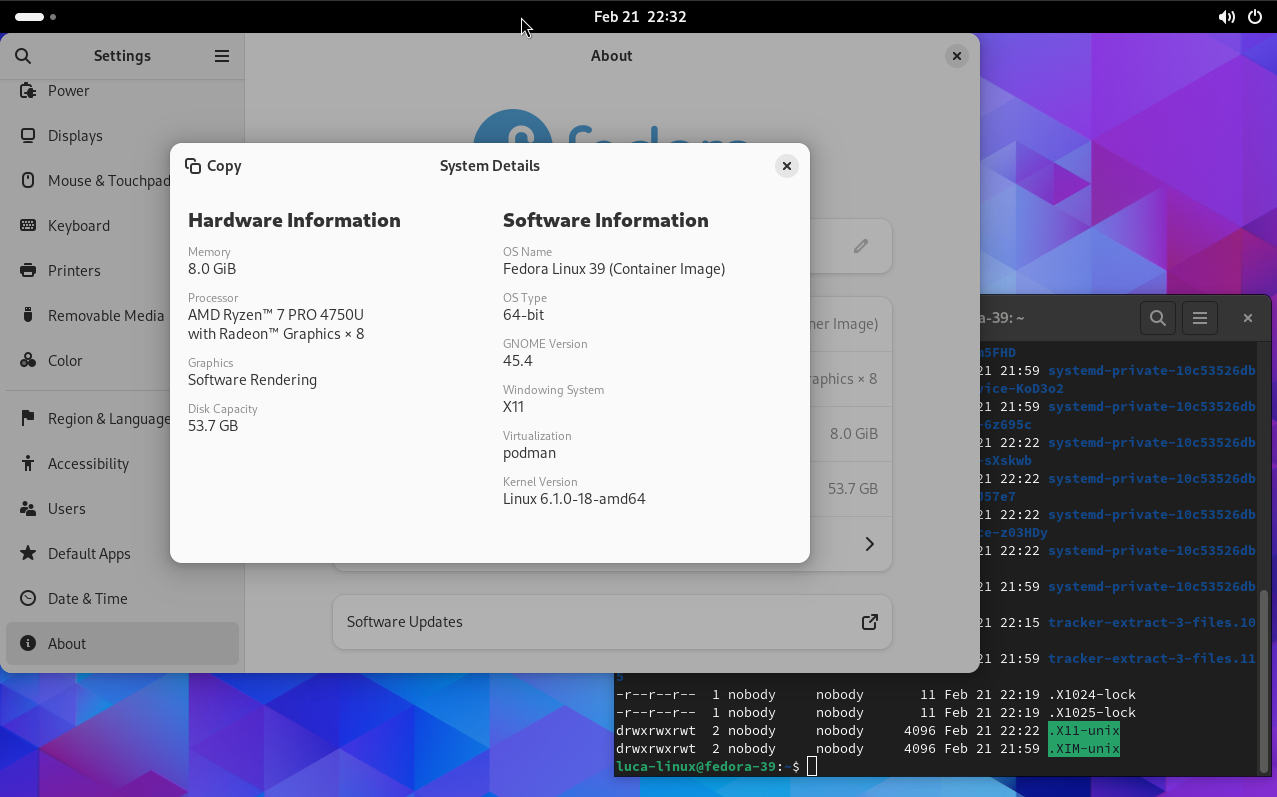
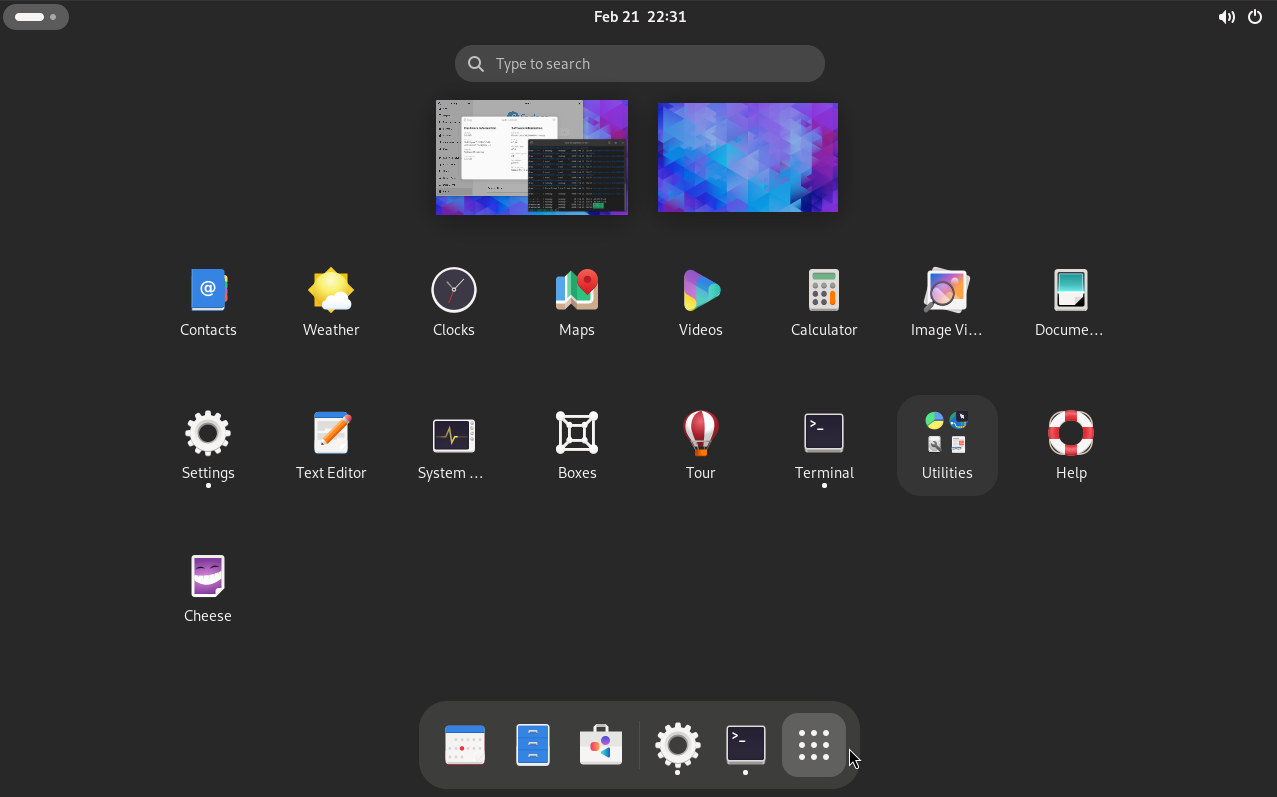
We now are in a GNOME 42 session inside Fedora Rawhide while our main OS remains
Centos.
## Running Latest Plasma
We first need to install Plasma in the container:
```shell
user@fedora-rawhide:~$ sudo dnf groupinstall KDE
```
### Generate session file - Plasma
We need to add a desktop file for the session on the **host's** file system,
so that it appears on your login manager (Be it SSDM or GDM)
```shell
[Desktop Entry]
Exec=/usr/local/bin/distrobox-enter -- /usr/libexec/plasma-dbus-run-session-if-needed /usr/bin/startplasma-wayland
DesktopNames=KDE
Name=Plasma on Wayland (fedora-rawhide distrobox)
X-KDE-PluginInfo-Version=5.23.3
```
This file should be placed under `/usr/local/share/wayland-sessions/distrobox-plasma.desktop`
(If it doesn't show up, you can place it under `/usr/share/xsessions/distrobox-plasma.desktop`)
### Add a couple of fixes
To make Plasma work we need a couple more fixes to run both on the host and in the container.
First in the host we need a reliable way to fix the permissions problem of the
`/tmp/.X11-unix` directory. This directory should either belong to `root` or
`$USER`. But in a rootless container, host's `root` is not mapped inside the
container so we need to change the ownership from `root` to `$USER` each time.
Let's add:
```shell
chown -f -R $USER:$USER /tmp/.X11-unix
```
to `/etc/profile.d/fix_tmp.sh` file.
We also need to add a process in autostart on which Plasma shell relies on a
process called `kactivitymanagerd`. Not having host's systemd at disposal we
can start it simply adding it to the ~/.profile file, add:
```shell
if [ -f /usr/libexec/kactivitymanagerd ]; then
/usr/libexec/kactivitymanagerd & disown
fi
```
to `~/.profile` file.
Let's log out and voilá!


We now are in latest KDE Plasma session inside Fedora Rawhide while our main OS remains
Centos.
## Running Latest Hyprland
Hyprland is a bit tricky because of how it is implemented. We will need to
create a container with access to `dri` and `input` devices, along with the dbus
socket that Wayland will use. Simply use this as a template:
```shell
distrobox-create -n hyprbox -i archlinux:latest \
--additional-flags "--device /dev/dri --device /dev/input -v /run/dbus/system_bus_socket:/run/dbus/system_bus_socket"
```
Install Hyprland inside the container and then use the following line to start Hyprland:
```shell
distrobox-enter hyprbox -- bash -c '
#export XDG_RUNTIME_DIR=$XDG_RUNTIME_DIR
#export WAYLAND_DISPLAY=$WAYLAND_DISPLAY
exec Hyprland
'
```
This will require you to not have any other Wayland sessions running.
If you want to run Hyprland on a second tty, set the `XDG_RUNTIME_DIR` and the
`WAYLAND_DISPLAY` variables to something unique. Otherwise, applications
launched from the container will display on the first Wayland Display they see.
# Using other GUIs
Thanks to [J.S. Evans](https://twitter.com/usenetnerd) he experimented and wrote a beautiful blog post
on how to use Distrobox for much more than simply running apps.
You'll read on how to set up a working Ubuntu container with IceWM running on Xorg using Distrobox:
[Read the Article HERE](https://cloudyday.tech.blog/2022/05/14/distrobox-is-awesome/)
# Using apps from host
Now that we're in a container session, we may want to still use some of the host's
apps. Refer to [THIS](execute_commands_on_host.md) to create handlers and wrappers
to use the complete selection of host's apps and binaries inside the container.
================================================
FILE: docs/posts/run_libvirt_in_distrobox.md
================================================
- [Distrobox](../README.md)
- [Run Libvirt using distrobox](run_libvirt_in_distrobox.md)
- [Prepare the container](#prepare-the-container)
- [Launch from the container](#launch-from-the-container)
- [Connect via SSH](#connect-via-ssh)
# Using an immutable distribution
If you are on an immutable distribution (Silverblue/Kionite, Aeon/Kalpa) chances are that
installing lots and lots of packages on the base system is not advisable.
One way is to use a distrobox for them.
## Prepare the container
To run libvirt/qemu/kvm we need a systemd container and we need a **rootful** container
to be able to use it, see [this tip](../useful_tips.md#using-init-system-inside-a-distrobox)
to have a list of compatible images.
We will use in this example OpenSUSE's dedicated distrobox image:
Assembly file:
```ini
[libvirt]
image=registry.opensuse.org/opensuse/distrobox:latest
pull=true
init=true
root=true
entry=true
start_now=false
unshare_all=true
additional_packages="systemd"
# Basic utilities for terminal use
init_hooks="zypper in -y --no-recommends openssh-server patterns-server-kvm_server patterns-server-kvm_tools qemu-arm qemu-ppc qemu-s390x qemu-extra qemu-linux-user qemu-hw-display-virtio-gpu-pci qemu-hw-display-virtio-gpu"
init_hooks="systemctl enable sshd.service"
init_hooks="systemctl enable virtqemud.socket virtnetworkd.socket virtstoraged.socket virtnodedevd.socket"
# Add the default user to the libvirt group
init_hooks="usermod -aG libvirt ${USER}"
# Expose container ssh on host
additional_flags="-p 2222:22"
# Export virt-manager
exported_apps="virt-manager"
```
Alternatively, command line:
```console
distrobox create --pull --root --init --unshare-all --image registry.opensuse.org/opensuse/distrobox:latest --name libvirtd --additional-flags "-p 2222:22" \
--init-hooks "zypper in -y --no-recommends openssh-server patterns-server-kvm_server patterns-server-kvm_tools qemu-arm qemu-ppc qemu-s390x qemu-extra qemu-linux-user qemu-hw-display-virtio-gpu-pci qemu-hw-display-virtio-gpu && systemctl enable sshd.service && systemctl enable virtqemud.socket virtnetworkd.socket virtstoraged.socket virtnodedevd.socket && usermod -aG libvirt $USER"
distrobox-enter --root libvirtd -- distrobox-export --app virt-manager
```
## Launch from the container
Simply select the `Virt Manager (on libvirt)` entry in your menu, entry your root password and you're done!
## Connect via SSH
You can alternatively connect from an existing VirtManager
Now you will need to **Add a connection**:

Then set it like this:
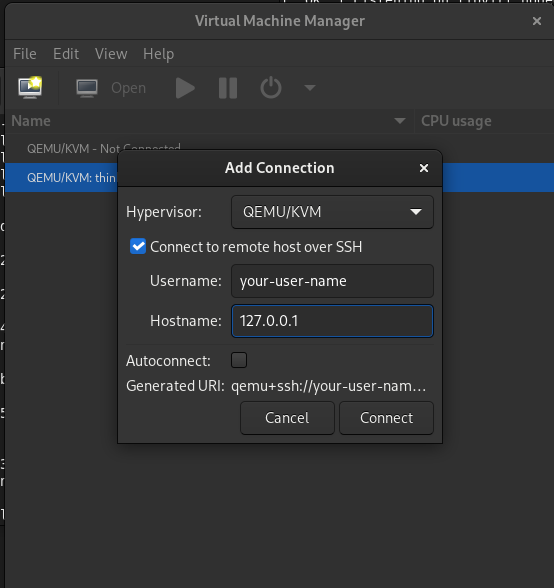
- Tick the "Use ssh" option
- username: ``
- hostname: 127.0.0.1:2222
Optionally you can set it to autoconnect.
Now you can simply double click the connection to activate it, you'll be prompted
with your password, insert the same password as the host:
And you should be good to go!

================================================
FILE: docs/posts/steamdeck_guide.md
================================================
### Install Distrobox and Podman PERMANENT on Steam Deck >= 3.5
**1 - Modify $PATH for binaries**
First, verify if ~/.bashrc contains the necessary $PATH modification. Open the file with:
`nano ~/.bashrc`
Add the following line if it’s not already there:
`export PATH=/home/deck/.local/bin:$PATH`
**2 - Install and configure Distrobox**
To install Distrobox in the defined $PATH, use one of the following commands
depending on whether you need the latest version (`--next`) or not:
`curl -s https://raw.githubusercontent.com/89luca89/distrobox/main/install | sh -s -- --prefix $HOME/.local`
After installing, create the file `~/.distroboxrc` if it doesn't already exist.
Open it with:
`nano ~/.distroboxrc`
Add the following lines to configure Distrobox:
```sh
# Ensure the graphical apps can talk to the Xwayland session
xhost +si:localuser:$USER >/dev/null
# Force the use of pulseaudio inside the container
export PIPEWIRE_RUNTIME_DIR=/dev/null
# Needed to ensure distrobox can find the podman binary we previously downloaded
export PATH=/home/deck/.local/bin:$PATH
export PATH=$PATH:/home/deck/.local/bin
```
**3 - Install and configure Podman**
To install Podman, download the latest version from the GitHub releases page:
[](https://github.com/89luca89/podman-launcher/releases)
`curl -L -o /home/deck/Downloads/podman-launcher-amd64 https://github.com/89luca89/podman-launcher/releases/download/v0.0.5/podman-launcher-amd64`
Next, move and rename the Podman binary with ROOT permissions to the $PATH:
`mv /home/deck/Downloads/podman-launcher-amd64 /home/deck/.local/bin/podman`
Then, make Podman executable:
`chmod +x /home/deck/.local/bin/podman`
Configure the deck user’s UID and GID mapping with the following commands:
`sudo touch /etc/subuid /etc/subgid`
`sudo usermod --add-subuid 100000-165535 --add-subgid 100000-165535 deck`
**4 - Configure Distrobox Icon folder** - (if you install distrobox with sudo)
To ensure Distrobox can store its icons correctly, set the proper permissions
on the `/home/deck/.local/share/icons` folder with:
`chown deck:deck /home/deck/.local/share/icons`
**5 - Verify installations**
After the installation steps, verify that both Distrobox and Podman are properly
installed and configured. Use the following commands:
`which distrobox`
`which podman`
`distrobox --version`
`podman --version`
`podman info`
**6 - Create and test distros** - install pulseaudio within the distros
You can now create and test containers with Distrobox. To create and test a
ROOTLESS container, run:
`distrobox create --image docker.io/library/archlinux:latest --name arch`
For a ROOT container, use:
`distrobox create --image docker.io/library/archlinux:latest --name rarch --root`
You can either remove the created distros later or keep them for regular use.
================================================
FILE: docs/style.css
================================================
/*
OS Component Website
====================
shamelessly stolen CSS from systemd
https://github.com/systemd/systemd/tree/main/docs
*/
/* GNOME Color Palette */
:root {
--rounded-corner: 12px;
--blue1: rgb(153,193,241);
--blue2: rgb(98,160,234);
--blue3: rgb(53,132,228);
--blue4: rgb(28,113,216);
--blue5: rgb(26,95,180);
--green1: rgb(143,240,164);
--green2: rgb(87,227,137);
--green3: rgb(51,209,122);
--green4: rgb(46,194,126);
--green5: rgb(38,162,105);
--yellow1: rgb(249,240,107);
--yellow2: rgb(248,228,92);
--yellow3: rgb(246,211,45);
--yellow4: rgb(245,194,17);
--yellow5: rgb(229,165,10);
--orange1: rgb(255,190,111);
--orange2: rgb(255,163,72);
--orange3: rgb(255,120,0);
--orange4: rgb(230,97,0);
--orange5: rgb(198,70,0);
--red1: rgb(246,97,81);
--red2: rgb(237,51,59);
--red3: rgb(224,27,36);
--red4: rgb(192,28,40);
--red5: rgb(165,29,45);
--purple1: rgb(220,138,221);
--purple2: rgb(192,97,203);
--purple3: rgb(145,65,172);
--purple4: rgb(129,61,156);
--purple5: rgb(97,53,131);
--brown1: rgb(205,171,143);
--brown2: rgb(181,131,90);
--brown3: rgb(152,106,68);
--brown4: rgb(134,94,60);
--brown5: rgb(99,69,44);
--light1: rgb(255,255,255);
--light2: rgb(246,245,244);
--light3: rgb(222,221,218);
--light4: rgb(192,191,188);
--light5: rgb(154,153,150);
--dark1: rgb(119,118,123);
--dark2: rgb(94,92,100);
--dark3: rgb(61,56,70);
--dark4: rgb(36,31,49);
--dark5: rgb(0,0,0);
--primary-color: var(--medium-armadillo); /* Set your project color */
--borders: var(--light3);
--dark-armadillo: #4f433c;
--medium-armadillo: #70594d;
--light-armadillo: #f0e2d1;
}
/* Typography */
@font-face {
font-family: 'Inter Var';
font-weight: 100 900;
font-display: swap;
font-style: oblique 0deg 10deg;
src: url("fonts/Inter.var.woff2?v=3.19") format("woff2");
}
* {
-moz-box-sizing: border-box;
-webkit-box-sizing: border-box;
box-sizing: border-box;
}
html, body {
margin: 0;
padding: 0;
font-size: 16px;
font-family: "Inter Var", sans-serif;
font-weight: 400;
line-height: 1.6;
scroll-behavior: smooth;
}
body {
color: #241f31;
background-color: #f6f5f4;
/* ⇩⇩ put footer at the bottom for short pages, such as the 404 ⇩⇩ */
display: grid;
min-height: 100vh;
grid-template-rows: auto minmax(auto,1fr) auto; /* header, stuff, footer */
}
h1, h2, h3, h4, h5, h6 {
margin: 3rem 0 1rem;
font-weight: 600;
line-height: 1.25;
font-variation-settings: "wght" 600; /* needed for webkit */
}
h1 {
font-size: 1.5rem;
font-weight: 100;
font-style: normal;
margin: 3rem 0 1rem;
}
@media screen and (min-width: 650px) {
h1 {
font-size: 1.6rem;
}
}
h2 {
font-size: 1.2rem;
}
@media (prefers-color-scheme: dark) {
body {
filter: invert(100%) hue-rotate(180deg);
}
html {
background-color: var(--dark5);
}
img, video, iframe {
filter: invert(100%) hue-rotate(180deg);
}
}
a {
font-weight: 600;
text-decoration: none;
color: var(--primary-color);
cursor: pointer;
font-variation-settings: "wght" 600; /* needed for webkit */
}
a:hover {
text-decoration: underline;
}
b {
font-weight: 600;
}
small {
color: #777;
}
hr {
margin: 3rem auto 4rem;
width: 40%;
opacity: 40%;
}
img {
display: block;
margin: 2rem auto;
max-width: 100%;
}
img.full { width: 100%; }
img.pixels {
image-rendering: crisp-edges; /* older firefox browsers */
image-rendering: pixelated;
}
/* Layout */
.container {
width: 80%;
margin-left: auto;
margin-right: auto;
max-width: 720px;
}
/* Singletons */
#logo {
display: block;
width: 251px; height: 26px;
background: url('assets/page-logo.svg') no-repeat center;
padding: 5rem 0 3rem;
margin: 0 auto;
position: relative;
}
#logo a {
display: block;
position: absolute;
top: 0; left: 0; right: 0; bottom: 0;
color: rgba(0,0,0,0); /* make text transparent */
cursor: pointer;
}
.page-logo > img {
margin: 0 auto;
}
@media (prefers-color-scheme: dark) {
#logo {
filter: invert(100%) hue-rotate(180deg); /* uninvert */
background-image: url('assets/page-logo-i.svg');
}
}
.brand-white {
background-color: #fff;
}
.brand-green {
background-color: #30D475;
}
.brand-black {
background-color: #201A26;
color: white;
}
.page-link::after {
content: " ➜";
}
/* Footer */
footer {
text-align: center;
padding: 3em 0 3em;
font-size: 1em;
margin-top: 4rem;
}
/* Make tables vertically aligned to the top */
tbody td {
vertical-align: top;
}
/* Github Code Highlighting */
.highlight table td { padding: 5px; }
.highlight table pre { margin: 0; }
.highlight .cm {
color: #999988;
font-style: italic;
}
.highlight .cp {
color: #999999;
font-weight: bold;
}
.highlight .c1 {
color: #999988;
font-style: italic;
}
.highlight .cs {
color: #999999;
font-weight: bold;
font-style: italic;
}
.highlight .c, .highlight .ch, .highlight .cd, .highlight .cpf {
color: #999988;
font-style: italic;
}
.highlight .err {
color: #a61717;
background-color: #e3d2d2;
}
.highlight .gd {
color: #000000;
background-color: #ffdddd;
}
.highlight .ge {
color: #000000;
font-style: italic;
}
.highlight .gr {
color: #aa0000;
}
.highlight .gh {
color: #999999;
}
.highlight .gi {
color: #000000;
background-color: #ddffdd;
}
.highlight .go {
color: #888888;
}
.highlight .gp {
color: #555555;
}
.highlight .gs {
font-weight: bold;
}
.highlight .gu {
color: #aaaaaa;
}
.highlight .gt {
color: #aa0000;
}
.highlight .kc {
color: #000000;
font-weight: bold;
}
.highlight .kd {
color: #000000;
font-weight: bold;
}
.highlight .kn {
color: #000000;
font-weight: bold;
}
.highlight .kp {
color: #000000;
font-weight: bold;
}
.highlight .kr {
color: #000000;
font-weight: bold;
}
.highlight .kt {
color: #445588;
font-weight: bold;
}
.highlight .k, .highlight .kv {
color: #000000;
font-weight: bold;
}
.highlight .mf {
color: #009999;
}
.highlight .mh {
color: #009999;
}
.highlight .il {
color: #009999;
}
.highlight .mi {
color: #009999;
}
.highlight .mo {
color: #009999;
}
.highlight .m, .highlight .mb, .highlight .mx {
color: #009999;
}
.highlight .sb {
color: #d14;
}
.highlight .sc {
color: #d14;
}
.highlight .sd {
color: #d14;
}
.highlight .s2 {
color: #d14;
}
.highlight .se {
color: #d14;
}
.highlight .sh {
color: #d14;
}
.highlight .si {
color: #d14;
}
.highlight .sx {
color: #d14;
}
.highlight .sr {
color: #009926;
}
.highlight .s1 {
color: #d14;
}
.highlight .ss {
color: #990073;
}
.highlight .s, .highlight .sa, .highlight .dl {
color: #d14;
}
.highlight .na {
color: #008080;
}
.highlight .bp {
color: #999999;
}
.highlight .nb {
color: #0086B3;
}
.highlight .nc {
color: #445588;
font-weight: bold;
}
.highlight .no {
color: #008080;
}
.highlight .nd {
color: #3c5d5d;
font-weight: bold;
}
.highlight .ni {
color: #800080;
}
.highlight .ne {
color: #990000;
font-weight: bold;
}
.highlight .nf, .highlight .fm {
color: #990000;
font-weight: bold;
}
.highlight .nl {
color: #990000;
font-weight: bold;
}
.highlight .nn {
color: #555555;
}
.highlight .nt {
color: #000080;
}
.highlight .vc {
color: #008080;
}
.highlight .vg {
color: #008080;
}
.highlight .vi {
color: #008080;
}
.highlight .nv, .highlight .vm {
color: #008080;
}
.highlight .ow {
color: #000000;
font-weight: bold;
}
.highlight .o {
color: #000000;
font-weight: bold;
}
.highlight .w {
color: #bbbbbb;
}
.highlight {
background-color: #f8f8f8;
}
/* Code Blocks */
.highlighter-rouge {
padding: 2px 1rem;
border-radius: 5px;
background-color: var(--light1);
max-width: 100%;
overflow-x: auto;
}
@media only screen and (max-device-width : 480px) {
/*mobile*/
.highlighter-rouge { max-width: 80vw; }
}
.highlighter-rouge * {
background-color: var(--light1);
}
/* Inline Code */
code.highlighter-rouge {
padding: 2px 6px;
background-color: rgba(0,0,0, 0.07);
}
/* Buttons */
.dialog-buttons {
display: flex;
flex-direction: row;
align-items: baseline;
justify-content: space-between;
margin-top: 6rem;
}
.inline-button {
display: inline-block;
font-weight: 900;
font-size: 90%;
padding: .4rem 1rem;
border-radius: var(--rounded-corner);
background-color: rgba(0,0,0,0.05);
color: var(--dark5);
}
================================================
FILE: docs/usage/distrobox-assemble.md
================================================
# NAME
distrobox assemble
distrobox-assemble
# DESCRIPTION
distrobox-assemble takes care of creating or destroying containers in batches,
based on a manifest file.
The manifest file by default is `./distrobox.ini`, but can be specified using the
`--file` flag.
# SYNOPSIS
**distrobox assemble**
--file: path or URL to the distrobox manifest/ini file
--name/-n: run against a single entry in the manifest/ini file
--replace/-R: replace already existing distroboxes with matching names
--dry-run/-d: only print the container manager command generated
--verbose/-v: show more verbosity
--version/-V: show version
# EXAMPLES
This is an example manifest file to create two containers:
[ubuntu]
additional_packages="git vim tmux nodejs"
image=ubuntu:latest
init=false
nvidia=false
pull=true
root=false
replace=true
start_now=false
# You can add comments using this #
[arch] # also inline comments are supported
additional_packages="git vim tmux nodejs"
home=/tmp/home
image=archlinux:latest
init=false
start_now=true
init_hooks="touch /init-normal"
nvidia=true
pre_init_hooks="touch /pre-init"
pull=true
root=false
replace=false
volume="/tmp/test:/run/a /tmp/test:/run/b"
**Create**
We can bring them up simply using
distrobox assemble create
If the file is called `distrobox.ini` and is in the same directory you're launching
the command, no further arguments are needed.
You can specify a custom path for the file using
distrobox assemble create --file /my/custom/path.ini
Or even specify a remote file, by using an URL:
distrobox-assemble create --file https://raw.githubusercontent.com/89luca89/dotfiles/master/distrobox.ini
**Replace**
By default, `distrobox assemble` will replace a container only if `replace=true`
is specified in the manifest file.
In the example of the manifest above, the ubuntu container will always be replaced
when running `distrobox assemble create`, while the arch container will not.
To force a replace for all containers in a manifest use the `--replace` flag
distrobox assemble create --replace [--file my/custom/path.ini]
**Remove**
We can bring down all the containers in a manifest file by simply doing
distrobox assemble rm
Or using a custom path for the ini file
distrobox assemble rm --file my/custom/path.ini
**Test**
You can always test what distrobox **would do** by using the `--dry-run` flag.
This command will only print what commands distrobox would do without actually
running them.
**Clone**
**Disclaimer**: You need to start the container once to ensure it is fully initialized and created
before cloning it. The container being copied must also be stopped before the cloning process can proceed.
**Available options**
This is a list of available options with the corresponding type:
Types legend:
- bool: true or false
- string: a single string, for example `home="/home/luca-linux/dbox"`
- string_list: multiple strings, for example `additional_packages="htop vim git"`. Note that `string_list` can be
declared multiple times to be compounded:
```ini
[ubuntu]
image=ubuntu:latest
additional_packages="git vim tmux nodejs"
additional_packages="htop iftop iotop"
additional_packages="zsh fish"
```
| Flag Name | Type | |
| - | - | - |
| additional_flags | string_list | Additional flags to pass to the container manager |
| additional_packages | string_list | Additional packages to install inside the container |
| home | string | Which home directory should the container use |
| hostname | string | Set hostname of the container |
| image | string | Which image should the container use, look [here](../compatibility.md) for a list |
| clone | string | Name of the Distrobox container to use as the base for a new container (the container must be stopped). |
| include | string | Name of the entry in the manifest to include in the current definition. |
| init_hooks | string_list | Commands to run inside the container, after the packages setup |
| pre_init_hooks | string_list | Commands to run inside the container, before the packages setup |
| volume | string_list | Additional volumes to mount inside the containers |
| exported_apps | string_list | App names or desktopfile paths to export |
| exported_bins | string_list | Binaries to export |
| exported_bins_path | string | Optional path where to export binaries (default: $HOME/.local/bin) |
| entry | bool | Generate an entry for the container in the app list (default: false) |
| start_now | bool | Start the container immediately (default: false) |
| init | bool | Specify if this is an initful container (default: false) |
| nvidia | bool | Specify if you want to enable NVidia drivers integration (default: false) |
| pull | bool | Specify if you want to pull the image every time (default: false) |
| root | bool | Specify if the container is rootful (default: false) |
| unshare_groups | bool | Specify if the container should unshare users additional groups (default: false) |
| unshare_ipc | bool | Specify if the container should unshare the ipc namespace (default: false) |
| unshare_netns | bool | Specify if the container should unshare the network namespace (default: false) |
| unshare_process | bool | Specify if the container should unshare the process (pid) namespace (default: false) |
| unshare_devsys | bool | Specify if the container should unshare /dev (default: false) |
| unshare_all | bool | Specify if the container should unshare all the previous options (default: false) |
The `include` option copies the attributes of a definition into another one. Recursive inclusions are allowed.
It operates on the manifest file and the consequent `distrobox` containers have no relation of any kind.
Please be aware that attributes in the including definition will not override nor shadow the ones in the included definition,
they will simply duplicate.
For further explanation of each of the other options in the list, take a look at the [distrobox create usage](distrobox-create.md#synopsis),
each option corresponds to one of the `create` flags.
**Advanced example**
[tumbleweed_distrobox]
image=registry.opensuse.org/opensuse/distrobox
pull=true
additional_packages="acpi bash-completion findutils iproute iputils sensors inotify-tools unzip"
additional_packages="net-tools nmap openssl procps psmisc rsync man tig tmux tree vim htop xclip yt-dlp"
additional_packages="git git-credential-libsecret"
additional_packages="patterns-devel-base-devel_basis"
additional_packages="ShellCheck ansible-lint clang clang-tools codespell ctags desktop-file-utils gcc golang jq python3"
additional_packages="python3-bashate python3-flake8 python3-mypy python3-pipx python3-pycodestyle python3-pyflakes python3-pylint python3-python-lsp-server python3-rstcheck python3-yapf python3-yamllint rustup shfmt"
additional_packages="kubernetes-client helm"
init_hooks=GOPATH="${HOME}/.local/share/system-go" GOBIN=/usr/local/bin go install github.com/golangci/golangci-lint/cmd/golangci-lint@latest;
init_hooks=GOPATH="${HOME}/.local/share/system-go" GOBIN=/usr/local/bin go install github.com/onsi/ginkgo/v2/ginkgo@latest;
init_hooks=GOPATH="${HOME}/.local/share/system-go" GOBIN=/usr/local/bin go install golang.org/x/tools/cmd/goimports@latest;
init_hooks=GOPATH="${HOME}/.local/share/system-go" GOBIN=/usr/local/bin go install golang.org/x/tools/gopls@latest;
init_hooks=GOPATH="${HOME}/.local/share/system-go" GOBIN=/usr/local/bin go install sigs.k8s.io/kind@latest;
init_hooks=ln -sf /usr/bin/distrobox-host-exec /usr/local/bin/conmon;
init_hooks=ln -sf /usr/bin/distrobox-host-exec /usr/local/bin/crun;
init_hooks=ln -sf /usr/bin/distrobox-host-exec /usr/local/bin/docker;
init_hooks=ln -sf /usr/bin/distrobox-host-exec /usr/local/bin/docker-compose;
init_hooks=ln -sf /usr/bin/distrobox-host-exec /usr/local/bin/flatpak;
init_hooks=ln -sf /usr/bin/distrobox-host-exec /usr/local/bin/podman;
init_hooks=ln -sf /usr/bin/distrobox-host-exec /usr/local/bin/xdg-open;
exported_apps="htop"
exported_bins="/usr/bin/htop /usr/bin/git"
exported_bins_path="~/.local/bin"
**Clone example**
[ubuntu]
additional_packages="git vim tmux"
image=ubuntu:latest
init=false
nvidia=false
pull=true
root=false
replace=true
start_now=true
[deno_ubuntu]
clone=ubuntu
init=false
nvidia=false
pull=true
root=false
replace=true
start_now=true
pre_init_hooks=curl -fsSL https://deno.land/install.sh | sh;
[bun_ubuntu]
clone=ubuntu
init=false
nvidia=false
pull=true
root=false
replace=true
start_now=true
pre_init_hooks=curl -fsSL https://bun.sh/install | bash;
**Custom login shell example**
[ubuntu]
image=ubuntu:latest
pre_init_hooks="export SHELL=/bin/bash;"
**Include example (inherit fields from another distrobox)**
[ubuntu]
image=ubuntu:latest
additional_packages="git vim tmux nodejs"
additional_packages="htop iftop iotop"
additional_packages="zsh fish"
[ubuntu-nvidia]
include=ubuntu
nvidia=true
================================================
FILE: docs/usage/distrobox-create.md
================================================
# NAME
distrobox create
distrobox-create
# DESCRIPTION
distrobox-create takes care of creating the container with input name and image.
The created container will be tightly integrated with the host, allowing sharing of
the HOME directory of the user, external storage, external usb devices and
graphical apps (X11/Wayland), and audio.
# SYNOPSIS
**distrobox create**
--image/-i: image to use for the container default: ${container_image_default}
--name/-n: name for the distrobox default: ${container_name_default}
--hostname: hostname for the distrobox default: .$(uname -n)
--pull/-p: pull the image even if it exists locally (implies --yes)
--yes/-Y: non-interactive, pull images without asking
--root/-r: launch podman/docker/lilipod with root privileges. Note that if you need root this is the preferred
way over "sudo distrobox" (note: if using a program other than 'sudo' for root privileges is necessary,
specify it through the DBX_SUDO_PROGRAM env variable, or 'distrobox_sudo_program' config variable)
--clone/-c: name of the distrobox container to use as base for a new container
this will be useful to either rename an existing distrobox or have multiple copies
of the same environment.
--home/-H: select a custom HOME directory for the container. Useful to avoid host's home littering with temp files.
--volume: additional volumes to add to the container
--additional-flags/-a: additional flags to pass to the container manager command
--additional-packages/-ap: additional packages to install during initial container setup
--init-hooks: additional commands to execute at the end of container initialization
--pre-init-hooks: additional commands to execute at the start of container initialization
--init/-I: use init system (like systemd) inside the container.
this will make host's processes not visible from within the container. (assumes --unshare-process)
may require additional packages depending on the container image: https://github.com/89luca89/distrobox/blob/main/docs/useful_tips.md#using-init-system-inside-a-distrobox
--nvidia: try to integrate host's nVidia drivers in the guest
--platform: specify which platform to use, eg: linux/arm64
--unshare-devsys: do not share host devices and sysfs dirs from host
--unshare-groups: do not forward user's additional groups into the container
--unshare-ipc: do not share ipc namespace with host
--unshare-netns: do not share the net namespace with host
--unshare-process: do not share process namespace with host
--unshare-all: activate all the unshare flags below
--compatibility/-C: show list of compatible images
--help/-h: show this message
--no-entry: do not generate a container entry in the application list
--dry-run/-d: only print the container manager command generated
--verbose/-v: show more verbosity
--version/-V: show version
--absolutely-disable-root-password-i-am-really-positively-sure: ⚠️ ⚠️ when setting up a rootful distrobox, this will skip user password setup, leaving it blank. ⚠️ ⚠️
# COMPATIBILITY
for a list of compatible images and container managers, please consult the man page:
man distrobox
man distrobox-compatibility
or consult the documentation page on: https://github.com/89luca89/distrobox/blob/main/docs/compatibility.md#containers-distros
# EXAMPLES
Create a distrobox with image alpine, called my-alpine container
distrobox create --image alpine my-alpine-container
Create a distrobox from fedora-toolbox:35 image
distrobox create --image registry.fedoraproject.org/fedora-toolbox:35 --name fedora-toolbox-35
Clone an existing distrobox container
distrobox create --clone fedora-35 --name fedora-35-copy
Always pull for the new image when creating a distrobox
distrobox create --pull --image centos:stream9 --home ~/distrobox/centos9
Add additional environment variables to the container
distrobox create --image fedora:35 --name test --additional-flags "--env MY_VAR=value"
Add additional volumes to the container
distrobox create --image fedora:35 --name test --volume /opt/my-dir:/usr/local/my-dir:rw --additional-flags "--pids-limit -1"
Add additional packages to the container
distrobox create --image alpine:latest --name test2 --additional-packages "git tmux vim"
Use init-hooks to perform an action during container startup
distrobox create --image alpine:latest --name test --init-hooks "touch /var/tmp/test1 && touch /var/tmp/test2"
Use pre-init-hooks to perform an action at the beginning of the container startup (before any package manager starts)
distrobox create -i docker.io/almalinux/8-init --init --name test --pre-init-hooks "dnf config-manager --enable powertools && dnf -y install epel-release"
Use init to create a Systemd container (acts similar to an LXC):
distrobox create -i ubuntu:latest --name test --additional-packages "systemd libpam-systemd pipewire-audio-client-libraries" --init
Use init to create a OpenRC container (acts similar to an LXC):
distrobox create -i alpine:latest --name test --additional-packages "openrc" --init
Use host's NVidia drivers integration
distrobox create --image ubuntu:22.04 --name ubuntu-nvidia --nvidia
Do not use host's IP inside the container:
distrobox create --image ubuntu:latest --name test --unshare-netns
Create a more isolated container, where only the $HOME, basic sockets and host's FS (in /run/host) is shared:
distrobox create --name unshared-test --unshare-all
Create a more isolated container, with it's own init system, this will act very similar to a full LXC container:
distrobox create --name unshared-init-test --unshare-all --init --image fedora:latest
Use environment variables to specify container name, image and container manager:
DBX_CONTAINER_MANAGER="docker" DBX_NON_INTERACTIVE=1 DBX_CONTAINER_NAME=test-alpine DBX_CONTAINER_IMAGE=alpine distrobox-create
# ENVIRONMENT VARIABLES
DBX_CONTAINER_ALWAYS_PULL
DBX_CONTAINER_CUSTOM_HOME
DBX_CONTAINER_HOME_PREFIX
DBX_CONTAINER_IMAGE
DBX_CONTAINER_MANAGER
DBX_CONTAINER_NAME
DBX_CONTAINER_HOSTNAME
DBX_NON_INTERACTIVE
DBX_SUDO_PROGRAM
DBX_CONTAINER_HOME_PREFIX defines where containers' home directories will be located.
If you define it as ~/dbx then all future containers' home directories will be ~/dbx/$container_name
# EXTRA
The `--additional-flags` or `-a` is useful to modify defaults in the container creations.
For example:
distrobox create -i docker.io/library/archlinux -n dev-arch
podman container inspect dev-arch | jq '.[0].HostConfig.PidsLimit'
2048
distrobox rm -f dev-arch
distrobox create -i docker.io/library/archlinux -n dev-arch --volume $CBL_TC:/tc --additional-flags "--pids-limit -1"
podman container inspect dev-arch | jq '.[0].HostConfig,.PidsLimit'
0
Additional volumes can be specified using the `--volume` flag. This flag follows the
same standard as `docker` and `podman` to specify the mount point so `--volume SOURCE_PATH:DEST_PATH:MODE`.
distrobox create --image docker.io/library/archlinux --name dev-arch --volume /usr/share/:/var/test:ro
During container creation, it is possible to specify (using the additional-flags) some
environment variables that will persist in the container and be independent from your environment:
distrobox create --image fedora:35 --name test --additional-flags "--env MY_VAR=value"
The `--init-hooks` is useful to add commands to the entrypoint (init) of the container.
This could be useful to create containers with a set of programs already installed, add users, groups.
distrobox create --image fedora:35 --name test --init-hooks "dnf groupinstall -y \"C Development Tools and Libraries\""
The `--init` is useful to create a container that will use its own separate init system within.
For example using:
distrobox create -i docker.io/almalinux/8-init --init --name test
distrobox create -i docker.io/library/debian --additional-packages "systemd" --init --name test-debian
Inside the container we will be able to use normal systemd units:
~$ distrobox enter test
user@test:~$ sudo systemctl enable --now sshd
user@test:~$ sudo systemctl status sshd
● sshd.service - OpenSSH server daemon
Loaded: loaded (/usr/lib/systemd/system/sshd.service; enabled; vendor preset: enabled)
Active: active (running) since Fri 2022-01-28 22:54:50 CET; 17s ago
Docs: man:sshd(8)
man:sshd_config(5)
Main PID: 291 (sshd)
Note that enabling `--init` **will disable host's process integration**.
From within the container you will not be able to see and manage host's processes.
This is needed because `/sbin/init` must be pid 1.
If you want to use a non-pre-create image, you'll need to add the additional package:
distrobox create -i alpine:latest --init --additional-packages "openrc" -n test
distrobox create -i debian:stable --init --additional-packages "systemd libpam-systemd pipewire-audio-client-libraries" -n test
distrobox create -i ubuntu:22.04 --init --additional-packages "systemd libpam-systemd pipewire-audio-client-libraries" -n test
distrobox create -i archlinux:latest --init --additional-packages "systemd" -n test
distrobox create -i registry.opensuse.org/opensuse/tumbleweed:latest --init --additional-packages "systemd" -n test
distrobox create -i registry.fedoraproject.org/fedora:39 --init --additional-packages "systemd" -n test
The `--init` flag is useful to create system containers, where the container acts
more similar to a full VM than an application-container.
Inside you'll have a separate init, user-session, daemons and so on.
The `--home` flag let's you specify a custom HOME for the container.
Note that this will NOT prevent the mount of the host's home directory,
but will ensure that configs and dotfiles will not litter it.
The `--root` flag will let you create a container with real root privileges. At
first `enter` the user will be required to setup a password. This is done in order
to not enable passwordless sudo/su, in a **rootful** container, this is needed
because **in this mode, root inside the container is also root outside the container!**
The `--absolutely-disable-root-password-i-am-really-positively-sure` will skip user password setup,
leaving it blank.
**This is genuinely dangerous and you really, positively should NOT enable this**.
From version 1.4.0 of distrobox, when you create a new container, it will also generate
an entry in the applications list.
## NVidia integration
If your host has an NVidia gpu, with installed proprietary drivers, you can integrate
them with the guests by using the `--nvidia` flag:
`distrobox create --nvidia --image ubuntu:latest --name ubuntu-nvidia`
Be aware that **this is not compatible with non-glibc systems** and **needs somewhat newer
distributions to work**.
This feature was tested working on:
- Almalinux
- Archlinux
- Centos 7 and newer
- Clearlinux
- Debian 10 and newer
- OpenSUSE Leap
- OpenSUSE Tumbleweed
- Rockylinux
- Ubuntu 18.04 and newer
- Void Linux (glibc)
================================================
FILE: docs/usage/distrobox-enter.md
================================================
# NAME
distrobox enter
distrobox-enter
# DESCRIPTION
distrobox-enter takes care of entering the container with the name specified.
Default command executed is your SHELL, but you can specify different shells or
entire commands to execute.
If using it inside a script, an application, or a service, you can specify the
--headless mode to disable tty and interactivity.
# SYNOPSIS
**distrobox enter**
--name/-n: name for the distrobox default: my-distrobox
--/-e: end arguments execute the rest as command to execute at login default: default ${USER}'s shell
--no-tty/-T: do not instantiate a tty
--no-workdir/-nw: always start the container from container's home directory
--additional-flags/-a: additional flags to pass to the container manager command
--help/-h: show this message
--root/-r: launch podman/docker/lilipod with root privileges. Note that if you need root this is the preferred
way over "sudo distrobox" (note: if using a program other than 'sudo' for root privileges is necessary,
specify it through the DBX_SUDO_PROGRAM env variable, or 'distrobox_sudo_program' config variable)
--dry-run/-d: only print the container manager command generated
--verbose/-v: show more verbosity
--version/-V: show version
# EXAMPLES
Enter a distrobox named "example"
distrobox-enter example
Enter a distrobox specifying a command
distrobox-enter --name fedora-toolbox-35 -- bash -l
distrobox-enter my-alpine-container -- sh -l
Use additional podman/docker/lilipod flags while entering a distrobox
distrobox-enter --additional-flags "--preserve-fds" --name test -- bash -l
Specify additional environment variables while entering a distrobox
distrobox-enter --additional-flags "--env MY_VAR=value" --name test -- bash -l
MY_VAR=value distrobox-enter --additional-flags "--preserve-fds" --name test -- bash -l
You can also use environment variables to specify container manager and container name:
DBX_CONTAINER_MANAGER="docker" DBX_CONTAINER_NAME=test-alpine distrobox-enter
# ENVIRONMENT VARIABLES
DBX_CONTAINER_NAME
DBX_CONTAINER_MANAGER
DBX_SKIP_WORKDIR
DBX_SUDO_PROGRAM
# EXTRA
This command is used to enter the distrobox itself. Personally, I just create multiple profiles in
my `gnome-terminal` to have multiple distros accessible.
The `--additional-flags` or `-a` is useful to modify default command when executing in the container.
For example:
distrobox enter -n dev-arch --additional-flags "--env my_var=test" -- printenv &| grep my_var
my_var=test
This is possible also using normal env variables:
my_var=test distrobox enter -n dev-arch --additional-flags -- printenv &| grep my_var
my_var=test
If you'd like to enter a rootful container having distrobox use a program other than 'sudo' to
run podman/docker/lilipod as root, such as 'pkexec' or 'doas', you may specify it with the
`DBX_SUDO_PROGRAM` environment variable. For example, to use 'doas' to enter a rootful container:
DBX_SUDO_PROGRAM="doas" distrobox enter -n container --root
Additionally, in one of the config file paths that distrobox supports, such as `~/.distroboxrc`,
you can also append the line `distrobox_sudo_program="doas"` (for example) to always run
distrobox commands involving rootful containers using 'doas'.
================================================
FILE: docs/usage/distrobox-ephemeral.md
================================================
# NAME
distrobox ephemeral
distrobox-ephemeral
# DESCRIPTION
distrobox-ephemeral creates a temporary distrobox that is automatically destroyed
when the command is terminated.
# SYNOPSIS
**distrobox ephemeral**
--root/-r: launch podman/docker/lilipod with root privileges. Note that if you need root this is the preferred
way over "sudo distrobox" (note: if using a program other than 'sudo' for root privileges is necessary,
specify it through the DBX_SUDO_PROGRAM env variable, or 'distrobox_sudo_program' config variable)
--verbose/-v: show more verbosity
--help/-h: show this message
--/-e: end arguments execute the rest as command to execute at login default: default ${USER}'s shell
--version/-V: show version
# EXAMPLES
distrobox-ephemeral --image alpine:latest -- cat /etc/os-release
distrobox-ephemeral --root --verbose --image alpine:latest --volume /opt:/opt
You can also use [flags from **distrobox-create**](distrobox-create.md) to customize the ephemeral container to run.
# SEE ALSO
distrobox-create --help
man distrobox-create
# ENVIRONMENT VARIABLES
distrobox-ephemeral calls distrobox-create, SEE ALSO distrobox-create(1) for
a list of supported environment variables to use.
================================================
FILE: docs/usage/distrobox-export.md
================================================
# NAME
distrobox-export
# DESCRIPTION
**Application and binary exporting**
distrobox-export takes care of exporting an app or a binary from the container
to the host.
The exported app will be easily available in your normal launcher and it will
automatically be launched from the container it is exported from.
# SYNOPSIS
**distrobox-export**
--app/-a: name of the application to export or absolute path to desktopfile to export
--bin/-b: absolute path of the binary to export
--list-apps: list applications exported from this container
--list-binaries list binaries exported from this container, use -ep to specify custom paths to search
--delete/-d: delete exported application or binary
--export-label/-el: label to add to exported application name.
Use "none" to disable.
Defaults to (on \$container_name)
--export-path/-ep: path where to export the binary
--extra-flags/-ef: extra flags to add to the command
--enter-flags/-nf: flags to add to distrobox-enter
--sudo/-S: specify if the exported item should be run as sudo
--help/-h: show this message
--verbose/-v: show more verbosity
--version/-V: show version
You may want to install graphical applications or CLI tools in your distrobox.
Using `distrobox-export` from **inside** the container will let you use them from the host itself.
# EXAMPLES
distrobox-export --app mpv [--extra-flags "flags"] [--delete] [--sudo]
distrobox-export --bin /path/to/bin [--export-path ~/.local/bin] [--extra-flags "flags"] [--delete] [--sudo]
**App export example**
distrobox-export --app abiword
This tool will simply copy the original `.desktop` files along with needed icons,
add the prefix `/usr/local/bin/distrobox-enter -n distrobox_name -e ...` to the commands to run, and
save them in your home to be used directly from the host as a normal app.
distrobox-export --app /opt/application/my-app.desktop
This will skip searching for the desktopfile in canonical paths, and just use the provided file path.
**Binary export example**
distrobox-export --bin /usr/bin/code --extra-flags "--foreground" --export-path $HOME/.local/bin
In the case of exporting binaries, you will have to specify **where** to export it
(`--export-path`) and the tool will create a little wrapper script that will
`distrobox-enter -e` from the host, the desired binary.
This can be handy with the use of `direnv` to have different versions of the same binary based on
your `env` or project.
The exported binaries will be exported in the "--export-path" of choice as a wrapper
script that acts naturally both on the host and in the container.
**Additional flags**
You can specify additional flags to add to the command, for example if you want
to export an electron app, you could add the "--foreground" flag to the command:
distrobox-export --app atom --extra-flags "--foreground"
distrobox-export --bin /usr/bin/vim --export-path ~/.local/bin --extra-flags "-p"
This works for binaries and apps.
Extra flags are only used then the exported app or binary is used from
the host, using them inside the container will not include them.
**Unexport**
The option "--delete" will un-export an app or binary
distrobox-export --app atom --delete
distrobox-export --bin /usr/bin/vim --export-path ~/.local/bin --delete
**Run as root in the container**
The option "--sudo" will launch the exported item as root inside the distrobox.
**Notes**
Note you can use --app OR --bin but not together.

NOTE: some electron apps such as vscode and atom need additional flags to work from inside the
container, use the `--extra-flags` option to provide a series of flags, for example:
`distrobox-export --app atom --extra-flags "--foreground"`
================================================
FILE: docs/usage/distrobox-generate-entry.md
================================================
# NAME
distrobox generate-entry
# DESCRIPTION
distrobox-generate-entry will create a desktop icon for one of the available distroboxes.
This will be then deleted when you remove the matching distrobox.
# SYNOPSIS
**distrobox generate-entry**
--help/-h: show this message
--all/-a: perform for all distroboxes
--delete/-d: delete the entry
--icon/-i: specify a custom icon [/path/to/icon] (default auto)
--root/-r: perform on rootful distroboxes
--verbose/-v: show more verbosity
--version/-V: show version
# EXAMPLES
Generate an entry for a container
distrobox generate-entry my-container-name
Specify a custom icon for the entry
distrobox generate-entry my-container-name --icon /path/to/icon.png
Generate an entry for all distroboxes
distrobox generate-entry --all
Delete an entry
distrobox generate-entry container-name --delete
================================================
FILE: docs/usage/distrobox-host-exec.md
================================================
# NAME
distrobox-host-exec
# DESCRIPTION
distrobox-host-exec lets one execute command on the host, while inside of a container.
Under the hood, distrobox-host-exec uses `host-spawn` a project that lets us
execute commands back on the host.
If the tool is not found the user will be prompted to install it.
# SYNOPSIS
Just pass to "distrobox-host-exec" any command and all its arguments, if any.
--help/-h: show this message
--verbose/-v: show more verbosity
--version/-V: show version
--yes/-Y: Automatically answer yes to prompt:
host-spawn will be installed on the guest system
if host-spawn is not detected.
This behaviour is default when running in a non-interactive shell.
If no command is provided, it will execute "$SHELL".
Alternatively, you can symlink a command name to `distrobox-host-exec`
and then call that command by its name on the host, while inside of a container.
# EXAMPLES
## Run individual commands
distrobox-host-exec ls
distrobox-host-exec bash -l
distrobox-host-exec flatpak run org.mozilla.firefox
distrobox-host-exec podman ps -a
## Drop into host shell
~$: distrobox-host-exec # No command, executes "$SHELL" on the host
~$: distrobox-host-exec # This command now runs on the host
You must run distrobox-host-exec inside a container!
## Symlinking host commands
Use the host command name to create a symlink to `distrobox-host-exec`.
You can then call the host command from within the container.
~$: git # We do not have git in the container
bash: git: command not found
~$: sudo ln -s /usr/bin/distrobox-host-exec /usr/local/bin/git
~$: git version
git version 2.51.1
You can control podman on the host from within the container as follows:
~$: ln -s /usr/bin/distrobox-host-exec /usr/local/bin/podman
~$: ls -l /usr/local/bin/podman
lrwxrwxrwx. 1 root root 51 Jul 11 19:26 /usr/local/bin/podman -> /usr/bin/distrobox-host-exec
~$: podman version
...this is executed on host...
================================================
FILE: docs/usage/distrobox-init.md
================================================
# NAME
distrobox-init
# DESCRIPTION
**Init the distrobox (not to be launched manually)**
distrobox-init is the entrypoint of a created distrobox.
Note that this HAS to run from inside a distrobox, will not work if you run it
from your host.
**This is not intended to be used manually, but instead used by distrobox-create
to set up the container's entrypoint.**
distrobox-init will take care of installing missing dependencies (eg. sudo), set
up the user and groups, mount directories from the host to ensure the tight
integration.
# SYNOPSIS
**distrobox-init**
--name/-n: user name
--user/-u: uid of the user
--group/-g: gid of the user
--home/-d: path/to/home of the user
--help/-h: show this message
--additional-packages: packages to install in addition
--init/-I: whether to use or not init
--pre-init-hooks: commands to execute prior to init
--nvidia: try to integrate host's nVidia drivers in the guest
--upgrade/-U: run init in upgrade mode
--verbose/-v: show more verbosity
--version/-V: show version
--: end arguments execute the rest as command to execute during init
# EXAMPLES
distrobox-init --name test-user --user 1000 --group 1000 --home /home/test-user
distrobox-init --upgrade
================================================
FILE: docs/usage/distrobox-list.md
================================================
# NAME
distrobox list
distrobox-list
# DESCRIPTION
distrobox-list lists available distroboxes. It detects them and lists them separately
from the rest of normal containers.
# SYNOPSIS
**distrobox list**
--help/-h: show this message
--no-color: disable color formatting
--root/-r: launch podman/docker/lilipod with root privileges. Note that if you need root this is the preferred
way over "sudo distrobox" (note: if using a program other than 'sudo' for root privileges is necessary,
specify it through the DBX_SUDO_PROGRAM env variable, or 'distrobox_sudo_program' config variable)
--verbose/-v: show more verbosity
--version/-V: show version
# EXAMPLES
distrobox-list
You can also use environment variables to specify container manager
DBX_CONTAINER_MANAGER="docker" distrobox-list
# ENVIRONMENT VARIABLES
DBX_CONTAINER_MANAGER
DBX_SUDO_PROGRAM

================================================
FILE: docs/usage/distrobox-rm.md
================================================
# NAME
distrobox rm
distrobox-rm
# DESCRIPTION
distrobox-rm delete one of the available distroboxes.
# SYNOPSIS
**distrobox rm**
--all/-a: delete all distroboxes
--force/-f: force deletion
--rm-home: remove the mounted home if it differs from the host user's one
--root/-r: launch podman/docker/lilipod with root privileges. Note that if you need root this is the preferred
way over "sudo distrobox" (note: if using a program other than 'sudo' for root privileges is necessary,
specify it through the DBX_SUDO_PROGRAM env variable, or 'distrobox_sudo_program' config variable)
--help/-h: show this message
--verbose/-v: show more verbosity
--version/-V: show version
# EXAMPLES
distrobox-rm container-name [--force] [--all]
You can also use environment variables to specify container manager and name:
DBX_CONTAINER_MANAGER="docker" DBX_CONTAINER_NAME=test-alpine distrobox-rm
# ENVIRONMENT VARIABLES
DBX_CONTAINER_MANAGER
DBX_CONTAINER_NAME
DBX_NON_INTERACTIVE
DBX_SUDO_PROGRAM
================================================
FILE: docs/usage/distrobox-stop.md
================================================
# NAME
distrobox stop
distrobox-stop
# DESCRIPTION
distrobox-stop stop a running distrobox.
Distroboxes are left running, even after exiting out of them, so that
subsequent enters are really quick. This is how they can be stopped.
# SYNOPSIS
**distrobox stop**
--all/-a: stop all distroboxes
--yes/-Y: non-interactive, stop without asking
--help/-h: show this message
--root/-r: launch podman/docker/lilipod with root privileges. Note that if you need root this is the preferred
way over "sudo distrobox" (note: if using a program other than 'sudo' for root privileges is necessary,
specify it through the DBX_SUDO_PROGRAM env variable, or 'distrobox_sudo_program' config variable)
--verbose/-v: show more verbosity
--version/-V: show version
# EXAMPLES
distrobox-stop container-name1 container-name2
distrobox-stop container-name
distrobox-stop --all
You can also use environment variables to specify container manager and name:
DBX_CONTAINER_MANAGER="docker" DBX_CONTAINER_NAME=test-alpine distrobox-stop
# ENVIRONMENT VARIABLES
DBX_CONTAINER_MANAGER
DBX_CONTAINER_NAME
DBX_NON_INTERACTIVE
DBX_SUDO_PROGRAM
================================================
FILE: docs/usage/distrobox-upgrade.md
================================================
# NAME
distrobox-upgrade
# DESCRIPTION
distrobox-upgrade will enter the specified list of containers and will perform
an upgrade using the container's package manager.
# SYNOPSIS
**distrobox upgrade**
--help/-h: show this message
--all/-a: perform for all distroboxes
--running: perform only for running distroboxes
--root/-r: launch podman/docker/lilipod with root privileges. Note that if you need root this is the preferred
way over "sudo distrobox" (note: if using a program other than 'sudo' for root privileges is necessary,
specify it through the DBX_SUDO_PROGRAM env variable, or 'distrobox_sudo_program' config variable)
--verbose/-v: show more verbosity
--version/-V: show version
# EXAMPLES
Upgrade all distroboxes
distrobox-upgrade --all
Upgrade all running distroboxes
distrobox-upgrade --all --running
Upgrade a specific distrobox
distrobox-upgrade alpine-linux
Upgrade a list of distroboxes
distrobox-upgrade alpine-linux ubuntu22 my-distrobox123
**Automatically update all distro**
You can create a systemd service to perform distrobox-upgrade automatically,
this example shows how to run it daily:
~/.config/systemd/user/distrobox-upgrade.service
[Unit]
Description=distrobox-upgrade Automatic Update
[Service]
Type=simple
ExecStart=distrobox-upgrade --all
StandardOutput=null
~/.config/systemd/user/distrobox-upgrade.timer
[Unit]
Description=distrobox-upgrade Automatic Update Trigger
[Timer]
OnBootSec=1h
OnUnitInactiveSec=1d
[Install]
WantedBy=timers.target
Then simply do a `systemctl --user daemon-reload && systemctl --user enable --now distrobox-upgrade.timer`
================================================
FILE: docs/usage/usage.md
================================================
- [Distrobox](../README.md)
- [Outside the distrobox](#outside-the-distrobox)
- [distrobox-assemble](distrobox-assemble.md)
- [distrobox-create](distrobox-create.md)
- [distrobox-enter](distrobox-enter.md)
- [distrobox-ephemeral](distrobox-ephemeral.md)
- [distrobox-list](distrobox-list.md)
- [distrobox-rm](distrobox-rm.md)
- [distrobox-stop](distrobox-stop.md)
- [distrobox-upgrade](distrobox-upgrade.md)
- [distrobox-generate-entry](distrobox-generate-entry.md)
- [Inside the distrobox](#inside-the-distrobox)
- [distrobox-export](distrobox-export.md)
- [distrobox-host-exec](distrobox-host-exec.md)
- [distrobox-init](distrobox-init.md)
================================================
FILE: docs/useful_tips.md
================================================
- [Distrobox](README.md)
- [Launch a distrobox from your applications list](#launch-a-distrobox-from-your-applications-list)
- [Create a distrobox with a custom HOME directory](#create-a-distrobox-with-a-custom-home-directory)
- [Mount additional volumes in a distrobox](#mount-additional-volumes-in-a-distrobox)
- [Use a different shell than the host](#use-a-different-shell-than-the-host)
- [Run the container with real root](#run-the-container-with-real-root)
- [Run Debian/Ubuntu container behind proxy](#run-debianubuntu-container-behind-proxy)
- [Using a command other than sudo to run a rootful container](#using-a-command-other-than-sudo-to-run-a-rootful-container)
- [Duplicate an existing distrobox](#duplicate-an-existing-distrobox)
- [Export to the host](#export-to-the-host)
- [Execute commands on the host](#execute-commands-on-the-host)
- [Resolve "Error cannot open display: :0"](#resolve-error-cannot-open-display-0)
- [Using init system inside a distrobox](#using-init-system-inside-a-distrobox)
- [Using Docker inside a Distrobox](#using-docker-inside-a-distrobox)
- [Using Podman inside a Distrobox](#using-podman-inside-a-distrobox)
- [Using LXC inside a Distrobox](#using-lxc-inside-a-distrobox)
- [Using Waydroid inside a Distrobox](#using-waydroid-inside-a-distrobox)
- [Manual Installation](#manual-installation)
- [Automated Installation](#automated-installation)
- [Using host's Podman or Docker inside a Distrobox](#using-hosts-podman-or-docker-inside-a-distrobox)
- [Using distrobox as main cli](#using-distrobox-as-main-cli)
- [Using a different architecture](#using-a-different-architecture)
- [Using the GPU inside the container](#using-the-gpu-inside-the-container)
- [Using nvidia-container-toolkit](#using-nvidia-container-toolkit)
- [Slow creation on podman and image size getting bigger with distrobox create](#slow-creation-on-podman-and-image-size-getting-bigger-with-distrobox-create)
- [Container save and restore](#container-save-and-restore)
- [Check used resources](#check-used-resources)
- [Pre-installing additional package repositories](#pre-installing-additional-package-repositories)
- [Apply resource limitation on the fly](#apply-resource-limitation-on-the-fly)
- [Copy/yank text to host clipboard](#copy-text-to-host-clipboard)
---
# Useful tips
## Detect if you're in a distrobox
Being this tightly integrated, it may be useful to know when you're in a container or not.
To detect you can just check the environment variable `"${CONTAINER_ID}"`, if set, you're in a distrobox.
## Launch a distrobox from your applications list
Starting from distrobox 1.4.0, containers created will automatically generate a desktop entry.
For containers generated with older versions, you can use:
`distrobox generate-entry your-container-name`
To delete it:
`distrobox generate-entry your-container-name --delete`
## Create a distrobox with a custom HOME directory
`distrobox create` supports the use of the `--home` flag, as specified in the
usage [HERE](./usage/distrobox-create.md)
Simply use:
`distrobox create --name test --image your-chosen-image:tag --home /your/custom/home`
## Mount additional volumes in a distrobox
`distrobox create` supports the use of the `--volume` flag, as specified in the
usage [HERE](./usage/distrobox-create.md)
Simply use:
`distrobox create --name test --image your-chosen-image:tag --volume /your/custom/volume/path`
## Use a different shell than the host
From version 1.4.0, `distrobox enter` will execute the login shell of the container's user
by default. So, just change the default shell in the container using:
`chsh -s /bin/shell-to-use`
exit and log back in the container.
For version older than 1.4.0, distrobox will pick up the shell from the host and use it inside the container.
If you want a different one you can use:
```sh
SHELL=/bin/zsh distrobox create -n test
SHELL=/bin/zsh distrobox enter test
```
If you want to declaratively set a custom shell for each container when using `distrobox assemble`,
you can achieve this by using the `pre_init_hooks` option. For example:
```ini
pre_init_hooks="export SHELL=/bin/bash;"
```
## Run the container with real root
When using podman, distrobox will prefer to use rootless containers. In this mode the `root`
user inside the container is **not** the real `root` user of the host. But it still has
the same privileges as your normal `$USER`.
But what if you really really need those `root` privileges even inside the container?
Running `sudo distrobox` is not supported, instead, it is better to simply use normal
command with the `--root` or `-r` flag, so that distrobox can still integrate better
with your `$USER`.
```console
:~$ distrobox create --name test --image your-chosen-image:tag --root
```
Another use case, what if you want or need to run distrobox with the root user, in a login
shell?
Before the 1.4.3 release, it wasn't possible. We couldn't make a distinction between someone
running distrobox via `sudo` from someone logged in as the root user in a shell. Now things are
as easy as it would be if you were creating a rootless container:
```console
:~# distrobox create --name your-container --pull --image your-chosen-image:tag`
```
And:
```console
:~# distrobox enter your-container`
```
We trust you already know the implications of running distrobox, as well as anything else,
with the root user and that with great power comes great responsibilities.
## Run Debian/Ubuntu container behind proxy
It might be that you're trying to set-up your distrobox, but you're stuck behind a proxy.
A simple solution can be crafted using `pre-init-hooks`
```console
proxy=http://my_proxy.domain.example:3128
t="echo 'Acquire::http::Proxy \\\""${proxy}"\\\";' > /etc/apt/apt.conf.d/proxy.conf; echo 'Acquire::https::Proxy \\\""${proxy}"\\\";' >> /etc/apt/apt.conf.d/proxy.conf;"
http_proxy="${proxy}" distrobox create --image debian --name deb --pre-init-hooks "${t}"
```
This way, we're configuring `apt` before using it.
## Using a command other than sudo to run a rootful container
When using the `--root` option with Distrobox, internally, it uses `sudo` to be able to
interact with the rootful container through podman/docker, which will prompt for a valid
root password on the terminal. However, some users might prefer to use a command other
than `sudo` in order to authenticate as root; for example, `pkexec` could be used to
display a graphical authentication prompt. If you need this, make sure to specify
the desired command through the `DBX_SUDO_PROGRAM` environment variable
(supported by most `distrobox` subcommands), alongside `--root`. Sample usage:
`DBX_SUDO_PROGRAM="pkexec" distrobox create --name test --image your-chosen-image:tag --root`
Additionally, you may also have any further distrobox commands use `pkexec` (for example)
for rootful containers by appending the line `distrobox_sudo_program="pkexec"`
(replace `pkexec` with the desired program) to one of the config file paths that
distrobox supports; for example, to '~/.distroboxrc'.
It is also worth noting that, if your sudo program does not have persistence
(i.e., cooldown before asking for the root password again after a successful authentication)
configured, then you may have to enter the root password multiple times, as distrobox
calls multiple podman/docker commands under the hood. In order to avoid this, it is
recommended to either configure your sudo program to be persistent, or, if that's
not feasible, use `sudo` whenever possible (which has persistence enabled by default).
However, if you'd like to have a graphical authentication prompt, but would also like
to benefit from `sudo`'s persistence (to avoid prompting for a password multiple times in a row),
you may specify `sudo --askpass` as the sudo program.
The `--askpass` option makes sudo launch the program in the path (or name, if it is in `$PATH`)
specified by the `SUDO_ASKPASS` environment variable, and uses its output (to stdout)
as the password input to authenticate as root. If unsuccessful, it launches the program again,
until either it outputs the correct password, the user cancels the operation, or
a limit of amount of authentication attempts is reached.
So, for example, assume you'd like to use `zenity --password` to prompt for the sudo password.
You may save a script, e.g. `my-password-prompt`, to somewhere in your machine - say,
to `~/.local/bin/my-password-prompt` - with the following contents:
```sh
#!/bin/sh
zenity --password
```
Make it executable using, for example, `chmod` (in the example, by running `chmod +x ~/.local/bin/my-password-prompt` -
replace with the path to your script). Afterwards, make sure `SUDO_ASKPASS` is set to your newly-created script's path,
and also ensure `DBX_SUDO_PROGRAM` is set to `sudo --askpass`, and you should be good to go. For example,
running the below command should only prompt the root authentication GUI once throughout the whole process:
`SUDO_ASKPASS="$HOME/.local/bin/my-password-prompt" DBX_SUDO_PROGRAM="sudo --askpass" distrobox-ephemeral -r`
You may make these options persist by specifying those environment variables in your shell's rc file (such as `~/.bashrc`).
Note that this will also work if `distrobox_sudo_program="sudo --askpass"` is specified in one of distrobox's config files
(such as `~/.distroboxrc`), alongside `export SUDO_ASKPASS="/path/to/password/prompt/program"` (for example - however, this
last line is usually better suited to your shell's rc file).
## Duplicate an existing distrobox
It can be useful to just duplicate an already set up environment, to do this,
`distrobox create` supports the use of the
`--clone` flag, as specified in the usage [HERE](./usage/distrobox-create.md)
Simply use:
`distrobox create --name test --clone name-of-distrobox-to-clone`
## Export to the host
Distrobox supports exporting to the host either binaries or applications.
[Head over the usage page to have an explanation and examples.](usage/distrobox-export.md)
## Execute commands on the host
You can check this little post about [executing commands on the host.](posts/execute_commands_on_host.md)
## Resolve "Error cannot open display: :0"
If your container is not able to connect to your host xserver, make sure to
install `xhost` on the host machine and run `xhost +si:localuser:$USER`.
If you wish to enable this functionality on future reboots add the above command
to your `~/.distroboxrc`
```console
-$ cat ~/.distroboxrc
xhost +si:localuser:$USER >/dev/null
```
## Using init system inside a distrobox
You can use an init system inside the container. You can either use supported
pre-created images, or have to add additional packages.
Example of such images are:
- docker.io/almalinux/8-init
- registry.access.redhat.com/ubi7/ubi-init
- registry.access.redhat.com/ubi8/ubi-init
- registry.access.redhat.com/ubi9/ubi-init
- registry.opensuse.org/opensuse/leap:latest
- registry.opensuse.org/opensuse/tumbleweed:latest
You can use such feature using:
`distrobox create -i docker.io/almalinux/8-init --init --name test`
If you want to use a non-pre-create image, you'll need to add the additional package:
```console
distrobox create -i alpine:latest --init --additional-packages "openrc" -n test
distrobox create -i debian:stable --init --additional-packages "systemd libpam-systemd pipewire-audio-client-libraries" -n test
distrobox create -i ubuntu:22.04 --init --additional-packages "systemd libpam-systemd pipewire-audio-client-libraries" -n test
distrobox create -i archlinux:latest --init --additional-packages "systemd" -n test
distrobox create -i registry.opensuse.org/opensuse/tumbleweed:latest --init --additional-packages "systemd" -n test
distrobox create -i registry.fedoraproject.org/fedora:39 --init --additional-packages "systemd" -n test
```
Note however that in this mode, you'll not be able to access host's processes
from within the container.
Result:
Systemd running on openSUSE
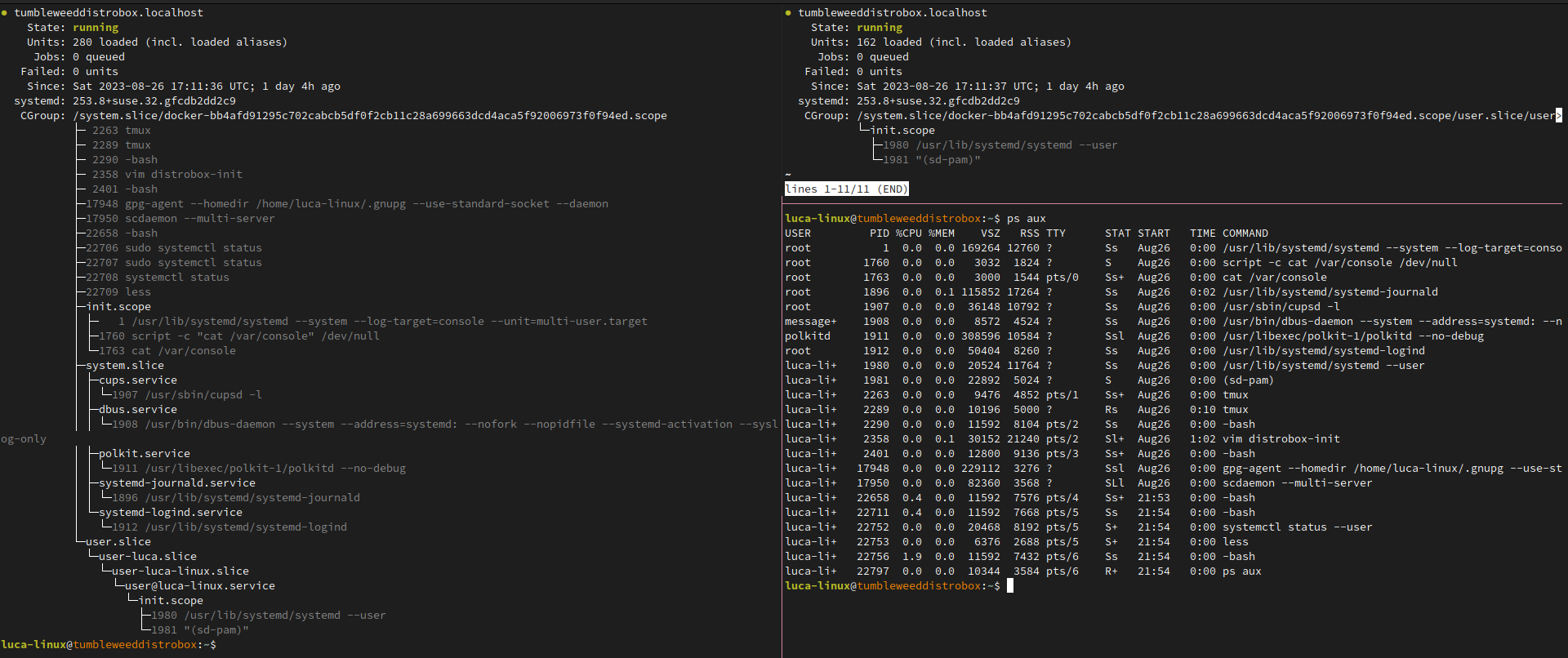
OpenRC running on Alpine Linux
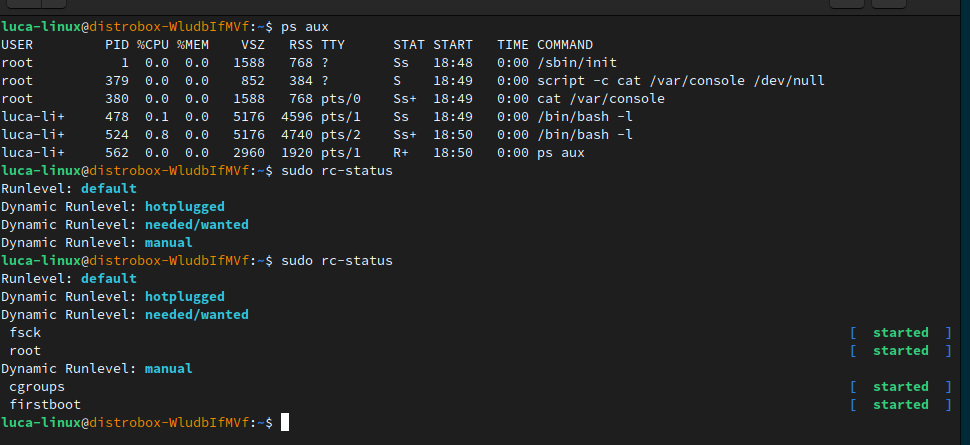
Example use:
```shell
~$ distrobox create -i docker.io/almalinux/8-init --init --name test
user@test:~$ sudo systemctl enable --now sshd
user@test:~$ sudo systemctl status sshd
● sshd.service - OpenSSH server daemon
Loaded: loaded (sshd.service; enabled; vendor preset: enabled)
Active: active (running) since Fri 2022-01-28 22:54:50 CET; 17s ago
Docs: man:sshd(8)
man:sshd_config(5)
Main PID: 291 (sshd)
```
## Using Docker inside a Distrobox
You may want to run a separate instance of docker inside your container.
In order to do this, create a [container with an init system](#using-init-system-inside-a-distrobox)
using rootful Podman or Docker and using the **unshare-all** flag.
Example:
```sh
distrobox create --root \
--image registry.opensuse.org/opensuse/distrobox:latest \
--additional-packages "systemd docker" \
--init \
--unshare-all
```
Inside the container:
```console
luca-linux@tumbleweed:~$ sudo systemctl enable --now docker
luca-linux@tumbleweed:~$ sudo systemctl status docker
● docker.service - Docker Application Container Engine
Loaded: loaded (/usr/lib/systemd/system/docker.service; enabled; preset: disabled)
Active: active (running) since Sat 2023-08-26 19:21:34 UTC; 3min 47s ago
Docs: http://docs.docker.com
Main PID: 1924 (dockerd)
CPU: 1.268s
CGroup: /system.slice/docker-b63c525a32a313837146cfb00ed09c151eabd3137ad62779f47d3924c92f7b16.scope/system.slice/docker.service
├─1924 /usr/bin/dockerd --add-runtime oci=/usr/sbin/docker-runc
└─1942 containerd --config /var/run/docker/containerd/containerd.toml --log-level warn
Aug 26 19:21:31 tumbleweed.localhost dockerd[1924]: time="2023-08-26T19:21:31.188589166Z" level=error msg="failed to mount overlay: invalid argument" storage-driver=overlay2
Aug 26 19:21:31 tumbleweed.localhost dockerd[1924]: time="2023-08-26T19:21:31.391206840Z" level=warning msg="WARNING: No swap limit support"
Aug 26 19:22:54 tumbleweed.localhost dockerd[1942]: time="2023-08-26T19:22:54.385157019Z" level=info msg="loading plugin \"io.containerd.event.v1.publisher\"..." runtime=io.containerd.runc.v2 type=io.containerd.event.v1
Aug 26 19:22:54 tumbleweed.localhost dockerd[1942]: time="2023-08-26T19:22:54.385241039Z" level=info msg="loading plugin \"io.containerd.internal.v1.shutdown\"..." runtime=io.containerd.runc.v2 type=io.containerd.internal.v1
Aug 26 19:22:54 tumbleweed.localhost dockerd[1942]: time="2023-08-26T19:22:54.385250887Z" level=info msg="loading plugin \"io.containerd.ttrpc.v1.task\"..." runtime=io.containerd.runc.v2 type=io.containerd.ttrpc.v1
Aug 26 19:22:54 tumbleweed.localhost dockerd[1942]: time="2023-08-26T19:22:54.385411802Z" level=info msg="starting signal loop" namespace=moby path=/run/docker/containerd/daemon/io.containerd.runtime.v2.task/moby/bd4cb19537b4c39131b084e04>
Aug 26 19:23:16 tumbleweed.localhost dockerd[1942]: time="2023-08-26T19:23:16.575589748Z" level=error msg="failed to enable controllers ([cpuset cpu io memory hugetlb pids rdma misc])" error="failed to write subtree controllers [cpuset cp>
Aug 26 19:23:16 tumbleweed.localhost dockerd[1942]: time="2023-08-26T19:23:16.575764283Z" level=warning msg="error from *cgroupsv2.Manager.EventChan" error="failed to add inotify watch for \"/sys/fs/cgroup/system.slice/docker-b63c525a32a3>
Aug 26 19:23:44 tumbleweed.localhost dockerd[1942]: time="2023-08-26T19:23:44.744144975Z" level=warning msg="cleaning up after shim disconnected" id=bd4cb19537b4c39131b084e04c354712bac71c6d1ced33d6d1d6933ada0507cc namespace=moby
Aug 26 19:23:44 tumbleweed.localhost dockerd[1942]: time="2023-08-26T19:23:44.754027382Z" level=warning msg="cleanup warnings time=\"2023-08-26T19:23:44Z\" level=info msg=\"starting signal loop\" namespace=moby pid=2221 runtime=io.contain>
luca-linux@tumbleweed:~$ sudo docker run --rm -ti alpine
/ #
```
## Using Podman inside a Distrobox
You may want to run a separate instance of podman inside your container.
In order to do this, create a container using rootful Podman or Docker
and using the **unshare-all** flag.
Example:
```sh
distrobox create --root \
--image registry.opensuse.org/opensuse/distrobox:latest \
--additional-packages "podman" \
--unshare-all
```
Inside it install podman, and add subuids for the user:
```sh
sudo usermod --add-subuids 10000-65536 $USER
sudo usermod --add-subgids 10000-65536 $USER
cat << EOF | sudo tee /etc/containers/containers.conf
[containers]
netns="host"
userns="host"
ipcns="host"
utsns="host"
cgroupns="host"
log_driver = "k8s-file"
[engine]
cgroup_manager = "cgroupfs"
events_logger="file"
EOF
```
Then you'll be able to use both rootful and rootless podman inside the container:
```console
luca-linux@tumbleweed:~> podman run --rm -ti alpine
/ #
luca-linux@tumbleweed:~> sudo podman run --rm -ti alpine
/ #
```
## Using LXC inside a Distrobox
You may want to run an LXC instance inside your container.
In order to do this, create a [container with an init system](#using-init-system-inside-a-distrobox)
using the **unshare-all** flag, this works with either docker, rootful podman, or rootless podman.
Example:
```sh
distrobox create --root \
--image registry.opensuse.org/opensuse/distrobox:latest \
--additional-packages "systemd lxc" \
--init \
--unshare-all
```
Inside the container we will need to first setup the lxcbr0 network and enable the services:
```console
luca-linux@tumbleweed:~> sudo systemctl enable --now lxc-monitord.service lxc-net.service lxc.service lxcfs.service
Created symlink /etc/systemd/system/multi-user.target.wants/lxc-monitord.service → /usr/lib/systemd/system/lxc-monitord.service.
Created symlink /etc/systemd/system/multi-user.target.wants/lxc-net.service → /usr/lib/systemd/system/lxc-net.service.
Created symlink /etc/systemd/system/multi-user.target.wants/lxc.service → /usr/lib/systemd/system/lxc.service.
Created symlink /etc/systemd/system/multi-user.target.wants/lxcfs.service → /usr/lib/systemd/system/lxcfs.service.
luca-linux@tumbleweed:~> ip a
1: lo: mtu 65536 qdisc noqueue state UNKNOWN group default qlen 1000
link/loopback 00:00:00:00:00:00 brd 00:00:00:00:00:00
inet 127.0.0.1/8 scope host lo
valid_lft forever preferred_lft forever
inet6 ::1/128 scope host proto kernel_lo
valid_lft forever preferred_lft forever
2: tap0: mtu 65520 qdisc fq_codel state UNKNOWN group default qlen 1000
link/ether 02:81:bf:43:1e:65 brd ff:ff:ff:ff:ff:ff
inet 10.0.2.100/24 brd 10.0.2.255 scope global tap0
valid_lft forever preferred_lft forever
inet6 fd00::81:bfff:fe43:1e65/64 scope global dynamic mngtmpaddr proto kernel_ra
valid_lft 86309sec preferred_lft 14309sec
inet6 fe80::81:bfff:fe43:1e65/64 scope link proto kernel_ll
valid_lft forever preferred_lft forever
luca-linux@tumbleweed:~> sudo ip link add name lxcbr0 type bridge
luca-linux@tumbleweed:~> sudo ip link set dev lxcbr0 up
luca-linux@tumbleweed:~> sudo ip link set tap0 master lxcbr0
luca-linux@tumbleweed:~> sudo ip address add 10.0.2.100/24 dev lxcbr0
```
Then we can proceed with the LXC container creation:
```console
luca-linux@tumbleweed:~> sudo lxc-create -n test-nested-lxc -t download
[ ... ] # Here do the interactive rootfs choice, I'll use alpine:edge amd64
Downloading the image index
Downloading the rootfs
Downloading the metadata
The image cache is now ready
Unpacking the rootfs
---
You just created an Alpinelinux edge x86_64 (20230826_13:00) container.
luca-linux@tumbleweed:~> sudo lxc-start test-nested-lxc
luca-linux@tumbleweed:~> sudo lxc-attach test-nested-lxc
/ # ps aux
PID USER TIME COMMAND
1 root 0:00 /sbin/init
266 root 0:00 /sbin/syslogd -t -n
273 root 0:00 /sbin/openrc default
293 root 0:00 /usr/sbin/crond -c /etc/crontabs -f
300 root 0:00 {networking} /sbin/openrc-run /etc/init.d/networking --lockfd 4 start
301 root 0:00 {openrc-run.sh} /bin/sh /lib/rc/sh/openrc-run.sh /etc/init.d/networking start
347 root 0:00 ifup -i /etc/network/interfaces eth0
367 root 0:00 {dhcp} /bin/sh /usr/libexec/ifupdown-ng/dhcp
372 root 0:00 /sbin/udhcpc -b -R -p /var/run/udhcpc.eth0.pid -i eth0 -x hostname:test-nested-lxc
375 root 0:00 /bin/ash
376 root 0:00 ps aux
/ #
```
And you have a working LXC inside your Distrobox container.
## Using Waydroid inside a Distrobox
Waydroid is a popular solution for running Android applications on Linux using an LXC container.
Since these containers run inside a Distrobox, you can also run Waydroid.
> **Note**: Wayland and the `binder_linux` module are required at the host level. You can install
> the DKMS from the [choff/anbox-modules](https://github.com/choff/anbox-modules) repository.
### Manual Installation
To do this, we need a rootful container [with Systemd](#using-init-system-inside-a-distrobox) plus
some additional dependencies (tested with Vanilla OS Pico and Debian Sid):
- libpam-systemd
- curl
- kmod
- dbus-x11
- iptables
- mutter
Let's create a rootful and unshared container as follows:
```sh
distrobox create --root \
--image ghcr.io/vanilla-os/pico:main \
--additional-packages "systemd libpam-systemd curl kmod dbus-x11 iptables mutter" \
--init \
--unshare-all \
--name waydroid
```
Once it's started with `distrobox enter --root waydroid`, we can proceed with the Waydroid
installation from the official repository:
```bash
curl --progress-bar --proto '=https' --tlsv1.2 -Sf https://repo.waydro.id/waydroid.gpg --output /usr/share/keyrings/waydroid.gpg
echo "deb [signed-by=/usr/share/keyrings/waydroid.gpg] https://repo.waydro.id/ bookworm main" | tee /etc/apt/sources.list.d/waydroid.list
sudo apt update
sudo apt install waydroid
```
Then proceed with its initialization using:
```bash
export XDG_RUNTIME_DIR="/run/host/${XDG_RUNTIME_DIR}"
export DBUS_SESSION_BUS_ADDRESS="unix:path=/run/host/$(echo "${DBUS_SESSION_BUS_ADDRESS}" | cut -d '=' -f2-)"
waydroid init
```
The above environment variables must be present each time the `waydroid` command is used.
### Automated Installation
The [Waydroid image](https://github.com/Vanilla-OS/waydroid-image/blob/main/recipe.yml) from
the Vanilla OS Team is designed to streamline the entire setup process. To use it, proceed as follows:
```bash
distrobox create --root \
--image ghcr.io/vanilla-os/waydroid:main \
--init \
--unshare-all \
--name waydroid
distrobox enter --root waydroid
```
Once started, Waydroid is automatically executed via Systemd. Check for the process to finish using
the `systemctl status waydroid-init` command, then start using Waydroid with:
```bash
ewaydroid --help
```
Make sure to use the `ewaydroid` command each time you need to work with Waydroid. This command is a
wrapper that sets the proper environment variables to make it work with the host D-Bus.
## Using host's Podman or Docker inside a Distrobox
You can easily control host's instance of docker or podman, using `distrobox-host-exec`
You can use:
```console
sudo ln -s /usr/bin/distrobox-host-exec /usr/local/bin/podman
```
or
```console
sudo ln -s /usr/bin/distrobox-host-exec /usr/local/bin/docker
```
This will create a `podman` or `docker` command inside the distrobox that will
transparently execute the command on the host.
## Using distrobox as main cli
In case you want (like me) to use your container as the main CLI environment,
it comes handy to use `gnome-terminal` profiles to create a dedicated setup for it:

Personally, I just bind `Ctrl-Alt-T` to the Distrobox profile and `Super+Enter`
to the Host profile.
For other terminals, there are similar features (profiles) or you can set up a
dedicated shortcut to launch a terminal directly in the distrobox
## Using a different architecture
In case you want to run a container with a different architecture from your host,
you can leverage the use of `qemu` and support from podman/docker.
Install on your host the following dependencies:
- qemu
- qemu-user-static
- binfmt-support
Then you can easily run the image you like:
```console
~$ uname -m
x86_64
~$ distrobox create --image debian --additional-flags --platform=linux/aarch64 -n debian-arm64
~$ distrobox enter debian-arm64
...
user@debian-arm64:~$ uname -m
aarch64
```

## Using the GPU inside the container
For Intel and AMD GPUs, the support is baked in, as the containers will install
their latest available mesa/dri drivers.
For NVidia, you can use the `--nvidia` flag during create, see [distrobox-create](./usage/distrobox-create.md)
documentation to discover how to use it.
```console
~$ distrobox create --nvidia --name ubuntu-nvidia --image ubuntu:latest
```
### Using nvidia-container-toolkit
Alternatively from the `--nvidia` flag, you can use NVidia's own [nvidia-container-toolkit](https://docs.nvidia.com/datacenter/cloud-native/container-toolkit/user-guide.html).
After following the [official guide to set nvidia-ctk up](https://docs.nvidia.com/datacenter/cloud-native/container-toolkit/user-guide.html)
you can use it from distrobox doing:
In case of podman container manager, run:
```console
distrobox create --name example-nvidia-toolkit --additional-flags "--gpus all" --image docker.io/nvidia/cuda
```
In case of docker container manager, run:
```console
distrobox create --name example-nvidia-toolkit --additional-flags "--gpus all --device=nvidia.com/gpu=all" --image docker.io/nvidia/cuda
```
## Slow creation on podman and image size getting bigger with distrobox create
For rootless podman 3.4.0 and upward, adding this to your `~/.config/containers/storage.conf`
file will improve container creation speed and fix issues with images getting
bigger when using rootless containers.
```conf
[storage]
driver = "overlay"
[storage.options.overlay]
mount_program = "/usr/bin/fuse-overlayfs"
```
Note that this is necessary only on Kernel version older than `5.11` .
From version `5.11` onwards native `overlayfs` is supported and reports noticeable
gains in performance as explained [HERE](https://www.redhat.com/sysadmin/podman-rootless-overlay)
## Permission problems when using VirtualBox
If you have VirtualBox installed on your host, you may encounter some permission
problems using **rootless Podman**:
```log
Error: unable to start container "XYZ": runc: runc create failed: unable to start container process: error during container init: error mounting "/dev/vboxusb/002/005" to rootfs at "/dev/vboxusb/002/005": lstat /..../dev/vboxusb/002: permission denied: OCI permission denied
```
This is because a rootless container done with `runc` will not port the host's groups
into the container.
The solution is to install `crun` from your package manager, and recreate your container.
crun supports the flag
```sh
run.oci.keep_original_groups=1
```
Which will allow porting the host's group inside the container, thus making it possible
for the rootless container to read vbox files.
## Container save and restore
To save, export and reuse an already configured container, you can leverage
`podman save` or `docker save` and `podman import` or `docker import` to
create snapshots of your environment.
---
To save a container to an image:
with podman:
```sh
podman container commit -p distrobox_name image_name_you_choose
podman save image_name_you_choose:latest | bzip2 > image_name_you_choose.tar.bz
```
with docker:
```sh
docker container commit -p distrobox_name image_name_you_choose
docker save image_name_you_choose:latest | gzip > image_name_you_choose.tar.gz
```
This will create a tar.gz of the container of your choice at that exact moment.
---
Now you can backup that archive or transfer it to another host, and to restore it
just run
```sh
podman load < image_name_you_choose.tar.bz2
```
or
```sh
docker load < image_name_you_choose.tar.gz
```
And create a new container based on that image:
```sh
distrobox create --image image_name_you_choose:latest --name distrobox_name
distrobox enter --name distrobox_name
```
And you're good to go, now you can reproduce your personal environment everywhere
in simple (and scriptable) steps.
## Check used resources
- You can always check how much space a `distrobox` is taking by using `podman` command:
`podman system df -v` or `docker system df -v`
## Pre-installing additional package repositories
On Red Hat Enterprise Linux and its derivatives, the amount of packages in the
base repositories is limited, and additional packages need to be brought in by
enabling additional repositories such as [EPEL](https://docs.fedoraproject.org/en-US/epel/).
You can use `--init-hooks` to automate this, but this does not solve the
issue for package installations done during initialization itself, e.g. if
the shell you use on the host is not available in the default repos (e.g.
`fish`).
Use the pre-initialization hooks for this:
```shell
distrobox create -i docker.io/almalinux/8-init --init --name test --pre-init-hooks "dnf -y install dnf-plugins-core && dnf config-manager --enable powertools && dnf -y install epel-release"
```
```shell
distrobox create -i docker.io/library/almalinux:9 -n alma9 --pre-init-hooks "dnf -y install dnf-plugins-core && dnf config-manager --enable crb && dnf -y install epel-release"
```
```shell
distrobox create -i quay.io/centos/centos:stream9 c9s --pre-init-hooks "dnf -y install dnf-plugins-core && dnf config-manager --enable crb && dnf -y install epel-next-release"
```
## Apply resource limitation on the fly
Podman has `--cpuset-cpus` and `--memory` flags to apply limitation on how much resources a container can use. However,
these flags only work during container creation (`podman create` / `podman run`) and not after it's created
(`podman exec`, which is used by Distrobox to execute commands inside of container), which means changing resource
limitation requires recreation of a container.
Nonetheless you can still apply resource limitation using systemd's resource control functionality. It's not recommended
to pass resource limitation arguments (e.g. `--cpuset-cpus` and `--memory`) to `distrobox create --additional-flags`
as systemd already provides much more flexible resource control functionality.
To list all distroboxes and their full IDs:
```bash
podman ps --all --no-trunc --format "{{.Names}} {{.ID}} {{.Labels}}" | grep "manager:distrobox" | cut -d " " -f1,2 | column -t
```
- Removing `--all` flag will cause the output to only contain currently running distroboxes
To check your container status with `systemctl`:
```bash
systemctl --user status libpod-$UUID.scope
```
- Your distrobox needs to be running for its scope to present (e.g. `distrobox enter` before running this command)
- Replace `$UUID` with your container's real full ID
- To make things easier when tweaking properties, optionally set a environment variable for the current shell:
bash/zsh:
```bash
UUID=XXXXXXXXX
```
fish:
```fish
set UUID XXXXXXXXX
```
Everything provided by `systemd.resource-control` could be applied to your distrobox. For example:
To make your distrobox only run on CPU0 and CPU1:
```bash
systemctl --user set-property libpod-$UUID.scope AllowedCPUs=0,1
```
To hard throttle your distrobox to not use above 20% of CPU:
```bash
systemctl --user set-property libpod-$UUID.scope CPUQuota=20%
```
To limit your distrobox's maximum amount of memory:
```bash
systemctl --user set-property libpod-$UUID.scope MemoryMax=2G
```
To give your distrobox less IO bandwidth when IO is overloaded:
```bash
systemctl --user set-property libpod-$UUID.scope IOWeight=1
```
- `IOWeight` accepts value from `1` to `10000`, higher means more bandwidth.
To see all applicable properties:
```bash
man systemd.resource-control
```
Changes are transient, meaning you lose the resource limitation properties when distrobox is stopped and restarted.
To make certain changes persistent, first check the currently active properties:
```bash
systemctl --user status libpod-$UUID.scope
```
Look for the `Drop-In` lines. Something like this should be shown:
```console
Drop-In: /run/user/1000/systemd/transient/libpod-45ae38d61c9a636230b2ba89ea07792d662e01cd9ee38d04feb0a994b039a271.scope.d
└─50-AllowedCPUs.conf
```
Move the transient overrides to persistent overrides:
```bash
mkdir -p ~/.config/systemd/user/libpod-$UUID.scope.d
mv --target-directory="$HOME/.config/systemd/user/libpod-$UUID.scope.d" \
"/run/user/$(id -u)/systemd/transient/libpod-$UUID.scope.d/50-AllowedCPUs.conf"
```
- Replace `$(id -u)` with your real user id if it did not get expanded properly.
- `50-AllowedCPUs.conf` is only an example. Replace it with something you want to keep persistently.
Then reload systemd daemon to apply the changes:
```bash
systemctl --user daemon-reload
```
## Copy text to host clipboard
To copy/yank text from the container to the host clipboard you need to install
`xsel` in the container for Xorg hosts or `wlroots` for wayland hosts.
================================================
FILE: extras/distrobox-example-manifest.ini
================================================
# This is an example assemble file to show how options are laid out
# You generally have a section header, followed by options so:
#
# [name-of-your-container]
# additional_flags=""
# additional_packages=""
# entry=""
# home=""
# image=""
# start_now=""
# init=""
# init_hooks=""
# nvidia=""
# pre_init_hooks=""
# pull=""
# root=""
# unshare_ipc=""
# unshare_netns=""
# volume=""
#
###############################################################################
[ generic1]
unshare_netns=true
unshare_ipc=true
# This is a comment!
# you can put them how you like
[generic2]
# Comment
additional_packages="git vim tmux"
# this will enable nvidia driver integration
nvidia=true
[generic3] # Comment also here
additional_packages="git vim tmux" # Comment
home=/tmp/home
[arch]
additional_packages="git vim tmux nodejs"
# lines with spaces, wants quotes
home=/tmp/home
image=archlinux:latest
init=false
init_hooks="touch /init-normal"
pre_init_hooks="touch /pre-init"
pull=true
root=false
volume=/tmp/test:/run/a /tmp/test:/run/b
unshare_netns=true
unshare_ipc=true
# We can choose to start the container immediately, it's off by default
start_now=true
###############################################################################
# A more complex example now
##############################################################################
[tumbleweed_distrobox]
image=registry.opensuse.org/opensuse/distrobox
pull=true
# Basic utilities for terminal use
additional_packages="acpi bash-completion findutils iproute iputils sensors inotify-tools unzip"
additional_packages="net-tools nmap openssl procps psmisc rsync man tig tmux tree vim htop xclip yt-dlp"
# Development packages
additional_packages="git git-credential-libsecret"
additional_packages="patterns-devel-base-devel_basis"
additional_packages="ShellCheck ansible-lint clang clang-tools codespell ctags desktop-file-utils gcc golang jq python3"
additional_packages="python3-bashate python3-flake8 python3-mypy python3-pipx python3-pycodestyle python3-pyflakes python3-pylint python3-python-lsp-server python3-rstcheck python3-yapf python3-yamllint rustup shfmt"
# Gotta work
additional_packages="kubernetes-client helm"
# Setup golang stuff
init_hooks=GOPATH="${HOME}/.local/share/system-go" GOBIN=/usr/local/bin go install github.com/golangci/golangci-lint/cmd/golangci-lint@latest;
init_hooks=GOPATH="${HOME}/.local/share/system-go" GOBIN=/usr/local/bin go install github.com/onsi/ginkgo/v2/ginkgo@latest;
init_hooks=GOPATH="${HOME}/.local/share/system-go" GOBIN=/usr/local/bin go install golang.org/x/tools/cmd/goimports@latest;
init_hooks=GOPATH="${HOME}/.local/share/system-go" GOBIN=/usr/local/bin go install golang.org/x/tools/gopls@latest;
init_hooks=GOPATH="${HOME}/.local/share/system-go" GOBIN=/usr/local/bin go install sigs.k8s.io/kind@latest;
# Add some useful commands from host, to the guest
init_hooks=ln -sf /usr/bin/distrobox-host-exec /usr/local/bin/conmon;
init_hooks=ln -sf /usr/bin/distrobox-host-exec /usr/local/bin/crun;
init_hooks=ln -sf /usr/bin/distrobox-host-exec /usr/local/bin/docker;
init_hooks=ln -sf /usr/bin/distrobox-host-exec /usr/local/bin/docker-compose;
init_hooks=ln -sf /usr/bin/distrobox-host-exec /usr/local/bin/flatpak;
init_hooks=ln -sf /usr/bin/distrobox-host-exec /usr/local/bin/podman;
init_hooks=ln -sf /usr/bin/distrobox-host-exec /usr/local/bin/xdg-open;
exported_apps="htop"
exported_bins="/usr/bin/htop /usr/bin/git"
exported_bins_path="~/.local/bin"
================================================
FILE: extras/docker-host
================================================
#!/bin/sh
id="$(echo "$@" | grep -Eo ' [a-zA-Z0-9]{64} ' | tr -d ' ')"
DOCKER_COMMAND="$(command -v docker 2> /dev/null)"
ENV_COMMAND="printenv"
# if we're in a flatpak, we fallback to host-spawn
if [ -n "${FLATPAK_ID}" ]; then
DOCKER_COMMAND="flatpak-spawn --host docker"
ENV_COMMAND="flatpak-spawn --host printenv"
fi
# This little workaround is used to ensure
# we use our distrobox to properly enter the container
if echo "$@" | grep -q 'exec'; then
# we do this procedure only for distroboxes
# we will leave regular containers alone.
if [ "$(${DOCKER_COMMAND} inspect --type container --format '{{ index .Config.Labels "manager" }}' "${id}")" = "distrobox" ]; then
# Ensure that our distrobox containers will use different vscode-servers
# by symlinking to different paths
# This is necessary because vscode-server will always use $HOME/.vscode-server
# so we're forced to do this workaround
if [ -n "${id}" ]; then
# shellcheck disable=SC2016
${DOCKER_COMMAND} exec -u "${USER}" "${id}" /bin/sh -c '
if [ ! -L "${HOME}/.vscode-server" ]; then
[ -e "${HOME}/.vscode-server" ] && mv "${HOME}/.vscode-server" /var/tmp
[ -d /var/tmp/.vscode-server ] || mkdir /var/tmp/.vscode-server
ln -sf /var/tmp/.vscode-server "$HOME"
elif [ ! -e "${HOME}/.vscode-server" ]; then
mkdir /var/tmp/.vscode-server
ln -sf /var/tmp/.vscode-server "$HOME"
fi
'
fi
for i; do
# interject root:root, we want to be our own user
if echo "${i}" | grep -q "root:root"; then
set -- "$@" "${USER}:${USER}"
shift
# inject host's environment
elif echo "${i}" | grep -q "exec"; then
set -- "$@" "exec"
shift
# inject host's environment
for j in $(${ENV_COMMAND} | grep '=' | grep -Ev ' |"|`|\$' |
# refer to distrobox-enter:L454
grep -Ev '^(CONTAINER_ID|HOST|HOSTNAME|HOME|PATH|PROFILEREAD|SHELL|XDG_SEAT|XDG_VTNR|XDG_.*_DIRS|^_)'); do
set -- "$@" "--env"
set -- "$@" "${j}"
done
else
set -- "$@" "${i}"
shift
fi
done
fi
fi
${DOCKER_COMMAND} "$@"
================================================
FILE: extras/install-podman
================================================
#!/bin/sh
# SPDX-License-Identifier: GPL-3.0-only
#
# This file is part of the distrobox project: https://github.com/89luca89/distrobox
#
# Copyright (C) 2021 distrobox contributors
#
# distrobox is free software; you can redistribute it and/or modify it
# under the terms of the GNU General Public License version 3
# as published by the Free Software Foundation.
#
# distrobox is distributed in the hope that it will be useful, but
# WITHOUT ANY WARRANTY; without even the implied warranty of
# MERCHANTABILITY or FITNESS FOR A PARTICULAR PURPOSE. See the GNU
# General Public License for more details.
#
# You should have received a copy of the GNU General Public License
# along with distrobox; if not, see .
# POSIX
echo "This script is deprecated and unsupported"
echo "head over to:"
echo ""
echo "https://github.com/89luca89/distrobox/blob/main/docs/posts/install_podman_static.md"
echo "or"
echo "https://github.com/89luca89/distrobox/blob/main/docs/posts/install_lilipod_static.md"
echo ""
echo "for updated instructions on how to install podman-launcher"
exit 1
================================================
FILE: extras/podman-host
================================================
#!/bin/sh
id="$(echo "$@" | grep -Eo ' [a-zA-Z0-9]{64} ' | tr -d ' ')"
PODMAN_COMMAND="$(command -v podman 2> /dev/null)"
ENV_COMMAND="printenv"
# if we're in a flatpak, we fallback to host-spawn
if [ -n "${FLATPAK_ID}" ]; then
PODMAN_COMMAND="flatpak-spawn --host podman"
ENV_COMMAND="flatpak-spawn --host printenv"
fi
# This little workaround is used to ensure
# we use our distrobox to properly enter the container
if echo "$@" | grep -q 'exec'; then
# we do this procedure only for distroboxes
# we will leave regular containers alone.
if [ "$(${PODMAN_COMMAND} inspect --type container --format '{{ index .Config.Labels "manager" }}' "${id}")" = "distrobox" ]; then
# Ensure that our distrobox containers will use different vscode-servers
# by symlinking to different paths
# This is necessary because vscode-server will always use $HOME/.vscode-server
# so we're forced to do this workaround
if [ -n "${id}" ]; then
# shellcheck disable=SC2016
${PODMAN_COMMAND} exec -u "${USER}" "${id}" /bin/sh -c '
if [ ! -L "${HOME}/.vscode-server" ]; then
[ -e "${HOME}/.vscode-server" ] && mv "${HOME}/.vscode-server" /var/tmp
[ -d /var/tmp/.vscode-server ] || mkdir /var/tmp/.vscode-server
ln -sf /var/tmp/.vscode-server "$HOME"
elif [ ! -e "${HOME}/.vscode-server" ]; then
mkdir /var/tmp/.vscode-server
ln -sf /var/tmp/.vscode-server "$HOME"
fi
'
fi
for i; do
# interject root:root, we want to be our own user
if echo "${i}" | grep -q "root:root"; then
set -- "$@" "${USER}:${USER}"
shift
# inject host's environment
elif echo "${i}" | grep -q "exec"; then
set -- "$@" "exec"
shift
# inject host's environment
for j in $(${ENV_COMMAND} | grep '=' | grep -Ev ' |"|`|\$' |
# refer to distrobox-enter:L454
grep -Ev '^(CONTAINER_ID|HOST|HOSTNAME|HOME|PATH|PROFILEREAD|SHELL|XDG_SEAT|XDG_VTNR|XDG_.*_DIRS|^_)'); do
set -- "$@" "--env"
set -- "$@" "${j}"
done
else
set -- "$@" "${i}"
shift
fi
done
fi
fi
${PODMAN_COMMAND} "$@"
================================================
FILE: extras/vscode-distrobox
================================================
#!/bin/sh
container_name="$(printf '{"containerName":"%s"}' "$1" | od -A n -t x1 | tr -d "\n\t ")"
if command -v code 2> /dev/null > /dev/null; then
code_command="code"
elif flatpak list | grep -q com.visualstudio.code; then
code_command="flatpak run com.visualstudio.code"
else
echo "vscode not installed"
exit 127
fi
${code_command} --folder-uri="vscode-remote://attached-container+${container_name}/$(realpath "${2}")"
================================================
FILE: install
================================================
#!/bin/sh
# SPDX-License-Identifier: GPL-3.0-only
#
# This file is part of the distrobox project: https://github.com/89luca89/distrobox
#
# Copyright (C) 2021 distrobox contributors
#
# distrobox is free software; you can redistribute it and/or modify it
# under the terms of the GNU General Public License version 3
# as published by the Free Software Foundation.
#
# distrobox is distributed in the hope that it will be useful, but
# WITHOUT ANY WARRANTY; without even the implied warranty of
# MERCHANTABILITY or FITNESS FOR A PARTICULAR PURPOSE. See the GNU
# General Public License for more details.
#
# You should have received a copy of the GNU General Public License
# along with distrobox; if not, see .
# POSIX
next=0
no_color=0
verbose=0
version=1.8.2.4
# show_help will print usage to stdout.
# Arguments:
# None
# Outputs:
# print usage with examples.
show_help()
{
cat << EOF
install --prefix /usr/local
Options:
--prefix/-P: base bath where all files will be deployed (default /usr/local if root, ~/.local if not)
--next/-N: install latest development version from git, instead of the latest stable release.
--no-color: disable color formatting
--help/-h: show this message
-v: show more verbosity
EOF
}
# Parse arguments
while :; do
case $1 in
-h | --help)
# Call a "show_help" function to display a synopsis, then exit.
show_help
exit
;;
--no-color)
shift
no_color=1
;;
-v | --verbose)
shift
verbose=1
;;
-N | --next)
shift
next=1
;;
-P | --prefix)
if [ -n "$2" ]; then
prefix="$2"
shift
shift
fi
;;
*) # Default case: If no more options then break out of the loop.
break ;;
esac
done
# if we're in not a tty, don't use colors
BOLD_GREEN=""
BOLD_RED=""
CLEAR=""
if [ -t 0 ] && [ -t 1 ] && [ "${no_color}" -ne 1 ]; then
# we're in a tty, use colors
BOLD_GREEN='\033[1;32m'
BOLD_RED='\033[1;31m'
CLEAR='\033[0m'
fi
if [ -z "${prefix}" ]; then
prefix="/usr/local"
# in case we're not root, just default to the home directory
if [ "$(id -u)" -ne 0 ]; then
prefix="${HOME}/.local"
fi
fi
dest_path="${prefix}/bin"
man_dest_path="${prefix}/share/man/man1"
icon_dest_path="${prefix}/share/icons/hicolor"
completion_bash_dest_path="${prefix}/share/bash-completion/completions/"
completion_zsh_dest_path="${prefix}/share/zsh/site-functions/"
set -o errexit
set -o nounset
# set verbosity
if [ "${verbose}" -ne 0 ]; then
set -o xtrace
fi
# get current dir
curr_dir=$(dirname "$0")
cd "${curr_dir}" || exit 1
# if files are available, install files in dest directory
# else download targz and uncompress it
if [ -e "${curr_dir}/distrobox-enter" ]; then
if ! install -d "${dest_path}" "${man_dest_path}" "${completion_bash_dest_path}" \
"${completion_zsh_dest_path}" "${icon_dest_path}/scalable/apps"; then
printf >&2 "Do you have permission to write to %s?\n" "${prefix}"
exit 1
fi
for file in distrobox*; do
if ! install -m 0755 "${file}" "${dest_path}"; then
printf >&2 "Do you have permission to write to %s?\n" "${dest_path}"
exit 1
fi
done
if [ -e "man" ]; then
for file in man/man1/*; do
install -m 0644 "${file}" "${man_dest_path}"
done
fi
if [ -e "completions" ]; then
for file in completions/bash/*; do
install -m 0644 "${file}" "${completion_bash_dest_path}"
done
fi
if [ -e "completions" ]; then
for file in completions/zsh/*; do
install -m 0644 "${file}" "${completion_zsh_dest_path}"
done
fi
if [ -e icons/terminal-distrobox-icon.svg ]; then
install -m 0644 icons/terminal-distrobox-icon.svg "${icon_dest_path}/scalable/apps"
for sz in 16 22 24 32 36 48 64 72 96 128 256; do
install -d "${icon_dest_path}/${sz}x${sz}/apps"
install -m 0644 icons/hicolor/"${sz}x${sz}"/apps/terminal-distrobox-icon.png \
"${icon_dest_path}/${sz}x${sz}/apps"
done
fi
else
printf >&2 "%b Checking dependencies...\n%b" "${BOLD_GREEN}" "${CLEAR}"
# check that we have base dependencies
if ! {
command -v curl > /dev/null || command -v wget > /dev/null
} || ! command -v tar > /dev/null; then
printf >&2 "Online install depends on tar and either curl or wget\n"
printf >&2 "Ensure you have all dependencies installed.\n"
exit 1
fi
if command -v curl > /dev/null 2>&1; then
download="curl -sLo"
elif command -v wget > /dev/null 2>&1; then
download="wget -qO"
fi
printf >&2 "%b Downloading...\n%b" "${BOLD_RED}" "${CLEAR}"
if [ "${next}" -eq 0 ]; then
release_ver="89luca89/distrobox/archive/refs/tags/${version}.tar.gz"
release_name=$(basename "${release_ver}")
else
release_ver="89luca89/distrobox/archive/refs/heads/main.tar.gz"
release_name="main"
fi
# go in tmp
tmp_dir="$(mktemp -d)"
cd "${tmp_dir}"
# download our target
${download} "${release_name}" "https://github.com/${release_ver}"
# uncompress
printf >&2 "%b Unpacking...\n%b" "${BOLD_RED}" "${CLEAR}"
if [ "${verbose}" -ne 0 ]; then
tar xvf "${release_name}"
else
tar xf "${release_name}"
fi
# deploy our files
if ! install -d "${dest_path}" "${man_dest_path}" "${completion_bash_dest_path}" \
"${completion_zsh_dest_path}" "${icon_dest_path}/scalable/apps"; then
printf >&2 "Do you have permission to write to %s?\n" "${prefix}"
exit 1
fi
for file in "distrobox-$(echo "${release_name}" | sed 's/.tar.gz//g')"/distrobox*; do
if ! install -m 0755 "${file}" "${dest_path}"; then
printf >&2 "Do you have permission to write to %s?\n" "${dest_path}"
exit 1
fi
done
if [ -e "distrobox-$(echo "${release_name}" | sed 's/.tar.gz//g')/man/" ]; then
for file in "distrobox-$(echo "${release_name}" | sed 's/.tar.gz//g')"/man/man1/*; do
install -m 0644 "${file}" "${man_dest_path}"
done
fi
if [ -e "distrobox-$(echo "${release_name}" | sed 's/.tar.gz//g')/completions/bash/" ]; then
for file in "distrobox-$(echo "${release_name}" | sed 's/.tar.gz//g')"/completions/bash/*; do
install -m 0644 "${file}" "${completion_bash_dest_path}"
done
fi
if [ -e "distrobox-$(echo "${release_name}" | sed 's/.tar.gz//g')/completions/zsh/" ]; then
for file in "distrobox-$(echo "${release_name}" | sed 's/.tar.gz//g')"/completions/zsh/*; do
install -m 0644 "${file}" "${completion_zsh_dest_path}"
done
fi
if [ -e "distrobox-$(echo "${release_name}" | sed 's/.tar.gz//g')"/icons/terminal-distrobox-icon.svg ]; then
install -m 0644 "distrobox-$(echo "${release_name}" | sed 's/.tar.gz//g')"/icons/terminal-distrobox-icon.svg \
"${icon_dest_path}/scalable/apps"
for sz in 16 22 24 32 36 48 64 72 96 128 256; do
install -d "${icon_dest_path}/${sz}x${sz}/apps"
install -m 0644 "distrobox-$(echo "${release_name}" | sed 's/.tar.gz//g')/icons/hicolor/${sz}x${sz}/apps/terminal-distrobox-icon.png" \
"${icon_dest_path}/${sz}x${sz}/apps"
done
fi
# securely delete unneeded files
cd
if [ -n "${tmp_dir}" ] && [ -e "${tmp_dir}" ]; then
rm -rf "${tmp_dir}"
fi
fi
[ ! -w "${dest_path}" ] && printf >&2 "Cannot write into %s, permission denied.\n" "${dest_path}" && exit 1
[ ! -w "${man_dest_path}" ] && printf >&2 "Cannot write into %s, permission denied.\n" "${man_dest_path}" && exit 1
printf >&2 "%b Installation successful!\n%b" "${BOLD_GREEN}" "${CLEAR}"
printf >&2 "%b Shell scripts are located in %b%s\n%b" "${CLEAR}" "${BOLD_RED}" "${dest_path}" "${CLEAR}"
printf >&2 "%b Manpages are located in %b%s\n%b" "${CLEAR}" "${BOLD_RED}" "${man_dest_path}" "${CLEAR}"
if ! echo "${PATH}" | grep -q "${dest_path}"; then
printf >&2 "%b Be sure that %b%s%b is in your %b\$PATH%b environment variable to be able to use distrobox without specifying the full path.\n%s" "${CLEAR}" "${BOLD_RED}" "${dest_path}" "${CLEAR}" "${BOLD_RED}" "${CLEAR}" "${CLEAR}"
fi
================================================
FILE: man/gen-man
================================================
#!/bin/sh
if ! command -v pandoc; then
echo '
Please install "pandoc". This tool is needed to convert markdown to man pages.
This tool is needed to convert files under docs/usage into man pages for the
installation.
'
exit 1
fi
for i in "$(dirname "${0}")"/../docs/usage/distrobox*; do
pandoc --standalone \
--metadata title="$(basename "${i}" | cut -d'.' -f1 | tr '[:lower:]' '[:upper:]')" \
--metadata section=1 \
--metadata header="User Manual" \
--metadata footer="Distrobox" \
--metadata date="$(date +"%b %Y")" \
--to man "${i}" \
-o "$(dirname "${0}")"/man1/out
sed -i 's|\" Automatically generated by Pandoc.*||g' "$(dirname "${0}")"/man1/out
mv "$(dirname "${0}")/man1/out" "$(dirname "${0}")/man1/$(basename "${i}" | sed 's|md|1|g')"
done
compatibility_file="$(mktemp --suffix='.md')"
HEAD="$(grep -n -B1 "^# Compatibility" "$(dirname "${0}")/../docs/compatibility.md" | head -1 | tr -d '-')"
START="$(grep -n "# Host Distros" "$(dirname "${0}")/../docs/compatibility.md" | cut -d":" -f1)"
END="$(grep -n -B1 "# Containers Distros" "$(dirname "${0}")/../docs/compatibility.md" | head -1 | tr -d '-')"
sed -e "${START},${END}d" "$(dirname "${0}")/../docs/compatibility.md" > "${compatibility_file}"
sed -e "1,${HEAD}d" -i "${compatibility_file}"
sed -i "s/^#.*/\U&/g" "${compatibility_file}"
pandoc --standalone \
--metadata title="DISTROBOX" \
--metadata section=1 \
--metadata header="User Manual" \
--metadata footer="Distrobox" \
--metadata date="$(date +"%b %Y")" \
--to man "${compatibility_file}" \
-o "$(dirname "${0}")"/man1/out
sed -i 's|\" Automatically generated by Pandoc.*||g' "$(dirname "${0}")"/man1/out
mv "$(dirname "${0}")"/man1/out "$(dirname "${0}")"/man1/distrobox-compatibility.1
cat "$(dirname "${0}")/man1/distrobox-"* > "$(dirname "${0}")/man1/distrobox.1"
================================================
FILE: man/man1/distrobox-assemble.1
================================================
'\" t
.\
.\"
.TH "DISTROBOX\-ASSEMBLE" "1" "Mar 2026" "Distrobox" "User Manual"
.SH NAME
.IP
.EX
distrobox assemble
distrobox\-assemble
.EE
.SH DESCRIPTION
distrobox\-assemble takes care of creating or destroying containers in
batches, based on a manifest file.
The manifest file by default is \f[CR]./distrobox.ini\f[R], but can be
specified using the \f[CR]\-\-file\f[R] flag.
.SH SYNOPSIS
\f[B]distrobox assemble\f[R]
.IP
.EX
\-\-file: path or URL to the distrobox manifest/ini file
\-\-name/\-n: run against a single entry in the manifest/ini file
\-\-replace/\-R: replace already existing distroboxes with matching names
\-\-dry\-run/\-d: only print the container manager command generated
\-\-verbose/\-v: show more verbosity
\-\-version/\-V: show version
.EE
.SH EXAMPLES
This is an example manifest file to create two containers:
.IP
.EX
[ubuntu]
additional_packages=\[dq]git vim tmux nodejs\[dq]
image=ubuntu:latest
init=false
nvidia=false
pull=true
root=false
replace=true
start_now=false
# You can add comments using this #
[arch] # also inline comments are supported
additional_packages=\[dq]git vim tmux nodejs\[dq]
home=/tmp/home
image=archlinux:latest
init=false
start_now=true
init_hooks=\[dq]touch /init\-normal\[dq]
nvidia=true
pre_init_hooks=\[dq]touch /pre\-init\[dq]
pull=true
root=false
replace=false
volume=\[dq]/tmp/test:/run/a /tmp/test:/run/b\[dq]
.EE
.PP
\f[B]Create\f[R]
.PP
We can bring them up simply using
.IP
.EX
distrobox assemble create
.EE
.PP
If the file is called \f[CR]distrobox.ini\f[R] and is in the same
directory you\[cq]re launching the command, no further arguments are
needed.
You can specify a custom path for the file using
.IP
.EX
distrobox assemble create \-\-file /my/custom/path.ini
.EE
.PP
Or even specify a remote file, by using an URL:
.IP
.EX
distrobox\-assemble create \-\-file https://raw.githubusercontent.com/89luca89/dotfiles/master/distrobox.ini
.EE
.PP
\f[B]Replace\f[R]
.PP
By default, \f[CR]distrobox assemble\f[R] will replace a container only
if \f[CR]replace=true\f[R] is specified in the manifest file.
.PP
In the example of the manifest above, the ubuntu container will always
be replaced when running \f[CR]distrobox assemble create\f[R], while the
arch container will not.
.PP
To force a replace for all containers in a manifest use the
\f[CR]\-\-replace\f[R] flag
.IP
.EX
distrobox assemble create \-\-replace [\-\-file my/custom/path.ini]
.EE
.PP
\f[B]Remove\f[R]
.PP
We can bring down all the containers in a manifest file by simply doing
.IP
.EX
distrobox assemble rm
.EE
.PP
Or using a custom path for the ini file
.IP
.EX
distrobox assemble rm \-\-file my/custom/path.ini
.EE
.PP
\f[B]Test\f[R]
.PP
You can always test what distrobox \f[B]would do\f[R] by using the
\f[CR]\-\-dry\-run\f[R] flag.
This command will only print what commands distrobox would do without
actually running them.
.PP
\f[B]Clone\f[R]
.PP
\f[B]Disclaimer\f[R]: You need to start the container once to ensure it
is fully initialized and created before cloning it.
The container being copied must also be stopped before the cloning
process can proceed.
.PP
\f[B]Available options\f[R]
.PP
This is a list of available options with the corresponding type:
.PP
Types legend:
.IP \[bu] 2
bool: true or false
.IP \[bu] 2
string: a single string, for example
\f[CR]home=\[dq]/home/luca\-linux/dbox\[dq]\f[R]
.IP \[bu] 2
string_list: multiple strings, for example
\f[CR]additional_packages=\[dq]htop vim git\[dq]\f[R].
Note that \f[CR]string_list\f[R] can be declared multiple times to be
compounded:
.RS 2
.IP
.EX
\f[B][ubuntu]\f[R]
image=ubuntu:latest
additional_packages=\[dq]git vim tmux nodejs\[dq]
additional_packages=\[dq]htop iftop iotop\[dq]
additional_packages=\[dq]zsh fish\[dq]
.EE
.RE
.PP
.TS
tab(@);
lw(23.3n) lw(23.3n) lw(23.3n).
T{
Flag Name
T}@T{
Type
T}@T{
T}
_
T{
additional_flags
T}@T{
string_list
T}@T{
Additional flags to pass to the container manager
T}
T{
additional_packages
T}@T{
string_list
T}@T{
Additional packages to install inside the container
T}
T{
home
T}@T{
string
T}@T{
Which home directory should the container use
T}
T{
hostname
T}@T{
string
T}@T{
Set hostname of the container
T}
T{
image
T}@T{
string
T}@T{
Which image should the container use, look here for a list
T}
T{
clone
T}@T{
string
T}@T{
Name of the Distrobox container to use as the base for a new container
(the container must be stopped).
T}
T{
include
T}@T{
string
T}@T{
Name of the entry in the manifest to include in the current definition.
T}
T{
init_hooks
T}@T{
string_list
T}@T{
Commands to run inside the container, after the packages setup
T}
T{
pre_init_hooks
T}@T{
string_list
T}@T{
Commands to run inside the container, before the packages setup
T}
T{
volume
T}@T{
string_list
T}@T{
Additional volumes to mount inside the containers
T}
T{
exported_apps
T}@T{
string_list
T}@T{
App names or desktopfile paths to export
T}
T{
exported_bins
T}@T{
string_list
T}@T{
Binaries to export
T}
T{
exported_bins_path
T}@T{
string
T}@T{
Optional path where to export binaries (default: $HOME/.local/bin)
T}
T{
entry
T}@T{
bool
T}@T{
Generate an entry for the container in the app list (default: false)
T}
T{
start_now
T}@T{
bool
T}@T{
Start the container immediately (default: false)
T}
T{
init
T}@T{
bool
T}@T{
Specify if this is an initful container (default: false)
T}
T{
nvidia
T}@T{
bool
T}@T{
Specify if you want to enable NVidia drivers integration (default:
false)
T}
T{
pull
T}@T{
bool
T}@T{
Specify if you want to pull the image every time (default: false)
T}
T{
root
T}@T{
bool
T}@T{
Specify if the container is rootful (default: false)
T}
T{
unshare_groups
T}@T{
bool
T}@T{
Specify if the container should unshare users additional groups
(default: false)
T}
T{
unshare_ipc
T}@T{
bool
T}@T{
Specify if the container should unshare the ipc namespace (default:
false)
T}
T{
unshare_netns
T}@T{
bool
T}@T{
Specify if the container should unshare the network namespace (default:
false)
T}
T{
unshare_process
T}@T{
bool
T}@T{
Specify if the container should unshare the process (pid) namespace
(default: false)
T}
T{
unshare_devsys
T}@T{
bool
T}@T{
Specify if the container should unshare /dev (default: false)
T}
T{
unshare_all
T}@T{
bool
T}@T{
Specify if the container should unshare all the previous options
(default: false)
T}
.TE
.PP
The \f[CR]include\f[R] option copies the attributes of a definition into
another one.
Recursive inclusions are allowed.
It operates on the manifest file and the consequent \f[CR]distrobox\f[R]
containers have no relation of any kind.
Please be aware that attributes in the including definition will not
override nor shadow the ones in the included definition, they will
simply duplicate.
.PP
For further explanation of each of the other options in the list, take a
look at the distrobox create usage, each option corresponds to one of
the \f[CR]create\f[R] flags.
.PP
\f[B]Advanced example\f[R]
.IP
.EX
[tumbleweed_distrobox]
image=registry.opensuse.org/opensuse/distrobox
pull=true
additional_packages=\[dq]acpi bash\-completion findutils iproute iputils sensors inotify\-tools unzip\[dq]
additional_packages=\[dq]net\-tools nmap openssl procps psmisc rsync man tig tmux tree vim htop xclip yt\-dlp\[dq]
additional_packages=\[dq]git git\-credential\-libsecret\[dq]
additional_packages=\[dq]patterns\-devel\-base\-devel_basis\[dq]
additional_packages=\[dq]ShellCheck ansible\-lint clang clang\-tools codespell ctags desktop\-file\-utils gcc golang jq python3\[dq]
additional_packages=\[dq]python3\-bashate python3\-flake8 python3\-mypy python3\-pipx python3\-pycodestyle python3\-pyflakes python3\-pylint python3\-python\-lsp\-server python3\-rstcheck python3\-yapf python3\-yamllint rustup shfmt\[dq]
additional_packages=\[dq]kubernetes\-client helm\[dq]
init_hooks=GOPATH=\[dq]${HOME}/.local/share/system\-go\[dq] GOBIN=/usr/local/bin go install github.com/golangci/golangci\-lint/cmd/golangci\-lint\[at]latest;
init_hooks=GOPATH=\[dq]${HOME}/.local/share/system\-go\[dq] GOBIN=/usr/local/bin go install github.com/onsi/ginkgo/v2/ginkgo\[at]latest;
init_hooks=GOPATH=\[dq]${HOME}/.local/share/system\-go\[dq] GOBIN=/usr/local/bin go install golang.org/x/tools/cmd/goimports\[at]latest;
init_hooks=GOPATH=\[dq]${HOME}/.local/share/system\-go\[dq] GOBIN=/usr/local/bin go install golang.org/x/tools/gopls\[at]latest;
init_hooks=GOPATH=\[dq]${HOME}/.local/share/system\-go\[dq] GOBIN=/usr/local/bin go install sigs.k8s.io/kind\[at]latest;
init_hooks=ln \-sf /usr/bin/distrobox\-host\-exec /usr/local/bin/conmon;
init_hooks=ln \-sf /usr/bin/distrobox\-host\-exec /usr/local/bin/crun;
init_hooks=ln \-sf /usr/bin/distrobox\-host\-exec /usr/local/bin/docker;
init_hooks=ln \-sf /usr/bin/distrobox\-host\-exec /usr/local/bin/docker\-compose;
init_hooks=ln \-sf /usr/bin/distrobox\-host\-exec /usr/local/bin/flatpak;
init_hooks=ln \-sf /usr/bin/distrobox\-host\-exec /usr/local/bin/podman;
init_hooks=ln \-sf /usr/bin/distrobox\-host\-exec /usr/local/bin/xdg\-open;
exported_apps=\[dq]htop\[dq]
exported_bins=\[dq]/usr/bin/htop /usr/bin/git\[dq]
exported_bins_path=\[dq]\[ti]/.local/bin\[dq]
.EE
.PP
\f[B]Clone example\f[R]
.IP
.EX
[ubuntu]
additional_packages=\[dq]git vim tmux\[dq]
image=ubuntu:latest
init=false
nvidia=false
pull=true
root=false
replace=true
start_now=true
[deno_ubuntu]
clone=ubuntu
init=false
nvidia=false
pull=true
root=false
replace=true
start_now=true
pre_init_hooks=curl \-fsSL https://deno.land/install.sh | sh;
[bun_ubuntu]
clone=ubuntu
init=false
nvidia=false
pull=true
root=false
replace=true
start_now=true
pre_init_hooks=curl \-fsSL https://bun.sh/install | bash;
.EE
.PP
\f[B]Custom login shell example\f[R]
.IP
.EX
[ubuntu]
image=ubuntu:latest
pre_init_hooks=\[dq]export SHELL=/bin/bash;\[dq]
.EE
.PP
\f[B]Include example (inherit fields from another distrobox)\f[R]
.IP
.EX
[ubuntu]
image=ubuntu:latest
additional_packages=\[dq]git vim tmux nodejs\[dq]
additional_packages=\[dq]htop iftop iotop\[dq]
additional_packages=\[dq]zsh fish\[dq]
[ubuntu\-nvidia]
include=ubuntu
nvidia=true
.EE
================================================
FILE: man/man1/distrobox-compatibility.1
================================================
'\" t
.\
.\"
.TH "DISTROBOX" "1" "Mar 2026" "Distrobox" "User Manual"
.SH COMPATIBILITY
This project \f[B]does not need a dedicated image\f[R].
It can use any OCI images from docker\-hub, quay.io, or any registry of
your choice.
.PP
Many cloud images are stripped down on purpose to save size and may not
include commands such as \f[CR]which\f[R], \f[CR]mount\f[R],
\f[CR]less\f[R] or \f[CR]vi\f[R]).
Additional packages can be installed once inside the container.
We recommend using your preferred automation tool inside the container
if you find yourself having to repeatedly create new containers.
Maintaining your own custom image is also an option.
.PP
The main concern is having basic Linux utilities (\f[CR]mount\f[R]),
basic user management utilities (\f[CR]usermod, passwd\f[R]), and
\f[CR]sudo\f[R] correctly set.
.SS SUPPORTED CONTAINER MANAGERS
\f[CR]distrobox\f[R] can run on either \f[CR]podman\f[R],
\f[CR]docker\f[R] or \c
.UR https://github.com/89luca89/lilipod
\f[CR]lilipod\f[R]
.UE \c
.PP
It depends either on \f[CR]podman\f[R] configured in
\f[CR]rootless mode\f[R] or on \f[CR]docker\f[R] configured without sudo
(follow \c
.UR https://docs.docker.com/engine/install/linux-postinstall/
THESE instructions
.UE \c
)
.IP \[bu] 2
Minimum podman version: \f[B]2.1.0\f[R]
.IP \[bu] 2
Minimum docker client version: \f[B]19.03.15\f[R]
.IP \[bu] 2
Minimum lilipod version: \f[B]v0.0.1\f[R]
.PP
Follow the official installation guide here:
.IP \[bu] 2
\c
.UR https://podman.io/getting-started/installation
.UE \c
.IP \[bu] 2
\c
.UR https://docs.docker.com/engine/install
.UE \c
.IP \[bu] 2
\c
.UR https://docs.docker.com/engine/install/linux-postinstall/
.UE \c
.SS CONTAINERS DISTROS
Distrobox guests tested successfully with the following container
images:
.PP
.TS
tab(@);
lw(23.3n) lw(23.3n) lw(23.3n).
T{
Distro
T}@T{
Version
T}@T{
Images
T}
_
T{
AlmaLinux (Toolbox)
T}@T{
8 9
T}@T{
quay.io/toolbx\-images/almalinux\-toolbox:8
quay.io/toolbx\-images/almalinux\-toolbox:9
quay.io/toolbx\-images/almalinux\-toolbox:latest
T}
T{
Alpine (Toolbox)
T}@T{
3.20 3.21 3.22 edge
T}@T{
quay.io/toolbx\-images/alpine\-toolbox:3.20
quay.io/toolbx\-images/alpine\-toolbox:3.21
quay.io/toolbx\-images/alpine\-toolbox:3.22
quay.io/toolbx\-images/alpine\-toolbox:edge
quay.io/toolbx\-images/alpine\-toolbox:latest
T}
T{
AmazonLinux (Toolbox)
T}@T{
2 2022
T}@T{
quay.io/toolbx\-images/amazonlinux\-toolbox:2
quay.io/toolbx\-images/amazonlinux\-toolbox:2023
quay.io/toolbx\-images/amazonlinux\-toolbox:latest
T}
T{
Archlinux (Toolbox)
T}@T{
T}@T{
quay.io/toolbx/arch\-toolbox:latest
T}
T{
ALT Linux
T}@T{
p10 p11 sisyphus
T}@T{
docker.io/library/alt:p10 docker.io/library/alt:p11
docker.io/library/alt:sisyphus
T}
T{
Bazzite Arch
T}@T{
T}@T{
ghcr.io/ublue\-os/bazzite\-arch:latest
ghcr.io/ublue\-os/bazzite\-arch\-gnome:latest
T}
T{
Centos (Toolbox)
T}@T{
stream9 stream10
T}@T{
quay.io/toolbx\-images/centos\-toolbox:stream9
quay.io/toolbx\-images/centos\-toolbox:stream10
quay.io/toolbx\-images/centos\-toolbox:latest
T}
T{
Debian (Toolbox)
T}@T{
11 12 13 testing unstable
T}@T{
quay.io/toolbx\-images/debian\-toolbox:11
quay.io/toolbx\-images/debian\-toolbox:12
quay.io/toolbx\-images/debian\-toolbox:13
quay.io/toolbx\-images/debian\-toolbox:testing
quay.io/toolbx\-images/debian\-toolbox:unstable
quay.io/toolbx\-images/debian\-toolbox:latest
T}
T{
Fedora (Toolbox)
T}@T{
38 39 40 41 42 43 Rawhide
T}@T{
registry.fedoraproject.org/fedora\-toolbox:38
registry.fedoraproject.org/fedora\-toolbox:39
registry.fedoraproject.org/fedora\-toolbox:40
quay.io/fedora/fedora\-toolbox:41 quay.io/fedora/fedora\-toolbox:42
quay.io/fedora/fedora\-toolbox:43
quay.io/fedora/fedora\-toolbox:rawhide
T}
T{
openSUSE (Toolbox)
T}@T{
T}@T{
registry.opensuse.org/opensuse/distrobox:latest
T}
T{
RedHat (Toolbox)
T}@T{
8 9
T}@T{
registry.access.redhat.com/ubi8/toolbox
registry.access.redhat.com/ubi9/toolbox
T}
T{
Rocky Linux (Toolbox)
T}@T{
8 9
T}@T{
quay.io/toolbx\-images/rockylinux\-toolbox:8
quay.io/toolbx\-images/rockylinux\-toolbox:9
quay.io/toolbx\-images/rockylinux\-toolbox:latest
T}
T{
Ubuntu (Toolbox)
T}@T{
16.04 18.04 20.04 22.04 24.04
T}@T{
quay.io/toolbx/ubuntu\-toolbox:16.04
quay.io/toolbx/ubuntu\-toolbox:18.04
quay.io/toolbx/ubuntu\-toolbox:20.04
quay.io/toolbx/ubuntu\-toolbox:22.04
quay.io/toolbx/ubuntu\-toolbox:24.04
quay.io/toolbx/ubuntu\-toolbox:latest
T}
T{
Chainguard Wolfi (Toolbox)
T}@T{
T}@T{
quay.io/toolbx\-images/wolfi\-toolbox:latest
T}
T{
Ublue
T}@T{
ubuntu\-toolbox fedora\-toolbox wolfi\-toolbox archlinux\-distrobox
T}@T{
ghcr.io/ublue\-os/ubuntu\-toolbox ghcr.io/ublue\-os/fedora\-toolbox
ghcr.io/ublue\-os/wolfi\-toolbox ghcr.io/ublue\-os/arch\-toolbox
T}
T{
T}@T{
T}@T{
T}
T{
AlmaLinux
T}@T{
8 8\-minimal 9 9\-minimal
T}@T{
docker.io/library/almalinux:8 docker.io/library/almalinux:9
T}
T{
Alpine Linux
T}@T{
3.20 3.21 3.22 edge
T}@T{
docker.io/library/alpine:3.20 docker.io/library/alpine:3.21
docker.io/library/alpine:3.22 docker.io/library/alpine:edge
docker.io/library/alpine:latest
T}
T{
AmazonLinux
T}@T{
1 2 2023
T}@T{
public.ecr.aws/amazonlinux/amazonlinux:1
public.ecr.aws/amazonlinux/amazonlinux:2
public.ecr.aws/amazonlinux/amazonlinux:2023
T}
T{
Archlinux
T}@T{
T}@T{
docker.io/library/archlinux:latest
T}
T{
Blackarch
T}@T{
T}@T{
docker.io/blackarchlinux/blackarch:latest
T}
T{
CentOS Stream
T}@T{
8 9 10
T}@T{
quay.io/centos/centos:stream8 quay.io/centos/centos:stream9
quay.io/centos/centos:stream10
T}
T{
Chainguard Wolfi
T}@T{
T}@T{
cgr.dev/chainguard/wolfi\-base:latest
T}
T{
Chimera Linux
T}@T{
T}@T{
docker.io/chimeralinux/chimera:latest
T}
T{
Crystal Linux
T}@T{
T}@T{
registry.gitlab.com/crystal\-linux/misc/docker:latest
T}
T{
Debian
T}@T{
7 8 9 10 11 12 13
T}@T{
docker.io/debian/eol:wheezy docker.io/debian/eol:buster
docker.io/debian/eol:bullseye
docker.io/library/debian:bookworm\-backports
docker.io/library/debian:stable\-backports
T}
T{
Debian
T}@T{
Testing
T}@T{
docker.io/library/debian:testing
docker.io/library/debian:testing\-backports
T}
T{
Debian
T}@T{
Unstable
T}@T{
docker.io/library/debian:unstable
T}
T{
deepin
T}@T{
20 (apricot) 23 (beige)
T}@T{
docker.io/linuxdeepin/apricot docker.io/linuxdeepin/deepin:beige
T}
T{
Fedora
T}@T{
38 39 40 41 42 43 Rawhide
T}@T{
quay.io/fedora/fedora:38 quay.io/fedora/fedora:39
quay.io/fedora/fedora:40 quay.io/fedora/fedora:41
quay.io/fedora/fedora:42 quay.io/fedora/fedora:43
quay.io/fedora/fedora:rawhide
T}
T{
Gentoo Linux
T}@T{
rolling
T}@T{
docker.io/gentoo/stage3:latest
T}
T{
KDE neon
T}@T{
Latest
T}@T{
invent\-registry.kde.org/neon/docker\-images/plasma:latest
T}
T{
Kali Linux
T}@T{
rolling
T}@T{
docker.io/kalilinux/kali\-rolling:latest
T}
T{
Mint
T}@T{
22.3
T}@T{
docker.io/linuxmintd/mint22.3\-amd64
T}
T{
Neurodebian
T}@T{
nd120
T}@T{
docker.io/library/neurodebian:nd120
T}
T{
openSUSE
T}@T{
Leap
T}@T{
registry.opensuse.org/opensuse/leap:latest
T}
T{
openSUSE
T}@T{
Tumbleweed
T}@T{
registry.opensuse.org/opensuse/distrobox:latest
registry.opensuse.org/opensuse/tumbleweed:latest
registry.opensuse.org/opensuse/toolbox:latest
registry.opensuse.org/opensuse/distrobox\-bpftrace:latest
T}
T{
Oracle Linux
T}@T{
8 8\-slim 9 9\-slim 10 10\-slim
T}@T{
container\-registry.oracle.com/os/oraclelinux:8
container\-registry.oracle.com/os/oraclelinux:8\-slim
container\-registry.oracle.com/os/oraclelinux:9
container\-registry.oracle.com/os/oraclelinux:9\-slim
container\-registry.oracle.com/os/oraclelinux:10
container\-registry.oracle.com/os/oraclelinux:10\-slim
T}
T{
RedHat (UBI)
T}@T{
7 8 9
T}@T{
registry.access.redhat.com/ubi7/ubi registry.access.redhat.com/ubi8/ubi
\ registry.access.redhat.com/ubi8/ubi\-init
registry.access.redhat.com/ubi8/ubi\-minimal
registry.access.redhat.com/ubi9/ubi
registry.access.redhat.com/ubi9/ubi\-init
registry.access.redhat.com/ubi9/ubi\-minimal
T}
T{
Rocky Linux
T}@T{
8 8\-minimal 9
T}@T{
quay.io/rockylinux/rockylinux:8
quay.io/rockylinux/rockylinux:8\-minimal
quay.io/rockylinux/rockylinux:9 quay.io/rockylinux/rockylinux:latest
T}
T{
Slackware
T}@T{
T}@T{
docker.io/vbatts/slackware:current
T}
T{
SteamOS
T}@T{
T}@T{
ghcr.io/linuxserver/steamos:latest
T}
T{
Ubuntu
T}@T{
14.04 16.04 18.04 20.04 22.04 24.04
T}@T{
docker.io/library/ubuntu:14.04 docker.io/library/ubuntu:16.04
docker.io/library/ubuntu:18.04 docker.io/library/ubuntu:20.04
docker.io/library/ubuntu:22.04 docker.io/library/ubuntu:24.04
T}
T{
Vanilla OS
T}@T{
VSO
T}@T{
ghcr.io/vanilla\-os/vso:main
T}
T{
Void Linux
T}@T{
glibc musl
T}@T{
ghcr.io/void\-linux/void\-glibc\-full:latest
ghcr.io/void\-linux/void\-musl\-full:latest
T}
.TE
.PP
Images marked with \f[B]Toolbox\f[R] are tailored images made by the
community efforts in \c
.UR https://github.com/toolbx-images/images
toolbx\-images/images
.UE \c
, so they are more indicated for desktop use, and first setup will take
less time.
Note however that if you use a non\-toolbox preconfigured image, the
\f[B]first\f[R] \f[CR]distrobox\-enter\f[R] you\[cq]ll perform can take
a while as it will download and install the missing dependencies.
.PP
A small time tax to pay for the ability to use any type of image.
This will \f[B]not\f[R] occur after the first time, \f[B]subsequent
enters will be much faster.\f[R]
.PP
NixOS is not a supported container distro, and there are currently no
plans to bring support to it.
If you are looking for unprivileged NixOS environments, we suggest you
look into \c
.UR https://nixos.org/manual/nix/unstable/command-ref/nix-shell.html
nix\-shell
.UE \c
\ or \c
.UR https://github.com/DavHau/nix-portable
nix portable
.UE \c
.SS NEW DISTRO SUPPORT
If your distro of choice is not on the list, open an issue requesting
support for it, we can work together to check if it is possible to add
support for it.
.PP
Or just try using it anyway, if it works, open an issue and it will be
added to the list!
.SS OLDER DISTRIBUTIONS
For older distributions like CentOS 5, CentOS 6, Debian 6, Ubuntu 12.04,
compatibility is not assured.
.PP
Their \f[CR]libc\f[R] version is incompatible with kernel releases after
\f[CR]>=4.11\f[R].
A work around this is to use the \f[CR]vsyscall=emulate\f[R] flag in the
bootloader of the host.
.PP
Keep also in mind that mirrors could be down for such old releases, so
you will need to build a custom distrobox image to ensure basic
dependencies are met.
.SS GPU ACCELERATION SUPPORT
For Intel and AMD Gpus, the support is baked in, as the containers will
install their latest available mesa/dri drivers.
.PP
For NVidia, you can use the \f[CR]\-\-nvidia\f[R] flag during create,
see distrobox\-create documentation to discover how to use it.
.PP
Alternatively, you can use the nvidia\-container\-toolkit utility to set
up the integration independently from the distrobox\[cq]s own flag.
================================================
FILE: man/man1/distrobox-create.1
================================================
.\
.\"
.TH "DISTROBOX\-CREATE" "1" "Mar 2026" "Distrobox" "User Manual"
.SH NAME
.IP
.EX
distrobox create
distrobox\-create
.EE
.SH DESCRIPTION
distrobox\-create takes care of creating the container with input name
and image.
The created container will be tightly integrated with the host, allowing
sharing of the HOME directory of the user, external storage, external
usb devices and graphical apps (X11/Wayland), and audio.
.SH SYNOPSIS
\f[B]distrobox create\f[R]
.IP
.EX
\-\-image/\-i: image to use for the container default: ${container_image_default}
\-\-name/\-n: name for the distrobox default: ${container_name_default}
\-\-hostname: hostname for the distrobox default: .$(uname \-n)
\-\-pull/\-p: pull the image even if it exists locally (implies \-\-yes)
\-\-yes/\-Y: non\-interactive, pull images without asking
\-\-root/\-r: launch podman/docker/lilipod with root privileges. Note that if you need root this is the preferred
way over \[dq]sudo distrobox\[dq] (note: if using a program other than \[aq]sudo\[aq] for root privileges is necessary,
specify it through the DBX_SUDO_PROGRAM env variable, or \[aq]distrobox_sudo_program\[aq] config variable)
\-\-clone/\-c: name of the distrobox container to use as base for a new container
this will be useful to either rename an existing distrobox or have multiple copies
of the same environment.
\-\-home/\-H: select a custom HOME directory for the container. Useful to avoid host\[aq]s home littering with temp files.
\-\-volume: additional volumes to add to the container
\-\-additional\-flags/\-a: additional flags to pass to the container manager command
\-\-additional\-packages/\-ap: additional packages to install during initial container setup
\-\-init\-hooks: additional commands to execute at the end of container initialization
\-\-pre\-init\-hooks: additional commands to execute at the start of container initialization
\-\-init/\-I: use init system (like systemd) inside the container.
this will make host\[aq]s processes not visible from within the container. (assumes \-\-unshare\-process)
may require additional packages depending on the container image: https://github.com/89luca89/distrobox/blob/main/docs/useful_tips.md#using\-init\-system\-inside\-a\-distrobox
\-\-nvidia: try to integrate host\[aq]s nVidia drivers in the guest
\-\-platform: specify which platform to use, eg: linux/arm64
\-\-unshare\-devsys: do not share host devices and sysfs dirs from host
\-\-unshare\-groups: do not forward user\[aq]s additional groups into the container
\-\-unshare\-ipc: do not share ipc namespace with host
\-\-unshare\-netns: do not share the net namespace with host
\-\-unshare\-process: do not share process namespace with host
\-\-unshare\-all: activate all the unshare flags below
\-\-compatibility/\-C: show list of compatible images
\-\-help/\-h: show this message
\-\-no\-entry: do not generate a container entry in the application list
\-\-dry\-run/\-d: only print the container manager command generated
\-\-verbose/\-v: show more verbosity
\-\-version/\-V: show version
\-\-absolutely\-disable\-root\-password\-i\-am\-really\-positively\-sure: ⚠️ ⚠️ when setting up a rootful distrobox, this will skip user password setup, leaving it blank. ⚠️ ⚠️
.EE
.SH COMPATIBILITY
.IP
.EX
for a list of compatible images and container managers, please consult the man page:
man distrobox
man distrobox\-compatibility
or consult the documentation page on: https://github.com/89luca89/distrobox/blob/main/docs/compatibility.md#containers\-distros
.EE
.SH EXAMPLES
Create a distrobox with image alpine, called my\-alpine container
.IP
.EX
distrobox create \-\-image alpine my\-alpine\-container
.EE
.PP
Create a distrobox from fedora\-toolbox:35 image
.IP
.EX
distrobox create \-\-image registry.fedoraproject.org/fedora\-toolbox:35 \-\-name fedora\-toolbox\-35
.EE
.PP
Clone an existing distrobox container
.IP
.EX
distrobox create \-\-clone fedora\-35 \-\-name fedora\-35\-copy
.EE
.PP
Always pull for the new image when creating a distrobox
.IP
.EX
distrobox create \-\-pull \-\-image centos:stream9 \-\-home \[ti]/distrobox/centos9
.EE
.PP
Add additional environment variables to the container
.IP
.EX
distrobox create \-\-image fedora:35 \-\-name test \-\-additional\-flags \[dq]\-\-env MY_VAR=value\[dq]
.EE
.PP
Add additional volumes to the container
.IP
.EX
distrobox create \-\-image fedora:35 \-\-name test \-\-volume /opt/my\-dir:/usr/local/my\-dir:rw \-\-additional\-flags \[dq]\-\-pids\-limit \-1\[dq]
.EE
.PP
Add additional packages to the container
.IP
.EX
distrobox create \-\-image alpine:latest \-\-name test2 \-\-additional\-packages \[dq]git tmux vim\[dq]
.EE
.PP
Use init\-hooks to perform an action during container startup
.IP
.EX
distrobox create \-\-image alpine:latest \-\-name test \-\-init\-hooks \[dq]touch /var/tmp/test1 && touch /var/tmp/test2\[dq]
.EE
.PP
Use pre\-init\-hooks to perform an action at the beginning of the
container startup (before any package manager starts)
.IP
.EX
distrobox create \-i docker.io/almalinux/8\-init \-\-init \-\-name test \-\-pre\-init\-hooks \[dq]dnf config\-manager \-\-enable powertools && dnf \-y install epel\-release\[dq]
.EE
.PP
Use init to create a Systemd container (acts similar to an LXC):
.IP
.EX
distrobox create \-i ubuntu:latest \-\-name test \-\-additional\-packages \[dq]systemd libpam\-systemd pipewire\-audio\-client\-libraries\[dq] \-\-init
.EE
.PP
Use init to create a OpenRC container (acts similar to an LXC):
.IP
.EX
distrobox create \-i alpine:latest \-\-name test \-\-additional\-packages \[dq]openrc\[dq] \-\-init
.EE
.PP
Use host\[cq]s NVidia drivers integration
.IP
.EX
distrobox create \-\-image ubuntu:22.04 \-\-name ubuntu\-nvidia \-\-nvidia
.EE
.PP
Do not use host\[cq]s IP inside the container:
.IP
.EX
distrobox create \-\-image ubuntu:latest \-\-name test \-\-unshare\-netns
.EE
.PP
Create a more isolated container, where only the $HOME, basic sockets
and host\[cq]s FS (in /run/host) is shared:
.IP
.EX
distrobox create \-\-name unshared\-test \-\-unshare\-all
.EE
.PP
Create a more isolated container, with it\[cq]s own init system, this
will act very similar to a full LXC container:
.IP
.EX
distrobox create \-\-name unshared\-init\-test \-\-unshare\-all \-\-init \-\-image fedora:latest
.EE
.PP
Use environment variables to specify container name, image and container
manager:
.IP
.EX
DBX_CONTAINER_MANAGER=\[dq]docker\[dq] DBX_NON_INTERACTIVE=1 DBX_CONTAINER_NAME=test\-alpine DBX_CONTAINER_IMAGE=alpine distrobox\-create
.EE
.SH ENVIRONMENT VARIABLES
.IP
.EX
DBX_CONTAINER_ALWAYS_PULL
DBX_CONTAINER_CUSTOM_HOME
DBX_CONTAINER_HOME_PREFIX
DBX_CONTAINER_IMAGE
DBX_CONTAINER_MANAGER
DBX_CONTAINER_NAME
DBX_CONTAINER_HOSTNAME
DBX_NON_INTERACTIVE
DBX_SUDO_PROGRAM
.EE
.PP
DBX_CONTAINER_HOME_PREFIX defines where containers\[cq] home directories
will be located.
If you define it as \[ti]/dbx then all future containers\[cq] home
directories will be \[ti]/dbx/$container_name
.SH EXTRA
The \f[CR]\-\-additional\-flags\f[R] or \f[CR]\-a\f[R] is useful to
modify defaults in the container creations.
For example:
.IP
.EX
distrobox create \-i docker.io/library/archlinux \-n dev\-arch
podman container inspect dev\-arch | jq \[aq].[0].HostConfig.PidsLimit\[aq]
2048
distrobox rm \-f dev\-arch
distrobox create \-i docker.io/library/archlinux \-n dev\-arch \-\-volume $CBL_TC:/tc \-\-additional\-flags \[dq]\-\-pids\-limit \-1\[dq]
podman container inspect dev\-arch | jq \[aq].[0].HostConfig,.PidsLimit\[aq]
0
.EE
.PP
Additional volumes can be specified using the \f[CR]\-\-volume\f[R]
flag.
This flag follows the same standard as \f[CR]docker\f[R] and
\f[CR]podman\f[R] to specify the mount point so
\f[CR]\-\-volume SOURCE_PATH:DEST_PATH:MODE\f[R].
.IP
.EX
distrobox create \-\-image docker.io/library/archlinux \-\-name dev\-arch \-\-volume /usr/share/:/var/test:ro
.EE
.PP
During container creation, it is possible to specify (using the
additional\-flags) some environment variables that will persist in the
container and be independent from your environment:
.IP
.EX
distrobox create \-\-image fedora:35 \-\-name test \-\-additional\-flags \[dq]\-\-env MY_VAR=value\[dq]
.EE
.PP
The \f[CR]\-\-init\-hooks\f[R] is useful to add commands to the
entrypoint (init) of the container.
This could be useful to create containers with a set of programs already
installed, add users, groups.
.IP
.EX
distrobox create \-\-image fedora:35 \-\-name test \-\-init\-hooks \[dq]dnf groupinstall \-y \[rs]\[dq]C Development Tools and Libraries\[rs]\[dq]\[dq]
.EE
.PP
The \f[CR]\-\-init\f[R] is useful to create a container that will use
its own separate init system within.
For example using:
.IP
.EX
distrobox create \-i docker.io/almalinux/8\-init \-\-init \-\-name test
distrobox create \-i docker.io/library/debian \-\-additional\-packages \[dq]systemd\[dq] \-\-init \-\-name test\-debian
.EE
.PP
Inside the container we will be able to use normal systemd units:
.IP
.EX
\[ti]$ distrobox enter test
user\[at]test:\[ti]$ sudo systemctl enable \-\-now sshd
user\[at]test:\[ti]$ sudo systemctl status sshd
● sshd.service \- OpenSSH server daemon
Loaded: loaded (/usr/lib/systemd/system/sshd.service; enabled; vendor preset: enabled)
Active: active (running) since Fri 2022\-01\-28 22:54:50 CET; 17s ago
Docs: man:sshd(8)
man:sshd_config(5)
Main PID: 291 (sshd)
.EE
.PP
Note that enabling \f[CR]\-\-init\f[R] \f[B]will disable host\[cq]s
process integration\f[R].
From within the container you will not be able to see and manage
host\[cq]s processes.
This is needed because \f[CR]/sbin/init\f[R] must be pid 1.
.PP
If you want to use a non\-pre\-create image, you\[cq]ll need to add the
additional package:
.IP
.EX
distrobox create \-i alpine:latest \-\-init \-\-additional\-packages \[dq]openrc\[dq] \-n test
distrobox create \-i debian:stable \-\-init \-\-additional\-packages \[dq]systemd libpam\-systemd pipewire\-audio\-client\-libraries\[dq] \-n test
distrobox create \-i ubuntu:22.04 \-\-init \-\-additional\-packages \[dq]systemd libpam\-systemd pipewire\-audio\-client\-libraries\[dq] \-n test
distrobox create \-i archlinux:latest \-\-init \-\-additional\-packages \[dq]systemd\[dq] \-n test
distrobox create \-i registry.opensuse.org/opensuse/tumbleweed:latest \-\-init \-\-additional\-packages \[dq]systemd\[dq] \-n test
distrobox create \-i registry.fedoraproject.org/fedora:39 \-\-init \-\-additional\-packages \[dq]systemd\[dq] \-n test
.EE
.PP
The \f[CR]\-\-init\f[R] flag is useful to create system containers,
where the container acts more similar to a full VM than an
application\-container.
Inside you\[cq]ll have a separate init, user\-session, daemons and so
on.
.PP
The \f[CR]\-\-home\f[R] flag let\[cq]s you specify a custom HOME for the
container.
Note that this will NOT prevent the mount of the host\[cq]s home
directory, but will ensure that configs and dotfiles will not litter it.
.PP
The \f[CR]\-\-root\f[R] flag will let you create a container with real
root privileges.
At first \f[CR]enter\f[R] the user will be required to setup a password.
This is done in order to not enable passwordless sudo/su, in a
\f[B]rootful\f[R] container, this is needed because \f[B]in this mode,
root inside the container is also root outside the container!\f[R]
.PP
The
\f[CR]\-\-absolutely\-disable\-root\-password\-i\-am\-really\-positively\-sure\f[R]
will skip user password setup, leaving it blank.
\f[B]This is genuinely dangerous and you really, positively should NOT
enable this\f[R].
.PP
From version 1.4.0 of distrobox, when you create a new container, it
will also generate an entry in the applications list.
.SS NVidia integration
If your host has an NVidia gpu, with installed proprietary drivers, you
can integrate them with the guests by using the \f[CR]\-\-nvidia\f[R]
flag:
.PP
\f[CR]distrobox create \-\-nvidia \-\-image ubuntu:latest \-\-name ubuntu\-nvidia\f[R]
.PP
Be aware that \f[B]this is not compatible with non\-glibc systems\f[R]
and \f[B]needs somewhat newer distributions to work\f[R].
.PP
This feature was tested working on:
.IP \[bu] 2
Almalinux
.IP \[bu] 2
Archlinux
.IP \[bu] 2
Centos 7 and newer
.IP \[bu] 2
Clearlinux
.IP \[bu] 2
Debian 10 and newer
.IP \[bu] 2
OpenSUSE Leap
.IP \[bu] 2
OpenSUSE Tumbleweed
.IP \[bu] 2
Rockylinux
.IP \[bu] 2
Ubuntu 18.04 and newer
.IP \[bu] 2
Void Linux (glibc)
================================================
FILE: man/man1/distrobox-enter.1
================================================
.\
.\"
.TH "DISTROBOX\-ENTER" "1" "Mar 2026" "Distrobox" "User Manual"
.SH NAME
.IP
.EX
distrobox enter
distrobox\-enter
.EE
.SH DESCRIPTION
distrobox\-enter takes care of entering the container with the name
specified.
Default command executed is your SHELL, but you can specify different
shells or entire commands to execute.
If using it inside a script, an application, or a service, you can
specify the \[en]headless mode to disable tty and interactivity.
.SH SYNOPSIS
\f[B]distrobox enter\f[R]
.IP
.EX
\-\-name/\-n: name for the distrobox default: my\-distrobox
\-\-/\-e: end arguments execute the rest as command to execute at login default: default ${USER}\[aq]s shell
\-\-no\-tty/\-T: do not instantiate a tty
\-\-no\-workdir/\-nw: always start the container from container\[aq]s home directory
\-\-additional\-flags/\-a: additional flags to pass to the container manager command
\-\-help/\-h: show this message
\-\-root/\-r: launch podman/docker/lilipod with root privileges. Note that if you need root this is the preferred
way over \[dq]sudo distrobox\[dq] (note: if using a program other than \[aq]sudo\[aq] for root privileges is necessary,
specify it through the DBX_SUDO_PROGRAM env variable, or \[aq]distrobox_sudo_program\[aq] config variable)
\-\-dry\-run/\-d: only print the container manager command generated
\-\-verbose/\-v: show more verbosity
\-\-version/\-V: show version
.EE
.SH EXAMPLES
Enter a distrobox named \[lq]example\[rq]
.IP
.EX
distrobox\-enter example
.EE
.PP
Enter a distrobox specifying a command
.IP
.EX
distrobox\-enter \-\-name fedora\-toolbox\-35 \-\- bash \-l
distrobox\-enter my\-alpine\-container \-\- sh \-l
.EE
.PP
Use additional podman/docker/lilipod flags while entering a distrobox
.IP
.EX
distrobox\-enter \-\-additional\-flags \[dq]\-\-preserve\-fds\[dq] \-\-name test \-\- bash \-l
.EE
.PP
Specify additional environment variables while entering a distrobox
.IP
.EX
distrobox\-enter \-\-additional\-flags \[dq]\-\-env MY_VAR=value\[dq] \-\-name test \-\- bash \-l
MY_VAR=value distrobox\-enter \-\-additional\-flags \[dq]\-\-preserve\-fds\[dq] \-\-name test \-\- bash \-l
.EE
.PP
You can also use environment variables to specify container manager and
container name:
.IP
.EX
DBX_CONTAINER_MANAGER=\[dq]docker\[dq] DBX_CONTAINER_NAME=test\-alpine distrobox\-enter
.EE
.SH ENVIRONMENT VARIABLES
.IP
.EX
DBX_CONTAINER_NAME
DBX_CONTAINER_MANAGER
DBX_SKIP_WORKDIR
DBX_SUDO_PROGRAM
.EE
.SH EXTRA
This command is used to enter the distrobox itself.
Personally, I just create multiple profiles in my
\f[CR]gnome\-terminal\f[R] to have multiple distros accessible.
.PP
The \f[CR]\-\-additional\-flags\f[R] or \f[CR]\-a\f[R] is useful to
modify default command when executing in the container.
For example:
.IP
.EX
distrobox enter \-n dev\-arch \-\-additional\-flags \[dq]\-\-env my_var=test\[dq] \-\- printenv &| grep my_var
my_var=test
.EE
.PP
This is possible also using normal env variables:
.IP
.EX
my_var=test distrobox enter \-n dev\-arch \-\-additional\-flags \-\- printenv &| grep my_var
my_var=test
.EE
.PP
If you\[cq]d like to enter a rootful container having distrobox use a
program other than `sudo' to run podman/docker/lilipod as root, such as
`pkexec' or `doas', you may specify it with the
\f[CR]DBX_SUDO_PROGRAM\f[R] environment variable.
For example, to use `doas' to enter a rootful container:
.IP
.EX
DBX_SUDO_PROGRAM=\[dq]doas\[dq] distrobox enter \-n container \-\-root
.EE
.PP
Additionally, in one of the config file paths that distrobox supports,
such as \f[CR]\[ti]/.distroboxrc\f[R], you can also append the line
\f[CR]distrobox_sudo_program=\[dq]doas\[dq]\f[R] (for example) to always
run distrobox commands involving rootful containers using `doas'.
================================================
FILE: man/man1/distrobox-ephemeral.1
================================================
.\
.\"
.TH "DISTROBOX\-EPHEMERAL" "1" "Mar 2026" "Distrobox" "User Manual"
.SH NAME
.IP
.EX
distrobox ephemeral
distrobox\-ephemeral
.EE
.SH DESCRIPTION
distrobox\-ephemeral creates a temporary distrobox that is automatically
destroyed when the command is terminated.
.SH SYNOPSIS
\f[B]distrobox ephemeral\f[R]
.IP
.EX
\-\-root/\-r: launch podman/docker/lilipod with root privileges. Note that if you need root this is the preferred
way over \[dq]sudo distrobox\[dq] (note: if using a program other than \[aq]sudo\[aq] for root privileges is necessary,
specify it through the DBX_SUDO_PROGRAM env variable, or \[aq]distrobox_sudo_program\[aq] config variable)
\-\-verbose/\-v: show more verbosity
\-\-help/\-h: show this message
\-\-/\-e: end arguments execute the rest as command to execute at login default: default ${USER}\[aq]s shell
\-\-version/\-V: show version
.EE
.SH EXAMPLES
.IP
.EX
distrobox\-ephemeral \-\-image alpine:latest \-\- cat /etc/os\-release
distrobox\-ephemeral \-\-root \-\-verbose \-\-image alpine:latest \-\-volume /opt:/opt
.EE
.PP
You can also use flags from \f[B]distrobox\-create\f[R] to customize the
ephemeral container to run.
.SH SEE ALSO
.IP
.EX
distrobox\-create \-\-help
man distrobox\-create
.EE
.SH ENVIRONMENT VARIABLES
.IP
.EX
distrobox\-ephemeral calls distrobox\-create, SEE ALSO distrobox\-create(1) for
a list of supported environment variables to use.
.EE
================================================
FILE: man/man1/distrobox-export.1
================================================
.\
.\"
.TH "DISTROBOX\-EXPORT" "1" "Mar 2026" "Distrobox" "User Manual"
.SH NAME
.IP
.EX
distrobox\-export
.EE
.SH DESCRIPTION
\f[B]Application and binary exporting\f[R]
.PP
distrobox\-export takes care of exporting an app or a binary from the
container to the host.
.PP
The exported app will be easily available in your normal launcher and it
will automatically be launched from the container it is exported from.
.SH SYNOPSIS
\f[B]distrobox\-export\f[R]
.IP
.EX
\-\-app/\-a: name of the application to export or absolute path to desktopfile to export
\-\-bin/\-b: absolute path of the binary to export
\-\-list\-apps: list applications exported from this container
\-\-list\-binaries list binaries exported from this container, use \-ep to specify custom paths to search
\-\-delete/\-d: delete exported application or binary
\-\-export\-label/\-el: label to add to exported application name.
Use \[dq]none\[dq] to disable.
Defaults to (on \[rs]$container_name)
\-\-export\-path/\-ep: path where to export the binary
\-\-extra\-flags/\-ef: extra flags to add to the command
\-\-enter\-flags/\-nf: flags to add to distrobox\-enter
\-\-sudo/\-S: specify if the exported item should be run as sudo
\-\-help/\-h: show this message
\-\-verbose/\-v: show more verbosity
\-\-version/\-V: show version
.EE
.PP
You may want to install graphical applications or CLI tools in your
distrobox.
Using \f[CR]distrobox\-export\f[R] from \f[B]inside\f[R] the container
will let you use them from the host itself.
.SH EXAMPLES
.IP
.EX
distrobox\-export \-\-app mpv [\-\-extra\-flags \[dq]flags\[dq]] [\-\-delete] [\-\-sudo]
distrobox\-export \-\-bin /path/to/bin [\-\-export\-path \[ti]/.local/bin] [\-\-extra\-flags \[dq]flags\[dq]] [\-\-delete] [\-\-sudo]
.EE
.PP
\f[B]App export example\f[R]
.IP
.EX
distrobox\-export \-\-app abiword
.EE
.PP
This tool will simply copy the original \f[CR].desktop\f[R] files along
with needed icons, add the prefix
\f[CR]/usr/local/bin/distrobox\-enter \-n distrobox_name \-e ...\f[R] to
the commands to run, and save them in your home to be used directly from
the host as a normal app.
.IP
.EX
distrobox\-export \-\-app /opt/application/my\-app.desktop
.EE
.PP
This will skip searching for the desktopfile in canonical paths, and
just use the provided file path.
.PP
\f[B]Binary export example\f[R]
.IP
.EX
distrobox\-export \-\-bin /usr/bin/code \-\-extra\-flags \[dq]\-\-foreground\[dq] \-\-export\-path $HOME/.local/bin
.EE
.PP
In the case of exporting binaries, you will have to specify
\f[B]where\f[R] to export it (\f[CR]\-\-export\-path\f[R]) and the tool
will create a little wrapper script that will
\f[CR]distrobox\-enter \-e\f[R] from the host, the desired binary.
This can be handy with the use of \f[CR]direnv\f[R] to have different
versions of the same binary based on your \f[CR]env\f[R] or project.
.PP
The exported binaries will be exported in the
\[lq]\[en]export\-path\[rq] of choice as a wrapper script that acts
naturally both on the host and in the container.
.PP
\f[B]Additional flags\f[R]
.PP
You can specify additional flags to add to the command, for example if
you want to export an electron app, you could add the
\[lq]\[en]foreground\[rq] flag to the command:
.IP
.EX
distrobox\-export \-\-app atom \-\-extra\-flags \[dq]\-\-foreground\[dq]
distrobox\-export \-\-bin /usr/bin/vim \-\-export\-path \[ti]/.local/bin \-\-extra\-flags \[dq]\-p\[dq]
.EE
.PP
This works for binaries and apps.
Extra flags are only used then the exported app or binary is used from
the host, using them inside the container will not include them.
.PP
\f[B]Unexport\f[R]
.PP
The option \[lq]\[en]delete\[rq] will un\-export an app or binary
.IP
.EX
distrobox\-export \-\-app atom \-\-delete
distrobox\-export \-\-bin /usr/bin/vim \-\-export\-path \[ti]/.local/bin \-\-delete
.EE
.PP
\f[B]Run as root in the container\f[R]
.PP
The option \[lq]\[en]sudo\[rq] will launch the exported item as root
inside the distrobox.
.PP
\f[B]Notes\f[R]
.PP
Note you can use \[en]app OR \[en]bin but not together.
[IMAGE: \c
.UR https://user-images.githubusercontent.com/598882/144294795-c7785620-bf68-4d1b-b251-1e1f0a32a08d.png
app\-export
.UE \c
]
app\-export
.PP
NOTE: some electron apps such as vscode and atom need additional flags
to work from inside the container, use the \f[CR]\-\-extra\-flags\f[R]
option to provide a series of flags, for example:
.PP
\f[CR]distrobox\-export \-\-app atom \-\-extra\-flags \[dq]\-\-foreground\[dq]\f[R]
================================================
FILE: man/man1/distrobox-generate-entry.1
================================================
.\
.\"
.TH "DISTROBOX\-GENERATE\-ENTRY" "1" "Mar 2026" "Distrobox" "User Manual"
.SH NAME
.IP
.EX
distrobox generate\-entry
.EE
.SH DESCRIPTION
distrobox\-generate\-entry will create a desktop icon for one of the
available distroboxes.
This will be then deleted when you remove the matching distrobox.
.SH SYNOPSIS
\f[B]distrobox generate\-entry\f[R]
.IP
.EX
\-\-help/\-h: show this message
\-\-all/\-a: perform for all distroboxes
\-\-delete/\-d: delete the entry
\-\-icon/\-i: specify a custom icon [/path/to/icon] (default auto)
\-\-root/\-r: perform on rootful distroboxes
\-\-verbose/\-v: show more verbosity
\-\-version/\-V: show version
.EE
.SH EXAMPLES
Generate an entry for a container
.IP
.EX
distrobox generate\-entry my\-container\-name
.EE
.PP
Specify a custom icon for the entry
.IP
.EX
distrobox generate\-entry my\-container\-name \-\-icon /path/to/icon.png
.EE
.PP
Generate an entry for all distroboxes
.IP
.EX
distrobox generate\-entry \-\-all
.EE
.PP
Delete an entry
.IP
.EX
distrobox generate\-entry container\-name \-\-delete
.EE
================================================
FILE: man/man1/distrobox-host-exec.1
================================================
.\
.\"
.TH "DISTROBOX\-HOST\-EXEC" "1" "Mar 2026" "Distrobox" "User Manual"
.SH NAME
.IP
.EX
distrobox\-host\-exec
.EE
.SH DESCRIPTION
distrobox\-host\-exec lets one execute command on the host, while inside
of a container.
.PP
Under the hood, distrobox\-host\-exec uses \f[CR]host\-spawn\f[R] a
project that lets us execute commands back on the host.
If the tool is not found the user will be prompted to install it.
.SH SYNOPSIS
Just pass to \[lq]distrobox\-host\-exec\[rq] any command and all its
arguments, if any.
.IP
.EX
\-\-help/\-h: show this message
\-\-verbose/\-v: show more verbosity
\-\-version/\-V: show version
\-\-yes/\-Y: Automatically answer yes to prompt:
host\-spawn will be installed on the guest system
if host\-spawn is not detected.
This behaviour is default when running in a non\-interactive shell.
.EE
.PP
If no command is provided, it will execute \[lq]$SHELL\[rq].
.PP
Alternatively, you can symlink a command name to
\f[CR]distrobox\-host\-exec\f[R] and then call that command by its name
on the host, while inside of a container.
.SH EXAMPLES
.SS Run individual commands
.IP
.EX
distrobox\-host\-exec ls
distrobox\-host\-exec bash \-l
distrobox\-host\-exec flatpak run org.mozilla.firefox
distrobox\-host\-exec podman ps \-a
.EE
.SS Drop into host shell
.IP
.EX
\[ti]$: distrobox\-host\-exec # No command, executes \[dq]$SHELL\[dq] on the host
\[ti]$: distrobox\-host\-exec # This command now runs on the host
You must run distrobox\-host\-exec inside a container!
.EE
.SS Symlinking host commands
Use the host command name to create a symlink to
\f[CR]distrobox\-host\-exec\f[R].
You can then call the host command from within the container.
.IP
.EX
\[ti]$: git # We do not have git in the container
bash: git: command not found
\[ti]$: sudo ln \-s /usr/bin/distrobox\-host\-exec /usr/local/bin/git
\[ti]$: git version
git version 2.51.1
.EE
.PP
You can control podman on the host from within the container as follows:
.IP
.EX
\[ti]$: ln \-s /usr/bin/distrobox\-host\-exec /usr/local/bin/podman
\[ti]$: ls \-l /usr/local/bin/podman
lrwxrwxrwx. 1 root root 51 Jul 11 19:26 /usr/local/bin/podman \-> /usr/bin/distrobox\-host\-exec
\[ti]$: podman version
\&...this is executed on host...
.EE
================================================
FILE: man/man1/distrobox-init.1
================================================
.\
.\"
.TH "DISTROBOX\-INIT" "1" "Mar 2026" "Distrobox" "User Manual"
.SH NAME
.IP
.EX
distrobox\-init
.EE
.SH DESCRIPTION
\f[B]Init the distrobox (not to be launched manually)\f[R]
.PP
distrobox\-init is the entrypoint of a created distrobox.
Note that this HAS to run from inside a distrobox, will not work if you
run it from your host.
.PP
\f[B]This is not intended to be used manually, but instead used by
distrobox\-create to set up the container\[cq]s entrypoint.\f[R]
.PP
distrobox\-init will take care of installing missing dependencies (eg.
sudo), set up the user and groups, mount directories from the host to
ensure the tight integration.
.SH SYNOPSIS
\f[B]distrobox\-init\f[R]
.IP
.EX
\-\-name/\-n: user name
\-\-user/\-u: uid of the user
\-\-group/\-g: gid of the user
\-\-home/\-d: path/to/home of the user
\-\-help/\-h: show this message
\-\-additional\-packages: packages to install in addition
\-\-init/\-I: whether to use or not init
\-\-pre\-init\-hooks: commands to execute prior to init
\-\-nvidia: try to integrate host\[aq]s nVidia drivers in the guest
\-\-upgrade/\-U: run init in upgrade mode
\-\-verbose/\-v: show more verbosity
\-\-version/\-V: show version
\-\-: end arguments execute the rest as command to execute during init
.EE
.SH EXAMPLES
.IP
.EX
distrobox\-init \-\-name test\-user \-\-user 1000 \-\-group 1000 \-\-home /home/test\-user
distrobox\-init \-\-upgrade
.EE
================================================
FILE: man/man1/distrobox-list.1
================================================
.\
.\"
.TH "DISTROBOX\-LIST" "1" "Mar 2026" "Distrobox" "User Manual"
.SH NAME
.IP
.EX
distrobox list
distrobox\-list
.EE
.SH DESCRIPTION
distrobox\-list lists available distroboxes.
It detects them and lists them separately from the rest of normal
containers.
.SH SYNOPSIS
\f[B]distrobox list\f[R]
.IP
.EX
\-\-help/\-h: show this message
\-\-no\-color: disable color formatting
\-\-root/\-r: launch podman/docker/lilipod with root privileges. Note that if you need root this is the preferred
way over \[dq]sudo distrobox\[dq] (note: if using a program other than \[aq]sudo\[aq] for root privileges is necessary,
specify it through the DBX_SUDO_PROGRAM env variable, or \[aq]distrobox_sudo_program\[aq] config variable)
\-\-verbose/\-v: show more verbosity
\-\-version/\-V: show version
.EE
.SH EXAMPLES
.IP
.EX
distrobox\-list
.EE
.PP
You can also use environment variables to specify container manager
.IP
.EX
DBX_CONTAINER_MANAGER=\[dq]docker\[dq] distrobox\-list
.EE
.SH ENVIRONMENT VARIABLES
.IP
.EX
DBX_CONTAINER_MANAGER
DBX_SUDO_PROGRAM
.EE
[IMAGE: \c
.UR https://user-images.githubusercontent.com/598882/147831082-24b5bc2e-b47e-49ac-9b1a-a209478c9705.png
image
.UE \c
]
image
================================================
FILE: man/man1/distrobox-rm.1
================================================
.\
.\"
.TH "DISTROBOX\-RM" "1" "Mar 2026" "Distrobox" "User Manual"
.SH NAME
.IP
.EX
distrobox rm
distrobox\-rm
.EE
.SH DESCRIPTION
distrobox\-rm delete one of the available distroboxes.
.SH SYNOPSIS
\f[B]distrobox rm\f[R]
.IP
.EX
\-\-all/\-a: delete all distroboxes
\-\-force/\-f: force deletion
\-\-rm\-home: remove the mounted home if it differs from the host user\[aq]s one
\-\-root/\-r: launch podman/docker/lilipod with root privileges. Note that if you need root this is the preferred
way over \[dq]sudo distrobox\[dq] (note: if using a program other than \[aq]sudo\[aq] for root privileges is necessary,
specify it through the DBX_SUDO_PROGRAM env variable, or \[aq]distrobox_sudo_program\[aq] config variable)
\-\-help/\-h: show this message
\-\-verbose/\-v: show more verbosity
\-\-version/\-V: show version
.EE
.SH EXAMPLES
.IP
.EX
distrobox\-rm container\-name [\-\-force] [\-\-all]
.EE
.PP
You can also use environment variables to specify container manager and
name:
.IP
.EX
DBX_CONTAINER_MANAGER=\[dq]docker\[dq] DBX_CONTAINER_NAME=test\-alpine distrobox\-rm
.EE
.SH ENVIRONMENT VARIABLES
.IP
.EX
DBX_CONTAINER_MANAGER
DBX_CONTAINER_NAME
DBX_NON_INTERACTIVE
DBX_SUDO_PROGRAM
.EE
================================================
FILE: man/man1/distrobox-stop.1
================================================
.\
.\"
.TH "DISTROBOX\-STOP" "1" "Mar 2026" "Distrobox" "User Manual"
.SH NAME
.IP
.EX
distrobox stop
distrobox\-stop
.EE
.SH DESCRIPTION
distrobox\-stop stop a running distrobox.
.PP
Distroboxes are left running, even after exiting out of them, so that
subsequent enters are really quick.
This is how they can be stopped.
.SH SYNOPSIS
\f[B]distrobox stop\f[R]
.IP
.EX
\-\-all/\-a: stop all distroboxes
\-\-yes/\-Y: non\-interactive, stop without asking
\-\-help/\-h: show this message
\-\-root/\-r: launch podman/docker/lilipod with root privileges. Note that if you need root this is the preferred
way over \[dq]sudo distrobox\[dq] (note: if using a program other than \[aq]sudo\[aq] for root privileges is necessary,
specify it through the DBX_SUDO_PROGRAM env variable, or \[aq]distrobox_sudo_program\[aq] config variable)
\-\-verbose/\-v: show more verbosity
\-\-version/\-V: show version
.EE
.SH EXAMPLES
.IP
.EX
distrobox\-stop container\-name1 container\-name2
distrobox\-stop container\-name
distrobox\-stop \-\-all
.EE
.PP
You can also use environment variables to specify container manager and
name:
.IP
.EX
DBX_CONTAINER_MANAGER=\[dq]docker\[dq] DBX_CONTAINER_NAME=test\-alpine distrobox\-stop
.EE
.SH ENVIRONMENT VARIABLES
.IP
.EX
DBX_CONTAINER_MANAGER
DBX_CONTAINER_NAME
DBX_NON_INTERACTIVE
DBX_SUDO_PROGRAM
.EE
================================================
FILE: man/man1/distrobox-upgrade.1
================================================
.\
.\"
.TH "DISTROBOX\-UPGRADE" "1" "Mar 2026" "Distrobox" "User Manual"
.SH NAME
.IP
.EX
distrobox\-upgrade
.EE
.SH DESCRIPTION
distrobox\-upgrade will enter the specified list of containers and will
perform an upgrade using the container\[cq]s package manager.
.SH SYNOPSIS
\f[B]distrobox upgrade\f[R]
.IP
.EX
\-\-help/\-h: show this message
\-\-all/\-a: perform for all distroboxes
\-\-running: perform only for running distroboxes
\-\-root/\-r: launch podman/docker/lilipod with root privileges. Note that if you need root this is the preferred
way over \[dq]sudo distrobox\[dq] (note: if using a program other than \[aq]sudo\[aq] for root privileges is necessary,
specify it through the DBX_SUDO_PROGRAM env variable, or \[aq]distrobox_sudo_program\[aq] config variable)
\-\-verbose/\-v: show more verbosity
\-\-version/\-V: show version
.EE
.SH EXAMPLES
Upgrade all distroboxes
.IP
.EX
distrobox\-upgrade \-\-all
.EE
.PP
Upgrade all running distroboxes
.IP
.EX
distrobox\-upgrade \-\-all \-\-running
.EE
.PP
Upgrade a specific distrobox
.IP
.EX
distrobox\-upgrade alpine\-linux
.EE
.PP
Upgrade a list of distroboxes
.IP
.EX
distrobox\-upgrade alpine\-linux ubuntu22 my\-distrobox123
.EE
.PP
\f[B]Automatically update all distro\f[R]
.PP
You can create a systemd service to perform distrobox\-upgrade
automatically, this example shows how to run it daily:
.PP
\[ti]/.config/systemd/user/distrobox\-upgrade.service
.IP
.EX
[Unit]
Description=distrobox\-upgrade Automatic Update
[Service]
Type=simple
ExecStart=distrobox\-upgrade \-\-all
StandardOutput=null
.EE
.PP
\[ti]/.config/systemd/user/distrobox\-upgrade.timer
.IP
.EX
[Unit]
Description=distrobox\-upgrade Automatic Update Trigger
[Timer]
OnBootSec=1h
OnUnitInactiveSec=1d
[Install]
WantedBy=timers.target
.EE
.PP
Then simply do a
\f[CR]systemctl \-\-user daemon\-reload && systemctl \-\-user enable \-\-now distrobox\-upgrade.timer\f[R]
================================================
FILE: man/man1/distrobox.1
================================================
'\" t
.\
.\"
.TH "DISTROBOX\-ASSEMBLE" "1" "Mar 2026" "Distrobox" "User Manual"
.SH NAME
.IP
.EX
distrobox assemble
distrobox\-assemble
.EE
.SH DESCRIPTION
distrobox\-assemble takes care of creating or destroying containers in
batches, based on a manifest file.
The manifest file by default is \f[CR]./distrobox.ini\f[R], but can be
specified using the \f[CR]\-\-file\f[R] flag.
.SH SYNOPSIS
\f[B]distrobox assemble\f[R]
.IP
.EX
\-\-file: path or URL to the distrobox manifest/ini file
\-\-name/\-n: run against a single entry in the manifest/ini file
\-\-replace/\-R: replace already existing distroboxes with matching names
\-\-dry\-run/\-d: only print the container manager command generated
\-\-verbose/\-v: show more verbosity
\-\-version/\-V: show version
.EE
.SH EXAMPLES
This is an example manifest file to create two containers:
.IP
.EX
[ubuntu]
additional_packages=\[dq]git vim tmux nodejs\[dq]
image=ubuntu:latest
init=false
nvidia=false
pull=true
root=false
replace=true
start_now=false
# You can add comments using this #
[arch] # also inline comments are supported
additional_packages=\[dq]git vim tmux nodejs\[dq]
home=/tmp/home
image=archlinux:latest
init=false
start_now=true
init_hooks=\[dq]touch /init\-normal\[dq]
nvidia=true
pre_init_hooks=\[dq]touch /pre\-init\[dq]
pull=true
root=false
replace=false
volume=\[dq]/tmp/test:/run/a /tmp/test:/run/b\[dq]
.EE
.PP
\f[B]Create\f[R]
.PP
We can bring them up simply using
.IP
.EX
distrobox assemble create
.EE
.PP
If the file is called \f[CR]distrobox.ini\f[R] and is in the same
directory you\[cq]re launching the command, no further arguments are
needed.
You can specify a custom path for the file using
.IP
.EX
distrobox assemble create \-\-file /my/custom/path.ini
.EE
.PP
Or even specify a remote file, by using an URL:
.IP
.EX
distrobox\-assemble create \-\-file https://raw.githubusercontent.com/89luca89/dotfiles/master/distrobox.ini
.EE
.PP
\f[B]Replace\f[R]
.PP
By default, \f[CR]distrobox assemble\f[R] will replace a container only
if \f[CR]replace=true\f[R] is specified in the manifest file.
.PP
In the example of the manifest above, the ubuntu container will always
be replaced when running \f[CR]distrobox assemble create\f[R], while the
arch container will not.
.PP
To force a replace for all containers in a manifest use the
\f[CR]\-\-replace\f[R] flag
.IP
.EX
distrobox assemble create \-\-replace [\-\-file my/custom/path.ini]
.EE
.PP
\f[B]Remove\f[R]
.PP
We can bring down all the containers in a manifest file by simply doing
.IP
.EX
distrobox assemble rm
.EE
.PP
Or using a custom path for the ini file
.IP
.EX
distrobox assemble rm \-\-file my/custom/path.ini
.EE
.PP
\f[B]Test\f[R]
.PP
You can always test what distrobox \f[B]would do\f[R] by using the
\f[CR]\-\-dry\-run\f[R] flag.
This command will only print what commands distrobox would do without
actually running them.
.PP
\f[B]Clone\f[R]
.PP
\f[B]Disclaimer\f[R]: You need to start the container once to ensure it
is fully initialized and created before cloning it.
The container being copied must also be stopped before the cloning
process can proceed.
.PP
\f[B]Available options\f[R]
.PP
This is a list of available options with the corresponding type:
.PP
Types legend:
.IP \[bu] 2
bool: true or false
.IP \[bu] 2
string: a single string, for example
\f[CR]home=\[dq]/home/luca\-linux/dbox\[dq]\f[R]
.IP \[bu] 2
string_list: multiple strings, for example
\f[CR]additional_packages=\[dq]htop vim git\[dq]\f[R].
Note that \f[CR]string_list\f[R] can be declared multiple times to be
compounded:
.RS 2
.IP
.EX
\f[B][ubuntu]\f[R]
image=ubuntu:latest
additional_packages=\[dq]git vim tmux nodejs\[dq]
additional_packages=\[dq]htop iftop iotop\[dq]
additional_packages=\[dq]zsh fish\[dq]
.EE
.RE
.PP
.TS
tab(@);
lw(23.3n) lw(23.3n) lw(23.3n).
T{
Flag Name
T}@T{
Type
T}@T{
T}
_
T{
additional_flags
T}@T{
string_list
T}@T{
Additional flags to pass to the container manager
T}
T{
additional_packages
T}@T{
string_list
T}@T{
Additional packages to install inside the container
T}
T{
home
T}@T{
string
T}@T{
Which home directory should the container use
T}
T{
hostname
T}@T{
string
T}@T{
Set hostname of the container
T}
T{
image
T}@T{
string
T}@T{
Which image should the container use, look here for a list
T}
T{
clone
T}@T{
string
T}@T{
Name of the Distrobox container to use as the base for a new container
(the container must be stopped).
T}
T{
include
T}@T{
string
T}@T{
Name of the entry in the manifest to include in the current definition.
T}
T{
init_hooks
T}@T{
string_list
T}@T{
Commands to run inside the container, after the packages setup
T}
T{
pre_init_hooks
T}@T{
string_list
T}@T{
Commands to run inside the container, before the packages setup
T}
T{
volume
T}@T{
string_list
T}@T{
Additional volumes to mount inside the containers
T}
T{
exported_apps
T}@T{
string_list
T}@T{
App names or desktopfile paths to export
T}
T{
exported_bins
T}@T{
string_list
T}@T{
Binaries to export
T}
T{
exported_bins_path
T}@T{
string
T}@T{
Optional path where to export binaries (default: $HOME/.local/bin)
T}
T{
entry
T}@T{
bool
T}@T{
Generate an entry for the container in the app list (default: false)
T}
T{
start_now
T}@T{
bool
T}@T{
Start the container immediately (default: false)
T}
T{
init
T}@T{
bool
T}@T{
Specify if this is an initful container (default: false)
T}
T{
nvidia
T}@T{
bool
T}@T{
Specify if you want to enable NVidia drivers integration (default:
false)
T}
T{
pull
T}@T{
bool
T}@T{
Specify if you want to pull the image every time (default: false)
T}
T{
root
T}@T{
bool
T}@T{
Specify if the container is rootful (default: false)
T}
T{
unshare_groups
T}@T{
bool
T}@T{
Specify if the container should unshare users additional groups
(default: false)
T}
T{
unshare_ipc
T}@T{
bool
T}@T{
Specify if the container should unshare the ipc namespace (default:
false)
T}
T{
unshare_netns
T}@T{
bool
T}@T{
Specify if the container should unshare the network namespace (default:
false)
T}
T{
unshare_process
T}@T{
bool
T}@T{
Specify if the container should unshare the process (pid) namespace
(default: false)
T}
T{
unshare_devsys
T}@T{
bool
T}@T{
Specify if the container should unshare /dev (default: false)
T}
T{
unshare_all
T}@T{
bool
T}@T{
Specify if the container should unshare all the previous options
(default: false)
T}
.TE
.PP
The \f[CR]include\f[R] option copies the attributes of a definition into
another one.
Recursive inclusions are allowed.
It operates on the manifest file and the consequent \f[CR]distrobox\f[R]
containers have no relation of any kind.
Please be aware that attributes in the including definition will not
override nor shadow the ones in the included definition, they will
simply duplicate.
.PP
For further explanation of each of the other options in the list, take a
look at the distrobox create usage, each option corresponds to one of
the \f[CR]create\f[R] flags.
.PP
\f[B]Advanced example\f[R]
.IP
.EX
[tumbleweed_distrobox]
image=registry.opensuse.org/opensuse/distrobox
pull=true
additional_packages=\[dq]acpi bash\-completion findutils iproute iputils sensors inotify\-tools unzip\[dq]
additional_packages=\[dq]net\-tools nmap openssl procps psmisc rsync man tig tmux tree vim htop xclip yt\-dlp\[dq]
additional_packages=\[dq]git git\-credential\-libsecret\[dq]
additional_packages=\[dq]patterns\-devel\-base\-devel_basis\[dq]
additional_packages=\[dq]ShellCheck ansible\-lint clang clang\-tools codespell ctags desktop\-file\-utils gcc golang jq python3\[dq]
additional_packages=\[dq]python3\-bashate python3\-flake8 python3\-mypy python3\-pipx python3\-pycodestyle python3\-pyflakes python3\-pylint python3\-python\-lsp\-server python3\-rstcheck python3\-yapf python3\-yamllint rustup shfmt\[dq]
additional_packages=\[dq]kubernetes\-client helm\[dq]
init_hooks=GOPATH=\[dq]${HOME}/.local/share/system\-go\[dq] GOBIN=/usr/local/bin go install github.com/golangci/golangci\-lint/cmd/golangci\-lint\[at]latest;
init_hooks=GOPATH=\[dq]${HOME}/.local/share/system\-go\[dq] GOBIN=/usr/local/bin go install github.com/onsi/ginkgo/v2/ginkgo\[at]latest;
init_hooks=GOPATH=\[dq]${HOME}/.local/share/system\-go\[dq] GOBIN=/usr/local/bin go install golang.org/x/tools/cmd/goimports\[at]latest;
init_hooks=GOPATH=\[dq]${HOME}/.local/share/system\-go\[dq] GOBIN=/usr/local/bin go install golang.org/x/tools/gopls\[at]latest;
init_hooks=GOPATH=\[dq]${HOME}/.local/share/system\-go\[dq] GOBIN=/usr/local/bin go install sigs.k8s.io/kind\[at]latest;
init_hooks=ln \-sf /usr/bin/distrobox\-host\-exec /usr/local/bin/conmon;
init_hooks=ln \-sf /usr/bin/distrobox\-host\-exec /usr/local/bin/crun;
init_hooks=ln \-sf /usr/bin/distrobox\-host\-exec /usr/local/bin/docker;
init_hooks=ln \-sf /usr/bin/distrobox\-host\-exec /usr/local/bin/docker\-compose;
init_hooks=ln \-sf /usr/bin/distrobox\-host\-exec /usr/local/bin/flatpak;
init_hooks=ln \-sf /usr/bin/distrobox\-host\-exec /usr/local/bin/podman;
init_hooks=ln \-sf /usr/bin/distrobox\-host\-exec /usr/local/bin/xdg\-open;
exported_apps=\[dq]htop\[dq]
exported_bins=\[dq]/usr/bin/htop /usr/bin/git\[dq]
exported_bins_path=\[dq]\[ti]/.local/bin\[dq]
.EE
.PP
\f[B]Clone example\f[R]
.IP
.EX
[ubuntu]
additional_packages=\[dq]git vim tmux\[dq]
image=ubuntu:latest
init=false
nvidia=false
pull=true
root=false
replace=true
start_now=true
[deno_ubuntu]
clone=ubuntu
init=false
nvidia=false
pull=true
root=false
replace=true
start_now=true
pre_init_hooks=curl \-fsSL https://deno.land/install.sh | sh;
[bun_ubuntu]
clone=ubuntu
init=false
nvidia=false
pull=true
root=false
replace=true
start_now=true
pre_init_hooks=curl \-fsSL https://bun.sh/install | bash;
.EE
.PP
\f[B]Custom login shell example\f[R]
.IP
.EX
[ubuntu]
image=ubuntu:latest
pre_init_hooks=\[dq]export SHELL=/bin/bash;\[dq]
.EE
.PP
\f[B]Include example (inherit fields from another distrobox)\f[R]
.IP
.EX
[ubuntu]
image=ubuntu:latest
additional_packages=\[dq]git vim tmux nodejs\[dq]
additional_packages=\[dq]htop iftop iotop\[dq]
additional_packages=\[dq]zsh fish\[dq]
[ubuntu\-nvidia]
include=ubuntu
nvidia=true
.EE
'\" t
.\
.\"
.TH "DISTROBOX" "1" "Mar 2026" "Distrobox" "User Manual"
.SH COMPATIBILITY
This project \f[B]does not need a dedicated image\f[R].
It can use any OCI images from docker\-hub, quay.io, or any registry of
your choice.
.PP
Many cloud images are stripped down on purpose to save size and may not
include commands such as \f[CR]which\f[R], \f[CR]mount\f[R],
\f[CR]less\f[R] or \f[CR]vi\f[R]).
Additional packages can be installed once inside the container.
We recommend using your preferred automation tool inside the container
if you find yourself having to repeatedly create new containers.
Maintaining your own custom image is also an option.
.PP
The main concern is having basic Linux utilities (\f[CR]mount\f[R]),
basic user management utilities (\f[CR]usermod, passwd\f[R]), and
\f[CR]sudo\f[R] correctly set.
.SS SUPPORTED CONTAINER MANAGERS
\f[CR]distrobox\f[R] can run on either \f[CR]podman\f[R],
\f[CR]docker\f[R] or \c
.UR https://github.com/89luca89/lilipod
\f[CR]lilipod\f[R]
.UE \c
.PP
It depends either on \f[CR]podman\f[R] configured in
\f[CR]rootless mode\f[R] or on \f[CR]docker\f[R] configured without sudo
(follow \c
.UR https://docs.docker.com/engine/install/linux-postinstall/
THESE instructions
.UE \c
)
.IP \[bu] 2
Minimum podman version: \f[B]2.1.0\f[R]
.IP \[bu] 2
Minimum docker client version: \f[B]19.03.15\f[R]
.IP \[bu] 2
Minimum lilipod version: \f[B]v0.0.1\f[R]
.PP
Follow the official installation guide here:
.IP \[bu] 2
\c
.UR https://podman.io/getting-started/installation
.UE \c
.IP \[bu] 2
\c
.UR https://docs.docker.com/engine/install
.UE \c
.IP \[bu] 2
\c
.UR https://docs.docker.com/engine/install/linux-postinstall/
.UE \c
.SS CONTAINERS DISTROS
Distrobox guests tested successfully with the following container
images:
.PP
.TS
tab(@);
lw(23.3n) lw(23.3n) lw(23.3n).
T{
Distro
T}@T{
Version
T}@T{
Images
T}
_
T{
AlmaLinux (Toolbox)
T}@T{
8 9
T}@T{
quay.io/toolbx\-images/almalinux\-toolbox:8
quay.io/toolbx\-images/almalinux\-toolbox:9
quay.io/toolbx\-images/almalinux\-toolbox:latest
T}
T{
Alpine (Toolbox)
T}@T{
3.20 3.21 3.22 edge
T}@T{
quay.io/toolbx\-images/alpine\-toolbox:3.20
quay.io/toolbx\-images/alpine\-toolbox:3.21
quay.io/toolbx\-images/alpine\-toolbox:3.22
quay.io/toolbx\-images/alpine\-toolbox:edge
quay.io/toolbx\-images/alpine\-toolbox:latest
T}
T{
AmazonLinux (Toolbox)
T}@T{
2 2022
T}@T{
quay.io/toolbx\-images/amazonlinux\-toolbox:2
quay.io/toolbx\-images/amazonlinux\-toolbox:2023
quay.io/toolbx\-images/amazonlinux\-toolbox:latest
T}
T{
Archlinux (Toolbox)
T}@T{
T}@T{
quay.io/toolbx/arch\-toolbox:latest
T}
T{
ALT Linux
T}@T{
p10 p11 sisyphus
T}@T{
docker.io/library/alt:p10 docker.io/library/alt:p11
docker.io/library/alt:sisyphus
T}
T{
Bazzite Arch
T}@T{
T}@T{
ghcr.io/ublue\-os/bazzite\-arch:latest
ghcr.io/ublue\-os/bazzite\-arch\-gnome:latest
T}
T{
Centos (Toolbox)
T}@T{
stream9 stream10
T}@T{
quay.io/toolbx\-images/centos\-toolbox:stream9
quay.io/toolbx\-images/centos\-toolbox:stream10
quay.io/toolbx\-images/centos\-toolbox:latest
T}
T{
Debian (Toolbox)
T}@T{
11 12 13 testing unstable
T}@T{
quay.io/toolbx\-images/debian\-toolbox:11
quay.io/toolbx\-images/debian\-toolbox:12
quay.io/toolbx\-images/debian\-toolbox:13
quay.io/toolbx\-images/debian\-toolbox:testing
quay.io/toolbx\-images/debian\-toolbox:unstable
quay.io/toolbx\-images/debian\-toolbox:latest
T}
T{
Fedora (Toolbox)
T}@T{
38 39 40 41 42 43 Rawhide
T}@T{
registry.fedoraproject.org/fedora\-toolbox:38
registry.fedoraproject.org/fedora\-toolbox:39
registry.fedoraproject.org/fedora\-toolbox:40
quay.io/fedora/fedora\-toolbox:41 quay.io/fedora/fedora\-toolbox:42
quay.io/fedora/fedora\-toolbox:43
quay.io/fedora/fedora\-toolbox:rawhide
T}
T{
openSUSE (Toolbox)
T}@T{
T}@T{
registry.opensuse.org/opensuse/distrobox:latest
T}
T{
RedHat (Toolbox)
T}@T{
8 9
T}@T{
registry.access.redhat.com/ubi8/toolbox
registry.access.redhat.com/ubi9/toolbox
T}
T{
Rocky Linux (Toolbox)
T}@T{
8 9
T}@T{
quay.io/toolbx\-images/rockylinux\-toolbox:8
quay.io/toolbx\-images/rockylinux\-toolbox:9
quay.io/toolbx\-images/rockylinux\-toolbox:latest
T}
T{
Ubuntu (Toolbox)
T}@T{
16.04 18.04 20.04 22.04 24.04
T}@T{
quay.io/toolbx/ubuntu\-toolbox:16.04
quay.io/toolbx/ubuntu\-toolbox:18.04
quay.io/toolbx/ubuntu\-toolbox:20.04
quay.io/toolbx/ubuntu\-toolbox:22.04
quay.io/toolbx/ubuntu\-toolbox:24.04
quay.io/toolbx/ubuntu\-toolbox:latest
T}
T{
Chainguard Wolfi (Toolbox)
T}@T{
T}@T{
quay.io/toolbx\-images/wolfi\-toolbox:latest
T}
T{
Ublue
T}@T{
ubuntu\-toolbox fedora\-toolbox wolfi\-toolbox archlinux\-distrobox
T}@T{
ghcr.io/ublue\-os/ubuntu\-toolbox ghcr.io/ublue\-os/fedora\-toolbox
ghcr.io/ublue\-os/wolfi\-toolbox ghcr.io/ublue\-os/arch\-toolbox
T}
T{
T}@T{
T}@T{
T}
T{
AlmaLinux
T}@T{
8 8\-minimal 9 9\-minimal
T}@T{
docker.io/library/almalinux:8 docker.io/library/almalinux:9
T}
T{
Alpine Linux
T}@T{
3.20 3.21 3.22 edge
T}@T{
docker.io/library/alpine:3.20 docker.io/library/alpine:3.21
docker.io/library/alpine:3.22 docker.io/library/alpine:edge
docker.io/library/alpine:latest
T}
T{
AmazonLinux
T}@T{
1 2 2023
T}@T{
public.ecr.aws/amazonlinux/amazonlinux:1
public.ecr.aws/amazonlinux/amazonlinux:2
public.ecr.aws/amazonlinux/amazonlinux:2023
T}
T{
Archlinux
T}@T{
T}@T{
docker.io/library/archlinux:latest
T}
T{
Blackarch
T}@T{
T}@T{
docker.io/blackarchlinux/blackarch:latest
T}
T{
CentOS Stream
T}@T{
8 9 10
T}@T{
quay.io/centos/centos:stream8 quay.io/centos/centos:stream9
quay.io/centos/centos:stream10
T}
T{
Chainguard Wolfi
T}@T{
T}@T{
cgr.dev/chainguard/wolfi\-base:latest
T}
T{
Chimera Linux
T}@T{
T}@T{
docker.io/chimeralinux/chimera:latest
T}
T{
Crystal Linux
T}@T{
T}@T{
registry.gitlab.com/crystal\-linux/misc/docker:latest
T}
T{
Debian
T}@T{
7 8 9 10 11 12 13
T}@T{
docker.io/debian/eol:wheezy docker.io/debian/eol:buster
docker.io/debian/eol:bullseye
docker.io/library/debian:bookworm\-backports
docker.io/library/debian:stable\-backports
T}
T{
Debian
T}@T{
Testing
T}@T{
docker.io/library/debian:testing
docker.io/library/debian:testing\-backports
T}
T{
Debian
T}@T{
Unstable
T}@T{
docker.io/library/debian:unstable
T}
T{
deepin
T}@T{
20 (apricot) 23 (beige)
T}@T{
docker.io/linuxdeepin/apricot docker.io/linuxdeepin/deepin:beige
T}
T{
Fedora
T}@T{
38 39 40 41 42 43 Rawhide
T}@T{
quay.io/fedora/fedora:38 quay.io/fedora/fedora:39
quay.io/fedora/fedora:40 quay.io/fedora/fedora:41
quay.io/fedora/fedora:42 quay.io/fedora/fedora:43
quay.io/fedora/fedora:rawhide
T}
T{
Gentoo Linux
T}@T{
rolling
T}@T{
docker.io/gentoo/stage3:latest
T}
T{
KDE neon
T}@T{
Latest
T}@T{
invent\-registry.kde.org/neon/docker\-images/plasma:latest
T}
T{
Kali Linux
T}@T{
rolling
T}@T{
docker.io/kalilinux/kali\-rolling:latest
T}
T{
Mint
T}@T{
22.3
T}@T{
docker.io/linuxmintd/mint22.3\-amd64
T}
T{
Neurodebian
T}@T{
nd120
T}@T{
docker.io/library/neurodebian:nd120
T}
T{
openSUSE
T}@T{
Leap
T}@T{
registry.opensuse.org/opensuse/leap:latest
T}
T{
openSUSE
T}@T{
Tumbleweed
T}@T{
registry.opensuse.org/opensuse/distrobox:latest
registry.opensuse.org/opensuse/tumbleweed:latest
registry.opensuse.org/opensuse/toolbox:latest
registry.opensuse.org/opensuse/distrobox\-bpftrace:latest
T}
T{
Oracle Linux
T}@T{
8 8\-slim 9 9\-slim 10 10\-slim
T}@T{
container\-registry.oracle.com/os/oraclelinux:8
container\-registry.oracle.com/os/oraclelinux:8\-slim
container\-registry.oracle.com/os/oraclelinux:9
container\-registry.oracle.com/os/oraclelinux:9\-slim
container\-registry.oracle.com/os/oraclelinux:10
container\-registry.oracle.com/os/oraclelinux:10\-slim
T}
T{
RedHat (UBI)
T}@T{
7 8 9
T}@T{
registry.access.redhat.com/ubi7/ubi registry.access.redhat.com/ubi8/ubi
\ registry.access.redhat.com/ubi8/ubi\-init
registry.access.redhat.com/ubi8/ubi\-minimal
registry.access.redhat.com/ubi9/ubi
registry.access.redhat.com/ubi9/ubi\-init
registry.access.redhat.com/ubi9/ubi\-minimal
T}
T{
Rocky Linux
T}@T{
8 8\-minimal 9
T}@T{
quay.io/rockylinux/rockylinux:8
quay.io/rockylinux/rockylinux:8\-minimal
quay.io/rockylinux/rockylinux:9 quay.io/rockylinux/rockylinux:latest
T}
T{
Slackware
T}@T{
T}@T{
docker.io/vbatts/slackware:current
T}
T{
SteamOS
T}@T{
T}@T{
ghcr.io/linuxserver/steamos:latest
T}
T{
Ubuntu
T}@T{
14.04 16.04 18.04 20.04 22.04 24.04
T}@T{
docker.io/library/ubuntu:14.04 docker.io/library/ubuntu:16.04
docker.io/library/ubuntu:18.04 docker.io/library/ubuntu:20.04
docker.io/library/ubuntu:22.04 docker.io/library/ubuntu:24.04
T}
T{
Vanilla OS
T}@T{
VSO
T}@T{
ghcr.io/vanilla\-os/vso:main
T}
T{
Void Linux
T}@T{
glibc musl
T}@T{
ghcr.io/void\-linux/void\-glibc\-full:latest
ghcr.io/void\-linux/void\-musl\-full:latest
T}
.TE
.PP
Images marked with \f[B]Toolbox\f[R] are tailored images made by the
community efforts in \c
.UR https://github.com/toolbx-images/images
toolbx\-images/images
.UE \c
, so they are more indicated for desktop use, and first setup will take
less time.
Note however that if you use a non\-toolbox preconfigured image, the
\f[B]first\f[R] \f[CR]distrobox\-enter\f[R] you\[cq]ll perform can take
a while as it will download and install the missing dependencies.
.PP
A small time tax to pay for the ability to use any type of image.
This will \f[B]not\f[R] occur after the first time, \f[B]subsequent
enters will be much faster.\f[R]
.PP
NixOS is not a supported container distro, and there are currently no
plans to bring support to it.
If you are looking for unprivileged NixOS environments, we suggest you
look into \c
.UR https://nixos.org/manual/nix/unstable/command-ref/nix-shell.html
nix\-shell
.UE \c
\ or \c
.UR https://github.com/DavHau/nix-portable
nix portable
.UE \c
.SS NEW DISTRO SUPPORT
If your distro of choice is not on the list, open an issue requesting
support for it, we can work together to check if it is possible to add
support for it.
.PP
Or just try using it anyway, if it works, open an issue and it will be
added to the list!
.SS OLDER DISTRIBUTIONS
For older distributions like CentOS 5, CentOS 6, Debian 6, Ubuntu 12.04,
compatibility is not assured.
.PP
Their \f[CR]libc\f[R] version is incompatible with kernel releases after
\f[CR]>=4.11\f[R].
A work around this is to use the \f[CR]vsyscall=emulate\f[R] flag in the
bootloader of the host.
.PP
Keep also in mind that mirrors could be down for such old releases, so
you will need to build a custom distrobox image to ensure basic
dependencies are met.
.SS GPU ACCELERATION SUPPORT
For Intel and AMD Gpus, the support is baked in, as the containers will
install their latest available mesa/dri drivers.
.PP
For NVidia, you can use the \f[CR]\-\-nvidia\f[R] flag during create,
see distrobox\-create documentation to discover how to use it.
.PP
Alternatively, you can use the nvidia\-container\-toolkit utility to set
up the integration independently from the distrobox\[cq]s own flag.
.\
.\"
.TH "DISTROBOX\-CREATE" "1" "Mar 2026" "Distrobox" "User Manual"
.SH NAME
.IP
.EX
distrobox create
distrobox\-create
.EE
.SH DESCRIPTION
distrobox\-create takes care of creating the container with input name
and image.
The created container will be tightly integrated with the host, allowing
sharing of the HOME directory of the user, external storage, external
usb devices and graphical apps (X11/Wayland), and audio.
.SH SYNOPSIS
\f[B]distrobox create\f[R]
.IP
.EX
\-\-image/\-i: image to use for the container default: ${container_image_default}
\-\-name/\-n: name for the distrobox default: ${container_name_default}
\-\-hostname: hostname for the distrobox default: .$(uname \-n)
\-\-pull/\-p: pull the image even if it exists locally (implies \-\-yes)
\-\-yes/\-Y: non\-interactive, pull images without asking
\-\-root/\-r: launch podman/docker/lilipod with root privileges. Note that if you need root this is the preferred
way over \[dq]sudo distrobox\[dq] (note: if using a program other than \[aq]sudo\[aq] for root privileges is necessary,
specify it through the DBX_SUDO_PROGRAM env variable, or \[aq]distrobox_sudo_program\[aq] config variable)
\-\-clone/\-c: name of the distrobox container to use as base for a new container
this will be useful to either rename an existing distrobox or have multiple copies
of the same environment.
\-\-home/\-H: select a custom HOME directory for the container. Useful to avoid host\[aq]s home littering with temp files.
\-\-volume: additional volumes to add to the container
\-\-additional\-flags/\-a: additional flags to pass to the container manager command
\-\-additional\-packages/\-ap: additional packages to install during initial container setup
\-\-init\-hooks: additional commands to execute at the end of container initialization
\-\-pre\-init\-hooks: additional commands to execute at the start of container initialization
\-\-init/\-I: use init system (like systemd) inside the container.
this will make host\[aq]s processes not visible from within the container. (assumes \-\-unshare\-process)
may require additional packages depending on the container image: https://github.com/89luca89/distrobox/blob/main/docs/useful_tips.md#using\-init\-system\-inside\-a\-distrobox
\-\-nvidia: try to integrate host\[aq]s nVidia drivers in the guest
\-\-platform: specify which platform to use, eg: linux/arm64
\-\-unshare\-devsys: do not share host devices and sysfs dirs from host
\-\-unshare\-groups: do not forward user\[aq]s additional groups into the container
\-\-unshare\-ipc: do not share ipc namespace with host
\-\-unshare\-netns: do not share the net namespace with host
\-\-unshare\-process: do not share process namespace with host
\-\-unshare\-all: activate all the unshare flags below
\-\-compatibility/\-C: show list of compatible images
\-\-help/\-h: show this message
\-\-no\-entry: do not generate a container entry in the application list
\-\-dry\-run/\-d: only print the container manager command generated
\-\-verbose/\-v: show more verbosity
\-\-version/\-V: show version
\-\-absolutely\-disable\-root\-password\-i\-am\-really\-positively\-sure: ⚠️ ⚠️ when setting up a rootful distrobox, this will skip user password setup, leaving it blank. ⚠️ ⚠️
.EE
.SH COMPATIBILITY
.IP
.EX
for a list of compatible images and container managers, please consult the man page:
man distrobox
man distrobox\-compatibility
or consult the documentation page on: https://github.com/89luca89/distrobox/blob/main/docs/compatibility.md#containers\-distros
.EE
.SH EXAMPLES
Create a distrobox with image alpine, called my\-alpine container
.IP
.EX
distrobox create \-\-image alpine my\-alpine\-container
.EE
.PP
Create a distrobox from fedora\-toolbox:35 image
.IP
.EX
distrobox create \-\-image registry.fedoraproject.org/fedora\-toolbox:35 \-\-name fedora\-toolbox\-35
.EE
.PP
Clone an existing distrobox container
.IP
.EX
distrobox create \-\-clone fedora\-35 \-\-name fedora\-35\-copy
.EE
.PP
Always pull for the new image when creating a distrobox
.IP
.EX
distrobox create \-\-pull \-\-image centos:stream9 \-\-home \[ti]/distrobox/centos9
.EE
.PP
Add additional environment variables to the container
.IP
.EX
distrobox create \-\-image fedora:35 \-\-name test \-\-additional\-flags \[dq]\-\-env MY_VAR=value\[dq]
.EE
.PP
Add additional volumes to the container
.IP
.EX
distrobox create \-\-image fedora:35 \-\-name test \-\-volume /opt/my\-dir:/usr/local/my\-dir:rw \-\-additional\-flags \[dq]\-\-pids\-limit \-1\[dq]
.EE
.PP
Add additional packages to the container
.IP
.EX
distrobox create \-\-image alpine:latest \-\-name test2 \-\-additional\-packages \[dq]git tmux vim\[dq]
.EE
.PP
Use init\-hooks to perform an action during container startup
.IP
.EX
distrobox create \-\-image alpine:latest \-\-name test \-\-init\-hooks \[dq]touch /var/tmp/test1 && touch /var/tmp/test2\[dq]
.EE
.PP
Use pre\-init\-hooks to perform an action at the beginning of the
container startup (before any package manager starts)
.IP
.EX
distrobox create \-i docker.io/almalinux/8\-init \-\-init \-\-name test \-\-pre\-init\-hooks \[dq]dnf config\-manager \-\-enable powertools && dnf \-y install epel\-release\[dq]
.EE
.PP
Use init to create a Systemd container (acts similar to an LXC):
.IP
.EX
distrobox create \-i ubuntu:latest \-\-name test \-\-additional\-packages \[dq]systemd libpam\-systemd pipewire\-audio\-client\-libraries\[dq] \-\-init
.EE
.PP
Use init to create a OpenRC container (acts similar to an LXC):
.IP
.EX
distrobox create \-i alpine:latest \-\-name test \-\-additional\-packages \[dq]openrc\[dq] \-\-init
.EE
.PP
Use host\[cq]s NVidia drivers integration
.IP
.EX
distrobox create \-\-image ubuntu:22.04 \-\-name ubuntu\-nvidia \-\-nvidia
.EE
.PP
Do not use host\[cq]s IP inside the container:
.IP
.EX
distrobox create \-\-image ubuntu:latest \-\-name test \-\-unshare\-netns
.EE
.PP
Create a more isolated container, where only the $HOME, basic sockets
and host\[cq]s FS (in /run/host) is shared:
.IP
.EX
distrobox create \-\-name unshared\-test \-\-unshare\-all
.EE
.PP
Create a more isolated container, with it\[cq]s own init system, this
will act very similar to a full LXC container:
.IP
.EX
distrobox create \-\-name unshared\-init\-test \-\-unshare\-all \-\-init \-\-image fedora:latest
.EE
.PP
Use environment variables to specify container name, image and container
manager:
.IP
.EX
DBX_CONTAINER_MANAGER=\[dq]docker\[dq] DBX_NON_INTERACTIVE=1 DBX_CONTAINER_NAME=test\-alpine DBX_CONTAINER_IMAGE=alpine distrobox\-create
.EE
.SH ENVIRONMENT VARIABLES
.IP
.EX
DBX_CONTAINER_ALWAYS_PULL
DBX_CONTAINER_CUSTOM_HOME
DBX_CONTAINER_HOME_PREFIX
DBX_CONTAINER_IMAGE
DBX_CONTAINER_MANAGER
DBX_CONTAINER_NAME
DBX_CONTAINER_HOSTNAME
DBX_NON_INTERACTIVE
DBX_SUDO_PROGRAM
.EE
.PP
DBX_CONTAINER_HOME_PREFIX defines where containers\[cq] home directories
will be located.
If you define it as \[ti]/dbx then all future containers\[cq] home
directories will be \[ti]/dbx/$container_name
.SH EXTRA
The \f[CR]\-\-additional\-flags\f[R] or \f[CR]\-a\f[R] is useful to
modify defaults in the container creations.
For example:
.IP
.EX
distrobox create \-i docker.io/library/archlinux \-n dev\-arch
podman container inspect dev\-arch | jq \[aq].[0].HostConfig.PidsLimit\[aq]
2048
distrobox rm \-f dev\-arch
distrobox create \-i docker.io/library/archlinux \-n dev\-arch \-\-volume $CBL_TC:/tc \-\-additional\-flags \[dq]\-\-pids\-limit \-1\[dq]
podman container inspect dev\-arch | jq \[aq].[0].HostConfig,.PidsLimit\[aq]
0
.EE
.PP
Additional volumes can be specified using the \f[CR]\-\-volume\f[R]
flag.
This flag follows the same standard as \f[CR]docker\f[R] and
\f[CR]podman\f[R] to specify the mount point so
\f[CR]\-\-volume SOURCE_PATH:DEST_PATH:MODE\f[R].
.IP
.EX
distrobox create \-\-image docker.io/library/archlinux \-\-name dev\-arch \-\-volume /usr/share/:/var/test:ro
.EE
.PP
During container creation, it is possible to specify (using the
additional\-flags) some environment variables that will persist in the
container and be independent from your environment:
.IP
.EX
distrobox create \-\-image fedora:35 \-\-name test \-\-additional\-flags \[dq]\-\-env MY_VAR=value\[dq]
.EE
.PP
The \f[CR]\-\-init\-hooks\f[R] is useful to add commands to the
entrypoint (init) of the container.
This could be useful to create containers with a set of programs already
installed, add users, groups.
.IP
.EX
distrobox create \-\-image fedora:35 \-\-name test \-\-init\-hooks \[dq]dnf groupinstall \-y \[rs]\[dq]C Development Tools and Libraries\[rs]\[dq]\[dq]
.EE
.PP
The \f[CR]\-\-init\f[R] is useful to create a container that will use
its own separate init system within.
For example using:
.IP
.EX
distrobox create \-i docker.io/almalinux/8\-init \-\-init \-\-name test
distrobox create \-i docker.io/library/debian \-\-additional\-packages \[dq]systemd\[dq] \-\-init \-\-name test\-debian
.EE
.PP
Inside the container we will be able to use normal systemd units:
.IP
.EX
\[ti]$ distrobox enter test
user\[at]test:\[ti]$ sudo systemctl enable \-\-now sshd
user\[at]test:\[ti]$ sudo systemctl status sshd
● sshd.service \- OpenSSH server daemon
Loaded: loaded (/usr/lib/systemd/system/sshd.service; enabled; vendor preset: enabled)
Active: active (running) since Fri 2022\-01\-28 22:54:50 CET; 17s ago
Docs: man:sshd(8)
man:sshd_config(5)
Main PID: 291 (sshd)
.EE
.PP
Note that enabling \f[CR]\-\-init\f[R] \f[B]will disable host\[cq]s
process integration\f[R].
From within the container you will not be able to see and manage
host\[cq]s processes.
This is needed because \f[CR]/sbin/init\f[R] must be pid 1.
.PP
If you want to use a non\-pre\-create image, you\[cq]ll need to add the
additional package:
.IP
.EX
distrobox create \-i alpine:latest \-\-init \-\-additional\-packages \[dq]openrc\[dq] \-n test
distrobox create \-i debian:stable \-\-init \-\-additional\-packages \[dq]systemd libpam\-systemd pipewire\-audio\-client\-libraries\[dq] \-n test
distrobox create \-i ubuntu:22.04 \-\-init \-\-additional\-packages \[dq]systemd libpam\-systemd pipewire\-audio\-client\-libraries\[dq] \-n test
distrobox create \-i archlinux:latest \-\-init \-\-additional\-packages \[dq]systemd\[dq] \-n test
distrobox create \-i registry.opensuse.org/opensuse/tumbleweed:latest \-\-init \-\-additional\-packages \[dq]systemd\[dq] \-n test
distrobox create \-i registry.fedoraproject.org/fedora:39 \-\-init \-\-additional\-packages \[dq]systemd\[dq] \-n test
.EE
.PP
The \f[CR]\-\-init\f[R] flag is useful to create system containers,
where the container acts more similar to a full VM than an
application\-container.
Inside you\[cq]ll have a separate init, user\-session, daemons and so
on.
.PP
The \f[CR]\-\-home\f[R] flag let\[cq]s you specify a custom HOME for the
container.
Note that this will NOT prevent the mount of the host\[cq]s home
directory, but will ensure that configs and dotfiles will not litter it.
.PP
The \f[CR]\-\-root\f[R] flag will let you create a container with real
root privileges.
At first \f[CR]enter\f[R] the user will be required to setup a password.
This is done in order to not enable passwordless sudo/su, in a
\f[B]rootful\f[R] container, this is needed because \f[B]in this mode,
root inside the container is also root outside the container!\f[R]
.PP
The
\f[CR]\-\-absolutely\-disable\-root\-password\-i\-am\-really\-positively\-sure\f[R]
will skip user password setup, leaving it blank.
\f[B]This is genuinely dangerous and you really, positively should NOT
enable this\f[R].
.PP
From version 1.4.0 of distrobox, when you create a new container, it
will also generate an entry in the applications list.
.SS NVidia integration
If your host has an NVidia gpu, with installed proprietary drivers, you
can integrate them with the guests by using the \f[CR]\-\-nvidia\f[R]
flag:
.PP
\f[CR]distrobox create \-\-nvidia \-\-image ubuntu:latest \-\-name ubuntu\-nvidia\f[R]
.PP
Be aware that \f[B]this is not compatible with non\-glibc systems\f[R]
and \f[B]needs somewhat newer distributions to work\f[R].
.PP
This feature was tested working on:
.IP \[bu] 2
Almalinux
.IP \[bu] 2
Archlinux
.IP \[bu] 2
Centos 7 and newer
.IP \[bu] 2
Clearlinux
.IP \[bu] 2
Debian 10 and newer
.IP \[bu] 2
OpenSUSE Leap
.IP \[bu] 2
OpenSUSE Tumbleweed
.IP \[bu] 2
Rockylinux
.IP \[bu] 2
Ubuntu 18.04 and newer
.IP \[bu] 2
Void Linux (glibc)
.\
.\"
.TH "DISTROBOX\-ENTER" "1" "Mar 2026" "Distrobox" "User Manual"
.SH NAME
.IP
.EX
distrobox enter
distrobox\-enter
.EE
.SH DESCRIPTION
distrobox\-enter takes care of entering the container with the name
specified.
Default command executed is your SHELL, but you can specify different
shells or entire commands to execute.
If using it inside a script, an application, or a service, you can
specify the \[en]headless mode to disable tty and interactivity.
.SH SYNOPSIS
\f[B]distrobox enter\f[R]
.IP
.EX
\-\-name/\-n: name for the distrobox default: my\-distrobox
\-\-/\-e: end arguments execute the rest as command to execute at login default: default ${USER}\[aq]s shell
\-\-no\-tty/\-T: do not instantiate a tty
\-\-no\-workdir/\-nw: always start the container from container\[aq]s home directory
\-\-additional\-flags/\-a: additional flags to pass to the container manager command
\-\-help/\-h: show this message
\-\-root/\-r: launch podman/docker/lilipod with root privileges. Note that if you need root this is the preferred
way over \[dq]sudo distrobox\[dq] (note: if using a program other than \[aq]sudo\[aq] for root privileges is necessary,
specify it through the DBX_SUDO_PROGRAM env variable, or \[aq]distrobox_sudo_program\[aq] config variable)
\-\-dry\-run/\-d: only print the container manager command generated
\-\-verbose/\-v: show more verbosity
\-\-version/\-V: show version
.EE
.SH EXAMPLES
Enter a distrobox named \[lq]example\[rq]
.IP
.EX
distrobox\-enter example
.EE
.PP
Enter a distrobox specifying a command
.IP
.EX
distrobox\-enter \-\-name fedora\-toolbox\-35 \-\- bash \-l
distrobox\-enter my\-alpine\-container \-\- sh \-l
.EE
.PP
Use additional podman/docker/lilipod flags while entering a distrobox
.IP
.EX
distrobox\-enter \-\-additional\-flags \[dq]\-\-preserve\-fds\[dq] \-\-name test \-\- bash \-l
.EE
.PP
Specify additional environment variables while entering a distrobox
.IP
.EX
distrobox\-enter \-\-additional\-flags \[dq]\-\-env MY_VAR=value\[dq] \-\-name test \-\- bash \-l
MY_VAR=value distrobox\-enter \-\-additional\-flags \[dq]\-\-preserve\-fds\[dq] \-\-name test \-\- bash \-l
.EE
.PP
You can also use environment variables to specify container manager and
container name:
.IP
.EX
DBX_CONTAINER_MANAGER=\[dq]docker\[dq] DBX_CONTAINER_NAME=test\-alpine distrobox\-enter
.EE
.SH ENVIRONMENT VARIABLES
.IP
.EX
DBX_CONTAINER_NAME
DBX_CONTAINER_MANAGER
DBX_SKIP_WORKDIR
DBX_SUDO_PROGRAM
.EE
.SH EXTRA
This command is used to enter the distrobox itself.
Personally, I just create multiple profiles in my
\f[CR]gnome\-terminal\f[R] to have multiple distros accessible.
.PP
The \f[CR]\-\-additional\-flags\f[R] or \f[CR]\-a\f[R] is useful to
modify default command when executing in the container.
For example:
.IP
.EX
distrobox enter \-n dev\-arch \-\-additional\-flags \[dq]\-\-env my_var=test\[dq] \-\- printenv &| grep my_var
my_var=test
.EE
.PP
This is possible also using normal env variables:
.IP
.EX
my_var=test distrobox enter \-n dev\-arch \-\-additional\-flags \-\- printenv &| grep my_var
my_var=test
.EE
.PP
If you\[cq]d like to enter a rootful container having distrobox use a
program other than `sudo' to run podman/docker/lilipod as root, such as
`pkexec' or `doas', you may specify it with the
\f[CR]DBX_SUDO_PROGRAM\f[R] environment variable.
For example, to use `doas' to enter a rootful container:
.IP
.EX
DBX_SUDO_PROGRAM=\[dq]doas\[dq] distrobox enter \-n container \-\-root
.EE
.PP
Additionally, in one of the config file paths that distrobox supports,
such as \f[CR]\[ti]/.distroboxrc\f[R], you can also append the line
\f[CR]distrobox_sudo_program=\[dq]doas\[dq]\f[R] (for example) to always
run distrobox commands involving rootful containers using `doas'.
.\
.\"
.TH "DISTROBOX\-EPHEMERAL" "1" "Mar 2026" "Distrobox" "User Manual"
.SH NAME
.IP
.EX
distrobox ephemeral
distrobox\-ephemeral
.EE
.SH DESCRIPTION
distrobox\-ephemeral creates a temporary distrobox that is automatically
destroyed when the command is terminated.
.SH SYNOPSIS
\f[B]distrobox ephemeral\f[R]
.IP
.EX
\-\-root/\-r: launch podman/docker/lilipod with root privileges. Note that if you need root this is the preferred
way over \[dq]sudo distrobox\[dq] (note: if using a program other than \[aq]sudo\[aq] for root privileges is necessary,
specify it through the DBX_SUDO_PROGRAM env variable, or \[aq]distrobox_sudo_program\[aq] config variable)
\-\-verbose/\-v: show more verbosity
\-\-help/\-h: show this message
\-\-/\-e: end arguments execute the rest as command to execute at login default: default ${USER}\[aq]s shell
\-\-version/\-V: show version
.EE
.SH EXAMPLES
.IP
.EX
distrobox\-ephemeral \-\-image alpine:latest \-\- cat /etc/os\-release
distrobox\-ephemeral \-\-root \-\-verbose \-\-image alpine:latest \-\-volume /opt:/opt
.EE
.PP
You can also use flags from \f[B]distrobox\-create\f[R] to customize the
ephemeral container to run.
.SH SEE ALSO
.IP
.EX
distrobox\-create \-\-help
man distrobox\-create
.EE
.SH ENVIRONMENT VARIABLES
.IP
.EX
distrobox\-ephemeral calls distrobox\-create, SEE ALSO distrobox\-create(1) for
a list of supported environment variables to use.
.EE
.\
.\"
.TH "DISTROBOX\-EXPORT" "1" "Mar 2026" "Distrobox" "User Manual"
.SH NAME
.IP
.EX
distrobox\-export
.EE
.SH DESCRIPTION
\f[B]Application and binary exporting\f[R]
.PP
distrobox\-export takes care of exporting an app or a binary from the
container to the host.
.PP
The exported app will be easily available in your normal launcher and it
will automatically be launched from the container it is exported from.
.SH SYNOPSIS
\f[B]distrobox\-export\f[R]
.IP
.EX
\-\-app/\-a: name of the application to export or absolute path to desktopfile to export
\-\-bin/\-b: absolute path of the binary to export
\-\-list\-apps: list applications exported from this container
\-\-list\-binaries list binaries exported from this container, use \-ep to specify custom paths to search
\-\-delete/\-d: delete exported application or binary
\-\-export\-label/\-el: label to add to exported application name.
Use \[dq]none\[dq] to disable.
Defaults to (on \[rs]$container_name)
\-\-export\-path/\-ep: path where to export the binary
\-\-extra\-flags/\-ef: extra flags to add to the command
\-\-enter\-flags/\-nf: flags to add to distrobox\-enter
\-\-sudo/\-S: specify if the exported item should be run as sudo
\-\-help/\-h: show this message
\-\-verbose/\-v: show more verbosity
\-\-version/\-V: show version
.EE
.PP
You may want to install graphical applications or CLI tools in your
distrobox.
Using \f[CR]distrobox\-export\f[R] from \f[B]inside\f[R] the container
will let you use them from the host itself.
.SH EXAMPLES
.IP
.EX
distrobox\-export \-\-app mpv [\-\-extra\-flags \[dq]flags\[dq]] [\-\-delete] [\-\-sudo]
distrobox\-export \-\-bin /path/to/bin [\-\-export\-path \[ti]/.local/bin] [\-\-extra\-flags \[dq]flags\[dq]] [\-\-delete] [\-\-sudo]
.EE
.PP
\f[B]App export example\f[R]
.IP
.EX
distrobox\-export \-\-app abiword
.EE
.PP
This tool will simply copy the original \f[CR].desktop\f[R] files along
with needed icons, add the prefix
\f[CR]/usr/local/bin/distrobox\-enter \-n distrobox_name \-e ...\f[R] to
the commands to run, and save them in your home to be used directly from
the host as a normal app.
.IP
.EX
distrobox\-export \-\-app /opt/application/my\-app.desktop
.EE
.PP
This will skip searching for the desktopfile in canonical paths, and
just use the provided file path.
.PP
\f[B]Binary export example\f[R]
.IP
.EX
distrobox\-export \-\-bin /usr/bin/code \-\-extra\-flags \[dq]\-\-foreground\[dq] \-\-export\-path $HOME/.local/bin
.EE
.PP
In the case of exporting binaries, you will have to specify
\f[B]where\f[R] to export it (\f[CR]\-\-export\-path\f[R]) and the tool
will create a little wrapper script that will
\f[CR]distrobox\-enter \-e\f[R] from the host, the desired binary.
This can be handy with the use of \f[CR]direnv\f[R] to have different
versions of the same binary based on your \f[CR]env\f[R] or project.
.PP
The exported binaries will be exported in the
\[lq]\[en]export\-path\[rq] of choice as a wrapper script that acts
naturally both on the host and in the container.
.PP
\f[B]Additional flags\f[R]
.PP
You can specify additional flags to add to the command, for example if
you want to export an electron app, you could add the
\[lq]\[en]foreground\[rq] flag to the command:
.IP
.EX
distrobox\-export \-\-app atom \-\-extra\-flags \[dq]\-\-foreground\[dq]
distrobox\-export \-\-bin /usr/bin/vim \-\-export\-path \[ti]/.local/bin \-\-extra\-flags \[dq]\-p\[dq]
.EE
.PP
This works for binaries and apps.
Extra flags are only used then the exported app or binary is used from
the host, using them inside the container will not include them.
.PP
\f[B]Unexport\f[R]
.PP
The option \[lq]\[en]delete\[rq] will un\-export an app or binary
.IP
.EX
distrobox\-export \-\-app atom \-\-delete
distrobox\-export \-\-bin /usr/bin/vim \-\-export\-path \[ti]/.local/bin \-\-delete
.EE
.PP
\f[B]Run as root in the container\f[R]
.PP
The option \[lq]\[en]sudo\[rq] will launch the exported item as root
inside the distrobox.
.PP
\f[B]Notes\f[R]
.PP
Note you can use \[en]app OR \[en]bin but not together.
[IMAGE: \c
.UR https://user-images.githubusercontent.com/598882/144294795-c7785620-bf68-4d1b-b251-1e1f0a32a08d.png
app\-export
.UE \c
]
app\-export
.PP
NOTE: some electron apps such as vscode and atom need additional flags
to work from inside the container, use the \f[CR]\-\-extra\-flags\f[R]
option to provide a series of flags, for example:
.PP
\f[CR]distrobox\-export \-\-app atom \-\-extra\-flags \[dq]\-\-foreground\[dq]\f[R]
.\
.\"
.TH "DISTROBOX\-GENERATE\-ENTRY" "1" "Mar 2026" "Distrobox" "User Manual"
.SH NAME
.IP
.EX
distrobox generate\-entry
.EE
.SH DESCRIPTION
distrobox\-generate\-entry will create a desktop icon for one of the
available distroboxes.
This will be then deleted when you remove the matching distrobox.
.SH SYNOPSIS
\f[B]distrobox generate\-entry\f[R]
.IP
.EX
\-\-help/\-h: show this message
\-\-all/\-a: perform for all distroboxes
\-\-delete/\-d: delete the entry
\-\-icon/\-i: specify a custom icon [/path/to/icon] (default auto)
\-\-root/\-r: perform on rootful distroboxes
\-\-verbose/\-v: show more verbosity
\-\-version/\-V: show version
.EE
.SH EXAMPLES
Generate an entry for a container
.IP
.EX
distrobox generate\-entry my\-container\-name
.EE
.PP
Specify a custom icon for the entry
.IP
.EX
distrobox generate\-entry my\-container\-name \-\-icon /path/to/icon.png
.EE
.PP
Generate an entry for all distroboxes
.IP
.EX
distrobox generate\-entry \-\-all
.EE
.PP
Delete an entry
.IP
.EX
distrobox generate\-entry container\-name \-\-delete
.EE
.\
.\"
.TH "DISTROBOX\-HOST\-EXEC" "1" "Mar 2026" "Distrobox" "User Manual"
.SH NAME
.IP
.EX
distrobox\-host\-exec
.EE
.SH DESCRIPTION
distrobox\-host\-exec lets one execute command on the host, while inside
of a container.
.PP
Under the hood, distrobox\-host\-exec uses \f[CR]host\-spawn\f[R] a
project that lets us execute commands back on the host.
If the tool is not found the user will be prompted to install it.
.SH SYNOPSIS
Just pass to \[lq]distrobox\-host\-exec\[rq] any command and all its
arguments, if any.
.IP
.EX
\-\-help/\-h: show this message
\-\-verbose/\-v: show more verbosity
\-\-version/\-V: show version
\-\-yes/\-Y: Automatically answer yes to prompt:
host\-spawn will be installed on the guest system
if host\-spawn is not detected.
This behaviour is default when running in a non\-interactive shell.
.EE
.PP
If no command is provided, it will execute \[lq]$SHELL\[rq].
.PP
Alternatively, you can symlink a command name to
\f[CR]distrobox\-host\-exec\f[R] and then call that command by its name
on the host, while inside of a container.
.SH EXAMPLES
.SS Run individual commands
.IP
.EX
distrobox\-host\-exec ls
distrobox\-host\-exec bash \-l
distrobox\-host\-exec flatpak run org.mozilla.firefox
distrobox\-host\-exec podman ps \-a
.EE
.SS Drop into host shell
.IP
.EX
\[ti]$: distrobox\-host\-exec # No command, executes \[dq]$SHELL\[dq] on the host
\[ti]$: distrobox\-host\-exec # This command now runs on the host
You must run distrobox\-host\-exec inside a container!
.EE
.SS Symlinking host commands
Use the host command name to create a symlink to
\f[CR]distrobox\-host\-exec\f[R].
You can then call the host command from within the container.
.IP
.EX
\[ti]$: git # We do not have git in the container
bash: git: command not found
\[ti]$: sudo ln \-s /usr/bin/distrobox\-host\-exec /usr/local/bin/git
\[ti]$: git version
git version 2.51.1
.EE
.PP
You can control podman on the host from within the container as follows:
.IP
.EX
\[ti]$: ln \-s /usr/bin/distrobox\-host\-exec /usr/local/bin/podman
\[ti]$: ls \-l /usr/local/bin/podman
lrwxrwxrwx. 1 root root 51 Jul 11 19:26 /usr/local/bin/podman \-> /usr/bin/distrobox\-host\-exec
\[ti]$: podman version
\&...this is executed on host...
.EE
.\
.\"
.TH "DISTROBOX\-INIT" "1" "Mar 2026" "Distrobox" "User Manual"
.SH NAME
.IP
.EX
distrobox\-init
.EE
.SH DESCRIPTION
\f[B]Init the distrobox (not to be launched manually)\f[R]
.PP
distrobox\-init is the entrypoint of a created distrobox.
Note that this HAS to run from inside a distrobox, will not work if you
run it from your host.
.PP
\f[B]This is not intended to be used manually, but instead used by
distrobox\-create to set up the container\[cq]s entrypoint.\f[R]
.PP
distrobox\-init will take care of installing missing dependencies (eg.
sudo), set up the user and groups, mount directories from the host to
ensure the tight integration.
.SH SYNOPSIS
\f[B]distrobox\-init\f[R]
.IP
.EX
\-\-name/\-n: user name
\-\-user/\-u: uid of the user
\-\-group/\-g: gid of the user
\-\-home/\-d: path/to/home of the user
\-\-help/\-h: show this message
\-\-additional\-packages: packages to install in addition
\-\-init/\-I: whether to use or not init
\-\-pre\-init\-hooks: commands to execute prior to init
\-\-nvidia: try to integrate host\[aq]s nVidia drivers in the guest
\-\-upgrade/\-U: run init in upgrade mode
\-\-verbose/\-v: show more verbosity
\-\-version/\-V: show version
\-\-: end arguments execute the rest as command to execute during init
.EE
.SH EXAMPLES
.IP
.EX
distrobox\-init \-\-name test\-user \-\-user 1000 \-\-group 1000 \-\-home /home/test\-user
distrobox\-init \-\-upgrade
.EE
.\
.\"
.TH "DISTROBOX\-LIST" "1" "Mar 2026" "Distrobox" "User Manual"
.SH NAME
.IP
.EX
distrobox list
distrobox\-list
.EE
.SH DESCRIPTION
distrobox\-list lists available distroboxes.
It detects them and lists them separately from the rest of normal
containers.
.SH SYNOPSIS
\f[B]distrobox list\f[R]
.IP
.EX
\-\-help/\-h: show this message
\-\-no\-color: disable color formatting
\-\-root/\-r: launch podman/docker/lilipod with root privileges. Note that if you need root this is the preferred
way over \[dq]sudo distrobox\[dq] (note: if using a program other than \[aq]sudo\[aq] for root privileges is necessary,
specify it through the DBX_SUDO_PROGRAM env variable, or \[aq]distrobox_sudo_program\[aq] config variable)
\-\-verbose/\-v: show more verbosity
\-\-version/\-V: show version
.EE
.SH EXAMPLES
.IP
.EX
distrobox\-list
.EE
.PP
You can also use environment variables to specify container manager
.IP
.EX
DBX_CONTAINER_MANAGER=\[dq]docker\[dq] distrobox\-list
.EE
.SH ENVIRONMENT VARIABLES
.IP
.EX
DBX_CONTAINER_MANAGER
DBX_SUDO_PROGRAM
.EE
[IMAGE: \c
.UR https://user-images.githubusercontent.com/598882/147831082-24b5bc2e-b47e-49ac-9b1a-a209478c9705.png
image
.UE \c
]
image
.\
.\"
.TH "DISTROBOX\-RM" "1" "Mar 2026" "Distrobox" "User Manual"
.SH NAME
.IP
.EX
distrobox rm
distrobox\-rm
.EE
.SH DESCRIPTION
distrobox\-rm delete one of the available distroboxes.
.SH SYNOPSIS
\f[B]distrobox rm\f[R]
.IP
.EX
\-\-all/\-a: delete all distroboxes
\-\-force/\-f: force deletion
\-\-rm\-home: remove the mounted home if it differs from the host user\[aq]s one
\-\-root/\-r: launch podman/docker/lilipod with root privileges. Note that if you need root this is the preferred
way over \[dq]sudo distrobox\[dq] (note: if using a program other than \[aq]sudo\[aq] for root privileges is necessary,
specify it through the DBX_SUDO_PROGRAM env variable, or \[aq]distrobox_sudo_program\[aq] config variable)
\-\-help/\-h: show this message
\-\-verbose/\-v: show more verbosity
\-\-version/\-V: show version
.EE
.SH EXAMPLES
.IP
.EX
distrobox\-rm container\-name [\-\-force] [\-\-all]
.EE
.PP
You can also use environment variables to specify container manager and
name:
.IP
.EX
DBX_CONTAINER_MANAGER=\[dq]docker\[dq] DBX_CONTAINER_NAME=test\-alpine distrobox\-rm
.EE
.SH ENVIRONMENT VARIABLES
.IP
.EX
DBX_CONTAINER_MANAGER
DBX_CONTAINER_NAME
DBX_NON_INTERACTIVE
DBX_SUDO_PROGRAM
.EE
.\
.\"
.TH "DISTROBOX\-STOP" "1" "Mar 2026" "Distrobox" "User Manual"
.SH NAME
.IP
.EX
distrobox stop
distrobox\-stop
.EE
.SH DESCRIPTION
distrobox\-stop stop a running distrobox.
.PP
Distroboxes are left running, even after exiting out of them, so that
subsequent enters are really quick.
This is how they can be stopped.
.SH SYNOPSIS
\f[B]distrobox stop\f[R]
.IP
.EX
\-\-all/\-a: stop all distroboxes
\-\-yes/\-Y: non\-interactive, stop without asking
\-\-help/\-h: show this message
\-\-root/\-r: launch podman/docker/lilipod with root privileges. Note that if you need root this is the preferred
way over \[dq]sudo distrobox\[dq] (note: if using a program other than \[aq]sudo\[aq] for root privileges is necessary,
specify it through the DBX_SUDO_PROGRAM env variable, or \[aq]distrobox_sudo_program\[aq] config variable)
\-\-verbose/\-v: show more verbosity
\-\-version/\-V: show version
.EE
.SH EXAMPLES
.IP
.EX
distrobox\-stop container\-name1 container\-name2
distrobox\-stop container\-name
distrobox\-stop \-\-all
.EE
.PP
You can also use environment variables to specify container manager and
name:
.IP
.EX
DBX_CONTAINER_MANAGER=\[dq]docker\[dq] DBX_CONTAINER_NAME=test\-alpine distrobox\-stop
.EE
.SH ENVIRONMENT VARIABLES
.IP
.EX
DBX_CONTAINER_MANAGER
DBX_CONTAINER_NAME
DBX_NON_INTERACTIVE
DBX_SUDO_PROGRAM
.EE
.\
.\"
.TH "DISTROBOX\-UPGRADE" "1" "Mar 2026" "Distrobox" "User Manual"
.SH NAME
.IP
.EX
distrobox\-upgrade
.EE
.SH DESCRIPTION
distrobox\-upgrade will enter the specified list of containers and will
perform an upgrade using the container\[cq]s package manager.
.SH SYNOPSIS
\f[B]distrobox upgrade\f[R]
.IP
.EX
\-\-help/\-h: show this message
\-\-all/\-a: perform for all distroboxes
\-\-running: perform only for running distroboxes
\-\-root/\-r: launch podman/docker/lilipod with root privileges. Note that if you need root this is the preferred
way over \[dq]sudo distrobox\[dq] (note: if using a program other than \[aq]sudo\[aq] for root privileges is necessary,
specify it through the DBX_SUDO_PROGRAM env variable, or \[aq]distrobox_sudo_program\[aq] config variable)
\-\-verbose/\-v: show more verbosity
\-\-version/\-V: show version
.EE
.SH EXAMPLES
Upgrade all distroboxes
.IP
.EX
distrobox\-upgrade \-\-all
.EE
.PP
Upgrade all running distroboxes
.IP
.EX
distrobox\-upgrade \-\-all \-\-running
.EE
.PP
Upgrade a specific distrobox
.IP
.EX
distrobox\-upgrade alpine\-linux
.EE
.PP
Upgrade a list of distroboxes
.IP
.EX
distrobox\-upgrade alpine\-linux ubuntu22 my\-distrobox123
.EE
.PP
\f[B]Automatically update all distro\f[R]
.PP
You can create a systemd service to perform distrobox\-upgrade
automatically, this example shows how to run it daily:
.PP
\[ti]/.config/systemd/user/distrobox\-upgrade.service
.IP
.EX
[Unit]
Description=distrobox\-upgrade Automatic Update
[Service]
Type=simple
ExecStart=distrobox\-upgrade \-\-all
StandardOutput=null
.EE
.PP
\[ti]/.config/systemd/user/distrobox\-upgrade.timer
.IP
.EX
[Unit]
Description=distrobox\-upgrade Automatic Update Trigger
[Timer]
OnBootSec=1h
OnUnitInactiveSec=1d
[Install]
WantedBy=timers.target
.EE
.PP
Then simply do a
\f[CR]systemctl \-\-user daemon\-reload && systemctl \-\-user enable \-\-now distrobox\-upgrade.timer\f[R]
================================================
FILE: uninstall
================================================
#!/bin/sh
# SPDX-License-Identifier: GPL-3.0-only
#
# This file is part of the distrobox project: https://github.com/89luca89/distrobox
#
# Copyright (C) 2021 distrobox contributors
#
# distrobox is free software; you can redistribute it and/or modify it
# under the terms of the GNU General Public License version 3
# as published by the Free Software Foundation.
#
# distrobox is distributed in the hope that it will be useful, but
# WITHOUT ANY WARRANTY; without even the implied warranty of
# MERCHANTABILITY or FITNESS FOR A PARTICULAR PURPOSE. See the GNU
# General Public License for more details.
#
# You should have received a copy of the GNU General Public License
# along with distrobox; if not, see .
# POSIX
no_color=0
verbose=0
# Print usage to stdout.
# Arguments:
# None
# Outputs:
# print usage with examples.
show_help()
{
cat << EOF
uninstall --prefix /usr/local
Options:
--no-color: disable color formatting
--prefix/-P: base bath where all files will be deployed (default /usr/local if root, ~/.local if not)
--help/-h: show this message
-v: show more verbosity
EOF
}
# Parse arguments
while :; do
case $1 in
-h | --help)
# Call a "show_help" function to display a synopsis, then exit.
show_help
exit
;;
--no-color)
shift
no_color=1
;;
-v | --verbose)
shift
verbose=1
;;
-p | --path)
if [ -n "$2" ]; then
dest_path="$2"
shift
shift
fi
;;
-P | --prefix)
if [ -n "$2" ]; then
prefix="$2"
shift
shift
fi
;;
*) # Default case: If no more options then break out of the loop.
break ;;
esac
done
# if we're in not a tty, don't use colors
BOLD_GREEN=""
BOLD_RED=""
CLEAR=""
if [ -t 0 ] && [ -t 1 ] && [ "${no_color}" -ne 1 ]; then
# we're in a tty, use colors
BOLD_GREEN='\033[1;32m'
BOLD_RED='\033[1;31m'
CLEAR='\033[0m'
fi
if [ -z "${prefix}" ]; then
prefix="/usr/local"
# in case we're not root, just default to the home directory
if [ "$(id -u)" -ne 0 ]; then
prefix="${HOME}/.local"
fi
fi
dest_path="${prefix}/bin"
man_dest_path="${prefix}/share/man/man1"
icon_dest_path="${prefix}/share/icons"
completion_dest_path="${prefix}/share/bash-completion/completions/"
set -o errexit
set -o nounset
# set verbosity
if [ "${verbose}" -ne 0 ]; then
set -o xtrace
fi
[ ! -w "${dest_path}" ] && printf >&2 "Cannot write into %s, permission denied.\n" "${dest_path}" && exit 1
[ ! -w "${man_dest_path}" ] && printf >&2 "Cannot write into %s, permission denied.\n" "${man_dest_path}" && exit 1
# uninstall
for file in "${dest_path}/distrobox"*; do
[ -e "${file}" ] && rm "${file}"
done
for file in "${man_dest_path}/distrobox"*; do
[ -e "${file}" ] && rm "${file}"
done
for file in "${completion_dest_path}/distrobox"*; do
[ -e "${file}" ] && rm "${file}"
done
[ -e "${icon_dest_path}"/terminal-distrobox-icon.svg ] && rm "${icon_dest_path}"/terminal-distrobox-icon.svg
[ -e "${icon_dest_path}"/distrobox ] && rm -rf "${icon_dest_path}"/distrobox
printf >&2 "%b Thank you for using Distrobox. Uninstall complete.\n%b" "${BOLD_GREEN}" "${CLEAR}"
printf >&2 "%b Removed shell scripts located in %b%s\n%b" "${CLEAR}" "${BOLD_RED}" "${dest_path}" "${CLEAR}"
printf >&2 "%b Removed manpages located in %b%s\n%b" "${CLEAR}" "${BOLD_RED}" "${man_dest_path}" "${CLEAR}"
 # Distrobox
previous logo credits [j4ckr3d](https://github.com/j4ckr3d)
current logo credits [David Lapshin](https://github.com/daudix)
[](https://github.com/89luca89/distrobox/actions/workflows/main.yml)
[](https://github.com/89luca89/distrobox/actions/workflows/compatibility.yml)
[](../COPYING.md)
[](https://github.com/89luca89/distrobox/releases/latest)
[](https://repology.org/project/distrobox/versions)
[](https://github.com/89luca89/distrobox/issues?q=is%3Aissue+is%3Aopen+label%3Abug+-label%3Await-on-user)
Use any Linux distribution inside your terminal. Enable both backward and forward
compatibility with software and freedom to use whatever distribution you’re more
comfortable with.
Distrobox uses `podman`, `docker` or
[`lilipod`](https://github.com/89luca89/lilipod) to create containers using the Linux distribution
of your choice.
The created container will be tightly integrated with the host, allowing sharing
of the HOME directory of the user, external storage, external USB devices and
graphical apps (X11/Wayland), and audio.
---
[Documentation](https://distrobox.it/#distrobox) -
[Matrix Room](https://matrix.to/#/%23distrobox:matrix.org) -
[Telegram Group](https://t.me/distrobox_chat_new)
---

---
> [!WARNING]
> Documentation on GitHub strictly refers to the code in the main branch. For the official documentation
> Head over [https://distrobox.it](https://distrobox.it)
- [Distrobox](#distrobox)
- [What it does](#what-it-does)
- [See it in action](#see-it-in-action)
- [Why?](#why)
- [Aims](#aims)
- [Security implications](#security-implications)
- [Quick Start](#quick-start)
- [Assemble Distrobox](#assemble-distrobox)
- [Configure Distrobox](#configure-distrobox)
- [Installation](#installation)
- [Alternative methods](#alternative-methods)
- [Curl or Wget](#curl-or-wget)
- [Git](#git)
- [Dependencies](#dependencies)
- [Install Podman without root](compatibility.md#install-podman-in-a-static-manner)
- [Uninstallation](#uninstallation)
- [Compatibility](compatibility.md)
- [Supported container managers](compatibility.md#supported-container-managers)
- [Host Distros](compatibility.md#host-distros)
- [Install on the Steamdeck](posts/steamdeck_guide.md)
- [Containers Distros](compatibility.md#containers-distros)
- [Usage](usage/usage.md)
- [Outside the distrobox](usage/usage.md#outside-the-distrobox)
- [distrobox-assemble](usage/distrobox-assemble.md)
- [distrobox-create](usage/distrobox-create.md)
- [distrobox-enter](usage/distrobox-enter.md)
- [distrobox-ephemeral](usage/distrobox-ephemeral.md)
- [distrobox-generate-entry](usage/distrobox-generate-entry.md)
- [distrobox-list](usage/distrobox-list.md)
- [distrobox-rm](usage/distrobox-rm.md)
- [distrobox-stop](usage/distrobox-stop.md)
- [distrobox-upgrade](usage/distrobox-upgrade.md)
- [Inside the distrobox](usage/usage.md#inside-the-distrobox)
- [distrobox-export](usage/distrobox-export.md)
- [distrobox-host-exec](usage/distrobox-host-exec.md)
- [distrobox-init](usage/distrobox-init.md)
- [Configure distrobox](#configure-distrobox)
- [Useful tips](useful_tips.md)
- [Launch a distrobox from your applications list](useful_tips.md#launch-a-distrobox-from-your-applications-list)
- [Create a distrobox with a custom HOME directory](useful_tips.md#create-a-distrobox-with-a-custom-home-directory)
- [Mount additional volumes in a distrobox](useful_tips.md#mount-additional-volumes-in-a-distrobox)
- [Use a different shell than the host](useful_tips.md#use-a-different-shell-than-the-host)
- [Run the container with real root](useful_tips.md#run-the-container-with-real-root)
- [Run Debian/Ubuntu container behind proxy](useful_tips.md#run-debianubuntu-container-behind-proxy)
- [Using a command other than sudo to run a rootful container](useful_tips.md#using-a-command-other-than-sudo-to-run-a-rootful-container)
- [Duplicate an existing distrobox](useful_tips.md#duplicate-an-existing-distrobox)
- [Export to the host](useful_tips.md#export-to-the-host)
- [Execute commands on the host](useful_tips.md#execute-commands-on-the-host)
- [Resolve "Error cannot open display: :0"](useful_tips.md#resolve-error-cannot-open-display-0)
- [Enable SSH X-Forwarding when SSH-ing in a distrobox](useful_tips.md#enable-ssh-x-forwarding-when-ssh-ing-in-a-distrobox)
- [Using init system inside a distrobox](useful_tips.md#using-init-system-inside-a-distrobox)
- [Using Docker inside a Distrobox](useful_tips.md#using-docker-inside-a-distrobox)
- [Using Podman inside a Distrobox](useful_tips.md#using-podman-inside-a-distrobox)
- [Using LXC inside a Distrobox](useful_tips.md#using-lxc-inside-a-distrobox)
- [Using Waydroid inside a Distrobox](useful_tips.md#using-waydroid-inside-a-distrobox)
- [Manual Installation](useful_tips.md#manual-installation)
- [Automated Installation](useful_tips.md#automated-installation)
- [Using host's Podman or Docker inside a Distrobox](useful_tips.md#using-hosts-podman-or-docker-inside-a-distrobox)
- [Using distrobox as main cli](useful_tips.md#using-distrobox-as-main-cli)
- [Using a different architecture](useful_tips.md#using-a-different-architecture)
- [Using the GPU inside the container](useful_tips.md#using-the-gpu-inside-the-container)
- [Using nvidia-container-toolkit](useful_tips.md#using-nvidia-container-toolkit)
- [Slow creation on podman and image size getting bigger with distrobox create](useful_tips.md#slow-creation-on-podman-and-image-size-getting-bigger-with-distrobox-create)
- [Container save and restore](useful_tips.md#container-save-and-restore)
- [Check used resources](useful_tips.md#check-used-resources)
- [Pre-installing additional package repositories](useful_tips.md#pre-installing-additional-package-repositories)
- [Apply resource limitation on the fly](useful_tips.md#apply-resource-limitation-on-the-fly)
- [Posts](posts/posts.md)
- [Create a dedicated distrobox container](posts/distrobox_custom.md)
- [Execute a command on the Host](posts/execute_commands_on_host.md)
- [Install Podman in HOME](posts/install_podman_static.md)
- [Install Lilipod in HOME](posts/install_lilipod_static.md)
- [Install on Steamdeck](posts/steamdeck_guide.md)
- [Integrate VSCode and Distrobox](posts/integrate_vscode_distrobox.md)
- [Run Libvirt using distrobox](posts/run_libvirt_in_distrobox.md)
- [Run latest GNOME and KDE Plasma using distrobox](posts/run_latest_gnome_kde_on_distrobox.md)
- [Featured Articles](featured_articles.md)
- [Articles](featured_articles.md#articles)
- [Run Distrobox on Fedora Linux - Fedora Magazine](https://fedoramagazine.org/run-distrobox-on-fedora-linux/)
- [DistroBox – Run Any Linux Distribution Inside Linux Terminal - TecMint](https://www.tecmint.com/distrobox-run-any-linux-distribution/)
- [Distrobox: Try Multiple Linux Distributions via the Terminal - It's FOSS](https://itsfoss.com/distrobox/)
- [Distrobox - How to quickly deploy a Linux distribution with GUI applications via a container](https://www.techrepublic.com/article/how-to-quickly-deploy-a-linux-distribution-with-gui-applications-via-a-container/)
- [Using Distrobox To Augment The Package Selection On Clear Linux - Phoronix](https://www.phoronix.com/scan.php?page=news_item&px=Distrobox-Clear-Linux)
- [Benchmark: benefits of Clear Linux containers (distrobox) - Phoronix](https://www.phoronix.com/forums/forum/phoronix/latest-phoronix-articles/1305326-clear-linux-container-performance-continues-showing-sizable-gains)
- [Distrobox - A great item in the Linux toolbelt - phmurphy's blog](https://phmurphy.com/posts/distrobox-toolbelt/)
- [Distrobox: Run (pretty much) any Linux distro under almost any other - TheRegister](https://www.theregister.com/2022/05/31/distrobox_130_released/)
- [Day-to-day differences between Fedora Silverblue and Ubuntu - castrojo's blog](https://www.ypsidanger.com/day-to-day-advantages-of-fedora-silverblue/)
- [Distrobox is Awesome - Running Window Manager and Desktop environments using Distrobox](https://cloudyday.tech.blog/2022/05/14/distrobox-is-awesome/)
- [Japanese input on Clear Linux with Mozc via Ubuntu container with Distrobox](https://impsbl.hatenablog.jp/entry/JapaneseInputOnClearLinuxWithMozc_en)
- [MID (MaXX Interactive Desktop) on Clear Linux via Ubuntu container with Distrobox](https://impsbl.hatenablog.jp/entry/MIDonClearLinuxWithDistrobox_en)
- [Running Other Linux Distros with Distrobox on Fedora Linux - bandithijo's blog](featured_articles.md)
- [Talks and Videos](featured_articles.md#talks)
- [Linux App Summit 2022 - Distrobox: Run Any App On Any Distro - BoF](https://github.com/89luca89/distrobox/files/8598433/distrobox-las-talk.pdf)
- [Opensource Summit 2022 - Distrobox: Run Any App On Any Distro](https://www.youtube.com/watch?v=eM1p47tow4o)
- [A "Box" Full of Tools and Distros - Dario Faggioli @ OpenSUSE Conference 2022](https://www.youtube.com/watch?v=_RzARte80SQ)
- [Podman Community Meeting October 4, 2022](https://www.youtube.com/watch?v=JNijOHL4_Ko)
- [Distrobox opens the Steam Deck to a whole new world (GUIDE) - GamingOnLinux](https://www.youtube.com/watch?v=kkkyNA31KOA)
- [CERN - Containerization as a means of extending the lifetime of HDL development tools](https://cdsweb.cern.ch/record/2859962?ln=ja)
- [How to Code with Distrobox on the Steam Deck](https://www.youtube.com/watch?v=qic7lmACqPo)
- [Why you should be running the MicroOS Desktop](https://www.youtube.com/watch?v=lKYLF1tA4Ik)
- [Podcasts](featured_articles.md#podcasts)
---
## What it does
Simply put it's a fancy wrapper around `podman`, `docker`, or `lilipod` to create and start
containers which are highly integrated with the hosts.
The distrobox environment is based on an [OCI image](https://github.com/opencontainers/image-spec).
This image is used to create a container that seamlessly integrates with the
rest of the operating system by providing access to the user's home directory,
the Wayland and X11 sockets, networking, removable devices (like USB sticks),
systemd journal, SSH agent, D-Bus,
ulimits, /dev and the udev database, etc...
It implements the same concepts introduced by
# Distrobox
previous logo credits [j4ckr3d](https://github.com/j4ckr3d)
current logo credits [David Lapshin](https://github.com/daudix)
[](https://github.com/89luca89/distrobox/actions/workflows/main.yml)
[](https://github.com/89luca89/distrobox/actions/workflows/compatibility.yml)
[](../COPYING.md)
[](https://github.com/89luca89/distrobox/releases/latest)
[](https://repology.org/project/distrobox/versions)
[](https://github.com/89luca89/distrobox/issues?q=is%3Aissue+is%3Aopen+label%3Abug+-label%3Await-on-user)
Use any Linux distribution inside your terminal. Enable both backward and forward
compatibility with software and freedom to use whatever distribution you’re more
comfortable with.
Distrobox uses `podman`, `docker` or
[`lilipod`](https://github.com/89luca89/lilipod) to create containers using the Linux distribution
of your choice.
The created container will be tightly integrated with the host, allowing sharing
of the HOME directory of the user, external storage, external USB devices and
graphical apps (X11/Wayland), and audio.
---
[Documentation](https://distrobox.it/#distrobox) -
[Matrix Room](https://matrix.to/#/%23distrobox:matrix.org) -
[Telegram Group](https://t.me/distrobox_chat_new)
---

---
> [!WARNING]
> Documentation on GitHub strictly refers to the code in the main branch. For the official documentation
> Head over [https://distrobox.it](https://distrobox.it)
- [Distrobox](#distrobox)
- [What it does](#what-it-does)
- [See it in action](#see-it-in-action)
- [Why?](#why)
- [Aims](#aims)
- [Security implications](#security-implications)
- [Quick Start](#quick-start)
- [Assemble Distrobox](#assemble-distrobox)
- [Configure Distrobox](#configure-distrobox)
- [Installation](#installation)
- [Alternative methods](#alternative-methods)
- [Curl or Wget](#curl-or-wget)
- [Git](#git)
- [Dependencies](#dependencies)
- [Install Podman without root](compatibility.md#install-podman-in-a-static-manner)
- [Uninstallation](#uninstallation)
- [Compatibility](compatibility.md)
- [Supported container managers](compatibility.md#supported-container-managers)
- [Host Distros](compatibility.md#host-distros)
- [Install on the Steamdeck](posts/steamdeck_guide.md)
- [Containers Distros](compatibility.md#containers-distros)
- [Usage](usage/usage.md)
- [Outside the distrobox](usage/usage.md#outside-the-distrobox)
- [distrobox-assemble](usage/distrobox-assemble.md)
- [distrobox-create](usage/distrobox-create.md)
- [distrobox-enter](usage/distrobox-enter.md)
- [distrobox-ephemeral](usage/distrobox-ephemeral.md)
- [distrobox-generate-entry](usage/distrobox-generate-entry.md)
- [distrobox-list](usage/distrobox-list.md)
- [distrobox-rm](usage/distrobox-rm.md)
- [distrobox-stop](usage/distrobox-stop.md)
- [distrobox-upgrade](usage/distrobox-upgrade.md)
- [Inside the distrobox](usage/usage.md#inside-the-distrobox)
- [distrobox-export](usage/distrobox-export.md)
- [distrobox-host-exec](usage/distrobox-host-exec.md)
- [distrobox-init](usage/distrobox-init.md)
- [Configure distrobox](#configure-distrobox)
- [Useful tips](useful_tips.md)
- [Launch a distrobox from your applications list](useful_tips.md#launch-a-distrobox-from-your-applications-list)
- [Create a distrobox with a custom HOME directory](useful_tips.md#create-a-distrobox-with-a-custom-home-directory)
- [Mount additional volumes in a distrobox](useful_tips.md#mount-additional-volumes-in-a-distrobox)
- [Use a different shell than the host](useful_tips.md#use-a-different-shell-than-the-host)
- [Run the container with real root](useful_tips.md#run-the-container-with-real-root)
- [Run Debian/Ubuntu container behind proxy](useful_tips.md#run-debianubuntu-container-behind-proxy)
- [Using a command other than sudo to run a rootful container](useful_tips.md#using-a-command-other-than-sudo-to-run-a-rootful-container)
- [Duplicate an existing distrobox](useful_tips.md#duplicate-an-existing-distrobox)
- [Export to the host](useful_tips.md#export-to-the-host)
- [Execute commands on the host](useful_tips.md#execute-commands-on-the-host)
- [Resolve "Error cannot open display: :0"](useful_tips.md#resolve-error-cannot-open-display-0)
- [Enable SSH X-Forwarding when SSH-ing in a distrobox](useful_tips.md#enable-ssh-x-forwarding-when-ssh-ing-in-a-distrobox)
- [Using init system inside a distrobox](useful_tips.md#using-init-system-inside-a-distrobox)
- [Using Docker inside a Distrobox](useful_tips.md#using-docker-inside-a-distrobox)
- [Using Podman inside a Distrobox](useful_tips.md#using-podman-inside-a-distrobox)
- [Using LXC inside a Distrobox](useful_tips.md#using-lxc-inside-a-distrobox)
- [Using Waydroid inside a Distrobox](useful_tips.md#using-waydroid-inside-a-distrobox)
- [Manual Installation](useful_tips.md#manual-installation)
- [Automated Installation](useful_tips.md#automated-installation)
- [Using host's Podman or Docker inside a Distrobox](useful_tips.md#using-hosts-podman-or-docker-inside-a-distrobox)
- [Using distrobox as main cli](useful_tips.md#using-distrobox-as-main-cli)
- [Using a different architecture](useful_tips.md#using-a-different-architecture)
- [Using the GPU inside the container](useful_tips.md#using-the-gpu-inside-the-container)
- [Using nvidia-container-toolkit](useful_tips.md#using-nvidia-container-toolkit)
- [Slow creation on podman and image size getting bigger with distrobox create](useful_tips.md#slow-creation-on-podman-and-image-size-getting-bigger-with-distrobox-create)
- [Container save and restore](useful_tips.md#container-save-and-restore)
- [Check used resources](useful_tips.md#check-used-resources)
- [Pre-installing additional package repositories](useful_tips.md#pre-installing-additional-package-repositories)
- [Apply resource limitation on the fly](useful_tips.md#apply-resource-limitation-on-the-fly)
- [Posts](posts/posts.md)
- [Create a dedicated distrobox container](posts/distrobox_custom.md)
- [Execute a command on the Host](posts/execute_commands_on_host.md)
- [Install Podman in HOME](posts/install_podman_static.md)
- [Install Lilipod in HOME](posts/install_lilipod_static.md)
- [Install on Steamdeck](posts/steamdeck_guide.md)
- [Integrate VSCode and Distrobox](posts/integrate_vscode_distrobox.md)
- [Run Libvirt using distrobox](posts/run_libvirt_in_distrobox.md)
- [Run latest GNOME and KDE Plasma using distrobox](posts/run_latest_gnome_kde_on_distrobox.md)
- [Featured Articles](featured_articles.md)
- [Articles](featured_articles.md#articles)
- [Run Distrobox on Fedora Linux - Fedora Magazine](https://fedoramagazine.org/run-distrobox-on-fedora-linux/)
- [DistroBox – Run Any Linux Distribution Inside Linux Terminal - TecMint](https://www.tecmint.com/distrobox-run-any-linux-distribution/)
- [Distrobox: Try Multiple Linux Distributions via the Terminal - It's FOSS](https://itsfoss.com/distrobox/)
- [Distrobox - How to quickly deploy a Linux distribution with GUI applications via a container](https://www.techrepublic.com/article/how-to-quickly-deploy-a-linux-distribution-with-gui-applications-via-a-container/)
- [Using Distrobox To Augment The Package Selection On Clear Linux - Phoronix](https://www.phoronix.com/scan.php?page=news_item&px=Distrobox-Clear-Linux)
- [Benchmark: benefits of Clear Linux containers (distrobox) - Phoronix](https://www.phoronix.com/forums/forum/phoronix/latest-phoronix-articles/1305326-clear-linux-container-performance-continues-showing-sizable-gains)
- [Distrobox - A great item in the Linux toolbelt - phmurphy's blog](https://phmurphy.com/posts/distrobox-toolbelt/)
- [Distrobox: Run (pretty much) any Linux distro under almost any other - TheRegister](https://www.theregister.com/2022/05/31/distrobox_130_released/)
- [Day-to-day differences between Fedora Silverblue and Ubuntu - castrojo's blog](https://www.ypsidanger.com/day-to-day-advantages-of-fedora-silverblue/)
- [Distrobox is Awesome - Running Window Manager and Desktop environments using Distrobox](https://cloudyday.tech.blog/2022/05/14/distrobox-is-awesome/)
- [Japanese input on Clear Linux with Mozc via Ubuntu container with Distrobox](https://impsbl.hatenablog.jp/entry/JapaneseInputOnClearLinuxWithMozc_en)
- [MID (MaXX Interactive Desktop) on Clear Linux via Ubuntu container with Distrobox](https://impsbl.hatenablog.jp/entry/MIDonClearLinuxWithDistrobox_en)
- [Running Other Linux Distros with Distrobox on Fedora Linux - bandithijo's blog](featured_articles.md)
- [Talks and Videos](featured_articles.md#talks)
- [Linux App Summit 2022 - Distrobox: Run Any App On Any Distro - BoF](https://github.com/89luca89/distrobox/files/8598433/distrobox-las-talk.pdf)
- [Opensource Summit 2022 - Distrobox: Run Any App On Any Distro](https://www.youtube.com/watch?v=eM1p47tow4o)
- [A "Box" Full of Tools and Distros - Dario Faggioli @ OpenSUSE Conference 2022](https://www.youtube.com/watch?v=_RzARte80SQ)
- [Podman Community Meeting October 4, 2022](https://www.youtube.com/watch?v=JNijOHL4_Ko)
- [Distrobox opens the Steam Deck to a whole new world (GUIDE) - GamingOnLinux](https://www.youtube.com/watch?v=kkkyNA31KOA)
- [CERN - Containerization as a means of extending the lifetime of HDL development tools](https://cdsweb.cern.ch/record/2859962?ln=ja)
- [How to Code with Distrobox on the Steam Deck](https://www.youtube.com/watch?v=qic7lmACqPo)
- [Why you should be running the MicroOS Desktop](https://www.youtube.com/watch?v=lKYLF1tA4Ik)
- [Podcasts](featured_articles.md#podcasts)
---
## What it does
Simply put it's a fancy wrapper around `podman`, `docker`, or `lilipod` to create and start
containers which are highly integrated with the hosts.
The distrobox environment is based on an [OCI image](https://github.com/opencontainers/image-spec).
This image is used to create a container that seamlessly integrates with the
rest of the operating system by providing access to the user's home directory,
the Wayland and X11 sockets, networking, removable devices (like USB sticks),
systemd journal, SSH agent, D-Bus,
ulimits, /dev and the udev database, etc...
It implements the same concepts introduced by