Repository: SirVer/ultisnips
Branch: master
Commit: 34d3ef028f19
Files: 119
Total size: 564.4 KB
Directory structure:
gitextract_ito3bm8h/
├── .github/
│ ├── FUNDING.yml
│ ├── issue_template.md
│ └── workflows/
│ └── main.yml
├── .gitignore
├── CONTRIBUTING.md
├── COPYING.txt
├── ChangeLog
├── Dockerfile
├── Dockerfile.repro
├── Makefile
├── Pipfile
├── README.md
├── after/
│ └── plugin/
│ └── UltiSnips_after.vim
├── autoload/
│ ├── UltiSnips/
│ │ └── map_keys.vim
│ ├── UltiSnips.vim
│ ├── neocomplete/
│ │ └── sources/
│ │ └── ultisnips.vim
│ └── unite/
│ └── sources/
│ └── ultisnips.vim
├── ctags/
│ └── UltiSnips.cnf
├── doc/
│ ├── UltiSnips-advanced.txt
│ ├── UltiSnips.txt
│ └── examples/
│ ├── autojump-if-empty/
│ │ └── README.md
│ ├── snippets-aliasing/
│ │ └── README.md
│ └── tabstop-generation/
│ └── README.md
├── docker/
│ ├── build_vim.sh
│ ├── docker_vimrc.vim
│ ├── download_vim.sh
│ ├── install_packages.sh
│ ├── run_tests.sh
│ └── snippets/
│ └── all.snippets
├── ftdetect/
│ └── snippets.vim
├── ftplugin/
│ └── snippets.vim
├── mypy.ini
├── plugin/
│ └── UltiSnips.vim
├── pylintrc
├── pythonx/
│ └── UltiSnips/
│ ├── __init__.py
│ ├── buffer_proxy.py
│ ├── compatibility.py
│ ├── debug.py
│ ├── diff.py
│ ├── err_to_scratch_buffer.py
│ ├── error.py
│ ├── indent_util.py
│ ├── position.py
│ ├── remote_pdb.py
│ ├── snippet/
│ │ ├── __init__.py
│ │ ├── definition/
│ │ │ ├── __init__.py
│ │ │ ├── base.py
│ │ │ ├── snipmate.py
│ │ │ └── ulti_snips.py
│ │ ├── parsing/
│ │ │ ├── __init__.py
│ │ │ ├── base.py
│ │ │ ├── lexer.py
│ │ │ ├── snipmate.py
│ │ │ └── ulti_snips.py
│ │ └── source/
│ │ ├── __init__.py
│ │ ├── added.py
│ │ ├── base.py
│ │ ├── file/
│ │ │ ├── __init__.py
│ │ │ ├── base.py
│ │ │ ├── common.py
│ │ │ ├── snipmate.py
│ │ │ └── ulti_snips.py
│ │ └── snippet_dictionary.py
│ ├── snippet_manager.py
│ ├── test_diff.py
│ ├── test_position.py
│ ├── text.py
│ ├── text_objects/
│ │ ├── __init__.py
│ │ ├── base.py
│ │ ├── choices.py
│ │ ├── escaped_char.py
│ │ ├── mirror.py
│ │ ├── python_code.py
│ │ ├── shell_code.py
│ │ ├── snippet_instance.py
│ │ ├── tabstop.py
│ │ ├── transformation.py
│ │ ├── viml_code.py
│ │ └── visual.py
│ ├── vim_helper.py
│ └── vim_state.py
├── rplugin/
│ └── python3/
│ └── deoplete/
│ └── sources/
│ └── ultisnips.py
├── syntax/
│ ├── snippets.vim
│ └── snippets_snipmate.vim
├── test/
│ ├── __init__.py
│ ├── constant.py
│ ├── test_AnonymousExpansion.py
│ ├── test_Autocommands.py
│ ├── test_Autotrigger.py
│ ├── test_Chars.py
│ ├── test_Choices.py
│ ├── test_Completion.py
│ ├── test_ContextSnippets.py
│ ├── test_Editing.py
│ ├── test_Expand.py
│ ├── test_Fixes.py
│ ├── test_Folding.py
│ ├── test_Format.py
│ ├── test_Interpolation.py
│ ├── test_ListSnippets.py
│ ├── test_Mirror.py
│ ├── test_Movement.py
│ ├── test_MultipleMatches.py
│ ├── test_ParseSnippets.py
│ ├── test_Plugin.py
│ ├── test_Recursive.py
│ ├── test_Selection.py
│ ├── test_SnipMate.py
│ ├── test_SnippetActions.py
│ ├── test_SnippetOptions.py
│ ├── test_SnippetPriorities.py
│ ├── test_TabStop.py
│ ├── test_Transformation.py
│ ├── test_UltiSnipFunc.py
│ ├── test_Visual.py
│ ├── util.py
│ ├── vim_interface.py
│ └── vim_test_case.py
└── test_all.py
================================================
FILE CONTENTS
================================================
================================================
FILE: .github/FUNDING.yml
================================================
github: SirVer
================================================
FILE: .github/issue_template.md
================================================
**Expected behavior:**
**Actual behavior:**
**Steps to reproduce**
1.
2.
3.
-----
- **Operating System**:
- **Vim Version**:
- **UltiSnips Version**:
- **Python inside Vim**:
- **Docker repo/vimrc**:
================================================
FILE: .github/workflows/main.yml
================================================
on:
push:
branches:
- master
pull_request:
branches:
- master
jobs:
test:
runs-on: ubuntu-latest
strategy:
fail-fast: false
matrix:
include:
- { vim_version: "9.0.0000", python_image: "3.10-bookworm", tag: "vim_90_py310" }
- { vim_version: "9.1.0000", python_image: "3.10-bookworm", tag: "vim_91_py310" }
- { vim_version: "git", python_image: "3.10-bookworm", tag: "vim_git_py310" }
- { vim_version: "9.0.0000", python_image: "3.11-bookworm", tag: "vim_90_py311" }
- { vim_version: "9.1.0000", python_image: "3.11-bookworm", tag: "vim_91_py311" }
- { vim_version: "git", python_image: "3.11-bookworm", tag: "vim_git_py311" }
- { vim_version: "9.0.0000", python_image: "3.12-bookworm", tag: "vim_90_py312" }
- { vim_version: "9.1.0000", python_image: "3.12-bookworm", tag: "vim_91_py312" }
- { vim_version: "git", python_image: "3.12-bookworm", tag: "vim_git_py312" }
# Vim 9.0 and 9.1 prior to 417 hang forever with python 3.13 due to a bug fixed here
# https://github.com/vim/vim/issues/14776.
- { vim_version: "9.1.0417", python_image: "3.13-bookworm", tag: "vim_91_py313" }
- { vim_version: "git", python_image: "3.13-bookworm", tag: "vim_git_py313" }
# Builds Vim and Tests it within docker.
name: CI
steps:
- uses: actions/checkout@v2
- name: Build the image
run: docker build -t ultisnips:${{ matrix.tag }} --build-arg PYTHON_IMAGE=${{ matrix.python_image }} --build-arg VIM_VERSION=${{ matrix.vim_version }} .
- name: Run the tests
run: docker run --rm -t ultisnips:${{ matrix.tag }} docker/run_tests.sh
================================================
FILE: .gitignore
================================================
*.pyc
*.swp
doc/tags
/.ropeproject/
/.mypy_cache/
================================================
FILE: CONTRIBUTING.md
================================================
# Contributing to UltiSnips
:+1::tada: First off, thanks for taking the time to contribute! :tada::+1:
This document will take you through the process of making your change, testing it, documenting it and sending it for review.
No new feature will be accepted without good test coverage, passing CI and proper documentation.
## Before you add a feature
UltiSnips is so rich on features that it borders on feature creep.
It is also an understaffed and undermaintained project.
Since every feature needs to be maintained forever, we are very careful about new ones.
Please create alignment before putting too much work into a novel idea.
There are several ways of doing this:
1. Open an issue to discuss your idea.
2. Open a PR with a hackish or minimal implementation, i.e. no tests and no docs.
3. Write a short (<= 1 page) design doc in a Gist or on Google Docs.
Should there be agreement that your feature idea adds enough value to offset the maintenance burden, you can go ahead and implement it, including tests and documentation.
## Debugging
UltiSnips embeds some remote debugging facilities in the `UltiSnips.remote_pdb` module.
When enabled (by setting `let g:UltiSnipsDebugServerEnable=1`), whenever an exception is raised, vim will pause
and you will be able to connect to the debug server with netcat or telnet.
By default, the server listens on 'localhost:8080' (it can be changed).
See `:help UltiSnips-Advanced-Debugging` for more informations
## Testing
UltiSnips has a rigorous test suite and every new feature or bug fix is expected to come with a new test.
The overwhelming number of the > 500 test cases are integration tests.
Each test case sets up a full on-disk Vim configuration, including `.vimrc`, plugins and snippet definitions.
We then simulate a user typing out a test case by programmatically sending keys into a [tmux](https://github.com/tmux/tmux/wiki) terminal that runs Vim.
A test is a Python class in the `test` directory.
Some simple examples are in [test_Expand.py](https://github.com/SirVer/ultisnips/blob/master/test/test_Expand.py).
Each class contains at least
- a `keys` property that defines the key strokes taken,
- a `wanted` golden string that defines the expected output of the snippet, and
- a `snippets` list that defines the snippet that are in scope for the test case.
Each test types out a given set of key strokes and compares the resulting text in the Vim buffer to `wanted`.
### Running the test suite.
The basic process of running the suite is simple:
1. open a terminal and start a new tmux session in the current directory named
vim: `tmux new -s vim`. Do not type anything into the tmux session.
2. In a second terminal, run `./test_all.py`.
To filter the tests that are executed, specify a pattern to be used to match the beginning of the test name.
For instance, the following will execute all tests that start with `SimpleExpand`:
$ ./test_all.py SimpleExpand
Currently, the test suite only runs under Linux and Mac, not under Windows.
Contributions to make it work under Windows again would be very much appreciated.
#### Running using docker.
The problem with running tests on the system directly is that the user's environment can bleed into the test execution.
To avoid this problem, we strongly suggest running the tests inside of [Docker](https://www.docker.com/).
It is useful to think of Docker as a lightweight virtual machine, i.e. a way of running exactly the same OS and userland configuration on any machine.
UltiSnips comes with a [Makefile](https://github.com/SirVer/ultisnips/blob/master/Makefile) that makes the use of Docker easy.
First, build the image of the test environment (Vim 8.0, using Python 3):
$ make image_repro
Now we can launch the image in a container and run the tmux session for testing.
$ make repro
... now inside container
# tmux new -s vim
The container will have the current directory mounted under `/src/UltiSnips`.
This means all changes you make to UltiSnips' sources will directly be represented inside the container and therefore available for testing.
In a second terminal we'll use `docker run` to get another shell in the already running container.
In this shell we can then trigger the test execution:
$ make shell_in_repro
... now inside container
# ./test_all.py
### Enable the remote debug server
The test suite provides `--remote-pdb*` options equivalent to the config variables to enable the debug server during the test suite.
Note that some tests may fail because the post-mortem will catch an expected exceptions and that these options are mainly useful for single test case debugging.
Check `./test_all.py --help` for more informations.
## Documenting
User documentation goes into [`doc/UltiSnips.txt`](https://github.com/SirVer/ultisnips/blob/00_contributing/doc/UltiSnips.txt).
Developer documentation should go into this file.
# Reproducing Bugs
Reproducing bugs is the hardest part of getting them fixed.
UltiSnips is usually used in complex interaction with other software and plugins.
This makes reproducing issues even harder.
Here is a process of creating a minimal viable reproduction case for your particular problem.
Having this available in a bug report will increase the chances of your issue being fixed tremendously.
1. Install [Docker](https://docs.docker.com/install/). It is useful to think of Docker as a lightweight virtual machine, i.e. a way of running exactly the same OS and userland configuration on any machine.
2. Build the image using `make image_repro`.
3. Launch the image using `make repro`. This drops you into a shell where you can run `vim` to get to a vim instance configured for UltiSnips.
Now try to reproduce your issue.
Keep in mind that all your changes to the container are lost once you exit the shell.
You must edit the configuration outside the container and rebuild the image.
You can add snippets to `docker/snippets/`.
You can also copy more and more of your own `.vimrc` into `docker/docker_vimrc.vim` until your issue reproduces.
Whenever you have edited `snippets` or `docker_vimrc.vim` you need to rerun `make image_repo && make repro`.
Once you have a minimal complete repro case ready,
1. fork UltiSnips,
2. commit your changes to the Vim configuration into a branch,
3. push the branch,
4. link it in the issue.
================================================
FILE: COPYING.txt
================================================
GNU GENERAL PUBLIC LICENSE
Version 3, 29 June 2007
Copyright (C) 2007 Free Software Foundation, Inc.
Everyone is permitted to copy and distribute verbatim copies
of this license document, but changing it is not allowed.
Preamble
The GNU General Public License is a free, copyleft license for
software and other kinds of works.
The licenses for most software and other practical works are designed
to take away your freedom to share and change the works. By contrast,
the GNU General Public License is intended to guarantee your freedom to
share and change all versions of a program--to make sure it remains free
software for all its users. We, the Free Software Foundation, use the
GNU General Public License for most of our software; it applies also to
any other work released this way by its authors. You can apply it to
your programs, too.
When we speak of free software, we are referring to freedom, not
price. Our General Public Licenses are designed to make sure that you
have the freedom to distribute copies of free software (and charge for
them if you wish), that you receive source code or can get it if you
want it, that you can change the software or use pieces of it in new
free programs, and that you know you can do these things.
To protect your rights, we need to prevent others from denying you
these rights or asking you to surrender the rights. Therefore, you have
certain responsibilities if you distribute copies of the software, or if
you modify it: responsibilities to respect the freedom of others.
For example, if you distribute copies of such a program, whether
gratis or for a fee, you must pass on to the recipients the same
freedoms that you received. You must make sure that they, too, receive
or can get the source code. And you must show them these terms so they
know their rights.
Developers that use the GNU GPL protect your rights with two steps:
(1) assert copyright on the software, and (2) offer you this License
giving you legal permission to copy, distribute and/or modify it.
For the developers' and authors' protection, the GPL clearly explains
that there is no warranty for this free software. For both users' and
authors' sake, the GPL requires that modified versions be marked as
changed, so that their problems will not be attributed erroneously to
authors of previous versions.
Some devices are designed to deny users access to install or run
modified versions of the software inside them, although the manufacturer
can do so. This is fundamentally incompatible with the aim of
protecting users' freedom to change the software. The systematic
pattern of such abuse occurs in the area of products for individuals to
use, which is precisely where it is most unacceptable. Therefore, we
have designed this version of the GPL to prohibit the practice for those
products. If such problems arise substantially in other domains, we
stand ready to extend this provision to those domains in future versions
of the GPL, as needed to protect the freedom of users.
Finally, every program is threatened constantly by software patents.
States should not allow patents to restrict development and use of
software on general-purpose computers, but in those that do, we wish to
avoid the special danger that patents applied to a free program could
make it effectively proprietary. To prevent this, the GPL assures that
patents cannot be used to render the program non-free.
The precise terms and conditions for copying, distribution and
modification follow.
TERMS AND CONDITIONS
0. Definitions.
"This License" refers to version 3 of the GNU General Public License.
"Copyright" also means copyright-like laws that apply to other kinds of
works, such as semiconductor masks.
"The Program" refers to any copyrightable work licensed under this
License. Each licensee is addressed as "you". "Licensees" and
"recipients" may be individuals or organizations.
To "modify" a work means to copy from or adapt all or part of the work
in a fashion requiring copyright permission, other than the making of an
exact copy. The resulting work is called a "modified version" of the
earlier work or a work "based on" the earlier work.
A "covered work" means either the unmodified Program or a work based
on the Program.
To "propagate" a work means to do anything with it that, without
permission, would make you directly or secondarily liable for
infringement under applicable copyright law, except executing it on a
computer or modifying a private copy. Propagation includes copying,
distribution (with or without modification), making available to the
public, and in some countries other activities as well.
To "convey" a work means any kind of propagation that enables other
parties to make or receive copies. Mere interaction with a user through
a computer network, with no transfer of a copy, is not conveying.
An interactive user interface displays "Appropriate Legal Notices"
to the extent that it includes a convenient and prominently visible
feature that (1) displays an appropriate copyright notice, and (2)
tells the user that there is no warranty for the work (except to the
extent that warranties are provided), that licensees may convey the
work under this License, and how to view a copy of this License. If
the interface presents a list of user commands or options, such as a
menu, a prominent item in the list meets this criterion.
1. Source Code.
The "source code" for a work means the preferred form of the work
for making modifications to it. "Object code" means any non-source
form of a work.
A "Standard Interface" means an interface that either is an official
standard defined by a recognized standards body, or, in the case of
interfaces specified for a particular programming language, one that
is widely used among developers working in that language.
The "System Libraries" of an executable work include anything, other
than the work as a whole, that (a) is included in the normal form of
packaging a Major Component, but which is not part of that Major
Component, and (b) serves only to enable use of the work with that
Major Component, or to implement a Standard Interface for which an
implementation is available to the public in source code form. A
"Major Component", in this context, means a major essential component
(kernel, window system, and so on) of the specific operating system
(if any) on which the executable work runs, or a compiler used to
produce the work, or an object code interpreter used to run it.
The "Corresponding Source" for a work in object code form means all
the source code needed to generate, install, and (for an executable
work) run the object code and to modify the work, including scripts to
control those activities. However, it does not include the work's
System Libraries, or general-purpose tools or generally available free
programs which are used unmodified in performing those activities but
which are not part of the work. For example, Corresponding Source
includes interface definition files associated with source files for
the work, and the source code for shared libraries and dynamically
linked subprograms that the work is specifically designed to require,
such as by intimate data communication or control flow between those
subprograms and other parts of the work.
The Corresponding Source need not include anything that users
can regenerate automatically from other parts of the Corresponding
Source.
The Corresponding Source for a work in source code form is that
same work.
2. Basic Permissions.
All rights granted under this License are granted for the term of
copyright on the Program, and are irrevocable provided the stated
conditions are met. This License explicitly affirms your unlimited
permission to run the unmodified Program. The output from running a
covered work is covered by this License only if the output, given its
content, constitutes a covered work. This License acknowledges your
rights of fair use or other equivalent, as provided by copyright law.
You may make, run and propagate covered works that you do not
convey, without conditions so long as your license otherwise remains
in force. You may convey covered works to others for the sole purpose
of having them make modifications exclusively for you, or provide you
with facilities for running those works, provided that you comply with
the terms of this License in conveying all material for which you do
not control copyright. Those thus making or running the covered works
for you must do so exclusively on your behalf, under your direction
and control, on terms that prohibit them from making any copies of
your copyrighted material outside their relationship with you.
Conveying under any other circumstances is permitted solely under
the conditions stated below. Sublicensing is not allowed; section 10
makes it unnecessary.
3. Protecting Users' Legal Rights From Anti-Circumvention Law.
No covered work shall be deemed part of an effective technological
measure under any applicable law fulfilling obligations under article
11 of the WIPO copyright treaty adopted on 20 December 1996, or
similar laws prohibiting or restricting circumvention of such
measures.
When you convey a covered work, you waive any legal power to forbid
circumvention of technological measures to the extent such circumvention
is effected by exercising rights under this License with respect to
the covered work, and you disclaim any intention to limit operation or
modification of the work as a means of enforcing, against the work's
users, your or third parties' legal rights to forbid circumvention of
technological measures.
4. Conveying Verbatim Copies.
You may convey verbatim copies of the Program's source code as you
receive it, in any medium, provided that you conspicuously and
appropriately publish on each copy an appropriate copyright notice;
keep intact all notices stating that this License and any
non-permissive terms added in accord with section 7 apply to the code;
keep intact all notices of the absence of any warranty; and give all
recipients a copy of this License along with the Program.
You may charge any price or no price for each copy that you convey,
and you may offer support or warranty protection for a fee.
5. Conveying Modified Source Versions.
You may convey a work based on the Program, or the modifications to
produce it from the Program, in the form of source code under the
terms of section 4, provided that you also meet all of these conditions:
a) The work must carry prominent notices stating that you modified
it, and giving a relevant date.
b) The work must carry prominent notices stating that it is
released under this License and any conditions added under section
7. This requirement modifies the requirement in section 4 to
"keep intact all notices".
c) You must license the entire work, as a whole, under this
License to anyone who comes into possession of a copy. This
License will therefore apply, along with any applicable section 7
additional terms, to the whole of the work, and all its parts,
regardless of how they are packaged. This License gives no
permission to license the work in any other way, but it does not
invalidate such permission if you have separately received it.
d) If the work has interactive user interfaces, each must display
Appropriate Legal Notices; however, if the Program has interactive
interfaces that do not display Appropriate Legal Notices, your
work need not make them do so.
A compilation of a covered work with other separate and independent
works, which are not by their nature extensions of the covered work,
and which are not combined with it such as to form a larger program,
in or on a volume of a storage or distribution medium, is called an
"aggregate" if the compilation and its resulting copyright are not
used to limit the access or legal rights of the compilation's users
beyond what the individual works permit. Inclusion of a covered work
in an aggregate does not cause this License to apply to the other
parts of the aggregate.
6. Conveying Non-Source Forms.
You may convey a covered work in object code form under the terms
of sections 4 and 5, provided that you also convey the
machine-readable Corresponding Source under the terms of this License,
in one of these ways:
a) Convey the object code in, or embodied in, a physical product
(including a physical distribution medium), accompanied by the
Corresponding Source fixed on a durable physical medium
customarily used for software interchange.
b) Convey the object code in, or embodied in, a physical product
(including a physical distribution medium), accompanied by a
written offer, valid for at least three years and valid for as
long as you offer spare parts or customer support for that product
model, to give anyone who possesses the object code either (1) a
copy of the Corresponding Source for all the software in the
product that is covered by this License, on a durable physical
medium customarily used for software interchange, for a price no
more than your reasonable cost of physically performing this
conveying of source, or (2) access to copy the
Corresponding Source from a network server at no charge.
c) Convey individual copies of the object code with a copy of the
written offer to provide the Corresponding Source. This
alternative is allowed only occasionally and noncommercially, and
only if you received the object code with such an offer, in accord
with subsection 6b.
d) Convey the object code by offering access from a designated
place (gratis or for a charge), and offer equivalent access to the
Corresponding Source in the same way through the same place at no
further charge. You need not require recipients to copy the
Corresponding Source along with the object code. If the place to
copy the object code is a network server, the Corresponding Source
may be on a different server (operated by you or a third party)
that supports equivalent copying facilities, provided you maintain
clear directions next to the object code saying where to find the
Corresponding Source. Regardless of what server hosts the
Corresponding Source, you remain obligated to ensure that it is
available for as long as needed to satisfy these requirements.
e) Convey the object code using peer-to-peer transmission, provided
you inform other peers where the object code and Corresponding
Source of the work are being offered to the general public at no
charge under subsection 6d.
A separable portion of the object code, whose source code is excluded
from the Corresponding Source as a System Library, need not be
included in conveying the object code work.
A "User Product" is either (1) a "consumer product", which means any
tangible personal property which is normally used for personal, family,
or household purposes, or (2) anything designed or sold for incorporation
into a dwelling. In determining whether a product is a consumer product,
doubtful cases shall be resolved in favor of coverage. For a particular
product received by a particular user, "normally used" refers to a
typical or common use of that class of product, regardless of the status
of the particular user or of the way in which the particular user
actually uses, or expects or is expected to use, the product. A product
is a consumer product regardless of whether the product has substantial
commercial, industrial or non-consumer uses, unless such uses represent
the only significant mode of use of the product.
"Installation Information" for a User Product means any methods,
procedures, authorization keys, or other information required to install
and execute modified versions of a covered work in that User Product from
a modified version of its Corresponding Source. The information must
suffice to ensure that the continued functioning of the modified object
code is in no case prevented or interfered with solely because
modification has been made.
If you convey an object code work under this section in, or with, or
specifically for use in, a User Product, and the conveying occurs as
part of a transaction in which the right of possession and use of the
User Product is transferred to the recipient in perpetuity or for a
fixed term (regardless of how the transaction is characterized), the
Corresponding Source conveyed under this section must be accompanied
by the Installation Information. But this requirement does not apply
if neither you nor any third party retains the ability to install
modified object code on the User Product (for example, the work has
been installed in ROM).
The requirement to provide Installation Information does not include a
requirement to continue to provide support service, warranty, or updates
for a work that has been modified or installed by the recipient, or for
the User Product in which it has been modified or installed. Access to a
network may be denied when the modification itself materially and
adversely affects the operation of the network or violates the rules and
protocols for communication across the network.
Corresponding Source conveyed, and Installation Information provided,
in accord with this section must be in a format that is publicly
documented (and with an implementation available to the public in
source code form), and must require no special password or key for
unpacking, reading or copying.
7. Additional Terms.
"Additional permissions" are terms that supplement the terms of this
License by making exceptions from one or more of its conditions.
Additional permissions that are applicable to the entire Program shall
be treated as though they were included in this License, to the extent
that they are valid under applicable law. If additional permissions
apply only to part of the Program, that part may be used separately
under those permissions, but the entire Program remains governed by
this License without regard to the additional permissions.
When you convey a copy of a covered work, you may at your option
remove any additional permissions from that copy, or from any part of
it. (Additional permissions may be written to require their own
removal in certain cases when you modify the work.) You may place
additional permissions on material, added by you to a covered work,
for which you have or can give appropriate copyright permission.
Notwithstanding any other provision of this License, for material you
add to a covered work, you may (if authorized by the copyright holders of
that material) supplement the terms of this License with terms:
a) Disclaiming warranty or limiting liability differently from the
terms of sections 15 and 16 of this License; or
b) Requiring preservation of specified reasonable legal notices or
author attributions in that material or in the Appropriate Legal
Notices displayed by works containing it; or
c) Prohibiting misrepresentation of the origin of that material, or
requiring that modified versions of such material be marked in
reasonable ways as different from the original version; or
d) Limiting the use for publicity purposes of names of licensors or
authors of the material; or
e) Declining to grant rights under trademark law for use of some
trade names, trademarks, or service marks; or
f) Requiring indemnification of licensors and authors of that
material by anyone who conveys the material (or modified versions of
it) with contractual assumptions of liability to the recipient, for
any liability that these contractual assumptions directly impose on
those licensors and authors.
All other non-permissive additional terms are considered "further
restrictions" within the meaning of section 10. If the Program as you
received it, or any part of it, contains a notice stating that it is
governed by this License along with a term that is a further
restriction, you may remove that term. If a license document contains
a further restriction but permits relicensing or conveying under this
License, you may add to a covered work material governed by the terms
of that license document, provided that the further restriction does
not survive such relicensing or conveying.
If you add terms to a covered work in accord with this section, you
must place, in the relevant source files, a statement of the
additional terms that apply to those files, or a notice indicating
where to find the applicable terms.
Additional terms, permissive or non-permissive, may be stated in the
form of a separately written license, or stated as exceptions;
the above requirements apply either way.
8. Termination.
You may not propagate or modify a covered work except as expressly
provided under this License. Any attempt otherwise to propagate or
modify it is void, and will automatically terminate your rights under
this License (including any patent licenses granted under the third
paragraph of section 11).
However, if you cease all violation of this License, then your
license from a particular copyright holder is reinstated (a)
provisionally, unless and until the copyright holder explicitly and
finally terminates your license, and (b) permanently, if the copyright
holder fails to notify you of the violation by some reasonable means
prior to 60 days after the cessation.
Moreover, your license from a particular copyright holder is
reinstated permanently if the copyright holder notifies you of the
violation by some reasonable means, this is the first time you have
received notice of violation of this License (for any work) from that
copyright holder, and you cure the violation prior to 30 days after
your receipt of the notice.
Termination of your rights under this section does not terminate the
licenses of parties who have received copies or rights from you under
this License. If your rights have been terminated and not permanently
reinstated, you do not qualify to receive new licenses for the same
material under section 10.
9. Acceptance Not Required for Having Copies.
You are not required to accept this License in order to receive or
run a copy of the Program. Ancillary propagation of a covered work
occurring solely as a consequence of using peer-to-peer transmission
to receive a copy likewise does not require acceptance. However,
nothing other than this License grants you permission to propagate or
modify any covered work. These actions infringe copyright if you do
not accept this License. Therefore, by modifying or propagating a
covered work, you indicate your acceptance of this License to do so.
10. Automatic Licensing of Downstream Recipients.
Each time you convey a covered work, the recipient automatically
receives a license from the original licensors, to run, modify and
propagate that work, subject to this License. You are not responsible
for enforcing compliance by third parties with this License.
An "entity transaction" is a transaction transferring control of an
organization, or substantially all assets of one, or subdividing an
organization, or merging organizations. If propagation of a covered
work results from an entity transaction, each party to that
transaction who receives a copy of the work also receives whatever
licenses to the work the party's predecessor in interest had or could
give under the previous paragraph, plus a right to possession of the
Corresponding Source of the work from the predecessor in interest, if
the predecessor has it or can get it with reasonable efforts.
You may not impose any further restrictions on the exercise of the
rights granted or affirmed under this License. For example, you may
not impose a license fee, royalty, or other charge for exercise of
rights granted under this License, and you may not initiate litigation
(including a cross-claim or counterclaim in a lawsuit) alleging that
any patent claim is infringed by making, using, selling, offering for
sale, or importing the Program or any portion of it.
11. Patents.
A "contributor" is a copyright holder who authorizes use under this
License of the Program or a work on which the Program is based. The
work thus licensed is called the contributor's "contributor version".
A contributor's "essential patent claims" are all patent claims
owned or controlled by the contributor, whether already acquired or
hereafter acquired, that would be infringed by some manner, permitted
by this License, of making, using, or selling its contributor version,
but do not include claims that would be infringed only as a
consequence of further modification of the contributor version. For
purposes of this definition, "control" includes the right to grant
patent sublicenses in a manner consistent with the requirements of
this License.
Each contributor grants you a non-exclusive, worldwide, royalty-free
patent license under the contributor's essential patent claims, to
make, use, sell, offer for sale, import and otherwise run, modify and
propagate the contents of its contributor version.
In the following three paragraphs, a "patent license" is any express
agreement or commitment, however denominated, not to enforce a patent
(such as an express permission to practice a patent or covenant not to
sue for patent infringement). To "grant" such a patent license to a
party means to make such an agreement or commitment not to enforce a
patent against the party.
If you convey a covered work, knowingly relying on a patent license,
and the Corresponding Source of the work is not available for anyone
to copy, free of charge and under the terms of this License, through a
publicly available network server or other readily accessible means,
then you must either (1) cause the Corresponding Source to be so
available, or (2) arrange to deprive yourself of the benefit of the
patent license for this particular work, or (3) arrange, in a manner
consistent with the requirements of this License, to extend the patent
license to downstream recipients. "Knowingly relying" means you have
actual knowledge that, but for the patent license, your conveying the
covered work in a country, or your recipient's use of the covered work
in a country, would infringe one or more identifiable patents in that
country that you have reason to believe are valid.
If, pursuant to or in connection with a single transaction or
arrangement, you convey, or propagate by procuring conveyance of, a
covered work, and grant a patent license to some of the parties
receiving the covered work authorizing them to use, propagate, modify
or convey a specific copy of the covered work, then the patent license
you grant is automatically extended to all recipients of the covered
work and works based on it.
A patent license is "discriminatory" if it does not include within
the scope of its coverage, prohibits the exercise of, or is
conditioned on the non-exercise of one or more of the rights that are
specifically granted under this License. You may not convey a covered
work if you are a party to an arrangement with a third party that is
in the business of distributing software, under which you make payment
to the third party based on the extent of your activity of conveying
the work, and under which the third party grants, to any of the
parties who would receive the covered work from you, a discriminatory
patent license (a) in connection with copies of the covered work
conveyed by you (or copies made from those copies), or (b) primarily
for and in connection with specific products or compilations that
contain the covered work, unless you entered into that arrangement,
or that patent license was granted, prior to 28 March 2007.
Nothing in this License shall be construed as excluding or limiting
any implied license or other defenses to infringement that may
otherwise be available to you under applicable patent law.
12. No Surrender of Others' Freedom.
If conditions are imposed on you (whether by court order, agreement or
otherwise) that contradict the conditions of this License, they do not
excuse you from the conditions of this License. If you cannot convey a
covered work so as to satisfy simultaneously your obligations under this
License and any other pertinent obligations, then as a consequence you may
not convey it at all. For example, if you agree to terms that obligate you
to collect a royalty for further conveying from those to whom you convey
the Program, the only way you could satisfy both those terms and this
License would be to refrain entirely from conveying the Program.
13. Use with the GNU Affero General Public License.
Notwithstanding any other provision of this License, you have
permission to link or combine any covered work with a work licensed
under version 3 of the GNU Affero General Public License into a single
combined work, and to convey the resulting work. The terms of this
License will continue to apply to the part which is the covered work,
but the special requirements of the GNU Affero General Public License,
section 13, concerning interaction through a network will apply to the
combination as such.
14. Revised Versions of this License.
The Free Software Foundation may publish revised and/or new versions of
the GNU General Public License from time to time. Such new versions will
be similar in spirit to the present version, but may differ in detail to
address new problems or concerns.
Each version is given a distinguishing version number. If the
Program specifies that a certain numbered version of the GNU General
Public License "or any later version" applies to it, you have the
option of following the terms and conditions either of that numbered
version or of any later version published by the Free Software
Foundation. If the Program does not specify a version number of the
GNU General Public License, you may choose any version ever published
by the Free Software Foundation.
If the Program specifies that a proxy can decide which future
versions of the GNU General Public License can be used, that proxy's
public statement of acceptance of a version permanently authorizes you
to choose that version for the Program.
Later license versions may give you additional or different
permissions. However, no additional obligations are imposed on any
author or copyright holder as a result of your choosing to follow a
later version.
15. Disclaimer of Warranty.
THERE IS NO WARRANTY FOR THE PROGRAM, TO THE EXTENT PERMITTED BY
APPLICABLE LAW. EXCEPT WHEN OTHERWISE STATED IN WRITING THE COPYRIGHT
HOLDERS AND/OR OTHER PARTIES PROVIDE THE PROGRAM "AS IS" WITHOUT WARRANTY
OF ANY KIND, EITHER EXPRESSED OR IMPLIED, INCLUDING, BUT NOT LIMITED TO,
THE IMPLIED WARRANTIES OF MERCHANTABILITY AND FITNESS FOR A PARTICULAR
PURPOSE. THE ENTIRE RISK AS TO THE QUALITY AND PERFORMANCE OF THE PROGRAM
IS WITH YOU. SHOULD THE PROGRAM PROVE DEFECTIVE, YOU ASSUME THE COST OF
ALL NECESSARY SERVICING, REPAIR OR CORRECTION.
16. Limitation of Liability.
IN NO EVENT UNLESS REQUIRED BY APPLICABLE LAW OR AGREED TO IN WRITING
WILL ANY COPYRIGHT HOLDER, OR ANY OTHER PARTY WHO MODIFIES AND/OR CONVEYS
THE PROGRAM AS PERMITTED ABOVE, BE LIABLE TO YOU FOR DAMAGES, INCLUDING ANY
GENERAL, SPECIAL, INCIDENTAL OR CONSEQUENTIAL DAMAGES ARISING OUT OF THE
USE OR INABILITY TO USE THE PROGRAM (INCLUDING BUT NOT LIMITED TO LOSS OF
DATA OR DATA BEING RENDERED INACCURATE OR LOSSES SUSTAINED BY YOU OR THIRD
PARTIES OR A FAILURE OF THE PROGRAM TO OPERATE WITH ANY OTHER PROGRAMS),
EVEN IF SUCH HOLDER OR OTHER PARTY HAS BEEN ADVISED OF THE POSSIBILITY OF
SUCH DAMAGES.
17. Interpretation of Sections 15 and 16.
If the disclaimer of warranty and limitation of liability provided
above cannot be given local legal effect according to their terms,
reviewing courts shall apply local law that most closely approximates
an absolute waiver of all civil liability in connection with the
Program, unless a warranty or assumption of liability accompanies a
copy of the Program in return for a fee.
END OF TERMS AND CONDITIONS
How to Apply These Terms to Your New Programs
If you develop a new program, and you want it to be of the greatest
possible use to the public, the best way to achieve this is to make it
free software which everyone can redistribute and change under these terms.
To do so, attach the following notices to the program. It is safest
to attach them to the start of each source file to most effectively
state the exclusion of warranty; and each file should have at least
the "copyright" line and a pointer to where the full notice is found.
Copyright (C)
This program is free software: you can redistribute it and/or modify
it under the terms of the GNU General Public License as published by
the Free Software Foundation, either version 3 of the License, or
(at your option) any later version.
This program is distributed in the hope that it will be useful,
but WITHOUT ANY WARRANTY; without even the implied warranty of
MERCHANTABILITY or FITNESS FOR A PARTICULAR PURPOSE. See the
GNU General Public License for more details.
You should have received a copy of the GNU General Public License
along with this program. If not, see .
Also add information on how to contact you by electronic and paper mail.
If the program does terminal interaction, make it output a short
notice like this when it starts in an interactive mode:
Copyright (C)
This program comes with ABSOLUTELY NO WARRANTY; for details type `show w'.
This is free software, and you are welcome to redistribute it
under certain conditions; type `show c' for details.
The hypothetical commands `show w' and `show c' should show the appropriate
parts of the General Public License. Of course, your program's commands
might be different; for a GUI interface, you would use an "about box".
You should also get your employer (if you work as a programmer) or school,
if any, to sign a "copyright disclaimer" for the program, if necessary.
For more information on this, and how to apply and follow the GNU GPL, see
.
The GNU General Public License does not permit incorporating your program
into proprietary programs. If your program is a subroutine library, you
may consider it more useful to permit linking proprietary applications with
the library. If this is what you want to do, use the GNU Lesser General
Public License instead of this License. But first, please read
.
================================================
FILE: ChangeLog
================================================
version 3.2 (05-Nov-2019):
- This is the first release done again by @SirVer. And this is also posted
on vim.org again. `¯\_(ツ)_/¯`
- This is the last version to support Python 2.
- Syntax highlighting improvements: a new one for unite & tweaks to others.
- Support for transformations on multiple lines.
- Python interpolation got more powerful, for example tabstops can now be
modified in python interpolation, you can access the last changed
placeholder text and more.
- Support for deoplete.
- Snippet files are no longer watched for changes. This increases
performance, but also means that if you change your snippet files outside
of Vim, UltiSnips will not know about it. You need to run `:call
UltiSnips#RefreshSnippets()` or restart Vim.
- Text objects for selecting snippets in visual mode: iS, aS
version 3.1 (07-Dec-2015):
- This is the last release done by @SirVer. The new maintainer of UltiSnips
is @seletskiy. The repository remains https://github.com/SirVer/ultisnips,
so this should not affect any users. This is also the last release to be
published on vim.org. Please follow the master branch on GitHub for the
latest stable version.
- New option `e`: Context aware snippets. This gives very precise and
powerful control over which snippet should be expanded depending on
surrounding code. *UltiSnips-context-snippets*
- New option `m`: Trim whitespace in all snippet lines.
- Very powerful, freely configurable pre/post-expand and post-jump actions
allow for transforming the buffer outside the snippet. *UltiSnips-snippet-actions*
- Automatic triggering of snippets without the need to press the expand
trigger. *UltiSnips-autotrigger*
- Better error reporting for snippet errors including python stacktraces
and listing of executed code.
- Undo is more granular. Each jump and expand is now a separate undo step.
- UltiSnips now emits autocommands on certain events. *UltiSnips-custom-autocommands*
- clearsnippets now clears all snippets below the current priority. This
fits better with the priority system introduced in 3.0.
- snipMate snippets support can be disabled. *UltiSnipsEnableSnipMate*
- UltiSnipsEditSplit got a new value 'context'. *UltiSnipsEditSplit*
- Improved syntax highlighting for snippets filetype.
- Mappings and autocommands are now only established when needed, i.e. when
a snippet is active. This boosts performance outside of snippets.
- New integration with Unite, TagBar, and deoplete.
- New Ctags configuration file for snippet definitions.
- Bug fixes, performance improvements, code cleanups and refactorings.
- No longer supports Vim < 7.4.
version 3.0 (02-Mar-2014):
- Organisational changes: The project is now hosted on github. Snippets are
now shipped separately - please track honza/vim-snippets.
- UltiSnips is now a drop in replacement for snipMate - it parses snipMate
snippets and expands them emulating snipMates smaller feature set.
- Filetype tab completion for UltiSnipsEdit.
- UltiSnipsEdit now only edits private snippet files. Use UltiSnipsEdit! if
you want to edit shipped files.
- New option 's' which strips trailing whitespace before jumping to next
tabstop
- New option 'a' which converts non-ascii characters into ascii characters
in transformations.
- New keyword in snippet files: priority defines which snippets should
overwrite others. This deprecates the '!' option.
*UltiSnips-adding-snippets*
- Remove common whitespace of visual line selections before inserting in an
indented tabstop.
- Support for overwriting the snippet directory name on a per buffer basis
to support per project snippets. *UltiSnips-snippet-search-path*
- The keymaps for jumping in snippets are now only mapped when a snippet is
active, allowing them to be used for something else otherwise.
- Expanding and jumping no longer overwrites the unnamed register.
- Integration with Valloric/YouCompleteMe and Shougo/neocomplete.vim.
- Other plugins can add sources for snippets to create snippets on the fly.
*UltiSnips-extending*
- Vim functions now indicates if it did any work.
*UltiSnips-trigger-functions*
- For python extensions: UltiSnips adds itself to the sys.path and can be
easily imported if it is available. *UltiSnips-python-module-path*
- A new function giving programmatic access to the snippets currently
available for expansion for other plugins integrating with UltiSnips.
*UltiSnips_SnippetsInCurrentScope*
- New or improved snippets (now in a different repo): all, bib, c, cpp, cs,
d, django, eruby, go, haskell, html, html, htmljinja, java, javascript,
js, ledger, ocaml, perl, php, puppet, python, ruby, scss, sh, tex, vim,
xml, zsh.
version 2.2 (01-Sep-2012):
- Support to silence Python-not-found warnings. *UltiSnips-python-warning*
- Matchit support for snippet files.
- Improvements to syntax file.
- Various smaller bug fixes.
- New command to manually add a filetype to the list for the current
buffer. *:UltiSnipsAddFiletypes*
- New or improved snippets: all, snippets, haskell, bindzone, python, golang,
json, html, coffee, coffee_jasmine, javascript_jasmine, ruby, php,
markdown.
version 2.1 (14-Feb-2012):
- Python interpolation access to text from visual selection via snip.v.
- Support for transformations of ${VISUAL} texts.
- New or improved snippets: python, tex, texmath, ruby, rails, html, django
version 2.0 (05-Feb-2012):
- Backwards incompatible change: Support for normal mode editing. Snippets
are no longer exited when leaving insert mode but only by leaving the
text span of the snippets. This allows usage of normal mode commands and
autoformatting. It also increases compatibility with other plugins.
- Backwards incompatible change: Changed glob patterns for snippets to
behave more like Vim *UltiSnips-adding-snippets*
- Backwards incompatible change: Zero Tabstop is no longer removed in
nested snippets
- Support for ${VISUAL:default text} placeholder. *UltiSnips-visual-placeholder*
- Improved handling of utf-8 characters in files and snippet definitions.
- Full support for :py3. UltiSnips now works with python >= 2.6 or >= 3.2.
- New or improved snippets: python, all
version 1.6 (30-Dec-2011):
- Significant speed improvements and a few bugs fixed.
- Better handling of non ASCII chars in snippets by assuming UTF-8 encoding
when no other information is available.
- Contributions for UltiSnips are now also accepted on GitHub: https://github.com/SirVer/ultisnips/
- New or improved snippets: ruby, rails, xhtml
version 1.5 (24-Sep-2011):
- Some critical bug fixes for new vim versions.
- New or improved snippets: tex, texmath, python, jinja2, go, puppet, xhtml
- Configuration of search path for snippets *UltiSnips-snippet-search-path*
- New parser implementation: A little faster, more flexible and less bugged.
version 1.4 (17-Jul-2011):
- New or improved snippets: php, html, djangohtml, mako, lua
- Snippets are now listed alphabetically by their trigger, no longer in
order of appearance
- Snippet files are now automatically reloaded when they change.
- Support for other directory names for snippets beside
"UltiSnips" *UltiSnips-snippet-search-path*
- Errors are now shown in a scratch window.
- Now fully supports Windows with python >= 2.6. UltiSnips should now work
on all systems that Vim runs on.
- a syntax file was added for snippets files with nice highlighting.
- snippets definition files now have the filetype 'snippets'. It used to be
'snippet'.
version 1.3 (14-Feb-2011):
- Erlang snippets (g0rdin)
- Other VimScripts can now define and immediately expand anonymous snippets
( *UltiSnips_Anon* ) (Ryan Wooden)
- Other VimScripts can now define new snippets via a function
( *UltiSnips_AddSnippet* ) (Ryan Wooden)
- New Snippets for eruby and rails (Ches Martin).
- A new Option 't' has been added to snippets that avoid expanding tabstops.
Be also more consistent with how indenting is handled. (Ryan Wooden)
- Added a ftplugin script for .snippets files. Syntax highlighting still
missing. (Rupa Deadwyler)
- Added UltiSnipsReset and UltiSnipsEdit (Idea by JCEB)
version 1.2 (24-Aug-2010):
- many bugs were fixed
- smode mappings for printable characters are now removed before expanding a
snippet. This is configurable. *UltiSnips-warning-smappings*
- all shipped snippets are now fully compatible with UltiSnips
- added support for global snippets which enhance python interpolation even
more *UltiSnips-globals*
- added support for multi word and regular expression triggers. Very
powerful in combination with python interpolation.
- Python interpolation became much more powerful *UltiSnips-python*
- added support for clearsnippets command *UltiSnips-clearing-snippets*
- added support for option w which is a little more strict than i.
- added support for listing of valid triggers. Defaults to .
- added support for option i (inword expansion)
- extends keyword is now supported on the first line of snippet files. This makes it easy to
define special cases, for example cpp extends c: a cpp trigger is useless
in c, but a c trigger is valuable for cpp.
- UltiSnips now adheres to expandtab and tabstop options of vim
version 1.1 (21-Jul-2009):
- Made triggers configurable. You can also use the same trigger for
expanding and tabbing. The TextMate configuration and is now
possible.
- Conditional Inserts can now be nested
- Added support for b option. This only considers a snippet at the beginning
of a line ( *UltiSnips-adding-snippets* )
- Added support for ! option. This overwrites previously defined snippets
with the same tab trigger ( *UltiSnips-adding-snippets* )
- Support for dotted filetype syntax. Now snippets for more than one filetype
can be active ( *UltiSnips-adding-snippets* )
================================================
FILE: Dockerfile
================================================
ARG PYTHON_IMAGE
FROM python:${PYTHON_IMAGE}
ARG VIM_VERSION
COPY docker/install_packages.sh src/scripts/
RUN src/scripts/install_packages.sh
COPY docker/download_vim.sh src/scripts/
RUN src/scripts/download_vim.sh
COPY docker/build_vim.sh src/scripts/
RUN src/scripts/build_vim.sh
RUN pip install unidecode
COPY . /src/UltiSnips
WORKDIR /src/UltiSnips
RUN ./test_all.py --clone-plugins
================================================
FILE: Dockerfile.repro
================================================
ARG BASE_IMAGE
FROM ultisnips:${BASE_IMAGE}
RUN curl -fLo ~/.vim/autoload/plug.vim --create-dirs \
https://raw.githubusercontent.com/junegunn/vim-plug/master/plug.vim
ADD docker/docker_vimrc.vim /root/.vim/vimrc
RUN vim -c 'PlugInstall | qa'
ADD docker/snippets /root/.vim/UltiSnips
================================================
FILE: Makefile
================================================
MAKEFILE_PATH := $(abspath $(lastword $(MAKEFILE_LIST)))
MAKEFILE_DIR := $(dir ${MAKEFILE_PATH})
# Test images as run on CI.
image_vim_80_py35:
docker build -t ultisnips:$@ --build-arg PYTHON_IMAGE=3.5-stretch --build-arg VIM_VERSION=8.0 .
image_vim_81_py35:
docker build -t ultisnips:$@ --build-arg PYTHON_IMAGE=3.5-stretch --build-arg VIM_VERSION=8.1 .
image_vim_82_py35:
docker build -t ultisnips:$@ --build-arg PYTHON_IMAGE=3.5-stretch --build-arg VIM_VERSION=8.2 .
image_vim_git_py35:
docker build -t ultisnips:$@ --build-arg PYTHON_IMAGE=3.5-stretch --build-arg VIM_VERSION=git .
image_vim_80_py36:
docker build -t ultisnips:$@ --build-arg PYTHON_IMAGE=3.6-stretch --build-arg VIM_VERSION=8.0 .
image_vim_81_py36:
docker build -t ultisnips:$@ --build-arg PYTHON_IMAGE=3.6-stretch --build-arg VIM_VERSION=8.1 .
image_vim_82_py36:
docker build -t ultisnips:$@ --build-arg PYTHON_IMAGE=3.6-stretch --build-arg VIM_VERSION=8.2 .
image_vim_git_py36:
docker build -t ultisnips:$@ --build-arg PYTHON_IMAGE=3.6-stretch --build-arg VIM_VERSION=git .
image_vim_81_py37:
docker build -t ultisnips:$@ --build-arg PYTHON_IMAGE=3.7-stretch --build-arg VIM_VERSION=8.1 .
image_vim_82_py37:
docker build -t ultisnips:$@ --build-arg PYTHON_IMAGE=3.7-stretch --build-arg VIM_VERSION=8.2 .
image_vim_git_py37:
docker build -t ultisnips:$@ --build-arg PYTHON_IMAGE=3.7-stretch --build-arg VIM_VERSION=git .
image_vim_81_py38:
docker build -t ultisnips:$@ --build-arg PYTHON_IMAGE=3.8-buster --build-arg VIM_VERSION=8.1 .
image_vim_82_py38:
docker build -t ultisnips:$@ --build-arg PYTHON_IMAGE=3.8-buster --build-arg VIM_VERSION=8.2 .
image_vim_git_py38:
docker build -t ultisnips:$@ --build-arg PYTHON_IMAGE=3.8-buster --build-arg VIM_VERSION=git .
image_vim_81_py39:
docker build -t ultisnips:$@ --build-arg PYTHON_IMAGE=3.9-buster --build-arg VIM_VERSION=8.1 .
image_vim_82_py39:
docker build -t ultisnips:$@ --build-arg PYTHON_IMAGE=3.9-buster --build-arg VIM_VERSION=8.2 .
image_vim_git_py39:
docker build -t ultisnips:$@ --build-arg PYTHON_IMAGE=3.9-buster --build-arg VIM_VERSION=git .
image_vim_git_py310:
docker build -t ultisnips:$@ --build-arg PYTHON_IMAGE=3.10-buster --build-arg VIM_VERSION=git .
image_repro: image_vim_82_py39
docker build -t ultisnips:repro --build-arg BASE_IMAGE=$< -f Dockerfile.repro .
# A reproduction image that drops you into a naked environment,
# with a Vim having UltiSnips and vim-snippets configured. See
# docker/docker_vimrc.vim for the full vimrc. Need to run `make
# image_repro` before this will work.
repro:
docker run -it -v ${MAKEFILE_DIR}:/src/UltiSnips ultisnips:repro /bin/bash
# This assumes, the repro image is already running and it opens an extra shell
# inside the running container
shell_in_repro:
docker exec -it $(shell docker ps -q) /bin/bash
format:
find . -name '*.py' -print0 | xargs -0 black
================================================
FILE: Pipfile
================================================
[[source]]
name = "pypi"
url = "https://pypi.org/simple"
verify_ssl = true
[dev-packages]
black = "*"
mypy = "*"
pylint = "*"
[packages]
mypy = "*"
black = "*"
[requires]
python_version = "3.10"
[pipenv]
allow_prereleases = true
================================================
FILE: README.md
================================================

[](https://gitter.im/SirVer/ultisnips?utm_source=badge&utm_medium=badge&utm_campaign=pr-badge)
UltiSnips
=========
UltiSnips is the ultimate solution for snippets in Vim. It has many features,
speed being one of them.

In this demo I am editing a python file. I first expand the `#!` snippet, then
the `class` snippet. The completion menu comes from
[YouCompleteMe](https://github.com/Valloric/YouCompleteMe), UltiSnips also
integrates with [deoplete](https://github.com/Shougo/deoplete.nvim),
[vim-easycomplete](https://github.com/jayli/vim-easycomplete) and more. I can
jump through placeholders and add text while the snippet inserts text in other
places automatically: when I add `Animal` as a base class, `__init__` gets
updated to call the base class constructor. When I add arguments to the
constructor, they automatically get assigned to instance variables. I then
insert my personal snippet for `print` debugging. Note that I left insert mode,
inserted another snippet and went back to add an additional argument to
`__init__` and the class snippet was still active and added another instance
variable.
The official home of UltiSnips is at .
Please add pull requests and issues there.
UltiSnips was started in Jun 2009 by @SirVer. In Dec 2015, maintenance was
handed over to [@seletskiy](https://github.com/seletskiy) who ran out of time
in early 2017. Since Jun 2019, @SirVer is maintaining UltiSnips again on a
very constrained time budget. If you can help triaging issues it would be
greatly appreciated.
Quick Start
-----------
This assumes you are using [Vundle](https://github.com/gmarik/Vundle.vim). Adapt
for your plugin manager of choice. Put this into your `.vimrc`.
" Track the engine.
Plugin 'SirVer/ultisnips'
" Snippets are separated from the engine. Add this if you want them:
Plugin 'honza/vim-snippets'
" Trigger configuration. You need to change this to something other than if you use one of the following:
" - https://github.com/Valloric/YouCompleteMe
" - https://github.com/nvim-lua/completion-nvim
let g:UltiSnipsExpandTrigger=""
let g:UltiSnipsJumpForwardTrigger=""
let g:UltiSnipsJumpBackwardTrigger=""
" If you want :UltiSnipsEdit to split your window.
let g:UltiSnipsEditSplit="vertical"
UltiSnips comes with comprehensive
[documentation](https://github.com/SirVer/ultisnips/blob/master/doc/UltiSnips.txt).
As there are more options and tons of features I suggest you at least skim it.
There are example uses for some power user features here:
* [Snippets Aliases](doc/examples/snippets-aliasing/README.md)
* [Dynamic Tabstops/Tabstop Generation](doc/examples/tabstop-generation/README.md)
Screencasts
-----------
From a gentle introduction to really advanced in a few minutes: The blog posts
of the screencasts contain more advanced examples of the things discussed in the
videos.
- [Episode 1: What are snippets and do I need them?](http://www.sirver.net/blog/2011/12/30/first-episode-of-ultisnips-screencast/)
- [Episode 2: Creating Basic Snippets](http://www.sirver.net/blog/2012/01/08/second-episode-of-ultisnips-screencast/)
- [Episode 3: What's new in version 2.0](http://www.sirver.net/blog/2012/02/05/third-episode-of-ultisnips-screencast/)
- [Episode 4: Python Interpolation](http://www.sirver.net/blog/2012/03/31/fourth-episode-of-ultisnips-screencast/)
Also the excellent [Vimcasts](http://vimcasts.org) dedicated three episodes to
UltiSnips:
- [Meet UltiSnips](http://vimcasts.org/episodes/meet-ultisnips/)
- [Using Python interpolation in UltiSnips snippets](http://vimcasts.org/episodes/ultisnips-python-interpolation/)
- [Using selected text in UltiSnips snippets](http://vimcasts.org/episodes/ultisnips-visual-placeholder/)
================================================
FILE: after/plugin/UltiSnips_after.vim
================================================
" Called after everything else to reclaim keys (Needed for Supertab)
if exists("b:did_after_plugin_ultisnips_after")
finish
endif
let b:did_after_plugin_ultisnips_after = 1
call UltiSnips#map_keys#MapKeys()
================================================
FILE: autoload/UltiSnips/map_keys.vim
================================================
if exists("b:did_autoload_ultisnips_map_keys")
finish
endif
let b:did_autoload_ultisnips_map_keys = 1
" The trigger used to expand a snippet.
" NOTE: expansion and forward jumping can, but needn't be the same trigger
if !exists("g:UltiSnipsExpandTrigger")
let g:UltiSnipsExpandTrigger = ""
endif
" The trigger used to display all triggers that could possible
" match in the current position. Use empty to disable.
if !exists("g:UltiSnipsListSnippets")
let g:UltiSnipsListSnippets = ""
endif
" The trigger used to jump forward to the next placeholder.
" NOTE: expansion and forward jumping can be the same trigger.
if !exists("g:UltiSnipsJumpForwardTrigger")
let g:UltiSnipsJumpForwardTrigger = ""
endif
" The trigger to jump backward inside a snippet
if !exists("g:UltiSnipsJumpBackwardTrigger")
let g:UltiSnipsJumpBackwardTrigger = ""
endif
" Should UltiSnips unmap select mode mappings automagically?
if !exists("g:UltiSnipsRemoveSelectModeMappings")
let g:UltiSnipsRemoveSelectModeMappings = 1
end
" If UltiSnips should remove Mappings, which should be ignored
if !exists("g:UltiSnipsMappingsToIgnore")
let g:UltiSnipsMappingsToIgnore = []
endif
" UltiSnipsEdit will use this variable to decide if a new window
" is opened when editing. default is "normal", allowed are also
" "tabdo", "vertical", "horizontal", and "context".
if !exists("g:UltiSnipsEditSplit")
let g:UltiSnipsEditSplit = 'normal'
endif
" A list of directory names that are searched for snippets.
if !exists("g:UltiSnipsSnippetDirectories")
let g:UltiSnipsSnippetDirectories = [ "UltiSnips" ]
endif
" Enable or Disable snipmate snippet expansion.
if !exists("g:UltiSnipsEnableSnipMate")
let g:UltiSnipsEnableSnipMate = 1
endif
function! UltiSnips#map_keys#MapKeys() abort
if exists("g:UltiSnipsExpandOrJumpTrigger")
exec "inoremap " . g:UltiSnipsExpandOrJumpTrigger . " =UltiSnips#ExpandSnippetOrJump()"
exec "snoremap " . g:UltiSnipsExpandOrJumpTrigger . " :call UltiSnips#ExpandSnippetOrJump()"
elseif exists("g:UltiSnipsJumpOrExpandTrigger")
exec "inoremap " . g:UltiSnipsJumpOrExpandTrigger . " =UltiSnips#JumpOrExpandSnippet()"
exec "snoremap " . g:UltiSnipsJumpOrExpandTrigger . " :call UltiSnips#JumpOrExpandSnippet()"
elseif g:UltiSnipsExpandTrigger == g:UltiSnipsJumpForwardTrigger
exec "inoremap " . g:UltiSnipsExpandTrigger . " =UltiSnips#ExpandSnippetOrJump()"
exec "snoremap " . g:UltiSnipsExpandTrigger . " :call UltiSnips#ExpandSnippetOrJump()"
else
exec "inoremap " . g:UltiSnipsExpandTrigger . " =UltiSnips#ExpandSnippet()"
exec "snoremap " . g:UltiSnipsExpandTrigger . " :call UltiSnips#ExpandSnippet()"
endif
exec "xnoremap " . g:UltiSnipsExpandTrigger. " :call UltiSnips#SaveLastVisualSelection()gvs"
if len(g:UltiSnipsListSnippets) > 0
exec "inoremap " . g:UltiSnipsListSnippets . " =UltiSnips#ListSnippets()"
exec "snoremap " . g:UltiSnipsListSnippets . " :call UltiSnips#ListSnippets()"
endif
snoremap "_c
snoremap "_c
snoremap "_c
snoremap "_c
endf
================================================
FILE: autoload/UltiSnips.vim
================================================
if exists("b:did_autoload_ultisnips")
finish
endif
let b:did_autoload_ultisnips = 1
" Ensure snippets are loaded for current buffer
au UltiSnips_AutoTrigger FileType,BufEnter * call UltiSnips#CheckFiletype()
" Also import vim as we expect it to be imported in many places.
py3 import vim
py3 from UltiSnips import UltiSnips_Manager
function! s:compensate_for_pum() abort
""" The CursorMovedI event is not triggered while the popup-menu is visible,
""" and it's by this event that UltiSnips updates its vim-state. The fix is
""" to explicitly check for the presence of the popup menu, and update
""" the vim-state accordingly.
if pumvisible()
py3 UltiSnips_Manager._cursor_moved()
endif
endfunction
function! s:is_floating(winId) abort
if has('nvim')
return get(nvim_win_get_config(a:winId), 'relative', '') !=# ''
endif
return 0
endfunction
function! UltiSnips#Edit(bang, ...) abort
if a:0 == 1 && a:1 != ''
let type = a:1
else
let type = ""
endif
py3 vim.command("let file = '%s'" % UltiSnips_Manager._file_to_edit(vim.eval("type"), vim.eval('a:bang')))
if !len(file)
return
endif
let mode = 'e'
if exists('g:UltiSnipsEditSplit')
if g:UltiSnipsEditSplit == 'vertical'
let mode = 'vs'
elseif g:UltiSnipsEditSplit == 'horizontal'
let mode = 'sp'
elseif g:UltiSnipsEditSplit == 'tabdo'
let mode = 'tabedit'
elseif g:UltiSnipsEditSplit == 'context'
let mode = 'vs'
if winwidth(0) <= 2 * (&tw ? &tw : 80)
let mode = 'sp'
endif
endif
endif
exe ':'.mode.' '.escape(file, ' ')
endfunction
function! UltiSnips#AddFiletypes(filetypes) abort
py3 UltiSnips_Manager.add_buffer_filetypes(vim.eval("a:filetypes"))
return ""
endfunction
function! UltiSnips#FileTypeComplete(arglead, cmdline, cursorpos) abort
let ret = {}
let items = map(
\ split(globpath(&runtimepath, 'syntax/*.vim'), '\n'),
\ 'fnamemodify(v:val, ":t:r")'
\ )
call insert(items, 'all')
for item in items
if !has_key(ret, item) && item =~ '^'.a:arglead
let ret[item] = 1
endif
endfor
return sort(keys(ret))
endfunction
function! UltiSnips#ExpandSnippet() abort
py3 UltiSnips_Manager.expand()
return ""
endfunction
function! UltiSnips#ExpandSnippetOrJump() abort
call s:compensate_for_pum()
py3 UltiSnips_Manager.expand_or_jump()
return ""
endfunction
function! UltiSnips#JumpOrExpandSnippet() abort
call s:compensate_for_pum()
py3 UltiSnips_Manager.jump_or_expand()
return ""
endfunction
function! UltiSnips#ListSnippets() abort
py3 UltiSnips_Manager.list_snippets()
return ""
endfunction
function! UltiSnips#SnippetsInCurrentScope(...) abort
let g:current_ulti_dict = {}
let all = get(a:, 1, 0)
if all
let g:current_ulti_dict_info = {}
endif
py3 UltiSnips_Manager.snippets_in_current_scope(int(vim.eval("all")))
return g:current_ulti_dict
endfunction
function! UltiSnips#CanExpandSnippet() abort
py3 vim.command("let can_expand = %d" % UltiSnips_Manager.can_expand())
return can_expand
endfunction
function! UltiSnips#CanJumpForwards() abort
py3 vim.command("let can_jump_forwards = %d" % UltiSnips_Manager.can_jump_forwards())
return can_jump_forwards
endfunction
function! UltiSnips#CanJumpBackwards() abort
py3 vim.command("let can_jump_backwards = %d" % UltiSnips_Manager.can_jump_backwards())
return can_jump_backwards
endfunction
function! UltiSnips#ToggleAutoTrigger() abort
py3 vim.command("let autotrigger = %d" % UltiSnips_Manager._toggle_autotrigger())
return autotrigger
endfunction
function! UltiSnips#SaveLastVisualSelection() range abort
py3 UltiSnips_Manager._save_last_visual_selection()
return ""
endfunction
function! UltiSnips#JumpBackwards() abort
call s:compensate_for_pum()
py3 UltiSnips_Manager.jump_backwards()
return ""
endfunction
function! UltiSnips#JumpForwards() abort
call s:compensate_for_pum()
py3 UltiSnips_Manager.jump_forwards()
return ""
endfunction
function! UltiSnips#AddSnippetWithPriority(trigger, value, description, options, filetype, priority) abort
py3 trigger = vim.eval("a:trigger")
py3 value = vim.eval("a:value")
py3 description = vim.eval("a:description")
py3 options = vim.eval("a:options")
py3 filetype = vim.eval("a:filetype")
py3 priority = vim.eval("a:priority")
py3 UltiSnips_Manager.add_snippet(trigger, value, description, options, filetype, priority)
return ""
endfunction
function! UltiSnips#Anon(value, ...) abort
" Takes the same arguments as SnippetManager.expand_anon:
" (value, trigger="", description="", options="")
py3 args = vim.eval("a:000")
py3 value = vim.eval("a:value")
py3 UltiSnips_Manager.expand_anon(value, *args)
return ""
endfunction
function! UltiSnips#CursorMoved() abort
py3 UltiSnips_Manager._cursor_moved()
endf
function! UltiSnips#LeavingBuffer() abort
let from_preview = getwinvar(winnr('#'), '&previewwindow')
let to_preview = getwinvar(winnr(), '&previewwindow')
let from_floating = s:is_floating(win_getid('#'))
let to_floating = s:is_floating(win_getid())
if !(from_preview || to_preview || from_floating || to_floating)
py3 UltiSnips_Manager._leaving_buffer()
endif
endf
function! UltiSnips#LeavingInsertMode() abort
py3 UltiSnips_Manager._leaving_insert_mode()
endfunction
function! UltiSnips#TrackChange() abort
py3 UltiSnips_Manager._track_change()
endfunction
function! UltiSnips#CheckFiletype() abort
py3 UltiSnips_Manager._check_filetype(vim.eval('&ft'))
endfunction
function! UltiSnips#RefreshSnippets() abort
py3 UltiSnips_Manager._refresh_snippets()
endfunction
" }}}
================================================
FILE: autoload/neocomplete/sources/ultisnips.vim
================================================
let s:save_cpo = &cpo
set cpo&vim
let s:source = {
\ 'name' : 'ultisnips',
\ 'kind' : 'keyword',
\ 'mark' : '[US]',
\ 'rank' : 8,
\ 'matchers' :
\ (g:neocomplete#enable_fuzzy_completion ?
\ ['matcher_fuzzy'] : ['matcher_head']),
\ }
function! s:source.gather_candidates(context) abort
let suggestions = []
let snippets = UltiSnips#SnippetsInCurrentScope()
for trigger in keys(snippets)
let description = get(snippets, trigger)
call add(suggestions, {
\ 'word' : trigger,
\ 'menu' : self.mark . ' '. description,
\ 'kind' : 'snippet'
\ })
endfor
return suggestions
endfunction
function! neocomplete#sources#ultisnips#define() abort
return s:source
endfunction
let &cpo = s:save_cpo
unlet s:save_cpo
================================================
FILE: autoload/unite/sources/ultisnips.vim
================================================
let s:save_cpo = &cpo
set cpo&vim
let s:unite_source = {
\ 'name': 'ultisnips',
\ 'hooks': {},
\ 'action_table': {},
\ 'syntax' : 'uniteSource__Ultisnips',
\ 'default_action': 'expand',
\ }
let s:unite_source.action_table.preview = {
\ 'description' : 'ultisnips snippets',
\ 'is_quit' : 0,
\ }
function! s:unite_source.hooks.on_syntax(args, context) abort
syntax case ignore
syntax match uniteSource__UltisnipsHeader /^.*$/
\ containedin=uniteSource__Ultisnips
syntax match uniteSource__UltisnipsTrigger /\v^\s.{-}\ze\s/ contained
\ containedin=uniteSource__UltisnipsHeader
\ nextgroup=uniteSource__UltisnipsDescription
syntax match uniteSource__UltisnipsDescription /\v.{3}\s\zs\w.*$/ contained
\ containedin=uniteSource__UltisnipsHeader
highlight default link uniteSource__UltisnipsTrigger Identifier
highlight default link uniteSource__UltisnipsDescription Statement
endfunction
function! s:unite_source.action_table.preview.func(candidate) abort
" no nice preview at this point, cannot get snippet text
let snippet_preview = a:candidate['word']
echo snippet_preview
endfunction
let s:unite_source.action_table.expand = {
\ 'description': 'expand the current snippet',
\ 'is_quit': 1
\}
function! s:unite_source.action_table.expand.func(candidate) abort
let delCurrWord = (getline(".")[col(".")-1] == " ") ? "" : "diw"
exe "normal " . delCurrWord . "a" . a:candidate['trigger'] . " "
call UltiSnips#ExpandSnippet()
return ''
endfunction
function! s:unite_source.get_longest_snippet_len(snippet_list) abort
let longest = 0
for snip in items(a:snippet_list)
if strlen(snip['word']) > longest
let longest = strlen(snip['word'])
endif
endfor
return longest
endfunction
function! s:unite_source.gather_candidates(args, context) abort
let default_val = {'word': '', 'unite__abbr': '', 'is_dummy': 0, 'source':
\ 'ultisnips', 'unite__is_marked': 0, 'kind': 'command', 'is_matched': 1,
\ 'is_multiline': 0}
let snippet_list = UltiSnips#SnippetsInCurrentScope()
let max_len = s:unite_source.get_longest_snippet_len(snippet_list)
let canditates = []
for snip in items(snippet_list)
let curr_val = copy(default_val)
let curr_val['word'] = printf('%-*s', max_len, snip[0]) . " " . snip[1]
let curr_val['trigger'] = snip[0]
let curr_val['kind'] = 'common'
call add(canditates, curr_val)
endfor
return canditates
endfunction
function! unite#sources#ultisnips#define() abort
return s:unite_source
endfunction
"unlet s:unite_source
let &cpo = s:save_cpo
unlet s:save_cpo
================================================
FILE: ctags/UltiSnips.cnf
================================================
--langdef=UltiSnips
--langmap=UltiSnips:.snippets
--regex-UltiSnips=/^snippet (.*)/\1/s,snippet/
================================================
FILE: doc/UltiSnips-advanced.txt
================================================
*UltiSnips-advanced.txt* Advanced topics for UltiSnips
1. Debugging |UltiSnips-Advanced-Debugging|
1.1 Setting breakpoints |UltiSnips-Advanced-breakpoints|
1.2 Accessing Pdb |UltiSnips-Advanced-Pdb|
=============================================================================
1. Debugging *UltiSnips-Advanced-Debugging*
*g:UltiSnipsDebugServerEnable*
UltiSnips comes with a remote debugger disabled *g:UltiSnipsDebugHost*
by default. When authoring a complex snippet *g:UltiSnipsDebugPort*
with python code, you may want to be able to *g:UltiSnipsPMDebugBlocking*
set breakpoints to inspect variables.
It is also useful when debugging UltiSnips itself.
Note: Due to some technical limitations, it is not possible for pdb to print
the code of the snippet with the `l`/`ll` commands.
You can enable it and configure it with the folowing variables: >
let g:UltiSnipsDebugServerEnable=0
(bool) Set to 1 to Enable the debug server. If an exception occurs or
a breakpoint (see below) is set, a Pdb server is launched, and you can
connect to it through telnet.
let g:UltiSnipsDebugHost='localhost'
(string) The host the server listens on
let g:UltiSnipsDebugPort=8080
(int) The port the server listens to
let g:UltiSnipsPMDebugBlocking=0
(bool) Set whether the post mortem debugger should freeze vim.
If set to 0, vim will continue to run if an exception
arises while expanding a snippet and the error message describing the
error will be printed with the directives to connect to the remote
debug server. Internally, Pdb will run in another thread and the session
will use the python trace back object stored at the moment the error
was caught. The variable values and the application state may not reflect
the exact state at the moment of the error.
If set to 1, vim will simply freeze on the error and will resume
only after quiting the debugging session (you must connect via telnet
to type the Pdb's `quit` command to resume vim). However, the
execution is paused right after caughting the exception, reflecting
the exact state when the error occured.
NOTE: Do not run vim as root with `g:UltiSnipsDebugServerEnable=1` since anything
can connect to it and do anything with root privileges.
Try to use these features only for... debugging... and turn it off when you
are done.
These variables can be set at any moment. The debug server will be active
only when an exception arises (or a breakpoint set as below is reached),
and only if `g:UltiSnipsDebugServerEnable` is set at the moment of the
error. It will be innactive as soon as the `quit` command is issued
from telnet.
1.1 Setting breakpoints *UltiSnips-Advanced-breakpoints*
-----------------------
The easiest way of setting a breakpoint inside a snippet or UltiSnips
internal code is the following: >
from UltiSnips.remote_pdb import RemotePDB
RemotePDB.breakpoint()
...You can also raise an exception since it will be caught, and then will
launch the post-mortem session. However, using the breakpoint method allows
to continue the execution once the debugger quit.
1.2 Accessing Pdb *UltiSnips-Advanced-Pdb*
-----------------
Even though it's possible to use the builtin Pdb, (or any other compatible
debugger), the best experience is achived with Pdb++.
You can install it this way: >
pip install pdbpp
It is a no-configuration replacement of the built-in pdb.
To connect to the pdb server, simply use a telnet-like client.
To have readline support (arrow keys working and history), you can use socat: >
socat READLINE,history=$HOME/.ultisnips-dbg-history TCP:localhost:8080
(Change `localhost` and `8080` to match your configuration)
To leave the server and continue the execution, run Pdb's `quit` command
Known issue: Tab completion is not supported yet.
================================================
FILE: doc/UltiSnips.txt
================================================
*UltiSnips.txt* For Vim version 8.0 or later.
The Ultimate Plugin for Snippets in Vim~
UltiSnips *snippet* *snippets* *UltiSnips*
1. Description |UltiSnips-description|
1.1 Requirements |UltiSnips-requirements|
1.2 Acknowledgments |UltiSnips-acknowledgments|
2. Installation and Updating |UltiSnips-install-and-update|
3. Settings & Commands |UltiSnips-settings|
3.1 Commands |UltiSnips-commands|
3.1.1 UltiSnipsEdit |UltiSnipsEdit|
3.1.2 UltiSnipsAddFiletypes |UltiSnipsAddFiletypes|
3.2 Triggers |UltiSnips-triggers|
3.2.1 Trigger key mappings |UltiSnips-trigger-key-mappings|
3.2.2 Using your own trigger functions |UltiSnips-trigger-functions|
3.2.3 Custom autocommands |UltiSnips-custom-autocommands|
3.2.4 Direct use of Python API |UltiSnips-use-python-api|
3.3 Warning About Select Mode Mappings |UltiSnips-warning-smappings|
3.4 Functions |UltiSnips-functions|
3.4.1 UltiSnips#AddSnippetWithPriority |UltiSnips#AddSnippetWithPriority|
3.4.2 UltiSnips#Anon |UltiSnips#Anon|
3.4.3 UltiSnips#SnippetsInCurrentScope |UltiSnips#SnippetsInCurrentScope|
3.4.4 UltiSnips#CanExpandSnippet |UltiSnips#CanExpandSnippet|
3.4.5 UltiSnips#CanJumpForwards |UltiSnips#CanJumpForwards|
3.4.6 UltiSnips#CanJumpBackwards |UltiSnips#CanJumpBackwards|
3.5 Missing python support |UltiSnips-python-warning|
4. Authoring snippets |UltiSnips-authoring-snippets|
4.1 Basics |UltiSnips-basics|
4.1.1 How snippets are loaded |UltiSnips-how-snippets-are-loaded|
4.1.2 Basic syntax |UltiSnips-basic-syntax|
4.1.3 Snippet Options |UltiSnips-snippet-options|
4.1.4 Character Escaping |UltiSnips-character-escaping|
4.1.5 Snippets text-objects |UltiSnips-snippet-text-objects|
4.2 Plaintext Snippets |UltiSnips-plaintext-snippets|
4.3 Visual Placeholder |UltiSnips-visual-placeholder|
4.4 Interpolation |UltiSnips-interpolation|
4.4.1 Shellcode |UltiSnips-shellcode|
4.4.2 VimScript |UltiSnips-vimscript|
4.4.3 Python |UltiSnips-python|
4.4.4 Global Snippets |UltiSnips-globals|
4.5 Tabstops and Placeholders |UltiSnips-tabstops|
4.6 Mirrors |UltiSnips-mirrors|
4.7 Transformations |UltiSnips-transformations|
4.7.1 Replacement String |UltiSnips-replacement-string|
4.7.2 Demos |UltiSnips-demos|
4.8 Clearing snippets |UltiSnips-clearing-snippets|
4.9 Custom context snippets |UltiSnips-custom-context-snippets|
4.10 Snippet actions |UltiSnips-snippet-actions|
4.10.1 Pre-expand actions |UltiSnips-pre-expand-actions|
4.10.2 Post-expand actions |UltiSnips-post-expand-actions|
4.10.3 Post-jump actions |UltiSnips-post-jump-actions|
4.11 Autotrigger |UltiSnips-autotrigger|
5. UltiSnips and Other Plugins |UltiSnips-other-plugins|
5.1 Existing Integrations |UltiSnips-integrations|
5.2 Extending UltiSnips |UltiSnips-extending|
6. Debugging |UltiSnips-Debugging|
7. FAQ |UltiSnips-FAQ|
8. Helping Out |UltiSnips-helping|
9. Contributors |UltiSnips-contributors|
This plugin only works if 'compatible' is not set.
{Vi does not have any of these features}
{only available when |+python3| has been enabled at compile time}
==============================================================================
1. Description *UltiSnips-description*
UltiSnips provides snippet management for the Vim editor. A snippet is a short
piece of text that is either re-used often or contains a lot of redundant
text. UltiSnips allows you to insert a snippet with only a few key strokes.
Snippets are common in structured text like source code but can also be used
for general editing like inserting a signature in an email or inserting the
current date in a text file.
@SirVer posted several short screencasts which make a great introduction to
UltiSnips, illustrating its features and usage.
http://www.sirver.net/blog/2011/12/30/first-episode-of-ultisnips-screencast/
http://www.sirver.net/blog/2012/01/08/second-episode-of-ultisnips-screencast/
http://www.sirver.net/blog/2012/02/05/third-episode-of-ultisnips-screencast/
http://www.sirver.net/blog/2012/03/31/fourth-episode-of-ultisnips-screencast/
Also the excellent [Vimcasts](http://vimcasts.org) dedicated three episodes to
UltiSnips:
http://vimcasts.org/episodes/meet-ultisnips/
http://vimcasts.org/episodes/ultisnips-python-interpolation/
http://vimcasts.org/episodes/ultisnips-visual-placeholder/
1.1 Requirements *UltiSnips-requirements*
----------------
This plugin works with Vim version 8.0 or later with Python 3 support enabled.
It only works if the 'compatible' setting is not set.
The Python 3.x interface must be available. In other words, Vim
must be compiled with the |+python3| feature.
The following commands show how to test if you have python compiled in Vim.
They print '1' if the python version is compiled in, '0' if not.
Test if Vim is compiled with python version 3.x: >
:echo has("python3")
The python version Vim is linked against can be found with: >
:py3 import sys; print(sys.version)
Note that Vim is maybe not using your system-wide installed python version, so
make sure to check the Python version inside of Vim.
1.2 Acknowledgments *UltiSnips-acknowledgments*
-------------------
UltiSnips was inspired by the snippets feature of TextMate
(http://macromates.com/), the GUI text editor for Mac OS X. Managing snippets
in Vim is not new. I want to thank Michael Sanders, the author of snipMate,
for some implementation details I borrowed from his plugin and for the
permission to use his snippets.
=============================================================================
2. Installation and Updating *UltiSnips-install-and-update*
The recommended way of getting UltiSnips is to track SirVer/ultisnips on
github. The master branch is always stable.
Using Pathogen: *UltiSnips-using-pathogen*
If you are a pathogen user, you can track the official mirror of UltiSnips on
github: >
$ cd ~/.vim/bundle && git clone git://github.com/SirVer/ultisnips.git
If you also want the default snippets, also track >
$ cd ~/.vim/bundle && git clone git://github.com/honza/vim-snippets.git
See the pathogen documentation for more details on how to update a bundle.
Using a downloaded packet: *UltiSnips-using-a-downloaded-packet*
Download the packet and unpack into a directory of your choice. Then add this
directory to your Vim runtime path by adding this line to your vimrc file. >
set runtimepath+=~/.vim/ultisnips_rep
UltiSnips also needs Vim files from the ftdetect/ directory. Unfortunately,
Vim only allows this directory in the .vim directory. You therefore have to
symlink/copy the files: >
mkdir -p ~/.vim/ftdetect/
ln -s ~/.vim/ultisnips_rep/ftdetect/* ~/.vim/ftdetect/
Restart Vim and UltiSnips should work. To access the help, use >
:helptags ~/.vim/ultisnips_rep/doc
:help UltiSnips
UltiSnips comes without snippets. An excellent selection of snippets can be
found here: https://github.com/honza/vim-snippets
=============================================================================
3. Settings & Commands *UltiSnips-settings*
3.1 Commands *UltiSnips-commands*
------------
3.1.1 UltiSnipsEdit *:UltiSnipsEdit*
The UltiSnipsEdit command opens a private snippet definition file for the
current filetype. If no snippet file exists, a new file is created. If used as
UltiSnipsEdit! all public snippet files that exist are taken into account too. If
multiple files match the search, the user gets to choose the file.
There are several variables associated with the UltiSnipsEdit command.
*g:UltiSnipsEditSplit*
g:UltiSnipsEditSplit Defines how the edit window is opened. Possible
values:
|normal| Default. Opens in the current window.
|tabdo| Opens the window in a new tab.
|horizontal| Splits the window horizontally.
|vertical| Splits the window vertically.
|context| Splits the window vertically or
horizontally depending on context.
*g:UltiSnipsSnippetStorageDirectoryForUltiSnipsEdit*
g:UltiSnipsSnippetStorageDirectoryForUltiSnipsEdit
A single absolute path to a directory which will
be used as the storage for location for
`UltiSnipsEdit`. This means that UltiSnipsEdit no
longer searches all paths in
`g:UltiSnipsSnippetDirectories` for snippets to
edit, but only this one. Note that this does not
imply that the snippet expansion engine also
searches this directory. Please read
|UltiSnips-how-snippets-are-loaded| for details.
*g:UltiSnipsSnippetDirectories*
g:UltiSnipsSnippetDirectories
An array of relative directory names OR an array
with a single absolute path. Defaults to [
"UltiSnips" ]. No entry in this list must be
"snippets". Please read
|UltiSnips-how-snippets-are-loaded| for details.
*g:UltiSnipsEnableSnipMate*
g:UltiSnipsEnableSnipMate
Enable looking for SnipMate snippets in
&runtimepath. UltiSnips will search only for
directories named 'snippets' while looking for
SnipMate snippets. Defaults to "1", so UltiSnips
will look for SnipMate snippets.
3.1.2 UltiSnipsAddFiletypes *:UltiSnipsAddFiletypes*
The UltiSnipsAddFiletypes command allows for explicit merging of other snippet
filetypes for the current buffer. For example, if you edit a .rst file but
also want the Lua snippets to be available you can issue the command >
:UltiSnipsAddFiletypes rst.lua
using the dotted filetype syntax. Order is important, the first filetype in
this list will be the one used for UltiSnipsEdit and the list is
ordered by evaluation priority. For example you might add this to your
ftplugin/rails.vim >
:UltiSnipsAddFiletypes rails.ruby
I mention rails first because I want to edit rails snippets when using
UltiSnipsEdit and because rails snippets should overwrite equivalent ruby
snippets. The priority will now be rails -> ruby -> all. If you have some
special programming snippets that should have lower priority than your ruby
snippets you can call >
:UltiSnipsAddFiletypes ruby.programming
The priority will then be rails -> ruby -> programming -> all.
3.2 Triggers *UltiSnips-triggers*
------------
3.2.1 Trigger key mappings *UltiSnips-trigger-key-mappings*
*g:UltiSnipsExpandTrigger* *g:UltiSnipsListSnippets*
*g:UltiSnipsJumpForwardTrigger* *g:UltiSnipsJumpBackwardTrigger*
*g:UltiSnipsExpandOrJumpTrigger* *g:UltiSnipsJumpOrExpandTrigger*
You can define the keys used to trigger UltiSnips actions by setting global
variables. Variables define the keys used to expand a snippet, jump forward
and jump backwards within a snippet, and list all available snippets in the
current expand context. Be advised, that some terminal emulators don't send
(and others, like ) to the running program. The variables with
their default values are: >
g:UltiSnipsExpandTrigger
g:UltiSnipsListSnippets
g:UltiSnipsJumpForwardTrigger
g:UltiSnipsJumpBackwardTrigger
UltiSnips will only map the jump triggers while a snippet is active to
interfere as little as possible with other mappings.
The default value for g:UltiSnipsJumpBackwardTrigger interferes with the
built-in complete function: |i_CTRL-X_CTRL-K|. A workaround is to add the
following to your vimrc file or switching to a plugin like Supertab or
YouCompleteMe. >
inoremap
If you prefer to use the same trigger for expanding snippets and jumping
forward, g:UltiSnipsExpandOrJumpTrigger and g:UltiSnipsJumpOrExpandTrigger
variables are what you want. Try to set g:UltiSnipsExpandOrJumpTrigger if
you give priority to expanding snippets. It'll expand snippets first when
you are in a position where you can both expand snippets and jump forward. >
let g:UltiSnipsExpandOrJumpTrigger = ""
Or else, if you have a preference for jumping forward first, set
g:UltiSnipsJumpOrExpandTrigger instead. >
let g:UltiSnipsJumpOrExpandTrigger = ""
If both g:UltiSnipsExpandOrJumpTrigger and g:UltiSnipsJumpOrExpandTrigger
is set, g:UltiSnipsExpandOrJumpTrigger variable will take effects.
3.2.2 Using your own trigger functions *UltiSnips-trigger-functions*
For advanced users there are functions that you can map directly to a
key and that correspond to some of the triggers previously defined:
g:UltiSnipsExpandTrigger <--> UltiSnips#ExpandSnippet
g:UltiSnipsJumpForwardTrigger <--> UltiSnips#JumpForwards
g:UltiSnipsJumpBackwardTrigger <--> UltiSnips#JumpBackwards
g:UltiSnipsExpandOrJumpTrigger <--> UltiSnips#ExpandSnippetOrJump
g:UltiSnipsJumpOrExpandTrigger <--> UltiSnips#JumpOrExpandSnippet
If you have g:UltiSnipsExpandTrigger and g:UltiSnipsJumpForwardTrigger set
to the same value then the function you are actually going to use is
UltiSnips#ExpandSnippetOrJump.
Each time any of the functions UltiSnips#ExpandSnippet,
UltiSnips#ExpandSnippetOrJump, UltiSnips#JumpOrExpandSnippet,
UltiSnips#JumpForwards or UltiSnips#JumpBackwards is called a global variable
is set that contains the return value of the corresponding function.
The corresponding variables and functions are:
UltiSnips#ExpandSnippet --> g:ulti_expand_res (0: fail, 1: success)
UltiSnips#ExpandSnippetOrJump --> g:ulti_expand_or_jump_res (0: fail,
1: expand, 2: jump)
UltiSnips#JumpOrExpandSnippet --> g:ulti_expand_or_jump_res (0: fail,
1: expand, 2: jump)
UltiSnips#JumpForwards --> g:ulti_jump_forwards_res (0: fail, 1: success)
UltiSnips#JumpBackwards --> g:ulti_jump_backwards_res (0: fail, 1: success)
To see how these return values may come in handy, suppose that you want to map
a key to expand or jump, but if none of these actions is successful you want
to call another function. UltiSnips already does this automatically for
supertab, but this allows you individual fine tuning of your Tab key usage.
Usage is as follows: You define a function >
let g:ulti_expand_or_jump_res = 0 "default value, just set once
function! Ulti_ExpandOrJump_and_getRes()
call UltiSnips#ExpandSnippetOrJump()
return g:ulti_expand_or_jump_res
endfunction
then you define your mapping as >
inoremap =(Ulti_ExpandOrJump_and_getRes() > 0)?"":IMAP_Jumpfunc('', 0)
and if the you can't expand or jump from the current location then the
alternative function IMAP_Jumpfunc('', 0) is called.
3.2.3 Custom autocommands *UltiSnips-custom-autocommands*
Note Autocommands must not change the buffer in any way. If lines are added,
deleted, or modified it will confuse UltiSnips which might scramble your
snippet contents.
*UltiSnipsEnterFirstSnippet* *UltiSnipsExitLastSnippet*
For maximum compatibility with other plug-ins, UltiSnips sets up some special
state, include mappings and autocommands, when a snippet starts being
expanded, and tears them down once the last snippet has been exited. In order
to make it possible to override these "inner" settings, it fires the following
"User" autocommands:
UltiSnipsEnterFirstSnippet
UltiSnipsExitLastSnippet
For example, to call a pair of custom functions in response to these events,
you might do: >
autocmd! User UltiSnipsEnterFirstSnippet
autocmd User UltiSnipsEnterFirstSnippet call CustomInnerKeyMapper()
autocmd! User UltiSnipsExitLastSnippet
autocmd User UltiSnipsExitLastSnippet call CustomInnerKeyUnmapper()
Note that snippet expansion may be nested, in which case
|UltiSnipsEnterFirstSnippet| will fire only as the first (outermost) snippet
is entered, and |UltiSnipsExitLastSnippet| will only fire once the last
(outermost) snippet have been exited.
3.2.4 Direct use of Python API *UltiSnips-use-python-api*
For even more advanced usage, you can directly write python functions using
UltiSnip's python modules. This is an internal and therefore unstable API and
not recommended though.
Here is a small example function that expands a snippet: >
function! s:Ulti_ExpandSnip()
Python << EOF
import sys, vim
from UltiSnips import UltiSnips_Manager
UltiSnips_Manager.expand()
EOF
return ""
endfunction
3.3 Warning About Select Mode Mappings *UltiSnips-warning-smappings*
--------------------------------------
Vim's help document for |mapmode-s| states: >
NOTE: Mapping a printable character in Select mode may confuse the user.
It's better to explicitly use :xmap and :smap for printable characters. Or
use :sunmap after defining the mapping.
However, most Vim plugins, including some default Vim plugins, do not adhere
to this. UltiSnips uses Select mode to mark tabstops in snippets for
overwriting. Existing Visual+Select mode mappings will interfere. Therefore,
UltiSnips issues a |:sunmap| command to remove each Select mode mapping for
printable characters. No other mappings are touched. In particular, UltiSnips
does not change existing normal, insert or visual mode mappings.
If this behavior is not desired, you can disable it by adding this line to
your vimrc file. >
let g:UltiSnipsRemoveSelectModeMappings = 0
If you want to disable this feature for specific mappings only, add them to
the list of mappings to be ignored. For example, the following lines in your
vimrc file will unmap all Select mode mappings except those mappings
containing either the string "somePlugin" or the string "otherPlugin" in its
complete definition as listed by the |:smap| command. >
let g:UltiSnipsRemoveSelectModeMappings = 1
let g:UltiSnipsMappingsToIgnore = [ "somePlugin", "otherPlugin" ]
3.4 Functions *UltiSnips-functions*
-------------
UltiSnips provides some functions for extending core functionality.
3.4.1 UltiSnips#AddSnippetWithPriority *UltiSnips#AddSnippetWithPriority*
The first function is UltiSnips#AddSnippetWithPriority(trigger, value, description,
options, filetyp, priority). It adds a new snippet to the current list of
snippets. See |UltiSnips-authoring-snippets| for details most of the function
arguments. The priority is a number that defines which snippet should be
preferred over others. See the priority keyword in |UltiSnips-basic-syntax|.
3.4.2 UltiSnips#Anon *UltiSnips#Anon*
The second function is UltiSnips#Anon(value, ...). It expands an anonymous
snippet. Anonymous snippets are defined on the spot, expanded and immediately
discarded again. Anonymous snippets are not added to the global list of
snippets, so they cannot be expanded a second time unless the function is
called again. The function takes three optional arguments, in order: trigger,
description, options. Arguments coincide with the arguments of the
|UltiSnips#AddSnippetWithPriority| function of the same name. The trigger and
options arguments can change the way the snippet expands. Same options
can be specified as in the snippet definition. See full list of options at
|UltiSnips-snippet-options|. The description is unused at this point.
An example use case might be this line from a reStructuredText plugin file:
inoremap $$ $$=UltiSnips#Anon(':latex:\`$1\`', '$$')
This expands the snippet whenever two $ signs are typed.
Note: The right-hand side of the mapping starts with an immediate retype of
the '$$' trigger and passes '$$' to the function as the trigger argument.
This is required in order for UltiSnips to have access to the characters
typed so it can determine if the trigger matches or not. A more elegant way of
creating such a snippet could be to use |UltiSnips-autotrigger|.
3.4.3 UltiSnips#SnippetsInCurrentScope *UltiSnips#SnippetsInCurrentScope*
UltiSnips#SnippetsInCurrentScope returns a vim dictionary with the snippets
whose trigger matches the current word. If you need all snippets information
for the current buffer, you can simply pass 1 (which means all) as first
argument of this function, and use a global variable g:current_ulti_dict_info
to get the result (see example below).
This function does not add any new functionality to ultisnips directly but
allows to use third party plugins to integrate the current available snippets.
For example, all completion plugins that integrate with UltiSnips use this
function.
Another example on how to use this function consider the following function
and mapping definition:
function! ExpandPossibleShorterSnippet()
if len(UltiSnips#SnippetsInCurrentScope()) == 1 "only one candidate...
let curr_key = keys(UltiSnips#SnippetsInCurrentScope())[0]
normal diw
exe "normal a" . curr_key
exe "normal a "
return 1
endif
return 0
endfunction
inoremap =(ExpandPossibleShorterSnippet() == 0? '': UltiSnips#ExpandSnippet())
If the trigger for your snippet is lorem, you type lor, and you have no other
snippets whose trigger matches lor then hitting will expand to whatever
lorem expands to.
One more example on how to use this function to extract all snippets available
in the current buffer: >
function! GetAllSnippets()
call UltiSnips#SnippetsInCurrentScope(1)
let list = []
for [key, info] in items(g:current_ulti_dict_info)
let parts = split(info.location, ':')
call add(list, {
\"key": key,
\"path": parts[0],
\"linenr": parts[1],
\"description": info.description,
\})
endfor
return list
endfunction
3.4.4 UltiSnips#CanExpandSnippet *UltiSnips#CanExpandSnippet*
This function returns 1 if UltiSnips can actually do a meaningful expansion in
the current situation. This is useful in conditional mappings.
3.4.5 UltiSnips#CanJumpForwards *UltiSnips#CanJumpForwards*
This function returns 1 if UltiSnips can jump forward in the current
situation. This is useful in conditional mappings.
3.4.6 UltiSnips#CanJumpBackwards *UltiSnips#CanJumpBackwards*
This function returns 1 if UltiSnips can jump backwards in the current
situation. This is useful in conditional mappings.
3.4.7 UltiSnips#ToggleAutoTrigger *UltiSnips#ToggleAutoTrigger*
This function toggles the `autotrigger` functionality. Its return value
corresponds to the new state of the `autotrigger` (0: disabled, 1: enabled).
For example, the following mapping can be used to toggle the `autotrigger`
in the Insert mode: >
inoremap call UltiSnips#ToggleAutoTrigger()
<
*g:UltiSnipsAutoTrigger*
By default, `autotrigger` is enabled (relevant for snippets with the option 'A').
If you want to disable it by default, add the following line to your vimrc: >
let g:UltiSnipsAutoTrigger = 0
3.5 Warning about missing python support *UltiSnips-python-warning*
----------------------------------------
When UltiSnips is loaded, it will check that the running Vim was compiled with
python support. If no support is detected, a warning will be displayed and
loading of UltiSnips will be skipped.
If you would like to suppress this warning message, you may add the following
line to your vimrc file.
let g:UltiSnipsNoPythonWarning = 1
This may be useful if your Vim configuration files are shared across several
systems where some of them may not have Vim compiled with python support.
=============================================================================
4. Authoring snippets *UltiSnips-authoring-snippets*
4.1 Basics *UltiSnips-basics*
----------
4.1.1 How snippets are loaded *UltiSnips-how-snippets-are-loaded*
Snippet definition files are stored in snippet directories. The main
controlling variable for where these directories are searched for is the
list variable, set by default to >
let g:UltiSnipsSnippetDirectories=["UltiSnips"]
Note that "snippets" is reserved for snipMate snippets and cannot be used in
this list. Whether snipMate snippets are active or not is controlled by the
variable `g:UltiSnipsEnableSnipMate`.
UltiSnips will search each 'runtimepath' directory for the subdirectory names
defined in g:UltiSnipsSnippetDirectories in the order they are defined. For
example, if you keep your snippets in `~/.vim/mycoolsnippets` and you want to
make use of the UltiSnips snippets that come with other plugins, add the
following to your vimrc file. >
let g:UltiSnipsSnippetDirectories=["UltiSnips", "mycoolsnippets"]
If you do not want to use the third party snippets that come with plugins,
define the variable accordingly: >
let g:UltiSnipsSnippetDirectories=["mycoolsnippets"]
If the list has only one entry that is an absolute path, UltiSnips will not
iterate through &runtimepath but only look in this one directory for snippets.
This can lead to significant speedup. This means you will miss out on snippets
that are shipped with third party plugins. You'll need to copy them into this
directory manually.
An example configuration could be: >
let g:UltiSnipsSnippetDirectories=[$HOME.'/.vim/UltiSnips']
You can also redefine the search path on a buffer by buffer basis by setting
the variable b:UltiSnipsSnippetDirectories. This variable takes precedence
over the global variable.
There is an additional variable which does not control the search path for
snippets at expansion time, but controls where `:UltiSnipsEdit` is looking for
snippets. If this variable is set to a single absolute path it will only
affect where the edit command is looking for and writing snippets too. This is
useful if you want to use third party snippets, but have all your self created
snippets in a single place without being asked where to put the file on edit.
Using a strategy similar to how Vim detects |ftplugins|, UltiSnips iterates
over the snippet definition directories looking for files with names of the
following patterns: ft.snippets, ft_*.snippets, or ft/*, where "ft" is the
'filetype' of the current document and "*" is a shell-like wildcard matching
any string including the empty string. The following table shows some typical
snippet filenames and their associated filetype.
snippet filename filetype ~
ruby.snippets ruby
perl.snippets perl
c.snippets c
c_my.snippets c
c/a c
c/b.snippets c
all.snippets all
all/a.snippets all
The 'all' filetype is unique. It represents snippets available for use when
editing any document regardless of the filetype. A date insertion snippet, for
example, would fit well in the all.snippets file.
UltiSnips understands Vim's dotted filetype syntax. For example, if you define
a dotted filetype for the CUDA C++ framework, e.g. ":set ft=cuda.cpp", then
UltiSnips will search for and activate snippets for both the cuda and cpp
filetypes.
4.1.2 Basic syntax *UltiSnips-basic-syntax*
The snippets file syntax is simple. All lines starting with a # character are
considered comments. Comments are ignored by UltiSnips. Use them to document
snippets.
A line beginning with the keyword 'extends' provides a way of combining
snippet files. When the 'extends' directive is included in a snippet file, it
instructs UltiSnips to include all snippets from the indicated filetypes.
The syntax looks like this: >
extends ft1, ft2, ft3
For example, the first line in cpp.snippets looks like this: >
extends c
When UltiSnips activates snippets for a cpp file, it first looks for all c
snippets and activates them as well. This is a convenient way to create
specialized snippet files from more general ones. Multiple 'extends' lines are
permitted in a snippet file, and they can be included anywhere in the file.
A line beginning with the keyword 'priority' sets the priority for all
snippets defined in the current file after this line. The default priority for
a file is always 0. When a snippet should be expanded, UltiSnips will collect
all snippet definitions from all sources that match the trigger and keep only
the ones with the highest priority. For example, all shipped snippets have a
priority < 0, so that user defined snippets always overwrite shipped snippets.
A line beginning with the keyword 'snippet' marks the beginning of a snippet
definition and a line starting with the keyword 'endsnippet' marks the end.
The snippet definition is placed between the lines. Here is a snippet of an
'if' statement for the Unix shell (sh) filetype. >
snippet if "if ... then (if)"
if ${2:[[ ${1:condition} ]]}; then
${0:#statements}
fi
endsnippet
The start line takes the following form: >
snippet trigger_word [ "description" [ options ] ]
The trigger_word is required, but the description and options are optional.
The 'trigger_word' is the word or string sequence used to trigger the snippet.
Generally a single word is used but the trigger_word can include spaces. If you
wish to include spaces, you must wrap the tab trigger in quotes. >
snippet "tab trigger" [ "description" [ options ] ]
The quotes are not part of the trigger. To activate the snippet type: tab trigger
followed by the snippet expand character.
It is not technically necessary to use quotes to wrap a trigger with spaces.
Any matching characters will do. For example, this is a valid snippet starting
line. >
snippet !tab trigger! [ "description" [ options ] ]
Quotes can be included as part of the trigger by wrapping the trigger in
another character. >
snippet !"tab trigger"! [ "description" [ options ] ]
To activate this snippet one would type: "tab trigger"
The 'description' is a string describing the trigger. It is helpful for
documenting the snippet and for distinguishing it from other snippets with the
same tab trigger. When a snippet is activated and more than one tab trigger
match, UltiSnips displays a list of the matching snippets with their
descriptions. The user then selects the snippet they want.
4.1.3 Snippet Options: *UltiSnips-snippet-options*
The 'options' control the behavior of the snippet. Options are indicated by
single characters. The 'options' characters for a snippet are combined into
a word without spaces.
The options currently supported are: >
b Beginning of line - A snippet with this option is expanded only if the
tab trigger is the first word on the line. In other words, if only
whitespace precedes the tab trigger, expand. The default is to expand
snippets at any position regardless of the preceding non-whitespace
characters.
i In-word expansion - By default a snippet is expanded only if the tab
trigger is the first word on the line or is preceded by one or more
whitespace characters. A snippet with this option is expanded
regardless of the preceding character. In other words, the snippet can
be triggered in the middle of a word.
w Word boundary - With this option, the snippet is expanded if
the tab trigger start matches a word boundary and the tab trigger end
matches a word boundary. In other words the tab trigger must be
preceded and followed by non-word characters. Word characters are
defined by the 'iskeyword' setting. Use this option, for example, to
permit expansion where the tab trigger follows punctuation without
expanding suffixes of larger words. This option overrides 'i'.
r Regular expression - With this option, the tab trigger is expected to
be a python regular expression. The snippet is expanded if the recently
typed characters match the regular expression. Note: The regular
expression MUST be quoted (or surrounded with another character) like a
multi-word tab trigger (see above) whether it has spaces or not. A
resulting match is passed to any python code blocks in the snippet
definition as the local variable "match". Regular expression snippets
can be triggered in-word by default. To avoid this you can start your
regex pattern with '\b', although this will not respect your
'iskeyword' setting.
t Do not expand tabs - If a snippet definition includes leading tab
characters, by default UltiSnips expands the tab characters honoring
the Vim 'shiftwidth', 'softtabstop', 'expandtab' and 'tabstop'
indentation settings. (For example, if 'expandtab' is set, the tab is
replaced with spaces.) If this option is set, UltiSnips will ignore the
Vim settings and insert the tab characters as is. This option is useful
for snippets involved with tab delimited formats.
s Remove whitespace immediately before the cursor at the end of a line
before jumping to the next tabstop. This is useful if there is a
tabstop with optional text at the end of a line.
m Trim all whitespaces from right side of snippet lines. Useful when
snippet contains empty lines which should remain empty after expanding.
Without this option empty lines in snippets definition will have
indentation too.
e Custom context snippet - With this option expansion of snippet can be
controlled not only by previous characters in line, but by any given
python expression. This option can be specified along with other
options, like 'b'. See |UltiSnips-custom-context-snippets| for more info.
A Snippet will be triggered automatically, when condition matches.
See |UltiSnips-autotrigger| for more info.
The end line is the 'endsnippet' keyword on a line by itself. >
endsnippet
When parsing snippet files, UltiSnips chops the trailing newline character
from the 'endsnippet' end line.
4.1.4 Character Escaping: *UltiSnips-character-escaping*
In snippet definitions, the characters '`', '{', '$' and '\' have special
meaning. If you want to insert one of these characters literally, escape them
with a backslash, '\'.
4.1.5 Snippets text-objects *UltiSnips-snippet-text-objects*
Inside a snippets buffer, the following text objects are available:
>
iS inside snippet
aS around snippet (including empty lines that follow)
4.2 Plaintext Snippets *UltiSnips-plaintext-snippets*
----------------------
To illustrate plaintext snippets, let's begin with a simple example. You can
try the examples yourself. Simply edit a new file with Vim. Example snippets
will be added to the 'all.snippets' file, so you'll want to open it in Vim for
editing as well in the same Vim instance. You can use |UltiSnipsEdit| for this,
but you can also just run >
:tabedit ~/.vim/UltiSnips/all.snippets
Add this snippet to 'all.snippets' and save the file.
------------------- SNIP -------------------
>
snippet bye "My mail signature"
Good bye, Sir. Hope to talk to you soon.
- Arthur, King of Britain
endsnippet
<
------------------- SNAP -------------------
UltiSnips detects when you write changes to a snippets file and automatically
makes the changes active. So in the empty buffer, type the tab trigger 'bye'
and then press the key.
bye -->
Good bye, Sir. Hope to talk to you soon.
- Arthur, King of Britain
The word 'bye' will be replaced with the text of the snippet definition.
4.3 Visual Placeholder *UltiSnips-visual-placeholder*
----------------------
Snippets can contain a special placeholder called ${VISUAL}. The ${VISUAL}
variable is expanded with the text selected just prior to expanding the
snippet.
To see how a snippet with a ${VISUAL} placeholder works, define a snippet with
the placeholder, use Vim's Visual mode to select some text, and then press the
key you use to trigger expanding a snippet (see g:UltiSnipsExpandTrigger). The
selected text is deleted, and you are dropped into Insert mode. Now type the
snippet tab trigger and press the key to trigger expansion. As the snippet
expands, the previously selected text is printed in place of the ${VISUAL}
placeholder.
The ${VISUAL} placeholder can contain default text to use when the snippet has
been triggered when not in Visual mode. The syntax is: >
${VISUAL:default text}
The ${VISUAL} placeholder can also define a transformation (see
|UltiSnips-transformations|). The syntax is: >
${VISUAL:default/search/replace/option}.
Here is a simple example illustrating a visual transformation. The snippet
will take selected text, replace every instance of "should" within it with
"is", and wrap the result in tags.
------------------- SNIP -------------------
>
snippet t
${VISUAL:inside text/should/is/g}
endsnippet
<
------------------- SNAP -------------------
Start with this line of text: >
this should be cool
Position the cursor on the word "should", then press the key sequence: viw
(visual mode -> select inner word). Then press , type "t" and press
again. The result is: >
-> this is be cool
If you expand this snippet while not in Visual mode (e.g., in Insert mode type
t), you will get: >
inside text
4.4 Interpolation *UltiSnips-interpolation*
-----------------
4.4.1 Shellcode: *UltiSnips-shellcode*
Snippets can include shellcode. Put a shell command in a snippet and when the
snippet is expanded, the shell command is replaced by the output produced when
the command is executed. The syntax for shellcode is simple: wrap the code in
backticks, '`'. When a snippet is expanded, UltiSnips runs shellcode by first
writing it to a temporary script and then executing the script. The shellcode
is replaced by the standard output. Anything you can run as a script can be
used in shellcode. Include a shebang line, for example, #!/usr/bin/perl, and
your snippet has the ability to run scripts using other programs, perl, for
example.
Here are some examples. This snippet uses a shell command to insert the
current date.
------------------- SNIP -------------------
>
snippet today
Today is the `date +%d.%m.%y`.
endsnippet
<
------------------- SNAP -------------------
today ->
Today is the 15.07.09.
This example inserts the current date using perl.
------------------- SNIP -------------------
>
snippet today
Today is `#!/usr/bin/perl
@a = localtime(); print $a[3] . '.' . $a[4] . '.' . ($a[5]+1900);`.
endsnippet
<
------------------- SNAP -------------------
today ->
Today is 15.6.2009.
4.4.2 VimScript: *UltiSnips-vimscript*
You can also use Vim scripts (sometimes called VimL) in interpolation. The
syntax is similar to shellcode. Wrap the code in backticks and to distinguish
it as a Vim script, start the code with '!v'. Here is an example that counts
the indent of the current line:
------------------- SNIP -------------------
>
snippet indent
Indent is: `!v indent(".")`.
endsnippet
<
------------------- SNAP -------------------
(note the 4 spaces in front): indent ->
(note the 4 spaces in front): Indent is: 4.
4.4.3 Python: *UltiSnips-python*
Python interpolation is by far the most powerful. The syntax is similar to Vim
scripts except code is started with '!p'. Python scripts can be run using the
python shebang '#!/usr/bin/python', but using the '!p' format comes with some
predefined objects and variables, which can simplify and shorten code. For
example, a 'snip' object instance is implied in python code. Python code using
the '!p' indicator differs also in another way. Generally when a snippet is
expanded the standard output of code replaces the code. With python code the
value of the 'snip.rv' property replaces the code. Standard output is ignored.
The variables automatically defined in python code are: >
fn - The current filename
path - The complete path to the current file
t - The values of the placeholders, t[1] is the text of ${1}, etc.
snip - UltiSnips.TextObjects.SnippetUtil object instance. Has methods
that simplify indentation handling and owns the string that
should be inserted for the snippet.
context - Result of context condition. See |UltiSnips-custom-context-snippets|.
match - Only in regular expression triggered snippets. This is the return
value of the match of the regular expression. See
http://docs.python.org/library/re.html#match-objects
The 'snip' object provides the following methods: >
snip.mkline(line="", indent=None):
Returns a line ready to be appended to the result. If indent
is None, then mkline prepends spaces and/or tabs appropriate to the
current 'tabstop' and 'expandtab' variables.
snip.shift(amount=1):
Shifts the default indentation level used by mkline right by the
number of spaces defined by 'shiftwidth', 'amount' times.
snip.unshift(amount=1):
Shifts the default indentation level used by mkline left by the
number of spaces defined by 'shiftwidth', 'amount' times.
snip.reset_indent():
Resets the indentation level to its initial value.
snip.opt(var, default):
Checks if the Vim variable 'var' has been set. If so, it returns the
variable's value; otherwise, it returns the value of 'default'.
The 'snip' object provides some properties as well: >
snip.rv:
'rv' is the return value, the text that will replace the python block
in the snippet definition. It is initialized to the empty string. This
deprecates the 'res' variable.
snip.c:
The text currently in the python block's position within the snippet.
It is set to empty string as soon as interpolation is completed. Thus
you can check if snip.c is != "" to make sure that the interpolation
is only done once. This deprecates the "cur" variable.
snip.v:
Data related to the ${VISUAL} placeholder. This has two attributes:
snip.v.mode ('v', 'V', '^V', see |visual-mode| )
snip.v.text The text that was selected.
snip.fn:
The current filename.
snip.basename:
The current filename with the extension removed.
snip.ft:
The current filetype.
snip.p:
Last selected placeholder. Will contain placeholder object with
following properties:
'current_text' - text in the placeholder on the moment of selection;
'start' - placeholder start on the moment of selection;
'end' - placeholder end on the moment of selection;
For your convenience, the 'snip' object also provides the following
operators: >
snip >> amount:
Equivalent to snip.shift(amount)
snip << amount:
Equivalent to snip.unshift(amount)
snip += line:
Equivalent to "snip.rv += '\n' + snip.mkline(line)"
Any variables defined in a python block can be used in other python blocks
that follow within the same snippet. Also, the python modules 'vim', 're',
'os', 'string' and 'random' are pre-imported within the scope of snippet code.
Other modules can be imported using the python 'import' command.
Python code allows for very flexible snippets. For example, the following
snippet mirrors the first tabstop value on the same line but right aligned and
in uppercase.
------------------- SNIP -------------------
>
snippet wow
${1:Text}`!p snip.rv = (75-2*len(t[1]))*' '+t[1].upper()`
endsnippet
<
------------------- SNAP -------------------
wowHello World ->
Hello World HELLO WORLD
The following snippet uses the regular expression option and illustrates
regular expression grouping using python's match object. It shows that the
expansion of a snippet can depend on the tab trigger used to define the
snippet, and that tab trigger itself can vary.
------------------- SNIP -------------------
>
snippet "be(gin)?( (\S+))?" "begin{} / end{}" br
\begin{${1:`!p
snip.rv = match.group(3) if match.group(2) is not None else "something"`}}
${2:${VISUAL}}
\end{$1}$0
endsnippet
<
------------------- SNAP -------------------
becenter ->
\begin{center}
\end{center}
------------------- SNAP -------------------
be center ->
\begin{center}
\end{center}
The second form is a variation of the first; both produce the same result,
but it illustrates how regular expression grouping works. Using regular
expressions in this manner has some drawbacks:
1. If you use the key for both expanding snippets and completion then
if you typed "be form" expecting the completion "be formatted", you
would end up with the above SNAP instead, not what you want.
2. The snippet is harder to read.
The biggest advantage, however, is that you can create snippets that take into
account the text preceding a "trigger". This way, you can use it to create
postfix snippets, which are popular in some IDEs.
------------------- SNIP -------------------
>
snippet "(\w+).par" "Parenthesis (postfix)" r
(`!p snip.rv = match.group(1)`$1)$0
endsnippet
<
------------------- SNAP -------------------
something.par ->
(something)
------------------- SNIP -------------------
>
snippet "([^\s].*)\.return" "Return (postfix)" r
return `!p snip.rv = match.group(1)`$0
endsnippet
<
------------------- SNAP -------------------
value.return ->
return value
4.4.4 Global Snippets: *UltiSnips-globals*
Global snippets provide a way to reuse common code in multiple snippets.
Currently, only python code is supported. The result of executing the contents
of a global snippet is put into the globals of each python block in the
snippet file. To create a global snippet, use the keyword 'global' in place of
'snippet', and for python code, you use '!p' for the trigger. For example, the
following snippet produces the same output as the last example . However, with
this syntax the 'upper_right' snippet can be reused by other snippets.
------------------- SNIP -------------------
>
global !p
def upper_right(inp):
return (75 - 2 * len(inp))*' ' + inp.upper()
endglobal
snippet wow
${1:Text}`!p snip.rv = upper_right(t[1])`
endsnippet
<
------------------- SNAP -------------------
wowHello World ->
Hello World HELLO WORLD
Python global functions can be stored in a python module and then imported.
This makes global functions easily accessible to all snippet files. You can
just drop python files into ~/.vim/pythonx and import them directly inside
your snippets. For example to use
~/.vim/pythonx/my_snippets_helpers.py >
global !p
from my_snippet_helpers import *
endglobal
4.5 Tabstops and Placeholders *UltiSnips-tabstops* *UltiSnips-placeholders*
-----------------------------
Snippets are used to quickly insert reused text into a document. Often the
text has a fixed structure with variable components. Tabstops are used to
simplify modifying the variable content. With tabstops you can easily place
the cursor at the point of the variable content, enter the content you want,
then jump to the next variable component, enter that content, and continue
until all the variable components are complete.
The syntax for a tabstop is the dollar sign followed by a number, for example,
'$1'. Tabstops start at number 1 and are followed in sequential order. The
'$0' tabstop is a special tabstop. It is always the last tabstop in the
snippet no matter how many tabstops are defined. If there is no '$0' defined,
'$0' tabstop will be defined at the end of the snippet.
Here is a simple example.
------------------- SNIP -------------------
>
snippet letter
Dear $1,
$0
Yours sincerely,
$2
endsnippet
<
------------------- SNAP -------------------
letterBenPaulThanks for suggesting UltiSnips!->
Dear Ben,
Thanks for suggesting UltiSnips!
Yours sincerely,
Paul
You can use to jump to the next tabstop, and to jump to the
previous. The key was not used for jumping forward because it is
commonly used for completion. See |UltiSnips-triggers| for help on defining
different keys for motions.
It is often useful to have some default text for a tabstop. The default text
may be a value commonly used for the variable component, or it may be a word
or phrase that reminds you what is expected for the variable component. To
include default text, the syntax is '${1:value}'.
The following example illustrates a snippet for the shell 'case' statement.
The tabstops use default values to remind the user of what value is expected.
------------------- SNIP -------------------
>
snippet case
case ${1:word} in
${2:pattern} ) $0;;
esac
endsnippet
<
------------------- SNAP -------------------
case$option-vverbose=true
case $option in
-v ) verbose=true;;
esac
Sometimes it is useful to have a tabstop within a tabstop. To do this, simply
include the nested tabstop as part of the default text. Consider the following
example illustrating an HTML anchor snippet.
------------------- SNIP -------------------
>
snippet a
endsnippet
<
------------------- SNAP -------------------
When this snippet is expanded, the first tabstop has a default value of
'http://www.example.com'. If you want the 'http://' schema, jump to the next
tabstop. It has a default value of 'example.com'. This can be replaced by
typing whatever domain you want.
agoogle.comGoogle ->
Google
If at the first tabstop you want a different url schema or want to replace the
default url with a named anchor, '#name', for example, just type the value you
want.
a#topTop ->
Top
In the last example, typing any text at the first tabstop replaces the default
value, including the second tabstop, with the typed text. So the second
tabstop is essentially deleted. When a tabstop jump is triggered, UltiSnips
moves to the next remaining tabstop '$0'. This feature can be used
intentionally as a handy way for providing optional tabstop values to the
user. Here is an example to illustrate.
------------------- SNIP -------------------
>
snippet a
$0
endsnippet
<
------------------- SNAP -------------------
Here, '$1' marks the first tabstop. It is assumed you always want to add a
value for the 'href' attribute. After entering the url and pressing , the
snippet will jump to the second tabstop, '$2'. This tabstop is optional. The
default text is ' class="link"'. You can press to accept the tabstop,
and the snippet will jump to the third tabstop, '$3', and you can enter the
class attribute value, or, at the second tabstop you can press the backspace
key thereby replacing the second tabstop default with an empty string,
essentially removing it. In either case, continue by pressing and the
snippet will jump to the final tabstop inside the anchor.
ahttp://www.google.comvisitedGoogle ->
Google
ahttp://www.google.comGoogle ->
Google
Another special type of tabstop is choice tabstop. It let's you to choose
from a predefined list of items. The syntax of a choice tabstop is >
${1|item1,item2,item3,...|}
Here is an example to illustrate this feature.
------------------- SNIP -------------------
>
snippet q
Your age: ${1|<18,18~60,>60|}
Your height: ${2|<120cm,120cm~180cm,>180cm|}
endsnippet
<
------------------- SNAP -------------------
q22
Your age: 18~60
Your height: 120cm~180cm
The default text of tabstops can also contain mirrors, transformations or
interpolation.
4.6 Mirrors *UltiSnips-mirrors*
-----------
Mirrors repeat the content of a tabstop. During snippet expansion when you
enter the value for a tabstop, all mirrors of that tabstop are replaced with
the same value. To mirror a tabstop simply insert the tabstop again using the
"dollar sign followed by a number" syntax, e.g., '$1'.
A tabstop can be mirrored multiple times in one snippet, and more than one
tabstop can be mirrored in the same snippet. A mirrored tabstop can have a
default value defined. Only the first instance of the tabstop need have a
default value. Mirrored tabstop will take on the default value automatically.
Mirrors are handy for start-end tags, for example, TeX 'begin' and 'end' tag
labels, XML and HTML tags, and C code #ifndef blocks. Here are some snippet
examples.
------------------- SNIP -------------------
>
snippet env
\begin{${1:enumerate}}
$0
\end{$1}
endsnippet
<
------------------- SNAP -------------------
envitemize ->
\begin{itemize}
\end{itemize}
------------------- SNIP -------------------
>
snippet ifndef
#ifndef ${1:SOME_DEFINE}
#define $1
$0
#endif /* $1 */
endsnippet
<
------------------- SNAP -------------------
ifndefWIN32 ->
#ifndef WIN32
#define WIN32
#endif /* WIN32 */
4.7 Transformations *UltiSnips-transformations*
-------------------
Note: Transformations are a bit difficult to grasp so this chapter is divided
into two sections. The first describes transformations and their syntax, and
the second illustrates transformations with demos.
Transformations are like mirrors but instead of just copying text from the
original tabstop verbatim, a regular expression is matched to the content of
the referenced tabstop and a transformation is then applied to the matched
pattern. The syntax and functionality of transformations in UltiSnips follow
very closely to TextMate transformations.
A transformation has the following syntax: >
${
tab_stop_no - The number of the tabstop to reference
regular_expression - The regular expression the value of the referenced
tabstop is matched on
replacement - The replacement string, explained in detail below
options - Options for the regular expression
The options can be any combination of >
g - global replace
By default, only the first match of the regular expression is
replaced. With this option all matches are replaced.
i - case insensitive
By default, regular expression matching is case sensitive. With this
option, matching is done without regard to case.
m - multiline
By default, the '^' and '$' special characters only apply to the
start and end of the entire string; so if you select multiple lines,
transformations are made on them entirely as a whole single line
string. With this option, '^' and '$' special characters match the
start or end of any line within a string ( separated by newline
character - '\n' ).
a - ascii conversion
By default, transformation are made on the raw utf-8 string. With
this option, matching is done on the corresponding ASCII string
instead, for example 'à' will become 'a'.
This option required the python package 'unidecode'.
The syntax of regular expressions is beyond the scope of this document. Python
regular expressions are used internally, so the python 're' module can be used
as a guide. See http://docs.python.org/library/re.html.
The syntax for the replacement string is unique. The next paragraph describes
it in detail.
4.7.1 Replacement String: *UltiSnips-replacement-string*
The replacement string can contain $no variables, e.g., $1, which reference
matched groups in the regular expression. The $0 variable is special and
yields the whole match. The replacement string can also contain special escape
sequences: >
\u - Uppercase next letter
\l - Lowercase next letter
\U - Uppercase everything till the next \E
\L - Lowercase everything till the next \E
\E - End upper or lowercase started with \L or \U
\n - A newline
\t - A literal tab
Finally, the replacement string can contain conditional replacements using the
syntax (?no:text:other text). This reads as follows: if the group $no has
matched, insert "text", otherwise insert "other text". "other text" is
optional and if not provided defaults to the empty string, "". This feature
is very powerful. It allows you to add optional text into snippets.
4.7.2 Demos: *UltiSnips-demos*
Transformations are very powerful but often the syntax is convoluted.
Hopefully the demos below help illustrate transformation features.
Demo: Uppercase one character
------------------- SNIP -------------------
>
snippet title "Title transformation"
${1:a text}
${1/\w+\s*/\u$0/}
endsnippet
<
------------------- SNAP -------------------
titlebig small ->
big small
Big small
Demo: Uppercase one character and global replace
------------------- SNIP -------------------
>
snippet title "Titlelize in the Transformation"
${1:a text}
${1/\w+\s*/\u$0/g}
endsnippet
<
------------------- SNAP -------------------
titlethis is a title ->
this is a title
This Is A Title
Demo: ASCII transformation
------------------- SNIP -------------------
>
snippet ascii "Replace non ascii chars"
${1: an accentued text}
${1/.*/$0/a}
endsnippet
<
------------------- SNAP -------------------
asciià la pêche aux moules
à la pêche aux moules
a la peche aux moules
Demo: Regular expression grouping
This is a clever c-like printf snippet, the second tabstop is only shown
when there is a format (%) character in the first tabstop.
------------------- SNIP -------------------
>
snippet printf
printf("${1:%s}\n"${1/([^%]|%%)*(%.)?.*/(?2:, :\);)/}$2${1/([^%]|%%)*(%.)?.*/(?2:\);)/}
endsnippet
<
------------------- SNAP -------------------
printfHello // End of line ->
printf("Hello\n"); // End of line
But
printfA is: %sA // End of line ->
printf("A is: %s\n", A); // End of line
There are many more examples of what can be done with transformations in the
vim-snippets repo.
4.8 Clearing snippets *UltiSnips-clearing-snippets*
To remove snippets for the current file type, use the 'clearsnippets'
directive.
------------------- SNIP -------------------
>
clearsnippets
<
------------------- SNAP -------------------
'clearsnippets' removes all snippets with a priority lower than the current
one. For example, the following cleares all snippets that have priority <= 1,
even though the example snippet is defined after the 'clearsnippets'.
------------------- SNIP -------------------
>
priority 1
clearsnippets
priority -1
snippet example "Cleared example"
This will never be expanded.
endsnippet
<
------------------- SNAP -------------------
To clear one or more specific snippet, provide the triggers of the snippets as
arguments to the 'clearsnippets' command. The following example will clear the
snippets 'trigger1' and 'trigger2'.
------------------- SNIP -------------------
>
clearsnippets trigger1 trigger2
<
------------------- SNAP -------------------
4.9 Custom context snippets *UltiSnips-custom-context-snippets*
Custom context snippets can be enabled by using the 'e' option in the snippet
definition.
In that case snippet should be defined using this syntax: >
snippet trigger_word "description" "expression" options
The context can also be defined using a special header: >
context "python_expression"
snippet trigger_word "description" options
The 'expression' can be any python expression. If 'expression' evaluates to
'True', then this snippet will be eligible for expansion. The 'expression'
must be wrapped with double-quotes.
The following python modules are automatically imported into the scope before
'expression' is evaluated: 're', 'os', 'vim', 'string', 'random'.
Global variable `snip` will be available with following properties:
'snip.window' - alias for 'vim.current.window'
'snip.buffer' - alias for 'vim.current.window.buffer'
'snip.cursor' - cursor object, which behaves like
'vim.current.window.cursor', but zero-indexed and with following
additional methods:
- 'preserve()' - special method for executing pre/post/jump actions;
- 'set(line, column)' - sets cursor to specified line and column;
- 'to_vim_cursor()' - returns 1-indexed cursor, suitable for assigning
to 'vim.current.window.cursor';
'snip.line' and 'snip.column' - aliases for cursor position (zero-indexed);
'snip.visual_mode' - ('v', 'V', '^V', see |visual-mode|);
'snip.visual_text' - last visually-selected text;
'snip.last_placeholder' - last active placeholder from previous snippet
with following properties:
- 'current_text' - text in the placeholder on the moment of selection;
- 'start' - placeholder start on the moment of selection;
- 'end' - placeholder end on the moment of selection;
'snip.before' - contains the text in the current line up to and including
the matched snippet. Since 'snip.column' counts bytes, not characters,
this is **not** equivalent to 'snip.buffer[snip.line][:snip.column+1]'.
This property is only available in the scope of contexts but not in
that of actions.
For regular expression triggered snippets the variable `match` will contain
the return value of the match of the regular expression. See http://docs.python.org/library/re.html#match-objects.
------------------- SNIP -------------------
>
snippet r "return" "re.match('^\s+if err ', snip.buffer[snip.line-1])" be
return err
endsnippet
<
------------------- SNAP -------------------
That snippet will expand to 'return err' only if the previous line is starting
from 'if err' prefix.
Note: custom context snippets are prioritized over other snippets. It makes possible
to use other snippets as a fallback if no context can be matched:
------------------- SNIP -------------------
>
snippet i "if ..." b
if $1 {
$2
}
endsnippet
snippet i "if err != nil" "re.match('^\s+[^=]*err\s*:?=', snip.buffer[snip.line-1])" be
if err != nil {
$1
}
endsnippet
<
------------------- SNAP -------------------
That snippet will expand into 'if err != nil' if the previous line will match
'err :=' prefix, otherwise the default 'if' snippet will be expanded.
It's a good idea to move context conditions to a separate module, so it can be
used by other UltiSnips users. In that case, module should be imported
using 'global' keyword, like this:
------------------- SNIP -------------------
>
global !p
import my_utils
endglobal
snippet , "return ..., nil/err" "my_utils.is_return_argument(snip)" ie
, `!p if my_utils.is_in_err_condition():
snip.rv = "err"
else:
snip.rv = "nil"`
endsnippet
<
------------------- SNAP -------------------
That snippet will expand only if the cursor is located in the return statement,
and then it will expand either to 'err' or to 'nil' depending on which 'if'
statement it's located. 'is_return_argument' and 'is_in_err_condition' are
part of custom python module which is called 'my_utils' in this example.
Context condition can return any value which python can use as condition in
it's 'if' statement, and if it's considered 'True', then snippet will be
expanded. The evaluated value of 'condition' is available in the 'snip.context'
variable inside the snippet:
------------------- SNIP -------------------
>
snippet + "var +=" "re.match('\s*(.*?)\s*:?=', snip.buffer[snip.line-1])" ie
`!p snip.rv = snip.context.group(1)` += $1
endsnippet
<
------------------- SNAP -------------------
That snippet will expand to 'var1 +=' after line, which begins from 'var1 :='.
*UltiSnips-capture-placeholder*
You can capture placeholder text from the previous snippet by using the
following trick:
------------------- SNIP -------------------
>
snippet = "desc" "snip.last_placeholder" Ae
`!p snip.rv = snip.context.current_text` == nil
endsnippet
<
------------------- SNAP -------------------
That snippet will be expanded only if you will replace selected tabstop in
other snippet (like, as in 'if ${1:var}') and will replace that tabstop by
tabstop value following by ' == nil'.
4.10 Snippets actions *UltiSnips-snippet-actions*
---------------------
A snippet action is an arbitrary python code which can be executed at specific
points in the lifetime of a snippet expansion.
There are three types of actions:
* Pre-expand - invoked just after trigger condition was matched, but before
snippet actually expanded;
* Post-expand - invoked after snippet was expanded and interpolations
were applied for the first time, but before jump on the first placeholder.
* Jump - invoked just after a jump to the next/prev placeholder.
Specified code will be evaluated at stages defined above and same global
variables and modules will be available that are stated in
the |UltiSnips-custom-context-snippets| section (except 'snip.before').
*UltiSnips-buffer-proxy*
Note: special variable called 'snip.buffer' should be used for all buffer
modifications. Not 'vim.current.buffer' and not 'vim.command("...")', because
in that case UltiSnips will not be able to track changes to the buffer
correctly.
'snip.buffer' has the same interface as 'vim.current.window.buffer'.
4.10.1 Pre-expand actions *UltiSnips-pre-expand-actions*
Pre-expand actions can be used to match snippet in one location and then
expand it in the different location. Some useful cases are: correcting
indentation for snippet; expanding snippet for function declaration in another
function body with moving expansion point beyond initial function; performing
extract method refactoring via expanding snippet in different place.
Pre-expand action declared as follows: >
pre_expand "python code here"
snippet ...
endsnippet
Buffer can be modified in pre-expand action code through variable called
'snip.buffer', snippet expansion position will be automatically adjusted.
If cursor line (where trigger was matched) need to be modified, then special
variable method 'snip.cursor.set(line, column)' must be called with the
desired cursor position. In that case UltiSnips will not remove any matched
trigger text and it should be done manually in action code.
To addition to the scope variables defined above 'snip.visual_content' will be
also declared and will contain text that was selected before snippet expansion
(similar to $VISUAL placeholder).
Following snippet will be expanded at 4 spaces indentation level no matter
where it was triggered.
------------------- SNIP -------------------
>
pre_expand "snip.buffer[snip.line] = ' '*4; snip.cursor.set(snip.line, 4)"
snippet d
def $1():
$0
endsnippet
<
------------------- SNAP -------------------
Following snippet will move the selected code to the end of file and create
new method definition for it:
------------------- SNIP -------------------
>
pre_expand "del snip.buffer[snip.line]; snip.buffer.append(''); snip.cursor.set(len(snip.buffer)-1, 0)"
snippet x
def $1():
${2:${VISUAL}}
endsnippet
<
------------------- SNAP -------------------
4.10.2 Post-expand actions *UltiSnips-post-expand-actions*
Post-expand actions can be used to perform some actions based on the expanded
snippet text. Some cases are: code style formatting (e.g. inserting newlines
before and after method declaration), and apply actions depending on python
interpolation result.
Post-expand action declared as follows: >
post_expand "python code here"
snippet ...
endsnippet
Buffer can be modified in post-expand action code through variable called
'snip.buffer', snippet expansion position will be automatically adjusted.
Variables 'snip.snippet_start' and 'snip.snippet_end' will be defined at the
action code scope and will point to positions of the start and end of expanded
snippet accordingly in the form '(line, column)'.
Note: 'snip.snippet_start' and 'snip.snippet_end' will automatically adjust to
the correct positions if post-action will insert or delete lines before
expansion.
Following snippet will expand to method definition and automatically insert
additional newline after end of the snippet. It's very useful to create a
function that will insert as many newlines as required in specific context.
------------------- SNIP -------------------
>
post_expand "snip.buffer[snip.snippet_end[0]+1:snip.snippet_end[0]+1] = ['']"
snippet d "Description" b
def $1():
$2
endsnippet
<
------------------- SNAP -------------------
4.10.3 Post-jump actions *UltiSnips-post-jump-actions*
Post-jump actions can be used to trigger some code based on user input into
the placeholders. Notable use cases: expand another snippet after jump or
anonymous snippet after last jump (e.g. perform move method refactoring and
then insert new method invokation); insert heading into TOC after last jump.
Jump-expand action declared as follows: >
post_jump "python code here"
snippet ...
endsnippet
Buffer can be modified in post-jump action code through variable called
'snip.buffer', snippet expansion position will be automatically adjusted.
Next variables and methods will be also defined in the action code scope:
* 'snip.tabstop' - number of tabstop jumped onto;
* 'snip.jump_direction' - '1' if jumped forward and '-1' otherwise;
* 'snip.tabstops' - list with tabstop objects, see above;
* 'snip.snippet_start' - (line, column) of start of the expanded snippet;
* 'snip.snippet_end' - (line, column) of end of the expanded snippet;
* 'snip.expand_anon()' - alias for 'UltiSnips_Manager.expand_anon()';
Tabstop object has several useful properties:
* 'start' - (line, column) of the starting position of the tabstop (also
accessible as 'tabstop.line' and 'tabstop.col').
* 'end' - (line, column) of the ending position;
* 'current_text' - text inside the tabstop.
Following snippet will insert section in the Table of Contents in the vim-help
file:
------------------- SNIP -------------------
>
post_jump "if snip.tabstop == 0: insert_toc_item(snip.tabstops[1], snip.buffer)"
snippet s "section" b
`!p insert_delimiter_0(snip, t)`$1`!p insert_section_title(snip, t)`
`!p insert_delimiter_1(snip, t)`
$0
endsnippet
<
------------------- SNAP -------------------
'insert_toc_item' will be called after first jump and will add newly entered
section into the TOC for current file.
Note: It is also possible to trigger snippet expansion from the jump action.
In that case method 'snip.cursor.preserve()' should be called, so UltiSnips
will know that cursor is already at the required position.
Following example will insert method call at the end of file after user jump
out of method declaration snippet.
------------------- SNIP -------------------
>
global !p
def insert_method_call(name):
vim.command('normal G')
snip.expand_anon(name + '($1)\n')
endglobal
post_jump "if snip.tabstop == 0: insert_method_call(snip.tabstops[1].current_text)"
snippet d "method declaration" b
def $1():
$2
endsnippet
<
------------------- SNAP -------------------
4.11 Autotrigger *UltiSnips-autotrigger*
----------------
Many language constructs can occur only at specific places, so it's
possible to use snippets without manually triggering them.
Snippet can be marked as autotriggered by specifying 'A' option in the snippet
definition.
After snippet is defined as being autotriggered, snippet condition will be
checked on every typed character and if condition matches, then the snippet
will be triggered.
*Warning:* using of this feature might lead to significant vim slowdown. If
you discovered that, please report an issue.
If you want to temporarily disable autotriggering, the `autotrigger` behavior
can be toggled via |UltiSnips#ToggleAutoTrigger|. By default it is enabled,
but it is possible to customize it with |g:UltiSnipsAutoTrigger|.
Consider following useful Go snippets:
------------------- SNIP -------------------
>
snippet "^p" "package" rbA
package ${1:main}
endsnippet
snippet "^m" "func main" rbA
func main() {
$1
}
endsnippet
<
------------------- SNAP -------------------
When "p" character will occur in the beginning of the line, it will be
automatically expanded into "package main". Same with "m" character. There is
no need to press the trigger key after "m"
==============================================================================
5. UltiSnips and Other Plugins *UltiSnips-other-plugins*
5.1 Existing Integrations *UltiSnips-integrations*
-------------------------
UltiSnips has built-in support for some common plugins and there are others
that are aware of UltiSnips and use it to improve the user experience. This is
an incomplete list - if you want to have your plugin listed here, just send a
pull request.
*UltiSnips-snipMate*
snipMate - UltiSnips is a drop-in replacement for snipMate. It has many more
features, so porting snippets is still a good idea, but switching has low
friction. UltiSnips is trying hard to truly emulate snipMate, for example
recursive tabstops are not supported in snipMate snippets (but of course in
UltiSnips snippets).
YouCompleteMe - comes with out of the box completion support for UltiSnips. It
offers a really nice completion dialogue for snippets.
neocomplete - UltiSnips ships with a source for neocomplete and therefore
offers out of the box completion dialogue support for it too.
deoplete - The successor of neocomplete is also supported. The completion
source is called 'ultisnips'.
vim-easycomplete - Vim-EasyComplete needs ultisnips and vim-snippets for
snippets support. This two plugin is compatible with EasyComplete out of
the box. More information:
unite - UltiSnips has a source for unite. As an example of how you can use
it add the following function and mappings to your vimrc: >
function! UltiSnipsCallUnite()
Unite -start-insert -winheight=100 -immediately -no-empty ultisnips
return ''
endfunction
inoremap =(pumvisible()? "\C-E>":"")=UltiSnipsCallUnite()
nnoremap a=(pumvisible()? "\C-E>":"")=UltiSnipsCallUnite()
When typing in either insert or normal mode you will get the unite
interface with matching snippets. Pressing enter will expand the corresponding
snippet. If only one snippet matches the text in front of the cursor will be
expanded when you press the key.
Supertab - UltiSnips has built-in support for Supertab. Just use a recent
enough version of both plugins and will either expand a snippet or defer
to Supertab for expansion.
5.2 Extending UltiSnips *UltiSnips-extending*
-------------------------
UltiSnips allows other plugins to add new snippets on the fly. Since UltiSnips
is written in python, the integration is also on a python basis. A small
example can be found in `test/test_UltiSnipsFunc.py`, search for
AddNewSnippetSource. Please contact us on github if you integrate UltiSnips
with your plugin so it can be listed in the docs.
=============================================================================
6. Debugging *UltiSnips-Debugging*
UltiSnips comes with a remote debugger disabled
by default. When authoring a complex snippet
with python code, you may want to be able to
set breakpoints to inspect variables.
It is also useful when debugging UltiSnips itself.
See |UltiSnips-Advanced-Debugging| for more informations
=============================================================================
7. FAQ *UltiSnips-FAQ*
Q: Do I have to call UltiSnips#ExpandSnippet() to check if a snippet is
expandable? Is there instead an analog of neosnippet#expandable?
A: Yes there is, try
function UltiSnips#IsExpandable()
return !empty(UltiSnips#SnippetsInCurrentScope())
endfunction
Consider that UltiSnips#SnippetsInCurrentScope() will return all the
snippets you have if you call it after a space character. If you want
UltiSnips#IsExpandable() to return false when you call it after a space
character use this a bit more complicated implementation:
function UltiSnips#IsExpandable()
return !(
\ col('.') <= 1
\ || !empty(matchstr(getline('.'), '\%' . (col('.') - 1) . 'c\s'))
\ || empty(UltiSnips#SnippetsInCurrentScope())
\ )
endfunction
=============================================================================
8. Helping Out *UltiSnips-helping*
UltiSnips needs the help of the Vim community to keep improving. Please
consider joining this effort by providing new features or bug reports.
* Clone the repository on GitHub (git clone git@github.com:SirVer/ultisnips.git),
make your changes and send a pull request on GitHub.
* Make a patch, report a bug/feature request (see below) and attach the patch
to it.
You can contribute by fixing or reporting bugs in our issue tracker:
https://github.com/sirver/ultisnips/issues
=============================================================================
9. Contributors *UltiSnips-contributors*
UltiSnips has been started and maintained from Jun 2009 - Dec 2015 by Holger
Rapp (@SirVer, SirVer@gmx.de). Up to April 2018 it was maintained by Stanislav
Seletskiy (@seletskiy). Now, it is maintained by a growing set of
contributors.
This is the list of contributors pre-git in chronological order. For a full
list of contributors take the union of this set and the authors according to
git log.
JCEB - Jan Christoph Ebersbach
Michael Henry
Chris Chambers
Ryan Wooden
rupa - Rupa Deadwyler
Timo Schmiade
blueyed - Daniel Hahler
expelledboy - Anthony Jackson
allait - Alexey Bezhan
peacech - Charles Gunawan
guns - Sung Pae
shlomif - Shlomi Fish
pberndt - Phillip Berndt
thanatermesis-elive - Thanatermesis
rico-ambiescent - Rico Sta. Cruz
Cody Frazer
suy - Alejandro Exojo
grota - Giuseppe Rota
iiijjjii - Jim Karsten
fgalassi - Federico Galassi
lucapette
Psycojoker - Laurent Peuch
aschrab - Aaron Schrab
stardiviner - NagatoPain
skeept - Jorge Rodrigues
buztard
stephenmckinney - Steve McKinney
Pedro Algarvio - s0undt3ch
Eric Van Dewoestine - ervandew
Matt Patterson - fidothe
Mike Morearty - mmorearty
Stanislav Golovanov - JazzCore
David Briscoe - DavidBriscoe
Keith Welch - paralogiki
Zhao Cai - zhaocai
John Szakmeister - jszakmeister
Jonas Diemer - diemer
Romain Giot - rgiot
Sergey Alexandrov - taketwo
Brian Mock - saikobee
Gernot Höflechner - LFDM
Marcelo D Montu - mMontu
Karl Yngve Lervåg - lervag
Pedro Ferrari - petobens
Ches Martin - ches
Christian - Oberon00
Andrew Ruder - aeruder
Mathias Fußenegger - mfussenegger
Kevin Ballard - kballard
Ahbong Chang - cwahbong
Glenn Griffin - ggriffiniii
Michael - Pyrohh
Stanislav Seletskiy - seletskiy
Pawel Palucki - ppalucki
Dettorer - dettorer
Zhao Jiarong - kawing-chiu
Ye Ding - dyng
Greg Hurrell - wincent
vim:tw=78:ts=8:ft=help:norl:
================================================
FILE: doc/examples/autojump-if-empty/README.md
================================================
# Autojump from tabstop when it's empty
UltiSnips offers enough API to support automatic jump from one tabstop to
another, when some condition is met.
One example of applying this behaviour is to jump to the next placeholder when the
current one becomes empty, when the user types BackSpace or another erase sequence while the
tabstop is active.
Let's imagine, that we have the following snippet:
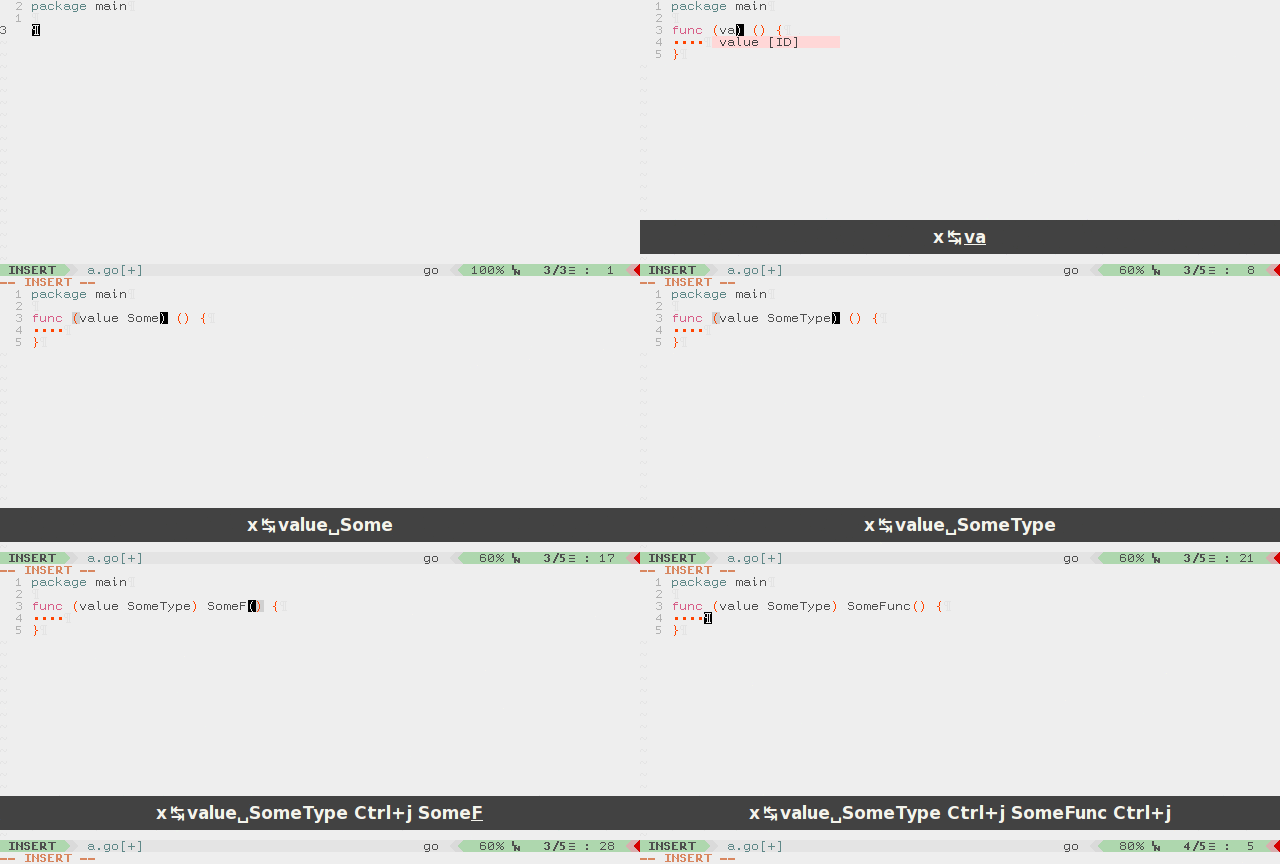
The first placeholder, surrounded by parentheses, can be erased by the user, but then the
surrounding parentheses will be left untouched and the user has to remove the parentheses and
one space and only then jump to the next placeholder. That equates to **5** total
keypresses: BackSpace (erase placeholder), BackSpace and
Delete (erase parentheses), Delete (erase space),
Tab (jump to next placeholder).
However, with UltiSnips, it can be done via only one keypress:
BackSpace:
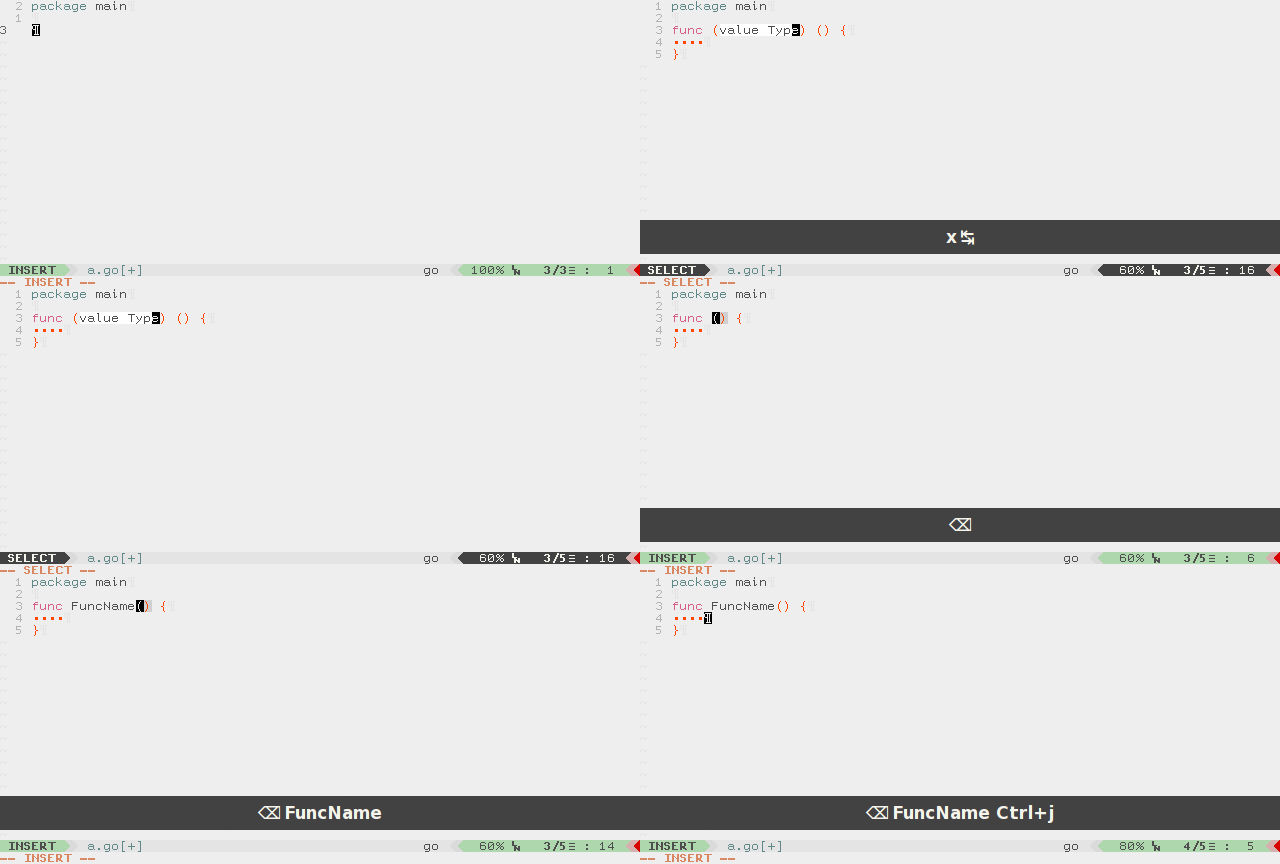
## Implementation
This example uses the [vim-pythonx library](https://github.com/reconquest/vim-pythonx/blob/master/pythonx/px/snippets.py), which provides a set of functions to make coding a little bit easier.
```
global !p
import px.snippets
endglobal
global !p
# This function will jump to next placeholder when first is empty.
def jump_to_second_when_first_is_empty(snip):
if px.snippets.get_jumper_position(snip) == 1:
if not px.snippets.get_jumper_text(snip):
px.snippets.advance_jumper(snip)
# This function will clean up first placeholder when this is empty.
def clean_first_placeholder(snip):
# Jumper is a helper for performing jumps in UltiSnips.
px.snippets.make_jumper(snip)
if snip.tabstop == 2 and not px.snippets.get_jumper_text(snip):
line = snip.buffer[snip.cursor[0]]
snip.buffer[snip.cursor[0]] = \
line[:snip.tabstops[1].start[1]-2] + \
line[snip.tabstops[1].end[1]+1:]
snip.cursor.set(
snip.cursor[0],
snip.cursor[1] - 3,
)
endglobal
context "px.snippets.make_context(snip)"
post_jump "clean_first_placeholder(snip)"
snippet x "Description" b
`!p jump_to_second_when_first_is_empty(snip)
`func (${1:blah}) $2() {
$3
}
endsnippet
```
================================================
FILE: doc/examples/snippets-aliasing/README.md
================================================
# Aliases for snippets
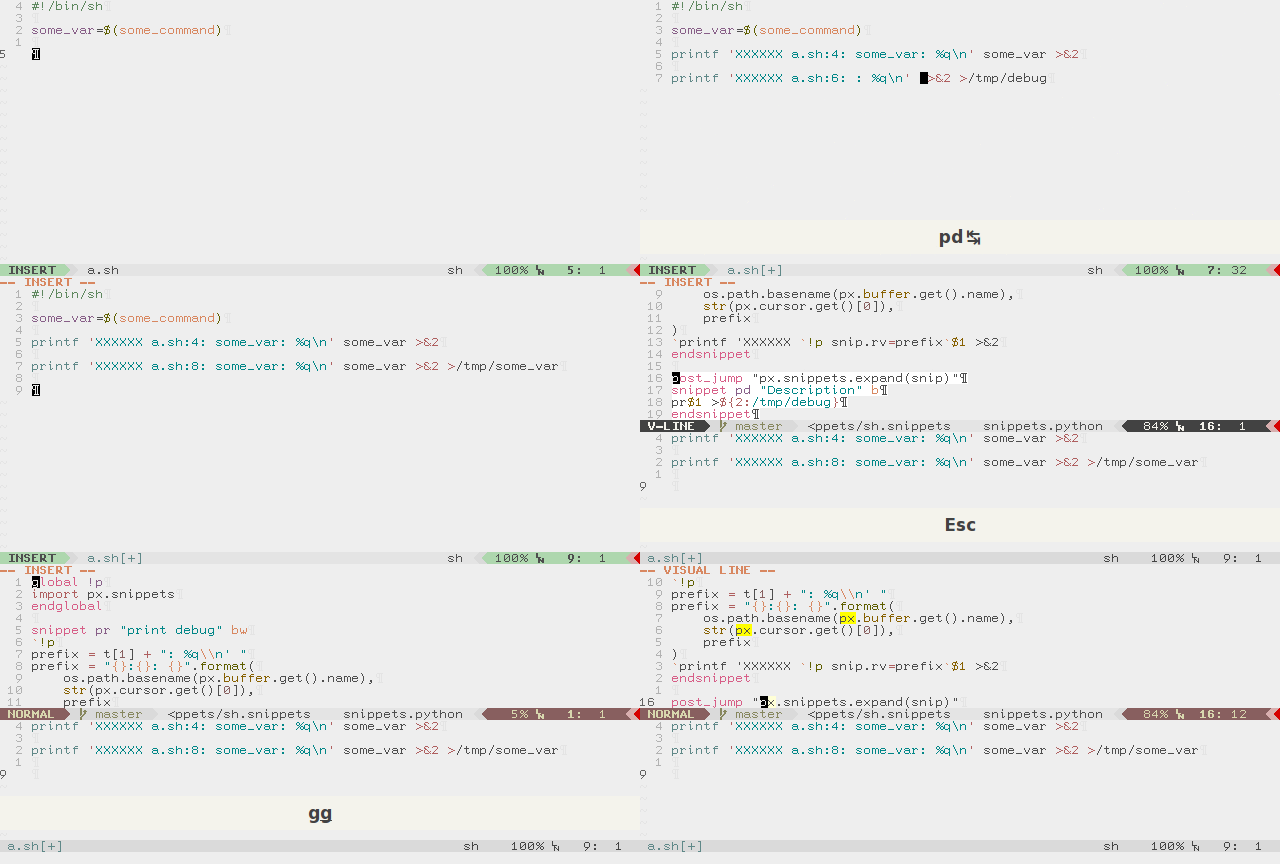
These examples use thes [vim-pythonx library](https://github.com/reconquest/vim-pythonx/blob/master/pythonx/px/snippets.py) which provides set of functions to make coding little bit easier.
Let's imagine we're editing a shell file and we need to debug some state.
We will probably end up with a snippet that will automatically insert the location of the debug statement, the variable name and its content:
```
global !p
import px.snippets
endglobal
snippet pr "print debug" bw
`!p
prefix = t[1] + ": %q\\n' "
prefix = "{}:{}: {}".format(
os.path.basename(px.buffer.get().name),
str(px.cursor.get()[0]),
prefix
)
`printf 'XXXXXX `!p snip.rv=prefix`$1 >&2
endsnippet
```
Now, we want to use same debug snippet, but dump output to a file.
How can we do it?
Simple, declare new snippet in that way:
```
post_jump "px.snippets.expand(snip)"
snippet pd "Description" b
pr$1 >${2:/tmp/debug}
endsnippet
```
This snippet will expand the `pr` snippet automatically (note `pr$1` part) after
jumping to the first placeholder (jump will be done automatically by UltiSnips
engine).
`px.snippets.expand(snip)` is declared in that way:
```python
def expand(snip, jump_pos=1):
if snip.tabstop != jump_pos:
return
vim.eval('feedkeys("\=UltiSnips#ExpandSnippet()\")')
```
`px.buffer.get()` and `px.cursor.get()` are simple helpers for the `vim.current.window.buffer` and `vim.current.window.cursor`.
================================================
FILE: doc/examples/tabstop-generation/README.md
================================================
# Dynamic tabstop generation
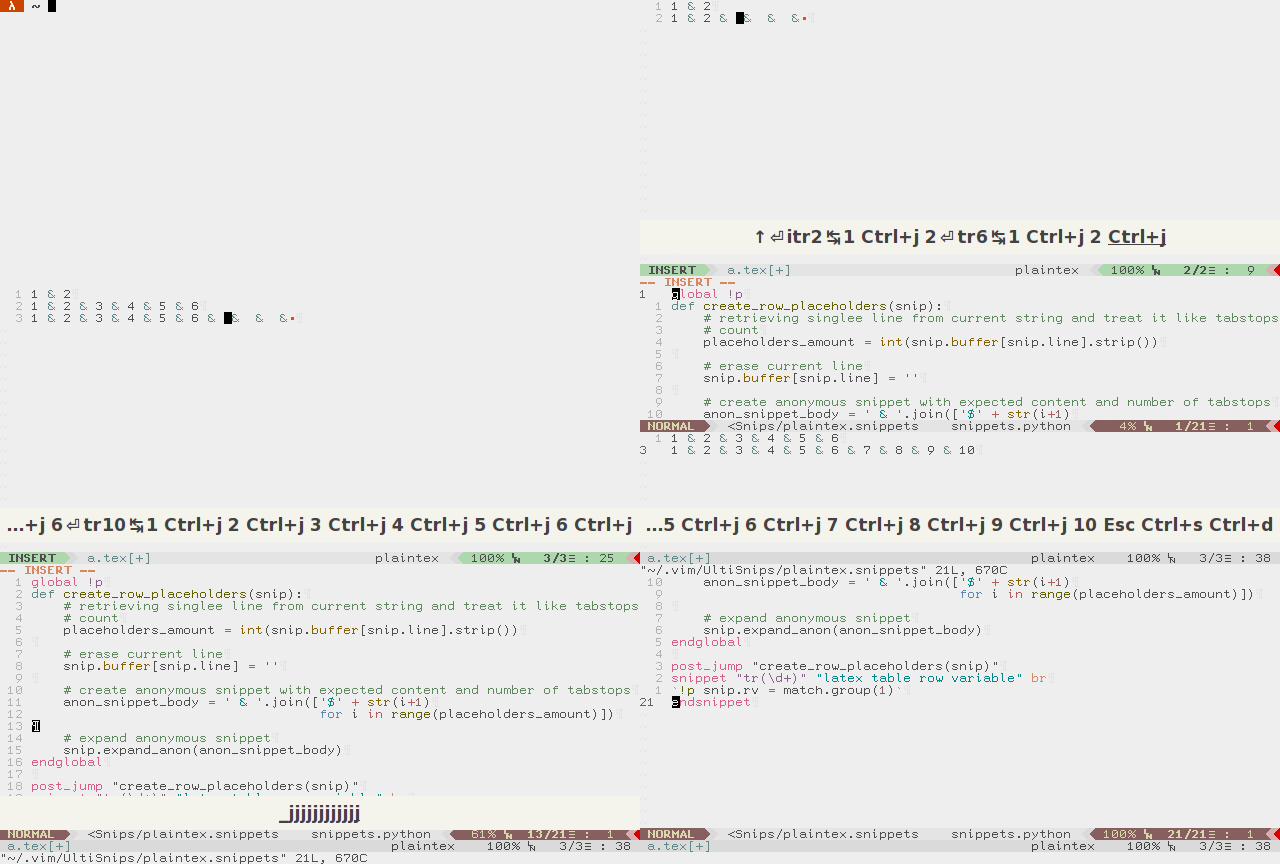
UltiSnips at the present day is more than snippet engine. It's more like
constructor, where you can implement some complex features without prior
feature implementation in the snippet by itself.
One of that features is dynamic tabstop generation.
Consider case, where you want set of snippets for inserting latex rows of
various lengths. No-brainer solution is just implement snippet for every
row length you're possible will want, like this:
```
snippet tr9 "LaTeX table row of length nine"
$1 & $2 & $3 & $4 & $5 & $6 & $7 & $8 & $9
endsnippet
```
But soon it becomes a burden to maintain that kind of snippets.
Gladly, tabstops can be generated by using anonymous snippet expansion:
```
global !p
def create_row_placeholders(snip):
# retrieving single line from current string and treat it like tabstops
# count
placeholders_amount = int(snip.buffer[snip.line].strip())
# erase current line
snip.buffer[snip.line] = ''
# create anonymous snippet with expected content and number of tabstops
anon_snippet_body = ' & '.join(['$' + str(i+1)
for i in range(placeholders_amount)])
# expand anonymous snippet
snip.expand_anon(anon_snippet_body)
endglobal
post_jump "create_row_placeholders(snip)"
snippet "tr(\d+)" "latex table row variable" br
`!p snip.rv = match.group(1)`
endsnippet
```
Snippet is declared via regular expression and will expand to any required
number of fields in row.
Now, for a more robust tabstop generation, to create placeholders within
multiple lines:
```
global !p
def create_matrix_placeholders(snip):
# Create anonymous snippet body
anon_snippet_body = ""
# Get start and end line number of expanded snippet
start = snip.snippet_start[0]
end = snip.snippet_end[0]
# Append current line into anonymous snippet
for i in range(start, end + 1):
anon_snippet_body += snip.buffer[i]
anon_snippet_body += "" if i == end else "\n"
# Delete expanded snippet line till second to last line
for i in range(start, end):
del snip.buffer[start]
# Empty last expanded snippet line while preserving the line
snip.buffer[start] = ''
# Expand anonymous snippet
snip.expand_anon(anon_snippet_body)
def create_matrix(cols, rows, sep, start, end):
res = ""
placeholder = 1
for _ in range(0, int(rows)):
res += start + f"${placeholder} "
placeholder += 1
for _ in range(0, int(cols) - 1):
res += sep + f" ${placeholder} "
placeholder += 1
res += end
return res[:-1]
endglobal
post_jump "create_matrix_placeholders(snip)"
snippet 'arr(\d+),(\d+)' "LaTeX array" br
\begin{array}{`!p
orient = ""
for _ in range(0, int(match.group(1))): orient += "l"
snip.rv = orient`}
`!p
snip.rv = create_matrix(match.group(1), match.group(2), "&", "\t", "\\\\\\\\\n")
`$0
\end{array}
endsnippet
```

================================================
FILE: docker/build_vim.sh
================================================
#!/bin/bash
set -o errexit
set -o verbose
cd /src/vim
PYTHON_BUILD_CONFIG="--enable-python3interp"
export CFLAGS="$(python-config --cflags)"
echo $CFLAGS
./configure \
--disable-gpm \
--disable-nls \
--disable-sysmouse \
--enable-gui=no \
--enable-multibyte \
--enable-python3interp \
--with-features=huge \
--with-tlib=ncurses \
--without-x \
|| cat $(find . -name 'config.log')
make install
================================================
FILE: docker/docker_vimrc.vim
================================================
call plug#begin('~/.vim_plugged')
Plug '/src/UltiSnips'
Plug 'honza/vim-snippets'
let g:UltiSnipsExpandTrigger=""
" Weird choices for triggers, but I wanted something that is rarely typed and
" never eaten by the shell.
let g:UltiSnipsListSnippets="9"
let g:UltiSnipsJumpForwardTrigger="2"
let g:UltiSnipsJumpBackwardTrigger="1"
let g:UltiSnipsEditSplit="vertical"
call plug#end()
================================================
FILE: docker/download_vim.sh
================================================
#!/bin/bash
set -o errexit
set -o verbose
mkdir -p /src && cd /src
if [[ $VIM_VERSION == "git" ]]; then
git clone https://github.com/vim/vim
else
curl -L https://github.com/vim/vim/archive/refs/tags/v${VIM_VERSION}.tar.gz -o vim.tar.gz
tar xf vim.tar.gz && rm vim.tar.gz
mv -v vim* vim
fi
================================================
FILE: docker/install_packages.sh
================================================
#!/bin/sh
set -o errexit
set -o verbose
apt-get update
apt-get install -y \
g++ \
moreutils \
tmux \
git
apt-get clean
================================================
FILE: docker/run_tests.sh
================================================
#!/usr/bin/env bash
set -e -o pipefail
PYTHON_CMD="$(which python)"
VIM="/usr/local/bin/vim"
PYTHON_VERSION=$($PYTHON_CMD -c 'import sys;print(sys.version.split()[0])')
echo "Using python from: $PYTHON_CMD Version: $PYTHON_VERSION"
echo "Using vim from: $VIM"
$VIM --version | head -n 3
set -x
tmux new -d -s vim
# Tests on CI sometimes hang, but we do not know which test it is for sure,
# since all we see are lines of the prior passed tests. In an attempt to have
# every character appear unbuffered we hope to uncover where the test actually
# hangs.
# We also use the `ts` tool to inform us when each line was printed to increase
# the likelyhood to find the failing test faster. Adding these debug helps seem
# to have reduced the likelyhood of the tests failing though.
# See https://stackoverflow.com/questions/3465619/how-to-make-output-of-any-shell-command-unbuffered/25548995
stdbuf -i0 -o0 -e0 \
$PYTHON_CMD ./test_all.py \
-v \
--failfast \
--plugins \
--session vim \
--vim $VIM \
--interface tmux \
--expected-python-version $PYTHON_VERSION \
2>&1 | ts '[%Y-%m-%d %H:%M:%S]'
================================================
FILE: docker/snippets/all.snippets
================================================
snippet example "Repro case example"
This is a simple snippet example
endsnippet
================================================
FILE: ftdetect/snippets.vim
================================================
" recognize .snippet files
if has("autocmd")
autocmd BufNewFile,BufRead *.snippets setf snippets
endif
================================================
FILE: ftplugin/snippets.vim
================================================
" Set some sane defaults for snippet files
if exists('b:did_ftplugin')
finish
endif
let b:did_ftplugin = 1
let s:save_cpo = &cpo
set cpo&vim
" Fold by syntax, but open all folds by default
setlocal foldmethod=syntax
setlocal foldlevel=99
setlocal commentstring=#%s
setlocal noexpandtab
setlocal autoindent nosmartindent nocindent
" Whenever a snippets file is written, we ask UltiSnips to reload all snippet
" files. This feels like auto-updating, but is of course just an
" approximation: If files change outside of the current Vim instance, we will
" not notice.
augroup ultisnips_snippets.vim
autocmd!
autocmd BufWritePost call UltiSnips#RefreshSnippets()
augroup END
" Define match words for use with matchit plugin
" http://www.vim.org/scripts/script.php?script_id=39
if exists("loaded_matchit") && !exists("b:match_words")
let b:match_ignorecase = 0
function! s:set_match_words() abort
let pairs = [
\ ['^snippet\>', '^endsnippet\>'],
\ ['^global\>', '^endglobal\>'],
\ ]
" Note: Keep the related patterns into a pattern
" Because tabstop-patterns such as ${1}, ${1:foo}, ${VISUAL}, ..., end with
" the same pattern, '}', matchit could fail to get corresponding '}' in
" nested patterns like ${1:${VISUAL:bar}} when the end-pattern is simply
" set to '}'.
call add(pairs, ['\${\%(\d\|VISUAL\)|\ze.*\\\@:p:h:h') . '/ctags/UltiSnips.cnf',
\ }
" don't unset g:tagbar_type_snippets, it serves no purpose
let b:undo_ftplugin = "
\ setlocal foldmethod< foldlevel< commentstring<
\|setlocal expandtab< autoindent< smartindent< cindent<
\|if get(s:, 'set_match_words')
\|unlet! b:match_ignorecase b:match_words s:set_match_words
\|endif
\"
" snippet text object:
" iS: inside snippet
" aS: around snippet (including empty lines that follow)
fun! s:UltiSnippetTextObj(inner) abort
normal! 0
let start = search('^snippet', 'nbcW')
let end = search('^endsnippet', 'ncW')
let prev = search('^endsnippet', 'nbW')
if !start || !end || prev > start
return feedkeys("\", 'n')
endif
exe end
if a:inner
let start += 1
let end -= 1
else
if search('^\S') <= (end + 1)
exe end
else
let end = line('.') - 1
endif
endif
exe start
k<
exe end
normal! $m>gv
endfun
onoremap iS :call UltiSnippetTextObj(1)
xnoremap iS :call UltiSnippetTextObj(1)
onoremap aS :call UltiSnippetTextObj(0)
xnoremap aS :call UltiSnippetTextObj(0)
let &cpo = s:save_cpo
unlet s:save_cpo
================================================
FILE: mypy.ini
================================================
# Global options:
[mypy]
python_version = 3.7
warn_return_any = True
warn_unused_configs = True
mypy_path=pythonx/UltiSnips
[mypy-vim]
ignore_missing_imports = True
[mypy-unidecode]
ignore_missing_imports = True
================================================
FILE: plugin/UltiSnips.vim
================================================
if exists('did_plugin_ultisnips') || &cp
finish
endif
let did_plugin_ultisnips=1
if version < 800
echohl WarningMsg
echom "UltiSnips requires Vim >= 8.0"
echohl None
finish
endif
" Enable Post debug server config
if !exists("g:UltiSnipsDebugServerEnable")
let g:UltiSnipsDebugServerEnable = 0
endif
if !exists("g:UltiSnipsDebugHost")
let g:UltiSnipsDebugHost = 'localhost'
endif
if !exists("g:UltiSnipsDebugPort")
let g:UltiSnipsDebugPort = 8080
endif
if !exists("g:UltiSnipsPMDebugBlocking")
let g:UltiSnipsPMDebugBlocking = 0
endif
" The Commands we define.
command! -bang -nargs=? -complete=customlist,UltiSnips#FileTypeComplete UltiSnipsEdit
\ :call UltiSnips#Edit(, )
command! -nargs=1 UltiSnipsAddFiletypes :call UltiSnips#AddFiletypes()
augroup UltiSnips_AutoTrigger
au!
au InsertCharPre * call UltiSnips#TrackChange()
au TextChangedI * call UltiSnips#TrackChange()
if exists('##TextChangedP')
au TextChangedP * call UltiSnips#TrackChange()
endif
augroup END
call UltiSnips#map_keys#MapKeys()
" vim: ts=8 sts=4 sw=4
================================================
FILE: pylintrc
================================================
[MASTER]
# Python code to execute, usually for sys.path manipulation such as
# pygtk.require().
init-hook='import sys; sys.path.append("pythonx/")'
# Add files or directories to the blacklist. They should be base names, not
# paths.
ignore=CVS,compatibility_py3
# Pickle collected data for later comparisons.
persistent=no
# List of plugins (as comma separated values of python modules names) to load,
# usually to register additional checkers.
load-plugins=
[MESSAGES CONTROL]
# Enable the message, report, category or checker with the given id(s). You can
# either give multiple identifier separated by comma (,) or put this option
# multiple time. See also the "--disable" option for examples.
#enable=
# Disable the message, report, category or checker with the given id(s). You
# can either give multiple identifiers separated by comma (,) or put this
# option multiple times (only on the command line, not in the configuration
# file where it should appear only once).You can also use "--disable=all" to
# disable everything first and then reenable specific checks. For example, if
# you want to run only the similarities checker, you can use "--disable=all
# --enable=similarities". If you want to run only the classes checker, but have
# no Warning level messages displayed, use"--disable=all --enable=classes
# --disable=W"
disable=
attribute-defined-outside-init,
bad-continuation,
fixme,
import-error,
missing-class-docstring,
missing-function-docstring,
missing-module-docstring,
redefined-builtin,
too-few-public-methods,
too-many-arguments,
too-many-branches,
too-many-instance-attributes,
too-many-locals,
too-many-public-methods,
too-many-return-statements,
too-many-statements
[REPORTS]
# Set the output format. Available formats are text, parseable, colorized, msvs
# (visual studio) and html. You can also give a reporter class, eg
# mypackage.mymodule.MyReporterClass.
output-format=text
# Tells whether to display a full report or only the messages
reports=no
msg-template="{path}:{line}: [{msg_id}({symbol}), {obj}] {msg}"
[BASIC]
# Required attributes for module, separated by a comma
required-attributes=
# List of builtins function names that should not be used, separated by a comma
bad-functions=apply,input
# Regular expression which should only match correct module names
module-rgx=(([a-z_][a-z0-9_]*)|([A-Z][a-zA-Z0-9]+))$
# Regular expression which should only match correct module level names
const-rgx=(([A-Z_][A-Z0-9_]*)|(__.*__))$
# Regular expression which should only match correct class names
class-rgx=[A-Z_][a-zA-Z0-9]+$
# Regular expression which should only match correct function names
function-rgx=_?[a-z_][a-z0-9_]{2,50}$
# Regular expression which should only match correct method names
method-rgx=[a-z_][a-z0-9_]{2,50}$
# Regular expression which should only match correct instance attribute names
attr-rgx=[a-z_][a-z0-9_]{2,50}$
# Regular expression which should only match correct argument names
argument-rgx=[a-z_][a-z0-9_]{1,50}$
# Regular expression which should only match correct variable names
variable-rgx=[a-z_][a-z0-9_]{1,50}$
# Regular expression which should only match correct attribute names in class
# bodies
class-attribute-rgx=([A-Za-z_][A-Za-z0-9_]{2,30}|(__.*__))$
# Regular expression which should only match correct list comprehension /
# generator expression variable names
inlinevar-rgx=[A-Za-z_][A-Za-z0-9_]*$
# Good variable names which should always be accepted, separated by a comma
good-names=i,j,a,b,x,y,k,ex,Run,_
# Bad variable names which should always be refused, separated by a comma
bad-names=foo,bar,baz,toto,tutu,tata
# Regular expression which should only match function or class names that do
# not require a docstring.
no-docstring-rgx=(__.*__|wrapper)
# Minimum line length for functions/classes that require docstrings, shorter
# ones are exempt.
docstring-min-length=-1
[FORMAT]
# Maximum number of characters on a single line.
max-line-length=110
# Regexp for a line that is allowed to be longer than the limit.
ignore-long-lines=^\s*(# )??$
# Allow the body of an if to be on the same line as the test if there is no
# else.
single-line-if-stmt=no
# List of optional constructs for which whitespace checking is disabled
no-space-check=trailing-comma,dict-separator
# Maximum number of lines in a module
max-module-lines=1000
# String used as indentation unit. This is usually " " (4 spaces) or "\t" (1
# tab).
indent-string=' '
[SIMILARITIES]
# Minimum lines number of a similarity.
min-similarity-lines=4
# Ignore comments when computing similarities.
ignore-comments=yes
# Ignore docstrings when computing similarities.
ignore-docstrings=yes
# Ignore imports when computing similarities.
ignore-imports=no
[TYPECHECK]
# Tells whether missing members accessed in mixin class should be ignored. A
# mixin class is detected if its name ends with "mixin" (case insensitive).
ignore-mixin-members=yes
# List of classes names for which member attributes should not be checked
# (useful for classes with attributes dynamically set).
ignored-classes=SQLObject
ignored-modules=vim
# When zope mode is activated, add a predefined set of Zope acquired attributes
# to generated-members.
zope=no
# List of members which are set dynamically and missed by pylint inference
# system, and so shouldn't trigger E0201 when accessed. Python regular
# expressions are accepted.
generated-members=REQUEST,acl_users,aq_parent
[VARIABLES]
# Tells whether we should check for unused import in __init__ files.
init-import=no
# A regular expression matching the beginning of the name of dummy variables
# (i.e. not used).
dummy-variables-rgx=_$|dummy
# List of additional names supposed to be defined in builtins. Remember that
# you should avoid to define new builtins when possible.
additional-builtins=
[CLASSES]
# List of interface methods to ignore, separated by a comma. This is used for
# instance to not check methods defines in Zope's Interface base class.
ignore-iface-methods=isImplementedBy,deferred,extends,names,namesAndDescriptions,queryDescriptionFor,getBases,getDescriptionFor,getDoc,getName,getTaggedValue,getTaggedValueTags,isEqualOrExtendedBy,setTaggedValue,isImplementedByInstancesOf,adaptWith,is_implemented_by
# List of method names used to declare (i.e. assign) instance attributes.
defining-attr-methods=__init__,__new__,setUp
# List of valid names for the first argument in a class method.
valid-classmethod-first-arg=cls
# List of valid names for the first argument in a metaclass class method.
valid-metaclass-classmethod-first-arg=mcs
[DESIGN]
# Maximum number of arguments for function / method
max-args=5
# Argument names that match this expression will be ignored. Default to name
# with leading underscore
ignored-argument-names=_.*
# Maximum number of locals for function / method body
max-locals=15
# Maximum number of return / yield for function / method body
max-returns=6
# Maximum number of branch for function / method body
max-branches=12
# Maximum number of statements in function / method body
max-statements=50
# Maximum number of parents for a class (see R0901).
max-parents=7
# Maximum number of attributes for a class (see R0902).
max-attributes=7
# Minimum number of public methods for a class (see R0903).
min-public-methods=2
# Maximum number of public methods for a class (see R0904).
max-public-methods=20
[IMPORTS]
# Deprecated modules which should not be used, separated by a comma
deprecated-modules=regsub,TERMIOS,Bastion,rexec
# Create a graph of every (i.e. internal and external) dependencies in the
# given file (report RP0402 must not be disabled)
import-graph=
# Create a graph of external dependencies in the given file (report RP0402 must
# not be disabled)
ext-import-graph=
# Create a graph of internal dependencies in the given file (report RP0402 must
# not be disabled)
int-import-graph=
[EXCEPTIONS]
# Exceptions that will emit a warning when being caught. Defaults to
# "Exception"
overgeneral-exceptions=Exception
================================================
FILE: pythonx/UltiSnips/__init__.py
================================================
#!/usr/bin/env python3
# encoding: utf-8
"""Entry point for all things UltiSnips."""
from UltiSnips.snippet_manager import UltiSnips_Manager
================================================
FILE: pythonx/UltiSnips/buffer_proxy.py
================================================
# coding=utf8
import vim
from UltiSnips import vim_helper
from UltiSnips.diff import diff
from UltiSnips.error import PebkacError
from UltiSnips.position import Position
from contextlib import contextmanager
@contextmanager
def use_proxy_buffer(snippets_stack, vstate):
"""
Forward all changes made in the buffer to the current snippet stack while
function call.
"""
buffer_proxy = VimBufferProxy(snippets_stack, vstate)
old_buffer = vim_helper.buf
try:
vim_helper.buf = buffer_proxy
yield
finally:
vim_helper.buf = old_buffer
buffer_proxy.validate_buffer()
@contextmanager
def suspend_proxy_edits():
"""
Prevents changes being applied to the snippet stack while function call.
"""
if not isinstance(vim_helper.buf, VimBufferProxy):
yield
else:
try:
vim_helper.buf._disable_edits()
yield
finally:
vim_helper.buf._enable_edits()
class VimBufferProxy(vim_helper.VimBuffer):
"""
Proxy object used for tracking changes that made from snippet actions.
Unfortunately, vim by itself lacks of the API for changing text in
trackable maner.
Vim marks offers limited functionality for tracking line additions and
deletions, but nothing offered for tracking changes withing single line.
Instance of this class is passed to all snippet actions and behaves as
internal vim.current.window.buffer.
All changes that are made by user passed to diff algorithm, and resulting
diff applied to internal snippet structures to ensure they are in sync with
actual buffer contents.
"""
def __init__(self, snippets_stack, vstate):
"""
Instantiate new object.
snippets_stack is a slice of currently active snippets.
"""
self._snippets_stack = snippets_stack
self._buffer = vim.current.buffer
self._change_tick = int(vim.eval("b:changedtick"))
self._forward_edits = True
self._vstate = vstate
def is_buffer_changed_outside(self):
"""
Returns true, if buffer was changed without using proxy object, like
with vim.command() or through internal vim.current.window.buffer.
"""
return self._change_tick < int(vim.eval("b:changedtick"))
def validate_buffer(self):
"""
Raises exception if buffer is changes beyound proxy object.
"""
if self.is_buffer_changed_outside():
raise PebkacError(
"buffer was modified using vim.command or "
+ "vim.current.buffer; that changes are untrackable and leads to "
+ "errors in snippet expansion; use special variable `snip.buffer` "
"for buffer modifications.\n\n"
+ "See :help UltiSnips-buffer-proxy for more info."
)
def __setitem__(self, key, value):
"""
Behaves as vim.current.window.buffer.__setitem__ except it tracks
changes and applies them to the current snippet stack.
"""
if isinstance(key, slice):
value = [line for line in value]
changes = list(self._get_diff(key.start, key.stop, value))
self._buffer[key.start : key.stop] = [line.strip("\n") for line in value]
else:
value = value
changes = list(self._get_line_diff(key, self._buffer[key], value))
self._buffer[key] = value
self._change_tick += 1
if self._forward_edits:
for change in changes:
self._apply_change(change)
if self._snippets_stack:
self._vstate.remember_buffer(self._snippets_stack[0])
def __setslice__(self, i, j, text):
"""
Same as __setitem__.
"""
self.__setitem__(slice(i, j), text)
def __getitem__(self, key):
"""
Just passing call to the vim.current.window.buffer.__getitem__.
"""
return self._buffer[key]
def __getslice__(self, i, j):
"""
Same as __getitem__.
"""
return self.__getitem__(slice(i, j))
def __len__(self):
"""
Same as len(vim.current.window.buffer).
"""
return len(self._buffer)
def append(self, line, line_number=-1):
"""
Same as vim.current.window.buffer.append(), but with tracking changes.
"""
if line_number < 0:
line_number = len(self)
if not isinstance(line, list):
line = [line]
self[line_number:line_number] = [l for l in line]
def __delitem__(self, key):
if isinstance(key, slice):
self.__setitem__(key, [])
else:
self.__setitem__(slice(key, key + 1), [])
def _get_diff(self, start, end, new_value):
"""
Very fast diffing algorithm when changes are across many lines.
"""
for line_number in range(start, end):
if line_number < 0:
line_number = len(self._buffer) + line_number
yield ("D", line_number, 0, self._buffer[line_number], True)
if start < 0:
start = len(self._buffer) + start
for line_number in range(0, len(new_value)):
yield ("I", start + line_number, 0, new_value[line_number], True)
def _get_line_diff(self, line_number, before, after):
"""
Use precise diffing for tracking changes in single line.
"""
if before == "":
for change in self._get_diff(line_number, line_number + 1, [after]):
yield change
else:
for change in diff(before, after):
yield (change[0], line_number, change[2], change[3])
def _apply_change(self, change):
"""
Apply changeset to current snippets stack, correctly moving around
snippet itself or its child.
"""
if not self._snippets_stack:
return
change_type, line_number, column_number, change_text = change[0:4]
line_before = line_number <= self._snippets_stack[0]._start.line
column_before = column_number <= self._snippets_stack[0]._start.col
if line_before and column_before:
direction = 1
if change_type == "D":
direction = -1
diff = Position(direction, 0)
if len(change) != 5:
diff = Position(0, direction * len(change_text))
self._snippets_stack[0]._move(Position(line_number, column_number), diff)
else:
if line_number > self._snippets_stack[0]._end.line:
return
if column_number >= self._snippets_stack[0]._end.col:
return
self._snippets_stack[0]._do_edit(change[0:4])
def _disable_edits(self):
"""
Temporary disable applying changes to snippets stack. Should be done
while expanding anonymous snippet in the middle of jump to prevent
double tracking.
"""
self._forward_edits = False
def _enable_edits(self):
"""
Enables changes forwarding back.
"""
self._forward_edits = True
================================================
FILE: pythonx/UltiSnips/compatibility.py
================================================
#!/usr/bin/env python3
# encoding: utf-8
"""This file contains compatibility code to stay compatible with as many python
versions as possible."""
import vim
def _vim_dec(string):
"""Decode 'string' using &encoding."""
# We don't have the luxury here of failing, everything
# falls apart if we don't return a bytearray from the
# passed in string
return string.decode(vim.eval("&encoding"), "replace")
def _vim_enc(bytearray):
"""Encode 'string' using &encoding."""
# We don't have the luxury here of failing, everything
# falls apart if we don't return a string from the passed
# in bytearray
return bytearray.encode(vim.eval("&encoding"), "replace")
def col2byte(line, col):
"""Convert a valid column index into a byte index inside of vims
buffer."""
# We pad the line so that selecting the +1 st column still works.
pre_chars = (vim.current.buffer[line - 1] + " ")[:col]
return len(_vim_enc(pre_chars))
def byte2col(line, nbyte):
"""Convert a column into a byteidx suitable for a mark or cursor
position inside of vim."""
line = vim.current.buffer[line - 1]
raw_bytes = _vim_enc(line)[:nbyte]
return len(_vim_dec(raw_bytes))
================================================
FILE: pythonx/UltiSnips/debug.py
================================================
#!/usr/bin/env python3
# encoding: utf-8
"""Convenience methods that help with debugging.
They should never be used in production code.
"""
import sys
DUMP_FILENAME = (
"/tmp/file.txt"
if not sys.platform.lower().startswith("win")
else "C:/windows/temp/ultisnips.txt"
)
with open(DUMP_FILENAME, "w"):
pass # clears the file
def echo_to_hierarchy(text_object):
"""Outputs the given 'text_object' and its children hierarchically."""
# pylint:disable=protected-access
orig = text_object
parent = text_object
while parent._parent:
parent = parent._parent
def _do_print(text_object, indent=""):
"""prints recursively."""
debug(indent + ("MAIN: " if text_object == orig else "") + str(text_object))
try:
for child in text_object._children:
_do_print(child, indent=indent + " ")
except AttributeError:
pass
_do_print(parent)
def debug(msg):
"""Dumb 'msg' into the debug file."""
with open(DUMP_FILENAME, "ab") as dump_file:
dump_file.write((msg + "\n").encode("utf-8"))
def print_stack():
"""Dump a stack trace into the debug file."""
import traceback
with open(DUMP_FILENAME, "a") as dump_file:
traceback.print_stack(file=dump_file)
================================================
FILE: pythonx/UltiSnips/diff.py
================================================
#!/usr/bin/env python3
# encoding: utf-8
"""Commands to compare text objects and to guess how to transform from one to
another."""
from collections import defaultdict
import sys
from UltiSnips import vim_helper
from UltiSnips.position import Position
def is_complete_edit(initial_line, original, wanted, cmds):
"""Returns true if 'original' is changed to 'wanted' with the edit commands
in 'cmds'.
Initial line is to change the line numbers in 'cmds'.
"""
buf = original[:]
for cmd in cmds:
ctype, line, col, char = cmd
line -= initial_line
if ctype == "D":
if char != "\n":
buf[line] = buf[line][:col] + buf[line][col + len(char) :]
else:
if line + 1 < len(buf):
buf[line] = buf[line] + buf[line + 1]
del buf[line + 1]
else:
del buf[line]
elif ctype == "I":
buf[line] = buf[line][:col] + char + buf[line][col:]
buf = "\n".join(buf).split("\n")
return len(buf) == len(wanted) and all(j == k for j, k in zip(buf, wanted))
def guess_edit(initial_line, last_text, current_text, vim_state):
"""Try to guess what the user might have done by heuristically looking at
cursor movement, number of changed lines and if they got longer or shorter.
This will detect most simple movements like insertion, deletion of a line
or carriage return. 'initial_text' is the index of where the comparison
starts, 'last_text' is the last text of the snippet, 'current_text' is the
current text of the snippet and 'vim_state' is the cached vim state.
Returns (True, edit_cmds) when the edit could be guessed, (False,
None) otherwise.
"""
if not len(last_text) and not len(current_text):
return True, ()
pos = vim_state.pos
ppos = vim_state.ppos
# All text deleted?
if len(last_text) and (
not current_text or (len(current_text) == 1 and not current_text[0])
):
es = []
if not current_text:
current_text = [""]
for i in last_text:
es.append(("D", initial_line, 0, i))
es.append(("D", initial_line, 0, "\n"))
es.pop() # Remove final \n because it is not really removed
if is_complete_edit(initial_line, last_text, current_text, es):
return True, es
if ppos.mode == "v": # Maybe selectmode?
sv = list(map(int, vim_helper.eval("""getpos("'<")""")))
sv = Position(sv[1] - 1, sv[2] - 1)
ev = list(map(int, vim_helper.eval("""getpos("'>")""")))
ev = Position(ev[1] - 1, ev[2] - 1)
if "exclusive" in vim_helper.eval("&selection"):
ppos.col -= 1 # We want to be inclusive, sorry.
ev.col -= 1
es = []
if sv.line == ev.line:
es.append(
(
"D",
sv.line,
sv.col,
last_text[sv.line - initial_line][sv.col : ev.col + 1],
)
)
if sv != pos and sv.line == pos.line:
es.append(
(
"I",
sv.line,
sv.col,
current_text[sv.line - initial_line][sv.col : pos.col + 1],
)
)
if is_complete_edit(initial_line, last_text, current_text, es):
return True, es
if pos.line == ppos.line:
if len(last_text) == len(current_text): # Movement only in one line
llen = len(last_text[ppos.line - initial_line])
clen = len(current_text[pos.line - initial_line])
if ppos < pos and clen > llen: # maybe only chars have been added
es = (
(
"I",
ppos.line,
ppos.col,
current_text[ppos.line - initial_line][ppos.col : pos.col],
),
)
if is_complete_edit(initial_line, last_text, current_text, es):
return True, es
if clen < llen:
if ppos == pos: # 'x' or DEL or dt or something
es = (
(
"D",
pos.line,
pos.col,
last_text[ppos.line - initial_line][
ppos.col : ppos.col + (llen - clen)
],
),
)
if is_complete_edit(initial_line, last_text, current_text, es):
return True, es
if pos < ppos: # Backspacing or dT dF?
es = (
(
"D",
pos.line,
pos.col,
last_text[pos.line - initial_line][
pos.col : pos.col + llen - clen
],
),
)
if is_complete_edit(initial_line, last_text, current_text, es):
return True, es
elif len(current_text) < len(last_text):
# were some lines deleted? (dd or so)
es = []
for i in range(len(last_text) - len(current_text)):
es.append(("D", pos.line, 0, last_text[pos.line - initial_line + i]))
es.append(("D", pos.line, 0, "\n"))
if is_complete_edit(initial_line, last_text, current_text, es):
return True, es
else:
# Movement in more than one line
if ppos.line + 1 == pos.line and pos.col == 0: # Carriage return?
es = (("I", ppos.line, ppos.col, "\n"),)
if is_complete_edit(initial_line, last_text, current_text, es):
return True, es
return False, None
def diff(a, b, sline=0):
"""
Return a list of deletions and insertions that will turn 'a' into 'b'. This
is done by traversing an implicit edit graph and searching for the shortest
route. The basic idea is as follows:
- Matching a character is free as long as there was no
deletion/insertion before. Then, matching will be seen as delete +
insert [1].
- Deleting one character has the same cost everywhere. Each additional
character costs only have of the first deletion.
- Insertion is cheaper the earlier it happens. The first character is
more expensive that any later [2].
[1] This is that world -> aolsa will be "D" world + "I" aolsa instead of
"D" w , "D" rld, "I" a, "I" lsa
[2] This is that "hello\n\n" -> "hello\n\n\n" will insert a newline after
hello and not after \n
"""
d = defaultdict(list) # pylint:disable=invalid-name
seen = defaultdict(lambda: sys.maxsize)
d[0] = [(0, 0, sline, 0, ())]
cost = 0
deletion_cost = len(a) + len(b)
insertion_cost = len(a) + len(b)
while True:
while len(d[cost]):
x, y, line, col, what = d[cost].pop()
if a[x:] == b[y:]:
return what
if x < len(a) and y < len(b) and a[x] == b[y]:
ncol = col + 1
nline = line
if a[x] == "\n":
ncol = 0
nline += 1
lcost = cost + 1
if (
what
and what[-1][0] == "D"
and what[-1][1] == line
and what[-1][2] == col
and a[x] != "\n"
):
# Matching directly after a deletion should be as costly as
# DELETE + INSERT + a bit
lcost = (deletion_cost + insertion_cost) * 1.5
if seen[x + 1, y + 1] > lcost:
d[lcost].append((x + 1, y + 1, nline, ncol, what))
seen[x + 1, y + 1] = lcost
if y < len(b): # INSERT
ncol = col + 1
nline = line
if b[y] == "\n":
ncol = 0
nline += 1
if (
what
and what[-1][0] == "I"
and what[-1][1] == nline
and what[-1][2] + len(what[-1][-1]) == col
and b[y] != "\n"
and seen[x, y + 1] > cost + (insertion_cost + ncol) // 2
):
seen[x, y + 1] = cost + (insertion_cost + ncol) // 2
d[cost + (insertion_cost + ncol) // 2].append(
(
x,
y + 1,
line,
ncol,
what[:-1]
+ (("I", what[-1][1], what[-1][2], what[-1][-1] + b[y]),),
)
)
elif seen[x, y + 1] > cost + insertion_cost + ncol:
seen[x, y + 1] = cost + insertion_cost + ncol
d[cost + ncol + insertion_cost].append(
(x, y + 1, nline, ncol, what + (("I", line, col, b[y]),))
)
if x < len(a): # DELETE
if (
what
and what[-1][0] == "D"
and what[-1][1] == line
and what[-1][2] == col
and a[x] != "\n"
and what[-1][-1] != "\n"
and seen[x + 1, y] > cost + deletion_cost // 2
):
seen[x + 1, y] = cost + deletion_cost // 2
d[cost + deletion_cost // 2].append(
(
x + 1,
y,
line,
col,
what[:-1] + (("D", line, col, what[-1][-1] + a[x]),),
)
)
elif seen[x + 1, y] > cost + deletion_cost:
seen[x + 1, y] = cost + deletion_cost
d[cost + deletion_cost].append(
(x + 1, y, line, col, what + (("D", line, col, a[x]),))
)
cost += 1
================================================
FILE: pythonx/UltiSnips/err_to_scratch_buffer.py
================================================
# coding=utf8
from functools import wraps
import traceback
import re
import sys
import time
from bdb import BdbQuit
from UltiSnips import vim_helper
from UltiSnips.error import PebkacError
from UltiSnips.remote_pdb import RemotePDB
def _report_exception(self, msg, e):
if hasattr(e, "snippet_info"):
msg += "\nSnippet, caused error:\n"
msg += re.sub(r"^(?=\S)", " ", e.snippet_info, flags=re.MULTILINE)
# snippet_code comes from _python_code.py, it's set manually for
# providing error message with stacktrace of failed python code
# inside of the snippet.
if hasattr(e, "snippet_code"):
_, _, tb = sys.exc_info()
tb_top = traceback.extract_tb(tb)[-1]
msg += "\nExecuted snippet code:\n"
lines = e.snippet_code.split("\n")
for number, line in enumerate(lines, 1):
msg += str(number).rjust(3)
prefix = " " if line else ""
if tb_top[1] == number:
prefix = " > "
msg += prefix + line + "\n"
# Vim sends no WinLeave msg here.
if hasattr(self, "_leaving_buffer"):
self._leaving_buffer() # pylint:disable=protected-access
vim_helper.new_scratch_buffer(msg)
def wrap(func):
"""Decorator that will catch any Exception that 'func' throws and displays
it in a new Vim scratch buffer."""
@wraps(func)
def wrapper(self, *args, **kwds):
try:
return func(self, *args, **kwds)
except BdbQuit:
pass # A debugger stopped, but it's not really an error
except PebkacError as e:
if RemotePDB.is_enable():
RemotePDB.pm()
msg = "UltiSnips Error:\n\n"
msg += str(e).strip()
if RemotePDB.is_enable():
host, port = RemotePDB.get_host_port()
msg += "\nUltisnips' post mortem debug server caught the error. Run `telnet {}:{}` to inspect it with pdb\n".format(
host, port
)
_report_exception(self, msg, e)
except Exception as e: # pylint: disable=bare-except
if RemotePDB.is_enable():
RemotePDB.pm()
msg = """An error occured. This is either a bug in UltiSnips or a bug in a
snippet definition. If you think this is a bug, please report it to
https://github.com/SirVer/ultisnips/issues/new
Please read and follow:
https://github.com/SirVer/ultisnips/blob/master/CONTRIBUTING.md#reproducing-bugs
Following is the full stack trace:
"""
msg += traceback.format_exc()
if RemotePDB.is_enable():
host, port = RemotePDB.get_host_port()
msg += "\nUltisnips' post mortem debug server caught the error. Run `telnet {}:{}` to inspect it with pdb\n".format(
host, port
)
_report_exception(self, msg, e)
return wrapper
================================================
FILE: pythonx/UltiSnips/error.py
================================================
#!/usr/bin/env python
# encoding: utf-8
class PebkacError(RuntimeError):
"""An error that was caused by a misconfiguration or error in a snippet,
i.e. caused by the user. Hence: "Problem exists between keyboard and
chair".
"""
pass
================================================
FILE: pythonx/UltiSnips/indent_util.py
================================================
#!/usr/bin/env python3
# encoding: utf-8
"""See module doc."""
from UltiSnips import vim_helper
class IndentUtil:
"""Utility class for dealing properly with indentation."""
def __init__(self):
self.reset()
def reset(self):
"""Gets the spacing properties from Vim."""
self.shiftwidth = int(
vim_helper.eval("exists('*shiftwidth') ? shiftwidth() : &shiftwidth")
)
self._expandtab = vim_helper.eval("&expandtab") == "1"
self._tabstop = int(vim_helper.eval("&tabstop"))
def ntabs_to_proper_indent(self, ntabs):
"""Convert 'ntabs' number of tabs to the proper indent prefix."""
line_ind = ntabs * self.shiftwidth * " "
line_ind = self.indent_to_spaces(line_ind)
line_ind = self.spaces_to_indent(line_ind)
return line_ind
def indent_to_spaces(self, indent):
"""Converts indentation to spaces respecting Vim settings."""
indent = indent.expandtabs(self._tabstop)
right = (len(indent) - len(indent.rstrip(" "))) * " "
indent = indent.replace(" ", "")
indent = indent.replace("\t", " " * self._tabstop)
return indent + right
def spaces_to_indent(self, indent):
"""Converts spaces to proper indentation respecting Vim settings."""
if not self._expandtab:
indent = indent.replace(" " * self._tabstop, "\t")
return indent
================================================
FILE: pythonx/UltiSnips/position.py
================================================
#!/usr/bin/env python3
# encoding: utf-8
from enum import Enum
class JumpDirection(Enum):
FORWARD = 1
BACKWARD = 2
class Position:
"""Represents a Position in a text file: (0 based line index, 0 based column
index) and provides methods for moving them around."""
def __init__(self, line, col):
self.line = line
self.col = col
def move(self, pivot, delta):
"""'pivot' is the position of the first changed character, 'delta' is
how text after it moved."""
if self < pivot:
return
if delta.line == 0:
if self.line == pivot.line:
self.col += delta.col
elif delta.line > 0:
if self.line == pivot.line:
self.col += delta.col - pivot.col
self.line += delta.line
else:
self.line += delta.line
if self.line == pivot.line:
self.col += -delta.col + pivot.col
def delta(self, pos):
"""Returns the difference that the cursor must move to come from 'pos'
to us."""
assert isinstance(pos, Position)
if self.line == pos.line:
return Position(0, self.col - pos.col)
if self > pos:
return Position(self.line - pos.line, self.col)
return Position(self.line - pos.line, pos.col)
def __add__(self, pos):
assert isinstance(pos, Position)
return Position(self.line + pos.line, self.col + pos.col)
def __sub__(self, pos):
assert isinstance(pos, Position)
return Position(self.line - pos.line, self.col - pos.col)
def __eq__(self, other):
return (self.line, self.col) == (other.line, other.col)
def __ne__(self, other):
return (self.line, self.col) != (other.line, other.col)
def __lt__(self, other):
return (self.line, self.col) < (other.line, other.col)
def __le__(self, other):
return (self.line, self.col) <= (other.line, other.col)
def __repr__(self):
return "(%i,%i)" % (self.line, self.col)
def __getitem__(self, index):
if index > 1:
raise IndexError("position can be indexed only 0 (line) and 1 (column)")
if index == 0:
return self.line
else:
return self.col
================================================
FILE: pythonx/UltiSnips/remote_pdb.py
================================================
import sys
import threading
from bdb import BdbQuit
from UltiSnips import vim_helper
class RemotePDB(object):
"""
Launch a pdb instance listening on (host, port).
Used to provide debug facilities you can access with netcat or telnet.
"""
singleton = None
def __init__(self, host, port):
self.host = host
self.port = port
self._pdb = None
def start_server(self):
"""
Create an instance of Pdb bound to a socket
"""
if self._pdb is not None:
return
import pdb
import socket
self.server = socket.socket(socket.AF_INET, socket.SOCK_STREAM)
self.server.setsockopt(socket.SOL_SOCKET, socket.SO_REUSEADDR, True)
self.server.bind((self.host, self.port))
self.server.listen(1)
self.connection, address = self.server.accept()
io = self.connection.makefile("rw")
parent = self
class Pdb(pdb.Pdb):
"""Patch quit to close the connection"""
def set_quit(self):
parent._shutdown()
super().set_quit()
self._pdb = Pdb(stdin=io, stdout=io)
def _pm(self, tb):
"""
Launch the server as post mortem on the currently handled exception
"""
try:
self._pdb.interaction(None, tb)
except: # Ignore all exceptions part of debugger shutdown (and bugs... https://bugs.python.org/issue44461 )
pass
def set_trace(self, frame):
self._pdb.set_trace(frame)
def _shutdown(self):
if self._pdb is not None:
import socket
self.connection.shutdown(socket.SHUT_RDWR)
self.connection.close()
self.server.close()
self._pdb = None
@staticmethod
def get_host_port(host=None, port=None):
if host is None:
host = vim_helper.eval("g:UltiSnipsDebugHost")
if port is None:
port = int(vim_helper.eval("g:UltiSnipsDebugPort"))
return host, port
@staticmethod
def is_enable():
return bool(int(vim_helper.eval("g:UltiSnipsDebugServerEnable")))
@staticmethod
def is_blocking():
return bool(int(vim_helper.eval("g:UltiSnipsPMDebugBlocking")))
@classmethod
def _create(cls):
if cls.singleton is None:
cls.singleton = cls(*cls.get_host_port())
@classmethod
def breakpoint(cls, host=None, port=None):
if cls.singleton is None and not cls.is_enable():
return
cls._create()
cls.singleton.start_server()
cls.singleton.set_trace(sys._getframe().f_back)
@classmethod
def pm(cls):
"""
Launch the server as post mortem on the currently handled exception
"""
if cls.singleton is None and not cls.is_enable():
return
cls._create()
t, val, tb = sys.exc_info()
def _thread_run():
cls.singleton.start_server()
cls.singleton._pm(tb)
if cls.is_blocking():
_thread_run()
else:
thread = threading.Thread(target=_thread_run)
thread.start()
================================================
FILE: pythonx/UltiSnips/snippet/__init__.py
================================================
"""Code related to snippets."""
================================================
FILE: pythonx/UltiSnips/snippet/definition/__init__.py
================================================
"""In memory representation of snippet definitions."""
from UltiSnips.snippet.definition.ulti_snips import UltiSnipsSnippetDefinition
from UltiSnips.snippet.definition.snipmate import SnipMateSnippetDefinition
================================================
FILE: pythonx/UltiSnips/snippet/definition/base.py
================================================
#!/usr/bin/env python3
# encoding: utf-8
"""Snippet representation after parsing."""
import re
import vim
import textwrap
from UltiSnips import vim_helper
from UltiSnips.error import PebkacError
from UltiSnips.indent_util import IndentUtil
from UltiSnips.position import Position
from UltiSnips.text import escape
from UltiSnips.text_objects import SnippetInstance
from UltiSnips.text_objects.python_code import SnippetUtilForAction, cached_compile
__WHITESPACE_SPLIT = re.compile(r"\s")
class _SnippetUtilCursor:
def __init__(self, cursor):
self._cursor = [cursor[0] - 1, cursor[1]]
self._set = False
def preserve(self):
self._set = True
self._cursor = [vim_helper.buf.cursor[0], vim_helper.buf.cursor[1]]
def is_set(self):
return self._set
def set(self, line, column):
self.__setitem__(0, line)
self.__setitem__(1, column)
def to_vim_cursor(self):
return (self._cursor[0] + 1, self._cursor[1])
def __getitem__(self, index):
return self._cursor[index]
def __setitem__(self, index, value):
self._set = True
self._cursor[index] = value
def __len__(self):
return 2
def __str__(self):
return str((self._cursor[0], self._cursor[1]))
def split_at_whitespace(string):
"""Like string.split(), but keeps empty words as empty words."""
return re.split(__WHITESPACE_SPLIT, string)
def _words_for_line(trigger, before, num_words=None):
"""Gets the final 'num_words' words from 'before'.
If num_words is None, then use the number of words in 'trigger'.
"""
if num_words is None:
num_words = len(split_at_whitespace(trigger))
word_list = split_at_whitespace(before)
if len(word_list) <= num_words:
return before.strip()
else:
before_words = before
for i in range(-1, -(num_words + 1), -1):
left = before_words.rfind(word_list[i])
before_words = before_words[:left]
return before[len(before_words) :].strip()
class SnippetDefinition:
"""Represents a snippet as parsed from a file."""
_INDENT = re.compile(r"^[ \t]*")
_TABS = re.compile(r"^\t*")
def __init__(
self,
priority,
trigger,
value,
description,
options,
globals,
location,
context,
actions,
):
self._priority = int(priority)
self._trigger = trigger
self._value = value
self._description = description
self._opts = options
self._matched = ""
self._last_re = None
self._globals = globals
self._compiled_globals = None
self._location = location
# Make sure that we actually match our trigger in case we are
# immediately expanded. At this point we don't take into
# account a any context code
self._context_code = None
self.matches(self._trigger)
self._context_code = context
if context:
self._compiled_context_code = cached_compile(
"snip.context = " + context, "", "exec"
)
self._context = None
self._actions = actions or {}
self._compiled_actions = {
action: cached_compile(source, "", "exec")
for action, source in self._actions.items()
}
def __repr__(self):
return "_SnippetDefinition(%r,%s,%s,%s)" % (
self._priority,
self._trigger,
self._description,
self._opts,
)
def _re_match(self, trigger):
"""Test if the current regex trigger matches `trigger`.
If so, set _last_re and _matched.
"""
for match in re.finditer(self._trigger, trigger):
if match.end() != len(trigger):
continue
else:
self._matched = trigger[match.start() : match.end()]
self._last_re = match
return match
return False
def _context_match(self, visual_content, before):
# skip on empty buffer
if len(vim.current.buffer) == 1 and vim.current.buffer[0] == "":
return
locals = {
"context": None,
"visual_mode": "",
"visual_text": "",
"last_placeholder": None,
"before": before,
}
if visual_content:
locals["visual_mode"] = visual_content.mode
locals["visual_text"] = visual_content.text
locals["last_placeholder"] = visual_content.placeholder
return self._eval_code(
"snip.context = " + self._context_code, locals, self._compiled_context_code
).context
def _eval_code(self, code, additional_locals={}, compiled_code=None):
current = vim.current
locals = {
"window": current.window,
"buffer": current.buffer,
"line": current.window.cursor[0] - 1,
"column": current.window.cursor[1] - 1,
"cursor": _SnippetUtilCursor(current.window.cursor),
}
locals.update(additional_locals)
snip = SnippetUtilForAction(locals)
try:
if self._compiled_globals is None:
self._precompile_globals()
glob = {"snip": snip, "match": self._last_re}
exec(self._compiled_globals, glob)
exec(compiled_code or code, glob)
except Exception as e:
code = "\n".join(
[
"import re, os, vim, string, random",
"\n".join(self._globals.get("!p", [])).replace("\r\n", "\n"),
code,
]
)
self._make_debug_exception(e, code)
raise
return snip
def _execute_action(
self, action, context, additional_locals={}, compiled_action=None
):
mark_to_use = "`"
with vim_helper.save_mark(mark_to_use):
vim_helper.set_mark_from_pos(mark_to_use, vim_helper.get_cursor_pos())
cursor_line_before = vim_helper.buf.line_till_cursor
locals = {"context": context}
locals.update(additional_locals)
snip = self._eval_code(action, locals, compiled_action)
if snip.cursor.is_set():
vim_helper.buf.cursor = Position(
snip.cursor._cursor[0], snip.cursor._cursor[1]
)
else:
new_mark_pos = vim_helper.get_mark_pos(mark_to_use)
cursor_invalid = False
if vim_helper._is_pos_zero(new_mark_pos):
cursor_invalid = True
else:
vim_helper.set_cursor_from_pos(new_mark_pos)
if cursor_line_before != vim_helper.buf.line_till_cursor:
cursor_invalid = True
if cursor_invalid:
raise PebkacError(
"line under the cursor was modified, but "
+ '"snip.cursor" variable is not set; either set set '
+ '"snip.cursor" to new cursor position, or do not '
+ "modify cursor line"
)
return snip
def _make_debug_exception(self, e, code=""):
e.snippet_info = textwrap.dedent(
"""
Defined in: {}
Trigger: {}
Description: {}
Context: {}
Pre-expand: {}
Post-expand: {}
"""
).format(
self._location,
self._trigger,
self._description,
self._context_code if self._context_code else "",
self._actions["pre_expand"] if "pre_expand" in self._actions else "",
self._actions["post_expand"]
if "post_expand" in self._actions
else "",
code,
)
e.snippet_code = code
def _precompile_globals(self):
self._compiled_globals = cached_compile(
"\n".join(
[
"import re, os, vim, string, random",
"\n".join(self._globals.get("!p", [])).replace("\r\n", "\n"),
]
),
"",
"exec",
)
def has_option(self, opt):
"""Check if the named option is set."""
return opt in self._opts
@property
def description(self):
"""Descriptive text for this snippet."""
return ("(%s) %s" % (self._trigger, self._description)).strip()
@property
def priority(self):
"""The snippets priority, which defines which snippet will be preferred
over others with the same trigger."""
return self._priority
@property
def trigger(self):
"""The trigger text for the snippet."""
return self._trigger
@property
def matched(self):
"""The last text that matched this snippet in match() or
could_match()."""
return self._matched
@property
def location(self):
"""Where this snippet was defined."""
return self._location
@property
def context(self):
"""The matched context."""
return self._context
def matches(self, before, visual_content=None):
"""Returns True if this snippet matches 'before'."""
# If user supplies both "w" and "i", it should perhaps be an
# error, but if permitted it seems that "w" should take precedence
# (since matching at word boundary and within a word == matching at word
# boundary).
self._matched = ""
words = _words_for_line(self._trigger, before)
if "r" in self._opts:
try:
match = self._re_match(before)
except Exception as e:
self._make_debug_exception(e)
raise
elif "w" in self._opts:
words_len = len(self._trigger)
words_prefix = words[:-words_len]
words_suffix = words[-words_len:]
match = words_suffix == self._trigger
if match and words_prefix:
# Require a word boundary between prefix and suffix.
boundary_chars = escape(words_prefix[-1:] + words_suffix[:1], r"\"")
match = vim_helper.eval('"%s" =~# "\\\\v.<."' % boundary_chars) != "0"
elif "i" in self._opts:
match = words.endswith(self._trigger)
else:
match = words == self._trigger
# By default, we match the whole trigger
if match and not self._matched:
self._matched = self._trigger
# Ensure the match was on a word boundry if needed
if "b" in self._opts and match:
text_before = before.rstrip()[: -len(self._matched)]
if text_before.strip(" \t") != "":
self._matched = ""
return False
self._context = None
if match and self._context_code:
self._context = self._context_match(visual_content, before)
if not self.context:
match = False
return match
def could_match(self, before):
"""Return True if this snippet could match the (partial) 'before'."""
self._matched = ""
# List all on whitespace.
if before and before[-1] in (" ", "\t"):
before = ""
if before and before.rstrip() is not before:
return False
words = _words_for_line(self._trigger, before)
if "r" in self._opts:
# Test for full match only
match = self._re_match(before)
elif "w" in self._opts:
# Trim non-empty prefix up to word boundary, if present.
qwords = escape(words, r"\"")
words_suffix = vim_helper.eval(
'substitute("%s", "\\\\v^.+<(.+)", "\\\\1", "")' % qwords
)
match = self._trigger.startswith(words_suffix)
self._matched = words_suffix
# TODO: list_snippets() function cannot handle partial-trigger
# matches yet, so for now fail if we trimmed the prefix.
if words_suffix != words:
match = False
elif "i" in self._opts:
# TODO: It is hard to define when a inword snippet could match,
# therefore we check only for full-word trigger.
match = self._trigger.startswith(words)
else:
match = self._trigger.startswith(words)
# By default, we match the words from the trigger
if match and not self._matched:
self._matched = words
# Ensure the match was on a word boundry if needed
if "b" in self._opts and match:
text_before = before.rstrip()[: -len(self._matched)]
if text_before.strip(" \t") != "":
self._matched = ""
return False
return match
def instantiate(self, snippet_instance, initial_text, indent):
"""Parses the content of this snippet and brings the corresponding text
objects alive inside of Vim."""
raise NotImplementedError()
def do_pre_expand(self, visual_content, snippets_stack):
if "pre_expand" in self._actions:
locals = {"buffer": vim_helper.buf, "visual_content": visual_content}
snip = self._execute_action(
self._actions["pre_expand"],
self._context,
locals,
self._compiled_actions["pre_expand"],
)
self._context = snip.context
return snip.cursor.is_set()
else:
return False
def do_post_expand(self, start, end, snippets_stack):
if "post_expand" in self._actions:
locals = {
"snippet_start": start,
"snippet_end": end,
"buffer": vim_helper.buf,
}
snip = self._execute_action(
self._actions["post_expand"],
snippets_stack[-1].context,
locals,
self._compiled_actions["post_expand"],
)
snippets_stack[-1].context = snip.context
return snip.cursor.is_set()
else:
return False
def do_post_jump(
self, tabstop_number, jump_direction, snippets_stack, current_snippet
):
if "post_jump" in self._actions:
start = current_snippet.start
end = current_snippet.end
locals = {
"tabstop": tabstop_number,
"jump_direction": jump_direction,
"tabstops": current_snippet.get_tabstops(),
"snippet_start": start,
"snippet_end": end,
"buffer": vim_helper.buf,
}
snip = self._execute_action(
self._actions["post_jump"],
current_snippet.context,
locals,
self._compiled_actions["post_jump"],
)
current_snippet.context = snip.context
return snip.cursor.is_set()
else:
return False
def launch(self, text_before, visual_content, parent, start, end):
"""Launch this snippet, overwriting the text 'start' to 'end' and
keeping the 'text_before' on the launch line.
'Parent' is the parent snippet instance if any.
"""
indent = self._INDENT.match(text_before).group(0)
lines = (self._value + "\n").splitlines()
ind_util = IndentUtil()
# Replace leading tabs in the snippet definition via proper indenting
initial_text = []
for line_num, line in enumerate(lines):
if "t" in self._opts:
tabs = 0
else:
tabs = len(self._TABS.match(line).group(0))
line_ind = ind_util.ntabs_to_proper_indent(tabs)
if line_num != 0:
line_ind = indent + line_ind
result_line = line_ind + line[tabs:]
if "m" in self._opts:
result_line = result_line.rstrip()
initial_text.append(result_line)
initial_text = "\n".join(initial_text)
if self._compiled_globals is None:
self._precompile_globals()
snippet_instance = SnippetInstance(
self,
parent,
initial_text,
start,
end,
visual_content,
last_re=self._last_re,
globals=self._globals,
context=self._context,
_compiled_globals=self._compiled_globals,
)
self.instantiate(snippet_instance, initial_text, indent)
snippet_instance.replace_initial_text(vim_helper.buf)
snippet_instance.update_textobjects(vim_helper.buf)
return snippet_instance
================================================
FILE: pythonx/UltiSnips/snippet/definition/snipmate.py
================================================
#!/usr/bin/env python3
# encoding: utf-8
"""A snipMate snippet after parsing."""
from UltiSnips.snippet.definition.base import SnippetDefinition
from UltiSnips.snippet.parsing.snipmate import parse_and_instantiate
class SnipMateSnippetDefinition(SnippetDefinition):
"""See module doc."""
SNIPMATE_SNIPPET_PRIORITY = -1000
def __init__(self, trigger, value, description, location):
SnippetDefinition.__init__(
self,
self.SNIPMATE_SNIPPET_PRIORITY,
trigger,
value,
description,
"w",
{},
location,
None,
{},
)
def instantiate(self, snippet_instance, initial_text, indent):
parse_and_instantiate(snippet_instance, initial_text, indent)
================================================
FILE: pythonx/UltiSnips/snippet/definition/ulti_snips.py
================================================
#!/usr/bin/env python3
# encoding: utf-8
"""A UltiSnips snippet after parsing."""
from UltiSnips.snippet.definition.base import SnippetDefinition
from UltiSnips.snippet.parsing.ulti_snips import parse_and_instantiate
class UltiSnipsSnippetDefinition(SnippetDefinition):
"""See module doc."""
def instantiate(self, snippet_instance, initial_text, indent):
return parse_and_instantiate(snippet_instance, initial_text, indent)
================================================
FILE: pythonx/UltiSnips/snippet/parsing/__init__.py
================================================
"""Code related to turning text into snippets."""
================================================
FILE: pythonx/UltiSnips/snippet/parsing/base.py
================================================
#!/usr/bin/env python3
# encoding: utf-8
"""Common functionality of the snippet parsing codes."""
from UltiSnips.position import Position
from UltiSnips.snippet.parsing.lexer import tokenize, TabStopToken
from UltiSnips.text_objects import TabStop
from UltiSnips.text_objects import Mirror
from UltiSnips.snippet.parsing.lexer import MirrorToken
def resolve_ambiguity(all_tokens, seen_ts):
"""$1 could be a Mirror or a TabStop.
This figures this out.
"""
for parent, token in all_tokens:
if isinstance(token, MirrorToken):
if token.number not in seen_ts:
seen_ts[token.number] = TabStop(parent, token)
else:
Mirror(parent, seen_ts[token.number], token)
def tokenize_snippet_text(
snippet_instance,
text,
indent,
allowed_tokens_in_text,
allowed_tokens_in_tabstops,
token_to_textobject,
):
"""Turns 'text' into a stream of tokens and creates the text objects from
those tokens that are mentioned in 'token_to_textobject' assuming the
current 'indent'.
The 'allowed_tokens_in_text' define which tokens will be recognized
in 'text' while 'allowed_tokens_in_tabstops' are the tokens that
will be recognized in TabStop placeholder text.
"""
seen_ts = {}
all_tokens = []
def _do_parse(parent, text, allowed_tokens):
"""Recursive function that actually creates the objects."""
tokens = list(tokenize(text, indent, parent.start, allowed_tokens))
for token in tokens:
all_tokens.append((parent, token))
if isinstance(token, TabStopToken):
ts = TabStop(parent, token)
seen_ts[token.number] = ts
_do_parse(ts, token.initial_text, allowed_tokens_in_tabstops)
else:
klass = token_to_textobject.get(token.__class__, None)
if klass is not None:
text_object = klass(parent, token)
# TabStop has some subclasses (e.g. Choices)
if isinstance(text_object, TabStop):
seen_ts[text_object.number] = text_object
_do_parse(snippet_instance, text, allowed_tokens_in_text)
return all_tokens, seen_ts
def finalize(all_tokens, seen_ts, snippet_instance):
"""Adds a tabstop 0 if non is in 'seen_ts' and brings the text of the
snippet instance into Vim."""
if 0 not in seen_ts:
mark = all_tokens[-1][1].end # Last token is always EndOfText
m1 = Position(mark.line, mark.col)
TabStop(snippet_instance, 0, mark, m1)
================================================
FILE: pythonx/UltiSnips/snippet/parsing/lexer.py
================================================
#!/usr/bin/env python3
# encoding: utf-8
"""Not really a lexer in the classical sense, but code to convert snippet
definitions into logical units called Tokens."""
import string
import re
from UltiSnips.error import PebkacError
from UltiSnips.position import Position
from UltiSnips.text import unescape
class _TextIterator:
"""Helper class to make iterating over text easier."""
def __init__(self, text, offset):
self._text = text
self._line = offset.line
self._col = offset.col
self._idx = 0
def __iter__(self):
"""Iterator interface."""
return self
def __next__(self):
"""Returns the next character."""
if self._idx >= len(self._text):
raise StopIteration
rv = self._text[self._idx]
if self._text[self._idx] in ("\n", "\r\n"):
self._line += 1
self._col = 0
else:
self._col += 1
self._idx += 1
return rv
def peek(self, count=1):
"""Returns the next 'count' characters without advancing the stream."""
if count > 1: # This might return '' if nothing is found
return self._text[self._idx : self._idx + count]
try:
return self._text[self._idx]
except IndexError:
return None
@property
def pos(self):
"""Current position in the text."""
return Position(self._line, self._col)
def _parse_number(stream):
"""Expects the stream to contain a number next, returns the number without
consuming any more bytes."""
rv = ""
while stream.peek() and stream.peek() in string.digits:
rv += next(stream)
return int(rv)
def _parse_till_closing_brace(stream):
"""
Returns all chars till a non-escaped } is found. Other
non escaped { are taken into account and skipped over.
Will also consume the closing }, but not return it
"""
rv = ""
in_braces = 1
while True:
if EscapeCharToken.starts_here(stream, "\\{}"):
rv += next(stream) + next(stream)
else:
char = next(stream)
if char == "{":
in_braces += 1
elif char == "}":
in_braces -= 1
if in_braces == 0:
break
rv += char
return rv
def _parse_till_unescaped_char(stream, chars):
"""
Returns all chars till a non-escaped char is found.
Will also consume the closing char, but and return it as second
return value
"""
rv = ""
while True:
escaped = False
for char in chars:
if EscapeCharToken.starts_here(stream, char):
rv += next(stream) + next(stream)
escaped = True
if not escaped:
char = next(stream)
if char in chars:
break
rv += char
return rv, char
class Token:
"""Represents a Token as parsed from a snippet definition."""
def __init__(self, gen, indent):
self.initial_text = ""
self.start = gen.pos
self._parse(gen, indent)
self.end = gen.pos
def _parse(self, stream, indent):
"""Parses the token from 'stream' with the current 'indent'."""
pass # Does nothing
class TabStopToken(Token):
"""${1:blub}"""
CHECK = re.compile(r"^\${\d+[:}]")
@classmethod
def starts_here(cls, stream):
"""Returns true if this token starts at the current position in
'stream'."""
return cls.CHECK.match(stream.peek(10)) is not None
def _parse(self, stream, indent):
next(stream) # $
next(stream) # {
self.number = _parse_number(stream)
if stream.peek() == ":":
next(stream)
self.initial_text = _parse_till_closing_brace(stream)
def __repr__(self):
return "TabStopToken(%r,%r,%r,%r)" % (
self.start,
self.end,
self.number,
self.initial_text,
)
class VisualToken(Token):
"""${VISUAL}"""
CHECK = re.compile(r"^\${VISUAL[:}/]")
@classmethod
def starts_here(cls, stream):
"""Returns true if this token starts at the current position in
'stream'."""
return cls.CHECK.match(stream.peek(10)) is not None
def _parse(self, stream, indent):
for _ in range(8): # ${VISUAL
next(stream)
if stream.peek() == ":":
next(stream)
self.alternative_text, char = _parse_till_unescaped_char(stream, "/}")
self.alternative_text = unescape(self.alternative_text)
if char == "/": # Transformation going on
try:
self.search = _parse_till_unescaped_char(stream, "/")[0]
self.replace = _parse_till_unescaped_char(stream, "/")[0]
self.options = _parse_till_closing_brace(stream)
except StopIteration:
raise PebkacError(
"Invalid ${VISUAL} transformation! Forgot to escape a '/'?"
)
else:
self.search = None
self.replace = None
self.options = None
def __repr__(self):
return "VisualToken(%r,%r)" % (self.start, self.end)
class TransformationToken(Token):
"""${1/match/replace/options}"""
CHECK = re.compile(r"^\${\d+\/")
@classmethod
def starts_here(cls, stream):
"""Returns true if this token starts at the current position in
'stream'."""
return cls.CHECK.match(stream.peek(10)) is not None
def _parse(self, stream, indent):
next(stream) # $
next(stream) # {
self.number = _parse_number(stream)
next(stream) # /
self.search = _parse_till_unescaped_char(stream, "/")[0]
self.replace = _parse_till_unescaped_char(stream, "/")[0]
self.options = _parse_till_closing_brace(stream)
def __repr__(self):
return "TransformationToken(%r,%r,%r,%r,%r)" % (
self.start,
self.end,
self.number,
self.search,
self.replace,
)
class MirrorToken(Token):
"""$1."""
CHECK = re.compile(r"^\$\d+")
@classmethod
def starts_here(cls, stream):
"""Returns true if this token starts at the current position in
'stream'."""
return cls.CHECK.match(stream.peek(10)) is not None
def _parse(self, stream, indent):
next(stream) # $
self.number = _parse_number(stream)
def __repr__(self):
return "MirrorToken(%r,%r,%r)" % (self.start, self.end, self.number)
class ChoicesToken(Token):
"""${1|o1,o2,o3|}
P.S. This is not a subclass of TabStop,
so its content will not be parsed recursively.
"""
CHECK = re.compile(r"^\${\d+\|")
@classmethod
def starts_here(cls, stream):
"""Returns true if this token starts at the current position in
'stream'."""
return cls.CHECK.match(stream.peek(10)) is not None
def _parse(self, stream, indent):
next(stream) # $
next(stream) # {
self.number = _parse_number(stream)
if self.number == 0:
raise PebkacError("Choices selection is not supported on $0")
next(stream) # |
choices_text = _parse_till_unescaped_char(stream, "|")[0]
choice_list = []
# inside choice item, comma can be escaped by "\,"
# we need to do a little bit smarter parsing than simply splitting
choice_stream = _TextIterator(choices_text, Position(0, 0))
while True:
cur_col = choice_stream.pos.col
try:
result = _parse_till_unescaped_char(choice_stream, ",")[0]
if not result:
continue
choice_list.append(self._get_unescaped_choice_item(result))
except:
last_choice_item = self._get_unescaped_choice_item(
choices_text[cur_col:]
)
if last_choice_item:
choice_list.append(last_choice_item)
break
self.choice_list = choice_list
self.initial_text = "|{0}|".format(",".join(choice_list))
_parse_till_closing_brace(stream)
def _get_unescaped_choice_item(self, escaped_choice_item):
"""unescape common inside choice item"""
return escaped_choice_item.replace(r"\,", ",")
def __repr__(self):
return "ChoicesToken(%r,%r,%r,|%r|)" % (
self.start,
self.end,
self.number,
self.initial_text,
)
class EscapeCharToken(Token):
"""\\n."""
@classmethod
def starts_here(cls, stream, chars=r"{}\$`"):
"""Returns true if this token starts at the current position in
'stream'."""
cs = stream.peek(2)
if len(cs) == 2 and cs[0] == "\\" and cs[1] in chars:
return True
def _parse(self, stream, indent):
next(stream) # \
self.initial_text = next(stream)
def __repr__(self):
return "EscapeCharToken(%r,%r,%r)" % (self.start, self.end, self.initial_text)
class ShellCodeToken(Token):
"""`echo "hi"`"""
@classmethod
def starts_here(cls, stream):
"""Returns true if this token starts at the current position in
'stream'."""
return stream.peek(1) == "`"
def _parse(self, stream, indent):
next(stream) # `
self.code = _parse_till_unescaped_char(stream, "`")[0]
def __repr__(self):
return "ShellCodeToken(%r,%r,%r)" % (self.start, self.end, self.code)
class PythonCodeToken(Token):
"""`!p snip.rv = "Hi"`"""
CHECK = re.compile(r"^`!p\s")
@classmethod
def starts_here(cls, stream):
"""Returns true if this token starts at the current position in
'stream'."""
return cls.CHECK.match(stream.peek(4)) is not None
def _parse(self, stream, indent):
for _ in range(3):
next(stream) # `!p
if stream.peek() in "\t ":
next(stream)
code = _parse_till_unescaped_char(stream, "`")[0]
# Strip the indent if any
if len(indent):
lines = code.splitlines()
self.code = lines[0] + "\n"
self.code += "\n".join([l[len(indent) :] for l in lines[1:]])
else:
self.code = code
self.indent = indent
def __repr__(self):
return "PythonCodeToken(%r,%r,%r)" % (self.start, self.end, self.code)
class VimLCodeToken(Token):
"""`!v g:hi`"""
CHECK = re.compile(r"^`!v\s")
@classmethod
def starts_here(cls, stream):
"""Returns true if this token starts at the current position in
'stream'."""
return cls.CHECK.match(stream.peek(4)) is not None
def _parse(self, stream, indent):
for _ in range(4):
next(stream) # `!v
self.code = _parse_till_unescaped_char(stream, "`")[0]
def __repr__(self):
return "VimLCodeToken(%r,%r,%r)" % (self.start, self.end, self.code)
class EndOfTextToken(Token):
"""Appears at the end of the text."""
def __repr__(self):
return "EndOfText(%r)" % self.end
def tokenize(text, indent, offset, allowed_tokens):
"""Returns an iterator of tokens of 'text'['offset':] which is assumed to
have 'indent' as the whitespace of the begging of the lines. Only
'allowed_tokens' are considered to be valid tokens."""
stream = _TextIterator(text, offset)
try:
while True:
done_something = False
for token in allowed_tokens:
if token.starts_here(stream):
yield token(stream, indent)
done_something = True
break
if not done_something:
next(stream)
except StopIteration:
yield EndOfTextToken(stream, indent)
================================================
FILE: pythonx/UltiSnips/snippet/parsing/snipmate.py
================================================
#!/usr/bin/env python3
# encoding: utf-8
"""Parses a snipMate snippet definition and launches it into Vim."""
from UltiSnips.snippet.parsing.base import (
tokenize_snippet_text,
finalize,
resolve_ambiguity,
)
from UltiSnips.snippet.parsing.lexer import (
EscapeCharToken,
VisualToken,
TabStopToken,
MirrorToken,
ShellCodeToken,
)
from UltiSnips.text_objects import EscapedChar, Mirror, VimLCode, Visual
_TOKEN_TO_TEXTOBJECT = {
EscapeCharToken: EscapedChar,
VisualToken: Visual,
ShellCodeToken: VimLCode, # `` is VimL in snipMate
}
__ALLOWED_TOKENS = [
EscapeCharToken,
VisualToken,
TabStopToken,
MirrorToken,
ShellCodeToken,
]
__ALLOWED_TOKENS_IN_TABSTOPS = [
EscapeCharToken,
VisualToken,
MirrorToken,
ShellCodeToken,
]
def parse_and_instantiate(parent_to, text, indent):
"""Parses a snippet definition in snipMate format from 'text' assuming the
current 'indent'.
Will instantiate all the objects and link them as children to
parent_to. Will also put the initial text into Vim.
"""
all_tokens, seen_ts = tokenize_snippet_text(
parent_to,
text,
indent,
__ALLOWED_TOKENS,
__ALLOWED_TOKENS_IN_TABSTOPS,
_TOKEN_TO_TEXTOBJECT,
)
resolve_ambiguity(all_tokens, seen_ts)
finalize(all_tokens, seen_ts, parent_to)
================================================
FILE: pythonx/UltiSnips/snippet/parsing/ulti_snips.py
================================================
#!/usr/bin/env python3
# encoding: utf-8
"""Parses a UltiSnips snippet definition and launches it into Vim."""
from UltiSnips.snippet.parsing.base import (
tokenize_snippet_text,
finalize,
resolve_ambiguity,
)
from UltiSnips.snippet.parsing.lexer import (
EscapeCharToken,
VisualToken,
TransformationToken,
ChoicesToken,
TabStopToken,
MirrorToken,
PythonCodeToken,
VimLCodeToken,
ShellCodeToken,
)
from UltiSnips.text_objects import (
EscapedChar,
Mirror,
PythonCode,
ShellCode,
TabStop,
Transformation,
VimLCode,
Visual,
Choices,
)
from UltiSnips.error import PebkacError
_TOKEN_TO_TEXTOBJECT = {
EscapeCharToken: EscapedChar,
VisualToken: Visual,
ShellCodeToken: ShellCode,
PythonCodeToken: PythonCode,
VimLCodeToken: VimLCode,
ChoicesToken: Choices,
}
__ALLOWED_TOKENS = [
EscapeCharToken,
VisualToken,
TransformationToken,
ChoicesToken,
TabStopToken,
MirrorToken,
PythonCodeToken,
VimLCodeToken,
ShellCodeToken,
]
def _create_transformations(all_tokens, seen_ts):
"""Create the objects that need to know about tabstops."""
for parent, token in all_tokens:
if isinstance(token, TransformationToken):
if token.number not in seen_ts:
raise PebkacError(
"Tabstop %i is not known but is used by a Transformation"
% token.number
)
Transformation(parent, seen_ts[token.number], token)
def parse_and_instantiate(parent_to, text, indent):
"""Parses a snippet definition in UltiSnips format from 'text' assuming the
current 'indent'.
Will instantiate all the objects and link them as children to
parent_to. Will also put the initial text into Vim.
"""
all_tokens, seen_ts = tokenize_snippet_text(
parent_to,
text,
indent,
__ALLOWED_TOKENS,
__ALLOWED_TOKENS,
_TOKEN_TO_TEXTOBJECT,
)
resolve_ambiguity(all_tokens, seen_ts)
_create_transformations(all_tokens, seen_ts)
finalize(all_tokens, seen_ts, parent_to)
================================================
FILE: pythonx/UltiSnips/snippet/source/__init__.py
================================================
#!/usr/bin/env python3
# encoding: utf-8
"""Sources of snippet definitions."""
from UltiSnips.snippet.source.base import SnippetSource
from UltiSnips.snippet.source.added import AddedSnippetsSource
from UltiSnips.snippet.source.file.snipmate import SnipMateFileSource
from UltiSnips.snippet.source.file.ulti_snips import (
UltiSnipsFileSource,
find_all_snippet_directories,
find_all_snippet_files,
find_snippet_files,
)
================================================
FILE: pythonx/UltiSnips/snippet/source/added.py
================================================
#!/usr/bin/env python3
# encoding: utf-8
"""Handles manually added snippets UltiSnips_Manager.add_snippet()."""
from UltiSnips.snippet.source.base import SnippetSource
class AddedSnippetsSource(SnippetSource):
"""See module docstring."""
def add_snippet(self, ft, snippet):
"""Adds the given 'snippet' for 'ft'."""
self._snippets[ft].add_snippet(snippet)
================================================
FILE: pythonx/UltiSnips/snippet/source/base.py
================================================
#!/usr/bin/env python3
# encoding: utf-8
"""Base class for snippet sources."""
from collections import defaultdict
from UltiSnips.snippet.source.snippet_dictionary import SnippetDictionary
class SnippetSource:
"""See module docstring."""
def __init__(self):
self._snippets = defaultdict(SnippetDictionary)
self._extends = defaultdict(set)
self.must_ensure = True
def ensure(self, filetypes):
"""Ensures that snippets are loaded."""
def refresh(self):
"""Resets all snippets, so that they are reloaded on the next call to
ensure.
"""
def _get_existing_deep_extends(self, base_filetypes):
"""Helper for get all existing filetypes extended by base filetypes."""
deep_extends = self.get_deep_extends(base_filetypes)
return [ft for ft in deep_extends if ft in self._snippets]
def get_snippets(
self, filetypes, before, possible, autotrigger_only, visual_content
):
"""Returns the snippets for all 'filetypes' (in order) and their
parents matching the text 'before'. If 'possible' is true, a partial
match is enough. Base classes can override this method to provide means
of creating snippets on the fly.
Returns a list of SnippetDefinition s.
"""
result = []
for ft in self._get_existing_deep_extends(filetypes):
snips = self._snippets[ft]
result.extend(
snips.get_matching_snippets(
before, possible, autotrigger_only, visual_content
)
)
return result
def get_clear_priority(self, filetypes):
"""Get maximum clearsnippets priority without arguments for specified
filetypes, if any.
It returns None if there are no clearsnippets.
"""
pri = None
for ft in self._get_existing_deep_extends(filetypes):
snippets = self._snippets[ft]
if pri is None or snippets._clear_priority > pri:
pri = snippets._clear_priority
return pri
def get_cleared(self, filetypes):
"""Get a set of cleared snippets marked by clearsnippets with arguments
for specified filetypes."""
cleared = {}
for ft in self._get_existing_deep_extends(filetypes):
snippets = self._snippets[ft]
for key, value in snippets._cleared.items():
if key not in cleared or value > cleared[key]:
cleared[key] = value
return cleared
def update_extends(self, child_ft, parent_fts):
"""Update the extending relation by given child filetype and its parent
filetypes."""
self._extends[child_ft].update(parent_fts)
def get_deep_extends(self, base_filetypes):
"""Get a list of filetypes that is either directed or indirected
extended by given base filetypes.
Note that the returned list include the root filetype itself.
"""
seen = set(base_filetypes)
todo_fts = list(set(base_filetypes))
while todo_fts:
todo_ft = todo_fts.pop()
unseen_extends = set(ft for ft in self._extends[todo_ft] if ft not in seen)
seen.update(unseen_extends)
todo_fts.extend(unseen_extends)
return seen
================================================
FILE: pythonx/UltiSnips/snippet/source/file/__init__.py
================================================
"""Snippet sources that are file based."""
================================================
FILE: pythonx/UltiSnips/snippet/source/file/base.py
================================================
#!/usr/bin/env python3
# encoding: utf-8
"""Code to provide access to UltiSnips files from disk."""
from collections import defaultdict
import os
from UltiSnips import compatibility
from UltiSnips import vim_helper
from UltiSnips.error import PebkacError
from UltiSnips.snippet.source.base import SnippetSource
class SnippetSyntaxError(PebkacError):
"""Thrown when a syntax error is found in a file."""
def __init__(self, filename, line_index, msg):
RuntimeError.__init__(self, "%s in %s:%d" % (msg, filename, line_index))
class SnippetFileSource(SnippetSource):
"""Base class that abstracts away 'extends' info and file hashes."""
def __init__(self):
SnippetSource.__init__(self)
def ensure(self, filetypes):
if self.must_ensure:
for ft in self.get_deep_extends(filetypes):
if self._needs_update(ft):
self._load_snippets_for(ft)
self.must_ensure = False
def refresh(self):
self.__init__()
def _get_all_snippet_files_for(self, ft):
"""Returns a set of all files that define snippets for 'ft'."""
raise NotImplementedError()
def _parse_snippet_file(self, filedata, filename):
"""Parses 'filedata' as a snippet file and yields events."""
raise NotImplementedError()
def _needs_update(self, ft):
"""Returns true if any files for 'ft' have changed and must be
reloaded."""
return not (ft in self._snippets)
def _load_snippets_for(self, ft):
"""Load all snippets for the given 'ft'."""
assert ft not in self._snippets
for fn in self._get_all_snippet_files_for(ft):
self._parse_snippets(ft, fn)
# Now load for the parents
for parent_ft in self.get_deep_extends([ft]):
if parent_ft != ft and self._needs_update(parent_ft):
self._load_snippets_for(parent_ft)
def _parse_snippets(self, ft, filename):
"""Parse the 'filename' for the given 'ft'."""
with open(filename, "r", encoding="utf-8-sig") as to_read:
file_data = to_read.read()
self._snippets[ft] # Make sure the dictionary exists
for event, data in self._parse_snippet_file(file_data, filename):
if event == "error":
msg, line_index = data
filename = vim_helper.eval(
"""fnamemodify(%s, ":~:.")""" % vim_helper.escape(filename)
)
raise SnippetSyntaxError(filename, line_index, msg)
elif event == "clearsnippets":
priority, triggers = data
self._snippets[ft].clear_snippets(priority, triggers)
elif event == "extends":
# TODO(sirver): extends information is more global
# than one snippet source.
(filetypes,) = data
self.update_extends(ft, filetypes)
elif event == "snippet":
(snippet,) = data
self._snippets[ft].add_snippet(snippet)
else:
assert False, "Unhandled %s: %r" % (event, data)
# precompile global snippets code for all snipepts we just sourced
for snippet in self._snippets[ft]:
snippet._precompile_globals()
================================================
FILE: pythonx/UltiSnips/snippet/source/file/common.py
================================================
#!/usr/bin/env python3
# encoding: utf-8
"""Common code for snipMate and UltiSnips snippet files."""
import os.path
def normalize_file_path(path: str) -> str:
"""Calls normpath and normcase on path"""
path = os.path.realpath(path)
return os.path.normcase(os.path.normpath(path))
def handle_extends(tail, line_index):
"""Handles an extends line in a snippet."""
if tail:
return "extends", ([p.strip() for p in tail.split(",")],)
else:
return "error", ("'extends' without file types", line_index)
def handle_action(head, tail, line_index):
if tail:
action = tail.strip('"').replace(r"\"", '"').replace(r"\\\\", r"\\")
return head, (action,)
else:
return "error", ("'{}' without specified action".format(head), line_index)
def handle_context(tail, line_index):
if tail:
return "context", tail.strip('"').replace(r"\"", '"').replace(r"\\\\", r"\\")
else:
return "error", ("'context' without body", line_index)
================================================
FILE: pythonx/UltiSnips/snippet/source/file/snipmate.py
================================================
#!/usr/bin/env python3
# encoding: utf-8
"""Parses snipMate files."""
import os
import glob
from UltiSnips import vim_helper
from UltiSnips.snippet.definition import SnipMateSnippetDefinition
from UltiSnips.snippet.source.file.base import SnippetFileSource
from UltiSnips.snippet.source.file.common import handle_extends, normalize_file_path
from UltiSnips.text import LineIterator, head_tail
def _splitall(path):
"""Split 'path' into all its components."""
# From http://my.safaribooksonline.com/book/programming/
# python/0596001673/files/pythoncook-chp-4-sect-16
allparts = []
while True:
parts = os.path.split(path)
if parts[0] == path: # sentinel for absolute paths
allparts.insert(0, parts[0])
break
elif parts[1] == path: # sentinel for relative paths
allparts.insert(0, parts[1])
break
else:
path = parts[0]
allparts.insert(0, parts[1])
return allparts
def _snipmate_files_for(ft):
"""Returns all snipMate files we need to look at for 'ft'."""
if ft == "all":
ft = "_"
patterns = [
"%s.snippets" % ft,
os.path.join(ft, "*.snippets"),
os.path.join(ft, "*.snippet"),
os.path.join(ft, "*/*.snippet"),
]
ret = set()
for rtp in vim_helper.eval("&runtimepath").split(","):
path = normalize_file_path(os.path.expanduser(os.path.join(rtp, "snippets")))
for pattern in patterns:
for fn in glob.glob(os.path.join(path, pattern)):
ret.add(fn)
return ret
def _parse_snippet_file(content, full_filename):
"""Parses 'content' assuming it is a .snippet file and yields events."""
filename = full_filename[: -len(".snippet")] # strip extension
segments = _splitall(filename)
segments = segments[segments.index("snippets") + 1 :]
assert len(segments) in (2, 3)
trigger = segments[1]
description = segments[2] if 2 < len(segments) else ""
# Chomp \n if any.
if content and content.endswith(os.linesep):
content = content[: -len(os.linesep)]
yield "snippet", (
SnipMateSnippetDefinition(trigger, content, description, full_filename),
)
def _parse_snippet(line, lines, filename):
"""Parse a snippet definition."""
start_line_index = lines.line_index
trigger, description = head_tail(line[len("snippet") :].lstrip())
content = ""
while True:
next_line = lines.peek()
if next_line is None:
break
if next_line.strip() and not next_line.startswith("\t"):
break
line = next(lines)
if line[0] == "\t":
line = line[1:]
content += line
content = content[:-1] # Chomp the last newline
return (
"snippet",
(
SnipMateSnippetDefinition(
trigger, content, description, "%s:%i" % (filename, start_line_index)
),
),
)
def _parse_snippets_file(data, filename):
"""Parse 'data' assuming it is a .snippets file.
Yields events in the file.
"""
lines = LineIterator(data)
for line in lines:
if not line.strip():
continue
head, tail = head_tail(line)
if head == "extends":
yield handle_extends(tail, lines.line_index)
elif head == "snippet":
snippet = _parse_snippet(line, lines, filename)
if snippet is not None:
yield snippet
elif head and not head.startswith("#"):
yield "error", ("Invalid line %r" % line.rstrip(), lines.line_index)
class SnipMateFileSource(SnippetFileSource):
"""Manages all snipMate snippet definitions found in rtp."""
def _get_all_snippet_files_for(self, ft):
return _snipmate_files_for(ft)
def _parse_snippet_file(self, filedata, filename):
if filename.lower().endswith("snippet"):
for event, data in _parse_snippet_file(filedata, filename):
yield event, data
else:
for event, data in _parse_snippets_file(filedata, filename):
yield event, data
================================================
FILE: pythonx/UltiSnips/snippet/source/file/ulti_snips.py
================================================
#!/usr/bin/env python3
# encoding: utf-8
"""Parsing of snippet files."""
from collections import defaultdict
import glob
import os
from typing import Set, List
from UltiSnips import vim_helper
from UltiSnips.error import PebkacError
from UltiSnips.snippet.definition import UltiSnipsSnippetDefinition
from UltiSnips.snippet.source.file.base import SnippetFileSource
from UltiSnips.snippet.source.file.common import (
handle_action,
handle_context,
handle_extends,
normalize_file_path,
)
from UltiSnips.text import LineIterator, head_tail
def find_snippet_files(ft, directory: str) -> Set[str]:
"""Returns all matching snippet files for 'ft' in 'directory'."""
patterns = ["%s.snippets", "%s_*.snippets", os.path.join("%s", "*")]
ret = set()
directory = os.path.expanduser(directory)
for pattern in patterns:
for fn in glob.glob(os.path.join(directory, pattern % ft)):
ret.add(normalize_file_path(fn))
return ret
def find_all_snippet_directories() -> List[str]:
"""Returns a list of the absolute path of all potential snippet
directories, no matter if they exist or not."""
if vim_helper.eval("exists('b:UltiSnipsSnippetDirectories')") == "1":
snippet_dirs = vim_helper.eval("b:UltiSnipsSnippetDirectories")
else:
snippet_dirs = vim_helper.eval("g:UltiSnipsSnippetDirectories")
if len(snippet_dirs) == 1:
# To reduce confusion and increase consistency with
# `UltiSnipsSnippetsDir`, we expand ~ here too.
full_path = os.path.expanduser(snippet_dirs[0])
if os.path.isabs(full_path):
return [full_path]
all_dirs = []
check_dirs = vim_helper.eval("&runtimepath").split(",")
for rtp in check_dirs:
for snippet_dir in snippet_dirs:
if snippet_dir == "snippets":
raise PebkacError(
"You have 'snippets' in UltiSnipsSnippetDirectories. This "
"directory is reserved for snipMate snippets. Use another "
"directory for UltiSnips snippets."
)
pth = normalize_file_path(
os.path.expanduser(os.path.join(rtp, snippet_dir))
)
# Runtimepath entries may contain wildcards.
all_dirs.extend(glob.glob(pth))
return all_dirs
def find_all_snippet_files(ft) -> Set[str]:
"""Returns all snippet files matching 'ft' in the given runtime path
directory."""
patterns = ["%s.snippets", "%s_*.snippets", os.path.join("%s", "*")]
ret = set()
for directory in find_all_snippet_directories():
if not os.path.isdir(directory):
continue
for pattern in patterns:
for fn in glob.glob(os.path.join(directory, pattern % ft)):
ret.add(fn)
return ret
def _handle_snippet_or_global(
filename, line, lines, python_globals, priority, pre_expand, context
):
"""Parses the snippet that begins at the current line."""
start_line_index = lines.line_index
descr = ""
opts = ""
# Ensure this is a snippet
snip = line.split()[0]
# Get and strip options if they exist
remain = line[len(snip) :].strip()
words = remain.split()
if len(words) > 2:
# second to last word ends with a quote
if '"' not in words[-1] and words[-2][-1] == '"':
opts = words[-1]
remain = remain[: -len(opts) - 1].rstrip()
if "e" in opts and not context:
left = remain[:-1].rfind('"')
if left != -1 and left != 0:
context, remain = remain[left:].strip('"'), remain[:left]
# Get and strip description if it exists
remain = remain.strip()
if len(remain.split()) > 1 and remain[-1] == '"':
left = remain[:-1].rfind('"')
if left != -1 and left != 0:
descr, remain = remain[left:], remain[:left]
# The rest is the trigger
trig = remain.strip()
if len(trig.split()) > 1 or "r" in opts:
if trig[0] != trig[-1]:
return "error", ("Invalid multiword trigger: '%s'" % trig, lines.line_index)
trig = trig[1:-1]
end = "end" + snip
content = ""
found_end = False
for line in lines:
if line.rstrip() == end:
content = content[:-1] # Chomp the last newline
found_end = True
break
content += line
if not found_end:
return "error", ("Missing 'endsnippet' for %r" % trig, lines.line_index)
if snip == "global":
python_globals[trig].append(content)
elif snip == "snippet":
definition = UltiSnipsSnippetDefinition(
priority,
trig,
content,
descr,
opts,
python_globals,
"%s:%i" % (filename, start_line_index),
context,
pre_expand,
)
return "snippet", (definition,)
else:
return "error", ("Invalid snippet type: '%s'" % snip, lines.line_index)
def _parse_snippets_file(data, filename):
"""Parse 'data' assuming it is a snippet file.
Yields events in the file.
"""
python_globals = defaultdict(list)
lines = LineIterator(data)
current_priority = 0
actions = {}
context = None
for line in lines:
if not line.strip():
continue
head, tail = head_tail(line)
if head in ("snippet", "global"):
snippet = _handle_snippet_or_global(
filename,
line,
lines,
python_globals,
current_priority,
actions,
context,
)
actions = {}
context = None
if snippet is not None:
yield snippet
elif head == "extends":
yield handle_extends(tail, lines.line_index)
elif head == "clearsnippets":
yield "clearsnippets", (current_priority, tail.split())
elif head == "context":
(
head,
context,
) = handle_context(tail, lines.line_index)
if head == "error":
yield (head, tail)
elif head == "priority":
try:
current_priority = int(tail.split()[0])
except (ValueError, IndexError):
yield "error", ("Invalid priority %r" % tail, lines.line_index)
elif head in ["pre_expand", "post_expand", "post_jump"]:
head, tail = handle_action(head, tail, lines.line_index)
if head == "error":
yield (head, tail)
else:
(actions[head],) = tail
elif head and not head.startswith("#"):
yield "error", ("Invalid line %r" % line.rstrip(), lines.line_index)
class UltiSnipsFileSource(SnippetFileSource):
"""Manages all snippets definitions found in rtp for ultisnips."""
def _get_all_snippet_files_for(self, ft):
return find_all_snippet_files(ft)
def _parse_snippet_file(self, filedata, filename):
for event, data in _parse_snippets_file(filedata, filename):
yield event, data
================================================
FILE: pythonx/UltiSnips/snippet/source/snippet_dictionary.py
================================================
#!/usr/bin/env python3
# encoding: utf-8
"""Implements a container for parsed snippets."""
class SnippetDictionary:
"""See module docstring."""
def __init__(self):
self._snippets = []
self._cleared = {}
self._clear_priority = float("-inf")
def add_snippet(self, snippet):
"""Add 'snippet' to this dictionary."""
self._snippets.append(snippet)
def get_matching_snippets(
self, trigger, potentially, autotrigger_only, visual_content
):
"""Returns all snippets matching the given trigger.
If 'potentially' is true, returns all that could_match().
If 'autotrigger_only' is true, function will return only snippets which
are marked with flag 'A' (should be automatically expanded without
trigger key press).
It's handled specially to avoid walking down the list of all snippets,
which can be very slow, because function will be called on each change
made in insert mode.
"""
all_snippets = self._snippets
if autotrigger_only:
all_snippets = [s for s in all_snippets if s.has_option("A")]
if not potentially:
return [s for s in all_snippets if s.matches(trigger, visual_content)]
else:
return [s for s in all_snippets if s.could_match(trigger)]
def clear_snippets(self, priority, triggers):
"""Clear the snippets by mark them as cleared.
If trigger is None, it updates the value of clear priority
instead.
"""
if not triggers:
if self._clear_priority is None or priority > self._clear_priority:
self._clear_priority = priority
else:
for trigger in triggers:
if trigger not in self._cleared or priority > self._cleared[trigger]:
self._cleared[trigger] = priority
def __len__(self):
return len(self._snippets)
def __iter__(self):
return iter(self._snippets)
================================================
FILE: pythonx/UltiSnips/snippet_manager.py
================================================
#!/usr/bin/env python3
# encoding: utf-8
"""Contains the SnippetManager facade used by all Vim Functions."""
from collections import defaultdict
from contextlib import contextmanager
import os
from typing import Set
from pathlib import Path
import vim
from UltiSnips import vim_helper
from UltiSnips import err_to_scratch_buffer
from UltiSnips.diff import diff, guess_edit
from UltiSnips.position import Position, JumpDirection
from UltiSnips.snippet.definition import UltiSnipsSnippetDefinition
from UltiSnips.snippet.source import (
AddedSnippetsSource,
SnipMateFileSource,
UltiSnipsFileSource,
find_all_snippet_directories,
find_all_snippet_files,
find_snippet_files,
)
from UltiSnips.snippet.source.file.common import (
normalize_file_path,
)
from UltiSnips.text import escape
from UltiSnips.vim_state import VimState, VisualContentPreserver
from UltiSnips.buffer_proxy import use_proxy_buffer, suspend_proxy_edits
def _ask_user(a, formatted):
"""Asks the user using inputlist() and returns the selected element or
None."""
try:
rv = vim_helper.eval("inputlist(%s)" % vim_helper.escape(formatted))
if rv is None or rv == "0":
return None
rv = int(rv)
if rv > len(a):
rv = len(a)
return a[rv - 1]
except vim_helper.error:
# Likely "invalid expression", but might be translated. We have no way
# of knowing the exact error, therefore, we ignore all errors silently.
return None
except KeyboardInterrupt:
return None
def _show_user_warning(msg):
"""Shows a Vim warning message to the user."""
vim_helper.command("echohl WarningMsg")
vim_helper.command('echom "%s"' % msg.replace('"', '\\"'))
vim_helper.command("echohl None")
def _ask_snippets(snippets):
"""Given a list of snippets, ask the user which one they want to use, and
return it."""
display = [
"%i: %s (%s)" % (i + 1, escape(s.description, "\\"), escape(s.location, "\\"))
for i, s in enumerate(snippets)
]
return _ask_user(snippets, display)
def _select_and_create_file_to_edit(potentials: Set[str]) -> str:
assert len(potentials) >= 1
file_to_edit = ""
if len(potentials) > 1:
files = sorted(potentials)
exists = [os.path.exists(f) for f in files]
formatted = [
"%s %i: %s" % ("*" if exists else " ", i, escape(fn, "\\"))
for i, (fn, exists) in enumerate(zip(files, exists), 1)
]
file_to_edit = _ask_user(files, formatted)
if file_to_edit is None:
return ""
else:
file_to_edit = potentials.pop()
dirname = os.path.dirname(file_to_edit)
if not os.path.exists(dirname):
os.makedirs(dirname)
return file_to_edit
def _get_potential_snippet_filenames_to_edit(
snippet_dir: str, filetypes: str
) -> Set[str]:
potentials = set()
for ft in filetypes:
ft_snippets_files = find_snippet_files(ft, snippet_dir)
potentials.update(ft_snippets_files)
if not ft_snippets_files:
# If there is no snippet file yet, we just default to `ft.snippets`.
fpath = os.path.join(snippet_dir, ft + ".snippets")
fpath = normalize_file_path(fpath)
potentials.add(fpath)
return potentials
# TODO(sirver): This class is still too long. It should only contain public
# facing methods, most of the private methods should be moved outside of it.
class SnippetManager:
"""The main entry point for all UltiSnips functionality.
All Vim functions call methods in this class.
"""
def __init__(self, expand_trigger, forward_trigger, backward_trigger):
self.expand_trigger = expand_trigger
self.forward_trigger = forward_trigger
self.backward_trigger = backward_trigger
self._inner_state_up = False
self._supertab_keys = None
self._active_snippets = []
self._added_buffer_filetypes = defaultdict(lambda: [])
self._vstate = VimState()
self._visual_content = VisualContentPreserver()
self._snippet_sources = []
self._filetypes = []
self._snip_expanded_in_action = False
self._inside_action = False
self._last_change = ("", Position(-1, -1))
self._added_snippets_source = AddedSnippetsSource()
self.register_snippet_source("ultisnips_files", UltiSnipsFileSource())
self.register_snippet_source("added", self._added_snippets_source)
enable_snipmate = "1"
if vim_helper.eval("exists('g:UltiSnipsEnableSnipMate')") == "1":
enable_snipmate = vim_helper.eval("g:UltiSnipsEnableSnipMate")
if enable_snipmate == "1":
self.register_snippet_source("snipmate_files", SnipMateFileSource())
self._autotrigger = True
if vim_helper.eval("exists('g:UltiSnipsAutoTrigger')") == "1":
self._autotrigger = vim_helper.eval("g:UltiSnipsAutoTrigger") == "1"
self._should_update_textobjects = False
self._should_reset_visual = False
self._reinit()
@err_to_scratch_buffer.wrap
def jump_forwards(self):
"""Jumps to the next tabstop."""
vim_helper.command("let g:ulti_jump_forwards_res = 1")
vim_helper.command("let &g:undolevels = &g:undolevels")
if not self._jump(JumpDirection.FORWARD):
vim_helper.command("let g:ulti_jump_forwards_res = 0")
return self._handle_failure(self.forward_trigger)
return None
@err_to_scratch_buffer.wrap
def jump_backwards(self):
"""Jumps to the previous tabstop."""
vim_helper.command("let g:ulti_jump_backwards_res = 1")
vim_helper.command("let &g:undolevels = &g:undolevels")
if not self._jump(JumpDirection.BACKWARD):
vim_helper.command("let g:ulti_jump_backwards_res = 0")
return self._handle_failure(self.backward_trigger)
return None
@err_to_scratch_buffer.wrap
def expand(self):
"""Try to expand a snippet at the current position."""
vim_helper.command("let g:ulti_expand_res = 1")
if not self._try_expand():
vim_helper.command("let g:ulti_expand_res = 0")
self._handle_failure(self.expand_trigger, True)
@err_to_scratch_buffer.wrap
def expand_or_jump(self):
"""This function is used for people who want to have the same trigger
for expansion and forward jumping.
It first tries to expand a snippet, if this fails, it tries to
jump forward.
"""
vim_helper.command("let g:ulti_expand_or_jump_res = 1")
rv = self._try_expand()
if not rv:
vim_helper.command("let g:ulti_expand_or_jump_res = 2")
rv = self._jump(JumpDirection.FORWARD)
if not rv:
vim_helper.command("let g:ulti_expand_or_jump_res = 0")
self._handle_failure(self.expand_trigger, True)
@err_to_scratch_buffer.wrap
def jump_or_expand(self):
"""This function is used for people who want to have the same trigger
for expansion and forward jumping.
It first tries to jump forward, if this fails, it tries to
expand a snippet.
"""
vim_helper.command("let g:ulti_expand_or_jump_res = 2")
rv = self._jump(JumpDirection.FORWARD)
if not rv:
vim_helper.command("let g:ulti_expand_or_jump_res = 1")
rv = self._try_expand()
if not rv:
vim_helper.command("let g:ulti_expand_or_jump_res = 0")
self._handle_failure(self.expand_trigger, True)
@err_to_scratch_buffer.wrap
def snippets_in_current_scope(self, search_all):
"""Returns the snippets that could be expanded to Vim as a global
variable."""
before = "" if search_all else vim_helper.buf.line_till_cursor
snippets = self._snips(before, True)
# Sort snippets alphabetically
snippets.sort(key=lambda x: x.trigger)
for snip in snippets:
description = snip.description[
snip.description.find(snip.trigger) + len(snip.trigger) + 2 :
]
location = snip.location if snip.location else ""
key = snip.trigger
# remove surrounding "" or '' in snippet description if it exists
if len(description) > 2:
if description[0] == description[-1] and description[0] in "'\"":
description = description[1:-1]
vim_helper.command(
"let g:current_ulti_dict['{key}'] = '{val}'".format(
key=key.replace("'", "''"), val=description.replace("'", "''")
)
)
if search_all:
vim_helper.command(
(
"let g:current_ulti_dict_info['{key}'] = {{"
"'description': '{description}',"
"'location': '{location}',"
"}}"
).format(
key=key.replace("'", "''"),
location=location.replace("'", "''"),
description=description.replace("'", "''"),
)
)
@err_to_scratch_buffer.wrap
def list_snippets(self):
"""Shows the snippets that could be expanded to the User and let her
select one."""
before = vim_helper.buf.line_till_cursor
snippets = self._snips(before, True)
if len(snippets) == 0:
self._handle_failure(vim.eval("g:UltiSnipsListSnippets"))
return True
# Sort snippets alphabetically
snippets.sort(key=lambda x: x.trigger)
if not snippets:
return True
snippet = _ask_snippets(snippets)
if not snippet:
return True
self._do_snippet(snippet, before)
return True
@err_to_scratch_buffer.wrap
def add_snippet(
self,
trigger,
value,
description,
options,
ft="all",
priority=0,
context=None,
actions=None,
):
"""Add a snippet to the list of known snippets of the given 'ft'."""
self._added_snippets_source.add_snippet(
ft,
UltiSnipsSnippetDefinition(
priority,
trigger,
value,
description,
options,
{},
"added",
context,
actions,
),
)
@err_to_scratch_buffer.wrap
def expand_anon(
self, value, trigger="", description="", options="", context=None, actions=None
):
"""Expand an anonymous snippet right here."""
before = vim_helper.buf.line_till_cursor
snip = UltiSnipsSnippetDefinition(
0, trigger, value, description, options, {}, "", context, actions
)
if not trigger or snip.matches(before, self._visual_content):
self._do_snippet(snip, before)
return True
return False
def register_snippet_source(self, name, snippet_source):
"""Registers a new 'snippet_source' with the given 'name'.
The given class must be an instance of SnippetSource. This
source will be queried for snippets.
"""
self._snippet_sources.append((name, snippet_source))
def unregister_snippet_source(self, name):
"""Unregister the source with the given 'name'.
Does nothing if it is not registered.
"""
for index, (source_name, _) in enumerate(self._snippet_sources):
if name == source_name:
self._snippet_sources = (
self._snippet_sources[:index] + self._snippet_sources[index + 1 :]
)
break
def get_buffer_filetypes(self):
return (
self._added_buffer_filetypes[vim_helper.buf.number]
+ vim_helper.buf.filetypes
+ ["all"]
)
def add_buffer_filetypes(self, filetypes: str):
"""'filetypes' is a dotted filetype list, for example 'cuda.cpp'"""
buf_fts = self._added_buffer_filetypes[vim_helper.buf.number]
idx = -1
for ft in filetypes.split("."):
ft = ft.strip()
if not ft:
continue
try:
idx = buf_fts.index(ft)
except ValueError:
self._added_buffer_filetypes[vim_helper.buf.number].insert(idx + 1, ft)
idx += 1
@err_to_scratch_buffer.wrap
def _cursor_moved(self):
"""Called whenever the cursor moved."""
self._should_update_textobjects = False
self._vstate.remember_position()
if vim_helper.eval("mode()") not in "in":
return
if self._ignore_movements:
self._ignore_movements = False
return
if self._active_snippets:
cstart = self._active_snippets[0].start.line
cend = (
self._active_snippets[0].end.line + self._vstate.diff_in_buffer_length
)
ct = vim_helper.buf[cstart : cend + 1]
lt = self._vstate.remembered_buffer
pos = vim_helper.buf.cursor
lt_span = [0, len(lt)]
ct_span = [0, len(ct)]
initial_line = cstart
# Cut down on lines searched for changes. Start from behind and
# remove all equal lines. Then do the same from the front.
if lt and ct:
while (
lt[lt_span[1] - 1] == ct[ct_span[1] - 1]
and self._vstate.ppos.line < initial_line + lt_span[1] - 1
and pos.line < initial_line + ct_span[1] - 1
and (lt_span[0] < lt_span[1])
and (ct_span[0] < ct_span[1])
):
ct_span[1] -= 1
lt_span[1] -= 1
while (
lt_span[0] < lt_span[1]
and ct_span[0] < ct_span[1]
and lt[lt_span[0]] == ct[ct_span[0]]
and self._vstate.ppos.line >= initial_line
and pos.line >= initial_line
):
ct_span[0] += 1
lt_span[0] += 1
initial_line += 1
ct_span[0] = max(0, ct_span[0] - 1)
lt_span[0] = max(0, lt_span[0] - 1)
initial_line = max(cstart, initial_line - 1)
lt = lt[lt_span[0] : lt_span[1]]
ct = ct[ct_span[0] : ct_span[1]]
try:
rv, es = guess_edit(initial_line, lt, ct, self._vstate)
if not rv:
lt = "\n".join(lt)
ct = "\n".join(ct)
es = diff(lt, ct, initial_line)
self._active_snippets[0].replay_user_edits(es, self._ctab)
except IndexError:
# Rather do nothing than throwing an error. It will be correct
# most of the time
pass
self._check_if_still_inside_snippet()
if self._active_snippets:
self._active_snippets[0].update_textobjects(vim_helper.buf)
self._vstate.remember_buffer(self._active_snippets[0])
def _setup_inner_state(self):
"""Map keys and create autocommands that should only be defined when a
snippet is active."""
if self._inner_state_up:
return
if self.expand_trigger != self.forward_trigger:
vim_helper.command(
"inoremap "
+ self.forward_trigger
+ " =UltiSnips#JumpForwards()"
)
vim_helper.command(
"snoremap "
+ self.forward_trigger
+ " :call UltiSnips#JumpForwards()"
)
vim_helper.command(
"inoremap "
+ self.backward_trigger
+ " =UltiSnips#JumpBackwards()"
)
vim_helper.command(
"snoremap "
+ self.backward_trigger
+ " :call UltiSnips#JumpBackwards()"
)
# Setup the autogroups.
vim_helper.command("augroup UltiSnips")
vim_helper.command("autocmd!")
vim_helper.command("autocmd CursorMovedI * call UltiSnips#CursorMoved()")
vim_helper.command("autocmd CursorMoved * call UltiSnips#CursorMoved()")
vim_helper.command("autocmd InsertLeave * call UltiSnips#LeavingInsertMode()")
vim_helper.command("autocmd BufEnter * call UltiSnips#LeavingBuffer()")
vim_helper.command("autocmd CmdwinEnter * call UltiSnips#LeavingBuffer()")
vim_helper.command("autocmd CmdwinLeave * call UltiSnips#LeavingBuffer()")
# Also exit the snippet when we enter a unite complete buffer.
vim_helper.command("autocmd Filetype unite call UltiSnips#LeavingBuffer()")
vim_helper.command("augroup END")
vim_helper.command(
"silent doautocmd User UltiSnipsEnterFirstSnippet"
)
self._inner_state_up = True
def _teardown_inner_state(self):
"""Reverse _setup_inner_state."""
if not self._inner_state_up:
return
try:
vim_helper.command(
"silent doautocmd User UltiSnipsExitLastSnippet"
)
if self.expand_trigger != self.forward_trigger:
vim_helper.command("iunmap %s" % self.forward_trigger)
vim_helper.command("sunmap %s" % self.forward_trigger)
vim_helper.command("iunmap %s" % self.backward_trigger)
vim_helper.command("sunmap %s" % self.backward_trigger)
vim_helper.command("augroup UltiSnips")
vim_helper.command("autocmd!")
vim_helper.command("augroup END")
except vim_helper.error:
# This happens when a preview window was opened. This issues
# CursorMoved, but not BufLeave. We have no way to unmap, until we
# are back in our buffer
pass
finally:
self._inner_state_up = False
@err_to_scratch_buffer.wrap
def _save_last_visual_selection(self):
"""This is called when the expand trigger is pressed in visual mode.
Our job is to remember everything between '< and '> and pass it on to.
${VISUAL} in case it will be needed.
"""
self._visual_content.conserve()
def _leaving_buffer(self):
"""Called when the user switches tabs/windows/buffers.
It basically means that all snippets must be properly
terminated.
"""
while self._active_snippets:
self._current_snippet_is_done()
self._reinit()
def _reinit(self):
"""Resets transient state."""
self._ctab = None
self._ignore_movements = False
def _check_if_still_inside_snippet(self):
"""Checks if the cursor is outside of the current snippet."""
if self._current_snippet and (
not self._current_snippet.start
<= vim_helper.buf.cursor
<= self._current_snippet.end
):
self._current_snippet_is_done()
self._reinit()
self._check_if_still_inside_snippet()
def _current_snippet_is_done(self):
"""The current snippet should be terminated."""
self._active_snippets.pop()
if not self._active_snippets:
self._teardown_inner_state()
def _jump(self, jump_direction: JumpDirection):
"""Helper method that does the actual jump."""
if self._should_update_textobjects:
self._should_reset_visual = False
self._cursor_moved()
# we need to set 'onemore' there, because of limitations of the vim
# API regarding cursor movements; without that test
# 'CanExpandAnonSnippetInJumpActionWhileSelected' will fail
with vim_helper.option_set_to("ve", "onemore"):
jumped = False
# We need to remember current snippets stack here because of
# post-jump action on the last tabstop should be able to access
# snippet instance which is ended just now.
stack_for_post_jump = self._active_snippets[:]
# If next tab has length 1 and the distance between itself and
# self._ctab is 1 then there is 1 less CursorMove events. We
# cannot ignore next movement in such case.
ntab_short_and_near = False
if self._current_snippet:
snippet_for_action = self._current_snippet
elif stack_for_post_jump:
snippet_for_action = stack_for_post_jump[-1]
else:
snippet_for_action = None
if self._current_snippet:
ntab = self._current_snippet.select_next_tab(jump_direction)
if ntab:
if self._current_snippet.snippet.has_option("s"):
lineno = vim_helper.buf.cursor.line
vim_helper.buf[lineno] = vim_helper.buf[lineno].rstrip()
vim_helper.select(ntab.start, ntab.end)
jumped = True
if (
self._ctab is not None
and ntab.start - self._ctab.end == Position(0, 1)
and ntab.end - ntab.start == Position(0, 1)
):
ntab_short_and_near = True
self._ctab = ntab
# Run interpolations again to update new placeholder
# values, binded to currently newly jumped placeholder.
self._visual_content.conserve_placeholder(self._ctab)
self._current_snippet.current_placeholder = (
self._visual_content.placeholder
)
self._should_reset_visual = False
self._active_snippets[0].update_textobjects(vim_helper.buf)
# Open any folds this might have created
vim_helper.command("normal! zv")
self._vstate.remember_buffer(self._active_snippets[0])
if ntab.number == 0 and self._active_snippets:
self._current_snippet_is_done()
else:
# This really shouldn't happen, because a snippet should
# have been popped when its final tabstop was used.
# Cleanup by removing current snippet and recursing.
self._current_snippet_is_done()
jumped = self._jump(jump_direction)
if jumped:
if self._ctab:
self._vstate.remember_position()
self._vstate.remember_unnamed_register(self._ctab.current_text)
if not ntab_short_and_near:
self._ignore_movements = True
if len(stack_for_post_jump) > 0 and ntab is not None:
with use_proxy_buffer(stack_for_post_jump, self._vstate):
snippet_for_action.snippet.do_post_jump(
ntab.number,
-1 if jump_direction == JumpDirection.BACKWARD else 1,
stack_for_post_jump,
snippet_for_action,
)
return jumped
def _leaving_insert_mode(self):
"""Called whenever we leave the insert mode."""
self._vstate.restore_unnamed_register()
def _handle_failure(self, trigger, pass_through=False):
"""Mainly make sure that we play well with SuperTab."""
if trigger.lower() == "":
feedkey = "\\" + trigger
elif trigger.lower() == "":
feedkey = "\\" + trigger
elif pass_through:
# pass through the trigger key if it did nothing
feedkey = "\\" + trigger
else:
feedkey = None
mode = "n"
if not self._supertab_keys:
if vim_helper.eval("exists('g:SuperTabMappingForward')") != "0":
self._supertab_keys = (
vim_helper.eval("g:SuperTabMappingForward"),
vim_helper.eval("g:SuperTabMappingBackward"),
)
else:
self._supertab_keys = ["", ""]
for idx, sttrig in enumerate(self._supertab_keys):
if trigger.lower() == sttrig.lower():
if idx == 0:
feedkey = r"\SuperTabForward"
mode = "n"
elif idx == 1:
feedkey = r"\SuperTabBackward"
mode = "p"
# Use remap mode so SuperTab mappings will be invoked.
break
if feedkey in (r"\SuperTabForward", r"\SuperTabBackward"):
vim_helper.command("return SuperTab(%s)" % vim_helper.escape(mode))
elif feedkey:
vim_helper.command("return %s" % vim_helper.escape(feedkey))
def _snips(self, before, partial, autotrigger_only=False):
"""Returns all the snippets for the given text before the cursor.
If partial is True, then get also return partial matches.
"""
filetypes = self.get_buffer_filetypes()[::-1]
matching_snippets = defaultdict(list)
clear_priority = None
cleared = {}
for _, source in self._snippet_sources:
source.ensure(filetypes)
# Collect cleared information from sources.
for _, source in self._snippet_sources:
sclear_priority = source.get_clear_priority(filetypes)
if sclear_priority is not None and (
clear_priority is None or sclear_priority > clear_priority
):
clear_priority = sclear_priority
for key, value in source.get_cleared(filetypes).items():
if key not in cleared or value > cleared[key]:
cleared[key] = value
for _, source in self._snippet_sources:
possible_snippets = source.get_snippets(
filetypes, before, partial, autotrigger_only, self._visual_content
)
for snippet in possible_snippets:
if (clear_priority is None or snippet.priority > clear_priority) and (
snippet.trigger not in cleared
or snippet.priority > cleared[snippet.trigger]
):
matching_snippets[snippet.trigger].append(snippet)
if not matching_snippets:
return []
# Now filter duplicates and only keep the one with the highest
# priority.
snippets = []
for snippets_with_trigger in matching_snippets.values():
highest_priority = max(s.priority for s in snippets_with_trigger)
snippets.extend(
s for s in snippets_with_trigger if s.priority == highest_priority
)
# For partial matches we are done, but if we want to expand a snippet,
# we have to go over them again and only keep those with the maximum
# priority.
if partial:
return snippets
highest_priority = max(s.priority for s in snippets)
return [s for s in snippets if s.priority == highest_priority]
def _do_snippet(self, snippet, before):
"""Expands the given snippet, and handles everything that needs to be
done with it."""
self._setup_inner_state()
self._snip_expanded_in_action = False
self._should_update_textobjects = False
# Adjust before, maybe the trigger is not the complete word
text_before = before
if snippet.matched:
text_before = before[: -len(snippet.matched)]
with use_proxy_buffer(self._active_snippets, self._vstate):
with self._action_context():
cursor_set_in_action = snippet.do_pre_expand(
self._visual_content.text, self._active_snippets
)
if cursor_set_in_action:
text_before = vim_helper.buf.line_till_cursor
before = vim_helper.buf.line_till_cursor
with suspend_proxy_edits():
start = Position(vim_helper.buf.cursor.line, len(text_before))
end = Position(vim_helper.buf.cursor.line, len(before))
parent = None
if self._current_snippet:
# If cursor is set in pre-action, then action was modified
# cursor line, in that case we do not need to do any edits, it
# can break snippet
if not cursor_set_in_action:
# It could be that our trigger contains the content of
# TextObjects in our containing snippet. If this is indeed
# the case, we have to make sure that those are properly
# killed. We do this by pretending that the user deleted
# and retyped the text that our trigger matched.
edit_actions = [
("D", start.line, start.col, snippet.matched),
("I", start.line, start.col, snippet.matched),
]
self._active_snippets[0].replay_user_edits(edit_actions)
parent = self._current_snippet.find_parent_for_new_to(start)
snippet_instance = snippet.launch(
text_before, self._visual_content, parent, start, end
)
# Open any folds this might have created
vim_helper.command("normal! zv")
self._visual_content.reset()
self._active_snippets.append(snippet_instance)
with use_proxy_buffer(self._active_snippets, self._vstate):
with self._action_context():
snippet.do_post_expand(
snippet_instance.start,
snippet_instance.end,
self._active_snippets,
)
self._vstate.remember_buffer(self._active_snippets[0])
if not self._snip_expanded_in_action:
self._jump(JumpDirection.FORWARD)
elif self._current_snippet.current_text != "":
self._jump(JumpDirection.FORWARD)
else:
self._current_snippet_is_done()
if self._inside_action:
self._snip_expanded_in_action = True
def _can_expand(self, autotrigger_only=False):
before = vim_helper.buf.line_till_cursor
return before, self._snips(before, False, autotrigger_only)
def _try_expand(self, autotrigger_only=False):
"""Try to expand a snippet in the current place."""
before, snippets = self._can_expand(autotrigger_only)
if snippets:
# prefer snippets with context if any
snippets_with_context = [s for s in snippets if s.context]
if snippets_with_context:
snippets = snippets_with_context
if not snippets:
# No snippet found
return False
vim_helper.command("let &g:undolevels = &g:undolevels")
if len(snippets) == 1:
snippet = snippets[0]
else:
snippet = _ask_snippets(snippets)
if not snippet:
return True
self._do_snippet(snippet, before)
vim_helper.command("let &g:undolevels = &g:undolevels")
return True
def can_expand(self, autotrigger_only=False):
"""Check if we would be able to successfully find a snippet in the current position."""
return bool(self._can_expand(autotrigger_only)[1])
def can_jump(self, direction):
if self._current_snippet == None:
return False
return self._current_snippet.has_next_tab(direction)
def can_jump_forwards(self):
return self.can_jump(JumpDirection.FORWARD)
def can_jump_backwards(self):
return self.can_jump(JumpDirection.BACKWARD)
def _toggle_autotrigger(self):
self._autotrigger = not self._autotrigger
return self._autotrigger
@property
def _current_snippet(self):
"""The current snippet or None."""
if not self._active_snippets:
return None
return self._active_snippets[-1]
def _file_to_edit(self, requested_ft, bang):
"""Returns a file to be edited for the given requested_ft.
If 'bang' is empty a reasonable first choice is opened (see docs), otherwise
all files are considered and the user gets to choose.
"""
filetypes = []
if requested_ft:
filetypes.append(requested_ft)
else:
if bang:
filetypes.extend(self.get_buffer_filetypes())
else:
filetypes.append(self.get_buffer_filetypes()[0])
potentials = set()
dot_vim_dirs = vim_helper.get_dot_vim()
all_snippet_directories = find_all_snippet_directories()
has_storage_dir = (
vim_helper.eval(
"exists('g:UltiSnipsSnippetStorageDirectoryForUltiSnipsEdit')"
)
== "1"
)
if has_storage_dir:
snippet_storage_dir = vim_helper.eval(
"g:UltiSnipsSnippetStorageDirectoryForUltiSnipsEdit"
)
full_path = os.path.expanduser(snippet_storage_dir)
potentials.update(
_get_potential_snippet_filenames_to_edit(full_path, filetypes)
)
if len(all_snippet_directories) == 1:
# Most likely the user has set g:UltiSnipsSnippetDirectories to a
# single absolute path.
potentials.update(
_get_potential_snippet_filenames_to_edit(
all_snippet_directories[0], filetypes
)
)
if (len(all_snippet_directories) != 1 and not has_storage_dir) or (
has_storage_dir and bang
):
# Likely the array contains things like ["UltiSnips",
# "mycoolsnippets"] There is no more obvious way to edit than in
# the users vim config directory.
for snippet_dir in all_snippet_directories:
for dot_vim_dir in dot_vim_dirs:
if Path(dot_vim_dir) != Path(snippet_dir).parent:
continue
potentials.update(
_get_potential_snippet_filenames_to_edit(snippet_dir, filetypes)
)
if bang:
for ft in filetypes:
potentials.update(find_all_snippet_files(ft))
else:
if not potentials:
_show_user_warning(
"UltiSnips was not able to find a default directory for snippets. "
"Do any of " + dot_vim_dirs.__str__() + " exist AND contain "
"any of the folders in g:UltiSnipsSnippetDirectories ? "
"With default vim settings that would be: ~/.vim/UltiSnips "
"Try :UltiSnipsEdit! instead of :UltiSnipsEdit."
)
return ""
return _select_and_create_file_to_edit(potentials)
@contextmanager
def _action_context(self):
try:
old_flag = self._inside_action
self._inside_action = True
yield
finally:
self._inside_action = old_flag
@err_to_scratch_buffer.wrap
def _track_change(self):
self._should_update_textobjects = True
try:
inserted_char = vim_helper.eval("v:char")
except UnicodeDecodeError:
return
if isinstance(inserted_char, bytes):
return
try:
if inserted_char == "":
before = vim_helper.buf.line_till_cursor
if (
self._autotrigger
and before
and self._last_change[0] != ""
and before[-1] == self._last_change[0]
):
self._try_expand(autotrigger_only=True)
finally:
self._last_change = (inserted_char, vim_helper.buf.cursor)
if self._should_reset_visual and self._visual_content.mode == "":
self._visual_content.reset()
self._should_reset_visual = True
@err_to_scratch_buffer.wrap
def _refresh_snippets(self):
for _, source in self._snippet_sources:
source.refresh()
@err_to_scratch_buffer.wrap
def _check_filetype(self, ft):
"""Ensure snippets are loaded for the current filetype."""
if ft not in self._filetypes:
self._filetypes.append(ft)
for _, source in self._snippet_sources:
source.must_ensure = True
UltiSnips_Manager = SnippetManager( # pylint:disable=invalid-name
vim.eval("g:UltiSnipsExpandTrigger"),
vim.eval("g:UltiSnipsJumpForwardTrigger"),
vim.eval("g:UltiSnipsJumpBackwardTrigger"),
)
================================================
FILE: pythonx/UltiSnips/test_diff.py
================================================
#!/usr/bin/env python3
# encoding: utf-8
# pylint: skip-file
import unittest
from diff import diff, guess_edit
from position import Position
from typing import List
def transform(a, cmds):
buf = a.split("\n")
for cmd in cmds:
ctype, line, col, char = cmd
if ctype == "D":
if char != "\n":
buf[line] = buf[line][:col] + buf[line][col + len(char) :]
else:
buf[line] = buf[line] + buf[line + 1]
del buf[line + 1]
elif ctype == "I":
buf[line] = buf[line][:col] + char + buf[line][col:]
buf = "\n".join(buf).split("\n")
return "\n".join(buf)
class _BaseGuessing:
def runTest(self):
rv, es = guess_edit(
self.initial_line, self.a, self.b, Position(*self.ppos), Position(*self.pos)
)
self.assertEqual(rv, True)
self.assertEqual(self.wanted, es)
class TestGuessing_Noop0(_BaseGuessing, unittest.TestCase):
a: List[str] = []
b: List[str] = []
initial_line = 0
ppos, pos = (0, 6), (0, 7)
wanted = ()
class TestGuessing_InsertOneChar(_BaseGuessing, unittest.TestCase):
a, b = ["Hello World"], ["Hello World"]
initial_line = 0
ppos, pos = (0, 6), (0, 7)
wanted = (("I", 0, 6, " "),)
class TestGuessing_InsertOneChar1(_BaseGuessing, unittest.TestCase):
a, b = ["Hello World"], ["Hello World"]
initial_line = 0
ppos, pos = (0, 7), (0, 8)
wanted = (("I", 0, 7, " "),)
class TestGuessing_BackspaceOneChar(_BaseGuessing, unittest.TestCase):
a, b = ["Hello World"], ["Hello World"]
initial_line = 0
ppos, pos = (0, 7), (0, 6)
wanted = (("D", 0, 6, " "),)
class TestGuessing_DeleteOneChar(_BaseGuessing, unittest.TestCase):
a, b = ["Hello World"], ["Hello World"]
initial_line = 0
ppos, pos = (0, 5), (0, 5)
wanted = (("D", 0, 5, " "),)
class _Base:
def runTest(self):
es = diff(self.a, self.b)
tr = transform(self.a, es)
self.assertEqual(self.b, tr)
self.assertEqual(self.wanted, es)
class TestEmptyString(_Base, unittest.TestCase):
a, b = "", ""
wanted = ()
class TestAllMatch(_Base, unittest.TestCase):
a, b = "abcdef", "abcdef"
wanted = ()
class TestLotsaNewlines(_Base, unittest.TestCase):
a, b = "Hello", "Hello\nWorld\nWorld\nWorld"
wanted = (
("I", 0, 5, "\n"),
("I", 1, 0, "World"),
("I", 1, 5, "\n"),
("I", 2, 0, "World"),
("I", 2, 5, "\n"),
("I", 3, 0, "World"),
)
class TestCrash(_Base, unittest.TestCase):
a = "hallo Blah mitte=sdfdsfsd\nhallo kjsdhfjksdhfkjhsdfkh mittekjshdkfhkhsdfdsf"
b = "hallo Blah mitte=sdfdsfsd\nhallo b mittekjshdkfhkhsdfdsf"
wanted = (("D", 1, 6, "kjsdhfjksdhfkjhsdfkh"), ("I", 1, 6, "b"))
class TestRealLife(_Base, unittest.TestCase):
a = "hallo End Beginning"
b = "hallo End t"
wanted = (("D", 0, 10, "Beginning"), ("I", 0, 10, "t"))
class TestRealLife1(_Base, unittest.TestCase):
a = "Vorne hallo Hinten"
b = "Vorne hallo Hinten"
wanted = (("I", 0, 11, " "),)
class TestWithNewline(_Base, unittest.TestCase):
a = "First Line\nSecond Line"
b = "n"
wanted = (
("D", 0, 0, "First Line"),
("D", 0, 0, "\n"),
("D", 0, 0, "Second Line"),
("I", 0, 0, "n"),
)
class TestCheapDelete(_Base, unittest.TestCase):
a = "Vorne hallo Hinten"
b = "Vorne Hinten"
wanted = (("D", 0, 5, " hallo"),)
class TestNoSubstring(_Base, unittest.TestCase):
a, b = "abc", "def"
wanted = (("D", 0, 0, "abc"), ("I", 0, 0, "def"))
class TestCommonCharacters(_Base, unittest.TestCase):
a, b = "hasomelongertextbl", "hol"
wanted = (("D", 0, 1, "asomelongertextb"), ("I", 0, 1, "o"))
class TestUltiSnipsProblem(_Base, unittest.TestCase):
a = "this is it this is it this is it"
b = "this is it a this is it"
wanted = (("D", 0, 11, "this is it"), ("I", 0, 11, "a"))
class MatchIsTooCheap(_Base, unittest.TestCase):
a = "stdin.h"
b = "s"
wanted = (("D", 0, 1, "tdin.h"),)
class MultiLine(_Base, unittest.TestCase):
a = "hi first line\nsecond line first line\nsecond line world"
b = "hi first line\nsecond line k world"
wanted = (
("D", 1, 12, "first line"),
("D", 1, 12, "\n"),
("D", 1, 12, "second line"),
("I", 1, 12, "k"),
)
if __name__ == "__main__":
unittest.main()
# k = TestEditScript()
# unittest.TextTestRunner().run(k)
================================================
FILE: pythonx/UltiSnips/test_position.py
================================================
#!/usr/bin/env python3
# encoding: utf-8
# pylint: skip-file
import unittest
from position import Position
class _MPBase:
def runTest(self):
obj = Position(*self.obj)
for pivot, delta, wanted in self.steps:
obj.move(Position(*pivot), Position(*delta))
self.assertEqual(Position(*wanted), obj)
class MovePosition_DelSameLine(_MPBase, unittest.TestCase):
# hello wor*ld -> h*ld -> hl*ld
obj = (0, 9)
steps = (((0, 1), (0, -8), (0, 1)), ((0, 1), (0, 1), (0, 2)))
class MovePosition_DelSameLine1(_MPBase, unittest.TestCase):
# hel*lo world -> hel*world -> hel*worl
obj = (0, 3)
steps = (((0, 4), (0, -3), (0, 3)), ((0, 8), (0, -1), (0, 3)))
class MovePosition_InsSameLine1(_MPBase, unittest.TestCase):
# hel*lo world -> hel*woresld
obj = (0, 3)
steps = (
((0, 4), (0, -3), (0, 3)),
((0, 6), (0, 2), (0, 3)),
((0, 8), (0, -1), (0, 3)),
)
class MovePosition_InsSameLine2(_MPBase, unittest.TestCase):
# hello wor*ld -> helesdlo wor*ld
obj = (0, 9)
steps = (((0, 3), (0, 3), (0, 12)),)
class MovePosition_DelSecondLine(_MPBase, unittest.TestCase):
# hello world. sup hello world.*a, was
# *a, was ach nix
# ach nix
obj = (1, 0)
steps = (((0, 12), (0, -4), (1, 0)), ((0, 12), (-1, 0), (0, 12)))
class MovePosition_DelSecondLine1(_MPBase, unittest.TestCase):
# hello world. sup
# a, *was
# ach nix
# hello world.a*was
# ach nix
obj = (1, 3)
steps = (
((0, 12), (0, -4), (1, 3)),
((0, 12), (-1, 0), (0, 15)),
((0, 12), (0, -3), (0, 12)),
((0, 12), (0, 1), (0, 13)),
)
if __name__ == "__main__":
unittest.main()
================================================
FILE: pythonx/UltiSnips/text.py
================================================
#!/usr/bin/env python3
# encoding: utf-8
"""Utilities to deal with text."""
def unescape(text):
"""Removes '\\' escaping from 'text'."""
rv = ""
i = 0
while i < len(text):
if i + 1 < len(text) and text[i] == "\\":
rv += text[i + 1]
i += 1
else:
rv += text[i]
i += 1
return rv
def escape(text, chars):
"""Escapes all characters in 'chars' in text using backspaces."""
rv = ""
for char in text:
if char in chars:
rv += "\\"
rv += char
return rv
def fill_in_whitespace(text):
"""Returns 'text' with escaped whitespace replaced through whitespaces."""
text = text.replace(r"\n", "\n")
text = text.replace(r"\t", "\t")
text = text.replace(r"\r", "\r")
text = text.replace(r"\a", "\a")
text = text.replace(r"\b", "\b")
return text
def head_tail(line):
"""Returns the first word in 'line' and the rest of 'line' or None if the
line is too short."""
generator = (t.strip() for t in line.split(None, 1))
head = next(generator).strip()
tail = ""
try:
tail = next(generator).strip()
except StopIteration:
pass
return head, tail
class LineIterator:
"""Convenience class that keeps track of line numbers in files."""
def __init__(self, text):
self._line_index = -1
self._lines = list(text.splitlines(True))
def __iter__(self):
return self
def __next__(self):
"""Returns the next line."""
if self._line_index + 1 < len(self._lines):
self._line_index += 1
return self._lines[self._line_index]
raise StopIteration()
@property
def line_index(self):
"""The 1 based line index in the current file."""
return self._line_index + 1
def peek(self):
"""Returns the next line (if there is any, otherwise None) without
advancing the iterator."""
try:
return self._lines[self._line_index + 1]
except IndexError:
return None
================================================
FILE: pythonx/UltiSnips/text_objects/__init__.py
================================================
#!/usr/bin/env python3
# encoding: utf-8
"""Public facing classes for TextObjects."""
from UltiSnips.text_objects.escaped_char import EscapedChar
from UltiSnips.text_objects.mirror import Mirror
from UltiSnips.text_objects.python_code import PythonCode
from UltiSnips.text_objects.shell_code import ShellCode
from UltiSnips.text_objects.snippet_instance import SnippetInstance
from UltiSnips.text_objects.tabstop import TabStop
from UltiSnips.text_objects.transformation import Transformation
from UltiSnips.text_objects.viml_code import VimLCode
from UltiSnips.text_objects.visual import Visual
from UltiSnips.text_objects.choices import Choices
================================================
FILE: pythonx/UltiSnips/text_objects/base.py
================================================
#!/usr/bin/env python3
# encoding: utf-8
"""Base classes for all text objects."""
from UltiSnips import vim_helper
from UltiSnips.position import Position
def _calc_end(text, start):
"""Calculate the end position of the 'text' starting at 'start."""
if len(text) == 1:
new_end = start + Position(0, len(text[0]))
else:
new_end = Position(start.line + len(text) - 1, len(text[-1]))
return new_end
def _replace_text(buf, start, end, text):
"""Copy the given text to the current buffer, overwriting the span 'start'
to 'end'."""
lines = text.split("\n")
new_end = _calc_end(lines, start)
before = buf[start.line][: start.col]
after = buf[end.line][end.col :]
new_lines = []
if len(lines):
new_lines.append(before + lines[0])
new_lines.extend(lines[1:])
new_lines[-1] += after
buf[start.line : end.line + 1] = new_lines
return new_end
# These classes use their subclasses a lot and we really do not want to expose
# their functions more globally.
# pylint: disable=protected-access
class TextObject:
"""Represents any object in the text that has a span in any ways."""
def __init__(
self, parent, token_or_start, end=None, initial_text="", tiebreaker=None
):
self._parent = parent
if end is not None: # Took 4 arguments
self._start = token_or_start
self._end = end
self._initial_text = initial_text
else: # Initialize from token
self._start = token_or_start.start
self._end = token_or_start.end
self._initial_text = token_or_start.initial_text
self._tiebreaker = tiebreaker or Position(self._start.line, self._end.line)
if parent is not None:
parent._add_child(self)
def _move(self, pivot, diff):
"""Move this object by 'diff' while 'pivot' is the point of change."""
self._start.move(pivot, diff)
self._end.move(pivot, diff)
def __lt__(self, other):
me_tuple = (
self.start.line,
self.start.col,
self._tiebreaker.line,
self._tiebreaker.col,
)
other_tuple = (
other._start.line,
other._start.col,
other._tiebreaker.line,
other._tiebreaker.col,
)
return me_tuple < other_tuple
def __le__(self, other):
me_tuple = (
self._start.line,
self._start.col,
self._tiebreaker.line,
self._tiebreaker.col,
)
other_tuple = (
other._start.line,
other._start.col,
other._tiebreaker.line,
other._tiebreaker.col,
)
return me_tuple <= other_tuple
def __repr__(self):
ct = ""
try:
ct = self.current_text
except IndexError:
ct = ""
return "%s(%r->%r,%r)" % (self.__class__.__name__, self._start, self._end, ct)
@property
def current_text(self):
"""The current text of this object."""
if self._start.line == self._end.line:
return vim_helper.buf[self._start.line][self._start.col : self._end.col]
else:
lines = [vim_helper.buf[self._start.line][self._start.col :]]
lines.extend(vim_helper.buf[self._start.line + 1 : self._end.line])
lines.append(vim_helper.buf[self._end.line][: self._end.col])
return "\n".join(lines)
@property
def start(self):
"""The start position."""
return self._start
@property
def end(self):
"""The end position."""
return self._end
def overwrite_with_initial_text(self, buf):
self.overwrite(buf, self._initial_text)
def overwrite(self, buf, gtext):
"""Overwrite the text of this object in the Vim Buffer and update its
length information.
If 'gtext' is None use the initial text of this object.
"""
# We explicitly do not want to move our children around here as we
# either have non or we are replacing text initially which means we do
# not want to mess with their positions
if self.current_text == gtext:
return
old_end = self._end
self._end = _replace_text(buf, self._start, self._end, gtext)
if self._parent:
self._parent._child_has_moved(
self._parent._children.index(self),
min(old_end, self._end),
self._end.delta(old_end),
)
def _update(self, done, buf):
"""Update this object inside 'buf' which is a list of lines.
Return False if you need to be called again for this edit cycle.
Otherwise return True.
"""
raise NotImplementedError("Must be implemented by subclasses.")
class EditableTextObject(TextObject):
"""This base class represents any object in the text that can be changed by
the user."""
def __init__(self, *args, **kwargs):
TextObject.__init__(self, *args, **kwargs)
self._children = []
self._tabstops = {}
##############
# Properties #
##############
@property
def children(self):
"""List of all children."""
return self._children
@property
def _editable_children(self):
"""List of all children that are EditableTextObjects."""
return [
child for child in self._children if isinstance(child, EditableTextObject)
]
####################
# Public Functions #
####################
def find_parent_for_new_to(self, pos):
"""Figure out the parent object for something at 'pos'."""
for children in self._editable_children:
if children._start <= pos < children._end:
return children.find_parent_for_new_to(pos)
if children._start == pos and pos == children._end:
return children.find_parent_for_new_to(pos)
return self
###############################
# Private/Protected functions #
###############################
def _do_edit(self, cmd, ctab=None):
"""Apply the edit 'cmd' to this object."""
ctype, line, col, text = cmd
assert ("\n" not in text) or (text == "\n")
pos = Position(line, col)
to_kill = set()
new_cmds = []
for child in self._children:
if ctype == "I": # Insertion
if child._start < pos < Position(
child._end.line, child._end.col
) and isinstance(child, NoneditableTextObject):
to_kill.add(child)
new_cmds.append(cmd)
break
elif (child._start <= pos <= child._end) and isinstance(
child, EditableTextObject
):
if pos == child.end and not child.children:
try:
if ctab.number != child.number:
continue
except AttributeError:
pass
child._do_edit(cmd, ctab)
return
else: # Deletion
delend = (
pos + Position(0, len(text))
if text != "\n"
else Position(line + 1, 0)
)
if (child._start <= pos < child._end) and (
child._start < delend <= child._end
):
# this edit command is completely for the child
if isinstance(child, NoneditableTextObject):
to_kill.add(child)
new_cmds.append(cmd)
break
else:
child._do_edit(cmd, ctab)
return
elif (
pos < child._start and child._end <= delend and child.start < delend
) or (pos <= child._start and child._end < delend):
# Case: this deletion removes the child
to_kill.add(child)
new_cmds.append(cmd)
break
elif pos < child._start and (child._start < delend <= child._end):
# Case: partially for us, partially for the child
my_text = text[: (child._start - pos).col]
c_text = text[(child._start - pos).col :]
new_cmds.append((ctype, line, col, my_text))
new_cmds.append((ctype, line, col, c_text))
break
elif delend >= child._end and (child._start <= pos < child._end):
# Case: partially for us, partially for the child
c_text = text[(child._end - pos).col :]
my_text = text[: (child._end - pos).col]
new_cmds.append((ctype, line, col, c_text))
new_cmds.append((ctype, line, col, my_text))
break
for child in to_kill:
self._del_child(child)
if len(new_cmds):
for child in new_cmds:
self._do_edit(child)
return
# We have to handle this ourselves
delta = Position(1, 0) if text == "\n" else Position(0, len(text))
if ctype == "D":
# Makes no sense to delete in empty textobject
if self._start == self._end:
return
delta.line *= -1
delta.col *= -1
pivot = Position(line, col)
idx = -1
for cidx, child in enumerate(self._children):
if child._start < pivot <= child._end:
idx = cidx
self._child_has_moved(idx, pivot, delta)
def _move(self, pivot, diff):
TextObject._move(self, pivot, diff)
for child in self._children:
child._move(pivot, diff)
def _child_has_moved(self, idx, pivot, diff):
"""Called when a the child with 'idx' has moved behind 'pivot' by
'diff'."""
self._end.move(pivot, diff)
for child in self._children[idx + 1 :]:
child._move(pivot, diff)
if self._parent:
self._parent._child_has_moved(
self._parent._children.index(self), pivot, diff
)
def _get_next_tab(self, number):
"""Returns the next tabstop after 'number'."""
if not len(self._tabstops.keys()):
return
tno_max = max(self._tabstops.keys())
possible_sol = []
i = number + 1
while i <= tno_max:
if i in self._tabstops:
possible_sol.append((i, self._tabstops[i]))
break
i += 1
child = [c._get_next_tab(number) for c in self._editable_children]
child = [c for c in child if c]
possible_sol += child
if not len(possible_sol):
return None
return min(possible_sol)
def _get_prev_tab(self, number):
"""Returns the previous tabstop before 'number'."""
if not len(self._tabstops.keys()):
return
tno_min = min(self._tabstops.keys())
possible_sol = []
i = number - 1
while i >= tno_min and i > 0:
if i in self._tabstops:
possible_sol.append((i, self._tabstops[i]))
break
i -= 1
child = [c._get_prev_tab(number) for c in self._editable_children]
child = [c for c in child if c]
possible_sol += child
if not len(possible_sol):
return None
return max(possible_sol)
def _get_tabstop(self, requester, number):
"""Returns the tabstop 'number'.
'requester' is the class that is interested in this.
"""
if number in self._tabstops:
return self._tabstops[number]
for child in self._editable_children:
if child is requester:
continue
rv = child._get_tabstop(self, number)
if rv is not None:
return rv
if self._parent and requester is not self._parent:
return self._parent._get_tabstop(self, number)
def _update(self, done, buf):
if all((child in done) for child in self._children):
assert self not in done
done.add(self)
return True
def _add_child(self, child):
"""Add 'child' as a new child of this text object."""
self._children.append(child)
self._children.sort()
def _del_child(self, child):
"""Delete this 'child'."""
child._parent = None
self._children.remove(child)
# If this is a tabstop, delete it. Might have been deleted already if
# it was nested.
try:
del self._tabstops[child.number]
except (AttributeError, KeyError):
pass
class NoneditableTextObject(TextObject):
"""All passive text objects that the user can't edit by hand."""
def _update(self, done, buf):
return True
================================================
FILE: pythonx/UltiSnips/text_objects/choices.py
================================================
#!/usr/bin/env python3
# encoding: utf-8
"""Choices are enumeration values you can choose, by selecting index number.
It is a special TabStop, its content are taken literally, thus said, they will not be parsed recursively.
"""
from UltiSnips import vim_helper
from UltiSnips.position import Position
from UltiSnips.text_objects.tabstop import TabStop
from UltiSnips.snippet.parsing.lexer import ChoicesToken
class Choices(TabStop):
"""See module docstring."""
def __init__(self, parent, token: ChoicesToken):
self._number = token.number # for TabStop property 'number'
self._initial_text = token.initial_text
# empty choice will be discarded
self._choice_list = [s for s in token.choice_list if len(s) > 0]
self._done = False
self._input_chars = list(self._initial_text)
self._has_been_updated = False
TabStop.__init__(self, parent, token)
def _get_choices_placeholder(self) -> str:
# prefix choices with index number
# e.g. 'a,b,c' -> '1.a|2.b|3.c'
text_segs = []
index = 1
for choice in self._choice_list:
text_segs.append("%s.%s" % (index, choice))
index += 1
text = "|".join(text_segs)
return text
def _update(self, done, buf):
if self._done:
return True
# expand initial text with select prefix number, only once
if not self._has_been_updated:
# '${1:||}' is not valid choice, should be downgraded to plain tabstop
are_choices_valid = len(self._choice_list) > 0
if are_choices_valid:
text = self._get_choices_placeholder()
self.overwrite(buf, text)
else:
self._done = True
self._has_been_updated = True
return True
def _do_edit(self, cmd, ctab=None):
if self._done:
# do as what parent class do
TabStop._do_edit(self, cmd, ctab)
return
ctype, line, col, cmd_text = cmd
cursor = vim_helper.get_cursor_pos()
[buf_num, cursor_line] = map(int, cursor[0:2])
# trying to get what user inputted in current buffer
if ctype == "I":
self._input_chars.append(cmd_text)
elif ctype == "D":
line_text = vim_helper.buf[cursor_line - 1]
self._input_chars = list(line_text[self._start.col : col])
inputted_text = "".join(self._input_chars)
if not self._input_chars:
return
# if there are more than 9 selection candidates,
# may need to wait for 2 inputs to determine selection number
is_all_digits = True
has_selection_terminator = False
# input string sub string of pure digits
inputted_text_for_num = inputted_text
for [i, s] in enumerate(self._input_chars):
if s == " ": # treat space as a terminator for selection
has_selection_terminator = True
inputted_text_for_num = inputted_text[0:i]
elif not s.isdigit():
is_all_digits = False
should_continue_input = False
if is_all_digits or has_selection_terminator:
index_strs = [
str(index) for index in list(range(1, len(self._choice_list) + 1))
]
matched_index_strs = list(
filter(lambda s: s.startswith(inputted_text_for_num), index_strs)
)
remained_choice_list = []
if len(matched_index_strs) == 0:
remained_choice_list = []
elif has_selection_terminator:
if inputted_text_for_num:
num = int(inputted_text_for_num)
remained_choice_list = list(self._choice_list)[num - 1 : num]
elif len(matched_index_strs) == 1:
num = int(inputted_text_for_num)
remained_choice_list = list(self._choice_list)[num - 1 : num]
else:
should_continue_input = True
else:
remained_choice_list = []
if should_continue_input:
# will wait for further input
return
buf = vim_helper.buf
if len(remained_choice_list) == 0:
# no matched choice, should quit selection and go on with inputted text
overwrite_text = inputted_text_for_num
self._done = True
elif len(remained_choice_list) == 1:
# only one match
matched_choice = remained_choice_list[0]
overwrite_text = matched_choice
self._done = True
if overwrite_text is not None:
old_end_col = self._end.col
# change _end.col, thus `overwrite` won't alter texts after this tabstop
displayed_text_end_col = self._start.col + len(inputted_text)
self._end.col = displayed_text_end_col
self.overwrite(buf, overwrite_text)
# notify all tabstops those in the same line and after this to adjust their positions
pivot = Position(line, old_end_col)
diff_col = displayed_text_end_col - old_end_col
self._parent._child_has_moved(
self._parent.children.index(self), pivot, Position(0, diff_col)
)
vim_helper.set_cursor_from_pos([buf_num, cursor_line, self._end.col + 1])
def __repr__(self):
return "Choices(%s,%r->%r,%r)" % (
self._number,
self._start,
self._end,
self._initial_text,
)
================================================
FILE: pythonx/UltiSnips/text_objects/escaped_char.py
================================================
#!/usr/bin/env python3
# encoding: utf-8
"""See module comment."""
from UltiSnips.text_objects.base import NoneditableTextObject
class EscapedChar(NoneditableTextObject):
r"""
This class is a escape char like \$. It is handled in a text object to make
sure that siblings are correctly moved after replacing the text.
This is a base class without functionality just to mark it in the code.
"""
================================================
FILE: pythonx/UltiSnips/text_objects/mirror.py
================================================
#!/usr/bin/env python3
# encoding: utf-8
"""A Mirror object contains the same text as its related tabstop."""
from UltiSnips.text_objects.base import NoneditableTextObject
class Mirror(NoneditableTextObject):
"""See module docstring."""
def __init__(self, parent, tabstop, token):
NoneditableTextObject.__init__(self, parent, token)
self._ts = tabstop
def _update(self, done, buf):
if self._ts.is_killed:
self.overwrite(buf, "")
self._parent._del_child(self) # pylint:disable=protected-access
return True
if self._ts not in done:
return False
self.overwrite(buf, self._get_text())
return True
def _get_text(self):
"""Returns the text used for mirroring.
Overwritten by base classes.
"""
return self._ts.current_text
================================================
FILE: pythonx/UltiSnips/text_objects/python_code.py
================================================
#!/usr/bin/env python3
# encoding: utf-8
"""Implements `!p ` interpolation."""
import os
from collections import namedtuple
from UltiSnips import vim_helper
from UltiSnips.indent_util import IndentUtil
from UltiSnips.text_objects.base import NoneditableTextObject
from UltiSnips.vim_state import _Placeholder
import UltiSnips.snippet_manager
# We'll end up compiling the global snippets for every snippet so
# caching compile() should pay off
from functools import lru_cache
@lru_cache(maxsize=None)
def cached_compile(*args):
return compile(*args)
class _Tabs:
"""Allows access to tabstop content via t[] inside of python code."""
def __init__(self, to):
self._to = to
def __getitem__(self, no):
ts = self._to._get_tabstop(self._to, int(no)) # pylint:disable=protected-access
if ts is None:
return ""
return ts.current_text
def __setitem__(self, no, value):
ts = self._to._get_tabstop(self._to, int(no)) # pylint:disable=protected-access
if ts is None:
return
# TODO(sirver): The buffer should be passed into the object on construction.
ts.overwrite(vim_helper.buf, value)
_VisualContent = namedtuple("_VisualContent", ["mode", "text"])
class SnippetUtilForAction(dict):
def __init__(self, *args, **kwargs):
super(SnippetUtilForAction, self).__init__(*args, **kwargs)
self.__dict__ = self
def expand_anon(self, *args, **kwargs):
UltiSnips.snippet_manager.UltiSnips_Manager.expand_anon(*args, **kwargs)
self.cursor.preserve()
class SnippetUtil:
"""Provides easy access to indentation, etc.
This is the 'snip' object in python code.
"""
def __init__(self, initial_indent, vmode, vtext, context, parent):
self._ind = IndentUtil()
self._visual = _VisualContent(vmode, vtext)
self._initial_indent = self._ind.indent_to_spaces(initial_indent)
self._reset("")
self._context = context
self._start = parent.start
self._end = parent.end
self._parent = parent
def _reset(self, cur):
"""Gets the snippet ready for another update.
:cur: the new value for c.
"""
self._ind.reset()
self._cur = cur
self._rv = ""
self._changed = False
self.reset_indent()
def shift(self, amount=1):
"""Shifts the indentation level. Note that this uses the shiftwidth
because thats what code formatters use.
:amount: the amount by which to shift.
"""
self.indent += " " * self._ind.shiftwidth * amount
def unshift(self, amount=1):
"""Unshift the indentation level. Note that this uses the shiftwidth
because thats what code formatters use.
:amount: the amount by which to unshift.
"""
by = -self._ind.shiftwidth * amount
try:
self.indent = self.indent[:by]
except IndexError:
self.indent = ""
def mkline(self, line="", indent=None):
"""Creates a properly set up line.
:line: the text to add
:indent: the indentation to have at the beginning
if None, it uses the default amount
"""
if indent is None:
indent = self.indent
# this deals with the fact that the first line is
# already properly indented
if "\n" not in self._rv:
try:
indent = indent[len(self._initial_indent) :]
except IndexError:
indent = ""
indent = self._ind.spaces_to_indent(indent)
return indent + line
def reset_indent(self):
"""Clears the indentation."""
self.indent = self._initial_indent
# Utility methods
@property
def fn(self): # pylint:disable=no-self-use,invalid-name
"""The filename."""
return vim_helper.eval('expand("%:t")') or ""
@property
def basename(self): # pylint:disable=no-self-use
"""The filename without extension."""
return vim_helper.eval('expand("%:t:r")') or ""
@property
def ft(self): # pylint:disable=invalid-name
"""The filetype."""
return self.opt("&filetype", "")
@property
def rv(self): # pylint:disable=invalid-name
"""The return value.
The text to insert at the location of the placeholder.
"""
return self._rv
@rv.setter
def rv(self, value): # pylint:disable=invalid-name
"""See getter."""
self._changed = True
self._rv = value
@property
def _rv_changed(self):
"""True if rv has changed."""
return self._changed
@property
def c(self): # pylint:disable=invalid-name
"""The current text of the placeholder."""
return self._cur
@property
def v(self): # pylint:disable=invalid-name
"""Content of visual expansions."""
return self._visual
@property
def p(self):
if self._parent.current_placeholder:
return self._parent.current_placeholder
return _Placeholder("", 0, 0)
@property
def context(self):
return self._context
def opt(self, option, default=None): # pylint:disable=no-self-use
"""Gets a Vim variable."""
if vim_helper.eval("exists('%s')" % option) == "1":
try:
return vim_helper.eval(option)
except vim_helper.error:
pass
return default
def __add__(self, value):
"""Appends the given line to rv using mkline."""
self.rv += "\n" # pylint:disable=invalid-name
self.rv += self.mkline(value)
return self
def __lshift__(self, other):
"""Same as unshift."""
self.unshift(other)
def __rshift__(self, other):
"""Same as shift."""
self.shift(other)
@property
def snippet_start(self):
"""
Returns start of the snippet in format (line, column).
"""
return self._start
@property
def snippet_end(self):
"""
Returns end of the snippet in format (line, column).
"""
return self._end
@property
def buffer(self):
return vim_helper.buf
class PythonCode(NoneditableTextObject):
"""See module docstring."""
def __init__(self, parent, token):
# Find our containing snippet for snippet local data
snippet = parent
while snippet:
try:
self._locals = snippet.locals
text = snippet.visual_content.text
mode = snippet.visual_content.mode
context = snippet.context
break
except AttributeError:
snippet = snippet._parent # pylint:disable=protected-access
self._snip = SnippetUtil(token.indent, mode, text, context, snippet)
self._codes = (
"import re, os, vim, string, random\n"
+ "\n".join(snippet.globals.get("!p", [])).replace("\r\n", "\n"),
token.code.replace("\\`", "`"),
)
self._compiled_codes = (
snippet._compiled_globals
or cached_compile(self._codes[0], "", "exec"),
cached_compile(
token.code.replace("\\`", "`"), "", "exec"
),
)
NoneditableTextObject.__init__(self, parent, token)
def _update(self, done, buf):
path = vim_helper.eval('expand("%")') or ""
ct = self.current_text
self._locals.update(
{
"t": _Tabs(self._parent),
"fn": os.path.basename(path),
"path": path,
"cur": ct,
"res": ct,
"snip": self._snip,
}
)
self._snip._reset(ct) # pylint:disable=protected-access
for code, compiled_code in zip(self._codes, self._compiled_codes):
try:
exec(compiled_code, self._locals) # pylint:disable=exec-used
except Exception as exception:
exception.snippet_code = code
raise
rv = str(
self._snip.rv if self._snip._rv_changed else self._locals["res"]
) # pylint:disable=protected-access
if ct != rv:
self.overwrite(buf, rv)
return False
return True
================================================
FILE: pythonx/UltiSnips/text_objects/shell_code.py
================================================
#!/usr/bin/env python3
# encoding: utf-8
"""Implements `echo hi` shell code interpolation."""
import os
import platform
from subprocess import Popen, PIPE
import stat
import tempfile
from UltiSnips.text_objects.base import NoneditableTextObject
def _chomp(string):
"""Rather than rstrip(), remove only the last newline and preserve
purposeful whitespace."""
if len(string) and string[-1] == "\n":
string = string[:-1]
if len(string) and string[-1] == "\r":
string = string[:-1]
return string
def _run_shell_command(cmd, tmpdir):
"""Write the code to a temporary file."""
cmdsuf = ""
if platform.system() == "Windows":
# suffix required to run command on windows
cmdsuf = ".bat"
# turn echo off
cmd = "@echo off\r\n" + cmd
handle, path = tempfile.mkstemp(text=True, dir=tmpdir, suffix=cmdsuf)
os.write(handle, cmd.encode("utf-8"))
os.close(handle)
os.chmod(path, stat.S_IRWXU)
# Execute the file and read stdout
proc = Popen(path, shell=True, stdout=PIPE, stderr=PIPE)
proc.wait()
stdout, _ = proc.communicate()
os.unlink(path)
return _chomp(stdout.decode("utf-8"))
def _get_tmp():
"""Find an executable tmp directory."""
userdir = os.path.expanduser("~")
for testdir in [
tempfile.gettempdir(),
os.path.join(userdir, ".cache"),
os.path.join(userdir, ".tmp"),
userdir,
]:
if (
not os.path.exists(testdir)
or not _run_shell_command("echo success", testdir) == "success"
):
continue
return testdir
return ""
class ShellCode(NoneditableTextObject):
"""See module docstring."""
def __init__(self, parent, token):
NoneditableTextObject.__init__(self, parent, token)
self._code = token.code.replace("\\`", "`")
self._tmpdir = _get_tmp()
def _update(self, done, buf):
if not self._tmpdir:
output = "Unable to find executable tmp directory, check noexec on /tmp"
else:
output = _run_shell_command(self._code, self._tmpdir)
self.overwrite(buf, output)
self._parent._del_child(self) # pylint:disable=protected-access
return True
================================================
FILE: pythonx/UltiSnips/text_objects/snippet_instance.py
================================================
#!/usr/bin/env python3
# encoding: utf-8
"""A Snippet instance is an instance of a Snippet Definition.
That is, when the user expands a snippet, a SnippetInstance is created
to keep track of the corresponding TextObjects. The Snippet itself is
also a TextObject.
"""
from UltiSnips import vim_helper
from UltiSnips.error import PebkacError
from UltiSnips.position import Position, JumpDirection
from UltiSnips.text_objects.base import EditableTextObject, NoneditableTextObject
from UltiSnips.text_objects.tabstop import TabStop
class SnippetInstance(EditableTextObject):
"""See module docstring."""
# pylint:disable=protected-access
def __init__(
self,
snippet,
parent,
initial_text,
start,
end,
visual_content,
last_re,
globals,
context,
_compiled_globals=None,
):
if start is None:
start = Position(0, 0)
if end is None:
end = Position(0, 0)
self.snippet = snippet
self._cts = 0
self.context = context
self.locals = {"match": last_re, "context": context}
self.globals = globals
self._compiled_globals = _compiled_globals
self.visual_content = visual_content
self.current_placeholder = None
EditableTextObject.__init__(self, parent, start, end, initial_text)
def replace_initial_text(self, buf):
"""Puts the initial text of all text elements into Vim."""
def _place_initial_text(obj):
"""recurses on the children to do the work."""
obj.overwrite_with_initial_text(buf)
if isinstance(obj, EditableTextObject):
for child in obj._children:
_place_initial_text(child)
_place_initial_text(self)
def replay_user_edits(self, cmds, ctab=None):
"""Replay the edits the user has done to keep endings of our Text
objects in sync with reality."""
for cmd in cmds:
self._do_edit(cmd, ctab)
def update_textobjects(self, buf):
"""Update the text objects that should change automagically after the
users edits have been replayed.
This might also move the Cursor
"""
done = set()
not_done = set()
def _find_recursive(obj):
"""Finds all text objects and puts them into 'not_done'."""
cursorInsideLowest = None
if isinstance(obj, EditableTextObject):
if obj.start <= vim_helper.buf.cursor <= obj.end and not (
isinstance(obj, TabStop) and obj.number == 0
):
cursorInsideLowest = obj
for child in obj._children:
cursorInsideLowest = _find_recursive(child) or cursorInsideLowest
not_done.add(obj)
return cursorInsideLowest
cursorInsideLowest = _find_recursive(self)
if cursorInsideLowest is not None:
vc = _VimCursor(cursorInsideLowest)
counter = 10
while (done != not_done) and counter:
# Order matters for python locals!
for obj in sorted(not_done - done):
if obj._update(done, buf):
done.add(obj)
counter -= 1
if not counter:
raise PebkacError(
"The snippets content did not converge: Check for Cyclic "
"dependencies or random strings in your snippet. You can use "
"'if not snip.c' to make sure to only expand random output "
"once."
)
if cursorInsideLowest is not None:
vc.to_vim()
cursorInsideLowest._del_child(vc)
def select_next_tab(self, jump_direction: JumpDirection):
"""Selects the next tabstop in the direction of 'jump_direction'."""
if self._cts is None:
return
if jump_direction == JumpDirection.BACKWARD:
current_tabstop_backup = self._cts
res = self._get_prev_tab(self._cts)
if res is None:
self._cts = current_tabstop_backup
return self._tabstops.get(self._cts, None)
self._cts, ts = res
return ts
elif jump_direction == JumpDirection.FORWARD:
res = self._get_next_tab(self._cts)
if res is None:
self._cts = None
ts = self._get_tabstop(self, 0)
if ts:
return ts
# TabStop 0 was deleted. It was probably killed through some
# edit action. Recreate it at the end of us.
start = Position(self.end.line, self.end.col)
end = Position(self.end.line, self.end.col)
return TabStop(self, 0, start, end)
else:
self._cts, ts = res
return ts
else:
assert False, "Unknown JumpDirection: %r" % jump_direction
def has_next_tab(self, jump_direction: JumpDirection):
if jump_direction == JumpDirection.BACKWARD:
return self._get_prev_tab(self._cts) is not None
# There is always a next tabstop if we jump forward, since the snippet
# instance is deleted once we reach tabstop 0.
return True
def _get_tabstop(self, requester, no):
# SnippetInstances are completely self contained, therefore, we do not
# need to ask our parent for Tabstops
cached_parent = self._parent
self._parent = None
rv = EditableTextObject._get_tabstop(self, requester, no)
self._parent = cached_parent
return rv
def get_tabstops(self):
return self._tabstops
class _VimCursor(NoneditableTextObject):
"""Helper class to keep track of the Vim Cursor when text objects expand
and move."""
def __init__(self, parent):
NoneditableTextObject.__init__(
self,
parent,
vim_helper.buf.cursor,
vim_helper.buf.cursor,
tiebreaker=Position(-1, -1),
)
def to_vim(self):
"""Moves the cursor in the Vim to our position."""
assert self._start == self._end
vim_helper.buf.cursor = self._start
================================================
FILE: pythonx/UltiSnips/text_objects/tabstop.py
================================================
#!/usr/bin/env python3
# encoding: utf-8
"""This is the most important TextObject.
A TabStop is were the cursor comes to rest when the user taps through
the Snippet.
"""
from UltiSnips.text_objects.base import EditableTextObject
class TabStop(EditableTextObject):
"""See module docstring."""
def __init__(self, parent, token, start=None, end=None):
if start is not None:
self._number = token
EditableTextObject.__init__(self, parent, start, end)
else:
self._number = token.number
EditableTextObject.__init__(self, parent, token)
parent._tabstops[self._number] = self # pylint:disable=protected-access
@property
def number(self):
"""The tabstop number."""
return self._number
@property
def is_killed(self):
"""True if this tabstop has been typed over and the user therefore can
no longer jump to it."""
return self._parent is None
def __repr__(self):
try:
text = self.current_text
except IndexError:
text = ""
return "TabStop(%s,%r->%r,%r)" % (self.number, self._start, self._end, text)
================================================
FILE: pythonx/UltiSnips/text_objects/transformation.py
================================================
#!/usr/bin/env python3
# encoding: utf-8
"""Implements TabStop transformations."""
import re
import sys
from UltiSnips.text import unescape, fill_in_whitespace
from UltiSnips.text_objects.mirror import Mirror
def _find_closing_brace(string, start_pos):
"""Finds the corresponding closing brace after start_pos."""
bracks_open = 1
escaped = False
for idx, char in enumerate(string[start_pos:]):
if char == "(":
if not escaped:
bracks_open += 1
elif char == ")":
if not escaped:
bracks_open -= 1
if not bracks_open:
return start_pos + idx + 1
if char == "\\":
escaped = not escaped
else:
escaped = False
def _split_conditional(string):
"""Split the given conditional 'string' into its arguments."""
bracks_open = 0
args = []
carg = ""
escaped = False
for idx, char in enumerate(string):
if char == "(":
if not escaped:
bracks_open += 1
elif char == ")":
if not escaped:
bracks_open -= 1
elif char == ":" and not bracks_open and not escaped:
args.append(carg)
carg = ""
escaped = False
continue
carg += char
if char == "\\":
escaped = not escaped
else:
escaped = False
args.append(carg)
return args
def _replace_conditional(match, string):
"""Replaces a conditional match in a transformation."""
conditional_match = _CONDITIONAL.search(string)
while conditional_match:
start = conditional_match.start()
end = _find_closing_brace(string, start + 4)
args = _split_conditional(string[start + 4 : end - 1])
rv = ""
if match.group(int(conditional_match.group(1))):
rv = unescape(_replace_conditional(match, args[0]))
elif len(args) > 1:
rv = unescape(_replace_conditional(match, args[1]))
string = string[:start] + rv + string[end:]
conditional_match = _CONDITIONAL.search(string)
return string
_ONE_CHAR_CASE_SWITCH = re.compile(r"\\([ul].)", re.DOTALL)
_LONG_CASEFOLDINGS = re.compile(r"\\([UL].*?)\\E", re.DOTALL)
_DOLLAR = re.compile(r"\$(\d+)", re.DOTALL)
_CONDITIONAL = re.compile(r"\(\?(\d+):", re.DOTALL)
class _CleverReplace:
"""Mimics TextMates replace syntax."""
def __init__(self, expression):
self._expression = expression
def replace(self, match):
"""Replaces 'match' through the correct replacement string."""
transformed = self._expression
# Replace all $? with capture groups
transformed = _DOLLAR.subn(lambda m: match.group(int(m.group(1))), transformed)[
0
]
# Replace Case switches
def _one_char_case_change(match):
"""Replaces one character case changes."""
if match.group(1)[0] == "u":
return match.group(1)[-1].upper()
else:
return match.group(1)[-1].lower()
transformed = _ONE_CHAR_CASE_SWITCH.subn(_one_char_case_change, transformed)[0]
def _multi_char_case_change(match):
"""Replaces multi character case changes."""
if match.group(1)[0] == "U":
return match.group(1)[1:].upper()
else:
return match.group(1)[1:].lower()
transformed = _LONG_CASEFOLDINGS.subn(_multi_char_case_change, transformed)[0]
transformed = _replace_conditional(match, transformed)
return unescape(fill_in_whitespace(transformed))
# flag used to display only one time the lack of unidecode
UNIDECODE_ALERT_RAISED = False
class TextObjectTransformation:
"""Base class for Transformations and ${VISUAL}."""
def __init__(self, token):
self._convert_to_ascii = False
self._find = None
if token.search is None:
return
flags = 0
self._match_this_many = 1
if token.options:
if "g" in token.options:
self._match_this_many = 0
if "i" in token.options:
flags |= re.IGNORECASE
if "m" in token.options:
flags |= re.MULTILINE
if "a" in token.options:
self._convert_to_ascii = True
self._find = re.compile(token.search, flags | re.DOTALL)
self._replace = _CleverReplace(token.replace)
def _transform(self, text):
"""Do the actual transform on the given text."""
global UNIDECODE_ALERT_RAISED # pylint:disable=global-statement
if self._convert_to_ascii:
try:
import unidecode
text = unidecode.unidecode(text)
except Exception: # pylint:disable=broad-except
if UNIDECODE_ALERT_RAISED == False:
UNIDECODE_ALERT_RAISED = True
sys.stderr.write(
"Please install unidecode python package in order to "
"be able to make ascii conversions.\n"
)
if self._find is None:
return text
return self._find.subn(self._replace.replace, text, self._match_this_many)[0]
class Transformation(Mirror, TextObjectTransformation):
"""See module docstring."""
def __init__(self, parent, ts, token):
Mirror.__init__(self, parent, ts, token)
TextObjectTransformation.__init__(self, token)
def _get_text(self):
return self._transform(self._ts.current_text)
================================================
FILE: pythonx/UltiSnips/text_objects/viml_code.py
================================================
#!/usr/bin/env python3
# encoding: utf-8
"""Implements `!v ` VimL interpolation."""
from UltiSnips import vim_helper
from UltiSnips.text_objects.base import NoneditableTextObject
class VimLCode(NoneditableTextObject):
"""See module docstring."""
def __init__(self, parent, token):
self._code = token.code.replace("\\`", "`").strip()
NoneditableTextObject.__init__(self, parent, token)
def _update(self, done, buf):
self.overwrite(buf, vim_helper.eval(self._code))
return True
================================================
FILE: pythonx/UltiSnips/text_objects/visual.py
================================================
#!/usr/bin/env python3
# encoding: utf-8
"""A ${VISUAL} placeholder that will use the text that was last visually
selected and insert it here.
If there was no text visually selected, this will be the empty string.
"""
import re
import textwrap
from UltiSnips.indent_util import IndentUtil
from UltiSnips.text_objects.transformation import TextObjectTransformation
from UltiSnips.text_objects.base import NoneditableTextObject
_REPLACE_NON_WS = re.compile(r"[^ \t]")
class Visual(NoneditableTextObject, TextObjectTransformation):
"""See module docstring."""
def __init__(self, parent, token):
# Find our containing snippet for visual_content
snippet = parent
while snippet:
try:
self._text = snippet.visual_content.text
self._mode = snippet.visual_content.mode
break
except AttributeError:
snippet = snippet._parent # pylint:disable=protected-access
if not self._text:
self._text = token.alternative_text
self._mode = "v"
NoneditableTextObject.__init__(self, parent, token)
TextObjectTransformation.__init__(self, token)
def _update(self, done, buf):
if self._mode == "v": # Normal selection.
text = self._text
else: # Block selection or line selection.
text_before = buf[self.start.line][: self.start.col]
indent = _REPLACE_NON_WS.sub(" ", text_before)
iu = IndentUtil()
indent = iu.indent_to_spaces(indent)
indent = iu.spaces_to_indent(indent)
text = ""
for idx, line in enumerate(textwrap.dedent(self._text).splitlines(True)):
if idx != 0:
text += indent
text += line
text = text[:-1] # Strip final '\n'
text = self._transform(text)
self.overwrite(buf, text)
self._parent._del_child(self) # pylint:disable=protected-access
return True
================================================
FILE: pythonx/UltiSnips/vim_helper.py
================================================
#!/usr/bin/env python3
# encoding: utf-8
"""Wrapper functionality around the functions we need from Vim."""
from contextlib import contextmanager
import os
import platform
from UltiSnips.compatibility import col2byte, byte2col
from UltiSnips.error import PebkacError
from UltiSnips.position import Position
from UltiSnips.snippet.source.file.common import normalize_file_path
from vim import error # pylint:disable=import-error,unused-import
import vim # pylint:disable=import-error
class VimBuffer:
"""Wrapper around the current Vim buffer."""
def __getitem__(self, idx):
return vim.current.buffer[idx]
def __setitem__(self, idx, text):
vim.current.buffer[idx] = text
def __len__(self):
return len(vim.current.buffer)
# This is a workaround for a bug in Neovim's Python layer. See here for
# context https://github.com/SirVer/ultisnips/issues/1041
def __iter__(self):
return iter(vim.current.buffer)
@property
def line_till_cursor(self): # pylint:disable=no-self-use
"""Returns the text before the cursor."""
_, col = self.cursor
return vim.current.line[:col]
@property
def number(self): # pylint:disable=no-self-use
"""The bufnr() of the current buffer."""
return vim.current.buffer.number
@property
def filetypes(self):
return [ft for ft in vim.eval("&filetype").split(".") if ft]
@property
def cursor(self): # pylint:disable=no-self-use
"""The current windows cursor.
Note that this is 0 based in col and 0 based in line which is
different from Vim's cursor.
"""
line, nbyte = vim.current.window.cursor
col = byte2col(line, nbyte)
return Position(line - 1, col)
@cursor.setter
def cursor(self, pos): # pylint:disable=no-self-use
"""See getter."""
nbyte = col2byte(pos.line + 1, pos.col)
vim.current.window.cursor = pos.line + 1, nbyte
buf = VimBuffer() # pylint:disable=invalid-name
@contextmanager
def option_set_to(name, new_value):
old_value = vim.eval("&" + name)
command("set {0}={1}".format(name, new_value))
try:
yield
finally:
command("set {0}={1}".format(name, old_value))
@contextmanager
def save_mark(name):
old_pos = get_mark_pos(name)
try:
yield
finally:
if _is_pos_zero(old_pos):
delete_mark(name)
else:
set_mark_from_pos(name, old_pos)
def escape(inp):
"""Creates a vim-friendly string from a group of
dicts, lists and strings."""
def conv(obj):
"""Convert obj."""
if isinstance(obj, list):
rv = "[" + ",".join(conv(o) for o in obj) + "]"
elif isinstance(obj, dict):
rv = (
"{"
+ ",".join(
[
"%s:%s" % (conv(key), conv(value))
for key, value in obj.iteritems()
]
)
+ "}"
)
else:
rv = '"%s"' % obj.replace('"', '\\"')
return rv
return conv(inp)
def command(cmd):
"""Wraps vim.command."""
return vim.command(cmd)
def eval(text):
"""Wraps vim.eval."""
# Replace null bytes with newlines, as vim raises a ValueError and neovim
# treats it as a terminator for the entire command.
text = text.replace("\x00", "\n")
return vim.eval(text)
def bindeval(text):
"""Wraps vim.bindeval."""
rv = vim.bindeval(text)
if not isinstance(rv, (dict, list)):
return rv.decode(vim.eval("&encoding"), "replace")
return rv
def feedkeys(keys, mode="n"):
"""Wrapper around vim's feedkeys function.
Mainly for convenience.
"""
if eval("mode()") == "n":
if keys == "a":
cursor_pos = get_cursor_pos()
cursor_pos[2] = int(cursor_pos[2]) + 1
set_cursor_from_pos(cursor_pos)
if keys in "ai":
keys = "startinsert"
if keys == "startinsert":
command("startinsert")
else:
command(r'call feedkeys("%s", "%s")' % (keys, mode))
def new_scratch_buffer(text):
"""Create a new scratch buffer with the text given."""
vim.command("botright new")
vim.command("set ft=")
vim.command("set buftype=nofile")
vim.current.buffer[:] = text.splitlines()
feedkeys(r"\")
# Older versions of Vim always jumped the cursor to a new window, no matter
# how it was generated. Newer versions of Vim seem to not jump if the
# window is generated while in insert mode. Our tests rely that the cursor
# jumps when an error is thrown. Instead of doing the right thing of fixing
# how our test get the information about an error, we do the quick thing
# and make sure we always end up with the cursor in the scratch buffer.
feedkeys(r"\\")
def virtual_position(line, col):
"""Runs the position through virtcol() and returns the result."""
nbytes = col2byte(line, col)
return line, int(eval("virtcol([%d, %d])" % (line, nbytes)))
def select(start, end):
"""Select the span in Select mode."""
_unmap_select_mode_mapping()
selection = eval("&selection")
col = col2byte(start.line + 1, start.col)
buf.cursor = start
mode = eval("mode()")
move_cmd = ""
if mode != "n":
move_cmd += r"\"
if start == end:
# Zero Length Tabstops, use 'i' or 'a'.
if col == 0 or mode not in "i" and col < len(buf[start.line]):
move_cmd += "i"
else:
move_cmd += "a"
else:
# Non zero length, use Visual selection.
move_cmd += "v"
if "inclusive" in selection:
if end.col == 0:
move_cmd += "%iG$" % end.line
else:
move_cmd += "%iG%i|" % virtual_position(end.line + 1, end.col)
elif "old" in selection:
move_cmd += "%iG%i|" % virtual_position(end.line + 1, end.col)
else:
move_cmd += "%iG%i|" % virtual_position(end.line + 1, end.col + 1)
move_cmd += "o%iG%i|o\\" % virtual_position(start.line + 1, start.col + 1)
feedkeys(move_cmd)
def get_dot_vim():
"""Returns the likely places for ~/.vim for the current setup."""
home = vim.eval("$HOME")
candidates = []
if platform.system() == "Windows":
candidates.append(os.path.join(home, "vimfiles"))
if vim.eval("has('nvim')") == "1":
xdg_home_config = vim.eval("$XDG_CONFIG_HOME") or os.path.join(home, ".config")
candidates.append(os.path.join(xdg_home_config, "nvim"))
candidates.append(os.path.join(home, ".vim"))
# Note: this potentially adds a duplicate on nvim
# I assume nvim sets the MYVIMRC env variable (to beconfirmed)
if "MYVIMRC" in os.environ:
my_vimrc = os.path.expandvars(os.environ["MYVIMRC"])
candidates.append(normalize_file_path(os.path.dirname(my_vimrc)))
candidates_normalized = []
for candidate in candidates:
if os.path.isdir(candidate):
candidates_normalized.append(normalize_file_path(candidate))
if candidates_normalized:
# We remove duplicates on return
return sorted(set(candidates_normalized))
raise PebkacError(
"Unable to find user configuration directory. I tried '%s'." % candidates
)
def set_mark_from_pos(name, pos):
return _set_pos("'" + name, pos)
def get_mark_pos(name):
return _get_pos("'" + name)
def set_cursor_from_pos(pos):
return _set_pos(".", pos)
def get_cursor_pos():
return _get_pos(".")
def delete_mark(name):
try:
return command("delma " + name)
except:
return False
def _set_pos(name, pos):
return eval('setpos("{0}", {1})'.format(name, pos))
def _get_pos(name):
return eval('getpos("{0}")'.format(name))
def _is_pos_zero(pos):
return ["0"] * 4 == pos or [0] == pos
def _unmap_select_mode_mapping():
"""This function unmaps select mode mappings if so wished by the user.
Removes select mode mappings that can actually be typed by the user
(ie, ignores things like ).
"""
if int(eval("g:UltiSnipsRemoveSelectModeMappings")):
ignores = eval("g:UltiSnipsMappingsToIgnore") + ["UltiSnips"]
for option in ("", ""):
# Put all smaps into a var, and then read the var
command(r"redir => _tmp_smaps | silent smap %s " % option + "| redir END")
# Check if any mappings where found
if hasattr(vim, "bindeval"):
# Safer to use bindeval, if it exists, because it can deal with
# non-UTF-8 characters in mappings; see GH #690.
all_maps = bindeval(r"_tmp_smaps")
else:
all_maps = eval(r"_tmp_smaps")
all_maps = list(filter(len, all_maps.splitlines()))
if len(all_maps) == 1 and all_maps[0][0] not in " sv":
# "No maps found". String could be localized. Hopefully
# it doesn't start with any of these letters in any
# language
continue
# Only keep mappings that should not be ignored
maps = [
m
for m in all_maps
if not any(i in m for i in ignores) and len(m.strip())
]
for map in maps:
# The first three chars are the modes, that might be listed.
# We are not interested in them here.
trig = map[3:].split()[0] if len(map[3:].split()) != 0 else None
if trig is None:
continue
# The bar separates commands
if trig[-1] == "|":
trig = trig[:-1] + ""
# Special ones
if trig[0] == "<":
add = False
# Only allow these
for valid in ["Tab", "NL", "CR", "C-Tab", "BS"]:
if trig == "<%s>" % valid:
add = True
if not add:
continue
# UltiSnips remaps . Keep this around.
if trig == "":
continue
# Actually unmap it
try:
command("silent! sunmap %s %s" % (option, trig))
except: # pylint:disable=bare-except
# Bug 908139: ignore unmaps that fail because of
# unprintable characters. This is not ideal because we
# will not be able to unmap lhs with any unprintable
# character. If the lhs stats with a printable
# character this will leak to the user when he tries to
# type this character as a first in a selected tabstop.
# This case should be rare enough to not bother us
# though.
pass
================================================
FILE: pythonx/UltiSnips/vim_state.py
================================================
#!/usr/bin/env python3
# encoding: utf-8
"""Some classes to conserve Vim's state for comparing over time."""
from collections import deque, namedtuple
from UltiSnips import vim_helper
from UltiSnips.compatibility import byte2col
from UltiSnips.position import Position
_Placeholder = namedtuple("_FrozenPlaceholder", ["current_text", "start", "end"])
class VimPosition(Position):
"""Represents the current position in the buffer, together with some status
variables that might change our decisions down the line."""
def __init__(self):
pos = vim_helper.buf.cursor
self._mode = vim_helper.eval("mode()")
Position.__init__(self, pos.line, pos.col)
@property
def mode(self):
"""Returns the mode() this position was created."""
return self._mode
class VimState:
"""Caches some state information from Vim to better guess what editing
tasks the user might have done in the last step."""
def __init__(self):
self._poss = deque(maxlen=5)
self._lvb = None
self._text_to_expect = ""
self._unnamed_reg_cached = False
# We store the cached value of the unnamed register in Vim directly to
# avoid any Unicode issues with saving and restoring the unnamed
# register across the Python bindings. The unnamed register can contain
# data that cannot be coerced to Unicode, and so a simple vim.eval('@"')
# fails badly. Keeping the cached value in Vim directly, sidesteps the
# problem.
vim_helper.command('let g:_ultisnips_unnamed_reg_cache = ""')
def remember_unnamed_register(self, text_to_expect):
"""Save the unnamed register.
'text_to_expect' is text that we expect
to be contained in the register the next time this method is called -
this could be text from the tabstop that was selected and might have
been overwritten. We will not cache that then.
"""
self._unnamed_reg_cached = True
escaped_text = self._text_to_expect.replace("'", "''")
res = int(vim_helper.eval('@" != ' + "'" + escaped_text + "'"))
if res:
vim_helper.command('let g:_ultisnips_unnamed_reg_cache = @"')
self._text_to_expect = text_to_expect
def restore_unnamed_register(self):
"""Restores the unnamed register and forgets what we cached."""
if not self._unnamed_reg_cached:
return
vim_helper.command('let @" = g:_ultisnips_unnamed_reg_cache')
self._unnamed_reg_cached = False
def remember_position(self):
"""Remember the current position as a previous pose."""
self._poss.append(VimPosition())
def remember_buffer(self, to):
"""Remember the content of the buffer and the position."""
self._lvb = vim_helper.buf[to.start.line : to.end.line + 1]
self._lvb_len = len(vim_helper.buf)
self.remember_position()
@property
def diff_in_buffer_length(self):
"""Returns the difference in the length of the current buffer compared
to the remembered."""
return len(vim_helper.buf) - self._lvb_len
@property
def pos(self):
"""The last remembered position."""
return self._poss[-1]
@property
def ppos(self):
"""The second to last remembered position."""
return self._poss[-2]
@property
def remembered_buffer(self):
"""The content of the remembered buffer."""
return self._lvb[:]
class VisualContentPreserver:
"""Saves the current visual selection and the selection mode it was done in
(e.g. line selection, block selection or regular selection.)"""
def __init__(self):
self.reset()
def reset(self):
"""Forget the preserved state."""
self._mode = ""
self._text = ""
self._placeholder = None
def conserve(self):
"""Save the last visual selection and the mode it was made in."""
sl, sbyte = map(
int, (vim_helper.eval("""line("'<")"""), vim_helper.eval("""col("'<")"""))
)
el, ebyte = map(
int, (vim_helper.eval("""line("'>")"""), vim_helper.eval("""col("'>")"""))
)
sc = byte2col(sl, sbyte - 1)
ec = byte2col(el, ebyte - 1)
self._mode = vim_helper.eval("visualmode()")
# When 'selection' is 'exclusive', the > mark is one column behind the
# actual content being copied, but never before the < mark.
if vim_helper.eval("&selection") == "exclusive":
if not (sl == el and sbyte == ebyte):
ec -= 1
_vim_line_with_eol = lambda ln: vim_helper.buf[ln] + "\n"
if sl == el:
text = _vim_line_with_eol(sl - 1)[sc : ec + 1]
else:
text = _vim_line_with_eol(sl - 1)[sc:]
for cl in range(sl, el - 1):
text += _vim_line_with_eol(cl)
text += _vim_line_with_eol(el - 1)[: ec + 1]
self._text = text
def conserve_placeholder(self, placeholder):
if placeholder:
self._placeholder = _Placeholder(
placeholder.current_text, placeholder.start, placeholder.end
)
else:
self._placeholder = None
@property
def text(self):
"""The conserved text."""
return self._text
@property
def mode(self):
"""The conserved visualmode()."""
return self._mode
@property
def placeholder(self):
"""Returns latest selected placeholder."""
return self._placeholder
================================================
FILE: rplugin/python3/deoplete/sources/ultisnips.py
================================================
from deoplete.base.source import Base
class Source(Base):
def __init__(self, vim):
Base.__init__(self, vim)
self.name = "ultisnips"
self.mark = "[US]"
self.rank = 8
self.is_volatile = True
def gather_candidates(self, context):
suggestions = []
snippets = self.vim.eval("UltiSnips#SnippetsInCurrentScope()")
for trigger in snippets:
suggestions.append(
{
"word": trigger,
"menu": self.mark + " " + snippets.get(trigger, ""),
"dup": 1,
"kind": "snippet",
}
)
return suggestions
================================================
FILE: syntax/snippets.vim
================================================
" Syntax highlighting for snippet files (used for UltiSnips.vim)
" Revision: 26/03/11 19:53:33
if exists("b:current_syntax")
finish
endif
if expand("%:p:h") =~ "snippets" && search("^endsnippet", "nw") == 0
\ && !exists("b:ultisnips_override_snipmate")
" this appears to be a snipmate file
" It's in a directory called snippets/ and there's no endsnippet keyword
" anywhere in the file.
source :h/snippets_snipmate.vim
finish
endif
" Embedded Syntaxes {{{1
try
syntax include @Python syntax/python.vim
unlet b:current_syntax
syntax include @Viml syntax/vim.vim
unlet b:current_syntax
syntax include @Shell syntax/sh.vim
unlet b:current_syntax
catch /E403/
" Ignore errors about syntax files that can't be loaded more than once
endtry
" Syntax definitions {{{1
" Comments {{{2
syn match snipComment "^#.*" contains=snipTODO,@Spell display
syn keyword snipTODO contained display FIXME NOTE NOTES TODO XXX
" Errors {{{2
syn match snipLeadingSpaces "^\t* \+" contained
" Extends {{{2
syn match snipExtends "^extends\%(\s.*\|$\)" contains=snipExtendsKeyword display
syn match snipExtendsKeyword "^extends" contained display
" Definitions {{{2
" snippet {{{3
syn region snipSnippet start="^snippet\_s" end="^endsnippet\s*$" contains=snipSnippetHeader fold keepend
syn match snipSnippetHeader "^.*$" nextgroup=snipSnippetBody,snipSnippetFooter skipnl contained contains=snipSnippetHeaderKeyword
syn match snipSnippetHeaderKeyword "^snippet" contained nextgroup=snipSnippetTrigger skipwhite
syn region snipSnippetBody start="\_." end="^\zeendsnippet\s*$" contained nextgroup=snipSnippetFooter contains=snipLeadingSpaces,@snipTokens
syn match snipSnippetFooter "^endsnippet.*" contained contains=snipSnippetFooterKeyword
syn match snipSnippetFooterKeyword "^endsnippet" contained
" The current parser is a bit lax about parsing. For example, given this:
" snippet foo"bar"
" it treats `foo"bar"` as the trigger. But with this:
" snippet foo"bar baz"
" it treats `foo` as the trigger and "bar baz" as the description.
" I think this is an accident. Instead, we'll assume the description must
" be surrounded by spaces. That means we'll treat
" snippet foo"bar"
" as a trigger `foo"bar"` and
" snippet foo"bar baz"
" as an attempted multiword snippet `foo"bar baz"` that is invalid.
" NB: UltiSnips parses right-to-left, which Vim doesn't support, so that makes
" the following patterns very complicated.
syn match snipSnippetTrigger "\S\+" contained nextgroup=snipSnippetDocString,snipSnippetTriggerInvalid skipwhite
" We want to match a trailing " as the start of a doc comment, but we also
" want to allow for using " as the delimiter in a multiword/pattern snippet.
" So we have to define this twice, once in the general case that matches a
" trailing " as the doc comment, and once for the case of the multiword
" delimiter using " that has more constraints
syn match snipSnippetTrigger ,".\{-}"\ze\%(\s\+"\%(\s*\S\)\@=[^"]*\%("\s\+[^"[:space:]]\+\|"\)\=\)\=\s*$, contained nextgroup=snipSnippetDocString skipwhite
syn match snipSnippetTrigger ,\%(\(\S\).\{-}\1\|\S\+\)\ze\%(\s\+"[^"]*\%("\s\+\%("[^"]\+"\s\+[^"[:space:]]*e[^"[:space:]]*\)\|"\)\=\)\=\s*$, contained nextgroup=snipSnippetDocContextString skipwhite
syn match snipSnippetTrigger ,\([^"[:space:]]\).\{-}\1\%(\s*$\)\@!\ze\%(\s\+"[^"]*\%("\s\+\%("[^"]\+"\s\+[^"[:space:]]*e[^"[:space:]]*\|[^"[:space:]]\+\)\|"\)\=\)\=\s*$, contained nextgroup=snipSnippetDocString skipwhite
syn match snipSnippetTriggerInvalid ,\S\@=.\{-}\S\ze\%(\s\+"[^"]*\%("\s\+[^"[:space:]]\+\s*\|"\s*\)\=\|\s*\)$, contained nextgroup=snipSnippetDocString skipwhite
syn match snipSnippetDocString ,"[^"]*", contained nextgroup=snipSnippetOptions skipwhite
syn match snipSnippetDocContextString ,"[^"]*", contained nextgroup=snipSnippetContext skipwhite
syn match snipSnippetContext ,"[^"]\+", contained skipwhite contains=snipSnippetContextP
syn region snipSnippetContextP start=,"\@<=., end=,", contained contains=@Python nextgroup=snipSnippetOptions skipwhite keepend
syn match snipSnippetOptions ,\S\+, contained contains=snipSnippetOptionFlag
syn match snipSnippetOptionFlag ,[biwrtsmxAe], contained
" Command substitution {{{4
syn region snipCommand keepend matchgroup=snipCommandDelim start="`" skip="\\[{}\\$`]" end="`" contained contains=snipPythonCommand,snipVimLCommand,snipShellCommand,snipCommandSyntaxOverride
syn region snipShellCommand start="\ze\_." skip="\\[{}\\$`]" end="\ze`" contained contains=@Shell
syn region snipPythonCommand matchgroup=snipPythonCommandP start="`\@<=!p\_s" skip="\\[{}\\$`]" end="\ze`" contained contains=@Python
syn region snipVimLCommand matchgroup=snipVimLCommandV start="`\@<=!v\_s" skip="\\[{}\\$`]" end="\ze`" contained contains=@Viml
syn cluster snipTokens add=snipCommand
syn cluster snipTabStopTokens add=snipCommand
" unfortunately due to the balanced braces parsing of commands, if a { occurs
" in the command, we need to prevent the embedded syntax highlighting.
" Otherwise, we can't track the balanced braces properly.
syn region snipCommandSyntaxOverride start="\%(\\[{}\\$`]\|\_[^`"{]\)*\ze{" skip="\\[{}\\$`]" end="\ze`" contained contains=snipBalancedBraces transparent
" Tab Stops {{{4
syn match snipEscape "\\[{}\\$`]" contained
syn cluster snipTokens add=snipEscape
syn cluster snipTabStopTokens add=snipEscape
syn match snipMirror "\$\d\+" contained
syn cluster snipTokens add=snipMirror
syn cluster snipTabStopTokens add=snipMirror
syn region snipTabStop matchgroup=snipTabStop start="\${\d\+[:}]\@=" end="}" contained contains=snipTabStopDefault extend
syn region snipTabStopDefault matchgroup=snipTabStop start=":" skip="\\[{}]" end="\ze}" contained contains=snipTabStopEscape,snipBalancedBraces,@snipTabStopTokens keepend
syn match snipTabStopEscape "\\[{}]" contained
syn region snipBalancedBraces start="{" end="}" contained transparent extend
syn cluster snipTokens add=snipTabStop
syn cluster snipTabStopTokens add=snipTabStop
syn region snipVisual matchgroup=snipVisual start="\${VISUAL[:}/]\@=" end="}" contained contains=snipVisualDefault,snipTransformationPattern extend
syn region snipVisualDefault matchgroup=snipVisual start=":" end="\ze[}/]" contained contains=snipTabStopEscape nextgroup=snipTransformationPattern
syn cluster snipTokens add=snipVisual
syn cluster snipTabStopTokens add=snipVisual
syn region snipTransformation matchgroup=snipTransformation start="\${\d\/\@=" end="}" contained contains=snipTransformationPattern
syn region snipTransformationPattern matchgroup=snipTransformationPatternDelim start="/" end="\ze/" contained contains=snipTransformationEscape nextgroup=snipTransformationReplace skipnl
syn region snipTransformationReplace matchgroup=snipTransformationPatternDelim start="/" end="/" contained contains=snipTransformationEscape nextgroup=snipTransformationOptions skipnl
syn region snipTransformationOptions start="\ze[^}]" end="\ze}" contained contains=snipTabStopEscape
syn match snipTransformationEscape "\\/" contained
syn cluster snipTokens add=snipTransformation
syn cluster snipTabStopTokens add=snipTransformation
" global {{{3
" Generic (non-Python) {{{4
syn region snipGlobal start="^global\_s" end="^endglobal\s*$" contains=snipGlobalHeader fold keepend
syn match snipGlobalHeader "^.*$" nextgroup=snipGlobalBody,snipGlobalFooter skipnl contained contains=snipGlobalHeaderKeyword
syn region snipGlobalBody start="\_." end="^\zeendglobal\s*$" contained nextgroup=snipGlobalFooter contains=snipLeadingSpaces
" Python (!p) {{{4
syn region snipGlobal start=,^global\s\+!p\%(\s\+"[^"]*\%("\s\+[^"[:space:]]\+\|"\)\=\)\=\s*$, end=,^endglobal\s*$, contains=snipGlobalPHeader fold keepend
syn match snipGlobalPHeader "^.*$" nextgroup=snipGlobalPBody,snipGlobalFooter skipnl contained contains=snipGlobalHeaderKeyword
syn match snipGlobalHeaderKeyword "^global" contained nextgroup=snipSnippetTrigger skipwhite
syn region snipGlobalPBody start="\_." end="^\zeendglobal\s*$" contained nextgroup=snipGlobalFooter contains=@Python
" Common {{{4
syn match snipGlobalFooter "^endglobal.*" contained contains=snipGlobalFooterKeyword
syn match snipGlobalFooterKeyword "^endglobal" contained
" priority {{{3
syn match snipPriority "^priority\%(\s.*\|$\)" contains=snipPriorityKeyword display
syn match snipPriorityKeyword "^priority" contained nextgroup=snipPriorityValue skipwhite display
syn match snipPriorityValue "-\?\d\+" contained display
" context {{{3
syn match snipContext "^context.*$" contains=snipContextKeyword display skipwhite
syn match snipContextKeyword "context" contained nextgroup=snipContextValue skipwhite display
syn match snipContextValue '"[^"]*"' contained contains=snipContextValueP
syn region snipContextValueP start=,"\@<=., end=,\ze", contained contains=@Python skipwhite keepend
" Actions {{{3
syn match snipAction "^\%(pre_expand\|post_expand\|post_jump\).*$" contains=snipActionKeyword display skipwhite
syn match snipActionKeyword "\%(pre_expand\|post_expand\|post_jump\)" contained nextgroup=snipActionValue skipwhite display
syn match snipActionValue '"[^"]*"' contained contains=snipActionValueP
syn region snipActionValueP start=,"\@<=., end=,\ze", contained contains=@Python skipwhite keepend
" Snippt Clearing {{{2
syn match snipClear "^clearsnippets\%(\s.*\|$\)" contains=snipClearKeyword display
syn match snipClearKeyword "^clearsnippets" contained display
" Highlight groups {{{1
hi def link snipComment Comment
hi def link snipTODO Todo
hi def snipLeadingSpaces term=reverse ctermfg=15 ctermbg=4 gui=reverse guifg=#dc322f
hi def link snipKeyword Keyword
hi def link snipExtendsKeyword snipKeyword
hi def link snipSnippetHeaderKeyword snipKeyword
hi def link snipSnippetFooterKeyword snipKeyword
hi def link snipSnippetTrigger Identifier
hi def link snipSnippetTriggerInvalid Error
hi def link snipSnippetDocString String
hi def link snipSnippetDocContextString String
hi def link snipSnippetOptionFlag Special
hi def link snipGlobalHeaderKeyword snipKeyword
hi def link snipGlobalFooterKeyword snipKeyword
hi def link snipCommand Special
hi def link snipCommandDelim snipCommand
hi def link snipShellCommand snipCommand
hi def link snipVimLCommand snipCommand
hi def link snipPythonCommandP PreProc
hi def link snipVimLCommandV PreProc
hi def link snipSnippetContext String
hi def link snipContext String
hi def link snipAction String
hi def link snipEscape Special
hi def link snipMirror StorageClass
hi def link snipTabStop Define
hi def link snipTabStopDefault String
hi def link snipTabStopEscape Special
hi def link snipVisual snipTabStop
hi def link snipVisualDefault snipTabStopDefault
hi def link snipTransformation snipTabStop
hi def link snipTransformationPattern String
hi def link snipTransformationPatternDelim Operator
hi def link snipTransformationReplace String
hi def link snipTransformationEscape snipEscape
hi def link snipTransformationOptions Operator
hi def link snipContextKeyword Keyword
hi def link snipPriorityKeyword Keyword
hi def link snipPriorityValue Number
hi def link snipActionKeyword Keyword
hi def link snipClearKeyword Keyword
" }}}1
let b:current_syntax = "snippets"
================================================
FILE: syntax/snippets_snipmate.vim
================================================
" Syntax highlighting variant used for snipmate snippets files
" The snippets.vim file sources this if it wants snipmate mode
if exists("b:current_syntax")
finish
endif
" Embedded syntaxes {{{1
" Re-include the original file so we can share some of its definitions
let b:ultisnips_override_snipmate = 1
syn include :h/snippets.vim
unlet b:current_syntax
unlet b:ultisnips_override_snipmate
syn cluster snipTokens contains=snipEscape,snipVisual,snipTabStop,snipMirror,snipmateCommand
syn cluster snipTabStopTokens contains=snipVisual,snipMirror,snipEscape,snipmateCommand
" Syntax definitions {{{1
syn match snipmateComment "^#.*"
syn match snipmateExtends "^extends\%(\s.*\|$\)" contains=snipExtendsKeyword display
syn region snipmateSnippet start="^snippet\ze\%(\s\|$\)" end="^\ze[^[:tab:]]" contains=snipmateSnippetHeader keepend
syn match snipmateSnippetHeader "^.*" contained contains=snipmateKeyword nextgroup=snipmateSnippetBody skipnl skipempty
syn match snipmateKeyword "^snippet\ze\%(\s\|$\)" contained nextgroup=snipmateTrigger skipwhite
syn match snipmateTrigger "\S\+" contained nextgroup=snipmateDescription skipwhite
syn match snipmateDescription "\S.*" contained
syn region snipmateSnippetBody start="^\t" end="^\ze[^[:tab:]]" contained contains=@snipTokens
syn region snipmateCommand keepend matchgroup=snipCommandDelim start="`" skip="\\[{}\\$`]" end="`" contained contains=snipCommandSyntaxOverride,@Viml
" Highlight groups {{{1
hi def link snipmateComment snipComment
hi def link snipmateSnippet snipSnippet
hi def link snipmateKeyword snipKeyword
hi def link snipmateTrigger snipSnippetTrigger
hi def link snipmateDescription snipSnippetDocString
hi def link snipmateCommand snipCommand
" }}}1
let b:current_syntax = "snippets"
================================================
FILE: test/__init__.py
================================================
================================================
FILE: test/constant.py
================================================
# Some constants for better reading
BS = "\x7f"
ESC = "\x1b"
ARR_L = "\x1bOD"
ARR_R = "\x1bOC"
ARR_U = "\x1bOA"
ARR_D = "\x1bOB"
# multi-key sequences generating a single key press
SEQUENCES = [ARR_L, ARR_R, ARR_U, ARR_D]
# Defined Constants
JF = "?" # Jump forwards
JB = "+" # Jump backwards
LS = "@" # List snippets
EX = "\t" # EXPAND
EA = "#" # Expand anonymous
COMPL_KW = chr(24) + chr(14)
COMPL_ACCEPT = chr(25)
CTRL_V = chr(22)
================================================
FILE: test/test_AnonymousExpansion.py
================================================
from test.vim_test_case import VimTestCase as _VimTest
from test.constant import *
class _AnonBase(_VimTest):
args = ""
def _extra_vim_config(self, vim_config):
vim_config.append(
"inoremap %s =UltiSnips#Anon(%s)" % (EA, self.args)
)
class Anon_NoTrigger_Simple(_AnonBase):
args = '"simple expand"'
keys = "abc" + EA
wanted = "abcsimple expand"
class Anon_NoTrigger_AfterSpace(_AnonBase):
args = '"simple expand"'
keys = "abc " + EA
wanted = "abc simple expand"
class Anon_NoTrigger_BeginningOfLine(_AnonBase):
args = r"':latex:\`$1\`$0'"
keys = EA + "Hello" + JF + "World"
wanted = ":latex:`Hello`World"
class Anon_NoTrigger_FirstCharOfLine(_AnonBase):
args = r"':latex:\`$1\`$0'"
keys = " " + EA + "Hello" + JF + "World"
wanted = " :latex:`Hello`World"
class Anon_NoTrigger_Multi(_AnonBase):
args = '"simple $1 expand $1 $0"'
keys = "abc" + EA + "123" + JF + "456"
wanted = "abcsimple 123 expand 123 456"
class Anon_Trigger_Multi(_AnonBase):
args = '"simple $1 expand $1 $0", "abc"'
keys = "123 abc" + EA + "123" + JF + "456"
wanted = "123 simple 123 expand 123 456"
class Anon_Trigger_Simple(_AnonBase):
args = '"simple expand", "abc"'
keys = "abc" + EA
wanted = "simple expand"
class Anon_Trigger_Twice(_AnonBase):
args = '"simple expand", "abc"'
keys = "abc" + EA + "\nabc" + EX
wanted = "simple expand\nabc" + EX
class Anon_Trigger_Opts(_AnonBase):
args = '"simple expand", ".*abc", "desc", "r"'
keys = "blah blah abc" + EA
wanted = "simple expand"
================================================
FILE: test/test_Autocommands.py
================================================
# encoding: utf-8
from test.vim_test_case import VimTestCase as _VimTest
from test.constant import *
class Autocommands(_VimTest):
snippets = ("test", "[ ${1:foo} ]")
args = ""
keys = (
"test"
+ EX
+ "test"
+ EX
+ "bar"
+ JF
+ JF
+ " done "
+ ESC
+ ':execute "normal aM" . g:mapper_call_count . "\\"'
+ "\n"
+ ':execute "normal aU" . g:unmapper_call_count . "\\"'
+ "\n"
)
wanted = "[ [ bar ] ] done M1U1"
def _extra_vim_config(self, vim_config):
vim_config.append("let g:mapper_call_count = 0")
vim_config.append("function! CustomMapper()")
vim_config.append(" let g:mapper_call_count += 1")
vim_config.append("endfunction")
vim_config.append("let g:unmapper_call_count = 0")
vim_config.append("function! CustomUnmapper()")
vim_config.append(" let g:unmapper_call_count += 1")
vim_config.append("endfunction")
vim_config.append("autocmd! User UltiSnipsEnterFirstSnippet")
vim_config.append("autocmd User UltiSnipsEnterFirstSnippet call CustomMapper()")
vim_config.append("autocmd! User UltiSnipsExitLastSnippet")
vim_config.append("autocmd User UltiSnipsExitLastSnippet call CustomUnmapper()")
================================================
FILE: test/test_Autotrigger.py
================================================
from test.vim_test_case import VimTestCase as _VimTest
from test.constant import *
class Autotrigger_CanMatchSimpleTrigger(_VimTest):
files = {
"us/all.snippets": r"""
snippet a "desc" A
autotriggered
endsnippet
"""
}
keys = "a"
wanted = "autotriggered"
class Autotrigger_CanMatchContext(_VimTest):
files = {
"us/all.snippets": r"""
snippet a "desc" "snip.line == 2" Ae
autotriggered
endsnippet
"""
}
keys = "a\na"
wanted = "autotriggered\na"
class Autotrigger_CanExpandOnTriggerWithLengthMoreThanOne(_VimTest):
files = {
"us/all.snippets": r"""
snippet abc "desc" A
autotriggered
endsnippet
"""
}
keys = "abc"
wanted = "autotriggered"
class Autotrigger_CanMatchPreviouslySelectedPlaceholder(_VimTest):
files = {
"us/all.snippets": r"""
snippet if "desc"
if ${1:var}: pass
endsnippet
snippet = "desc" "snip.last_placeholder" Ae
`!p snip.rv = snip.context.current_text` == nil
endsnippet
"""
}
keys = "if" + EX + "=" + ESC + "o="
wanted = "if var == nil: pass\n="
class Autotrigger_GlobalDisable(_VimTest):
def _extra_vim_config(self, vim_config):
vim_config.append("let g:UltiSnipsAutoTrigger=0")
files = {
"us/all.snippets": r"""
snippet a "desc" A
autotriggered
endsnippet
"""
}
keys = "a"
wanted = "a"
class Autotrigger_CanToggle(_VimTest):
files = {
"us/all.snippets": r"""
snippet a "desc" A
autotriggered
endsnippet
"""
}
keys = (
"a"
+ ESC + ":call UltiSnips#ToggleAutoTrigger()\n"
+ "o" + "a"
+ ESC + ":call UltiSnips#ToggleAutoTrigger()\n"
+ "o" + "a"
)
wanted = "autotriggered\na\nautotriggered"
class Autotrigger_GlobalDisableThenToggle(_VimTest):
def _extra_vim_config(self, vim_config):
vim_config.append("let g:UltiSnipsAutoTrigger=0")
files = {
"us/all.snippets": r"""
snippet a "desc" A
autotriggered
endsnippet
"""
}
keys = (
"a"
+ ESC + ":call UltiSnips#ToggleAutoTrigger()\n"
+ "o" + "a"
)
wanted = "a\nautotriggered"
================================================
FILE: test/test_Chars.py
================================================
# encoding: utf-8
from test.vim_test_case import VimTestCase as _VimTest
from test.constant import *
from test.util import running_on_windows
def _snip_quote(qt):
return (
("te" + qt + "st", "Expand me" + qt + "!", "test: " + qt),
("te", "Bad", ""),
)
class Snippet_With_SingleQuote(_VimTest):
snippets = _snip_quote("'")
keys = "te'st" + EX
wanted = "Expand me'!"
class Snippet_With_SingleQuote_List(_VimTest):
snippets = _snip_quote("'")
keys = "te" + LS + "2\n"
wanted = "Expand me'!"
class Snippet_With_DoubleQuote(_VimTest):
snippets = _snip_quote('"')
keys = 'te"st' + EX
wanted = 'Expand me"!'
class Snippet_With_DoubleQuote_List(_VimTest):
snippets = _snip_quote('"')
keys = "te" + LS + "2\n"
wanted = 'Expand me"!'
class RemoveTrailingWhitespace(_VimTest):
snippets = ("test", """Hello\t ${1:default}\n$2""", "", "s")
wanted = """Hello\nGoodbye"""
keys = "test" + EX + BS + JF + "Goodbye"
class TrimSpacesAtEndOfLines(_VimTest):
snippets = ("test", """next line\n\nshould be empty""", "", "m")
wanted = """\tnext line\n\n\tshould be empty"""
keys = "\ttest" + EX
class DoNotTrimSpacesAtEndOfLinesByDefault(_VimTest):
snippets = ("test", """next line\n\nshould be empty""", "", "")
wanted = """\tnext line\n\t\n\tshould be empty"""
keys = "\ttest" + EX
class LeaveTrailingWhitespace(_VimTest):
snippets = ("test", """Hello \t ${1:default}\n$2""")
wanted = """Hello \t \nGoodbye"""
keys = "test" + EX + BS + JF + "Goodbye"
# Tests for bug 616315 #
class TrailingNewline_TabStop_NLInsideStuffBehind(_VimTest):
snippets = (
"test",
r"""
x${1:
}<-behind1
$2<-behind2""",
)
keys = "test" + EX + "j" + JF + "k"
wanted = """
xj<-behind1
k<-behind2"""
class TrailingNewline_TabStop_JustNL(_VimTest):
snippets = (
"test",
r"""
x${1:
}
$2""",
)
keys = "test" + EX + "j" + JF + "k"
wanted = """
xj
k"""
class TrailingNewline_TabStop_EndNL(_VimTest):
snippets = (
"test",
r"""
x${1:a
}
$2""",
)
keys = "test" + EX + "j" + JF + "k"
wanted = """
xj
k"""
class TrailingNewline_TabStop_StartNL(_VimTest):
snippets = (
"test",
r"""
x${1:
a}
$2""",
)
keys = "test" + EX + "j" + JF + "k"
wanted = """
xj
k"""
class TrailingNewline_TabStop_EndStartNL(_VimTest):
snippets = (
"test",
r"""
x${1:
a
}
$2""",
)
keys = "test" + EX + "j" + JF + "k"
wanted = """
xj
k"""
class TrailingNewline_TabStop_NotEndStartNL(_VimTest):
snippets = (
"test",
r"""
x${1:a
a}
$2""",
)
keys = "test" + EX + "j" + JF + "k"
wanted = """
xj
k"""
class TrailingNewline_TabStop_ExtraNL_ECR(_VimTest):
snippets = (
"test",
r"""
x${1:a
a}
$2
""",
)
keys = "test" + EX + "j" + JF + "k"
wanted = """
xj
k
"""
class _MultiLineDefault(_VimTest):
snippets = (
"test",
r"""
x${1:a
b
c
d
e
f}
$2""",
)
class MultiLineDefault_Jump(_MultiLineDefault):
keys = "test" + EX + JF + "y"
wanted = """
xa
b
c
d
e
f
y"""
class MultiLineDefault_Type(_MultiLineDefault):
keys = "test" + EX + "z" + JF + "y"
wanted = """
xz
y"""
class MultiLineDefault_BS(_MultiLineDefault):
keys = "test" + EX + BS + JF + "y"
wanted = """
x
y"""
class _UmlautsBase(_VimTest):
# SendKeys can't send UTF characters
skip_if = lambda self: running_on_windows()
class Snippet_With_Umlauts_List(_UmlautsBase):
snippets = _snip_quote("ü")
keys = "te" + LS + "2\n"
wanted = "Expand meü!"
class Snippet_With_Umlauts(_UmlautsBase):
snippets = _snip_quote("ü")
keys = "teüst" + EX
wanted = "Expand meü!"
class Snippet_With_Umlauts_TypeOn(_UmlautsBase):
snippets = ("ül", "üüüüüßßßß")
keys = "te ül" + EX + "more text"
wanted = "te üüüüüßßßßmore text"
class Snippet_With_Umlauts_OverwriteFirst(_UmlautsBase):
snippets = ("ül", "üü ${1:world} üü ${2:hello}ßß\nüüüü")
keys = "te ül" + EX + "more text" + JF + JF + "end"
wanted = "te üü more text üü helloßß\nüüüüend"
class Snippet_With_Umlauts_OverwriteSecond(_UmlautsBase):
snippets = ("ül", "üü ${1:world} üü ${2:hello}ßß\nüüüü")
keys = "te ül" + EX + JF + "more text" + JF + "end"
wanted = "te üü world üü more textßß\nüüüüend"
class Snippet_With_Umlauts_OverwriteNone(_UmlautsBase):
snippets = ("ül", "üü ${1:world} üü ${2:hello}ßß\nüüüü")
keys = "te ül" + EX + JF + JF + "end"
wanted = "te üü world üü helloßß\nüüüüend"
class Snippet_With_Umlauts_Mirrors(_UmlautsBase):
snippets = ("ül", "üü ${1:world} üü $1")
keys = "te ül" + EX + "hello"
wanted = "te üü hello üü hello"
class Snippet_With_Umlauts_Python(_UmlautsBase):
snippets = ("ül", 'üü ${1:world} üü `!p snip.rv = len(t[1])*"a"`')
keys = "te ül" + EX + "hüüll"
wanted = "te üü hüüll üü aaaaa"
class UmlautsBeforeTriggerAndCharsAfter(_UmlautsBase):
snippets = ("trig", "success")
keys = "ööuu trig b" + 2 * ARR_L + EX
wanted = "ööuu success b"
class NoUmlautsBeforeTriggerAndCharsAfter(_UmlautsBase):
snippets = ("trig", "success")
keys = "oouu trig b" + 2 * ARR_L + EX
wanted = "oouu success b"
================================================
FILE: test/test_Choices.py
================================================
from test.vim_test_case import VimTestCase as _VimTest
from test.constant import *
class Choices_WillBeExpandedToInlineSelection(_VimTest):
snippets = ("test", "${1|red,gray|}")
keys = "test" + EX
wanted = "1.red|2.gray"
class Choices_ExpectCorrectResult(_VimTest):
snippets = ("test", "${1|red,gray|}")
keys = "test" + EX + "2"
wanted = "gray"
class Choices_WillAbandonSelection_If_CharTyped(_VimTest):
snippets = ("test", "${1|red,green|}")
keys = "test" + EX + "char"
wanted = "char"
class Choices_WillAbandonSelection_If_InputIsGreaterThanMaxSelectionIndex(_VimTest):
snippets = ("test", "${1|red,green|}")
keys = "test" + EX + "3"
wanted = "3"
class Choices_WilNotMessWithTabstopsAfterIt(_VimTest):
snippets = ("test", "${1|red,gray|} is ${2:color}\nline 2")
keys = "test" + EX + "2"
wanted = "gray is color\nline 2"
class Choices_MoreThan9Candidates_ShouldWaitForInputs(_VimTest):
snippets = ("test", "${1|a,b,c,d,e,f,g,h,i,j,k,l,m,n|} is ${2:a char}")
keys = "test" + EX + "1"
wanted = "1 is a char"
class Choices_MoreThan9Candidates_ShouldTerminateWithSpace(_VimTest):
snippets = ("test", "${1|a,b,c,d,e,f,g,h,i,j,k,l,m,n|} is ${2:a char}")
keys = "test" + EX + "1 "
wanted = "a is a char"
class Choices_EmptyChoiceWillBeDiscarded(_VimTest):
snippets = ("test", "${1|a,,c|}")
keys = "test" + EX
wanted = "1.a|2.c"
class Choices_WillNotExpand_If_ChoiceListIsEmpty(_VimTest):
snippets = ("test", "${1||}")
keys = "test" + EX
wanted = "||"
class Choices_CanTakeNonAsciiCharacters(_VimTest):
snippets = ("test", "${1|Русский язык,中文,한국어,öääö|}")
keys = "test" + EX
wanted = "1.Русский язык|2.中文|3.한국어|4.öääö"
class Choices_AsNestedElement_ShouldOverwriteDefaultText(_VimTest):
snippets = ("test", "${1:outer ${2|foo,blah|}}")
keys = "test" + EX
wanted = "outer 1.foo|2.blah"
class Choices_AsNestedElement_ShallNotTakeActionIfParentInput(_VimTest):
snippets = ("test", "${1:outer ${2|foo,blah|}}")
keys = "test" + EX + "input"
wanted = "input"
class Choices_AsNestedElement_CanBeTabbedInto(_VimTest):
snippets = ("test", "${1:outer ${2|foo,blah|}}")
keys = "test" + EX + JF + "1"
wanted = "outer foo"
class Choices_AsNestedElement_CanBeTabbedThrough(_VimTest):
snippets = ("test", "${1:outer ${2|foo,blah|}} ${3}")
keys = "test" + EX + JF + JF + "input"
wanted = "outer 1.foo|2.blah input"
class Choices_With_Mirror(_VimTest):
snippets = ("test", "${1|cyan,magenta|}, mirror: $1")
keys = "test" + EX + "1"
wanted = "cyan, mirror: cyan"
class Choices_With_Mirror_ContinueMirroring_EvenAfterSelectionDone(_VimTest):
snippets = ("test", "${1|cyan,magenta|}, mirror: $1")
keys = "test" + EX + "1 is a color"
wanted = "cyan is a color, mirror: cyan is a color"
class Choices_ShouldThrowErrorWithZeroTabstop(_VimTest):
snippets = ("test", "${0|red,blue|}")
keys = "test" + EX
expected_error = r"Choices selection is not supported on \$0"
class Choices_CanEscapeCommaInsideChoiceItem(_VimTest):
snippets = (
"test",
r"${1|fun1(,fun2(param1\, ,fun3(param1\, param2\, |}param_end) result: $1",
)
keys = "test" + EX + "2"
wanted = "fun2(param1, param_end) result: fun2(param1, "
================================================
FILE: test/test_Completion.py
================================================
from test.vim_test_case import VimTestCase as _VimTest
from test.constant import *
class Completion_SimpleExample_ECR(_VimTest):
snippets = ("test", "$1 ${1:blah}")
keys = (
"superkallifragilistik\ntest"
+ EX
+ "sup"
+ COMPL_KW
+ COMPL_ACCEPT
+ " some more"
)
wanted = (
"superkallifragilistik\nsuperkallifragilistik some more "
"superkallifragilistik some more"
)
# We need >2 different words with identical starts to create the
# popup-menu:
COMPLETION_OPTIONS = "completion1\ncompletion2\n"
class Completion_ForwardsJumpWithoutCOMPL_ACCEPT(_VimTest):
# completions should not be truncated when JF is activated without having
# pressed COMPL_ACCEPT (Bug #598903)
snippets = ("test", "$1 $2")
keys = COMPLETION_OPTIONS + "test" + EX + "com" + COMPL_KW + JF + "foo"
wanted = COMPLETION_OPTIONS + "completion1 foo"
class Completion_BackwardsJumpWithoutCOMPL_ACCEPT(_VimTest):
# completions should not be truncated when JB is activated without having
# pressed COMPL_ACCEPT (Bug #598903)
snippets = ("test", "$1 $2")
keys = COMPLETION_OPTIONS + "test" + EX + "foo" + JF + "com" + COMPL_KW + JB + "foo"
wanted = COMPLETION_OPTIONS + "foo completion1"
================================================
FILE: test/test_ContextSnippets.py
================================================
from test.constant import *
from test.vim_test_case import VimTestCase as _VimTest
class ContextSnippets_SimpleSnippet(_VimTest):
files = {
"us/all.snippets": r"""
snippet a "desc" "True" e
abc
endsnippet
"""
}
keys = "a" + EX
wanted = "abc"
class ContextSnippets_ExpandOnTrue(_VimTest):
files = {
"us/all.snippets": r"""
global !p
def check_context():
return True
endglobal
snippet a "desc" "check_context()" e
abc
endsnippet
"""
}
keys = "a" + EX
wanted = "abc"
class ContextSnippets_DoNotExpandOnFalse(_VimTest):
files = {
"us/all.snippets": r"""
global !p
def check_context():
return False
endglobal
snippet a "desc" "check_context()" e
abc
endsnippet
"""
}
keys = "a" + EX
wanted = keys
class ContextSnippets_Before(_VimTest):
files = {
"us/all.snippets": r"""
context "len(snip.before) >= 5 and snip.before"
snippet dup "desc" i
[`!p snip.rv = snip.context[:-3]`]
endsnippet
"""
}
word = "Süßölgefäß"
keys = "adup" + EX + "\n" + word + "dup" + EX
wanted = "adup" + EX + "\n" + word + "[" + word + "]"
class ContextSnippets_UseContext(_VimTest):
files = {
"us/all.snippets": r"""
global !p
def wrap(ins):
return "< " + ins + " >"
endglobal
snippet a "desc" "wrap(snip.buffer[snip.line])" e
{ `!p snip.rv = context` }
endsnippet
"""
}
keys = "a" + EX
wanted = "{ < a > }"
class ContextSnippets_SnippetPriority(_VimTest):
files = {
"us/all.snippets": r"""
snippet i "desc" "re.search('err :=', snip.buffer[snip.line-1])" e
if err != nil {
${1:// pass}
}
endsnippet
snippet i
if ${1:true} {
${2:// pass}
}
endsnippet
"""
}
keys = (
r"""
err := some_call()
i"""
+ EX
+ JF
+ """
i"""
+ EX
)
wanted = r"""
err := some_call()
if err != nil {
// pass
}
if true {
// pass
}"""
class ContextSnippets_PriorityKeyword(_VimTest):
files = {
"us/all.snippets": r"""
snippet i "desc" "True" e
a
endsnippet
priority 100
snippet i
b
endsnippet
"""
}
keys = "i" + EX
wanted = "b"
class ContextSnippets_ReportError(_VimTest):
files = {
"us/all.snippets": r"""
snippet e "desc" "Tru" e
error
endsnippet
"""
}
keys = "e" + EX
wanted = "e" + EX
expected_error = r"NameError: name 'Tru' is not defined"
class ContextSnippets_ReportErrorOnIndexOutOfRange(_VimTest):
# Working around: https://github.com/neovim/python-client/issues/128.
skip_if = lambda self: "Bug in Neovim." if self.vim_flavor == "neovim" else None
files = {
"us/all.snippets": r"""
snippet e "desc" "snip.buffer[123]" e
error
endsnippet
"""
}
keys = "e" + EX
wanted = "e" + EX
expected_error = r"IndexError: line number out of range"
class ContextSnippets_CursorIsZeroBased(_VimTest):
files = {
"us/all.snippets": r"""
snippet e "desc" "snip.cursor" e
`!p snip.rv = str(snip.context)`
endsnippet
"""
}
keys = "e" + EX
wanted = "(2, 1)"
class ContextSnippets_ContextIsClearedBeforeExpand(_VimTest):
files = {
"us/all.snippets": r"""
pre_expand "snip.context = 1 if snip.context is None else 2"
snippet e "desc" w
`!p snip.rv = str(snip.context)`
endsnippet
"""
}
keys = "e" + EX + " " + "e" + EX
wanted = "1 1"
class ContextSnippets_ContextHasAccessToVisual(_VimTest):
files = {
"us/all.snippets": r"""
snippet test "desc" "snip.visual_text == '123'" we
Yes
endsnippet
snippet test "desc" w
No
endsnippet
"""
}
keys = (
"123" + ESC + "vhh" + EX + "test" + EX + " zzz" + ESC + "vhh" + EX + "test" + EX
)
wanted = "Yes No"
class ContextSnippets_Header_ExpandOnTrue(_VimTest):
files = {
"us/all.snippets": r"""
global !p
def check_context():
return True
endglobal
context "check_context()"
snippet a "desc" e
abc
endsnippet
"""
}
keys = "a" + EX
wanted = "abc"
class ContextSnippets_Header_DoNotExpandOnFalse(_VimTest):
files = {
"us/all.snippets": r"""
global !p
def check_context():
return False
endglobal
context "check_context()"
snippet a "desc" e
abc
endsnippet
"""
}
keys = "a" + EX
wanted = keys
class ContextSnippets_ContextHasAccessToReMatch(_VimTest):
files = {
"us/all.snippets": r"""
context "match.group(1) != 'no'"
snippet "(\w*) xxx" "desc" r
HERE
endsnippet
"""
}
negative = "no xxx"
positive = "yes xxx"
keys = negative + EX + positive + EX
wanted = negative + EX + "HERE"
================================================
FILE: test/test_Editing.py
================================================
from test.vim_test_case import VimTestCase as _VimTest
from test.constant import *
class Undo_RemoveMultilineSnippet(_VimTest):
snippets = ("test", "Hello\naaa ${1} bbb\nWorld")
keys = "test" + EX + ESC + "u"
wanted = "test"
class Undo_RemoveEditInTabstop(_VimTest):
snippets = ("test", "$1 Hello\naaa ${1} bbb\nWorld")
keys = "hello test" + EX + "upsi" + ESC + "hh" + "iabcdef" + ESC + "u"
wanted = "hello upsi Hello\naaa upsi bbb\nWorld"
class Undo_RemoveWholeSnippet(_VimTest):
snippets = ("test", "Hello\n${1:Hello}World")
keys = "first line\n\n\n\n\n\nthird line" + ESC + "3k0itest" + EX + ESC + "u6j"
wanted = "first line\n\n\ntest\n\n\nthird line"
class Undo_RemoveOneSnippetByTime(_VimTest):
snippets = ("i", "if:\n\t$1")
keys = "i" + EX + "i" + EX + ESC + "u"
wanted = "if:\n\ti"
class Undo_RemoveOneSnippetByTime2(_VimTest):
snippets = ("i", "if:\n\t$1")
keys = "i" + EX + "i" + EX + ESC + "uu"
wanted = "if:\n\t"
class Undo_ChangesInPlaceholder(_VimTest):
snippets = ("i", "if $1:\n\t$2")
keys = "i" + EX + "asd" + JF + ESC + "u"
wanted = "if :\n\t"
class Undo_CompletelyUndoSnippet(_VimTest):
snippets = ("i", "if $1:\n\t$2")
# undo 'feh'
# undo 'asd'
# undo snippet expansion
# undo entering of 'i'
keys = "i" + EX + "asd" + JF + "feh" + ESC + "uuuu"
wanted = ""
class JumpForward_DefSnippet(_VimTest):
snippets = ("test", "${1}\n`!p snip.rv = '\\n'.join(t[1].split())`\n\n${0:pass}")
keys = "test" + EX + "a b c" + JF + "shallnot"
wanted = "a b c\na\nb\nc\n\nshallnot"
class DeleteSnippetInsertion0(_VimTest):
snippets = ("test", "${1:hello} $1")
keys = "test" + EX + ESC + "Vkx" + "i\nworld\n"
wanted = "world"
class DeleteSnippetInsertion1(_VimTest):
snippets = ("test", r"$1${1/(.*)/(?0::.)/}")
keys = "test" + EX + ESC + "u"
wanted = "test"
class DoNotCrashOnUndoAndJumpInNestedSnippet(_VimTest):
snippets = ("test", r"if $1: $2")
keys = "test" + EX + "a" + JF + "test" + EX + ESC + "u" + JF
wanted = "if a: test"
# Test for bug #927844
class DeleteLastTwoLinesInSnippet(_VimTest):
snippets = ("test", "$1hello\nnice\nworld")
keys = "test" + EX + ESC + "j2dd"
wanted = "hello"
class DeleteCurrentTabStop1_JumpBack(_VimTest):
snippets = ("test", "${1:hi}\nend")
keys = "test" + EX + ESC + "ddi" + JB
wanted = "end"
class DeleteCurrentTabStop2_JumpBack(_VimTest):
snippets = ("test", "${1:hi}\n${2:world}\nend")
keys = "test" + EX + JF + ESC + "ddi" + JB + "hello"
wanted = "hello\nend"
class DeleteCurrentTabStop3_JumpAround(_VimTest):
snippets = ("test", "${1:hi}\n${2:world}\nend")
keys = "test" + EX + JF + ESC + "ddkji" + JB + "hello" + JF + "world"
wanted = "hello\nendworld"
# Test for Bug #774917
class Backspace_TabStop_Zero(_VimTest):
snippets = ("test", "A${1:C} ${0:DDD}", "This is Case 1")
keys = "test" + EX + "A" + JF + BS + "BBB"
wanted = "AA BBB"
class Backspace_TabStop_NotZero(_VimTest):
snippets = ("test", "A${1:C} ${2:DDD}", "This is Case 1")
keys = "test" + EX + "A" + JF + BS + "BBB"
wanted = "AA BBB"
class UpdateModifiedSnippetWithoutCursorMove1(_VimTest):
snippets = ("test", "${1:one}(${2:xxx})${3:three}")
keys = "test" + EX + "aaaaa" + JF + BS + JF + "3333"
wanted = "aaaaa()3333"
class UpdateModifiedSnippetWithoutCursorMove2(_VimTest):
snippets = (
"test",
"""\
private function ${1:functionName}(${2:arguments}):${3:Void}
{
${VISUAL}$0
}""",
)
keys = "test" + EX + "a" + JF + BS + JF + "Int" + JF + "body"
wanted = """\
private function a():Int
{
body
}"""
================================================
FILE: test/test_Expand.py
================================================
from test.vim_test_case import VimTestCase as _VimTest
from test.constant import *
class _SimpleExpands(_VimTest):
snippets = ("hallo", "Hallo Welt!")
class SimpleExpand_ExpectCorrectResult(_SimpleExpands):
keys = "hallo" + EX
wanted = "Hallo Welt!"
class SimpleExpandTwice_ExpectCorrectResult(_SimpleExpands):
keys = "hallo" + EX + "\nhallo" + EX
wanted = "Hallo Welt!\nHallo Welt!"
class SimpleExpandNewLineAndBackspae_ExpectCorrectResult(_SimpleExpands):
keys = "hallo" + EX + "\nHallo Welt!\n\n\b\b\b\b\b"
wanted = "Hallo Welt!\nHallo We"
def _extra_vim_config(self, vim_config):
vim_config.append("set backspace=eol,start")
class SimpleExpandTypeAfterExpand_ExpectCorrectResult(_SimpleExpands):
keys = "hallo" + EX + "and again"
wanted = "Hallo Welt!and again"
class SimpleExpandTypeAndDelete_ExpectCorrectResult(_SimpleExpands):
keys = "na du hallo" + EX + "and again\b\b\b\b\bblub"
wanted = "na du Hallo Welt!and blub"
class DoNotExpandAfterSpace_ExpectCorrectResult(_SimpleExpands):
keys = "hallo " + EX
wanted = "hallo " + EX
class ExitSnippetModeAfterTabstopZero(_VimTest):
snippets = ("test", "SimpleText")
keys = "test" + EX + EX
wanted = "SimpleText" + EX
class ExpandInTheMiddleOfLine_ExpectCorrectResult(_SimpleExpands):
keys = "Wie hallo gehts" + ESC + "bhi" + EX
wanted = "Wie Hallo Welt! gehts"
class MultilineExpand_ExpectCorrectResult(_VimTest):
snippets = ("hallo", "Hallo Welt!\nUnd Wie gehts")
keys = "Wie hallo gehts" + ESC + "bhi" + EX
wanted = "Wie Hallo Welt!\nUnd Wie gehts gehts"
class MultilineExpandTestTyping_ExpectCorrectResult(_VimTest):
snippets = ("hallo", "Hallo Welt!\nUnd Wie gehts")
wanted = "Wie Hallo Welt!\nUnd Wie gehtsHuiui! gehts"
keys = "Wie hallo gehts" + ESC + "bhi" + EX + "Huiui!"
class SimpleExpandEndingWithNewline_ExpectCorrectResult(_VimTest):
snippets = ("hallo", "Hallo Welt\n")
keys = "hallo" + EX + "\nAnd more"
wanted = "Hallo Welt\n\nAnd more"
class SimpleExpand_DoNotClobberDefaultRegister(_VimTest):
snippets = ("hallo", "Hallo ${1:Welt}")
keys = "hallo" + EX + BS + ESC + "o" + ESC + "P"
wanted = "Hallo \n"
def _extra_vim_config(self, vim_config):
vim_config.append('let @"=""')
class SimpleExpand_Issue1343(_VimTest):
snippets = ("test", r"${1:\Safe\\}")
keys = "test" + EX + JF + "foo"
wanted = r"\Safe\foo"
class SimpleExpandJumpOrExpand_Expand(_VimTest):
snippets = ("hallo", "Hallo Welt!")
keys = "hallo" + EX
wanted = "Hallo Welt!"
def _extra_vim_config(self, vim_config):
vim_config.append('let g:UltiSnipsJumpOrExpandTrigger=""')
class SimpleExpandJumpOrExpand_Ambiguity(_VimTest):
snippets = ("test", r"test$1 foo$0")
keys = "test" + EX + EX + "foo"
wanted = "test foofoo"
def _extra_vim_config(self, vim_config):
vim_config.append('let g:UltiSnipsJumpOrExpandTrigger=""')
class SimpleExpandExpandOrJump_Expand(_VimTest):
snippets = ("hallo", "Hallo Welt!")
keys = "hallo" + EX
wanted = "Hallo Welt!"
def _extra_vim_config(self, vim_config):
vim_config.append('let g:UltiSnipsExpandOrJumpTrigger="