Showing preview only (2,903K chars total). Download the full file or copy to clipboard to get everything.
Repository: atlassian/react-beautiful-dnd
Branch: master
Commit: 2baf5c6344cb
Files: 780
Total size: 2.6 MB
Directory structure:
gitextract__olebuq9/
├── .browserlistrc
├── .circleci/
│ └── config.yml
├── .eslintignore
├── .eslintrc.js
├── .flowconfig
├── .github/
│ └── ISSUE_TEMPLATE/
│ ├── bug-report.md
│ ├── feature-request.md
│ └── tree-issue.md
├── .gitignore
├── .nvmrc
├── .prettierignore
├── .prettierrc
├── .size-snapshot.json
├── .storybook/
│ ├── .babelrc
│ ├── babel-setup.md
│ ├── config.js
│ ├── custom-decorators/
│ │ └── global-styles.jsx
│ ├── main.js
│ └── preview-head.html
├── .stylelintrc.json
├── CHANGELOG.md
├── CODE_OF_CONDUCT.md
├── CONTRIBUTING.md
├── LICENSE
├── README.md
├── a11y-audit-parse.js
├── babel.config.js
├── browser-test-harness.js
├── csp-server/
│ ├── .eslintrc.js
│ ├── app.jsx
│ ├── client.js
│ ├── main.js
│ ├── server.js
│ ├── start.sh
│ └── webpack.config.js
├── cypress/
│ ├── .eslintrc.js
│ ├── fixtures/
│ │ └── .gitkeep
│ ├── integration/
│ │ ├── content-security-policy.spec.js
│ │ ├── focus.spec.js
│ │ ├── move-between-lists.spec.js
│ │ ├── reorder-lists.spec.js
│ │ ├── reorder-virtual.spec.js
│ │ ├── reorder.spec.js
│ │ └── util.js
│ ├── plugins/
│ │ └── index.js
│ └── support/
│ ├── commands.js
│ └── index.js
├── cypress.json
├── docs/
│ ├── about/
│ │ ├── accessibility.md
│ │ ├── animations.md
│ │ ├── browser-support.md
│ │ ├── design-principles.md
│ │ ├── examples.md
│ │ └── installation.md
│ ├── api/
│ │ ├── drag-drop-context.md
│ │ ├── draggable.md
│ │ ├── droppable.md
│ │ └── reset-server-context.md
│ ├── guides/
│ │ ├── auto-scrolling.md
│ │ ├── avoiding-image-flickering.md
│ │ ├── browser-focus.md
│ │ ├── changes-while-dragging.md
│ │ ├── combining.md
│ │ ├── common-setup-issues.md
│ │ ├── content-security-policy.md
│ │ ├── doctype.md
│ │ ├── dragging-svgs.md
│ │ ├── drop-animation.md
│ │ ├── how-we-detect-scroll-containers.md
│ │ ├── how-we-use-dom-events.md
│ │ ├── identifiers.md
│ │ ├── preset-styles.md
│ │ ├── reparenting.md
│ │ ├── responders.md
│ │ ├── screen-reader.md
│ │ ├── setup-problem-detection-and-error-recovery.md
│ │ ├── types.md
│ │ └── using-inner-ref.md
│ ├── patterns/
│ │ ├── multi-drag.md
│ │ ├── tables.md
│ │ └── virtual-lists.md
│ ├── sensors/
│ │ ├── keyboard.md
│ │ ├── mouse.md
│ │ ├── sensor-api.md
│ │ └── touch.md
│ └── support/
│ ├── community-and-addons.md
│ ├── engineering-health.md
│ ├── media.md
│ └── upgrading.md
├── flow-typed/
│ ├── custom/
│ │ ├── cypress.js
│ │ └── raf.js
│ └── npm/
│ ├── @atlaskit/
│ │ ├── css-reset_vx.x.x.js
│ │ └── theme_vx.x.x.js
│ ├── @babel/
│ │ ├── core_vx.x.x.js
│ │ ├── plugin-proposal-class-properties_vx.x.x.js
│ │ ├── plugin-transform-modules-commonjs_vx.x.x.js
│ │ ├── plugin-transform-object-assign_vx.x.x.js
│ │ ├── plugin-transform-runtime_vx.x.x.js
│ │ ├── preset-env_vx.x.x.js
│ │ ├── preset-flow_vx.x.x.js
│ │ ├── preset-react_vx.x.x.js
│ │ └── runtime_vx.x.x.js
│ ├── @emotion/
│ │ └── babel-preset-css-prop_vx.x.x.js
│ ├── @storybook/
│ │ ├── react_v5.x.x.js
│ │ └── theming_vx.x.x.js
│ ├── @testing-library/
│ │ └── react_v9.x.x.js
│ ├── babel-core_vx.x.x.js
│ ├── babel-eslint_vx.x.x.js
│ ├── babel-jest_vx.x.x.js
│ ├── babel-loader_vx.x.x.js
│ ├── babel-plugin-dev-expression_vx.x.x.js
│ ├── cross-env_vx.x.x.js
│ ├── cypress_vx.x.x.js
│ ├── enzyme-adapter-react-16_vx.x.x.js
│ ├── enzyme_v3.x.x.js
│ ├── eslint-config-airbnb_vx.x.x.js
│ ├── eslint-config-prettier_vx.x.x.js
│ ├── eslint-plugin-cypress_vx.x.x.js
│ ├── eslint-plugin-es5_vx.x.x.js
│ ├── eslint-plugin-flowtype_vx.x.x.js
│ ├── eslint-plugin-import_vx.x.x.js
│ ├── eslint-plugin-jest_vx.x.x.js
│ ├── eslint-plugin-jsx-a11y_vx.x.x.js
│ ├── eslint-plugin-prettier_vx.x.x.js
│ ├── eslint-plugin-react-hooks_vx.x.x.js
│ ├── eslint-plugin-react_vx.x.x.js
│ ├── eslint_vx.x.x.js
│ ├── flow-bin_v0.x.x.js
│ ├── fs-extra_vx.x.x.js
│ ├── globby_vx.x.x.js
│ ├── jest-axe_vx.x.x.js
│ ├── jest-junit_vx.x.x.js
│ ├── jest-watch-typeahead_vx.x.x.js
│ ├── jest_vx.x.x.js
│ ├── lighthouse_vx.x.x.js
│ ├── markdown-it_vx.x.x.js
│ ├── prettier_v1.x.x.js
│ ├── react-redux_v7.x.x.js
│ ├── react-test-renderer_v16.x.x.js
│ ├── redux_v4.x.x.js
│ ├── require-from-string_vx.x.x.js
│ ├── rimraf_vx.x.x.js
│ ├── rollup-plugin-babel_vx.x.x.js
│ ├── rollup-plugin-commonjs_vx.x.x.js
│ ├── rollup-plugin-json_vx.x.x.js
│ ├── rollup-plugin-node-resolve_vx.x.x.js
│ ├── rollup-plugin-replace_vx.x.x.js
│ ├── rollup-plugin-size-snapshot_vx.x.x.js
│ ├── rollup-plugin-strip_vx.x.x.js
│ ├── rollup-plugin-terser_vx.x.x.js
│ ├── rollup_vx.x.x.js
│ ├── styled-components_vx.x.x.js
│ ├── stylelint-config-prettier_vx.x.x.js
│ ├── stylelint-config-recommended_vx.x.x.js
│ ├── stylelint-config-standard_vx.x.x.js
│ ├── stylelint-config-styled-components_vx.x.x.js
│ ├── stylelint-processor-styled-components_vx.x.x.js
│ ├── stylelint_vx.x.x.js
│ ├── wait-port_vx.x.x.js
│ └── webpack_v4.x.x.js
├── jest.config.js
├── package.json
├── renovate.json
├── rollup.config.js
├── server-ports.js
├── src/
│ ├── animation.js
│ ├── debug/
│ │ ├── middleware/
│ │ │ ├── action-timing-average.js
│ │ │ ├── action-timing.js
│ │ │ ├── log.js
│ │ │ └── user-timing.js
│ │ └── timings.js
│ ├── dev-warning.js
│ ├── empty.js
│ ├── index.js
│ ├── invariant.js
│ ├── native-with-fallback.js
│ ├── screen-reader-message-preset.js
│ ├── state/
│ │ ├── action-creators.js
│ │ ├── auto-scroller/
│ │ │ ├── auto-scroller-types.js
│ │ │ ├── can-scroll.js
│ │ │ ├── fluid-scroller/
│ │ │ │ ├── config.js
│ │ │ │ ├── did-start-in-scrollable-area.js
│ │ │ │ ├── get-best-scrollable-droppable.js
│ │ │ │ ├── get-droppable-scroll-change.js
│ │ │ │ ├── get-percentage.js
│ │ │ │ ├── get-scroll/
│ │ │ │ │ ├── adjust-for-size-limits.js
│ │ │ │ │ ├── get-scroll-on-axis/
│ │ │ │ │ │ ├── dampen-value-by-time.js
│ │ │ │ │ │ ├── get-distance-thresholds.js
│ │ │ │ │ │ ├── get-value-from-distance.js
│ │ │ │ │ │ ├── get-value.js
│ │ │ │ │ │ ├── index.js
│ │ │ │ │ │ └── min-scroll.js
│ │ │ │ │ └── index.js
│ │ │ │ ├── get-window-scroll-change.js
│ │ │ │ ├── index.js
│ │ │ │ └── scroll.js
│ │ │ ├── index.js
│ │ │ └── jump-scroller.js
│ │ ├── axis.js
│ │ ├── calculate-drag-impact/
│ │ │ └── calculate-reorder-impact.js
│ │ ├── can-start-drag.js
│ │ ├── create-store.js
│ │ ├── did-start-after-critical.js
│ │ ├── dimension-marshal/
│ │ │ ├── dimension-marshal-types.js
│ │ │ ├── dimension-marshal.js
│ │ │ ├── get-initial-publish.js
│ │ │ └── while-dragging-publisher.js
│ │ ├── dimension-structures.js
│ │ ├── droppable/
│ │ │ ├── get-droppable.js
│ │ │ ├── is-home-of.js
│ │ │ ├── scroll-droppable.js
│ │ │ ├── should-use-placeholder.js
│ │ │ ├── util/
│ │ │ │ ├── clip.js
│ │ │ │ └── get-subject.js
│ │ │ ├── what-is-dragged-over-from-result.js
│ │ │ ├── what-is-dragged-over.js
│ │ │ └── with-placeholder.js
│ │ ├── get-center-from-impact/
│ │ │ ├── get-client-border-box-center/
│ │ │ │ ├── get-client-from-page-border-box-center.js
│ │ │ │ └── index.js
│ │ │ ├── get-page-border-box-center/
│ │ │ │ ├── index.js
│ │ │ │ ├── when-combining.js
│ │ │ │ └── when-reordering.js
│ │ │ └── move-relative-to.js
│ │ ├── get-combined-item-displacement.js
│ │ ├── get-displaced-by.js
│ │ ├── get-displacement-groups.js
│ │ ├── get-drag-impact/
│ │ │ ├── get-combine-impact.js
│ │ │ ├── get-reorder-impact.js
│ │ │ └── index.js
│ │ ├── get-draggables-inside-droppable.js
│ │ ├── get-droppable-over.js
│ │ ├── get-frame.js
│ │ ├── get-home-location.js
│ │ ├── get-impact-location.js
│ │ ├── get-is-displaced.js
│ │ ├── get-lift-effect.js
│ │ ├── get-max-scroll.js
│ │ ├── is-movement-allowed.js
│ │ ├── is-within.js
│ │ ├── middleware/
│ │ │ ├── auto-scroll.js
│ │ │ ├── dimension-marshal-stopper.js
│ │ │ ├── drop/
│ │ │ │ ├── drop-animation-finish-middleware.js
│ │ │ │ ├── drop-animation-flush-on-scroll-middleware.js
│ │ │ │ ├── drop-middleware.js
│ │ │ │ ├── get-drop-duration.js
│ │ │ │ ├── get-drop-impact.js
│ │ │ │ ├── get-new-home-client-offset.js
│ │ │ │ └── index.js
│ │ │ ├── focus.js
│ │ │ ├── lift.js
│ │ │ ├── pending-drop.js
│ │ │ ├── responders/
│ │ │ │ ├── async-marshal.js
│ │ │ │ ├── expiring-announce.js
│ │ │ │ ├── index.js
│ │ │ │ ├── is-equal.js
│ │ │ │ ├── publisher.js
│ │ │ │ └── responders-middleware.js
│ │ │ ├── scroll-listener.js
│ │ │ ├── style.js
│ │ │ └── util/
│ │ │ └── validate-dimensions.js
│ │ ├── move-in-direction/
│ │ │ ├── index.js
│ │ │ ├── move-cross-axis/
│ │ │ │ ├── get-best-cross-axis-droppable.js
│ │ │ │ ├── get-closest-draggable.js
│ │ │ │ ├── index.js
│ │ │ │ ├── move-to-new-droppable.js
│ │ │ │ └── without-starting-displacement.js
│ │ │ ├── move-in-direction-types.js
│ │ │ └── move-to-next-place/
│ │ │ ├── index.js
│ │ │ ├── is-totally-visible-in-new-location.js
│ │ │ ├── move-to-next-combine/
│ │ │ │ └── index.js
│ │ │ └── move-to-next-index/
│ │ │ ├── from-combine.js
│ │ │ ├── from-reorder.js
│ │ │ └── index.js
│ │ ├── no-impact.js
│ │ ├── patch-dimension-map.js
│ │ ├── patch-droppable-map.js
│ │ ├── position.js
│ │ ├── post-reducer/
│ │ │ └── when-moving/
│ │ │ ├── refresh-snap.js
│ │ │ └── update.js
│ │ ├── publish-while-dragging-in-virtual/
│ │ │ ├── adjust-additions-for-scroll-changes.js
│ │ │ ├── index.js
│ │ │ └── offset-draggable.js
│ │ ├── recompute-placeholders.js
│ │ ├── rect.js
│ │ ├── reducer.js
│ │ ├── registry/
│ │ │ ├── create-registry.js
│ │ │ ├── registry-types.js
│ │ │ └── use-registry.js
│ │ ├── remove-draggable-from-list.js
│ │ ├── scroll-viewport.js
│ │ ├── spacing.js
│ │ ├── store-types.js
│ │ ├── update-displacement-visibility/
│ │ │ ├── recompute.js
│ │ │ └── speculatively-increase.js
│ │ ├── visibility/
│ │ │ ├── is-partially-visible-through-frame.js
│ │ │ ├── is-position-in-frame.js
│ │ │ ├── is-totally-visible-through-frame-on-axis.js
│ │ │ ├── is-totally-visible-through-frame.js
│ │ │ └── is-visible.js
│ │ └── with-scroll-change/
│ │ ├── with-all-displacement.js
│ │ ├── with-droppable-displacement.js
│ │ ├── with-droppable-scroll.js
│ │ └── with-viewport-displacement.js
│ ├── types.js
│ └── view/
│ ├── animate-in-out/
│ │ ├── animate-in-out.jsx
│ │ └── index.js
│ ├── check-is-valid-inner-ref.js
│ ├── context/
│ │ ├── app-context.js
│ │ ├── droppable-context.js
│ │ └── store-context.js
│ ├── data-attributes.js
│ ├── drag-drop-context/
│ │ ├── app.jsx
│ │ ├── check-doctype.js
│ │ ├── check-react-version.js
│ │ ├── drag-drop-context-types.js
│ │ ├── drag-drop-context.jsx
│ │ ├── error-boundary.jsx
│ │ ├── index.js
│ │ ├── use-startup-validation.js
│ │ └── use-unique-context-id.js
│ ├── draggable/
│ │ ├── connected-draggable.js
│ │ ├── draggable-api.jsx
│ │ ├── draggable-types.js
│ │ ├── draggable.jsx
│ │ ├── get-style.js
│ │ ├── index.js
│ │ └── use-validation.js
│ ├── droppable/
│ │ ├── connected-droppable.js
│ │ ├── droppable-types.js
│ │ ├── droppable.jsx
│ │ ├── index.js
│ │ └── use-validation.js
│ ├── event-bindings/
│ │ ├── bind-events.js
│ │ └── event-types.js
│ ├── get-body-element.js
│ ├── get-border-box-center-position.js
│ ├── get-document-element.js
│ ├── get-elements/
│ │ ├── find-drag-handle.js
│ │ └── find-draggable.js
│ ├── is-strict-equal.js
│ ├── is-type-of-element/
│ │ ├── is-element.js
│ │ ├── is-html-element.js
│ │ └── is-svg-element.js
│ ├── key-codes.js
│ ├── placeholder/
│ │ ├── index.js
│ │ ├── placeholder-types.js
│ │ └── placeholder.jsx
│ ├── scroll-listener.js
│ ├── throw-if-invalid-inner-ref.js
│ ├── use-announcer/
│ │ ├── index.js
│ │ └── use-announcer.js
│ ├── use-dev-setup-warning.js
│ ├── use-dev.js
│ ├── use-draggable-publisher/
│ │ ├── get-dimension.js
│ │ ├── index.js
│ │ └── use-draggable-publisher.js
│ ├── use-droppable-publisher/
│ │ ├── check-for-nested-scroll-container.js
│ │ ├── get-closest-scrollable.js
│ │ ├── get-dimension.js
│ │ ├── get-env.js
│ │ ├── get-listener-options.js
│ │ ├── get-scroll.js
│ │ ├── index.js
│ │ ├── is-in-fixed-container.js
│ │ └── use-droppable-publisher.js
│ ├── use-focus-marshal/
│ │ ├── focus-marshal-types.js
│ │ ├── index.js
│ │ └── use-focus-marshal.js
│ ├── use-hidden-text-element/
│ │ ├── index.js
│ │ └── use-hidden-text-element.js
│ ├── use-isomorphic-layout-effect.js
│ ├── use-previous-ref.js
│ ├── use-required-context.js
│ ├── use-sensor-marshal/
│ │ ├── closest.js
│ │ ├── find-closest-draggable-id-from-event.js
│ │ ├── index.js
│ │ ├── is-event-in-interactive-element.js
│ │ ├── lock.js
│ │ ├── sensors/
│ │ │ ├── use-keyboard-sensor.js
│ │ │ ├── use-mouse-sensor.js
│ │ │ ├── use-touch-sensor.js
│ │ │ └── util/
│ │ │ ├── prevent-standard-key-events.js
│ │ │ └── supported-page-visibility-event-name.js
│ │ ├── use-sensor-marshal.js
│ │ └── use-validate-sensor-hooks.js
│ ├── use-style-marshal/
│ │ ├── get-styles.js
│ │ ├── index.js
│ │ ├── style-marshal-types.js
│ │ └── use-style-marshal.js
│ ├── use-unique-id.js
│ ├── visually-hidden-style.js
│ └── window/
│ ├── get-max-window-scroll.js
│ ├── get-viewport.js
│ ├── get-window-from-el.js
│ ├── get-window-scroll.js
│ └── scroll-window.js
├── stories/
│ ├── .eslintrc.js
│ ├── 1-single-vertical-list.stories.js
│ ├── 10-table.stories.js
│ ├── 11-portal.stories.js
│ ├── 12-dynamic.stories.js
│ ├── 15-on-before-capture.stories.js
│ ├── 2-single-horizontal.stories.js
│ ├── 20-super-simple.stories.js
│ ├── 21-change-on-drag-start.stories.js
│ ├── 25-fixed-list.stories.js
│ ├── 3-board.stories.stories.js
│ ├── 30-custom-drop.stories.js
│ ├── 35-function-component.stories.js
│ ├── 4-complex-vertical-list.stories.js
│ ├── 40-programmatic.stories.js
│ ├── 45-virtual.stories.js
│ ├── 5-multiple-vertical-lists.stories.js
│ ├── 50-multiple-contexts.stories.js
│ ├── 55-mixed-sizes.stories.js
│ ├── 6-multiple-horizontal-lists.stories.js
│ ├── 7-interactive-elements.stories.js
│ ├── 8-accessibility.stories.js
│ ├── 9-multi-drag.stories.js
│ ├── 99-debug.stories.js
│ └── src/
│ ├── accessible/
│ │ ├── blur-context.js
│ │ ├── data.js
│ │ ├── task-app.jsx
│ │ ├── task-list.jsx
│ │ └── task.jsx
│ ├── board/
│ │ ├── board.jsx
│ │ └── column.jsx
│ ├── constants.js
│ ├── custom-drop/
│ │ ├── funny-drop.jsx
│ │ └── no-drop.jsx
│ ├── data.js
│ ├── dynamic/
│ │ ├── lazy-loading.jsx
│ │ └── with-controls.jsx
│ ├── fixed-list/
│ │ └── fixed-sidebar.jsx
│ ├── function-component/
│ │ └── quote-app.jsx
│ ├── horizontal/
│ │ └── author-app.jsx
│ ├── interactive-elements/
│ │ └── interactive-elements-app.jsx
│ ├── mixed-sizes/
│ │ ├── mixed-size-items.jsx
│ │ ├── mixed-size-lists-experiment.jsx
│ │ └── mixed-size-lists.jsx
│ ├── multi-drag/
│ │ ├── column.jsx
│ │ ├── data.js
│ │ ├── task-app.jsx
│ │ ├── task.jsx
│ │ ├── types.js
│ │ └── utils.js
│ ├── multiple-horizontal/
│ │ └── quote-app.jsx
│ ├── multiple-vertical/
│ │ └── quote-app.jsx
│ ├── on-before-capture/
│ │ └── adding-things.jsx
│ ├── portal/
│ │ └── portal-app.jsx
│ ├── primatives/
│ │ ├── author-item.jsx
│ │ ├── author-list.jsx
│ │ ├── quote-item.jsx
│ │ ├── quote-list.jsx
│ │ └── title.jsx
│ ├── programmatic/
│ │ ├── multiple-contexts.jsx
│ │ ├── runsheet.jsx
│ │ └── with-controls.jsx
│ ├── reorder.js
│ ├── simple/
│ │ ├── simple-mixed-spacing.jsx
│ │ ├── simple-scrollable.jsx
│ │ └── simple.jsx
│ ├── table/
│ │ ├── with-clone.jsx
│ │ ├── with-dimension-locking.jsx
│ │ ├── with-fixed-columns.jsx
│ │ └── with-portal.jsx
│ ├── types.js
│ ├── vertical/
│ │ └── quote-app.jsx
│ ├── vertical-grouped/
│ │ └── quote-app.jsx
│ ├── vertical-nested/
│ │ ├── quote-app.jsx
│ │ ├── quote-list.jsx
│ │ └── types.js
│ └── virtual/
│ ├── quote-count-chooser.jsx
│ ├── react-virtualized/
│ │ ├── board.jsx
│ │ ├── list.jsx
│ │ └── window-list.jsx
│ └── react-window/
│ ├── board.jsx
│ └── list.jsx
└── test/
├── .eslintrc.js
├── env-setup.js
├── test-flow-types.js
├── test-setup.js
├── unit/
│ ├── dev-warning.spec.js
│ ├── docs/
│ │ ├── content.spec.js
│ │ └── no-broken-links.spec.js
│ ├── health/
│ │ ├── drop-dev-warnings-for-prod.spec.js
│ │ └── src-file-name-convention.spec.js
│ ├── integration/
│ │ ├── accessibility/
│ │ │ └── axe-audit.spec.js
│ │ ├── body-removal-before-unmount.spec.js
│ │ ├── combine-on-start.spec.js
│ │ ├── disable-on-start.spec.js
│ │ ├── drag-drop-context/
│ │ │ ├── check-doctype.spec.js
│ │ │ ├── check-react-version.spec.js
│ │ │ ├── clashing-with-consumers-redux.spec.js
│ │ │ ├── error-handling/
│ │ │ │ ├── error-in-react-tree.spec.js
│ │ │ │ └── error-on-window.spec.js
│ │ │ ├── on-before-capture/
│ │ │ │ ├── additions.spec.js
│ │ │ │ └── removals.spec.js
│ │ │ ├── reset-server-context.spec.js
│ │ │ └── unmount.spec.js
│ │ ├── drag-handle/
│ │ │ ├── keyboard-sensor/
│ │ │ │ ├── directional-movement.spec.js
│ │ │ │ ├── no-click-blocking.spec.js
│ │ │ │ ├── prevent-keyboard-scroll.spec.js
│ │ │ │ ├── prevent-standard-keys-while-dragging.spec.js
│ │ │ │ ├── starting-a-drag.spec.js
│ │ │ │ └── stopping-a-drag.spec.js
│ │ │ ├── mouse-sensor/
│ │ │ │ ├── cancel-while-pending.spec.js
│ │ │ │ ├── click-blocking.spec.js
│ │ │ │ ├── force-press.spec.js
│ │ │ │ ├── prevent-standard-keys-while-dragging.spec.js
│ │ │ │ ├── starting-a-dragging.spec.js
│ │ │ │ └── stopping-a-drag.spec.js
│ │ │ ├── sensor-marshal/
│ │ │ │ ├── click-blocking.spec.js
│ │ │ │ ├── force-releasing-locks.spec.js
│ │ │ │ ├── is-lock-claimed.spec.js
│ │ │ │ ├── lock-context-isolation.spec.js
│ │ │ │ ├── move-throttling.spec.js
│ │ │ │ ├── no-double-lift.spec.js
│ │ │ │ ├── obtaining-lock.spec.js
│ │ │ │ └── outdated-locks.spec.js
│ │ │ ├── shared-behaviours/
│ │ │ │ ├── abort-on-error.spec.js
│ │ │ │ ├── cancel-while-dragging.spec.js
│ │ │ │ ├── cannot-start-when-disabled.spec.js
│ │ │ │ ├── cannot-start-when-something-else-has-lock.spec.js
│ │ │ │ ├── cannot-start-when-unmounted.spec.js
│ │ │ │ ├── cleanup.spec.js
│ │ │ │ ├── contenteditable.spec.js
│ │ │ │ ├── disable-default-sensors.spec.js
│ │ │ │ ├── interactive-elements.spec.js
│ │ │ │ ├── lock-released-mid-drag.spec.js
│ │ │ │ ├── lock-released-pre-drag.spec.js
│ │ │ │ ├── nested-handles.spec.js
│ │ │ │ ├── no-dragging-svgs.spec.js
│ │ │ │ ├── parent-rendering-should-not-kill-drag.spec.js
│ │ │ │ └── validate-controls.spec.js
│ │ │ └── touch-sensor/
│ │ │ ├── cancel-while-pending.spec.js
│ │ │ ├── click-blocking.spec.js
│ │ │ ├── context-menu-opt-out.spec.js
│ │ │ ├── force-press.spec.js
│ │ │ ├── starting-a-drag.spec.js
│ │ │ ├── stopping-a-drag.spec.js
│ │ │ └── unmounted-while-pending-timer-running.spec.js
│ │ ├── draggable/
│ │ │ ├── combined-with.spec.js
│ │ │ ├── dragging.spec.js
│ │ │ ├── dropping.spec.js
│ │ │ ├── moving-out-of-the-way.spec.js
│ │ │ ├── portal.spec.js
│ │ │ ├── resting.spec.js
│ │ │ └── validation.spec.js
│ │ ├── droppable/
│ │ │ ├── clone.spec.js
│ │ │ └── placeholder.spec.js
│ │ ├── reorder-render-sync.spec.js
│ │ ├── responders-integration.spec.js
│ │ ├── responders-timing.spec.js
│ │ ├── server-side-rendering/
│ │ │ ├── __snapshots__/
│ │ │ │ └── server-rendering.spec.js.snap
│ │ │ ├── client-hydration.spec.js
│ │ │ └── server-rendering.spec.js
│ │ └── util/
│ │ ├── app.jsx
│ │ ├── board.jsx
│ │ ├── controls.js
│ │ ├── expanded-mouse.js
│ │ └── helpers.js
│ ├── state/
│ │ ├── auto-scroll/
│ │ │ ├── can-scroll.spec.js
│ │ │ ├── choosing-the-right-scroller.spec.js
│ │ │ ├── fluid-scroller/
│ │ │ │ ├── big-draggables.spec.js
│ │ │ │ ├── droppable-scrolling.spec.js
│ │ │ │ ├── lifecycle.spec.js
│ │ │ │ ├── time-dampening.spec.js
│ │ │ │ ├── util/
│ │ │ │ │ ├── drag-to.js
│ │ │ │ │ ├── for-each.js
│ │ │ │ │ ├── get-args-mock.js
│ │ │ │ │ ├── get-droppable.js
│ │ │ │ │ └── viewport.js
│ │ │ │ ├── window-before-droppable.spec.js
│ │ │ │ └── window-scrolling.spec.js
│ │ │ └── jump-scroller.spec.js
│ │ ├── can-start-drag.spec.js
│ │ ├── dimension-structures.spec.js
│ │ ├── droppable/
│ │ │ ├── clip.spec.js
│ │ │ ├── get-droppable.spec.js
│ │ │ ├── get-subject.spec.js
│ │ │ ├── is-home-of.spec.js
│ │ │ ├── scroll-droppable.spec.js
│ │ │ ├── what-is-dragged-over.spec.js
│ │ │ └── with-placeholder.spec.js
│ │ ├── get-center-from-impact/
│ │ │ ├── get-client-border-box-center.spec.js
│ │ │ ├── get-client-from-page-border-box-center.spec.js
│ │ │ ├── get-page-border-box-center/
│ │ │ │ ├── combine/
│ │ │ │ │ ├── when-combining.spec.js
│ │ │ │ │ └── with-droppable-scroll.spec.js
│ │ │ │ ├── in-home-location.spec.js
│ │ │ │ ├── over-nothing.spec.js
│ │ │ │ └── reorder/
│ │ │ │ ├── in-empty-list.spec.js
│ │ │ │ ├── nothing-displaced.spec.js
│ │ │ │ ├── there-is-displacement.spec.js
│ │ │ │ └── with-droppable-scroll.spec.js
│ │ │ └── move-relative-to.spec.js
│ │ ├── get-displacement-groups/
│ │ │ ├── get-displacement-groups.spec.js
│ │ │ └── use-initial-position-not-displaced.spec.js
│ │ ├── get-drag-impact/
│ │ │ ├── combine/
│ │ │ │ ├── is-combine-disabled.spec.js
│ │ │ │ ├── should-not-combine-with-home-draggable.spec.js
│ │ │ │ ├── started-after-critical.spec.js
│ │ │ │ ├── started-before-critical.spec.js
│ │ │ │ └── with-droppable-scroll.spec.js
│ │ │ ├── is-disabled.spec.js
│ │ │ ├── over-nothing.spec.js
│ │ │ ├── reorder/
│ │ │ │ ├── over-foreign-list/
│ │ │ │ │ ├── did-not-start-displaced.spec.js
│ │ │ │ │ ├── move-backward-from-last-item.spec.js
│ │ │ │ │ └── move-past-last-item.spec.js
│ │ │ │ └── over-home-list/
│ │ │ │ ├── displacement-visibility.spec.js
│ │ │ │ ├── move-past-last-item.spec.js
│ │ │ │ ├── started-after-critical.spec.js
│ │ │ │ ├── started-before-critical.spec.js
│ │ │ │ └── with-droppable-scroll.spec.js
│ │ │ └── util/
│ │ │ ├── get-combine-threshold.js
│ │ │ └── get-offset-for-edge.js
│ │ ├── get-draggables-inside-droppable.spec.js
│ │ ├── get-droppable-over/
│ │ │ ├── center-is-over.spec.js
│ │ │ ├── is-disabled.spec.js
│ │ │ ├── is-not-visible.spec.js
│ │ │ ├── is-over-nothing.spec.js
│ │ │ ├── item-edge-is-over-list-center.spec.js
│ │ │ ├── item-is-totally-over.spec.js
│ │ │ └── preferencing.spec.js
│ │ ├── get-lift-effect/
│ │ │ └── get-lift-effect.spec.js
│ │ ├── is-within.spec.js
│ │ ├── middleware/
│ │ │ ├── auto-scroll.spec.js
│ │ │ ├── dimension-marshal-stopper.spec.js
│ │ │ ├── drop/
│ │ │ │ ├── conditionally-animate-drop.spec.js
│ │ │ │ ├── drop-animation-finish-middleware.spec.js
│ │ │ │ ├── drop-animation-flush-on-scroll-middleware.spec.js
│ │ │ │ ├── drop-impact.spec.js
│ │ │ │ ├── drop-position.spec.js
│ │ │ │ ├── get-drop-duration.spec.js
│ │ │ │ ├── result-impact-mismatch.spec.js
│ │ │ │ └── timing.spec.js
│ │ │ ├── lift.spec.js
│ │ │ ├── pending-drop.spec.js
│ │ │ ├── responders/
│ │ │ │ ├── abort.spec.js
│ │ │ │ ├── announcements.spec.js
│ │ │ │ ├── drop.spec.js
│ │ │ │ ├── flushing.spec.js
│ │ │ │ ├── repeated-use.spec.js
│ │ │ │ ├── start.spec.js
│ │ │ │ ├── update.spec.js
│ │ │ │ └── util/
│ │ │ │ ├── get-announce-stub.js
│ │ │ │ ├── get-completed-with-result.js
│ │ │ │ └── get-responders-stub.js
│ │ │ ├── style.spec.js
│ │ │ ├── util/
│ │ │ │ ├── create-store.js
│ │ │ │ └── pass-through-middleware.js
│ │ │ └── validate-indexes.spec.js
│ │ ├── move-in-direction/
│ │ │ ├── move-cross-axis/
│ │ │ │ ├── get-best-cross-axis-droppable.spec.js
│ │ │ │ ├── get-closest-draggable/
│ │ │ │ │ ├── with-starting-displacement.spec.js
│ │ │ │ │ └── without-starting-displacement.spec.js
│ │ │ │ ├── move-to-new-droppable/
│ │ │ │ │ ├── to-foreign-list.spec.js
│ │ │ │ │ └── to-home-list.spec.js
│ │ │ │ └── no-visible-targets-in-list.spec.js
│ │ │ ├── move-in-direction.spec.js
│ │ │ └── move-to-next-place/
│ │ │ ├── move-to-next-combine/
│ │ │ │ ├── in-foreign-list.legacy.spec.js
│ │ │ │ └── in-home-list.legacy.spec.js
│ │ │ ├── move-to-next-index/
│ │ │ │ ├── from-combine/
│ │ │ │ │ ├── did-not-start-after-critical.spec.js
│ │ │ │ │ └── started-after-critical.spec.js
│ │ │ │ └── from-reorder/
│ │ │ │ ├── in-foreign-list.spec.js
│ │ │ │ └── in-home-list.spec.js
│ │ │ └── moving-to-invisible-place/
│ │ │ ├── not-visible-in-droppable.spec.js
│ │ │ └── not-visible-in-viewport.spec.js
│ │ ├── position.spec.js
│ │ ├── post-reducer/
│ │ │ └── .gitkeep
│ │ ├── publish-while-dragging/
│ │ │ ├── adjust-additions-for-scroll-change.spec.js
│ │ │ ├── displacement-animation.spec.js
│ │ │ ├── droppable-scroll-change.spec.js
│ │ │ ├── nothing-changed.spec.js
│ │ │ ├── phase-change.spec.js
│ │ │ ├── recompute-after-critical.spec.js
│ │ │ └── util.js
│ │ ├── recompute-placeholders.spec.js
│ │ ├── registry/
│ │ │ ├── cleanup.spec.js
│ │ │ ├── draggable-registration.spec.js
│ │ │ ├── droppable-registration.spec.js
│ │ │ ├── event-listeners.spec.js
│ │ │ ├── queries.spec.js
│ │ │ └── use-registry.spec.js
│ │ ├── scroll-viewport.spec.js
│ │ ├── spacing.spec.js
│ │ ├── update-displacement-visibility/
│ │ │ ├── recompute.spec.js
│ │ │ └── speculative-displacement.spec.js
│ │ └── visibility/
│ │ ├── is-partially-visible-through-frame.spec.js
│ │ ├── is-partially-visible.spec.js
│ │ ├── is-position-in-frame.spec.js
│ │ ├── is-totally-visible-on-axis.spec.js
│ │ ├── is-totally-visible-through-frame.spec.js
│ │ └── is-totally-visible.spec.js
│ └── view/
│ ├── animate-in-out/
│ │ ├── animate-in-out.spec.js
│ │ └── child-rendering.spec.js
│ ├── announcer.spec.js
│ ├── connected-draggable/
│ │ ├── child-render-behaviour.spec.js
│ │ ├── combine-target-for.spec.js
│ │ ├── combine-with.spec.js
│ │ ├── dragging.spec.js
│ │ ├── dropping-something-else.spec.js
│ │ ├── dropping-with-result-mismatch.spec.js
│ │ ├── dropping.spec.js
│ │ ├── nothing-is-dragging.spec.js
│ │ ├── selector-isolation.spec.js
│ │ ├── something-else-dragging-in-virtual.spec.js
│ │ ├── something-else-is-dragging.spec.js
│ │ └── util/
│ │ ├── get-dragging-map-props.js
│ │ ├── get-own-props.js
│ │ ├── get-secondary-map-props.js
│ │ └── get-snapshot.js
│ ├── connected-droppable/
│ │ ├── child-render-behaviour.spec.js
│ │ ├── disabled.spec.js
│ │ ├── dragging.spec.js
│ │ ├── dropping.spec.js
│ │ ├── post-drop.spec.js
│ │ ├── selector-isolation.spec.js
│ │ └── util/
│ │ ├── get-own-props.js
│ │ ├── resting-props.js
│ │ └── with-combine-impact.js
│ ├── dimension-marshal/
│ │ ├── droppable-passthrough.spec.js
│ │ ├── initial-publish.spec.js
│ │ ├── publish-while-dragging.spec.js
│ │ └── util.js
│ ├── drag-drop-context/
│ │ └── content-security-protection-nonce.spec.js
│ ├── droppable/
│ │ ├── home-list-placeholder-cleanup.spec.js
│ │ ├── inner-ref-validation.spec.js
│ │ ├── own-props-validation.spec.js
│ │ ├── pass-through-snapshot.spec.js
│ │ ├── placeholder-setup-warning.spec.js
│ │ ├── placeholder.spec.js
│ │ ├── update-max-window-scroll.spec.js
│ │ └── util/
│ │ ├── get-props.js
│ │ ├── get-stubber.js
│ │ └── mount.js
│ ├── is-type-of-element/
│ │ ├── is-element.spec.js
│ │ ├── is-html-element.spec.js
│ │ ├── is-svg-element.spec.js
│ │ └── util/
│ │ └── get-svg.js
│ ├── placeholder/
│ │ ├── animated-mount.spec.js
│ │ ├── on-close.spec.js
│ │ ├── on-transition-end.spec.js
│ │ └── util/
│ │ ├── data.js
│ │ ├── expect.js
│ │ ├── get-placeholder-style.js
│ │ └── placeholder-with-class.js
│ ├── style-marshal/
│ │ ├── get-styles.spec.js
│ │ └── style-marshal.spec.js
│ ├── use-draggable-publisher.spec.js
│ └── use-droppable-publisher/
│ ├── forced-scroll.spec.js
│ ├── is-combined-enabled-change.spec.js
│ ├── is-element-scrollable.spec.js
│ ├── is-enabled-change.spec.js
│ ├── publishing.spec.js
│ ├── recollection.spec.js
│ ├── registration.spec.js
│ ├── scroll-watching.spec.js
│ └── util/
│ └── shared.js
└── util/
├── after-point.js
├── before-point.js
├── cause-runtime-error.js
├── clone-impact.js
├── console.js
├── create-ref.js
├── dimension-marshal.js
├── dimension.js
├── dragging-state.js
├── force-update.js
├── get-simple-state-preset.js
├── impact.js
├── no-after-critical.js
├── pass-through-props.jsx
├── preset-action-args.js
├── registry.js
├── reorder.js
├── set-window-scroll-size.js
├── set-window-scroll.js
├── spacing.js
├── try-clean-prototype-stubs.js
├── user-input-util.js
└── viewport.js
================================================
FILE CONTENTS
================================================
================================================
FILE: .browserlistrc
================================================
ie >= 11
last 1 Edge version
last 1 Firefox version
last 1 Chrome version
last 1 Safari version
last 1 iOS version
last 1 Android version
last 1 ChromeAndroid version
================================================
FILE: .circleci/config.yml
================================================
version: 2
jobs:
install:
docker:
- image: circleci/node:10.24.0-browsers
working_directory: ~/repo
steps:
# Fetch Code
- checkout
- restore_cache:
keys:
# Restore cached node_modules
- v12-dependencies-{{ checksum "yarn.lock" }}
# fallback to using the latest cache if no exact match is found
- v12-dependencies-
- run:
name: Add CI global modules
command: yarn global add greenkeeper-lockfile@1
- run:
name: Install Dependencies
command: yarn
- run:
name: Update Lockfile
command: $(yarn global bin)/greenkeeper-lockfile-update
- run:
name: Upload Lockfile
command: $(yarn global bin)/greenkeeper-lockfile-upload
- run:
name: Validate Yarn Lock File
command: |
if [[ "$(git status -s)" != "" ]] && [[ "$CIRCLE_BRANCH" != greenkeeper/* ]]; then
echo "Your yarn.lock was modified during install, please check in any changes to the yarn.lock file"
exit 1
fi
# Save the node_modules cache
- save_cache:
paths:
- node_modules
key: v12-dependencies-{{ checksum "yarn.lock" }}
validate:
docker:
- image: circleci/node:10.24.0-browsers
working_directory: ~/repo
steps:
- checkout
- restore_cache:
keys:
- v12-dependencies-{{ checksum "yarn.lock" }}
- run:
# PR's from forks cannot use the dependency cache for performance reasons
name: 'Forked PR dependency install'
command: yarn
- run:
name: Lint + Typecheck
command: yarn validate
test-unit:
docker:
- image: circleci/node:10.24.0-browsers
working_directory: ~/repo
steps:
- checkout
- restore_cache:
keys:
- v12-dependencies-{{ checksum "yarn.lock" }}
- run:
# PR's from forks cannot use the dependency cache for performance reasons
name: 'Forked PR dependency install'
command: yarn
- run:
name: Jest Suite
command: yarn test:ci
environment:
JEST_JUNIT_OUTPUT: 'test-reports/junit/js-test-results.xml'
- store_test_results:
path: test-reports/junit
test-bundle:
docker:
- image: circleci/node:10.24.0-browsers
working_directory: ~/repo
steps:
- checkout
- restore_cache:
keys:
- v12-dependencies-{{ checksum "yarn.lock" }}
# PR's from forks cannot use the dependency cache for performance reasons
- run:
name: 'Forked PR dependency install'
command: yarn
- run:
name: Check Bundle Size
command: yarn run bundle-size:check
test-browser:
docker:
# Single Docker container with Node 10 and Cypress dependencies
# https://github.com/cypress-io/circleci-orb/blob/master/src/orb.yml
- image: cypress/base:10.22.0
working_directory: ~/repo
steps:
- checkout
- restore_cache:
keys:
- v12-dependencies-{{ checksum "yarn.lock" }}
# PR's from forks cannot use the dependency cache for performance reasons
- run:
name: 'Forked PR dependency install'
command: yarn
- run:
name: 'Run cypress'
command: node browser-test-harness.js yarn test:browser:ci
# store videos and screenshots (if any) as CI artifacts
- store_artifacts:
path: cypress/videos
- store_artifacts:
path: cypress/screenshots
test-a11y:
docker:
- image: circleci/node:10.24.0-browsers
working_directory: ~/repo
steps:
- checkout
- restore_cache:
keys:
- v12-dependencies-{{ checksum "yarn.lock" }}
# PR's from forks cannot use the dependency cache for performance reasons
- run:
name: 'Forked PR dependency install'
command: yarn
- run:
name: Accessibility Audit
command: node browser-test-harness.js yarn test:accessibility
- store_artifacts:
path: test-reports/lighthouse
- store_test_results:
path: test-reports/lighthouse
workflows:
version: 2
build:
jobs:
- install
- validate:
requires:
- install
- test-unit:
requires:
- install
- test-bundle:
requires:
- install
- test-browser:
requires:
- install
# disabling ally test due to issue with lighthouse
# not sure why lighthouse starting breaking, but could
# be worth looking into upgrading browsers (docker) + lighthouse
# - test-a11y:
# requires:
# - install
================================================
FILE: .eslintignore
================================================
# Generated files
dist/
flow-typed/
site/
coverage/
babel.config.js
================================================
FILE: .eslintrc.js
================================================
module.exports = {
extends: [
'prettier',
'airbnb',
'plugin:flowtype/recommended',
'prettier/react',
'prettier/flowtype',
'plugin:jest/recommended',
'plugin:prettier/recommended',
],
parser: 'babel-eslint',
plugins: [
'prettier',
'flowtype',
'emotion',
'react',
'react-hooks',
'import',
'jest',
'es5',
],
env: {
es6: true,
browser: true,
node: true,
'jest/globals': true,
},
globals: {
// flow globals
TimeoutID: true,
IntervalID: true,
AnimationFrameID: true,
},
rules: {
// Error on prettier violations
'prettier/prettier': 'error',
// New eslint style rules that is not disabled by prettier:
'lines-between-class-members': 'off',
// Allowing warning and error console logging
// use `invariant` and `warning`
'no-console': ['error'],
// Opting out of prefer destructuring (nicer with flow in lots of cases)
'prefer-destructuring': 'off',
// Disallowing the use of variables starting with `_` unless it called on `this`.
// Allowed: `this._secret = Symbol()`
// Not allowed: `const _secret = Symbol()`
'no-underscore-dangle': ['error', { allowAfterThis: true }],
// Cannot reassign function parameters but allowing modification
'no-param-reassign': ['error', { props: false }],
// Named exports are kewl
'import/prefer-default-export': 'off',
// Don't tell me what to do!
'max-classes-per-file': 'off',
// Allowing ++ on numbers
'no-plusplus': 'off',
// Always enforcing the use of curly braces for if statements
curly: ['error', 'all'],
'no-restricted-syntax': [
// Nicer booleans #1
// Disabling the use of !! to cast to boolean
'error',
{
selector:
'UnaryExpression[operator="!"] > UnaryExpression[operator="!"]',
message:
'!! to cast to boolean relies on a double negative. Use Boolean() instead',
},
// Nicer booleans #2
// Avoiding accidental `new Boolean()` calls
// (also covered by `no-new-wrappers` but i am having fun)
{
selector: 'NewExpression[callee.name="Boolean"]',
message:
'Avoid using constructor: `new Boolean(value)` as it creates a Boolean object. Did you mean `Boolean(value)`?',
},
// We are using a useLayoutEffect / useEffect switch to avoid SSR warnings for useLayoutEffect
// We want to ensure we use `import useEffect from '*use-isomorphic-layout-effect'`
// to ensure we still get the benefits of `eslint-plugin-react-hooks`
{
selector:
'ImportDeclaration[source.value=/use-isomorphic-layout-effect/] > ImportDefaultSpecifier[local.name!="useLayoutEffect"]',
message:
'Must use `useLayoutEffect` as the name of the import from `*use-isomorphic-layout-effect` to leverage `eslint-plugin-react-hooks`',
},
// No Array.from as it pulls in a large amount of babel helpers
{
selector: 'MemberExpression[object.name="Array"][property.name="from"]',
message:
'Not allowing using of Array.from to save kbs. Please use native-with-fallback/from',
},
// No usage of `tiny-invariant`. Must use our own invariant for error flow
{
selector: 'ImportDeclaration[source.value="tiny-invariant"]',
message:
'Please use our own invariant function (src/invariant.js) to ensure correct error flow',
},
// Must use invariant to throw
{
selector: 'ThrowStatement',
message:
'Please use invariant (src/invariant.js) for throwing. This is to ensure correct error flows',
},
],
// Allowing Math.pow rather than forcing `**`
'no-restricted-properties': [
'off',
{
object: 'Math',
property: 'pow',
},
],
'no-restricted-imports': [
'error',
{
paths: [
// Forcing use of useMemoOne
{
name: 'react',
importNames: ['useMemo', 'useCallback'],
message:
'`useMemo` and `useCallback` are subject to cache busting. Please use `useMemoOne`',
},
// Forcing use aliased imports from useMemoOne
{
name: 'use-memo-one',
importNames: ['useMemoOne', 'useCallbackOne'],
message:
'use-memo-one exports `useMemo` and `useCallback` which work nicer with `eslint-plugin-react-hooks`',
},
// Disabling using of useLayoutEffect from react
{
name: 'react',
importNames: ['useLayoutEffect'],
message:
'`useLayoutEffect` causes a warning in SSR. Use `useIsomorphicLayoutEffect`',
},
],
},
],
// Allowing jsx in files with any file extension (old components have jsx but not the extension)
'react/jsx-filename-extension': 'off',
// Not requiring default prop declarations all the time
'react/require-default-props': 'off',
// Opt out of preferring stateless functions
'react/prefer-stateless-function': 'off',
// Allowing files to have multiple components in it
'react/no-multi-comp': 'off',
// Sometimes we use the PropTypes.object PropType for simplicity
'react/forbid-prop-types': 'off',
// Allowing the non function setState approach
'react/no-access-state-in-setstate': 'off',
// Opting out of this
'react/destructuring-assignment': 'off',
// Adding 'skipShapeProps' as the rule has issues with correctly handling PropTypes.shape
'react/no-unused-prop-types': ['error', { skipShapeProps: true }],
// Having issues with this rule not working correctly
'react/default-props-match-prop-types': 'off',
// Allowing functions to be passed as props
'react/jsx-no-bind': 'off',
// Require // @flow at the top of files
'flowtype/require-valid-file-annotation': [
'error',
'always',
{ annotationStyle: 'line' },
],
// Allowing importing from dev deps (for stories and tests)
'import/no-extraneous-dependencies': 'off',
// Enforce rules of hooks
'react-hooks/rules-of-hooks': 'error',
// Second argument to hook functions
'react-hooks/exhaustive-deps': 'error',
'react/jsx-props-no-spreading': 'off',
// using <React.Fragment> is fine
'react/jsx-fragments': 'off',
// all good to declare static class members in the class
'react/static-property-placement': 'off',
// don't need to initialize state in a constructor
'react/state-in-constructor': 'off',
'jest/expect-expect': [
'error',
{
assertFunctionNames: [
'expect',
// these functions will run expect internally
'withWarn',
'withError',
'withoutError',
'withoutWarn',
],
},
],
},
overrides: [
// Forbid using not es5 methods
{
files: 'src/**/*.js',
rules: {
'es5/no-es6-methods': 'error',
'es5/no-es6-static-methods': [
'error',
{ exceptMethods: ['Object.assign'] },
],
},
},
],
};
================================================
FILE: .flowconfig
================================================
[untyped]
# Issue with atlaskit/theme typing
.*/node_modules/@atlaskit/theme
[ignore]
# Creating lots of invalid files
.*/node_modules/jsonlint-mod/.*
[libs]
./flow-typed/custom/
[options]
# Provides a way to suppress flow errors in the following line.
# Example: // $FlowFixMe: This following line is borked because of reasons.
# Example: // $ExpectError: This following line is correctly ignored by flow.
suppress_comment= \\(.\\|\n\\)*\\$FlowFixMe
suppress_comment= \\(.\\|\n\\)*\\$ExpectError
include_warnings=true
# Fixing issue with CircleCI where flow would hang
# I suspect this is caused by incorrect advertisement of virtual cores
server.max_workers=1
================================================
FILE: .github/ISSUE_TEMPLATE/bug-report.md
================================================
---
name: 🐛 Bug Report
about: Bugs, missing documentation, or unexpected behavior 🤔.
labels: "unconfirmed-bug, untriaged"
---
<!--
## Common issues setup guide
We have created a common setup issues guide to help you troubleshoot common setup problems:
https://github.com/atlassian/react-beautiful-dnd/blob/master/docs/guides/common-setup-issues.md
## Check your console
In development builds we log warnings to the console for common setup issues. Please have a look to see if it can give you information in overcoming your issue
## Are you new to rbd?
If you are new to `react-beautiful-dnd` we recommend taking at look at our getting started course: https://egghead.io/courses/beautiful-and-accessible-drag-and-drop-with-react-beautiful-dnd
It will give you a good base understanding of how everything fits together. This can often be the best help in overcoming your issue.
## Duplicates
Before raising a feature request or bug please search through our open and closed issues to see if there is something similar. If you do find one similar you can show it is important to you by adding a reaction (such as 👍) to the issue
Open and closed issues:
https://github.com/atlassian/react-beautiful-dnd/issues?utf8=%E2%9C%93&q=is%3Aopen%20is%3Aclosed%20is%3Aissue%20
-->
### Expected behavior
### Actual behavior
### Steps to reproduce
### Suggested solution?
<!--
Do you have any ideas on how we could fix this?
It is okay if you have no idea!
-->
### What version of `React` are you using?
<!--
Take a look at your package.json
Ensure that it satisfies our peer dependency version - see our package.json. (Currently it is "^16.8.0")
-->
### What version of `react-beautiful-dnd` are you running?
<!--
We will only look into issues that are effecting the latest version. At this stage we are not releasing fixes for previous releases
-->
### What browser are you using?
<!--
Keep in mind our supported browser matrix https://confluence.atlassian.com/cloud/supported-browsers-744721663.html
If you raise a bug that is not in a supported version we will not be fixing it
-->
### Demo
<!--
Please provide an example to show the issue. Here is a boilerplate to help you get started:
https://codesandbox.io/s/k260nyxq9v
If you paste a big block of code it can be difficult to debug it.
If it is a visual bug, a video or a gif would be helpful also.
Issues without demo's may not be investigated
-->
<!--
## Note: stale issues will be removed
When a maintainer asks a question about an issue and it is not responded to within a reasonable time frame then the issue will be closed. We don't want this to happen - but we also do not want to accumulate stale issues
--->
================================================
FILE: .github/ISSUE_TEMPLATE/feature-request.md
================================================
---
name: 💡Feature request
about: Ideas and suggestions
labels: "idea \U0001F914, untriaged"
---
<!--
## Keep in mind: our scope
This is not a general purpose drag and drop library and is attempting to create an experience that is more physical than standard drag and drop interactions on the web.
Before raising a new feature please ensure that it falls within the philosophy of the library.
https://github.com/atlassian/react-beautiful-dnd/blob/master/docs/about/design-principles.md#foundational-idea-physicality
All features need to have a clear and generally applicable keyboard interaction pattern in order for us to deliver on our core goal of being highly accessible.
-->
### Description
<!-- What would you like to see added? -->
================================================
FILE: .github/ISSUE_TEMPLATE/tree-issue.md
================================================
---
name: 🌲@atlaskit/tree
about: Bugs and feature requests for @atlaskit/tree
labels: 'wontfix ☠️'
---
Please head to the [`@atlaskit/tree` issue tracker](https://ecosystem.atlassian.net/servicedesk/customer/portal/24/create/236).
We do not track `@atlaskit/tree` issues in the `react-beautiful-dnd` project
================================================
FILE: .gitignore
================================================
# editors
.idea
.vscode
# library
node_modules/
# MacOS
.DS_Store
# generated files
dist/
# generated site
site/
# coverage reports
coverage/
# test reports
test-reports/
# test outputs
cypress/videos/
cypress/screenshots/
# storybook
.storybook.out
.cache/
# logs
yarn-error.log
npm-debug.log
npm-debug.log.*
================================================
FILE: .nvmrc
================================================
10.24.0
================================================
FILE: .prettierignore
================================================
/node_modules/*
================================================
FILE: .prettierrc
================================================
{
"trailingComma": "all",
"semi": true,
"tabWidth": 2,
"useTabs": false,
"singleQuote": true
}
================================================
FILE: .size-snapshot.json
================================================
{
"dist/react-beautiful-dnd.js": {
"bundled": 364998,
"minified": 133574,
"gzipped": 39437
},
"dist/react-beautiful-dnd.min.js": {
"bundled": 306810,
"minified": 108365,
"gzipped": 31340
},
"dist/react-beautiful-dnd.esm.js": {
"bundled": 240910,
"minified": 125371,
"gzipped": 32650,
"treeshaked": {
"rollup": {
"code": 21121,
"import_statements": 503
},
"webpack": {
"code": 24005
}
}
}
}
================================================
FILE: .storybook/.babelrc
================================================
{
"presets": [
"@babel/react",
"@babel/flow",
["@babel/env", { "modules": false, "loose": true }],
"@emotion/babel-preset-css-prop"
],
"plugins": [
"emotion",
["@babel/proposal-class-properties", { "loose": true }],
["@babel/proposal-object-rest-spread", { "loose": true }]
],
"comments": false
}
================================================
FILE: .storybook/babel-setup.md
================================================
# Babel
storybook looks for a root `.babelrc` in the project for its babel config. However, we are using `.babelrc.js` which is not supported. Rather than putting effort into this we are just having a custom `.babelrc` in this folder which is the same as `.babelrc.js`. This is lame, but we are looking to move away from storybook in the short term anyway.
- [Storybook babel docs](https://storybook.js.org/configurations/custom-babel-config/)
- [Storybook issue for supporting `babelrc.js`](https://github.com/storybooks/storybook/issues/2582)
================================================
FILE: .storybook/config.js
================================================
import React from 'react';
import { addParameters, configure, addDecorator } from '@storybook/react';
import { create } from '@storybook/theming';
import { withPerformance } from 'storybook-addon-performance';
import GlobalStylesDecorator from './custom-decorators/global-styles';
// adding css reset - storybook includes a css loader
import '@atlaskit/css-reset';
import { colors } from '@atlaskit/theme';
import logo from './compressed-logo-rbd.svg';
import { version } from '../package.json';
const theme = create({
brandImage: logo,
brandName: 'react-beautiful-dnd',
brandUrl: 'https://github.com/atlassian/react-beautiful-dnd',
});
addParameters({
options: {
// currently not using any addons
showPanel: false,
theme,
},
});
// Using theme would be good for this, but it looks like theme is just for the chrome around the story
addDecorator(GlobalStylesDecorator);
addDecorator(withPerformance);
// automatically import all files ending in *.stories.js
const req = require.context('../stories/', true, /.stories.js$/);
function loadStories() {
req.keys().forEach(filename => req(filename));
}
configure(loadStories, module);
// Doing this more complex check as console.table || console.log makes CI cry
const table = Object.prototype.hasOwnProperty.call(console, 'table')
? console.table
: console.log;
// Generated by: http://patorjk.com/software/taag/#p=display&f=ANSI%20Shadow&t=rbd
console.log(
`%c
██████╗ ██████╗ ██████╗
██╔══██╗██╔══██╗██╔══██╗
██████╔╝██████╔╝██║ ██║
██╔══██╗██╔══██╗██║ ██║
██║ ██║██████╔╝██████╔╝
╚═╝ ╚═╝╚═════╝ ╚═════╝
%cBeautiful and accessible drag and drop
`,
`color: ${colors.G200}; font-size: 1.2em; font-weight: bold;`,
`color: ${colors.P200}; font-size: 1.2em; font-weight: bold;`,
);
table([
['react-beautiful-dnd version', version],
['react version', React.version],
['process.env.NODE_ENV', process.env.NODE_ENV],
]);
================================================
FILE: .storybook/custom-decorators/global-styles.jsx
================================================
// @flow
import React from 'react';
import styled from '@emotion/styled';
import { colors } from '@atlaskit/theme';
import { grid } from '../../stories/src/constants';
// $ExpectError - not sure why
const GlobalStyles = styled.div`
min-height: 100vh;
color: ${colors.N900};
`;
const GlobalStylesDecorator = (storyFn: Function) => (
<GlobalStyles>{storyFn()}</GlobalStyles>
);
export default GlobalStylesDecorator;
================================================
FILE: .storybook/main.js
================================================
module.exports = {
addons: ['storybook-addon-performance/register','@storybook/addon-storysource'],
};
================================================
FILE: .storybook/preview-head.html
================================================
<!--
Used to ensure there is a lang set on the html attribute for storybook
This is important for accessibility scores
-->
<script>
document.documentElement.setAttribute('lang', 'en');
</script>
================================================
FILE: .stylelintrc.json
================================================
{
"processors": [
[
"stylelint-processor-styled-components",
{
"moduleName": "@emotion/styled"
}
]
],
"extends": [
"stylelint-config-standard",
"stylelint-config-styled-components",
"stylelint-config-prettier"
],
"rules": {
"declaration-empty-line-before": null,
"comment-empty-line-before": null,
"block-no-empty": null,
"value-keyword-case": null
}
}
================================================
FILE: CHANGELOG.md
================================================
# Changelog
This project adheres to [Semantic Versioning 2.0](http://semver.org/).
All release notes and upgrade notes can be found on our [Github Releases](https://github.com/atlassian/react-beautiful-dnd/releases) page.
================================================
FILE: CODE_OF_CONDUCT.md
================================================
# Contributor Covenant Code of Conduct
## Our Pledge
In the interest of fostering an open and welcoming environment, we as contributors and maintainers pledge to making participation in our project and our community a harassment-free experience for everyone, regardless of age, body size, disability, ethnicity, gender identity and expression, level of experience, nationality, personal appearance, race, religion, or sexual identity and orientation.
## Our Standards
Examples of behavior that contributes to creating a positive environment include:
- Using welcoming and inclusive language
- Being respectful of differing viewpoints and experiences
- Gracefully accepting constructive criticism
- Focusing on what is best for the community
- Showing empathy towards other community members
Examples of unacceptable behavior by participants include:
- The use of sexualized language or imagery and unwelcome sexual attention or advances
- Trolling, insulting/derogatory comments, and personal or political attacks
- Public or private harassment
- Publishing others' private information, such as a physical or electronic address, without explicit permission
- Other conduct which could reasonably be considered inappropriate in a professional setting
## Our Responsibilities
Project maintainers are responsible for clarifying the standards of acceptable behavior and are expected to take appropriate and fair corrective action in response to any instances of unacceptable behavior.
Project maintainers have the right and responsibility to remove, edit, or reject comments, commits, code, wiki edits, issues, and other contributions that are not aligned to this Code of Conduct, or to ban temporarily or permanently any contributor for other behaviors that they deem inappropriate, threatening, offensive, or harmful.
## Scope
This Code of Conduct applies both within project spaces and in public spaces when an individual is representing the project or its community. Examples of representing a project or community include using an official project e-mail address, posting via an official social media account, or acting as an appointed representative at an online or offline event. Representation of a project may be further defined and clarified by project maintainers.
## Enforcement
Instances of abusive, harassing, or otherwise unacceptable behavior may be reported by contacting the project team at areardon@atlassian.com. The project team will review and investigate all complaints, and will respond in a way that it deems appropriate to the circumstances. The project team is obligated to maintain confidentiality with regard to the reporter of an incident. Further details of specific enforcement policies may be posted separately.
Project maintainers who do not follow or enforce the Code of Conduct in good faith may face temporary or permanent repercussions as determined by other members of the project's leadership.
## Attribution
This Code of Conduct is adapted from the [Contributor Covenant][homepage], version 1.4, available at [http://contributor-covenant.org/version/1/4][version]
[homepage]: http://contributor-covenant.org
[version]: http://contributor-covenant.org/version/1/4/
================================================
FILE: CONTRIBUTING.md
================================================
# Contributing
Thanks for considering contributing to `react-beautiful-dnd`! ❤️
There are a few categories of contribution so we'll go through them individually.
## Documentation
If you think the docs could be improved - please feel free to raise a pull request!
## Bug
If you spot a bug you are welcome to raise it on our issue page. You are also welcome to take a crack at fixing it if you like! When you create an issue you will be prompted with the details we would like you to provide.
## Feature request
If you would like to see a feature added to the library, here is what you do:
1. Have a read of `README.md` to understand the motivations of this library. It is fairly opinionated and is not intended to be a universal drag and drop library. As such, it will not support every drag and drop interaction.
2. Have a search through the [open and closed issues](https://github.com/atlassian/react-beautiful-dnd/issues?utf8=%E2%9C%93&q=is%3Aissue) to see if the feature you are requesting as already been requested.
3. Have a clear and general purpose keyboard story for any feature request
4. Please [create an issue](https://github.com/atlassian/react-beautiful-dnd/issues/new) to discuss it.
**Please do not raise a pull request directly**. There may be reasons why we will not add every feature to this library.
## Large contributions
If you are interested in making a large contribution to this library there is some recommended reading / training we suggest. There is a large amount of different libraries, techniques and tools used in `react-beautiful-dnd` and we have created a list with resources about them. Not everything in the list will be applicable to everyone. But it is a great reference and starting point for those who do not know where to start.
The online courses listed are no free - feel free to seek out alternatives if you want to. We recommend the egghead.io courses because they are quite comprehensive.
### General knowledge
- [You Don't Know JS](https://github.com/getify/You-Dont-Know-JS): This is an amazing resource that I recommend all the time. It is great for having a deeper understanding of the JavaScript language.
### Technologies
#### `React`
This is a `React` project so getting familiar with `React` is a must!
- [`react`](https://facebook.github.io/react/)
- [An intro to using React](https://egghead.io/courses/start-using-react-to-build-web-applications)
#### `Redux`
This project uses `redux` for its state management. If you have not used `redux` before it is worth getting familiar with it.
- [`redux`](http://redux.js.org/docs/introduction/): the library itself has really great docs
- [Getting Started with Redux](https://egghead.io/courses/getting-started-with-redux): the whole course
- [Building React Applications with Idiomatic Redux](https://egghead.io/courses/building-react-applications-with-idiomatic-redux): no need to do the lessons on react router or data fetching
- [`react-redux`](https://github.com/reactjs/react-redux): `react` bindings for `redux`
- [`reselect`](https://github.com/reactjs/reselect): we use `reselect` heavily to ensure that state selectors are as fast as they can be. Please have a read of its main page, especially the [sharing Selectors with Props Across Multiple Components](https://github.com/reactjs/reselect#sharing-selectors-with-props-across-multiple-components) section.
#### Testing
We test our application very thoroughly. Changes will not be accepted without tests
- [`jest`](https://facebook.github.io/jest/): We use the jest test runner. It is worth getting familiar with it
- [Test JavaScript with Jest](https://egghead.io/lessons/javascript-test-javascript-with-jest)
- [React Testing Cookbook](https://egghead.io/courses/react-testing-cookbook)
#### Performance
Performance is **critical** to this project. Please get familiar with React performance considerations. Changes that break core performance characteristics will not be accepted.
- [Performance optimisations for React applications](https://medium.com/@alexandereardon/performance-optimisations-for-react-applications-b453c597b191)
- [Performance optimisations for React applications round 2](https://medium.com/@alexandereardon/performance-optimisations-for-react-applications-round-2-2042e5c9af97)
- [React performance tools](https://facebook.github.io/react/docs/perf.html)
- [React performance documentation](https://facebook.github.io/react/docs/optimizing-performance.html)
- [React is slow, React is fast](https://marmelab.com/blog/2017/02/06/react-is-slow-react-is-fast.html)
#### Flow
This codebase is typed with [`flow`](https://flow.org/). Changes will not be merged without correct flow typing. If you are not sure about a particular use case let flow break the build and it can be discussed in the pull request.
- [`flow`](https://flow.org/en/docs/getting-started/): the `flow` docs are great
- [Up and Running with Facebook Flow for Typed JavaScript](https://egghead.io/lessons/javascript-up-and-running-with-facebook-flow-for-typed-javascript): a small primer for running flow
### Drag and drop problem space
#### HTML5 drag and drop
How this library performs dragging is an implementation detail. The api is what users interact with. That said, this library does not use the html5 drag and drop api. The main reason is that html5 drag and drop does not allow the level of control we need to create our powerful and beautiful experiences. I could go into detail but this is not the right forum.
Here is some general reading about html5 drag and drop. It is worth having a read to get familiar with its ideas and api
- [HTML5 drag and drop api](https://developer.mozilla.org/en-US/docs/Web/API/HTML_Drag_and_Drop_API)
- [HTML5 Rocks - dnd basics](https://www.html5rocks.com/en/tutorials/dnd/basics/)
- [The HTML5 drag and drop disaster](https://www.quirksmode.org/blog/archives/2009/09/the_html5_drag.html)
- [HTML5 drag and drop browser inconsistencies](http://mereskin.github.io/dnd/)
#### Prior work
It is worth looking at other libraries out there to see how they do drag and drop. Things to look at is their philosophy and api. `react-beautiful-dnd` is an opinionated, higher level abstraction than most drag and drop libraries. We do not need to support every use case. We need to find the right level of control while still maintaining a beautiful experience for the user, flexibility of use and a clean, powerful api.
- [`react-dnd`](https://react-dnd.github.io/react-dnd/) - `react-beautiful-dnd` draws a fair amount of inspiration from `react-dnd`. Something to keep in mind is that `react-dnd` is designed to provide a set of drag and drop primitives which is a different set of goals to this project.
- [`react-sortable-hoc`](https://github.com/clauderic/react-sortable-hoc/) - on the surface this library looks similar to `react-beautiful-dnd`. I created a [comparison blog](https://medium.com/@alexandereardon/thanks-for-reaching-out-dimitar-nestorov-8c0bf9abe19) that explains the differences
- [`jQuery sortable`](http://jqueryui.com/sortable/) - the king of drag and drop for a long time
================================================
FILE: LICENSE
================================================
Copyright 2019 Atlassian Pty Ltd
Licensed under the Apache License, Version 2.0 (the "License");
you may not use this file except in compliance with the License.
You may obtain a copy of the License at
http://www.apache.org/licenses/LICENSE-2.0
Unless required by applicable law or agreed to in writing, software
distributed under the License is distributed on an "AS IS" BASIS,
WITHOUT WARRANTIES OR CONDITIONS OF ANY KIND, either express or implied.
See the License for the specific language governing permissions and
limitations under the License.
================================================
FILE: README.md
================================================
## 🔒 Archived
This project is now [archived](https://docs.github.com/en/repositories/archiving-a-github-repository/archiving-repositories) and is [deprecated on `npm`](https://www.npmjs.com/package/react-beautiful-dnd). If you are still using `react-beautiful-dnd`, we have put together some [resources to help you move forward](https://github.com/atlassian/react-beautiful-dnd/issues/2672). To see our ongoing work in the drag and drop problem space, head to [Pragmatic drag and drop](https://github.com/atlassian/pragmatic-drag-and-drop).
We are so grateful to everybody who contributed in big and small ways to this project.
Cheers
<br>
---
<p align="center">
<img src="https://user-images.githubusercontent.com/2182637/53611918-54c1ff80-3c24-11e9-9917-66ac3cef513d.png" alt="react beautiful dnd logo" />
</p>
<h1 align="center">react-beautiful-dnd <small><sup>(rbd)</sup></small></h1>
<div align="center">
**Beautiful** and **accessible** drag and drop for lists with [`React`](https://facebook.github.io/react/)
[](https://circleci.com/gh/atlassian/react-beautiful-dnd/tree/master)
[](https://www.npmjs.com/package/react-beautiful-dnd)
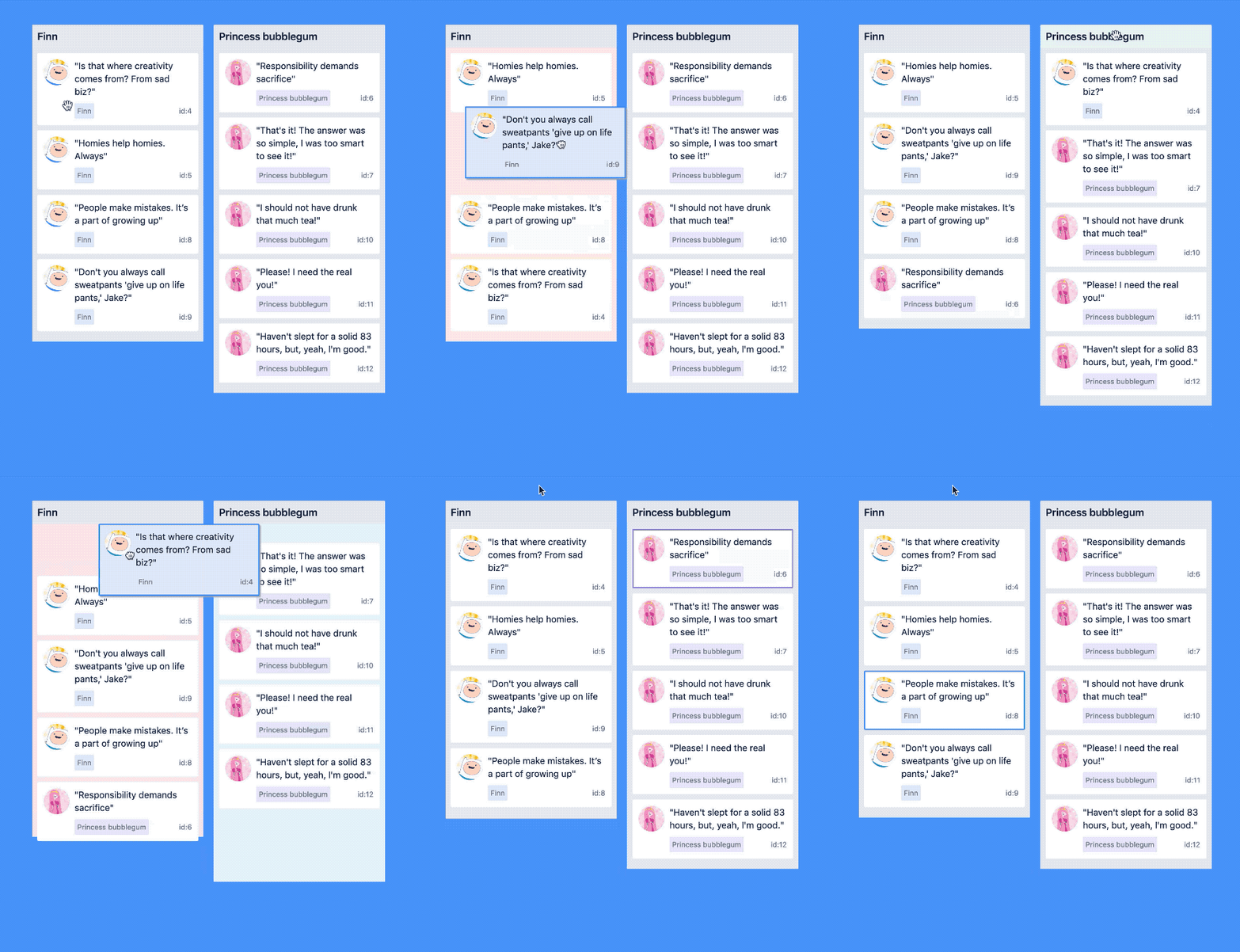
[Play with this example if you want!](https://react-beautiful-dnd.netlify.app/iframe.html?selectedKind=board&selectedStory=simple)
</div>
## Core characteristics
- Beautiful and [natural movement](/docs/about/animations.md) of items 💐
- [Accessible](/docs/about/accessibility.md): powerful keyboard and screen reader support ♿️
- [Extremely performant](/docs/support/media.md) 🚀
- Clean and powerful api which is simple to get started with
- Plays extremely well with standard browser interactions
- [Unopinionated styling](/docs/guides/preset-styles.md)
- No creation of additional wrapper dom nodes - flexbox and focus management friendly!
## Get started 👩🏫
We have created [a free course on `egghead.io` 🥚](https://egghead.io/courses/beautiful-and-accessible-drag-and-drop-with-react-beautiful-dnd) to help you get started with `react-beautiful-dnd` as quickly as possible.
[](https://egghead.io/courses/beautiful-and-accessible-drag-and-drop-with-react-beautiful-dnd)
## Currently supported feature set ✅
- Vertical lists ↕
- Horizontal lists ↔
- Movement between lists (▤ ↔ ▤)
- [Virtual list support 👾](/docs/patterns/virtual-lists.md) - unlocking 10,000 items @ 60fps
- [Combining items](/docs/guides/combining.md)
- Mouse 🐭, keyboard 🎹♿️ and touch 👉📱 (mobile, tablet and so on) support
- [Multi drag support](/docs/patterns/multi-drag.md)
- Incredible screen reader support ♿️ - we provide an amazing experience for english screen readers out of the box 📦. We also provide complete customisation control and internationalisation support for those who need it 💖
- [Conditional dragging](/docs/api/draggable.md#optional-props) and [conditional dropping](/docs/api/droppable.md#conditionally-dropping)
- Multiple independent lists on the one page
- Flexible item sizes - the draggable items can have different heights (vertical lists) or widths (horizontal lists)
- [Add and remove items during a drag](/docs/guides/changes-while-dragging.md)
- Compatible with semantic `<table>` reordering - [table pattern](/docs/patterns/tables.md)
- [Auto scrolling](/docs/guides/auto-scrolling.md) - automatically scroll containers and the window as required during a drag (even with keyboard 🔥)
- Custom drag handles - you can drag a whole item by just a part of it
- Able to move the dragging item to another element while dragging (clone, portal) - [Reparenting your `<Draggable />`](/docs/guides/reparenting.md)
- [Create scripted drag and drop experiences 🎮](/docs/sensors/sensor-api.md)
- Allows extensions to support for [any input type you like 🕹](/docs/sensors/sensor-api.md)
- 🌲 Tree support through the [`@atlaskit/tree`](https://atlaskit.atlassian.com/packages/confluence/tree) package
- A `<Droppable />` list can be a scroll container (without a scrollable parent) or be the child of a scroll container (that also does not have a scrollable parent)
- Independent nested lists - a list can be a child of another list, but you cannot drag items from the parent list into a child list
- Server side rendering (SSR) compatible - see [resetServerContext()](/docs/api/reset-server-context.md)
- Plays well with [nested interactive elements](/docs/api/draggable.md#interactive-child-elements-within-a-draggable-) by default
## Motivation 🤔
`react-beautiful-dnd` exists to create beautiful drag and drop for lists that anyone can use - even people who cannot see. For a good overview of the history and motivations of the project you can take a look at these external resources:
- 📖 [Rethinking drag and drop](https://medium.com/@alexandereardon/rethinking-drag-and-drop-d9f5770b4e6b)
- 🎧 [React podcast: fast, accessible and beautiful drag and drop](https://reactpodcast.simplecast.fm/17)
## Not for everyone ✌️
There are a lot of libraries out there that allow for drag and drop interactions within React. Most notable of these is the amazing [`react-dnd`](https://github.com/react-dnd/react-dnd). It does an incredible job at providing a great set of drag and drop primitives which work especially well with the [wildly inconsistent](https://www.quirksmode.org/blog/archives/2009/09/the_html5_drag.html) html5 drag and drop feature. `react-beautiful-dnd` is a higher level abstraction specifically built for lists (vertical, horizontal, movement between lists, nested lists and so on). Within that subset of functionality `react-beautiful-dnd` offers a powerful, natural and beautiful drag and drop experience. However, it does not provide the breadth of functionality offered by `react-dnd`. So `react-beautiful-dnd` might not be for you depending on what your use case is.
## Documentation 📖
### About 👋
- [Installation](/docs/about/installation.md)
- [Examples and samples](/docs/about/examples.md)
- [Get started](https://egghead.io/courses/beautiful-and-accessible-drag-and-drop-with-react-beautiful-dnd)
- [Design principles](/docs/about/design-principles.md)
- [Animations](/docs/about/animations.md)
- [Accessibility](/docs/about/accessibility.md)
- [Browser support](/docs/about/browser-support.md)
### Sensors 🔉
> The ways in which somebody can start and control a drag
- [Mouse dragging 🐭](/docs/sensors/mouse.md)
- [Touch dragging 👉📱](/docs/sensors/touch.md)
- [Keyboard dragging 🎹♿️](/docs/sensors/keyboard.md)
- [Create your own sensor](/docs/sensors/sensor-api.md) (allows for any input type as well as scripted experiences)
### API 🏋️
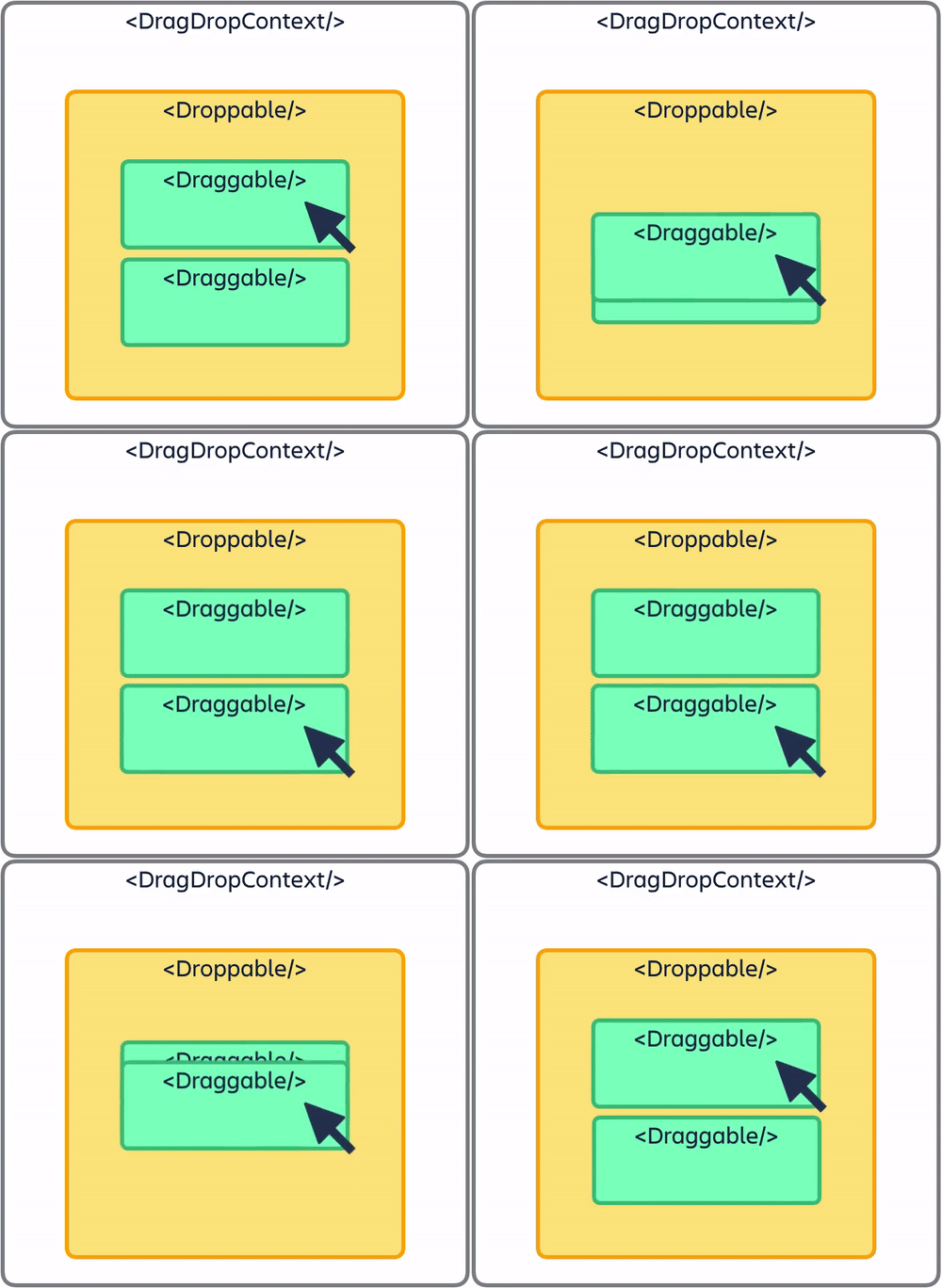
- [`<DragDropContext />`](/docs/api/drag-drop-context.md) - _Wraps the part of your application you want to have drag and drop enabled for_
- [`<Droppable />`](/docs/api/droppable.md) - _An area that can be dropped into. Contains `<Draggable />`s_
- [`<Draggable />`](/docs/api/draggable.md) - _What can be dragged around_
- [`resetServerContext()`](/docs/api/reset-server-context.md) - _Utility for server side rendering (SSR)_
### Guides 🗺
- [`<DragDropContext />` responders](/docs/guides/responders.md) - _`onDragStart`, `onDragUpdate`, `onDragEnd` and `onBeforeDragStart`_
- [Combining `<Draggable />`s](/docs/guides/combining.md)
- [Common setup issues](/docs/guides/common-setup-issues.md)
- [Using `innerRef`](/docs/guides/using-inner-ref.md)
- [Setup problem detection and error recovery](/docs/guides/setup-problem-detection-and-error-recovery.md)
- [Rules for `draggableId` and `droppableId`s](/docs/guides/identifiers.md)
- [Browser focus retention](/docs/guides/browser-focus.md)
- [Customising or skipping the drop animation](/docs/guides/drop-animation.md)
- [Auto scrolling](/docs/guides/auto-scrolling.md)
- [Controlling the screen reader](/docs/guides/screen-reader.md)
- [Use the html5 `doctype`](/docs/guides/doctype.md)
- [`TypeScript` and `flow`: type information](/docs/guides/types.md)
- [Dragging `<svg>`s](/docs/guides/dragging-svgs.md)
- [Avoiding image flickering](/docs/guides/avoiding-image-flickering.md)
- [Non-visible preset styles](/docs/guides/preset-styles.md)
- [How we detect scroll containers](/docs/guides/how-we-detect-scroll-containers.md)
- [How we use dom events](/docs/guides/how-we-use-dom-events.md) - _Useful if you need to build on top of `react-beautiful-dnd`_
- [Adding `<Draggable />`s during a drag (11.x behaviour)](/docs/guides/changes-while-dragging.md) - _⚠️ Advanced_
- [Setting up Content Security Policy](/docs/guides/content-security-policy.md)
### Patterns 👷
- [Virtual lists 👾](/docs/patterns/virtual-lists.md)
- [Multi drag](/docs/patterns/multi-drag.md)
- [Tables](/docs/patterns/tables.md)
- [Reparenting a `<Draggable />`](/docs/guides/reparenting.md) - _Using our cloning API or your own portal_
### Support 👩⚕️
- [Engineering health](/docs/support/engineering-health.md)
- [Community and addons](/docs/support/community-and-addons.md)
- [Release notes and changelog](https://github.com/atlassian/react-beautiful-dnd/releases)
- [Upgrading](/docs/support/upgrading.md)
- [Road map](https://github.com/atlassian/react-beautiful-dnd/issues)
- [Media](/docs/support/media.md)
## Read this in other languages 🌎
- [ **한글/Korean**](https://github.com/LeeHyungGeun/react-beautiful-dnd-kr)
- [ **На русском/Russian**](https://github.com/vtereshyn/react-beautiful-dnd-ru)
- [ **Português/Portuguese**](https://github.com/dudestein/react-beautiful-dnd-pt)
- [ **Ελληνικά/Greek**](https://github.com/milvard/react-beautiful-dnd-gr)
- [ **日本語/Japanese**](https://github.com/eltociear/react-beautiful-dnd-ja)
## Creator ✍️
Alex Reardon [@alexandereardon](https://x.com/alexandereardon)
> Alex is no longer personally maintaining this project. The other wonderful maintainers are carrying this project forward.
## Maintainers
- [Daniel Del Core](https://x.com/danieldelcore)
- Many other [@Atlassian](https://x.com/Atlassian)'s!
## Collaborators 🤝
- Bogdan Chadkin [@IAmTrySound](https://x.com/IAmTrySound)
================================================
FILE: a11y-audit-parse.js
================================================
/* eslint-disable flowtype/require-valid-file-annotation */
/* eslint-disable import/no-unresolved */
/* eslint-disable global-require */
/* eslint-disable no-console */
try {
// I disabled flow for this file because of this line.
// Sometimes the file exists, sometimes it doesn't.
// It depends on if you have run the accessibility test or not.
// Given this conditional I thought it best to simply disable flow for the file
const a11yReport = require('./test-reports/lighthouse/a11y.report.json');
const a11yScore = a11yReport.categories.accessibility.score;
const a11yScoreFormatted = `${a11yScore ? a11yScore * 100 : 0}%`;
console.log('*************************');
console.log('Lighthouse accessibility score: ', a11yScoreFormatted);
console.log('*************************');
if (a11yScore === 1) {
// success!
process.exit(0);
} else {
// fail build
console.log(
'\nNOTE: Lighthouse accessibility audit score must be 100% to pass this build step.\n\n',
);
process.exit(1);
}
} catch (e) {
console.error(e);
process.exit(1);
}
================================================
FILE: babel.config.js
================================================
module.exports = {
presets: ['@babel/react', '@babel/flow', ['@babel/env', { loose: true }]],
plugins: [
'@babel/transform-object-assign',
['@babel/proposal-class-properties', { loose: true }],
// used for stripping out the `invariant` messages in production builds
'dev-expression',
],
comments: false,
};
================================================
FILE: browser-test-harness.js
================================================
// @flow
const childProcess = require('child_process');
const path = require('path');
const waitPort = require('wait-port');
const ports = require('./server-ports');
const storybook = childProcess.spawn(process.execPath, [
path.join('node_modules', '.bin', 'start-storybook'),
'-p',
`${ports.storybook}`,
]);
const cspServer = childProcess.spawn(process.execPath, [
path.join('csp-server', 'start.sh'),
`${ports.cspServer}`,
]);
process.on('exit', () => {
storybook.kill();
cspServer.kill();
});
Promise.all([
waitPort({
host: 'localhost',
port: ports.storybook,
timeout: 60000,
}),
waitPort({
host: 'localhost',
port: ports.cspServer,
timeout: 60000,
}),
])
.then(() => {
if (!process.argv[2]) {
// eslint-disable-next-line no-console
console.warn('Started servers but no command supplied to run after');
process.exit();
}
const child = childProcess.spawn(process.argv[2], process.argv.slice(3), {
stdio: 'inherit',
});
process.on('exit', () => {
child.kill();
});
child.on('exit', (code) => {
process.exit(code);
});
})
.catch((error) => {
// eslint-disable-next-line no-console
console.error('Unable to spin up standalone servers');
// eslint-disable-next-line no-console
console.error(error);
storybook.kill();
cspServer.kill();
process.exit(1);
});
================================================
FILE: csp-server/.eslintrc.js
================================================
module.exports = {
rules: {
// allowing console.warn / console.error
// this is because we often mock console.warn and console.error and adding this rul
// avoids needing to constantly be opting out of the rule
'no-console': ['error', { allow: ['warn', 'error'] }],
// allowing useMemo and useCallback in tests
'no-restricted-imports': 'off',
// Allowing Array.from
'no-restricted-syntax': 'off',
},
};
================================================
FILE: csp-server/app.jsx
================================================
// disabling flowtype to keep this example super simple
// It matches
/* eslint-disable flowtype/require-valid-file-annotation */
import React, { Component } from 'react';
import PropTypes from 'prop-types';
import { DragDropContext, Droppable, Draggable } from '../src';
// fake data generator
const getItems = (count) =>
Array.from({ length: count }, (v, k) => k).map((k) => ({
id: `item-${k}`,
content: `item ${k}`,
}));
// a little function to help us with reordering the result
const reorder = (list, startIndex, endIndex) => {
const result = Array.from(list);
const [removed] = result.splice(startIndex, 1);
result.splice(endIndex, 0, removed);
return result;
};
export default class App extends Component {
constructor(props, context) {
super(props, context);
this.state = {
items: getItems(10),
cspErrors: [],
};
this.onDragEnd = this.onDragEnd.bind(this);
}
componentDidMount() {
document.addEventListener(
'securitypolicyviolation',
this.onSecurityPolicyViolation,
);
}
componentWillUnmount() {
document.removeEventListener(
'securitypolicyviolation',
this.onSecurityPolicyViolation,
);
}
onDragEnd(result) {
// dropped outside the list
if (!result.destination) {
return;
}
const items = reorder(
this.state.items,
result.source.index,
result.destination.index,
);
this.setState({
items,
});
}
onSecurityPolicyViolation = (e) => {
this.setState((state) => {
return { cspErrors: [...state.cspErrors, e] };
});
};
// Normally you would want to split things out into separate components.
// But in this example everything is just done in one place for simplicity
render() {
return (
<DragDropContext onDragEnd={this.onDragEnd} nonce={this.props.nonce}>
<h1>
Content-Security-Policy error count:{' '}
<b id="cspErrors">{this.state.cspErrors.length}</b>
</h1>
<Droppable droppableId="droppable">
{(droppableProvided) => (
<div ref={droppableProvided.innerRef}>
{this.state.items.map((item, index) => (
<Draggable key={item.id} draggableId={item.id} index={index}>
{(draggableProvided) => (
<div
ref={draggableProvided.innerRef}
{...draggableProvided.draggableProps}
{...draggableProvided.dragHandleProps}
>
{item.content}
</div>
)}
</Draggable>
))}
{droppableProvided.placeholder}
</div>
)}
</Droppable>
</DragDropContext>
);
}
}
App.propTypes = {
nonce: PropTypes.string,
};
================================================
FILE: csp-server/client.js
================================================
// @flow
/* eslint-env browser */
import React from 'react';
import { hydrate } from 'react-dom';
import Sample from './app';
const root: Element | null = document.getElementById('root');
let nonce = null;
const cspEl = document.getElementById('csp-nonce');
if (cspEl) {
nonce = cspEl.getAttribute('content');
}
if (root) {
hydrate(<Sample nonce={nonce} />, root);
}
================================================
FILE: csp-server/main.js
================================================
/* eslint-disable id-length */
// @flow
const webpack = require('webpack');
const requireFromString = require('require-from-string');
const MemoryFS = require('memory-fs');
const path = require('path');
const config = require('./webpack.config');
const ports = require('../server-ports');
const fs = new MemoryFS();
const compiler = webpack(config);
// $ExpectError
compiler.outputFileSystem = fs;
// $ExpectError
const outputPath = compiler.compilers.find((cfg) => cfg.name === 'client')
.outputPath;
compiler.run(() => {
const content = fs.readFileSync(path.resolve(outputPath, 'server.js'));
const server = requireFromString(content.toString()).default;
server(process.argv[2] || ports.cspServer, outputPath, fs);
});
================================================
FILE: csp-server/server.js
================================================
// @flow
import express from 'express';
import React from 'react';
import { renderToString } from 'react-dom/server';
import { resolve } from 'path';
import App from './app';
import { resetServerContext } from '../src';
let count = 0;
function getNonce(): string {
return `ThisShouldBeACryptographicallySecurePseudoRandomNumber-${count++}`;
}
function renderHtml(policy?: string, nonce?: string) {
resetServerContext();
let meta = '';
if (nonce) {
meta += `<meta id="csp-nonce" property="csp-nonce" content="${nonce}" />`;
}
if (policy) {
meta += `<meta http-equiv="Content-Security-Policy" content="${policy}"></meta>`;
}
return `<!doctype html><head>${meta}<head><html><body><div id="root">${renderToString(
<App nonce={nonce} />,
)}</div><script src="/client.js"></script></body></html>`;
}
export default (port: string, outputPath: string, fs: any) => {
const server = express();
server.get('/client.js', (req, res) => {
res.header('content-type', 'text/javascript');
res.end(fs.readFileSync(resolve(outputPath, 'client.js')));
});
function render(res: any, policy?: string, nonce?: string) {
if (policy) {
res.header('Content-Security-Policy', policy);
}
res.header('content-type', 'text/html');
res.end(renderHtml(policy, nonce));
}
server.get('/', (req, res) => {
render(res);
});
server.get('/unsafe-inline', (req, res) => {
render(res, "style-src 'unsafe-inline'");
});
server.get('/nonce', (req, res) => {
const nonce = getNonce();
render(res, `style-src 'nonce-${nonce}'`, nonce);
});
server.get('/wrong-nonce', (req, res) => {
const nonce = getNonce();
const wrongNonce = getNonce();
render(res, `style-src 'nonce-${nonce}'`, wrongNonce);
});
server.listen(port, () => {
// eslint-disable-next-line no-console
console.log('csp server listening on port', port);
});
};
================================================
FILE: csp-server/start.sh
================================================
#!/usr/bin/env node
require('./main');
================================================
FILE: csp-server/webpack.config.js
================================================
// @flow
const path = require('path');
const common = {
context: path.resolve(__dirname, '..'),
mode: 'development',
entry: path.resolve(__dirname, 'main.js'),
target: 'web',
output: {
filename: 'client.js',
path: path.resolve(__dirname, 'dist'),
},
resolve: {
extensions: ['.ts', '.tsx', '.js', '.jsx', '.mjs'],
},
module: {
rules: [
{
test: /\.(png|jpg|gif)$/i,
use: [
{
loader: 'url-loader',
},
],
},
{
test: /jsx?$/,
exclude: [/node_modules/],
use: [
{
loader: 'babel-loader',
},
],
},
],
},
externals: [
{
express: 'express',
fs: 'fs',
'convert-source-map': 'convert-source-map',
},
],
};
module.exports = [
{ ...common, entry: path.resolve(__dirname, 'client.js'), name: 'client' },
{
...common,
entry: path.resolve(__dirname, 'server.js'),
name: 'server',
target: 'node',
output: {
filename: 'server.js',
path: path.resolve(__dirname, 'dist'),
libraryTarget: 'commonjs2',
},
},
];
================================================
FILE: cypress/.eslintrc.js
================================================
module.exports = {
plugins: ['cypress'],
env: {
'cypress/globals': true,
},
extends: ['plugin:cypress/recommended'],
rules: {
// Allowing Array.from
'no-restricted-syntax': 'off',
// not using jest expects
'jest/expect-expect': 'off',
},
};
================================================
FILE: cypress/fixtures/.gitkeep
================================================
================================================
FILE: cypress/integration/content-security-policy.spec.js
================================================
// @flow
import * as keyCodes from '../../src/view/key-codes';
import { timings } from '../../src/animation';
import { getHandleSelector } from './util';
import ports from '../../server-ports';
function commonTest(url: string, cspTest: string) {
cy.visit(url);
cy.get(getHandleSelector()).eq(0).as('first').should('contain', 'item 0');
cy.get(getHandleSelector()).eq(1).should('contain', 'item 1');
// reorder operation
cy.get('@first')
.focus()
.trigger('keydown', { keyCode: keyCodes.space })
// need to re-query for a clone
.get('@first')
.trigger('keydown', { keyCode: keyCodes.arrowDown, force: true })
// finishing before the movement time is fine - but this looks nice
.wait(timings.outOfTheWay * 1000)
.trigger('keydown', { keyCode: keyCodes.space, force: true });
// order now 2, 1
// note: not using get aliases as they where returning incorrect results
cy.get(getHandleSelector()).eq(0).should('contain', 'item 1');
cy.get(getHandleSelector()).eq(1).should('contain', 'item 0');
// element should maintain focus post drag
cy.focused().should('contain', 'item 0');
cy.get('#cspErrors').should(cspTest, '0');
}
describe('content security policy', () => {
it('should reorder a list without a nonce', () => {
commonTest(`http://localhost:${ports.cspServer}`, 'contain');
});
it('should reorder a list with a nonce', () => {
commonTest(`http://localhost:${ports.cspServer}/nonce`, 'contain');
});
it('should reorder a list with a wrong nonce', () => {
commonTest(
`http://localhost:${ports.cspServer}/wrong-nonce`,
'not.contain',
);
});
});
================================================
FILE: cypress/integration/focus.spec.js
================================================
// @flow
import * as keyCodes from '../../src/view/key-codes';
import { getHandleSelector, getDraggableSelector } from './util';
describe('focus', () => {
it('should not steal focus if not already focused when lifting', () => {
cy.visit('/iframe.html?id=board--dragging-a-clone');
// focusing on another handle
cy.get(getHandleSelector('1')).focus();
cy.focused().should('contain', 'id:1');
cy.get(getHandleSelector('2'))
.as('id:2')
.trigger('mousedown', { button: 0 })
.trigger('mousemove', {
button: 0,
clientX: 200,
clientY: 300,
force: true,
});
// asserting id:2 is now dragging
cy.get(getHandleSelector('2')).should(
'have.attr',
'data-is-dragging',
'true',
);
// focus not stolen
cy.focused().should('contain', 'id:1');
cy.get(getHandleSelector('2'))
.trigger('mouseup', { force: true })
// clone will be unmounting during drop
.should('not.exist');
// getting post clone handle
cy.get(getHandleSelector('2')).should(
'have.attr',
'data-is-dragging',
'false',
);
// focus not stolen
cy.focused().should('contain', 'id:1');
});
it('should maintain focus if dragging a clone', () => {
cy.visit('/iframe.html?id=board--dragging-a-clone');
// focusing on another handle
cy.get(getHandleSelector('2')).focus();
cy.focused().should('contain', 'id:2');
cy.get(getHandleSelector('2')).trigger('keydown', {
keyCode: keyCodes.space,
});
// asserting id:2 is now dragging
cy.get(getHandleSelector('2')).should(
'have.attr',
'data-is-dragging',
'true',
);
// focus maintained
cy.focused().should('contain', 'id:2');
cy.get(getHandleSelector('2'))
.trigger('keydown', { keyCode: keyCodes.arrowRight, force: true })
.trigger('keydown', { keyCode: keyCodes.space, force: true })
// clone will be unmounting during drop
.should('not.exist');
// getting post clone handle
cy.get(getHandleSelector('2'))
// no longer dragging
.should('have.attr', 'data-is-dragging', 'false')
// is in the second column (normally would loose focus moving between lists)
.closest(getDraggableSelector('BMO'));
// focus maintained
cy.focused().should('contain', 'id:2');
});
it('should give focus to a combine target', () => {
cy.visit('/iframe.html?id=board--with-combining-and-cloning');
cy.get(getHandleSelector('2')).focus();
cy.focused().should('contain', 'id:2');
cy.get(getHandleSelector('2')).trigger('keydown', {
keyCode: keyCodes.space,
});
// asserting id:2 is now dragging
cy.get(getHandleSelector('2')).should(
'have.attr',
'data-is-dragging',
'true',
);
// focus maintained
cy.focused().should('contain', 'id:2');
cy.get(getHandleSelector('2'))
.trigger('keydown', { keyCode: keyCodes.arrowRight, force: true })
// combining with item:1
.trigger('keydown', { keyCode: keyCodes.arrowUp, force: true })
// dropping
.trigger('keydown', { keyCode: keyCodes.space, force: true })
// clone will be unmounting during drop
.should('not.exist');
// focus giving to item:1 the combine target
cy.focused().should('contain', 'id:1');
});
it('should not give focus to a combine target if source did not have focus at start of drag', () => {
cy.visit('/iframe.html?id=board--with-combining-and-cloning');
// focusing on something unrelated to the drag
cy.get(getHandleSelector('3')).focus();
cy.get(getHandleSelector('2')).trigger('keydown', {
keyCode: keyCodes.space,
});
// asserting id:2 is now dragging
cy.get(getHandleSelector('2')).should(
'have.attr',
'data-is-dragging',
'true',
);
// focus not stolen
cy.focused().should('contain', 'id:3');
cy.get(getHandleSelector('2'))
.trigger('keydown', { keyCode: keyCodes.arrowRight, force: true })
// combining with item:1
.trigger('keydown', { keyCode: keyCodes.arrowUp, force: true })
// dropping
.trigger('keydown', { keyCode: keyCodes.space, force: true })
// clone will be unmounting during drop
.should('not.exist');
// focus not given to the combine target
cy.focused().should('contain', 'id:3');
});
});
================================================
FILE: cypress/integration/move-between-lists.spec.js
================================================
// @flow
import * as keyCodes from '../../src/view/key-codes';
import { timings } from '../../src/animation';
import { getDroppableSelector, getHandleSelector } from './util';
describe('move between lists', () => {
beforeEach(() => {
cy.visit('/iframe.html?id=board--simple');
});
it('should move between lists', () => {
// first list has item with id:2
cy.get(getDroppableSelector())
.eq(1)
.as('first-list')
.should('contain', 'id:2');
// second list does not have item with id:2
cy.get(getDroppableSelector())
.eq(2)
.as('second-list')
.should('not.contain', 'id:2');
cy.get('@first-list')
.find(getHandleSelector())
.first()
.should('contain', 'id:2')
.focus()
.trigger('keydown', { keyCode: keyCodes.space })
.trigger('keydown', { keyCode: keyCodes.arrowRight, force: true })
// finishing before the movement time is fine - but this looks nice
.wait(timings.outOfTheWay * 1000)
.trigger('keydown', { keyCode: keyCodes.space, force: true });
// no longer in the first list
cy.get('@first-list').should('not.contain', 'id:2');
// now in the second list
cy.get('@second-list').should('contain', 'id:2');
});
});
================================================
FILE: cypress/integration/reorder-lists.spec.js
================================================
// @flow
import * as keyCodes from '../../src/view/key-codes';
import { timings } from '../../src/animation';
import { getHandleSelector } from './util';
describe('reorder lists', () => {
beforeEach(() => {
cy.visit('/iframe.html?id=board--simple');
});
it('should reorder lists', () => {
// order: Jake, BMO
cy.get('h4').eq(0).as('first').should('contain', 'Jake');
cy.get('h4').eq(1).should('contain', 'BMO');
// reorder operation
cy.get('@first')
.closest(getHandleSelector())
.focus()
.trigger('keydown', { keyCode: keyCodes.space })
.trigger('keydown', { keyCode: keyCodes.arrowRight, force: true })
// finishing before the movement time is fine - but this looks nice
.wait(timings.outOfTheWay * 1000)
.trigger('keydown', { keyCode: keyCodes.space, force: true });
// order now 2, 1
// note: not using get aliases as they where returning incorrect results
cy.get('h4').eq(0).should('contain', 'BMO');
// index of the drag handle has changed
cy.get('h4').eq(1).should('contain', 'Jake');
});
});
================================================
FILE: cypress/integration/reorder-virtual.spec.js
================================================
// @flow
import * as keyCodes from '../../src/view/key-codes';
import { timings } from '../../src/animation';
import { getHandleSelector } from './util';
describe('reorder: virtual', () => {
beforeEach(() => {
cy.visit('/iframe.html?id=virtual-react-window--list');
});
it('should reorder within a list', () => {
const movements: number = 12;
cy.get(getHandleSelector()).first().as('item');
cy.get('@item').invoke('attr', 'data-testid').as('item-id');
cy.get('@item')
.invoke('attr', 'data-index')
.as('item-index')
.should('equal', '0');
// lift
cy.get('@item')
.focus()
.trigger('keydown', { keyCode: keyCodes.space })
// need to re-query for a clone
.get('@item');
cy.wrap(Array.from({ length: movements })).each(() => {
cy.get('@item')
.trigger('keydown', { keyCode: keyCodes.arrowDown, force: true })
// finishing before the movement time is fine - but this looks nice
// waiting longer than we should (timings.outOfTheWay * 1000) as electron is being strange
.wait(timings.outOfTheWay * 1000 * 2);
});
// drop
cy.get('@item').trigger('keydown', {
keyCode: keyCodes.space,
force: true,
});
// This is setting up a chain of commands and this test will not wait
// for a 'promise' to resolve. Linting is getting confused by .then
// eslint-disable-next-line jest/valid-expect-in-promise
cy.get('@item-id').then((id) => {
cy.get(getHandleSelector(id))
.invoke('attr', 'data-index')
.should('equal', `${movements}`);
});
});
});
================================================
FILE: cypress/integration/reorder.spec.js
================================================
// @flow
import * as keyCodes from '../../src/view/key-codes';
import { timings } from '../../src/animation';
import { getHandleSelector } from './util';
describe('reorder', () => {
beforeEach(() => {
cy.visit('/iframe.html?id=single-vertical-list--basic');
});
it('should reorder within a list', () => {
// order: 1, 2
cy.get(getHandleSelector()).eq(0).as('first').should('contain', 'id:1');
cy.get(getHandleSelector()).eq(1).should('contain', 'id:2');
// reorder operation
cy.get('@first')
.focus()
.trigger('keydown', { keyCode: keyCodes.space })
// need to re-query for a clone
.get('@first')
.trigger('keydown', { keyCode: keyCodes.arrowDown, force: true })
// finishing before the movement time is fine - but this looks nice
.wait(timings.outOfTheWay * 1000)
.trigger('keydown', { keyCode: keyCodes.space, force: true });
// order now 2, 1
// note: not using get aliases as they where returning incorrect results
cy.get(getHandleSelector()).eq(0).should('contain', 'id:2');
cy.get(getHandleSelector()).eq(1).should('contain', 'id:1');
// element should maintain focus post drag
cy.focused().should('contain', 'id:1');
});
});
================================================
FILE: cypress/integration/util.js
================================================
// @flow
import * as dataAttr from '../../src/view/data-attributes';
export function getDroppableSelector(droppableId?: string) {
if (droppableId) {
return `[${dataAttr.droppable.id}="${droppableId}"]`;
}
return `[${dataAttr.droppable.id}]`;
}
export function getHandleSelector(draggableId?: string) {
if (draggableId) {
return `[${dataAttr.dragHandle.draggableId}="${draggableId}"]`;
}
return `[${dataAttr.dragHandle.draggableId}]`;
}
export function getDraggableSelector(draggableId?: string) {
if (draggableId) {
return `[${dataAttr.draggable.id}="${draggableId}"]`;
}
return `[${dataAttr.draggable.id}]`;
}
================================================
FILE: cypress/plugins/index.js
================================================
/* eslint-disable no-unused-vars */
/* eslint-disable flowtype/require-valid-file-annotation */
// ***********************************************************
// This example plugins/index.js can be used to load plugins
//
// You can change the location of this file or turn off loading
// the plugins file with the 'pluginsFile' configuration option.
//
// You can read more here:
// https://on.cypress.io/plugins-guide
// ***********************************************************
// This function is called when a project is opened or re-opened (e.g. due to
// the project's config changing)
module.exports = (on, config) => {
// `on` is used to hook into various events Cypress emits
// `config` is the resolved Cypress config
};
================================================
FILE: cypress/support/commands.js
================================================
// @flow
// ***********************************************
// This example commands.js shows you how to
// create various custom commands and overwrite
// existing commands.
//
// For more comprehensive examples of custom
// commands please read more here:
// https://on.cypress.io/custom-commands
// ***********************************************
//
//
// -- This is a parent command --
// Cypress.Commands.add("login", (email, password) => { ... })
//
//
// -- This is a child command --
// Cypress.Commands.add("drag", { prevSubject: 'element'}, (subject, options) => { ... })
//
//
// -- This is a dual command --
// Cypress.Commands.add("dismiss", { prevSubject: 'optional'}, (subject, options) => { ... })
//
//
// -- This is will overwrite an existing command --
// Cypress.Commands.overwrite("visit", (originalFn, url, options) => { ... })// @flow
================================================
FILE: cypress/support/index.js
================================================
// @flow
// ***********************************************************
// This example support/index.js is processed and
// loaded automatically before your test files.
//
// This is a great place to put global configuration and
// behavior that modifies Cypress.
//
// You can change the location of this file or turn off
// automatically serving support files with the
// 'supportFile' configuration option.
//
// You can read more here:
// https://on.cypress.io/configuration
// ***********************************************************
// Import commands.js using ES2015 syntax:
import './commands';
// Alternatively you can use CommonJS syntax:
// require('./commands')
================================================
FILE: cypress.json
================================================
{
"baseUrl": "http://localhost:9002"
}
================================================
FILE: docs/about/accessibility.md
================================================
# Accessibility ♿️
Traditionally drag and drop interactions have been exclusively a mouse or touch interaction. This library has invested a huge amount of effort to ensure that everybody has access to drag and drop interactions
## What we do to include everyone
- [Full keyboard support](/docs/sensors/keyboard.md) (reordering, combining, moving between lists)
- [Keyboard multi drag support](/docs/patterns/multi-drag.md)
- Keyboard [auto scrolling](/docs/guides/auto-scrolling.md)
- Fantastic [screen reader support](/docs/guides/screen-reader.md) - _We ship with english messaging out of the box 📦_
- Smart management of [browser focus](/docs/guides/browser-focus.md)
- A [Google lighthouse](https://developers.google.com/web/tools/lighthouse) automated build to ensure perfect accessibility scores (at least according to [Google](https://developers.google.com/web/tools/lighthouse/v3/scoring#a11y))

> Example screen reader announcement
[← Back to documentation](/README.md#documentation-)
================================================
FILE: docs/about/animations.md
================================================
# Carefully designed animations
With things moving a lot it would be easy for the user to become distracted by the animations or for them to get in the way. We have tweaked the various animations to ensure the right balance of guidance, performance and interactivity.
## Dropping
We have designed a drop animation that feels weighted and physical. It is based on a [`spring`](https://developer.android.com/guide/topics/graphics/spring-animation) and uses a CSS animation with a dynamic duration to achieve the effect.

> Animation curve used when dropping. Duration is dynamic based on distance to travel
You can tweak the drop animation if you would like to. We have created a guide: [drop animation](/docs/guides/drop-animation.md)
## Moving out of the way
Items that are moving out of the way of a dragging item do so with a CSS transition rather than physics. This is to maximise performance by allowing the GPU to handle the movement. The CSS animation curve has been designed to communicate getting out of the way.
How it is composed:
1. A warm up period to mimic a natural response time
2. A small phase to quickly move out of the way
3. A long tail so that people can read any text that is being animated in the second half of the animation
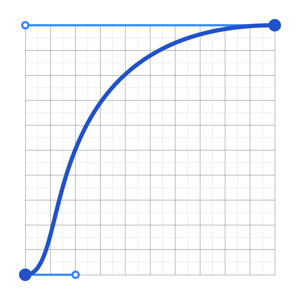
> Animation curve used when moving out of the way
[← Back to documentation](/README.md#documentation-)
================================================
FILE: docs/about/browser-support.md
================================================
# Browser support 🌍
This library supports the standard [Atlassian supported browsers](https://confluence.atlassian.com/cloud/supported-browsers-744721663.html) for desktop:
| Desktop | Version |
| ------------------------------------ | ---------------------------------------------------- |
| Microsoft Internet Explorer(Windows) | Version 11 |
| Microsoft Edge | Latest stable version supported |
| Mozilla Firefox (all platforms) | Latest stable version supported |
| Google Chrome (Windows and Mac) | Latest stable version supported |
| Safari (Mac) | Latest stable version on latest OS release supported |
| Mobile | Version |
| ------------------------ | --------------------------------------------------------- |
| Chrome (Android and iOS) | Latest stable version supported |
| Mobile Safari (iOS) | Latest stable version supported |
| Android (Android) | The default browser on Android 4.0.3 (Ice Cream Sandwich) |
[← Back to documentation](/README.md#documentation-)
================================================
FILE: docs/about/design-principles.md
================================================
# Design principles 📖
This page goes over the design and interaction thinking behind `react-beautiful-dnd`.
## Foundational idea: physicality
The core design idea of `react-beautiful-dnd` is physicality: we want users to feel like they are moving physical objects around
### Application 1: no instant movement (no snapping)
It is a fairly standard drag and drop pattern for things to disappear and reappear in response to the users drag. For a more natural drag we animate the movement of items as they need to move out of the way while dragging to more clearly show a drags effect. We also animate the drop of an item so that it animates into its new home position. At no point is an item instantly moved anywhere — regardless of whether it is dragging or not.
### Application 2: knowing when to move
It is quite common for drag and drop interactions to be based on the position that user started the drag from.
In `react-beautiful-dnd` a dragging items impact is based on its centre of gravity — regardless of where a user grabs an item from. A dragging items impact follows similar rules to a set of scales ⚖️. Here are some rules that are followed to allow for a natural drag experience even with items of flexible height:
- A list is _dragged over_ when the centre position of a dragging item goes over one of the boundaries of the list
- A resting drag item will move out of the way of a dragging item when the centre position of the dragging item goes over the edge of the resting item. Put another way: once the centre position of an item (A) goes over the edge of another item (B), B moves out of the way.
### Application 3: movement to communicate positioning
> No support for drop shadows or line markings
> _Drop shadow: putting a clone or 'shadow' of the dragging item in the drop location_
`react-beautiful-dnd` relies on movement to communicate positioning. It is trying to create a system that is based on physical metaphores. Drop shadows, lines and other affordances are useful in drag and drop contexts where natural movement is not possible.
Drop shadows pose a number of confusing design moments if combined with a natural movement system, including:
- Where is the shadow when you are not over a list?
- How should it move between items?
- How should it appear as you enter a new list?
The answer to these is often: snapping (where something just appears in the right spot). We are trying hard to avoid any snapping as it breaks the physicality we are trying to model.
### Application 4: maximise interactivity
`react-beautiful-dnd` works really hard to avoid as many periods of non-interactivity as possible. The user should feel like they are in control of the interface and not waiting for an animation to finish before they can continue to interact with the interface. However, there is a balance that needs to be made between correctness and power in order to make everybody's lives more sane. Here are the only situations where some things are not interactive:
1. From when a user cancels a drag to when the drop animation completes. On cancel there are lots of things moving back to where they should be. If you grab an item in a location that is not its true home then the following drag will be incorrect.
2. Starting a drag on an item that is animating its own drop. For simplicity this is the case - it is actually quite hard to grab something while it is animating home. It could be coded around - but it seems like an edge case that would add a lot of complexity.
Keep in mind that these periods of inactivity may not always exist.
### Application 5: no drag axis locking
For now, the library does not support drag axis locking (aka drag rails). This is where the user is restricted to only dragging along one axis. The current thinking is this breaks the physical metaphor we are going for and sends a message to the user that they are interacting with a piece of software rather than moving physical objects around. It is possible to ensure that a user can only drop in a single list by using props `type` and `isDropDisabled`. You can also do some visual treatment to the list `onDragStart` to show the user that this is the only place they can interact with.
### Application 6: natural cross list movement
Rather than using an index based approach for keyboard movement between lists, `react-beautiful-dnd` performs cross list movement based on **inertia, gravity and collisions**. You can find out more about how this works by reading the blog ["Natural keyboard movement between lists"](https://medium.com/@alexandereardon/friction-gravity-and-collisions-3adac3a94e19).
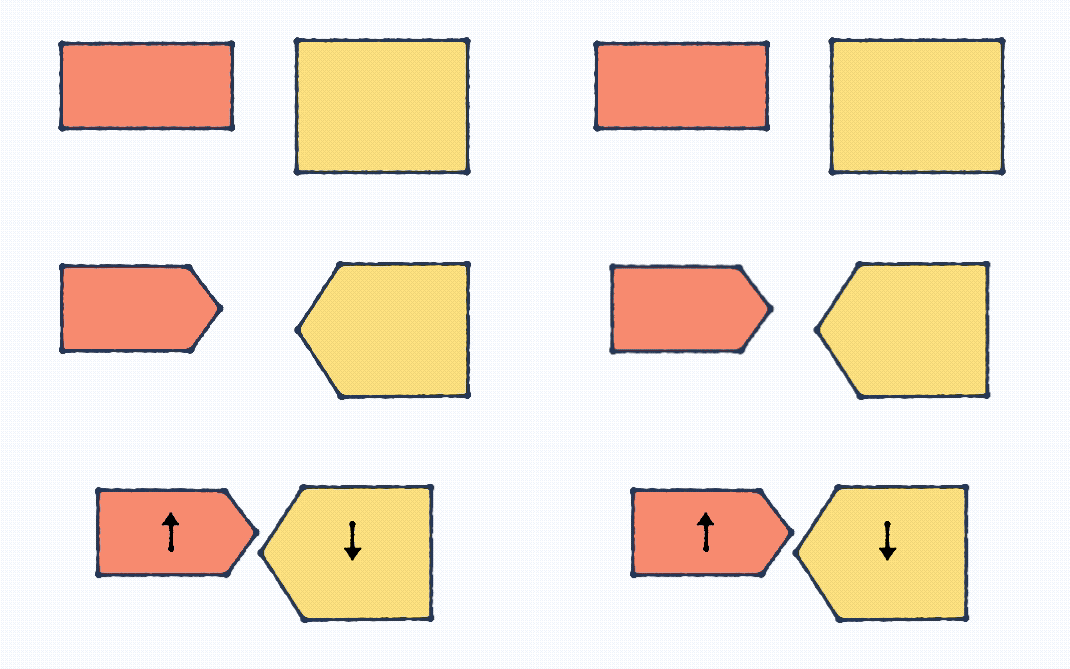
[← Back to documentation](/README.md#documentation-)
================================================
FILE: docs/about/examples.md
================================================
# Examples 🎉
See how beautiful it is for yourself!
## Viewing on a desktop
[All the examples!](https://react-beautiful-dnd.netlify.app)
## Viewing on a mobile or tablet
- [Simple list](https://react-beautiful-dnd.netlify.app/iframe.html?id=single-vertical-list--basic)
- [Board](https://react-beautiful-dnd.netlify.app/iframe.html?id=board--simple) - best viewed in landscape
> We provide different links for touch devices as [storybook](https://github.com/storybooks/storybook) runs examples in an iframe which can result in a strange auto scroll experience
## Basic samples
We have created some basic examples on `codesandbox` for you to play with directly:
- [Simple vertical list](https://codesandbox.io/s/k260nyxq9v)
- [Simple horizontal list](https://codesandbox.io/s/mmrp44okvj)
- [Using with function components](https://codesandbox.io/s/zqwz5n5p9x)
- [Simple DnD between two lists](https://codesandbox.io/s/ql08j35j3q) - _Community made_
- [Simple DnD between a dynamic number of lists (with function components) and ability to delete items](https://codesandbox.io/s/-w5szl) - _Community made_
[← Back to documentation](/README.md#documentation-)
================================================
FILE: docs/about/installation.md
================================================
# Installation
[](https://unpkg.com/react-beautiful-dnd/dist/)
## General
1. Add the `react-beautiful-dnd` package
```bash
# yarn
yarn add react-beautiful-dnd
# npm
npm install react-beautiful-dnd --save
```
2. Use the package
```js
import { DragDropContext } from 'react-beautiful-dnd';
```
3. Profit 🕺
## `React` environment
In order to use `react-beautiful-dnd` you will probably want to have a `React` environment set up.
- [Add react to a website](https://reactjs.org/docs/add-react-to-a-website.html) - official `React` docs
- [Setup a react environment with `create-react-app`](https://egghead.io/lessons/react-set-up-a-react-environment-with-create-react-app) - from our [free getting started course](https://egghead.io/courses/beautiful-and-accessible-drag-and-drop-with-react-beautiful-dnd)
## Distribution bundle
A [universal module definition](https://github.com/umdjs/umd) bundle is published on `npm` under the `/dist` folder for consumption . We publish the following files:
- `dist/react-beautiful-dnd.js`
- `dist/react-beautiful-dnd.min.js` (minified bundle)
These bundles list `react` as an external which needs to be provided. This is done to reduce the size of the bundle and prevent consumers from loading `react` multiple times. You can provide `react` through your module system or simply by having `react` on the `window`.
You can use the UMD to run `react-beautiful-dnd` directly in the browser.
```html
<!-- peer dependency -->
<script src="https://unpkg.com/react@16.3.1/umd/react.development.js"></script>
<!-- lib (change x.x.x for the version you would like) -->
<script src="https://unpkg.com/react-beautiful-dnd@x.x.x/dist/react-beautiful-dnd.js"></script>
<!-- needed to mount your react app -->
<script src="https://unpkg.com/react-dom@16.3.1/umd/react-dom.development.js"></script>
<script>
const React = window.React;
const ReactDOM = window.ReactDOM;
const { DragDropContext, Draggable, Droppable } = window.ReactBeautifulDnd;
function App() {
// ...
}
// You can use JSX if your environment supports it
ReactDOM.render(React.createElement(App), document.getElementById('app'));
</script>
```
There is also an [example codepen](https://codepen.io/alexreardon/project/editor/ZyNMPo) you can use to play with this installation method.
## [`ClojureScript`](https://clojurescript.org/)
You can consume `react-beautiful-dnd` from within `ClojureScript` using [CLJSJS](https://cljsjs.github.io/)!
[← Back to documentation](/README.md#documentation-)
================================================
FILE: docs/api/drag-drop-context.md
================================================
# `<DragDropContext />`
In order to use drag and drop, you need to have the part of your `React` tree that you want to be able to use drag and drop in wrapped in a `<DragDropContext />`. It is advised to just wrap your entire application in a `<DragDropContext />`. Having nested `<DragDropContext />`'s is _not_ supported. You will be able to achieve your desired conditional dragging and dropping using the props of `<Droppable />` and `<Draggable />`. You can think of `<DragDropContext />` as having a similar purpose to the [react-redux Provider component](https://react-redux.js.org/api/provider). A content-security-protection nonce attribute is added to the injected style tags if provided.
## Props
```js
type Responders = {|
// optional
onBeforeCapture?: OnBeforeCaptureResponder
onBeforeDragStart?: OnBeforeDragStartResponder,
onDragStart?: OnDragStartResponder,
onDragUpdate?: OnDragUpdateResponder,
// required
onDragEnd: OnDragEndResponder,
|};
import type { Node } from 'react';
type Props = {|
...Responders,
// We do not technically need any children for this component
children: Node | null,
// Read out by screen readers when focusing on a drag handle
dragHandleUsageInstructions?: string,
// Used for strict content security policies
nonce?: string,
// Used for custom sensors
sensors?: Sensor[],
enableDefaultSensors?: ?boolean,
|};
```
- `dragHandleUsageInstructions`: What is read out to screen reader users when a _drag handle_ is given browser focus. See our [screen reader guide](/docs/guides/screen-reader.md)
- `nonce`: Used for strict content security policy setups. See our [content security policy guide](/docs/guides/content-security-policy.md)
- `sensors`: Used to pass in your own `sensor`s for a `<DragDropContext />`. See our [sensor api documentation](/docs/sensors/sensor-api.md)
- `enableDefaultSensors`: Whether or not the default sensors ([mouse](/docs/sensors/mouse.md), [keyboard](/docs/sensors/keyboard.md), and [touch](/docs/sensors/touch.md)) are enabled. You can also import them separately as `useMouseSensor`, `useKeyboardSensor`, or `useTouchSensor` and reuse just some of them via `sensors` prop. See our [sensor api documentation](/docs/sensors/sensor-api.md)
> See our [type guide](/docs/guides/types.md) for more details
## Basic usage
### Using a `class` component
```js
import React from 'react';
import { DragDropContext } from 'react-beautiful-dnd';
class App extends React.Component {
onBeforeCapture = () => {
/*...*/
};
onBeforeDragStart = () => {
/*...*/
};
onDragStart = () => {
/*...*/
};
onDragUpdate = () => {
/*...*/
};
onDragEnd = () => {
// the only one that is required
};
render() {
return (
<DragDropContext
onBeforeCapture={this.onBeforeCapture}
onBeforeDragStart={this.onBeforeDragStart}
onDragStart={this.onDragStart}
onDragUpdate={this.onDragUpdate}
onDragEnd={this.onDragEnd}
>
<div>Hello world</div>
</DragDropContext>
);
}
}
```
### Using a `function` component
```js
import React from 'react';
import { DragDropContext } from 'react-beautiful-dnd';
function App() {
// using useCallback is optional
const onBeforeCapture = useCallback(() => {
/*...*/
}, []);
const onBeforeDragStart = useCallback(() => {
/*...*/
}, []);
const onDragStart = useCallback(() => {
/*...*/
}, []);
const onDragUpdate = useCallback(() => {
/*...*/
}, []);
const onDragEnd = useCallback(() => {
// the only one that is required
}, []);
return (
<DragDropContext
onBeforeCapture={onBeforeCapture}
onBeforeDragStart={onBeforeDragStart}
onDragStart={onDragStart}
onDragUpdate={onDragUpdate}
onDragEnd={onDragEnd}
>
<div>Hello world</div>
</DragDropContext>
);
}
```
## `Responders`
> `Responders` were previously known as `Hooks`
Responders are top level application events that you can use to perform your own state updates, style updates, as well as to make screen reader announcements.
[Please see our Responders guide](/docs/guides/responders.md) for detailed information about responders ❤️
[← Back to documentation](/README.md#documentation-)
================================================
FILE: docs/api/draggable.md
================================================
# `<Draggable />`
`<Draggable />` components can be dragged around and dropped onto `<Droppable />`s. A `<Draggable />` must always be contained within a `<Droppable />`. It is **possible** to reorder a `<Draggable />` within its home `<Droppable />` or move to another `<Droppable />`. It is **possible** because a `<Droppable />` is free to control what it allows to be dropped on it.
Every `<Draggable />` has a _drag handle_. A _drag handle_ is the element that the user interacts with in order to drag a `<Draggable />`. A _drag handle_ can be the `<Draggable />` element itself, or a child of the `<Draggable />`. Note that by default a _drag handle_ cannot be an interactive element, since [event handlers are blocked on nested interactive elements](#interactive-child-elements-within-a-draggable-). Proper semantics for accessibility are added to the _drag handle_ element. If you wish to use an interactive element, `disableInteractiveElementBlocking` must be set.
```js
import { Draggable } from 'react-beautiful-dnd';
<Draggable draggableId="draggable-1" index={0}>
{(provided, snapshot) => (
<div
ref={provided.innerRef}
{...provided.draggableProps}
{...provided.dragHandleProps}
>
<h4>My draggable</h4>
</div>
)}
</Draggable>;
```
## Draggable Props
```js
import type { Node } from 'react';
type Props = {|
// required
draggableId: DraggableId,
index: number,
children: DraggableChildrenFn,
// optional
isDragDisabled: ?boolean,
disableInteractiveElementBlocking: ?boolean,
shouldRespectForcePress: ?boolean,
|};
```
### Required props
> `react-beautiful-dnd` will throw an error if a required prop is not provided
- `draggableId`: A _required_ `DraggableId(string)`. See our [identifiers guide](/docs/guides/identifiers.md) for more information.
- `index`: A _required_ `number` that matches the order of the `<Draggable />` in the `<Droppable />`. It is simply the index of the `<Draggable />` in the list.
`index` rule:
- Must be unique within a `<Droppable />` (no duplicates)
- Must be consecutive. `[0, 1, 2]` and not `[1, 2, 8]`
Indexes do not need to start from `0` (this is often the case in [virtual lists](/docs/patterns/virtual-lists.md)). In development mode we will log warnings to the `console` if any of these rules are violated. See [Setup problem detection and error recovery](/docs/guides/setup-problem-detection-and-error-recovery.md)
Typically the `index` value will simply be the `index` provided by a `Array.prototype.map` function:
```js
{
this.props.items.map((item, index) => (
<Draggable draggableId={item.id} index={index}>
{(provided, snapshot) => (
<div
ref={provided.innerRef}
{...provided.draggableProps}
{...provided.dragHandleProps}
>
{item.content}
</div>
)}
</Draggable>
));
}
```
### Optional props
- `isDragDisabled`: A flag to control whether or not the `<Draggable />` is permitted to drag. You can use this to implement your own conditional drag logic. It will default to `false`.
- `disableInteractiveElementBlocking`: A flag to opt out of blocking a drag from interactive elements. For more information refer to the section _Interactive child elements within a `<Draggable />`_
- `shouldRespectForcePress`: Whether or not the _drag handle_ should respect force press interactions. See [Force press](#force-press).
## Children function (render props / function as child)
The `React` children of a `<Draggable />` must be a function that returns a `ReactNode`.
```js
<Draggable draggableId="draggable-1" index={0}>
{(provided, snapshot) => (
<div
ref={provided.innerRef}
{...provided.draggableProps}
{...provided.dragHandleProps}
>
Drag me!
</div>
)}
</Draggable>
```
```js
type DraggableChildrenFn = (
DraggableProvided,
DraggableStateSnapshot,
DraggableRubric,
) => Node;
```
The function is provided with three arguments:
### 1. provided: (DraggableProvided)
```js
type DraggableProvided = {|
innerRef: (HTMLElement) => void,
draggableProps: DraggableProps,
// will be null if the draggable is disabled
dragHandleProps: ?DragHandleProps,
|};
```
> For more type information please see [our types guide](/docs/guides/types.md).
Everything within the _provided_ object must be applied for the `<Draggable />` to function correctly.
- `provided.innerRef (innerRef: (HTMLElement) => void)`: In order for the `<Draggable />` to function correctly, **you must** bind the `innerRef` function to the `ReactElement` that you want to be considered the `<Draggable />` node. We do this in order to avoid needing to use `ReactDOM` to look up your DOM node.
> For more information on using `innerRef` see our [using `innerRef` guide](/docs/guides/using-inner-ref.md)
#### `innerRef` Example
```js
<Draggable draggableId="draggable-1" index={0}>
{(provided, snapshot) => <div ref={provided.innerRef}>Drag me!</div>}
</Draggable>
// Note: this will not work directly as we are not applying draggableProps or dragHandleProps
```
- `provided.draggableProps (DraggableProps)`: This is an Object that contains a `data` attribute and an inline `style`. This Object needs to be applied to the same node that you apply `provided.innerRef` to. This controls the movement of the draggable when it is dragging and not dragging. You are welcome to add your own styles to `DraggableProps.style` – but please do not remove or replace any of the properties.
#### `draggableProps` type information
```js
// Props that can be spread onto the element directly
export type DraggableProps = {|
// inline style
style: ?DraggableStyle,
// used for shared global styles
'data-rbd-draggable-context-id': string,
'data-rbd-draggable-id': string,
// used to know when a transition ends
onTransitionEnd: ?(event: TransitionEvent) => void,
|};
```
> For more type information please see [our types guide](/docs/guides/types.md).
#### `draggableProps` Example
```js
<Draggable draggableId="draggable-1" index={0}>
{(provided, snapshot) => (
<div ref={provided.innerRef} {...provided.draggableProps}>
Drag me!
</div>
)}
</Draggable>
// Note: this will not work directly as we are not applying dragHandleProps
```
#### `key`s for a list of `<Draggable />`
If you are rendering a list of `<Draggable />`s then it is important that you add a `key` prop to each `<Draggable />`.
```js
return items.map((item, index) => (
<Draggable
// adding a key is important!
key={item.id}
draggableId={item.id}
index={index}
>
{(provided, snapshot) => (
<div
ref={provided.innerRef}
{...provided.draggableProps}
{...provided.dragHandleProps}
>
{item.content}
</div>
)}
</Draggable>
));
```
Rules:
- Your `key` needs to be unique within the list
- Your `key` should not include the `index` of the item
Usually you will want to just use the `draggableId` as the `key`
`React` will warn you if your list is missing `keys`. It will not warn you if you are using `index` as a part of your `key`.
Not using `keys` correctly will cause really bad times 💥
[`React` docs about `keys`](https://reactjs.org/docs/lists-and-keys.html)
#### Positioning ownership
It is a contract of this library that it owns the positioning logic of the dragging element. This includes properties such as `top`, `right`, `bottom`, `left` and `transform`. The library may change how it positions things and which properties it uses without performing a major version bump. It is also recommended that you do not apply your own `transition` property to the dragging element.
#### Warning: `position: fixed`
`react-beautiful-dnd` uses `position: fixed` to position the dragging element. This is quite robust and allows for you to have `position: relative | absolute | fixed` parents. However, unfortunately `position:fixed` is [impacted by `transform`](http://meyerweb.com/eric/thoughts/2011/09/12/un-fixing-fixed-elements-with-css-transforms/) (such as `transform: rotate(10deg);`). This means that if you have a `transform: *` on one of the parents of a `<Draggable />` then the positioning logic will be incorrect while dragging. Lame! For most consumers this will not be an issue.
To get around this you can [reparent your <Draggable />](/docs/guides/reparenting.md). We do not enable this functionality by default as it has performance problems.
#### Force press
> Safari only
In Safari, it is possible for a user to perform a force press action. This is possible with a touch device (`touchforcechange`) and with a mouse (`webkitmouseforcechanged`).
We have found that in order to give the most consistent drag and drop experience we need to _opt out_ of force press interactions on a _drag handle_. However, it is possible to have `react-beautiful-dnd` work while also respecting force press interactions. The trade off is that if we register a force press interaction a drag will be cancelled.
In order to control this behaviour you set the `shouldRespectForcePress` prop on a `<Draggable />`. By default we set this value to `false` to prevent heavy presses from cancelling a drag.
##### Enabling `shouldRespectForcePress`
If you set `shouldRespectForcePress` to `true` then the following will occur:
###### Touch dragging
If the user force presses on the element before they have moved the element (even if a drag has already started) then the drag is cancelled and the standard force press action occurs. For an anchor this is a website preview.
###### Mouse dragging
Any force press action will cancel an existing or pending drag
#### Focus retention
See [our focus guide](/docs/guides/browser-focus.md)
#### Extending `DraggableProps.style`
If you are using inline styles you are welcome to extend the `DraggableProps.style` object. You are also welcome to apply the `DraggableProps.style` object using inline styles and use your own styling solution for the component itself. You can use anything you like to style the `<Draggable />` such as
- css-in-js such as [`styled-components`](https://www.styled-components.com) or [`emotion`](https://emotion.sh)
- sass, less
- vanilla css
If you are overriding inline styles be sure to do it after you spread the `provided.draggableProps` or the spread will override your inline style.
```js
<Draggable draggable="draggable-1" index={0}>
{(provided, snapshot) => {
// extending the DraggableStyle with our own inline styles
const style = {
...provided.draggableProps.style,
backgroundColor: snapshot.isDragging ? 'blue' : 'white',
fontSize: 18,
};
return (
<div ref={provided.innerRef} {...provided.draggableProps} style={style}>
Drag me!
</div>
);
}}
</Draggable>
```
#### Unsupported `margin` setups
Avoid margin collapsing between `<Draggable />`s. [margin collapsing](https://developer.mozilla.org/en-US/docs/Web/CSS/CSS_Box_Model/Mastering_margin_collapsing) is one of those really hard parts of CSS. For our purposes, if you have one `<Draggable />` with a `margin-bottom: 10px` and the next `<Draggable />` has a `margin-top: 12px` these margins will _collapse_ and the resulting space between the elements will be the greater of the two: `12px`. When we do our calculations we are currently not accounting for margin collapsing. If you do want to have a margin on the siblings, wrap them both in a `div` and apply the margin to the inner `div` so they are not direct siblings.
#### `<Draggable />`s should be visible siblings
It is an assumption that `<Draggable />`s are _visible siblings_ of one another. There can be other elements in between, but these elements should not take up any additional space. You probably will not do this anyway, but just calling it out to be super clear.
```js
// Direct siblings ✅
<Draggable draggableId="draggable-1" index={0}>
{() => {}}
</Draggable>
<Draggable draggableId="draggable-2" index={1}>
{() => {}}
</Draggable>
// Not direct siblings, but are visible siblings ✅
<div>
<Draggable draggableId="draggable-1" index={0}>
{() => {}}
</Draggable>
</div>
<div>
<Draggable draggableId="draggable-2" index={1}>
{() => {}}
</Draggable>
</div>
// Spacer elements ❌
<Draggable draggableId="draggable-1" index={0}>
{() => {}}
</Draggable>
<p>I will break things!</p>
<Draggable draggableId="draggable-2" index={1}>
{() => {}}
</Draggable>
// Spacing on non sibling wrappers ❌
<div style={{padding: 10}}>
<Draggable draggableId="draggable-1" index={0}>
{() => {}}
</Draggable>
</div>
<div style={{padding: 10}}>
<Draggable draggableId="draggable-2" index={1}>
{() => {}}
</Draggable>
</div>
```
- `provided.dragHandleProps (?DragHandleProps)` every `<Draggable />` has a _drag handle_. This is what is used to drag the whole `<Draggable />`. Often this will be the same node as the `<Draggable />`, but sometimes it can be a child of the `<Draggable />`. `DragHandleProps` need to be applied to the node that you want to be the drag handle. This is a number of props that need to be applied to the `<Draggable />` node. The simplest approach is to spread the props onto the draggable node (`{...provided.dragHandleProps}`). However, you are also welcome to [monkey patch](https://davidwalsh.name/monkey-patching) these props if you also need to respond to them. DragHandleProps will be `null` when `isDragDisabled` is set to `true`.
#### `dragHandleProps` Type information
```js
type DragHandleProps = {|
// what draggable the handle belongs to
'data-rbd-drag-handle-draggable-id': DraggableId,
// What DragDropContext the drag handle is in
'data-rbd-drag-handle-context-id': ContextId,
// Id of hidden element that contains the lift instruction (nicer screen reader text)
'aria-labelledby': ElementId,
// Allow tabbing to this element
tabIndex: number,
// Stop html5 drag and drop
draggable: boolean,
onDragStart: (event: DragEvent) => void,
|};
```
#### `dragHandleProps` Example: standard
```js
<Draggable draggableId="draggable-1" index={0}>
{(provided, snapshot) => (
<div
ref={provided.innerRef}
{...provided.draggableProps}
{...provided.dragHandleProps}
>
Drag me!
</div>
)}
</Draggable>
```
#### `dragHandleProps` example: custom drag handle
Controlling a whole draggable by just a part of it
```js
<Draggable draggableId="draggable-1" index={0}>
{(provided, snapshot) => (
<div ref={provided.innerRef} {...provided.draggableProps}>
<h2>Hello there</h2>
<div {...provided.dragHandleProps}>Drag handle</div>
</div>
)}
</Draggable>
```
### 2. Snapshot: (DraggableStateSnapshot)
```js
type DraggableStateSnapshot = {|
// Set to true if a Draggable is being actively dragged, or if it is drop animating
// Both active dragging and the drop animation are considered part of the drag
// *Generally this is the only property you will be using*
isDragging: boolean,
// Set to true if a Draggable is drop animating. Not every drag and drop interaction
// as a drop animation. There is no drop animation when a Draggable is already in its final
// position when dropped. This is commonly the case when dragging with a keyboard
isDropAnimating: boolean,
// Information about a drop animation
dropAnimation: ?DropAnimation
// What Droppable (if any) the Draggable is currently over
draggingOver: ?DroppableId,
// the id of a draggable that you are combining with
combineWith: ?DraggableId,
// if something else is dragging and you are a combine target, then this is the id of the item that is dragging
combineTargetFor: ?DraggableId,
// There are two modes that a drag can be in
// 'FLUID': everything is done in response to highly granular input (eg mouse)
// 'SNAP': items snap between positions (eg keyboard);
mode: ?MovementMode,
|};
```
> See our [type guide](/docs/guides/types.md) for more details
The `children` function is also provided with a small amount of state relating to the current drag state. This can be optionally used to enhance your component. A common use case is changing the appearance of a `<Draggable />` while it is being dragged. Note: if you want to change the cursor to something like `grab` you will need to add the style to the draggable. (See [Extending `DraggableProps.style`](#extending-draggableprops-style) above)
```js
<Draggable draggableId="draggable-1" index={0}>
{(provided, snapshot) => {
const style = {
backgroundColor: snapshot.isDragging ? 'blue' : 'grey',
...provided.draggableProps.style,
};
return (
<div
ref={provided.innerRef}
{...provided.draggableProps}
{...provided.dragHandleProps}
style={style}
>
Drag me!
</div>
);
}}
</Draggable>
```
### 3. rubric: (DraggableRubric)
```js
type DraggableRubric = {|
draggableId: DraggableId,
type: TypeId,
source: DraggableLocation,
|};
```
`rubric` represents all of the information associated with a `<Draggable />`. `rubric` is helpful for looking up the data associated with your `<Draggable />` when it is not available in the current scope. This is useful when using the `<Droppable /> | renderClone` API. The `rubric` is the same lookup information that is provided to the [`Responder`s](/docs/guides/responders.md).
## Adding an `onClick` handler to a `<Draggable />` or a _drag handle_
You are welcome to add your own `onClick` handler to a `<Draggable />` or a _drag handle_ (which might be the same element). `onClick` events handlers will always be called if a click occurred. If we are preventing the click, then the `event.defaultPrevented` property will be set to `true`. We prevent click events from occurring when the user was dragging an item. See [sloppy clicks and click prevention](/docs/sensors/mouse.md#sloppy-clicks-and-click-prevention-) for more information.
## Interactive child elements within a `<Draggable />`
It is possible for your `<Draggable />` to contain interactive elements. By default we block dragging on these elements. By doing this we allow those elements to function in the usual way. Here is the list of interactive elements that we block dragging from by default:
- `input`
- `button`
- `textarea`
- `select`
- `option`
- `optgroup`
- `video`
- `audio`
- [`contenteditable`](https://developer.mozilla.org/en-US/docs/Web/HTML/Global_attributes/contenteditable) (any elements that are `contenteditable` or are within a `contenteditable` container)
You can opt out of this behavior by adding the `disableInteractiveElementBlocking` prop to a `<Draggable />`. However, it is questionable as to whether you should be doing so because it will render the interactive element unusable. If you need to _conditionally_ block dragging from interactive elements you can add the `disableInteractiveElementBlocking` prop to opt out of the default blocking and monkey patch the `dragHandleProps (DragHandleProps)` event handlers to disable dragging as required.
[← Back to documentation](/README.md#documentation-)
================================================
FILE: docs/api/droppable.md
================================================
# `<Droppable />`
`<Droppable />` components can be **dropped on by a `<Draggable />`**. They also **contain** `<Draggable />`s. A `<Draggable />` must be contained within a `<Droppable />`.
```js
import { Droppable } from 'react-beautiful-dnd';
<Droppable droppableId="droppable-1" type="PERSON">
{(provided, snapshot) => (
<div
ref={provided.innerRef}
style={{ backgroundColor: snapshot.isDraggingOver ? 'blue' : 'grey' }}
{...provided.droppableProps}
>
<h2>I am a droppable!</h2>
{provided.placeholder}
</div>
)}
</Droppable>;
```
## Droppable props
```js
import type { Node } from 'react';
type Props = {|
// required
droppableId: DroppableId,
// optional
type?: TypeId,
mode?: DroppableMode,
isDropDisabled?: boolean,
isCombineEnabled?: boolean,
direction?: Direction,
ignoreContainerClipping?: boolean,
renderClone?: DraggableChildrenFn,
getContainerForClone?: () => HTMLElement,
children: (DroppableProvided, DroppableStateSnapshot) => Node,
|};
type DroppableMode = 'standard' | 'virtual';
type Direction = 'horizontal' | 'vertical';
```
### Required props
> `react-beautiful-dnd` will throw an error if a required prop is not provided
- `droppableId`: A _required_ `DroppableId(string)`. See our [identifiers guide](/docs/guides/identifiers.md) for more information.
### Optional props
- `type`: A `TypeId(string)` that can be used to simply accept only the specified class of `<Draggable />`. `<Draggable />`s always inherit type from the `<Droppable />` they are defined in. For example, if you use the type `PERSON` then it will only allow `<Draggable />`s of type `PERSON` to be dropped on itself. `<Draggable />`s of type `TASK` would not be able to be dropped on a `<Droppable />` with type `PERSON`. If no `type` is provided, it will be set to `'DEFAULT'`.
- `isDropDisabled`: A flag to control whether or not dropping is currently allowed on the `<Droppable />`. You can use this to implement your own conditional dropping logic. It will default to `false`.
- `isCombineEnabled`: A flag to control whether or not _all_ the `Draggables` in the list will be able to be **combined** with. It will default to `false`.
- `direction`: The direction in which items flow in this droppable. Options are `vertical` (default) and `horizontal`.
- `ignoreContainerClipping`: When a `<Droppable />` is inside a scrollable container its area is constrained so that you can only drop on the part of the `<Droppable />` that you can see. Setting this prop opts out of this behavior, allowing you to drop anywhere on a `<Droppable />` even if it's visually hidden by a scrollable parent. The default behavior is suitable for most cases so odds are you'll never need to use this prop, but it can be useful if you've got very long `<Draggable />`s inside a short scroll container. Keep in mind that it might cause some unexpected behavior if you have multiple `<Droppable />`s inside scroll containers on the same page.
- `mode`: `standard` (default) or `virtual`. Used to designate a list as a virtual list. See our [virtual lists pattern](/docs/patterns/virtual-lists.md)
- `renderClone`: used to render a clone (replacement) of the dragging `<Draggable />` while a drag is occurring. See our [reparenting guide](/docs/guides/reparenting.md) for usage details. **A clone must be used for [virtual lists](/docs/patterns/virtual-lists.md).** You can use a clone without using virtual lists
- `getContainerForClone`: a function that returns the containing element (parent element) for a clone during a drag. See our [reparenting guide](/docs/guides/reparenting.md).
## Children function
The `React` children of a `<Droppable />` must be a function that returns a [`ReactElement`](https://tylermcginnis.com/react-elements-vs-react-components/).
```js
<Droppable droppableId="droppable-1">
{(provided, snapshot) => ({
/*...*/
})}
</Droppable>
```
The function is provided with two arguments:
### 1. provided: (DroppableProvided)
```js
import type { Node } from 'react';
type DroppableProvided = {|
innerRef: (?HTMLElement) => void,
droppableProps: DroppableProps,
placeholder: ?Node,
|};
type DroppableProps = {|
// used for shared global styles
'data-rbd-droppable-context-id': ContextId,
// Used to lookup. Currently not used for drag and drop lifecycle
'data-rbd-droppable-id': DroppableId,
|};
```
- `provided.innerRef`: In order for the droppable to function correctly, **you must** bind the `provided.innerRef` to the highest possible DOM node in the `ReactElement`. We do this in order to avoid needing to use `ReactDOM` to look up your DOM node.
> For more information on using `innerRef` see our [using `innerRef` guide](/docs/guides/using-inner-ref.md)
- `provided.placeholder`: This is used to create space in the `<Droppable />` as needed during a drag. This space is needed when a user is dragging over a list that is not the home list. Please be sure to put the placeholder inside of the component for which you have provided the ref. We need to increase the size of the `<Droppable />` itself.
- `provided.droppableProps (DroppableProps)`: This is an Object that contains properties that need to be applied to a Droppable element. It needs to be applied to the same element that you apply `provided.innerRef` to. It currently contains `data` attributes that we use for styling and lookups.
```js
<Droppable droppableId="droppable-1">
{(provided, snapshot) => (
<div ref={provided.innerRef} {...provided.droppableProps}>
Good to go
{provided.placeholder}
</div>
)}
</Droppable>
```
### 2. snapshot: (DroppableStateSnapshot)
```js
type DroppableStateSnapshot = {|
// Is the Droppable being dragged over?
isDraggingOver: boolean,
// What is the id of the draggable that is dragging over the Droppable?
draggingOverWith: ?DraggableId,
// What is the id of the draggable that is dragging from this list?
// Useful for styling the home list when not being dragged over
draggingFromThisWith: ?DraggableId,
// Whether or not the placeholder is actively being used.
// This is useful information when working with virtual lists
// (See our virtual list pattern)
isUsingPlaceholder: boolean,
|};
```
The `children` function is also provided with a small amount of state relating to the current drag state. This can be optionally used to enhance your component. A common use case is changing the appearance of a `<Droppable />` while it is being dragged over.
```js
<Droppable droppableId="droppable-1">
{(provided, snapshot) => (
<div
ref={provided.innerRef}
style={{ backgroundColor: snapshot.isDraggingOver ? 'blue' : 'grey' }}
{...provided.droppableProps}
>
I am a droppable!
{provided.placeholder}
</div>
)}
</Droppable>
```
## Combining
`react-beautiful-dnd` supports the combining of `<Draggable />`s 🤩

You can enable a _combining_ mode for a `<Droppable />` by setting `isCombineEnabled` to `true` on a `<Droppable />`. We have created a [combining guide](/docs/guides/combining.md) to help you implement combining in your lists.
## Adding and removing `<Draggable />`s while dragging
It is possible to change the `<Draggable />`s in a `<Droppable />` for a limited set of circumstances. We have created a comprehensive [changes while dragging guide](/docs/guides/changes-while-dragging.md)
## Conditionally dropping
- `<Droppable />`s can only be dropped on by `<Draggable />`s who share the same `type`. This is a simple way of allowing conditional dropping. If you do not provide a `type` for the `<Droppable />`, then it will only accept `<Draggable />`s which also have the default type. `<Draggable />`s and `<Droppable />`s both will have their `types` set to `'DEFAULT'` when none is provided. There is currently no way to set multiple `types`, or a `type` wildcard that will accept `<Draggable />`s of multiple any types. This could be added if there is a valid use case.
- Using the `isDropDisabled` prop you can conditionally allow dropping. This allows you to do arbitrarily complex conditional transitions. This will only be considered if the `type` of the `<Droppable />` matches the `type` of the currently dragging `<Draggable />`.
- You can disable dropping on a `<Droppable />` altogether by always setting `isDropDisabled` to `true`. You can do this to create a list that is never able to be dropped on, but contains `<Draggable />`s.
- Technically you do not need to use `type` and do all of your conditional drop logic with the `isDropDisabled` function. The `type` parameter is a convenient shortcut for a common use case.
## Scroll containers
This library supports dragging within scroll containers (DOM elements that have `overflow: auto;` or `overflow: scroll;`). The **only** supported use cases are:
1. The `<Droppable />` can itself be a scroll container with **no scrollable parents**
2. The `<Droppable />` has **one scrollable parent**
where a _scrollable parent_ refers to a scroll container that is not the window itself.
For more information see [how we detect scroll containers guide](/docs/guides/how-we-detect-scroll-containers.md)
> We currently only support a single scroll parent. We plan on adding support for [nested scroll containers](https://github.com/atlassian/react-beautiful-dnd/issues/131)
## Empty `<Droppable />`s
It is recommended that you put a `min-height` on a vertical `<Droppable />` or a `min-width` on a horizontal `<Droppable />`. Otherwise when the `<Droppable />` is empty there may not be enough of a target for `<Draggable />` being dragged with touch or mouse inputs to be _over_ the `<Droppable />`.
## Fixed `<Droppable />`s
`react-beautiful-dnd` has partial support for `<Droppable />` lists that use `position: fixed`. When you start a drag and _any_ list of the same type is `position:fixed` then auto window scrolling will be disabled. This is because our virtual model assumes that when the page scroll changes the position of a `<Droppable />` will shift too. If a manual window scroll is detected then the scroll will be aborted. Scroll container scroll is still allowed. We could improve this support, but it would just be a big effort. Please raise an issue if you would be keen to be a part of this effort ❤️
## Recommended 🏠 home list styling
We recommend you style the home list when it is not being dragged over. This makes it easy for a user to see where an item is dragging from. You can use the `snapshot.draggingFromThisWith` value for this. This will be populated in the home list.
In this example we set the `background-color` of the home list to `pink` when we are dragging over the list. We set the `background-color` of the home list to `blue` when not dragging over the home list.

```js
const getBackgroundColor = (snapshot: DroppableStateSnapshot): string => {
// Giving isDraggingOver preference
if (snapshot.isDraggingOver) {
return 'pink';
}
// If it is the home list but not dragging over
if (snapshot.draggingFromThisWith) {
return 'blue';
}
// Otherwise use our default background
return 'white';
};
```
## Recommended `<Droppable />` performance optimisation
> 📺 This optimisation is covered in a [free lesson of our getting started course](https://egghead.io/lessons/react-optimize-performance-in-react-beautiful-dnd-with-shouldcomponentupdate-and-purecomponent)
When a user drags over, or stops dragging over, a `<Droppable />` we re-render the `<Droppable />` with an updated `DroppableStateSnapshot > isDraggingOver` value. This is useful for styling the `<Droppable />`. However, by default this will cause a render of all of the children of the `<Droppable />` - which might be 100's of `<Draggable />`s! This can result in a noticeable frame rate drop. To avoid this problem we recommend that you create a component that is the child of a `<Droppable />` whose responsibility it is to avoid rendering children if it is not required.
Here is an example of how you could do this using `class` components:
```js
import React, { Component } from 'react';
class Student extends Component<{ student: Person }> {
render() {
// Renders out a draggable student
}
}
class InnerList extends Component<{ students: Person[] }> {
// do not re-render if the students list has not changed
shouldComponentUpdate(nextProps: Props) {
if (this.props.students === nextProps.students) {
return false;
}
return true;
}
// You could also not do your own shouldComponentUpdate check and just
// extend from React.PureComponent
render() {
return this.props.students.map((student: Person) => (
<Student student={student} />
));
}
}
class Students extends Component<{ students: Person[] }> {
render() {
return (
<Droppable droppableId="list">
{(provided: DroppableProvided, snapshot: DroppableStateSnapshot) => (
<div
ref={provided.innerRef}
style={{
backgroundColor: snapshot.isDragging ? 'green' : 'lightblue',
}}
{...provided.droppableProps}
>
<InnerList students={this.props.students} />
{provided.placeholder}
</div>
)}
</Droppable>
);
}
}
```
Here is an example of how you could do this using `function` components:
```js
import React from 'react';
function Student (props: { student: Person }) {
// Renders out a draggable student
}
// do not re-render if the students list reference has not changed
const InnerList = React.memo(function InnerList(props: students: Person[]) {
return props.students.map((student: Person) => (
<Student student={student} />
));
});
function Students(props: { students: Person[] }) {
return (
<Droppable droppableId="list">
{(provided: DroppableProvided, snapshot: DroppableStateSnapshot) => (
<div
ref={provided.innerRef}
style={{
backgroundColor: snapshot.isDragging ? 'green' : 'lightblue',
}}
{...provided.droppableProps}
>
{/* only re-render if the students array reference changes */}
<InnerList students={props.students} />
{provided.placeholder}
</div>
)}
</Droppable>
);
}
```
By using the approach you are able to make style changes to a `<Droppable />` when it is being dragged over, but you avoid re-rendering all of the children unnecessarily.
When moving into a new list, the visible `Draggables` will have their `render` function called directly even with this optimisation. This is because we need to move those `Draggables` out of the way. The `InnerList` optimisation will prevent the `<Droppable />` from calling `render` on the whole list from the top down. This optimisation will prevent the non-visible `Draggables` from having their render function called.
Unfortunately we are [unable to apply this optimisation for you](https://medium.com/merrickchristensen/function-as-child-components-5f3920a9ace9). It is a byproduct of using the render-props pattern.
[← Back to documentation](/README.md#documentation-)
================================================
FILE: docs/api/reset-server-context.md
================================================
# `resetServerContext`
The `resetServerContext` function should be used when server side rendering (SSR). It ensures context state does not persist across multiple renders on the server which would result in client/server markup mismatches after multiple requests are rendered on the server.
Use it before calling the server side render method:
```js
import { resetServerContext } from 'react-beautiful-dnd';
import { renderToString } from 'react-dom/server';
// ...
resetServerContext();
renderToString(...);
```
[← Back to documentation](/README.md#documentation-)
================================================
FILE: docs/guides/auto-scrolling.md
================================================
# Auto scrolling
When a user drags a `<Draggable />` near the edge of a _container_ we automatically scroll the container as we are able to in order make room for the `<Draggable />`.
> A _container_ is either a `<Droppable />` that is scrollable or has a scroll parent - or the `window`.
| Mouse and touch | Keyboard |
| ------------------------------------------------------------------------------------------------------------------------- | ---------------------------------------------------------------------------------------------------------------------------- |
| 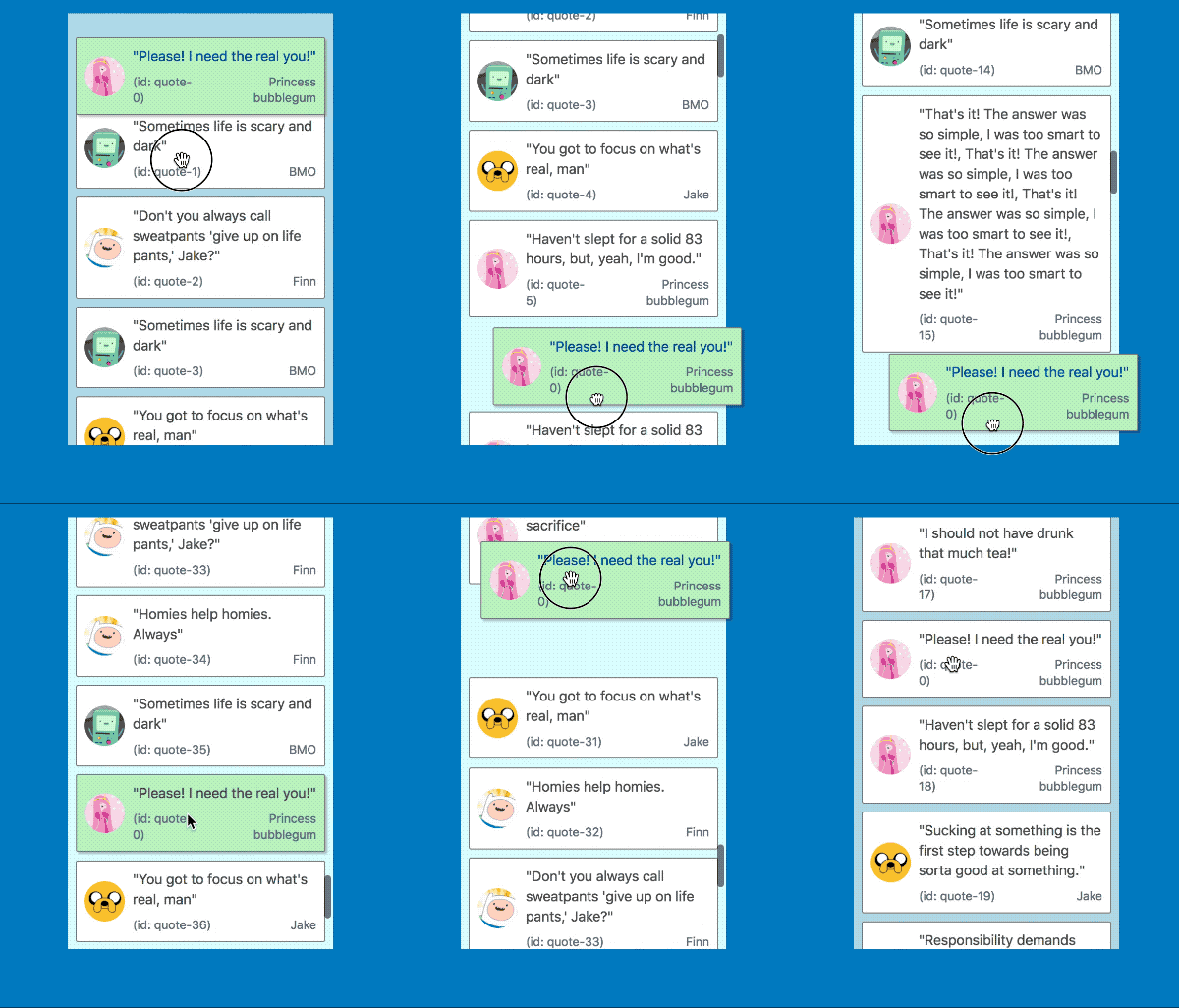 | 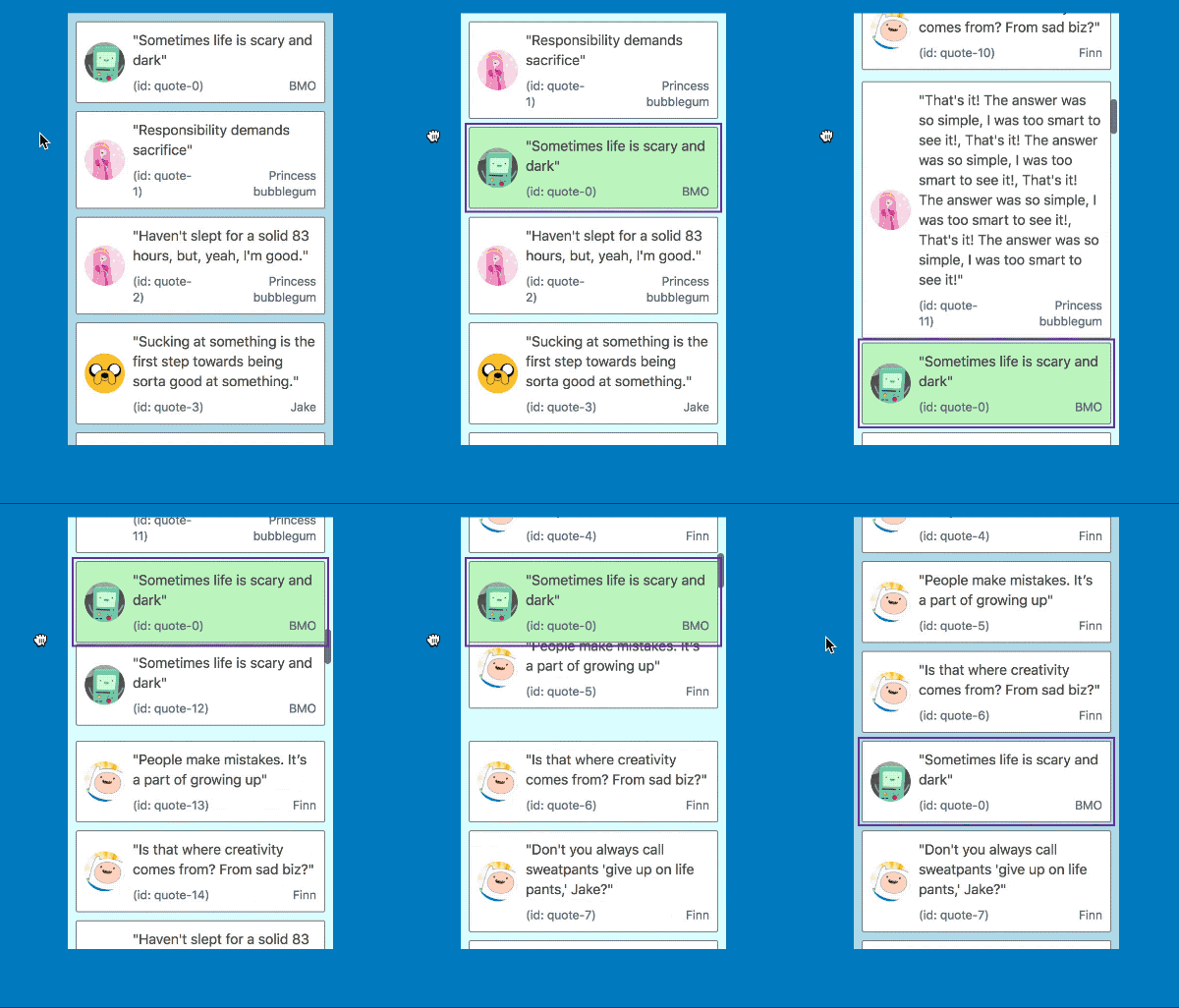 |
It also works in multi list configurations with all input types
| Mouse and touch | Keyboard |
| ------------------------------------------------------------------------------------------------------------------------------- | ---------------------------------------------------------------------------------------------------------------------------------- |
| 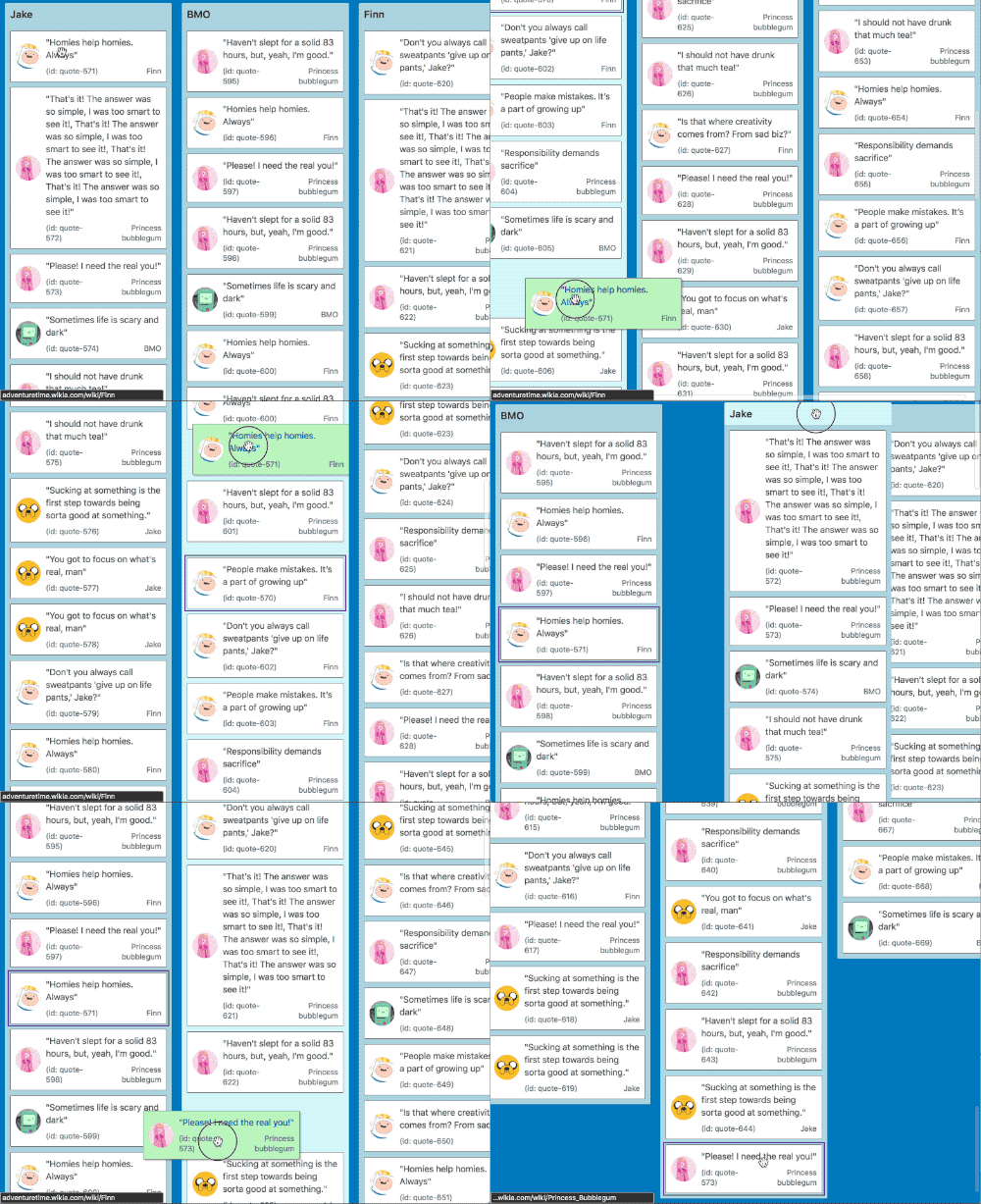 | 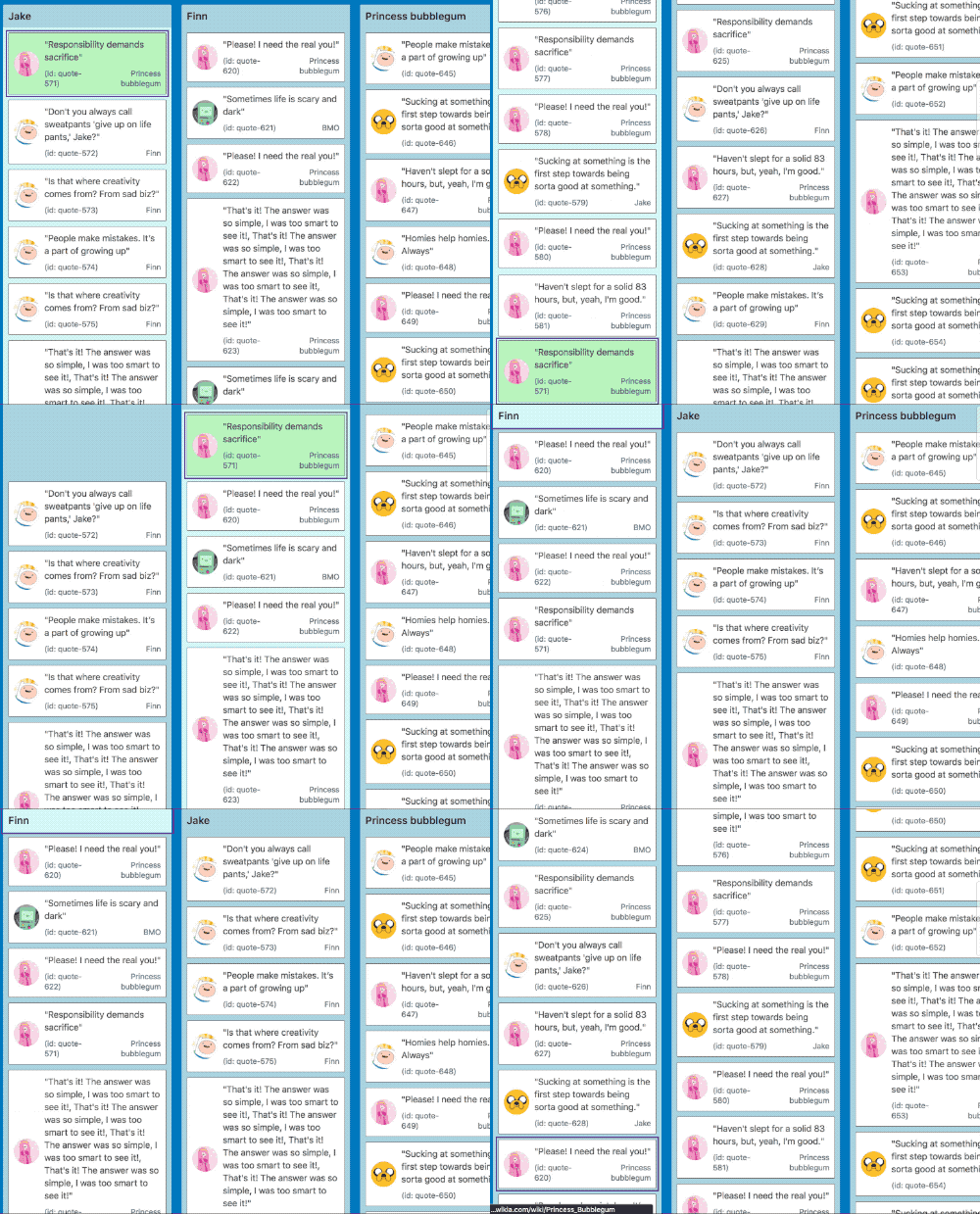 |
## For mouse and touch inputs 🐭📱
When the center of a `<Draggable />` gets within a small distance from the edge of a container we start auto scrolling. As the user gets closer to the edge of the container we increase the speed of the auto scroll. This acceleration uses an easing function to exponentially increase the rate of acceleration the closer we move towards the edge. We reach a maximum rate of acceleration a small distance from the true edge of a container so that the user does not need to be extremely precise to obtain the maximum scroll speed. This logic applies for any edge that is scrollable.
The distances required for auto scrolling are based on a percentage of the height or width of the container for vertical and horizontal scrolling respectively. By using percentages rather than raw pixel values we are able to have a great experience regardless of the size and shape of your containers.
### Mouse wheel and trackpads
In addition to auto scrolling we also allow users to scroll the window or a `<Droppable />` manually using their _mouse wheel_ or _trackpad_ 👌
### A note about big `<Draggable />`s
If the `<Draggable />` is bigger than a container on the axis you are trying to scroll - we will not permit scrolling on that axis. For example, if you have a `<Draggable />` that is longer than the height of the window we will not auto scroll vertically. However, we will still permit scrolling to occur horizontally.
### iOS auto scroll shake 📱🤕
When auto scrolling on an iOS browser (webkit) the `<Draggable />` noticeably shakes. This is due to a [bug with webkit](https://bugs.webkit.org/show_bug.cgi?id=181954) that has no known work around. We tried for a long time to work around the issue! If you are interesting in seeing this improved please engage with the [webkit issue](https://bugs.webkit.org/show_bug.cgi?id=181954).
## For keyboard dragging 🎹♿️
We also correctly update the scroll position as required when keyboard dragging. In order to move a `<Draggable />` into the correct position we can do a combination of a `<Droppable />` scroll, `window` scroll and manual movements to ensure the `<Draggable />` ends up in the correct position in response to user movement instructions. This is boss 🔥.
This is amazing for users with visual impairments as they can correctly move items around in big lists without needing to use mouse positioning.
[← Back to documentation](/README.md#documentation-)
================================================
FILE: docs/guides/avoiding-image-flickering.md
================================================
# Avoiding image flickering
> Often all you need to do is close your browsers dev tools! See 'HTTP cache headers below'
If your `<Draggable />` has a image inside of it, then you might notice that sometimes it flashes sometimes. Why is that?
Some behaviours will cause a `<Draggable />` to be **recreated**. This is where the original DOM element is destroyed, and a new DOM element is created. When the new DOM element is inserted into the DOM then the browser will try to load the image from scratch. Image flashing is caused by the gap between the new element being inserted into the DOM and the image being loaded.
These are the actions that can cause a `<Draggable />` to be recreated:
- [Reparenting](/docs/guides/reparenting.md) a `<Draggable />` (using the cloning api, or using your own portal)
- Moving `<Draggable />` into a new list. React will not shift the original element. It will recreate one.
## How can you prevent image flickering?
The big idea is you want to allow the browser to load the image **instantly** when it is recreated.
Here are some ways you can do that:
### HTTP cache headers
> When you open devtools, it can disable HTTP caching. So simply closing devtools might make your image flickering go away! 🤘
Generally speaking, a browser will not request an image that it already has cached and it will load instantly. You can use the [HTTP cache headers](https://devcenter.heroku.com/articles/increasing-application-performance-with-http-cache-headers) to tell a browser that an image can be cached. Ultimately the browser can decide to re-request the image if it wants to, but that would be an edge case.
We put together an [example on Glitch](https://glitch.com/~image-flickering) that shows off the impact of using HTTP cache headers.
### Inline your images
[Base64 encode](https://stackoverflow.com/questions/201479/what-is-base-64-encoding-used-for) your images and use that as the source. That way there is no need to talk to the server to get the source.
```diff
- <img src="/public/my-image.png">
+ <img src="data:image/png;base64,iVBORw0KGgoAAAANSUhEUgAAAIAAAA...">
```
You can use the [webpack `url-loader`](https://github.com/webpack-contrib/url-loader) to help.
#### Drawbacks of this approach
- If the same image is used in multiple places, they all need to be downloaded independently
- The browser cannot defer image loading
You will want to keep your image sizes fairly small.
### Really anything else!
The big idea is that you don't want to be calling the server to refetch an image that has already been fetched. So anything you can use to do client side caching of images is fine. You could even use [service workers](https://developers.google.com/web/ilt/pwa/caching-files-with-service-worker) if you want!
[← Back to documentation](/README.md#documentation-)
================================================
FILE: docs/guides/browser-focus.md
================================================
# Browser focus
> "You got to focus on what's real, man" - [Jake from Adventure time](https://www.youtube.com/watch?v=TFGz6Qvg1CE)
`react-beautiful-dnd` includes logic to maintain browser focus for _drag handles_. This especially important for [keyboard dragging](/docs/sensors/keyboard.md) which requires the dragging item to be focused.
## Terminology reminder 📖
A `<Draggable />` has a _drag handle_. A _drag handle_ is the part of the `<Draggable />` that controls the dragging of the whole `<Draggable />`. A _drag handle_ can be the same element as the `<Draggable />`
## Drag handle not focused at drag start
If the _drag handle_ is not focused when a drag starts then **focus is not given** to the dragging item. This is a mirror of the native HTML5 drag and drop behaviour which does not give focus to an item just because it is dragging. You are welcome to call `HTMLElement.focus()` when a drag starts to give it focus, but that is up to you.
## Drag handle is focused at drag start
If a _drag handle_ has browser focus when a drag starts then `rbd` will try to give focus to the _drag handle_ during a drag and just after a drag ends.
Here is what is done:
- Give focus to a _drag handle_ with a matching `DraggableId` after the drag starts. This might be a different element to the original _drag handle_ if you are [reparenting your `<Draggable />`](/docs/guides/reparenting.md).
- Give focus to a _drag handle_ with a matching `DraggableId` after the drag ends. Sometimes the original _drag handle_ element is lost during a drag, such as when [reparenting your `<Draggable />`](/docs/guides/reparenting.md), or when moving a `<Draggable />` from one list to another as `React` will recreate the element.
- If [combining](/docs/guides/combining.md) then focus is given to the combine target after a drag ends. This allows keyboard users to continue to engage with the application without needing to get the focus back to where they where the last interaction was
## Browser testing
Fun fact: we test this behaviour using [`cypress.io`](http://cypress.io) to ensure that focus management behaves as we expect
[← Back to documentation](/README.md#documentation-)
================================================
FILE: docs/guides/changes-while-dragging.md
================================================
# Changes while dragging
> For virtual list support see our [virtual list pattern](/docs/patterns/virtual-lists.md)
> ❌ **This behaviour is only supported in `11.x`**. We do plan on supporting this type of behaviour again in a future `minor` release. We needed to cut this existing behaviour order to get `12.x` across the line. Going forward, tree behaviour will be supported on the latest version. We know this sucks, but we thought it better to move things forward.
`react-beautiful-dnd` supports the addition and removal of `<Draggable />`s during a drag.
## What behaviours does this unlock?
### Lazy loading of list items
> In this example we are adding more `<Draggable />`s to a list we scroll closer to the bottom of the list
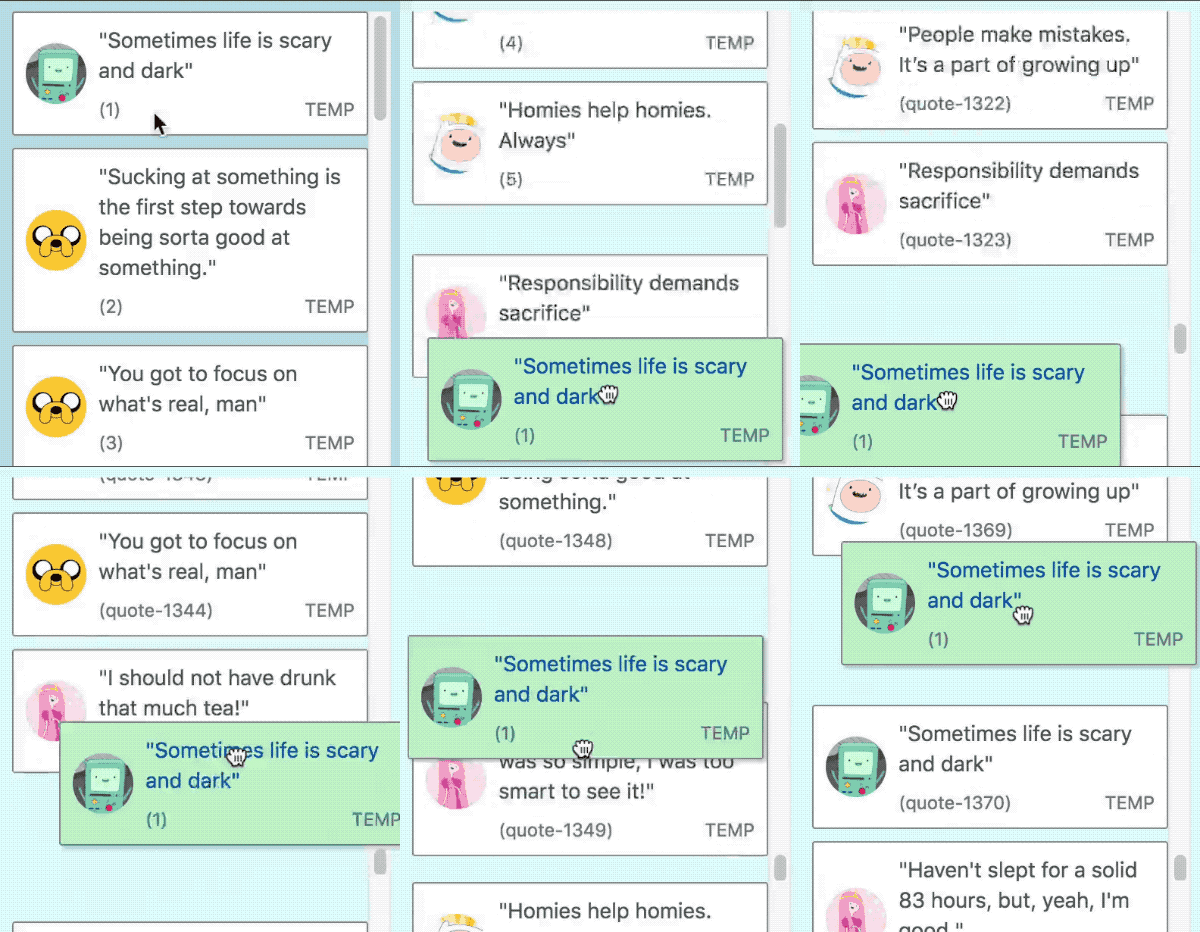
### Collapsing and expanding groups
> We recommend you use the [`@atlaskit/tree`](https://atlaskit.atlassian.com/packages/core/tree) component for this behaviour
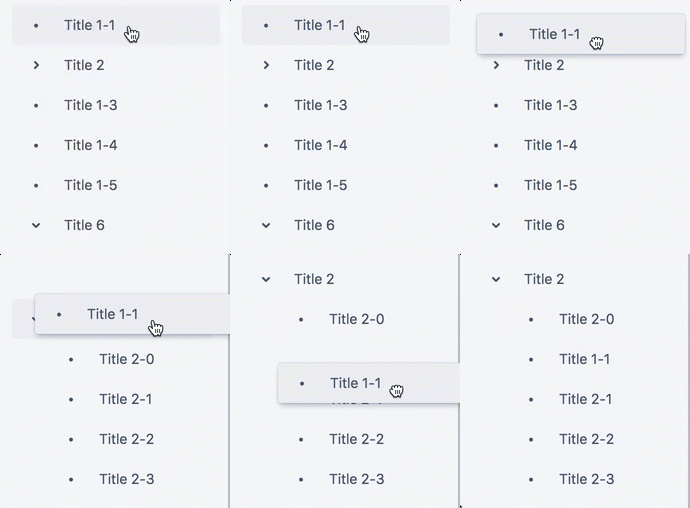
## Rules
> We attempt to print helpful debug information to the `console` if you do not follow these rules in development builds
- You are allowed to add or remove `Draggables` during a drag
- You can only add or remove `Draggables` that are of the same `type` as the dragging item.
- Any changes must occur within a `<Droppable />` that is a _scroll container_ (has `overflow: auto` or `overflow: scroll`). _This is prevent accidental shifts to other `Droppables` on the page_
- The size of the internal content of the _scroll container_ can change, but the outer bounds of the _scroll container_ itself cannot change.
- You cannot modify the sizes of any existing `<Draggable />` or `<Droppable />` during a drag
- You cannot add or remove a `<Droppable />` during a drag. _We did this to avoid accidental shifting of other `<Droppable />`s_
- When an item is removed or added it must be done instantly. You cannot animate the size of the item. You are welcome to animate a property when adding a `<Draggable />` that does not impact the size of the item, such as `opacity`
## `<DragDropContext /> > onDragUpdate` behavior
- `onDragUpdate` will be called if the `DragUpdate > source > index` of the dragging item has changed as the result of `Draggables` being added or removed before it.
- `onDragUpdate` will be called if the `DragUpdate > destination` of the dragging item has changed as a result of the addition or removal.
## `<DragDropContext /> > onDragEnd` behavior
`onDragEnd` will be called with values that are adjusted for any additions or removals of `Draggables` during a drag. This can mean that the `onDragStart: DragStart > source > index` can be different from the `onDragEnd: DropResult > source > index`.
### Sample `onDragEnd` flow
> What is important to note is that the `source` property can change during a drag as a result of dynamic changes.
1. A drag starts.
`onDragStart` is called with:
```js
{
draggableId: 'item-1',,
type: 'TYPE',
source: {
droppableId: 'droppable',
index: 1,
},
}
```
2. The first `<Draggable />` in the list (`item-0`) is removed.
`onDragUpdate` is called with `DragUpdate`:
```diff
{
draggableId: 'item-1',,
type: 'TYPE',
source: {
droppableId: 'droppable',
+ // item-1 is now in index 0 as item-0 is gone
+ index: 0,
},
// adjusted destination
destination: null,
}
```
3. The drag ends
`onDragEnd` is called with `DropResult`:
```diff
{
draggableId: 'item-1',,
type: 'TYPE',
source: {
droppableId: 'droppable',
+ // the source reflects the change
+ index: 0,
},
destination: null,
reason: 'DROP',
}
```
## Drag end while we are patching the virtual model
If a drag ends after a `<Draggable />` has been added or removed, but we have not finished collecting and patching the _virtual dimension model_ then we will delay the drop until the patch is finished. This is usually only a single frame. The `onDropEnd` callback will be called with a `DropResult` that is correct after the patch.
[← Back to documentation](/README.md#documentation-)
================================================
FILE: docs/guides/combining.md
================================================
# Combining
> 👶 This feature is still quite young. We wanted to get it out there for people to play with
`react-beautiful-dnd` supports the combining of `<Draggable />`s 🤩

> 🌲 If you are looking to build a tree view, we have built one already! [@atlaskit/tree](https://atlaskit.atlassian.com/packages/confluence/tree)
## Setup
In order to enable combining you need to set `isCombineEnabled` to `true` on a `<Droppable />` and you are good to go!
```js
<Droppable droppableId="droppable" isCombineEnabled>
...
</Droppable>
```
## Behaviour
When `isCombineEnabled` is set on a list _any_ item in the list can be combine with. You can toggle `isCombineEnabled` during a drag. `react-beautiful-dnd` works hard to ensure that users are able to combine and reorder within the same list in a way that feels intuitive and natural.
## Current limitations
- No granular control over which items can be combined with within the list. We could move to the `isCombineEnabled` prop from a `<Droppable />` to a `<Draggable />` to allow this sort of customisation. However, in order to ship this huge feature we went a bit simplier to start with
- A list must be reorderable to also have items that can be combined with. It is not possible for a list to be 'combine only' at this stage
## `<Draggable />` > `DraggableStateSnapshot`
```diff
type DraggableStateSnapshot = {|
isDragging: boolean,
isDropAnimating: boolean,
dropAnimation: ?DropAnimation,
draggingOver: ?DroppableId,
+ combineWith: ?DraggableId,
+ combineTargetFor: ?DraggableId,
mode: ?MovementMode,
|};
```
If you are dragging a `<Draggable />` over another `<Draggable />` in combine mode then the id of the `<Draggable />` being dragged over will be populated in `combineWith`
If a `<Draggable />` is being dragged over in combine mode then the id of the `<Draggable />` being dragged will be populated in `combineTargetFor`
## `<DragDropContext />` > `Responders`
`onDragUpdate` and `onDragEnd` will be updated with any changes to a `combine`
> See our [type guide](/docs/guides/types.md) for more details
## Persisting a `combine`
A `combine` result might signify different operations depending on your problem domain.
When combining, a simple operation is to just remove the item that was dragging
```js
function onDragEnd(result) {
// combining item
if (result.combine) {
// super simple: just removing the dragging item
const items: Quote[] = [...this.state.items];
items.splice(result.source.index, 1);
setState({ items });
return;
}
}
```
## Drop animation
One of the goals of `react-beautiful-dnd` is to create a drag and drop experience that feels physical. This is a bit tricky to achieve in a generic way when it comes to combining two things.
What we have gone for out of the box in the following animation:
- move the dragging item onto the center of the item being grouped with
- fade the opacity of the dragging item down to `0`
- scale the dragging item down
This animation attempts to communicate one item _moving into_ another item in a fairly generic way.

You are welcome to customise this animation using the information found in our [drop animation guide](/docs/guides/drop-animation.md)
[← Back to documentation](/README.md#documentation-)
================================================
FILE: docs/guides/common-setup-issues.md
================================================
# Common setup issues
This is a little guide to help you with some common setup issues
## Check your `console`
For detectable setup issues we try to log information in the `console` for `development` builds of `react-beautiful-dnd`. If things are not working, first thing to do is check your `console`.
## React version
Please ensure that you meet our peer dependency version of `React`. Your React version needs to be greater than or equal to `16.8.5`.
If you want to know what React version you are on take a look at your [`package.json`](https://docs.npmjs.com/files/package.json) or use `console.log(React.version)`.
If you are not sure if your `package.json` version satisfies `16.8.5` have a read of [npm: about semantic versioning](https://docs.npmjs.com/about-semantic-versioning) and try out the [npm sermver calculator](https://semver.npmjs.com/)
## No duplicate ids
`draggableId` and `droppableId` values must be unique for the whole `<DragDropContext />` and not just a list.
More information: [identifiers guide](/docs/guides/identifiers.md)
## `<Draggable />` indexes
Rules:
- Must be unique within a `<Droppable />` (no duplicates)
- Must be consecutive. `[0, 1, 2]` and not `[1, 2, 8]`
Indexes do not need to start from `0` (this is often the case in [virtual lists](/docs/patterns/virtual-lists.md))
[More information](/docs/api/draggable.md#draggable-props)
## No margin collapsing between `<Draggable />`s
This can happen if you have a `margin-top` as well as a `margin-bottom` on a `<Draggable />`.
[More information](/docs/api/draggable.md#unsupported-margin-setups)
## `key`s for a list of `<Draggable />`
If you are rendering a list of `<Draggable />`s then it is important that you add a [`key`](https://reactjs.org/docs/lists-and-keys.html) prop to each `<Draggable />`.
```js
return items.map((item, index) => (
<Draggable
// adding a key is important!
key={item.id}
draggableId={item.id}
index={index}
>
{(provided, snapshot) => (
<div
ref={provided.innerRef}
{...provided.draggableProps}
{...provided.dragHandleProps}
>
{item.content}
</div>
)}
</Draggable>
));
```
[More information](/docs/api/draggable.md)
## Avoid empty lists
We recommend you set a `min-height` or `min-width` on a `<Droppable />` to ensure that there is a visible drop target when a list is empty
We go over this in our [Get started with `react-beautiful-dnd` course](https://egghead.io/lessons/react-move-items-between-columns-with-react-beautiful-dnd-using-ondragend)
## Image flickering in a `<Draggable />`
See our [avoiding image flickering guide](/docs/guides/avoiding-image-flickering.md)
[← Back to documentation](/README.md#documentation-)
================================================
FILE: docs/guides/content-security-policy.md
================================================
# Content Security Policy
> This page is to help you get around the CSP error: "Refused to apply inline style because it violates the following Content Security Policy directive: "style-src 'self'"."
> A huge thankyou to [@Zweder](https://github.com/Zweder) for driving this effort
Content Security Policy (CSP) is a way of controlling where a browser can download assets from, as well as what those assets are allowed to do.
Background reading on CSP
- [Google guide](https://developer.chrome.com/extensions/contentSecurityPolicy)
- [MDN](https://developer.mozilla.org/en-US/docs/Web/HTTP/CSP)
- [Helmetjs guide](https://helmetjs.github.io/docs/csp/)
`react-beautiful-dnd` creates a `<style>` element in the `<head>` and dynamically updates it's value (see [/docs/guides/preset-styles.md] and [Dragging React performance forward](https://medium.com/@alexandereardon/dragging-react-performance-forward-688b30d40a33)). This is considered an _unsafe inline_ and will violate the strict CSP policy: `Content-Security-Policy: style-src 'self'`
## Option 1: use `unsafe-inline`
Simple solution number one, use a looser `style-src 'unsafe-inline'`. ⚠️ This is not ideal as it will loosen your CSP.
```diff
- Content-Security-Policy: style-src 'self'
+ Content-Security-Policy: style-src 'unsafe-inline'
```
## Option 2: Use a `nonce`
You can use the stricter directive `Content-Security-Policy: style-src 'self'` as long as you provide a `nonce` (number used once).
The [JSS](https://cssinjs.org/?v=v10.0.0) project has a great [CSP guide](https://cssinjs.org/csp) which goes through how you can setup a a `nonce`. Once you have a `nonce` value in the browser you can pass it into a `<DragDropContext />` to tell `react-beautiful-dnd` to use the `nonce`.
```js
<DragDropContext nonce={getNonce()}>{/*...*/}</DragDropContext>
```
[← Back to documentation](/README.md#documentation-)
================================================
FILE: docs/guides/doctype.md
================================================
# Use the html5 `doctype`
Be sure that you have specified the html5 `doctype` ([Document Type Definition - DTD](https://developer.mozilla.org/en-US/docs/Glossary/Doctype)) for your `html` page:
```html
<!DOCTYPE html>
```
A `doctype` impacts browser layout and measurement apis. Not specifying a `doctype` is a world of pain 🔥. Browsers will use some other `doctype` such as ["Quirks mode"](https://en.wikipedia.org/wiki/Quirks_mode) which can drastically change layout and measurement ([more information](https://www.w3.org/QA/Tips/Doctype)). The html5 `doctype` is our only supported `doctype`.
For non `production` builds we will log a warning to the `console` if a html5 `doctype` is not found. You can [disable the warning](#disable-warnings) if you like.
[← Back to documentation](/README.md#documentation-)
================================================
FILE: docs/guides/dragging-svgs.md
================================================
# Dragging `<svg>`s
> Summary: `react-beautiful-dnd` does not support the usage of `<svg>` (`SVGElement`) for a `<Draggable />` or it's _drag handle_. You are still able to drag SVG's around using a number of different strategies listed below
## Background: [`HTMLElement`](https://developer.mozilla.org/en-US/docs/Web/API/HTMLElement)
We require that a `<Draggable />` and its drag handle be a `HTMLElement`. Almost every element that you make in the browser is a `HTMLElement`. [See huge list on MDN](https://developer.mozilla.org/en-US/docs/Web/HTML/Element). A `HTMLElement` extends [`Element`](https://developer.mozilla.org/en-US/docs/Web/API/Element)

## Focus management
We use and manipulate focus on a drag handle during a drag if it is needed. This is especially true for keyboard dragging that relies on focus management. See our [focus guide](/docs/guides/browser-focus.md).
## Enter [`SVGElement`](https://developer.mozilla.org/en-US/docs/Web/API/SVGElement) 🖼
An `SVGElement` does not implement `HTMLElement`, and directly extends `Element`.

`SVGElement` has **inconsistent**, and sometimes, **non-existent** focus management behavior across browsers. [more information](https://allyjs.io/tutorials/focusing-in-svg.html). Trying to call `svgElement.focus()` on IE11 will cause an exception. There are also additional concerns:
- Applying `aria-*` to a `<svg>` has unknown screen reader implications.
- Inconsistent `tabindex` behaviour in older browsers
One of the core values of `react-beautiful-dnd` is accessibility
> Beautiful and **accessible** drag and drop for lists with `React`
## But I want to drag using a `<svg>`!
### Option 1: Wrap in an `HTMLElement`
In order to provide the best accessibility and cross browser experience for consumers we enforce that `SVGElement`s need to be wrapped in a `HTMLElement` such as `<span>` or `<div>` if you want to have them as your `<Draggable />` or _drag handle_.
```js
// ❌ not supported
<Draggable draggableId="not-supported" index={0}>
{provided => (
<svg
{...provided.draggableProps}
{...provided.dragHandleProps}
ref={provided.innerRef}
{/* other SVG stuff */}
/>
)}
</Draggable>
```
```js
// ✅ supported
<Draggable draggableId="supported" index={0}>
{provided => (
<span
{...provided.draggableProps}
{...provided.dragHandleProps}
ref={provided.innerRef}
>
<svg {/* other SVG stuff */} />
</span>
)}
</Draggable>
```
### Option 2: use an `<img>` tag
You can use the `src` of an `<img>` tag (which is a `HTMLElement`) to have a draggable SVG.
```js
// ✅ supported
<Draggable draggableId="supported" index={0}>
{(provided) => (
<img
{...provided.draggableProps}
{...provided.dragHandleProps}
ref={provided.innerRef}
src="my-cool-image.svg"
/>
)}
</Draggable>
```
> You can read more about this approach on [CSS-Tricks](https://css-tricks.com/using-svg/)
### Option 3: use `background-image`
Alternatively you could also apply the SVG as a `background-image` to another `HTMLElement`.
```css
.item {
background-image: url(my-cool-image.svg);
}
```
```js
// ✅ supported
<Draggable draggableId="supported" index={0}>
{(provided) => (
<div
{...provided.draggableProps}
{...provided.dragHandleProps}
ref={provided.innerRef}
className="item"
/>
)}
</Draggable>
```
> You can read more about this approach on [CSS-Tricks](https://css-tricks.com/using-svg/)
[← Back to documentation](/README.md#documentation-)
================================================
FILE: docs/guides/drop-animation.md
================================================
# Drop animation
Out of the box we provide a beautiful drop animation for you to use. We have worked hard to create an experience that feels responsive while also feeling like you are physically dropping an object. There may be situations in which you want to add an additional effect to the drop, or remove the drop animation entirely.
## Styling a drop
You are able to add your own style to a `<Draggable />` while it is dropping (such as `background-color`). You know a drop is occurring when `DraggableStateSnapshot > DropAnimation` is populated.
## Patching the drop animation
In some cases you might want to add an additional `transform` or change the `transition`. In which case, you can patch the style of a `<Draggable />` while a drop is occurring. (patch `DraggableProvided > DraggableProps > DraggableStyle`)
Here is the shape of `DropAnimation`:
```js
type DropReason = 'DROP' | 'CANCEL';
type DropAnimation = {|
// how long the animation will run for
duration: number,
// the animation curve that we will be using for the drop
curve: string,
// the x,y position will be be animating to as a part of the drop
moveTo: Position,
// when combining with another item, we animate the opacity when dropping
opacity: ?number,
// when combining with another item, we animate the scale when dropping
scale: ?number,
|};
```
You can use the `DraggableDroppingState` to build up your own `transform` and `transition` properties during a drop.
```js
function getStyle(style, snapshot) {
if (!snapshot.isDropAnimating) {
return style;
}
const { moveTo, curve, duration } = snapshot.dropAnimation;
// move to the right spot
const translate = `translate(${moveTo.x}px, ${moveTo.y}px)`;
// add a bit of turn for fun
const rotate = 'rotate(0.5turn)';
// patching the existing style
return {
...style,
transform: `${translate} ${rotate}`,
// slowing down the drop because we can
transition: `all ${curve} ${duration + 1}s`,
};
}
function TaskItem(props) {
const { task, index } = props;
return (
<Draggable draggableId={task.id} index={index}>
{(provided, snapshot) => (
<div
ref={provided.innerRef}
{...provided.draggableProps}
{...provided.dragHandleProps}
isDragging={snapshot.isDragging && !snapshot.isDropAnimating}
style={getStyle(provided.draggableProps.style, snapshot)}
>
{task.content}
</div>
)}
</Draggable>
);
}
```
## Skipping the drop animation
Generally speaking you should be avoiding this. A drop animation is an important affordance to communicate placement. Our drop animations do not prevent the user from dragging something else while the animation is running.
If you are seeing a strange drop behaviour, such as dropping to the wrong spot, our recommendation is to raise an issue as it could be a bug with `react-beautiful-dnd` or a setup issue.
If you do have use case where it makes sense to remove the drop animation you will need to add a [`transition-duration`](https://developer.mozilla.org/en-US/docs/Web/CSS/transition-duration) property of _almost_ `0s`. This will skip the drop animation.
Do not make the `transition-duration` actually `0s`. It should be set at a near `0s` value such as `0.001s`. The reason for this is that if you set `transition-duration` to `0s` then a `onTransitionEnd` event will not fire - and we use that to know when the drop animation is finished.
```js
function getStyle(style, snapshot) {
if (!snapshot.isDropAnimating) {
return style;
}
return {
...style,
// cannot be 0, but make it super tiny
transitionDuration: `0.001s`,
};
}
function TaskItem(props) {
const { task, index } = props;
return (
<Draggable draggableId={task.id} index={index}>
{(provided, snapshot) => (
<div
innerRef={provided.innerRef}
{...provided.draggableProps}
{...provided.dragHandleProps}
style={getStyle(provided.draggableProps.style, snapshot)}
>
{task.content}
</div>
)}
</Draggable>
);
}
```
[← Back to documentation](/README.md#documentation-)
================================================
FILE: docs/guides/how-we-detect-scroll-containers.md
================================================
# How we detect scroll containers
> Generally you will not need to read this guide 😊. Detection of scroll containers "should just work". However, if you are having issues with it you can dig more deeply into this guide 🕵️
`react-beautiful-dnd` will automatically detect the scroll containers for your application when a drag is starting. It does this by looking at the _computed_ `overflowX` and `overflowY` values of an element.
If `react-beautiful-dnd` finds an element that has a _computed_ `overflowX` or `overflowY` set to `scroll` or `auto` then that element is marked as a scroll container.
## Background information about `overflow`
The css property `overflow` (and `overflow-x`, `overflow-y`) controls what happens when the content of an element is bigger than the elements size.
> For more information about `overflow` you can check out the [CSS-Tricks overflow guide](https://css-tricks.com/almanac/properties/o/overflow/) or the [MDN overflow guide](https://developer.mozilla.org/en-US/docs/Web/CSS/overflow)
### `overflow` values
- `visible`: _(default)_ content will grow beyond boundary of any containing box without any clipping or scroll bars
- `scroll`: clip overflow and always show a scroll bar, even if there is no content being overflowed
- `auto`: clip overflow and only show scroll bar if there is any content in the overflow
### Shorthand
Setting `overflow: $value` is the same as setting `overflow-x: $value` and `overflow-y: $value`
### _Computed_ values
If only one axis has `overflow-[x|y]: hidden` and the other is `visible` _(the default value)_ then it will be _computed_ as `auto`.
> Computed value: as specified, except with visible/clip computing to auto/hidden (respectively) if one of overflow-x or overflow-y is neither visible nor clip
>
> - https://www.w3.org/TR/css-overflow-3/#overflow-properties
## `<body>`
`document.body` (`<body>`) is different from `document.documentElement` (the `<html>` element). Any scroll on the `html` element is considered a `window` scroll. Most of the time any scroll bar that would have appeared on the `body` will be merged with the `html` scroll bar. However, there are situations where they can have different scrollable areas.
⚠️ We have not been able to find a reliable cross browser mechanism for detecting if a `body` has an independent scroll bar to the `html` element.
The `body` element _can_ be a scroll container if:
1. the `body` element has `overflow-[x|y]` set to `auto` or `scroll` AND
2. the `html` element has `overflow-x` or `overflow-y` set to anything other than `visible` (the default)
There seems to also be an additional requirement that we have not been able to accurately quantify regarding the relationship of the sizes of the `html` and `body` elements.
### Want to help?
We have some playgrounds on `codepen` that can be a good start for digging into trying to find a reliable way to determine if `body` is an independent scroll container.
- [scroll height on `body`](https://codepen.io/alexreardon/pen/RqLxPq)
- [algorithm test](https://codepen.io/alexreardon/pen/RqLVNP?editors=1111)
- [scroll height on a `div`](https://codepen.io/alexreardon/pen/xQXdKm?editors=1111)
- [another `body` playground](https://codepen.io/alexreardon/pen/oQGeea?editors=1111) things get weird
- [looking at browser apis](https://codepen.io/alexreardon/pen/dQZWpE?editors=1111)
> Try changing the `overflow`, `height` and `width` properties on the `html` and `body` elements
It looks like when the `html` element has some `width` and `height` related properties set then this can impact things. However, finding a purely javascript solution for detecting this has alluded us so far
[← Back to documentation](/README.md#documentation-)
================================================
FILE: docs/guides/how-we-use-dom-events.md
================================================
# How we use DOM events
> This page details how we use DOM input events, what we do with them, and how you can build things on top of our usage. **Generally you will not need to know this information** but it can be helpful if you are also binding your own event handlers to the window or to a _drag handle_.
> ⚠️ Note: due to a [bug in webkit](https://bugs.webkit.org/show_bug.cgi?id=184250), particular events such as `mousemove` will not correctly set `event.defaultPrevented` to `true` when `event.preventDefault()` is called. You can follow progress on this issue [here](https://github.com/atlassian/react-beautiful-dnd/issues/413).
## Prior knowledge
This page assumes a working knowledge of DOM events. For a good introduction to DOM events see:
- [An introduction to browser events](https://javascript.info/introduction-browser-events)
- [How event capturing and bubbling works](https://javascript.info/bubbling-and-capturing)
## Safe event bindings
Without needing going into all the details below, here are the safest event handlers to build on top of `react-beautiful-dnd`:
> These can be added on the _drag handle_, anywhere else higher on the tree or to the window directly.
- `onClick`: the `event.defaultPrevented` property will be set to `true` if occurred as a part of the drag interaction. This is true even if the drag was not finished with a pre-click action such as `mouseup` or `touchend`. See [sloppy clicks and click prevention](/docs/sensors/mouse.md#sloppy-clicks-and-click-prevention-).
- `onKeyDown`: the `event.defaultPrevented` property will be set to `true` if it was used as a part of a drag.
## General rules
### Event prevention
When we use an input event as part of a drag and drop interaction we generally call `event.preventDefault()` on the event to opt out of standard browser behaviour for the event. We **do not stop** the propagation of events that we call `event.preventDefault()` on so even though we may use a `mousemove` event for dragging **we will not block** that event from being published (propagating) and received by your event handlers.
- we use: `event.preventDefault()`
- we do not use: `event.stopPropagation()`
We add all event handlers to the `window` in the [capture phase](https://javascript.info/bubbling-and-capturing#capturing). What this means is as long as you are applying your events handlers in the [bubbling phase](https://javascript.info/bubbling-and-capturing#bubbling) (which is the default for event handlers) then behaviour of events will be as described on this page.
In order to know if we have already used the event for the purpose of drag and drop you need to check the [`event.defaultPrevented`](https://developer.mozilla.org/en-US/docs/Web/API/Event/defaultPrevented) property.
So let's say you want to add a window `click` handler. You could do something like this:
```js
window.addEventListener('click', (event: MouseEvent) => {
// event has already been used for drag and drop
if (event.defaultPrevented) {
return;
}
doMyCoolThing();
});
```
### Direct and indirect actions
Some user events have a direct impact on a drag: such as a `mousemove` when dragging with a mouse or the **up arrow** <kbd>↑</kbd> `keydown` event while dragging with a keyboard. These direct events will have `event.preventDefault()` called on them to prevent their default browser behaviours. Some events indirectly impact a drag such as a `resize` event which cancels a drag. For events that indirectly impact a drag we do not call `event.preventDefault()` on them. Generally indirect events that impact drag are events that cancel a drag such as `resize` and `orientationchange` events.
## Mouse dragging 🐭
### Initial `mousedown`
- `preventDefault()` **is called on `mousedown`** 😞
> This is the only known exception to our rule set. It is unfortunate that it is the first one to appear in this guide!
When the user first performs a `mousedown` on a _drag handle_ we are not sure if they are intending to click or drag. Ideally we would not call `preventDefault()` on this event as we are not sure if it is a part of a drag. However, we need to call `preventDefault()` in order to avoid the item obtaining focus as it has a `tabIndex`.
### We are not sure yet if a drag will start
- `preventDefault()` not called on `mousemove`
The user needs to move a small threshold before we consider the movement to be a drag. In this period of time we do not call `preventDefault()` on any `mousemove` events as we are not sure if they are dragging or just performing a [sloppy click](/docs/sensors/mouse.md#sloppy-clicks-and-click-prevention-)
### The user has indicated that they are not mouse dragging
- `preventDefault()` not called on the event that caused the pending drag to end (such as `mouseup` and `keydown`). Any `keydown` event that is firered while there is a pending drag will be considered an indirect cancel
- `preventDefault()` is not called on the subsequent `click` event if there is one
### A mouse drag has started and the user is now dragging
- `preventDefault()` is called on `mousemove` events
- `preventDefault()` is called on a few `keydown` events to prevent their standard browser behaviour
- `preventDefault()` is not called on `keyup` events even if the `keydown` was prevented
### A drag is ending
- `preventDefault()` is called on a `mouseup` if it ended the drag
- `preventDefault()` is called on a **escape** <kbd>esc</kbd> `keydown` if it ended the drag as it directly ended the drag
- `preventDefault()` is called on the next `click` event regardless of how the drag ended. See [sloppy clicks and click prevention](/docs/sensors/mouse.md#sloppy-clicks-and-click-prevention-)
- `preventDefault()` is not called on other events such as `resize` that indirectly ended a drag
- `preventDefault()` is not called on `keyup` events even if they caused the drag to end
## Touch dragging 📱
> The logic for touch dragging works in a similar way to mouse dragging
### Initial `touchstart`
- `preventDefault()` is not called on `touchstart`.
When a user presses their finger (or other input) on a `<Draggable />` we are not sure if they where intending to _tap_, _force press_, _scroll the container_ or _drag_. Because we do not know what the user is trying to do yet we do not call `preventDefault()` on the event.
### The user has indicated that they are not touch dragging
- `preventDefault()` is not called on any events
A user can start a drag by holding their finger 👇 on an element for a small period of time 🕑 (long press). If the user moves during this time with `touchmove` then we do not call `preventDefault()` on the event.
It is possible to cancel a touch drag with over events such as an `orientationchange` or a `touchcancel`. We do not call `preventDefault` on these events.
### A touch drag has started and the user is now dragging
- `preventDefault()` is called on `touchmove` events
✌️
### A touch drag is ending
- `preventDefault()` is called on `touchend`
- `preventDefault()` is called on `touchcancel`
- `preventDefault()` is called on an **escape** <kbd>esc</kbd> `keydown` as a direct cancel. `preventDefault()` is not call on any other `keydown` as it is an indirect cancel.
- `preventDefault()` is not called on other events such as `orientationchange` that can cancel a drag
### Force press
> See our [force press guide](/docs/api/draggable.md)
#### `<Draggable shouldRespectForcePress={false} />` (the default)
> Opting out of force change events by default for a more consistent drag experience
- `preventDefault()` is called on all `touchforcechange` events after a `touchstart` event is fired and a pending drag timer has started
#### `<Draggable shouldRespectForcePress />`
> Respecting standard force touch interactions
- `preventDefault()` is not called on `touchforcechange` if a drag has not started yet
- `preventDefault()` is not called on `touchforcechange` a drag that has started but no movement has occurred yet. The force press cancels the drag and is an indirect cancel.
- `preventDefault()` is called after on `touchforcechange` a drag has started and a `touchmove` has fired. This is defensive as a force press `touchforcechange` should not occur after a `touchmove`.
## Keyboard dragging 🎹
> We only use `keydown` events for keyboard dragging so `keyup` events never have `preventDefault()` called on them
### Drag start
> `preventDefault()` is called on `keydown`
Unlike mouse dragging a keyboard drag starts as soon as the user presses the **spacebar** <kbd>space</kbd>. This initial keyboard interaction has `event.preventDefault()` called on it.
### While dragging
- `preventDefault()` is called on a `keydown` event if the event is used as part of the drag (such as the **up arrow** <kbd>↑</kbd>)
- `preventDefault()` is called on `keydown` events were we want to block the stanard browser behaviours (such as `enter` for submission)
- `preventDefault()` is not called on `keydown` events that we do not use for the drag
### Drag ending
- `preventDefault()` is called on a `keydown` if it is the **spacebar** <kbd>space</kbd> key as it is dropping the item
- `preventDefault()` is called on a `keydown` if it is the **escape** <kbd>esc</kbd> key as it is explicitly cancelling the drag
- `preventDefault()` is not called on events that indirectly cancel a drag such as `resize` or `mousedown`.
## Error events
> Background: please see [Setup problem detection and error recovery](/docs/guides/setup-problem-detection-and-error-recovery.md).
If an `rbd` error is thrown and is caught by our `window` `error` listener, we will call `event.preventDefault()` on the error event to mark it as consumed. We do this as well as aborting the existing drag and logging warnings in development mode.
[← Back to documentation](/README.md#documentation-)
================================================
FILE: docs/guides/identifiers.md
================================================
# Identifiers (ids)
> `<Draggable /> > draggableId` and `<Droppable /> > droppableId`
A `<Draggable />` and a `<Droppable />` have an id. These are `draggableId` and `droppableId` respectively.
## String
We expect an id to be a `string`
```js
type Id = string;
type DroppableId = Id;
type DraggableId = Id;
```
> More information: [types guide](/docs/guides/types.md)
## Ids must be unique
A id must uniquely identify a `<Draggable />` or `<Droppable />` within a `<DragDropContext />`. So if you have multiple connected lists, each `<Droppable />` needs to have a unique id and each `<Draggable />` needs to have a unique id, even if the item is in a different list.
The id must also be unique even if the `type` argument on the `<Droppable />` is different.
## Ids must be a string
Right now it is important that all `Id`'s be strings. `rbd` will throw an error if an `Id` is not a string.
## Avoid reusing ids
For simplicity, it is best to avoid changing a `draggableId` or `droppableId` when a reorder occurs. The safest option is to associate an id with a piece of data and do not update the id between reorders.
You can change the `draggableId` or `droppableId` at any time except during a drag. Including after reorder. However, to avoid an exception you need to avoid reusing id's between two components. This can happen if you base a draggableId or droppableId on an index.
> **Don't base an id on a index**
### What this looks like internally
#### 1. Update droppable
old droppableId: "droppable-0"
new droppableId: "droppable-1"
👉 delete reference to "droppable-0"
👉 add reference to "droppable-1"
#### 2. Update droppable
old droppableId: "droppable-1" 😢
new droppableId: "droppable-2"
👉 delete reference to "droppable-1" 😢 (will remove reference to our new "droppable-1")
👉 add a reference to "droppable-2"
#### 3. Update droppable
old droppableId: "droppable-1" 💥
new droppableId: "droppable-5"
👉 delete reference to "droppable-1" 💥 (will cause an exception because "droppable-1" is not found)
## Could we change these rules?
Yep!
But we do things this way for simplicity and performance. Feel free to continue this conversation in a Github issue if you feel strongly about it.
[← Back to documentation](/README.md#documentation-)
================================================
FILE: docs/guides/preset-styles.md
================================================
# Preset styles
We apply a number of **non-visible** styles to facilitate the dragging experience. We do this using combination of styling targets and techniques. It is a goal of the library to provide unopinioned styling. However, we do apply some reasonable `cursor` styling on drag handles by default. This is designed to make the library work as simply as possible out of the box. If you want to use your own cursors you are more than welcome to. All you need to do is override our cursor style rules by using a rule with [higher specificity](https://css-tricks.com/specifics-on-css-specificity/).
Here are the styles that are applied at various points in the drag lifecycle:
## In every phase
### Always: drag handle
Styles applied to: **drag handle element** using the `data-rbd-drag-handle-context-id` attribute.
A long press on anchors usually pops a content menu that has options for the link such as 'Open in new tab'. Because long press is used to start a drag we need to opt out of this behavior
```css
-webkit-touch-callout: none;
```
Webkit based browsers add a grey overlay to anchors when they are active. We remove this tap overlay as it is confusing for users. [more information](https://css-tricks.com/snippets/css/remove-gray-highlight-when-tapping-links-in-mobile-safari/).
```css
-webkit-tap-highlight-color: rgba(0, 0, 0, 0);
```
Avoid the _pull to refresh action_ and _delayed anchor focus_ on Android Chrome
```css
touch-action: manipulation;
```
### Always: Droppable
Styles applied to: **droppable element** using the `data-rbd-droppable-context-id` attribute.
Opting out of the browser feature which tries to maintain the scroll position when the DOM changes above the fold. We already correctly maintain the scroll position. The automatic `overflow-anchor` behavior leads to incorrect scroll positioning post drop.
```css
overflow-anchor: none;
```
## Phase: resting
### (Phase: resting): drag handle
Styles applied to: **drag handle element** using the `data-rbd-drag-handle-context-id` attribute.
Adding a cursor style to let the user know this element is draggable. You are welcome to override this.
```css
cursor: grab;
```
## Phase: dragging
### (Phase: dragging): drag handle element
**Styles applied using the `data-rbd-drag-handle-context-id` attribute**
An optimisation to avoid processing `pointer-events` while dragging. Also used to allow scrolling through a drag handle with a track pad or mouse wheel.
```css
pointer-events: none;
```
### (Phase: dragging): Draggable element
**Styles applied using the `data-rbd-draggable-context-id` attribute**
This is what we use to control `<Draggable />`s that need to move out of the way of a dragging `<Draggable />`.
```css
transition: ${string};
```
### (Phase: dragging): Droppable element
**Styles applied using the `data-rbd-droppable-context-id` attribute**
We apply `pointer-events: none` to a `<Droppable />` during a drag. This is technically not required as an optimisation. However, it gets around a common issue where hover styles are triggered during a drag. You are welcome to opt out of this one as it is it not required for functinality.
```css
pointer-events: none;
```
You are also welcome to extend this to every element under the body to ensure no hover styles for the entire application fire during a drag.
```css
/* You can add this yourself during onDragStart if you like */
body > * {
pointer-events: none;
}
```
**Styles applied using inline styles**
This is described by the type `DraggableStyle`.
### (Phase: dragging): body element
We apply a cursor while dragging to give user feedback that a drag is occurring. You are welcome to override this. A good point to do this is the `onDragStart` event.
```css
cursor: grabbing;
```
To prevent the user selecting text as they drag apply this style
```css
user-select: none;
```
## Phase: dropping
### (Phase: dropping): drag handle element
**Styles applied using the `data-rbd-drag-handle-context-id` attribute**
We apply the grab cursor to all drag handles except the drag handle for the dropping `<Draggable />`. At this point the user is able to drag other `<Draggable />`'s if they like.
```css
cursor: grab;
```
### (Phase: dropping): draggable
Same as dragging phase
## Phase: user cancel
> When a user explicitly cancels a drag
This is the same as `Phase: dropping`. However we do not apply a `cursor: grab` to the drag handle. During a user initiated cancel we do not allow the dragging of other items until the drop animation is complete.
## Preset styles are vendor prefixed
All styles applied are vendor prefixed correctly to meet the requirements of our [supported browser matrix](https://confluence.atlassian.com/cloud/supported-browsers-744721663.html). This is done by hand to avoid adding to react-beautiful-dnd's size by including a css-in-js library
[← Back to documentation](/README.md#documentation-)
================================================
FILE: docs/guides/reparenting.md
================================================
# Reparenting a `<Draggable />`
There are situations were you want to change the parent element of the dragging item while a drag is occurring. There are two approaches you can use to do this:
1. Using our 1st class cloning API (required for [virtual lists](/docs/patterns/virtual-lists.md))
2. Using your own `portal` with [`ReactDOM.createPortal`](https://reactjs.org/docs/portals.html)
## Background
We leave elements in place when dragging. We apply `position: fixed` on elements when we are moving them around. This is quite robust and allows for you to have `position: relative | absolute | fixed` parents. However, unfortunately `position:fixed` is [impacted by `transform`](http://meyerweb.com/eric/thoughts/2011/09/12/un-fixing-fixed-elements-with-css-transforms/) (such as `transform: rotate(10deg);`). This means that if you have a `transform: *` on one of the parents of a `<Draggable />` then the positioning logic will be incorrect while dragging. Lame! For most consumers this will not be an issue.
To get around this issue you need to move the dragging item to another location in the DOM - usually `document.body` or a direct descendent of it. This removes the impact of any parent styles on the `position:fixed`. The new parent is often referred to as a `portal`.
## Cloning API
Our cloning API is a first class way of reparenting a `<Draggable />`s into another DOM location while a drag is occurring. When using our cloning API the original `<Draggable />` is removed while the drag is being performed; a new _clone_ is rendered (using `renderClone`) into the container element (controllable using `getContainerForClone`)
<img src="https://user-images.githubusercontent.com/2182637/66469796-439f7200-ead4-11e9-834e-c11d13dafab0.gif" width="300px" />
Generally you will want to render the same visual item as the one that is dragging, but you can render anything you want. The displacement will be based on the dimensions of the original item so we strongly recommend using an element that is exactly the same size.
Using our cloning API is required for compatibility with [virtual lists](/docs/patterns/virtual-lists.md).
```js
function List(props) {
const items = props.items;
return (
<Droppable
droppableId="droppable"
renderClone={(provided, snapshot, rubric) => (
<div
{...provided.draggableProps}
{...provided.dragHandleProps}
ref={provided.innerRef}
>
Item id: {items[rubric.source.index].id}
</div>
)}
>
{provided => (
<div ref={provided.innerRef} {...provided.droppableProps}>
{items.map((item) => (
<Draggable draggableId={item.id} index={item.index}>
{(provided, snapshot) => (
<div
{...provided.draggableProps}
{...provided.dragHandleProps}
ref={provided.innerRef}
>
Item id: {item.id}
</div>
)}
</Draggable>
))}
</div>
)}
</Droppable>
);
}
```
You can also reuse the `<Draggable /> | DraggableChildrenFn` if you want too!
```js
const getRenderItem = (items) => (provided, snapshot, rubric) => (
<div
{...provided.draggableProps}
{...provided.dragHandleProps}
ref={provided.innerRef}
>
Item id: {items[rubric.source.index].id}
</div>
);
function List(props) {
const items = props.items;
const renderItem = getRenderItem(items);
return (
<Droppable
droppableId="droppable"
renderClone={renderItem}
>
{(provided, snapshot) => (
<div ref={provided.innerRef} {...provided.droppableProps}>
{items.map((item) => (
<Draggable draggableId={item.id} index={item.index}>
{renderItem}
</Draggable>
))}
</div>
)}
</Droppable>
);
}
```
### `<Droppable /> | renderClone`
This function is called to get a clone to be rendered while dragging.
```js
renderClone: ?DraggableChildrenFn
```
```js
type DraggableChildrenFn = (
Provided,
StateSnapshot,
DraggableRubric,
) => Node | null;
```
> This is the same `type` as the child function for a `<Draggable />`. [See `<Draggable />` for more details](/docs/api/draggable.md).
### `<Droppable /> | getContainerForClone`
A function that is called to get the DOM element you would like to put the clone into. If function is not defined, then `document.body` is used
```js
getContainerForClone: () => HTMLElement,
```
## Rolling your own `portal`
⚠️ You are welcome to use your own `portal` solution if you want to from within your `<Draggable />`. Before we had a cloning API, reparenting needed to be done by using your own portal. It is now recommended that you use the cloning API.
We have created a [working example](https://react-beautiful-dnd.netlify.app/?selectedKind=Portals&selectedStory=Using%20your%20own%20portal&full=0&addons=1&stories=1&panelRight=0&addonPanel=storybook%2Factions%2Factions-panel) that uses `ReactDOM.createPortal` directly to guide you. You can view the [source here](https://github.com/atlassian/react-beautiful-dnd/blob/master/stories/11-portal.stories.js).
If you are doing drag and drop reordering within a `<table>` we have created a portal section inside our [table guide](/docs/patterns/tables.md)
## Performance ⚠️
Keep in mind that anything that is reparented will be rendered from scratch. So you do not want to be moving large component trees into a `portal`: otherwise you will experience large UI jank. We do not recommend using reparenting out of the box because of this performance drawback.
[← Back to documentation](/README.md#documentation-)
================================================
FILE: docs/guides/responders.md
================================================
# Responders
> `<DragDropContext /> > Responders`
Responders are top level application events that you can use to perform your own state updates, style updates, as well as to make screen reader announcements.
> For more information about controlling the screen reader see our [screen reader guide](/docs/guides/screen-reader.md)
## Life cycle ♻️
1. `onBeforeCapture`: a drag is about to start and dimensions have **not been collected** from the DOM
2. `onBeforeDragStart`: a drag is about to start and dimensions **have been captured** from the DOM
3. `onDragStart`: A drag has started
4. `onDragUpdate`: Something has changed during a drag
5. `onDragEnd` **(required)**: A drag has ended. It is the responsibility of this responder to synchronously apply changes that has resulted from the drag
We try hard to ensure that an entire lifecycle is completed before a new one starts. If you find that not to be the case - it is a bug: please raise it!
## Timing
### Phase 1: capture
- User initiates a drag
- `onBeforeCapture` is called. You can add or remove `<Draggable />` and `<Droppable />` components or modify dimensions at this point.
- dimensions for `<Draggable />` and `<Droppable />` components are captured from the DOM
### Phase 2: start
- `onBeforeDragStart` is called
- `<Draggable />` and `<Droppable />` components are updated with initial `snapshot` values
- `onDragStart` is called in the next event loop (via `setTimeout`)
### Phase 3: updates
- User moves a dragging item
- `<Draggable />` and `<Droppable />` components are updated with latest `snapshot` values
- `onDragUpdate` is called in the next event loop (via `setTimeout`)
### Phase 4: drop
- User drops a dragging item
- There is an optional drop animation
- When the drop animation finishes (or if there is ):
-- Any pending `onDragStart` and `onDragUpdate` calls are flushed
-- `<Draggable />` and `<Droppable />` components are updated with resting `snapshot` values.
-- You perform your reorder operation in `onDragEnd` which can result in a `setState` to update the order. The `<Draggable />` and `<Droppable />` snapshot updates and any `setState` caused by `onDragEnd` are batched together into the render cycle by `react ⚛️` 🤘
## API
### `onBeforeCapture`
This responder is called after we know a drag will start, but before any dimensions have been collected from the DOM. It is an opportunity to:
- add or remove `<Draggable />` and `<Droppable />` components
- modify element sizes
> ⚠️ Misuse of this responder can lead to some terrible user interactions. You should not change the visible position of the dragging item to change as a result of your changes here.
```js
// We cannot give more information than this because things might change
type BeforeCapture = {|
draggableId: DraggableId,
mode: MovementMode,
|};
// No second 'provided' argument
export type OnBeforeCaptureResponder = (before: BeforeCapture) => mixed;
// Otherwise the same type information as OnDragStartResponder
```
### `onBeforeDragStart`
> The use cases for this responder is fairly limited
Once we have all of the information we need to start a drag we call the `onBeforeDragStart` function. This is called just before we update the `snapshot` values for the `<Draggable />` and `<Droppable />` components. At this point the application is not in a dragging state and so changing of props such as `isDropDisabled` will fail. The `onBeforeDragStart` responder is a good opportunity to do any dimension locking required for [table reordering](/docs/patterns/tables.md).
- ✅ Can apply modifications to existing components to lock their sizes
- ❌ Cannot remove or add any `<Draggable />` or `<Droppable />`
- ❌ Cannot modify the sizes of any `<Draggable />` or `<Droppable />`
```js
// No second 'provided' argument
type OnBeforeDragStartResponder = (start: DragStart) => mixed;
// Otherwise the same type information as OnDragStartResponder
```
### `provided: ResponderProvided`
`onDragStart`, `onDragUpdate` and `onDragEnd` are given a `provided: ResponderProvided` object. This object has one property: `announce`. This function is used to synchronously announce a message to screen readers. If you do not use this function we will announce a default english message. We have created a [guide for screen reader usage](/docs/guides/screen-reader.md) which we recommend using if you are interested in controlling the screen reader messages for yourself and to support internationalisation. If you are using `announce` it must be called synchronously.
```js
type ResponderProvided = {|
announce: Announce,
|};
type Announce = (message: string) => void;
```
### `onDragStart`
`onDragStart` will get notified when a drag starts. This responder is _optional_ and therefore does not need to be provided. It is **highly recommended** that you use this function to block updates to all `<Draggable />` and `<Droppable />` components during a drag. (See **Block updates during a drag** below)
```js
// While the return type is `mixed`, the return value is not used.
type OnDragStartResponder = (
start: DragStart,
provided: ResponderProvided,
) => mixed;
// supporting types
type DraggableRubric = {|
draggableId: DraggableId,
type: TypeId,
source: DraggableLocation,
|};
type DragStart = {|
...DraggableRubric,
mode: MovementMode,
|};
type DraggableLocation = {|
droppableId: DroppableId,
// the position of the draggable within a droppable
index: number,
|};
type Id = string;
type DraggableId = Id;
type DroppableId = Id;
type TypeId = Id;
type MovementMode = 'FLUID' | 'SNAP';
```
- `start.draggableId`: the id of the `<Draggable />` that is now dragging
- `start.type`: the `type` of the `<Draggable />` that is now dragging
- `start.source`: the location (`droppableId` and `index`) of where the dragging item has started within a `<Droppable />`.
- `start.mode`: either `'SNAP'` or `'FLUID'`. This is a little bit of information about the type of movement that will be performed during this drag. `'SNAP'` mode is where items jump around between positions (such as with keyboard dragging) and `'FLUID'` mode is where the item moves underneath a pointer (such as mouse dragging).
### `onDragUpdate`
`onDragUpdate` is called whenever something changes during a drag. The possible changes are:
- The position of the `<Draggable />` has changed
- The `<Draggable />` is now over a different `<Droppable />`
- The `<Draggable />` is now over no `<Droppable />`
It is important that you not do too much work as a result of this function as it will slow down the drag.
```js
// The return value of `mixed` is not used
type OnDragUpdateResponder = (
update: DragUpdate,
provided: ResponderProvided,
) => mixed;
type DragUpdate = {|
// See above
...DragStart,
// may not have any destination (drag to nowhere)
destination: ?DraggableLocation,
// populated when a draggable is dragging over another in combine mode
combine: ?Combine,
|};
type Combine = {|
draggableId: DraggableId,
droppableId: DroppableId,
|};
```
- `...DragStart`: _see above_
- `update.destination`: the location (`droppableId` and `index`) of where the dragging item is now. This can be null if the user is currently not dragging over any `<Droppable />`.
- `update.combine`: details of a `<Draggable />` that is currently being combine with. For more information see our [combining guide](/docs/guides/combining.md)
### `onDragEnd` (required)
> `react-beautiful-dnd` will throw an error if a `onDragEnd` prop is not provided
This function is _extremely_ important and has an critical role to play in the application lifecycle. **This function must result in the _synchronous_ reordering of a list of `Draggables`**
```js
type OnDragEndResponder = (
result: DropResult,
provided: ResponderProvided,
) => mixed;
type DropResult = {|
...DragUpdate,
reason: DropReason,
|};
type DropReason = 'DROP' | 'CANCEL';
```
- `...DragUpdate`: _see above_
- `result.reason`: the reason a drop occurred. This information can be helpful in crafting more useful messaging in the `ResponderProvided` > `announce` function.
In the event of a cancelled drag, any `destination` or `combine` is set to `null`.
## Persisting a reorder
If you need to persist a reorder to a remote data store - update the list synchronously (optimistically) on the client (such as through `setState()`) and fire off a request in the background to persist the change. If the remote save fails it is up to you how to communicate that to the user and update, or not update, the list.
## No dimension changes during a drag
`react-beautiful-dnd` does not support the changing of the size of any `<Draggable />` or `<Droppable />` after a drag has started. We build a virtual model of every `<Draggable />` and `<Droppable />` when a drag starts. We do not recollect these during a drag. So if you change the size of something: the user will see the updated size, but our virtual model will remain unchanged. If you want to modify dimensions before a drag starts you can use `onBeforeCapture`
## Block updates during a drag
It is **highly** recommended that while a user is dragging that you block any state updates that might impact the amount of `<Draggable />`s and `<Droppable />`s, or their dimensions. Please listen to `onDragStart` and block updates to the `<Draggable />`s and `<Droppable />`s until you receive at `onDragEnd`.
### How do you block updates?
Update blocking will look different depending on how you manage your data. It is probably best to explain by example:
Let's say you are using `React` component state to manage the state of your application. Your application state is tied to a REST endpoint that you poll every thirty seconds for data updates. During a drag you _should not_ apply any server updates that could effect what is visible.
This could mean:
- stop your server poll during a drag
- ignore any results from server calls during a drag (do not call `setState` in your component with the new data)
### No update blocking will probably lead to bad times
Here are a few poor user experiences that can occur if you change things _during a drag_:
- If you increase the amount of nodes, then the library will not know about them and they will not be moved when the user would expect them to be.
- If you decrease the amount of nodes, then there might be gaps and unexpected movements in your lists.
- If you change the dimensions of any node, then it can cause the changed node as well as others to move at incorrect times.
- If you remove the node that the user is dragging, then the drag will instantly end
- If you change the dimension of the dragging node, then other things will not move out of the way at the correct time.
[← Back to documentation](/README.md#documentation-)
================================================
FILE: docs/guides/screen-reader.md
================================================
# Screen reader guide
> Because great features should be accessible for everyone
`react-beautiful-dnd` ships with great screen reader support, in English, out of the box. If you just want to get started, then there's nothing you have to do. But if it's tailored messaging you're after, you have total control of that too.
This guide is here to help you create messaging that supports and delights your users. The screen reader experience is focused on keyboard interactions, but it's possible for a screen reader user to use any input type (for example mouse or touch).
## On focus messaging
A screen reader will read out information about [interactive content](https://www.w3.org/TR/html51/dom.html#interactive-content) when it is given browser focus (note: NVDA requires interactive content to have a `role` too causing it to be a `widget`). Interactive content has a number of _accessibility properties_ that are used to determine what a screen reader will announce when the element is given focus.
<details>
<summary>A note about drag and drop accessibility</summary>
`rbd` does not use the HTML5 drag and drop API. It does not provide the experience we are trying to achieve. HTML5 drag and drop does not have a _great_ accessibility story out of the box as requires you to build a secondary widget for keyboard interactions.
We do not use the `aria-grabbed` and `aria-dropeffect` as they are [deprecated in WAI-A
gitextract__olebuq9/
├── .browserlistrc
├── .circleci/
│ └── config.yml
├── .eslintignore
├── .eslintrc.js
├── .flowconfig
├── .github/
│ └── ISSUE_TEMPLATE/
│ ├── bug-report.md
│ ├── feature-request.md
│ └── tree-issue.md
├── .gitignore
├── .nvmrc
├── .prettierignore
├── .prettierrc
├── .size-snapshot.json
├── .storybook/
│ ├── .babelrc
│ ├── babel-setup.md
│ ├── config.js
│ ├── custom-decorators/
│ │ └── global-styles.jsx
│ ├── main.js
│ └── preview-head.html
├── .stylelintrc.json
├── CHANGELOG.md
├── CODE_OF_CONDUCT.md
├── CONTRIBUTING.md
├── LICENSE
├── README.md
├── a11y-audit-parse.js
├── babel.config.js
├── browser-test-harness.js
├── csp-server/
│ ├── .eslintrc.js
│ ├── app.jsx
│ ├── client.js
│ ├── main.js
│ ├── server.js
│ ├── start.sh
│ └── webpack.config.js
├── cypress/
│ ├── .eslintrc.js
│ ├── fixtures/
│ │ └── .gitkeep
│ ├── integration/
│ │ ├── content-security-policy.spec.js
│ │ ├── focus.spec.js
│ │ ├── move-between-lists.spec.js
│ │ ├── reorder-lists.spec.js
│ │ ├── reorder-virtual.spec.js
│ │ ├── reorder.spec.js
│ │ └── util.js
│ ├── plugins/
│ │ └── index.js
│ └── support/
│ ├── commands.js
│ └── index.js
├── cypress.json
├── docs/
│ ├── about/
│ │ ├── accessibility.md
│ │ ├── animations.md
│ │ ├── browser-support.md
│ │ ├── design-principles.md
│ │ ├── examples.md
│ │ └── installation.md
│ ├── api/
│ │ ├── drag-drop-context.md
│ │ ├── draggable.md
│ │ ├── droppable.md
│ │ └── reset-server-context.md
│ ├── guides/
│ │ ├── auto-scrolling.md
│ │ ├── avoiding-image-flickering.md
│ │ ├── browser-focus.md
│ │ ├── changes-while-dragging.md
│ │ ├── combining.md
│ │ ├── common-setup-issues.md
│ │ ├── content-security-policy.md
│ │ ├── doctype.md
│ │ ├── dragging-svgs.md
│ │ ├── drop-animation.md
│ │ ├── how-we-detect-scroll-containers.md
│ │ ├── how-we-use-dom-events.md
│ │ ├── identifiers.md
│ │ ├── preset-styles.md
│ │ ├── reparenting.md
│ │ ├── responders.md
│ │ ├── screen-reader.md
│ │ ├── setup-problem-detection-and-error-recovery.md
│ │ ├── types.md
│ │ └── using-inner-ref.md
│ ├── patterns/
│ │ ├── multi-drag.md
│ │ ├── tables.md
│ │ └── virtual-lists.md
│ ├── sensors/
│ │ ├── keyboard.md
│ │ ├── mouse.md
│ │ ├── sensor-api.md
│ │ └── touch.md
│ └── support/
│ ├── community-and-addons.md
│ ├── engineering-health.md
│ ├── media.md
│ └── upgrading.md
├── flow-typed/
│ ├── custom/
│ │ ├── cypress.js
│ │ └── raf.js
│ └── npm/
│ ├── @atlaskit/
│ │ ├── css-reset_vx.x.x.js
│ │ └── theme_vx.x.x.js
│ ├── @babel/
│ │ ├── core_vx.x.x.js
│ │ ├── plugin-proposal-class-properties_vx.x.x.js
│ │ ├── plugin-transform-modules-commonjs_vx.x.x.js
│ │ ├── plugin-transform-object-assign_vx.x.x.js
│ │ ├── plugin-transform-runtime_vx.x.x.js
│ │ ├── preset-env_vx.x.x.js
│ │ ├── preset-flow_vx.x.x.js
│ │ ├── preset-react_vx.x.x.js
│ │ └── runtime_vx.x.x.js
│ ├── @emotion/
│ │ └── babel-preset-css-prop_vx.x.x.js
│ ├── @storybook/
│ │ ├── react_v5.x.x.js
│ │ └── theming_vx.x.x.js
│ ├── @testing-library/
│ │ └── react_v9.x.x.js
│ ├── babel-core_vx.x.x.js
│ ├── babel-eslint_vx.x.x.js
│ ├── babel-jest_vx.x.x.js
│ ├── babel-loader_vx.x.x.js
│ ├── babel-plugin-dev-expression_vx.x.x.js
│ ├── cross-env_vx.x.x.js
│ ├── cypress_vx.x.x.js
│ ├── enzyme-adapter-react-16_vx.x.x.js
│ ├── enzyme_v3.x.x.js
│ ├── eslint-config-airbnb_vx.x.x.js
│ ├── eslint-config-prettier_vx.x.x.js
│ ├── eslint-plugin-cypress_vx.x.x.js
│ ├── eslint-plugin-es5_vx.x.x.js
│ ├── eslint-plugin-flowtype_vx.x.x.js
│ ├── eslint-plugin-import_vx.x.x.js
│ ├── eslint-plugin-jest_vx.x.x.js
│ ├── eslint-plugin-jsx-a11y_vx.x.x.js
│ ├── eslint-plugin-prettier_vx.x.x.js
│ ├── eslint-plugin-react-hooks_vx.x.x.js
│ ├── eslint-plugin-react_vx.x.x.js
│ ├── eslint_vx.x.x.js
│ ├── flow-bin_v0.x.x.js
│ ├── fs-extra_vx.x.x.js
│ ├── globby_vx.x.x.js
│ ├── jest-axe_vx.x.x.js
│ ├── jest-junit_vx.x.x.js
│ ├── jest-watch-typeahead_vx.x.x.js
│ ├── jest_vx.x.x.js
│ ├── lighthouse_vx.x.x.js
│ ├── markdown-it_vx.x.x.js
│ ├── prettier_v1.x.x.js
│ ├── react-redux_v7.x.x.js
│ ├── react-test-renderer_v16.x.x.js
│ ├── redux_v4.x.x.js
│ ├── require-from-string_vx.x.x.js
│ ├── rimraf_vx.x.x.js
│ ├── rollup-plugin-babel_vx.x.x.js
│ ├── rollup-plugin-commonjs_vx.x.x.js
│ ├── rollup-plugin-json_vx.x.x.js
│ ├── rollup-plugin-node-resolve_vx.x.x.js
│ ├── rollup-plugin-replace_vx.x.x.js
│ ├── rollup-plugin-size-snapshot_vx.x.x.js
│ ├── rollup-plugin-strip_vx.x.x.js
│ ├── rollup-plugin-terser_vx.x.x.js
│ ├── rollup_vx.x.x.js
│ ├── styled-components_vx.x.x.js
│ ├── stylelint-config-prettier_vx.x.x.js
│ ├── stylelint-config-recommended_vx.x.x.js
│ ├── stylelint-config-standard_vx.x.x.js
│ ├── stylelint-config-styled-components_vx.x.x.js
│ ├── stylelint-processor-styled-components_vx.x.x.js
│ ├── stylelint_vx.x.x.js
│ ├── wait-port_vx.x.x.js
│ └── webpack_v4.x.x.js
├── jest.config.js
├── package.json
├── renovate.json
├── rollup.config.js
├── server-ports.js
├── src/
│ ├── animation.js
│ ├── debug/
│ │ ├── middleware/
│ │ │ ├── action-timing-average.js
│ │ │ ├── action-timing.js
│ │ │ ├── log.js
│ │ │ └── user-timing.js
│ │ └── timings.js
│ ├── dev-warning.js
│ ├── empty.js
│ ├── index.js
│ ├── invariant.js
│ ├── native-with-fallback.js
│ ├── screen-reader-message-preset.js
│ ├── state/
│ │ ├── action-creators.js
│ │ ├── auto-scroller/
│ │ │ ├── auto-scroller-types.js
│ │ │ ├── can-scroll.js
│ │ │ ├── fluid-scroller/
│ │ │ │ ├── config.js
│ │ │ │ ├── did-start-in-scrollable-area.js
│ │ │ │ ├── get-best-scrollable-droppable.js
│ │ │ │ ├── get-droppable-scroll-change.js
│ │ │ │ ├── get-percentage.js
│ │ │ │ ├── get-scroll/
│ │ │ │ │ ├── adjust-for-size-limits.js
│ │ │ │ │ ├── get-scroll-on-axis/
│ │ │ │ │ │ ├── dampen-value-by-time.js
│ │ │ │ │ │ ├── get-distance-thresholds.js
│ │ │ │ │ │ ├── get-value-from-distance.js
│ │ │ │ │ │ ├── get-value.js
│ │ │ │ │ │ ├── index.js
│ │ │ │ │ │ └── min-scroll.js
│ │ │ │ │ └── index.js
│ │ │ │ ├── get-window-scroll-change.js
│ │ │ │ ├── index.js
│ │ │ │ └── scroll.js
│ │ │ ├── index.js
│ │ │ └── jump-scroller.js
│ │ ├── axis.js
│ │ ├── calculate-drag-impact/
│ │ │ └── calculate-reorder-impact.js
│ │ ├── can-start-drag.js
│ │ ├── create-store.js
│ │ ├── did-start-after-critical.js
│ │ ├── dimension-marshal/
│ │ │ ├── dimension-marshal-types.js
│ │ │ ├── dimension-marshal.js
│ │ │ ├── get-initial-publish.js
│ │ │ └── while-dragging-publisher.js
│ │ ├── dimension-structures.js
│ │ ├── droppable/
│ │ │ ├── get-droppable.js
│ │ │ ├── is-home-of.js
│ │ │ ├── scroll-droppable.js
│ │ │ ├── should-use-placeholder.js
│ │ │ ├── util/
│ │ │ │ ├── clip.js
│ │ │ │ └── get-subject.js
│ │ │ ├── what-is-dragged-over-from-result.js
│ │ │ ├── what-is-dragged-over.js
│ │ │ └── with-placeholder.js
│ │ ├── get-center-from-impact/
│ │ │ ├── get-client-border-box-center/
│ │ │ │ ├── get-client-from-page-border-box-center.js
│ │ │ │ └── index.js
│ │ │ ├── get-page-border-box-center/
│ │ │ │ ├── index.js
│ │ │ │ ├── when-combining.js
│ │ │ │ └── when-reordering.js
│ │ │ └── move-relative-to.js
│ │ ├── get-combined-item-displacement.js
│ │ ├── get-displaced-by.js
│ │ ├── get-displacement-groups.js
│ │ ├── get-drag-impact/
│ │ │ ├── get-combine-impact.js
│ │ │ ├── get-reorder-impact.js
│ │ │ └── index.js
│ │ ├── get-draggables-inside-droppable.js
│ │ ├── get-droppable-over.js
│ │ ├── get-frame.js
│ │ ├── get-home-location.js
│ │ ├── get-impact-location.js
│ │ ├── get-is-displaced.js
│ │ ├── get-lift-effect.js
│ │ ├── get-max-scroll.js
│ │ ├── is-movement-allowed.js
│ │ ├── is-within.js
│ │ ├── middleware/
│ │ │ ├── auto-scroll.js
│ │ │ ├── dimension-marshal-stopper.js
│ │ │ ├── drop/
│ │ │ │ ├── drop-animation-finish-middleware.js
│ │ │ │ ├── drop-animation-flush-on-scroll-middleware.js
│ │ │ │ ├── drop-middleware.js
│ │ │ │ ├── get-drop-duration.js
│ │ │ │ ├── get-drop-impact.js
│ │ │ │ ├── get-new-home-client-offset.js
│ │ │ │ └── index.js
│ │ │ ├── focus.js
│ │ │ ├── lift.js
│ │ │ ├── pending-drop.js
│ │ │ ├── responders/
│ │ │ │ ├── async-marshal.js
│ │ │ │ ├── expiring-announce.js
│ │ │ │ ├── index.js
│ │ │ │ ├── is-equal.js
│ │ │ │ ├── publisher.js
│ │ │ │ └── responders-middleware.js
│ │ │ ├── scroll-listener.js
│ │ │ ├── style.js
│ │ │ └── util/
│ │ │ └── validate-dimensions.js
│ │ ├── move-in-direction/
│ │ │ ├── index.js
│ │ │ ├── move-cross-axis/
│ │ │ │ ├── get-best-cross-axis-droppable.js
│ │ │ │ ├── get-closest-draggable.js
│ │ │ │ ├── index.js
│ │ │ │ ├── move-to-new-droppable.js
│ │ │ │ └── without-starting-displacement.js
│ │ │ ├── move-in-direction-types.js
│ │ │ └── move-to-next-place/
│ │ │ ├── index.js
│ │ │ ├── is-totally-visible-in-new-location.js
│ │ │ ├── move-to-next-combine/
│ │ │ │ └── index.js
│ │ │ └── move-to-next-index/
│ │ │ ├── from-combine.js
│ │ │ ├── from-reorder.js
│ │ │ └── index.js
│ │ ├── no-impact.js
│ │ ├── patch-dimension-map.js
│ │ ├── patch-droppable-map.js
│ │ ├── position.js
│ │ ├── post-reducer/
│ │ │ └── when-moving/
│ │ │ ├── refresh-snap.js
│ │ │ └── update.js
│ │ ├── publish-while-dragging-in-virtual/
│ │ │ ├── adjust-additions-for-scroll-changes.js
│ │ │ ├── index.js
│ │ │ └── offset-draggable.js
│ │ ├── recompute-placeholders.js
│ │ ├── rect.js
│ │ ├── reducer.js
│ │ ├── registry/
│ │ │ ├── create-registry.js
│ │ │ ├── registry-types.js
│ │ │ └── use-registry.js
│ │ ├── remove-draggable-from-list.js
│ │ ├── scroll-viewport.js
│ │ ├── spacing.js
│ │ ├── store-types.js
│ │ ├── update-displacement-visibility/
│ │ │ ├── recompute.js
│ │ │ └── speculatively-increase.js
│ │ ├── visibility/
│ │ │ ├── is-partially-visible-through-frame.js
│ │ │ ├── is-position-in-frame.js
│ │ │ ├── is-totally-visible-through-frame-on-axis.js
│ │ │ ├── is-totally-visible-through-frame.js
│ │ │ └── is-visible.js
│ │ └── with-scroll-change/
│ │ ├── with-all-displacement.js
│ │ ├── with-droppable-displacement.js
│ │ ├── with-droppable-scroll.js
│ │ └── with-viewport-displacement.js
│ ├── types.js
│ └── view/
│ ├── animate-in-out/
│ │ ├── animate-in-out.jsx
│ │ └── index.js
│ ├── check-is-valid-inner-ref.js
│ ├── context/
│ │ ├── app-context.js
│ │ ├── droppable-context.js
│ │ └── store-context.js
│ ├── data-attributes.js
│ ├── drag-drop-context/
│ │ ├── app.jsx
│ │ ├── check-doctype.js
│ │ ├── check-react-version.js
│ │ ├── drag-drop-context-types.js
│ │ ├── drag-drop-context.jsx
│ │ ├── error-boundary.jsx
│ │ ├── index.js
│ │ ├── use-startup-validation.js
│ │ └── use-unique-context-id.js
│ ├── draggable/
│ │ ├── connected-draggable.js
│ │ ├── draggable-api.jsx
│ │ ├── draggable-types.js
│ │ ├── draggable.jsx
│ │ ├── get-style.js
│ │ ├── index.js
│ │ └── use-validation.js
│ ├── droppable/
│ │ ├── connected-droppable.js
│ │ ├── droppable-types.js
│ │ ├── droppable.jsx
│ │ ├── index.js
│ │ └── use-validation.js
│ ├── event-bindings/
│ │ ├── bind-events.js
│ │ └── event-types.js
│ ├── get-body-element.js
│ ├── get-border-box-center-position.js
│ ├── get-document-element.js
│ ├── get-elements/
│ │ ├── find-drag-handle.js
│ │ └── find-draggable.js
│ ├── is-strict-equal.js
│ ├── is-type-of-element/
│ │ ├── is-element.js
│ │ ├── is-html-element.js
│ │ └── is-svg-element.js
│ ├── key-codes.js
│ ├── placeholder/
│ │ ├── index.js
│ │ ├── placeholder-types.js
│ │ └── placeholder.jsx
│ ├── scroll-listener.js
│ ├── throw-if-invalid-inner-ref.js
│ ├── use-announcer/
│ │ ├── index.js
│ │ └── use-announcer.js
│ ├── use-dev-setup-warning.js
│ ├── use-dev.js
│ ├── use-draggable-publisher/
│ │ ├── get-dimension.js
│ │ ├── index.js
│ │ └── use-draggable-publisher.js
│ ├── use-droppable-publisher/
│ │ ├── check-for-nested-scroll-container.js
│ │ ├── get-closest-scrollable.js
│ │ ├── get-dimension.js
│ │ ├── get-env.js
│ │ ├── get-listener-options.js
│ │ ├── get-scroll.js
│ │ ├── index.js
│ │ ├── is-in-fixed-container.js
│ │ └── use-droppable-publisher.js
│ ├── use-focus-marshal/
│ │ ├── focus-marshal-types.js
│ │ ├── index.js
│ │ └── use-focus-marshal.js
│ ├── use-hidden-text-element/
│ │ ├── index.js
│ │ └── use-hidden-text-element.js
│ ├── use-isomorphic-layout-effect.js
│ ├── use-previous-ref.js
│ ├── use-required-context.js
│ ├── use-sensor-marshal/
│ │ ├── closest.js
│ │ ├── find-closest-draggable-id-from-event.js
│ │ ├── index.js
│ │ ├── is-event-in-interactive-element.js
│ │ ├── lock.js
│ │ ├── sensors/
│ │ │ ├── use-keyboard-sensor.js
│ │ │ ├── use-mouse-sensor.js
│ │ │ ├── use-touch-sensor.js
│ │ │ └── util/
│ │ │ ├── prevent-standard-key-events.js
│ │ │ └── supported-page-visibility-event-name.js
│ │ ├── use-sensor-marshal.js
│ │ └── use-validate-sensor-hooks.js
│ ├── use-style-marshal/
│ │ ├── get-styles.js
│ │ ├── index.js
│ │ ├── style-marshal-types.js
│ │ └── use-style-marshal.js
│ ├── use-unique-id.js
│ ├── visually-hidden-style.js
│ └── window/
│ ├── get-max-window-scroll.js
│ ├── get-viewport.js
│ ├── get-window-from-el.js
│ ├── get-window-scroll.js
│ └── scroll-window.js
├── stories/
│ ├── .eslintrc.js
│ ├── 1-single-vertical-list.stories.js
│ ├── 10-table.stories.js
│ ├── 11-portal.stories.js
│ ├── 12-dynamic.stories.js
│ ├── 15-on-before-capture.stories.js
│ ├── 2-single-horizontal.stories.js
│ ├── 20-super-simple.stories.js
│ ├── 21-change-on-drag-start.stories.js
│ ├── 25-fixed-list.stories.js
│ ├── 3-board.stories.stories.js
│ ├── 30-custom-drop.stories.js
│ ├── 35-function-component.stories.js
│ ├── 4-complex-vertical-list.stories.js
│ ├── 40-programmatic.stories.js
│ ├── 45-virtual.stories.js
│ ├── 5-multiple-vertical-lists.stories.js
│ ├── 50-multiple-contexts.stories.js
│ ├── 55-mixed-sizes.stories.js
│ ├── 6-multiple-horizontal-lists.stories.js
│ ├── 7-interactive-elements.stories.js
│ ├── 8-accessibility.stories.js
│ ├── 9-multi-drag.stories.js
│ ├── 99-debug.stories.js
│ └── src/
│ ├── accessible/
│ │ ├── blur-context.js
│ │ ├── data.js
│ │ ├── task-app.jsx
│ │ ├── task-list.jsx
│ │ └── task.jsx
│ ├── board/
│ │ ├── board.jsx
│ │ └── column.jsx
│ ├── constants.js
│ ├── custom-drop/
│ │ ├── funny-drop.jsx
│ │ └── no-drop.jsx
│ ├── data.js
│ ├── dynamic/
│ │ ├── lazy-loading.jsx
│ │ └── with-controls.jsx
│ ├── fixed-list/
│ │ └── fixed-sidebar.jsx
│ ├── function-component/
│ │ └── quote-app.jsx
│ ├── horizontal/
│ │ └── author-app.jsx
│ ├── interactive-elements/
│ │ └── interactive-elements-app.jsx
│ ├── mixed-sizes/
│ │ ├── mixed-size-items.jsx
│ │ ├── mixed-size-lists-experiment.jsx
│ │ └── mixed-size-lists.jsx
│ ├── multi-drag/
│ │ ├── column.jsx
│ │ ├── data.js
│ │ ├── task-app.jsx
│ │ ├── task.jsx
│ │ ├── types.js
│ │ └── utils.js
│ ├── multiple-horizontal/
│ │ └── quote-app.jsx
│ ├── multiple-vertical/
│ │ └── quote-app.jsx
│ ├── on-before-capture/
│ │ └── adding-things.jsx
│ ├── portal/
│ │ └── portal-app.jsx
│ ├── primatives/
│ │ ├── author-item.jsx
│ │ ├── author-list.jsx
│ │ ├── quote-item.jsx
│ │ ├── quote-list.jsx
│ │ └── title.jsx
│ ├── programmatic/
│ │ ├── multiple-contexts.jsx
│ │ ├── runsheet.jsx
│ │ └── with-controls.jsx
│ ├── reorder.js
│ ├── simple/
│ │ ├── simple-mixed-spacing.jsx
│ │ ├── simple-scrollable.jsx
│ │ └── simple.jsx
│ ├── table/
│ │ ├── with-clone.jsx
│ │ ├── with-dimension-locking.jsx
│ │ ├── with-fixed-columns.jsx
│ │ └── with-portal.jsx
│ ├── types.js
│ ├── vertical/
│ │ └── quote-app.jsx
│ ├── vertical-grouped/
│ │ └── quote-app.jsx
│ ├── vertical-nested/
│ │ ├── quote-app.jsx
│ │ ├── quote-list.jsx
│ │ └── types.js
│ └── virtual/
│ ├── quote-count-chooser.jsx
│ ├── react-virtualized/
│ │ ├── board.jsx
│ │ ├── list.jsx
│ │ └── window-list.jsx
│ └── react-window/
│ ├── board.jsx
│ └── list.jsx
└── test/
├── .eslintrc.js
├── env-setup.js
├── test-flow-types.js
├── test-setup.js
├── unit/
│ ├── dev-warning.spec.js
│ ├── docs/
│ │ ├── content.spec.js
│ │ └── no-broken-links.spec.js
│ ├── health/
│ │ ├── drop-dev-warnings-for-prod.spec.js
│ │ └── src-file-name-convention.spec.js
│ ├── integration/
│ │ ├── accessibility/
│ │ │ └── axe-audit.spec.js
│ │ ├── body-removal-before-unmount.spec.js
│ │ ├── combine-on-start.spec.js
│ │ ├── disable-on-start.spec.js
│ │ ├── drag-drop-context/
│ │ │ ├── check-doctype.spec.js
│ │ │ ├── check-react-version.spec.js
│ │ │ ├── clashing-with-consumers-redux.spec.js
│ │ │ ├── error-handling/
│ │ │ │ ├── error-in-react-tree.spec.js
│ │ │ │ └── error-on-window.spec.js
│ │ │ ├── on-before-capture/
│ │ │ │ ├── additions.spec.js
│ │ │ │ └── removals.spec.js
│ │ │ ├── reset-server-context.spec.js
│ │ │ └── unmount.spec.js
│ │ ├── drag-handle/
│ │ │ ├── keyboard-sensor/
│ │ │ │ ├── directional-movement.spec.js
│ │ │ │ ├── no-click-blocking.spec.js
│ │ │ │ ├── prevent-keyboard-scroll.spec.js
│ │ │ │ ├── prevent-standard-keys-while-dragging.spec.js
│ │ │ │ ├── starting-a-drag.spec.js
│ │ │ │ └── stopping-a-drag.spec.js
│ │ │ ├── mouse-sensor/
│ │ │ │ ├── cancel-while-pending.spec.js
│ │ │ │ ├── click-blocking.spec.js
│ │ │ │ ├── force-press.spec.js
│ │ │ │ ├── prevent-standard-keys-while-dragging.spec.js
│ │ │ │ ├── starting-a-dragging.spec.js
│ │ │ │ └── stopping-a-drag.spec.js
│ │ │ ├── sensor-marshal/
│ │ │ │ ├── click-blocking.spec.js
│ │ │ │ ├── force-releasing-locks.spec.js
│ │ │ │ ├── is-lock-claimed.spec.js
│ │ │ │ ├── lock-context-isolation.spec.js
│ │ │ │ ├── move-throttling.spec.js
│ │ │ │ ├── no-double-lift.spec.js
│ │ │ │ ├── obtaining-lock.spec.js
│ │ │ │ └── outdated-locks.spec.js
│ │ │ ├── shared-behaviours/
│ │ │ │ ├── abort-on-error.spec.js
│ │ │ │ ├── cancel-while-dragging.spec.js
│ │ │ │ ├── cannot-start-when-disabled.spec.js
│ │ │ │ ├── cannot-start-when-something-else-has-lock.spec.js
│ │ │ │ ├── cannot-start-when-unmounted.spec.js
│ │ │ │ ├── cleanup.spec.js
│ │ │ │ ├── contenteditable.spec.js
│ │ │ │ ├── disable-default-sensors.spec.js
│ │ │ │ ├── interactive-elements.spec.js
│ │ │ │ ├── lock-released-mid-drag.spec.js
│ │ │ │ ├── lock-released-pre-drag.spec.js
│ │ │ │ ├── nested-handles.spec.js
│ │ │ │ ├── no-dragging-svgs.spec.js
│ │ │ │ ├── parent-rendering-should-not-kill-drag.spec.js
│ │ │ │ └── validate-controls.spec.js
│ │ │ └── touch-sensor/
│ │ │ ├── cancel-while-pending.spec.js
│ │ │ ├── click-blocking.spec.js
│ │ │ ├── context-menu-opt-out.spec.js
│ │ │ ├── force-press.spec.js
│ │ │ ├── starting-a-drag.spec.js
│ │ │ ├── stopping-a-drag.spec.js
│ │ │ └── unmounted-while-pending-timer-running.spec.js
│ │ ├── draggable/
│ │ │ ├── combined-with.spec.js
│ │ │ ├── dragging.spec.js
│ │ │ ├── dropping.spec.js
│ │ │ ├── moving-out-of-the-way.spec.js
│ │ │ ├── portal.spec.js
│ │ │ ├── resting.spec.js
│ │ │ └── validation.spec.js
│ │ ├── droppable/
│ │ │ ├── clone.spec.js
│ │ │ └── placeholder.spec.js
│ │ ├── reorder-render-sync.spec.js
│ │ ├── responders-integration.spec.js
│ │ ├── responders-timing.spec.js
│ │ ├── server-side-rendering/
│ │ │ ├── __snapshots__/
│ │ │ │ └── server-rendering.spec.js.snap
│ │ │ ├── client-hydration.spec.js
│ │ │ └── server-rendering.spec.js
│ │ └── util/
│ │ ├── app.jsx
│ │ ├── board.jsx
│ │ ├── controls.js
│ │ ├── expanded-mouse.js
│ │ └── helpers.js
│ ├── state/
│ │ ├── auto-scroll/
│ │ │ ├── can-scroll.spec.js
│ │ │ ├── choosing-the-right-scroller.spec.js
│ │ │ ├── fluid-scroller/
│ │ │ │ ├── big-draggables.spec.js
│ │ │ │ ├── droppable-scrolling.spec.js
│ │ │ │ ├── lifecycle.spec.js
│ │ │ │ ├── time-dampening.spec.js
│ │ │ │ ├── util/
│ │ │ │ │ ├── drag-to.js
│ │ │ │ │ ├── for-each.js
│ │ │ │ │ ├── get-args-mock.js
│ │ │ │ │ ├── get-droppable.js
│ │ │ │ │ └── viewport.js
│ │ │ │ ├── window-before-droppable.spec.js
│ │ │ │ └── window-scrolling.spec.js
│ │ │ └── jump-scroller.spec.js
│ │ ├── can-start-drag.spec.js
│ │ ├── dimension-structures.spec.js
│ │ ├── droppable/
│ │ │ ├── clip.spec.js
│ │ │ ├── get-droppable.spec.js
│ │ │ ├── get-subject.spec.js
│ │ │ ├── is-home-of.spec.js
│ │ │ ├── scroll-droppable.spec.js
│ │ │ ├── what-is-dragged-over.spec.js
│ │ │ └── with-placeholder.spec.js
│ │ ├── get-center-from-impact/
│ │ │ ├── get-client-border-box-center.spec.js
│ │ │ ├── get-client-from-page-border-box-center.spec.js
│ │ │ ├── get-page-border-box-center/
│ │ │ │ ├── combine/
│ │ │ │ │ ├── when-combining.spec.js
│ │ │ │ │ └── with-droppable-scroll.spec.js
│ │ │ │ ├── in-home-location.spec.js
│ │ │ │ ├── over-nothing.spec.js
│ │ │ │ └── reorder/
│ │ │ │ ├── in-empty-list.spec.js
│ │ │ │ ├── nothing-displaced.spec.js
│ │ │ │ ├── there-is-displacement.spec.js
│ │ │ │ └── with-droppable-scroll.spec.js
│ │ │ └── move-relative-to.spec.js
│ │ ├── get-displacement-groups/
│ │ │ ├── get-displacement-groups.spec.js
│ │ │ └── use-initial-position-not-displaced.spec.js
│ │ ├── get-drag-impact/
│ │ │ ├── combine/
│ │ │ │ ├── is-combine-disabled.spec.js
│ │ │ │ ├── should-not-combine-with-home-draggable.spec.js
│ │ │ │ ├── started-after-critical.spec.js
│ │ │ │ ├── started-before-critical.spec.js
│ │ │ │ └── with-droppable-scroll.spec.js
│ │ │ ├── is-disabled.spec.js
│ │ │ ├── over-nothing.spec.js
│ │ │ ├── reorder/
│ │ │ │ ├── over-foreign-list/
│ │ │ │ │ ├── did-not-start-displaced.spec.js
│ │ │ │ │ ├── move-backward-from-last-item.spec.js
│ │ │ │ │ └── move-past-last-item.spec.js
│ │ │ │ └── over-home-list/
│ │ │ │ ├── displacement-visibility.spec.js
│ │ │ │ ├── move-past-last-item.spec.js
│ │ │ │ ├── started-after-critical.spec.js
│ │ │ │ ├── started-before-critical.spec.js
│ │ │ │ └── with-droppable-scroll.spec.js
│ │ │ └── util/
│ │ │ ├── get-combine-threshold.js
│ │ │ └── get-offset-for-edge.js
│ │ ├── get-draggables-inside-droppable.spec.js
│ │ ├── get-droppable-over/
│ │ │ ├── center-is-over.spec.js
│ │ │ ├── is-disabled.spec.js
│ │ │ ├── is-not-visible.spec.js
│ │ │ ├── is-over-nothing.spec.js
│ │ │ ├── item-edge-is-over-list-center.spec.js
│ │ │ ├── item-is-totally-over.spec.js
│ │ │ └── preferencing.spec.js
│ │ ├── get-lift-effect/
│ │ │ └── get-lift-effect.spec.js
│ │ ├── is-within.spec.js
│ │ ├── middleware/
│ │ │ ├── auto-scroll.spec.js
│ │ │ ├── dimension-marshal-stopper.spec.js
│ │ │ ├── drop/
│ │ │ │ ├── conditionally-animate-drop.spec.js
│ │ │ │ ├── drop-animation-finish-middleware.spec.js
│ │ │ │ ├── drop-animation-flush-on-scroll-middleware.spec.js
│ │ │ │ ├── drop-impact.spec.js
│ │ │ │ ├── drop-position.spec.js
│ │ │ │ ├── get-drop-duration.spec.js
│ │ │ │ ├── result-impact-mismatch.spec.js
│ │ │ │ └── timing.spec.js
│ │ │ ├── lift.spec.js
│ │ │ ├── pending-drop.spec.js
│ │ │ ├── responders/
│ │ │ │ ├── abort.spec.js
│ │ │ │ ├── announcements.spec.js
│ │ │ │ ├── drop.spec.js
│ │ │ │ ├── flushing.spec.js
│ │ │ │ ├── repeated-use.spec.js
│ │ │ │ ├── start.spec.js
│ │ │ │ ├── update.spec.js
│ │ │ │ └── util/
│ │ │ │ ├── get-announce-stub.js
│ │ │ │ ├── get-completed-with-result.js
│ │ │ │ └── get-responders-stub.js
│ │ │ ├── style.spec.js
│ │ │ ├── util/
│ │ │ │ ├── create-store.js
│ │ │ │ └── pass-through-middleware.js
│ │ │ └── validate-indexes.spec.js
│ │ ├── move-in-direction/
│ │ │ ├── move-cross-axis/
│ │ │ │ ├── get-best-cross-axis-droppable.spec.js
│ │ │ │ ├── get-closest-draggable/
│ │ │ │ │ ├── with-starting-displacement.spec.js
│ │ │ │ │ └── without-starting-displacement.spec.js
│ │ │ │ ├── move-to-new-droppable/
│ │ │ │ │ ├── to-foreign-list.spec.js
│ │ │ │ │ └── to-home-list.spec.js
│ │ │ │ └── no-visible-targets-in-list.spec.js
│ │ │ ├── move-in-direction.spec.js
│ │ │ └── move-to-next-place/
│ │ │ ├── move-to-next-combine/
│ │ │ │ ├── in-foreign-list.legacy.spec.js
│ │ │ │ └── in-home-list.legacy.spec.js
│ │ │ ├── move-to-next-index/
│ │ │ │ ├── from-combine/
│ │ │ │ │ ├── did-not-start-after-critical.spec.js
│ │ │ │ │ └── started-after-critical.spec.js
│ │ │ │ └── from-reorder/
│ │ │ │ ├── in-foreign-list.spec.js
│ │ │ │ └── in-home-list.spec.js
│ │ │ └── moving-to-invisible-place/
│ │ │ ├── not-visible-in-droppable.spec.js
│ │ │ └── not-visible-in-viewport.spec.js
│ │ ├── position.spec.js
│ │ ├── post-reducer/
│ │ │ └── .gitkeep
│ │ ├── publish-while-dragging/
│ │ │ ├── adjust-additions-for-scroll-change.spec.js
│ │ │ ├── displacement-animation.spec.js
│ │ │ ├── droppable-scroll-change.spec.js
│ │ │ ├── nothing-changed.spec.js
│ │ │ ├── phase-change.spec.js
│ │ │ ├── recompute-after-critical.spec.js
│ │ │ └── util.js
│ │ ├── recompute-placeholders.spec.js
│ │ ├── registry/
│ │ │ ├── cleanup.spec.js
│ │ │ ├── draggable-registration.spec.js
│ │ │ ├── droppable-registration.spec.js
│ │ │ ├── event-listeners.spec.js
│ │ │ ├── queries.spec.js
│ │ │ └── use-registry.spec.js
│ │ ├── scroll-viewport.spec.js
│ │ ├── spacing.spec.js
│ │ ├── update-displacement-visibility/
│ │ │ ├── recompute.spec.js
│ │ │ └── speculative-displacement.spec.js
│ │ └── visibility/
│ │ ├── is-partially-visible-through-frame.spec.js
│ │ ├── is-partially-visible.spec.js
│ │ ├── is-position-in-frame.spec.js
│ │ ├── is-totally-visible-on-axis.spec.js
│ │ ├── is-totally-visible-through-frame.spec.js
│ │ └── is-totally-visible.spec.js
│ └── view/
│ ├── animate-in-out/
│ │ ├── animate-in-out.spec.js
│ │ └── child-rendering.spec.js
│ ├── announcer.spec.js
│ ├── connected-draggable/
│ │ ├── child-render-behaviour.spec.js
│ │ ├── combine-target-for.spec.js
│ │ ├── combine-with.spec.js
│ │ ├── dragging.spec.js
│ │ ├── dropping-something-else.spec.js
│ │ ├── dropping-with-result-mismatch.spec.js
│ │ ├── dropping.spec.js
│ │ ├── nothing-is-dragging.spec.js
│ │ ├── selector-isolation.spec.js
│ │ ├── something-else-dragging-in-virtual.spec.js
│ │ ├── something-else-is-dragging.spec.js
│ │ └── util/
│ │ ├── get-dragging-map-props.js
│ │ ├── get-own-props.js
│ │ ├── get-secondary-map-props.js
│ │ └── get-snapshot.js
│ ├── connected-droppable/
│ │ ├── child-render-behaviour.spec.js
│ │ ├── disabled.spec.js
│ │ ├── dragging.spec.js
│ │ ├── dropping.spec.js
│ │ ├── post-drop.spec.js
│ │ ├── selector-isolation.spec.js
│ │ └── util/
│ │ ├── get-own-props.js
│ │ ├── resting-props.js
│ │ └── with-combine-impact.js
│ ├── dimension-marshal/
│ │ ├── droppable-passthrough.spec.js
│ │ ├── initial-publish.spec.js
│ │ ├── publish-while-dragging.spec.js
│ │ └── util.js
│ ├── drag-drop-context/
│ │ └── content-security-protection-nonce.spec.js
│ ├── droppable/
│ │ ├── home-list-placeholder-cleanup.spec.js
│ │ ├── inner-ref-validation.spec.js
│ │ ├── own-props-validation.spec.js
│ │ ├── pass-through-snapshot.spec.js
│ │ ├── placeholder-setup-warning.spec.js
│ │ ├── placeholder.spec.js
│ │ ├── update-max-window-scroll.spec.js
│ │ └── util/
│ │ ├── get-props.js
│ │ ├── get-stubber.js
│ │ └── mount.js
│ ├── is-type-of-element/
│ │ ├── is-element.spec.js
│ │ ├── is-html-element.spec.js
│ │ ├── is-svg-element.spec.js
│ │ └── util/
│ │ └── get-svg.js
│ ├── placeholder/
│ │ ├── animated-mount.spec.js
│ │ ├── on-close.spec.js
│ │ ├── on-transition-end.spec.js
│ │ └── util/
│ │ ├── data.js
│ │ ├── expect.js
│ │ ├── get-placeholder-style.js
│ │ └── placeholder-with-class.js
│ ├── style-marshal/
│ │ ├── get-styles.spec.js
│ │ └── style-marshal.spec.js
│ ├── use-draggable-publisher.spec.js
│ └── use-droppable-publisher/
│ ├── forced-scroll.spec.js
│ ├── is-combined-enabled-change.spec.js
│ ├── is-element-scrollable.spec.js
│ ├── is-enabled-change.spec.js
│ ├── publishing.spec.js
│ ├── recollection.spec.js
│ ├── registration.spec.js
│ ├── scroll-watching.spec.js
│ └── util/
│ └── shared.js
└── util/
├── after-point.js
├── before-point.js
├── cause-runtime-error.js
├── clone-impact.js
├── console.js
├── create-ref.js
├── dimension-marshal.js
├── dimension.js
├── dragging-state.js
├── force-update.js
├── get-simple-state-preset.js
├── impact.js
├── no-after-critical.js
├── pass-through-props.jsx
├── preset-action-args.js
├── registry.js
├── reorder.js
├── set-window-scroll-size.js
├── set-window-scroll.js
├── spacing.js
├── try-clean-prototype-stubs.js
├── user-input-util.js
└── viewport.js
SYMBOL INDEX (323 symbols across 152 files)

FILE: .storybook/config.js
  function loadStories (line 33) | function loadStories() {

FILE: csp-server/app.jsx
  class App (line 25) | class App extends Component {
    method constructor (line 26) | constructor(props, context) {
    method componentDidMount (line 35) | componentDidMount() {
    method componentWillUnmount (line 42) | componentWillUnmount() {
    method onDragEnd (line 49) | onDragEnd(result) {
    method render (line 74) | render() {

FILE: csp-server/server.js
  function getNonce (line 10) | function getNonce(): string {
  function render (line 36) | function render(res: any, policy?: string, nonce?: string) {

FILE: cypress/integration/content-security-policy.spec.js
  function commonTest (line 7) | function commonTest(url: string, cspTest: string) {

FILE: cypress/integration/util.js
  function getDroppableSelector (line 4) | function getDroppableSelector(droppableId?: string) {
  function getHandleSelector (line 11) | function getHandleSelector(draggableId?: string) {
  function getDraggableSelector (line 18) | function getDraggableSelector(draggableId?: string) {

FILE: flow-typed/npm/webpack_v4.x.x.js
  class $WebpackError (line 8) | class $WebpackError extends Error {
  class WebpackCompilation (line 44) | class WebpackCompilation {
  class WebpackStats (line 49) | class WebpackStats {
  class EnvironmentPlugin (line 607) | class EnvironmentPlugin {

FILE: src/dev-warning.js
  function log (line 34) | function log(type: 'error' | 'warn', message: string) {

FILE: src/empty.js
  function noop (line 2) | function noop(): void {}

FILE: src/invariant.js
  function RbdInvariant (line 10) | function RbdInvariant(message: string) {
  function invariant (line 20) | function invariant(condition: mixed, message?: string) {

FILE: src/native-with-fallback.js
  function isInteger (line 10) | function isInteger(value: mixed): boolean {
  method if (line 22) | if (Object.values) {
  method if (line 38) | if (list.findIndex) {
  method if (line 53) | if (list.find) {

FILE: src/state/calculate-drag-impact/calculate-reorder-impact.js
  method if (line 31) | if (!draggables.length) {

FILE: src/state/did-start-after-critical.js
  function didStartAfterCritical (line 4) | function didStartAfterCritical(

FILE: src/state/dimension-marshal/dimension-marshal.js
  function shouldPublishUpdate (line 35) | function shouldPublishUpdate(

FILE: src/state/dimension-marshal/while-dragging-publisher.js
  function createPublisher (line 52) | function createPublisher({

FILE: src/state/get-displacement-groups.js
  function getTarget (line 53) | function getTarget(
  function getDisplacementGroups (line 78) | function getDisplacementGroups({

FILE: src/state/get-droppable-over.js
  function getHasOverlap (line 17) | function getHasOverlap(first: Rect, second: Rect): boolean {

FILE: src/state/get-is-displaced.js
  function getIsDisplaced (line 9) | function getIsDisplaced({ displaced, id }: Args): boolean {

FILE: src/state/is-movement-allowed.js
  function isMovementAllowed (line 4) | function isMovementAllowed(state: State): boolean %checks {

FILE: src/state/middleware/drop/drop-animation-flush-on-scroll-middleware.js
  function clear (line 12) | function clear() {

FILE: src/state/middleware/responders/expiring-announce.js
  method if (line 19) | if (wasCalled) {
  method if (line 25) | if (isExpired) {

FILE: src/state/middleware/responders/publisher.js
  method if (line 60) | if (!responder) {

FILE: src/state/middleware/util/validate-dimensions.js
  function checkIndexes (line 14) | function checkIndexes(insideDestination: DraggableDimension[]) {
  function validateDimensions (line 59) | function validateDimensions(

FILE: src/state/move-in-direction/move-to-next-place/move-to-next-combine/index.js
  function getImpact (line 40) | function getImpact(target: DraggableId) {

FILE: src/state/reducer.js
  function removeScrollJumpRequest (line 58) | function removeScrollJumpRequest(state: State): State {

FILE: src/state/registry/create-registry.js
  function subscribe (line 31) | function subscribe(cb: Subscriber): Unsubscribe {
  function notify (line 46) | function notify(event: RegistryEvent) {
  function getDraggableById (line 56) | function getDraggableById(id: DraggableId): DraggableEntry {
  function getDroppableById (line 114) | function getDroppableById(id: DroppableId): DroppableEntry {
  function clean (line 148) | function clean(): void {

FILE: src/state/registry/use-registry.js
  function useRegistry (line 7) | function useRegistry(): Registry {

FILE: src/state/update-displacement-visibility/recompute.js
  function getDraggables (line 21) | function getDraggables(

FILE: src/state/update-displacement-visibility/speculatively-increase.js
  function getDraggables (line 28) | function getDraggables(

FILE: src/state/visibility/is-position-in-frame.js
  function isPositionInFrame (line 5) | function isPositionInFrame(frame: Spacing) {

FILE: src/view/animate-in-out/animate-in-out.jsx
  class AnimateInOut (line 27) | class AnimateInOut extends React.PureComponent<Props, State> {

FILE: src/view/drag-drop-context/app.jsx
  function getStore (line 80) | function getStore(lazyRef: LazyStoreRef): Store {

FILE: src/view/drag-drop-context/drag-drop-context.jsx
  function resetServerContext (line 27) | function resetServerContext() {
  function DragDropContext (line 32) | function DragDropContext(props: Props) {

FILE: src/view/drag-drop-context/error-boundary.jsx
  class ErrorBoundary (line 18) | class ErrorBoundary extends React.Component<Props> {
    method if (line 32) | if (err instanceof RbdInvariant) {

FILE: src/view/drag-drop-context/use-startup-validation.js
  function useStartupValidation (line 8) | function useStartupValidation() {

FILE: src/view/drag-drop-context/use-unique-context-id.js
  function reset (line 7) | function reset() {
  function useInstanceCount (line 11) | function useInstanceCount(): ContextId {

FILE: src/view/draggable/connected-draggable.js
  function getDraggableSelector (line 50) | function getDraggableSelector(): TrySelect {
  function getSecondarySnapshot (line 185) | function getSecondarySnapshot(combineTargetFor: ?DraggableId): StateSnap...
  function getSecondarySelector (line 208) | function getSecondarySelector(): TrySelect {

FILE: src/view/draggable/draggable-api.jsx
  function PublicDraggable (line 28) | function PublicDraggable(props: PublicOwnProps) {

FILE: src/view/draggable/draggable.jsx
  function preventHtml5Dnd (line 20) | function preventHtml5Dnd(event: DragEvent) {

FILE: src/view/draggable/get-style.js
  function getDraggingStyle (line 53) | function getDraggingStyle(dragging: DraggingMapProps): DraggingStyle {
  function getSecondaryStyle (line 97) | function getSecondaryStyle(secondary: SecondaryMapProps): NotDraggingSty...
  function getStyle (line 105) | function getStyle(mapped: MappedProps): DraggableStyle {

FILE: src/view/draggable/use-validation.js
  function prefix (line 19) | function prefix(id: DraggableId): string {
  function useClonePropValidation (line 57) | function useClonePropValidation(isClone: boolean) {

FILE: src/view/droppable/connected-droppable.js
  function getBody (line 230) | function getBody(): HTMLElement {

FILE: src/view/droppable/use-validation.js
  function isBoolean (line 16) | function isBoolean(value: mixed): boolean {
  function runChecks (line 20) | function runChecks(args: Args, checks: CheckFn[]) {
  function useValidation (line 88) | function useValidation(args: Args) {

FILE: src/view/is-type-of-element/is-element.js
  function isElement (line 4) | function isElement(el: Object): boolean %checks {

FILE: src/view/is-type-of-element/is-html-element.js
  function isHtmlElement (line 4) | function isHtmlElement(el: Object): boolean %checks {

FILE: src/view/is-type-of-element/is-svg-element.js
  function isSvgElement (line 4) | function isSvgElement(el: Object): boolean %checks {

FILE: src/view/placeholder/placeholder.jsx
  function noop (line 13) | function noop() {}
  function Placeholder (line 117) | function Placeholder(props: Props): Node {

FILE: src/view/use-dev.js
  method if (line 5) | if (process.env.NODE_ENV !== 'production') {

FILE: src/view/use-draggable-publisher/use-draggable-publisher.js
  function useDraggablePublisher (line 27) | function useDraggablePublisher(args: Args) {

FILE: src/view/use-droppable-publisher/use-droppable-publisher.js
  function useDroppablePublisher (line 57) | function useDroppablePublisher(args: Props) {

FILE: src/view/use-focus-marshal/use-focus-marshal.js
  function useFocusMarshal (line 19) | function useFocusMarshal(contextId: ContextId): FocusMarshal {

FILE: src/view/use-hidden-text-element/use-hidden-text-element.js
  function getElementId (line 13) | function getElementId({ contextId, uniqueId }: GetIdArgs): ElementId {
  function useHiddenTextElement (line 22) | function useHiddenTextElement({

FILE: src/view/use-sensor-marshal/closest.js
  function closestPonyfill (line 27) | function closestPonyfill(el: ?Element, selector: string) {

FILE: src/view/use-sensor-marshal/find-closest-draggable-id-from-event.js
  function getSelector (line 9) | function getSelector(contextId: ContextId): string {
  function event (line 13) | function findClosestDragHandleFromEvent(

FILE: src/view/use-sensor-marshal/is-event-in-interactive-element.js
  function isAnInteractiveElement (line 19) | function isAnInteractiveElement(parent: Element, current: ?Element) {
  function isEventInInteractiveElement (line 55) | function isEventInInteractiveElement(

FILE: src/view/use-sensor-marshal/lock.js
  function isClaimed (line 19) | function isClaimed(): boolean {
  function isActive (line 23) | function isActive(value: Lock): boolean {

FILE: src/view/use-sensor-marshal/sensors/use-keyboard-sensor.js
  function noop (line 21) | function noop() {}
  method cancel (line 38) | cancel() {
  method drop (line 43) | drop() {

FILE: src/view/use-sensor-marshal/sensors/use-mouse-sensor.js
  function isSloppyClickThresholdExceeded (line 28) | function isSloppyClickThresholdExceeded(
  method if (line 136) | if (getPhase().type === 'DRAGGING') {

FILE: src/view/use-sensor-marshal/sensors/use-touch-sensor.js
  function getWindowBindings (line 57) | function getWindowBindings({
  function getHandleBindings (line 112) | function getHandleBindings({
  function useTouchSensor (line 246) | function useTouchSensor(api: SensorAPI) {

FILE: src/view/use-sensor-marshal/use-sensor-marshal.js
  function preventDefault (line 52) | function preventDefault(event: Event) {
  function isActive (line 65) | function isActive({
  function canStart (line 113) | function canStart({
  function canStart (line 154) | function tryStart({
  function getShouldRespectForcePress (line 195) | function getShouldRespectForcePress(): boolean {
  function isLockActive (line 200) | function isLockActive(): boolean {
  method if (line 205) | if (isActive({ expected, phase, isLockActive, shouldWarn: true })) {

FILE: src/view/use-sensor-marshal/use-validate-sensor-hooks.js
  function useValidateSensorHooks (line 9) | function useValidateSensorHooks(sensorHooks: Sensor[]) {

FILE: src/view/use-style-marshal/use-style-marshal.js
  function useStyleMarshal (line 27) | function useStyleMarshal(contextId: ContextId, nonce?: string) {

FILE: src/view/use-unique-id.js
  function reset (line 13) | function reset() {

FILE: stories/99-debug.stories.js
  method render (line 7) | render() {

FILE: stories/src/accessible/task-app.jsx
  class TaskApp (line 52) | class TaskApp extends Component<*, State> {

FILE: stories/src/accessible/task-list.jsx
  method render (line 37) | render() {

FILE: stories/src/accessible/task.jsx
  method render (line 42) | render() {

FILE: stories/src/board/board.jsx
  class Board (line 43) | class Board extends Component<Props, State> {

FILE: stories/src/board/column.jsx
  method render (line 43) | render() {

FILE: stories/src/custom-drop/funny-drop.jsx
  class TaskItem (line 55) | class TaskItem extends React.Component<TaskItemProps> {
    method render (line 56) | render() {
  class App (line 90) | class App extends React.Component<*, State> {

FILE: stories/src/custom-drop/no-drop.jsx
  class TaskItem (line 47) | class TaskItem extends React.Component<TaskItemProps> {
    method render (line 48) | render() {
  class App (line 81) | class App extends React.Component<*, State> {

FILE: stories/src/dynamic/lazy-loading.jsx
  class LazyLoading (line 19) | class LazyLoading extends React.Component<*, State> {

FILE: stories/src/dynamic/with-controls.jsx
  class Controls (line 19) | class Controls extends React.Component<{|
    method render (line 25) | render() {

FILE: stories/src/fixed-list/fixed-sidebar.jsx
  class Sidebar (line 49) | class Sidebar extends React.Component<ListProps> {
    method render (line 50) | render() {
    method render (line 101) | render() {

FILE: stories/src/function-component/quote-app.jsx
  function Quote (line 28) | function Quote({ quote, index }: QuoteProps) {
  function QuoteApp (line 55) | function QuoteApp() {

FILE: stories/src/horizontal/author-app.jsx
  class AuthorApp (line 27) | class AuthorApp extends Component<Props, State> {

FILE: stories/src/mixed-sizes/mixed-size-items.jsx
  function getQuotes (line 9) | function getQuotes() {
  function App (line 21) | function App() {

FILE: stories/src/mixed-sizes/mixed-size-lists-experiment.jsx
  function Item (line 41) | function Item(props: ItemProps) {
  function List (line 153) | function List(props: ListProps) {
  function App (line 178) | function App() {

FILE: stories/src/mixed-sizes/mixed-size-lists.jsx
  function Item (line 36) | function Item(props: ItemProps) {
  function List (line 77) | function List(props: ListProps) {
  function App (line 108) | function App() {

FILE: stories/src/multi-drag/task-app.jsx
  class TaskApp (line 29) | class TaskApp extends Component<*, State> {

FILE: stories/src/multi-drag/task.jsx
  class Task (line 107) | class Task extends Component<Props> {

FILE: stories/src/multiple-horizontal/quote-app.jsx
  class QuoteApp (line 30) | class QuoteApp extends Component<Props, State> {

FILE: stories/src/multiple-vertical/quote-app.jsx
  class QuoteApp (line 60) | class QuoteApp extends Component<Props, State> {
    method if (line 87) | if (!sourceDroppable) {

FILE: stories/src/on-before-capture/adding-things.jsx
  function getTasks (line 16) | function getTasks(count: number): Task[] {
  function renderTasks (line 36) | function renderTasks(
  function AddingThings (line 88) | function AddingThings() {

FILE: stories/src/portal/portal-app.jsx
  class PortalAwareItem (line 58) | class PortalAwareItem extends Component<ItemProps> {
    method render (line 59) | render() {
  class PortalApp (line 99) | class PortalApp extends Component<AppProps, AppState> {

FILE: stories/src/primatives/author-item.jsx
  method render (line 39) | render() {

FILE: stories/src/primatives/quote-item.jsx
  function getStyle (line 152) | function getStyle(provided: DraggableProvided, style: ?Object) {
  function QuoteItem (line 170) | function QuoteItem(props: Props) {

FILE: stories/src/primatives/quote-list.jsx
  function InnerList (line 114) | function InnerList(props: InnerListProps) {
  function QuoteList (line 129) | function QuoteList(props: Props) {

FILE: stories/src/programmatic/multiple-contexts.jsx
  function sleep (line 22) | function sleep(fn: Function, time?: number = 300) {
  function getSensor (line 31) | function getSensor(delay: number): Sensor {
  function QuoteApp (line 87) | function QuoteApp(props: Props) {
  function App (line 132) | function App() {

FILE: stories/src/programmatic/runsheet.jsx
  function delay (line 15) | function delay(fn: Function, time?: number = 300) {
  function noop (line 24) | function noop() {}
  function useDemoSensor (line 26) | function useDemoSensor(api: SensorAPI) {
  function QuoteApp (line 65) | function QuoteApp(props: Props) {

FILE: stories/src/programmatic/with-controls.jsx
  function noop (line 24) | function noop() {}
  function Controls (line 80) | function Controls(props: ControlProps) {

FILE: stories/src/simple/simple-mixed-spacing.jsx
  class App (line 57) | class App extends Component {
    method constructor (line 58) | constructor(props, context) {
    method onDragEnd (line 66) | onDragEnd(result) {
    method render (line 85) | render() {

FILE: stories/src/simple/simple-scrollable.jsx
  class App (line 50) | class App extends Component {
    method constructor (line 58) | constructor(props, context) {
    method onDragEnd (line 66) | onDragEnd(result) {
    method render (line 85) | render() {

FILE: stories/src/simple/simple.jsx
  class App (line 45) | class App extends Component {
    method constructor (line 46) | constructor(props, context) {
    method onDragEnd (line 55) | onDragEnd(result) {
    method render (line 74) | render() {

FILE: stories/src/table/with-clone.jsx
  class TableCell (line 63) | class TableCell extends React.Component<TableCellProps> {
    method if (line 83) | if (this.props.isDragging) {
    method if (line 103) | if (!ref) {
    method if (line 107) | if (snapshot) {
    method if (line 112) | if (this.props.isDragOccurring) {
    method if (line 117) | if (ref.style.width == null) {
  class TableRow (line 200) | class TableRow extends Component<TableRowProps> {
    method render (line 201) | render() {
  class TableApp (line 259) | class TableApp extends Component<AppProps, AppState> {

FILE: stories/src/table/with-dimension-locking.jsx
  class TableCell (line 51) | class TableCell extends React.Component<TableCellProps> {
    method if (line 55) | if (!this.ref) {
    method if (line 82) | if (!ref) {
    method if (line 86) | if (snapshot) {
    method if (line 95) | if (this.props.isDragOccurring) {
    method if (line 100) | if (ref.style.width == null) {
  class TableRow (line 126) | class TableRow extends Component<TableRowProps> {
    method render (line 127) | render() {
  class TableApp (line 173) | class TableApp extends Component<AppProps, AppState> {

FILE: stories/src/table/with-fixed-columns.jsx
  class TableRow (line 59) | class TableRow extends Component<TableRowProps> {
    method render (line 60) | render() {
  class TableApp (line 98) | class TableApp extends Component<AppProps, AppState> {

FILE: stories/src/table/with-portal.jsx
  class TableCell (line 61) | class TableCell extends React.Component<TableCellProps> {
    method if (line 81) | if (this.props.isDragging) {
    method if (line 101) | if (!ref) {
    method if (line 105) | if (snapshot) {
    method if (line 110) | if (this.props.isDragOccurring) {
    method if (line 115) | if (ref.style.width == null) {
  class TableRow (line 198) | class TableRow extends Component<TableRowProps> {
    method render (line 199) | render() {
  class TableApp (line 261) | class TableApp extends Component<AppProps, AppState> {

FILE: stories/src/vertical-grouped/quote-app.jsx
  class QuoteApp (line 45) | class QuoteApp extends Component<Props, State> {

FILE: stories/src/vertical-nested/quote-list.jsx
  class QuoteList (line 44) | class QuoteList extends Component<{ list: NestedQuoteList }> {

FILE: stories/src/vertical/quote-app.jsx
  function QuoteApp (line 25) | function QuoteApp(props: Props) {

FILE: stories/src/virtual/quote-count-chooser.jsx
  function QuoteCountChooser (line 24) | function QuoteCountChooser(props: Props) {

FILE: stories/src/virtual/react-virtualized/board.jsx
  function getColumnKeys (line 155) | function getColumnKeys(quoteMap: QuoteMap): string[] {
  function getInitialState (line 159) | function getInitialState() {
  function reducer (line 180) | function reducer(state: State, action: Action) {
  function Board (line 203) | function Board(props: Empty) {

FILE: stories/src/virtual/react-virtualized/list.jsx
  function App (line 49) | function App(props: Props) {

FILE: stories/src/virtual/react-virtualized/window-list.jsx
  function App (line 49) | function App(props: Props) {

FILE: stories/src/virtual/react-window/board.jsx
  function getColumnKeys (line 150) | function getColumnKeys(quoteMap: QuoteMap): string[] {
  function getInitialState (line 154) | function getInitialState() {
  function reducer (line 175) | function reducer(state: State, action: Action) {
  function Board (line 198) | function Board(props: Empty) {

FILE: stories/src/virtual/react-window/list.jsx
  function App (line 47) | function App(props: Props) {

FILE: test/unit/health/drop-dev-warnings-for-prod.spec.js
  function clean (line 15) | async function clean() {

FILE: test/unit/integration/drag-drop-context/clashing-with-consumers-redux.spec.js
  class Unconnected (line 23) | class Unconnected extends Component<AppState> {
    method render (line 24) | render() {
  class App (line 36) | class App extends Component<*> {
    method render (line 37) | render() {
    method render (line 76) | render() {
  class App (line 75) | class App extends Component<*> {
    method render (line 37) | render() {
    method render (line 76) | render() {

FILE: test/unit/integration/drag-drop-context/error-handling/error-in-react-tree.spec.js
  function CanThrow (line 12) | function CanThrow(props: { shouldThrow: boolean }) {
  function CanThrow (line 36) | function CanThrow(props: { shouldThrow: boolean }) {
  function CanThrow (line 60) | function CanThrow(props: { shouldThrow: boolean }) {

FILE: test/unit/integration/drag-drop-context/error-handling/error-on-window.spec.js
  function getRbdErrorEvent (line 11) | function getRbdErrorEvent(): Event {

FILE: test/unit/integration/drag-drop-context/on-before-capture/additions.spec.js
  function AnotherChunk (line 18) | function AnotherChunk() {
  function Root (line 44) | function Root() {
  function getIndex (line 70) | function getIndex(el: HTMLElement): number {
  function Root (line 80) | function Root() {

FILE: test/unit/integration/drag-drop-context/on-before-capture/removals.spec.js
  function getIndex (line 15) | function getIndex(el: HTMLElement): number {
  function Root (line 25) | function Root() {

FILE: test/unit/integration/drag-handle/sensor-marshal/move-throttling.spec.js
  function noop (line 16) | function noop() {}

FILE: test/unit/integration/drag-handle/sensor-marshal/obtaining-lock.spec.js
  function noop (line 15) | function noop() {}

FILE: test/unit/integration/drag-handle/sensor-marshal/outdated-locks.spec.js
  function noop (line 14) | function noop() {}

FILE: test/unit/integration/drag-handle/shared-behaviours/abort-on-error.spec.js
  function Vomit (line 16) | function Vomit(props: Props) {
  function setForceThrow (line 42) | function setForceThrow(fn) {
  function execute (line 46) | function execute() {

FILE: test/unit/integration/drag-handle/shared-behaviours/cannot-start-when-something-else-has-lock.spec.js
  function greedy (line 13) | function greedy(value: SensorAPI) {

FILE: test/unit/integration/drag-handle/shared-behaviours/cleanup.spec.js
  function getCallCount (line 8) | function getCallCount(myMock): number {

FILE: test/unit/integration/drag-handle/touch-sensor/force-press.spec.js
  function getForceChange (line 11) | function getForceChange(force: number): Event {

FILE: test/unit/integration/drag-handle/touch-sensor/starting-a-drag.spec.js
  function getTouchStart (line 10) | function getTouchStart(handle: HTMLElement): Event {

FILE: test/unit/integration/draggable/validation.spec.js
  function WithCustomProps (line 26) | function WithCustomProps(props: Props) {
  function App (line 81) | function App() {
  function App (line 116) | function App() {
  function App (line 151) | function App() {
  function App (line 186) | function App() {

FILE: test/unit/integration/reorder-render-sync.spec.js
  class TaskItem (line 38) | class TaskItem extends React.Component<TaskItemProps> {
    method render (line 39) | render() {
  class InnerList (line 63) | class InnerList extends React.Component<InnerListProps> {
    method shouldComponentUpdate (line 64) | shouldComponentUpdate(props: InnerListProps) {
    method render (line 70) | render() {
    method if (line 87) | if (!ref) {
  method if (line 107) | if (!ref) {
  method if (line 125) | if (!ref) {

FILE: test/unit/integration/responders-integration.spec.js
  function App (line 51) | function App({ responders }: Props) {
  function getHandle (line 124) | function getHandle(): HTMLElement {

FILE: test/unit/integration/responders-timing.spec.js
  method render (line 19) | render() {

FILE: test/unit/integration/util/app.jsx
  method if (line 83) | if (typeof value === 'boolean') {
  function App (line 89) | function App(props: Props) {

FILE: test/unit/integration/util/board.jsx
  function Card (line 32) | function Card(props: CardProps) {
  function Column (line 54) | function Column(props: ColumnProps) {
  function Board (line 94) | function Board() {
  function getSpacing (line 145) | function getSpacing(box: BoxModel) {

FILE: test/unit/integration/util/helpers.js
  function getOffset (line 15) | function getOffset(el: HTMLElement): Position {
  function getDropReason (line 34) | function getDropReason(onDragEnd: JestMockFn<*, *>): DropReason {
  function isDragging (line 41) | function isDragging(el: HTMLElement): boolean {
  function isDropAnimating (line 45) | function isDropAnimating(el: HTMLElement): boolean {
  function isCombining (line 49) | function isCombining(el: HTMLElement): boolean {
  function isCombineTarget (line 53) | function isCombineTarget(el: HTMLElement): boolean {
  function isClone (line 57) | function isClone(el: HTMLElement): boolean {
  function getSpacing (line 159) | function getSpacing(box: BoxModel) {

FILE: test/unit/state/get-drag-impact/util/get-combine-threshold.js
  function getThreshold (line 7) | function getThreshold(

FILE: test/unit/state/get-drag-impact/util/get-offset-for-edge.js
  function getOffsetForStartEdge (line 12) | function getOffsetForStartEdge({
  function getOffsetForCrossAxisStartEdge (line 30) | function getOffsetForCrossAxisStartEdge({
  function getOffsetForEndEdge (line 48) | function getOffsetForEndEdge({
  function getOffsetForCrossAxisEndEdge (line 66) | function getOffsetForCrossAxisEndEdge({

FILE: test/unit/state/middleware/drop/drop-animation-flush-on-scroll-middleware.spec.js
  function getToDropAnimation (line 24) | function getToDropAnimation(mock: JestMockFn<*, *>): Store {

FILE: test/unit/state/registry/use-registry.spec.js
  function App (line 23) | function App() {

FILE: test/unit/view/animate-in-out/animate-in-out.spec.js
  function App (line 94) | function App({ value }: { value: ?Object }) {
  function App (line 130) | function App({ value, shouldAnimate }: Props) {

FILE: test/unit/view/animate-in-out/child-rendering.spec.js
  method render (line 13) | render() {
  function App (line 63) | function App({ on, shouldAnimate }: Props) {

FILE: test/unit/view/announcer.spec.js
  function WithAnnouncer (line 16) | function WithAnnouncer(props: Props) {

FILE: test/unit/view/connected-draggable/child-render-behaviour.spec.js
  class Person (line 20) | class Person extends Component<{ name: string, provided: Provided }> {
    method render (line 21) | render() {
  function App (line 40) | function App({ currentUser, children }: Props) {
  function getMock (line 52) | function getMock() {

FILE: test/unit/view/connected-droppable/child-render-behaviour.spec.js
  method render (line 10) | render() {
  method render (line 21) | render() {

FILE: test/unit/view/dimension-marshal/publish-while-dragging.spec.js
  function makeVirtual (line 43) | function makeVirtual(droppable: DroppableDimension): DroppableDimension {

FILE: test/unit/view/droppable/inner-ref-validation.spec.js
  method render (line 9) | render() {
  method render (line 28) | render() {

FILE: test/unit/view/droppable/placeholder-setup-warning.spec.js
  method render (line 16) | render() {

FILE: test/unit/view/droppable/util/get-stubber.js
  method render (line 13) | render() {

FILE: test/unit/view/droppable/util/mount.js
  function App (line 41) | function App(props: AppProps) {

FILE: test/unit/view/placeholder/util/placeholder-with-class.js
  method render (line 9) | render() {

FILE: test/unit/view/style-marshal/style-marshal.spec.js
  function WithMarshal (line 21) | function WithMarshal(props: Props) {

FILE: test/unit/view/use-draggable-publisher.spec.js
  function Item (line 43) | function Item(props: ItemProps) {
  function NoRefItem (line 337) | function NoRefItem(props: ItemProps) {

FILE: test/unit/view/use-droppable-publisher/util/shared.js
  function WithAppContext (line 90) | function WithAppContext(props: WithAppContextProps) {
  function ScrollableItem (line 117) | function ScrollableItem(props: ScrollableItemProps) {
  function App (line 160) | function App(props: AppProps) {

FILE: test/util/after-point.js
  function afterPoint (line 6) | function afterPoint(axis: Axis, point: Position): Position {
  function afterCrossAxisPoint (line 10) | function afterCrossAxisPoint(axis: Axis, point: Position): Position {

FILE: test/util/before-point.js
  function beforePoint (line 6) | function beforePoint(axis: Axis, point: Position): Position {
  function beforeCrossAxisPoint (line 10) | function beforeCrossAxisPoint(axis: Axis, point: Position): Position {

FILE: test/util/cause-runtime-error.js
  function getRuntimeError (line 2) | function getRuntimeError(): Event {
  function causeRuntimeError (line 9) | function causeRuntimeError() {

FILE: test/util/console.js
  function withConsole (line 4) | function withConsole(type: string, fn: () => void, message?: string) {
  function withoutConsole (line 21) | function withoutConsole(type: string, fn: () => void) {

FILE: test/util/impact.js
  function getDraggableIds (line 11) | function getDraggableIds(
  function getDraggableIdMap (line 17) | function getDraggableIdMap(ids: DraggableId[]): DraggableIdMap {

FILE: test/util/pass-through-props.jsx
  function PassThroughProps (line 9) | function PassThroughProps(props: Props<*>) {

FILE: test/util/registry.js
  function getDraggableEntry (line 39) | function getDraggableEntry({
  function getDroppableEntry (line 65) | function getDroppableEntry({
Condensed preview — 780 files, each showing path, character count, and a content snippet. Download the .json file or copy for the full structured content (2,897K chars).
[
{
"path": ".browserlistrc",
"chars": 167,
"preview": "ie >= 11\nlast 1 Edge version\nlast 1 Firefox version\nlast 1 Chrome version\nlast 1 Safari version\nlast 1 iOS version\nlast "
},
{
"path": ".circleci/config.yml",
"chars": 4903,
"preview": "version: 2\njobs:\n install:\n docker:\n - image: circleci/node:10.24.0-browsers\n working_directory: ~/repo\n "
},
{
"path": ".eslintignore",
"chars": 68,
"preview": "# Generated files\ndist/\nflow-typed/\nsite/\ncoverage/\nbabel.config.js\n"
},
{
"path": ".eslintrc.js",
"chars": 7244,
"preview": "module.exports = {\n extends: [\n 'prettier',\n 'airbnb',\n 'plugin:flowtype/recommended',\n 'prettier/react',\n "
},
{
"path": ".flowconfig",
"chars": 666,
"preview": "[untyped]\n# Issue with atlaskit/theme typing\n.*/node_modules/@atlaskit/theme\n\n[ignore]\n# Creating lots of invalid files\n"
},
{
"path": ".github/ISSUE_TEMPLATE/bug-report.md",
"chars": 2698,
"preview": "---\nname: 🐛 Bug Report\nabout: Bugs, missing documentation, or unexpected behavior 🤔.\nlabels: \"unconfirmed-bug, untriaged"
},
{
"path": ".github/ISSUE_TEMPLATE/feature-request.md",
"chars": 746,
"preview": "---\nname: 💡Feature request\nabout: Ideas and suggestions\nlabels: \"idea \\U0001F914, untriaged\"\n---\n\n<!--\n## Keep in mind: "
},
{
"path": ".github/ISSUE_TEMPLATE/tree-issue.md",
"chars": 310,
"preview": "---\nname: 🌲@atlaskit/tree\nabout: Bugs and feature requests for @atlaskit/tree\nlabels: 'wontfix ☠️'\n---\n\nPlease head to t"
},
{
"path": ".gitignore",
"chars": 319,
"preview": "# editors\n.idea\n.vscode\n\n# library\nnode_modules/\n\n# MacOS\n.DS_Store\n\n# generated files\ndist/\n\n# generated site\nsite/\n\n# "
},
{
"path": ".nvmrc",
"chars": 7,
"preview": "10.24.0"
},
{
"path": ".prettierignore",
"chars": 15,
"preview": "/node_modules/*"
},
{
"path": ".prettierrc",
"chars": 105,
"preview": "{\n \"trailingComma\": \"all\",\n \"semi\": true,\n \"tabWidth\": 2,\n \"useTabs\": false,\n \"singleQuote\": true\n}\n"
},
{
"path": ".size-snapshot.json",
"chars": 494,
"preview": "{\n \"dist/react-beautiful-dnd.js\": {\n \"bundled\": 364998,\n \"minified\": 133574,\n \"gzipped\": 39437\n },\n \"dist/re"
},
{
"path": ".storybook/.babelrc",
"chars": 335,
"preview": "{\n \"presets\": [\n \"@babel/react\",\n \"@babel/flow\",\n [\"@babel/env\", { \"modules\": false, \"loose\": true }],\n \"@e"
},
{
"path": ".storybook/babel-setup.md",
"chars": 547,
"preview": "# Babel\n\nstorybook looks for a root `.babelrc` in the project for its babel config. However, we are using `.babelrc.js` "
},
{
"path": ".storybook/config.js",
"chars": 1915,
"preview": "import React from 'react';\nimport { addParameters, configure, addDecorator } from '@storybook/react';\nimport { create } "
},
{
"path": ".storybook/custom-decorators/global-styles.jsx",
"chars": 423,
"preview": "// @flow\nimport React from 'react';\nimport styled from '@emotion/styled';\nimport { colors } from '@atlaskit/theme';\nimpo"
},
{
"path": ".storybook/main.js",
"chars": 105,
"preview": "module.exports = {\n addons: ['storybook-addon-performance/register','@storybook/addon-storysource'],\n};\n"
},
{
"path": ".storybook/preview-head.html",
"chars": 203,
"preview": "<!--\n\n Used to ensure there is a lang set on the html attribute for storybook\n This is important for accessibility sco"
},
{
"path": ".stylelintrc.json",
"chars": 427,
"preview": "{\n \"processors\": [\n [\n \"stylelint-processor-styled-components\",\n {\n \"moduleName\": \"@emotion/styled\""
},
{
"path": "CHANGELOG.md",
"chars": 223,
"preview": "# Changelog\n\nThis project adheres to [Semantic Versioning 2.0](http://semver.org/).\nAll release notes and upgrade notes "
},
{
"path": "CODE_OF_CONDUCT.md",
"chars": 3219,
"preview": "# Contributor Covenant Code of Conduct\n\n## Our Pledge\n\nIn the interest of fostering an open and welcoming environment, w"
},
{
"path": "CONTRIBUTING.md",
"chars": 7128,
"preview": "# Contributing\n\nThanks for considering contributing to `react-beautiful-dnd`! ❤️\n\nThere are a few categories of contribu"
},
{
"path": "LICENSE",
"chars": 558,
"preview": "Copyright 2019 Atlassian Pty Ltd\n\nLicensed under the Apache License, Version 2.0 (the \"License\");\nyou may not use this f"
},
{
"path": "README.md",
"chars": 10912,
"preview": "## 🔒 Archived\n\nThis project is now [archived](https://docs.github.com/en/repositories/archiving-a-github-repository/arch"
},
{
"path": "a11y-audit-parse.js",
"chars": 1094,
"preview": "/* eslint-disable flowtype/require-valid-file-annotation */\n/* eslint-disable import/no-unresolved */\n/* eslint-disable "
},
{
"path": "babel.config.js",
"chars": 331,
"preview": "module.exports = {\n presets: ['@babel/react', '@babel/flow', ['@babel/env', { loose: true }]],\n plugins: [\n '@babel"
},
{
"path": "browser-test-harness.js",
"chars": 1409,
"preview": "// @flow\nconst childProcess = require('child_process');\nconst path = require('path');\nconst waitPort = require('wait-por"
},
{
"path": "csp-server/.eslintrc.js",
"chars": 441,
"preview": "module.exports = {\n rules: {\n // allowing console.warn / console.error\n // this is because we often mock console."
},
{
"path": "csp-server/app.jsx",
"chars": 2858,
"preview": "// disabling flowtype to keep this example super simple\n// It matches\n/* eslint-disable flowtype/require-valid-file-anno"
},
{
"path": "csp-server/client.js",
"chars": 376,
"preview": "// @flow\n/* eslint-env browser */\n\nimport React from 'react';\nimport { hydrate } from 'react-dom';\nimport Sample from '."
},
{
"path": "csp-server/main.js",
"chars": 733,
"preview": "/* eslint-disable id-length */\n// @flow\n\nconst webpack = require('webpack');\nconst requireFromString = require('require-"
},
{
"path": "csp-server/server.js",
"chars": 1916,
"preview": "// @flow\nimport express from 'express';\nimport React from 'react';\nimport { renderToString } from 'react-dom/server';\nim"
},
{
"path": "csp-server/start.sh",
"chars": 40,
"preview": "#!/usr/bin/env node\n\nrequire('./main');\n"
},
{
"path": "csp-server/webpack.config.js",
"chars": 1152,
"preview": "// @flow\nconst path = require('path');\n\nconst common = {\n context: path.resolve(__dirname, '..'),\n mode: 'development'"
},
{
"path": "cypress/.eslintrc.js",
"chars": 274,
"preview": "module.exports = {\n plugins: ['cypress'],\n env: {\n 'cypress/globals': true,\n },\n extends: ['plugin:cypress/recomm"
},
{
"path": "cypress/fixtures/.gitkeep",
"chars": 0,
"preview": ""
},
{
"path": "cypress/integration/content-security-policy.spec.js",
"chars": 1653,
"preview": "// @flow\nimport * as keyCodes from '../../src/view/key-codes';\nimport { timings } from '../../src/animation';\nimport { g"
},
{
"path": "cypress/integration/focus.spec.js",
"chars": 4421,
"preview": "// @flow\nimport * as keyCodes from '../../src/view/key-codes';\nimport { getHandleSelector, getDraggableSelector } from '"
},
{
"path": "cypress/integration/move-between-lists.spec.js",
"chars": 1258,
"preview": "// @flow\nimport * as keyCodes from '../../src/view/key-codes';\nimport { timings } from '../../src/animation';\nimport { g"
},
{
"path": "cypress/integration/reorder-lists.spec.js",
"chars": 1100,
"preview": "// @flow\nimport * as keyCodes from '../../src/view/key-codes';\nimport { timings } from '../../src/animation';\nimport { g"
},
{
"path": "cypress/integration/reorder-virtual.spec.js",
"chars": 1629,
"preview": "// @flow\nimport * as keyCodes from '../../src/view/key-codes';\nimport { timings } from '../../src/animation';\nimport { g"
},
{
"path": "cypress/integration/reorder.spec.js",
"chars": 1242,
"preview": "// @flow\nimport * as keyCodes from '../../src/view/key-codes';\nimport { timings } from '../../src/animation';\nimport { g"
},
{
"path": "cypress/integration/util.js",
"chars": 644,
"preview": "// @flow\nimport * as dataAttr from '../../src/view/data-attributes';\n\nexport function getDroppableSelector(droppableId?:"
},
{
"path": "cypress/plugins/index.js",
"chars": 741,
"preview": "/* eslint-disable no-unused-vars */\n/* eslint-disable flowtype/require-valid-file-annotation */\n// *********************"
},
{
"path": "cypress/support/commands.js",
"chars": 858,
"preview": "// @flow\n// ***********************************************\n// This example commands.js shows you how to\n// create vario"
},
{
"path": "cypress/support/index.js",
"chars": 680,
"preview": "// @flow\n// ***********************************************************\n// This example support/index.js is processed an"
},
{
"path": "cypress.json",
"chars": 41,
"preview": "{\n \"baseUrl\": \"http://localhost:9002\"\n}\n"
},
{
"path": "docs/about/accessibility.md",
"chars": 1122,
"preview": "# Accessibility ♿️\n\nTraditionally drag and drop interactions have been exclusively a mouse or touch interaction. This li"
},
{
"path": "docs/about/animations.md",
"chars": 1608,
"preview": "# Carefully designed animations\n\nWith things moving a lot it would be easy for the user to become distracted by the anim"
},
{
"path": "docs/about/browser-support.md",
"chars": 1347,
"preview": "# Browser support 🌍\n\nThis library supports the standard [Atlassian supported browsers](https://confluence.atlassian.com/"
},
{
"path": "docs/about/design-principles.md",
"chars": 4795,
"preview": "# Design principles 📖\n\nThis page goes over the design and interaction thinking behind `react-beautiful-dnd`.\n\n## Foundat"
},
{
"path": "docs/about/examples.md",
"chars": 1166,
"preview": "# Examples 🎉\n\nSee how beautiful it is for yourself!\n\n## Viewing on a desktop\n\n[All the examples!](https://react-beautifu"
},
{
"path": "docs/about/installation.md",
"chars": 2649,
"preview": "# Installation\n\n[. It ensures co"
},
{
"path": "docs/guides/auto-scrolling.md",
"chars": 4363,
"preview": "# Auto scrolling\n\nWhen a user drags a `<Draggable />` near the edge of a _container_ we automatically scroll the contain"
},
{
"path": "docs/guides/avoiding-image-flickering.md",
"chars": 2833,
"preview": "# Avoiding image flickering\n\n> Often all you need to do is close your browsers dev tools! See 'HTTP cache headers below'"
},
{
"path": "docs/guides/browser-focus.md",
"chars": 2188,
"preview": "# Browser focus\n\n> \"You got to focus on what's real, man\" - [Jake from Adventure time](https://www.youtube.com/watch?v=T"
},
{
"path": "docs/guides/changes-while-dragging.md",
"chars": 4237,
"preview": "# Changes while dragging\n\n> For virtual list support see our [virtual list pattern](/docs/patterns/virtual-lists.md)\n\n> "
},
{
"path": "docs/guides/combining.md",
"chars": 3510,
"preview": "# Combining\n\n> 👶 This feature is still quite young. We wanted to get it out there for people to play with\n\n`react-beauti"
},
{
"path": "docs/guides/common-setup-issues.md",
"chars": 2757,
"preview": "# Common setup issues\n\nThis is a little guide to help you with some common setup issues\n\n## Check your `console`\n\nFor de"
},
{
"path": "docs/guides/content-security-policy.md",
"chars": 1889,
"preview": "# Content Security Policy\n\n> This page is to help you get around the CSP error: \"Refused to apply inline style because i"
},
{
"path": "docs/guides/doctype.md",
"chars": 819,
"preview": "# Use the html5 `doctype`\n\nBe sure that you have specified the html5 `doctype` ([Document Type Definition - DTD](https:/"
},
{
"path": "docs/guides/dragging-svgs.md",
"chars": 3764,
"preview": "# Dragging `<svg>`s\n\n> Summary: `react-beautiful-dnd` does not support the usage of `<svg>` (`SVGElement`) for a `<Dragg"
},
{
"path": "docs/guides/drop-animation.md",
"chars": 4196,
"preview": "# Drop animation\n\nOut of the box we provide a beautiful drop animation for you to use. We have worked hard to create an "
},
{
"path": "docs/guides/how-we-detect-scroll-containers.md",
"chars": 3744,
"preview": "# How we detect scroll containers\n\n> Generally you will not need to read this guide 😊. Detection of scroll containers \"s"
},
{
"path": "docs/guides/how-we-use-dom-events.md",
"chars": 9854,
"preview": "# How we use DOM events\n\n> This page details how we use DOM input events, what we do with them, and how you can build th"
},
{
"path": "docs/guides/identifiers.md",
"chars": 2274,
"preview": "# Identifiers (ids)\n\n> `<Draggable /> > draggableId` and `<Droppable /> > droppableId`\n\nA `<Draggable />` and a `<Droppa"
},
{
"path": "docs/guides/preset-styles.md",
"chars": 4935,
"preview": "# Preset styles\n\nWe apply a number of **non-visible** styles to facilitate the dragging experience. We do this using com"
},
{
"path": "docs/guides/reparenting.md",
"chars": 5747,
"preview": "# Reparenting a `<Draggable />`\n\nThere are situations were you want to change the parent element of the dragging item wh"
},
{
"path": "docs/guides/responders.md",
"chars": 10825,
"preview": "# Responders\n\n> `<DragDropContext /> > Responders`\n\nResponders are top level application events that you can use to perf"
},
{
"path": "docs/guides/screen-reader.md",
"chars": 20065,
"preview": "# Screen reader guide\n\n> Because great features should be accessible for everyone\n\n`react-beautiful-dnd` ships with grea"
},
{
"path": "docs/guides/setup-problem-detection-and-error-recovery.md",
"chars": 4203,
"preview": "# When things mess up\n\n> \"People make mistakes. It's all a part of growing up and you never really stop growing\" - [Duke"
},
{
"path": "docs/guides/types.md",
"chars": 5945,
"preview": "# Types\n\n`react-beautiful-dnd` is typed using [`flowtype`](https://flow.org). This greatly improves internal consistency"
},
{
"path": "docs/guides/using-inner-ref.md",
"chars": 6436,
"preview": "# Using `innerRef`\n\n> If you have not used `ref`'s before, please take a look at the [`React`: Refs and the DOM guide](h"
},
{
"path": "docs/patterns/multi-drag.md",
"chars": 17175,
"preview": "# Multi drag\n\n> This page is designed to guide you through adding your own multi drag experience to your `react-beautifu"
},
{
"path": "docs/patterns/tables.md",
"chars": 6007,
"preview": "# Tables\n\n| Benefits of using `<table>` | Provider |\n| ----------------------------"
},
{
"path": "docs/patterns/virtual-lists.md",
"chars": 7481,
"preview": "# Virtual lists\n\n`react-beautiful-dnd` supports drag and drop within and between virtual lists. This lets you have fanta"
},
{
"path": "docs/sensors/keyboard.md",
"chars": 2975,
"preview": "# Keyboard dragging\n\n`react-beautiful-dnd` supports dragging with only a keyboard. We have audited how our keyboard shor"
},
{
"path": "docs/sensors/mouse.md",
"chars": 1742,
"preview": "# Mouse dragging\n\n## Sloppy clicks and click prevention 🐱🎁\n\nWhen a user presses the mouse down on an element, we cannot "
},
{
"path": "docs/sensors/sensor-api.md",
"chars": 14357,
"preview": "# Sensor API 🎮\n\n - A Kanban style to-do list, with"
},
{
"path": "docs/support/engineering-health.md",
"chars": 2559,
"preview": "# Engineering health\n\n[ => void): AnimationFrameID;\n\n// TODO: would like to use `import type "
},
{
"path": "flow-typed/npm/@atlaskit/css-reset_vx.x.x.js",
"chars": 4150,
"preview": "// flow-typed signature: 9bd96871f7bfae2bd1e656bbd6660608\n// flow-typed version: <<STUB>>/@atlaskit/css-reset_v^5.0.9/fl"
},
{
"path": "flow-typed/npm/@atlaskit/theme_vx.x.x.js",
"chars": 9648,
"preview": "// flow-typed signature: 6347194133e49b25a98feec719ba6d4b\n// flow-typed version: <<STUB>>/@atlaskit/theme_v^9.5.0/flow_v"
},
{
"path": "flow-typed/npm/@babel/core_vx.x.x.js",
"chars": 11456,
"preview": "// flow-typed signature: cb7d3014a793d1556dc1e82d56b79cce\n// flow-typed version: <<STUB>>/@babel/core_v^7.8.4/flow_v0.11"
},
{
"path": "flow-typed/npm/@babel/plugin-proposal-class-properties_vx.x.x.js",
"chars": 1162,
"preview": "// flow-typed signature: 31fdad1fca61525eb03b9d103b304677\n// flow-typed version: <<STUB>>/@babel/plugin-proposal-class-p"
},
{
"path": "flow-typed/npm/@babel/plugin-transform-modules-commonjs_vx.x.x.js",
"chars": 1170,
"preview": "// flow-typed signature: 389d13a8e0e9311477b7468424978e7a\n// flow-typed version: <<STUB>>/@babel/plugin-transform-module"
},
{
"path": "flow-typed/npm/@babel/plugin-transform-object-assign_vx.x.x.js",
"chars": 1146,
"preview": "// flow-typed signature: 00fa6c27d03ce929444546477c2d34ce\n// flow-typed version: <<STUB>>/@babel/plugin-transform-object"
},
{
"path": "flow-typed/npm/@babel/plugin-transform-runtime_vx.x.x.js",
"chars": 1962,
"preview": "// flow-typed signature: 61d11e08502afe95033bf65a551e5de0\n// flow-typed version: <<STUB>>/@babel/plugin-transform-runtim"
},
{
"path": "flow-typed/npm/@babel/preset-env_vx.x.x.js",
"chars": 8256,
"preview": "// flow-typed signature: 0708f8eb3ada2b98aef5b285732ff27d\n// flow-typed version: <<STUB>>/@babel/preset-env_v^7.8.4/flow"
},
{
"path": "flow-typed/npm/@babel/preset-flow_vx.x.x.js",
"chars": 994,
"preview": "// flow-typed signature: 38cf00e2aa5f45239d4d90d87957e8f3\n// flow-typed version: <<STUB>>/@babel/preset-flow_v^7.8.3/flo"
},
{
"path": "flow-typed/npm/@babel/preset-react_vx.x.x.js",
"chars": 1002,
"preview": "// flow-typed signature: 167390b2c580ca10695cac64f2c42113\n// flow-typed version: <<STUB>>/@babel/preset-react_v^7.8.3/fl"
},
{
"path": "flow-typed/npm/@babel/runtime_vx.x.x.js",
"chars": 36658,
"preview": "// flow-typed signature: 560a2517484e985de18fbd2d5e0a5b1e\n// flow-typed version: <<STUB>>/@babel/runtime_v^7.8.4/flow_v0"
},
{
"path": "flow-typed/npm/@emotion/babel-preset-css-prop_vx.x.x.js",
"chars": 2327,
"preview": "// flow-typed signature: 805b1d4e95b6d31d83ce3945119b930f\n// flow-typed version: <<STUB>>/@emotion/babel-preset-css-prop"
},
{
"path": "flow-typed/npm/@storybook/react_v5.x.x.js",
"chars": 1715,
"preview": "// flow-typed signature: e484579841f3cb1e8f57a768abc4642d\n// flow-typed version: c6154227d1/@storybook/react_v5.x.x/flow"
},
{
"path": "flow-typed/npm/@storybook/theming_vx.x.x.js",
"chars": 3959,
"preview": "// flow-typed signature: 080f7d0bbf0e3c93ed82de3782d4b9f9\n// flow-typed version: <<STUB>>/@storybook/theming_v^5.3.10/fl"
},
{
"path": "flow-typed/npm/@testing-library/react_v9.x.x.js",
"chars": 9902,
"preview": "// flow-typed signature: 38ccc5bbcbb54d21f37adca5cc3ed7a1\n// flow-typed version: 0b0eb4afe9/@testing-library/react_v9.x."
},
{
"path": "flow-typed/npm/babel-core_vx.x.x.js",
"chars": 857,
"preview": "// flow-typed signature: 38a9f796011f49b3d1a03bf8b2a9de1b\n// flow-typed version: <<STUB>>/babel-core_v^7.0.0-bridge.0/fl"
},
{
"path": "flow-typed/npm/babel-eslint_vx.x.x.js",
"chars": 3903,
"preview": "// flow-typed signature: 438f0fc9d82d9e6059d884f790138904\n// flow-typed version: <<STUB>>/babel-eslint_v^10.0.3/flow_v0."
},
{
"path": "flow-typed/npm/babel-jest_vx.x.x.js",
"chars": 941,
"preview": "// flow-typed signature: 2c1aa1e92b7497568f30f639b5c77ac5\n// flow-typed version: <<STUB>>/babel-jest_v^25.1.0/flow_v0.11"
},
{
"path": "flow-typed/npm/babel-loader_vx.x.x.js",
"chars": 1719,
"preview": "// flow-typed signature: acf554b99e834af6f952d1fc21701cb7\n// flow-typed version: <<STUB>>/babel-loader_v^8.0.6/flow_v0.1"
},
{
"path": "flow-typed/npm/babel-plugin-dev-expression_vx.x.x.js",
"chars": 963,
"preview": "// flow-typed signature: f7a859a0f3359b3dda3451326996c333\n// flow-typed version: <<STUB>>/babel-plugin-dev-expression_v^"
},
{
"path": "flow-typed/npm/cross-env_vx.x.x.js",
"chars": 1898,
"preview": "// flow-typed signature: d2faacc42641099c850dd003d8c69717\n// flow-typed version: <<STUB>>/cross-env_v^7.0.0/flow_v0.110."
},
{
"path": "flow-typed/npm/cypress_vx.x.x.js",
"chars": 3907,
"preview": "// flow-typed signature: 9029122d83d84e51d7c2cec68d3e659e\n// flow-typed version: <<STUB>>/cypress_v^3.8.3/flow_v0.110.1\n"
},
{
"path": "flow-typed/npm/enzyme-adapter-react-16_vx.x.x.js",
"chars": 2987,
"preview": "// flow-typed signature: 4a647a6bd381dffe1da0ade1776f7aea\n// flow-typed version: <<STUB>>/enzyme-adapter-react-16_v^1.15"
},
{
"path": "flow-typed/npm/enzyme_v3.x.x.js",
"chars": 4812,
"preview": "// flow-typed signature: 1b68a1969e8305bf53fbaa98b4a5aaae\n// flow-typed version: f7ac3b9713/enzyme_v3.x.x/flow_>=v0.104."
},
{
"path": "flow-typed/npm/eslint-config-airbnb_vx.x.x.js",
"chars": 3088,
"preview": "// flow-typed signature: dd4b7be93e21836cc6f6a192dc5ba52b\n// flow-typed version: <<STUB>>/eslint-config-airbnb_v^18.0.1/"
},
{
"path": "flow-typed/npm/eslint-config-prettier_vx.x.x.js",
"chars": 2848,
"preview": "// flow-typed signature: e7ff0ea723c344e5e1d2b4f08def3894\n// flow-typed version: <<STUB>>/eslint-config-prettier_v^6.10."
},
{
"path": "flow-typed/npm/eslint-plugin-cypress_vx.x.x.js",
"chars": 3769,
"preview": "// flow-typed signature: fb843ab160cf4f44ca9c288e887b36b1\n// flow-typed version: <<STUB>>/eslint-plugin-cypress_v^2.8.1/"
},
{
"path": "flow-typed/npm/eslint-plugin-es5_vx.x.x.js",
"chars": 6356,
"preview": "// flow-typed signature: 1027b306c59965d0a498098fe9b0b82e\n// flow-typed version: <<STUB>>/eslint-plugin-es5_v^1.5.0/flow"
},
{
"path": "flow-typed/npm/eslint-plugin-flowtype_vx.x.x.js",
"chars": 19896,
"preview": "// flow-typed signature: af5fa14bde3c28148511b01992c981bd\n// flow-typed version: <<STUB>>/eslint-plugin-flowtype_v^4.6.0"
},
{
"path": "flow-typed/npm/eslint-plugin-import_vx.x.x.js",
"chars": 14942,
"preview": "// flow-typed signature: 01963a8e628a249a55841ddd9dba5d3d\n// flow-typed version: <<STUB>>/eslint-plugin-import_v^2.20.1/"
},
{
"path": "flow-typed/npm/eslint-plugin-jest_vx.x.x.js",
"chars": 12004,
"preview": "// flow-typed signature: 713946c45dba9f21c16a5b53060b5691\n// flow-typed version: <<STUB>>/eslint-plugin-jest_v^23.6.0/fl"
},
{
"path": "flow-typed/npm/eslint-plugin-jsx-a11y_vx.x.x.js",
"chars": 49691,
"preview": "// flow-typed signature: d23e64242f2815a4c965f93350319071\n// flow-typed version: <<STUB>>/eslint-plugin-jsx-a11y_v^6.2.1"
},
{
"path": "flow-typed/npm/eslint-plugin-prettier_vx.x.x.js",
"chars": 957,
"preview": "// flow-typed signature: 912ade96a1dba898160e27d7047a7b6a\n// flow-typed version: <<STUB>>/eslint-plugin-prettier_v^3.1.2"
},
{
"path": "flow-typed/npm/eslint-plugin-react-hooks_vx.x.x.js",
"chars": 1600,
"preview": "// flow-typed signature: 3c1a48ed4cefbb17c2b68c1b5e758411\n// flow-typed version: <<STUB>>/eslint-plugin-react-hooks_v^2."
},
{
"path": "flow-typed/npm/eslint-plugin-react_vx.x.x.js",
"chars": 28482,
"preview": "// flow-typed signature: ead9a32eae161cd79b14ec31802eab92\n// flow-typed version: <<STUB>>/eslint-plugin-react_v^7.18.3/f"
},
{
"path": "flow-typed/npm/eslint_vx.x.x.js",
"chars": 84339,
"preview": "// flow-typed signature: 1aa7c19bebaa2d421f6d046223cbda10\n// flow-typed version: <<STUB>>/eslint_v6.8.0/flow_v0.110.1\n\n/"
},
{
"path": "flow-typed/npm/flow-bin_v0.x.x.js",
"chars": 189,
"preview": "// flow-typed signature: 28fdff7f110e1c75efab63ff205dda30\n// flow-typed version: c6154227d1/flow-bin_v0.x.x/flow_>=v0.10"
},
{
"path": "flow-typed/npm/fs-extra_vx.x.x.js",
"chars": 8176,
"preview": "// flow-typed signature: aee54212928d20cc8911ec75fbdd31ed\n// flow-typed version: <<STUB>>/fs-extra_v^8.0.1/flow_v0.110.1"
},
{
"path": "flow-typed/npm/globby_vx.x.x.js",
"chars": 1162,
"preview": "// flow-typed signature: 8f77d308b3b3fbe3fc41ae8026ea44e5\n// flow-typed version: <<STUB>>/globby_v^11.0.0/flow_v0.110.1\n"
},
{
"path": "flow-typed/npm/jest-axe_vx.x.x.js",
"chars": 1017,
"preview": "// flow-typed signature: aa29ce2ae2ecea0ec9f3c1f57fdf520a\n// flow-typed version: <<STUB>>/jest-axe_v^3.3.0/flow_v0.110.1"
},
{
"path": "flow-typed/npm/jest-junit_vx.x.x.js",
"chars": 1788,
"preview": "// flow-typed signature: 6521445381a3dade7a644d6e5c6beb86\n// flow-typed version: <<STUB>>/jest-junit_v^10.0.0/flow_v0.11"
},
{
"path": "flow-typed/npm/jest-watch-typeahead_vx.x.x.js",
"chars": 3742,
"preview": "// flow-typed signature: eddb908ec00b0d5393afc44d350fd960\n// flow-typed version: <<STUB>>/jest-watch-typeahead_v^0.4.2/f"
},
{
"path": "flow-typed/npm/jest_vx.x.x.js",
"chars": 35269,
"preview": "// flow-typed signature: 27f8467378a99b6130bd20f54f31a644\n// flow-typed version: 6cb9e99836/jest_v24.x.x/flow_>=v0.104.x"
},
{
"path": "flow-typed/npm/lighthouse_vx.x.x.js",
"chars": 104803,
"preview": "// flow-typed signature: 820b282b9b46e7ada66d43da8473a5e0\n// flow-typed version: <<STUB>>/lighthouse_v^5.6.0/flow_v0.110"
},
{
"path": "flow-typed/npm/markdown-it_vx.x.x.js",
"chars": 12937,
"preview": "// flow-typed signature: 96d7006b0f8fe2a1b3941df2904fcf3c\n// flow-typed version: <<STUB>>/markdown-it_v^10.0.0/flow_v0.1"
},
{
"path": "flow-typed/npm/prettier_v1.x.x.js",
"chars": 6884,
"preview": "// flow-typed signature: ec743a1b5c1197353e0849812930f32a\n// flow-typed version: c6154227d1/prettier_v1.x.x/flow_>=v0.10"
},
{
"path": "flow-typed/npm/react-redux_v7.x.x.js",
"chars": 10986,
"preview": "// flow-typed signature: d6e8d9a72e906ae26b83c9b33a1a6e56\n// flow-typed version: c6154227d1/react-redux_v7.x.x/flow_>=v0"
},
{
"path": "flow-typed/npm/react-test-renderer_v16.x.x.js",
"chars": 2548,
"preview": "// flow-typed signature: 1e72e585885f0d635f1583960545de71\n// flow-typed version: c6154227d1/react-test-renderer_v16.x.x/"
},
{
"path": "flow-typed/npm/redux_v4.x.x.js",
"chars": 2613,
"preview": "// flow-typed signature: f62df6dbce399d55b0f2954c5ac1bd4e\n// flow-typed version: c6154227d1/redux_v4.x.x/flow_>=v0.104.x"
},
{
"path": "flow-typed/npm/require-from-string_vx.x.x.js",
"chars": 911,
"preview": "// flow-typed signature: ad19217fac230ec2c67d4afe3b4645d1\n// flow-typed version: <<STUB>>/require-from-string_v^2.0.2/fl"
},
{
"path": "flow-typed/npm/rimraf_vx.x.x.js",
"chars": 962,
"preview": "// flow-typed signature: 4f9dfefdfd54d755a43c1cc3824fc488\n// flow-typed version: <<STUB>>/rimraf_v^3.0.1/flow_v0.110.1\n\n"
},
{
"path": "flow-typed/npm/rollup-plugin-babel_vx.x.x.js",
"chars": 2412,
"preview": "// flow-typed signature: 9f740788e10132b6d4e34a3626d2033e\n// flow-typed version: <<STUB>>/rollup-plugin-babel_v^4.3.3/fl"
},
{
"path": "flow-typed/npm/rollup-plugin-commonjs_vx.x.x.js",
"chars": 2924,
"preview": "// flow-typed signature: 95d2e9042cd9b561a2a980089c70713a\n// flow-typed version: <<STUB>>/rollup-plugin-commonjs_v^10.1."
},
{
"path": "flow-typed/npm/rollup-plugin-json_vx.x.x.js",
"chars": 1505,
"preview": "// flow-typed signature: 0a76354785864f7e10a2f40f3fa9f6b9\n// flow-typed version: <<STUB>>/rollup-plugin-json_v^4.0.0/flo"
},
{
"path": "flow-typed/npm/rollup-plugin-node-resolve_vx.x.x.js",
"chars": 1665,
"preview": "// flow-typed signature: 7111a73c3efd6b6bdfd43440956fb66a\n// flow-typed version: <<STUB>>/rollup-plugin-node-resolve_v^5"
},
{
"path": "flow-typed/npm/rollup-plugin-replace_vx.x.x.js",
"chars": 1565,
"preview": "// flow-typed signature: 9e645d14383f87d85c1ae8b81bc0ac6e\n// flow-typed version: <<STUB>>/rollup-plugin-replace_v^2.2.0/"
},
{
"path": "flow-typed/npm/rollup-plugin-size-snapshot_vx.x.x.js",
"chars": 1867,
"preview": "// flow-typed signature: e22a2b98d6048c538a13fb6e49124ef3\n// flow-typed version: <<STUB>>/rollup-plugin-size-snapshot_v^"
},
{
"path": "flow-typed/npm/rollup-plugin-strip_vx.x.x.js",
"chars": 1217,
"preview": "// flow-typed signature: 259b0be9d1ffea0b96d54a9a307b8346\n// flow-typed version: <<STUB>>/rollup-plugin-strip_v^1.2.2/fl"
},
{
"path": "flow-typed/npm/rollup-plugin-terser_vx.x.x.js",
"chars": 1125,
"preview": "// flow-typed signature: a7c8c8c0d56b7a709d5d48f26d97ff9f\n// flow-typed version: <<STUB>>/rollup-plugin-terser_v^5.2.0/f"
},
{
"path": "flow-typed/npm/rollup_vx.x.x.js",
"chars": 1903,
"preview": "// flow-typed signature: d5a13a3e2f3eac5498d81f0313519e2b\n// flow-typed version: <<STUB>>/rollup_v^1.31.0/flow_v0.110.1\n"
},
{
"path": "flow-typed/npm/styled-components_vx.x.x.js",
"chars": 4825,
"preview": "// flow-typed signature: 0b727f6b618d1233f67311e84892f002\n// flow-typed version: <<STUB>>/styled-components_v5.0.0/flow_"
},
{
"path": "flow-typed/npm/stylelint-config-prettier_vx.x.x.js",
"chars": 1504,
"preview": "// flow-typed signature: f7a7418c5497d0181aebfde649524c82\n// flow-typed version: <<STUB>>/stylelint-config-prettier_v^8."
},
{
"path": "flow-typed/npm/stylelint-config-recommended_vx.x.x.js",
"chars": 974,
"preview": "// flow-typed signature: 4a539e33d88cdab1af3b2186bc03cecb\n// flow-typed version: <<STUB>>/stylelint-config-recommended_v"
},
{
"path": "flow-typed/npm/stylelint-config-standard_vx.x.x.js",
"chars": 954,
"preview": "// flow-typed signature: 889ab190baf52758e1e0eb8ed818929a\n// flow-typed version: <<STUB>>/stylelint-config-standard_v^19"
},
{
"path": "flow-typed/npm/stylelint-config-styled-components_vx.x.x.js",
"chars": 1016,
"preview": "// flow-typed signature: dd1609d786c47183d228636ef55ba6e3\n// flow-typed version: <<STUB>>/stylelint-config-styled-compon"
},
{
"path": "flow-typed/npm/stylelint-processor-styled-components_vx.x.x.js",
"chars": 19619,
"preview": "// flow-typed signature: 9ca763ee126a7afa7841fa99b093bcee\n// flow-typed version: <<STUB>>/stylelint-processor-styled-com"
},
{
"path": "flow-typed/npm/stylelint_vx.x.x.js",
"chars": 110504,
"preview": "// flow-typed signature: bafc17d692988285c8c3487149cf7566\n// flow-typed version: <<STUB>>/stylelint_v^13.0.0/flow_v0.110"
},
{
"path": "flow-typed/npm/wait-port_vx.x.x.js",
"chars": 2936,
"preview": "// flow-typed signature: 0601d74e6ea494c18446643c47a59c83\n// flow-typed version: <<STUB>>/wait-port_v^0.2.7/flow_v0.110."
},
{
"path": "flow-typed/npm/webpack_v4.x.x.js",
"chars": 18815,
"preview": "// flow-typed signature: a11323c6900f44e506402540d33781c2\n// flow-typed version: 7448070196/webpack_v4.x.x/flow_>=v0.104"
},
{
"path": "jest.config.js",
"chars": 587,
"preview": "/* eslint-disable flowtype/require-valid-file-annotation */\n\nmodule.exports = {\n setupFiles: [\n // for some painful "
},
{
"path": "package.json",
"chars": 5720,
"preview": "{\n \"name\": \"react-beautiful-dnd\",\n \"version\": \"13.1.1\",\n \"description\": \"Beautiful and accessible drag and drop for l"
},
{
"path": "renovate.json",
"chars": 41,
"preview": "{\n \"extends\": [\n \"config:base\"\n ]\n}\n"
},
{
"path": "rollup.config.js",
"chars": 3583,
"preview": "/* eslint-disable flowtype/require-valid-file-annotation */\n\nimport resolve from 'rollup-plugin-node-resolve';\nimport co"
},
{
"path": "server-ports.js",
"chars": 91,
"preview": "// @flow\nconst ports = {\n storybook: 9002,\n cspServer: 9003,\n};\n\nmodule.exports = ports;\n"
},
{
"path": "src/animation.js",
"chars": 2016,
"preview": "// @flow\nimport type { Position } from 'css-box-model';\nimport { isEqual, origin } from './state/position';\n\nexport cons"
},
{
"path": "src/debug/middleware/action-timing-average.js",
"chars": 1171,
"preview": "// @flow\n/* eslint-disable no-console */\nimport type { Action } from '../../state/store-types';\n\ntype Bucket = {\n [key:"
},
{
"path": "src/debug/middleware/action-timing.js",
"chars": 390,
"preview": "// @flow\n/* eslint-disable no-console */\nimport * as timings from '../timings';\nimport type { Action } from '../../state"
},
{
"path": "src/debug/middleware/log.js",
"chars": 634,
"preview": "// @flow\n/* eslint-disable no-console */\nimport type { Action, Store } from '../../state/store-types';\n\ntype Mode = 'ver"
},
{
"path": "src/debug/middleware/user-timing.js",
"chars": 473,
"preview": "// @flow\nimport type { Action } from '../../state/store-types';\n\nexport default () => (next: (Action) => mixed) => (acti"
},
{
"path": "src/debug/timings.js",
"chars": 1870,
"preview": "// @flow\ntype Records = {\n [key: string]: number,\n};\n\nconst records: Records = {};\nlet isEnabled: boolean = false;\n\ncon"
},
{
"path": "src/dev-warning.js",
"chars": 1388,
"preview": "// @flow\n\nconst isProduction: boolean = process.env.NODE_ENV === 'production';\n\n// not replacing newlines (which \\s does"
},
{
"path": "src/empty.js",
"chars": 103,
"preview": "// @flow\nexport function noop(): void {}\n\nexport function identity<T>(value: T): T {\n return value;\n}\n"
},
{
"path": "src/index.js",
"chars": 1325,
"preview": "// @flow\n\n// Components\n\nexport { default as DragDropContext } from './view/drag-drop-context';\nexport { default as Drop"
},
{
"path": "src/invariant.js",
"chars": 975,
"preview": "// @flow\n/* eslint-disable no-restricted-syntax */\nconst isProduction: boolean = process.env.NODE_ENV === 'production';\n"
},
{
"path": "src/native-with-fallback.js",
"chars": 1860,
"preview": "// @flow\n/* eslint-disable es5/no-es6-methods */\n/* eslint-disable es5/no-es6-static-methods */\n/* eslint-disable no-res"
},
{
"path": "src/screen-reader-message-preset.js",
"chars": 3319,
"preview": "// @flow\nimport type {\n DraggableId,\n DragStart,\n DragUpdate,\n DropResult,\n DraggableLocation,\n Combine,\n} from '."
},
{
"path": "src/state/action-creators.js",
"chars": 6780,
"preview": "// @flow\nimport type { Position } from 'css-box-model';\nimport type {\n Critical,\n DraggableId,\n DroppableId,\n Comple"
},
{
"path": "src/state/auto-scroller/auto-scroller-types.js",
"chars": 196,
"preview": "// @flow\nimport type { State, DraggingState } from '../../types';\n\nexport type AutoScroller = {|\n start: (state: Draggi"
},
{
"path": "src/state/auto-scroller/can-scroll.js",
"chars": 3588,
"preview": "// @flow\nimport { type Position } from 'css-box-model';\nimport { add, apply, isEqual, origin } from '../position';\nimpor"
},
{
"path": "src/state/auto-scroller/fluid-scroller/config.js",
"chars": 754,
"preview": "// @flow\n\n// Values used to control how the fluid auto scroll feels\nconst config = {\n // percentage distance from edge "
},
{
"path": "src/state/auto-scroller/fluid-scroller/did-start-in-scrollable-area.js",
"chars": 9,
"preview": "// @flow\n"
},
{
"path": "src/state/auto-scroller/fluid-scroller/get-best-scrollable-droppable.js",
"chars": 1988,
"preview": "// @flow\nimport memoizeOne from 'memoize-one';\nimport { type Position } from 'css-box-model';\nimport type {\n DroppableD"
},
{
"path": "src/state/auto-scroller/fluid-scroller/get-droppable-scroll-change.js",
"chars": 900,
"preview": "// @flow\nimport type { Position, Rect } from 'css-box-model';\nimport type { Scrollable, DroppableDimension } from '../.."
},
{
"path": "src/state/auto-scroller/fluid-scroller/get-percentage.js",
"chars": 623,
"preview": "// @flow\nimport { warning } from '../../../dev-warning';\n\ntype Args = {|\n startOfRange: number,\n endOfRange: number,\n "
},
{
"path": "src/state/auto-scroller/fluid-scroller/get-scroll/adjust-for-size-limits.js",
"chars": 785,
"preview": "// @flow\nimport type { Rect, Position } from 'css-box-model';\n\ntype Args = {|\n container: Rect,\n subject: Rect,\n prop"
},
{
"path": "src/state/auto-scroller/fluid-scroller/get-scroll/get-scroll-on-axis/dampen-value-by-time.js",
"chars": 1102,
"preview": "// @flow\nimport getPercentage from '../../get-percentage';\nimport config from '../../config';\nimport minScroll from './m"
},
{
"path": "src/state/auto-scroller/fluid-scroller/get-scroll/get-scroll-on-axis/get-distance-thresholds.js",
"chars": 695,
"preview": "// @flow\nimport type { Rect } from 'css-box-model';\nimport config from '../../config';\nimport type { Axis } from '../../"
},
{
"path": "src/state/auto-scroller/fluid-scroller/get-scroll/get-scroll-on-axis/get-value-from-distance.js",
"chars": 2049,
"preview": "// @flow\nimport { type DistanceThresholds } from './get-distance-thresholds';\nimport getPercentage from '../../get-perce"
},
{
"path": "src/state/auto-scroller/fluid-scroller/get-scroll/get-scroll-on-axis/get-value.js",
"chars": 1037,
"preview": "// @flow\nimport { type DistanceThresholds } from './get-distance-thresholds';\nimport getValueFromDistance from './get-va"
},
{
"path": "src/state/auto-scroller/fluid-scroller/get-scroll/get-scroll-on-axis/index.js",
"chars": 1047,
"preview": "// @flow\nimport type { Rect, Spacing } from 'css-box-model';\nimport getDistanceThresholds, {\n type DistanceThresholds,\n"
},
{
"path": "src/state/auto-scroller/fluid-scroller/get-scroll/get-scroll-on-axis/min-scroll.js",
"chars": 114,
"preview": "// @flow\n\n// A scroll event will only be triggered when there is a value of at least 1px change\nexport default 1;\n"
},
{
"path": "src/state/auto-scroller/fluid-scroller/get-scroll/index.js",
"chars": 2087,
"preview": "// @flow\nimport type { Position, Rect, Spacing } from 'css-box-model';\nimport { apply, isEqual, origin } from '../../../"
},
{
"path": "src/state/auto-scroller/fluid-scroller/get-window-scroll-change.js",
"chars": 679,
"preview": "// @flow\nimport type { Position, Rect } from 'css-box-model';\nimport type { Viewport } from '../../../types';\nimport get"
},
{
"path": "src/state/auto-scroller/fluid-scroller/index.js",
"chars": 2290,
"preview": "// @flow\nimport rafSchd from 'raf-schd';\nimport { type Position } from 'css-box-model';\nimport type { DraggingState, Dro"
},
{
"path": "src/state/auto-scroller/fluid-scroller/scroll.js",
"chars": 1822,
"preview": "// @flow\nimport { type Position, type Rect } from 'css-box-model';\nimport type {\n DraggingState,\n DroppableId,\n Dragg"
},
{
"path": "src/state/auto-scroller/index.js",
"chars": 1325,
"preview": "// @flow\nimport { type Position } from 'css-box-model';\nimport createFluidScroller, { type FluidScroller } from './fluid"
},
{
"path": "src/state/auto-scroller/jump-scroller.js",
"chars": 3717,
"preview": "// @flow\nimport { type Position } from 'css-box-model';\nimport { invariant } from '../../invariant';\nimport { add, subtr"
},
{
"path": "src/state/axis.js",
"chars": 541,
"preview": "// @flow\nimport type { HorizontalAxis, VerticalAxis } from '../types';\n\nexport const vertical: VerticalAxis = {\n direct"
},
{
"path": "src/state/calculate-drag-impact/calculate-reorder-impact.js",
"chars": 3020,
"preview": "// @flow\nimport type {\n DraggableDimension,\n DroppableDimension,\n DragImpact,\n DisplacementGroups,\n Viewport,\n Dis"
}
]
// ... and 580 more files (download for full content)
About this extraction
This page contains the full source code of the atlassian/react-beautiful-dnd GitHub repository, extracted and formatted as plain text for AI agents and large language models (LLMs). The extraction includes 780 files (2.6 MB), approximately 729.5k tokens, and a symbol index with 323 extracted functions, classes, methods, constants, and types. Use this with OpenClaw, Claude, ChatGPT, Cursor, Windsurf, or any other AI tool that accepts text input. You can copy the full output to your clipboard or download it as a .txt file.
Extracted by GitExtract — free GitHub repo to text converter for AI. Built by Nikandr Surkov.