Repository: codersaur/SmartThings
Branch: master
Commit: ec9ae325344f
Files: 19
Total size: 802.2 KB
Directory structure:
gitextract_e8liau_6/
├── LICENSE
├── README.md
├── devices/
│ ├── aeon-home-energy-meter/
│ │ └── aeon-home-energy-meter.groovy
│ ├── evohome/
│ │ └── evohome-heating-zone.groovy
│ ├── fibaro-dimmer-2/
│ │ ├── README.md
│ │ └── fibaro-dimmer-2.groovy
│ ├── fibaro-flood-sensor/
│ │ ├── README.md
│ │ └── fibaro-flood-sensor.groovy
│ ├── fibaro-rgbw-controller/
│ │ ├── README.md
│ │ └── fibaro-rgbw-controller.groovy
│ ├── greenwave-powernode-single/
│ │ ├── README.md
│ │ └── greenwave-powernode-single.groovy
│ ├── philio-dual-relay/
│ │ └── philio-dual-relay.groovy
│ ├── tkb-metering-switch/
│ │ └── tkb-metering-switch.groovy
│ └── zwave-tweaker/
│ ├── README.md
│ └── zwave-tweaker.groovy
└── smartapps/
├── evohome-connect/
│ └── evohome-connect.groovy
└── influxdb-logger/
├── README.md
└── influxdb-logger.groovy
================================================
FILE CONTENTS
================================================
================================================
FILE: LICENSE
================================================
Apache License
Version 2.0, January 2004
http://www.apache.org/licenses/
TERMS AND CONDITIONS FOR USE, REPRODUCTION, AND DISTRIBUTION
1. Definitions.
"License" shall mean the terms and conditions for use, reproduction,
and distribution as defined by Sections 1 through 9 of this document.
"Licensor" shall mean the copyright owner or entity authorized by
the copyright owner that is granting the License.
"Legal Entity" shall mean the union of the acting entity and all
other entities that control, are controlled by, or are under common
control with that entity. For the purposes of this definition,
"control" means (i) the power, direct or indirect, to cause the
direction or management of such entity, whether by contract or
otherwise, or (ii) ownership of fifty percent (50%) or more of the
outstanding shares, or (iii) beneficial ownership of such entity.
"You" (or "Your") shall mean an individual or Legal Entity
exercising permissions granted by this License.
"Source" form shall mean the preferred form for making modifications,
including but not limited to software source code, documentation
source, and configuration files.
"Object" form shall mean any form resulting from mechanical
transformation or translation of a Source form, including but
not limited to compiled object code, generated documentation,
and conversions to other media types.
"Work" shall mean the work of authorship, whether in Source or
Object form, made available under the License, as indicated by a
copyright notice that is included in or attached to the work
(an example is provided in the Appendix below).
"Derivative Works" shall mean any work, whether in Source or Object
form, that is based on (or derived from) the Work and for which the
editorial revisions, annotations, elaborations, or other modifications
represent, as a whole, an original work of authorship. For the purposes
of this License, Derivative Works shall not include works that remain
separable from, or merely link (or bind by name) to the interfaces of,
the Work and Derivative Works thereof.
"Contribution" shall mean any work of authorship, including
the original version of the Work and any modifications or additions
to that Work or Derivative Works thereof, that is intentionally
submitted to Licensor for inclusion in the Work by the copyright owner
or by an individual or Legal Entity authorized to submit on behalf of
the copyright owner. For the purposes of this definition, "submitted"
means any form of electronic, verbal, or written communication sent
to the Licensor or its representatives, including but not limited to
communication on electronic mailing lists, source code control systems,
and issue tracking systems that are managed by, or on behalf of, the
Licensor for the purpose of discussing and improving the Work, but
excluding communication that is conspicuously marked or otherwise
designated in writing by the copyright owner as "Not a Contribution."
"Contributor" shall mean Licensor and any individual or Legal Entity
on behalf of whom a Contribution has been received by Licensor and
subsequently incorporated within the Work.
2. Grant of Copyright License. Subject to the terms and conditions of
this License, each Contributor hereby grants to You a perpetual,
worldwide, non-exclusive, no-charge, royalty-free, irrevocable
copyright license to reproduce, prepare Derivative Works of,
publicly display, publicly perform, sublicense, and distribute the
Work and such Derivative Works in Source or Object form.
3. Grant of Patent License. Subject to the terms and conditions of
this License, each Contributor hereby grants to You a perpetual,
worldwide, non-exclusive, no-charge, royalty-free, irrevocable
(except as stated in this section) patent license to make, have made,
use, offer to sell, sell, import, and otherwise transfer the Work,
where such license applies only to those patent claims licensable
by such Contributor that are necessarily infringed by their
Contribution(s) alone or by combination of their Contribution(s)
with the Work to which such Contribution(s) was submitted. If You
institute patent litigation against any entity (including a
cross-claim or counterclaim in a lawsuit) alleging that the Work
or a Contribution incorporated within the Work constitutes direct
or contributory patent infringement, then any patent licenses
granted to You under this License for that Work shall terminate
as of the date such litigation is filed.
4. Redistribution. You may reproduce and distribute copies of the
Work or Derivative Works thereof in any medium, with or without
modifications, and in Source or Object form, provided that You
meet the following conditions:
(a) You must give any other recipients of the Work or
Derivative Works a copy of this License; and
(b) You must cause any modified files to carry prominent notices
stating that You changed the files; and
(c) You must retain, in the Source form of any Derivative Works
that You distribute, all copyright, patent, trademark, and
attribution notices from the Source form of the Work,
excluding those notices that do not pertain to any part of
the Derivative Works; and
(d) If the Work includes a "NOTICE" text file as part of its
distribution, then any Derivative Works that You distribute must
include a readable copy of the attribution notices contained
within such NOTICE file, excluding those notices that do not
pertain to any part of the Derivative Works, in at least one
of the following places: within a NOTICE text file distributed
as part of the Derivative Works; within the Source form or
documentation, if provided along with the Derivative Works; or,
within a display generated by the Derivative Works, if and
wherever such third-party notices normally appear. The contents
of the NOTICE file are for informational purposes only and
do not modify the License. You may add Your own attribution
notices within Derivative Works that You distribute, alongside
or as an addendum to the NOTICE text from the Work, provided
that such additional attribution notices cannot be construed
as modifying the License.
You may add Your own copyright statement to Your modifications and
may provide additional or different license terms and conditions
for use, reproduction, or distribution of Your modifications, or
for any such Derivative Works as a whole, provided Your use,
reproduction, and distribution of the Work otherwise complies with
the conditions stated in this License.
5. Submission of Contributions. Unless You explicitly state otherwise,
any Contribution intentionally submitted for inclusion in the Work
by You to the Licensor shall be under the terms and conditions of
this License, without any additional terms or conditions.
Notwithstanding the above, nothing herein shall supersede or modify
the terms of any separate license agreement you may have executed
with Licensor regarding such Contributions.
6. Trademarks. This License does not grant permission to use the trade
names, trademarks, service marks, or product names of the Licensor,
except as required for reasonable and customary use in describing the
origin of the Work and reproducing the content of the NOTICE file.
7. Disclaimer of Warranty. Unless required by applicable law or
agreed to in writing, Licensor provides the Work (and each
Contributor provides its Contributions) on an "AS IS" BASIS,
WITHOUT WARRANTIES OR CONDITIONS OF ANY KIND, either express or
implied, including, without limitation, any warranties or conditions
of TITLE, NON-INFRINGEMENT, MERCHANTABILITY, or FITNESS FOR A
PARTICULAR PURPOSE. You are solely responsible for determining the
appropriateness of using or redistributing the Work and assume any
risks associated with Your exercise of permissions under this License.
8. Limitation of Liability. In no event and under no legal theory,
whether in tort (including negligence), contract, or otherwise,
unless required by applicable law (such as deliberate and grossly
negligent acts) or agreed to in writing, shall any Contributor be
liable to You for damages, including any direct, indirect, special,
incidental, or consequential damages of any character arising as a
result of this License or out of the use or inability to use the
Work (including but not limited to damages for loss of goodwill,
work stoppage, computer failure or malfunction, or any and all
other commercial damages or losses), even if such Contributor
has been advised of the possibility of such damages.
9. Accepting Warranty or Additional Liability. While redistributing
the Work or Derivative Works thereof, You may choose to offer,
and charge a fee for, acceptance of support, warranty, indemnity,
or other liability obligations and/or rights consistent with this
License. However, in accepting such obligations, You may act only
on Your own behalf and on Your sole responsibility, not on behalf
of any other Contributor, and only if You agree to indemnify,
defend, and hold each Contributor harmless for any liability
incurred by, or claims asserted against, such Contributor by reason
of your accepting any such warranty or additional liability.
END OF TERMS AND CONDITIONS
APPENDIX: How to apply the Apache License to your work.
To apply the Apache License to your work, attach the following
boilerplate notice, with the fields enclosed by brackets "{}"
replaced with your own identifying information. (Don't include
the brackets!) The text should be enclosed in the appropriate
comment syntax for the file format. We also recommend that a
file or class name and description of purpose be included on the
same "printed page" as the copyright notice for easier
identification within third-party archives.
Copyright {yyyy} {name of copyright owner}
Licensed under the Apache License, Version 2.0 (the "License");
you may not use this file except in compliance with the License.
You may obtain a copy of the License at
http://www.apache.org/licenses/LICENSE-2.0
Unless required by applicable law or agreed to in writing, software
distributed under the License is distributed on an "AS IS" BASIS,
WITHOUT WARRANTIES OR CONDITIONS OF ANY KIND, either express or implied.
See the License for the specific language governing permissions and
limitations under the License.
================================================
FILE: README.md
================================================
# SmartThings
https://github.com/codersaur/SmartThings
Copyright (c) 2017 [David Lomas](https://github.com/codersaur)
## Overview
This repository contains device handlers and SmartApps for use with Samsung's [SmartThings](http://www.smartthings.com) home automation platform.
## SmartApps
#### [Evohome (Connect) - BETA](https://github.com/codersaur/SmartThings/tree/master/smartapps/evohome-connect):
- This SmartApp connects your Honeywell Evohome System to SmartThings.
- Note, the Evohome Heating Zone device handler (below) must also be installed.
#### [InfluxDB Logger](https://github.com/codersaur/SmartThings/tree/master/smartapps/influxdb-logger):
- This SmartApp logs SmartThings device attributes to an [InfluxDB](https://influxdata.com/) database.
### SmartApp Installation Procedure
#### Part One: Install the code using the SmartThings IDE
1. Within the SmartThings IDE, click '*My SmartApps*', then '*+ New SmartApp*'.
2. Select the '*From Code*' tab and paste in the contents of the relevant groovy file.
3. Click '*Create*', and then '*Publish*' *(For Me)*.
#### Part Two: Create a SmartApp instance
1. Using the SmartThings app on your phone, navigate to the '*Marketplace*'.
2. Select '*SmartApps*', then browse to '*My Apps*' at the bottom of the list.
3. Select the new SmartApp, complete the configuration options and press '*Done*'.
**Note:** Some SmartApps may support multiple instances, whereas others may only allow one instance.
## Device Handlers
#### [Aeon Home Energy Meter (GEN2 - UK - 1 Clamp)](https://github.com/codersaur/SmartThings/tree/master/devices/aeon-home-energy-meter):
- This device handler is written specifically for the Aeon Home Energy Meter Gen2 UK version, with a single clamp.
- It supports live reporting of energy, power, current, and voltage, as well as energy and cost statistics over multiple pre-defined periods.
#### [Evohome Heating Zone - BETA](https://github.com/codersaur/SmartThings/tree/master/devices/evohome):
- This device handler is required for the Evohome (Connect) SmartApp.
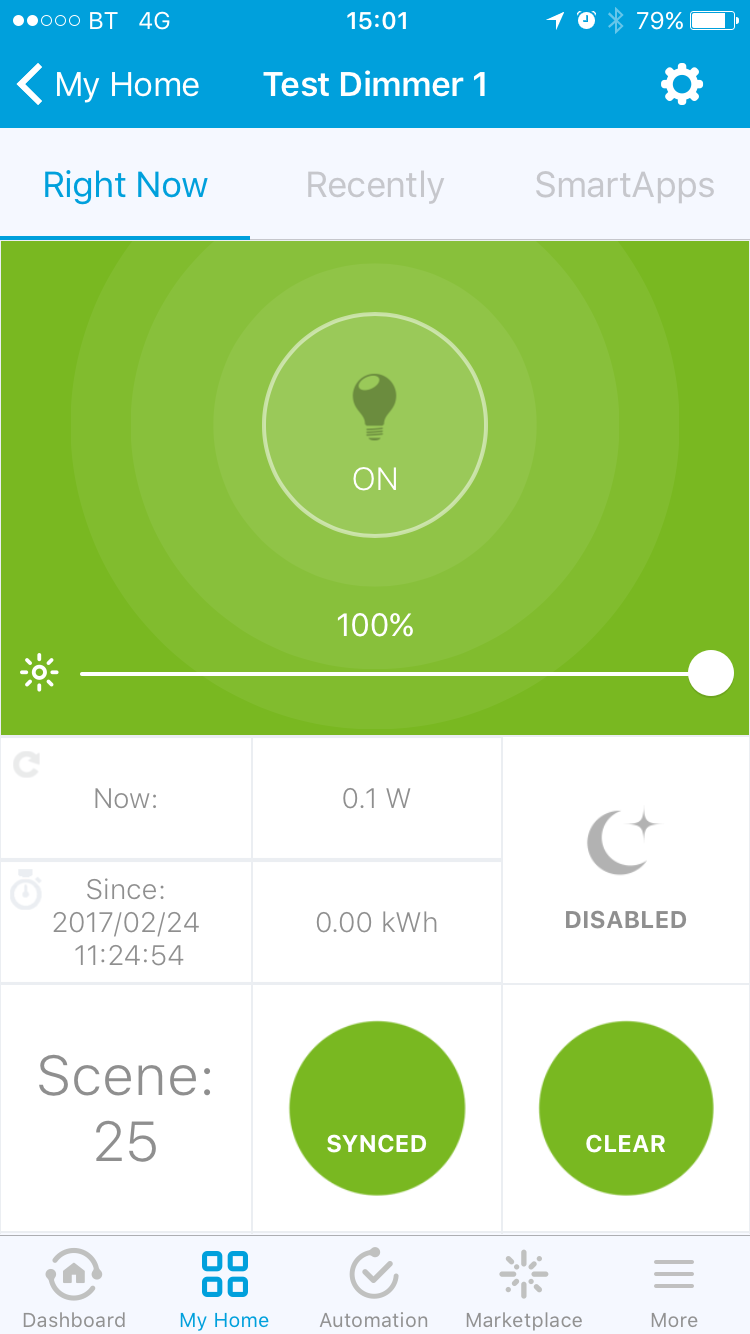
#### [Fibaro Dimmer 2 (FGD-212)](https://github.com/codersaur/SmartThings/tree/master/devices/fibaro-dimmer-2):
- An advanced device handler for the Fibaro Dimmer 2 (FGD-212) Z-Wave Dimmer, with support for full parameter synchronisation, multi-channel device associations, protection modes, fault reporting, and advanced logging options.
- The _Nightmode_ function forces the dimmer to switch on at a specific level (e.g. low-level during the night). It can be enabled/disabled manually using the _Nightmode_ tile, or scheduled from the device's settings.
 #### [Fibaro Flood Sensor (FGFS-101)](https://github.com/codersaur/SmartThings/tree/master/devices/fibaro-flood-sensor):
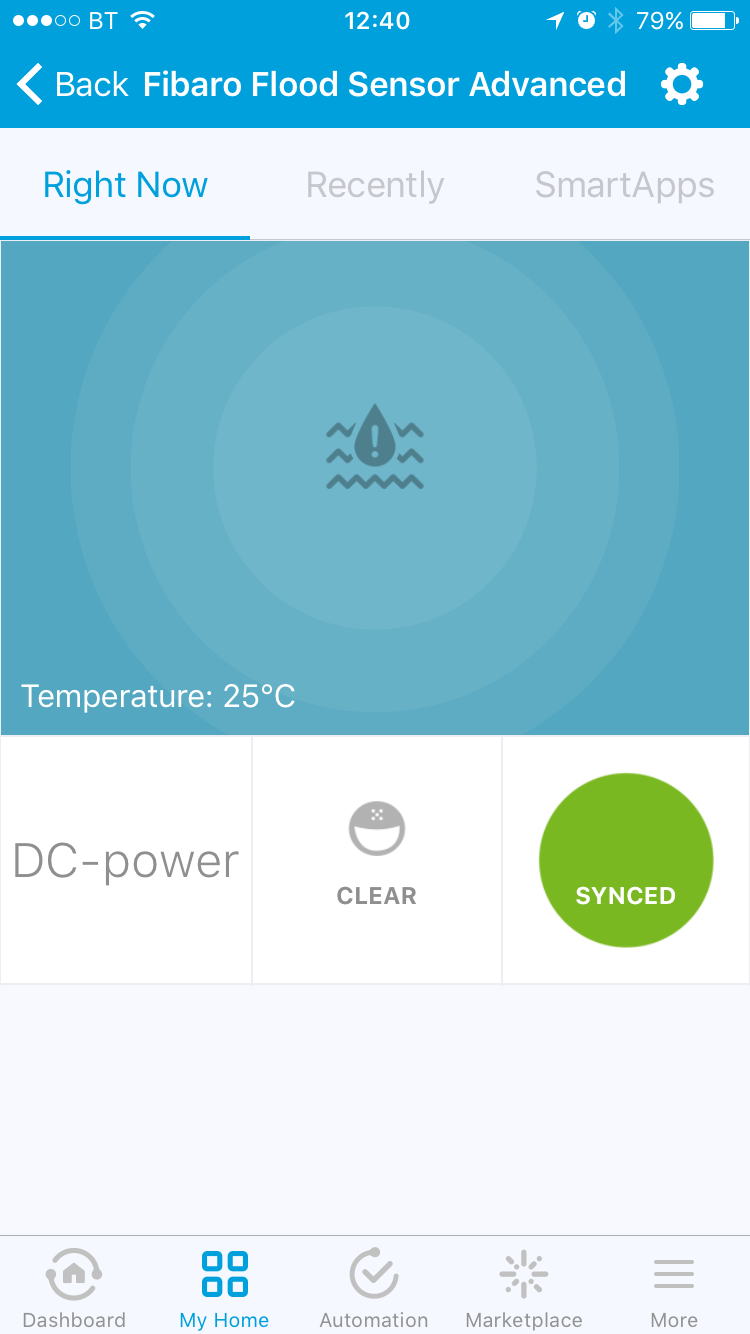
- An advanced SmartThings device handler for the Fibaro Flood Sensor (FGFS-101) (EU), with support for full parameter synchronisation, multi-channel device associations, and advanced logging options.
#### [Fibaro Flood Sensor (FGFS-101)](https://github.com/codersaur/SmartThings/tree/master/devices/fibaro-flood-sensor):
- An advanced SmartThings device handler for the Fibaro Flood Sensor (FGFS-101) (EU), with support for full parameter synchronisation, multi-channel device associations, and advanced logging options.
 #### [Fibaro RGBW Controller (FGRGBWM-441)](https://github.com/codersaur/SmartThings/tree/master/devices/fibaro-rgbw-controller):
- This device handler is written specifically for the Fibaro RGBW Controller (FGRGBWM-441).
- It extends the native SmartThings device handler to support editing the device's parameters from the SmartThings GUI, and to support the use of one or more of the controller's channels in IN/OUT mode (i.e. analog sensor inputs).
#### [Fibaro RGBW Controller (FGRGBWM-441)](https://github.com/codersaur/SmartThings/tree/master/devices/fibaro-rgbw-controller):
- This device handler is written specifically for the Fibaro RGBW Controller (FGRGBWM-441).
- It extends the native SmartThings device handler to support editing the device's parameters from the SmartThings GUI, and to support the use of one or more of the controller's channels in IN/OUT mode (i.e. analog sensor inputs).
 #### [GreenWave PowerNode (Single) (NS210-G-EN)](https://github.com/codersaur/SmartThings/tree/master/devices/greenwave-powernode-single):
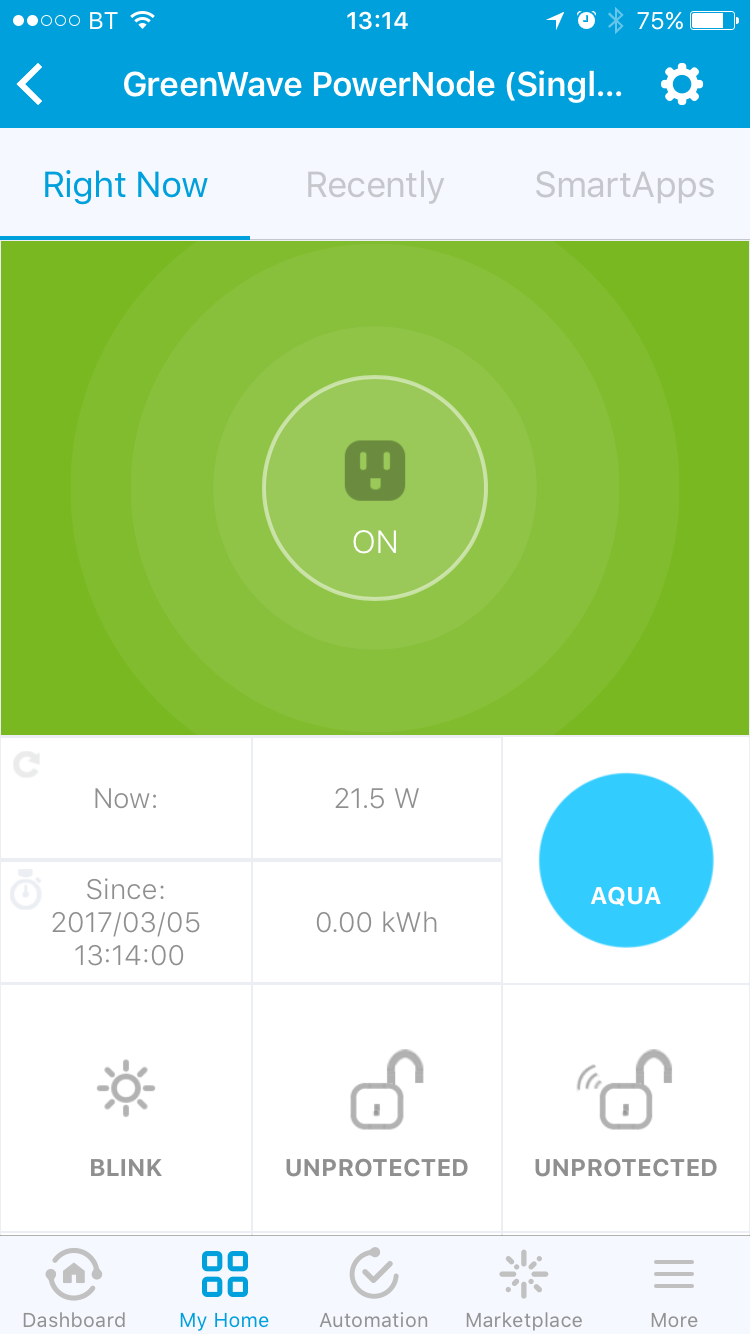
- An advanced SmartThings device handler for the GreenWave PowerNode (Single socket) Z-Wave power outlet, with support for power and energy reporting, the _Room Colour Wheel_, local and RF protection modes, an _Auto-off Timer_, full parameter synchronisation, and advanced logging options.
#### [GreenWave PowerNode (Single) (NS210-G-EN)](https://github.com/codersaur/SmartThings/tree/master/devices/greenwave-powernode-single):
- An advanced SmartThings device handler for the GreenWave PowerNode (Single socket) Z-Wave power outlet, with support for power and energy reporting, the _Room Colour Wheel_, local and RF protection modes, an _Auto-off Timer_, full parameter synchronisation, and advanced logging options.
 #### [Philio Dual Relay (PAN04)](https://github.com/codersaur/SmartThings/tree/master/devices/philio-dual-relay):
- This device handler is written specifically for the Philio Dual Relay (PAN04), when used as a single switch/relay only.
- It supports live reporting of energy, power, current, voltage, and power factor, as well as energy and cost statistics over multiple pre-defined periods.
#### [TKB Metering Switch (TZ88E-GEN5)](https://github.com/codersaur/SmartThings/tree/master/devices/tkb-metering-switch):
- This device handler is written specifically for the TKB Metering Switch (TZ88E-GEN5).
- It supports live reporting of energy, power, current, voltage, and power factor, as well as energy and cost statistics over multiple pre-defined periods.
#### [Z-Wave Tweaker](https://github.com/codersaur/SmartThings/tree/master/devices/zwave-tweaker):
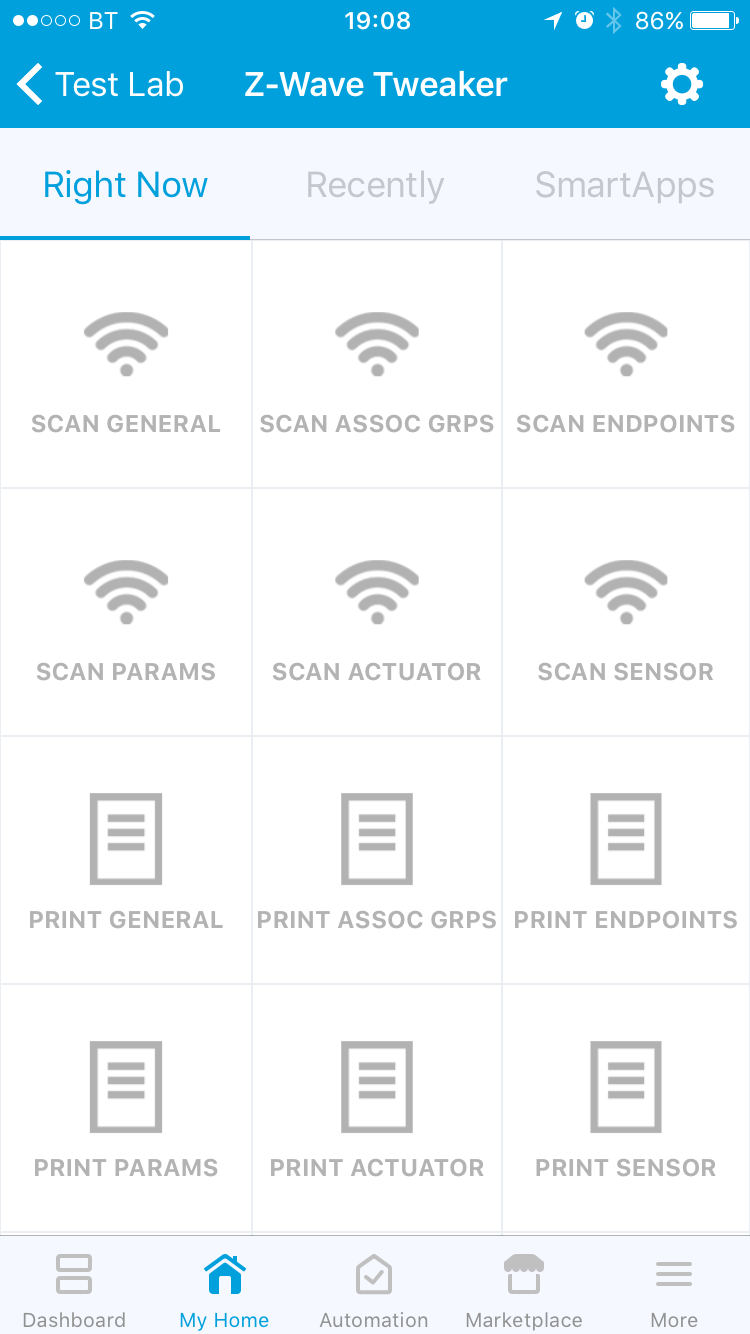
- A SmartThings device handler to assist with interrogating and tweaking Z-Wave devices. Useful for end-users and SmartThings developers.
#### [Philio Dual Relay (PAN04)](https://github.com/codersaur/SmartThings/tree/master/devices/philio-dual-relay):
- This device handler is written specifically for the Philio Dual Relay (PAN04), when used as a single switch/relay only.
- It supports live reporting of energy, power, current, voltage, and power factor, as well as energy and cost statistics over multiple pre-defined periods.
#### [TKB Metering Switch (TZ88E-GEN5)](https://github.com/codersaur/SmartThings/tree/master/devices/tkb-metering-switch):
- This device handler is written specifically for the TKB Metering Switch (TZ88E-GEN5).
- It supports live reporting of energy, power, current, voltage, and power factor, as well as energy and cost statistics over multiple pre-defined periods.
#### [Z-Wave Tweaker](https://github.com/codersaur/SmartThings/tree/master/devices/zwave-tweaker):
- A SmartThings device handler to assist with interrogating and tweaking Z-Wave devices. Useful for end-users and SmartThings developers.
 ### Device Handler Installation Procedure
#### Part One: Install the device handler code using the SmartThings IDE
1. Within the SmartThings IDE, click on '*My Device Handlers*'.
2. Click the '*+ Create New Device Handler*' button.
3. Select the '*From Code*' tab and paste in the contents of the relevant groovy file.
4. Click '*Create*'.
5. Click '*Publish*' *(For Me)*.
#### Part Two: Connect your device to SmartThings
If your device is already connected to SmartThings, you can skip straight to part three, however if your physical device is not yet connected to SmartThings, you will need to follow [these instructions to _Add a Thing_](https://support.smartthings.com/hc/en-gb/articles/205956950-How-to-connect-and-configure-new-devices).
During the joining process SmartThings will select an appropriate device handler, if the correct device handler (installed in part one) is selected, you can skip to part four, otherwise you will need to change the handler as described in part three.
#### Part Three: Update existing device types
When you add new devices, SmartThings will automatically select the device handler with the closest-matching *fingerprint*. However, this process is not perfect and it often fails to select the desired device handler. You may also have pre-existing devices you want to switch to new device handler. In these cases, you need to change the device type of each device instance from the IDE.
1. Within the SmartThings IDE, click on '*My Devices*'.
2. Click on the appropriate device to bring up its properties.
3. Click the '*Edit*' button at the bottom.
4. Change the '*Type*' using the drop-down box (custom devices will be near the bottom of the list).
5. Hit the '*Update*' button at the bottom.
#### Part Four: Update existing device settings
If you have changed the type of an existing device, it is very important to update the device's settings to ensure the device instance is fully initialised and ready for use with the new device handler.
1. Within the SmartThings IDE, click on the '*Live Logging*' tab to monitor an messages generated by the following steps.
2. In the SmartThings app on your phone, navigate to the device (you should find the GUI has changed to reflect the new tiles configuration).
3. Press the gear icon to edit the device's settings.
4. Review each setting to ensure it has a suitable value, then press '*Done*'.
5. Back in the SmartThings IDE, review any messages from the device in the '*Live Logging*' screen.
**Note:** Android users may encounter some errors in the SmartThings app after a device type has been changed. This can usually be resolved by completely closing the SmartThings app and restarting it.
## License
Licensed under the Apache License, Version 2.0 (the "License"); you may not use this file except
in compliance with the License. You may obtain a copy of the License at:
http://www.apache.org/licenses/LICENSE-2.0
Unless required by applicable law or agreed to in writing, software distributed under the License is distributed
on an "AS IS" BASIS, WITHOUT WARRANTIES OR CONDITIONS OF ANY KIND, either express or implied. See the License
for the specific language governing permissions and limitations under the License.
================================================
FILE: devices/aeon-home-energy-meter/aeon-home-energy-meter.groovy
================================================
/**
* Copyright 2016 David Lomas (codersaur)
*
* Name: Aeon Home Energy Meter (GEN2 - UK - 1 Clamp)
*
* Author: David Lomas (codersaur)
*
* Date: 2017-03-02
*
* Version: 1.03
*
* Description:
* - This device handler is written specifically for the Aeon Home Energy Meter Gen2 UK version, with a single clamp.
* - Supports live reporting of energy, power, current, and voltage. Press the 'Now' tile to refresh.
* (voltage tile is not shown by default, but you can enable it below).
* - Supports reporting of energy usage and cost over an ad hoc period, based on the 'energy' figure reported by
* the device. Press the 'Since...' tile to reset.
* - Supports additional reporting of energy usage and cost over multiple pre-defined periods:
* 'Today', 'Last 24 Hours', 'Last 7 Days', 'This Month', 'This Year', and 'Lifetime'
* These can be cycled through by pressing the 'statsMode' tile.
* - There's a tile that will reset all Energy Stats periods, but it's hidden by default.
* - Key device parameters can be set from the device settings. Refer to the Aeon HEMv2 instruction
* manual for full details.
* - If you are re-using this device, please use your own hosting for the icons.
*
* Version History:
*
* 2017-03-02: v1.03:
* - Fixed tile formatting for Android.
* - Limited power attribute to one decimal place.
*
* 2016-02-27: v1.02
* - Added "Voltage Measurement" capability to metadata (although not currently suppoted by hub).
*
* 2016-02-15: v1.01
* - Added reporting of energy usage and cost over multiple pre-defined periods.
* - Added ConfigurationReport event parser (useful for debuging).
* - Added input preferences for Parameter 2, 4, 8.
* - Improved input preference descriptions and ranges.
* - Added background colours for mainPower and multi1 tiles.
* - Added Instantaneous £/day figure as a secondary info on multi1.
*
* 2016-02-05: v1.0 - Initial Version for HEMv2 UK 1 Clamp.
* - Added support for voltage (V) and current (A).
* - Added fingerprint for HEMv2.
* - Added Refresh and Polling capabilities.
* - Added input preferences for reporting intervals.
* - Added calculation of total cost, based on CostPerKWh setting.
*
* To Do:
* - Capture out-of-band energy reset.
* - Option to specify a '£/day' fixed charge, which is added to all energy cost figures.
* - If the use of 'enum' inputs with "multiple: true" is ever fixed by ST, then implement input
* preferences to specify Reporting Group Content Flags (Parameters 101-103).
*
* License:
* Licensed under the Apache License, Version 2.0 (the "License"); you may not use this file except
* in compliance with the License. You may obtain a copy of the License at:
*
* http://www.apache.org/licenses/LICENSE-2.0
*
* Unless required by applicable law or agreed to in writing, software distributed under the License is distributed
* on an "AS IS" BASIS, WITHOUT WARRANTIES OR CONDITIONS OF ANY KIND, either express or implied. See the License
* for the specific language governing permissions and limitations under the License.
*
*/
metadata {
definition (
name: "Aeon Home Energy Meter (GEN2 - UK - 1 Clamp)",
namespace: "codersaur",
author: "David Lomas"
)
{
capability "Power Meter"
capability "Energy Meter"
capability "Voltage Measurement"
capability "Polling"
capability "Refresh"
capability "Configuration"
capability "Sensor"
command "reset"
command "resetAllStats"
command "poll"
command "refresh"
command "configure"
command "updated"
command "cycleStats"
command "test"
// Standard (Capability) Attributes:
attribute "power", "number"
attribute "energy", "number" // Energy (kWh) as reported by device (ad hoc period).
// Custom Attributes:
attribute "current", "number"
attribute "voltage", "number"
//attribute "powerFactor", "number" - Not supported.
attribute "powerCost", "number" // Instantaneous Cost of Power (£/day)
attribute "lastReset", "string" // Time that ad hoc reporting was reset.
attribute "statsMode", "string"
attribute "costOfEnergy", "number"
attribute "energyToday", "number"
attribute "costOfEnergyToday", "number"
attribute "energy24Hours", "number"
attribute "costOfEnergy24Hours", "number"
attribute "energy7Days", "number"
attribute "costOfEnergy7Days", "number"
attribute "energyMonth", "number"
attribute "costOfEnergyMonth", "number"
attribute "energyYear", "number"
attribute "costOfEnergyYear", "number"
attribute "energyLifetime", "number"
attribute "costOfEnergyLifetime", "number"
// Display Attributes:
// These are only required because the UI lacks number formatting and strips leading zeros.
attribute "dispPower", "string"
attribute "dispPowerCost", "string"
attribute "dispCurrent", "string"
attribute "dispVoltage", "string"
//attribute "dispPowerFactor", "string" - Not supported.
attribute "dispEnergy", "string"
attribute "dispCostOfEnergy", "string"
attribute "dispEnergyPeriod", "string"
attribute "dispCostOfEnergyPeriod", "string"
// Fingerprints:
fingerprint deviceId: "0x3101", inClusters: "0x70 0x32 0x60 0x85 0x56 0x72 0x86"
}
// Tile definitions:
tiles(scale: 2) {
// Multi Tile:
multiAttributeTile(name:"multi1", type: "generic", width: 6, height: 4) {
tileAttribute ("device.power", key: "PRIMARY_CONTROL") {
attributeState "default", label:'${currentValue} W', backgroundColors: [
[value: 0, color: "#00cc33"],
[value: 250, color: "#66cc33"],
[value: 500, color: "#cccc33"],
[value: 750, color: "#ffcc33"],
[value: 1000, color: "#ff9933"],
[value: 1500, color: "#ff6633"],
[value: 2000, color: "#ff3333"]
]
}
tileAttribute ("device.dispPowerCost", key: "SECONDARY_CONTROL") {
attributeState "default", label:'(${currentValue})'
}
}
// Instantaneous Values:
valueTile("instMode", "device.dispPower", decoration: "flat", width: 2, height: 1) {
state "default", label:'Now:', action:"refresh.refresh", icon: "https://raw.githubusercontent.com/codersaur/SmartThings/master/icons/tile_2x1_refresh.png"
}
valueTile("power", "device.dispPower", decoration: "flat", width: 2, height: 1, canChangeIcon: true) {
state "default", label:'${currentValue}', icon: "https://raw.githubusercontent.com/codersaur/SmartThings/master/icons/tile_2x1_top_bottom_2.png"
}
valueTile("current", "device.dispCurrent", decoration: "flat", width: 2, height: 1) {
state "default", label:'${currentValue}', icon: "https://raw.githubusercontent.com/codersaur/SmartThings/master/icons/tile_2x1_top_bottom_2.png"
}
valueTile("voltage", "device.dispVoltage", decoration: "flat", width: 2, height: 1) {
state "default", label:'${currentValue}', icon: "https://raw.githubusercontent.com/codersaur/SmartThings/master/icons/tile_2x1_top_bottom_2.png"
}
//valueTile("powerFactor", "device.dispPowerFactor", decoration: "flat", width: 2, height: 1) {
// state "default", label:'${currentValue}', icon: "https://raw.githubusercontent.com/codersaur/SmartThings/master/icons/tile_2x1_top_bottom_2.png"
//}
// Ad Hoc Energy Stats:
valueTile("lastReset", "device.lastReset", decoration: "flat", width: 2, height: 1) {
state "default", label:'Since: ${currentValue}', action:"reset", icon: "https://raw.githubusercontent.com/codersaur/SmartThings/master/icons/tile_2x1_stopwatch_reset.png"
}
valueTile("energy", "device.dispEnergy", width: 2, height: 1) {
state "default", label:'${currentValue}', icon: "https://raw.githubusercontent.com/codersaur/SmartThings/master/icons/tile_2x1_top_bottom_2.png"
}
valueTile("costOfEnergy", "device.dispCostOfEnergy", width: 2, height: 1) {
state "default", label:'${currentValue}', icon: "https://raw.githubusercontent.com/codersaur/SmartThings/master/icons/tile_2x1_top_bottom_2.png"
}
// Energy Stats:
// Needs to be a standardTile to be able to change icon for each state.
valueTile("statsMode", "device.statsMode", decoration: "flat", canChangeIcon: true, canChangeBackground: true, width: 2, height: 1) {
state "default", label:'${currentValue}:', action: "cycleStats", icon: "https://raw.githubusercontent.com/codersaur/SmartThings/master/icons/tile_2x1_cal_cycle.png"
state "Today", label:'${currentValue}:', action: "cycleStats", icon: "https://raw.githubusercontent.com/codersaur/SmartThings/master/icons/tile_2x1_cal_cycle.png"
state "Last 24 Hours", label:'${currentValue}:', action: "cycleStats", icon: "https://raw.githubusercontent.com/codersaur/SmartThings/master/icons/tile_2x1_cal_cycle.png"
state "Last 7 Days", label:'${currentValue}:', action: "cycleStats", icon: "https://raw.githubusercontent.com/codersaur/SmartThings/master/icons/tile_2x1_cal_cycle.png"
state "This Month", label:'${currentValue}:', action: "cycleStats", icon: "https://raw.githubusercontent.com/codersaur/SmartThings/master/icons/tile_2x1_cal_cycle.png"
state "This Year", label:"${currentValue}:", action: "cycleStats", icon: "https://raw.githubusercontent.com/codersaur/SmartThings/master/icons/tile_2x1_cal_cycle.png"
state "Lifetime", label:'${currentValue}:', action: "cycleStats", icon: "https://raw.githubusercontent.com/codersaur/SmartThings/master/icons/tile_2x1_cal_cycle.png"
}
valueTile("energyPeriod", "device.dispEnergyPeriod", width: 2, height: 1) {
state "default", label:'${currentValue}', icon: "https://raw.githubusercontent.com/codersaur/SmartThings/master/icons/tile_2x1_top_bottom_2.png"
}
valueTile("costOfEnergyPeriod", "device.dispCostOfEnergyPeriod", width: 2, height: 1) {
state "default", label:'${currentValue}', icon: "https://raw.githubusercontent.com/codersaur/SmartThings/master/icons/tile_2x1_top_bottom_2.png"
}
valueTile("costPerKWH", "device.costPerKWH", decoration: "flat", width: 2, height: 1) {
state "default", label:'Unit Cost: ${currentValue}', icon: "https://raw.githubusercontent.com/codersaur/SmartThings/master/icons/tile_2x1_top_bottom_2.png"
}
// Action Buttons:
standardTile("refresh", "device.power", inactiveLabel: false, decoration: "flat", width: 2, height: 2) {
state "default", label:'', action:"refresh.refresh", icon:"st.secondary.refresh"
}
standardTile("resetAllStats", "device.power", decoration: "flat", width: 2, height: 2) {
state "default", label:'RESET ALL STATS!', action:"resetAllStats"
}
standardTile("configure", "device.power", decoration: "flat", width: 2, height: 2) {
state "default", label:'', action:"configuration.configure", icon:"st.secondary.configure"
}
standardTile("test", "device.power", decoration: "flat", width: 2, height: 2) {
state "default", label:'Test', action:"test"
}
// Tile layouts:
main (["multi1"])
details([
// Multi Tile:
"multi1",
// Instantaneous Values:
"instMode","power", "current", //"voltage" ,// "powerFactor",
// Ad Hoc Stats:
"lastReset", "energy", "costOfEnergy",
// Energy Stats:
"statsMode", "energyPeriod", "costOfEnergyPeriod"//, //"costPerKWH",
// Action Buttons:
// "refresh","resetAllStats","configure","test"
])
}
// Preferences:
preferences {
section {
// Debug Mode:
input "configDebugMode", "boolean", title: "Enable debug logging?", defaultValue: false, displayDuringSetup: false
input "configCostPerKWH", "string", title: "Energy Cost (£/kWh)", defaultValue: "0.1316", required: true, displayDuringSetup: false
}
section {
// Native Device Parameters:
input "configEnergyDetectionMode", "enum", title: "Energy Detection Mode:", options: ["Wattage, absolute kWh","+/-Wattage, algebraic sum kWh","+/-Wattage, +ive kWh (consuming electricity)","+/-Wattage, -iv kWh (generating electricity)"], defaultValue: "Wattage, absolute kWh", required: true, displayDuringSetup: false
input "configSelectiveReporting", "boolean", title: "Enable Selective Reporting?", defaultValue: false, required: true, displayDuringSetup: false
// Parameter 4: "Power Change Threshold for Auto-Report - Whole HEM (W)"
input "configPowerThresholdAbs_HEM", "number", title: "Auto-report Power Threshold (W):", description: "Report power when value changes by... W", defaultValue: 50, range: "0..60000", displayDuringSetup: false
// Parameters 5-7 are not needed for single-clamp version.
// Parameter 8: "Power Percentage Change Threshold for Auto-Report - Whole HEM (%)"
input "configPowerThresholdPercent_HEM", "number", title: "Auto-report Power Threshold (%):", description: "Report power when value changes by...%", defaultValue: 10, range: "0..100", displayDuringSetup: false
// Parameters 9-11 are not needed for single-clamp version.
// Parameters 101-103 are hard-coded. Will add input preferences if multi-select enum input behaviour is fixed by ST. Currently buggy.
// Reporting Group 1 = Power and Current.
// Reporting Group 2 = Energy
// Reporting Group 3 = Voltage
// Parameter 111: Reporting Group 1 - Report Interval (s):
input "configReportGroup1Interval", "number", title: "Power/Current Reporting Interval (s):", defaultValue: 60, range: "0..2147483647", displayDuringSetup: false
// Parameter 112: Reporting Group 2 - Report Interval (s):
input "configReportGroup2Interval", "number", title: "Energy Reporting Interval (s):", defaultValue: 600, range: "0..2147483647", displayDuringSetup: false
// Parameter 113: Reporting Group 3 - Report Interval (s):
input "configReportGroup3Interval", "number", title: "Voltage Reporting Interval (s):", defaultValue: 600, range: "0..2147483647", displayDuringSetup: false
}
}
// simulator metadata
simulator {
for (int i = 0; i <= 10000; i += 1000) {
status "power ${i} W": new physicalgraph.zwave.Zwave().meterV1.meterReport(
scaledMeterValue: i, precision: 3, meterType: 4, scale: 2, size: 4).incomingMessage()
}
for (int i = 0; i <= 100; i += 10) {
status "energy ${i} kWh": new physicalgraph.zwave.Zwave().meterV1.meterReport(
scaledMeterValue: i, precision: 3, meterType: 0, scale: 0, size: 4).incomingMessage()
}
}
}
/**********************************************************************
* Z-wave Event Handlers.
**********************************************************************/
/**
* parse - Called when messages from a device are received by the hub.
*
* The parse method is responsible for interpreting those messages and returning Event definitions.
*
* String description - The message from the device.
**/
def parse(String description) {
//if (state.debug) log.debug "$device.displayName Parsing raw command: " + description
def result = null
// zwave.parse():
// The second parameter specifies which command version to return for each command type:
// Aeon Home Energy Meter Gen2 supports:
// COMMAND_CLASS_METER_V3 [0x32: 3]
// COMMAND_CLASS_CONFIGURATION [0x70: 1]
// COMMAND_CLASS_MANUFACTURER_SPECIFIC_V2 [0x72: 2]
// COMMAND_CLASS_MULTI_CHANNEL V3 [????] - Not needed for single clamp device.
def cmd = zwave.parse(description, [0x32: 3, 0x70: 1, 0x72: 2])
if (cmd) {
if (state.debug) log.debug "$device.displayName zwave.parse() returned: $cmd"
result = zwaveEvent(cmd)
if (state.debug) log.debug "$device.displayName zwaveEvent() returned: ${result?.inspect()}"
}
return result
}
/**
* COMMAND_CLASS_METER_V3 (0x32)
*
* Integer deltaTime Time in seconds since last report
* Short meterType Unknown = 0, Electric = 1, Gas = 2, Water = 3
* List meterValue Meter value as an array of bytes
* Double scaledMeterValue Meter value as a double
* List previousMeterValue Previous meter value as an array of bytes
* Double scaledPreviousMeterValue Previous meter value as a double
* Short size The size of the array for the meterValue and previousMeterValue
* Short scale The scale of the values: "kWh"=0, "kVAh"=1, "Watts"=2, "pulses"=3, "Volts"=4, "Amps"=5, "Power Factor"=6, "Unknown"=7
* Short precision The decimal precision of the values
* Short rateType ???
* Boolean scale2 ???
**/
def zwaveEvent(physicalgraph.zwave.commands.meterv3.MeterReport cmd) {
if (cmd.scale == 0) {
// Accumulated Energy (kWh) - Update stats and record energy.
state.energy = cmd.scaledMeterValue
updateStats()
sendEvent(name: "dispEnergy", value: String.format("%.2f",cmd.scaledMeterValue as BigDecimal) + " kWh", displayed: false)
return createEvent(name: "energy", value: String.format("%.2f",cmd.scaledMeterValue as BigDecimal), unit: "kWh")
}
else if (cmd.scale == 1) {
// Accumulated Energy (kVAh) - Ignore.
//createEvent(name: "energy", value: cmd.scaledMeterValue, unit: "kVAh")
}
else if (cmd.scale == 2) {
// Instantaneous Power (Watts) - Calculate powerCost and record power:
state.powerCost = cmd.scaledMeterValue * state.costPerKWH * 0.024
sendEvent(name: "powerCost", value: state.powerCost, unit: "£/day")
sendEvent(name: "dispPowerCost", value: "£" + String.format("%.2f",state.powerCost as BigDecimal) + " per day", displayed: false)
sendEvent(name: "dispPower", value: String.format("%.1f",cmd.scaledMeterValue as BigDecimal) + " W", displayed: false)
return createEvent(name: "power", value: String.format("%.1f",cmd.scaledMeterValue as BigDecimal), unit: "W")
}
else if (cmd.scale == 4) {
// Instantaneous Voltage (Volts)
sendEvent(name: "dispVoltage", value: String.format("%.1f",cmd.scaledMeterValue as BigDecimal) + " V", displayed: false)
return createEvent(name: "voltage", value: cmd.scaledMeterValue, unit: "V")
}
else if (cmd.scale == 5) {
// Instantaneous Current (Amps)
sendEvent(name: "dispCurrent", value: String.format("%.1f",cmd.scaledMeterValue as BigDecimal) + " A", displayed: false)
return createEvent(name: "current", value: cmd.scaledMeterValue, unit: "A")
}
//else if (cmd.scale == 6) {
// Instantaneous Power Factor - Not supported.
// sendEvent(name: "dispPowerFactor", value: "PF: " + String.format("%.2f",cmd.scaledMeterValue as BigDecimal), displayed: false)
// return createEvent(name: "powerFactor", value: cmd.scaledMeterValue, unit: "PF")
//}
}
/**
* COMMAND_CLASS_CONFIGURATION (0x70)
*
**/
def zwaveEvent(physicalgraph.zwave.commands.configurationv1.ConfigurationReport cmd) {
// Translate the cmd and log the parameter configuration.
// Translate value (byte array) back to scaledConfigurationValue (decimal):
// This should be done in zwave.parse() but isn't implemented yet.
// See: https://community.smartthings.com/t/zwave-configurationv2-configurationreport-dev-question/9771/6
// I can't make this work just yet...
//int value = java.nio.ByteBuffer.wrap(cmd.configurationValue as byte[]).getInt()
// Instead, a brute force way
def scValue = 0
if (cmd.size == 1) { scValue = cmd.configurationValue[0]}
else if (cmd.size == 2) { scValue = cmd.configurationValue[1] + (cmd.configurationValue[0] * 0x100) }
else if (cmd.size == 3) { scValue = cmd.configurationValue[2] + (cmd.configurationValue[1] * 0x100) + (cmd.configurationValue[0] * 0x10000) }
else if (cmd.size == 4) { scValue = cmd.configurationValue[3] + (cmd.configurationValue[2] * 0x100) + (cmd.configurationValue[1] * 0x10000) + (cmd.configurationValue[0] * 0x1000000) }
// Translate parameterNumber to parameterDescription:
def parameterDescription
switch (cmd.parameterNumber) {
case 2:
parameterDescription = "Energy Detection Mode"
break
case 3:
parameterDescription = "Enable Selective Reporting"
break
case 4:
parameterDescription = "Power Change Threshold for Auto-Report - Whole HEM (W)"
break
case 5:
parameterDescription = "Power Change Threshold for Auto-Report - Clamp 1 (W)"
break
case 6:
parameterDescription = "Power Change Threshold for Auto-Report - Clamp 2 (W)"
break
case 7:
parameterDescription = "Power Change Threshold for Auto-Report - Clamp 3 (W)"
break
case 8:
parameterDescription = "Power Percentage Change Threshold for Auto-Report - Whole HEM (%)"
break
case 9:
parameterDescription = "Power Percentage Change Threshold for Auto-Report - Clamp 1 (%)"
break
case 10:
parameterDescription = "Power Percentage Change Threshold for Auto-Report - Clamp 2 (%)"
break
case 11:
parameterDescription = "Power Percentage Change Threshold for Auto-Report - Clamp 3 (%)"
break
case 13:
parameterDescription = "Enable Reporting CRC16 Encapsulation Command"
break
case 101:
parameterDescription = "Reporting Group 1 - Content Flags"
break
case 102:
parameterDescription = "Reporting Group 2 - Content Flags"
break
case 103:
parameterDescription = "Reporting Group 3 - Content Flags"
break
case 111:
parameterDescription = "Reporting Group 1 - Report Interval (s)"
break
case 112:
parameterDescription = "Reporting Group 2 - Report Interval (s)"
break
case 113:
parameterDescription = "Reporting Group 3 - Report Interval (s)"
break
case 200:
parameterDescription = "Partner ID"
break
case 252:
parameterDescription = "Configuration Locked"
break
default:
parameterDescription = "Unknown Parameter"
}
//log.debug "$device.displayName: Configuration Report: parameterNumber: $cmd.parameterNumber, parameterDescription: $parameterDescription, size: $cmd.size, scaledConfigurationValue: $scValue"
createEvent(descriptionText: "$device.displayName: Configuration Report: parameterNumber: $cmd.parameterNumber, parameterDescription: $parameterDescription, size: $cmd.size, scaledConfigurationValue: $scValue", displayed: false)
}
/**
* COMMAND_CLASS_MANUFACTURER_SPECIFIC_V2 (0x72)
*
*
**/
def zwaveEvent(physicalgraph.zwave.commands.manufacturerspecificv2.ManufacturerSpecificReport cmd) {
def msr = String.format("%04X-%04X-%04X", cmd.manufacturerId, cmd.productTypeId, cmd.productId)
if (state.debug) log.debug "$device.displayName: MSR: $msr"
updateDataValue("MSR", msr)
// Apply Manufacturer- or Product-specific configuration here...
}
/**
* Default event handler.
*
* Called for all events that aren't handled above.
**/
def zwaveEvent(physicalgraph.zwave.Command cmd) {
if (state.debug) log.warn "$device.displayName: Unhandled: $cmd"
[:]
}
/**********************************************************************
* Capability-related Commands:
**********************************************************************/
/**
* refresh() - Refreshes values from the device.
*
* Required for the "Refresh" capability.
**/
def refresh() {
delayBetween([
zwave.meterV3.meterGet(scale: 0).format(), // Energy
zwave.meterV3.meterGet(scale: 2).format(), // Power
zwave.meterV3.meterGet(scale: 4).format(), // Volts
//zwave.meterV3.meterGet(scale: 5).format(), // Current - Not included, as a request will be triggered when Power report is received.
//zwave.meterV3.meterGet(scale: 6).format() // Power Factor - Not Supported.
])
}
/**
* poll() - Polls the device.
*
* Required for the "Polling" capability
**/
def poll() {
refresh()
}
/**
* reset() - Reset the Accumulated Energy figure held in the device.
*
* Custom energy reporting period stats are preserved.
**/
def reset() {
if (state.debug) log.debug "Reseting Accumulated Energy"
state.lastReset = new Date().format("YYYY/MM/dd \n HH:mm:ss", location.timeZone)
sendEvent(name: "lastReset", value: state.lastReset, unit: "")
// Record energy in energyPrev:
state.energyTodayPrev = state.energyToday
state.energyTodayStart = 0.00
state.energyMonthPrev = state.energyMonth
state.energyMonthStart = 0.00
state.energyYearPrev = state.energyYear
state.energyYearStart = 0.00
state.energyLifetimePrev = state.energyLifetime
state.energy = 0.00
return [
zwave.meterV3.meterReset().format(),
zwave.meterV3.meterGet(scale: 0).format()
]
}
/**********************************************************************
* Other Commands:
**********************************************************************/
/**
* resetAllStats() - Reset all Accumulated Energy statistics (!)
*
* Resets the Accumulated Energy figure held in the device AND resets all custom energy reporting period stats!
**/
def resetAllStats() {
if (state.debug) log.debug "Reseting All Accumulated Energy Stats!"
state.lastReset = new Date().format("YYYY/MM/dd \n HH:mm:ss", location.timeZone)
sendEvent(name: "lastReset", value: state.lastReset, unit: "")
// Reset all energyPrev/Start values:
state.energyTodayPrev = 0.00
state.energyTodayStart = 0.00
state.energyMonthPrev = 0.00
state.energyMonthStart = 0.00
state.energyYearPrev = 0.00
state.energyYearStart = 0.00
state.energyLifetimePrev = 0.00
state.energy = 0.00
return [
zwave.meterV3.meterReset().format(),
zwave.meterV3.meterGet(scale: 0).format()
]
}
/**
* installed() - Runs when the device is first installed.
**/
def installed() {
log.debug "${device.displayName}: Installing."
state.installedAt = now()
state.energy = 0.00
state.costPerKWH = 0.00
state.costOfEnergy = 0.00
state.lastReset = new Date().format("YYYY/MM/dd \n HH:mm:ss", location.timeZone)
state.statsMode = 'Today'
}
/**
* updated() - Runs when you hit "Done" from "Edit Device".
*
* Weirdly, it seems to be called twice after hitting "Done"!
*
* Note, the updated() method is not a 'command', so it doesn't send commands by default.
* To execute commands from updated() you have to specifically return a HubAction object.
* The response() helper wraps commands up in a HubAction so they can be sent from parse() or updated().
* See: https://community.smartthings.com/t/remotec-z-thermostat-configuration-with-z-wave-commands/31956/12
**/
def updated() {
log.debug "Updated() called"
// Update internal state:
state.debug = ("true" == configDebugMode)
state.costPerKWH = configCostPerKWH as BigDecimal
// Call configure() and refresh():
return response( [configure() , refresh() ])
}
/**
* updateStats() - Recalculates energy and cost for each reporting period.
*
* All costs are calculated at the prevailing rate.
*
* Attributes:
* energy = Energy (kWh) as reported by device (ad hoc period). [Native Energy Meter attribute].
* costOfEnergy = Cost of energy (ad hoc period).
* energyToday = Accumulated energy (today only).
* costOfEnergyToday = Cost of energy (today).
* energy24Hours = Accumulated energy (last 24 hours).
* costOfEnergy24Hours = Cost of energy (last 24 hours).
* energy7Days = Accumulated energy (last 7 days).
* costOfEnergy7Days = Cost of energy (last 7 days).
* energyMonth = Accumulated energy (this month).
* costOfEnergyMonth = Cost of energy (this month).
* energyYear = Accumulated energy (this year).
* costOfEnergyYear = Cost of energy (this year).
* energyLifetime = Accumulated energy (lifetime).
* costOfEnergyLifetime = Cost of energy (lifetime).
*
* Private State:
* costPerKWH = Unit cost as specified by user in settings.
* reportingPeriod = YYYY/MM/dd of current reporting period.
* energyTodayStart = energy that was reported at the start of today. Will be zero if ad hoc period has been reset today.
* energyTodayPrev = energy that was reported today, prior to lastReset. Will be zero if ad hoc period has not been reset today.
* energyMonthStart = energy that was reported at the start of this month. Will be zero if ad hoc period has been reset this month.
* energyMonthPrev = energy that was reported this month, prior to lastReset. Will be zero if ad hoc period has not been reset this month.
* energyYearStart = energy that was reported at the start of this year. Will be zero if ad hoc period has been reset this year.
* energyYearPrev = energy that was reported this year, prior to lastReset. Will be zero if ad hoc period has not been reset this year.
* energyLifetimePrev = energy that was reported this lifetime, prior to lastReset. Will be zero if ad hoc period has never been reset.
*
**/
private updateStats() {
if (state.debug) log.debug "${device.displayName}: Updating Statistics"
if (!state.energy) {state.energy = 0}
if (!state.costPerKWH) {state.costPerKWH = 0}
if (!state.reportingPeriod) {state.reportingPeriod = "Uninitialised"}
if (!state.energyTodayStart) {state.energyTodayStart = 0}
if (!state.energyTodayPrev) {state.energyTodayPrev = 0}
if (!state.energyMonthStart) {state.energyMonthStart = 0}
if (!state.energyMonthPrev) {state.energyMonthPrev = 0}
if (!state.energyYearStart) {state.energyYearStart = 0}
if (!state.energyYearPrev) {state.energyYearPrev = 0}
if (!state.energyLifetimePrev) {state.energyLifetimePrev = 0}
// Check if reportingPeriod has changed (i.e. it's a new day):
def today = new Date().format("YYYY/MM/dd", location.timeZone)
if ( today != state.reportingPeriod) {
// It's a new Reporting Period:
log.info "${device.displayName}: New Reporting Period: ${today}"
// Check if new year:
if ( today.substring(0,4) != state.reportingPeriod.substring(0,4)) {
state.energyYearStart = state.energy
state.energyYearPrev = 0.00
}
// Check if new month:
if ( today.substring(0,7) != state.reportingPeriod.substring(0,7)) {
state.energyMonthStart = state.energy
state.energyMonthPrev = 0.00
}
// Daily rollover:
state.energyTodayStart = state.energy
state.energyTodayPrev = 0.00
// Update reportingPeriod:
state.reportingPeriod = today
}
// energy (ad hoc period):
// Nothing to caclulate, just need to update dispEnergy:
sendEvent(name: "dispEnergy", value: String.format("%.2f",state.energy as BigDecimal) + " kWh", displayed: false)
// costOfEnergy (ad hoc period):
try {
state.costOfEnergy = state.energy * state.costPerKWH
if (state.debug) log.debug "${device.displayName}: Cost of Energy: £${state.costOfEnergy}"
sendEvent(name: "costOfEnergy", value: state.costOfEnergy, unit: "£")
sendEvent(name: "dispCostOfEnergy", value: "£" + String.format("%.2f",state.costOfEnergy as BigDecimal), displayed: false)
} catch (e) { log.debug e }
// energyToday:
try {
state.energyToday = state.energy + state.energyTodayPrev - state.energyTodayStart
if (state.debug) log.debug "${device.displayName}: Energy Today: ${state.energyToday} kWh"
sendEvent(name: "energyToday", value: state.energyToday, unit: "kWh")
} catch (e) { log.debug e }
// costOfEnergyToday:
try {
state.costOfEnergyToday = (state.energyToday * state.costPerKWH) as BigDecimal
if (state.debug) log.debug "${device.displayName}: Cost of Energy Today: £${state.costOfEnergyToday}"
sendEvent(name: "costOfEnergyToday", value: state.costOfEnergyToday, unit: "£")
} catch (e) { log.debug e }
// energyMonth:
try {
state.energyMonth = state.energy + state.energyMonthPrev - state.energyMonthStart
if (state.debug) log.debug "${device.displayName}: Energy This Month: ${state.energyMonth} kWh"
sendEvent(name: "energyMonth", value: state.energyMonth, unit: "kWh")
} catch (e) { log.debug e }
// costOfEnergyMonth:
try {
state.costOfEnergyMonth = (state.energyMonth * state.costPerKWH) as BigDecimal
if (state.debug) log.debug "${device.displayName}: Cost of Energy This Month: £${state.costOfEnergyMonth}"
sendEvent(name: "costOfEnergyMonth", value: state.costOfEnergyMonth, unit: "£")
} catch (e) { log.debug e }
// energyYear:
try {
state.energyYear = state.energy + state.energyYearPrev - state.energyYearStart
if (state.debug) log.debug "${device.displayName}: Energy This Year: ${state.energyYear} kWh"
sendEvent(name: "energyYear", value: state.energyYear, unit: "kWh")
} catch (e) { log.debug e }
// costOfEnergyYear:
try {
state.costOfEnergyYear = (state.energyYear * state.costPerKWH) as BigDecimal
if (state.debug) log.debug "${device.displayName}: Cost of Energy This Year: £${state.costOfEnergyYear}"
sendEvent(name: "costOfEnergyYear", value: state.costOfEnergyYear, unit: "£")
} catch (e) { log.debug e }
// energyLifetime:
try {
state.energyLifetime = state.energy + state.energyLifetimePrev
if (state.debug) log.debug "${device.displayName}: Energy This Lifetime: ${state.energyLifetime} kWh"
sendEvent(name: "energyLifetime", value: state.energyLifetime, unit: "kWh")
} catch (e) { log.debug e }
// costOfEnergyLifetime:
try {
state.costOfEnergyLifetime = (state.energyLifetime * state.costPerKWH) as BigDecimal
if (state.debug) log.debug "${device.displayName}: Cost of Energy This Lifetime: £${state.costOfEnergyLifetime}"
sendEvent(name: "costOfEnergyLifetime", value: state.costOfEnergyLifetime, unit: "£")
} catch (e) { log.debug e }
// Moving Periods - Calculated by looking up previous values of energyLifetime:
// energy24Hours:
try {
// We need the last value of energyLifetime that is at least 24 hours old.
// We get previous values of energyLifetime between 1 and 7 days old, in case the device has been off for a while.
// So long as the device reported energy back at least once during this period, we should get a result.
// As results are returned in reverse chronological order, we just need the first 1 record.
// Use a calendar object to create offset dates:
Calendar cal = new GregorianCalendar()
cal.add(Calendar.DATE, -1 )
Date end = cal.getTime()
cal.add(Calendar.DATE, -6 )
Date start = cal.getTime()
def previousELStates = device.statesBetween("energyLifetime", start, end,[max: 1])
def previousEL
if (previousELStates) {
previousEL = previousELStates[previousELStates.size -1].value as BigDecimal
if (state.debug) log.debug "${device.displayName}: energyLifetime 24 Hours Ago was: ${previousEL} kWh"
}
else {
previousEL = 0.0
if (state.debug) log.debug "${device.displayName}: No value for energyLifetime 24 Hours Ago!"
}
if (previousEL > state.energyLifetime) { previousEL = 0.0 } // If energyLifetime has been reset, discard previous value.
state.energy24Hours = state.energyLifetime - previousEL
if (state.debug) log.debug "${device.displayName}: Energy Last 24 Hours: ${state.energy24Hours} kWh"
sendEvent(name: "energy24Hours", value: state.energy24Hours, unit: "kWh")
} catch (e) { log.debug e }
// costOfEnergy24Hours:
try {
state.costOfEnergy24Hours = (state.energy24Hours * state.costPerKWH) as BigDecimal
if (state.debug) log.debug "${device.displayName}: Cost of Energy Last 24 Hours: £${state.costOfEnergy24Hours}"
sendEvent(name: "costOfEnergy24Hours", value: state.costOfEnergy24Hours, unit: "£")
} catch (e) { log.debug e }
// energy7Days:
try {
// We need the last value of energyLifetime, up to 7 old (previous states are only kept for 7 days).
// We get previous values of energyLifetime between 6 and 7 days old, in case the device has been off for a while.
// So long as the device reported energy back at least once during this period, we should get a result.
// As results are returned in reverse chronological order, we need the last record, so we request the max of 1000.
// If there were more than 1000 updates between start and end, we won't get the oldest one,
// however stats should normally only be generated every 10 mins at most.
// Use a calendar object to create offset dates:
Calendar cal = new GregorianCalendar()
cal.add(Calendar.DATE, -6 )
Date end = cal.getTime()
cal.add(Calendar.DATE, -1 )
Date start = cal.getTime()
// Get previous values of energyLifetime between 7 Days and 6 days 23 hours old:
def previousELStates = device.statesBetween("energyLifetime", start, end,[max: 1000])
def previousEL
if (previousELStates) {
previousEL = previousELStates[previousELStates.size -1].value as BigDecimal
if (state.debug) log.debug "${device.displayName}: energyLifetime 7 Days Ago was: ${previousEL} kWh"
}
else {
previousEL = 0.0
if (state.debug) log.debug "${device.displayName}: No value for energyLifetime 7 Days Ago!"
}
if (previousEL > state.energyLifetime) { previousEL = 0.0 } // If energyLifetime has been reset, discard previous value.
state.energy7Days = state.energyLifetime - previousEL
if (state.debug) log.debug "${device.displayName}: Energy Last 7 Days: ${state.energy7Days} kWh"
sendEvent(name: "energy7Days", value: state.energy7Days, unit: "kWh")
} catch (e) { log.debug e }
// costOfEnergy7Days:
try {
state.costOfEnergy7Days = (state.energy7Days * state.costPerKWH) as BigDecimal
if (state.debug) log.debug "${device.displayName}: Cost of Energy Last 7 Days: £${state.costOfEnergy7Days}"
sendEvent(name: "costOfEnergy7Days", value: state.costOfEnergy7Days, unit: "£")
} catch (e) { log.debug e }
//disp<>Period:
if ('Today' == state.statsMode) {
sendEvent(name: "dispEnergyPeriod", value: String.format("%.2f",state.energyToday as BigDecimal) + " kWh", displayed: false)
sendEvent(name: "dispCostOfEnergyPeriod", value: "£" + String.format("%.2f",state.costOfEnergyToday as BigDecimal), displayed: false)
}
if ('Last 24 Hours' == state.statsMode) {
sendEvent(name: "dispEnergyPeriod", value: String.format("%.2f",state.energy24Hours as BigDecimal) + " kWh", displayed: false)
sendEvent(name: "dispCostOfEnergyPeriod", value: "£" + String.format("%.2f",state.costOfEnergy24Hours as BigDecimal), displayed: false)
}
if ('Last 7 Days' == state.statsMode) {
sendEvent(name: "dispEnergyPeriod", value: String.format("%.2f",state.energy7Days as BigDecimal) + " kWh", displayed: false)
sendEvent(name: "dispCostOfEnergyPeriod", value: "£" + String.format("%.2f",state.costOfEnergy7Days as BigDecimal), displayed: false)
}
if ('This Month' == state.statsMode) {
sendEvent(name: "dispEnergyPeriod", value: String.format("%.2f",state.energyMonth as BigDecimal) + " kWh", displayed: false)
sendEvent(name: "dispCostOfEnergyPeriod", value: "£" + String.format("%.2f",state.costOfEnergyMonth as BigDecimal), displayed: false)
}
if ('This Year' == state.statsMode) {
sendEvent(name: "dispEnergyPeriod", value: String.format("%.2f",state.energyYear as BigDecimal) + " kWh", displayed: false)
sendEvent(name: "dispCostOfEnergyPeriod", value: "£" + String.format("%.2f",state.costOfEnergyYear as BigDecimal), displayed: false)
}
if ('Lifetime' == state.statsMode) {
sendEvent(name: "dispEnergyPeriod", value: String.format("%.2f",state.energyLifetime as BigDecimal) + " kWh", displayed: false)
sendEvent(name: "dispCostOfEnergyPeriod", value: "£" + String.format("%.2f",state.costOfEnergyLifetime as BigDecimal), displayed: false)
}
}
/**
* cycleStats() - Cycle displayed statistics period.
**/
def cycleStats() {
if (state.debug) log.debug "$device.displayName: Cycling Stats"
if ('Today' == state.statsMode) {
state.statsMode = 'Last 24 Hours'
sendEvent(name: "dispEnergyPeriod", value: String.format("%.2f",state.energy24Hours as BigDecimal) + " kWh", displayed: false)
sendEvent(name: "dispCostOfEnergyPeriod", value: "£" + String.format("%.2f",state.costOfEnergy24Hours as BigDecimal), displayed: false)
}
else if ('Last 24 Hours' == state.statsMode) {
state.statsMode = 'Last 7 Days'
sendEvent(name: "dispEnergyPeriod", value: String.format("%.2f",state.energy7Days as BigDecimal) + " kWh", displayed: false)
sendEvent(name: "dispCostOfEnergyPeriod", value: "£" + String.format("%.2f",state.costOfEnergy7Days as BigDecimal), displayed: false)
}
else if ('Last 7 Days' == state.statsMode) {
state.statsMode = 'This Month'
sendEvent(name: "dispEnergyPeriod", value: String.format("%.2f",state.energyMonth as BigDecimal) + " kWh", displayed: false)
sendEvent(name: "dispCostOfEnergyPeriod", value: "£" + String.format("%.2f",state.costOfEnergyMonth as BigDecimal), displayed: false)
}
else if ('This Month' == state.statsMode) {
state.statsMode = 'This Year'
sendEvent(name: "dispEnergyPeriod", value: String.format("%.2f",state.energyYear as BigDecimal) + " kWh", displayed: false)
sendEvent(name: "dispCostOfEnergyPeriod", value: "£" + String.format("%.2f",state.costOfEnergyYear as BigDecimal), displayed: false)
}
else if ('This Year' == state.statsMode) {
state.statsMode = 'Lifetime'
sendEvent(name: "dispEnergyPeriod", value: String.format("%.2f",state.energyLifetime as BigDecimal) + " kWh", displayed: false)
sendEvent(name: "dispCostOfEnergyPeriod", value: "£" + String.format("%.2f",state.costOfEnergyLifetime as BigDecimal), displayed: false)
}
else {
state.statsMode = 'Today'
sendEvent(name: "dispEnergyPeriod", value: String.format("%.2f",state.energyToday as BigDecimal) + " kWh", displayed: false)
sendEvent(name: "dispCostOfEnergyPeriod", value: "£" + String.format("%.2f",state.costOfEnergyToday as BigDecimal), displayed: false)
}
sendEvent(name: "statsMode", value: state.statsMode, displayed: false)
if (state.debug) log.debug "$device.displayName: StatsMode changed to: ${state.statsMode}"
}
/**
* configure() - Configure physical device parameters.
*
* Gets values from the Preferences section.
**/
def configure() {
if (state.debug) log.debug "$device.displayName: Configuring Device"
// Build Commands based on input preferences:
// Some basic validation is done, if any values are out of range they're set back to default.
// It doesn't seem possible to read the defaultValue of each input from $settings, so default values are duplicated here.
def cmds = []
// Parameter 2 - Energy Detection Mode:
Short CP2
if (configEnergyDetectionMode == "Wattage, absolute kWh") {CP2 = 0}
else if (configEnergyDetectionMode == "+/-Wattage, algebraic sum kWh") {CP2 = 1}
else if (configEnergyDetectionMode == "+/-Wattage, +ive kWh (consuming electricity)") {CP2 = 2}
else if (configEnergyDetectionMode == "+/-Wattage, -iv kWh (generating electricity)") {CP2 = 3}
else {CP2 = 0}
cmds << zwave.configurationV1.configurationSet(parameterNumber: 2, size: 1, scaledConfigurationValue: CP2).format()
cmds << zwave.configurationV1.configurationGet(parameterNumber: 2).format()
// Parameter 3 - Selective Reporting:
cmds << zwave.configurationV1.configurationSet(parameterNumber: 3, size: 1, scaledConfigurationValue: ("true" == configSelectiveReporting) ? 1 : 0).format()
cmds << zwave.configurationV1.configurationGet(parameterNumber: 3).format()
// Parameter 4 - Power Change Threshold for Auto-Report - Whole HEM (W):
Long CP4 = settings.configPowerThresholdAbs_HEM as Long
if ((CP4 == null) || (CP4 < 0) || (CP4 > 60000)) { CP4 = 50 }
cmds << zwave.configurationV1.configurationSet(parameterNumber: 4, size: 2, scaledConfigurationValue: CP4).format()
cmds << zwave.configurationV1.configurationGet(parameterNumber: 4).format()
// Parameter 8 - Power Percentage Change Threshold for Auto-Report - Whole HEM (%):
Long CP8 = settings.configPowerThresholdPercent_HEM as Long
if ((CP8 == null) || (CP8 < 0) || (CP8 > 100)) { CP8 = 10 }
cmds << zwave.configurationV1.configurationSet(parameterNumber: 8, size: 1, scaledConfigurationValue: CP8).format()
cmds << zwave.configurationV1.configurationGet(parameterNumber: 8).format()
// Reporting Group Flags:
// energy = 1
// power = 2
// voltage = 4
// current = 8
// Parameter 101 - Reporting Group 1 - Content Flags:
// HARD-CODED to contain power (W) and current [2+8 = 10]:
cmds << zwave.configurationV1.configurationSet(parameterNumber: 101, size: 4, scaledConfigurationValue: 10).format()
cmds << zwave.configurationV1.configurationGet(parameterNumber: 101).format()
// Parameter 102 - Reporting Group 2 - Content Flags:
// HARD-CODED to contain energy [1]:
cmds << zwave.configurationV1.configurationSet(parameterNumber: 102, size: 4, scaledConfigurationValue: 1).format()
cmds << zwave.configurationV1.configurationGet(parameterNumber: 102).format()
// Parameter 103 - Reporting Group 3 - Content Flags:
// HARD-CODED to contain voltage [4]:
cmds << zwave.configurationV1.configurationSet(parameterNumber: 103, size: 4, scaledConfigurationValue: 4).format()
cmds << zwave.configurationV1.configurationGet(parameterNumber: 103).format()
// Parameter 111 - Reporting Group 1 - Report Interval (s):
Long CP111 = settings.configReportGroup1Interval as Long
if ((CP111 == null) || (CP111 < 1) || (CP111 > 2147483647)) { CP111 = 60 }
cmds << zwave.configurationV1.configurationSet(parameterNumber: 111, size: 4, scaledConfigurationValue: CP111).format()
cmds << zwave.configurationV1.configurationGet(parameterNumber: 111).format()
// Parameter 112 - Reporting Group 2 - Report Interval (s):
Long CP112 = settings.configReportGroup2Interval as Long
if ((CP112 == null) || (CP112 < 1) || (CP112 > 2147483647)) { CP112 = 600 }
cmds << zwave.configurationV1.configurationSet(parameterNumber: 112, size: 4, scaledConfigurationValue: CP112).format()
cmds << zwave.configurationV1.configurationGet(parameterNumber: 112).format()
// Parameter 113 - Reporting Group 3 - Report Interval (s):
Long CP113 = settings.configReportGroup3Interval as Long
if ((CP113 == null) || (CP113 < 1) || (CP113 > 2147483647)) { CP113 = 600 }
cmds << zwave.configurationV1.configurationSet(parameterNumber: 113, size: 4, scaledConfigurationValue: CP113).format()
cmds << zwave.configurationV1.configurationGet(parameterNumber: 113).format()
// Return:
if ( cmds != [] && cmds != null ) return delayBetween(cmds, 500) else return
}
/**
* test() - Temp testing method.
**/
def test() {
if (state.debug) log.debug "${device.displayName}: Testing"
}
================================================
FILE: devices/evohome/evohome-heating-zone.groovy
================================================
/**
* Copyright 2016 David Lomas (codersaur)
*
* Name: Evohome Heating Zone
*
* Author: David Lomas (codersaur)
*
* Date: 2016-04-08
*
* Version: 0.09
*
* Description:
* - This device handler is a child device for the Evohome (Connect) SmartApp.
* - For latest documentation see: https://github.com/codersaur/SmartThings
*
* Version History:
*
* 2016-04-08: v0.09
* - calculateOptimisations(): Fixed comparison of temperature values.
*
* 2016-04-05: v0.08
* - New 'Update Refresh Time' setting from parent to control polling after making an update.
* - setThermostatMode(): Forces poll for all zones to ensure new thermostatMode is updated.
*
* 2016-04-04: v0.07
* - generateEvent(): hides events if name or value are null.
* - generateEvent(): log.info message for new values.
*
* 2016-04-03: v0.06
* - Initial Beta Release
*
* To Do:
* - Clean up device settings (preferences). Hide/Show prefSetpointDuration input dynamically depending on prefSetpointMode. - If supported for devices???
* - When thermostat mode is away or off, heatingSetpoint overrides should not allowed (although setting while away actually works). Should warn at least.
*
* License:
* Licensed under the Apache License, Version 2.0 (the "License"); you may not use this file except
* in compliance with the License. You may obtain a copy of the License at:
*
* http://www.apache.org/licenses/LICENSE-2.0
*
* Unless required by applicable law or agreed to in writing, software distributed under the License is distributed
* on an "AS IS" BASIS, WITHOUT WARRANTIES OR CONDITIONS OF ANY KIND, either express or implied. See the License
* for the specific language governing permissions and limitations under the License.
*
*/
metadata {
definition (name: "Evohome Heating Zone", namespace: "codersaur", author: "David Lomas") {
capability "Actuator"
capability "Sensor"
capability "Refresh"
capability "Temperature Measurement"
capability "Thermostat"
//command "poll" // Polling
command "refresh" // Refresh
command "setHeatingSetpoint" // Thermostat
command "raiseSetpoint" // Custom
command "lowerSetpoint" // Custom
command "setThermostatMode" // Thermostat
command "cycleThermostatMode" // Custom
command "off" // Thermostat
command "heat" // Thermostat
command "auto" // Custom
command "away" // Custom
command "economy" // Custom
command "dayOff" // Custom
command "custom" // Custom
command "resume" // Custom
command "boost" // Custom
command "suppress" // Custom
command "generateEvent" // Custom
command "test" // Custom
attribute "temperature","number" // Temperature Measurement
attribute "heatingSetpoint","number" // Thermostat
attribute "thermostatSetpoint","number" // Thermostat
attribute "thermostatSetpointMode", "string" // Custom
attribute "thermostatSetpointUntil", "string" // Custom
attribute "thermostatSetpointStatus", "string" // Custom
attribute "thermostatMode", "string" // Thermostat
attribute "thermostatOperatingState", "string" // Thermostat
attribute "thermostatStatus", "string" // Custom
attribute "scheduledSetpoint", "number" // Custom
attribute "nextScheduledSetpoint", "number" // Custom
attribute "nextScheduledTime", "string" // Custom
attribute "optimisation", "string" // Custom
attribute "windowFunction", "string" // Custom
}
tiles(scale: 2) {
// Main multi
multiAttributeTile(name:"multi", type:"thermostat", width:6, height:4) {
tileAttribute("device.temperature", key: "PRIMARY_CONTROL") {
attributeState("default", label:'${currentValue}', unit:"C")
}
// Up and Down buttons:
//tileAttribute("device.temperature", key: "VALUE_CONTROL") {
// attributeState("VALUE_UP", action: "raiseSetpoint")
// attributeState("VALUE_DOWN", action: "lowerSetpoint")
//}
// Operating State - used to get background colour when type is 'thermostat'.
tileAttribute("device.thermostatStatus", key: "OPERATING_STATE") {
attributeState("Heating", backgroundColor:"#ffa81e", defaultState: true)
attributeState("Idle (Auto)", backgroundColor:"#44b621")
attributeState("Idle (Custom)", backgroundColor:"#44b621")
attributeState("Idle (Day Off)", backgroundColor:"#44b621")
attributeState("Idle (Economy)", backgroundColor:"#44b621")
attributeState("Idle (Away)", backgroundColor:"#44b621")
attributeState("Off", backgroundColor:"#269bd2")
}
//tileAttribute("device.thermostatMode", key: "THERMOSTAT_MODE") {
// attributeState("off", label:'${name}')
// attributeState("away", label:'${name}')
// attributeState("auto", label:'${name}')
// attributeState("economy", label:'${name}')
// attributeState("dayOff", label:'${name}')
// attributeState("custom", label:'${name}')
//}
//tileAttribute("device.heatingSetpoint", key: "HEATING_SETPOINT") {
// attributeState("default", label:'${currentValue}', unit:"C")
//}
//tileAttribute("device.coolingSetpoint", key: "COOLING_SETPOINT") {
// attributeState("default", label:'${currentValue}', unit:"C")
//}
}
// temperature tile:
valueTile("temperature", "device.temperature", width: 2, height: 2, canChangeIcon: true) {
state("temperature", label:'${currentValue}', unit:"C", icon:"st.Weather.weather2",
backgroundColors:[
// Celsius
[value: 0, color: "#153591"],
[value: 7, color: "#1e9cbb"],
[value: 15, color: "#90d2a7"],
[value: 23, color: "#44b621"],
[value: 28, color: "#f1d801"],
[value: 35, color: "#d04e00"],
[value: 37, color: "#bc2323"]
]
)
}
// thermostatSetpoint tiles:
valueTile("thermostatSetpoint", "device.thermostatSetpoint", width: 3, height: 1) {
state "thermostatSetpoint", label:'Setpoint: ${currentValue}', unit:"C"
}
valueTile("thermostatSetpointStatus", "device.thermostatSetpointStatus", width: 3, height: 1, decoration: "flat") {
state "thermostatSetpointStatus", label:'${currentValue}', backgroundColor:"#ffffff"
}
standardTile("raiseSetpoint", "device.thermostatSetpoint", width: 1, height: 1, decoration: "flat") {
state "setpoint", action:"raiseSetpoint", icon:"st.thermostat.thermostat-up"
}
standardTile("lowerSetpoint", "device.thermostatSetpoint", width: 1, height: 1, decoration: "flat") {
state "setpoint", action:"lowerSetpoint", icon:"st.thermostat.thermostat-down"
}
standardTile("resume", "device.resume", width: 1, height: 1, decoration: "flat") {
state "default", action:"resume", label:'Resume', icon:"st.samsung.da.oven_ic_send"
}
standardTile("boost", "device.boost", inactiveLabel: false, decoration: "flat", width: 1, height: 1) {
state "default", action:"boost", label:'Boost' // icon TBC
}
standardTile("suppress", "device.suppress", inactiveLabel: false, decoration: "flat", width: 1, height: 1) {
state "default", action:"suppress", label:'Suppress' // icon TBC
}
// thermostatMode/Status Tiles:
// thermostatStatus (also incorporated into the multi tile).
valueTile("thermostatStatus", "device.thermostatStatus", height: 1, width: 6, decoration: "flat") {
state "thermostatStatus", label:'${currentValue}', backgroundColor:"#ffffff"
}
// Single thermostatMode tile that cycles between all modes (too slow).
// To Do: Update with Evohome-specific modes:
standardTile("thermostatMode", "device.thermostatMode", inactiveLabel: false, decoration: "flat") {
state "off", action:"cycleMode", nextState: "updating", icon: "st.thermostat.heating-cooling-off"
state "heat", action:"cycleMode", nextState: "updating", icon: "st.thermostat.heat"
state "cool", action:"cycleMode", nextState: "updating", icon: "st.thermostat.cool"
state "auto", action:"cycleMode", nextState: "updating", icon: "st.thermostat.auto"
state "auxHeatOnly", action:"cycleMode", icon: "st.thermostat.emergency-heat"
state "updating", label:"Working", icon: "st.secondary.secondary"
}
// Individual Mode tiles:
standardTile("auto", "device.auto", inactiveLabel: false, decoration: "flat", width: 2, height: 2) {
state "default", action:"auto", icon: "st.thermostat.auto"
}
standardTile("away", "device.away", inactiveLabel: false, decoration: "flat", width: 2, height: 2) {
state "default", action:"away", label:'Away' // icon TBC
}
standardTile("custom", "device.custom", inactiveLabel: false, decoration: "flat", width: 2, height: 2) {
state "default", action:"custom", label:'Custom' // icon TBC
}
standardTile("dayOff", "device.dayOff", inactiveLabel: false, decoration: "flat", width: 2, height: 2) {
state "default", action:"dayOff", label:'Day Off' // icon TBC
}
standardTile("economy", "device.economy", inactiveLabel: false, decoration: "flat", width: 2, height: 2) {
state "default", action:"economy", label:'Economy' // icon TBC
}
standardTile("off", "device.off", inactiveLabel: false, decoration: "flat", width: 2, height: 2) {
state "default", action:"off", icon:"st.thermostat.heating-cooling-off"
}
// Other tiles:
standardTile("refresh", "device.thermostatMode", inactiveLabel: false, decoration: "flat") {
state "default", action:"refresh.refresh", icon:"st.secondary.refresh"
}
standardTile("test", "device.test", width: 1, height: 1, decoration: "flat") {
state "default", label:'Test', action:"test"
}
main "temperature"
details(
[
"multi",
"thermostatSetpoint","raiseSetpoint","boost","resume",
"thermostatSetpointStatus","lowerSetpoint","suppress","refresh",
"auto","away","custom","dayOff","economy","off"
]
)
}
preferences {
section { // Setpoint Adjustments:
input title: "Setpoint Duration", description: "Configure how long setpoint adjustments are applied for.", displayDuringSetup: true, type: "paragraph", element: "paragraph"
input 'prefSetpointMode', 'enum', title: 'Until', description: '', options: ["Next Switchpoint", "Midday", "Midnight", "Duration", "Permanent"], defaultValue: "Next Switchpoint", required: true, displayDuringSetup: true
input 'prefSetpointDuration', 'number', title: 'Duration (minutes)', description: 'Apply setpoint for this many minutes', range: "1..1440", defaultValue: 60, required: true, displayDuringSetup: true
//input 'prefSetpointTime', 'time', title: 'Time', description: 'Apply setpoint until this time', required: true, displayDuringSetup: true
input title: "Setpoint Temperatures", description: "Configure preset temperatures for the 'Boost' and 'Suppress' buttons.", displayDuringSetup: true, type: "paragraph", element: "paragraph"
input "prefBoostTemperature", "string", title: "'Boost' Temperature", defaultValue: "21.5", required: true, displayDuringSetup: true // use of 'decimal' input type in devices is currently broken.
input "prefSuppressTemperature", "string", title: "'Suppress' Temperature", defaultValue: "15.0", required: true, displayDuringSetup: true // use of 'decimal' input type in devices is currently broken.
}
}
}
/**********************************************************************
* Test Commands:
**********************************************************************/
/**
* test()
*
* Test method, called from test tile.
**/
def test() {
//log.debug "$device.displayName: test(): Properties: ${properties}"
//log.debug "$device.displayName: test(): Settings: ${settings}"
//log.debug "$device.displayName: test(): State: ${state}"
}
/**********************************************************************
* Setup and Configuration Commands:
**********************************************************************/
/**
* installed()
*
* Runs when the app is first installed.
*
* When a device is created by a SmartApp, settings are not populated
* with the defaultValues configured for each input. Therefore, we
* populate the corresponding state.* variables with the input defaultValues.
*
**/
def installed() {
log.debug "${app.label}: Installed with settings: ${settings}"
state.installedAt = now()
// These default values will be overwritten by the Evohome SmartApp almost immediately:
state.debug = false
state.updateRefreshTime = 5 // Wait this many seconds after an update before polling.
state.zoneType = 'RadiatorZone'
state.minHeatingSetpoint = formatTemperature(5.0)
state.maxHeatingSetpoint = formatTemperature(35.0)
state.temperatureResolution = formatTemperature(0.5)
state.windowFunctionTemperature = formatTemperature(5.0)
state.targetSetpoint = state.minHeatingSetpoint
// Populate state.* with default values for each preference/input:
state.setpointMode = getInputDefaultValue('prefSetpointMode')
state.setpointDuration = getInputDefaultValue('prefSetpointDuration')
state.boostTemperature = getInputDefaultValue('prefBoostTemperature')
state.suppressTemperature = getInputDefaultValue('prefSuppressTemperature')
}
/**
* updated()
*
* Runs when device settings are changed.
**/
def updated() {
if (state.debug) log.debug "${device.label}: Updating with settings: ${settings}"
// Copy input values to state:
state.setpointMode = settings.prefSetpointMode
state.setpointDuration = settings.prefSetpointDuration
state.boostTemperature = formatTemperature(settings.prefBoostTemperature)
state.suppressTemperature = formatTemperature(settings.prefSuppressTemperature)
}
/**********************************************************************
* SmartApp-Child Interface Commands:
**********************************************************************/
/**
* generateEvent(values)
*
* Called by parent to update the state of this child device.
*
**/
void generateEvent(values) {
log.info "${device.label}: generateEvent(): New values: ${values}"
if(values) {
values.each { name, value ->
if ( name == 'minHeatingSetpoint'
|| name == 'maxHeatingSetpoint'
|| name == 'temperatureResolution'
|| name == 'windowFunctionTemperature'
|| name == 'zoneType'
|| name == 'locationId'
|| name == 'gatewayId'
|| name == 'systemId'
|| name == 'zoneId'
|| name == 'schedule'
|| name == 'debug'
|| name == 'updateRefreshTime'
) {
// Internal state only.
state."${name}" = value
}
else { // Attribute value, so generate an event:
if (name != null && value != null) {
sendEvent(name: name, value: value, displayed: true)
}
else { // If name or value is null, set displayed to false,
// otherwise the 'Recently' view on smartphone app clogs
// up with empty events.
sendEvent(name: name, value: value, displayed: false)
}
// Reset targetSetpoint (used by raiseSetpoint/lowerSetpoint) if heatingSetpoint has changed:
if (name == 'heatingSetpoint') {
state.targetSetpoint = value
}
}
}
}
// Calculate derived attributes (order is important here):
calculateThermostatOperatingState()
calculateOptimisations()
calculateThermostatStatus()
calculateThermostatSetpointStatus()
}
/**********************************************************************
* Capability-related Commands:
**********************************************************************/
/**
* poll()
*
* Polls the device. Required for the "Polling" capability
**/
void poll() {
if (state.debug) log.debug "${device.label}: poll()"
parent.poll(state.zoneId)
}
/**
* refresh()
*
* Refreshes values from the device. Required for the "Refresh" capability.
**/
void refresh() {
if (state.debug) log.debug "${device.label}: refresh()"
sendEvent(name: 'thermostatSetpointStatus', value: 'Updating', displayed: false)
parent.poll(state.zoneId)
}
/**
* setThermostatMode(mode, until=-1)
*
* Set thermostat mode until specified time.
*
* mode: Possible values: 'auto','off','away','dayOff','custom', or 'economy'.
*
* until: (Optional) Time to apply mode until, can be either:
* - Date: Date object representing when override should end.
* - ISO-8601 date string, in format "yyyy-MM-dd'T'HH:mm:ssXX", e.g.: "2016-04-01T00:00:00Z".
* - String: 'permanent'.
* - Number: Duration in hours if mode is 'economy', or days if mode is 'away'/'dayOff'/'custom'.
* Duration will be rounded down to align with Midnight i nthe local timezone
* (e.g. a duration of 1 day will end at midnight tonight). If 0, mode is permanent.
* If duration is not specified, a default value is used from the Evohome SmartApp settings.
*
* Notes: 'Auto' and 'Off' modes are always permanent.
* Thermostat mode is a property of the temperatureControlSystem (i.e. Evohome controller).
* Therefore changing the thermostatMode will affect all zones associated with the same controller.
*
* Example usage:
* setThermostatMode('off', 0) // Set off mode permanently.
* setThermostatMode('away', 1) // Set away mode for one day (i.e. until midnight tonight).
* setThermostatMode('dayOff', 2) // Set dayOff mode for two days (ends tomorrow night).
* setThermostatMode('economy', 2) // Set economy mode for two hours.
*
**/
def setThermostatMode(String mode, until=-1) {
log.info "${device.label}: setThermostatMode(Mode: ${mode}, Until: ${until})"
// Send update via parent:
if (!parent.setThermostatMode(state.systemId, mode, until)) {
sendEvent(name: 'thermostatSetpointStatus', value: 'Updating', displayed: false)
// Wait a few seconds as it takes a while for Evohome to update setpoints in response to a mode change.
pseudoSleep(state.updateRefreshTime * 1000)
parent.poll(0) // Force poll for all zones as thermostatMode is a property of the temperatureControlSystem.
return null
}
else {
log.error "${device.label}: setThermostatMode(): Error: Unable to set thermostat mode."
return 'error'
}
}
/**
* setHeatingSetpoint(setpoint, until=-1)
*
* Set heatingSetpoint until specified time.
*
* setpoint: Setpoint temperature, e.g.: "21.5". Can be a number or string.
* If setpoint is outside allowed range (i.e. minHeatingSetpoint to
* maxHeatingSetpoint) it will be re-written to the appropriate limit.
*
* until: (Optional) Time to apply setpoint until, can be either:
* - Date: date object representing when override should end.
* - ISO-8601 date string, in format "yyyy-MM-dd'T'HH:mm:ssXX", e.g.: "2016-04-01T00:00:00Z".
* - String: 'nextSwitchpoint', 'midnight', 'midday', or 'permanent'.
* - Number: duration in minutes (from now). 0 = permanent.
* If not specified, setpoint duration will default to the
* behaviour defined in the device settings.
*
* Example usage:
* setHeatingSetpoint(21.0) // Set until .
* setHeatingSetpoint(21.0, 'nextSwitchpoint') // Set until next scheduled switchpoint.
* setHeatingSetpoint(21.0, 'midnight') // Set until midnight.
* setHeatingSetpoint(21.0, 'permanent') // Set permanently.
* setHeatingSetpoint(21.0, 0) // Set permanently.
* setHeatingSetpoint(21.0, 6) // Set for 6 hours.
* setHeatingSetpoint(21.0, '2016-04-01T00:00:00Z') // Set until specific time.
*
**/
def setHeatingSetpoint(setpoint, until=-1) {
if (state.debug) log.debug "${device.label}: setHeatingSetpoint(Setpoint: ${setpoint}, Until: ${until})"
// Clean setpoint:
setpoint = formatTemperature(setpoint)
if (Float.parseFloat(setpoint) < Float.parseFloat(state.minHeatingSetpoint)) {
log.warn "${device.label}: setHeatingSetpoint(): Specified setpoint (${setpoint}) is less than zone's minimum setpoint (${state.minHeatingSetpoint})."
setpoint = state.minHeatingSetpoint
}
else if (Float.parseFloat(setpoint) > Float.parseFloat(state.maxHeatingSetpoint)) {
log.warn "${device.label}: setHeatingSetpoint(): Specified setpoint (${setpoint}) is greater than zone's maximum setpoint (${state.maxHeatingSetpoint})."
setpoint = state.maxHeatingSetpoint
}
// Clean and parse until value:
def untilRes
Calendar c = new GregorianCalendar()
def tzOffset = location.timeZone.getOffset(new Date().getTime()) // Timezone offset to UTC in milliseconds.
// If until has not been specified, determine behaviour from device state.setpointMode:
if (-1 == until) {
switch (state.setpointMode) {
case 'Next Switchpoint':
until = 'nextSwitchpoint'
break
case 'Midday':
until = 'midday'
break
case 'Midnight':
until = 'midnight'
break
case 'Duration':
until = state.setpointDuration ?: 0
break
case 'Time':
// TO DO : construct time, like we do for midnight.
// settings.prefSetpointTime appears to return an ISO dateformat string.
// However using an input of type "time" causes HTTP 500 errors in the IDE, so disabled for now.
// If time has passed, then need to make it the next day.
if (state.debug) log.debug "${device.label}: setHeatingSetpoint(): Time: ${state.SetpointTime}"
until = 'nextSwitchpoint'
break
case 'Permanent':
until = 'permanent'
break
default:
until = 'nextSwitchpoint'
break
}
}
if ('permanent' == until || 0 == until) {
untilRes = 0
}
else if (until instanceof Date) {
untilRes = until
}
else if ('nextSwitchpoint' == until) {
untilRes = new Date().parse("yyyy-MM-dd'T'HH:mm:ssXX", device.currentValue('nextScheduledTime'))
}
else if ('midday' == until) {
untilRes = new Date().parse("yyyy-MM-dd'T'HH:mm:ssXX", new Date().format("yyyy-MM-dd'T'12:00:00XX", location.timeZone))
}
else if ('midnight' == until) {
c.add(Calendar.DATE, 1 ) // Add one day to calendar and use to get midnight in local time:
untilRes = new Date().parse("yyyy-MM-dd'T'HH:mm:ssXX", c.getTime().format("yyyy-MM-dd'T'00:00:00XX", location.timeZone))
}
else if (until ==~ /\d+.*T.*/) { // until is a ISO-8601 date string, so parse:
untilRes = new Date().parse("yyyy-MM-dd'T'HH:mm:ssXX", until)
}
else if (until.isNumber()) { // until is a duration in minutes, so construct date from now():
// Evohome supposedly only accepts setpoints for up to 24 hours, so we should limit minutes to 1440.
// For now, just pass any duration and see if Evohome accepts it...
untilRes = new Date( now() + (Math.round(until) * 60000) )
}
else {
log.warn "${device.label}: setHeatingSetpoint(): until value could not be parsed. Setpoint will be applied permanently."
untilRes = 0
}
log.info "${device.label}: setHeatingSetpoint(): Setting setpoint to: ${setpoint} until: ${untilRes}"
// Send update via parent:
if (!parent.setHeatingSetpoint(state.zoneId, setpoint, untilRes)) {
// Command was successful, but it takes a few seconds for the Evohome cloud service to update with new values.
// Meanwhile, we know the new setpoint and thermostatSetpointMode anyway:
sendEvent(name: 'heatingSetpoint', value: setpoint)
sendEvent(name: 'thermostatSetpoint', value: setpoint)
sendEvent(name: 'thermostatSetpointMode', value: (0 == untilRes) ? 'permanentOverride' : 'temporaryOverride' )
sendEvent(name: 'thermostatSetpointUntil', value: (0 == untilRes) ? null : untilRes.format("yyyy-MM-dd'T'HH:mm:00XX", TimeZone.getTimeZone('UTC')))
calculateThermostatOperatingState()
calculateOptimisations()
calculateThermostatStatus()
sendEvent(name: 'thermostatSetpointStatus', value: 'Updating', displayed: false)
pseudoSleep(state.updateRefreshTime * 1000)
parent.poll(state.zoneId)
return null
}
else {
log.error "${device.label}: setHeatingSetpoint(): Error: Unable to set heating setpoint."
return 'error'
}
}
/**
* clearHeatingSetpoint()
*
* Clear the heatingSetpoint. Will return heatingSetpoint to scheduled value.
* thermostatSetpointMode should return to "followSchedule".
*
**/
def clearHeatingSetpoint() {
log.info "${device.label}: clearHeatingSetpoint()"
// Send update via parent:
if (!parent.clearHeatingSetpoint(state.zoneId)) {
// Command was successful, but it takes a few seconds for the Evohome cloud service
// to update the zone status with the new heatingSetpoint.
// Meanwhile, we know the new thermostatSetpointMode is "followSchedule".
sendEvent(name: 'thermostatSetpointMode', value: 'followSchedule')
sendEvent(name: 'thermostatSetpointStatus', value: 'Updating', displayed: false)
// sleep command is not allowed in SmartThings, so we use psuedoSleep().
pseudoSleep(state.updateRefreshTime * 1000)
parent.poll(state.zoneId)
return null
}
else {
log.error "${device.label}: clearHeatingSetpoint(): Error: Unable to clear heating setpoint."
return 'error'
}
}
/**
* raiseSetpoint()
*
* Raise heatingSetpoint and thermostatSetpoint.
* Increments by state.temperatureResolution (usually 0.5).
*
* Called by raiseSetpoint tile.
*
**/
void raiseSetpoint() {
if (state.debug) log.debug "${device.label}: raiseSetpoint()"
def mode = device.currentValue("thermostatMode")
def targetSp = new BigDecimal(state.targetSetpoint)
def tempRes = new BigDecimal(state.temperatureResolution) // (normally 0.5)
def maxSp = new BigDecimal(state.maxHeatingSetpoint)
if ('off' == mode || 'away' == mode) {
log.warn "${device.label}: raiseSetpoint(): thermostat mode (${mode}) does not allow altering the temperature setpoint."
}
else {
targetSp += tempRes
if (targetSp > maxSp) {
targetSp = maxSp
}
state.targetSetpoint = targetSp
log.info "${device.label}: raiseSetpoint(): Target setpoint raised to: ${targetSp}"
sendEvent(name: 'thermostatSetpointStatus', value: 'Updating', displayed: false)
runIn(3, "alterSetpoint", [overwrite: true]) // Wait three seconds in case targetSetpoint is changed again.
}
}
/**
* lowerSetpoint()
*
* Lower heatingSetpoint and thermostatSetpoint.
* Increments by state.temperatureResolution (usually 0.5).
*
* Called by lowerSetpoint tile.
*
**/
void lowerSetpoint() {
if (state.debug) log.debug "${device.label}: lowerSetpoint()"
def mode = device.currentValue("thermostatMode")
def targetSp = new BigDecimal(state.targetSetpoint)
def tempRes = new BigDecimal(state.temperatureResolution) // (normally 0.5)
def minSp = new BigDecimal(state.minHeatingSetpoint)
if ('off' == mode || 'away' == mode) {
log.warn "${device.label}: lowerSetpoint(): thermostat mode (${mode}) does not allow altering the temperature setpoint."
}
else {
targetSp -= tempRes
if (targetSp < minSp) {
targetSp = minSp
}
state.targetSetpoint = targetSp
log.info "${device.label}: lowerSetpoint(): Target setpoint lowered to: ${targetSp}"
sendEvent(name: 'thermostatSetpointStatus', value: 'Updating', displayed: false)
runIn(3, "alterSetpoint", [overwrite: true]) // Wait three seconds in case targetSetpoint is changed again.
}
}
/**
* alterSetpoint()
*
* Proxy command called by raiseSetpoint and lowerSetpoint, as runIn
* cannot pass targetSetpoint diretly to setHeatingSetpoint.
*
**/
private alterSetpoint() {
if (state.debug) log.debug "${device.label}: alterSetpoint()"
setHeatingSetpoint(state.targetSetpoint)
}
/**********************************************************************
* Convenience Commands:
* These commands alias other commands with preset parameters.
**********************************************************************/
void resume() {
if (state.debug) log.debug "${device.label}: resume()"
clearHeatingSetpoint()
}
void auto() {
if (state.debug) log.debug "${device.label}: auto()"
setThermostatMode('auto')
}
void heat() {
if (state.debug) log.debug "${device.label}: heat()"
setThermostatMode('auto')
}
void off() {
if (state.debug) log.debug "${device.label}: off()"
setThermostatMode('off')
}
void away(until=-1) {
if (state.debug) log.debug "${device.label}: away()"
setThermostatMode('away', until)
}
void custom(until=-1) {
if (state.debug) log.debug "${device.label}: custom()"
setThermostatMode('custom', until)
}
void dayOff(until=-1) {
if (state.debug) log.debug "${device.label}: dayOff()"
setThermostatMode('dayOff', until)
}
void economy(until=-1) {
if (state.debug) log.debug "${device.label}: economy()"
setThermostatMode('economy', until)
}
void boost() {
if (state.debug) log.debug "${device.label}: boost()"
setHeatingSetpoint(state.boostTemperature)
}
void suppress() {
if (state.debug) log.debug "${device.label}: suppress()"
setHeatingSetpoint(state.suppressTemperature)
}
/**********************************************************************
* Helper Commands:
**********************************************************************/
/**
* pseudoSleep(ms)
*
* Substitute for sleep() command.
*
**/
private pseudoSleep(ms) {
def start = now()
while (now() < start + ms) {
// Do nothing, just wait.
}
}
/**
* getInputDefaultValue(inputName)
*
* Get the default value for the specified input.
*
**/
private getInputDefaultValue(inputName) {
if (state.debug) log.debug "${device.label}: getInputDefaultValue()"
def returnValue
properties.preferences?.sections.each { section ->
section.input.each { input ->
if (input.name == inputName) {
returnValue = input.defaultValue
}
}
}
return returnValue
}
/**
* formatTemperature(t)
*
* Format temperature value to one decimal place.
* t: can be string, float, bigdecimal...
* Returns as string.
**/
private formatTemperature(t) {
//return Float.parseFloat("${t}").round(1)
//return String.format("%.1f", Float.parseFloat("${t}").round(1))
return Float.parseFloat("${t}").round(1).toString()
}
/**
* formatThermostatModeForDisp(mode)
*
* Translate SmartThings values to display values.
*
**/
private formatThermostatModeForDisp(mode) {
if (state.debug) log.debug "${device.label}: formatThermostatModeForDisp()"
switch (mode) {
case 'auto':
mode = 'Auto'
break
case 'economy':
mode = 'Economy'
break
case 'away':
mode = 'Away'
break
case 'custom':
mode = 'Custom'
break
case 'dayOff':
mode = 'Day Off'
break
case 'off':
mode = 'Off'
break
default:
mode = 'Unknown'
break
}
return mode
}
/**
* calculateThermostatOperatingState()
*
* Calculates thermostatOperatingState and generates event accordingly.
*
**/
private calculateThermostatOperatingState() {
if (state.debug) log.debug "${device.label}: calculateThermostatOperatingState()"
def tOS
if ('off' == device.currentValue('thermostatMode')) {
tOS = 'off'
}
else if (device.currentValue("temperature") < device.currentValue("thermostatSetpoint")) {
tOS = 'heating'
}
else {
tOS = 'idle'
}
sendEvent(name: 'thermostatOperatingState', value: tOS)
}
/**
* calculateOptimisations()
*
* Calculates if optimisation and windowFunction are active
* and generates events accordingly.
*
* This isn't going to be 100% perfect, but is reasonably accurate.
*
**/
private calculateOptimisations() {
if (state.debug) log.debug "${device.label}: calculateOptimisations()"
def newOptValue = 'inactive'
def newWdfValue = 'inactive'
// Convert temp values to BigDecimals for comparison:
def heatingSp = new BigDecimal(device.currentValue('heatingSetpoint'))
def scheduledSp = new BigDecimal(device.currentValue('scheduledSetpoint'))
def nextScheduledSp = new BigDecimal(device.currentValue('nextScheduledSetpoint'))
def windowTemp = new BigDecimal(state.windowFunctionTemperature)
if ('auto' != device.currentValue('thermostatMode')) {
// Optimisations cannot be active if thermostatMode is not 'auto'.
}
else if ('followSchedule' != device.currentValue('thermostatSetpointMode')) {
// Optimisations cannot be active if thermostatSetpointMode is not 'followSchedule'.
// There must be a manual override.
}
else if (heatingSp == scheduledSp) {
// heatingSetpoint is what it should be, so no reason to suspect that optimisations are active.
}
else if (heatingSp == nextScheduledSp) {
// heatingSetpoint is the nextScheduledSetpoint, so optimisation is likely active:
newOptValue = 'active'
}
else if (heatingSp == windowTemp) {
// heatingSetpoint is the windowFunctionTemp, so windowFunction is likely active:
newWdfValue = 'active'
}
sendEvent(name: 'optimisation', value: newOptValue)
sendEvent(name: 'windowFunction', value: newWdfValue)
}
/**
* calculateThermostatStatus()
*
* Calculates thermostatStatus and generates event accordingly.
*
* thermostatStatus is a text summary of thermostatMode and thermostatOperatingState.
*
**/
private calculateThermostatStatus() {
if (state.debug) log.debug "${device.label}: calculateThermostatStatus()"
def newThermostatStatus = ''
def thermostatModeDisp = formatThermostatModeForDisp(device.currentValue('thermostatMode'))
def setpoint = device.currentValue('thermostatSetpoint')
if ('Off' == thermostatModeDisp) {
newThermostatStatus = 'Off'
}
else if('heating' == device.currentValue('thermostatOperatingState')) {
newThermostatStatus = "Heating to ${setpoint} (${thermostatModeDisp})"
}
else {
newThermostatStatus = "Idle (${thermostatModeDisp})"
}
sendEvent(name: 'thermostatStatus', value: newThermostatStatus)
}
/**
* calculateThermostatSetpointStatus()
*
* Calculates thermostatSetpointStatus and generates event accordingly.
*
* thermostatSetpointStatus is a text summary of thermostatSetpointMode and thermostatSetpointUntil.
* It also indicates if 'optimisation' or 'windowFunction' is active.
*
**/
private calculateThermostatSetpointStatus() {
if (state.debug) log.debug "${device.label}: calculateThermostatSetpointStatus()"
def newThermostatSetpointStatus = ''
def setpointMode = device.currentValue('thermostatSetpointMode')
if ('off' == device.currentValue('thermostatMode')) {
newThermostatSetpointStatus = 'Off'
}
else if ('away' == device.currentValue('thermostatMode')) {
newThermostatSetpointStatus = 'Away'
}
else if ('active' == device.currentValue('optimisation')) {
newThermostatSetpointStatus = 'Optimisation Active'
}
else if ('active' == device.currentValue('windowFunction')) {
newThermostatSetpointStatus = 'Window Function Active'
}
else if ('followSchedule' == setpointMode) {
newThermostatSetpointStatus = 'Following Schedule'
}
else if ('permanentOverride' == setpointMode) {
newThermostatSetpointStatus = 'Permanent'
}
else {
def untilStr = device.currentValue('thermostatSetpointUntil')
if (untilStr) {
//def nowDate = new Date()
// thermostatSetpointUntil is an ISO-8601 date format in UTC, and parse() seems to assume date is in UTC.
def untilDate = new Date().parse("yyyy-MM-dd'T'HH:mm:ssXX", untilStr)
def untilDisp = ''
if (untilDate.format("u") == new Date().format("u")) { // Compare day of week to current day of week (today).
untilDisp = untilDate.format("HH:mm", location.timeZone) // Same day, so just show time.
}
else {
untilDisp = untilDate.format("HH:mm 'on' EEEE", location.timeZone) // Different day, so include name of day.
}
newThermostatSetpointStatus = "Temporary Until ${untilDisp}"
}
else {
newThermostatSetpointStatus = "Temporary"
}
}
sendEvent(name: 'thermostatSetpointStatus', value: newThermostatSetpointStatus)
}
================================================
FILE: devices/fibaro-dimmer-2/README.md
================================================
# Fibaro Dimmer 2 (FGD-212)
https://github.com/codersaur/SmartThings/tree/master/devices/fibaro-dimmer-2
Copyright (c) [David Lomas](https://github.com/codersaur)
## Overview
An advanced SmartThings device handler for the Fibaro Dimmer 2 (FGD-212) Z-Wave Dimmer.
### Key features:
* Z-Wave parameters can be configured using the SmartThings GUI.
* Multi-channel device associations can be configured using the SmartThings GUI.
* Child protection modes can be configured using the SmartThings GUI.
* _Fault_ tile indicates burnt-out bulb / overload / hardware errors.
* _Scene_ tile indicates last activated scene.
* _Sync_ tile indicates when all configuration options are successfully synchronised with the physical device.
* Dimmer _level_ range is now 0-100% (instead of 0-99%).
* _Nightmode_ feature allows switch-on brightness level to be controlled on a schedule.
* Logger functionality enables critical errors and warnings to be saved to the _logMessage_ attribute.
* Extensive inline code comments to support community development.
## Installation
1. Follow [these instructions](https://github.com/codersaur/SmartThings#device-handler-installation-procedure) to install the device handler in the SmartThings IDE.
2. **Note for iPhone users**: The _defaultValue_ of inputs (preferences) are commented out to cater for Android users. iPhone users can uncomment these lines if they wish (search for "iPhone" in the code).
3. From the SmartThings app on your phone, edit the device settings to suit your installation and hit _Done_. The first configuration sync may take some time. If the device has not synced after 2 minutes, tap the _sync_ tile to force any remaining configuration items to be synchronised.
**Note, if you are upgrading from an earlier version of this device handler it is still important to review all the settings, as many will not carry over from earlier versions!**
## Settings
#### General Settings:
### Device Handler Installation Procedure
#### Part One: Install the device handler code using the SmartThings IDE
1. Within the SmartThings IDE, click on '*My Device Handlers*'.
2. Click the '*+ Create New Device Handler*' button.
3. Select the '*From Code*' tab and paste in the contents of the relevant groovy file.
4. Click '*Create*'.
5. Click '*Publish*' *(For Me)*.
#### Part Two: Connect your device to SmartThings
If your device is already connected to SmartThings, you can skip straight to part three, however if your physical device is not yet connected to SmartThings, you will need to follow [these instructions to _Add a Thing_](https://support.smartthings.com/hc/en-gb/articles/205956950-How-to-connect-and-configure-new-devices).
During the joining process SmartThings will select an appropriate device handler, if the correct device handler (installed in part one) is selected, you can skip to part four, otherwise you will need to change the handler as described in part three.
#### Part Three: Update existing device types
When you add new devices, SmartThings will automatically select the device handler with the closest-matching *fingerprint*. However, this process is not perfect and it often fails to select the desired device handler. You may also have pre-existing devices you want to switch to new device handler. In these cases, you need to change the device type of each device instance from the IDE.
1. Within the SmartThings IDE, click on '*My Devices*'.
2. Click on the appropriate device to bring up its properties.
3. Click the '*Edit*' button at the bottom.
4. Change the '*Type*' using the drop-down box (custom devices will be near the bottom of the list).
5. Hit the '*Update*' button at the bottom.
#### Part Four: Update existing device settings
If you have changed the type of an existing device, it is very important to update the device's settings to ensure the device instance is fully initialised and ready for use with the new device handler.
1. Within the SmartThings IDE, click on the '*Live Logging*' tab to monitor an messages generated by the following steps.
2. In the SmartThings app on your phone, navigate to the device (you should find the GUI has changed to reflect the new tiles configuration).
3. Press the gear icon to edit the device's settings.
4. Review each setting to ensure it has a suitable value, then press '*Done*'.
5. Back in the SmartThings IDE, review any messages from the device in the '*Live Logging*' screen.
**Note:** Android users may encounter some errors in the SmartThings app after a device type has been changed. This can usually be resolved by completely closing the SmartThings app and restarting it.
## License
Licensed under the Apache License, Version 2.0 (the "License"); you may not use this file except
in compliance with the License. You may obtain a copy of the License at:
http://www.apache.org/licenses/LICENSE-2.0
Unless required by applicable law or agreed to in writing, software distributed under the License is distributed
on an "AS IS" BASIS, WITHOUT WARRANTIES OR CONDITIONS OF ANY KIND, either express or implied. See the License
for the specific language governing permissions and limitations under the License.
================================================
FILE: devices/aeon-home-energy-meter/aeon-home-energy-meter.groovy
================================================
/**
* Copyright 2016 David Lomas (codersaur)
*
* Name: Aeon Home Energy Meter (GEN2 - UK - 1 Clamp)
*
* Author: David Lomas (codersaur)
*
* Date: 2017-03-02
*
* Version: 1.03
*
* Description:
* - This device handler is written specifically for the Aeon Home Energy Meter Gen2 UK version, with a single clamp.
* - Supports live reporting of energy, power, current, and voltage. Press the 'Now' tile to refresh.
* (voltage tile is not shown by default, but you can enable it below).
* - Supports reporting of energy usage and cost over an ad hoc period, based on the 'energy' figure reported by
* the device. Press the 'Since...' tile to reset.
* - Supports additional reporting of energy usage and cost over multiple pre-defined periods:
* 'Today', 'Last 24 Hours', 'Last 7 Days', 'This Month', 'This Year', and 'Lifetime'
* These can be cycled through by pressing the 'statsMode' tile.
* - There's a tile that will reset all Energy Stats periods, but it's hidden by default.
* - Key device parameters can be set from the device settings. Refer to the Aeon HEMv2 instruction
* manual for full details.
* - If you are re-using this device, please use your own hosting for the icons.
*
* Version History:
*
* 2017-03-02: v1.03:
* - Fixed tile formatting for Android.
* - Limited power attribute to one decimal place.
*
* 2016-02-27: v1.02
* - Added "Voltage Measurement" capability to metadata (although not currently suppoted by hub).
*
* 2016-02-15: v1.01
* - Added reporting of energy usage and cost over multiple pre-defined periods.
* - Added ConfigurationReport event parser (useful for debuging).
* - Added input preferences for Parameter 2, 4, 8.
* - Improved input preference descriptions and ranges.
* - Added background colours for mainPower and multi1 tiles.
* - Added Instantaneous £/day figure as a secondary info on multi1.
*
* 2016-02-05: v1.0 - Initial Version for HEMv2 UK 1 Clamp.
* - Added support for voltage (V) and current (A).
* - Added fingerprint for HEMv2.
* - Added Refresh and Polling capabilities.
* - Added input preferences for reporting intervals.
* - Added calculation of total cost, based on CostPerKWh setting.
*
* To Do:
* - Capture out-of-band energy reset.
* - Option to specify a '£/day' fixed charge, which is added to all energy cost figures.
* - If the use of 'enum' inputs with "multiple: true" is ever fixed by ST, then implement input
* preferences to specify Reporting Group Content Flags (Parameters 101-103).
*
* License:
* Licensed under the Apache License, Version 2.0 (the "License"); you may not use this file except
* in compliance with the License. You may obtain a copy of the License at:
*
* http://www.apache.org/licenses/LICENSE-2.0
*
* Unless required by applicable law or agreed to in writing, software distributed under the License is distributed
* on an "AS IS" BASIS, WITHOUT WARRANTIES OR CONDITIONS OF ANY KIND, either express or implied. See the License
* for the specific language governing permissions and limitations under the License.
*
*/
metadata {
definition (
name: "Aeon Home Energy Meter (GEN2 - UK - 1 Clamp)",
namespace: "codersaur",
author: "David Lomas"
)
{
capability "Power Meter"
capability "Energy Meter"
capability "Voltage Measurement"
capability "Polling"
capability "Refresh"
capability "Configuration"
capability "Sensor"
command "reset"
command "resetAllStats"
command "poll"
command "refresh"
command "configure"
command "updated"
command "cycleStats"
command "test"
// Standard (Capability) Attributes:
attribute "power", "number"
attribute "energy", "number" // Energy (kWh) as reported by device (ad hoc period).
// Custom Attributes:
attribute "current", "number"
attribute "voltage", "number"
//attribute "powerFactor", "number" - Not supported.
attribute "powerCost", "number" // Instantaneous Cost of Power (£/day)
attribute "lastReset", "string" // Time that ad hoc reporting was reset.
attribute "statsMode", "string"
attribute "costOfEnergy", "number"
attribute "energyToday", "number"
attribute "costOfEnergyToday", "number"
attribute "energy24Hours", "number"
attribute "costOfEnergy24Hours", "number"
attribute "energy7Days", "number"
attribute "costOfEnergy7Days", "number"
attribute "energyMonth", "number"
attribute "costOfEnergyMonth", "number"
attribute "energyYear", "number"
attribute "costOfEnergyYear", "number"
attribute "energyLifetime", "number"
attribute "costOfEnergyLifetime", "number"
// Display Attributes:
// These are only required because the UI lacks number formatting and strips leading zeros.
attribute "dispPower", "string"
attribute "dispPowerCost", "string"
attribute "dispCurrent", "string"
attribute "dispVoltage", "string"
//attribute "dispPowerFactor", "string" - Not supported.
attribute "dispEnergy", "string"
attribute "dispCostOfEnergy", "string"
attribute "dispEnergyPeriod", "string"
attribute "dispCostOfEnergyPeriod", "string"
// Fingerprints:
fingerprint deviceId: "0x3101", inClusters: "0x70 0x32 0x60 0x85 0x56 0x72 0x86"
}
// Tile definitions:
tiles(scale: 2) {
// Multi Tile:
multiAttributeTile(name:"multi1", type: "generic", width: 6, height: 4) {
tileAttribute ("device.power", key: "PRIMARY_CONTROL") {
attributeState "default", label:'${currentValue} W', backgroundColors: [
[value: 0, color: "#00cc33"],
[value: 250, color: "#66cc33"],
[value: 500, color: "#cccc33"],
[value: 750, color: "#ffcc33"],
[value: 1000, color: "#ff9933"],
[value: 1500, color: "#ff6633"],
[value: 2000, color: "#ff3333"]
]
}
tileAttribute ("device.dispPowerCost", key: "SECONDARY_CONTROL") {
attributeState "default", label:'(${currentValue})'
}
}
// Instantaneous Values:
valueTile("instMode", "device.dispPower", decoration: "flat", width: 2, height: 1) {
state "default", label:'Now:', action:"refresh.refresh", icon: "https://raw.githubusercontent.com/codersaur/SmartThings/master/icons/tile_2x1_refresh.png"
}
valueTile("power", "device.dispPower", decoration: "flat", width: 2, height: 1, canChangeIcon: true) {
state "default", label:'${currentValue}', icon: "https://raw.githubusercontent.com/codersaur/SmartThings/master/icons/tile_2x1_top_bottom_2.png"
}
valueTile("current", "device.dispCurrent", decoration: "flat", width: 2, height: 1) {
state "default", label:'${currentValue}', icon: "https://raw.githubusercontent.com/codersaur/SmartThings/master/icons/tile_2x1_top_bottom_2.png"
}
valueTile("voltage", "device.dispVoltage", decoration: "flat", width: 2, height: 1) {
state "default", label:'${currentValue}', icon: "https://raw.githubusercontent.com/codersaur/SmartThings/master/icons/tile_2x1_top_bottom_2.png"
}
//valueTile("powerFactor", "device.dispPowerFactor", decoration: "flat", width: 2, height: 1) {
// state "default", label:'${currentValue}', icon: "https://raw.githubusercontent.com/codersaur/SmartThings/master/icons/tile_2x1_top_bottom_2.png"
//}
// Ad Hoc Energy Stats:
valueTile("lastReset", "device.lastReset", decoration: "flat", width: 2, height: 1) {
state "default", label:'Since: ${currentValue}', action:"reset", icon: "https://raw.githubusercontent.com/codersaur/SmartThings/master/icons/tile_2x1_stopwatch_reset.png"
}
valueTile("energy", "device.dispEnergy", width: 2, height: 1) {
state "default", label:'${currentValue}', icon: "https://raw.githubusercontent.com/codersaur/SmartThings/master/icons/tile_2x1_top_bottom_2.png"
}
valueTile("costOfEnergy", "device.dispCostOfEnergy", width: 2, height: 1) {
state "default", label:'${currentValue}', icon: "https://raw.githubusercontent.com/codersaur/SmartThings/master/icons/tile_2x1_top_bottom_2.png"
}
// Energy Stats:
// Needs to be a standardTile to be able to change icon for each state.
valueTile("statsMode", "device.statsMode", decoration: "flat", canChangeIcon: true, canChangeBackground: true, width: 2, height: 1) {
state "default", label:'${currentValue}:', action: "cycleStats", icon: "https://raw.githubusercontent.com/codersaur/SmartThings/master/icons/tile_2x1_cal_cycle.png"
state "Today", label:'${currentValue}:', action: "cycleStats", icon: "https://raw.githubusercontent.com/codersaur/SmartThings/master/icons/tile_2x1_cal_cycle.png"
state "Last 24 Hours", label:'${currentValue}:', action: "cycleStats", icon: "https://raw.githubusercontent.com/codersaur/SmartThings/master/icons/tile_2x1_cal_cycle.png"
state "Last 7 Days", label:'${currentValue}:', action: "cycleStats", icon: "https://raw.githubusercontent.com/codersaur/SmartThings/master/icons/tile_2x1_cal_cycle.png"
state "This Month", label:'${currentValue}:', action: "cycleStats", icon: "https://raw.githubusercontent.com/codersaur/SmartThings/master/icons/tile_2x1_cal_cycle.png"
state "This Year", label:"${currentValue}:", action: "cycleStats", icon: "https://raw.githubusercontent.com/codersaur/SmartThings/master/icons/tile_2x1_cal_cycle.png"
state "Lifetime", label:'${currentValue}:', action: "cycleStats", icon: "https://raw.githubusercontent.com/codersaur/SmartThings/master/icons/tile_2x1_cal_cycle.png"
}
valueTile("energyPeriod", "device.dispEnergyPeriod", width: 2, height: 1) {
state "default", label:'${currentValue}', icon: "https://raw.githubusercontent.com/codersaur/SmartThings/master/icons/tile_2x1_top_bottom_2.png"
}
valueTile("costOfEnergyPeriod", "device.dispCostOfEnergyPeriod", width: 2, height: 1) {
state "default", label:'${currentValue}', icon: "https://raw.githubusercontent.com/codersaur/SmartThings/master/icons/tile_2x1_top_bottom_2.png"
}
valueTile("costPerKWH", "device.costPerKWH", decoration: "flat", width: 2, height: 1) {
state "default", label:'Unit Cost: ${currentValue}', icon: "https://raw.githubusercontent.com/codersaur/SmartThings/master/icons/tile_2x1_top_bottom_2.png"
}
// Action Buttons:
standardTile("refresh", "device.power", inactiveLabel: false, decoration: "flat", width: 2, height: 2) {
state "default", label:'', action:"refresh.refresh", icon:"st.secondary.refresh"
}
standardTile("resetAllStats", "device.power", decoration: "flat", width: 2, height: 2) {
state "default", label:'RESET ALL STATS!', action:"resetAllStats"
}
standardTile("configure", "device.power", decoration: "flat", width: 2, height: 2) {
state "default", label:'', action:"configuration.configure", icon:"st.secondary.configure"
}
standardTile("test", "device.power", decoration: "flat", width: 2, height: 2) {
state "default", label:'Test', action:"test"
}
// Tile layouts:
main (["multi1"])
details([
// Multi Tile:
"multi1",
// Instantaneous Values:
"instMode","power", "current", //"voltage" ,// "powerFactor",
// Ad Hoc Stats:
"lastReset", "energy", "costOfEnergy",
// Energy Stats:
"statsMode", "energyPeriod", "costOfEnergyPeriod"//, //"costPerKWH",
// Action Buttons:
// "refresh","resetAllStats","configure","test"
])
}
// Preferences:
preferences {
section {
// Debug Mode:
input "configDebugMode", "boolean", title: "Enable debug logging?", defaultValue: false, displayDuringSetup: false
input "configCostPerKWH", "string", title: "Energy Cost (£/kWh)", defaultValue: "0.1316", required: true, displayDuringSetup: false
}
section {
// Native Device Parameters:
input "configEnergyDetectionMode", "enum", title: "Energy Detection Mode:", options: ["Wattage, absolute kWh","+/-Wattage, algebraic sum kWh","+/-Wattage, +ive kWh (consuming electricity)","+/-Wattage, -iv kWh (generating electricity)"], defaultValue: "Wattage, absolute kWh", required: true, displayDuringSetup: false
input "configSelectiveReporting", "boolean", title: "Enable Selective Reporting?", defaultValue: false, required: true, displayDuringSetup: false
// Parameter 4: "Power Change Threshold for Auto-Report - Whole HEM (W)"
input "configPowerThresholdAbs_HEM", "number", title: "Auto-report Power Threshold (W):", description: "Report power when value changes by... W", defaultValue: 50, range: "0..60000", displayDuringSetup: false
// Parameters 5-7 are not needed for single-clamp version.
// Parameter 8: "Power Percentage Change Threshold for Auto-Report - Whole HEM (%)"
input "configPowerThresholdPercent_HEM", "number", title: "Auto-report Power Threshold (%):", description: "Report power when value changes by...%", defaultValue: 10, range: "0..100", displayDuringSetup: false
// Parameters 9-11 are not needed for single-clamp version.
// Parameters 101-103 are hard-coded. Will add input preferences if multi-select enum input behaviour is fixed by ST. Currently buggy.
// Reporting Group 1 = Power and Current.
// Reporting Group 2 = Energy
// Reporting Group 3 = Voltage
// Parameter 111: Reporting Group 1 - Report Interval (s):
input "configReportGroup1Interval", "number", title: "Power/Current Reporting Interval (s):", defaultValue: 60, range: "0..2147483647", displayDuringSetup: false
// Parameter 112: Reporting Group 2 - Report Interval (s):
input "configReportGroup2Interval", "number", title: "Energy Reporting Interval (s):", defaultValue: 600, range: "0..2147483647", displayDuringSetup: false
// Parameter 113: Reporting Group 3 - Report Interval (s):
input "configReportGroup3Interval", "number", title: "Voltage Reporting Interval (s):", defaultValue: 600, range: "0..2147483647", displayDuringSetup: false
}
}
// simulator metadata
simulator {
for (int i = 0; i <= 10000; i += 1000) {
status "power ${i} W": new physicalgraph.zwave.Zwave().meterV1.meterReport(
scaledMeterValue: i, precision: 3, meterType: 4, scale: 2, size: 4).incomingMessage()
}
for (int i = 0; i <= 100; i += 10) {
status "energy ${i} kWh": new physicalgraph.zwave.Zwave().meterV1.meterReport(
scaledMeterValue: i, precision: 3, meterType: 0, scale: 0, size: 4).incomingMessage()
}
}
}
/**********************************************************************
* Z-wave Event Handlers.
**********************************************************************/
/**
* parse - Called when messages from a device are received by the hub.
*
* The parse method is responsible for interpreting those messages and returning Event definitions.
*
* String description - The message from the device.
**/
def parse(String description) {
//if (state.debug) log.debug "$device.displayName Parsing raw command: " + description
def result = null
// zwave.parse():
// The second parameter specifies which command version to return for each command type:
// Aeon Home Energy Meter Gen2 supports:
// COMMAND_CLASS_METER_V3 [0x32: 3]
// COMMAND_CLASS_CONFIGURATION [0x70: 1]
// COMMAND_CLASS_MANUFACTURER_SPECIFIC_V2 [0x72: 2]
// COMMAND_CLASS_MULTI_CHANNEL V3 [????] - Not needed for single clamp device.
def cmd = zwave.parse(description, [0x32: 3, 0x70: 1, 0x72: 2])
if (cmd) {
if (state.debug) log.debug "$device.displayName zwave.parse() returned: $cmd"
result = zwaveEvent(cmd)
if (state.debug) log.debug "$device.displayName zwaveEvent() returned: ${result?.inspect()}"
}
return result
}
/**
* COMMAND_CLASS_METER_V3 (0x32)
*
* Integer deltaTime Time in seconds since last report
* Short meterType Unknown = 0, Electric = 1, Gas = 2, Water = 3
* List meterValue Meter value as an array of bytes
* Double scaledMeterValue Meter value as a double
* List previousMeterValue Previous meter value as an array of bytes
* Double scaledPreviousMeterValue Previous meter value as a double
* Short size The size of the array for the meterValue and previousMeterValue
* Short scale The scale of the values: "kWh"=0, "kVAh"=1, "Watts"=2, "pulses"=3, "Volts"=4, "Amps"=5, "Power Factor"=6, "Unknown"=7
* Short precision The decimal precision of the values
* Short rateType ???
* Boolean scale2 ???
**/
def zwaveEvent(physicalgraph.zwave.commands.meterv3.MeterReport cmd) {
if (cmd.scale == 0) {
// Accumulated Energy (kWh) - Update stats and record energy.
state.energy = cmd.scaledMeterValue
updateStats()
sendEvent(name: "dispEnergy", value: String.format("%.2f",cmd.scaledMeterValue as BigDecimal) + " kWh", displayed: false)
return createEvent(name: "energy", value: String.format("%.2f",cmd.scaledMeterValue as BigDecimal), unit: "kWh")
}
else if (cmd.scale == 1) {
// Accumulated Energy (kVAh) - Ignore.
//createEvent(name: "energy", value: cmd.scaledMeterValue, unit: "kVAh")
}
else if (cmd.scale == 2) {
// Instantaneous Power (Watts) - Calculate powerCost and record power:
state.powerCost = cmd.scaledMeterValue * state.costPerKWH * 0.024
sendEvent(name: "powerCost", value: state.powerCost, unit: "£/day")
sendEvent(name: "dispPowerCost", value: "£" + String.format("%.2f",state.powerCost as BigDecimal) + " per day", displayed: false)
sendEvent(name: "dispPower", value: String.format("%.1f",cmd.scaledMeterValue as BigDecimal) + " W", displayed: false)
return createEvent(name: "power", value: String.format("%.1f",cmd.scaledMeterValue as BigDecimal), unit: "W")
}
else if (cmd.scale == 4) {
// Instantaneous Voltage (Volts)
sendEvent(name: "dispVoltage", value: String.format("%.1f",cmd.scaledMeterValue as BigDecimal) + " V", displayed: false)
return createEvent(name: "voltage", value: cmd.scaledMeterValue, unit: "V")
}
else if (cmd.scale == 5) {
// Instantaneous Current (Amps)
sendEvent(name: "dispCurrent", value: String.format("%.1f",cmd.scaledMeterValue as BigDecimal) + " A", displayed: false)
return createEvent(name: "current", value: cmd.scaledMeterValue, unit: "A")
}
//else if (cmd.scale == 6) {
// Instantaneous Power Factor - Not supported.
// sendEvent(name: "dispPowerFactor", value: "PF: " + String.format("%.2f",cmd.scaledMeterValue as BigDecimal), displayed: false)
// return createEvent(name: "powerFactor", value: cmd.scaledMeterValue, unit: "PF")
//}
}
/**
* COMMAND_CLASS_CONFIGURATION (0x70)
*
**/
def zwaveEvent(physicalgraph.zwave.commands.configurationv1.ConfigurationReport cmd) {
// Translate the cmd and log the parameter configuration.
// Translate value (byte array) back to scaledConfigurationValue (decimal):
// This should be done in zwave.parse() but isn't implemented yet.
// See: https://community.smartthings.com/t/zwave-configurationv2-configurationreport-dev-question/9771/6
// I can't make this work just yet...
//int value = java.nio.ByteBuffer.wrap(cmd.configurationValue as byte[]).getInt()
// Instead, a brute force way
def scValue = 0
if (cmd.size == 1) { scValue = cmd.configurationValue[0]}
else if (cmd.size == 2) { scValue = cmd.configurationValue[1] + (cmd.configurationValue[0] * 0x100) }
else if (cmd.size == 3) { scValue = cmd.configurationValue[2] + (cmd.configurationValue[1] * 0x100) + (cmd.configurationValue[0] * 0x10000) }
else if (cmd.size == 4) { scValue = cmd.configurationValue[3] + (cmd.configurationValue[2] * 0x100) + (cmd.configurationValue[1] * 0x10000) + (cmd.configurationValue[0] * 0x1000000) }
// Translate parameterNumber to parameterDescription:
def parameterDescription
switch (cmd.parameterNumber) {
case 2:
parameterDescription = "Energy Detection Mode"
break
case 3:
parameterDescription = "Enable Selective Reporting"
break
case 4:
parameterDescription = "Power Change Threshold for Auto-Report - Whole HEM (W)"
break
case 5:
parameterDescription = "Power Change Threshold for Auto-Report - Clamp 1 (W)"
break
case 6:
parameterDescription = "Power Change Threshold for Auto-Report - Clamp 2 (W)"
break
case 7:
parameterDescription = "Power Change Threshold for Auto-Report - Clamp 3 (W)"
break
case 8:
parameterDescription = "Power Percentage Change Threshold for Auto-Report - Whole HEM (%)"
break
case 9:
parameterDescription = "Power Percentage Change Threshold for Auto-Report - Clamp 1 (%)"
break
case 10:
parameterDescription = "Power Percentage Change Threshold for Auto-Report - Clamp 2 (%)"
break
case 11:
parameterDescription = "Power Percentage Change Threshold for Auto-Report - Clamp 3 (%)"
break
case 13:
parameterDescription = "Enable Reporting CRC16 Encapsulation Command"
break
case 101:
parameterDescription = "Reporting Group 1 - Content Flags"
break
case 102:
parameterDescription = "Reporting Group 2 - Content Flags"
break
case 103:
parameterDescription = "Reporting Group 3 - Content Flags"
break
case 111:
parameterDescription = "Reporting Group 1 - Report Interval (s)"
break
case 112:
parameterDescription = "Reporting Group 2 - Report Interval (s)"
break
case 113:
parameterDescription = "Reporting Group 3 - Report Interval (s)"
break
case 200:
parameterDescription = "Partner ID"
break
case 252:
parameterDescription = "Configuration Locked"
break
default:
parameterDescription = "Unknown Parameter"
}
//log.debug "$device.displayName: Configuration Report: parameterNumber: $cmd.parameterNumber, parameterDescription: $parameterDescription, size: $cmd.size, scaledConfigurationValue: $scValue"
createEvent(descriptionText: "$device.displayName: Configuration Report: parameterNumber: $cmd.parameterNumber, parameterDescription: $parameterDescription, size: $cmd.size, scaledConfigurationValue: $scValue", displayed: false)
}
/**
* COMMAND_CLASS_MANUFACTURER_SPECIFIC_V2 (0x72)
*
*
**/
def zwaveEvent(physicalgraph.zwave.commands.manufacturerspecificv2.ManufacturerSpecificReport cmd) {
def msr = String.format("%04X-%04X-%04X", cmd.manufacturerId, cmd.productTypeId, cmd.productId)
if (state.debug) log.debug "$device.displayName: MSR: $msr"
updateDataValue("MSR", msr)
// Apply Manufacturer- or Product-specific configuration here...
}
/**
* Default event handler.
*
* Called for all events that aren't handled above.
**/
def zwaveEvent(physicalgraph.zwave.Command cmd) {
if (state.debug) log.warn "$device.displayName: Unhandled: $cmd"
[:]
}
/**********************************************************************
* Capability-related Commands:
**********************************************************************/
/**
* refresh() - Refreshes values from the device.
*
* Required for the "Refresh" capability.
**/
def refresh() {
delayBetween([
zwave.meterV3.meterGet(scale: 0).format(), // Energy
zwave.meterV3.meterGet(scale: 2).format(), // Power
zwave.meterV3.meterGet(scale: 4).format(), // Volts
//zwave.meterV3.meterGet(scale: 5).format(), // Current - Not included, as a request will be triggered when Power report is received.
//zwave.meterV3.meterGet(scale: 6).format() // Power Factor - Not Supported.
])
}
/**
* poll() - Polls the device.
*
* Required for the "Polling" capability
**/
def poll() {
refresh()
}
/**
* reset() - Reset the Accumulated Energy figure held in the device.
*
* Custom energy reporting period stats are preserved.
**/
def reset() {
if (state.debug) log.debug "Reseting Accumulated Energy"
state.lastReset = new Date().format("YYYY/MM/dd \n HH:mm:ss", location.timeZone)
sendEvent(name: "lastReset", value: state.lastReset, unit: "")
// Record energy in energyPrev:
state.energyTodayPrev = state.energyToday
state.energyTodayStart = 0.00
state.energyMonthPrev = state.energyMonth
state.energyMonthStart = 0.00
state.energyYearPrev = state.energyYear
state.energyYearStart = 0.00
state.energyLifetimePrev = state.energyLifetime
state.energy = 0.00
return [
zwave.meterV3.meterReset().format(),
zwave.meterV3.meterGet(scale: 0).format()
]
}
/**********************************************************************
* Other Commands:
**********************************************************************/
/**
* resetAllStats() - Reset all Accumulated Energy statistics (!)
*
* Resets the Accumulated Energy figure held in the device AND resets all custom energy reporting period stats!
**/
def resetAllStats() {
if (state.debug) log.debug "Reseting All Accumulated Energy Stats!"
state.lastReset = new Date().format("YYYY/MM/dd \n HH:mm:ss", location.timeZone)
sendEvent(name: "lastReset", value: state.lastReset, unit: "")
// Reset all energyPrev/Start values:
state.energyTodayPrev = 0.00
state.energyTodayStart = 0.00
state.energyMonthPrev = 0.00
state.energyMonthStart = 0.00
state.energyYearPrev = 0.00
state.energyYearStart = 0.00
state.energyLifetimePrev = 0.00
state.energy = 0.00
return [
zwave.meterV3.meterReset().format(),
zwave.meterV3.meterGet(scale: 0).format()
]
}
/**
* installed() - Runs when the device is first installed.
**/
def installed() {
log.debug "${device.displayName}: Installing."
state.installedAt = now()
state.energy = 0.00
state.costPerKWH = 0.00
state.costOfEnergy = 0.00
state.lastReset = new Date().format("YYYY/MM/dd \n HH:mm:ss", location.timeZone)
state.statsMode = 'Today'
}
/**
* updated() - Runs when you hit "Done" from "Edit Device".
*
* Weirdly, it seems to be called twice after hitting "Done"!
*
* Note, the updated() method is not a 'command', so it doesn't send commands by default.
* To execute commands from updated() you have to specifically return a HubAction object.
* The response() helper wraps commands up in a HubAction so they can be sent from parse() or updated().
* See: https://community.smartthings.com/t/remotec-z-thermostat-configuration-with-z-wave-commands/31956/12
**/
def updated() {
log.debug "Updated() called"
// Update internal state:
state.debug = ("true" == configDebugMode)
state.costPerKWH = configCostPerKWH as BigDecimal
// Call configure() and refresh():
return response( [configure() , refresh() ])
}
/**
* updateStats() - Recalculates energy and cost for each reporting period.
*
* All costs are calculated at the prevailing rate.
*
* Attributes:
* energy = Energy (kWh) as reported by device (ad hoc period). [Native Energy Meter attribute].
* costOfEnergy = Cost of energy (ad hoc period).
* energyToday = Accumulated energy (today only).
* costOfEnergyToday = Cost of energy (today).
* energy24Hours = Accumulated energy (last 24 hours).
* costOfEnergy24Hours = Cost of energy (last 24 hours).
* energy7Days = Accumulated energy (last 7 days).
* costOfEnergy7Days = Cost of energy (last 7 days).
* energyMonth = Accumulated energy (this month).
* costOfEnergyMonth = Cost of energy (this month).
* energyYear = Accumulated energy (this year).
* costOfEnergyYear = Cost of energy (this year).
* energyLifetime = Accumulated energy (lifetime).
* costOfEnergyLifetime = Cost of energy (lifetime).
*
* Private State:
* costPerKWH = Unit cost as specified by user in settings.
* reportingPeriod = YYYY/MM/dd of current reporting period.
* energyTodayStart = energy that was reported at the start of today. Will be zero if ad hoc period has been reset today.
* energyTodayPrev = energy that was reported today, prior to lastReset. Will be zero if ad hoc period has not been reset today.
* energyMonthStart = energy that was reported at the start of this month. Will be zero if ad hoc period has been reset this month.
* energyMonthPrev = energy that was reported this month, prior to lastReset. Will be zero if ad hoc period has not been reset this month.
* energyYearStart = energy that was reported at the start of this year. Will be zero if ad hoc period has been reset this year.
* energyYearPrev = energy that was reported this year, prior to lastReset. Will be zero if ad hoc period has not been reset this year.
* energyLifetimePrev = energy that was reported this lifetime, prior to lastReset. Will be zero if ad hoc period has never been reset.
*
**/
private updateStats() {
if (state.debug) log.debug "${device.displayName}: Updating Statistics"
if (!state.energy) {state.energy = 0}
if (!state.costPerKWH) {state.costPerKWH = 0}
if (!state.reportingPeriod) {state.reportingPeriod = "Uninitialised"}
if (!state.energyTodayStart) {state.energyTodayStart = 0}
if (!state.energyTodayPrev) {state.energyTodayPrev = 0}
if (!state.energyMonthStart) {state.energyMonthStart = 0}
if (!state.energyMonthPrev) {state.energyMonthPrev = 0}
if (!state.energyYearStart) {state.energyYearStart = 0}
if (!state.energyYearPrev) {state.energyYearPrev = 0}
if (!state.energyLifetimePrev) {state.energyLifetimePrev = 0}
// Check if reportingPeriod has changed (i.e. it's a new day):
def today = new Date().format("YYYY/MM/dd", location.timeZone)
if ( today != state.reportingPeriod) {
// It's a new Reporting Period:
log.info "${device.displayName}: New Reporting Period: ${today}"
// Check if new year:
if ( today.substring(0,4) != state.reportingPeriod.substring(0,4)) {
state.energyYearStart = state.energy
state.energyYearPrev = 0.00
}
// Check if new month:
if ( today.substring(0,7) != state.reportingPeriod.substring(0,7)) {
state.energyMonthStart = state.energy
state.energyMonthPrev = 0.00
}
// Daily rollover:
state.energyTodayStart = state.energy
state.energyTodayPrev = 0.00
// Update reportingPeriod:
state.reportingPeriod = today
}
// energy (ad hoc period):
// Nothing to caclulate, just need to update dispEnergy:
sendEvent(name: "dispEnergy", value: String.format("%.2f",state.energy as BigDecimal) + " kWh", displayed: false)
// costOfEnergy (ad hoc period):
try {
state.costOfEnergy = state.energy * state.costPerKWH
if (state.debug) log.debug "${device.displayName}: Cost of Energy: £${state.costOfEnergy}"
sendEvent(name: "costOfEnergy", value: state.costOfEnergy, unit: "£")
sendEvent(name: "dispCostOfEnergy", value: "£" + String.format("%.2f",state.costOfEnergy as BigDecimal), displayed: false)
} catch (e) { log.debug e }
// energyToday:
try {
state.energyToday = state.energy + state.energyTodayPrev - state.energyTodayStart
if (state.debug) log.debug "${device.displayName}: Energy Today: ${state.energyToday} kWh"
sendEvent(name: "energyToday", value: state.energyToday, unit: "kWh")
} catch (e) { log.debug e }
// costOfEnergyToday:
try {
state.costOfEnergyToday = (state.energyToday * state.costPerKWH) as BigDecimal
if (state.debug) log.debug "${device.displayName}: Cost of Energy Today: £${state.costOfEnergyToday}"
sendEvent(name: "costOfEnergyToday", value: state.costOfEnergyToday, unit: "£")
} catch (e) { log.debug e }
// energyMonth:
try {
state.energyMonth = state.energy + state.energyMonthPrev - state.energyMonthStart
if (state.debug) log.debug "${device.displayName}: Energy This Month: ${state.energyMonth} kWh"
sendEvent(name: "energyMonth", value: state.energyMonth, unit: "kWh")
} catch (e) { log.debug e }
// costOfEnergyMonth:
try {
state.costOfEnergyMonth = (state.energyMonth * state.costPerKWH) as BigDecimal
if (state.debug) log.debug "${device.displayName}: Cost of Energy This Month: £${state.costOfEnergyMonth}"
sendEvent(name: "costOfEnergyMonth", value: state.costOfEnergyMonth, unit: "£")
} catch (e) { log.debug e }
// energyYear:
try {
state.energyYear = state.energy + state.energyYearPrev - state.energyYearStart
if (state.debug) log.debug "${device.displayName}: Energy This Year: ${state.energyYear} kWh"
sendEvent(name: "energyYear", value: state.energyYear, unit: "kWh")
} catch (e) { log.debug e }
// costOfEnergyYear:
try {
state.costOfEnergyYear = (state.energyYear * state.costPerKWH) as BigDecimal
if (state.debug) log.debug "${device.displayName}: Cost of Energy This Year: £${state.costOfEnergyYear}"
sendEvent(name: "costOfEnergyYear", value: state.costOfEnergyYear, unit: "£")
} catch (e) { log.debug e }
// energyLifetime:
try {
state.energyLifetime = state.energy + state.energyLifetimePrev
if (state.debug) log.debug "${device.displayName}: Energy This Lifetime: ${state.energyLifetime} kWh"
sendEvent(name: "energyLifetime", value: state.energyLifetime, unit: "kWh")
} catch (e) { log.debug e }
// costOfEnergyLifetime:
try {
state.costOfEnergyLifetime = (state.energyLifetime * state.costPerKWH) as BigDecimal
if (state.debug) log.debug "${device.displayName}: Cost of Energy This Lifetime: £${state.costOfEnergyLifetime}"
sendEvent(name: "costOfEnergyLifetime", value: state.costOfEnergyLifetime, unit: "£")
} catch (e) { log.debug e }
// Moving Periods - Calculated by looking up previous values of energyLifetime:
// energy24Hours:
try {
// We need the last value of energyLifetime that is at least 24 hours old.
// We get previous values of energyLifetime between 1 and 7 days old, in case the device has been off for a while.
// So long as the device reported energy back at least once during this period, we should get a result.
// As results are returned in reverse chronological order, we just need the first 1 record.
// Use a calendar object to create offset dates:
Calendar cal = new GregorianCalendar()
cal.add(Calendar.DATE, -1 )
Date end = cal.getTime()
cal.add(Calendar.DATE, -6 )
Date start = cal.getTime()
def previousELStates = device.statesBetween("energyLifetime", start, end,[max: 1])
def previousEL
if (previousELStates) {
previousEL = previousELStates[previousELStates.size -1].value as BigDecimal
if (state.debug) log.debug "${device.displayName}: energyLifetime 24 Hours Ago was: ${previousEL} kWh"
}
else {
previousEL = 0.0
if (state.debug) log.debug "${device.displayName}: No value for energyLifetime 24 Hours Ago!"
}
if (previousEL > state.energyLifetime) { previousEL = 0.0 } // If energyLifetime has been reset, discard previous value.
state.energy24Hours = state.energyLifetime - previousEL
if (state.debug) log.debug "${device.displayName}: Energy Last 24 Hours: ${state.energy24Hours} kWh"
sendEvent(name: "energy24Hours", value: state.energy24Hours, unit: "kWh")
} catch (e) { log.debug e }
// costOfEnergy24Hours:
try {
state.costOfEnergy24Hours = (state.energy24Hours * state.costPerKWH) as BigDecimal
if (state.debug) log.debug "${device.displayName}: Cost of Energy Last 24 Hours: £${state.costOfEnergy24Hours}"
sendEvent(name: "costOfEnergy24Hours", value: state.costOfEnergy24Hours, unit: "£")
} catch (e) { log.debug e }
// energy7Days:
try {
// We need the last value of energyLifetime, up to 7 old (previous states are only kept for 7 days).
// We get previous values of energyLifetime between 6 and 7 days old, in case the device has been off for a while.
// So long as the device reported energy back at least once during this period, we should get a result.
// As results are returned in reverse chronological order, we need the last record, so we request the max of 1000.
// If there were more than 1000 updates between start and end, we won't get the oldest one,
// however stats should normally only be generated every 10 mins at most.
// Use a calendar object to create offset dates:
Calendar cal = new GregorianCalendar()
cal.add(Calendar.DATE, -6 )
Date end = cal.getTime()
cal.add(Calendar.DATE, -1 )
Date start = cal.getTime()
// Get previous values of energyLifetime between 7 Days and 6 days 23 hours old:
def previousELStates = device.statesBetween("energyLifetime", start, end,[max: 1000])
def previousEL
if (previousELStates) {
previousEL = previousELStates[previousELStates.size -1].value as BigDecimal
if (state.debug) log.debug "${device.displayName}: energyLifetime 7 Days Ago was: ${previousEL} kWh"
}
else {
previousEL = 0.0
if (state.debug) log.debug "${device.displayName}: No value for energyLifetime 7 Days Ago!"
}
if (previousEL > state.energyLifetime) { previousEL = 0.0 } // If energyLifetime has been reset, discard previous value.
state.energy7Days = state.energyLifetime - previousEL
if (state.debug) log.debug "${device.displayName}: Energy Last 7 Days: ${state.energy7Days} kWh"
sendEvent(name: "energy7Days", value: state.energy7Days, unit: "kWh")
} catch (e) { log.debug e }
// costOfEnergy7Days:
try {
state.costOfEnergy7Days = (state.energy7Days * state.costPerKWH) as BigDecimal
if (state.debug) log.debug "${device.displayName}: Cost of Energy Last 7 Days: £${state.costOfEnergy7Days}"
sendEvent(name: "costOfEnergy7Days", value: state.costOfEnergy7Days, unit: "£")
} catch (e) { log.debug e }
//disp<>Period:
if ('Today' == state.statsMode) {
sendEvent(name: "dispEnergyPeriod", value: String.format("%.2f",state.energyToday as BigDecimal) + " kWh", displayed: false)
sendEvent(name: "dispCostOfEnergyPeriod", value: "£" + String.format("%.2f",state.costOfEnergyToday as BigDecimal), displayed: false)
}
if ('Last 24 Hours' == state.statsMode) {
sendEvent(name: "dispEnergyPeriod", value: String.format("%.2f",state.energy24Hours as BigDecimal) + " kWh", displayed: false)
sendEvent(name: "dispCostOfEnergyPeriod", value: "£" + String.format("%.2f",state.costOfEnergy24Hours as BigDecimal), displayed: false)
}
if ('Last 7 Days' == state.statsMode) {
sendEvent(name: "dispEnergyPeriod", value: String.format("%.2f",state.energy7Days as BigDecimal) + " kWh", displayed: false)
sendEvent(name: "dispCostOfEnergyPeriod", value: "£" + String.format("%.2f",state.costOfEnergy7Days as BigDecimal), displayed: false)
}
if ('This Month' == state.statsMode) {
sendEvent(name: "dispEnergyPeriod", value: String.format("%.2f",state.energyMonth as BigDecimal) + " kWh", displayed: false)
sendEvent(name: "dispCostOfEnergyPeriod", value: "£" + String.format("%.2f",state.costOfEnergyMonth as BigDecimal), displayed: false)
}
if ('This Year' == state.statsMode) {
sendEvent(name: "dispEnergyPeriod", value: String.format("%.2f",state.energyYear as BigDecimal) + " kWh", displayed: false)
sendEvent(name: "dispCostOfEnergyPeriod", value: "£" + String.format("%.2f",state.costOfEnergyYear as BigDecimal), displayed: false)
}
if ('Lifetime' == state.statsMode) {
sendEvent(name: "dispEnergyPeriod", value: String.format("%.2f",state.energyLifetime as BigDecimal) + " kWh", displayed: false)
sendEvent(name: "dispCostOfEnergyPeriod", value: "£" + String.format("%.2f",state.costOfEnergyLifetime as BigDecimal), displayed: false)
}
}
/**
* cycleStats() - Cycle displayed statistics period.
**/
def cycleStats() {
if (state.debug) log.debug "$device.displayName: Cycling Stats"
if ('Today' == state.statsMode) {
state.statsMode = 'Last 24 Hours'
sendEvent(name: "dispEnergyPeriod", value: String.format("%.2f",state.energy24Hours as BigDecimal) + " kWh", displayed: false)
sendEvent(name: "dispCostOfEnergyPeriod", value: "£" + String.format("%.2f",state.costOfEnergy24Hours as BigDecimal), displayed: false)
}
else if ('Last 24 Hours' == state.statsMode) {
state.statsMode = 'Last 7 Days'
sendEvent(name: "dispEnergyPeriod", value: String.format("%.2f",state.energy7Days as BigDecimal) + " kWh", displayed: false)
sendEvent(name: "dispCostOfEnergyPeriod", value: "£" + String.format("%.2f",state.costOfEnergy7Days as BigDecimal), displayed: false)
}
else if ('Last 7 Days' == state.statsMode) {
state.statsMode = 'This Month'
sendEvent(name: "dispEnergyPeriod", value: String.format("%.2f",state.energyMonth as BigDecimal) + " kWh", displayed: false)
sendEvent(name: "dispCostOfEnergyPeriod", value: "£" + String.format("%.2f",state.costOfEnergyMonth as BigDecimal), displayed: false)
}
else if ('This Month' == state.statsMode) {
state.statsMode = 'This Year'
sendEvent(name: "dispEnergyPeriod", value: String.format("%.2f",state.energyYear as BigDecimal) + " kWh", displayed: false)
sendEvent(name: "dispCostOfEnergyPeriod", value: "£" + String.format("%.2f",state.costOfEnergyYear as BigDecimal), displayed: false)
}
else if ('This Year' == state.statsMode) {
state.statsMode = 'Lifetime'
sendEvent(name: "dispEnergyPeriod", value: String.format("%.2f",state.energyLifetime as BigDecimal) + " kWh", displayed: false)
sendEvent(name: "dispCostOfEnergyPeriod", value: "£" + String.format("%.2f",state.costOfEnergyLifetime as BigDecimal), displayed: false)
}
else {
state.statsMode = 'Today'
sendEvent(name: "dispEnergyPeriod", value: String.format("%.2f",state.energyToday as BigDecimal) + " kWh", displayed: false)
sendEvent(name: "dispCostOfEnergyPeriod", value: "£" + String.format("%.2f",state.costOfEnergyToday as BigDecimal), displayed: false)
}
sendEvent(name: "statsMode", value: state.statsMode, displayed: false)
if (state.debug) log.debug "$device.displayName: StatsMode changed to: ${state.statsMode}"
}
/**
* configure() - Configure physical device parameters.
*
* Gets values from the Preferences section.
**/
def configure() {
if (state.debug) log.debug "$device.displayName: Configuring Device"
// Build Commands based on input preferences:
// Some basic validation is done, if any values are out of range they're set back to default.
// It doesn't seem possible to read the defaultValue of each input from $settings, so default values are duplicated here.
def cmds = []
// Parameter 2 - Energy Detection Mode:
Short CP2
if (configEnergyDetectionMode == "Wattage, absolute kWh") {CP2 = 0}
else if (configEnergyDetectionMode == "+/-Wattage, algebraic sum kWh") {CP2 = 1}
else if (configEnergyDetectionMode == "+/-Wattage, +ive kWh (consuming electricity)") {CP2 = 2}
else if (configEnergyDetectionMode == "+/-Wattage, -iv kWh (generating electricity)") {CP2 = 3}
else {CP2 = 0}
cmds << zwave.configurationV1.configurationSet(parameterNumber: 2, size: 1, scaledConfigurationValue: CP2).format()
cmds << zwave.configurationV1.configurationGet(parameterNumber: 2).format()
// Parameter 3 - Selective Reporting:
cmds << zwave.configurationV1.configurationSet(parameterNumber: 3, size: 1, scaledConfigurationValue: ("true" == configSelectiveReporting) ? 1 : 0).format()
cmds << zwave.configurationV1.configurationGet(parameterNumber: 3).format()
// Parameter 4 - Power Change Threshold for Auto-Report - Whole HEM (W):
Long CP4 = settings.configPowerThresholdAbs_HEM as Long
if ((CP4 == null) || (CP4 < 0) || (CP4 > 60000)) { CP4 = 50 }
cmds << zwave.configurationV1.configurationSet(parameterNumber: 4, size: 2, scaledConfigurationValue: CP4).format()
cmds << zwave.configurationV1.configurationGet(parameterNumber: 4).format()
// Parameter 8 - Power Percentage Change Threshold for Auto-Report - Whole HEM (%):
Long CP8 = settings.configPowerThresholdPercent_HEM as Long
if ((CP8 == null) || (CP8 < 0) || (CP8 > 100)) { CP8 = 10 }
cmds << zwave.configurationV1.configurationSet(parameterNumber: 8, size: 1, scaledConfigurationValue: CP8).format()
cmds << zwave.configurationV1.configurationGet(parameterNumber: 8).format()
// Reporting Group Flags:
// energy = 1
// power = 2
// voltage = 4
// current = 8
// Parameter 101 - Reporting Group 1 - Content Flags:
// HARD-CODED to contain power (W) and current [2+8 = 10]:
cmds << zwave.configurationV1.configurationSet(parameterNumber: 101, size: 4, scaledConfigurationValue: 10).format()
cmds << zwave.configurationV1.configurationGet(parameterNumber: 101).format()
// Parameter 102 - Reporting Group 2 - Content Flags:
// HARD-CODED to contain energy [1]:
cmds << zwave.configurationV1.configurationSet(parameterNumber: 102, size: 4, scaledConfigurationValue: 1).format()
cmds << zwave.configurationV1.configurationGet(parameterNumber: 102).format()
// Parameter 103 - Reporting Group 3 - Content Flags:
// HARD-CODED to contain voltage [4]:
cmds << zwave.configurationV1.configurationSet(parameterNumber: 103, size: 4, scaledConfigurationValue: 4).format()
cmds << zwave.configurationV1.configurationGet(parameterNumber: 103).format()
// Parameter 111 - Reporting Group 1 - Report Interval (s):
Long CP111 = settings.configReportGroup1Interval as Long
if ((CP111 == null) || (CP111 < 1) || (CP111 > 2147483647)) { CP111 = 60 }
cmds << zwave.configurationV1.configurationSet(parameterNumber: 111, size: 4, scaledConfigurationValue: CP111).format()
cmds << zwave.configurationV1.configurationGet(parameterNumber: 111).format()
// Parameter 112 - Reporting Group 2 - Report Interval (s):
Long CP112 = settings.configReportGroup2Interval as Long
if ((CP112 == null) || (CP112 < 1) || (CP112 > 2147483647)) { CP112 = 600 }
cmds << zwave.configurationV1.configurationSet(parameterNumber: 112, size: 4, scaledConfigurationValue: CP112).format()
cmds << zwave.configurationV1.configurationGet(parameterNumber: 112).format()
// Parameter 113 - Reporting Group 3 - Report Interval (s):
Long CP113 = settings.configReportGroup3Interval as Long
if ((CP113 == null) || (CP113 < 1) || (CP113 > 2147483647)) { CP113 = 600 }
cmds << zwave.configurationV1.configurationSet(parameterNumber: 113, size: 4, scaledConfigurationValue: CP113).format()
cmds << zwave.configurationV1.configurationGet(parameterNumber: 113).format()
// Return:
if ( cmds != [] && cmds != null ) return delayBetween(cmds, 500) else return
}
/**
* test() - Temp testing method.
**/
def test() {
if (state.debug) log.debug "${device.displayName}: Testing"
}
================================================
FILE: devices/evohome/evohome-heating-zone.groovy
================================================
/**
* Copyright 2016 David Lomas (codersaur)
*
* Name: Evohome Heating Zone
*
* Author: David Lomas (codersaur)
*
* Date: 2016-04-08
*
* Version: 0.09
*
* Description:
* - This device handler is a child device for the Evohome (Connect) SmartApp.
* - For latest documentation see: https://github.com/codersaur/SmartThings
*
* Version History:
*
* 2016-04-08: v0.09
* - calculateOptimisations(): Fixed comparison of temperature values.
*
* 2016-04-05: v0.08
* - New 'Update Refresh Time' setting from parent to control polling after making an update.
* - setThermostatMode(): Forces poll for all zones to ensure new thermostatMode is updated.
*
* 2016-04-04: v0.07
* - generateEvent(): hides events if name or value are null.
* - generateEvent(): log.info message for new values.
*
* 2016-04-03: v0.06
* - Initial Beta Release
*
* To Do:
* - Clean up device settings (preferences). Hide/Show prefSetpointDuration input dynamically depending on prefSetpointMode. - If supported for devices???
* - When thermostat mode is away or off, heatingSetpoint overrides should not allowed (although setting while away actually works). Should warn at least.
*
* License:
* Licensed under the Apache License, Version 2.0 (the "License"); you may not use this file except
* in compliance with the License. You may obtain a copy of the License at:
*
* http://www.apache.org/licenses/LICENSE-2.0
*
* Unless required by applicable law or agreed to in writing, software distributed under the License is distributed
* on an "AS IS" BASIS, WITHOUT WARRANTIES OR CONDITIONS OF ANY KIND, either express or implied. See the License
* for the specific language governing permissions and limitations under the License.
*
*/
metadata {
definition (name: "Evohome Heating Zone", namespace: "codersaur", author: "David Lomas") {
capability "Actuator"
capability "Sensor"
capability "Refresh"
capability "Temperature Measurement"
capability "Thermostat"
//command "poll" // Polling
command "refresh" // Refresh
command "setHeatingSetpoint" // Thermostat
command "raiseSetpoint" // Custom
command "lowerSetpoint" // Custom
command "setThermostatMode" // Thermostat
command "cycleThermostatMode" // Custom
command "off" // Thermostat
command "heat" // Thermostat
command "auto" // Custom
command "away" // Custom
command "economy" // Custom
command "dayOff" // Custom
command "custom" // Custom
command "resume" // Custom
command "boost" // Custom
command "suppress" // Custom
command "generateEvent" // Custom
command "test" // Custom
attribute "temperature","number" // Temperature Measurement
attribute "heatingSetpoint","number" // Thermostat
attribute "thermostatSetpoint","number" // Thermostat
attribute "thermostatSetpointMode", "string" // Custom
attribute "thermostatSetpointUntil", "string" // Custom
attribute "thermostatSetpointStatus", "string" // Custom
attribute "thermostatMode", "string" // Thermostat
attribute "thermostatOperatingState", "string" // Thermostat
attribute "thermostatStatus", "string" // Custom
attribute "scheduledSetpoint", "number" // Custom
attribute "nextScheduledSetpoint", "number" // Custom
attribute "nextScheduledTime", "string" // Custom
attribute "optimisation", "string" // Custom
attribute "windowFunction", "string" // Custom
}
tiles(scale: 2) {
// Main multi
multiAttributeTile(name:"multi", type:"thermostat", width:6, height:4) {
tileAttribute("device.temperature", key: "PRIMARY_CONTROL") {
attributeState("default", label:'${currentValue}', unit:"C")
}
// Up and Down buttons:
//tileAttribute("device.temperature", key: "VALUE_CONTROL") {
// attributeState("VALUE_UP", action: "raiseSetpoint")
// attributeState("VALUE_DOWN", action: "lowerSetpoint")
//}
// Operating State - used to get background colour when type is 'thermostat'.
tileAttribute("device.thermostatStatus", key: "OPERATING_STATE") {
attributeState("Heating", backgroundColor:"#ffa81e", defaultState: true)
attributeState("Idle (Auto)", backgroundColor:"#44b621")
attributeState("Idle (Custom)", backgroundColor:"#44b621")
attributeState("Idle (Day Off)", backgroundColor:"#44b621")
attributeState("Idle (Economy)", backgroundColor:"#44b621")
attributeState("Idle (Away)", backgroundColor:"#44b621")
attributeState("Off", backgroundColor:"#269bd2")
}
//tileAttribute("device.thermostatMode", key: "THERMOSTAT_MODE") {
// attributeState("off", label:'${name}')
// attributeState("away", label:'${name}')
// attributeState("auto", label:'${name}')
// attributeState("economy", label:'${name}')
// attributeState("dayOff", label:'${name}')
// attributeState("custom", label:'${name}')
//}
//tileAttribute("device.heatingSetpoint", key: "HEATING_SETPOINT") {
// attributeState("default", label:'${currentValue}', unit:"C")
//}
//tileAttribute("device.coolingSetpoint", key: "COOLING_SETPOINT") {
// attributeState("default", label:'${currentValue}', unit:"C")
//}
}
// temperature tile:
valueTile("temperature", "device.temperature", width: 2, height: 2, canChangeIcon: true) {
state("temperature", label:'${currentValue}', unit:"C", icon:"st.Weather.weather2",
backgroundColors:[
// Celsius
[value: 0, color: "#153591"],
[value: 7, color: "#1e9cbb"],
[value: 15, color: "#90d2a7"],
[value: 23, color: "#44b621"],
[value: 28, color: "#f1d801"],
[value: 35, color: "#d04e00"],
[value: 37, color: "#bc2323"]
]
)
}
// thermostatSetpoint tiles:
valueTile("thermostatSetpoint", "device.thermostatSetpoint", width: 3, height: 1) {
state "thermostatSetpoint", label:'Setpoint: ${currentValue}', unit:"C"
}
valueTile("thermostatSetpointStatus", "device.thermostatSetpointStatus", width: 3, height: 1, decoration: "flat") {
state "thermostatSetpointStatus", label:'${currentValue}', backgroundColor:"#ffffff"
}
standardTile("raiseSetpoint", "device.thermostatSetpoint", width: 1, height: 1, decoration: "flat") {
state "setpoint", action:"raiseSetpoint", icon:"st.thermostat.thermostat-up"
}
standardTile("lowerSetpoint", "device.thermostatSetpoint", width: 1, height: 1, decoration: "flat") {
state "setpoint", action:"lowerSetpoint", icon:"st.thermostat.thermostat-down"
}
standardTile("resume", "device.resume", width: 1, height: 1, decoration: "flat") {
state "default", action:"resume", label:'Resume', icon:"st.samsung.da.oven_ic_send"
}
standardTile("boost", "device.boost", inactiveLabel: false, decoration: "flat", width: 1, height: 1) {
state "default", action:"boost", label:'Boost' // icon TBC
}
standardTile("suppress", "device.suppress", inactiveLabel: false, decoration: "flat", width: 1, height: 1) {
state "default", action:"suppress", label:'Suppress' // icon TBC
}
// thermostatMode/Status Tiles:
// thermostatStatus (also incorporated into the multi tile).
valueTile("thermostatStatus", "device.thermostatStatus", height: 1, width: 6, decoration: "flat") {
state "thermostatStatus", label:'${currentValue}', backgroundColor:"#ffffff"
}
// Single thermostatMode tile that cycles between all modes (too slow).
// To Do: Update with Evohome-specific modes:
standardTile("thermostatMode", "device.thermostatMode", inactiveLabel: false, decoration: "flat") {
state "off", action:"cycleMode", nextState: "updating", icon: "st.thermostat.heating-cooling-off"
state "heat", action:"cycleMode", nextState: "updating", icon: "st.thermostat.heat"
state "cool", action:"cycleMode", nextState: "updating", icon: "st.thermostat.cool"
state "auto", action:"cycleMode", nextState: "updating", icon: "st.thermostat.auto"
state "auxHeatOnly", action:"cycleMode", icon: "st.thermostat.emergency-heat"
state "updating", label:"Working", icon: "st.secondary.secondary"
}
// Individual Mode tiles:
standardTile("auto", "device.auto", inactiveLabel: false, decoration: "flat", width: 2, height: 2) {
state "default", action:"auto", icon: "st.thermostat.auto"
}
standardTile("away", "device.away", inactiveLabel: false, decoration: "flat", width: 2, height: 2) {
state "default", action:"away", label:'Away' // icon TBC
}
standardTile("custom", "device.custom", inactiveLabel: false, decoration: "flat", width: 2, height: 2) {
state "default", action:"custom", label:'Custom' // icon TBC
}
standardTile("dayOff", "device.dayOff", inactiveLabel: false, decoration: "flat", width: 2, height: 2) {
state "default", action:"dayOff", label:'Day Off' // icon TBC
}
standardTile("economy", "device.economy", inactiveLabel: false, decoration: "flat", width: 2, height: 2) {
state "default", action:"economy", label:'Economy' // icon TBC
}
standardTile("off", "device.off", inactiveLabel: false, decoration: "flat", width: 2, height: 2) {
state "default", action:"off", icon:"st.thermostat.heating-cooling-off"
}
// Other tiles:
standardTile("refresh", "device.thermostatMode", inactiveLabel: false, decoration: "flat") {
state "default", action:"refresh.refresh", icon:"st.secondary.refresh"
}
standardTile("test", "device.test", width: 1, height: 1, decoration: "flat") {
state "default", label:'Test', action:"test"
}
main "temperature"
details(
[
"multi",
"thermostatSetpoint","raiseSetpoint","boost","resume",
"thermostatSetpointStatus","lowerSetpoint","suppress","refresh",
"auto","away","custom","dayOff","economy","off"
]
)
}
preferences {
section { // Setpoint Adjustments:
input title: "Setpoint Duration", description: "Configure how long setpoint adjustments are applied for.", displayDuringSetup: true, type: "paragraph", element: "paragraph"
input 'prefSetpointMode', 'enum', title: 'Until', description: '', options: ["Next Switchpoint", "Midday", "Midnight", "Duration", "Permanent"], defaultValue: "Next Switchpoint", required: true, displayDuringSetup: true
input 'prefSetpointDuration', 'number', title: 'Duration (minutes)', description: 'Apply setpoint for this many minutes', range: "1..1440", defaultValue: 60, required: true, displayDuringSetup: true
//input 'prefSetpointTime', 'time', title: 'Time', description: 'Apply setpoint until this time', required: true, displayDuringSetup: true
input title: "Setpoint Temperatures", description: "Configure preset temperatures for the 'Boost' and 'Suppress' buttons.", displayDuringSetup: true, type: "paragraph", element: "paragraph"
input "prefBoostTemperature", "string", title: "'Boost' Temperature", defaultValue: "21.5", required: true, displayDuringSetup: true // use of 'decimal' input type in devices is currently broken.
input "prefSuppressTemperature", "string", title: "'Suppress' Temperature", defaultValue: "15.0", required: true, displayDuringSetup: true // use of 'decimal' input type in devices is currently broken.
}
}
}
/**********************************************************************
* Test Commands:
**********************************************************************/
/**
* test()
*
* Test method, called from test tile.
**/
def test() {
//log.debug "$device.displayName: test(): Properties: ${properties}"
//log.debug "$device.displayName: test(): Settings: ${settings}"
//log.debug "$device.displayName: test(): State: ${state}"
}
/**********************************************************************
* Setup and Configuration Commands:
**********************************************************************/
/**
* installed()
*
* Runs when the app is first installed.
*
* When a device is created by a SmartApp, settings are not populated
* with the defaultValues configured for each input. Therefore, we
* populate the corresponding state.* variables with the input defaultValues.
*
**/
def installed() {
log.debug "${app.label}: Installed with settings: ${settings}"
state.installedAt = now()
// These default values will be overwritten by the Evohome SmartApp almost immediately:
state.debug = false
state.updateRefreshTime = 5 // Wait this many seconds after an update before polling.
state.zoneType = 'RadiatorZone'
state.minHeatingSetpoint = formatTemperature(5.0)
state.maxHeatingSetpoint = formatTemperature(35.0)
state.temperatureResolution = formatTemperature(0.5)
state.windowFunctionTemperature = formatTemperature(5.0)
state.targetSetpoint = state.minHeatingSetpoint
// Populate state.* with default values for each preference/input:
state.setpointMode = getInputDefaultValue('prefSetpointMode')
state.setpointDuration = getInputDefaultValue('prefSetpointDuration')
state.boostTemperature = getInputDefaultValue('prefBoostTemperature')
state.suppressTemperature = getInputDefaultValue('prefSuppressTemperature')
}
/**
* updated()
*
* Runs when device settings are changed.
**/
def updated() {
if (state.debug) log.debug "${device.label}: Updating with settings: ${settings}"
// Copy input values to state:
state.setpointMode = settings.prefSetpointMode
state.setpointDuration = settings.prefSetpointDuration
state.boostTemperature = formatTemperature(settings.prefBoostTemperature)
state.suppressTemperature = formatTemperature(settings.prefSuppressTemperature)
}
/**********************************************************************
* SmartApp-Child Interface Commands:
**********************************************************************/
/**
* generateEvent(values)
*
* Called by parent to update the state of this child device.
*
**/
void generateEvent(values) {
log.info "${device.label}: generateEvent(): New values: ${values}"
if(values) {
values.each { name, value ->
if ( name == 'minHeatingSetpoint'
|| name == 'maxHeatingSetpoint'
|| name == 'temperatureResolution'
|| name == 'windowFunctionTemperature'
|| name == 'zoneType'
|| name == 'locationId'
|| name == 'gatewayId'
|| name == 'systemId'
|| name == 'zoneId'
|| name == 'schedule'
|| name == 'debug'
|| name == 'updateRefreshTime'
) {
// Internal state only.
state."${name}" = value
}
else { // Attribute value, so generate an event:
if (name != null && value != null) {
sendEvent(name: name, value: value, displayed: true)
}
else { // If name or value is null, set displayed to false,
// otherwise the 'Recently' view on smartphone app clogs
// up with empty events.
sendEvent(name: name, value: value, displayed: false)
}
// Reset targetSetpoint (used by raiseSetpoint/lowerSetpoint) if heatingSetpoint has changed:
if (name == 'heatingSetpoint') {
state.targetSetpoint = value
}
}
}
}
// Calculate derived attributes (order is important here):
calculateThermostatOperatingState()
calculateOptimisations()
calculateThermostatStatus()
calculateThermostatSetpointStatus()
}
/**********************************************************************
* Capability-related Commands:
**********************************************************************/
/**
* poll()
*
* Polls the device. Required for the "Polling" capability
**/
void poll() {
if (state.debug) log.debug "${device.label}: poll()"
parent.poll(state.zoneId)
}
/**
* refresh()
*
* Refreshes values from the device. Required for the "Refresh" capability.
**/
void refresh() {
if (state.debug) log.debug "${device.label}: refresh()"
sendEvent(name: 'thermostatSetpointStatus', value: 'Updating', displayed: false)
parent.poll(state.zoneId)
}
/**
* setThermostatMode(mode, until=-1)
*
* Set thermostat mode until specified time.
*
* mode: Possible values: 'auto','off','away','dayOff','custom', or 'economy'.
*
* until: (Optional) Time to apply mode until, can be either:
* - Date: Date object representing when override should end.
* - ISO-8601 date string, in format "yyyy-MM-dd'T'HH:mm:ssXX", e.g.: "2016-04-01T00:00:00Z".
* - String: 'permanent'.
* - Number: Duration in hours if mode is 'economy', or days if mode is 'away'/'dayOff'/'custom'.
* Duration will be rounded down to align with Midnight i nthe local timezone
* (e.g. a duration of 1 day will end at midnight tonight). If 0, mode is permanent.
* If duration is not specified, a default value is used from the Evohome SmartApp settings.
*
* Notes: 'Auto' and 'Off' modes are always permanent.
* Thermostat mode is a property of the temperatureControlSystem (i.e. Evohome controller).
* Therefore changing the thermostatMode will affect all zones associated with the same controller.
*
* Example usage:
* setThermostatMode('off', 0) // Set off mode permanently.
* setThermostatMode('away', 1) // Set away mode for one day (i.e. until midnight tonight).
* setThermostatMode('dayOff', 2) // Set dayOff mode for two days (ends tomorrow night).
* setThermostatMode('economy', 2) // Set economy mode for two hours.
*
**/
def setThermostatMode(String mode, until=-1) {
log.info "${device.label}: setThermostatMode(Mode: ${mode}, Until: ${until})"
// Send update via parent:
if (!parent.setThermostatMode(state.systemId, mode, until)) {
sendEvent(name: 'thermostatSetpointStatus', value: 'Updating', displayed: false)
// Wait a few seconds as it takes a while for Evohome to update setpoints in response to a mode change.
pseudoSleep(state.updateRefreshTime * 1000)
parent.poll(0) // Force poll for all zones as thermostatMode is a property of the temperatureControlSystem.
return null
}
else {
log.error "${device.label}: setThermostatMode(): Error: Unable to set thermostat mode."
return 'error'
}
}
/**
* setHeatingSetpoint(setpoint, until=-1)
*
* Set heatingSetpoint until specified time.
*
* setpoint: Setpoint temperature, e.g.: "21.5". Can be a number or string.
* If setpoint is outside allowed range (i.e. minHeatingSetpoint to
* maxHeatingSetpoint) it will be re-written to the appropriate limit.
*
* until: (Optional) Time to apply setpoint until, can be either:
* - Date: date object representing when override should end.
* - ISO-8601 date string, in format "yyyy-MM-dd'T'HH:mm:ssXX", e.g.: "2016-04-01T00:00:00Z".
* - String: 'nextSwitchpoint', 'midnight', 'midday', or 'permanent'.
* - Number: duration in minutes (from now). 0 = permanent.
* If not specified, setpoint duration will default to the
* behaviour defined in the device settings.
*
* Example usage:
* setHeatingSetpoint(21.0) // Set until .
* setHeatingSetpoint(21.0, 'nextSwitchpoint') // Set until next scheduled switchpoint.
* setHeatingSetpoint(21.0, 'midnight') // Set until midnight.
* setHeatingSetpoint(21.0, 'permanent') // Set permanently.
* setHeatingSetpoint(21.0, 0) // Set permanently.
* setHeatingSetpoint(21.0, 6) // Set for 6 hours.
* setHeatingSetpoint(21.0, '2016-04-01T00:00:00Z') // Set until specific time.
*
**/
def setHeatingSetpoint(setpoint, until=-1) {
if (state.debug) log.debug "${device.label}: setHeatingSetpoint(Setpoint: ${setpoint}, Until: ${until})"
// Clean setpoint:
setpoint = formatTemperature(setpoint)
if (Float.parseFloat(setpoint) < Float.parseFloat(state.minHeatingSetpoint)) {
log.warn "${device.label}: setHeatingSetpoint(): Specified setpoint (${setpoint}) is less than zone's minimum setpoint (${state.minHeatingSetpoint})."
setpoint = state.minHeatingSetpoint
}
else if (Float.parseFloat(setpoint) > Float.parseFloat(state.maxHeatingSetpoint)) {
log.warn "${device.label}: setHeatingSetpoint(): Specified setpoint (${setpoint}) is greater than zone's maximum setpoint (${state.maxHeatingSetpoint})."
setpoint = state.maxHeatingSetpoint
}
// Clean and parse until value:
def untilRes
Calendar c = new GregorianCalendar()
def tzOffset = location.timeZone.getOffset(new Date().getTime()) // Timezone offset to UTC in milliseconds.
// If until has not been specified, determine behaviour from device state.setpointMode:
if (-1 == until) {
switch (state.setpointMode) {
case 'Next Switchpoint':
until = 'nextSwitchpoint'
break
case 'Midday':
until = 'midday'
break
case 'Midnight':
until = 'midnight'
break
case 'Duration':
until = state.setpointDuration ?: 0
break
case 'Time':
// TO DO : construct time, like we do for midnight.
// settings.prefSetpointTime appears to return an ISO dateformat string.
// However using an input of type "time" causes HTTP 500 errors in the IDE, so disabled for now.
// If time has passed, then need to make it the next day.
if (state.debug) log.debug "${device.label}: setHeatingSetpoint(): Time: ${state.SetpointTime}"
until = 'nextSwitchpoint'
break
case 'Permanent':
until = 'permanent'
break
default:
until = 'nextSwitchpoint'
break
}
}
if ('permanent' == until || 0 == until) {
untilRes = 0
}
else if (until instanceof Date) {
untilRes = until
}
else if ('nextSwitchpoint' == until) {
untilRes = new Date().parse("yyyy-MM-dd'T'HH:mm:ssXX", device.currentValue('nextScheduledTime'))
}
else if ('midday' == until) {
untilRes = new Date().parse("yyyy-MM-dd'T'HH:mm:ssXX", new Date().format("yyyy-MM-dd'T'12:00:00XX", location.timeZone))
}
else if ('midnight' == until) {
c.add(Calendar.DATE, 1 ) // Add one day to calendar and use to get midnight in local time:
untilRes = new Date().parse("yyyy-MM-dd'T'HH:mm:ssXX", c.getTime().format("yyyy-MM-dd'T'00:00:00XX", location.timeZone))
}
else if (until ==~ /\d+.*T.*/) { // until is a ISO-8601 date string, so parse:
untilRes = new Date().parse("yyyy-MM-dd'T'HH:mm:ssXX", until)
}
else if (until.isNumber()) { // until is a duration in minutes, so construct date from now():
// Evohome supposedly only accepts setpoints for up to 24 hours, so we should limit minutes to 1440.
// For now, just pass any duration and see if Evohome accepts it...
untilRes = new Date( now() + (Math.round(until) * 60000) )
}
else {
log.warn "${device.label}: setHeatingSetpoint(): until value could not be parsed. Setpoint will be applied permanently."
untilRes = 0
}
log.info "${device.label}: setHeatingSetpoint(): Setting setpoint to: ${setpoint} until: ${untilRes}"
// Send update via parent:
if (!parent.setHeatingSetpoint(state.zoneId, setpoint, untilRes)) {
// Command was successful, but it takes a few seconds for the Evohome cloud service to update with new values.
// Meanwhile, we know the new setpoint and thermostatSetpointMode anyway:
sendEvent(name: 'heatingSetpoint', value: setpoint)
sendEvent(name: 'thermostatSetpoint', value: setpoint)
sendEvent(name: 'thermostatSetpointMode', value: (0 == untilRes) ? 'permanentOverride' : 'temporaryOverride' )
sendEvent(name: 'thermostatSetpointUntil', value: (0 == untilRes) ? null : untilRes.format("yyyy-MM-dd'T'HH:mm:00XX", TimeZone.getTimeZone('UTC')))
calculateThermostatOperatingState()
calculateOptimisations()
calculateThermostatStatus()
sendEvent(name: 'thermostatSetpointStatus', value: 'Updating', displayed: false)
pseudoSleep(state.updateRefreshTime * 1000)
parent.poll(state.zoneId)
return null
}
else {
log.error "${device.label}: setHeatingSetpoint(): Error: Unable to set heating setpoint."
return 'error'
}
}
/**
* clearHeatingSetpoint()
*
* Clear the heatingSetpoint. Will return heatingSetpoint to scheduled value.
* thermostatSetpointMode should return to "followSchedule".
*
**/
def clearHeatingSetpoint() {
log.info "${device.label}: clearHeatingSetpoint()"
// Send update via parent:
if (!parent.clearHeatingSetpoint(state.zoneId)) {
// Command was successful, but it takes a few seconds for the Evohome cloud service
// to update the zone status with the new heatingSetpoint.
// Meanwhile, we know the new thermostatSetpointMode is "followSchedule".
sendEvent(name: 'thermostatSetpointMode', value: 'followSchedule')
sendEvent(name: 'thermostatSetpointStatus', value: 'Updating', displayed: false)
// sleep command is not allowed in SmartThings, so we use psuedoSleep().
pseudoSleep(state.updateRefreshTime * 1000)
parent.poll(state.zoneId)
return null
}
else {
log.error "${device.label}: clearHeatingSetpoint(): Error: Unable to clear heating setpoint."
return 'error'
}
}
/**
* raiseSetpoint()
*
* Raise heatingSetpoint and thermostatSetpoint.
* Increments by state.temperatureResolution (usually 0.5).
*
* Called by raiseSetpoint tile.
*
**/
void raiseSetpoint() {
if (state.debug) log.debug "${device.label}: raiseSetpoint()"
def mode = device.currentValue("thermostatMode")
def targetSp = new BigDecimal(state.targetSetpoint)
def tempRes = new BigDecimal(state.temperatureResolution) // (normally 0.5)
def maxSp = new BigDecimal(state.maxHeatingSetpoint)
if ('off' == mode || 'away' == mode) {
log.warn "${device.label}: raiseSetpoint(): thermostat mode (${mode}) does not allow altering the temperature setpoint."
}
else {
targetSp += tempRes
if (targetSp > maxSp) {
targetSp = maxSp
}
state.targetSetpoint = targetSp
log.info "${device.label}: raiseSetpoint(): Target setpoint raised to: ${targetSp}"
sendEvent(name: 'thermostatSetpointStatus', value: 'Updating', displayed: false)
runIn(3, "alterSetpoint", [overwrite: true]) // Wait three seconds in case targetSetpoint is changed again.
}
}
/**
* lowerSetpoint()
*
* Lower heatingSetpoint and thermostatSetpoint.
* Increments by state.temperatureResolution (usually 0.5).
*
* Called by lowerSetpoint tile.
*
**/
void lowerSetpoint() {
if (state.debug) log.debug "${device.label}: lowerSetpoint()"
def mode = device.currentValue("thermostatMode")
def targetSp = new BigDecimal(state.targetSetpoint)
def tempRes = new BigDecimal(state.temperatureResolution) // (normally 0.5)
def minSp = new BigDecimal(state.minHeatingSetpoint)
if ('off' == mode || 'away' == mode) {
log.warn "${device.label}: lowerSetpoint(): thermostat mode (${mode}) does not allow altering the temperature setpoint."
}
else {
targetSp -= tempRes
if (targetSp < minSp) {
targetSp = minSp
}
state.targetSetpoint = targetSp
log.info "${device.label}: lowerSetpoint(): Target setpoint lowered to: ${targetSp}"
sendEvent(name: 'thermostatSetpointStatus', value: 'Updating', displayed: false)
runIn(3, "alterSetpoint", [overwrite: true]) // Wait three seconds in case targetSetpoint is changed again.
}
}
/**
* alterSetpoint()
*
* Proxy command called by raiseSetpoint and lowerSetpoint, as runIn
* cannot pass targetSetpoint diretly to setHeatingSetpoint.
*
**/
private alterSetpoint() {
if (state.debug) log.debug "${device.label}: alterSetpoint()"
setHeatingSetpoint(state.targetSetpoint)
}
/**********************************************************************
* Convenience Commands:
* These commands alias other commands with preset parameters.
**********************************************************************/
void resume() {
if (state.debug) log.debug "${device.label}: resume()"
clearHeatingSetpoint()
}
void auto() {
if (state.debug) log.debug "${device.label}: auto()"
setThermostatMode('auto')
}
void heat() {
if (state.debug) log.debug "${device.label}: heat()"
setThermostatMode('auto')
}
void off() {
if (state.debug) log.debug "${device.label}: off()"
setThermostatMode('off')
}
void away(until=-1) {
if (state.debug) log.debug "${device.label}: away()"
setThermostatMode('away', until)
}
void custom(until=-1) {
if (state.debug) log.debug "${device.label}: custom()"
setThermostatMode('custom', until)
}
void dayOff(until=-1) {
if (state.debug) log.debug "${device.label}: dayOff()"
setThermostatMode('dayOff', until)
}
void economy(until=-1) {
if (state.debug) log.debug "${device.label}: economy()"
setThermostatMode('economy', until)
}
void boost() {
if (state.debug) log.debug "${device.label}: boost()"
setHeatingSetpoint(state.boostTemperature)
}
void suppress() {
if (state.debug) log.debug "${device.label}: suppress()"
setHeatingSetpoint(state.suppressTemperature)
}
/**********************************************************************
* Helper Commands:
**********************************************************************/
/**
* pseudoSleep(ms)
*
* Substitute for sleep() command.
*
**/
private pseudoSleep(ms) {
def start = now()
while (now() < start + ms) {
// Do nothing, just wait.
}
}
/**
* getInputDefaultValue(inputName)
*
* Get the default value for the specified input.
*
**/
private getInputDefaultValue(inputName) {
if (state.debug) log.debug "${device.label}: getInputDefaultValue()"
def returnValue
properties.preferences?.sections.each { section ->
section.input.each { input ->
if (input.name == inputName) {
returnValue = input.defaultValue
}
}
}
return returnValue
}
/**
* formatTemperature(t)
*
* Format temperature value to one decimal place.
* t: can be string, float, bigdecimal...
* Returns as string.
**/
private formatTemperature(t) {
//return Float.parseFloat("${t}").round(1)
//return String.format("%.1f", Float.parseFloat("${t}").round(1))
return Float.parseFloat("${t}").round(1).toString()
}
/**
* formatThermostatModeForDisp(mode)
*
* Translate SmartThings values to display values.
*
**/
private formatThermostatModeForDisp(mode) {
if (state.debug) log.debug "${device.label}: formatThermostatModeForDisp()"
switch (mode) {
case 'auto':
mode = 'Auto'
break
case 'economy':
mode = 'Economy'
break
case 'away':
mode = 'Away'
break
case 'custom':
mode = 'Custom'
break
case 'dayOff':
mode = 'Day Off'
break
case 'off':
mode = 'Off'
break
default:
mode = 'Unknown'
break
}
return mode
}
/**
* calculateThermostatOperatingState()
*
* Calculates thermostatOperatingState and generates event accordingly.
*
**/
private calculateThermostatOperatingState() {
if (state.debug) log.debug "${device.label}: calculateThermostatOperatingState()"
def tOS
if ('off' == device.currentValue('thermostatMode')) {
tOS = 'off'
}
else if (device.currentValue("temperature") < device.currentValue("thermostatSetpoint")) {
tOS = 'heating'
}
else {
tOS = 'idle'
}
sendEvent(name: 'thermostatOperatingState', value: tOS)
}
/**
* calculateOptimisations()
*
* Calculates if optimisation and windowFunction are active
* and generates events accordingly.
*
* This isn't going to be 100% perfect, but is reasonably accurate.
*
**/
private calculateOptimisations() {
if (state.debug) log.debug "${device.label}: calculateOptimisations()"
def newOptValue = 'inactive'
def newWdfValue = 'inactive'
// Convert temp values to BigDecimals for comparison:
def heatingSp = new BigDecimal(device.currentValue('heatingSetpoint'))
def scheduledSp = new BigDecimal(device.currentValue('scheduledSetpoint'))
def nextScheduledSp = new BigDecimal(device.currentValue('nextScheduledSetpoint'))
def windowTemp = new BigDecimal(state.windowFunctionTemperature)
if ('auto' != device.currentValue('thermostatMode')) {
// Optimisations cannot be active if thermostatMode is not 'auto'.
}
else if ('followSchedule' != device.currentValue('thermostatSetpointMode')) {
// Optimisations cannot be active if thermostatSetpointMode is not 'followSchedule'.
// There must be a manual override.
}
else if (heatingSp == scheduledSp) {
// heatingSetpoint is what it should be, so no reason to suspect that optimisations are active.
}
else if (heatingSp == nextScheduledSp) {
// heatingSetpoint is the nextScheduledSetpoint, so optimisation is likely active:
newOptValue = 'active'
}
else if (heatingSp == windowTemp) {
// heatingSetpoint is the windowFunctionTemp, so windowFunction is likely active:
newWdfValue = 'active'
}
sendEvent(name: 'optimisation', value: newOptValue)
sendEvent(name: 'windowFunction', value: newWdfValue)
}
/**
* calculateThermostatStatus()
*
* Calculates thermostatStatus and generates event accordingly.
*
* thermostatStatus is a text summary of thermostatMode and thermostatOperatingState.
*
**/
private calculateThermostatStatus() {
if (state.debug) log.debug "${device.label}: calculateThermostatStatus()"
def newThermostatStatus = ''
def thermostatModeDisp = formatThermostatModeForDisp(device.currentValue('thermostatMode'))
def setpoint = device.currentValue('thermostatSetpoint')
if ('Off' == thermostatModeDisp) {
newThermostatStatus = 'Off'
}
else if('heating' == device.currentValue('thermostatOperatingState')) {
newThermostatStatus = "Heating to ${setpoint} (${thermostatModeDisp})"
}
else {
newThermostatStatus = "Idle (${thermostatModeDisp})"
}
sendEvent(name: 'thermostatStatus', value: newThermostatStatus)
}
/**
* calculateThermostatSetpointStatus()
*
* Calculates thermostatSetpointStatus and generates event accordingly.
*
* thermostatSetpointStatus is a text summary of thermostatSetpointMode and thermostatSetpointUntil.
* It also indicates if 'optimisation' or 'windowFunction' is active.
*
**/
private calculateThermostatSetpointStatus() {
if (state.debug) log.debug "${device.label}: calculateThermostatSetpointStatus()"
def newThermostatSetpointStatus = ''
def setpointMode = device.currentValue('thermostatSetpointMode')
if ('off' == device.currentValue('thermostatMode')) {
newThermostatSetpointStatus = 'Off'
}
else if ('away' == device.currentValue('thermostatMode')) {
newThermostatSetpointStatus = 'Away'
}
else if ('active' == device.currentValue('optimisation')) {
newThermostatSetpointStatus = 'Optimisation Active'
}
else if ('active' == device.currentValue('windowFunction')) {
newThermostatSetpointStatus = 'Window Function Active'
}
else if ('followSchedule' == setpointMode) {
newThermostatSetpointStatus = 'Following Schedule'
}
else if ('permanentOverride' == setpointMode) {
newThermostatSetpointStatus = 'Permanent'
}
else {
def untilStr = device.currentValue('thermostatSetpointUntil')
if (untilStr) {
//def nowDate = new Date()
// thermostatSetpointUntil is an ISO-8601 date format in UTC, and parse() seems to assume date is in UTC.
def untilDate = new Date().parse("yyyy-MM-dd'T'HH:mm:ssXX", untilStr)
def untilDisp = ''
if (untilDate.format("u") == new Date().format("u")) { // Compare day of week to current day of week (today).
untilDisp = untilDate.format("HH:mm", location.timeZone) // Same day, so just show time.
}
else {
untilDisp = untilDate.format("HH:mm 'on' EEEE", location.timeZone) // Different day, so include name of day.
}
newThermostatSetpointStatus = "Temporary Until ${untilDisp}"
}
else {
newThermostatSetpointStatus = "Temporary"
}
}
sendEvent(name: 'thermostatSetpointStatus', value: newThermostatSetpointStatus)
}
================================================
FILE: devices/fibaro-dimmer-2/README.md
================================================
# Fibaro Dimmer 2 (FGD-212)
https://github.com/codersaur/SmartThings/tree/master/devices/fibaro-dimmer-2
Copyright (c) [David Lomas](https://github.com/codersaur)
## Overview
An advanced SmartThings device handler for the Fibaro Dimmer 2 (FGD-212) Z-Wave Dimmer.
### Key features:
* Z-Wave parameters can be configured using the SmartThings GUI.
* Multi-channel device associations can be configured using the SmartThings GUI.
* Child protection modes can be configured using the SmartThings GUI.
* _Fault_ tile indicates burnt-out bulb / overload / hardware errors.
* _Scene_ tile indicates last activated scene.
* _Sync_ tile indicates when all configuration options are successfully synchronised with the physical device.
* Dimmer _level_ range is now 0-100% (instead of 0-99%).
* _Nightmode_ feature allows switch-on brightness level to be controlled on a schedule.
* Logger functionality enables critical errors and warnings to be saved to the _logMessage_ attribute.
* Extensive inline code comments to support community development.
## Installation
1. Follow [these instructions](https://github.com/codersaur/SmartThings#device-handler-installation-procedure) to install the device handler in the SmartThings IDE.
2. **Note for iPhone users**: The _defaultValue_ of inputs (preferences) are commented out to cater for Android users. iPhone users can uncomment these lines if they wish (search for "iPhone" in the code).
3. From the SmartThings app on your phone, edit the device settings to suit your installation and hit _Done_. The first configuration sync may take some time. If the device has not synced after 2 minutes, tap the _sync_ tile to force any remaining configuration items to be synchronised.
**Note, if you are upgrading from an earlier version of this device handler it is still important to review all the settings, as many will not carry over from earlier versions!**
## Settings
#### General Settings:
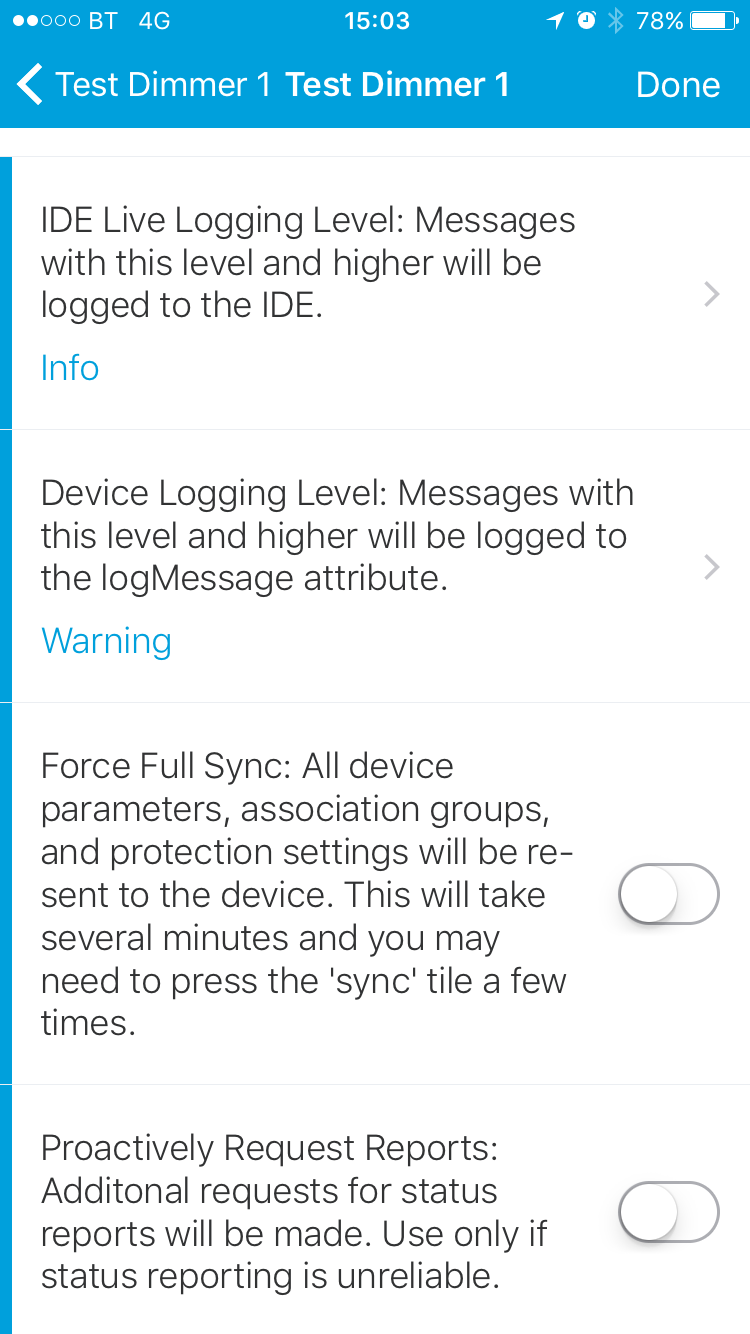 * **IDE Live Logging Level**: Set the level of log messages shown in the SmartThings IDE _Live Logging_ tab. For normal operation _Info_ or _Warning_ is recommended, if troubleshooting use _Debug_ or _Trace_.
* **Device Logging Level**: Set the level of log messages that will be recorded in the device's _logMessage_ attribute. This offers a way to review historical messages without having to keep the IDE _Live Logging_ screen open. To prevent excessive events, the maximum level supported is _Warning_.
* **Force Full Sync**: By default, only settings that have been modified will be synchronised with the device. Enable this setting to force all device parameters, association groups, and protection settings to re-sent to the device. This will take several minutes and you may need to press the _sync_ tile a few times before the device is fully synced.
* **Proactively Request Reports**: If you find that device status is slow to update, enabling this setting will cause additional reports to be requested.
#### Child Protection Mode:
* **IDE Live Logging Level**: Set the level of log messages shown in the SmartThings IDE _Live Logging_ tab. For normal operation _Info_ or _Warning_ is recommended, if troubleshooting use _Debug_ or _Trace_.
* **Device Logging Level**: Set the level of log messages that will be recorded in the device's _logMessage_ attribute. This offers a way to review historical messages without having to keep the IDE _Live Logging_ screen open. To prevent excessive events, the maximum level supported is _Warning_.
* **Force Full Sync**: By default, only settings that have been modified will be synchronised with the device. Enable this setting to force all device parameters, association groups, and protection settings to re-sent to the device. This will take several minutes and you may need to press the _sync_ tile a few times before the device is fully synced.
* **Proactively Request Reports**: If you find that device status is slow to update, enabling this setting will cause additional reports to be requested.
#### Child Protection Mode:
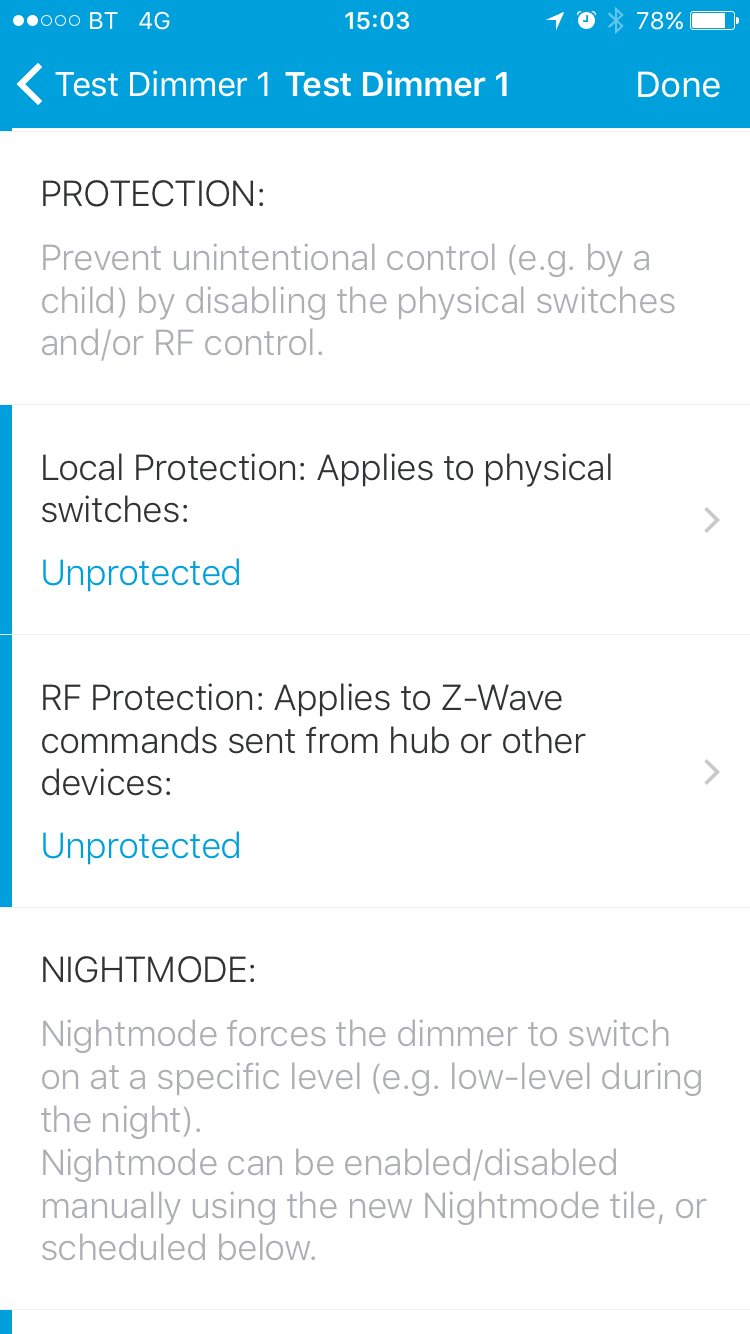 The Fibaro Dimmer 2 supports the Z-wave Protection Command Class. This allows the device to be protected from unintentional control (e.g. by a child) by disabling the physical switches and/or RF control.
* **Local Protection**: Setting this option to _No operation possible_ will disable both physical switches (S1/S2).
* **RF Protection**: Setting this option to _No RF control_ will prevent z-wave commands from altering the device state. This includes commands received from the hub as well as other associated devices.
#### Nightmode:
The Fibaro Dimmer 2 supports the Z-wave Protection Command Class. This allows the device to be protected from unintentional control (e.g. by a child) by disabling the physical switches and/or RF control.
* **Local Protection**: Setting this option to _No operation possible_ will disable both physical switches (S1/S2).
* **RF Protection**: Setting this option to _No RF control_ will prevent z-wave commands from altering the device state. This includes commands received from the hub as well as other associated devices.
#### Nightmode:
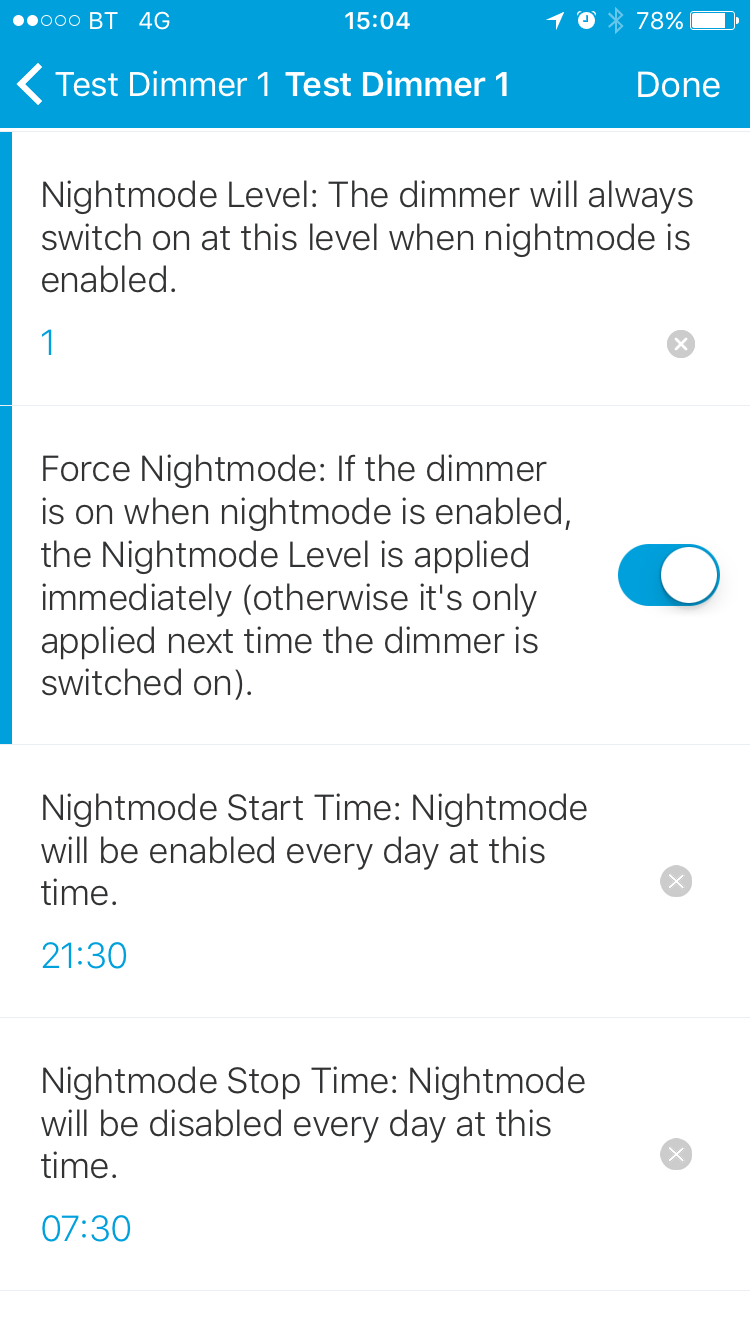 The _Nightmode_ feature forces the dimmer to switch on at a specified level. (Behind the scenes, this feature is updating Paramter #19). _Nightmode_ can be manually enabled/disabled using the _Nightmode_ tile and can also be scheduled using the settings here.
* **Nightmode Level**: The dimmer will always switch on at this level when _Nightmode_ is enabled.
* **Force Nightmode**: If the dimmer is on when _Nightmode_ is enabled, the _Nightmode Level_ is applied immediately (otherwise it's only applied next time the dimmer is switched on). Similarly, if the dimmer is on when _Nightmode_ is disabled, the brightness level will immediately be returned to the state prior to _Nightmode_ being enabled.
* **Nightmode Start Time**: _Nightmode_ will be enabled every day at this time.
* **Nightmode Stop Time**: _Nightmode_ will be disabled every day at this time.
If _Nightmode_ Start and Stop times are set here, they will only apply to the corresponding instance of the device. If you want to implement a _Nightmode_ schedule for multiple devices it is possible to write a simple SmartApp (or use CoRE) to call the _enableNightmode()_ and _disableNightmode()_ commands on each device.
#### Device Parameters:
The _Nightmode_ feature forces the dimmer to switch on at a specified level. (Behind the scenes, this feature is updating Paramter #19). _Nightmode_ can be manually enabled/disabled using the _Nightmode_ tile and can also be scheduled using the settings here.
* **Nightmode Level**: The dimmer will always switch on at this level when _Nightmode_ is enabled.
* **Force Nightmode**: If the dimmer is on when _Nightmode_ is enabled, the _Nightmode Level_ is applied immediately (otherwise it's only applied next time the dimmer is switched on). Similarly, if the dimmer is on when _Nightmode_ is disabled, the brightness level will immediately be returned to the state prior to _Nightmode_ being enabled.
* **Nightmode Start Time**: _Nightmode_ will be enabled every day at this time.
* **Nightmode Stop Time**: _Nightmode_ will be disabled every day at this time.
If _Nightmode_ Start and Stop times are set here, they will only apply to the corresponding instance of the device. If you want to implement a _Nightmode_ schedule for multiple devices it is possible to write a simple SmartApp (or use CoRE) to call the _enableNightmode()_ and _disableNightmode()_ commands on each device.
#### Device Parameters:
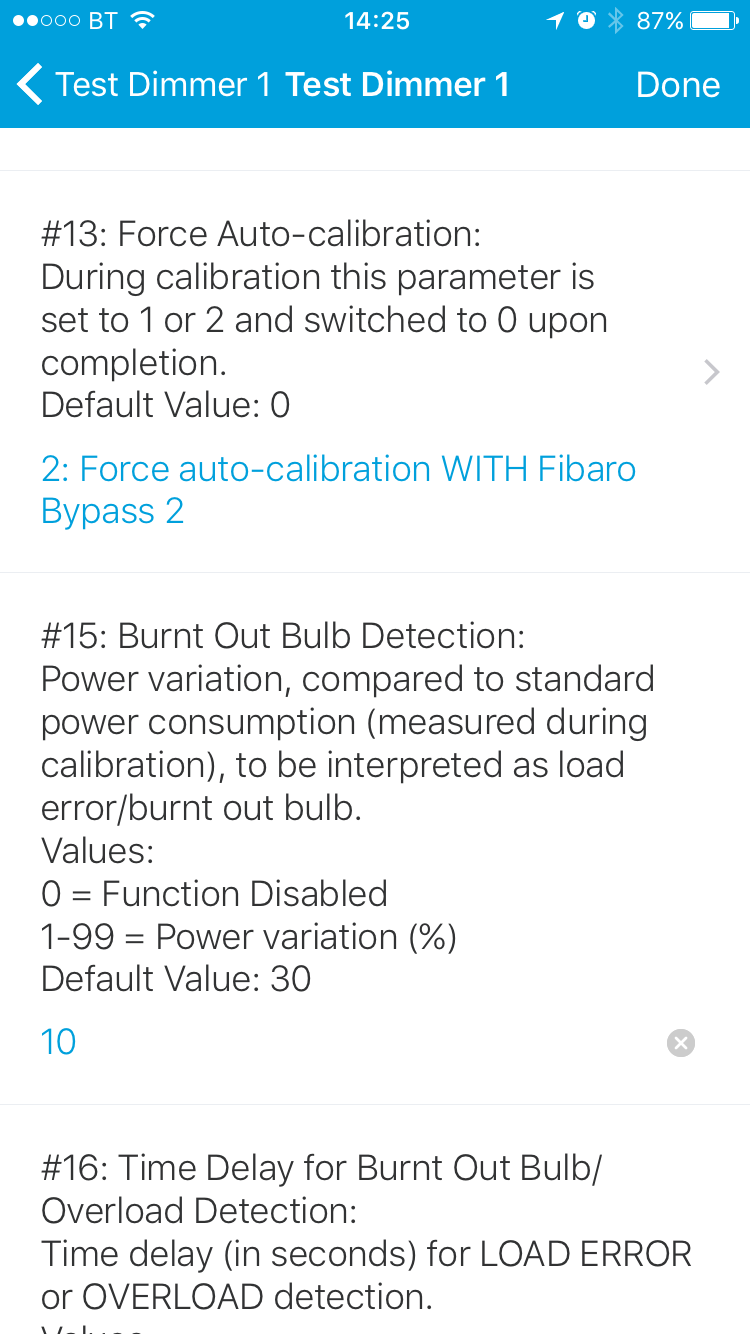 The settings in this section can be used to specify the value of all writable device parameters. It is recommended to consult the [manufacturer's manual](http://manuals.fibaro.com/dimmer-2/) for a full description of each parameter.
If no value is specified for a parameter, then it will not be synched with the device and the existing value in the device will be preserved.
##### Auto-calibration:
If parameter #13 is used to force auto-calibration of the device, any values that are specified for parameters #1, #2, and #30 will be ignored. After hitting _Done_, monitor the _Live Logging_ tab in the IDE to discover what the new auto-calibrated values are (the auto-calibrated values will not be updated in the device's settings screen due to limitations of the SmartThings platform).
Next time device settings are updated, remember to set parameter #13 back to _0: Readout_ if you do not want auto-calibration to be forced again. Additionally, review parameters #1, #2, and #30, as any values specified will over-write the auto-calibrated values.
##### Read-only Parameters:
The Fibaro Dimmer 2 has a few read-only parameters that are not shown in this section. The dimmer will periodically report the values of these read-only parameters to the hub, and their values can be seen in the _Live Logging_ tab in the IDE.
#### Multi-channel Device Associations:
The settings in this section can be used to specify the value of all writable device parameters. It is recommended to consult the [manufacturer's manual](http://manuals.fibaro.com/dimmer-2/) for a full description of each parameter.
If no value is specified for a parameter, then it will not be synched with the device and the existing value in the device will be preserved.
##### Auto-calibration:
If parameter #13 is used to force auto-calibration of the device, any values that are specified for parameters #1, #2, and #30 will be ignored. After hitting _Done_, monitor the _Live Logging_ tab in the IDE to discover what the new auto-calibrated values are (the auto-calibrated values will not be updated in the device's settings screen due to limitations of the SmartThings platform).
Next time device settings are updated, remember to set parameter #13 back to _0: Readout_ if you do not want auto-calibration to be forced again. Additionally, review parameters #1, #2, and #30, as any values specified will over-write the auto-calibrated values.
##### Read-only Parameters:
The Fibaro Dimmer 2 has a few read-only parameters that are not shown in this section. The dimmer will periodically report the values of these read-only parameters to the hub, and their values can be seen in the _Live Logging_ tab in the IDE.
#### Multi-channel Device Associations:
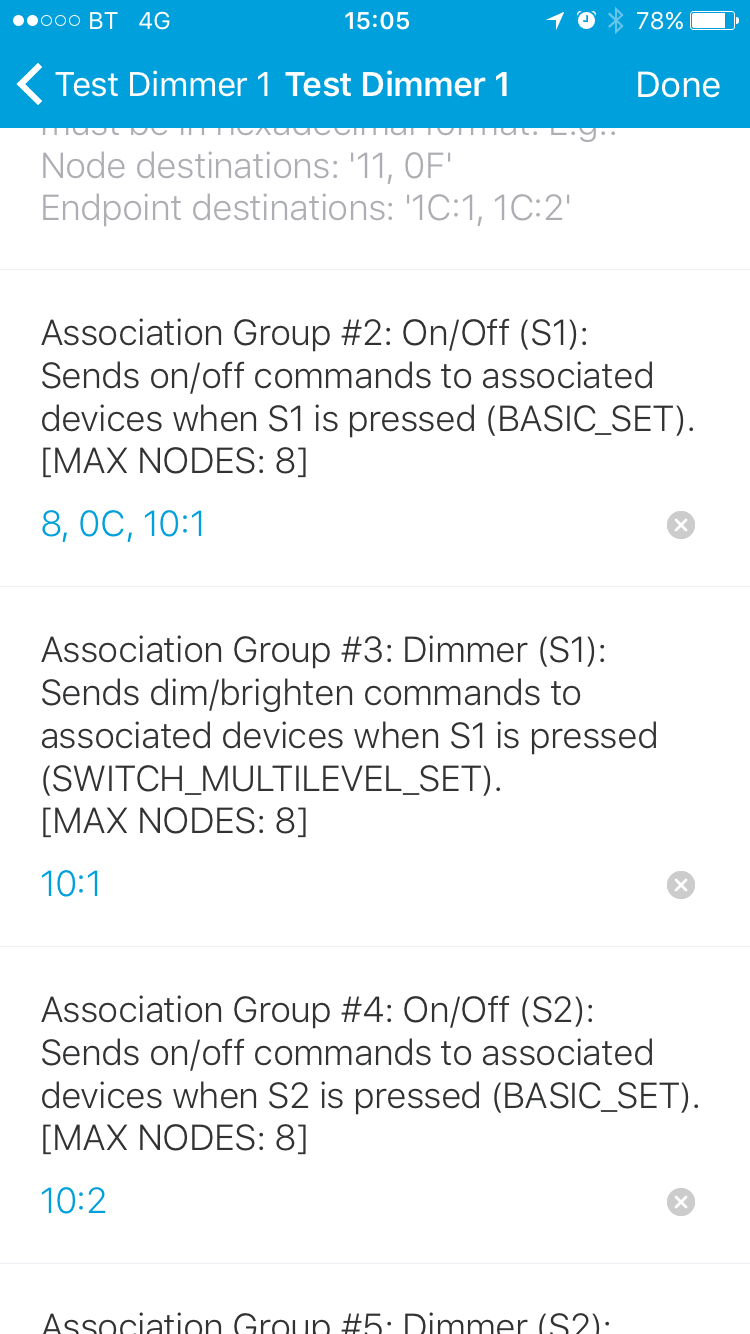 The Fibaro Dimmer 2 supports _Multi-channel_ Device Associations. This allows the physical switches connected to a Fibaro Dimmer 2 to send z-wave commands directly to groups of other devices (e.g. other dimmers or relays), without the commands being processed by the SmartThings hub. This results in faster response times compared to using a SmartApp for example.
The Fibaro Dimmer 2 supports four association groups:
- **Association Group #2**: Sends on/off commands (BASIC_SET) when Switch #1 (S1) is used.
- **Association Group #3**: Sends dim/brighten commands (SWITCH_MUTLILEVEL_SET) when Switch #1 (S1) is used.
- **Association Group #4**: Sends on/off commands (BASIC_SET) when Switch #2 (S2) is used.
- **Association Group #5**: Sends dim/brighten commands (SWITCH_MUTLILEVEL_SET) when Switch #2 (S2) is used.
The members of each _Association Group_ must be defined as a comma-delimited list of target nodes. Each target device can be specified in one of two ways:
- _Node_: A single hexadecimal number (e.g. "0C") representing the target _Device Network ID_.
- _Endpoint_: A pair of hexadecimal numbers separated by a colon (e.g. "10:1") that represent the target _Device Network ID_ and _Endpoint ID_ respectively. For devices that support multiple endpoints, this allows a specific endpoint to be targeted by the association group.
You can find the _Device Network ID_ for all Z-Wave devices in your SmartThings network from the _My Devices_ tab in the SmartThings IDE. Consult the relevant manufacturer's manual for information about the endpoints supported by a particular target device.
## GUI
#### Power and Energy Tiles:
The Fibaro Dimmer 2 supports _Multi-channel_ Device Associations. This allows the physical switches connected to a Fibaro Dimmer 2 to send z-wave commands directly to groups of other devices (e.g. other dimmers or relays), without the commands being processed by the SmartThings hub. This results in faster response times compared to using a SmartApp for example.
The Fibaro Dimmer 2 supports four association groups:
- **Association Group #2**: Sends on/off commands (BASIC_SET) when Switch #1 (S1) is used.
- **Association Group #3**: Sends dim/brighten commands (SWITCH_MUTLILEVEL_SET) when Switch #1 (S1) is used.
- **Association Group #4**: Sends on/off commands (BASIC_SET) when Switch #2 (S2) is used.
- **Association Group #5**: Sends dim/brighten commands (SWITCH_MUTLILEVEL_SET) when Switch #2 (S2) is used.
The members of each _Association Group_ must be defined as a comma-delimited list of target nodes. Each target device can be specified in one of two ways:
- _Node_: A single hexadecimal number (e.g. "0C") representing the target _Device Network ID_.
- _Endpoint_: A pair of hexadecimal numbers separated by a colon (e.g. "10:1") that represent the target _Device Network ID_ and _Endpoint ID_ respectively. For devices that support multiple endpoints, this allows a specific endpoint to be targeted by the association group.
You can find the _Device Network ID_ for all Z-Wave devices in your SmartThings network from the _My Devices_ tab in the SmartThings IDE. Consult the relevant manufacturer's manual for information about the endpoints supported by a particular target device.
## GUI
#### Power and Energy Tiles:
 These tiles display the instantaneous power consumption of the device (Watts) and the accumulated energy consumption (KWh). The _Now:_ tile can be tapped to force the device state to be refreshed. The _Since: ..._ tile can be tapped to reset the _Accumulated Energy_ figure.
#### Nightmode Tile:
This tile can be used to toggle (enable/disable) _Nightmode_.
#### Scene Tile:
If parameter #28 (Scene Activation) has been enabled, then the Fibaro Dimmer 2 will send SCENE_ACTIVATION_SET commands to the SmartThings hub. This tile will indicate the ID of the last-activated scene.
#### Sync Tile:
This tile indicates when all configuation settings have been successfully synchronised with the physical device. If the tile remains in the orange SYNC PENDING state, tap it to force any remaining unsynced items to be sent to the device.
These tiles display the instantaneous power consumption of the device (Watts) and the accumulated energy consumption (KWh). The _Now:_ tile can be tapped to force the device state to be refreshed. The _Since: ..._ tile can be tapped to reset the _Accumulated Energy_ figure.
#### Nightmode Tile:
This tile can be used to toggle (enable/disable) _Nightmode_.
#### Scene Tile:
If parameter #28 (Scene Activation) has been enabled, then the Fibaro Dimmer 2 will send SCENE_ACTIVATION_SET commands to the SmartThings hub. This tile will indicate the ID of the last-activated scene.
#### Sync Tile:
This tile indicates when all configuation settings have been successfully synchronised with the physical device. If the tile remains in the orange SYNC PENDING state, tap it to force any remaining unsynced items to be sent to the device.
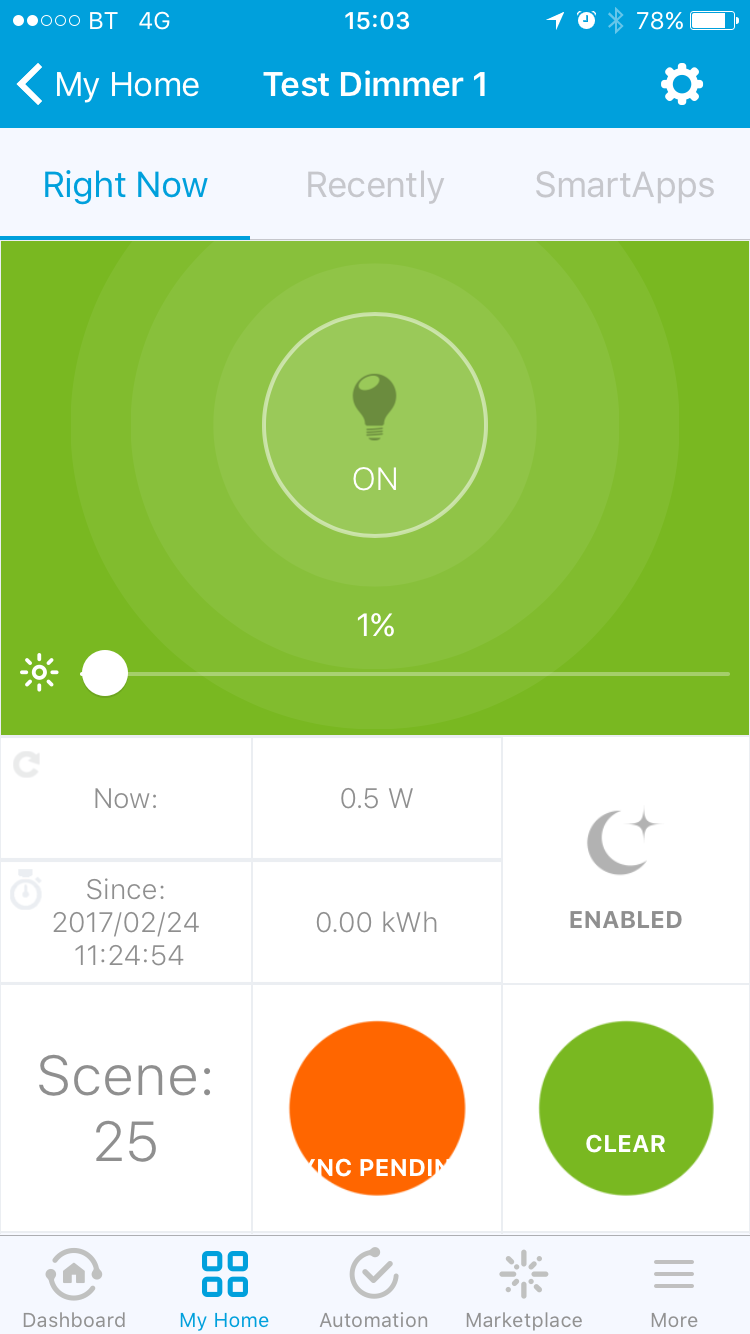 #### Fault Tile:
This tile indicates if the device has reported any faults. These may include burnt-out-bulbs (load error), overload, low voltage, surge, temperature warnings, firmware, or hardware issues. Once any faults have been investigated and remediated, the tile can be tapped to clear the fault status.
#### Fault Tile:
This tile indicates if the device has reported any faults. These may include burnt-out-bulbs (load error), overload, low voltage, surge, temperature warnings, firmware, or hardware issues. Once any faults have been investigated and remediated, the tile can be tapped to clear the fault status.
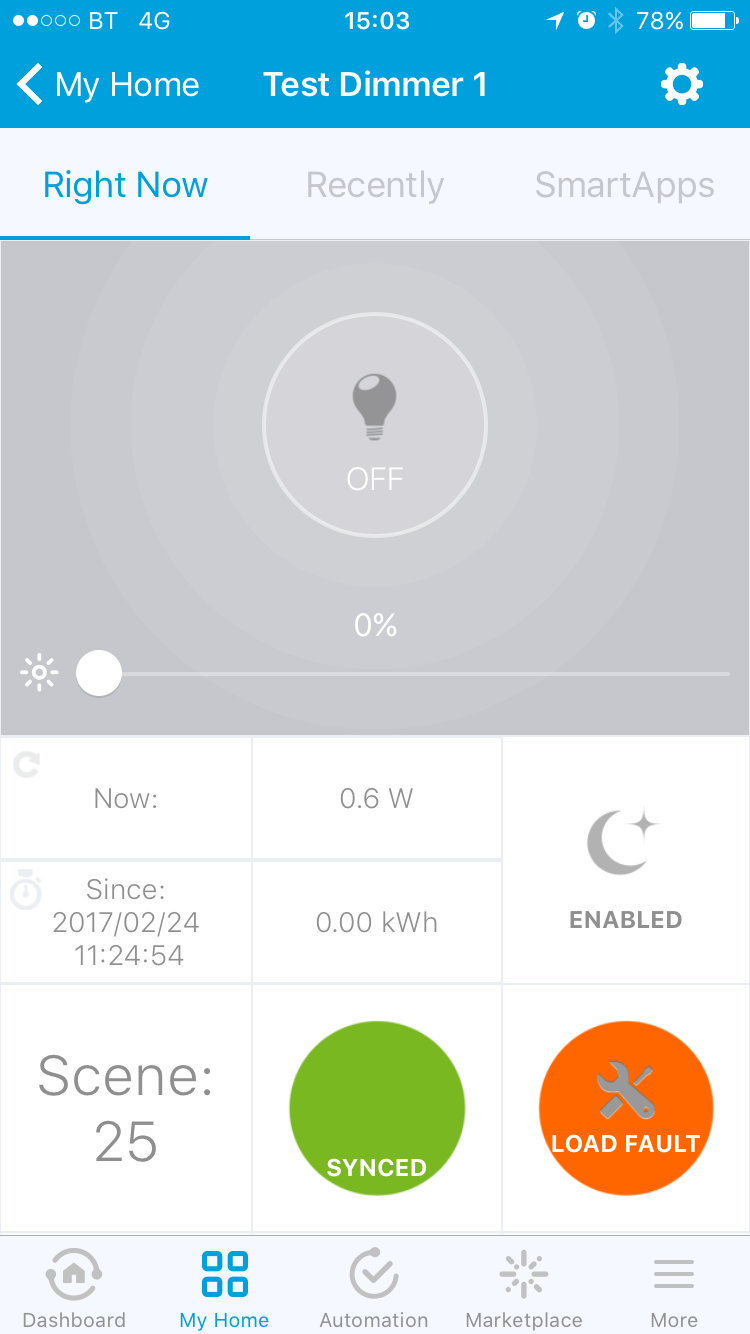 ## SmartApp Integration
#### Attributes:
The device handler has the following attributes:
* **switch [ENUM]**: The switch State, 'On' or 'Off'.
* **level [NUMBER]**: The current light level (0-100%).
* **power [NUMBER]**: The current instantaneous power usage (Watts).
* **energy [NUMBER]**: The Accumulated energy consumption (KWh).
* **energyLastReset**: Last time that the _Accumulated Energy_ figure was reset.
* **scene [NUMBER]**: ID of last-activated scene.
* **nightmode [ENUM]**: Indicates if _Nightmode_ is 'Enabled' or 'Disabled'.
* **syncPending [NUMBER]**: The number of configuration items that need to be synced with the physical device. _0_ if the device is fully synchronised.
* **fault [ENUM]**: Indicates if the device has any faults. '_clear_' if there are no active faults.
* **logMessage [STRING]**: Important log messages.
#### Commands:
The device exposes the following custom commands which can be called from a SmartApp:
* **enableNightmode(level)**: Enable _Nightmode_. The optional level parameter will override the _Nightmode Level_.
* **disableNightmode()**: Disable _Nightmode_.
* **toggleNightmode()**: Toggle _Nightmode_.
* **clearFault()**: Clear any active faults.
* **reset()**: Alias for _resetEnergy()_.
* **resetEnergy()**: Reset the _Accumulated Energy_ figure back to _0_.
* **sync()**: Trigger device synchronisation.
## Version History
#### 2017-02-27: v2.02:
* Fixed backgroundColor for fault tile.
#### 2017-02-25: v2.01:
* Preferences: defaultValues are commented out by default to cater for Android users. iPhone users can uncomment these lines if they wish (search for "iPhone").
* updated(): Fix to allow device to sync after a forced auto-calibration.
* updateSyncPending(): If a target value is null, then it does not need syncing.
#### 2017-02-24: v2.00
* Complete re-write in-line with new coding standards.
* General Behaviour Changes:
* Dimmer level now reverts to zero when switched off.
* Dimmer level range is now 0-100%.
* Fewer report requests are made, as the Fibaro Dimmer 2 is good at sending back reports anyway.
* Nightmode scheduling fixed after change in the behaviour of _schedule()_.
* Capabilities:
* Added "Light" capability.
* Added unofficial "Fault" capability. [attributes: 'fault', commands: clearFault()]
* Added unofficial "Logging" capability. [attributes: 'logMessage']
* Added unofficial "Scene Controller" capability. [attributes: 'scene']
* Removed "Configuration" capability and configure() command, as not used.
* Attributes:
* energyLastReset: renamed from lastReset.
* logMessage: Critical error and warning log messages.
* syncPending: Number of items that need to be synced with the physical device.
* fault: Indicates if the device has any faults (load, surge, overload, overCurrent, voltage, temperature, hardware, firmware). 'clear' if no active faults.
* Commands:
* resetEnergy(): Resets accumulated energy figure.
* clearFault(): Clears any active faults.
* Fingerprints: Updated to use new Z-Wave fingerprint format.
* Tiles:
* level: range is now 0-100%
* scene: Indicates last activated scene.
* syncPending: Shows when device configuration is synced.
* fault: Indicates device faults.
* Settings/Preferences:
* Proactive Requests.
* IDE Live Logging Level
* Device Logging Level
* Association Group members can be configured from the Settings GUI, including multi-channel endpoint destinations.
* Protection Options can be set for local (physical switches) and RF Control, to prevent unintentional changes.
* zwaveEvent():
* zwaveEvent(CONFIGURATION_REPORT): Uses new scaledConfigurationValue attribute.
* zwaveEvent(POWERLEVEL_REPORT): New handler for powerlevel reports.
* zwaveEvent(COMMAND_CLASS_SWITCH_BINARY): Removed as it doesn't appear to be supported by the device.
* zwaveEvent(ASSOCIATION_REPORT): New handlers for both normal and multi-channel association reports.
* dimmerEvent(): Various optimisations and fixes.
* update():
* Added a check to prevent double execution.
* Requests Firmware Metadata, Manufacturer-specific, and Version reports.
* New custom commands:
* clearFault(): Clears any active fault.
* resetEnergy(): Reset the Accumulated Energy figure in the device.
* New private helper functions:
* logger(): Wrapper function for all logging: Logs events to IDE Live Logging, and also by raising logMessage events. Configured using configLoggingLevelIDE and configLoggingLevelDevice preferences.
* sync(): Manages synchronisation of all parameters and association groups with the physical device. The syncPending attribute advertises remaining number of sync operations.
* refreshConfig(): Requests all configuration, association group reports.
* sendSecureSequence(): Secure an array of commands and send them using sendHubCommand.
* Additional functions to dynamically build the parameters and association groups preferences.
* New Metadata Funtions:
* getCommandClassVersions(): Returns supported command class versions.
* getParamsMd(): Returns device parameters metadata (including read-only parameters).
* getAssocGroupsMd(): Returns association groups metadata.
#### 2016-10-31: v1.03
* Added event handlers for Crc16Encap, SensorMultilevelReport, ManufacturerSpecificReport, VersionReport, and FirmwareMdReport.
#### 2016-10-24: v1.02
* Increased delay between ConfigurationSet commands to 500ms to improve reliability of sending parameters.
#### 2016-10-11: v1.01
* Added Nightmode functionality.
* dimmerEvents(): Fixed MeterGet requests after a switch or level state change.
* on(), off(), setLevel(): Delayed switchMultilevelGet() requests by 8s as early requests generate erroneous data. The dimmer will send a correct report once it has completed the request anyway (which is usually sooner than 8s).
* zwaveEvent(_MeterReport_): Removed rounding of power values. Also, Energy and power values are stored as dispEnergy and dispPower to work-around UI formatting issue.
* Settings/Preferences: Fixed param24/25/27 to allow combination of options.
* Simplified fingerprint.
#### 2016-10-05: v1.00
* Initial version based on device handler by hajar97.
* Tiles: Added GetConfig button to retrieve the current device settings (which are displayed in the debug log).
## To Do
* Optimise zwaveEvent(CRC_16_ENCAP) by using _ecapsulatedCommand()_, once implemenation has been fixed by SmartThings.
* Allow protection state to be controlled via commands (maybe just the local). This would allow a smartApp to disable all physical light switches, perhaps on a schedule, for example. E.g. stop children turning on the lights after 10PM. Similar to Nightmode.
* Add _Button_ capability and raise _button_ events.
## Physical Device Notes
General notes relating to the Fibaro Dimmer 2:
* The device has three read-only parameters. These are not shown in the settings GUI, but their values will be reported in the Live Logging tab of the IDE when Configuration Reports are received.
## References
Some useful links relevant to the development of this device handler:
* [Fibaro Dimmer 2 - Z-Wave certification information](http://products.z-wavealliance.org/products/1729)
* [Fibaro Dimmer 2 - Manual](http://manuals.fibaro.com/dimmer-2/)
## License
Licensed under the Apache License, Version 2.0 (the "License"); you may not use this file except in compliance with the License. You may obtain a copy of the License at:
http://www.apache.org/licenses/LICENSE-2.0
Unless required by applicable law or agreed to in writing, software distributed under the License is distributed on an "AS IS" BASIS, WITHOUT WARRANTIES OR CONDITIONS OF ANY KIND, either express or implied. See the License for the specific language governing permissions and limitations under the License.
================================================
FILE: devices/fibaro-dimmer-2/fibaro-dimmer-2.groovy
================================================
/*****************************************************************************************************************
* Copyright: David Lomas (codersaur)
*
* Name: Fibaro Dimmer 2
*
* Author: David Lomas (codersaur)
*
* Date: 2017-02-27
*
* Version: 2.02
*
* Source: https://github.com/codersaur/SmartThings/tree/master/devices/fibaro-dimmer-2
*
* Author: David Lomas (codersaur)
*
* Description: An advanced SmartThings device handler for the Fibaro Dimmer 2 (FGD-212) Z-Wave Dimmer.
*
* For full information, including installation instructions, exmples, and version history, see:
* https://github.com/codersaur/SmartThings/tree/master/devices/fibaro-dimmer-2
*
* License:
* Licensed under the Apache License, Version 2.0 (the "License"); you may not use this file except
* in compliance with the License. You may obtain a copy of the License at:
*
* http://www.apache.org/licenses/LICENSE-2.0
*
* Unless required by applicable law or agreed to in writing, software distributed under the License is distributed
* on an "AS IS" BASIS, WITHOUT WARRANTIES OR CONDITIONS OF ANY KIND, either express or implied. See the License
* for the specific language governing permissions and limitations under the License.
*
*****************************************************************************************************************/
metadata {
definition (name: "Fibaro Dimmer 2", namespace: "codersaur", author: "David Lomas") {
capability "Actuator"
capability "Switch"
capability "Switch Level"
capability "Light"
capability "Sensor"
capability "Power Meter"
capability "Energy Meter"
capability "Polling"
capability "Refresh"
// Custom (Virtual) Capabilities:
//capability "Fault"
//capability "Logging"
//capability "Scene Controller"
// Standard (Capability) Attributes:
attribute "switch", "string"
attribute "level", "number"
attribute "power", "number"
attribute "energy", "number"
// Custom Attributes:
attribute "fault", "string" // Indicates if the device has any faults. 'clear' if no active faults.
attribute "logMessage", "string" // Important log messages.
attribute "energyLastReset", "string" // Last time that Accumulated Engergy was reset.
attribute "syncPending", "number" // Number of config items that need to be synced with the physical device.
attribute "nightmode", "string" // 'Enabled' or 'Disabled'.
attribute "scene", "number" // ID of last-activated scene.
// Display Attributes:
// These are only required because the UI lacks number formatting and strips leading zeros.
attribute "dispPower", "string"
attribute "dispEnergy", "string"
// Custom Commands:
command "reset"
command "resetEnergy"
command "enableNightmode"
command "disableNightmode"
command "toggleNightmode"
command "clearFault"
command "sync"
command "test"
// Fingerprints (new format):
fingerprint mfr: "010F", prod: "0102", model: "1000"
fingerprint type: "1101", mfr: "010F", cc: "5E,86,72,59,73,22,31,32,71,56,98,7A"
fingerprint type: "1101", mfr: "010F", cc: "5E,86,72,59,73,22,31,32,71,56,98,7A", sec: "20,5A,85,26,8E,60,70,75,27", secOut: "2B"
}
tiles(scale: 2) {
// Multi Tile:
multiAttributeTile(name:"switch", type: "lighting", width: 6, height: 4, canChangeIcon: true){
tileAttribute ("device.switch", key: "PRIMARY_CONTROL") {
attributeState "on", label:'${name}', action:"switch.off", icon:"st.switches.switch.on", backgroundColor:"#79b821", nextState:"turningOff"
attributeState "off", label:'${name}', action:"switch.on", icon:"st.switches.switch.off", backgroundColor:"#ffffff", nextState:"turningOn"
attributeState "turningOn", label:'${name}', action:"switch.off", icon:"st.switches.switch.on", backgroundColor:"#79b821", nextState:"turningOff"
attributeState "turningOff", label:'${name}', action:"switch.on", icon:"st.switches.switch.off", backgroundColor:"#ffffff", nextState:"turningOn"
}
tileAttribute ("device.level", key: "SLIDER_CONTROL", range:"(0..100)") {
attributeState "level", action:"setLevel"
}
}
// Instantaneous Power:
valueTile("instMode", "device.dispPower", decoration: "flat", width: 2, height: 1) {
state "default", label:'Now:', action:"refresh", icon: "https://raw.githubusercontent.com/codersaur/SmartThings/master/icons/tile_2x1_refresh.png"
}
valueTile("power", "device.dispPower", decoration: "flat", width: 2, height: 1) {
state "default", label:'${currentValue}', icon: "https://raw.githubusercontent.com/codersaur/SmartThings/master/icons/tile_2x1_top_bottom_2.png"
}
// Accumulated Energy:
valueTile("energyLastReset", "device.energyLastReset", decoration: "flat", width: 2, height: 1) {
state "default", label:'Since: ${currentValue}', action:"resetEnergy", icon: "https://raw.githubusercontent.com/codersaur/SmartThings/master/icons/tile_2x1_stopwatch_reset.png"
}
valueTile("energy", "device.dispEnergy", width: 2, height: 1) {
state "default", label:'${currentValue}', icon: "https://raw.githubusercontent.com/codersaur/SmartThings/master/icons/tile_2x1_top_bottom_2.png"
}
// Other Tiles:
standardTile("nightmode", "device.nightmode", decoration: "flat", width: 2, height: 2) {
state "default", label:'${currentValue}', action:"toggleNightmode", icon:"st.Weather.weather4"
}
valueTile("scene", "device.scene", decoration: "flat", width: 2, height: 2) {
state "default", label:'Scene: ${currentValue}'
}
standardTile("refresh", "device.power", inactiveLabel: false, decoration: "flat", width: 2, height: 2) {
state "default", label:'', action:"refresh", icon:"st.secondary.refresh"
}
standardTile("syncPending", "device.syncPending", decoration: "flat", width: 2, height: 2) {
state "default", label:'Sync Pending', action:"sync", backgroundColor:"#FF6600"
state "0", label:'Synced', action:"", backgroundColor:"#79b821"
}
standardTile("fault", "device.fault", decoration: "flat", width: 2, height: 2) {
state "default", label:'${currentValue} Fault', action:"clearFault", backgroundColor:"#FF6600", icon:"st.secondary.tools"
state "clear", label:'${currentValue}', action:"", backgroundColor:"#79b821", icon:""
}
standardTile("test", "device.power", decoration: "flat", width: 2, height: 2) {
state "default", label:'Test', action:"test"
}
// Tile Layouts:
main(["switch"])
details([
"switch",
"instMode","power",
"nightmode",
"energyLastReset","energy",
"scene",
//"refresh",
//"test",
"syncPending",
"fault"
])
}
preferences {
section { // GENERAL:
input (
type: "paragraph",
element: "paragraph",
title: "GENERAL:",
description: "General device handler settings."
)
input (
name: "configLoggingLevelIDE",
title: "IDE Live Logging Level: Messages with this level and higher will be logged to the IDE.",
type: "enum",
options: [
"0" : "None",
"1" : "Error",
"2" : "Warning",
"3" : "Info",
"4" : "Debug",
"5" : "Trace"
],
// defaultValue: "3", // iPhone users can uncomment these lines!
required: true
)
input (
name: "configLoggingLevelDevice",
title: "Device Logging Level: Messages with this level and higher will be logged to the logMessage attribute.",
type: "enum",
options: [
"0" : "None",
"1" : "Error",
"2" : "Warning"
],
// defaultValue: "2", // iPhone users can uncomment these lines!
required: true
)
input (
name: "configSyncAll",
title: "Force Full Sync: All device parameters, association groups, and protection settings will " +
"be re-sent to the device. This will take several minutes and you may need to press the 'sync' " +
"tile a few times.",
type: "boolean",
// defaultValue: false, // iPhone users can uncomment these lines!
required: true
)
input (
name: "configProactiveReports",
title: "Proactively Request Reports: Additonal requests for status reports will be made. " +
"Use only if status reporting is unreliable.",
type: "boolean",
// defaultValue: false, // iPhone users can uncomment these lines!
required: true
)
}
section { // PROTECTION:
input type: "paragraph",
element: "paragraph",
title: "PROTECTION:",
description: "Prevent unintentional control (e.g. by a child) by disabling the physical switches and/or RF control."
input (
name: "configProtectLocal",
title: "Local Protection: Applies to physical switches:",
type: "enum",
options: [
"0" : "Unprotected",
//"1" : "Protection by sequence", // Not supported by Fibaro Dimmer 2.
"2" : "No operation possible"
],
// defaultValue: "0", // iPhone users can uncomment these lines!
required: true
)
input (
name: "configProtectRF",
title: "RF Protection: Applies to Z-Wave commands sent from hub or other devices:",
type: "enum",
options: [
"0" : "Unprotected",
"1" : "No RF control"//,
//"2" : "No RF response" // Not supported by Fibaro Dimmer 2.
],
// defaultValue: "0", // iPhone users can uncomment these lines!
required: true
)
}
section { // NIGHTMODE:
input type: "paragraph",
element: "paragraph",
title: "NIGHTMODE:",
description: "Nightmode forces the dimmer to switch on at a specific level (e.g. low-level during the night).\n" +
"Nightmode can be enabled/disabled manually using the new Nightmode tile, or scheduled below."
input type: "number",
name: "configNightmodeLevel",
title: "Nightmode Level: The dimmer will always switch on at this level when nightmode is enabled.",
range: "1..100",
// defaultValue: "10", // iPhone users can uncomment these lines!
required: true
input type: "boolean",
name: "configNightmodeForce",
title: "Force Nightmode: If the dimmer is on when nightmode is enabled, the Nightmode Level is applied immediately " +
"(otherwise it's only applied next time the dimmer is switched on).",
// defaultValue: true, // iPhone users can uncomment these lines!
required: true
input type: "time",
name: "configNightmodeStartTime",
title: "Nightmode Start Time: Nightmode will be enabled every day at this time.",
required: false
input type: "time",
name: "configNightmodeStopTime",
title: "Nightmode Stop Time: Nightmode will be disabled every day at this time.",
required: false
}
generatePrefsParams()
generatePrefsAssocGroups()
}
}
/**
* parse()
*
* Called when messages from the device are received by the hub. The parse method is responsible for interpreting
* those messages and returning event definitions (and command responses).
*
* As this is a Z-wave device, zwave.parse() is used to convert the message into a command. The command is then
* passed to zwaveEvent(), which is overloaded for each type of command below.
*
* Parameters:
* String description The raw message from the device.
**/
def parse(description) {
logger("parse(): Parsing raw message: ${description}","trace")
def result = null
if (description.startsWith("Err")) {
logger("parse(): Unknown Error. Raw message: ${description}","error")
}
else if (description != "updated") {
// The purpose of the replace statement here is to fix a bug, see:
// https://community.smartthings.com/t/wireless-wall-switch-zme-wallc-s-to-control-smartthings-devices-and-routines/24810/28
def cmd = zwave.parse(description.replace("98C1", "9881"), getCommandClassVersions())
if (cmd) {
result = zwaveEvent(cmd)
} else {
logger("parse(): Could not parse raw message: ${description}","error")
}
}
return result
}
/*****************************************************************************************************************
* Z-wave Event Handlers.
*****************************************************************************************************************/
/**
* zwaveEvent( COMMAND_CLASS_BASIC V1 (0x20) : BASIC_REPORT )
*
* The Basic Report command is used to advertise the status of the primary functionality of the device.
*
* Action: Pass command to dimmerEvent().
*
* cmd attributes:
* Short value
* 0x00 = Off
* 0x01..0x63 = 0..100%
* 0xFE = Unknown
* 0xFF = On
**/
def zwaveEvent(physicalgraph.zwave.commands.basicv1.BasicReport cmd) {
logger("zwaveEvent(): Basic Report received: ${cmd}","trace")
return dimmerEvent(cmd)
}
/**
* zwaveEvent( COMMAND_CLASS_BASIC V1 (0x20) : BASIC_SET )
*
* The Basic Set command is used to set a value in a supporting device.
* If this command is received by the hub, the hub must be a member of one or more association groups.
*
* Action: No action required as state change will be triggered via BASIC_REPORT handler.
*
* cmd attributes:
* Short value
* 0x00 = Off
* 0x01..0x63 = 0..100%
* 0xFE = Unknown
* 0xFF = On
*
* Example: BasicSet(value: 0)
**/
def zwaveEvent(physicalgraph.zwave.commands.basicv1.BasicSet cmd) {
logger("zwaveEvent(): Basic Set received: ${cmd}","trace")
}
/**
* zwaveEvent( COMMAND_CLASS_SWITCH_MULTILEVEL V3 (0x26) : SWITCH_MULTILEVEL_REPORT )
*
* The Switch Multilevel Report is used to advertise the status of a multilevel device.
*
* Action: Pass command to dimmerEvent().
*
* cmd attributes:
* Short value
* 0x00 = Off
* 0x01..0x63 = 0..100%
* 0xFE = Unknown
* 0xFF = On [Deprecated]
*
* Example: SwitchMultilevelReport(value: 1)
**/
def zwaveEvent(physicalgraph.zwave.commands.switchmultilevelv3.SwitchMultilevelReport cmd) {
logger("zwaveEvent(): Switch Multilevel Report received: ${cmd}","trace")
return dimmerEvent(cmd)
}
/**
* zwaveEvent( COMMAND_CLASS_SWITCH_MULTILEVEL V3 (0x26) : SWITCH_MULTILEVEL_SET )
*
* The Switch Multilevel Set command is used to set a value in a supporting device.
* If this command is received by the hub, the hub must be a member of one or more association groups.
*
* Action: No action required as state change will be triggered via SWITCH_MULTILEVEL_REPORT handler.
*
* cmd attributes:
* Short value
* 0x00 = Off
* 0x01..0x63 = 0..100%
* 0xFE = Unknown
* 0xFF = On [Deprecated]
* Short dimmingDuration
*
* Example: SwitchMultilevelSet(dimmingDuration: 1, value: 0)
**/
def zwaveEvent(physicalgraph.zwave.commands.switchmultilevelv3.SwitchMultilevelSet cmd) {
logger("zwaveEvent(): Switch Multilevel Set received: ${cmd}","trace")
}
/**
* zwaveEvent( COMMAND_CLASS_SWITCH_MULTILEVEL V3 (0x26) : SWITCH_MULTILEVEL_START_LEVEL_CHANGE )
*
* The Multilevel Switch Start Level Change command is used to initiate a transition to a new level.
* If this command is received by the hub, the hub must be a member of one or more association groups.
*
* Action: No action required as state change will be triggered via a SWITCH_MULTILEVEL_REPORT on completion
* of the transition.
*
* cmd attributes:
* Short dimmingDuration
* Boolean ignoreStartLevel
* Short incDec
* Short startLevel
* Short stepSize
* Short upDown
*
* Example: SwitchMultilevelStartLevelChange(dimmingDuration: 3, ignoreStartLevel: false, incDec: 0,
* reserved00: 0, startLevel: 4, stepSize: 1, upDown: 0)
**/
def zwaveEvent(physicalgraph.zwave.commands.switchmultilevelv3.SwitchMultilevelStartLevelChange cmd) {
logger("zwaveEvent(): Switch Multilevel Start Level Change received: ${cmd}","trace")
}
/**
* zwaveEvent( COMMAND_CLASS_SWITCH_MULTILEVEL V3 (0x26) : SWITCH_MULTILEVEL_STOP_LEVEL_CHANGE )
*
* The Multilevel Switch Stop Level Change command is used to stop an ongoing transition.
* If this command is received by the hub, the hub must be a member of one or more association groups.
*
* Action: No action required as state change will be triggered via a SWITCH_MULTILEVEL_REPORT on completion
* of the transition.
*
* cmd attributes: None
*
* Example: SwitchMultilevelStopLevelChange()
**/
def zwaveEvent(physicalgraph.zwave.commands.switchmultilevelv3.SwitchMultilevelStopLevelChange cmd) {
logger("zwaveEvent(): Switch Multilevel Stop Level Change received: ${cmd}","trace")
}
/**
* dimmerEvent()
*
* Common handler for BasicReport, SwitchBinaryReport, SwitchMultilevelReport.
*
* Action: Raise 'switch' and 'level' events.
* Restore pending level if dimmer has been switched on after nightmode has been disabled.
* If Proactive Reporting is enabled, and the level has changed, request a meter report.
**/
def dimmerEvent(physicalgraph.zwave.Command cmd) {
def result = []
// switch event:
def switchValue = (cmd.value ? "on" : "off")
def switchEvent = createEvent(name: "switch", value: switchValue)
if (switchEvent.isStateChange) logger("Dimmer turned ${switchValue}.","info")
result << switchEvent
// level event:
def levelValue = Math.round (cmd.value * 100 / 99)
def levelEvent = createEvent(name: "level", value: levelValue, unit: "%")
if (levelEvent.isStateChange) logger("Dimmer level is ${levelValue}%","info")
result << levelEvent
// Store last active level, which is needed for nightmode functionality:
if (levelValue > 0) state.lastActiveLevel = levelValue
// Restore pending level if dimmer has been switched on after nightmode has been disabled:
if (!state.nightmodeActive & (state.nightmodePendingLevel > 0) & switchEvent.isStateChange & switchValue == "on") {
logger("dimmerEvent(): Applying Pending Level: ${state.nightmodePendingLevel}","debug")
result << response(secure(zwave.basicV1.basicSet(value: Math.round(state.nightmodePendingLevel.toInteger() * 99 / 100 ))))
state.nightmodePendingLevel = 0
}
// Else if Proactive Reporting is enabled, and the level has changed, request a meter report:
else if (state.proactiveReports & levelEvent.isStateChange) {
result << response(["delay 5000", secure(zwave.meterV3.meterGet(scale: 2)),"delay 10000", secure(zwave.meterV3.meterGet(scale: 2))])
// Meter request is delayed for 5s, although sometimes this isn't long enough, so make a second request after another 10 seconds.
}
return result
}
/**
* zwaveEvent( COMMAND_CLASS_SWITCH_ALL V1 (0x27) : SWITCH_ALL_REPORT )
*
* The All Switch Report Command is used to report if the device is included or excluded from the all on/all off
* functionality.
*
* Note: The Fibaro Dimmer 2 supports control of this functionality via Parameter #11, in addition to
* SWITCH_ALL_SET commands.
*
* Action: Log an info message.
*
* cmd attributes:
* Short mode
* 0 = MODE_EXCLUDED_FROM_THE_ALL_ON_ALL_OFF_FUNCTIONALITY
* 1 = MODE_EXCLUDED_FROM_THE_ALL_ON_FUNCTIONALITY_BUT_NOT_ALL_OFF
* 2 = MODE_EXCLUDED_FROM_THE_ALL_OFF_FUNCTIONALITY_BUT_NOT_ALL_ON
* 255 = MODE_INCLUDED_IN_THE_ALL_ON_ALL_OFF_FUNCTIONALITY
**/
def zwaveEvent(physicalgraph.zwave.commands.switchallv1.SwitchAllReport cmd) {
logger("zwaveEvent(): Switch All Report received: ${cmd}","trace")
def msg = ""
switch (cmd.mode) {
case 0:
msg = "Device is excluded from the all on/all off functionality."
break
case 1:
msg = "Device is excluded from the all on functionality but not all off."
break
case 2:
msg = "Device is excluded from the all off functionality but not all on."
break
default:
msg = "Device is included in the all on/all off functionality."
break
}
logger("Switch All Mode: ${msg}","info")
return msg
}
/**
* zwaveEvent( COMMAND_CLASS_SCENE_ACTIVATION (0x2B) : SCENE_ACTIVATION_SET )
*
* The Scene Activation Set Command is used to activate the setting associated to the scene ID.
*
* Action: Raise scene event and log an info message.
*
* cmd attributes:
* Short dimmingDuration
* 0x00 = Instantly
* 0x01..0x7F = 1 second (0x01) to 127 seconds (0x7F) in 1-second resolution.
* 0x80..0xFE = 1 minute (0x80) to 127 minutes (0xFE) in 1-minute resolution.
* 0xFF = Dimming duration configured by the Scene Actuator Configuration Set and Scene
* Controller Configuration Set Command depending on device used.
* Short sceneId
* 0x00..0xFF = Scene0..Scene255
**/
def zwaveEvent(physicalgraph.zwave.commands.sceneactivationv1.SceneActivationSet cmd) {
logger("zwaveEvent(): Scene Activation Set received: ${cmd}","trace")
def result = []
result << createEvent(name: "scene", value: "$cmd.sceneId", data: [switchType: "$settings.param20"], descriptionText: "Scene id ${cmd.sceneId} was activated", isStateChange: true)
logger("Scene #${cmd.sceneId} was activated.","info")
return result
}
/**
* zwaveEvent( COMMAND_CLASS_SENSOR_MULTILEVEL V4 (0x31) : SENSOR_MULTILEVEL_REPORT )
*
* The Multilevel Sensor Report Command is used by a multilevel sensor to advertise a sensor reading.
*
* Action: Raise appropriate type of event (and disp event) and log an info message.
*
* Note: SmartThings does not yet have capabilities corresponding to all possible sensor types, therefore
* some of the event types raised below are non-standard.
*
* Note: Fibaro Dimmer 2 appears to report power (sensorType 4) only.
*
* cmd attributes:
* Short precision Indicates the number of decimals.
* E.g. The decimal value 1025 with precision 2 is therefore equal to 10.25.
* Short scale Indicates what unit the sensor uses.
* BigDecimal scaledSensorValue Sensor value as a double.
* Short sensorType Sensor Type (8 bits).
* List sensorValue Sensor value as an array of bytes.
* Short size Indicates the number of bytes used for the sensor value.
**/
def zwaveEvent(physicalgraph.zwave.commands.sensormultilevelv4.SensorMultilevelReport cmd) {
logger("zwaveEvent(): SensorMultilevelReport received: ${cmd}","trace")
def result = []
def map = [ displayed: true, value: cmd.scaledSensorValue.toString() ]
def dispMap = [ displayed: false ]
// Sensor Types up to V4 only, there are further sensor types up to V10 defined.
switch (cmd.sensorType) {
case 1: // Air Temperature (V1)
map.name = "temperature"
map.unit = (cmd.scale == 1) ? "F" : "C"
break
case 2: // General Purpose (V1)
map.name = "value"
map.unit = (cmd.scale == 1) ? "" : "%"
break
case 3: // Luninance (V1)
map.name = "illuminance"
map.unit = (cmd.scale == 1) ? "lux" : "%"
break
case 4: // Power (V2)
map.name = "power"
map.unit = (cmd.scale == 1) ? "Btu/h" : "W"
dispMap.name = "dispPower"
dispMap.value = String.format("%.1f",cmd.scaledSensorValue as BigDecimal) + " ${map.unit}"
break
case 5: // Humidity (V2)
map.name = "humidity"
map.unit = (cmd.scale == 1) ? "g/m^3" : "%"
break
case 6: // Velocity (V2)
map.name = "velocity"
map.unit = (cmd.scale == 1) ? "mph" : "m/s"
break
case 7: // Direction (V2)
map.name = "direction"
map.unit = ""
break
case 8: // Atmospheric Pressure (V2)
case 9: // Barometric Pressure (V2)
map.name = "pressure"
map.unit = (cmd.scale == 1) ? "inHg" : "kPa"
break
case 0xA: // Solar Radiation (V2)
map.name = "radiation"
map.unit = "W/m^3"
break
case 0xB: // Dew Point (V2)
map.name = "dewPoint"
map.unit = (cmd.scale == 1) ? "F" : "C"
break
case 0xC: // Rain Rate (V2)
map.name = "rainRate"
map.unit = (cmd.scale == 1) ? "in/h" : "mm/h"
break
case 0xD: // Tide Level (V2)
map.name = "tideLevel"
map.unit = (cmd.scale == 1) ? "ft" : "m"
break
case 0xE: // Weight (V3)
map.name = "weight"
map.unit = (cmd.scale == 1) ? "lbs" : "kg"
break
case 0xF: // Voltage (V3)
map.name = "voltage"
map.unit = (cmd.scale == 1) ? "mV" : "V"
dispMap.name = "dispVoltage"
dispMap.value = String.format("%.1f",cmd.scaledSensorValue as BigDecimal) + " ${map.unit}"
break
case 0x10: // Current (V3)
map.name = "current"
map.unit = (cmd.scale == 1) ? "mA" : "A"
dispMap.name = "dispCurrent"
dispMap.value = String.format("%.1f",cmd.scaledSensorValue as BigDecimal) + " ${map.unit}"
break
case 0x11: // Carbon Dioxide Level (V3)
map.name = "carbonDioxide"
map.unit = "ppm"
break
case 0x12: // Air Flow (V3)
map.name = "fluidFlow"
map.unit = (cmd.scale == 1) ? "cfm" : "m^3/h"
break
case 0x13: // Tank Capacity (V3)
map.name = "fluidVolume"
map.unit = (cmd.scale == 0) ? "ltr" : (cmd.scale == 1) ? "m^3" : "gal"
break
case 0x14: // Distance (V3)
map.name = "distance"
map.unit = (cmd.scale == 0) ? "m" : (cmd.scale == 1) ? "cm" : "ft"
break
default:
logger("zwaveEvent(): SensorMultilevelReport with unhandled sensorType: ${cmd}","warn")
map.name = "unknown"
map.unit = "unknown"
break
}
logger("New sensor reading: Name: ${map.name}, Value: ${map.value}, Unit: ${map.unit}","info")
result << createEvent(map)
if (dispMap.name) { result << createEvent(dispMap) }
return result
}
/**
* zwaveEvent( COMMAND_CLASS_METER V3 (0x32) : METER_REPORT )
*
* The Meter Report Command is used to advertise a meter reading.
*
* Action: Raise appropriate type of event (and disp... event) and log an info message.
*
* Note: Fibaro Dimmer 2 supports energy and power only. It will not report current, voltage, or power factor.
*
* cmd attributes:
* Integer deltaTime Time in seconds since last report.
* Short meterType Specifies the type of metering device.
* 0x00 = Unknown
* 0x01 = Electric meter
* 0x02 = Gas meter
* 0x03 = Water meter
* List meterValue Meter value as an array of bytes.
* Double scaledMeterValue Meter value as a double.
* List previousMeterValue Previous meter value as an array of bytes.
* Double scaledPreviousMeterValue Previous meter value as a double.
* Short size The size of the array for the meterValue and previousMeterValue.
* Short scale Indicates what unit the sensor uses (dependent on meterType).
* Short precision The decimal precision of the values.
* Short rateType Specifies if it is import or export values to be read.
* 0x01 = Import (consumed)
* 0x02 = Export (produced)
* Boolean scale2 ???
**/
def zwaveEvent(physicalgraph.zwave.commands.meterv3.MeterReport cmd) {
logger("zwaveEvent(): Meter Report received: ${cmd}","trace")
def result = []
switch (cmd.meterType) {
case 1: // Electric meter:
switch (cmd.scale) {
case 0: // Accumulated Energy (kWh):
result << createEvent(name: "energy", value: cmd.scaledMeterValue, unit: "kWh", displayed: true)
result << createEvent(name: "dispEnergy", value: String.format("%.2f",cmd.scaledMeterValue as BigDecimal) + " kWh", displayed: false)
logger("New meter reading: Accumulated Energy: ${cmd.scaledMeterValue} kWh","info")
break
case 1: // Accumulated Energy (kVAh):
result << createEvent(name: "energy", value: cmd.scaledMeterValue, unit: "kVAh", displayed: true)
result << createEvent(name: "dispEnergy", value: String.format("%.2f",cmd.scaledMeterValue as BigDecimal) + " kVAh", displayed: false)
logger("New meter reading: Accumulated Energy: ${cmd.scaledMeterValue} kVAh","info")
break
case 2: // Instantaneous Power (Watts):
result << createEvent(name: "power", value: cmd.scaledMeterValue, unit: "W", displayed: true)
result << createEvent(name: "dispPower", value: String.format("%.1f",cmd.scaledMeterValue as BigDecimal) + " W", displayed: false)
logger("New meter reading: Instantaneous Power: ${cmd.scaledMeterValue} W","info")
break
case 3: // Accumulated Pulse Count:
result << createEvent(name: "pulseCount", value: cmd.scaledMeterValue, unit: "", displayed: true)
logger("New meter reading: Accumulated Electricity Pulse Count: ${cmd.scaledMeterValue}","info")
break
case 4: // Instantaneous Voltage (Volts):
result << createEvent(name: "voltage", value: cmd.scaledMeterValue, unit: "V", displayed: true)
result << createEvent(name: "dispVoltage", value: String.format("%.1f",cmd.scaledMeterValue as BigDecimal) + " V", displayed: false)
logger("New meter reading: Instantaneous Voltage: ${cmd.scaledMeterValue} V","info")
break
case 5: // Instantaneous Current (Amps):
result << createEvent(name: "current", value: cmd.scaledMeterValue, unit: "A", displayed: true)
result << createEvent(name: "dispCurrent", value: String.format("%.1f",cmd.scaledMeterValue as BigDecimal) + " V", displayed: false)
logger("New meter reading: Instantaneous Current: ${cmd.scaledMeterValue} A","info")
break
case 6: // Instantaneous Power Factor:
result << createEvent(name: "powerFactor", value: cmd.scaledMeterValue, unit: "", displayed: true)
result << createEvent(name: "dispPowerFactor", value: String.format("%.1f",cmd.scaledMeterValue as BigDecimal), displayed: false)
logger("New meter reading: Instantaneous Power Factor: ${cmd.scaledMeterValue}","info")
break
default:
logger("zwaveEvent(): Meter Report with unhandled scale: ${cmd}","warn")
break
}
break
case 2: // Gas meter:
switch (cmd.scale) {
case 0: // Accumulated Gas Volume (m^3):
result << createEvent(name: "fluidVolume", value: cmd.scaledMeterValue, unit: "m^3", displayed: true)
result << createEvent(name: "dispFluidVolume", value: String.format("%.2f",cmd.scaledMeterValue as BigDecimal) + " m^3", displayed: false)
logger("New meter reading: Accumulated Gas Volume: ${cmd.scaledMeterValue} m^3","info")
break
case 1: // Accumulated Gas Volume (ft^3):
result << createEvent(name: "fluidVolume", value: cmd.scaledMeterValue, unit: "ft^3", displayed: true)
result << createEvent(name: "dispFluidVolume", value: String.format("%.2f",cmd.scaledMeterValue as BigDecimal) + " ft^3", displayed: false)
logger("New meter reading: Accumulated Gas Volume: ${cmd.scaledMeterValue} ft^3","info")
break
case 3: // Accumulated Pulse Count:
result << createEvent(name: "pulseCount", value: cmd.scaledMeterValue, unit: "", displayed: true)
logger("New meter reading: Accumulated Gas Pulse Count: ${cmd.scaledMeterValue}","info")
break
default:
logger("zwaveEvent(): Meter Report with unhandled scale: ${cmd}","warn")
break
}
break
case 3: // Water meter:
switch (cmd.scale) {
case 0: // Accumulated Water Volume (m^3):
result << createEvent(name: "fluidVolume", value: cmd.scaledMeterValue, unit: "m^3", displayed: true)
result << createEvent(name: "dispFluidVolume", value: String.format("%.2f",cmd.scaledMeterValue as BigDecimal) + " m^3", displayed: false)
logger("New meter reading: Accumulated Water Volume: ${cmd.scaledMeterValue} m^3","info")
break
case 1: // Accumulated Water Volume (ft^3):
result << createEvent(name: "fluidVolume", value: cmd.scaledMeterValue, unit: "ft^3", displayed: true)
result << createEvent(name: "dispFluidVolume", value: String.format("%.2f",cmd.scaledMeterValue as BigDecimal) + " ft^3", displayed: false)
logger("New meter reading: Accumulated Water Volume: ${cmd.scaledMeterValue} ft^3","info")
break
case 2: // Accumulated Water Volume (US gallons):
result << createEvent(name: "fluidVolume", value: cmd.scaledMeterValue, unit: "gal", displayed: true)
result << createEvent(name: "dispFluidVolume", value: String.format("%.2f",cmd.scaledMeterValue as BigDecimal) + " gal", displayed: false)
logger("New meter reading: Accumulated Water Volume: ${cmd.scaledMeterValue} gal","info")
break
case 3: // Accumulated Pulse Count:
result << createEvent(name: "pulseCount", value: cmd.scaledMeterValue, unit: "", displayed: true)
logger("New meter reading: Accumulated Water Pulse Count: ${cmd.scaledMeterValue}","info")
break
default:
logger("zwaveEvent(): Meter Report with unhandled scale: ${cmd}","warn")
break
}
break
default:
logger("zwaveEvent(): Meter Report with unhandled meterType: ${cmd}","warn")
break
}
return result
}
/**
* zwaveEvent( COMMAND_CLASS_CRC16_ENCAP V1 (0x56) : CRC_16_ENCAP )
*
* The CRC-16 Encapsulation Command Class is used to encapsulate a command with an additional CRC-16 checksum
* to ensure integrity of the payload. The purpose for this command class is to ensure a higher integrity level
* of payloads carrying important data.
*
* Action: Extract the encapsulated command and pass to zwaveEvent().
*
* Note: Validation of the checksum is not necessary as this is performed by the hub.
*
* cmd attributes:
* Integer checksum Checksum.
* Short command Command identifier of the embedded command.
* Short commandClass Command Class identifier of the embedded command.
* List data Embedded command data.
*
* Example: Crc16Encap(checksum: 125, command: 2, commandClass: 50, data: [33, 68, 0, 0, 0, 194, 0, 0, 77])
**/
def zwaveEvent(physicalgraph.zwave.commands.crc16encapv1.Crc16Encap cmd) {
logger("zwaveEvent(): CRC-16 Encapsulation Command received: ${cmd}","trace")
def versions = getCommandClassVersions()
def version = versions[cmd.commandClass as Integer]
def ccObj = version ? zwave.commandClass(cmd.commandClass, version) : zwave.commandClass(cmd.commandClass)
def encapsulatedCommand = ccObj?.command(cmd.command)?.parse(cmd.data)
// TO DO: It should be possible to replace the lines above with this line soon...
//def encapsulatedCommand = cmd.encapsulatedCommand(getCommandClassVersions())
if (!encapsulatedCommand) {
logger("zwaveEvent(): Could not extract command from ${cmd}","error")
} else {
return zwaveEvent(encapsulatedCommand)
}
}
/**
* zwaveEvent( COMMAND_CLASS_DEVICE_RESET_LOCALLY V1 (0x5A) : DEVICE_RESET_LOCALLY_NOTIFICATION )
*
* The Device Reset Locally Notification Command is used to advertise that the device will be reset.
*
* Action: Log a warn message.
**/
def zwaveEvent(physicalgraph.zwave.commands.deviceresetlocallyv1.DeviceResetLocallyNotification cmd) {
logger("zwaveEvent(): Device Reset Locally Notification: ${cmd}","trace")
logger("zwaveEvent(): Device was reset!","warn")
}
/**
* zwaveEvent( COMMAND_CLASS_MULTICHANNEL V4 (0x60) : MULTI_CHANNEL_CMD_ENCAP )
*
* The Multi Channel Command Encapsulation command is used to encapsulate commands. Any command supported by
* a Multi Channel End Point may be encapsulated using this command.
*
* Action: Extract the encapsulated command and pass to the appropriate zwaveEvent() handler.
*
* Note: We only receive these commands from a Dimmer 2 if the hub has been added to one or more association
* groups 2-5, which is not normally needed. The sourceEndPoint attribute will indicate if from S1 or S2, but we
* don't care here, because button presses are handled via SCENE_ACTIVATION_SET commands instead.
*
* cmd attributes:
* Boolean bitAddress Set to true if multicast addressing is used.
* Short command Command identifier of the embedded command.
* Short commandClass Command Class identifier of the embedded command.
* Short destinationEndPoint Destination End Point.
* List parameter Carries the parameter(s) of the embedded command.
* Short sourceEndPoint Source End Point.
*
* Example: MultiChannelCmdEncap(bitAddress: false, command: 1, commandClass: 32, destinationEndPoint: 0,
* parameter: [0], sourceEndPoint: 1)
**/
def zwaveEvent(physicalgraph.zwave.commands.multichannelv3.MultiChannelCmdEncap cmd) {
logger("zwaveEvent(): Multi Channel Command Encapsulation command received: ${cmd}","trace")
def encapsulatedCommand = cmd.encapsulatedCommand(getCommandClassVersions())
if (!encapsulatedCommand) {
logger("zwaveEvent(): Could not extract command from ${cmd}","error")
} else {
return zwaveEvent(encapsulatedCommand)
}
}
/**
* zwaveEvent( COMMAND_CLASS_CONFIGURATION V1 (0x70) : CONFIGURATION_REPORT )
*
* The Configuration Report Command is used to advertise the actual value of the advertised parameter.
*
* Action: Store the value in the parameter cache, update syncPending, and log an info message.
*
* Note: Ideally, we want to update the corresponding preference value shown on the Settings GUI, however this
* is not possible due to security restrictions in the SmartThings platform.
*
* cmd attributes:
* List configurationValue Value of parameter (byte array).
* Short parameterNumber Parameter ID.
* Short size Size of parameter's value (bytes).
*
* Example: ConfigurationReport(configurationValue: [0], parameterNumber: 14, reserved11: 0,
* scaledConfigurationValue: 0, size: 1)
**/
def zwaveEvent(physicalgraph.zwave.commands.configurationv1.ConfigurationReport cmd) {
logger("zwaveEvent(): Configuration Report received: ${cmd}","trace")
state."paramCache${cmd.parameterNumber}" = cmd.scaledConfigurationValue.toInteger()
def paramName = getParamsMd().find( { it.id == cmd.parameterNumber }).name
logger("Parameter #${cmd.parameterNumber} [${paramName}] has value: ${cmd.scaledConfigurationValue}","info")
updateSyncPending()
}
/**
* zwaveEvent( COMMAND_CLASS_NOTIFICATION V3 (0x71) : NOTIFICATION_REPORT )
*
* The Notification Report Command is used to advertise notification information.
*
* Action: Raise appropriate type of event (e.g. fault, tamper, water) and log an info or warn message.
*
* Note: SmartThings does not yet have official capabilities definited for many types of notification. E.g. this
* handler raises 'fault' events, which is not part of any standard capability.
*
* cmd attributes:
* Short event Event Type (see code below).
* List eventParameter Event Parameter(s) (depends on Event type).
* Short eventParametersLength Length of eventParameter.
* Short notificationStatus The notification reporting status of the device (depends on push or pull model).
* Short notificationType Notification Type (see code below).
* Boolean sequence
* Short v1AlarmLevel Legacy Alarm Level from Alarm CC V1.
* Short v1AlarmType Legacy Alarm Type from Alarm CC V1.
* Short zensorNetSourceNodeId Source node ID
*
* Example: NotificationReport(event: 8, eventParameter: [], eventParametersLength: 0, notificationStatus: 255,
* notificationType: 8, reserved61: 0, sequence: false, v1AlarmLevel: 0, v1AlarmType: 0, zensorNetSourceNodeId: 0)
**/
def zwaveEvent(physicalgraph.zwave.commands.notificationv3.NotificationReport cmd) {
logger("zwaveEvent(): Notification Report received: ${cmd}","trace")
def result = []
switch (cmd.notificationType) {
//case 1: // Smoke Alarm: // Not Implemented yet. Should raise smoke/carbonMonoxide/consumableStatus events etc...
//case 2: // CO Alarm:
//case 3: // CO2 Alarm:
case 4: // Heat Alarm:
switch (cmd.event) {
case 0: // Previous Events cleared:
// Do not send a fault clear event automatically.
logger("Heat Alarm Cleared","info")
break
case 1: // Overheat detected:
case 2: // Overheat detected, Unknown Location:
result << createEvent(name: "fault", value: "overheat", descriptionText: "Overheat detected!", displayed: true)
logger("Overheat detected!","warn")
break
case 3: // Rapid Temperature Rise:
case 4: // Rapid Temperature Rise, Unknown Location:
result << createEvent(name: "fault", value: "temperature", descriptionText: "Rapid temperature rise detected!", displayed: true)
logger("Rapid temperature rise detected!","warn")
break
case 5: // Underheat detected:
case 6: // Underheat detected, Unknown Location:
result << createEvent(name: "fault", value: "underheat", descriptionText: "Underheat detected!", displayed: true)
logger("Underheat detected!","warn")
break
default:
logger("zwaveEvent(): Notification Report recieved with unhandled event: ${cmd}","warn")
break
}
break
//case 5: // Water Alarm: // Not Implemented yet. Should raise water/consumableStatus events etc...
case 8: // Power Management:
switch (cmd.event) {
case 0: // Previous Events cleared:
// Do not send a fault clear event automatically.
logger("Previous Events cleared","info")
break
//case 1: // Mains Connected:
//case 2: // AC Mains Disconnected:
//case 3: // AC Mains Re-connected:
case 4: // Surge:
result << createEvent(name: "fault", value: "surge", descriptionText: "Power surge detected!", displayed: true)
logger("Power surge detected!","warn")
break
case 5: // Voltage Drop:
result << createEvent(name: "fault", value: "voltage", descriptionText: "Voltage drop detected!", displayed: true)
logger("Voltage drop detected!","warn")
break
case 6: // Over-current:
result << createEvent(name: "fault", value: "current", descriptionText: "Over-current detected!", displayed: true)
logger("Over-current detected!","warn")
break
case 7: // Over-Voltage:
result << createEvent(name: "fault", value: "voltage", descriptionText: "Over-voltage detected!", displayed: true)
logger("Over-voltage detected!","warn")
break
case 8: // Overload:
result << createEvent(name: "fault", value: "load", descriptionText: "Overload detected!", displayed: true)
logger("Overload detected!","warn")
break
case 9: // Load Error:
result << createEvent(name: "fault", value: "load", descriptionText: "Load Error detected!", displayed: true)
logger("Load Error detected!","warn")
break
default:
logger("zwaveEvent(): Notification Report recieved with unhandled event: ${cmd}","warn")
break
}
break
case 9: // system:
switch (cmd.event) {
case 0: // Previous Events cleared:
// Do not send a fault clear event automatically.
logger("Previous Events cleared","info")
break
case 1: // Harware Failure:
case 3: // Harware Failure (with manufacturer proprietary failure code):
result << createEvent(name: "fault", value: "hardware", descriptionText: "Hardware failure detected!", displayed: true)
logger("Hardware failure detected!","warn")
break
case 2: // Software Failure:
case 4: // Software Failure (with manufacturer proprietary failure code):
result << createEvent(name: "fault", value: "firmware", descriptionText: "Firmware failure detected!", displayed: true)
logger("Firmware failure detected!","warn")
break
case 6: // Tampering:
result << createEvent(name: "tamper", value: "detected", descriptionText: "Tampering: Product covering removed!", displayed: true)
logger("Tampering: Product covering removed!","warn")
break
default:
logger("zwaveEvent(): Notification Report recieved with unhandled event: ${cmd}","warn")
break
}
break
default:
logger("zwaveEvent(): Notification Report recieved with unhandled notificationType: ${cmd}","warn")
break
}
return result
}
/**
* zwaveEvent( COMMAND_CLASS_MANUFACTURER_SPECIFIC V2 (0x72) : MANUFACTURER_SPECIFIC_REPORT )
*
* Manufacturer-Specific Reports are used to advertise manufacturer-specific information, such as product number
* and serial number.
*
* Action: Publish values as device 'data'. Log a warn message if manufacturerId and/or productId do not
* correspond to Fibaro Dimmer 2.
*
* Example: ManufacturerSpecificReport(manufacturerId: 271, manufacturerName: Fibargroup, productId: 4096,
* productTypeId: 258)
**/
def zwaveEvent(physicalgraph.zwave.commands.manufacturerspecificv2.ManufacturerSpecificReport cmd) {
logger("zwaveEvent(): Manufacturer-Specific Report received: ${cmd}","trace")
// Display as hex strings:
def manufacturerIdDisp = String.format("%04X",cmd.manufacturerId)
def productIdDisp = String.format("%04X",cmd.productId)
def productTypeIdDisp = String.format("%04X",cmd.productTypeId)
logger("Manufacturer-Specific Report: Manufacturer ID: ${manufacturerIdDisp}, Manufacturer Name: ${cmd.manufacturerName}" +
", Product Type ID: ${productTypeIdDisp}, Product ID: ${productIdDisp}","info")
if ( 271 != cmd.manufacturerId) logger("Device Manufacturer is not Fibaro. Using this device handler with a different device may damage your device!","warn")
if ( 4096 != cmd.productId) logger("Product ID does not match Fibaro Dimmer 2. Using this device handler with a different device may damage you device!","warn")
updateDataValue("manufacturerName",cmd.manufacturerName)
updateDataValue("manufacturerId",manufacturerIdDisp)
updateDataValue("productId",productIdDisp)
updateDataValue("productTypeId",productTypeIdDisp)
}
/**
* zwaveEvent( COMMAND_CLASS_POWERLEVEL V1 (0x73) : POWERLEVEL_REPORT )
*
* The Powerlevel Report is used to advertise the current RF transmit power of the device.
*
* Action: Log an info message.
*
* cmd attributes:
* Short powerLevel The current power level indicator value in effect on the node
* Short timeout The time in seconds the node has at Power level before resetting to normal Power level.
*
* Example: PowerlevelReport(powerLevel: 0, timeout: 0)
**/
def zwaveEvent(physicalgraph.zwave.commands.powerlevelv1.PowerlevelReport cmd) {
logger("zwaveEvent(): Powerlevel Report received: ${cmd}","trace")
def power = (cmd.powerLevel > 0) ? "minus${cmd.powerLevel}dBm" : "NormalPower"
logger("Powerlevel Report: Power: ${power}, Timeout: ${cmd.timeout}","info")
}
/**
* zwaveEvent( COMMAND_CLASS_PROTECTION V2 (0x75) : PROTECTION_REPORT )
*
* The Protection Report is used to report the protection state of a device.
* I.e. measures to prevent unintentional control (e.g. by a child).
*
* Action: Cache values, update syncPending, and log an info message.
*
* cmd attributes:
* Short localProtectionState Local protection state (i.e. physical switches/buttons)
* Short rfProtectionState RF protection state.
*
* Example: ProtectionReport(localProtectionState: 0, reserved01: 0, reserved11: 0, rfProtectionState: 0)
**/
def zwaveEvent(physicalgraph.zwave.commands.protectionv2.ProtectionReport cmd) {
logger("zwaveEvent(): Protection Report received: ${cmd}","trace")
state.protectLocalCache = cmd.localProtectionState
state.protectRFCache = cmd.rfProtectionState
def lp, rfp = ""
switch(cmd.localProtectionState) {
case 0:
lp = "Unprotected"
break
case 1:
lp = "Protection by sequence"
break
case 2:
lp = "No operation possible"
break
default:
lp = "Unknwon"
break
}
switch(cmd.rfProtectionState) {
case 0:
rfp = "Unprotected"
break
case 1:
rfp = "No RF Control"
break
case 2:
rfp = "No RF Response"
break
default:
rfp = "Unknwon"
break
}
logger("Protection Report: Local Protection: ${lp}, RF Protection: ${rfp}","info")
updateSyncPending()
}
/**
* zwaveEvent( COMMAND_CLASS_FIRMWARE_UPDATE_MD V2 (0x7A) : FirmwareMdReport )
*
* The Firmware Meta Data Report Command is used to advertise the status of the current firmware in the device.
*
* Action: Publish values as device 'data' and log an info message. No check is performed.
*
* cmd attributes:
* Integer checksum Checksum of the firmware image.
* Integer firmwareId Firware ID (this is not the firmware version).
* Integer manufacturerId Manufacturer ID.
*
* Example: FirmwareMdReport(checksum: 50874, firmwareId: 274, manufacturerId: 271)
**/
def zwaveEvent(physicalgraph.zwave.commands.firmwareupdatemdv2.FirmwareMdReport cmd) {
logger("zwaveEvent(): Firmware Metadata Report received: ${cmd}","trace")
// Display as hex strings:
def firmwareIdDisp = String.format("%04X",cmd.firmwareId)
def checksumDisp = String.format("%04X",cmd.checksum)
logger("Firmware Metadata Report: Firmware ID: ${firmwareIdDisp}, Checksum: ${checksumDisp}","info")
updateDataValue("firmwareId","${firmwareIdDisp}")
updateDataValue("firmwareChecksum","${checksumDisp}")
}
/**
* zwaveEvent( COMMAND_CLASS_ASSOCIATION V2 (0x85) : ASSOCIATION_REPORT )
*
* The Association Report command is used to advertise the current destination nodes of a given association group.
*
* Action: Log info message only. Do not cache values as the Fibaro Dimmer 2 uses COMMAND_CLASS_MULTI_CHANNEL_ASSOCIATION.
*
* Note: Ideally, we want to update the corresponding preference value shown on the Settings GUI, however this
* is not possible due to security restrictions in the SmartThings platform.
*
* Example: AssociationReport(groupingIdentifier: 4, maxNodesSupported: 5, nodeId: [1], reportsToFollow: 0)
**/
def zwaveEvent(physicalgraph.zwave.commands.associationv2.AssociationReport cmd) {
logger("zwaveEvent(): Association Report received: ${cmd}","trace")
//state."assocGroupCache${cmd.groupingIdentifier}" = cmd.nodeId
// Display to user in hex format (same as IDE):
def hexArray = []
cmd.nodeId.sort().each { hexArray.add(String.format("%02X", it)) };
logger("Association Group ${cmd.groupingIdentifier} contains nodes: ${hexArray} (hexadecimal format)","info")
//updateSyncPending()
}
/**
* zwaveEvent( COMMAND_CLASS_VERSION V1 (0x86) : VERSION_REPORT )
*
* The Version Report Command is used to advertise the library type, protocol version, and application version.
* Action: Publish values as device 'data' and log an info message. No check is performed.
*
* Note: Device actually supports V2, but SmartThings only supports V1.
*
* cmd attributes:
* Short applicationSubVersion
* Short applicationVersion
* Short zWaveLibraryType
* Short zWaveProtocolSubVersion
* Short zWaveProtocolVersion
*
* Example: VersionReport(applicationSubVersion: 4, applicationVersion: 3, zWaveLibraryType: 3,
* zWaveProtocolSubVersion: 5, zWaveProtocolVersion: 4)
**/
def zwaveEvent(physicalgraph.zwave.commands.versionv1.VersionReport cmd) {
logger("zwaveEvent(): Version Report received: ${cmd}","trace")
def zWaveLibraryTypeDisp = String.format("%02X",cmd.zWaveLibraryType)
def zWaveLibraryTypeDesc = ""
switch(cmd.zWaveLibraryType) {
case 1:
zWaveLibraryTypeDesc = "Static Controller"
break
case 2:
zWaveLibraryTypeDesc = "Controller"
break
case 3:
zWaveLibraryTypeDesc = "Enhanced Slave"
break
case 4:
zWaveLibraryTypeDesc = "Slave"
break
case 5:
zWaveLibraryTypeDesc = "Installer"
break
case 6:
zWaveLibraryTypeDesc = "Routing Slave"
break
case 7:
zWaveLibraryTypeDesc = "Bridge Controller"
break
case 8:
zWaveLibraryTypeDesc = "Device Under Test (DUT)"
break
case 0x0A:
zWaveLibraryTypeDesc = "AV Remote"
break
case 0x0B:
zWaveLibraryTypeDesc = "AV Device"
break
default:
zWaveLibraryTypeDesc = "N/A"
}
def applicationVersionDisp = String.format("%d.%02d",cmd.applicationVersion,cmd.applicationSubVersion)
def zWaveProtocolVersionDisp = String.format("%d.%02d",cmd.zWaveProtocolVersion,cmd.zWaveProtocolSubVersion)
logger("Version Report: Application Version: ${applicationVersionDisp}, " +
"Z-Wave Protocol Version: ${zWaveProtocolVersionDisp}, " +
"Z-Wave Library Type: ${zWaveLibraryTypeDisp} (${zWaveLibraryTypeDesc})","info")
updateDataValue("applicationVersion","${cmd.applicationVersion}")
updateDataValue("applicationSubVersion","${cmd.applicationSubVersion}")
updateDataValue("zWaveLibraryType","${zWaveLibraryTypeDisp}")
updateDataValue("zWaveProtocolVersion","${cmd.zWaveProtocolVersion}")
updateDataValue("zWaveProtocolSubVersion","${cmd.zWaveProtocolSubVersion}")
}
/**
* zwaveEvent( COMMAND_CLASS_MULTI_CHANNEL_ASSOCIATION V2 (0x8E) : ASSOCIATION_REPORT )
*
* The Multi-channel Association Report command is used to advertise the current destinations of a given
* association group (nodes and endpoints).
*
* Action: Store the destinations in the assocGroup cache, update syncPending, and log an info message.
*
* Note: Ideally, we want to update the corresponding preference value shown on the Settings GUI, however this
* is not possible due to security restrictions in the SmartThings platform.
*
* Example: MultiChannelAssociationReport(groupingIdentifier: 2, maxNodesSupported: 8, nodeId: [9,0,1,1,2,3],
* reportsToFollow: 0)
**/
def zwaveEvent(physicalgraph.zwave.commands.multichannelassociationv2.MultiChannelAssociationReport cmd) {
logger("zwaveEvent(): Multi-Channel Association Report received: ${cmd}","trace")
state."assocGroupCache${cmd.groupingIdentifier}" = cmd.nodeId // Must not sort as order is important.
def assocGroupName = getAssocGroupsMd().find( { it.id == cmd.groupingIdentifier} ).name
// Display to user in hex format (same as IDE):
def hexArray = []
cmd.nodeId.each { hexArray.add(String.format("%02X", it)) };
logger("Association Group #${cmd.groupingIdentifier} [${assocGroupName}] contains destinations: ${hexArray}","info")
updateSyncPending()
}
/**
* zwaveEvent( COMMAND_CLASS_SECURITY V1 (0x98) : SECURITY_COMMANDS_SUPPORTED_REPORT )
*
* The Security Commands Supported Report command advertises which command classes are supported using security
* encapsulation.
*
* Action: Store the list of supported command classes in state.secureCommandClasses. Log info message.
*
* Example: SecurityCommandsSupportedReport(commandClassControl: [43],
* commandClassSupport: [32, 90, 133, 38, 142, 96, 112, 117, 39], reportsToFollow: 0)
**/
def zwaveEvent(physicalgraph.zwave.commands.securityv1.SecurityCommandsSupportedReport cmd) {
logger("zwaveEvent(): Security Commands Supported Report received: ${cmd}","trace")
state.secureCommandClasses = cmd.commandClassSupport
// Display to user in hex format (same as IDE):
def hexArray = []
cmd.commandClassSupport.sort().each { hexArray.add(String.format("0x%02X", it)) };
logger("Security Commands Supported: ${hexArray}","info")
}
/**
* zwaveEvent( COMMAND_CLASS_SECURITY V1 (0x98) : SECURITY_MESSAGE_ENCAPSULATION )
*
* The Security Message Encapsulation command is used to encapsulate Z-Wave commands using AES-128.
*
* Action: Extract the encapsulated command and pass to the appropriate zwaveEvent() handler.
*
* cmd attributes:
* List commandByte Parameters of the encapsulated command.
* Short commandClassIdentifier Command Class ID of the encapsulated command.
* Short commandIdentifier Command ID of the encapsulated command.
* Boolean secondFrame Indicates if first or second frame.
* Short sequenceCounter
* Boolean sequenced True if the command is transmitted using multiple frames.
**/
def zwaveEvent(physicalgraph.zwave.commands.securityv1.SecurityMessageEncapsulation cmd) {
logger("zwaveEvent(): Security Encapsulated Command received: ${cmd}","trace")
def encapsulatedCommand = cmd.encapsulatedCommand(getCommandClassVersions())
if (encapsulatedCommand) {
return zwaveEvent(encapsulatedCommand)
} else {
logger("zwaveEvent(): Unable to extract security encapsulated command from: ${cmd}","error")
}
}
/**
* zwaveEvent( DEFAULT CATCHALL )
*
* Called for all commands that aren't handled above.
**/
def zwaveEvent(physicalgraph.zwave.Command cmd) {
logger("zwaveEvent(): No handler for command: ${cmd}","error")
}
/*****************************************************************************************************************
* Capability-related Commands:
*****************************************************************************************************************/
/**
* on() [Capability: Switch]
*
* Turn the dimmer on.
**/
def on() {
logger("on(): Turning dimmer on.","info")
def cmds = []
cmds << zwave.basicV1.basicSet(value: 0xFF)
if (state.proactiveReports) cmds << zwave.switchMultilevelV1.switchMultilevelGet()
sendSecureSequence(cmds,5000)
}
/**
* off() [Capability: Switch]
*
* Turn the dimmer off.
**/
def off() {
logger("off(): Turning dimmer off.","info")
def cmds = []
cmds << zwave.basicV1.basicSet(value: 0x00)
if (state.proactiveReports) cmds << zwave.switchMultilevelV1.switchMultilevelGet()
sendSecureSequence(cmds,5000)
}
/**
* setLevel() [Capability: Switch Level]
*
* Set the dimmer level.
*
* Parameters:
* level Target level (0-100%).
**/
def setLevel(level) {
logger("setLevel(${level})","trace")
if (level < 0) level = 0
if (level > 100) level = 100
logger("Setting dimmer to ${level}%","info")
// Clear nightmodePendingLevel as it's been overridden.
state.nightmodePendingLevel = 0
def cmds = []
cmds << zwave.basicV1.basicSet(value: Math.round(level * 99 / 100 )) // Convert from 0-100 to 0-99.
if (state.proactiveReports) cmds << zwave.switchMultilevelV1.switchMultilevelGet()
sendSecureSequence(cmds,5000)
}
/**
* refresh() [Capability: Refresh]
*
* Request switchMultilevel, energy, and power reports.
* Also, force a configuration sync.
**/
def refresh() {
logger("refresh()","trace")
def cmds = []
cmds << zwave.switchMultilevelV1.switchMultilevelGet()
cmds << zwave.meterV3.meterGet(scale: 0)
cmds << zwave.meterV3.meterGet(scale: 2)
sendSecureSequence(cmds,200)
sync()
}
/**
* poll() [Capability: Polling]
*
* Calls refresh().
**/
def poll() {
logger("poll()","trace")
refresh()
}
/*****************************************************************************************************************
* Custom Commands:
*****************************************************************************************************************/
/**
* reset()
*
* Calls resetEnergy().
*
* Note: this used to be part of the official 'Energy Meter' capability, but isn't anymore.
**/
def reset() {
logger("reset()","trace")
resetEnergy()
}
/**
* resetEnergy()
*
* Reset the Accumulated Energy figure held in the device.
*
* Does not return a list of commands, it sends them immediately using sendSecureSequence(). This is required if
* triggered by schedule().
**/
def resetEnergy() {
logger("resetEnergy(): Resetting Accumulated Energy","info")
state.energyLastReset = new Date().format("YYYY/MM/dd \n HH:mm:ss", location.timeZone)
sendEvent(name: "energyLastReset", value: state.energyLastReset, descriptionText: "Accumulated Energy Reset")
sendSecureSequence([
zwave.meterV3.meterReset(),
zwave.meterV3.meterGet(scale: 0)
],400)
}
/**
* enableNightmode(level)
*
* Force switch-on illuminance level.
*
* Does not return a list of commands, it sends them immediately using sendSecureSequence(). This is required if
* triggered by schedule().
**/
def enableNightmode(level=-1) {
logger("enableNightmode(${level})","info")
// Clean level value:
if (level == -1) level = settings.configNightmodeLevel.toInteger()
if (level > 100) level = 100
if (level < 1) level = 1
// If nightmode is not already active, save last active level and current value of param19, so they can be restored when nightmode is stopped:
if (!state.nightmodeActive) {
state.nightmodePriorLevel = state.lastActiveLevel
logger("enableNightmode(): Saved previous active level: ${state.nightmodePriorLevel}","info")
if (!state.paramCache19) state.paramCache19 = 0
state.nightmodePriorParam19 = state.paramCache19.toInteger()
logger("enableNightmode(): Saved previous param19: ${state.paramCache19}","info")
}
// If the dimmer is already on, and configNightmodeForce is enabled, then adjust the level immediately:
if (("on" == device.latestValue("switch")) & ("true" == configNightmodeForce)) sendSecureSequence([zwave.basicV1.basicSet(value: Math.round(level * 99 / 100 ))])
state.nightmodeActive = true
sendEvent(name: "nightmode", value: "Enabled", descriptionText: "Nightmode Enabled", isStateChange: true)
// Update parameter #19 for force next switch-on level:
state.paramTarget19 = level.toInteger()
sync()
}
/**
* disableNightmode()
*
* Stop nightmode and restore previous values.
*
* Does not return a list of commands, it sends them immediately using sendSecureSequence(). This is required if
* triggered by schedule().
**/
def disableNightmode() {
logger("disableNightmode()","info")
// If nightmode is active, restore param19:
if (state.nightmodeActive) {
logger("disableNightmode(): Restoring previous value of param19 to: ${state.nightmodePriorParam19}","debug")
state.paramTarget19 = state.nightmodePriorParam19
sync()
if (state.nightmodePriorLevel > 0) {
if (("on" == device.latestValue("switch")) & ("true" == configNightmodeForce)) {
// Dimmer is already on and configNightmodeForce is enabled, so adjust the level immediately:
logger("disableNightmode(): Restoring level to: ${state.nightmodePriorLevel}","debug")
sendSecureSequence([zwave.basicV1.basicSet(value: Math.round(state.nightmodePriorLevel.toInteger() * 99 / 100 ))])
} else if (0 == state.nightmodePriorParam19) {
// Dimmer is off (or configNightmodeForce is not enabled), so need to set a flag to restore the level after it's switched on again, but only if param19 is zero.
logger("disableNightmode(): Setting flag to restore level at next switch-on: ${state.nightmodePriorLevel}","debug")
state.nightmodePendingLevel = state.nightmodePriorLevel
}
}
}
state.nightmodeActive = false
sendEvent(name: "nightmode", value: "Disabled", descriptionText: "Nightmode Disabled", isStateChange: true)
}
/**
* toggleNightmode()
**/
def toggleNightmode() {
logger("toggleNightmode()","trace")
if (state.nightmodeActive) {
disableNightmode()
}
else {
enableNightmode(configNightmodeLevel)
}
}
/**
* clearFault()
*
* Clear all active faults.
**/
def clearFault() {
logger("clearFault(): Clearing active faults.","info")
sendEvent(name: "fault", value: "clear", descriptionText: "Fault cleared", displayed: true)
}
/*****************************************************************************************************************
* SmartThings System Commands:
*****************************************************************************************************************/
/**
* installed()
*
* Runs when the device is first installed.
*
* Action: Set initial values for internal state, and request a full configuration report from the device.
**/
def installed() {
log.trace "installed()"
state.installedAt = now()
state.energyLastReset = new Date().format("YYYY/MM/dd \n HH:mm:ss", location.timeZone)
state.loggingLevelIDE = 3
state.loggingLevelDevice = 2
state.protectLocalTarget = 0
state.protectRFTarget = 0
sendEvent(name: "fault", value: "clear", descriptionText: "Fault cleared", displayed: false)
refreshConfig()
}
/**
* updated()
*
* Runs when the user hits "Done" from Settings page.
*
* Action: Process new settings, sync parameters and association group members with the physical device. Request
* Firmware Metadata, Manufacturer-Specific, and Version reports.
*
* Note: Weirdly, update() seems to be called twice. So execution is aborted if there was a previous execution
* within two seconds. See: https://community.smartthings.com/t/updated-being-called-twice/62912
**/
def updated() {
logger("updated()","trace")
def cmds = []
if (!state.updatedLastRanAt || now() >= state.updatedLastRanAt + 2000) {
state.updatedLastRanAt = now()
// Update internal state:
state.loggingLevelIDE = settings.configLoggingLevelIDE.toInteger()
state.loggingLevelDevice = settings.configLoggingLevelDevice.toInteger()
state.syncAll = ("true" == settings.configSyncAll)
state.proactiveReports = ("true" == settings.configProactiveReports)
// Manage Schedules:
manageSchedules()
// Update Parameter target values:
getParamsMd().findAll( {!it.readonly} ).each { // Exclude readonly parameters.
state."paramTarget${it.id}" = settings."configParam${it.id}"?.toInteger()
}
// Check if auto-calibration is being forced. If so, must ignore target values for P1/2/30:
if (state.paramTarget13 > 0) {
state.paramCache13 = null // Remove cached value to force sync of P13:
logger("Auto-calibration is being forced.","info")
if (state.paramTarget1 != null) logger("Auto-calibration is being forced, but a value has been " +
"provided for parameter #1. This will be ignored! Check Live Logging for the auto-calibrated " +
"value shortly.","warn")
if (state.paramTarget2 != null) logger("Auto-calibration is being forced, but a value has been " +
"provided for parameter #2. This will be ignored! Check Live Logging for the auto-calibrated " +
"value shortly.","warn")
if (state.paramTarget30 != null) logger("Auto-calibration is being forced, but a value has been " +
"provided for parameter #30. This will be ignored! Check Live Logging for the auto-calibrated " +
"value shortly.","warn")
state.paramTarget1 = null
state.paramTarget2 = null
state.paramTarget30 = null
}
// Update Assoc Group target values:
state.assocGroupTarget1 = [ zwaveHubNodeId ] // Assoc Group #1 is Lifeline and will contain controller only.
getAssocGroupsMd().findAll( { it.id != 1} ).each {
state."assocGroupTarget${it.id}" = parseAssocGroupInput(settings."configAssocGroup${it.id}", it.maxNodes)
}
// Update Protection target values:
state.protectLocalTarget = settings.configProtectLocal.toInteger()
state.protectRFTarget = settings.configProtectRF.toInteger()
// Sync configuration with phyiscal device:
sync(state.syncAll)
// Set target for parameter #13 [Force Auto-calibration] back to 0 [Readout].
// Sync will now only complete when auto-calibration has completed:
state.paramTarget13 = 0
// Request device medadata (this just seems the best place to do it):
cmds << zwave.firmwareUpdateMdV2.firmwareMdGet()
cmds << zwave.manufacturerSpecificV2.manufacturerSpecificGet()
cmds << zwave.powerlevelV1.powerlevelGet()
cmds << zwave.versionV1.versionGet()
return response(secureSequence(cmds))
}
else {
logger("updated(): Ran within last 2 seconds so aborting.","debug")
}
}
/*****************************************************************************************************************
* Private Helper Functions:
*****************************************************************************************************************/
/**
* logger()
*
* Wrapper function for all logging:
* Logs messages to the IDE (Live Logging), and also keeps a historical log of critical error and warning
* messages by sending events for the device's logMessage attribute.
* Configured using configLoggingLevelIDE and configLoggingLevelDevice preferences.
**/
private logger(msg, level = "debug") {
switch(level) {
case "error":
if (state.loggingLevelIDE >= 1) log.error msg
if (state.loggingLevelDevice >= 1) sendEvent(name: "logMessage", value: "ERROR: ${msg}", displayed: false, isStateChange: true)
break
case "warn":
if (state.loggingLevelIDE >= 2) log.warn msg
if (state.loggingLevelDevice >= 2) sendEvent(name: "logMessage", value: "WARNING: ${msg}", displayed: false, isStateChange: true)
break
case "info":
if (state.loggingLevelIDE >= 3) log.info msg
break
case "debug":
if (state.loggingLevelIDE >= 4) log.debug msg
break
case "trace":
if (state.loggingLevelIDE >= 5) log.trace msg
break
default:
log.debug msg
break
}
}
/**
* parseAssocGroupInput(string, maxNodes)
*
* Converts a comma-delimited string of destinations (nodes and endpoints) into an array suitable for passing to
* multiChannelAssociationSet(). All numbers are interpreted as hexadecimal. Anything that's not a valid node or
* endpoint is discarded (warn). If the list has more than maxNodes, the extras are discarded (warn).
*
* Example input strings:
* "9,A1" = Nodes: 9 & 161 (no multi-channel endpoints) => Output: [9, 161]
* "7,8:1,8:2" = Nodes: 7, Endpoints: Node8:endpoint1 & node8:endpoint2 => Output: [7, 0, 8, 1, 8, 2]
*/
private parseAssocGroupInput(string, maxNodes) {
logger("parseAssocGroupInput(): Parsing Association Group Nodes: ${string}","trace")
// First split into nodes and endpoints. Count valid entries as we go.
if (string) {
def nodeList = string.split(',')
def nodes = []
def endpoints = []
def count = 0
nodeList = nodeList.each { node ->
node = node.trim()
if ( count >= maxNodes) {
logger("parseAssocGroupInput(): Number of nodes and endpoints is greater than ${maxNodes}! The following node was discarded: ${node}","warn")
}
else if (node.matches("\\p{XDigit}+")) { // There's only hexadecimal digits = nodeId
def nodeId = Integer.parseInt(node,16) // Parse as hex
if ( (nodeId > 0) & (nodeId < 256) ) { // It's a valid nodeId
nodes << nodeId
count++
}
else {
logger("parseAssocGroupInput(): Invalid nodeId: ${node}","warn")
}
}
else if (node.matches("\\p{XDigit}+:\\p{XDigit}+")) { // endpoint e.g. "0A:2"
def endpoint = node.split(":")
def nodeId = Integer.parseInt(endpoint[0],16) // Parse as hex
def endpointId = Integer.parseInt(endpoint[1],16) // Parse as hex
if ( (nodeId > 0) & (nodeId < 256) & (endpointId > 0) & (endpointId < 256) ) { // It's a valid endpoint
endpoints.addAll([nodeId,endpointId])
count++
}
else {
logger("parseAssocGroupInput(): Invalid endpoint: ${node}","warn")
}
}
else {
logger("parseAssocGroupInput(): Invalid nodeId: ${node}","warn")
}
}
return (endpoints) ? nodes + [0] + endpoints : nodes
}
else {
return []
}
}
/**
* sync()
*
* Manages synchronisation of parameters, association groups, and protection state with the physical device.
* The syncPending attribute advertises remaining number of sync operations.
*
* Does not return a list of commands, it sends them immediately using sendSecureSequence(). This is required if
* triggered by schedule().
*
* Parameters:
* forceAll Force all items to be synced, otherwise only changed items will be synced.
**/
private sync(forceAll = false) {
logger("sync(): Syncing configuration with the physical device.","info")
def cmds = []
def syncPending = 0
if (forceAll) { // Clear all cached values.
getParamsMd().findAll( {!it.readonly} ).each { state."paramCache${it.id}" = null }
getAssocGroupsMd().each { state."assocGroupCache${it.id}" = null }
state.protectLocalCache = null
state.protectRFCache = null
}
getParamsMd().findAll( {!it.readonly} ).each { // Exclude readonly parameters.
if ( (state."paramTarget${it.id}" != null) & (state."paramCache${it.id}" != state."paramTarget${it.id}") ) {
cmds << zwave.configurationV1.configurationSet(parameterNumber: it.id, size: it.size, scaledConfigurationValue: state."paramTarget${it.id}".toInteger())
cmds << zwave.configurationV1.configurationGet(parameterNumber: it.id)
logger("sync(): Syncing parameter #${it.id} [${it.name}]: New Value: " + state."paramTarget${it.id}","info")
syncPending++
}
}
getAssocGroupsMd().each {
def cachedNodes = state."assocGroupCache${it.id}"
def targetNodes = state."assocGroupTarget${it.id}"
if ( cachedNodes != targetNodes ) {
// Display to user in hex format (same as IDE):
def targetNodesHex = []
targetNodes.each { targetNodesHex.add(String.format("%02X", it)) }
logger("sync(): Syncing Association Group #${it.id}: Destinations: ${targetNodesHex}","info")
cmds << zwave.multiChannelAssociationV2.multiChannelAssociationRemove(groupingIdentifier: it.id, nodeId: []) // Remove All
cmds << zwave.multiChannelAssociationV2.multiChannelAssociationSet(groupingIdentifier: it.id, nodeId: targetNodes)
cmds << zwave.multiChannelAssociationV2.multiChannelAssociationGet(groupingIdentifier: it.id)
syncPending++
}
}
if ( (state.protectLocalTarget != null) & (state.protectRFTarget != null)
& ( (state.protectLocalCache != state.protectLocalTarget) || (state.protectRFCache != state.protectRFTarget) ) ) {
logger("sync(): Syncing Protection State: Local Protection: ${state.protectLocalTarget}, RF Protection: ${state.protectRFTarget}","info")
cmds << zwave.protectionV2.protectionSet(localProtectionState : state.protectLocalTarget, rfProtectionState: state.protectRFTarget)
cmds << zwave.protectionV2.protectionGet()
syncPending++
}
sendEvent(name: "syncPending", value: syncPending, displayed: false)
sendSecureSequence(cmds,1000) // Need a delay of at least 1000ms.
}
/**
* updateSyncPending()
*
* Updates syncPending attribute, which advertises remaining number of sync operations.
**/
private updateSyncPending() {
def syncPending = 0
getParamsMd().findAll( {!it.readonly} ).each { // Exclude readonly parameters.
if ( (state."paramTarget${it.id}" != null) & (state."paramCache${it.id}" != state."paramTarget${it.id}") ) {
syncPending++
}
}
getAssocGroupsMd().each {
def cachedNodes = state."assocGroupCache${it.id}"
def targetNodes = state."assocGroupTarget${it.id}"
if ( cachedNodes != targetNodes ) {
syncPending++
}
}
if ( (state.protectLocalCache == null) || (state.protectRFCache == null) ||
(state.protectLocalCache != state.protectLocalTarget) || (state.protectRFCache != state.protectRFTarget) ) {
syncPending++
}
logger("updateSyncPending(): syncPending: ${syncPending}", "debug")
if ((syncPending == 0) & (device.latestValue("syncPending") > 0)) logger("Sync Complete.", "info")
sendEvent(name: "syncPending", value: syncPending, displayed: false)
}
/**
* refreshConfig()
*
* Request configuration reports from the physical device: [ Configuration, Association, Protection,
* SecuritySupportedCommands, Powerlevel, Manufacturer-Specific, Firmware Metadata, Version, etc. ]
*
* Really only needed at installation or when debugging, as sync will request the necessary reports when the
* configuration is changed.
*/
private refreshConfig() {
logger("refreshConfig()","trace")
def cmds = []
getParamsMd().each { cmds << zwave.configurationV1.configurationGet(parameterNumber: it.id) }
getAssocGroupsMd().each { cmds << zwave.multiChannelAssociationV2.multiChannelAssociationGet(groupingIdentifier: it.id) }
cmds << zwave.protectionV2.protectionGet()
cmds << zwave.securityV1.securityCommandsSupportedGet()
cmds << zwave.manufacturerSpecificV2.manufacturerSpecificGet()
cmds << zwave.firmwareUpdateMdV2.firmwareMdGet()
cmds << zwave.versionV1.versionGet()
cmds << zwave.powerlevelV1.powerlevelGet()
sendSecureSequence(cmds, 1000) // Delay must be at least 1000 to reliabilty get all results processed.
}
/**
* secure(cmd)
*
* Secures and formats a command using securityMessageEncapsulation.
*
* Note: All commands are secured, there is little benefit to not securing commands that are not in
* state.secureCommandClasses.
**/
private secure(physicalgraph.zwave.Command cmd) {
//if ( state.secureCommandClasses.contains(cmd.commandClassId.toInteger()) ) {...
return zwave.securityV1.securityMessageEncapsulation().encapsulate(cmd).format()
}
/**
* secureSequence()
*
* Secure an array of commands. Returns a list of formatted commands.
**/
private secureSequence(commands, delay = 200) {
return delayBetween(commands.collect{ secure(it) }, delay)
}
/**
* sendSecureSequence()
*
* Secure an array of commands and send them using sendHubCommand.
**/
private sendSecureSequence(commands, delay = 200) {
sendHubCommand(commands.collect{ response(secure(it)) }, delay)
}
/**
* generatePrefsParams()
*
* Generates preferences (settings) for device parameters.
**/
private generatePrefsParams() {
section {
input (
type: "paragraph",
element: "paragraph",
title: "DEVICE PARAMETERS:",
description: "Device parameters are used to customise the physical device. " +
"Refer to the product documentation for a full description of each parameter."
)
getParamsMd().findAll( {!it.readonly} ).each { // Exclude readonly parameters.
def lb = (it.description.length() > 0) ? "\n" : ""
switch(it.type) {
case "number":
input (
name: "configParam${it.id}",
title: "#${it.id}: ${it.name}: \n" + it.description + lb +"Default Value: ${it.defaultValue}",
type: it.type,
range: it.range,
// defaultValue: it.defaultValue, // iPhone users can uncomment these lines!
required: it.required
)
break
case "enum":
input (
name: "configParam${it.id}",
title: "#${it.id}: ${it.name}: \n" + it.description + lb + "Default Value: ${it.defaultValue}",
type: it.type,
options: it.options,
// defaultValue: it.defaultValue, // iPhone users can uncomment these lines!
required: it.required
)
break
}
}
} // section
}
/**
* generatePrefsAssocGroups()
*
* Generates preferences (settings) for Association Groups.
**/
private generatePrefsAssocGroups() {
section {
input (
type: "paragraph",
element: "paragraph",
title: "ASSOCIATION GROUPS:",
description: "Association groups enable the dimmer to control other Z-Wave devices directly, " +
"without participation of the main controller.\n" +
"Enter a comma-delimited list of destinations (node IDs and/or endpoint IDs) for " +
"each association group. All IDs must be in hexadecimal format. E.g.:\n" +
"Node destinations: '11, 0F'\n" +
"Endpoint destinations: '1C:1, 1C:2'"
)
getAssocGroupsMd().findAll( { it.id != 1} ).each { // Don't show AssocGroup1 (Lifeline).
input (
name: "configAssocGroup${it.id}",
title: "Association Group #${it.id}: ${it.name}: \n" + it.description + " \n[MAX NODES: ${it.maxNodes}]",
type: "text",
// defaultValue: "", // iPhone users can uncomment these lines!
required: false
)
}
}
}
/**
* manageSchedules()
*
* Schedules/unschedules Nightmode.
**/
private manageSchedules() {
logger("manageSchedules()","trace")
if (configNightmodeStartTime) {
schedule(configNightmodeStartTime, enableNightmode)
logger("manageSchedules(): Nightmode scheduled to start at ${configNightmodeStartTime}","debug")
} else {
try {
unschedule("enableNightmode")
}
catch(e) {
// Unschedule failed
}
}
if (configNightmodeStopTime) {
schedule(configNightmodeStopTime, disableNightmode)
logger("manageSchedules(): Nightmode scheduled to stop at ${configNightmodeStopTime}","debug")
} else {
try {
unschedule("disableNightmode")
}
catch(e) {
// Unschedule failed
}
}
}
/**
* test()
*
* Temp testing method. Called from 'test' tile.
**/
private test() {
logger("test()","trace")
def cmds = []
if (cmds) return secureSequence(cmds,200)
}
/*****************************************************************************************************************
* Static Matadata Functions:
*
* These functions encapsulate metadata about the device. Mostly obtained from:
* Z-wave Alliance Reference for Fibaro Dimmer 2: http://products.z-wavealliance.org/products/1729
*****************************************************************************************************************/
/**
* getCommandClassVersions()
*
* Returns a map of the command class versions supported by the device. Used by parse() and zwaveEvent() to
* extract encapsulated commands from MultiChannelCmdEncap, MultiInstanceCmdEncap, SecurityMessageEncapsulation,
* and Crc16Encap messages.
*
* Reference: http://products.z-wavealliance.org/products/1729/classes
**/
private getCommandClassVersions() {
return [0x20: 1, // Basic V1
0x22: 1, // Application Status V1
0x26: 3, // Switch Multilevel V3
0x27: 1, // Switch All V1
0x2B: 1, // Scene Activation V1
0x31: 4, // Sensor Multilevel V4
0x32: 3, // Meter V3
0x56: 1, // CRC16 Encapsulation V1
0x59: 1, // Association Group Information V1 (Not handled, as no need)
0x5A: 1, // Device Reset Locally V1
//0x5E: 2, // Z-Wave Plus Info V2 (Not supported by SmartThings)
0x60: 3, // Multi Channel V4 (Device supports V4, but SmartThings only supports V3)
0x70: 1, // Configuration V1
0x71: 3, // Notification V5 ((Device supports V5, but SmartThings only supports V3)
0x72: 2, // Manufacturer Specific V2
0x73: 1, // Powerlevel V1
0x75: 2, // Protection V2
0x7A: 2, // Firmware Update MD V3 (Device supports V3, but SmartThings only supports V2)
0x85: 2, // Association V2
0x86: 1, // Version V2 (Device supports V2, but SmartThings only supports V1)
0x8E: 2, // Multi Channel Association V3 (Device supports V3, but SmartThings only supports V2)
0x98: 1 // Security V1
]
}
/**
* getParamsMd()
*
* Returns device parameters metadata. Used by sync(), updateSyncPending(), and generatePrefsParams().
*
* Reference: http://products.z-wavealliance.org/products/1729/configs
**/
private getParamsMd() {
return [
[id: 1, size: 1, type: "number", range: "1..98", defaultValue: 1, required: false, readonly: false,
name: "Minimum Brightness Level",
description: "Set automatically during the calibration process, but can be changed afterwards.\n" +
"Values: 1-98 = Brightness level (%)"],
[id: 2, size: 1, type: "number", range: "2..99", defaultValue: 99, required: false, readonly: false,
name: "Maximum Brightness Level",
description: "Set automatically during the calibration process, but can be changed afterwards.\n" +
"Values: 2-99 = Brightness level (%)"],
[id: 3, size: 1, type: "number", range: "1..99", defaultValue: 1, required: false, readonly: false,
name: "Incandescence Level of CFLs",
description : "The Dimmer 2 will set to this value after first switch on. It is required for warming up " +
"and switching dimmable compact fluorescent lamps and certain types of light sources.\n" +
"Values: 1-99 = Brightness level (%)"],
[id: 4, size: 2, type: "number", range: "0..255", defaultValue: 0, required: false, readonly: false,
name: "Incandescence Time of CFLs",
description : "The time required for switching compact fluorescent lamps and certain types of light sources.\n" +
"Values:\n0 = Function Disabled\n1-255 = 0.1-25.5s in 0.1s steps"],
[id: 5, size: 1, type: "number", range: "1..99", defaultValue : 1, required: false, readonly: false,
name: "Dimming Step Size (Auto)",
description : "The percentage value of a dimming step during automatic control.\n" +
"Values: 1-99 = Dimming step (%)"],
[id: 6, size: 2, type: "number", range: "0..255", defaultValue: 1, required: false, readonly: false,
name: "Dimming Step Time (Auto)",
description : "The time of a single dimming step during automatic control.\n" +
"Values: 0-255 = 0-2.55s, in 10ms steps"],
[id: 7, size: 1, type: "number", range: "1..99", defaultValue: 1, required: false, readonly: false,
name: "Dimming Step Size (Manual)",
description : "The percentage value of a dimming step during manual control.\n" +
"Values: 1-99 = Dimming step (%)"],
[id: 8, size: 2, type: "number", range: "0..255", defaultValue: 5, required: false, readonly: false,
name: "Dimming Step Time (Manual)",
description : "The time of a single dimming step during manual control.\n" +
"Values: 0-255 = 0-2.55s, in 10ms steps"],
[id: 9, size: 1, type: "enum", defaultValue: "1", required: false, readonly: false,
name: "State After Power Failure",
description : "Dimmer state to restore after a power failure.",
options: ["0" : "0: Off", "1" : "1: Restore Previous State"] ],
[id: 10, size: 2, type: "number", range: "0..32767", defaultValue: 0, required: false, readonly: false,
name: "Timer Functionality (Auto-off)",
description : "Automatically switch off the device after a specified time.\n" +
"Values:\n0 = Function Disabled\n1-32767 = time in seconds"],
[id: 11, size: 2, type: "enum", defaultValue: "255", required: false, readonly: false,
name: "ALL ON/ALL OFF Function",
description : "Response to SWITCH_ALL_SET commands.",
options: ["0" : "0: All ON not active, All OFF not active",
"1" : "1: All ON not active, All OFF active",
"2" : "2: All ON active, All OFF not active",
"255" : "255: All ON active, All OFF active"] ],
[id: 13, size: 1, type: "enum", defaultValue: "0", required: false, readonly: false,
name: "Force Auto-calibration",
description : "During calibration this parameter is set to 1 or 2 and switched to 0 upon completion.",
options: ["0" : "0: Readout",
"1" : "1: Force auto-calibration WITHOUT Fibaro Bypass 2",
"2" : "2: Force auto-calibration WITH Fibaro Bypass 2"] ],
[id: 14, size: 1, type: "readonly", readonly: true,
name: "Auto-calibration Status",
description : "Read-Only: Indicates if dimmer is using auto-calibration (1) or manual (0) settings."],
[id: 15, size: 1, type: "number", range: "0..99", defaultValue: 30, required: false, readonly: false,
name: "Burnt Out Bulb Detection",
description : "Power variation, compared to standard power consumption (measured during calibration), " +
"to be interpreted as load error/burnt out bulb.\n" +
"Values:\n0 = Function Disabled\n1-99 = Power variation (%)"],
[id: 16, size: 2, type: "number", range: "0..255", defaultValue: 5, required: false, readonly: false,
name: "Time Delay for Burnt Out Bulb/Overload Detection",
description : "Time delay (in seconds) for LOAD ERROR or OVERLOAD detection.\n" +
"Values:\n0 = Detection Disabled\n1-255 = Time delay (s)"],
[id: 19, size: 1, type: "number", range: "0..99", defaultValue: 0, required: false, readonly: false,
name: "Forced Switch-on Brightness Level",
description : "Switching on the dimmer will always set this brightness level.\n" +
"Note, the Nightmode feature can be used to change this parameter on a schedule.\n" +
"Values:\n0 = Function Disabled\n1-99 = Brightness level (%)"],
[id: 20, size: 1, type: "enum", defaultValue: "0", required: false, readonly: false,
name: "Switch Type",
description : "Physical switch type: momentary, toggle, or roller blind (S1 to brighten, S2 to dim).",
options: ["0" : "0: Momentary Switch",
"1" : "1: Toggle Switch",
"2" : "2: Roller Blind Switch"] ],
[id: 21, size: 1, type: "enum", defaultValue: "0", required: false, readonly: false,
name: "Value Sent to Associated Devices on Single Click",
description : "0xFF will set associated devices to their last-saved state. Current Level will " +
"synchronise the state of all devices with this dimmer.",
options: ["0" : "0: 0xFF",
"1" : "1: Current Level"] ],
[id: 22, size: 1, type: "enum", defaultValue: "0", required: false, readonly: false,
name: "Assign Toggle Switch Status to Device Status",
description : "By default, each change of toggle switch position results in an on/off action " +
"regardless the physical connection of contacts.",
options: ["0" : "0: Change on Every Switch State Change",
"1" : "1: Synchronise with Switch State"] ],
[id: 23, size: 1, type: "enum", defaultValue: "1", required: false, readonly: false,
name: "Double-click sets Max Brightness",
description : "Double-clicking will set brightness level to maximum.",
options: ["0" : "0: Double-click DISABLED",
"1" : "1: Double-click ENABLED"] ],
[id: 24, size: 1, type: "number", range: "0..31", defaultValue: 0, required: false, readonly: false,
name: "Command Frames Sent to 2nd and 3rd Association Groups (S1 Associations)",
description : "Determines which actions will not result in sending frames to association groups.\n" +
"Values (add together):\n" +
"0 = All actions sent to association groups\n" +
"1 = Do not send when switching ON (single click)\n" +
"2 = Do not send when switching OFF (single click)\n" +
"4 = Do not send when changing dimming level (holding and releasing)\n" +
"8 = Do not send on double click\n" +
"16 = Send 0xFF value on double click"],
[id: 25, size: 1, type: "number", range: "0..31", defaultValue: 0, required: false, readonly: false,
name: "Command Frames Sent to 4th and 5th Association Groups (S2 Associations)",
description : "Determines which actions will not result in sending frames to association groups.\n" +
"Values (add together):\n" +
"0 = All actions sent to association groups\n" +
"1 = Do not send when switching ON (single click)\n" +
"2 = Do not send when switching OFF (single click)\n" +
"4 = Do not send when changing dimming level (holding and releasing)\n" +
"8 = Do not send on double click\n" +
"16 = Send 0xFF value on double click"],
[id: 26, size: 1, type: "enum", defaultValue: "0", required: false, readonly: false,
name: "3-way Switch Function",
description : "Switch S2 also controls the dimmer when in 3-way switch mode. " +
"Function is disabled if parameter #20 is set to 2 (roller blind switch).",
options: ["0" : "0: 3-way switch function for S2 DISABLED",
"1" : "1: 3-way switch function for S2 ENABLED"] ],
[id: 27, size: 1, type: "number", range: "0..15", defaultValue: 15, required: false, readonly: false,
name: "Association Group Security Mode",
description : "Defines if commands sent to association groups are secure or non-secure.\n" +
"Values (add together):\n" +
"0 = all groups (2-5) sent as non-secure\n" +
"1 = 2nd group sent as secure\n" +
"2 = 3rd group sent as secure\n" +
"4 = 4th group sent as secure\n" +
"8 = 5th group sent as secure\n" +
"E.g. 15 = all groups (2-5) sent as secure."],
[id: 28, size: 1, type: "enum", defaultValue: "0", required: false, readonly: false,
name: "Scene Activation",
description : "Defines if SCENE_ACTIVATION_SET commands are sent.",
options: ["0" : "0: Function DISABLED",
"1" : "1: Function ENABLED"] ],
[id: 29, size: 1, type: "enum", defaultValue: "0", required: false, readonly: false,
name: "Swap S1 and S2",
description : "Swap the roles of S1 and S2 without changes to physical wiring.",
options: ["0" : "0: Standard Mode",
"1" : "1: S1 operates as S2, S2 operates as S1"] ],
[id: 30, size: 1, type: "enum", defaultValue: "2", required: false, readonly: false,
name: "Load Control Mode",
description : "Override the dimmer mode (i.e. leading or trailing edge).",
options: ["0" : "0: Force leading edge mode",
"1" : "1: Force trailing edge mode",
"2" : "2: Automatic (based on auto-calibration)"] ],
[id: 31, size: 1, type: "readonly", readonly: true,
name: "Load Control Mode Recognised During Auto-calibration",
description : "Read-Only: Indicates the load control mode recognised during auto-calibration. Leading Edge (0) / trailing Edge (1)."],
[id: 32, size: 1, type: "enum", defaultValue: "2", required: false, readonly: false,
name: "On/Off Mode",
description : "This mode is necessary when connecting non-dimmable light sources.",
options: ["0" : "0: On/Off mode DISABLED (dimming is possible)",
"1" : "1: On/Off mode ENABLED (dimming not possible)",
"2" : "2: Automatic (based on auto-calibration)"] ],
[id: 33, size: 1, type: "readonly", readonly: true,
name: "Dimmability of the Load",
description : "Read-Only: Indicates the dimmability of the load recognised during auto-calibration. Dimmable (0) / Non-dimmable (1)."],
[id: 34, size: 1, type: "enum", defaultValue: "1", required: false, readonly: false,
name: "Soft-Start",
description : "Time required to warm up the filament of halogen bulbs.",
options: ["0" : "0: No soft-start",
"1" : "1: Short soft-start (0.1s)",
"2" : "2: Long soft-start (0.5s)"] ],
[id: 35, size: 1, type: "enum", defaultValue: "1", required: false, readonly: false,
name: "Auto-calibration",
description : "Determines when auto-calibration is triggered.",
options: ["0" : "0: No auto-calibration",
"1" : "1: Auto-calibration after first power on only",
"2" : "2: Auto-calibration after each power on",
"3" : "3: Auto-calibration after first power on and after each LOAD ERROR",
"4" : "4: Auto-calibration after each power on and after each LOAD ERROR"] ],
[id: 37, size: 1, type: "enum", defaultValue: "1", required: false, readonly: false,
name: "Behaviour After OVERCURRENT or SURGE",
description : "The dimmer will turn off when a surge or overcurrent is detected. " +
"By default, the device performs three attempts to turn on the load.",
options: ["0" : "0: Device disabled until command or external switch",
"1" : "1: Three attempts to turn on the load"] ],
[id: 39, size: 2, type: "number", range: "0..350", defaultValue : 250, required: false, readonly: false,
name: "Power Limit - OVERLOAD",
description : "Reaching the defined value will result in turning off the load. " +
"Additional apparent power limit of 350VA is active by default.\n" +
"Values:\n0 = Function Disabled\n1-350 = Power limit (W)"],
[id: 40, size: 1, type: "enum", defaultValue: "3", required: false, readonly: false,
name: "Response to General Purpose Alarm",
description : "",
options: ["0" : "0: No reaction",
"1" : "1: Turn on the load",
"2" : "2: Turn off the load",
"3" : "3: Load blinking"] ],
[id: 41, size: 1, type: "enum", defaultValue: "2", required: false, readonly: false,
name: "Response to Water Flooding Alarm",
description : "",
options: ["0" : "0: No reaction",
"1" : "1: Turn on the load",
"2" : "2: Turn off the load",
"3" : "3: Load blinking"] ],
[id: 42, size: 1, type: "enum", defaultValue: "3", required: false, readonly: false,
name: "Response to Smoke, CO, or CO2 Alarm",
description : "",
options: ["0" : "0: No reaction",
"1" : "1: Turn on the load",
"2" : "2: Turn off the load",
"3" : "3: Load blinking"] ],
[id: 43, size: 1, type: "enum", defaultValue: "1", required: false, readonly: false,
name: " Response to Temperature Alarm",
description : "",
options: ["0" : "0: No reaction",
"1" : "1: Turn on the load",
"2" : "2: Turn off the load",
"3" : "3: Load blinking"] ],
[id: 44, size: 2, type: "number", range: "1..32767", defaultValue : 600, required: false, readonly: false,
name: "Time of Alarm State",
description : "Values: 1-32767 = Time (s)"],
[id: 45, size: 1, type: "enum", defaultValue: "1", required: false, readonly: false,
name: "OVERLOAD Alarm Report",
description : "Power consumption above Power Limit.",
options: ["0" : "0: No reaction",
"1" : "1: Send an alarm frame"] ],
[id: 46, size: 1, type: "enum", defaultValue: "1", required: false, readonly: false,
name: "LOAD ERROR Alarm Report",
description : "No load, load failure, or burnt out bulb.",
options: ["0" : "0: No reaction",
"1" : "1: Send an alarm frame"] ],
[id: 47, size: 1, type: "enum", defaultValue: "1", required: false, readonly: false,
name: "OVERCURRENT Alarm Report",
description : "Short circuit, or burnt out bulb causing overcurrent",
options: ["0" : "0: No reaction",
"1" : "1: Send an alarm frame"] ],
[id: 48, size: 1, type: "enum", defaultValue: "1", required: false, readonly: false,
name: "SURGE Alarm Report",
description : "",
options: ["0" : "0: No reaction",
"1" : "1: Send an alarm frame"] ],
[id: 49, size: 1, type: "enum", defaultValue: "1", required: false, readonly: false,
name: "OVERHEAT and VOLTAGE DROP Alarm Report",
description : "Critical temperature, or low voltage.",
options: ["0" : "0: No reaction",
"1" : "1: Send an alarm frame"] ],
[id: 50, size: 1, type: "number", range: "0..100", defaultValue : 10, required: false, readonly: false,
name: "Power Reports Threshold",
description : "Power level change that will result in a new power report being sent.\n" +
"Values:\n0 = Reports disabled\n1-100 = % change from previous report"],
[id: 52, size: 2, type: "number", range: "0..32767", defaultValue : 3600, required: false, readonly: false,
name: "Reporting Period",
description : "The time period between consecutive power and energy reports.\n" +
"Values:\n0 = Reports disabled\n1-32767 = Time period (s)"],
[id: 53, size: 2, type: "number", range: "0..255", defaultValue : 10, required: false, readonly: false,
name: "Energy Reports Threshold",
description : "Energy level change that will result in a new energy report being sent.\n" +
"Values:\n0 = Reports disabled,\n1-255 = 0.01-2.55 kWh"],
[id: 54, size: 1, type: "enum", defaultValue: "0", required: false, readonly: false,
name: "Self-measurement",
description : "Include power and energy consumed by the device itself in reports.",
options: ["0" : "0: Self-measurement DISABLED",
"1" : "1: Self-measurement ENABLED"] ],
[id: 58, size: 1, type: "enum", defaultValue: "0", required: false, readonly: false,
name: "Method of Calculating Active Power",
description : "Useful in 2-wire configurations with non-resistive loads.",
options: ["0" : "0: Standard algorithm",
"1" : "1: Based on calibration data",
"2" : "2: Based on control angle"] ],
[id: 59, size: 2, type: "number", range: "0..500", defaultValue : 0, required: false, readonly: false,
name: "Approximated Power at Max Brightness",
description : "Determines the approximate value of the power that will be reported by the device at " +
"it's maximum brightness level.\n" +
"Values: 0-500 = Power (W)"],
]
}
/**
* getAssocGroupsMd()
*
* Returns association groups metadata. Used by sync(), updateSyncPending(), and generatePrefsAssocGroups().
*
* Reference: http://products.z-wavealliance.org/products/1729/assoc
**/
private getAssocGroupsMd() {
return [
[id: 1, maxNodes: 1, name: "Lifeline",
description : "Reports device state. Main Z-Wave controller should be added to this group."],
[id: 2, maxNodes: 8, name: "On/Off (S1)",
description : "Sends on/off commands to associated devices when S1 is pressed (BASIC_SET)."],
[id: 3, maxNodes: 8, name: "Dimmer (S1)",
description : "Sends dim/brighten commands to associated devices when S1 is pressed (SWITCH_MULTILEVEL_SET)."],
[id: 4, maxNodes: 8, name: "On/Off (S2)",
description : "Sends on/off commands to associated devices when S2 is pressed (BASIC_SET)."],
[id: 5, maxNodes: 8, name: "Dimmer (S2)",
description : "Sends dim/brighten commands to associated devices when S2 is pressed (SWITCH_MULTILEVEL_SET)."]
]
}
================================================
FILE: devices/fibaro-flood-sensor/README.md
================================================
# Fibaro Flood Sensor (FGFS-101) (EU)
https://github.com/codersaur/SmartThings/tree/master/devices/fibaro-flood-sensor
Copyright (c) [David Lomas](https://github.com/codersaur)
## Overview
## SmartApp Integration
#### Attributes:
The device handler has the following attributes:
* **switch [ENUM]**: The switch State, 'On' or 'Off'.
* **level [NUMBER]**: The current light level (0-100%).
* **power [NUMBER]**: The current instantaneous power usage (Watts).
* **energy [NUMBER]**: The Accumulated energy consumption (KWh).
* **energyLastReset**: Last time that the _Accumulated Energy_ figure was reset.
* **scene [NUMBER]**: ID of last-activated scene.
* **nightmode [ENUM]**: Indicates if _Nightmode_ is 'Enabled' or 'Disabled'.
* **syncPending [NUMBER]**: The number of configuration items that need to be synced with the physical device. _0_ if the device is fully synchronised.
* **fault [ENUM]**: Indicates if the device has any faults. '_clear_' if there are no active faults.
* **logMessage [STRING]**: Important log messages.
#### Commands:
The device exposes the following custom commands which can be called from a SmartApp:
* **enableNightmode(level)**: Enable _Nightmode_. The optional level parameter will override the _Nightmode Level_.
* **disableNightmode()**: Disable _Nightmode_.
* **toggleNightmode()**: Toggle _Nightmode_.
* **clearFault()**: Clear any active faults.
* **reset()**: Alias for _resetEnergy()_.
* **resetEnergy()**: Reset the _Accumulated Energy_ figure back to _0_.
* **sync()**: Trigger device synchronisation.
## Version History
#### 2017-02-27: v2.02:
* Fixed backgroundColor for fault tile.
#### 2017-02-25: v2.01:
* Preferences: defaultValues are commented out by default to cater for Android users. iPhone users can uncomment these lines if they wish (search for "iPhone").
* updated(): Fix to allow device to sync after a forced auto-calibration.
* updateSyncPending(): If a target value is null, then it does not need syncing.
#### 2017-02-24: v2.00
* Complete re-write in-line with new coding standards.
* General Behaviour Changes:
* Dimmer level now reverts to zero when switched off.
* Dimmer level range is now 0-100%.
* Fewer report requests are made, as the Fibaro Dimmer 2 is good at sending back reports anyway.
* Nightmode scheduling fixed after change in the behaviour of _schedule()_.
* Capabilities:
* Added "Light" capability.
* Added unofficial "Fault" capability. [attributes: 'fault', commands: clearFault()]
* Added unofficial "Logging" capability. [attributes: 'logMessage']
* Added unofficial "Scene Controller" capability. [attributes: 'scene']
* Removed "Configuration" capability and configure() command, as not used.
* Attributes:
* energyLastReset: renamed from lastReset.
* logMessage: Critical error and warning log messages.
* syncPending: Number of items that need to be synced with the physical device.
* fault: Indicates if the device has any faults (load, surge, overload, overCurrent, voltage, temperature, hardware, firmware). 'clear' if no active faults.
* Commands:
* resetEnergy(): Resets accumulated energy figure.
* clearFault(): Clears any active faults.
* Fingerprints: Updated to use new Z-Wave fingerprint format.
* Tiles:
* level: range is now 0-100%
* scene: Indicates last activated scene.
* syncPending: Shows when device configuration is synced.
* fault: Indicates device faults.
* Settings/Preferences:
* Proactive Requests.
* IDE Live Logging Level
* Device Logging Level
* Association Group members can be configured from the Settings GUI, including multi-channel endpoint destinations.
* Protection Options can be set for local (physical switches) and RF Control, to prevent unintentional changes.
* zwaveEvent():
* zwaveEvent(CONFIGURATION_REPORT): Uses new scaledConfigurationValue attribute.
* zwaveEvent(POWERLEVEL_REPORT): New handler for powerlevel reports.
* zwaveEvent(COMMAND_CLASS_SWITCH_BINARY): Removed as it doesn't appear to be supported by the device.
* zwaveEvent(ASSOCIATION_REPORT): New handlers for both normal and multi-channel association reports.
* dimmerEvent(): Various optimisations and fixes.
* update():
* Added a check to prevent double execution.
* Requests Firmware Metadata, Manufacturer-specific, and Version reports.
* New custom commands:
* clearFault(): Clears any active fault.
* resetEnergy(): Reset the Accumulated Energy figure in the device.
* New private helper functions:
* logger(): Wrapper function for all logging: Logs events to IDE Live Logging, and also by raising logMessage events. Configured using configLoggingLevelIDE and configLoggingLevelDevice preferences.
* sync(): Manages synchronisation of all parameters and association groups with the physical device. The syncPending attribute advertises remaining number of sync operations.
* refreshConfig(): Requests all configuration, association group reports.
* sendSecureSequence(): Secure an array of commands and send them using sendHubCommand.
* Additional functions to dynamically build the parameters and association groups preferences.
* New Metadata Funtions:
* getCommandClassVersions(): Returns supported command class versions.
* getParamsMd(): Returns device parameters metadata (including read-only parameters).
* getAssocGroupsMd(): Returns association groups metadata.
#### 2016-10-31: v1.03
* Added event handlers for Crc16Encap, SensorMultilevelReport, ManufacturerSpecificReport, VersionReport, and FirmwareMdReport.
#### 2016-10-24: v1.02
* Increased delay between ConfigurationSet commands to 500ms to improve reliability of sending parameters.
#### 2016-10-11: v1.01
* Added Nightmode functionality.
* dimmerEvents(): Fixed MeterGet requests after a switch or level state change.
* on(), off(), setLevel(): Delayed switchMultilevelGet() requests by 8s as early requests generate erroneous data. The dimmer will send a correct report once it has completed the request anyway (which is usually sooner than 8s).
* zwaveEvent(_MeterReport_): Removed rounding of power values. Also, Energy and power values are stored as dispEnergy and dispPower to work-around UI formatting issue.
* Settings/Preferences: Fixed param24/25/27 to allow combination of options.
* Simplified fingerprint.
#### 2016-10-05: v1.00
* Initial version based on device handler by hajar97.
* Tiles: Added GetConfig button to retrieve the current device settings (which are displayed in the debug log).
## To Do
* Optimise zwaveEvent(CRC_16_ENCAP) by using _ecapsulatedCommand()_, once implemenation has been fixed by SmartThings.
* Allow protection state to be controlled via commands (maybe just the local). This would allow a smartApp to disable all physical light switches, perhaps on a schedule, for example. E.g. stop children turning on the lights after 10PM. Similar to Nightmode.
* Add _Button_ capability and raise _button_ events.
## Physical Device Notes
General notes relating to the Fibaro Dimmer 2:
* The device has three read-only parameters. These are not shown in the settings GUI, but their values will be reported in the Live Logging tab of the IDE when Configuration Reports are received.
## References
Some useful links relevant to the development of this device handler:
* [Fibaro Dimmer 2 - Z-Wave certification information](http://products.z-wavealliance.org/products/1729)
* [Fibaro Dimmer 2 - Manual](http://manuals.fibaro.com/dimmer-2/)
## License
Licensed under the Apache License, Version 2.0 (the "License"); you may not use this file except in compliance with the License. You may obtain a copy of the License at:
http://www.apache.org/licenses/LICENSE-2.0
Unless required by applicable law or agreed to in writing, software distributed under the License is distributed on an "AS IS" BASIS, WITHOUT WARRANTIES OR CONDITIONS OF ANY KIND, either express or implied. See the License for the specific language governing permissions and limitations under the License.
================================================
FILE: devices/fibaro-dimmer-2/fibaro-dimmer-2.groovy
================================================
/*****************************************************************************************************************
* Copyright: David Lomas (codersaur)
*
* Name: Fibaro Dimmer 2
*
* Author: David Lomas (codersaur)
*
* Date: 2017-02-27
*
* Version: 2.02
*
* Source: https://github.com/codersaur/SmartThings/tree/master/devices/fibaro-dimmer-2
*
* Author: David Lomas (codersaur)
*
* Description: An advanced SmartThings device handler for the Fibaro Dimmer 2 (FGD-212) Z-Wave Dimmer.
*
* For full information, including installation instructions, exmples, and version history, see:
* https://github.com/codersaur/SmartThings/tree/master/devices/fibaro-dimmer-2
*
* License:
* Licensed under the Apache License, Version 2.0 (the "License"); you may not use this file except
* in compliance with the License. You may obtain a copy of the License at:
*
* http://www.apache.org/licenses/LICENSE-2.0
*
* Unless required by applicable law or agreed to in writing, software distributed under the License is distributed
* on an "AS IS" BASIS, WITHOUT WARRANTIES OR CONDITIONS OF ANY KIND, either express or implied. See the License
* for the specific language governing permissions and limitations under the License.
*
*****************************************************************************************************************/
metadata {
definition (name: "Fibaro Dimmer 2", namespace: "codersaur", author: "David Lomas") {
capability "Actuator"
capability "Switch"
capability "Switch Level"
capability "Light"
capability "Sensor"
capability "Power Meter"
capability "Energy Meter"
capability "Polling"
capability "Refresh"
// Custom (Virtual) Capabilities:
//capability "Fault"
//capability "Logging"
//capability "Scene Controller"
// Standard (Capability) Attributes:
attribute "switch", "string"
attribute "level", "number"
attribute "power", "number"
attribute "energy", "number"
// Custom Attributes:
attribute "fault", "string" // Indicates if the device has any faults. 'clear' if no active faults.
attribute "logMessage", "string" // Important log messages.
attribute "energyLastReset", "string" // Last time that Accumulated Engergy was reset.
attribute "syncPending", "number" // Number of config items that need to be synced with the physical device.
attribute "nightmode", "string" // 'Enabled' or 'Disabled'.
attribute "scene", "number" // ID of last-activated scene.
// Display Attributes:
// These are only required because the UI lacks number formatting and strips leading zeros.
attribute "dispPower", "string"
attribute "dispEnergy", "string"
// Custom Commands:
command "reset"
command "resetEnergy"
command "enableNightmode"
command "disableNightmode"
command "toggleNightmode"
command "clearFault"
command "sync"
command "test"
// Fingerprints (new format):
fingerprint mfr: "010F", prod: "0102", model: "1000"
fingerprint type: "1101", mfr: "010F", cc: "5E,86,72,59,73,22,31,32,71,56,98,7A"
fingerprint type: "1101", mfr: "010F", cc: "5E,86,72,59,73,22,31,32,71,56,98,7A", sec: "20,5A,85,26,8E,60,70,75,27", secOut: "2B"
}
tiles(scale: 2) {
// Multi Tile:
multiAttributeTile(name:"switch", type: "lighting", width: 6, height: 4, canChangeIcon: true){
tileAttribute ("device.switch", key: "PRIMARY_CONTROL") {
attributeState "on", label:'${name}', action:"switch.off", icon:"st.switches.switch.on", backgroundColor:"#79b821", nextState:"turningOff"
attributeState "off", label:'${name}', action:"switch.on", icon:"st.switches.switch.off", backgroundColor:"#ffffff", nextState:"turningOn"
attributeState "turningOn", label:'${name}', action:"switch.off", icon:"st.switches.switch.on", backgroundColor:"#79b821", nextState:"turningOff"
attributeState "turningOff", label:'${name}', action:"switch.on", icon:"st.switches.switch.off", backgroundColor:"#ffffff", nextState:"turningOn"
}
tileAttribute ("device.level", key: "SLIDER_CONTROL", range:"(0..100)") {
attributeState "level", action:"setLevel"
}
}
// Instantaneous Power:
valueTile("instMode", "device.dispPower", decoration: "flat", width: 2, height: 1) {
state "default", label:'Now:', action:"refresh", icon: "https://raw.githubusercontent.com/codersaur/SmartThings/master/icons/tile_2x1_refresh.png"
}
valueTile("power", "device.dispPower", decoration: "flat", width: 2, height: 1) {
state "default", label:'${currentValue}', icon: "https://raw.githubusercontent.com/codersaur/SmartThings/master/icons/tile_2x1_top_bottom_2.png"
}
// Accumulated Energy:
valueTile("energyLastReset", "device.energyLastReset", decoration: "flat", width: 2, height: 1) {
state "default", label:'Since: ${currentValue}', action:"resetEnergy", icon: "https://raw.githubusercontent.com/codersaur/SmartThings/master/icons/tile_2x1_stopwatch_reset.png"
}
valueTile("energy", "device.dispEnergy", width: 2, height: 1) {
state "default", label:'${currentValue}', icon: "https://raw.githubusercontent.com/codersaur/SmartThings/master/icons/tile_2x1_top_bottom_2.png"
}
// Other Tiles:
standardTile("nightmode", "device.nightmode", decoration: "flat", width: 2, height: 2) {
state "default", label:'${currentValue}', action:"toggleNightmode", icon:"st.Weather.weather4"
}
valueTile("scene", "device.scene", decoration: "flat", width: 2, height: 2) {
state "default", label:'Scene: ${currentValue}'
}
standardTile("refresh", "device.power", inactiveLabel: false, decoration: "flat", width: 2, height: 2) {
state "default", label:'', action:"refresh", icon:"st.secondary.refresh"
}
standardTile("syncPending", "device.syncPending", decoration: "flat", width: 2, height: 2) {
state "default", label:'Sync Pending', action:"sync", backgroundColor:"#FF6600"
state "0", label:'Synced', action:"", backgroundColor:"#79b821"
}
standardTile("fault", "device.fault", decoration: "flat", width: 2, height: 2) {
state "default", label:'${currentValue} Fault', action:"clearFault", backgroundColor:"#FF6600", icon:"st.secondary.tools"
state "clear", label:'${currentValue}', action:"", backgroundColor:"#79b821", icon:""
}
standardTile("test", "device.power", decoration: "flat", width: 2, height: 2) {
state "default", label:'Test', action:"test"
}
// Tile Layouts:
main(["switch"])
details([
"switch",
"instMode","power",
"nightmode",
"energyLastReset","energy",
"scene",
//"refresh",
//"test",
"syncPending",
"fault"
])
}
preferences {
section { // GENERAL:
input (
type: "paragraph",
element: "paragraph",
title: "GENERAL:",
description: "General device handler settings."
)
input (
name: "configLoggingLevelIDE",
title: "IDE Live Logging Level: Messages with this level and higher will be logged to the IDE.",
type: "enum",
options: [
"0" : "None",
"1" : "Error",
"2" : "Warning",
"3" : "Info",
"4" : "Debug",
"5" : "Trace"
],
// defaultValue: "3", // iPhone users can uncomment these lines!
required: true
)
input (
name: "configLoggingLevelDevice",
title: "Device Logging Level: Messages with this level and higher will be logged to the logMessage attribute.",
type: "enum",
options: [
"0" : "None",
"1" : "Error",
"2" : "Warning"
],
// defaultValue: "2", // iPhone users can uncomment these lines!
required: true
)
input (
name: "configSyncAll",
title: "Force Full Sync: All device parameters, association groups, and protection settings will " +
"be re-sent to the device. This will take several minutes and you may need to press the 'sync' " +
"tile a few times.",
type: "boolean",
// defaultValue: false, // iPhone users can uncomment these lines!
required: true
)
input (
name: "configProactiveReports",
title: "Proactively Request Reports: Additonal requests for status reports will be made. " +
"Use only if status reporting is unreliable.",
type: "boolean",
// defaultValue: false, // iPhone users can uncomment these lines!
required: true
)
}
section { // PROTECTION:
input type: "paragraph",
element: "paragraph",
title: "PROTECTION:",
description: "Prevent unintentional control (e.g. by a child) by disabling the physical switches and/or RF control."
input (
name: "configProtectLocal",
title: "Local Protection: Applies to physical switches:",
type: "enum",
options: [
"0" : "Unprotected",
//"1" : "Protection by sequence", // Not supported by Fibaro Dimmer 2.
"2" : "No operation possible"
],
// defaultValue: "0", // iPhone users can uncomment these lines!
required: true
)
input (
name: "configProtectRF",
title: "RF Protection: Applies to Z-Wave commands sent from hub or other devices:",
type: "enum",
options: [
"0" : "Unprotected",
"1" : "No RF control"//,
//"2" : "No RF response" // Not supported by Fibaro Dimmer 2.
],
// defaultValue: "0", // iPhone users can uncomment these lines!
required: true
)
}
section { // NIGHTMODE:
input type: "paragraph",
element: "paragraph",
title: "NIGHTMODE:",
description: "Nightmode forces the dimmer to switch on at a specific level (e.g. low-level during the night).\n" +
"Nightmode can be enabled/disabled manually using the new Nightmode tile, or scheduled below."
input type: "number",
name: "configNightmodeLevel",
title: "Nightmode Level: The dimmer will always switch on at this level when nightmode is enabled.",
range: "1..100",
// defaultValue: "10", // iPhone users can uncomment these lines!
required: true
input type: "boolean",
name: "configNightmodeForce",
title: "Force Nightmode: If the dimmer is on when nightmode is enabled, the Nightmode Level is applied immediately " +
"(otherwise it's only applied next time the dimmer is switched on).",
// defaultValue: true, // iPhone users can uncomment these lines!
required: true
input type: "time",
name: "configNightmodeStartTime",
title: "Nightmode Start Time: Nightmode will be enabled every day at this time.",
required: false
input type: "time",
name: "configNightmodeStopTime",
title: "Nightmode Stop Time: Nightmode will be disabled every day at this time.",
required: false
}
generatePrefsParams()
generatePrefsAssocGroups()
}
}
/**
* parse()
*
* Called when messages from the device are received by the hub. The parse method is responsible for interpreting
* those messages and returning event definitions (and command responses).
*
* As this is a Z-wave device, zwave.parse() is used to convert the message into a command. The command is then
* passed to zwaveEvent(), which is overloaded for each type of command below.
*
* Parameters:
* String description The raw message from the device.
**/
def parse(description) {
logger("parse(): Parsing raw message: ${description}","trace")
def result = null
if (description.startsWith("Err")) {
logger("parse(): Unknown Error. Raw message: ${description}","error")
}
else if (description != "updated") {
// The purpose of the replace statement here is to fix a bug, see:
// https://community.smartthings.com/t/wireless-wall-switch-zme-wallc-s-to-control-smartthings-devices-and-routines/24810/28
def cmd = zwave.parse(description.replace("98C1", "9881"), getCommandClassVersions())
if (cmd) {
result = zwaveEvent(cmd)
} else {
logger("parse(): Could not parse raw message: ${description}","error")
}
}
return result
}
/*****************************************************************************************************************
* Z-wave Event Handlers.
*****************************************************************************************************************/
/**
* zwaveEvent( COMMAND_CLASS_BASIC V1 (0x20) : BASIC_REPORT )
*
* The Basic Report command is used to advertise the status of the primary functionality of the device.
*
* Action: Pass command to dimmerEvent().
*
* cmd attributes:
* Short value
* 0x00 = Off
* 0x01..0x63 = 0..100%
* 0xFE = Unknown
* 0xFF = On
**/
def zwaveEvent(physicalgraph.zwave.commands.basicv1.BasicReport cmd) {
logger("zwaveEvent(): Basic Report received: ${cmd}","trace")
return dimmerEvent(cmd)
}
/**
* zwaveEvent( COMMAND_CLASS_BASIC V1 (0x20) : BASIC_SET )
*
* The Basic Set command is used to set a value in a supporting device.
* If this command is received by the hub, the hub must be a member of one or more association groups.
*
* Action: No action required as state change will be triggered via BASIC_REPORT handler.
*
* cmd attributes:
* Short value
* 0x00 = Off
* 0x01..0x63 = 0..100%
* 0xFE = Unknown
* 0xFF = On
*
* Example: BasicSet(value: 0)
**/
def zwaveEvent(physicalgraph.zwave.commands.basicv1.BasicSet cmd) {
logger("zwaveEvent(): Basic Set received: ${cmd}","trace")
}
/**
* zwaveEvent( COMMAND_CLASS_SWITCH_MULTILEVEL V3 (0x26) : SWITCH_MULTILEVEL_REPORT )
*
* The Switch Multilevel Report is used to advertise the status of a multilevel device.
*
* Action: Pass command to dimmerEvent().
*
* cmd attributes:
* Short value
* 0x00 = Off
* 0x01..0x63 = 0..100%
* 0xFE = Unknown
* 0xFF = On [Deprecated]
*
* Example: SwitchMultilevelReport(value: 1)
**/
def zwaveEvent(physicalgraph.zwave.commands.switchmultilevelv3.SwitchMultilevelReport cmd) {
logger("zwaveEvent(): Switch Multilevel Report received: ${cmd}","trace")
return dimmerEvent(cmd)
}
/**
* zwaveEvent( COMMAND_CLASS_SWITCH_MULTILEVEL V3 (0x26) : SWITCH_MULTILEVEL_SET )
*
* The Switch Multilevel Set command is used to set a value in a supporting device.
* If this command is received by the hub, the hub must be a member of one or more association groups.
*
* Action: No action required as state change will be triggered via SWITCH_MULTILEVEL_REPORT handler.
*
* cmd attributes:
* Short value
* 0x00 = Off
* 0x01..0x63 = 0..100%
* 0xFE = Unknown
* 0xFF = On [Deprecated]
* Short dimmingDuration
*
* Example: SwitchMultilevelSet(dimmingDuration: 1, value: 0)
**/
def zwaveEvent(physicalgraph.zwave.commands.switchmultilevelv3.SwitchMultilevelSet cmd) {
logger("zwaveEvent(): Switch Multilevel Set received: ${cmd}","trace")
}
/**
* zwaveEvent( COMMAND_CLASS_SWITCH_MULTILEVEL V3 (0x26) : SWITCH_MULTILEVEL_START_LEVEL_CHANGE )
*
* The Multilevel Switch Start Level Change command is used to initiate a transition to a new level.
* If this command is received by the hub, the hub must be a member of one or more association groups.
*
* Action: No action required as state change will be triggered via a SWITCH_MULTILEVEL_REPORT on completion
* of the transition.
*
* cmd attributes:
* Short dimmingDuration
* Boolean ignoreStartLevel
* Short incDec
* Short startLevel
* Short stepSize
* Short upDown
*
* Example: SwitchMultilevelStartLevelChange(dimmingDuration: 3, ignoreStartLevel: false, incDec: 0,
* reserved00: 0, startLevel: 4, stepSize: 1, upDown: 0)
**/
def zwaveEvent(physicalgraph.zwave.commands.switchmultilevelv3.SwitchMultilevelStartLevelChange cmd) {
logger("zwaveEvent(): Switch Multilevel Start Level Change received: ${cmd}","trace")
}
/**
* zwaveEvent( COMMAND_CLASS_SWITCH_MULTILEVEL V3 (0x26) : SWITCH_MULTILEVEL_STOP_LEVEL_CHANGE )
*
* The Multilevel Switch Stop Level Change command is used to stop an ongoing transition.
* If this command is received by the hub, the hub must be a member of one or more association groups.
*
* Action: No action required as state change will be triggered via a SWITCH_MULTILEVEL_REPORT on completion
* of the transition.
*
* cmd attributes: None
*
* Example: SwitchMultilevelStopLevelChange()
**/
def zwaveEvent(physicalgraph.zwave.commands.switchmultilevelv3.SwitchMultilevelStopLevelChange cmd) {
logger("zwaveEvent(): Switch Multilevel Stop Level Change received: ${cmd}","trace")
}
/**
* dimmerEvent()
*
* Common handler for BasicReport, SwitchBinaryReport, SwitchMultilevelReport.
*
* Action: Raise 'switch' and 'level' events.
* Restore pending level if dimmer has been switched on after nightmode has been disabled.
* If Proactive Reporting is enabled, and the level has changed, request a meter report.
**/
def dimmerEvent(physicalgraph.zwave.Command cmd) {
def result = []
// switch event:
def switchValue = (cmd.value ? "on" : "off")
def switchEvent = createEvent(name: "switch", value: switchValue)
if (switchEvent.isStateChange) logger("Dimmer turned ${switchValue}.","info")
result << switchEvent
// level event:
def levelValue = Math.round (cmd.value * 100 / 99)
def levelEvent = createEvent(name: "level", value: levelValue, unit: "%")
if (levelEvent.isStateChange) logger("Dimmer level is ${levelValue}%","info")
result << levelEvent
// Store last active level, which is needed for nightmode functionality:
if (levelValue > 0) state.lastActiveLevel = levelValue
// Restore pending level if dimmer has been switched on after nightmode has been disabled:
if (!state.nightmodeActive & (state.nightmodePendingLevel > 0) & switchEvent.isStateChange & switchValue == "on") {
logger("dimmerEvent(): Applying Pending Level: ${state.nightmodePendingLevel}","debug")
result << response(secure(zwave.basicV1.basicSet(value: Math.round(state.nightmodePendingLevel.toInteger() * 99 / 100 ))))
state.nightmodePendingLevel = 0
}
// Else if Proactive Reporting is enabled, and the level has changed, request a meter report:
else if (state.proactiveReports & levelEvent.isStateChange) {
result << response(["delay 5000", secure(zwave.meterV3.meterGet(scale: 2)),"delay 10000", secure(zwave.meterV3.meterGet(scale: 2))])
// Meter request is delayed for 5s, although sometimes this isn't long enough, so make a second request after another 10 seconds.
}
return result
}
/**
* zwaveEvent( COMMAND_CLASS_SWITCH_ALL V1 (0x27) : SWITCH_ALL_REPORT )
*
* The All Switch Report Command is used to report if the device is included or excluded from the all on/all off
* functionality.
*
* Note: The Fibaro Dimmer 2 supports control of this functionality via Parameter #11, in addition to
* SWITCH_ALL_SET commands.
*
* Action: Log an info message.
*
* cmd attributes:
* Short mode
* 0 = MODE_EXCLUDED_FROM_THE_ALL_ON_ALL_OFF_FUNCTIONALITY
* 1 = MODE_EXCLUDED_FROM_THE_ALL_ON_FUNCTIONALITY_BUT_NOT_ALL_OFF
* 2 = MODE_EXCLUDED_FROM_THE_ALL_OFF_FUNCTIONALITY_BUT_NOT_ALL_ON
* 255 = MODE_INCLUDED_IN_THE_ALL_ON_ALL_OFF_FUNCTIONALITY
**/
def zwaveEvent(physicalgraph.zwave.commands.switchallv1.SwitchAllReport cmd) {
logger("zwaveEvent(): Switch All Report received: ${cmd}","trace")
def msg = ""
switch (cmd.mode) {
case 0:
msg = "Device is excluded from the all on/all off functionality."
break
case 1:
msg = "Device is excluded from the all on functionality but not all off."
break
case 2:
msg = "Device is excluded from the all off functionality but not all on."
break
default:
msg = "Device is included in the all on/all off functionality."
break
}
logger("Switch All Mode: ${msg}","info")
return msg
}
/**
* zwaveEvent( COMMAND_CLASS_SCENE_ACTIVATION (0x2B) : SCENE_ACTIVATION_SET )
*
* The Scene Activation Set Command is used to activate the setting associated to the scene ID.
*
* Action: Raise scene event and log an info message.
*
* cmd attributes:
* Short dimmingDuration
* 0x00 = Instantly
* 0x01..0x7F = 1 second (0x01) to 127 seconds (0x7F) in 1-second resolution.
* 0x80..0xFE = 1 minute (0x80) to 127 minutes (0xFE) in 1-minute resolution.
* 0xFF = Dimming duration configured by the Scene Actuator Configuration Set and Scene
* Controller Configuration Set Command depending on device used.
* Short sceneId
* 0x00..0xFF = Scene0..Scene255
**/
def zwaveEvent(physicalgraph.zwave.commands.sceneactivationv1.SceneActivationSet cmd) {
logger("zwaveEvent(): Scene Activation Set received: ${cmd}","trace")
def result = []
result << createEvent(name: "scene", value: "$cmd.sceneId", data: [switchType: "$settings.param20"], descriptionText: "Scene id ${cmd.sceneId} was activated", isStateChange: true)
logger("Scene #${cmd.sceneId} was activated.","info")
return result
}
/**
* zwaveEvent( COMMAND_CLASS_SENSOR_MULTILEVEL V4 (0x31) : SENSOR_MULTILEVEL_REPORT )
*
* The Multilevel Sensor Report Command is used by a multilevel sensor to advertise a sensor reading.
*
* Action: Raise appropriate type of event (and disp event) and log an info message.
*
* Note: SmartThings does not yet have capabilities corresponding to all possible sensor types, therefore
* some of the event types raised below are non-standard.
*
* Note: Fibaro Dimmer 2 appears to report power (sensorType 4) only.
*
* cmd attributes:
* Short precision Indicates the number of decimals.
* E.g. The decimal value 1025 with precision 2 is therefore equal to 10.25.
* Short scale Indicates what unit the sensor uses.
* BigDecimal scaledSensorValue Sensor value as a double.
* Short sensorType Sensor Type (8 bits).
* List sensorValue Sensor value as an array of bytes.
* Short size Indicates the number of bytes used for the sensor value.
**/
def zwaveEvent(physicalgraph.zwave.commands.sensormultilevelv4.SensorMultilevelReport cmd) {
logger("zwaveEvent(): SensorMultilevelReport received: ${cmd}","trace")
def result = []
def map = [ displayed: true, value: cmd.scaledSensorValue.toString() ]
def dispMap = [ displayed: false ]
// Sensor Types up to V4 only, there are further sensor types up to V10 defined.
switch (cmd.sensorType) {
case 1: // Air Temperature (V1)
map.name = "temperature"
map.unit = (cmd.scale == 1) ? "F" : "C"
break
case 2: // General Purpose (V1)
map.name = "value"
map.unit = (cmd.scale == 1) ? "" : "%"
break
case 3: // Luninance (V1)
map.name = "illuminance"
map.unit = (cmd.scale == 1) ? "lux" : "%"
break
case 4: // Power (V2)
map.name = "power"
map.unit = (cmd.scale == 1) ? "Btu/h" : "W"
dispMap.name = "dispPower"
dispMap.value = String.format("%.1f",cmd.scaledSensorValue as BigDecimal) + " ${map.unit}"
break
case 5: // Humidity (V2)
map.name = "humidity"
map.unit = (cmd.scale == 1) ? "g/m^3" : "%"
break
case 6: // Velocity (V2)
map.name = "velocity"
map.unit = (cmd.scale == 1) ? "mph" : "m/s"
break
case 7: // Direction (V2)
map.name = "direction"
map.unit = ""
break
case 8: // Atmospheric Pressure (V2)
case 9: // Barometric Pressure (V2)
map.name = "pressure"
map.unit = (cmd.scale == 1) ? "inHg" : "kPa"
break
case 0xA: // Solar Radiation (V2)
map.name = "radiation"
map.unit = "W/m^3"
break
case 0xB: // Dew Point (V2)
map.name = "dewPoint"
map.unit = (cmd.scale == 1) ? "F" : "C"
break
case 0xC: // Rain Rate (V2)
map.name = "rainRate"
map.unit = (cmd.scale == 1) ? "in/h" : "mm/h"
break
case 0xD: // Tide Level (V2)
map.name = "tideLevel"
map.unit = (cmd.scale == 1) ? "ft" : "m"
break
case 0xE: // Weight (V3)
map.name = "weight"
map.unit = (cmd.scale == 1) ? "lbs" : "kg"
break
case 0xF: // Voltage (V3)
map.name = "voltage"
map.unit = (cmd.scale == 1) ? "mV" : "V"
dispMap.name = "dispVoltage"
dispMap.value = String.format("%.1f",cmd.scaledSensorValue as BigDecimal) + " ${map.unit}"
break
case 0x10: // Current (V3)
map.name = "current"
map.unit = (cmd.scale == 1) ? "mA" : "A"
dispMap.name = "dispCurrent"
dispMap.value = String.format("%.1f",cmd.scaledSensorValue as BigDecimal) + " ${map.unit}"
break
case 0x11: // Carbon Dioxide Level (V3)
map.name = "carbonDioxide"
map.unit = "ppm"
break
case 0x12: // Air Flow (V3)
map.name = "fluidFlow"
map.unit = (cmd.scale == 1) ? "cfm" : "m^3/h"
break
case 0x13: // Tank Capacity (V3)
map.name = "fluidVolume"
map.unit = (cmd.scale == 0) ? "ltr" : (cmd.scale == 1) ? "m^3" : "gal"
break
case 0x14: // Distance (V3)
map.name = "distance"
map.unit = (cmd.scale == 0) ? "m" : (cmd.scale == 1) ? "cm" : "ft"
break
default:
logger("zwaveEvent(): SensorMultilevelReport with unhandled sensorType: ${cmd}","warn")
map.name = "unknown"
map.unit = "unknown"
break
}
logger("New sensor reading: Name: ${map.name}, Value: ${map.value}, Unit: ${map.unit}","info")
result << createEvent(map)
if (dispMap.name) { result << createEvent(dispMap) }
return result
}
/**
* zwaveEvent( COMMAND_CLASS_METER V3 (0x32) : METER_REPORT )
*
* The Meter Report Command is used to advertise a meter reading.
*
* Action: Raise appropriate type of event (and disp... event) and log an info message.
*
* Note: Fibaro Dimmer 2 supports energy and power only. It will not report current, voltage, or power factor.
*
* cmd attributes:
* Integer deltaTime Time in seconds since last report.
* Short meterType Specifies the type of metering device.
* 0x00 = Unknown
* 0x01 = Electric meter
* 0x02 = Gas meter
* 0x03 = Water meter
* List meterValue Meter value as an array of bytes.
* Double scaledMeterValue Meter value as a double.
* List previousMeterValue Previous meter value as an array of bytes.
* Double scaledPreviousMeterValue Previous meter value as a double.
* Short size The size of the array for the meterValue and previousMeterValue.
* Short scale Indicates what unit the sensor uses (dependent on meterType).
* Short precision The decimal precision of the values.
* Short rateType Specifies if it is import or export values to be read.
* 0x01 = Import (consumed)
* 0x02 = Export (produced)
* Boolean scale2 ???
**/
def zwaveEvent(physicalgraph.zwave.commands.meterv3.MeterReport cmd) {
logger("zwaveEvent(): Meter Report received: ${cmd}","trace")
def result = []
switch (cmd.meterType) {
case 1: // Electric meter:
switch (cmd.scale) {
case 0: // Accumulated Energy (kWh):
result << createEvent(name: "energy", value: cmd.scaledMeterValue, unit: "kWh", displayed: true)
result << createEvent(name: "dispEnergy", value: String.format("%.2f",cmd.scaledMeterValue as BigDecimal) + " kWh", displayed: false)
logger("New meter reading: Accumulated Energy: ${cmd.scaledMeterValue} kWh","info")
break
case 1: // Accumulated Energy (kVAh):
result << createEvent(name: "energy", value: cmd.scaledMeterValue, unit: "kVAh", displayed: true)
result << createEvent(name: "dispEnergy", value: String.format("%.2f",cmd.scaledMeterValue as BigDecimal) + " kVAh", displayed: false)
logger("New meter reading: Accumulated Energy: ${cmd.scaledMeterValue} kVAh","info")
break
case 2: // Instantaneous Power (Watts):
result << createEvent(name: "power", value: cmd.scaledMeterValue, unit: "W", displayed: true)
result << createEvent(name: "dispPower", value: String.format("%.1f",cmd.scaledMeterValue as BigDecimal) + " W", displayed: false)
logger("New meter reading: Instantaneous Power: ${cmd.scaledMeterValue} W","info")
break
case 3: // Accumulated Pulse Count:
result << createEvent(name: "pulseCount", value: cmd.scaledMeterValue, unit: "", displayed: true)
logger("New meter reading: Accumulated Electricity Pulse Count: ${cmd.scaledMeterValue}","info")
break
case 4: // Instantaneous Voltage (Volts):
result << createEvent(name: "voltage", value: cmd.scaledMeterValue, unit: "V", displayed: true)
result << createEvent(name: "dispVoltage", value: String.format("%.1f",cmd.scaledMeterValue as BigDecimal) + " V", displayed: false)
logger("New meter reading: Instantaneous Voltage: ${cmd.scaledMeterValue} V","info")
break
case 5: // Instantaneous Current (Amps):
result << createEvent(name: "current", value: cmd.scaledMeterValue, unit: "A", displayed: true)
result << createEvent(name: "dispCurrent", value: String.format("%.1f",cmd.scaledMeterValue as BigDecimal) + " V", displayed: false)
logger("New meter reading: Instantaneous Current: ${cmd.scaledMeterValue} A","info")
break
case 6: // Instantaneous Power Factor:
result << createEvent(name: "powerFactor", value: cmd.scaledMeterValue, unit: "", displayed: true)
result << createEvent(name: "dispPowerFactor", value: String.format("%.1f",cmd.scaledMeterValue as BigDecimal), displayed: false)
logger("New meter reading: Instantaneous Power Factor: ${cmd.scaledMeterValue}","info")
break
default:
logger("zwaveEvent(): Meter Report with unhandled scale: ${cmd}","warn")
break
}
break
case 2: // Gas meter:
switch (cmd.scale) {
case 0: // Accumulated Gas Volume (m^3):
result << createEvent(name: "fluidVolume", value: cmd.scaledMeterValue, unit: "m^3", displayed: true)
result << createEvent(name: "dispFluidVolume", value: String.format("%.2f",cmd.scaledMeterValue as BigDecimal) + " m^3", displayed: false)
logger("New meter reading: Accumulated Gas Volume: ${cmd.scaledMeterValue} m^3","info")
break
case 1: // Accumulated Gas Volume (ft^3):
result << createEvent(name: "fluidVolume", value: cmd.scaledMeterValue, unit: "ft^3", displayed: true)
result << createEvent(name: "dispFluidVolume", value: String.format("%.2f",cmd.scaledMeterValue as BigDecimal) + " ft^3", displayed: false)
logger("New meter reading: Accumulated Gas Volume: ${cmd.scaledMeterValue} ft^3","info")
break
case 3: // Accumulated Pulse Count:
result << createEvent(name: "pulseCount", value: cmd.scaledMeterValue, unit: "", displayed: true)
logger("New meter reading: Accumulated Gas Pulse Count: ${cmd.scaledMeterValue}","info")
break
default:
logger("zwaveEvent(): Meter Report with unhandled scale: ${cmd}","warn")
break
}
break
case 3: // Water meter:
switch (cmd.scale) {
case 0: // Accumulated Water Volume (m^3):
result << createEvent(name: "fluidVolume", value: cmd.scaledMeterValue, unit: "m^3", displayed: true)
result << createEvent(name: "dispFluidVolume", value: String.format("%.2f",cmd.scaledMeterValue as BigDecimal) + " m^3", displayed: false)
logger("New meter reading: Accumulated Water Volume: ${cmd.scaledMeterValue} m^3","info")
break
case 1: // Accumulated Water Volume (ft^3):
result << createEvent(name: "fluidVolume", value: cmd.scaledMeterValue, unit: "ft^3", displayed: true)
result << createEvent(name: "dispFluidVolume", value: String.format("%.2f",cmd.scaledMeterValue as BigDecimal) + " ft^3", displayed: false)
logger("New meter reading: Accumulated Water Volume: ${cmd.scaledMeterValue} ft^3","info")
break
case 2: // Accumulated Water Volume (US gallons):
result << createEvent(name: "fluidVolume", value: cmd.scaledMeterValue, unit: "gal", displayed: true)
result << createEvent(name: "dispFluidVolume", value: String.format("%.2f",cmd.scaledMeterValue as BigDecimal) + " gal", displayed: false)
logger("New meter reading: Accumulated Water Volume: ${cmd.scaledMeterValue} gal","info")
break
case 3: // Accumulated Pulse Count:
result << createEvent(name: "pulseCount", value: cmd.scaledMeterValue, unit: "", displayed: true)
logger("New meter reading: Accumulated Water Pulse Count: ${cmd.scaledMeterValue}","info")
break
default:
logger("zwaveEvent(): Meter Report with unhandled scale: ${cmd}","warn")
break
}
break
default:
logger("zwaveEvent(): Meter Report with unhandled meterType: ${cmd}","warn")
break
}
return result
}
/**
* zwaveEvent( COMMAND_CLASS_CRC16_ENCAP V1 (0x56) : CRC_16_ENCAP )
*
* The CRC-16 Encapsulation Command Class is used to encapsulate a command with an additional CRC-16 checksum
* to ensure integrity of the payload. The purpose for this command class is to ensure a higher integrity level
* of payloads carrying important data.
*
* Action: Extract the encapsulated command and pass to zwaveEvent().
*
* Note: Validation of the checksum is not necessary as this is performed by the hub.
*
* cmd attributes:
* Integer checksum Checksum.
* Short command Command identifier of the embedded command.
* Short commandClass Command Class identifier of the embedded command.
* List data Embedded command data.
*
* Example: Crc16Encap(checksum: 125, command: 2, commandClass: 50, data: [33, 68, 0, 0, 0, 194, 0, 0, 77])
**/
def zwaveEvent(physicalgraph.zwave.commands.crc16encapv1.Crc16Encap cmd) {
logger("zwaveEvent(): CRC-16 Encapsulation Command received: ${cmd}","trace")
def versions = getCommandClassVersions()
def version = versions[cmd.commandClass as Integer]
def ccObj = version ? zwave.commandClass(cmd.commandClass, version) : zwave.commandClass(cmd.commandClass)
def encapsulatedCommand = ccObj?.command(cmd.command)?.parse(cmd.data)
// TO DO: It should be possible to replace the lines above with this line soon...
//def encapsulatedCommand = cmd.encapsulatedCommand(getCommandClassVersions())
if (!encapsulatedCommand) {
logger("zwaveEvent(): Could not extract command from ${cmd}","error")
} else {
return zwaveEvent(encapsulatedCommand)
}
}
/**
* zwaveEvent( COMMAND_CLASS_DEVICE_RESET_LOCALLY V1 (0x5A) : DEVICE_RESET_LOCALLY_NOTIFICATION )
*
* The Device Reset Locally Notification Command is used to advertise that the device will be reset.
*
* Action: Log a warn message.
**/
def zwaveEvent(physicalgraph.zwave.commands.deviceresetlocallyv1.DeviceResetLocallyNotification cmd) {
logger("zwaveEvent(): Device Reset Locally Notification: ${cmd}","trace")
logger("zwaveEvent(): Device was reset!","warn")
}
/**
* zwaveEvent( COMMAND_CLASS_MULTICHANNEL V4 (0x60) : MULTI_CHANNEL_CMD_ENCAP )
*
* The Multi Channel Command Encapsulation command is used to encapsulate commands. Any command supported by
* a Multi Channel End Point may be encapsulated using this command.
*
* Action: Extract the encapsulated command and pass to the appropriate zwaveEvent() handler.
*
* Note: We only receive these commands from a Dimmer 2 if the hub has been added to one or more association
* groups 2-5, which is not normally needed. The sourceEndPoint attribute will indicate if from S1 or S2, but we
* don't care here, because button presses are handled via SCENE_ACTIVATION_SET commands instead.
*
* cmd attributes:
* Boolean bitAddress Set to true if multicast addressing is used.
* Short command Command identifier of the embedded command.
* Short commandClass Command Class identifier of the embedded command.
* Short destinationEndPoint Destination End Point.
* List parameter Carries the parameter(s) of the embedded command.
* Short sourceEndPoint Source End Point.
*
* Example: MultiChannelCmdEncap(bitAddress: false, command: 1, commandClass: 32, destinationEndPoint: 0,
* parameter: [0], sourceEndPoint: 1)
**/
def zwaveEvent(physicalgraph.zwave.commands.multichannelv3.MultiChannelCmdEncap cmd) {
logger("zwaveEvent(): Multi Channel Command Encapsulation command received: ${cmd}","trace")
def encapsulatedCommand = cmd.encapsulatedCommand(getCommandClassVersions())
if (!encapsulatedCommand) {
logger("zwaveEvent(): Could not extract command from ${cmd}","error")
} else {
return zwaveEvent(encapsulatedCommand)
}
}
/**
* zwaveEvent( COMMAND_CLASS_CONFIGURATION V1 (0x70) : CONFIGURATION_REPORT )
*
* The Configuration Report Command is used to advertise the actual value of the advertised parameter.
*
* Action: Store the value in the parameter cache, update syncPending, and log an info message.
*
* Note: Ideally, we want to update the corresponding preference value shown on the Settings GUI, however this
* is not possible due to security restrictions in the SmartThings platform.
*
* cmd attributes:
* List configurationValue Value of parameter (byte array).
* Short parameterNumber Parameter ID.
* Short size Size of parameter's value (bytes).
*
* Example: ConfigurationReport(configurationValue: [0], parameterNumber: 14, reserved11: 0,
* scaledConfigurationValue: 0, size: 1)
**/
def zwaveEvent(physicalgraph.zwave.commands.configurationv1.ConfigurationReport cmd) {
logger("zwaveEvent(): Configuration Report received: ${cmd}","trace")
state."paramCache${cmd.parameterNumber}" = cmd.scaledConfigurationValue.toInteger()
def paramName = getParamsMd().find( { it.id == cmd.parameterNumber }).name
logger("Parameter #${cmd.parameterNumber} [${paramName}] has value: ${cmd.scaledConfigurationValue}","info")
updateSyncPending()
}
/**
* zwaveEvent( COMMAND_CLASS_NOTIFICATION V3 (0x71) : NOTIFICATION_REPORT )
*
* The Notification Report Command is used to advertise notification information.
*
* Action: Raise appropriate type of event (e.g. fault, tamper, water) and log an info or warn message.
*
* Note: SmartThings does not yet have official capabilities definited for many types of notification. E.g. this
* handler raises 'fault' events, which is not part of any standard capability.
*
* cmd attributes:
* Short event Event Type (see code below).
* List eventParameter Event Parameter(s) (depends on Event type).
* Short eventParametersLength Length of eventParameter.
* Short notificationStatus The notification reporting status of the device (depends on push or pull model).
* Short notificationType Notification Type (see code below).
* Boolean sequence
* Short v1AlarmLevel Legacy Alarm Level from Alarm CC V1.
* Short v1AlarmType Legacy Alarm Type from Alarm CC V1.
* Short zensorNetSourceNodeId Source node ID
*
* Example: NotificationReport(event: 8, eventParameter: [], eventParametersLength: 0, notificationStatus: 255,
* notificationType: 8, reserved61: 0, sequence: false, v1AlarmLevel: 0, v1AlarmType: 0, zensorNetSourceNodeId: 0)
**/
def zwaveEvent(physicalgraph.zwave.commands.notificationv3.NotificationReport cmd) {
logger("zwaveEvent(): Notification Report received: ${cmd}","trace")
def result = []
switch (cmd.notificationType) {
//case 1: // Smoke Alarm: // Not Implemented yet. Should raise smoke/carbonMonoxide/consumableStatus events etc...
//case 2: // CO Alarm:
//case 3: // CO2 Alarm:
case 4: // Heat Alarm:
switch (cmd.event) {
case 0: // Previous Events cleared:
// Do not send a fault clear event automatically.
logger("Heat Alarm Cleared","info")
break
case 1: // Overheat detected:
case 2: // Overheat detected, Unknown Location:
result << createEvent(name: "fault", value: "overheat", descriptionText: "Overheat detected!", displayed: true)
logger("Overheat detected!","warn")
break
case 3: // Rapid Temperature Rise:
case 4: // Rapid Temperature Rise, Unknown Location:
result << createEvent(name: "fault", value: "temperature", descriptionText: "Rapid temperature rise detected!", displayed: true)
logger("Rapid temperature rise detected!","warn")
break
case 5: // Underheat detected:
case 6: // Underheat detected, Unknown Location:
result << createEvent(name: "fault", value: "underheat", descriptionText: "Underheat detected!", displayed: true)
logger("Underheat detected!","warn")
break
default:
logger("zwaveEvent(): Notification Report recieved with unhandled event: ${cmd}","warn")
break
}
break
//case 5: // Water Alarm: // Not Implemented yet. Should raise water/consumableStatus events etc...
case 8: // Power Management:
switch (cmd.event) {
case 0: // Previous Events cleared:
// Do not send a fault clear event automatically.
logger("Previous Events cleared","info")
break
//case 1: // Mains Connected:
//case 2: // AC Mains Disconnected:
//case 3: // AC Mains Re-connected:
case 4: // Surge:
result << createEvent(name: "fault", value: "surge", descriptionText: "Power surge detected!", displayed: true)
logger("Power surge detected!","warn")
break
case 5: // Voltage Drop:
result << createEvent(name: "fault", value: "voltage", descriptionText: "Voltage drop detected!", displayed: true)
logger("Voltage drop detected!","warn")
break
case 6: // Over-current:
result << createEvent(name: "fault", value: "current", descriptionText: "Over-current detected!", displayed: true)
logger("Over-current detected!","warn")
break
case 7: // Over-Voltage:
result << createEvent(name: "fault", value: "voltage", descriptionText: "Over-voltage detected!", displayed: true)
logger("Over-voltage detected!","warn")
break
case 8: // Overload:
result << createEvent(name: "fault", value: "load", descriptionText: "Overload detected!", displayed: true)
logger("Overload detected!","warn")
break
case 9: // Load Error:
result << createEvent(name: "fault", value: "load", descriptionText: "Load Error detected!", displayed: true)
logger("Load Error detected!","warn")
break
default:
logger("zwaveEvent(): Notification Report recieved with unhandled event: ${cmd}","warn")
break
}
break
case 9: // system:
switch (cmd.event) {
case 0: // Previous Events cleared:
// Do not send a fault clear event automatically.
logger("Previous Events cleared","info")
break
case 1: // Harware Failure:
case 3: // Harware Failure (with manufacturer proprietary failure code):
result << createEvent(name: "fault", value: "hardware", descriptionText: "Hardware failure detected!", displayed: true)
logger("Hardware failure detected!","warn")
break
case 2: // Software Failure:
case 4: // Software Failure (with manufacturer proprietary failure code):
result << createEvent(name: "fault", value: "firmware", descriptionText: "Firmware failure detected!", displayed: true)
logger("Firmware failure detected!","warn")
break
case 6: // Tampering:
result << createEvent(name: "tamper", value: "detected", descriptionText: "Tampering: Product covering removed!", displayed: true)
logger("Tampering: Product covering removed!","warn")
break
default:
logger("zwaveEvent(): Notification Report recieved with unhandled event: ${cmd}","warn")
break
}
break
default:
logger("zwaveEvent(): Notification Report recieved with unhandled notificationType: ${cmd}","warn")
break
}
return result
}
/**
* zwaveEvent( COMMAND_CLASS_MANUFACTURER_SPECIFIC V2 (0x72) : MANUFACTURER_SPECIFIC_REPORT )
*
* Manufacturer-Specific Reports are used to advertise manufacturer-specific information, such as product number
* and serial number.
*
* Action: Publish values as device 'data'. Log a warn message if manufacturerId and/or productId do not
* correspond to Fibaro Dimmer 2.
*
* Example: ManufacturerSpecificReport(manufacturerId: 271, manufacturerName: Fibargroup, productId: 4096,
* productTypeId: 258)
**/
def zwaveEvent(physicalgraph.zwave.commands.manufacturerspecificv2.ManufacturerSpecificReport cmd) {
logger("zwaveEvent(): Manufacturer-Specific Report received: ${cmd}","trace")
// Display as hex strings:
def manufacturerIdDisp = String.format("%04X",cmd.manufacturerId)
def productIdDisp = String.format("%04X",cmd.productId)
def productTypeIdDisp = String.format("%04X",cmd.productTypeId)
logger("Manufacturer-Specific Report: Manufacturer ID: ${manufacturerIdDisp}, Manufacturer Name: ${cmd.manufacturerName}" +
", Product Type ID: ${productTypeIdDisp}, Product ID: ${productIdDisp}","info")
if ( 271 != cmd.manufacturerId) logger("Device Manufacturer is not Fibaro. Using this device handler with a different device may damage your device!","warn")
if ( 4096 != cmd.productId) logger("Product ID does not match Fibaro Dimmer 2. Using this device handler with a different device may damage you device!","warn")
updateDataValue("manufacturerName",cmd.manufacturerName)
updateDataValue("manufacturerId",manufacturerIdDisp)
updateDataValue("productId",productIdDisp)
updateDataValue("productTypeId",productTypeIdDisp)
}
/**
* zwaveEvent( COMMAND_CLASS_POWERLEVEL V1 (0x73) : POWERLEVEL_REPORT )
*
* The Powerlevel Report is used to advertise the current RF transmit power of the device.
*
* Action: Log an info message.
*
* cmd attributes:
* Short powerLevel The current power level indicator value in effect on the node
* Short timeout The time in seconds the node has at Power level before resetting to normal Power level.
*
* Example: PowerlevelReport(powerLevel: 0, timeout: 0)
**/
def zwaveEvent(physicalgraph.zwave.commands.powerlevelv1.PowerlevelReport cmd) {
logger("zwaveEvent(): Powerlevel Report received: ${cmd}","trace")
def power = (cmd.powerLevel > 0) ? "minus${cmd.powerLevel}dBm" : "NormalPower"
logger("Powerlevel Report: Power: ${power}, Timeout: ${cmd.timeout}","info")
}
/**
* zwaveEvent( COMMAND_CLASS_PROTECTION V2 (0x75) : PROTECTION_REPORT )
*
* The Protection Report is used to report the protection state of a device.
* I.e. measures to prevent unintentional control (e.g. by a child).
*
* Action: Cache values, update syncPending, and log an info message.
*
* cmd attributes:
* Short localProtectionState Local protection state (i.e. physical switches/buttons)
* Short rfProtectionState RF protection state.
*
* Example: ProtectionReport(localProtectionState: 0, reserved01: 0, reserved11: 0, rfProtectionState: 0)
**/
def zwaveEvent(physicalgraph.zwave.commands.protectionv2.ProtectionReport cmd) {
logger("zwaveEvent(): Protection Report received: ${cmd}","trace")
state.protectLocalCache = cmd.localProtectionState
state.protectRFCache = cmd.rfProtectionState
def lp, rfp = ""
switch(cmd.localProtectionState) {
case 0:
lp = "Unprotected"
break
case 1:
lp = "Protection by sequence"
break
case 2:
lp = "No operation possible"
break
default:
lp = "Unknwon"
break
}
switch(cmd.rfProtectionState) {
case 0:
rfp = "Unprotected"
break
case 1:
rfp = "No RF Control"
break
case 2:
rfp = "No RF Response"
break
default:
rfp = "Unknwon"
break
}
logger("Protection Report: Local Protection: ${lp}, RF Protection: ${rfp}","info")
updateSyncPending()
}
/**
* zwaveEvent( COMMAND_CLASS_FIRMWARE_UPDATE_MD V2 (0x7A) : FirmwareMdReport )
*
* The Firmware Meta Data Report Command is used to advertise the status of the current firmware in the device.
*
* Action: Publish values as device 'data' and log an info message. No check is performed.
*
* cmd attributes:
* Integer checksum Checksum of the firmware image.
* Integer firmwareId Firware ID (this is not the firmware version).
* Integer manufacturerId Manufacturer ID.
*
* Example: FirmwareMdReport(checksum: 50874, firmwareId: 274, manufacturerId: 271)
**/
def zwaveEvent(physicalgraph.zwave.commands.firmwareupdatemdv2.FirmwareMdReport cmd) {
logger("zwaveEvent(): Firmware Metadata Report received: ${cmd}","trace")
// Display as hex strings:
def firmwareIdDisp = String.format("%04X",cmd.firmwareId)
def checksumDisp = String.format("%04X",cmd.checksum)
logger("Firmware Metadata Report: Firmware ID: ${firmwareIdDisp}, Checksum: ${checksumDisp}","info")
updateDataValue("firmwareId","${firmwareIdDisp}")
updateDataValue("firmwareChecksum","${checksumDisp}")
}
/**
* zwaveEvent( COMMAND_CLASS_ASSOCIATION V2 (0x85) : ASSOCIATION_REPORT )
*
* The Association Report command is used to advertise the current destination nodes of a given association group.
*
* Action: Log info message only. Do not cache values as the Fibaro Dimmer 2 uses COMMAND_CLASS_MULTI_CHANNEL_ASSOCIATION.
*
* Note: Ideally, we want to update the corresponding preference value shown on the Settings GUI, however this
* is not possible due to security restrictions in the SmartThings platform.
*
* Example: AssociationReport(groupingIdentifier: 4, maxNodesSupported: 5, nodeId: [1], reportsToFollow: 0)
**/
def zwaveEvent(physicalgraph.zwave.commands.associationv2.AssociationReport cmd) {
logger("zwaveEvent(): Association Report received: ${cmd}","trace")
//state."assocGroupCache${cmd.groupingIdentifier}" = cmd.nodeId
// Display to user in hex format (same as IDE):
def hexArray = []
cmd.nodeId.sort().each { hexArray.add(String.format("%02X", it)) };
logger("Association Group ${cmd.groupingIdentifier} contains nodes: ${hexArray} (hexadecimal format)","info")
//updateSyncPending()
}
/**
* zwaveEvent( COMMAND_CLASS_VERSION V1 (0x86) : VERSION_REPORT )
*
* The Version Report Command is used to advertise the library type, protocol version, and application version.
* Action: Publish values as device 'data' and log an info message. No check is performed.
*
* Note: Device actually supports V2, but SmartThings only supports V1.
*
* cmd attributes:
* Short applicationSubVersion
* Short applicationVersion
* Short zWaveLibraryType
* Short zWaveProtocolSubVersion
* Short zWaveProtocolVersion
*
* Example: VersionReport(applicationSubVersion: 4, applicationVersion: 3, zWaveLibraryType: 3,
* zWaveProtocolSubVersion: 5, zWaveProtocolVersion: 4)
**/
def zwaveEvent(physicalgraph.zwave.commands.versionv1.VersionReport cmd) {
logger("zwaveEvent(): Version Report received: ${cmd}","trace")
def zWaveLibraryTypeDisp = String.format("%02X",cmd.zWaveLibraryType)
def zWaveLibraryTypeDesc = ""
switch(cmd.zWaveLibraryType) {
case 1:
zWaveLibraryTypeDesc = "Static Controller"
break
case 2:
zWaveLibraryTypeDesc = "Controller"
break
case 3:
zWaveLibraryTypeDesc = "Enhanced Slave"
break
case 4:
zWaveLibraryTypeDesc = "Slave"
break
case 5:
zWaveLibraryTypeDesc = "Installer"
break
case 6:
zWaveLibraryTypeDesc = "Routing Slave"
break
case 7:
zWaveLibraryTypeDesc = "Bridge Controller"
break
case 8:
zWaveLibraryTypeDesc = "Device Under Test (DUT)"
break
case 0x0A:
zWaveLibraryTypeDesc = "AV Remote"
break
case 0x0B:
zWaveLibraryTypeDesc = "AV Device"
break
default:
zWaveLibraryTypeDesc = "N/A"
}
def applicationVersionDisp = String.format("%d.%02d",cmd.applicationVersion,cmd.applicationSubVersion)
def zWaveProtocolVersionDisp = String.format("%d.%02d",cmd.zWaveProtocolVersion,cmd.zWaveProtocolSubVersion)
logger("Version Report: Application Version: ${applicationVersionDisp}, " +
"Z-Wave Protocol Version: ${zWaveProtocolVersionDisp}, " +
"Z-Wave Library Type: ${zWaveLibraryTypeDisp} (${zWaveLibraryTypeDesc})","info")
updateDataValue("applicationVersion","${cmd.applicationVersion}")
updateDataValue("applicationSubVersion","${cmd.applicationSubVersion}")
updateDataValue("zWaveLibraryType","${zWaveLibraryTypeDisp}")
updateDataValue("zWaveProtocolVersion","${cmd.zWaveProtocolVersion}")
updateDataValue("zWaveProtocolSubVersion","${cmd.zWaveProtocolSubVersion}")
}
/**
* zwaveEvent( COMMAND_CLASS_MULTI_CHANNEL_ASSOCIATION V2 (0x8E) : ASSOCIATION_REPORT )
*
* The Multi-channel Association Report command is used to advertise the current destinations of a given
* association group (nodes and endpoints).
*
* Action: Store the destinations in the assocGroup cache, update syncPending, and log an info message.
*
* Note: Ideally, we want to update the corresponding preference value shown on the Settings GUI, however this
* is not possible due to security restrictions in the SmartThings platform.
*
* Example: MultiChannelAssociationReport(groupingIdentifier: 2, maxNodesSupported: 8, nodeId: [9,0,1,1,2,3],
* reportsToFollow: 0)
**/
def zwaveEvent(physicalgraph.zwave.commands.multichannelassociationv2.MultiChannelAssociationReport cmd) {
logger("zwaveEvent(): Multi-Channel Association Report received: ${cmd}","trace")
state."assocGroupCache${cmd.groupingIdentifier}" = cmd.nodeId // Must not sort as order is important.
def assocGroupName = getAssocGroupsMd().find( { it.id == cmd.groupingIdentifier} ).name
// Display to user in hex format (same as IDE):
def hexArray = []
cmd.nodeId.each { hexArray.add(String.format("%02X", it)) };
logger("Association Group #${cmd.groupingIdentifier} [${assocGroupName}] contains destinations: ${hexArray}","info")
updateSyncPending()
}
/**
* zwaveEvent( COMMAND_CLASS_SECURITY V1 (0x98) : SECURITY_COMMANDS_SUPPORTED_REPORT )
*
* The Security Commands Supported Report command advertises which command classes are supported using security
* encapsulation.
*
* Action: Store the list of supported command classes in state.secureCommandClasses. Log info message.
*
* Example: SecurityCommandsSupportedReport(commandClassControl: [43],
* commandClassSupport: [32, 90, 133, 38, 142, 96, 112, 117, 39], reportsToFollow: 0)
**/
def zwaveEvent(physicalgraph.zwave.commands.securityv1.SecurityCommandsSupportedReport cmd) {
logger("zwaveEvent(): Security Commands Supported Report received: ${cmd}","trace")
state.secureCommandClasses = cmd.commandClassSupport
// Display to user in hex format (same as IDE):
def hexArray = []
cmd.commandClassSupport.sort().each { hexArray.add(String.format("0x%02X", it)) };
logger("Security Commands Supported: ${hexArray}","info")
}
/**
* zwaveEvent( COMMAND_CLASS_SECURITY V1 (0x98) : SECURITY_MESSAGE_ENCAPSULATION )
*
* The Security Message Encapsulation command is used to encapsulate Z-Wave commands using AES-128.
*
* Action: Extract the encapsulated command and pass to the appropriate zwaveEvent() handler.
*
* cmd attributes:
* List commandByte Parameters of the encapsulated command.
* Short commandClassIdentifier Command Class ID of the encapsulated command.
* Short commandIdentifier Command ID of the encapsulated command.
* Boolean secondFrame Indicates if first or second frame.
* Short sequenceCounter
* Boolean sequenced True if the command is transmitted using multiple frames.
**/
def zwaveEvent(physicalgraph.zwave.commands.securityv1.SecurityMessageEncapsulation cmd) {
logger("zwaveEvent(): Security Encapsulated Command received: ${cmd}","trace")
def encapsulatedCommand = cmd.encapsulatedCommand(getCommandClassVersions())
if (encapsulatedCommand) {
return zwaveEvent(encapsulatedCommand)
} else {
logger("zwaveEvent(): Unable to extract security encapsulated command from: ${cmd}","error")
}
}
/**
* zwaveEvent( DEFAULT CATCHALL )
*
* Called for all commands that aren't handled above.
**/
def zwaveEvent(physicalgraph.zwave.Command cmd) {
logger("zwaveEvent(): No handler for command: ${cmd}","error")
}
/*****************************************************************************************************************
* Capability-related Commands:
*****************************************************************************************************************/
/**
* on() [Capability: Switch]
*
* Turn the dimmer on.
**/
def on() {
logger("on(): Turning dimmer on.","info")
def cmds = []
cmds << zwave.basicV1.basicSet(value: 0xFF)
if (state.proactiveReports) cmds << zwave.switchMultilevelV1.switchMultilevelGet()
sendSecureSequence(cmds,5000)
}
/**
* off() [Capability: Switch]
*
* Turn the dimmer off.
**/
def off() {
logger("off(): Turning dimmer off.","info")
def cmds = []
cmds << zwave.basicV1.basicSet(value: 0x00)
if (state.proactiveReports) cmds << zwave.switchMultilevelV1.switchMultilevelGet()
sendSecureSequence(cmds,5000)
}
/**
* setLevel() [Capability: Switch Level]
*
* Set the dimmer level.
*
* Parameters:
* level Target level (0-100%).
**/
def setLevel(level) {
logger("setLevel(${level})","trace")
if (level < 0) level = 0
if (level > 100) level = 100
logger("Setting dimmer to ${level}%","info")
// Clear nightmodePendingLevel as it's been overridden.
state.nightmodePendingLevel = 0
def cmds = []
cmds << zwave.basicV1.basicSet(value: Math.round(level * 99 / 100 )) // Convert from 0-100 to 0-99.
if (state.proactiveReports) cmds << zwave.switchMultilevelV1.switchMultilevelGet()
sendSecureSequence(cmds,5000)
}
/**
* refresh() [Capability: Refresh]
*
* Request switchMultilevel, energy, and power reports.
* Also, force a configuration sync.
**/
def refresh() {
logger("refresh()","trace")
def cmds = []
cmds << zwave.switchMultilevelV1.switchMultilevelGet()
cmds << zwave.meterV3.meterGet(scale: 0)
cmds << zwave.meterV3.meterGet(scale: 2)
sendSecureSequence(cmds,200)
sync()
}
/**
* poll() [Capability: Polling]
*
* Calls refresh().
**/
def poll() {
logger("poll()","trace")
refresh()
}
/*****************************************************************************************************************
* Custom Commands:
*****************************************************************************************************************/
/**
* reset()
*
* Calls resetEnergy().
*
* Note: this used to be part of the official 'Energy Meter' capability, but isn't anymore.
**/
def reset() {
logger("reset()","trace")
resetEnergy()
}
/**
* resetEnergy()
*
* Reset the Accumulated Energy figure held in the device.
*
* Does not return a list of commands, it sends them immediately using sendSecureSequence(). This is required if
* triggered by schedule().
**/
def resetEnergy() {
logger("resetEnergy(): Resetting Accumulated Energy","info")
state.energyLastReset = new Date().format("YYYY/MM/dd \n HH:mm:ss", location.timeZone)
sendEvent(name: "energyLastReset", value: state.energyLastReset, descriptionText: "Accumulated Energy Reset")
sendSecureSequence([
zwave.meterV3.meterReset(),
zwave.meterV3.meterGet(scale: 0)
],400)
}
/**
* enableNightmode(level)
*
* Force switch-on illuminance level.
*
* Does not return a list of commands, it sends them immediately using sendSecureSequence(). This is required if
* triggered by schedule().
**/
def enableNightmode(level=-1) {
logger("enableNightmode(${level})","info")
// Clean level value:
if (level == -1) level = settings.configNightmodeLevel.toInteger()
if (level > 100) level = 100
if (level < 1) level = 1
// If nightmode is not already active, save last active level and current value of param19, so they can be restored when nightmode is stopped:
if (!state.nightmodeActive) {
state.nightmodePriorLevel = state.lastActiveLevel
logger("enableNightmode(): Saved previous active level: ${state.nightmodePriorLevel}","info")
if (!state.paramCache19) state.paramCache19 = 0
state.nightmodePriorParam19 = state.paramCache19.toInteger()
logger("enableNightmode(): Saved previous param19: ${state.paramCache19}","info")
}
// If the dimmer is already on, and configNightmodeForce is enabled, then adjust the level immediately:
if (("on" == device.latestValue("switch")) & ("true" == configNightmodeForce)) sendSecureSequence([zwave.basicV1.basicSet(value: Math.round(level * 99 / 100 ))])
state.nightmodeActive = true
sendEvent(name: "nightmode", value: "Enabled", descriptionText: "Nightmode Enabled", isStateChange: true)
// Update parameter #19 for force next switch-on level:
state.paramTarget19 = level.toInteger()
sync()
}
/**
* disableNightmode()
*
* Stop nightmode and restore previous values.
*
* Does not return a list of commands, it sends them immediately using sendSecureSequence(). This is required if
* triggered by schedule().
**/
def disableNightmode() {
logger("disableNightmode()","info")
// If nightmode is active, restore param19:
if (state.nightmodeActive) {
logger("disableNightmode(): Restoring previous value of param19 to: ${state.nightmodePriorParam19}","debug")
state.paramTarget19 = state.nightmodePriorParam19
sync()
if (state.nightmodePriorLevel > 0) {
if (("on" == device.latestValue("switch")) & ("true" == configNightmodeForce)) {
// Dimmer is already on and configNightmodeForce is enabled, so adjust the level immediately:
logger("disableNightmode(): Restoring level to: ${state.nightmodePriorLevel}","debug")
sendSecureSequence([zwave.basicV1.basicSet(value: Math.round(state.nightmodePriorLevel.toInteger() * 99 / 100 ))])
} else if (0 == state.nightmodePriorParam19) {
// Dimmer is off (or configNightmodeForce is not enabled), so need to set a flag to restore the level after it's switched on again, but only if param19 is zero.
logger("disableNightmode(): Setting flag to restore level at next switch-on: ${state.nightmodePriorLevel}","debug")
state.nightmodePendingLevel = state.nightmodePriorLevel
}
}
}
state.nightmodeActive = false
sendEvent(name: "nightmode", value: "Disabled", descriptionText: "Nightmode Disabled", isStateChange: true)
}
/**
* toggleNightmode()
**/
def toggleNightmode() {
logger("toggleNightmode()","trace")
if (state.nightmodeActive) {
disableNightmode()
}
else {
enableNightmode(configNightmodeLevel)
}
}
/**
* clearFault()
*
* Clear all active faults.
**/
def clearFault() {
logger("clearFault(): Clearing active faults.","info")
sendEvent(name: "fault", value: "clear", descriptionText: "Fault cleared", displayed: true)
}
/*****************************************************************************************************************
* SmartThings System Commands:
*****************************************************************************************************************/
/**
* installed()
*
* Runs when the device is first installed.
*
* Action: Set initial values for internal state, and request a full configuration report from the device.
**/
def installed() {
log.trace "installed()"
state.installedAt = now()
state.energyLastReset = new Date().format("YYYY/MM/dd \n HH:mm:ss", location.timeZone)
state.loggingLevelIDE = 3
state.loggingLevelDevice = 2
state.protectLocalTarget = 0
state.protectRFTarget = 0
sendEvent(name: "fault", value: "clear", descriptionText: "Fault cleared", displayed: false)
refreshConfig()
}
/**
* updated()
*
* Runs when the user hits "Done" from Settings page.
*
* Action: Process new settings, sync parameters and association group members with the physical device. Request
* Firmware Metadata, Manufacturer-Specific, and Version reports.
*
* Note: Weirdly, update() seems to be called twice. So execution is aborted if there was a previous execution
* within two seconds. See: https://community.smartthings.com/t/updated-being-called-twice/62912
**/
def updated() {
logger("updated()","trace")
def cmds = []
if (!state.updatedLastRanAt || now() >= state.updatedLastRanAt + 2000) {
state.updatedLastRanAt = now()
// Update internal state:
state.loggingLevelIDE = settings.configLoggingLevelIDE.toInteger()
state.loggingLevelDevice = settings.configLoggingLevelDevice.toInteger()
state.syncAll = ("true" == settings.configSyncAll)
state.proactiveReports = ("true" == settings.configProactiveReports)
// Manage Schedules:
manageSchedules()
// Update Parameter target values:
getParamsMd().findAll( {!it.readonly} ).each { // Exclude readonly parameters.
state."paramTarget${it.id}" = settings."configParam${it.id}"?.toInteger()
}
// Check if auto-calibration is being forced. If so, must ignore target values for P1/2/30:
if (state.paramTarget13 > 0) {
state.paramCache13 = null // Remove cached value to force sync of P13:
logger("Auto-calibration is being forced.","info")
if (state.paramTarget1 != null) logger("Auto-calibration is being forced, but a value has been " +
"provided for parameter #1. This will be ignored! Check Live Logging for the auto-calibrated " +
"value shortly.","warn")
if (state.paramTarget2 != null) logger("Auto-calibration is being forced, but a value has been " +
"provided for parameter #2. This will be ignored! Check Live Logging for the auto-calibrated " +
"value shortly.","warn")
if (state.paramTarget30 != null) logger("Auto-calibration is being forced, but a value has been " +
"provided for parameter #30. This will be ignored! Check Live Logging for the auto-calibrated " +
"value shortly.","warn")
state.paramTarget1 = null
state.paramTarget2 = null
state.paramTarget30 = null
}
// Update Assoc Group target values:
state.assocGroupTarget1 = [ zwaveHubNodeId ] // Assoc Group #1 is Lifeline and will contain controller only.
getAssocGroupsMd().findAll( { it.id != 1} ).each {
state."assocGroupTarget${it.id}" = parseAssocGroupInput(settings."configAssocGroup${it.id}", it.maxNodes)
}
// Update Protection target values:
state.protectLocalTarget = settings.configProtectLocal.toInteger()
state.protectRFTarget = settings.configProtectRF.toInteger()
// Sync configuration with phyiscal device:
sync(state.syncAll)
// Set target for parameter #13 [Force Auto-calibration] back to 0 [Readout].
// Sync will now only complete when auto-calibration has completed:
state.paramTarget13 = 0
// Request device medadata (this just seems the best place to do it):
cmds << zwave.firmwareUpdateMdV2.firmwareMdGet()
cmds << zwave.manufacturerSpecificV2.manufacturerSpecificGet()
cmds << zwave.powerlevelV1.powerlevelGet()
cmds << zwave.versionV1.versionGet()
return response(secureSequence(cmds))
}
else {
logger("updated(): Ran within last 2 seconds so aborting.","debug")
}
}
/*****************************************************************************************************************
* Private Helper Functions:
*****************************************************************************************************************/
/**
* logger()
*
* Wrapper function for all logging:
* Logs messages to the IDE (Live Logging), and also keeps a historical log of critical error and warning
* messages by sending events for the device's logMessage attribute.
* Configured using configLoggingLevelIDE and configLoggingLevelDevice preferences.
**/
private logger(msg, level = "debug") {
switch(level) {
case "error":
if (state.loggingLevelIDE >= 1) log.error msg
if (state.loggingLevelDevice >= 1) sendEvent(name: "logMessage", value: "ERROR: ${msg}", displayed: false, isStateChange: true)
break
case "warn":
if (state.loggingLevelIDE >= 2) log.warn msg
if (state.loggingLevelDevice >= 2) sendEvent(name: "logMessage", value: "WARNING: ${msg}", displayed: false, isStateChange: true)
break
case "info":
if (state.loggingLevelIDE >= 3) log.info msg
break
case "debug":
if (state.loggingLevelIDE >= 4) log.debug msg
break
case "trace":
if (state.loggingLevelIDE >= 5) log.trace msg
break
default:
log.debug msg
break
}
}
/**
* parseAssocGroupInput(string, maxNodes)
*
* Converts a comma-delimited string of destinations (nodes and endpoints) into an array suitable for passing to
* multiChannelAssociationSet(). All numbers are interpreted as hexadecimal. Anything that's not a valid node or
* endpoint is discarded (warn). If the list has more than maxNodes, the extras are discarded (warn).
*
* Example input strings:
* "9,A1" = Nodes: 9 & 161 (no multi-channel endpoints) => Output: [9, 161]
* "7,8:1,8:2" = Nodes: 7, Endpoints: Node8:endpoint1 & node8:endpoint2 => Output: [7, 0, 8, 1, 8, 2]
*/
private parseAssocGroupInput(string, maxNodes) {
logger("parseAssocGroupInput(): Parsing Association Group Nodes: ${string}","trace")
// First split into nodes and endpoints. Count valid entries as we go.
if (string) {
def nodeList = string.split(',')
def nodes = []
def endpoints = []
def count = 0
nodeList = nodeList.each { node ->
node = node.trim()
if ( count >= maxNodes) {
logger("parseAssocGroupInput(): Number of nodes and endpoints is greater than ${maxNodes}! The following node was discarded: ${node}","warn")
}
else if (node.matches("\\p{XDigit}+")) { // There's only hexadecimal digits = nodeId
def nodeId = Integer.parseInt(node,16) // Parse as hex
if ( (nodeId > 0) & (nodeId < 256) ) { // It's a valid nodeId
nodes << nodeId
count++
}
else {
logger("parseAssocGroupInput(): Invalid nodeId: ${node}","warn")
}
}
else if (node.matches("\\p{XDigit}+:\\p{XDigit}+")) { // endpoint e.g. "0A:2"
def endpoint = node.split(":")
def nodeId = Integer.parseInt(endpoint[0],16) // Parse as hex
def endpointId = Integer.parseInt(endpoint[1],16) // Parse as hex
if ( (nodeId > 0) & (nodeId < 256) & (endpointId > 0) & (endpointId < 256) ) { // It's a valid endpoint
endpoints.addAll([nodeId,endpointId])
count++
}
else {
logger("parseAssocGroupInput(): Invalid endpoint: ${node}","warn")
}
}
else {
logger("parseAssocGroupInput(): Invalid nodeId: ${node}","warn")
}
}
return (endpoints) ? nodes + [0] + endpoints : nodes
}
else {
return []
}
}
/**
* sync()
*
* Manages synchronisation of parameters, association groups, and protection state with the physical device.
* The syncPending attribute advertises remaining number of sync operations.
*
* Does not return a list of commands, it sends them immediately using sendSecureSequence(). This is required if
* triggered by schedule().
*
* Parameters:
* forceAll Force all items to be synced, otherwise only changed items will be synced.
**/
private sync(forceAll = false) {
logger("sync(): Syncing configuration with the physical device.","info")
def cmds = []
def syncPending = 0
if (forceAll) { // Clear all cached values.
getParamsMd().findAll( {!it.readonly} ).each { state."paramCache${it.id}" = null }
getAssocGroupsMd().each { state."assocGroupCache${it.id}" = null }
state.protectLocalCache = null
state.protectRFCache = null
}
getParamsMd().findAll( {!it.readonly} ).each { // Exclude readonly parameters.
if ( (state."paramTarget${it.id}" != null) & (state."paramCache${it.id}" != state."paramTarget${it.id}") ) {
cmds << zwave.configurationV1.configurationSet(parameterNumber: it.id, size: it.size, scaledConfigurationValue: state."paramTarget${it.id}".toInteger())
cmds << zwave.configurationV1.configurationGet(parameterNumber: it.id)
logger("sync(): Syncing parameter #${it.id} [${it.name}]: New Value: " + state."paramTarget${it.id}","info")
syncPending++
}
}
getAssocGroupsMd().each {
def cachedNodes = state."assocGroupCache${it.id}"
def targetNodes = state."assocGroupTarget${it.id}"
if ( cachedNodes != targetNodes ) {
// Display to user in hex format (same as IDE):
def targetNodesHex = []
targetNodes.each { targetNodesHex.add(String.format("%02X", it)) }
logger("sync(): Syncing Association Group #${it.id}: Destinations: ${targetNodesHex}","info")
cmds << zwave.multiChannelAssociationV2.multiChannelAssociationRemove(groupingIdentifier: it.id, nodeId: []) // Remove All
cmds << zwave.multiChannelAssociationV2.multiChannelAssociationSet(groupingIdentifier: it.id, nodeId: targetNodes)
cmds << zwave.multiChannelAssociationV2.multiChannelAssociationGet(groupingIdentifier: it.id)
syncPending++
}
}
if ( (state.protectLocalTarget != null) & (state.protectRFTarget != null)
& ( (state.protectLocalCache != state.protectLocalTarget) || (state.protectRFCache != state.protectRFTarget) ) ) {
logger("sync(): Syncing Protection State: Local Protection: ${state.protectLocalTarget}, RF Protection: ${state.protectRFTarget}","info")
cmds << zwave.protectionV2.protectionSet(localProtectionState : state.protectLocalTarget, rfProtectionState: state.protectRFTarget)
cmds << zwave.protectionV2.protectionGet()
syncPending++
}
sendEvent(name: "syncPending", value: syncPending, displayed: false)
sendSecureSequence(cmds,1000) // Need a delay of at least 1000ms.
}
/**
* updateSyncPending()
*
* Updates syncPending attribute, which advertises remaining number of sync operations.
**/
private updateSyncPending() {
def syncPending = 0
getParamsMd().findAll( {!it.readonly} ).each { // Exclude readonly parameters.
if ( (state."paramTarget${it.id}" != null) & (state."paramCache${it.id}" != state."paramTarget${it.id}") ) {
syncPending++
}
}
getAssocGroupsMd().each {
def cachedNodes = state."assocGroupCache${it.id}"
def targetNodes = state."assocGroupTarget${it.id}"
if ( cachedNodes != targetNodes ) {
syncPending++
}
}
if ( (state.protectLocalCache == null) || (state.protectRFCache == null) ||
(state.protectLocalCache != state.protectLocalTarget) || (state.protectRFCache != state.protectRFTarget) ) {
syncPending++
}
logger("updateSyncPending(): syncPending: ${syncPending}", "debug")
if ((syncPending == 0) & (device.latestValue("syncPending") > 0)) logger("Sync Complete.", "info")
sendEvent(name: "syncPending", value: syncPending, displayed: false)
}
/**
* refreshConfig()
*
* Request configuration reports from the physical device: [ Configuration, Association, Protection,
* SecuritySupportedCommands, Powerlevel, Manufacturer-Specific, Firmware Metadata, Version, etc. ]
*
* Really only needed at installation or when debugging, as sync will request the necessary reports when the
* configuration is changed.
*/
private refreshConfig() {
logger("refreshConfig()","trace")
def cmds = []
getParamsMd().each { cmds << zwave.configurationV1.configurationGet(parameterNumber: it.id) }
getAssocGroupsMd().each { cmds << zwave.multiChannelAssociationV2.multiChannelAssociationGet(groupingIdentifier: it.id) }
cmds << zwave.protectionV2.protectionGet()
cmds << zwave.securityV1.securityCommandsSupportedGet()
cmds << zwave.manufacturerSpecificV2.manufacturerSpecificGet()
cmds << zwave.firmwareUpdateMdV2.firmwareMdGet()
cmds << zwave.versionV1.versionGet()
cmds << zwave.powerlevelV1.powerlevelGet()
sendSecureSequence(cmds, 1000) // Delay must be at least 1000 to reliabilty get all results processed.
}
/**
* secure(cmd)
*
* Secures and formats a command using securityMessageEncapsulation.
*
* Note: All commands are secured, there is little benefit to not securing commands that are not in
* state.secureCommandClasses.
**/
private secure(physicalgraph.zwave.Command cmd) {
//if ( state.secureCommandClasses.contains(cmd.commandClassId.toInteger()) ) {...
return zwave.securityV1.securityMessageEncapsulation().encapsulate(cmd).format()
}
/**
* secureSequence()
*
* Secure an array of commands. Returns a list of formatted commands.
**/
private secureSequence(commands, delay = 200) {
return delayBetween(commands.collect{ secure(it) }, delay)
}
/**
* sendSecureSequence()
*
* Secure an array of commands and send them using sendHubCommand.
**/
private sendSecureSequence(commands, delay = 200) {
sendHubCommand(commands.collect{ response(secure(it)) }, delay)
}
/**
* generatePrefsParams()
*
* Generates preferences (settings) for device parameters.
**/
private generatePrefsParams() {
section {
input (
type: "paragraph",
element: "paragraph",
title: "DEVICE PARAMETERS:",
description: "Device parameters are used to customise the physical device. " +
"Refer to the product documentation for a full description of each parameter."
)
getParamsMd().findAll( {!it.readonly} ).each { // Exclude readonly parameters.
def lb = (it.description.length() > 0) ? "\n" : ""
switch(it.type) {
case "number":
input (
name: "configParam${it.id}",
title: "#${it.id}: ${it.name}: \n" + it.description + lb +"Default Value: ${it.defaultValue}",
type: it.type,
range: it.range,
// defaultValue: it.defaultValue, // iPhone users can uncomment these lines!
required: it.required
)
break
case "enum":
input (
name: "configParam${it.id}",
title: "#${it.id}: ${it.name}: \n" + it.description + lb + "Default Value: ${it.defaultValue}",
type: it.type,
options: it.options,
// defaultValue: it.defaultValue, // iPhone users can uncomment these lines!
required: it.required
)
break
}
}
} // section
}
/**
* generatePrefsAssocGroups()
*
* Generates preferences (settings) for Association Groups.
**/
private generatePrefsAssocGroups() {
section {
input (
type: "paragraph",
element: "paragraph",
title: "ASSOCIATION GROUPS:",
description: "Association groups enable the dimmer to control other Z-Wave devices directly, " +
"without participation of the main controller.\n" +
"Enter a comma-delimited list of destinations (node IDs and/or endpoint IDs) for " +
"each association group. All IDs must be in hexadecimal format. E.g.:\n" +
"Node destinations: '11, 0F'\n" +
"Endpoint destinations: '1C:1, 1C:2'"
)
getAssocGroupsMd().findAll( { it.id != 1} ).each { // Don't show AssocGroup1 (Lifeline).
input (
name: "configAssocGroup${it.id}",
title: "Association Group #${it.id}: ${it.name}: \n" + it.description + " \n[MAX NODES: ${it.maxNodes}]",
type: "text",
// defaultValue: "", // iPhone users can uncomment these lines!
required: false
)
}
}
}
/**
* manageSchedules()
*
* Schedules/unschedules Nightmode.
**/
private manageSchedules() {
logger("manageSchedules()","trace")
if (configNightmodeStartTime) {
schedule(configNightmodeStartTime, enableNightmode)
logger("manageSchedules(): Nightmode scheduled to start at ${configNightmodeStartTime}","debug")
} else {
try {
unschedule("enableNightmode")
}
catch(e) {
// Unschedule failed
}
}
if (configNightmodeStopTime) {
schedule(configNightmodeStopTime, disableNightmode)
logger("manageSchedules(): Nightmode scheduled to stop at ${configNightmodeStopTime}","debug")
} else {
try {
unschedule("disableNightmode")
}
catch(e) {
// Unschedule failed
}
}
}
/**
* test()
*
* Temp testing method. Called from 'test' tile.
**/
private test() {
logger("test()","trace")
def cmds = []
if (cmds) return secureSequence(cmds,200)
}
/*****************************************************************************************************************
* Static Matadata Functions:
*
* These functions encapsulate metadata about the device. Mostly obtained from:
* Z-wave Alliance Reference for Fibaro Dimmer 2: http://products.z-wavealliance.org/products/1729
*****************************************************************************************************************/
/**
* getCommandClassVersions()
*
* Returns a map of the command class versions supported by the device. Used by parse() and zwaveEvent() to
* extract encapsulated commands from MultiChannelCmdEncap, MultiInstanceCmdEncap, SecurityMessageEncapsulation,
* and Crc16Encap messages.
*
* Reference: http://products.z-wavealliance.org/products/1729/classes
**/
private getCommandClassVersions() {
return [0x20: 1, // Basic V1
0x22: 1, // Application Status V1
0x26: 3, // Switch Multilevel V3
0x27: 1, // Switch All V1
0x2B: 1, // Scene Activation V1
0x31: 4, // Sensor Multilevel V4
0x32: 3, // Meter V3
0x56: 1, // CRC16 Encapsulation V1
0x59: 1, // Association Group Information V1 (Not handled, as no need)
0x5A: 1, // Device Reset Locally V1
//0x5E: 2, // Z-Wave Plus Info V2 (Not supported by SmartThings)
0x60: 3, // Multi Channel V4 (Device supports V4, but SmartThings only supports V3)
0x70: 1, // Configuration V1
0x71: 3, // Notification V5 ((Device supports V5, but SmartThings only supports V3)
0x72: 2, // Manufacturer Specific V2
0x73: 1, // Powerlevel V1
0x75: 2, // Protection V2
0x7A: 2, // Firmware Update MD V3 (Device supports V3, but SmartThings only supports V2)
0x85: 2, // Association V2
0x86: 1, // Version V2 (Device supports V2, but SmartThings only supports V1)
0x8E: 2, // Multi Channel Association V3 (Device supports V3, but SmartThings only supports V2)
0x98: 1 // Security V1
]
}
/**
* getParamsMd()
*
* Returns device parameters metadata. Used by sync(), updateSyncPending(), and generatePrefsParams().
*
* Reference: http://products.z-wavealliance.org/products/1729/configs
**/
private getParamsMd() {
return [
[id: 1, size: 1, type: "number", range: "1..98", defaultValue: 1, required: false, readonly: false,
name: "Minimum Brightness Level",
description: "Set automatically during the calibration process, but can be changed afterwards.\n" +
"Values: 1-98 = Brightness level (%)"],
[id: 2, size: 1, type: "number", range: "2..99", defaultValue: 99, required: false, readonly: false,
name: "Maximum Brightness Level",
description: "Set automatically during the calibration process, but can be changed afterwards.\n" +
"Values: 2-99 = Brightness level (%)"],
[id: 3, size: 1, type: "number", range: "1..99", defaultValue: 1, required: false, readonly: false,
name: "Incandescence Level of CFLs",
description : "The Dimmer 2 will set to this value after first switch on. It is required for warming up " +
"and switching dimmable compact fluorescent lamps and certain types of light sources.\n" +
"Values: 1-99 = Brightness level (%)"],
[id: 4, size: 2, type: "number", range: "0..255", defaultValue: 0, required: false, readonly: false,
name: "Incandescence Time of CFLs",
description : "The time required for switching compact fluorescent lamps and certain types of light sources.\n" +
"Values:\n0 = Function Disabled\n1-255 = 0.1-25.5s in 0.1s steps"],
[id: 5, size: 1, type: "number", range: "1..99", defaultValue : 1, required: false, readonly: false,
name: "Dimming Step Size (Auto)",
description : "The percentage value of a dimming step during automatic control.\n" +
"Values: 1-99 = Dimming step (%)"],
[id: 6, size: 2, type: "number", range: "0..255", defaultValue: 1, required: false, readonly: false,
name: "Dimming Step Time (Auto)",
description : "The time of a single dimming step during automatic control.\n" +
"Values: 0-255 = 0-2.55s, in 10ms steps"],
[id: 7, size: 1, type: "number", range: "1..99", defaultValue: 1, required: false, readonly: false,
name: "Dimming Step Size (Manual)",
description : "The percentage value of a dimming step during manual control.\n" +
"Values: 1-99 = Dimming step (%)"],
[id: 8, size: 2, type: "number", range: "0..255", defaultValue: 5, required: false, readonly: false,
name: "Dimming Step Time (Manual)",
description : "The time of a single dimming step during manual control.\n" +
"Values: 0-255 = 0-2.55s, in 10ms steps"],
[id: 9, size: 1, type: "enum", defaultValue: "1", required: false, readonly: false,
name: "State After Power Failure",
description : "Dimmer state to restore after a power failure.",
options: ["0" : "0: Off", "1" : "1: Restore Previous State"] ],
[id: 10, size: 2, type: "number", range: "0..32767", defaultValue: 0, required: false, readonly: false,
name: "Timer Functionality (Auto-off)",
description : "Automatically switch off the device after a specified time.\n" +
"Values:\n0 = Function Disabled\n1-32767 = time in seconds"],
[id: 11, size: 2, type: "enum", defaultValue: "255", required: false, readonly: false,
name: "ALL ON/ALL OFF Function",
description : "Response to SWITCH_ALL_SET commands.",
options: ["0" : "0: All ON not active, All OFF not active",
"1" : "1: All ON not active, All OFF active",
"2" : "2: All ON active, All OFF not active",
"255" : "255: All ON active, All OFF active"] ],
[id: 13, size: 1, type: "enum", defaultValue: "0", required: false, readonly: false,
name: "Force Auto-calibration",
description : "During calibration this parameter is set to 1 or 2 and switched to 0 upon completion.",
options: ["0" : "0: Readout",
"1" : "1: Force auto-calibration WITHOUT Fibaro Bypass 2",
"2" : "2: Force auto-calibration WITH Fibaro Bypass 2"] ],
[id: 14, size: 1, type: "readonly", readonly: true,
name: "Auto-calibration Status",
description : "Read-Only: Indicates if dimmer is using auto-calibration (1) or manual (0) settings."],
[id: 15, size: 1, type: "number", range: "0..99", defaultValue: 30, required: false, readonly: false,
name: "Burnt Out Bulb Detection",
description : "Power variation, compared to standard power consumption (measured during calibration), " +
"to be interpreted as load error/burnt out bulb.\n" +
"Values:\n0 = Function Disabled\n1-99 = Power variation (%)"],
[id: 16, size: 2, type: "number", range: "0..255", defaultValue: 5, required: false, readonly: false,
name: "Time Delay for Burnt Out Bulb/Overload Detection",
description : "Time delay (in seconds) for LOAD ERROR or OVERLOAD detection.\n" +
"Values:\n0 = Detection Disabled\n1-255 = Time delay (s)"],
[id: 19, size: 1, type: "number", range: "0..99", defaultValue: 0, required: false, readonly: false,
name: "Forced Switch-on Brightness Level",
description : "Switching on the dimmer will always set this brightness level.\n" +
"Note, the Nightmode feature can be used to change this parameter on a schedule.\n" +
"Values:\n0 = Function Disabled\n1-99 = Brightness level (%)"],
[id: 20, size: 1, type: "enum", defaultValue: "0", required: false, readonly: false,
name: "Switch Type",
description : "Physical switch type: momentary, toggle, or roller blind (S1 to brighten, S2 to dim).",
options: ["0" : "0: Momentary Switch",
"1" : "1: Toggle Switch",
"2" : "2: Roller Blind Switch"] ],
[id: 21, size: 1, type: "enum", defaultValue: "0", required: false, readonly: false,
name: "Value Sent to Associated Devices on Single Click",
description : "0xFF will set associated devices to their last-saved state. Current Level will " +
"synchronise the state of all devices with this dimmer.",
options: ["0" : "0: 0xFF",
"1" : "1: Current Level"] ],
[id: 22, size: 1, type: "enum", defaultValue: "0", required: false, readonly: false,
name: "Assign Toggle Switch Status to Device Status",
description : "By default, each change of toggle switch position results in an on/off action " +
"regardless the physical connection of contacts.",
options: ["0" : "0: Change on Every Switch State Change",
"1" : "1: Synchronise with Switch State"] ],
[id: 23, size: 1, type: "enum", defaultValue: "1", required: false, readonly: false,
name: "Double-click sets Max Brightness",
description : "Double-clicking will set brightness level to maximum.",
options: ["0" : "0: Double-click DISABLED",
"1" : "1: Double-click ENABLED"] ],
[id: 24, size: 1, type: "number", range: "0..31", defaultValue: 0, required: false, readonly: false,
name: "Command Frames Sent to 2nd and 3rd Association Groups (S1 Associations)",
description : "Determines which actions will not result in sending frames to association groups.\n" +
"Values (add together):\n" +
"0 = All actions sent to association groups\n" +
"1 = Do not send when switching ON (single click)\n" +
"2 = Do not send when switching OFF (single click)\n" +
"4 = Do not send when changing dimming level (holding and releasing)\n" +
"8 = Do not send on double click\n" +
"16 = Send 0xFF value on double click"],
[id: 25, size: 1, type: "number", range: "0..31", defaultValue: 0, required: false, readonly: false,
name: "Command Frames Sent to 4th and 5th Association Groups (S2 Associations)",
description : "Determines which actions will not result in sending frames to association groups.\n" +
"Values (add together):\n" +
"0 = All actions sent to association groups\n" +
"1 = Do not send when switching ON (single click)\n" +
"2 = Do not send when switching OFF (single click)\n" +
"4 = Do not send when changing dimming level (holding and releasing)\n" +
"8 = Do not send on double click\n" +
"16 = Send 0xFF value on double click"],
[id: 26, size: 1, type: "enum", defaultValue: "0", required: false, readonly: false,
name: "3-way Switch Function",
description : "Switch S2 also controls the dimmer when in 3-way switch mode. " +
"Function is disabled if parameter #20 is set to 2 (roller blind switch).",
options: ["0" : "0: 3-way switch function for S2 DISABLED",
"1" : "1: 3-way switch function for S2 ENABLED"] ],
[id: 27, size: 1, type: "number", range: "0..15", defaultValue: 15, required: false, readonly: false,
name: "Association Group Security Mode",
description : "Defines if commands sent to association groups are secure or non-secure.\n" +
"Values (add together):\n" +
"0 = all groups (2-5) sent as non-secure\n" +
"1 = 2nd group sent as secure\n" +
"2 = 3rd group sent as secure\n" +
"4 = 4th group sent as secure\n" +
"8 = 5th group sent as secure\n" +
"E.g. 15 = all groups (2-5) sent as secure."],
[id: 28, size: 1, type: "enum", defaultValue: "0", required: false, readonly: false,
name: "Scene Activation",
description : "Defines if SCENE_ACTIVATION_SET commands are sent.",
options: ["0" : "0: Function DISABLED",
"1" : "1: Function ENABLED"] ],
[id: 29, size: 1, type: "enum", defaultValue: "0", required: false, readonly: false,
name: "Swap S1 and S2",
description : "Swap the roles of S1 and S2 without changes to physical wiring.",
options: ["0" : "0: Standard Mode",
"1" : "1: S1 operates as S2, S2 operates as S1"] ],
[id: 30, size: 1, type: "enum", defaultValue: "2", required: false, readonly: false,
name: "Load Control Mode",
description : "Override the dimmer mode (i.e. leading or trailing edge).",
options: ["0" : "0: Force leading edge mode",
"1" : "1: Force trailing edge mode",
"2" : "2: Automatic (based on auto-calibration)"] ],
[id: 31, size: 1, type: "readonly", readonly: true,
name: "Load Control Mode Recognised During Auto-calibration",
description : "Read-Only: Indicates the load control mode recognised during auto-calibration. Leading Edge (0) / trailing Edge (1)."],
[id: 32, size: 1, type: "enum", defaultValue: "2", required: false, readonly: false,
name: "On/Off Mode",
description : "This mode is necessary when connecting non-dimmable light sources.",
options: ["0" : "0: On/Off mode DISABLED (dimming is possible)",
"1" : "1: On/Off mode ENABLED (dimming not possible)",
"2" : "2: Automatic (based on auto-calibration)"] ],
[id: 33, size: 1, type: "readonly", readonly: true,
name: "Dimmability of the Load",
description : "Read-Only: Indicates the dimmability of the load recognised during auto-calibration. Dimmable (0) / Non-dimmable (1)."],
[id: 34, size: 1, type: "enum", defaultValue: "1", required: false, readonly: false,
name: "Soft-Start",
description : "Time required to warm up the filament of halogen bulbs.",
options: ["0" : "0: No soft-start",
"1" : "1: Short soft-start (0.1s)",
"2" : "2: Long soft-start (0.5s)"] ],
[id: 35, size: 1, type: "enum", defaultValue: "1", required: false, readonly: false,
name: "Auto-calibration",
description : "Determines when auto-calibration is triggered.",
options: ["0" : "0: No auto-calibration",
"1" : "1: Auto-calibration after first power on only",
"2" : "2: Auto-calibration after each power on",
"3" : "3: Auto-calibration after first power on and after each LOAD ERROR",
"4" : "4: Auto-calibration after each power on and after each LOAD ERROR"] ],
[id: 37, size: 1, type: "enum", defaultValue: "1", required: false, readonly: false,
name: "Behaviour After OVERCURRENT or SURGE",
description : "The dimmer will turn off when a surge or overcurrent is detected. " +
"By default, the device performs three attempts to turn on the load.",
options: ["0" : "0: Device disabled until command or external switch",
"1" : "1: Three attempts to turn on the load"] ],
[id: 39, size: 2, type: "number", range: "0..350", defaultValue : 250, required: false, readonly: false,
name: "Power Limit - OVERLOAD",
description : "Reaching the defined value will result in turning off the load. " +
"Additional apparent power limit of 350VA is active by default.\n" +
"Values:\n0 = Function Disabled\n1-350 = Power limit (W)"],
[id: 40, size: 1, type: "enum", defaultValue: "3", required: false, readonly: false,
name: "Response to General Purpose Alarm",
description : "",
options: ["0" : "0: No reaction",
"1" : "1: Turn on the load",
"2" : "2: Turn off the load",
"3" : "3: Load blinking"] ],
[id: 41, size: 1, type: "enum", defaultValue: "2", required: false, readonly: false,
name: "Response to Water Flooding Alarm",
description : "",
options: ["0" : "0: No reaction",
"1" : "1: Turn on the load",
"2" : "2: Turn off the load",
"3" : "3: Load blinking"] ],
[id: 42, size: 1, type: "enum", defaultValue: "3", required: false, readonly: false,
name: "Response to Smoke, CO, or CO2 Alarm",
description : "",
options: ["0" : "0: No reaction",
"1" : "1: Turn on the load",
"2" : "2: Turn off the load",
"3" : "3: Load blinking"] ],
[id: 43, size: 1, type: "enum", defaultValue: "1", required: false, readonly: false,
name: " Response to Temperature Alarm",
description : "",
options: ["0" : "0: No reaction",
"1" : "1: Turn on the load",
"2" : "2: Turn off the load",
"3" : "3: Load blinking"] ],
[id: 44, size: 2, type: "number", range: "1..32767", defaultValue : 600, required: false, readonly: false,
name: "Time of Alarm State",
description : "Values: 1-32767 = Time (s)"],
[id: 45, size: 1, type: "enum", defaultValue: "1", required: false, readonly: false,
name: "OVERLOAD Alarm Report",
description : "Power consumption above Power Limit.",
options: ["0" : "0: No reaction",
"1" : "1: Send an alarm frame"] ],
[id: 46, size: 1, type: "enum", defaultValue: "1", required: false, readonly: false,
name: "LOAD ERROR Alarm Report",
description : "No load, load failure, or burnt out bulb.",
options: ["0" : "0: No reaction",
"1" : "1: Send an alarm frame"] ],
[id: 47, size: 1, type: "enum", defaultValue: "1", required: false, readonly: false,
name: "OVERCURRENT Alarm Report",
description : "Short circuit, or burnt out bulb causing overcurrent",
options: ["0" : "0: No reaction",
"1" : "1: Send an alarm frame"] ],
[id: 48, size: 1, type: "enum", defaultValue: "1", required: false, readonly: false,
name: "SURGE Alarm Report",
description : "",
options: ["0" : "0: No reaction",
"1" : "1: Send an alarm frame"] ],
[id: 49, size: 1, type: "enum", defaultValue: "1", required: false, readonly: false,
name: "OVERHEAT and VOLTAGE DROP Alarm Report",
description : "Critical temperature, or low voltage.",
options: ["0" : "0: No reaction",
"1" : "1: Send an alarm frame"] ],
[id: 50, size: 1, type: "number", range: "0..100", defaultValue : 10, required: false, readonly: false,
name: "Power Reports Threshold",
description : "Power level change that will result in a new power report being sent.\n" +
"Values:\n0 = Reports disabled\n1-100 = % change from previous report"],
[id: 52, size: 2, type: "number", range: "0..32767", defaultValue : 3600, required: false, readonly: false,
name: "Reporting Period",
description : "The time period between consecutive power and energy reports.\n" +
"Values:\n0 = Reports disabled\n1-32767 = Time period (s)"],
[id: 53, size: 2, type: "number", range: "0..255", defaultValue : 10, required: false, readonly: false,
name: "Energy Reports Threshold",
description : "Energy level change that will result in a new energy report being sent.\n" +
"Values:\n0 = Reports disabled,\n1-255 = 0.01-2.55 kWh"],
[id: 54, size: 1, type: "enum", defaultValue: "0", required: false, readonly: false,
name: "Self-measurement",
description : "Include power and energy consumed by the device itself in reports.",
options: ["0" : "0: Self-measurement DISABLED",
"1" : "1: Self-measurement ENABLED"] ],
[id: 58, size: 1, type: "enum", defaultValue: "0", required: false, readonly: false,
name: "Method of Calculating Active Power",
description : "Useful in 2-wire configurations with non-resistive loads.",
options: ["0" : "0: Standard algorithm",
"1" : "1: Based on calibration data",
"2" : "2: Based on control angle"] ],
[id: 59, size: 2, type: "number", range: "0..500", defaultValue : 0, required: false, readonly: false,
name: "Approximated Power at Max Brightness",
description : "Determines the approximate value of the power that will be reported by the device at " +
"it's maximum brightness level.\n" +
"Values: 0-500 = Power (W)"],
]
}
/**
* getAssocGroupsMd()
*
* Returns association groups metadata. Used by sync(), updateSyncPending(), and generatePrefsAssocGroups().
*
* Reference: http://products.z-wavealliance.org/products/1729/assoc
**/
private getAssocGroupsMd() {
return [
[id: 1, maxNodes: 1, name: "Lifeline",
description : "Reports device state. Main Z-Wave controller should be added to this group."],
[id: 2, maxNodes: 8, name: "On/Off (S1)",
description : "Sends on/off commands to associated devices when S1 is pressed (BASIC_SET)."],
[id: 3, maxNodes: 8, name: "Dimmer (S1)",
description : "Sends dim/brighten commands to associated devices when S1 is pressed (SWITCH_MULTILEVEL_SET)."],
[id: 4, maxNodes: 8, name: "On/Off (S2)",
description : "Sends on/off commands to associated devices when S2 is pressed (BASIC_SET)."],
[id: 5, maxNodes: 8, name: "Dimmer (S2)",
description : "Sends dim/brighten commands to associated devices when S2 is pressed (SWITCH_MULTILEVEL_SET)."]
]
}
================================================
FILE: devices/fibaro-flood-sensor/README.md
================================================
# Fibaro Flood Sensor (FGFS-101) (EU)
https://github.com/codersaur/SmartThings/tree/master/devices/fibaro-flood-sensor
Copyright (c) [David Lomas](https://github.com/codersaur)
## Overview
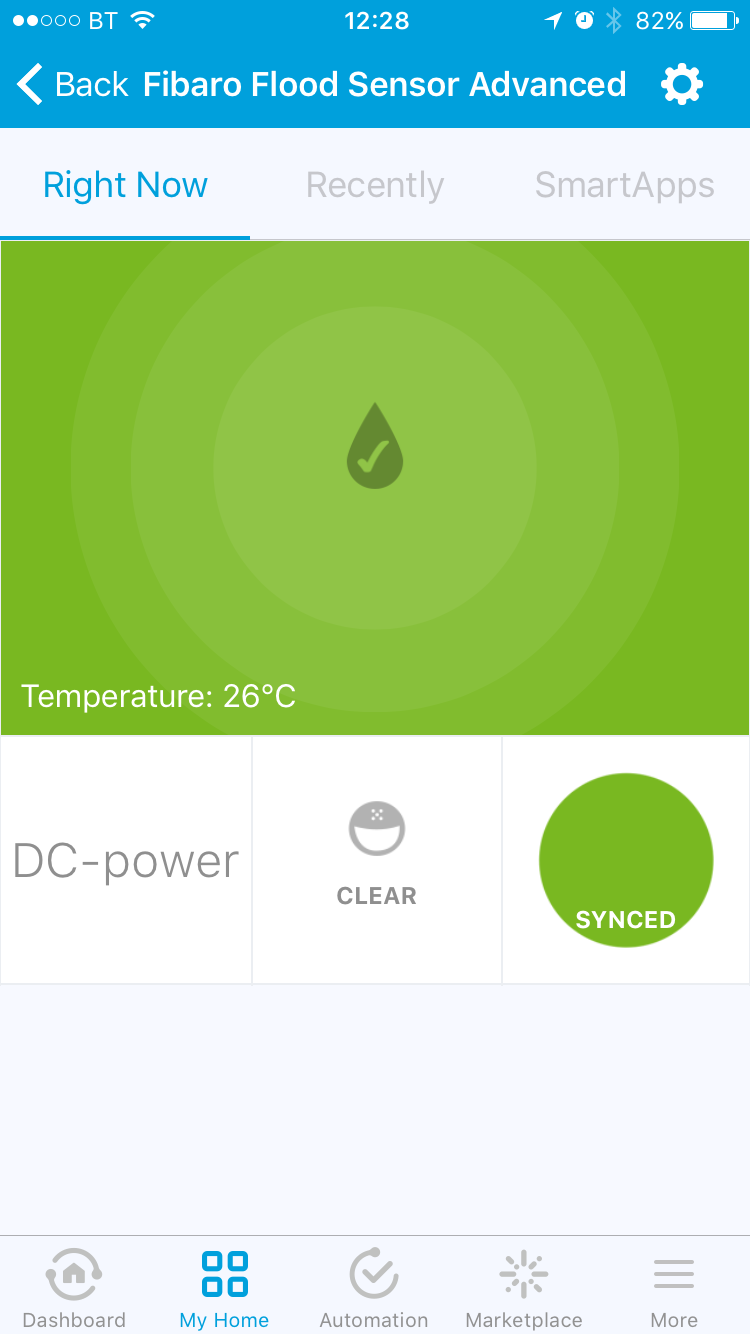 An advanced SmartThings device handler for the Fibaro Flood Sensor (FGFS-101) (EU).
**The newer ZW5 (Z-Wave Plus) version is NOT supported.**
### Key features:
* Reports water, temperature, tamper, and battery attributes.
* All Z-Wave parameters can be configured using the SmartThings GUI.
* Multi-channel device associations can be configured using the SmartThings GUI.
* Supports battery and hard-wired power modes.
* _Sync_ tile indicates when all configuration options are successfully synchronised with the physical device.
* Logger functionality enables critical errors and warnings to be saved to the _logMessage_ attribute.
* Extensive inline code comments to support community development.
## Installation
1. Follow [these instructions](https://github.com/codersaur/SmartThings#device-handler-installation-procedure) to install the device handler in the SmartThings IDE.
2. **Note for iPhone users**: The _defaultValue_ of inputs (preferences) are commented out to cater for Android users. iPhone users can uncomment these lines if they wish (search for "iPhone" in the code).
3. From the SmartThings app on your phone, edit the device settings to suit your installation and hit _Done_. Note, if the device is in battery-powered mode, new settings will only by synchronised when the device wakes up, however you should be able to give the device a shake to force it to wake up.
## Settings
#### General Settings:
An advanced SmartThings device handler for the Fibaro Flood Sensor (FGFS-101) (EU).
**The newer ZW5 (Z-Wave Plus) version is NOT supported.**
### Key features:
* Reports water, temperature, tamper, and battery attributes.
* All Z-Wave parameters can be configured using the SmartThings GUI.
* Multi-channel device associations can be configured using the SmartThings GUI.
* Supports battery and hard-wired power modes.
* _Sync_ tile indicates when all configuration options are successfully synchronised with the physical device.
* Logger functionality enables critical errors and warnings to be saved to the _logMessage_ attribute.
* Extensive inline code comments to support community development.
## Installation
1. Follow [these instructions](https://github.com/codersaur/SmartThings#device-handler-installation-procedure) to install the device handler in the SmartThings IDE.
2. **Note for iPhone users**: The _defaultValue_ of inputs (preferences) are commented out to cater for Android users. iPhone users can uncomment these lines if they wish (search for "iPhone" in the code).
3. From the SmartThings app on your phone, edit the device settings to suit your installation and hit _Done_. Note, if the device is in battery-powered mode, new settings will only by synchronised when the device wakes up, however you should be able to give the device a shake to force it to wake up.
## Settings
#### General Settings:
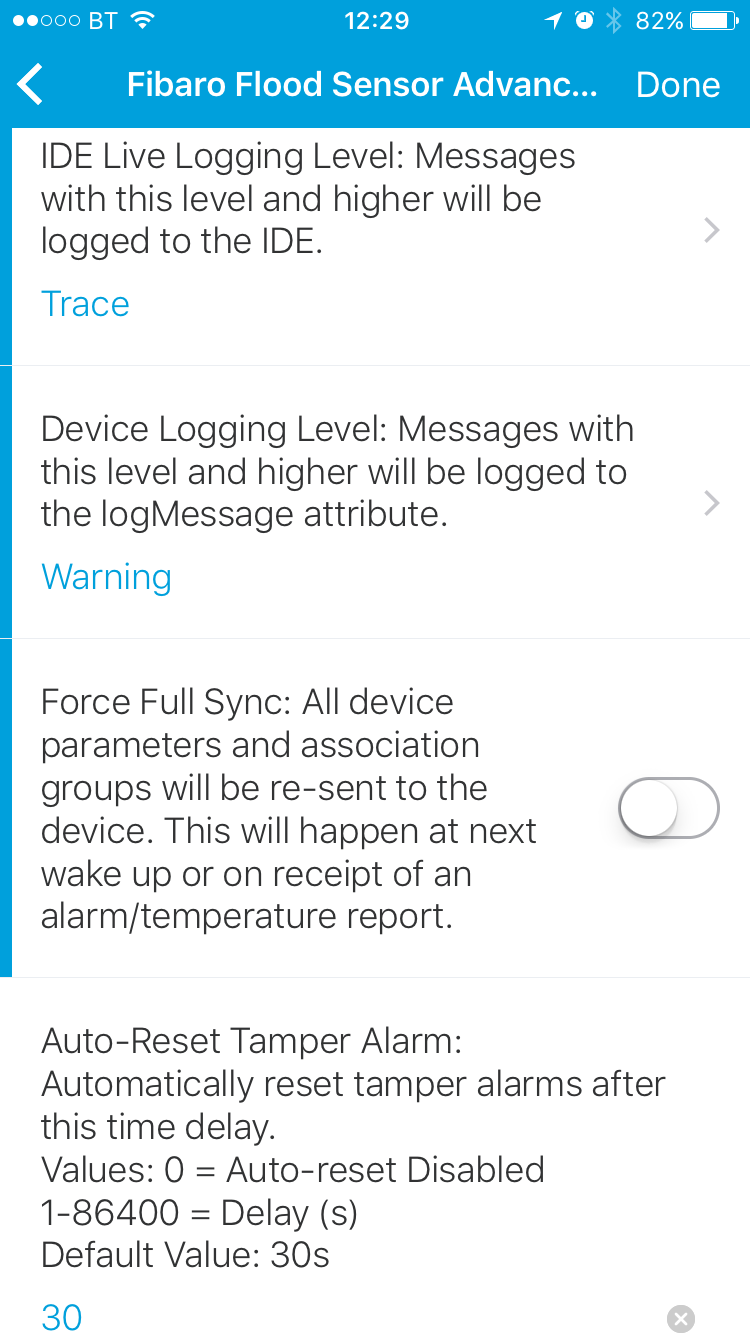 * **IDE Live Logging Level**: Set the level of log messages shown in the SmartThings IDE _Live Logging_ tab. For normal operation _Info_ or _Warning_ is recommended, if troubleshooting use _Debug_ or _Trace_.
* **Device Logging Level**: Set the level of log messages that will be recorded in the device's _logMessage_ attribute. This offers a way to review historical messages without having to keep the IDE _Live Logging_ screen open. To prevent excessive events, the maximum level supported is _Warning_.
* **Force Full Sync**: By default, only settings that have been modified will be synchronised with the device. Enable this setting to force all device parameters and association groups to be re-sent to the device.
* **Auto-reset Tamper Alarm**: Automatically reset tamper alarms after a time delay.
#### Wake Up Interval:
* **Wake Up Interval**: The device will wake up periodically to sync configuration. A longer interval will save battery power. Only applicable when in battery-power mode.
#### Device Parameters:
The settings in this section can be used to specify the value of all writable device parameters. It is recommended to consult the [manufacturer's manual](http://manuals.fibaro.com/flood-sensor/) for a full description of each parameter.
If no value is specified for a parameter, then it will not be synched with the device and the existing value in the device will be preserved.
#### Multi-channel Device Associations:
* **IDE Live Logging Level**: Set the level of log messages shown in the SmartThings IDE _Live Logging_ tab. For normal operation _Info_ or _Warning_ is recommended, if troubleshooting use _Debug_ or _Trace_.
* **Device Logging Level**: Set the level of log messages that will be recorded in the device's _logMessage_ attribute. This offers a way to review historical messages without having to keep the IDE _Live Logging_ screen open. To prevent excessive events, the maximum level supported is _Warning_.
* **Force Full Sync**: By default, only settings that have been modified will be synchronised with the device. Enable this setting to force all device parameters and association groups to be re-sent to the device.
* **Auto-reset Tamper Alarm**: Automatically reset tamper alarms after a time delay.
#### Wake Up Interval:
* **Wake Up Interval**: The device will wake up periodically to sync configuration. A longer interval will save battery power. Only applicable when in battery-power mode.
#### Device Parameters:
The settings in this section can be used to specify the value of all writable device parameters. It is recommended to consult the [manufacturer's manual](http://manuals.fibaro.com/flood-sensor/) for a full description of each parameter.
If no value is specified for a parameter, then it will not be synched with the device and the existing value in the device will be preserved.
#### Multi-channel Device Associations:
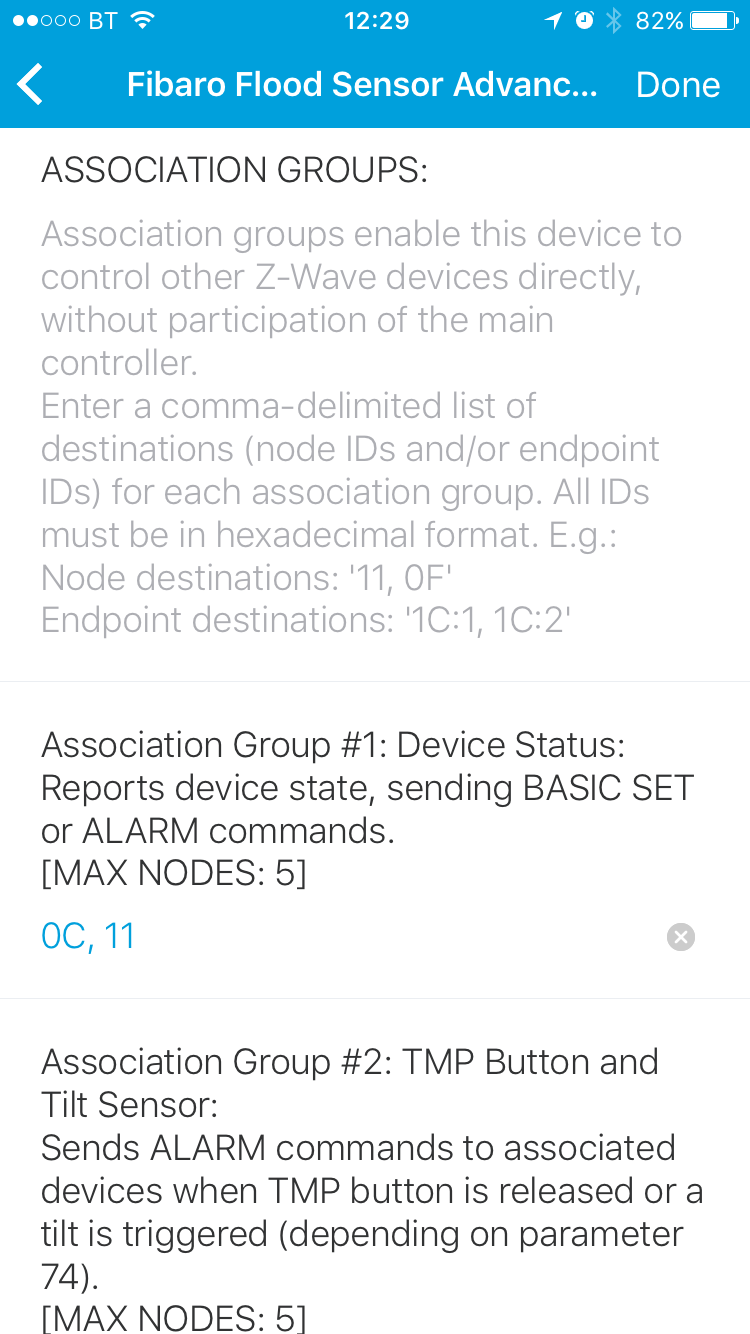 The Fibaro Floor Sensor supports _Multi-channel_ Device Associations. This allows the device to send water and tamper alarm commands directly to Z-Wave other devices (e.g. sirens), without the commands being processed by the SmartThings hub. This results in faster response times compared to using a SmartApp.
The Fibaro Flood Sensor supports three association groups:
- **Association Group #1**: Sends BASIC_SET or ALARM commands when the sensor detects water.
- **Association Group #2**: Sends ALARM commands when the device detects movement or tampering.
- **Association Group #3**: Device status (contains the main controller only).
The members of each _Association Group_ must be defined as a comma-delimited list of target nodes. Each target device can be specified in one of two ways:
- _Node_: A single hexadecimal number (e.g. "0C") representing the target _Device Network ID_.
- _Endpoint_: A pair of hexadecimal numbers separated by a colon (e.g. "10:1") that represent the target _Device Network ID_ and _Endpoint ID_ respectively. For devices that support multiple endpoints, this allows a specific endpoint to be targeted by the association group.
You can find the _Device Network ID_ for all Z-Wave devices in your SmartThings network from the _My Devices_ tab in the SmartThings IDE. Consult the relevant manufacturer's manual for information about the endpoints supported by a particular target device.
## GUI
#### Main Tile:
The main tile indicates water detection and temperature.
#### Power Status Tile:
This tile indicates the battery level, or that the device is hard-wired to DC power.
#### Tamper Tile:
This tile indicates if the device has detected movement or tampering. Pressing the tile will clear the tamper status. Tamper alerts can also be cleared automatically (see settings).
The Fibaro Floor Sensor supports _Multi-channel_ Device Associations. This allows the device to send water and tamper alarm commands directly to Z-Wave other devices (e.g. sirens), without the commands being processed by the SmartThings hub. This results in faster response times compared to using a SmartApp.
The Fibaro Flood Sensor supports three association groups:
- **Association Group #1**: Sends BASIC_SET or ALARM commands when the sensor detects water.
- **Association Group #2**: Sends ALARM commands when the device detects movement or tampering.
- **Association Group #3**: Device status (contains the main controller only).
The members of each _Association Group_ must be defined as a comma-delimited list of target nodes. Each target device can be specified in one of two ways:
- _Node_: A single hexadecimal number (e.g. "0C") representing the target _Device Network ID_.
- _Endpoint_: A pair of hexadecimal numbers separated by a colon (e.g. "10:1") that represent the target _Device Network ID_ and _Endpoint ID_ respectively. For devices that support multiple endpoints, this allows a specific endpoint to be targeted by the association group.
You can find the _Device Network ID_ for all Z-Wave devices in your SmartThings network from the _My Devices_ tab in the SmartThings IDE. Consult the relevant manufacturer's manual for information about the endpoints supported by a particular target device.
## GUI
#### Main Tile:
The main tile indicates water detection and temperature.
#### Power Status Tile:
This tile indicates the battery level, or that the device is hard-wired to DC power.
#### Tamper Tile:
This tile indicates if the device has detected movement or tampering. Pressing the tile will clear the tamper status. Tamper alerts can also be cleared automatically (see settings).
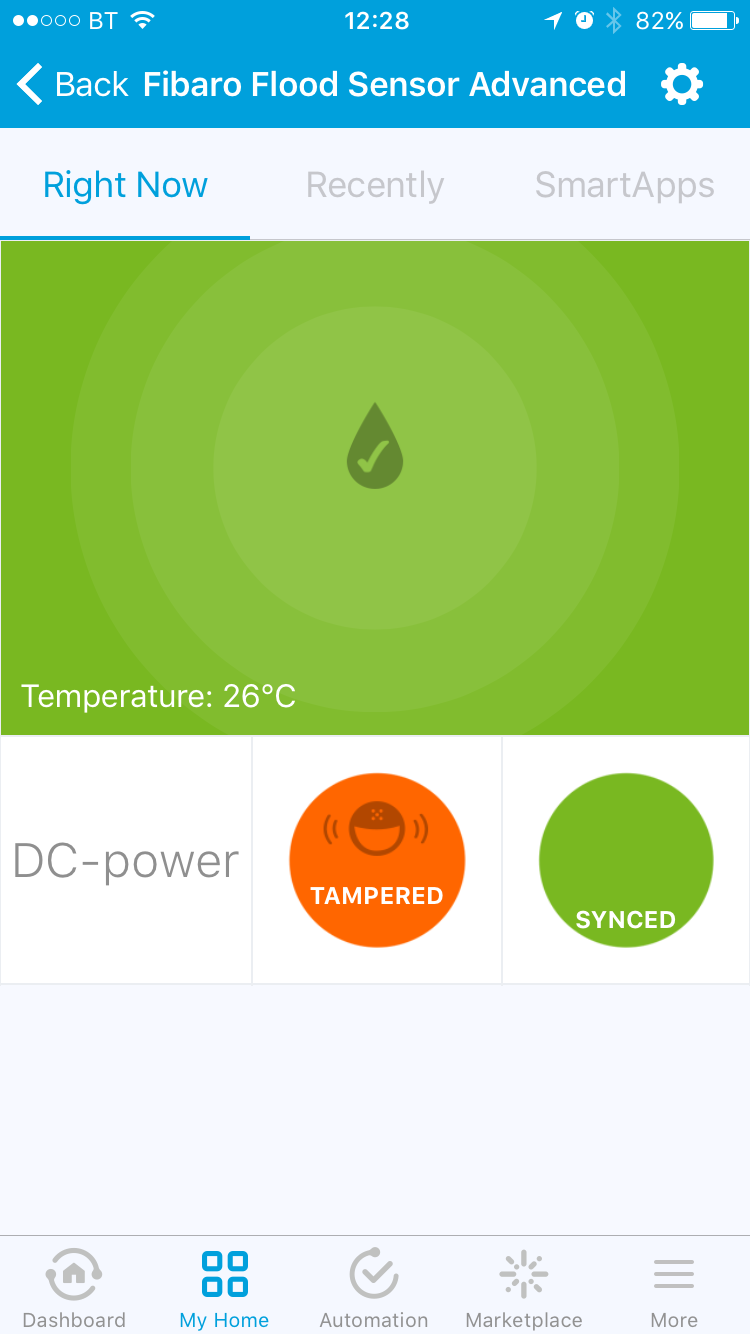 #### Sync Tile:
This tile indicates when all configuration settings have been successfully synchronised with the physical device. Note, if the device is in battery-powered mode, new settings will only by synchronised when the device wakes up.
#### Sync Tile:
This tile indicates when all configuration settings have been successfully synchronised with the physical device. Note, if the device is in battery-powered mode, new settings will only by synchronised when the device wakes up.
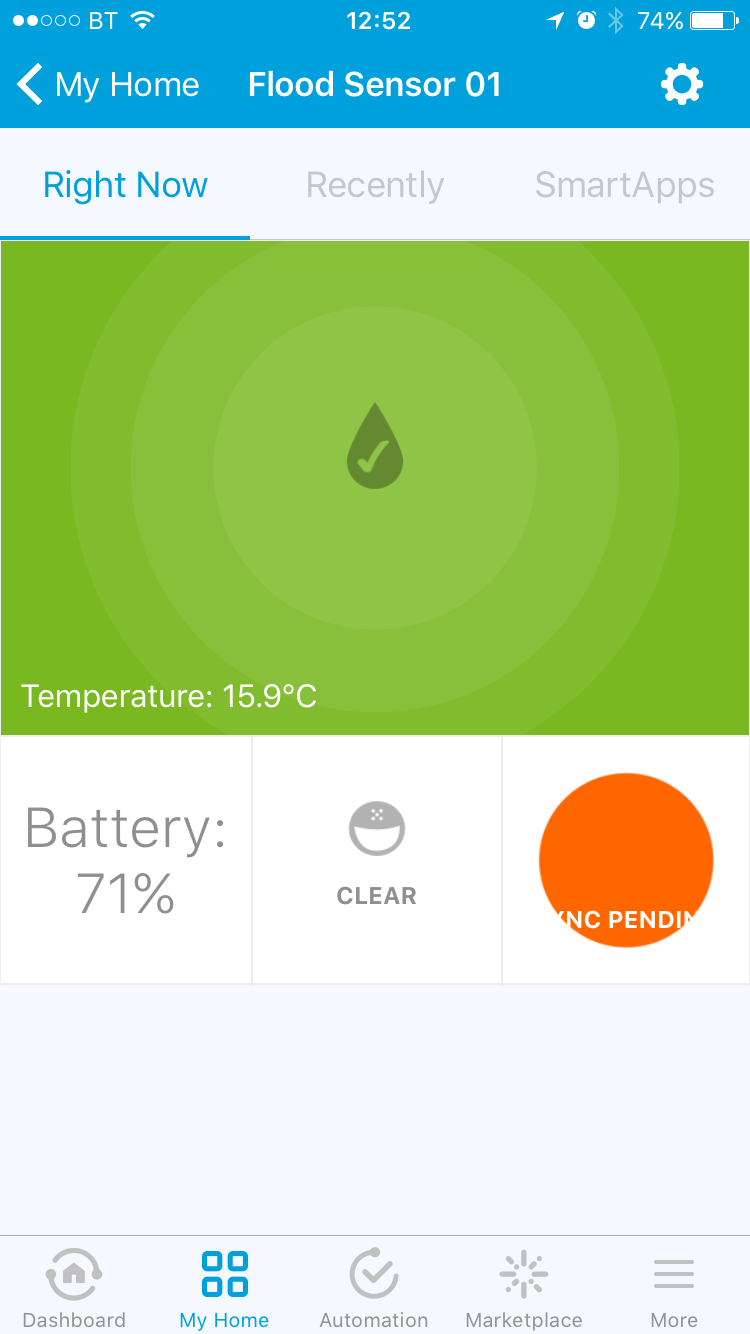 ## SmartApp Integration
#### Attributes:
The device handler publishes the following attributes:
* **battery [NUMBER]**: Current battery level (%).
* **logMessage [STRING]**: Important log messages.
* **powerSource [ENUM]**: Indicates if the device is battery-, dc-, or mains-powered.
* **syncPending [NUMBER]**: The number of configuration items that need to be synced with the physical device. _0_ if the device is fully synchronised.
* **tamper [ENUM]**: Indicates if the device has been tampered with.
* **temperature [NUMBER]**: Current temperature (C).
* **water [ENUM]**: Indicates if the sensor is 'dry' or 'wet'.
#### Commands:
The device exposes the following custom commands which can be called from a SmartApp:
* **resetTamper()**: Clear any tamper alerts.
## Version History
#### 2017-03-02: v1.00
* Initial version.
## Physical Device Notes
General notes concerning the Fibaro Flood Sensor:
* **Remember to calibrate temperature measurements using parameter #73.** The Fibaro Flood Sensor typically reports temperatures that are ~5°C above the air temperature outside the casing.
* If the device does not send temperature reports with the expected frequency, it is recommended to perform a full reset of the device.
* In hard-wired power mode, the device is active and listening. It will not issue Wake Up notifications or battery reports.
* In battery-powered mode, the device is _sleepy_ and can only be configured after it has woken up.
## References
Some useful links relevant to the development of this device handler:
* [Fibaro Flood Sensor - Z-Wave certification information](http://products.z-wavealliance.org/products/1036)
* [Fibaro Flood Sensor - Manual](http://manuals.fibaro.com/flood-sensor/)
## License
Licensed under the Apache License, Version 2.0 (the "License"); you may not use this file except in compliance with the License. You may obtain a copy of the License at:
http://www.apache.org/licenses/LICENSE-2.0
Unless required by applicable law or agreed to in writing, software distributed under the License is distributed on an "AS IS" BASIS, WITHOUT WARRANTIES OR CONDITIONS OF ANY KIND, either express or implied. See the License for the specific language governing permissions and limitations under the License.
================================================
FILE: devices/fibaro-flood-sensor/fibaro-flood-sensor.groovy
================================================
/*****************************************************************************************************************
* Copyright: David Lomas (codersaur)
*
* Name: Fibaro Flood Sensor Advanced
*
* Author: David Lomas (codersaur)
*
* Date: 2017-03-02
*
* Version: 1.00
*
* Source: https://github.com/codersaur/SmartThings/tree/master/devices/fibaro-flood-sensor
*
* Author: David Lomas (codersaur)
*
* Description: An advanced SmartThings device handler for the Fibaro Flood Sensor (FGFS-101) (EU),
* with firmware: 2.6 or older.
*
* For full information, including installation instructions, exmples, and version history, see:
* https://github.com/codersaur/SmartThings/tree/master/devices/fibaro-flood-sensor
*
* License:
* Licensed under the Apache License, Version 2.0 (the "License"); you may not use this file except
* in compliance with the License. You may obtain a copy of the License at:
*
* http://www.apache.org/licenses/LICENSE-2.0
*
* Unless required by applicable law or agreed to in writing, software distributed under the License is distributed
* on an "AS IS" BASIS, WITHOUT WARRANTIES OR CONDITIONS OF ANY KIND, either express or implied. See the License
* for the specific language governing permissions and limitations under the License.
*
*****************************************************************************************************************/
metadata {
definition (name: "Fibaro Flood Sensor Advanced", namespace: "codersaur", author: "David Lomas") {
capability "Sensor"
capability "Water Sensor"
capability "Tamper Alert"
capability "Temperature Measurement"
capability "Battery"
capability "Power Source"
// Standard (Capability) Attributes:
attribute "battery", "number"
attribute "powerSource", "enum", ["battery", "dc", "mains", "unknown"]
attribute "tamper", "enum", ["detected", "clear"]
attribute "temperature", "number"
attribute "water", "enum", ["dry", "wet"]
// Custom Attributes:
attribute "batteryStatus", "string" // Indicates DC-power or battery %.
attribute "logMessage", "string" // Important log messages.
attribute "syncPending", "number" // Number of config items that need to be synced with the physical device.
// Custom Commands:
command "resetTamper"
command "sync"
command "test"
// Fingerprints:
fingerprint mfr: "010F", prod: "0B00", model: "1001"
fingerprint mfr: "010F", prod: "0B00", model: "2001"
fingerprint deviceId: "0xA102", inClusters: "0x30,0x9C,0x60,0x85,0x8E,0x72,0x70,0x86,0x80,0x84"
}
tiles(scale: 2) {
multiAttributeTile(name:"multiTile", type:"generic", width:6, height:4) {
tileAttribute("device.water", key: "PRIMARY_CONTROL") {
attributeState "dry", label:'', icon:"st.alarm.water.dry", backgroundColor:"#79b821"
attributeState "wet", label:'', icon:"st.alarm.water.wet", backgroundColor:"#53a7c0"
}
tileAttribute("device.temperature", key: "SECONDARY_CONTROL") {
attributeState "temperature", label:'Temperature: ${currentValue}°C'
}
}
standardTile("water", "device.water", width: 2, height: 2, canChangeIcon: true) {
state "dry", icon:"st.alarm.water.dry", backgroundColor:"#ffffff"
state "wet", icon:"st.alarm.water.wet", backgroundColor:"#53a7c0"
}
valueTile("temperature", "device.temperature", width: 2, height: 2) {
state "temperature", label:'${currentValue}°C'
}
standardTile("tamper", "device.tamper", decoration: "flat", width: 2, height: 2) {
state("default", label:"tampered", icon:"st.security.alarm.alarm", backgroundColor:"#FF6600", action: "resetTamper")
state("clear", label:"clear", icon:"st.security.alarm.clear", backgroundColor:"#ffffff")
}
valueTile("battery", "device.battery", width: 2, height: 2, decoration: "flat") {
state "battery", label:'Battery: ${currentValue}%'
}
standardTile("powerSource", "device.powerSource", width: 2, height: 2, decoration: "flat") {
state "powerSource", label:'${currentValue}-Powered'
}
valueTile("batteryStatus", "device.batteryStatus", width: 2, height: 2, decoration: "flat", inactiveLabel: false) {
state "batteryStatus", label:'${currentValue}', unit:""
}
standardTile("syncPending", "device.syncPending", decoration: "flat", width: 2, height: 2) {
state "default", label:'Sync Pending', backgroundColor:"#FF6600", action:"sync"
state "0", label:'Synced', action:"", backgroundColor:"#79b821"
}
standardTile("test", "device.test", decoration: "flat", width: 2, height: 2) {
state "default", label:'Test', action:"test"
}
main(["water","temperature"])
details([
"multiTile",
//"water", // Also in multiTile.
//"temperature", // Also in multiTile.
//"battery",
//"powerSource",
"batteryStatus",
"tamper",
"syncPending"
//,"test"
])
}
preferences {
section { // GENERAL:
input (
type: "paragraph",
element: "paragraph",
title: "GENERAL:",
description: "General device handler settings."
)
input (
name: "configLoggingLevelIDE",
title: "IDE Live Logging Level: Messages with this level and higher will be logged to the IDE.",
type: "enum",
options: [
"0" : "None",
"1" : "Error",
"2" : "Warning",
"3" : "Info",
"4" : "Debug",
"5" : "Trace"
],
// defaultValue: "3", // iPhone users can uncomment these lines!
required: true
)
input (
name: "configLoggingLevelDevice",
title: "Device Logging Level: Messages with this level and higher will be logged to the logMessage attribute.",
type: "enum",
options: [
"0" : "None",
"1" : "Error",
"2" : "Warning"
],
// defaultValue: "2", // iPhone users can uncomment these lines!
required: true
)
input (
name: "configSyncAll",
title: "Force Full Sync: All device parameters and association groups will be re-sent to the device. " +
"This will happen at next wake up or on receipt of an alarm/temperature report.",
type: "boolean",
// defaultValue: false, // iPhone users can uncomment these lines!
required: true
)
input (
name: "configAutoResetTamperDelay",
title: "Auto-Reset Tamper Alarm:\n" +
"Automatically reset tamper alarms after this time delay.\n" +
"Values: 0 = Auto-reset Disabled\n" +
"1-86400 = Delay (s)\n" +
"Default Value: 30s",
type: "number",
,
// defaultValue: "30", // iPhone users can uncomment these lines!
required: false
)
}
section { // WAKE UP INTERVAL:
input (
name: "configWakeUpInterval",
title: "WAKE UP INTERVAL:\n" +
"The device will wake up after each defined time interval to sync configuration parameters, " +
"associations and settings.\n" +
"Values: 5-86399 = Interval (s)\n" +
"Default Value: 4000 (every 66 minutes)",
type: "number",
,
// defaultValue: "4000", // iPhone users can uncomment these lines!
required: false
)
}
generatePrefsParams()
generatePrefsAssocGroups()
}
}
/**
* parse()
*
* Called when messages from the device are received by the hub. The parse method is responsible for interpreting
* those messages and returning event definitions (and command responses).
*
* As this is a Z-wave device, zwave.parse() is used to convert the message into a command. The command is then
* passed to zwaveEvent(), which is overloaded for each type of command below.
*
* Parameters:
* String description The raw message from the device.
**/
def parse(description) {
logger("parse(): Parsing raw message: ${description}","trace")
def result = []
if (description.startsWith("Err")) {
logger("parse(): Unknown Error. Raw message: ${description}","error")
}
else {
// Run testRun() if there is a test pending:
if (state.testPending) {
testRun()
}
def cmd = zwave.parse(description, getCommandClassVersions())
if (cmd) {
result += zwaveEvent(cmd)
// Attempt sync(), but only if the received message is an unsolicited command:
if (
(cmd.commandClassId == 0x20 ) // Basic
|| (cmd.commandClassId == 0x30 ) // Sensor Binary
|| (cmd.commandClassId == 0x31 ) // Sensor Multilevel
|| (cmd.commandClassId == 0x60 ) // Multichannel (SensorMultilevelReport arrive in Multichannel)
|| (cmd.commandClassId == 0x71 ) // Alarm
|| (cmd.commandClassId == 0x84 & cmd.commandId == 0x07) // WakeUpNotification
|| (cmd.commandClassId == 0x9C ) // Sensor Alarm
) { sync() }
} else {
logger("parse(): Could not parse raw message: ${description}","error")
}
}
// Send wakeUpNoMoreInformation command, but only if there is nothing more to sync:
if ( (device.latestValue("powerSource") == "battery") & (device.latestValue("syncPending").toInteger() == 0) ) {
result << response(zwave.wakeUpV1.wakeUpNoMoreInformation())
}
return result
}
/*****************************************************************************************************************
* Z-wave Event Handlers.
*****************************************************************************************************************/
/**
* zwaveEvent( COMMAND_CLASS_BASIC V1 (0x20) : BASIC_SET )
*
* The Basic Set command is used to set a value in a supporting device.
*
* Note: If this command is received by the hub, the hub will be in Associatin Group 1, and parameter #5 set to 255.
* The hub should also receive a corresponding SensorAlarmReport anyway.
*
* Action: Log water event.
*
* cmd attributes:
* Short value
* 0x00 = Off = Dry
* 0x01..0x63 = 0..100% = Wet
* 0xFE = Unknown
* 0xFF = On = Wet
*
* Example: BasicSet(value: 0)
**/
def zwaveEvent(physicalgraph.zwave.commands.basicv1.BasicSet cmd) {
logger("zwaveEvent(): Basic Set received: ${cmd}","trace")
def map = [:]
map.name = "water"
map.value = cmd.value ? "wet" : "dry"
map.descriptionText = "${device.displayName} is ${map.value}"
return createEvent(map)
}
/**
* zwaveEvent( COMMAND_CLASS_SENSOR_BINARY V1 (0x30) : SENSOR_BINARY_REPORT (0x03) )
*
* The Sensor Binary Report command is used to advertise a sensor value.
* THIS COMMAND CLASS IS DEPRECIATED!
*
* Action: Do nothing, as we don't event know which sensor the value is from.
*
* Note: The Fibaro Flood Sensor will not send these unless explicitly requested.
*
* cmd attributes:
* Short sensorValue Sensor Value.
*
* Example: SensorBinaryReport(sensorValue: 0)
**/
def zwaveEvent(physicalgraph.zwave.commands.sensorbinaryv1.SensorBinaryReport cmd) {
logger("zwaveEvent(): Sensor Binary Report received: ${cmd}","trace")
}
/**
* zwaveEvent( COMMAND_CLASS_SENSOR_MULTILEVEL V2 (0x31) : SENSOR_MULTILEVEL_REPORT (0x05) )
*
* The Multilevel Sensor Report Command is used by a multilevel sensor to advertise a sensor reading.
*
* Action: Raise appropriate type of event (and disp event) and log an info message.
*
* Note: SmartThings does not yet have capabilities corresponding to all possible sensor types, therefore
* some of the event types raised below are non-standard.
*
* cmd attributes:
* Short precision Indicates the number of decimals.
* E.g. The decimal value 1025 with precision 2 is therefore equal to 10.25.
* Short scale Indicates what unit the sensor uses.
* BigDecimal scaledSensorValue Sensor value as a double.
* Short sensorType Sensor Type (8 bits).
* List sensorValue Sensor value as an array of bytes.
* Short size Indicates the number of bytes used for the sensor value.
*
* Example: SensorMultilevelReport(precision: 2, scale: 0, scaledSensorValue: 20.67, sensorType: 1, sensorValue: [0, 0, 8, 19], size: 4)
**/
def zwaveEvent(physicalgraph.zwave.commands.sensormultilevelv2.SensorMultilevelReport cmd) {
logger("zwaveEvent(): SensorMultilevelReport received: ${cmd}","trace")
def result = []
def map = [ displayed: true, value: cmd.scaledSensorValue.toString() ]
def dispMap = [ displayed: false ]
// Sensor Types up to V4 only, there are further sensor types up to V10 defined.
switch (cmd.sensorType) {
case 1: // Air Temperature (V1)
map.name = "temperature"
map.unit = (cmd.scale == 1) ? "F" : "C"
break
case 2: // General Purpose (V1)
map.name = "value"
map.unit = (cmd.scale == 1) ? "" : "%"
break
case 3: // Luninance (V1)
map.name = "illuminance"
map.unit = (cmd.scale == 1) ? "lux" : "%"
break
case 4: // Power (V2)
map.name = "power"
map.unit = (cmd.scale == 1) ? "Btu/h" : "W"
dispMap.name = "dispPower"
dispMap.value = String.format("%.1f",cmd.scaledSensorValue as BigDecimal) + " ${map.unit}"
break
case 5: // Humidity (V2)
map.name = "humidity"
map.unit = (cmd.scale == 1) ? "g/m^3" : "%"
break
case 6: // Velocity (V2)
map.name = "velocity"
map.unit = (cmd.scale == 1) ? "mph" : "m/s"
break
case 7: // Direction (V2)
map.name = "direction"
map.unit = ""
break
case 8: // Atmospheric Pressure (V2)
case 9: // Barometric Pressure (V2)
map.name = "pressure"
map.unit = (cmd.scale == 1) ? "inHg" : "kPa"
break
case 0xA: // Solar Radiation (V2)
map.name = "radiation"
map.unit = "W/m^3"
break
case 0xB: // Dew Point (V2)
map.name = "dewPoint"
map.unit = (cmd.scale == 1) ? "F" : "C"
break
case 0xC: // Rain Rate (V2)
map.name = "rainRate"
map.unit = (cmd.scale == 1) ? "in/h" : "mm/h"
break
case 0xD: // Tide Level (V2)
map.name = "tideLevel"
map.unit = (cmd.scale == 1) ? "ft" : "m"
break
case 0xE: // Weight (V3)
map.name = "weight"
map.unit = (cmd.scale == 1) ? "lbs" : "kg"
break
case 0xF: // Voltage (V3)
map.name = "voltage"
map.unit = (cmd.scale == 1) ? "mV" : "V"
dispMap.name = "dispVoltage"
dispMap.value = String.format("%.1f",cmd.scaledSensorValue as BigDecimal) + " ${map.unit}"
break
case 0x10: // Current (V3)
map.name = "current"
map.unit = (cmd.scale == 1) ? "mA" : "A"
dispMap.name = "dispCurrent"
dispMap.value = String.format("%.1f",cmd.scaledSensorValue as BigDecimal) + " ${map.unit}"
break
case 0x11: // Carbon Dioxide Level (V3)
map.name = "carbonDioxide"
map.unit = "ppm"
break
case 0x12: // Air Flow (V3)
map.name = "fluidFlow"
map.unit = (cmd.scale == 1) ? "cfm" : "m^3/h"
break
case 0x13: // Tank Capacity (V3)
map.name = "fluidVolume"
map.unit = (cmd.scale == 0) ? "ltr" : (cmd.scale == 1) ? "m^3" : "gal"
break
case 0x14: // Distance (V3)
map.name = "distance"
map.unit = (cmd.scale == 0) ? "m" : (cmd.scale == 1) ? "cm" : "ft"
break
default:
logger("zwaveEvent(): SensorMultilevelReport with unhandled sensorType: ${cmd}","warn")
map.name = "unknown"
map.unit = "unknown"
break
}
logger("New sensor reading: Name: ${map.name}, Value: ${map.value}, Unit: ${map.unit}","info")
result << createEvent(map)
if (dispMap.name) { result << createEvent(dispMap) }
return result
}
/**
* zwaveEvent( COMMAND_CLASS_MULTICHANNEL V4 (0x60) : MULTI_CHANNEL_CMD_ENCAP (0x0D))
*
* The Multi Channel Command Encapsulation command is used to encapsulate commands. Any command supported by
* a Multi Channel End Point may be encapsulated using this command.
*
* Action: Extract the encapsulated command and pass to the appropriate zwaveEvent() handler.
*
* cmd attributes:
* Boolean bitAddress Set to true if multicast addressing is used.
* Short command Command identifier of the embedded command.
* Short commandClass Command Class identifier of the embedded command.
* Short destinationEndPoint Destination End Point.
* List parameter Carries the parameter(s) of the embedded command.
* Short sourceEndPoint Source End Point.
*
* Example: MultiChannelCmdEncap(bitAddress: false, command: 1, commandClass: 32, destinationEndPoint: 0,
* parameter: [0], sourceEndPoint: 1)
**/
def zwaveEvent(physicalgraph.zwave.commands.multichannelv3.MultiChannelCmdEncap cmd) {
logger("zwaveEvent(): Multi Channel Command Encapsulation command received: ${cmd}","trace")
def encapsulatedCommand = cmd.encapsulatedCommand(getCommandClassVersions())
if (!encapsulatedCommand) {
logger("zwaveEvent(): Could not extract command from ${cmd}","error")
} else {
return zwaveEvent(encapsulatedCommand)
}
}
/**
* zwaveEvent( COMMAND_CLASS_CONFIGURATION V1 (0x70) : CONFIGURATION_REPORT (0x06) )
*
* The Configuration Report Command is used to advertise the actual value of the advertised parameter.
*
* Action: Store the value in the parameter cache, update syncPending, and log an info message.
*
* Note: The Fibaro Flood Sensor documentation treats some parameter values as SIGNED and others as UNSIGNED!
* configurationValues are converted accordingly, using the isSigned attribute from getParamMd().
*
* Note: Ideally, we want to update the corresponding preference value shown on the Settings GUI, however this
* is not possible due to security restrictions in the SmartThings platform.
*
* cmd attributes:
* List configurationValue Value of parameter (byte array).
* Short parameterNumber Parameter ID.
* Integer scaledConfigurationValue Value of parameter (as signed int).
* Short size Size of parameter's value (bytes).
*
* Example: ConfigurationReport(configurationValue: [0], parameterNumber: 14, reserved11: 0,
* scaledConfigurationValue: 0, size: 1)
**/
def zwaveEvent(physicalgraph.zwave.commands.configurationv1.ConfigurationReport cmd) {
logger("zwaveEvent(): Configuration Report received: ${cmd}","trace")
def paramMd = getParamsMd().find( { it.id == cmd.parameterNumber })
// Some values are treated as unsigned and some as signed, so we convert accordingly:
def paramValue = (paramMd?.isSigned) ? cmd.scaledConfigurationValue : byteArrayToUInt(cmd.configurationValue)
def signInfo = (paramMd?.isSigned) ? "SIGNED" : "UNSIGNED"
state."paramCache${cmd.parameterNumber}" = paramValue
logger("Parameter #${cmd.parameterNumber} [${paramMd?.name}] has value: ${paramValue} [${signInfo}]","info")
updateSyncPending()
}
/**
* zwaveEvent( COMMAND_CLASS_NOTIFICATION V3 (0x71) : NOTIFICATION_REPORT (0x05) )
*
* The Notification Report Command is used to advertise notification information.
*
* Action: Raise appropriate type of event (e.g. fault, tamper, water) and log an info or warn message.
*
* Note: SmartThings does not yet have official capabilities definited for many types of notification. E.g. this
* handler raises 'fault' events, which is not part of any standard capability.
*
* cmd attributes:
* Short event Event Type (see code below).
* List eventParameter Event Parameter(s) (depends on Event type).
* Short eventParametersLength Length of eventParameter.
* Short notificationStatus The notification reporting status of the device (depends on push or pull model).
* Short notificationType Notification Type (see code below).
* Boolean sequence
* Short v1AlarmLevel Legacy Alarm Level from Alarm CC V1.
* Short v1AlarmType Legacy Alarm Type from Alarm CC V1.
* Short zensorNetSourceNodeId Source node ID
*
* Example: NotificationReport(event: 8, eventParameter: [], eventParametersLength: 0, notificationStatus: 255,
* notificationType: 8, reserved61: 0, sequence: false, v1AlarmLevel: 0, v1AlarmType: 0, zensorNetSourceNodeId: 0)
**/
def zwaveEvent(physicalgraph.zwave.commands.notificationv3.NotificationReport cmd) {
logger("zwaveEvent(): Notification Report received: ${cmd}","trace")
def result = []
switch (cmd.notificationType) {
//case 1: // Smoke Alarm: // Not Implemented yet. Should raise smoke/carbonMonoxide/consumableStatus events etc...
//case 2: // CO Alarm:
//case 3: // CO2 Alarm:
case 4: // Heat Alarm:
switch (cmd.event) {
case 0: // Previous Events cleared:
// Do not send a fault clear event automatically.
logger("Heat Alarm Cleared","info")
break
case 1: // Overheat detected:
case 2: // Overheat detected, Unknown Location:
result << createEvent(name: "fault", value: "overheat", descriptionText: "Overheat detected!", displayed: true)
logger("Overheat detected!","warn")
break
case 3: // Rapid Temperature Rise:
case 4: // Rapid Temperature Rise, Unknown Location:
result << createEvent(name: "fault", value: "temperature", descriptionText: "Rapid temperature rise detected!", displayed: true)
logger("Rapid temperature rise detected!","warn")
break
case 5: // Underheat detected:
case 6: // Underheat detected, Unknown Location:
result << createEvent(name: "fault", value: "underheat", descriptionText: "Underheat detected!", displayed: true)
logger("Underheat detected!","warn")
break
default:
logger("zwaveEvent(): Notification Report recieved with unhandled event: ${cmd}","warn")
break
}
break
//case 5: // Water Alarm: // Not Implemented yet. Should raise water/consumableStatus events etc...
case 8: // Power Management:
switch (cmd.event) {
case 0: // Previous Events cleared:
// Do not send a fault clear event automatically.
logger("Previous Events cleared","info")
break
//case 1: // Mains Connected:
//case 2: // AC Mains Disconnected:
//case 3: // AC Mains Re-connected:
case 4: // Surge:
result << createEvent(name: "fault", value: "surge", descriptionText: "Power surge detected!", displayed: true)
logger("Power surge detected!","warn")
break
case 5: // Voltage Drop:
result << createEvent(name: "fault", value: "voltage", descriptionText: "Voltage drop detected!", displayed: true)
logger("Voltage drop detected!","warn")
break
case 6: // Over-current:
result << createEvent(name: "fault", value: "current", descriptionText: "Over-current detected!", displayed: true)
logger("Over-current detected!","warn")
break
case 7: // Over-Voltage:
result << createEvent(name: "fault", value: "voltage", descriptionText: "Over-voltage detected!", displayed: true)
logger("Over-voltage detected!","warn")
break
case 8: // Overload:
result << createEvent(name: "fault", value: "load", descriptionText: "Overload detected!", displayed: true)
logger("Overload detected!","warn")
break
case 9: // Load Error:
result << createEvent(name: "fault", value: "load", descriptionText: "Load Error detected!", displayed: true)
logger("Load Error detected!","warn")
break
default:
logger("zwaveEvent(): Notification Report recieved with unhandled event: ${cmd}","warn")
break
}
break
case 9: // system:
switch (cmd.event) {
case 0: // Previous Events cleared:
// Do not send a fault clear event automatically.
logger("Previous Events cleared","info")
break
case 1: // Harware Failure:
case 3: // Harware Failure (with manufacturer proprietary failure code):
result << createEvent(name: "fault", value: "hardware", descriptionText: "Hardware failure detected!", displayed: true)
logger("Hardware failure detected!","warn")
break
case 2: // Software Failure:
case 4: // Software Failure (with manufacturer proprietary failure code):
result << createEvent(name: "fault", value: "firmware", descriptionText: "Firmware failure detected!", displayed: true)
logger("Firmware failure detected!","warn")
break
case 6: // Tampering:
result << createEvent(name: "tamper", value: "detected", descriptionText: "Tampering: Product covering removed!", displayed: true)
logger("Tampering: Product covering removed!","warn")
if (state.autoResetTamperDelay > 0) runIn(state.autoResetTamperDelay, "resetTamper")
break
default:
logger("zwaveEvent(): Notification Report recieved with unhandled event: ${cmd}","warn")
break
}
break
default:
logger("zwaveEvent(): Notification Report recieved with unhandled notificationType: ${cmd}","warn")
break
}
return result
}
/**
* zwaveEvent( COMMAND_CLASS_MANUFACTURER_SPECIFIC V2 (0x72) : MANUFACTURER_SPECIFIC_REPORT (0x05) )
*
* Manufacturer-Specific Reports are used to advertise manufacturer-specific information, such as product number
* and serial number.
*
* Action: Publish values as device 'data'. Log a warn message if manufacturerId and/or productId do not
* correspond to Fibaro Flood Sensor V1.
*
* Example: ManufacturerSpecificReport(manufacturerId: 271, manufacturerName: Fibargroup, productId: 4097,
* productTypeId: 2816)
**/
def zwaveEvent(physicalgraph.zwave.commands.manufacturerspecificv2.ManufacturerSpecificReport cmd) {
logger("zwaveEvent(): Manufacturer-Specific Report received: ${cmd}","trace")
// Display as hex strings:
def manufacturerIdDisp = String.format("%04X",cmd.manufacturerId)
def productIdDisp = String.format("%04X",cmd.productId)
def productTypeIdDisp = String.format("%04X",cmd.productTypeId)
logger("Manufacturer-Specific Report: Manufacturer ID: ${manufacturerIdDisp}, Manufacturer Name: ${cmd.manufacturerName}" +
", Product Type ID: ${productTypeIdDisp}, Product ID: ${productIdDisp}","info")
if ( 271 != cmd.manufacturerId) logger("Device Manufacturer is not Fibaro. Using this device handler with a different device may damage your device!","warn")
if ( 4097 != cmd.productId) logger("Product ID does not match Fibaro Flood Sensor. Using this device handler with a different device may damage you device!","warn")
updateDataValue("manufacturerName",cmd.manufacturerName)
updateDataValue("manufacturerId",manufacturerIdDisp)
updateDataValue("productId",productIdDisp)
updateDataValue("productTypeId",productTypeIdDisp)
}
/**
* zwaveEvent( COMMAND_CLASS_FIRMWARE_UPDATE_MD V2 (0x7A) : FIRMWARE_MD_REPORT (0x02) )
*
* The Firmware Meta Data Report Command is used to advertise the status of the current firmware in the device.
*
* Action: Publish values as device 'data' and log an info message. No check is performed.
*
* cmd attributes:
* Integer checksum Checksum of the firmware image.
* Integer firmwareId Firware ID (this is not the firmware version).
* Integer manufacturerId Manufacturer ID.
*
* Example: FirmwareMdReport(checksum: 50874, firmwareId: 274, manufacturerId: 271)
**/
def zwaveEvent(physicalgraph.zwave.commands.firmwareupdatemdv2.FirmwareMdReport cmd) {
logger("zwaveEvent(): Firmware Metadata Report received: ${cmd}","trace")
// Display as hex strings:
def firmwareIdDisp = String.format("%04X",cmd.firmwareId)
def checksumDisp = String.format("%04X",cmd.checksum)
logger("Firmware Metadata Report: Firmware ID: ${firmwareIdDisp}, Checksum: ${checksumDisp}","info")
updateDataValue("firmwareId","${firmwareIdDisp}")
updateDataValue("firmwareChecksum","${checksumDisp}")
}
/**
* zwaveEvent( COMMAND_CLASS_BATTERY V1 (0x80) : BATTERY_REPORT (0x03) )
*
* The Battery Report command is used to report the battery level of a battery operated device.
*
* Action: Raise battery event and log an info message.
*
* cmd attributes:
* Integer batteryLevel Battery level (%).
*
* Example: BatteryReport(batteryLevel: 52)
**/
def zwaveEvent(physicalgraph.zwave.commands.batteryv1.BatteryReport cmd) {
logger("zwaveEvent(): Battery Report received: ${cmd}","trace")
logger("Battery Level: ${cmd.batteryLevel}%","info")
def result = []
result << createEvent(name: "powerSource", value: "battery", descriptionText: "Device is using battery.")
result << createEvent(name: "battery", value: cmd.batteryLevel, unit: "%", displayed: true)
result << createEvent(name: "batteryStatus", value: "Battery: ${cmd.batteryLevel}%", displayed: false)
return result
}
/**
* zwaveEvent( COMMAND_CLASS_WAKE_UP V1 (0x84) : WAKE_UP_INTERVAL_REPORT (0x06) )
*
* The Wake Up Interval Report command is used to report the wake up interval of a device and the NodeID of the
* device receiving the Wake Up Notification Command.
*
* Action: cache value, update syncPending, and log info message.
*
* cmd attributes:
* nodeid
* seconds
*
* Example: WakeUpIntervalReport(nodeid: 1, seconds: 300)
**/
def zwaveEvent(physicalgraph.zwave.commands.wakeupv1.WakeUpIntervalReport cmd) {
logger("zwaveEvent(): Wakeup Interval Report received: ${cmd}","trace")
state.wakeUpIntervalCache = cmd.seconds.toInteger()
logger("Wake Up Interval is ${cmd.seconds} seconds.","info")
updateSyncPending()
}
/**
* zwaveEvent( COMMAND_CLASS_WAKE_UP V1 (0x84) : WAKE_UP_NOTIFICATION (0x07) )
*
* The Wake Up Notificaiton command allows a battery-powered device to notify another device that it is awake and
* ready to receive any queued commands.
*
* Action: Request BatteryReport, FirmwareMdReport, ManufacturerSpecificReport, and VersionReport.
*
* cmd attributes:
* None
*
* Example: WakeUpNotification()
**/
def zwaveEvent(physicalgraph.zwave.commands.wakeupv1.WakeUpNotification cmd) {
logger("zwaveEvent(): Wakeup Notification received: ${cmd}","trace")
logger("Device Woke Up","info")
def result = []
result << response(zwave.batteryV1.batteryGet())
result << response(zwave.firmwareUpdateMdV2.firmwareMdGet())
result << response(zwave.manufacturerSpecificV2.manufacturerSpecificGet())
result << response(zwave.versionV1.versionGet())
// Send wakeUpNoMoreInformation command, but only if there is nothing more to sync:
if (device.latestValue("syncPending").toInteger() == 0) result << response(zwave.wakeUpV1.wakeUpNoMoreInformation())
return result
}
/**
* zwaveEvent( COMMAND_CLASS_ASSOCIATION V2 (0x85) : ASSOCIATION_REPORT (0x03) )
*
* The Association Report command is used to advertise the current destination nodes of a given association group.
*
* Action: Cache value and log info message only.
*
* Note: Ideally, we want to update the corresponding preference value shown on the Settings GUI, however this
* is not possible due to security restrictions in the SmartThings platform.
*
* Example: AssociationReport(groupingIdentifier: 4, maxNodesSupported: 5, nodeId: [1], reportsToFollow: 0)
**/
def zwaveEvent(physicalgraph.zwave.commands.associationv2.AssociationReport cmd) {
logger("zwaveEvent(): Association Report received: ${cmd}","trace")
state."assocGroupCache${cmd.groupingIdentifier}" = cmd.nodeId
// Display to user in hex format (same as IDE):
def hexArray = []
cmd.nodeId.sort().each { hexArray.add(String.format("%02X", it)) };
logger("Association Group ${cmd.groupingIdentifier} contains nodes: ${hexArray} (hexadecimal format)","info")
updateSyncPending()
}
/**
* zwaveEvent( COMMAND_CLASS_VERSION V1 (0x86) : VERSION_REPORT (0x12) )
*
* The Version Report Command is used to advertise the library type, protocol version, and application version.
* Action: Publish values as device 'data' and log an info message. No check is performed.
*
* Note: Device actually supports V2, but SmartThings only supports V1.
*
* cmd attributes:
* Short applicationSubVersion
* Short applicationVersion
* Short zWaveLibraryType
* Short zWaveProtocolSubVersion
* Short zWaveProtocolVersion
*
* Example: VersionReport(applicationSubVersion: 4, applicationVersion: 3, zWaveLibraryType: 3,
* zWaveProtocolSubVersion: 5, zWaveProtocolVersion: 4)
**/
def zwaveEvent(physicalgraph.zwave.commands.versionv1.VersionReport cmd) {
logger("zwaveEvent(): Version Report received: ${cmd}","trace")
def zWaveLibraryTypeDisp = String.format("%02X",cmd.zWaveLibraryType)
def zWaveLibraryTypeDesc = ""
switch(cmd.zWaveLibraryType) {
case 1:
zWaveLibraryTypeDesc = "Static Controller"
break
case 2:
zWaveLibraryTypeDesc = "Controller"
break
case 3:
zWaveLibraryTypeDesc = "Enhanced Slave"
break
case 4:
zWaveLibraryTypeDesc = "Slave"
break
case 5:
zWaveLibraryTypeDesc = "Installer"
break
case 6:
zWaveLibraryTypeDesc = "Routing Slave"
break
case 7:
zWaveLibraryTypeDesc = "Bridge Controller"
break
case 8:
zWaveLibraryTypeDesc = "Device Under Test (DUT)"
break
case 0x0A:
zWaveLibraryTypeDesc = "AV Remote"
break
case 0x0B:
zWaveLibraryTypeDesc = "AV Device"
break
default:
zWaveLibraryTypeDesc = "N/A"
}
def applicationVersionDisp = String.format("%d.%02d",cmd.applicationVersion,cmd.applicationSubVersion)
def zWaveProtocolVersionDisp = String.format("%d.%02d",cmd.zWaveProtocolVersion,cmd.zWaveProtocolSubVersion)
logger("Version Report: Application Version: ${applicationVersionDisp}, " +
"Z-Wave Protocol Version: ${zWaveProtocolVersionDisp}, " +
"Z-Wave Library Type: ${zWaveLibraryTypeDisp} (${zWaveLibraryTypeDesc})","info")
updateDataValue("applicationVersion","${cmd.applicationVersion}")
updateDataValue("applicationSubVersion","${cmd.applicationSubVersion}")
updateDataValue("zWaveLibraryType","${zWaveLibraryTypeDisp}")
updateDataValue("zWaveProtocolVersion","${cmd.zWaveProtocolVersion}")
updateDataValue("zWaveProtocolSubVersion","${cmd.zWaveProtocolSubVersion}")
}
/**
* zwaveEvent( COMMAND_CLASS_MULTI_CHANNEL_ASSOCIATION V2 (0x8E) : ASSOCIATION_REPORT (0x03) )
*
* The Multi-channel Association Report command is used to advertise the current destinations of a given
* association group (nodes and endpoints).
*
* Action: Store the destinations in the assocGroup cache, update syncPending, and log an info message.
* Also, if maxNodesSupported is reported as zero for Assoc Group #3, then disable future sync of this group.
*
* Note: Ideally, we want to update the corresponding preference value shown on the Settings GUI, however this
* is not possible due to security restrictions in the SmartThings platform.
*
* Example: MultiChannelAssociationReport(groupingIdentifier: 2, maxNodesSupported: 8, nodeId: [9,0,1,1,2,3],
* reportsToFollow: 0)
**/
def zwaveEvent(physicalgraph.zwave.commands.multichannelassociationv2.MultiChannelAssociationReport cmd) {
logger("zwaveEvent(): Multi-Channel Association Report received: ${cmd}","trace")
state."assocGroupCache${cmd.groupingIdentifier}" = cmd.nodeId // Must not sort as order is important.
def assocGroupName = getAssocGroupsMd().find( { it.id == cmd.groupingIdentifier} ).name
// Display to user in hex format (same as IDE):
def hexArray = []
cmd.nodeId.each { hexArray.add(String.format("%02X", it)) };
logger("Association Group #${cmd.groupingIdentifier} [${assocGroupName}] contains destinations: ${hexArray}","info")
updateSyncPending()
}
/**
* zwaveEvent( COMMAND_CLASS_SENSOR_ALARM V1 (0x9C) : SENSOR_ALARM_REPORT (0x02) )
*
* The Sensor Alarm Report command is used to advertise the alarm state.
* THIS COMMAND CLASS IS DEPRECIATED! But still used by the device.
*
* Action: Raies water or tamper event. Log info message.
*
* cmd attributes:
* Integer seconds Time the alarm has been active.
* Short sensorState Sensor state.
* 0x00 = No Alarm
* 0x01-0x64 = Alarm Severity
* 0xFF = Alarm.
* Short sensorType Sensor Type.
* Short sourceNodeId Z-Wave node ID of sending device.
*
* Example: SensorAlarmReport(seconds: 0, sensorState: 255, sensorType: 0, sourceNodeId: 7)
**/
def zwaveEvent(physicalgraph.zwave.commands.sensoralarmv1.SensorAlarmReport cmd) {
logger("zwaveEvent(): Sensor Alarm Report received: ${cmd}","trace")
def map = [:]
switch (cmd.sensorType) {
case 0: // General Purpose Alarm
case 1: // Smoke Alarm (but used here as tamper)
map.name = "tamper"
map.isStateChange = true
map.value = cmd.sensorState ? "detected" : "clear"
map.descriptionText = "${device.displayName} has been tampered with."
logger("Device has been tampered with!","info")
if (state.autoResetTamperDelay > 0) runIn(state.autoResetTamperDelay, "resetTamper")
break
case 5: // Water Leak Alarm
map.name = "water"
map.isStateChange = true
map.value = cmd.sensorState ? "wet" : "dry"
map.descriptionText = "${device.displayName} is ${map.value}."
logger("Device is ${map.value}!","info")
break
default:
logger("zwaveEvent(): SensorAlarmReport with unhandled sensorType: ${cmd}","warn")
map.name = "unknown"
map.value = cmd.sensorState
break
}
return createEvent(map)
}
/**
* zwaveEvent( DEFAULT CATCHALL )
*
* Called for all commands that aren't handled above.
**/
def zwaveEvent(physicalgraph.zwave.Command cmd) {
logger("zwaveEvent(): No handler for command: ${cmd}","error")
}
/*****************************************************************************************************************
* Capability-related Commands: [None]
*****************************************************************************************************************/
/*****************************************************************************************************************
* Custom Commands:
*****************************************************************************************************************/
/**
* resetTamper()
*
* Clear tamper status.
**/
def resetTamper() {
logger("resetTamper(): Resetting tamper alarm.","info")
sendEvent(name: "tamper", value: "clear", descriptionText: "Tamper alarm cleared", displayed: true)
}
/*****************************************************************************************************************
* SmartThings System Commands:
*****************************************************************************************************************/
/**
* installed()
*
* Runs when the device is first installed.
*
* Action: Set initial values for internal state.
**/
def installed() {
log.trace "installed()"
state.installedAt = now()
state.loggingLevelIDE = 5
state.loggingLevelDevice = 2
// Initial settings:
logger("Performing initial setup","info")
sendEvent(name: "tamper", value: "clear", descriptionText: "Tamper cleared", displayed: false)
sendEvent(name: "water", value: "dry", displayed: false)
if (getZwaveInfo()?.zw?.startsWith("L")) {
logger("Device is in listening mode (powered).","info")
sendEvent(name: "powerSource", value: "dc", descriptionText: "Device is connected to DC power supply.")
sendEvent(name: "batteryStatus", value: "DC-power", displayed: false)
}
else {
logger("Device is in sleepy mode (battery).","info")
sendEvent(name: "powerSource", value: "battery", descriptionText: "Device is using battery.")
state.wakeUpIntervalTarget = 300
}
state.paramTarget74 = 3 // enable movement and tmp alerts at start to help sync.
state.assocGroupTarget3 = [ zwaveHubNodeId ]
sync()
// Request extra info (same as wakeup):
def cmds = []
cmds << zwave.batteryV1.batteryGet()
cmds << zwave.firmwareUpdateMdV2.firmwareMdGet()
cmds << zwave.manufacturerSpecificV2.manufacturerSpecificGet()
cmds << zwave.versionV1.versionGet()
sendSequence(cmds, 400)
}
/**
* updated()
*
* Runs when the user hits "Done" from Settings page.
*
* Action: Process new settings, set targets for wakeup interval, parameters, and association groups (ready for next sync).
*
* Note: Weirdly, update() seems to be called twice. So execution is aborted if there was a previous execution
* within two seconds. See: https://community.smartthings.com/t/updated-being-called-twice/62912
**/
def updated() {
logger("updated()","trace")
if (!state.updatedLastRanAt || now() >= state.updatedLastRanAt + 2000) {
state.updatedLastRanAt = now()
// Update internal state:
state.loggingLevelIDE = (settings.configLoggingLevelIDE) ? settings.configLoggingLevelIDE.toInteger() : 3
state.loggingLevelDevice = (settings.configLoggingLevelDevice) ? settings.configLoggingLevelDevice.toInteger(): 2
state.syncAll = ("true" == settings.configSyncAll)
state.autoResetTamperDelay = (settings.configAutoResetTamperDelay) ? settings.configAutoResetTamperDelay.toInteger() : 0
// Update Wake Up Interval target:
state.wakeUpIntervalTarget = (settings.configWakeUpInterval) ? settings.configWakeUpInterval.toInteger() : 3600
// Update Parameter target values:
getParamsMd().findAll( {!it.readonly} ).each { // Exclude readonly parameters.
state."paramTarget${it.id}" = settings."configParam${it.id}"?.toInteger()
}
// Update Assoc Group target values:
getAssocGroupsMd().findAll( { it.id != 3} ).each {
state."assocGroupTarget${it.id}" = parseAssocGroupInput(settings."configAssocGroup${it.id}", it.maxNodes)
}
// Assoc Group #3 will contain controller only:
state.assocGroupTarget3 = [ zwaveHubNodeId ]
(device.latestValue("powerSource") == "dc") ? sync() : updateSyncPending()
}
else {
logger("updated(): Ran within last 2 seconds so aborting.","debug")
}
}
/*****************************************************************************************************************
* Private Helper Functions:
*****************************************************************************************************************/
/**
* logger()
*
* Wrapper function for all logging:
* Logs messages to the IDE (Live Logging), and also keeps a historical log of critical error and warning
* messages by sending events for the device's logMessage attribute.
* Configured using configLoggingLevelIDE and configLoggingLevelDevice preferences.
**/
private logger(msg, level = "debug") {
switch(level) {
case "error":
if (state.loggingLevelIDE >= 1) log.error msg
if (state.loggingLevelDevice >= 1) sendEvent(name: "logMessage", value: "ERROR: ${msg}", displayed: false, isStateChange: true)
break
case "warn":
if (state.loggingLevelIDE >= 2) log.warn msg
if (state.loggingLevelDevice >= 2) sendEvent(name: "logMessage", value: "WARNING: ${msg}", displayed: false, isStateChange: true)
break
case "info":
if (state.loggingLevelIDE >= 3) log.info msg
break
case "debug":
if (state.loggingLevelIDE >= 4) log.debug msg
break
case "trace":
if (state.loggingLevelIDE >= 5) log.trace msg
break
default:
log.debug msg
break
}
}
/**
* parseAssocGroupInput(string, maxNodes)
*
* Converts a comma-delimited string of destinations (nodes and endpoints) into an array suitable for passing to
* multiChannelAssociationSet(). All numbers are interpreted as hexadecimal. Anything that's not a valid node or
* endpoint is discarded (warn). If the list has more than maxNodes, the extras are discarded (warn).
*
* Example input strings:
* "9,A1" = Nodes: 9 & 161 (no multi-channel endpoints) => Output: [9, 161]
* "7,8:1,8:2" = Nodes: 7, Endpoints: Node8:endpoint1 & node8:endpoint2 => Output: [7, 0, 8, 1, 8, 2]
*/
private parseAssocGroupInput(string, maxNodes) {
logger("parseAssocGroupInput(): Parsing Association Group Nodes: ${string}","trace")
// First split into nodes and endpoints. Count valid entries as we go.
if (string) {
def nodeList = string.split(',')
def nodes = []
def endpoints = []
def count = 0
nodeList = nodeList.each { node ->
node = node.trim()
if ( count >= maxNodes) {
logger("parseAssocGroupInput(): Number of nodes and endpoints is greater than ${maxNodes}! The following node was discarded: ${node}","warn")
}
else if (node.matches("\\p{XDigit}+")) { // There's only hexadecimal digits = nodeId
def nodeId = Integer.parseInt(node,16) // Parse as hex
if ( (nodeId > 0) & (nodeId < 256) ) { // It's a valid nodeId
nodes << nodeId
count++
}
else {
logger("parseAssocGroupInput(): Invalid nodeId: ${node}","warn")
}
}
else if (node.matches("\\p{XDigit}+:\\p{XDigit}+")) { // endpoint e.g. "0A:2"
def endpoint = node.split(":")
def nodeId = Integer.parseInt(endpoint[0],16) // Parse as hex
def endpointId = Integer.parseInt(endpoint[1],16) // Parse as hex
if ( (nodeId > 0) & (nodeId < 256) & (endpointId > 0) & (endpointId < 256) ) { // It's a valid endpoint
endpoints.addAll([nodeId,endpointId])
count++
}
else {
logger("parseAssocGroupInput(): Invalid endpoint: ${node}","warn")
}
}
else {
logger("parseAssocGroupInput(): Invalid nodeId: ${node}","warn")
}
}
return (endpoints) ? nodes + [0] + endpoints : nodes
}
else {
return []
}
}
/**
* sync()
*
* Manages synchronisation of parameters, association groups, and wake up interval with the physical device.
* The syncPending attribute advertises remaining number of sync operations.
*
* Does not return a list of commands, it sends them immediately using sendSequence().
*
* Parameters:
* forceAll Force all items to be synced, otherwise only changed items will be synced.
**/
private sync(forceAll = false) {
logger("sync(): Syncing configuration with the physical device.","info")
def cmds = []
def syncPending = 0
if (forceAll || state.syncAll) { // Clear all cached values.
state.wakeUpIntervalCache = null
getParamsMd().findAll( {!it.readonly} ).each { state."paramCache${it.id}" = null }
getAssocGroupsMd().each { state."assocGroupCache${it.id}" = null }
state.syncAll = false
}
if ( (device.latestValue("powerSource") != "dc") & (state.wakeUpIntervalTarget != null) & (state.wakeUpIntervalTarget != state.wakeUpIntervalCache)) {
cmds << zwave.wakeUpV1.wakeUpIntervalSet(seconds: state.wakeUpIntervalTarget, nodeid: zwaveHubNodeId)
cmds << zwave.wakeUpV1.wakeUpIntervalGet().format()
logger("sync(): Syncing Wake Up Interval: New Value: ${state.wakeUpIntervalTarget}","info")
syncPending++
}
getParamsMd().findAll( {!it.readonly} ).each { // Exclude readonly parameters.
if ( (state."paramTarget${it.id}" != null) & (state."paramCache${it.id}" != state."paramTarget${it.id}") ) {
// configurationSet will detect if scaledConfigurationValue is SIGNEd or UNSIGNED and convert accordingly:
cmds << zwave.configurationV1.configurationSet(parameterNumber: it.id, size: it.size, scaledConfigurationValue: state."paramTarget${it.id}".toInteger())
cmds << zwave.configurationV1.configurationGet(parameterNumber: it.id)
logger("sync(): Syncing parameter #${it.id} [${it.name}]: New Value: " + state."paramTarget${it.id}","info")
syncPending++
}
}
getAssocGroupsMd().each {
def cachedNodes = state."assocGroupCache${it.id}"
def targetNodes = state."assocGroupTarget${it.id}"
if ( cachedNodes != targetNodes ) {
// Display to user in hex format (same as IDE):
def targetNodesHex = []
targetNodes.each { targetNodesHex.add(String.format("%02X", it)) }
logger("sync(): Syncing Association Group #${it.id}: Destinations: ${targetNodesHex}","info")
if (it.id == 3) { // Assoc Group #3 does not support multi-channel, must use regular associationV2.
cmds << zwave.associationV2.associationSet(groupingIdentifier: it.id, nodeId: []) // Remove All
cmds << zwave.associationV2.associationSet(groupingIdentifier: it.id, nodeId:[zwaveHubNodeId])
cmds << zwave.associationV2.associationGet(groupingIdentifier: it.id)
}
else {
cmds << zwave.multiChannelAssociationV2.multiChannelAssociationRemove(groupingIdentifier: it.id, nodeId: []) // Remove All
cmds << zwave.multiChannelAssociationV2.multiChannelAssociationSet(groupingIdentifier: it.id, nodeId: targetNodes)
cmds << zwave.multiChannelAssociationV2.multiChannelAssociationGet(groupingIdentifier: it.id)
}
syncPending++
}
}
sendEvent(name: "syncPending", value: syncPending, displayed: false)
sendSequence(cmds,800) // 800ms seems a reasonable balance.
}
/**
* updateSyncPending()
*
* Updates syncPending attribute, which advertises remaining number of sync operations.
**/
private updateSyncPending() {
def syncPending = 0
if ( (device.latestValue("powerSource") != "dc") & (state.wakeUpIntervalTarget != null) & (state.wakeUpIntervalTarget != state.wakeUpIntervalCache)) {
syncPending++
}
getParamsMd().findAll( {!it.readonly} ).each { // Exclude readonly parameters.
if ( (state."paramTarget${it.id}" != null) & (state."paramCache${it.id}" != state."paramTarget${it.id}") ) {
syncPending++
}
}
getAssocGroupsMd().each {
def cachedNodes = state."assocGroupCache${it.id}"
def targetNodes = state."assocGroupTarget${it.id}"
if ( cachedNodes != targetNodes ) {
syncPending++
}
}
logger("updateSyncPending(): syncPending: ${syncPending}", "debug")
if ((syncPending == 0) & (device.latestValue("syncPending") > 0)) logger("Sync Complete.", "info")
sendEvent(name: "syncPending", value: syncPending, displayed: false)
}
/**
* refreshConfig()
*
* Request configuration reports from the physical device: [ Configuration, Association,
* Manufacturer-Specific, Firmware Metadata, Version, etc. ]
*
* Really only needed at installation or when debugging, as sync will request the necessary reports when the
* configuration is changed.
*/
private refreshConfig() {
logger("refreshConfig()","trace")
if (getZwaveInfo()?.zw?.startsWith("L")) {
logger("Device is in listening mode (powered).","info")
sendEvent(name: "powerSource", value: "dc", descriptionText: "Device is connected to DC power supply.")
}
else {
logger("Device is in sleepy mode (battery).","info")
sendEvent(name: "powerSource", value: "battery", descriptionText: "Device is using battery.")
}
def cmds = []
cmds << zwave.wakeUpV1.wakeUpIntervalGet()
cmds << zwave.firmwareUpdateMdV2.firmwareMdGet()
cmds << zwave.manufacturerSpecificV2.manufacturerSpecificGet()
cmds << zwave.versionV1.versionGet()
getParamsMd().each { cmds << zwave.configurationV1.configurationGet(parameterNumber: it.id) }
getAssocGroupsMd().findAll( { it.id != 3 } ).each { cmds << zwave.multiChannelAssociationV2.multiChannelAssociationGet(groupingIdentifier: it.id) }
cmds << zwave.associationV2.associationGet(groupingIdentifier:3)
sendSequence(cmds, 500) // Delay must be at least 1000 to reliabilty get all results processed.
}
/**
* sendSequence()
*
* Send an array of commands using sendHubCommand.
**/
private sendSequence(commands, delay = 200) {
sendHubCommand(commands.collect{ response(it) }, delay)
}
/**
* generatePrefsParams()
*
* Generates preferences (settings) for device parameters.
**/
private generatePrefsParams() {
section {
input (
type: "paragraph",
element: "paragraph",
title: "DEVICE PARAMETERS:",
description: "Device parameters are used to customise the physical device. " +
"Refer to the product documentation for a full description of each parameter."
)
getParamsMd().findAll( {!it.readonly} ).each { // Exclude readonly parameters.
def lb = (it.description.length() > 0) ? "\n" : ""
switch(it.type) {
case "number":
input (
name: "configParam${it.id}",
title: "#${it.id}: ${it.name}: \n" + it.description + lb +"Default Value: ${it.defaultValue}",
type: it.type,
range: it.range,
// defaultValue: it.defaultValue, // iPhone users can uncomment these lines!
required: it.required
)
break
case "enum":
input (
name: "configParam${it.id}",
title: "#${it.id}: ${it.name}: \n" + it.description + lb + "Default Value: ${it.defaultValue}",
type: it.type,
options: it.options,
// defaultValue: it.defaultValue, // iPhone users can uncomment these lines!
required: it.required
)
break
}
}
} // section
}
/**
* generatePrefsAssocGroups()
*
* Generates preferences (settings) for Association Groups.
**/
private generatePrefsAssocGroups() {
section {
input (
type: "paragraph",
element: "paragraph",
title: "ASSOCIATION GROUPS:",
description: "Association groups enable this device to control other Z-Wave devices directly, " +
"without participation of the main controller.\n" +
"Enter a comma-delimited list of destinations (node IDs and/or endpoint IDs) for " +
"each association group. All IDs must be in hexadecimal format. E.g.:\n" +
"Node destinations: '11, 0F'\n" +
"Endpoint destinations: '1C:1, 1C:2'"
)
getAssocGroupsMd().findAll( { it.id != 3} ).each { // Don't show AssocGroup3 (Lifeline).
input (
name: "configAssocGroup${it.id}",
title: "Association Group #${it.id}: ${it.name}: \n" + it.description + " \n[MAX NODES: ${it.maxNodes}]",
type: "text",
// defaultValue: "", // iPhone users can uncomment these lines!
required: false
)
}
}
}
/**
* byteArrayToUInt(byteArray)
*
* Converts a byte array to an UNSIGNED int.
**/
private byteArrayToUInt(byteArray) {
// return java.nio.ByteBuffer.wrap(byteArray as byte[]).getInt()
def i = 0
byteArray.reverse().eachWithIndex { b, ix -> i += b * (0x100 ** ix) }
return i
}
/**
* test()
*
* Called from 'test' tile.
**/
private test() {
logger("test()","trace")
state.testPending = true
// immediate test actions:
def cmds = []
//cmds << ...
if (cmds) sendSequence(cmds,200)
}
/**
* testRun()
*
* Async Testing method. Called when device wakes up and state.testPending = true.
**/
private testRun() {
logger("testRun()","trace")
def cmds = []
//cmds << zwave.sensorMultilevelV5.sensorMultilevelGet(sensorType:1) //sensorType:1
//cmds << zwave.wakeUpV2.wakeUpIntervalCapabilitiesGet()
//cmds << zwave.batteryV1.batteryGet()
if (cmds) sendSequence(cmds,500)
state.testPending = false
}
/*****************************************************************************************************************
* Static Matadata Functions:
*
* These functions encapsulate metadata about the device. Mostly obtained from:
* Z-wave Alliance Reference: http://products.z-wavealliance.org/products/1036
*****************************************************************************************************************/
/**
* getCommandClassVersions()
*
* Returns a map of the command class versions supported by the device. Used by parse() and zwaveEvent() to
* extract encapsulated commands from MultiChannelCmdEncap, MultiInstanceCmdEncap, SecurityMessageEncapsulation,
* and Crc16Encap messages.
*
* Reference: http://products.z-wavealliance.org/products/1036/classes
**/
private getCommandClassVersions() {
return [0x20: 1, // Basic V1
0x30: 1, // Sensor Binary V1 (not even v2).
0x31: 2, // Sensor Multilevel V?
0x60: 3, // Multi Channel V?
0x70: 1, // Configuration V1
0x71: 1, // Alarm (Notification) V1
0x72: 2, // Manufacturer Specific V2
0x7A: 2, // Firmware Update MD V2
0x80: 1, // Battery V1
0x84: 1, // Wake Up V1
0x85: 2, // Association V2
0x86: 1, // Version V1
0x8E: 2, // Multi Channel Association V2
0x9C: 1 // Sensor Alarm V1
]
}
/**
* getParamsMd()
*
* Returns device parameters metadata. Used by sync(), updateSyncPending(), and generatePrefsParams().
*
* Note: The Fibaro documentation treats *some* parameter values as SIGNED and others as UNSIGNED,
* e.g.: 1-bit parameters with values 0-255 = UNSIGNED.
* The treatment of each parameter is identified in getParamMd() by attribute isSigned.
* Unsigned parameter values are converted from signed to unsigned when receiving config reports.
*
* Reference: http://manuals.fibaro.com/flood-sensor/
**/
private getParamsMd() {
return [
[id: 1, size: 2, type: "number", range: "0..3600", defaultValue: 0, required: false, readonly: false,
isSigned: true,
name: "Alarm Cancellation Delay",
description: "The time for which the device will retain the flood state after flooding has ceased.\n" +
"Values: 0-3600 = Time Delay (s)"],
[id: 2, size: 1, type: "enum", defaultValue: "3", required: false, readonly: false,
isSigned: true,
name: "Acoustic and Visual Alarms",
description : "Disable/enable LED indicator and acoustic alarm for flooding detection.",
options: ["0" : "0: Acoustic alarm INACTIVE. Visual alarm INACVTIVE",
"1" : "1: Acoustic alarm INACTIVE. Visual alarm ACTIVE",
"2" : "2: Acoustic alarm ACTIVE. Visual alarm INACTIVE",
"3" : "3: Acoustic alarm ACTIVE. Visual alarm ACTIVE"] ],
[id: 5, size: 1, type: "enum", defaultValue: "255", required: false, readonly: false,
isSigned: false,
name: "Type of Alarm sent to Association Group 1",
description : "",
options: ["0" : "0: ALARM WATER command",
"255" : "255: BASIC_SET command"] ],
[id: 7, size: 1, type: "number", range: "1..255", defaultValue : 255, required: false, readonly: false,
isSigned: false,
name: "Level sent to Association Group 1",
description : "Determines the level sent (BASIC_SET) to Association Group 1 on alarm.\n" +
"Values: 1-99 = Level\n255 = Last memorised state"],
[id: 9, size: 1, type: "enum", defaultValue: "1", required: false, readonly: false,
isSigned: true,
name: "Alarm Cancelling",
description : "",
options: ["0" : "0: Alarm cancellation INACTIVE",
"1" : "1: Alarm cancellation ACTIVE"] ],
[id: 10, size: 2, type: "number", range: "1..65535", defaultValue : 300, required: false, readonly: false,
isSigned: false,
name: "Temperature Measurement Interval",
description : "Time between consecutive temperature measurements. New temperature value is reported to " +
"the main controller only if it differs from the previously measured by hysteresis (parameter #12).\n" +
"Values: 1-65535 = Time (s)"],
[id: 12, size: 2, type: "number", range: "1..1000", defaultValue : 50, required: false, readonly: false,
isSigned: true,
name: "Temperature Measurement Hysteresis",
description : "Determines the minimum temperature change resulting in a temperature report being " +
"sent to the main controller.\n" +
"Values: 1-1000 = Temp change (in 0.01C steps)"],
[id: 13, size: 1, type: "enum", defaultValue: "0", required: false, readonly: false,
isSigned: true,
name: "Alarm Broadcasts",
description : "Determines if flood and tamper alarms are broadcast to all devices.",
options: ["0" : "0: Flood alarm broadcast INACTIVE. Tamper alarm broadcast INACTIVE",
"1" : "1: Flood alarm broadcast ACTIVE. Tamper alarm broadcast INACTIVE",
"2" : "2: Flood alarm broadcast INACTIVE. Tamper alarm broadcast ACTIVE",
"3" : "3: Flood alarm broadcast ACTIVE. Tamper alarm broadcast ACTIVE"] ],
[id: 50, size: 2, type: "number", range: "-10000..10000", defaultValue : 1500, required: false, readonly: false,
isSigned: true,
name: "Low Temperature Alarm Threshold",
description : "Temperature below which LED indicator blinks (with a colour determined by Parameter #61).\n" +
"Values: -10000-10000 = Temp (-100C to +100C in 0.01C steps)"],
[id: 51, size: 2, type: "number", range: "-10000..10000", defaultValue : 3500, required: false, readonly: false,
isSigned: true,
name: "High Temperature Alarm Threshold",
description : "Temperature above which LED indicator blinks (with a colour determined by Parameter #62).\n" +
"Values: -10000-10000 = Temp (-100C to +100C in 0.01C steps)"],
[id: 61, size: 4, type: "number", range: "0..16777215", defaultValue : 255, required: false, readonly: false,
isSigned: false,
name: "Low Temperature Alarm indicator Colour",
description : "Indicated colour = 65536 * RED value + 256 * GREEN value + BLUE value.\n" +
"Values: 0-16777215"],
[id: 62, size: 4, type: "number", range: "0..16777215", defaultValue : 16711680, required: false, readonly: false,
isSigned: false,
name: "High Temperature Alarm indicator Colour",
description : "Indicated colour = 65536 * RED value + 256 * GREEN value + BLUE value.\n" +
"Values: 0-16777215"],
[id: 63, size: 1, type: "enum", defaultValue: "2", required: false, readonly: false,
isSigned: true,
name: "LED Indicator Operation",
description : "LED Indicator can be turned off to save battery.",
options: ["0" : "0: OFF",
"1" : "1: BLINK (every temperature measurement)",
"2" : "2: CONTINUOUS (constant power only)"] ],
[id: 73, size: 2, type: "number", range: "-10000..10000", defaultValue : 0, required: false, readonly: false,
isSigned: true,
name: "Temperature Measurement Compensation",
description : "Temperature value to be added to or deducted to compensate for the difference between air " +
"temperature and temperature at the floor level.\n" +
"Values: -10000-10000 = Temp (-100C to +100C in 0.01C steps)"],
[id: 74, size: 1, type: "enum", defaultValue: "2", required: false, readonly: false,
isSigned: true,
name: "Alarm Frame Sent to Association Group #2",
description : "Turn on alarms resulting from movement and/or the TMP button released.",
options: ["0" : "0: TMP Button INACTIVE. Movement INACTIVE",
"1" : "1: TMP Button ACTIVE. Movement INACTIVE",
"2" : "2: TMP Button INACTIVE. Movement ACTIVE",
"3" : "3: TMP Button ACTIVE. Movement ACTIVE"] ],
[id: 75, size: 2, type: "number", range: "0..65535", defaultValue : 0, required: false, readonly: false,
isSigned: false,
name: "Visual and Audible Alarms Duration",
description : "Time period after which the LED and audible alarm the will become quiet. ignored when parameter #2 is 0.\n" +
"Values: 0 = Active indefinitely\n" +
"1-65535 = Time (s)"],
[id: 76, size: 2, type: "number", range: "0..65535", defaultValue : 0, required: false, readonly: false,
isSigned: false,
name: "Alarm Retransmission Time",
description : "Time period after which an alarm frame will be retransmitted.\n" +
"Values: 0 = No retransmission\n" +
"1-65535 = Time (s)"],
[id: 77, size: 1, type: "enum", defaultValue: "0", required: false, readonly: false,
isSigned: true,
name: "Flood Sensor Functionality",
description : "Allows for turning off the internal flood sensor. Tamper and temperature sensor will remain active.",
options: ["0" : "0: Flood sensor ACTIVE",
"1" : "1: Flood sensor INACTIVE"] ]
]
}
/**
* getAssocGroupsMd()
*
* Returns association groups metadata. Used by sync(), updateSyncPending(), and generatePrefsAssocGroups().
*
* Reference: http://manuals.fibaro.com/flood-sensor/
**/
private getAssocGroupsMd() {
return [
[id: 1, maxNodes: 5, name: "Device Status", // Water state?
description : "Reports device state, sending BASIC SET or ALARM commands."],
[id: 2, maxNodes: 5, name: "TMP Button and Tilt Sensor",
description : "Sends ALARM commands to associated devices when TMP button is released or a tilt is triggered (depending on parameter 74)."],
[id: 3, maxNodes: 0, name: "Device Status",
description : "Reports device state. Main Z-Wave controller should be added to this group."]
]
}
================================================
FILE: devices/fibaro-rgbw-controller/README.md
================================================
# Fibaro RGBW Controller (FGRGBWM-441)
https://github.com/codersaur/SmartThings/tree/master/devices/fibaro-rgbw-controller
Copyright (c) [David Lomas](https://github.com/codersaur)
## Overview
This SmartThings device handler has been written for the Fibaro RGBW Controller (FGRGBWM-441). It extends the native SmartThings device handler to support editing the device's parameters from the SmartThings GUI, and to support the use of one or more of the controller's channels in IN/OUT mode (i.e. analog sensor inputs).
### Key features:
* Physical device parameters can be edited from the Smartthings GUI, and verified in the IDE Log.
* Channels can be mapped to different colours without needing to physically rewire the device.
* Shortcut tiles for the built-in RGBW programs.
* Shortcut tiles for named colours.
* Multiple options for the calculation of aggregate `switch` and `level` attributes (useful when using a combination of inputs and outputs).
* Configurable thresholds for mapping the level of input channels to their corresponding `switch` (on/off) states.
* Implements "Energy Meter", "Power Meter", and "Polling" capabilities.
* For SmartApp developers, the `setColor()` command supports an extended range of colorMap key combinations:
* red, green, blue, white
* red, green, blue
* hue, saturation, level
* hex
* name
* Extensive inline code comments to support community development.
### Screenshots:
## SmartApp Integration
#### Attributes:
The device handler publishes the following attributes:
* **battery [NUMBER]**: Current battery level (%).
* **logMessage [STRING]**: Important log messages.
* **powerSource [ENUM]**: Indicates if the device is battery-, dc-, or mains-powered.
* **syncPending [NUMBER]**: The number of configuration items that need to be synced with the physical device. _0_ if the device is fully synchronised.
* **tamper [ENUM]**: Indicates if the device has been tampered with.
* **temperature [NUMBER]**: Current temperature (C).
* **water [ENUM]**: Indicates if the sensor is 'dry' or 'wet'.
#### Commands:
The device exposes the following custom commands which can be called from a SmartApp:
* **resetTamper()**: Clear any tamper alerts.
## Version History
#### 2017-03-02: v1.00
* Initial version.
## Physical Device Notes
General notes concerning the Fibaro Flood Sensor:
* **Remember to calibrate temperature measurements using parameter #73.** The Fibaro Flood Sensor typically reports temperatures that are ~5°C above the air temperature outside the casing.
* If the device does not send temperature reports with the expected frequency, it is recommended to perform a full reset of the device.
* In hard-wired power mode, the device is active and listening. It will not issue Wake Up notifications or battery reports.
* In battery-powered mode, the device is _sleepy_ and can only be configured after it has woken up.
## References
Some useful links relevant to the development of this device handler:
* [Fibaro Flood Sensor - Z-Wave certification information](http://products.z-wavealliance.org/products/1036)
* [Fibaro Flood Sensor - Manual](http://manuals.fibaro.com/flood-sensor/)
## License
Licensed under the Apache License, Version 2.0 (the "License"); you may not use this file except in compliance with the License. You may obtain a copy of the License at:
http://www.apache.org/licenses/LICENSE-2.0
Unless required by applicable law or agreed to in writing, software distributed under the License is distributed on an "AS IS" BASIS, WITHOUT WARRANTIES OR CONDITIONS OF ANY KIND, either express or implied. See the License for the specific language governing permissions and limitations under the License.
================================================
FILE: devices/fibaro-flood-sensor/fibaro-flood-sensor.groovy
================================================
/*****************************************************************************************************************
* Copyright: David Lomas (codersaur)
*
* Name: Fibaro Flood Sensor Advanced
*
* Author: David Lomas (codersaur)
*
* Date: 2017-03-02
*
* Version: 1.00
*
* Source: https://github.com/codersaur/SmartThings/tree/master/devices/fibaro-flood-sensor
*
* Author: David Lomas (codersaur)
*
* Description: An advanced SmartThings device handler for the Fibaro Flood Sensor (FGFS-101) (EU),
* with firmware: 2.6 or older.
*
* For full information, including installation instructions, exmples, and version history, see:
* https://github.com/codersaur/SmartThings/tree/master/devices/fibaro-flood-sensor
*
* License:
* Licensed under the Apache License, Version 2.0 (the "License"); you may not use this file except
* in compliance with the License. You may obtain a copy of the License at:
*
* http://www.apache.org/licenses/LICENSE-2.0
*
* Unless required by applicable law or agreed to in writing, software distributed under the License is distributed
* on an "AS IS" BASIS, WITHOUT WARRANTIES OR CONDITIONS OF ANY KIND, either express or implied. See the License
* for the specific language governing permissions and limitations under the License.
*
*****************************************************************************************************************/
metadata {
definition (name: "Fibaro Flood Sensor Advanced", namespace: "codersaur", author: "David Lomas") {
capability "Sensor"
capability "Water Sensor"
capability "Tamper Alert"
capability "Temperature Measurement"
capability "Battery"
capability "Power Source"
// Standard (Capability) Attributes:
attribute "battery", "number"
attribute "powerSource", "enum", ["battery", "dc", "mains", "unknown"]
attribute "tamper", "enum", ["detected", "clear"]
attribute "temperature", "number"
attribute "water", "enum", ["dry", "wet"]
// Custom Attributes:
attribute "batteryStatus", "string" // Indicates DC-power or battery %.
attribute "logMessage", "string" // Important log messages.
attribute "syncPending", "number" // Number of config items that need to be synced with the physical device.
// Custom Commands:
command "resetTamper"
command "sync"
command "test"
// Fingerprints:
fingerprint mfr: "010F", prod: "0B00", model: "1001"
fingerprint mfr: "010F", prod: "0B00", model: "2001"
fingerprint deviceId: "0xA102", inClusters: "0x30,0x9C,0x60,0x85,0x8E,0x72,0x70,0x86,0x80,0x84"
}
tiles(scale: 2) {
multiAttributeTile(name:"multiTile", type:"generic", width:6, height:4) {
tileAttribute("device.water", key: "PRIMARY_CONTROL") {
attributeState "dry", label:'', icon:"st.alarm.water.dry", backgroundColor:"#79b821"
attributeState "wet", label:'', icon:"st.alarm.water.wet", backgroundColor:"#53a7c0"
}
tileAttribute("device.temperature", key: "SECONDARY_CONTROL") {
attributeState "temperature", label:'Temperature: ${currentValue}°C'
}
}
standardTile("water", "device.water", width: 2, height: 2, canChangeIcon: true) {
state "dry", icon:"st.alarm.water.dry", backgroundColor:"#ffffff"
state "wet", icon:"st.alarm.water.wet", backgroundColor:"#53a7c0"
}
valueTile("temperature", "device.temperature", width: 2, height: 2) {
state "temperature", label:'${currentValue}°C'
}
standardTile("tamper", "device.tamper", decoration: "flat", width: 2, height: 2) {
state("default", label:"tampered", icon:"st.security.alarm.alarm", backgroundColor:"#FF6600", action: "resetTamper")
state("clear", label:"clear", icon:"st.security.alarm.clear", backgroundColor:"#ffffff")
}
valueTile("battery", "device.battery", width: 2, height: 2, decoration: "flat") {
state "battery", label:'Battery: ${currentValue}%'
}
standardTile("powerSource", "device.powerSource", width: 2, height: 2, decoration: "flat") {
state "powerSource", label:'${currentValue}-Powered'
}
valueTile("batteryStatus", "device.batteryStatus", width: 2, height: 2, decoration: "flat", inactiveLabel: false) {
state "batteryStatus", label:'${currentValue}', unit:""
}
standardTile("syncPending", "device.syncPending", decoration: "flat", width: 2, height: 2) {
state "default", label:'Sync Pending', backgroundColor:"#FF6600", action:"sync"
state "0", label:'Synced', action:"", backgroundColor:"#79b821"
}
standardTile("test", "device.test", decoration: "flat", width: 2, height: 2) {
state "default", label:'Test', action:"test"
}
main(["water","temperature"])
details([
"multiTile",
//"water", // Also in multiTile.
//"temperature", // Also in multiTile.
//"battery",
//"powerSource",
"batteryStatus",
"tamper",
"syncPending"
//,"test"
])
}
preferences {
section { // GENERAL:
input (
type: "paragraph",
element: "paragraph",
title: "GENERAL:",
description: "General device handler settings."
)
input (
name: "configLoggingLevelIDE",
title: "IDE Live Logging Level: Messages with this level and higher will be logged to the IDE.",
type: "enum",
options: [
"0" : "None",
"1" : "Error",
"2" : "Warning",
"3" : "Info",
"4" : "Debug",
"5" : "Trace"
],
// defaultValue: "3", // iPhone users can uncomment these lines!
required: true
)
input (
name: "configLoggingLevelDevice",
title: "Device Logging Level: Messages with this level and higher will be logged to the logMessage attribute.",
type: "enum",
options: [
"0" : "None",
"1" : "Error",
"2" : "Warning"
],
// defaultValue: "2", // iPhone users can uncomment these lines!
required: true
)
input (
name: "configSyncAll",
title: "Force Full Sync: All device parameters and association groups will be re-sent to the device. " +
"This will happen at next wake up or on receipt of an alarm/temperature report.",
type: "boolean",
// defaultValue: false, // iPhone users can uncomment these lines!
required: true
)
input (
name: "configAutoResetTamperDelay",
title: "Auto-Reset Tamper Alarm:\n" +
"Automatically reset tamper alarms after this time delay.\n" +
"Values: 0 = Auto-reset Disabled\n" +
"1-86400 = Delay (s)\n" +
"Default Value: 30s",
type: "number",
,
// defaultValue: "30", // iPhone users can uncomment these lines!
required: false
)
}
section { // WAKE UP INTERVAL:
input (
name: "configWakeUpInterval",
title: "WAKE UP INTERVAL:\n" +
"The device will wake up after each defined time interval to sync configuration parameters, " +
"associations and settings.\n" +
"Values: 5-86399 = Interval (s)\n" +
"Default Value: 4000 (every 66 minutes)",
type: "number",
,
// defaultValue: "4000", // iPhone users can uncomment these lines!
required: false
)
}
generatePrefsParams()
generatePrefsAssocGroups()
}
}
/**
* parse()
*
* Called when messages from the device are received by the hub. The parse method is responsible for interpreting
* those messages and returning event definitions (and command responses).
*
* As this is a Z-wave device, zwave.parse() is used to convert the message into a command. The command is then
* passed to zwaveEvent(), which is overloaded for each type of command below.
*
* Parameters:
* String description The raw message from the device.
**/
def parse(description) {
logger("parse(): Parsing raw message: ${description}","trace")
def result = []
if (description.startsWith("Err")) {
logger("parse(): Unknown Error. Raw message: ${description}","error")
}
else {
// Run testRun() if there is a test pending:
if (state.testPending) {
testRun()
}
def cmd = zwave.parse(description, getCommandClassVersions())
if (cmd) {
result += zwaveEvent(cmd)
// Attempt sync(), but only if the received message is an unsolicited command:
if (
(cmd.commandClassId == 0x20 ) // Basic
|| (cmd.commandClassId == 0x30 ) // Sensor Binary
|| (cmd.commandClassId == 0x31 ) // Sensor Multilevel
|| (cmd.commandClassId == 0x60 ) // Multichannel (SensorMultilevelReport arrive in Multichannel)
|| (cmd.commandClassId == 0x71 ) // Alarm
|| (cmd.commandClassId == 0x84 & cmd.commandId == 0x07) // WakeUpNotification
|| (cmd.commandClassId == 0x9C ) // Sensor Alarm
) { sync() }
} else {
logger("parse(): Could not parse raw message: ${description}","error")
}
}
// Send wakeUpNoMoreInformation command, but only if there is nothing more to sync:
if ( (device.latestValue("powerSource") == "battery") & (device.latestValue("syncPending").toInteger() == 0) ) {
result << response(zwave.wakeUpV1.wakeUpNoMoreInformation())
}
return result
}
/*****************************************************************************************************************
* Z-wave Event Handlers.
*****************************************************************************************************************/
/**
* zwaveEvent( COMMAND_CLASS_BASIC V1 (0x20) : BASIC_SET )
*
* The Basic Set command is used to set a value in a supporting device.
*
* Note: If this command is received by the hub, the hub will be in Associatin Group 1, and parameter #5 set to 255.
* The hub should also receive a corresponding SensorAlarmReport anyway.
*
* Action: Log water event.
*
* cmd attributes:
* Short value
* 0x00 = Off = Dry
* 0x01..0x63 = 0..100% = Wet
* 0xFE = Unknown
* 0xFF = On = Wet
*
* Example: BasicSet(value: 0)
**/
def zwaveEvent(physicalgraph.zwave.commands.basicv1.BasicSet cmd) {
logger("zwaveEvent(): Basic Set received: ${cmd}","trace")
def map = [:]
map.name = "water"
map.value = cmd.value ? "wet" : "dry"
map.descriptionText = "${device.displayName} is ${map.value}"
return createEvent(map)
}
/**
* zwaveEvent( COMMAND_CLASS_SENSOR_BINARY V1 (0x30) : SENSOR_BINARY_REPORT (0x03) )
*
* The Sensor Binary Report command is used to advertise a sensor value.
* THIS COMMAND CLASS IS DEPRECIATED!
*
* Action: Do nothing, as we don't event know which sensor the value is from.
*
* Note: The Fibaro Flood Sensor will not send these unless explicitly requested.
*
* cmd attributes:
* Short sensorValue Sensor Value.
*
* Example: SensorBinaryReport(sensorValue: 0)
**/
def zwaveEvent(physicalgraph.zwave.commands.sensorbinaryv1.SensorBinaryReport cmd) {
logger("zwaveEvent(): Sensor Binary Report received: ${cmd}","trace")
}
/**
* zwaveEvent( COMMAND_CLASS_SENSOR_MULTILEVEL V2 (0x31) : SENSOR_MULTILEVEL_REPORT (0x05) )
*
* The Multilevel Sensor Report Command is used by a multilevel sensor to advertise a sensor reading.
*
* Action: Raise appropriate type of event (and disp event) and log an info message.
*
* Note: SmartThings does not yet have capabilities corresponding to all possible sensor types, therefore
* some of the event types raised below are non-standard.
*
* cmd attributes:
* Short precision Indicates the number of decimals.
* E.g. The decimal value 1025 with precision 2 is therefore equal to 10.25.
* Short scale Indicates what unit the sensor uses.
* BigDecimal scaledSensorValue Sensor value as a double.
* Short sensorType Sensor Type (8 bits).
* List sensorValue Sensor value as an array of bytes.
* Short size Indicates the number of bytes used for the sensor value.
*
* Example: SensorMultilevelReport(precision: 2, scale: 0, scaledSensorValue: 20.67, sensorType: 1, sensorValue: [0, 0, 8, 19], size: 4)
**/
def zwaveEvent(physicalgraph.zwave.commands.sensormultilevelv2.SensorMultilevelReport cmd) {
logger("zwaveEvent(): SensorMultilevelReport received: ${cmd}","trace")
def result = []
def map = [ displayed: true, value: cmd.scaledSensorValue.toString() ]
def dispMap = [ displayed: false ]
// Sensor Types up to V4 only, there are further sensor types up to V10 defined.
switch (cmd.sensorType) {
case 1: // Air Temperature (V1)
map.name = "temperature"
map.unit = (cmd.scale == 1) ? "F" : "C"
break
case 2: // General Purpose (V1)
map.name = "value"
map.unit = (cmd.scale == 1) ? "" : "%"
break
case 3: // Luninance (V1)
map.name = "illuminance"
map.unit = (cmd.scale == 1) ? "lux" : "%"
break
case 4: // Power (V2)
map.name = "power"
map.unit = (cmd.scale == 1) ? "Btu/h" : "W"
dispMap.name = "dispPower"
dispMap.value = String.format("%.1f",cmd.scaledSensorValue as BigDecimal) + " ${map.unit}"
break
case 5: // Humidity (V2)
map.name = "humidity"
map.unit = (cmd.scale == 1) ? "g/m^3" : "%"
break
case 6: // Velocity (V2)
map.name = "velocity"
map.unit = (cmd.scale == 1) ? "mph" : "m/s"
break
case 7: // Direction (V2)
map.name = "direction"
map.unit = ""
break
case 8: // Atmospheric Pressure (V2)
case 9: // Barometric Pressure (V2)
map.name = "pressure"
map.unit = (cmd.scale == 1) ? "inHg" : "kPa"
break
case 0xA: // Solar Radiation (V2)
map.name = "radiation"
map.unit = "W/m^3"
break
case 0xB: // Dew Point (V2)
map.name = "dewPoint"
map.unit = (cmd.scale == 1) ? "F" : "C"
break
case 0xC: // Rain Rate (V2)
map.name = "rainRate"
map.unit = (cmd.scale == 1) ? "in/h" : "mm/h"
break
case 0xD: // Tide Level (V2)
map.name = "tideLevel"
map.unit = (cmd.scale == 1) ? "ft" : "m"
break
case 0xE: // Weight (V3)
map.name = "weight"
map.unit = (cmd.scale == 1) ? "lbs" : "kg"
break
case 0xF: // Voltage (V3)
map.name = "voltage"
map.unit = (cmd.scale == 1) ? "mV" : "V"
dispMap.name = "dispVoltage"
dispMap.value = String.format("%.1f",cmd.scaledSensorValue as BigDecimal) + " ${map.unit}"
break
case 0x10: // Current (V3)
map.name = "current"
map.unit = (cmd.scale == 1) ? "mA" : "A"
dispMap.name = "dispCurrent"
dispMap.value = String.format("%.1f",cmd.scaledSensorValue as BigDecimal) + " ${map.unit}"
break
case 0x11: // Carbon Dioxide Level (V3)
map.name = "carbonDioxide"
map.unit = "ppm"
break
case 0x12: // Air Flow (V3)
map.name = "fluidFlow"
map.unit = (cmd.scale == 1) ? "cfm" : "m^3/h"
break
case 0x13: // Tank Capacity (V3)
map.name = "fluidVolume"
map.unit = (cmd.scale == 0) ? "ltr" : (cmd.scale == 1) ? "m^3" : "gal"
break
case 0x14: // Distance (V3)
map.name = "distance"
map.unit = (cmd.scale == 0) ? "m" : (cmd.scale == 1) ? "cm" : "ft"
break
default:
logger("zwaveEvent(): SensorMultilevelReport with unhandled sensorType: ${cmd}","warn")
map.name = "unknown"
map.unit = "unknown"
break
}
logger("New sensor reading: Name: ${map.name}, Value: ${map.value}, Unit: ${map.unit}","info")
result << createEvent(map)
if (dispMap.name) { result << createEvent(dispMap) }
return result
}
/**
* zwaveEvent( COMMAND_CLASS_MULTICHANNEL V4 (0x60) : MULTI_CHANNEL_CMD_ENCAP (0x0D))
*
* The Multi Channel Command Encapsulation command is used to encapsulate commands. Any command supported by
* a Multi Channel End Point may be encapsulated using this command.
*
* Action: Extract the encapsulated command and pass to the appropriate zwaveEvent() handler.
*
* cmd attributes:
* Boolean bitAddress Set to true if multicast addressing is used.
* Short command Command identifier of the embedded command.
* Short commandClass Command Class identifier of the embedded command.
* Short destinationEndPoint Destination End Point.
* List parameter Carries the parameter(s) of the embedded command.
* Short sourceEndPoint Source End Point.
*
* Example: MultiChannelCmdEncap(bitAddress: false, command: 1, commandClass: 32, destinationEndPoint: 0,
* parameter: [0], sourceEndPoint: 1)
**/
def zwaveEvent(physicalgraph.zwave.commands.multichannelv3.MultiChannelCmdEncap cmd) {
logger("zwaveEvent(): Multi Channel Command Encapsulation command received: ${cmd}","trace")
def encapsulatedCommand = cmd.encapsulatedCommand(getCommandClassVersions())
if (!encapsulatedCommand) {
logger("zwaveEvent(): Could not extract command from ${cmd}","error")
} else {
return zwaveEvent(encapsulatedCommand)
}
}
/**
* zwaveEvent( COMMAND_CLASS_CONFIGURATION V1 (0x70) : CONFIGURATION_REPORT (0x06) )
*
* The Configuration Report Command is used to advertise the actual value of the advertised parameter.
*
* Action: Store the value in the parameter cache, update syncPending, and log an info message.
*
* Note: The Fibaro Flood Sensor documentation treats some parameter values as SIGNED and others as UNSIGNED!
* configurationValues are converted accordingly, using the isSigned attribute from getParamMd().
*
* Note: Ideally, we want to update the corresponding preference value shown on the Settings GUI, however this
* is not possible due to security restrictions in the SmartThings platform.
*
* cmd attributes:
* List configurationValue Value of parameter (byte array).
* Short parameterNumber Parameter ID.
* Integer scaledConfigurationValue Value of parameter (as signed int).
* Short size Size of parameter's value (bytes).
*
* Example: ConfigurationReport(configurationValue: [0], parameterNumber: 14, reserved11: 0,
* scaledConfigurationValue: 0, size: 1)
**/
def zwaveEvent(physicalgraph.zwave.commands.configurationv1.ConfigurationReport cmd) {
logger("zwaveEvent(): Configuration Report received: ${cmd}","trace")
def paramMd = getParamsMd().find( { it.id == cmd.parameterNumber })
// Some values are treated as unsigned and some as signed, so we convert accordingly:
def paramValue = (paramMd?.isSigned) ? cmd.scaledConfigurationValue : byteArrayToUInt(cmd.configurationValue)
def signInfo = (paramMd?.isSigned) ? "SIGNED" : "UNSIGNED"
state."paramCache${cmd.parameterNumber}" = paramValue
logger("Parameter #${cmd.parameterNumber} [${paramMd?.name}] has value: ${paramValue} [${signInfo}]","info")
updateSyncPending()
}
/**
* zwaveEvent( COMMAND_CLASS_NOTIFICATION V3 (0x71) : NOTIFICATION_REPORT (0x05) )
*
* The Notification Report Command is used to advertise notification information.
*
* Action: Raise appropriate type of event (e.g. fault, tamper, water) and log an info or warn message.
*
* Note: SmartThings does not yet have official capabilities definited for many types of notification. E.g. this
* handler raises 'fault' events, which is not part of any standard capability.
*
* cmd attributes:
* Short event Event Type (see code below).
* List eventParameter Event Parameter(s) (depends on Event type).
* Short eventParametersLength Length of eventParameter.
* Short notificationStatus The notification reporting status of the device (depends on push or pull model).
* Short notificationType Notification Type (see code below).
* Boolean sequence
* Short v1AlarmLevel Legacy Alarm Level from Alarm CC V1.
* Short v1AlarmType Legacy Alarm Type from Alarm CC V1.
* Short zensorNetSourceNodeId Source node ID
*
* Example: NotificationReport(event: 8, eventParameter: [], eventParametersLength: 0, notificationStatus: 255,
* notificationType: 8, reserved61: 0, sequence: false, v1AlarmLevel: 0, v1AlarmType: 0, zensorNetSourceNodeId: 0)
**/
def zwaveEvent(physicalgraph.zwave.commands.notificationv3.NotificationReport cmd) {
logger("zwaveEvent(): Notification Report received: ${cmd}","trace")
def result = []
switch (cmd.notificationType) {
//case 1: // Smoke Alarm: // Not Implemented yet. Should raise smoke/carbonMonoxide/consumableStatus events etc...
//case 2: // CO Alarm:
//case 3: // CO2 Alarm:
case 4: // Heat Alarm:
switch (cmd.event) {
case 0: // Previous Events cleared:
// Do not send a fault clear event automatically.
logger("Heat Alarm Cleared","info")
break
case 1: // Overheat detected:
case 2: // Overheat detected, Unknown Location:
result << createEvent(name: "fault", value: "overheat", descriptionText: "Overheat detected!", displayed: true)
logger("Overheat detected!","warn")
break
case 3: // Rapid Temperature Rise:
case 4: // Rapid Temperature Rise, Unknown Location:
result << createEvent(name: "fault", value: "temperature", descriptionText: "Rapid temperature rise detected!", displayed: true)
logger("Rapid temperature rise detected!","warn")
break
case 5: // Underheat detected:
case 6: // Underheat detected, Unknown Location:
result << createEvent(name: "fault", value: "underheat", descriptionText: "Underheat detected!", displayed: true)
logger("Underheat detected!","warn")
break
default:
logger("zwaveEvent(): Notification Report recieved with unhandled event: ${cmd}","warn")
break
}
break
//case 5: // Water Alarm: // Not Implemented yet. Should raise water/consumableStatus events etc...
case 8: // Power Management:
switch (cmd.event) {
case 0: // Previous Events cleared:
// Do not send a fault clear event automatically.
logger("Previous Events cleared","info")
break
//case 1: // Mains Connected:
//case 2: // AC Mains Disconnected:
//case 3: // AC Mains Re-connected:
case 4: // Surge:
result << createEvent(name: "fault", value: "surge", descriptionText: "Power surge detected!", displayed: true)
logger("Power surge detected!","warn")
break
case 5: // Voltage Drop:
result << createEvent(name: "fault", value: "voltage", descriptionText: "Voltage drop detected!", displayed: true)
logger("Voltage drop detected!","warn")
break
case 6: // Over-current:
result << createEvent(name: "fault", value: "current", descriptionText: "Over-current detected!", displayed: true)
logger("Over-current detected!","warn")
break
case 7: // Over-Voltage:
result << createEvent(name: "fault", value: "voltage", descriptionText: "Over-voltage detected!", displayed: true)
logger("Over-voltage detected!","warn")
break
case 8: // Overload:
result << createEvent(name: "fault", value: "load", descriptionText: "Overload detected!", displayed: true)
logger("Overload detected!","warn")
break
case 9: // Load Error:
result << createEvent(name: "fault", value: "load", descriptionText: "Load Error detected!", displayed: true)
logger("Load Error detected!","warn")
break
default:
logger("zwaveEvent(): Notification Report recieved with unhandled event: ${cmd}","warn")
break
}
break
case 9: // system:
switch (cmd.event) {
case 0: // Previous Events cleared:
// Do not send a fault clear event automatically.
logger("Previous Events cleared","info")
break
case 1: // Harware Failure:
case 3: // Harware Failure (with manufacturer proprietary failure code):
result << createEvent(name: "fault", value: "hardware", descriptionText: "Hardware failure detected!", displayed: true)
logger("Hardware failure detected!","warn")
break
case 2: // Software Failure:
case 4: // Software Failure (with manufacturer proprietary failure code):
result << createEvent(name: "fault", value: "firmware", descriptionText: "Firmware failure detected!", displayed: true)
logger("Firmware failure detected!","warn")
break
case 6: // Tampering:
result << createEvent(name: "tamper", value: "detected", descriptionText: "Tampering: Product covering removed!", displayed: true)
logger("Tampering: Product covering removed!","warn")
if (state.autoResetTamperDelay > 0) runIn(state.autoResetTamperDelay, "resetTamper")
break
default:
logger("zwaveEvent(): Notification Report recieved with unhandled event: ${cmd}","warn")
break
}
break
default:
logger("zwaveEvent(): Notification Report recieved with unhandled notificationType: ${cmd}","warn")
break
}
return result
}
/**
* zwaveEvent( COMMAND_CLASS_MANUFACTURER_SPECIFIC V2 (0x72) : MANUFACTURER_SPECIFIC_REPORT (0x05) )
*
* Manufacturer-Specific Reports are used to advertise manufacturer-specific information, such as product number
* and serial number.
*
* Action: Publish values as device 'data'. Log a warn message if manufacturerId and/or productId do not
* correspond to Fibaro Flood Sensor V1.
*
* Example: ManufacturerSpecificReport(manufacturerId: 271, manufacturerName: Fibargroup, productId: 4097,
* productTypeId: 2816)
**/
def zwaveEvent(physicalgraph.zwave.commands.manufacturerspecificv2.ManufacturerSpecificReport cmd) {
logger("zwaveEvent(): Manufacturer-Specific Report received: ${cmd}","trace")
// Display as hex strings:
def manufacturerIdDisp = String.format("%04X",cmd.manufacturerId)
def productIdDisp = String.format("%04X",cmd.productId)
def productTypeIdDisp = String.format("%04X",cmd.productTypeId)
logger("Manufacturer-Specific Report: Manufacturer ID: ${manufacturerIdDisp}, Manufacturer Name: ${cmd.manufacturerName}" +
", Product Type ID: ${productTypeIdDisp}, Product ID: ${productIdDisp}","info")
if ( 271 != cmd.manufacturerId) logger("Device Manufacturer is not Fibaro. Using this device handler with a different device may damage your device!","warn")
if ( 4097 != cmd.productId) logger("Product ID does not match Fibaro Flood Sensor. Using this device handler with a different device may damage you device!","warn")
updateDataValue("manufacturerName",cmd.manufacturerName)
updateDataValue("manufacturerId",manufacturerIdDisp)
updateDataValue("productId",productIdDisp)
updateDataValue("productTypeId",productTypeIdDisp)
}
/**
* zwaveEvent( COMMAND_CLASS_FIRMWARE_UPDATE_MD V2 (0x7A) : FIRMWARE_MD_REPORT (0x02) )
*
* The Firmware Meta Data Report Command is used to advertise the status of the current firmware in the device.
*
* Action: Publish values as device 'data' and log an info message. No check is performed.
*
* cmd attributes:
* Integer checksum Checksum of the firmware image.
* Integer firmwareId Firware ID (this is not the firmware version).
* Integer manufacturerId Manufacturer ID.
*
* Example: FirmwareMdReport(checksum: 50874, firmwareId: 274, manufacturerId: 271)
**/
def zwaveEvent(physicalgraph.zwave.commands.firmwareupdatemdv2.FirmwareMdReport cmd) {
logger("zwaveEvent(): Firmware Metadata Report received: ${cmd}","trace")
// Display as hex strings:
def firmwareIdDisp = String.format("%04X",cmd.firmwareId)
def checksumDisp = String.format("%04X",cmd.checksum)
logger("Firmware Metadata Report: Firmware ID: ${firmwareIdDisp}, Checksum: ${checksumDisp}","info")
updateDataValue("firmwareId","${firmwareIdDisp}")
updateDataValue("firmwareChecksum","${checksumDisp}")
}
/**
* zwaveEvent( COMMAND_CLASS_BATTERY V1 (0x80) : BATTERY_REPORT (0x03) )
*
* The Battery Report command is used to report the battery level of a battery operated device.
*
* Action: Raise battery event and log an info message.
*
* cmd attributes:
* Integer batteryLevel Battery level (%).
*
* Example: BatteryReport(batteryLevel: 52)
**/
def zwaveEvent(physicalgraph.zwave.commands.batteryv1.BatteryReport cmd) {
logger("zwaveEvent(): Battery Report received: ${cmd}","trace")
logger("Battery Level: ${cmd.batteryLevel}%","info")
def result = []
result << createEvent(name: "powerSource", value: "battery", descriptionText: "Device is using battery.")
result << createEvent(name: "battery", value: cmd.batteryLevel, unit: "%", displayed: true)
result << createEvent(name: "batteryStatus", value: "Battery: ${cmd.batteryLevel}%", displayed: false)
return result
}
/**
* zwaveEvent( COMMAND_CLASS_WAKE_UP V1 (0x84) : WAKE_UP_INTERVAL_REPORT (0x06) )
*
* The Wake Up Interval Report command is used to report the wake up interval of a device and the NodeID of the
* device receiving the Wake Up Notification Command.
*
* Action: cache value, update syncPending, and log info message.
*
* cmd attributes:
* nodeid
* seconds
*
* Example: WakeUpIntervalReport(nodeid: 1, seconds: 300)
**/
def zwaveEvent(physicalgraph.zwave.commands.wakeupv1.WakeUpIntervalReport cmd) {
logger("zwaveEvent(): Wakeup Interval Report received: ${cmd}","trace")
state.wakeUpIntervalCache = cmd.seconds.toInteger()
logger("Wake Up Interval is ${cmd.seconds} seconds.","info")
updateSyncPending()
}
/**
* zwaveEvent( COMMAND_CLASS_WAKE_UP V1 (0x84) : WAKE_UP_NOTIFICATION (0x07) )
*
* The Wake Up Notificaiton command allows a battery-powered device to notify another device that it is awake and
* ready to receive any queued commands.
*
* Action: Request BatteryReport, FirmwareMdReport, ManufacturerSpecificReport, and VersionReport.
*
* cmd attributes:
* None
*
* Example: WakeUpNotification()
**/
def zwaveEvent(physicalgraph.zwave.commands.wakeupv1.WakeUpNotification cmd) {
logger("zwaveEvent(): Wakeup Notification received: ${cmd}","trace")
logger("Device Woke Up","info")
def result = []
result << response(zwave.batteryV1.batteryGet())
result << response(zwave.firmwareUpdateMdV2.firmwareMdGet())
result << response(zwave.manufacturerSpecificV2.manufacturerSpecificGet())
result << response(zwave.versionV1.versionGet())
// Send wakeUpNoMoreInformation command, but only if there is nothing more to sync:
if (device.latestValue("syncPending").toInteger() == 0) result << response(zwave.wakeUpV1.wakeUpNoMoreInformation())
return result
}
/**
* zwaveEvent( COMMAND_CLASS_ASSOCIATION V2 (0x85) : ASSOCIATION_REPORT (0x03) )
*
* The Association Report command is used to advertise the current destination nodes of a given association group.
*
* Action: Cache value and log info message only.
*
* Note: Ideally, we want to update the corresponding preference value shown on the Settings GUI, however this
* is not possible due to security restrictions in the SmartThings platform.
*
* Example: AssociationReport(groupingIdentifier: 4, maxNodesSupported: 5, nodeId: [1], reportsToFollow: 0)
**/
def zwaveEvent(physicalgraph.zwave.commands.associationv2.AssociationReport cmd) {
logger("zwaveEvent(): Association Report received: ${cmd}","trace")
state."assocGroupCache${cmd.groupingIdentifier}" = cmd.nodeId
// Display to user in hex format (same as IDE):
def hexArray = []
cmd.nodeId.sort().each { hexArray.add(String.format("%02X", it)) };
logger("Association Group ${cmd.groupingIdentifier} contains nodes: ${hexArray} (hexadecimal format)","info")
updateSyncPending()
}
/**
* zwaveEvent( COMMAND_CLASS_VERSION V1 (0x86) : VERSION_REPORT (0x12) )
*
* The Version Report Command is used to advertise the library type, protocol version, and application version.
* Action: Publish values as device 'data' and log an info message. No check is performed.
*
* Note: Device actually supports V2, but SmartThings only supports V1.
*
* cmd attributes:
* Short applicationSubVersion
* Short applicationVersion
* Short zWaveLibraryType
* Short zWaveProtocolSubVersion
* Short zWaveProtocolVersion
*
* Example: VersionReport(applicationSubVersion: 4, applicationVersion: 3, zWaveLibraryType: 3,
* zWaveProtocolSubVersion: 5, zWaveProtocolVersion: 4)
**/
def zwaveEvent(physicalgraph.zwave.commands.versionv1.VersionReport cmd) {
logger("zwaveEvent(): Version Report received: ${cmd}","trace")
def zWaveLibraryTypeDisp = String.format("%02X",cmd.zWaveLibraryType)
def zWaveLibraryTypeDesc = ""
switch(cmd.zWaveLibraryType) {
case 1:
zWaveLibraryTypeDesc = "Static Controller"
break
case 2:
zWaveLibraryTypeDesc = "Controller"
break
case 3:
zWaveLibraryTypeDesc = "Enhanced Slave"
break
case 4:
zWaveLibraryTypeDesc = "Slave"
break
case 5:
zWaveLibraryTypeDesc = "Installer"
break
case 6:
zWaveLibraryTypeDesc = "Routing Slave"
break
case 7:
zWaveLibraryTypeDesc = "Bridge Controller"
break
case 8:
zWaveLibraryTypeDesc = "Device Under Test (DUT)"
break
case 0x0A:
zWaveLibraryTypeDesc = "AV Remote"
break
case 0x0B:
zWaveLibraryTypeDesc = "AV Device"
break
default:
zWaveLibraryTypeDesc = "N/A"
}
def applicationVersionDisp = String.format("%d.%02d",cmd.applicationVersion,cmd.applicationSubVersion)
def zWaveProtocolVersionDisp = String.format("%d.%02d",cmd.zWaveProtocolVersion,cmd.zWaveProtocolSubVersion)
logger("Version Report: Application Version: ${applicationVersionDisp}, " +
"Z-Wave Protocol Version: ${zWaveProtocolVersionDisp}, " +
"Z-Wave Library Type: ${zWaveLibraryTypeDisp} (${zWaveLibraryTypeDesc})","info")
updateDataValue("applicationVersion","${cmd.applicationVersion}")
updateDataValue("applicationSubVersion","${cmd.applicationSubVersion}")
updateDataValue("zWaveLibraryType","${zWaveLibraryTypeDisp}")
updateDataValue("zWaveProtocolVersion","${cmd.zWaveProtocolVersion}")
updateDataValue("zWaveProtocolSubVersion","${cmd.zWaveProtocolSubVersion}")
}
/**
* zwaveEvent( COMMAND_CLASS_MULTI_CHANNEL_ASSOCIATION V2 (0x8E) : ASSOCIATION_REPORT (0x03) )
*
* The Multi-channel Association Report command is used to advertise the current destinations of a given
* association group (nodes and endpoints).
*
* Action: Store the destinations in the assocGroup cache, update syncPending, and log an info message.
* Also, if maxNodesSupported is reported as zero for Assoc Group #3, then disable future sync of this group.
*
* Note: Ideally, we want to update the corresponding preference value shown on the Settings GUI, however this
* is not possible due to security restrictions in the SmartThings platform.
*
* Example: MultiChannelAssociationReport(groupingIdentifier: 2, maxNodesSupported: 8, nodeId: [9,0,1,1,2,3],
* reportsToFollow: 0)
**/
def zwaveEvent(physicalgraph.zwave.commands.multichannelassociationv2.MultiChannelAssociationReport cmd) {
logger("zwaveEvent(): Multi-Channel Association Report received: ${cmd}","trace")
state."assocGroupCache${cmd.groupingIdentifier}" = cmd.nodeId // Must not sort as order is important.
def assocGroupName = getAssocGroupsMd().find( { it.id == cmd.groupingIdentifier} ).name
// Display to user in hex format (same as IDE):
def hexArray = []
cmd.nodeId.each { hexArray.add(String.format("%02X", it)) };
logger("Association Group #${cmd.groupingIdentifier} [${assocGroupName}] contains destinations: ${hexArray}","info")
updateSyncPending()
}
/**
* zwaveEvent( COMMAND_CLASS_SENSOR_ALARM V1 (0x9C) : SENSOR_ALARM_REPORT (0x02) )
*
* The Sensor Alarm Report command is used to advertise the alarm state.
* THIS COMMAND CLASS IS DEPRECIATED! But still used by the device.
*
* Action: Raies water or tamper event. Log info message.
*
* cmd attributes:
* Integer seconds Time the alarm has been active.
* Short sensorState Sensor state.
* 0x00 = No Alarm
* 0x01-0x64 = Alarm Severity
* 0xFF = Alarm.
* Short sensorType Sensor Type.
* Short sourceNodeId Z-Wave node ID of sending device.
*
* Example: SensorAlarmReport(seconds: 0, sensorState: 255, sensorType: 0, sourceNodeId: 7)
**/
def zwaveEvent(physicalgraph.zwave.commands.sensoralarmv1.SensorAlarmReport cmd) {
logger("zwaveEvent(): Sensor Alarm Report received: ${cmd}","trace")
def map = [:]
switch (cmd.sensorType) {
case 0: // General Purpose Alarm
case 1: // Smoke Alarm (but used here as tamper)
map.name = "tamper"
map.isStateChange = true
map.value = cmd.sensorState ? "detected" : "clear"
map.descriptionText = "${device.displayName} has been tampered with."
logger("Device has been tampered with!","info")
if (state.autoResetTamperDelay > 0) runIn(state.autoResetTamperDelay, "resetTamper")
break
case 5: // Water Leak Alarm
map.name = "water"
map.isStateChange = true
map.value = cmd.sensorState ? "wet" : "dry"
map.descriptionText = "${device.displayName} is ${map.value}."
logger("Device is ${map.value}!","info")
break
default:
logger("zwaveEvent(): SensorAlarmReport with unhandled sensorType: ${cmd}","warn")
map.name = "unknown"
map.value = cmd.sensorState
break
}
return createEvent(map)
}
/**
* zwaveEvent( DEFAULT CATCHALL )
*
* Called for all commands that aren't handled above.
**/
def zwaveEvent(physicalgraph.zwave.Command cmd) {
logger("zwaveEvent(): No handler for command: ${cmd}","error")
}
/*****************************************************************************************************************
* Capability-related Commands: [None]
*****************************************************************************************************************/
/*****************************************************************************************************************
* Custom Commands:
*****************************************************************************************************************/
/**
* resetTamper()
*
* Clear tamper status.
**/
def resetTamper() {
logger("resetTamper(): Resetting tamper alarm.","info")
sendEvent(name: "tamper", value: "clear", descriptionText: "Tamper alarm cleared", displayed: true)
}
/*****************************************************************************************************************
* SmartThings System Commands:
*****************************************************************************************************************/
/**
* installed()
*
* Runs when the device is first installed.
*
* Action: Set initial values for internal state.
**/
def installed() {
log.trace "installed()"
state.installedAt = now()
state.loggingLevelIDE = 5
state.loggingLevelDevice = 2
// Initial settings:
logger("Performing initial setup","info")
sendEvent(name: "tamper", value: "clear", descriptionText: "Tamper cleared", displayed: false)
sendEvent(name: "water", value: "dry", displayed: false)
if (getZwaveInfo()?.zw?.startsWith("L")) {
logger("Device is in listening mode (powered).","info")
sendEvent(name: "powerSource", value: "dc", descriptionText: "Device is connected to DC power supply.")
sendEvent(name: "batteryStatus", value: "DC-power", displayed: false)
}
else {
logger("Device is in sleepy mode (battery).","info")
sendEvent(name: "powerSource", value: "battery", descriptionText: "Device is using battery.")
state.wakeUpIntervalTarget = 300
}
state.paramTarget74 = 3 // enable movement and tmp alerts at start to help sync.
state.assocGroupTarget3 = [ zwaveHubNodeId ]
sync()
// Request extra info (same as wakeup):
def cmds = []
cmds << zwave.batteryV1.batteryGet()
cmds << zwave.firmwareUpdateMdV2.firmwareMdGet()
cmds << zwave.manufacturerSpecificV2.manufacturerSpecificGet()
cmds << zwave.versionV1.versionGet()
sendSequence(cmds, 400)
}
/**
* updated()
*
* Runs when the user hits "Done" from Settings page.
*
* Action: Process new settings, set targets for wakeup interval, parameters, and association groups (ready for next sync).
*
* Note: Weirdly, update() seems to be called twice. So execution is aborted if there was a previous execution
* within two seconds. See: https://community.smartthings.com/t/updated-being-called-twice/62912
**/
def updated() {
logger("updated()","trace")
if (!state.updatedLastRanAt || now() >= state.updatedLastRanAt + 2000) {
state.updatedLastRanAt = now()
// Update internal state:
state.loggingLevelIDE = (settings.configLoggingLevelIDE) ? settings.configLoggingLevelIDE.toInteger() : 3
state.loggingLevelDevice = (settings.configLoggingLevelDevice) ? settings.configLoggingLevelDevice.toInteger(): 2
state.syncAll = ("true" == settings.configSyncAll)
state.autoResetTamperDelay = (settings.configAutoResetTamperDelay) ? settings.configAutoResetTamperDelay.toInteger() : 0
// Update Wake Up Interval target:
state.wakeUpIntervalTarget = (settings.configWakeUpInterval) ? settings.configWakeUpInterval.toInteger() : 3600
// Update Parameter target values:
getParamsMd().findAll( {!it.readonly} ).each { // Exclude readonly parameters.
state."paramTarget${it.id}" = settings."configParam${it.id}"?.toInteger()
}
// Update Assoc Group target values:
getAssocGroupsMd().findAll( { it.id != 3} ).each {
state."assocGroupTarget${it.id}" = parseAssocGroupInput(settings."configAssocGroup${it.id}", it.maxNodes)
}
// Assoc Group #3 will contain controller only:
state.assocGroupTarget3 = [ zwaveHubNodeId ]
(device.latestValue("powerSource") == "dc") ? sync() : updateSyncPending()
}
else {
logger("updated(): Ran within last 2 seconds so aborting.","debug")
}
}
/*****************************************************************************************************************
* Private Helper Functions:
*****************************************************************************************************************/
/**
* logger()
*
* Wrapper function for all logging:
* Logs messages to the IDE (Live Logging), and also keeps a historical log of critical error and warning
* messages by sending events for the device's logMessage attribute.
* Configured using configLoggingLevelIDE and configLoggingLevelDevice preferences.
**/
private logger(msg, level = "debug") {
switch(level) {
case "error":
if (state.loggingLevelIDE >= 1) log.error msg
if (state.loggingLevelDevice >= 1) sendEvent(name: "logMessage", value: "ERROR: ${msg}", displayed: false, isStateChange: true)
break
case "warn":
if (state.loggingLevelIDE >= 2) log.warn msg
if (state.loggingLevelDevice >= 2) sendEvent(name: "logMessage", value: "WARNING: ${msg}", displayed: false, isStateChange: true)
break
case "info":
if (state.loggingLevelIDE >= 3) log.info msg
break
case "debug":
if (state.loggingLevelIDE >= 4) log.debug msg
break
case "trace":
if (state.loggingLevelIDE >= 5) log.trace msg
break
default:
log.debug msg
break
}
}
/**
* parseAssocGroupInput(string, maxNodes)
*
* Converts a comma-delimited string of destinations (nodes and endpoints) into an array suitable for passing to
* multiChannelAssociationSet(). All numbers are interpreted as hexadecimal. Anything that's not a valid node or
* endpoint is discarded (warn). If the list has more than maxNodes, the extras are discarded (warn).
*
* Example input strings:
* "9,A1" = Nodes: 9 & 161 (no multi-channel endpoints) => Output: [9, 161]
* "7,8:1,8:2" = Nodes: 7, Endpoints: Node8:endpoint1 & node8:endpoint2 => Output: [7, 0, 8, 1, 8, 2]
*/
private parseAssocGroupInput(string, maxNodes) {
logger("parseAssocGroupInput(): Parsing Association Group Nodes: ${string}","trace")
// First split into nodes and endpoints. Count valid entries as we go.
if (string) {
def nodeList = string.split(',')
def nodes = []
def endpoints = []
def count = 0
nodeList = nodeList.each { node ->
node = node.trim()
if ( count >= maxNodes) {
logger("parseAssocGroupInput(): Number of nodes and endpoints is greater than ${maxNodes}! The following node was discarded: ${node}","warn")
}
else if (node.matches("\\p{XDigit}+")) { // There's only hexadecimal digits = nodeId
def nodeId = Integer.parseInt(node,16) // Parse as hex
if ( (nodeId > 0) & (nodeId < 256) ) { // It's a valid nodeId
nodes << nodeId
count++
}
else {
logger("parseAssocGroupInput(): Invalid nodeId: ${node}","warn")
}
}
else if (node.matches("\\p{XDigit}+:\\p{XDigit}+")) { // endpoint e.g. "0A:2"
def endpoint = node.split(":")
def nodeId = Integer.parseInt(endpoint[0],16) // Parse as hex
def endpointId = Integer.parseInt(endpoint[1],16) // Parse as hex
if ( (nodeId > 0) & (nodeId < 256) & (endpointId > 0) & (endpointId < 256) ) { // It's a valid endpoint
endpoints.addAll([nodeId,endpointId])
count++
}
else {
logger("parseAssocGroupInput(): Invalid endpoint: ${node}","warn")
}
}
else {
logger("parseAssocGroupInput(): Invalid nodeId: ${node}","warn")
}
}
return (endpoints) ? nodes + [0] + endpoints : nodes
}
else {
return []
}
}
/**
* sync()
*
* Manages synchronisation of parameters, association groups, and wake up interval with the physical device.
* The syncPending attribute advertises remaining number of sync operations.
*
* Does not return a list of commands, it sends them immediately using sendSequence().
*
* Parameters:
* forceAll Force all items to be synced, otherwise only changed items will be synced.
**/
private sync(forceAll = false) {
logger("sync(): Syncing configuration with the physical device.","info")
def cmds = []
def syncPending = 0
if (forceAll || state.syncAll) { // Clear all cached values.
state.wakeUpIntervalCache = null
getParamsMd().findAll( {!it.readonly} ).each { state."paramCache${it.id}" = null }
getAssocGroupsMd().each { state."assocGroupCache${it.id}" = null }
state.syncAll = false
}
if ( (device.latestValue("powerSource") != "dc") & (state.wakeUpIntervalTarget != null) & (state.wakeUpIntervalTarget != state.wakeUpIntervalCache)) {
cmds << zwave.wakeUpV1.wakeUpIntervalSet(seconds: state.wakeUpIntervalTarget, nodeid: zwaveHubNodeId)
cmds << zwave.wakeUpV1.wakeUpIntervalGet().format()
logger("sync(): Syncing Wake Up Interval: New Value: ${state.wakeUpIntervalTarget}","info")
syncPending++
}
getParamsMd().findAll( {!it.readonly} ).each { // Exclude readonly parameters.
if ( (state."paramTarget${it.id}" != null) & (state."paramCache${it.id}" != state."paramTarget${it.id}") ) {
// configurationSet will detect if scaledConfigurationValue is SIGNEd or UNSIGNED and convert accordingly:
cmds << zwave.configurationV1.configurationSet(parameterNumber: it.id, size: it.size, scaledConfigurationValue: state."paramTarget${it.id}".toInteger())
cmds << zwave.configurationV1.configurationGet(parameterNumber: it.id)
logger("sync(): Syncing parameter #${it.id} [${it.name}]: New Value: " + state."paramTarget${it.id}","info")
syncPending++
}
}
getAssocGroupsMd().each {
def cachedNodes = state."assocGroupCache${it.id}"
def targetNodes = state."assocGroupTarget${it.id}"
if ( cachedNodes != targetNodes ) {
// Display to user in hex format (same as IDE):
def targetNodesHex = []
targetNodes.each { targetNodesHex.add(String.format("%02X", it)) }
logger("sync(): Syncing Association Group #${it.id}: Destinations: ${targetNodesHex}","info")
if (it.id == 3) { // Assoc Group #3 does not support multi-channel, must use regular associationV2.
cmds << zwave.associationV2.associationSet(groupingIdentifier: it.id, nodeId: []) // Remove All
cmds << zwave.associationV2.associationSet(groupingIdentifier: it.id, nodeId:[zwaveHubNodeId])
cmds << zwave.associationV2.associationGet(groupingIdentifier: it.id)
}
else {
cmds << zwave.multiChannelAssociationV2.multiChannelAssociationRemove(groupingIdentifier: it.id, nodeId: []) // Remove All
cmds << zwave.multiChannelAssociationV2.multiChannelAssociationSet(groupingIdentifier: it.id, nodeId: targetNodes)
cmds << zwave.multiChannelAssociationV2.multiChannelAssociationGet(groupingIdentifier: it.id)
}
syncPending++
}
}
sendEvent(name: "syncPending", value: syncPending, displayed: false)
sendSequence(cmds,800) // 800ms seems a reasonable balance.
}
/**
* updateSyncPending()
*
* Updates syncPending attribute, which advertises remaining number of sync operations.
**/
private updateSyncPending() {
def syncPending = 0
if ( (device.latestValue("powerSource") != "dc") & (state.wakeUpIntervalTarget != null) & (state.wakeUpIntervalTarget != state.wakeUpIntervalCache)) {
syncPending++
}
getParamsMd().findAll( {!it.readonly} ).each { // Exclude readonly parameters.
if ( (state."paramTarget${it.id}" != null) & (state."paramCache${it.id}" != state."paramTarget${it.id}") ) {
syncPending++
}
}
getAssocGroupsMd().each {
def cachedNodes = state."assocGroupCache${it.id}"
def targetNodes = state."assocGroupTarget${it.id}"
if ( cachedNodes != targetNodes ) {
syncPending++
}
}
logger("updateSyncPending(): syncPending: ${syncPending}", "debug")
if ((syncPending == 0) & (device.latestValue("syncPending") > 0)) logger("Sync Complete.", "info")
sendEvent(name: "syncPending", value: syncPending, displayed: false)
}
/**
* refreshConfig()
*
* Request configuration reports from the physical device: [ Configuration, Association,
* Manufacturer-Specific, Firmware Metadata, Version, etc. ]
*
* Really only needed at installation or when debugging, as sync will request the necessary reports when the
* configuration is changed.
*/
private refreshConfig() {
logger("refreshConfig()","trace")
if (getZwaveInfo()?.zw?.startsWith("L")) {
logger("Device is in listening mode (powered).","info")
sendEvent(name: "powerSource", value: "dc", descriptionText: "Device is connected to DC power supply.")
}
else {
logger("Device is in sleepy mode (battery).","info")
sendEvent(name: "powerSource", value: "battery", descriptionText: "Device is using battery.")
}
def cmds = []
cmds << zwave.wakeUpV1.wakeUpIntervalGet()
cmds << zwave.firmwareUpdateMdV2.firmwareMdGet()
cmds << zwave.manufacturerSpecificV2.manufacturerSpecificGet()
cmds << zwave.versionV1.versionGet()
getParamsMd().each { cmds << zwave.configurationV1.configurationGet(parameterNumber: it.id) }
getAssocGroupsMd().findAll( { it.id != 3 } ).each { cmds << zwave.multiChannelAssociationV2.multiChannelAssociationGet(groupingIdentifier: it.id) }
cmds << zwave.associationV2.associationGet(groupingIdentifier:3)
sendSequence(cmds, 500) // Delay must be at least 1000 to reliabilty get all results processed.
}
/**
* sendSequence()
*
* Send an array of commands using sendHubCommand.
**/
private sendSequence(commands, delay = 200) {
sendHubCommand(commands.collect{ response(it) }, delay)
}
/**
* generatePrefsParams()
*
* Generates preferences (settings) for device parameters.
**/
private generatePrefsParams() {
section {
input (
type: "paragraph",
element: "paragraph",
title: "DEVICE PARAMETERS:",
description: "Device parameters are used to customise the physical device. " +
"Refer to the product documentation for a full description of each parameter."
)
getParamsMd().findAll( {!it.readonly} ).each { // Exclude readonly parameters.
def lb = (it.description.length() > 0) ? "\n" : ""
switch(it.type) {
case "number":
input (
name: "configParam${it.id}",
title: "#${it.id}: ${it.name}: \n" + it.description + lb +"Default Value: ${it.defaultValue}",
type: it.type,
range: it.range,
// defaultValue: it.defaultValue, // iPhone users can uncomment these lines!
required: it.required
)
break
case "enum":
input (
name: "configParam${it.id}",
title: "#${it.id}: ${it.name}: \n" + it.description + lb + "Default Value: ${it.defaultValue}",
type: it.type,
options: it.options,
// defaultValue: it.defaultValue, // iPhone users can uncomment these lines!
required: it.required
)
break
}
}
} // section
}
/**
* generatePrefsAssocGroups()
*
* Generates preferences (settings) for Association Groups.
**/
private generatePrefsAssocGroups() {
section {
input (
type: "paragraph",
element: "paragraph",
title: "ASSOCIATION GROUPS:",
description: "Association groups enable this device to control other Z-Wave devices directly, " +
"without participation of the main controller.\n" +
"Enter a comma-delimited list of destinations (node IDs and/or endpoint IDs) for " +
"each association group. All IDs must be in hexadecimal format. E.g.:\n" +
"Node destinations: '11, 0F'\n" +
"Endpoint destinations: '1C:1, 1C:2'"
)
getAssocGroupsMd().findAll( { it.id != 3} ).each { // Don't show AssocGroup3 (Lifeline).
input (
name: "configAssocGroup${it.id}",
title: "Association Group #${it.id}: ${it.name}: \n" + it.description + " \n[MAX NODES: ${it.maxNodes}]",
type: "text",
// defaultValue: "", // iPhone users can uncomment these lines!
required: false
)
}
}
}
/**
* byteArrayToUInt(byteArray)
*
* Converts a byte array to an UNSIGNED int.
**/
private byteArrayToUInt(byteArray) {
// return java.nio.ByteBuffer.wrap(byteArray as byte[]).getInt()
def i = 0
byteArray.reverse().eachWithIndex { b, ix -> i += b * (0x100 ** ix) }
return i
}
/**
* test()
*
* Called from 'test' tile.
**/
private test() {
logger("test()","trace")
state.testPending = true
// immediate test actions:
def cmds = []
//cmds << ...
if (cmds) sendSequence(cmds,200)
}
/**
* testRun()
*
* Async Testing method. Called when device wakes up and state.testPending = true.
**/
private testRun() {
logger("testRun()","trace")
def cmds = []
//cmds << zwave.sensorMultilevelV5.sensorMultilevelGet(sensorType:1) //sensorType:1
//cmds << zwave.wakeUpV2.wakeUpIntervalCapabilitiesGet()
//cmds << zwave.batteryV1.batteryGet()
if (cmds) sendSequence(cmds,500)
state.testPending = false
}
/*****************************************************************************************************************
* Static Matadata Functions:
*
* These functions encapsulate metadata about the device. Mostly obtained from:
* Z-wave Alliance Reference: http://products.z-wavealliance.org/products/1036
*****************************************************************************************************************/
/**
* getCommandClassVersions()
*
* Returns a map of the command class versions supported by the device. Used by parse() and zwaveEvent() to
* extract encapsulated commands from MultiChannelCmdEncap, MultiInstanceCmdEncap, SecurityMessageEncapsulation,
* and Crc16Encap messages.
*
* Reference: http://products.z-wavealliance.org/products/1036/classes
**/
private getCommandClassVersions() {
return [0x20: 1, // Basic V1
0x30: 1, // Sensor Binary V1 (not even v2).
0x31: 2, // Sensor Multilevel V?
0x60: 3, // Multi Channel V?
0x70: 1, // Configuration V1
0x71: 1, // Alarm (Notification) V1
0x72: 2, // Manufacturer Specific V2
0x7A: 2, // Firmware Update MD V2
0x80: 1, // Battery V1
0x84: 1, // Wake Up V1
0x85: 2, // Association V2
0x86: 1, // Version V1
0x8E: 2, // Multi Channel Association V2
0x9C: 1 // Sensor Alarm V1
]
}
/**
* getParamsMd()
*
* Returns device parameters metadata. Used by sync(), updateSyncPending(), and generatePrefsParams().
*
* Note: The Fibaro documentation treats *some* parameter values as SIGNED and others as UNSIGNED,
* e.g.: 1-bit parameters with values 0-255 = UNSIGNED.
* The treatment of each parameter is identified in getParamMd() by attribute isSigned.
* Unsigned parameter values are converted from signed to unsigned when receiving config reports.
*
* Reference: http://manuals.fibaro.com/flood-sensor/
**/
private getParamsMd() {
return [
[id: 1, size: 2, type: "number", range: "0..3600", defaultValue: 0, required: false, readonly: false,
isSigned: true,
name: "Alarm Cancellation Delay",
description: "The time for which the device will retain the flood state after flooding has ceased.\n" +
"Values: 0-3600 = Time Delay (s)"],
[id: 2, size: 1, type: "enum", defaultValue: "3", required: false, readonly: false,
isSigned: true,
name: "Acoustic and Visual Alarms",
description : "Disable/enable LED indicator and acoustic alarm for flooding detection.",
options: ["0" : "0: Acoustic alarm INACTIVE. Visual alarm INACVTIVE",
"1" : "1: Acoustic alarm INACTIVE. Visual alarm ACTIVE",
"2" : "2: Acoustic alarm ACTIVE. Visual alarm INACTIVE",
"3" : "3: Acoustic alarm ACTIVE. Visual alarm ACTIVE"] ],
[id: 5, size: 1, type: "enum", defaultValue: "255", required: false, readonly: false,
isSigned: false,
name: "Type of Alarm sent to Association Group 1",
description : "",
options: ["0" : "0: ALARM WATER command",
"255" : "255: BASIC_SET command"] ],
[id: 7, size: 1, type: "number", range: "1..255", defaultValue : 255, required: false, readonly: false,
isSigned: false,
name: "Level sent to Association Group 1",
description : "Determines the level sent (BASIC_SET) to Association Group 1 on alarm.\n" +
"Values: 1-99 = Level\n255 = Last memorised state"],
[id: 9, size: 1, type: "enum", defaultValue: "1", required: false, readonly: false,
isSigned: true,
name: "Alarm Cancelling",
description : "",
options: ["0" : "0: Alarm cancellation INACTIVE",
"1" : "1: Alarm cancellation ACTIVE"] ],
[id: 10, size: 2, type: "number", range: "1..65535", defaultValue : 300, required: false, readonly: false,
isSigned: false,
name: "Temperature Measurement Interval",
description : "Time between consecutive temperature measurements. New temperature value is reported to " +
"the main controller only if it differs from the previously measured by hysteresis (parameter #12).\n" +
"Values: 1-65535 = Time (s)"],
[id: 12, size: 2, type: "number", range: "1..1000", defaultValue : 50, required: false, readonly: false,
isSigned: true,
name: "Temperature Measurement Hysteresis",
description : "Determines the minimum temperature change resulting in a temperature report being " +
"sent to the main controller.\n" +
"Values: 1-1000 = Temp change (in 0.01C steps)"],
[id: 13, size: 1, type: "enum", defaultValue: "0", required: false, readonly: false,
isSigned: true,
name: "Alarm Broadcasts",
description : "Determines if flood and tamper alarms are broadcast to all devices.",
options: ["0" : "0: Flood alarm broadcast INACTIVE. Tamper alarm broadcast INACTIVE",
"1" : "1: Flood alarm broadcast ACTIVE. Tamper alarm broadcast INACTIVE",
"2" : "2: Flood alarm broadcast INACTIVE. Tamper alarm broadcast ACTIVE",
"3" : "3: Flood alarm broadcast ACTIVE. Tamper alarm broadcast ACTIVE"] ],
[id: 50, size: 2, type: "number", range: "-10000..10000", defaultValue : 1500, required: false, readonly: false,
isSigned: true,
name: "Low Temperature Alarm Threshold",
description : "Temperature below which LED indicator blinks (with a colour determined by Parameter #61).\n" +
"Values: -10000-10000 = Temp (-100C to +100C in 0.01C steps)"],
[id: 51, size: 2, type: "number", range: "-10000..10000", defaultValue : 3500, required: false, readonly: false,
isSigned: true,
name: "High Temperature Alarm Threshold",
description : "Temperature above which LED indicator blinks (with a colour determined by Parameter #62).\n" +
"Values: -10000-10000 = Temp (-100C to +100C in 0.01C steps)"],
[id: 61, size: 4, type: "number", range: "0..16777215", defaultValue : 255, required: false, readonly: false,
isSigned: false,
name: "Low Temperature Alarm indicator Colour",
description : "Indicated colour = 65536 * RED value + 256 * GREEN value + BLUE value.\n" +
"Values: 0-16777215"],
[id: 62, size: 4, type: "number", range: "0..16777215", defaultValue : 16711680, required: false, readonly: false,
isSigned: false,
name: "High Temperature Alarm indicator Colour",
description : "Indicated colour = 65536 * RED value + 256 * GREEN value + BLUE value.\n" +
"Values: 0-16777215"],
[id: 63, size: 1, type: "enum", defaultValue: "2", required: false, readonly: false,
isSigned: true,
name: "LED Indicator Operation",
description : "LED Indicator can be turned off to save battery.",
options: ["0" : "0: OFF",
"1" : "1: BLINK (every temperature measurement)",
"2" : "2: CONTINUOUS (constant power only)"] ],
[id: 73, size: 2, type: "number", range: "-10000..10000", defaultValue : 0, required: false, readonly: false,
isSigned: true,
name: "Temperature Measurement Compensation",
description : "Temperature value to be added to or deducted to compensate for the difference between air " +
"temperature and temperature at the floor level.\n" +
"Values: -10000-10000 = Temp (-100C to +100C in 0.01C steps)"],
[id: 74, size: 1, type: "enum", defaultValue: "2", required: false, readonly: false,
isSigned: true,
name: "Alarm Frame Sent to Association Group #2",
description : "Turn on alarms resulting from movement and/or the TMP button released.",
options: ["0" : "0: TMP Button INACTIVE. Movement INACTIVE",
"1" : "1: TMP Button ACTIVE. Movement INACTIVE",
"2" : "2: TMP Button INACTIVE. Movement ACTIVE",
"3" : "3: TMP Button ACTIVE. Movement ACTIVE"] ],
[id: 75, size: 2, type: "number", range: "0..65535", defaultValue : 0, required: false, readonly: false,
isSigned: false,
name: "Visual and Audible Alarms Duration",
description : "Time period after which the LED and audible alarm the will become quiet. ignored when parameter #2 is 0.\n" +
"Values: 0 = Active indefinitely\n" +
"1-65535 = Time (s)"],
[id: 76, size: 2, type: "number", range: "0..65535", defaultValue : 0, required: false, readonly: false,
isSigned: false,
name: "Alarm Retransmission Time",
description : "Time period after which an alarm frame will be retransmitted.\n" +
"Values: 0 = No retransmission\n" +
"1-65535 = Time (s)"],
[id: 77, size: 1, type: "enum", defaultValue: "0", required: false, readonly: false,
isSigned: true,
name: "Flood Sensor Functionality",
description : "Allows for turning off the internal flood sensor. Tamper and temperature sensor will remain active.",
options: ["0" : "0: Flood sensor ACTIVE",
"1" : "1: Flood sensor INACTIVE"] ]
]
}
/**
* getAssocGroupsMd()
*
* Returns association groups metadata. Used by sync(), updateSyncPending(), and generatePrefsAssocGroups().
*
* Reference: http://manuals.fibaro.com/flood-sensor/
**/
private getAssocGroupsMd() {
return [
[id: 1, maxNodes: 5, name: "Device Status", // Water state?
description : "Reports device state, sending BASIC SET or ALARM commands."],
[id: 2, maxNodes: 5, name: "TMP Button and Tilt Sensor",
description : "Sends ALARM commands to associated devices when TMP button is released or a tilt is triggered (depending on parameter 74)."],
[id: 3, maxNodes: 0, name: "Device Status",
description : "Reports device state. Main Z-Wave controller should be added to this group."]
]
}
================================================
FILE: devices/fibaro-rgbw-controller/README.md
================================================
# Fibaro RGBW Controller (FGRGBWM-441)
https://github.com/codersaur/SmartThings/tree/master/devices/fibaro-rgbw-controller
Copyright (c) [David Lomas](https://github.com/codersaur)
## Overview
This SmartThings device handler has been written for the Fibaro RGBW Controller (FGRGBWM-441). It extends the native SmartThings device handler to support editing the device's parameters from the SmartThings GUI, and to support the use of one or more of the controller's channels in IN/OUT mode (i.e. analog sensor inputs).
### Key features:
* Physical device parameters can be edited from the Smartthings GUI, and verified in the IDE Log.
* Channels can be mapped to different colours without needing to physically rewire the device.
* Shortcut tiles for the built-in RGBW programs.
* Shortcut tiles for named colours.
* Multiple options for the calculation of aggregate `switch` and `level` attributes (useful when using a combination of inputs and outputs).
* Configurable thresholds for mapping the level of input channels to their corresponding `switch` (on/off) states.
* Implements "Energy Meter", "Power Meter", and "Polling" capabilities.
* For SmartApp developers, the `setColor()` command supports an extended range of colorMap key combinations:
* red, green, blue, white
* red, green, blue
* hue, saturation, level
* hex
* name
* Extensive inline code comments to support community development.
### Screenshots:
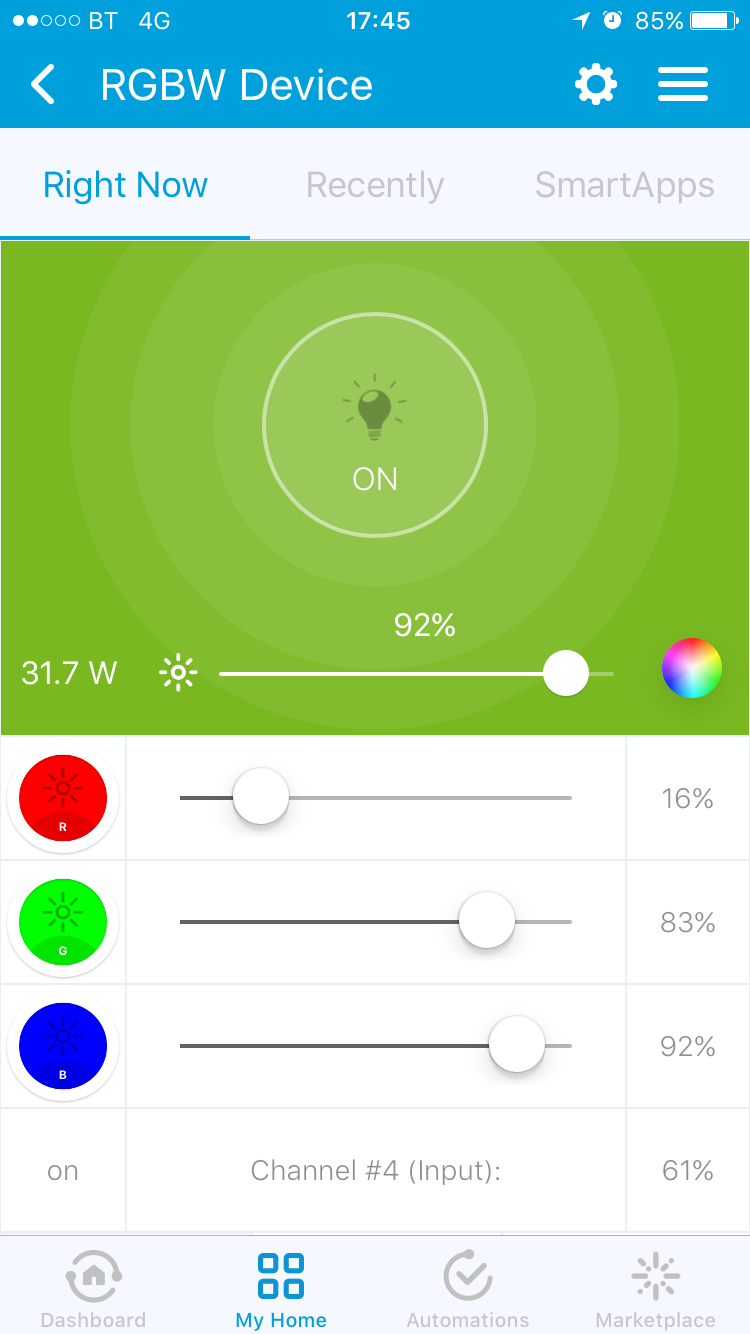
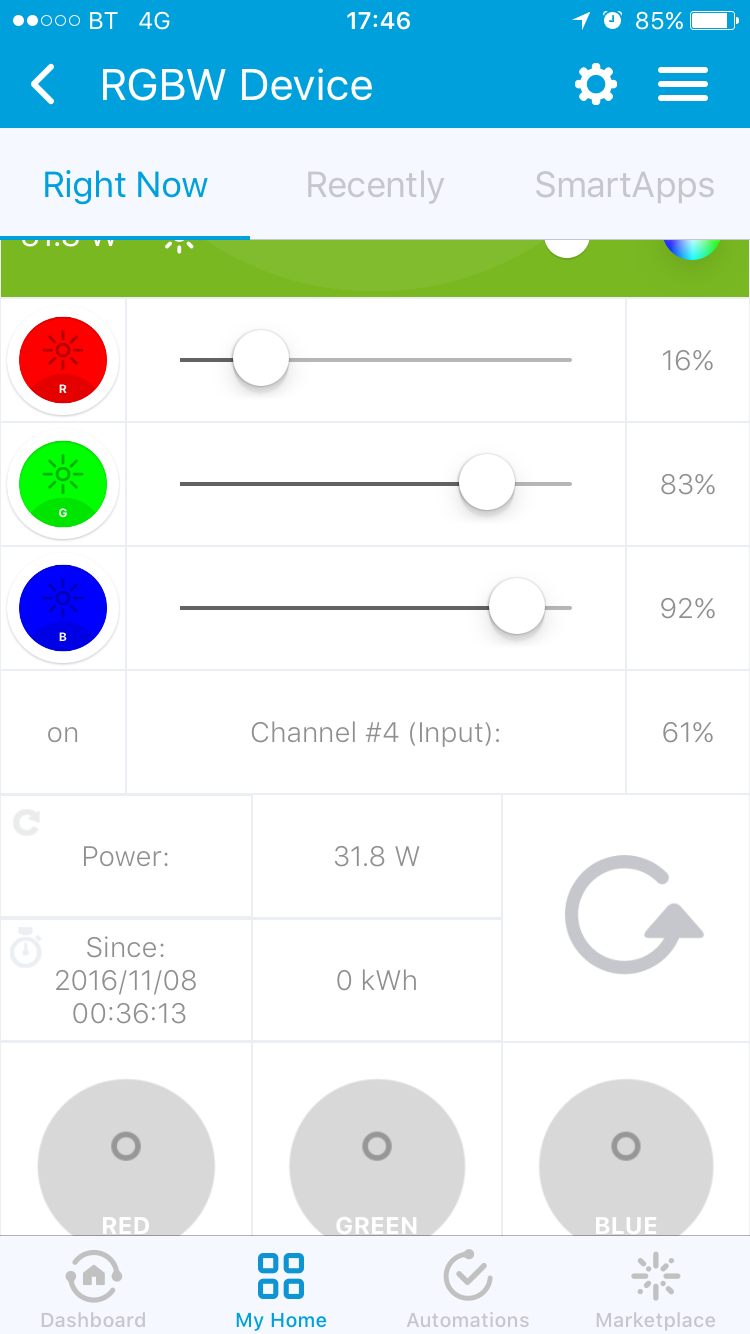
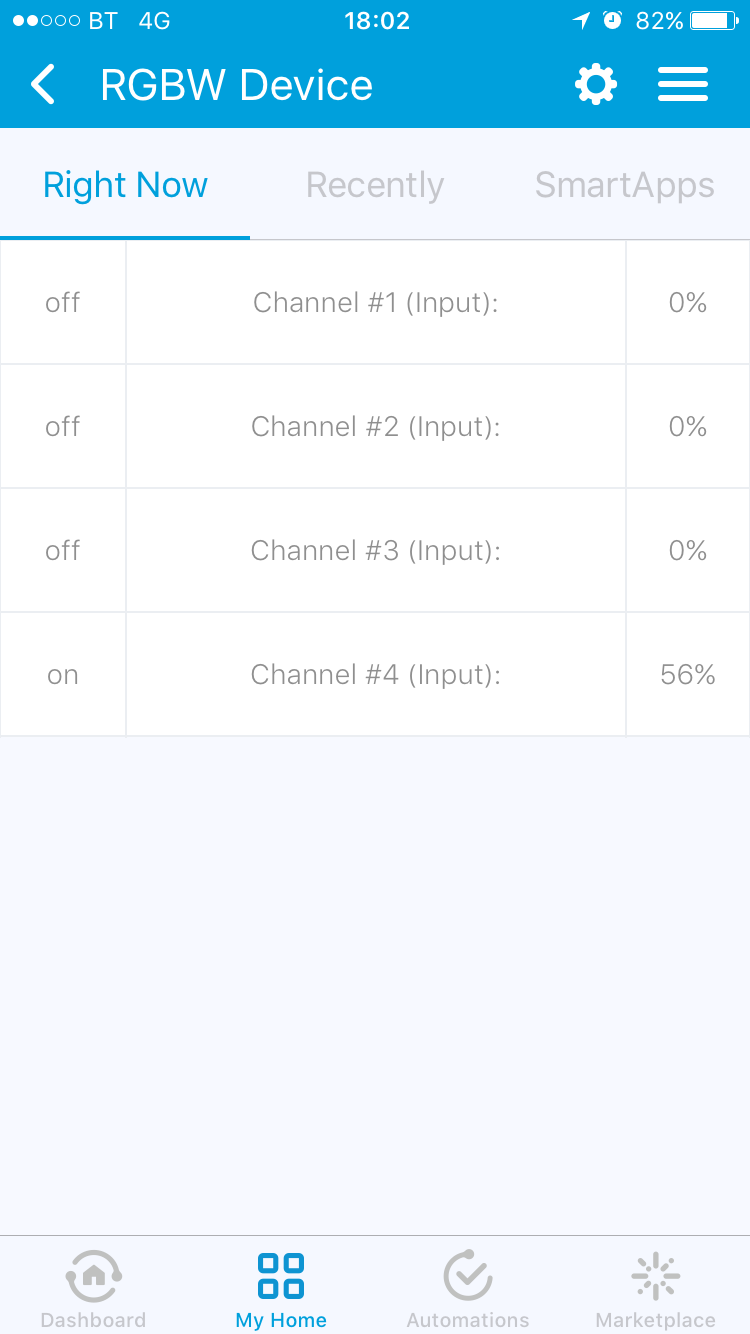
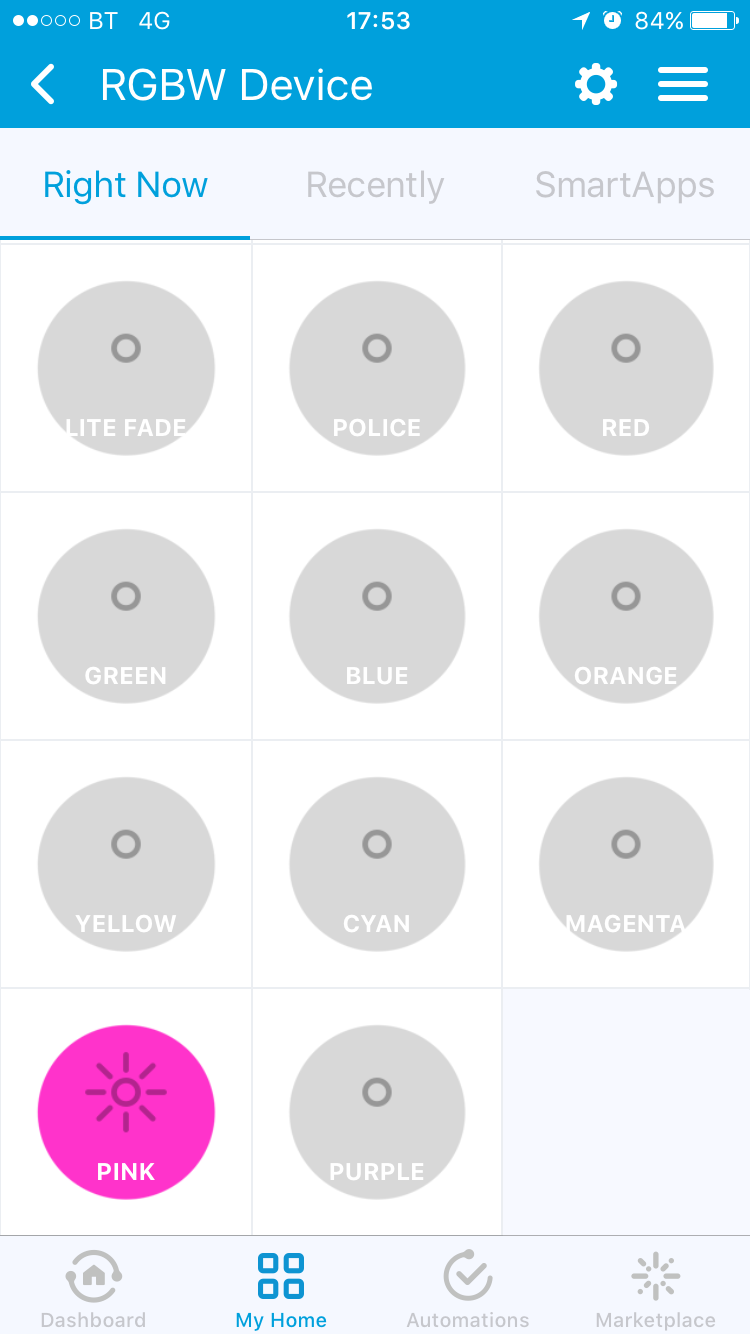 ## Installation
To install the device handler:
1. Follow [these instructions](https://github.com/codersaur/SmartThings#device-handler-installation-procedure) to install the device handler in the SmartThings IDE.
2. From the SmartThings IDE, edit the device handler code to suit your needs. Specifically, the tiles section will need to be customised to suit the channel configuration in use (see the use cases below). [If you have multiple FIbaro RGBW Controllers, each with different channel configurations, then you will need to create multiple copies of the device handler with different names.]
3. From the SmartThings app, edit the device settings to suit the channel configuration in use (see the use cases below) and hit _Done_. [It is possible to verify the device parameters from the Live Logging tab in the SmartThings IDE.]
4. Once the settings have been applied, power-cycle the Fibaro RGBW Controller.
### Example Use Cases
#### Four-channel RGBW LED strip:
By default, the device handler is configured for use with a four-channel RGBW LED strip, so there is no need to edit the device handler code. The SmartThings GUI should look like the following:
#### Three-channel RGB LED strip, plus a 0-10V analog sensor input:
For this use case, it is recommended to use Channel #1 as Red, Channel #2 as Green, Channel #3 as Blue, and Channel #4 as the analog input.
In the device handler code, edit the tiles section to comment out the _White_ channel tiles:
"switchWhite", "levelWhiteSlider", "levelWhiteTile",
Then uncomment the read-only input channel for Ch4:
"switchCh4ReadOnly", "ch4Label", "levelCh4Tile",
The _Built-in Program Shortcut_ tiles can also be commented out as these will not function in this configuration.
## Installation
To install the device handler:
1. Follow [these instructions](https://github.com/codersaur/SmartThings#device-handler-installation-procedure) to install the device handler in the SmartThings IDE.
2. From the SmartThings IDE, edit the device handler code to suit your needs. Specifically, the tiles section will need to be customised to suit the channel configuration in use (see the use cases below). [If you have multiple FIbaro RGBW Controllers, each with different channel configurations, then you will need to create multiple copies of the device handler with different names.]
3. From the SmartThings app, edit the device settings to suit the channel configuration in use (see the use cases below) and hit _Done_. [It is possible to verify the device parameters from the Live Logging tab in the SmartThings IDE.]
4. Once the settings have been applied, power-cycle the Fibaro RGBW Controller.
### Example Use Cases
#### Four-channel RGBW LED strip:
By default, the device handler is configured for use with a four-channel RGBW LED strip, so there is no need to edit the device handler code. The SmartThings GUI should look like the following:
#### Three-channel RGB LED strip, plus a 0-10V analog sensor input:
For this use case, it is recommended to use Channel #1 as Red, Channel #2 as Green, Channel #3 as Blue, and Channel #4 as the analog input.
In the device handler code, edit the tiles section to comment out the _White_ channel tiles:
"switchWhite", "levelWhiteSlider", "levelWhiteTile",
Then uncomment the read-only input channel for Ch4:
"switchCh4ReadOnly", "ch4Label", "levelCh4Tile",
The _Built-in Program Shortcut_ tiles can also be commented out as these will not function in this configuration.
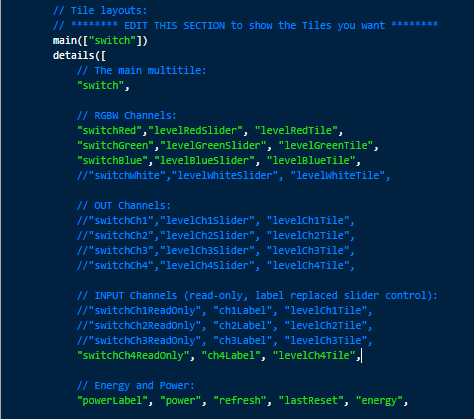 In the SmartThings app, edit the device settings. Configure the channel mappings so that Channel #4 maps to `Input` and Parameter #14 so that Channels #1/2/3 are set to `9. OUT...` and Channel #4 is set to `8. IN - ANALOG 0-10V (SENSOR)`.
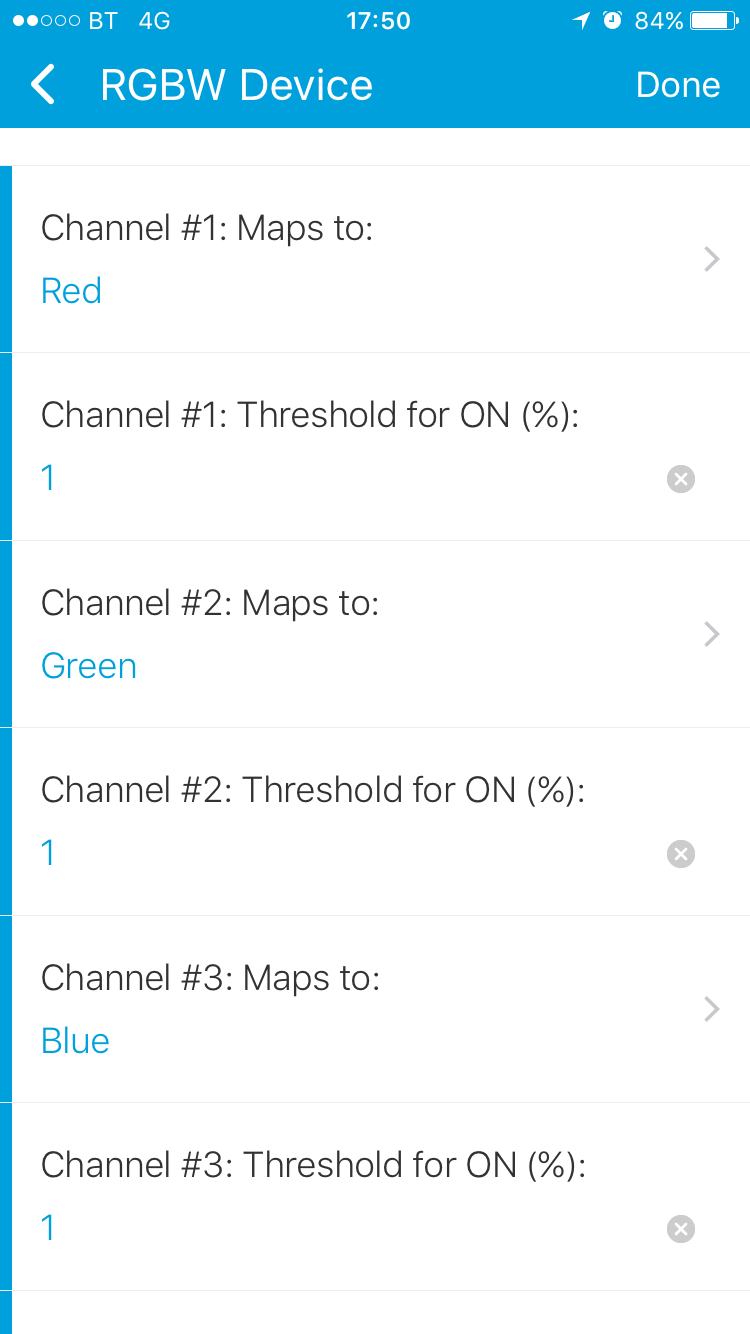
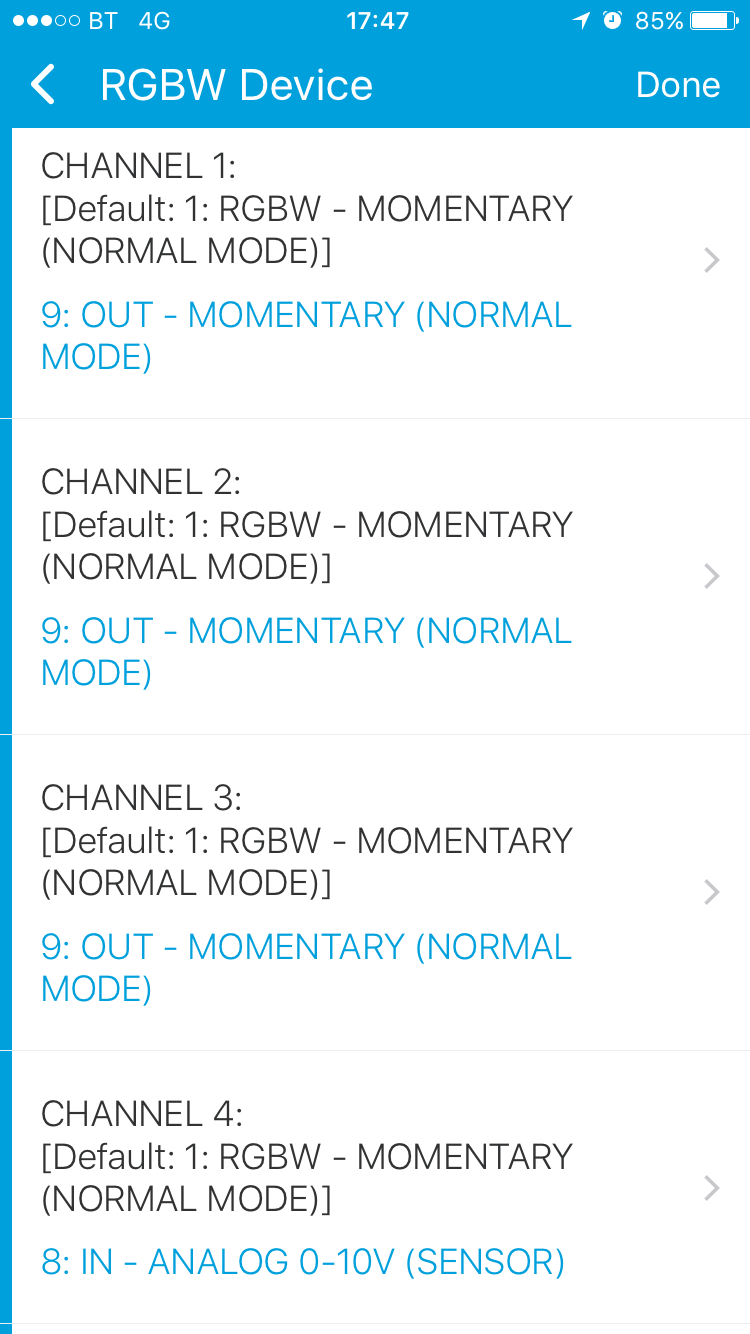 The SmartThings GUI should end up looking like the following:
#### Two single-channel output loads, and two 0-10V analog sensor inputs:
In this example, channels #1 and #2 are used as outputs (e.g. two circuits of white lights), and channels #3 & #4 are used for analog sensor inputs.
In the device handler code, edit the tiles section to comment out all of the colour channel tile lines:
// RGBW Channels:
//"switchRed","levelRedSlider", "levelRedTile",
//"switchGreen","levelGreenSlider", "levelGreenTile",
//"switchBlue","levelBlueSlider", "levelBlueTile",
//"switchWhite", "levelWhiteSlider", "levelWhiteTile",
Uncomment the lines for the Ch1 and Ch2 OUT channels, and the Ch3 and Ch4 input tiles:
// OUT Channels:
"switchCh1","levelCh1Slider", "levelCh1Tile",
"switchCh2","levelCh2Slider", "levelCh2Tile",
...
// INPUT Channels (read-only, label replaced slider control):
...
"switchCh3ReadOnly", "ch3Label", "levelCh3Tile",
"switchCh4ReadOnly", "ch4Label", "levelCh4Tile",
The _Built-in Program Shortcut_ and _Color Shortcut_ tiles can also be commented out as these will not function in this configuration.
The SmartThings GUI should end up looking like the following:
#### Two single-channel output loads, and two 0-10V analog sensor inputs:
In this example, channels #1 and #2 are used as outputs (e.g. two circuits of white lights), and channels #3 & #4 are used for analog sensor inputs.
In the device handler code, edit the tiles section to comment out all of the colour channel tile lines:
// RGBW Channels:
//"switchRed","levelRedSlider", "levelRedTile",
//"switchGreen","levelGreenSlider", "levelGreenTile",
//"switchBlue","levelBlueSlider", "levelBlueTile",
//"switchWhite", "levelWhiteSlider", "levelWhiteTile",
Uncomment the lines for the Ch1 and Ch2 OUT channels, and the Ch3 and Ch4 input tiles:
// OUT Channels:
"switchCh1","levelCh1Slider", "levelCh1Tile",
"switchCh2","levelCh2Slider", "levelCh2Tile",
...
// INPUT Channels (read-only, label replaced slider control):
...
"switchCh3ReadOnly", "ch3Label", "levelCh3Tile",
"switchCh4ReadOnly", "ch4Label", "levelCh4Tile",
The _Built-in Program Shortcut_ and _Color Shortcut_ tiles can also be commented out as these will not function in this configuration.
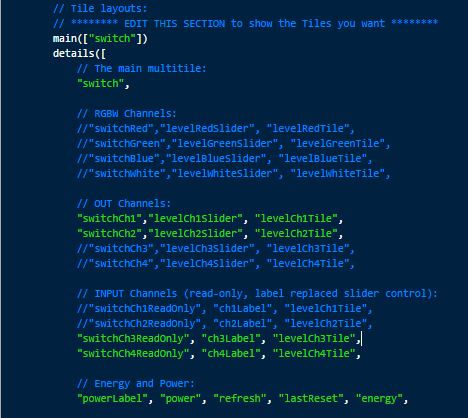 In the device settings, configure the channel mappings so that Channels #3 & #4 map to `Input`, and configure Parameter #14 so that Channels #1 & #2 are set to an `OUT ...` mode, and Channels #3 & #4 are set to `8. IN - ANALOG 0-10V (SENSOR)`
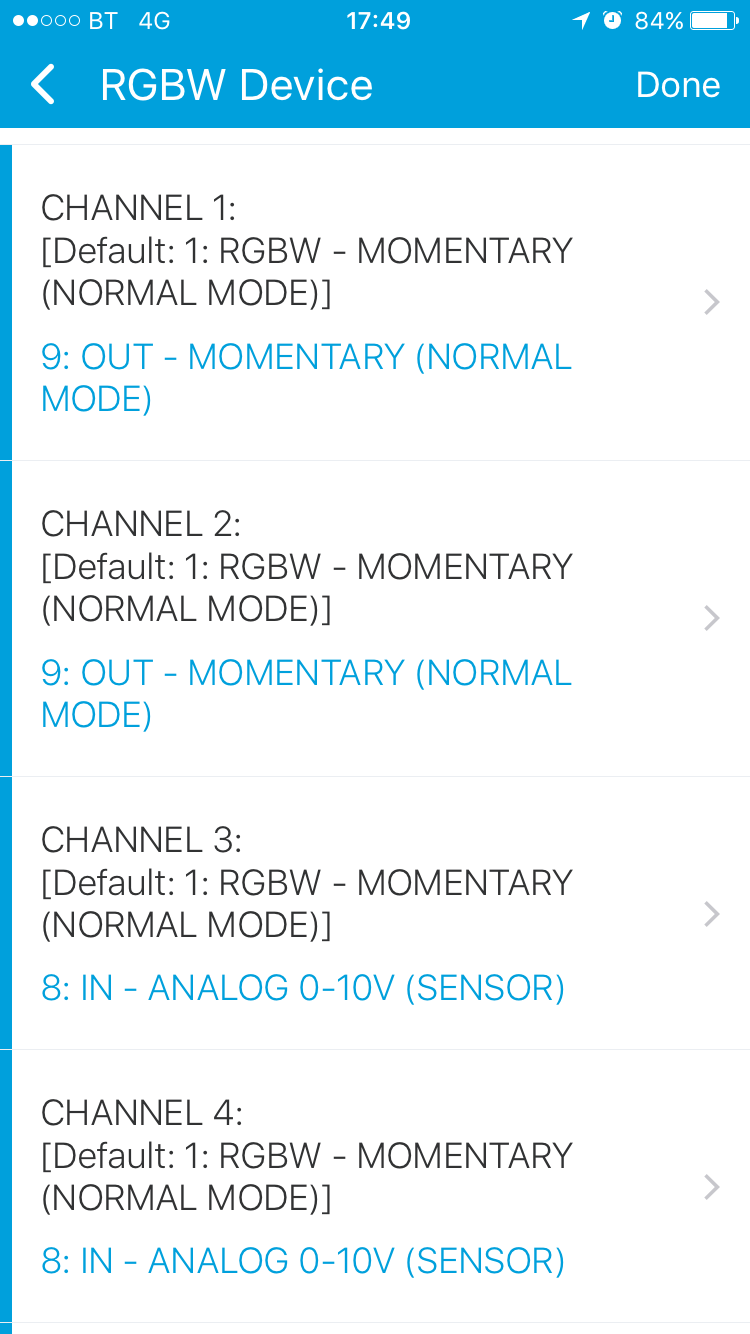 The SmartThings GUI should end up looking like the following:
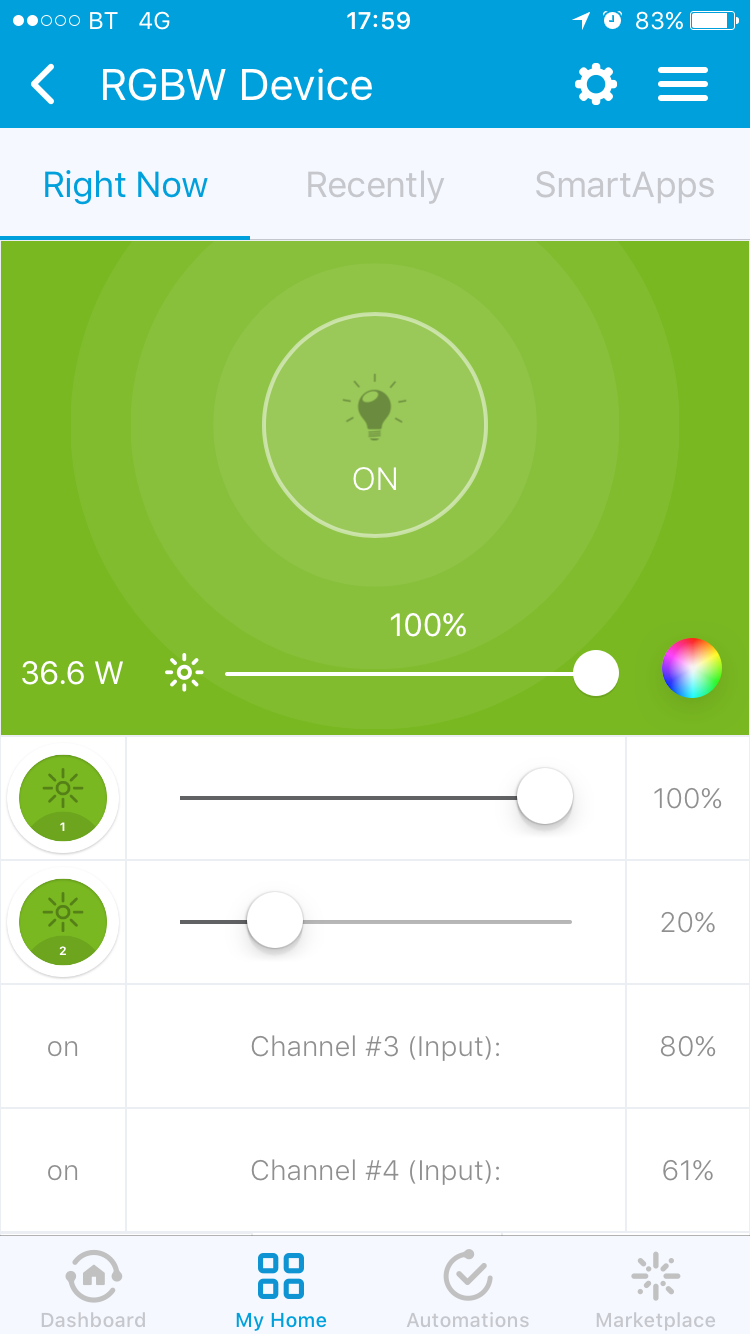 #### Four 0-10V analog sensor inputs:
In this example, all four channels on the RGBW controller are used as analog sensor inputs. As the output channels cannot be used the tiles configuration can be simplified.
In the device handler code, edit the tiles section to comment out the RGBW channel tiles:
// RGBW Channels:
//"switchRed","levelRedSlider", "levelRedTile",
//"switchGreen","levelGreenSlider", "levelGreenTile",
//"switchBlue","levelBlueSlider", "levelBlueTile",
//"switchWhite", "levelWhiteSlider", "levelWhiteTile",
Uncomment the lines for all input tiles:
// INPUT Channels (read-only, label replaced slider control):
"switchCh1ReadOnly", "ch1Label", "levelCh1Tile",
"switchCh2ReadOnly", "ch2Label", "levelCh2Tile",
"switchCh3ReadOnly", "ch3Label", "levelCh3Tile",
"switchCh4ReadOnly", "ch4Label", "levelCh4Tile",
Additionally, comment out the _Energy and Power_ tiles, the _Built-in Program Shortcut_ tiles, and the _Color Shortcut Tiles_ sections as none of these will function in this configuration.
#### Four 0-10V analog sensor inputs:
In this example, all four channels on the RGBW controller are used as analog sensor inputs. As the output channels cannot be used the tiles configuration can be simplified.
In the device handler code, edit the tiles section to comment out the RGBW channel tiles:
// RGBW Channels:
//"switchRed","levelRedSlider", "levelRedTile",
//"switchGreen","levelGreenSlider", "levelGreenTile",
//"switchBlue","levelBlueSlider", "levelBlueTile",
//"switchWhite", "levelWhiteSlider", "levelWhiteTile",
Uncomment the lines for all input tiles:
// INPUT Channels (read-only, label replaced slider control):
"switchCh1ReadOnly", "ch1Label", "levelCh1Tile",
"switchCh2ReadOnly", "ch2Label", "levelCh2Tile",
"switchCh3ReadOnly", "ch3Label", "levelCh3Tile",
"switchCh4ReadOnly", "ch4Label", "levelCh4Tile",
Additionally, comment out the _Energy and Power_ tiles, the _Built-in Program Shortcut_ tiles, and the _Color Shortcut Tiles_ sections as none of these will function in this configuration.
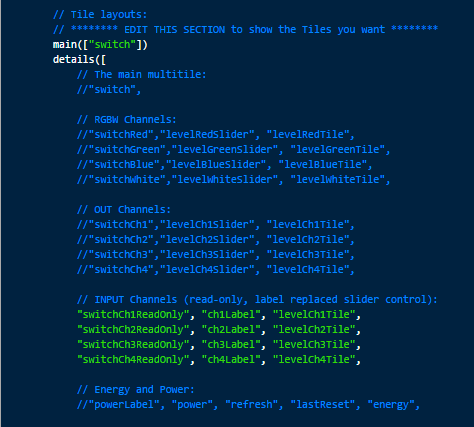 In the device settings, configure the channel mappings so that all channels map to `Input`. It is possible to alter the threshold values too, which control the level at which each input is considered "ON".
Configure Parameter #14 so that all channels are set to `8. IN - ANALOG 0-10V (SENSOR)`
In the device settings, configure the channel mappings so that all channels map to `Input`. It is possible to alter the threshold values too, which control the level at which each input is considered "ON".
Configure Parameter #14 so that all channels are set to `8. IN - ANALOG 0-10V (SENSOR)`
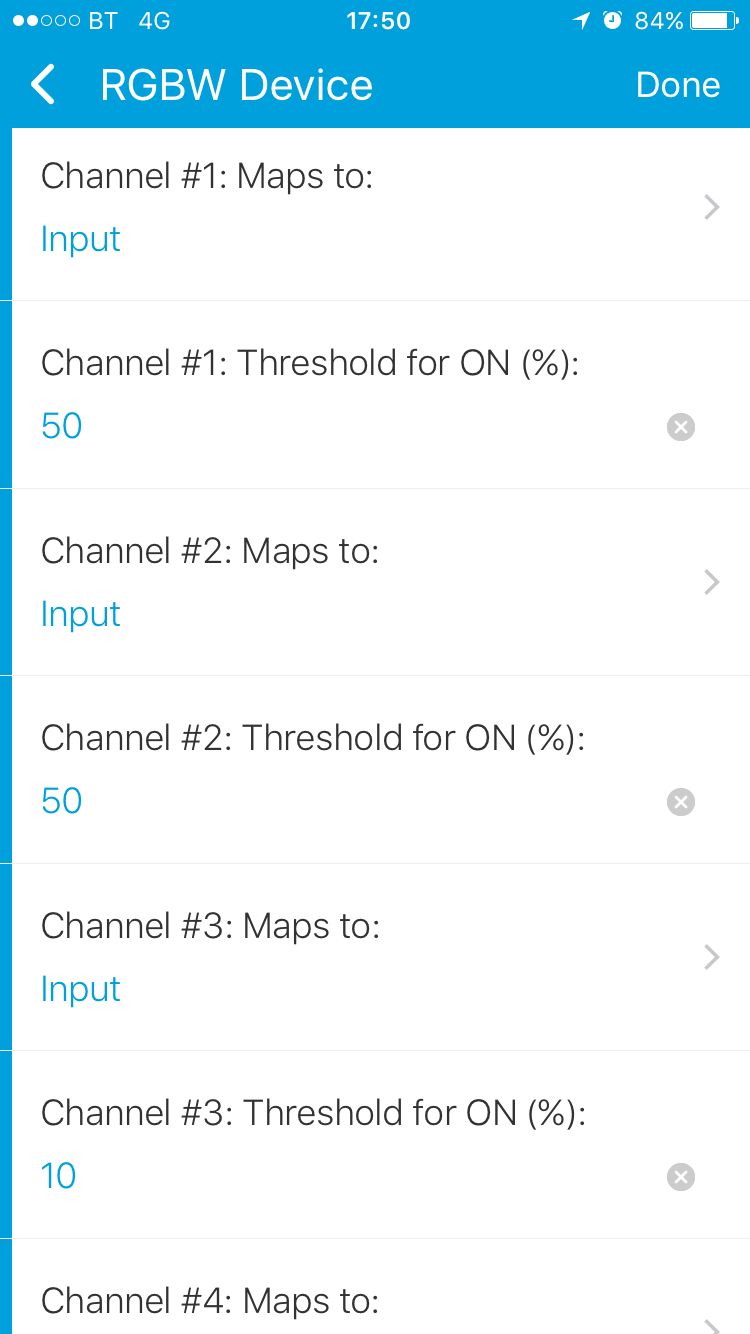
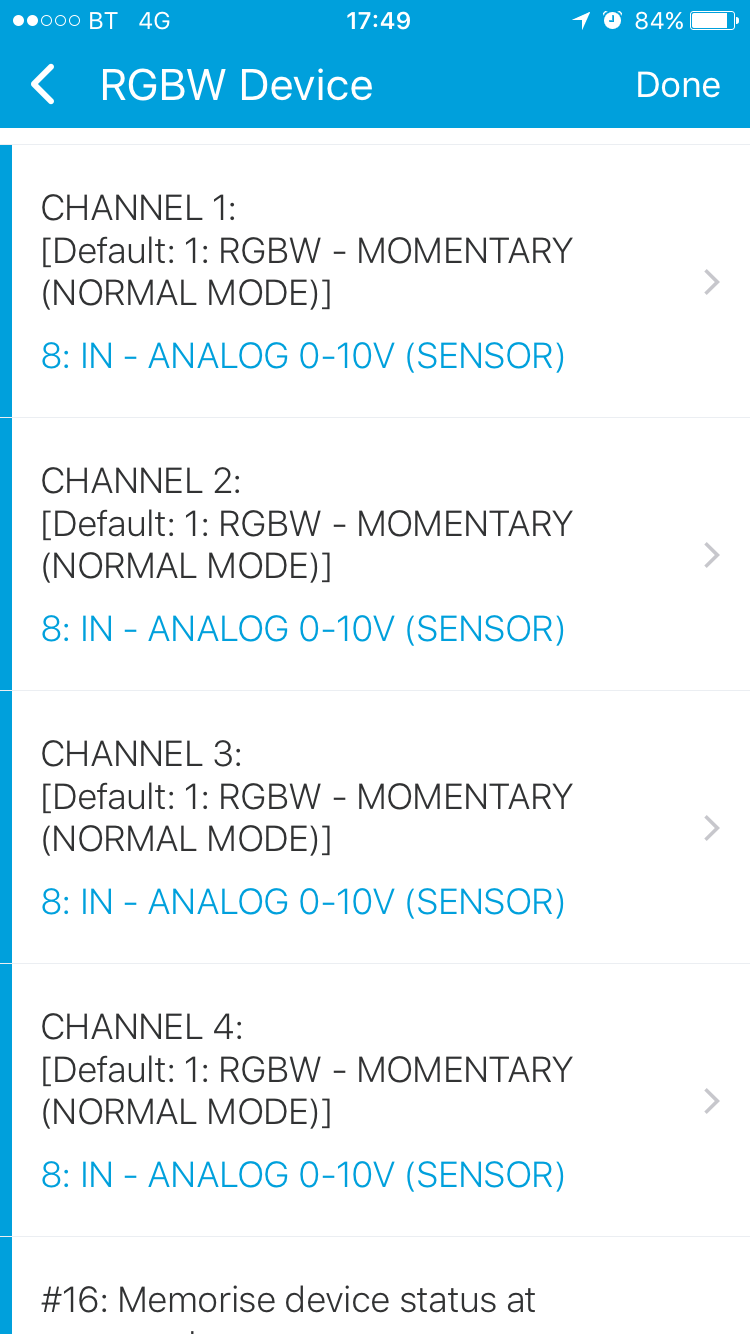 The SmartThings GUI should end up looking like the following:
## Physical Device Notes:
Some general notes relating to the Fibaro RGBW Controller:
* Parameter #14 is used to control the mode of each channel. When editing this parameter keep in mind:
* If using RGBW modes, all channels must have exactly the same mode.
* Mixing RGBW channels with IN/OUT channels at the same time will cause weird behaviour, for example the IN channels may report incorrect levels (as the INPUT is treated as a switch input for the RGBW channels).
* If you want to use one or more channels as analog inputs, then the remaining channels must be set to OUT mode.
* If using IN/OUT channel modes, the OUT channels can still be mapped to colours, but the built-in "RGBW programs" will have no effect.
* switchColorSet commands do not affect INPUT channels, but you can't use switchColorGet to get the level of an INPUT channel either.
* Energy and power reports for individual channels are not available, only the aggregate device as a whole.
There are two known bugs in firmware 25.25, which this device handler attempts to work around:
* BUG: If the device's parameters are changed, the device may stop responding to many Z-Wave _Get_ commands. **It is therefore recommended to power-cycle the device after changing parameters.**
* BUG: If a basicSet or switchMultilevelSet command is issued to channel 0 or to an INPUT channel, then the levels of all INPUT channels may be incorrectly reported as zero. Incorrect reports will persist until there is a change to the input voltages that is greater than the 'input change threshold' defined by Paramter #43. To avoid this issue, this device handler does not send basicSet or switchMultilevelSet commands to channels in INPUT mode.
## Version History:
#### 2017-04-17: v0.04
* installed(): Initialises attribute values in addition to state.
* updated(): Added check to prevent double execution, and to call installed() if not run.
#### 2016-11-14: v0.03
* Association Group Members can be edited from the SmartThings GUI.
#### 2016-11-13: v0.02
* Fix to preferences definition to prevent crashes on Android.
* on(): Restores saved levels of channels, but if all saved levels are zero, then all channels are set to 100%.
* onChX(): If the saved level is zero, then the channel will be set to 100%.
* installed(): state variables are pre-populated.
* configure(): Removes all nodes from association group #5 before re-adding the hub's ID.
#### 2016-11-08: v0.01
* Added support for channels in IN/OUT modes.
* Physical device parameters can be changed from the Smartthings GUI, and verified in the IDE Log.
* Added event handlers for: MeterReport, SwitchColorReport, AssociationReport.
* reset() resets the accumulated energy usage, not the brightness.
* Added three options for the calculation of aggregate `switch` and `level` attributes (IN Only / OUT Only / ALL).
* Added support for channel mappings and thresholds.
* on()/off(): Only sends commands to OUT channels, to avoid changing levels of INPUTS.
* setLevel(): Added two modes for setting levels (SIMPLE / SCALE).
* setColor(): Supports colorMaps with red/green/blue/white, hue/saturation/level, hex, or name keys.
* updated(): Validates settings for parameter #14 and generates a warning if there's a mixture of RGBW and IN/OUT.
* getSupportedCommands(): New method to encapsulate a map of the command class versions supported by the device.
* color attribute is now a map [hue: x, saturation: y, ...], as per SmartThings Capabilities Reference.
* level attributes and sliders now have a have range of 0-100 percent, instead of 0-99.
* Added *activeProgram* attribute to support Program tiles.
* Added *colorName* attribute to support Color Shortcut tiles.
* Added Test tile and ability to interrogate current device parameters.
* Added Polling capability, which polls all channels, plus energy and power.
* configure(): Added workaround for bug in configurationV1.configurationSet().
## To Do:
* Add an option to use the White channel in preference to RGB channels when the RGB values equate to white.
* When sending commands, consider Parameter #42 (reporting). If the device is configured not to send reports, or to only send reports generated by inputs (and not the controller), then a request for the appropriate report must be issued (or call refresh()) a couple of seconds after the command has been issued.
* Add new device preference "Update ST UI before sending commands": This will issue fake events to make the GUI more responsive when using long dimming durations.
* Consider if `setLevel()` in SCALE mode should really be moved to new `setBrightness()` command. Slider on the multiTile can then be linked to either setLevel or setBrightness via settings.
## References
Some useful links relevant to the development of this device handler:
* [Fibaro RGBW Controller Z-Wave certification information](http://products.z-wavealliance.org/products/1054)
* [Color Control Capability](https://community.smartthings.com/t/capability-color-control-color-attribute-command-ambiguous-incorrectly-documented-and-or-improperly-used-in-dths/58018/23)
* [Using the Switch Color Command Class](https://community.smartthings.com/t/color-switch-z-wave-command-class/19300)
* [RGB-RGBW colorMap conversion](http://stackoverflow.com/questions/21117842/converting-an-rgbw-color-to-a-standard-rgb-hsb-rappresentation)
## License
Licensed under the Apache License, Version 2.0 (the "License"); you may not use this file except in compliance with the License. You may obtain a copy of the License at:
http://www.apache.org/licenses/LICENSE-2.0
Unless required by applicable law or agreed to in writing, software distributed under the License is distributed on an "AS IS" BASIS, WITHOUT WARRANTIES OR CONDITIONS OF ANY KIND, either express or implied. See the License for the specific language governing permissions and limitations under the License.
================================================
FILE: devices/fibaro-rgbw-controller/fibaro-rgbw-controller.groovy
================================================
/**
* Copyright David Lomas (codersaur)
*
* SmartThings Device Handler for: Fibaro RGBW Controller EU v2.x (FGRGBWM-441)
*
* Version: 0.04 (2017-04-17)
*
* Source: https://github.com/codersaur/SmartThings/tree/master/devices/fibaro-rgbw-controller
*
* Author: David Lomas (codersaur)
*
* Description: This SmartThings device handler is written for the Fibaro RGBW Controller (FGRGBWM-441). It extends
* the native SmartThings device handler to support editing the device's parameters from the SmartThings GUI, and to
* support the use of one or more of the controller's channels in IN/OUT mode.
*
* For full information, including installation instructions, exmples, and version history, see:
* https://github.com/codersaur/SmartThings/tree/master/devices/fibaro-rgbw-controller
*
* License:
* Licensed under the Apache License, Version 2.0 (the "License"); you may not use this file except
* in compliance with the License. You may obtain a copy of the License at:
*
* http://www.apache.org/licenses/LICENSE-2.0
*
* Unless required by applicable law or agreed to in writing, software distributed under the License is distributed
* on an "AS IS" BASIS, WITHOUT WARRANTIES OR CONDITIONS OF ANY KIND, either express or implied. See the License
* for the specific language governing permissions and limitations under the License.
*
**/
metadata {
definition (name: "Fibaro RGBW Controller", namespace: "codersaur", author: "David Lomas") {
capability "Actuator"
capability "Switch"
capability "Switch Level"
capability "Color Control"
capability "Sensor"
capability "Energy Meter"
capability "Power Meter"
capability "Refresh"
capability "Polling"
// Standard Attributes (for the capabilities above):
attribute "switch", "enum", ["on", "off"]
attribute "level", "number"
attribute "hue", "number"
attribute "saturation", "number"
attribute "color", "string"
attribute "energy", "number"
attribute "power", "number"
// Custom Attributes:
attribute "activeProgram", "number" // Required for Program Tiles.
attribute "colorName", "string" // Required for Color Shortcut Tiles.
attribute "lastReset", "string" // Last Time that energy reporting period was reset.
// Custom Commands:
command "test"
command "getConfigReport"
command "reset"
// Raw Channel attributes and commands:
(1..4).each { n ->
attribute "switchCh${n}", "enum", ["on", "off"]
attribute "levelCh${n}", "number"
command "onCh$n"
command "offCh$n"
command "setLevelCh$n"
}
// Color Channel attributes and commands:
["Red", "Green", "Blue", "White"].each { c ->
attribute "switch${c}", "enum", ["on", "off"]
attribute "level${c}", "number"
command "on${c}"
command "off${c}"
command "setLevel${c}"
}
// Color shortcut commands:
command "black"
command "white"
command "red"
command "green"
command "blue"
command "cyan"
command "magenta"
command "orange"
command "purple"
command "yellow"
command "pink"
command "coldWhite"
command "warmWhite"
// Program commands:
command "startProgram"
command "stopProgram"
command "startFireplace"
command "startStorm"
command "startDeepFade"
command "startLiteFade"
command "startPolice"
fingerprint deviceId: "0x1101", inClusters: "0x27,0x72,0x86,0x26,0x60,0x70,0x32,0x31,0x85,0x33"
}
tiles (scale: 2){
// MultiTile:
multiAttributeTile(name:"switch", type: "lighting", width: 6, height: 4, canChangeIcon: true){
tileAttribute ("device.switch", key: "PRIMARY_CONTROL") {
attributeState "on", label:'${name}', action:"switch.off", icon:"st.lights.philips.hue-single", backgroundColor:"#79B821", nextState:"turningOff"
attributeState "off", label:'${name}', action:"switch.on", icon:"st.lights.philips.hue-single", backgroundColor:"#ffffff", nextState:"turningOn"
attributeState "turningOn", label:'${name}', action:"switch.off", icon:"st.lights.philips.hue-single", backgroundColor:"#79B821", nextState:"turningOff"
attributeState "turningOff", label:'${name}', action:"switch.on", icon:"st.lights.philips.hue-single", backgroundColor:"#ffffff", nextState:"turningOn"
}
tileAttribute ("device.level", key: "SLIDER_CONTROL", range:"(0..500)") {
attributeState "level", action:"setLevel"
}
tileAttribute ("device.color", key: "COLOR_CONTROL") {
attributeState "color", action:"setColor"
}
tileAttribute ("device.power", key: "SECONDARY_CONTROL") {
attributeState "power", label:'${currentValue} W'
}
}
// Colour Channels:
standardTile("switchRed", "device.switchRed", height: 1, width: 1, inactiveLabel: false, canChangeIcon: false) {
state "off", label:"R", action:"onRed", icon:"st.illuminance.illuminance.dark", backgroundColor:"#D8D8D8"
state "on", label:"R", action:"offRed", icon:"st.illuminance.illuminance.bright", backgroundColor:"#FF0000"
}
controlTile("levelRedSlider", "device.levelRed", "slider", range:"(0..100)", height: 1, width: 4, inactiveLabel: false) {
state "levelRed", action:"setLevelRed"
}
valueTile("levelRedTile", "device.levelRed", decoration: "flat", height: 1, width: 1) {
state "levelRed", label:'${currentValue}%'
}
standardTile("switchGreen", "device.switchGreen", height: 1, width: 1, inactiveLabel: false, canChangeIcon: false) {
state "off", label:"G", action:"onGreen", icon:"st.illuminance.illuminance.dark", backgroundColor:"#D8D8D8"
state "on", label:"G", action:"offGreen", icon:"st.illuminance.illuminance.bright", backgroundColor:"#00FF00"
}
controlTile("levelGreenSlider", "device.levelGreen", "slider", range:"(0..100)", height: 1, width: 4, inactiveLabel: false) {
state "levelGreen", action:"setLevelGreen"
}
valueTile("levelGreenTile", "device.levelGreen", decoration: "flat", height: 1, width: 1) {
state "levelGreen", label:'${currentValue}%'
}
standardTile("switchBlue", "device.switchBlue", height: 1, width: 1, inactiveLabel: false, canChangeIcon: false) {
state "off", label:"B", action:"onBlue", icon:"st.illuminance.illuminance.dark", backgroundColor:"#D8D8D8"
state "on", label:"B", action:"offBlue", icon:"st.illuminance.illuminance.bright", backgroundColor:"#0000FF"
}
controlTile("levelBlueSlider", "device.levelBlue", "slider", range:"(0..100)", height: 1, width: 4, inactiveLabel: false) {
state "levelBlue", action:"setLevelBlue"
}
valueTile("levelBlueTile", "device.levelBlue", decoration: "flat", height: 1, width: 1) {
state "levelBlue", label:'${currentValue}%'
}
standardTile("switchWhite", "device.switchWhite", height: 1, width: 1, inactiveLabel: false, canChangeIcon: false) {
state "off", label:"W", action:"onWhite", icon:"st.illuminance.illuminance.dark", backgroundColor:"#D8D8D8"
state "on", label:"W", action:"offWhite", icon:"st.illuminance.illuminance.bright", backgroundColor:"#FFFFFF"
}
controlTile("levelWhiteSlider", "device.levelWhite", "slider", range:"(0..100)", height: 1, width: 4, inactiveLabel: false) {
state "levelWhite", action:"setLevelWhite"
}
valueTile("levelWhiteTile", "device.levelWhite", decoration: "flat", height: 1, width: 1) {
state "levelWhite", label:'${currentValue}%'
}
// OUT Channels:
standardTile("switchCh1", "device.switchCh1", height: 1, width: 1, inactiveLabel: false, canChangeIcon: false) {
state "off", label:"1", action:"onCh1", icon:"st.illuminance.illuminance.dark", backgroundColor:"#D8D8D8"
state "on", label:"1", action:"offCh1", icon:"st.illuminance.illuminance.bright", backgroundColor:"#79B821"
}
controlTile("levelCh1Slider", "device.levelCh1", "slider", range:"(0..100)", height: 1, width: 4, inactiveLabel: false) {
state "levelCh1", action:"setLevelCh1"
}
valueTile("levelCh1Tile", "device.levelCh1", decoration: "flat", height: 1, width: 1) {
state "levelCh1", label:'${currentValue}%'
}
standardTile("switchCh2", "device.switchCh2", height: 1, width: 1, inactiveLabel: false, canChangeIcon: false) {
state "off", label:"2", action:"onCh2", icon:"st.illuminance.illuminance.dark", backgroundColor:"#D8D8D8"
state "on", label:"2", action:"offCh2", icon:"st.illuminance.illuminance.bright", backgroundColor:"#79B821"
}
controlTile("levelCh2Slider", "device.levelCh2", "slider", range:"(0..100)", height: 1, width: 4, inactiveLabel: false) {
state "levelCh2", action:"setLevelCh2"
}
valueTile("levelCh2Tile", "device.levelCh2", decoration: "flat", height: 1, width: 1) {
state "levelCh2", label:'${currentValue}%'
}
standardTile("switchCh3", "device.switchCh3", height: 1, width: 1, inactiveLabel: false, canChangeIcon: false) {
state "off", label:"3", action:"onCh3", icon:"st.illuminance.illuminance.dark", backgroundColor:"#D8D8D8"
state "on", label:"3", action:"offCh3", icon:"st.illuminance.illuminance.bright", backgroundColor:"#79B821"
}
controlTile("levelCh3Slider", "device.levelCh3", "slider", range:"(0..100)", height: 1, width: 4, inactiveLabel: false) {
state "levelCh3", action:"setLevelCh3"
}
valueTile("levelCh3Tile", "device.levelCh3", decoration: "flat", height: 1, width: 1) {
state "levelCh3", label:'${currentValue}%'
}
standardTile("switchCh4", "device.switchCh4", height: 1, width: 1, inactiveLabel: false, canChangeIcon: false) {
state "off", label:"4", action:"onCh4", icon:"st.illuminance.illuminance.dark", backgroundColor:"#D8D8D8"
state "on", label:"4", action:"offCh4", icon:"st.illuminance.illuminance.bright", backgroundColor:"#79B821"
}
controlTile("levelCh4Slider", "device.levelCh4", "slider", range:"(0..100)", height: 1, width: 4, inactiveLabel: false) {
state "levelCh4", action:"setLevelCh4"
}
valueTile("levelCh4Tile", "device.levelCh4", decoration: "flat", height: 1, width: 1) {
state "levelCh4", label:'${currentValue}%'
}
// IN Channels (READ-ONLY) Labels:
valueTile("switchCh1ReadOnly", "device.switchCh1", decoration: "flat", height: 1, width: 1) {
state "default", label:'${currentValue}'
}
valueTile("ch1Label", "device.switchCh1", decoration: "flat", height: 1, width: 4) {
state "default", label:'Channel #1 (Input):'
}
valueTile("switchCh2ReadOnly", "device.switchCh2", decoration: "flat", height: 1, width: 1) {
state "default", label:'${currentValue}'
}
valueTile("ch2Label", "device.switchCh1", decoration: "flat", height: 1, width: 4) {
state "default", label:'Channel #2 (Input):'
}
valueTile("switchCh3ReadOnly", "device.switchCh3", decoration: "flat", height: 1, width: 1) {
state "default", label:'${currentValue}'
}
valueTile("ch3Label", "device.switchCh1", decoration: "flat", height: 1, width: 4) {
state "default", label:'Channel #3 (Input):'
}
valueTile("switchCh4ReadOnly", "device.switchCh4", decoration: "flat", height: 1, width: 1) {
state "default", label:'${currentValue}'
}
valueTile("ch4Label", "device.switchCh1", decoration: "flat", height: 1, width: 4) {
state "default", label:'Channel #4 (Input):'
}
// Power
valueTile("powerLabel", "device.power", decoration: "flat", height: 1, width: 2) {
state "default", label:'Power:', action:"refresh.refresh", icon: "https://raw.githubusercontent.com/codersaur/SmartThings/master/icons/tile_2x1_refresh.png"
}
valueTile("power", "device.power", decoration: "flat", height: 1, width: 2) {
state "power", label:'${currentValue} W'
}
// Energy:
valueTile("lastReset", "device.lastReset", decoration: "flat", height: 1, width: 2) {
state "default", label:'Since: ${currentValue}', action:"reset", icon: "https://raw.githubusercontent.com/codersaur/SmartThings/master/icons/tile_2x1_stopwatch_reset.png"
}
valueTile("energy", "device.energy", height: 1, width: 2) {
state "default", label:'${currentValue} kWh', icon: "https://raw.githubusercontent.com/codersaur/SmartThings/master/icons/tile_2x1_top_bottom_2.png"
}
// Programs:
standardTile("fireplace", "device.activeProgram", height: 2, width: 2, decoration: "flat", inactiveLabel: false, canChangeIcon: false) {
state "off", label:"Fireplace", action:"startFireplace", icon:"st.illuminance.illuminance.dark", backgroundColor:"#D8D8D8", defaultState: true
state "6", label:"Fireplace", action:"stopProgram", icon:"st.illuminance.illuminance.bright", backgroundColor:"#FF0000"
}
standardTile("storm", "device.activeProgram", height: 2, width: 2, decoration: "flat", inactiveLabel: false, canChangeIcon: false) {
state "off", label:"storm", action:"startStorm", icon:"st.illuminance.illuminance.dark", backgroundColor:"#D8D8D8", defaultState: true
state "7", label:"storm", action:"stopProgram", icon:"st.illuminance.illuminance.bright", backgroundColor:"#FF0000"
}
standardTile("deepFade", "device.activeProgram", height: 2, width: 2, decoration: "flat", inactiveLabel: false, canChangeIcon: false) {
state "off", label:"deep fade", action:"startDeepFade", icon:"st.illuminance.illuminance.dark", backgroundColor:"#D8D8D8", defaultState: true
state "8", label:"deep fade", action:"stopProgram", icon:"st.illuminance.illuminance.bright", backgroundColor:"#FF0000"
}
standardTile("liteFade", "device.activeProgram", height: 2, width: 2, decoration: "flat", inactiveLabel: false, canChangeIcon: false) {
state "off", label:"lite fade", action:"startLiteFade", icon:"st.illuminance.illuminance.dark", backgroundColor:"#D8D8D8", defaultState: true
state "9", label:"lite fade", action:"stopProgram", icon:"st.illuminance.illuminance.bright", backgroundColor:"#FF0000"
}
standardTile("police", "device.activeProgram", height: 2, width: 2, decoration: "flat", inactiveLabel: false, canChangeIcon: false) {
state "off", label:"police", action:"startPolice", icon:"st.illuminance.illuminance.dark", backgroundColor:"#D8D8D8", defaultState: true
state "10", label:"police", action:"stopProgram", icon:"st.illuminance.illuminance.bright", backgroundColor:"#FF0000"
}
// Colour Shortcuts:
standardTile("red", "device.colorName", height: 2, width: 2, decoration: "flat", inactiveLabel: false, canChangeIcon: false) {
state "off", label:"red", action:"red", icon:"st.illuminance.illuminance.dark", backgroundColor:"#D8D8D8", defaultState: true
state "red", label:"red", action:"off", icon:"st.illuminance.illuminance.bright", backgroundColor:"#FF0000"
}
standardTile("green", "device.colorName", height: 2, width: 2, decoration: "flat", inactiveLabel: false, canChangeIcon: false) {
state "off", label:"green", action:"green", icon:"st.illuminance.illuminance.dark", backgroundColor:"#D8D8D8", defaultState: true
state "green", label:"green", action:"off", icon:"st.illuminance.illuminance.bright", backgroundColor:"#00FF00"
}
standardTile("blue", "device.colorName", height: 2, width: 2, decoration: "flat", inactiveLabel: false, canChangeIcon: false) {
state "off", label:"blue", action:"blue", icon:"st.illuminance.illuminance.dark", backgroundColor:"#D8D8D8", defaultState: true
state "blue", label:"blue", action:"off", icon:"st.illuminance.illuminance.bright", backgroundColor:"#0000FF"
}
standardTile("cyan", "device.colorName", height: 2, width: 2, decoration: "flat", inactiveLabel: false, canChangeIcon: false) {
state "off", label:"cyan", action:"cyan", icon:"st.illuminance.illuminance.dark", backgroundColor:"#D8D8D8", defaultState: true
state "cyan", label:"cyan", action:"off", icon:"st.illuminance.illuminance.bright", backgroundColor:"#00FFFF"
}
standardTile("magenta", "device.colorName", height: 2, width: 2, decoration: "flat", inactiveLabel: false, canChangeIcon: false) {
state "off", label:"magenta", action:"magenta", icon:"st.illuminance.illuminance.dark", backgroundColor:"#D8D8D8", defaultState: true
state "magenta", label:"magenta", action:"off", icon:"st.illuminance.illuminance.bright", backgroundColor:"#FF0040"
}
standardTile("orange", "device.colorName", height: 2, width: 2, decoration: "flat", inactiveLabel: false, canChangeIcon: false) {
state "off", label:"orange", action:"orange", icon:"st.illuminance.illuminance.dark", backgroundColor:"#D8D8D8", defaultState: true
state "orange", label:"orange", action:"off", icon:"st.illuminance.illuminance.bright", backgroundColor:"#FF6600"
}
standardTile("purple", "device.colorName", height: 2, width: 2, decoration: "flat", inactiveLabel: false, canChangeIcon: false) {
state "off", label:"purple", action:"purple", icon:"st.illuminance.illuminance.dark", backgroundColor:"#D8D8D8", defaultState: true
state "purple", label:"purple", action:"off", icon:"st.illuminance.illuminance.bright", backgroundColor:"#BF00FF"
}
standardTile("yellow", "device.colorName", height: 2, width: 2, decoration: "flat", inactiveLabel: false, canChangeIcon: false) {
state "off", label:"yellow", action:"yellow", icon:"st.illuminance.illuminance.dark", backgroundColor:"#D8D8D8", defaultState: true
state "yellow", label:"yellow", action:"off", icon:"st.illuminance.illuminance.bright", backgroundColor:"#FFFF00"
}
standardTile("pink", "device.colorName", height: 2, width: 2, decoration: "flat", inactiveLabel: false, canChangeIcon: false) {
state "off", label:"pink", action:"pink", icon:"st.illuminance.illuminance.dark", backgroundColor:"#D8D8D8", defaultState: true
state "pink", label:"pink", action:"off", icon:"st.illuminance.illuminance.bright", backgroundColor:"#FF33CB"
}
standardTile("refresh", "device.switch", inactiveLabel: false, decoration: "flat", width: 2, height: 2) {
state "default", label:"", action:"refresh.refresh", icon:"st.secondary.refresh"
}
standardTile("test", "device.switch", decoration: "flat", width: 2, height: 2) {
state "default", label:'Test', action:"test"
}
// Tile layouts:
// ******** EDIT THIS SECTION to show the Tiles you want ********
main(["switch"])
details([
// The main multitile:
"switch",
// RGBW Channels:
"switchRed","levelRedSlider", "levelRedTile",
"switchGreen","levelGreenSlider", "levelGreenTile",
"switchBlue","levelBlueSlider", "levelBlueTile",
"switchWhite","levelWhiteSlider", "levelWhiteTile",
// OUT Channels:
//"switchCh1","levelCh1Slider", "levelCh1Tile",
//"switchCh2","levelCh2Slider", "levelCh2Tile",
//"switchCh3","levelCh3Slider", "levelCh3Tile",
//"switchCh4","levelCh4Slider", "levelCh4Tile",
// INPUT Channels (read-only, label replaced slider control):
//"switchCh1ReadOnly", "ch1Label", "levelCh1Tile",
//"switchCh2ReadOnly", "ch2Label", "levelCh2Tile",
//"switchCh3ReadOnly", "ch3Label", "levelCh3Tile",
//"switchCh4ReadOnly", "ch4Label", "levelCh4Tile",
// Energy and Power:
"powerLabel", "power", "refresh", "lastReset", "energy",
// Built-in Program Shortcuts (these only work if the channels are RGBW):
"fireplace", "storm", "deepFade","liteFade", "police",
// Color Shortcut Tiles (these only work if channels are mapped to red/green/blue/white):
"red","green","blue",
"orange","yellow","cyan",
"magenta","pink","purple",
// The Test Tile:
//"test"
])
}
preferences {
section { // GENERAL:
input type: "paragraph", element: "paragraph",
title: "GENERAL:", description: "General settings."
input name: "configDebugMode", type: "boolean", defaultValue: false, displayDuringSetup: false,
title: "Enable debug logging?"
}
section { // AGGREGATE SWITCH/LEVEL:
input type: "paragraph", element: "paragraph",
title: "AGGREGATE SWITCH/LEVEL:", description: "These settings control how the device's 'switch' and 'level' attributes are calculated."
input name: "configAggregateSwitchMode", type: "enum", defaultValue: "OUT", required: true, displayDuringSetup: false,
title: "Calaculate Aggregate 'switch' value from:\n[Default: RBGW/OUT Channels Only]",
options: ["OUT" : "RBGW/OUT Channels Only",
"IN" : "IN Channels Only",
"ALL" : "All Channels"]
input name: "configAggregateLevelMode", type: "enum", defaultValue: "OUT", required: true, displayDuringSetup: false,
title: "Calaculate Aggregate 'level' value from:\n[Default: RBGW/OUT Channels Only]",
options: ["OUT" : "RBGW/OUT Channels Only",
"IN" : "IN Channels Only",
"ALL" : "All Channels"]
input name: "configLevelSetMode", type: "enum", defaultValue: "SCALE", required: true, displayDuringSetup: false,
title: "LEVEL SET Mode:\n[Default: SCALE]",
options: ["SCALE" : "SCALE individual channel levels",
"SIMPLE" : "SIMPLE: Set all channels to new level"]
}
section { // CHANNEL MAPPING & THRESHOLDS:
input type: "paragraph", element: "paragraph",
title: "CHANNEL MAPPING & THRESHOLDS:", description: "Define how the physical channels map to colours.\n" +
"Thresholds define the level at which a channel is considered ON, which can be used to translate an analog input to a binary value."
input name: "configCh1Mapping", type: "enum", defaultValue: "Red", required: true, displayDuringSetup: false,
title: "Channel #1: Maps to:",
options: ["Red" : "Red",
"Green" : "Green",
"Blue" : "Blue",
"White" : "White",
"Other" : "Other",
"Input" : "Input"]
input name: "configCh1Threshold", type: "number", range: "0..100", defaultValue: "1", required: true, displayDuringSetup: false,
title: "Channel #1: Threshold for ON (%):"
input name: "configCh2Mapping", type: "enum", defaultValue: "Green", required: true, displayDuringSetup: false,
title: "Channel #2: Maps to:",
options: ["Red" : "Red",
"Green" : "Green",
"Blue" : "Blue",
"White" : "White",
"Other" : "Other",
"Input" : "Input"]
input name: "configCh2Threshold", type: "number", range: "0..100", defaultValue: "1", required: true, displayDuringSetup: false,
title: "Channel #2: Threshold for ON (%):"
input name: "configCh3Mapping", type: "enum", defaultValue: "Blue", required: true, displayDuringSetup: false,
title: "Channel #3: Maps to:",
options: ["Red" : "Red",
"Green" : "Green",
"Blue" : "Blue",
"White" : "White",
"Other" : "Other",
"Input" : "Input"]
input name: "configCh3Threshold", type: "number", range: "0..100", defaultValue: "1", required: true, displayDuringSetup: false,
title: "Channel #3: Threshold for ON (%):"
input name: "configCh4Mapping", type: "enum", defaultValue: "White", required: true, displayDuringSetup: false,
title: "Channel #4: Maps to:",
options: ["Red" : "Red",
"Green" : "Green",
"Blue" : "Blue",
"White" : "White",
"Other" : "Other",
"Input" : "Input"]
input name: "configCh4Threshold", type: "number", range: "0..100", defaultValue: "1", required: true, displayDuringSetup: false,
title: "Channel #4: Threshold for ON (%):"
}
section { // PHYSICAL DEVICE PARAMETERS:
input type: "paragraph", element: "paragraph",
title: "PHYSICAL DEVICE PARAMETERS:", description: "Refer to the Fibaro manual for a full description of the device parameters."
input name: "configParam01", type: "enum", defaultValue: "255", required: true, displayDuringSetup: false,
title: "#1: ALL ON/ALL OFF function:\n[Default: 255]",
options: ["0" : "0: ALL ON inactive, ALL OFF inactive",
"1" : "1: ALL ON inactive, ALL OFF active",
"2" : "2: ALL ON active, ALL OFF inactive",
"255" : "255: ALL ON active, ALL OFF active"]
input name: "configParam06", type: "enum", defaultValue: "0", required: true, displayDuringSetup: false,
title: "#6: Associations command class:\n[Default: 0]",
options: ["0" : "0: NORMAL (DIMMER) - BASIC SET/SWITCH_MULTILEVEL_START/STOP",
"1" : "1: NORMAL (RGBW) - COLOR_CONTROL_SET/START/STOP_STATE_CHANGE",
"2" : "2: NORMAL (RGBW) - COLOR_CONTROL_SET",
"3" : "3: BRIGHTNESS - BASIC SET/SWITCH_MULTILEVEL_START/STOP",
"4" : "4: RAINBOW (RGBW) - COLOR_CONTROL_SET"]
input name: "configParam08", type: "enum", defaultValue: "0", required: true, displayDuringSetup: false,
title: "#8: IN/OUT: Outputs state change mode:\n[Default: 0: MODE1]",
options: ["0" : "0: MODE1",
"1" : "1: MODE2"]
input name: "configParam09", type: "number", range: "1..255", defaultValue: "1", required: true, displayDuringSetup: false,
title: "#9: MODE1: Step value:\n[Default: 1]"
input name: "configParam10", type: "number", range: "0..60000", defaultValue: "10", required: true, displayDuringSetup: false,
title: "#10: MODE1: Time between steps:\n[Default: 10ms]\n" +
" - 0: immediate change"
input name: "configParam11", type: "number", range: "0..255", defaultValue: "67", required: true, displayDuringSetup: false,
title: "#11: MODE2: Time for changing from start to end value:\n" +
"[Default: 67 = 3s]\n" +
" - 0: immediate change\n" +
" - 1-63: 20-126- [ms] value*20ms\n" +
" - 65-127: 1-63 [s] [value-64]*1s\n" +
" - 129-191: 10-630[s] [value-128]*10s\n" +
" - 193-255: 1-63[min] [value-192]*1min"
input name: "configParam12", type: "number", range: "3..255", defaultValue: "255", required: true, displayDuringSetup: false,
title: "#12: Maximum brightening level:\n[Default: 255]"
input name: "configParam13", type: "number", range: "0..254", defaultValue: "2", required: true, displayDuringSetup: false,
title: "#13: Minimum dim level:\n[Default: 2]"
input type: "paragraph", element: "paragraph",
title: "#14: IN/OUT Channel settings: ", description: "If RGBW mode is chosen, settings for all 4 channels must be identical."
input name: "configParam14_1", type: "enum", defaultValue: "1", required: true, displayDuringSetup: false,
title: "CHANNEL 1:\n[Default: 1: RGBW - MOMENTARY (NORMAL MODE)]",
options: ["1" : "1: RGBW - MOMENTARY (NORMAL MODE)",
"2" : "2: RGBW - MOMENTARY (BRIGHTNESS MODE)",
"3" : "3: RGBW - MOMENTARY (RAINBOW MODE)",
"4" : "4: RGBW - TOGGLE (NORMAL MODE)",
"5" : "5: RGBW - TOGGLE (BRIGHTNESS MODE)",
"6" : "6: RGBW - TOGGLE W. MEMORY (NORMAL MODE)",
"7" : "7: RGBW - TOGGLE W. MEMORY (BRIGHTNESS MODE)",
"8" : "8: IN - ANALOG 0-10V (SENSOR)",
"9" : "9: OUT - MOMENTARY (NORMAL MODE)",
"12" : "12: OUT - TOGGLE (NORMAL MODE)",
"14" : "14: OUT - TOGGLE W. MEMORY (NORMAL MODE)"]
input name: "configParam14_2", type: "enum", defaultValue: "1", required: true, displayDuringSetup: false,
title: "CHANNEL 2:\n[Default: 1: RGBW - MOMENTARY (NORMAL MODE)]",
options: ["1" : "1: RGBW - MOMENTARY (NORMAL MODE)",
"2" : "2: RGBW - MOMENTARY (BRIGHTNESS MODE)",
"3" : "3: RGBW - MOMENTARY (RAINBOW MODE)",
"4" : "4: RGBW - TOGGLE (NORMAL MODE)",
"5" : "5: RGBW - TOGGLE (BRIGHTNESS MODE)",
"6" : "6: RGBW - TOGGLE W. MEMORY (NORMAL MODE)",
"7" : "7: RGBW - TOGGLE W. MEMORY (BRIGHTNESS MODE)",
"8" : "8: IN - ANALOG 0-10V (SENSOR)",
"9" : "9: OUT - MOMENTARY (NORMAL MODE)",
"12" : "12: OUT - TOGGLE (NORMAL MODE)",
"14" : "14: OUT - TOGGLE W. MEMORY (NORMAL MODE)"]
input name: "configParam14_3", type: "enum", defaultValue: "1", required: true, displayDuringSetup: false,
title: "CHANNEL 3:\n[Default: 1: RGBW - MOMENTARY (NORMAL MODE)]",
options: ["1" : "1: RGBW - MOMENTARY (NORMAL MODE)",
"2" : "2: RGBW - MOMENTARY (BRIGHTNESS MODE)",
"3" : "3: RGBW - MOMENTARY (RAINBOW MODE)",
"4" : "4: RGBW - TOGGLE (NORMAL MODE)",
"5" : "5: RGBW - TOGGLE (BRIGHTNESS MODE)",
"6" : "6: RGBW - TOGGLE W. MEMORY (NORMAL MODE)",
"7" : "7: RGBW - TOGGLE W. MEMORY (BRIGHTNESS MODE)",
"8" : "8: IN - ANALOG 0-10V (SENSOR)",
"9" : "9: OUT - MOMENTARY (NORMAL MODE)",
"12" : "12: OUT - TOGGLE (NORMAL MODE)",
"14" : "14: OUT - TOGGLE W. MEMORY (NORMAL MODE)"]
input name: "configParam14_4", type: "enum", defaultValue: "1", required: true, displayDuringSetup: false,
title: "CHANNEL 4:\n[Default: 1: RGBW - MOMENTARY (NORMAL MODE)]",
options: ["1" : "1: RGBW - MOMENTARY (NORMAL MODE)",
"2" : "2: RGBW - MOMENTARY (BRIGHTNESS MODE)",
"3" : "3: RGBW - MOMENTARY (RAINBOW MODE)",
"4" : "4: RGBW - TOGGLE (NORMAL MODE)",
"5" : "5: RGBW - TOGGLE (BRIGHTNESS MODE)",
"6" : "6: RGBW - TOGGLE W. MEMORY (NORMAL MODE)",
"7" : "7: RGBW - TOGGLE W. MEMORY (BRIGHTNESS MODE)",
"8" : "8: IN - ANALOG 0-10V (SENSOR)",
"9" : "9: OUT - MOMENTARY (NORMAL MODE)",
"12" : "12: OUT - TOGGLE (NORMAL MODE)",
"14" : "14: OUT - TOGGLE W. MEMORY (NORMAL MODE)"]
input name: "configParam16", type: "enum", defaultValue: "1", required: true, displayDuringSetup: false,
title: "#16: Memorise device status at power cut:\n[Default: 1: MEMORISE STATUS]",
options: ["0" : "0: DO NOT MEMORISE STATUS",
"1" : "1: MEMORISE STATUS"]
input name: "configParam30", type: "enum", defaultValue: "0", required: true, displayDuringSetup: false,
title: "#30: Response to ALARM of any type:\n[Default: 0: INACTIVE]",
options: ["0" : "0: INACTIVE - Device doesn't respond",
"1" : "1: ALARM ON - Device turns on when alarm is detected",
"2" : "2: ALARM OFF - Device turns off when alarm is detected",
"3" : "3: ALARM PROGRAM - Alarm sequence turns on (Parameter #38)"]
input name: "configParam38", type: "number", range: "1..10", defaultValue: "10", required: true, displayDuringSetup: false,
title: "#38: Alarm sequence program:\n[Default: 10]"
input name: "configParam39", type: "number", range: "1..65534", defaultValue: "600", required: true, displayDuringSetup: false,
title: "#39: Active PROGRAM alarm time:\n[Default: 600s]"
input name: "configParam42", type: "enum", defaultValue: "0", required: true, displayDuringSetup: false,
title: "#42: Command class reporting outputs status change:\n[Default: 0]",
options: ["0" : "0: Reporting as a result of inputs and controllers actions (SWITCHMULTILEVEL)",
"1" : "1: Reporting as a result of input actions (SWITCH MULTILEVEL)",
"2" : "2: Reporting as a result of input actions (COLOR CONTROL)"]
input name: "configParam43", type: "number", range: "1..100", defaultValue: "5", required: true, displayDuringSetup: false,
title: "#43: Reporting 0-10v analog inputs change threshold:\n[Default: 5 = 0.5V]"
input name: "configParam44", type: "number", range: "0..65534", defaultValue: "30", required: true, displayDuringSetup: false,
title: "#44: Power load reporting frequency:\n[Default: 30s]\n" +
" - 0: reports are not sent\n" +
" - 1-65534: time between reports (s)"
input name: "configParam45", type: "number", range: "0..254", defaultValue: "10", required: true, displayDuringSetup: false,
title: "#45: Reporting changes in energy:\n[Default: 10 = 0.1kWh]\n" +
" - 0: reports are not sent\n" +
" - 1-254: 0.01kWh - 2.54kWh"
input name: "configParam71", type: "enum", defaultValue: "1", required: true, displayDuringSetup: false,
title: "#71: Response to BRIGHTNESS set to 0%:\n[Default: 1]",
options: ["0" : "0: Illumination colour set to white",
"1" : "1: Last set colour is memorised"]
input name: "configParam72", type: "number", range: "1..10", defaultValue: "1", required: true, displayDuringSetup: false,
title: "#72: Start predefined (RGBW) program:\n[Default: 1]\n" +
" - 1-10: animation program number"
input name: "configParam73", type: "enum", defaultValue: "0", required: true, displayDuringSetup: false,
title: "#73: Triple click action:\n[Default: 0]",
options: ["0" : "0: NODE INFO control frame is sent",
"1" : "1: Start favourite program"]
}
section { // ASSOCIATION GROUPS:
input type: "paragraph", element: "paragraph",
title: "ASSOCIATION GROUPS:", description: "Enter a comma-delimited list of node IDs for each association group.\n" +
"Node IDs must be in decimal format (E.g.: 27,155, ... ).\n" +
"Each group allows a maximum of five devices.\n"
input name: "configAssocGroup01", type: "text", defaultValue: "", displayDuringSetup: false,
title: "Association Group #1:"
input name: "configAssocGroup02", type: "text", defaultValue: "", displayDuringSetup: false,
title: "Association Group #2:"
input name: "configAssocGroup03", type: "text", defaultValue: "", displayDuringSetup: false,
title: "Association Group #3:"
input name: "configAssocGroup04", type: "text", defaultValue: "", displayDuringSetup: false,
title: "Association Group #4:"
}
}
}
/**********************************************************************
* Z-wave Event Handlers.
**********************************************************************/
/**
* parse() - Called when messages from a device are received by the hub.
*
* The parse method is responsible for interpreting those messages and returning Event definitions.
*
* String description - The message from the device.
**/
def parse(description) {
if (state.debug) log.trace "${device.displayName}: parse(): Parsing raw message: ${description}"
def result = null
if (description != "updated") {
def cmd = zwave.parse(description, getSupportedCommands())
if (cmd) {
result = zwaveEvent(cmd)
} else {
log.error "${device.displayName}: parse(): Could not parse raw message: ${description}"
}
}
return result
}
/**
* COMMAND_CLASS_BASIC (0x20) : BasicReport [IGNORED]
*
* Short value 0xFF for on, 0x00 for off
**/
def zwaveEvent(physicalgraph.zwave.commands.basicv1.BasicReport cmd) {
if (state.debug) log.trace "${device.displayName}: zwaveEvent(): BasicReport received: ${cmd}"
// BasicReports are ignored as the aggregate switch and level attributes are calculated seperately.
}
/**
* COMMAND_CLASS_SWITCH_MULTILEVEL (0x26) : SwitchMultilevelReport
*
* SwitchMultilevelReports tell us the current level of a channel.
*
* These reports will arrive via a MultiChannelCmdEncap command, the zwaveEvent(...MultiChannelCmdEncap) handler
* will add the correct sourceEndPoint, before passing to this event handler.
*
* Fibaro RGBW SwitchMultilevelReports have value in range [0..99], so this is scaled to 255 and passed to
* zwaveEndPointEvent().
*
* Short value 0x00 for off, other values are level (on).
**/
def zwaveEvent(physicalgraph.zwave.commands.switchmultilevelv2.SwitchMultilevelReport cmd, sourceEndPoint = 0) {
if (state.debug) log.trace "${device.displayName}: zwaveEvent(): SwitchMultilevelReport received from endPoint ${sourceEndPoint}: ${cmd}"
return zwaveEndPointEvent(sourceEndPoint, Math.round(cmd.value * 255/99))
}
/**
* COMMAND_CLASS_SWITCH_ALL (0x27) : * [IGNORED]
*
* SwitchAll functionality is controlled and reported via device Parameter #1 instead.
**/
/**
* COMMAND_CLASS_SENSOR_MULTILEVEL (0x31) : SensorMultilevelReport
*
* Appears to be used to report power. Not sure if anything else...?
**/
def zwaveEvent(physicalgraph.zwave.commands.sensormultilevelv2.SensorMultilevelReport cmd) {
if (state.debug) log.trace "${device.displayName}: zwaveEvent(): SensorMultilevelReport received: ${cmd}"
if ( cmd.sensorType == 4 ) { // Instantaneous Power (Watts):
log.info "${device.displayName}: Power is ${cmd.scaledSensorValue} W"
return createEvent(name: "power", value: cmd.scaledSensorValue, unit: "W")
}
else {
log.warn "${device.displayName}: zwaveEvent(): SensorMultilevelReport with unhandled sensorType: ${cmd}"
}
}
/**
* COMMAND_CLASS_METER_V3 (0x32) : MeterReport
*
* The Fibaro RGBW Controller supports scale 0 (energy), and 2 (power) only.
*
* Integer deltaTime Time in seconds since last report
* Short meterType Unknown = 0, Electric = 1, Gas = 2, Water = 3
* List meterValue Meter value as an array of bytes
* Double scaledMeterValue Meter value as a double
* List previousMeterValue Previous meter value as an array of bytes
* Double scaledPreviousMeterValue Previous meter value as a double
* Short size The size of the array for the meterValue and previousMeterValue
* Short scale The scale of the values: "kWh"=0, "kVAh"=1, "Watts"=2, "pulses"=3,
* "Volts"=4, "Amps"=5, "Power Factor"=6, "Unknown"=7
* Short precision The decimal precision of the values
* Short rateType ???
* Boolean scale2 ???
**/
def zwaveEvent(physicalgraph.zwave.commands.meterv3.MeterReport cmd) {
if (state.debug) log.trace "${device.displayName}: zwaveEvent(): MeterReport received: ${cmd}"
if (cmd.scale == 0) { // Accumulated Energy (kWh):
state.energy = cmd.scaledMeterValue
//sendEvent(name: "dispEnergy", value: String.format("%.2f",cmd.scaledMeterValue as BigDecimal) + " kWh", displayed: false)
log.info "${device.displayName}: Accumulated energy is ${cmd.scaledMeterValue} kWh"
return createEvent(name: "energy", value: cmd.scaledMeterValue, unit: "kWh")
}
else if (cmd.scale == 1) { // Accumulated Energy (kVAh): Ignore.
//createEvent(name: "energy", value: cmd.scaledMeterValue, unit: "kVAh")
}
else if (cmd.scale == 2) { // Instantaneous Power (Watts):
//sendEvent(name: "dispPower", value: String.format("%.1f",cmd.scaledMeterValue as BigDecimal) + " W", displayed: false)
log.info "${device.displayName}: Power is ${cmd.scaledMeterValue} W"
return createEvent(name: "power", value: cmd.scaledMeterValue, unit: "W")
}
else if (cmd.scale == 4) { // Instantaneous Voltage (Volts):
//sendEvent(name: "dispVoltage", value: String.format("%.1f",cmd.scaledMeterValue as BigDecimal) + " V", displayed: false)
log.info "${device.displayName}: Voltage is ${cmd.scaledMeterValue} V"
return createEvent(name: "voltage", value: cmd.scaledMeterValue, unit: "V")
}
else if (cmd.scale == 5) { // Instantaneous Current (Amps):
//sendEvent(name: "dispCurrent", value: String.format("%.1f",cmd.scaledMeterValue as BigDecimal) + " A", displayed: false)
log.info "${device.displayName}: Current is ${cmd.scaledMeterValue} A"
return createEvent(name: "current", value: cmd.scaledMeterValue, unit: "A")
}
else if (cmd.scale == 6) { // Instantaneous Power Factor:
//sendEvent(name: "dispPowerFactor", value: "PF: " + String.format("%.2f",cmd.scaledMeterValue as BigDecimal), displayed: false)
log.info "${device.displayName}: PowerFactor is ${cmd.scaledMeterValue}"
return createEvent(name: "powerFactor", value: cmd.scaledMeterValue, unit: "PF")
}
}
/**
* COMMAND_CLASS_SWITCH_COLOR (0x33) : SwitchColorReport
*
* SwitchColorReports tell us the current level of a color channel.
* The value will be in the range 0..255, which is passed to zwaveEndPointEvent().
*
* String colorComponent Color name, e.g. "red", "green", "blue".
* Short colorComponentId 0 = warmWhite, 2 = red, 3 = green, 4 = blue, 5 = coldWhite.
* Short value 0x00 to 0xFF
**/
def zwaveEvent(physicalgraph.zwave.commands.switchcolorv3.SwitchColorReport cmd) {
if (state.debug) log.trace "${device.displayName}: zwaveEvent(): SwitchColorReport received: ${cmd}"
if (cmd.colorComponentId == 0) { cmd.colorComponentId = 5 } // Remap warmWhite colorComponentId
return zwaveEndPointEvent(cmd.colorComponentId, cmd.value)
}
/**
* COMMAND_CLASS_MULTICHANNEL (0x60) : MultiChannelCmdEncap
*
* The MultiChannel Command Class is used to address one or more endpoints in a multi-channel device.
* The sourceEndPoint attribute will identify the sub-device/channel the command relates to.
* The encpsulated command is extracted and passed to the appropriate zwaveEvent handler.
**/
def zwaveEvent(physicalgraph.zwave.commands.multichannelv3.MultiChannelCmdEncap cmd) {
if (state.debug) log.trace "${device.displayName}: zwaveEvent(): MultiChannelCmdEncap received: ${cmd}"
def encapsulatedCommand = cmd.encapsulatedCommand(getSupportedCommands())
if (!encapsulatedCommand) {
log.warn "${device.displayName}: zwaveEvent(): MultiChannelCmdEncap from endPoint ${cmd.sourceEndPoint} could not be translated: ${cmd}"
} else {
return zwaveEvent(encapsulatedCommand, cmd.sourceEndPoint)
}
}
/**
* COMMAND_CLASS_CONFIGURATION (0x70) : ConfigurationReport
*
* Configuration reports tell us the current parameter values stored in the physical device.
*
* Due to platform security restrictions, the relevent preference value cannot be updated with the actual
* value from the device, instead all we can do is output to the SmartThings IDE Log for verification.
**/
def zwaveEvent(physicalgraph.zwave.commands.configurationv2.ConfigurationReport cmd) {
if (state.debug) log.trace "${device.displayName}: zwaveEvent(): ConfigurationReport received: ${cmd}"
// Translate cmd.configurationValue to an int. This should be returned from zwave.parse() as
// cmd.scaledConfigurationValue, but it hasn't been implemented by SmartThings yet! :/
// See: https://community.smartthings.com/t/zwave-configurationv2-configurationreport-dev-question/9771
def scaledConfigurationValue = byteArrayToInt(cmd.configurationValue)
log.info "${device.displayName}: Parameter #${cmd.parameterNumber} has value: ${cmd.configurationValue} (${scaledConfigurationValue})"
}
/**
* COMMAND_CLASS_MANUFACTURER_SPECIFIC (0x72) : ManufacturerSpecificReport
*
* ManufacturerSpecific reports tell us the device's manufacturer ID and product ID.
**/
def zwaveEvent(physicalgraph.zwave.commands.manufacturerspecificv2.ManufacturerSpecificReport cmd) {
if (state.debug) log.trace "${device.displayName}: zwaveEvent(): ManufacturerSpecificReport received: ${cmd}"
updateDataValue("manufacturerName","${cmd.manufacturerName}")
updateDataValue("manufacturerId","${cmd.manufacturerId}")
updateDataValue("productId","${cmd.productId}")
updateDataValue("productTypeId","${cmd.productTypeId}")
}
/**
* COMMAND_CLASS_ASSOCIATION (0x85) : AssociationReport
*
* AssociationReports tell the nodes in an association group.
* Due to platform security restrictions, the relevent preference value cannot be updated with the actual
* value from the device, instead all we can do is output to the SmartThings IDE Log for verification.
*
* Example: AssociationReport(groupingIdentifier: 4, maxNodesSupported: 5, nodeId: [1], reportsToFollow: 0)
**/
def zwaveEvent(physicalgraph.zwave.commands.associationv2.AssociationReport cmd) {
if (state.debug) log.trace "${device.displayName}: zwaveEvent(): AssociationReport received: ${cmd}"
log.info "${device.displayName}: Association Group ${cmd.groupingIdentifier} contains nodes: ${cmd.nodeId}"
}
/**
* COMMAND_CLASS_VERSION (0x86) : VersionReport
*
* Version reports tell us the device's Z-Wave framework and firmware versions.
**/
def zwaveEvent(physicalgraph.zwave.commands.versionv1.VersionReport cmd) {
if (state.debug) log.trace "${device.displayName}: zwaveEvent(): VersionReport received: ${cmd}"
updateDataValue("applicationVersion","${cmd.applicationVersion}")
updateDataValue("applicationSubVersion","${cmd.applicationSubVersion}")
updateDataValue("zWaveLibraryType","${cmd.zWaveLibraryType}")
updateDataValue("zWaveProtocolVersion","${cmd.zWaveProtocolVersion}")
updateDataValue("zWaveProtocolSubVersion","${cmd.zWaveProtocolSubVersion}")
}
/**
* COMMAND_CLASS_FIRMWARE_UPDATE_MD (0x7A) : FirmwareMdReport
*
* Firmware Meta Data reports tell us the device's firmware version and manufacturer ID.
**/
def zwaveEvent(physicalgraph.zwave.commands.firmwareupdatemdv2.FirmwareMdReport cmd) {
if (state.debug) log.trace "${device.displayName}: zwaveEvent(): FirmwareMdReport received: ${cmd}"
updateDataValue("firmwareChecksum","${cmd.checksum}")
updateDataValue("firmwareId","${cmd.firmwareId}")
updateDataValue("manufacturerId","${cmd.manufacturerId}")
}
/**
* Default zwaveEvent handler.
*
* Called for all Z-Wave events that aren't handled above.
**/
def zwaveEvent(physicalgraph.zwave.Command cmd) {
log.error "${device.displayName}: zwaveEvent(): No handler for command: ${cmd}"
log.error "${device.displayName}: zwaveEvent(): Class is: ${cmd.getClass()}" // This causes an error, but still gives us the class in the error message. LOL!
}
/**********************************************************************
* SmartThings Platform Commands:
**********************************************************************/
/**
* installed() - Runs when the device is first installed.
**/
def installed() {
log.trace "installed()"
state.debug = true
state.installedAt = now()
state.lastReset = new Date().format("YYYY/MM/dd \n HH:mm:ss", location.timeZone)
state.channelMapping = [null, "Red", "Green", "Blue", "White"]
state.channelThresholds = [null,1,1,1,1]
state.channelModes = [null,1,1,1,1]
// Initialise attributes:
sendEvent(name: "switch", value: "off", displayed: false)
sendEvent(name: "level", value: 0, unit: "%", displayed: false)
sendEvent(name: "hue", value: 0, unit: "%", displayed: false)
sendEvent(name: "saturation", value: 0, unit: "%", displayed: false)
sendEvent(name: "colorName", value: "custom", displayed: false)
sendEvent(name: "color", value: "[]", displayed: false)
sendEvent(name: "activeProgram", value: 0, displayed: false)
sendEvent(name: "energy", value: 0, unit: "kWh", displayed: false)
sendEvent(name: "power", value: 0, unit: "W", displayed: false)
sendEvent(name: "lastReset", value: state.lastReset, displayed: false)
(1..4).each { channel ->
sendEvent(name: "switchCh${channel}", value: "off", displayed: false)
sendEvent(name: "levelCh${channel}", value: 0, unit: "%", displayed: false)
}
["Red", "Green", "Blue", "White"].each { mapping ->
sendEvent(name: "switchCh${mapping}", value: "off", displayed: false)
sendEvent(name: "levelCh${mapping}", value: 0, unit: "%", displayed: false)
}
state.isInstalled = true
}
/**
* updated() - Runs after device settings have been changed in the SmartThings GUI (and/or IDE?).
**/
def updated() {
if ("true" == configDebugMode) log.trace "${device.displayName}: updated()"
if (!state.updatedLastRanAt || now() >= state.updatedLastRanAt + 2000) {
state.updatedLastRanAt = now()
// Make sure installation has completed:
if (!state.isInstalled) { installed() }
state.debug = ("true" == configDebugMode)
// Convert channel mappings to a map:
def cMapping = []
cMapping[1] = configCh1Mapping
cMapping[2] = configCh2Mapping
cMapping[3] = configCh3Mapping
cMapping[4] = configCh4Mapping
state.channelMapping = cMapping
// Convert channel thresholds to a map:
def cThresholds = []
cThresholds[1] = configCh1Threshold.toInteger()
cThresholds[2] = configCh2Threshold.toInteger()
cThresholds[3] = configCh3Threshold.toInteger()
cThresholds[4] = configCh4Threshold.toInteger()
state.channelThresholds = cThresholds
// Convert channel modes to a map:
def cModes = []
cModes[1] = configParam14_1.toInteger()
cModes[2] = configParam14_2.toInteger()
cModes[3] = configParam14_3.toInteger()
cModes[4] = configParam14_4.toInteger()
state.channelModes = cModes
// Validate Paramter #14 settings:
state.isRGBW = ( state.channelModes[1] < 8 ) || ( state.channelModes[2] < 8 ) || ( state.channelModes[3] < 8 ) || ( state.channelModes[4] < 8 )
state.isIN = ( state.channelModes[1] == 8 ) || ( state.channelModes[2] == 8 ) || ( state.channelModes[3] == 8 ) || ( state.channelModes[4] == 8 )
state.isOUT = ( state.channelModes[1] > 8 ) || ( state.channelModes[2] > 8 ) || ( state.channelModes[3] > 8 ) || ( state.channelModes[4] > 8 )
if ( state.isRGBW & ( (state.channelModes[1] != state.channelModes[2]) || (state.channelModes[1] != state.channelModes[3]) || (state.channelModes[1] != state.channelModes[4]) ) ) {
log.warn "${device.displayName}: updated(): Invalid combination of RGBW channels detected. All RGBW channels should be identical. You may get weird behaviour!"
}
if ( state.isRGBW & ( state.isIN || state.isOUT ) ) log.warn "${device.displayName}: updated(): Invalid combination of RGBW and IN/OUT channels detected. You may get weird behaviour!"
// Call configure() and refresh():
return response( [ configure() + refresh() ])
}
else {
log.debug "updated(): Ran within last 2 seconds so aborting."
}
}
/**
* configure() - Configure physical device parameters.
*
* Uses values from device preferences.
**/
def configure() {
if (state.debug) log.trace "${device.displayName}: configure()"
def cmds = []
// Note: Parameters #10,#14,#39,#44 have size: 2!
// can't use scaledConfigurationValue to set parameters with size < 1 as there is a bug in the configurationV1.configurationSet class.
// See: https://community.smartthings.com/t/zwave-configurationv2-configurationreport-dev-question/9771
// Instead, must use intToUnsignedByteArray(number,size) to convert to an unsigned byteArray manually.
cmds << zwave.configurationV2.configurationSet(parameterNumber: 1, size: 1, configurationValue: [configParam01.toInteger()]).format()
cmds << zwave.configurationV2.configurationSet(parameterNumber: 6, size: 1, configurationValue: [configParam06.toInteger()]).format()
cmds << zwave.configurationV2.configurationSet(parameterNumber: 8, size: 1, configurationValue: [configParam08.toInteger()]).format()
cmds << zwave.configurationV2.configurationSet(parameterNumber: 9, size: 1, configurationValue: [configParam09.toInteger()]).format()
cmds << zwave.configurationV2.configurationSet(parameterNumber: 10, size: 2, configurationValue: intToUnsignedByteArray(configParam10.toInteger(),2)).format()
cmds << zwave.configurationV2.configurationSet(parameterNumber: 11, size: 1, configurationValue: [configParam11.toInteger()]).format()
cmds << zwave.configurationV2.configurationSet(parameterNumber: 12, size: 1, configurationValue: [configParam12.toInteger()]).format()
cmds << zwave.configurationV2.configurationSet(parameterNumber: 13, size: 1, configurationValue: [configParam13.toInteger()]).format()
// Parameter #14 needs to be reconstituted from each 4-bit channel value.
def p14A = (configParam14_1.toInteger() * 0x10) + configParam14_2.toInteger()
def p14B = (configParam14_3.toInteger() * 0x10) + configParam14_4.toInteger()
if (state.debug) log.debug "${device.displayName}: configure(): Setting Parameter #14 to: [${p14A},${p14B}]"
cmds << zwave.configurationV2.configurationSet(parameterNumber: 14, size: 2, configurationValue: [p14A.toInteger(), p14B.toInteger()]).format()
cmds << zwave.configurationV2.configurationSet(parameterNumber: 16, size: 1, configurationValue: [configParam16.toInteger()]).format()
cmds << zwave.configurationV2.configurationSet(parameterNumber: 30, size: 1, configurationValue: [configParam30.toInteger()]).format()
cmds << zwave.configurationV2.configurationSet(parameterNumber: 38, size: 1, configurationValue: [configParam38.toInteger()]).format()
cmds << zwave.configurationV2.configurationSet(parameterNumber: 39, size: 2, configurationValue: intToUnsignedByteArray(configParam39.toInteger(),2)).format()
cmds << zwave.configurationV2.configurationSet(parameterNumber: 42, size: 1, configurationValue: [configParam42.toInteger()]).format()
cmds << zwave.configurationV2.configurationSet(parameterNumber: 43, size: 1, configurationValue: [configParam43.toInteger()]).format()
cmds << zwave.configurationV2.configurationSet(parameterNumber: 44, size: 2, configurationValue: intToUnsignedByteArray(configParam44.toInteger(),2)).format()
cmds << zwave.configurationV2.configurationSet(parameterNumber: 45, size: 1, configurationValue: [configParam45.toInteger()]).format()
cmds << zwave.configurationV2.configurationSet(parameterNumber: 71, size: 1, configurationValue: [configParam71.toInteger()]).format()
cmds << zwave.configurationV2.configurationSet(parameterNumber: 72, size: 1, configurationValue: [configParam72.toInteger()]).format()
cmds << zwave.configurationV2.configurationSet(parameterNumber: 73, size: 1, configurationValue: [configParam73.toInteger()]).format()
// Association Groups:
cmds << zwave.associationV2.associationRemove(groupingIdentifier: 1, nodeId: []).format()
cmds << zwave.associationV2.associationSet(groupingIdentifier: 1, nodeId: parseAssocGroup(configAssocGroup01,5)).format()
cmds << zwave.associationV2.associationRemove(groupingIdentifier: 2, nodeId: []).format()
cmds << zwave.associationV2.associationSet(groupingIdentifier: 2, nodeId: parseAssocGroup(configAssocGroup02,5)).format()
cmds << zwave.associationV2.associationRemove(groupingIdentifier: 3, nodeId: []).format()
cmds << zwave.associationV2.associationSet(groupingIdentifier: 3, nodeId: parseAssocGroup(configAssocGroup03,5)).format()
cmds << zwave.associationV2.associationRemove(groupingIdentifier: 4, nodeId: []).format()
cmds << zwave.associationV2.associationSet(groupingIdentifier: 4, nodeId: parseAssocGroup(configAssocGroup04,5)).format()
cmds << zwave.associationV2.associationRemove(groupingIdentifier: 5, nodeId: []).format()
cmds << zwave.associationV2.associationSet(groupingIdentifier: 5, nodeId: [zwaveHubNodeId]).format() // Add the SmartThings hub (controller) to Association Group #5.
log.warn "${device.displayName}: configure(): Device Parameters are being updated. It is recommended to power-cycle the Fibaro device once completed."
return delayBetween(cmds, 500) + getConfigReport()
}
/**********************************************************************
* Capability-related Commands:
**********************************************************************/
/**
* on() - Turn the switch on. [Switch Capability]
*
* Only sends commands to RGBW/OUT channels to avoid altering the levels of INPUT channels.
**/
def on() {
log.info "${device.displayName}: on()"
def cmds = []
def newLevel = 0
def isAnyOn = false
(1..4).each { channel ->
// If there is a saved level which is not zero, then apply the saved level:
newLevel = device.latestValue("savedLevelCh${channel}") ?: -1
if (newLevel.toInteger() > 0) {
cmds << setLevelChX(newLevel.toInteger(), channel)
isAnyOn = true
}
}
if (!isAnyOn) { // However, if none of the channels were turned on, turn them all on.
(1..4).each { channel ->
if ( 8 != state.channelModes[channel] ) { cmds << onChX(channel)}
}
}
return cmds
}
/**
* off() - Turn the switch off. [Switch Capability]
*
* Only sends commands to RGBW/OUT channels to avoid altering the levels of INPUT channels.
**/
def off() {
log.info "${device.displayName}: off()"
def cmds = []
(1..4).each { i ->
if ( 8 != state.channelModes[i] ) { cmds << offChX(i)}
}
return cmds
}
/**
* setLevel(level, rate) - Set the (aggregate) level. [Switch Level Capability]
*
* Note: rate is ignored as it is not supported.
*
* Calculation of new channel levels is controlled by configLevelSetMode (see preferences).
* Only sends commands to RGBW/OUT channels to avoid altering the levels of INPUT channels.
**/
def setLevel(level, rate = 1) {
if (state.debug) log.trace "${device.displayName}: setLevel(): Level: ${level}"
if (level > 100) level = 100
if (level < 0) level = 0
def cmds = []
if ( "SCALE" == configLevelSetMode ) { // SCALE Mode:
float currentMaxOutLevel = 0.0
(1..4).each { i ->
if ( 8 != state.channelModes[i] ) { currentMaxOutLevel = Math.max(currentMaxOutLevel,device.latestValue("levelCh${i}").toInteger()) }
}
if (0.0 == currentMaxOutLevel) { // All OUT levels are currently zero, so just set all to the new level:
(1..4).each { i ->
if ( 8 != state.channelModes[i] ) { cmds << setLevelChX(level.toInteger(),i) }
}
}
else { // Scale the individual channel levels:
float s = level / currentMaxOutLevel
(1..4).each { i ->
if ( 8 != state.channelModes[i] ) { cmds << setLevelChX( (device.latestValue("levelCh${i}") * s).toInteger(),i) }
}
}
}
else { // SIMPLE Mode:
(1..4).each { i ->
if ( 8 != state.channelModes[i] ) { cmds << setLevelChX(level.toInteger(),i) }
}
}
return cmds
}
/**
* setColor() - Set the color. [Color Control Capability]
*
* Accepts a colorMap with the following key combinations (in order of precedence):
* red, green, blue, white
* red, green, blue
* hex
* name
* hue, saturation, level
* red|green|blue|white [Will only set values that are specified]
* hue|saturation|level [Will use the device's current value for any missing values]
*
* Obeys the channel color mappings defined in the device's preferences.
* If a color channel does not exist it is simply ignored.
**/
def setColor(Map colorMap) {
if (state.debug) log.trace "${device.displayName}: setColor(): colorMap: ${colorMap}"
def cmds = []
def rgbw = []
if (colorMap.containsKey("red") & colorMap.containsKey("green") & colorMap.containsKey("blue") & colorMap.containsKey("white")) {
if (state.debug) log.debug "${device.displayName}: setColor(): Setting color using RGBW values."
rgbw = colorMap
}
if (colorMap.containsKey("red") & colorMap.containsKey("green") & colorMap.containsKey("blue")) {
if (state.debug) log.debug "${device.displayName}: setColor(): Setting color using RGB values."
rgbw = rgbToRGBW(colorMap)
}
else if (colorMap.containsKey("hex")) {
if (state.debug) log.debug "${device.displayName}: setColor(): Setting color using hex value."
rgbw = hexToRGBW(colorMap)
}
else if (colorMap.containsKey("name")) {
if (state.debug) log.debug "${device.displayName}: setColor(): Setting color using name."
rgbw = nameToRGBW(colorMap)
}
else if (colorMap.containsKey("hue") & colorMap.containsKey("saturation") & colorMap.containsKey("level")) {
if (state.debug) log.debug "${device.displayName}: setColor(): Setting color using HSV values."
rgbw = hsvToRGBW(colorMap)
}
else if (colorMap.containsKey("red") || colorMap.containsKey("green") || colorMap.containsKey("blue") || colorMap.containsKey("white")) {
if (state.debug) log.debug "${device.displayName}: setColor(): Setting color using partial RGBW values."
rgbw = colorMap // Don't add any key/values, only those that exist will be set below.
}
else if (colorMap.containsKey("hue") || colorMap.containsKey("saturation") || colorMap.containsKey("level")) {
if (state.debug) log.debug "${device.displayName}: setColor(): Setting color using partial HSV values."
def h = (colorMap.containsKey("hue")) ? colorMap.hue : device.latestValue("hue").toInteger()
def s = (colorMap.containsKey("saturation")) ? colorMap.saturation : device.latestValue("saturation").toInteger()
def l = (colorMap.containsKey("level")) ? colorMap.level : device.latestValue("level").toInteger()
rgbw = hsvToRGBW([hue: h, saturation: s, level: l])
}
else {
log.error "${device.displayName}: setColor(): Cannot obtain color information from colorMap: ${colorMap}"
}
if (rgbw) {
// Apply channel mappings before sending switchColorSet command:
def chIndex = [ null, red, green, blue, warmWhite] // These are names of the channels used in switchColorSet.
def rgbwMapped = [:]
(1..4).each { i ->
if ( "Red" == state.channelMapping[i] & rgbw.containsKey("red") ) { rgbwMapped << [(chIndex[i]) : rgbw.red] }
else if ( "Green" == state.channelMapping[i] & rgbw.containsKey("green") ) { rgbwMapped << [(chIndex[i]) : rgbw.green] }
else if ( "Blue" == state.channelMapping[i] & rgbw.containsKey("blue") ) { rgbwMapped << [(chIndex[i]) : rgbw.blue] }
else if ( "White" == state.channelMapping[i] & rgbw.containsKey("white") ) { rgbwMapped << [(chIndex[i]) : rgbw.white] }
sendEvent(name: "savedLevelCh${i}", value: null) // Wipe savedLevel.
}
cmds << zwave.switchColorV3.switchColorSet(rgbwMapped).format()
// Alternatively, could use switchMultilevelSet commands via setLevel* (but switchColorSet is more efficient):
//cmds << setLevelRed(Math.round(rgbw.red * 99/255)) // setLevel* uses 99 as max.
//cmds << setLevelGreen(Math.round(rgbw.green * 99/255))
//cmds << setLevelBlue(Math.round(rgbw.blue * 99/255))
//cmds << setLevelWhite(Math.round(rgbw.white * 99/255))
sendEvent(name: "activeProgram", value: 0) // Wipe activeProgram.
delayBetween(cmds,200)
}
}
/**
* setHue(percent) - Set the color hue. [Color Control Capability]
**/
def setHue(percent) {
if (state.debug) log.trace "${device.displayName}: setHue(): Hue: ${percent}"
setColor([hue: percent])
}
/**
* setSaturation(percent) - Set the color saturation. [Color Control Capability]
**/
def setSaturation(percent) {
if (state.debug) log.trace "${device.displayName}: setSaturation(): Saturation: ${percent}"
setColor([saturation: percent])
}
/**
* poll() - Polls the device. [Polling Capability]
*
* The SmartThings platform seems to poll devices randomly every 6-8mins.
**/
def poll() {
if (state.debug) log.trace "${device.displayName}: poll()"
refresh()
}
/**
* refresh() - Refreshes values from the physical device. [Refresh Capability]
**/
def refresh() {
if (state.debug) log.trace "${device.displayName}: refresh()"
def cmds = []
if (state.isIN) { // There are INPUT channels, so we must get channel levels using switchMultilevelGet:
(2..5).each { cmds << response(zwave.multiChannelV3.multiChannelCmdEncap(destinationEndPoint: it).encapsulate(zwave.switchMultilevelV2.switchMultilevelGet()).format()) }
}
else { // There are no INPUT channels, so we can use switchColorGet for greater accuracy:
(0..4).each { cmds << response(zwave.switchColorV3.switchColorGet(colorComponentId: it).format()) }
}
cmds << response(zwave.meterV3.meterGet(scale: 0).format()) // Get energy MeterReport
cmds << response(zwave.meterV3.meterGet(scale: 2).format()) // Get power MeterReport
delayBetween(cmds,200)
}
/**********************************************************************
* Custom Commands:
**********************************************************************/
/**
* reset() - Reset Accumulated Energy.
**/
def reset() {
if (state.debug) log.trace "${device.displayName}: reset()"
state.lastReset = new Date().format("YYYY/MM/dd \n HH:mm:ss", location.timeZone)
sendEvent(name: "lastReset", value: state.lastReset)
return [
zwave.meterV3.meterReset().format(),
zwave.meterV3.meterGet(scale: 0).format()
]
}
/**
* on*() - Set switch for an individual channel to "on".
*
* These commands all map to onChX().
**/
def onCh1() { onChX(1) }
def onCh2() { onChX(2) }
def onCh3() { onChX(3) }
def onCh4() { onChX(4) }
def onRed() {
def cmds = []
(1..4).each { i -> if ( "Red" == state.channelMapping[i] ) { cmds << onChX(i) } }
if (cmds.empty) log.warn "${device.displayName}: onRed(): There are no channels mapped to Red!"
return cmds
}
def onGreen() {
def cmds = []
(1..4).each { i -> if ( "Green" == state.channelMapping[i] ) { cmds << onChX(i) } }
if (cmds.empty) log.warn "${device.displayName}: onGreen(): There are no channels mapped to Green!"
return cmds
}
def onBlue() {
def cmds = []
(1..4).each { i -> if ( "Blue" == state.channelMapping[i] ) { cmds << onChX(i) } }
if (cmds.empty) log.warn "${device.displayName}: onBlue(): There are no channels mapped to Blue!"
return cmds
}
def onWhite() {
def cmds = []
(1..4).each { i -> if ( "White" == state.channelMapping[i] ) { cmds << onChX(i) } }
if (cmds.empty) log.warn "${device.displayName}: onWhite(): There are no channels mapped to White!"
return cmds
}
/**
* off*() - Set switch for an individual channel to "off".
*
* These commands all map to offChX().
**/
def offCh1() { offChX(1) }
def offCh2() { offChX(2) }
def offCh3() { offChX(3) }
def offCh4() { offChX(4) }
def offRed() {
def cmds = []
(1..4).each { i -> if ( "Red" == state.channelMapping[i] ) { cmds << offChX(i) } }
if (cmds.empty) log.warn "${device.displayName}: offRed(): There are no channels mapped to Red!"
return cmds
}
def offGreen() {
def cmds = []
(1..4).each { i -> if ( "Green" == state.channelMapping[i] ) { cmds << offChX(i) } }
if (cmds.empty) log.warn "${device.displayName}: offGreen(): There are no channels mapped to Green!"
return cmds
}
def offBlue() {
def cmds = []
(1..4).each { i -> if ( "Blue" == state.channelMapping[i] ) { cmds << offChX(i) } }
if (cmds.empty) log.warn "${device.displayName}: offBlue(): There are no channels mapped to Blue!"
return cmds
}
def offWhite() {
def cmds = []
(1..4).each { i -> if ( "White" == state.channelMapping[i] ) { cmds << offChX(i) } }
if (cmds.empty) log.warn "${device.displayName}: offWhite(): There are no channels mapped to White!"
return cmds
}
/**
* setLevel*() - Set level of an individual channel.
*
* These commands all map to setLevelChX().
**/
def setLevelCh1(level) { setLevelChX(level, 1) }
def setLevelCh2(level) { setLevelChX(level, 2) }
def setLevelCh3(level) { setLevelChX(level, 3) }
def setLevelCh4(level) { setLevelChX(level, 4) }
def setLevelRed(level) {
def cmds = []
(1..4).each { i -> if ( "Red" == state.channelMapping[i] ) { cmds << setLevelChX(level,i) } }
if (cmds.empty) log.warn "${device.displayName}: setLevelRed(): There are no channels mapped to Red!"
return cmds
}
def setLevelGreen(level) {
def cmds = []
(1..4).each { i -> if ( "Green" == state.channelMapping[i] ) { cmds << setLevelChX(level,i) } }
if (cmds.empty) log.warn "${device.displayName}: setLevelGreen(): There are no channels mapped to Green!"
return cmds
}
def setLevelBlue(level) {
def cmds = []
(1..4).each { i -> if ( "Blue" == state.channelMapping[i] ) { cmds << setLevelChX(level,i) } }
if (cmds.empty) log.warn "${device.displayName}: setLevelBlue(): There are no channels mapped to Blue!"
return cmds
}
def setLevelWhite(level) {
def cmds = []
(1..4).each { i -> if ( "White" == state.channelMapping[i] ) { cmds << setLevelChX(level,i) } }
if (cmds.empty) log.warn "${device.displayName}: setLevelWhite(): There are no channels mapped to White!"
return cmds
}
/**
* *color*() - Set a colour by name.
*
* These commands all map to setColor().
**/
def black() { setColor(name: "black") }
def white() { setColor(name: "white") }
def red() { setColor(name: "red") }
def green() { setColor(name: "green") }
def blue() { setColor(name: "blue") }
def cyan() { setColor(name: "cyan") }
def magenta() { setColor(name: "magenta") }
def orange() { setColor(name: "orange") }
def purple() { setColor(name: "purple") }
def yellow() { setColor(name: "yellow") }
def pink() { setColor(name: "pink") }
def coldWhite() { setColor(name: "coldWhite") }
def warmWhite() { setColor(name: "warmWhite") }
/**
* startProgram(programNumber) - Start a built-in animation program.
**/
def startProgram(programNumber) {
if (state.debug) log.trace "${device.displayName}: startProgram(): programNumber: ${programNumber}"
if (state.isIN | state.isOUT) {
log.warn "${device.displayName}: Built-in programs work with RGBW channels only, they will not function when using IN/OUT channels!"
}
else if (programNumber > 0 & programNumber <= 10) {
(1..4).each { sendEvent(name: "savedLevelCh${it}", value: device.latestValue("levelCh${it}").toInteger(), displayed: false) } // Save levels for all channels.
sendEvent(name: "activeProgram", value: programNumber, displayed: false)
sendEvent(name: "colorName", value: "program")
return zwave.configurationV1.configurationSet(configurationValue: [programNumber], parameterNumber: 72, size: 1).format()
}
else {
log.warn "${device.displayName}: startProgram(): Invalid programNumber: ${programNumber}"
}
}
/**
* start*() - Start built-in animation program by name.
**/
def startFireplace() { startProgram(6) }
def startStorm() { startProgram(7) }
def startDeepFade() { startProgram(8) }
def startLiteFade() { startProgram(9) }
def startPolice() { startProgram(10) }
/**
* stopProgram() - Stop animation program (if running).
**/
def stopProgram() {
if (state.debug) log.trace "${device.displayName}: startProgram()"
sendEvent(name: "activeProgram", value: 0, displayed: false)
return on() // on() will automatically restore levels.
}
/**********************************************************************
* Private Helper Methods:
**********************************************************************/
/**
* getSupportedCommands() - Returns a map of the command versions supported by the device.
*
* Used by parse(), and to extract encapsulated commands from MultiChannelCmdEncap,
* MultiInstanceCmdEncap, SecurityMessageEncapsulation, and Crc16Encap messages.
*
* The Fibaro RGBW Controller supports the following commmand classes:
* All Switch (0x27) : V1
* Association (0x85) : V2
* Basic (0x20) : V1
* Color Control (0x33) : V3
* Configuration (0x70) : V2
* Firmware Update Meta Data (0x7A) : V2
* Manufacturer Specific (0x72) : V2
* Meter (0x32) : V3
* Multi Channel (0x60) : V3
* Multilevel Sensor (0x31) : V2
* Switch Multilevel (0x26) : V2
* Version (0x86) : V1
*
**/
private getSupportedCommands() {
return [0x20: 1, 0x26: 2, 0x27: 1, 0x31:2, 0x32: 3, 0x33: 3, 0x60: 3, 0x70: 2, 0x72: 2, 0x85: 2, 0x86: 1, 0x7A: 2]
}
/**
* byteArrayToInt(byteArray)
*
* Converts an unsigned byte array to a int.
* Should use ByteBuffer, but it's not available in SmartThings.
**/
private byteArrayToInt(byteArray) {
// return java.nio.ByteBuffer.wrap(byteArray as byte[]).getInt()
def i = 0
byteArray.reverse().eachWithIndex { b, ix -> i += b * (0x100 ** ix) }
return i
}
/**
* intToUnsignedByteArray(number, size)
*
* Converts an unsigned int to an unsigned byte array of set size.
**/
private intToUnsignedByteArray(number, size) {
if (number < 0) {
log.error "${device.displayName}: intToUnsignedByteArray(): Doesn't work with negative number: ${number}"
}
else {
def uBA = new BigInteger(number).toByteArray() // This returns a SIGNED byte array.
uBA = uBA.collect { (it < 0) ? it & 0xFF : it } // Convert from signed to unsigned.
while (uBA.size() > size) { uBA = uBA.drop(1) } // Trim leading bytes if too long. (takeRight() is not available)
while (uBA.size() < size) { uBA = [0] + uBA } // Pad with leading zeros if too short.
return uBA
}
}
/**
* parseAssocGroup(string, maxNodes)
*
* Converts a comma-delimited string into a list of integers.
* Checks that all elements are integer numbers, and removes any that are not.
* Checks that the final list contains no more than maxNodes.
*/
private parseAssocGroup(string, maxNodes) {
if (state.debug) log.trace "${device.displayName}: parseAssocGroup(): Translating string: ${string}"
if (string) {
def nodeList = string.split(',')
nodeList = nodeList.collect { node ->
if (node.isInteger()) { node.toInteger() }
else { log.warn "${device.displayName}: parseAssocGroup(): Cannot parse: ${node}"}
}
nodeList = nodeList.findAll() // findAll() removes the nulls.
if (nodeList.size() > maxNodes) { log.warn "${device.displayName}: parseAssocGroup(): Number of nodes is greater than ${maxNodes}!" }
return nodeList.take(maxNodes)
}
else {
return []
}
}
/**
* zwaveEndPointEvent(sourceEndPoint, value)
*
* Int sourceEndPoint ID of endPoint. 1 = Aggregate, 2 = Ch1, 3 = Ch2...
* Short value Expected range [0..255].
*
* This method handles level reports received via several different command classes (BasicReport,
* SwitchMultilevelReport, SwitchColorReport).
*
* switch and level attributes for the physical channel are updated (e.g. switchCh1, levelCh1).
*
* If the channel is mapped to a colour, the colour's switch and level attributes are also updated
* (e.g. switchBlue, levelBlue).
*
* Aggregate device atributes (switch, level, hue, saturation, color, colorName) are also updated.
**/
private zwaveEndPointEvent(sourceEndPoint, value) {
if (state.debug) log.trace "${device.displayName}: zwaveEndPointEvent(): EndPoint ${sourceEndPoint} has value: ${value}"
def channel = sourceEndPoint - 1
def mapping = state.channelMapping[channel]
def isColor = ( mapping in ["Red", "Green", "Blue", "White"] )
def percent = Math.round (value * 100 / 255)
if ( 1 == sourceEndPoint ) { // EndPoint 1 is the aggregate channel, which is calculated later. IGNORE.
if (state.debug) log.debug "${device.displayName}: zwaveEndPointEvent(): MultiChannelCmdEncap from endpoint 1 ignored."
}
else if ( (sourceEndPoint > 1) & (sourceEndPoint < 6) ) { // Physical channel #1..4
// Update level:
log.info "${device.displayName}: Channel ${channel} level is ${percent}%."
sendEvent(name: "levelCh${channel}", value: percent, unit: "%")
if (isColor) sendEvent(name: "level${mapping}", value: percent, unit: "%")
// Update switch:
if ( percent >= state.channelThresholds[channel].toInteger() ) {
log.info "${device.displayName}: Channel ${channel} is on."
sendEvent(name: "switchCh${channel}", value: "on")
if (isColor) sendEvent(name: "switch${mapping}", value: "on")
} else {
log.info "${device.displayName}: Channel ${channel} is off."
sendEvent(name: "switchCh${channel}", value: "off")
if (isColor) sendEvent(name: "switch${mapping}", value: "off")
}
// If channel maps to a color, update hue, saturation, and color attributes:
if (isColor) {
def colorMap
switch (mapping) {
case "Red":
colorMap = [ red: value,
green: Math.round(device.latestValue("levelGreen").toInteger() * 255/100),
blue: Math.round(device.latestValue("levelBlue").toInteger() * 255/100),
white: Math.round(device.latestValue("levelWhite").toInteger() * 255/100)]
break
case "Green":
colorMap = [ red: Math.round(device.latestValue("levelRed").toInteger() * 255/100),
green: value,
blue: Math.round(device.latestValue("levelBlue").toInteger() * 255/100),
white: Math.round(device.latestValue("levelWhite").toInteger() * 255/100)]
break
case "Blue":
colorMap = [ red: Math.round(device.latestValue("levelRed").toInteger() * 255/100),
green: Math.round(device.latestValue("levelGreen").toInteger() * 255/100),
blue: value,
white: Math.round(device.latestValue("levelWhite").toInteger() * 255/100)]
break
case "White":
colorMap = [ red: Math.round(device.latestValue("levelRed").toInteger() * 255/100),
green: Math.round(device.latestValue("levelGreen").toInteger() * 255/100),
blue: Math.round(device.latestValue("levelBlue").toInteger() * 255/100),
white: value]
break
default:
colorMap = [ red: Math.round(device.latestValue("levelRed").toInteger() * 255/100),
green: Math.round(device.latestValue("levelGreen").toInteger() * 255/100),
blue: Math.round(device.latestValue("levelBlue").toInteger() * 255/100),
white: Math.round(device.latestValue("levelWhite").toInteger() * 255/100)]
break
}
colorMap << rgbwToHSV(colorMap) // Add HSV values into the colorMap.
colorMap << rgbwToHex(colorMap) // Add hex into the colorMap.
colorMap << rgbwToName(colorMap) // Add name into the colorMap.
sendEvent(name: "hue", value: colorMap.hue, unit: "%")
sendEvent(name: "saturation", value: colorMap.saturation, unit: "%")
sendEvent(name: "colorName", value: "${colorMap.name}")
sendEvent(name: "color", value: "${colorMap}", displayed: false)
log.info "${device.displayName}: Color updated: ${colorMap}"
}
}
else {
log.warn "${device.displayName}: SwitchMultilevelReport recieved from unknown endpoint: ${sourceEndPoint}"
}
// Calculate aggregate switch attribute:
// TODO: Add shortcuts here to check if the channel we are processing is IN or OUT.
def newSwitch = "off"
if ( "IN" == configAggregateSwitchMode) { // Build aggregate only from INput channels.
(1..4).each { i ->
if (( 8 == state.channelModes[i] ) & ( "on" == device.latestValue("switchCh${i}"))) { newSwitch = "on" }
}
} else if ("OUT" == configAggregateSwitchMode) { // Build aggregate only from RGBW/OUT channels.
(1..4).each { i ->
if (( 8 != state.channelModes[i] ) & ( "on" == device.latestValue("switchCh${i}"))) { newSwitch = "on" }
}
} else { // Build aggregate from ALL channels.
(1..4).each { i ->
if ( "on" == device.latestValue("switchCh${i}")) { newSwitch = "on" }
}
}
log.info "${device.displayName}: Switch is ${newSwitch}."
sendEvent(name: "switch", value: newSwitch)
// Calculate aggregate level attribute:
def newLevel = 0
if ( "IN" == configAggregateSwitchMode) { // Build aggregate only from INput channels.
(1..4).each { i ->
if ( 8 == state.channelModes[i] ) { newLevel = Math.max(newLevel,device.latestValue("levelCh${i}").toInteger()) }
}
} else if ("OUT" == configAggregateSwitchMode) { // Build aggregate only from RGBW/OUT channels.
(1..4).each { i ->
if ( 8 != state.channelModes[i] ) { newLevel = Math.max(newLevel,device.latestValue("levelCh${i}").toInteger()) }
}
} else { // Build aggregate from ALL channels.
(1..4).each { i ->
newLevel = Math.max(newLevel,device.latestValue("levelCh${i}").toInteger())
}
}
log.info "${device.displayName}: Level is ${newLevel}."
sendEvent(name: "level", value: newLevel, unit: "%")
// Should send the result of a CreateEvent...
return "Processed channel level"
}
/**
* onChX() - Set switch for an individual channel to "on".
*
* If channel is RGBW/OUT, restore the saved level (if there is one, else 100%).
* If channel is an INPUT channel, don't issue command. Log warning instead.
**/
private onChX(channel) {
log.info "${device.displayName}: onX(): Setting channel ${channel} switch to on."
def cmds = []
if (channel < 1 || channel > 4 ) {
log.warn "${device.displayName}: onX(): Channel ${channel} does not exist!"
}
else if ( 8 == state.channelModes[channel] ) {
log.warn "${device.displayName}: onX(): Channel ${channel} is an INPUT channel. Command not sent."
cmds << zwave.multiChannelV3.multiChannelCmdEncap(destinationEndPoint: (channel + 1) ).encapsulate(zwave.switchMultilevelV2.switchMultilevelGet()).format() // Endpoint = channel + 1
}
else {
def newLevel = device.latestValue("savedLevelCh${channel}") ?: 100
newLevel = ( 0 == newLevel.toInteger() ) ? 99 : Math.round(newLevel.toInteger() * 99 / 100 ) // scale level for switchMultilevelSet.
cmds << zwave.multiChannelV3.multiChannelCmdEncap(destinationEndPoint: (channel + 1) ).encapsulate(zwave.switchMultilevelV2.switchMultilevelSet(value: newLevel.toInteger())).format() // Endpoint = channel + 1
sendEvent(name: "savedLevelCh${channel}", value: null) // Wipe savedLevel.
sendEvent(name: "activeProgram", value: 0) // Wipe activeProgram.
}
return cmds
}
/**
* offChX() - Set switch for an individual channel to "off".
*
* If channel is RGBW/OUT, save the level and turn off.
* If channel is an INPUT channel, don't issue command. Log warning instead.
**/
private offChX(channel) {
log.info "${device.displayName}: offX(): Setting channel ${channel} switch to off."
def cmds = []
if (channel > 4 || channel < 1 ) {
log.warn "${device.displayName}: offX(): Channel ${channel} does not exist!"
}
else if ( 8 == state.channelModes[channel] ) {
log.warn "${device.displayName}: offX(): Channel ${channel} is an INPUT channel. Command not sent."
cmds << zwave.multiChannelV3.multiChannelCmdEncap(destinationEndPoint: (channel + 1) ).encapsulate(zwave.switchMultilevelV2.switchMultilevelGet()).format() // endPoint = channel + 1
}
else {
sendEvent(name: "savedLevelCh${channel}", value: device.latestValue("levelCh${channel}").toInteger()) // Save level to 'hidden' attribute.
sendEvent(name: "activeProgram", value: 0) // Wipe activeProgram.
cmds << zwave.multiChannelV3.multiChannelCmdEncap(destinationEndPoint: (channel + 1) ).encapsulate(zwave.switchMultilevelV2.switchMultilevelSet(value: 0)).format() // endPoint = channel + 1
}
return cmds
}
/**
* setLevelChX() - Set level of an individual channel.
*
* If channel is an INPUT channel, don't issue command. Log warning instead.
*
* The Fibaro RGBW Controller does not support dimmingDuration. Instead,
* dimming durations are configured using device parameters (8/9/10/11).
*
**/
private setLevelChX(level, channel) {
log.info "${device.displayName}: setLevelChX(): Setting channel ${channel} to level: ${level}."
def cmds = []
if (channel > 4 || channel < 1 ) {
log.warn "${device.displayName}: setLevelChX(): Channel ${channel} does not exist!"
}
else if ( 8 == state.channelModes[channel] ) {
log.warn "${device.displayName}: setLevelChX(): Channel ${channel} is an INPUT channel. Command not sent."
}
else {
if (level < 0) level = 0
if (level > 100) level = 100
level = Math.round(level * 99 / 100 ) // scale level for switchMultilevelSet.
cmds << zwave.multiChannelV3.multiChannelCmdEncap(destinationEndPoint: (channel + 1) ).encapsulate(zwave.switchMultilevelV2.switchMultilevelSet(value: level.toInteger())).format() // Endpoint = channel + 1
sendEvent(name: "savedLevelCh${channel}", value: null) // Wipe savedLevel.
sendEvent(name: "activeProgram", value: 0) // Wipe activeProgram.
}
return cmds
}
/**
* rgbToRGBW(colorMap)
*
* Adds white key to a colorMap containing red, green, and blue keys.
* For now, the white value is calculated as min(red,green,blue).
*
* A more-complicated translation is discussed here:
* http://stackoverflow.com/questions/21117842/converting-an-rgbw-color-to-a-standard-rgb-hsb-rappresentation
* But for now we're keeping it simple.
**/
private rgbToRGBW(Map colorMap) {
if (state.debug) log.trace "${device.displayName}: rgbToRGBW(): Translating colorMap: ${colorMap}"
if (colorMap.containsKey("red") & colorMap.containsKey("green") & colorMap.containsKey("blue")) {
def w = [colorMap.red, colorMap.green, colorMap.blue].min()
return colorMap << [ white: w ]
}
else {
log.error "${device.displayName}: rgbToRGBW(): Cannot obtain color information from colorMap: ${colorMap}"
}
}
/**
* hexToRGBW(colorMap)
*
* Adds red, green, blue, and white keys to a colorMap containing a hex key.
**/
private hexToRGBW(Map colorMap) {
if (state.debug) log.trace "${device.displayName}: hexToRGBW(): Translating colorMap: ${colorMap}"
if (colorMap.containsKey("hex")) {
def r = Integer.parseInt(colorMap.hex.substring(1,3),16)
def g = Integer.parseInt(colorMap.hex.substring(3,5),16)
def b = Integer.parseInt(colorMap.hex.substring(5,7),16)
def w = [r, g, b].min()
return colorMap << [ red: r, green: g, blue: b, white: w]
}
else {
log.error "${device.displayName}: hexToRGBW(): Cannot obtain color information from colorMap: ${colorMap}"
}
}
/**
* rgbwToHex(colorMap)
*
* Adds hex key to a colorMap containing red, green, and blue keys.
* The white value is just ignored.
**/
private rgbwToHex(Map colorMap) {
if (state.debug) log.trace "${device.displayName}: rgbwToHex(): Translating colorMap: ${colorMap}"
if (colorMap.containsKey("red") & colorMap.containsKey("green") & colorMap.containsKey("blue")) {
def r = hex(colorMap.red,2)
def g = hex(colorMap.green,2)
def b = hex(colorMap.blue,2)
return colorMap << [ hex: "#${r}${g}${b}" ]
}
else {
log.error "${device.displayName}: rgbwToHex(): Cannot obtain color information from colorMap: ${colorMap}"
}
}
/**
* hex(value, width=2)
*
* Formats an int as a hex string.
**/
private hex(value, width=2) {
def s = new BigInteger(Math.round(value).toString()).toString(16)
while (s.size() < width) { s = "0" + s }
return s
}
/**
* hsvToRGBW(colorMap)
*
* Adds red, green, blue, and white keys to a colorMap containing hue, saturation, level (value) keys.
**/
private hsvToRGBW(Map colorMap) {
if (state.debug) log.trace "${device.displayName}: hsvToRGBW(): Translating colorMap: ${colorMap}"
if (colorMap.containsKey("hue") & colorMap.containsKey("saturation") & colorMap.containsKey("level")) {
float h = colorMap.hue / 100
while (h >= 1) h -= 1
float s = colorMap.saturation / 100
float v = colorMap.level * 255 / 100
int d = (int) h * 6
float f = (h * 6) - d
int n = Math.round(v)
int p = Math.round(v * (1 - s))
int q = Math.round(v * (1 - f * s))
int t = Math.round(v * (1 - (1 - f) * s))
switch (d) {
case 0: return colorMap << [ red: n, green: t, blue: p, white: [n,t,p].min() ]
case 1: return colorMap << [ red: q, green: n, blue: p, white: [q,n,p].min() ]
case 2: return colorMap << [ red: p, green: n, blue: t, white: [p,n,t].min() ]
case 3: return colorMap << [ red: p, green: q, blue: n, white: [p,q,n].min() ]
case 4: return colorMap << [ red: t, green: p, blue: n, white: [t,p,n].min() ]
case 5: return colorMap << [ red: n, green: p, blue: q, white: [n,p,q].min() ]
}
}
else {
log.error "${device.displayName}: hsvToRGBW(): Cannot obtain color information from colorMap: ${colorMap}"
}
}
/**
* rgbwToHSV(colorMap)
*
* Adds hue, saturation, level (value/brightness) keys to a colorMap containing red, green, and blue keys.
**/
private rgbwToHSV(Map colorMap) {
if (state.debug) log.trace "${device.displayName}: rgbwToHSV(): Translating colorMap: ${colorMap}"
if (colorMap.containsKey("red") & colorMap.containsKey("green") & colorMap.containsKey("blue")) { // Don't test for white key.
float r = colorMap.red / 255f
float g = colorMap.green / 255f
float b = colorMap.blue / 255f
float w = (colorMap.white) ? colorMap.white / 255f : 0.0
float max = [r, g, b].max()
float min = [r, g, b].min()
float delta = max - min
float h,s,v = 0
if (delta) {
s = delta / max
if (r == max) {
h = ((g - b) / delta) / 6
} else if (g == max) {
h = (2 + (b - r) / delta) / 6
} else {
h = (4 + (r - g) / delta) / 6
}
while (h < 0) h += 1
while (h >= 1) h -= 1
}
v = [max,w].max() // The white value contributes to brightness only.
return colorMap << [ hue: h * 100, saturation: s * 100, level: Math.round(v * 100) ] // hue and sat are not rounded.
}
else {
log.error "${device.displayName}: rgbwToHSV(): Cannot obtain color information from colorMap: ${colorMap}"
}
}
/**
* getPresetColors()
*
* Returns a map of preset colors. Used by nameToRGBW() and rgbwToName().
**/
private getPresetColors() {
return [
[name: "black", red: 0, green: 0, blue: 0, white: 0 ],
[name: "white", red: 255, green: 255, blue: 255, white: 255 ],
[name: "red", red: 255, green: 0, blue: 0, white: 0 ],
[name: "green", red: 0, green: 255, blue: 0, white: 0 ],
[name: "blue", red: 0, green: 0, blue: 255, white: 0 ],
[name: "cyan", red: 0, green: 255, blue: 255, white: 0 ],
[name: "magenta", red: 255, green: 0, blue: 64, white: 0 ],
[name: "orange", red: 255, green: 102, blue: 0, white: 0 ],
[name: "purple", red: 170, green: 0, blue: 255, white: 0 ],
[name: "yellow", red: 255, green: 160, blue: 0, white: 0 ],
[name: "pink", red: 255, green: 50, blue: 204, white: 0 ],
[name: "coldWhite", red: 255, green: 255, blue: 255, white: 0 ],
[name: "warmWhite", red: 0, green: 0, blue: 0, white: 255 ]
]
}
/**
* nameToRGBW(colorMap)
*
* Adds red, green, blue, and white keys to a colorMap containing a name key.
**/
private nameToRGBW(Map colorMap) {
if (state.debug) log.trace "${device.displayName}: nameToRGBW(): Translating colorMap: ${colorMap}"
if (colorMap.containsKey("name")) {
def rgbwMap = getPresetColors().find { it.name == colorMap.name }
if (rgbwMap) {
return colorMap << rgbwMap
}
else {
log.error "${device.displayName}: nameToRGBW(): Cannot translate color name: ${colorMap.name}"
}
}
else {
log.error "${device.displayName}: nameToRGBW(): Cannot obtain color information from colorMap: ${colorMap}"
}
}
/**
* rgbwToName(colorMap)
*
* Adds a name key to a colorMap containing red, green, blue, white keys.
* Allows a tolerance of 10 on each r/g/b channel, and 50 on white channel.
* If color cannot be matched to a named preset color, name: "custom" is returned.
**/
private rgbwToName(Map colorMap) {
if (state.debug) log.trace "${device.displayName}: rgbwToName(): Translating colorMap: ${colorMap}"
if (colorMap.containsKey("red") & colorMap.containsKey("green") & colorMap.containsKey("blue")) {
def t = 10
def r = colorMap.red
def g = colorMap.green
def b = colorMap.blue
def w = (colorMap.white) ?: 0
def match = getPresetColors().find { (it.red >= r-t) & (it.red <= r+t) &
(it.green >= g-t) & (it.green <= g+t) &
(it.blue >= b-t) & (it.blue <= b+t) &
(it.white >= w- (5*t)) & (it.white <= w+(5*t))
}
if (match) {
if (state.debug) log.trace "${device.displayName}: rgbwToName(): Found match: ${match.name}"
return colorMap << [name: match.name]
}
else {
return colorMap << [name: "custom"]
}
}
else {
log.error "${device.displayName}: rgbwToName(): Cannot obtain color information from colorMap: ${colorMap}"
}
}
/**********************************************************************
* Testing Commands:
**********************************************************************/
/**
* getConfigReport() - Get current device parameters and output to debug log.
*
* The device settings in the UI cannot be updated due to platform restrictions.
*/
def getConfigReport() {
if (state.debug) log.trace "${device.displayName}: getConfigReport()"
def cmds = []
cmds << zwave.configurationV2.configurationGet(parameterNumber: 1).format()
cmds << zwave.configurationV2.configurationGet(parameterNumber: 6).format()
cmds << zwave.configurationV2.configurationGet(parameterNumber: 8).format()
cmds << zwave.configurationV2.configurationGet(parameterNumber: 9).format()
cmds << zwave.configurationV2.configurationGet(parameterNumber: 10).format()
cmds << zwave.configurationV2.configurationGet(parameterNumber: 11).format()
cmds << zwave.configurationV2.configurationGet(parameterNumber: 12).format()
cmds << zwave.configurationV2.configurationGet(parameterNumber: 13).format()
cmds << zwave.configurationV2.configurationGet(parameterNumber: 14).format()
cmds << zwave.configurationV2.configurationGet(parameterNumber: 16).format()
cmds << zwave.configurationV2.configurationGet(parameterNumber: 30).format()
cmds << zwave.configurationV2.configurationGet(parameterNumber: 38).format()
cmds << zwave.configurationV2.configurationGet(parameterNumber: 39).format()
cmds << zwave.configurationV2.configurationGet(parameterNumber: 42).format()
cmds << zwave.configurationV2.configurationGet(parameterNumber: 43).format()
cmds << zwave.configurationV2.configurationGet(parameterNumber: 44).format()
cmds << zwave.configurationV2.configurationGet(parameterNumber: 45).format()
cmds << zwave.configurationV2.configurationGet(parameterNumber: 71).format()
cmds << zwave.configurationV2.configurationGet(parameterNumber: 72).format()
cmds << zwave.configurationV2.configurationGet(parameterNumber: 73).format()
// Request Association Reports:
cmds << zwave.associationV2.associationGet(groupingIdentifier:1).format()
cmds << zwave.associationV2.associationGet(groupingIdentifier:2).format()
cmds << zwave.associationV2.associationGet(groupingIdentifier:3).format()
cmds << zwave.associationV2.associationGet(groupingIdentifier:4).format()
cmds << zwave.associationV2.associationGet(groupingIdentifier:5).format()
// Request Manufacturer, Version, Firmware Reports:
cmds << zwave.manufacturerSpecificV2.manufacturerSpecificGet().format()
cmds << zwave.versionV1.versionGet().format()
cmds << zwave.firmwareUpdateMdV2.firmwareMdGet().format()
return delayBetween(cmds,800) // Need log delay here, otherwise the IDE Live Logging can't keep up.
}
/**
* test()
**/
def test() {
log.trace "$device.displayName: test()"
def cmds = []
// EXAMPLE COMMANDS:
// Verify device configuration:
//cmds << getConfigReport()
// Setting Color:
//cmds << setColor(red: 255, green: 128, blue: 66)
//cmds << setColor(hex: "#7FFFD4")
//cmds << setColor(name: "pink")
// Programs:
//cmds << startProgram(7)
// Set device paramters:
//cmds << response(zwave.configurationV1.configurationSet(configurationValue: [17,17], parameterNumber: 14, size: 2)) // 4xRGB
//cmds << response(zwave.configurationV1.configurationSet(configurationValue: [17,24], parameterNumber: 14, size: 2)) // 3xRGB, I4=0-10V.
//cmds << response(zwave.configurationV1.configurationSet(configurationValue: [136,136], parameterNumber: 14, size: 2)) // All 0-10v inputs
//cmds << response(zwave.configurationV1.configurationSet(configurationValue: [153,152], parameterNumber: 14, size: 2)) // 3x(OUT momentary/Normal), I4=INPUT
//cmds << response(zwave.configurationV1.configurationSet(configurationValue: [51,51], parameterNumber: 14, size: 2)) // 4x RGBW (RAINBOW)
//cmds << response(zwave.configurationV1.configurationGet(parameterNumber: 14))
// Get Basic:
//cmds << response(zwave.basicV1.basicGet().format())
// Get level (aggregate - channel 0):
//cmds << response(zwave.switchMultilevelV2.switchMultilevelGet()).format()) // Returns a SwitchMultilevelReport.
// OR
//cmds << response(zwave.multiChannelV3.multiChannelCmdEncap(destinationEndPoint:0).encapsulate(zwave.switchMultilevelV2.switchMultilevelGet()).format())
// Get level (individual channels):
//cmds << response(zwave.multiChannelV3.multiChannelCmdEncap(destinationEndPoint:2).encapsulate(zwave.switchMultilevelV2.switchMultilevelGet()).format())
//cmds << response(zwave.multiChannelV3.multiChannelCmdEncap(destinationEndPoint:3).encapsulate(zwave.switchMultilevelV2.switchMultilevelGet()).format())
//cmds << response(zwave.multiChannelV3.multiChannelCmdEncap(destinationEndPoint:4).encapsulate(zwave.switchMultilevelV2.switchMultilevelGet()).format())
//cmds << response(zwave.multiChannelV3.multiChannelCmdEncap(destinationEndPoint:5).encapsulate(zwave.switchMultilevelV2.switchMultilevelGet()).format())
// Set level (individual channels):
//cmds << response(zwave.multiChannelV3.multiChannelCmdEncap(destinationEndPoint:2).encapsulate(zwave.switchMultilevelV2.switchMultilevelSet(value: 0x00)).format())
//cmds << response(zwave.multiChannelV3.multiChannelCmdEncap(destinationEndPoint:3).encapsulate(zwave.switchMultilevelV2.switchMultilevelSet(value: 0x00)).format())
//cmds << response(zwave.multiChannelV3.multiChannelCmdEncap(destinationEndPoint:4).encapsulate(zwave.switchMultilevelV2.switchMultilevelSet(value: 0x00)).format())
//cmds << response(zwave.multiChannelV3.multiChannelCmdEncap(destinationEndPoint:5).encapsulate(zwave.switchMultilevelV2.switchMultilevelSet(value: 0x00)).format())
// Using the Switch Color Command Class:
// See: https://community.smartthings.com/t/color-switch-z-wave-command-class/19300
// switchColorSet allows you to send level for each colour channel in one command. It doesn't affect the channels not specified.
// The Fibaro RGBW returns SwitchMultilevelReport for each channel affected, so unfortunately, you don't get a single report back.
//cmds << response(zwave.switchColorV3.switchColorSet(red: 0xFF, green: 0xFF, blue: 0xFF, warmWhite: 0, coldWhite: 0).format()) // Set all colours.
//cmds << response(zwave.switchColorV3.switchColorSet(red: 128).format()) // Sets just the red channel.
// SwitchColour reports can only be requested for one colour at a time though:
//cmds << response(zwave.switchColorV3.switchColorGet().format()) // Returns report for warmWhite by default: SwitchColorReport(colorComponent: warmWhite, colorComponentId: 0, value: 161)
//cmds << response(zwave.switchColorV3.switchColorGet(colorComponent: "red").format()) // This should return a SwitchColorReport, however there appears to be a bug in the command class which causes an error.
// To get round the bug, we can make the request using the colorComponentId instead:
//cmds << response(zwave.switchColorV3.switchColorGet(colorComponentId: 2).format()) // Returns SwitchColorReport(colorComponent: red, colorComponentId: 2, value: 95)
//cmds << response(zwave.switchColorV3.switchColorGet(colorComponentId: 3).format()) // Returns SwitchColorReport(colorComponent: green, colorComponentId: 3, value: 0)
//cmds << response(zwave.switchColorV3.switchColorGet(colorComponentId: 4).format()) // Returns SwitchColorReport(colorComponent: blue, colorComponentId: 4, value: 0)
//cmds << response(zwave.switchColorV3.switchColorGet(colorComponentId: 0).format()) // Returns SwitchColorReport(colorComponent: warmWhite, colorComponentId: 0, value: 161)
// Get Meter Reports (aggregate values):
//cmds << response(zwave.meterV3.meterGet(scale: 0).format()) // Get energy meter report.
//cmds << response(zwave.meterV3.meterGet(scale: 2).format()) // Get power meter report.
//cmds << response(zwave.meterV3.meterReset().format()) // Reset accumulated energy.
// Get Meter Reports (individual channels): [DOES NOT APPEAR TO BE SUPPORTED BY THE FIBARO RGBW CONTROLLER]
//cmds << response(zwave.multiChannelV3.multiChannelCmdEncap(destinationEndPoint:3).encapsulate(zwave.meterV3.meterGet(scale: 0)).format()) // Get energy meter report for channel #3 - NO RESPONSE
//cmds << response(zwave.multiChannelV3.multiChannelCmdEncap(destinationEndPoint:5).encapsulate(zwave.meterV3.meterGet(scale: 2)).format()) // Get power meter report for channel #5 - NO RESPONSE
// Get a MultiChannelEndPointReport:
//cmds << response(zwave.multiChannelV3.multiChannelEndPointGet())
// This returns: MultiChannelEndPointReport(dynamic: false, endPoints: 5, identical: true, res00: 0, res11: false) - which basically just tells us there's 5 static endPoints.
// Get SensorMultilevelReport:
//cmds << response(zwave.sensorMultilevelV3.sensorMultilevelGet().format()) // Returns one report for sensorType == 4 (Instantaneous Power).
// Get CONFIGURATION reports (must specify a parameterNumber):
//cmds << response(zwave.configurationV1.configurationGet(parameterNumber: 10))
//cmds << response(zwave.configurationV1.configurationGet(parameterNumber: 12))
// There doesn't seem to be a way to request all Parameters in one go.
// Association Group Set/Get:
//cmds << response(zwave.associationV2.associationSet(groupingIdentifier:4, nodeId:[zwaveHubNodeId]).format()) // This adds the controller to Assoc. Group 4.
//cmds << response(zwave.associationV2.associationGet(groupingIdentifier:4).format())
// Get Manufaturer, Version, and Firmware reports.
//cmds << response(zwave.manufacturerSpecificV2.manufacturerSpecificGet().format())
//cmds << response(zwave.versionV1.versionGet().format())
//cmds << response(zwave.firmwareUpdateMdV2.firmwareMdGet().format())
return delayBetween(cmds,200)
}
================================================
FILE: devices/greenwave-powernode-single/README.md
================================================
# GreenWave PowerNode (Single) (NS210-G-EN)
https://github.com/codersaur/SmartThings/tree/master/devices/greenwave-powernode-single
Copyright (c) [David Lomas](https://github.com/codersaur)
## Overview
An advanced SmartThings device handler for the GreenWave PowerNode (Single socket) Z-Wave power outlet. Firmware versions 4.23 / 4.28.
### Key features:
* Instantaneous _Power_ and Accumulated _Energy_ reporting.
* _Room Colour_ indicator tile.
* _Blink_ function for easy identification of the physical power outlet.
* Physical and RF protection modes can be configured using the SmartThings GUI.
* _Sync_ tile indicates when all configuration options are successfully synchronised with the physical device.
* _Fault_ tile indicates overload / hardware errors.
* All Z-Wave parameters can be configured using the SmartThings GUI.
* Auto-off timer function.
* Logger functionality enables critical errors and warnings to be saved to the _logMessage_ attribute.
* Extensive inline code comments to support community development.
## Installation
1. Follow [these instructions](https://github.com/codersaur/SmartThings#device-handler-installation-procedure) to install the device handler in the SmartThings IDE.
2. From the SmartThings app on your phone, edit the device settings to suit your installation and hit _Done_.
## Settings
#### General Settings:
The SmartThings GUI should end up looking like the following:
## Physical Device Notes:
Some general notes relating to the Fibaro RGBW Controller:
* Parameter #14 is used to control the mode of each channel. When editing this parameter keep in mind:
* If using RGBW modes, all channels must have exactly the same mode.
* Mixing RGBW channels with IN/OUT channels at the same time will cause weird behaviour, for example the IN channels may report incorrect levels (as the INPUT is treated as a switch input for the RGBW channels).
* If you want to use one or more channels as analog inputs, then the remaining channels must be set to OUT mode.
* If using IN/OUT channel modes, the OUT channels can still be mapped to colours, but the built-in "RGBW programs" will have no effect.
* switchColorSet commands do not affect INPUT channels, but you can't use switchColorGet to get the level of an INPUT channel either.
* Energy and power reports for individual channels are not available, only the aggregate device as a whole.
There are two known bugs in firmware 25.25, which this device handler attempts to work around:
* BUG: If the device's parameters are changed, the device may stop responding to many Z-Wave _Get_ commands. **It is therefore recommended to power-cycle the device after changing parameters.**
* BUG: If a basicSet or switchMultilevelSet command is issued to channel 0 or to an INPUT channel, then the levels of all INPUT channels may be incorrectly reported as zero. Incorrect reports will persist until there is a change to the input voltages that is greater than the 'input change threshold' defined by Paramter #43. To avoid this issue, this device handler does not send basicSet or switchMultilevelSet commands to channels in INPUT mode.
## Version History:
#### 2017-04-17: v0.04
* installed(): Initialises attribute values in addition to state.
* updated(): Added check to prevent double execution, and to call installed() if not run.
#### 2016-11-14: v0.03
* Association Group Members can be edited from the SmartThings GUI.
#### 2016-11-13: v0.02
* Fix to preferences definition to prevent crashes on Android.
* on(): Restores saved levels of channels, but if all saved levels are zero, then all channels are set to 100%.
* onChX(): If the saved level is zero, then the channel will be set to 100%.
* installed(): state variables are pre-populated.
* configure(): Removes all nodes from association group #5 before re-adding the hub's ID.
#### 2016-11-08: v0.01
* Added support for channels in IN/OUT modes.
* Physical device parameters can be changed from the Smartthings GUI, and verified in the IDE Log.
* Added event handlers for: MeterReport, SwitchColorReport, AssociationReport.
* reset() resets the accumulated energy usage, not the brightness.
* Added three options for the calculation of aggregate `switch` and `level` attributes (IN Only / OUT Only / ALL).
* Added support for channel mappings and thresholds.
* on()/off(): Only sends commands to OUT channels, to avoid changing levels of INPUTS.
* setLevel(): Added two modes for setting levels (SIMPLE / SCALE).
* setColor(): Supports colorMaps with red/green/blue/white, hue/saturation/level, hex, or name keys.
* updated(): Validates settings for parameter #14 and generates a warning if there's a mixture of RGBW and IN/OUT.
* getSupportedCommands(): New method to encapsulate a map of the command class versions supported by the device.
* color attribute is now a map [hue: x, saturation: y, ...], as per SmartThings Capabilities Reference.
* level attributes and sliders now have a have range of 0-100 percent, instead of 0-99.
* Added *activeProgram* attribute to support Program tiles.
* Added *colorName* attribute to support Color Shortcut tiles.
* Added Test tile and ability to interrogate current device parameters.
* Added Polling capability, which polls all channels, plus energy and power.
* configure(): Added workaround for bug in configurationV1.configurationSet().
## To Do:
* Add an option to use the White channel in preference to RGB channels when the RGB values equate to white.
* When sending commands, consider Parameter #42 (reporting). If the device is configured not to send reports, or to only send reports generated by inputs (and not the controller), then a request for the appropriate report must be issued (or call refresh()) a couple of seconds after the command has been issued.
* Add new device preference "Update ST UI before sending commands": This will issue fake events to make the GUI more responsive when using long dimming durations.
* Consider if `setLevel()` in SCALE mode should really be moved to new `setBrightness()` command. Slider on the multiTile can then be linked to either setLevel or setBrightness via settings.
## References
Some useful links relevant to the development of this device handler:
* [Fibaro RGBW Controller Z-Wave certification information](http://products.z-wavealliance.org/products/1054)
* [Color Control Capability](https://community.smartthings.com/t/capability-color-control-color-attribute-command-ambiguous-incorrectly-documented-and-or-improperly-used-in-dths/58018/23)
* [Using the Switch Color Command Class](https://community.smartthings.com/t/color-switch-z-wave-command-class/19300)
* [RGB-RGBW colorMap conversion](http://stackoverflow.com/questions/21117842/converting-an-rgbw-color-to-a-standard-rgb-hsb-rappresentation)
## License
Licensed under the Apache License, Version 2.0 (the "License"); you may not use this file except in compliance with the License. You may obtain a copy of the License at:
http://www.apache.org/licenses/LICENSE-2.0
Unless required by applicable law or agreed to in writing, software distributed under the License is distributed on an "AS IS" BASIS, WITHOUT WARRANTIES OR CONDITIONS OF ANY KIND, either express or implied. See the License for the specific language governing permissions and limitations under the License.
================================================
FILE: devices/fibaro-rgbw-controller/fibaro-rgbw-controller.groovy
================================================
/**
* Copyright David Lomas (codersaur)
*
* SmartThings Device Handler for: Fibaro RGBW Controller EU v2.x (FGRGBWM-441)
*
* Version: 0.04 (2017-04-17)
*
* Source: https://github.com/codersaur/SmartThings/tree/master/devices/fibaro-rgbw-controller
*
* Author: David Lomas (codersaur)
*
* Description: This SmartThings device handler is written for the Fibaro RGBW Controller (FGRGBWM-441). It extends
* the native SmartThings device handler to support editing the device's parameters from the SmartThings GUI, and to
* support the use of one or more of the controller's channels in IN/OUT mode.
*
* For full information, including installation instructions, exmples, and version history, see:
* https://github.com/codersaur/SmartThings/tree/master/devices/fibaro-rgbw-controller
*
* License:
* Licensed under the Apache License, Version 2.0 (the "License"); you may not use this file except
* in compliance with the License. You may obtain a copy of the License at:
*
* http://www.apache.org/licenses/LICENSE-2.0
*
* Unless required by applicable law or agreed to in writing, software distributed under the License is distributed
* on an "AS IS" BASIS, WITHOUT WARRANTIES OR CONDITIONS OF ANY KIND, either express or implied. See the License
* for the specific language governing permissions and limitations under the License.
*
**/
metadata {
definition (name: "Fibaro RGBW Controller", namespace: "codersaur", author: "David Lomas") {
capability "Actuator"
capability "Switch"
capability "Switch Level"
capability "Color Control"
capability "Sensor"
capability "Energy Meter"
capability "Power Meter"
capability "Refresh"
capability "Polling"
// Standard Attributes (for the capabilities above):
attribute "switch", "enum", ["on", "off"]
attribute "level", "number"
attribute "hue", "number"
attribute "saturation", "number"
attribute "color", "string"
attribute "energy", "number"
attribute "power", "number"
// Custom Attributes:
attribute "activeProgram", "number" // Required for Program Tiles.
attribute "colorName", "string" // Required for Color Shortcut Tiles.
attribute "lastReset", "string" // Last Time that energy reporting period was reset.
// Custom Commands:
command "test"
command "getConfigReport"
command "reset"
// Raw Channel attributes and commands:
(1..4).each { n ->
attribute "switchCh${n}", "enum", ["on", "off"]
attribute "levelCh${n}", "number"
command "onCh$n"
command "offCh$n"
command "setLevelCh$n"
}
// Color Channel attributes and commands:
["Red", "Green", "Blue", "White"].each { c ->
attribute "switch${c}", "enum", ["on", "off"]
attribute "level${c}", "number"
command "on${c}"
command "off${c}"
command "setLevel${c}"
}
// Color shortcut commands:
command "black"
command "white"
command "red"
command "green"
command "blue"
command "cyan"
command "magenta"
command "orange"
command "purple"
command "yellow"
command "pink"
command "coldWhite"
command "warmWhite"
// Program commands:
command "startProgram"
command "stopProgram"
command "startFireplace"
command "startStorm"
command "startDeepFade"
command "startLiteFade"
command "startPolice"
fingerprint deviceId: "0x1101", inClusters: "0x27,0x72,0x86,0x26,0x60,0x70,0x32,0x31,0x85,0x33"
}
tiles (scale: 2){
// MultiTile:
multiAttributeTile(name:"switch", type: "lighting", width: 6, height: 4, canChangeIcon: true){
tileAttribute ("device.switch", key: "PRIMARY_CONTROL") {
attributeState "on", label:'${name}', action:"switch.off", icon:"st.lights.philips.hue-single", backgroundColor:"#79B821", nextState:"turningOff"
attributeState "off", label:'${name}', action:"switch.on", icon:"st.lights.philips.hue-single", backgroundColor:"#ffffff", nextState:"turningOn"
attributeState "turningOn", label:'${name}', action:"switch.off", icon:"st.lights.philips.hue-single", backgroundColor:"#79B821", nextState:"turningOff"
attributeState "turningOff", label:'${name}', action:"switch.on", icon:"st.lights.philips.hue-single", backgroundColor:"#ffffff", nextState:"turningOn"
}
tileAttribute ("device.level", key: "SLIDER_CONTROL", range:"(0..500)") {
attributeState "level", action:"setLevel"
}
tileAttribute ("device.color", key: "COLOR_CONTROL") {
attributeState "color", action:"setColor"
}
tileAttribute ("device.power", key: "SECONDARY_CONTROL") {
attributeState "power", label:'${currentValue} W'
}
}
// Colour Channels:
standardTile("switchRed", "device.switchRed", height: 1, width: 1, inactiveLabel: false, canChangeIcon: false) {
state "off", label:"R", action:"onRed", icon:"st.illuminance.illuminance.dark", backgroundColor:"#D8D8D8"
state "on", label:"R", action:"offRed", icon:"st.illuminance.illuminance.bright", backgroundColor:"#FF0000"
}
controlTile("levelRedSlider", "device.levelRed", "slider", range:"(0..100)", height: 1, width: 4, inactiveLabel: false) {
state "levelRed", action:"setLevelRed"
}
valueTile("levelRedTile", "device.levelRed", decoration: "flat", height: 1, width: 1) {
state "levelRed", label:'${currentValue}%'
}
standardTile("switchGreen", "device.switchGreen", height: 1, width: 1, inactiveLabel: false, canChangeIcon: false) {
state "off", label:"G", action:"onGreen", icon:"st.illuminance.illuminance.dark", backgroundColor:"#D8D8D8"
state "on", label:"G", action:"offGreen", icon:"st.illuminance.illuminance.bright", backgroundColor:"#00FF00"
}
controlTile("levelGreenSlider", "device.levelGreen", "slider", range:"(0..100)", height: 1, width: 4, inactiveLabel: false) {
state "levelGreen", action:"setLevelGreen"
}
valueTile("levelGreenTile", "device.levelGreen", decoration: "flat", height: 1, width: 1) {
state "levelGreen", label:'${currentValue}%'
}
standardTile("switchBlue", "device.switchBlue", height: 1, width: 1, inactiveLabel: false, canChangeIcon: false) {
state "off", label:"B", action:"onBlue", icon:"st.illuminance.illuminance.dark", backgroundColor:"#D8D8D8"
state "on", label:"B", action:"offBlue", icon:"st.illuminance.illuminance.bright", backgroundColor:"#0000FF"
}
controlTile("levelBlueSlider", "device.levelBlue", "slider", range:"(0..100)", height: 1, width: 4, inactiveLabel: false) {
state "levelBlue", action:"setLevelBlue"
}
valueTile("levelBlueTile", "device.levelBlue", decoration: "flat", height: 1, width: 1) {
state "levelBlue", label:'${currentValue}%'
}
standardTile("switchWhite", "device.switchWhite", height: 1, width: 1, inactiveLabel: false, canChangeIcon: false) {
state "off", label:"W", action:"onWhite", icon:"st.illuminance.illuminance.dark", backgroundColor:"#D8D8D8"
state "on", label:"W", action:"offWhite", icon:"st.illuminance.illuminance.bright", backgroundColor:"#FFFFFF"
}
controlTile("levelWhiteSlider", "device.levelWhite", "slider", range:"(0..100)", height: 1, width: 4, inactiveLabel: false) {
state "levelWhite", action:"setLevelWhite"
}
valueTile("levelWhiteTile", "device.levelWhite", decoration: "flat", height: 1, width: 1) {
state "levelWhite", label:'${currentValue}%'
}
// OUT Channels:
standardTile("switchCh1", "device.switchCh1", height: 1, width: 1, inactiveLabel: false, canChangeIcon: false) {
state "off", label:"1", action:"onCh1", icon:"st.illuminance.illuminance.dark", backgroundColor:"#D8D8D8"
state "on", label:"1", action:"offCh1", icon:"st.illuminance.illuminance.bright", backgroundColor:"#79B821"
}
controlTile("levelCh1Slider", "device.levelCh1", "slider", range:"(0..100)", height: 1, width: 4, inactiveLabel: false) {
state "levelCh1", action:"setLevelCh1"
}
valueTile("levelCh1Tile", "device.levelCh1", decoration: "flat", height: 1, width: 1) {
state "levelCh1", label:'${currentValue}%'
}
standardTile("switchCh2", "device.switchCh2", height: 1, width: 1, inactiveLabel: false, canChangeIcon: false) {
state "off", label:"2", action:"onCh2", icon:"st.illuminance.illuminance.dark", backgroundColor:"#D8D8D8"
state "on", label:"2", action:"offCh2", icon:"st.illuminance.illuminance.bright", backgroundColor:"#79B821"
}
controlTile("levelCh2Slider", "device.levelCh2", "slider", range:"(0..100)", height: 1, width: 4, inactiveLabel: false) {
state "levelCh2", action:"setLevelCh2"
}
valueTile("levelCh2Tile", "device.levelCh2", decoration: "flat", height: 1, width: 1) {
state "levelCh2", label:'${currentValue}%'
}
standardTile("switchCh3", "device.switchCh3", height: 1, width: 1, inactiveLabel: false, canChangeIcon: false) {
state "off", label:"3", action:"onCh3", icon:"st.illuminance.illuminance.dark", backgroundColor:"#D8D8D8"
state "on", label:"3", action:"offCh3", icon:"st.illuminance.illuminance.bright", backgroundColor:"#79B821"
}
controlTile("levelCh3Slider", "device.levelCh3", "slider", range:"(0..100)", height: 1, width: 4, inactiveLabel: false) {
state "levelCh3", action:"setLevelCh3"
}
valueTile("levelCh3Tile", "device.levelCh3", decoration: "flat", height: 1, width: 1) {
state "levelCh3", label:'${currentValue}%'
}
standardTile("switchCh4", "device.switchCh4", height: 1, width: 1, inactiveLabel: false, canChangeIcon: false) {
state "off", label:"4", action:"onCh4", icon:"st.illuminance.illuminance.dark", backgroundColor:"#D8D8D8"
state "on", label:"4", action:"offCh4", icon:"st.illuminance.illuminance.bright", backgroundColor:"#79B821"
}
controlTile("levelCh4Slider", "device.levelCh4", "slider", range:"(0..100)", height: 1, width: 4, inactiveLabel: false) {
state "levelCh4", action:"setLevelCh4"
}
valueTile("levelCh4Tile", "device.levelCh4", decoration: "flat", height: 1, width: 1) {
state "levelCh4", label:'${currentValue}%'
}
// IN Channels (READ-ONLY) Labels:
valueTile("switchCh1ReadOnly", "device.switchCh1", decoration: "flat", height: 1, width: 1) {
state "default", label:'${currentValue}'
}
valueTile("ch1Label", "device.switchCh1", decoration: "flat", height: 1, width: 4) {
state "default", label:'Channel #1 (Input):'
}
valueTile("switchCh2ReadOnly", "device.switchCh2", decoration: "flat", height: 1, width: 1) {
state "default", label:'${currentValue}'
}
valueTile("ch2Label", "device.switchCh1", decoration: "flat", height: 1, width: 4) {
state "default", label:'Channel #2 (Input):'
}
valueTile("switchCh3ReadOnly", "device.switchCh3", decoration: "flat", height: 1, width: 1) {
state "default", label:'${currentValue}'
}
valueTile("ch3Label", "device.switchCh1", decoration: "flat", height: 1, width: 4) {
state "default", label:'Channel #3 (Input):'
}
valueTile("switchCh4ReadOnly", "device.switchCh4", decoration: "flat", height: 1, width: 1) {
state "default", label:'${currentValue}'
}
valueTile("ch4Label", "device.switchCh1", decoration: "flat", height: 1, width: 4) {
state "default", label:'Channel #4 (Input):'
}
// Power
valueTile("powerLabel", "device.power", decoration: "flat", height: 1, width: 2) {
state "default", label:'Power:', action:"refresh.refresh", icon: "https://raw.githubusercontent.com/codersaur/SmartThings/master/icons/tile_2x1_refresh.png"
}
valueTile("power", "device.power", decoration: "flat", height: 1, width: 2) {
state "power", label:'${currentValue} W'
}
// Energy:
valueTile("lastReset", "device.lastReset", decoration: "flat", height: 1, width: 2) {
state "default", label:'Since: ${currentValue}', action:"reset", icon: "https://raw.githubusercontent.com/codersaur/SmartThings/master/icons/tile_2x1_stopwatch_reset.png"
}
valueTile("energy", "device.energy", height: 1, width: 2) {
state "default", label:'${currentValue} kWh', icon: "https://raw.githubusercontent.com/codersaur/SmartThings/master/icons/tile_2x1_top_bottom_2.png"
}
// Programs:
standardTile("fireplace", "device.activeProgram", height: 2, width: 2, decoration: "flat", inactiveLabel: false, canChangeIcon: false) {
state "off", label:"Fireplace", action:"startFireplace", icon:"st.illuminance.illuminance.dark", backgroundColor:"#D8D8D8", defaultState: true
state "6", label:"Fireplace", action:"stopProgram", icon:"st.illuminance.illuminance.bright", backgroundColor:"#FF0000"
}
standardTile("storm", "device.activeProgram", height: 2, width: 2, decoration: "flat", inactiveLabel: false, canChangeIcon: false) {
state "off", label:"storm", action:"startStorm", icon:"st.illuminance.illuminance.dark", backgroundColor:"#D8D8D8", defaultState: true
state "7", label:"storm", action:"stopProgram", icon:"st.illuminance.illuminance.bright", backgroundColor:"#FF0000"
}
standardTile("deepFade", "device.activeProgram", height: 2, width: 2, decoration: "flat", inactiveLabel: false, canChangeIcon: false) {
state "off", label:"deep fade", action:"startDeepFade", icon:"st.illuminance.illuminance.dark", backgroundColor:"#D8D8D8", defaultState: true
state "8", label:"deep fade", action:"stopProgram", icon:"st.illuminance.illuminance.bright", backgroundColor:"#FF0000"
}
standardTile("liteFade", "device.activeProgram", height: 2, width: 2, decoration: "flat", inactiveLabel: false, canChangeIcon: false) {
state "off", label:"lite fade", action:"startLiteFade", icon:"st.illuminance.illuminance.dark", backgroundColor:"#D8D8D8", defaultState: true
state "9", label:"lite fade", action:"stopProgram", icon:"st.illuminance.illuminance.bright", backgroundColor:"#FF0000"
}
standardTile("police", "device.activeProgram", height: 2, width: 2, decoration: "flat", inactiveLabel: false, canChangeIcon: false) {
state "off", label:"police", action:"startPolice", icon:"st.illuminance.illuminance.dark", backgroundColor:"#D8D8D8", defaultState: true
state "10", label:"police", action:"stopProgram", icon:"st.illuminance.illuminance.bright", backgroundColor:"#FF0000"
}
// Colour Shortcuts:
standardTile("red", "device.colorName", height: 2, width: 2, decoration: "flat", inactiveLabel: false, canChangeIcon: false) {
state "off", label:"red", action:"red", icon:"st.illuminance.illuminance.dark", backgroundColor:"#D8D8D8", defaultState: true
state "red", label:"red", action:"off", icon:"st.illuminance.illuminance.bright", backgroundColor:"#FF0000"
}
standardTile("green", "device.colorName", height: 2, width: 2, decoration: "flat", inactiveLabel: false, canChangeIcon: false) {
state "off", label:"green", action:"green", icon:"st.illuminance.illuminance.dark", backgroundColor:"#D8D8D8", defaultState: true
state "green", label:"green", action:"off", icon:"st.illuminance.illuminance.bright", backgroundColor:"#00FF00"
}
standardTile("blue", "device.colorName", height: 2, width: 2, decoration: "flat", inactiveLabel: false, canChangeIcon: false) {
state "off", label:"blue", action:"blue", icon:"st.illuminance.illuminance.dark", backgroundColor:"#D8D8D8", defaultState: true
state "blue", label:"blue", action:"off", icon:"st.illuminance.illuminance.bright", backgroundColor:"#0000FF"
}
standardTile("cyan", "device.colorName", height: 2, width: 2, decoration: "flat", inactiveLabel: false, canChangeIcon: false) {
state "off", label:"cyan", action:"cyan", icon:"st.illuminance.illuminance.dark", backgroundColor:"#D8D8D8", defaultState: true
state "cyan", label:"cyan", action:"off", icon:"st.illuminance.illuminance.bright", backgroundColor:"#00FFFF"
}
standardTile("magenta", "device.colorName", height: 2, width: 2, decoration: "flat", inactiveLabel: false, canChangeIcon: false) {
state "off", label:"magenta", action:"magenta", icon:"st.illuminance.illuminance.dark", backgroundColor:"#D8D8D8", defaultState: true
state "magenta", label:"magenta", action:"off", icon:"st.illuminance.illuminance.bright", backgroundColor:"#FF0040"
}
standardTile("orange", "device.colorName", height: 2, width: 2, decoration: "flat", inactiveLabel: false, canChangeIcon: false) {
state "off", label:"orange", action:"orange", icon:"st.illuminance.illuminance.dark", backgroundColor:"#D8D8D8", defaultState: true
state "orange", label:"orange", action:"off", icon:"st.illuminance.illuminance.bright", backgroundColor:"#FF6600"
}
standardTile("purple", "device.colorName", height: 2, width: 2, decoration: "flat", inactiveLabel: false, canChangeIcon: false) {
state "off", label:"purple", action:"purple", icon:"st.illuminance.illuminance.dark", backgroundColor:"#D8D8D8", defaultState: true
state "purple", label:"purple", action:"off", icon:"st.illuminance.illuminance.bright", backgroundColor:"#BF00FF"
}
standardTile("yellow", "device.colorName", height: 2, width: 2, decoration: "flat", inactiveLabel: false, canChangeIcon: false) {
state "off", label:"yellow", action:"yellow", icon:"st.illuminance.illuminance.dark", backgroundColor:"#D8D8D8", defaultState: true
state "yellow", label:"yellow", action:"off", icon:"st.illuminance.illuminance.bright", backgroundColor:"#FFFF00"
}
standardTile("pink", "device.colorName", height: 2, width: 2, decoration: "flat", inactiveLabel: false, canChangeIcon: false) {
state "off", label:"pink", action:"pink", icon:"st.illuminance.illuminance.dark", backgroundColor:"#D8D8D8", defaultState: true
state "pink", label:"pink", action:"off", icon:"st.illuminance.illuminance.bright", backgroundColor:"#FF33CB"
}
standardTile("refresh", "device.switch", inactiveLabel: false, decoration: "flat", width: 2, height: 2) {
state "default", label:"", action:"refresh.refresh", icon:"st.secondary.refresh"
}
standardTile("test", "device.switch", decoration: "flat", width: 2, height: 2) {
state "default", label:'Test', action:"test"
}
// Tile layouts:
// ******** EDIT THIS SECTION to show the Tiles you want ********
main(["switch"])
details([
// The main multitile:
"switch",
// RGBW Channels:
"switchRed","levelRedSlider", "levelRedTile",
"switchGreen","levelGreenSlider", "levelGreenTile",
"switchBlue","levelBlueSlider", "levelBlueTile",
"switchWhite","levelWhiteSlider", "levelWhiteTile",
// OUT Channels:
//"switchCh1","levelCh1Slider", "levelCh1Tile",
//"switchCh2","levelCh2Slider", "levelCh2Tile",
//"switchCh3","levelCh3Slider", "levelCh3Tile",
//"switchCh4","levelCh4Slider", "levelCh4Tile",
// INPUT Channels (read-only, label replaced slider control):
//"switchCh1ReadOnly", "ch1Label", "levelCh1Tile",
//"switchCh2ReadOnly", "ch2Label", "levelCh2Tile",
//"switchCh3ReadOnly", "ch3Label", "levelCh3Tile",
//"switchCh4ReadOnly", "ch4Label", "levelCh4Tile",
// Energy and Power:
"powerLabel", "power", "refresh", "lastReset", "energy",
// Built-in Program Shortcuts (these only work if the channels are RGBW):
"fireplace", "storm", "deepFade","liteFade", "police",
// Color Shortcut Tiles (these only work if channels are mapped to red/green/blue/white):
"red","green","blue",
"orange","yellow","cyan",
"magenta","pink","purple",
// The Test Tile:
//"test"
])
}
preferences {
section { // GENERAL:
input type: "paragraph", element: "paragraph",
title: "GENERAL:", description: "General settings."
input name: "configDebugMode", type: "boolean", defaultValue: false, displayDuringSetup: false,
title: "Enable debug logging?"
}
section { // AGGREGATE SWITCH/LEVEL:
input type: "paragraph", element: "paragraph",
title: "AGGREGATE SWITCH/LEVEL:", description: "These settings control how the device's 'switch' and 'level' attributes are calculated."
input name: "configAggregateSwitchMode", type: "enum", defaultValue: "OUT", required: true, displayDuringSetup: false,
title: "Calaculate Aggregate 'switch' value from:\n[Default: RBGW/OUT Channels Only]",
options: ["OUT" : "RBGW/OUT Channels Only",
"IN" : "IN Channels Only",
"ALL" : "All Channels"]
input name: "configAggregateLevelMode", type: "enum", defaultValue: "OUT", required: true, displayDuringSetup: false,
title: "Calaculate Aggregate 'level' value from:\n[Default: RBGW/OUT Channels Only]",
options: ["OUT" : "RBGW/OUT Channels Only",
"IN" : "IN Channels Only",
"ALL" : "All Channels"]
input name: "configLevelSetMode", type: "enum", defaultValue: "SCALE", required: true, displayDuringSetup: false,
title: "LEVEL SET Mode:\n[Default: SCALE]",
options: ["SCALE" : "SCALE individual channel levels",
"SIMPLE" : "SIMPLE: Set all channels to new level"]
}
section { // CHANNEL MAPPING & THRESHOLDS:
input type: "paragraph", element: "paragraph",
title: "CHANNEL MAPPING & THRESHOLDS:", description: "Define how the physical channels map to colours.\n" +
"Thresholds define the level at which a channel is considered ON, which can be used to translate an analog input to a binary value."
input name: "configCh1Mapping", type: "enum", defaultValue: "Red", required: true, displayDuringSetup: false,
title: "Channel #1: Maps to:",
options: ["Red" : "Red",
"Green" : "Green",
"Blue" : "Blue",
"White" : "White",
"Other" : "Other",
"Input" : "Input"]
input name: "configCh1Threshold", type: "number", range: "0..100", defaultValue: "1", required: true, displayDuringSetup: false,
title: "Channel #1: Threshold for ON (%):"
input name: "configCh2Mapping", type: "enum", defaultValue: "Green", required: true, displayDuringSetup: false,
title: "Channel #2: Maps to:",
options: ["Red" : "Red",
"Green" : "Green",
"Blue" : "Blue",
"White" : "White",
"Other" : "Other",
"Input" : "Input"]
input name: "configCh2Threshold", type: "number", range: "0..100", defaultValue: "1", required: true, displayDuringSetup: false,
title: "Channel #2: Threshold for ON (%):"
input name: "configCh3Mapping", type: "enum", defaultValue: "Blue", required: true, displayDuringSetup: false,
title: "Channel #3: Maps to:",
options: ["Red" : "Red",
"Green" : "Green",
"Blue" : "Blue",
"White" : "White",
"Other" : "Other",
"Input" : "Input"]
input name: "configCh3Threshold", type: "number", range: "0..100", defaultValue: "1", required: true, displayDuringSetup: false,
title: "Channel #3: Threshold for ON (%):"
input name: "configCh4Mapping", type: "enum", defaultValue: "White", required: true, displayDuringSetup: false,
title: "Channel #4: Maps to:",
options: ["Red" : "Red",
"Green" : "Green",
"Blue" : "Blue",
"White" : "White",
"Other" : "Other",
"Input" : "Input"]
input name: "configCh4Threshold", type: "number", range: "0..100", defaultValue: "1", required: true, displayDuringSetup: false,
title: "Channel #4: Threshold for ON (%):"
}
section { // PHYSICAL DEVICE PARAMETERS:
input type: "paragraph", element: "paragraph",
title: "PHYSICAL DEVICE PARAMETERS:", description: "Refer to the Fibaro manual for a full description of the device parameters."
input name: "configParam01", type: "enum", defaultValue: "255", required: true, displayDuringSetup: false,
title: "#1: ALL ON/ALL OFF function:\n[Default: 255]",
options: ["0" : "0: ALL ON inactive, ALL OFF inactive",
"1" : "1: ALL ON inactive, ALL OFF active",
"2" : "2: ALL ON active, ALL OFF inactive",
"255" : "255: ALL ON active, ALL OFF active"]
input name: "configParam06", type: "enum", defaultValue: "0", required: true, displayDuringSetup: false,
title: "#6: Associations command class:\n[Default: 0]",
options: ["0" : "0: NORMAL (DIMMER) - BASIC SET/SWITCH_MULTILEVEL_START/STOP",
"1" : "1: NORMAL (RGBW) - COLOR_CONTROL_SET/START/STOP_STATE_CHANGE",
"2" : "2: NORMAL (RGBW) - COLOR_CONTROL_SET",
"3" : "3: BRIGHTNESS - BASIC SET/SWITCH_MULTILEVEL_START/STOP",
"4" : "4: RAINBOW (RGBW) - COLOR_CONTROL_SET"]
input name: "configParam08", type: "enum", defaultValue: "0", required: true, displayDuringSetup: false,
title: "#8: IN/OUT: Outputs state change mode:\n[Default: 0: MODE1]",
options: ["0" : "0: MODE1",
"1" : "1: MODE2"]
input name: "configParam09", type: "number", range: "1..255", defaultValue: "1", required: true, displayDuringSetup: false,
title: "#9: MODE1: Step value:\n[Default: 1]"
input name: "configParam10", type: "number", range: "0..60000", defaultValue: "10", required: true, displayDuringSetup: false,
title: "#10: MODE1: Time between steps:\n[Default: 10ms]\n" +
" - 0: immediate change"
input name: "configParam11", type: "number", range: "0..255", defaultValue: "67", required: true, displayDuringSetup: false,
title: "#11: MODE2: Time for changing from start to end value:\n" +
"[Default: 67 = 3s]\n" +
" - 0: immediate change\n" +
" - 1-63: 20-126- [ms] value*20ms\n" +
" - 65-127: 1-63 [s] [value-64]*1s\n" +
" - 129-191: 10-630[s] [value-128]*10s\n" +
" - 193-255: 1-63[min] [value-192]*1min"
input name: "configParam12", type: "number", range: "3..255", defaultValue: "255", required: true, displayDuringSetup: false,
title: "#12: Maximum brightening level:\n[Default: 255]"
input name: "configParam13", type: "number", range: "0..254", defaultValue: "2", required: true, displayDuringSetup: false,
title: "#13: Minimum dim level:\n[Default: 2]"
input type: "paragraph", element: "paragraph",
title: "#14: IN/OUT Channel settings: ", description: "If RGBW mode is chosen, settings for all 4 channels must be identical."
input name: "configParam14_1", type: "enum", defaultValue: "1", required: true, displayDuringSetup: false,
title: "CHANNEL 1:\n[Default: 1: RGBW - MOMENTARY (NORMAL MODE)]",
options: ["1" : "1: RGBW - MOMENTARY (NORMAL MODE)",
"2" : "2: RGBW - MOMENTARY (BRIGHTNESS MODE)",
"3" : "3: RGBW - MOMENTARY (RAINBOW MODE)",
"4" : "4: RGBW - TOGGLE (NORMAL MODE)",
"5" : "5: RGBW - TOGGLE (BRIGHTNESS MODE)",
"6" : "6: RGBW - TOGGLE W. MEMORY (NORMAL MODE)",
"7" : "7: RGBW - TOGGLE W. MEMORY (BRIGHTNESS MODE)",
"8" : "8: IN - ANALOG 0-10V (SENSOR)",
"9" : "9: OUT - MOMENTARY (NORMAL MODE)",
"12" : "12: OUT - TOGGLE (NORMAL MODE)",
"14" : "14: OUT - TOGGLE W. MEMORY (NORMAL MODE)"]
input name: "configParam14_2", type: "enum", defaultValue: "1", required: true, displayDuringSetup: false,
title: "CHANNEL 2:\n[Default: 1: RGBW - MOMENTARY (NORMAL MODE)]",
options: ["1" : "1: RGBW - MOMENTARY (NORMAL MODE)",
"2" : "2: RGBW - MOMENTARY (BRIGHTNESS MODE)",
"3" : "3: RGBW - MOMENTARY (RAINBOW MODE)",
"4" : "4: RGBW - TOGGLE (NORMAL MODE)",
"5" : "5: RGBW - TOGGLE (BRIGHTNESS MODE)",
"6" : "6: RGBW - TOGGLE W. MEMORY (NORMAL MODE)",
"7" : "7: RGBW - TOGGLE W. MEMORY (BRIGHTNESS MODE)",
"8" : "8: IN - ANALOG 0-10V (SENSOR)",
"9" : "9: OUT - MOMENTARY (NORMAL MODE)",
"12" : "12: OUT - TOGGLE (NORMAL MODE)",
"14" : "14: OUT - TOGGLE W. MEMORY (NORMAL MODE)"]
input name: "configParam14_3", type: "enum", defaultValue: "1", required: true, displayDuringSetup: false,
title: "CHANNEL 3:\n[Default: 1: RGBW - MOMENTARY (NORMAL MODE)]",
options: ["1" : "1: RGBW - MOMENTARY (NORMAL MODE)",
"2" : "2: RGBW - MOMENTARY (BRIGHTNESS MODE)",
"3" : "3: RGBW - MOMENTARY (RAINBOW MODE)",
"4" : "4: RGBW - TOGGLE (NORMAL MODE)",
"5" : "5: RGBW - TOGGLE (BRIGHTNESS MODE)",
"6" : "6: RGBW - TOGGLE W. MEMORY (NORMAL MODE)",
"7" : "7: RGBW - TOGGLE W. MEMORY (BRIGHTNESS MODE)",
"8" : "8: IN - ANALOG 0-10V (SENSOR)",
"9" : "9: OUT - MOMENTARY (NORMAL MODE)",
"12" : "12: OUT - TOGGLE (NORMAL MODE)",
"14" : "14: OUT - TOGGLE W. MEMORY (NORMAL MODE)"]
input name: "configParam14_4", type: "enum", defaultValue: "1", required: true, displayDuringSetup: false,
title: "CHANNEL 4:\n[Default: 1: RGBW - MOMENTARY (NORMAL MODE)]",
options: ["1" : "1: RGBW - MOMENTARY (NORMAL MODE)",
"2" : "2: RGBW - MOMENTARY (BRIGHTNESS MODE)",
"3" : "3: RGBW - MOMENTARY (RAINBOW MODE)",
"4" : "4: RGBW - TOGGLE (NORMAL MODE)",
"5" : "5: RGBW - TOGGLE (BRIGHTNESS MODE)",
"6" : "6: RGBW - TOGGLE W. MEMORY (NORMAL MODE)",
"7" : "7: RGBW - TOGGLE W. MEMORY (BRIGHTNESS MODE)",
"8" : "8: IN - ANALOG 0-10V (SENSOR)",
"9" : "9: OUT - MOMENTARY (NORMAL MODE)",
"12" : "12: OUT - TOGGLE (NORMAL MODE)",
"14" : "14: OUT - TOGGLE W. MEMORY (NORMAL MODE)"]
input name: "configParam16", type: "enum", defaultValue: "1", required: true, displayDuringSetup: false,
title: "#16: Memorise device status at power cut:\n[Default: 1: MEMORISE STATUS]",
options: ["0" : "0: DO NOT MEMORISE STATUS",
"1" : "1: MEMORISE STATUS"]
input name: "configParam30", type: "enum", defaultValue: "0", required: true, displayDuringSetup: false,
title: "#30: Response to ALARM of any type:\n[Default: 0: INACTIVE]",
options: ["0" : "0: INACTIVE - Device doesn't respond",
"1" : "1: ALARM ON - Device turns on when alarm is detected",
"2" : "2: ALARM OFF - Device turns off when alarm is detected",
"3" : "3: ALARM PROGRAM - Alarm sequence turns on (Parameter #38)"]
input name: "configParam38", type: "number", range: "1..10", defaultValue: "10", required: true, displayDuringSetup: false,
title: "#38: Alarm sequence program:\n[Default: 10]"
input name: "configParam39", type: "number", range: "1..65534", defaultValue: "600", required: true, displayDuringSetup: false,
title: "#39: Active PROGRAM alarm time:\n[Default: 600s]"
input name: "configParam42", type: "enum", defaultValue: "0", required: true, displayDuringSetup: false,
title: "#42: Command class reporting outputs status change:\n[Default: 0]",
options: ["0" : "0: Reporting as a result of inputs and controllers actions (SWITCHMULTILEVEL)",
"1" : "1: Reporting as a result of input actions (SWITCH MULTILEVEL)",
"2" : "2: Reporting as a result of input actions (COLOR CONTROL)"]
input name: "configParam43", type: "number", range: "1..100", defaultValue: "5", required: true, displayDuringSetup: false,
title: "#43: Reporting 0-10v analog inputs change threshold:\n[Default: 5 = 0.5V]"
input name: "configParam44", type: "number", range: "0..65534", defaultValue: "30", required: true, displayDuringSetup: false,
title: "#44: Power load reporting frequency:\n[Default: 30s]\n" +
" - 0: reports are not sent\n" +
" - 1-65534: time between reports (s)"
input name: "configParam45", type: "number", range: "0..254", defaultValue: "10", required: true, displayDuringSetup: false,
title: "#45: Reporting changes in energy:\n[Default: 10 = 0.1kWh]\n" +
" - 0: reports are not sent\n" +
" - 1-254: 0.01kWh - 2.54kWh"
input name: "configParam71", type: "enum", defaultValue: "1", required: true, displayDuringSetup: false,
title: "#71: Response to BRIGHTNESS set to 0%:\n[Default: 1]",
options: ["0" : "0: Illumination colour set to white",
"1" : "1: Last set colour is memorised"]
input name: "configParam72", type: "number", range: "1..10", defaultValue: "1", required: true, displayDuringSetup: false,
title: "#72: Start predefined (RGBW) program:\n[Default: 1]\n" +
" - 1-10: animation program number"
input name: "configParam73", type: "enum", defaultValue: "0", required: true, displayDuringSetup: false,
title: "#73: Triple click action:\n[Default: 0]",
options: ["0" : "0: NODE INFO control frame is sent",
"1" : "1: Start favourite program"]
}
section { // ASSOCIATION GROUPS:
input type: "paragraph", element: "paragraph",
title: "ASSOCIATION GROUPS:", description: "Enter a comma-delimited list of node IDs for each association group.\n" +
"Node IDs must be in decimal format (E.g.: 27,155, ... ).\n" +
"Each group allows a maximum of five devices.\n"
input name: "configAssocGroup01", type: "text", defaultValue: "", displayDuringSetup: false,
title: "Association Group #1:"
input name: "configAssocGroup02", type: "text", defaultValue: "", displayDuringSetup: false,
title: "Association Group #2:"
input name: "configAssocGroup03", type: "text", defaultValue: "", displayDuringSetup: false,
title: "Association Group #3:"
input name: "configAssocGroup04", type: "text", defaultValue: "", displayDuringSetup: false,
title: "Association Group #4:"
}
}
}
/**********************************************************************
* Z-wave Event Handlers.
**********************************************************************/
/**
* parse() - Called when messages from a device are received by the hub.
*
* The parse method is responsible for interpreting those messages and returning Event definitions.
*
* String description - The message from the device.
**/
def parse(description) {
if (state.debug) log.trace "${device.displayName}: parse(): Parsing raw message: ${description}"
def result = null
if (description != "updated") {
def cmd = zwave.parse(description, getSupportedCommands())
if (cmd) {
result = zwaveEvent(cmd)
} else {
log.error "${device.displayName}: parse(): Could not parse raw message: ${description}"
}
}
return result
}
/**
* COMMAND_CLASS_BASIC (0x20) : BasicReport [IGNORED]
*
* Short value 0xFF for on, 0x00 for off
**/
def zwaveEvent(physicalgraph.zwave.commands.basicv1.BasicReport cmd) {
if (state.debug) log.trace "${device.displayName}: zwaveEvent(): BasicReport received: ${cmd}"
// BasicReports are ignored as the aggregate switch and level attributes are calculated seperately.
}
/**
* COMMAND_CLASS_SWITCH_MULTILEVEL (0x26) : SwitchMultilevelReport
*
* SwitchMultilevelReports tell us the current level of a channel.
*
* These reports will arrive via a MultiChannelCmdEncap command, the zwaveEvent(...MultiChannelCmdEncap) handler
* will add the correct sourceEndPoint, before passing to this event handler.
*
* Fibaro RGBW SwitchMultilevelReports have value in range [0..99], so this is scaled to 255 and passed to
* zwaveEndPointEvent().
*
* Short value 0x00 for off, other values are level (on).
**/
def zwaveEvent(physicalgraph.zwave.commands.switchmultilevelv2.SwitchMultilevelReport cmd, sourceEndPoint = 0) {
if (state.debug) log.trace "${device.displayName}: zwaveEvent(): SwitchMultilevelReport received from endPoint ${sourceEndPoint}: ${cmd}"
return zwaveEndPointEvent(sourceEndPoint, Math.round(cmd.value * 255/99))
}
/**
* COMMAND_CLASS_SWITCH_ALL (0x27) : * [IGNORED]
*
* SwitchAll functionality is controlled and reported via device Parameter #1 instead.
**/
/**
* COMMAND_CLASS_SENSOR_MULTILEVEL (0x31) : SensorMultilevelReport
*
* Appears to be used to report power. Not sure if anything else...?
**/
def zwaveEvent(physicalgraph.zwave.commands.sensormultilevelv2.SensorMultilevelReport cmd) {
if (state.debug) log.trace "${device.displayName}: zwaveEvent(): SensorMultilevelReport received: ${cmd}"
if ( cmd.sensorType == 4 ) { // Instantaneous Power (Watts):
log.info "${device.displayName}: Power is ${cmd.scaledSensorValue} W"
return createEvent(name: "power", value: cmd.scaledSensorValue, unit: "W")
}
else {
log.warn "${device.displayName}: zwaveEvent(): SensorMultilevelReport with unhandled sensorType: ${cmd}"
}
}
/**
* COMMAND_CLASS_METER_V3 (0x32) : MeterReport
*
* The Fibaro RGBW Controller supports scale 0 (energy), and 2 (power) only.
*
* Integer deltaTime Time in seconds since last report
* Short meterType Unknown = 0, Electric = 1, Gas = 2, Water = 3
* List meterValue Meter value as an array of bytes
* Double scaledMeterValue Meter value as a double
* List previousMeterValue Previous meter value as an array of bytes
* Double scaledPreviousMeterValue Previous meter value as a double
* Short size The size of the array for the meterValue and previousMeterValue
* Short scale The scale of the values: "kWh"=0, "kVAh"=1, "Watts"=2, "pulses"=3,
* "Volts"=4, "Amps"=5, "Power Factor"=6, "Unknown"=7
* Short precision The decimal precision of the values
* Short rateType ???
* Boolean scale2 ???
**/
def zwaveEvent(physicalgraph.zwave.commands.meterv3.MeterReport cmd) {
if (state.debug) log.trace "${device.displayName}: zwaveEvent(): MeterReport received: ${cmd}"
if (cmd.scale == 0) { // Accumulated Energy (kWh):
state.energy = cmd.scaledMeterValue
//sendEvent(name: "dispEnergy", value: String.format("%.2f",cmd.scaledMeterValue as BigDecimal) + " kWh", displayed: false)
log.info "${device.displayName}: Accumulated energy is ${cmd.scaledMeterValue} kWh"
return createEvent(name: "energy", value: cmd.scaledMeterValue, unit: "kWh")
}
else if (cmd.scale == 1) { // Accumulated Energy (kVAh): Ignore.
//createEvent(name: "energy", value: cmd.scaledMeterValue, unit: "kVAh")
}
else if (cmd.scale == 2) { // Instantaneous Power (Watts):
//sendEvent(name: "dispPower", value: String.format("%.1f",cmd.scaledMeterValue as BigDecimal) + " W", displayed: false)
log.info "${device.displayName}: Power is ${cmd.scaledMeterValue} W"
return createEvent(name: "power", value: cmd.scaledMeterValue, unit: "W")
}
else if (cmd.scale == 4) { // Instantaneous Voltage (Volts):
//sendEvent(name: "dispVoltage", value: String.format("%.1f",cmd.scaledMeterValue as BigDecimal) + " V", displayed: false)
log.info "${device.displayName}: Voltage is ${cmd.scaledMeterValue} V"
return createEvent(name: "voltage", value: cmd.scaledMeterValue, unit: "V")
}
else if (cmd.scale == 5) { // Instantaneous Current (Amps):
//sendEvent(name: "dispCurrent", value: String.format("%.1f",cmd.scaledMeterValue as BigDecimal) + " A", displayed: false)
log.info "${device.displayName}: Current is ${cmd.scaledMeterValue} A"
return createEvent(name: "current", value: cmd.scaledMeterValue, unit: "A")
}
else if (cmd.scale == 6) { // Instantaneous Power Factor:
//sendEvent(name: "dispPowerFactor", value: "PF: " + String.format("%.2f",cmd.scaledMeterValue as BigDecimal), displayed: false)
log.info "${device.displayName}: PowerFactor is ${cmd.scaledMeterValue}"
return createEvent(name: "powerFactor", value: cmd.scaledMeterValue, unit: "PF")
}
}
/**
* COMMAND_CLASS_SWITCH_COLOR (0x33) : SwitchColorReport
*
* SwitchColorReports tell us the current level of a color channel.
* The value will be in the range 0..255, which is passed to zwaveEndPointEvent().
*
* String colorComponent Color name, e.g. "red", "green", "blue".
* Short colorComponentId 0 = warmWhite, 2 = red, 3 = green, 4 = blue, 5 = coldWhite.
* Short value 0x00 to 0xFF
**/
def zwaveEvent(physicalgraph.zwave.commands.switchcolorv3.SwitchColorReport cmd) {
if (state.debug) log.trace "${device.displayName}: zwaveEvent(): SwitchColorReport received: ${cmd}"
if (cmd.colorComponentId == 0) { cmd.colorComponentId = 5 } // Remap warmWhite colorComponentId
return zwaveEndPointEvent(cmd.colorComponentId, cmd.value)
}
/**
* COMMAND_CLASS_MULTICHANNEL (0x60) : MultiChannelCmdEncap
*
* The MultiChannel Command Class is used to address one or more endpoints in a multi-channel device.
* The sourceEndPoint attribute will identify the sub-device/channel the command relates to.
* The encpsulated command is extracted and passed to the appropriate zwaveEvent handler.
**/
def zwaveEvent(physicalgraph.zwave.commands.multichannelv3.MultiChannelCmdEncap cmd) {
if (state.debug) log.trace "${device.displayName}: zwaveEvent(): MultiChannelCmdEncap received: ${cmd}"
def encapsulatedCommand = cmd.encapsulatedCommand(getSupportedCommands())
if (!encapsulatedCommand) {
log.warn "${device.displayName}: zwaveEvent(): MultiChannelCmdEncap from endPoint ${cmd.sourceEndPoint} could not be translated: ${cmd}"
} else {
return zwaveEvent(encapsulatedCommand, cmd.sourceEndPoint)
}
}
/**
* COMMAND_CLASS_CONFIGURATION (0x70) : ConfigurationReport
*
* Configuration reports tell us the current parameter values stored in the physical device.
*
* Due to platform security restrictions, the relevent preference value cannot be updated with the actual
* value from the device, instead all we can do is output to the SmartThings IDE Log for verification.
**/
def zwaveEvent(physicalgraph.zwave.commands.configurationv2.ConfigurationReport cmd) {
if (state.debug) log.trace "${device.displayName}: zwaveEvent(): ConfigurationReport received: ${cmd}"
// Translate cmd.configurationValue to an int. This should be returned from zwave.parse() as
// cmd.scaledConfigurationValue, but it hasn't been implemented by SmartThings yet! :/
// See: https://community.smartthings.com/t/zwave-configurationv2-configurationreport-dev-question/9771
def scaledConfigurationValue = byteArrayToInt(cmd.configurationValue)
log.info "${device.displayName}: Parameter #${cmd.parameterNumber} has value: ${cmd.configurationValue} (${scaledConfigurationValue})"
}
/**
* COMMAND_CLASS_MANUFACTURER_SPECIFIC (0x72) : ManufacturerSpecificReport
*
* ManufacturerSpecific reports tell us the device's manufacturer ID and product ID.
**/
def zwaveEvent(physicalgraph.zwave.commands.manufacturerspecificv2.ManufacturerSpecificReport cmd) {
if (state.debug) log.trace "${device.displayName}: zwaveEvent(): ManufacturerSpecificReport received: ${cmd}"
updateDataValue("manufacturerName","${cmd.manufacturerName}")
updateDataValue("manufacturerId","${cmd.manufacturerId}")
updateDataValue("productId","${cmd.productId}")
updateDataValue("productTypeId","${cmd.productTypeId}")
}
/**
* COMMAND_CLASS_ASSOCIATION (0x85) : AssociationReport
*
* AssociationReports tell the nodes in an association group.
* Due to platform security restrictions, the relevent preference value cannot be updated with the actual
* value from the device, instead all we can do is output to the SmartThings IDE Log for verification.
*
* Example: AssociationReport(groupingIdentifier: 4, maxNodesSupported: 5, nodeId: [1], reportsToFollow: 0)
**/
def zwaveEvent(physicalgraph.zwave.commands.associationv2.AssociationReport cmd) {
if (state.debug) log.trace "${device.displayName}: zwaveEvent(): AssociationReport received: ${cmd}"
log.info "${device.displayName}: Association Group ${cmd.groupingIdentifier} contains nodes: ${cmd.nodeId}"
}
/**
* COMMAND_CLASS_VERSION (0x86) : VersionReport
*
* Version reports tell us the device's Z-Wave framework and firmware versions.
**/
def zwaveEvent(physicalgraph.zwave.commands.versionv1.VersionReport cmd) {
if (state.debug) log.trace "${device.displayName}: zwaveEvent(): VersionReport received: ${cmd}"
updateDataValue("applicationVersion","${cmd.applicationVersion}")
updateDataValue("applicationSubVersion","${cmd.applicationSubVersion}")
updateDataValue("zWaveLibraryType","${cmd.zWaveLibraryType}")
updateDataValue("zWaveProtocolVersion","${cmd.zWaveProtocolVersion}")
updateDataValue("zWaveProtocolSubVersion","${cmd.zWaveProtocolSubVersion}")
}
/**
* COMMAND_CLASS_FIRMWARE_UPDATE_MD (0x7A) : FirmwareMdReport
*
* Firmware Meta Data reports tell us the device's firmware version and manufacturer ID.
**/
def zwaveEvent(physicalgraph.zwave.commands.firmwareupdatemdv2.FirmwareMdReport cmd) {
if (state.debug) log.trace "${device.displayName}: zwaveEvent(): FirmwareMdReport received: ${cmd}"
updateDataValue("firmwareChecksum","${cmd.checksum}")
updateDataValue("firmwareId","${cmd.firmwareId}")
updateDataValue("manufacturerId","${cmd.manufacturerId}")
}
/**
* Default zwaveEvent handler.
*
* Called for all Z-Wave events that aren't handled above.
**/
def zwaveEvent(physicalgraph.zwave.Command cmd) {
log.error "${device.displayName}: zwaveEvent(): No handler for command: ${cmd}"
log.error "${device.displayName}: zwaveEvent(): Class is: ${cmd.getClass()}" // This causes an error, but still gives us the class in the error message. LOL!
}
/**********************************************************************
* SmartThings Platform Commands:
**********************************************************************/
/**
* installed() - Runs when the device is first installed.
**/
def installed() {
log.trace "installed()"
state.debug = true
state.installedAt = now()
state.lastReset = new Date().format("YYYY/MM/dd \n HH:mm:ss", location.timeZone)
state.channelMapping = [null, "Red", "Green", "Blue", "White"]
state.channelThresholds = [null,1,1,1,1]
state.channelModes = [null,1,1,1,1]
// Initialise attributes:
sendEvent(name: "switch", value: "off", displayed: false)
sendEvent(name: "level", value: 0, unit: "%", displayed: false)
sendEvent(name: "hue", value: 0, unit: "%", displayed: false)
sendEvent(name: "saturation", value: 0, unit: "%", displayed: false)
sendEvent(name: "colorName", value: "custom", displayed: false)
sendEvent(name: "color", value: "[]", displayed: false)
sendEvent(name: "activeProgram", value: 0, displayed: false)
sendEvent(name: "energy", value: 0, unit: "kWh", displayed: false)
sendEvent(name: "power", value: 0, unit: "W", displayed: false)
sendEvent(name: "lastReset", value: state.lastReset, displayed: false)
(1..4).each { channel ->
sendEvent(name: "switchCh${channel}", value: "off", displayed: false)
sendEvent(name: "levelCh${channel}", value: 0, unit: "%", displayed: false)
}
["Red", "Green", "Blue", "White"].each { mapping ->
sendEvent(name: "switchCh${mapping}", value: "off", displayed: false)
sendEvent(name: "levelCh${mapping}", value: 0, unit: "%", displayed: false)
}
state.isInstalled = true
}
/**
* updated() - Runs after device settings have been changed in the SmartThings GUI (and/or IDE?).
**/
def updated() {
if ("true" == configDebugMode) log.trace "${device.displayName}: updated()"
if (!state.updatedLastRanAt || now() >= state.updatedLastRanAt + 2000) {
state.updatedLastRanAt = now()
// Make sure installation has completed:
if (!state.isInstalled) { installed() }
state.debug = ("true" == configDebugMode)
// Convert channel mappings to a map:
def cMapping = []
cMapping[1] = configCh1Mapping
cMapping[2] = configCh2Mapping
cMapping[3] = configCh3Mapping
cMapping[4] = configCh4Mapping
state.channelMapping = cMapping
// Convert channel thresholds to a map:
def cThresholds = []
cThresholds[1] = configCh1Threshold.toInteger()
cThresholds[2] = configCh2Threshold.toInteger()
cThresholds[3] = configCh3Threshold.toInteger()
cThresholds[4] = configCh4Threshold.toInteger()
state.channelThresholds = cThresholds
// Convert channel modes to a map:
def cModes = []
cModes[1] = configParam14_1.toInteger()
cModes[2] = configParam14_2.toInteger()
cModes[3] = configParam14_3.toInteger()
cModes[4] = configParam14_4.toInteger()
state.channelModes = cModes
// Validate Paramter #14 settings:
state.isRGBW = ( state.channelModes[1] < 8 ) || ( state.channelModes[2] < 8 ) || ( state.channelModes[3] < 8 ) || ( state.channelModes[4] < 8 )
state.isIN = ( state.channelModes[1] == 8 ) || ( state.channelModes[2] == 8 ) || ( state.channelModes[3] == 8 ) || ( state.channelModes[4] == 8 )
state.isOUT = ( state.channelModes[1] > 8 ) || ( state.channelModes[2] > 8 ) || ( state.channelModes[3] > 8 ) || ( state.channelModes[4] > 8 )
if ( state.isRGBW & ( (state.channelModes[1] != state.channelModes[2]) || (state.channelModes[1] != state.channelModes[3]) || (state.channelModes[1] != state.channelModes[4]) ) ) {
log.warn "${device.displayName}: updated(): Invalid combination of RGBW channels detected. All RGBW channels should be identical. You may get weird behaviour!"
}
if ( state.isRGBW & ( state.isIN || state.isOUT ) ) log.warn "${device.displayName}: updated(): Invalid combination of RGBW and IN/OUT channels detected. You may get weird behaviour!"
// Call configure() and refresh():
return response( [ configure() + refresh() ])
}
else {
log.debug "updated(): Ran within last 2 seconds so aborting."
}
}
/**
* configure() - Configure physical device parameters.
*
* Uses values from device preferences.
**/
def configure() {
if (state.debug) log.trace "${device.displayName}: configure()"
def cmds = []
// Note: Parameters #10,#14,#39,#44 have size: 2!
// can't use scaledConfigurationValue to set parameters with size < 1 as there is a bug in the configurationV1.configurationSet class.
// See: https://community.smartthings.com/t/zwave-configurationv2-configurationreport-dev-question/9771
// Instead, must use intToUnsignedByteArray(number,size) to convert to an unsigned byteArray manually.
cmds << zwave.configurationV2.configurationSet(parameterNumber: 1, size: 1, configurationValue: [configParam01.toInteger()]).format()
cmds << zwave.configurationV2.configurationSet(parameterNumber: 6, size: 1, configurationValue: [configParam06.toInteger()]).format()
cmds << zwave.configurationV2.configurationSet(parameterNumber: 8, size: 1, configurationValue: [configParam08.toInteger()]).format()
cmds << zwave.configurationV2.configurationSet(parameterNumber: 9, size: 1, configurationValue: [configParam09.toInteger()]).format()
cmds << zwave.configurationV2.configurationSet(parameterNumber: 10, size: 2, configurationValue: intToUnsignedByteArray(configParam10.toInteger(),2)).format()
cmds << zwave.configurationV2.configurationSet(parameterNumber: 11, size: 1, configurationValue: [configParam11.toInteger()]).format()
cmds << zwave.configurationV2.configurationSet(parameterNumber: 12, size: 1, configurationValue: [configParam12.toInteger()]).format()
cmds << zwave.configurationV2.configurationSet(parameterNumber: 13, size: 1, configurationValue: [configParam13.toInteger()]).format()
// Parameter #14 needs to be reconstituted from each 4-bit channel value.
def p14A = (configParam14_1.toInteger() * 0x10) + configParam14_2.toInteger()
def p14B = (configParam14_3.toInteger() * 0x10) + configParam14_4.toInteger()
if (state.debug) log.debug "${device.displayName}: configure(): Setting Parameter #14 to: [${p14A},${p14B}]"
cmds << zwave.configurationV2.configurationSet(parameterNumber: 14, size: 2, configurationValue: [p14A.toInteger(), p14B.toInteger()]).format()
cmds << zwave.configurationV2.configurationSet(parameterNumber: 16, size: 1, configurationValue: [configParam16.toInteger()]).format()
cmds << zwave.configurationV2.configurationSet(parameterNumber: 30, size: 1, configurationValue: [configParam30.toInteger()]).format()
cmds << zwave.configurationV2.configurationSet(parameterNumber: 38, size: 1, configurationValue: [configParam38.toInteger()]).format()
cmds << zwave.configurationV2.configurationSet(parameterNumber: 39, size: 2, configurationValue: intToUnsignedByteArray(configParam39.toInteger(),2)).format()
cmds << zwave.configurationV2.configurationSet(parameterNumber: 42, size: 1, configurationValue: [configParam42.toInteger()]).format()
cmds << zwave.configurationV2.configurationSet(parameterNumber: 43, size: 1, configurationValue: [configParam43.toInteger()]).format()
cmds << zwave.configurationV2.configurationSet(parameterNumber: 44, size: 2, configurationValue: intToUnsignedByteArray(configParam44.toInteger(),2)).format()
cmds << zwave.configurationV2.configurationSet(parameterNumber: 45, size: 1, configurationValue: [configParam45.toInteger()]).format()
cmds << zwave.configurationV2.configurationSet(parameterNumber: 71, size: 1, configurationValue: [configParam71.toInteger()]).format()
cmds << zwave.configurationV2.configurationSet(parameterNumber: 72, size: 1, configurationValue: [configParam72.toInteger()]).format()
cmds << zwave.configurationV2.configurationSet(parameterNumber: 73, size: 1, configurationValue: [configParam73.toInteger()]).format()
// Association Groups:
cmds << zwave.associationV2.associationRemove(groupingIdentifier: 1, nodeId: []).format()
cmds << zwave.associationV2.associationSet(groupingIdentifier: 1, nodeId: parseAssocGroup(configAssocGroup01,5)).format()
cmds << zwave.associationV2.associationRemove(groupingIdentifier: 2, nodeId: []).format()
cmds << zwave.associationV2.associationSet(groupingIdentifier: 2, nodeId: parseAssocGroup(configAssocGroup02,5)).format()
cmds << zwave.associationV2.associationRemove(groupingIdentifier: 3, nodeId: []).format()
cmds << zwave.associationV2.associationSet(groupingIdentifier: 3, nodeId: parseAssocGroup(configAssocGroup03,5)).format()
cmds << zwave.associationV2.associationRemove(groupingIdentifier: 4, nodeId: []).format()
cmds << zwave.associationV2.associationSet(groupingIdentifier: 4, nodeId: parseAssocGroup(configAssocGroup04,5)).format()
cmds << zwave.associationV2.associationRemove(groupingIdentifier: 5, nodeId: []).format()
cmds << zwave.associationV2.associationSet(groupingIdentifier: 5, nodeId: [zwaveHubNodeId]).format() // Add the SmartThings hub (controller) to Association Group #5.
log.warn "${device.displayName}: configure(): Device Parameters are being updated. It is recommended to power-cycle the Fibaro device once completed."
return delayBetween(cmds, 500) + getConfigReport()
}
/**********************************************************************
* Capability-related Commands:
**********************************************************************/
/**
* on() - Turn the switch on. [Switch Capability]
*
* Only sends commands to RGBW/OUT channels to avoid altering the levels of INPUT channels.
**/
def on() {
log.info "${device.displayName}: on()"
def cmds = []
def newLevel = 0
def isAnyOn = false
(1..4).each { channel ->
// If there is a saved level which is not zero, then apply the saved level:
newLevel = device.latestValue("savedLevelCh${channel}") ?: -1
if (newLevel.toInteger() > 0) {
cmds << setLevelChX(newLevel.toInteger(), channel)
isAnyOn = true
}
}
if (!isAnyOn) { // However, if none of the channels were turned on, turn them all on.
(1..4).each { channel ->
if ( 8 != state.channelModes[channel] ) { cmds << onChX(channel)}
}
}
return cmds
}
/**
* off() - Turn the switch off. [Switch Capability]
*
* Only sends commands to RGBW/OUT channels to avoid altering the levels of INPUT channels.
**/
def off() {
log.info "${device.displayName}: off()"
def cmds = []
(1..4).each { i ->
if ( 8 != state.channelModes[i] ) { cmds << offChX(i)}
}
return cmds
}
/**
* setLevel(level, rate) - Set the (aggregate) level. [Switch Level Capability]
*
* Note: rate is ignored as it is not supported.
*
* Calculation of new channel levels is controlled by configLevelSetMode (see preferences).
* Only sends commands to RGBW/OUT channels to avoid altering the levels of INPUT channels.
**/
def setLevel(level, rate = 1) {
if (state.debug) log.trace "${device.displayName}: setLevel(): Level: ${level}"
if (level > 100) level = 100
if (level < 0) level = 0
def cmds = []
if ( "SCALE" == configLevelSetMode ) { // SCALE Mode:
float currentMaxOutLevel = 0.0
(1..4).each { i ->
if ( 8 != state.channelModes[i] ) { currentMaxOutLevel = Math.max(currentMaxOutLevel,device.latestValue("levelCh${i}").toInteger()) }
}
if (0.0 == currentMaxOutLevel) { // All OUT levels are currently zero, so just set all to the new level:
(1..4).each { i ->
if ( 8 != state.channelModes[i] ) { cmds << setLevelChX(level.toInteger(),i) }
}
}
else { // Scale the individual channel levels:
float s = level / currentMaxOutLevel
(1..4).each { i ->
if ( 8 != state.channelModes[i] ) { cmds << setLevelChX( (device.latestValue("levelCh${i}") * s).toInteger(),i) }
}
}
}
else { // SIMPLE Mode:
(1..4).each { i ->
if ( 8 != state.channelModes[i] ) { cmds << setLevelChX(level.toInteger(),i) }
}
}
return cmds
}
/**
* setColor() - Set the color. [Color Control Capability]
*
* Accepts a colorMap with the following key combinations (in order of precedence):
* red, green, blue, white
* red, green, blue
* hex
* name
* hue, saturation, level
* red|green|blue|white [Will only set values that are specified]
* hue|saturation|level [Will use the device's current value for any missing values]
*
* Obeys the channel color mappings defined in the device's preferences.
* If a color channel does not exist it is simply ignored.
**/
def setColor(Map colorMap) {
if (state.debug) log.trace "${device.displayName}: setColor(): colorMap: ${colorMap}"
def cmds = []
def rgbw = []
if (colorMap.containsKey("red") & colorMap.containsKey("green") & colorMap.containsKey("blue") & colorMap.containsKey("white")) {
if (state.debug) log.debug "${device.displayName}: setColor(): Setting color using RGBW values."
rgbw = colorMap
}
if (colorMap.containsKey("red") & colorMap.containsKey("green") & colorMap.containsKey("blue")) {
if (state.debug) log.debug "${device.displayName}: setColor(): Setting color using RGB values."
rgbw = rgbToRGBW(colorMap)
}
else if (colorMap.containsKey("hex")) {
if (state.debug) log.debug "${device.displayName}: setColor(): Setting color using hex value."
rgbw = hexToRGBW(colorMap)
}
else if (colorMap.containsKey("name")) {
if (state.debug) log.debug "${device.displayName}: setColor(): Setting color using name."
rgbw = nameToRGBW(colorMap)
}
else if (colorMap.containsKey("hue") & colorMap.containsKey("saturation") & colorMap.containsKey("level")) {
if (state.debug) log.debug "${device.displayName}: setColor(): Setting color using HSV values."
rgbw = hsvToRGBW(colorMap)
}
else if (colorMap.containsKey("red") || colorMap.containsKey("green") || colorMap.containsKey("blue") || colorMap.containsKey("white")) {
if (state.debug) log.debug "${device.displayName}: setColor(): Setting color using partial RGBW values."
rgbw = colorMap // Don't add any key/values, only those that exist will be set below.
}
else if (colorMap.containsKey("hue") || colorMap.containsKey("saturation") || colorMap.containsKey("level")) {
if (state.debug) log.debug "${device.displayName}: setColor(): Setting color using partial HSV values."
def h = (colorMap.containsKey("hue")) ? colorMap.hue : device.latestValue("hue").toInteger()
def s = (colorMap.containsKey("saturation")) ? colorMap.saturation : device.latestValue("saturation").toInteger()
def l = (colorMap.containsKey("level")) ? colorMap.level : device.latestValue("level").toInteger()
rgbw = hsvToRGBW([hue: h, saturation: s, level: l])
}
else {
log.error "${device.displayName}: setColor(): Cannot obtain color information from colorMap: ${colorMap}"
}
if (rgbw) {
// Apply channel mappings before sending switchColorSet command:
def chIndex = [ null, red, green, blue, warmWhite] // These are names of the channels used in switchColorSet.
def rgbwMapped = [:]
(1..4).each { i ->
if ( "Red" == state.channelMapping[i] & rgbw.containsKey("red") ) { rgbwMapped << [(chIndex[i]) : rgbw.red] }
else if ( "Green" == state.channelMapping[i] & rgbw.containsKey("green") ) { rgbwMapped << [(chIndex[i]) : rgbw.green] }
else if ( "Blue" == state.channelMapping[i] & rgbw.containsKey("blue") ) { rgbwMapped << [(chIndex[i]) : rgbw.blue] }
else if ( "White" == state.channelMapping[i] & rgbw.containsKey("white") ) { rgbwMapped << [(chIndex[i]) : rgbw.white] }
sendEvent(name: "savedLevelCh${i}", value: null) // Wipe savedLevel.
}
cmds << zwave.switchColorV3.switchColorSet(rgbwMapped).format()
// Alternatively, could use switchMultilevelSet commands via setLevel* (but switchColorSet is more efficient):
//cmds << setLevelRed(Math.round(rgbw.red * 99/255)) // setLevel* uses 99 as max.
//cmds << setLevelGreen(Math.round(rgbw.green * 99/255))
//cmds << setLevelBlue(Math.round(rgbw.blue * 99/255))
//cmds << setLevelWhite(Math.round(rgbw.white * 99/255))
sendEvent(name: "activeProgram", value: 0) // Wipe activeProgram.
delayBetween(cmds,200)
}
}
/**
* setHue(percent) - Set the color hue. [Color Control Capability]
**/
def setHue(percent) {
if (state.debug) log.trace "${device.displayName}: setHue(): Hue: ${percent}"
setColor([hue: percent])
}
/**
* setSaturation(percent) - Set the color saturation. [Color Control Capability]
**/
def setSaturation(percent) {
if (state.debug) log.trace "${device.displayName}: setSaturation(): Saturation: ${percent}"
setColor([saturation: percent])
}
/**
* poll() - Polls the device. [Polling Capability]
*
* The SmartThings platform seems to poll devices randomly every 6-8mins.
**/
def poll() {
if (state.debug) log.trace "${device.displayName}: poll()"
refresh()
}
/**
* refresh() - Refreshes values from the physical device. [Refresh Capability]
**/
def refresh() {
if (state.debug) log.trace "${device.displayName}: refresh()"
def cmds = []
if (state.isIN) { // There are INPUT channels, so we must get channel levels using switchMultilevelGet:
(2..5).each { cmds << response(zwave.multiChannelV3.multiChannelCmdEncap(destinationEndPoint: it).encapsulate(zwave.switchMultilevelV2.switchMultilevelGet()).format()) }
}
else { // There are no INPUT channels, so we can use switchColorGet for greater accuracy:
(0..4).each { cmds << response(zwave.switchColorV3.switchColorGet(colorComponentId: it).format()) }
}
cmds << response(zwave.meterV3.meterGet(scale: 0).format()) // Get energy MeterReport
cmds << response(zwave.meterV3.meterGet(scale: 2).format()) // Get power MeterReport
delayBetween(cmds,200)
}
/**********************************************************************
* Custom Commands:
**********************************************************************/
/**
* reset() - Reset Accumulated Energy.
**/
def reset() {
if (state.debug) log.trace "${device.displayName}: reset()"
state.lastReset = new Date().format("YYYY/MM/dd \n HH:mm:ss", location.timeZone)
sendEvent(name: "lastReset", value: state.lastReset)
return [
zwave.meterV3.meterReset().format(),
zwave.meterV3.meterGet(scale: 0).format()
]
}
/**
* on*() - Set switch for an individual channel to "on".
*
* These commands all map to onChX().
**/
def onCh1() { onChX(1) }
def onCh2() { onChX(2) }
def onCh3() { onChX(3) }
def onCh4() { onChX(4) }
def onRed() {
def cmds = []
(1..4).each { i -> if ( "Red" == state.channelMapping[i] ) { cmds << onChX(i) } }
if (cmds.empty) log.warn "${device.displayName}: onRed(): There are no channels mapped to Red!"
return cmds
}
def onGreen() {
def cmds = []
(1..4).each { i -> if ( "Green" == state.channelMapping[i] ) { cmds << onChX(i) } }
if (cmds.empty) log.warn "${device.displayName}: onGreen(): There are no channels mapped to Green!"
return cmds
}
def onBlue() {
def cmds = []
(1..4).each { i -> if ( "Blue" == state.channelMapping[i] ) { cmds << onChX(i) } }
if (cmds.empty) log.warn "${device.displayName}: onBlue(): There are no channels mapped to Blue!"
return cmds
}
def onWhite() {
def cmds = []
(1..4).each { i -> if ( "White" == state.channelMapping[i] ) { cmds << onChX(i) } }
if (cmds.empty) log.warn "${device.displayName}: onWhite(): There are no channels mapped to White!"
return cmds
}
/**
* off*() - Set switch for an individual channel to "off".
*
* These commands all map to offChX().
**/
def offCh1() { offChX(1) }
def offCh2() { offChX(2) }
def offCh3() { offChX(3) }
def offCh4() { offChX(4) }
def offRed() {
def cmds = []
(1..4).each { i -> if ( "Red" == state.channelMapping[i] ) { cmds << offChX(i) } }
if (cmds.empty) log.warn "${device.displayName}: offRed(): There are no channels mapped to Red!"
return cmds
}
def offGreen() {
def cmds = []
(1..4).each { i -> if ( "Green" == state.channelMapping[i] ) { cmds << offChX(i) } }
if (cmds.empty) log.warn "${device.displayName}: offGreen(): There are no channels mapped to Green!"
return cmds
}
def offBlue() {
def cmds = []
(1..4).each { i -> if ( "Blue" == state.channelMapping[i] ) { cmds << offChX(i) } }
if (cmds.empty) log.warn "${device.displayName}: offBlue(): There are no channels mapped to Blue!"
return cmds
}
def offWhite() {
def cmds = []
(1..4).each { i -> if ( "White" == state.channelMapping[i] ) { cmds << offChX(i) } }
if (cmds.empty) log.warn "${device.displayName}: offWhite(): There are no channels mapped to White!"
return cmds
}
/**
* setLevel*() - Set level of an individual channel.
*
* These commands all map to setLevelChX().
**/
def setLevelCh1(level) { setLevelChX(level, 1) }
def setLevelCh2(level) { setLevelChX(level, 2) }
def setLevelCh3(level) { setLevelChX(level, 3) }
def setLevelCh4(level) { setLevelChX(level, 4) }
def setLevelRed(level) {
def cmds = []
(1..4).each { i -> if ( "Red" == state.channelMapping[i] ) { cmds << setLevelChX(level,i) } }
if (cmds.empty) log.warn "${device.displayName}: setLevelRed(): There are no channels mapped to Red!"
return cmds
}
def setLevelGreen(level) {
def cmds = []
(1..4).each { i -> if ( "Green" == state.channelMapping[i] ) { cmds << setLevelChX(level,i) } }
if (cmds.empty) log.warn "${device.displayName}: setLevelGreen(): There are no channels mapped to Green!"
return cmds
}
def setLevelBlue(level) {
def cmds = []
(1..4).each { i -> if ( "Blue" == state.channelMapping[i] ) { cmds << setLevelChX(level,i) } }
if (cmds.empty) log.warn "${device.displayName}: setLevelBlue(): There are no channels mapped to Blue!"
return cmds
}
def setLevelWhite(level) {
def cmds = []
(1..4).each { i -> if ( "White" == state.channelMapping[i] ) { cmds << setLevelChX(level,i) } }
if (cmds.empty) log.warn "${device.displayName}: setLevelWhite(): There are no channels mapped to White!"
return cmds
}
/**
* *color*() - Set a colour by name.
*
* These commands all map to setColor().
**/
def black() { setColor(name: "black") }
def white() { setColor(name: "white") }
def red() { setColor(name: "red") }
def green() { setColor(name: "green") }
def blue() { setColor(name: "blue") }
def cyan() { setColor(name: "cyan") }
def magenta() { setColor(name: "magenta") }
def orange() { setColor(name: "orange") }
def purple() { setColor(name: "purple") }
def yellow() { setColor(name: "yellow") }
def pink() { setColor(name: "pink") }
def coldWhite() { setColor(name: "coldWhite") }
def warmWhite() { setColor(name: "warmWhite") }
/**
* startProgram(programNumber) - Start a built-in animation program.
**/
def startProgram(programNumber) {
if (state.debug) log.trace "${device.displayName}: startProgram(): programNumber: ${programNumber}"
if (state.isIN | state.isOUT) {
log.warn "${device.displayName}: Built-in programs work with RGBW channels only, they will not function when using IN/OUT channels!"
}
else if (programNumber > 0 & programNumber <= 10) {
(1..4).each { sendEvent(name: "savedLevelCh${it}", value: device.latestValue("levelCh${it}").toInteger(), displayed: false) } // Save levels for all channels.
sendEvent(name: "activeProgram", value: programNumber, displayed: false)
sendEvent(name: "colorName", value: "program")
return zwave.configurationV1.configurationSet(configurationValue: [programNumber], parameterNumber: 72, size: 1).format()
}
else {
log.warn "${device.displayName}: startProgram(): Invalid programNumber: ${programNumber}"
}
}
/**
* start*() - Start built-in animation program by name.
**/
def startFireplace() { startProgram(6) }
def startStorm() { startProgram(7) }
def startDeepFade() { startProgram(8) }
def startLiteFade() { startProgram(9) }
def startPolice() { startProgram(10) }
/**
* stopProgram() - Stop animation program (if running).
**/
def stopProgram() {
if (state.debug) log.trace "${device.displayName}: startProgram()"
sendEvent(name: "activeProgram", value: 0, displayed: false)
return on() // on() will automatically restore levels.
}
/**********************************************************************
* Private Helper Methods:
**********************************************************************/
/**
* getSupportedCommands() - Returns a map of the command versions supported by the device.
*
* Used by parse(), and to extract encapsulated commands from MultiChannelCmdEncap,
* MultiInstanceCmdEncap, SecurityMessageEncapsulation, and Crc16Encap messages.
*
* The Fibaro RGBW Controller supports the following commmand classes:
* All Switch (0x27) : V1
* Association (0x85) : V2
* Basic (0x20) : V1
* Color Control (0x33) : V3
* Configuration (0x70) : V2
* Firmware Update Meta Data (0x7A) : V2
* Manufacturer Specific (0x72) : V2
* Meter (0x32) : V3
* Multi Channel (0x60) : V3
* Multilevel Sensor (0x31) : V2
* Switch Multilevel (0x26) : V2
* Version (0x86) : V1
*
**/
private getSupportedCommands() {
return [0x20: 1, 0x26: 2, 0x27: 1, 0x31:2, 0x32: 3, 0x33: 3, 0x60: 3, 0x70: 2, 0x72: 2, 0x85: 2, 0x86: 1, 0x7A: 2]
}
/**
* byteArrayToInt(byteArray)
*
* Converts an unsigned byte array to a int.
* Should use ByteBuffer, but it's not available in SmartThings.
**/
private byteArrayToInt(byteArray) {
// return java.nio.ByteBuffer.wrap(byteArray as byte[]).getInt()
def i = 0
byteArray.reverse().eachWithIndex { b, ix -> i += b * (0x100 ** ix) }
return i
}
/**
* intToUnsignedByteArray(number, size)
*
* Converts an unsigned int to an unsigned byte array of set size.
**/
private intToUnsignedByteArray(number, size) {
if (number < 0) {
log.error "${device.displayName}: intToUnsignedByteArray(): Doesn't work with negative number: ${number}"
}
else {
def uBA = new BigInteger(number).toByteArray() // This returns a SIGNED byte array.
uBA = uBA.collect { (it < 0) ? it & 0xFF : it } // Convert from signed to unsigned.
while (uBA.size() > size) { uBA = uBA.drop(1) } // Trim leading bytes if too long. (takeRight() is not available)
while (uBA.size() < size) { uBA = [0] + uBA } // Pad with leading zeros if too short.
return uBA
}
}
/**
* parseAssocGroup(string, maxNodes)
*
* Converts a comma-delimited string into a list of integers.
* Checks that all elements are integer numbers, and removes any that are not.
* Checks that the final list contains no more than maxNodes.
*/
private parseAssocGroup(string, maxNodes) {
if (state.debug) log.trace "${device.displayName}: parseAssocGroup(): Translating string: ${string}"
if (string) {
def nodeList = string.split(',')
nodeList = nodeList.collect { node ->
if (node.isInteger()) { node.toInteger() }
else { log.warn "${device.displayName}: parseAssocGroup(): Cannot parse: ${node}"}
}
nodeList = nodeList.findAll() // findAll() removes the nulls.
if (nodeList.size() > maxNodes) { log.warn "${device.displayName}: parseAssocGroup(): Number of nodes is greater than ${maxNodes}!" }
return nodeList.take(maxNodes)
}
else {
return []
}
}
/**
* zwaveEndPointEvent(sourceEndPoint, value)
*
* Int sourceEndPoint ID of endPoint. 1 = Aggregate, 2 = Ch1, 3 = Ch2...
* Short value Expected range [0..255].
*
* This method handles level reports received via several different command classes (BasicReport,
* SwitchMultilevelReport, SwitchColorReport).
*
* switch and level attributes for the physical channel are updated (e.g. switchCh1, levelCh1).
*
* If the channel is mapped to a colour, the colour's switch and level attributes are also updated
* (e.g. switchBlue, levelBlue).
*
* Aggregate device atributes (switch, level, hue, saturation, color, colorName) are also updated.
**/
private zwaveEndPointEvent(sourceEndPoint, value) {
if (state.debug) log.trace "${device.displayName}: zwaveEndPointEvent(): EndPoint ${sourceEndPoint} has value: ${value}"
def channel = sourceEndPoint - 1
def mapping = state.channelMapping[channel]
def isColor = ( mapping in ["Red", "Green", "Blue", "White"] )
def percent = Math.round (value * 100 / 255)
if ( 1 == sourceEndPoint ) { // EndPoint 1 is the aggregate channel, which is calculated later. IGNORE.
if (state.debug) log.debug "${device.displayName}: zwaveEndPointEvent(): MultiChannelCmdEncap from endpoint 1 ignored."
}
else if ( (sourceEndPoint > 1) & (sourceEndPoint < 6) ) { // Physical channel #1..4
// Update level:
log.info "${device.displayName}: Channel ${channel} level is ${percent}%."
sendEvent(name: "levelCh${channel}", value: percent, unit: "%")
if (isColor) sendEvent(name: "level${mapping}", value: percent, unit: "%")
// Update switch:
if ( percent >= state.channelThresholds[channel].toInteger() ) {
log.info "${device.displayName}: Channel ${channel} is on."
sendEvent(name: "switchCh${channel}", value: "on")
if (isColor) sendEvent(name: "switch${mapping}", value: "on")
} else {
log.info "${device.displayName}: Channel ${channel} is off."
sendEvent(name: "switchCh${channel}", value: "off")
if (isColor) sendEvent(name: "switch${mapping}", value: "off")
}
// If channel maps to a color, update hue, saturation, and color attributes:
if (isColor) {
def colorMap
switch (mapping) {
case "Red":
colorMap = [ red: value,
green: Math.round(device.latestValue("levelGreen").toInteger() * 255/100),
blue: Math.round(device.latestValue("levelBlue").toInteger() * 255/100),
white: Math.round(device.latestValue("levelWhite").toInteger() * 255/100)]
break
case "Green":
colorMap = [ red: Math.round(device.latestValue("levelRed").toInteger() * 255/100),
green: value,
blue: Math.round(device.latestValue("levelBlue").toInteger() * 255/100),
white: Math.round(device.latestValue("levelWhite").toInteger() * 255/100)]
break
case "Blue":
colorMap = [ red: Math.round(device.latestValue("levelRed").toInteger() * 255/100),
green: Math.round(device.latestValue("levelGreen").toInteger() * 255/100),
blue: value,
white: Math.round(device.latestValue("levelWhite").toInteger() * 255/100)]
break
case "White":
colorMap = [ red: Math.round(device.latestValue("levelRed").toInteger() * 255/100),
green: Math.round(device.latestValue("levelGreen").toInteger() * 255/100),
blue: Math.round(device.latestValue("levelBlue").toInteger() * 255/100),
white: value]
break
default:
colorMap = [ red: Math.round(device.latestValue("levelRed").toInteger() * 255/100),
green: Math.round(device.latestValue("levelGreen").toInteger() * 255/100),
blue: Math.round(device.latestValue("levelBlue").toInteger() * 255/100),
white: Math.round(device.latestValue("levelWhite").toInteger() * 255/100)]
break
}
colorMap << rgbwToHSV(colorMap) // Add HSV values into the colorMap.
colorMap << rgbwToHex(colorMap) // Add hex into the colorMap.
colorMap << rgbwToName(colorMap) // Add name into the colorMap.
sendEvent(name: "hue", value: colorMap.hue, unit: "%")
sendEvent(name: "saturation", value: colorMap.saturation, unit: "%")
sendEvent(name: "colorName", value: "${colorMap.name}")
sendEvent(name: "color", value: "${colorMap}", displayed: false)
log.info "${device.displayName}: Color updated: ${colorMap}"
}
}
else {
log.warn "${device.displayName}: SwitchMultilevelReport recieved from unknown endpoint: ${sourceEndPoint}"
}
// Calculate aggregate switch attribute:
// TODO: Add shortcuts here to check if the channel we are processing is IN or OUT.
def newSwitch = "off"
if ( "IN" == configAggregateSwitchMode) { // Build aggregate only from INput channels.
(1..4).each { i ->
if (( 8 == state.channelModes[i] ) & ( "on" == device.latestValue("switchCh${i}"))) { newSwitch = "on" }
}
} else if ("OUT" == configAggregateSwitchMode) { // Build aggregate only from RGBW/OUT channels.
(1..4).each { i ->
if (( 8 != state.channelModes[i] ) & ( "on" == device.latestValue("switchCh${i}"))) { newSwitch = "on" }
}
} else { // Build aggregate from ALL channels.
(1..4).each { i ->
if ( "on" == device.latestValue("switchCh${i}")) { newSwitch = "on" }
}
}
log.info "${device.displayName}: Switch is ${newSwitch}."
sendEvent(name: "switch", value: newSwitch)
// Calculate aggregate level attribute:
def newLevel = 0
if ( "IN" == configAggregateSwitchMode) { // Build aggregate only from INput channels.
(1..4).each { i ->
if ( 8 == state.channelModes[i] ) { newLevel = Math.max(newLevel,device.latestValue("levelCh${i}").toInteger()) }
}
} else if ("OUT" == configAggregateSwitchMode) { // Build aggregate only from RGBW/OUT channels.
(1..4).each { i ->
if ( 8 != state.channelModes[i] ) { newLevel = Math.max(newLevel,device.latestValue("levelCh${i}").toInteger()) }
}
} else { // Build aggregate from ALL channels.
(1..4).each { i ->
newLevel = Math.max(newLevel,device.latestValue("levelCh${i}").toInteger())
}
}
log.info "${device.displayName}: Level is ${newLevel}."
sendEvent(name: "level", value: newLevel, unit: "%")
// Should send the result of a CreateEvent...
return "Processed channel level"
}
/**
* onChX() - Set switch for an individual channel to "on".
*
* If channel is RGBW/OUT, restore the saved level (if there is one, else 100%).
* If channel is an INPUT channel, don't issue command. Log warning instead.
**/
private onChX(channel) {
log.info "${device.displayName}: onX(): Setting channel ${channel} switch to on."
def cmds = []
if (channel < 1 || channel > 4 ) {
log.warn "${device.displayName}: onX(): Channel ${channel} does not exist!"
}
else if ( 8 == state.channelModes[channel] ) {
log.warn "${device.displayName}: onX(): Channel ${channel} is an INPUT channel. Command not sent."
cmds << zwave.multiChannelV3.multiChannelCmdEncap(destinationEndPoint: (channel + 1) ).encapsulate(zwave.switchMultilevelV2.switchMultilevelGet()).format() // Endpoint = channel + 1
}
else {
def newLevel = device.latestValue("savedLevelCh${channel}") ?: 100
newLevel = ( 0 == newLevel.toInteger() ) ? 99 : Math.round(newLevel.toInteger() * 99 / 100 ) // scale level for switchMultilevelSet.
cmds << zwave.multiChannelV3.multiChannelCmdEncap(destinationEndPoint: (channel + 1) ).encapsulate(zwave.switchMultilevelV2.switchMultilevelSet(value: newLevel.toInteger())).format() // Endpoint = channel + 1
sendEvent(name: "savedLevelCh${channel}", value: null) // Wipe savedLevel.
sendEvent(name: "activeProgram", value: 0) // Wipe activeProgram.
}
return cmds
}
/**
* offChX() - Set switch for an individual channel to "off".
*
* If channel is RGBW/OUT, save the level and turn off.
* If channel is an INPUT channel, don't issue command. Log warning instead.
**/
private offChX(channel) {
log.info "${device.displayName}: offX(): Setting channel ${channel} switch to off."
def cmds = []
if (channel > 4 || channel < 1 ) {
log.warn "${device.displayName}: offX(): Channel ${channel} does not exist!"
}
else if ( 8 == state.channelModes[channel] ) {
log.warn "${device.displayName}: offX(): Channel ${channel} is an INPUT channel. Command not sent."
cmds << zwave.multiChannelV3.multiChannelCmdEncap(destinationEndPoint: (channel + 1) ).encapsulate(zwave.switchMultilevelV2.switchMultilevelGet()).format() // endPoint = channel + 1
}
else {
sendEvent(name: "savedLevelCh${channel}", value: device.latestValue("levelCh${channel}").toInteger()) // Save level to 'hidden' attribute.
sendEvent(name: "activeProgram", value: 0) // Wipe activeProgram.
cmds << zwave.multiChannelV3.multiChannelCmdEncap(destinationEndPoint: (channel + 1) ).encapsulate(zwave.switchMultilevelV2.switchMultilevelSet(value: 0)).format() // endPoint = channel + 1
}
return cmds
}
/**
* setLevelChX() - Set level of an individual channel.
*
* If channel is an INPUT channel, don't issue command. Log warning instead.
*
* The Fibaro RGBW Controller does not support dimmingDuration. Instead,
* dimming durations are configured using device parameters (8/9/10/11).
*
**/
private setLevelChX(level, channel) {
log.info "${device.displayName}: setLevelChX(): Setting channel ${channel} to level: ${level}."
def cmds = []
if (channel > 4 || channel < 1 ) {
log.warn "${device.displayName}: setLevelChX(): Channel ${channel} does not exist!"
}
else if ( 8 == state.channelModes[channel] ) {
log.warn "${device.displayName}: setLevelChX(): Channel ${channel} is an INPUT channel. Command not sent."
}
else {
if (level < 0) level = 0
if (level > 100) level = 100
level = Math.round(level * 99 / 100 ) // scale level for switchMultilevelSet.
cmds << zwave.multiChannelV3.multiChannelCmdEncap(destinationEndPoint: (channel + 1) ).encapsulate(zwave.switchMultilevelV2.switchMultilevelSet(value: level.toInteger())).format() // Endpoint = channel + 1
sendEvent(name: "savedLevelCh${channel}", value: null) // Wipe savedLevel.
sendEvent(name: "activeProgram", value: 0) // Wipe activeProgram.
}
return cmds
}
/**
* rgbToRGBW(colorMap)
*
* Adds white key to a colorMap containing red, green, and blue keys.
* For now, the white value is calculated as min(red,green,blue).
*
* A more-complicated translation is discussed here:
* http://stackoverflow.com/questions/21117842/converting-an-rgbw-color-to-a-standard-rgb-hsb-rappresentation
* But for now we're keeping it simple.
**/
private rgbToRGBW(Map colorMap) {
if (state.debug) log.trace "${device.displayName}: rgbToRGBW(): Translating colorMap: ${colorMap}"
if (colorMap.containsKey("red") & colorMap.containsKey("green") & colorMap.containsKey("blue")) {
def w = [colorMap.red, colorMap.green, colorMap.blue].min()
return colorMap << [ white: w ]
}
else {
log.error "${device.displayName}: rgbToRGBW(): Cannot obtain color information from colorMap: ${colorMap}"
}
}
/**
* hexToRGBW(colorMap)
*
* Adds red, green, blue, and white keys to a colorMap containing a hex key.
**/
private hexToRGBW(Map colorMap) {
if (state.debug) log.trace "${device.displayName}: hexToRGBW(): Translating colorMap: ${colorMap}"
if (colorMap.containsKey("hex")) {
def r = Integer.parseInt(colorMap.hex.substring(1,3),16)
def g = Integer.parseInt(colorMap.hex.substring(3,5),16)
def b = Integer.parseInt(colorMap.hex.substring(5,7),16)
def w = [r, g, b].min()
return colorMap << [ red: r, green: g, blue: b, white: w]
}
else {
log.error "${device.displayName}: hexToRGBW(): Cannot obtain color information from colorMap: ${colorMap}"
}
}
/**
* rgbwToHex(colorMap)
*
* Adds hex key to a colorMap containing red, green, and blue keys.
* The white value is just ignored.
**/
private rgbwToHex(Map colorMap) {
if (state.debug) log.trace "${device.displayName}: rgbwToHex(): Translating colorMap: ${colorMap}"
if (colorMap.containsKey("red") & colorMap.containsKey("green") & colorMap.containsKey("blue")) {
def r = hex(colorMap.red,2)
def g = hex(colorMap.green,2)
def b = hex(colorMap.blue,2)
return colorMap << [ hex: "#${r}${g}${b}" ]
}
else {
log.error "${device.displayName}: rgbwToHex(): Cannot obtain color information from colorMap: ${colorMap}"
}
}
/**
* hex(value, width=2)
*
* Formats an int as a hex string.
**/
private hex(value, width=2) {
def s = new BigInteger(Math.round(value).toString()).toString(16)
while (s.size() < width) { s = "0" + s }
return s
}
/**
* hsvToRGBW(colorMap)
*
* Adds red, green, blue, and white keys to a colorMap containing hue, saturation, level (value) keys.
**/
private hsvToRGBW(Map colorMap) {
if (state.debug) log.trace "${device.displayName}: hsvToRGBW(): Translating colorMap: ${colorMap}"
if (colorMap.containsKey("hue") & colorMap.containsKey("saturation") & colorMap.containsKey("level")) {
float h = colorMap.hue / 100
while (h >= 1) h -= 1
float s = colorMap.saturation / 100
float v = colorMap.level * 255 / 100
int d = (int) h * 6
float f = (h * 6) - d
int n = Math.round(v)
int p = Math.round(v * (1 - s))
int q = Math.round(v * (1 - f * s))
int t = Math.round(v * (1 - (1 - f) * s))
switch (d) {
case 0: return colorMap << [ red: n, green: t, blue: p, white: [n,t,p].min() ]
case 1: return colorMap << [ red: q, green: n, blue: p, white: [q,n,p].min() ]
case 2: return colorMap << [ red: p, green: n, blue: t, white: [p,n,t].min() ]
case 3: return colorMap << [ red: p, green: q, blue: n, white: [p,q,n].min() ]
case 4: return colorMap << [ red: t, green: p, blue: n, white: [t,p,n].min() ]
case 5: return colorMap << [ red: n, green: p, blue: q, white: [n,p,q].min() ]
}
}
else {
log.error "${device.displayName}: hsvToRGBW(): Cannot obtain color information from colorMap: ${colorMap}"
}
}
/**
* rgbwToHSV(colorMap)
*
* Adds hue, saturation, level (value/brightness) keys to a colorMap containing red, green, and blue keys.
**/
private rgbwToHSV(Map colorMap) {
if (state.debug) log.trace "${device.displayName}: rgbwToHSV(): Translating colorMap: ${colorMap}"
if (colorMap.containsKey("red") & colorMap.containsKey("green") & colorMap.containsKey("blue")) { // Don't test for white key.
float r = colorMap.red / 255f
float g = colorMap.green / 255f
float b = colorMap.blue / 255f
float w = (colorMap.white) ? colorMap.white / 255f : 0.0
float max = [r, g, b].max()
float min = [r, g, b].min()
float delta = max - min
float h,s,v = 0
if (delta) {
s = delta / max
if (r == max) {
h = ((g - b) / delta) / 6
} else if (g == max) {
h = (2 + (b - r) / delta) / 6
} else {
h = (4 + (r - g) / delta) / 6
}
while (h < 0) h += 1
while (h >= 1) h -= 1
}
v = [max,w].max() // The white value contributes to brightness only.
return colorMap << [ hue: h * 100, saturation: s * 100, level: Math.round(v * 100) ] // hue and sat are not rounded.
}
else {
log.error "${device.displayName}: rgbwToHSV(): Cannot obtain color information from colorMap: ${colorMap}"
}
}
/**
* getPresetColors()
*
* Returns a map of preset colors. Used by nameToRGBW() and rgbwToName().
**/
private getPresetColors() {
return [
[name: "black", red: 0, green: 0, blue: 0, white: 0 ],
[name: "white", red: 255, green: 255, blue: 255, white: 255 ],
[name: "red", red: 255, green: 0, blue: 0, white: 0 ],
[name: "green", red: 0, green: 255, blue: 0, white: 0 ],
[name: "blue", red: 0, green: 0, blue: 255, white: 0 ],
[name: "cyan", red: 0, green: 255, blue: 255, white: 0 ],
[name: "magenta", red: 255, green: 0, blue: 64, white: 0 ],
[name: "orange", red: 255, green: 102, blue: 0, white: 0 ],
[name: "purple", red: 170, green: 0, blue: 255, white: 0 ],
[name: "yellow", red: 255, green: 160, blue: 0, white: 0 ],
[name: "pink", red: 255, green: 50, blue: 204, white: 0 ],
[name: "coldWhite", red: 255, green: 255, blue: 255, white: 0 ],
[name: "warmWhite", red: 0, green: 0, blue: 0, white: 255 ]
]
}
/**
* nameToRGBW(colorMap)
*
* Adds red, green, blue, and white keys to a colorMap containing a name key.
**/
private nameToRGBW(Map colorMap) {
if (state.debug) log.trace "${device.displayName}: nameToRGBW(): Translating colorMap: ${colorMap}"
if (colorMap.containsKey("name")) {
def rgbwMap = getPresetColors().find { it.name == colorMap.name }
if (rgbwMap) {
return colorMap << rgbwMap
}
else {
log.error "${device.displayName}: nameToRGBW(): Cannot translate color name: ${colorMap.name}"
}
}
else {
log.error "${device.displayName}: nameToRGBW(): Cannot obtain color information from colorMap: ${colorMap}"
}
}
/**
* rgbwToName(colorMap)
*
* Adds a name key to a colorMap containing red, green, blue, white keys.
* Allows a tolerance of 10 on each r/g/b channel, and 50 on white channel.
* If color cannot be matched to a named preset color, name: "custom" is returned.
**/
private rgbwToName(Map colorMap) {
if (state.debug) log.trace "${device.displayName}: rgbwToName(): Translating colorMap: ${colorMap}"
if (colorMap.containsKey("red") & colorMap.containsKey("green") & colorMap.containsKey("blue")) {
def t = 10
def r = colorMap.red
def g = colorMap.green
def b = colorMap.blue
def w = (colorMap.white) ?: 0
def match = getPresetColors().find { (it.red >= r-t) & (it.red <= r+t) &
(it.green >= g-t) & (it.green <= g+t) &
(it.blue >= b-t) & (it.blue <= b+t) &
(it.white >= w- (5*t)) & (it.white <= w+(5*t))
}
if (match) {
if (state.debug) log.trace "${device.displayName}: rgbwToName(): Found match: ${match.name}"
return colorMap << [name: match.name]
}
else {
return colorMap << [name: "custom"]
}
}
else {
log.error "${device.displayName}: rgbwToName(): Cannot obtain color information from colorMap: ${colorMap}"
}
}
/**********************************************************************
* Testing Commands:
**********************************************************************/
/**
* getConfigReport() - Get current device parameters and output to debug log.
*
* The device settings in the UI cannot be updated due to platform restrictions.
*/
def getConfigReport() {
if (state.debug) log.trace "${device.displayName}: getConfigReport()"
def cmds = []
cmds << zwave.configurationV2.configurationGet(parameterNumber: 1).format()
cmds << zwave.configurationV2.configurationGet(parameterNumber: 6).format()
cmds << zwave.configurationV2.configurationGet(parameterNumber: 8).format()
cmds << zwave.configurationV2.configurationGet(parameterNumber: 9).format()
cmds << zwave.configurationV2.configurationGet(parameterNumber: 10).format()
cmds << zwave.configurationV2.configurationGet(parameterNumber: 11).format()
cmds << zwave.configurationV2.configurationGet(parameterNumber: 12).format()
cmds << zwave.configurationV2.configurationGet(parameterNumber: 13).format()
cmds << zwave.configurationV2.configurationGet(parameterNumber: 14).format()
cmds << zwave.configurationV2.configurationGet(parameterNumber: 16).format()
cmds << zwave.configurationV2.configurationGet(parameterNumber: 30).format()
cmds << zwave.configurationV2.configurationGet(parameterNumber: 38).format()
cmds << zwave.configurationV2.configurationGet(parameterNumber: 39).format()
cmds << zwave.configurationV2.configurationGet(parameterNumber: 42).format()
cmds << zwave.configurationV2.configurationGet(parameterNumber: 43).format()
cmds << zwave.configurationV2.configurationGet(parameterNumber: 44).format()
cmds << zwave.configurationV2.configurationGet(parameterNumber: 45).format()
cmds << zwave.configurationV2.configurationGet(parameterNumber: 71).format()
cmds << zwave.configurationV2.configurationGet(parameterNumber: 72).format()
cmds << zwave.configurationV2.configurationGet(parameterNumber: 73).format()
// Request Association Reports:
cmds << zwave.associationV2.associationGet(groupingIdentifier:1).format()
cmds << zwave.associationV2.associationGet(groupingIdentifier:2).format()
cmds << zwave.associationV2.associationGet(groupingIdentifier:3).format()
cmds << zwave.associationV2.associationGet(groupingIdentifier:4).format()
cmds << zwave.associationV2.associationGet(groupingIdentifier:5).format()
// Request Manufacturer, Version, Firmware Reports:
cmds << zwave.manufacturerSpecificV2.manufacturerSpecificGet().format()
cmds << zwave.versionV1.versionGet().format()
cmds << zwave.firmwareUpdateMdV2.firmwareMdGet().format()
return delayBetween(cmds,800) // Need log delay here, otherwise the IDE Live Logging can't keep up.
}
/**
* test()
**/
def test() {
log.trace "$device.displayName: test()"
def cmds = []
// EXAMPLE COMMANDS:
// Verify device configuration:
//cmds << getConfigReport()
// Setting Color:
//cmds << setColor(red: 255, green: 128, blue: 66)
//cmds << setColor(hex: "#7FFFD4")
//cmds << setColor(name: "pink")
// Programs:
//cmds << startProgram(7)
// Set device paramters:
//cmds << response(zwave.configurationV1.configurationSet(configurationValue: [17,17], parameterNumber: 14, size: 2)) // 4xRGB
//cmds << response(zwave.configurationV1.configurationSet(configurationValue: [17,24], parameterNumber: 14, size: 2)) // 3xRGB, I4=0-10V.
//cmds << response(zwave.configurationV1.configurationSet(configurationValue: [136,136], parameterNumber: 14, size: 2)) // All 0-10v inputs
//cmds << response(zwave.configurationV1.configurationSet(configurationValue: [153,152], parameterNumber: 14, size: 2)) // 3x(OUT momentary/Normal), I4=INPUT
//cmds << response(zwave.configurationV1.configurationSet(configurationValue: [51,51], parameterNumber: 14, size: 2)) // 4x RGBW (RAINBOW)
//cmds << response(zwave.configurationV1.configurationGet(parameterNumber: 14))
// Get Basic:
//cmds << response(zwave.basicV1.basicGet().format())
// Get level (aggregate - channel 0):
//cmds << response(zwave.switchMultilevelV2.switchMultilevelGet()).format()) // Returns a SwitchMultilevelReport.
// OR
//cmds << response(zwave.multiChannelV3.multiChannelCmdEncap(destinationEndPoint:0).encapsulate(zwave.switchMultilevelV2.switchMultilevelGet()).format())
// Get level (individual channels):
//cmds << response(zwave.multiChannelV3.multiChannelCmdEncap(destinationEndPoint:2).encapsulate(zwave.switchMultilevelV2.switchMultilevelGet()).format())
//cmds << response(zwave.multiChannelV3.multiChannelCmdEncap(destinationEndPoint:3).encapsulate(zwave.switchMultilevelV2.switchMultilevelGet()).format())
//cmds << response(zwave.multiChannelV3.multiChannelCmdEncap(destinationEndPoint:4).encapsulate(zwave.switchMultilevelV2.switchMultilevelGet()).format())
//cmds << response(zwave.multiChannelV3.multiChannelCmdEncap(destinationEndPoint:5).encapsulate(zwave.switchMultilevelV2.switchMultilevelGet()).format())
// Set level (individual channels):
//cmds << response(zwave.multiChannelV3.multiChannelCmdEncap(destinationEndPoint:2).encapsulate(zwave.switchMultilevelV2.switchMultilevelSet(value: 0x00)).format())
//cmds << response(zwave.multiChannelV3.multiChannelCmdEncap(destinationEndPoint:3).encapsulate(zwave.switchMultilevelV2.switchMultilevelSet(value: 0x00)).format())
//cmds << response(zwave.multiChannelV3.multiChannelCmdEncap(destinationEndPoint:4).encapsulate(zwave.switchMultilevelV2.switchMultilevelSet(value: 0x00)).format())
//cmds << response(zwave.multiChannelV3.multiChannelCmdEncap(destinationEndPoint:5).encapsulate(zwave.switchMultilevelV2.switchMultilevelSet(value: 0x00)).format())
// Using the Switch Color Command Class:
// See: https://community.smartthings.com/t/color-switch-z-wave-command-class/19300
// switchColorSet allows you to send level for each colour channel in one command. It doesn't affect the channels not specified.
// The Fibaro RGBW returns SwitchMultilevelReport for each channel affected, so unfortunately, you don't get a single report back.
//cmds << response(zwave.switchColorV3.switchColorSet(red: 0xFF, green: 0xFF, blue: 0xFF, warmWhite: 0, coldWhite: 0).format()) // Set all colours.
//cmds << response(zwave.switchColorV3.switchColorSet(red: 128).format()) // Sets just the red channel.
// SwitchColour reports can only be requested for one colour at a time though:
//cmds << response(zwave.switchColorV3.switchColorGet().format()) // Returns report for warmWhite by default: SwitchColorReport(colorComponent: warmWhite, colorComponentId: 0, value: 161)
//cmds << response(zwave.switchColorV3.switchColorGet(colorComponent: "red").format()) // This should return a SwitchColorReport, however there appears to be a bug in the command class which causes an error.
// To get round the bug, we can make the request using the colorComponentId instead:
//cmds << response(zwave.switchColorV3.switchColorGet(colorComponentId: 2).format()) // Returns SwitchColorReport(colorComponent: red, colorComponentId: 2, value: 95)
//cmds << response(zwave.switchColorV3.switchColorGet(colorComponentId: 3).format()) // Returns SwitchColorReport(colorComponent: green, colorComponentId: 3, value: 0)
//cmds << response(zwave.switchColorV3.switchColorGet(colorComponentId: 4).format()) // Returns SwitchColorReport(colorComponent: blue, colorComponentId: 4, value: 0)
//cmds << response(zwave.switchColorV3.switchColorGet(colorComponentId: 0).format()) // Returns SwitchColorReport(colorComponent: warmWhite, colorComponentId: 0, value: 161)
// Get Meter Reports (aggregate values):
//cmds << response(zwave.meterV3.meterGet(scale: 0).format()) // Get energy meter report.
//cmds << response(zwave.meterV3.meterGet(scale: 2).format()) // Get power meter report.
//cmds << response(zwave.meterV3.meterReset().format()) // Reset accumulated energy.
// Get Meter Reports (individual channels): [DOES NOT APPEAR TO BE SUPPORTED BY THE FIBARO RGBW CONTROLLER]
//cmds << response(zwave.multiChannelV3.multiChannelCmdEncap(destinationEndPoint:3).encapsulate(zwave.meterV3.meterGet(scale: 0)).format()) // Get energy meter report for channel #3 - NO RESPONSE
//cmds << response(zwave.multiChannelV3.multiChannelCmdEncap(destinationEndPoint:5).encapsulate(zwave.meterV3.meterGet(scale: 2)).format()) // Get power meter report for channel #5 - NO RESPONSE
// Get a MultiChannelEndPointReport:
//cmds << response(zwave.multiChannelV3.multiChannelEndPointGet())
// This returns: MultiChannelEndPointReport(dynamic: false, endPoints: 5, identical: true, res00: 0, res11: false) - which basically just tells us there's 5 static endPoints.
// Get SensorMultilevelReport:
//cmds << response(zwave.sensorMultilevelV3.sensorMultilevelGet().format()) // Returns one report for sensorType == 4 (Instantaneous Power).
// Get CONFIGURATION reports (must specify a parameterNumber):
//cmds << response(zwave.configurationV1.configurationGet(parameterNumber: 10))
//cmds << response(zwave.configurationV1.configurationGet(parameterNumber: 12))
// There doesn't seem to be a way to request all Parameters in one go.
// Association Group Set/Get:
//cmds << response(zwave.associationV2.associationSet(groupingIdentifier:4, nodeId:[zwaveHubNodeId]).format()) // This adds the controller to Assoc. Group 4.
//cmds << response(zwave.associationV2.associationGet(groupingIdentifier:4).format())
// Get Manufaturer, Version, and Firmware reports.
//cmds << response(zwave.manufacturerSpecificV2.manufacturerSpecificGet().format())
//cmds << response(zwave.versionV1.versionGet().format())
//cmds << response(zwave.firmwareUpdateMdV2.firmwareMdGet().format())
return delayBetween(cmds,200)
}
================================================
FILE: devices/greenwave-powernode-single/README.md
================================================
# GreenWave PowerNode (Single) (NS210-G-EN)
https://github.com/codersaur/SmartThings/tree/master/devices/greenwave-powernode-single
Copyright (c) [David Lomas](https://github.com/codersaur)
## Overview
An advanced SmartThings device handler for the GreenWave PowerNode (Single socket) Z-Wave power outlet. Firmware versions 4.23 / 4.28.
### Key features:
* Instantaneous _Power_ and Accumulated _Energy_ reporting.
* _Room Colour_ indicator tile.
* _Blink_ function for easy identification of the physical power outlet.
* Physical and RF protection modes can be configured using the SmartThings GUI.
* _Sync_ tile indicates when all configuration options are successfully synchronised with the physical device.
* _Fault_ tile indicates overload / hardware errors.
* All Z-Wave parameters can be configured using the SmartThings GUI.
* Auto-off timer function.
* Logger functionality enables critical errors and warnings to be saved to the _logMessage_ attribute.
* Extensive inline code comments to support community development.
## Installation
1. Follow [these instructions](https://github.com/codersaur/SmartThings#device-handler-installation-procedure) to install the device handler in the SmartThings IDE.
2. From the SmartThings app on your phone, edit the device settings to suit your installation and hit _Done_.
## Settings
#### General Settings:
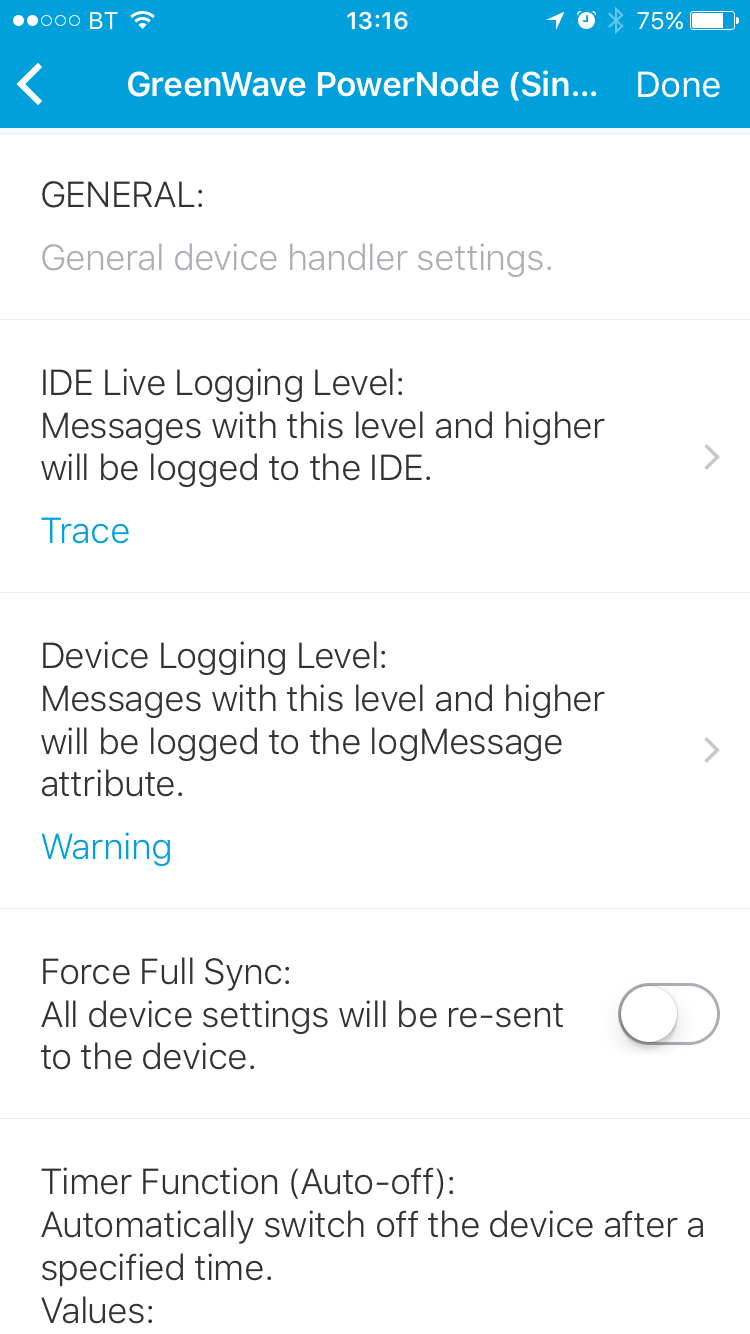 * **IDE Live Logging Level**: Set the level of log messages shown in the SmartThings IDE _Live Logging_ tab. For normal operation _Info_ or _Warning_ is recommended, if troubleshooting use _Debug_ or _Trace_.
* **Device Logging Level**: Set the level of log messages that will be recorded in the device's _logMessage_ attribute. This offers a way to review historical messages without having to keep the IDE _Live Logging_ screen open. To prevent excessive events, the maximum level supported is _Warning_.
* **Force Full Sync**: By default, only settings that have been modified will be synchronised with the device. Enable this setting to force all device parameters and association groups to be re-sent to the device.
* **Timer Function (Auto-off)**: Automatically switch off the device after a specified time. Note, this is scheduled in SmartThings and is not a native function of the physical device.
* **Ignore Current Leakage Alarms**: The PowerNode is eager to raise current leakage alarms. Enable this setting to ignore them.
* **ALL ON/ALL OFF Function**: Control the device's response to SWITCH_ALL_SET commands.
#### Device Parameters:
* **IDE Live Logging Level**: Set the level of log messages shown in the SmartThings IDE _Live Logging_ tab. For normal operation _Info_ or _Warning_ is recommended, if troubleshooting use _Debug_ or _Trace_.
* **Device Logging Level**: Set the level of log messages that will be recorded in the device's _logMessage_ attribute. This offers a way to review historical messages without having to keep the IDE _Live Logging_ screen open. To prevent excessive events, the maximum level supported is _Warning_.
* **Force Full Sync**: By default, only settings that have been modified will be synchronised with the device. Enable this setting to force all device parameters and association groups to be re-sent to the device.
* **Timer Function (Auto-off)**: Automatically switch off the device after a specified time. Note, this is scheduled in SmartThings and is not a native function of the physical device.
* **Ignore Current Leakage Alarms**: The PowerNode is eager to raise current leakage alarms. Enable this setting to ignore them.
* **ALL ON/ALL OFF Function**: Control the device's response to SWITCH_ALL_SET commands.
#### Device Parameters:
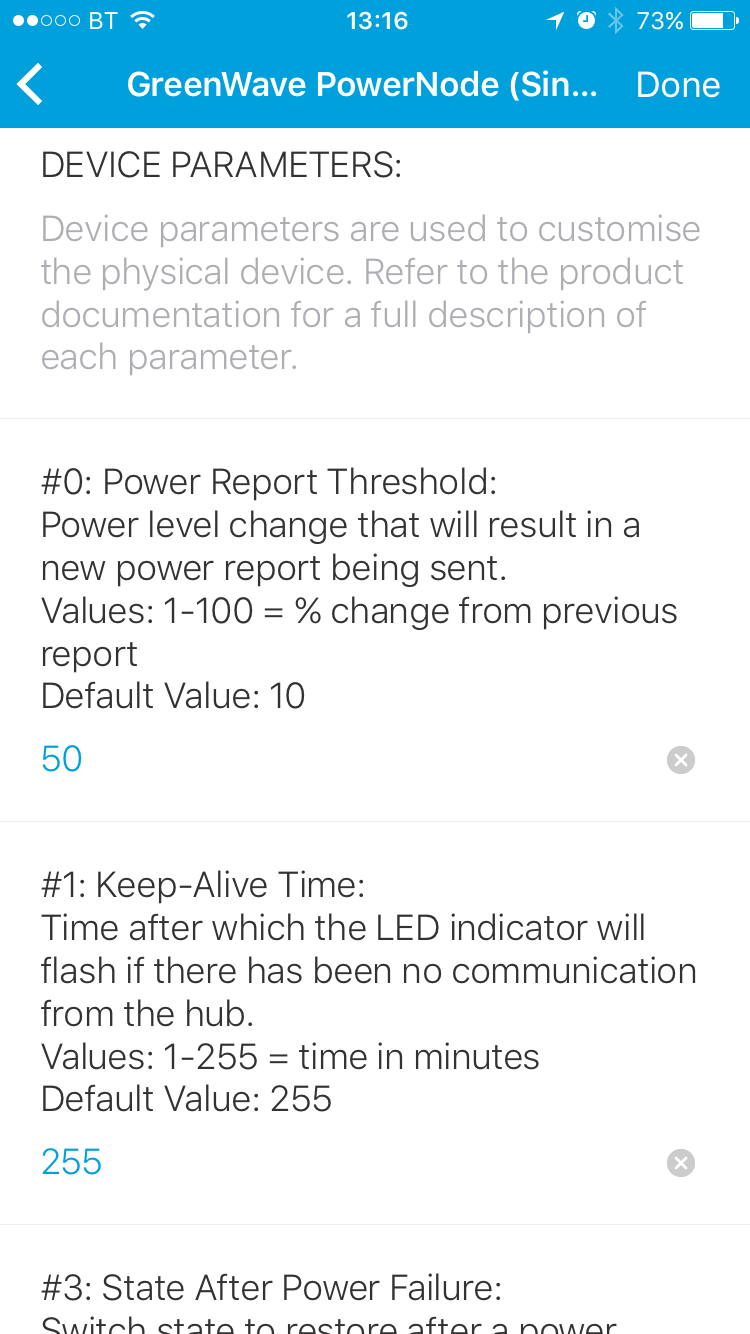 The settings in this section can be used to specify the value of all writable device parameters. It is recommended to consult the manufacturer's manual for a full description of each parameter.
If no value is specified for a parameter, then it will not be synched with the device and the existing value in the device will be preserved.
#### Power Report Threshold:
Determines the percentage change in power consumption that will trigger a report to be sent by the device. **IMPORTANT: Be careful not to set this value too low, as the device will send reports every second causing network congestion!** It is recommended to use a value between 30% and 50%.
#### Keep-Alive Time:
It is recommended to set this setting to 255 minutes to prevent the _Circle LED_ from flashing.
#### State After Power Failure:
Determine the power state to be restored after a power failure. **Only supported with firmware v4.28+**
#### LED for Network Error:
Determine if the LED will indicate network errors. **Only supported with firmware v4.28+**
## GUI
#### Main Tile:
The main tile indicates the switch state. Tap it to toggle the switch on and off.
#### Power and Energy Tiles:
These tiles display the instantaneous power consumption of the device (Watts) and the accumulated energy consumption (KWh). The _Now:_ tile can be tapped to force the device state to be refreshed. The _Since: ..._ tile can be tapped to reset the _Accumulated Energy_ figure.
The settings in this section can be used to specify the value of all writable device parameters. It is recommended to consult the manufacturer's manual for a full description of each parameter.
If no value is specified for a parameter, then it will not be synched with the device and the existing value in the device will be preserved.
#### Power Report Threshold:
Determines the percentage change in power consumption that will trigger a report to be sent by the device. **IMPORTANT: Be careful not to set this value too low, as the device will send reports every second causing network congestion!** It is recommended to use a value between 30% and 50%.
#### Keep-Alive Time:
It is recommended to set this setting to 255 minutes to prevent the _Circle LED_ from flashing.
#### State After Power Failure:
Determine the power state to be restored after a power failure. **Only supported with firmware v4.28+**
#### LED for Network Error:
Determine if the LED will indicate network errors. **Only supported with firmware v4.28+**
## GUI
#### Main Tile:
The main tile indicates the switch state. Tap it to toggle the switch on and off.
#### Power and Energy Tiles:
These tiles display the instantaneous power consumption of the device (Watts) and the accumulated energy consumption (KWh). The _Now:_ tile can be tapped to force the device state to be refreshed. The _Since: ..._ tile can be tapped to reset the _Accumulated Energy_ figure.
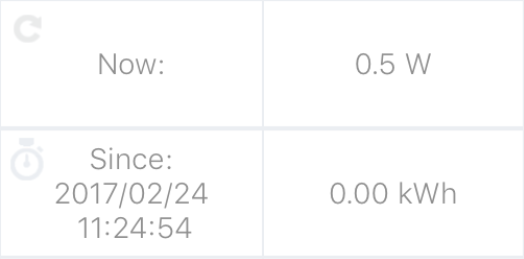 #### Room Colour Wheel Tile:
This tile mirrors the _Room Colour Wheel_ on the bottom right of the physical power outlet.
#### Room Colour Wheel Tile:
This tile mirrors the _Room Colour Wheel_ on the bottom right of the physical power outlet.
 #### Blink Tile:
The _Blink_ tile will cause the _Circle LED_ on the outlet to blink for ~20 seconds. This is useful to identify the physical device.
#### Blink Tile:
The _Blink_ tile will cause the _Circle LED_ on the outlet to blink for ~20 seconds. This is useful to identify the physical device.
 #### Local Protection Tile:
This tile toggles the _local protection_ state. This can be used to prevent unintentional control (e.g. by a child), by disabling the physical power switch on the device.
#### Local Protection Tile:
This tile toggles the _local protection_ state. This can be used to prevent unintentional control (e.g. by a child), by disabling the physical power switch on the device.
 #### RF Protection Tile:
This tile toggles the _RF protection_ state. Enabling _RF Protection_ means the device will not respond to wireless commands from other Z-Wave devices, including on/off commands issued via the SmartThings app.
#### RF Protection Tile:
This tile toggles the _RF protection_ state. Enabling _RF Protection_ means the device will not respond to wireless commands from other Z-Wave devices, including on/off commands issued via the SmartThings app.

 #### Sync Tile:
This tile indicates when all configuration settings have been successfully synchronised with the physical device.
#### Sync Tile:
This tile indicates when all configuration settings have been successfully synchronised with the physical device.
 #### Fault Tile:
The _Fault_ tile indicates if the device has reported any faults. These may include load faults, firmware, or hardware issues. Once any faults have been investigated and remediated, the tile can be tapped to clear the fault status.
#### Fault Tile:
The _Fault_ tile indicates if the device has reported any faults. These may include load faults, firmware, or hardware issues. Once any faults have been investigated and remediated, the tile can be tapped to clear the fault status.
 ## SmartApp Integration
#### Attributes:
The device handler publishes the following attributes:
* **switch [ENUM]**: Switch status [_on_, _off_].
* **power [NUMBER]**: Instantaneous power consumption (Watts).
* **energy [NUMBER]**: Accumulated energy consumption (kWh).
* **energyLastReset [STRING]**: Last time _Accumulated Energy_ was reset.
* **fault [STRING]**: Indicates if the device has any faults. '_clear_' if no active faults.
* **localProtectionMode [ENUM]**: Physical protection mode [_unprotected_, _sequence_, _noControl_].
* **rfProtectionMode [ENUM]**: Wireless protection mode [_unprotected_, _noControl_, _noResponse_].
* **logMessage [STRING]**: Important log messages.
* **syncPending [NUMBER]**: The number of configuration items that need to be synced with the physical device. _0_ if the device is fully synchronised.
* **wheelStatus [ENUM]**: Status of the _Room Colour Wheel_ [_black_, _white_, _green_, ...]
#### Commands:
The device exposes the following commands which can be called from a SmartApp:
* **on()**: Turn the switch on.
* **off()**: Turn the switch off.
* **refresh()**: Refresh device state.
* **resetTamper()**: Clear any tamper alerts.
* **blink()**: Causes the Circle LED to blink for ~20 seconds.
* **reset()**: Alias for _resetEnergy()_.
* **resetEnergy()**: Reset accumulated energy figure to 0.
* **resetFault()**: Reset fault alarm to 'clear'.
* **setLocalProtectionMode()**: Set physical protection mode.
* **toggleLocalProtectionMode()**: Toggle physical protection mode.
* **setRfProtectionMode()**: Set wireless protection mode.
* **toggleRfProtectionMode()**: Toggle wireless protection mode.
## Version History
#### 2017-03-08: v1.01
* getParamsMd(): set fwVersion to 4.22, for parameters #0,#1, and #2.
#### 2017-03-05: v1.00
* Initial version.
## Physical Device Notes
General notes concerning the GreenWave PowerNode:
* The device is generally poor at reporting physical switch events (reports are typically delayed by 10-20s). To work round the issue, this device handler will request BinarySwitchReports if a meter report indicates that there has been a change in state.
* The device seems to send a lot of Meter Reports. It is important to be cautious setting parameter #0, to avoid spamming the Z-Wave network. Ideally, there should be a parameter to control the _power reporting interval_.
* The device reports _Current Leakage_ alarms frequently, hence this device handler has an option to ignore them.
* There does not appear to be any way (in software) to turn off the white power button LED, so this device isn't great for use in bedrooms as it lights up dark rooms. If anyone has a solution, please let me know!
## References
Some useful links relevant to the development of this device handler:
* [GreenWave PowerNode - Z-Wave certification information](http://products.z-wavealliance.org/products/629)
## License
Licensed under the Apache License, Version 2.0 (the "License"); you may not use this file except in compliance with the License. You may obtain a copy of the License at:
http://www.apache.org/licenses/LICENSE-2.0
Unless required by applicable law or agreed to in writing, software distributed under the License is distributed on an "AS IS" BASIS, WITHOUT WARRANTIES OR CONDITIONS OF ANY KIND, either express or implied. See the License for the specific language governing permissions and limitations under the License.
================================================
FILE: devices/greenwave-powernode-single/greenwave-powernode-single.groovy
================================================
/*****************************************************************************************************************
* Copyright: David Lomas (codersaur)
*
* Name: GreenWave PowerNode (Single) Advanced
*
* Date: 2017-03-08
*
* Version: 1.01
*
* Source: https://github.com/codersaur/SmartThings/tree/master/devices/greenwave-powernode-single
*
* Author: David Lomas (codersaur)
*
* Description: An advanced SmartThings device handler for the GreenWave PowerNode (Single socket) Z-Wave power outlet.
*
* For full information, including installation instructions, exmples, and version history, see:
* https://github.com/codersaur/SmartThings/tree/master/devices/greenwave-powernode-single
*
* License:
* Licensed under the Apache License, Version 2.0 (the "License"); you may not use this file except
* in compliance with the License. You may obtain a copy of the License at:
*
* http://www.apache.org/licenses/LICENSE-2.0
*
* Unless required by applicable law or agreed to in writing, software distributed under the License is distributed
* on an "AS IS" BASIS, WITHOUT WARRANTIES OR CONDITIONS OF ANY KIND, either express or implied. See the License
* for the specific language governing permissions and limitations under the License.
*
*****************************************************************************************************************/
metadata {
definition (name: "GreenWave PowerNode (Single) Advanced", namespace: "codersaur", author: "David Lomas") {
capability "Actuator"
capability "Switch"
capability "Sensor"
capability "Energy Meter"
capability "Power Meter"
capability "Polling"
capability "Refresh"
// Custom (Virtual) Capabilities:
//capability "Fault"
//capability "Logging"
//capability "Protection"
// Standard Attributes:
attribute "switch", "enum", ["on", "off"]
attribute "power", "number"
attribute "energy", "number"
// Custom Attributes:
attribute "energyLastReset", "string" // Last time Accumulated Engergy was reset.
attribute "fault", "string" // Indicates if the device has any faults. 'clear' if no active faults.
attribute "localProtectionMode", "enum", ["unprotected","sequence","noControl"] // Physical protection mode.
attribute "rfProtectionMode", "enum", ["unprotected","noControl","noResponse"] // Wireless protection mode.
attribute "logMessage", "string" // Important log messages.
attribute "syncPending", "number" // Number of config items that need to be synced with the physical device.
attribute "wheelStatus", "enum", ["black","green","blue","red","yellow","violet","orange","aqua","pink","white"]
// Display Attributes:
// These are only required because the UI lacks number formatting and strips leading zeros.
attribute "dispEnergy", "string"
attribute "dispPower", "string"
// Custom Commands:
command "blink" // Causes the Circle LED to blink for ~20 seconds.
command "reset" // Alias for resetEnergy().
command "resetEnergy" // Reset accumulated energy figure to 0.
command "resetFault" // Reset fault alarm to 'clear'.
command "setLocalProtectionMode" // Set physical protection mode.
command "toggleLocalProtectionMode" // Toggle physical protection mode.
command "setRfProtectionMode" // Set wireless protection mode.
command "toggleRfProtectionMode" // Toggle wireless protection mode.
command "sync" // Sync configuration with physical device.
command "test" // Test function.
// Fingerprints:
fingerprint mfr: "0099", prod: "0002", model: "0002"
fingerprint type: "1001", mfr: "0099", cc: "20,25,27,32,56,70,71,72,75,85,86,87"
fingerprint inClusters: "0x20,0x25,0x27,0x32,0x56,0x70,0x71,0x72,0x75,0x85,0x86,0x87"
}
tiles(scale: 2) {
// Multi Tile:
multiAttributeTile(name:"switch", type: "generic", width: 6, height: 4, canChangeIcon: true) {
tileAttribute ("switch", key: "PRIMARY_CONTROL") {
attributeState "on", label:'${name}', action:"off", icon:"st.switches.switch.on", backgroundColor:"#79b821", nextState:"turningOff"
attributeState "off", label:'${name}', action:"on", icon:"st.switches.switch.off", backgroundColor:"#ffffff", nextState:"turningOn"
attributeState "turningOn", label:'${name}', action:"off", icon:"st.switches.switch.on", backgroundColor:"#79b821", nextState:"turningOff"
attributeState "turningOff", label:'${name}', action:"on", icon:"st.switches.switch.off", backgroundColor:"#ffffff", nextState:"turningOn"
}
}
// Instantaneous Power:
valueTile("instMode", "dispPower", decoration: "flat", width: 2, height: 1) {
state "default", label:'Now:', action:"refresh",
icon: "https://raw.githubusercontent.com/codersaur/SmartThings/master/icons/tile_2x1_refresh.png"
}
valueTile("power", "dispPower", decoration: "flat", width: 2, height: 1) {
state "default", label:'${currentValue}',
icon: "https://raw.githubusercontent.com/codersaur/SmartThings/master/icons/tile_2x1_top_bottom_2.png"
}
// Accumulated Energy:
valueTile("energyLastReset", "energyLastReset", decoration: "flat", width: 2, height: 1) {
state "default", label:'Since: ${currentValue}', action:"resetEnergy",
icon: "https://raw.githubusercontent.com/codersaur/SmartThings/master/icons/tile_2x1_stopwatch_reset.png"
}
valueTile("energy", "dispEnergy", decoration: "flat", width: 2, height: 1) {
state "default", label:'${currentValue}', icon: "https://raw.githubusercontent.com/codersaur/SmartThings/master/icons/tile_2x1_top_bottom_2.png"
}
// Other Tiles:
standardTile("wheelStatus", "wheelStatus", decoration: "flat", width: 2, height: 2) {
state "black", label:'${currentValue}', backgroundColor:"#000000", icon: "https://raw.githubusercontent.com/codersaur/SmartThings/master/icons/tile_2x2_blank.png"
state "green", label:'${currentValue}', backgroundColor:"#009933", icon: "https://raw.githubusercontent.com/codersaur/SmartThings/master/icons/tile_2x2_blank.png"
state "blue", label:'${currentValue}', backgroundColor:"#0033CC", icon: "https://raw.githubusercontent.com/codersaur/SmartThings/master/icons/tile_2x2_blank.png"
state "red", label:'${currentValue}', backgroundColor:"#FF0000", icon: "https://raw.githubusercontent.com/codersaur/SmartThings/master/icons/tile_2x2_blank.png"
state "yellow", label:'${currentValue}', backgroundColor:"#EEEE00", icon: "https://raw.githubusercontent.com/codersaur/SmartThings/master/icons/tile_2x2_blank.png"
state "violet", label:'${currentValue}', backgroundColor:"#9900FF", icon: "https://raw.githubusercontent.com/codersaur/SmartThings/master/icons/tile_2x2_blank.png"
state "orange", label:'${currentValue}', backgroundColor:"#FF9933", icon: "https://raw.githubusercontent.com/codersaur/SmartThings/master/icons/tile_2x2_blank.png"
state "aqua", label:'${currentValue}', backgroundColor:"#33CCFF", icon: "https://raw.githubusercontent.com/codersaur/SmartThings/master/icons/tile_2x2_blank.png"
state "pink", label:'${currentValue}', backgroundColor:"#FF99FF", icon: "https://raw.githubusercontent.com/codersaur/SmartThings/master/icons/tile_2x2_blank.png"
state "white", label:'${currentValue}', backgroundColor:"#EEEEEE", icon: "https://raw.githubusercontent.com/codersaur/SmartThings/master/icons/tile_2x2_padlock_closed.png"
}
standardTile("blink", "blink", decoration: "flat", width: 2, height: 2) {
state "default", label:'Blink', action:"blink", icon:"st.illuminance.illuminance.light"
}
standardTile("localProtectionMode", "localProtectionMode", decoration: "flat", width: 2, height: 2) {
state "unprotected", label:'Unprotected', action:"toggleLocalProtectionMode", icon: "https://raw.githubusercontent.com/codersaur/SmartThings/master/icons/tile_2x2_padlock_open.png"
state "sequence", label:'Sequence', action:"toggleLocalProtectionMode", icon: "https://raw.githubusercontent.com/codersaur/SmartThings/master/icons/tile_2x2_padlock_buttons_closed.png"
state "noControl", label:'Protected', action:"toggleLocalProtectionMode", icon: "https://raw.githubusercontent.com/codersaur/SmartThings/master/icons/tile_2x2_padlock_closed.png"
}
standardTile("rfProtectionMode", "rfProtectionMode", decoration: "flat", width: 2, height: 2) {
state "unprotected", label:'Unprotected', action:"toggleRfProtectionMode", icon: "https://raw.githubusercontent.com/codersaur/SmartThings/master/icons/tile_2x2_padlock_wireless_open.png"
state "noControl", label:'Protected', action:"toggleRfProtectionMode", icon: "https://raw.githubusercontent.com/codersaur/SmartThings/master/icons/tile_2x2_padlock_wireless_closed.png"
state "noResponse", label:'Protected (NR)', action:"toggleRfProtectionMode", icon: "https://raw.githubusercontent.com/codersaur/SmartThings/master/icons/tile_2x2_padlock_wireless_closed.png"
}
standardTile("syncPending", "syncPending", decoration: "flat", width: 2, height: 2) {
state "default", label:'Sync Pending', backgroundColor:"#FF6600", action:"sync", icon: "https://raw.githubusercontent.com/codersaur/SmartThings/master/icons/tile_2x2_cycle.png"
state "0", label:'Synced', backgroundColor:"#79b821", icon: "https://raw.githubusercontent.com/codersaur/SmartThings/master/icons/tile_2x2_tick.png"
}
standardTile("refresh", "refresh", decoration: "flat", width: 2, height: 2) {
state "default", label:'', action:"refresh", icon:"st.secondary.refresh"
}
standardTile("fault", "fault", decoration: "flat", width: 2, height: 2) {
state "default", label:'${currentValue} Fault', action:"resetFault", backgroundColor:"#FF6600", icon: "https://raw.githubusercontent.com/codersaur/SmartThings/master/icons/tile_2x2_warn.png"
state "clear", label:'${currentValue}', action:"", backgroundColor:"#79b821", icon: "https://raw.githubusercontent.com/codersaur/SmartThings/master/icons/tile_2x2_tick.png"
}
standardTile("test", "test", decoration: "flat", width: 2, height: 2) {
state "default", label:'Test', action:"test", icon:"st.secondary.tools"
}
main(["switch"])
details([
"switch",
"instMode","power",
"wheelStatus",
"energyLastReset","energy",
"blink",
"localProtectionMode",
"rfProtectionMode",
"syncPending",
// "refresh",
"fault"//,
//"test"
])
}
preferences {
section { // GENERAL:
input (
type: "paragraph",
element: "paragraph",
title: "GENERAL:",
description: "General device handler settings."
)
input (
name: "configLoggingLevelIDE",
title: "IDE Live Logging Level:\nMessages with this level and higher will be logged to the IDE.",
type: "enum",
options: [
"0" : "None",
"1" : "Error",
"2" : "Warning",
"3" : "Info",
"4" : "Debug",
"5" : "Trace"
],
defaultValue: "3",
required: false
)
input (
name: "configLoggingLevelDevice",
title: "Device Logging Level:\nMessages with this level and higher will be logged to the logMessage attribute.",
type: "enum",
options: [
"0" : "None",
"1" : "Error",
"2" : "Warning"
],
defaultValue: "2",
required: false
)
input (
name: "configSyncAll",
title: "Force Full Sync:\nAll device settings will be re-sent to the device.",
type: "boolean",
defaultValue: false,
required: false
)
input (
name: "configAutoOffTime",
title: "Timer Function (Auto-off):\nAutomatically switch off the device after a specified time.\n" +
"Values:\n0 = Function Disabled\n1-86400 = time in seconds\nDefault Value: 0",
type: "number",
range: "0..86400",
defaultValue: 0,
required: false
)
input (
name: "configIgnoreCurrentLeakageAlarms",
title: "Ignore Current Leakage Alarms:\nDo not raise a fault on a current leakage alarm.",
type: "boolean",
defaultValue: false,
required: false
)
input (
name: "configSwitchAllMode",
title: "ALL ON/ALL OFF Function:\nResponse to SWITCH_ALL_SET commands.",
type: "enum",
options: [
"0" : "0: All ON not active, All OFF not active",
"1" : "1: All ON not active, All OFF active",
"2" : "2: All ON active, All OFF not active",
"255" : "255: All ON active, All OFF active"],
defaultValue: "255",
required: false
)
}
generatePrefsParams()
//generatePrefsAssocGroups() // All Assoc Groups are HubOnly for this device.
}
}
/*****************************************************************************************************************
* SmartThings System Commands:
*****************************************************************************************************************/
/**
* installed()
*
* Runs when the device is first installed.
*
* Action: Set initial values for internal state, and request MSR/Version reports.
**/
def installed() {
log.trace "installed()"
state.installedAt = now()
state.energyLastReset = new Date().format("YYYY/MM/dd \n HH:mm:ss", location.timeZone)
state.loggingLevelIDE = 3
state.loggingLevelDevice = 2
state.useSecurity = false
state.useCrc16 = true
state.fwVersion = 4.23 // Will be updated when versionReport is received.
state.protectLocalTarget = 0
state.protectRfTarget = 0
state.autoOffTime = 0
sendEvent(name: "fault", value: "clear", displayed: false)
def cmds = []
cmds << zwave.configurationV1.configurationSet(parameterNumber: 1, size: 1, scaledConfigurationValue: 255) // Set Keep-Alive to 255.
cmds << zwave.configurationV1.configurationGet(parameterNumber: 2) // Wheel Status
cmds << zwave.protectionV2.protectionGet()
cmds << zwave.manufacturerSpecificV2.manufacturerSpecificGet()
cmds << zwave.versionV1.versionGet()
sendCommands(cmds)
}
/**
* updated()
*
* Runs when the user hits "Done" from Settings page.
*
* Action: Process new settings, sync parameters and association group members with the physical device.
*
* Note: Weirdly, update() seems to be called twice. So execution is aborted if there was a previous execution
* within two seconds. See: https://community.smartthings.com/t/updated-being-called-twice/62912
**/
def updated() {
logger("updated()","trace")
def cmds = []
if (!state.updatedLastRanAt || now() >= state.updatedLastRanAt + 2000) {
state.updatedLastRanAt = now()
// Update internal state:
state.loggingLevelIDE = (settings.configLoggingLevelIDE) ? settings.configLoggingLevelIDE.toInteger() : 3
state.loggingLevelDevice = (settings.configLoggingLevelDevice) ? settings.configLoggingLevelDevice.toInteger(): 2
state.syncAll = ("true" == settings.configSyncAll)
state.autoOffTime = (settings.configAutoOffTime) ? settings.configAutoOffTime.toInteger() : 0
state.ignoreCurrentLeakageAlarms = ("true" == settings.configIgnoreCurrentLeakageAlarms)
state.switchAllModeTarget = (settings.configSwitchAllMode) ? settings.configSwitchAllMode.toInteger() : 255
// Update Parameter target values:
getParamsMd().findAll( { !it.readonly & (it.fwVersion <= state.fwVersion) } ).each { // Exclude readonly/newer parameters.
state."paramTarget${it.id}" = settings."configParam${it.id}"?.toInteger()
}
// Update Assoc Group target values:
getAssocGroupsMd().findAll( { !it.hubOnly } ).each {
state."assocGroupTarget${it.id}" = parseAssocGroupInput(settings."configAssocGroup${it.id}", it.maxNodes)
}
getAssocGroupsMd().findAll( { it.hubOnly } ).each {
state."assocGroupTarget${it.id}" = [ zwaveHubNodeId ]
}
// Sync configuration with phyiscal device:
sync(state.syncAll)
// Request device medadata (this just seems the best place to do it):
cmds << zwave.manufacturerSpecificV2.manufacturerSpecificGet()
cmds << zwave.versionV1.versionGet()
return sendCommands(cmds)
}
else {
logger("updated(): Ran within last 2 seconds so aborting.","debug")
}
}
/**
* parse()
*
* Called when messages from the device are received by the hub. The parse method is responsible for interpreting
* those messages and returning event definitions (and command responses).
*
* As this is a Z-wave device, zwave.parse() is used to convert the message into a command. The command is then
* passed to zwaveEvent(), which is overloaded for each type of command below.
*
* Note: There is no longer any need to check if description == "updated".
*
* Parameters:
* String description The raw message from the device.
**/
def parse(description) {
logger("parse(): Parsing raw message: ${description}","trace")
def result = []
def cmd = zwave.parse(description, getCommandClassVersions())
if (cmd) {
result += zwaveEvent(cmd)
} else {
logger("parse(): Could not parse raw message: ${description}","error")
}
return result
}
/*****************************************************************************************************************
* Z-wave Event Handlers.
*****************************************************************************************************************/
/**
* zwaveEvent( COMMAND_CLASS_BASIC (0x20) : BASIC_REPORT (0x03) )
*
* The Basic Report command is used to advertise the status of the primary functionality of the device.
*
* Action: Raise switch event and log an info message if state has changed.
* Schedule autoOff() if an autoOffTime is configured.
*
* cmd attributes:
* Short value
* 0x00 = Off
* 0x01..0x63 = 0..100%
* 0xFE = Unknown
* 0xFF = On
*
* Example: BasicReport(value: 255)
**/
def zwaveEvent(physicalgraph.zwave.commands.basicv1.BasicReport cmd) {
logger("zwaveEvent(): Basic Report received: ${cmd}","trace")
def result = []
def switchValue = (cmd.value ? "on" : "off")
def switchEvent = createEvent(name: "switch", value: switchValue)
if (switchEvent.isStateChange) logger("Switch turned ${switchValue}.","info")
result << switchEvent
if ( switchEvent.isStateChange & (switchValue == "on") & (state.autoOffTime > 0) ) {
logger("Scheduling Auto-off in ${state.autoOffTime} seconds.","info")
runIn(state.autoOffTime,autoOff)
}
return result
}
/**
* zwaveEvent( COMMAND_CLASS_APPLICATION_STATUS (0x22) : APPLICATION_BUSY (0x01) )
*
* The Application Busy command used to instruct a node that the node that it is trying to communicate with is
* busy and is unable to service the request right now.
*
* Action: Log a warning message.
*
* cmd attributes:
* Short status
* 0 = Try again later.
* 1 = Try again in Wait Time seconds.
* 2 = Request queued, executed later.
* Short waitTime Number of seconds to wait before retrying.
*
* Example: ApplicationBusy(status: 0, waitTime: 0)
**/
def zwaveEvent(physicalgraph.zwave.commands.applicationstatusv1.ApplicationBusy cmd) {
logger("zwaveEvent(): Application Busy received: ${cmd}","trace")
switch(cmd.status) {
case 0:
logger("Device is busy. Try again later.","warn")
break
case 1:
logger("Device is busy. Retry in ${cmd.waitTime} seconds.","warn")
break
case 2:
logger("Device is busy. Request is queued.","warn")
break
}
}
/**
* zwaveEvent( COMMAND_CLASS_APPLICATION_STATUS (0x22) : APPLICATION_REJECTED_REQUEST (0x02) )
*
* The Application Rejected Request command used to instruct a node that a command was rejected by the receiving node.
*
* Action: Log a warning message.
*
* Note: These will be received if rfProtectionMode is 'No Control'.
*
* cmd attributes:
* Short status Always 0.
*
* Example: ApplicationRejectedRequest(status: 0)
**/
def zwaveEvent(physicalgraph.zwave.commands.applicationstatusv1.ApplicationRejectedRequest cmd) {
//logger("zwaveEvent(): Application Rejected Request received: ${cmd}","trace")
logger("A command was rejected. Most likely, RF Protection Mode is set to 'No Control'.","warn")
}
/**
* zwaveEvent( COMMAND_CLASS_SWITCH_BINARY (0x25) : SWITCH_BINARY_REPORT (0x03) )
*
* The Binary Switch Report command is used to advertise the status of a device with On/Off or Enable/Disable
* capability.
*
* Action: Raise switch event and log an info message if state has changed.
* Schedule autoOff() if an autoOffTime is configured.
*
* cmd attributes:
* Short value 0xFF for on, 0x00 for off
*
* Example: SwitchBinaryReport(value: 255)
**/
def zwaveEvent(physicalgraph.zwave.commands.switchbinaryv1.SwitchBinaryReport cmd) {
logger("zwaveEvent(): Switch Binary Report received: ${cmd}","trace")
def result = []
def switchValue = (cmd.value ? "on" : "off")
def switchEvent = createEvent(name: "switch", value: switchValue)
if (switchEvent.isStateChange) logger("Switch turned ${switchValue}.","info")
result << switchEvent
if ( switchEvent.isStateChange & (switchValue == "on") & (state.autoOffTime > 0) ) {
logger("Scheduling Auto-off in ${state.autoOffTime} seconds.","info")
runIn(state.autoOffTime,autoOff)
}
return result
}
/**
* zwaveEvent( COMMAND_CLASS_SWITCH_ALL (0x27) : SWITCH_ALL_REPORT (0x03) )
*
* The All Switch Report Command is used to report if the device is included or excluded from the all on/all off
* functionality.
*
* Action: Cache value, update syncPending, and log an info message.
*
* cmd attributes:
* Short mode
* 0 = MODE_EXCLUDED_FROM_THE_ALL_ON_ALL_OFF_FUNCTIONALITY
* 1 = MODE_EXCLUDED_FROM_THE_ALL_ON_FUNCTIONALITY_BUT_NOT_ALL_OFF
* 2 = MODE_EXCLUDED_FROM_THE_ALL_OFF_FUNCTIONALITY_BUT_NOT_ALL_ON
* 255 = MODE_INCLUDED_IN_THE_ALL_ON_ALL_OFF_FUNCTIONALITY
*
* Example: SwitchAllReport(mode: 255)
**/
def zwaveEvent(physicalgraph.zwave.commands.switchallv1.SwitchAllReport cmd) {
logger("zwaveEvent(): Switch All Report received: ${cmd}","trace")
state.switchAllModeCache = cmd.mode
def msg = ""
switch (cmd.mode) {
case 0:
msg = "Device is excluded from the all on/all off functionality."
break
case 1:
msg = "Device is excluded from the all on functionality but not all off."
break
case 2:
msg = "Device is excluded from the all off functionality but not all on."
break
default:
msg = "Device is included in the all on/all off functionality."
break
}
logger("Switch All Mode: ${msg}","info")
updateSyncPending()
}
/**
* zwaveEvent( COMMAND_CLASS_METER_V3 (0x32) : METER_REPORT_V3 (0x02) )
*
* The Meter Report Command is used to advertise a meter reading.
*
* Action: Raise appropriate type of event (and disp... event) and log an info message.
* Plus, request a Switch Binary Report if power report suggests switch state has changed.
* (This is necessary because the PowerNode does not report physical switch events reliably).
*
* Note: GreenWave PowerNode supports energy and power reporting only.
*
* cmd attributes:
* Integer deltaTime Time in seconds since last report.
* Short meterType Specifies the type of metering device.
* 0x00 = Unknown
* 0x01 = Electric meter
* 0x02 = Gas meter
* 0x03 = Water meter
* List meterValue Meter value as an array of bytes.
* Double scaledMeterValue Meter value as a double.
* List previousMeterValue Previous meter value as an array of bytes.
* Double scaledPreviousMeterValue Previous meter value as a double.
* Short size The size of the array for the meterValue and previousMeterValue.
* Short scale Indicates what unit the sensor uses (dependent on meterType).
* Short precision The decimal precision of the values.
* Short rateType Specifies if it is import or export values to be read.
* 0x01 = Import (consumed)
* 0x02 = Export (produced)
* Boolean scale2 ???
**/
def zwaveEvent(physicalgraph.zwave.commands.meterv3.MeterReport cmd) {
logger("zwaveEvent(): Meter Report received: ${cmd}","trace")
def result = []
switch (cmd.meterType) {
case 1: // Electric meter:
switch (cmd.scale) {
case 0: // Accumulated Energy (kWh):
result << createEvent(name: "energy", value: cmd.scaledMeterValue, unit: "kWh", displayed: true)
result << createEvent(name: "dispEnergy", value: String.format("%.2f",cmd.scaledMeterValue as BigDecimal) + " kWh", displayed: false)
logger("New meter reading: Accumulated Energy: ${cmd.scaledMeterValue} kWh","info")
break
case 1: // Accumulated Energy (kVAh):
result << createEvent(name: "energy", value: cmd.scaledMeterValue, unit: "kVAh", displayed: true)
result << createEvent(name: "dispEnergy", value: String.format("%.2f",cmd.scaledMeterValue as BigDecimal) + " kVAh", displayed: false)
logger("New meter reading: Accumulated Energy: ${cmd.scaledMeterValue} kVAh","info")
break
case 2: // Instantaneous Power (Watts):
result << createEvent(name: "power", value: cmd.scaledMeterValue, unit: "W", displayed: true)
result << createEvent(name: "dispPower", value: String.format("%.1f",cmd.scaledMeterValue as BigDecimal) + " W", displayed: false)
logger("New meter reading: Instantaneous Power: ${cmd.scaledMeterValue} W","info")
// Request Switch Binary Report if power suggests switch state has changed:
def sw = (cmd.scaledMeterValue) ? "on" : "off"
if ( device.latestValue("switch") != sw) { result << prepCommands([zwave.switchBinaryV1.switchBinaryGet()]) }
break
case 3: // Accumulated Pulse Count:
result << createEvent(name: "pulseCount", value: cmd.scaledMeterValue, unit: "", displayed: true)
logger("New meter reading: Accumulated Electricity Pulse Count: ${cmd.scaledMeterValue}","info")
break
case 4: // Instantaneous Voltage (Volts):
result << createEvent(name: "voltage", value: cmd.scaledMeterValue, unit: "V", displayed: true)
result << createEvent(name: "dispVoltage", value: String.format("%.1f",cmd.scaledMeterValue as BigDecimal) + " V", displayed: false)
logger("New meter reading: Instantaneous Voltage: ${cmd.scaledMeterValue} V","info")
break
case 5: // Instantaneous Current (Amps):
result << createEvent(name: "current", value: cmd.scaledMeterValue, unit: "A", displayed: true)
result << createEvent(name: "dispCurrent", value: String.format("%.1f",cmd.scaledMeterValue as BigDecimal) + " V", displayed: false)
logger("New meter reading: Instantaneous Current: ${cmd.scaledMeterValue} A","info")
break
case 6: // Instantaneous Power Factor:
result << createEvent(name: "powerFactor", value: cmd.scaledMeterValue, unit: "", displayed: true)
result << createEvent(name: "dispPowerFactor", value: String.format("%.1f",cmd.scaledMeterValue as BigDecimal), displayed: false)
logger("New meter reading: Instantaneous Power Factor: ${cmd.scaledMeterValue}","info")
break
default:
logger("zwaveEvent(): Meter Report with unhandled scale: ${cmd}","warn")
break
}
break
default:
logger("zwaveEvent(): Meter Report with unhandled meterType: ${cmd}","warn")
break
}
return result
}
/**
* zwaveEvent( COMMAND_CLASS_CRC16_ENCAP (0x56) : CRC_16_ENCAP (0x01) )
*
* The CRC-16 Encapsulation Command Class is used to encapsulate a command with an additional CRC-16 checksum
* to ensure integrity of the payload. The purpose for this command class is to ensure a higher integrity level
* of payloads carrying important data.
*
* Action: Extract the encapsulated command and pass to zwaveEvent().
*
* Note: Validation of the checksum is not necessary as this is performed by the hub.
*
* cmd attributes:
* Integer checksum Checksum.
* Short command Command identifier of the embedded command.
* Short commandClass Command Class identifier of the embedded command.
* List data Embedded command data.
*
* Example: Crc16Encap(checksum: 125, command: 2, commandClass: 50, data: [33, 68, 0, 0, 0, 194, 0, 0, 77])
**/
def zwaveEvent(physicalgraph.zwave.commands.crc16encapv1.Crc16Encap cmd) {
logger("zwaveEvent(): CRC-16 Encapsulation Command received: ${cmd}","trace")
def versions = getCommandClassVersions()
def version = versions[cmd.commandClass as Integer]
def ccObj = version ? zwave.commandClass(cmd.commandClass, version) : zwave.commandClass(cmd.commandClass)
def encapsulatedCommand = ccObj?.command(cmd.command)?.parse(cmd.data)
// TO DO: It should be possible to replace the lines above with this line soon...
//def encapsulatedCommand = cmd.encapsulatedCommand(getCommandClassVersions())
if (!encapsulatedCommand) {
logger("zwaveEvent(): Could not extract command from ${cmd}","error")
} else {
return zwaveEvent(encapsulatedCommand)
}
}
/**
* zwaveEvent( COMMAND_CLASS_CONFIGURATION (0x70) : CONFIGURATION_REPORT (0x03) )
*
* The Configuration Report Command is used to advertise the actual value of the advertised parameter.
*
* Action: Store the value in the parameter cache, update syncPending, and log an info message.
* Update wheelStatus if parameter #2.
*
* Note: Ideally, we want to update the corresponding preference value shown on the Settings GUI, however this
* is not possible due to security restrictions in the SmartThings platform.
*
* cmd attributes:
* List configurationValue Value of parameter (byte array).
* Short parameterNumber Parameter ID.
* Short size Size of parameter's value (bytes).
*
* Example: ConfigurationReport(configurationValue: [10], parameterNumber: 0, reserved11: 0,
* scaledConfigurationValue: 10, size: 1)
**/
def zwaveEvent(physicalgraph.zwave.commands.configurationv1.ConfigurationReport cmd) {
logger("zwaveEvent(): Configuration Report received: ${cmd}","trace")
def result = []
def paramMd = getParamsMd().find( { it.id == cmd.parameterNumber })
// Some values are treated as unsigned and some as signed, so we convert accordingly:
def paramValue = (paramMd?.isSigned) ? cmd.scaledConfigurationValue : byteArrayToUInt(cmd.configurationValue)
def signInfo = (paramMd?.isSigned) ? "SIGNED" : "UNSIGNED"
state."paramCache${cmd.parameterNumber}" = paramValue
logger("Parameter #${cmd.parameterNumber} [${paramMd?.name}] has value: ${paramValue} [${signInfo}]","info")
updateSyncPending()
// Update wheelStatus if parameter #2:
if (cmd.parameterNumber == 2) {
def wheelStatus = getWheelColours()[paramValue]
def wheelEvent = createEvent(name: "wheelStatus", value: wheelStatus)
if (wheelEvent.isStateChange) logger("Room Colour Wheel changed to ${wheelStatus}.","info")
result << wheelEvent
}
return result
}
/**
* zwaveEvent( COMMAND_CLASS_ALARM (0x71) : ALARM_REPORT (0x05) )
*
* The Alarm Report command used to report the type and level of an alarm.
*
* Action: Raise a fault event and log a warning message.
*
* Note: The GreenWave PowerNode seems especially eager to raise current leakage alarms, so there is an
* optional setting to ignore them.
*
* cmd attributes:
* Short alarmLevel Application specific
* Short alarmType Application specific
*
* Example: AlarmReport(alarmLevel: 1, alarmType: 1)
**/
def zwaveEvent(physicalgraph.zwave.commands.alarmv1.AlarmReport cmd) {
logger("zwaveEvent(): Alarm Report received: ${cmd}","trace")
def result = []
switch(cmd.alarmType) {
case 1: // Current Leakage:
if (!state.ignoreCurrentLeakageAlarms) { result << createEvent(name: "fault", value: "currentLeakage",
descriptionText: "Current Leakage detected!", displayed: true) }
logger("Current Leakage detected!","warn")
break
// TO DO: Check other alarm codes.
default: // Over-current:
result << createEvent(name: "fault", value: "current", descriptionText: "Over-current detected!", displayed: true)
logger("Over-current detected!","warn")
break
}
return result
}
/**
* zwaveEvent( COMMAND_CLASS_MANUFACTURER_SPECIFIC_V2 (0x72) : MANUFACTURER_SPECIFIC_REPORT_V2 (0x05) )
*
* Manufacturer-Specific Reports are used to advertise manufacturer-specific information, such as product number
* and serial number.
*
* Action: Publish values as device 'data'. Log a warn message if manufacturerId and/or productId do not match.
*
* Example: ManufacturerSpecificReport(manufacturerId: 153, manufacturerName: GreenWave Reality Inc.,
* productId: 2, productTypeId: 2)
**/
def zwaveEvent(physicalgraph.zwave.commands.manufacturerspecificv2.ManufacturerSpecificReport cmd) {
logger("zwaveEvent(): Manufacturer-Specific Report received: ${cmd}","trace")
// Display as hex strings:
def manufacturerIdDisp = String.format("%04X",cmd.manufacturerId)
def productIdDisp = String.format("%04X",cmd.productId)
def productTypeIdDisp = String.format("%04X",cmd.productTypeId)
logger("Manufacturer-Specific Report: Manufacturer ID: ${manufacturerIdDisp}, Manufacturer Name: ${cmd.manufacturerName}" +
", Product Type ID: ${productTypeIdDisp}, Product ID: ${productIdDisp}","info")
if ( 153 != cmd.manufacturerId) logger("Device Manufacturer is not GreenWave Reality. " +
"Using this device handler with a different device may damage your device!","warn")
if ( 2 != cmd.productId) logger("Product ID does not match GreenWave PowerNode (Single). " +
"Using this device handler with a different device may damage you device!","warn")
updateDataValue("manufacturerName",cmd.manufacturerName)
updateDataValue("manufacturerId",manufacturerIdDisp)
updateDataValue("productId",productIdDisp)
updateDataValue("productTypeId",productTypeIdDisp)
}
/**
* zwaveEvent( COMMAND_CLASS_PROTECTION_V2 (0x75) : PROTECTION_REPORT_V2 (0x03) )
*
* The Protection Report is used to report the protection state of a device.
* I.e. measures to prevent unintentional control (e.g. by a child).
*
* Action: Cache values, update syncPending, and log an info message.
*
* cmd attributes:
* Short localProtectionState Local protection state (i.e. physical switches/buttons)
* Short rfProtectionState RF protection state.
*
* Example: ProtectionReport(localProtectionState: 0, reserved01: 0, reserved11: 0, rfProtectionState: 0)
**/
def zwaveEvent(physicalgraph.zwave.commands.protectionv2.ProtectionReport cmd) {
logger("zwaveEvent(): Protection Report received: ${cmd}","trace")
def result = []
state.protectLocalCache = cmd.localProtectionState
state.protectRfCache = cmd.rfProtectionState
def lpStates = ["unprotected","sequence","noControl"]
def lpValue = lpStates[cmd.localProtectionState]
def lpEvent = createEvent(name: "localProtectionMode", value: lpValue)
if (lpEvent.isStateChange) logger("Local Protection set to ${lpValue}.","info")
result << lpEvent
def rfpStates = ["unprotected","noControl","noResponse"]
def rfpValue = rfpStates[cmd.rfProtectionState]
def rfpEvent = createEvent(name: "rfProtectionMode", value: rfpValue)
if (rfpEvent.isStateChange) logger("RF Protection set to ${rfpValue}.","info")
result << rfpEvent
logger("Protection Report: Local Protection: ${lpValue}, RF Protection: ${rfpValue}","info")
updateSyncPending()
return result
}
/**
* zwaveEvent( COMMAND_CLASS_ASSOCIATION_V2 (0x85) : ASSOCIATION_REPORT_V2 (0x03) )
*
* The Association Report command is used to advertise the current destination nodes of a given association group.
*
* Action: Cache value and log info message only.
*
* Note: Ideally, we want to update the corresponding preference value shown on the Settings GUI, however this
* is not possible due to security restrictions in the SmartThings platform.
*
* Example: AssociationReport(groupingIdentifier: 1, maxNodesSupported: 1, nodeId: [1], reportsToFollow: 0)
**/
def zwaveEvent(physicalgraph.zwave.commands.associationv2.AssociationReport cmd) {
logger("zwaveEvent(): Association Report received: ${cmd}","trace")
state."assocGroupCache${cmd.groupingIdentifier}" = cmd.nodeId
// Display to user in hex format (same as IDE):
def hexArray = []
cmd.nodeId.each { hexArray.add(String.format("%02X", it)) };
def assocGroupMd = getAssocGroupsMd().find( { it.id == cmd.groupingIdentifier })
logger("Association Group ${cmd.groupingIdentifier} [${assocGroupMd?.name}] contains nodes: ${hexArray} (hexadecimal format)","info")
updateSyncPending()
}
/**
* zwaveEvent( COMMAND_CLASS_VERSION (0x86) : VERSION_REPORT (0x12) )
*
* The Version Report Command is used to advertise the library type, protocol version, and application version.
*
* Action: Publish values as device 'data' and log an info message.
* Store fwVersion as state.fwVersion.
*
* cmd attributes:
* Short applicationSubVersion
* Short applicationVersion
* Short zWaveLibraryType
* Short zWaveProtocolSubVersion
* Short zWaveProtocolVersion
*
* Example: VersionReport(applicationSubVersion: 4, applicationVersion: 3, zWaveLibraryType: 3,
* zWaveProtocolSubVersion: 5, zWaveProtocolVersion: 4)
**/
def zwaveEvent(physicalgraph.zwave.commands.versionv1.VersionReport cmd) {
logger("zwaveEvent(): Version Report received: ${cmd}","trace")
def zWaveLibraryTypeDisp = String.format("%02X",cmd.zWaveLibraryType)
def zWaveLibraryTypeDesc = ""
switch(cmd.zWaveLibraryType) {
case 1:
zWaveLibraryTypeDesc = "Static Controller"
break
case 2:
zWaveLibraryTypeDesc = "Controller"
break
case 3:
zWaveLibraryTypeDesc = "Enhanced Slave"
break
case 4:
zWaveLibraryTypeDesc = "Slave"
break
case 5:
zWaveLibraryTypeDesc = "Installer"
break
case 6:
zWaveLibraryTypeDesc = "Routing Slave"
break
case 7:
zWaveLibraryTypeDesc = "Bridge Controller"
break
case 8:
zWaveLibraryTypeDesc = "Device Under Test (DUT)"
break
case 0x0A:
zWaveLibraryTypeDesc = "AV Remote"
break
case 0x0B:
zWaveLibraryTypeDesc = "AV Device"
break
default:
zWaveLibraryTypeDesc = "N/A"
}
def applicationVersionDisp = String.format("%d.%02d",cmd.applicationVersion,cmd.applicationSubVersion)
def zWaveProtocolVersionDisp = String.format("%d.%02d",cmd.zWaveProtocolVersion,cmd.zWaveProtocolSubVersion)
state.fwVersion = new BigDecimal(applicationVersionDisp)
logger("Version Report: Application Version: ${applicationVersionDisp}, " +
"Z-Wave Protocol Version: ${zWaveProtocolVersionDisp}, " +
"Z-Wave Library Type: ${zWaveLibraryTypeDisp} (${zWaveLibraryTypeDesc})","info")
updateDataValue("applicationVersion","${cmd.applicationVersion}")
updateDataValue("applicationSubVersion","${cmd.applicationSubVersion}")
updateDataValue("zWaveLibraryType","${zWaveLibraryTypeDisp}")
updateDataValue("zWaveProtocolVersion","${cmd.zWaveProtocolVersion}")
updateDataValue("zWaveProtocolSubVersion","${cmd.zWaveProtocolSubVersion}")
}
/**
* zwaveEvent( COMMAND_CLASS_INDICATOR (0x87) : INDICATOR_REPORT (0x03) )
*
* The Indicator Report command is used to advertise the state of an indicator.
*
* Action: Do nothing. It doesn't tell us anything useful.
*
* cmd attributes:
* Short value Indicator status.
* 0x00 = Off/Disabled
* 0x01..0x63 = Indicator Range.
* 0xFF = On/Enabled.
*
* Example: IndicatorReport(value: 0)
**/
def zwaveEvent(physicalgraph.zwave.commands.indicatorv1.IndicatorReport cmd) {
logger("zwaveEvent(): Indicator Report received: ${cmd}","trace")
}
/**
* zwaveEvent( DEFAULT CATCHALL )
*
* Called for all commands that aren't handled above.
**/
def zwaveEvent(physicalgraph.zwave.Command cmd) {
logger("zwaveEvent(): No handler for command: ${cmd}","error")
}
/*****************************************************************************************************************
* Capability-related Commands:
*****************************************************************************************************************/
/**
* on() [Capability: Switch]
*
* Turn the switch on.
**/
def on() {
logger("on(): Turning switch on.","info")
sendCommands([
zwave.basicV1.basicSet(value: 0xFF).format(),
zwave.switchBinaryV1.switchBinaryGet().format(),
"delay 3000",
zwave.meterV2.meterGet(scale: 2).format()
])
}
/**
* off() [Capability: Switch]
*
* Turn the switch off.
**/
def off() {
logger("off(): Turning switch off.","info")
sendCommands([
zwave.basicV1.basicSet(value: 0x00).format(),
zwave.switchBinaryV1.switchBinaryGet().format(),
"delay 3000",
zwave.meterV2.meterGet(scale: 2).format()
])
}
/**
* poll() [Capability: Polling]
*
* Calls refresh().
**/
def poll() {
logger("poll()","trace")
refresh()
}
/**
* refresh() [Capability: Refresh]
*
* Action: Request switchBinary, energy, and power reports. Plus, get wheel status.
* Trigger a sync too.
**/
def refresh() {
logger("refresh()","trace")
sendCommands([
zwave.switchBinaryV1.switchBinaryGet().format(),
zwave.meterV2.meterGet(scale: 0).format(),
zwave.meterV2.meterGet(scale: 2).format(),
zwave.configurationV1.configurationGet(parameterNumber: 2) // Wheel Status
])
sync()
}
/*****************************************************************************************************************
* Custom Commands:
*****************************************************************************************************************/
/**
* blink()
*
* Causes the Circle LED to blink for ~20 seconds.
**/
def blink() {
logger("blink(): Blinking Circle LED","info")
sendCommands([zwave.indicatorV1.indicatorSet(value: 255)])
}
/**
* autoOff()
*
* Calls off(), but with additional log message.
**/
def autoOff() {
logger("autoOff(): Automatically turning off the device.","info")
off()
}
/**
* reset()
*
* Alias for resetEnergy().
*
* Note: this used to be part of the official 'Energy Meter' capability, but isn't anymore.
**/
def reset() {
logger("reset()","trace")
resetEnergy()
}
/**
* resetEnergy()
*
* Reset the Accumulated Energy figure held in the device.
**/
def resetEnergy() {
logger("resetEnergy(): Resetting Accumulated Energy","info")
state.energyLastReset = new Date().format("YYYY/MM/dd \n HH:mm:ss", location.timeZone)
sendEvent(name: "energyLastReset", value: state.energyLastReset, descriptionText: "Accumulated Energy Reset")
sendCommands([
zwave.meterV3.meterReset(),
zwave.meterV3.meterGet(scale: 0)
],400)
}
/**
* resetFault()
*
* Reset fault alarm to 'clear'.
**/
def resetFault() {
logger("resetFault(): Resetting fault alarm.","info")
sendEvent(name: "fault", value: "clear", descriptionText: "Fault alarm cleared", displayed: true)
}
/**
* setLocalProtectionMode(localProtectionMode)
*
* Set local (physical) protection mode.
*
* Note: GreenWave PowerNode supports "unprotected" and "noControl" modes only.
*
* localProtectionMode values:
* "unprotected" Physical switches are operational.
* "sequence" Special sequence required to operate.
* "noControl" Physical switches are disabled.
**/
def setLocalProtectionMode(localProtectionMode) {
logger("setLocalProtectionMode(${localProtectionMode})","trace")
switch(localProtectionMode.toLowerCase()) {
case "unprotected":
state.protectLocalTarget = 0
break
case "sequence":
logger("setLocalProtectionMode(): Protection by sequence is not supported by this device.","warn")
state.protectLocalTarget = 2
break
case "nocontrol":
state.protectLocalTarget = 2
break
default:
logger("setLocalProtectionMode(): Unknown protection mode: ${localProtectionMode}.","warn")
}
sync()
}
/**
* toggleLocalProtectionMode()
*
* Toggle local (physical) protection mode between "unprotected" and "noControl" modes.
**/
def toggleLocalProtectionMode() {
logger("toggleLocalProtectionMode()","trace")
if (device.latestValue("localProtectionMode") != "unprotected") {
setLocalProtectionMode("unprotected")
}
else {
setLocalProtectionMode("noControl")
}
}
/**
* setRfProtectionMode(rfProtectionMode)
*
* Set RF (wireless) protection mode.
*
* Note: GreenWave PowerNode supports "unprotected" and "noControl" modes only.
*
* rfProtectionMode values:
* "unprotected" Device responds to wireless commands.
* "noControl" Device ignores wireless commands (sends ApplicationRejectedRequest).
* "noResponse" Device ignores wireless commands.
**/
def setRfProtectionMode(rfProtectionMode) {
logger("setRfProtectionMode(${rfProtectionMode})","trace")
switch(rfProtectionMode.toLowerCase()) {
case "unprotected":
state.protectRfTarget = 0
break
case "nocontrol":
state.protectRfTarget = 1
break
case "noresponse":
logger("setRfProtectionMode(): NoResponse mode is not supported by this device.","warn")
state.protectRfTarget = 1
break
default:
logger("setRfProtectionMode(): Unknown protection mode: ${rfProtectionMode}.","warn")
}
sync()
}
/**
* toggleRfProtectionMode()
*
* Toggle RF (wireless) protection mode between "unprotected" and "noControl" modes.
**/
def toggleRfProtectionMode() {
logger("toggleRfProtectionMode()","trace")
if (device.latestValue("rfProtectionMode") != "unprotected") {
setRfProtectionMode("unprotected")
}
else {
setRfProtectionMode("noControl")
}
}
/*****************************************************************************************************************
* Private Helper Functions:
*****************************************************************************************************************/
/**
* encapCommand(cmd)
*
* Applies security or CRC16 encapsulation to a command as needed.
* Returns a physicalgraph.zwave.Command.
**/
private encapCommand(physicalgraph.zwave.Command cmd) {
if (state.useSecurity) {
return zwave.securityV1.securityMessageEncapsulation().encapsulate(cmd)
}
else if (state.useCrc16) {
return zwave.crc16EncapV1.crc16Encap().encapsulate(cmd)
}
else {
return cmd
}
}
/**
* prepCommands(cmds, delay=200)
*
* Converts a list of commands (and delays) into a HubMultiAction object, suitable for returning via parse().
* Uses encapCommand() to apply security or CRC16 encapsulation as needed.
**/
private prepCommands(cmds, delay=200) {
return response(delayBetween(cmds.collect{ (it instanceof physicalgraph.zwave.Command ) ? encapCommand(it).format() : it },delay))
}
/**
* sendCommands(cmds, delay=200)
*
* Sends a list of commands directly to the device using sendHubCommand.
* Uses encapCommand() to apply security or CRC16 encapsulation as needed.
**/
private sendCommands(cmds, delay=200) {
sendHubCommand( cmds.collect{ (it instanceof physicalgraph.zwave.Command ) ? response(encapCommand(it)) : response(it) }, delay)
}
/**
* logger()
*
* Wrapper function for all logging:
* Logs messages to the IDE (Live Logging), and also keeps a historical log of critical error and warning
* messages by sending events for the device's logMessage attribute.
* Configured using configLoggingLevelIDE and configLoggingLevelDevice preferences.
**/
private logger(msg, level = "debug") {
switch(level) {
case "error":
if (state.loggingLevelIDE >= 1) log.error msg
if (state.loggingLevelDevice >= 1) sendEvent(name: "logMessage", value: "ERROR: ${msg}", displayed: false, isStateChange: true)
break
case "warn":
if (state.loggingLevelIDE >= 2) log.warn msg
if (state.loggingLevelDevice >= 2) sendEvent(name: "logMessage", value: "WARNING: ${msg}", displayed: false, isStateChange: true)
break
case "info":
if (state.loggingLevelIDE >= 3) log.info msg
break
case "debug":
if (state.loggingLevelIDE >= 4) log.debug msg
break
case "trace":
if (state.loggingLevelIDE >= 5) log.trace msg
break
default:
log.debug msg
break
}
}
/**
* sync()
*
* Manages synchronisation of parameters, association groups, etc. with the physical device.
* The syncPending attribute advertises remaining number of sync operations.
*
* Does not return a list of commands, it sends them immediately using sendCommands(), which means sync() can be
* triggered by schedule().
*
* Parameters:
* forceAll Force all items to be synced, otherwise only changed items will be synced.
**/
private sync(forceAll = false) {
logger("sync(): Syncing configuration with the physical device.","info")
def cmds = []
def syncPending = 0
if (forceAll) { // Clear all cached values.
getParamsMd().findAll( {!it.readonly} ).each { state."paramCache${it.id}" = null }
getAssocGroupsMd().each { state."assocGroupCache${it.id}" = null }
state.protectLocalCache = null
state.protectRfCache = null
state.switchAllModeCache = null
}
getParamsMd().findAll( { !it.readonly & (it.fwVersion <= state.fwVersion) } ).each { // Exclude readonly/newer parameters.
if ( (state."paramTarget${it.id}" != null) & (state."paramCache${it.id}" != state."paramTarget${it.id}") ) {
cmds << zwave.configurationV1.configurationSet(parameterNumber: it.id, size: it.size, scaledConfigurationValue: state."paramTarget${it.id}".toInteger())
cmds << zwave.configurationV1.configurationGet(parameterNumber: it.id)
logger("sync(): Syncing parameter #${it.id} [${it.name}]: New Value: " + state."paramTarget${it.id}","info")
syncPending++
}
}
getAssocGroupsMd().each {
def cachedNodes = state."assocGroupCache${it.id}"
def targetNodes = state."assocGroupTarget${it.id}"
if ( cachedNodes != targetNodes ) {
// Display to user in hex format (same as IDE):
def targetNodesHex = []
targetNodes.each { targetNodesHex.add(String.format("%02X", it)) }
logger("sync(): Syncing Association Group #${it.id} [${it.name}]: Destinations: ${targetNodesHex}","info")
if (it.multiChannel) {
cmds << zwave.multiChannelAssociationV2.multiChannelAssociationRemove(groupingIdentifier: it.id, nodeId: []) // Remove All
cmds << zwave.multiChannelAssociationV2.multiChannelAssociationSet(groupingIdentifier: it.id, nodeId: targetNodes)
cmds << zwave.multiChannelAssociationV2.multiChannelAssociationGet(groupingIdentifier: it.id)
}
else {
cmds << zwave.associationV2.associationRemove(groupingIdentifier: it.id, nodeId: []) // Remove All
cmds << zwave.associationV2.associationSet(groupingIdentifier: it.id, nodeId:[zwaveHubNodeId])
cmds << zwave.associationV2.associationGet(groupingIdentifier: it.id)
}
syncPending++
}
}
if ( (state.protectLocalTarget != null) & (state.protectRfTarget != null)
& ( (state.protectLocalCache != state.protectLocalTarget) || (state.protectRfCache != state.protectRfTarget) ) ) {
logger("sync(): Syncing Protection State: Local Protection: ${state.protectLocalTarget}, RF Protection: ${state.protectRfTarget}","info")
cmds << zwave.protectionV2.protectionSet(localProtectionState : state.protectLocalTarget, rfProtectionState: state.protectRfTarget)
cmds << zwave.protectionV2.protectionGet()
syncPending++
}
if ( (state.switchAllModeTarget != null) & (state.switchAllModeCache != state.switchAllModeTarget) ) {
logger("sync(): Syncing SwitchAll Mode: ${state.switchAllModeTarget}","info")
cmds << zwave.switchAllV1.switchAllSet(mode: state.switchAllModeTarget)
cmds << zwave.switchAllV1.switchAllGet()
syncPending++
}
sendEvent(name: "syncPending", value: syncPending, displayed: false)
sendCommands(cmds,800)
}
/**
* updateSyncPending()
*
* Updates syncPending attribute, which advertises remaining number of sync operations.
**/
private updateSyncPending() {
def syncPending = 0
getParamsMd().findAll( { !it.readonly & (it.fwVersion <= state.fwVersion) } ).each { // Exclude readonly/newer parameters.
if ( (state."paramTarget${it.id}" != null) & (state."paramCache${it.id}" != state."paramTarget${it.id}") ) {
syncPending++
}
}
getAssocGroupsMd().each {
def cachedNodes = state."assocGroupCache${it.id}"
def targetNodes = state."assocGroupTarget${it.id}"
if ( cachedNodes != targetNodes ) {
syncPending++
}
}
if ( (state.protectLocalCache == null) || (state.protectRfCache == null) ||
(state.protectLocalCache != state.protectLocalTarget) || (state.protectRfCache != state.protectRfTarget) ) {
syncPending++
}
if ( (state.switchAllModeTarget != null) & (state.switchAllModeCache != state.switchAllModeTarget) ) {
syncPending++
}
logger("updateSyncPending(): syncPending: ${syncPending}", "debug")
if ((syncPending == 0) & (device.latestValue("syncPending") > 0)) logger("Sync Complete.", "info")
sendEvent(name: "syncPending", value: syncPending, displayed: false)
}
/**
* generatePrefsParams()
*
* Generates preferences (settings) for device parameters.
**/
private generatePrefsParams() {
section {
input (
type: "paragraph",
element: "paragraph",
title: "DEVICE PARAMETERS:",
description: "Device parameters are used to customise the physical device. " +
"Refer to the product documentation for a full description of each parameter."
)
getParamsMd().findAll( {!it.readonly} ).each { // Exclude readonly parameters.
def lb = (it.description.length() > 0) ? "\n" : ""
switch(it.type) {
case "number":
input (
name: "configParam${it.id}",
title: "#${it.id}: ${it.name}: \n" + it.description + lb +"Default Value: ${it.defaultValue}",
type: it.type,
range: it.range,
// defaultValue: it.defaultValue, // iPhone users can uncomment these lines!
required: it.required
)
break
case "enum":
input (
name: "configParam${it.id}",
title: "#${it.id}: ${it.name}: \n" + it.description + lb + "Default Value: ${it.defaultValue}",
type: it.type,
options: it.options,
// defaultValue: it.defaultValue, // iPhone users can uncomment these lines!
required: it.required
)
break
}
}
} // section
}
/**
* generatePrefsAssocGroups()
*
* Generates preferences (settings) for Association Groups.
* Excludes any groups that are hubOnly.
**/
private generatePrefsAssocGroups() {
section {
input (
type: "paragraph",
element: "paragraph",
title: "ASSOCIATION GROUPS:",
description: "Association groups enable the device to control other Z-Wave devices directly, " +
"without participation of the main controller.\n" +
"Enter a comma-delimited list of destinations (node IDs and/or endpoint IDs) for " +
"each association group. All IDs must be in hexadecimal format. E.g.:\n" +
"Node destinations: '11, 0F'\n" +
"Endpoint destinations: '1C:1, 1C:2'"
)
getAssocGroupsMd().findAll( { !it.hubOnly } ).each {
input (
name: "configAssocGroup${it.id}",
title: "Association Group #${it.id}: ${it.name}: \n" + it.description + " \n[MAX NODES: ${it.maxNodes}]",
type: "text",
// defaultValue: "", // iPhone users can uncomment these lines!
required: false
)
}
}
}
/**
* byteArrayToUInt(byteArray)
*
* Converts a byte array to an UNSIGNED int.
**/
private byteArrayToUInt(byteArray) {
// return java.nio.ByteBuffer.wrap(byteArray as byte[]).getInt()
def i = 0
byteArray.reverse().eachWithIndex { b, ix -> i += b * (0x100 ** ix) }
return i
}
/**
* test()
*
* Called from 'test' tile.
**/
private test() {
logger("test()","trace")
def cmds = []
sendCommands(cmds, 500)
}
/*****************************************************************************************************************
* Static Matadata Functions:
*
* These functions encapsulate metadata about the device. Mostly obtained from:
* Z-wave Alliance Reference: http://products.z-wavealliance.org/products/1036
*****************************************************************************************************************/
/**
* getCommandClassVersions()
*
* Returns a map of the command class versions supported by the device. Used by parse() and zwaveEvent() to
* extract encapsulated commands from MultiChannelCmdEncap, MultiInstanceCmdEncap, SecurityMessageEncapsulation,
* and Crc16Encap messages.
*
* Reference: http://products.z-wavealliance.org/products/629/classes
**/
private getCommandClassVersions() {
return [
0x20: 1, // Basic V1
0x22: 1, // Application Status V1 (Not advertised but still sent)
0x25: 1, // Switch Binary V1
0x27: 1, // Switch All V1
0x32: 3, // Meter V3
0x56: 1, // CRC16 Encapsulation V1
0x70: 1, // Configuration V1
0x71: 1, // Alarm (Notification) V1
0x72: 2, // Manufacturer Specific V2
0x75: 2, // Protection V2
0x85: 2, // Association V2
0x86: 1, // Version V1
0x87: 1 // Indicator V1
]
}
/**
* getParamsMd()
*
* Returns device parameters metadata. Used by sync(), updateSyncPending(), and generatePrefsParams().
*
* List attributes:
* id/size/type/range/defaultValue/required/name/description/options These directly correspond to input attributes.
* readonly If the parameter is readonly, then it will not be displayed by generatePrefsParams() or synced.
* isSigned Indicates if the raw byte value represents a signed or unsigned number.
* fwVersion The minimum firmware version that supports the parameter. Parameters with a higher fwVersion than the
* device instance will not be displayed by generatePrefsParams() or synced.
**/
private getParamsMd() {
return [
// Firmware v4.22 onwards:
[id: 0, size: 1, type: "number", range: "1..100", defaultValue: 10, required: false, readonly: false,
isSigned: true, fwVersion: 4.22,
name: "Power Report Threshold",
description : "Power level change that will result in a new power report being sent.\n" +
"Values: 1-100 = % change from previous report"],
[id: 1, size: 1, type: "number", range: "0..255", defaultValue: 255, required: false, readonly: false, // Real default is 2.
isSigned: false, fwVersion: 4.22,
name: "Keep-Alive Time",
description : "Time after which the LED indicator will flash if there has been no communication from the hub.\n" +
"Values: 1-255 = time in minutes"],
[id: 2, size: 1, type: "number", defaultValue: 0, required: false, readonly: true, // READ-ONLY!
isSigned: false, fwVersion: 4.22,
name: "Wheel Status",
description : "Indicates the position of the Room Colour Selector wheel."],
// Firmware v4.28 onwards:
[id: 3, size: 1, type: "enum", defaultValue: "2", required: false, readonly: false,
isSigned: true, fwVersion: 4.28,
name: "State After Power Failure",
description : "Switch state to restore after a power failure. [Firmware 4.28+ Only]",
options: ["0" : "0: Off",
"1" : "1: Restore Previous State",
"2" : "2: On"] ],
[id: 4, size: 1, type: "enum", defaultValue: "1", required: false, readonly: false,
isSigned: true, fwVersion: 4.28,
name: "LED for Network Error",
description : "LED indicates network error. [Firmware 4.28+ Only]",
options: ["0" : "0: DISABLED",
"1" : "1: ENABLED"] ]
]
}
/**
* getAssocGroupsMd()
*
* Returns association groups metadata. Used by sync(), updateSyncPending(), and generatePrefsAssocGroups().
*
* List attributes:
* id Association group ID (groupingIdentifier).
* maxNodes Maximum nodes supported.
* name Name, shown on device settings screen and logs.
* hubOnly Group should only contain the SmartThings hub (not shown on settings screen).
* multiChannel Group supports multiChannelAssociation.
* description Description, shown on device settings screen.
**/
private getAssocGroupsMd() {
return [
[id: 1, maxNodes: 1, name: "Wheel Status", hubOnly: true, multiChannel: false,
description : "Reports wheel status using CONFIGURATION_REPORT commands."],
[id: 2, maxNodes: 1, name: "Relay Health", hubOnly: true, multiChannel: false,
description : "Sends ALARM commands when current leakage is detected."],
[id: 3, maxNodes: 1, name: "Power Level", hubOnly: true, multiChannel: false,
description : "Reports instantaneous power using METER_REPORT commands (configured using parameter #0)."],
[id: 4, maxNodes: 1, name: "Overcurrent Protection", hubOnly: true, multiChannel: false,
description : "Sends ALARM commands when overcurrent is detected."]
]
}
/**
* getWheelColours()
*
* Returns a map of wheel colours.
**/
private getWheelColours() {
return [
0x80 : "black",
0x81 : "green",
0x82 : "blue",
0x83 : "red",
0x84 : "yellow",
0x85 : "violet",
0x86 : "orange",
0x87 : "aqua",
0x88 : "pink",
0x89 : "white"
]
}
================================================
FILE: devices/philio-dual-relay/philio-dual-relay.groovy
================================================
/**
* Copyright 2016 David Lomas (codersaur)
*
* Name: Philio Dual Relay (PAN04) Single Mode
*
* Author: David Lomas (codersaur)
*
* Date: 2016-03-01
*
* Version: 1.00
*
* Description:
* - This device handler is written specifically for the Philio Dual Relay (PAN04), when used as a single switch/relay only.
* (ON/OFF will turn both relays ON/OFF. METER reports are combined total of relay 1 & 2).
* Hence, this device handler does not issue or parse any MULTI_CHANNEL_V3 events.
* - Supports live reporting of energy, power, current, voltage, and powerFactor. Press the 'Now' tile to refresh.
* (voltage and powerFactor tiles are not shown by default, but you can enable them below).
* - Supports reporting of energy usage and cost over an ad hoc period, based on the 'energy' figure reported by
* the device. Press the 'Since...' tile to reset.
* - Supports additional reporting of energy usage and cost over multiple pre-defined periods:
* 'Today', 'Last 24 Hours', 'Last 7 Days', 'This Month', 'This Year', and 'Lifetime'
* These can be cycled through by pressing the 'statsMode' tile. There's also a tile that will reset all Energy
* Stats periods, but it's hidden by default.
* - All configurable device parameters can be set from the device settings. Refer to the PAN04 instruction
* manual for full details.
* - If you are re-using this device, please use your own hosting for the icons.
*
* PAN04 device notes:
* - Supported Command Classes:
* COMMAND_CLASS_BASIC [0x20: 1]
* COMMAND_CLASS_SWITCH_BINARY [0x25: 1]
* COMMAND_CLASS_SWITCH_ALL [0x27: 1]
* COMMAND_CLASS_METER_V3 [0x32: 3]
* COMMAND_CLASS_MULTI_CHANNEL_V3 [0x60: 3]
* COMMAND_CLASS_CONFIGURATION [0x70: 1]
* COMMAND_CLASS_ALARM [0x71: 1]
* COMMAND_CLASS_MANUFACTURER_SPECIFIC_V2 [0x72: 2]
* COMMAND_CLASS_ASSOCIATION_V1 [0x85: 1]
* COMMAND_CLASS_VERSION [0x86: 1]
* - Association Groups receive auto-reports for switch, energy, and power:
* Association Group #1 will receive BINARY and METER auto-reports for Relay 1 & 2.
* Association Group #2 will receive BINARY and METER auto-reports for Relay 1 only.
* Association Group #3 will receive BINARY and METER auto-reports for Relay 2 only.
* - The PAN04 cannot be configured to send auto-reports for voltage, current, or powerFactor.
* Therefore, meter reports for current and powerFactor are requested whenever a meter report for power is received.
* Additionally, a meter report for voltage is reqeusted whenever a meter report for energy is received.
*
* Version History:
*
* 2016-03-01: v1.0
* - Initial Version for Philio Dual Relay (PAN04) in Single Switch Mode.
*
* To Do:
* - Option to specify a '£/day' fixed charge, which is added to all energy cost calculations.
* - Process Alarm reports.
* - Add Min/Max/Ave stats (instMode tile to cycle through: Now/Min/Max/Ave).
* - Additional Device Handler for full dual relay mode.
*
* License:
* Licensed under the Apache License, Version 2.0 (the "License"); you may not use this file except
* in compliance with the License. You may obtain a copy of the License at:
*
* http://www.apache.org/licenses/LICENSE-2.0
*
* Unless required by applicable law or agreed to in writing, software distributed under the License is distributed
* on an "AS IS" BASIS, WITHOUT WARRANTIES OR CONDITIONS OF ANY KIND, either express or implied. See the License
* for the specific language governing permissions and limitations under the License.
*
**/
metadata {
definition (name: "Philio Dual Relay (PAN04) Single Mode", namespace: "codersaur", author: "David Lomas") {
capability "Actuator"
capability "Switch"
capability "Power Meter"
capability "Energy Meter"
//capability "Voltage Measurement" // In documentation, but generates RunTimeException.
capability "Polling"
capability "Refresh"
capability "Configuration"
capability "Sensor"
command "reset"
command "refresh"
command "configure"
command "updated"
command "poll"
command "cycleStats"
command "resetAllStats"
command "test"
// Standard (Capability) Attributes:
attribute "switch", "string"
attribute "power", "number"
attribute "energy", "number" // Energy (kWh) as reported by device (ad hoc period).
// Custom Attributes:
attribute "current", "number"
attribute "voltage", "number"
attribute "powerFactor", "number"
attribute "lastReset", "string" // Time that ad hoc reporting was reset.
attribute "statsMode", "string"
attribute "costOfEnergy", "number"
attribute "energyToday", "number"
attribute "costOfEnergyToday", "number"
attribute "energy24Hours", "number"
attribute "costOfEnergy24Hours", "number"
attribute "energy7Days", "number"
attribute "costOfEnergy7Days", "number"
attribute "energyMonth", "number"
attribute "costOfEnergyMonth", "number"
attribute "energyYear", "number"
attribute "costOfEnergyYear", "number"
attribute "energyLifetime", "number"
attribute "costOfEnergyLifetime", "number"
attribute "secondaryInfo", "string"
// Display Attributes:
// These are only required because the UI lacks number formatting and strips leading zeros.
attribute "dispPower", "string"
attribute "dispCurrent", "string"
attribute "dispVoltage", "string"
attribute "dispPowerFactor", "string"
attribute "dispEnergy", "string"
attribute "dispCostOfEnergy", "string"
attribute "dispEnergyPeriod", "string"
attribute "dispCostOfEnergyPeriod", "string"
// Fingerprints:
fingerprint deviceId:"0x1001", inClusters:"0x20 0x25 0x27 0x72 0x86 0x32 0x60 0x85 0x70 0x71"
}
// Tile definitions:
tiles(scale: 2) {
// Main Tiles:
standardTile("switch", "device.switch", width: 2, height: 2, decoration: "flat", canChangeIcon: true) {
state "on", label: '${name}', action: "switch.off", icon: "st.switches.switch.on", backgroundColor: "#79b821"
state "off", label: '${name}', action: "switch.on", icon: "st.switches.switch.off", backgroundColor: "#ffffff"
}
// Multi Tile:
multiAttributeTile(name:"multi1", type: "generic", width: 4, height: 4, canChangeIcon: true) {
tileAttribute ("device.switch", key: "PRIMARY_CONTROL") {
attributeState "on", label: '${name}', action: "switch.off", icon: "st.switches.switch.on", backgroundColor: "#79b821"
attributeState "off", label: '${name}', action: "switch.on", icon: "st.switches.switch.off", backgroundColor: "#ffffff"
}
tileAttribute ("device.secondaryInfo", key: "SECONDARY_CONTROL") {
attributeState "default", label:'${currentValue}'
}
}
// Instantaneous Values:
valueTile("instMode", "device.dispPower", decoration: "flat", width: 2, height: 1) {
state "default", label:'Now:', action:"refresh.refresh", icon: "https://raw.githubusercontent.com/codersaur/SmartThings/master/icons/tile_2x1_refresh.png"
}
valueTile("power", "device.dispPower", decoration: "flat", width: 2, height: 1) {
state "default", label:'${currentValue}', icon: "https://raw.githubusercontent.com/codersaur/SmartThings/master/icons/tile_2x1_top_bottom_2.png"
}
valueTile("current", "device.dispCurrent", decoration: "flat", width: 2, height: 1) {
state "default", label:'${currentValue}', icon: "https://raw.githubusercontent.com/codersaur/SmartThings/master/icons/tile_2x1_top_bottom_2.png"
}
valueTile("voltage", "device.dispVoltage", decoration: "flat", width: 2, height: 1) {
state "default", label:'${currentValue}', icon: "https://raw.githubusercontent.com/codersaur/SmartThings/master/icons/tile_2x1_top_bottom_2.png"
}
valueTile("powerFactor", "device.dispPowerFactor", decoration: "flat", width: 2, height: 1) {
state "default", label:'${currentValue}', icon: "https://raw.githubusercontent.com/codersaur/SmartThings/master/icons/tile_2x1_top_bottom_2.png"
}
// Ad Hoc Energy Stats:
valueTile("lastReset", "device.lastReset", decoration: "flat", width: 2, height: 1) {
state "default", label:'Since: ${currentValue}', action:"reset", icon: "https://raw.githubusercontent.com/codersaur/SmartThings/master/icons/tile_2x1_stopwatch_reset.png"
}
valueTile("energy", "device.dispEnergy", width: 2, height: 1) {
state "default", label:'${currentValue}', icon: "https://raw.githubusercontent.com/codersaur/SmartThings/master/icons/tile_2x1_top_bottom_2.png"
}
valueTile("costOfEnergy", "device.dispCostOfEnergy", width: 2, height: 1) {
state "default", label:'${currentValue}', icon: "https://raw.githubusercontent.com/codersaur/SmartThings/master/icons/tile_2x1_top_bottom_2.png"
}
// Energy Stats:
// Needs to be a standardTile to be able to change icon for each state.
valueTile("statsMode", "device.statsMode", decoration: "flat", canChangeIcon: true, canChangeBackground: true, width: 2, height: 1) {
state "default", label:'${currentValue}:', action: "cycleStats", icon: "https://raw.githubusercontent.com/codersaur/SmartThings/master/icons/tile_2x1_cal_cycle.png"
state "Today", label:'${currentValue}:', action: "cycleStats", icon: "https://raw.githubusercontent.com/codersaur/SmartThings/master/icons/tile_2x1_cal_cycle.png"
state "Last 24 Hours", label:'${currentValue}:', action: "cycleStats", icon: "https://raw.githubusercontent.com/codersaur/SmartThings/master/icons/tile_2x1_cal_cycle.png"
state "Last 7 Days", label:'${currentValue}:', action: "cycleStats", icon: "https://raw.githubusercontent.com/codersaur/SmartThings/master/icons/tile_2x1_cal_cycle.png"
state "This Month", label:'${currentValue}:', action: "cycleStats", icon: "https://raw.githubusercontent.com/codersaur/SmartThings/master/icons/tile_2x1_cal_cycle.png"
state "This Year", label:"${currentValue}:", action: "cycleStats", icon: "https://raw.githubusercontent.com/codersaur/SmartThings/master/icons/tile_2x1_cal_cycle.png"
state "Lifetime", label:'${currentValue}:', action: "cycleStats", icon: "https://raw.githubusercontent.com/codersaur/SmartThings/master/icons/tile_2x1_cal_cycle.png"
}
valueTile("energyPeriod", "device.dispEnergyPeriod", width: 2, height: 1) {
state "default", label:'${currentValue}', icon: "https://raw.githubusercontent.com/codersaur/SmartThings/master/icons/tile_2x1_top_bottom_2.png"
}
valueTile("costOfEnergyPeriod", "device.dispCostOfEnergyPeriod", width: 2, height: 1) {
state "default", label:'${currentValue}', icon: "https://raw.githubusercontent.com/codersaur/SmartThings/master/icons/tile_2x1_top_bottom_2.png"
}
valueTile("costPerKWH", "device.costPerKWH", decoration: "flat", width: 2, height: 1) {
state "default", label:'Unit Cost: ${currentValue}', icon: "https://raw.githubusercontent.com/codersaur/SmartThings/master/icons/tile_2x1_top_bottom_2.png"
}
// Action Buttons:
standardTile("refresh", "device.power", inactiveLabel: false, decoration: "flat", width: 2, height: 2) {
state "default", label:'', action:"refresh.refresh", icon:"st.secondary.refresh"
}
standardTile("resetAllStats", "device.power", decoration: "flat", width: 2, height: 2) {
state "default", label:'RESET ALL STATS!', action:"resetAllStats"
}
standardTile("configure", "device.power", decoration: "flat", width: 2, height: 2) {
state "default", label:'', action:"configuration.configure", icon:"st.secondary.configure"
}
standardTile("test", "device.power", decoration: "flat", width: 2, height: 2) {
state "default", label:'Test', action:"test"
}
// Tile layouts:
main(["switch","power","energy"])
details([
// Multi Tile:
"multi1"
// Instantaneous Values:
,"instMode","power", "current" //,"voltage", "powerFactor"
// Ad Hoc Stats:
,"lastReset", "energy", "costOfEnergy"
// Energy Stats:
,"statsMode", "energyPeriod", "costOfEnergyPeriod" //,"costPerKWH"
// Action Buttons:
//, "refresh","resetAllStats","configure","test"
])
}
preferences {
input "configCostPerKWH", "string", title: "Energy Cost (£/kWh)", defaultValue: "0.1253", required: true, displayDuringSetup: true
input "configAutoReport", "boolean", title: "Enable Auto-Reporting?", defaultValue: true, required: false, displayDuringSetup: true
// Device Configuration Parameters (see PAN04 instruction manual):
input "configParameter1", "number", title: "Power Report Interval (x5sec):", defaultValue: 12, required: false, displayDuringSetup: true // 1 min.
input "configParameter2", "number", title: "Energy Report Interval (x10min):", defaultValue: 1, required: false, displayDuringSetup: true // 10 min.
// Parameter #3 is disbaled in this device handler, as it should always be "Relay 1 & 2" for single switch mode.
//input "configParameter3", "enum", title: "Selected End Point For Basic Commands:",
// options:["Relay 1 & 2", "Relay 1", "Relay 2"], defaultValue: "Relay 1 & 2", required: false, displayDuringSetup: true
input "configParameter4", "enum", title: "Manual Switch Mode:",
options:["Edge", "Pulse", "Edge-Toggle"], defaultValue: "Edge", required: false, displayDuringSetup: true
input "configParameter5", "number", title: "Power Threshold for Load Caution (W):", defaultValue: 1500, required: false, displayDuringSetup: true
input "configParameter6", "number", title: "Energy Threshold for Load Caution (kWh):", defaultValue: 10000, required: false, displayDuringSetup: true
// Debug Mode:
input "configDebugMode", "boolean", title: "Enable debug logging?", defaultValue: true, required: false, displayDuringSetup: true
}
}
/**********************************************************************
* Z-wave Event Handlers.
**********************************************************************/
/**
* parse() - Called when messages from a device are received by the hub.
*
* The parse method is responsible for interpreting those messages and returning Event definitions.
*
* String description - The message from the device.
**/
def parse(String description) {
if (state.debug) log.debug "$device.displayName Parsing raw command: " + description
def result = null
// zwave.parse:
// The second parameter specifies which command version to return for each command type.
// See: https://graph.api.smartthings.com/ide/doc/zwave-utils.html
// PAN04 supports:
// COMMAND_CLASS_BASIC [0x20: 1]
// COMMAND_CLASS_SWITCH_BINARY [0x25: 1]
// COMMAND_CLASS_SWITCH_ALL [0x27: 1]
// COMMAND_CLASS_METER_V3 [0x32: 3]
// COMMAND_CLASS_MULTI_CHANNEL_V3 [0x60: 3]
// COMMAND_CLASS_CONFIGURATION [0x70: 1]
// COMMAND_CLASS_ALARM [0x71: 1]
// COMMAND_CLASS_MANUFACTURER_SPECIFIC_V2 [0x72: 2]
// COMMAND_CLASS_ASSOCIATION_V1 [0x85: 1]
// COMMAND_CLASS_VERSION [0x86: 1]
// ...
def cmd = zwave.parse(description, [0x20: 1, 0x25: 1, 0x27: 1, 0x32: 3, 0x60: 3, 0x70: 1, 0x71: 1, 0x72: 2, 0x85: 1, 0x86: 1])
if (cmd) {
if (state.debug) log.debug "$device.displayName zwave.parse() returned: $cmd"
result = zwaveEvent(cmd)
if (state.debug) log.debug "$device.displayName zwaveEvent() returned: ${result?.inspect()}"
}
return result
}
/**
* COMMAND_CLASS_BASIC (0x20)
*
* Short value 0xFF for on, 0x00 for off
*
* The PAN04 will report Basic and Binary Switch reports in different ways
* depending on the value of Configuration Parameter #3.
*
* Request a meter report for power if switch has changed state.
**/
def zwaveEvent(physicalgraph.zwave.commands.basicv1.BasicReport cmd)
{
def evt = createEvent(name: "switch", value: cmd.value ? "on" : "off", type: "physical")
if (evt.isStateChange) {
[evt, response(["delay 1000", zwave.meterV3.meterGet(scale: 2).format()])]
} else {
evt
}
}
/**
* COMMAND_CLASS_SWITCH_BINARY (0x25)
*
* Short value 0xFF for on, 0x00 for off
*
* The PAN04 will report Basic and Binary Switch reports in different ways
* depending on the value of Configuration Parameter #3.
*
* Request a meter report for power if switch has changed state.
**/
def zwaveEvent(physicalgraph.zwave.commands.switchbinaryv1.SwitchBinaryReport cmd)
{
def evt = createEvent(name: "switch", value: cmd.value ? "on" : "off", type: "digital")
if (evt.isStateChange) {
[evt, response(["delay 1000", zwave.meterV3.meterGet(scale: 2).format()])]
} else {
evt
}
}
/**
* COMMAND_CLASS_METER_V3 (0x32)
*
* Process Meter Report.
* If an energy report is received, a voltage report is also requested.
* If a power report is received, current and powerFactor reports are reqeusted.
*
* Integer deltaTime Time in seconds since last report
* Short meterType Unknown = 0, Electric = 1, Gas = 2, Water = 3
* List meterValue Meter value as an array of bytes
* Double scaledMeterValue Meter value as a double
* List previousMeterValue Previous meter value as an array of bytes
* Double scaledPreviousMeterValue Previous meter value as a double
* Short size The size of the array for the meterValue and previousMeterValue
* Short scale The scale of the values: "kWh"=0, "kVAh"=1, "Watts"=2, "pulses"=3, "Volts"=4, "Amps"=5, "Power Factor"=6, "Unknown"=7
* Short precision The decimal precision of the values
* Short rateType ???
* Boolean scale2 ???
**/
def zwaveEvent(physicalgraph.zwave.commands.meterv3.MeterReport cmd) {
if (cmd.scale == 0) {
// Accumulated Energy (kWh) - Update stats and request voltage.
state.energy = cmd.scaledMeterValue
updateStats()
sendEvent(name: "dispEnergy", value: String.format("%.2f",cmd.scaledMeterValue as BigDecimal) + " kWh", displayed: false)
def event = createEvent(name: "energy", value: cmd.scaledMeterValue, unit: "kWh")
def cmds = []
cmds << "delay 1000"
cmds << zwave.meterV3.meterGet(scale: 4).format() // Request voltage (Volts).
return [event, response(cmds)] // return a list containing the event and the result of response().
} else if (cmd.scale == 1) {
// Accumulated Energy (kVAh) - Ignore.
//createEvent(name: "energy", value: cmd.scaledMeterValue, unit: "kVAh")
} else if (cmd.scale == 2) {
// Instantaneous Power (Watts) - Record power, and requst current & powerFactor.
sendEvent(name: "dispPower", value: String.format("%.1f",cmd.scaledMeterValue as BigDecimal) + " W", displayed: false)
def event = createEvent(name: "power", value: cmd.scaledMeterValue, unit: "W")
def cmds = []
cmds << "delay 1000"
cmds << zwave.meterV3.meterGet(scale: 5).format() // Request current (Amps).
cmds << "delay 1000"
cmds << zwave.meterV3.meterGet(scale: 6).format() // Request powerFactor.
return [event, response(cmds)] // return a list containing the event and the result of response().
} else if (cmd.scale == 4) {
// Instantaneous Voltage (Volts)
sendEvent(name: "dispVoltage", value: String.format("%.1f",cmd.scaledMeterValue as BigDecimal) + " V", displayed: false)
return createEvent(name: "voltage", value: cmd.scaledMeterValue, unit: "V")
} else if (cmd.scale == 5) {
// Instantaneous Current (Amps)
sendEvent(name: "dispCurrent", value: String.format("%.1f",cmd.scaledMeterValue as BigDecimal) + " A", displayed: false)
return createEvent(name: "current", value: cmd.scaledMeterValue, unit: "A")
} else if (cmd.scale == 6) {
// Instantaneous Power Factor
sendEvent(name: "dispPowerFactor", value: "PF: " + String.format("%.2f",cmd.scaledMeterValue as BigDecimal), displayed: false)
return createEvent(name: "powerFactor", value: cmd.scaledMeterValue, unit: "PF")
}
}
/**
* COMMAND_CLASS_CONFIGURATION (0x70)
*
* Log received configuration values.
**/
def zwaveEvent(physicalgraph.zwave.commands.configurationv1.ConfigurationReport cmd) {
// Translate value (byte array) back to scaledConfigurationValue (decimal):
// This should be done in zwave.parse() but isn't implemented yet.
// See: https://community.smartthings.com/t/zwave-configurationv2-configurationreport-dev-question/9771/6
// I can't make this work just yet...
//int value = java.nio.ByteBuffer.wrap(cmd.configurationValue as byte[]).getInt()
// Instead, a brute force way
def scValue = 0
if (cmd.size == 1) { scValue = cmd.configurationValue[0]}
else if (cmd.size == 2) { scValue = cmd.configurationValue[1] + (cmd.configurationValue[0] * 0x100) }
else if (cmd.size == 3) { scValue = cmd.configurationValue[2] + (cmd.configurationValue[1] * 0x100) + (cmd.configurationValue[0] * 0x10000) }
else if (cmd.size == 4) { scValue = cmd.configurationValue[3] + (cmd.configurationValue[2] * 0x100) + (cmd.configurationValue[1] * 0x10000) + (cmd.configurationValue[0] * 0x1000000) }
// Translate parameterNumber to parameterDescription:
def parameterDescription
switch (cmd.parameterNumber) {
case 1:
parameterDescription = "Power Report Interval (x5sec)"
break
case 2:
parameterDescription = "Energy Report Interval (x10min)"
break
case 3:
parameterDescription = "Selected End Point For Basic Commands"
break
case 4:
parameterDescription = "Manual Switch Mode"
break
case 5:
parameterDescription = "Power Threshold for Load Caution (W)"
break
case 6:
parameterDescription = "Energy Threshold for Load Caution (kWh)"
break
default:
parameterDescription = "Unknown Parameter"
}
//log.debug "$device.displayName: Configuration Report: parameterNumber: $cmd.parameterNumber, parameterDescription: $parameterDescription, size: $cmd.size, scaledConfigurationValue: $scValue"
createEvent(descriptionText: "$device.displayName: Configuration Report: parameterNumber: $cmd.parameterNumber, parameterDescription: $parameterDescription, size: $cmd.size, scaledConfigurationValue: $scValue", displayed: false)
}
/**
* COMMAND_CLASS_MANUFACTURER_SPECIFIC_V2 (0x72)
*
*
**/
def zwaveEvent(physicalgraph.zwave.commands.manufacturerspecificv2.ManufacturerSpecificReport cmd) {
def msr = String.format("%04X-%04X-%04X", cmd.manufacturerId, cmd.productTypeId, cmd.productId)
if (state.debug) log.debug "$device.displayName: MSR: $msr"
updateDataValue("MSR", msr)
// Apply Manufacturer- or Product-specific configuration here...
}
/**
* Default event handler.
*
* Called for all events that aren't handled above.
**/
def zwaveEvent(physicalgraph.zwave.Command cmd) {
if (state.debug) log.debug "$device.displayName: Unhandled: $cmd"
[:]
}
/**********************************************************************
* Capability-related Commands:
**********************************************************************/
/**
* on() - Turns the switch on.
*
* Required for the "Switch" capability.
**/
def on() {
[
zwave.basicV1.basicSet(value: 0xFF).format(),
zwave.switchBinaryV1.switchBinaryGet().format(),
"delay 1000",
zwave.meterV3.meterGet(scale: 2).format()
]
}
/**
* off() - Turns the switch off.
*
* Required for the "Switch" capability.
**/
def off() {
[
zwave.basicV1.basicSet(value: 0x00).format(),
zwave.switchBinaryV1.switchBinaryGet().format(),
"delay 1000",
zwave.meterV3.meterGet(scale: 2).format()
]
}
/**
* refresh() - Refreshes values from the device. Same as poll()?
*
* Required for the "Refresh" capability.
**/
def refresh() {
delayBetween([
zwave.switchBinaryV1.switchBinaryGet().format(),
zwave.meterV3.meterGet(scale: 0).format(), // Energy
zwave.meterV3.meterGet(scale: 2).format() // Power
//zwave.meterV3.meterGet(scale: 4).format(), // Volts - Not included, as a request will be triggered when energy report is received.
//zwave.meterV3.meterGet(scale: 5).format(), // Current - Not included, as a request will be triggered when power report is received.
//zwave.meterV3.meterGet(scale: 6).format() // Power Factor - Not included, as a request will be triggered when power report is received.
])
}
/**
* poll() - Polls the device.
*
* Required for the "Polling" capability
**/
def poll() {
refresh()
}
/**
* reset() - Reset the Accumulated Energy figure held in the device.
*
* Custom energy reporting period stats are preserved.
**/
def reset() {
if (state.debug) log.debug "Reseting Accumulated Energy"
state.lastReset = new Date().format("YYYY/MM/dd \n HH:mm:ss", location.timeZone)
sendEvent(name: "lastReset", value: state.lastReset, unit: "")
// Record energy in energyPrev:
state.energyTodayPrev = state.energyToday
state.energyTodayStart = 0.00
state.energyMonthPrev = state.energyMonth
state.energyMonthStart = 0.00
state.energyYearPrev = state.energyYear
state.energyYearStart = 0.00
state.energyLifetimePrev = state.energyLifetime
state.energy = 0.00
return [
zwave.meterV3.meterReset().format(),
"delay 1000",
zwave.meterV3.meterGet(scale: 0).format()
]
}
/**********************************************************************
* Other Commands:
**********************************************************************/
/**
* resetAllStats() - Reset all Accumulated Energy statistics (!)
*
* Resets the Accumulated Energy figure held in the device AND resets all custom energy reporting period stats!
**/
def resetAllStats() {
if (state.debug) log.debug "Reseting All Accumulated Energy Stats!"
state.lastReset = new Date().format("YYYY/MM/dd \n HH:mm:ss", location.timeZone)
sendEvent(name: "lastReset", value: state.lastReset, unit: "")
// Reset all energyPrev/Start values:
state.energyTodayPrev = 0.00
state.energyTodayStart = 0.00
state.energyMonthPrev = 0.00
state.energyMonthStart = 0.00
state.energyYearPrev = 0.00
state.energyYearStart = 0.00
state.energyLifetimePrev = 0.00
state.energy = 0.00
return [
zwave.meterV3.meterReset().format(),
"delay 1000",
zwave.meterV3.meterGet(scale: 0).format()
]
}
/**
* installed() - Runs when the device is first installed.
**/
def installed() {
log.debug "${device.displayName}: Installing."
state.installedAt = now()
state.energy = 0
state.costPerKWH = 0
state.costOfEnergy = 0
state.lastReset = new Date().format("YYYY/MM/dd \n HH:mm:ss", location.timeZone)
state.statsMode = 'Today'
state.secondaryInfo = 'Single Mode'
sendEvent(name: "secondaryInfo", value: state.secondaryInfo, displayed: false)
}
/**
* updated() - Runs when you hit "Done" from "Edit Device".
*
* Weirdly, it seems to be called twice after hitting "Done"!
*
* Note, the updated() method is not a 'command', so it doesn't send commands by default.
* To execute commands from updated() you have to specifically return a HubAction object.
* The response() helper wraps commands up in a HubAction so they can be sent from parse() or updated().
* See: https://community.smartthings.com/t/remotec-z-thermostat-configuration-with-z-wave-commands/31956/12
**/
def updated() {
log.debug "Updated() called"
// Update internal state:
state.debug = ("true" == configDebugMode)
state.costPerKWH = configCostPerKWH as BigDecimal
state.secondaryInfo = 'Single Mode'
sendEvent(name: "secondaryInfo", value: state.secondaryInfo, displayed: false)
return response( [configure() , refresh() ])
}
/**
* updateStats() - Recalculates energy and cost for each reporting period.
*
* All costs are calculated at the prevailing rate.
*
* Attributes:
* energy = Energy (kWh) as reported by device (ad hoc period). [Native Energy Meter attribute].
* costOfEnergy = Cost of energy (ad hoc period).
* energyToday = Accumulated energy (today only).
* costOfEnergyToday = Cost of energy (today).
* energy24Hours = Accumulated energy (last 24 hours).
* costOfEnergy24Hours = Cost of energy (last 24 hours).
* energy7Days = Accumulated energy (last 7 days).
* costOfEnergy7Days = Cost of energy (last 7 days).
* energyMonth = Accumulated energy (this month).
* costOfEnergyMonth = Cost of energy (this month).
* energyYear = Accumulated energy (this year).
* costOfEnergyYear = Cost of energy (this year).
* energyLifetime = Accumulated energy (lifetime).
* costOfEnergyLifetime = Cost of energy (lifetime).
*
* Private State:
* costPerKWH = Unit cost as specified by user in settings.
* reportingPeriod = YYYY/MM/dd of current reporting period.
* energyTodayStart = energy that was reported at the start of today. Will be zero if ad hoc period has been reset today.
* energyTodayPrev = energy that was reported today, prior to lastReset. Will be zero if ad hoc period has not been reset today.
* energyMonthStart = energy that was reported at the start of this month. Will be zero if ad hoc period has been reset this month.
* energyMonthPrev = energy that was reported this month, prior to lastReset. Will be zero if ad hoc period has not been reset this month.
* energyYearStart = energy that was reported at the start of this year. Will be zero if ad hoc period has been reset this year.
* energyYearPrev = energy that was reported this year, prior to lastReset. Will be zero if ad hoc period has not been reset this year.
* energyLifetimePrev = energy that was reported this lifetime, prior to lastReset. Will be zero if ad hoc period has never been reset.
*
**/
private updateStats() {
if (state.debug) log.debug "${device.displayName}: Updating Statistics"
if (!state.energy) {state.energy = 0}
if (!state.costPerKWH) {state.costPerKWH = 0}
if (!state.reportingPeriod) {state.reportingPeriod = "Uninitialised"}
if (!state.energyTodayStart) {state.energyTodayStart = 0}
if (!state.energyTodayPrev) {state.energyTodayPrev = 0}
if (!state.energyMonthStart) {state.energyMonthStart = 0}
if (!state.energyMonthPrev) {state.energyMonthPrev = 0}
if (!state.energyYearStart) {state.energyYearStart = 0}
if (!state.energyYearPrev) {state.energyYearPrev = 0}
if (!state.energyLifetimePrev) {state.energyLifetimePrev = 0}
// Check if reportingPeriod has changed (i.e. it's a new day):
def today = new Date().format("YYYY/MM/dd", location.timeZone)
if ( today != state.reportingPeriod) {
// It's a new Reporting Period:
log.info "${device.displayName}: New Reporting Period: ${today}"
// Check if new year:
if ( today.substring(0,4) != state.reportingPeriod.substring(0,4)) {
state.energyYearStart = state.energy
state.energyYearPrev = 0.00
}
// Check if new month:
if ( today.substring(0,7) != state.reportingPeriod.substring(0,7)) {
state.energyMonthStart = state.energy
state.energyMonthPrev = 0.00
}
// Daily rollover:
state.energyTodayStart = state.energy
state.energyTodayPrev = 0.00
// Update reportingPeriod:
state.reportingPeriod = today
}
// energy (ad hoc period):
// Nothing to caclulate, just need to update dispEnergy:
sendEvent(name: "dispEnergy", value: String.format("%.2f",state.energy as BigDecimal) + " kWh", displayed: false)
// costOfEnergy (ad hoc period):
try {
state.costOfEnergy = state.energy * state.costPerKWH
if (state.debug) log.debug "${device.displayName}: Cost of Energy: £${state.costOfEnergy}"
sendEvent(name: "costOfEnergy", value: state.costOfEnergy, unit: "£")
sendEvent(name: "dispCostOfEnergy", value: "£" + String.format("%.2f",state.costOfEnergy as BigDecimal), displayed: false)
} catch (e) { log.debug e }
// energyToday:
try {
state.energyToday = state.energy + state.energyTodayPrev - state.energyTodayStart
if (state.debug) log.debug "${device.displayName}: Energy Today: ${state.energyToday} kWh"
sendEvent(name: "energyToday", value: state.energyToday, unit: "kWh")
} catch (e) { log.debug e }
// costOfEnergyToday:
try {
state.costOfEnergyToday = (state.energyToday * state.costPerKWH) as BigDecimal
if (state.debug) log.debug "${device.displayName}: Cost of Energy Today: £${state.costOfEnergyToday}"
sendEvent(name: "costOfEnergyToday", value: state.costOfEnergyToday, unit: "£")
} catch (e) { log.debug e }
// energyMonth:
try {
state.energyMonth = state.energy + state.energyMonthPrev - state.energyMonthStart
if (state.debug) log.debug "${device.displayName}: Energy This Month: ${state.energyMonth} kWh"
sendEvent(name: "energyMonth", value: state.energyMonth, unit: "kWh")
} catch (e) { log.debug e }
// costOfEnergyMonth:
try {
state.costOfEnergyMonth = (state.energyMonth * state.costPerKWH) as BigDecimal
if (state.debug) log.debug "${device.displayName}: Cost of Energy This Month: £${state.costOfEnergyMonth}"
sendEvent(name: "costOfEnergyMonth", value: state.costOfEnergyMonth, unit: "£")
} catch (e) { log.debug e }
// energyYear:
try {
state.energyYear = state.energy + state.energyYearPrev - state.energyYearStart
if (state.debug) log.debug "${device.displayName}: Energy This Year: ${state.energyYear} kWh"
sendEvent(name: "energyYear", value: state.energyYear, unit: "kWh")
} catch (e) { log.debug e }
// costOfEnergyYear:
try {
state.costOfEnergyYear = (state.energyYear * state.costPerKWH) as BigDecimal
if (state.debug) log.debug "${device.displayName}: Cost of Energy This Year: £${state.costOfEnergyYear}"
sendEvent(name: "costOfEnergyYear", value: state.costOfEnergyYear, unit: "£")
} catch (e) { log.debug e }
// energyLifetime:
try {
state.energyLifetime = state.energy + state.energyLifetimePrev
if (state.debug) log.debug "${device.displayName}: Energy This Lifetime: ${state.energyLifetime} kWh"
sendEvent(name: "energyLifetime", value: state.energyLifetime, unit: "kWh")
} catch (e) { log.debug e }
// costOfEnergyLifetime:
try {
state.costOfEnergyLifetime = (state.energyLifetime * state.costPerKWH) as BigDecimal
if (state.debug) log.debug "${device.displayName}: Cost of Energy This Lifetime: £${state.costOfEnergyLifetime}"
sendEvent(name: "costOfEnergyLifetime", value: state.costOfEnergyLifetime, unit: "£")
} catch (e) { log.debug e }
// Moving Periods - Calculated by looking up previous values of energyLifetime:
// energy24Hours:
try {
// We need the last value of energyLifetime that is at least 24 hours old.
// We get previous values of energyLifetime between 1 and 7 days old, in case the device has been off for a while.
// So long as the device reported energy back at least once during this period, we should get a result.
// As results are returned in reverse chronological order, we just need the first 1 record.
// Use a calendar object to create offset dates:
Calendar cal = new GregorianCalendar()
cal.add(Calendar.DATE, -1 )
Date end = cal.getTime()
cal.add(Calendar.DATE, -6 )
Date start = cal.getTime()
def previousELStates = device.statesBetween("energyLifetime", start, end,[max: 1])
def previousEL
if (previousELStates) {
previousEL = previousELStates[previousELStates.size -1].value as BigDecimal
if (state.debug) log.debug "${device.displayName}: energyLifetime 24 Hours Ago was: ${previousEL} kWh"
}
else {
previousEL = 0.0
if (state.debug) log.debug "${device.displayName}: No value for energyLifetime 24 Hours Ago!"
}
if (previousEL > state.energyLifetime) { previousEL = 0.0 } // If energyLifetime has been reset, discard previous value.
state.energy24Hours = state.energyLifetime - previousEL
if (state.debug) log.debug "${device.displayName}: Energy Last 24 Hours: ${state.energy24Hours} kWh"
sendEvent(name: "energy24Hours", value: state.energy24Hours, unit: "kWh")
} catch (e) { log.debug e }
// costOfEnergy24Hours:
try {
state.costOfEnergy24Hours = (state.energy24Hours * state.costPerKWH) as BigDecimal
if (state.debug) log.debug "${device.displayName}: Cost of Energy Last 24 Hours: £${state.costOfEnergy24Hours}"
sendEvent(name: "costOfEnergy24Hours", value: state.costOfEnergy24Hours, unit: "£")
} catch (e) { log.debug e }
// energy7Days:
try {
// We need the last value of energyLifetime, up to 7 old (previous states are only kept for 7 days).
// We get previous values of energyLifetime between 6 and 7 days old, in case the device has been off for a while.
// So long as the device reported energy back at least once during this period, we should get a result.
// As results are returned in reverse chronological order, we need the last record, so we request the max of 1000.
// If there were more than 1000 updates between start and end, we won't get the oldest one,
// however stats should normally only be generated every 10 mins at most.
// Use a calendar object to create offset dates:
Calendar cal = new GregorianCalendar()
cal.add(Calendar.DATE, -6 )
Date end = cal.getTime()
cal.add(Calendar.DATE, -1 )
Date start = cal.getTime()
// Get previous values of energyLifetime between 7 Days and 6 days 23 hours old:
def previousELStates = device.statesBetween("energyLifetime", start, end,[max: 1000])
def previousEL
if (previousELStates) {
previousEL = previousELStates[previousELStates.size -1].value as BigDecimal
if (state.debug) log.debug "${device.displayName}: energyLifetime 7 Days Ago was: ${previousEL} kWh"
}
else {
previousEL = 0.0
if (state.debug) log.debug "${device.displayName}: No value for energyLifetime 7 Days Ago!"
}
if (previousEL > state.energyLifetime) { previousEL = 0.0 } // If energyLifetime has been reset, discard previous value.
state.energy7Days = state.energyLifetime - previousEL
if (state.debug) log.debug "${device.displayName}: Energy Last 7 Days: ${state.energy7Days} kWh"
sendEvent(name: "energy7Days", value: state.energy7Days, unit: "kWh")
} catch (e) { log.debug e }
// costOfEnergy7Days:
try {
state.costOfEnergy7Days = (state.energy7Days * state.costPerKWH) as BigDecimal
if (state.debug) log.debug "${device.displayName}: Cost of Energy Last 7 Days: £${state.costOfEnergy7Days}"
sendEvent(name: "costOfEnergy7Days", value: state.costOfEnergy7Days, unit: "£")
} catch (e) { log.debug e }
//disp<>Period:
if ('Today' == state.statsMode) {
sendEvent(name: "dispEnergyPeriod", value: String.format("%.2f",state.energyToday as BigDecimal) + " kWh", displayed: false)
sendEvent(name: "dispCostOfEnergyPeriod", value: "£" + String.format("%.2f",state.costOfEnergyToday as BigDecimal), displayed: false)
}
if ('Last 24 Hours' == state.statsMode) {
sendEvent(name: "dispEnergyPeriod", value: String.format("%.2f",state.energy24Hours as BigDecimal) + " kWh", displayed: false)
sendEvent(name: "dispCostOfEnergyPeriod", value: "£" + String.format("%.2f",state.costOfEnergy24Hours as BigDecimal), displayed: false)
}
if ('Last 7 Days' == state.statsMode) {
sendEvent(name: "dispEnergyPeriod", value: String.format("%.2f",state.energy7Days as BigDecimal) + " kWh", displayed: false)
sendEvent(name: "dispCostOfEnergyPeriod", value: "£" + String.format("%.2f",state.costOfEnergy7Days as BigDecimal), displayed: false)
}
if ('This Month' == state.statsMode) {
sendEvent(name: "dispEnergyPeriod", value: String.format("%.2f",state.energyMonth as BigDecimal) + " kWh", displayed: false)
sendEvent(name: "dispCostOfEnergyPeriod", value: "£" + String.format("%.2f",state.costOfEnergyMonth as BigDecimal), displayed: false)
}
if ('This Year' == state.statsMode) {
sendEvent(name: "dispEnergyPeriod", value: String.format("%.2f",state.energyYear as BigDecimal) + " kWh", displayed: false)
sendEvent(name: "dispCostOfEnergyPeriod", value: "£" + String.format("%.2f",state.costOfEnergyYear as BigDecimal), displayed: false)
}
if ('Lifetime' == state.statsMode) {
sendEvent(name: "dispEnergyPeriod", value: String.format("%.2f",state.energyLifetime as BigDecimal) + " kWh", displayed: false)
sendEvent(name: "dispCostOfEnergyPeriod", value: "£" + String.format("%.2f",state.costOfEnergyLifetime as BigDecimal), displayed: false)
}
}
/**
* cycleStats() - Cycle displayed statistics period.
**/
def cycleStats() {
if (state.debug) log.debug "$device.displayName: Cycling Stats"
if ('Today' == state.statsMode) {
state.statsMode = 'Last 24 Hours'
sendEvent(name: "dispEnergyPeriod", value: String.format("%.2f",state.energy24Hours as BigDecimal) + " kWh", displayed: false)
sendEvent(name: "dispCostOfEnergyPeriod", value: "£" + String.format("%.2f",state.costOfEnergy24Hours as BigDecimal), displayed: false)
}
else if ('Last 24 Hours' == state.statsMode) {
state.statsMode = 'Last 7 Days'
sendEvent(name: "dispEnergyPeriod", value: String.format("%.2f",state.energy7Days as BigDecimal) + " kWh", displayed: false)
sendEvent(name: "dispCostOfEnergyPeriod", value: "£" + String.format("%.2f",state.costOfEnergy7Days as BigDecimal), displayed: false)
}
else if ('Last 7 Days' == state.statsMode) {
state.statsMode = 'This Month'
sendEvent(name: "dispEnergyPeriod", value: String.format("%.2f",state.energyMonth as BigDecimal) + " kWh", displayed: false)
sendEvent(name: "dispCostOfEnergyPeriod", value: "£" + String.format("%.2f",state.costOfEnergyMonth as BigDecimal), displayed: false)
}
else if ('This Month' == state.statsMode) {
state.statsMode = 'This Year'
sendEvent(name: "dispEnergyPeriod", value: String.format("%.2f",state.energyYear as BigDecimal) + " kWh", displayed: false)
sendEvent(name: "dispCostOfEnergyPeriod", value: "£" + String.format("%.2f",state.costOfEnergyYear as BigDecimal), displayed: false)
}
else if ('This Year' == state.statsMode) {
state.statsMode = 'Lifetime'
sendEvent(name: "dispEnergyPeriod", value: String.format("%.2f",state.energyLifetime as BigDecimal) + " kWh", displayed: false)
sendEvent(name: "dispCostOfEnergyPeriod", value: "£" + String.format("%.2f",state.costOfEnergyLifetime as BigDecimal), displayed: false)
}
else {
state.statsMode = 'Today'
sendEvent(name: "dispEnergyPeriod", value: String.format("%.2f",state.energyToday as BigDecimal) + " kWh", displayed: false)
sendEvent(name: "dispCostOfEnergyPeriod", value: "£" + String.format("%.2f",state.costOfEnergyToday as BigDecimal), displayed: false)
}
sendEvent(name: "statsMode", value: state.statsMode, displayed: false)
if (state.debug) log.debug "$device.displayName: StatsMode changed to: ${state.statsMode}"
}
/**
* configure() - Configure physical device parameters.
*
* Gets values from the Preferences section.
**/
def configure() {
if (state.debug) log.debug "$device.displayName: Configuring Device"
// Build Commands based on input preferences:
// Some basic validation is done, if any values are out of range they're set back to default.
// It doesn't seem possible to read the defaultValue of each input from $settings, so default values are duplicated here.
def cmds = []
// Auto-Reporting:
if ("true" == configAutoReport) {
// Add this hub's ID to Group 1 so that Power and Energy auto reports are sent to the hub:
cmds << zwave.associationV1.associationSet(groupingIdentifier:1, nodeId:zwaveHubNodeId).format()
if (state.debug) log.debug "$device.displayName: Enabling Auto-Reporting"
}
else {
// Remove Hub's ID from Group 1 (auto-reports will not be received by the hub):
cmds << zwave.associationV1.associationRemove(groupingIdentifier:1, nodeId:zwaveHubNodeId).format()
if (state.debug) log.debug "$device.displayName: Disabling Auto-Reporting"
}
//cmds << zwave.associationV1.associationGet(groupingIdentifier:1).format()
// Parameter 1 - Power Report Interval (x5sec):
Long CP1 = configParameter1 as Long
if ((CP1 == null) || (CP1 < 1) || (CP1 > 32767)) { CP1 = 12 }
cmds << zwave.configurationV1.configurationSet(parameterNumber: 1, size: 2, scaledConfigurationValue: CP1).format()
cmds << zwave.configurationV1.configurationGet(parameterNumber: 1).format()
// Parameter 2 - Energy Report Interval (x10min):
Long CP2 = configParameter2 as Long
if ((CP2 == null) || (CP2 < 1) || (CP2 > 32767)) { CP2 = 1 }
cmds << zwave.configurationV1.configurationSet(parameterNumber: 2, size: 2, scaledConfigurationValue: CP2).format()
cmds << zwave.configurationV1.configurationGet(parameterNumber: 2).format()
// Parameter 3 - Selected End Point For Basic Commands:
Long CP3
if (configParameter3 == "Relay 1 & 2") {CP3 = 1}
else if (configParameter3 == "Relay 1") {CP3 = 2}
else if (configParameter3 == "Relay 2") {CP3 = 3}
else {CP3 = 1}
cmds << zwave.configurationV1.configurationSet(parameterNumber: 3, size: 1, scaledConfigurationValue: CP3).format()
cmds << zwave.configurationV1.configurationGet(parameterNumber: 3).format()
// Parameter 4 - Manual Switch Mode:
Long CP4
if (configParameter4 == "Edge") {CP4 = 1}
else if (configParameter4 == "Pulse") {CP4 = 2}
else if (configParameter4 == "Edge-Toggle") {CP4 = 3}
else {CP4 = 1}
cmds << zwave.configurationV1.configurationSet(parameterNumber: 4, size: 1, scaledConfigurationValue: CP4).format()
cmds << zwave.configurationV1.configurationGet(parameterNumber: 4).format()
// Parameter 5 - Power Threshold for Load Caution (W):
Long CP5 = configParameter5 as Long
if ((CP5 == null) || (CP5 < 10) || (CP5 > 1500)) { CP5 = 1500 }
cmds << zwave.configurationV1.configurationSet(parameterNumber: 5, size: 2, scaledConfigurationValue: CP5).format()
cmds << zwave.configurationV1.configurationGet(parameterNumber: 5).format()
// Parameter 6 - Energy Threshold for Load Caution (kWh):
Long CP6 = configParameter6 as Long
if ((CP6 == null) || (CP6 < 1) || (CP6 > 10000)) { CP6 = 10000 }
cmds << zwave.configurationV1.configurationSet(parameterNumber: 6, size: 2, scaledConfigurationValue: CP6).format()
cmds << zwave.configurationV1.configurationGet(parameterNumber: 6).format()
// Return:
if ( cmds != [] && cmds != null ) return delayBetween(cmds, 500) else return
}
/**
* test() - Temp testing method.
**/
def test() {
if (state.debug) log.debug "$device.displayName: Testing"
}
================================================
FILE: devices/tkb-metering-switch/tkb-metering-switch.groovy
================================================
/**
* Copyright 2016 David Lomas (codersaur)
*
* Name: TKB Metering Switch (TZ88E-GEN5)
*
* Author: David Lomas (codersaur)
*
* Date: 2016-10-10
*
* Version: 1.11
*
* Description:
* - This device handler is written specifically for the TKB Metering Switch (TZ88E-GEN5).
* - Supports live reporting of energy, power, current, voltage, and powerFactor. Press the 'Now' tile to refresh.
* (voltage and powerFactor tiles are not shown by default, but you can enable them below).
* - Supports reporting of energy usage and cost over an ad hoc period, based on the 'energy' figure reported by
* the device. Press the 'Since...' tile to reset.
* - Supports additional reporting of energy usage and cost over multiple pre-defined periods:
* 'Today', 'Last 24 Hours', 'Last 7 Days', 'This Month', 'This Year', and 'Lifetime'
* These can be cycled through by pressing the 'statsMode' tile. There's also a tile that will reset all Energy
* Stats periods, but it's hidden by default.
* - All configurable device parameters can be set from the device settings. Refer to the TZ88E-GEN5 instruction
* manual for full details.
* - The Multi-tile will indicate if the physical switch is enabled/disabled, or if RF command behaviour is altered.
* - If you are re-using this device, please use your own hosting for the icons.
*
* TZ88E-GEN5 device notes:
* - Auto-Meter-Reports for power and energy are sent to association group 1. The hub needs to be added to
* this group to receive these auto-reports (this is done for you if you enable 'Enable Auto-Reporting' in
* the device settings).
* - The device cannot be configured to send auto-reports for voltage, current, or powerFactor.
* Therefore, meter reports for current and powerFactor are requested whenever a meter report for power is received.
* Additionally, a meter report for voltage is reqeusted whenever a meter report for energy is received.
*
* Version History:
*
* 2016-10-10: v1.11
* - 'Voltage Measurement' capability is now accepted.
*
* 2016-03-02: v1.10
* - Meter reports for current and powerFactor are requested whenever a meter report for power is received.
* - Meter reports for voltage are reqeusted whenever a meter report for energy is received.
*
* 2016-03-01: v1.09
* - Cleaned up parse() method.
*
* 2016-02-28: v1.08
* - Fixed required properties on input parameters.
*
* 2016-02-14: v1.07
* - General tidy up.
* - poll() now just calls refresh().
* - standardised date format in installed().
*
* 2016-02-12: v1.06
* - New Icons, hosted on GitHub.
* - A meter report for current is now requested whenever a meter report for power is received.
* - Fixed execution of commands in configure() when called from updated(), so a 'configure' tile is not needed.
* - resetAllStats() method to reset all Accumulated Energy statistics! Corresponding tile is hidden by default.
*
* 2016-02-11: v1.05
* - Improved calculation of energy24Hours.
*
* 2016-02-10: v1.04
* - Added energy<> and costOfEnergy<> stats for 'Last 24 Hours' and 'Last 7 Days'.
*
* 2016-02-09: v1.03
* - Added energy<> and costOfEnergy<> stats for Month/Year/Lifetime.
* - statsMode tile now cycles through stats modes.
* - Fixed formatting of displayed values by using disp* attributes (yuk).
* - Secondary information on Multi-tile indicates if switch is enabled/disabled, or RF command behaviour is altered.
*
* 2016-02-08: v1.02
* - Added energyToday & costOfEnergyToday stats.
* - All stats calculation moved to updateStats().
*
* 2016-02-07: v1.01
* - Added ConfigurationReport event parser.
* - Added configurable settings for all device parameters.
* - Added multi-attribute tile.
* - Added support for Voltage, Current, and Power Factor.
* - Added Total Cost, based on CostPerKWh setting.
*
* 2016-02-06: v1.0 - Initial Version for TZ88E-GEN5.
* - Added fingerprint for TZ88E-GEN5.
*
* To Do:
* - Option to specify a '£/day' fixed charge, which is added to all energy cost calculations.
* - Process Alarm reports.
* - Add Min/Max/Ave stats (instMode tile to cycle through: Now/Min/Max/Ave).
*
* License:
* Licensed under the Apache License, Version 2.0 (the "License"); you may not use this file except
* in compliance with the License. You may obtain a copy of the License at:
*
* http://www.apache.org/licenses/LICENSE-2.0
*
* Unless required by applicable law or agreed to in writing, software distributed under the License is distributed
* on an "AS IS" BASIS, WITHOUT WARRANTIES OR CONDITIONS OF ANY KIND, either express or implied. See the License
* for the specific language governing permissions and limitations under the License.
*
**/
metadata {
definition (name: "TKB Metering Switch (TZ88E-GEN5)", namespace: "codersaur", author: "David Lomas") {
capability "Actuator"
capability "Switch"
capability "Power Meter"
capability "Energy Meter"
capability "Voltage Measurement"
capability "Polling"
capability "Refresh"
capability "Configuration"
capability "Sensor"
command "reset"
command "refresh"
command "configure"
command "updated"
command "poll"
command "cycleStats"
command "resetAllStats"
command "test"
// Standard (Capability) Attributes:
attribute "switch", "string"
attribute "power", "number"
attribute "energy", "number" // Energy (kWh) as reported by device (ad hoc period).
// Custom Attributes:
attribute "current", "number"
attribute "voltage", "number"
attribute "powerFactor", "number"
attribute "lastReset", "string" // Time that ad hoc reporting was reset.
attribute "statsMode", "string"
attribute "costOfEnergy", "number"
attribute "energyToday", "number"
attribute "costOfEnergyToday", "number"
attribute "energy24Hours", "number"
attribute "costOfEnergy24Hours", "number"
attribute "energy7Days", "number"
attribute "costOfEnergy7Days", "number"
attribute "energyMonth", "number"
attribute "costOfEnergyMonth", "number"
attribute "energyYear", "number"
attribute "costOfEnergyYear", "number"
attribute "energyLifetime", "number"
attribute "costOfEnergyLifetime", "number"
attribute "secondaryInfo", "string"
// Display Attributes:
// These are only required because the UI lacks number formatting and strips leading zeros.
attribute "dispPower", "string"
attribute "dispCurrent", "string"
attribute "dispVoltage", "string"
attribute "dispPowerFactor", "string"
attribute "dispEnergy", "string"
attribute "dispCostOfEnergy", "string"
attribute "dispEnergyPeriod", "string"
attribute "dispCostOfEnergyPeriod", "string"
// Fingerprints:
fingerprint deviceId:"0x1001", inClusters:"0x5E 0x86 0x72 0x98 0x5A 0x85 0x59 0x73 0x25 0x20 0x27 0x32 0x70 0x71 0x75 0x7A"
}
// Tile definitions:
tiles(scale: 2) {
// Main Tiles:
standardTile("switch", "device.switch", width: 2, height: 2, decoration: "flat", canChangeIcon: true) {
state "on", label: '${name}', action: "switch.off", icon: "st.switches.switch.on", backgroundColor: "#79b821"
state "off", label: '${name}', action: "switch.on", icon: "st.switches.switch.off", backgroundColor: "#ffffff"
}
// Multi Tile:
multiAttributeTile(name:"multi1", type: "generic", width: 4, height: 4, canChangeIcon: true) {
tileAttribute ("device.switch", key: "PRIMARY_CONTROL") {
attributeState "on", label: '${name}', action: "switch.off", icon: "st.switches.switch.on", backgroundColor: "#79b821"
attributeState "off", label: '${name}', action: "switch.on", icon: "st.switches.switch.off", backgroundColor: "#ffffff"
}
tileAttribute ("device.secondaryInfo", key: "SECONDARY_CONTROL") {
attributeState "default", label:'${currentValue}'
}
}
// Instantaneous Values:
valueTile("instMode", "device.dispPower", decoration: "flat", width: 2, height: 1) {
state "default", label:'Now:', action:"refresh.refresh", icon: "https://raw.githubusercontent.com/codersaur/SmartThings/master/icons/tile_2x1_refresh.png"
}
valueTile("power", "device.dispPower", decoration: "flat", width: 2, height: 1) {
state "default", label:'${currentValue}', icon: "https://raw.githubusercontent.com/codersaur/SmartThings/master/icons/tile_2x1_top_bottom_2.png"
}
valueTile("current", "device.dispCurrent", decoration: "flat", width: 2, height: 1) {
state "default", label:'${currentValue}', icon: "https://raw.githubusercontent.com/codersaur/SmartThings/master/icons/tile_2x1_top_bottom_2.png"
}
valueTile("voltage", "device.dispVoltage", decoration: "flat", width: 2, height: 1) {
state "default", label:'${currentValue}', icon: "https://raw.githubusercontent.com/codersaur/SmartThings/master/icons/tile_2x1_top_bottom_2.png"
}
valueTile("powerFactor", "device.dispPowerFactor", decoration: "flat", width: 2, height: 1) {
state "default", label:'${currentValue}', icon: "https://raw.githubusercontent.com/codersaur/SmartThings/master/icons/tile_2x1_top_bottom_2.png"
}
// Ad Hoc Energy Stats:
valueTile("lastReset", "device.lastReset", decoration: "flat", width: 2, height: 1) {
state "default", label:'Since: ${currentValue}', action:"reset", icon: "https://raw.githubusercontent.com/codersaur/SmartThings/master/icons/tile_2x1_stopwatch_reset.png"
}
valueTile("energy", "device.dispEnergy", width: 2, height: 1) {
state "default", label:'${currentValue}', icon: "https://raw.githubusercontent.com/codersaur/SmartThings/master/icons/tile_2x1_top_bottom_2.png"
}
valueTile("costOfEnergy", "device.dispCostOfEnergy", width: 2, height: 1) {
state "default", label:'${currentValue}', icon: "https://raw.githubusercontent.com/codersaur/SmartThings/master/icons/tile_2x1_top_bottom_2.png"
}
// Energy Stats:
// Needs to be a standardTile to be able to change icon for each state.
valueTile("statsMode", "device.statsMode", decoration: "flat", canChangeIcon: true, canChangeBackground: true, width: 2, height: 1) {
state "default", label:'${currentValue}:', action: "cycleStats", icon: "https://raw.githubusercontent.com/codersaur/SmartThings/master/icons/tile_2x1_cal_cycle.png"
state "Today", label:'${currentValue}:', action: "cycleStats", icon: "https://raw.githubusercontent.com/codersaur/SmartThings/master/icons/tile_2x1_cal_cycle.png"
state "Last 24 Hours", label:'${currentValue}:', action: "cycleStats", icon: "https://raw.githubusercontent.com/codersaur/SmartThings/master/icons/tile_2x1_cal_cycle.png"
state "Last 7 Days", label:'${currentValue}:', action: "cycleStats", icon: "https://raw.githubusercontent.com/codersaur/SmartThings/master/icons/tile_2x1_cal_cycle.png"
state "This Month", label:'${currentValue}:', action: "cycleStats", icon: "https://raw.githubusercontent.com/codersaur/SmartThings/master/icons/tile_2x1_cal_cycle.png"
state "This Year", label:"${currentValue}:", action: "cycleStats", icon: "https://raw.githubusercontent.com/codersaur/SmartThings/master/icons/tile_2x1_cal_cycle.png"
state "Lifetime", label:'${currentValue}:', action: "cycleStats", icon: "https://raw.githubusercontent.com/codersaur/SmartThings/master/icons/tile_2x1_cal_cycle.png"
}
valueTile("energyPeriod", "device.dispEnergyPeriod", width: 2, height: 1) {
state "default", label:'${currentValue}', icon: "https://raw.githubusercontent.com/codersaur/SmartThings/master/icons/tile_2x1_top_bottom_2.png"
}
valueTile("costOfEnergyPeriod", "device.dispCostOfEnergyPeriod", width: 2, height: 1) {
state "default", label:'${currentValue}', icon: "https://raw.githubusercontent.com/codersaur/SmartThings/master/icons/tile_2x1_top_bottom_2.png"
}
valueTile("costPerKWH", "device.costPerKWH", decoration: "flat", width: 2, height: 1) {
state "default", label:'Unit Cost: ${currentValue}', icon: "https://raw.githubusercontent.com/codersaur/SmartThings/master/icons/tile_2x1_top_bottom_2.png"
}
// Action Buttons:
standardTile("refresh", "device.power", inactiveLabel: false, decoration: "flat", width: 2, height: 2) {
state "default", label:'', action:"refresh.refresh", icon:"st.secondary.refresh"
}
standardTile("resetAllStats", "device.power", decoration: "flat", width: 2, height: 2) {
state "default", label:'RESET ALL STATS!', action:"resetAllStats"
}
standardTile("configure", "device.power", decoration: "flat", width: 2, height: 2) {
state "default", label:'', action:"configuration.configure", icon:"st.secondary.configure"
}
standardTile("test", "device.power", decoration: "flat", width: 2, height: 2) {
state "default", label:'Test', action:"test"
}
// Tile layouts:
main(["switch","power","energy"])
details([
// Multi Tile:
"multi1"
// Instantaneous Values:
,"instMode","power", "current" //,"voltage", "powerFactor"
// Ad Hoc Stats:
,"lastReset", "energy", "costOfEnergy"
// Energy Stats:
,"statsMode", "energyPeriod", "costOfEnergyPeriod" //,"costPerKWH"
// Action Buttons:
//, "refresh","resetAllStats","configure","test"
])
}
preferences {
input "configCostPerKWH", "string", title: "Energy Cost (£/kWh)", defaultValue: "0.1253", required: true, displayDuringSetup: true
input "configAutoReport", "boolean", title: "Enable Auto-Reporting?", defaultValue: true, required: false, displayDuringSetup: true
// Device Configuration Parameters:
input "configParameter1", "number", title: "Power Report Interval (x5sec):", defaultValue: 12, required: false, displayDuringSetup: true // 1 min.
input "configParameter2", "number", title: "Energy Report Interval (x10min):", defaultValue: 1, required: false, displayDuringSetup: true // 10 min.
input "configParameter3", "number", title: "Current Threshold for Load Caution (x0.01A):", defaultValue: 1300, required: false, displayDuringSetup: true
input "configParameter4", "number", title: "Energy Threshold for Load Caution (kWh):", defaultValue: 10000, required: false, displayDuringSetup: true
input "configParameter5", "enum", title: "Restore Switch State Mode:",
options:["Last State", "Off", "On"], defaultValue: "Last State", required: false, displayDuringSetup: true
input "configParameter6", "boolean", title: "Enable Switch?", defaultValue: true, required: false, displayDuringSetup: true
input "configParameter7", "enum", title: "LED Indication Mode:",
options:["Show Switch State", "Night Mode"], defaultValue: "Show Switch State", required: false, displayDuringSetup: true
input "configParameter8", "number", title: "Auto-Off Timer (s):", defaultValue: 0, required: false, displayDuringSetup: true
input "configParameter9", "enum", title: "RF Off Command Mode:",
options:["Switch Off", "Ignore", "Toggle State", "Switch On"], defaultValue: "Switch Off", required: false, displayDuringSetup: true
// Debug Mode:
input "configDebugMode", "boolean", title: "Enable debug logging?", defaultValue: true, required: false, displayDuringSetup: true
}
}
/**********************************************************************
* Z-wave Event Handlers.
**********************************************************************/
/**
* parse() - Called when messages from a device are received by the hub.
*
* The parse method is responsible for interpreting those messages and returning Event definitions.
*
* String description - The message from the device.
**/
def parse(String description) {
if (state.debug) log.debug "$device.displayName Parsing raw command: " + description
def result = null
// zwave.parse:
// The second parameter specifies which command version to return for each command type:
// TZ88E-GEN5 supports:
// COMMAND_CLASS_BASIC [0x20: 1]
// COMMAND_CLASS_SWITCH_BINARY [0x25: 1]
// COMMAND_CLASS_METER_V3 [0x32: 3]
// COMMAND_CLASS_CONFIGURATION [0x70: 1]
// COMMAND_CLASS_MANUFACTURER_SPECIFIC_V2 [0x72: 2]
// ...
def cmd = zwave.parse(description, [0x20: 1, 0x25: 1, 0x32: 3, 0x70: 1, 0x72: 2])
if (cmd) {
if (state.debug) log.debug "$device.displayName zwave.parse() returned: $cmd"
result = zwaveEvent(cmd)
if (state.debug) log.debug "$device.displayName zwaveEvent() returned: ${result?.inspect()}"
}
return result
}
/**
* COMMAND_CLASS_BASIC (0x20)
*
* Short value 0xFF for on, 0x00 for off
**/
def zwaveEvent(physicalgraph.zwave.commands.basicv1.BasicReport cmd)
{
def evt = createEvent(name: "switch", value: cmd.value ? "on" : "off", type: "physical")
if (evt.isStateChange) {
[evt, response(["delay 1000", zwave.meterV2.meterGet(scale: 2).format()])]
} else {
evt
}
}
/**
* COMMAND_CLASS_SWITCH_BINARY (0x25)
*
* Short value 0xFF for on, 0x00 for off
**/
def zwaveEvent(physicalgraph.zwave.commands.switchbinaryv1.SwitchBinaryReport cmd)
{
def evt = createEvent(name: "switch", value: cmd.value ? "on" : "off", type: "digital")
if (evt.isStateChange) {
[evt, response(["delay 1000", zwave.meterV3.meterGet(scale: 2).format()])]
} else {
evt
}
}
/**
* COMMAND_CLASS_METER_V3 (0x32)
*
* Process Meter Report.
* If an energy report is received, a voltage report is also requested.
* If a power report is received, current and powerFactor reports are reqeusted.
*
* Integer deltaTime Time in seconds since last report
* Short meterType Unknown = 0, Electric = 1, Gas = 2, Water = 3
* List meterValue Meter value as an array of bytes
* Double scaledMeterValue Meter value as a double
* List previousMeterValue Previous meter value as an array of bytes
* Double scaledPreviousMeterValue Previous meter value as a double
* Short size The size of the array for the meterValue and previousMeterValue
* Short scale The scale of the values: "kWh"=0, "kVAh"=1, "Watts"=2, "pulses"=3, "Volts"=4, "Amps"=5, "Power Factor"=6, "Unknown"=7
* Short precision The decimal precision of the values
* Short rateType ???
* Boolean scale2 ???
**/
def zwaveEvent(physicalgraph.zwave.commands.meterv3.MeterReport cmd) {
if (cmd.scale == 0) {
// Accumulated Energy (kWh) - Update stats and request voltage.
state.energy = cmd.scaledMeterValue
updateStats()
sendEvent(name: "dispEnergy", value: String.format("%.2f",cmd.scaledMeterValue as BigDecimal) + " kWh", displayed: false)
def event = createEvent(name: "energy", value: cmd.scaledMeterValue, unit: "kWh")
def cmds = []
cmds << "delay 1000"
cmds << zwave.meterV3.meterGet(scale: 4).format() // Request voltage (Volts).
return [event, response(cmds)] // return a list containing the event and the result of response().
} else if (cmd.scale == 1) {
// Accumulated Energy (kVAh) - Ignore.
//createEvent(name: "energy", value: cmd.scaledMeterValue, unit: "kVAh")
} else if (cmd.scale == 2) {
// Instantaneous Power (Watts) - Record power, and requst current & powerFactor.
sendEvent(name: "dispPower", value: String.format("%.1f",cmd.scaledMeterValue as BigDecimal) + " W", displayed: false)
def event = createEvent(name: "power", value: cmd.scaledMeterValue, unit: "W")
def cmds = []
cmds << "delay 1000"
cmds << zwave.meterV3.meterGet(scale: 5).format() // Request current (Amps).
cmds << "delay 1000"
cmds << zwave.meterV3.meterGet(scale: 6).format() // Request powerFactor.
return [event, response(cmds)] // return a list containing the event and the result of response().
} else if (cmd.scale == 4) {
// Instantaneous Voltage (Volts)
sendEvent(name: "dispVoltage", value: String.format("%.1f",cmd.scaledMeterValue as BigDecimal) + " V", displayed: false)
return createEvent(name: "voltage", value: cmd.scaledMeterValue, unit: "V")
} else if (cmd.scale == 5) {
// Instantaneous Current (Amps)
sendEvent(name: "dispCurrent", value: String.format("%.1f",cmd.scaledMeterValue as BigDecimal) + " A", displayed: false)
return createEvent(name: "current", value: cmd.scaledMeterValue, unit: "A")
} else if (cmd.scale == 6) {
// Instantaneous Power Factor
sendEvent(name: "dispPowerFactor", value: "PF: " + String.format("%.2f",cmd.scaledMeterValue as BigDecimal), displayed: false)
return createEvent(name: "powerFactor", value: cmd.scaledMeterValue, unit: "PF")
}
}
/**
* COMMAND_CLASS_CONFIGURATION (0x70)
*
* Log received configuration values.
**/
def zwaveEvent(physicalgraph.zwave.commands.configurationv1.ConfigurationReport cmd) {
// Translate value (byte array) back to scaledConfigurationValue (decimal):
// This should be done in zwave.parse() but isn't implemented yet.
// See: https://community.smartthings.com/t/zwave-configurationv2-configurationreport-dev-question/9771/6
// I can't make this work just yet...
// int value = java.nio.ByteBuffer.wrap(cmd.configurationValue as byte[]).getInt()
// Instead, a brute force way
def scValue = 0
if (cmd.size == 1) { scValue = cmd.configurationValue[0]}
else if (cmd.size == 2) { scValue = cmd.configurationValue[1] + (cmd.configurationValue[0] * 0x100) }
else if (cmd.size == 3) { scValue = cmd.configurationValue[2] + (cmd.configurationValue[1] * 0x100) + (cmd.configurationValue[0] * 0x10000) }
else if (cmd.size == 4) { scValue = cmd.configurationValue[3] + (cmd.configurationValue[2] * 0x100) + (cmd.configurationValue[1] * 0x10000) + (cmd.configurationValue[0] * 0x1000000) }
// Translate parameterNumber to parameterDescription:
def parameterDescription
switch (cmd.parameterNumber) {
case 1:
parameterDescription = "Power Report Interval (x5sec)"
break
case 2:
parameterDescription = "Energy Report Interval (x10min)"
break
case 3:
parameterDescription = "Current Threshold for Load Caution (x0.01A)"
break
case 4:
parameterDescription = "Energy Threshold for Load Caution (kWh)"
break
case 5:
parameterDescription = "Restore Switch State Mode"
break
case 6:
parameterDescription = "Enable Switch"
break
case 7:
parameterDescription = "LED Indication Mode"
break
case 8:
parameterDescription = "Auto-Off Timer (s)"
break
case 9:
parameterDescription = "RF Off Command Mode"
break
default:
parameterDescription = "Unknown Parameter"
}
//log.debug "$device.displayName: Configuration Report: parameterNumber: $cmd.parameterNumber, parameterDescription: $parameterDescription, size: $cmd.size, scaledConfigurationValue: $scValue"
createEvent(descriptionText: "$device.displayName: Configuration Report: parameterNumber: $cmd.parameterNumber, parameterDescription: $parameterDescription, size: $cmd.size, scaledConfigurationValue: $scValue", displayed: false)
}
/**
* COMMAND_CLASS_MANUFACTURER_SPECIFIC_V2 (0x72)
*
*
**/
def zwaveEvent(physicalgraph.zwave.commands.manufacturerspecificv2.ManufacturerSpecificReport cmd) {
def msr = String.format("%04X-%04X-%04X", cmd.manufacturerId, cmd.productTypeId, cmd.productId)
if (state.debug) log.debug "$device.displayName: MSR: $msr"
updateDataValue("MSR", msr)
// Apply Manufacturer- or Product-specific configuration here...
}
/**
* Default event handler.
*
* Called for all events that aren't handled above.
**/
def zwaveEvent(physicalgraph.zwave.Command cmd) {
if (state.debug) log.debug "$device.displayName: Unhandled: $cmd"
[:]
}
/**********************************************************************
* Capability-related Commands:
**********************************************************************/
/**
* on() - Turns the switch on.
*
* Required for the "Switch" capability.
**/
def on() {
[
zwave.basicV1.basicSet(value: 0xFF).format(),
zwave.switchBinaryV1.switchBinaryGet().format(),
"delay 1000",
zwave.meterV3.meterGet(scale: 2).format()
]
}
/**
* off() - Turns the switch off.
*
* Required for the "Switch" capability.
**/
def off() {
[
zwave.basicV1.basicSet(value: 0x00).format(),
zwave.switchBinaryV1.switchBinaryGet().format(),
"delay 1000",
zwave.meterV3.meterGet(scale: 2).format()
]
}
/**
* refresh() - Refreshes values from the device. Same as poll()?
*
* Required for the "Refresh" capability.
**/
def refresh() {
delayBetween([
zwave.switchBinaryV1.switchBinaryGet().format(),
zwave.meterV3.meterGet(scale: 0).format(), // Energy
zwave.meterV3.meterGet(scale: 2).format() // Power
//zwave.meterV3.meterGet(scale: 4).format(), // Volts - Not included, as a request will be triggered when energy report is received.
//zwave.meterV3.meterGet(scale: 5).format(), // Current - Not included, as a request will be triggered when power report is received.
//zwave.meterV3.meterGet(scale: 6).format() // Power Factor - Not included, as a request will be triggered when power report is received.
])
}
/**
* poll() - Polls the device.
*
* Required for the "Polling" capability
**/
def poll() {
refresh()
}
/**
* reset() - Reset the Accumulated Energy figure held in the device.
*
* Custom energy reporting period stats are preserved.
**/
def reset() {
if (state.debug) log.debug "Reseting Accumulated Energy"
state.lastReset = new Date().format("YYYY/MM/dd \n HH:mm:ss", location.timeZone)
sendEvent(name: "lastReset", value: state.lastReset, unit: "")
// Record energy in energyPrev:
state.energyTodayPrev = state.energyToday
state.energyTodayStart = 0.00
state.energyMonthPrev = state.energyMonth
state.energyMonthStart = 0.00
state.energyYearPrev = state.energyYear
state.energyYearStart = 0.00
state.energyLifetimePrev = state.energyLifetime
state.energy = 0.00
return [
zwave.meterV3.meterReset().format(),
"delay 1000",
zwave.meterV3.meterGet(scale: 0).format()
]
}
/**********************************************************************
* Other Commands:
**********************************************************************/
/**
* resetAllStats() - Reset all Accumulated Energy statistics (!)
*
* Resets the Accumulated Energy figure held in the device AND resets all custom energy reporting period stats!
**/
def resetAllStats() {
if (state.debug) log.debug "Reseting All Accumulated Energy Stats!"
state.lastReset = new Date().format("YYYY/MM/dd \n HH:mm:ss", location.timeZone)
sendEvent(name: "lastReset", value: state.lastReset, unit: "")
// Reset all energyPrev/Start values:
state.energyTodayPrev = 0.00
state.energyTodayStart = 0.00
state.energyMonthPrev = 0.00
state.energyMonthStart = 0.00
state.energyYearPrev = 0.00
state.energyYearStart = 0.00
state.energyLifetimePrev = 0.00
state.energy = 0.00
return [
zwave.meterV3.meterReset().format(),
"delay 1000",
zwave.meterV3.meterGet(scale: 0).format()
]
}
/**
* installed() - Runs when the device is first installed.
**/
def installed() {
log.debug "${device.displayName}: Installing."
state.installedAt = now()
state.energy = 0
state.costPerKWH = 0
state.costOfEnergy = 0
state.lastReset = new Date().format("YYYY/MM/dd \n HH:mm:ss", location.timeZone)
state.statsMode = 'Today'
}
/**
* updated() - Runs when you hit "Done" from "Edit Device".
*
* Weirdly, it seems to be called twice after hitting "Done"!
*
* Note, the updated() method is not a 'command', so it doesn't send commands by default.
* To execute commands from updated() you have to specifically return a HubAction object.
* The response() helper wraps commands up in a HubAction so they can be sent from parse() or updated().
* See: https://community.smartthings.com/t/remotec-z-thermostat-configuration-with-z-wave-commands/31956/12
**/
def updated() {
log.debug "${device.displayName}: Updated()"
// Update internal state:
state.debug = ("true" == configDebugMode)
state.costPerKWH = configCostPerKWH as BigDecimal
// Update secondaryInfo:
if (configParameter6 == "false") { state.secondaryInfo = "Switch is Disabled (Meter Only)" }
else if (configParameter9 == "Ignore") { state.secondaryInfo = "RF Commands Disabled!" }
else if (configParameter9 == "Toggle State") { state.secondaryInfo = "RF Commands Toggle Switch!" }
else if (configParameter9 == "Switch On") { state.secondaryInfo = "RF Commands Reversed!" }
else { state.secondaryInfo = "\n" }
sendEvent(name: "secondaryInfo", value: state.secondaryInfo, displayed: false)
return response( [configure() , refresh() ])
}
/**
* updateStats() - Recalculates energy and cost for each reporting period.
*
* All costs are calculated at the prevailing rate.
*
* Attributes:
* energy = Energy (kWh) as reported by device (ad hoc period). [Native Energy Meter attribute].
* costOfEnergy = Cost of energy (ad hoc period).
* energyToday = Accumulated energy (today only).
* costOfEnergyToday = Cost of energy (today).
* energy24Hours = Accumulated energy (last 24 hours).
* costOfEnergy24Hours = Cost of energy (last 24 hours).
* energy7Days = Accumulated energy (last 7 days).
* costOfEnergy7Days = Cost of energy (last 7 days).
* energyMonth = Accumulated energy (this month).
* costOfEnergyMonth = Cost of energy (this month).
* energyYear = Accumulated energy (this year).
* costOfEnergyYear = Cost of energy (this year).
* energyLifetime = Accumulated energy (lifetime).
* costOfEnergyLifetime = Cost of energy (lifetime).
*
* Private State:
* costPerKWH = Unit cost as specified by user in settings.
* reportingPeriod = YYYY/MM/dd of current reporting period.
* energyTodayStart = energy that was reported at the start of today. Will be zero if ad hoc period has been reset today.
* energyTodayPrev = energy that was reported today, prior to lastReset. Will be zero if ad hoc period has not been reset today.
* energyMonthStart = energy that was reported at the start of this month. Will be zero if ad hoc period has been reset this month.
* energyMonthPrev = energy that was reported this month, prior to lastReset. Will be zero if ad hoc period has not been reset this month.
* energyYearStart = energy that was reported at the start of this year. Will be zero if ad hoc period has been reset this year.
* energyYearPrev = energy that was reported this year, prior to lastReset. Will be zero if ad hoc period has not been reset this year.
* energyLifetimePrev = energy that was reported this lifetime, prior to lastReset. Will be zero if ad hoc period has never been reset.
*
**/
private updateStats() {
if (state.debug) log.debug "${device.displayName}: Updating Statistics"
if (!state.energy) {state.energy = 0}
if (!state.costPerKWH) {state.costPerKWH = 0}
if (!state.reportingPeriod) {state.reportingPeriod = "Uninitialised"}
if (!state.energyTodayStart) {state.energyTodayStart = 0}
if (!state.energyTodayPrev) {state.energyTodayPrev = 0}
if (!state.energyMonthStart) {state.energyMonthStart = 0}
if (!state.energyMonthPrev) {state.energyMonthPrev = 0}
if (!state.energyYearStart) {state.energyYearStart = 0}
if (!state.energyYearPrev) {state.energyYearPrev = 0}
if (!state.energyLifetimePrev) {state.energyLifetimePrev = 0}
// Check if reportingPeriod has changed (i.e. it's a new day):
def today = new Date().format("YYYY/MM/dd", location.timeZone)
if ( today != state.reportingPeriod) {
// It's a new Reporting Period:
log.info "${device.displayName}: New Reporting Period: ${today}"
// Check if new year:
if ( today.substring(0,4) != state.reportingPeriod.substring(0,4)) {
state.energyYearStart = state.energy
state.energyYearPrev = 0.00
}
// Check if new month:
if ( today.substring(0,7) != state.reportingPeriod.substring(0,7)) {
state.energyMonthStart = state.energy
state.energyMonthPrev = 0.00
}
// Daily rollover:
state.energyTodayStart = state.energy
state.energyTodayPrev = 0.00
// Update reportingPeriod:
state.reportingPeriod = today
}
// energy (ad hoc period):
// Nothing to caclulate, just need to update dispEnergy:
sendEvent(name: "dispEnergy", value: String.format("%.2f",state.energy as BigDecimal) + " kWh", displayed: false)
// costOfEnergy (ad hoc period):
try {
state.costOfEnergy = state.energy * state.costPerKWH
if (state.debug) log.debug "${device.displayName}: Cost of Energy: £${state.costOfEnergy}"
sendEvent(name: "costOfEnergy", value: state.costOfEnergy, unit: "£")
sendEvent(name: "dispCostOfEnergy", value: "£" + String.format("%.2f",state.costOfEnergy as BigDecimal), displayed: false)
} catch (e) { log.debug e }
// energyToday:
try {
state.energyToday = state.energy + state.energyTodayPrev - state.energyTodayStart
if (state.debug) log.debug "${device.displayName}: Energy Today: ${state.energyToday} kWh"
sendEvent(name: "energyToday", value: state.energyToday, unit: "kWh")
} catch (e) { log.debug e }
// costOfEnergyToday:
try {
state.costOfEnergyToday = (state.energyToday * state.costPerKWH) as BigDecimal
if (state.debug) log.debug "${device.displayName}: Cost of Energy Today: £${state.costOfEnergyToday}"
sendEvent(name: "costOfEnergyToday", value: state.costOfEnergyToday, unit: "£")
} catch (e) { log.debug e }
// energyMonth:
try {
state.energyMonth = state.energy + state.energyMonthPrev - state.energyMonthStart
if (state.debug) log.debug "${device.displayName}: Energy This Month: ${state.energyMonth} kWh"
sendEvent(name: "energyMonth", value: state.energyMonth, unit: "kWh")
} catch (e) { log.debug e }
// costOfEnergyMonth:
try {
state.costOfEnergyMonth = (state.energyMonth * state.costPerKWH) as BigDecimal
if (state.debug) log.debug "${device.displayName}: Cost of Energy This Month: £${state.costOfEnergyMonth}"
sendEvent(name: "costOfEnergyMonth", value: state.costOfEnergyMonth, unit: "£")
} catch (e) { log.debug e }
// energyYear:
try {
state.energyYear = state.energy + state.energyYearPrev - state.energyYearStart
if (state.debug) log.debug "${device.displayName}: Energy This Year: ${state.energyYear} kWh"
sendEvent(name: "energyYear", value: state.energyYear, unit: "kWh")
} catch (e) { log.debug e }
// costOfEnergyYear:
try {
state.costOfEnergyYear = (state.energyYear * state.costPerKWH) as BigDecimal
if (state.debug) log.debug "${device.displayName}: Cost of Energy This Year: £${state.costOfEnergyYear}"
sendEvent(name: "costOfEnergyYear", value: state.costOfEnergyYear, unit: "£")
} catch (e) { log.debug e }
// energyLifetime:
try {
state.energyLifetime = state.energy + state.energyLifetimePrev
if (state.debug) log.debug "${device.displayName}: Energy This Lifetime: ${state.energyLifetime} kWh"
sendEvent(name: "energyLifetime", value: state.energyLifetime, unit: "kWh")
} catch (e) { log.debug e }
// costOfEnergyLifetime:
try {
state.costOfEnergyLifetime = (state.energyLifetime * state.costPerKWH) as BigDecimal
if (state.debug) log.debug "${device.displayName}: Cost of Energy This Lifetime: £${state.costOfEnergyLifetime}"
sendEvent(name: "costOfEnergyLifetime", value: state.costOfEnergyLifetime, unit: "£")
} catch (e) { log.debug e }
// Moving Periods - Calculated by looking up previous values of energyLifetime:
// energy24Hours:
try {
// We need the last value of energyLifetime that is at least 24 hours old.
// We get previous values of energyLifetime between 1 and 7 days old, in case the device has been off for a while.
// So long as the device reported energy back at least once during this period, we should get a result.
// As results are returned in reverse chronological order, we just need the first 1 record.
// Use a calendar object to create offset dates:
Calendar cal = new GregorianCalendar()
cal.add(Calendar.DATE, -1 )
Date end = cal.getTime()
cal.add(Calendar.DATE, -6 )
Date start = cal.getTime()
def previousELStates = device.statesBetween("energyLifetime", start, end,[max: 1])
def previousEL
if (previousELStates) {
previousEL = previousELStates[previousELStates.size -1].value as BigDecimal
if (state.debug) log.debug "${device.displayName}: energyLifetime 24 Hours Ago was: ${previousEL} kWh"
}
else {
previousEL = 0.0
if (state.debug) log.debug "${device.displayName}: No value for energyLifetime 24 Hours Ago!"
}
if (previousEL > state.energyLifetime) { previousEL = 0.0 } // If energyLifetime has been reset, discard previous value.
state.energy24Hours = state.energyLifetime - previousEL
if (state.debug) log.debug "${device.displayName}: Energy Last 24 Hours: ${state.energy24Hours} kWh"
sendEvent(name: "energy24Hours", value: state.energy24Hours, unit: "kWh")
} catch (e) { log.debug e }
// costOfEnergy24Hours:
try {
state.costOfEnergy24Hours = (state.energy24Hours * state.costPerKWH) as BigDecimal
if (state.debug) log.debug "${device.displayName}: Cost of Energy Last 24 Hours: £${state.costOfEnergy24Hours}"
sendEvent(name: "costOfEnergy24Hours", value: state.costOfEnergy24Hours, unit: "£")
} catch (e) { log.debug e }
// energy7Days:
try {
// We need the last value of energyLifetime, up to 7 old (previous states are only kept for 7 days).
// We get previous values of energyLifetime between 6 and 7 days old, in case the device has been off for a while.
// So long as the device reported energy back at least once during this period, we should get a result.
// As results are returned in reverse chronological order, we need the last record, so we request the max of 1000.
// If there were more than 1000 updates between start and end, we won't get the oldest one,
// however stats should normally only be generated every 10 mins at most.
// Use a calendar object to create offset dates:
Calendar cal = new GregorianCalendar()
cal.add(Calendar.DATE, -6 )
Date end = cal.getTime()
cal.add(Calendar.DATE, -1 )
Date start = cal.getTime()
// Get previous values of energyLifetime between 7 Days and 6 days 23 hours old:
def previousELStates = device.statesBetween("energyLifetime", start, end,[max: 1000])
def previousEL
if (previousELStates) {
previousEL = previousELStates[previousELStates.size -1].value as BigDecimal
if (state.debug) log.debug "${device.displayName}: energyLifetime 7 Days Ago was: ${previousEL} kWh"
}
else {
previousEL = 0.0
if (state.debug) log.debug "${device.displayName}: No value for energyLifetime 7 Days Ago!"
}
if (previousEL > state.energyLifetime) { previousEL = 0.0 } // If energyLifetime has been reset, discard previous value.
state.energy7Days = state.energyLifetime - previousEL
if (state.debug) log.debug "${device.displayName}: Energy Last 7 Days: ${state.energy7Days} kWh"
sendEvent(name: "energy7Days", value: state.energy7Days, unit: "kWh")
} catch (e) { log.debug e }
// costOfEnergy7Days:
try {
state.costOfEnergy7Days = (state.energy7Days * state.costPerKWH) as BigDecimal
if (state.debug) log.debug "${device.displayName}: Cost of Energy Last 7 Days: £${state.costOfEnergy7Days}"
sendEvent(name: "costOfEnergy7Days", value: state.costOfEnergy7Days, unit: "£")
} catch (e) { log.debug e }
//disp<>Period:
if ('Today' == state.statsMode) {
sendEvent(name: "dispEnergyPeriod", value: String.format("%.2f",state.energyToday as BigDecimal) + " kWh", displayed: false)
sendEvent(name: "dispCostOfEnergyPeriod", value: "£" + String.format("%.2f",state.costOfEnergyToday as BigDecimal), displayed: false)
}
if ('Last 24 Hours' == state.statsMode) {
sendEvent(name: "dispEnergyPeriod", value: String.format("%.2f",state.energy24Hours as BigDecimal) + " kWh", displayed: false)
sendEvent(name: "dispCostOfEnergyPeriod", value: "£" + String.format("%.2f",state.costOfEnergy24Hours as BigDecimal), displayed: false)
}
if ('Last 7 Days' == state.statsMode) {
sendEvent(name: "dispEnergyPeriod", value: String.format("%.2f",state.energy7Days as BigDecimal) + " kWh", displayed: false)
sendEvent(name: "dispCostOfEnergyPeriod", value: "£" + String.format("%.2f",state.costOfEnergy7Days as BigDecimal), displayed: false)
}
if ('This Month' == state.statsMode) {
sendEvent(name: "dispEnergyPeriod", value: String.format("%.2f",state.energyMonth as BigDecimal) + " kWh", displayed: false)
sendEvent(name: "dispCostOfEnergyPeriod", value: "£" + String.format("%.2f",state.costOfEnergyMonth as BigDecimal), displayed: false)
}
if ('This Year' == state.statsMode) {
sendEvent(name: "dispEnergyPeriod", value: String.format("%.2f",state.energyYear as BigDecimal) + " kWh", displayed: false)
sendEvent(name: "dispCostOfEnergyPeriod", value: "£" + String.format("%.2f",state.costOfEnergyYear as BigDecimal), displayed: false)
}
if ('Lifetime' == state.statsMode) {
sendEvent(name: "dispEnergyPeriod", value: String.format("%.2f",state.energyLifetime as BigDecimal) + " kWh", displayed: false)
sendEvent(name: "dispCostOfEnergyPeriod", value: "£" + String.format("%.2f",state.costOfEnergyLifetime as BigDecimal), displayed: false)
}
}
/**
* cycleStats() - Cycle displayed statistics period.
**/
def cycleStats() {
if (state.debug) log.debug "$device.displayName: Cycling Stats"
if ('Today' == state.statsMode) {
state.statsMode = 'Last 24 Hours'
sendEvent(name: "dispEnergyPeriod", value: String.format("%.2f",state.energy24Hours as BigDecimal) + " kWh", displayed: false)
sendEvent(name: "dispCostOfEnergyPeriod", value: "£" + String.format("%.2f",state.costOfEnergy24Hours as BigDecimal), displayed: false)
}
else if ('Last 24 Hours' == state.statsMode) {
state.statsMode = 'Last 7 Days'
sendEvent(name: "dispEnergyPeriod", value: String.format("%.2f",state.energy7Days as BigDecimal) + " kWh", displayed: false)
sendEvent(name: "dispCostOfEnergyPeriod", value: "£" + String.format("%.2f",state.costOfEnergy7Days as BigDecimal), displayed: false)
}
else if ('Last 7 Days' == state.statsMode) {
state.statsMode = 'This Month'
sendEvent(name: "dispEnergyPeriod", value: String.format("%.2f",state.energyMonth as BigDecimal) + " kWh", displayed: false)
sendEvent(name: "dispCostOfEnergyPeriod", value: "£" + String.format("%.2f",state.costOfEnergyMonth as BigDecimal), displayed: false)
}
else if ('This Month' == state.statsMode) {
state.statsMode = 'This Year'
sendEvent(name: "dispEnergyPeriod", value: String.format("%.2f",state.energyYear as BigDecimal) + " kWh", displayed: false)
sendEvent(name: "dispCostOfEnergyPeriod", value: "£" + String.format("%.2f",state.costOfEnergyYear as BigDecimal), displayed: false)
}
else if ('This Year' == state.statsMode) {
state.statsMode = 'Lifetime'
sendEvent(name: "dispEnergyPeriod", value: String.format("%.2f",state.energyLifetime as BigDecimal) + " kWh", displayed: false)
sendEvent(name: "dispCostOfEnergyPeriod", value: "£" + String.format("%.2f",state.costOfEnergyLifetime as BigDecimal), displayed: false)
}
else {
state.statsMode = 'Today'
sendEvent(name: "dispEnergyPeriod", value: String.format("%.2f",state.energyToday as BigDecimal) + " kWh", displayed: false)
sendEvent(name: "dispCostOfEnergyPeriod", value: "£" + String.format("%.2f",state.costOfEnergyToday as BigDecimal), displayed: false)
}
sendEvent(name: "statsMode", value: state.statsMode, displayed: false)
if (state.debug) log.debug "$device.displayName: StatsMode changed to: ${state.statsMode}"
}
/**
* configure() - Configure physical device parameters.
*
* Gets values from the Preferences section.
**/
def configure() {
if (state.debug) log.debug "$device.displayName: Configuring Device"
// Build Commands based on input preferences:
// Some basic validation is done, if any values are out of range they're set back to default.
// It doesn't seem possible to read the defaultValue of each input from $settings, so default values are duplicated here.
def cmds = []
// Auto-Reporting:
if ("true" == configAutoReport) {
// Add this hub's ID to Group 1 so that Power and Energy auto reports are sent to the hub:
cmds << zwave.associationV1.associationSet(groupingIdentifier:1, nodeId:zwaveHubNodeId).format()
if (state.debug) log.debug "$device.displayName: Enabling Auto-Reporting"
}
else {
// Remove Hub's ID from Group 1 (auto-reports will not be received by the hub):
cmds << zwave.associationV1.associationRemove(groupingIdentifier:1, nodeId:zwaveHubNodeId).format()
if (state.debug) log.debug "$device.displayName: Disabling Auto-Reporting"
}
//cmds << zwave.associationV1.associationGet(groupingIdentifier:1).format()
// Parameter 1 - Power Report Interval (x5sec):
Long CP1 = configParameter1 as Long
if ((CP1 == null) || (CP1 < 1) || (CP1 > 32767)) { CP1 = 12 }
cmds << zwave.configurationV1.configurationSet(parameterNumber: 1, size: 2, scaledConfigurationValue: CP1).format()
cmds << zwave.configurationV1.configurationGet(parameterNumber: 1).format()
// Parameter 2 - Energy Report Interval (x10min):
Long CP2 = configParameter2 as Long
if ((CP2 == null) || (CP2 < 1) || (CP2 > 32767)) { CP2 = 1 }
cmds << zwave.configurationV1.configurationSet(parameterNumber: 2, size: 2, scaledConfigurationValue: CP2).format()
cmds << zwave.configurationV1.configurationGet(parameterNumber: 2).format()
// Parameter 3 - Current Threshold for Load Caution (x0.01A):
Long CP3 = configParameter3 as Long
if ((CP3 == null) || (CP3 < 10) || (CP3 > 1300)) { CP3 = 1300 }
cmds << zwave.configurationV1.configurationSet(parameterNumber: 3, size: 2, scaledConfigurationValue: CP3).format()
cmds << zwave.configurationV1.configurationGet(parameterNumber: 3).format()
// Parameter 4 - Energy Threshold for Load Caution (kWh):
Long CP4 = configParameter4 as Long
if ((CP4 == null) || (CP4 < 1) || (CP4 > 10000)) { CP4 = 10000 }
cmds << zwave.configurationV1.configurationSet(parameterNumber: 4, size: 2, scaledConfigurationValue: CP4).format()
cmds << zwave.configurationV1.configurationGet(parameterNumber: 4).format()
// Parameter 5 - Restore Switch State Mode:
// What state will the switch be set to when power is restored?
Long CP5 = 1 // Last State (Default)
if (configParameter5 == "Off") {CP5 = 0} // On
else if (configParameter5 == "On") {CP5 = 2} // Off
cmds << zwave.configurationV1.configurationSet(parameterNumber: 5, size: 1, scaledConfigurationValue: CP5).format()
cmds << zwave.configurationV1.configurationGet(parameterNumber: 5).format()
// Set Parameter 6 - Enable Switch?:
// When the switch is disabled, the physical button will not work and z-wave switch on/off commands are also ignored.
cmds << zwave.configurationV1.configurationSet(parameterNumber: 6, size: 1, scaledConfigurationValue: ("true" == configParameter6) ? 1 : 0).format()
cmds << zwave.configurationV1.configurationGet(parameterNumber: 6).format()
// Set Parameter 7 - LED Indication Mode:
Long CP7
if (configParameter7 == "Night Mode") {CP7 = 2} else {CP7 = 1}
cmds << zwave.configurationV1.configurationSet(parameterNumber: 7, size: 1, scaledConfigurationValue: CP7).format()
cmds << zwave.configurationV1.configurationGet(parameterNumber: 7).format()
// Parameter 8 - Auto-Off Timer (s):
Long CP8 = configParameter8 as Long
if ((CP8 == null) || (CP8 < 0) || (CP8 > 32767)) { CP8 = 0 }
cmds << zwave.configurationV1.configurationSet(parameterNumber: 8, size: 2, scaledConfigurationValue: CP8).format()
cmds << zwave.configurationV1.configurationGet(parameterNumber: 8).format()
// Parameter 9 - RF Off Command Mode:
Long CP9
if (configParameter9 == "Switch Off") {CP9 = 0}
else if (configParameter9 == "Ignore") {CP9 = 1}
else if (configParameter9 == "Toggle State") {CP9 = 2}
else if (configParameter9 == "Switch On") {CP9 = 3}
else {CP9 = 0}
cmds << zwave.configurationV1.configurationSet(parameterNumber: 9, size: 1, scaledConfigurationValue: CP9).format()
cmds << zwave.configurationV1.configurationGet(parameterNumber: 9).format()
// Return:
if ( cmds != [] && cmds != null ) return delayBetween(cmds, 500) else return
}
/**
* test() - Temp testing method.
**/
def test() {
if (state.debug) log.debug "$device.displayName: Testing"
}
================================================
FILE: devices/zwave-tweaker/README.md
================================================
# Z-Wave Tweaker
https://github.com/codersaur/SmartThings/tree/master/devices/zwave-tweaker
Copyright (c) [David Lomas](https://github.com/codersaur)
## Overview
A SmartThings device handler to assist with interrogating and tweaking Z-Wave devices.
### Key features:
* Discover association groups, multi-channel endpoints, and configuration parameters.
* Configure association group members from the SmartThings GUI.
* Configure parameter values from the SmartThings GUI.
* Configure Protection and Switch_All modes from the SmartThings GUI.
* Discover supported meter/alarm/notification/sensor report types.
* Automatically build a complete list of the Z-Wave commands sent by a device.
* Support for Z-Wave and Z-Wave Plus devices.
* Extensive inline code comments to support community development.
## Installation
The Z-Wave Tweaker is designed to temporarily replace the normal device handler for a device. Follow [these instructions](https://github.com/codersaur/SmartThings#device-handler-installation-procedure) to install the device handler using the SmartThings IDE.
## GUI
The Z-Wave Tweaker has two main types of tile: _Scan_ tiles and _Print_ tiles.
#### Scan Tiles:
Each _Scan_ tile triggers interrogation of a certain aspect of the device:
* **Scan General**: Obtains basic properties common to most devices, such as product ID, firmware version, and supported commands.
* **Scan Association Groups**: Collects information about association groups and their members.
* **Scan Endpoints**: Scans _endpoints_ advertised by _multi-channel_ devices and discovers their capabilities.
* **Scan Parameters**: Discovers available configuration parameters, which can be used to customise the device.
* **Scan Actuator**: Discovers common actuator attributes, such as _basic_, _switch_, and _switchMultiLevel_.
* **Scan Sensor**: Discovers common sensor capabilities, such as _sensorBinary_, _sensorMultilevel_, _meter_, and _notification_.
#### Print Tiles:
Each _Print_ tile can be used to output the information collected by the corresponding _Scan_ tile. The output can be viewed using the _Live Logging_ tab within the SmartThings IDE.
#### Sync Tile:
This tile indicates when all configuration changes have been successfully synchronised with the physical device.
## SmartApp Integration
#### Attributes:
The device handler publishes the following attributes:
* **switch [ENUM]**: Switch status [_on_, _off_].
* **power [NUMBER]**: Instantaneous power consumption (Watts).
* **energy [NUMBER]**: Accumulated energy consumption (kWh).
* **energyLastReset [STRING]**: Last time _Accumulated Energy_ was reset.
* **fault [STRING]**: Indicates if the device has any faults. '_clear_' if no active faults.
* **localProtectionMode [ENUM]**: Physical protection mode [_unprotected_, _sequence_, _noControl_].
* **rfProtectionMode [ENUM]**: Wireless protection mode [_unprotected_, _noControl_, _noResponse_].
* **logMessage [STRING]**: Important log messages.
* **syncPending [NUMBER]**: The number of configuration items that need to be synced with the physical device. _0_ if the device is fully synchronised.
* **wheelStatus [ENUM]**: Status of the _Room Colour Wheel_ [_black_, _white_, _green_, ...]
#### Commands:
The device exposes the following commands which can be called from a SmartApp:
* **on()**: Turn the switch on.
* **off()**: Turn the switch off.
* **refresh()**: Refresh device state.
* **resetTamper()**: Clear any tamper alerts.
* **blink()**: Causes the Circle LED to blink for ~20 seconds.
* **reset()**: Alias for _resetEnergy()_.
* **resetEnergy()**: Reset accumulated energy figure to 0.
* **resetFault()**: Reset fault alarm to 'clear'.
* **setLocalProtectionMode()**: Set physical protection mode.
* **toggleLocalProtectionMode()**: Toggle physical protection mode.
* **setRfProtectionMode()**: Set wireless protection mode.
* **toggleRfProtectionMode()**: Toggle wireless protection mode.
## Version History
#### 2017-03-08: v1.01
* getParamsMd(): set fwVersion to 4.22, for parameters #0,#1, and #2.
#### 2017-03-05: v1.00
* Initial version.
## Physical Device Notes
General notes concerning the GreenWave PowerNode:
* The device is generally poor at reporting physical switch events (reports are typically delayed by 10-20s). To work round the issue, this device handler will request BinarySwitchReports if a meter report indicates that there has been a change in state.
* The device seems to send a lot of Meter Reports. It is important to be cautious setting parameter #0, to avoid spamming the Z-Wave network. Ideally, there should be a parameter to control the _power reporting interval_.
* The device reports _Current Leakage_ alarms frequently, hence this device handler has an option to ignore them.
* There does not appear to be any way (in software) to turn off the white power button LED, so this device isn't great for use in bedrooms as it lights up dark rooms. If anyone has a solution, please let me know!
## References
Some useful links relevant to the development of this device handler:
* [GreenWave PowerNode - Z-Wave certification information](http://products.z-wavealliance.org/products/629)
## License
Licensed under the Apache License, Version 2.0 (the "License"); you may not use this file except in compliance with the License. You may obtain a copy of the License at:
http://www.apache.org/licenses/LICENSE-2.0
Unless required by applicable law or agreed to in writing, software distributed under the License is distributed on an "AS IS" BASIS, WITHOUT WARRANTIES OR CONDITIONS OF ANY KIND, either express or implied. See the License for the specific language governing permissions and limitations under the License.
================================================
FILE: devices/greenwave-powernode-single/greenwave-powernode-single.groovy
================================================
/*****************************************************************************************************************
* Copyright: David Lomas (codersaur)
*
* Name: GreenWave PowerNode (Single) Advanced
*
* Date: 2017-03-08
*
* Version: 1.01
*
* Source: https://github.com/codersaur/SmartThings/tree/master/devices/greenwave-powernode-single
*
* Author: David Lomas (codersaur)
*
* Description: An advanced SmartThings device handler for the GreenWave PowerNode (Single socket) Z-Wave power outlet.
*
* For full information, including installation instructions, exmples, and version history, see:
* https://github.com/codersaur/SmartThings/tree/master/devices/greenwave-powernode-single
*
* License:
* Licensed under the Apache License, Version 2.0 (the "License"); you may not use this file except
* in compliance with the License. You may obtain a copy of the License at:
*
* http://www.apache.org/licenses/LICENSE-2.0
*
* Unless required by applicable law or agreed to in writing, software distributed under the License is distributed
* on an "AS IS" BASIS, WITHOUT WARRANTIES OR CONDITIONS OF ANY KIND, either express or implied. See the License
* for the specific language governing permissions and limitations under the License.
*
*****************************************************************************************************************/
metadata {
definition (name: "GreenWave PowerNode (Single) Advanced", namespace: "codersaur", author: "David Lomas") {
capability "Actuator"
capability "Switch"
capability "Sensor"
capability "Energy Meter"
capability "Power Meter"
capability "Polling"
capability "Refresh"
// Custom (Virtual) Capabilities:
//capability "Fault"
//capability "Logging"
//capability "Protection"
// Standard Attributes:
attribute "switch", "enum", ["on", "off"]
attribute "power", "number"
attribute "energy", "number"
// Custom Attributes:
attribute "energyLastReset", "string" // Last time Accumulated Engergy was reset.
attribute "fault", "string" // Indicates if the device has any faults. 'clear' if no active faults.
attribute "localProtectionMode", "enum", ["unprotected","sequence","noControl"] // Physical protection mode.
attribute "rfProtectionMode", "enum", ["unprotected","noControl","noResponse"] // Wireless protection mode.
attribute "logMessage", "string" // Important log messages.
attribute "syncPending", "number" // Number of config items that need to be synced with the physical device.
attribute "wheelStatus", "enum", ["black","green","blue","red","yellow","violet","orange","aqua","pink","white"]
// Display Attributes:
// These are only required because the UI lacks number formatting and strips leading zeros.
attribute "dispEnergy", "string"
attribute "dispPower", "string"
// Custom Commands:
command "blink" // Causes the Circle LED to blink for ~20 seconds.
command "reset" // Alias for resetEnergy().
command "resetEnergy" // Reset accumulated energy figure to 0.
command "resetFault" // Reset fault alarm to 'clear'.
command "setLocalProtectionMode" // Set physical protection mode.
command "toggleLocalProtectionMode" // Toggle physical protection mode.
command "setRfProtectionMode" // Set wireless protection mode.
command "toggleRfProtectionMode" // Toggle wireless protection mode.
command "sync" // Sync configuration with physical device.
command "test" // Test function.
// Fingerprints:
fingerprint mfr: "0099", prod: "0002", model: "0002"
fingerprint type: "1001", mfr: "0099", cc: "20,25,27,32,56,70,71,72,75,85,86,87"
fingerprint inClusters: "0x20,0x25,0x27,0x32,0x56,0x70,0x71,0x72,0x75,0x85,0x86,0x87"
}
tiles(scale: 2) {
// Multi Tile:
multiAttributeTile(name:"switch", type: "generic", width: 6, height: 4, canChangeIcon: true) {
tileAttribute ("switch", key: "PRIMARY_CONTROL") {
attributeState "on", label:'${name}', action:"off", icon:"st.switches.switch.on", backgroundColor:"#79b821", nextState:"turningOff"
attributeState "off", label:'${name}', action:"on", icon:"st.switches.switch.off", backgroundColor:"#ffffff", nextState:"turningOn"
attributeState "turningOn", label:'${name}', action:"off", icon:"st.switches.switch.on", backgroundColor:"#79b821", nextState:"turningOff"
attributeState "turningOff", label:'${name}', action:"on", icon:"st.switches.switch.off", backgroundColor:"#ffffff", nextState:"turningOn"
}
}
// Instantaneous Power:
valueTile("instMode", "dispPower", decoration: "flat", width: 2, height: 1) {
state "default", label:'Now:', action:"refresh",
icon: "https://raw.githubusercontent.com/codersaur/SmartThings/master/icons/tile_2x1_refresh.png"
}
valueTile("power", "dispPower", decoration: "flat", width: 2, height: 1) {
state "default", label:'${currentValue}',
icon: "https://raw.githubusercontent.com/codersaur/SmartThings/master/icons/tile_2x1_top_bottom_2.png"
}
// Accumulated Energy:
valueTile("energyLastReset", "energyLastReset", decoration: "flat", width: 2, height: 1) {
state "default", label:'Since: ${currentValue}', action:"resetEnergy",
icon: "https://raw.githubusercontent.com/codersaur/SmartThings/master/icons/tile_2x1_stopwatch_reset.png"
}
valueTile("energy", "dispEnergy", decoration: "flat", width: 2, height: 1) {
state "default", label:'${currentValue}', icon: "https://raw.githubusercontent.com/codersaur/SmartThings/master/icons/tile_2x1_top_bottom_2.png"
}
// Other Tiles:
standardTile("wheelStatus", "wheelStatus", decoration: "flat", width: 2, height: 2) {
state "black", label:'${currentValue}', backgroundColor:"#000000", icon: "https://raw.githubusercontent.com/codersaur/SmartThings/master/icons/tile_2x2_blank.png"
state "green", label:'${currentValue}', backgroundColor:"#009933", icon: "https://raw.githubusercontent.com/codersaur/SmartThings/master/icons/tile_2x2_blank.png"
state "blue", label:'${currentValue}', backgroundColor:"#0033CC", icon: "https://raw.githubusercontent.com/codersaur/SmartThings/master/icons/tile_2x2_blank.png"
state "red", label:'${currentValue}', backgroundColor:"#FF0000", icon: "https://raw.githubusercontent.com/codersaur/SmartThings/master/icons/tile_2x2_blank.png"
state "yellow", label:'${currentValue}', backgroundColor:"#EEEE00", icon: "https://raw.githubusercontent.com/codersaur/SmartThings/master/icons/tile_2x2_blank.png"
state "violet", label:'${currentValue}', backgroundColor:"#9900FF", icon: "https://raw.githubusercontent.com/codersaur/SmartThings/master/icons/tile_2x2_blank.png"
state "orange", label:'${currentValue}', backgroundColor:"#FF9933", icon: "https://raw.githubusercontent.com/codersaur/SmartThings/master/icons/tile_2x2_blank.png"
state "aqua", label:'${currentValue}', backgroundColor:"#33CCFF", icon: "https://raw.githubusercontent.com/codersaur/SmartThings/master/icons/tile_2x2_blank.png"
state "pink", label:'${currentValue}', backgroundColor:"#FF99FF", icon: "https://raw.githubusercontent.com/codersaur/SmartThings/master/icons/tile_2x2_blank.png"
state "white", label:'${currentValue}', backgroundColor:"#EEEEEE", icon: "https://raw.githubusercontent.com/codersaur/SmartThings/master/icons/tile_2x2_padlock_closed.png"
}
standardTile("blink", "blink", decoration: "flat", width: 2, height: 2) {
state "default", label:'Blink', action:"blink", icon:"st.illuminance.illuminance.light"
}
standardTile("localProtectionMode", "localProtectionMode", decoration: "flat", width: 2, height: 2) {
state "unprotected", label:'Unprotected', action:"toggleLocalProtectionMode", icon: "https://raw.githubusercontent.com/codersaur/SmartThings/master/icons/tile_2x2_padlock_open.png"
state "sequence", label:'Sequence', action:"toggleLocalProtectionMode", icon: "https://raw.githubusercontent.com/codersaur/SmartThings/master/icons/tile_2x2_padlock_buttons_closed.png"
state "noControl", label:'Protected', action:"toggleLocalProtectionMode", icon: "https://raw.githubusercontent.com/codersaur/SmartThings/master/icons/tile_2x2_padlock_closed.png"
}
standardTile("rfProtectionMode", "rfProtectionMode", decoration: "flat", width: 2, height: 2) {
state "unprotected", label:'Unprotected', action:"toggleRfProtectionMode", icon: "https://raw.githubusercontent.com/codersaur/SmartThings/master/icons/tile_2x2_padlock_wireless_open.png"
state "noControl", label:'Protected', action:"toggleRfProtectionMode", icon: "https://raw.githubusercontent.com/codersaur/SmartThings/master/icons/tile_2x2_padlock_wireless_closed.png"
state "noResponse", label:'Protected (NR)', action:"toggleRfProtectionMode", icon: "https://raw.githubusercontent.com/codersaur/SmartThings/master/icons/tile_2x2_padlock_wireless_closed.png"
}
standardTile("syncPending", "syncPending", decoration: "flat", width: 2, height: 2) {
state "default", label:'Sync Pending', backgroundColor:"#FF6600", action:"sync", icon: "https://raw.githubusercontent.com/codersaur/SmartThings/master/icons/tile_2x2_cycle.png"
state "0", label:'Synced', backgroundColor:"#79b821", icon: "https://raw.githubusercontent.com/codersaur/SmartThings/master/icons/tile_2x2_tick.png"
}
standardTile("refresh", "refresh", decoration: "flat", width: 2, height: 2) {
state "default", label:'', action:"refresh", icon:"st.secondary.refresh"
}
standardTile("fault", "fault", decoration: "flat", width: 2, height: 2) {
state "default", label:'${currentValue} Fault', action:"resetFault", backgroundColor:"#FF6600", icon: "https://raw.githubusercontent.com/codersaur/SmartThings/master/icons/tile_2x2_warn.png"
state "clear", label:'${currentValue}', action:"", backgroundColor:"#79b821", icon: "https://raw.githubusercontent.com/codersaur/SmartThings/master/icons/tile_2x2_tick.png"
}
standardTile("test", "test", decoration: "flat", width: 2, height: 2) {
state "default", label:'Test', action:"test", icon:"st.secondary.tools"
}
main(["switch"])
details([
"switch",
"instMode","power",
"wheelStatus",
"energyLastReset","energy",
"blink",
"localProtectionMode",
"rfProtectionMode",
"syncPending",
// "refresh",
"fault"//,
//"test"
])
}
preferences {
section { // GENERAL:
input (
type: "paragraph",
element: "paragraph",
title: "GENERAL:",
description: "General device handler settings."
)
input (
name: "configLoggingLevelIDE",
title: "IDE Live Logging Level:\nMessages with this level and higher will be logged to the IDE.",
type: "enum",
options: [
"0" : "None",
"1" : "Error",
"2" : "Warning",
"3" : "Info",
"4" : "Debug",
"5" : "Trace"
],
defaultValue: "3",
required: false
)
input (
name: "configLoggingLevelDevice",
title: "Device Logging Level:\nMessages with this level and higher will be logged to the logMessage attribute.",
type: "enum",
options: [
"0" : "None",
"1" : "Error",
"2" : "Warning"
],
defaultValue: "2",
required: false
)
input (
name: "configSyncAll",
title: "Force Full Sync:\nAll device settings will be re-sent to the device.",
type: "boolean",
defaultValue: false,
required: false
)
input (
name: "configAutoOffTime",
title: "Timer Function (Auto-off):\nAutomatically switch off the device after a specified time.\n" +
"Values:\n0 = Function Disabled\n1-86400 = time in seconds\nDefault Value: 0",
type: "number",
range: "0..86400",
defaultValue: 0,
required: false
)
input (
name: "configIgnoreCurrentLeakageAlarms",
title: "Ignore Current Leakage Alarms:\nDo not raise a fault on a current leakage alarm.",
type: "boolean",
defaultValue: false,
required: false
)
input (
name: "configSwitchAllMode",
title: "ALL ON/ALL OFF Function:\nResponse to SWITCH_ALL_SET commands.",
type: "enum",
options: [
"0" : "0: All ON not active, All OFF not active",
"1" : "1: All ON not active, All OFF active",
"2" : "2: All ON active, All OFF not active",
"255" : "255: All ON active, All OFF active"],
defaultValue: "255",
required: false
)
}
generatePrefsParams()
//generatePrefsAssocGroups() // All Assoc Groups are HubOnly for this device.
}
}
/*****************************************************************************************************************
* SmartThings System Commands:
*****************************************************************************************************************/
/**
* installed()
*
* Runs when the device is first installed.
*
* Action: Set initial values for internal state, and request MSR/Version reports.
**/
def installed() {
log.trace "installed()"
state.installedAt = now()
state.energyLastReset = new Date().format("YYYY/MM/dd \n HH:mm:ss", location.timeZone)
state.loggingLevelIDE = 3
state.loggingLevelDevice = 2
state.useSecurity = false
state.useCrc16 = true
state.fwVersion = 4.23 // Will be updated when versionReport is received.
state.protectLocalTarget = 0
state.protectRfTarget = 0
state.autoOffTime = 0
sendEvent(name: "fault", value: "clear", displayed: false)
def cmds = []
cmds << zwave.configurationV1.configurationSet(parameterNumber: 1, size: 1, scaledConfigurationValue: 255) // Set Keep-Alive to 255.
cmds << zwave.configurationV1.configurationGet(parameterNumber: 2) // Wheel Status
cmds << zwave.protectionV2.protectionGet()
cmds << zwave.manufacturerSpecificV2.manufacturerSpecificGet()
cmds << zwave.versionV1.versionGet()
sendCommands(cmds)
}
/**
* updated()
*
* Runs when the user hits "Done" from Settings page.
*
* Action: Process new settings, sync parameters and association group members with the physical device.
*
* Note: Weirdly, update() seems to be called twice. So execution is aborted if there was a previous execution
* within two seconds. See: https://community.smartthings.com/t/updated-being-called-twice/62912
**/
def updated() {
logger("updated()","trace")
def cmds = []
if (!state.updatedLastRanAt || now() >= state.updatedLastRanAt + 2000) {
state.updatedLastRanAt = now()
// Update internal state:
state.loggingLevelIDE = (settings.configLoggingLevelIDE) ? settings.configLoggingLevelIDE.toInteger() : 3
state.loggingLevelDevice = (settings.configLoggingLevelDevice) ? settings.configLoggingLevelDevice.toInteger(): 2
state.syncAll = ("true" == settings.configSyncAll)
state.autoOffTime = (settings.configAutoOffTime) ? settings.configAutoOffTime.toInteger() : 0
state.ignoreCurrentLeakageAlarms = ("true" == settings.configIgnoreCurrentLeakageAlarms)
state.switchAllModeTarget = (settings.configSwitchAllMode) ? settings.configSwitchAllMode.toInteger() : 255
// Update Parameter target values:
getParamsMd().findAll( { !it.readonly & (it.fwVersion <= state.fwVersion) } ).each { // Exclude readonly/newer parameters.
state."paramTarget${it.id}" = settings."configParam${it.id}"?.toInteger()
}
// Update Assoc Group target values:
getAssocGroupsMd().findAll( { !it.hubOnly } ).each {
state."assocGroupTarget${it.id}" = parseAssocGroupInput(settings."configAssocGroup${it.id}", it.maxNodes)
}
getAssocGroupsMd().findAll( { it.hubOnly } ).each {
state."assocGroupTarget${it.id}" = [ zwaveHubNodeId ]
}
// Sync configuration with phyiscal device:
sync(state.syncAll)
// Request device medadata (this just seems the best place to do it):
cmds << zwave.manufacturerSpecificV2.manufacturerSpecificGet()
cmds << zwave.versionV1.versionGet()
return sendCommands(cmds)
}
else {
logger("updated(): Ran within last 2 seconds so aborting.","debug")
}
}
/**
* parse()
*
* Called when messages from the device are received by the hub. The parse method is responsible for interpreting
* those messages and returning event definitions (and command responses).
*
* As this is a Z-wave device, zwave.parse() is used to convert the message into a command. The command is then
* passed to zwaveEvent(), which is overloaded for each type of command below.
*
* Note: There is no longer any need to check if description == "updated".
*
* Parameters:
* String description The raw message from the device.
**/
def parse(description) {
logger("parse(): Parsing raw message: ${description}","trace")
def result = []
def cmd = zwave.parse(description, getCommandClassVersions())
if (cmd) {
result += zwaveEvent(cmd)
} else {
logger("parse(): Could not parse raw message: ${description}","error")
}
return result
}
/*****************************************************************************************************************
* Z-wave Event Handlers.
*****************************************************************************************************************/
/**
* zwaveEvent( COMMAND_CLASS_BASIC (0x20) : BASIC_REPORT (0x03) )
*
* The Basic Report command is used to advertise the status of the primary functionality of the device.
*
* Action: Raise switch event and log an info message if state has changed.
* Schedule autoOff() if an autoOffTime is configured.
*
* cmd attributes:
* Short value
* 0x00 = Off
* 0x01..0x63 = 0..100%
* 0xFE = Unknown
* 0xFF = On
*
* Example: BasicReport(value: 255)
**/
def zwaveEvent(physicalgraph.zwave.commands.basicv1.BasicReport cmd) {
logger("zwaveEvent(): Basic Report received: ${cmd}","trace")
def result = []
def switchValue = (cmd.value ? "on" : "off")
def switchEvent = createEvent(name: "switch", value: switchValue)
if (switchEvent.isStateChange) logger("Switch turned ${switchValue}.","info")
result << switchEvent
if ( switchEvent.isStateChange & (switchValue == "on") & (state.autoOffTime > 0) ) {
logger("Scheduling Auto-off in ${state.autoOffTime} seconds.","info")
runIn(state.autoOffTime,autoOff)
}
return result
}
/**
* zwaveEvent( COMMAND_CLASS_APPLICATION_STATUS (0x22) : APPLICATION_BUSY (0x01) )
*
* The Application Busy command used to instruct a node that the node that it is trying to communicate with is
* busy and is unable to service the request right now.
*
* Action: Log a warning message.
*
* cmd attributes:
* Short status
* 0 = Try again later.
* 1 = Try again in Wait Time seconds.
* 2 = Request queued, executed later.
* Short waitTime Number of seconds to wait before retrying.
*
* Example: ApplicationBusy(status: 0, waitTime: 0)
**/
def zwaveEvent(physicalgraph.zwave.commands.applicationstatusv1.ApplicationBusy cmd) {
logger("zwaveEvent(): Application Busy received: ${cmd}","trace")
switch(cmd.status) {
case 0:
logger("Device is busy. Try again later.","warn")
break
case 1:
logger("Device is busy. Retry in ${cmd.waitTime} seconds.","warn")
break
case 2:
logger("Device is busy. Request is queued.","warn")
break
}
}
/**
* zwaveEvent( COMMAND_CLASS_APPLICATION_STATUS (0x22) : APPLICATION_REJECTED_REQUEST (0x02) )
*
* The Application Rejected Request command used to instruct a node that a command was rejected by the receiving node.
*
* Action: Log a warning message.
*
* Note: These will be received if rfProtectionMode is 'No Control'.
*
* cmd attributes:
* Short status Always 0.
*
* Example: ApplicationRejectedRequest(status: 0)
**/
def zwaveEvent(physicalgraph.zwave.commands.applicationstatusv1.ApplicationRejectedRequest cmd) {
//logger("zwaveEvent(): Application Rejected Request received: ${cmd}","trace")
logger("A command was rejected. Most likely, RF Protection Mode is set to 'No Control'.","warn")
}
/**
* zwaveEvent( COMMAND_CLASS_SWITCH_BINARY (0x25) : SWITCH_BINARY_REPORT (0x03) )
*
* The Binary Switch Report command is used to advertise the status of a device with On/Off or Enable/Disable
* capability.
*
* Action: Raise switch event and log an info message if state has changed.
* Schedule autoOff() if an autoOffTime is configured.
*
* cmd attributes:
* Short value 0xFF for on, 0x00 for off
*
* Example: SwitchBinaryReport(value: 255)
**/
def zwaveEvent(physicalgraph.zwave.commands.switchbinaryv1.SwitchBinaryReport cmd) {
logger("zwaveEvent(): Switch Binary Report received: ${cmd}","trace")
def result = []
def switchValue = (cmd.value ? "on" : "off")
def switchEvent = createEvent(name: "switch", value: switchValue)
if (switchEvent.isStateChange) logger("Switch turned ${switchValue}.","info")
result << switchEvent
if ( switchEvent.isStateChange & (switchValue == "on") & (state.autoOffTime > 0) ) {
logger("Scheduling Auto-off in ${state.autoOffTime} seconds.","info")
runIn(state.autoOffTime,autoOff)
}
return result
}
/**
* zwaveEvent( COMMAND_CLASS_SWITCH_ALL (0x27) : SWITCH_ALL_REPORT (0x03) )
*
* The All Switch Report Command is used to report if the device is included or excluded from the all on/all off
* functionality.
*
* Action: Cache value, update syncPending, and log an info message.
*
* cmd attributes:
* Short mode
* 0 = MODE_EXCLUDED_FROM_THE_ALL_ON_ALL_OFF_FUNCTIONALITY
* 1 = MODE_EXCLUDED_FROM_THE_ALL_ON_FUNCTIONALITY_BUT_NOT_ALL_OFF
* 2 = MODE_EXCLUDED_FROM_THE_ALL_OFF_FUNCTIONALITY_BUT_NOT_ALL_ON
* 255 = MODE_INCLUDED_IN_THE_ALL_ON_ALL_OFF_FUNCTIONALITY
*
* Example: SwitchAllReport(mode: 255)
**/
def zwaveEvent(physicalgraph.zwave.commands.switchallv1.SwitchAllReport cmd) {
logger("zwaveEvent(): Switch All Report received: ${cmd}","trace")
state.switchAllModeCache = cmd.mode
def msg = ""
switch (cmd.mode) {
case 0:
msg = "Device is excluded from the all on/all off functionality."
break
case 1:
msg = "Device is excluded from the all on functionality but not all off."
break
case 2:
msg = "Device is excluded from the all off functionality but not all on."
break
default:
msg = "Device is included in the all on/all off functionality."
break
}
logger("Switch All Mode: ${msg}","info")
updateSyncPending()
}
/**
* zwaveEvent( COMMAND_CLASS_METER_V3 (0x32) : METER_REPORT_V3 (0x02) )
*
* The Meter Report Command is used to advertise a meter reading.
*
* Action: Raise appropriate type of event (and disp... event) and log an info message.
* Plus, request a Switch Binary Report if power report suggests switch state has changed.
* (This is necessary because the PowerNode does not report physical switch events reliably).
*
* Note: GreenWave PowerNode supports energy and power reporting only.
*
* cmd attributes:
* Integer deltaTime Time in seconds since last report.
* Short meterType Specifies the type of metering device.
* 0x00 = Unknown
* 0x01 = Electric meter
* 0x02 = Gas meter
* 0x03 = Water meter
* List meterValue Meter value as an array of bytes.
* Double scaledMeterValue Meter value as a double.
* List previousMeterValue Previous meter value as an array of bytes.
* Double scaledPreviousMeterValue Previous meter value as a double.
* Short size The size of the array for the meterValue and previousMeterValue.
* Short scale Indicates what unit the sensor uses (dependent on meterType).
* Short precision The decimal precision of the values.
* Short rateType Specifies if it is import or export values to be read.
* 0x01 = Import (consumed)
* 0x02 = Export (produced)
* Boolean scale2 ???
**/
def zwaveEvent(physicalgraph.zwave.commands.meterv3.MeterReport cmd) {
logger("zwaveEvent(): Meter Report received: ${cmd}","trace")
def result = []
switch (cmd.meterType) {
case 1: // Electric meter:
switch (cmd.scale) {
case 0: // Accumulated Energy (kWh):
result << createEvent(name: "energy", value: cmd.scaledMeterValue, unit: "kWh", displayed: true)
result << createEvent(name: "dispEnergy", value: String.format("%.2f",cmd.scaledMeterValue as BigDecimal) + " kWh", displayed: false)
logger("New meter reading: Accumulated Energy: ${cmd.scaledMeterValue} kWh","info")
break
case 1: // Accumulated Energy (kVAh):
result << createEvent(name: "energy", value: cmd.scaledMeterValue, unit: "kVAh", displayed: true)
result << createEvent(name: "dispEnergy", value: String.format("%.2f",cmd.scaledMeterValue as BigDecimal) + " kVAh", displayed: false)
logger("New meter reading: Accumulated Energy: ${cmd.scaledMeterValue} kVAh","info")
break
case 2: // Instantaneous Power (Watts):
result << createEvent(name: "power", value: cmd.scaledMeterValue, unit: "W", displayed: true)
result << createEvent(name: "dispPower", value: String.format("%.1f",cmd.scaledMeterValue as BigDecimal) + " W", displayed: false)
logger("New meter reading: Instantaneous Power: ${cmd.scaledMeterValue} W","info")
// Request Switch Binary Report if power suggests switch state has changed:
def sw = (cmd.scaledMeterValue) ? "on" : "off"
if ( device.latestValue("switch") != sw) { result << prepCommands([zwave.switchBinaryV1.switchBinaryGet()]) }
break
case 3: // Accumulated Pulse Count:
result << createEvent(name: "pulseCount", value: cmd.scaledMeterValue, unit: "", displayed: true)
logger("New meter reading: Accumulated Electricity Pulse Count: ${cmd.scaledMeterValue}","info")
break
case 4: // Instantaneous Voltage (Volts):
result << createEvent(name: "voltage", value: cmd.scaledMeterValue, unit: "V", displayed: true)
result << createEvent(name: "dispVoltage", value: String.format("%.1f",cmd.scaledMeterValue as BigDecimal) + " V", displayed: false)
logger("New meter reading: Instantaneous Voltage: ${cmd.scaledMeterValue} V","info")
break
case 5: // Instantaneous Current (Amps):
result << createEvent(name: "current", value: cmd.scaledMeterValue, unit: "A", displayed: true)
result << createEvent(name: "dispCurrent", value: String.format("%.1f",cmd.scaledMeterValue as BigDecimal) + " V", displayed: false)
logger("New meter reading: Instantaneous Current: ${cmd.scaledMeterValue} A","info")
break
case 6: // Instantaneous Power Factor:
result << createEvent(name: "powerFactor", value: cmd.scaledMeterValue, unit: "", displayed: true)
result << createEvent(name: "dispPowerFactor", value: String.format("%.1f",cmd.scaledMeterValue as BigDecimal), displayed: false)
logger("New meter reading: Instantaneous Power Factor: ${cmd.scaledMeterValue}","info")
break
default:
logger("zwaveEvent(): Meter Report with unhandled scale: ${cmd}","warn")
break
}
break
default:
logger("zwaveEvent(): Meter Report with unhandled meterType: ${cmd}","warn")
break
}
return result
}
/**
* zwaveEvent( COMMAND_CLASS_CRC16_ENCAP (0x56) : CRC_16_ENCAP (0x01) )
*
* The CRC-16 Encapsulation Command Class is used to encapsulate a command with an additional CRC-16 checksum
* to ensure integrity of the payload. The purpose for this command class is to ensure a higher integrity level
* of payloads carrying important data.
*
* Action: Extract the encapsulated command and pass to zwaveEvent().
*
* Note: Validation of the checksum is not necessary as this is performed by the hub.
*
* cmd attributes:
* Integer checksum Checksum.
* Short command Command identifier of the embedded command.
* Short commandClass Command Class identifier of the embedded command.
* List data Embedded command data.
*
* Example: Crc16Encap(checksum: 125, command: 2, commandClass: 50, data: [33, 68, 0, 0, 0, 194, 0, 0, 77])
**/
def zwaveEvent(physicalgraph.zwave.commands.crc16encapv1.Crc16Encap cmd) {
logger("zwaveEvent(): CRC-16 Encapsulation Command received: ${cmd}","trace")
def versions = getCommandClassVersions()
def version = versions[cmd.commandClass as Integer]
def ccObj = version ? zwave.commandClass(cmd.commandClass, version) : zwave.commandClass(cmd.commandClass)
def encapsulatedCommand = ccObj?.command(cmd.command)?.parse(cmd.data)
// TO DO: It should be possible to replace the lines above with this line soon...
//def encapsulatedCommand = cmd.encapsulatedCommand(getCommandClassVersions())
if (!encapsulatedCommand) {
logger("zwaveEvent(): Could not extract command from ${cmd}","error")
} else {
return zwaveEvent(encapsulatedCommand)
}
}
/**
* zwaveEvent( COMMAND_CLASS_CONFIGURATION (0x70) : CONFIGURATION_REPORT (0x03) )
*
* The Configuration Report Command is used to advertise the actual value of the advertised parameter.
*
* Action: Store the value in the parameter cache, update syncPending, and log an info message.
* Update wheelStatus if parameter #2.
*
* Note: Ideally, we want to update the corresponding preference value shown on the Settings GUI, however this
* is not possible due to security restrictions in the SmartThings platform.
*
* cmd attributes:
* List configurationValue Value of parameter (byte array).
* Short parameterNumber Parameter ID.
* Short size Size of parameter's value (bytes).
*
* Example: ConfigurationReport(configurationValue: [10], parameterNumber: 0, reserved11: 0,
* scaledConfigurationValue: 10, size: 1)
**/
def zwaveEvent(physicalgraph.zwave.commands.configurationv1.ConfigurationReport cmd) {
logger("zwaveEvent(): Configuration Report received: ${cmd}","trace")
def result = []
def paramMd = getParamsMd().find( { it.id == cmd.parameterNumber })
// Some values are treated as unsigned and some as signed, so we convert accordingly:
def paramValue = (paramMd?.isSigned) ? cmd.scaledConfigurationValue : byteArrayToUInt(cmd.configurationValue)
def signInfo = (paramMd?.isSigned) ? "SIGNED" : "UNSIGNED"
state."paramCache${cmd.parameterNumber}" = paramValue
logger("Parameter #${cmd.parameterNumber} [${paramMd?.name}] has value: ${paramValue} [${signInfo}]","info")
updateSyncPending()
// Update wheelStatus if parameter #2:
if (cmd.parameterNumber == 2) {
def wheelStatus = getWheelColours()[paramValue]
def wheelEvent = createEvent(name: "wheelStatus", value: wheelStatus)
if (wheelEvent.isStateChange) logger("Room Colour Wheel changed to ${wheelStatus}.","info")
result << wheelEvent
}
return result
}
/**
* zwaveEvent( COMMAND_CLASS_ALARM (0x71) : ALARM_REPORT (0x05) )
*
* The Alarm Report command used to report the type and level of an alarm.
*
* Action: Raise a fault event and log a warning message.
*
* Note: The GreenWave PowerNode seems especially eager to raise current leakage alarms, so there is an
* optional setting to ignore them.
*
* cmd attributes:
* Short alarmLevel Application specific
* Short alarmType Application specific
*
* Example: AlarmReport(alarmLevel: 1, alarmType: 1)
**/
def zwaveEvent(physicalgraph.zwave.commands.alarmv1.AlarmReport cmd) {
logger("zwaveEvent(): Alarm Report received: ${cmd}","trace")
def result = []
switch(cmd.alarmType) {
case 1: // Current Leakage:
if (!state.ignoreCurrentLeakageAlarms) { result << createEvent(name: "fault", value: "currentLeakage",
descriptionText: "Current Leakage detected!", displayed: true) }
logger("Current Leakage detected!","warn")
break
// TO DO: Check other alarm codes.
default: // Over-current:
result << createEvent(name: "fault", value: "current", descriptionText: "Over-current detected!", displayed: true)
logger("Over-current detected!","warn")
break
}
return result
}
/**
* zwaveEvent( COMMAND_CLASS_MANUFACTURER_SPECIFIC_V2 (0x72) : MANUFACTURER_SPECIFIC_REPORT_V2 (0x05) )
*
* Manufacturer-Specific Reports are used to advertise manufacturer-specific information, such as product number
* and serial number.
*
* Action: Publish values as device 'data'. Log a warn message if manufacturerId and/or productId do not match.
*
* Example: ManufacturerSpecificReport(manufacturerId: 153, manufacturerName: GreenWave Reality Inc.,
* productId: 2, productTypeId: 2)
**/
def zwaveEvent(physicalgraph.zwave.commands.manufacturerspecificv2.ManufacturerSpecificReport cmd) {
logger("zwaveEvent(): Manufacturer-Specific Report received: ${cmd}","trace")
// Display as hex strings:
def manufacturerIdDisp = String.format("%04X",cmd.manufacturerId)
def productIdDisp = String.format("%04X",cmd.productId)
def productTypeIdDisp = String.format("%04X",cmd.productTypeId)
logger("Manufacturer-Specific Report: Manufacturer ID: ${manufacturerIdDisp}, Manufacturer Name: ${cmd.manufacturerName}" +
", Product Type ID: ${productTypeIdDisp}, Product ID: ${productIdDisp}","info")
if ( 153 != cmd.manufacturerId) logger("Device Manufacturer is not GreenWave Reality. " +
"Using this device handler with a different device may damage your device!","warn")
if ( 2 != cmd.productId) logger("Product ID does not match GreenWave PowerNode (Single). " +
"Using this device handler with a different device may damage you device!","warn")
updateDataValue("manufacturerName",cmd.manufacturerName)
updateDataValue("manufacturerId",manufacturerIdDisp)
updateDataValue("productId",productIdDisp)
updateDataValue("productTypeId",productTypeIdDisp)
}
/**
* zwaveEvent( COMMAND_CLASS_PROTECTION_V2 (0x75) : PROTECTION_REPORT_V2 (0x03) )
*
* The Protection Report is used to report the protection state of a device.
* I.e. measures to prevent unintentional control (e.g. by a child).
*
* Action: Cache values, update syncPending, and log an info message.
*
* cmd attributes:
* Short localProtectionState Local protection state (i.e. physical switches/buttons)
* Short rfProtectionState RF protection state.
*
* Example: ProtectionReport(localProtectionState: 0, reserved01: 0, reserved11: 0, rfProtectionState: 0)
**/
def zwaveEvent(physicalgraph.zwave.commands.protectionv2.ProtectionReport cmd) {
logger("zwaveEvent(): Protection Report received: ${cmd}","trace")
def result = []
state.protectLocalCache = cmd.localProtectionState
state.protectRfCache = cmd.rfProtectionState
def lpStates = ["unprotected","sequence","noControl"]
def lpValue = lpStates[cmd.localProtectionState]
def lpEvent = createEvent(name: "localProtectionMode", value: lpValue)
if (lpEvent.isStateChange) logger("Local Protection set to ${lpValue}.","info")
result << lpEvent
def rfpStates = ["unprotected","noControl","noResponse"]
def rfpValue = rfpStates[cmd.rfProtectionState]
def rfpEvent = createEvent(name: "rfProtectionMode", value: rfpValue)
if (rfpEvent.isStateChange) logger("RF Protection set to ${rfpValue}.","info")
result << rfpEvent
logger("Protection Report: Local Protection: ${lpValue}, RF Protection: ${rfpValue}","info")
updateSyncPending()
return result
}
/**
* zwaveEvent( COMMAND_CLASS_ASSOCIATION_V2 (0x85) : ASSOCIATION_REPORT_V2 (0x03) )
*
* The Association Report command is used to advertise the current destination nodes of a given association group.
*
* Action: Cache value and log info message only.
*
* Note: Ideally, we want to update the corresponding preference value shown on the Settings GUI, however this
* is not possible due to security restrictions in the SmartThings platform.
*
* Example: AssociationReport(groupingIdentifier: 1, maxNodesSupported: 1, nodeId: [1], reportsToFollow: 0)
**/
def zwaveEvent(physicalgraph.zwave.commands.associationv2.AssociationReport cmd) {
logger("zwaveEvent(): Association Report received: ${cmd}","trace")
state."assocGroupCache${cmd.groupingIdentifier}" = cmd.nodeId
// Display to user in hex format (same as IDE):
def hexArray = []
cmd.nodeId.each { hexArray.add(String.format("%02X", it)) };
def assocGroupMd = getAssocGroupsMd().find( { it.id == cmd.groupingIdentifier })
logger("Association Group ${cmd.groupingIdentifier} [${assocGroupMd?.name}] contains nodes: ${hexArray} (hexadecimal format)","info")
updateSyncPending()
}
/**
* zwaveEvent( COMMAND_CLASS_VERSION (0x86) : VERSION_REPORT (0x12) )
*
* The Version Report Command is used to advertise the library type, protocol version, and application version.
*
* Action: Publish values as device 'data' and log an info message.
* Store fwVersion as state.fwVersion.
*
* cmd attributes:
* Short applicationSubVersion
* Short applicationVersion
* Short zWaveLibraryType
* Short zWaveProtocolSubVersion
* Short zWaveProtocolVersion
*
* Example: VersionReport(applicationSubVersion: 4, applicationVersion: 3, zWaveLibraryType: 3,
* zWaveProtocolSubVersion: 5, zWaveProtocolVersion: 4)
**/
def zwaveEvent(physicalgraph.zwave.commands.versionv1.VersionReport cmd) {
logger("zwaveEvent(): Version Report received: ${cmd}","trace")
def zWaveLibraryTypeDisp = String.format("%02X",cmd.zWaveLibraryType)
def zWaveLibraryTypeDesc = ""
switch(cmd.zWaveLibraryType) {
case 1:
zWaveLibraryTypeDesc = "Static Controller"
break
case 2:
zWaveLibraryTypeDesc = "Controller"
break
case 3:
zWaveLibraryTypeDesc = "Enhanced Slave"
break
case 4:
zWaveLibraryTypeDesc = "Slave"
break
case 5:
zWaveLibraryTypeDesc = "Installer"
break
case 6:
zWaveLibraryTypeDesc = "Routing Slave"
break
case 7:
zWaveLibraryTypeDesc = "Bridge Controller"
break
case 8:
zWaveLibraryTypeDesc = "Device Under Test (DUT)"
break
case 0x0A:
zWaveLibraryTypeDesc = "AV Remote"
break
case 0x0B:
zWaveLibraryTypeDesc = "AV Device"
break
default:
zWaveLibraryTypeDesc = "N/A"
}
def applicationVersionDisp = String.format("%d.%02d",cmd.applicationVersion,cmd.applicationSubVersion)
def zWaveProtocolVersionDisp = String.format("%d.%02d",cmd.zWaveProtocolVersion,cmd.zWaveProtocolSubVersion)
state.fwVersion = new BigDecimal(applicationVersionDisp)
logger("Version Report: Application Version: ${applicationVersionDisp}, " +
"Z-Wave Protocol Version: ${zWaveProtocolVersionDisp}, " +
"Z-Wave Library Type: ${zWaveLibraryTypeDisp} (${zWaveLibraryTypeDesc})","info")
updateDataValue("applicationVersion","${cmd.applicationVersion}")
updateDataValue("applicationSubVersion","${cmd.applicationSubVersion}")
updateDataValue("zWaveLibraryType","${zWaveLibraryTypeDisp}")
updateDataValue("zWaveProtocolVersion","${cmd.zWaveProtocolVersion}")
updateDataValue("zWaveProtocolSubVersion","${cmd.zWaveProtocolSubVersion}")
}
/**
* zwaveEvent( COMMAND_CLASS_INDICATOR (0x87) : INDICATOR_REPORT (0x03) )
*
* The Indicator Report command is used to advertise the state of an indicator.
*
* Action: Do nothing. It doesn't tell us anything useful.
*
* cmd attributes:
* Short value Indicator status.
* 0x00 = Off/Disabled
* 0x01..0x63 = Indicator Range.
* 0xFF = On/Enabled.
*
* Example: IndicatorReport(value: 0)
**/
def zwaveEvent(physicalgraph.zwave.commands.indicatorv1.IndicatorReport cmd) {
logger("zwaveEvent(): Indicator Report received: ${cmd}","trace")
}
/**
* zwaveEvent( DEFAULT CATCHALL )
*
* Called for all commands that aren't handled above.
**/
def zwaveEvent(physicalgraph.zwave.Command cmd) {
logger("zwaveEvent(): No handler for command: ${cmd}","error")
}
/*****************************************************************************************************************
* Capability-related Commands:
*****************************************************************************************************************/
/**
* on() [Capability: Switch]
*
* Turn the switch on.
**/
def on() {
logger("on(): Turning switch on.","info")
sendCommands([
zwave.basicV1.basicSet(value: 0xFF).format(),
zwave.switchBinaryV1.switchBinaryGet().format(),
"delay 3000",
zwave.meterV2.meterGet(scale: 2).format()
])
}
/**
* off() [Capability: Switch]
*
* Turn the switch off.
**/
def off() {
logger("off(): Turning switch off.","info")
sendCommands([
zwave.basicV1.basicSet(value: 0x00).format(),
zwave.switchBinaryV1.switchBinaryGet().format(),
"delay 3000",
zwave.meterV2.meterGet(scale: 2).format()
])
}
/**
* poll() [Capability: Polling]
*
* Calls refresh().
**/
def poll() {
logger("poll()","trace")
refresh()
}
/**
* refresh() [Capability: Refresh]
*
* Action: Request switchBinary, energy, and power reports. Plus, get wheel status.
* Trigger a sync too.
**/
def refresh() {
logger("refresh()","trace")
sendCommands([
zwave.switchBinaryV1.switchBinaryGet().format(),
zwave.meterV2.meterGet(scale: 0).format(),
zwave.meterV2.meterGet(scale: 2).format(),
zwave.configurationV1.configurationGet(parameterNumber: 2) // Wheel Status
])
sync()
}
/*****************************************************************************************************************
* Custom Commands:
*****************************************************************************************************************/
/**
* blink()
*
* Causes the Circle LED to blink for ~20 seconds.
**/
def blink() {
logger("blink(): Blinking Circle LED","info")
sendCommands([zwave.indicatorV1.indicatorSet(value: 255)])
}
/**
* autoOff()
*
* Calls off(), but with additional log message.
**/
def autoOff() {
logger("autoOff(): Automatically turning off the device.","info")
off()
}
/**
* reset()
*
* Alias for resetEnergy().
*
* Note: this used to be part of the official 'Energy Meter' capability, but isn't anymore.
**/
def reset() {
logger("reset()","trace")
resetEnergy()
}
/**
* resetEnergy()
*
* Reset the Accumulated Energy figure held in the device.
**/
def resetEnergy() {
logger("resetEnergy(): Resetting Accumulated Energy","info")
state.energyLastReset = new Date().format("YYYY/MM/dd \n HH:mm:ss", location.timeZone)
sendEvent(name: "energyLastReset", value: state.energyLastReset, descriptionText: "Accumulated Energy Reset")
sendCommands([
zwave.meterV3.meterReset(),
zwave.meterV3.meterGet(scale: 0)
],400)
}
/**
* resetFault()
*
* Reset fault alarm to 'clear'.
**/
def resetFault() {
logger("resetFault(): Resetting fault alarm.","info")
sendEvent(name: "fault", value: "clear", descriptionText: "Fault alarm cleared", displayed: true)
}
/**
* setLocalProtectionMode(localProtectionMode)
*
* Set local (physical) protection mode.
*
* Note: GreenWave PowerNode supports "unprotected" and "noControl" modes only.
*
* localProtectionMode values:
* "unprotected" Physical switches are operational.
* "sequence" Special sequence required to operate.
* "noControl" Physical switches are disabled.
**/
def setLocalProtectionMode(localProtectionMode) {
logger("setLocalProtectionMode(${localProtectionMode})","trace")
switch(localProtectionMode.toLowerCase()) {
case "unprotected":
state.protectLocalTarget = 0
break
case "sequence":
logger("setLocalProtectionMode(): Protection by sequence is not supported by this device.","warn")
state.protectLocalTarget = 2
break
case "nocontrol":
state.protectLocalTarget = 2
break
default:
logger("setLocalProtectionMode(): Unknown protection mode: ${localProtectionMode}.","warn")
}
sync()
}
/**
* toggleLocalProtectionMode()
*
* Toggle local (physical) protection mode between "unprotected" and "noControl" modes.
**/
def toggleLocalProtectionMode() {
logger("toggleLocalProtectionMode()","trace")
if (device.latestValue("localProtectionMode") != "unprotected") {
setLocalProtectionMode("unprotected")
}
else {
setLocalProtectionMode("noControl")
}
}
/**
* setRfProtectionMode(rfProtectionMode)
*
* Set RF (wireless) protection mode.
*
* Note: GreenWave PowerNode supports "unprotected" and "noControl" modes only.
*
* rfProtectionMode values:
* "unprotected" Device responds to wireless commands.
* "noControl" Device ignores wireless commands (sends ApplicationRejectedRequest).
* "noResponse" Device ignores wireless commands.
**/
def setRfProtectionMode(rfProtectionMode) {
logger("setRfProtectionMode(${rfProtectionMode})","trace")
switch(rfProtectionMode.toLowerCase()) {
case "unprotected":
state.protectRfTarget = 0
break
case "nocontrol":
state.protectRfTarget = 1
break
case "noresponse":
logger("setRfProtectionMode(): NoResponse mode is not supported by this device.","warn")
state.protectRfTarget = 1
break
default:
logger("setRfProtectionMode(): Unknown protection mode: ${rfProtectionMode}.","warn")
}
sync()
}
/**
* toggleRfProtectionMode()
*
* Toggle RF (wireless) protection mode between "unprotected" and "noControl" modes.
**/
def toggleRfProtectionMode() {
logger("toggleRfProtectionMode()","trace")
if (device.latestValue("rfProtectionMode") != "unprotected") {
setRfProtectionMode("unprotected")
}
else {
setRfProtectionMode("noControl")
}
}
/*****************************************************************************************************************
* Private Helper Functions:
*****************************************************************************************************************/
/**
* encapCommand(cmd)
*
* Applies security or CRC16 encapsulation to a command as needed.
* Returns a physicalgraph.zwave.Command.
**/
private encapCommand(physicalgraph.zwave.Command cmd) {
if (state.useSecurity) {
return zwave.securityV1.securityMessageEncapsulation().encapsulate(cmd)
}
else if (state.useCrc16) {
return zwave.crc16EncapV1.crc16Encap().encapsulate(cmd)
}
else {
return cmd
}
}
/**
* prepCommands(cmds, delay=200)
*
* Converts a list of commands (and delays) into a HubMultiAction object, suitable for returning via parse().
* Uses encapCommand() to apply security or CRC16 encapsulation as needed.
**/
private prepCommands(cmds, delay=200) {
return response(delayBetween(cmds.collect{ (it instanceof physicalgraph.zwave.Command ) ? encapCommand(it).format() : it },delay))
}
/**
* sendCommands(cmds, delay=200)
*
* Sends a list of commands directly to the device using sendHubCommand.
* Uses encapCommand() to apply security or CRC16 encapsulation as needed.
**/
private sendCommands(cmds, delay=200) {
sendHubCommand( cmds.collect{ (it instanceof physicalgraph.zwave.Command ) ? response(encapCommand(it)) : response(it) }, delay)
}
/**
* logger()
*
* Wrapper function for all logging:
* Logs messages to the IDE (Live Logging), and also keeps a historical log of critical error and warning
* messages by sending events for the device's logMessage attribute.
* Configured using configLoggingLevelIDE and configLoggingLevelDevice preferences.
**/
private logger(msg, level = "debug") {
switch(level) {
case "error":
if (state.loggingLevelIDE >= 1) log.error msg
if (state.loggingLevelDevice >= 1) sendEvent(name: "logMessage", value: "ERROR: ${msg}", displayed: false, isStateChange: true)
break
case "warn":
if (state.loggingLevelIDE >= 2) log.warn msg
if (state.loggingLevelDevice >= 2) sendEvent(name: "logMessage", value: "WARNING: ${msg}", displayed: false, isStateChange: true)
break
case "info":
if (state.loggingLevelIDE >= 3) log.info msg
break
case "debug":
if (state.loggingLevelIDE >= 4) log.debug msg
break
case "trace":
if (state.loggingLevelIDE >= 5) log.trace msg
break
default:
log.debug msg
break
}
}
/**
* sync()
*
* Manages synchronisation of parameters, association groups, etc. with the physical device.
* The syncPending attribute advertises remaining number of sync operations.
*
* Does not return a list of commands, it sends them immediately using sendCommands(), which means sync() can be
* triggered by schedule().
*
* Parameters:
* forceAll Force all items to be synced, otherwise only changed items will be synced.
**/
private sync(forceAll = false) {
logger("sync(): Syncing configuration with the physical device.","info")
def cmds = []
def syncPending = 0
if (forceAll) { // Clear all cached values.
getParamsMd().findAll( {!it.readonly} ).each { state."paramCache${it.id}" = null }
getAssocGroupsMd().each { state."assocGroupCache${it.id}" = null }
state.protectLocalCache = null
state.protectRfCache = null
state.switchAllModeCache = null
}
getParamsMd().findAll( { !it.readonly & (it.fwVersion <= state.fwVersion) } ).each { // Exclude readonly/newer parameters.
if ( (state."paramTarget${it.id}" != null) & (state."paramCache${it.id}" != state."paramTarget${it.id}") ) {
cmds << zwave.configurationV1.configurationSet(parameterNumber: it.id, size: it.size, scaledConfigurationValue: state."paramTarget${it.id}".toInteger())
cmds << zwave.configurationV1.configurationGet(parameterNumber: it.id)
logger("sync(): Syncing parameter #${it.id} [${it.name}]: New Value: " + state."paramTarget${it.id}","info")
syncPending++
}
}
getAssocGroupsMd().each {
def cachedNodes = state."assocGroupCache${it.id}"
def targetNodes = state."assocGroupTarget${it.id}"
if ( cachedNodes != targetNodes ) {
// Display to user in hex format (same as IDE):
def targetNodesHex = []
targetNodes.each { targetNodesHex.add(String.format("%02X", it)) }
logger("sync(): Syncing Association Group #${it.id} [${it.name}]: Destinations: ${targetNodesHex}","info")
if (it.multiChannel) {
cmds << zwave.multiChannelAssociationV2.multiChannelAssociationRemove(groupingIdentifier: it.id, nodeId: []) // Remove All
cmds << zwave.multiChannelAssociationV2.multiChannelAssociationSet(groupingIdentifier: it.id, nodeId: targetNodes)
cmds << zwave.multiChannelAssociationV2.multiChannelAssociationGet(groupingIdentifier: it.id)
}
else {
cmds << zwave.associationV2.associationRemove(groupingIdentifier: it.id, nodeId: []) // Remove All
cmds << zwave.associationV2.associationSet(groupingIdentifier: it.id, nodeId:[zwaveHubNodeId])
cmds << zwave.associationV2.associationGet(groupingIdentifier: it.id)
}
syncPending++
}
}
if ( (state.protectLocalTarget != null) & (state.protectRfTarget != null)
& ( (state.protectLocalCache != state.protectLocalTarget) || (state.protectRfCache != state.protectRfTarget) ) ) {
logger("sync(): Syncing Protection State: Local Protection: ${state.protectLocalTarget}, RF Protection: ${state.protectRfTarget}","info")
cmds << zwave.protectionV2.protectionSet(localProtectionState : state.protectLocalTarget, rfProtectionState: state.protectRfTarget)
cmds << zwave.protectionV2.protectionGet()
syncPending++
}
if ( (state.switchAllModeTarget != null) & (state.switchAllModeCache != state.switchAllModeTarget) ) {
logger("sync(): Syncing SwitchAll Mode: ${state.switchAllModeTarget}","info")
cmds << zwave.switchAllV1.switchAllSet(mode: state.switchAllModeTarget)
cmds << zwave.switchAllV1.switchAllGet()
syncPending++
}
sendEvent(name: "syncPending", value: syncPending, displayed: false)
sendCommands(cmds,800)
}
/**
* updateSyncPending()
*
* Updates syncPending attribute, which advertises remaining number of sync operations.
**/
private updateSyncPending() {
def syncPending = 0
getParamsMd().findAll( { !it.readonly & (it.fwVersion <= state.fwVersion) } ).each { // Exclude readonly/newer parameters.
if ( (state."paramTarget${it.id}" != null) & (state."paramCache${it.id}" != state."paramTarget${it.id}") ) {
syncPending++
}
}
getAssocGroupsMd().each {
def cachedNodes = state."assocGroupCache${it.id}"
def targetNodes = state."assocGroupTarget${it.id}"
if ( cachedNodes != targetNodes ) {
syncPending++
}
}
if ( (state.protectLocalCache == null) || (state.protectRfCache == null) ||
(state.protectLocalCache != state.protectLocalTarget) || (state.protectRfCache != state.protectRfTarget) ) {
syncPending++
}
if ( (state.switchAllModeTarget != null) & (state.switchAllModeCache != state.switchAllModeTarget) ) {
syncPending++
}
logger("updateSyncPending(): syncPending: ${syncPending}", "debug")
if ((syncPending == 0) & (device.latestValue("syncPending") > 0)) logger("Sync Complete.", "info")
sendEvent(name: "syncPending", value: syncPending, displayed: false)
}
/**
* generatePrefsParams()
*
* Generates preferences (settings) for device parameters.
**/
private generatePrefsParams() {
section {
input (
type: "paragraph",
element: "paragraph",
title: "DEVICE PARAMETERS:",
description: "Device parameters are used to customise the physical device. " +
"Refer to the product documentation for a full description of each parameter."
)
getParamsMd().findAll( {!it.readonly} ).each { // Exclude readonly parameters.
def lb = (it.description.length() > 0) ? "\n" : ""
switch(it.type) {
case "number":
input (
name: "configParam${it.id}",
title: "#${it.id}: ${it.name}: \n" + it.description + lb +"Default Value: ${it.defaultValue}",
type: it.type,
range: it.range,
// defaultValue: it.defaultValue, // iPhone users can uncomment these lines!
required: it.required
)
break
case "enum":
input (
name: "configParam${it.id}",
title: "#${it.id}: ${it.name}: \n" + it.description + lb + "Default Value: ${it.defaultValue}",
type: it.type,
options: it.options,
// defaultValue: it.defaultValue, // iPhone users can uncomment these lines!
required: it.required
)
break
}
}
} // section
}
/**
* generatePrefsAssocGroups()
*
* Generates preferences (settings) for Association Groups.
* Excludes any groups that are hubOnly.
**/
private generatePrefsAssocGroups() {
section {
input (
type: "paragraph",
element: "paragraph",
title: "ASSOCIATION GROUPS:",
description: "Association groups enable the device to control other Z-Wave devices directly, " +
"without participation of the main controller.\n" +
"Enter a comma-delimited list of destinations (node IDs and/or endpoint IDs) for " +
"each association group. All IDs must be in hexadecimal format. E.g.:\n" +
"Node destinations: '11, 0F'\n" +
"Endpoint destinations: '1C:1, 1C:2'"
)
getAssocGroupsMd().findAll( { !it.hubOnly } ).each {
input (
name: "configAssocGroup${it.id}",
title: "Association Group #${it.id}: ${it.name}: \n" + it.description + " \n[MAX NODES: ${it.maxNodes}]",
type: "text",
// defaultValue: "", // iPhone users can uncomment these lines!
required: false
)
}
}
}
/**
* byteArrayToUInt(byteArray)
*
* Converts a byte array to an UNSIGNED int.
**/
private byteArrayToUInt(byteArray) {
// return java.nio.ByteBuffer.wrap(byteArray as byte[]).getInt()
def i = 0
byteArray.reverse().eachWithIndex { b, ix -> i += b * (0x100 ** ix) }
return i
}
/**
* test()
*
* Called from 'test' tile.
**/
private test() {
logger("test()","trace")
def cmds = []
sendCommands(cmds, 500)
}
/*****************************************************************************************************************
* Static Matadata Functions:
*
* These functions encapsulate metadata about the device. Mostly obtained from:
* Z-wave Alliance Reference: http://products.z-wavealliance.org/products/1036
*****************************************************************************************************************/
/**
* getCommandClassVersions()
*
* Returns a map of the command class versions supported by the device. Used by parse() and zwaveEvent() to
* extract encapsulated commands from MultiChannelCmdEncap, MultiInstanceCmdEncap, SecurityMessageEncapsulation,
* and Crc16Encap messages.
*
* Reference: http://products.z-wavealliance.org/products/629/classes
**/
private getCommandClassVersions() {
return [
0x20: 1, // Basic V1
0x22: 1, // Application Status V1 (Not advertised but still sent)
0x25: 1, // Switch Binary V1
0x27: 1, // Switch All V1
0x32: 3, // Meter V3
0x56: 1, // CRC16 Encapsulation V1
0x70: 1, // Configuration V1
0x71: 1, // Alarm (Notification) V1
0x72: 2, // Manufacturer Specific V2
0x75: 2, // Protection V2
0x85: 2, // Association V2
0x86: 1, // Version V1
0x87: 1 // Indicator V1
]
}
/**
* getParamsMd()
*
* Returns device parameters metadata. Used by sync(), updateSyncPending(), and generatePrefsParams().
*
* List attributes:
* id/size/type/range/defaultValue/required/name/description/options These directly correspond to input attributes.
* readonly If the parameter is readonly, then it will not be displayed by generatePrefsParams() or synced.
* isSigned Indicates if the raw byte value represents a signed or unsigned number.
* fwVersion The minimum firmware version that supports the parameter. Parameters with a higher fwVersion than the
* device instance will not be displayed by generatePrefsParams() or synced.
**/
private getParamsMd() {
return [
// Firmware v4.22 onwards:
[id: 0, size: 1, type: "number", range: "1..100", defaultValue: 10, required: false, readonly: false,
isSigned: true, fwVersion: 4.22,
name: "Power Report Threshold",
description : "Power level change that will result in a new power report being sent.\n" +
"Values: 1-100 = % change from previous report"],
[id: 1, size: 1, type: "number", range: "0..255", defaultValue: 255, required: false, readonly: false, // Real default is 2.
isSigned: false, fwVersion: 4.22,
name: "Keep-Alive Time",
description : "Time after which the LED indicator will flash if there has been no communication from the hub.\n" +
"Values: 1-255 = time in minutes"],
[id: 2, size: 1, type: "number", defaultValue: 0, required: false, readonly: true, // READ-ONLY!
isSigned: false, fwVersion: 4.22,
name: "Wheel Status",
description : "Indicates the position of the Room Colour Selector wheel."],
// Firmware v4.28 onwards:
[id: 3, size: 1, type: "enum", defaultValue: "2", required: false, readonly: false,
isSigned: true, fwVersion: 4.28,
name: "State After Power Failure",
description : "Switch state to restore after a power failure. [Firmware 4.28+ Only]",
options: ["0" : "0: Off",
"1" : "1: Restore Previous State",
"2" : "2: On"] ],
[id: 4, size: 1, type: "enum", defaultValue: "1", required: false, readonly: false,
isSigned: true, fwVersion: 4.28,
name: "LED for Network Error",
description : "LED indicates network error. [Firmware 4.28+ Only]",
options: ["0" : "0: DISABLED",
"1" : "1: ENABLED"] ]
]
}
/**
* getAssocGroupsMd()
*
* Returns association groups metadata. Used by sync(), updateSyncPending(), and generatePrefsAssocGroups().
*
* List attributes:
* id Association group ID (groupingIdentifier).
* maxNodes Maximum nodes supported.
* name Name, shown on device settings screen and logs.
* hubOnly Group should only contain the SmartThings hub (not shown on settings screen).
* multiChannel Group supports multiChannelAssociation.
* description Description, shown on device settings screen.
**/
private getAssocGroupsMd() {
return [
[id: 1, maxNodes: 1, name: "Wheel Status", hubOnly: true, multiChannel: false,
description : "Reports wheel status using CONFIGURATION_REPORT commands."],
[id: 2, maxNodes: 1, name: "Relay Health", hubOnly: true, multiChannel: false,
description : "Sends ALARM commands when current leakage is detected."],
[id: 3, maxNodes: 1, name: "Power Level", hubOnly: true, multiChannel: false,
description : "Reports instantaneous power using METER_REPORT commands (configured using parameter #0)."],
[id: 4, maxNodes: 1, name: "Overcurrent Protection", hubOnly: true, multiChannel: false,
description : "Sends ALARM commands when overcurrent is detected."]
]
}
/**
* getWheelColours()
*
* Returns a map of wheel colours.
**/
private getWheelColours() {
return [
0x80 : "black",
0x81 : "green",
0x82 : "blue",
0x83 : "red",
0x84 : "yellow",
0x85 : "violet",
0x86 : "orange",
0x87 : "aqua",
0x88 : "pink",
0x89 : "white"
]
}
================================================
FILE: devices/philio-dual-relay/philio-dual-relay.groovy
================================================
/**
* Copyright 2016 David Lomas (codersaur)
*
* Name: Philio Dual Relay (PAN04) Single Mode
*
* Author: David Lomas (codersaur)
*
* Date: 2016-03-01
*
* Version: 1.00
*
* Description:
* - This device handler is written specifically for the Philio Dual Relay (PAN04), when used as a single switch/relay only.
* (ON/OFF will turn both relays ON/OFF. METER reports are combined total of relay 1 & 2).
* Hence, this device handler does not issue or parse any MULTI_CHANNEL_V3 events.
* - Supports live reporting of energy, power, current, voltage, and powerFactor. Press the 'Now' tile to refresh.
* (voltage and powerFactor tiles are not shown by default, but you can enable them below).
* - Supports reporting of energy usage and cost over an ad hoc period, based on the 'energy' figure reported by
* the device. Press the 'Since...' tile to reset.
* - Supports additional reporting of energy usage and cost over multiple pre-defined periods:
* 'Today', 'Last 24 Hours', 'Last 7 Days', 'This Month', 'This Year', and 'Lifetime'
* These can be cycled through by pressing the 'statsMode' tile. There's also a tile that will reset all Energy
* Stats periods, but it's hidden by default.
* - All configurable device parameters can be set from the device settings. Refer to the PAN04 instruction
* manual for full details.
* - If you are re-using this device, please use your own hosting for the icons.
*
* PAN04 device notes:
* - Supported Command Classes:
* COMMAND_CLASS_BASIC [0x20: 1]
* COMMAND_CLASS_SWITCH_BINARY [0x25: 1]
* COMMAND_CLASS_SWITCH_ALL [0x27: 1]
* COMMAND_CLASS_METER_V3 [0x32: 3]
* COMMAND_CLASS_MULTI_CHANNEL_V3 [0x60: 3]
* COMMAND_CLASS_CONFIGURATION [0x70: 1]
* COMMAND_CLASS_ALARM [0x71: 1]
* COMMAND_CLASS_MANUFACTURER_SPECIFIC_V2 [0x72: 2]
* COMMAND_CLASS_ASSOCIATION_V1 [0x85: 1]
* COMMAND_CLASS_VERSION [0x86: 1]
* - Association Groups receive auto-reports for switch, energy, and power:
* Association Group #1 will receive BINARY and METER auto-reports for Relay 1 & 2.
* Association Group #2 will receive BINARY and METER auto-reports for Relay 1 only.
* Association Group #3 will receive BINARY and METER auto-reports for Relay 2 only.
* - The PAN04 cannot be configured to send auto-reports for voltage, current, or powerFactor.
* Therefore, meter reports for current and powerFactor are requested whenever a meter report for power is received.
* Additionally, a meter report for voltage is reqeusted whenever a meter report for energy is received.
*
* Version History:
*
* 2016-03-01: v1.0
* - Initial Version for Philio Dual Relay (PAN04) in Single Switch Mode.
*
* To Do:
* - Option to specify a '£/day' fixed charge, which is added to all energy cost calculations.
* - Process Alarm reports.
* - Add Min/Max/Ave stats (instMode tile to cycle through: Now/Min/Max/Ave).
* - Additional Device Handler for full dual relay mode.
*
* License:
* Licensed under the Apache License, Version 2.0 (the "License"); you may not use this file except
* in compliance with the License. You may obtain a copy of the License at:
*
* http://www.apache.org/licenses/LICENSE-2.0
*
* Unless required by applicable law or agreed to in writing, software distributed under the License is distributed
* on an "AS IS" BASIS, WITHOUT WARRANTIES OR CONDITIONS OF ANY KIND, either express or implied. See the License
* for the specific language governing permissions and limitations under the License.
*
**/
metadata {
definition (name: "Philio Dual Relay (PAN04) Single Mode", namespace: "codersaur", author: "David Lomas") {
capability "Actuator"
capability "Switch"
capability "Power Meter"
capability "Energy Meter"
//capability "Voltage Measurement" // In documentation, but generates RunTimeException.
capability "Polling"
capability "Refresh"
capability "Configuration"
capability "Sensor"
command "reset"
command "refresh"
command "configure"
command "updated"
command "poll"
command "cycleStats"
command "resetAllStats"
command "test"
// Standard (Capability) Attributes:
attribute "switch", "string"
attribute "power", "number"
attribute "energy", "number" // Energy (kWh) as reported by device (ad hoc period).
// Custom Attributes:
attribute "current", "number"
attribute "voltage", "number"
attribute "powerFactor", "number"
attribute "lastReset", "string" // Time that ad hoc reporting was reset.
attribute "statsMode", "string"
attribute "costOfEnergy", "number"
attribute "energyToday", "number"
attribute "costOfEnergyToday", "number"
attribute "energy24Hours", "number"
attribute "costOfEnergy24Hours", "number"
attribute "energy7Days", "number"
attribute "costOfEnergy7Days", "number"
attribute "energyMonth", "number"
attribute "costOfEnergyMonth", "number"
attribute "energyYear", "number"
attribute "costOfEnergyYear", "number"
attribute "energyLifetime", "number"
attribute "costOfEnergyLifetime", "number"
attribute "secondaryInfo", "string"
// Display Attributes:
// These are only required because the UI lacks number formatting and strips leading zeros.
attribute "dispPower", "string"
attribute "dispCurrent", "string"
attribute "dispVoltage", "string"
attribute "dispPowerFactor", "string"
attribute "dispEnergy", "string"
attribute "dispCostOfEnergy", "string"
attribute "dispEnergyPeriod", "string"
attribute "dispCostOfEnergyPeriod", "string"
// Fingerprints:
fingerprint deviceId:"0x1001", inClusters:"0x20 0x25 0x27 0x72 0x86 0x32 0x60 0x85 0x70 0x71"
}
// Tile definitions:
tiles(scale: 2) {
// Main Tiles:
standardTile("switch", "device.switch", width: 2, height: 2, decoration: "flat", canChangeIcon: true) {
state "on", label: '${name}', action: "switch.off", icon: "st.switches.switch.on", backgroundColor: "#79b821"
state "off", label: '${name}', action: "switch.on", icon: "st.switches.switch.off", backgroundColor: "#ffffff"
}
// Multi Tile:
multiAttributeTile(name:"multi1", type: "generic", width: 4, height: 4, canChangeIcon: true) {
tileAttribute ("device.switch", key: "PRIMARY_CONTROL") {
attributeState "on", label: '${name}', action: "switch.off", icon: "st.switches.switch.on", backgroundColor: "#79b821"
attributeState "off", label: '${name}', action: "switch.on", icon: "st.switches.switch.off", backgroundColor: "#ffffff"
}
tileAttribute ("device.secondaryInfo", key: "SECONDARY_CONTROL") {
attributeState "default", label:'${currentValue}'
}
}
// Instantaneous Values:
valueTile("instMode", "device.dispPower", decoration: "flat", width: 2, height: 1) {
state "default", label:'Now:', action:"refresh.refresh", icon: "https://raw.githubusercontent.com/codersaur/SmartThings/master/icons/tile_2x1_refresh.png"
}
valueTile("power", "device.dispPower", decoration: "flat", width: 2, height: 1) {
state "default", label:'${currentValue}', icon: "https://raw.githubusercontent.com/codersaur/SmartThings/master/icons/tile_2x1_top_bottom_2.png"
}
valueTile("current", "device.dispCurrent", decoration: "flat", width: 2, height: 1) {
state "default", label:'${currentValue}', icon: "https://raw.githubusercontent.com/codersaur/SmartThings/master/icons/tile_2x1_top_bottom_2.png"
}
valueTile("voltage", "device.dispVoltage", decoration: "flat", width: 2, height: 1) {
state "default", label:'${currentValue}', icon: "https://raw.githubusercontent.com/codersaur/SmartThings/master/icons/tile_2x1_top_bottom_2.png"
}
valueTile("powerFactor", "device.dispPowerFactor", decoration: "flat", width: 2, height: 1) {
state "default", label:'${currentValue}', icon: "https://raw.githubusercontent.com/codersaur/SmartThings/master/icons/tile_2x1_top_bottom_2.png"
}
// Ad Hoc Energy Stats:
valueTile("lastReset", "device.lastReset", decoration: "flat", width: 2, height: 1) {
state "default", label:'Since: ${currentValue}', action:"reset", icon: "https://raw.githubusercontent.com/codersaur/SmartThings/master/icons/tile_2x1_stopwatch_reset.png"
}
valueTile("energy", "device.dispEnergy", width: 2, height: 1) {
state "default", label:'${currentValue}', icon: "https://raw.githubusercontent.com/codersaur/SmartThings/master/icons/tile_2x1_top_bottom_2.png"
}
valueTile("costOfEnergy", "device.dispCostOfEnergy", width: 2, height: 1) {
state "default", label:'${currentValue}', icon: "https://raw.githubusercontent.com/codersaur/SmartThings/master/icons/tile_2x1_top_bottom_2.png"
}
// Energy Stats:
// Needs to be a standardTile to be able to change icon for each state.
valueTile("statsMode", "device.statsMode", decoration: "flat", canChangeIcon: true, canChangeBackground: true, width: 2, height: 1) {
state "default", label:'${currentValue}:', action: "cycleStats", icon: "https://raw.githubusercontent.com/codersaur/SmartThings/master/icons/tile_2x1_cal_cycle.png"
state "Today", label:'${currentValue}:', action: "cycleStats", icon: "https://raw.githubusercontent.com/codersaur/SmartThings/master/icons/tile_2x1_cal_cycle.png"
state "Last 24 Hours", label:'${currentValue}:', action: "cycleStats", icon: "https://raw.githubusercontent.com/codersaur/SmartThings/master/icons/tile_2x1_cal_cycle.png"
state "Last 7 Days", label:'${currentValue}:', action: "cycleStats", icon: "https://raw.githubusercontent.com/codersaur/SmartThings/master/icons/tile_2x1_cal_cycle.png"
state "This Month", label:'${currentValue}:', action: "cycleStats", icon: "https://raw.githubusercontent.com/codersaur/SmartThings/master/icons/tile_2x1_cal_cycle.png"
state "This Year", label:"${currentValue}:", action: "cycleStats", icon: "https://raw.githubusercontent.com/codersaur/SmartThings/master/icons/tile_2x1_cal_cycle.png"
state "Lifetime", label:'${currentValue}:', action: "cycleStats", icon: "https://raw.githubusercontent.com/codersaur/SmartThings/master/icons/tile_2x1_cal_cycle.png"
}
valueTile("energyPeriod", "device.dispEnergyPeriod", width: 2, height: 1) {
state "default", label:'${currentValue}', icon: "https://raw.githubusercontent.com/codersaur/SmartThings/master/icons/tile_2x1_top_bottom_2.png"
}
valueTile("costOfEnergyPeriod", "device.dispCostOfEnergyPeriod", width: 2, height: 1) {
state "default", label:'${currentValue}', icon: "https://raw.githubusercontent.com/codersaur/SmartThings/master/icons/tile_2x1_top_bottom_2.png"
}
valueTile("costPerKWH", "device.costPerKWH", decoration: "flat", width: 2, height: 1) {
state "default", label:'Unit Cost: ${currentValue}', icon: "https://raw.githubusercontent.com/codersaur/SmartThings/master/icons/tile_2x1_top_bottom_2.png"
}
// Action Buttons:
standardTile("refresh", "device.power", inactiveLabel: false, decoration: "flat", width: 2, height: 2) {
state "default", label:'', action:"refresh.refresh", icon:"st.secondary.refresh"
}
standardTile("resetAllStats", "device.power", decoration: "flat", width: 2, height: 2) {
state "default", label:'RESET ALL STATS!', action:"resetAllStats"
}
standardTile("configure", "device.power", decoration: "flat", width: 2, height: 2) {
state "default", label:'', action:"configuration.configure", icon:"st.secondary.configure"
}
standardTile("test", "device.power", decoration: "flat", width: 2, height: 2) {
state "default", label:'Test', action:"test"
}
// Tile layouts:
main(["switch","power","energy"])
details([
// Multi Tile:
"multi1"
// Instantaneous Values:
,"instMode","power", "current" //,"voltage", "powerFactor"
// Ad Hoc Stats:
,"lastReset", "energy", "costOfEnergy"
// Energy Stats:
,"statsMode", "energyPeriod", "costOfEnergyPeriod" //,"costPerKWH"
// Action Buttons:
//, "refresh","resetAllStats","configure","test"
])
}
preferences {
input "configCostPerKWH", "string", title: "Energy Cost (£/kWh)", defaultValue: "0.1253", required: true, displayDuringSetup: true
input "configAutoReport", "boolean", title: "Enable Auto-Reporting?", defaultValue: true, required: false, displayDuringSetup: true
// Device Configuration Parameters (see PAN04 instruction manual):
input "configParameter1", "number", title: "Power Report Interval (x5sec):", defaultValue: 12, required: false, displayDuringSetup: true // 1 min.
input "configParameter2", "number", title: "Energy Report Interval (x10min):", defaultValue: 1, required: false, displayDuringSetup: true // 10 min.
// Parameter #3 is disbaled in this device handler, as it should always be "Relay 1 & 2" for single switch mode.
//input "configParameter3", "enum", title: "Selected End Point For Basic Commands:",
// options:["Relay 1 & 2", "Relay 1", "Relay 2"], defaultValue: "Relay 1 & 2", required: false, displayDuringSetup: true
input "configParameter4", "enum", title: "Manual Switch Mode:",
options:["Edge", "Pulse", "Edge-Toggle"], defaultValue: "Edge", required: false, displayDuringSetup: true
input "configParameter5", "number", title: "Power Threshold for Load Caution (W):", defaultValue: 1500, required: false, displayDuringSetup: true
input "configParameter6", "number", title: "Energy Threshold for Load Caution (kWh):", defaultValue: 10000, required: false, displayDuringSetup: true
// Debug Mode:
input "configDebugMode", "boolean", title: "Enable debug logging?", defaultValue: true, required: false, displayDuringSetup: true
}
}
/**********************************************************************
* Z-wave Event Handlers.
**********************************************************************/
/**
* parse() - Called when messages from a device are received by the hub.
*
* The parse method is responsible for interpreting those messages and returning Event definitions.
*
* String description - The message from the device.
**/
def parse(String description) {
if (state.debug) log.debug "$device.displayName Parsing raw command: " + description
def result = null
// zwave.parse:
// The second parameter specifies which command version to return for each command type.
// See: https://graph.api.smartthings.com/ide/doc/zwave-utils.html
// PAN04 supports:
// COMMAND_CLASS_BASIC [0x20: 1]
// COMMAND_CLASS_SWITCH_BINARY [0x25: 1]
// COMMAND_CLASS_SWITCH_ALL [0x27: 1]
// COMMAND_CLASS_METER_V3 [0x32: 3]
// COMMAND_CLASS_MULTI_CHANNEL_V3 [0x60: 3]
// COMMAND_CLASS_CONFIGURATION [0x70: 1]
// COMMAND_CLASS_ALARM [0x71: 1]
// COMMAND_CLASS_MANUFACTURER_SPECIFIC_V2 [0x72: 2]
// COMMAND_CLASS_ASSOCIATION_V1 [0x85: 1]
// COMMAND_CLASS_VERSION [0x86: 1]
// ...
def cmd = zwave.parse(description, [0x20: 1, 0x25: 1, 0x27: 1, 0x32: 3, 0x60: 3, 0x70: 1, 0x71: 1, 0x72: 2, 0x85: 1, 0x86: 1])
if (cmd) {
if (state.debug) log.debug "$device.displayName zwave.parse() returned: $cmd"
result = zwaveEvent(cmd)
if (state.debug) log.debug "$device.displayName zwaveEvent() returned: ${result?.inspect()}"
}
return result
}
/**
* COMMAND_CLASS_BASIC (0x20)
*
* Short value 0xFF for on, 0x00 for off
*
* The PAN04 will report Basic and Binary Switch reports in different ways
* depending on the value of Configuration Parameter #3.
*
* Request a meter report for power if switch has changed state.
**/
def zwaveEvent(physicalgraph.zwave.commands.basicv1.BasicReport cmd)
{
def evt = createEvent(name: "switch", value: cmd.value ? "on" : "off", type: "physical")
if (evt.isStateChange) {
[evt, response(["delay 1000", zwave.meterV3.meterGet(scale: 2).format()])]
} else {
evt
}
}
/**
* COMMAND_CLASS_SWITCH_BINARY (0x25)
*
* Short value 0xFF for on, 0x00 for off
*
* The PAN04 will report Basic and Binary Switch reports in different ways
* depending on the value of Configuration Parameter #3.
*
* Request a meter report for power if switch has changed state.
**/
def zwaveEvent(physicalgraph.zwave.commands.switchbinaryv1.SwitchBinaryReport cmd)
{
def evt = createEvent(name: "switch", value: cmd.value ? "on" : "off", type: "digital")
if (evt.isStateChange) {
[evt, response(["delay 1000", zwave.meterV3.meterGet(scale: 2).format()])]
} else {
evt
}
}
/**
* COMMAND_CLASS_METER_V3 (0x32)
*
* Process Meter Report.
* If an energy report is received, a voltage report is also requested.
* If a power report is received, current and powerFactor reports are reqeusted.
*
* Integer deltaTime Time in seconds since last report
* Short meterType Unknown = 0, Electric = 1, Gas = 2, Water = 3
* List meterValue Meter value as an array of bytes
* Double scaledMeterValue Meter value as a double
* List previousMeterValue Previous meter value as an array of bytes
* Double scaledPreviousMeterValue Previous meter value as a double
* Short size The size of the array for the meterValue and previousMeterValue
* Short scale The scale of the values: "kWh"=0, "kVAh"=1, "Watts"=2, "pulses"=3, "Volts"=4, "Amps"=5, "Power Factor"=6, "Unknown"=7
* Short precision The decimal precision of the values
* Short rateType ???
* Boolean scale2 ???
**/
def zwaveEvent(physicalgraph.zwave.commands.meterv3.MeterReport cmd) {
if (cmd.scale == 0) {
// Accumulated Energy (kWh) - Update stats and request voltage.
state.energy = cmd.scaledMeterValue
updateStats()
sendEvent(name: "dispEnergy", value: String.format("%.2f",cmd.scaledMeterValue as BigDecimal) + " kWh", displayed: false)
def event = createEvent(name: "energy", value: cmd.scaledMeterValue, unit: "kWh")
def cmds = []
cmds << "delay 1000"
cmds << zwave.meterV3.meterGet(scale: 4).format() // Request voltage (Volts).
return [event, response(cmds)] // return a list containing the event and the result of response().
} else if (cmd.scale == 1) {
// Accumulated Energy (kVAh) - Ignore.
//createEvent(name: "energy", value: cmd.scaledMeterValue, unit: "kVAh")
} else if (cmd.scale == 2) {
// Instantaneous Power (Watts) - Record power, and requst current & powerFactor.
sendEvent(name: "dispPower", value: String.format("%.1f",cmd.scaledMeterValue as BigDecimal) + " W", displayed: false)
def event = createEvent(name: "power", value: cmd.scaledMeterValue, unit: "W")
def cmds = []
cmds << "delay 1000"
cmds << zwave.meterV3.meterGet(scale: 5).format() // Request current (Amps).
cmds << "delay 1000"
cmds << zwave.meterV3.meterGet(scale: 6).format() // Request powerFactor.
return [event, response(cmds)] // return a list containing the event and the result of response().
} else if (cmd.scale == 4) {
// Instantaneous Voltage (Volts)
sendEvent(name: "dispVoltage", value: String.format("%.1f",cmd.scaledMeterValue as BigDecimal) + " V", displayed: false)
return createEvent(name: "voltage", value: cmd.scaledMeterValue, unit: "V")
} else if (cmd.scale == 5) {
// Instantaneous Current (Amps)
sendEvent(name: "dispCurrent", value: String.format("%.1f",cmd.scaledMeterValue as BigDecimal) + " A", displayed: false)
return createEvent(name: "current", value: cmd.scaledMeterValue, unit: "A")
} else if (cmd.scale == 6) {
// Instantaneous Power Factor
sendEvent(name: "dispPowerFactor", value: "PF: " + String.format("%.2f",cmd.scaledMeterValue as BigDecimal), displayed: false)
return createEvent(name: "powerFactor", value: cmd.scaledMeterValue, unit: "PF")
}
}
/**
* COMMAND_CLASS_CONFIGURATION (0x70)
*
* Log received configuration values.
**/
def zwaveEvent(physicalgraph.zwave.commands.configurationv1.ConfigurationReport cmd) {
// Translate value (byte array) back to scaledConfigurationValue (decimal):
// This should be done in zwave.parse() but isn't implemented yet.
// See: https://community.smartthings.com/t/zwave-configurationv2-configurationreport-dev-question/9771/6
// I can't make this work just yet...
//int value = java.nio.ByteBuffer.wrap(cmd.configurationValue as byte[]).getInt()
// Instead, a brute force way
def scValue = 0
if (cmd.size == 1) { scValue = cmd.configurationValue[0]}
else if (cmd.size == 2) { scValue = cmd.configurationValue[1] + (cmd.configurationValue[0] * 0x100) }
else if (cmd.size == 3) { scValue = cmd.configurationValue[2] + (cmd.configurationValue[1] * 0x100) + (cmd.configurationValue[0] * 0x10000) }
else if (cmd.size == 4) { scValue = cmd.configurationValue[3] + (cmd.configurationValue[2] * 0x100) + (cmd.configurationValue[1] * 0x10000) + (cmd.configurationValue[0] * 0x1000000) }
// Translate parameterNumber to parameterDescription:
def parameterDescription
switch (cmd.parameterNumber) {
case 1:
parameterDescription = "Power Report Interval (x5sec)"
break
case 2:
parameterDescription = "Energy Report Interval (x10min)"
break
case 3:
parameterDescription = "Selected End Point For Basic Commands"
break
case 4:
parameterDescription = "Manual Switch Mode"
break
case 5:
parameterDescription = "Power Threshold for Load Caution (W)"
break
case 6:
parameterDescription = "Energy Threshold for Load Caution (kWh)"
break
default:
parameterDescription = "Unknown Parameter"
}
//log.debug "$device.displayName: Configuration Report: parameterNumber: $cmd.parameterNumber, parameterDescription: $parameterDescription, size: $cmd.size, scaledConfigurationValue: $scValue"
createEvent(descriptionText: "$device.displayName: Configuration Report: parameterNumber: $cmd.parameterNumber, parameterDescription: $parameterDescription, size: $cmd.size, scaledConfigurationValue: $scValue", displayed: false)
}
/**
* COMMAND_CLASS_MANUFACTURER_SPECIFIC_V2 (0x72)
*
*
**/
def zwaveEvent(physicalgraph.zwave.commands.manufacturerspecificv2.ManufacturerSpecificReport cmd) {
def msr = String.format("%04X-%04X-%04X", cmd.manufacturerId, cmd.productTypeId, cmd.productId)
if (state.debug) log.debug "$device.displayName: MSR: $msr"
updateDataValue("MSR", msr)
// Apply Manufacturer- or Product-specific configuration here...
}
/**
* Default event handler.
*
* Called for all events that aren't handled above.
**/
def zwaveEvent(physicalgraph.zwave.Command cmd) {
if (state.debug) log.debug "$device.displayName: Unhandled: $cmd"
[:]
}
/**********************************************************************
* Capability-related Commands:
**********************************************************************/
/**
* on() - Turns the switch on.
*
* Required for the "Switch" capability.
**/
def on() {
[
zwave.basicV1.basicSet(value: 0xFF).format(),
zwave.switchBinaryV1.switchBinaryGet().format(),
"delay 1000",
zwave.meterV3.meterGet(scale: 2).format()
]
}
/**
* off() - Turns the switch off.
*
* Required for the "Switch" capability.
**/
def off() {
[
zwave.basicV1.basicSet(value: 0x00).format(),
zwave.switchBinaryV1.switchBinaryGet().format(),
"delay 1000",
zwave.meterV3.meterGet(scale: 2).format()
]
}
/**
* refresh() - Refreshes values from the device. Same as poll()?
*
* Required for the "Refresh" capability.
**/
def refresh() {
delayBetween([
zwave.switchBinaryV1.switchBinaryGet().format(),
zwave.meterV3.meterGet(scale: 0).format(), // Energy
zwave.meterV3.meterGet(scale: 2).format() // Power
//zwave.meterV3.meterGet(scale: 4).format(), // Volts - Not included, as a request will be triggered when energy report is received.
//zwave.meterV3.meterGet(scale: 5).format(), // Current - Not included, as a request will be triggered when power report is received.
//zwave.meterV3.meterGet(scale: 6).format() // Power Factor - Not included, as a request will be triggered when power report is received.
])
}
/**
* poll() - Polls the device.
*
* Required for the "Polling" capability
**/
def poll() {
refresh()
}
/**
* reset() - Reset the Accumulated Energy figure held in the device.
*
* Custom energy reporting period stats are preserved.
**/
def reset() {
if (state.debug) log.debug "Reseting Accumulated Energy"
state.lastReset = new Date().format("YYYY/MM/dd \n HH:mm:ss", location.timeZone)
sendEvent(name: "lastReset", value: state.lastReset, unit: "")
// Record energy in energyPrev:
state.energyTodayPrev = state.energyToday
state.energyTodayStart = 0.00
state.energyMonthPrev = state.energyMonth
state.energyMonthStart = 0.00
state.energyYearPrev = state.energyYear
state.energyYearStart = 0.00
state.energyLifetimePrev = state.energyLifetime
state.energy = 0.00
return [
zwave.meterV3.meterReset().format(),
"delay 1000",
zwave.meterV3.meterGet(scale: 0).format()
]
}
/**********************************************************************
* Other Commands:
**********************************************************************/
/**
* resetAllStats() - Reset all Accumulated Energy statistics (!)
*
* Resets the Accumulated Energy figure held in the device AND resets all custom energy reporting period stats!
**/
def resetAllStats() {
if (state.debug) log.debug "Reseting All Accumulated Energy Stats!"
state.lastReset = new Date().format("YYYY/MM/dd \n HH:mm:ss", location.timeZone)
sendEvent(name: "lastReset", value: state.lastReset, unit: "")
// Reset all energyPrev/Start values:
state.energyTodayPrev = 0.00
state.energyTodayStart = 0.00
state.energyMonthPrev = 0.00
state.energyMonthStart = 0.00
state.energyYearPrev = 0.00
state.energyYearStart = 0.00
state.energyLifetimePrev = 0.00
state.energy = 0.00
return [
zwave.meterV3.meterReset().format(),
"delay 1000",
zwave.meterV3.meterGet(scale: 0).format()
]
}
/**
* installed() - Runs when the device is first installed.
**/
def installed() {
log.debug "${device.displayName}: Installing."
state.installedAt = now()
state.energy = 0
state.costPerKWH = 0
state.costOfEnergy = 0
state.lastReset = new Date().format("YYYY/MM/dd \n HH:mm:ss", location.timeZone)
state.statsMode = 'Today'
state.secondaryInfo = 'Single Mode'
sendEvent(name: "secondaryInfo", value: state.secondaryInfo, displayed: false)
}
/**
* updated() - Runs when you hit "Done" from "Edit Device".
*
* Weirdly, it seems to be called twice after hitting "Done"!
*
* Note, the updated() method is not a 'command', so it doesn't send commands by default.
* To execute commands from updated() you have to specifically return a HubAction object.
* The response() helper wraps commands up in a HubAction so they can be sent from parse() or updated().
* See: https://community.smartthings.com/t/remotec-z-thermostat-configuration-with-z-wave-commands/31956/12
**/
def updated() {
log.debug "Updated() called"
// Update internal state:
state.debug = ("true" == configDebugMode)
state.costPerKWH = configCostPerKWH as BigDecimal
state.secondaryInfo = 'Single Mode'
sendEvent(name: "secondaryInfo", value: state.secondaryInfo, displayed: false)
return response( [configure() , refresh() ])
}
/**
* updateStats() - Recalculates energy and cost for each reporting period.
*
* All costs are calculated at the prevailing rate.
*
* Attributes:
* energy = Energy (kWh) as reported by device (ad hoc period). [Native Energy Meter attribute].
* costOfEnergy = Cost of energy (ad hoc period).
* energyToday = Accumulated energy (today only).
* costOfEnergyToday = Cost of energy (today).
* energy24Hours = Accumulated energy (last 24 hours).
* costOfEnergy24Hours = Cost of energy (last 24 hours).
* energy7Days = Accumulated energy (last 7 days).
* costOfEnergy7Days = Cost of energy (last 7 days).
* energyMonth = Accumulated energy (this month).
* costOfEnergyMonth = Cost of energy (this month).
* energyYear = Accumulated energy (this year).
* costOfEnergyYear = Cost of energy (this year).
* energyLifetime = Accumulated energy (lifetime).
* costOfEnergyLifetime = Cost of energy (lifetime).
*
* Private State:
* costPerKWH = Unit cost as specified by user in settings.
* reportingPeriod = YYYY/MM/dd of current reporting period.
* energyTodayStart = energy that was reported at the start of today. Will be zero if ad hoc period has been reset today.
* energyTodayPrev = energy that was reported today, prior to lastReset. Will be zero if ad hoc period has not been reset today.
* energyMonthStart = energy that was reported at the start of this month. Will be zero if ad hoc period has been reset this month.
* energyMonthPrev = energy that was reported this month, prior to lastReset. Will be zero if ad hoc period has not been reset this month.
* energyYearStart = energy that was reported at the start of this year. Will be zero if ad hoc period has been reset this year.
* energyYearPrev = energy that was reported this year, prior to lastReset. Will be zero if ad hoc period has not been reset this year.
* energyLifetimePrev = energy that was reported this lifetime, prior to lastReset. Will be zero if ad hoc period has never been reset.
*
**/
private updateStats() {
if (state.debug) log.debug "${device.displayName}: Updating Statistics"
if (!state.energy) {state.energy = 0}
if (!state.costPerKWH) {state.costPerKWH = 0}
if (!state.reportingPeriod) {state.reportingPeriod = "Uninitialised"}
if (!state.energyTodayStart) {state.energyTodayStart = 0}
if (!state.energyTodayPrev) {state.energyTodayPrev = 0}
if (!state.energyMonthStart) {state.energyMonthStart = 0}
if (!state.energyMonthPrev) {state.energyMonthPrev = 0}
if (!state.energyYearStart) {state.energyYearStart = 0}
if (!state.energyYearPrev) {state.energyYearPrev = 0}
if (!state.energyLifetimePrev) {state.energyLifetimePrev = 0}
// Check if reportingPeriod has changed (i.e. it's a new day):
def today = new Date().format("YYYY/MM/dd", location.timeZone)
if ( today != state.reportingPeriod) {
// It's a new Reporting Period:
log.info "${device.displayName}: New Reporting Period: ${today}"
// Check if new year:
if ( today.substring(0,4) != state.reportingPeriod.substring(0,4)) {
state.energyYearStart = state.energy
state.energyYearPrev = 0.00
}
// Check if new month:
if ( today.substring(0,7) != state.reportingPeriod.substring(0,7)) {
state.energyMonthStart = state.energy
state.energyMonthPrev = 0.00
}
// Daily rollover:
state.energyTodayStart = state.energy
state.energyTodayPrev = 0.00
// Update reportingPeriod:
state.reportingPeriod = today
}
// energy (ad hoc period):
// Nothing to caclulate, just need to update dispEnergy:
sendEvent(name: "dispEnergy", value: String.format("%.2f",state.energy as BigDecimal) + " kWh", displayed: false)
// costOfEnergy (ad hoc period):
try {
state.costOfEnergy = state.energy * state.costPerKWH
if (state.debug) log.debug "${device.displayName}: Cost of Energy: £${state.costOfEnergy}"
sendEvent(name: "costOfEnergy", value: state.costOfEnergy, unit: "£")
sendEvent(name: "dispCostOfEnergy", value: "£" + String.format("%.2f",state.costOfEnergy as BigDecimal), displayed: false)
} catch (e) { log.debug e }
// energyToday:
try {
state.energyToday = state.energy + state.energyTodayPrev - state.energyTodayStart
if (state.debug) log.debug "${device.displayName}: Energy Today: ${state.energyToday} kWh"
sendEvent(name: "energyToday", value: state.energyToday, unit: "kWh")
} catch (e) { log.debug e }
// costOfEnergyToday:
try {
state.costOfEnergyToday = (state.energyToday * state.costPerKWH) as BigDecimal
if (state.debug) log.debug "${device.displayName}: Cost of Energy Today: £${state.costOfEnergyToday}"
sendEvent(name: "costOfEnergyToday", value: state.costOfEnergyToday, unit: "£")
} catch (e) { log.debug e }
// energyMonth:
try {
state.energyMonth = state.energy + state.energyMonthPrev - state.energyMonthStart
if (state.debug) log.debug "${device.displayName}: Energy This Month: ${state.energyMonth} kWh"
sendEvent(name: "energyMonth", value: state.energyMonth, unit: "kWh")
} catch (e) { log.debug e }
// costOfEnergyMonth:
try {
state.costOfEnergyMonth = (state.energyMonth * state.costPerKWH) as BigDecimal
if (state.debug) log.debug "${device.displayName}: Cost of Energy This Month: £${state.costOfEnergyMonth}"
sendEvent(name: "costOfEnergyMonth", value: state.costOfEnergyMonth, unit: "£")
} catch (e) { log.debug e }
// energyYear:
try {
state.energyYear = state.energy + state.energyYearPrev - state.energyYearStart
if (state.debug) log.debug "${device.displayName}: Energy This Year: ${state.energyYear} kWh"
sendEvent(name: "energyYear", value: state.energyYear, unit: "kWh")
} catch (e) { log.debug e }
// costOfEnergyYear:
try {
state.costOfEnergyYear = (state.energyYear * state.costPerKWH) as BigDecimal
if (state.debug) log.debug "${device.displayName}: Cost of Energy This Year: £${state.costOfEnergyYear}"
sendEvent(name: "costOfEnergyYear", value: state.costOfEnergyYear, unit: "£")
} catch (e) { log.debug e }
// energyLifetime:
try {
state.energyLifetime = state.energy + state.energyLifetimePrev
if (state.debug) log.debug "${device.displayName}: Energy This Lifetime: ${state.energyLifetime} kWh"
sendEvent(name: "energyLifetime", value: state.energyLifetime, unit: "kWh")
} catch (e) { log.debug e }
// costOfEnergyLifetime:
try {
state.costOfEnergyLifetime = (state.energyLifetime * state.costPerKWH) as BigDecimal
if (state.debug) log.debug "${device.displayName}: Cost of Energy This Lifetime: £${state.costOfEnergyLifetime}"
sendEvent(name: "costOfEnergyLifetime", value: state.costOfEnergyLifetime, unit: "£")
} catch (e) { log.debug e }
// Moving Periods - Calculated by looking up previous values of energyLifetime:
// energy24Hours:
try {
// We need the last value of energyLifetime that is at least 24 hours old.
// We get previous values of energyLifetime between 1 and 7 days old, in case the device has been off for a while.
// So long as the device reported energy back at least once during this period, we should get a result.
// As results are returned in reverse chronological order, we just need the first 1 record.
// Use a calendar object to create offset dates:
Calendar cal = new GregorianCalendar()
cal.add(Calendar.DATE, -1 )
Date end = cal.getTime()
cal.add(Calendar.DATE, -6 )
Date start = cal.getTime()
def previousELStates = device.statesBetween("energyLifetime", start, end,[max: 1])
def previousEL
if (previousELStates) {
previousEL = previousELStates[previousELStates.size -1].value as BigDecimal
if (state.debug) log.debug "${device.displayName}: energyLifetime 24 Hours Ago was: ${previousEL} kWh"
}
else {
previousEL = 0.0
if (state.debug) log.debug "${device.displayName}: No value for energyLifetime 24 Hours Ago!"
}
if (previousEL > state.energyLifetime) { previousEL = 0.0 } // If energyLifetime has been reset, discard previous value.
state.energy24Hours = state.energyLifetime - previousEL
if (state.debug) log.debug "${device.displayName}: Energy Last 24 Hours: ${state.energy24Hours} kWh"
sendEvent(name: "energy24Hours", value: state.energy24Hours, unit: "kWh")
} catch (e) { log.debug e }
// costOfEnergy24Hours:
try {
state.costOfEnergy24Hours = (state.energy24Hours * state.costPerKWH) as BigDecimal
if (state.debug) log.debug "${device.displayName}: Cost of Energy Last 24 Hours: £${state.costOfEnergy24Hours}"
sendEvent(name: "costOfEnergy24Hours", value: state.costOfEnergy24Hours, unit: "£")
} catch (e) { log.debug e }
// energy7Days:
try {
// We need the last value of energyLifetime, up to 7 old (previous states are only kept for 7 days).
// We get previous values of energyLifetime between 6 and 7 days old, in case the device has been off for a while.
// So long as the device reported energy back at least once during this period, we should get a result.
// As results are returned in reverse chronological order, we need the last record, so we request the max of 1000.
// If there were more than 1000 updates between start and end, we won't get the oldest one,
// however stats should normally only be generated every 10 mins at most.
// Use a calendar object to create offset dates:
Calendar cal = new GregorianCalendar()
cal.add(Calendar.DATE, -6 )
Date end = cal.getTime()
cal.add(Calendar.DATE, -1 )
Date start = cal.getTime()
// Get previous values of energyLifetime between 7 Days and 6 days 23 hours old:
def previousELStates = device.statesBetween("energyLifetime", start, end,[max: 1000])
def previousEL
if (previousELStates) {
previousEL = previousELStates[previousELStates.size -1].value as BigDecimal
if (state.debug) log.debug "${device.displayName}: energyLifetime 7 Days Ago was: ${previousEL} kWh"
}
else {
previousEL = 0.0
if (state.debug) log.debug "${device.displayName}: No value for energyLifetime 7 Days Ago!"
}
if (previousEL > state.energyLifetime) { previousEL = 0.0 } // If energyLifetime has been reset, discard previous value.
state.energy7Days = state.energyLifetime - previousEL
if (state.debug) log.debug "${device.displayName}: Energy Last 7 Days: ${state.energy7Days} kWh"
sendEvent(name: "energy7Days", value: state.energy7Days, unit: "kWh")
} catch (e) { log.debug e }
// costOfEnergy7Days:
try {
state.costOfEnergy7Days = (state.energy7Days * state.costPerKWH) as BigDecimal
if (state.debug) log.debug "${device.displayName}: Cost of Energy Last 7 Days: £${state.costOfEnergy7Days}"
sendEvent(name: "costOfEnergy7Days", value: state.costOfEnergy7Days, unit: "£")
} catch (e) { log.debug e }
//disp<>Period:
if ('Today' == state.statsMode) {
sendEvent(name: "dispEnergyPeriod", value: String.format("%.2f",state.energyToday as BigDecimal) + " kWh", displayed: false)
sendEvent(name: "dispCostOfEnergyPeriod", value: "£" + String.format("%.2f",state.costOfEnergyToday as BigDecimal), displayed: false)
}
if ('Last 24 Hours' == state.statsMode) {
sendEvent(name: "dispEnergyPeriod", value: String.format("%.2f",state.energy24Hours as BigDecimal) + " kWh", displayed: false)
sendEvent(name: "dispCostOfEnergyPeriod", value: "£" + String.format("%.2f",state.costOfEnergy24Hours as BigDecimal), displayed: false)
}
if ('Last 7 Days' == state.statsMode) {
sendEvent(name: "dispEnergyPeriod", value: String.format("%.2f",state.energy7Days as BigDecimal) + " kWh", displayed: false)
sendEvent(name: "dispCostOfEnergyPeriod", value: "£" + String.format("%.2f",state.costOfEnergy7Days as BigDecimal), displayed: false)
}
if ('This Month' == state.statsMode) {
sendEvent(name: "dispEnergyPeriod", value: String.format("%.2f",state.energyMonth as BigDecimal) + " kWh", displayed: false)
sendEvent(name: "dispCostOfEnergyPeriod", value: "£" + String.format("%.2f",state.costOfEnergyMonth as BigDecimal), displayed: false)
}
if ('This Year' == state.statsMode) {
sendEvent(name: "dispEnergyPeriod", value: String.format("%.2f",state.energyYear as BigDecimal) + " kWh", displayed: false)
sendEvent(name: "dispCostOfEnergyPeriod", value: "£" + String.format("%.2f",state.costOfEnergyYear as BigDecimal), displayed: false)
}
if ('Lifetime' == state.statsMode) {
sendEvent(name: "dispEnergyPeriod", value: String.format("%.2f",state.energyLifetime as BigDecimal) + " kWh", displayed: false)
sendEvent(name: "dispCostOfEnergyPeriod", value: "£" + String.format("%.2f",state.costOfEnergyLifetime as BigDecimal), displayed: false)
}
}
/**
* cycleStats() - Cycle displayed statistics period.
**/
def cycleStats() {
if (state.debug) log.debug "$device.displayName: Cycling Stats"
if ('Today' == state.statsMode) {
state.statsMode = 'Last 24 Hours'
sendEvent(name: "dispEnergyPeriod", value: String.format("%.2f",state.energy24Hours as BigDecimal) + " kWh", displayed: false)
sendEvent(name: "dispCostOfEnergyPeriod", value: "£" + String.format("%.2f",state.costOfEnergy24Hours as BigDecimal), displayed: false)
}
else if ('Last 24 Hours' == state.statsMode) {
state.statsMode = 'Last 7 Days'
sendEvent(name: "dispEnergyPeriod", value: String.format("%.2f",state.energy7Days as BigDecimal) + " kWh", displayed: false)
sendEvent(name: "dispCostOfEnergyPeriod", value: "£" + String.format("%.2f",state.costOfEnergy7Days as BigDecimal), displayed: false)
}
else if ('Last 7 Days' == state.statsMode) {
state.statsMode = 'This Month'
sendEvent(name: "dispEnergyPeriod", value: String.format("%.2f",state.energyMonth as BigDecimal) + " kWh", displayed: false)
sendEvent(name: "dispCostOfEnergyPeriod", value: "£" + String.format("%.2f",state.costOfEnergyMonth as BigDecimal), displayed: false)
}
else if ('This Month' == state.statsMode) {
state.statsMode = 'This Year'
sendEvent(name: "dispEnergyPeriod", value: String.format("%.2f",state.energyYear as BigDecimal) + " kWh", displayed: false)
sendEvent(name: "dispCostOfEnergyPeriod", value: "£" + String.format("%.2f",state.costOfEnergyYear as BigDecimal), displayed: false)
}
else if ('This Year' == state.statsMode) {
state.statsMode = 'Lifetime'
sendEvent(name: "dispEnergyPeriod", value: String.format("%.2f",state.energyLifetime as BigDecimal) + " kWh", displayed: false)
sendEvent(name: "dispCostOfEnergyPeriod", value: "£" + String.format("%.2f",state.costOfEnergyLifetime as BigDecimal), displayed: false)
}
else {
state.statsMode = 'Today'
sendEvent(name: "dispEnergyPeriod", value: String.format("%.2f",state.energyToday as BigDecimal) + " kWh", displayed: false)
sendEvent(name: "dispCostOfEnergyPeriod", value: "£" + String.format("%.2f",state.costOfEnergyToday as BigDecimal), displayed: false)
}
sendEvent(name: "statsMode", value: state.statsMode, displayed: false)
if (state.debug) log.debug "$device.displayName: StatsMode changed to: ${state.statsMode}"
}
/**
* configure() - Configure physical device parameters.
*
* Gets values from the Preferences section.
**/
def configure() {
if (state.debug) log.debug "$device.displayName: Configuring Device"
// Build Commands based on input preferences:
// Some basic validation is done, if any values are out of range they're set back to default.
// It doesn't seem possible to read the defaultValue of each input from $settings, so default values are duplicated here.
def cmds = []
// Auto-Reporting:
if ("true" == configAutoReport) {
// Add this hub's ID to Group 1 so that Power and Energy auto reports are sent to the hub:
cmds << zwave.associationV1.associationSet(groupingIdentifier:1, nodeId:zwaveHubNodeId).format()
if (state.debug) log.debug "$device.displayName: Enabling Auto-Reporting"
}
else {
// Remove Hub's ID from Group 1 (auto-reports will not be received by the hub):
cmds << zwave.associationV1.associationRemove(groupingIdentifier:1, nodeId:zwaveHubNodeId).format()
if (state.debug) log.debug "$device.displayName: Disabling Auto-Reporting"
}
//cmds << zwave.associationV1.associationGet(groupingIdentifier:1).format()
// Parameter 1 - Power Report Interval (x5sec):
Long CP1 = configParameter1 as Long
if ((CP1 == null) || (CP1 < 1) || (CP1 > 32767)) { CP1 = 12 }
cmds << zwave.configurationV1.configurationSet(parameterNumber: 1, size: 2, scaledConfigurationValue: CP1).format()
cmds << zwave.configurationV1.configurationGet(parameterNumber: 1).format()
// Parameter 2 - Energy Report Interval (x10min):
Long CP2 = configParameter2 as Long
if ((CP2 == null) || (CP2 < 1) || (CP2 > 32767)) { CP2 = 1 }
cmds << zwave.configurationV1.configurationSet(parameterNumber: 2, size: 2, scaledConfigurationValue: CP2).format()
cmds << zwave.configurationV1.configurationGet(parameterNumber: 2).format()
// Parameter 3 - Selected End Point For Basic Commands:
Long CP3
if (configParameter3 == "Relay 1 & 2") {CP3 = 1}
else if (configParameter3 == "Relay 1") {CP3 = 2}
else if (configParameter3 == "Relay 2") {CP3 = 3}
else {CP3 = 1}
cmds << zwave.configurationV1.configurationSet(parameterNumber: 3, size: 1, scaledConfigurationValue: CP3).format()
cmds << zwave.configurationV1.configurationGet(parameterNumber: 3).format()
// Parameter 4 - Manual Switch Mode:
Long CP4
if (configParameter4 == "Edge") {CP4 = 1}
else if (configParameter4 == "Pulse") {CP4 = 2}
else if (configParameter4 == "Edge-Toggle") {CP4 = 3}
else {CP4 = 1}
cmds << zwave.configurationV1.configurationSet(parameterNumber: 4, size: 1, scaledConfigurationValue: CP4).format()
cmds << zwave.configurationV1.configurationGet(parameterNumber: 4).format()
// Parameter 5 - Power Threshold for Load Caution (W):
Long CP5 = configParameter5 as Long
if ((CP5 == null) || (CP5 < 10) || (CP5 > 1500)) { CP5 = 1500 }
cmds << zwave.configurationV1.configurationSet(parameterNumber: 5, size: 2, scaledConfigurationValue: CP5).format()
cmds << zwave.configurationV1.configurationGet(parameterNumber: 5).format()
// Parameter 6 - Energy Threshold for Load Caution (kWh):
Long CP6 = configParameter6 as Long
if ((CP6 == null) || (CP6 < 1) || (CP6 > 10000)) { CP6 = 10000 }
cmds << zwave.configurationV1.configurationSet(parameterNumber: 6, size: 2, scaledConfigurationValue: CP6).format()
cmds << zwave.configurationV1.configurationGet(parameterNumber: 6).format()
// Return:
if ( cmds != [] && cmds != null ) return delayBetween(cmds, 500) else return
}
/**
* test() - Temp testing method.
**/
def test() {
if (state.debug) log.debug "$device.displayName: Testing"
}
================================================
FILE: devices/tkb-metering-switch/tkb-metering-switch.groovy
================================================
/**
* Copyright 2016 David Lomas (codersaur)
*
* Name: TKB Metering Switch (TZ88E-GEN5)
*
* Author: David Lomas (codersaur)
*
* Date: 2016-10-10
*
* Version: 1.11
*
* Description:
* - This device handler is written specifically for the TKB Metering Switch (TZ88E-GEN5).
* - Supports live reporting of energy, power, current, voltage, and powerFactor. Press the 'Now' tile to refresh.
* (voltage and powerFactor tiles are not shown by default, but you can enable them below).
* - Supports reporting of energy usage and cost over an ad hoc period, based on the 'energy' figure reported by
* the device. Press the 'Since...' tile to reset.
* - Supports additional reporting of energy usage and cost over multiple pre-defined periods:
* 'Today', 'Last 24 Hours', 'Last 7 Days', 'This Month', 'This Year', and 'Lifetime'
* These can be cycled through by pressing the 'statsMode' tile. There's also a tile that will reset all Energy
* Stats periods, but it's hidden by default.
* - All configurable device parameters can be set from the device settings. Refer to the TZ88E-GEN5 instruction
* manual for full details.
* - The Multi-tile will indicate if the physical switch is enabled/disabled, or if RF command behaviour is altered.
* - If you are re-using this device, please use your own hosting for the icons.
*
* TZ88E-GEN5 device notes:
* - Auto-Meter-Reports for power and energy are sent to association group 1. The hub needs to be added to
* this group to receive these auto-reports (this is done for you if you enable 'Enable Auto-Reporting' in
* the device settings).
* - The device cannot be configured to send auto-reports for voltage, current, or powerFactor.
* Therefore, meter reports for current and powerFactor are requested whenever a meter report for power is received.
* Additionally, a meter report for voltage is reqeusted whenever a meter report for energy is received.
*
* Version History:
*
* 2016-10-10: v1.11
* - 'Voltage Measurement' capability is now accepted.
*
* 2016-03-02: v1.10
* - Meter reports for current and powerFactor are requested whenever a meter report for power is received.
* - Meter reports for voltage are reqeusted whenever a meter report for energy is received.
*
* 2016-03-01: v1.09
* - Cleaned up parse() method.
*
* 2016-02-28: v1.08
* - Fixed required properties on input parameters.
*
* 2016-02-14: v1.07
* - General tidy up.
* - poll() now just calls refresh().
* - standardised date format in installed().
*
* 2016-02-12: v1.06
* - New Icons, hosted on GitHub.
* - A meter report for current is now requested whenever a meter report for power is received.
* - Fixed execution of commands in configure() when called from updated(), so a 'configure' tile is not needed.
* - resetAllStats() method to reset all Accumulated Energy statistics! Corresponding tile is hidden by default.
*
* 2016-02-11: v1.05
* - Improved calculation of energy24Hours.
*
* 2016-02-10: v1.04
* - Added energy<> and costOfEnergy<> stats for 'Last 24 Hours' and 'Last 7 Days'.
*
* 2016-02-09: v1.03
* - Added energy<> and costOfEnergy<> stats for Month/Year/Lifetime.
* - statsMode tile now cycles through stats modes.
* - Fixed formatting of displayed values by using disp* attributes (yuk).
* - Secondary information on Multi-tile indicates if switch is enabled/disabled, or RF command behaviour is altered.
*
* 2016-02-08: v1.02
* - Added energyToday & costOfEnergyToday stats.
* - All stats calculation moved to updateStats().
*
* 2016-02-07: v1.01
* - Added ConfigurationReport event parser.
* - Added configurable settings for all device parameters.
* - Added multi-attribute tile.
* - Added support for Voltage, Current, and Power Factor.
* - Added Total Cost, based on CostPerKWh setting.
*
* 2016-02-06: v1.0 - Initial Version for TZ88E-GEN5.
* - Added fingerprint for TZ88E-GEN5.
*
* To Do:
* - Option to specify a '£/day' fixed charge, which is added to all energy cost calculations.
* - Process Alarm reports.
* - Add Min/Max/Ave stats (instMode tile to cycle through: Now/Min/Max/Ave).
*
* License:
* Licensed under the Apache License, Version 2.0 (the "License"); you may not use this file except
* in compliance with the License. You may obtain a copy of the License at:
*
* http://www.apache.org/licenses/LICENSE-2.0
*
* Unless required by applicable law or agreed to in writing, software distributed under the License is distributed
* on an "AS IS" BASIS, WITHOUT WARRANTIES OR CONDITIONS OF ANY KIND, either express or implied. See the License
* for the specific language governing permissions and limitations under the License.
*
**/
metadata {
definition (name: "TKB Metering Switch (TZ88E-GEN5)", namespace: "codersaur", author: "David Lomas") {
capability "Actuator"
capability "Switch"
capability "Power Meter"
capability "Energy Meter"
capability "Voltage Measurement"
capability "Polling"
capability "Refresh"
capability "Configuration"
capability "Sensor"
command "reset"
command "refresh"
command "configure"
command "updated"
command "poll"
command "cycleStats"
command "resetAllStats"
command "test"
// Standard (Capability) Attributes:
attribute "switch", "string"
attribute "power", "number"
attribute "energy", "number" // Energy (kWh) as reported by device (ad hoc period).
// Custom Attributes:
attribute "current", "number"
attribute "voltage", "number"
attribute "powerFactor", "number"
attribute "lastReset", "string" // Time that ad hoc reporting was reset.
attribute "statsMode", "string"
attribute "costOfEnergy", "number"
attribute "energyToday", "number"
attribute "costOfEnergyToday", "number"
attribute "energy24Hours", "number"
attribute "costOfEnergy24Hours", "number"
attribute "energy7Days", "number"
attribute "costOfEnergy7Days", "number"
attribute "energyMonth", "number"
attribute "costOfEnergyMonth", "number"
attribute "energyYear", "number"
attribute "costOfEnergyYear", "number"
attribute "energyLifetime", "number"
attribute "costOfEnergyLifetime", "number"
attribute "secondaryInfo", "string"
// Display Attributes:
// These are only required because the UI lacks number formatting and strips leading zeros.
attribute "dispPower", "string"
attribute "dispCurrent", "string"
attribute "dispVoltage", "string"
attribute "dispPowerFactor", "string"
attribute "dispEnergy", "string"
attribute "dispCostOfEnergy", "string"
attribute "dispEnergyPeriod", "string"
attribute "dispCostOfEnergyPeriod", "string"
// Fingerprints:
fingerprint deviceId:"0x1001", inClusters:"0x5E 0x86 0x72 0x98 0x5A 0x85 0x59 0x73 0x25 0x20 0x27 0x32 0x70 0x71 0x75 0x7A"
}
// Tile definitions:
tiles(scale: 2) {
// Main Tiles:
standardTile("switch", "device.switch", width: 2, height: 2, decoration: "flat", canChangeIcon: true) {
state "on", label: '${name}', action: "switch.off", icon: "st.switches.switch.on", backgroundColor: "#79b821"
state "off", label: '${name}', action: "switch.on", icon: "st.switches.switch.off", backgroundColor: "#ffffff"
}
// Multi Tile:
multiAttributeTile(name:"multi1", type: "generic", width: 4, height: 4, canChangeIcon: true) {
tileAttribute ("device.switch", key: "PRIMARY_CONTROL") {
attributeState "on", label: '${name}', action: "switch.off", icon: "st.switches.switch.on", backgroundColor: "#79b821"
attributeState "off", label: '${name}', action: "switch.on", icon: "st.switches.switch.off", backgroundColor: "#ffffff"
}
tileAttribute ("device.secondaryInfo", key: "SECONDARY_CONTROL") {
attributeState "default", label:'${currentValue}'
}
}
// Instantaneous Values:
valueTile("instMode", "device.dispPower", decoration: "flat", width: 2, height: 1) {
state "default", label:'Now:', action:"refresh.refresh", icon: "https://raw.githubusercontent.com/codersaur/SmartThings/master/icons/tile_2x1_refresh.png"
}
valueTile("power", "device.dispPower", decoration: "flat", width: 2, height: 1) {
state "default", label:'${currentValue}', icon: "https://raw.githubusercontent.com/codersaur/SmartThings/master/icons/tile_2x1_top_bottom_2.png"
}
valueTile("current", "device.dispCurrent", decoration: "flat", width: 2, height: 1) {
state "default", label:'${currentValue}', icon: "https://raw.githubusercontent.com/codersaur/SmartThings/master/icons/tile_2x1_top_bottom_2.png"
}
valueTile("voltage", "device.dispVoltage", decoration: "flat", width: 2, height: 1) {
state "default", label:'${currentValue}', icon: "https://raw.githubusercontent.com/codersaur/SmartThings/master/icons/tile_2x1_top_bottom_2.png"
}
valueTile("powerFactor", "device.dispPowerFactor", decoration: "flat", width: 2, height: 1) {
state "default", label:'${currentValue}', icon: "https://raw.githubusercontent.com/codersaur/SmartThings/master/icons/tile_2x1_top_bottom_2.png"
}
// Ad Hoc Energy Stats:
valueTile("lastReset", "device.lastReset", decoration: "flat", width: 2, height: 1) {
state "default", label:'Since: ${currentValue}', action:"reset", icon: "https://raw.githubusercontent.com/codersaur/SmartThings/master/icons/tile_2x1_stopwatch_reset.png"
}
valueTile("energy", "device.dispEnergy", width: 2, height: 1) {
state "default", label:'${currentValue}', icon: "https://raw.githubusercontent.com/codersaur/SmartThings/master/icons/tile_2x1_top_bottom_2.png"
}
valueTile("costOfEnergy", "device.dispCostOfEnergy", width: 2, height: 1) {
state "default", label:'${currentValue}', icon: "https://raw.githubusercontent.com/codersaur/SmartThings/master/icons/tile_2x1_top_bottom_2.png"
}
// Energy Stats:
// Needs to be a standardTile to be able to change icon for each state.
valueTile("statsMode", "device.statsMode", decoration: "flat", canChangeIcon: true, canChangeBackground: true, width: 2, height: 1) {
state "default", label:'${currentValue}:', action: "cycleStats", icon: "https://raw.githubusercontent.com/codersaur/SmartThings/master/icons/tile_2x1_cal_cycle.png"
state "Today", label:'${currentValue}:', action: "cycleStats", icon: "https://raw.githubusercontent.com/codersaur/SmartThings/master/icons/tile_2x1_cal_cycle.png"
state "Last 24 Hours", label:'${currentValue}:', action: "cycleStats", icon: "https://raw.githubusercontent.com/codersaur/SmartThings/master/icons/tile_2x1_cal_cycle.png"
state "Last 7 Days", label:'${currentValue}:', action: "cycleStats", icon: "https://raw.githubusercontent.com/codersaur/SmartThings/master/icons/tile_2x1_cal_cycle.png"
state "This Month", label:'${currentValue}:', action: "cycleStats", icon: "https://raw.githubusercontent.com/codersaur/SmartThings/master/icons/tile_2x1_cal_cycle.png"
state "This Year", label:"${currentValue}:", action: "cycleStats", icon: "https://raw.githubusercontent.com/codersaur/SmartThings/master/icons/tile_2x1_cal_cycle.png"
state "Lifetime", label:'${currentValue}:', action: "cycleStats", icon: "https://raw.githubusercontent.com/codersaur/SmartThings/master/icons/tile_2x1_cal_cycle.png"
}
valueTile("energyPeriod", "device.dispEnergyPeriod", width: 2, height: 1) {
state "default", label:'${currentValue}', icon: "https://raw.githubusercontent.com/codersaur/SmartThings/master/icons/tile_2x1_top_bottom_2.png"
}
valueTile("costOfEnergyPeriod", "device.dispCostOfEnergyPeriod", width: 2, height: 1) {
state "default", label:'${currentValue}', icon: "https://raw.githubusercontent.com/codersaur/SmartThings/master/icons/tile_2x1_top_bottom_2.png"
}
valueTile("costPerKWH", "device.costPerKWH", decoration: "flat", width: 2, height: 1) {
state "default", label:'Unit Cost: ${currentValue}', icon: "https://raw.githubusercontent.com/codersaur/SmartThings/master/icons/tile_2x1_top_bottom_2.png"
}
// Action Buttons:
standardTile("refresh", "device.power", inactiveLabel: false, decoration: "flat", width: 2, height: 2) {
state "default", label:'', action:"refresh.refresh", icon:"st.secondary.refresh"
}
standardTile("resetAllStats", "device.power", decoration: "flat", width: 2, height: 2) {
state "default", label:'RESET ALL STATS!', action:"resetAllStats"
}
standardTile("configure", "device.power", decoration: "flat", width: 2, height: 2) {
state "default", label:'', action:"configuration.configure", icon:"st.secondary.configure"
}
standardTile("test", "device.power", decoration: "flat", width: 2, height: 2) {
state "default", label:'Test', action:"test"
}
// Tile layouts:
main(["switch","power","energy"])
details([
// Multi Tile:
"multi1"
// Instantaneous Values:
,"instMode","power", "current" //,"voltage", "powerFactor"
// Ad Hoc Stats:
,"lastReset", "energy", "costOfEnergy"
// Energy Stats:
,"statsMode", "energyPeriod", "costOfEnergyPeriod" //,"costPerKWH"
// Action Buttons:
//, "refresh","resetAllStats","configure","test"
])
}
preferences {
input "configCostPerKWH", "string", title: "Energy Cost (£/kWh)", defaultValue: "0.1253", required: true, displayDuringSetup: true
input "configAutoReport", "boolean", title: "Enable Auto-Reporting?", defaultValue: true, required: false, displayDuringSetup: true
// Device Configuration Parameters:
input "configParameter1", "number", title: "Power Report Interval (x5sec):", defaultValue: 12, required: false, displayDuringSetup: true // 1 min.
input "configParameter2", "number", title: "Energy Report Interval (x10min):", defaultValue: 1, required: false, displayDuringSetup: true // 10 min.
input "configParameter3", "number", title: "Current Threshold for Load Caution (x0.01A):", defaultValue: 1300, required: false, displayDuringSetup: true
input "configParameter4", "number", title: "Energy Threshold for Load Caution (kWh):", defaultValue: 10000, required: false, displayDuringSetup: true
input "configParameter5", "enum", title: "Restore Switch State Mode:",
options:["Last State", "Off", "On"], defaultValue: "Last State", required: false, displayDuringSetup: true
input "configParameter6", "boolean", title: "Enable Switch?", defaultValue: true, required: false, displayDuringSetup: true
input "configParameter7", "enum", title: "LED Indication Mode:",
options:["Show Switch State", "Night Mode"], defaultValue: "Show Switch State", required: false, displayDuringSetup: true
input "configParameter8", "number", title: "Auto-Off Timer (s):", defaultValue: 0, required: false, displayDuringSetup: true
input "configParameter9", "enum", title: "RF Off Command Mode:",
options:["Switch Off", "Ignore", "Toggle State", "Switch On"], defaultValue: "Switch Off", required: false, displayDuringSetup: true
// Debug Mode:
input "configDebugMode", "boolean", title: "Enable debug logging?", defaultValue: true, required: false, displayDuringSetup: true
}
}
/**********************************************************************
* Z-wave Event Handlers.
**********************************************************************/
/**
* parse() - Called when messages from a device are received by the hub.
*
* The parse method is responsible for interpreting those messages and returning Event definitions.
*
* String description - The message from the device.
**/
def parse(String description) {
if (state.debug) log.debug "$device.displayName Parsing raw command: " + description
def result = null
// zwave.parse:
// The second parameter specifies which command version to return for each command type:
// TZ88E-GEN5 supports:
// COMMAND_CLASS_BASIC [0x20: 1]
// COMMAND_CLASS_SWITCH_BINARY [0x25: 1]
// COMMAND_CLASS_METER_V3 [0x32: 3]
// COMMAND_CLASS_CONFIGURATION [0x70: 1]
// COMMAND_CLASS_MANUFACTURER_SPECIFIC_V2 [0x72: 2]
// ...
def cmd = zwave.parse(description, [0x20: 1, 0x25: 1, 0x32: 3, 0x70: 1, 0x72: 2])
if (cmd) {
if (state.debug) log.debug "$device.displayName zwave.parse() returned: $cmd"
result = zwaveEvent(cmd)
if (state.debug) log.debug "$device.displayName zwaveEvent() returned: ${result?.inspect()}"
}
return result
}
/**
* COMMAND_CLASS_BASIC (0x20)
*
* Short value 0xFF for on, 0x00 for off
**/
def zwaveEvent(physicalgraph.zwave.commands.basicv1.BasicReport cmd)
{
def evt = createEvent(name: "switch", value: cmd.value ? "on" : "off", type: "physical")
if (evt.isStateChange) {
[evt, response(["delay 1000", zwave.meterV2.meterGet(scale: 2).format()])]
} else {
evt
}
}
/**
* COMMAND_CLASS_SWITCH_BINARY (0x25)
*
* Short value 0xFF for on, 0x00 for off
**/
def zwaveEvent(physicalgraph.zwave.commands.switchbinaryv1.SwitchBinaryReport cmd)
{
def evt = createEvent(name: "switch", value: cmd.value ? "on" : "off", type: "digital")
if (evt.isStateChange) {
[evt, response(["delay 1000", zwave.meterV3.meterGet(scale: 2).format()])]
} else {
evt
}
}
/**
* COMMAND_CLASS_METER_V3 (0x32)
*
* Process Meter Report.
* If an energy report is received, a voltage report is also requested.
* If a power report is received, current and powerFactor reports are reqeusted.
*
* Integer deltaTime Time in seconds since last report
* Short meterType Unknown = 0, Electric = 1, Gas = 2, Water = 3
* List meterValue Meter value as an array of bytes
* Double scaledMeterValue Meter value as a double
* List previousMeterValue Previous meter value as an array of bytes
* Double scaledPreviousMeterValue Previous meter value as a double
* Short size The size of the array for the meterValue and previousMeterValue
* Short scale The scale of the values: "kWh"=0, "kVAh"=1, "Watts"=2, "pulses"=3, "Volts"=4, "Amps"=5, "Power Factor"=6, "Unknown"=7
* Short precision The decimal precision of the values
* Short rateType ???
* Boolean scale2 ???
**/
def zwaveEvent(physicalgraph.zwave.commands.meterv3.MeterReport cmd) {
if (cmd.scale == 0) {
// Accumulated Energy (kWh) - Update stats and request voltage.
state.energy = cmd.scaledMeterValue
updateStats()
sendEvent(name: "dispEnergy", value: String.format("%.2f",cmd.scaledMeterValue as BigDecimal) + " kWh", displayed: false)
def event = createEvent(name: "energy", value: cmd.scaledMeterValue, unit: "kWh")
def cmds = []
cmds << "delay 1000"
cmds << zwave.meterV3.meterGet(scale: 4).format() // Request voltage (Volts).
return [event, response(cmds)] // return a list containing the event and the result of response().
} else if (cmd.scale == 1) {
// Accumulated Energy (kVAh) - Ignore.
//createEvent(name: "energy", value: cmd.scaledMeterValue, unit: "kVAh")
} else if (cmd.scale == 2) {
// Instantaneous Power (Watts) - Record power, and requst current & powerFactor.
sendEvent(name: "dispPower", value: String.format("%.1f",cmd.scaledMeterValue as BigDecimal) + " W", displayed: false)
def event = createEvent(name: "power", value: cmd.scaledMeterValue, unit: "W")
def cmds = []
cmds << "delay 1000"
cmds << zwave.meterV3.meterGet(scale: 5).format() // Request current (Amps).
cmds << "delay 1000"
cmds << zwave.meterV3.meterGet(scale: 6).format() // Request powerFactor.
return [event, response(cmds)] // return a list containing the event and the result of response().
} else if (cmd.scale == 4) {
// Instantaneous Voltage (Volts)
sendEvent(name: "dispVoltage", value: String.format("%.1f",cmd.scaledMeterValue as BigDecimal) + " V", displayed: false)
return createEvent(name: "voltage", value: cmd.scaledMeterValue, unit: "V")
} else if (cmd.scale == 5) {
// Instantaneous Current (Amps)
sendEvent(name: "dispCurrent", value: String.format("%.1f",cmd.scaledMeterValue as BigDecimal) + " A", displayed: false)
return createEvent(name: "current", value: cmd.scaledMeterValue, unit: "A")
} else if (cmd.scale == 6) {
// Instantaneous Power Factor
sendEvent(name: "dispPowerFactor", value: "PF: " + String.format("%.2f",cmd.scaledMeterValue as BigDecimal), displayed: false)
return createEvent(name: "powerFactor", value: cmd.scaledMeterValue, unit: "PF")
}
}
/**
* COMMAND_CLASS_CONFIGURATION (0x70)
*
* Log received configuration values.
**/
def zwaveEvent(physicalgraph.zwave.commands.configurationv1.ConfigurationReport cmd) {
// Translate value (byte array) back to scaledConfigurationValue (decimal):
// This should be done in zwave.parse() but isn't implemented yet.
// See: https://community.smartthings.com/t/zwave-configurationv2-configurationreport-dev-question/9771/6
// I can't make this work just yet...
// int value = java.nio.ByteBuffer.wrap(cmd.configurationValue as byte[]).getInt()
// Instead, a brute force way
def scValue = 0
if (cmd.size == 1) { scValue = cmd.configurationValue[0]}
else if (cmd.size == 2) { scValue = cmd.configurationValue[1] + (cmd.configurationValue[0] * 0x100) }
else if (cmd.size == 3) { scValue = cmd.configurationValue[2] + (cmd.configurationValue[1] * 0x100) + (cmd.configurationValue[0] * 0x10000) }
else if (cmd.size == 4) { scValue = cmd.configurationValue[3] + (cmd.configurationValue[2] * 0x100) + (cmd.configurationValue[1] * 0x10000) + (cmd.configurationValue[0] * 0x1000000) }
// Translate parameterNumber to parameterDescription:
def parameterDescription
switch (cmd.parameterNumber) {
case 1:
parameterDescription = "Power Report Interval (x5sec)"
break
case 2:
parameterDescription = "Energy Report Interval (x10min)"
break
case 3:
parameterDescription = "Current Threshold for Load Caution (x0.01A)"
break
case 4:
parameterDescription = "Energy Threshold for Load Caution (kWh)"
break
case 5:
parameterDescription = "Restore Switch State Mode"
break
case 6:
parameterDescription = "Enable Switch"
break
case 7:
parameterDescription = "LED Indication Mode"
break
case 8:
parameterDescription = "Auto-Off Timer (s)"
break
case 9:
parameterDescription = "RF Off Command Mode"
break
default:
parameterDescription = "Unknown Parameter"
}
//log.debug "$device.displayName: Configuration Report: parameterNumber: $cmd.parameterNumber, parameterDescription: $parameterDescription, size: $cmd.size, scaledConfigurationValue: $scValue"
createEvent(descriptionText: "$device.displayName: Configuration Report: parameterNumber: $cmd.parameterNumber, parameterDescription: $parameterDescription, size: $cmd.size, scaledConfigurationValue: $scValue", displayed: false)
}
/**
* COMMAND_CLASS_MANUFACTURER_SPECIFIC_V2 (0x72)
*
*
**/
def zwaveEvent(physicalgraph.zwave.commands.manufacturerspecificv2.ManufacturerSpecificReport cmd) {
def msr = String.format("%04X-%04X-%04X", cmd.manufacturerId, cmd.productTypeId, cmd.productId)
if (state.debug) log.debug "$device.displayName: MSR: $msr"
updateDataValue("MSR", msr)
// Apply Manufacturer- or Product-specific configuration here...
}
/**
* Default event handler.
*
* Called for all events that aren't handled above.
**/
def zwaveEvent(physicalgraph.zwave.Command cmd) {
if (state.debug) log.debug "$device.displayName: Unhandled: $cmd"
[:]
}
/**********************************************************************
* Capability-related Commands:
**********************************************************************/
/**
* on() - Turns the switch on.
*
* Required for the "Switch" capability.
**/
def on() {
[
zwave.basicV1.basicSet(value: 0xFF).format(),
zwave.switchBinaryV1.switchBinaryGet().format(),
"delay 1000",
zwave.meterV3.meterGet(scale: 2).format()
]
}
/**
* off() - Turns the switch off.
*
* Required for the "Switch" capability.
**/
def off() {
[
zwave.basicV1.basicSet(value: 0x00).format(),
zwave.switchBinaryV1.switchBinaryGet().format(),
"delay 1000",
zwave.meterV3.meterGet(scale: 2).format()
]
}
/**
* refresh() - Refreshes values from the device. Same as poll()?
*
* Required for the "Refresh" capability.
**/
def refresh() {
delayBetween([
zwave.switchBinaryV1.switchBinaryGet().format(),
zwave.meterV3.meterGet(scale: 0).format(), // Energy
zwave.meterV3.meterGet(scale: 2).format() // Power
//zwave.meterV3.meterGet(scale: 4).format(), // Volts - Not included, as a request will be triggered when energy report is received.
//zwave.meterV3.meterGet(scale: 5).format(), // Current - Not included, as a request will be triggered when power report is received.
//zwave.meterV3.meterGet(scale: 6).format() // Power Factor - Not included, as a request will be triggered when power report is received.
])
}
/**
* poll() - Polls the device.
*
* Required for the "Polling" capability
**/
def poll() {
refresh()
}
/**
* reset() - Reset the Accumulated Energy figure held in the device.
*
* Custom energy reporting period stats are preserved.
**/
def reset() {
if (state.debug) log.debug "Reseting Accumulated Energy"
state.lastReset = new Date().format("YYYY/MM/dd \n HH:mm:ss", location.timeZone)
sendEvent(name: "lastReset", value: state.lastReset, unit: "")
// Record energy in energyPrev:
state.energyTodayPrev = state.energyToday
state.energyTodayStart = 0.00
state.energyMonthPrev = state.energyMonth
state.energyMonthStart = 0.00
state.energyYearPrev = state.energyYear
state.energyYearStart = 0.00
state.energyLifetimePrev = state.energyLifetime
state.energy = 0.00
return [
zwave.meterV3.meterReset().format(),
"delay 1000",
zwave.meterV3.meterGet(scale: 0).format()
]
}
/**********************************************************************
* Other Commands:
**********************************************************************/
/**
* resetAllStats() - Reset all Accumulated Energy statistics (!)
*
* Resets the Accumulated Energy figure held in the device AND resets all custom energy reporting period stats!
**/
def resetAllStats() {
if (state.debug) log.debug "Reseting All Accumulated Energy Stats!"
state.lastReset = new Date().format("YYYY/MM/dd \n HH:mm:ss", location.timeZone)
sendEvent(name: "lastReset", value: state.lastReset, unit: "")
// Reset all energyPrev/Start values:
state.energyTodayPrev = 0.00
state.energyTodayStart = 0.00
state.energyMonthPrev = 0.00
state.energyMonthStart = 0.00
state.energyYearPrev = 0.00
state.energyYearStart = 0.00
state.energyLifetimePrev = 0.00
state.energy = 0.00
return [
zwave.meterV3.meterReset().format(),
"delay 1000",
zwave.meterV3.meterGet(scale: 0).format()
]
}
/**
* installed() - Runs when the device is first installed.
**/
def installed() {
log.debug "${device.displayName}: Installing."
state.installedAt = now()
state.energy = 0
state.costPerKWH = 0
state.costOfEnergy = 0
state.lastReset = new Date().format("YYYY/MM/dd \n HH:mm:ss", location.timeZone)
state.statsMode = 'Today'
}
/**
* updated() - Runs when you hit "Done" from "Edit Device".
*
* Weirdly, it seems to be called twice after hitting "Done"!
*
* Note, the updated() method is not a 'command', so it doesn't send commands by default.
* To execute commands from updated() you have to specifically return a HubAction object.
* The response() helper wraps commands up in a HubAction so they can be sent from parse() or updated().
* See: https://community.smartthings.com/t/remotec-z-thermostat-configuration-with-z-wave-commands/31956/12
**/
def updated() {
log.debug "${device.displayName}: Updated()"
// Update internal state:
state.debug = ("true" == configDebugMode)
state.costPerKWH = configCostPerKWH as BigDecimal
// Update secondaryInfo:
if (configParameter6 == "false") { state.secondaryInfo = "Switch is Disabled (Meter Only)" }
else if (configParameter9 == "Ignore") { state.secondaryInfo = "RF Commands Disabled!" }
else if (configParameter9 == "Toggle State") { state.secondaryInfo = "RF Commands Toggle Switch!" }
else if (configParameter9 == "Switch On") { state.secondaryInfo = "RF Commands Reversed!" }
else { state.secondaryInfo = "\n" }
sendEvent(name: "secondaryInfo", value: state.secondaryInfo, displayed: false)
return response( [configure() , refresh() ])
}
/**
* updateStats() - Recalculates energy and cost for each reporting period.
*
* All costs are calculated at the prevailing rate.
*
* Attributes:
* energy = Energy (kWh) as reported by device (ad hoc period). [Native Energy Meter attribute].
* costOfEnergy = Cost of energy (ad hoc period).
* energyToday = Accumulated energy (today only).
* costOfEnergyToday = Cost of energy (today).
* energy24Hours = Accumulated energy (last 24 hours).
* costOfEnergy24Hours = Cost of energy (last 24 hours).
* energy7Days = Accumulated energy (last 7 days).
* costOfEnergy7Days = Cost of energy (last 7 days).
* energyMonth = Accumulated energy (this month).
* costOfEnergyMonth = Cost of energy (this month).
* energyYear = Accumulated energy (this year).
* costOfEnergyYear = Cost of energy (this year).
* energyLifetime = Accumulated energy (lifetime).
* costOfEnergyLifetime = Cost of energy (lifetime).
*
* Private State:
* costPerKWH = Unit cost as specified by user in settings.
* reportingPeriod = YYYY/MM/dd of current reporting period.
* energyTodayStart = energy that was reported at the start of today. Will be zero if ad hoc period has been reset today.
* energyTodayPrev = energy that was reported today, prior to lastReset. Will be zero if ad hoc period has not been reset today.
* energyMonthStart = energy that was reported at the start of this month. Will be zero if ad hoc period has been reset this month.
* energyMonthPrev = energy that was reported this month, prior to lastReset. Will be zero if ad hoc period has not been reset this month.
* energyYearStart = energy that was reported at the start of this year. Will be zero if ad hoc period has been reset this year.
* energyYearPrev = energy that was reported this year, prior to lastReset. Will be zero if ad hoc period has not been reset this year.
* energyLifetimePrev = energy that was reported this lifetime, prior to lastReset. Will be zero if ad hoc period has never been reset.
*
**/
private updateStats() {
if (state.debug) log.debug "${device.displayName}: Updating Statistics"
if (!state.energy) {state.energy = 0}
if (!state.costPerKWH) {state.costPerKWH = 0}
if (!state.reportingPeriod) {state.reportingPeriod = "Uninitialised"}
if (!state.energyTodayStart) {state.energyTodayStart = 0}
if (!state.energyTodayPrev) {state.energyTodayPrev = 0}
if (!state.energyMonthStart) {state.energyMonthStart = 0}
if (!state.energyMonthPrev) {state.energyMonthPrev = 0}
if (!state.energyYearStart) {state.energyYearStart = 0}
if (!state.energyYearPrev) {state.energyYearPrev = 0}
if (!state.energyLifetimePrev) {state.energyLifetimePrev = 0}
// Check if reportingPeriod has changed (i.e. it's a new day):
def today = new Date().format("YYYY/MM/dd", location.timeZone)
if ( today != state.reportingPeriod) {
// It's a new Reporting Period:
log.info "${device.displayName}: New Reporting Period: ${today}"
// Check if new year:
if ( today.substring(0,4) != state.reportingPeriod.substring(0,4)) {
state.energyYearStart = state.energy
state.energyYearPrev = 0.00
}
// Check if new month:
if ( today.substring(0,7) != state.reportingPeriod.substring(0,7)) {
state.energyMonthStart = state.energy
state.energyMonthPrev = 0.00
}
// Daily rollover:
state.energyTodayStart = state.energy
state.energyTodayPrev = 0.00
// Update reportingPeriod:
state.reportingPeriod = today
}
// energy (ad hoc period):
// Nothing to caclulate, just need to update dispEnergy:
sendEvent(name: "dispEnergy", value: String.format("%.2f",state.energy as BigDecimal) + " kWh", displayed: false)
// costOfEnergy (ad hoc period):
try {
state.costOfEnergy = state.energy * state.costPerKWH
if (state.debug) log.debug "${device.displayName}: Cost of Energy: £${state.costOfEnergy}"
sendEvent(name: "costOfEnergy", value: state.costOfEnergy, unit: "£")
sendEvent(name: "dispCostOfEnergy", value: "£" + String.format("%.2f",state.costOfEnergy as BigDecimal), displayed: false)
} catch (e) { log.debug e }
// energyToday:
try {
state.energyToday = state.energy + state.energyTodayPrev - state.energyTodayStart
if (state.debug) log.debug "${device.displayName}: Energy Today: ${state.energyToday} kWh"
sendEvent(name: "energyToday", value: state.energyToday, unit: "kWh")
} catch (e) { log.debug e }
// costOfEnergyToday:
try {
state.costOfEnergyToday = (state.energyToday * state.costPerKWH) as BigDecimal
if (state.debug) log.debug "${device.displayName}: Cost of Energy Today: £${state.costOfEnergyToday}"
sendEvent(name: "costOfEnergyToday", value: state.costOfEnergyToday, unit: "£")
} catch (e) { log.debug e }
// energyMonth:
try {
state.energyMonth = state.energy + state.energyMonthPrev - state.energyMonthStart
if (state.debug) log.debug "${device.displayName}: Energy This Month: ${state.energyMonth} kWh"
sendEvent(name: "energyMonth", value: state.energyMonth, unit: "kWh")
} catch (e) { log.debug e }
// costOfEnergyMonth:
try {
state.costOfEnergyMonth = (state.energyMonth * state.costPerKWH) as BigDecimal
if (state.debug) log.debug "${device.displayName}: Cost of Energy This Month: £${state.costOfEnergyMonth}"
sendEvent(name: "costOfEnergyMonth", value: state.costOfEnergyMonth, unit: "£")
} catch (e) { log.debug e }
// energyYear:
try {
state.energyYear = state.energy + state.energyYearPrev - state.energyYearStart
if (state.debug) log.debug "${device.displayName}: Energy This Year: ${state.energyYear} kWh"
sendEvent(name: "energyYear", value: state.energyYear, unit: "kWh")
} catch (e) { log.debug e }
// costOfEnergyYear:
try {
state.costOfEnergyYear = (state.energyYear * state.costPerKWH) as BigDecimal
if (state.debug) log.debug "${device.displayName}: Cost of Energy This Year: £${state.costOfEnergyYear}"
sendEvent(name: "costOfEnergyYear", value: state.costOfEnergyYear, unit: "£")
} catch (e) { log.debug e }
// energyLifetime:
try {
state.energyLifetime = state.energy + state.energyLifetimePrev
if (state.debug) log.debug "${device.displayName}: Energy This Lifetime: ${state.energyLifetime} kWh"
sendEvent(name: "energyLifetime", value: state.energyLifetime, unit: "kWh")
} catch (e) { log.debug e }
// costOfEnergyLifetime:
try {
state.costOfEnergyLifetime = (state.energyLifetime * state.costPerKWH) as BigDecimal
if (state.debug) log.debug "${device.displayName}: Cost of Energy This Lifetime: £${state.costOfEnergyLifetime}"
sendEvent(name: "costOfEnergyLifetime", value: state.costOfEnergyLifetime, unit: "£")
} catch (e) { log.debug e }
// Moving Periods - Calculated by looking up previous values of energyLifetime:
// energy24Hours:
try {
// We need the last value of energyLifetime that is at least 24 hours old.
// We get previous values of energyLifetime between 1 and 7 days old, in case the device has been off for a while.
// So long as the device reported energy back at least once during this period, we should get a result.
// As results are returned in reverse chronological order, we just need the first 1 record.
// Use a calendar object to create offset dates:
Calendar cal = new GregorianCalendar()
cal.add(Calendar.DATE, -1 )
Date end = cal.getTime()
cal.add(Calendar.DATE, -6 )
Date start = cal.getTime()
def previousELStates = device.statesBetween("energyLifetime", start, end,[max: 1])
def previousEL
if (previousELStates) {
previousEL = previousELStates[previousELStates.size -1].value as BigDecimal
if (state.debug) log.debug "${device.displayName}: energyLifetime 24 Hours Ago was: ${previousEL} kWh"
}
else {
previousEL = 0.0
if (state.debug) log.debug "${device.displayName}: No value for energyLifetime 24 Hours Ago!"
}
if (previousEL > state.energyLifetime) { previousEL = 0.0 } // If energyLifetime has been reset, discard previous value.
state.energy24Hours = state.energyLifetime - previousEL
if (state.debug) log.debug "${device.displayName}: Energy Last 24 Hours: ${state.energy24Hours} kWh"
sendEvent(name: "energy24Hours", value: state.energy24Hours, unit: "kWh")
} catch (e) { log.debug e }
// costOfEnergy24Hours:
try {
state.costOfEnergy24Hours = (state.energy24Hours * state.costPerKWH) as BigDecimal
if (state.debug) log.debug "${device.displayName}: Cost of Energy Last 24 Hours: £${state.costOfEnergy24Hours}"
sendEvent(name: "costOfEnergy24Hours", value: state.costOfEnergy24Hours, unit: "£")
} catch (e) { log.debug e }
// energy7Days:
try {
// We need the last value of energyLifetime, up to 7 old (previous states are only kept for 7 days).
// We get previous values of energyLifetime between 6 and 7 days old, in case the device has been off for a while.
// So long as the device reported energy back at least once during this period, we should get a result.
// As results are returned in reverse chronological order, we need the last record, so we request the max of 1000.
// If there were more than 1000 updates between start and end, we won't get the oldest one,
// however stats should normally only be generated every 10 mins at most.
// Use a calendar object to create offset dates:
Calendar cal = new GregorianCalendar()
cal.add(Calendar.DATE, -6 )
Date end = cal.getTime()
cal.add(Calendar.DATE, -1 )
Date start = cal.getTime()
// Get previous values of energyLifetime between 7 Days and 6 days 23 hours old:
def previousELStates = device.statesBetween("energyLifetime", start, end,[max: 1000])
def previousEL
if (previousELStates) {
previousEL = previousELStates[previousELStates.size -1].value as BigDecimal
if (state.debug) log.debug "${device.displayName}: energyLifetime 7 Days Ago was: ${previousEL} kWh"
}
else {
previousEL = 0.0
if (state.debug) log.debug "${device.displayName}: No value for energyLifetime 7 Days Ago!"
}
if (previousEL > state.energyLifetime) { previousEL = 0.0 } // If energyLifetime has been reset, discard previous value.
state.energy7Days = state.energyLifetime - previousEL
if (state.debug) log.debug "${device.displayName}: Energy Last 7 Days: ${state.energy7Days} kWh"
sendEvent(name: "energy7Days", value: state.energy7Days, unit: "kWh")
} catch (e) { log.debug e }
// costOfEnergy7Days:
try {
state.costOfEnergy7Days = (state.energy7Days * state.costPerKWH) as BigDecimal
if (state.debug) log.debug "${device.displayName}: Cost of Energy Last 7 Days: £${state.costOfEnergy7Days}"
sendEvent(name: "costOfEnergy7Days", value: state.costOfEnergy7Days, unit: "£")
} catch (e) { log.debug e }
//disp<>Period:
if ('Today' == state.statsMode) {
sendEvent(name: "dispEnergyPeriod", value: String.format("%.2f",state.energyToday as BigDecimal) + " kWh", displayed: false)
sendEvent(name: "dispCostOfEnergyPeriod", value: "£" + String.format("%.2f",state.costOfEnergyToday as BigDecimal), displayed: false)
}
if ('Last 24 Hours' == state.statsMode) {
sendEvent(name: "dispEnergyPeriod", value: String.format("%.2f",state.energy24Hours as BigDecimal) + " kWh", displayed: false)
sendEvent(name: "dispCostOfEnergyPeriod", value: "£" + String.format("%.2f",state.costOfEnergy24Hours as BigDecimal), displayed: false)
}
if ('Last 7 Days' == state.statsMode) {
sendEvent(name: "dispEnergyPeriod", value: String.format("%.2f",state.energy7Days as BigDecimal) + " kWh", displayed: false)
sendEvent(name: "dispCostOfEnergyPeriod", value: "£" + String.format("%.2f",state.costOfEnergy7Days as BigDecimal), displayed: false)
}
if ('This Month' == state.statsMode) {
sendEvent(name: "dispEnergyPeriod", value: String.format("%.2f",state.energyMonth as BigDecimal) + " kWh", displayed: false)
sendEvent(name: "dispCostOfEnergyPeriod", value: "£" + String.format("%.2f",state.costOfEnergyMonth as BigDecimal), displayed: false)
}
if ('This Year' == state.statsMode) {
sendEvent(name: "dispEnergyPeriod", value: String.format("%.2f",state.energyYear as BigDecimal) + " kWh", displayed: false)
sendEvent(name: "dispCostOfEnergyPeriod", value: "£" + String.format("%.2f",state.costOfEnergyYear as BigDecimal), displayed: false)
}
if ('Lifetime' == state.statsMode) {
sendEvent(name: "dispEnergyPeriod", value: String.format("%.2f",state.energyLifetime as BigDecimal) + " kWh", displayed: false)
sendEvent(name: "dispCostOfEnergyPeriod", value: "£" + String.format("%.2f",state.costOfEnergyLifetime as BigDecimal), displayed: false)
}
}
/**
* cycleStats() - Cycle displayed statistics period.
**/
def cycleStats() {
if (state.debug) log.debug "$device.displayName: Cycling Stats"
if ('Today' == state.statsMode) {
state.statsMode = 'Last 24 Hours'
sendEvent(name: "dispEnergyPeriod", value: String.format("%.2f",state.energy24Hours as BigDecimal) + " kWh", displayed: false)
sendEvent(name: "dispCostOfEnergyPeriod", value: "£" + String.format("%.2f",state.costOfEnergy24Hours as BigDecimal), displayed: false)
}
else if ('Last 24 Hours' == state.statsMode) {
state.statsMode = 'Last 7 Days'
sendEvent(name: "dispEnergyPeriod", value: String.format("%.2f",state.energy7Days as BigDecimal) + " kWh", displayed: false)
sendEvent(name: "dispCostOfEnergyPeriod", value: "£" + String.format("%.2f",state.costOfEnergy7Days as BigDecimal), displayed: false)
}
else if ('Last 7 Days' == state.statsMode) {
state.statsMode = 'This Month'
sendEvent(name: "dispEnergyPeriod", value: String.format("%.2f",state.energyMonth as BigDecimal) + " kWh", displayed: false)
sendEvent(name: "dispCostOfEnergyPeriod", value: "£" + String.format("%.2f",state.costOfEnergyMonth as BigDecimal), displayed: false)
}
else if ('This Month' == state.statsMode) {
state.statsMode = 'This Year'
sendEvent(name: "dispEnergyPeriod", value: String.format("%.2f",state.energyYear as BigDecimal) + " kWh", displayed: false)
sendEvent(name: "dispCostOfEnergyPeriod", value: "£" + String.format("%.2f",state.costOfEnergyYear as BigDecimal), displayed: false)
}
else if ('This Year' == state.statsMode) {
state.statsMode = 'Lifetime'
sendEvent(name: "dispEnergyPeriod", value: String.format("%.2f",state.energyLifetime as BigDecimal) + " kWh", displayed: false)
sendEvent(name: "dispCostOfEnergyPeriod", value: "£" + String.format("%.2f",state.costOfEnergyLifetime as BigDecimal), displayed: false)
}
else {
state.statsMode = 'Today'
sendEvent(name: "dispEnergyPeriod", value: String.format("%.2f",state.energyToday as BigDecimal) + " kWh", displayed: false)
sendEvent(name: "dispCostOfEnergyPeriod", value: "£" + String.format("%.2f",state.costOfEnergyToday as BigDecimal), displayed: false)
}
sendEvent(name: "statsMode", value: state.statsMode, displayed: false)
if (state.debug) log.debug "$device.displayName: StatsMode changed to: ${state.statsMode}"
}
/**
* configure() - Configure physical device parameters.
*
* Gets values from the Preferences section.
**/
def configure() {
if (state.debug) log.debug "$device.displayName: Configuring Device"
// Build Commands based on input preferences:
// Some basic validation is done, if any values are out of range they're set back to default.
// It doesn't seem possible to read the defaultValue of each input from $settings, so default values are duplicated here.
def cmds = []
// Auto-Reporting:
if ("true" == configAutoReport) {
// Add this hub's ID to Group 1 so that Power and Energy auto reports are sent to the hub:
cmds << zwave.associationV1.associationSet(groupingIdentifier:1, nodeId:zwaveHubNodeId).format()
if (state.debug) log.debug "$device.displayName: Enabling Auto-Reporting"
}
else {
// Remove Hub's ID from Group 1 (auto-reports will not be received by the hub):
cmds << zwave.associationV1.associationRemove(groupingIdentifier:1, nodeId:zwaveHubNodeId).format()
if (state.debug) log.debug "$device.displayName: Disabling Auto-Reporting"
}
//cmds << zwave.associationV1.associationGet(groupingIdentifier:1).format()
// Parameter 1 - Power Report Interval (x5sec):
Long CP1 = configParameter1 as Long
if ((CP1 == null) || (CP1 < 1) || (CP1 > 32767)) { CP1 = 12 }
cmds << zwave.configurationV1.configurationSet(parameterNumber: 1, size: 2, scaledConfigurationValue: CP1).format()
cmds << zwave.configurationV1.configurationGet(parameterNumber: 1).format()
// Parameter 2 - Energy Report Interval (x10min):
Long CP2 = configParameter2 as Long
if ((CP2 == null) || (CP2 < 1) || (CP2 > 32767)) { CP2 = 1 }
cmds << zwave.configurationV1.configurationSet(parameterNumber: 2, size: 2, scaledConfigurationValue: CP2).format()
cmds << zwave.configurationV1.configurationGet(parameterNumber: 2).format()
// Parameter 3 - Current Threshold for Load Caution (x0.01A):
Long CP3 = configParameter3 as Long
if ((CP3 == null) || (CP3 < 10) || (CP3 > 1300)) { CP3 = 1300 }
cmds << zwave.configurationV1.configurationSet(parameterNumber: 3, size: 2, scaledConfigurationValue: CP3).format()
cmds << zwave.configurationV1.configurationGet(parameterNumber: 3).format()
// Parameter 4 - Energy Threshold for Load Caution (kWh):
Long CP4 = configParameter4 as Long
if ((CP4 == null) || (CP4 < 1) || (CP4 > 10000)) { CP4 = 10000 }
cmds << zwave.configurationV1.configurationSet(parameterNumber: 4, size: 2, scaledConfigurationValue: CP4).format()
cmds << zwave.configurationV1.configurationGet(parameterNumber: 4).format()
// Parameter 5 - Restore Switch State Mode:
// What state will the switch be set to when power is restored?
Long CP5 = 1 // Last State (Default)
if (configParameter5 == "Off") {CP5 = 0} // On
else if (configParameter5 == "On") {CP5 = 2} // Off
cmds << zwave.configurationV1.configurationSet(parameterNumber: 5, size: 1, scaledConfigurationValue: CP5).format()
cmds << zwave.configurationV1.configurationGet(parameterNumber: 5).format()
// Set Parameter 6 - Enable Switch?:
// When the switch is disabled, the physical button will not work and z-wave switch on/off commands are also ignored.
cmds << zwave.configurationV1.configurationSet(parameterNumber: 6, size: 1, scaledConfigurationValue: ("true" == configParameter6) ? 1 : 0).format()
cmds << zwave.configurationV1.configurationGet(parameterNumber: 6).format()
// Set Parameter 7 - LED Indication Mode:
Long CP7
if (configParameter7 == "Night Mode") {CP7 = 2} else {CP7 = 1}
cmds << zwave.configurationV1.configurationSet(parameterNumber: 7, size: 1, scaledConfigurationValue: CP7).format()
cmds << zwave.configurationV1.configurationGet(parameterNumber: 7).format()
// Parameter 8 - Auto-Off Timer (s):
Long CP8 = configParameter8 as Long
if ((CP8 == null) || (CP8 < 0) || (CP8 > 32767)) { CP8 = 0 }
cmds << zwave.configurationV1.configurationSet(parameterNumber: 8, size: 2, scaledConfigurationValue: CP8).format()
cmds << zwave.configurationV1.configurationGet(parameterNumber: 8).format()
// Parameter 9 - RF Off Command Mode:
Long CP9
if (configParameter9 == "Switch Off") {CP9 = 0}
else if (configParameter9 == "Ignore") {CP9 = 1}
else if (configParameter9 == "Toggle State") {CP9 = 2}
else if (configParameter9 == "Switch On") {CP9 = 3}
else {CP9 = 0}
cmds << zwave.configurationV1.configurationSet(parameterNumber: 9, size: 1, scaledConfigurationValue: CP9).format()
cmds << zwave.configurationV1.configurationGet(parameterNumber: 9).format()
// Return:
if ( cmds != [] && cmds != null ) return delayBetween(cmds, 500) else return
}
/**
* test() - Temp testing method.
**/
def test() {
if (state.debug) log.debug "$device.displayName: Testing"
}
================================================
FILE: devices/zwave-tweaker/README.md
================================================
# Z-Wave Tweaker
https://github.com/codersaur/SmartThings/tree/master/devices/zwave-tweaker
Copyright (c) [David Lomas](https://github.com/codersaur)
## Overview
A SmartThings device handler to assist with interrogating and tweaking Z-Wave devices.
### Key features:
* Discover association groups, multi-channel endpoints, and configuration parameters.
* Configure association group members from the SmartThings GUI.
* Configure parameter values from the SmartThings GUI.
* Configure Protection and Switch_All modes from the SmartThings GUI.
* Discover supported meter/alarm/notification/sensor report types.
* Automatically build a complete list of the Z-Wave commands sent by a device.
* Support for Z-Wave and Z-Wave Plus devices.
* Extensive inline code comments to support community development.
## Installation
The Z-Wave Tweaker is designed to temporarily replace the normal device handler for a device. Follow [these instructions](https://github.com/codersaur/SmartThings#device-handler-installation-procedure) to install the device handler using the SmartThings IDE.
## GUI
The Z-Wave Tweaker has two main types of tile: _Scan_ tiles and _Print_ tiles.
#### Scan Tiles:
Each _Scan_ tile triggers interrogation of a certain aspect of the device:
* **Scan General**: Obtains basic properties common to most devices, such as product ID, firmware version, and supported commands.
* **Scan Association Groups**: Collects information about association groups and their members.
* **Scan Endpoints**: Scans _endpoints_ advertised by _multi-channel_ devices and discovers their capabilities.
* **Scan Parameters**: Discovers available configuration parameters, which can be used to customise the device.
* **Scan Actuator**: Discovers common actuator attributes, such as _basic_, _switch_, and _switchMultiLevel_.
* **Scan Sensor**: Discovers common sensor capabilities, such as _sensorBinary_, _sensorMultilevel_, _meter_, and _notification_.
#### Print Tiles:
Each _Print_ tile can be used to output the information collected by the corresponding _Scan_ tile. The output can be viewed using the _Live Logging_ tab within the SmartThings IDE.
#### Sync Tile:
This tile indicates when all configuration changes have been successfully synchronised with the physical device.

 #### Cleanup Tile:
Tap this tile when you have finished using the Z-Wave Tweaker. It will remove all collected data in preparation for reinstating the original device handler.
## Usage
The Z-Wave Tweaker is designed to be operated from the SmartThings smartphone app, however all of the information collected will be output to the _Live Logging_ tab in the SmartThings IDE.
* Begin by opening the _Live Logging_ tab in the SmartThings IDE. It is recommended to filter the IDE Log so that it shows only the events from the specific device in use.
* Next, navigate to the device in the SmartThings app on your smartphone.
#### Discovery of Device Properties:
The Z-Wave Tweaker can scan a device to discover basic properties, including any supported association groups, multi-channel endpoints, and configuration parameters.
* Tap the _Scan General_ tile to begin collecting basic information. After a few seconds, you should see some responses from the device in the IDE, such as _Version_ and _Protection_ reports.
* After the responses stop, tap on of the other _Scan_ tiles to begin collecting more-specific information.
Be sure to set appropriate [scan ranges](https://github.com/codersaur/SmartThings/blob/master/devices/zwave-tweaker/README.md#scan-ranges) in the Tweaker's settings, and allow time for each scan to complete.
**Do not run multiple scans at the same time as this will cause network congestion and some responses from the device may be lost**.
* To view the data that has been collected, tap on the corresponding _Print_ tile. This should output information to the _Live Logging_ tab in the IDE.
_Print General:_
#### Cleanup Tile:
Tap this tile when you have finished using the Z-Wave Tweaker. It will remove all collected data in preparation for reinstating the original device handler.
## Usage
The Z-Wave Tweaker is designed to be operated from the SmartThings smartphone app, however all of the information collected will be output to the _Live Logging_ tab in the SmartThings IDE.
* Begin by opening the _Live Logging_ tab in the SmartThings IDE. It is recommended to filter the IDE Log so that it shows only the events from the specific device in use.
* Next, navigate to the device in the SmartThings app on your smartphone.
#### Discovery of Device Properties:
The Z-Wave Tweaker can scan a device to discover basic properties, including any supported association groups, multi-channel endpoints, and configuration parameters.
* Tap the _Scan General_ tile to begin collecting basic information. After a few seconds, you should see some responses from the device in the IDE, such as _Version_ and _Protection_ reports.
* After the responses stop, tap on of the other _Scan_ tiles to begin collecting more-specific information.
Be sure to set appropriate [scan ranges](https://github.com/codersaur/SmartThings/blob/master/devices/zwave-tweaker/README.md#scan-ranges) in the Tweaker's settings, and allow time for each scan to complete.
**Do not run multiple scans at the same time as this will cause network congestion and some responses from the device may be lost**.
* To view the data that has been collected, tap on the corresponding _Print_ tile. This should output information to the _Live Logging_ tab in the IDE.
_Print General:_
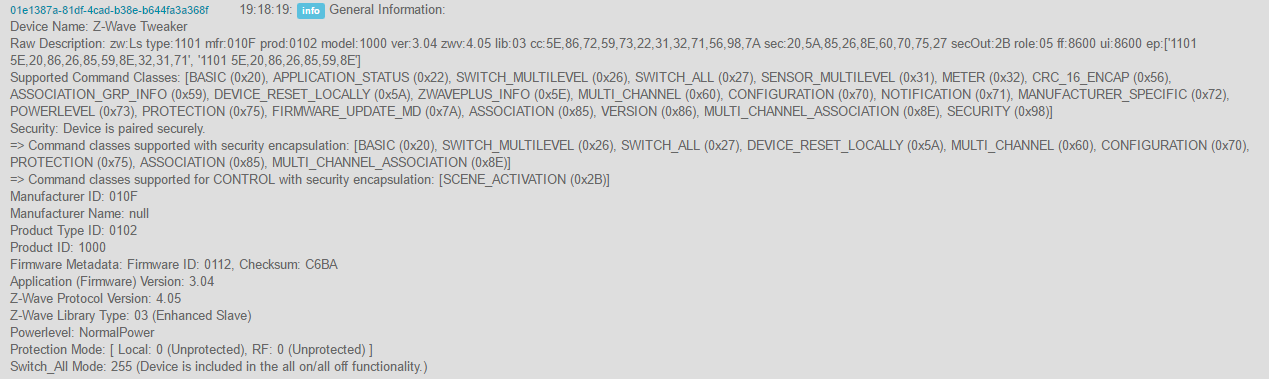
 _Print Association Groups:_
 _Print Endpoints:_
 _Print Parameters:_
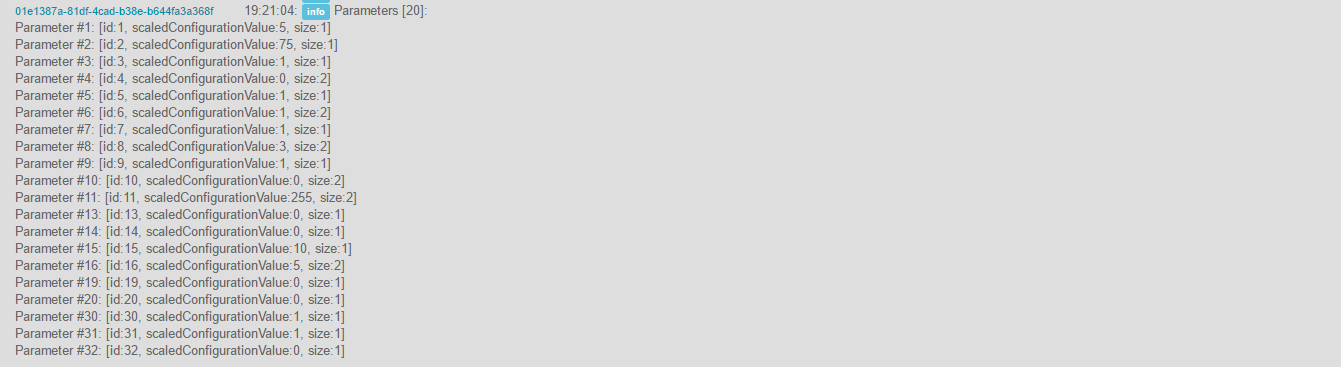 _Print Commands:_
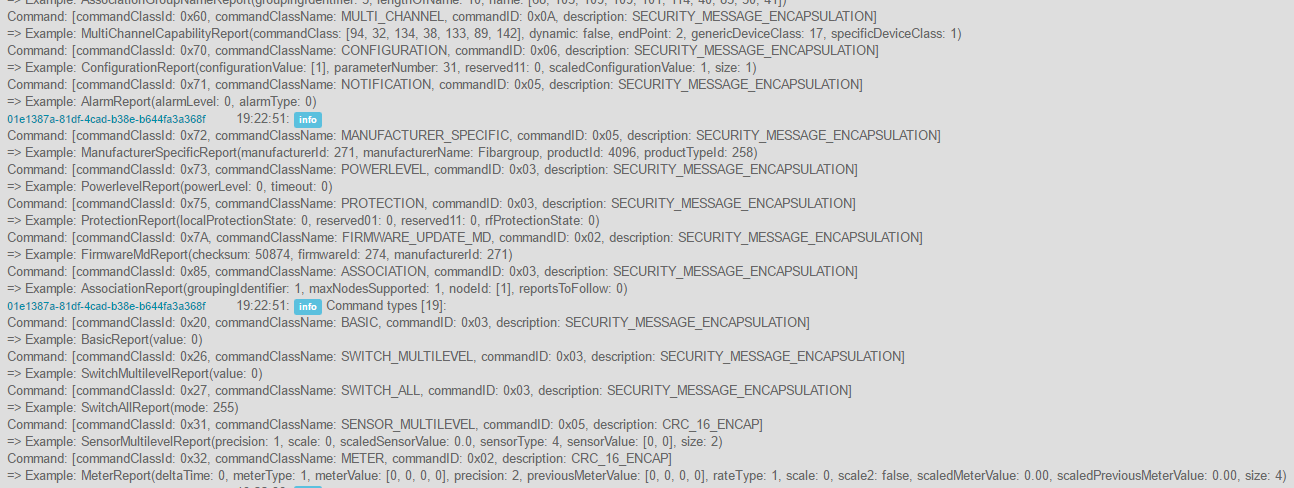 * If the information appears incomplete, try tapping the relevant _Print_ tile again as the IDE sometimes fails to show all messages.
* If some expected association groups, endpoints, or parameters are not shown, try re-scanning (it's unlikely that all information will be collected successfully on a first scan). Also, check the _settings_ to confirm that appropriate scan ranges are configured.
#### Creating Device Associations:
_Device Associations_ enable a Z-Wave device to send commands directly to other devices without the commands having to be relayed by the SmartThings hub. For example, a Z-Wave motion sensor may be configured to send a _Basic (ON)_ command to a nearby dimmer device when motion is detected. This direct communication typically gives faster response times compared to triggering rules in a SmartApp.
For a device to be able to send commands it must support either the ASSOCIATION or MULTI-CHANNEL_ASSOCIATION command classes. If so, it will have one or more _Association Groups_ that will send certain types of commands on certain conditions. **The operation of these groups will be specific to the device and should be documented in the manufacturer's product manual.**
Using the Z-Wave Tweaker's settings it is possible to configure one association group at a time:
1. From the SmartThings smartphone app, click on the gear icon to open the device settings.
2. In the _CONFIGURE ASSOCIATION GROUP_ section, input the ID of the target group, and [fill in the members](https://github.com/codersaur/SmartThings/tree/master/devices/zwave-tweaker#configure-association-group).
If you want to remove all members from the association group, leave the members blank.
Note, the _Device Network IDs_ for all Z-Wave devices in your SmartThings network are displayed on the _My Devices_ tab in the SmartThings IDE. Consult the relevant manufacturer's manual for information about the endpoints supported by a particular target device.
* If the information appears incomplete, try tapping the relevant _Print_ tile again as the IDE sometimes fails to show all messages.
* If some expected association groups, endpoints, or parameters are not shown, try re-scanning (it's unlikely that all information will be collected successfully on a first scan). Also, check the _settings_ to confirm that appropriate scan ranges are configured.
#### Creating Device Associations:
_Device Associations_ enable a Z-Wave device to send commands directly to other devices without the commands having to be relayed by the SmartThings hub. For example, a Z-Wave motion sensor may be configured to send a _Basic (ON)_ command to a nearby dimmer device when motion is detected. This direct communication typically gives faster response times compared to triggering rules in a SmartApp.
For a device to be able to send commands it must support either the ASSOCIATION or MULTI-CHANNEL_ASSOCIATION command classes. If so, it will have one or more _Association Groups_ that will send certain types of commands on certain conditions. **The operation of these groups will be specific to the device and should be documented in the manufacturer's product manual.**
Using the Z-Wave Tweaker's settings it is possible to configure one association group at a time:
1. From the SmartThings smartphone app, click on the gear icon to open the device settings.
2. In the _CONFIGURE ASSOCIATION GROUP_ section, input the ID of the target group, and [fill in the members](https://github.com/codersaur/SmartThings/tree/master/devices/zwave-tweaker#configure-association-group).
If you want to remove all members from the association group, leave the members blank.
Note, the _Device Network IDs_ for all Z-Wave devices in your SmartThings network are displayed on the _My Devices_ tab in the SmartThings IDE. Consult the relevant manufacturer's manual for information about the endpoints supported by a particular target device.
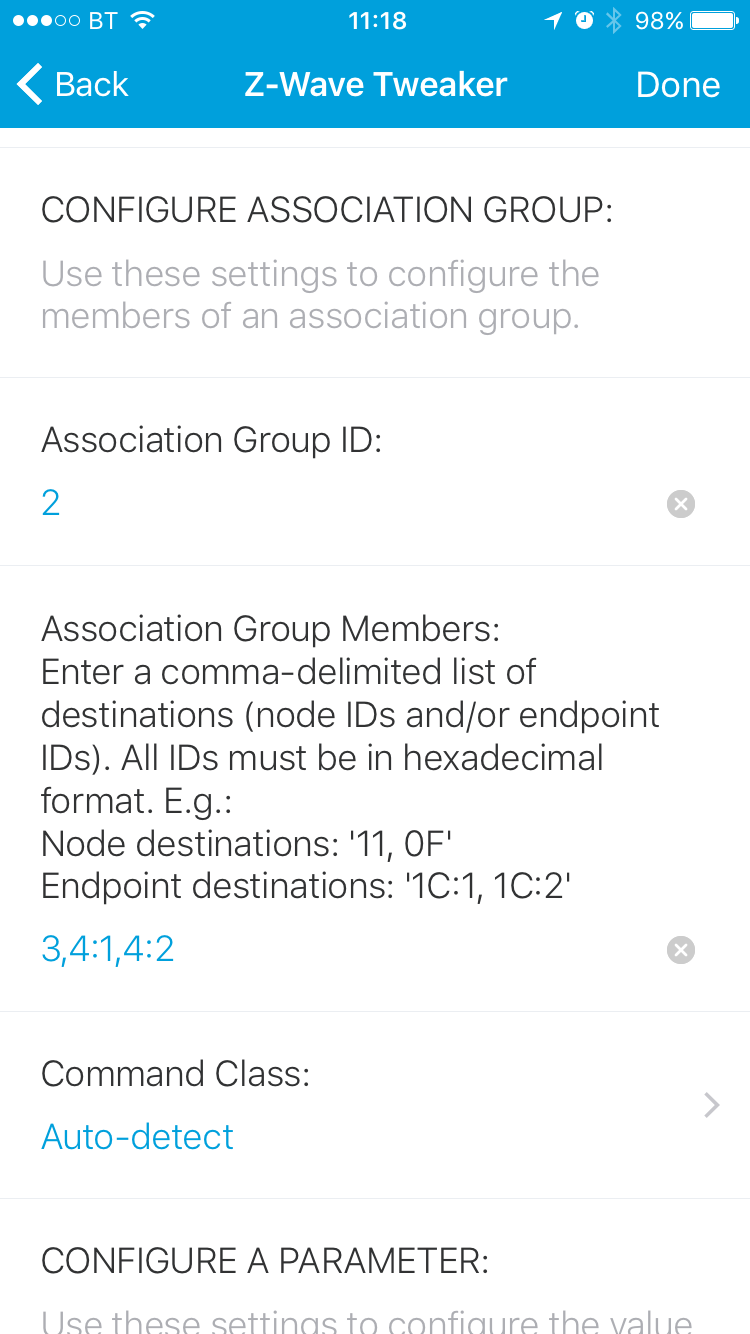 3. If needed, specify the command class to be used (this is not normally required as the Z-Wave Tweaker will automatically select the appropriate command class).
4. Tap _Done_. The change will now be synced with the device, when complete, the _Sync_ tile should turn green.
In the IDE, you should see the old members and the new members displayed:
3. If needed, specify the command class to be used (this is not normally required as the Z-Wave Tweaker will automatically select the appropriate command class).
4. Tap _Done_. The change will now be synced with the device, when complete, the _Sync_ tile should turn green.
In the IDE, you should see the old members and the new members displayed:
 5. If a change to an association group will not sync, check the following:
* The device supports ASSOCIATION, and if you are setting endpoint destinations MULTI-CHANNEL ASSOCIATION command classes.
* The association group ID exists.
* The association groups supports the required number of members (it is common for an association groups to support a maximum of 5-8 destinations).
6. Repeat steps 1-5 for each association group that you wish to change.
7. Finally, tap the _Print Association Groups_ tile to verify the configuration of all groups.
#### Changing a Device Parameter:
Z-Wave device parameters can be used to alter the behaviour of a device, for example, a reporting interval, or a sensor threshold. **All parameters are device-specific so it is essential to consult the manufacturer's product manual for a full description of each parameter.**
Using the Z-Wave Tweaker's settings it is possible to configure one parameter at a time:
1. From the SmartThings smartphone app, click on the gear icon to open the device settings.
2. In the _CONFIGURE A PARAMETER_ section, input the parameter ID and desired parameter value.
5. If a change to an association group will not sync, check the following:
* The device supports ASSOCIATION, and if you are setting endpoint destinations MULTI-CHANNEL ASSOCIATION command classes.
* The association group ID exists.
* The association groups supports the required number of members (it is common for an association groups to support a maximum of 5-8 destinations).
6. Repeat steps 1-5 for each association group that you wish to change.
7. Finally, tap the _Print Association Groups_ tile to verify the configuration of all groups.
#### Changing a Device Parameter:
Z-Wave device parameters can be used to alter the behaviour of a device, for example, a reporting interval, or a sensor threshold. **All parameters are device-specific so it is essential to consult the manufacturer's product manual for a full description of each parameter.**
Using the Z-Wave Tweaker's settings it is possible to configure one parameter at a time:
1. From the SmartThings smartphone app, click on the gear icon to open the device settings.
2. In the _CONFIGURE A PARAMETER_ section, input the parameter ID and desired parameter value.
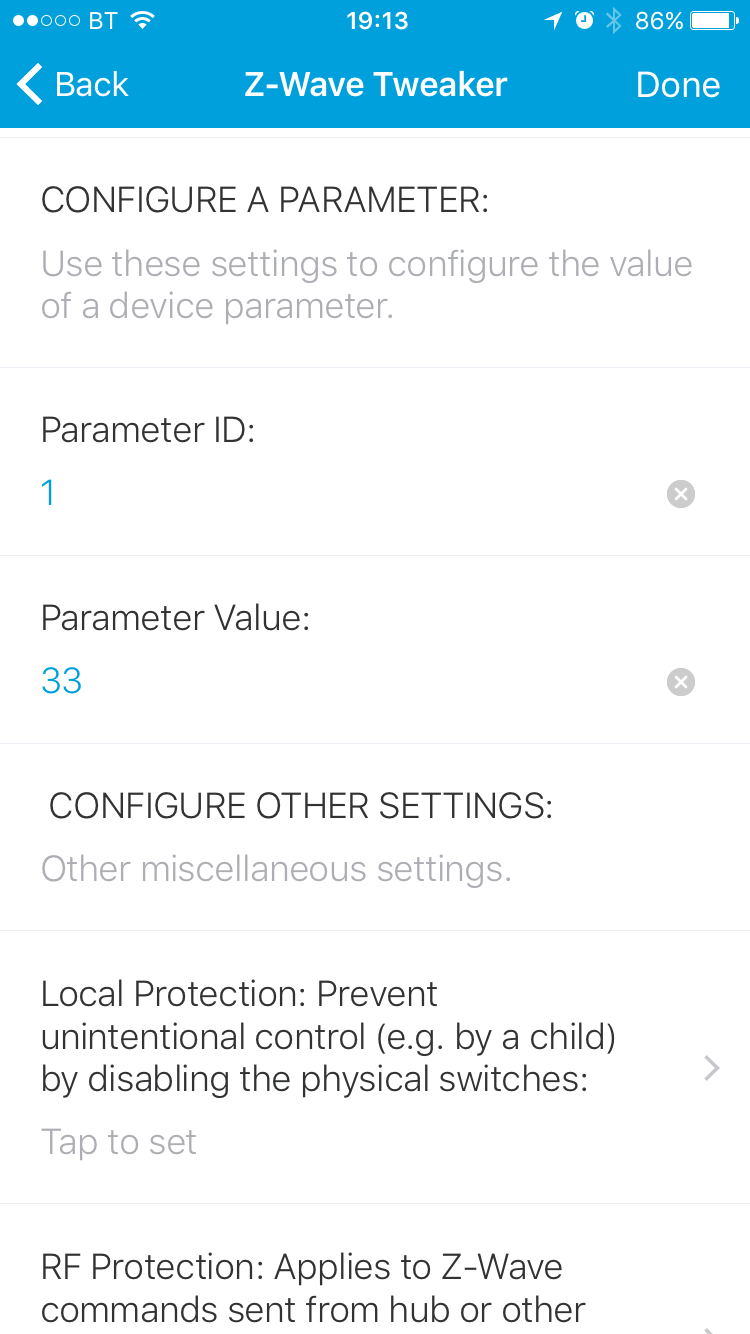 3. Tap _Done_. The change will now be synced with the device, when complete, the _Sync_ tile should turn green.
In the IDE, you should see the old value and the new value displayed:
3. Tap _Done_. The change will now be synced with the device, when complete, the _Sync_ tile should turn green.
In the IDE, you should see the old value and the new value displayed:
 4. If a change to a parameter value fails to sync, check the following:
* The device supports the CONFIGURATION command class.
* The parameter ID is correct.
* The parameter is not a read-only parameter.
* The value is in the allowed range.
5. Repeat steps 1-4 for each parameter value that you wish to change.
6. Finally, tap the _Print Parameters_ tile to verify the configuration of all parameters.
#### Configuring _Protection_ Mode:
Devices that support the Z-Wave PROTECTION Command Class can be configured to prevent unintentional control (e.g. by a child) by disabling the physical switches and/or RF control.
Using the Z-Wave Tweaker's settings it is possible to configure both the _Local_ and _RF_ protection mode:
1. From the SmartThings smartphone app, click on the gear icon to open the device settings.
2. In the _CONFIGURE OTHER SETTINGS_ section, select the desired mode for _Local_ and _RF_ protection.
4. If a change to a parameter value fails to sync, check the following:
* The device supports the CONFIGURATION command class.
* The parameter ID is correct.
* The parameter is not a read-only parameter.
* The value is in the allowed range.
5. Repeat steps 1-4 for each parameter value that you wish to change.
6. Finally, tap the _Print Parameters_ tile to verify the configuration of all parameters.
#### Configuring _Protection_ Mode:
Devices that support the Z-Wave PROTECTION Command Class can be configured to prevent unintentional control (e.g. by a child) by disabling the physical switches and/or RF control.
Using the Z-Wave Tweaker's settings it is possible to configure both the _Local_ and _RF_ protection mode:
1. From the SmartThings smartphone app, click on the gear icon to open the device settings.
2. In the _CONFIGURE OTHER SETTINGS_ section, select the desired mode for _Local_ and _RF_ protection.
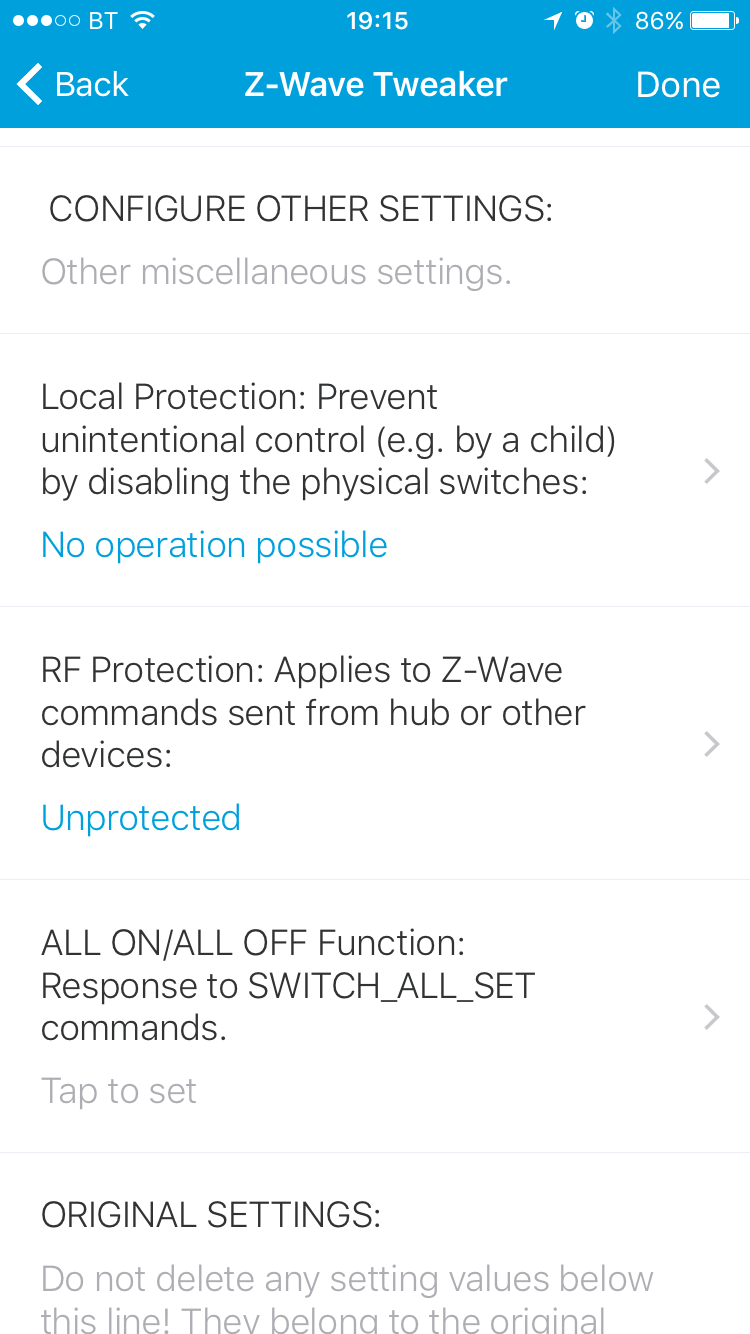 3. Tap _Done_. The change will now be synced with the device, when complete, the _Sync_ tile should turn green.
 4. If a change to the protection mode fails to sync, check the following:
* The device supports the PROTECTION command class.
* The device supports the specific mode selected (e.g. _Sequence_ is likely to be supported by keypads, but not by simple toggle switches).
#### Configuring Switch-All Mode:
Devices that support the Z-Wave SWITCH_ALL Command Class can be configured to respond or ignore certain SWITCH_ALL_SET broadcast commands.
Using the Z-Wave Tweaker's settings it is possible to configure a device's response to SWITCH_ALL commands:
1. From the SmartThings smartphone app, click on the gear icon to open the device settings.
2. In the _CONFIGURE OTHER SETTINGS_ section, select the desired mode for _ALL ON / ALL OFF_ function.
4. If a change to the protection mode fails to sync, check the following:
* The device supports the PROTECTION command class.
* The device supports the specific mode selected (e.g. _Sequence_ is likely to be supported by keypads, but not by simple toggle switches).
#### Configuring Switch-All Mode:
Devices that support the Z-Wave SWITCH_ALL Command Class can be configured to respond or ignore certain SWITCH_ALL_SET broadcast commands.
Using the Z-Wave Tweaker's settings it is possible to configure a device's response to SWITCH_ALL commands:
1. From the SmartThings smartphone app, click on the gear icon to open the device settings.
2. In the _CONFIGURE OTHER SETTINGS_ section, select the desired mode for _ALL ON / ALL OFF_ function.
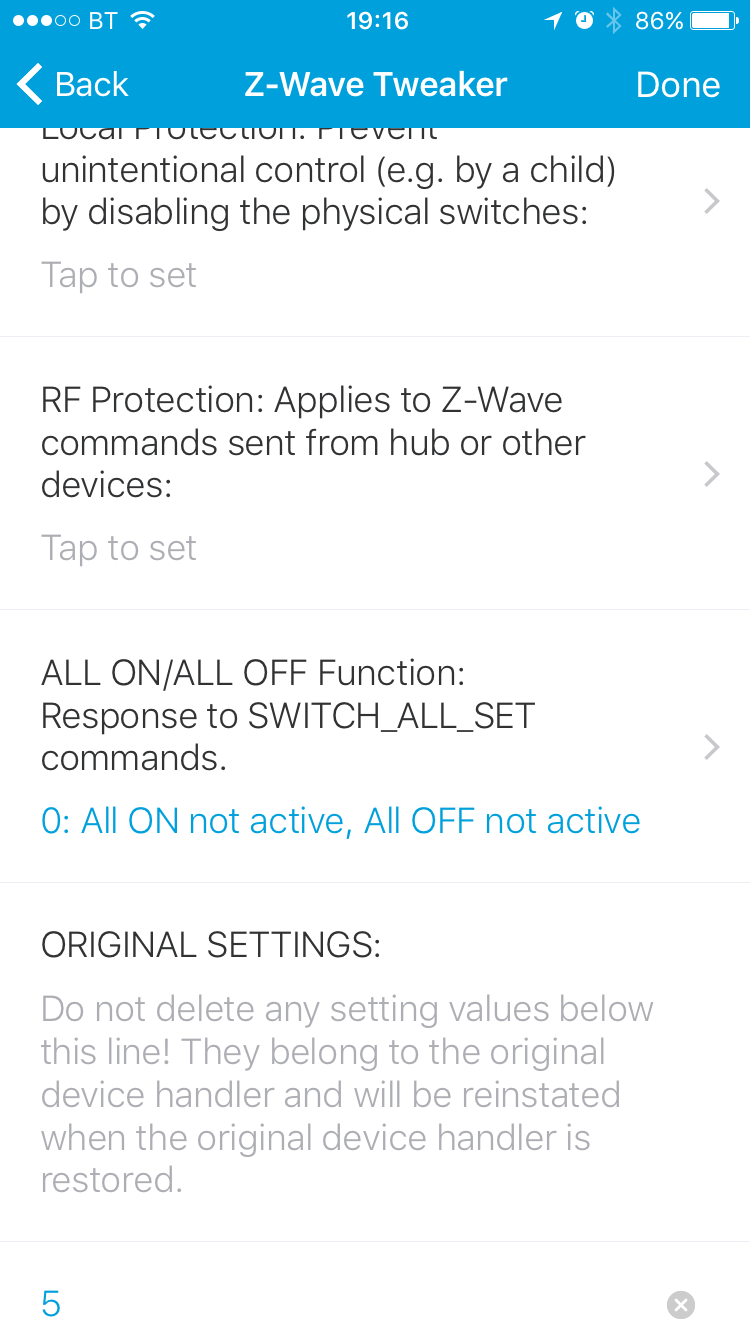 3. Tap _Done_. The change will now be synced with the device, when complete, the _Sync_ tile should turn green.
 4. If a change to the SWITCH_ALL mode fails to sync, check the following:
* The device supports the SWITCH_ALL command class.
* The device supports the specific mode selected.
## Settings
#### General Settings:
* **IDE Live Logging Level**: Set the level of log messages shown in the SmartThings IDE _Live Logging_ tab. For normal operation _Info_ is recommended, if troubleshooting use _Debug_ or _Trace_.
#### Scan Ranges:
Configure the scan range for association groups, endpoints, and configuration parameters. If not configured, the default scan ranges are:
* Association Groups: 0 to 10.
* Endpoints: 0 to 10.
* Parameters: 0 to 20.
#### Configure Association Group:
Use the settings in this section to configure an association group.
* **Association Group ID**: The ID of the group that will be configured. If this input is left blank, no association groups will by modified.
* **Association Group Members**: Members must be defined as a comma-delimited list of targets. Each target device can be specified in one of two ways:
* _Node_: A single hexadecimal number (e.g. "0C") representing the target _Device Network ID_.
* _Endpoint_: A pair of hexadecimal numbers separated by a colon (e.g. "10:1") that represent the target _Device Network ID_ and _Endpoint ID_ respectively. For devices that support multiple endpoints (e.g. a dual relay), this allows a specific endpoint to be targeted by the association group.
Note, the Device Network IDs for all Z-Wave devices in your SmartThings network are displayed on the My Devices tab in the SmartThings IDE. Consult the relevant manufacturer's manual for information about the endpoints supported by a particular target device.
* **Command Class**: The Z-Wave Tweaker will automatically detect whether to use _Association_ or _Multi-channel Association_ commands, however you can force it to use a specific command class using this setting.
#### Configure A Parameter:
Use the settings in this section to configure a configuration parameter. Parameters are device-specific so it is recommended to consult the manufacturer's product manual for a full description of each parameter.
* **Parameter ID**: The ID of the parameter that will be configured. If this input is left blank, no parameter values will by modified.
* **Parameter Value**: Enter the desired value for the parameter.
#### Configure Other Settings:
* **Local Protection**: Prevent unintentional control (e.g. by a child), by disabling any physical switches on the device. The device must support the PROTECTION command class.
* **RF Protection**: Enabling _RF Protection_ means the device will not respond to wireless commands from other Z-Wave devices, including on/off commands issued via the SmartThings app.The device must support the PROTECTION command class.
* **ALL ON/ALL OFF Function**: Control the device's response to SWITCH_ALL_SET commands.
#### Original Settings:
Do not delete any setting values below this line! They belong to the original device handler and will be reinstated when the original device handler is restored.
4. If a change to the SWITCH_ALL mode fails to sync, check the following:
* The device supports the SWITCH_ALL command class.
* The device supports the specific mode selected.
## Settings
#### General Settings:
* **IDE Live Logging Level**: Set the level of log messages shown in the SmartThings IDE _Live Logging_ tab. For normal operation _Info_ is recommended, if troubleshooting use _Debug_ or _Trace_.
#### Scan Ranges:
Configure the scan range for association groups, endpoints, and configuration parameters. If not configured, the default scan ranges are:
* Association Groups: 0 to 10.
* Endpoints: 0 to 10.
* Parameters: 0 to 20.
#### Configure Association Group:
Use the settings in this section to configure an association group.
* **Association Group ID**: The ID of the group that will be configured. If this input is left blank, no association groups will by modified.
* **Association Group Members**: Members must be defined as a comma-delimited list of targets. Each target device can be specified in one of two ways:
* _Node_: A single hexadecimal number (e.g. "0C") representing the target _Device Network ID_.
* _Endpoint_: A pair of hexadecimal numbers separated by a colon (e.g. "10:1") that represent the target _Device Network ID_ and _Endpoint ID_ respectively. For devices that support multiple endpoints (e.g. a dual relay), this allows a specific endpoint to be targeted by the association group.
Note, the Device Network IDs for all Z-Wave devices in your SmartThings network are displayed on the My Devices tab in the SmartThings IDE. Consult the relevant manufacturer's manual for information about the endpoints supported by a particular target device.
* **Command Class**: The Z-Wave Tweaker will automatically detect whether to use _Association_ or _Multi-channel Association_ commands, however you can force it to use a specific command class using this setting.
#### Configure A Parameter:
Use the settings in this section to configure a configuration parameter. Parameters are device-specific so it is recommended to consult the manufacturer's product manual for a full description of each parameter.
* **Parameter ID**: The ID of the parameter that will be configured. If this input is left blank, no parameter values will by modified.
* **Parameter Value**: Enter the desired value for the parameter.
#### Configure Other Settings:
* **Local Protection**: Prevent unintentional control (e.g. by a child), by disabling any physical switches on the device. The device must support the PROTECTION command class.
* **RF Protection**: Enabling _RF Protection_ means the device will not respond to wireless commands from other Z-Wave devices, including on/off commands issued via the SmartThings app.The device must support the PROTECTION command class.
* **ALL ON/ALL OFF Function**: Control the device's response to SWITCH_ALL_SET commands.
#### Original Settings:
Do not delete any setting values below this line! They belong to the original device handler and will be reinstated when the original device handler is restored.
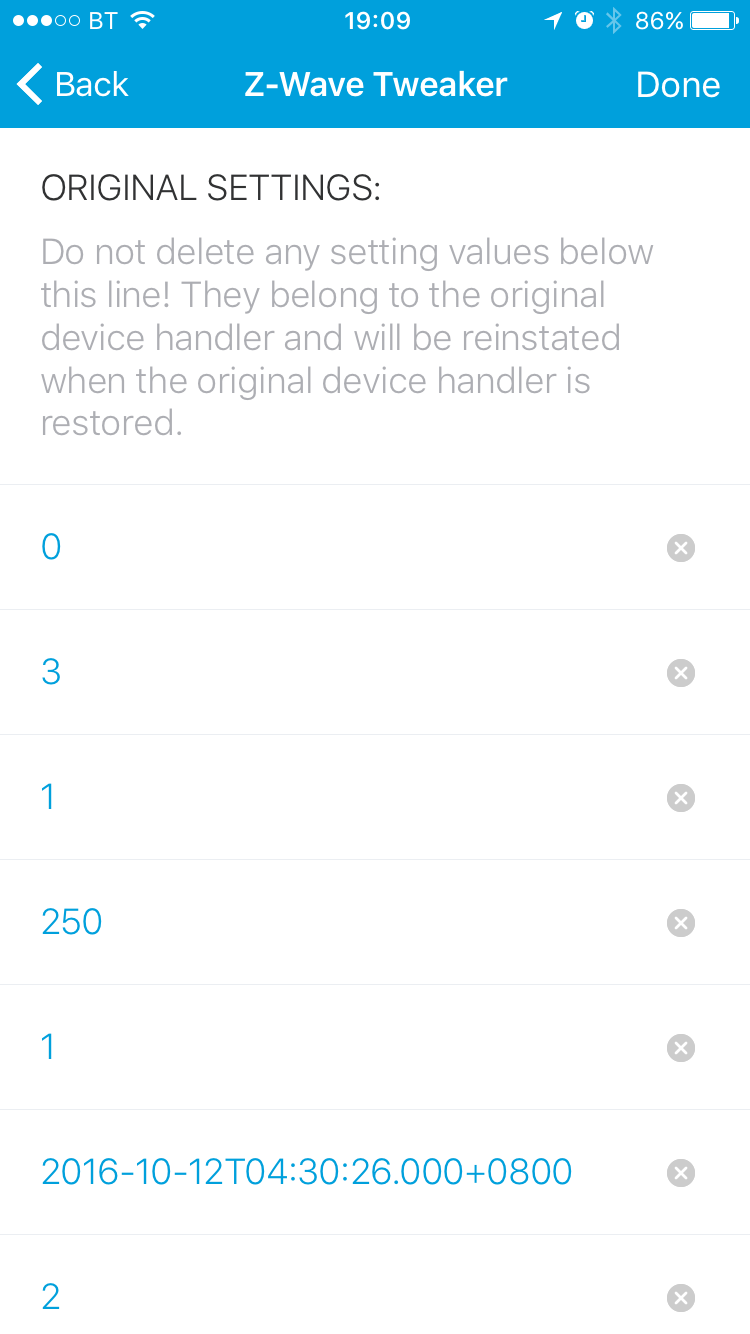 ## Current Limitations
* The Z-Wave Tweaker will not work with sleepy (e.g. battery-powered) devices.
* It is not possible to collect parameter meta-data such as names, descriptions, and value ranges, as SmartThings does not yet support the CONFIGURATION V3 command class.
## Version History
#### 2017-03-16: v0.08
* initialise(): Removes any null ccIds parsed from the rawDescription.
#### 2017-03-15: v0.07
* cleanUp(): Uses state.remove() and device.updateSetting()
#### 2017-03-15: v0.06
* Beta release.
## References
Some useful links relevant to the development of this device handler:
* [SmartThings Device Type Developers Guide]( http://docs.smartthings.com/en/latest/device-type-developers-guide/index.html)
* [Z-Wave Public Specification Files](http://z-wave.sigmadesigns.com/design-z-wave/z-wave-public-specification/)
## License
Licensed under the Apache License, Version 2.0 (the "License"); you may not use this file except in compliance with the License. You may obtain a copy of the License at:
http://www.apache.org/licenses/LICENSE-2.0
Unless required by applicable law or agreed to in writing, software distributed under the License is distributed on an "AS IS" BASIS, WITHOUT WARRANTIES OR CONDITIONS OF ANY KIND, either express or implied. See the License for the specific language governing permissions and limitations under the License.
================================================
FILE: devices/zwave-tweaker/zwave-tweaker.groovy
================================================
/*****************************************************************************************************************
* Copyright: David Lomas (codersaur)
*
* Name: Z-Wave Tweaker
*
* Author: David Lomas (codersaur)
*
* Date: 2017-03-16
*
* Version: 0.08
*
* Source: https://github.com/codersaur/SmartThings/tree/master/devices/zwave-tweaker
*
* Author: David Lomas (codersaur)
*
* Description: A SmartThings device handler to assist with tweaking Z-Wave devices.
*
* For full information, including installation instructions, examples, and version history, see:
* https://github.com/codersaur/SmartThings/tree/master/devices/zwave-tweaker
*
* License:
* Licensed under the Apache License, Version 2.0 (the "License"); you may not use this file except
* in compliance with the License. You may obtain a copy of the License at:
*
* http://www.apache.org/licenses/LICENSE-2.0
*
* Unless required by applicable law or agreed to in writing, software distributed under the License is distributed
* on an "AS IS" BASIS, WITHOUT WARRANTIES OR CONDITIONS OF ANY KIND, either express or implied. See the License
* for the specific language governing permissions and limitations under the License.
*
*****************************************************************************************************************/
metadata {
definition (name: "Z-Wave Tweaker", namespace: "codersaur", author: "David Lomas") {
capability "Actuator"
capability "Sensor"
// Custom Attributes:
attribute "syncPending", "number" // Number of config items that need to be synced with the physical device.
// Custom Commands:
command "scanGeneral"
command "scanAssocGroups"
command "scanEndpoints"
command "scanParams"
command "scanActuator"
command "scanSensor"
command "printGeneral"
command "printAssocGroups"
command "printCommands"
command "printEndpoints"
command "printParams"
command "printActuator"
command "printSensor"
command "sync"
command "cleanUp"
}
tiles(scale: 2) {
standardTile("main", "main", decoration: "flat", width: 2, height: 2) {
state "default", label:'Tweaker', action:"", backgroundColor:"#e86d13", icon:"st.secondary.tools"
}
standardTile("print", "print", decoration: "flat", width: 2, height: 2) {
state "default", label:'print', action:"print"
}
standardTile("scanGeneral", "scanGeneral", decoration: "flat", width: 2, height: 2) {
state "default", label:'Scan General', action:"scanGeneral", icon: "https://raw.githubusercontent.com/codersaur/SmartThings/master/icons/tile_2x2_wifi.png"
}
standardTile("scanAssocGroups", "scanAssocGroups", decoration: "flat", width: 2, height: 2) {
state "default", label:'Scan Assoc Grps', action:"scanAssocGroups", icon: "https://raw.githubusercontent.com/codersaur/SmartThings/master/icons/tile_2x2_wifi.png"
}
standardTile("scanEndpoints", "scanEndpoints", decoration: "flat", width: 2, height: 2) {
state "default", label:'Scan Endpoints', action:"scanEndpoints", icon: "https://raw.githubusercontent.com/codersaur/SmartThings/master/icons/tile_2x2_wifi.png"
}
standardTile("scanParams", "scanParams", decoration: "flat", width: 2, height: 2) {
state "default", label:'Scan Params', action:"scanParams", icon: "https://raw.githubusercontent.com/codersaur/SmartThings/master/icons/tile_2x2_wifi.png"
}
standardTile("scanActuator", "scanActuator", decoration: "flat", width: 2, height: 2) {
state "default", label:'Scan Actuator', action:"scanActuator", icon: "https://raw.githubusercontent.com/codersaur/SmartThings/master/icons/tile_2x2_wifi.png"
}
standardTile("scanSensor", "scanSensor", decoration: "flat", width: 2, height: 2) {
state "default", label:'Scan Sensor', action:"scanSensor", icon: "https://raw.githubusercontent.com/codersaur/SmartThings/master/icons/tile_2x2_wifi.png"
}
standardTile("printGeneral", "printGeneral", decoration: "flat", width: 2, height: 2) {
state "default", label:'Print General', action:"printGeneral", icon: "https://raw.githubusercontent.com/codersaur/SmartThings/master/icons/tile_2x2_document.png"
}
standardTile("printAssocGroups", "printAssocGroups", decoration: "flat", width: 2, height: 2) {
state "default", label:'Print Assoc Grps', action:"printAssocGroups", icon: "https://raw.githubusercontent.com/codersaur/SmartThings/master/icons/tile_2x2_document.png"
}
standardTile("printEndpoints", "printEndpoints", decoration: "flat", width: 2, height: 2) {
state "default", label:'Print Endpoints', action:"printEndpoints", icon: "https://raw.githubusercontent.com/codersaur/SmartThings/master/icons/tile_2x2_document.png"
}
standardTile("printParams", "printParams", decoration: "flat", width: 2, height: 2) {
state "default", label:'Print Params', action:"printParams", icon: "https://raw.githubusercontent.com/codersaur/SmartThings/master/icons/tile_2x2_document.png"
}
standardTile("printActuator", "printActuator", decoration: "flat", width: 2, height: 2) {
state "default", label:'Print Actuator', action:"printActuator", icon: "https://raw.githubusercontent.com/codersaur/SmartThings/master/icons/tile_2x2_document.png"
}
standardTile("printSensor", "printSensor", decoration: "flat", width: 2, height: 2) {
state "default", label:'Print Sensor', action:"printSensor", icon: "https://raw.githubusercontent.com/codersaur/SmartThings/master/icons/tile_2x2_document.png"
}
standardTile("printCommands", "printCommands", decoration: "flat", width: 2, height: 2) {
state "default", label:'Print Commands', action:"printCommands", icon: "https://raw.githubusercontent.com/codersaur/SmartThings/master/icons/tile_2x2_document.png"
}
standardTile("syncPending", "syncPending", decoration: "flat", width: 2, height: 2) {
state "default", label:'Sync Pending', backgroundColor:"#FF6600", action:"sync", icon: "https://raw.githubusercontent.com/codersaur/SmartThings/master/icons/tile_2x2_cycle.png"
state "0", label:'Synced', backgroundColor:"#79b821", icon: "https://raw.githubusercontent.com/codersaur/SmartThings/master/icons/tile_2x2_tick.png"
}
standardTile("cleanUp", "cleanUp", decoration: "flat", width: 2, height: 2) {
state "default", label:'Clean Up', action:"cleanUp", icon: "https://raw.githubusercontent.com/codersaur/SmartThings/master/icons/tile_2x2_cycle.png"
}
main(["main"])
details([
"scanGeneral", "scanAssocGroups", "scanEndpoints",
"scanParams", "scanActuator", "scanSensor",
"printGeneral", "printAssocGroups", "printEndpoints",
"printParams", "printActuator", "printSensor",
"printCommands", "syncPending", "cleanUp"
])
}
preferences {
section { // GENERAL:
input (
type: "paragraph",
element: "paragraph",
title: "GENERAL:",
description: "General device handler settings."
)
input (
name: "zwtLoggingLevelIDE",
title: "IDE Live Logging Level:\nMessages with this level and higher will be logged to the IDE.",
type: "enum",
options: [
"3" : "Info",
"4" : "Debug",
"5" : "Trace"
],
defaultValue: "3",
required: false
)
}
section { // SCAN RANGES:
input (
type: "paragraph",
element: "paragraph",
title: "SCAN RANGES:",
description: "Configure the scanning range for association groups, endpoints, and parameters."
)
input (
name: "zwtAssocGroupsScanStart",
title: "Association Groups Scan Range (Start):",
type: "number",
range: "0..255",
required: false
)
input (
name: "zwtAssocGroupsScanStop",
title: "Association Groups Scan Range (Stop):",
type: "number",
range: "0..255",
required: false
)
input (
name: "zwtEndpointsScanStart",
title: "Endpoints Scan Range (Start):",
type: "number",
range: "0..127",
required: false
)
input (
name: "zwtEndpointsScanStop",
title: "Endpoints Scan Range (Stop):",
type: "number",
range: "0..127",
required: false
)
input (
name: "zwtParamsScanStart",
title: "Parameters Scan Range (Start):",
type: "number",
range: "0..65535",
required: false
)
input (
name: "zwtParamsScanStop",
title: "Parameters Scan Range (Stop):",
type: "number",
range: "0..65535",
required: false
)
}
section { // CONFIGURE AN ASSOCIATION GROUP:
input (
type: "paragraph",
element: "paragraph",
title: "CONFIGURE ASSOCIATION GROUP:",
description: "Use these settings to configure the members of an association group."
)
input (
name: "zwtAssocGroupId",
title: "Association Group ID:",
type: "number",
range: "0..255",
required: false
)
input (
name: "zwtAssocGroupMembers",
title: "Association Group Members:\n" +
"Enter a comma-delimited list of destinations (node IDs and/or endpoint IDs). " +
"All IDs must be in hexadecimal format. E.g.:\n" +
"Node destinations: '11, 0F'\n" +
"Endpoint destinations: '1C:1, 1C:2'",
type: "text",
required: false
)
input (
name: "zwtAssocGroupCc",
title: "Command Class:",
type: "enum",
options: [
"0" : "Auto-detect",
"1" : "(Single-channel) Association (0x85)",
"2" : "Multi-Channel Association (0x8E)"
],
required: false
)
}
section { // CONFIGURE A PARAMETER:
input (
type: "paragraph",
element: "paragraph",
title: "CONFIGURE A PARAMETER:",
description: "Use these settings to configure the value of a device parameter."
)
input (
name: "zwtParamId",
title: "Parameter ID:",
type: "number",
range: "0..65536",
required: false
)
input (
name: "zwtParamValue",
title: "Parameter Value:",
type: "number",
range: "-2147483648..2147483647",
required: false
)
}
section { // OTHER:
input type: "paragraph",
element: "paragraph",
title: " CONFIGURE OTHER SETTINGS:",
description: "Other miscellaneous settings."
input (
name: "zwtProtectLocal",
title: "Local Protection: Prevent unintentional control (e.g. by a child) by disabling the physical switches:",
type: "enum",
options: [
"0" : "Unprotected",
"1" : "Protection by sequence",
"2" : "No operation possible"
],
required: false
)
input (
name: "zwtProtectRF",
title: "RF Protection: Applies to Z-Wave commands sent from hub or other devices:",
type: "enum",
options: [
"0" : "Unprotected",
"1" : "No RF control",
"2" : "No RF response"
],
required: false
)
input (
name: "zwtSwitchAllMode",
title: "ALL ON/ALL OFF Function:\nResponse to SWITCH_ALL_SET commands.",
type: "enum",
options: [
"0" : "0: All ON not active, All OFF not active",
"1" : "1: All ON not active, All OFF active",
"2" : "2: All ON active, All OFF not active",
"255" : "255: All ON active, All OFF active"],
required: false
)
}
section {
input (
type: "paragraph",
element: "paragraph",
title: "ORIGINAL SETTINGS:",
description: "Do not delete any setting values below this line! They belong to the original device " +
"handler and will be reinstated when the original device handler is restored."
)
}
}
}
/*****************************************************************************************************************
* SmartThings System Commands:
*****************************************************************************************************************/
/**
* updated()
*
* Runs when the user hits "Done" from Settings page.
*
* Action: Trigger sync of selected parameter and/or association group.
*
* Note: Weirdly, update() seems to be called twice. So execution is aborted if there was a previous execution
* within two seconds. See: https://community.smartthings.com/t/updated-being-called-twice/62912
**/
def updated() {
logger("updated()","trace")
def cmds = []
if (!state.updatedLastRanAt || now() >= state.updatedLastRanAt + 2000) {
state.updatedLastRanAt = now()
// Logging Level:
state.loggingLevelIDE = (settings.zwtLoggingLevelIDE) ? settings.zwtLoggingLevelIDE.toInteger() : 3
// Run initialisation checks
if (!state.zwtInitialised) { initialise() }
// Check if an association group needs to be synced:
if (settings.zwtAssocGroupId != null) {
// Get MaxSupportedNodes if already in metadata store:
def assocGroupMd = state.zwtAssocGroupsMd.find( { it.id == settings.zwtAssocGroupId.toInteger() } )
def maxNodes = (assocGroupMd?.maxNodesSupported) ? assocGroupMd?.maxNodesSupported : 256
state.zwtAssocGroupTarget = [
id: settings.zwtAssocGroupId.toInteger(),
nodes: parseAssocGroupInput(settings.zwtAssocGroupMembers,maxNodes),
commandClass: (settings.zwtAssocGroupCc) ? settings.zwtAssocGroupCc.toInteger() : 0
]
}
else {
state.zwtAssocGroupTarget = null
}
// Check if a parameter needs to be synced:
if ((settings.zwtParamId != null) & (settings.zwtParamValue != null)) {
state.zwtParamTarget = [
id: settings.zwtParamId.toInteger(),
scaledConfigurationValue: settings.zwtParamValue.toInteger()
]
}
else {
state.zwtParamTarget = null
}
sync()
// Other commands...?
return sendCommands(cmds)
}
else {
logger("updated(): Ran within last 2 seconds so aborting.","debug")
}
}
/**
* parse()
*
* Called when messages from the device are received by the hub. The parse method is responsible for interpreting
* those messages and returning event definitions (and command responses).
*
* As this is a Z-wave device, zwave.parse() is used to convert the message into a command. The command is then
* passed to zwaveEvent(), which is overloaded for each type of command below.
*
* Note: There is no longer any need to check if description == "updated".
*
* Parameters:
* String description The raw message from the device.
**/
def parse(description) {
logger("parse(): Parsing raw message: ${description}","trace")
def result = []
if (!state.zwtCommandsMd) state.zwtCommandsMd = []
def cmd = zwave.parse(description, getCommandClassVersions())
if (cmd) {
result += zwaveEvent(cmd)
}
else {
logger("parse(): Could not parse raw message: ${description}","error")
// Extract details from raw description to add to command meta-data cache:
if (description.contains("command: ")) {
def index = description.indexOf("command: ") + 9
cmd = [
commandClassId: Integer.parseInt(description.substring(index, index +2),16), // Parse as hex.
commandId: Integer.parseInt(description.substring(index +2, index +4),16) // Parse as hex.
]
}
}
// Update commands meta-data cache:
cacheCommandMd(cmd, description)
return result
}
/*****************************************************************************************************************
* Z-wave Event Handlers.
*****************************************************************************************************************/
/**
* zwaveEvent( COMMAND_CLASS_BASIC (0x20) : BASIC_REPORT (0x03) )
*
* The Basic Report command is used to advertise the status of the primary functionality of the device.
*
* Action: Log info message.
*
* cmd attributes:
* Short value
* 0x00 = Off
* 0x01..0x63 = 0..100%
* 0xFE = Unknown
* 0xFF = On
*
* Example:
**/
def zwaveEvent(physicalgraph.zwave.commands.basicv1.BasicReport cmd) {
logger("zwaveEvent(): Basic Report received: ${cmd}","info")
}
/**
* zwaveEvent( COMMAND_CLASS_SWITCH_BINARY (0x25) : SWITCH_BINARY_REPORT (0x03) )
*
* The Binary Switch Report command is used to advertise the status of a device with On/Off or Enable/Disable
* capability.
*
* Action: Log info message.
*
* cmd attributes:
* Short value 0xFF for on, 0x00 for off
**/
def zwaveEvent(physicalgraph.zwave.commands.switchbinaryv1.SwitchBinaryReport cmd) {
logger("zwaveEvent(): Switch Binary Report received: ${cmd}","info")
}
/**
* zwaveEvent( COMMAND_CLASS_SWITCH_ALL (0x27) : SWITCH_ALL_REPORT (0x03) )
*
* The All Switch Report Command is used to report if the device is included or excluded from the all on/all off
* functionality.
*
* Action: Log an info message.
*
* cmd attributes:
* Short mode
* 0 = MODE_EXCLUDED_FROM_THE_ALL_ON_ALL_OFF_FUNCTIONALITY
* 1 = MODE_EXCLUDED_FROM_THE_ALL_ON_FUNCTIONALITY_BUT_NOT_ALL_OFF
* 2 = MODE_EXCLUDED_FROM_THE_ALL_OFF_FUNCTIONALITY_BUT_NOT_ALL_ON
* 255 = MODE_INCLUDED_IN_THE_ALL_ON_ALL_OFF_FUNCTIONALITY
**/
def zwaveEvent(physicalgraph.zwave.commands.switchallv1.SwitchAllReport cmd) {
logger("zwaveEvent(): Switch All Report received: ${cmd}","trace")
def msg = ""
switch (cmd.mode) {
case 0:
msg = "Device is excluded from the all on/all off functionality."
break
case 1:
msg = "Device is excluded from the all on functionality but not all off."
break
case 2:
msg = "Device is excluded from the all off functionality but not all on."
break
default:
msg = "Device is included in the all on/all off functionality."
break
}
logger("Switch All Mode: ${cmd.mode}: ${msg}","info")
// Cache in GeneralMd:
state.zwtGeneralMd.switchAllModeId = cmd.mode
state.zwtGeneralMd.switchAllModeDesc = msg
updateSyncPending()
}
/**
* zwaveEvent( COMMAND_CLASS_SENSOR_MULTILEVEL_V5 (0x31) : SENSOR_MULTILEVEL_REPORT_V5 (0x05) )
*
* The Multilevel Sensor Report Command is used by a multilevel sensor to advertise a sensor reading.
*
* Action: Cache SensorType and log an info message.
*
* Note: SmartThings does not yet have capabilities corresponding to all possible sensor types, therefore
* some of the event types raised below are non-standard.
*
* cmd attributes:
* Short precision Indicates the number of decimals.
* E.g. The decimal value 1025 with precision 2 is therefore equal to 10.25.
* Short scale Indicates what unit the sensor uses.
* BigDecimal scaledSensorValue Sensor value as a double.
* Short sensorType Sensor Type (8 bits).
* List sensorValue Sensor value as an array of bytes.
* Short size Indicates the number of bytes used for the sensor value.
**/
def zwaveEvent(physicalgraph.zwave.commands.sensormultilevelv5.SensorMultilevelReport cmd) {
logger("zwaveEvent(): SensorMultilevelReport received: ${cmd}","trace")
def map = [ sensorType: cmd.sensorType, scale: cmd.scale, value: cmd.scaledSensorValue.toString() ]
// Sensor Types up to V4 only, there are further sensor types up to V10 defined.
switch (cmd.sensorType) {
case 1: // Air Temperature (V1)
map.name = "temperature"
map.unit = (cmd.scale == 1) ? "F" : "C"
break
case 2: // General Purpose (V1)
map.name = "value"
map.unit = (cmd.scale == 1) ? "" : "%"
break
case 3: // Luminance (V1)
map.name = "illuminance"
map.unit = (cmd.scale == 1) ? "lux" : "%"
break
case 4: // Power (V2)
map.name = "power"
map.unit = (cmd.scale == 1) ? "Btu/h" : "W"
break
case 5: // Humidity (V2)
map.name = "humidity"
map.unit = (cmd.scale == 1) ? "g/m^3" : "%"
break
case 6: // Velocity (V2)
map.name = "velocity"
map.unit = (cmd.scale == 1) ? "mph" : "m/s"
break
case 7: // Direction (V2)
map.name = "direction"
map.unit = ""
break
case 8: // Atmospheric Pressure (V2)
case 9: // Barometric Pressure (V2)
map.name = "pressure"
map.unit = (cmd.scale == 1) ? "inHg" : "kPa"
break
case 0xA: // Solar Radiation (V2)
map.name = "radiation"
map.unit = "W/m^3"
break
case 0xB: // Dew Point (V2)
map.name = "dewPoint"
map.unit = (cmd.scale == 1) ? "F" : "C"
break
case 0xC: // Rain Rate (V2)
map.name = "rainRate"
map.unit = (cmd.scale == 1) ? "in/h" : "mm/h"
break
case 0xD: // Tide Level (V2)
map.name = "tideLevel"
map.unit = (cmd.scale == 1) ? "ft" : "m"
break
case 0xE: // Weight (V3)
map.name = "weight"
map.unit = (cmd.scale == 1) ? "lbs" : "kg"
break
case 0xF: // Voltage (V3)
map.name = "voltage"
map.unit = (cmd.scale == 1) ? "mV" : "V"
break
case 0x10: // Current (V3)
map.name = "current"
map.unit = (cmd.scale == 1) ? "mA" : "A"
break
case 0x11: // Carbon Dioxide Level (V3)
map.name = "carbonDioxide"
map.unit = "ppm"
break
case 0x12: // Air Flow (V3)
map.name = "fluidFlow"
map.unit = (cmd.scale == 1) ? "cfm" : "m^3/h"
break
case 0x13: // Tank Capacity (V3)
map.name = "fluidVolume"
map.unit = (cmd.scale == 0) ? "ltr" : (cmd.scale == 1) ? "m^3" : "gal"
break
case 0x14: // Distance (V3)
map.name = "distance"
map.unit = (cmd.scale == 0) ? "m" : (cmd.scale == 1) ? "cm" : "ft"
break
default:
logger("zwaveEvent(): SensorMultilevelReport with unhandled sensorType: ${cmd}","warn")
map.name = "unknown"
map.unit = "unknown"
break
}
logger("New multilevel sensor report: Name: ${map.name}, Value: ${map.value}, Unit: ${map.unit}","info")
// Update meta-data cache:
if (state.zwtSensorMultilevelReportsMd?.find( { it.sensorType == map.sensorType } )) { // Known SensorMultilevelReport type, so update attributes.
state.zwtSensorMultilevelReportsMd?.collect {
if (it.sensorType == map.sensorType) {
it.scale = map.scale
it.name = map.name
it.unit = map.unit
it.lastValue = map.value
}
}
}
else { // New SensorMultilevelReport type:
logger("zwaveEvent(): New SensorMultilevelReport type discovered.","debug")
state.zwtSensorMultilevelReportsMd << [
sensorType: map.sensorType,
scale: map.scale,
name: map.name,
unit: map.unit,
lastValue: map.value
]
}
}
/**
* zwaveEvent( COMMAND_CLASS_METER_V3 (0x32) : METER_REPORT_V3 (0x02) )
*
* The Meter Report Command is used to advertise a meter reading.
*
* Action: Cache meter report in state.zwtMeterReportsMd, and log info message.
*
* cmd attributes:
* Integer deltaTime Time in seconds since last report.
* Short meterType Specifies the type of metering device.
* 0x00 = Unknown
* 0x01 = Electric meter
* 0x02 = Gas meter
* 0x03 = Water meter
* List meterValue Meter value as an array of bytes.
* Double scaledMeterValue Meter value as a double.
* List previousMeterValue Previous meter value as an array of bytes.
* Double scaledPreviousMeterValue Previous meter value as a double.
* Short size The size of the array for the meterValue and previousMeterValue.
* Short scale Indicates what unit the sensor uses (dependent on meterType).
* Short precision The decimal precision of the values.
* Short rateType Specifies if it is import or export values to be read.
* 0x01 = Import (consumed)
* 0x02 = Export (produced)
* Boolean scale2 ???
**/
def zwaveEvent(physicalgraph.zwave.commands.meterv3.MeterReport cmd) {
logger("zwaveEvent(): Meter Report received: ${cmd}","trace")
def result = []
def map = [meterType: cmd.meterType, scale: cmd.scale, value: cmd.scaledMeterValue]
switch (cmd.meterType) {
case 1: // Electric meter:
map.meterTypeName = 'Electric'
switch (cmd.scale) {
case 0: // Accumulated Energy (kWh):
map.scaleName = 'Accumulated Energy'
map.unit = 'kWh'
break
case 1: // Accumulated Energy (kVAh):
map.scaleName = 'Accumulated Energy'
map.unit = 'kVAh'
break
case 2: // Instantaneous Power (Watts):
map.scaleName = 'Instantaneous Power'
map.unit = 'W'
break
case 3: // Accumulated Pulse Count:
map.scaleName = 'Accumulated Electricity Pulse Count'
map.unit = ''
break
case 4: // Instantaneous Voltage (Volts):
map.scaleName = 'Instantaneous Voltage'
map.unit = 'V'
break
case 5: // Instantaneous Current (Amps):
map.scaleName = 'Instantaneous Current'
map.unit = 'A'
break
case 6: // Instantaneous Power Factor:
map.scaleName = 'Instantaneous Power Factor'
map.unit = ''
break
default:
map.scaleName = 'Unknown'
map.unit = 'Unknown'
break
}
break
case 2: // Gas meter:
map.meterTypeName = 'Gas'
switch (cmd.scale) {
case 0: // Accumulated Gas Volume (m^3):
map.scaleName = 'Accumulated Gas Volume'
map.unit = 'm^3'
break
case 1: // Accumulated Gas Volume (ft^3):
map.scaleName = 'Accumulated Gas Volume'
map.unit = 'ft^3'
break
case 3: // Accumulated Pulse Count:
map.scaleName = 'Accumulated Gas Pulse Count'
map.unit = ''
break
default:
map.scaleName = 'Unknown'
map.unit = 'Unknown'
break
}
break
case 3: // Water meter:
map.meterTypeName = 'Water'
switch (cmd.scale) {
case 0: // Accumulated Water Volume (m^3):
map.scaleName = 'Accumulated Water Volume'
map.unit = 'm^3'
break
case 1: // Accumulated Water Volume (ft^3):
map.scaleName = 'Accumulated Water Volume'
map.unit = 'ft^3'
break
case 2: // Accumulated Water Volume (US gallons):
map.scaleName = 'Accumulated Water Volume'
map.unit = 'gal'
break
case 3: // Accumulated Pulse Count:
map.scaleName = 'Accumulated Water Pulse Count'
map.unit = ''
break
default:
map.scaleName = 'Unknown'
map.unit = 'Unknown'
break
}
break
default:
map.meterTypeName = 'Unknown'
map.scaleName = 'Unknown'
map.unit = 'Unknown'
break
}
logger("New meter report: ${map.scaleName}: ${map.value} ${map.unit}", (map.scaleName == 'Unknown') ? "warn" : "info")
// Update meta-data cache:
if (state.zwtMeterReportsMd?.find( { it.meterType == map.meterType & it.scale == map.scale } )) { // Known MeterReport type, so update attributes.
state.zwtMeterReportsMd?.collect {
if (it.meterType == map.meterType & it.scale == map.scale) {
it.meterTypeName = map.meterTypeName
it.scaleName = map.scaleName
it.unit = map.unit
it.lastValue = map.value
}
}
}
else { // New MeterReport type:
logger("zwaveEvent(): New MeterReport type discovered.","debug")
state.zwtMeterReportsMd << [
meterType: map.meterType,
meterTypeName: map.meterTypeName,
scale: map.scale,
scaleName: map.scaleName,
unit: map.unit,
lastValue: map.value
]
}
}
/**
* zwaveEvent( COMMAND_CLASS_CRC16_ENCAP (0x56) : CRC_16_ENCAP (0x01) )
*
* The CRC-16 Encapsulation Command Class is used to encapsulate a command with an additional CRC-16 checksum
* to ensure integrity of the payload. The purpose for this command class is to ensure a higher integrity level
* of payloads carrying important data.
*
* Action: Extract the encapsulated command and pass to zwaveEvent().
*
* Note: Validation of the checksum is not necessary as this is performed by the hub.
*
* cmd attributes:
* Integer checksum Checksum.
* Short command Command identifier of the embedded command.
* Short commandClass Command Class identifier of the embedded command.
* List data Embedded command data.
*
* Example: Crc16Encap(checksum: 125, command: 2, commandClass: 50, data: [33, 68, 0, 0, 0, 194, 0, 0, 77])
**/
def zwaveEvent(physicalgraph.zwave.commands.crc16encapv1.Crc16Encap cmd) {
logger("zwaveEvent(): CRC-16 Encapsulation Command received: ${cmd}","trace")
def versions = getCommandClassVersions()
def version = versions[cmd.commandClass as Integer]
def ccObj = version ? zwave.commandClass(cmd.commandClass, version) : zwave.commandClass(cmd.commandClass)
def encapsulatedCommand = ccObj?.command(cmd.command)?.parse(cmd.data)
// TO DO: It should be possible to replace the lines above with this line soon...
//def encapsulatedCommand = cmd.encapsulatedCommand(getCommandClassVersions())
if (!encapsulatedCommand) {
logger("zwaveEvent(): Could not extract command from ${cmd}","error")
} else {
cacheCommandMd(encapsulatedCommand, "CRC_16_ENCAP")
return zwaveEvent(encapsulatedCommand)
}
}
/**
* zwaveEvent( COMMAND_CLASS_ASSOCIATION_GRP_INFO (0x59) : ASSOCIATION_GROUP_NAME_REPORT (0x02) )
*
* The Association Group Name Report command is used to advertise the name of an association group.
*
* Action: Store the group name in state.zwtAssocGroupsMd
*
* cmd attributes:
* Short groupingIdentifier
* Short lengthOfName
* List name
*
* Example: AssociationGroupNameReport(groupingIdentifier: 1, lengthOfName: 8, name: [76, 105, 102, 101, 108, 105, 110, 101])
**/
def zwaveEvent(physicalgraph.zwave.commands.associationgrpinfov1.AssociationGroupNameReport cmd) {
logger("zwaveEvent(): Association Group Name Report received: ${cmd}","trace")
def name = new String(cmd.name as byte[])
logger("Association Group #${cmd.groupingIdentifier} has name: ${name}","info")
if(state.zwtAssocGroupsMd.find( { it.id == cmd.groupingIdentifier } )) {
state.zwtAssocGroupsMd.collect {
if (it.id == cmd.groupingIdentifier) {
it.name = name
}
}
}
else { // Add new group, but don't trigger sync.
state.zwtAssocGroupsMd << [id: cmd.groupingIdentifier, name: new String(cmd.name as byte[])]
}
}
/**
* zwaveEvent( COMMAND_CLASS_MULTI_CHANNEL_V3 (0x60) : MULTI_CHANNEL_CAPABILITY_REPORT_V3 (0x0A) )
*
* The Multi Channel Capability Report command is used to advertise the generic and specific device class of the
* End Point and the supported command classes.
*
* Action: Cache meta-data in state.zwtEndpointsMd, and log an info message.
*
* cmd attributes:
* List commandClass The command classes implemented by the device for this endpoint.
* Boolean dynamic True if the endpoint is dynamic.
* Short endPoint Endpoint ID. (0-127)
* Short genericDeviceClass The Generic Device Class of the advertised endpoint.
* Short specificDeviceClass The Specific Device Class of the advertised endpoint.
*
* Example: MultiChannelCapabilityReport(commandClass: [37, 50], dynamic: false, endPoint: 1,
* genericDeviceClass: 16, specificDeviceClass: 1)
**/
def zwaveEvent(physicalgraph.zwave.commands.multichannelv3.MultiChannelCapabilityReport cmd) {
logger("zwaveEvent(): Multi Channel Capability Report received: ${cmd}","info")
// Add Endpoint to meta-data cache:
if (state.zwtEndpointsMd?.find( { it.id == cmd.endPoint } )) { // Known endpoint:
state.zwtEndpointsMd.collect {
if (it.id == cmd.endPoint) {
it.dynamic = cmd.dynamic
it.genericDeviceClass = cmd.genericDeviceClass
it.specificDeviceClass = cmd.specificDeviceClass
it.commandClasses = cmd.commandClass
}
}
}
else { // New Endpoint:
logger("zwaveEvent(): New endpoint discovered.","debug")
state.zwtEndpointsMd << [
id: cmd.endPoint,
dynamic: cmd.dynamic,
genericDeviceClass: cmd.genericDeviceClass,
specificDeviceClass: cmd.specificDeviceClass,
commandClasses: cmd.commandClass
]
}
}
/**
* zwaveEvent( COMMAND_CLASS_MULTI_CHANNEL_V3 (0x60) : MULTI_CHANNEL_CMD_ENCAP_V3 (0x0D) )
*
* The Multi Channel Command Encapsulation command is used to encapsulate commands. Any command supported by
* a Multi Channel End Point may be encapsulated using this command.
*
* Action: Extract the encapsulated command and pass to the appropriate zwaveEvent() handler.
*
* cmd attributes:
* Boolean bitAddress Set to true if multicast addressing is used.
* Short command Command identifier of the embedded command.
* Short commandClass Command Class identifier of the embedded command.
* Short destinationEndPoint Destination End Point.
* List parameter Carries the parameter(s) of the embedded command.
* Short sourceEndPoint Source End Point.
*
* Example: MultiChannelCmdEncap(bitAddress: false, command: 1, commandClass: 32, destinationEndPoint: 0,
* parameter: [0], sourceEndPoint: 1)
**/
def zwaveEvent(physicalgraph.zwave.commands.multichannelv3.MultiChannelCmdEncap cmd) {
logger("zwaveEvent(): Multi Channel Command Encapsulation command received: ${cmd}","info")
// Add Endpoint to meta-data cache:
if (!state.zwtEndpointsMd?.find( { it.id == cmd.sourceEndPoint } )) { // New Endpoint:
logger("zwaveEvent(): New endpoint discovered.","debug")
state.zwtEndpointsMd << [id: cmd.sourceEndPoint]
sendCommands([zwave.multiChannelV3.multiChannelCapabilityGet(endPoint: cmd.sourceEndPoint)])
}
def encapsulatedCommand = cmd.encapsulatedCommand(getCommandClassVersions())
if (!encapsulatedCommand) {
logger("zwaveEvent(): Could not extract command from ${cmd}","error")
} else {
cacheCommandMd(encapsulatedCommand, "MULTI_CHANNEL_CMD_ENCAP", cmd.sourceEndPoint, cmd.destinationEndPoint)
return zwaveEvent(encapsulatedCommand)
}
}
/**
* zwaveEvent( COMMAND_CLASS_CONFIGURATION_V2 (0x70) : CONFIGURATION_REPORT_V2 (0x03) )
*
* The Configuration Report Command is used to advertise the actual value of the advertised parameter.
*
* Action: Store the value in the parameter cache, update syncPending, and log an info message.
*
* Note: Ideally, we want to update the corresponding preference value shown on the Settings GUI, however this
* is not possible due to security restrictions in the SmartThings platform.
*
* cmd attributes:
* List configurationValue Value of parameter (byte array).
* Short parameterNumber Parameter ID.
* Short size Size of parameter's value (bytes).
*
* Example: ConfigurationReport(configurationValue: [10], parameterNumber: 0, reserved11: 0,
* scaledConfigurationValue: 10, size: 1)
**/
def zwaveEvent(physicalgraph.zwave.commands.configurationv2.ConfigurationReport cmd) {
logger("zwaveEvent(): Configuration Report received: ${cmd}","trace")
logger("Parameter #${cmd.parameterNumber}: Size: ${cmd.size}, Value: ${cmd.scaledConfigurationValue}","info")
if (state.zwtParamsMd.find( { it.id == cmd.parameterNumber } )) { // Parameter is already known, so update attributes.
state.zwtParamsMd.collect {
if (it.id == cmd.parameterNumber) {
it.scaledConfigurationValue = cmd.scaledConfigurationValue
it.size = cmd.size
}
}
}
else { // new parameter
logger("zwaveEvent(): New parameter discovered.","debug")
state.zwtParamsMd << [id: cmd.parameterNumber, scaledConfigurationValue: cmd.scaledConfigurationValue, size: cmd.size]
// Trigger sync() again if this is the target parameter:
if ( cmd.parameterNumber == state.zwtParamTarget?.id ) { sync() }
}
updateSyncPending()
}
/**
* zwaveEvent( COMMAND_CLASS_NOTIFICATION_V3 (0x71) : NOTIFICATION_REPORT_V3 (0x05) )
*
* The Notification Report Command is used to advertise notification information.
*
* Action: Log info message.
*
* cmd attributes:
* Short event Event Type (see code below).
* List eventParameter Event Parameter(s) (depends on Event type).
* Short eventParametersLength Length of eventParameter.
* Short notificationStatus The notification reporting status of the device (depends on push or pull model).
* Short notificationType Notification Type (see code below).
* Boolean sequence
* Short v1AlarmLevel Legacy Alarm Level from Alarm CC V1.
* Short v1AlarmType Legacy Alarm Type from Alarm CC V1.
* Short zensorNetSourceNodeId Source node ID
*
* Example: NotificationReport(event: 8, eventParameter: [], eventParametersLength: 0, notificationStatus: 255,
* notificationType: 8, reserved61: 0, sequence: false, v1AlarmLevel: 0, v1AlarmType: 0, zensorNetSourceNodeId: 0)
**/
def zwaveEvent(physicalgraph.zwave.commands.notificationv3.NotificationReport cmd) {
logger("zwaveEvent(): Notification Report received: ${cmd}","info")
def map = [
notificationType: cmd.notificationType,
notificationTypeName: "Unknown",
event: cmd.event,
eventName: "Unknown"
]
switch (cmd.notificationType) {
case 1: // Smoke Alarm:
map.notificationTypeName = "Smoke Alarm"
break
case 2: // CO Alarm:
map.notificationTypeName = "CO Alarm"
break
case 3: // CO2 Alarm:
map.notificationTypeName = "CO2 Alarm"
break
case 4: // Heat Alarm:
map.notificationTypeName = "Heat Alarm"
switch (cmd.event) {
case 0: // Previous Events cleared:
map.eventName = "Previous Events cleared"
break
case 1: // Overheat detected:
case 2: // Overheat detected, Unknown Location:
map.eventName = "Overheat Detected"
break
case 3: // Rapid Temperature Rise:
case 4: // Rapid Temperature Rise, Unknown Location:
map.eventName = "Rapid temperature rise detected"
break
case 5: // Underheat detected:
case 6: // Underheat detected, Unknown Location:
map.eventName = "Underheat Detected"
break
default:
break
}
break
case 5: // Water Alarm:
map.notificationTypeName = "Water Alarm"
break
case 8: // Power Management:
map.notificationTypeName = "Power Management"
switch (cmd.event) {
case 0: // Previous Events cleared:
map.eventName = "Previous Events cleared"
break
case 1: // Mains Connected:
map.eventName = "Mains Connected"
break
case 2: // AC Mains Disconnected:
map.eventName = "AC Mains Disconnected"
break
case 3: // AC Mains Re-connected:
map.eventName = "AC Mains Re-connected"
break
case 4: // Surge:
map.eventName = "Surge detected"
break
case 5: // Voltage Drop:
map.eventName = "Voltage drop detected"
break
case 6: // Over-current:
map.eventName = "Over-current detected"
break
case 7: // Over-Voltage:
map.eventName = "Over-voltage detected"
break
case 8: // Overload:
map.eventName = "Overload detected"
break
case 9: // Load Error:
map.eventName = "Load Error detected"
break
default:
break
}
break
case 9: // System:
map.notificationTypeName = "System Alarm"
switch (cmd.event) {
case 0: // Previous Events cleared:
map.eventName = "Previous Events cleared"
break
case 1: // Harware Failure:
case 3: // Harware Failure (with manufacturer proprietary failure code):
map.eventName = "Harware Failure"
break
case 2: // Software Failure:
case 4: // Software Failure (with manufacturer proprietary failure code):
map.eventName = "Software Failure"
break
case 6: // Tampering:
map.eventName = "Tampering Detected"
break
default:
break
}
break
default:
logger("zwaveEvent(): Notification Report recieved with unhandled notificationType: ${cmd}","warn")
break
}
logger("New notification report: NotificationName: ${map.notificationTypeName}, EventName: ${map.eventName}","info")
// Update meta-data cache:
if (state.zwtNotificationReportsMd?.find( { it.notificationType == map.notificationType & it.event == map.event } )) { // Known NotificationReport type, so update attributes.
state.zwtNotificationReportsMd?.collect {
if (it.notificationType == map.notificationType & it.event == map.event) {
it.notificationTypeName = map.notificationTypeName
it.eventName = map.eventName
}
}
}
else { // New NotificationReport type:
logger("zwaveEvent(): New SensorMultilevelReport type discovered.","debug")
state.zwtNotificationReportsMd << [
notificationType: map.notificationType,
event: map.event,
notificationTypeName: map.notificationTypeName,
eventName: map.eventName
]
}
}
/**
* zwaveEvent( COMMAND_CLASS_MANUFACTURER_SPECIFIC_V2 (0x72) : MANUFACTURER_SPECIFIC_REPORT_V2 (0x05) )
*
* Manufacturer-Specific Reports are used to advertise manufacturer-specific information, such as product number
* and serial number.
*
* Action: Log info message.
*
* Example: ManufacturerSpecificReport(manufacturerId: 153, manufacturerName: GreenWave Reality Inc.,
* productId: 2, productTypeId: 2)
**/
def zwaveEvent(physicalgraph.zwave.commands.manufacturerspecificv2.ManufacturerSpecificReport cmd) {
logger("zwaveEvent(): Manufacturer-Specific Report received: ${cmd}","trace")
// Display as hex strings:
def manufacturerIdDisp = String.format("%04X",cmd.manufacturerId)
def productIdDisp = String.format("%04X",cmd.productId)
def productTypeIdDisp = String.format("%04X",cmd.productTypeId)
logger("Manufacturer-Specific Report: Manufacturer ID: ${manufacturerIdDisp}, Manufacturer Name: ${cmd.manufacturerName}" +
", Product Type ID: ${productTypeIdDisp}, Product ID: ${productIdDisp}","info")
state.zwtGeneralMd.manufacturerId = manufacturerIdDisp
state.zwtGeneralMd.manufacturerName = manufacturerName
state.zwtGeneralMd.productTypeId = productTypeIdDisp
state.zwtGeneralMd.productId = productIdDisp
}
/**
* zwaveEvent( COMMAND_CLASS_POWERLEVEL (0x73) : POWERLEVEL_REPORT (0x03) )
*
* The Powerlevel Report is used to advertise the current RF transmit power of the device.
*
* Action: Log an info message.
*
* cmd attributes:
* Short powerLevel The current power level indicator value in effect on the node
* Short timeout The time in seconds the node has at Power level before resetting to normal Power level.
*
* Example: PowerlevelReport(powerLevel: 0, timeout: 0)
**/
def zwaveEvent(physicalgraph.zwave.commands.powerlevelv1.PowerlevelReport cmd) {
logger("zwaveEvent(): Powerlevel Report received: ${cmd}","trace")
def power = (cmd.powerLevel > 0) ? "minus${cmd.powerLevel}dBm" : "NormalPower"
logger("Powerlevel Report: Power: ${power}, Timeout: ${cmd.timeout}","info")
state.zwtGeneralMd.powerlevel = power
}
/**
* zwaveEvent( COMMAND_CLASS_PROTECTION_V2 (0x75) : PROTECTION_REPORT_V2 (0x03) )
*
* The Protection Report is used to report the protection state of a device.
* I.e. measures to prevent unintentional control (e.g. by a child).
*
* Action: Log info message.
*
* cmd attributes:
* Short localProtectionState Local protection state (i.e. physical switches/buttons)
* Short rfProtectionState RF protection state.
*
* Example: ProtectionReport(localProtectionState: 0, reserved01: 0, reserved11: 0, rfProtectionState: 0)
**/
def zwaveEvent(physicalgraph.zwave.commands.protectionv2.ProtectionReport cmd) {
logger("zwaveEvent(): Protection Report received: ${cmd}","trace")
state.zwtGeneralMd.protectionLocalId = cmd.localProtectionState
state.zwtGeneralMd.protectionRFId = cmd.rfProtectionState
def lp, rfp = ""
switch(cmd.localProtectionState) {
case 0:
lp = "Unprotected"
break
case 1:
lp = "Protection by sequence"
break
case 2:
lp = "No operation possible"
break
default:
lp = "Unknwon"
break
}
switch(cmd.rfProtectionState) {
case 0:
rfp = "Unprotected"
break
case 1:
rfp = "No RF Control"
break
case 2:
rfp = "No RF Response"
break
default:
rfp = "Unknwon"
break
}
logger("Protection Report: Local: ${cmd.localProtectionState} (${lp}), RF: ${cmd.rfProtectionState} (${rfp})","info")
state.zwtGeneralMd.protectionLocalDesc = lp
state.zwtGeneralMd.protectionRFDesc = rfp
updateSyncPending()
}
/**
* zwaveEvent( COMMAND_CLASS_FIRMWARE_UPDATE_MD_V2 (0x7A) : FIRMWARE_MD_REPORT_V2 (0x02) )
*
* The Firmware Meta Data Report Command is used to advertise the status of the current firmware in the device.
*
* Action: Log info message.
*
* cmd attributes:
* Integer checksum Checksum of the firmware image.
* Integer firmwareId Firware ID (this is not the firmware version).
* Integer manufacturerId Manufacturer ID.
*
* Example: FirmwareMdReport(checksum: 50874, firmwareId: 274, manufacturerId: 271)
**/
def zwaveEvent(physicalgraph.zwave.commands.firmwareupdatemdv2.FirmwareMdReport cmd) {
logger("zwaveEvent(): Firmware Metadata Report received: ${cmd}","trace")
// Display as hex strings:
def firmwareIdDisp = String.format("%04X",cmd.firmwareId)
def checksumDisp = String.format("%04X",cmd.checksum)
logger("Firmware Metadata Report: Firmware ID: ${firmwareIdDisp}, Checksum: ${checksumDisp}","info")
state.zwtGeneralMd.firmwareId = firmwareIdDisp
state.zwtGeneralMd.firmwareChecksum = checksumDisp
}
/**
* zwaveEvent( COMMAND_CLASS_ASSOCIATION_V2 (0x85) : ASSOCIATION_REPORT_V2 (0x03) )
*
* The Association Report command is used to advertise the current destination nodes of a given association group.
*
* Action: Cache value and log info message only.
*
* Note: Ideally, we want to update the corresponding preference value shown on the Settings GUI, however this
* is not possible due to security restrictions in the SmartThings platform.
*
* Example: AssociationReport(groupingIdentifier: 1, maxNodesSupported: 1, nodeId: [1], reportsToFollow: 0)
**/
def zwaveEvent(physicalgraph.zwave.commands.associationv2.AssociationReport cmd) {
logger("zwaveEvent(): Association Report received: ${cmd}","trace")
logger("Association Group #${cmd.groupingIdentifier} contains nodes: ${toHexString(cmd.nodeId)} (hexadecimal format)","info")
if (state.zwtAssocGroupsMd.find( { it.id == cmd.groupingIdentifier } )) { // Group is already known, so update attributes.
state.zwtAssocGroupsMd.collect {
if (it.id == cmd.groupingIdentifier) {
it.maxNodesSupported = cmd.maxNodesSupported
it.nodes = cmd.nodeId
}
}
}
else { // New group:
logger("zwaveEvent(): New association group discovered.","debug")
state.zwtAssocGroupsMd << [id: cmd.groupingIdentifier, maxNodesSupported: cmd.maxNodesSupported, nodes: cmd.nodeId]
// Trigger sync() again if this is the target association group:
if ( cmd.groupingIdentifier == state.zwtAssocGroupTarget?.id ) { sync() }
}
updateSyncPending()
}
/**
* zwaveEvent( COMMAND_CLASS_VERSION (0x86) : VERSION_REPORT (0x12) )
*
* The Version Report Command is used to advertise the library type, protocol version, and application version.
* Action: Log an info message.
*
* cmd attributes:
* Short applicationSubVersion
* Short applicationVersion
* Short zWaveLibraryType
* Short zWaveProtocolSubVersion
* Short zWaveProtocolVersion
*
* Example: VersionReport(applicationSubVersion: 4, applicationVersion: 3, zWaveLibraryType: 3,
* zWaveProtocolSubVersion: 5, zWaveProtocolVersion: 4)
**/
def zwaveEvent(physicalgraph.zwave.commands.versionv1.VersionReport cmd) {
logger("zwaveEvent(): Version Report received: ${cmd}","trace")
def zWaveLibraryTypeDisp = String.format("%02X",cmd.zWaveLibraryType)
def zWaveLibraryTypeDesc = ""
switch(cmd.zWaveLibraryType) {
case 1:
zWaveLibraryTypeDesc = "Static Controller"
break
case 2:
zWaveLibraryTypeDesc = "Controller"
break
case 3:
zWaveLibraryTypeDesc = "Enhanced Slave"
break
case 4:
zWaveLibraryTypeDesc = "Slave"
break
case 5:
zWaveLibraryTypeDesc = "Installer"
break
case 6:
zWaveLibraryTypeDesc = "Routing Slave"
break
case 7:
zWaveLibraryTypeDesc = "Bridge Controller"
break
case 8:
zWaveLibraryTypeDesc = "Device Under Test (DUT)"
break
case 0x0A:
zWaveLibraryTypeDesc = "AV Remote"
break
case 0x0B:
zWaveLibraryTypeDesc = "AV Device"
break
default:
zWaveLibraryTypeDesc = "N/A"
}
def applicationVersionDisp = String.format("%d.%02d",cmd.applicationVersion,cmd.applicationSubVersion)
def zWaveProtocolVersionDisp = String.format("%d.%02d",cmd.zWaveProtocolVersion,cmd.zWaveProtocolSubVersion)
logger("Version Report: Application Version: ${applicationVersionDisp}, " +
"Z-Wave Protocol Version: ${zWaveProtocolVersionDisp}, " +
"Z-Wave Library Type: ${zWaveLibraryTypeDisp} (${zWaveLibraryTypeDesc})","info")
// Store in GeneralMd cache:
state.zwtGeneralMd.applicationVersion = applicationVersionDisp
state.zwtGeneralMd.zWaveProtocolVersion = zWaveProtocolVersionDisp
state.zwtGeneralMd.zWaveLibraryType = "${zWaveLibraryTypeDisp} (${zWaveLibraryTypeDesc})"
}
/**
* zwaveEvent( COMMAND_CLASS_INDICATOR (0x87) : INDICATOR_REPORT (0x03) )
*
* The Indicator Report command is used to advertise the state of an indicator.
*
* Action: Log info message.
*
* cmd attributes:
* Short value Indicator status.
* 0x00 = Off/Disabled
* 0x01..0x63 = Indicator Range.
* 0xFF = On/Enabled.
*
* Example: IndicatorReport(value: 0)
**/
def zwaveEvent(physicalgraph.zwave.commands.indicatorv1.IndicatorReport cmd) {
logger("zwaveEvent(): Indicator Report received: ${cmd}","info")
}
/**
* zwaveEvent( COMMAND_CLASS_MULTI_CHANNEL_ASSOCIATION_V2 (0x8E) : ASSOCIATION_REPORT_V2 (0x03) )
*
* The Multi-channel Association Report command is used to advertise the current destinations of a given
* association group (nodes and endpoints).
*
* Action: Store the destinations in the zwtAssocGroup cache, update syncPending, and log an info message.
*
* Note: Ideally, we want to update the corresponding preference value shown on the Settings GUI, however this
* is not possible due to security restrictions in the SmartThings platform.
*
* Example: MultiChannelAssociationReport(groupingIdentifier: 2, maxNodesSupported: 8, nodeId: [9,0,1,1,2,3],
* reportsToFollow: 0)
**/
def zwaveEvent(physicalgraph.zwave.commands.multichannelassociationv2.MultiChannelAssociationReport cmd) {
logger("zwaveEvent(): Multi-Channel Association Report received: ${cmd}","trace")
logger("Association Group #${cmd.groupingIdentifier} contains destinations: ${toHexString(cmd.nodeId)} (hexadecimal format)","info")
if (state.zwtAssocGroupsMd.find( { it.id == cmd.groupingIdentifier } )) { // Group is already known, so update attributes.
state.zwtAssocGroupsMd.collect {
if (it.id == cmd.groupingIdentifier) {
it.nodes = cmd.nodeId
if (cmd.maxNodesSupported > 0) { // Assoc Group supports MultiChannel only if maxNodesSupported > 0.
it.multiChannel = true
it.maxNodesSupported = cmd.maxNodesSupported
}
}
}
}
else { // New group:
logger("zwaveEvent(): New association group discovered.","debug")
def newAssocGroup = [id: cmd.groupingIdentifier, nodes: cmd.nodeId]
if (cmd.maxNodesSupported > 0) {
newAssocGroup.multiChannel = true
newAssocGroup.maxNodesSupported = cmd.maxNodesSupported
}
state.zwtAssocGroupsMd << newAssocGroup
// Trigger sync() again if this is the target association group:
if ( cmd.groupingIdentifier == state.zwtAssocGroupTarget?.id ) { sync() }
}
updateSyncPending()
}
/**
* zwaveEvent( COMMAND_CLASS_SECURITY (0x98) : SECURITY_MESSAGE_ENCAPSULATION (0x81) )
*
* The Security Message Encapsulation command is used to encapsulate Z-Wave commands using AES-128.
*
* Action: Extract the encapsulated command and pass to the appropriate zwaveEvent() handler.
* Set state.useSecurity flag to true.
*
* cmd attributes:
* List commandByte Parameters of the encapsulated command.
* Short commandClassIdentifier Command Class ID of the encapsulated command.
* Short commandIdentifier Command ID of the encapsulated command.
* Boolean secondFrame Indicates if first or second frame.
* Short sequenceCounter
* Boolean sequenced True if the command is transmitted using multiple frames.
**/
def zwaveEvent(physicalgraph.zwave.commands.securityv1.SecurityMessageEncapsulation cmd) {
logger("zwaveEvent(): Security Encapsulated Command received: ${cmd}","trace")
state.useSecurity = true
def encapsulatedCommand = cmd.encapsulatedCommand(getCommandClassVersions())
if (encapsulatedCommand) {
cacheCommandMd(encapsulatedCommand, "SECURITY_MESSAGE_ENCAPSULATION")
return zwaveEvent(encapsulatedCommand)
} else {
logger("zwaveEvent(): Unable to extract security encapsulated command from: ${cmd}","error")
}
}
/**
* zwaveEvent( COMMAND_CLASS_SECURITY (0x98) : SECURITY_COMMANDS_SUPPORTED_REPORT (0x03) )
*
* The Security Commands Supported Report command advertises which command classes are supported using security
* encapsulation.
*
* Action: Log an info message. Set state.useSecurity flag to true.
*
* cmd attributes:
* List commandClassControl
* List commandClassSupport
* Short reportsToFollow
*
* Exmaple: SecurityCommandsSupportedReport(commandClassControl: [43],
* commandClassSupport: [32, 90, 133, 38, 142, 96, 112, 117, 39], reportsToFollow: 0)
**/
def zwaveEvent(physicalgraph.zwave.commands.securityv1.SecurityCommandsSupportedReport cmd) {
logger("zwaveEvent(): Security Commands Supported Reportreceived: ${cmd}","trace")
state.useSecurity = true
state.zwtGeneralMd.securityCommandClassSupport = cmd.commandClassSupport.sort()
state.zwtGeneralMd.securityCommandClassControl = cmd.commandClassControl.sort()
logger("Command classes supported with security encapsulation: ${toCcNames(state.zwtGeneralMd.securityCommandClassSupport, true)}","info")
logger("Command classes supported for CONTROL with security encapsulation: ${toCcNames(state.zwtGeneralMd.securityCommandClassControl, true)}","info")
}
/**
* zwaveEvent( DEFAULT CATCHALL )
*
* Called for all commands that aren't handled above.
**/
def zwaveEvent(physicalgraph.zwave.Command cmd) {
logger("zwaveEvent(): No handler for command: ${cmd}","warn")
}
/*****************************************************************************************************************
* Commands:
*****************************************************************************************************************/
/**
* initialise()
*
* Sets up meta-data caches, parses fingerprint, and determines if the device is using security encapsulation.
**/
private initialise() {
logger("initialise()","trace")
// Initialise meta-data stores if they don't exist:
if (!state.zwtGeneralMd) state.zwtGeneralMd = [:] // Map!
if (!state.zwtCommandsMd) state.zwtCommandsMd = []
if (!state.zwtAssocGroupsMd) state.zwtAssocGroupsMd = []
if (!state.zwtEndpointsMd) state.zwtEndpointsMd = []
if (!state.zwtParamsMd) state.zwtParamsMd = []
if (!state.zwtMeterReportsMd) state.zwtMeterReportsMd = []
if (!state.zwtNotificationReportsMd) state.zwtNotificationReportsMd = []
if (!state.zwtSensorMultilevelReportsMd) state.zwtSensorMultilevelReportsMd = []
// Parse fingerprint for supported command classes:
def ccIds = []
if (getZwaveInfo()?.cc) {
logger("Device has new-style fingerprint: ${device.rawDescription}","info")
ccIds = getZwaveInfo()?.cc + getZwaveInfo()?.sec
}
else {
logger("Device has legacy fingerprint: ${device.rawDescription}","info")
// Look for hexadecimal numbers (0x##) but remove the first one, which will be deviceID.
ccIds = device.rawDescription.findAll(/0x\p{XDigit}+/)
if (ccIds.size() > 0) { ccIds.remove(0) }
}
ccIds.removeAll([null])
state.zwtGeneralMd.commandClassIds = ccIds.sort().collect { Integer.parseInt(it.replace("0x",""),16) } // Parse hex strings to ints.
state.zwtGeneralMd.commandClassNames = toCcNames(state.zwtGeneralMd.commandClassIds,true) // Parse Ids to names.
logger("Supported Command Classes: ${state.zwtGeneralMd.commandClassNames}","info")
// Check zwaveInfo to see if device is using security:
if (getZwaveInfo()?.zw?.contains("s")) {
logger("Device is securly paired. Using secure commands.","info")
state.useSecurity = true
}
// Send a secured command, to double-check security.
def cmds = []
cmds << zwave.securityV1.securityMessageEncapsulation().encapsulate(zwave.securityV1.securityCommandsSupportedGet()).format()
sendCommands(cmds,200)
state.zwtInitialised = true
}
/**
* scanGeneral()
*
* Scans for common device attributes such as battery/firmware/version etc.
**/
private scanGeneral() {
logger("scanGeneral(): Scanning for common device attributes.","info")
if (!state.zwtInitialised) { initialise() }
def cmds = []
cmds << zwave.batteryV1.batteryGet()
cmds << zwave.firmwareUpdateMdV2.firmwareMdGet()
cmds << zwave.manufacturerSpecificV2.manufacturerSpecificGet()
cmds << zwave.powerlevelV1.powerlevelGet()
cmds << zwave.protectionV2.protectionGet()
cmds << zwave.switchAllV1.switchAllGet()
cmds << zwave.versionV1.versionGet()
cmds << zwave.wakeUpV1.wakeUpIntervalGet()
sendCommands(cmds,800)
}
/**
* scanAssocGroups()
*
* Scans for association groups. If a group is already known, it is not scanned again.
**/
private scanAssocGroups() {
logger("scanAssocGroups(): Scanning Association Groups.","trace")
if (!state.zwtInitialised) { initialise() }
// Check the device supports ASSOCIATION or MULTI_CHANNEL_ASSOCIATION, warn if it doesn't.
if (!state.zwtGeneralMd?.commandClassIds.find( {it == 0x85 || it == 0x8E }) ) {
logger("sync(): Device does not appear to support ASSOCIATION or MULTI_CHANNEL_ASSOCIATION command classes.","warn")
}
def cmds = []
def start = (settings.zwtAssocGroupsScanStart) ? settings.zwtAssocGroupsScanStart.toInteger() : 0
def stop = (settings.zwtAssocGroupsScanStop) ? settings.zwtAssocGroupsScanStop.toInteger() : 10
logger("scanAssocGroups(): Scanning Association Groups (#${start} to #${stop}).","info")
(start..stop).each { i ->
if (!state.zwtAssocGroupsMd.find( { it.id == i } )) {
cmds << zwave.multiChannelAssociationV2.multiChannelAssociationGet(groupingIdentifier: i)
cmds << zwave.associationV2.associationGet(groupingIdentifier: i)
cmds << zwave.associationGrpInfoV1.associationGroupNameGet(groupingIdentifier: i)
}
else if (!state.zwtAssocGroupsMd.find( { it.id == i } )?.name) {
cmds << zwave.associationGrpInfoV1.associationGroupNameGet(groupingIdentifier: i)
}
}
sendCommands(cmds,800)
}
/**
* scanEndpoints()
*
* Scans for endpoints in multi-channel devices.
**/
private scanEndpoints() {
logger("scanEndpoints(): Scanning for Endpoints.","trace")
if (!state.zwtInitialised) { initialise() }
// Check the device supports MULTI_CHANNEL, warn if it doesn't.
if (!state.zwtGeneralMd?.commandClassIds.find( {it == 0x60 }) ) {
logger("sync(): Device does not appear to support MULTI_CHANNEL command classes.","warn")
}
def cmds = []
//cmds << zwave.multiChannelV3.multiChannelEndPointGet()
// Returns: MultiChannelEndPointReport(dynamic: false, endPoints: 3, identical: true, res00: 0, res11: false)
// Only really useful to tell us if the device is using dynamic endpoints.
// Using multiChannelEndPointFind(genericDeviceClass: 255, specificDeviceClass: 255) is supposed to return all endpoints
//cmds << zwave.multiChannelV3.multiChannelEndPointFind(genericDeviceClass: 255, specificDeviceClass: 255)
// However, typically we get back MultiChannelEndPointFindReport(genericDeviceClass: 255, reportsToFollow: 0, specificDeviceClass: 255)
// which doesn't list any endpoints, so it's not very useful.
def start = (settings.zwtEndpointsScanStart) ? settings.zwtEndpointsScanStart.toInteger() : 0
def stop = (settings.zwtEndpointsScanStop) ? settings.zwtEndpointsScanStop.toInteger() : 10
logger("scanEndpoints(): Scanning for Endpoints (#${start} to #${stop}).","info")
(start..stop).each {
cmds << zwave.multiChannelV3.multiChannelCapabilityGet(endPoint: it)
}
sendCommands(cmds,800)
}
/**
* scanParams()
*
* Scans for device parameters. If a parameter is already known, it is not scanned again.
**/
private scanParams() {
logger("scanParams(): Scanning Device Parameters.","trace")
if (!state.zwtInitialised) { initialise() }
// Check the device supports CONFIGURATION, warn if it doesn't.
if (!state.zwtGeneralMd?.commandClassIds.find( {it == 0x70}) ) {
logger("sync(): Device does not appear to support the CONFIGURATION command class.","warn")
}
def cmds = []
// Use BulkGet (few devices support this).
//cmds << zwave.configurationV2.configurationBulkGet(numberOfParameters: 10, parameterOffset: 1)
//Try a CONFIGURATION_NAME_GET (there is no class for configurationV3 yet, so have to build raw command:
//cmds << "988100" + "700A0001" // This is COMMAND_CLASS_CONFIGURATION, CONFIGURATION_NAME_GET, Parameter 01 (16-bit).
def start = (settings.zwtParamsScanStart) ? settings.zwtParamsScanStart.toInteger() : 0
def stop = (settings.zwtParamsScanStop) ? settings.zwtParamsScanStop.toInteger() : 20
logger("scanParams(): Scanning Device Parameters (#${start} to #${stop}).","info")
(start..stop).each { i ->
if (!state.zwtParamsMd.find( { it.id == i } )) {
cmds << zwave.configurationV2.configurationGet(parameterNumber: i)
}
}
sendCommands(cmds,800)
}
/**
* scanActuator()
*
* Scans for common actuator attributes, such as switch and lock state.
**/
private scanActuator() {
logger("scanActuator(): Scanning for common actuator values.","info")
if (!state.zwtInitialised) { initialise() }
def cmds = []
cmds << zwave.basicV1.basicGet()
cmds << zwave.doorLockV1.doorLockOperationGet()
cmds << zwave.indicatorV1.indicatorGet()
cmds << zwave.lockV1.lockGet()
cmds << zwave.switchBinaryV1.switchBinaryGet()
cmds << zwave.switchColorV3.switchColorGet()
cmds << zwave.switchMultilevelV2.switchMultilevelGet()
sendCommands(cmds,800)
}
/**
* scanSensor()
*
* Scans for common sensor attributes, such as meter, sensorBinary, sensorMultilevel.
*
* Note: To save time, only scans using command classes that the device advertises. Plus, only the primary
* node is scanned.
*
* To Do: Scan all endpoints of a multi-channel device.
**/
private scanSensor() {
logger("scanSensor(): Scanning for common sensor types (this can take several minutes to complete).","info")
if (!state.zwtInitialised) { initialise() }
def cmds = []
// sensorBinary:
if (state.zwtGeneralMd?.commandClassIds.find( {it == 0x30 }) ) {
logger("scanSensor(): Scanning sensorBinary sensorTypes:","info")
cmds << zwave.sensorBinaryV2.sensorBinarySupportedGetSensor()
(0..13).each { sT -> // Scan SensorTypes 0-13 (i.e. all up to V2).
cmds << zwave.sensorBinaryV2.sensorBinaryGet(sensorType: sT)
}
}
// sensorMultilevel:
if (state.zwtGeneralMd?.commandClassIds.find( {it == 0x31 }) ) {
logger("scanSensor(): Scanning sensorMultilevel sensorTypes:","info")
// These are relatively new and not widely supported:
cmds << zwave.sensorMultilevelV5.sensorMultilevelSupportedGetSensor()
cmds << zwave.sensorMultilevelV5.sensorMultilevelSupportedGetScale()
// So we brute-force scan:
(0..31).each { sT -> // Scan SensorTypes 0-31 (i.e. all up to V5).
//(0..3).each { s -> // Scan scales 0-3
cmds << zwave.sensorMultilevelV5.sensorMultilevelGet(sensorType: sT)
//}
}
}
// meter:
if (state.zwtGeneralMd?.commandClassIds.find( {it == 0x32 }) ) {
logger("scanSensor(): Scanning meter scales:","info")
(0..6).each { cmds << zwave.meterV3.meterGet(scale: it) }
}
// alarm/notification:
if (state.zwtGeneralMd?.commandClassIds.find( {it == 0x71 }) ) {
logger("scanSensor(): Scanning alarm/notification:","info")
cmds << zwave.notificationV3.notificationSupportedGet()
(0..11).each { nT -> // Scan notificationTypes 0-11.
cmds << zwave.notificationV3.notificationGet(notificationType: nT)
}
}
sendCommands(cmds,800)
}
/**
* printGeneral()
*
* Outputs general/summary information to the IDE Log.
**/
private printGeneral() {
logger("printGeneral(): Printing general info.","trace")
def output = "General Information:"
def pageSize = 10
def itemCount = 0
output += "\nDevice Name: ${device?.displayName}"
output += "\nRaw Description: ${device?.rawDescription}"
output += "\nSupported Command Classes: ${state.zwtGeneralMd?.commandClassNames}"
if (state.useSecurity) {
output += "\nSecurity: Device is paired securely."
output += "\n => Command classes supported with security encapsulation: ${toCcNames(state.zwtGeneralMd?.securityCommandClassSupport, true)}"
output += "\n => Command classes supported for CONTROL with security encapsulation: ${toCcNames(state.zwtGeneralMd?.securityCommandClassControl, true)}"
}
else {
output += "\nSecurity: Device is not using security."
}
output += "\nManufacturer ID: ${state.zwtGeneralMd?.manufacturerId}"
output += "\nManufacturer Name: ${state.zwtGeneralMd?.manufacturerName}"
output += "\nProduct Type ID: ${state.zwtGeneralMd?.productTypeId}"
output += "\nProduct ID: ${state.zwtGeneralMd?.productId}"
output += "\nFirmware Metadata: Firmware ID: ${state.zwtGeneralMd?.firmwareId}, Checksum: ${state.zwtGeneralMd?.firmwareChecksum}"
output += "\nApplication (Firmware) Version: ${state.zwtGeneralMd?.applicationVersion}"
output += "\nZ-Wave Protocol Version: ${state.zwtGeneralMd?.zWaveProtocolVersion}"
output += "\nZ-Wave Library Type: ${state.zwtGeneralMd?.zWaveLibraryType}"
output += "\nPowerlevel: ${state.zwtGeneralMd?.powerlevel}"
output += "\nProtection Mode: [ Local: ${state.zwtGeneralMd?.protectionLocalId} (${state.zwtGeneralMd?.protectionLocalDesc}), "
output += "RF: ${state.zwtGeneralMd?.protectionRFId} (${state.zwtGeneralMd?.protectionRFDesc}) ]"
output += "\nSwitch_All Mode: ${state.zwtGeneralMd?.switchAllModeId} (${state.zwtGeneralMd?.switchAllModeDesc})"
logger(output,"info")
output = "Discovery Stats:"
output += "\nNumber of association groups discovered: ${state.zwtAssocGroupsMd?.size()} [Print Assoc Groups]"
output += "\nNumber of endpoints discovered: ${state.zwtEndpointsMd?.size()} [Print Endpoints]"
output += "\nNumber of parameters discovered: ${state.zwtParamsMd?.size()} [Print Parameters]"
output += "\nNumber of unique command types received: ${state.zwtCommandsMd?.size()} [Print Commands]"
output += "\nNumber of MeterReport types discovered: ${state.zwtMeterReportsMd?.size()} [Print Sensor]"
output += "\nNumber of NotificationReport types discovered: ${state.zwtNotificationReportsMd?.size()} [Print Sensor]"
output += "\nNumber of SensorMultilevelReport types discovered: ${state.zwtSensorMultilevelReportsMd?.size()} [Print Sensor]"
logger(output,"info")
}
/**
* printAssocGroups()
*
* Outputs association group information to the IDE Log.
**/
private printAssocGroups() {
logger("printAssocGroups(): Printing association groups.","trace")
def output = ""
def pageSize = 10
def itemCount = 0
output = "Association groups [${state.zwtAssocGroupsMd?.size()}]:"
state.zwtAssocGroupsMd?.sort( { it.id } ).each {
def assocGroup = it.clone() // Make copy (don't want to turn the orginal to strings)
if (assocGroup.nodes) { assocGroup.nodes = toHexString(assocGroup.nodes) }
output += "\nAssociation Group #${assocGroup.id}: ${assocGroup.sort()}"
itemCount++
if (itemCount >= pageSize) {
logger(output,"info")
output = ""
itemCount = 0
}
}
logger(output,"info")
}
/**
* printEndpoints()
*
* Outputs endpoint information to the IDE Log.
**/
private printEndpoints() {
logger("printEndpoints(): Printing endpoints.","trace")
def output = ""
def pageSize = 5
def itemCount = 0
output = "Endpoints [${state.zwtEndpointsMd?.size()}]:"
state.zwtEndpointsMd?.sort( { it.id } ).each {
def eP = it.clone() // Make copy (don't want to turn the orginal to strings)
if (eP.commandClasses) {
eP.commandClassNames = toCcNames(eP.commandClasses,true)
eP.commandClasses = toHexString(eP.commandClasses,2,true)
}
output += "\nEndpoint #${eP.id}: [id: ${eP.id}, dynamic: ${eP.dynamic}, "
output += "genericDeviceClass: ${eP.genericDeviceClass}, specificDeviceClass: ${eP.specificDeviceClass}, "
output += "Supported Commands: ${eP.commandClassNames} ]"
itemCount++
if (itemCount >= pageSize) {
logger(output,"info")
output = ""
itemCount = 0
}
}
logger(output,"info")
}
/**
* printParams()
*
* Outputs parameter information to the IDE Log.
**/
private printParams() {
logger("printParams(): Printing parameters.","trace")
def output = ""
def pageSize = 20
def itemCount = 0
output = "Parameters [${state.zwtParamsMd?.size()}]:"
state.zwtParamsMd?.sort( { it.id } ).each {
output += "\nParameter #${it.id}: ${it.sort()}"
itemCount++
if (itemCount >= pageSize) {
logger(output,"info")
output = ""
itemCount = 0
}
}
logger(output,"info")
}
/**
* printActuator()
*
* Outputs actuator information to the IDE Log.
* No meta-data about actuator commands is currently stored, so just call printCommands().
**/
private printActuator() {
logger("printSensor(): Printing actuator information.","trace")
printCommands()
}
/**
* printSensor()
*
* Outputs sensor information to the IDE Log.
**/
private printSensor() {
logger("printSensor(): Printing sensor information.","trace")
def output = ""
def pageSize = 10
def itemCount = 0
// SensorMultilevelReports:
output = "SensorMultilevelReport types [${state.zwtSensorMultilevelReportsMd?.size()}]:"
state.zwtSensorMultilevelReportsMd?.sort( { it.sensorType } ).each {
output += "\nSensorMultilevelReport: ${it.sort()}"
itemCount++
if (itemCount >= pageSize) {
logger(output,"info")
output = ""
itemCount = 0
}
}
logger(output,"info")
output = ""
itemCount = 0
// MeterReports:
output = "MeterReport types [${state.zwtMeterReportsMd?.size()}]:"
state.zwtMeterReportsMd?.sort( { a,b -> a.meterType <=> b.meterType ?: a.scale <=> b.scale } ).each { // Sort by meterType, then scale.
output += "\nMeterReport: ${it.sort()}"
itemCount++
if (itemCount >= pageSize) {
logger(output,"info")
output = ""
itemCount = 0
}
}
logger(output,"info")
output = ""
itemCount = 0
// alarm/notification:
output = "NotificationReport types [${state.zwtNotificationReportsMd?.size()}]:"
state.zwtNotificationReportsMd?.sort( { a,b -> a.notificationType <=> b.notificationType ?: a.event <=> b.event } ).each { // Sort by notificationType, then event.
output += "\nNotificationReport: ${it}"
itemCount++
if (itemCount >= pageSize) {
logger(output,"info")
output = ""
itemCount = 0
}
}
logger(output,"info")
}
/**
* printCommands()
*
* Outputs information about all unique command types received to the IDE Log.
**/
private printCommands() {
logger("printCommands(): Printing commands.","trace")
def output = ""
def pageSize = 5
def itemCount = 0
output = "Command types [${state.zwtCommandsMd?.size()}]:"
state.zwtCommandsMd?.sort( { a,b -> a.commandClassId <=> b.commandClassId ?: a.commandId <=> b.commandId } ).each {
def command = it.clone() // Make copy (don't want to turn the orginal to strings)
if (command.commandClassId) { command.commandClassId = toHexString(command.commandClassId,2,true) }
if (command.commandId) { command.commandId = toHexString(command.commandId,2,true) }
output += "\nCommand: [commandClassId: ${command.commandClassId}, commandClassName: ${command.commandClassName}, " +
"commandID: ${command.commandId}, description: ${command.description}]\n" +
" => Example: ${command.parsedCmd}"
if (command.sourceEndpoint) { output += "\nsourceEndpoint: ${command.sourceEndpoint}, destinationEndpoint ${command.destinationEndpoint}"}
itemCount++
if (itemCount >= pageSize) {
logger(output,"info")
output = ""
itemCount = 0
}
}
logger(output,"info")
}
/**
* cleanUp()
*
* Cleans up the device handler state, ready for reinstatement of the original device handler.
**/
private cleanUp() {
logger("cleanUp(): Cleaning up device state.","info")
state.remove("zwtInitialised")
state.remove("zwtGeneralMd")
state.remove("zwtCommandsMd")
state.remove("zwtAssocGroupsMd")
state.remove("zwtEndpointsMd")
state.remove("zwtParamsMd")
state.remove("zwtMeterReportsMd")
state.remove("zwtNotificationReportsMd")
state.remove("zwtSensorMultilevelReportsMd")
state.remove("zwtAssocGroupTarget")
state.remove("zwtParamTarget")
device?.updateSetting("zwtLoggingLevelIDE", null)
device?.updateSetting("zwtAssocGroupsScanStart", null)
device?.updateSetting("zwtAssocGroupsScanStop", null)
device?.updateSetting("zwtEndpointsScanStart", null)
device?.updateSetting("zwtEndpointsScanStop", null)
device?.updateSetting("zwtParamsScanStart", null)
device?.updateSetting("zwtParamsScanStop", null)
device?.updateSetting("zwtAssocGroupId", null)
device?.updateSetting("zwtAssocGroupMembers", null)
device?.updateSetting("zwtAssocGroupCc", null)
device?.updateSetting("zwtParamId", null)
device?.updateSetting("zwtParamValue", null)
device?.updateSetting("zwtProtectLocal", null)
device?.updateSetting("zwtProtectRF", null)
device?.updateSetting("zwtSwitchAllMode", null)
}
/*****************************************************************************************************************
* Private Helper Functions:
*****************************************************************************************************************/
/**
* encapCommand(cmd)
*
* Applies security or CRC16 encapsulation to a command as needed.
* Returns a physicalgraph.zwave.Command.
**/
private encapCommand(physicalgraph.zwave.Command cmd) {
if (state.useSecurity) {
return zwave.securityV1.securityMessageEncapsulation().encapsulate(cmd)
}
else if (state.useCrc16) {
return zwave.crc16EncapV1.crc16Encap().encapsulate(cmd)
}
else {
return cmd
}
}
/**
* prepCommands(cmds, delay=200)
*
* Converts a list of commands (and delays) into a HubMultiAction object, suitable for returning via parse().
* Uses encapCommand() to apply security or CRC16 encapsulation as needed.
**/
private prepCommands(cmds, delay=200) {
return response(delayBetween(cmds.collect{ (it instanceof physicalgraph.zwave.Command ) ? encapCommand(it).format() : it },delay))
}
/**
* sendCommands(cmds, delay=200)
*
* Sends a list of commands directly to the device using sendHubCommand.
* Uses encapCommand() to apply security or CRC16 encapsulation as needed.
**/
private sendCommands(cmds, delay=200) {
sendHubCommand( cmds.collect{ (it instanceof physicalgraph.zwave.Command ) ? response(encapCommand(it)) : response(it) }, delay)
}
/**
* logger()
*
* Wrapper function for all logging. Simplified for this device handler.
**/
private logger(msg, level = "debug") {
switch(level) {
case "error":
if (state.loggingLevelIDE >= 1) log.error msg
break
case "warn":
if (state.loggingLevelIDE >= 2) log.warn msg
break
case "info":
if (state.loggingLevelIDE >= 3) log.info msg
break
case "debug":
if (state.loggingLevelIDE >= 4) log.debug msg
break
case "trace":
if (state.loggingLevelIDE >= 5) log.trace msg
break
default:
log.debug msg
break
}
}
/**
* parseAssocGroupInput(string, maxNodes)
*
* Converts a comma-delimited string of destinations (nodes and endpoints) into an array suitable for passing to
* multiChannelAssociationSet(). All numbers are interpreted as hexadecimal. Anything that's not a valid node or
* endpoint is discarded (warn). If the list has more than maxNodes, the extras are discarded (warn).
*
* Example input strings:
* "9,A1" = Nodes: 9 & 161 (no multi-channel endpoints) => Output: [9, 161]
* "7,8:1,8:2" = Nodes: 7, Endpoints: Node8:endpoint1 & node8:endpoint2 => Output: [7, 0, 8, 1, 8, 2]
*/
private parseAssocGroupInput(string, maxNodes) {
logger("parseAssocGroupInput(): Parsing Association Group Nodes: ${string}","trace")
// First split into nodes and endpoints. Count valid entries as we go.
if (string) {
def nodeList = string.split(',')
def nodes = []
def endpoints = []
def count = 0
nodeList = nodeList.each { node ->
node = node.trim()
if ( count >= maxNodes) {
logger("parseAssocGroupInput(): Number of nodes and endpoints is greater than ${maxNodes}! The following node was discarded: ${node}","warn")
}
else if (node.matches("\\p{XDigit}+")) { // There's only hexadecimal digits = nodeId
def nodeId = Integer.parseInt(node,16) // Parse as hex
if ( (nodeId > 0) & (nodeId < 256) ) { // It's a valid nodeId
nodes << nodeId
count++
}
else {
logger("parseAssocGroupInput(): Invalid nodeId: ${node}","warn")
}
}
else if (node.matches("\\p{XDigit}+:\\p{XDigit}+")) { // endpoint e.g. "0A:2"
def endpoint = node.split(":")
def nodeId = Integer.parseInt(endpoint[0],16) // Parse as hex
def endpointId = Integer.parseInt(endpoint[1],16) // Parse as hex
if ( (nodeId > 0) & (nodeId < 256) & (endpointId > 0) & (endpointId < 256) ) { // It's a valid endpoint
endpoints.addAll([nodeId,endpointId])
count++
}
else {
logger("parseAssocGroupInput(): Invalid endpoint: ${node}","warn")
}
}
else {
logger("parseAssocGroupInput(): Invalid nodeId: ${node}","warn")
}
}
return (endpoints) ? nodes + [0] + endpoints : nodes
}
else {
return []
}
}
/**
* toCcNames()
*
* Convert a list of integers to a list of Z-Wave Command Class Names.
*
* incId If true, will append the CC Id. E.g. "CC_NAME (0xAB)"
**/
private toCcNames(input, incId = false) {
def names = getCommandClassNames()
if (input instanceof Collection) {
def out = []
input.each { out.add( names.get(it, 'UNKNOWN') + ((incId) ? " (${toHexString(it,2,true)})" : "") ) }
return out
}
else {
return names.get(input, 'UNKNOWN') + ((incId) ? " (${toHexString(it,2,true)})" : "")
}
}
/**
* toHexString()
*
* Convert a list of integers to a list of hex strings.
**/
private toHexString(input, size = 2, usePrefix = false) {
def pattern = (usePrefix) ? "0x%0${size}X" : "%0${size}X"
if (input instanceof Collection) {
def hex = []
input.each { hex.add(String.format(pattern, it)) }
return hex.toString()
}
else {
return String.format(pattern, input)
}
}
/**
* sync()
*
* Manages synchronisation of association groups and parameters with the physical device.
* The syncPending attribute advertises remaining number of sync operations.
**/
private sync() {
logger("sync(): Syncing.","trace")
def cmds = []
def syncPending = 0
// Association Group:
if (state.zwtAssocGroupTarget != null) { // There's an association group to sync.
// Check the device supports ASSOCIATION or MULTI_CHANNEL_ASSOCIATION, warn if it doesn't.
if (!state.zwtGeneralMd?.commandClassIds.find( {it == 0x85 || it == 0x8E }) ) {
logger("sync(): Device does not appear to support ASSOCIATION or MULTI_CHANNEL_ASSOCIATION command classes.","warn")
}
// Check AssocGroupMd for this group:
def assocGroupMd = state.zwtAssocGroupsMd.find( { it.id == state.zwtAssocGroupTarget.id } )
if (!assocGroupMd?.maxNodesSupported) { // Unknown Assocation Group. Request info. Sync will be resumed on receipt of an association report.
logger("sync(): Unknown association group. Requesting more info.","info")
cmds << zwave.multiChannelAssociationV2.multiChannelAssociationGet(groupingIdentifier: state.zwtAssocGroupTarget.id) // Try multi-channel first.
cmds << zwave.associationV2.associationGet(groupingIdentifier: state.zwtAssocGroupTarget.id)
cmds << zwave.associationGrpInfoV1.associationGroupNameGet(groupingIdentifier: state.zwtAssocGroupTarget.id)
}
else {
// Request additional information about the group if it's missing:
if (!assocGroupMd.name) {
logger("sync(): Requesting association group name.","info")
cmds << zwave.associationGrpInfoV1.associationGroupNameGet([groupingIdentifier: state.zwtAssocGroupTarget.id])
}
// Determine whether to use multi-channel
def useMultiChannel = false
switch (state.zwtAssocGroupTarget.commandClass) {
case 0: // Auto-detect:
if (assocGroupMd.multiChannel || state.zwtAssocGroupTarget.nodes.contains(0) ) {
useMultiChannel = true
}
break
case 1: // Force (Single-channel) Association:
useMultiChannel = false
if (state.zwtAssocGroupTarget.nodes.contains(0)) {
logger("sync(): Using (Single-channel) Association commands will not work with multi-channel endpoint destinations: ${toHexString(state.zwtAssocGroupTarget.nodes)}","warn")
}
break
case 2: // Force Multi-channel Association:
useMultiChannel = true
break
}
if (useMultiChannel) {
logger("sync(): Syncing Association Group #${state.zwtAssocGroupTarget.id} using Multi-Channel Association commands. New Destinations: ${toHexString(state.zwtAssocGroupTarget.nodes)}","info")
cmds << zwave.multiChannelAssociationV2.multiChannelAssociationGet(groupingIdentifier: state.zwtAssocGroupTarget.id)
cmds << zwave.multiChannelAssociationV2.multiChannelAssociationRemove(groupingIdentifier: state.zwtAssocGroupTarget.id, nodeId: []) // Remove All
cmds << zwave.multiChannelAssociationV2.multiChannelAssociationSet(groupingIdentifier: state.zwtAssocGroupTarget.id, nodeId: state.zwtAssocGroupTarget.nodes)
cmds << zwave.multiChannelAssociationV2.multiChannelAssociationGet(groupingIdentifier: state.zwtAssocGroupTarget.id)
}
else { // Use Association:
logger("sync(): Syncing Association Group #${state.zwtAssocGroupTarget.id} using (Single-channel) Association commands. New Destinations: ${toHexString(state.zwtAssocGroupTarget.nodes)}","info")
cmds << zwave.associationV2.associationGet(groupingIdentifier: state.zwtAssocGroupTarget.id) // Get original value:
cmds << zwave.associationV2.associationRemove(groupingIdentifier: state.zwtAssocGroupTarget.id, nodeId: []) // Remove All
cmds << zwave.associationV2.associationSet(groupingIdentifier: state.zwtAssocGroupTarget.id, nodeId: state.zwtAssocGroupTarget.nodes)
cmds << zwave.associationV2.associationGet(groupingIdentifier: state.zwtAssocGroupTarget.id) // Get new value
}
}
syncPending++
}
// Parameter:
if (state.zwtParamTarget != null) { // There's a parameter to sync.
// Check the device supports CONFIGURATION, warn if it doesn't.
if (!state.zwtGeneralMd?.commandClassIds.find( {it == 0x70}) ) {
logger("sync(): Device does not appear to support the CONFIGURATION command class.","warn")
}
// Check Meta-data for this parameter:
def paramMd = state.zwtParamsMd.find( { it.id == state.zwtParamTarget.id } )
if (!paramMd?.size) { // Unknown Parameter. Request a configurationReport. Sync will be resumed on receipt of a configuration report.
logger("sync(): Unknown parameter. Requesting more info.","info")
cmds << zwave.configurationV2.configurationGet(parameterNumber: state.zwtParamTarget.id)
}
else {
// Check that target value is within size range.
def unsignedMax = (256 ** paramMd.size) -1
def signedMax = (256 ** paramMd.size)/2 -1
def signedMin = -signedMax -1
if (state.zwtParamTarget.scaledConfigurationValue > unsignedMax || state.zwtParamTarget.scaledConfigurationValue < signedMin) {
logger("sync(): Target value for parameter #${state.zwtParamTarget.id} is out of range! " +
"Parameter Size: ${paramMd.size}, Max Value: ${unsignedMax}, Min Value: ${signedMin}, New Value: ${state.zwtParamTarget.scaledConfigurationValue}","warn")
}
else {
if (state.zwtParamTarget.scaledConfigurationValue > signedMax) {
def newTarget = state.zwtParamTarget.scaledConfigurationValue - (256 ** paramMd.size)
logger("sync(): Target value for parameter #${state.zwtParamTarget.id} is out of range for a signed value. " +
"Interpretting value as unsigned and converting from ${state.zwtParamTarget.scaledConfigurationValue} to ${newTarget}","warn")
state.zwtParamTarget.scaledConfigurationValue = newTarget
}
logger("sync(): Syncing parameter #${state.zwtParamTarget.id}: Size: ${paramMd.size}, New Value: ${state.zwtParamTarget.scaledConfigurationValue}","info")
cmds << zwave.configurationV2.configurationGet(parameterNumber: state.zwtParamTarget.id) // Get current value.
cmds << zwave.configurationV2.configurationSet(parameterNumber: state.zwtParamTarget.id, size: paramMd.size, scaledConfigurationValue: state.zwtParamTarget.scaledConfigurationValue)
cmds << zwave.configurationV2.configurationGet(parameterNumber: state.zwtParamTarget.id) // Confirm new value.
}
}
syncPending++
}
// Protection:
def protectLocalTarget = (settings.zwtProtectLocal != null) ? settings.zwtProtectLocal.toInteger() : (state.zwtGeneralMd?.protectionLocalId ?:0)
def protectRFTarget = (settings.zwtProtectRF != null) ? settings.zwtProtectRF.toInteger() : (state.zwtGeneralMd?.protectionRFId ?:0)
if (settings.zwtProtectLocal != null || settings.zwtProtectRF != null) {
logger("sync(): Syncing Protection Mode: Local: ${protectLocalTarget}, RF: ${protectRFTarget}","info")
// Check the device supports Protection, warn if it doesn't.
if (!state.zwtGeneralMd?.commandClassIds.find( {it == 0x75}) ) {
logger("sync(): Device does not appear to support the PROTECTION command class.","warn")
}
// Send the commands, regardless:
cmds << zwave.protectionV2.protectionSet(localProtectionState : protectLocalTarget, rfProtectionState: protectRFTarget)
cmds << zwave.protectionV2.protectionGet()
syncPending++
}
// Switch_All:
if (settings.zwtSwitchAllMode != null) {
logger("sync(): Syncing Switch_All Mode: ${settings.zwtSwitchAllMode}","info")
// Check the device supports SWITCH_ALL, warn if it doesn't.
if (!state.zwtGeneralMd?.commandClassIds.find( {it == 0x27}) ) {
logger("sync(): Device does not appear to support the SWITCH_ALL command class.","warn")
}
// Send the commands, regardless:
cmds << zwave.switchAllV1.switchAllSet(mode: settings.zwtSwitchAllMode.toInteger())
cmds << zwave.switchAllV1.switchAllGet()
syncPending++
}
sendEvent(name: "syncPending", value: syncPending, displayed: false)
sendCommands(cmds,800)
}
/**
* updateSyncPending()
*
* Updates syncPending attribute, which advertises remaining number of sync operations.
**/
private updateSyncPending() {
def syncPending = 0
if (state.zwtAssocGroupTarget != null) { // There's an association group target to sync.
def cachedNodes = state.zwtAssocGroupsMd.find( { it.id == state.zwtAssocGroupTarget.id } )?.nodes
def targetNodes = state.zwtAssocGroupTarget.nodes
if ( cachedNodes != targetNodes ) {
syncPending++
}
}
if (state.zwtParamTarget != null) { // There's a parameter to sync.
if ( state.zwtParamsMd?.find( { it.id == state.zwtParamTarget.id } )?.scaledConfigurationValue != state.zwtParamTarget.scaledConfigurationValue) {
syncPending++
}
}
// Protection:
def protectLocalTarget = (settings.zwtProtectLocal != null) ? settings.zwtProtectLocal.toInteger() : state.zwtGeneralMd?.protectionLocalId
def protectRFTarget = (settings.zwtProtectRF != null) ? settings.zwtProtectRF.toInteger() : state.zwtGeneralMd?.protectionRFId
if (state.zwtGeneralMd?.protectionLocalId != protectLocalTarget || state.zwtGeneralMd?.protectionRFId != protectRFTarget) {
syncPending++
}
// Switch_All:
if ( (settings.zwtSwitchAllMode != null) & (state.zwtGeneralMd.switchAllModeId != settings.zwtSwitchAllMode?.toInteger()) ) {
syncPending++
}
logger("updateSyncPending(): syncPending: ${syncPending}", "debug")
if ((syncPending == 0) & (device.latestValue("syncPending") > 0)) logger("Sync Complete.", "info")
sendEvent(name: "syncPending", value: syncPending, displayed: false)
}
/**
* cacheCommandMd()
*
* Caches command meta-data.
* Translates commandClassId to a name, however commandId is not translated (the lookup would be too much code).
**/
private cacheCommandMd(cmd, description = "", sourceEndpoint = "", destinationEndpoint = "") {
// Update commands meta-data cache:
if (state.zwtCommandsMd?.find( { it.commandClassId == cmd.commandClassId & it.commandId == cmd.commandId } )) { // Known command type.
state.zwtCommandsMd?.collect {
if (it.commandClassId == cmd.commandClassId & it.commandId == cmd.commandId) {
it.description = description
it.parsedCmd = cmd.toString()
if (sourceEndpoint) {it.sourceEndpoint = sourceEndpoint}
if (destinationEndpoint) {it.destinationEndpoint = destinationEndpoint}
}
}
}
else { // New command type:
logger("zwaveEvent(): New command type discovered.","debug")
def commandMd = [
commandClassId: cmd.commandClassId,
commandClassName: toCcNames(cmd.commandClassId.toInteger()),
commandId: cmd.commandId,
description: description,
parsedCmd: cmd.toString()
]
if (sourceEndpoint) {commandMd.sourceEndpoint = sourceEndpoint}
if (destinationEndpoint) {commandMd.destinationEndpoint = destinationEndpoint}
state.zwtCommandsMd << commandMd
}
}
/*****************************************************************************************************************
* Static Matadata Functions:
*****************************************************************************************************************/
/**
* getCommandClassVersions()
*
* Returns a map of the command class versions supported by the device. Used by parse() and zwaveEvent() to
* extract encapsulated commands from MultiChannelCmdEncap, MultiInstanceCmdEncap, SecurityMessageEncapsulation,
* and Crc16Encap messages.
**/
private getCommandClassVersions() {
return [
0x20: 1, // Basic V1
0x25: 1, // Switch Binary V1
0x26: 2, // Switch Multilvel V2
0x27: 1, // Switch All V1
0x2B: 1, // Scene Activation V1
0x30: 2, // Sensor Binary V2
0x31: 5, // Sensor Multilevel V5
0x32: 3, // Meter V3
0x33: 3, // Switch Color V3
0x56: 1, // CRC16 Encapsulation V1
0x59: 1, // Association Grp Info
0x60: 3, // Multi Channel V3
0x62: 1, // Door Lock V1
0x70: 2, // Configuration V2
0x71: 1, // Alarm (Notification) V1
0x72: 2, // Manufacturer Specific V2
0x73: 1, // Powerlevel V1
0x75: 2, // Protection V2
0x76: 1, // Lock V1
0x84: 1, // Wake Up V1
0x85: 2, // Association V2
0x86: 1, // Version V1
0x8E: 2, // Multi Channel Association V2
0x87: 1, // Indicator V1
0x98: 1 // Security V1
]
}
/**
* getCommandClassNames()
*
* Returns a map of command class names. Used by toCcNames().
**/
private getCommandClassNames() {
return [
0x00: 'NO_OPERATION',
0x20: 'BASIC',
0x21: 'CONTROLLER_REPLICATION',
0x22: 'APPLICATION_STATUS',
0x23: 'ZIP',
0x24: 'SECURITY_PANEL_MODE',
0x25: 'SWITCH_BINARY',
0x26: 'SWITCH_MULTILEVEL',
0x27: 'SWITCH_ALL',
0x28: 'SWITCH_TOGGLE_BINARY',
0x29: 'SWITCH_TOGGLE_MULTILEVEL',
0x2A: 'CHIMNEY_FAN',
0x2B: 'SCENE_ACTIVATION',
0x2C: 'SCENE_ACTUATOR_CONF',
0x2D: 'SCENE_CONTROLLER_CONF',
0x2E: 'SECURITY_PANEL_ZONE',
0x2F: 'SECURITY_PANEL_ZONE_SENSOR',
0x30: 'SENSOR_BINARY',
0x31: 'SENSOR_MULTILEVEL',
0x32: 'METER',
0x33: 'SWITCH_COLOR',
0x34: 'NETWORK_MANAGEMENT_INCLUSION',
0x35: 'METER_PULSE',
0x36: 'BASIC_TARIFF_INFO',
0x37: 'HRV_STATUS',
0x38: 'THERMOSTAT_HEATING',
0x39: 'HRV_CONTROL',
0x3A: 'DCP_CONFIG',
0x3B: 'DCP_MONITOR',
0x3C: 'METER_TBL_CONFIG',
0x3D: 'METER_TBL_MONITOR',
0x3E: 'METER_TBL_PUSH',
0x3F: 'PREPAYMENT',
0x40: 'THERMOSTAT_MODE',
0x41: 'PREPAYMENT_ENCAPSULATION',
0x42: 'THERMOSTAT_OPERATING_STATE',
0x43: 'THERMOSTAT_SETPOINT',
0x44: 'THERMOSTAT_FAN_MODE',
0x45: 'THERMOSTAT_FAN_STATE',
0x46: 'CLIMATE_CONTROL_SCHEDULE',
0x47: 'THERMOSTAT_SETBACK',
0x48: 'RATE_TBL_CONFIG',
0x49: 'RATE_TBL_MONITOR',
0x4A: 'TARIFF_CONFIG',
0x4B: 'TARIFF_TBL_MONITOR',
0x4C: 'DOOR_LOCK_LOGGING',
0x4D: 'NETWORK_MANAGEMENT_BASIC',
0x4E: 'SCHEDULE_ENTRY_LOCK',
0x4F: 'ZIP_6LOWPAN',
0x50: 'BASIC_WINDOW_COVERING',
0x51: 'MTP_WINDOW_COVERING',
0x52: 'NETWORK_MANAGEMENT_PROXY',
0x53: 'SCHEDULE',
0x54: 'NETWORK_MANAGEMENT_PRIMARY',
0x55: 'TRANSPORT_SERVICE',
0x56: 'CRC_16_ENCAP',
0x57: 'APPLICATION_CAPABILITY',
0x58: 'ZIP_ND',
0x59: 'ASSOCIATION_GRP_INFO',
0x5A: 'DEVICE_RESET_LOCALLY',
0x5B: 'CENTRAL_SCENE',
0x5C: 'IP_ASSOCIATION',
0x5D: 'ANTITHEFT',
0x5E: 'ZWAVEPLUS_INFO',
0x5F: 'ZIP_GATEWAY',
0x60: 'MULTI_CHANNEL',
0x61: 'ZIP_PORTAL',
0x62: 'DOOR_LOCK',
0x63: 'USER_CODE',
0x64: 'HUMIDITY_CONTROL_SETPOINT',
0x65: 'DMX',
0x66: 'BARRIER_OPERATOR',
0x67: 'NETWORK_MANAGEMENT_INSTALLATION_MAINTENANCE',
0x68: 'ZIP_NAMING',
0x69: 'MAILBOX',
0x6A: 'WINDOW_COVERING',
0x6B: 'IRRIGATION',
0x6C: 'SUPERVISION',
0x6D: 'HUMIDITY_CONTROL_MODE',
0x6E: 'HUMIDITY_CONTROL_OPERATING_STATE',
0x6F: 'ENTRY_CONTROL',
0x70: 'CONFIGURATION',
0x71: 'NOTIFICATION',
0x72: 'MANUFACTURER_SPECIFIC',
0x73: 'POWERLEVEL',
0x74: 'INCLUSION_CONTROLLER',
0x75: 'PROTECTION',
0x76: 'LOCK',
0x77: 'NODE_NAMING',
0x7A: 'FIRMWARE_UPDATE_MD',
0x7B: 'GROUPING_NAME',
0x7C: 'REMOTE_ASSOCIATION_ACTIVATE',
0x7D: 'REMOTE_ASSOCIATION',
0x80: 'BATTERY',
0x81: 'CLOCK',
0x82: 'HAIL',
0x84: 'WAKE_UP',
0x85: 'ASSOCIATION',
0x86: 'VERSION',
0x87: 'INDICATOR',
0x88: 'PROPRIETARY',
0x89: 'LANGUAGE',
0x8A: 'TIME',
0x8B: 'TIME_PARAMETERS',
0x8C: 'GEOGRAPHIC_LOCATION',
0x8E: 'MULTI_CHANNEL_ASSOCIATION',
0x8F: 'MULTI_CMD',
0x90: 'ENERGY_PRODUCTION',
0x91: 'MANUFACTURER_PROPRIETARY',
0x92: 'SCREEN_MD',
0x93: 'SCREEN_ATTRIBUTES',
0x94: 'SIMPLE_AV_CONTROL',
0x95: 'AV_CONTENT_DIRECTORY_MD',
0x96: 'AV_RENDERER_STATUS',
0x97: 'AV_CONTENT_SEARCH_MD',
0x98: 'SECURITY',
0x99: 'AV_TAGGING_MD',
0x9A: 'IP_CONFIGURATION',
0x9B: 'ASSOCIATION_COMMAND_CONFIGURATION',
0x9C: 'SENSOR_ALARM',
0x9D: 'SILENCE_ALARM',
0x9E: 'SENSOR_CONFIGURATION',
0x9F: 'SECURITY_2',
0xEF: 'MARK',
0xF0: 'NON_INTEROPERABLE'
]
}
================================================
FILE: smartapps/evohome-connect/evohome-connect.groovy
================================================
/**
* Copyright 2016 David Lomas (codersaur)
*
* Name: Evohome (Connect)
*
* Author: David Lomas (codersaur)
*
* Date: 2016-04-05
*
* Version: 0.08
*
* Description:
* - Connect your Honeywell Evohome System to SmartThings.
* - Requires the Evohome Heating Zone device handler.
* - For latest documentation see: https://github.com/codersaur/SmartThings
*
* Version History:
*
* 2016-04-05: v0.08
* - New 'Update Refresh Time' setting to control polling after making an update.
* - poll() - If onlyZoneId is 0, this will force a status update for all zones.
*
* 2016-04-04: v0.07
* - Additional info log messages.
*
* 2016-04-03: v0.06
* - Initial Beta Release
*
* To Do:
* - Add support for hot water zones (new device handler).
* - Tidy up settings: See: http://docs.smartthings.com/en/latest/smartapp-developers-guide/preferences-and-settings.html
* - Allow Evohome zones to be (de)selected as part of the setup process.
* - Enable notifications if connection to Evohome cloud fails.
* - Expose whether thremoStatMode is permanent or temporary, and if temporary for how long. Get from 'tcs.systemModeStatus.*'. i.e thermostatModeUntil
* - Investigate if Evohome supports registing a callback so changes in Evohome are pushed to SmartThings instantly (instead of relying on polling).
*
* License:
* Licensed under the Apache License, Version 2.0 (the "License"); you may not use this file except
* in compliance with the License. You may obtain a copy of the License at:
*
* http://www.apache.org/licenses/LICENSE-2.0
*
* Unless required by applicable law or agreed to in writing, software distributed under the License is distributed
* on an "AS IS" BASIS, WITHOUT WARRANTIES OR CONDITIONS OF ANY KIND, either express or implied. See the License
* for the specific language governing permissions and limitations under the License.
*
*/
definition(
name: "Evohome (Connect)",
namespace: "codersaur",
author: "David Lomas (codersaur)",
description: "Connect your Honeywell Evohome System to SmartThings.",
category: "My Apps",
iconUrl: "http://cdn.device-icons.smartthings.com/Home/home1-icn.png",
iconX2Url: "http://cdn.device-icons.smartthings.com/Home/home1-icn.png",
iconX3Url: "http://cdn.device-icons.smartthings.com/Home/home1-icn.png",
singleInstance: true
)
preferences {
section ("Evohome:") {
input "prefEvohomeUsername", "text", title: "Username", required: true, displayDuringSetup: true
input "prefEvohomePassword", "password", title: "Password", required: true, displayDuringSetup: true
input title: "Advanced Settings:", displayDuringSetup: true, type: "paragraph", element: "paragraph", description: "Change these only if needed"
input "prefEvohomeStatusPollInterval", "number", title: "Polling Interval (minutes)", range: "1..60", defaultValue: 5, required: true, displayDuringSetup: true, description: "Poll Evohome every n minutes"
input "prefEvohomeUpdateRefreshTime", "number", title: "Update Refresh Time (seconds)", range: "2..60", defaultValue: 3, required: true, displayDuringSetup: true, description: "Wait n seconds after an update before polling"
input "prefEvohomeWindowFuncTemp", "decimal", title: "Window Function Temperature", range: "0..100", defaultValue: 5.0, required: true, displayDuringSetup: true, description: "Must match Evohome controller setting"
input title: "Thermostat Modes", description: "Configure how long thermostat modes are applied for by default. Set to zero to apply modes permanently.", displayDuringSetup: true, type: "paragraph", element: "paragraph"
input 'prefThermostatModeDuration', 'number', title: 'Away/Custom/DayOff Mode (days):', range: "0..99", defaultValue: 0, required: true, displayDuringSetup: true, description: 'Apply thermostat modes for this many days'
input 'prefThermostatEconomyDuration', 'number', title: 'Economy Mode (hours):', range: "0..24", defaultValue: 0, required: true, displayDuringSetup: true, description: 'Apply economy mode for this many hours'
}
section("General:") {
input "prefDebugMode", "bool", title: "Enable debug logging?", defaultValue: true, displayDuringSetup: true
}
}
/**********************************************************************
* Setup and Configuration Commands:
**********************************************************************/
/**
* installed()
*
* Runs when the app is first installed.
*
**/
def installed() {
atomicState.installedAt = now()
log.debug "${app.label}: Installed with settings: ${settings}"
}
/**
* uninstalled()
*
* Runs when the app is uninstalled.
*
**/
def uninstalled() {
if(getChildDevices()) {
removeChildDevices(getChildDevices())
}
}
/**
* updated()
*
* Runs when app settings are changed.
*
**/
void updated() {
if (atomicState.debug) log.debug "${app.label}: Updating with settings: ${settings}"
// General:
atomicState.debug = settings.prefDebugMode
// Evohome:
atomicState.evohomeEndpoint = 'https://tccna.honeywell.com'
atomicState.evohomeAuth = [tokenLifetimePercentThreshold : 50] // Auth Token will be refreshed when down to 50% of its lifetime.
atomicState.evohomeStatusPollInterval = settings.prefEvohomeStatusPollInterval // Poll interval for status updates (minutes).
atomicState.evohomeSchedulePollInterval = 60 // Hardcoded to 1hr (minutes).
atomicState.evohomeUpdateRefreshTime = settings.prefEvohomeUpdateRefreshTime // Wait this many seconds after an update before polling.
// Thermostat Mode Durations:
atomicState.thermostatModeDuration = settings.prefThermostatModeDuration
atomicState.thermostatEconomyDuration = settings.prefThermostatEconomyDuration
// Force Authentication:
authenticate()
// Refresh Subscriptions and Schedules:
manageSubscriptions()
manageSchedules()
// Refresh child device configuration:
getEvohomeConfig()
updateChildDeviceConfig()
// Run a poll, but defer it so that updated() returns sooner:
runIn(5, "poll")
}
/**********************************************************************
* Management Commands:
**********************************************************************/
/**
* manageSchedules()
*
* Check scheduled tasks have not stalled, and re-schedule if necessary.
* Generates a random offset (seconds) for each scheduled task.
*
* Schedules:
* - manageAuth() - every 5 mins.
* - poll() - every minute.
*
**/
void manageSchedules() {
if (atomicState.debug) log.debug "${app.label}: manageSchedules()"
// Generate a random offset (1-60):
Random rand = new Random(now())
def randomOffset = 0
// manageAuth (every 5 mins):
if (1==1) { // To Do: Test if schedule has actually stalled.
if (atomicState.debug) log.debug "${app.label}: manageSchedules(): Re-scheduling manageAuth()"
try {
unschedule(manageAuth)
}
catch(e) {
//if (atomicState.debug) log.debug "${app.label}: manageSchedules(): Unschedule failed"
}
randomOffset = rand.nextInt(60)
schedule("${randomOffset} 0/5 * * * ?", "manageAuth")
}
// poll():
if (1==1) { // To Do: Test if schedule has actually stalled.
if (atomicState.debug) log.debug "${app.label}: manageSchedules(): Re-scheduling poll()"
try {
unschedule(poll)
}
catch(e) {
//if (atomicState.debug) log.debug "${app.label}: manageSchedules(): Unschedule failed"
}
randomOffset = rand.nextInt(60)
schedule("${randomOffset} 0/1 * * * ?", "poll")
}
}
/**
* manageSubscriptions()
*
* Unsubscribe/Subscribe.
**/
void manageSubscriptions() {
if (atomicState.debug) log.debug "${app.label}: manageSubscriptions()"
// Unsubscribe:
unsubscribe()
// Subscribe to App Touch events:
subscribe(app,handleAppTouch)
}
/**
* manageAuth()
*
* Ensures authenication token is valid.
* Refreshes Auth Token if lifetime has exceeded evohomeAuthTokenLifetimePercentThreshold.
* Re-authenticates if Auth Token has expired completely.
* Otherwise, done nothing.
*
* Should be scheduled to run every 1-5 minutes.
**/
void manageAuth() {
if (atomicState.debug) log.debug "${app.label}: manageAuth()"
// Check if Auth Token is valid, if not authenticate:
if (!atomicState.evohomeAuth.authToken) {
log.info "${app.label}: manageAuth(): No Auth Token. Authenticating..."
authenticate()
}
else if (atomicState.evohomeAuthFailed) {
log.info "${app.label}: manageAuth(): Auth has failed. Authenticating..."
authenticate()
}
else if (!atomicState.evohomeAuth.expiresAt.isNumber() || now() >= atomicState.evohomeAuth.expiresAt) {
log.info "${app.label}: manageAuth(): Auth Token has expired. Authenticating..."
authenticate()
}
else {
// Check if Auth Token should be refreshed:
def refreshAt = atomicState.evohomeAuth.expiresAt - ( 1000 * (atomicState.evohomeAuth.tokenLifetime * atomicState.evohomeAuth.tokenLifetimePercentThreshold / 100))
if (now() >= refreshAt) {
log.info "${app.label}: manageAuth(): Auth Token needs to be refreshed before it expires."
refreshAuthToken()
}
else {
log.info "${app.label}: manageAuth(): Auth Token is okay."
}
}
}
/**
* poll(onlyZoneId=-1)
*
* This is the main command that co-ordinates retrieval of information from the Evohome API
* and its dissemination to child devices. It should be scheduled to run every minute.
*
* Different types of information are collected on different schedules:
* - Zone status information is polled according to ${evohomeStatusPollInterval}.
* - Zone schedules are polled according to ${evohomeSchedulePollInterval}.
*
* poll() can be called by a child device when an update has been made, in which case
* onlyZoneId will be specified, and only that zone will be updated.
*
* If onlyZoneId is 0, this will force a status update for all zones, igonoring the poll
* interval. This should only be used after setThremostatMode() call.
*
* If onlyZoneId is not specified all zones are updated, but only if the relevent poll
* interval has been exceeded.
*
**/
void poll(onlyZoneId=-1) {
if (atomicState.debug) log.debug "${app.label}: poll(${onlyZoneId})"
// Check if there's been an authentication failure:
if (atomicState.evohomeAuthFailed) {
manageAuth()
}
if (onlyZoneId == 0) { // Force a status update for all zones (used after a thermostatMode update):
getEvohomeStatus()
updateChildDevice()
}
else if (onlyZoneId != -1) { // A zoneId has been specified, so just get the status and update the relevent device:
getEvohomeStatus(onlyZoneId)
updateChildDevice(onlyZoneId)
}
else { // Get status and schedule for all zones, but only if the relevent poll interval has been exceeded:
// Adjust intervals to allow for poll() execution time:
def evohomeStatusPollThresh = (atomicState.evohomeStatusPollInterval * 60) - 30
def evohomeSchedulePollThresh = (atomicState.evohomeSchedulePollInterval * 60) - 30
// Get zone status:
if (!atomicState.evohomeStatusUpdatedAt || atomicState.evohomeStatusUpdatedAt + (1000 * evohomeStatusPollThresh) < now()) {
getEvohomeStatus()
}
// Get zone schedules:
if (!atomicState.evohomeSchedulesUpdatedAt || atomicState.evohomeSchedulesUpdatedAt + (1000 * evohomeSchedulePollThresh) < now()) {
getEvohomeSchedules()
}
// Update all child devices:
updateChildDevice()
}
}
/**********************************************************************
* Event Handlers:
**********************************************************************/
/**
* handleAppTouch(evt)
*
* App touch event handler.
* Used for testing and debugging.
*
**/
void handleAppTouch(evt) {
if (atomicState.debug) log.debug "${app.label}: handleAppTouch()"
//manageAuth()
//manageSchedules()
//getEvohomeConfig()
//updateChildDeviceConfig()
poll()
}
/**********************************************************************
* SmartApp-Child Interface Commands:
**********************************************************************/
/**
* updateChildDeviceConfig()
*
* Add/Remove/Update Child Devices based on atomicState.evohomeConfig
* and update their internal state.
*
**/
void updateChildDeviceConfig() {
if (atomicState.debug) log.debug "${app.label}: updateChildDeviceConfig()"
// Build list of active DNIs, any existing children with DNIs not in here will be deleted.
def activeDnis = []
// Iterate through evohomeConfig, adding new Evohome Heating Zone devices where necessary.
atomicState.evohomeConfig.each { loc ->
loc.gateways.each { gateway ->
gateway.temperatureControlSystems.each { tcs ->
tcs.zones.each { zone ->
def dni = generateDni(loc.locationInfo.locationId, gateway.gatewayInfo.gatewayId, tcs.systemId, zone.zoneId )
activeDnis << dni
def values = [
'debug': atomicState.debug,
'updateRefreshTime': atomicState.evohomeUpdateRefreshTime,
'minHeatingSetpoint': formatTemperature(zone?.heatSetpointCapabilities?.minHeatSetpoint),
'maxHeatingSetpoint': formatTemperature(zone?.heatSetpointCapabilities?.maxHeatSetpoint),
'temperatureResolution': zone?.heatSetpointCapabilities?.valueResolution,
'windowFunctionTemperature': formatTemperature(settings.prefEvohomeWindowFuncTemp),
'zoneType': zone?.zoneType,
'locationId': loc.locationInfo.locationId,
'gatewayId': gateway.gatewayInfo.gatewayId,
'systemId': tcs.systemId,
'zoneId': zone.zoneId
]
def d = getChildDevice(dni)
if(!d) {
try {
values.put('label', "${zone.name} Heating Zone (Evohome)")
log.info "${app.label}: updateChildDeviceConfig(): Creating device: Name: ${values.label}, DNI: ${dni}"
d = addChildDevice(app.namespace, "Evohome Heating Zone", dni, null, values)
} catch (e) {
log.error "${app.label}: updateChildDeviceConfig(): Error creating device: Name: ${values.label}, DNI: ${dni}, Error: ${e}"
}
}
if(d) {
d.generateEvent(values)
}
}
}
}
}
if (atomicState.debug) log.debug "${app.label}: updateChildDeviceConfig(): Active DNIs: ${activeDnis}"
// Delete Devices:
def delete = getChildDevices().findAll { !activeDnis.contains(it.deviceNetworkId) }
if (atomicState.debug) log.debug "${app.label}: updateChildDeviceConfig(): Found ${delete.size} devices to delete."
delete.each {
log.info "${app.label}: updateChildDeviceConfig(): Deleting device with DNI: ${it.deviceNetworkId}"
try {
deleteChildDevice(it.deviceNetworkId)
}
catch(e) {
log.error "${app.label}: updateChildDeviceConfig(): Error deleting device with DNI: ${it.deviceNetworkId}. Error: ${e}"
}
}
}
/**
* updateChildDevice(onlyZoneId=-1)
*
* Update the attributes of a child device from atomicState.evohomeStatus
* and atomicState.evohomeSchedules.
*
* If onlyZoneId is not specified, then all zones are updated.
*
* Recalculates scheduledSetpoint, nextScheduledSetpoint, and nextScheduledTime.
*
**/
void updateChildDevice(onlyZoneId=-1) {
if (atomicState.debug) log.debug "${app.label}: updateChildDevice(${onlyZoneId})"
atomicState.evohomeStatus.each { loc ->
loc.gateways.each { gateway ->
gateway.temperatureControlSystems.each { tcs ->
tcs.zones.each { zone ->
if (onlyZoneId == -1 || onlyZoneId == zone.zoneId) { // Filter on zoneId if one has been specified.
def dni = generateDni(loc.locationId, gateway.gatewayId, tcs.systemId, zone.zoneId)
def d = getChildDevice(dni)
if(d) {
def schedule = atomicState.evohomeSchedules.find { it.dni == dni}
def currSw = getCurrentSwitchpoint(schedule.schedule)
def nextSw = getNextSwitchpoint(schedule.schedule)
def values = [
'temperature': formatTemperature(zone?.temperatureStatus?.temperature),
//'isTemperatureAvailable': zone?.temperatureStatus?.isAvailable,
'heatingSetpoint': formatTemperature(zone?.heatSetpointStatus?.targetTemperature),
'thermostatSetpoint': formatTemperature(zone?.heatSetpointStatus?.targetTemperature),
'thermostatSetpointMode': formatSetpointMode(zone?.heatSetpointStatus?.setpointMode),
'thermostatSetpointUntil': zone?.heatSetpointStatus?.until,
'thermostatMode': formatThermostatMode(tcs?.systemModeStatus?.mode),
'scheduledSetpoint': formatTemperature(currSw.temperature),
'nextScheduledSetpoint': formatTemperature(nextSw.temperature),
'nextScheduledTime': nextSw.time
]
if (atomicState.debug) log.debug "${app.label}: updateChildDevice(): Updating Device with DNI: ${dni} with data: ${values}"
d.generateEvent(values)
} else {
if (atomicState.debug) log.debug "${app.label}: updateChildDevice(): Device with DNI: ${dni} does not exist, so skipping status update."
}
}
}
}
}
}
}
/**********************************************************************
* Evohome API Commands:
**********************************************************************/
/**
* authenticate()
*
* Authenticate to Evohome.
*
**/
private authenticate() {
if (atomicState.debug) log.debug "${app.label}: authenticate()"
def requestParams = [
method: 'POST',
uri: 'https://tccna.honeywell.com',
path: '/Auth/OAuth/Token',
headers: [
'Authorization': 'Basic YjAxM2FhMjYtOTcyNC00ZGJkLTg4OTctMDQ4YjlhYWRhMjQ5OnRlc3Q=',
'Accept': 'application/json, application/xml, text/json, text/x-json, text/javascript, text/xml',
'Content-Type': 'application/x-www-form-urlencoded; charset=utf-8'
],
body: [
'grant_type': 'password',
'scope': 'EMEA-V1-Basic EMEA-V1-Anonymous EMEA-V1-Get-Current-User-Account',
'Username': settings.prefEvohomeUsername,
'Password': settings.prefEvohomePassword
]
]
try {
httpPost(requestParams) { resp ->
if(resp.status == 200 && resp.data) {
// Update evohomeAuth:
// We can't just '.put' or '<<' with atomicState, we have to make a temp copy, edit, and then re-assign.
def tmpAuth = atomicState.evohomeAuth ?: [:]
tmpAuth.put('lastUpdated' , now())
tmpAuth.put('authToken' , resp?.data?.access_token)
tmpAuth.put('tokenLifetime' , resp?.data?.expires_in.toInteger() ?: 0)
tmpAuth.put('expiresAt' , now() + (tmpAuth.tokenLifetime * 1000))
tmpAuth.put('refreshToken' , resp?.data?.refresh_token)
atomicState.evohomeAuth = tmpAuth
atomicState.evohomeAuthFailed = false
if (atomicState.debug) log.debug "${app.label}: authenticate(): New evohomeAuth: ${atomicState.evohomeAuth}"
def exp = new Date(tmpAuth.expiresAt)
log.info "${app.label}: authenticate(): New Auth Token Expires At: ${exp}"
// Update evohomeHeaders:
def tmpHeaders = atomicState.evohomeHeaders ?: [:]
tmpHeaders.put('Authorization',"bearer ${atomicState.evohomeAuth.authToken}")
tmpHeaders.put('applicationId', 'b013aa26-9724-4dbd-8897-048b9aada249')
tmpHeaders.put('Accept', 'application/json, application/xml, text/json, text/x-json, text/javascript, text/xml')
atomicState.evohomeHeaders = tmpHeaders
if (atomicState.debug) log.debug "${app.label}: authenticate(): New evohomeHeaders: ${atomicState.evohomeHeaders}"
// Now get User Account info:
getEvohomeUserAccount()
}
else {
log.error "${app.label}: authenticate(): No Data. Response Status: ${resp.status}"
atomicState.evohomeAuthFailed = true
}
}
} catch (groovyx.net.http.HttpResponseException e) {
log.error "${app.label}: authenticate(): Error: e.statusCode ${e.statusCode}"
atomicState.evohomeAuthFailed = true
}
}
/**
* refreshAuthToken()
*
* Refresh Auth Token.
* If token refresh fails, then authenticate() is called.
* Request is simlar to authenticate, but with grant_type = 'refresh_token' and 'refresh_token'.
*
**/
private refreshAuthToken() {
if (atomicState.debug) log.debug "${app.label}: refreshAuthToken()"
def requestParams = [
method: 'POST',
uri: 'https://tccna.honeywell.com',
path: '/Auth/OAuth/Token',
headers: [
'Authorization': 'Basic YjAxM2FhMjYtOTcyNC00ZGJkLTg4OTctMDQ4YjlhYWRhMjQ5OnRlc3Q=',
'Accept': 'application/json, application/xml, text/json, text/x-json, text/javascript, text/xml',
'Content-Type': 'application/x-www-form-urlencoded; charset=utf-8'
],
body: [
'grant_type': 'refresh_token',
'scope': 'EMEA-V1-Basic EMEA-V1-Anonymous EMEA-V1-Get-Current-User-Account',
'refresh_token': atomicState.evohomeAuth.refreshToken
]
]
try {
httpPost(requestParams) { resp ->
if(resp.status == 200 && resp.data) {
// Update evohomeAuth:
// We can't just '.put' or '<<' with atomicState, we have to make a temp copy, edit, and then re-assign.
def tmpAuth = atomicState.evohomeAuth ?: [:]
tmpAuth.put('lastUpdated' , now())
tmpAuth.put('authToken' , resp?.data?.access_token)
tmpAuth.put('tokenLifetime' , resp?.data?.expires_in.toInteger() ?: 0)
tmpAuth.put('expiresAt' , now() + (tmpAuth.tokenLifetime * 1000))
tmpAuth.put('refreshToken' , resp?.data?.refresh_token)
atomicState.evohomeAuth = tmpAuth
atomicState.evohomeAuthFailed = false
if (atomicState.debug) log.debug "${app.label}: refreshAuthToken(): New evohomeAuth: ${atomicState.evohomeAuth}"
def exp = new Date(tmpAuth.expiresAt)
log.info "${app.label}: refreshAuthToken(): New Auth Token Expires At: ${exp}"
// Update evohomeHeaders:
def tmpHeaders = atomicState.evohomeHeaders ?: [:]
tmpHeaders.put('Authorization',"bearer ${atomicState.evohomeAuth.authToken}")
tmpHeaders.put('applicationId', 'b013aa26-9724-4dbd-8897-048b9aada249')
tmpHeaders.put('Accept', 'application/json, application/xml, text/json, text/x-json, text/javascript, text/xml')
atomicState.evohomeHeaders = tmpHeaders
if (atomicState.debug) log.debug "${app.label}: refreshAuthToken(): New evohomeHeaders: ${atomicState.evohomeHeaders}"
// Now get User Account info:
getEvohomeUserAccount()
}
else {
log.error "${app.label}: refreshAuthToken(): No Data. Response Status: ${resp.status}"
}
}
} catch (groovyx.net.http.HttpResponseException e) {
log.error "${app.label}: refreshAuthToken(): Error: e.statusCode ${e.statusCode}"
// If Unauthorized (401) then re-authenticate:
if (e.statusCode == 401) {
atomicState.evohomeAuthFailed = true
authenticate()
}
}
}
/**
* getEvohomeUserAccount()
*
* Gets user account info and stores in atomicState.evohomeUserAccount.
*
**/
private getEvohomeUserAccount() {
log.info "${app.label}: getEvohomeUserAccount(): Getting user account information."
def requestParams = [
method: 'GET',
uri: atomicState.evohomeEndpoint,
path: '/WebAPI/emea/api/v1/userAccount',
headers: atomicState.evohomeHeaders
]
try {
httpGet(requestParams) { resp ->
if (resp.status == 200 && resp.data) {
atomicState.evohomeUserAccount = resp.data
if (atomicState.debug) log.debug "${app.label}: getEvohomeUserAccount(): Data: ${atomicState.evohomeUserAccount}"
}
else {
log.error "${app.label}: getEvohomeUserAccount(): No Data. Response Status: ${resp.status}"
}
}
} catch (groovyx.net.http.HttpResponseException e) {
log.error "${app.label}: getEvohomeUserAccount(): Error: e.statusCode ${e.statusCode}"
if (e.statusCode == 401) {
atomicState.evohomeAuthFailed = true
}
}
}
/**
* getEvohomeConfig()
*
* Gets Evohome configuration for all locations and stores in atomicState.evohomeConfig.
*
**/
private getEvohomeConfig() {
log.info "${app.label}: getEvohomeConfig(): Getting configuration for all locations."
def requestParams = [
method: 'GET',
uri: atomicState.evohomeEndpoint,
path: '/WebAPI/emea/api/v1/location/installationInfo',
query: [
'userId': atomicState.evohomeUserAccount.userId,
'includeTemperatureControlSystems': 'True'
],
headers: atomicState.evohomeHeaders
]
try {
httpGet(requestParams) { resp ->
if (resp.status == 200 && resp.data) {
if (atomicState.debug) log.debug "${app.label}: getEvohomeConfig(): Data: ${resp.data}"
atomicState.evohomeConfig = resp.data
atomicState.evohomeConfigUpdatedAt = now()
return null
}
else {
log.error "${app.label}: getEvohomeConfig(): No Data. Response Status: ${resp.status}"
return 'error'
}
}
} catch (groovyx.net.http.HttpResponseException e) {
log.error "${app.label}: getEvohomeConfig(): Error: e.statusCode ${e.statusCode}"
if (e.statusCode == 401) {
atomicState.evohomeAuthFailed = true
}
return e
}
}
/**
* getEvohomeStatus(onlyZoneId=-1)
*
* Gets Evohome Status for specified zone and stores in atomicState.evohomeStatus.
* If onlyZoneId is not specified, all zones are updated.
*
**/
private getEvohomeStatus(onlyZoneId=-1) {
if (atomicState.debug) log.debug "${app.label}: getEvohomeStatus(${onlyZoneId})"
def newEvohomeStatus = []
if (onlyZoneId == -1) { // Update all zones (which can be obtained en-masse for each location):
log.info "${app.label}: getEvohomeStatus(): Getting status for all zones."
atomicState.evohomeConfig.each { loc ->
def locStatus = getEvohomeLocationStatus(loc.locationInfo.locationId)
if (locStatus) {
newEvohomeStatus << locStatus
}
}
if (newEvohomeStatus) {
// Write out newEvohomeStatus back to atomicState:
atomicState.evohomeStatus = newEvohomeStatus
atomicState.evohomeStatusUpdatedAt = now()
}
}
else { // Only update the specified zone:
log.info "${app.label}: getEvohomeStatus(): Getting status for zone ID: ${onlyZoneId}"
def newZoneStatus = getEvohomeZoneStatus(onlyZoneId)
if (newZoneStatus) {
// Get existing evohomeStatus and update only the specified zone, preserving data for other zones:
// Have to do this as atomicState.evohomeStatus can only be written in its entirety (as using atomicstate).
// If mutiple zones are requesting updates at the same time this could cause loss of new data, but
// the worse case is having out-of-date data for a few minutes...
newEvohomeStatus = atomicState.evohomeStatus
newEvohomeStatus.each { loc ->
loc.gateways.each { gateway ->
gateway.temperatureControlSystems.each { tcs ->
tcs.zones.each { zone ->
if (onlyZoneId == zone.zoneId) { // This is the zone that must be updated:
zone.activeFaults = newZoneStatus.activeFaults
zone.heatSetpointStatus = newZoneStatus.heatSetpointStatus
zone.temperatureStatus = newZoneStatus.temperatureStatus
}
}
}
}
}
// Write out newEvohomeStatus back to atomicState:
atomicState.evohomeStatus = newEvohomeStatus
// Note: atomicState.evohomeStatusUpdatedAt is NOT updated.
}
}
}
/**
* getEvohomeLocationStatus(locationId)
*
* Gets the status for a specific location and returns data as a map.
*
* Called by getEvohomeStatus().
**/
private getEvohomeLocationStatus(locationId) {
if (atomicState.debug) log.debug "${app.label}: getEvohomeLocationStatus: Location ID: ${locationId}"
def requestParams = [
'method': 'GET',
'uri': atomicState.evohomeEndpoint,
'path': "/WebAPI/emea/api/v1/location/${locationId}/status",
'query': [ 'includeTemperatureControlSystems': 'True'],
'headers': atomicState.evohomeHeaders
]
try {
httpGet(requestParams) { resp ->
if(resp.status == 200 && resp.data) {
if (atomicState.debug) log.debug "${app.label}: getEvohomeLocationStatus: Data: ${resp.data}"
return resp.data
}
else {
log.error "${app.label}: getEvohomeLocationStatus: No Data. Response Status: ${resp.status}"
return false
}
}
} catch (groovyx.net.http.HttpResponseException e) {
log.error "${app.label}: getEvohomeLocationStatus: Error: e.statusCode ${e.statusCode}"
if (e.statusCode == 401) {
atomicState.evohomeAuthFailed = true
}
return false
}
}
/**
* getEvohomeZoneStatus(zoneId)
*
* Gets the status for a specific zone and returns data as a map.
*
**/
private getEvohomeZoneStatus(zoneId) {
if (atomicState.debug) log.debug "${app.label}: getEvohomeZoneStatus(${zoneId})"
def requestParams = [
'method': 'GET',
'uri': atomicState.evohomeEndpoint,
'path': "/WebAPI/emea/api/v1/temperatureZone/${zoneId}/status",
'headers': atomicState.evohomeHeaders
]
try {
httpGet(requestParams) { resp ->
if(resp.status == 200 && resp.data) {
if (atomicState.debug) log.debug "${app.label}: getEvohomeZoneStatus: Data: ${resp.data}"
return resp.data
}
else {
log.error "${app.label}: getEvohomeZoneStatus: No Data. Response Status: ${resp.status}"
return false
}
}
} catch (groovyx.net.http.HttpResponseException e) {
log.error "${app.label}: getEvohomeZoneStatus: Error: e.statusCode ${e.statusCode}"
if (e.statusCode == 401) {
atomicState.evohomeAuthFailed = true
}
return false
}
}
/**
* getEvohomeSchedules()
*
* Gets Evohome Schedule for each zone and stores in atomicState.evohomeSchedules.
*
**/
private getEvohomeSchedules() {
log.info "${app.label}: getEvohomeSchedules(): Getting schedules for all zones."
def evohomeSchedules = []
atomicState.evohomeConfig.each { loc ->
loc.gateways.each { gateway ->
gateway.temperatureControlSystems.each { tcs ->
tcs.zones.each { zone ->
def dni = generateDni(loc.locationInfo.locationId, gateway.gatewayInfo.gatewayId, tcs.systemId, zone.zoneId )
def schedule = getEvohomeZoneSchedule(zone.zoneId)
if (schedule) {
evohomeSchedules << ['zoneId': zone.zoneId, 'dni': dni, 'schedule': schedule]
}
}
}
}
}
if (evohomeSchedules) {
// Write out complete schedules to state:
atomicState.evohomeSchedules = evohomeSchedules
atomicState.evohomeSchedulesUpdatedAt = now()
}
return evohomeSchedules
}
/**
* getEvohomeZoneSchedule(zoneId)
*
* Gets the schedule for a specific zone and returns data as a map.
*
**/
private getEvohomeZoneSchedule(zoneId) {
if (atomicState.debug) log.debug "${app.label}: getEvohomeZoneSchedule(${zoneId})"
def requestParams = [
'method': 'GET',
'uri': atomicState.evohomeEndpoint,
'path': "/WebAPI/emea/api/v1/temperatureZone/${zoneId}/schedule",
'headers': atomicState.evohomeHeaders
]
try {
httpGet(requestParams) { resp ->
if(resp.status == 200 && resp.data) {
if (atomicState.debug) log.debug "${app.label}: getEvohomeZoneSchedule: Data: ${resp.data}"
return resp.data
}
else {
log.error "${app.label}: getEvohomeZoneSchedule: No Data. Response Status: ${resp.status}"
return false
}
}
} catch (groovyx.net.http.HttpResponseException e) {
log.error "${app.label}: getEvohomeZoneSchedule: Error: e.statusCode ${e.statusCode}"
if (e.statusCode == 401) {
atomicState.evohomeAuthFailed = true
}
return false
}
}
/**
* setThermostatMode(systemId, mode, until)
*
* Set thermostat mode for specified controller, until specified time.
*
* systemId: SystemId of temperatureControlSystem. E.g.: 123456
*
* mode: String. Either: "auto", "off", "economy", "away", "dayOff", "custom".
*
* until: (Optional) Time to apply mode until, can be either:
* - Date: date object representing when override should end.
* - ISO-8601 date string, in format "yyyy-MM-dd'T'HH:mm:ssXX", e.g.: "2016-04-01T00:00:00Z".
* - String: 'permanent'.
* - Number: Duration in hours if mode is 'economy', or in days if mode is 'away'/'dayOff'/'custom'.
* Duration will be rounded down to align with Midnight in the local timezone
* (e.g. a duration of 1 day will end at midnight tonight). If 0, mode is permanent.
* If 'until' is not specified, a default value is used from the SmartApp settings.
*
* Notes: 'Auto' and 'Off' modes are always permanent.
* Thermostat mode is a property of the temperatureControlSystem (i.e. Evohome controller).
* Therefore changing the thermostatMode will affect all zones associated with the same controller.
*
*
* Example usage:
* setThermostatMode(123456, 'auto') // Set auto mode permanently, for controller 123456.
* setThermostatMode(123456, 'away','2016-04-01T00:00:00Z') // Set away mode until 1st April, for controller 123456.
* setThermostatMode(123456, 'dayOff','permanent') // Set dayOff mode permanently, for controller 123456.
* setThermostatMode(123456, 'dayOff', 2) // Set dayOff mode for 2 days (ends tomorrow night), for controller 123456.
* setThermostatMode(123456, 'economy', 2) // Set economy mode for 2 hours, for controller 123456.
*
**/
def setThermostatMode(systemId, mode, until=-1) {
if (atomicState.debug) log.debug "${app.label}: setThermostatMode(): SystemID: ${systemId}, Mode: ${mode}, Until: ${until}"
// Clean mode (translate to index):
mode = mode.toLowerCase()
int modeIndex
switch (mode) {
case 'auto':
modeIndex = 0
break
case 'off':
modeIndex = 1
break
case 'economy':
modeIndex = 2
break
case 'away':
modeIndex = 3
break
case 'dayoff':
modeIndex = 4
break
case 'custom':
modeIndex = 6
break
default:
log.error "${app.label}: setThermostatMode(): Mode: ${mode} is not supported!"
modeIndex = 999
break
}
// Clean until:
def untilRes
// until has not been specified, so determine behaviour from settings:
if (-1 == until && 'economy' == mode) {
until = atomicState.thermostatEconomyDuration ?: 0 // Use Default duration for economy mode (hours):
}
else if (-1 == until && ( 'away' == mode ||'dayoff' == mode ||'custom' == mode )) {
until = atomicState.thermostatModeDuration ?: 0 // Use Default duration for other modes (days):
}
// Convert to date (or 0):
if ('permanent' == until || 0 == until || -1 == until) {
untilRes = 0
}
else if (until instanceof Date) {
untilRes = until.format("yyyy-MM-dd'T'HH:mm:00XX", TimeZone.getTimeZone('UTC')) // Round to nearest minute.
}
else if (until ==~ /\d+.*T.*/) { // until is a ISO-8601 date string already, but we'll re-format it anyway to ensure it's in UTC:
untilRes = new Date().parse("yyyy-MM-dd'T'HH:mm:ssXX", until).format("yyyy-MM-dd'T'HH:mm:00XX", TimeZone.getTimeZone('UTC')) // Round to nearest minute.
}
else if (until.isNumber() && 'economy' == mode) { // until is a duration in hours:
untilRes = new Date( now() + (Math.round(until) * 3600000) ).format("yyyy-MM-dd'T'HH:mm:00XX", TimeZone.getTimeZone('UTC')) // Round to nearest minute.
}
else if (until.isNumber() && ('away' == mode ||'dayoff' == mode ||'custom' == mode )) { // until is a duration in days:
untilRes = new Date( now() + (Math.round(until) * 86400000) ).format("yyyy-MM-dd'T'00:00:00XX", location.timeZone) // Round down to midnight in the LOCAL timezone.
}
else {
log.warn "${device.label}: setThermostatMode(): until value could not be parsed. Mode will be applied permanently."
untilRes = 0
}
// If mode is away/dayOff/custom the date needs to be rounded down to midnight in the local timezone, then converted back to string again:
if (0 != untilRes && ('away' == mode ||'dayoff' == mode ||'custom' == mode )) {
untilRes = new Date().parse("yyyy-MM-dd'T'HH:mm:ssXX", new Date().parse("yyyy-MM-dd'T'HH:mm:ssXX", untilRes).format("yyyy-MM-dd'T'00:00:00XX", location.timeZone) ).format("yyyy-MM-dd'T'HH:mm:00XX", TimeZone.getTimeZone('UTC'))
}
// Build request:
def body
if (0 == untilRes || 'off' == mode || 'auto' == mode) { // Mode is permanent:
body = ['SystemMode': modeIndex, 'TimeUntil': null, 'Permanent': 'True']
log.info "${app.label}: setThermostatMode(): System ID: ${systemId}, Mode: ${mode}, Permanent: True"
}
else { // Mode is temporary:
body = ['SystemMode': modeIndex, 'TimeUntil': untilRes, 'Permanent': 'False']
log.info "${app.label}: setThermostatMode(): System ID: ${systemId}, Mode: ${mode}, Permanent: False, Until: ${untilRes}"
}
def requestParams = [
'uri': atomicState.evohomeEndpoint,
'path': "/WebAPI/emea/api/v1/temperatureControlSystem/${systemId}/mode",
'body': body,
'headers': atomicState.evohomeHeaders
]
// Make request:
try {
httpPutJson(requestParams) { resp ->
if(resp.status == 201 && resp.data) {
if (atomicState.debug) log.debug "${app.label}: setThermostatMode(): Response: ${resp.data}"
return null
}
else {
log.error "${app.label}: setThermostatMode(): No Data. Response Status: ${resp.status}"
return 'error'
}
}
} catch (groovyx.net.http.HttpResponseException e) {
log.error "${app.label}: setThermostatMode(): Error: ${e}"
if (e.statusCode == 401) {
atomicState.evohomeAuthFailed = true
}
return e
}
}
/**
* setHeatingSetpoint(zoneId, setpoint, until=-1)
*
* Set heatingSetpoint for specified zoneId, until specified time.
*
* zoneId: Zone ID of zone, e.g.: "123456"
*
* setpoint: Setpoint temperature, e.g.: "21.5". Can be a number or string.
*
* until: (Optional) Time to apply setpoint until, can be either:
* - Date: date object representing when override should end.
* - ISO-8601 date string, in format "yyyy-MM-dd'T'HH:mm:ssXX", e.g.: "2016-04-01T00:00:00Z".
* - String: 'permanent'.
* If not specified, setpoint will be applied permanently.
*
* Example usage:
* setHeatingSetpoint(123456, 21.0) // Set temp of 21.0 permanently, for zone 123456.
* setHeatingSetpoint(123456, 21.0, 'permanent') // Set temp of 21.0 permanently, for zone 123456.
* setHeatingSetpoint(123456, 21.0, '2016-04-01T00:00:00Z') // Set until specific time, for zone 123456.
*
**/
def setHeatingSetpoint(zoneId, setpoint, until=-1) {
if (atomicState.debug) log.debug "${app.label}: setHeatingSetpoint(): Zone ID: ${zoneId}, Setpoint: ${setpoint}, Until: ${until}"
// Clean setpoint:
setpoint = formatTemperature(setpoint)
// Clean until:
def untilRes
if ('permanent' == until || 0 == until || -1 == until) {
untilRes = 0
}
else if (until instanceof Date) {
untilRes = until.format("yyyy-MM-dd'T'HH:mm:00XX", TimeZone.getTimeZone('UTC')) // Round to nearest minute.
}
else if (until ==~ /\d+.*T.*/) { // until is a ISO-8601 date string already, but we'll re-format it anyway to ensure it's in UTC:
untilRes = new Date().parse("yyyy-MM-dd'T'HH:mm:ssXX", until).format("yyyy-MM-dd'T'HH:mm:00XX", TimeZone.getTimeZone('UTC')) // Round to nearest minute.
}
else {
log.warn "${device.label}: setHeatingSetpoint(): until value could not be parsed. Setpoint will be applied permanently."
untilRes = 0
}
// Build request:
def body
if (0 == untilRes) { // Permanent:
body = ['HeatSetpointValue': setpoint, 'SetpointMode': 1, 'TimeUntil': null]
log.info "${app.label}: setHeatingSetpoint(): Zone ID: ${zoneId}, Setpoint: ${setpoint}, Until: Permanent"
}
else { // Temporary:
body = ['HeatSetpointValue': setpoint, 'SetpointMode': 2, 'TimeUntil': untilRes]
log.info "${app.label}: setHeatingSetpoint(): Zone ID: ${zoneId}, Setpoint: ${setpoint}, Until: ${untilRes}"
}
def requestParams = [
'uri': atomicState.evohomeEndpoint,
'path': "/WebAPI/emea/api/v1/temperatureZone/${zoneId}/heatSetpoint",
'body': body,
'headers': atomicState.evohomeHeaders
]
// Make request:
try {
httpPutJson(requestParams) { resp ->
if(resp.status == 201 && resp.data) {
if (atomicState.debug) log.debug "${app.label}: setHeatingSetpoint(): Response: ${resp.data}"
return null
}
else {
log.error "${app.label}: setHeatingSetpoint(): No Data. Response Status: ${resp.status}"
return 'error'
}
}
} catch (groovyx.net.http.HttpResponseException e) {
log.error "${app.label}: setHeatingSetpoint(): Error: ${e}"
if (e.statusCode == 401) {
atomicState.evohomeAuthFailed = true
}
return e
}
}
/**
* clearHeatingSetpoint(zoneId)
*
* Clear the heatingSetpoint for specified zoneId.
* zoneId: Zone ID of zone, e.g.: "123456"
**/
def clearHeatingSetpoint(zoneId) {
log.info "${app.label}: clearHeatingSetpoint(): Zone ID: ${zoneId}"
// Build request:
def requestParams = [
'uri': atomicState.evohomeEndpoint,
'path': "/WebAPI/emea/api/v1/temperatureZone/${zoneId}/heatSetpoint",
'body': ['HeatSetpointValue': 0.0, 'SetpointMode': 0, 'TimeUntil': null],
'headers': atomicState.evohomeHeaders
]
// Make request:
try {
httpPutJson(requestParams) { resp ->
if(resp.status == 201 && resp.data) {
if (atomicState.debug) log.debug "${app.label}: clearHeatingSetpoint(): Response: ${resp.data}"
return null
}
else {
log.error "${app.label}: clearHeatingSetpoint(): No Data. Response Status: ${resp.status}"
return 'error'
}
}
} catch (groovyx.net.http.HttpResponseException e) {
log.error "${app.label}: clearHeatingSetpoint(): Error: ${e}"
if (e.statusCode == 401) {
atomicState.evohomeAuthFailed = true
}
return e
}
}
/**********************************************************************
* Helper Commands:
**********************************************************************/
/**
* generateDni(locId,gatewayId,systemId,deviceId)
*
* Generate a device Network ID.
* Uses the same format as the official Evohome App, but with a prefix of "Evohome."
**/
private generateDni(locId,gatewayId,systemId,deviceId) {
return 'Evohome.' + [ locId, gatewayId, systemId, deviceId ].join('.')
}
/**
* formatTemperature(t)
*
* Format temperature value to one decimal place.
* t: can be string, float, bigdecimal...
* Returns as string.
**/
private formatTemperature(t) {
return Float.parseFloat("${t}").round(1).toString()
}
/**
* formatSetpointMode(mode)
*
* Format Evohome setpointMode values to SmartThings values:
*
**/
private formatSetpointMode(mode) {
switch (mode) {
case 'FollowSchedule':
mode = 'followSchedule'
break
case 'PermanentOverride':
mode = 'permanentOverride'
break
case 'TemporaryOverride':
mode = 'temporaryOverride'
break
default:
log.error "${app.label}: formatSetpointMode(): Mode: ${mode} unknown!"
mode = mode.toLowerCase()
break
}
return mode
}
/**
* formatThermostatMode(mode)
*
* Translate Evohome thermostatMode values to SmartThings values.
*
**/
private formatThermostatMode(mode) {
switch (mode) {
case 'Auto':
mode = 'auto'
break
case 'AutoWithEco':
mode = 'economy'
break
case 'Away':
mode = 'away'
break
case 'Custom':
mode = 'custom'
break
case 'DayOff':
mode = 'dayOff'
break
case 'HeatingOff':
mode = 'off'
break
default:
log.error "${app.label}: formatThermostatMode(): Mode: ${mode} unknown!"
mode = mode.toLowerCase()
break
}
return mode
}
/**
* getCurrentSwitchpoint(schedule)
*
* Returns the current active switchpoint in the given schedule.
* e.g. [timeOfDay:"23:00:00", temperature:"15.0000"]
*
**/
private getCurrentSwitchpoint(schedule) {
if (atomicState.debug) log.debug "${app.label}: getCurrentSwitchpoint()"
Calendar c = new GregorianCalendar()
def ScheduleToday = schedule.dailySchedules.find { it.dayOfWeek = c.getTime().format("EEEE", location.timeZone) }
// Sort and find next switchpoint:
ScheduleToday.switchpoints.sort {it.timeOfDay}
ScheduleToday.switchpoints.reverse(true)
def currentSwitchPoint = ScheduleToday.switchpoints.find {it.timeOfDay < c.getTime().format("HH:mm:ss", location.timeZone)}
if (!currentSwitchPoint) {
// There are no current switchpoints today, so we must look for the last Switchpoint yesterday.
if (atomicState.debug) log.debug "${app.label}: getCurrentSwitchpoint(): No current switchpoints today, so must look to yesterday's schedule."
c.add(Calendar.DATE, -1 ) // Subtract one DAY.
def ScheduleYesterday = schedule.dailySchedules.find { it.dayOfWeek = c.getTime().format("EEEE", location.timeZone) }
ScheduleYesterday.switchpoints.sort {it.timeOfDay}
ScheduleYesterday.switchpoints.reverse(true)
currentSwitchPoint = ScheduleYesterday.switchpoints[0] // There will always be one.
}
// Now construct the switchpoint time as a full ISO-8601 format date string in UTC:
def localDateStr = c.getTime().format("yyyy-MM-dd'T'", location.timeZone) + currentSwitchPoint.timeOfDay + c.getTime().format("XX", location.timeZone) // Switchpoint in local timezone.
def isoDateStr = new Date().parse("yyyy-MM-dd'T'HH:mm:ssXX", localDateStr).format("yyyy-MM-dd'T'HH:mm:ssXX", TimeZone.getTimeZone('UTC')) // Parse and re-format to UTC timezone.
currentSwitchPoint << [ 'time': isoDateStr ]
if (atomicState.debug) log.debug "${app.label}: getCurrentSwitchpoint(): Current Switchpoint: ${currentSwitchPoint}"
return currentSwitchPoint
}
/**
* getNextSwitchpoint(schedule)
*
* Returns the next switchpoint in the given schedule.
* e.g. [timeOfDay:"23:00:00", temperature:"15.0000"]
*
**/
private getNextSwitchpoint(schedule) {
if (atomicState.debug) log.debug "${app.label}: getNextSwitchpoint()"
Calendar c = new GregorianCalendar()
def ScheduleToday = schedule.dailySchedules.find { it.dayOfWeek = c.getTime().format("EEEE", location.timeZone) }
// Sort and find next switchpoint:
ScheduleToday.switchpoints.sort {it.timeOfDay}
def nextSwitchPoint = ScheduleToday.switchpoints.find {it.timeOfDay > c.getTime().format("HH:mm:ss", location.timeZone)}
if (!nextSwitchPoint) {
// There are no switchpoints left today, so we must look for the first Switchpoint tomorrow.
if (atomicState.debug) log.debug "${app.label}: getNextSwitchpoint(): No more switchpoints today, so must look to tomorrow's schedule."
c.add(Calendar.DATE, 1 ) // Add one DAY.
def ScheduleTmrw = schedule.dailySchedules.find { it.dayOfWeek = c.getTime().format("EEEE", location.timeZone) }
ScheduleTmrw.switchpoints.sort {it.timeOfDay}
nextSwitchPoint = ScheduleTmrw.switchpoints[0] // There will always be one.
}
// Now construct the switchpoint time as a full ISO-8601 format date string in UTC:
def localDateStr = c.getTime().format("yyyy-MM-dd'T'", location.timeZone) + nextSwitchPoint.timeOfDay + c.getTime().format("XX", location.timeZone) // Switchpoint in local timezone.
def isoDateStr = new Date().parse("yyyy-MM-dd'T'HH:mm:ssXX", localDateStr).format("yyyy-MM-dd'T'HH:mm:ssXX", TimeZone.getTimeZone('UTC')) // Parse and re-format to UTC timezone.
nextSwitchPoint << [ 'time': isoDateStr ]
if (atomicState.debug) log.debug "${app.label}: getNextSwitchpoint(): Next Switchpoint: ${nextSwitchPoint}"
return nextSwitchPoint
}
================================================
FILE: smartapps/influxdb-logger/README.md
================================================
# InfluxDB Logger
Copyright (c) [David Lomas](https://github.com/codersaur)
## Overview
This SmartApp logs SmartThings device attributes to an [InfluxDB](https://influxdata.com/) database.
### Key features:
* Changes to device attributes are immediately logged to InfluxDB.
* The _Soft-Polling_ feature forces attribute values to be written to the database periodically, even if values haven't changed.
* Logs Location _Mode_ events.
* Supports an InfluxDB instance on the local LAN, without needing to route traffic via the cloud.
* Supports Basic Authentication to InfluxDB database.
## Installation
Follow [these instructions](https://github.com/codersaur/SmartThings#smartapp-installation-procedure) to install the SmartApp in the SmartThings IDE. However, before publishing the code in the IDE, edit the _getGroupName()_ command (at the bottom of the code) to add the Group IDs for your SmartThings instance. These can be found from the _'My Locations'_ tab in the SmartThings IDE.
For more information about installing InfluxDB, Grafana, and this SmartApp, [see this guide](http://codersaur.com/2016/04/smartthings-data-visualisation-using-influxdb-and-grafana/).
## Usage
SmartApp settings:
* **InfluxDB Database**: Specify your InfluxDB instance details in this section.
* **Polling**: Configure the _Soft-Polling_ interval. All device attribute values will be written to the database at least once per interval. This is useful to ensure attribute values are written to the database, even when they have not changed. Set to zero to disable.
* **System Monitoring**: Configure which location and hub attributes are logged.
* **Devices to Monitor**: Specify which device attributes to monitor.
## Version History
#### 2017-04-03: v1.11
* Supports Basic HTTP Authentication.
* logger(): Wrapper for all logging.
* softPoll(): checks that attribute values are != null.
* postToInfluxDB(): Added callback option to the HubAction object.
* handleInfluxResponse(): New callback function. Handles response from posts made in postToInfluxDB() and logs errors.
* updated(): Removed custom attributes for EnergyMeters.
#### 2017-01-30: v1.10
* Fixed typo in postToInfluxDB().
#### 2016-11-27: v1.09
* Added support for more capabilities:
* Shock Sensors (capability.shockSensor)
* Signal Strength Meters (capability.signalStrength)
* Sound Sensors (capability.soundSensor)
* Tamper Alerts (capability.tamperAlert)
* Window Shades (capability.windowShade)
#### 2016-11-27: v1.08
* Added support for Sound Pressure Level Sensors (capability.soundPressureLevel).
#### 2016-10-30: v1.07
* Added support for:
* Buttons (capability.button)
* Carbon Dioxide Detectors (capability.carbonDioxideMeasurement)
* Consumables (capability.consumable)
* pH Meters (capability.pHMeasurement)
* Pressure Sensors (non-standard capability: capability.sensor)
* Touch Sensors (capability.touch)
* UV Meters (capability.ultravioletIndex)
* Voltage Meters (capability.voltageMeasurement)
* Added support for logging SmartThings Mode changes. [Measurement name: _stMode]
* Added support for logging SmartThings Location properties (e.g. mode and timeZone) [Measurement name: _stLocation]
* Added support for logging SmartThings Hub properties (e.g. uptime and firmware version). [Measurement name: _stHub]
* _handleEvent()_: All device measurements now include groupId, groupName, hubId, hubName, locationId, and locationName as tags.
* _handleEvent()_: ThreeAxis measurements are split into valueX, valueY, valueZ fields.
#### 2016-09-06: v1.06
* _escapeStringForInfluxDB()_: Added substitution of apostrophes (uncomment to use).
#### 2016-04-04: v1.05
* Added subscription to _'scheduledSetpoint'_, _'optimisation'_, and _'windowFunction'_ custom attributes for Evohome thermostats.
* Added handling of many new string value events.
* Added a catch-all for any events with string values.
#### 2016-03-22: v1.04
* Added subscription to _'thermostatSetpointMode'_ custom attribute for Evohome thermostats.
#### 2016-03-10: v1.03
* Device subscriptions now auto-generated from _state.deviceAttributes_.
* Soft-polling auto-generated from _state.deviceAttributes_.
* Better escaping of characters.
#### 2016-03-02: v1.02
* _softpoll_ automatically sends values to InfluxDB, to give enough points for Grafana to display.
* switch events now have _value_ and _valueBinary_ fields.
#### 2016-02-29: v1.01
* Expanded range of device types supported.
* Uses a generic event handler for all subscriptions.
* Sends the following tags: device, group, unit.
* Event.name now maps to the 'measurement' name.
* Headers and path are stored as state (to avoid recalculating on every event).
#### 2016-02-28: v1.00
* Initial Version.
## References
Some useful links relevant to the development of this SmartApp:
* [SmartThings Capabilities Reference](http://docs.smartthings.com/en/latest/capabilities-reference.html)
* [InfluxDB Documentation](https://docs.influxdata.com/influxdb/)
* [Codersaur.com - SmartThings Data Visualisation using InfluxDB and Grafana](http://codersaur.com/2016/04/smartthings-data-visualisation-using-influxdb-and-grafana/)
## License
Licensed under the Apache License, Version 2.0 (the "License"); you may not use this file except in compliance with the License. You may obtain a copy of the License at:
http://www.apache.org/licenses/LICENSE-2.0
Unless required by applicable law or agreed to in writing, software distributed under the License is distributed on an "AS IS" BASIS, WITHOUT WARRANTIES OR CONDITIONS OF ANY KIND, either express or implied. See the License for the specific language governing permissions and limitations under the License.
================================================
FILE: smartapps/influxdb-logger/influxdb-logger.groovy
================================================
/*****************************************************************************************************************
* Copyright David Lomas (codersaur)
*
* Name: InfluxDB Logger
*
* Date: 2017-04-03
*
* Version: 1.11
*
* Source: https://github.com/codersaur/SmartThings/tree/master/smartapps/influxdb-logger
*
* Author: David Lomas (codersaur)
*
* Description: A SmartApp to log SmartThings device states to an InfluxDB database.
*
* For full information, including installation instructions, exmples, and version history, see:
* https://github.com/codersaur/SmartThings/tree/master/smartapps/influxdb-logger
*
* IMPORTANT - To enable the resolution of groupNames (i.e. room names), you must manually insert the group IDs
* into the getGroupName() command code at the end of this file.
*
* License:
* Licensed under the Apache License, Version 2.0 (the "License"); you may not use this file except
* in compliance with the License. You may obtain a copy of the License at:
*
* http://www.apache.org/licenses/LICENSE-2.0
*
* Unless required by applicable law or agreed to in writing, software distributed under the License is distributed
* on an "AS IS" BASIS, WITHOUT WARRANTIES OR CONDITIONS OF ANY KIND, either express or implied. See the License
* for the specific language governing permissions and limitations under the License.
*****************************************************************************************************************/
definition(
name: "InfluxDB Logger",
namespace: "codersaur",
author: "David Lomas (codersaur)",
description: "Log SmartThings device states to InfluxDB",
category: "My Apps",
iconUrl: "https://s3.amazonaws.com/smartapp-icons/Convenience/Cat-Convenience.png",
iconX2Url: "https://s3.amazonaws.com/smartapp-icons/Convenience/Cat-Convenience@2x.png",
iconX3Url: "https://s3.amazonaws.com/smartapp-icons/Convenience/Cat-Convenience@2x.png")
preferences {
section("General:") {
//input "prefDebugMode", "bool", title: "Enable debug logging?", defaultValue: true, displayDuringSetup: true
input (
name: "configLoggingLevelIDE",
title: "IDE Live Logging Level:\nMessages with this level and higher will be logged to the IDE.",
type: "enum",
options: [
"0" : "None",
"1" : "Error",
"2" : "Warning",
"3" : "Info",
"4" : "Debug",
"5" : "Trace"
],
defaultValue: "3",
displayDuringSetup: true,
required: false
)
}
section ("InfluxDB Database:") {
input "prefDatabaseHost", "text", title: "Host", defaultValue: "10.10.10.10", required: true
input "prefDatabasePort", "text", title: "Port", defaultValue: "8086", required: true
input "prefDatabaseName", "text", title: "Database Name", defaultValue: "", required: true
input "prefDatabaseUser", "text", title: "Username", required: false
input "prefDatabasePass", "text", title: "Password", required: false
}
section("Polling:") {
input "prefSoftPollingInterval", "number", title:"Soft-Polling interval (minutes)", defaultValue: 10, required: true
}
section("System Monitoring:") {
input "prefLogModeEvents", "bool", title:"Log Mode Events?", defaultValue: true, required: true
input "prefLogHubProperties", "bool", title:"Log Hub Properties?", defaultValue: true, required: true
input "prefLogLocationProperties", "bool", title:"Log Location Properties?", defaultValue: true, required: true
}
section("Devices To Monitor:") {
input "accelerometers", "capability.accelerationSensor", title: "Accelerometers", multiple: true, required: false
input "alarms", "capability.alarm", title: "Alarms", multiple: true, required: false
input "batteries", "capability.battery", title: "Batteries", multiple: true, required: false
input "beacons", "capability.beacon", title: "Beacons", multiple: true, required: false
input "buttons", "capability.button", title: "Buttons", multiple: true, required: false
input "cos", "capability.carbonMonoxideDetector", title: "Carbon Monoxide Detectors", multiple: true, required: false
input "co2s", "capability.carbonDioxideMeasurement", title: "Carbon Dioxide Detectors", multiple: true, required: false
input "colors", "capability.colorControl", title: "Color Controllers", multiple: true, required: false
input "consumables", "capability.consumable", title: "Consumables", multiple: true, required: false
input "contacts", "capability.contactSensor", title: "Contact Sensors", multiple: true, required: false
input "doorsControllers", "capability.doorControl", title: "Door Controllers", multiple: true, required: false
input "energyMeters", "capability.energyMeter", title: "Energy Meters", multiple: true, required: false
input "humidities", "capability.relativeHumidityMeasurement", title: "Humidity Meters", multiple: true, required: false
input "illuminances", "capability.illuminanceMeasurement", title: "Illuminance Meters", multiple: true, required: false
input "locks", "capability.lock", title: "Locks", multiple: true, required: false
input "motions", "capability.motionSensor", title: "Motion Sensors", multiple: true, required: false
input "musicPlayers", "capability.musicPlayer", title: "Music Players", multiple: true, required: false
input "peds", "capability.stepSensor", title: "Pedometers", multiple: true, required: false
input "phMeters", "capability.pHMeasurement", title: "pH Meters", multiple: true, required: false
input "powerMeters", "capability.powerMeter", title: "Power Meters", multiple: true, required: false
input "presences", "capability.presenceSensor", title: "Presence Sensors", multiple: true, required: false
input "pressures", "capability.sensor", title: "Pressure Sensors", multiple: true, required: false
input "shockSensors", "capability.shockSensor", title: "Shock Sensors", multiple: true, required: false
input "signalStrengthMeters", "capability.signalStrength", title: "Signal Strength Meters", multiple: true, required: false
input "sleepSensors", "capability.sleepSensor", title: "Sleep Sensors", multiple: true, required: false
input "smokeDetectors", "capability.smokeDetector", title: "Smoke Detectors", multiple: true, required: false
input "soundSensors", "capability.soundSensor", title: "Sound Sensors", multiple: true, required: false
input "spls", "capability.soundPressureLevel", title: "Sound Pressure Level Sensors", multiple: true, required: false
input "switches", "capability.switch", title: "Switches", multiple: true, required: false
input "switchLevels", "capability.switchLevel", title: "Switch Levels", multiple: true, required: false
input "tamperAlerts", "capability.tamperAlert", title: "Tamper Alerts", multiple: true, required: false
input "temperatures", "capability.temperatureMeasurement", title: "Temperature Sensors", multiple: true, required: false
input "thermostats", "capability.thermostat", title: "Thermostats", multiple: true, required: false
input "threeAxis", "capability.threeAxis", title: "Three-axis (Orientation) Sensors", multiple: true, required: false
input "touchs", "capability.touchSensor", title: "Touch Sensors", multiple: true, required: false
input "uvs", "capability.ultravioletIndex", title: "UV Sensors", multiple: true, required: false
input "valves", "capability.valve", title: "Valves", multiple: true, required: false
input "volts", "capability.voltageMeasurement", title: "Voltage Meters", multiple: true, required: false
input "waterSensors", "capability.waterSensor", title: "Water Sensors", multiple: true, required: false
input "windowShades", "capability.windowShade", title: "Window Shades", multiple: true, required: false
}
}
/*****************************************************************************************************************
* SmartThings System Commands:
*****************************************************************************************************************/
/**
* installed()
*
* Runs when the app is first installed.
**/
def installed() {
state.installedAt = now()
state.loggingLevelIDE = 5
log.debug "${app.label}: Installed with settings: ${settings}"
}
/**
* uninstalled()
*
* Runs when the app is uninstalled.
**/
def uninstalled() {
logger("uninstalled()","trace")
}
/**
* updated()
*
* Runs when app settings are changed.
*
* Updates device.state with input values and other hard-coded values.
* Builds state.deviceAttributes which describes the attributes that will be monitored for each device collection
* (used by manageSubscriptions() and softPoll()).
* Refreshes scheduling and subscriptions.
**/
def updated() {
logger("updated()","trace")
// Update internal state:
state.loggingLevelIDE = (settings.configLoggingLevelIDE) ? settings.configLoggingLevelIDE.toInteger() : 3
// Database config:
state.databaseHost = settings.prefDatabaseHost
state.databasePort = settings.prefDatabasePort
state.databaseName = settings.prefDatabaseName
state.databaseUser = settings.prefDatabaseUser
state.databasePass = settings.prefDatabasePass
state.path = "/write?db=${state.databaseName}"
state.headers = [:]
state.headers.put("HOST", "${state.databaseHost}:${state.databasePort}")
state.headers.put("Content-Type", "application/x-www-form-urlencoded")
if (state.databaseUser && state.databasePass) {
state.headers.put("Authorization", encodeCredentialsBasic(state.databaseUser, state.databasePass))
}
// Build array of device collections and the attributes we want to report on for that collection:
// Note, the collection names are stored as strings. Adding references to the actual collection
// objects causes major issues (possibly memory issues?).
state.deviceAttributes = []
state.deviceAttributes << [ devices: 'accelerometers', attributes: ['acceleration']]
state.deviceAttributes << [ devices: 'alarms', attributes: ['alarm']]
state.deviceAttributes << [ devices: 'batteries', attributes: ['battery']]
state.deviceAttributes << [ devices: 'beacons', attributes: ['presence']]
state.deviceAttributes << [ devices: 'buttons', attributes: ['button']]
state.deviceAttributes << [ devices: 'cos', attributes: ['carbonMonoxide']]
state.deviceAttributes << [ devices: 'co2s', attributes: ['carbonDioxide']]
state.deviceAttributes << [ devices: 'colors', attributes: ['hue','saturation','color']]
state.deviceAttributes << [ devices: 'consumables', attributes: ['consumableStatus']]
state.deviceAttributes << [ devices: 'contacts', attributes: ['contact']]
state.deviceAttributes << [ devices: 'doorsControllers', attributes: ['door']]
state.deviceAttributes << [ devices: 'energyMeters', attributes: ['energy']]
state.deviceAttributes << [ devices: 'humidities', attributes: ['humidity']]
state.deviceAttributes << [ devices: 'illuminances', attributes: ['illuminance']]
state.deviceAttributes << [ devices: 'locks', attributes: ['lock']]
state.deviceAttributes << [ devices: 'motions', attributes: ['motion']]
state.deviceAttributes << [ devices: 'musicPlayers', attributes: ['status','level','trackDescription','trackData','mute']]
state.deviceAttributes << [ devices: 'peds', attributes: ['steps','goal']]
state.deviceAttributes << [ devices: 'phMeters', attributes: ['pH']]
state.deviceAttributes << [ devices: 'powerMeters', attributes: ['power','voltage','current','powerFactor']]
state.deviceAttributes << [ devices: 'presences', attributes: ['presence']]
state.deviceAttributes << [ devices: 'pressures', attributes: ['pressure']]
state.deviceAttributes << [ devices: 'shockSensors', attributes: ['shock']]
state.deviceAttributes << [ devices: 'signalStrengthMeters', attributes: ['lqi','rssi']]
state.deviceAttributes << [ devices: 'sleepSensors', attributes: ['sleeping']]
state.deviceAttributes << [ devices: 'smokeDetectors', attributes: ['smoke']]
state.deviceAttributes << [ devices: 'soundSensors', attributes: ['sound']]
state.deviceAttributes << [ devices: 'spls', attributes: ['soundPressureLevel']]
state.deviceAttributes << [ devices: 'switches', attributes: ['switch']]
state.deviceAttributes << [ devices: 'switchLevels', attributes: ['level']]
state.deviceAttributes << [ devices: 'tamperAlerts', attributes: ['tamper']]
state.deviceAttributes << [ devices: 'temperatures', attributes: ['temperature']]
state.deviceAttributes << [ devices: 'thermostats', attributes: ['temperature','heatingSetpoint','coolingSetpoint','thermostatSetpoint','thermostatMode','thermostatFanMode','thermostatOperatingState','thermostatSetpointMode','scheduledSetpoint','optimisation','windowFunction']]
state.deviceAttributes << [ devices: 'threeAxis', attributes: ['threeAxis']]
state.deviceAttributes << [ devices: 'touchs', attributes: ['touch']]
state.deviceAttributes << [ devices: 'uvs', attributes: ['ultravioletIndex']]
state.deviceAttributes << [ devices: 'valves', attributes: ['contact']]
state.deviceAttributes << [ devices: 'volts', attributes: ['voltage']]
state.deviceAttributes << [ devices: 'waterSensors', attributes: ['water']]
state.deviceAttributes << [ devices: 'windowShades', attributes: ['windowShade']]
// Configure Scheduling:
state.softPollingInterval = settings.prefSoftPollingInterval.toInteger()
manageSchedules()
// Configure Subscriptions:
manageSubscriptions()
}
/*****************************************************************************************************************
* Event Handlers:
*****************************************************************************************************************/
/**
* handleAppTouch(evt)
*
* Used for testing.
**/
def handleAppTouch(evt) {
logger("handleAppTouch()","trace")
softPoll()
}
/**
* handleModeEvent(evt)
*
* Log Mode changes.
**/
def handleModeEvent(evt) {
logger("handleModeEvent(): Mode changed to: ${evt.value}","info")
def locationId = escapeStringForInfluxDB(location.id)
def locationName = escapeStringForInfluxDB(location.name)
def mode = '"' + escapeStringForInfluxDB(evt.value) + '"'
def data = "_stMode,locationId=${locationId},locationName=${locationName} mode=${mode}"
postToInfluxDB(data)
}
/**
* handleEvent(evt)
*
* Builds data to send to InfluxDB.
* - Escapes and quotes string values.
* - Calculates logical binary values where string values can be
* represented as binary values (e.g. contact: closed = 1, open = 0)
*
* Useful references:
* - http://docs.smartthings.com/en/latest/capabilities-reference.html
* - https://docs.influxdata.com/influxdb/v0.10/guides/writing_data/
**/
def handleEvent(evt) {
logger("handleEvent(): $evt.displayName($evt.name:$evt.unit) $evt.value","info")
// Build data string to send to InfluxDB:
// Format: [,=] field=
// If value is an integer, it must have a trailing "i"
// If value is a string, it must be enclosed in double quotes.
def measurement = evt.name
// tags:
def deviceId = escapeStringForInfluxDB(evt.deviceId)
def deviceName = escapeStringForInfluxDB(evt.displayName)
def groupId = escapeStringForInfluxDB(evt?.device.device.groupId)
def groupName = escapeStringForInfluxDB(getGroupName(evt?.device.device.groupId))
def hubId = escapeStringForInfluxDB(evt?.device.device.hubId)
def hubName = escapeStringForInfluxDB(evt?.device.device.hub.toString())
// Don't pull these from the evt.device as the app itself will be associated with one location.
def locationId = escapeStringForInfluxDB(location.id)
def locationName = escapeStringForInfluxDB(location.name)
def unit = escapeStringForInfluxDB(evt.unit)
def value = escapeStringForInfluxDB(evt.value)
def valueBinary = ''
def data = "${measurement},deviceId=${deviceId},deviceName=${deviceName},groupId=${groupId},groupName=${groupName},hubId=${hubId},hubName=${hubName},locationId=${locationId},locationName=${locationName}"
// Unit tag and fields depend on the event type:
// Most string-valued attributes can be translated to a binary value too.
if ('acceleration' == evt.name) { // acceleration: Calculate a binary value (active = 1, inactive = 0)
unit = 'acceleration'
value = '"' + value + '"'
valueBinary = ('active' == evt.value) ? '1i' : '0i'
data += ",unit=${unit} value=${value},valueBinary=${valueBinary}"
}
else if ('alarm' == evt.name) { // alarm: Calculate a binary value (strobe/siren/both = 1, off = 0)
unit = 'alarm'
value = '"' + value + '"'
valueBinary = ('off' == evt.value) ? '0i' : '1i'
data += ",unit=${unit} value=${value},valueBinary=${valueBinary}"
}
else if ('button' == evt.name) { // button: Calculate a binary value (held = 1, pushed = 0)
unit = 'button'
value = '"' + value + '"'
valueBinary = ('pushed' == evt.value) ? '0i' : '1i'
data += ",unit=${unit} value=${value},valueBinary=${valueBinary}"
}
else if ('carbonMonoxide' == evt.name) { // carbonMonoxide: Calculate a binary value (detected = 1, clear/tested = 0)
unit = 'carbonMonoxide'
value = '"' + value + '"'
valueBinary = ('detected' == evt.value) ? '1i' : '0i'
data += ",unit=${unit} value=${value},valueBinary=${valueBinary}"
}
else if ('consumableStatus' == evt.name) { // consumableStatus: Calculate a binary value ("good" = 1, "missing"/"replace"/"maintenance_required"/"order" = 0)
unit = 'consumableStatus'
value = '"' + value + '"'
valueBinary = ('good' == evt.value) ? '1i' : '0i'
data += ",unit=${unit} value=${value},valueBinary=${valueBinary}"
}
else if ('contact' == evt.name) { // contact: Calculate a binary value (closed = 1, open = 0)
unit = 'contact'
value = '"' + value + '"'
valueBinary = ('closed' == evt.value) ? '1i' : '0i'
data += ",unit=${unit} value=${value},valueBinary=${valueBinary}"
}
else if ('door' == evt.name) { // door: Calculate a binary value (closed = 1, open/opening/closing/unknown = 0)
unit = 'door'
value = '"' + value + '"'
valueBinary = ('closed' == evt.value) ? '1i' : '0i'
data += ",unit=${unit} value=${value},valueBinary=${valueBinary}"
}
else if ('lock' == evt.name) { // door: Calculate a binary value (locked = 1, unlocked = 0)
unit = 'lock'
value = '"' + value + '"'
valueBinary = ('locked' == evt.value) ? '1i' : '0i'
data += ",unit=${unit} value=${value},valueBinary=${valueBinary}"
}
else if ('motion' == evt.name) { // Motion: Calculate a binary value (active = 1, inactive = 0)
unit = 'motion'
value = '"' + value + '"'
valueBinary = ('active' == evt.value) ? '1i' : '0i'
data += ",unit=${unit} value=${value},valueBinary=${valueBinary}"
}
else if ('mute' == evt.name) { // mute: Calculate a binary value (muted = 1, unmuted = 0)
unit = 'mute'
value = '"' + value + '"'
valueBinary = ('muted' == evt.value) ? '1i' : '0i'
data += ",unit=${unit} value=${value},valueBinary=${valueBinary}"
}
else if ('presence' == evt.name) { // presence: Calculate a binary value (present = 1, not present = 0)
unit = 'presence'
value = '"' + value + '"'
valueBinary = ('present' == evt.value) ? '1i' : '0i'
data += ",unit=${unit} value=${value},valueBinary=${valueBinary}"
}
else if ('shock' == evt.name) { // shock: Calculate a binary value (detected = 1, clear = 0)
unit = 'shock'
value = '"' + value + '"'
valueBinary = ('detected' == evt.value) ? '1i' : '0i'
data += ",unit=${unit} value=${value},valueBinary=${valueBinary}"
}
else if ('sleeping' == evt.name) { // sleeping: Calculate a binary value (sleeping = 1, not sleeping = 0)
unit = 'sleeping'
value = '"' + value + '"'
valueBinary = ('sleeping' == evt.value) ? '1i' : '0i'
data += ",unit=${unit} value=${value},valueBinary=${valueBinary}"
}
else if ('smoke' == evt.name) { // smoke: Calculate a binary value (detected = 1, clear/tested = 0)
unit = 'smoke'
value = '"' + value + '"'
valueBinary = ('detected' == evt.value) ? '1i' : '0i'
data += ",unit=${unit} value=${value},valueBinary=${valueBinary}"
}
else if ('sound' == evt.name) { // sound: Calculate a binary value (detected = 1, not detected = 0)
unit = 'sound'
value = '"' + value + '"'
valueBinary = ('detected' == evt.value) ? '1i' : '0i'
data += ",unit=${unit} value=${value},valueBinary=${valueBinary}"
}
else if ('switch' == evt.name) { // switch: Calculate a binary value (on = 1, off = 0)
unit = 'switch'
value = '"' + value + '"'
valueBinary = ('on' == evt.value) ? '1i' : '0i'
data += ",unit=${unit} value=${value},valueBinary=${valueBinary}"
}
else if ('tamper' == evt.name) { // tamper: Calculate a binary value (detected = 1, clear = 0)
unit = 'tamper'
value = '"' + value + '"'
valueBinary = ('detected' == evt.value) ? '1i' : '0i'
data += ",unit=${unit} value=${value},valueBinary=${valueBinary}"
}
else if ('thermostatMode' == evt.name) { // thermostatMode: Calculate a binary value ( = 1, off = 0)
unit = 'thermostatMode'
value = '"' + value + '"'
valueBinary = ('off' == evt.value) ? '0i' : '1i'
data += ",unit=${unit} value=${value},valueBinary=${valueBinary}"
}
else if ('thermostatFanMode' == evt.name) { // thermostatFanMode: Calculate a binary value ( = 1, off = 0)
unit = 'thermostatFanMode'
value = '"' + value + '"'
valueBinary = ('off' == evt.value) ? '0i' : '1i'
data += ",unit=${unit} value=${value},valueBinary=${valueBinary}"
}
else if ('thermostatOperatingState' == evt.name) { // thermostatOperatingState: Calculate a binary value (heating = 1, = 0)
unit = 'thermostatOperatingState'
value = '"' + value + '"'
valueBinary = ('heating' == evt.value) ? '1i' : '0i'
data += ",unit=${unit} value=${value},valueBinary=${valueBinary}"
}
else if ('thermostatSetpointMode' == evt.name) { // thermostatSetpointMode: Calculate a binary value (followSchedule = 0, = 1)
unit = 'thermostatSetpointMode'
value = '"' + value + '"'
valueBinary = ('followSchedule' == evt.value) ? '0i' : '1i'
data += ",unit=${unit} value=${value},valueBinary=${valueBinary}"
}
else if ('threeAxis' == evt.name) { // threeAxis: Format to x,y,z values.
unit = 'threeAxis'
def valueXYZ = evt.value.split(",")
def valueX = valueXYZ[0]
def valueY = valueXYZ[1]
def valueZ = valueXYZ[2]
data += ",unit=${unit} valueX=${valueX}i,valueY=${valueY}i,valueZ=${valueZ}i" // values are integers.
}
else if ('touch' == evt.name) { // touch: Calculate a binary value (touched = 1, "" = 0)
unit = 'touch'
value = '"' + value + '"'
valueBinary = ('touched' == evt.value) ? '1i' : '0i'
data += ",unit=${unit} value=${value},valueBinary=${valueBinary}"
}
else if ('optimisation' == evt.name) { // optimisation: Calculate a binary value (active = 1, inactive = 0)
unit = 'optimisation'
value = '"' + value + '"'
valueBinary = ('active' == evt.value) ? '1i' : '0i'
data += ",unit=${unit} value=${value},valueBinary=${valueBinary}"
}
else if ('windowFunction' == evt.name) { // windowFunction: Calculate a binary value (active = 1, inactive = 0)
unit = 'windowFunction'
value = '"' + value + '"'
valueBinary = ('active' == evt.value) ? '1i' : '0i'
data += ",unit=${unit} value=${value},valueBinary=${valueBinary}"
}
else if ('touch' == evt.name) { // touch: Calculate a binary value (touched = 1, = 0)
unit = 'touch'
value = '"' + value + '"'
valueBinary = ('touched' == evt.value) ? '1i' : '0i'
data += ",unit=${unit} value=${value},valueBinary=${valueBinary}"
}
else if ('water' == evt.name) { // water: Calculate a binary value (wet = 1, dry = 0)
unit = 'water'
value = '"' + value + '"'
valueBinary = ('wet' == evt.value) ? '1i' : '0i'
data += ",unit=${unit} value=${value},valueBinary=${valueBinary}"
}
else if ('windowShade' == evt.name) { // windowShade: Calculate a binary value (closed = 1, = 0)
unit = 'windowShade'
value = '"' + value + '"'
valueBinary = ('closed' == evt.value) ? '1i' : '0i'
data += ",unit=${unit} value=${value},valueBinary=${valueBinary}"
}
// Catch any other event with a string value that hasn't been handled:
else if (evt.value ==~ /.*[^0-9\.,-].*/) { // match if any characters are not digits, period, comma, or hyphen.
logger("handleEvent(): Found a string value that's not explicitly handled: Device Name: ${deviceName}, Event Name: ${evt.name}, Value: ${evt.value}","warn")
value = '"' + value + '"'
data += ",unit=${unit} value=${value}"
}
// Catch any other general numerical event (carbonDioxide, power, energy, humidity, level, temperature, ultravioletIndex, voltage, etc).
else {
data += ",unit=${unit} value=${value}"
}
// Post data to InfluxDB:
postToInfluxDB(data)
}
/*****************************************************************************************************************
* Main Commands:
*****************************************************************************************************************/
/**
* softPoll()
*
* Executed by schedule.
*
* Forces data to be posted to InfluxDB (even if an event has not been triggered).
* Doesn't poll devices, just builds a fake event to pass to handleEvent().
*
* Also calls LogSystemProperties().
**/
def softPoll() {
logger("softPoll()","trace")
logSystemProperties()
// Iterate over each attribute for each device, in each device collection in deviceAttributes:
def devs // temp variable to hold device collection.
state.deviceAttributes.each { da ->
devs = settings."${da.devices}"
if (devs && (da.attributes)) {
devs.each { d ->
da.attributes.each { attr ->
if (d.hasAttribute(attr) && d.latestState(attr)?.value != null) {
logger("softPoll(): Softpolling device ${d} for attribute: ${attr}","info")
// Send fake event to handleEvent():
handleEvent([
name: attr,
value: d.latestState(attr)?.value,
unit: d.latestState(attr)?.unit,
device: d,
deviceId: d.id,
displayName: d.displayName
])
}
}
}
}
}
}
/**
* logSystemProperties()
*
* Generates measurements for SmartThings system (hubs and locations) properties.
**/
def logSystemProperties() {
logger("logSystemProperties()","trace")
def locationId = '"' + escapeStringForInfluxDB(location.id) + '"'
def locationName = '"' + escapeStringForInfluxDB(location.name) + '"'
// Location Properties:
if (prefLogLocationProperties) {
try {
def tz = '"' + escapeStringForInfluxDB(location.timeZone.ID) + '"'
def mode = '"' + escapeStringForInfluxDB(location.mode) + '"'
def hubCount = location.hubs.size()
def times = getSunriseAndSunset()
def srt = '"' + times.sunrise.format("HH:mm", location.timeZone) + '"'
def sst = '"' + times.sunset.format("HH:mm", location.timeZone) + '"'
def data = "_stLocation,locationId=${locationId},locationName=${locationName},latitude=${location.latitude},longitude=${location.longitude},timeZone=${tz} mode=${mode},hubCount=${hubCount}i,sunriseTime=${srt},sunsetTime=${sst}"
postToInfluxDB(data)
} catch (e) {
logger("logSystemProperties(): Unable to log Location properties: ${e}","error")
}
}
// Hub Properties:
if (prefLogHubProperties) {
location.hubs.each { h ->
try {
def hubId = '"' + escapeStringForInfluxDB(h.id) + '"'
def hubName = '"' + escapeStringForInfluxDB(h.name) + '"'
def hubIP = '"' + escapeStringForInfluxDB(h.localIP) + '"'
def hubStatus = '"' + escapeStringForInfluxDB(h.status) + '"'
def batteryInUse = ("false" == h.hub.getDataValue("batteryInUse")) ? "0i" : "1i"
def hubUptime = h.hub.getDataValue("uptime") + 'i'
def zigbeePowerLevel = h.hub.getDataValue("zigbeePowerLevel") + 'i'
def zwavePowerLevel = '"' + escapeStringForInfluxDB(h.hub.getDataValue("zwavePowerLevel")) + '"'
def firmwareVersion = '"' + escapeStringForInfluxDB(h.firmwareVersionString) + '"'
def data = "_stHub,locationId=${locationId},locationName=${locationName},hubId=${hubId},hubName=${hubName},hubIP=${hubIP} "
data += "status=${hubStatus},batteryInUse=${batteryInUse},uptime=${hubUptime},zigbeePowerLevel=${zigbeePowerLevel},zwavePowerLevel=${zwavePowerLevel},firmwareVersion=${firmwareVersion}"
postToInfluxDB(data)
} catch (e) {
logger("logSystemProperties(): Unable to log Hub properties: ${e}","error")
}
}
}
}
/**
* postToInfluxDB()
*
* Posts data to InfluxDB.
*
* Uses hubAction instead of httpPost() in case InfluxDB server is on the same LAN as the Smartthings Hub.
**/
def postToInfluxDB(data) {
logger("postToInfluxDB(): Posting data to InfluxDB: Host: ${state.databaseHost}, Port: ${state.databasePort}, Database: ${state.databaseName}, Data: [${data}]","debug")
try {
def hubAction = new physicalgraph.device.HubAction(
[
method: "POST",
path: state.path,
body: data,
headers: state.headers
],
null,
[ callback: handleInfluxResponse ]
)
sendHubCommand(hubAction)
}
catch (Exception e) {
logger("postToInfluxDB(): Exception ${e} on ${hubAction}","error")
}
// For reference, code that could be used for WAN hosts:
// def url = "http://${state.databaseHost}:${state.databasePort}/write?db=${state.databaseName}"
// try {
// httpPost(url, data) { response ->
// if (response.status != 999 ) {
// log.debug "Response Status: ${response.status}"
// log.debug "Response data: ${response.data}"
// log.debug "Response contentType: ${response.contentType}"
// }
// }
// } catch (e) {
// logger("postToInfluxDB(): Something went wrong when posting: ${e}","error")
// }
}
/**
* handleInfluxResponse()
*
* Handles response from post made in postToInfluxDB().
**/
def handleInfluxResponse(physicalgraph.device.HubResponse hubResponse) {
if(hubResponse.status >= 400) {
logger("postToInfluxDB(): Something went wrong! Response from InfluxDB: Headers: ${hubResponse.headers}, Body: ${hubResponse.body}","error")
}
}
/*****************************************************************************************************************
* Private Helper Functions:
*****************************************************************************************************************/
/**
* manageSchedules()
*
* Configures/restarts scheduled tasks:
* softPoll() - Run every {state.softPollingInterval} minutes.
**/
private manageSchedules() {
logger("manageSchedules()","trace")
// Generate a random offset (1-60):
Random rand = new Random(now())
def randomOffset = 0
// softPoll:
try {
unschedule(softPoll)
}
catch(e) {
// logger("manageSchedules(): Unschedule failed!","error")
}
if (state.softPollingInterval > 0) {
randomOffset = rand.nextInt(60)
logger("manageSchedules(): Scheduling softpoll to run every ${state.softPollingInterval} minutes (offset of ${randomOffset} seconds).","trace")
schedule("${randomOffset} 0/${state.softPollingInterval} * * * ?", "softPoll")
}
}
/**
* manageSubscriptions()
*
* Configures subscriptions.
**/
private manageSubscriptions() {
logger("manageSubscriptions()","trace")
// Unsubscribe:
unsubscribe()
// Subscribe to App Touch events:
subscribe(app,handleAppTouch)
// Subscribe to mode events:
if (prefLogModeEvents) subscribe(location, "mode", handleModeEvent)
// Subscribe to device attributes (iterate over each attribute for each device collection in state.deviceAttributes):
def devs // dynamic variable holding device collection.
state.deviceAttributes.each { da ->
devs = settings."${da.devices}"
if (devs && (da.attributes)) {
da.attributes.each { attr ->
logger("manageSubscriptions(): Subscribing to attribute: ${attr}, for devices: ${da.devices}","info")
// There is no need to check if all devices in the collection have the attribute.
subscribe(devs, attr, handleEvent)
}
}
}
}
/**
* logger()
*
* Wrapper function for all logging.
**/
private logger(msg, level = "debug") {
switch(level) {
case "error":
if (state.loggingLevelIDE >= 1) log.error msg
break
case "warn":
if (state.loggingLevelIDE >= 2) log.warn msg
break
case "info":
if (state.loggingLevelIDE >= 3) log.info msg
break
case "debug":
if (state.loggingLevelIDE >= 4) log.debug msg
break
case "trace":
if (state.loggingLevelIDE >= 5) log.trace msg
break
default:
log.debug msg
break
}
}
/**
* encodeCredentialsBasic()
*
* Encode credentials for HTTP Basic authentication.
**/
private encodeCredentialsBasic(username, password) {
return "Basic " + "${username}:${password}".encodeAsBase64().toString()
}
/**
* escapeStringForInfluxDB()
*
* Escape values to InfluxDB.
*
* If a tag key, tag value, or field key contains a space, comma, or an equals sign = it must
* be escaped using the backslash character \. Backslash characters do not need to be escaped.
* Commas and spaces will also need to be escaped for measurements, though equals signs = do not.
*
* Further info: https://docs.influxdata.com/influxdb/v0.10/write_protocols/write_syntax/
**/
private escapeStringForInfluxDB(str) {
if (str) {
str = str.replaceAll(" ", "\\\\ ") // Escape spaces.
str = str.replaceAll(",", "\\\\,") // Escape commas.
str = str.replaceAll("=", "\\\\=") // Escape equal signs.
str = str.replaceAll("\"", "\\\\\"") // Escape double quotes.
//str = str.replaceAll("'", "_") // Replace apostrophes with underscores.
}
else {
str = 'null'
}
return str
}
/**
* getGroupName()
*
* Get the name of a 'Group' (i.e. Room) from its ID.
*
* This is done manually as there does not appear to be a way to enumerate
* groups from a SmartApp currently.
*
* GroupIds can be obtained from the SmartThings IDE under 'My Locations'.
*
* See: https://community.smartthings.com/t/accessing-group-within-a-smartapp/6830
**/
private getGroupName(id) {
if (id == null) {return 'Home'}
else if (id == 'XXXXXXXX-XXXX-XXXX-XXXX-XXXXXXXXXXXX') {return 'Kitchen'}
else if (id == 'XXXXXXXX-XXXX-XXXX-XXXX-XXXXXXXXXXXX') {return 'Lounge'}
else if (id == 'XXXXXXXX-XXXX-XXXX-XXXX-XXXXXXXXXXXX') {return 'Office'}
else {return 'Unknown'}
}
## Current Limitations
* The Z-Wave Tweaker will not work with sleepy (e.g. battery-powered) devices.
* It is not possible to collect parameter meta-data such as names, descriptions, and value ranges, as SmartThings does not yet support the CONFIGURATION V3 command class.
## Version History
#### 2017-03-16: v0.08
* initialise(): Removes any null ccIds parsed from the rawDescription.
#### 2017-03-15: v0.07
* cleanUp(): Uses state.remove() and device.updateSetting()
#### 2017-03-15: v0.06
* Beta release.
## References
Some useful links relevant to the development of this device handler:
* [SmartThings Device Type Developers Guide]( http://docs.smartthings.com/en/latest/device-type-developers-guide/index.html)
* [Z-Wave Public Specification Files](http://z-wave.sigmadesigns.com/design-z-wave/z-wave-public-specification/)
## License
Licensed under the Apache License, Version 2.0 (the "License"); you may not use this file except in compliance with the License. You may obtain a copy of the License at:
http://www.apache.org/licenses/LICENSE-2.0
Unless required by applicable law or agreed to in writing, software distributed under the License is distributed on an "AS IS" BASIS, WITHOUT WARRANTIES OR CONDITIONS OF ANY KIND, either express or implied. See the License for the specific language governing permissions and limitations under the License.
================================================
FILE: devices/zwave-tweaker/zwave-tweaker.groovy
================================================
/*****************************************************************************************************************
* Copyright: David Lomas (codersaur)
*
* Name: Z-Wave Tweaker
*
* Author: David Lomas (codersaur)
*
* Date: 2017-03-16
*
* Version: 0.08
*
* Source: https://github.com/codersaur/SmartThings/tree/master/devices/zwave-tweaker
*
* Author: David Lomas (codersaur)
*
* Description: A SmartThings device handler to assist with tweaking Z-Wave devices.
*
* For full information, including installation instructions, examples, and version history, see:
* https://github.com/codersaur/SmartThings/tree/master/devices/zwave-tweaker
*
* License:
* Licensed under the Apache License, Version 2.0 (the "License"); you may not use this file except
* in compliance with the License. You may obtain a copy of the License at:
*
* http://www.apache.org/licenses/LICENSE-2.0
*
* Unless required by applicable law or agreed to in writing, software distributed under the License is distributed
* on an "AS IS" BASIS, WITHOUT WARRANTIES OR CONDITIONS OF ANY KIND, either express or implied. See the License
* for the specific language governing permissions and limitations under the License.
*
*****************************************************************************************************************/
metadata {
definition (name: "Z-Wave Tweaker", namespace: "codersaur", author: "David Lomas") {
capability "Actuator"
capability "Sensor"
// Custom Attributes:
attribute "syncPending", "number" // Number of config items that need to be synced with the physical device.
// Custom Commands:
command "scanGeneral"
command "scanAssocGroups"
command "scanEndpoints"
command "scanParams"
command "scanActuator"
command "scanSensor"
command "printGeneral"
command "printAssocGroups"
command "printCommands"
command "printEndpoints"
command "printParams"
command "printActuator"
command "printSensor"
command "sync"
command "cleanUp"
}
tiles(scale: 2) {
standardTile("main", "main", decoration: "flat", width: 2, height: 2) {
state "default", label:'Tweaker', action:"", backgroundColor:"#e86d13", icon:"st.secondary.tools"
}
standardTile("print", "print", decoration: "flat", width: 2, height: 2) {
state "default", label:'print', action:"print"
}
standardTile("scanGeneral", "scanGeneral", decoration: "flat", width: 2, height: 2) {
state "default", label:'Scan General', action:"scanGeneral", icon: "https://raw.githubusercontent.com/codersaur/SmartThings/master/icons/tile_2x2_wifi.png"
}
standardTile("scanAssocGroups", "scanAssocGroups", decoration: "flat", width: 2, height: 2) {
state "default", label:'Scan Assoc Grps', action:"scanAssocGroups", icon: "https://raw.githubusercontent.com/codersaur/SmartThings/master/icons/tile_2x2_wifi.png"
}
standardTile("scanEndpoints", "scanEndpoints", decoration: "flat", width: 2, height: 2) {
state "default", label:'Scan Endpoints', action:"scanEndpoints", icon: "https://raw.githubusercontent.com/codersaur/SmartThings/master/icons/tile_2x2_wifi.png"
}
standardTile("scanParams", "scanParams", decoration: "flat", width: 2, height: 2) {
state "default", label:'Scan Params', action:"scanParams", icon: "https://raw.githubusercontent.com/codersaur/SmartThings/master/icons/tile_2x2_wifi.png"
}
standardTile("scanActuator", "scanActuator", decoration: "flat", width: 2, height: 2) {
state "default", label:'Scan Actuator', action:"scanActuator", icon: "https://raw.githubusercontent.com/codersaur/SmartThings/master/icons/tile_2x2_wifi.png"
}
standardTile("scanSensor", "scanSensor", decoration: "flat", width: 2, height: 2) {
state "default", label:'Scan Sensor', action:"scanSensor", icon: "https://raw.githubusercontent.com/codersaur/SmartThings/master/icons/tile_2x2_wifi.png"
}
standardTile("printGeneral", "printGeneral", decoration: "flat", width: 2, height: 2) {
state "default", label:'Print General', action:"printGeneral", icon: "https://raw.githubusercontent.com/codersaur/SmartThings/master/icons/tile_2x2_document.png"
}
standardTile("printAssocGroups", "printAssocGroups", decoration: "flat", width: 2, height: 2) {
state "default", label:'Print Assoc Grps', action:"printAssocGroups", icon: "https://raw.githubusercontent.com/codersaur/SmartThings/master/icons/tile_2x2_document.png"
}
standardTile("printEndpoints", "printEndpoints", decoration: "flat", width: 2, height: 2) {
state "default", label:'Print Endpoints', action:"printEndpoints", icon: "https://raw.githubusercontent.com/codersaur/SmartThings/master/icons/tile_2x2_document.png"
}
standardTile("printParams", "printParams", decoration: "flat", width: 2, height: 2) {
state "default", label:'Print Params', action:"printParams", icon: "https://raw.githubusercontent.com/codersaur/SmartThings/master/icons/tile_2x2_document.png"
}
standardTile("printActuator", "printActuator", decoration: "flat", width: 2, height: 2) {
state "default", label:'Print Actuator', action:"printActuator", icon: "https://raw.githubusercontent.com/codersaur/SmartThings/master/icons/tile_2x2_document.png"
}
standardTile("printSensor", "printSensor", decoration: "flat", width: 2, height: 2) {
state "default", label:'Print Sensor', action:"printSensor", icon: "https://raw.githubusercontent.com/codersaur/SmartThings/master/icons/tile_2x2_document.png"
}
standardTile("printCommands", "printCommands", decoration: "flat", width: 2, height: 2) {
state "default", label:'Print Commands', action:"printCommands", icon: "https://raw.githubusercontent.com/codersaur/SmartThings/master/icons/tile_2x2_document.png"
}
standardTile("syncPending", "syncPending", decoration: "flat", width: 2, height: 2) {
state "default", label:'Sync Pending', backgroundColor:"#FF6600", action:"sync", icon: "https://raw.githubusercontent.com/codersaur/SmartThings/master/icons/tile_2x2_cycle.png"
state "0", label:'Synced', backgroundColor:"#79b821", icon: "https://raw.githubusercontent.com/codersaur/SmartThings/master/icons/tile_2x2_tick.png"
}
standardTile("cleanUp", "cleanUp", decoration: "flat", width: 2, height: 2) {
state "default", label:'Clean Up', action:"cleanUp", icon: "https://raw.githubusercontent.com/codersaur/SmartThings/master/icons/tile_2x2_cycle.png"
}
main(["main"])
details([
"scanGeneral", "scanAssocGroups", "scanEndpoints",
"scanParams", "scanActuator", "scanSensor",
"printGeneral", "printAssocGroups", "printEndpoints",
"printParams", "printActuator", "printSensor",
"printCommands", "syncPending", "cleanUp"
])
}
preferences {
section { // GENERAL:
input (
type: "paragraph",
element: "paragraph",
title: "GENERAL:",
description: "General device handler settings."
)
input (
name: "zwtLoggingLevelIDE",
title: "IDE Live Logging Level:\nMessages with this level and higher will be logged to the IDE.",
type: "enum",
options: [
"3" : "Info",
"4" : "Debug",
"5" : "Trace"
],
defaultValue: "3",
required: false
)
}
section { // SCAN RANGES:
input (
type: "paragraph",
element: "paragraph",
title: "SCAN RANGES:",
description: "Configure the scanning range for association groups, endpoints, and parameters."
)
input (
name: "zwtAssocGroupsScanStart",
title: "Association Groups Scan Range (Start):",
type: "number",
range: "0..255",
required: false
)
input (
name: "zwtAssocGroupsScanStop",
title: "Association Groups Scan Range (Stop):",
type: "number",
range: "0..255",
required: false
)
input (
name: "zwtEndpointsScanStart",
title: "Endpoints Scan Range (Start):",
type: "number",
range: "0..127",
required: false
)
input (
name: "zwtEndpointsScanStop",
title: "Endpoints Scan Range (Stop):",
type: "number",
range: "0..127",
required: false
)
input (
name: "zwtParamsScanStart",
title: "Parameters Scan Range (Start):",
type: "number",
range: "0..65535",
required: false
)
input (
name: "zwtParamsScanStop",
title: "Parameters Scan Range (Stop):",
type: "number",
range: "0..65535",
required: false
)
}
section { // CONFIGURE AN ASSOCIATION GROUP:
input (
type: "paragraph",
element: "paragraph",
title: "CONFIGURE ASSOCIATION GROUP:",
description: "Use these settings to configure the members of an association group."
)
input (
name: "zwtAssocGroupId",
title: "Association Group ID:",
type: "number",
range: "0..255",
required: false
)
input (
name: "zwtAssocGroupMembers",
title: "Association Group Members:\n" +
"Enter a comma-delimited list of destinations (node IDs and/or endpoint IDs). " +
"All IDs must be in hexadecimal format. E.g.:\n" +
"Node destinations: '11, 0F'\n" +
"Endpoint destinations: '1C:1, 1C:2'",
type: "text",
required: false
)
input (
name: "zwtAssocGroupCc",
title: "Command Class:",
type: "enum",
options: [
"0" : "Auto-detect",
"1" : "(Single-channel) Association (0x85)",
"2" : "Multi-Channel Association (0x8E)"
],
required: false
)
}
section { // CONFIGURE A PARAMETER:
input (
type: "paragraph",
element: "paragraph",
title: "CONFIGURE A PARAMETER:",
description: "Use these settings to configure the value of a device parameter."
)
input (
name: "zwtParamId",
title: "Parameter ID:",
type: "number",
range: "0..65536",
required: false
)
input (
name: "zwtParamValue",
title: "Parameter Value:",
type: "number",
range: "-2147483648..2147483647",
required: false
)
}
section { // OTHER:
input type: "paragraph",
element: "paragraph",
title: " CONFIGURE OTHER SETTINGS:",
description: "Other miscellaneous settings."
input (
name: "zwtProtectLocal",
title: "Local Protection: Prevent unintentional control (e.g. by a child) by disabling the physical switches:",
type: "enum",
options: [
"0" : "Unprotected",
"1" : "Protection by sequence",
"2" : "No operation possible"
],
required: false
)
input (
name: "zwtProtectRF",
title: "RF Protection: Applies to Z-Wave commands sent from hub or other devices:",
type: "enum",
options: [
"0" : "Unprotected",
"1" : "No RF control",
"2" : "No RF response"
],
required: false
)
input (
name: "zwtSwitchAllMode",
title: "ALL ON/ALL OFF Function:\nResponse to SWITCH_ALL_SET commands.",
type: "enum",
options: [
"0" : "0: All ON not active, All OFF not active",
"1" : "1: All ON not active, All OFF active",
"2" : "2: All ON active, All OFF not active",
"255" : "255: All ON active, All OFF active"],
required: false
)
}
section {
input (
type: "paragraph",
element: "paragraph",
title: "ORIGINAL SETTINGS:",
description: "Do not delete any setting values below this line! They belong to the original device " +
"handler and will be reinstated when the original device handler is restored."
)
}
}
}
/*****************************************************************************************************************
* SmartThings System Commands:
*****************************************************************************************************************/
/**
* updated()
*
* Runs when the user hits "Done" from Settings page.
*
* Action: Trigger sync of selected parameter and/or association group.
*
* Note: Weirdly, update() seems to be called twice. So execution is aborted if there was a previous execution
* within two seconds. See: https://community.smartthings.com/t/updated-being-called-twice/62912
**/
def updated() {
logger("updated()","trace")
def cmds = []
if (!state.updatedLastRanAt || now() >= state.updatedLastRanAt + 2000) {
state.updatedLastRanAt = now()
// Logging Level:
state.loggingLevelIDE = (settings.zwtLoggingLevelIDE) ? settings.zwtLoggingLevelIDE.toInteger() : 3
// Run initialisation checks
if (!state.zwtInitialised) { initialise() }
// Check if an association group needs to be synced:
if (settings.zwtAssocGroupId != null) {
// Get MaxSupportedNodes if already in metadata store:
def assocGroupMd = state.zwtAssocGroupsMd.find( { it.id == settings.zwtAssocGroupId.toInteger() } )
def maxNodes = (assocGroupMd?.maxNodesSupported) ? assocGroupMd?.maxNodesSupported : 256
state.zwtAssocGroupTarget = [
id: settings.zwtAssocGroupId.toInteger(),
nodes: parseAssocGroupInput(settings.zwtAssocGroupMembers,maxNodes),
commandClass: (settings.zwtAssocGroupCc) ? settings.zwtAssocGroupCc.toInteger() : 0
]
}
else {
state.zwtAssocGroupTarget = null
}
// Check if a parameter needs to be synced:
if ((settings.zwtParamId != null) & (settings.zwtParamValue != null)) {
state.zwtParamTarget = [
id: settings.zwtParamId.toInteger(),
scaledConfigurationValue: settings.zwtParamValue.toInteger()
]
}
else {
state.zwtParamTarget = null
}
sync()
// Other commands...?
return sendCommands(cmds)
}
else {
logger("updated(): Ran within last 2 seconds so aborting.","debug")
}
}
/**
* parse()
*
* Called when messages from the device are received by the hub. The parse method is responsible for interpreting
* those messages and returning event definitions (and command responses).
*
* As this is a Z-wave device, zwave.parse() is used to convert the message into a command. The command is then
* passed to zwaveEvent(), which is overloaded for each type of command below.
*
* Note: There is no longer any need to check if description == "updated".
*
* Parameters:
* String description The raw message from the device.
**/
def parse(description) {
logger("parse(): Parsing raw message: ${description}","trace")
def result = []
if (!state.zwtCommandsMd) state.zwtCommandsMd = []
def cmd = zwave.parse(description, getCommandClassVersions())
if (cmd) {
result += zwaveEvent(cmd)
}
else {
logger("parse(): Could not parse raw message: ${description}","error")
// Extract details from raw description to add to command meta-data cache:
if (description.contains("command: ")) {
def index = description.indexOf("command: ") + 9
cmd = [
commandClassId: Integer.parseInt(description.substring(index, index +2),16), // Parse as hex.
commandId: Integer.parseInt(description.substring(index +2, index +4),16) // Parse as hex.
]
}
}
// Update commands meta-data cache:
cacheCommandMd(cmd, description)
return result
}
/*****************************************************************************************************************
* Z-wave Event Handlers.
*****************************************************************************************************************/
/**
* zwaveEvent( COMMAND_CLASS_BASIC (0x20) : BASIC_REPORT (0x03) )
*
* The Basic Report command is used to advertise the status of the primary functionality of the device.
*
* Action: Log info message.
*
* cmd attributes:
* Short value
* 0x00 = Off
* 0x01..0x63 = 0..100%
* 0xFE = Unknown
* 0xFF = On
*
* Example:
**/
def zwaveEvent(physicalgraph.zwave.commands.basicv1.BasicReport cmd) {
logger("zwaveEvent(): Basic Report received: ${cmd}","info")
}
/**
* zwaveEvent( COMMAND_CLASS_SWITCH_BINARY (0x25) : SWITCH_BINARY_REPORT (0x03) )
*
* The Binary Switch Report command is used to advertise the status of a device with On/Off or Enable/Disable
* capability.
*
* Action: Log info message.
*
* cmd attributes:
* Short value 0xFF for on, 0x00 for off
**/
def zwaveEvent(physicalgraph.zwave.commands.switchbinaryv1.SwitchBinaryReport cmd) {
logger("zwaveEvent(): Switch Binary Report received: ${cmd}","info")
}
/**
* zwaveEvent( COMMAND_CLASS_SWITCH_ALL (0x27) : SWITCH_ALL_REPORT (0x03) )
*
* The All Switch Report Command is used to report if the device is included or excluded from the all on/all off
* functionality.
*
* Action: Log an info message.
*
* cmd attributes:
* Short mode
* 0 = MODE_EXCLUDED_FROM_THE_ALL_ON_ALL_OFF_FUNCTIONALITY
* 1 = MODE_EXCLUDED_FROM_THE_ALL_ON_FUNCTIONALITY_BUT_NOT_ALL_OFF
* 2 = MODE_EXCLUDED_FROM_THE_ALL_OFF_FUNCTIONALITY_BUT_NOT_ALL_ON
* 255 = MODE_INCLUDED_IN_THE_ALL_ON_ALL_OFF_FUNCTIONALITY
**/
def zwaveEvent(physicalgraph.zwave.commands.switchallv1.SwitchAllReport cmd) {
logger("zwaveEvent(): Switch All Report received: ${cmd}","trace")
def msg = ""
switch (cmd.mode) {
case 0:
msg = "Device is excluded from the all on/all off functionality."
break
case 1:
msg = "Device is excluded from the all on functionality but not all off."
break
case 2:
msg = "Device is excluded from the all off functionality but not all on."
break
default:
msg = "Device is included in the all on/all off functionality."
break
}
logger("Switch All Mode: ${cmd.mode}: ${msg}","info")
// Cache in GeneralMd:
state.zwtGeneralMd.switchAllModeId = cmd.mode
state.zwtGeneralMd.switchAllModeDesc = msg
updateSyncPending()
}
/**
* zwaveEvent( COMMAND_CLASS_SENSOR_MULTILEVEL_V5 (0x31) : SENSOR_MULTILEVEL_REPORT_V5 (0x05) )
*
* The Multilevel Sensor Report Command is used by a multilevel sensor to advertise a sensor reading.
*
* Action: Cache SensorType and log an info message.
*
* Note: SmartThings does not yet have capabilities corresponding to all possible sensor types, therefore
* some of the event types raised below are non-standard.
*
* cmd attributes:
* Short precision Indicates the number of decimals.
* E.g. The decimal value 1025 with precision 2 is therefore equal to 10.25.
* Short scale Indicates what unit the sensor uses.
* BigDecimal scaledSensorValue Sensor value as a double.
* Short sensorType Sensor Type (8 bits).
* List sensorValue Sensor value as an array of bytes.
* Short size Indicates the number of bytes used for the sensor value.
**/
def zwaveEvent(physicalgraph.zwave.commands.sensormultilevelv5.SensorMultilevelReport cmd) {
logger("zwaveEvent(): SensorMultilevelReport received: ${cmd}","trace")
def map = [ sensorType: cmd.sensorType, scale: cmd.scale, value: cmd.scaledSensorValue.toString() ]
// Sensor Types up to V4 only, there are further sensor types up to V10 defined.
switch (cmd.sensorType) {
case 1: // Air Temperature (V1)
map.name = "temperature"
map.unit = (cmd.scale == 1) ? "F" : "C"
break
case 2: // General Purpose (V1)
map.name = "value"
map.unit = (cmd.scale == 1) ? "" : "%"
break
case 3: // Luminance (V1)
map.name = "illuminance"
map.unit = (cmd.scale == 1) ? "lux" : "%"
break
case 4: // Power (V2)
map.name = "power"
map.unit = (cmd.scale == 1) ? "Btu/h" : "W"
break
case 5: // Humidity (V2)
map.name = "humidity"
map.unit = (cmd.scale == 1) ? "g/m^3" : "%"
break
case 6: // Velocity (V2)
map.name = "velocity"
map.unit = (cmd.scale == 1) ? "mph" : "m/s"
break
case 7: // Direction (V2)
map.name = "direction"
map.unit = ""
break
case 8: // Atmospheric Pressure (V2)
case 9: // Barometric Pressure (V2)
map.name = "pressure"
map.unit = (cmd.scale == 1) ? "inHg" : "kPa"
break
case 0xA: // Solar Radiation (V2)
map.name = "radiation"
map.unit = "W/m^3"
break
case 0xB: // Dew Point (V2)
map.name = "dewPoint"
map.unit = (cmd.scale == 1) ? "F" : "C"
break
case 0xC: // Rain Rate (V2)
map.name = "rainRate"
map.unit = (cmd.scale == 1) ? "in/h" : "mm/h"
break
case 0xD: // Tide Level (V2)
map.name = "tideLevel"
map.unit = (cmd.scale == 1) ? "ft" : "m"
break
case 0xE: // Weight (V3)
map.name = "weight"
map.unit = (cmd.scale == 1) ? "lbs" : "kg"
break
case 0xF: // Voltage (V3)
map.name = "voltage"
map.unit = (cmd.scale == 1) ? "mV" : "V"
break
case 0x10: // Current (V3)
map.name = "current"
map.unit = (cmd.scale == 1) ? "mA" : "A"
break
case 0x11: // Carbon Dioxide Level (V3)
map.name = "carbonDioxide"
map.unit = "ppm"
break
case 0x12: // Air Flow (V3)
map.name = "fluidFlow"
map.unit = (cmd.scale == 1) ? "cfm" : "m^3/h"
break
case 0x13: // Tank Capacity (V3)
map.name = "fluidVolume"
map.unit = (cmd.scale == 0) ? "ltr" : (cmd.scale == 1) ? "m^3" : "gal"
break
case 0x14: // Distance (V3)
map.name = "distance"
map.unit = (cmd.scale == 0) ? "m" : (cmd.scale == 1) ? "cm" : "ft"
break
default:
logger("zwaveEvent(): SensorMultilevelReport with unhandled sensorType: ${cmd}","warn")
map.name = "unknown"
map.unit = "unknown"
break
}
logger("New multilevel sensor report: Name: ${map.name}, Value: ${map.value}, Unit: ${map.unit}","info")
// Update meta-data cache:
if (state.zwtSensorMultilevelReportsMd?.find( { it.sensorType == map.sensorType } )) { // Known SensorMultilevelReport type, so update attributes.
state.zwtSensorMultilevelReportsMd?.collect {
if (it.sensorType == map.sensorType) {
it.scale = map.scale
it.name = map.name
it.unit = map.unit
it.lastValue = map.value
}
}
}
else { // New SensorMultilevelReport type:
logger("zwaveEvent(): New SensorMultilevelReport type discovered.","debug")
state.zwtSensorMultilevelReportsMd << [
sensorType: map.sensorType,
scale: map.scale,
name: map.name,
unit: map.unit,
lastValue: map.value
]
}
}
/**
* zwaveEvent( COMMAND_CLASS_METER_V3 (0x32) : METER_REPORT_V3 (0x02) )
*
* The Meter Report Command is used to advertise a meter reading.
*
* Action: Cache meter report in state.zwtMeterReportsMd, and log info message.
*
* cmd attributes:
* Integer deltaTime Time in seconds since last report.
* Short meterType Specifies the type of metering device.
* 0x00 = Unknown
* 0x01 = Electric meter
* 0x02 = Gas meter
* 0x03 = Water meter
* List meterValue Meter value as an array of bytes.
* Double scaledMeterValue Meter value as a double.
* List previousMeterValue Previous meter value as an array of bytes.
* Double scaledPreviousMeterValue Previous meter value as a double.
* Short size The size of the array for the meterValue and previousMeterValue.
* Short scale Indicates what unit the sensor uses (dependent on meterType).
* Short precision The decimal precision of the values.
* Short rateType Specifies if it is import or export values to be read.
* 0x01 = Import (consumed)
* 0x02 = Export (produced)
* Boolean scale2 ???
**/
def zwaveEvent(physicalgraph.zwave.commands.meterv3.MeterReport cmd) {
logger("zwaveEvent(): Meter Report received: ${cmd}","trace")
def result = []
def map = [meterType: cmd.meterType, scale: cmd.scale, value: cmd.scaledMeterValue]
switch (cmd.meterType) {
case 1: // Electric meter:
map.meterTypeName = 'Electric'
switch (cmd.scale) {
case 0: // Accumulated Energy (kWh):
map.scaleName = 'Accumulated Energy'
map.unit = 'kWh'
break
case 1: // Accumulated Energy (kVAh):
map.scaleName = 'Accumulated Energy'
map.unit = 'kVAh'
break
case 2: // Instantaneous Power (Watts):
map.scaleName = 'Instantaneous Power'
map.unit = 'W'
break
case 3: // Accumulated Pulse Count:
map.scaleName = 'Accumulated Electricity Pulse Count'
map.unit = ''
break
case 4: // Instantaneous Voltage (Volts):
map.scaleName = 'Instantaneous Voltage'
map.unit = 'V'
break
case 5: // Instantaneous Current (Amps):
map.scaleName = 'Instantaneous Current'
map.unit = 'A'
break
case 6: // Instantaneous Power Factor:
map.scaleName = 'Instantaneous Power Factor'
map.unit = ''
break
default:
map.scaleName = 'Unknown'
map.unit = 'Unknown'
break
}
break
case 2: // Gas meter:
map.meterTypeName = 'Gas'
switch (cmd.scale) {
case 0: // Accumulated Gas Volume (m^3):
map.scaleName = 'Accumulated Gas Volume'
map.unit = 'm^3'
break
case 1: // Accumulated Gas Volume (ft^3):
map.scaleName = 'Accumulated Gas Volume'
map.unit = 'ft^3'
break
case 3: // Accumulated Pulse Count:
map.scaleName = 'Accumulated Gas Pulse Count'
map.unit = ''
break
default:
map.scaleName = 'Unknown'
map.unit = 'Unknown'
break
}
break
case 3: // Water meter:
map.meterTypeName = 'Water'
switch (cmd.scale) {
case 0: // Accumulated Water Volume (m^3):
map.scaleName = 'Accumulated Water Volume'
map.unit = 'm^3'
break
case 1: // Accumulated Water Volume (ft^3):
map.scaleName = 'Accumulated Water Volume'
map.unit = 'ft^3'
break
case 2: // Accumulated Water Volume (US gallons):
map.scaleName = 'Accumulated Water Volume'
map.unit = 'gal'
break
case 3: // Accumulated Pulse Count:
map.scaleName = 'Accumulated Water Pulse Count'
map.unit = ''
break
default:
map.scaleName = 'Unknown'
map.unit = 'Unknown'
break
}
break
default:
map.meterTypeName = 'Unknown'
map.scaleName = 'Unknown'
map.unit = 'Unknown'
break
}
logger("New meter report: ${map.scaleName}: ${map.value} ${map.unit}", (map.scaleName == 'Unknown') ? "warn" : "info")
// Update meta-data cache:
if (state.zwtMeterReportsMd?.find( { it.meterType == map.meterType & it.scale == map.scale } )) { // Known MeterReport type, so update attributes.
state.zwtMeterReportsMd?.collect {
if (it.meterType == map.meterType & it.scale == map.scale) {
it.meterTypeName = map.meterTypeName
it.scaleName = map.scaleName
it.unit = map.unit
it.lastValue = map.value
}
}
}
else { // New MeterReport type:
logger("zwaveEvent(): New MeterReport type discovered.","debug")
state.zwtMeterReportsMd << [
meterType: map.meterType,
meterTypeName: map.meterTypeName,
scale: map.scale,
scaleName: map.scaleName,
unit: map.unit,
lastValue: map.value
]
}
}
/**
* zwaveEvent( COMMAND_CLASS_CRC16_ENCAP (0x56) : CRC_16_ENCAP (0x01) )
*
* The CRC-16 Encapsulation Command Class is used to encapsulate a command with an additional CRC-16 checksum
* to ensure integrity of the payload. The purpose for this command class is to ensure a higher integrity level
* of payloads carrying important data.
*
* Action: Extract the encapsulated command and pass to zwaveEvent().
*
* Note: Validation of the checksum is not necessary as this is performed by the hub.
*
* cmd attributes:
* Integer checksum Checksum.
* Short command Command identifier of the embedded command.
* Short commandClass Command Class identifier of the embedded command.
* List data Embedded command data.
*
* Example: Crc16Encap(checksum: 125, command: 2, commandClass: 50, data: [33, 68, 0, 0, 0, 194, 0, 0, 77])
**/
def zwaveEvent(physicalgraph.zwave.commands.crc16encapv1.Crc16Encap cmd) {
logger("zwaveEvent(): CRC-16 Encapsulation Command received: ${cmd}","trace")
def versions = getCommandClassVersions()
def version = versions[cmd.commandClass as Integer]
def ccObj = version ? zwave.commandClass(cmd.commandClass, version) : zwave.commandClass(cmd.commandClass)
def encapsulatedCommand = ccObj?.command(cmd.command)?.parse(cmd.data)
// TO DO: It should be possible to replace the lines above with this line soon...
//def encapsulatedCommand = cmd.encapsulatedCommand(getCommandClassVersions())
if (!encapsulatedCommand) {
logger("zwaveEvent(): Could not extract command from ${cmd}","error")
} else {
cacheCommandMd(encapsulatedCommand, "CRC_16_ENCAP")
return zwaveEvent(encapsulatedCommand)
}
}
/**
* zwaveEvent( COMMAND_CLASS_ASSOCIATION_GRP_INFO (0x59) : ASSOCIATION_GROUP_NAME_REPORT (0x02) )
*
* The Association Group Name Report command is used to advertise the name of an association group.
*
* Action: Store the group name in state.zwtAssocGroupsMd
*
* cmd attributes:
* Short groupingIdentifier
* Short lengthOfName
* List name
*
* Example: AssociationGroupNameReport(groupingIdentifier: 1, lengthOfName: 8, name: [76, 105, 102, 101, 108, 105, 110, 101])
**/
def zwaveEvent(physicalgraph.zwave.commands.associationgrpinfov1.AssociationGroupNameReport cmd) {
logger("zwaveEvent(): Association Group Name Report received: ${cmd}","trace")
def name = new String(cmd.name as byte[])
logger("Association Group #${cmd.groupingIdentifier} has name: ${name}","info")
if(state.zwtAssocGroupsMd.find( { it.id == cmd.groupingIdentifier } )) {
state.zwtAssocGroupsMd.collect {
if (it.id == cmd.groupingIdentifier) {
it.name = name
}
}
}
else { // Add new group, but don't trigger sync.
state.zwtAssocGroupsMd << [id: cmd.groupingIdentifier, name: new String(cmd.name as byte[])]
}
}
/**
* zwaveEvent( COMMAND_CLASS_MULTI_CHANNEL_V3 (0x60) : MULTI_CHANNEL_CAPABILITY_REPORT_V3 (0x0A) )
*
* The Multi Channel Capability Report command is used to advertise the generic and specific device class of the
* End Point and the supported command classes.
*
* Action: Cache meta-data in state.zwtEndpointsMd, and log an info message.
*
* cmd attributes:
* List commandClass The command classes implemented by the device for this endpoint.
* Boolean dynamic True if the endpoint is dynamic.
* Short endPoint Endpoint ID. (0-127)
* Short genericDeviceClass The Generic Device Class of the advertised endpoint.
* Short specificDeviceClass The Specific Device Class of the advertised endpoint.
*
* Example: MultiChannelCapabilityReport(commandClass: [37, 50], dynamic: false, endPoint: 1,
* genericDeviceClass: 16, specificDeviceClass: 1)
**/
def zwaveEvent(physicalgraph.zwave.commands.multichannelv3.MultiChannelCapabilityReport cmd) {
logger("zwaveEvent(): Multi Channel Capability Report received: ${cmd}","info")
// Add Endpoint to meta-data cache:
if (state.zwtEndpointsMd?.find( { it.id == cmd.endPoint } )) { // Known endpoint:
state.zwtEndpointsMd.collect {
if (it.id == cmd.endPoint) {
it.dynamic = cmd.dynamic
it.genericDeviceClass = cmd.genericDeviceClass
it.specificDeviceClass = cmd.specificDeviceClass
it.commandClasses = cmd.commandClass
}
}
}
else { // New Endpoint:
logger("zwaveEvent(): New endpoint discovered.","debug")
state.zwtEndpointsMd << [
id: cmd.endPoint,
dynamic: cmd.dynamic,
genericDeviceClass: cmd.genericDeviceClass,
specificDeviceClass: cmd.specificDeviceClass,
commandClasses: cmd.commandClass
]
}
}
/**
* zwaveEvent( COMMAND_CLASS_MULTI_CHANNEL_V3 (0x60) : MULTI_CHANNEL_CMD_ENCAP_V3 (0x0D) )
*
* The Multi Channel Command Encapsulation command is used to encapsulate commands. Any command supported by
* a Multi Channel End Point may be encapsulated using this command.
*
* Action: Extract the encapsulated command and pass to the appropriate zwaveEvent() handler.
*
* cmd attributes:
* Boolean bitAddress Set to true if multicast addressing is used.
* Short command Command identifier of the embedded command.
* Short commandClass Command Class identifier of the embedded command.
* Short destinationEndPoint Destination End Point.
* List parameter Carries the parameter(s) of the embedded command.
* Short sourceEndPoint Source End Point.
*
* Example: MultiChannelCmdEncap(bitAddress: false, command: 1, commandClass: 32, destinationEndPoint: 0,
* parameter: [0], sourceEndPoint: 1)
**/
def zwaveEvent(physicalgraph.zwave.commands.multichannelv3.MultiChannelCmdEncap cmd) {
logger("zwaveEvent(): Multi Channel Command Encapsulation command received: ${cmd}","info")
// Add Endpoint to meta-data cache:
if (!state.zwtEndpointsMd?.find( { it.id == cmd.sourceEndPoint } )) { // New Endpoint:
logger("zwaveEvent(): New endpoint discovered.","debug")
state.zwtEndpointsMd << [id: cmd.sourceEndPoint]
sendCommands([zwave.multiChannelV3.multiChannelCapabilityGet(endPoint: cmd.sourceEndPoint)])
}
def encapsulatedCommand = cmd.encapsulatedCommand(getCommandClassVersions())
if (!encapsulatedCommand) {
logger("zwaveEvent(): Could not extract command from ${cmd}","error")
} else {
cacheCommandMd(encapsulatedCommand, "MULTI_CHANNEL_CMD_ENCAP", cmd.sourceEndPoint, cmd.destinationEndPoint)
return zwaveEvent(encapsulatedCommand)
}
}
/**
* zwaveEvent( COMMAND_CLASS_CONFIGURATION_V2 (0x70) : CONFIGURATION_REPORT_V2 (0x03) )
*
* The Configuration Report Command is used to advertise the actual value of the advertised parameter.
*
* Action: Store the value in the parameter cache, update syncPending, and log an info message.
*
* Note: Ideally, we want to update the corresponding preference value shown on the Settings GUI, however this
* is not possible due to security restrictions in the SmartThings platform.
*
* cmd attributes:
* List configurationValue Value of parameter (byte array).
* Short parameterNumber Parameter ID.
* Short size Size of parameter's value (bytes).
*
* Example: ConfigurationReport(configurationValue: [10], parameterNumber: 0, reserved11: 0,
* scaledConfigurationValue: 10, size: 1)
**/
def zwaveEvent(physicalgraph.zwave.commands.configurationv2.ConfigurationReport cmd) {
logger("zwaveEvent(): Configuration Report received: ${cmd}","trace")
logger("Parameter #${cmd.parameterNumber}: Size: ${cmd.size}, Value: ${cmd.scaledConfigurationValue}","info")
if (state.zwtParamsMd.find( { it.id == cmd.parameterNumber } )) { // Parameter is already known, so update attributes.
state.zwtParamsMd.collect {
if (it.id == cmd.parameterNumber) {
it.scaledConfigurationValue = cmd.scaledConfigurationValue
it.size = cmd.size
}
}
}
else { // new parameter
logger("zwaveEvent(): New parameter discovered.","debug")
state.zwtParamsMd << [id: cmd.parameterNumber, scaledConfigurationValue: cmd.scaledConfigurationValue, size: cmd.size]
// Trigger sync() again if this is the target parameter:
if ( cmd.parameterNumber == state.zwtParamTarget?.id ) { sync() }
}
updateSyncPending()
}
/**
* zwaveEvent( COMMAND_CLASS_NOTIFICATION_V3 (0x71) : NOTIFICATION_REPORT_V3 (0x05) )
*
* The Notification Report Command is used to advertise notification information.
*
* Action: Log info message.
*
* cmd attributes:
* Short event Event Type (see code below).
* List eventParameter Event Parameter(s) (depends on Event type).
* Short eventParametersLength Length of eventParameter.
* Short notificationStatus The notification reporting status of the device (depends on push or pull model).
* Short notificationType Notification Type (see code below).
* Boolean sequence
* Short v1AlarmLevel Legacy Alarm Level from Alarm CC V1.
* Short v1AlarmType Legacy Alarm Type from Alarm CC V1.
* Short zensorNetSourceNodeId Source node ID
*
* Example: NotificationReport(event: 8, eventParameter: [], eventParametersLength: 0, notificationStatus: 255,
* notificationType: 8, reserved61: 0, sequence: false, v1AlarmLevel: 0, v1AlarmType: 0, zensorNetSourceNodeId: 0)
**/
def zwaveEvent(physicalgraph.zwave.commands.notificationv3.NotificationReport cmd) {
logger("zwaveEvent(): Notification Report received: ${cmd}","info")
def map = [
notificationType: cmd.notificationType,
notificationTypeName: "Unknown",
event: cmd.event,
eventName: "Unknown"
]
switch (cmd.notificationType) {
case 1: // Smoke Alarm:
map.notificationTypeName = "Smoke Alarm"
break
case 2: // CO Alarm:
map.notificationTypeName = "CO Alarm"
break
case 3: // CO2 Alarm:
map.notificationTypeName = "CO2 Alarm"
break
case 4: // Heat Alarm:
map.notificationTypeName = "Heat Alarm"
switch (cmd.event) {
case 0: // Previous Events cleared:
map.eventName = "Previous Events cleared"
break
case 1: // Overheat detected:
case 2: // Overheat detected, Unknown Location:
map.eventName = "Overheat Detected"
break
case 3: // Rapid Temperature Rise:
case 4: // Rapid Temperature Rise, Unknown Location:
map.eventName = "Rapid temperature rise detected"
break
case 5: // Underheat detected:
case 6: // Underheat detected, Unknown Location:
map.eventName = "Underheat Detected"
break
default:
break
}
break
case 5: // Water Alarm:
map.notificationTypeName = "Water Alarm"
break
case 8: // Power Management:
map.notificationTypeName = "Power Management"
switch (cmd.event) {
case 0: // Previous Events cleared:
map.eventName = "Previous Events cleared"
break
case 1: // Mains Connected:
map.eventName = "Mains Connected"
break
case 2: // AC Mains Disconnected:
map.eventName = "AC Mains Disconnected"
break
case 3: // AC Mains Re-connected:
map.eventName = "AC Mains Re-connected"
break
case 4: // Surge:
map.eventName = "Surge detected"
break
case 5: // Voltage Drop:
map.eventName = "Voltage drop detected"
break
case 6: // Over-current:
map.eventName = "Over-current detected"
break
case 7: // Over-Voltage:
map.eventName = "Over-voltage detected"
break
case 8: // Overload:
map.eventName = "Overload detected"
break
case 9: // Load Error:
map.eventName = "Load Error detected"
break
default:
break
}
break
case 9: // System:
map.notificationTypeName = "System Alarm"
switch (cmd.event) {
case 0: // Previous Events cleared:
map.eventName = "Previous Events cleared"
break
case 1: // Harware Failure:
case 3: // Harware Failure (with manufacturer proprietary failure code):
map.eventName = "Harware Failure"
break
case 2: // Software Failure:
case 4: // Software Failure (with manufacturer proprietary failure code):
map.eventName = "Software Failure"
break
case 6: // Tampering:
map.eventName = "Tampering Detected"
break
default:
break
}
break
default:
logger("zwaveEvent(): Notification Report recieved with unhandled notificationType: ${cmd}","warn")
break
}
logger("New notification report: NotificationName: ${map.notificationTypeName}, EventName: ${map.eventName}","info")
// Update meta-data cache:
if (state.zwtNotificationReportsMd?.find( { it.notificationType == map.notificationType & it.event == map.event } )) { // Known NotificationReport type, so update attributes.
state.zwtNotificationReportsMd?.collect {
if (it.notificationType == map.notificationType & it.event == map.event) {
it.notificationTypeName = map.notificationTypeName
it.eventName = map.eventName
}
}
}
else { // New NotificationReport type:
logger("zwaveEvent(): New SensorMultilevelReport type discovered.","debug")
state.zwtNotificationReportsMd << [
notificationType: map.notificationType,
event: map.event,
notificationTypeName: map.notificationTypeName,
eventName: map.eventName
]
}
}
/**
* zwaveEvent( COMMAND_CLASS_MANUFACTURER_SPECIFIC_V2 (0x72) : MANUFACTURER_SPECIFIC_REPORT_V2 (0x05) )
*
* Manufacturer-Specific Reports are used to advertise manufacturer-specific information, such as product number
* and serial number.
*
* Action: Log info message.
*
* Example: ManufacturerSpecificReport(manufacturerId: 153, manufacturerName: GreenWave Reality Inc.,
* productId: 2, productTypeId: 2)
**/
def zwaveEvent(physicalgraph.zwave.commands.manufacturerspecificv2.ManufacturerSpecificReport cmd) {
logger("zwaveEvent(): Manufacturer-Specific Report received: ${cmd}","trace")
// Display as hex strings:
def manufacturerIdDisp = String.format("%04X",cmd.manufacturerId)
def productIdDisp = String.format("%04X",cmd.productId)
def productTypeIdDisp = String.format("%04X",cmd.productTypeId)
logger("Manufacturer-Specific Report: Manufacturer ID: ${manufacturerIdDisp}, Manufacturer Name: ${cmd.manufacturerName}" +
", Product Type ID: ${productTypeIdDisp}, Product ID: ${productIdDisp}","info")
state.zwtGeneralMd.manufacturerId = manufacturerIdDisp
state.zwtGeneralMd.manufacturerName = manufacturerName
state.zwtGeneralMd.productTypeId = productTypeIdDisp
state.zwtGeneralMd.productId = productIdDisp
}
/**
* zwaveEvent( COMMAND_CLASS_POWERLEVEL (0x73) : POWERLEVEL_REPORT (0x03) )
*
* The Powerlevel Report is used to advertise the current RF transmit power of the device.
*
* Action: Log an info message.
*
* cmd attributes:
* Short powerLevel The current power level indicator value in effect on the node
* Short timeout The time in seconds the node has at Power level before resetting to normal Power level.
*
* Example: PowerlevelReport(powerLevel: 0, timeout: 0)
**/
def zwaveEvent(physicalgraph.zwave.commands.powerlevelv1.PowerlevelReport cmd) {
logger("zwaveEvent(): Powerlevel Report received: ${cmd}","trace")
def power = (cmd.powerLevel > 0) ? "minus${cmd.powerLevel}dBm" : "NormalPower"
logger("Powerlevel Report: Power: ${power}, Timeout: ${cmd.timeout}","info")
state.zwtGeneralMd.powerlevel = power
}
/**
* zwaveEvent( COMMAND_CLASS_PROTECTION_V2 (0x75) : PROTECTION_REPORT_V2 (0x03) )
*
* The Protection Report is used to report the protection state of a device.
* I.e. measures to prevent unintentional control (e.g. by a child).
*
* Action: Log info message.
*
* cmd attributes:
* Short localProtectionState Local protection state (i.e. physical switches/buttons)
* Short rfProtectionState RF protection state.
*
* Example: ProtectionReport(localProtectionState: 0, reserved01: 0, reserved11: 0, rfProtectionState: 0)
**/
def zwaveEvent(physicalgraph.zwave.commands.protectionv2.ProtectionReport cmd) {
logger("zwaveEvent(): Protection Report received: ${cmd}","trace")
state.zwtGeneralMd.protectionLocalId = cmd.localProtectionState
state.zwtGeneralMd.protectionRFId = cmd.rfProtectionState
def lp, rfp = ""
switch(cmd.localProtectionState) {
case 0:
lp = "Unprotected"
break
case 1:
lp = "Protection by sequence"
break
case 2:
lp = "No operation possible"
break
default:
lp = "Unknwon"
break
}
switch(cmd.rfProtectionState) {
case 0:
rfp = "Unprotected"
break
case 1:
rfp = "No RF Control"
break
case 2:
rfp = "No RF Response"
break
default:
rfp = "Unknwon"
break
}
logger("Protection Report: Local: ${cmd.localProtectionState} (${lp}), RF: ${cmd.rfProtectionState} (${rfp})","info")
state.zwtGeneralMd.protectionLocalDesc = lp
state.zwtGeneralMd.protectionRFDesc = rfp
updateSyncPending()
}
/**
* zwaveEvent( COMMAND_CLASS_FIRMWARE_UPDATE_MD_V2 (0x7A) : FIRMWARE_MD_REPORT_V2 (0x02) )
*
* The Firmware Meta Data Report Command is used to advertise the status of the current firmware in the device.
*
* Action: Log info message.
*
* cmd attributes:
* Integer checksum Checksum of the firmware image.
* Integer firmwareId Firware ID (this is not the firmware version).
* Integer manufacturerId Manufacturer ID.
*
* Example: FirmwareMdReport(checksum: 50874, firmwareId: 274, manufacturerId: 271)
**/
def zwaveEvent(physicalgraph.zwave.commands.firmwareupdatemdv2.FirmwareMdReport cmd) {
logger("zwaveEvent(): Firmware Metadata Report received: ${cmd}","trace")
// Display as hex strings:
def firmwareIdDisp = String.format("%04X",cmd.firmwareId)
def checksumDisp = String.format("%04X",cmd.checksum)
logger("Firmware Metadata Report: Firmware ID: ${firmwareIdDisp}, Checksum: ${checksumDisp}","info")
state.zwtGeneralMd.firmwareId = firmwareIdDisp
state.zwtGeneralMd.firmwareChecksum = checksumDisp
}
/**
* zwaveEvent( COMMAND_CLASS_ASSOCIATION_V2 (0x85) : ASSOCIATION_REPORT_V2 (0x03) )
*
* The Association Report command is used to advertise the current destination nodes of a given association group.
*
* Action: Cache value and log info message only.
*
* Note: Ideally, we want to update the corresponding preference value shown on the Settings GUI, however this
* is not possible due to security restrictions in the SmartThings platform.
*
* Example: AssociationReport(groupingIdentifier: 1, maxNodesSupported: 1, nodeId: [1], reportsToFollow: 0)
**/
def zwaveEvent(physicalgraph.zwave.commands.associationv2.AssociationReport cmd) {
logger("zwaveEvent(): Association Report received: ${cmd}","trace")
logger("Association Group #${cmd.groupingIdentifier} contains nodes: ${toHexString(cmd.nodeId)} (hexadecimal format)","info")
if (state.zwtAssocGroupsMd.find( { it.id == cmd.groupingIdentifier } )) { // Group is already known, so update attributes.
state.zwtAssocGroupsMd.collect {
if (it.id == cmd.groupingIdentifier) {
it.maxNodesSupported = cmd.maxNodesSupported
it.nodes = cmd.nodeId
}
}
}
else { // New group:
logger("zwaveEvent(): New association group discovered.","debug")
state.zwtAssocGroupsMd << [id: cmd.groupingIdentifier, maxNodesSupported: cmd.maxNodesSupported, nodes: cmd.nodeId]
// Trigger sync() again if this is the target association group:
if ( cmd.groupingIdentifier == state.zwtAssocGroupTarget?.id ) { sync() }
}
updateSyncPending()
}
/**
* zwaveEvent( COMMAND_CLASS_VERSION (0x86) : VERSION_REPORT (0x12) )
*
* The Version Report Command is used to advertise the library type, protocol version, and application version.
* Action: Log an info message.
*
* cmd attributes:
* Short applicationSubVersion
* Short applicationVersion
* Short zWaveLibraryType
* Short zWaveProtocolSubVersion
* Short zWaveProtocolVersion
*
* Example: VersionReport(applicationSubVersion: 4, applicationVersion: 3, zWaveLibraryType: 3,
* zWaveProtocolSubVersion: 5, zWaveProtocolVersion: 4)
**/
def zwaveEvent(physicalgraph.zwave.commands.versionv1.VersionReport cmd) {
logger("zwaveEvent(): Version Report received: ${cmd}","trace")
def zWaveLibraryTypeDisp = String.format("%02X",cmd.zWaveLibraryType)
def zWaveLibraryTypeDesc = ""
switch(cmd.zWaveLibraryType) {
case 1:
zWaveLibraryTypeDesc = "Static Controller"
break
case 2:
zWaveLibraryTypeDesc = "Controller"
break
case 3:
zWaveLibraryTypeDesc = "Enhanced Slave"
break
case 4:
zWaveLibraryTypeDesc = "Slave"
break
case 5:
zWaveLibraryTypeDesc = "Installer"
break
case 6:
zWaveLibraryTypeDesc = "Routing Slave"
break
case 7:
zWaveLibraryTypeDesc = "Bridge Controller"
break
case 8:
zWaveLibraryTypeDesc = "Device Under Test (DUT)"
break
case 0x0A:
zWaveLibraryTypeDesc = "AV Remote"
break
case 0x0B:
zWaveLibraryTypeDesc = "AV Device"
break
default:
zWaveLibraryTypeDesc = "N/A"
}
def applicationVersionDisp = String.format("%d.%02d",cmd.applicationVersion,cmd.applicationSubVersion)
def zWaveProtocolVersionDisp = String.format("%d.%02d",cmd.zWaveProtocolVersion,cmd.zWaveProtocolSubVersion)
logger("Version Report: Application Version: ${applicationVersionDisp}, " +
"Z-Wave Protocol Version: ${zWaveProtocolVersionDisp}, " +
"Z-Wave Library Type: ${zWaveLibraryTypeDisp} (${zWaveLibraryTypeDesc})","info")
// Store in GeneralMd cache:
state.zwtGeneralMd.applicationVersion = applicationVersionDisp
state.zwtGeneralMd.zWaveProtocolVersion = zWaveProtocolVersionDisp
state.zwtGeneralMd.zWaveLibraryType = "${zWaveLibraryTypeDisp} (${zWaveLibraryTypeDesc})"
}
/**
* zwaveEvent( COMMAND_CLASS_INDICATOR (0x87) : INDICATOR_REPORT (0x03) )
*
* The Indicator Report command is used to advertise the state of an indicator.
*
* Action: Log info message.
*
* cmd attributes:
* Short value Indicator status.
* 0x00 = Off/Disabled
* 0x01..0x63 = Indicator Range.
* 0xFF = On/Enabled.
*
* Example: IndicatorReport(value: 0)
**/
def zwaveEvent(physicalgraph.zwave.commands.indicatorv1.IndicatorReport cmd) {
logger("zwaveEvent(): Indicator Report received: ${cmd}","info")
}
/**
* zwaveEvent( COMMAND_CLASS_MULTI_CHANNEL_ASSOCIATION_V2 (0x8E) : ASSOCIATION_REPORT_V2 (0x03) )
*
* The Multi-channel Association Report command is used to advertise the current destinations of a given
* association group (nodes and endpoints).
*
* Action: Store the destinations in the zwtAssocGroup cache, update syncPending, and log an info message.
*
* Note: Ideally, we want to update the corresponding preference value shown on the Settings GUI, however this
* is not possible due to security restrictions in the SmartThings platform.
*
* Example: MultiChannelAssociationReport(groupingIdentifier: 2, maxNodesSupported: 8, nodeId: [9,0,1,1,2,3],
* reportsToFollow: 0)
**/
def zwaveEvent(physicalgraph.zwave.commands.multichannelassociationv2.MultiChannelAssociationReport cmd) {
logger("zwaveEvent(): Multi-Channel Association Report received: ${cmd}","trace")
logger("Association Group #${cmd.groupingIdentifier} contains destinations: ${toHexString(cmd.nodeId)} (hexadecimal format)","info")
if (state.zwtAssocGroupsMd.find( { it.id == cmd.groupingIdentifier } )) { // Group is already known, so update attributes.
state.zwtAssocGroupsMd.collect {
if (it.id == cmd.groupingIdentifier) {
it.nodes = cmd.nodeId
if (cmd.maxNodesSupported > 0) { // Assoc Group supports MultiChannel only if maxNodesSupported > 0.
it.multiChannel = true
it.maxNodesSupported = cmd.maxNodesSupported
}
}
}
}
else { // New group:
logger("zwaveEvent(): New association group discovered.","debug")
def newAssocGroup = [id: cmd.groupingIdentifier, nodes: cmd.nodeId]
if (cmd.maxNodesSupported > 0) {
newAssocGroup.multiChannel = true
newAssocGroup.maxNodesSupported = cmd.maxNodesSupported
}
state.zwtAssocGroupsMd << newAssocGroup
// Trigger sync() again if this is the target association group:
if ( cmd.groupingIdentifier == state.zwtAssocGroupTarget?.id ) { sync() }
}
updateSyncPending()
}
/**
* zwaveEvent( COMMAND_CLASS_SECURITY (0x98) : SECURITY_MESSAGE_ENCAPSULATION (0x81) )
*
* The Security Message Encapsulation command is used to encapsulate Z-Wave commands using AES-128.
*
* Action: Extract the encapsulated command and pass to the appropriate zwaveEvent() handler.
* Set state.useSecurity flag to true.
*
* cmd attributes:
* List commandByte Parameters of the encapsulated command.
* Short commandClassIdentifier Command Class ID of the encapsulated command.
* Short commandIdentifier Command ID of the encapsulated command.
* Boolean secondFrame Indicates if first or second frame.
* Short sequenceCounter
* Boolean sequenced True if the command is transmitted using multiple frames.
**/
def zwaveEvent(physicalgraph.zwave.commands.securityv1.SecurityMessageEncapsulation cmd) {
logger("zwaveEvent(): Security Encapsulated Command received: ${cmd}","trace")
state.useSecurity = true
def encapsulatedCommand = cmd.encapsulatedCommand(getCommandClassVersions())
if (encapsulatedCommand) {
cacheCommandMd(encapsulatedCommand, "SECURITY_MESSAGE_ENCAPSULATION")
return zwaveEvent(encapsulatedCommand)
} else {
logger("zwaveEvent(): Unable to extract security encapsulated command from: ${cmd}","error")
}
}
/**
* zwaveEvent( COMMAND_CLASS_SECURITY (0x98) : SECURITY_COMMANDS_SUPPORTED_REPORT (0x03) )
*
* The Security Commands Supported Report command advertises which command classes are supported using security
* encapsulation.
*
* Action: Log an info message. Set state.useSecurity flag to true.
*
* cmd attributes:
* List commandClassControl
* List commandClassSupport
* Short reportsToFollow
*
* Exmaple: SecurityCommandsSupportedReport(commandClassControl: [43],
* commandClassSupport: [32, 90, 133, 38, 142, 96, 112, 117, 39], reportsToFollow: 0)
**/
def zwaveEvent(physicalgraph.zwave.commands.securityv1.SecurityCommandsSupportedReport cmd) {
logger("zwaveEvent(): Security Commands Supported Reportreceived: ${cmd}","trace")
state.useSecurity = true
state.zwtGeneralMd.securityCommandClassSupport = cmd.commandClassSupport.sort()
state.zwtGeneralMd.securityCommandClassControl = cmd.commandClassControl.sort()
logger("Command classes supported with security encapsulation: ${toCcNames(state.zwtGeneralMd.securityCommandClassSupport, true)}","info")
logger("Command classes supported for CONTROL with security encapsulation: ${toCcNames(state.zwtGeneralMd.securityCommandClassControl, true)}","info")
}
/**
* zwaveEvent( DEFAULT CATCHALL )
*
* Called for all commands that aren't handled above.
**/
def zwaveEvent(physicalgraph.zwave.Command cmd) {
logger("zwaveEvent(): No handler for command: ${cmd}","warn")
}
/*****************************************************************************************************************
* Commands:
*****************************************************************************************************************/
/**
* initialise()
*
* Sets up meta-data caches, parses fingerprint, and determines if the device is using security encapsulation.
**/
private initialise() {
logger("initialise()","trace")
// Initialise meta-data stores if they don't exist:
if (!state.zwtGeneralMd) state.zwtGeneralMd = [:] // Map!
if (!state.zwtCommandsMd) state.zwtCommandsMd = []
if (!state.zwtAssocGroupsMd) state.zwtAssocGroupsMd = []
if (!state.zwtEndpointsMd) state.zwtEndpointsMd = []
if (!state.zwtParamsMd) state.zwtParamsMd = []
if (!state.zwtMeterReportsMd) state.zwtMeterReportsMd = []
if (!state.zwtNotificationReportsMd) state.zwtNotificationReportsMd = []
if (!state.zwtSensorMultilevelReportsMd) state.zwtSensorMultilevelReportsMd = []
// Parse fingerprint for supported command classes:
def ccIds = []
if (getZwaveInfo()?.cc) {
logger("Device has new-style fingerprint: ${device.rawDescription}","info")
ccIds = getZwaveInfo()?.cc + getZwaveInfo()?.sec
}
else {
logger("Device has legacy fingerprint: ${device.rawDescription}","info")
// Look for hexadecimal numbers (0x##) but remove the first one, which will be deviceID.
ccIds = device.rawDescription.findAll(/0x\p{XDigit}+/)
if (ccIds.size() > 0) { ccIds.remove(0) }
}
ccIds.removeAll([null])
state.zwtGeneralMd.commandClassIds = ccIds.sort().collect { Integer.parseInt(it.replace("0x",""),16) } // Parse hex strings to ints.
state.zwtGeneralMd.commandClassNames = toCcNames(state.zwtGeneralMd.commandClassIds,true) // Parse Ids to names.
logger("Supported Command Classes: ${state.zwtGeneralMd.commandClassNames}","info")
// Check zwaveInfo to see if device is using security:
if (getZwaveInfo()?.zw?.contains("s")) {
logger("Device is securly paired. Using secure commands.","info")
state.useSecurity = true
}
// Send a secured command, to double-check security.
def cmds = []
cmds << zwave.securityV1.securityMessageEncapsulation().encapsulate(zwave.securityV1.securityCommandsSupportedGet()).format()
sendCommands(cmds,200)
state.zwtInitialised = true
}
/**
* scanGeneral()
*
* Scans for common device attributes such as battery/firmware/version etc.
**/
private scanGeneral() {
logger("scanGeneral(): Scanning for common device attributes.","info")
if (!state.zwtInitialised) { initialise() }
def cmds = []
cmds << zwave.batteryV1.batteryGet()
cmds << zwave.firmwareUpdateMdV2.firmwareMdGet()
cmds << zwave.manufacturerSpecificV2.manufacturerSpecificGet()
cmds << zwave.powerlevelV1.powerlevelGet()
cmds << zwave.protectionV2.protectionGet()
cmds << zwave.switchAllV1.switchAllGet()
cmds << zwave.versionV1.versionGet()
cmds << zwave.wakeUpV1.wakeUpIntervalGet()
sendCommands(cmds,800)
}
/**
* scanAssocGroups()
*
* Scans for association groups. If a group is already known, it is not scanned again.
**/
private scanAssocGroups() {
logger("scanAssocGroups(): Scanning Association Groups.","trace")
if (!state.zwtInitialised) { initialise() }
// Check the device supports ASSOCIATION or MULTI_CHANNEL_ASSOCIATION, warn if it doesn't.
if (!state.zwtGeneralMd?.commandClassIds.find( {it == 0x85 || it == 0x8E }) ) {
logger("sync(): Device does not appear to support ASSOCIATION or MULTI_CHANNEL_ASSOCIATION command classes.","warn")
}
def cmds = []
def start = (settings.zwtAssocGroupsScanStart) ? settings.zwtAssocGroupsScanStart.toInteger() : 0
def stop = (settings.zwtAssocGroupsScanStop) ? settings.zwtAssocGroupsScanStop.toInteger() : 10
logger("scanAssocGroups(): Scanning Association Groups (#${start} to #${stop}).","info")
(start..stop).each { i ->
if (!state.zwtAssocGroupsMd.find( { it.id == i } )) {
cmds << zwave.multiChannelAssociationV2.multiChannelAssociationGet(groupingIdentifier: i)
cmds << zwave.associationV2.associationGet(groupingIdentifier: i)
cmds << zwave.associationGrpInfoV1.associationGroupNameGet(groupingIdentifier: i)
}
else if (!state.zwtAssocGroupsMd.find( { it.id == i } )?.name) {
cmds << zwave.associationGrpInfoV1.associationGroupNameGet(groupingIdentifier: i)
}
}
sendCommands(cmds,800)
}
/**
* scanEndpoints()
*
* Scans for endpoints in multi-channel devices.
**/
private scanEndpoints() {
logger("scanEndpoints(): Scanning for Endpoints.","trace")
if (!state.zwtInitialised) { initialise() }
// Check the device supports MULTI_CHANNEL, warn if it doesn't.
if (!state.zwtGeneralMd?.commandClassIds.find( {it == 0x60 }) ) {
logger("sync(): Device does not appear to support MULTI_CHANNEL command classes.","warn")
}
def cmds = []
//cmds << zwave.multiChannelV3.multiChannelEndPointGet()
// Returns: MultiChannelEndPointReport(dynamic: false, endPoints: 3, identical: true, res00: 0, res11: false)
// Only really useful to tell us if the device is using dynamic endpoints.
// Using multiChannelEndPointFind(genericDeviceClass: 255, specificDeviceClass: 255) is supposed to return all endpoints
//cmds << zwave.multiChannelV3.multiChannelEndPointFind(genericDeviceClass: 255, specificDeviceClass: 255)
// However, typically we get back MultiChannelEndPointFindReport(genericDeviceClass: 255, reportsToFollow: 0, specificDeviceClass: 255)
// which doesn't list any endpoints, so it's not very useful.
def start = (settings.zwtEndpointsScanStart) ? settings.zwtEndpointsScanStart.toInteger() : 0
def stop = (settings.zwtEndpointsScanStop) ? settings.zwtEndpointsScanStop.toInteger() : 10
logger("scanEndpoints(): Scanning for Endpoints (#${start} to #${stop}).","info")
(start..stop).each {
cmds << zwave.multiChannelV3.multiChannelCapabilityGet(endPoint: it)
}
sendCommands(cmds,800)
}
/**
* scanParams()
*
* Scans for device parameters. If a parameter is already known, it is not scanned again.
**/
private scanParams() {
logger("scanParams(): Scanning Device Parameters.","trace")
if (!state.zwtInitialised) { initialise() }
// Check the device supports CONFIGURATION, warn if it doesn't.
if (!state.zwtGeneralMd?.commandClassIds.find( {it == 0x70}) ) {
logger("sync(): Device does not appear to support the CONFIGURATION command class.","warn")
}
def cmds = []
// Use BulkGet (few devices support this).
//cmds << zwave.configurationV2.configurationBulkGet(numberOfParameters: 10, parameterOffset: 1)
//Try a CONFIGURATION_NAME_GET (there is no class for configurationV3 yet, so have to build raw command:
//cmds << "988100" + "700A0001" // This is COMMAND_CLASS_CONFIGURATION, CONFIGURATION_NAME_GET, Parameter 01 (16-bit).
def start = (settings.zwtParamsScanStart) ? settings.zwtParamsScanStart.toInteger() : 0
def stop = (settings.zwtParamsScanStop) ? settings.zwtParamsScanStop.toInteger() : 20
logger("scanParams(): Scanning Device Parameters (#${start} to #${stop}).","info")
(start..stop).each { i ->
if (!state.zwtParamsMd.find( { it.id == i } )) {
cmds << zwave.configurationV2.configurationGet(parameterNumber: i)
}
}
sendCommands(cmds,800)
}
/**
* scanActuator()
*
* Scans for common actuator attributes, such as switch and lock state.
**/
private scanActuator() {
logger("scanActuator(): Scanning for common actuator values.","info")
if (!state.zwtInitialised) { initialise() }
def cmds = []
cmds << zwave.basicV1.basicGet()
cmds << zwave.doorLockV1.doorLockOperationGet()
cmds << zwave.indicatorV1.indicatorGet()
cmds << zwave.lockV1.lockGet()
cmds << zwave.switchBinaryV1.switchBinaryGet()
cmds << zwave.switchColorV3.switchColorGet()
cmds << zwave.switchMultilevelV2.switchMultilevelGet()
sendCommands(cmds,800)
}
/**
* scanSensor()
*
* Scans for common sensor attributes, such as meter, sensorBinary, sensorMultilevel.
*
* Note: To save time, only scans using command classes that the device advertises. Plus, only the primary
* node is scanned.
*
* To Do: Scan all endpoints of a multi-channel device.
**/
private scanSensor() {
logger("scanSensor(): Scanning for common sensor types (this can take several minutes to complete).","info")
if (!state.zwtInitialised) { initialise() }
def cmds = []
// sensorBinary:
if (state.zwtGeneralMd?.commandClassIds.find( {it == 0x30 }) ) {
logger("scanSensor(): Scanning sensorBinary sensorTypes:","info")
cmds << zwave.sensorBinaryV2.sensorBinarySupportedGetSensor()
(0..13).each { sT -> // Scan SensorTypes 0-13 (i.e. all up to V2).
cmds << zwave.sensorBinaryV2.sensorBinaryGet(sensorType: sT)
}
}
// sensorMultilevel:
if (state.zwtGeneralMd?.commandClassIds.find( {it == 0x31 }) ) {
logger("scanSensor(): Scanning sensorMultilevel sensorTypes:","info")
// These are relatively new and not widely supported:
cmds << zwave.sensorMultilevelV5.sensorMultilevelSupportedGetSensor()
cmds << zwave.sensorMultilevelV5.sensorMultilevelSupportedGetScale()
// So we brute-force scan:
(0..31).each { sT -> // Scan SensorTypes 0-31 (i.e. all up to V5).
//(0..3).each { s -> // Scan scales 0-3
cmds << zwave.sensorMultilevelV5.sensorMultilevelGet(sensorType: sT)
//}
}
}
// meter:
if (state.zwtGeneralMd?.commandClassIds.find( {it == 0x32 }) ) {
logger("scanSensor(): Scanning meter scales:","info")
(0..6).each { cmds << zwave.meterV3.meterGet(scale: it) }
}
// alarm/notification:
if (state.zwtGeneralMd?.commandClassIds.find( {it == 0x71 }) ) {
logger("scanSensor(): Scanning alarm/notification:","info")
cmds << zwave.notificationV3.notificationSupportedGet()
(0..11).each { nT -> // Scan notificationTypes 0-11.
cmds << zwave.notificationV3.notificationGet(notificationType: nT)
}
}
sendCommands(cmds,800)
}
/**
* printGeneral()
*
* Outputs general/summary information to the IDE Log.
**/
private printGeneral() {
logger("printGeneral(): Printing general info.","trace")
def output = "General Information:"
def pageSize = 10
def itemCount = 0
output += "\nDevice Name: ${device?.displayName}"
output += "\nRaw Description: ${device?.rawDescription}"
output += "\nSupported Command Classes: ${state.zwtGeneralMd?.commandClassNames}"
if (state.useSecurity) {
output += "\nSecurity: Device is paired securely."
output += "\n => Command classes supported with security encapsulation: ${toCcNames(state.zwtGeneralMd?.securityCommandClassSupport, true)}"
output += "\n => Command classes supported for CONTROL with security encapsulation: ${toCcNames(state.zwtGeneralMd?.securityCommandClassControl, true)}"
}
else {
output += "\nSecurity: Device is not using security."
}
output += "\nManufacturer ID: ${state.zwtGeneralMd?.manufacturerId}"
output += "\nManufacturer Name: ${state.zwtGeneralMd?.manufacturerName}"
output += "\nProduct Type ID: ${state.zwtGeneralMd?.productTypeId}"
output += "\nProduct ID: ${state.zwtGeneralMd?.productId}"
output += "\nFirmware Metadata: Firmware ID: ${state.zwtGeneralMd?.firmwareId}, Checksum: ${state.zwtGeneralMd?.firmwareChecksum}"
output += "\nApplication (Firmware) Version: ${state.zwtGeneralMd?.applicationVersion}"
output += "\nZ-Wave Protocol Version: ${state.zwtGeneralMd?.zWaveProtocolVersion}"
output += "\nZ-Wave Library Type: ${state.zwtGeneralMd?.zWaveLibraryType}"
output += "\nPowerlevel: ${state.zwtGeneralMd?.powerlevel}"
output += "\nProtection Mode: [ Local: ${state.zwtGeneralMd?.protectionLocalId} (${state.zwtGeneralMd?.protectionLocalDesc}), "
output += "RF: ${state.zwtGeneralMd?.protectionRFId} (${state.zwtGeneralMd?.protectionRFDesc}) ]"
output += "\nSwitch_All Mode: ${state.zwtGeneralMd?.switchAllModeId} (${state.zwtGeneralMd?.switchAllModeDesc})"
logger(output,"info")
output = "Discovery Stats:"
output += "\nNumber of association groups discovered: ${state.zwtAssocGroupsMd?.size()} [Print Assoc Groups]"
output += "\nNumber of endpoints discovered: ${state.zwtEndpointsMd?.size()} [Print Endpoints]"
output += "\nNumber of parameters discovered: ${state.zwtParamsMd?.size()} [Print Parameters]"
output += "\nNumber of unique command types received: ${state.zwtCommandsMd?.size()} [Print Commands]"
output += "\nNumber of MeterReport types discovered: ${state.zwtMeterReportsMd?.size()} [Print Sensor]"
output += "\nNumber of NotificationReport types discovered: ${state.zwtNotificationReportsMd?.size()} [Print Sensor]"
output += "\nNumber of SensorMultilevelReport types discovered: ${state.zwtSensorMultilevelReportsMd?.size()} [Print Sensor]"
logger(output,"info")
}
/**
* printAssocGroups()
*
* Outputs association group information to the IDE Log.
**/
private printAssocGroups() {
logger("printAssocGroups(): Printing association groups.","trace")
def output = ""
def pageSize = 10
def itemCount = 0
output = "Association groups [${state.zwtAssocGroupsMd?.size()}]:"
state.zwtAssocGroupsMd?.sort( { it.id } ).each {
def assocGroup = it.clone() // Make copy (don't want to turn the orginal to strings)
if (assocGroup.nodes) { assocGroup.nodes = toHexString(assocGroup.nodes) }
output += "\nAssociation Group #${assocGroup.id}: ${assocGroup.sort()}"
itemCount++
if (itemCount >= pageSize) {
logger(output,"info")
output = ""
itemCount = 0
}
}
logger(output,"info")
}
/**
* printEndpoints()
*
* Outputs endpoint information to the IDE Log.
**/
private printEndpoints() {
logger("printEndpoints(): Printing endpoints.","trace")
def output = ""
def pageSize = 5
def itemCount = 0
output = "Endpoints [${state.zwtEndpointsMd?.size()}]:"
state.zwtEndpointsMd?.sort( { it.id } ).each {
def eP = it.clone() // Make copy (don't want to turn the orginal to strings)
if (eP.commandClasses) {
eP.commandClassNames = toCcNames(eP.commandClasses,true)
eP.commandClasses = toHexString(eP.commandClasses,2,true)
}
output += "\nEndpoint #${eP.id}: [id: ${eP.id}, dynamic: ${eP.dynamic}, "
output += "genericDeviceClass: ${eP.genericDeviceClass}, specificDeviceClass: ${eP.specificDeviceClass}, "
output += "Supported Commands: ${eP.commandClassNames} ]"
itemCount++
if (itemCount >= pageSize) {
logger(output,"info")
output = ""
itemCount = 0
}
}
logger(output,"info")
}
/**
* printParams()
*
* Outputs parameter information to the IDE Log.
**/
private printParams() {
logger("printParams(): Printing parameters.","trace")
def output = ""
def pageSize = 20
def itemCount = 0
output = "Parameters [${state.zwtParamsMd?.size()}]:"
state.zwtParamsMd?.sort( { it.id } ).each {
output += "\nParameter #${it.id}: ${it.sort()}"
itemCount++
if (itemCount >= pageSize) {
logger(output,"info")
output = ""
itemCount = 0
}
}
logger(output,"info")
}
/**
* printActuator()
*
* Outputs actuator information to the IDE Log.
* No meta-data about actuator commands is currently stored, so just call printCommands().
**/
private printActuator() {
logger("printSensor(): Printing actuator information.","trace")
printCommands()
}
/**
* printSensor()
*
* Outputs sensor information to the IDE Log.
**/
private printSensor() {
logger("printSensor(): Printing sensor information.","trace")
def output = ""
def pageSize = 10
def itemCount = 0
// SensorMultilevelReports:
output = "SensorMultilevelReport types [${state.zwtSensorMultilevelReportsMd?.size()}]:"
state.zwtSensorMultilevelReportsMd?.sort( { it.sensorType } ).each {
output += "\nSensorMultilevelReport: ${it.sort()}"
itemCount++
if (itemCount >= pageSize) {
logger(output,"info")
output = ""
itemCount = 0
}
}
logger(output,"info")
output = ""
itemCount = 0
// MeterReports:
output = "MeterReport types [${state.zwtMeterReportsMd?.size()}]:"
state.zwtMeterReportsMd?.sort( { a,b -> a.meterType <=> b.meterType ?: a.scale <=> b.scale } ).each { // Sort by meterType, then scale.
output += "\nMeterReport: ${it.sort()}"
itemCount++
if (itemCount >= pageSize) {
logger(output,"info")
output = ""
itemCount = 0
}
}
logger(output,"info")
output = ""
itemCount = 0
// alarm/notification:
output = "NotificationReport types [${state.zwtNotificationReportsMd?.size()}]:"
state.zwtNotificationReportsMd?.sort( { a,b -> a.notificationType <=> b.notificationType ?: a.event <=> b.event } ).each { // Sort by notificationType, then event.
output += "\nNotificationReport: ${it}"
itemCount++
if (itemCount >= pageSize) {
logger(output,"info")
output = ""
itemCount = 0
}
}
logger(output,"info")
}
/**
* printCommands()
*
* Outputs information about all unique command types received to the IDE Log.
**/
private printCommands() {
logger("printCommands(): Printing commands.","trace")
def output = ""
def pageSize = 5
def itemCount = 0
output = "Command types [${state.zwtCommandsMd?.size()}]:"
state.zwtCommandsMd?.sort( { a,b -> a.commandClassId <=> b.commandClassId ?: a.commandId <=> b.commandId } ).each {
def command = it.clone() // Make copy (don't want to turn the orginal to strings)
if (command.commandClassId) { command.commandClassId = toHexString(command.commandClassId,2,true) }
if (command.commandId) { command.commandId = toHexString(command.commandId,2,true) }
output += "\nCommand: [commandClassId: ${command.commandClassId}, commandClassName: ${command.commandClassName}, " +
"commandID: ${command.commandId}, description: ${command.description}]\n" +
" => Example: ${command.parsedCmd}"
if (command.sourceEndpoint) { output += "\nsourceEndpoint: ${command.sourceEndpoint}, destinationEndpoint ${command.destinationEndpoint}"}
itemCount++
if (itemCount >= pageSize) {
logger(output,"info")
output = ""
itemCount = 0
}
}
logger(output,"info")
}
/**
* cleanUp()
*
* Cleans up the device handler state, ready for reinstatement of the original device handler.
**/
private cleanUp() {
logger("cleanUp(): Cleaning up device state.","info")
state.remove("zwtInitialised")
state.remove("zwtGeneralMd")
state.remove("zwtCommandsMd")
state.remove("zwtAssocGroupsMd")
state.remove("zwtEndpointsMd")
state.remove("zwtParamsMd")
state.remove("zwtMeterReportsMd")
state.remove("zwtNotificationReportsMd")
state.remove("zwtSensorMultilevelReportsMd")
state.remove("zwtAssocGroupTarget")
state.remove("zwtParamTarget")
device?.updateSetting("zwtLoggingLevelIDE", null)
device?.updateSetting("zwtAssocGroupsScanStart", null)
device?.updateSetting("zwtAssocGroupsScanStop", null)
device?.updateSetting("zwtEndpointsScanStart", null)
device?.updateSetting("zwtEndpointsScanStop", null)
device?.updateSetting("zwtParamsScanStart", null)
device?.updateSetting("zwtParamsScanStop", null)
device?.updateSetting("zwtAssocGroupId", null)
device?.updateSetting("zwtAssocGroupMembers", null)
device?.updateSetting("zwtAssocGroupCc", null)
device?.updateSetting("zwtParamId", null)
device?.updateSetting("zwtParamValue", null)
device?.updateSetting("zwtProtectLocal", null)
device?.updateSetting("zwtProtectRF", null)
device?.updateSetting("zwtSwitchAllMode", null)
}
/*****************************************************************************************************************
* Private Helper Functions:
*****************************************************************************************************************/
/**
* encapCommand(cmd)
*
* Applies security or CRC16 encapsulation to a command as needed.
* Returns a physicalgraph.zwave.Command.
**/
private encapCommand(physicalgraph.zwave.Command cmd) {
if (state.useSecurity) {
return zwave.securityV1.securityMessageEncapsulation().encapsulate(cmd)
}
else if (state.useCrc16) {
return zwave.crc16EncapV1.crc16Encap().encapsulate(cmd)
}
else {
return cmd
}
}
/**
* prepCommands(cmds, delay=200)
*
* Converts a list of commands (and delays) into a HubMultiAction object, suitable for returning via parse().
* Uses encapCommand() to apply security or CRC16 encapsulation as needed.
**/
private prepCommands(cmds, delay=200) {
return response(delayBetween(cmds.collect{ (it instanceof physicalgraph.zwave.Command ) ? encapCommand(it).format() : it },delay))
}
/**
* sendCommands(cmds, delay=200)
*
* Sends a list of commands directly to the device using sendHubCommand.
* Uses encapCommand() to apply security or CRC16 encapsulation as needed.
**/
private sendCommands(cmds, delay=200) {
sendHubCommand( cmds.collect{ (it instanceof physicalgraph.zwave.Command ) ? response(encapCommand(it)) : response(it) }, delay)
}
/**
* logger()
*
* Wrapper function for all logging. Simplified for this device handler.
**/
private logger(msg, level = "debug") {
switch(level) {
case "error":
if (state.loggingLevelIDE >= 1) log.error msg
break
case "warn":
if (state.loggingLevelIDE >= 2) log.warn msg
break
case "info":
if (state.loggingLevelIDE >= 3) log.info msg
break
case "debug":
if (state.loggingLevelIDE >= 4) log.debug msg
break
case "trace":
if (state.loggingLevelIDE >= 5) log.trace msg
break
default:
log.debug msg
break
}
}
/**
* parseAssocGroupInput(string, maxNodes)
*
* Converts a comma-delimited string of destinations (nodes and endpoints) into an array suitable for passing to
* multiChannelAssociationSet(). All numbers are interpreted as hexadecimal. Anything that's not a valid node or
* endpoint is discarded (warn). If the list has more than maxNodes, the extras are discarded (warn).
*
* Example input strings:
* "9,A1" = Nodes: 9 & 161 (no multi-channel endpoints) => Output: [9, 161]
* "7,8:1,8:2" = Nodes: 7, Endpoints: Node8:endpoint1 & node8:endpoint2 => Output: [7, 0, 8, 1, 8, 2]
*/
private parseAssocGroupInput(string, maxNodes) {
logger("parseAssocGroupInput(): Parsing Association Group Nodes: ${string}","trace")
// First split into nodes and endpoints. Count valid entries as we go.
if (string) {
def nodeList = string.split(',')
def nodes = []
def endpoints = []
def count = 0
nodeList = nodeList.each { node ->
node = node.trim()
if ( count >= maxNodes) {
logger("parseAssocGroupInput(): Number of nodes and endpoints is greater than ${maxNodes}! The following node was discarded: ${node}","warn")
}
else if (node.matches("\\p{XDigit}+")) { // There's only hexadecimal digits = nodeId
def nodeId = Integer.parseInt(node,16) // Parse as hex
if ( (nodeId > 0) & (nodeId < 256) ) { // It's a valid nodeId
nodes << nodeId
count++
}
else {
logger("parseAssocGroupInput(): Invalid nodeId: ${node}","warn")
}
}
else if (node.matches("\\p{XDigit}+:\\p{XDigit}+")) { // endpoint e.g. "0A:2"
def endpoint = node.split(":")
def nodeId = Integer.parseInt(endpoint[0],16) // Parse as hex
def endpointId = Integer.parseInt(endpoint[1],16) // Parse as hex
if ( (nodeId > 0) & (nodeId < 256) & (endpointId > 0) & (endpointId < 256) ) { // It's a valid endpoint
endpoints.addAll([nodeId,endpointId])
count++
}
else {
logger("parseAssocGroupInput(): Invalid endpoint: ${node}","warn")
}
}
else {
logger("parseAssocGroupInput(): Invalid nodeId: ${node}","warn")
}
}
return (endpoints) ? nodes + [0] + endpoints : nodes
}
else {
return []
}
}
/**
* toCcNames()
*
* Convert a list of integers to a list of Z-Wave Command Class Names.
*
* incId If true, will append the CC Id. E.g. "CC_NAME (0xAB)"
**/
private toCcNames(input, incId = false) {
def names = getCommandClassNames()
if (input instanceof Collection) {
def out = []
input.each { out.add( names.get(it, 'UNKNOWN') + ((incId) ? " (${toHexString(it,2,true)})" : "") ) }
return out
}
else {
return names.get(input, 'UNKNOWN') + ((incId) ? " (${toHexString(it,2,true)})" : "")
}
}
/**
* toHexString()
*
* Convert a list of integers to a list of hex strings.
**/
private toHexString(input, size = 2, usePrefix = false) {
def pattern = (usePrefix) ? "0x%0${size}X" : "%0${size}X"
if (input instanceof Collection) {
def hex = []
input.each { hex.add(String.format(pattern, it)) }
return hex.toString()
}
else {
return String.format(pattern, input)
}
}
/**
* sync()
*
* Manages synchronisation of association groups and parameters with the physical device.
* The syncPending attribute advertises remaining number of sync operations.
**/
private sync() {
logger("sync(): Syncing.","trace")
def cmds = []
def syncPending = 0
// Association Group:
if (state.zwtAssocGroupTarget != null) { // There's an association group to sync.
// Check the device supports ASSOCIATION or MULTI_CHANNEL_ASSOCIATION, warn if it doesn't.
if (!state.zwtGeneralMd?.commandClassIds.find( {it == 0x85 || it == 0x8E }) ) {
logger("sync(): Device does not appear to support ASSOCIATION or MULTI_CHANNEL_ASSOCIATION command classes.","warn")
}
// Check AssocGroupMd for this group:
def assocGroupMd = state.zwtAssocGroupsMd.find( { it.id == state.zwtAssocGroupTarget.id } )
if (!assocGroupMd?.maxNodesSupported) { // Unknown Assocation Group. Request info. Sync will be resumed on receipt of an association report.
logger("sync(): Unknown association group. Requesting more info.","info")
cmds << zwave.multiChannelAssociationV2.multiChannelAssociationGet(groupingIdentifier: state.zwtAssocGroupTarget.id) // Try multi-channel first.
cmds << zwave.associationV2.associationGet(groupingIdentifier: state.zwtAssocGroupTarget.id)
cmds << zwave.associationGrpInfoV1.associationGroupNameGet(groupingIdentifier: state.zwtAssocGroupTarget.id)
}
else {
// Request additional information about the group if it's missing:
if (!assocGroupMd.name) {
logger("sync(): Requesting association group name.","info")
cmds << zwave.associationGrpInfoV1.associationGroupNameGet([groupingIdentifier: state.zwtAssocGroupTarget.id])
}
// Determine whether to use multi-channel
def useMultiChannel = false
switch (state.zwtAssocGroupTarget.commandClass) {
case 0: // Auto-detect:
if (assocGroupMd.multiChannel || state.zwtAssocGroupTarget.nodes.contains(0) ) {
useMultiChannel = true
}
break
case 1: // Force (Single-channel) Association:
useMultiChannel = false
if (state.zwtAssocGroupTarget.nodes.contains(0)) {
logger("sync(): Using (Single-channel) Association commands will not work with multi-channel endpoint destinations: ${toHexString(state.zwtAssocGroupTarget.nodes)}","warn")
}
break
case 2: // Force Multi-channel Association:
useMultiChannel = true
break
}
if (useMultiChannel) {
logger("sync(): Syncing Association Group #${state.zwtAssocGroupTarget.id} using Multi-Channel Association commands. New Destinations: ${toHexString(state.zwtAssocGroupTarget.nodes)}","info")
cmds << zwave.multiChannelAssociationV2.multiChannelAssociationGet(groupingIdentifier: state.zwtAssocGroupTarget.id)
cmds << zwave.multiChannelAssociationV2.multiChannelAssociationRemove(groupingIdentifier: state.zwtAssocGroupTarget.id, nodeId: []) // Remove All
cmds << zwave.multiChannelAssociationV2.multiChannelAssociationSet(groupingIdentifier: state.zwtAssocGroupTarget.id, nodeId: state.zwtAssocGroupTarget.nodes)
cmds << zwave.multiChannelAssociationV2.multiChannelAssociationGet(groupingIdentifier: state.zwtAssocGroupTarget.id)
}
else { // Use Association:
logger("sync(): Syncing Association Group #${state.zwtAssocGroupTarget.id} using (Single-channel) Association commands. New Destinations: ${toHexString(state.zwtAssocGroupTarget.nodes)}","info")
cmds << zwave.associationV2.associationGet(groupingIdentifier: state.zwtAssocGroupTarget.id) // Get original value:
cmds << zwave.associationV2.associationRemove(groupingIdentifier: state.zwtAssocGroupTarget.id, nodeId: []) // Remove All
cmds << zwave.associationV2.associationSet(groupingIdentifier: state.zwtAssocGroupTarget.id, nodeId: state.zwtAssocGroupTarget.nodes)
cmds << zwave.associationV2.associationGet(groupingIdentifier: state.zwtAssocGroupTarget.id) // Get new value
}
}
syncPending++
}
// Parameter:
if (state.zwtParamTarget != null) { // There's a parameter to sync.
// Check the device supports CONFIGURATION, warn if it doesn't.
if (!state.zwtGeneralMd?.commandClassIds.find( {it == 0x70}) ) {
logger("sync(): Device does not appear to support the CONFIGURATION command class.","warn")
}
// Check Meta-data for this parameter:
def paramMd = state.zwtParamsMd.find( { it.id == state.zwtParamTarget.id } )
if (!paramMd?.size) { // Unknown Parameter. Request a configurationReport. Sync will be resumed on receipt of a configuration report.
logger("sync(): Unknown parameter. Requesting more info.","info")
cmds << zwave.configurationV2.configurationGet(parameterNumber: state.zwtParamTarget.id)
}
else {
// Check that target value is within size range.
def unsignedMax = (256 ** paramMd.size) -1
def signedMax = (256 ** paramMd.size)/2 -1
def signedMin = -signedMax -1
if (state.zwtParamTarget.scaledConfigurationValue > unsignedMax || state.zwtParamTarget.scaledConfigurationValue < signedMin) {
logger("sync(): Target value for parameter #${state.zwtParamTarget.id} is out of range! " +
"Parameter Size: ${paramMd.size}, Max Value: ${unsignedMax}, Min Value: ${signedMin}, New Value: ${state.zwtParamTarget.scaledConfigurationValue}","warn")
}
else {
if (state.zwtParamTarget.scaledConfigurationValue > signedMax) {
def newTarget = state.zwtParamTarget.scaledConfigurationValue - (256 ** paramMd.size)
logger("sync(): Target value for parameter #${state.zwtParamTarget.id} is out of range for a signed value. " +
"Interpretting value as unsigned and converting from ${state.zwtParamTarget.scaledConfigurationValue} to ${newTarget}","warn")
state.zwtParamTarget.scaledConfigurationValue = newTarget
}
logger("sync(): Syncing parameter #${state.zwtParamTarget.id}: Size: ${paramMd.size}, New Value: ${state.zwtParamTarget.scaledConfigurationValue}","info")
cmds << zwave.configurationV2.configurationGet(parameterNumber: state.zwtParamTarget.id) // Get current value.
cmds << zwave.configurationV2.configurationSet(parameterNumber: state.zwtParamTarget.id, size: paramMd.size, scaledConfigurationValue: state.zwtParamTarget.scaledConfigurationValue)
cmds << zwave.configurationV2.configurationGet(parameterNumber: state.zwtParamTarget.id) // Confirm new value.
}
}
syncPending++
}
// Protection:
def protectLocalTarget = (settings.zwtProtectLocal != null) ? settings.zwtProtectLocal.toInteger() : (state.zwtGeneralMd?.protectionLocalId ?:0)
def protectRFTarget = (settings.zwtProtectRF != null) ? settings.zwtProtectRF.toInteger() : (state.zwtGeneralMd?.protectionRFId ?:0)
if (settings.zwtProtectLocal != null || settings.zwtProtectRF != null) {
logger("sync(): Syncing Protection Mode: Local: ${protectLocalTarget}, RF: ${protectRFTarget}","info")
// Check the device supports Protection, warn if it doesn't.
if (!state.zwtGeneralMd?.commandClassIds.find( {it == 0x75}) ) {
logger("sync(): Device does not appear to support the PROTECTION command class.","warn")
}
// Send the commands, regardless:
cmds << zwave.protectionV2.protectionSet(localProtectionState : protectLocalTarget, rfProtectionState: protectRFTarget)
cmds << zwave.protectionV2.protectionGet()
syncPending++
}
// Switch_All:
if (settings.zwtSwitchAllMode != null) {
logger("sync(): Syncing Switch_All Mode: ${settings.zwtSwitchAllMode}","info")
// Check the device supports SWITCH_ALL, warn if it doesn't.
if (!state.zwtGeneralMd?.commandClassIds.find( {it == 0x27}) ) {
logger("sync(): Device does not appear to support the SWITCH_ALL command class.","warn")
}
// Send the commands, regardless:
cmds << zwave.switchAllV1.switchAllSet(mode: settings.zwtSwitchAllMode.toInteger())
cmds << zwave.switchAllV1.switchAllGet()
syncPending++
}
sendEvent(name: "syncPending", value: syncPending, displayed: false)
sendCommands(cmds,800)
}
/**
* updateSyncPending()
*
* Updates syncPending attribute, which advertises remaining number of sync operations.
**/
private updateSyncPending() {
def syncPending = 0
if (state.zwtAssocGroupTarget != null) { // There's an association group target to sync.
def cachedNodes = state.zwtAssocGroupsMd.find( { it.id == state.zwtAssocGroupTarget.id } )?.nodes
def targetNodes = state.zwtAssocGroupTarget.nodes
if ( cachedNodes != targetNodes ) {
syncPending++
}
}
if (state.zwtParamTarget != null) { // There's a parameter to sync.
if ( state.zwtParamsMd?.find( { it.id == state.zwtParamTarget.id } )?.scaledConfigurationValue != state.zwtParamTarget.scaledConfigurationValue) {
syncPending++
}
}
// Protection:
def protectLocalTarget = (settings.zwtProtectLocal != null) ? settings.zwtProtectLocal.toInteger() : state.zwtGeneralMd?.protectionLocalId
def protectRFTarget = (settings.zwtProtectRF != null) ? settings.zwtProtectRF.toInteger() : state.zwtGeneralMd?.protectionRFId
if (state.zwtGeneralMd?.protectionLocalId != protectLocalTarget || state.zwtGeneralMd?.protectionRFId != protectRFTarget) {
syncPending++
}
// Switch_All:
if ( (settings.zwtSwitchAllMode != null) & (state.zwtGeneralMd.switchAllModeId != settings.zwtSwitchAllMode?.toInteger()) ) {
syncPending++
}
logger("updateSyncPending(): syncPending: ${syncPending}", "debug")
if ((syncPending == 0) & (device.latestValue("syncPending") > 0)) logger("Sync Complete.", "info")
sendEvent(name: "syncPending", value: syncPending, displayed: false)
}
/**
* cacheCommandMd()
*
* Caches command meta-data.
* Translates commandClassId to a name, however commandId is not translated (the lookup would be too much code).
**/
private cacheCommandMd(cmd, description = "", sourceEndpoint = "", destinationEndpoint = "") {
// Update commands meta-data cache:
if (state.zwtCommandsMd?.find( { it.commandClassId == cmd.commandClassId & it.commandId == cmd.commandId } )) { // Known command type.
state.zwtCommandsMd?.collect {
if (it.commandClassId == cmd.commandClassId & it.commandId == cmd.commandId) {
it.description = description
it.parsedCmd = cmd.toString()
if (sourceEndpoint) {it.sourceEndpoint = sourceEndpoint}
if (destinationEndpoint) {it.destinationEndpoint = destinationEndpoint}
}
}
}
else { // New command type:
logger("zwaveEvent(): New command type discovered.","debug")
def commandMd = [
commandClassId: cmd.commandClassId,
commandClassName: toCcNames(cmd.commandClassId.toInteger()),
commandId: cmd.commandId,
description: description,
parsedCmd: cmd.toString()
]
if (sourceEndpoint) {commandMd.sourceEndpoint = sourceEndpoint}
if (destinationEndpoint) {commandMd.destinationEndpoint = destinationEndpoint}
state.zwtCommandsMd << commandMd
}
}
/*****************************************************************************************************************
* Static Matadata Functions:
*****************************************************************************************************************/
/**
* getCommandClassVersions()
*
* Returns a map of the command class versions supported by the device. Used by parse() and zwaveEvent() to
* extract encapsulated commands from MultiChannelCmdEncap, MultiInstanceCmdEncap, SecurityMessageEncapsulation,
* and Crc16Encap messages.
**/
private getCommandClassVersions() {
return [
0x20: 1, // Basic V1
0x25: 1, // Switch Binary V1
0x26: 2, // Switch Multilvel V2
0x27: 1, // Switch All V1
0x2B: 1, // Scene Activation V1
0x30: 2, // Sensor Binary V2
0x31: 5, // Sensor Multilevel V5
0x32: 3, // Meter V3
0x33: 3, // Switch Color V3
0x56: 1, // CRC16 Encapsulation V1
0x59: 1, // Association Grp Info
0x60: 3, // Multi Channel V3
0x62: 1, // Door Lock V1
0x70: 2, // Configuration V2
0x71: 1, // Alarm (Notification) V1
0x72: 2, // Manufacturer Specific V2
0x73: 1, // Powerlevel V1
0x75: 2, // Protection V2
0x76: 1, // Lock V1
0x84: 1, // Wake Up V1
0x85: 2, // Association V2
0x86: 1, // Version V1
0x8E: 2, // Multi Channel Association V2
0x87: 1, // Indicator V1
0x98: 1 // Security V1
]
}
/**
* getCommandClassNames()
*
* Returns a map of command class names. Used by toCcNames().
**/
private getCommandClassNames() {
return [
0x00: 'NO_OPERATION',
0x20: 'BASIC',
0x21: 'CONTROLLER_REPLICATION',
0x22: 'APPLICATION_STATUS',
0x23: 'ZIP',
0x24: 'SECURITY_PANEL_MODE',
0x25: 'SWITCH_BINARY',
0x26: 'SWITCH_MULTILEVEL',
0x27: 'SWITCH_ALL',
0x28: 'SWITCH_TOGGLE_BINARY',
0x29: 'SWITCH_TOGGLE_MULTILEVEL',
0x2A: 'CHIMNEY_FAN',
0x2B: 'SCENE_ACTIVATION',
0x2C: 'SCENE_ACTUATOR_CONF',
0x2D: 'SCENE_CONTROLLER_CONF',
0x2E: 'SECURITY_PANEL_ZONE',
0x2F: 'SECURITY_PANEL_ZONE_SENSOR',
0x30: 'SENSOR_BINARY',
0x31: 'SENSOR_MULTILEVEL',
0x32: 'METER',
0x33: 'SWITCH_COLOR',
0x34: 'NETWORK_MANAGEMENT_INCLUSION',
0x35: 'METER_PULSE',
0x36: 'BASIC_TARIFF_INFO',
0x37: 'HRV_STATUS',
0x38: 'THERMOSTAT_HEATING',
0x39: 'HRV_CONTROL',
0x3A: 'DCP_CONFIG',
0x3B: 'DCP_MONITOR',
0x3C: 'METER_TBL_CONFIG',
0x3D: 'METER_TBL_MONITOR',
0x3E: 'METER_TBL_PUSH',
0x3F: 'PREPAYMENT',
0x40: 'THERMOSTAT_MODE',
0x41: 'PREPAYMENT_ENCAPSULATION',
0x42: 'THERMOSTAT_OPERATING_STATE',
0x43: 'THERMOSTAT_SETPOINT',
0x44: 'THERMOSTAT_FAN_MODE',
0x45: 'THERMOSTAT_FAN_STATE',
0x46: 'CLIMATE_CONTROL_SCHEDULE',
0x47: 'THERMOSTAT_SETBACK',
0x48: 'RATE_TBL_CONFIG',
0x49: 'RATE_TBL_MONITOR',
0x4A: 'TARIFF_CONFIG',
0x4B: 'TARIFF_TBL_MONITOR',
0x4C: 'DOOR_LOCK_LOGGING',
0x4D: 'NETWORK_MANAGEMENT_BASIC',
0x4E: 'SCHEDULE_ENTRY_LOCK',
0x4F: 'ZIP_6LOWPAN',
0x50: 'BASIC_WINDOW_COVERING',
0x51: 'MTP_WINDOW_COVERING',
0x52: 'NETWORK_MANAGEMENT_PROXY',
0x53: 'SCHEDULE',
0x54: 'NETWORK_MANAGEMENT_PRIMARY',
0x55: 'TRANSPORT_SERVICE',
0x56: 'CRC_16_ENCAP',
0x57: 'APPLICATION_CAPABILITY',
0x58: 'ZIP_ND',
0x59: 'ASSOCIATION_GRP_INFO',
0x5A: 'DEVICE_RESET_LOCALLY',
0x5B: 'CENTRAL_SCENE',
0x5C: 'IP_ASSOCIATION',
0x5D: 'ANTITHEFT',
0x5E: 'ZWAVEPLUS_INFO',
0x5F: 'ZIP_GATEWAY',
0x60: 'MULTI_CHANNEL',
0x61: 'ZIP_PORTAL',
0x62: 'DOOR_LOCK',
0x63: 'USER_CODE',
0x64: 'HUMIDITY_CONTROL_SETPOINT',
0x65: 'DMX',
0x66: 'BARRIER_OPERATOR',
0x67: 'NETWORK_MANAGEMENT_INSTALLATION_MAINTENANCE',
0x68: 'ZIP_NAMING',
0x69: 'MAILBOX',
0x6A: 'WINDOW_COVERING',
0x6B: 'IRRIGATION',
0x6C: 'SUPERVISION',
0x6D: 'HUMIDITY_CONTROL_MODE',
0x6E: 'HUMIDITY_CONTROL_OPERATING_STATE',
0x6F: 'ENTRY_CONTROL',
0x70: 'CONFIGURATION',
0x71: 'NOTIFICATION',
0x72: 'MANUFACTURER_SPECIFIC',
0x73: 'POWERLEVEL',
0x74: 'INCLUSION_CONTROLLER',
0x75: 'PROTECTION',
0x76: 'LOCK',
0x77: 'NODE_NAMING',
0x7A: 'FIRMWARE_UPDATE_MD',
0x7B: 'GROUPING_NAME',
0x7C: 'REMOTE_ASSOCIATION_ACTIVATE',
0x7D: 'REMOTE_ASSOCIATION',
0x80: 'BATTERY',
0x81: 'CLOCK',
0x82: 'HAIL',
0x84: 'WAKE_UP',
0x85: 'ASSOCIATION',
0x86: 'VERSION',
0x87: 'INDICATOR',
0x88: 'PROPRIETARY',
0x89: 'LANGUAGE',
0x8A: 'TIME',
0x8B: 'TIME_PARAMETERS',
0x8C: 'GEOGRAPHIC_LOCATION',
0x8E: 'MULTI_CHANNEL_ASSOCIATION',
0x8F: 'MULTI_CMD',
0x90: 'ENERGY_PRODUCTION',
0x91: 'MANUFACTURER_PROPRIETARY',
0x92: 'SCREEN_MD',
0x93: 'SCREEN_ATTRIBUTES',
0x94: 'SIMPLE_AV_CONTROL',
0x95: 'AV_CONTENT_DIRECTORY_MD',
0x96: 'AV_RENDERER_STATUS',
0x97: 'AV_CONTENT_SEARCH_MD',
0x98: 'SECURITY',
0x99: 'AV_TAGGING_MD',
0x9A: 'IP_CONFIGURATION',
0x9B: 'ASSOCIATION_COMMAND_CONFIGURATION',
0x9C: 'SENSOR_ALARM',
0x9D: 'SILENCE_ALARM',
0x9E: 'SENSOR_CONFIGURATION',
0x9F: 'SECURITY_2',
0xEF: 'MARK',
0xF0: 'NON_INTEROPERABLE'
]
}
================================================
FILE: smartapps/evohome-connect/evohome-connect.groovy
================================================
/**
* Copyright 2016 David Lomas (codersaur)
*
* Name: Evohome (Connect)
*
* Author: David Lomas (codersaur)
*
* Date: 2016-04-05
*
* Version: 0.08
*
* Description:
* - Connect your Honeywell Evohome System to SmartThings.
* - Requires the Evohome Heating Zone device handler.
* - For latest documentation see: https://github.com/codersaur/SmartThings
*
* Version History:
*
* 2016-04-05: v0.08
* - New 'Update Refresh Time' setting to control polling after making an update.
* - poll() - If onlyZoneId is 0, this will force a status update for all zones.
*
* 2016-04-04: v0.07
* - Additional info log messages.
*
* 2016-04-03: v0.06
* - Initial Beta Release
*
* To Do:
* - Add support for hot water zones (new device handler).
* - Tidy up settings: See: http://docs.smartthings.com/en/latest/smartapp-developers-guide/preferences-and-settings.html
* - Allow Evohome zones to be (de)selected as part of the setup process.
* - Enable notifications if connection to Evohome cloud fails.
* - Expose whether thremoStatMode is permanent or temporary, and if temporary for how long. Get from 'tcs.systemModeStatus.*'. i.e thermostatModeUntil
* - Investigate if Evohome supports registing a callback so changes in Evohome are pushed to SmartThings instantly (instead of relying on polling).
*
* License:
* Licensed under the Apache License, Version 2.0 (the "License"); you may not use this file except
* in compliance with the License. You may obtain a copy of the License at:
*
* http://www.apache.org/licenses/LICENSE-2.0
*
* Unless required by applicable law or agreed to in writing, software distributed under the License is distributed
* on an "AS IS" BASIS, WITHOUT WARRANTIES OR CONDITIONS OF ANY KIND, either express or implied. See the License
* for the specific language governing permissions and limitations under the License.
*
*/
definition(
name: "Evohome (Connect)",
namespace: "codersaur",
author: "David Lomas (codersaur)",
description: "Connect your Honeywell Evohome System to SmartThings.",
category: "My Apps",
iconUrl: "http://cdn.device-icons.smartthings.com/Home/home1-icn.png",
iconX2Url: "http://cdn.device-icons.smartthings.com/Home/home1-icn.png",
iconX3Url: "http://cdn.device-icons.smartthings.com/Home/home1-icn.png",
singleInstance: true
)
preferences {
section ("Evohome:") {
input "prefEvohomeUsername", "text", title: "Username", required: true, displayDuringSetup: true
input "prefEvohomePassword", "password", title: "Password", required: true, displayDuringSetup: true
input title: "Advanced Settings:", displayDuringSetup: true, type: "paragraph", element: "paragraph", description: "Change these only if needed"
input "prefEvohomeStatusPollInterval", "number", title: "Polling Interval (minutes)", range: "1..60", defaultValue: 5, required: true, displayDuringSetup: true, description: "Poll Evohome every n minutes"
input "prefEvohomeUpdateRefreshTime", "number", title: "Update Refresh Time (seconds)", range: "2..60", defaultValue: 3, required: true, displayDuringSetup: true, description: "Wait n seconds after an update before polling"
input "prefEvohomeWindowFuncTemp", "decimal", title: "Window Function Temperature", range: "0..100", defaultValue: 5.0, required: true, displayDuringSetup: true, description: "Must match Evohome controller setting"
input title: "Thermostat Modes", description: "Configure how long thermostat modes are applied for by default. Set to zero to apply modes permanently.", displayDuringSetup: true, type: "paragraph", element: "paragraph"
input 'prefThermostatModeDuration', 'number', title: 'Away/Custom/DayOff Mode (days):', range: "0..99", defaultValue: 0, required: true, displayDuringSetup: true, description: 'Apply thermostat modes for this many days'
input 'prefThermostatEconomyDuration', 'number', title: 'Economy Mode (hours):', range: "0..24", defaultValue: 0, required: true, displayDuringSetup: true, description: 'Apply economy mode for this many hours'
}
section("General:") {
input "prefDebugMode", "bool", title: "Enable debug logging?", defaultValue: true, displayDuringSetup: true
}
}
/**********************************************************************
* Setup and Configuration Commands:
**********************************************************************/
/**
* installed()
*
* Runs when the app is first installed.
*
**/
def installed() {
atomicState.installedAt = now()
log.debug "${app.label}: Installed with settings: ${settings}"
}
/**
* uninstalled()
*
* Runs when the app is uninstalled.
*
**/
def uninstalled() {
if(getChildDevices()) {
removeChildDevices(getChildDevices())
}
}
/**
* updated()
*
* Runs when app settings are changed.
*
**/
void updated() {
if (atomicState.debug) log.debug "${app.label}: Updating with settings: ${settings}"
// General:
atomicState.debug = settings.prefDebugMode
// Evohome:
atomicState.evohomeEndpoint = 'https://tccna.honeywell.com'
atomicState.evohomeAuth = [tokenLifetimePercentThreshold : 50] // Auth Token will be refreshed when down to 50% of its lifetime.
atomicState.evohomeStatusPollInterval = settings.prefEvohomeStatusPollInterval // Poll interval for status updates (minutes).
atomicState.evohomeSchedulePollInterval = 60 // Hardcoded to 1hr (minutes).
atomicState.evohomeUpdateRefreshTime = settings.prefEvohomeUpdateRefreshTime // Wait this many seconds after an update before polling.
// Thermostat Mode Durations:
atomicState.thermostatModeDuration = settings.prefThermostatModeDuration
atomicState.thermostatEconomyDuration = settings.prefThermostatEconomyDuration
// Force Authentication:
authenticate()
// Refresh Subscriptions and Schedules:
manageSubscriptions()
manageSchedules()
// Refresh child device configuration:
getEvohomeConfig()
updateChildDeviceConfig()
// Run a poll, but defer it so that updated() returns sooner:
runIn(5, "poll")
}
/**********************************************************************
* Management Commands:
**********************************************************************/
/**
* manageSchedules()
*
* Check scheduled tasks have not stalled, and re-schedule if necessary.
* Generates a random offset (seconds) for each scheduled task.
*
* Schedules:
* - manageAuth() - every 5 mins.
* - poll() - every minute.
*
**/
void manageSchedules() {
if (atomicState.debug) log.debug "${app.label}: manageSchedules()"
// Generate a random offset (1-60):
Random rand = new Random(now())
def randomOffset = 0
// manageAuth (every 5 mins):
if (1==1) { // To Do: Test if schedule has actually stalled.
if (atomicState.debug) log.debug "${app.label}: manageSchedules(): Re-scheduling manageAuth()"
try {
unschedule(manageAuth)
}
catch(e) {
//if (atomicState.debug) log.debug "${app.label}: manageSchedules(): Unschedule failed"
}
randomOffset = rand.nextInt(60)
schedule("${randomOffset} 0/5 * * * ?", "manageAuth")
}
// poll():
if (1==1) { // To Do: Test if schedule has actually stalled.
if (atomicState.debug) log.debug "${app.label}: manageSchedules(): Re-scheduling poll()"
try {
unschedule(poll)
}
catch(e) {
//if (atomicState.debug) log.debug "${app.label}: manageSchedules(): Unschedule failed"
}
randomOffset = rand.nextInt(60)
schedule("${randomOffset} 0/1 * * * ?", "poll")
}
}
/**
* manageSubscriptions()
*
* Unsubscribe/Subscribe.
**/
void manageSubscriptions() {
if (atomicState.debug) log.debug "${app.label}: manageSubscriptions()"
// Unsubscribe:
unsubscribe()
// Subscribe to App Touch events:
subscribe(app,handleAppTouch)
}
/**
* manageAuth()
*
* Ensures authenication token is valid.
* Refreshes Auth Token if lifetime has exceeded evohomeAuthTokenLifetimePercentThreshold.
* Re-authenticates if Auth Token has expired completely.
* Otherwise, done nothing.
*
* Should be scheduled to run every 1-5 minutes.
**/
void manageAuth() {
if (atomicState.debug) log.debug "${app.label}: manageAuth()"
// Check if Auth Token is valid, if not authenticate:
if (!atomicState.evohomeAuth.authToken) {
log.info "${app.label}: manageAuth(): No Auth Token. Authenticating..."
authenticate()
}
else if (atomicState.evohomeAuthFailed) {
log.info "${app.label}: manageAuth(): Auth has failed. Authenticating..."
authenticate()
}
else if (!atomicState.evohomeAuth.expiresAt.isNumber() || now() >= atomicState.evohomeAuth.expiresAt) {
log.info "${app.label}: manageAuth(): Auth Token has expired. Authenticating..."
authenticate()
}
else {
// Check if Auth Token should be refreshed:
def refreshAt = atomicState.evohomeAuth.expiresAt - ( 1000 * (atomicState.evohomeAuth.tokenLifetime * atomicState.evohomeAuth.tokenLifetimePercentThreshold / 100))
if (now() >= refreshAt) {
log.info "${app.label}: manageAuth(): Auth Token needs to be refreshed before it expires."
refreshAuthToken()
}
else {
log.info "${app.label}: manageAuth(): Auth Token is okay."
}
}
}
/**
* poll(onlyZoneId=-1)
*
* This is the main command that co-ordinates retrieval of information from the Evohome API
* and its dissemination to child devices. It should be scheduled to run every minute.
*
* Different types of information are collected on different schedules:
* - Zone status information is polled according to ${evohomeStatusPollInterval}.
* - Zone schedules are polled according to ${evohomeSchedulePollInterval}.
*
* poll() can be called by a child device when an update has been made, in which case
* onlyZoneId will be specified, and only that zone will be updated.
*
* If onlyZoneId is 0, this will force a status update for all zones, igonoring the poll
* interval. This should only be used after setThremostatMode() call.
*
* If onlyZoneId is not specified all zones are updated, but only if the relevent poll
* interval has been exceeded.
*
**/
void poll(onlyZoneId=-1) {
if (atomicState.debug) log.debug "${app.label}: poll(${onlyZoneId})"
// Check if there's been an authentication failure:
if (atomicState.evohomeAuthFailed) {
manageAuth()
}
if (onlyZoneId == 0) { // Force a status update for all zones (used after a thermostatMode update):
getEvohomeStatus()
updateChildDevice()
}
else if (onlyZoneId != -1) { // A zoneId has been specified, so just get the status and update the relevent device:
getEvohomeStatus(onlyZoneId)
updateChildDevice(onlyZoneId)
}
else { // Get status and schedule for all zones, but only if the relevent poll interval has been exceeded:
// Adjust intervals to allow for poll() execution time:
def evohomeStatusPollThresh = (atomicState.evohomeStatusPollInterval * 60) - 30
def evohomeSchedulePollThresh = (atomicState.evohomeSchedulePollInterval * 60) - 30
// Get zone status:
if (!atomicState.evohomeStatusUpdatedAt || atomicState.evohomeStatusUpdatedAt + (1000 * evohomeStatusPollThresh) < now()) {
getEvohomeStatus()
}
// Get zone schedules:
if (!atomicState.evohomeSchedulesUpdatedAt || atomicState.evohomeSchedulesUpdatedAt + (1000 * evohomeSchedulePollThresh) < now()) {
getEvohomeSchedules()
}
// Update all child devices:
updateChildDevice()
}
}
/**********************************************************************
* Event Handlers:
**********************************************************************/
/**
* handleAppTouch(evt)
*
* App touch event handler.
* Used for testing and debugging.
*
**/
void handleAppTouch(evt) {
if (atomicState.debug) log.debug "${app.label}: handleAppTouch()"
//manageAuth()
//manageSchedules()
//getEvohomeConfig()
//updateChildDeviceConfig()
poll()
}
/**********************************************************************
* SmartApp-Child Interface Commands:
**********************************************************************/
/**
* updateChildDeviceConfig()
*
* Add/Remove/Update Child Devices based on atomicState.evohomeConfig
* and update their internal state.
*
**/
void updateChildDeviceConfig() {
if (atomicState.debug) log.debug "${app.label}: updateChildDeviceConfig()"
// Build list of active DNIs, any existing children with DNIs not in here will be deleted.
def activeDnis = []
// Iterate through evohomeConfig, adding new Evohome Heating Zone devices where necessary.
atomicState.evohomeConfig.each { loc ->
loc.gateways.each { gateway ->
gateway.temperatureControlSystems.each { tcs ->
tcs.zones.each { zone ->
def dni = generateDni(loc.locationInfo.locationId, gateway.gatewayInfo.gatewayId, tcs.systemId, zone.zoneId )
activeDnis << dni
def values = [
'debug': atomicState.debug,
'updateRefreshTime': atomicState.evohomeUpdateRefreshTime,
'minHeatingSetpoint': formatTemperature(zone?.heatSetpointCapabilities?.minHeatSetpoint),
'maxHeatingSetpoint': formatTemperature(zone?.heatSetpointCapabilities?.maxHeatSetpoint),
'temperatureResolution': zone?.heatSetpointCapabilities?.valueResolution,
'windowFunctionTemperature': formatTemperature(settings.prefEvohomeWindowFuncTemp),
'zoneType': zone?.zoneType,
'locationId': loc.locationInfo.locationId,
'gatewayId': gateway.gatewayInfo.gatewayId,
'systemId': tcs.systemId,
'zoneId': zone.zoneId
]
def d = getChildDevice(dni)
if(!d) {
try {
values.put('label', "${zone.name} Heating Zone (Evohome)")
log.info "${app.label}: updateChildDeviceConfig(): Creating device: Name: ${values.label}, DNI: ${dni}"
d = addChildDevice(app.namespace, "Evohome Heating Zone", dni, null, values)
} catch (e) {
log.error "${app.label}: updateChildDeviceConfig(): Error creating device: Name: ${values.label}, DNI: ${dni}, Error: ${e}"
}
}
if(d) {
d.generateEvent(values)
}
}
}
}
}
if (atomicState.debug) log.debug "${app.label}: updateChildDeviceConfig(): Active DNIs: ${activeDnis}"
// Delete Devices:
def delete = getChildDevices().findAll { !activeDnis.contains(it.deviceNetworkId) }
if (atomicState.debug) log.debug "${app.label}: updateChildDeviceConfig(): Found ${delete.size} devices to delete."
delete.each {
log.info "${app.label}: updateChildDeviceConfig(): Deleting device with DNI: ${it.deviceNetworkId}"
try {
deleteChildDevice(it.deviceNetworkId)
}
catch(e) {
log.error "${app.label}: updateChildDeviceConfig(): Error deleting device with DNI: ${it.deviceNetworkId}. Error: ${e}"
}
}
}
/**
* updateChildDevice(onlyZoneId=-1)
*
* Update the attributes of a child device from atomicState.evohomeStatus
* and atomicState.evohomeSchedules.
*
* If onlyZoneId is not specified, then all zones are updated.
*
* Recalculates scheduledSetpoint, nextScheduledSetpoint, and nextScheduledTime.
*
**/
void updateChildDevice(onlyZoneId=-1) {
if (atomicState.debug) log.debug "${app.label}: updateChildDevice(${onlyZoneId})"
atomicState.evohomeStatus.each { loc ->
loc.gateways.each { gateway ->
gateway.temperatureControlSystems.each { tcs ->
tcs.zones.each { zone ->
if (onlyZoneId == -1 || onlyZoneId == zone.zoneId) { // Filter on zoneId if one has been specified.
def dni = generateDni(loc.locationId, gateway.gatewayId, tcs.systemId, zone.zoneId)
def d = getChildDevice(dni)
if(d) {
def schedule = atomicState.evohomeSchedules.find { it.dni == dni}
def currSw = getCurrentSwitchpoint(schedule.schedule)
def nextSw = getNextSwitchpoint(schedule.schedule)
def values = [
'temperature': formatTemperature(zone?.temperatureStatus?.temperature),
//'isTemperatureAvailable': zone?.temperatureStatus?.isAvailable,
'heatingSetpoint': formatTemperature(zone?.heatSetpointStatus?.targetTemperature),
'thermostatSetpoint': formatTemperature(zone?.heatSetpointStatus?.targetTemperature),
'thermostatSetpointMode': formatSetpointMode(zone?.heatSetpointStatus?.setpointMode),
'thermostatSetpointUntil': zone?.heatSetpointStatus?.until,
'thermostatMode': formatThermostatMode(tcs?.systemModeStatus?.mode),
'scheduledSetpoint': formatTemperature(currSw.temperature),
'nextScheduledSetpoint': formatTemperature(nextSw.temperature),
'nextScheduledTime': nextSw.time
]
if (atomicState.debug) log.debug "${app.label}: updateChildDevice(): Updating Device with DNI: ${dni} with data: ${values}"
d.generateEvent(values)
} else {
if (atomicState.debug) log.debug "${app.label}: updateChildDevice(): Device with DNI: ${dni} does not exist, so skipping status update."
}
}
}
}
}
}
}
/**********************************************************************
* Evohome API Commands:
**********************************************************************/
/**
* authenticate()
*
* Authenticate to Evohome.
*
**/
private authenticate() {
if (atomicState.debug) log.debug "${app.label}: authenticate()"
def requestParams = [
method: 'POST',
uri: 'https://tccna.honeywell.com',
path: '/Auth/OAuth/Token',
headers: [
'Authorization': 'Basic YjAxM2FhMjYtOTcyNC00ZGJkLTg4OTctMDQ4YjlhYWRhMjQ5OnRlc3Q=',
'Accept': 'application/json, application/xml, text/json, text/x-json, text/javascript, text/xml',
'Content-Type': 'application/x-www-form-urlencoded; charset=utf-8'
],
body: [
'grant_type': 'password',
'scope': 'EMEA-V1-Basic EMEA-V1-Anonymous EMEA-V1-Get-Current-User-Account',
'Username': settings.prefEvohomeUsername,
'Password': settings.prefEvohomePassword
]
]
try {
httpPost(requestParams) { resp ->
if(resp.status == 200 && resp.data) {
// Update evohomeAuth:
// We can't just '.put' or '<<' with atomicState, we have to make a temp copy, edit, and then re-assign.
def tmpAuth = atomicState.evohomeAuth ?: [:]
tmpAuth.put('lastUpdated' , now())
tmpAuth.put('authToken' , resp?.data?.access_token)
tmpAuth.put('tokenLifetime' , resp?.data?.expires_in.toInteger() ?: 0)
tmpAuth.put('expiresAt' , now() + (tmpAuth.tokenLifetime * 1000))
tmpAuth.put('refreshToken' , resp?.data?.refresh_token)
atomicState.evohomeAuth = tmpAuth
atomicState.evohomeAuthFailed = false
if (atomicState.debug) log.debug "${app.label}: authenticate(): New evohomeAuth: ${atomicState.evohomeAuth}"
def exp = new Date(tmpAuth.expiresAt)
log.info "${app.label}: authenticate(): New Auth Token Expires At: ${exp}"
// Update evohomeHeaders:
def tmpHeaders = atomicState.evohomeHeaders ?: [:]
tmpHeaders.put('Authorization',"bearer ${atomicState.evohomeAuth.authToken}")
tmpHeaders.put('applicationId', 'b013aa26-9724-4dbd-8897-048b9aada249')
tmpHeaders.put('Accept', 'application/json, application/xml, text/json, text/x-json, text/javascript, text/xml')
atomicState.evohomeHeaders = tmpHeaders
if (atomicState.debug) log.debug "${app.label}: authenticate(): New evohomeHeaders: ${atomicState.evohomeHeaders}"
// Now get User Account info:
getEvohomeUserAccount()
}
else {
log.error "${app.label}: authenticate(): No Data. Response Status: ${resp.status}"
atomicState.evohomeAuthFailed = true
}
}
} catch (groovyx.net.http.HttpResponseException e) {
log.error "${app.label}: authenticate(): Error: e.statusCode ${e.statusCode}"
atomicState.evohomeAuthFailed = true
}
}
/**
* refreshAuthToken()
*
* Refresh Auth Token.
* If token refresh fails, then authenticate() is called.
* Request is simlar to authenticate, but with grant_type = 'refresh_token' and 'refresh_token'.
*
**/
private refreshAuthToken() {
if (atomicState.debug) log.debug "${app.label}: refreshAuthToken()"
def requestParams = [
method: 'POST',
uri: 'https://tccna.honeywell.com',
path: '/Auth/OAuth/Token',
headers: [
'Authorization': 'Basic YjAxM2FhMjYtOTcyNC00ZGJkLTg4OTctMDQ4YjlhYWRhMjQ5OnRlc3Q=',
'Accept': 'application/json, application/xml, text/json, text/x-json, text/javascript, text/xml',
'Content-Type': 'application/x-www-form-urlencoded; charset=utf-8'
],
body: [
'grant_type': 'refresh_token',
'scope': 'EMEA-V1-Basic EMEA-V1-Anonymous EMEA-V1-Get-Current-User-Account',
'refresh_token': atomicState.evohomeAuth.refreshToken
]
]
try {
httpPost(requestParams) { resp ->
if(resp.status == 200 && resp.data) {
// Update evohomeAuth:
// We can't just '.put' or '<<' with atomicState, we have to make a temp copy, edit, and then re-assign.
def tmpAuth = atomicState.evohomeAuth ?: [:]
tmpAuth.put('lastUpdated' , now())
tmpAuth.put('authToken' , resp?.data?.access_token)
tmpAuth.put('tokenLifetime' , resp?.data?.expires_in.toInteger() ?: 0)
tmpAuth.put('expiresAt' , now() + (tmpAuth.tokenLifetime * 1000))
tmpAuth.put('refreshToken' , resp?.data?.refresh_token)
atomicState.evohomeAuth = tmpAuth
atomicState.evohomeAuthFailed = false
if (atomicState.debug) log.debug "${app.label}: refreshAuthToken(): New evohomeAuth: ${atomicState.evohomeAuth}"
def exp = new Date(tmpAuth.expiresAt)
log.info "${app.label}: refreshAuthToken(): New Auth Token Expires At: ${exp}"
// Update evohomeHeaders:
def tmpHeaders = atomicState.evohomeHeaders ?: [:]
tmpHeaders.put('Authorization',"bearer ${atomicState.evohomeAuth.authToken}")
tmpHeaders.put('applicationId', 'b013aa26-9724-4dbd-8897-048b9aada249')
tmpHeaders.put('Accept', 'application/json, application/xml, text/json, text/x-json, text/javascript, text/xml')
atomicState.evohomeHeaders = tmpHeaders
if (atomicState.debug) log.debug "${app.label}: refreshAuthToken(): New evohomeHeaders: ${atomicState.evohomeHeaders}"
// Now get User Account info:
getEvohomeUserAccount()
}
else {
log.error "${app.label}: refreshAuthToken(): No Data. Response Status: ${resp.status}"
}
}
} catch (groovyx.net.http.HttpResponseException e) {
log.error "${app.label}: refreshAuthToken(): Error: e.statusCode ${e.statusCode}"
// If Unauthorized (401) then re-authenticate:
if (e.statusCode == 401) {
atomicState.evohomeAuthFailed = true
authenticate()
}
}
}
/**
* getEvohomeUserAccount()
*
* Gets user account info and stores in atomicState.evohomeUserAccount.
*
**/
private getEvohomeUserAccount() {
log.info "${app.label}: getEvohomeUserAccount(): Getting user account information."
def requestParams = [
method: 'GET',
uri: atomicState.evohomeEndpoint,
path: '/WebAPI/emea/api/v1/userAccount',
headers: atomicState.evohomeHeaders
]
try {
httpGet(requestParams) { resp ->
if (resp.status == 200 && resp.data) {
atomicState.evohomeUserAccount = resp.data
if (atomicState.debug) log.debug "${app.label}: getEvohomeUserAccount(): Data: ${atomicState.evohomeUserAccount}"
}
else {
log.error "${app.label}: getEvohomeUserAccount(): No Data. Response Status: ${resp.status}"
}
}
} catch (groovyx.net.http.HttpResponseException e) {
log.error "${app.label}: getEvohomeUserAccount(): Error: e.statusCode ${e.statusCode}"
if (e.statusCode == 401) {
atomicState.evohomeAuthFailed = true
}
}
}
/**
* getEvohomeConfig()
*
* Gets Evohome configuration for all locations and stores in atomicState.evohomeConfig.
*
**/
private getEvohomeConfig() {
log.info "${app.label}: getEvohomeConfig(): Getting configuration for all locations."
def requestParams = [
method: 'GET',
uri: atomicState.evohomeEndpoint,
path: '/WebAPI/emea/api/v1/location/installationInfo',
query: [
'userId': atomicState.evohomeUserAccount.userId,
'includeTemperatureControlSystems': 'True'
],
headers: atomicState.evohomeHeaders
]
try {
httpGet(requestParams) { resp ->
if (resp.status == 200 && resp.data) {
if (atomicState.debug) log.debug "${app.label}: getEvohomeConfig(): Data: ${resp.data}"
atomicState.evohomeConfig = resp.data
atomicState.evohomeConfigUpdatedAt = now()
return null
}
else {
log.error "${app.label}: getEvohomeConfig(): No Data. Response Status: ${resp.status}"
return 'error'
}
}
} catch (groovyx.net.http.HttpResponseException e) {
log.error "${app.label}: getEvohomeConfig(): Error: e.statusCode ${e.statusCode}"
if (e.statusCode == 401) {
atomicState.evohomeAuthFailed = true
}
return e
}
}
/**
* getEvohomeStatus(onlyZoneId=-1)
*
* Gets Evohome Status for specified zone and stores in atomicState.evohomeStatus.
* If onlyZoneId is not specified, all zones are updated.
*
**/
private getEvohomeStatus(onlyZoneId=-1) {
if (atomicState.debug) log.debug "${app.label}: getEvohomeStatus(${onlyZoneId})"
def newEvohomeStatus = []
if (onlyZoneId == -1) { // Update all zones (which can be obtained en-masse for each location):
log.info "${app.label}: getEvohomeStatus(): Getting status for all zones."
atomicState.evohomeConfig.each { loc ->
def locStatus = getEvohomeLocationStatus(loc.locationInfo.locationId)
if (locStatus) {
newEvohomeStatus << locStatus
}
}
if (newEvohomeStatus) {
// Write out newEvohomeStatus back to atomicState:
atomicState.evohomeStatus = newEvohomeStatus
atomicState.evohomeStatusUpdatedAt = now()
}
}
else { // Only update the specified zone:
log.info "${app.label}: getEvohomeStatus(): Getting status for zone ID: ${onlyZoneId}"
def newZoneStatus = getEvohomeZoneStatus(onlyZoneId)
if (newZoneStatus) {
// Get existing evohomeStatus and update only the specified zone, preserving data for other zones:
// Have to do this as atomicState.evohomeStatus can only be written in its entirety (as using atomicstate).
// If mutiple zones are requesting updates at the same time this could cause loss of new data, but
// the worse case is having out-of-date data for a few minutes...
newEvohomeStatus = atomicState.evohomeStatus
newEvohomeStatus.each { loc ->
loc.gateways.each { gateway ->
gateway.temperatureControlSystems.each { tcs ->
tcs.zones.each { zone ->
if (onlyZoneId == zone.zoneId) { // This is the zone that must be updated:
zone.activeFaults = newZoneStatus.activeFaults
zone.heatSetpointStatus = newZoneStatus.heatSetpointStatus
zone.temperatureStatus = newZoneStatus.temperatureStatus
}
}
}
}
}
// Write out newEvohomeStatus back to atomicState:
atomicState.evohomeStatus = newEvohomeStatus
// Note: atomicState.evohomeStatusUpdatedAt is NOT updated.
}
}
}
/**
* getEvohomeLocationStatus(locationId)
*
* Gets the status for a specific location and returns data as a map.
*
* Called by getEvohomeStatus().
**/
private getEvohomeLocationStatus(locationId) {
if (atomicState.debug) log.debug "${app.label}: getEvohomeLocationStatus: Location ID: ${locationId}"
def requestParams = [
'method': 'GET',
'uri': atomicState.evohomeEndpoint,
'path': "/WebAPI/emea/api/v1/location/${locationId}/status",
'query': [ 'includeTemperatureControlSystems': 'True'],
'headers': atomicState.evohomeHeaders
]
try {
httpGet(requestParams) { resp ->
if(resp.status == 200 && resp.data) {
if (atomicState.debug) log.debug "${app.label}: getEvohomeLocationStatus: Data: ${resp.data}"
return resp.data
}
else {
log.error "${app.label}: getEvohomeLocationStatus: No Data. Response Status: ${resp.status}"
return false
}
}
} catch (groovyx.net.http.HttpResponseException e) {
log.error "${app.label}: getEvohomeLocationStatus: Error: e.statusCode ${e.statusCode}"
if (e.statusCode == 401) {
atomicState.evohomeAuthFailed = true
}
return false
}
}
/**
* getEvohomeZoneStatus(zoneId)
*
* Gets the status for a specific zone and returns data as a map.
*
**/
private getEvohomeZoneStatus(zoneId) {
if (atomicState.debug) log.debug "${app.label}: getEvohomeZoneStatus(${zoneId})"
def requestParams = [
'method': 'GET',
'uri': atomicState.evohomeEndpoint,
'path': "/WebAPI/emea/api/v1/temperatureZone/${zoneId}/status",
'headers': atomicState.evohomeHeaders
]
try {
httpGet(requestParams) { resp ->
if(resp.status == 200 && resp.data) {
if (atomicState.debug) log.debug "${app.label}: getEvohomeZoneStatus: Data: ${resp.data}"
return resp.data
}
else {
log.error "${app.label}: getEvohomeZoneStatus: No Data. Response Status: ${resp.status}"
return false
}
}
} catch (groovyx.net.http.HttpResponseException e) {
log.error "${app.label}: getEvohomeZoneStatus: Error: e.statusCode ${e.statusCode}"
if (e.statusCode == 401) {
atomicState.evohomeAuthFailed = true
}
return false
}
}
/**
* getEvohomeSchedules()
*
* Gets Evohome Schedule for each zone and stores in atomicState.evohomeSchedules.
*
**/
private getEvohomeSchedules() {
log.info "${app.label}: getEvohomeSchedules(): Getting schedules for all zones."
def evohomeSchedules = []
atomicState.evohomeConfig.each { loc ->
loc.gateways.each { gateway ->
gateway.temperatureControlSystems.each { tcs ->
tcs.zones.each { zone ->
def dni = generateDni(loc.locationInfo.locationId, gateway.gatewayInfo.gatewayId, tcs.systemId, zone.zoneId )
def schedule = getEvohomeZoneSchedule(zone.zoneId)
if (schedule) {
evohomeSchedules << ['zoneId': zone.zoneId, 'dni': dni, 'schedule': schedule]
}
}
}
}
}
if (evohomeSchedules) {
// Write out complete schedules to state:
atomicState.evohomeSchedules = evohomeSchedules
atomicState.evohomeSchedulesUpdatedAt = now()
}
return evohomeSchedules
}
/**
* getEvohomeZoneSchedule(zoneId)
*
* Gets the schedule for a specific zone and returns data as a map.
*
**/
private getEvohomeZoneSchedule(zoneId) {
if (atomicState.debug) log.debug "${app.label}: getEvohomeZoneSchedule(${zoneId})"
def requestParams = [
'method': 'GET',
'uri': atomicState.evohomeEndpoint,
'path': "/WebAPI/emea/api/v1/temperatureZone/${zoneId}/schedule",
'headers': atomicState.evohomeHeaders
]
try {
httpGet(requestParams) { resp ->
if(resp.status == 200 && resp.data) {
if (atomicState.debug) log.debug "${app.label}: getEvohomeZoneSchedule: Data: ${resp.data}"
return resp.data
}
else {
log.error "${app.label}: getEvohomeZoneSchedule: No Data. Response Status: ${resp.status}"
return false
}
}
} catch (groovyx.net.http.HttpResponseException e) {
log.error "${app.label}: getEvohomeZoneSchedule: Error: e.statusCode ${e.statusCode}"
if (e.statusCode == 401) {
atomicState.evohomeAuthFailed = true
}
return false
}
}
/**
* setThermostatMode(systemId, mode, until)
*
* Set thermostat mode for specified controller, until specified time.
*
* systemId: SystemId of temperatureControlSystem. E.g.: 123456
*
* mode: String. Either: "auto", "off", "economy", "away", "dayOff", "custom".
*
* until: (Optional) Time to apply mode until, can be either:
* - Date: date object representing when override should end.
* - ISO-8601 date string, in format "yyyy-MM-dd'T'HH:mm:ssXX", e.g.: "2016-04-01T00:00:00Z".
* - String: 'permanent'.
* - Number: Duration in hours if mode is 'economy', or in days if mode is 'away'/'dayOff'/'custom'.
* Duration will be rounded down to align with Midnight in the local timezone
* (e.g. a duration of 1 day will end at midnight tonight). If 0, mode is permanent.
* If 'until' is not specified, a default value is used from the SmartApp settings.
*
* Notes: 'Auto' and 'Off' modes are always permanent.
* Thermostat mode is a property of the temperatureControlSystem (i.e. Evohome controller).
* Therefore changing the thermostatMode will affect all zones associated with the same controller.
*
*
* Example usage:
* setThermostatMode(123456, 'auto') // Set auto mode permanently, for controller 123456.
* setThermostatMode(123456, 'away','2016-04-01T00:00:00Z') // Set away mode until 1st April, for controller 123456.
* setThermostatMode(123456, 'dayOff','permanent') // Set dayOff mode permanently, for controller 123456.
* setThermostatMode(123456, 'dayOff', 2) // Set dayOff mode for 2 days (ends tomorrow night), for controller 123456.
* setThermostatMode(123456, 'economy', 2) // Set economy mode for 2 hours, for controller 123456.
*
**/
def setThermostatMode(systemId, mode, until=-1) {
if (atomicState.debug) log.debug "${app.label}: setThermostatMode(): SystemID: ${systemId}, Mode: ${mode}, Until: ${until}"
// Clean mode (translate to index):
mode = mode.toLowerCase()
int modeIndex
switch (mode) {
case 'auto':
modeIndex = 0
break
case 'off':
modeIndex = 1
break
case 'economy':
modeIndex = 2
break
case 'away':
modeIndex = 3
break
case 'dayoff':
modeIndex = 4
break
case 'custom':
modeIndex = 6
break
default:
log.error "${app.label}: setThermostatMode(): Mode: ${mode} is not supported!"
modeIndex = 999
break
}
// Clean until:
def untilRes
// until has not been specified, so determine behaviour from settings:
if (-1 == until && 'economy' == mode) {
until = atomicState.thermostatEconomyDuration ?: 0 // Use Default duration for economy mode (hours):
}
else if (-1 == until && ( 'away' == mode ||'dayoff' == mode ||'custom' == mode )) {
until = atomicState.thermostatModeDuration ?: 0 // Use Default duration for other modes (days):
}
// Convert to date (or 0):
if ('permanent' == until || 0 == until || -1 == until) {
untilRes = 0
}
else if (until instanceof Date) {
untilRes = until.format("yyyy-MM-dd'T'HH:mm:00XX", TimeZone.getTimeZone('UTC')) // Round to nearest minute.
}
else if (until ==~ /\d+.*T.*/) { // until is a ISO-8601 date string already, but we'll re-format it anyway to ensure it's in UTC:
untilRes = new Date().parse("yyyy-MM-dd'T'HH:mm:ssXX", until).format("yyyy-MM-dd'T'HH:mm:00XX", TimeZone.getTimeZone('UTC')) // Round to nearest minute.
}
else if (until.isNumber() && 'economy' == mode) { // until is a duration in hours:
untilRes = new Date( now() + (Math.round(until) * 3600000) ).format("yyyy-MM-dd'T'HH:mm:00XX", TimeZone.getTimeZone('UTC')) // Round to nearest minute.
}
else if (until.isNumber() && ('away' == mode ||'dayoff' == mode ||'custom' == mode )) { // until is a duration in days:
untilRes = new Date( now() + (Math.round(until) * 86400000) ).format("yyyy-MM-dd'T'00:00:00XX", location.timeZone) // Round down to midnight in the LOCAL timezone.
}
else {
log.warn "${device.label}: setThermostatMode(): until value could not be parsed. Mode will be applied permanently."
untilRes = 0
}
// If mode is away/dayOff/custom the date needs to be rounded down to midnight in the local timezone, then converted back to string again:
if (0 != untilRes && ('away' == mode ||'dayoff' == mode ||'custom' == mode )) {
untilRes = new Date().parse("yyyy-MM-dd'T'HH:mm:ssXX", new Date().parse("yyyy-MM-dd'T'HH:mm:ssXX", untilRes).format("yyyy-MM-dd'T'00:00:00XX", location.timeZone) ).format("yyyy-MM-dd'T'HH:mm:00XX", TimeZone.getTimeZone('UTC'))
}
// Build request:
def body
if (0 == untilRes || 'off' == mode || 'auto' == mode) { // Mode is permanent:
body = ['SystemMode': modeIndex, 'TimeUntil': null, 'Permanent': 'True']
log.info "${app.label}: setThermostatMode(): System ID: ${systemId}, Mode: ${mode}, Permanent: True"
}
else { // Mode is temporary:
body = ['SystemMode': modeIndex, 'TimeUntil': untilRes, 'Permanent': 'False']
log.info "${app.label}: setThermostatMode(): System ID: ${systemId}, Mode: ${mode}, Permanent: False, Until: ${untilRes}"
}
def requestParams = [
'uri': atomicState.evohomeEndpoint,
'path': "/WebAPI/emea/api/v1/temperatureControlSystem/${systemId}/mode",
'body': body,
'headers': atomicState.evohomeHeaders
]
// Make request:
try {
httpPutJson(requestParams) { resp ->
if(resp.status == 201 && resp.data) {
if (atomicState.debug) log.debug "${app.label}: setThermostatMode(): Response: ${resp.data}"
return null
}
else {
log.error "${app.label}: setThermostatMode(): No Data. Response Status: ${resp.status}"
return 'error'
}
}
} catch (groovyx.net.http.HttpResponseException e) {
log.error "${app.label}: setThermostatMode(): Error: ${e}"
if (e.statusCode == 401) {
atomicState.evohomeAuthFailed = true
}
return e
}
}
/**
* setHeatingSetpoint(zoneId, setpoint, until=-1)
*
* Set heatingSetpoint for specified zoneId, until specified time.
*
* zoneId: Zone ID of zone, e.g.: "123456"
*
* setpoint: Setpoint temperature, e.g.: "21.5". Can be a number or string.
*
* until: (Optional) Time to apply setpoint until, can be either:
* - Date: date object representing when override should end.
* - ISO-8601 date string, in format "yyyy-MM-dd'T'HH:mm:ssXX", e.g.: "2016-04-01T00:00:00Z".
* - String: 'permanent'.
* If not specified, setpoint will be applied permanently.
*
* Example usage:
* setHeatingSetpoint(123456, 21.0) // Set temp of 21.0 permanently, for zone 123456.
* setHeatingSetpoint(123456, 21.0, 'permanent') // Set temp of 21.0 permanently, for zone 123456.
* setHeatingSetpoint(123456, 21.0, '2016-04-01T00:00:00Z') // Set until specific time, for zone 123456.
*
**/
def setHeatingSetpoint(zoneId, setpoint, until=-1) {
if (atomicState.debug) log.debug "${app.label}: setHeatingSetpoint(): Zone ID: ${zoneId}, Setpoint: ${setpoint}, Until: ${until}"
// Clean setpoint:
setpoint = formatTemperature(setpoint)
// Clean until:
def untilRes
if ('permanent' == until || 0 == until || -1 == until) {
untilRes = 0
}
else if (until instanceof Date) {
untilRes = until.format("yyyy-MM-dd'T'HH:mm:00XX", TimeZone.getTimeZone('UTC')) // Round to nearest minute.
}
else if (until ==~ /\d+.*T.*/) { // until is a ISO-8601 date string already, but we'll re-format it anyway to ensure it's in UTC:
untilRes = new Date().parse("yyyy-MM-dd'T'HH:mm:ssXX", until).format("yyyy-MM-dd'T'HH:mm:00XX", TimeZone.getTimeZone('UTC')) // Round to nearest minute.
}
else {
log.warn "${device.label}: setHeatingSetpoint(): until value could not be parsed. Setpoint will be applied permanently."
untilRes = 0
}
// Build request:
def body
if (0 == untilRes) { // Permanent:
body = ['HeatSetpointValue': setpoint, 'SetpointMode': 1, 'TimeUntil': null]
log.info "${app.label}: setHeatingSetpoint(): Zone ID: ${zoneId}, Setpoint: ${setpoint}, Until: Permanent"
}
else { // Temporary:
body = ['HeatSetpointValue': setpoint, 'SetpointMode': 2, 'TimeUntil': untilRes]
log.info "${app.label}: setHeatingSetpoint(): Zone ID: ${zoneId}, Setpoint: ${setpoint}, Until: ${untilRes}"
}
def requestParams = [
'uri': atomicState.evohomeEndpoint,
'path': "/WebAPI/emea/api/v1/temperatureZone/${zoneId}/heatSetpoint",
'body': body,
'headers': atomicState.evohomeHeaders
]
// Make request:
try {
httpPutJson(requestParams) { resp ->
if(resp.status == 201 && resp.data) {
if (atomicState.debug) log.debug "${app.label}: setHeatingSetpoint(): Response: ${resp.data}"
return null
}
else {
log.error "${app.label}: setHeatingSetpoint(): No Data. Response Status: ${resp.status}"
return 'error'
}
}
} catch (groovyx.net.http.HttpResponseException e) {
log.error "${app.label}: setHeatingSetpoint(): Error: ${e}"
if (e.statusCode == 401) {
atomicState.evohomeAuthFailed = true
}
return e
}
}
/**
* clearHeatingSetpoint(zoneId)
*
* Clear the heatingSetpoint for specified zoneId.
* zoneId: Zone ID of zone, e.g.: "123456"
**/
def clearHeatingSetpoint(zoneId) {
log.info "${app.label}: clearHeatingSetpoint(): Zone ID: ${zoneId}"
// Build request:
def requestParams = [
'uri': atomicState.evohomeEndpoint,
'path': "/WebAPI/emea/api/v1/temperatureZone/${zoneId}/heatSetpoint",
'body': ['HeatSetpointValue': 0.0, 'SetpointMode': 0, 'TimeUntil': null],
'headers': atomicState.evohomeHeaders
]
// Make request:
try {
httpPutJson(requestParams) { resp ->
if(resp.status == 201 && resp.data) {
if (atomicState.debug) log.debug "${app.label}: clearHeatingSetpoint(): Response: ${resp.data}"
return null
}
else {
log.error "${app.label}: clearHeatingSetpoint(): No Data. Response Status: ${resp.status}"
return 'error'
}
}
} catch (groovyx.net.http.HttpResponseException e) {
log.error "${app.label}: clearHeatingSetpoint(): Error: ${e}"
if (e.statusCode == 401) {
atomicState.evohomeAuthFailed = true
}
return e
}
}
/**********************************************************************
* Helper Commands:
**********************************************************************/
/**
* generateDni(locId,gatewayId,systemId,deviceId)
*
* Generate a device Network ID.
* Uses the same format as the official Evohome App, but with a prefix of "Evohome."
**/
private generateDni(locId,gatewayId,systemId,deviceId) {
return 'Evohome.' + [ locId, gatewayId, systemId, deviceId ].join('.')
}
/**
* formatTemperature(t)
*
* Format temperature value to one decimal place.
* t: can be string, float, bigdecimal...
* Returns as string.
**/
private formatTemperature(t) {
return Float.parseFloat("${t}").round(1).toString()
}
/**
* formatSetpointMode(mode)
*
* Format Evohome setpointMode values to SmartThings values:
*
**/
private formatSetpointMode(mode) {
switch (mode) {
case 'FollowSchedule':
mode = 'followSchedule'
break
case 'PermanentOverride':
mode = 'permanentOverride'
break
case 'TemporaryOverride':
mode = 'temporaryOverride'
break
default:
log.error "${app.label}: formatSetpointMode(): Mode: ${mode} unknown!"
mode = mode.toLowerCase()
break
}
return mode
}
/**
* formatThermostatMode(mode)
*
* Translate Evohome thermostatMode values to SmartThings values.
*
**/
private formatThermostatMode(mode) {
switch (mode) {
case 'Auto':
mode = 'auto'
break
case 'AutoWithEco':
mode = 'economy'
break
case 'Away':
mode = 'away'
break
case 'Custom':
mode = 'custom'
break
case 'DayOff':
mode = 'dayOff'
break
case 'HeatingOff':
mode = 'off'
break
default:
log.error "${app.label}: formatThermostatMode(): Mode: ${mode} unknown!"
mode = mode.toLowerCase()
break
}
return mode
}
/**
* getCurrentSwitchpoint(schedule)
*
* Returns the current active switchpoint in the given schedule.
* e.g. [timeOfDay:"23:00:00", temperature:"15.0000"]
*
**/
private getCurrentSwitchpoint(schedule) {
if (atomicState.debug) log.debug "${app.label}: getCurrentSwitchpoint()"
Calendar c = new GregorianCalendar()
def ScheduleToday = schedule.dailySchedules.find { it.dayOfWeek = c.getTime().format("EEEE", location.timeZone) }
// Sort and find next switchpoint:
ScheduleToday.switchpoints.sort {it.timeOfDay}
ScheduleToday.switchpoints.reverse(true)
def currentSwitchPoint = ScheduleToday.switchpoints.find {it.timeOfDay < c.getTime().format("HH:mm:ss", location.timeZone)}
if (!currentSwitchPoint) {
// There are no current switchpoints today, so we must look for the last Switchpoint yesterday.
if (atomicState.debug) log.debug "${app.label}: getCurrentSwitchpoint(): No current switchpoints today, so must look to yesterday's schedule."
c.add(Calendar.DATE, -1 ) // Subtract one DAY.
def ScheduleYesterday = schedule.dailySchedules.find { it.dayOfWeek = c.getTime().format("EEEE", location.timeZone) }
ScheduleYesterday.switchpoints.sort {it.timeOfDay}
ScheduleYesterday.switchpoints.reverse(true)
currentSwitchPoint = ScheduleYesterday.switchpoints[0] // There will always be one.
}
// Now construct the switchpoint time as a full ISO-8601 format date string in UTC:
def localDateStr = c.getTime().format("yyyy-MM-dd'T'", location.timeZone) + currentSwitchPoint.timeOfDay + c.getTime().format("XX", location.timeZone) // Switchpoint in local timezone.
def isoDateStr = new Date().parse("yyyy-MM-dd'T'HH:mm:ssXX", localDateStr).format("yyyy-MM-dd'T'HH:mm:ssXX", TimeZone.getTimeZone('UTC')) // Parse and re-format to UTC timezone.
currentSwitchPoint << [ 'time': isoDateStr ]
if (atomicState.debug) log.debug "${app.label}: getCurrentSwitchpoint(): Current Switchpoint: ${currentSwitchPoint}"
return currentSwitchPoint
}
/**
* getNextSwitchpoint(schedule)
*
* Returns the next switchpoint in the given schedule.
* e.g. [timeOfDay:"23:00:00", temperature:"15.0000"]
*
**/
private getNextSwitchpoint(schedule) {
if (atomicState.debug) log.debug "${app.label}: getNextSwitchpoint()"
Calendar c = new GregorianCalendar()
def ScheduleToday = schedule.dailySchedules.find { it.dayOfWeek = c.getTime().format("EEEE", location.timeZone) }
// Sort and find next switchpoint:
ScheduleToday.switchpoints.sort {it.timeOfDay}
def nextSwitchPoint = ScheduleToday.switchpoints.find {it.timeOfDay > c.getTime().format("HH:mm:ss", location.timeZone)}
if (!nextSwitchPoint) {
// There are no switchpoints left today, so we must look for the first Switchpoint tomorrow.
if (atomicState.debug) log.debug "${app.label}: getNextSwitchpoint(): No more switchpoints today, so must look to tomorrow's schedule."
c.add(Calendar.DATE, 1 ) // Add one DAY.
def ScheduleTmrw = schedule.dailySchedules.find { it.dayOfWeek = c.getTime().format("EEEE", location.timeZone) }
ScheduleTmrw.switchpoints.sort {it.timeOfDay}
nextSwitchPoint = ScheduleTmrw.switchpoints[0] // There will always be one.
}
// Now construct the switchpoint time as a full ISO-8601 format date string in UTC:
def localDateStr = c.getTime().format("yyyy-MM-dd'T'", location.timeZone) + nextSwitchPoint.timeOfDay + c.getTime().format("XX", location.timeZone) // Switchpoint in local timezone.
def isoDateStr = new Date().parse("yyyy-MM-dd'T'HH:mm:ssXX", localDateStr).format("yyyy-MM-dd'T'HH:mm:ssXX", TimeZone.getTimeZone('UTC')) // Parse and re-format to UTC timezone.
nextSwitchPoint << [ 'time': isoDateStr ]
if (atomicState.debug) log.debug "${app.label}: getNextSwitchpoint(): Next Switchpoint: ${nextSwitchPoint}"
return nextSwitchPoint
}
================================================
FILE: smartapps/influxdb-logger/README.md
================================================
# InfluxDB Logger
Copyright (c) [David Lomas](https://github.com/codersaur)
## Overview
This SmartApp logs SmartThings device attributes to an [InfluxDB](https://influxdata.com/) database.
### Key features:
* Changes to device attributes are immediately logged to InfluxDB.
* The _Soft-Polling_ feature forces attribute values to be written to the database periodically, even if values haven't changed.
* Logs Location _Mode_ events.
* Supports an InfluxDB instance on the local LAN, without needing to route traffic via the cloud.
* Supports Basic Authentication to InfluxDB database.
## Installation
Follow [these instructions](https://github.com/codersaur/SmartThings#smartapp-installation-procedure) to install the SmartApp in the SmartThings IDE. However, before publishing the code in the IDE, edit the _getGroupName()_ command (at the bottom of the code) to add the Group IDs for your SmartThings instance. These can be found from the _'My Locations'_ tab in the SmartThings IDE.
For more information about installing InfluxDB, Grafana, and this SmartApp, [see this guide](http://codersaur.com/2016/04/smartthings-data-visualisation-using-influxdb-and-grafana/).
## Usage
SmartApp settings:
* **InfluxDB Database**: Specify your InfluxDB instance details in this section.
* **Polling**: Configure the _Soft-Polling_ interval. All device attribute values will be written to the database at least once per interval. This is useful to ensure attribute values are written to the database, even when they have not changed. Set to zero to disable.
* **System Monitoring**: Configure which location and hub attributes are logged.
* **Devices to Monitor**: Specify which device attributes to monitor.
## Version History
#### 2017-04-03: v1.11
* Supports Basic HTTP Authentication.
* logger(): Wrapper for all logging.
* softPoll(): checks that attribute values are != null.
* postToInfluxDB(): Added callback option to the HubAction object.
* handleInfluxResponse(): New callback function. Handles response from posts made in postToInfluxDB() and logs errors.
* updated(): Removed custom attributes for EnergyMeters.
#### 2017-01-30: v1.10
* Fixed typo in postToInfluxDB().
#### 2016-11-27: v1.09
* Added support for more capabilities:
* Shock Sensors (capability.shockSensor)
* Signal Strength Meters (capability.signalStrength)
* Sound Sensors (capability.soundSensor)
* Tamper Alerts (capability.tamperAlert)
* Window Shades (capability.windowShade)
#### 2016-11-27: v1.08
* Added support for Sound Pressure Level Sensors (capability.soundPressureLevel).
#### 2016-10-30: v1.07
* Added support for:
* Buttons (capability.button)
* Carbon Dioxide Detectors (capability.carbonDioxideMeasurement)
* Consumables (capability.consumable)
* pH Meters (capability.pHMeasurement)
* Pressure Sensors (non-standard capability: capability.sensor)
* Touch Sensors (capability.touch)
* UV Meters (capability.ultravioletIndex)
* Voltage Meters (capability.voltageMeasurement)
* Added support for logging SmartThings Mode changes. [Measurement name: _stMode]
* Added support for logging SmartThings Location properties (e.g. mode and timeZone) [Measurement name: _stLocation]
* Added support for logging SmartThings Hub properties (e.g. uptime and firmware version). [Measurement name: _stHub]
* _handleEvent()_: All device measurements now include groupId, groupName, hubId, hubName, locationId, and locationName as tags.
* _handleEvent()_: ThreeAxis measurements are split into valueX, valueY, valueZ fields.
#### 2016-09-06: v1.06
* _escapeStringForInfluxDB()_: Added substitution of apostrophes (uncomment to use).
#### 2016-04-04: v1.05
* Added subscription to _'scheduledSetpoint'_, _'optimisation'_, and _'windowFunction'_ custom attributes for Evohome thermostats.
* Added handling of many new string value events.
* Added a catch-all for any events with string values.
#### 2016-03-22: v1.04
* Added subscription to _'thermostatSetpointMode'_ custom attribute for Evohome thermostats.
#### 2016-03-10: v1.03
* Device subscriptions now auto-generated from _state.deviceAttributes_.
* Soft-polling auto-generated from _state.deviceAttributes_.
* Better escaping of characters.
#### 2016-03-02: v1.02
* _softpoll_ automatically sends values to InfluxDB, to give enough points for Grafana to display.
* switch events now have _value_ and _valueBinary_ fields.
#### 2016-02-29: v1.01
* Expanded range of device types supported.
* Uses a generic event handler for all subscriptions.
* Sends the following tags: device, group, unit.
* Event.name now maps to the 'measurement' name.
* Headers and path are stored as state (to avoid recalculating on every event).
#### 2016-02-28: v1.00
* Initial Version.
## References
Some useful links relevant to the development of this SmartApp:
* [SmartThings Capabilities Reference](http://docs.smartthings.com/en/latest/capabilities-reference.html)
* [InfluxDB Documentation](https://docs.influxdata.com/influxdb/)
* [Codersaur.com - SmartThings Data Visualisation using InfluxDB and Grafana](http://codersaur.com/2016/04/smartthings-data-visualisation-using-influxdb-and-grafana/)
## License
Licensed under the Apache License, Version 2.0 (the "License"); you may not use this file except in compliance with the License. You may obtain a copy of the License at:
http://www.apache.org/licenses/LICENSE-2.0
Unless required by applicable law or agreed to in writing, software distributed under the License is distributed on an "AS IS" BASIS, WITHOUT WARRANTIES OR CONDITIONS OF ANY KIND, either express or implied. See the License for the specific language governing permissions and limitations under the License.
================================================
FILE: smartapps/influxdb-logger/influxdb-logger.groovy
================================================
/*****************************************************************************************************************
* Copyright David Lomas (codersaur)
*
* Name: InfluxDB Logger
*
* Date: 2017-04-03
*
* Version: 1.11
*
* Source: https://github.com/codersaur/SmartThings/tree/master/smartapps/influxdb-logger
*
* Author: David Lomas (codersaur)
*
* Description: A SmartApp to log SmartThings device states to an InfluxDB database.
*
* For full information, including installation instructions, exmples, and version history, see:
* https://github.com/codersaur/SmartThings/tree/master/smartapps/influxdb-logger
*
* IMPORTANT - To enable the resolution of groupNames (i.e. room names), you must manually insert the group IDs
* into the getGroupName() command code at the end of this file.
*
* License:
* Licensed under the Apache License, Version 2.0 (the "License"); you may not use this file except
* in compliance with the License. You may obtain a copy of the License at:
*
* http://www.apache.org/licenses/LICENSE-2.0
*
* Unless required by applicable law or agreed to in writing, software distributed under the License is distributed
* on an "AS IS" BASIS, WITHOUT WARRANTIES OR CONDITIONS OF ANY KIND, either express or implied. See the License
* for the specific language governing permissions and limitations under the License.
*****************************************************************************************************************/
definition(
name: "InfluxDB Logger",
namespace: "codersaur",
author: "David Lomas (codersaur)",
description: "Log SmartThings device states to InfluxDB",
category: "My Apps",
iconUrl: "https://s3.amazonaws.com/smartapp-icons/Convenience/Cat-Convenience.png",
iconX2Url: "https://s3.amazonaws.com/smartapp-icons/Convenience/Cat-Convenience@2x.png",
iconX3Url: "https://s3.amazonaws.com/smartapp-icons/Convenience/Cat-Convenience@2x.png")
preferences {
section("General:") {
//input "prefDebugMode", "bool", title: "Enable debug logging?", defaultValue: true, displayDuringSetup: true
input (
name: "configLoggingLevelIDE",
title: "IDE Live Logging Level:\nMessages with this level and higher will be logged to the IDE.",
type: "enum",
options: [
"0" : "None",
"1" : "Error",
"2" : "Warning",
"3" : "Info",
"4" : "Debug",
"5" : "Trace"
],
defaultValue: "3",
displayDuringSetup: true,
required: false
)
}
section ("InfluxDB Database:") {
input "prefDatabaseHost", "text", title: "Host", defaultValue: "10.10.10.10", required: true
input "prefDatabasePort", "text", title: "Port", defaultValue: "8086", required: true
input "prefDatabaseName", "text", title: "Database Name", defaultValue: "", required: true
input "prefDatabaseUser", "text", title: "Username", required: false
input "prefDatabasePass", "text", title: "Password", required: false
}
section("Polling:") {
input "prefSoftPollingInterval", "number", title:"Soft-Polling interval (minutes)", defaultValue: 10, required: true
}
section("System Monitoring:") {
input "prefLogModeEvents", "bool", title:"Log Mode Events?", defaultValue: true, required: true
input "prefLogHubProperties", "bool", title:"Log Hub Properties?", defaultValue: true, required: true
input "prefLogLocationProperties", "bool", title:"Log Location Properties?", defaultValue: true, required: true
}
section("Devices To Monitor:") {
input "accelerometers", "capability.accelerationSensor", title: "Accelerometers", multiple: true, required: false
input "alarms", "capability.alarm", title: "Alarms", multiple: true, required: false
input "batteries", "capability.battery", title: "Batteries", multiple: true, required: false
input "beacons", "capability.beacon", title: "Beacons", multiple: true, required: false
input "buttons", "capability.button", title: "Buttons", multiple: true, required: false
input "cos", "capability.carbonMonoxideDetector", title: "Carbon Monoxide Detectors", multiple: true, required: false
input "co2s", "capability.carbonDioxideMeasurement", title: "Carbon Dioxide Detectors", multiple: true, required: false
input "colors", "capability.colorControl", title: "Color Controllers", multiple: true, required: false
input "consumables", "capability.consumable", title: "Consumables", multiple: true, required: false
input "contacts", "capability.contactSensor", title: "Contact Sensors", multiple: true, required: false
input "doorsControllers", "capability.doorControl", title: "Door Controllers", multiple: true, required: false
input "energyMeters", "capability.energyMeter", title: "Energy Meters", multiple: true, required: false
input "humidities", "capability.relativeHumidityMeasurement", title: "Humidity Meters", multiple: true, required: false
input "illuminances", "capability.illuminanceMeasurement", title: "Illuminance Meters", multiple: true, required: false
input "locks", "capability.lock", title: "Locks", multiple: true, required: false
input "motions", "capability.motionSensor", title: "Motion Sensors", multiple: true, required: false
input "musicPlayers", "capability.musicPlayer", title: "Music Players", multiple: true, required: false
input "peds", "capability.stepSensor", title: "Pedometers", multiple: true, required: false
input "phMeters", "capability.pHMeasurement", title: "pH Meters", multiple: true, required: false
input "powerMeters", "capability.powerMeter", title: "Power Meters", multiple: true, required: false
input "presences", "capability.presenceSensor", title: "Presence Sensors", multiple: true, required: false
input "pressures", "capability.sensor", title: "Pressure Sensors", multiple: true, required: false
input "shockSensors", "capability.shockSensor", title: "Shock Sensors", multiple: true, required: false
input "signalStrengthMeters", "capability.signalStrength", title: "Signal Strength Meters", multiple: true, required: false
input "sleepSensors", "capability.sleepSensor", title: "Sleep Sensors", multiple: true, required: false
input "smokeDetectors", "capability.smokeDetector", title: "Smoke Detectors", multiple: true, required: false
input "soundSensors", "capability.soundSensor", title: "Sound Sensors", multiple: true, required: false
input "spls", "capability.soundPressureLevel", title: "Sound Pressure Level Sensors", multiple: true, required: false
input "switches", "capability.switch", title: "Switches", multiple: true, required: false
input "switchLevels", "capability.switchLevel", title: "Switch Levels", multiple: true, required: false
input "tamperAlerts", "capability.tamperAlert", title: "Tamper Alerts", multiple: true, required: false
input "temperatures", "capability.temperatureMeasurement", title: "Temperature Sensors", multiple: true, required: false
input "thermostats", "capability.thermostat", title: "Thermostats", multiple: true, required: false
input "threeAxis", "capability.threeAxis", title: "Three-axis (Orientation) Sensors", multiple: true, required: false
input "touchs", "capability.touchSensor", title: "Touch Sensors", multiple: true, required: false
input "uvs", "capability.ultravioletIndex", title: "UV Sensors", multiple: true, required: false
input "valves", "capability.valve", title: "Valves", multiple: true, required: false
input "volts", "capability.voltageMeasurement", title: "Voltage Meters", multiple: true, required: false
input "waterSensors", "capability.waterSensor", title: "Water Sensors", multiple: true, required: false
input "windowShades", "capability.windowShade", title: "Window Shades", multiple: true, required: false
}
}
/*****************************************************************************************************************
* SmartThings System Commands:
*****************************************************************************************************************/
/**
* installed()
*
* Runs when the app is first installed.
**/
def installed() {
state.installedAt = now()
state.loggingLevelIDE = 5
log.debug "${app.label}: Installed with settings: ${settings}"
}
/**
* uninstalled()
*
* Runs when the app is uninstalled.
**/
def uninstalled() {
logger("uninstalled()","trace")
}
/**
* updated()
*
* Runs when app settings are changed.
*
* Updates device.state with input values and other hard-coded values.
* Builds state.deviceAttributes which describes the attributes that will be monitored for each device collection
* (used by manageSubscriptions() and softPoll()).
* Refreshes scheduling and subscriptions.
**/
def updated() {
logger("updated()","trace")
// Update internal state:
state.loggingLevelIDE = (settings.configLoggingLevelIDE) ? settings.configLoggingLevelIDE.toInteger() : 3
// Database config:
state.databaseHost = settings.prefDatabaseHost
state.databasePort = settings.prefDatabasePort
state.databaseName = settings.prefDatabaseName
state.databaseUser = settings.prefDatabaseUser
state.databasePass = settings.prefDatabasePass
state.path = "/write?db=${state.databaseName}"
state.headers = [:]
state.headers.put("HOST", "${state.databaseHost}:${state.databasePort}")
state.headers.put("Content-Type", "application/x-www-form-urlencoded")
if (state.databaseUser && state.databasePass) {
state.headers.put("Authorization", encodeCredentialsBasic(state.databaseUser, state.databasePass))
}
// Build array of device collections and the attributes we want to report on for that collection:
// Note, the collection names are stored as strings. Adding references to the actual collection
// objects causes major issues (possibly memory issues?).
state.deviceAttributes = []
state.deviceAttributes << [ devices: 'accelerometers', attributes: ['acceleration']]
state.deviceAttributes << [ devices: 'alarms', attributes: ['alarm']]
state.deviceAttributes << [ devices: 'batteries', attributes: ['battery']]
state.deviceAttributes << [ devices: 'beacons', attributes: ['presence']]
state.deviceAttributes << [ devices: 'buttons', attributes: ['button']]
state.deviceAttributes << [ devices: 'cos', attributes: ['carbonMonoxide']]
state.deviceAttributes << [ devices: 'co2s', attributes: ['carbonDioxide']]
state.deviceAttributes << [ devices: 'colors', attributes: ['hue','saturation','color']]
state.deviceAttributes << [ devices: 'consumables', attributes: ['consumableStatus']]
state.deviceAttributes << [ devices: 'contacts', attributes: ['contact']]
state.deviceAttributes << [ devices: 'doorsControllers', attributes: ['door']]
state.deviceAttributes << [ devices: 'energyMeters', attributes: ['energy']]
state.deviceAttributes << [ devices: 'humidities', attributes: ['humidity']]
state.deviceAttributes << [ devices: 'illuminances', attributes: ['illuminance']]
state.deviceAttributes << [ devices: 'locks', attributes: ['lock']]
state.deviceAttributes << [ devices: 'motions', attributes: ['motion']]
state.deviceAttributes << [ devices: 'musicPlayers', attributes: ['status','level','trackDescription','trackData','mute']]
state.deviceAttributes << [ devices: 'peds', attributes: ['steps','goal']]
state.deviceAttributes << [ devices: 'phMeters', attributes: ['pH']]
state.deviceAttributes << [ devices: 'powerMeters', attributes: ['power','voltage','current','powerFactor']]
state.deviceAttributes << [ devices: 'presences', attributes: ['presence']]
state.deviceAttributes << [ devices: 'pressures', attributes: ['pressure']]
state.deviceAttributes << [ devices: 'shockSensors', attributes: ['shock']]
state.deviceAttributes << [ devices: 'signalStrengthMeters', attributes: ['lqi','rssi']]
state.deviceAttributes << [ devices: 'sleepSensors', attributes: ['sleeping']]
state.deviceAttributes << [ devices: 'smokeDetectors', attributes: ['smoke']]
state.deviceAttributes << [ devices: 'soundSensors', attributes: ['sound']]
state.deviceAttributes << [ devices: 'spls', attributes: ['soundPressureLevel']]
state.deviceAttributes << [ devices: 'switches', attributes: ['switch']]
state.deviceAttributes << [ devices: 'switchLevels', attributes: ['level']]
state.deviceAttributes << [ devices: 'tamperAlerts', attributes: ['tamper']]
state.deviceAttributes << [ devices: 'temperatures', attributes: ['temperature']]
state.deviceAttributes << [ devices: 'thermostats', attributes: ['temperature','heatingSetpoint','coolingSetpoint','thermostatSetpoint','thermostatMode','thermostatFanMode','thermostatOperatingState','thermostatSetpointMode','scheduledSetpoint','optimisation','windowFunction']]
state.deviceAttributes << [ devices: 'threeAxis', attributes: ['threeAxis']]
state.deviceAttributes << [ devices: 'touchs', attributes: ['touch']]
state.deviceAttributes << [ devices: 'uvs', attributes: ['ultravioletIndex']]
state.deviceAttributes << [ devices: 'valves', attributes: ['contact']]
state.deviceAttributes << [ devices: 'volts', attributes: ['voltage']]
state.deviceAttributes << [ devices: 'waterSensors', attributes: ['water']]
state.deviceAttributes << [ devices: 'windowShades', attributes: ['windowShade']]
// Configure Scheduling:
state.softPollingInterval = settings.prefSoftPollingInterval.toInteger()
manageSchedules()
// Configure Subscriptions:
manageSubscriptions()
}
/*****************************************************************************************************************
* Event Handlers:
*****************************************************************************************************************/
/**
* handleAppTouch(evt)
*
* Used for testing.
**/
def handleAppTouch(evt) {
logger("handleAppTouch()","trace")
softPoll()
}
/**
* handleModeEvent(evt)
*
* Log Mode changes.
**/
def handleModeEvent(evt) {
logger("handleModeEvent(): Mode changed to: ${evt.value}","info")
def locationId = escapeStringForInfluxDB(location.id)
def locationName = escapeStringForInfluxDB(location.name)
def mode = '"' + escapeStringForInfluxDB(evt.value) + '"'
def data = "_stMode,locationId=${locationId},locationName=${locationName} mode=${mode}"
postToInfluxDB(data)
}
/**
* handleEvent(evt)
*
* Builds data to send to InfluxDB.
* - Escapes and quotes string values.
* - Calculates logical binary values where string values can be
* represented as binary values (e.g. contact: closed = 1, open = 0)
*
* Useful references:
* - http://docs.smartthings.com/en/latest/capabilities-reference.html
* - https://docs.influxdata.com/influxdb/v0.10/guides/writing_data/
**/
def handleEvent(evt) {
logger("handleEvent(): $evt.displayName($evt.name:$evt.unit) $evt.value","info")
// Build data string to send to InfluxDB:
// Format: [,=] field=
// If value is an integer, it must have a trailing "i"
// If value is a string, it must be enclosed in double quotes.
def measurement = evt.name
// tags:
def deviceId = escapeStringForInfluxDB(evt.deviceId)
def deviceName = escapeStringForInfluxDB(evt.displayName)
def groupId = escapeStringForInfluxDB(evt?.device.device.groupId)
def groupName = escapeStringForInfluxDB(getGroupName(evt?.device.device.groupId))
def hubId = escapeStringForInfluxDB(evt?.device.device.hubId)
def hubName = escapeStringForInfluxDB(evt?.device.device.hub.toString())
// Don't pull these from the evt.device as the app itself will be associated with one location.
def locationId = escapeStringForInfluxDB(location.id)
def locationName = escapeStringForInfluxDB(location.name)
def unit = escapeStringForInfluxDB(evt.unit)
def value = escapeStringForInfluxDB(evt.value)
def valueBinary = ''
def data = "${measurement},deviceId=${deviceId},deviceName=${deviceName},groupId=${groupId},groupName=${groupName},hubId=${hubId},hubName=${hubName},locationId=${locationId},locationName=${locationName}"
// Unit tag and fields depend on the event type:
// Most string-valued attributes can be translated to a binary value too.
if ('acceleration' == evt.name) { // acceleration: Calculate a binary value (active = 1, inactive = 0)
unit = 'acceleration'
value = '"' + value + '"'
valueBinary = ('active' == evt.value) ? '1i' : '0i'
data += ",unit=${unit} value=${value},valueBinary=${valueBinary}"
}
else if ('alarm' == evt.name) { // alarm: Calculate a binary value (strobe/siren/both = 1, off = 0)
unit = 'alarm'
value = '"' + value + '"'
valueBinary = ('off' == evt.value) ? '0i' : '1i'
data += ",unit=${unit} value=${value},valueBinary=${valueBinary}"
}
else if ('button' == evt.name) { // button: Calculate a binary value (held = 1, pushed = 0)
unit = 'button'
value = '"' + value + '"'
valueBinary = ('pushed' == evt.value) ? '0i' : '1i'
data += ",unit=${unit} value=${value},valueBinary=${valueBinary}"
}
else if ('carbonMonoxide' == evt.name) { // carbonMonoxide: Calculate a binary value (detected = 1, clear/tested = 0)
unit = 'carbonMonoxide'
value = '"' + value + '"'
valueBinary = ('detected' == evt.value) ? '1i' : '0i'
data += ",unit=${unit} value=${value},valueBinary=${valueBinary}"
}
else if ('consumableStatus' == evt.name) { // consumableStatus: Calculate a binary value ("good" = 1, "missing"/"replace"/"maintenance_required"/"order" = 0)
unit = 'consumableStatus'
value = '"' + value + '"'
valueBinary = ('good' == evt.value) ? '1i' : '0i'
data += ",unit=${unit} value=${value},valueBinary=${valueBinary}"
}
else if ('contact' == evt.name) { // contact: Calculate a binary value (closed = 1, open = 0)
unit = 'contact'
value = '"' + value + '"'
valueBinary = ('closed' == evt.value) ? '1i' : '0i'
data += ",unit=${unit} value=${value},valueBinary=${valueBinary}"
}
else if ('door' == evt.name) { // door: Calculate a binary value (closed = 1, open/opening/closing/unknown = 0)
unit = 'door'
value = '"' + value + '"'
valueBinary = ('closed' == evt.value) ? '1i' : '0i'
data += ",unit=${unit} value=${value},valueBinary=${valueBinary}"
}
else if ('lock' == evt.name) { // door: Calculate a binary value (locked = 1, unlocked = 0)
unit = 'lock'
value = '"' + value + '"'
valueBinary = ('locked' == evt.value) ? '1i' : '0i'
data += ",unit=${unit} value=${value},valueBinary=${valueBinary}"
}
else if ('motion' == evt.name) { // Motion: Calculate a binary value (active = 1, inactive = 0)
unit = 'motion'
value = '"' + value + '"'
valueBinary = ('active' == evt.value) ? '1i' : '0i'
data += ",unit=${unit} value=${value},valueBinary=${valueBinary}"
}
else if ('mute' == evt.name) { // mute: Calculate a binary value (muted = 1, unmuted = 0)
unit = 'mute'
value = '"' + value + '"'
valueBinary = ('muted' == evt.value) ? '1i' : '0i'
data += ",unit=${unit} value=${value},valueBinary=${valueBinary}"
}
else if ('presence' == evt.name) { // presence: Calculate a binary value (present = 1, not present = 0)
unit = 'presence'
value = '"' + value + '"'
valueBinary = ('present' == evt.value) ? '1i' : '0i'
data += ",unit=${unit} value=${value},valueBinary=${valueBinary}"
}
else if ('shock' == evt.name) { // shock: Calculate a binary value (detected = 1, clear = 0)
unit = 'shock'
value = '"' + value + '"'
valueBinary = ('detected' == evt.value) ? '1i' : '0i'
data += ",unit=${unit} value=${value},valueBinary=${valueBinary}"
}
else if ('sleeping' == evt.name) { // sleeping: Calculate a binary value (sleeping = 1, not sleeping = 0)
unit = 'sleeping'
value = '"' + value + '"'
valueBinary = ('sleeping' == evt.value) ? '1i' : '0i'
data += ",unit=${unit} value=${value},valueBinary=${valueBinary}"
}
else if ('smoke' == evt.name) { // smoke: Calculate a binary value (detected = 1, clear/tested = 0)
unit = 'smoke'
value = '"' + value + '"'
valueBinary = ('detected' == evt.value) ? '1i' : '0i'
data += ",unit=${unit} value=${value},valueBinary=${valueBinary}"
}
else if ('sound' == evt.name) { // sound: Calculate a binary value (detected = 1, not detected = 0)
unit = 'sound'
value = '"' + value + '"'
valueBinary = ('detected' == evt.value) ? '1i' : '0i'
data += ",unit=${unit} value=${value},valueBinary=${valueBinary}"
}
else if ('switch' == evt.name) { // switch: Calculate a binary value (on = 1, off = 0)
unit = 'switch'
value = '"' + value + '"'
valueBinary = ('on' == evt.value) ? '1i' : '0i'
data += ",unit=${unit} value=${value},valueBinary=${valueBinary}"
}
else if ('tamper' == evt.name) { // tamper: Calculate a binary value (detected = 1, clear = 0)
unit = 'tamper'
value = '"' + value + '"'
valueBinary = ('detected' == evt.value) ? '1i' : '0i'
data += ",unit=${unit} value=${value},valueBinary=${valueBinary}"
}
else if ('thermostatMode' == evt.name) { // thermostatMode: Calculate a binary value ( = 1, off = 0)
unit = 'thermostatMode'
value = '"' + value + '"'
valueBinary = ('off' == evt.value) ? '0i' : '1i'
data += ",unit=${unit} value=${value},valueBinary=${valueBinary}"
}
else if ('thermostatFanMode' == evt.name) { // thermostatFanMode: Calculate a binary value ( = 1, off = 0)
unit = 'thermostatFanMode'
value = '"' + value + '"'
valueBinary = ('off' == evt.value) ? '0i' : '1i'
data += ",unit=${unit} value=${value},valueBinary=${valueBinary}"
}
else if ('thermostatOperatingState' == evt.name) { // thermostatOperatingState: Calculate a binary value (heating = 1, = 0)
unit = 'thermostatOperatingState'
value = '"' + value + '"'
valueBinary = ('heating' == evt.value) ? '1i' : '0i'
data += ",unit=${unit} value=${value},valueBinary=${valueBinary}"
}
else if ('thermostatSetpointMode' == evt.name) { // thermostatSetpointMode: Calculate a binary value (followSchedule = 0, = 1)
unit = 'thermostatSetpointMode'
value = '"' + value + '"'
valueBinary = ('followSchedule' == evt.value) ? '0i' : '1i'
data += ",unit=${unit} value=${value},valueBinary=${valueBinary}"
}
else if ('threeAxis' == evt.name) { // threeAxis: Format to x,y,z values.
unit = 'threeAxis'
def valueXYZ = evt.value.split(",")
def valueX = valueXYZ[0]
def valueY = valueXYZ[1]
def valueZ = valueXYZ[2]
data += ",unit=${unit} valueX=${valueX}i,valueY=${valueY}i,valueZ=${valueZ}i" // values are integers.
}
else if ('touch' == evt.name) { // touch: Calculate a binary value (touched = 1, "" = 0)
unit = 'touch'
value = '"' + value + '"'
valueBinary = ('touched' == evt.value) ? '1i' : '0i'
data += ",unit=${unit} value=${value},valueBinary=${valueBinary}"
}
else if ('optimisation' == evt.name) { // optimisation: Calculate a binary value (active = 1, inactive = 0)
unit = 'optimisation'
value = '"' + value + '"'
valueBinary = ('active' == evt.value) ? '1i' : '0i'
data += ",unit=${unit} value=${value},valueBinary=${valueBinary}"
}
else if ('windowFunction' == evt.name) { // windowFunction: Calculate a binary value (active = 1, inactive = 0)
unit = 'windowFunction'
value = '"' + value + '"'
valueBinary = ('active' == evt.value) ? '1i' : '0i'
data += ",unit=${unit} value=${value},valueBinary=${valueBinary}"
}
else if ('touch' == evt.name) { // touch: Calculate a binary value (touched = 1, = 0)
unit = 'touch'
value = '"' + value + '"'
valueBinary = ('touched' == evt.value) ? '1i' : '0i'
data += ",unit=${unit} value=${value},valueBinary=${valueBinary}"
}
else if ('water' == evt.name) { // water: Calculate a binary value (wet = 1, dry = 0)
unit = 'water'
value = '"' + value + '"'
valueBinary = ('wet' == evt.value) ? '1i' : '0i'
data += ",unit=${unit} value=${value},valueBinary=${valueBinary}"
}
else if ('windowShade' == evt.name) { // windowShade: Calculate a binary value (closed = 1, = 0)
unit = 'windowShade'
value = '"' + value + '"'
valueBinary = ('closed' == evt.value) ? '1i' : '0i'
data += ",unit=${unit} value=${value},valueBinary=${valueBinary}"
}
// Catch any other event with a string value that hasn't been handled:
else if (evt.value ==~ /.*[^0-9\.,-].*/) { // match if any characters are not digits, period, comma, or hyphen.
logger("handleEvent(): Found a string value that's not explicitly handled: Device Name: ${deviceName}, Event Name: ${evt.name}, Value: ${evt.value}","warn")
value = '"' + value + '"'
data += ",unit=${unit} value=${value}"
}
// Catch any other general numerical event (carbonDioxide, power, energy, humidity, level, temperature, ultravioletIndex, voltage, etc).
else {
data += ",unit=${unit} value=${value}"
}
// Post data to InfluxDB:
postToInfluxDB(data)
}
/*****************************************************************************************************************
* Main Commands:
*****************************************************************************************************************/
/**
* softPoll()
*
* Executed by schedule.
*
* Forces data to be posted to InfluxDB (even if an event has not been triggered).
* Doesn't poll devices, just builds a fake event to pass to handleEvent().
*
* Also calls LogSystemProperties().
**/
def softPoll() {
logger("softPoll()","trace")
logSystemProperties()
// Iterate over each attribute for each device, in each device collection in deviceAttributes:
def devs // temp variable to hold device collection.
state.deviceAttributes.each { da ->
devs = settings."${da.devices}"
if (devs && (da.attributes)) {
devs.each { d ->
da.attributes.each { attr ->
if (d.hasAttribute(attr) && d.latestState(attr)?.value != null) {
logger("softPoll(): Softpolling device ${d} for attribute: ${attr}","info")
// Send fake event to handleEvent():
handleEvent([
name: attr,
value: d.latestState(attr)?.value,
unit: d.latestState(attr)?.unit,
device: d,
deviceId: d.id,
displayName: d.displayName
])
}
}
}
}
}
}
/**
* logSystemProperties()
*
* Generates measurements for SmartThings system (hubs and locations) properties.
**/
def logSystemProperties() {
logger("logSystemProperties()","trace")
def locationId = '"' + escapeStringForInfluxDB(location.id) + '"'
def locationName = '"' + escapeStringForInfluxDB(location.name) + '"'
// Location Properties:
if (prefLogLocationProperties) {
try {
def tz = '"' + escapeStringForInfluxDB(location.timeZone.ID) + '"'
def mode = '"' + escapeStringForInfluxDB(location.mode) + '"'
def hubCount = location.hubs.size()
def times = getSunriseAndSunset()
def srt = '"' + times.sunrise.format("HH:mm", location.timeZone) + '"'
def sst = '"' + times.sunset.format("HH:mm", location.timeZone) + '"'
def data = "_stLocation,locationId=${locationId},locationName=${locationName},latitude=${location.latitude},longitude=${location.longitude},timeZone=${tz} mode=${mode},hubCount=${hubCount}i,sunriseTime=${srt},sunsetTime=${sst}"
postToInfluxDB(data)
} catch (e) {
logger("logSystemProperties(): Unable to log Location properties: ${e}","error")
}
}
// Hub Properties:
if (prefLogHubProperties) {
location.hubs.each { h ->
try {
def hubId = '"' + escapeStringForInfluxDB(h.id) + '"'
def hubName = '"' + escapeStringForInfluxDB(h.name) + '"'
def hubIP = '"' + escapeStringForInfluxDB(h.localIP) + '"'
def hubStatus = '"' + escapeStringForInfluxDB(h.status) + '"'
def batteryInUse = ("false" == h.hub.getDataValue("batteryInUse")) ? "0i" : "1i"
def hubUptime = h.hub.getDataValue("uptime") + 'i'
def zigbeePowerLevel = h.hub.getDataValue("zigbeePowerLevel") + 'i'
def zwavePowerLevel = '"' + escapeStringForInfluxDB(h.hub.getDataValue("zwavePowerLevel")) + '"'
def firmwareVersion = '"' + escapeStringForInfluxDB(h.firmwareVersionString) + '"'
def data = "_stHub,locationId=${locationId},locationName=${locationName},hubId=${hubId},hubName=${hubName},hubIP=${hubIP} "
data += "status=${hubStatus},batteryInUse=${batteryInUse},uptime=${hubUptime},zigbeePowerLevel=${zigbeePowerLevel},zwavePowerLevel=${zwavePowerLevel},firmwareVersion=${firmwareVersion}"
postToInfluxDB(data)
} catch (e) {
logger("logSystemProperties(): Unable to log Hub properties: ${e}","error")
}
}
}
}
/**
* postToInfluxDB()
*
* Posts data to InfluxDB.
*
* Uses hubAction instead of httpPost() in case InfluxDB server is on the same LAN as the Smartthings Hub.
**/
def postToInfluxDB(data) {
logger("postToInfluxDB(): Posting data to InfluxDB: Host: ${state.databaseHost}, Port: ${state.databasePort}, Database: ${state.databaseName}, Data: [${data}]","debug")
try {
def hubAction = new physicalgraph.device.HubAction(
[
method: "POST",
path: state.path,
body: data,
headers: state.headers
],
null,
[ callback: handleInfluxResponse ]
)
sendHubCommand(hubAction)
}
catch (Exception e) {
logger("postToInfluxDB(): Exception ${e} on ${hubAction}","error")
}
// For reference, code that could be used for WAN hosts:
// def url = "http://${state.databaseHost}:${state.databasePort}/write?db=${state.databaseName}"
// try {
// httpPost(url, data) { response ->
// if (response.status != 999 ) {
// log.debug "Response Status: ${response.status}"
// log.debug "Response data: ${response.data}"
// log.debug "Response contentType: ${response.contentType}"
// }
// }
// } catch (e) {
// logger("postToInfluxDB(): Something went wrong when posting: ${e}","error")
// }
}
/**
* handleInfluxResponse()
*
* Handles response from post made in postToInfluxDB().
**/
def handleInfluxResponse(physicalgraph.device.HubResponse hubResponse) {
if(hubResponse.status >= 400) {
logger("postToInfluxDB(): Something went wrong! Response from InfluxDB: Headers: ${hubResponse.headers}, Body: ${hubResponse.body}","error")
}
}
/*****************************************************************************************************************
* Private Helper Functions:
*****************************************************************************************************************/
/**
* manageSchedules()
*
* Configures/restarts scheduled tasks:
* softPoll() - Run every {state.softPollingInterval} minutes.
**/
private manageSchedules() {
logger("manageSchedules()","trace")
// Generate a random offset (1-60):
Random rand = new Random(now())
def randomOffset = 0
// softPoll:
try {
unschedule(softPoll)
}
catch(e) {
// logger("manageSchedules(): Unschedule failed!","error")
}
if (state.softPollingInterval > 0) {
randomOffset = rand.nextInt(60)
logger("manageSchedules(): Scheduling softpoll to run every ${state.softPollingInterval} minutes (offset of ${randomOffset} seconds).","trace")
schedule("${randomOffset} 0/${state.softPollingInterval} * * * ?", "softPoll")
}
}
/**
* manageSubscriptions()
*
* Configures subscriptions.
**/
private manageSubscriptions() {
logger("manageSubscriptions()","trace")
// Unsubscribe:
unsubscribe()
// Subscribe to App Touch events:
subscribe(app,handleAppTouch)
// Subscribe to mode events:
if (prefLogModeEvents) subscribe(location, "mode", handleModeEvent)
// Subscribe to device attributes (iterate over each attribute for each device collection in state.deviceAttributes):
def devs // dynamic variable holding device collection.
state.deviceAttributes.each { da ->
devs = settings."${da.devices}"
if (devs && (da.attributes)) {
da.attributes.each { attr ->
logger("manageSubscriptions(): Subscribing to attribute: ${attr}, for devices: ${da.devices}","info")
// There is no need to check if all devices in the collection have the attribute.
subscribe(devs, attr, handleEvent)
}
}
}
}
/**
* logger()
*
* Wrapper function for all logging.
**/
private logger(msg, level = "debug") {
switch(level) {
case "error":
if (state.loggingLevelIDE >= 1) log.error msg
break
case "warn":
if (state.loggingLevelIDE >= 2) log.warn msg
break
case "info":
if (state.loggingLevelIDE >= 3) log.info msg
break
case "debug":
if (state.loggingLevelIDE >= 4) log.debug msg
break
case "trace":
if (state.loggingLevelIDE >= 5) log.trace msg
break
default:
log.debug msg
break
}
}
/**
* encodeCredentialsBasic()
*
* Encode credentials for HTTP Basic authentication.
**/
private encodeCredentialsBasic(username, password) {
return "Basic " + "${username}:${password}".encodeAsBase64().toString()
}
/**
* escapeStringForInfluxDB()
*
* Escape values to InfluxDB.
*
* If a tag key, tag value, or field key contains a space, comma, or an equals sign = it must
* be escaped using the backslash character \. Backslash characters do not need to be escaped.
* Commas and spaces will also need to be escaped for measurements, though equals signs = do not.
*
* Further info: https://docs.influxdata.com/influxdb/v0.10/write_protocols/write_syntax/
**/
private escapeStringForInfluxDB(str) {
if (str) {
str = str.replaceAll(" ", "\\\\ ") // Escape spaces.
str = str.replaceAll(",", "\\\\,") // Escape commas.
str = str.replaceAll("=", "\\\\=") // Escape equal signs.
str = str.replaceAll("\"", "\\\\\"") // Escape double quotes.
//str = str.replaceAll("'", "_") // Replace apostrophes with underscores.
}
else {
str = 'null'
}
return str
}
/**
* getGroupName()
*
* Get the name of a 'Group' (i.e. Room) from its ID.
*
* This is done manually as there does not appear to be a way to enumerate
* groups from a SmartApp currently.
*
* GroupIds can be obtained from the SmartThings IDE under 'My Locations'.
*
* See: https://community.smartthings.com/t/accessing-group-within-a-smartapp/6830
**/
private getGroupName(id) {
if (id == null) {return 'Home'}
else if (id == 'XXXXXXXX-XXXX-XXXX-XXXX-XXXXXXXXXXXX') {return 'Kitchen'}
else if (id == 'XXXXXXXX-XXXX-XXXX-XXXX-XXXXXXXXXXXX') {return 'Lounge'}
else if (id == 'XXXXXXXX-XXXX-XXXX-XXXX-XXXXXXXXXXXX') {return 'Office'}
else {return 'Unknown'}
}