Repository: jesusOmar/one-dark-phpstorm
Branch: master
Commit: 2a2832bda262
Files: 2
Total size: 22.2 KB
Directory structure:
gitextract_9dfl2m00/
├── One Dark.icls
└── README.md
================================================
FILE CONTENTS
================================================
================================================
FILE: One Dark.icls
================================================
================================================
FILE: README.md
================================================
ONE-Dark-PhpStorm
====================
ONE Dark Syntax theme for Jetbrains PhpStorm
***
Original ONE Dark Syntax color scheme developed for https://atom.io/
Adapted for Jetbrains PhpStorm by:
Jesus Fernandez
Screenshots
---------
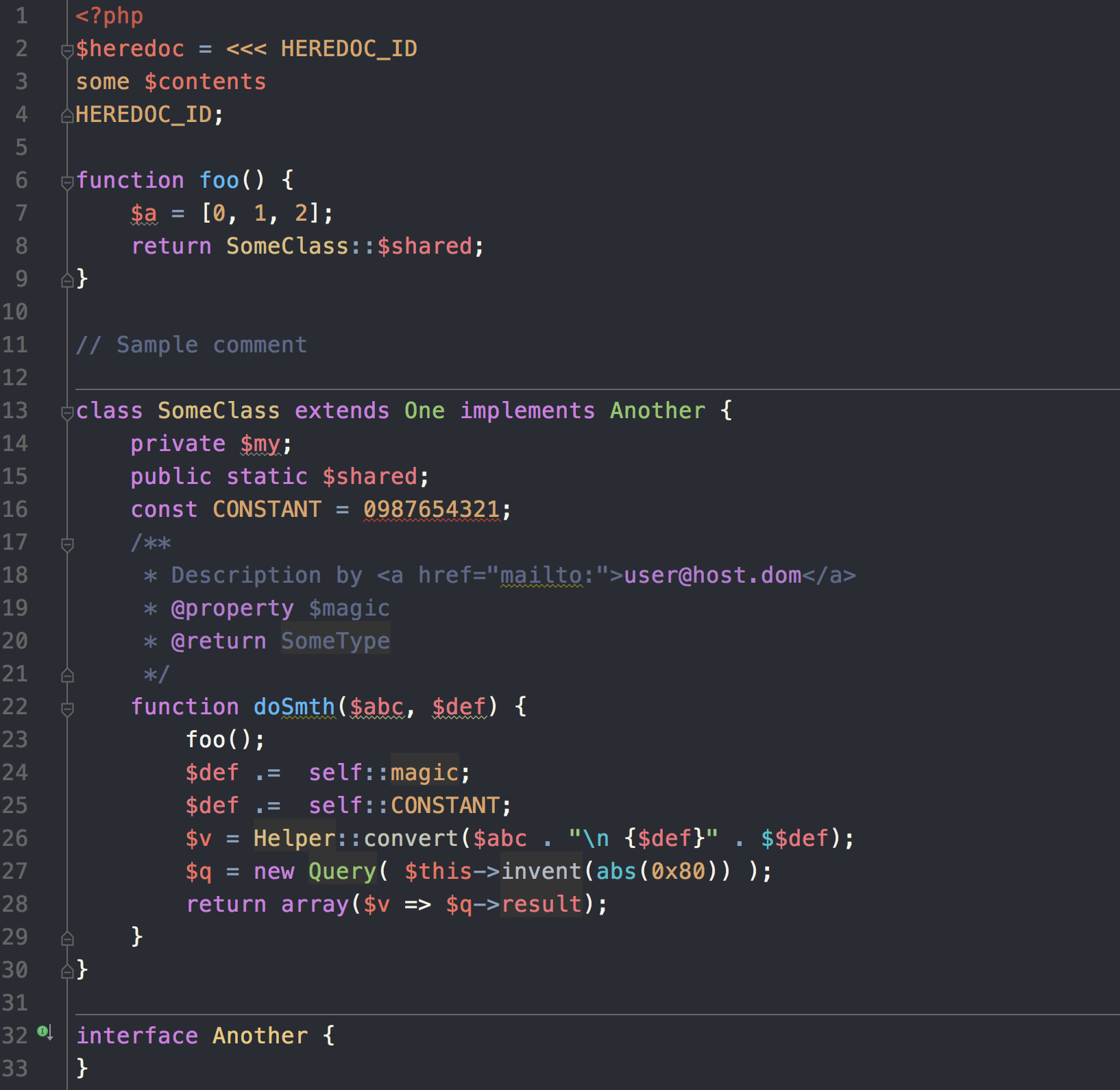
Downloads
---------
[One-Dark-PhpStorm](https://raw.githubusercontent.com/jesusOmar/one-dark-phpstorm/master/One%20Dark.icls)
[PhpStorm](https://www.jetbrains.com/phpstorm/)
[Atom homepage](https://atom.io/)
[ONE Dark Syntax repository](https://github.com/atom/one-dark-syntax)
Installation
------------
### Option 1: Manual installation
Note: Looks like the newer version of PhpStorm changed the location of the files, It now seems to be:
On Mac it is in `~/Library/Preferences/PhpStorm/colors`.
Where is 2016.1 currently (i.e. PhpStorm2016.1/colors)
1. Copy `One Dark.icls` to your PhpStorm preferences:
- On Linux it is in `/home//.WebIde0/config/colors`.
- On Mac it is in `~/Library/Preferences/WebIde0/colors`.
- On Windows it is in `C:\Users\\.WebIde0\config\colors`.
Replace `WebIde0` with the Version of PhpStorm you use, e.g. WebIde70 for PhpStorm 7
2. Restart PhpStorm
3. Go to `Preferences | Editor | Colors & Fonts` and select One Dark.