[
{
"path": ".gitattributes",
"content": "# Auto detect text files and perform LF normalization\n* text=auto\n"
},
{
"path": ".gitignore",
"content": "/.idea\n# Byte-compiled / optimized / DLL files\n__pycache__/\n*.py[cod]\n*$py.class\n\n# C extensions\n*.so\n\n# Distribution / packaging\n.Python\nbuild/\ndevelop-eggs/\ndist/\ndownloads/\neggs/\n.eggs/\nlib/\nlib64/\nparts/\nsdist/\nvar/\nwheels/\nshare/python-wheels/\n*.egg-info/\n.installed.cfg\n*.egg\nMANIFEST\n\n# PyInstaller\n# Usually these files are written by a python script from a template\n# before PyInstaller builds the exe, so as to inject date/other infos into it.\n*.manifest\n*.spec\n\n# Installer logs\npip-log.txt\npip-delete-this-directory.txt\n\n# Unit test / coverage reports\nhtmlcov/\n.tox/\n.nox/\n.coverage\n.coverage.*\n.cache\nnosetests.xml\ncoverage.xml\n*.cover\n*.py,cover\n.hypothesis/\n.pytest_cache/\ncover/\n\n# Translations\n*.mo\n*.pot\n\n# Django stuff:\n*.log\nlocal_settings.py\ndb.sqlite3\ndb.sqlite3-journal\n\n# Flask stuff:\ninstance/\n.webassets-cache\n\n# Scrapy stuff:\n.scrapy\n\n# Sphinx documentation\ndocs/_build/\n\n# PyBuilder\n.pybuilder/\ntarget/\n\n# Jupyter Notebook\n.ipynb_checkpoints\n\n# IPython\nprofile_default/\nipython_config.py\n\n# pyenv\n# For a library or package, you might want to ignore these files since the code is\n# intended to run in multiple environments; otherwise, check them in:\n# .python-version\n\n# pipenv\n# According to pypa/pipenv#598, it is recommended to include Pipfile.lock in version control.\n# However, in case of collaboration, if having platform-specific dependencies or dependencies\n# having no cross-platform support, pipenv may install dependencies that don't work, or not\n# install all needed dependencies.\n#Pipfile.lock\n\n# poetry\n# Similar to Pipfile.lock, it is generally recommended to include poetry.lock in version control.\n# This is especially recommended for binary packages to ensure reproducibility, and is more\n# commonly ignored for libraries.\n# https://python-poetry.org/docs/basic-usage/#commit-your-poetrylock-file-to-version-control\n#poetry.lock\n\n# PEP 582; used by e.g. github.com/David-OConnor/pyflow\n__pypackages__/\n\n# Celery stuff\ncelerybeat-schedule\ncelerybeat.pid\n\n# SageMath parsed files\n*.sage.py\n\n# Environments\n.env\n.venv\nenv/\nvenv/\nENV/\nenv.bak/\nvenv.bak/\n\n# Spyder project settings\n.spyderproject\n.spyproject\n\n# Rope project settings\n.ropeproject\n\n# mkdocs documentation\n/site\n\n# mypy\n.mypy_cache/\n.dmypy.json\ndmypy.json\n\n# Pyre type checker\n.pyre/\n\n# pytype static type analyzer\n.pytype/\n\n# Cython debug symbols\ncython_debug/\n\n# PyCharm\n# JetBrains specific template is maintainted in a separate JetBrains.gitignore that can\n# be found at https://github.com/github/gitignore/blob/main/Global/JetBrains.gitignore\n# and can be added to the global gitignore or merged into this file. For a more nuclear\n# option (not recommended) you can uncomment the following to ignore the entire idea folder.\n#.idea/\n/main.py\n/URL shortener/assets/manifest.json\n"
},
{
"path": "Flet-Utils/Dockerfile",
"content": "FROM python:3-alpine\n\nWORKDIR /app\n\nCOPY requirements.txt ./\n\nRUN pip install --no-cache-dir -r requirements.txt\n\nCOPY . .\n\nEXPOSE 8080\n\nCMD [\"python\", \"./main.py\"]"
},
{
"path": "Flet-Utils/README.md",
"content": "# Flet-Utils (Flutils)\n**Link to Online Demo [here](https://flutils.pages.dev/)!**\n\nWhen developing with Flet([website](https://flet.dev), [gitHub](https://github.com/flet-dev/flet)), It's not that easy to work with classes that take alot of parameters. \nChoosing the perfect values for the Padding, Alignment, Border Radius... of our Controls becomes very difficult, time-consuming and/or very annoying. \n\nI then decided to build this tool - Flet Utils - to help out all those using Flet to build applications, to efficiently and rapidly choose parameters when working with Controls.\n\n\n## Captures (to be added)\nSee the [website](https://flutils.pages.dev/) itself till I add please.\n\n## Issues and Contribution\nIf you have any error/issue/problem using this app, please raise one on the [Issues section of this repo](https://github.com/ndonkoHenri/Flet-Samples/issues).\nAlso, feel free to a drop a pull request in case you wish to contribute.\n\n**Flet-ty MEME by [@Hololeo](https://github.com/hololeo)**:\n\n\n\n \n"
},
{
"path": "Flet-Utils/assets/index.html",
"content": "\n \n\n \n \n \n\n \n \n \n \n \n\n \n \n\n \n \n\n Flet Utilities\n \n\n \n\n \n \n \n\n\n
\n \n \n
\n \n\n\n"
},
{
"path": "Flet-Utils/assets/manifest.json",
"content": "{\n \"name\": \"Flet Utilities\",\n \"short_name\": \"Flet Utils\",\n \"start_url\": \".\",\n \"display\": \"standalone\",\n \"background_color\": \"#ffffff\",\n \"theme_color\": \"#0175C2\",\n \"description\": \"A collection of utility tools for Flet developers.\",\n \"orientation\": \"natural\",\n \"prefer_related_applications\": false,\n \"icons\": [\n {\n \"src\": \"icons/icon-192.png\",\n \"sizes\": \"192x192\",\n \"type\": \"image/png\"\n },\n {\n \"src\": \"icons/icon-512.png\",\n \"sizes\": \"512x512\",\n \"type\": \"image/png\"\n },\n {\n \"src\": \"icons/icon-maskable-192.png\",\n \"sizes\": \"192x192\",\n \"type\": \"image/png\",\n \"purpose\": \"maskable\"\n },\n {\n \"src\": \"icons/icon-maskable-512.png\",\n \"sizes\": \"512x512\",\n \"type\": \"image/png\",\n \"purpose\": \"maskable\"\n }\n ]\n}"
},
{
"path": "Flet-Utils/fly.toml",
"content": "app = \"flutils\"\nkill_signal = \"SIGINT\"\nkill_timeout = 5\nprocesses = []\n\n[env]\n FLET_SERVER_PORT = \"8080\"\n\n[experimental]\n allowed_public_ports = []\n auto_rollback = true\n\n[[services]]\n http_checks = []\n internal_port = 8080\n processes = [\"app\"]\n protocol = \"tcp\"\n script_checks = []\n [services.concurrency]\n hard_limit = 25\n soft_limit = 20\n type = \"connections\"\n\n [[services.ports]]\n force_https = true\n handlers = [\"http\"]\n port = 80\n\n [[services.ports]]\n handlers = [\"tls\", \"http\"]\n port = 443\n\n [[services.tcp_checks]]\n grace_period = \"1s\"\n interval = \"15s\"\n restart_limit = 0\n timeout = \"2s\"\n"
},
{
"path": "Flet-Utils/main.py",
"content": "import flet as ft\nfrom utils.padding_utils import TabContentPadding\nfrom utils.alignment_utils import TabContentAlignment\nfrom utils.border_utils import TabContentBorder\nfrom utils.border_radius_utils import TabContentBorderRadius\nfrom utils.colors_utils import TabContentColors1, TabContentColors2\nfrom utils.icons_browser_utils import TabContentIconsBrowser\nfrom utils.gradient_utils import TabContentLinearGradient, TabContentSweepGradient, TabContentRadialGradient\nfrom utils.shadermask_utils import TabContentShaderMask\nfrom utils.shape_utils import TabContentShape\nfrom utils.tooltip_utils import TabContentTooltip\nfrom utils.icon_utils import TabContentIcon\nfrom utils.progress_ring_utils import TabContentProgressRing\nfrom utils.progress_bar_utils import TabContentProgressBar\nfrom utils.divider_utils import TabContentDivider\nfrom utils.vertical_divider_utils import TabContentVerticalDivider\nfrom utils.circle_avatar_utils import TabContentCircleAvatar\nfrom utils.shadow_utils import TabContentShadow\nfrom utils.blur_utils import TabContentBlur\n\n\ndef main(page: ft.Page):\n page.title = \"Flet Utilities\"\n page.theme_mode = \"light\"\n # page.window_always_on_top = True\n page.vertical_alignment = \"start\"\n\n # set the width and height of the window.\n page.window_width = 640\n page.window_height = 750\n\n # page.horizontal_alignment = \"center\"\n\n def change_theme(e):\n \"\"\"\n Changes the app's theme_mode, from dark to light or light to dark.\n\n :param e: The event that triggered the function\n :type e: ControlEvent\n \"\"\"\n page.theme_mode = \"light\" if page.theme_mode == \"dark\" else \"dark\" # changes the page's theme_mode\n theme_icon_button.selected = not theme_icon_button.selected # changes the icon\n page.update()\n\n theme_icon_button = ft.IconButton(\n ft.icons.DARK_MODE,\n selected=False,\n selected_icon=ft.icons.LIGHT_MODE,\n icon_size=35,\n tooltip=\"change theme\",\n on_click=change_theme,\n style=ft.ButtonStyle(color={\"\": ft.colors.BLACK, \"selected\": ft.colors.WHITE}, ),\n )\n\n page.appbar = ft.AppBar(\n title=ft.Text(\n \"Flet Utilities\",\n color=\"white\"\n ),\n center_title=True,\n bgcolor=\"blue\",\n actions=[theme_icon_button],\n leading=ft.IconButton(\n icon=ft.icons.CODE,\n icon_color=ft.colors.YELLOW_ACCENT,\n on_click=lambda e: page.launch_url(\n \"https://github.com/ndonkoHenri/Flet-Samples/tree/master/Flet-Utils\"),\n tooltip=\"View Code\"\n ),\n )\n\n icon_content = TabContentIcon()\n tooltip_content = TabContentTooltip()\n progress_ring_content = TabContentProgressRing()\n progress_bar_content = TabContentProgressBar()\n divider_content = TabContentDivider()\n vertical_divider_content = TabContentVerticalDivider()\n circle_avatar_content = TabContentCircleAvatar()\n border_radius_content = TabContentBorderRadius()\n padding_content = TabContentPadding()\n icons_browser_content = TabContentIconsBrowser()\n colors1_content = TabContentColors1()\n colors2_content = TabContentColors2(page)\n alignment_content = TabContentAlignment()\n shape_content = TabContentShape()\n shadow_content = TabContentShadow()\n blur_content = TabContentBlur()\n border_content = TabContentBorder()\n linear_gradient_content = TabContentLinearGradient()\n radial_gradient_content = TabContentRadialGradient()\n sweep_gradient_content = TabContentSweepGradient()\n shader_mask_content = TabContentShaderMask()\n\n page.add(\n ft.Tabs(\n expand=True,\n selected_index=0,\n tabs=[\n ft.Tab(\n text=\"Icon\",\n content=icon_content\n ),\n ft.Tab(\n text=\"Tooltip\",\n content=tooltip_content\n ),\n ft.Tab(\n text=\"ProgressRing\",\n content=progress_ring_content\n ),\n ft.Tab(\n text=\"ProgressBar\",\n content=progress_bar_content\n ),\n ft.Tab(\n text=\"Divider\",\n content=divider_content\n ),\n ft.Tab(\n text=\"VerticalDivider\",\n content=vertical_divider_content\n ),\n ft.Tab(\n text=\"CircleAvatar\",\n content=circle_avatar_content\n ),\n ft.Tab(\n text=\"Shadow\",\n content=shadow_content\n ),\n ft.Tab(\n text=\"Blur\",\n content=blur_content\n ),\n ft.Tab(\n text=\"BorderRadius\",\n content=border_radius_content\n ),\n ft.Tab(\n text=\"Padding\",\n content=padding_content\n ),\n ft.Tab(\n text=\"Icons Browser\",\n content=icons_browser_content\n ),\n ft.Tab(\n text=\"Colors V1\",\n content=colors1_content\n ),\n ft.Tab(\n text=\"Colors V2\",\n content=colors2_content\n ),\n ft.Tab(\n text=\"Alignment\",\n content=alignment_content\n ),\n ft.Tab(\n text=\"Shape\",\n content=shape_content\n ),\n ft.Tab(\n text=\"Border\",\n content=border_content\n ),\n ft.Tab(\n text=\"Linear Gradient\",\n content=linear_gradient_content\n ),\n ft.Tab(\n text=\"Radial Gradient\",\n content=radial_gradient_content\n ),\n ft.Tab(\n text=\"Sweep Gradient\",\n content=sweep_gradient_content\n ),\n ft.Tab(\n text=\"Shader Mask\",\n content=shader_mask_content\n ),\n ]\n ),\n ft.Text(\n \"Made with ❤ by @ndonkoHenri aka TheEthicalBoy!\",\n style=ft.TextThemeStyle.LABEL_SMALL,\n weight=ft.FontWeight.BOLD,\n italic=True,\n color=ft.colors.BLUE_900,\n )\n )\n\n\nft.app(\n target=main,\n route_url_strategy=\"path\",\n assets_dir=\"assets\",\n view=ft.WEB_BROWSER\n)\n"
},
{
"path": "Flet-Utils/requirements.txt",
"content": "flet==0.9.0"
},
{
"path": "Flet-Utils/utils/alignment_utils.py",
"content": "import flet as ft\n\n\n# the content of the alignment tab\nclass TabContentAlignment(ft.UserControl):\n def __init__(self):\n super().__init__()\n # slider for x parameter of the Alignment object\n self.slider_x = ft.Slider(\n label=\"x\",\n value=0,\n on_change=self.update_alignment,\n min=-1,\n max=1,\n divisions=100,\n )\n # slider for y parameter of the Alignment object\n self.slider_y = ft.Slider(\n label=\"y\",\n value=0,\n on_change=self.update_alignment,\n min=-1,\n max=1,\n divisions=100,\n )\n\n self.container_button = ft.Ref[ft.FilledTonalButton]()\n self.container_obj = ft.Ref[ft.Container]()\n\n def copy_to_clipboard(self, e: ft.ControlEvent):\n \"\"\"\n It copies the alignment used by the container to the clipboard.\n :param e: The event object\n \"\"\"\n # update the text in the clipboard\n e.page.set_clipboard(f\"{self.container_obj.current.alignment}\")\n # show a snackbar to account for the changes\n e.page.show_snack_bar(ft.SnackBar(ft.Text(f\"Copied: {self.container_obj.current.alignment}\"), open=True))\n\n def update_alignment(self, e: ft.ControlEvent):\n \"\"\"\n It updates the alignment of the container object.\n :param e: The event object\n \"\"\"\n # round the values from the sliders to 2 decimals to avoid long values, and store result in variables\n x = round(float(self.slider_x.value), 2)\n y = round(float(self.slider_y.value), 2)\n # update container's alignment\n self.container_obj.current.alignment = ft.Alignment(x, y)\n # update the text of the button in the container\n self.container_button.current.text = f\"Pos: {x},{y}\"\n self.update()\n # show a snackbar to account for the changes\n e.page.show_snack_bar(ft.SnackBar(ft.Text(\"Updated Alignment!\"), open=True))\n\n def build(self):\n all_sliders = ft.Row(\n controls=[\n self.slider_x,\n self.slider_y\n ],\n wrap=True\n )\n\n return ft.Column(\n [\n ft.Column(\n [\n ft.Text(\"Alignment Builder:\", weight=ft.FontWeight.BOLD, size=21),\n ft.Text(\n \"CheatSheet:\\ntopLeft = (-1,-1) | topCenter = (0,-1) | topRight = (1,-1)\\ncenterLeft = (\"\n \"-1,0) | Center = (0,0) | centerRight = (1,0)\\nbottomLeft = (-1,1) | bottomCenter = (\"\n \"0,1) | bottomRight = (1,1)\", italic=True, ),\n all_sliders\n ],\n alignment=ft.MainAxisAlignment.CENTER),\n ft.Row(\n [\n ft.Container(\n content=ft.FilledTonalButton(\n content=ft.Text(\n \"Pos: 0.0,0.0\",\n weight=ft.FontWeight.BOLD\n ),\n ref=self.container_button,\n disabled=True\n ),\n expand=True,\n ref=self.container_obj,\n bgcolor=ft.colors.DEEP_PURPLE_ACCENT_700,\n width=160,\n height=160,\n alignment=ft.Alignment(0, 0), # align its contents in the center\n )\n ],\n alignment=ft.MainAxisAlignment.CENTER),\n ft.Row(\n [\n ft.FilledButton(\n \"Copy Value to Clipboard\",\n icon=ft.icons.COPY,\n on_click=self.copy_to_clipboard\n ),\n ft.FilledTonalButton(\n \"Go to Docs\",\n icon=ft.icons.DATASET_LINKED_OUTLINED,\n url=\"https://flet.dev/docs/controls/container/#alignment\"\n )\n ],\n alignment=ft.MainAxisAlignment.CENTER,\n )\n ],\n alignment=ft.MainAxisAlignment.CENTER,\n scroll=ft.ScrollMode.HIDDEN\n )\n\n\nif __name__ == \"__main__\":\n def main(page: ft.Page):\n page.add(TabContentAlignment())\n\n\n ft.app(main)\n"
},
{
"path": "Flet-Utils/utils/blur_utils.py",
"content": "import random\n\nfrom flet import *\nimport flet as ft\n\n\n# todo: change link to docs\n\n# the content of the blur tab\nclass TabContentBlur(ft.UserControl):\n\n def __init__(self):\n super().__init__()\n self.blur_sigma_y = None\n self.blur_sigma_x = None\n self.blur_tile_mode = None\n\n self.blur_obj = ft.Ref[ft.Container]()\n\n # text field for the sigma x property of the Blur object\n self.field_sigma_x = ft.TextField(\n label=\"sigma_x\",\n helper_text=\"Union[int, float]\",\n value=\"\",\n on_change=self.update_blur,\n keyboard_type=ft.KeyboardType.NUMBER,\n expand=1\n )\n\n # text field for the sigma_y property of the Blur object\n self.field_sigma_y = ft.TextField(\n label=\"sigma_y\",\n value=\"\",\n helper_text=\"Union[int, float]\",\n on_change=self.update_blur,\n keyboard_type=ft.KeyboardType.NUMBER,\n expand=1\n )\n\n # radio buttons for the tile_mode parameter\n self.tile_mode_radio_group = ft.RadioGroup(\n ft.Row(\n [\n ft.Radio(value=\"clamp\", label=\"clamp\"),\n ft.Radio(value=\"decal\", label=\"decal\"),\n ft.Radio(value=\"mirror\", label=\"mirror\"),\n ft.Radio(value=\"repeated\", label=\"repeated\"),\n ],\n alignment=ft.MainAxisAlignment.CENTER\n ),\n value=\"clamp\",\n on_change=self.update_blur,\n )\n\n def build(self):\n all_fields = ft.Column(\n controls=[\n ft.Row(\n [self.field_sigma_x, self.field_sigma_y]\n ),\n self.tile_mode_radio_group,\n ],\n alignment=ft.MainAxisAlignment.CENTER,\n spacing=11,\n )\n\n w, h = 300, 300\n\n return ft.Column(\n [\n ft.Text(\"Blur Builder:\", weight=ft.FontWeight.BOLD, size=21),\n all_fields,\n ft.Row(\n [\n ft.Stack(\n [\n ft.Container(\n ref=self.blur_obj,\n # bgcolor=ft.colors.AMBER,\n image_src=f\"https://picsum.photos/300/300?random={random.randint(1, 500)}\",\n alignment=ft.alignment.center,\n tooltip=\"reload page to get a new image\",\n width=w,\n height=h,\n ),\n ft.Container(\n ref=self.blur_obj,\n # bgcolor=ft.colors.AMBER,\n alignment=ft.alignment.center,\n width=w,\n height=h,\n ),\n ]\n )\n ],\n alignment=ft.MainAxisAlignment.CENTER,\n ),\n ft.Row(\n [\n ft.FilledButton(\n \"Copy Value to Clipboard\",\n icon=ft.icons.COPY,\n on_click=self.copy_to_clipboard\n ),\n ft.FilledTonalButton(\n \"Go to Docs\",\n icon=ft.icons.DATASET_LINKED_OUTLINED,\n url=\"https://flet.dev/docs/controls/verticaldivider/\"\n )\n ],\n alignment=ft.MainAxisAlignment.CENTER,\n )\n\n ],\n alignment=ft.MainAxisAlignment.CENTER,\n scroll=ft.ScrollMode.HIDDEN,\n spacing=30,\n expand=True\n )\n\n def update_blur(self, e: ft.ControlEvent):\n \"\"\"It updates the blur object.\"\"\"\n self.blur_sigma_x, self.blur_sigma_y = (\n int(self.field_sigma_x.value.strip()) if self.field_sigma_x.value.strip().isnumeric() else None,\n int(self.field_sigma_y.value.strip()) if self.field_sigma_y.value.strip().isnumeric() else None,\n )\n self.blur_tile_mode = self.tile_mode_radio_group.value\n\n # sigma_y\n try:\n if self.field_sigma_y.value:\n self.blur_sigma_y = eval(self.field_sigma_y.value)\n assert isinstance(self.blur_sigma_y,\n (int, float)), \"`sigma_y` must be either of type float or int !\"\n else:\n self.blur_sigma_y = None\n except Exception as x:\n print(f\"Sigma Y Error: {x}\")\n e.page.show_snack_bar(ft.SnackBar(ft.Text(f\"ERROR: {x}\"), open=True))\n return\n\n # sigma_x\n try:\n if self.field_sigma_x.value:\n self.blur_sigma_x = eval(self.field_sigma_x.value)\n assert isinstance(self.blur_sigma_x,\n (int, float)), \"`sigma_x` must be either of type float or int !\"\n else:\n self.blur_sigma_x = None\n except Exception as x:\n print(f\"Sigma X Error: {x}\")\n e.page.show_snack_bar(ft.SnackBar(ft.Text(f\"ERROR: {x}\"), open=True))\n return\n\n self.blur_obj.current.blur = ft.Blur(self.blur_sigma_x, self.blur_sigma_y, self.blur_tile_mode)\n\n self.update()\n e.page.show_snack_bar(ft.SnackBar(ft.Text(\"Updated Blur!\"), open=True))\n\n def copy_to_clipboard(self, e: ft.ControlEvent):\n \"\"\"It copies the blur object/instance to the clipboard.\"\"\"\n val = self.blur_obj.current.blur\n e.page.set_clipboard(val)\n e.page.show_snack_bar(ft.SnackBar(ft.Text(f\"Copied: {val}\"), open=True))\n print(val)\n\n\nif __name__ == \"__main__\":\n def main(page: ft.Page):\n page.theme_mode = ft.ThemeMode.LIGHT\n page.window_always_on_top = True\n page.add(TabContentBlur())\n\n\n ft.app(main, view=ft.WEB_BROWSER)\n"
},
{
"path": "Flet-Utils/utils/border_radius_utils.py",
"content": "import flet as ft\n\n\n# the content of the border radius tab\nclass TabContentBorderRadius(ft.UserControl):\n def __init__(self):\n super().__init__()\n # text field for topLeft(tl) property of the BorderRadius object\n self.field_tl = ft.TextField(\n label=\"topLeft\",\n value=\"\",\n width=120,\n height=50,\n on_change=self.update_border_radius,\n keyboard_type=ft.KeyboardType.NUMBER\n )\n # text field for topRight(tr) property of the BorderRadius object\n self.field_tr = ft.TextField(\n label=\"topRight\",\n value=\"\",\n width=120,\n height=50,\n on_change=self.update_border_radius,\n keyboard_type=ft.KeyboardType.NUMBER\n )\n # text field for bottomLeft(bl) property of the BorderRadius object\n self.field_bl = ft.TextField(\n label=\"bottomLeft\",\n value=\"\",\n width=120,\n height=50,\n on_change=self.update_border_radius,\n keyboard_type=ft.KeyboardType.NUMBER\n )\n # text field for bottomRight(br) property of the BorderRadius object\n self.field_br = ft.TextField(\n label=\"bottomRight\",\n value=\"\",\n width=120,\n height=50,\n on_change=self.update_border_radius,\n keyboard_type=ft.KeyboardType.NUMBER\n )\n # text field for the width property of the Container object\n self.field_width = ft.TextField(\n label=\"Width\",\n hint_text=f\"default=160\",\n value=\"160\",\n width=120,\n height=50,\n on_submit=self.update_container_size\n )\n # text field for the height property of the Container object\n self.field_height = ft.TextField(\n label=\"Height\",\n hint_text=f\"default=160\",\n value=\"160\",\n width=120,\n height=50,\n on_submit=self.update_container_size\n )\n\n self.container_obj = ft.Ref[ft.Container]()\n self.container_text = ft.Ref[ft.Text]()\n\n def update_border_radius(self, e: ft.ControlEvent):\n \"\"\"\n It updates the border radius of the container object.\n\n :param e: The event object\n \"\"\"\n\n if e.control.value.strip().isnumeric() or not e.control.value.strip():\n # if the value of the text field in focus is numeric or if it is empty...\n self.container_obj.current.border_radius = ft.border_radius.BorderRadius(\n int(self.field_tl.value.strip()) if self.field_tl.value.strip().isnumeric() else 0,\n int(self.field_tr.value.strip()) if self.field_tr.value.strip().isnumeric() else 0,\n int(self.field_bl.value.strip()) if self.field_bl.value.strip().isnumeric() else 0,\n int(self.field_br.value.strip()) if self.field_br.value.strip().isnumeric() else 0, )\n self.container_text.current.value = f\"{int(self.field_tl.value.strip()) if self.field_tl.value.strip().isnumeric() else 0}, {int(self.field_tr.value.strip()) if self.field_tr.value.strip().isnumeric() else 0}, {int(self.field_bl.value.strip()) if self.field_bl.value.strip().isnumeric() else 0}, {int(self.field_br.value.strip()) if self.field_br.value.strip().isnumeric() else 0} \"\n self.update()\n e.page.show_snack_bar(ft.SnackBar(ft.Text(\"Updated BorderRadius!\"), open=True))\n\n else:\n # Show a snackbar with the error message.\n e.page.show_snack_bar(\n ft.SnackBar(ft.Text(\"ERROR: The value(ex: non-integer) entered is not valid!\"), open=True))\n\n def update_container_size(self, e: ft.ControlEvent):\n \"\"\"\n The function updates the container size when the width or height values are changed.\n\n :param e: The event object\n \"\"\"\n if e.control.value.strip().isnumeric():\n # if the value of the text field in focus is numeric...\n self.container_obj.current.height = int(\n self.field_height.value.strip()) if self.field_height.value.strip().isnumeric() else 160\n self.container_obj.current.width = int(\n self.field_width.value.strip()) if self.field_width.value.strip().isnumeric() else 160\n self.container_obj.current.update()\n e.page.show_snack_bar(ft.SnackBar(ft.Text(\"Updated Container Size!\"), open=True))\n else:\n # Show a snackbar with the error message.\n e.page.show_snack_bar(\n ft.SnackBar(ft.Text(\"ERROR: The value(ex: non-integer) entered is not valid!\"), open=True))\n\n def copy_to_clipboard(self, e: ft.ControlEvent):\n \"\"\"\n It copies the border radius of the container to the clipboard.\n\n :param e: The event object\n \"\"\"\n e.page.set_clipboard(f\"{self.container_obj.current.border_radius}\")\n e.page.show_snack_bar(ft.SnackBar(ft.Text(f\"Copied: {self.container_obj.current.border_radius}\"), open=True))\n\n def build(self):\n\n all_fields = ft.Row(\n controls=[\n self.field_tl, self.field_tr, self.field_bl, self.field_br\n ],\n alignment=ft.MainAxisAlignment.CENTER,\n )\n\n return ft.Column(\n [\n ft.Column(\n [\n ft.Text(\"Container's Size:\", weight=ft.FontWeight.BOLD, size=21),\n ft.Row(\n [self.field_width, self.field_height],\n alignment=ft.MainAxisAlignment.CENTER,\n ),\n ft.Divider(height=2, thickness=2),\n ft.Text(\"BorderRadius Builder:\", weight=ft.FontWeight.BOLD, size=21),\n all_fields\n ],\n alignment=ft.MainAxisAlignment.CENTER\n ),\n ft.Row(\n [\n ft.Container(\n content=ft.Text(\n \"0, 0, 0, 0\",\n ref=self.container_text,\n weight=ft.FontWeight.BOLD,\n size=18,\n color=\"black\"),\n ref=self.container_obj,\n bgcolor=ft.colors.RED_ACCENT_700,\n padding=ft.Padding(15, 0, 15, 0),\n width=160,\n height=160,\n alignment=ft.Alignment(0, 0),\n border_radius=ft.BorderRadius(0, 0, 0, 0),\n )\n ],\n alignment=ft.MainAxisAlignment.CENTER),\n ft.Row(\n [\n ft.FilledButton(\n \"Copy Value to Clipboard\",\n icon=ft.icons.COPY,\n on_click=self.copy_to_clipboard\n ),\n ft.FilledTonalButton(\n \"Go to Docs\",\n icon=ft.icons.DATASET_LINKED_OUTLINED,\n url=\"https://flet.dev/docs/controls/container#border_radius\"\n ),\n ],\n alignment=ft.MainAxisAlignment.CENTER,\n )\n ],\n alignment=ft.MainAxisAlignment.CENTER,\n scroll=ft.ScrollMode.HIDDEN\n )\n\n\nif __name__ == \"__main__\":\n def main(page: ft.Page):\n page.add(TabContentBorderRadius())\n\n\n ft.app(main)\n"
},
{
"path": "Flet-Utils/utils/border_utils.py",
"content": "import flet as ft\n\n\n# todo: add respective colors to each\n\n# the content of the border tab\nclass TabContentBorder(ft.UserControl):\n # border = border.only(BorderSide(2, \"blue\"), BorderSide(2, \"blue\"), BorderSide(2, \"blue\"), BorderSide(2, \"blue\"),)\n def __init__(self):\n super().__init__()\n self.container_obj = ft.Ref[ft.Container]()\n\n # text field for left property of the Border object\n self.field_left = ft.TextField(\n label=\"left\",\n value=\"\",\n width=120,\n height=50,\n content_padding=9,\n on_change=self.update_border,\n keyboard_type=ft.KeyboardType.NUMBER\n )\n # text field for right property of the Border object\n self.field_right = ft.TextField(\n label=\"right\",\n value=\"\",\n width=120,\n height=50,\n content_padding=9,\n on_change=self.update_border,\n keyboard_type=ft.KeyboardType.NUMBER\n )\n # text field for top property of the Border object\n self.field_top = ft.TextField(\n label=\"top\",\n value=\"\",\n width=120,\n height=50,\n content_padding=9,\n on_change=self.update_border,\n keyboard_type=ft.KeyboardType.NUMBER\n )\n # text field for bottom property of the Border object\n self.field_bottom = ft.TextField(\n label=\"bottom\",\n value=\"\",\n width=120,\n height=50,\n content_padding=9,\n on_change=self.update_border,\n keyboard_type=ft.KeyboardType.NUMBER\n )\n\n # text field for the width property of the Container object\n self.field_width = ft.TextField(\n label=\"Width\",\n hint_text=f\"default=160\",\n value=\"160\",\n width=120,\n height=50,\n content_padding=9,\n on_submit=self.update_container_size\n )\n # text field for the height property of the Container object\n self.field_height = ft.TextField(\n label=\"Height\",\n hint_text=f\"default=160\",\n value=\"160\",\n width=120,\n height=50,\n content_padding=9,\n on_submit=self.update_container_size\n )\n\n def update_border(self, e: ft.ControlEvent):\n \"\"\"\n It updates the border radius of the container object.\n :param e: The event object\n \"\"\"\n left, right, top, bottom = int(\n self.field_left.value.strip()) if self.field_left.value.strip().isnumeric() else 0, int(\n self.field_right.value.strip()) if self.field_right.value.strip().isnumeric() else 0, int(\n self.field_top.value.strip()) if self.field_top.value.strip().isnumeric() else 0, int(\n self.field_bottom.value.strip()) if self.field_bottom.value.strip().isnumeric() else 0\n\n if e.control.value.strip().isnumeric() or not e.control.value.strip():\n # if the value of the text field in focus is numeric or if it is empty...\n self.container_obj.current.border = ft.border.only(\n ft.BorderSide(left, ft.colors.GREEN_700),\n ft.BorderSide(top, ft.colors.GREEN_700),\n ft.BorderSide(right, ft.colors.GREEN_700),\n ft.BorderSide(bottom, ft.colors.GREEN_700)\n )\n self.update()\n e.page.show_snack_bar(ft.SnackBar(ft.Text(\"Updated Border!\"), open=True))\n else:\n # Show a snackbar with the error message.\n e.page.show_snack_bar(\n ft.SnackBar(ft.Text(\"ERROR: The value(ex: non-integer) entered is not valid!\"), open=True))\n\n def update_container_size(self, e: ft.ControlEvent):\n \"\"\"\n The function updates the container size when the width or height values are changed.\n\n :param e: The event object\n \"\"\"\n if e.control.value.strip().isnumeric():\n # if the value of the text field in focus is numeric...\n self.container_obj.current.height = int(\n self.field_height.value.strip()) if self.field_height.value.strip().isnumeric() else 160\n self.container_obj.current.width = int(\n self.field_width.value.strip()) if self.field_width.value.strip().isnumeric() else 160\n self.container_obj.current.update()\n e.page.show_snack_bar(ft.SnackBar(ft.Text(\"Updated Container Size!\"), open=True))\n else:\n # Show a snackbar with the error message.\n e.page.show_snack_bar(\n ft.SnackBar(ft.Text(\"ERROR: The value(ex: non-integer) entered is not valid!\"), open=True))\n\n def copy_to_clipboard(self, e: ft.ControlEvent):\n \"\"\"\n It copies the border radius of the container to the clipboard.\n\n :param e: The event object\n \"\"\"\n e.page.set_clipboard(f\"{self.container_obj.current.border}\")\n e.page.show_snack_bar(ft.SnackBar(ft.Text(f\"Copied: {self.container_obj.current.border}\"), open=True))\n\n def build(self):\n all_fields = ft.Row(\n controls=[\n self.field_left, self.field_right, self.field_top, self.field_bottom\n ],\n alignment=ft.MainAxisAlignment.CENTER,\n )\n return ft.Column(\n [\n ft.Column(\n [\n ft.Text(\"Container's Size:\", weight=ft.FontWeight.BOLD, size=21),\n ft.Row(\n [self.field_width, self.field_height],\n alignment=ft.MainAxisAlignment.CENTER,\n ),\n ft.Divider(height=2, thickness=2),\n ft.Text(\"Container's Border:\", weight=ft.FontWeight.BOLD, size=21),\n all_fields\n ],\n alignment=ft.MainAxisAlignment.CENTER\n ),\n ft.Row(\n [\n ft.Container(\n ref=self.container_obj,\n bgcolor=ft.colors.RED_ACCENT_700,\n padding=ft.Padding(15, 0, 15, 0),\n width=160,\n height=160,\n alignment=ft.Alignment(0, 0),\n border=ft.border.all(0, ft.colors.TRANSPARENT),\n )\n ],\n alignment=ft.MainAxisAlignment.CENTER),\n ft.Row(\n [\n ft.FilledButton(\n \"Copy Value to Clipboard\",\n icon=ft.icons.COPY,\n on_click=self.copy_to_clipboard\n ),\n ft.FilledTonalButton(\n \"Go to Docs\",\n icon=ft.icons.DATASET_LINKED_OUTLINED,\n url=\"https://flet.dev/docs/controls/container/#border\"\n )\n ],\n alignment=ft.MainAxisAlignment.CENTER,\n )\n ],\n alignment=ft.MainAxisAlignment.CENTER,\n scroll=ft.ScrollMode.HIDDEN\n )\n\n\nif __name__ == \"__main__\":\n def main(page: ft.Page):\n page.add(TabContentBorder())\n\n\n ft.app(main)\n"
},
{
"path": "Flet-Utils/utils/circle_avatar_utils.py",
"content": "from flet import *\nimport flet as ft\n\n\n# todo: \"rotate\" from icon_utils\n\n# the content of the circle avatar tab\nclass TabContentCircleAvatar(ft.UserControl):\n\n def __init__(self):\n super().__init__()\n\n self.avatar_background_image_url = None\n self.avatar_foreground_image_url = None\n self.avatar_content = None\n self.avatar_radius = None\n self.avatar_color = None\n self.avatar_bgcolor = None\n self.avatar_tooltip = None\n self.avatar_min_radius = None\n self.avatar_max_radius = None\n self.avatar_width = None\n self.avatar_height = None\n\n self.avatar_opacity = None\n self.avatar_rotate = None\n self.avatar_scale = None\n self.avatar_offset = None\n\n self.avatar_obj = ft.Ref[ft.CircleAvatar]()\n\n # text field for tooltip property of the CircleAvatar object\n self.field_tooltip = ft.TextField(\n label=\"tooltip\",\n value=\"\",\n helper_text=\"Optional[str]\",\n on_change=self.update_avatar,\n keyboard_type=ft.KeyboardType.TEXT,\n expand=1\n )\n\n # text field for color property of the CircleAvatar object\n self.field_color = ft.TextField(\n label=\"color\",\n value=\"\",\n helper_text=\"Optional[str]\",\n on_submit=self.update_avatar,\n # on_blur=self.update_icon,\n keyboard_type=ft.KeyboardType.TEXT,\n hint_text=\"colors.RED_50 or red50\",\n expand=1\n )\n\n # text field for the bgcolor property of the CircleAvatar object\n self.field_bgcolor = ft.TextField(\n label=\"bgcolor\",\n value=\"\",\n helper_text=\"Optional[str]\",\n hint_text=\"colors.RED_50 or red50\",\n on_submit=self.update_avatar,\n # on_blur=self.update_icon,\n keyboard_type=ft.KeyboardType.TEXT,\n expand=1,\n # width=170,\n )\n\n # text field for background_image_url property of the CircleAvatar object\n self.field_background_image_url = ft.TextField(\n label=\"background_image_url\",\n value=\"\",\n helper_text=\"Optional[str]\",\n on_submit=self.update_avatar,\n # on_blur=self.update_icon,\n keyboard_type=ft.KeyboardType.TEXT,\n hint_text=\"\",\n expand=1,\n text_style=ft.TextStyle(color=ft.colors.BLUE)\n )\n\n # text field for foreground_image_url property of the CircleAvatar object\n self.field_foreground_image_url = ft.TextField(\n label=\"foreground_image_url\",\n value=\"https://avatars.githubusercontent.com/u/5041459?s=88&v=4\",\n helper_text=\"Optional[str]\",\n on_submit=self.update_avatar,\n # on_blur=self.update_icon,\n keyboard_type=ft.KeyboardType.TEXT,\n hint_text=\"\",\n expand=1,\n text_style=ft.TextStyle(color=ft.colors.BLUE)\n )\n\n # text field for the radius property of the CircleAvatar object\n self.field_radius = ft.TextField(\n label=\"radius\",\n helper_text=\"Union[int, float]\",\n # value=\"4\",\n on_change=self.update_avatar,\n # on_blur=self.update_icon,\n keyboard_type=ft.KeyboardType.NUMBER,\n expand=1\n )\n\n # text field for the max_radius property of the CircleAvatar object\n self.field_max_radius = ft.TextField(\n label=\"max_radius\",\n helper_text=\"Union[int, float]\",\n # value=\"4\",\n on_change=self.update_avatar,\n # on_blur=self.update_icon,\n keyboard_type=ft.KeyboardType.NUMBER,\n expand=1\n )\n\n # text field for the min_radius property of the CircleAvatar object\n self.field_min_radius = ft.TextField(\n label=\"min_radius\",\n helper_text=\"Union[int, float]\",\n # value=\"4\",\n on_change=self.update_avatar,\n # on_blur=self.update_icon,\n keyboard_type=ft.KeyboardType.NUMBER,\n expand=1\n )\n\n # text field for the content property of the CircleAvatar object\n self.field_content = ft.TextField(\n label=\"content\",\n value=\"\",\n helper_text=\"Optional[Control]\",\n hint_text=\"Text('Hello')\",\n on_submit=self.update_avatar,\n # on_blur=self.update_icon,\n keyboard_type=ft.KeyboardType.TEXT,\n # width=80,\n expand=1\n )\n\n # text field for the width property of the CircleAvatar object\n self.field_width = ft.TextField(\n label=\"width\",\n value=\"\",\n helper_text=\"Union[int, float]\",\n on_submit=self.update_avatar,\n on_blur=self.update_avatar,\n keyboard_type=ft.KeyboardType.NUMBER,\n # width=80,\n expand=1\n )\n\n # text field for the height property of the CircleAvatar object\n self.field_height = ft.TextField(\n label=\"height\",\n value=\"\",\n helper_text=\"Union[int, float]\",\n on_submit=self.update_avatar,\n on_blur=self.update_avatar,\n keyboard_type=ft.KeyboardType.NUMBER,\n # width=80,\n expand=1\n )\n\n # text field for the opacity property of the CircleAvatar object\n self.field_opacity = ft.TextField(\n label=\"opacity\",\n value=\"\",\n helper_text=\"Union[int, float]\",\n on_change=self.update_avatar,\n # on_blur=self.update_icon,\n keyboard_type=ft.KeyboardType.NUMBER,\n # width=170,\n expand=1\n )\n\n # text field for the offset property of the CircleAvatar object\n self.field_offset = ft.TextField(\n label=\"offset\",\n value=\"\",\n helper_text=\"Optional[Offset, tuple]\",\n on_submit=self.update_avatar,\n # on_blur=self.update_icon,\n keyboard_type=ft.KeyboardType.TEXT,\n expand=1\n )\n\n # text field for the scale property of the CircleAvatar object\n self.field_scale = ft.TextField(\n label=\"scale\",\n value=\"\",\n helper_text=\"Union[int, float, Scale]\",\n on_submit=self.update_avatar,\n # on_blur=self.update_icon,\n keyboard_type=ft.KeyboardType.TEXT,\n # width=110,\n expand=1\n )\n\n def build(self):\n all_fields = ft.Column(\n controls=[\n ft.Row(\n [self.field_content, self.field_foreground_image_url, self.field_background_image_url],\n ),\n ft.Row(\n [self.field_bgcolor, self.field_color, self.field_radius, self.field_min_radius, self.field_max_radius, self.field_opacity]\n ),\n ft.Row(\n [self.field_height, self.field_width, self.field_offset, self.field_scale, self.field_tooltip, ],\n ),\n ],\n alignment=ft.MainAxisAlignment.CENTER,\n spacing=11\n )\n\n return ft.Column(\n [\n ft.Text(\"Circle Avatar Builder:\", weight=ft.FontWeight.BOLD, size=21),\n all_fields,\n ft.Row(\n [\n ft.CircleAvatar(\n ref=self.avatar_obj,\n foreground_image_url=\"https://avatars.githubusercontent.com/u/5041459?s=88&v=4\"\n )\n ],\n alignment=ft.MainAxisAlignment.CENTER,\n ),\n ft.Row(\n [\n ft.FilledButton(\n \"Copy Value to Clipboard\",\n icon=ft.icons.COPY,\n on_click=self.copy_to_clipboard\n ),\n ft.FilledTonalButton(\n \"Go to Docs\",\n icon=ft.icons.DATASET_LINKED_OUTLINED,\n url=\"https://flet.dev/docs/controls/circleavatar\"\n )\n ],\n alignment=ft.MainAxisAlignment.CENTER,\n )\n ],\n alignment=ft.MainAxisAlignment.CENTER,\n scroll=ft.ScrollMode.HIDDEN,\n spacing=30\n )\n\n def update_avatar(self, e: ft.ControlEvent):\n \"\"\"It updates the CircleAvatar object.\"\"\"\n self.avatar_opacity, self.avatar_radius, self.avatar_min_radius, self.avatar_max_radius = (\n int(self.field_opacity.value.strip()) if self.field_opacity.value.strip().isnumeric() else None,\n int(self.field_radius.value.strip()) if self.field_radius.value.strip().isnumeric() else None,\n int(self.field_min_radius.value.strip()) if self.field_min_radius.value.strip().isnumeric() else None,\n int(self.field_max_radius.value.strip()) if self.field_max_radius.value.strip().isnumeric() else None\n )\n self.avatar_foreground_image_url, self.avatar_background_image_url = self.field_foreground_image_url.value, self.field_background_image_url.value\n\n self.avatar_color = self.field_color.value.strip() if self.field_color.value.strip() else None\n self.avatar_bgcolor = self.field_bgcolor.value.strip() if self.field_bgcolor.value.strip() else None\n self.avatar_tooltip = self.field_tooltip.value.strip() if self.field_tooltip.value.strip() else None\n\n self.avatar_offset = self.field_offset.value.strip() if self.field_offset.value.strip() else \"None\"\n self.avatar_scale = self.field_scale.value.strip() if self.field_scale.value.strip() else \"None\"\n\n # content\n try:\n if self.field_content.value:\n self.avatar_content = eval(self.field_content.value)\n assert isinstance(self.avatar_content, ft.Control), \"`content` must be a flet Control !\"\n else:\n self.avatar_content = None\n except Exception as x:\n print(f\"Content Error: {x}\")\n e.page.show_snack_bar(ft.SnackBar(ft.Text(f\"ERROR: {x}\"), open=True))\n return\n\n # radius\n try:\n if self.field_radius.value:\n self.avatar_radius = eval(self.field_radius.value)\n assert isinstance(self.avatar_radius,\n (int, float)), \"`radius` must be either of type float or int !\"\n else:\n self.avatar_radius = None\n except Exception as x:\n print(f\"Radius Error: {x}\")\n e.page.show_snack_bar(ft.SnackBar(ft.Text(f\"ERROR: {x}\"), open=True))\n return\n\n # min_radius\n try:\n if self.field_min_radius.value:\n self.avatar_min_radius = eval(self.field_min_radius.value)\n assert isinstance(self.avatar_min_radius,\n (int, float)), \"`min_radius` must be either of type float or int !\"\n else:\n self.avatar_min_radius = None\n except Exception as x:\n print(f\"Min Radius Error: {x}\")\n e.page.show_snack_bar(ft.SnackBar(ft.Text(f\"ERROR: {x}\"), open=True))\n return\n\n # max_radius\n try:\n if self.field_max_radius.value:\n self.avatar_max_radius = eval(self.field_max_radius.value)\n assert isinstance(self.avatar_max_radius,\n (int, float)), \"`max_radius` must be either of type float or int !\"\n else:\n self.avatar_max_radius = None\n except Exception as x:\n print(f\"Max Radius Error: {x}\")\n e.page.show_snack_bar(ft.SnackBar(ft.Text(f\"ERROR: {x}\"), open=True))\n return\n\n # width\n try:\n if self.field_width.value:\n self.avatar_width = eval(self.field_width.value)\n assert isinstance(self.avatar_width, (int, float)), \"`width` must be either of type float or int !\"\n else:\n self.avatar_width = None\n except Exception as x:\n print(f\"Width Error: {x}\")\n e.page.show_snack_bar(ft.SnackBar(ft.Text(f\"ERROR: {x}\"), open=True))\n return\n\n # height\n try:\n if self.field_height.value:\n self.avatar_height = eval(self.field_height.value)\n assert isinstance(self.avatar_height, (int, float)), \"`height` must be either of type float or int !\"\n else:\n self.avatar_height = None\n except Exception as x:\n print(f\"Height Error: {x}\")\n e.page.show_snack_bar(ft.SnackBar(ft.Text(f\"ERROR: {x}\"), open=True))\n return\n\n # color\n try:\n if self.avatar_color is not None:\n self.avatar_color = eval(self.avatar_color) if '.' in self.avatar_color else self.avatar_color.lower()\n\n # Getting all the colors from flet's colors module\n list_started = False\n all_flet_colors = list()\n for value in vars(ft.colors).values():\n if value == \"primary\":\n list_started = True\n if list_started:\n all_flet_colors.append(value)\n\n # checking if all the entered colors exist in flet\n if self.avatar_color not in all_flet_colors:\n raise ValueError(\"Entered color was not found! See the colors browser for help!\")\n except Exception as x:\n print(f\"Color Error: {x}\")\n e.page.show_snack_bar(ft.SnackBar(ft.Text(f\"ERROR: {x}\"), open=True))\n return\n\n # bgcolor\n try:\n if self.avatar_bgcolor is not None:\n self.avatar_bgcolor = eval(\n self.avatar_bgcolor) if '.' in self.avatar_bgcolor else self.avatar_bgcolor.lower()\n\n # Getting all the colors from flet's colors module\n list_started = False\n all_flet_colors = list()\n for value in vars(ft.colors).values():\n if value == \"primary\":\n list_started = True\n if list_started:\n all_flet_colors.append(value)\n\n # checking if all the entered colors exist in flet\n if self.avatar_bgcolor not in all_flet_colors:\n raise ValueError(\"Entered color was not found! See the colors browser for help!\")\n except Exception as x:\n print(f\"Bgcolor Error: {x}\")\n e.page.show_snack_bar(ft.SnackBar(ft.Text(f\"ERROR: {x}\"), open=True))\n return\n\n # offset\n try:\n self.avatar_offset = eval(self.avatar_offset)\n if not isinstance(self.avatar_offset, ft.Offset) \\\n and not isinstance(self.avatar_offset, tuple) \\\n and self.avatar_offset is not None:\n raise ValueError(\"Wrong Value!\")\n elif isinstance(self.avatar_offset, tuple) and len(self.avatar_offset) == 2:\n self.avatar_offset = eval(f\"Offset({self.avatar_offset[0]}, {self.avatar_offset[1]})\")\n except Exception as x:\n print(f\"Offset Error: {x}\")\n e.page.show_snack_bar(\n ft.SnackBar(\n ft.Text(\"ERROR: `offset` must be an Offset object or in the form x,y. Please check your input.\"),\n open=True))\n return\n\n # scale\n try:\n self.avatar_scale = eval(self.avatar_scale)\n if not isinstance(self.avatar_scale, ft.Scale) \\\n and not isinstance(self.avatar_scale, (int, float)) \\\n and self.avatar_scale is not None:\n raise ValueError(\"Wrong Value!\")\n except Exception as x:\n print(f\"Scale Error: {x}\")\n e.page.show_snack_bar(\n ft.SnackBar(ft.Text(\"ERROR: `scale` must be an Scale object. Please check your input.\"), open=True))\n return\n\n # opacity\n try:\n if self.field_opacity.value:\n self.avatar_opacity = eval(self.field_opacity.value)\n assert isinstance(self.avatar_opacity, (int, float)), \"`opacity` must be either of type float or int !\"\n else:\n self.avatar_opacity = None\n except Exception as x:\n print(f\"Opacity Error: {x}\")\n e.page.show_snack_bar(ft.SnackBar(ft.Text(f\"ERROR: {x}\"), open=True))\n return\n\n self.avatar_obj.current.color = self.avatar_color\n self.avatar_obj.current.bgcolor = self.avatar_bgcolor\n self.avatar_obj.current.tooltip = self.avatar_tooltip\n self.avatar_obj.current.foreground_image_url = self.avatar_foreground_image_url\n self.avatar_obj.current.background_image_url = self.avatar_background_image_url\n self.avatar_obj.current.content = self.avatar_content\n self.avatar_obj.current.radius = self.avatar_radius\n self.avatar_obj.current.min_radius = self.avatar_min_radius\n self.avatar_obj.current.max_radius = self.avatar_max_radius\n\n self.avatar_obj.current.width = self.avatar_width\n self.avatar_obj.current.height = self.avatar_height\n\n self.avatar_obj.current.opacity = self.avatar_opacity\n self.avatar_obj.current.scale = self.avatar_scale\n self.avatar_obj.current.offset = self.avatar_offset\n # todo self.avatar_obj.current.rotate = self.avatar_rotate\n\n self.update()\n e.page.show_snack_bar(ft.SnackBar(ft.Text(\"Updated CircleAvatar!\"), open=True))\n\n def copy_to_clipboard(self, e: ft.ControlEvent):\n \"\"\"It copies the tooltip object/instance to the clipboard.\"\"\"\n o = f\", opacity={self.avatar_opacity}\"\n s = f\", scale={self.avatar_scale}\"\n off = f\", offset={self.avatar_offset}\"\n t = f\", tooltip='{self.avatar_tooltip}'\"\n bg = f\", bgcolor='{self.avatar_bgcolor}'\"\n c = f\", color='{self.avatar_color}'\"\n w = f\", width={self.avatar_width}\"\n h = f\", height={self.avatar_height}\"\n\n r = f\", radius={self.avatar_radius}\"\n minr = f\", min_radius={self.avatar_min_radius}\"\n maxr = f\", max_radius={self.avatar_max_radius}\"\n\n burl = f\", background_image_url='{self.avatar_background_image_url}'\"\n furl = f\", foreground_image_url='{self.avatar_foreground_image_url}'\"\n\n others = f\"{maxr if self.avatar_max_radius is not None else ''}{minr if self.avatar_min_radius is not None else ''}{furl if self.avatar_foreground_image_url else ''}{burl if self.avatar_background_image_url else ''}{r if self.avatar_radius is not None else ''}{w if self.avatar_width is not None else ''}{h if self.avatar_height is not None else ''}{c if self.avatar_color is not None else ''}{bg if self.avatar_bgcolor is not None else ''}{t if self.avatar_tooltip else ''}{o if self.avatar_opacity is not None else ''}{s if self.avatar_scale is not None else ''}{off if self.avatar_offset is not None else ''}\"\n val = f\"CircleAvatar(radius={self.avatar_radius}{others if others else ''})\"\n e.page.set_clipboard(val)\n e.page.show_snack_bar(ft.SnackBar(ft.Text(f\"Copied: {val}\"), open=True))\n print(val)\n\n\nif __name__ == \"__main__\":\n def main(page: ft.Page):\n page.theme_mode = ft.ThemeMode.LIGHT\n page.add(TabContentCircleAvatar())\n\n\n ft.app(main)\n"
},
{
"path": "Flet-Utils/utils/colors_utils.py",
"content": "import flet as ft\nfrom itertools import islice\n\n\n# the content of the ColorV1 tab\nclass TabContentColors1(ft.UserControl):\n # all this below was obtained from https://github.com/ndonkoHenri/Flet-Color-Browser\n\n def __init__(self, expand=True):\n \"\"\"\n If the expand parameter is set to True, then the expand attribute of the object is set to True. Otherwise, the\n height attribute of the object is set to the value of the height parameter.\n\n :param expand: If True, the widget will expand to fill its parent, defaults to True (optional)\n \"\"\"\n super().__init__(expand=expand)\n\n def build(self):\n def batches(iterable, batch_size):\n \"\"\"\n It takes an iterable and a batch size, and returns an iterator that yields batches of the iterable\n\n :param iterable: An iterable object (e.g. a list)\n :param batch_size: The number of items to process in each batch\n \"\"\"\n iterator = iter(iterable)\n while batch := list(islice(iterator, batch_size)):\n yield batch\n\n # fetch all icon constants from colors.py module and store them in a dict(colors_dict)\n colors_dict = dict()\n list_started = False\n for key, value in vars(ft.colors).items():\n if key == \"PRIMARY\":\n # 'PRIMARY' is the first color-variable (our starting point)\n list_started = True\n if list_started:\n # when this list_started is True, we create new key-value pair in our dictionary\n colors_dict[key] = value\n\n # Creating a text field\n search_txt = ft.TextField(\n expand=1,\n hint_text=\"Enter keyword and press search button\",\n autofocus=True,\n on_submit=lambda e: display_colors(e.control.value),\n tooltip=\"search field\",\n label=\"Color Search Field\"\n )\n\n def search_click(_):\n \"\"\"\n Called when the search button is pressed, it displays the colors.\n \"\"\"\n display_colors(search_txt.value)\n\n # Creating a row with a search text field and a search button.\n search_query = ft.Row(\n [search_txt, ft.FloatingActionButton(icon=ft.icons.SEARCH, on_click=search_click, tooltip=\"search\")]\n )\n\n # Creating a grid view with 10 columns and 150 pixels as the maximum extent of each column.\n search_results = ft.GridView(\n expand=1, runs_count=10, max_extent=150, spacing=5, run_spacing=5, child_aspect_ratio=1,\n )\n status_bar = ft.Text()\n\n def copy_to_clipboard(e):\n \"\"\"\n When the user clicks on a color, copy the color key to the clipboard\n\n :param e: The event object\n \"\"\"\n\n color_key = e.control.data\n print(\"Copied to clipboard:\", color_key)\n self.page.set_clipboard(e.control.data)\n self.page.show_snack_bar(ft.SnackBar(ft.Text(f\"Copied: {color_key}\"), open=True))\n\n def search_colors(search_term: str):\n \"\"\"\n It takes a search term as an argument, and then loops through the colors_dict dictionary,\n checking if the search term is in the color name or the color value. If it is, it yields the color key\n\n :param search_term: The search term that the user entered\n :return color_key: str\n \"\"\"\n\n for color_key, color_value in colors_dict.items():\n # the color_key has underscores while the color_value doesn't. We take this into consideration\n if search_term and (search_term in color_value or search_term in color_key.lower()):\n yield color_key\n\n def display_colors(search_term: str):\n \"\"\"\n It takes a search term, disables the search box, cleans the search results(grid view),\n and then loops through the search results in batches of 40, adding each color to the search results\n\n :param search_term: str\n \"\"\"\n\n # disable the text field and the search button, and clean search results\n search_query.disabled = True\n self.update()\n search_results.clean()\n\n # Adding the colors to the grid view in batches of 40.\n for batch in batches(search_colors(search_term.lower()), 40):\n for color_key in batch:\n flet_color_key = f\"colors.{color_key}\"\n\n search_results.controls.append(\n ft.TextButton(\n content=ft.Container(\n content=ft.Column(\n [\n ft.Icon(name=ft.icons.RECTANGLE, size=40, color=colors_dict[color_key], ),\n ft.Text(\n value=f\"{colors_dict[color_key]}\", size=14, width=100,\n no_wrap=True, text_align=ft.TextAlign.CENTER, color=colors_dict[color_key],\n ),\n ],\n spacing=5,\n alignment=ft.MainAxisAlignment.CENTER,\n horizontal_alignment=ft.CrossAxisAlignment.CENTER,\n ),\n alignment=ft.alignment.center,\n ),\n tooltip=f\"{flet_color_key}\\nClick to copy to a clipboard\",\n on_click=copy_to_clipboard,\n data=flet_color_key,\n )\n )\n status_bar.value = f\"Colors found: {len(search_results.controls)}\"\n self.update()\n\n # It checks if the search results are empty, and if they are, it shows a snack bar some message\n if len(search_results.controls) == 0:\n # if no color was found containing the user's search term\n self.page.show_snack_bar(ft.SnackBar(ft.Text(\"No colors found\"), open=True))\n search_query.disabled = False\n self.update()\n\n return ft.Column(\n [\n search_query,\n search_results,\n status_bar,\n ],\n expand=True,\n )\n\n\n# the tiles used in the ColorV2 tab\nclass Tile(ft.Container):\n\n # all this below was obtained from https://github.com/ndonkoHenri/Flet-Color-Browser\n\n def __init__(self, tile_text, color, page):\n super().__init__()\n self.text = ft.Text(tile_text, text_align=ft.TextAlign.CENTER, weight=ft.FontWeight.BOLD, italic=True, )\n self.color_text = f\"colors.{tile_text}\"\n self.bgcolor = color\n self.expand = True\n self.height = 40\n self.content = self.text\n self.page = page\n self.tooltip = \"Click to copy to Clipboard\"\n\n def _build(self):\n def click_event(_):\n \"\"\"\n It copies the color's text to the clipboard.\n\n :param _: The event that triggered the function\n \"\"\"\n print(\"Copied to clipboard:\", self.color_text)\n self.page.set_clipboard(self.color_text)\n self.page.show_snack_bar(ft.SnackBar(ft.Text(f\"Copied: {self.color_text}!\"), open=True))\n\n self.on_click = click_event\n\n return self\n\n\n# the content of the ColorV2 tab\nclass TabContentColors2(ft.UserControl):\n # all this below was obtained from https://github.com/ndonkoHenri/Flet-Color-Browser\n\n def __init__(self, page):\n \"\"\"\n The function creates a reference to the Tabs object that will be created later, and creates a list of colors\n that will be used to create the tabs.\n\n :param page: This is a reference to the page object that is passed to the constructor of the class\n \"\"\"\n\n super().__init__(expand=True)\n\n # A reference to the page object that is passed to the constructor of the class.\n self.page = page\n\n # Creating a reference to the Tabs object that will be created later.\n self.displayed_tabs = ft.Ref[ft.Tabs]()\n\n # A list of colors that will be used to create the tabs.\n self.original_tab_names = ['RED', \"BLACK\", \"WHITE\", 'PINK', 'PURPLE', 'DEEP_PURPLE', 'INDIGO', 'BLUE',\n 'LIGHT_BLUE', 'CYAN', 'TEAL', 'GREEN', 'LIGHT_GREEN', 'LIME', 'YELLOW',\n 'AMBER', \"ORANGE\", 'DEEP_ORANGE', 'BROWN', \"GREY\", 'BLUE_GREY']\n\n def build(self):\n\n # Getting all the colors from the colors' module.\n list_started = False\n all_flet_colors = list()\n for key in vars(ft.colors).keys():\n if key == \"PRIMARY\":\n list_started = True\n if list_started:\n all_flet_colors.append(key)\n\n def create_tabs(tab_names: list) -> list:\n \"\"\"\n It takes a list of strings where each string represents the name of a tab to be shown, and returns a list\n of tabs, each tab containing a list of tiles(containers) having a specific background color associated\n with the text in it.\n\n :param tab_names: list of strings that will be used to create the tabs\n :type tab_names: list\n :return: A list of tabs\n \"\"\"\n created_tabs = []\n found = []\n # iterate over the tab_names(list containing the tabs to be shown)\n for tab_name in tab_names:\n tab_content = ft.ListView()\n for color in all_flet_colors:\n tile_bgcolor = color.lower().replace(\"_\", \"\")\n tile_content = Tile(color, tile_bgcolor, self.page)\n # Checking if the color starts with the tab_name and if the tab_name is in the color.\n if (tab_name in color) and color.startswith(tab_name):\n tab_content.controls.append(tile_content)\n found.append(color)\n\n # Add a tab with the name of the color and the content of the tab is a list of tiles.\n # Also remove underscores from the tab's name.\n created_tabs.append(ft.Tab(tab_name.replace(\"_\", \" \"), content=tab_content, ))\n\n # Creating a tab called \"OTHERS\" and adding all the colors that were not added to any other tab to it.\n others = [i for i in all_flet_colors if i not in found]\n others_content = ft.ListView(controls=[Tile(x, x.lower().replace(\"_\", \"\"), self.page) for x in others])\n created_tabs.append(ft.Tab(\"OTHERS\", content=others_content))\n\n return created_tabs\n\n # self.displayed_tabs.current.tabs = create_tabs(self.original_tab_names)\n\n def filter_tabs(_):\n \"\"\"\n If the text in the search field is \"ALL\", show all tabs. If the search field is not empty, show only the\n tabs that contain the search term.\n \"\"\"\n filtered_tab_names = []\n\n if search_field.value and search_field.value.lower().strip() == \"all\":\n filtered_tab_names = self.original_tab_names\n else:\n for tab_name in self.original_tab_names:\n if search_field.value and search_field.value.lower().strip() in tab_name.lower().replace(\"_\", \" \"):\n filtered_tab_names.append(tab_name)\n\n if filtered_tab_names:\n # Removing all the tabs from the Tabs object.\n self.displayed_tabs.current.clean()\n self.page.update()\n\n # Updating the tabs of the Tabs object.\n self.displayed_tabs.current.tabs = create_tabs(filtered_tab_names)\n self.displayed_tabs.current.update()\n return\n\n # creating a field which will t=help the user search for specific tabs\n search_field = ft.TextField(\n label=\"Search Tabs...\",\n prefix_icon=ft.icons.SEARCH,\n on_submit=filter_tabs,\n border_radius=50,\n suffix=ft.IconButton(\n icon=ft.icons.CHECK,\n bgcolor=ft.colors.INVERSE_PRIMARY,\n icon_color=ft.colors.ERROR,\n on_click=filter_tabs\n ),\n helper_text=\"Tip: Enter 'ALL' to show all the tabs\", height=70, width=450,\n keyboard_type=ft.KeyboardType.TEXT,\n capitalization=ft.TextCapitalization.CHARACTERS,\n )\n\n return ft.Column(\n controls=[\n search_field,\n ft.Tabs(ref=self.displayed_tabs, expand=True,\n tabs=create_tabs(self.original_tab_names))\n ]\n )\n\n\nif __name__ == \"__main__\":\n def main(page: ft.Page):\n page.add(TabContentColors1())\n\n\n ft.app(main)\n"
},
{
"path": "Flet-Utils/utils/divider_utils.py",
"content": "from flet import *\nimport flet as ft\n\n\n# the content of the divider tab\nclass TabContentDivider(ft.UserControl):\n\n def __init__(self):\n super().__init__()\n\n self.divider_color = \"green\"\n self.divider_tooltip = None\n self.divider_thickness = 4\n self.divider_height = None\n self.divider_opacity = None\n\n self.top_con_obj = ft.Ref[ft.Container]()\n self.divider_obj = ft.Ref[ft.Divider]()\n self.bottom_con_obj = ft.Ref[ft.Container]()\n\n # text field for tooltip property of the Divider object\n self.field_tooltip = ft.TextField(\n label=\"tooltip\",\n value=\"\",\n helper_text=\"Optional[str]\",\n on_change=self.update_divider,\n keyboard_type=ft.KeyboardType.TEXT,\n expand=1\n )\n\n # text field for color property of the Divider object\n self.field_color = ft.TextField(\n label=\"color\",\n value=\"green\",\n helper_text=\"Optional[str]\",\n on_submit=self.update_divider,\n keyboard_type=ft.KeyboardType.TEXT,\n hint_text=\"colors.RED_50 or red50\",\n expand=1\n )\n\n # text field for the thickness property of the Divider object\n self.field_thickness = ft.TextField(\n label=\"thickness\",\n helper_text=\"Union[int, float]\",\n value=\"4\",\n on_change=self.update_divider,\n keyboard_type=ft.KeyboardType.NUMBER,\n expand=1\n )\n\n # text field for the height property of the Divider object\n self.field_height = ft.TextField(\n label=\"height\",\n value=\"\",\n helper_text=\"Union[int, float]\",\n on_change=self.update_divider,\n keyboard_type=ft.KeyboardType.NUMBER,\n expand=1\n )\n\n # text field for the opacity property of the Divider object\n self.field_opacity = ft.TextField(\n label=\"opacity\",\n value=\"\",\n helper_text=\"Union[int, float]\",\n on_change=self.update_divider,\n keyboard_type=ft.KeyboardType.NUMBER,\n expand=1\n )\n\n # checkbox\n self.containers_checkbox = ft.Checkbox(\n label=\"Don't show top and bottom containers.\",\n on_change=self.update_divider,\n )\n\n def build(self):\n all_fields = ft.Column(\n controls=[\n ft.Row(\n [self.field_thickness, self.field_height, self.field_opacity]\n ),\n ft.Row(\n [self.field_color, self.field_tooltip, ],\n ),\n self.containers_checkbox\n ],\n alignment=ft.MainAxisAlignment.CENTER,\n spacing=11,\n )\n\n w, h = 300, 50\n\n return ft.Column(\n [\n ft.Row([ft.Text(\"Divider Builder:\", weight=ft.FontWeight.BOLD, size=21)]),\n all_fields,\n ft.Column(\n [\n ft.Container(\n ref=self.top_con_obj,\n bgcolor=ft.colors.AMBER,\n alignment=ft.alignment.center,\n width=w,\n height=h,\n ),\n ft.Divider(\n ref=self.divider_obj,\n thickness=4,\n color=\"green\"\n ),\n ft.Container(\n ref=self.bottom_con_obj,\n bgcolor=ft.colors.AMBER,\n alignment=ft.alignment.center,\n width=w,\n height=h,\n ),\n ],\n alignment=ft.MainAxisAlignment.CENTER,\n horizontal_alignment=ft.CrossAxisAlignment.CENTER,\n spacing=0,\n width=w\n ),\n ft.Row(\n [\n ft.FilledButton(\n \"Copy Value to Clipboard\",\n icon=ft.icons.COPY,\n on_click=self.copy_to_clipboard\n ),\n ft.FilledTonalButton(\n \"Go to Docs\",\n icon=ft.icons.DATASET_LINKED_OUTLINED,\n url=\"https://flet.dev/docs/controls/divider/\"\n )\n ],\n alignment=ft.MainAxisAlignment.CENTER,\n )\n\n ],\n alignment=ft.MainAxisAlignment.CENTER,\n horizontal_alignment=ft.CrossAxisAlignment.CENTER,\n scroll=ft.ScrollMode.HIDDEN,\n spacing=30,\n expand=True\n )\n\n def update_divider(self, e: ft.ControlEvent):\n \"\"\"It updates the Divider object.\"\"\"\n self.divider_opacity, self.divider_thickness, self.divider_height = (\n int(self.field_opacity.value.strip()) if self.field_opacity.value.strip().isnumeric() else None,\n int(self.field_thickness.value.strip()) if self.field_thickness.value.strip().isnumeric() else None,\n int(self.field_height.value.strip()) if self.field_height.value.strip().isnumeric() else None,\n )\n\n self.divider_color = self.field_color.value.strip() if self.field_color.value.strip() else None\n self.divider_tooltip = self.field_tooltip.value.strip() if self.field_tooltip.value.strip() else None\n\n # thickness\n try:\n if self.field_thickness.value:\n self.divider_thickness = eval(self.field_thickness.value)\n assert isinstance(self.divider_thickness,\n (int, float)), \"`thickness` must be either of type float or int !\"\n else:\n self.divider_thickness = None\n except Exception as x:\n print(f\"Thickness Error: {x}\")\n e.page.show_snack_bar(ft.SnackBar(ft.Text(f\"ERROR: {x}\"), open=True))\n return\n\n # height\n try:\n if self.field_height.value:\n self.divider_height = eval(self.field_height.value)\n assert isinstance(self.divider_height, (int, float)), \"`height` must be either of type float or int !\"\n else:\n self.divider_height = None\n except Exception as x:\n print(f\"Height Error: {x}\")\n e.page.show_snack_bar(ft.SnackBar(ft.Text(f\"ERROR: {x}\"), open=True))\n return\n\n # color\n try:\n if self.divider_color is not None:\n self.divider_color = eval(self.divider_color) if '.' in self.divider_color else self.divider_color.lower()\n\n # Getting all the colors from flet's colors module\n list_started = False\n all_flet_colors = list()\n for value in vars(ft.colors).values():\n if value == \"primary\":\n list_started = True\n if list_started:\n all_flet_colors.append(value)\n\n # checking if all the entered colors exist in flet\n if self.divider_color not in all_flet_colors:\n raise ValueError(\"Entered color was not found! See the colors browser for help!\")\n except Exception as x:\n print(f\"Color Error: {x}\")\n e.page.show_snack_bar(ft.SnackBar(ft.Text(f\"ERROR: {x}\"), open=True))\n return\n\n # opacity\n try:\n if self.field_opacity.value:\n self.divider_opacity = eval(self.field_opacity.value)\n assert isinstance(self.divider_opacity, (int, float)), \"`opacity` must be either of type float or int !\"\n else:\n self.divider_opacity = None\n except Exception as x:\n print(f\"Opacity Error: {x}\")\n e.page.show_snack_bar(ft.SnackBar(ft.Text(f\"ERROR: {x}\"), open=True))\n return\n\n self.divider_obj.current.color = self.divider_color\n self.divider_obj.current.tooltip = self.divider_tooltip\n self.divider_obj.current.thickness = self.divider_thickness\n self.divider_obj.current.height = self.divider_height\n self.divider_obj.current.opacity = self.divider_opacity\n\n self.top_con_obj.current.visible = not self.containers_checkbox.value\n self.bottom_con_obj.current.visible = not self.containers_checkbox.value\n\n self.update()\n e.page.show_snack_bar(ft.SnackBar(ft.Text(\"Updated Divider!\"), open=True))\n\n def copy_to_clipboard(self, e: ft.ControlEvent):\n \"\"\"It copies the tooltip object/instance to the clipboard.\"\"\"\n o = f\", opacity={self.divider_opacity}\"\n t = f\", tooltip='{self.divider_tooltip}'\"\n c = f\", color='{self.divider_color}'\"\n th = f\", thickness={self.divider_thickness}\"\n\n others = f\"{th if self.divider_thickness is not None else ''}{c if self.divider_color is not None else ''}{t if self.divider_tooltip else ''}{o if self.divider_opacity is not None else ''}\"\n val = f\"Divider(height={self.divider_height}{others if others else ''})\"\n\n e.page.set_clipboard(val)\n e.page.show_snack_bar(ft.SnackBar(ft.Text(f\"Copied: {val}\"), open=True))\n print(val)\n\n\nif __name__ == \"__main__\":\n def main(page: ft.Page):\n page.theme_mode = ft.ThemeMode.LIGHT\n page.window_always_on_top = True\n page.add(TabContentDivider())\n\n\n ft.app(main)\n"
},
{
"path": "Flet-Utils/utils/gradient_utils.py",
"content": "import math\nfrom flet import *\nimport flet as ft\n\n\n# the content of the LinearGradient tab\nclass TabContentLinearGradient(ft.UserControl):\n def __init__(self):\n super().__init__()\n self.container_obj = ft.Ref[ft.Container]()\n\n # field for begin parameter of the LinearGradient object\n self.field_begin = ft.TextField(\n label=\"begin\",\n value='-1, 0.5',\n width=200,\n on_submit=self.update_gradient,\n hint_text=\"ex: -1, 0.5\",\n helper_text=\"Alignment object or x,y\",\n keyboard_type=ft.KeyboardType.TEXT,\n )\n # field for end parameter of the LinearGradient object\n self.field_end = ft.TextField(\n label=\"end\",\n value='Alignment(0, 1)',\n on_submit=self.update_gradient,\n width=200,\n hint_text=\"ex: Alignment(0, 1)\",\n helper_text=\"Alignment object or x,y\",\n keyboard_type=ft.KeyboardType.TEXT,\n )\n # radio buttons for the tile_mode parameter\n self.tile_mode_radio_group = ft.RadioGroup(\n ft.Row(\n [\n ft.Radio(value=\"clamp\", label=\"clamp\"),\n ft.Radio(value=\"decal\", label=\"decal\"),\n ft.Radio(value=\"mirror\", label=\"mirror\"),\n ft.Radio(value=\"repeated\", label=\"repeated\"),\n ],\n alignment=ft.MainAxisAlignment.CENTER,\n ),\n value=\"clamp\",\n on_change=self.update_gradient,\n\n )\n\n # text field for colors property of the LinearGradient object\n self.field_colors = ft.TextField(\n label=\"colors\",\n value=\"colors.RED_ACCENT\\nYellow\",\n width=190,\n on_submit=self.update_gradient,\n keyboard_type=ft.KeyboardType.TEXT,\n multiline=True,\n shift_enter=True,\n min_lines=2,\n hint_text=\"colors.RED_50\\npurple\"\n )\n # text field for stops property of the LinearGradient object\n self.field_stops = ft.TextField(\n label=\"stops\",\n value=\"0.2\\n0.7\",\n width=90,\n on_submit=self.update_gradient,\n keyboard_type=ft.KeyboardType.NUMBER,\n shift_enter=True,\n min_lines=2,\n hint_text=\"0.2\\n0.7\"\n )\n # text field for rotation property of the LinearGradient object\n self.field_rotation = ft.TextField(\n label=\"rotation\",\n value=\"0\",\n width=110,\n on_change=self.update_gradient,\n keyboard_type=ft.KeyboardType.NUMBER,\n suffix_text=\"°\",\n helper_text=\"In degrees\",\n hint_text=\"ex: 180\",\n )\n # text field for the width property of the Container object\n self.field_width = ft.TextField(\n label=\"Width\",\n hint_text=f\"default=160\",\n value=\"160\",\n width=120,\n height=50,\n on_submit=self.update_container_size,\n )\n # text field for the height property of the Container object\n self.field_height = ft.TextField(\n label=\"Height\",\n hint_text=f\"default=160\",\n value=\"160\",\n width=120,\n height=50,\n on_submit=self.update_container_size,\n )\n\n def update_gradient(self, e: ft.ControlEvent):\n \"\"\"\n It updates the gradient of the container object.\n\n :param e: The event object\n \"\"\"\n begin = self.field_begin.value.strip() if self.field_begin.value.strip() else \"alignment.center_left\"\n end = self.field_end.value.strip() if self.field_end.value.strip() else \"alignment.center_right\"\n clrs = self.field_colors.value.strip().split(\"\\n\") if self.field_colors.value.strip() else []\n stops = self.field_stops.value.strip().split(\"\\n\") if self.field_stops.value.strip() else []\n rotation = self.field_rotation.value.strip() if self.field_rotation.value.strip() else None\n\n # tile_mode - How this gradient should tile the plane beyond in the region before begin and after end.\n tile_mode = self.tile_mode_radio_group.value\n\n # end - An instance of Alignment class. The offset at which stop 1.0 of the gradient is placed.\n try:\n end = eval(end)\n if not isinstance(end, ft.Alignment) and not isinstance(end, tuple):\n raise ValueError(\"Wrong Value!\")\n elif isinstance(end, tuple) and len(end) == 2:\n end = eval(f\"Alignment({end[0]}, {end[1]})\")\n except Exception as x:\n print(f\"End Error: {x}\")\n e.page.show_snack_bar(\n ft.SnackBar(\n ft.Text(\"ERROR: `end` must be an Alignment object or in the form x,y. Please check your input.\"),\n open=True))\n return\n\n # begin - An instance of Alignment class. The offset at which stop 0.0 of the gradient is placed.\n try:\n begin = eval(begin)\n if not isinstance(begin, ft.Alignment) and not isinstance(begin, tuple):\n raise ValueError(\"Wrong Value!\")\n elif isinstance(begin, tuple) and len(begin) == 2:\n begin = eval(f\"Alignment({begin[0]}, {begin[1]})\")\n except Exception as x:\n print(f\"Begin Error: {x}\")\n e.page.show_snack_bar(\n ft.SnackBar(\n ft.Text(\"ERROR: `begin` must be an Alignment object or in the form x,y. Please check your input.\"),\n open=True))\n return\n\n # rotation: rotation - rotation for the gradient, in radians, around the center-point of its bounding box.\n try:\n if rotation is not None:\n rotation = round((math.pi * float(rotation)) / 180, 3) # convert to rads\n except Exception as x:\n print(f\"Rotation Error: {x}\")\n e.page.show_snack_bar(\n ft.SnackBar(\n ft.Text(\n \"ERROR: For simplicity, `rotation` must be in degrees! It will be \"\n \"converted to radians internally.\"),\n open=True))\n return\n\n # colors: must have at least two colors in it (otherwise, it's not a gradient!).\n if len(clrs) < 2:\n e.page.show_snack_bar(\n ft.SnackBar(ft.Text(\n \"ERROR: `colors` must have at least two colors. This could be gotten from the Colors V1/V2 \"\n \"Tab here.\"),\n open=True))\n return\n elif len(clrs) >= 2:\n try:\n clrs = [eval(c) if '.' in c else c.lower() for c in clrs]\n\n # Getting all the colors from the flet.colors module.\n list_started = False\n all_flet_colors = list()\n for value in vars(ft.colors).values():\n if value == \"primary\":\n list_started = True\n if list_started:\n all_flet_colors.append(value)\n\n # checking if all the entered colors exist in flet\n for i in clrs:\n if i not in all_flet_colors:\n raise ValueError(\"Entered color was not found! See the colors browser for help!\")\n\n except Exception as x:\n print(f\"Colors Error: {x}\")\n e.page.show_snack_bar(ft.SnackBar(ft.Text(f\"ERROR: {x}\"), open=True))\n return\n\n # stops: must have the same length as colors.\n if stops and len(stops) >= 2:\n try:\n stops = [eval(s) for s in stops]\n is_not_range = True if list(filter(lambda a: not 0.0 <= a <= 1.0, stops)) else False\n if is_not_range: raise ValueError(\"Some values are out of the specified range(0.0 - 1.0)!\")\n except Exception as x:\n print(f\"Stops Error: {x}\")\n e.page.show_snack_bar(\n ft.SnackBar(\n ft.Text(\n \"ERROR: There seems to be an error with your stops. Please check your entries and \"\n \"make sure they are between 0.0 and 1.0!\"),\n open=True))\n return\n elif stops and len(stops) < 2:\n e.page.show_snack_bar(\n ft.SnackBar(ft.Text(\n \"ERROR: `stops` is either empty or has a number of values(between 0.0 and 1.0) equal to those \"\n \"in `colors`. This could be gotten from the Colors V1/V2 Tab here.\"),\n open=True))\n return\n\n # compare colors and stops\n if stops and len(clrs) != len(stops):\n e.page.show_snack_bar(\n ft.SnackBar(\n ft.Text(\n \"ERROR: The number of values in `colors` must be equal to that in `stops`!\"),\n open=True))\n return\n\n # make the gradient visible\n try:\n self.container_obj.current.gradient = ft.LinearGradient(\n colors=clrs,\n tile_mode=tile_mode,\n rotation=rotation,\n stops=stops,\n begin=begin,\n end=end\n )\n self.update()\n e.page.show_snack_bar(ft.SnackBar(ft.Text(\"Updated Gradient!\"), open=True))\n except Exception as x:\n print(f\"Display Error: {x}\")\n e.page.show_snack_bar(ft.SnackBar(ft.Text(\"ERROR: Display error!\"), open=True))\n return\n\n def update_container_size(self, e: ft.ControlEvent):\n \"\"\"\n The function updates the container size when the width or height values are changed.\n\n :param e: The event object\n \"\"\"\n if e.control.value.strip().isnumeric():\n # if the value of the text field in focus is numeric...\n self.container_obj.current.height = int(\n self.field_height.value.strip()) if self.field_height.value.strip().isnumeric() else 160\n self.container_obj.current.width = int(\n self.field_width.value.strip()) if self.field_width.value.strip().isnumeric() else 160\n self.container_obj.current.update()\n e.page.show_snack_bar(ft.SnackBar(ft.Text(\"Updated Container Size!\"), open=True))\n else:\n # Show a snackbar with the error message.\n e.page.show_snack_bar(\n ft.SnackBar(ft.Text(\"ERROR: The value(ex: non-integer) entered is not valid!\"), open=True))\n\n def copy_to_clipboard(self, e: ft.ControlEvent):\n \"\"\"\n It copies the gradient of the container to the clipboard.\n\n :param e: The event object\n \"\"\"\n e.page.set_clipboard(f\"{self.container_obj.current.gradient}\")\n e.page.show_snack_bar(ft.SnackBar(ft.Text(f\"Copied: {self.container_obj.current.gradient}\"), open=True))\n\n def build(self):\n begin_stop_fields = ft.Row(\n controls=[\n self.field_begin, self.field_end\n ],\n alignment=ft.MainAxisAlignment.CENTER,\n )\n\n all_textfields = ft.Row(\n controls=[\n self.field_colors, self.field_stops, self.field_rotation\n ],\n alignment=ft.MainAxisAlignment.CENTER\n )\n\n return ft.Column(\n [\n ft.Column(\n [\n ft.Text(\"Container's Size:\", weight=ft.FontWeight.BOLD, size=21),\n ft.Row(\n [self.field_width, self.field_height],\n alignment=ft.MainAxisAlignment.CENTER\n ),\n ft.Divider(height=2, thickness=2),\n ft.Text(\"Linear Gradient Builder:\", weight=ft.FontWeight.BOLD, size=21),\n all_textfields,\n self.tile_mode_radio_group,\n begin_stop_fields,\n ],\n alignment=ft.MainAxisAlignment.CENTER,\n ),\n ft.Row(\n [\n ft.Container(\n ref=self.container_obj,\n bgcolor=ft.colors.RED_ACCENT_700,\n padding=ft.Padding(15, 0, 15, 0),\n width=160,\n height=160,\n alignment=ft.Alignment(0, 0),\n gradient=ft.LinearGradient(\n colors=['redaccent', 'yellow'],\n tile_mode=ft.GradientTileMode.MIRROR,\n stops=[0.2, 0.7],\n begin=ft.Alignment(x=-1, y=0.5),\n rotation=0,\n end=ft.Alignment(x=0, y=1), type='linear'\n )\n ),\n ],\n alignment=ft.MainAxisAlignment.CENTER),\n ft.Row(\n [\n ft.FilledButton(\n \"Copy Value to Clipboard\",\n icon=ft.icons.COPY,\n on_click=self.copy_to_clipboard,\n ),\n ft.FilledTonalButton(\n \"Go to Docs\",\n icon=ft.icons.DATASET_LINKED_OUTLINED,\n url=\"https://flet.dev/docs/controls/container#lineargradient\"\n )\n ],\n alignment=ft.MainAxisAlignment.CENTER,\n ),\n ],\n alignment=ft.MainAxisAlignment.CENTER,\n scroll=ft.ScrollMode.HIDDEN,\n )\n\n\n# the content of the RadialGradient tab\nclass TabContentRadialGradient(ft.UserControl):\n def __init__(self):\n super().__init__()\n self.container_obj = ft.Ref[ft.Container]()\n\n # field for center parameter of the RadialGradient object\n self.field_center = ft.TextField(\n label=\"center\",\n value='0,0',\n width=200,\n on_submit=self.update_gradient,\n hint_text=\"ex: -1, 0.5\",\n helper_text=\"Alignment object or x,y\",\n keyboard_type=ft.KeyboardType.TEXT,\n )\n # text field for focal property of the RadialGradient object\n self.field_focal = ft.TextField(\n label=\"focal\",\n value='0,0',\n width=200,\n on_submit=self.update_gradient,\n hint_text=\"ex: -1, 0.5\",\n helper_text=\"Alignment object or x,y\",\n keyboard_type=ft.KeyboardType.TEXT,\n )\n # text field for rotation property of the LinearGradient object\n self.field_rotation = ft.TextField(\n label=\"rotation\",\n value=\"0\",\n width=110,\n on_change=self.update_gradient,\n keyboard_type=ft.KeyboardType.NUMBER,\n suffix_text=\"°\",\n helper_text=\"In degrees\",\n hint_text=\"ex: 180\",\n )\n\n # radio buttons for the tile_mode parameter\n self.tile_mode_radio_group = ft.RadioGroup(\n ft.Row(\n [\n ft.Radio(value=\"clamp\", label=\"clamp\"),\n ft.Radio(value=\"decal\", label=\"decal\"),\n ft.Radio(value=\"mirror\", label=\"mirror\"),\n ft.Radio(value=\"repeated\", label=\"repeated\"),\n ],\n alignment=ft.MainAxisAlignment.CENTER\n ),\n value=\"clamp\",\n on_change=self.update_gradient,\n\n )\n\n # text field for colors property of the RadialGradient object\n self.field_colors = ft.TextField(\n label=\"colors\",\n value=\"colors.RED_ACCENT\\nYellow\",\n width=190,\n on_submit=self.update_gradient,\n keyboard_type=ft.KeyboardType.TEXT,\n multiline=True,\n shift_enter=True,\n min_lines=2,\n hint_text=\"colors.RED_50\\npurple\"\n )\n # text field for stops property of the RadialGradient object\n self.field_stops = ft.TextField(\n label=\"stops\",\n value=\"0.2\\n0.7\",\n width=90,\n on_submit=self.update_gradient,\n keyboard_type=ft.KeyboardType.NUMBER,\n shift_enter=True,\n min_lines=2,\n hint_text=\"0.2\\n0.7\"\n )\n # text field for radius property of the RadialGradient object\n self.field_radius = ft.TextField(\n label=\"radius\",\n value=\"\",\n width=90,\n on_change=self.update_gradient,\n keyboard_type=ft.KeyboardType.NUMBER,\n hint_text=\"ex: 0.5\",\n )\n # text field for focal radius property of the RadialGradient object\n self.field_focal_radius = ft.TextField(\n label=\"focal radius\",\n value=\"0.3\",\n width=90,\n on_change=self.update_gradient,\n keyboard_type=ft.KeyboardType.NUMBER,\n hint_text=\"ex: 0.5\",\n )\n # text field for the width property of the Container object\n self.field_width = ft.TextField(\n label=\"Width\",\n hint_text=f\"default=160\",\n value=\"160\",\n width=120,\n height=50,\n on_submit=self.update_container_size,\n )\n # text field for the height property of the Container object\n self.field_height = ft.TextField(\n label=\"Height\",\n hint_text=f\"default=160\",\n value=\"160\",\n width=120,\n height=50,\n on_submit=self.update_container_size,\n )\n\n def update_gradient(self, e: ft.ControlEvent):\n \"\"\"\n It updates the gradient of the container object.\n\n :param e: The event object\n \"\"\"\n\n center = self.field_center.value.strip() if self.field_center.value.strip() else \"0,0\"\n clrs = self.field_colors.value.strip().split(\"\\n\") if self.field_colors.value.strip() else []\n stops = self.field_stops.value.strip().split(\"\\n\") if self.field_stops.value.strip() else []\n radius = self.field_radius.value.strip() if self.field_radius.value.strip() else \"0.5\"\n focal = self.field_focal.value.strip() if self.field_focal.value.strip() else \"None\"\n focal_radius = self.field_focal_radius.value.strip() if self.field_focal_radius.value.strip() else \"0.0\"\n rotation = self.field_rotation.value.strip() if self.field_rotation.value.strip() else None\n tile_mode = self.tile_mode_radio_group.value\n\n # center - An instance of Alignment class.\n try:\n center = eval(center)\n if not isinstance(center, ft.Alignment) and not isinstance(center, tuple):\n raise ValueError(\"Wrong Value!\")\n elif isinstance(center, tuple) and len(center) == 2:\n center = eval(f\"Alignment({center[0]}, {center[1]})\")\n except Exception as x:\n print(f\"center Error: {x}\")\n e.page.show_snack_bar(\n ft.SnackBar(\n ft.Text(\n \"ERROR: `center` must be an Alignment object or in the form x,y. Please check your input.\"),\n open=True))\n return\n\n # radius: The radius of the gradient, as a fraction of the shortest side of the paint box.\n try:\n radius = float(radius)\n except Exception as x:\n print(f\"Radius Error: {x}\")\n e.page.show_snack_bar(\n ft.SnackBar(\n ft.Text(\n \"ERROR: There seems to be an error. Please check your entry for `radius`!\"),\n open=True))\n return\n\n # colors: must have at least two colors in it (otherwise, it's not a gradient!).\n if len(clrs) < 2:\n e.page.show_snack_bar(\n ft.SnackBar(ft.Text(\n \"ERROR: `colors` must have at least two colors. This could be gotten from the Colors V1/V2 \"\n \"Tab here.\"),\n open=True))\n return\n elif len(clrs) >= 2:\n try:\n clrs = [eval(c) if '.' in c else c.lower() for c in clrs]\n\n # Getting all the colors from the flet.colors module.\n list_started = False\n all_flet_colors = list()\n for value in vars(ft.colors).values():\n if value == \"primary\":\n list_started = True\n if list_started:\n all_flet_colors.append(value)\n\n # checking if all the entered colors exist in flet\n for i in clrs:\n if i not in all_flet_colors:\n raise ValueError(\"Entered color was not found! See the colors browser for help!\")\n\n except Exception as x:\n print(f\"Colors Error: {x}\")\n e.page.show_snack_bar(ft.SnackBar(ft.Text(f\"ERROR: {x}\"), open=True))\n return\n\n # stops: must have the same length as colors.\n if stops and len(stops) >= 2:\n try:\n stops = [eval(s) for s in stops]\n is_not_range = True if list(filter(lambda a: not 0.0 <= a <= 1.0, stops)) else False\n print(f\"{stops=}\")\n if is_not_range: raise ValueError(\"Some values are out of the specified range(0.0 - 1.0)!\")\n except Exception as x:\n print(f\"Stops Error: {x}\")\n e.page.show_snack_bar(\n ft.SnackBar(\n ft.Text(\n \"ERROR: There seems to be an error with your stops. Please check your entries and \"\n \"make sure they are between 0.0 and 1.0!\"),\n open=True))\n return\n elif stops and len(stops) < 2:\n e.page.show_snack_bar(\n ft.SnackBar(ft.Text(\n \"ERROR: `stops` is either empty or has a number of values(between 0.0 and 1.0) equal to those \"\n \"in `colors`. This could be gotten from the Colors V1/V2 \"\n \"Tab here.\"),\n open=True))\n return\n\n # focal - The focal point of the gradient.\n try:\n focal = eval(focal)\n if not isinstance(focal, ft.Alignment) and not isinstance(focal, tuple):\n raise ValueError(\"Wrong Value!\")\n elif isinstance(focal, tuple) and len(focal) == 2:\n focal = eval(f\"Alignment({focal[0]}, {focal[1]})\")\n except Exception as x:\n print(f\"Focal Error: {x}\")\n e.page.show_snack_bar(\n ft.SnackBar(\n ft.Text(\"ERROR: `focal` must be an Alignment object or in the form x,y. Please check your input.\"),\n open=True))\n return\n\n # focal_radius - The radius of the focal point of gradient.\n try:\n focal_radius = float(focal_radius)\n except Exception as x:\n print(f\"Focal Radius Error: {x}\")\n e.page.show_snack_bar(\n ft.SnackBar(\n ft.Text(\n \"ERROR: There seems to be an error. Please check your entry for `focal_radius`!\"),\n open=True))\n return\n\n # rotation: rotation - rotation for the gradient, in radians, around the center-point of its bounding box.\n try:\n if rotation is not None:\n rotation = round((math.pi * float(rotation)) / 180, 3) # convert to rads\n except Exception as x:\n print(f\"Rotation Error: {x}\")\n e.page.show_snack_bar(\n ft.SnackBar(\n ft.Text(\n \"ERROR: For simplicity, `rotation` must be in degrees! It will be \"\n \"converted to radians internally.\"),\n open=True))\n return\n\n # compare colors and stops\n if stops and len(clrs) != len(stops):\n e.page.show_snack_bar(\n ft.SnackBar(\n ft.Text(\n \"ERROR: The number of values in `colors` must be equal to that in `stops`!\"),\n open=True))\n return\n\n # make the gradient visible\n try:\n self.container_obj.current.gradient = ft.RadialGradient(\n colors=clrs,\n tile_mode=tile_mode,\n radius=radius,\n stops=stops,\n center=center,\n focal=focal,\n focal_radius=focal_radius,\n rotation=rotation\n )\n print(self.container_obj.current.gradient)\n self.update()\n e.page.show_snack_bar(ft.SnackBar(ft.Text(\"Updated Gradient!\"), open=True))\n except Exception as x:\n print(f\"Display Error: {x}\")\n e.page.show_snack_bar(ft.SnackBar(ft.Text(\"ERROR: Display error!\"), open=True))\n return\n\n def update_container_size(self, e: ft.ControlEvent):\n \"\"\"\n The function updates the container size when the width or height values are changed.\n\n :param e: The event object\n \"\"\"\n if e.control.value.strip().isnumeric():\n # if the value of the text field in focus is numeric...\n self.container_obj.current.height = int(\n self.field_height.value.strip()) if self.field_height.value.strip().isnumeric() else 160\n self.container_obj.current.width = int(\n self.field_width.value.strip()) if self.field_width.value.strip().isnumeric() else 160\n self.container_obj.current.update()\n e.page.show_snack_bar(ft.SnackBar(ft.Text(\"Updated Container Size!\"), open=True))\n else:\n # Show a snackbar with the error message.\n e.page.show_snack_bar(\n ft.SnackBar(ft.Text(\"ERROR: The value(ex: non-integer) entered is not valid!\"), open=True))\n\n def copy_to_clipboard(self, e: ft.ControlEvent):\n \"\"\"\n It copies the gradient of the container to the clipboard.\n\n :param e: The event object\n \"\"\"\n e.page.set_clipboard(f\"{self.container_obj.current.gradient}\")\n e.page.show_snack_bar(ft.SnackBar(ft.Text(f\"Copied: {self.container_obj.current.gradient}\"), open=True))\n\n def build(self):\n\n # a row containing all the fields created above\n center_focal_rotation_fields = ft.Row(\n controls=[\n self.field_center, self.field_focal, self.field_rotation\n ],\n alignment=ft.MainAxisAlignment.CENTER,\n )\n\n # a row containing all the fields created above\n all_textfields = ft.Row(\n controls=[\n self.field_colors, self.field_stops, self.field_radius, self.field_focal_radius\n ],\n alignment=ft.MainAxisAlignment.CENTER,\n )\n\n return ft.Column(\n [\n ft.Column(\n [\n ft.Text(\"Container's Size:\", weight=ft.FontWeight.BOLD, size=21),\n ft.Row(\n [self.field_width, self.field_height],\n alignment=ft.MainAxisAlignment.CENTER,\n ),\n ft.Divider(height=2, thickness=2),\n ft.Text(\"Radial Gradient Builder:\", weight=ft.FontWeight.BOLD, size=21),\n all_textfields,\n self.tile_mode_radio_group,\n center_focal_rotation_fields\n ],\n alignment=ft.MainAxisAlignment.CENTER\n ),\n ft.Row(\n [\n ft.Container(\n ref=self.container_obj,\n bgcolor=ft.colors.RED_ACCENT_700,\n padding=ft.padding.Padding(15, 0, 15, 0),\n width=160,\n height=160,\n gradient=ft.RadialGradient(colors=['redaccent', 'yellow'], stops=[0.2, 0.7],\n focal_radius=0.3)\n )\n ],\n alignment=ft.MainAxisAlignment.CENTER),\n ft.Row(\n [\n ft.FilledButton(\n \"Copy Value to Clipboard\",\n icon=ft.icons.COPY,\n on_click=self.copy_to_clipboard\n ),\n ft.FilledTonalButton(\n \"Go to Docs\",\n icon=ft.icons.DATASET_LINKED_OUTLINED,\n url=\"https://flet.dev/docs/controls/container#radialgradient\"\n )\n ],\n alignment=ft.MainAxisAlignment.CENTER,\n )\n ],\n alignment=ft.MainAxisAlignment.CENTER,\n scroll=ft.ScrollMode.HIDDEN\n )\n\n\n# the content of the SweepGradient tab\nclass TabContentSweepGradient(ft.UserControl):\n def __init__(self):\n super().__init__()\n self.container_obj = ft.Ref[ft.Container]()\n\n # field for center parameter of the SweepGradient object\n self.field_center = ft.TextField(\n label=\"center\",\n value='0,0',\n width=200,\n on_submit=self.update_gradient,\n hint_text=\"ex: -1, 0.5\",\n helper_text=\"Alignment object or x,y\",\n keyboard_type=ft.KeyboardType.TEXT,\n )\n # text field for start_angle property of the SweepGradient object\n self.field_start_angle = ft.TextField(\n label=\"start angle\",\n value=\"0\",\n width=110,\n on_change=self.update_gradient,\n keyboard_type=ft.KeyboardType.NUMBER,\n suffix_text=\"°\",\n helper_text=\"In degrees\",\n hint_text=\"ex: 180\",\n )\n # text field for end_angle property of the SweepGradient object\n self.field_end_angle = ft.TextField(\n label=\"end angle\",\n value=\"\",\n width=110,\n on_change=self.update_gradient,\n keyboard_type=ft.KeyboardType.NUMBER,\n suffix_text=\"°\",\n helper_text=\"In degrees\",\n hint_text=\"ex: 320\",\n )\n\n # text field for colors property of the SweepGradient object\n self.field_colors = ft.TextField(\n label=\"colors\",\n value=\"colors.RED_ACCENT\\nYellow\",\n width=190,\n on_submit=self.update_gradient,\n keyboard_type=ft.KeyboardType.TEXT,\n multiline=True,\n shift_enter=True,\n min_lines=2,\n hint_text=\"colors.RED_50\\npurple\"\n )\n\n # text field for stops property of the SweepGradient object\n self.field_stops = ft.TextField(\n label=\"stops\",\n value=\"0.2\\n0.7\",\n width=90,\n on_submit=self.update_gradient,\n keyboard_type=ft.KeyboardType.NUMBER,\n shift_enter=True,\n min_lines=2,\n hint_text=\"0.2\\n0.7\"\n )\n\n # text field for rotation property of the SweepGradient object\n self.field_rotation = ft.TextField(\n label=\"rotation\",\n value=\"\",\n width=110,\n on_change=self.update_gradient,\n keyboard_type=ft.KeyboardType.NUMBER,\n suffix_text=\"°\",\n helper_text=\"In degrees\",\n hint_text=\"ex: 180\",\n )\n\n # radio buttons for the tile_mode parameter\n self.tile_mode_radio_group = ft.RadioGroup(\n ft.Row(\n [\n ft.Radio(value=\"clamp\", label=\"clamp\"),\n ft.Radio(value=\"decal\", label=\"decal\"),\n ft.Radio(value=\"mirror\", label=\"mirror\"),\n ft.Radio(value=\"repeated\", label=\"repeated\"),\n ],\n alignment=ft.MainAxisAlignment.CENTER\n ),\n value=\"clamp\",\n on_change=self.update_gradient,\n )\n\n # text field for the width property of the Container object\n self.field_width = ft.TextField(\n label=\"Width\",\n hint_text=f\"default=160\",\n value=\"160\",\n width=120,\n height=50,\n on_submit=self.update_container_size,\n )\n # text field for the height property of the Container object\n self.field_height = ft.TextField(\n label=\"Height\",\n hint_text=f\"default=160\",\n value=\"160\",\n width=120,\n height=50,\n on_submit=self.update_container_size,\n )\n\n def update_gradient(self, e: ft.ControlEvent):\n \"\"\"\n It updates the gradient of the container object.\n\n :param e: The event object\n \"\"\"\n\n center = self.field_center.value.strip() if self.field_center.value.strip() else \"0,0\"\n clrs = self.field_colors.value.strip().split(\"\\n\") if self.field_colors.value.strip() else []\n stops = self.field_stops.value.strip().split(\"\\n\") if self.field_stops.value.strip() else []\n start_angle = self.field_start_angle.value.strip() if self.field_start_angle.value.strip() else \"0\"\n end_angle = self.field_end_angle.value.strip() if self.field_end_angle.value.strip() else \"180\"\n rotation = self.field_rotation.value.strip() if self.field_rotation.value.strip() else None\n tile_mode = self.tile_mode_radio_group.value\n\n # center - An instance of Alignment class.\n try:\n center = eval(center)\n if not isinstance(center, ft.Alignment) and not isinstance(center, tuple):\n raise ValueError(\"Wrong Value!\")\n elif isinstance(center, tuple) and len(center) == 2:\n center = eval(f\"Alignment({center[0]}, {center[1]})\")\n except Exception as x:\n print(f\"center Error: {x}\")\n e.page.show_snack_bar(\n ft.SnackBar(\n ft.Text(\n \"ERROR: `center` must be an Alignment object or in the form x,y. Please check your input.\"),\n open=True))\n return\n\n # colors: must have at least two colors in it (otherwise, it's not a gradient!).\n if len(clrs) < 2:\n e.page.show_snack_bar(\n ft.SnackBar(ft.Text(\n \"ERROR: `colors` must have at least two colors. This could be gotten from the Colors V1/V2 \"\n \"Tab here.\"),\n open=True))\n return\n elif len(clrs) >= 2:\n try:\n clrs = [eval(c) if '.' in c else c.lower() for c in clrs]\n\n # Getting all the colors from the flet.colors module.\n list_started = False\n all_flet_colors = list()\n for value in vars(ft.colors).values():\n if value == \"primary\":\n list_started = True\n if list_started:\n all_flet_colors.append(value)\n\n # checking if all the entered colors exist in flet\n for i in clrs:\n if i not in all_flet_colors:\n raise ValueError(\"Entered color was not found! See the colors browser for help!\")\n\n except Exception as x:\n print(f\"Colors Error: {x}\")\n e.page.show_snack_bar(ft.SnackBar(ft.Text(f\"ERROR: {x}\"), open=True))\n return\n\n # stops: must have the same length as colors.\n if stops and len(stops) >= 2:\n try:\n stops = [eval(s) for s in stops]\n is_not_range = True if list(filter(lambda a: not 0.0 <= a <= 1.0, stops)) else False\n print(f\"{stops=}\")\n if is_not_range: raise ValueError(\"Some values are out of the specified range(0.0 - 1.0)!\")\n except Exception as x:\n print(f\"Stops Error: {x}\")\n e.page.show_snack_bar(\n ft.SnackBar(\n ft.Text(\n \"ERROR: There seems to be an error with your stops. Please check your entries and \"\n \"make sure they are between 0.0 and 1.0!\"),\n open=True))\n return\n elif stops and len(stops) < 2:\n e.page.show_snack_bar(\n ft.SnackBar(ft.Text(\n \"ERROR: `stops` is either empty or has a number of values(between 0.0 and 1.0) equal to those \"\n \"in `colors`. This could be gotten from the Colors V1/V2 \"\n \"Tab here.\"),\n open=True))\n return\n\n # rotation: rotation - rotation for the gradient, in radians, around the center-point of its bounding box.\n try:\n if rotation is not None:\n rotation = round((math.pi * float(rotation)) / 180, 3) # convert to rads\n except Exception as x:\n print(f\"Rotation Error: {x}\")\n e.page.show_snack_bar(\n ft.SnackBar(\n ft.Text(\n \"ERROR: For simplicity, `rotation` must be in degrees! It will be \"\n \"converted to radians internally.\"),\n open=True))\n return\n\n # start_angle : The angle in radians at which stop 0.0 of the gradient is placed. Defaults to 0.0.\n try:\n if start_angle is not None:\n start_angle = round((math.pi * float(start_angle)) / 180, 3) # convert to rads\n except Exception as x:\n print(f\"Start_angle Error: {x}\")\n e.page.show_snack_bar(\n ft.SnackBar(\n ft.Text(\n \"ERROR: For simplicity, `start_angle` must be in degrees! It will be \"\n \"converted to radians internally.\"),\n open=True))\n return\n\n # end_angle : The angle in radians at which stop 1.0 of the gradient is placed. Defaults to math.pi * 2.\n try:\n if end_angle is not None:\n end_angle = round((math.pi * float(end_angle)) / 180, 3) # convert to rads\n except Exception as x:\n print(f\"End_angle Error: {x}\")\n e.page.show_snack_bar(\n ft.SnackBar(\n ft.Text(\n \"ERROR: For simplicity, `end_angle` must be in degrees! It will be \"\n \"converted to radians internally.\"),\n open=True))\n return\n\n # compare colors and stops\n if stops and len(clrs) != len(stops):\n e.page.show_snack_bar(\n ft.SnackBar(\n ft.Text(\n \"ERROR: The number of values in `colors` must be equal to that in `stops`!\"),\n open=True))\n return\n\n # make the gradient visible\n try:\n self.container_obj.current.gradient = ft.SweepGradient(\n colors=clrs,\n tile_mode=tile_mode,\n start_angle=start_angle,\n end_angle=end_angle,\n stops=stops,\n center=center,\n rotation=rotation\n )\n self.update()\n e.page.show_snack_bar(ft.SnackBar(ft.Text(\"Updated Gradient!\"), open=True))\n except Exception as x:\n print(f\"Display Error: {x}\")\n e.page.show_snack_bar(\n ft.SnackBar(\n ft.Text(\n \"ERROR: Display error!\"),\n open=True))\n return\n\n def update_container_size(self, e: ft.ControlEvent):\n \"\"\"\n The function updates the container size when the width or height values are changed.\n\n :param e: The event object\n \"\"\"\n if e.control.value.strip().isnumeric():\n # if the value of the text field in focus is numeric...\n self.container_obj.current.height = int(\n self.field_height.value.strip()) if self.field_height.value.strip().isnumeric() else 160\n self.container_obj.current.width = int(\n self.field_width.value.strip()) if self.field_width.value.strip().isnumeric() else 160\n self.container_obj.current.update()\n e.page.show_snack_bar(ft.SnackBar(ft.Text(\"Updated Container Size!\"), open=True))\n else:\n # Show a snackbar with the error message.\n e.page.show_snack_bar(\n ft.SnackBar(ft.Text(\"ERROR: The value(ex: non-integer) entered is not valid!\"), open=True))\n\n def copy_to_clipboard(self, e: ft.ControlEvent):\n \"\"\"\n It copies the gradient of the container to the clipboard.\n\n :param e: The event object\n \"\"\"\n e.page.set_clipboard(f\"{self.container_obj.current.gradient}\")\n e.page.show_snack_bar(ft.SnackBar(ft.Text(f\"Copied: {self.container_obj.current.gradient}\"), open=True))\n\n def build(self):\n center_focal_rotation_fields = ft.Row(\n controls=[\n self.field_center, self.field_start_angle, self.field_end_angle\n ],\n alignment=ft.MainAxisAlignment.CENTER,\n )\n\n all_textfields = ft.Row(\n controls=[\n self.field_colors, self.field_stops, self.field_rotation,\n ],\n alignment=ft.MainAxisAlignment.CENTER,\n )\n\n return ft.Column(\n [\n ft.Column(\n [\n ft.Text(\"Container's Size:\", weight=ft.FontWeight.BOLD, size=21),\n ft.Row(\n [self.field_width, self.field_height],\n alignment=ft.MainAxisAlignment.CENTER,\n ),\n ft.Divider(height=2, thickness=2),\n ft.Text(\"Sweep Gradient Builder:\", weight=ft.FontWeight.BOLD, size=21),\n all_textfields,\n self.tile_mode_radio_group,\n center_focal_rotation_fields\n ],\n alignment=ft.MainAxisAlignment.CENTER\n ),\n ft.Row(\n [\n ft.Container(\n ref=self.container_obj,\n bgcolor=ft.colors.RED_ACCENT_700,\n padding=ft.padding.Padding(15, 0, 15, 0),\n width=160,\n height=160,\n gradient=ft.SweepGradient(colors=['redaccent', 'yellow'], )\n )\n ],\n alignment=ft.MainAxisAlignment.CENTER),\n ft.Row(\n [\n ft.FilledButton(\n \"Copy Value to Clipboard\",\n icon=ft.icons.COPY,\n on_click=self.copy_to_clipboard\n ),\n ft.FilledTonalButton(\n \"Go to Docs\",\n icon=ft.icons.DATASET_LINKED_OUTLINED,\n url=\"https://flet.dev/docs/controls/container#sweepgradient\"\n )\n ],\n alignment=ft.MainAxisAlignment.CENTER,\n ),\n ],\n alignment=ft.MainAxisAlignment.CENTER,\n scroll=ft.ScrollMode.HIDDEN\n )\n\n\nif __name__ == \"__main__\":\n def main(page: ft.Page):\n page.scroll = ft.ScrollMode.HIDDEN\n page.add(\n TabContentLinearGradient(),\n TabContentRadialGradient(),\n TabContentSweepGradient()\n )\n\n\n ft.app(main)\n"
},
{
"path": "Flet-Utils/utils/icon_utils.py",
"content": "import math\nfrom flet import *\nimport flet as ft\n\n\n# the content of the icon tab\nclass TabContentIcon(ft.UserControl):\n\n def __init__(self):\n super().__init__()\n self.icon_color = \"red900\"\n self.icon_name = \"cake_rounded\"\n self.icon_size = 65\n self.icon_tooltip = None\n self.icon_opacity = None\n self.icon_rotate = None\n self.icon_scale = None\n self.icon_offset = None\n\n self.icon_obj = ft.Ref[ft.Icon]()\n\n # text field for tooltip property of the Icon object\n self.field_tooltip = ft.TextField(\n label=\"tooltip\",\n value=\"\",\n helper_text=\"Optional[str]\",\n on_change=self.update_icon,\n keyboard_type=ft.KeyboardType.TEXT,\n expand=1\n )\n\n # text field for color property of the Icon object\n self.field_color = ft.TextField(\n label=\"color\",\n value=\"red900\",\n on_submit=self.update_icon,\n # on_blur=self.update_icon,\n keyboard_type=ft.KeyboardType.TEXT,\n hint_text=\"colors.RED_50 or red50\",\n expand=1\n )\n\n # text field for the size property of the Icon object\n self.field_size = ft.TextField(\n label=\"size\",\n value=\"65\",\n helper_text=\"Union[int, float]\",\n on_submit=self.update_icon,\n # on_blur=self.update_icon,\n keyboard_type=ft.KeyboardType.NUMBER,\n # expand=1\n width=170,\n )\n\n # text field for the name property of the Icon object\n self.field_name = ft.TextField(\n label=\"name\",\n hint_text=\"ft.icons.COPY or COPY or copy\",\n value=\"cake_rounded\",\n on_submit=self.update_icon,\n # on_blur=self.update_icon,\n keyboard_type=ft.KeyboardType.TEXT,\n expand=2\n )\n\n # text field for the opacity property of the Icon object\n self.field_opacity = ft.TextField(\n label=\"opacity\",\n value=\"\",\n helper_text=\"Union[int, float]\",\n on_change=self.update_icon,\n # on_blur=self.update_icon,\n keyboard_type=ft.KeyboardType.NUMBER,\n width=170,\n # expand=1\n )\n\n # text field for the rotate property of the Icon object\n self.field_rotate = ft.TextField(\n label=\"rotate | angle in degrees\",\n value=\"\",\n helper_text=\"Union[int, float, Rotate]\",\n on_submit=self.update_icon,\n # on_blur=self.update_icon,\n keyboard_type=ft.KeyboardType.TEXT,\n expand=1\n )\n\n # text field for the offset property of the Icon object\n self.field_offset = ft.TextField(\n label=\"offset\",\n value=\"\",\n helper_text=\"Optional[Offset, tuple]\",\n on_submit=self.update_icon,\n # on_blur=self.update_icon,\n keyboard_type=ft.KeyboardType.TEXT,\n expand=1\n )\n\n # text field for the scale property of the Icon object\n self.field_scale = ft.TextField(\n label=\"scale\",\n value=\"\",\n helper_text=\"Union[int, float, Scale]\",\n on_submit=self.update_icon,\n # on_blur=self.update_icon,\n keyboard_type=ft.KeyboardType.TEXT,\n # width=110,\n expand=1\n )\n\n def build(self):\n all_fields = ft.Column(\n controls=[\n ft.Row(\n [self.field_name, self.field_color],\n ),\n ft.Row(\n [self.field_tooltip, self.field_scale],\n ),\n ft.Row(\n [self.field_rotate, self.field_offset],\n ),\n ft.Row(\n [self.field_size, self.field_opacity],\n alignment=ft.MainAxisAlignment.CENTER\n )\n ],\n alignment=ft.MainAxisAlignment.CENTER,\n spacing=11\n )\n\n return ft.Column(\n [\n ft.Text(\"Icon Builder:\", weight=ft.FontWeight.BOLD, size=21),\n all_fields,\n ft.Row(\n [\n ft.Icon(\n ref=self.icon_obj,\n name=\"cake_rounded\",\n size=65,\n color=\"red900\"\n )\n ],\n alignment=ft.MainAxisAlignment.CENTER,\n ),\n ft.Row(\n [\n ft.FilledButton(\n \"Copy Value to Clipboard\",\n icon=ft.icons.COPY,\n on_click=self.copy_to_clipboard\n ),\n ft.FilledTonalButton(\n \"Go to Docs\",\n icon=ft.icons.DATASET_LINKED_OUTLINED,\n url=\"https://flet.dev/docs/controls/icon\"\n )\n ],\n alignment=ft.MainAxisAlignment.CENTER,\n )\n ],\n alignment=ft.MainAxisAlignment.CENTER,\n scroll=ft.ScrollMode.HIDDEN,\n spacing=25\n )\n\n def update_icon(self, e: ft.ControlEvent):\n \"\"\"\n It updates the Icon object.\n :param e: The event object\n \"\"\"\n\n self.icon_size= int(self.field_size.value.strip()) if self.field_size.value.strip().isnumeric() else 65\n\n self.icon_color = self.field_color.value.strip() if self.field_color.value.strip() else None\n self.icon_name = self.field_name.value.strip() if self.field_name.value.strip() else \"cake_rounded\"\n self.icon_tooltip = self.field_tooltip.value.strip() if self.field_tooltip.value.strip() else None\n\n self.icon_offset = self.field_offset.value.strip() if self.field_offset.value.strip() else \"None\"\n self.icon_rotate = self.field_rotate.value.strip() if self.field_rotate.value.strip() else \"None\"\n self.icon_scale = self.field_scale.value.strip() if self.field_scale.value.strip() else \"None\"\n\n # name\n try:\n if self.icon_name is not None:\n self.icon_name = eval(self.icon_name) if '.' in self.icon_name else self.icon_name.lower()\n\n # Getting all the icons from flet's icons module\n list_started = False\n all_flet_icons = list()\n for value in vars(ft.icons).values():\n if value == \"ten_k\":\n list_started = True\n if list_started:\n all_flet_icons.append(value)\n\n # checking if all the entered icons exist in flet\n if self.icon_name not in all_flet_icons:\n raise ValueError(\"Wrong Value!\")\n except Exception as x:\n print(f\"Name Error: {x}\")\n e.page.show_snack_bar(\n ft.SnackBar(\n ft.Text(\n \"ERROR: There seems to be an error with your icon's name. See the Icon tabs for \"\n f\"help with choosing an icon name!\"),\n open=True))\n return\n\n # color\n try:\n if self.icon_color is not None:\n self.icon_color = eval(self.icon_color) if '.' in self.icon_color else self.icon_color.lower()\n\n # Getting all the colors from flet's colors module\n list_started = False\n all_flet_colors = list()\n for value in vars(ft.colors).values():\n if value == \"primary\":\n list_started = True\n if list_started:\n all_flet_colors.append(value)\n\n # checking if all the entered colors exist in flet\n if self.icon_color not in all_flet_colors:\n raise ValueError(\"Entered color was not found! See the colors browser for help!\")\n except Exception as x:\n print(f\"Color Error: {x}\")\n e.page.show_snack_bar(ft.SnackBar(ft.Text(f\"ERROR: {x}\"), open=True))\n return\n\n # offset\n try:\n self.icon_offset = eval(self.icon_offset)\n if not isinstance(self.icon_offset, ft.Offset) \\\n and not isinstance(self.icon_offset, tuple) \\\n and self.icon_offset is not None:\n raise ValueError(\"Wrong Value!\")\n elif isinstance(self.icon_offset, tuple) and len(self.icon_offset) == 2:\n self.icon_offset = eval(f\"Offset({self.icon_offset[0]}, {self.icon_offset[1]})\")\n except Exception as x:\n print(f\"Offset Error: {x}\")\n e.page.show_snack_bar(\n ft.SnackBar(\n ft.Text(\"ERROR: `offset` must be an Offset object or in the form x,y. Please check your input.\"),\n open=True))\n return\n\n # rotate - input is assumed to be in degrees (which is in turn converted to rads internally)\n try:\n self.icon_rotate = eval(self.icon_rotate)\n deg_to_rads = lambda d: round((math.pi * float(d)) / 180, 3)\n if not isinstance(self.icon_rotate, ft.Rotate) \\\n and not isinstance(self.icon_rotate, (int, float)) \\\n and self.icon_rotate is not None:\n raise ValueError(\"Wrong Value!\")\n elif isinstance(self.icon_rotate, ft.Rotate):\n self.icon_rotate.angle = deg_to_rads(self.icon_rotate.angle)\n elif isinstance(self.icon_rotate, (int, float)):\n self.icon_rotate = deg_to_rads(self.icon_rotate)\n elif isinstance(self.icon_rotate, tuple) and len(self.icon_rotate) == 2:\n self.icon_rotate = eval(f\"Rotate({deg_to_rads(self.icon_rotate[0])}, {self.icon_rotate[1]})\")\n except Exception as x:\n print(f\"Rotate Error: {x}\")\n e.page.show_snack_bar(\n ft.SnackBar(\n ft.Text(\n \"ERROR: `rotate` must be an Rotate object or in the form angle,alignment. Please check your input.\"),\n open=True))\n return\n\n # scale\n try:\n self.icon_scale = eval(self.icon_scale)\n if not isinstance(self.icon_scale, ft.Scale) \\\n and not isinstance(self.icon_scale, (int, float)) \\\n and self.icon_scale is not None:\n raise ValueError(\"Wrong Value!\")\n except Exception as x:\n print(f\"Scale Error: {x}\")\n e.page.show_snack_bar(\n ft.SnackBar(\n ft.Text(\n \"ERROR: `scale` must be an Scale object. Please check your input.\"),\n open=True))\n return\n \n # opacity\n try:\n if self.field_opacity.value:\n self.icon_opacity = eval(self.field_opacity.value)\n assert isinstance(self.icon_opacity, (int, float)), \"`opacity` must be either of type float or int !\"\n else:\n self.icon_opacity = None\n except Exception as x:\n print(f\"Opacity Error: {x}\")\n e.page.show_snack_bar(ft.SnackBar(ft.Text(f\"ERROR: {x}\"), open=True))\n return\n\n self.icon_obj.current.color = self.icon_color\n self.icon_obj.current.tooltip = self.icon_tooltip\n self.icon_obj.current.name = self.icon_name\n self.icon_obj.current.size = self.icon_size\n self.icon_obj.current.opacity = self.icon_opacity\n self.icon_obj.current.scale = self.icon_scale\n self.icon_obj.current.rotate = self.icon_rotate\n self.icon_obj.current.offset = self.icon_offset\n\n self.update()\n e.page.show_snack_bar(ft.SnackBar(ft.Text(\"Updated Icon!\"), open=True))\n\n def copy_to_clipboard(self, e: ft.ControlEvent):\n \"\"\"It copies the tooltip object/instance to the clipboard.\"\"\"\n o = f\", opacity={self.icon_opacity}\"\n s = f\", scale={self.icon_scale}\"\n r = f\", rotate={self.icon_rotate}\"\n off = f\", offset={self.icon_offset}\"\n t = f\", tooltip='{self.icon_tooltip}'\"\n c = f\", color='{self.icon_color}'\"\n\n others = f\"{c if self.icon_color is not None else ''}{t if self.icon_tooltip is not None else ''}{o if self.icon_opacity is not None else ''}{s if self.icon_scale is not None else ''}{off if self.icon_offset is not None else ''}{r if self.icon_rotate is not None else ''}\"\n val = f\"Icon(name='{self.icon_name}', size={self.icon_size}{others if others else ''})\"\n e.page.set_clipboard(val)\n e.page.show_snack_bar(ft.SnackBar(ft.Text(f\"Copied: {val}\"), open=True))\n print(val)\n\n\nif __name__ == \"__main__\":\n def main(page: ft.Page):\n page.add(TabContentIcon())\n\n\n ft.app(main)\n"
},
{
"path": "Flet-Utils/utils/icons_browser_utils.py",
"content": "from itertools import islice\nimport flet as ft\n\n\n# the content of the Icons tab\nclass TabContentIconsBrowser(ft.UserControl):\n # all this below was obtained from https://github.com/flet-dev/examples/tree/main/python/apps/icons-browser\n\n def __init__(self):\n super().__init__()\n\n def build(self):\n def batches(iterable, batch_size):\n \"\"\"\n It takes an iterable and a batch size, and returns an iterator that yields batches of the iterable\n\n :param iterable: An iterable object (e.g. a list) that you want to split into batches\n :param batch_size: The number of items to process in each batch\n \"\"\"\n iterator = iter(iterable)\n while batch := list(islice(iterator, batch_size)):\n yield batch\n\n # fetch all icon constants from icons.py module\n icons_list = []\n list_started = False\n for key, value in vars(ft.icons).items():\n if key == \"TEN_K\":\n list_started = True\n if list_started:\n icons_list.append(value)\n\n # search field\n search_txt = ft.TextField(\n expand=1,\n hint_text=\"Enter keyword and press search button\",\n autofocus=True,\n on_submit=lambda e: display_icons(e.control.value),\n )\n\n def search_click(_):\n \"\"\"\n It takes the value of the search box and passes it as parameter to the display_icons function\n\n :param _:\n :type _: The event that triggered the function\n \"\"\"\n display_icons(search_txt.value)\n\n search_query = ft.Row(\n [search_txt, ft.IconButton(icon=ft.icons.SEARCH, on_click=search_click)]\n )\n\n # the grid in which the results will be displayed\n search_results = ft.GridView(\n expand=1,\n runs_count=10,\n max_extent=150,\n spacing=5,\n run_spacing=5,\n child_aspect_ratio=1,\n )\n status_bar = ft.Text()\n\n def copy_to_clipboard(e):\n \"\"\"\n When the user clicks on an icon, the icon's value is copied to the clipboard,\n and a snackbar is shown to account for the changes.\n\n :param e: The event object\n \"\"\"\n icon_key = e.control.data\n print(\"Copy to clipboard:\", icon_key)\n self.page.set_clipboard(e.control.data)\n self.page.show_snack_bar(ft.SnackBar(ft.Text(f\"Copied: {icon_key}\"), open=True))\n\n def search_icons(search_term: str):\n \"\"\"\n It takes a search term and returns a generator object that yields the icon names that\n contain the search term\n\n :param search_term: The search term that the user entered\n :type search_term: str\n \"\"\"\n for icon_name in icons_list:\n if search_term != \"\" and search_term in icon_name:\n yield icon_name\n\n def display_icons(search_term: str):\n \"\"\"\n It takes a search term, disables the search box, cleans the search results, and then loops through the\n search results in batches of 200, adding each icon to the search results(the displayed grid).\n\n :param search_term: str - the search term to use\n :type search_term: str\n \"\"\"\n\n # clean search results\n search_query.disabled = True\n self.update()\n\n search_results.clean()\n\n for batch in batches(search_icons(search_term.lower()), 200):\n for icon_name in batch:\n icon_key = f\"icons.{icon_name.upper()}\"\n search_results.controls.append(\n ft.TextButton(\n content=ft.Container(\n content=ft.Column(\n [\n ft.Icon(name=icon_name, size=35),\n ft.Text(\n value=f\"{icon_name}\",\n size=12,\n width=100,\n no_wrap=True,\n text_align=ft.TextAlign.CENTER,\n color=ft.colors.ON_SURFACE_VARIANT,\n ),\n ],\n spacing=5,\n alignment=ft.MainAxisAlignment.CENTER,\n horizontal_alignment=ft.CrossAxisAlignment.CENTER,\n ),\n alignment=ft.alignment.center,\n ),\n tooltip=f\"{icon_key}\\nClick to copy to a clipboard\",\n on_click=copy_to_clipboard,\n data=icon_key,\n )\n )\n status_bar.value = f\"Icons found: {len(search_results.controls)}\"\n self.update()\n\n # if there are no results, a snackbar shows up to let the user be aware\n if len(search_results.controls) == 0:\n self.page.show_snack_bar(ft.SnackBar(ft.Text(\"No icons found\"), open=True))\n search_query.disabled = False\n self.update()\n\n return ft.Column(\n [\n search_query,\n search_results,\n status_bar,\n ],\n expand=True,\n )\n\n\nif __name__ == \"__main__\":\n def main(page: ft.Page):\n page.add(TabContentIconsBrowser())\n\n\n ft.app(main)\n"
},
{
"path": "Flet-Utils/utils/padding_utils.py",
"content": "import flet as ft\nfrom flet import padding\n\n\n# the content of the padding tab\nclass TabContentPadding(ft.UserControl):\n def __init__(self):\n super().__init__()\n self.container_front = ft.Ref[ft.Container]()\n self.container_back = ft.Ref[ft.Container]()\n self.container_text = ft.Ref[ft.Text]()\n\n # text field for left parameter of the Padding object\n self.field_left = ft.TextField(\n label=\"left\",\n value=\"\",\n width=120,\n height=50,\n on_change=self.update_front_container_padding,\n keyboard_type=ft.KeyboardType.NUMBER,\n )\n # text field for top parameter of the Padding object\n self.field_top = ft.TextField(\n label=\"top\",\n value=\"\",\n width=120,\n height=50,\n on_change=self.update_front_container_padding,\n keyboard_type=ft.KeyboardType.NUMBER,\n )\n # text field for right parameter of the Padding object\n self.field_right = ft.TextField(\n label=\"right\",\n value=\"\",\n width=120,\n height=50,\n on_change=self.update_front_container_padding,\n keyboard_type=ft.KeyboardType.NUMBER,\n )\n # text field for bottom parameter of the Padding object\n self.field_bottom = ft.TextField(\n label=\"bottom\",\n value=\"\",\n width=120,\n height=50,\n on_change=self.update_front_container_padding,\n keyboard_type=ft.KeyboardType.NUMBER,\n )\n # text field for the width property of the Container object\n self.field_width = ft.TextField(\n label=\"Width\",\n hint_text=f\"default=160\",\n value=\"160\",\n width=120,\n height=50,\n on_submit=self.update_front_container_size,\n )\n # text field for the height property of the Container object\n self.field_height = ft.TextField(\n label=\"Height\",\n hint_text=f\"default=160\",\n value=\"160\",\n width=120,\n height=50,\n on_submit=self.update_front_container_size,\n )\n\n def update_front_container_padding(self, e: ft.ControlEvent):\n \"\"\"\n It updates the padding of the container object.\n\n :param e: The event object\n \"\"\"\n # if the value of the text field in focus is numeric or if it is empty...\n if e.control.value.strip().isnumeric() or not e.control.value.strip():\n # update the container's padding values\n self.container_back.current.padding = ft.padding.Padding(\n int(self.field_left.value.strip()) if self.field_left.value.strip().isnumeric() else 0,\n int(self.field_top.value.strip()) if self.field_top.value.strip().isnumeric() else 0,\n int(self.field_right.value.strip()) if self.field_right.value.strip().isnumeric() else 0,\n int(self.field_bottom.value.strip()) if self.field_bottom.value.strip().isnumeric() else 0,\n )\n # update the text in the container\n self.container_text.current.value = f\"{int(self.field_left.value.strip()) if self.field_left.value.strip().isnumeric() else 0}, {int(self.field_top.value.strip()) if self.field_top.value.strip().isnumeric() else 0}, {int(self.field_right.value.strip()) if self.field_right.value.strip().isnumeric() else 0}, {int(self.field_bottom.value.strip()) if self.field_bottom.value.strip().isnumeric() else 0} \"\n self.update()\n # show a snackbar to account for the changes\n e.page.show_snack_bar(ft.SnackBar(ft.Text(\"Updated Padding!\"), open=True))\n\n else:\n # Show a snackbar with an error message, in case the above condition is not met.\n e.page.show_snack_bar(\n ft.SnackBar(ft.Text(\"ERROR: The value(ex: non-integer) entered is not valid!\"), open=True))\n\n def update_front_container_size(self, e: ft.ControlEvent):\n \"\"\"\n The function updates the container size when the width or height values are changed.\n :param e: The event object\n \"\"\"\n if e.control.value.strip().isnumeric():\n # if the value of the text field in focus is numeric...\n self.container_front.current.height = int(\n self.field_height.value.strip()) if self.field_height.value.strip().isnumeric() else 160\n self.container_front.current.width = int(\n self.field_width.value.strip()) if self.field_width.value.strip().isnumeric() else 160\n self.container_front.current.update()\n e.page.show_snack_bar(ft.SnackBar(ft.Text(\"Updated Container's Size!\"), open=True))\n else:\n # Show a snackbar with the error message.\n e.page.show_snack_bar(\n ft.SnackBar(ft.Text(\"ERROR: The value(ex: non-integer) entered is not valid!\"), open=True))\n\n def copy_to_clipboard(self, e: ft.ControlEvent):\n \"\"\"\n It copies the padding of the container to the clipboard.\n\n :param e: The event object\n \"\"\"\n e.page.set_clipboard(f\"{self.container_back.current.padding}\")\n # show a snackbar to account for the changes\n e.page.show_snack_bar(ft.SnackBar(ft.Text(f\"Copied: {self.container_back.current.padding}\"), open=True))\n\n def build(self):\n all_fields = ft.Row(\n controls=[\n self.field_left, self.field_top, self.field_right, self.field_bottom\n ],\n alignment=ft.MainAxisAlignment.CENTER,\n )\n\n return ft.Column(\n [\n ft.Column(\n [\n ft.Text(\"Container's Size:\", weight=ft.FontWeight.BOLD, size=21),\n ft.Row(\n [self.field_width, self.field_height],\n alignment=ft.MainAxisAlignment.CENTER,\n ),\n ft.Divider(height=2),\n ft.Text(\"Container's Padding:\", weight=ft.FontWeight.BOLD, size=21),\n all_fields\n ],\n alignment=ft.MainAxisAlignment.CENTER\n ),\n ft.Row(\n [\n ft.Container(\n content=ft.Container(\n ft.Text(\n \"0, 0, 0, 0\",\n ref=self.container_text,\n weight=ft.FontWeight.BOLD,\n size=18,\n color=\"black\"\n ),\n ref=self.container_front,\n bgcolor=ft.colors.BLUE_700,\n padding=ft.Padding(0, 0, 0, 0),\n alignment=ft.Alignment(0, 0),\n width=float(self.field_width.value),\n height=float(self.field_height.value),\n ),\n expand=True,\n height=250,\n ref=self.container_back,\n bgcolor=ft.colors.RED_ACCENT_700,\n padding=ft.Padding(0, 0, 0, 0),\n alignment=ft.Alignment(0, 0), # align its contents in the center\n border_radius=ft.border_radius.BorderRadius(0, 0, 0, 0),\n )\n ],\n alignment=ft.MainAxisAlignment.CENTER\n ),\n ft.Row(\n [\n ft.FilledButton(\n \"Copy Value to Clipboard\",\n icon=ft.icons.COPY,\n on_click=self.copy_to_clipboard\n ),\n ft.FilledTonalButton(\n \"Go to Docs\",\n icon=ft.icons.DATASET_LINKED_OUTLINED,\n url=\"https://flet.dev/docs/controls/container/#padding\"\n )\n ],\n alignment=ft.MainAxisAlignment.CENTER,\n )\n ],\n alignment=ft.MainAxisAlignment.CENTER,\n scroll=ft.ScrollMode.HIDDEN,\n )\n\n\nif __name__ == \"__main__\":\n def main(page: ft.Page):\n page.add(TabContentPadding())\n\n\n ft.app(main)\n"
},
{
"path": "Flet-Utils/utils/progress_bar_utils.py",
"content": "from flet import *\nimport flet as ft\n\n\n# the content of the progress bar tab\nclass TabContentProgressBar(ft.UserControl):\n\n def __init__(self):\n super().__init__()\n self.bar_color = \"green\"\n self.bar_bgcolor = None\n self.bar_bar_height = None\n self.bar_tooltip = None\n self.bar_value = None\n self.bar_width = None\n self.bar_height = None\n\n self.bar_opacity = None\n self.bar_rotate = None\n self.bar_scale = None\n self.bar_offset = None\n\n self.bar_obj = ft.Ref[ft.ProgressBar]()\n\n # text field for tooltip property of the Progress Bar object\n self.field_tooltip = ft.TextField(\n label=\"tooltip\",\n value=\"\",\n helper_text=\"Optional[str]\",\n on_change=self.update_bar,\n keyboard_type=ft.KeyboardType.TEXT,\n expand=1\n )\n\n # text field for color property of the Progress Bar object\n self.field_color = ft.TextField(\n label=\"color\",\n value=\"green\",\n helper_text=\"Optional[str]\",\n on_submit=self.update_bar,\n # on_blur=self.update_icon,\n keyboard_type=ft.KeyboardType.TEXT,\n hint_text=\"colors.RED_50 or red50\",\n expand=1\n )\n\n # text field for the bgcolor property of the Progress Bar object\n self.field_bgcolor = ft.TextField(\n label=\"bgcolor\",\n value=\"\",\n helper_text=\"Optional[str]\",\n hint_text=\"colors.RED_50 or red50\",\n on_submit=self.update_bar,\n # on_blur=self.update_icon,\n keyboard_type=ft.KeyboardType.TEXT,\n expand=1,\n # width=170,\n )\n\n # text field for the bar_height property of the Progress Bar object\n self.field_bar_height = ft.TextField(\n label=\"bar_height\",\n helper_text=\"Union[int, float]\",\n # value=\"4\",\n on_change=self.update_bar,\n # on_blur=self.update_icon,\n keyboard_type=ft.KeyboardType.NUMBER,\n expand=1\n )\n\n # text field for the value property of the Progress Bar object\n self.field_value = ft.TextField(\n label=\"value\",\n value=\"\",\n helper_text=\"Union[int, float]\",\n on_change=self.update_bar,\n # on_blur=self.update_icon,\n keyboard_type=ft.KeyboardType.NUMBER,\n # width=80,\n expand=1\n )\n\n # text field for the width property of the Progress Bar object\n self.field_width = ft.TextField(\n label=\"width\",\n value=\"420\",\n helper_text=\"Union[int, float]\",\n on_submit=self.update_bar,\n on_blur=self.update_bar,\n keyboard_type=ft.KeyboardType.NUMBER,\n # width=80,\n expand=1\n )\n\n # text field for the height property of the Progress Bar object\n self.field_height = ft.TextField(\n label=\"height\",\n value=\"\",\n helper_text=\"Union[int, float]\",\n on_submit=self.update_bar,\n on_blur=self.update_bar,\n keyboard_type=ft.KeyboardType.NUMBER,\n # width=80,\n expand=1\n )\n\n # text field for the opacity property of the Progress Bar object\n self.field_opacity = ft.TextField(\n label=\"opacity\",\n value=\"\",\n helper_text=\"Union[int, float]\",\n on_change=self.update_bar,\n # on_blur=self.update_icon,\n keyboard_type=ft.KeyboardType.NUMBER,\n # width=170,\n expand=1\n )\n\n # text field for the offset property of the Progress Bar object\n self.field_offset = ft.TextField(\n label=\"offset\",\n value=\"\",\n helper_text=\"Optional[Offset, tuple]\",\n on_submit=self.update_bar,\n # on_blur=self.update_icon,\n keyboard_type=ft.KeyboardType.TEXT,\n expand=1\n )\n\n # text field for the scale property of the Progress Bar object\n self.field_scale = ft.TextField(\n label=\"scale\",\n value=\"\",\n helper_text=\"Union[int, float, Scale]\",\n on_submit=self.update_bar,\n # on_blur=self.update_icon,\n keyboard_type=ft.KeyboardType.TEXT,\n # width=110,\n expand=1\n )\n\n def build(self):\n all_fields = ft.Column(\n controls=[\n ft.Row(\n [self.field_value, self.field_bar_height, self.field_opacity],\n ),\n ft.Row(\n [self.field_bgcolor, self.field_color, self.field_tooltip],\n ),\n ft.Row(\n [self.field_offset, self.field_scale, self.field_height, self.field_width],\n ),\n ],\n alignment=ft.MainAxisAlignment.CENTER,\n spacing=11\n )\n\n return ft.Column(\n [\n ft.Text(\"Progress Bar Builder:\", weight=ft.FontWeight.BOLD, size=21),\n all_fields,\n ft.Row(\n [\n ft.ProgressBar(\n ref=self.bar_obj,\n color=\"green\",\n # bar_height=4,\n width=420\n )\n ],\n alignment=ft.MainAxisAlignment.CENTER,\n ),\n ft.Row(\n [\n ft.FilledButton(\n \"Copy Value to Clipboard\",\n icon=ft.icons.COPY,\n on_click=self.copy_to_clipboard\n ),\n ft.FilledTonalButton(\n \"Go to Docs\",\n icon=ft.icons.DATASET_LINKED_OUTLINED,\n url=\"https://flet.dev/docs/controls/progressbar\"\n )\n ],\n alignment=ft.MainAxisAlignment.CENTER,\n )\n ],\n alignment=ft.MainAxisAlignment.CENTER,\n scroll=ft.ScrollMode.HIDDEN,\n spacing=30\n )\n\n def update_bar(self, e: ft.ControlEvent):\n \"\"\"It updates the Progress Bar object.\"\"\"\n self.bar_opacity = int(self.field_value.value.strip()) if self.field_value.value.strip().isnumeric() else None\n\n self.bar_color = self.field_color.value.strip() if self.field_color.value.strip() else None\n self.bar_bgcolor = self.field_bgcolor.value.strip() if self.field_bgcolor.value.strip() else None\n self.bar_tooltip = self.field_tooltip.value.strip() if self.field_tooltip.value.strip() else None\n\n self.bar_offset = self.field_offset.value.strip() if self.field_offset.value.strip() else \"None\"\n self.bar_scale = self.field_scale.value.strip() if self.field_scale.value.strip() else \"None\"\n\n # value\n try:\n if self.field_value.value:\n self.bar_value = eval(self.field_value.value)\n assert isinstance(self.bar_value, (int, float)), \"`value` must be either of type float or int !\"\n else:\n self.bar_value = None\n except Exception as x:\n print(f\"Value Error: {x}\")\n e.page.show_snack_bar(ft.SnackBar(ft.Text(f\"ERROR: {x}\"),open=True))\n return\n\n # bar_height\n try:\n if self.field_bar_height.value:\n self.bar_bar_height = eval(self.field_bar_height.value)\n assert isinstance(self.bar_bar_height, (int, float)), \"`bar_height` must be either of type float or int !\"\n else:\n self.bar_bar_height = None\n except Exception as x:\n print(f\"Bar Height Error: {x}\")\n e.page.show_snack_bar(ft.SnackBar(ft.Text(f\"ERROR: {x}\"), open=True))\n return\n\n # width\n try:\n if self.field_width.value:\n self.bar_width = eval(self.field_width.value)\n assert isinstance(self.bar_width, (int, float)), \"`width` must be either of type float or int !\"\n else:\n self.bar_width = None\n except Exception as x:\n print(f\"Width Error: {x}\")\n e.page.show_snack_bar(ft.SnackBar(ft.Text(f\"ERROR: {x}\"), open=True))\n return\n\n # height\n try:\n if self.field_height.value:\n self.bar_height = eval(self.field_height.value)\n assert isinstance(self.bar_height, (int, float)), \"`height` must be either of type float or int !\"\n else:\n self.bar_height = None\n except Exception as x:\n print(f\"Height Error: {x}\")\n e.page.show_snack_bar(ft.SnackBar(ft.Text(f\"ERROR: {x}\"), open=True))\n return\n\n # color\n try:\n if self.bar_color is not None:\n self.bar_color = eval(self.bar_color) if '.' in self.bar_color else self.bar_color.lower()\n\n # Getting all the colors from flet's colors module\n list_started = False\n all_flet_colors = list()\n for value in vars(ft.colors).values():\n if value == \"primary\":\n list_started = True\n if list_started:\n all_flet_colors.append(value)\n\n # checking if all the entered colors exist in flet\n if self.bar_color not in all_flet_colors:\n raise ValueError(\"Entered color was not found! See the colors browser for help!\")\n except Exception as x:\n print(f\"Color Error: {x}\")\n e.page.show_snack_bar(ft.SnackBar(ft.Text(f\"ERROR: {x}\"), open=True))\n return\n\n # bgcolor\n try:\n if self.bar_bgcolor is not None:\n self.bar_bgcolor = eval(self.bar_bgcolor) if '.' in self.bar_bgcolor else self.bar_bgcolor.lower()\n\n # Getting all the colors from flet's colors module\n list_started = False\n all_flet_colors = list()\n for value in vars(ft.colors).values():\n if value == \"primary\":\n list_started = True\n if list_started:\n all_flet_colors.append(value)\n\n # checking if all the entered colors exist in flet\n if self.bar_bgcolor not in all_flet_colors:\n raise ValueError(\"Entered color was not found! See the colors browser for help!\")\n except Exception as x:\n print(f\"Bgcolor Error: {x}\")\n e.page.show_snack_bar(ft.SnackBar(ft.Text(f\"ERROR: {x}\"), open=True))\n return\n\n # offset\n try:\n self.bar_offset = eval(self.bar_offset)\n if not isinstance(self.bar_offset, ft.Offset) \\\n and not isinstance(self.bar_offset, tuple) \\\n and self.bar_offset is not None:\n raise ValueError(\"Wrong Value!\")\n elif isinstance(self.bar_offset, tuple) and len(self.bar_offset) == 2:\n self.bar_offset = eval(f\"Offset({self.bar_offset[0]}, {self.bar_offset[1]})\")\n except Exception as x:\n print(f\"Offset Error: {x}\")\n e.page.show_snack_bar(\n ft.SnackBar(\n ft.Text(\"ERROR: `offset` must be an Offset object or in the form x,y. Please check your input.\"),\n open=True))\n return\n\n # scale\n try:\n self.bar_scale = eval(self.bar_scale)\n if not isinstance(self.bar_scale, ft.Scale) \\\n and not isinstance(self.bar_scale, (int, float)) \\\n and self.bar_scale is not None:\n raise ValueError(\"Wrong Value!\")\n except Exception as x:\n print(f\"Scale Error: {x}\")\n e.page.show_snack_bar(\n ft.SnackBar(\n ft.Text(\n \"ERROR: `scale` must be an Scale object. Please check your input.\"),\n open=True))\n return\n\n # opacity\n try:\n if self.field_opacity.value:\n self.bar_opacity = eval(self.field_opacity.value)\n assert isinstance(self.bar_opacity, (int, float)), \"`opacity` must be either of type float or int !\"\n else:\n self.bar_opacity = None\n except Exception as x:\n print(f\"Opacity Error: {x}\")\n e.page.show_snack_bar(ft.SnackBar(ft.Text(f\"ERROR: {x}\"), open=True))\n return\n\n self.bar_obj.current.color = self.bar_color\n self.bar_obj.current.bgcolor = self.bar_bgcolor\n self.bar_obj.current.tooltip = self.bar_tooltip\n self.bar_obj.current.value = self.bar_value\n self.bar_obj.current.bar_height = self.bar_bar_height\n self.bar_obj.current.width = self.bar_width\n self.bar_obj.current.height = self.bar_height\n self.bar_obj.current.opacity = self.bar_opacity\n self.bar_obj.current.scale = self.bar_scale\n self.bar_obj.current.offset = self.bar_offset\n\n self.update()\n e.page.show_snack_bar(ft.SnackBar(ft.Text(\"Updated Progress Bar!\"), open=True))\n\n def copy_to_clipboard(self, e: ft.ControlEvent):\n \"\"\"It copies the tooltip object/instance to the clipboard.\"\"\"\n o = f\", opacity={self.bar_opacity}\"\n s = f\", scale={self.bar_scale}\"\n off = f\", offset={self.bar_offset}\"\n t = f\", tooltip='{self.bar_tooltip}'\"\n bg= f\", bgcolor='{self.bar_bgcolor}'\"\n c = f\", color='{self.bar_color}'\"\n w = f\", width={self.bar_width}\"\n h = f\", height={self.bar_height}\"\n\n others = f\"{w if self.bar_width is not None else ''}{h if self.bar_height is not None else ''}{c if self.bar_color is not None else ''}{bg if self.bar_bgcolor is not None else ''}{t if self.bar_tooltip is not None else ''}{o if self.bar_opacity is not None else ''}{s if self.bar_scale is not None else ''}{off if self.bar_offset is not None else ''}\"\n val = f\"Progressbar(value={self.bar_value}, bar_height={self.bar_bar_height}{others if others else ''})\"\n e.page.set_clipboard(val)\n e.page.show_snack_bar(ft.SnackBar(ft.Text(f\"Copied: {val}\"), open=True))\n print(val)\n\n\nif __name__ == \"__main__\":\n def main(page: ft.Page):\n page.theme_mode = ft.ThemeMode.LIGHT\n page.add(TabContentProgressBar())\n\n\n ft.app(main)\n"
},
{
"path": "Flet-Utils/utils/progress_ring_utils.py",
"content": "from flet import *\nimport flet as ft\n\n\n# todo: width, height\n\n# the content of the progress ring tab\nclass TabContentProgressRing(ft.UserControl):\n\n def __init__(self):\n super().__init__()\n self.ring_color = None\n self.ring_bgcolor = None\n self.ring_stroke_width = None\n self.ring_tooltip = None\n self.ring_value = None\n self.ring_width = None\n self.ring_height = None\n\n self.ring_opacity = None\n self.ring_rotate = None\n self.ring_scale = None\n self.ring_offset = None\n\n self.ring_obj = ft.Ref[ft.ProgressRing]()\n\n # text field for tooltip property of the Progress Ring object\n self.field_tooltip = ft.TextField(\n label=\"tooltip\",\n value=\"\",\n helper_text=\"Optional[str]\",\n on_change=self.update_ring,\n keyboard_type=ft.KeyboardType.TEXT,\n expand=1\n )\n\n # text field for color property of the Progress Ring object\n self.field_color = ft.TextField(\n label=\"color\",\n value=\"\",\n helper_text=\"Optional[str]\",\n on_submit=self.update_ring,\n # on_blur=self.update_icon,\n keyboard_type=ft.KeyboardType.TEXT,\n hint_text=\"colors.RED_50 or red50\",\n expand=1\n )\n\n # text field for the bgcolor property of the Progress Ring object\n self.field_bgcolor = ft.TextField(\n label=\"bgcolor\",\n value=\"\",\n helper_text=\"Optional[str]\",\n hint_text=\"colors.RED_50 or red50\",\n on_submit=self.update_ring,\n # on_blur=self.update_icon,\n keyboard_type=ft.KeyboardType.TEXT,\n expand=1,\n # width=170,\n )\n\n # text field for the stroke_width property of the Progress Ring object\n self.field_stroke_width = ft.TextField(\n label=\"stroke_width\",\n helper_text=\"Union[int, float]\",\n value=\"\",\n on_change=self.update_ring,\n # on_blur=self.update_icon,\n keyboard_type=ft.KeyboardType.NUMBER,\n expand=1\n )\n\n # text field for the value property of the Progress Ring object\n self.field_value = ft.TextField(\n label=\"value\",\n value=\"\",\n helper_text=\"Union[int, float]\",\n on_change=self.update_ring,\n # on_blur=self.update_icon,\n keyboard_type=ft.KeyboardType.NUMBER,\n # width=80,\n expand=1\n )\n\n # text field for the width property of the Progress Bar object\n self.field_width = ft.TextField(\n label=\"width\",\n value=\"\",\n helper_text=\"Union[int, float]\",\n on_submit=self.update_ring,\n on_blur=self.update_ring,\n keyboard_type=ft.KeyboardType.NUMBER,\n # width=80,\n expand=1\n )\n\n # text field for the height property of the Progress Bar object\n self.field_height = ft.TextField(\n label=\"height\",\n value=\"\",\n helper_text=\"Union[int, float]\",\n on_submit=self.update_ring,\n on_blur=self.update_ring,\n keyboard_type=ft.KeyboardType.NUMBER,\n # width=80,\n expand=1\n )\n\n # text field for the opacity property of the Progress Ring object\n self.field_opacity = ft.TextField(\n label=\"opacity\",\n value=\"\",\n helper_text=\"Union[int, float]\",\n on_change=self.update_ring,\n # on_blur=self.update_icon,\n keyboard_type=ft.KeyboardType.NUMBER,\n # width=170,\n expand=1\n )\n\n # text field for the offset property of the Progress Ring object\n self.field_offset = ft.TextField(\n label=\"offset\",\n value=\"\",\n helper_text=\"Optional[Offset, tuple]\",\n on_submit=self.update_ring,\n # on_blur=self.update_icon,\n keyboard_type=ft.KeyboardType.TEXT,\n expand=1\n )\n\n # text field for the scale property of the Progress Ring object\n self.field_scale = ft.TextField(\n label=\"scale\",\n value=\"\",\n helper_text=\"Union[int, float, Scale]\",\n on_submit=self.update_ring,\n # on_blur=self.update_icon,\n keyboard_type=ft.KeyboardType.TEXT,\n # width=110,\n expand=1\n )\n\n def build(self):\n all_fields = ft.Column(\n controls=[\n ft.Row(\n [self.field_value, self.field_stroke_width, self.field_opacity],\n ),\n ft.Row(\n [self.field_bgcolor, self.field_color, self.field_tooltip],\n ),\n ft.Row(\n [self.field_offset, self.field_scale, self.field_width, self.field_height],\n ),\n ],\n alignment=ft.MainAxisAlignment.CENTER,\n spacing=11\n )\n\n return ft.Column(\n [\n ft.Text(\"Progress Ring Builder:\", weight=ft.FontWeight.BOLD, size=21),\n all_fields,\n ft.Row(\n [\n ft.ProgressRing(\n ref=self.ring_obj,\n )\n ],\n alignment=ft.MainAxisAlignment.CENTER,\n ),\n ft.Row(\n [\n ft.FilledButton(\n \"Copy Value to Clipboard\",\n icon=ft.icons.COPY,\n on_click=self.copy_to_clipboard\n ),\n ft.FilledTonalButton(\n \"Go to Docs\",\n icon=ft.icons.DATASET_LINKED_OUTLINED,\n url=\"https://flet.dev/docs/controls/progressring\"\n )\n ],\n alignment=ft.MainAxisAlignment.CENTER,\n )\n ],\n alignment=ft.MainAxisAlignment.CENTER,\n scroll=ft.ScrollMode.HIDDEN,\n spacing=30\n )\n\n def update_ring(self, e: ft.ControlEvent):\n \"\"\"It updates the Progress Ring object.\"\"\"\n self.ring_opacity = int(self.field_value.value.strip()) if self.field_value.value.strip().isnumeric() else None\n\n self.ring_color = self.field_color.value.strip() if self.field_color.value.strip() else None\n self.ring_bgcolor = self.field_bgcolor.value.strip() if self.field_bgcolor.value.strip() else None\n self.ring_tooltip = self.field_tooltip.value.strip() if self.field_tooltip.value.strip() else None\n\n self.ring_offset = self.field_offset.value.strip() if self.field_offset.value.strip() else \"None\"\n self.ring_scale = self.field_scale.value.strip() if self.field_scale.value.strip() else \"None\"\n\n # value\n try:\n if self.field_value.value:\n self.ring_value = eval(self.field_value.value)\n assert isinstance(self.ring_value, (int, float)), \"`value` must be either of type float or int !\"\n else:\n self.ring_value = None\n except Exception as x:\n print(f\"Value Error: {x}\")\n e.page.show_snack_bar(ft.SnackBar(ft.Text(f\"ERROR: {x}\"), open=True))\n return\n\n # stroke_width\n try:\n if self.field_stroke_width.value:\n self.ring_stroke_width = eval(self.field_stroke_width.value)\n assert isinstance(self.ring_stroke_width,\n (int, float)), \"`stroke_width` must be either of type float or int !\"\n else:\n self.ring_stroke_width = None\n except Exception as x:\n print(f\"Stroke Width Error: {x}\")\n e.page.show_snack_bar(ft.SnackBar(ft.Text(f\"ERROR: {x}\"), open=True))\n return\n\n # width\n try:\n if self.field_width.value:\n self.ring_width = eval(self.field_width.value)\n assert isinstance(self.ring_width, (int, float)), \"`width` must be either of type float or int !\"\n else:\n self.ring_width = None\n except Exception as x:\n print(f\"Width Error: {x}\")\n e.page.show_snack_bar(ft.SnackBar(ft.Text(f\"ERROR: {x}\"), open=True))\n return\n\n # height\n try:\n if self.field_height.value:\n self.ring_height = eval(self.field_height.value)\n assert isinstance(self.ring_height, (int, float)), \"`height` must be either of type float or int !\"\n else:\n self.ring_height = None\n except Exception as x:\n print(f\"Height Error: {x}\")\n e.page.show_snack_bar(ft.SnackBar(ft.Text(f\"ERROR: {x}\"), open=True))\n return\n\n # color\n try:\n if self.ring_color is not None:\n self.ring_color = eval(self.ring_color) if '.' in self.ring_color else self.ring_color.lower()\n\n # Getting all the colors from flet's colors module\n list_started = False\n all_flet_colors = list()\n for value in vars(ft.colors).values():\n if value == \"primary\":\n list_started = True\n if list_started:\n all_flet_colors.append(value)\n\n # checking if all the entered colors exist in flet\n if self.ring_color not in all_flet_colors:\n raise ValueError(\"Entered color was not found! See the colors browser for help!\")\n except Exception as x:\n print(f\"Color Error: {x}\")\n e.page.show_snack_bar(ft.SnackBar(ft.Text(f\"ERROR: {x}\"), open=True))\n return\n\n # bgcolor\n try:\n if self.ring_bgcolor is not None:\n self.ring_bgcolor = eval(self.ring_bgcolor) if '.' in self.ring_bgcolor else self.ring_bgcolor.lower()\n\n # Getting all the colors from flet's colors module\n list_started = False\n all_flet_colors = list()\n for value in vars(ft.colors).values():\n if value == \"primary\":\n list_started = True\n if list_started:\n all_flet_colors.append(value)\n\n # checking if all the entered colors exist in flet\n if self.ring_bgcolor not in all_flet_colors:\n raise ValueError(\"Entered color was not found! See the colors browser for help!\")\n except Exception as x:\n print(f\"Bgcolor Error: {x}\")\n e.page.show_snack_bar(ft.SnackBar(ft.Text(f\"ERROR: {x}\"), open=True))\n return\n\n # offset\n try:\n self.ring_offset = eval(self.ring_offset)\n if not isinstance(self.ring_offset, ft.Offset) \\\n and not isinstance(self.ring_offset, tuple) \\\n and self.ring_offset is not None:\n raise ValueError(\"Wrong Value!\")\n elif isinstance(self.ring_offset, tuple) and len(self.ring_offset) == 2:\n self.ring_offset = eval(f\"Offset({self.ring_offset[0]}, {self.ring_offset[1]})\")\n\n except Exception as x:\n print(f\"Offset Error: {x}\")\n e.page.show_snack_bar(\n ft.SnackBar(\n ft.Text(\"ERROR: `offset` must be an Offset object or in the form x,y. Please check your input.\"),\n open=True))\n return\n\n # scale\n try:\n self.ring_scale = eval(self.ring_scale)\n if not isinstance(self.ring_scale, ft.Scale) \\\n and not isinstance(self.ring_scale, (int, float)) \\\n and self.ring_scale is not None:\n raise ValueError(\"Wrong Value!\")\n except Exception as x:\n print(f\"Scale Error: {x}\")\n e.page.show_snack_bar(\n ft.SnackBar(\n ft.Text(\n \"ERROR: `scale` must be an Scale object. Please check your input.\"),\n open=True))\n return\n\n # opacity\n try:\n if self.field_opacity.value:\n self.ring_opacity = eval(self.field_opacity.value)\n assert isinstance(self.ring_opacity, (int, float)), \"`opacity` must be either of type float or int !\"\n else:\n self.ring_opacity = None\n except Exception as x:\n print(f\"Opacity Error: {x}\")\n e.page.show_snack_bar(ft.SnackBar(ft.Text(f\"ERROR: {x}\"), open=True))\n return\n\n self.ring_obj.current.color = self.ring_color\n self.ring_obj.current.bgcolor = self.ring_bgcolor\n self.ring_obj.current.tooltip = self.ring_tooltip\n self.ring_obj.current.value = self.ring_value\n self.ring_obj.current.stroke_width = self.ring_stroke_width\n self.ring_obj.current.width = self.ring_width\n self.ring_obj.current.height = self.ring_height\n self.ring_obj.current.opacity = self.ring_opacity\n self.ring_obj.current.scale = self.ring_scale\n self.ring_obj.current.offset = self.ring_offset\n\n self.update()\n e.page.show_snack_bar(ft.SnackBar(ft.Text(\"Updated Progress Ring!\"), open=True))\n\n def copy_to_clipboard(self, e: ft.ControlEvent):\n \"\"\"It copies the tooltip object/instance to the clipboard.\"\"\"\n o = f\", opacity={self.ring_opacity}\"\n s = f\", scale={self.ring_scale}\"\n off = f\", offset={self.ring_offset}\"\n t = f\", tooltip='{self.ring_tooltip}'\"\n bg = f\", bgcolor='{self.ring_bgcolor}'\"\n c = f\", color='{self.ring_color}'\"\n w = f\", width={self.ring_width}\"\n h = f\", height={self.ring_height}\"\n sw = f\", stroke_width={self.ring_stroke_width}\"\n\n others = f\"{sw if self.ring_stroke_width is not None else ''}{w if self.ring_width is not None else ''}{h if self.ring_height is not None else ''}{c if self.ring_color is not None else ''}{bg if self.ring_bgcolor is not None else ''}{t if self.ring_tooltip is not None else ''}{o if self.ring_opacity is not None else ''}{s if self.ring_scale is not None else ''}{off if self.ring_offset is not None else ''}\"\n val = f\"ProgressRing(value={self.ring_value}{others if others else ''})\"\n e.page.set_clipboard(val)\n e.page.show_snack_bar(ft.SnackBar(ft.Text(f\"Copied: {val}\"), open=True))\n print(val)\n\n\nif __name__ == \"__main__\":\n def main(page: ft.Page):\n page.theme_mode = ft.ThemeMode.LIGHT\n page.add(TabContentProgressRing())\n\n\n ft.app(main)\n"
},
{
"path": "Flet-Utils/utils/shadermask_utils.py",
"content": "# import all the controls: if the shader mask requires controls which are not imported, an error is raised\nfrom flet import *\nimport flet as ft\n\n\n# the content of the ShaderMask tab\nclass TabContentShaderMask(ft.UserControl):\n def __init__(self):\n super().__init__()\n self.shader_mask_obj = ft.Ref[ft.ShaderMask]()\n\n # dropdown values for the blend_mode parameter\n self.bm_dropdown = ft.Dropdown(\n options=[\n ft.dropdown.Option(\"modulate\"),\n ft.dropdown.Option(\"clear\"),\n ft.dropdown.Option(\"color\"),\n ft.dropdown.Option(\"colorBurn\"),\n ft.dropdown.Option(\"colorDodge\"),\n ft.dropdown.Option(\"darken\"),\n ft.dropdown.Option(\"difference\"),\n ft.dropdown.Option(\"dst\"),\n ft.dropdown.Option(\"dstATop\"),\n ft.dropdown.Option(\"dstIn\"),\n ft.dropdown.Option(\"dstOut\"),\n ft.dropdown.Option(\"dstOver\"),\n ft.dropdown.Option(\"exclusion\"),\n ft.dropdown.Option(\"hardLight\"),\n ft.dropdown.Option(\"hue\"),\n ft.dropdown.Option(\"lighten\"),\n ft.dropdown.Option(\"luminosity\"),\n ft.dropdown.Option(\"multiply\"),\n ft.dropdown.Option(\"overlay\"),\n ft.dropdown.Option(\"plus\"),\n ft.dropdown.Option(\"saturation\"),\n ft.dropdown.Option(\"screen\"),\n ft.dropdown.Option(\"softLight\"),\n ft.dropdown.Option(\"src\"),\n ft.dropdown.Option(\"srcATop\"),\n ft.dropdown.Option(\"srcIn\"),\n ft.dropdown.Option(\"srcOut\"),\n ft.dropdown.Option(\"srcOver\"),\n ft.dropdown.Option(\"values\"),\n ft.dropdown.Option(\"xor\"),\n ],\n value=\"modulate\",\n on_change=self.update_mask,\n width=150,\n helper_text=\"blend mode\",\n )\n\n # text field for gradient property of the ShaderMask object\n self.field_shader = ft.TextField(\n label=\"shader\",\n value=\"LinearGradient(begin=alignment.top_center, end=alignment.bottom_center, colors=[colors.BLUE_100,\"\n \"colors.TRANSPARENT], stops=[0.5, 1.0])\",\n on_submit=self.update_mask,\n keyboard_type=ft.KeyboardType.TEXT,\n on_blur=self.update_mask,\n hint_text=\"LinearGradient(.....)\",\n helper_text=\"Linear/Radial/Sweep Gradient object\"\n )\n\n # text field for the border radius property of the ShaderMask object\n self.field_border_radius = ft.TextField(\n label=\"border radius\",\n value=\"border_radius.all(10)\",\n on_submit=self.update_mask,\n on_blur=self.update_mask,\n keyboard_type=ft.KeyboardType.TEXT,\n hint_text=\"5,10,2,3\",\n helper_text=\"BorderRadius object or (left, top, right, bottom)\"\n )\n\n # text field for content property of the ShaderMask object\n self.field_content = ft.TextField(\n label=\"content\",\n value=\"Image(src='https://picsum.photos/100/200?2')\",\n on_submit=self.update_mask,\n on_blur=self.update_mask,\n keyboard_type=ft.KeyboardType.TEXT,\n helper_text=\"A control for the content\",\n hint_text=\"Image(src='https://picsum.photos/100/200?2')\",\n )\n\n self.border_radius = 10\n\n self.shader = ft.LinearGradient(\n begin=ft.alignment.top_center,\n end=ft.alignment.bottom_center,\n colors=[colors.BLACK, colors.TRANSPARENT],\n stops=[0.5, 1.0],\n )\n self.blend_mode = \"dstIn\"\n self.content = ft.Image(src=\"https://picsum.photos/100/200?2\")\n\n def update_mask(self, e: ft.ControlEvent):\n \"\"\"\n It updates the gradient of the container object.\n\n :param e: The event object\n \"\"\"\n content = self.field_content.value.strip() if self.field_content.value.strip() else None\n b_radius = self.field_border_radius.value.strip() if self.field_border_radius.value.strip() else None\n shader = self.field_shader.value.strip() if self.field_shader.value.strip() else None\n blend_mode = self.bm_dropdown.value\n\n # border radius\n try:\n b_radius = eval(b_radius)\n except Exception as x:\n print(f\"BorderRadius Error: {x}\")\n e.page.show_snack_bar(\n ft.SnackBar(\n ft.Text(\n \"ERROR: `border_radius` must be an BorderRadius object or in the form (left, top, right, \"\n \"bottom). Please check your input.\"),\n open=True)\n )\n return\n else:\n if not isinstance(b_radius, ft.BorderRadius) and \\\n not isinstance(b_radius, tuple):\n e.page.show_snack_bar(\n ft.SnackBar(\n ft.Text(\n \"ERROR: `border_radius` must be an BorderRadius object or in the form (left, top, \"\n \"right, bottom). This could be gotten from the BorderRadius Tab here.\"\n ),\n open=True\n )\n )\n return\n elif isinstance(b_radius, tuple) and len(b_radius) == 4:\n b_radius = eval(\n f\"BorderRadius({b_radius[0]}, {b_radius[1]},{b_radius[2]}, {b_radius[3]})\")\n\n # shader\n try:\n shader = eval(shader)\n if shader is not None and not isinstance(shader, (ft.LinearGradient, ft.RadialGradient, ft.SweepGradient)):\n raise ValueError(\"Wrong Value\")\n except Exception as x:\n print(f\"Shader Error: {x}\")\n e.page.show_snack_bar(\n ft.SnackBar(\n ft.Text(\"ERROR: `shader` must be a Gradient(LinearGradient,RadialGradient,SweepGradient) \"\n \"object. Please check your input.\"),\n open=True)\n )\n return\n\n # content\n try:\n content = eval(content)\n self.content = self.shader_mask_obj.current.content = content\n except Exception as x:\n print(f\"Content Error: {x}\")\n e.page.show_snack_bar(\n ft.SnackBar(\n ft.Text(\n \"ERROR: `content` must be a valid Control object. Please check your input.\"),\n open=True))\n return\n\n self.blend_mode = self.shader_mask_obj.current.blend_mode = blend_mode\n self.border_radius = self.shader_mask_obj.current.border_radius = b_radius\n self.shader = self.shader_mask_obj.current.shader = shader\n self.update()\n e.page.show_snack_bar(ft.SnackBar(ft.Text(\"Updated ShaderMask!\"), open=True))\n\n def copy_to_clipboard(self, e: ft.ControlEvent):\n \"\"\"\n It copies the gradient of the container to the clipboard.\n\n :param e: The event object\n \"\"\"\n e.page.set_clipboard(\n f\"ShaderMask(content={self.field_content.value.strip()}, blend_mode={self.blend_mode}, shader={self.shader}, border_radius={self.border_radius})\")\n e.page.show_snack_bar(ft.SnackBar(ft.Text(\n f\"Copied: ShaderMask(content={self.field_content.value.strip()}, blend_mode={self.blend_mode}, shader={self.shader}, border_radius={self.border_radius})\"),\n open=True))\n\n def build(self):\n\n return ft.Column(\n [\n self.field_content,\n self.field_shader,\n ft.Row(\n [self.field_border_radius, self.bm_dropdown],\n alignment=ft.MainAxisAlignment.CENTER\n ),\n ft.Row(\n [\n ft.ShaderMask(\n ft.Image(src=\"https://picsum.photos/100/200?2\"),\n blend_mode=ft.BlendMode.DST_IN,\n shader=ft.LinearGradient(\n begin=ft.alignment.top_center,\n end=ft.alignment.bottom_center,\n colors=[colors.BLACK, colors.TRANSPARENT],\n stops=[0.5, 1.0],\n ),\n border_radius=10,\n ref=self.shader_mask_obj\n )\n ],\n alignment=ft.MainAxisAlignment.CENTER),\n ft.Row(\n [\n ft.FilledButton(\n \"Copy Value to Clipboard\",\n icon=icons.COPY,\n on_click=self.copy_to_clipboard,\n ),\n ft.FilledTonalButton(\n \"Go to Docs\",\n icon=icons.DATASET_LINKED_OUTLINED,\n url=\"https://flet.dev/docs/controls/shadermask\"\n )\n ],\n alignment=ft.MainAxisAlignment.CENTER,\n ),\n ],\n alignment=ft.MainAxisAlignment.CENTER,\n scroll=ft.ScrollMode.HIDDEN,\n )\n\n\nif __name__ == \"__main__\":\n def main(page: ft.Page):\n page.add(TabContentShaderMask())\n\n\n ft.app(main)\n"
},
{
"path": "Flet-Utils/utils/shadow_utils.py",
"content": "from flet import *\nimport flet as ft\n\n\n# todo: change link to docs\n\n# the content of the shadow tab\nclass TabContentShadow(ft.UserControl):\n\n def __init__(self):\n super().__init__()\n self.shadow_color = None\n self.shadow_offset = None\n self.shadow_blur_radius = None\n self.shadow_spread_radius = None\n self.shadow_blur_style = None\n\n self.container_bgcolor = None\n\n self.shadow_obj = ft.Ref[ft.Container]()\n\n # text field for offset property of the BoxShadow object\n self.field_offset = ft.TextField(\n label=\"offset\",\n value=\"\",\n helper_text=\"Optional[Offset, tuple]\",\n on_submit=self.update_shadow,\n keyboard_type=ft.KeyboardType.TEXT,\n expand=1\n )\n\n # text field for color property of the BoxShadow object\n self.field_color = ft.TextField(\n label=\"color\",\n value=\"\",\n helper_text=\"Optional[str]\",\n on_submit=self.update_shadow,\n keyboard_type=ft.KeyboardType.TEXT,\n hint_text=\"colors.RED_50 or red50\",\n expand=1\n )\n\n # text field for the spread_radius property of the BoxShadow object\n self.field_spread_radius = ft.TextField(\n label=\"spread_radius\",\n helper_text=\"Union[int, float]\",\n value=\"\",\n on_change=self.update_shadow,\n keyboard_type=ft.KeyboardType.NUMBER,\n expand=1\n )\n\n # text field for the blur_radius property of the BoxShadow object\n self.field_blur_radius = ft.TextField(\n label=\"blur_radius\",\n value=\"\",\n helper_text=\"Union[int, float]\",\n on_change=self.update_shadow,\n keyboard_type=ft.KeyboardType.NUMBER,\n expand=1\n )\n\n # radio buttons for the blur_style parameter\n self.blur_style_radio_group = ft.RadioGroup(\n ft.Row(\n [\n ft.Radio(value=\"normal\", label=\"normal\"),\n ft.Radio(value=\"solid\", label=\"solid\"),\n ft.Radio(value=\"outer\", label=\"outer\"),\n ft.Radio(value=\"inner\", label=\"inner\"),\n ],\n alignment=ft.MainAxisAlignment.CENTER\n ),\n value=\"normal\",\n on_change=self.update_shadow,\n )\n\n # text field for bgcolor property of the shown container\n self.field_container_bgcolor = ft.TextField(\n label=\"bgcolor\",\n value=\"amber\",\n helper_text=\"Optional[str]\",\n on_submit=self.update_shadow,\n keyboard_type=ft.KeyboardType.TEXT,\n hint_text=\"colors.RED_50 or red50\",\n expand=1\n )\n\n def build(self):\n all_fields = ft.Column(\n controls=[\n ft.Row(\n [self.field_spread_radius, self.field_blur_radius]\n ),\n self.blur_style_radio_group,\n ft.Row(\n [self.field_color, self.field_offset, self.field_container_bgcolor],\n ),\n ],\n alignment=ft.MainAxisAlignment.CENTER,\n spacing=11,\n )\n\n return ft.Column(\n [\n ft.Text(\"BoxShadow Builder:\", weight=ft.FontWeight.BOLD, size=21),\n all_fields,\n ft.Row(\n [\n ft.Container(\n ref=self.shadow_obj,\n bgcolor=ft.colors.AMBER,\n alignment=ft.alignment.center,\n width=150,\n height=150,\n ),\n ],\n alignment=ft.MainAxisAlignment.CENTER,\n ),\n ft.Row(\n [\n ft.FilledButton(\n \"Copy Value to Clipboard\",\n icon=ft.icons.COPY,\n on_click=self.copy_to_clipboard\n ),\n ft.FilledTonalButton(\n \"Go to Docs\",\n icon=ft.icons.DATASET_LINKED_OUTLINED,\n url=\"https://flet.dev/docs/controls/verticaldivider/\"\n )\n ],\n alignment=ft.MainAxisAlignment.CENTER,\n )\n\n ],\n alignment=ft.MainAxisAlignment.CENTER,\n scroll=ft.ScrollMode.HIDDEN,\n spacing=30,\n expand=True\n )\n\n def update_shadow(self, e: ft.ControlEvent):\n \"\"\"It updates the Shadow object.\"\"\"\n self.shadow_blur_radius, self.shadow_spread_radius = (\n int(self.field_spread_radius.value.strip()) if self.field_spread_radius.value.strip().isnumeric() else None,\n int(self.field_blur_radius.value.strip()) if self.field_blur_radius.value.strip().isnumeric() else None,\n )\n\n self.shadow_color = self.field_color.value.strip() if self.field_color.value.strip() else None\n self.shadow_offset = self.field_offset.value.strip() if self.field_offset.value.strip() else None\n self.shadow_blur_style = self.blur_style_radio_group.value\n \n self.container_bgcolor = self.field_container_bgcolor.value.strip() if self.field_container_bgcolor.value.strip() else None\n\n # spread_radius\n try:\n if self.field_spread_radius.value:\n self.shadow_blur_radius = eval(self.field_spread_radius.value)\n assert isinstance(self.shadow_blur_radius,\n (int, float)), \"`spread_radius` must be either of type float or int !\"\n else:\n self.shadow_blur_radius = None\n except Exception as x:\n print(f\"Spread Radius Error: {x}\")\n e.page.show_snack_bar(ft.SnackBar(ft.Text(f\"ERROR: {x}\"), open=True))\n return\n\n # blur_radius\n try:\n if self.field_blur_radius.value:\n self.shadow_spread_radius = eval(self.field_blur_radius.value)\n assert isinstance(self.shadow_spread_radius,\n (int, float)), \"`blur_radius` must be either of type float or int !\"\n else:\n self.shadow_spread_radius = None\n except Exception as x:\n print(f\"Blur Radius Error: {x}\")\n e.page.show_snack_bar(ft.SnackBar(ft.Text(f\"ERROR: {x}\"), open=True))\n return\n\n # color\n try:\n if self.shadow_color is not None:\n self.shadow_color = eval(self.shadow_color) if '.' in self.shadow_color else self.shadow_color.lower()\n\n # Getting all the colors from flet's colors module\n list_started = False\n all_flet_colors = list()\n for value in vars(ft.colors).values():\n if value == \"primary\":\n list_started = True\n if list_started:\n all_flet_colors.append(value)\n\n # checking if all the entered colors exist in flet\n if self.shadow_color not in all_flet_colors:\n raise ValueError(\"Entered color was not found! See the colors browser for help!\")\n except Exception as x:\n print(f\"Color Error: {x}\")\n e.page.show_snack_bar(ft.SnackBar(ft.Text(f\"ERROR: {x}\"), open=True))\n return\n\n # container bgcolor\n try:\n if self.container_bgcolor is not None:\n self.container_bgcolor = eval(\n self.container_bgcolor) if '.' in self.container_bgcolor else self.container_bgcolor.lower()\n\n # Getting all the colors from flet's colors module\n list_started = False\n all_flet_colors = list()\n for value in vars(ft.colors).values():\n if value == \"primary\":\n list_started = True\n if list_started:\n all_flet_colors.append(value)\n\n # checking if all the entered colors exist in flet\n if self.container_bgcolor not in all_flet_colors:\n raise ValueError(\"Entered color was not found! See the colors browser for help!\")\n except Exception as x:\n print(f\"BgColor Error: {x}\")\n e.page.show_snack_bar(ft.SnackBar(ft.Text(f\"ERROR: {x}\"), open=True))\n return\n\n # offset\n try:\n if self.shadow_offset is not None:\n self.shadow_offset = eval(self.shadow_offset)\n if not isinstance(self.shadow_offset, ft.Offset) \\\n and not isinstance(self.shadow_offset, tuple) \\\n and self.shadow_offset is not None:\n raise ValueError(\"Wrong Value!\")\n elif isinstance(self.shadow_offset, tuple) and len(self.shadow_offset) == 2:\n self.shadow_offset = eval(f\"Offset({self.shadow_offset[0]}, {self.shadow_offset[1]})\")\n except Exception as x:\n print(f\"Offset Error: {x}\")\n e.page.show_snack_bar(\n ft.SnackBar(\n ft.Text(\n \"ERROR: `offset` must be an Offset object or in the form x,y. Please check your input.\"),\n open=True))\n return\n\n self.shadow_obj.current.shadow = ft.BoxShadow(self.shadow_spread_radius, self.shadow_blur_radius, self.shadow_color, self.shadow_offset, self.shadow_blur_style)\n self.shadow_obj.current.bgcolor = self.container_bgcolor\n\n self.update()\n e.page.show_snack_bar(ft.SnackBar(ft.Text(\"Updated BoxShadow!\"), open=True))\n\n def copy_to_clipboard(self, e: ft.ControlEvent):\n \"\"\"It copies the Shadow object/instance to the clipboard.\"\"\"\n val = self.shadow_obj.current.shadow\n e.page.set_clipboard(val)\n e.page.show_snack_bar(ft.SnackBar(ft.Text(f\"Copied: {val}\"), open=True))\n print(val)\n\n\nif __name__ == \"__main__\":\n def main(page: ft.Page):\n page.theme_mode = ft.ThemeMode.LIGHT\n page.window_always_on_top = True\n page.add(TabContentShadow())\n\n\n ft.app(main)\n"
},
{
"path": "Flet-Utils/utils/shape_utils.py",
"content": "import flet as ft\n\n\n# the content of the Shape tab\nclass TabContentShape(ft.UserControl):\n def __init__(self):\n super().__init__()\n self.container_obj = ft.Ref[ft.Container]()\n\n self.radios = ft.RadioGroup(\n ft.Row(\n [\n ft.Radio(value=\"rectangle\", label=\"Rectangle\"),\n ft.Radio(value=\"circle\", label=\"Circle\")\n ],\n alignment=ft.MainAxisAlignment.CENTER,\n ),\n value=\"rectangle\",\n on_change=self.update_shape,\n\n )\n\n def update_shape(self, e: ft.ControlEvent):\n \"\"\"\n It updates the Shape of the container object.\n\n :param e: The event object\n \"\"\"\n _shape = self.radios.value\n\n # update container's shape\n self.container_obj.current.shape = ft.BoxShape(_shape)\n self.update()\n\n # show a snackbar to account for the changes\n e.page.show_snack_bar(ft.SnackBar(ft.Text(\"Updated Shape!\"), open=True))\n\n def copy_to_clipboard(self, e: ft.ControlEvent):\n \"\"\"\n It copies the shape used by the container to the clipboard.\n\n :param e: The event object\n \"\"\"\n # update the text in the clipboard\n e.page.set_clipboard(f\"BoxShape('{self.container_obj.current.shape}')\")\n\n # show a snackbar to account for the changes\n e.page.show_snack_bar(\n ft.SnackBar(ft.Text(f\"Copied: BoxShape('{self.container_obj.current.shape}')\"), open=True))\n\n def build(self):\n return ft.Column(\n [\n ft.Column(\n [\n ft.Text(\"Container's Shape:\", weight=ft.FontWeight.BOLD, size=21),\n self.radios\n ],\n alignment=ft.MainAxisAlignment.SPACE_BETWEEN,\n\n ),\n ft.Row(\n [\n ft.Container(\n ref=self.container_obj,\n bgcolor=ft.colors.GREEN,\n width=180,\n height=180,\n shape=ft.BoxShape(\"rectangle\"),\n )\n ],\n alignment=ft.MainAxisAlignment.CENTER\n ),\n ft.Row(\n [\n ft.FilledButton(\n \"Copy Value to Clipboard\",\n icon=ft.icons.COPY,\n on_click=self.copy_to_clipboard\n ),\n ft.FilledTonalButton(\n \"Go to Docs\",\n icon=ft.icons.DATASET_LINKED_OUTLINED,\n url=\"https://flet.dev/docs/controls/container/#shape\"\n )\n ],\n alignment=ft.MainAxisAlignment.CENTER,\n )\n ],\n alignment=ft.MainAxisAlignment.CENTER,\n scroll=ft.ScrollMode.HIDDEN\n )\n\n\nif __name__ == \"__main__\":\n def main(page: ft.Page):\n page.add(TabContentShape())\n\n\n ft.app(main)\n"
},
{
"path": "Flet-Utils/utils/tooltip_utils.py",
"content": "import math\nimport flet as ft\nfrom flet import *\nfrom flet import border_radius, border, padding, margin, alignment\n\n\n# the content of the tooltip tab\nclass TabContentTooltip(ft.UserControl):\n\n def __init__(self):\n super().__init__()\n self.vertical_offset = None\n self.wait_duration = None\n self.show_duration = None\n self.text_align = None\n self.prefer_below = None\n self.message = \"This is tooltip\"\n self.shape = None\n self.enable_feedback = None\n self.content_property = ft.Text(\"Hover me to see tooltip\")\n self.margin_property = margin.all(0)\n self.padding_property = padding.all(10)\n self.gradient_property = ft.LinearGradient(\n begin=ft.Alignment(-1, -1),\n end=ft.Alignment(0.8, 1),\n colors=[\n \"red\",\n \"yellow\",\n ],\n tile_mode=ft.GradientTileMode.MIRROR,\n rotation=math.pi / 3,\n )\n self.border_property = None\n self.bgcolor = None\n self.border_radius_property = border_radius.all(10)\n self.text_style_property = ft.TextStyle(size=20, color=ft.colors.WHITE)\n\n self.container_obj = ft.Ref[ft.Container]()\n self.tooltip_obj = ft.Ref[ft.Tooltip]()\n\n # text field for the width property of the Container object\n self.container_width = ft.TextField(\n label=\"Width\",\n hint_text=\"default=200\",\n value=\"200\",\n width=120,\n height=50,\n content_padding=9,\n on_submit=self.update_container_size\n )\n\n # text field for the height property of the Container object\n self.container_height = ft.TextField(\n label=\"Height\",\n hint_text=\"default=200\",\n value=\"200\",\n width=120,\n height=50,\n content_padding=9,\n on_submit=self.update_container_size\n )\n\n # text field for message property of the Tooltip object\n self.field_message = ft.TextField(\n label=\"message\",\n value=\"This is tooltip\",\n on_change=self.update_tooltip,\n keyboard_type=ft.KeyboardType.TEXT,\n expand=2\n )\n\n # text field for bgcolor property of the Tooltip object\n self.field_bgcolor = ft.TextField(\n label=\"bgcolor\",\n value=\"\",\n on_submit=self.update_tooltip,\n on_blur=self.update_tooltip,\n keyboard_type=ft.KeyboardType.TEXT,\n hint_text=\"colors.RED_50 or red50\",\n expand=1\n )\n\n # text field for text_style property of the Tooltip object\n self.field_text_style = ft.TextField(\n label=\"text_style\",\n value=\"TextStyle(size=20, color=colors.WHITE)\",\n helper_text=\"TextStyle instance\",\n on_submit=self.update_tooltip,\n on_blur=self.update_tooltip,\n keyboard_type=ft.KeyboardType.TEXT,\n expand=1\n )\n\n # text field for the border radius property of the Tooltip object\n self.field_border_radius = ft.TextField(\n label=\"border radius\",\n value=\"BorderRadius(10, 10, 10, 10)\",\n on_submit=self.update_tooltip,\n on_blur=self.update_tooltip,\n keyboard_type=ft.KeyboardType.TEXT,\n hint_text=\"5,10,2,3\",\n helper_text=\"BorderRadius instance or (left, top, right, bottom)\",\n expand=1\n )\n\n # text field for the border property of the Tooltip object\n self.field_border = ft.TextField(\n label=\"border\",\n value=\"\",\n on_submit=self.update_tooltip,\n on_blur=self.update_tooltip,\n keyboard_type=ft.KeyboardType.TEXT,\n hint_text=\"5,10,2,3\",\n helper_text=\"Border instance or (left, top, right, bottom)\",\n expand=1\n )\n\n # text field for gradient property of the Tooltip object\n self.field_gradient = ft.TextField(\n label=\"gradient\",\n value=\"LinearGradient(begin=Alignment(-1, -1), end=Alignment(0.8, 1), colors=['red','yellow',], tile_mode=GradientTileMode.MIRROR, rotation=math.pi / 3)\",\n on_submit=self.update_tooltip,\n keyboard_type=ft.KeyboardType.TEXT,\n hint_text=\"LinearGradient(.....)\",\n helper_text=\"Linear, Radial or Sweep Gradient instance\",\n expand=2\n )\n\n # text field for the height property of the Tooltip object\n self.field_height = ft.TextField(\n label=\"height\",\n hint_text=\"160\",\n value=\"\",\n width=120,\n height=50,\n content_padding=9,\n on_change=self.update_tooltip,\n keyboard_type=ft.KeyboardType.NUMBER,\n # on_blur=update_tooltip,\n )\n\n # text field for the margin property of the Tooltip object\n self.field_margin = ft.TextField(\n label=\"margin\",\n value=\"margin.all(0)\",\n on_submit=self.update_tooltip,\n on_blur=self.update_tooltip,\n keyboard_type=ft.KeyboardType.TEXT,\n hint_text=\"margin.all(10)\",\n helper_text=\"Margin instance or (left, top, right, bottom)\",\n expand=1\n )\n\n # text field for the padding property of the Tooltip object\n self.field_padding = ft.TextField(\n label=\"padding\",\n value=\"padding.all(10)\",\n on_submit=self.update_tooltip,\n on_blur=self.update_tooltip,\n keyboard_type=ft.KeyboardType.TEXT,\n hint_text=\"padding.symmetric(horizontal=10)\",\n helper_text=\"Padding instance or (left, top, right, bottom)\",\n expand=1\n )\n\n # text field for the show_duration property of the Tooltip object\n self.field_show_duration = ft.TextField(\n label=\"show_duration\",\n value=\"\",\n on_change=self.update_tooltip,\n # on_blur=update_tooltip,\n keyboard_type=ft.KeyboardType.NUMBER,\n hint_text=\"2000\",\n width=125,\n height=60,\n content_padding=9\n )\n\n # text field for the vertical_offset property of the Tooltip object\n self.field_vertical_offset = ft.TextField(\n label=\"vertical_offset\",\n hint_text=\"160\",\n value=\"\",\n width=127,\n height=60,\n on_change=self.update_tooltip,\n content_padding=9,\n keyboard_type=ft.KeyboardType.NUMBER,\n # on_blur=update_tooltip,\n )\n\n # text field for the wait_duration property of the Tooltip object\n self.field_wait_duration = ft.TextField(\n label=\"wait_duration\",\n value=\"\",\n on_change=self.update_tooltip,\n # on_blur=update_tooltip,\n keyboard_type=ft.KeyboardType.NUMBER,\n hint_text=\"1000\",\n width=120,\n height=60,\n content_padding=9\n )\n\n # dropdown values for the prefer_below parameter\n self.prefer_below_dropdown = ft.Dropdown(\n options=[\n ft.dropdown.Option(\"True\"),\n ft.dropdown.Option(\"False\"),\n ],\n value=\"True\",\n on_change=self.update_tooltip,\n width=100,\n label=\"prefer_below\",\n content_padding=9,\n height=60\n )\n\n # dropdown values for the shape parameter\n self.shape_dropdown = ft.Dropdown(\n options=[\n ft.dropdown.Option(\"circle\"),\n ft.dropdown.Option(\"rectangle\"),\n ],\n value=\"rectangle\",\n on_change=self.update_tooltip,\n width=100,\n label=\"shape\",\n content_padding=9,\n height=60\n )\n\n # dropdown values for the enable_feedback parameter\n self.enable_feedback_dropdown = ft.Dropdown(\n options=[\n ft.dropdown.Option(\"True\"),\n ft.dropdown.Option(\"False\"),\n ],\n value=\"True\",\n on_change=self.update_tooltip,\n width=115,\n label=\"enable_feedback\",\n content_padding=9,\n height=60\n )\n\n # dropdown values for the text_align parameter\n self.text_align_dropdown = ft.Dropdown(\n options=[\n ft.dropdown.Option(\"left\"),\n ft.dropdown.Option(\"right\"),\n ft.dropdown.Option(\"center\"),\n ft.dropdown.Option(\"justify\"),\n ft.dropdown.Option(\"start\"),\n ft.dropdown.Option(\"end\")\n ],\n value=\"left\",\n on_change=self.update_tooltip,\n width=100,\n label=\"text_align\",\n content_padding=9,\n height=60\n )\n\n def build(self):\n all_fields = ft.Row(\n controls=[\n ft.Row(\n [self.field_message, self.field_bgcolor],\n ),\n ft.Row(\n [self.field_border, self.field_border_radius],\n ),\n ft.Row(\n [self.field_margin, self.field_padding],\n ),\n ft.Row(\n [self.field_gradient, self.field_text_style],\n ),\n self.field_vertical_offset, self.field_show_duration, self.field_wait_duration,\n self.text_align_dropdown,\n self.prefer_below_dropdown, self.shape_dropdown, self.enable_feedback_dropdown\n ],\n alignment=ft.MainAxisAlignment.CENTER,\n wrap=True\n )\n\n return ft.Column(\n [\n ft.Column(\n [\n ft.Text(\"Container's Size:\", weight=ft.FontWeight.BOLD, size=21),\n ft.Row(\n [self.container_width, self.container_height],\n alignment=ft.MainAxisAlignment.CENTER,\n ),\n ft.Divider(height=2, thickness=2),\n ft.Text(\"Tooltip Builder:\", weight=ft.FontWeight.BOLD, size=21),\n all_fields\n ],\n alignment=ft.MainAxisAlignment.CENTER\n ),\n ft.Row(\n [\n ft.Container(\n ft.Tooltip(\n ref=self.tooltip_obj,\n message=\"This is tooltip\",\n content=ft.Text(\"Hover me to see tooltip\"),\n padding=padding.all(10),\n border_radius=10,\n margin=margin.all(10),\n text_style=ft.TextStyle(size=20, color=ft.colors.WHITE),\n gradient=ft.LinearGradient(\n begin=ft.Alignment(-1, -1),\n end=ft.Alignment(0.8, 1),\n colors=[\n 'red',\n 'yellow',\n ],\n tile_mode=ft.GradientTileMode.MIRROR,\n rotation=math.pi / 3,\n ),\n ),\n ref=self.container_obj,\n bgcolor=ft.colors.RED_ACCENT_700,\n padding=padding.Padding(15, 0, 15, 0),\n width=200,\n height=200,\n alignment=ft.Alignment(0, 0),\n border=border.all(0, ft.colors.TRANSPARENT),\n )\n ],\n alignment=ft.MainAxisAlignment.CENTER\n ),\n ft.Row(\n [\n ft.FilledButton(\n \"Copy Value to Clipboard\",\n icon=ft.icons.COPY,\n on_click=self.copy_to_clipboard\n ),\n ft.FilledTonalButton(\n \"Go to Docs\",\n icon=ft.icons.DATASET_LINKED_OUTLINED,\n url=\"https://flet.dev/docs/controls/tooltip\"\n )\n ],\n alignment=ft.MainAxisAlignment.CENTER,\n )\n ],\n alignment=ft.MainAxisAlignment.CENTER,\n scroll=ft.ScrollMode.HIDDEN\n )\n\n def update_tooltip(self, e: ft.ControlEvent):\n \"\"\"\n It updates the tooltip object.\n :param e: The event object\n \"\"\"\n self.wait_duration, self.show_duration, self.height, self.vertical_offset = (\n int(self.field_wait_duration.value.strip()) if self.field_wait_duration.value.strip().isnumeric() else None,\n int(self.field_show_duration.value.strip()) if self.field_show_duration.value.strip().isnumeric() else None,\n int(self.field_height.value.strip()) if self.field_height.value.strip().isnumeric() else None,\n int(self.field_vertical_offset.value.strip()) if self.field_vertical_offset.value.strip().isnumeric() else None\n )\n\n self.enable_feedback = self.enable_feedback_dropdown.value\n self.shape = self.shape_dropdown.value\n self.message = self.field_message.value.strip()\n self.prefer_below = self.prefer_below_dropdown.value\n self.text_align = self.text_align_dropdown.value\n self.bgcolor = self.field_bgcolor.value.strip() if self.field_bgcolor.value.strip() else None\n self.border_radius_property = self.field_border_radius.value.strip() if self.field_border_radius.value.strip() else \"None\"\n self.border_property = self.field_border.value.strip() if self.field_border.value.strip() else \"None\"\n self.text_style_property = self.field_text_style.value.strip() if self.field_text_style.value.strip() else \"None\"\n self.margin_property = self.field_margin.value.strip() if self.field_margin.value.strip() else \"None\"\n self.padding_property = self.field_padding.value.strip() if self.field_padding.value.strip() else \"None\"\n self.gradient_property = self.field_gradient.value.strip() if self.field_gradient.value.strip() else \"None\"\n\n # border\n try:\n self.border_property = eval(self.border_property)\n if self.border_property is not None and \\\n not isinstance(self.border_property, ft.Border) and \\\n not isinstance(self.border_property, tuple):\n raise ValueError(\"Wrong Value\")\n elif isinstance(self.border_property, tuple) and len(self.border_property) == 4:\n border_property = eval(\n f\"Border({self.border_property[0]}, {self.border_property[1]},{self.border_property[2]}, {self.border_property[3]})\")\n except Exception as x:\n print(f\"BorderRadius Error: {x}\")\n e.page.show_snack_bar(\n ft.SnackBar(\n ft.Text(\"ERROR: `border` must be an Border object or in the form (left, top, right, \"\n \"bottom). Please check your input.\"),\n open=True)\n )\n return\n\n # border radius\n try:\n self.border_radius_property = eval(self.border_radius_property)\n if self.border_radius_property is not None and \\\n not isinstance(self.border_radius_property, (border_radius.BorderRadius, ft.BorderRadius)) and \\\n not isinstance(self.border_radius_property, tuple):\n raise ValueError(\"Wrong Value\")\n elif isinstance(self.border_radius_property, tuple) and len(self.border_radius_property) == 4:\n self.border_radius_property = eval(\n f\"BorderRadius({self.border_radius_property[0]}, {self.border_radius_property[1]},{self.border_radius_property[2]}, {self.border_radius_property[3]})\")\n except Exception as x:\n print(f\"BorderRadius Error: {x}\")\n e.page.show_snack_bar(\n ft.SnackBar(\n ft.Text(\n \"ERROR: `border_radius` must be an BorderRadius object or in the form (left, top, right, \"\n \"bottom). Please check your input.\"),\n open=True)\n )\n return\n\n # margin\n try:\n self.margin_property = eval(self.margin_property)\n if self.margin_property is not None and \\\n not isinstance(self.margin_property, ft.Margin) and \\\n not isinstance(self.margin_property, tuple):\n raise ValueError(\"Wrong Value\")\n elif isinstance(self.margin_property, tuple) and len(self.margin_property) == 4:\n self.margin_property = eval(\n f\"Margin({self.margin_property[0]}, {self.margin_property[1]},{self.margin_property[2]}, {self.margin_property[3]})\")\n\n except Exception as x:\n print(f\"Margin Error: {x}\")\n e.page.show_snack_bar(\n ft.SnackBar(\n ft.Text(\n \"ERROR: `margin` must be an Margin object or in the form (left, top, right, \"\n \"bottom). Please check your input.\"),\n open=True))\n return\n\n # padding\n try:\n self.padding_property = eval(self.padding_property)\n if self.padding_property is not None and \\\n not isinstance(self.padding_property, ft.Padding) and \\\n not isinstance(self.padding_property, tuple):\n raise ValueError(\"Wrong Value\")\n elif isinstance(self.padding_property, tuple) and len(self.padding_property) == 4:\n self.padding_property = eval(\n f\"Padding({self.padding_property[0]}, {self.padding_property[1]},{self.padding_property[2]}, {self.padding_property[3]})\")\n except Exception as x:\n print(f\"Padding Error: {x}\")\n e.page.show_snack_bar(\n ft.SnackBar(\n ft.Text(\n \"ERROR: `padding` must be an Padding object or in the form (left, top, right, \"\n \"bottom). Please check your input.\"),\n open=True)\n )\n return\n\n # gradient\n try:\n self.gradient_property = eval(self.gradient_property)\n if self.gradient_property is not None and not isinstance(self.gradient_property,\n (ft.LinearGradient, ft.RadialGradient,\n ft.SweepGradient)):\n raise ValueError(\"Wrong Value\")\n except Exception as x:\n print(f\"Gradient Error: {x}\")\n e.page.show_snack_bar(\n ft.SnackBar(\n ft.Text(\"ERROR: `gradient` must be a Gradient(LinearGradient,RadialGradient,SweepGradient) \"\n \"object. Please check your input.\"),\n open=True)\n )\n return\n\n # text style\n try:\n self.text_style_property = eval(self.text_style_property)\n if self.text_style_property is not None and \\\n not isinstance(self.text_style_property, ft.TextStyle):\n raise ValueError(\"Wrong Value\")\n except Exception as x:\n print(f\"TextStyle Error: {x}\")\n e.page.show_snack_bar(\n ft.SnackBar(\n ft.Text(\"ERROR: `text_style` must be a TextStyle object. Please check your input.\"),\n open=True)\n )\n return\n\n # bgcolor\n try:\n if self.bgcolor is not None:\n self.bgcolor = eval(self.bgcolor) if '.' in self.bgcolor else self.bgcolor.lower()\n\n # Getting all the colors from flet's colors module\n list_started = False\n all_flet_colors = list()\n for value in vars(ft.colors).values():\n if value == \"primary\":\n list_started = True\n if list_started:\n all_flet_colors.append(value)\n\n # checking if all the entered colors exist in flet\n if self.bgcolor not in all_flet_colors:\n raise ValueError(\"Entered color was not found! See the colors browser for help!\")\n except Exception as x:\n print(f\"Bgcolor Error: {x}\")\n e.page.show_snack_bar(ft.SnackBar(ft.Text(f\"ERROR: {x}\"), open=True))\n return\n\n self.tooltip_obj.current.bgcolor = self.bgcolor\n self.tooltip_obj.current.text_style = self.text_style_property\n self.tooltip_obj.current.enable_feedback = self.enable_feedback\n self.tooltip_obj.current.message = self.message\n self.tooltip_obj.current.wait_duration = self.wait_duration\n self.tooltip_obj.current.show_duration = self.show_duration\n self.tooltip_obj.current.height = self.height\n self.tooltip_obj.current.vertical_offset = self.vertical_offset\n self.tooltip_obj.current.prefer_below = self.prefer_below\n self.tooltip_obj.current.shape = ft.BoxShape(self.shape)\n self.tooltip_obj.current.text_align = self.text_align\n self.tooltip_obj.current.border_radius = self.border_radius_property\n self.tooltip_obj.current.border = self.border_property\n self.tooltip_obj.current.margin = self.margin_property\n self.tooltip_obj.current.padding = self.padding_property\n self.tooltip_obj.current.gradient = self.gradient_property\n\n self.update()\n e.page.show_snack_bar(ft.SnackBar(ft.Text(\"Updated Tooltip!\"), open=True))\n\n def update_container_size(self, e: ft.ControlEvent):\n \"\"\"\n The function updates the container size when the width or height values are changed.\n\n :param e: The event object\n \"\"\"\n if e.control.value.strip().isnumeric():\n # if the value of the text field in focus is numeric...\n self.container_obj.current.height = int(\n self.container_height.value.strip()) if self.container_height.value.strip().isnumeric() else 160\n self.container_obj.current.width = int(\n self.container_width.value.strip()) if self.container_width.value.strip().isnumeric() else 160\n self.container_obj.current.update()\n e.page.show_snack_bar(ft.SnackBar(ft.Text(\"Updated Container Size!\"), open=True))\n else:\n # Show a snackbar with the error message.\n e.page.show_snack_bar(\n ft.SnackBar(ft.Text(\"ERROR: The value(ex: non-integer) entered is not valid!\"), open=True)\n )\n\n def copy_to_clipboard(self, e: ft.ControlEvent):\n \"\"\"\n It copies the tooltip object/instance to the clipboard.\n\n :param e: The event object\n \"\"\"\n\n t = f\"Tooltip(enable_feedback={self.enable_feedback}, height={self.height}, vertical_offset={self.vertical_offset}, margin={self.margin_property}, padding={self.padding_property}, bgcolor={self.bgcolor}, gradient={self.gradient_property}, border={self.border_property}, border_radius={self.border_radius_property}, shape=BoxShape('{self.shape}'), message='{self.message}', text_style={self.text_style_property}, text_align={self.text_align}, prefer_below={self.prefer_below}, show_duration={self.show_duration}, wait_duration={self.wait_duration})\"\n e.page.set_clipboard(f\"{t}\")\n e.page.show_snack_bar(ft.SnackBar(ft.Text(f\"Copied: {t}\"), open=True))\n print(t)\n\n\nif __name__ == \"__main__\":\n def main(page: ft.Page):\n page.add(TabContentTooltip())\n\n\n ft.app(main)\n"
},
{
"path": "Flet-Utils/utils/vertical_divider_utils.py",
"content": "from flet import *\nimport flet as ft\n\n\n# the content of the vertical_divider tab\nclass TabContentVerticalDivider(ft.UserControl):\n\n def __init__(self):\n super().__init__()\n\n self.vertical_divider_color = \"green\"\n self.vertical_divider_tooltip = None\n self.vertical_divider_thickness = 4\n self.vertical_divider_width = None\n self.vertical_divider_opacity = None\n\n self.left_con_obj = ft.Ref[ft.Container]()\n self.vertical_divider_obj = ft.Ref[ft.VerticalDivider]()\n self.right_con_obj = ft.Ref[ft.Container]()\n\n # text field for tooltip property of the VerticalDivider object\n self.field_tooltip = ft.TextField(\n label=\"tooltip\",\n value=\"\",\n helper_text=\"Optional[str]\",\n on_change=self.update_vertical_divider,\n keyboard_type=ft.KeyboardType.TEXT,\n expand=1\n )\n\n # text field for color property of the VerticalDivider object\n self.field_color = ft.TextField(\n label=\"color\",\n value=\"green\",\n helper_text=\"Optional[str]\",\n on_submit=self.update_vertical_divider,\n keyboard_type=ft.KeyboardType.TEXT,\n hint_text=\"colors.RED_50 or red50\",\n expand=1\n )\n\n # text field for the thickness property of the VerticalDivider object\n self.field_thickness = ft.TextField(\n label=\"thickness\",\n helper_text=\"Union[int, float]\",\n value=\"4\",\n on_change=self.update_vertical_divider,\n keyboard_type=ft.KeyboardType.NUMBER,\n expand=1\n )\n\n # text field for the width property of the VerticalDivider object\n self.field_width = ft.TextField(\n label=\"width\",\n value=\"10\",\n helper_text=\"Union[int, float]\",\n on_change=self.update_vertical_divider,\n keyboard_type=ft.KeyboardType.NUMBER,\n expand=1\n )\n\n # text field for the opacity property of the VerticalDivider object\n self.field_opacity = ft.TextField(\n label=\"opacity\",\n value=\"\",\n helper_text=\"Union[int, float]\",\n on_change=self.update_vertical_divider,\n keyboard_type=ft.KeyboardType.NUMBER,\n expand=1\n )\n\n # checkbox\n self.containers_checkbox = ft.Checkbox(\n label=\"Don't show left and right containers.\",\n on_change=self.update_vertical_divider,\n )\n\n def build(self):\n all_fields = ft.Column(\n controls=[\n ft.Row(\n [self.field_thickness, self.field_width, self.field_opacity]\n ),\n ft.Row(\n [self.field_color, self.field_tooltip],\n ),\n self.containers_checkbox\n ],\n alignment=ft.MainAxisAlignment.CENTER,\n spacing=11,\n )\n\n w, h = 125, 200\n\n return ft.Column(\n [\n ft.Text(\"VerticalDivider Builder:\", weight=ft.FontWeight.BOLD, size=21),\n all_fields,\n ft.Row(\n [\n ft.Container(\n ref=self.left_con_obj,\n bgcolor=ft.colors.AMBER,\n alignment=ft.alignment.center,\n width=w,\n height=h,\n ),\n ft.VerticalDivider(\n ref=self.vertical_divider_obj,\n width=10,\n thickness=4,\n color=\"green\"\n ),\n ft.Container(\n ref=self.right_con_obj,\n bgcolor=ft.colors.AMBER,\n alignment=ft.alignment.center,\n width=w,\n height=h,\n ),\n ],\n alignment=ft.MainAxisAlignment.CENTER,\n # spacing=0,\n height=h,\n ),\n ft.Row(\n [\n ft.FilledButton(\n \"Copy Value to Clipboard\",\n icon=ft.icons.COPY,\n on_click=self.copy_to_clipboard\n ),\n ft.FilledTonalButton(\n \"Go to Docs\",\n icon=ft.icons.DATASET_LINKED_OUTLINED,\n url=\"https://flet.dev/docs/controls/verticaldivider/\"\n )\n ],\n alignment=ft.MainAxisAlignment.CENTER,\n )\n\n ],\n alignment=ft.MainAxisAlignment.CENTER,\n # horizontal_alignment=ft.CrossAxisAlignment.CENTER,\n scroll=ft.ScrollMode.HIDDEN,\n spacing=30,\n expand=True\n )\n\n def update_vertical_divider(self, e: ft.ControlEvent):\n \"\"\"It updates the VerticalDivider object.\"\"\"\n self.vertical_divider_opacity, self.vertical_divider_thickness, self.vertical_divider_width = (\n int(self.field_opacity.value.strip()) if self.field_opacity.value.strip().isnumeric() else None,\n int(self.field_thickness.value.strip()) if self.field_thickness.value.strip().isnumeric() else None,\n int(self.field_width.value.strip()) if self.field_width.value.strip().isnumeric() else None,\n )\n\n self.vertical_divider_color = self.field_color.value.strip() if self.field_color.value.strip() else None\n self.vertical_divider_tooltip = self.field_tooltip.value.strip() if self.field_tooltip.value.strip() else None\n\n # thickness\n try:\n if self.field_thickness.value:\n self.vertical_divider_thickness = eval(self.field_thickness.value)\n assert isinstance(self.vertical_divider_thickness,\n (int, float)), \"`thickness` must be either of type float or int !\"\n else:\n self.vertical_divider_thickness = None\n except Exception as x:\n print(f\"Thickness Error: {x}\")\n e.page.show_snack_bar(ft.SnackBar(ft.Text(f\"ERROR: {x}\")))\n return\n\n # width\n try:\n if self.field_width.value:\n self.vertical_divider_width = eval(self.field_width.value)\n assert isinstance(self.vertical_divider_width, (int, float)), \"`width` must be either of type float or int !\"\n else:\n self.vertical_divider_width = None\n except Exception as x:\n print(f\"Height Error: {x}\")\n e.page.show_snack_bar(ft.SnackBar(ft.Text(f\"ERROR: {x}\")))\n return\n\n # color\n try:\n if self.vertical_divider_color is not None:\n self.vertical_divider_color = eval(self.vertical_divider_color) if '.' in self.vertical_divider_color else self.vertical_divider_color.lower()\n\n # Getting all the colors from flet's colors module\n list_started = False\n all_flet_colors = list()\n for value in vars(ft.colors).values():\n if value == \"primary\":\n list_started = True\n if list_started:\n all_flet_colors.append(value)\n\n # checking if all the entered colors exist in flet\n if self.vertical_divider_color not in all_flet_colors:\n raise ValueError(\"Entered color was not found! See the colors browser for help!\")\n except Exception as x:\n print(f\"Color Error: {x}\")\n e.page.show_snack_bar(ft.SnackBar(ft.Text(f\"ERROR: {x}\")))\n return\n\n # opacity\n try:\n if self.field_opacity.value:\n self.vertical_divider_opacity = eval(self.field_opacity.value)\n assert isinstance(self.vertical_divider_opacity, (int, float)), \"`opacity` must be either of type float or int !\"\n else:\n self.vertical_divider_opacity = None\n except Exception as x:\n print(f\"Opacity Error: {x}\")\n e.page.show_snack_bar(ft.SnackBar(ft.Text(f\"ERROR: {x}\")))\n return\n\n self.vertical_divider_obj.current.color = self.vertical_divider_color\n self.vertical_divider_obj.current.tooltip = self.vertical_divider_tooltip\n self.vertical_divider_obj.current.thickness = self.vertical_divider_thickness\n self.vertical_divider_obj.current.width = self.vertical_divider_width\n self.vertical_divider_obj.current.opacity = self.vertical_divider_opacity\n\n self.left_con_obj.current.visible = not self.containers_checkbox.value\n self.right_con_obj.current.visible = not self.containers_checkbox.value\n\n self.update()\n e.page.show_snack_bar(ft.SnackBar(ft.Text(\"Updated VerticalDivider!\")))\n\n def copy_to_clipboard(self, e: ft.ControlEvent):\n \"\"\"It copies the tooltip object/instance to the clipboard.\"\"\"\n o = f\", opacity={self.vertical_divider_opacity}\"\n t = f\", tooltip='{self.vertical_divider_tooltip}'\"\n c = f\", color='{self.vertical_divider_color}'\"\n th = f\", thickness={self.vertical_divider_thickness}\"\n\n others = f\"{th if self.vertical_divider_thickness is not None else ''}{c if self.vertical_divider_color is not None else ''}{t if self.vertical_divider_tooltip else ''}{o if self.vertical_divider_opacity is not None else ''}\"\n val = f\"VerticalDivider(width={self.vertical_divider_width}{others if others else ''})\"\n\n e.page.set_clipboard(val)\n e.page.show_snack_bar(ft.SnackBar(ft.Text(f\"Copied: {val}\")))\n print(val)\n\n\nif __name__ == \"__main__\":\n def main(page: ft.Page):\n page.theme_mode = ft.ThemeMode.LIGHT\n # page.horizontal_alignment = \"center\"\n page.window_always_on_top = True\n page.add(TabContentVerticalDivider())\n\n\n ft.app(main)\n"
},
{
"path": "Forms/README.md",
"content": "# Forms\n\nLogin and Registration Forms. Could be customized for re-use.\n \n## Content (WIP)\n- [x] Login Form with Captcha;\n- [ ] Registration Form with Captcha;\n- [ ] App with login and registration views connected to an external service (firebase, supabase ...)\n\n## Captures\n- Login Form with Captcha:\n\nhttps://github.com/ndonkoHenri/Flet-Samples/assets/98978078/d568daa3-e73c-41c1-9cf1-a1861a5ee6f6\n\n\n\n"
},
{
"path": "Forms/login_utils.py",
"content": "import base64\nimport os\nimport random\nimport string\nfrom typing import Callable\n\nimport flet as ft\nfrom captcha.audio import AudioCaptcha\nfrom captcha.image import ImageCaptcha\n\n\nclass LoginWithCaptcha(ft.Column):\n def __init__(self, on_success: Callable = None, on_error: Callable = None, width=500):\n \"\"\"\n :param on_success: Callable: Handle success\n :param on_error: Callable: Handle errors\n \"\"\"\n super().__init__()\n\n self.width = width\n self.on_success = on_success\n self.on_error = on_error\n\n self.audio_state = \"completed\"\n self.captcha_text = None\n\n # create a captcha string of random digits - you might want to encrypt the returned value :)\n self.generate_captcha_text = lambda length: ''.join(random.choices(string.digits, k=length))\n\n self.email_field_ref = ft.Ref[ft.TextField]()\n self.pwd_field_ref = ft.Ref[ft.TextField]()\n self.captcha_field_ref = ft.Ref[ft.TextField]()\n self.captcha_image_ref = ft.Ref[ft.Image]()\n self.audio = ft.Audio(\n src=f\"/captcha-audio-{self.captcha_text}.wav\",\n autoplay=False,\n release_mode=ft.audio.ReleaseMode.STOP,\n volume=1,\n balance=0,\n # on_loaded=lambda _: print(\"Audio Control Loaded\"),\n on_state_changed=self.handle_audio_state_change,\n )\n\n self.controls = [\n ft.SafeArea(\n content=ft.Column(\n controls=[\n ft.Container(\n content=ft.Image(\n src=r\"/images/login.png\",\n error_content=ft.ProgressRing()\n ),\n height=160,\n alignment=ft.alignment.top_center,\n ),\n ft.Column(\n alignment=ft.MainAxisAlignment.START,\n horizontal_alignment=ft.CrossAxisAlignment.START,\n controls=[\n ft.Container(\n padding=ft.padding.symmetric(horizontal=16),\n content=ft.Column(\n spacing=0,\n alignment=ft.MainAxisAlignment.START,\n horizontal_alignment=ft.CrossAxisAlignment.CENTER,\n controls=[\n ft.TextField(\n ref=self.email_field_ref,\n label=\"E-mail\",\n hint_text=\"example@xyz.com\",\n border=ft.InputBorder.UNDERLINE,\n on_change=self.handle_textfield_change\n ),\n ft.TextField(\n ref=self.pwd_field_ref,\n label=\"Password\",\n hint_text=\"ex: D/s4-YcG#5\",\n password=True,\n border=ft.InputBorder.UNDERLINE,\n on_change=self.handle_textfield_change\n ),\n ft.Divider(height=15, color=ft.colors.TRANSPARENT),\n ft.Column(\n spacing=5,\n alignment=ft.MainAxisAlignment.CENTER,\n horizontal_alignment=ft.CrossAxisAlignment.CENTER,\n controls=[\n ft.Row(\n alignment=ft.MainAxisAlignment.SPACE_AROUND,\n tight=True,\n controls=[\n ft.Image(\n ref=self.captcha_image_ref,\n src=\"assets/images/captcha-image-test.png\",\n error_content=ft.ProgressRing(),\n gapless_playback=True\n ),\n ft.Column(\n alignment=ft.MainAxisAlignment.CENTER,\n spacing=0,\n controls=[\n ft.IconButton(\n ft.icons.AUDIOTRACK,\n tooltip=\"play/stop audio\",\n icon_color=ft.colors.ORANGE_ACCENT_700,\n on_click=self.handle_audio\n ),\n ft.IconButton(\n ft.icons.REFRESH,\n tooltip=\"new captcha\",\n icon_color=ft.colors.GREEN,\n on_click=self.generate_new_captcha\n )\n ]\n )\n ]\n ),\n ft.Row(\n alignment=ft.MainAxisAlignment.CENTER,\n vertical_alignment=ft.CrossAxisAlignment.CENTER,\n controls=[\n ft.TextField(\n ref=self.captcha_field_ref,\n height=40,\n width=110,\n content_padding=ft.Padding(7, 7, 7, 7),\n text_align=ft.TextAlign.CENTER\n ),\n ]\n )\n ]\n ),\n ft.Divider(height=25, color=ft.colors.TRANSPARENT),\n ft.Row(\n alignment=ft.MainAxisAlignment.SPACE_AROUND,\n controls=[\n ft.ElevatedButton(\n \"LOGIN\",\n icon=ft.icons.EMAIL,\n width=185,\n height=40,\n color=ft.colors.WHITE,\n bgcolor=ft.colors.BLUE_700,\n style=ft.ButtonStyle(\n shape=ft.CountinuosRectangleBorder(radius=20),\n ),\n on_click=self.handle_login\n )\n ]\n ),\n ]\n )\n )\n ]\n ),\n ],\n ),\n )\n ]\n\n def update(self):\n \"\"\"\n Updates the page, and this control itself.\n Calling self.update() becomes a \"one stone two birds\" operation.\n \"\"\"\n self.page.update()\n super().update()\n\n def did_mount(self):\n \"\"\"\n Called when this control is added to the page.\n It adds the Audio control to the page's overlay, then generates a new captcha.\n \"\"\"\n self.page.overlay.append(self.audio)\n self.generate_new_captcha()\n\n def will_unmount(self):\n \"\"\"\n Called when this control is about to be removed from the page.\n It removes/unloads the Audio control from the page's overlay and\n deletes any existing audio files in the 'assets/audios' directory.\n \"\"\"\n # remove the Audio from the page's overlay\n self.page.overlay.remove(self.audio)\n\n # Delete all existing audio files in the assets directory\n for file_name in os.listdir(\"./assets/audios\"):\n if file_name.endswith(\".wav\"):\n os.remove(os.path.join(\"assets\", \"audios\", file_name))\n print(\"Deleted file: \", file_name)\n\n def handle_textfield_change(self, e):\n \"\"\"\n Called when the textfield value changes (user is typing).\n If the field's value is empty, the appropriate error message is shown.\n \"\"\"\n e.control.error_text = \"Required!\" if not e.data else None\n self.update()\n\n def handle_fields_validation(self):\n \"\"\"\n Checks if the email and password fields are empty.\n If they are not empty, proceed by checking the captcha field too.\n\n :return: True if the email and password fields are not empty,\n :rtype: bool\n \"\"\"\n if \"@\" in self.email_field_ref.current.value.strip() \\\n and self.pwd_field_ref.current.value.strip():\n\n if self.captcha_field_ref.current.value.strip():\n self.show_snackbar_message(\"No field is empty!!\")\n return True\n else:\n self.show_snackbar_message(\"Error: Please solve the captcha!\")\n else:\n self.show_snackbar_message(\"Error: Check your entries!\")\n\n return False\n\n def handle_login(self, e):\n \"\"\"\n Called when the user clicks on the login button.\n It checks if all fields are valid(contain some text), and also if the captcha was correctly solved.\n \"\"\"\n if not self.handle_fields_validation():\n if self.on_error:\n self.on_error()\n return\n\n if self.captcha_field_ref.current.value.strip() == self.captcha_text:\n self.show_snackbar_message(\"SUCCESS!\")\n if self.on_success:\n self.on_success()\n else:\n self.show_snackbar_message(\"Captcha is incorrect!\")\n if self.on_error:\n self.on_error()\n\n def generate_captcha(self, length: int = 4):\n \"\"\"\n Generates a random captcha text, generates a corresponding image, converts the image to base64 encoding,\n and returns the base64 string. Using Base64 strings makes it possible to avoid saving the images locally.\n An audio captcha of the random text is also created.\n\n :return: a base64 string of the Captcha image\n :rtype: str\n \"\"\"\n image_captcha = ImageCaptcha()\n audio_captcha = AudioCaptcha()\n\n # try to delete the lastly created audio file (not more needed, as we will be creating a new one)\n if self.captcha_text:\n try:\n os.remove(os.path.join(\"assets\", \"audios\", f\"captcha-audio-{self.captcha_text}.wav\"))\n except FileNotFoundError as ex:\n self.show_snackbar_message(str(ex))\n\n self.captcha_text = self.generate_captcha_text(length)\n\n audio_path = f\"/audios/captcha-audio-{self.captcha_text}.wav\"\n try:\n audio_captcha.write(self.captcha_text, f'./assets{audio_path}')\n except Exception as ex:\n self.show_snackbar_message(str(ex))\n\n # Generate the CAPTCHA image as bytes\n image_bytes = image_captcha.generate(self.captcha_text)\n\n # Convert bytes to base64-encoded string\n image_base64 = base64.b64encode(image_bytes.read()).decode('utf-8')\n\n return image_base64, audio_path\n\n def generate_new_captcha(self, e=None):\n \"\"\"\n Stop/Release any playing audio, then generates a new captcha code and\n updates the image and audio files accordingly.\n \"\"\"\n if self.audio_state == \"playing\":\n self.audio.release()\n self.captcha_image_ref.current.src_base64, self.audio.src = self.generate_captcha()\n self.update()\n\n def handle_audio_state_change(self, e):\n \"\"\"\n Called when the audio state changes.\n It updates the audio_state variable to reflect this change.\n\n :return: The audio state of the device\n \"\"\"\n self.audio_state = e.data\n\n def handle_audio(self, e):\n \"\"\"\n The handle_audio function is called when the user clicks on the audio-icon-button.\n Depending on the audio state at that moment, the captcha audio file will either be played or released/stopped.\n \"\"\"\n if self.audio_state in [\"completed\", \"stopped\", \"disposed\"]:\n self.audio.play()\n elif self.audio_state == \"playing\":\n self.audio.release()\n\n def show_snackbar_message(self, text: str = \"Message:\", duration: int = 6000):\n \"\"\"\n Helper function that displays a snackbar message to the user.\n\n :param text: str: the text of the snackbar message\n :param duration: int: the duration of the snackbar message\n \"\"\"\n self.page.show_snack_bar(\n ft.SnackBar(\n ft.Text(text),\n duration=duration,\n show_close_icon=True,\n behavior=ft.SnackBarBehavior.FLOATING,\n dismiss_direction=ft.DismissDirection.DOWN\n )\n )\n # print(text)\n"
},
{
"path": "Forms/login_with_captcha.py",
"content": "import flet as ft\nfrom login_utils import LoginWithCaptcha\n\n\ndef main(page: ft.Page):\n page.title = \"Forms\"\n # page.window_always_on_top = True\n page.theme_mode = \"light\"\n page.horizontal_alignment = page.vertical_alignment = \"center\"\n page.window_width, page.window_height = 425, 700\n page.window_center()\n page.window_visible = True\n page.on_error = lambda e: print(\"Error: \", e.data)\n\n page.appbar = ft.AppBar(\n title=ft.Text(\"Login Form + Captcha\", color=ft.colors.WHITE),\n center_title=True,\n bgcolor=ft.colors.BLUE,\n elevation=5,\n )\n\n def handle_success():\n print(\"Handling Success...\")\n\n def handle_error():\n print(\"Handling Error...\")\n\n page.add(\n LoginWithCaptcha(\n on_success=handle_success,\n on_error=handle_error\n )\n )\n\n\nif __name__ == \"__main__\":\n ft.app(target=main, view=ft.FLET_APP_HIDDEN)\n"
},
{
"path": "Forms/requirements.txt",
"content": "flet>=0.9.0\ncaptcha>=0.5.0\npandas>=10.0.0"
},
{
"path": "IP Revealer/README.md",
"content": "# IP Revealer\n\nHelps you know the public ip address of your device. \n\nTry it from [here](https://ip-revealer.henrindonko.repl.co/).\n\n## Capture\n\n\n### Note\nThe first version of this app was making requests to the ipify service to get the ip address. The file for it is named `main_with_ipify.py`.\n\nThe new/actual version in `main.py`, simply grabs the value obtained by [Flet](https://flet.dev)(the python framework I used to build the app). \n\n"
},
{
"path": "IP Revealer/assets/fonts/Plus_Jakarta_Sans/OFL.txt",
"content": "Copyright 2020 The Plus Jakarta Sans Project Authors (https://github.com/tokotype/PlusJakartaSans)\n\nThis Font Software is licensed under the SIL Open Font License, Version 1.1.\nThis license is copied below, and is also available with a FAQ at:\nhttp://scripts.sil.org/OFL\n\n\n-----------------------------------------------------------\nSIL OPEN FONT LICENSE Version 1.1 - 26 February 2007\n-----------------------------------------------------------\n\nPREAMBLE\nThe goals of the Open Font License (OFL) are to stimulate worldwide\ndevelopment of collaborative font projects, to support the font creation\nefforts of academic and linguistic communities, and to provide a free and\nopen framework in which fonts may be shared and improved in partnership\nwith others.\n\nThe OFL allows the licensed fonts to be used, studied, modified and\nredistributed freely as long as they are not sold by themselves. The\nfonts, including any derivative works, can be bundled, embedded, \nredistributed and/or sold with any software provided that any reserved\nnames are not used by derivative works. The fonts and derivatives,\nhowever, cannot be released under any other type of license. The\nrequirement for fonts to remain under this license does not apply\nto any document created using the fonts or their derivatives.\n\nDEFINITIONS\n\"Font Software\" refers to the set of files released by the Copyright\nHolder(s) under this license and clearly marked as such. This may\ninclude source files, build scripts and documentation.\n\n\"Reserved Font Name\" refers to any names specified as such after the\ncopyright statement(s).\n\n\"Original Version\" refers to the collection of Font Software components as\ndistributed by the Copyright Holder(s).\n\n\"Modified Version\" refers to any derivative made by adding to, deleting,\nor substituting -- in part or in whole -- any of the components of the\nOriginal Version, by changing formats or by porting the Font Software to a\nnew environment.\n\n\"Author\" refers to any designer, engineer, programmer, technical\nwriter or other person who contributed to the Font Software.\n\nPERMISSION & CONDITIONS\nPermission is hereby granted, free of charge, to any person obtaining\na copy of the Font Software, to use, study, copy, merge, embed, modify,\nredistribute, and sell modified and unmodified copies of the Font\nSoftware, subject to the following conditions:\n\n1) Neither the Font Software nor any of its individual components,\nin Original or Modified Versions, may be sold by itself.\n\n2) Original or Modified Versions of the Font Software may be bundled,\nredistributed and/or sold with any software, provided that each copy\ncontains the above copyright notice and this license. These can be\nincluded either as stand-alone text files, human-readable headers or\nin the appropriate machine-readable metadata fields within text or\nbinary files as long as those fields can be easily viewed by the user.\n\n3) No Modified Version of the Font Software may use the Reserved Font\nName(s) unless explicit written permission is granted by the corresponding\nCopyright Holder. This restriction only applies to the primary font name as\npresented to the users.\n\n4) The name(s) of the Copyright Holder(s) or the Author(s) of the Font\nSoftware shall not be used to promote, endorse or advertise any\nModified Version, except to acknowledge the contribution(s) of the\nCopyright Holder(s) and the Author(s) or with their explicit written\npermission.\n\n5) The Font Software, modified or unmodified, in part or in whole,\nmust be distributed entirely under this license, and must not be\ndistributed under any other license. The requirement for fonts to\nremain under this license does not apply to any document created\nusing the Font Software.\n\nTERMINATION\nThis license becomes null and void if any of the above conditions are\nnot met.\n\nDISCLAIMER\nTHE FONT SOFTWARE IS PROVIDED \"AS IS\", WITHOUT WARRANTY OF ANY KIND,\nEXPRESS OR IMPLIED, INCLUDING BUT NOT LIMITED TO ANY WARRANTIES OF\nMERCHANTABILITY, FITNESS FOR A PARTICULAR PURPOSE AND NONINFRINGEMENT\nOF COPYRIGHT, PATENT, TRADEMARK, OR OTHER RIGHT. IN NO EVENT SHALL THE\nCOPYRIGHT HOLDER BE LIABLE FOR ANY CLAIM, DAMAGES OR OTHER LIABILITY,\nINCLUDING ANY GENERAL, SPECIAL, INDIRECT, INCIDENTAL, OR CONSEQUENTIAL\nDAMAGES, WHETHER IN AN ACTION OF CONTRACT, TORT OR OTHERWISE, ARISING\nFROM, OUT OF THE USE OR INABILITY TO USE THE FONT SOFTWARE OR FROM\nOTHER DEALINGS IN THE FONT SOFTWARE.\n"
},
{
"path": "IP Revealer/assets/fonts/Stick/OFL.txt",
"content": "Copyright 2020 The Stick Project Authors (https://github.com/fontworks-fonts/Stick)\n\nThis Font Software is licensed under the SIL Open Font License, Version 1.1.\nThis license is copied below, and is also available with a FAQ at:\nhttp://scripts.sil.org/OFL\n\n\n-----------------------------------------------------------\nSIL OPEN FONT LICENSE Version 1.1 - 26 February 2007\n-----------------------------------------------------------\n\nPREAMBLE\nThe goals of the Open Font License (OFL) are to stimulate worldwide\ndevelopment of collaborative font projects, to support the font creation\nefforts of academic and linguistic communities, and to provide a free and\nopen framework in which fonts may be shared and improved in partnership\nwith others.\n\nThe OFL allows the licensed fonts to be used, studied, modified and\nredistributed freely as long as they are not sold by themselves. The\nfonts, including any derivative works, can be bundled, embedded, \nredistributed and/or sold with any software provided that any reserved\nnames are not used by derivative works. The fonts and derivatives,\nhowever, cannot be released under any other type of license. The\nrequirement for fonts to remain under this license does not apply\nto any document created using the fonts or their derivatives.\n\nDEFINITIONS\n\"Font Software\" refers to the set of files released by the Copyright\nHolder(s) under this license and clearly marked as such. This may\ninclude source files, build scripts and documentation.\n\n\"Reserved Font Name\" refers to any names specified as such after the\ncopyright statement(s).\n\n\"Original Version\" refers to the collection of Font Software components as\ndistributed by the Copyright Holder(s).\n\n\"Modified Version\" refers to any derivative made by adding to, deleting,\nor substituting -- in part or in whole -- any of the components of the\nOriginal Version, by changing formats or by porting the Font Software to a\nnew environment.\n\n\"Author\" refers to any designer, engineer, programmer, technical\nwriter or other person who contributed to the Font Software.\n\nPERMISSION & CONDITIONS\nPermission is hereby granted, free of charge, to any person obtaining\na copy of the Font Software, to use, study, copy, merge, embed, modify,\nredistribute, and sell modified and unmodified copies of the Font\nSoftware, subject to the following conditions:\n\n1) Neither the Font Software nor any of its individual components,\nin Original or Modified Versions, may be sold by itself.\n\n2) Original or Modified Versions of the Font Software may be bundled,\nredistributed and/or sold with any software, provided that each copy\ncontains the above copyright notice and this license. These can be\nincluded either as stand-alone text files, human-readable headers or\nin the appropriate machine-readable metadata fields within text or\nbinary files as long as those fields can be easily viewed by the user.\n\n3) No Modified Version of the Font Software may use the Reserved Font\nName(s) unless explicit written permission is granted by the corresponding\nCopyright Holder. This restriction only applies to the primary font name as\npresented to the users.\n\n4) The name(s) of the Copyright Holder(s) or the Author(s) of the Font\nSoftware shall not be used to promote, endorse or advertise any\nModified Version, except to acknowledge the contribution(s) of the\nCopyright Holder(s) and the Author(s) or with their explicit written\npermission.\n\n5) The Font Software, modified or unmodified, in part or in whole,\nmust be distributed entirely under this license, and must not be\ndistributed under any other license. The requirement for fonts to\nremain under this license does not apply to any document created\nusing the Font Software.\n\nTERMINATION\nThis license becomes null and void if any of the above conditions are\nnot met.\n\nDISCLAIMER\nTHE FONT SOFTWARE IS PROVIDED \"AS IS\", WITHOUT WARRANTY OF ANY KIND,\nEXPRESS OR IMPLIED, INCLUDING BUT NOT LIMITED TO ANY WARRANTIES OF\nMERCHANTABILITY, FITNESS FOR A PARTICULAR PURPOSE AND NONINFRINGEMENT\nOF COPYRIGHT, PATENT, TRADEMARK, OR OTHER RIGHT. IN NO EVENT SHALL THE\nCOPYRIGHT HOLDER BE LIABLE FOR ANY CLAIM, DAMAGES OR OTHER LIABILITY,\nINCLUDING ANY GENERAL, SPECIAL, INDIRECT, INCIDENTAL, OR CONSEQUENTIAL\nDAMAGES, WHETHER IN AN ACTION OF CONTRACT, TORT OR OTHERWISE, ARISING\nFROM, OUT OF THE USE OR INABILITY TO USE THE FONT SOFTWARE OR FROM\nOTHER DEALINGS IN THE FONT SOFTWARE.\n"
},
{
"path": "IP Revealer/main.py",
"content": "import time\nimport flet as ft\n\n\ndef main(page: ft.Page):\n page.title = \"IP Revealer\"\n page.theme_mode = ft.ThemeMode.LIGHT\n page.vertical_alignment = page.horizontal_alignment = \"center\"\n page.fonts = {\n \"PJS\": \"/fonts/Plus_Jakarta_Sans/PlusJakartaSans-VariableFont_wght.ttf\",\n \"Stick\": \"/fonts/Stick/Stick-Regular.ttf\"\n }\n page.theme = ft.Theme(font_family=\"PJS\")\n\n # in desktop mode\n if not page.web:\n page.window_center()\n # page.window_always_on_top = True\n page.window_min_width, page.window_min_height = 312, 124\n page.window_width, page.window_height = 386, 201\n\n def reveal_ip(e):\n \"\"\"\n The reveal_ip function is called when the user clicks on the eye icon.\n It hides both the eye and blur containers, which makes it so that only the IP address is visible.\n \"\"\"\n eye_container.visible = False\n blur_container.visible = False\n page.update()\n\n def copy_ip(e):\n \"\"\"\n Copies the IP value to clipboard.\n \"\"\"\n page.set_clipboard(page.client_ip)\n\n copy_button.selected = True\n page.update()\n\n time.sleep(2)\n\n copy_button.selected = False\n page.update()\n\n page.add(\n ft.Container(\n content=ft.Column(\n controls=[\n ft.Text(\"\", weight=ft.FontWeight.BOLD, size=25, selectable=True),\n ft.Stack(\n [\n ft.Container(\n ft.Row(\n [\n ft.Text(\n page.client_ip if page.client_ip else \"No IP found :(\",\n weight=ft.FontWeight.BOLD,\n font_family=\"Stick\",\n size=40,\n selectable=True\n ),\n copy_button := ft.IconButton(\n ft.icons.COPY_ROUNDED,\n icon_color=ft.colors.BLUE,\n icon_size=15,\n on_click=copy_ip,\n visible=page.client_ip is not None,\n selected_icon=ft.icons.CHECK_CIRCLE_ROUNDED,\n selected_icon_color=ft.colors.GREEN\n )\n ],\n spacing=0,\n alignment=ft.MainAxisAlignment.CENTER,\n vertical_alignment=ft.CrossAxisAlignment.END\n ),\n alignment=ft.alignment.center,\n ),\n blur_container := ft.Container(\n width=410,\n height=65,\n blur=ft.Blur(15, 15),\n ),\n eye_container := ft.Container(\n content=ft.IconButton(\n ft.icons.REMOVE_RED_EYE,\n on_click=reveal_ip,\n tooltip=\"click to reveal ip :)\"\n ),\n alignment=ft.alignment.bottom_center,\n padding=ft.Padding(0, 7.5, 0, 0)\n ),\n ],\n ),\n ft.Container(\n content=ft.Text(\n \"Made with ❤ by the \",\n spans=[\n ft.TextSpan(\n \"@TheEthicalBoy\",\n ft.TextStyle(\n color=ft.colors.BLUE,\n decoration=ft.TextDecoration.UNDERLINE,\n decoration_color=ft.colors.BLUE,\n decoration_thickness=0.5,\n ),\n url=\"https://github.com/ndonkoHenri\",\n )\n ],\n selectable=True,\n size=10\n )\n )\n ],\n alignment=ft.MainAxisAlignment.CENTER,\n horizontal_alignment=ft.CrossAxisAlignment.CENTER,\n spacing=20\n ),\n width=500,\n )\n )\n\n\nft.app(\n main,\n view=ft.WEB_BROWSER,\n # web_renderer=\"html\",\n assets_dir=\"assets\",\n # use_color_emoji=True\n)\n"
},
{
"path": "IP Revealer/main_with_ipify.py",
"content": "import time\nimport flet as ft\nimport requests\n\n\ndef main(page: ft.Page):\n page.title = \"IP Revealer\"\n page.window_center()\n page.window_always_on_top = True\n page.vertical_alignment = page.horizontal_alignment = \"center\"\n page.window_min_width, page.window_min_height = 312, 124\n page.window_width, page.window_height = 386, 201\n\n ip_text = ft.Ref[ft.Text]()\n\n def fetch_ip():\n \"\"\"\n Query the ipify service (https://www.ipify.org) to retrieve this device's public IP address.\n\n :rtype: string\n :returns: The public IP address of the requesting device as a string.\n :raises: RequestError if the web request failed\n \"\"\"\n error = \"\"\n try:\n resp = requests.get('https://api.ipify.org')\n except requests.RequestException:\n error = \"The request failed, most likely due to an networking error. Check you Internet connection.\"\n else:\n if resp.status_code != 200:\n error = 'Received an invalid status code from ipify:' + str(\n resp.status_code) + '. The service might be experiencing issues.'\n else:\n ip_text.current.value = resp.text\n page.update()\n\n if error:\n for i in [error, \"Retrying in some few seconds...\"]:\n print(i)\n page.show_snack_bar(\n ft.SnackBar(\n content=ft.Text(i),\n open=True\n )\n )\n time.sleep(9)\n\n # retry again\n fetch_ip()\n\n page.add(\n ft.Container(\n content=ft.Column(\n controls=[\n ft.Text(\"\", weight=ft.FontWeight.BOLD, size=15),\n ft.Text(\"000.000.000\", ref=ip_text, weight=ft.FontWeight.BOLD, size=25, color=ft.colors.WHITE)\n ],\n alignment=ft.MainAxisAlignment.CENTER,\n horizontal_alignment=ft.CrossAxisAlignment.CENTER,\n expand=True\n ),\n # I came up with this gradient using Flutils - https://flutils.pages.dev\n gradient=ft.LinearGradient(\n colors=['white38', 'white12'],\n tile_mode=ft.GradientTileMode.CLAMP,\n rotation=4.712,\n stops=[0.01, 0.6],\n begin=ft.Alignment(x=-1, y=0),\n end=ft.Alignment(x=1, y=0),\n type='linear'\n ),\n width=270\n )\n )\n\n # go get the IP\n fetch_ip()\n\n\nft.app(main)\n"
},
{
"path": "IP Revealer/requirements.txt",
"content": "flet>=0.7.4"
},
{
"path": "LICENSE",
"content": "MIT License\n\nCopyright (c) 2023 ndonkoHenri\n\nPermission is hereby granted, free of charge, to any person obtaining a copy\nof this software and associated documentation files (the \"Software\"), to deal\nin the Software without restriction, including without limitation the rights\nto use, copy, modify, merge, publish, distribute, sublicense, and/or sell\ncopies of the Software, and to permit persons to whom the Software is\nfurnished to do so, subject to the following conditions:\n\nThe above copyright notice and this permission notice shall be included in all\ncopies or substantial portions of the Software.\n\nTHE SOFTWARE IS PROVIDED \"AS IS\", WITHOUT WARRANTY OF ANY KIND, EXPRESS OR\nIMPLIED, INCLUDING BUT NOT LIMITED TO THE WARRANTIES OF MERCHANTABILITY,\nFITNESS FOR A PARTICULAR PURPOSE AND NONINFRINGEMENT. IN NO EVENT SHALL THE\nAUTHORS OR COPYRIGHT HOLDERS BE LIABLE FOR ANY CLAIM, DAMAGES OR OTHER\nLIABILITY, WHETHER IN AN ACTION OF CONTRACT, TORT OR OTHERWISE, ARISING FROM,\nOUT OF OR IN CONNECTION WITH THE SOFTWARE OR THE USE OR OTHER DEALINGS IN THE\nSOFTWARE.\n"
},
{
"path": "Markdown Editor/Dockerfile",
"content": "FROM python:3-alpine\n\nWORKDIR /app\n\nCOPY requirements.txt ./\n\nRUN pip install --no-cache-dir -r requirements.txt\n\nCOPY . .\n\nEXPOSE 8080\n\nCMD [\"python\", \"./main.py\"]"
},
{
"path": "Markdown Editor/README.md",
"content": "# Markdown Editor\n\n[Markdown](https://en.wikipedia.org/wiki/Markdown) is a lightweight markup language for creating formatted text using a plain-text editor.\n\nThe creator of Markdown(John Gruber) describes it as follows:\n\n> Markdown is a text-to-HTML conversion tool for web writers. Markdown allows you to write using an easy-to-read, easy-to-write plain text format, then convert it to structurally valid XHTML (or HTML).\n> -- http://daringfireball.net/projects/markdown/\n\nThis app will serve as an editor/previewer for your Markdown.\n\nHere is the link to the **online version** still in development: [md-editor.fly.dev](https://md-editor.fly.dev/)\n\nI also created a **Medium blog post**. Check it out [here](https://medium.com/@ndonkohenri/building-a-markdown-editor-previewer-with-flet-7d9b06d6dc4b) and let me have a feedback.\n\n\n### Features:\n- Preview markdown output in realtime\n- Import/Load any text file to start with\n- Export/Save your input in well-known formats (`*.md`, `*.html`, `*.txt`) - `*.pdf` will soon be supported too.\n\n### Captures\nhttps://user-images.githubusercontent.com/98978078/197305750-5f922239-d5b2-4ee0-8b50-46e2ce55608f.mp4\n\n### Note\nThe `markdown2` python library([github](https://github.com/trentm/python-markdown2), [pypi](http://pypi.python.org/pypi/markdown2)) must be installed when saving with `.html` extension. \nYou are free to use any other library of your choice, or completely remove support for html-output.\n\n### Tip\nMarkdown has its own _special syntax_, which could be used in the editor. A cheatsheet could help increase your speed, efficiency, and productivity when dealing with Markdown.\n[Markdown Cheatsheet by John Gruber](https://daringfireball.net/projects/markdown/syntax).\n\n## Issues and Contribution\nIf you have any error/issue/problem using this app, please raise one on the [Issues section of this repo]().\nAlso, feel free to a drop a pull request in case you wish to contribute.\n\n**Flet-ty MEME by [@Hololeo](https://github.com/hololeo)**:\n\n\n"
},
{
"path": "Markdown Editor/assets/index.html",
"content": "\n \n\n \n \n\n \n \n Markdown Editor\n \n\n \n \n \n \n \n \n\n \n \n \n \n \n \n \n\n\n \n \n \n \n \n\n \n \n\n \n \n\n \n\n \n\n \n \n \n\n\n\n \n\n\n"
},
{
"path": "Markdown Editor/assets/manifest.json",
"content": "{\n \"name\": \"Markdown Editor\",\n \"short_name\": \"Markdown Editor\",\n \"start_url\": \".\",\n \"display\": \"standalone\",\n \"background_color\": \"#ffffff\",\n \"theme_color\": \"#0175C2\",\n \"description\": \"Edit your Markdown text, have a live preview of the output, download and share.\",\n \"orientation\": \"natural\",\n \"prefer_related_applications\": false,\n \"icons\": [\n {\n \"src\": \"icons/icon-192.png\",\n \"sizes\": \"192x192\",\n \"type\": \"image/png\"\n },\n {\n \"src\": \"icons/icon-512.png\",\n \"sizes\": \"512x512\",\n \"type\": \"image/png\"\n },\n {\n \"src\": \"icons/icon-maskable-192.png\",\n \"sizes\": \"192x192\",\n \"type\": \"image/png\",\n \"purpose\": \"maskable\"\n },\n {\n \"src\": \"icons/icon-maskable-512.png\",\n \"sizes\": \"512x512\",\n \"type\": \"image/png\",\n \"purpose\": \"maskable\"\n }\n ]\n}"
},
{
"path": "Markdown Editor/fly.toml",
"content": "# fly.toml file generated for md-editor on 2022-10-23T17:37:00+02:00\n\napp = \"md-editor\"\nkill_signal = \"SIGINT\"\nkill_timeout = 5\nprocesses = []\n\n[env]\n FLET_SERVER_PORT = \"8080\"\n\n[experimental]\n allowed_public_ports = []\n auto_rollback = true\n\n[[services]]\n http_checks = []\n internal_port = 8080\n processes = [\"app\"]\n protocol = \"tcp\"\n script_checks = []\n [services.concurrency]\n hard_limit = 25\n soft_limit = 20\n type = \"connections\"\n\n [[services.ports]]\n force_https = true\n handlers = [\"http\"]\n port = 80\n\n [[services.ports]]\n handlers = [\"tls\", \"http\"]\n port = 443\n\n [[services.tcp_checks]]\n grace_period = \"1s\"\n interval = \"15s\"\n restart_limit = 0\n timeout = \"2s\"\n"
},
{
"path": "Markdown Editor/main.py",
"content": "import flet as ft\nimport utils\n\n\n# todo: output as pdf | add error dialog to handle errors\n\ndef main(page: ft.Page):\n \"\"\"\n App's entry point.\n\n :param page: The page object\n :type page: Page\n \"\"\"\n page.title = \"Markdown Editor\"\n # page.window_always_on_top = True\n page.theme_mode = \"dark\"\n\n # set the minimum width and height of the window.\n page.window_min_width = 478\n page.window_min_height = 389\n\n # set the width and height of the window.\n page.window_width = 620\n page.window_height = 720\n\n # set the splash (a progress bar)\n page.splash = ft.ProgressBar(visible=False, color=\"yellow\")\n\n page.file_picker = ft.FilePicker(on_result=utils.file_picker_result_import, on_upload=utils.on_upload_progress)\n # hide dialog in a overlay\n page.overlay.append(page.file_picker)\n\n # a dialog to be shown when saving/exporting (on web only)\n web_export_dialog = ft.AlertDialog(\n title=ft.Text(\"Save as...\"),\n content=ft.Text(\"Choose a format for your file.\\nTip: Press CANCEL to abort.\"),\n modal=True,\n actions_alignment=ft.MainAxisAlignment.CENTER,\n actions=[\n ft.ElevatedButton(\".md\", on_click=lambda e: get_file_format(\".md\")), # .md = Markdown file format\n ft.ElevatedButton(\".txt\", on_click=lambda e: get_file_format(\".txt\")), # .txt = ft.Text file format\n ft.ElevatedButton(\".html\", on_click=lambda e: get_file_format(\".html\")), # .html = HTML file format\n # ft.TextButton(\".pdf\", on_click=lambda e: get_file_format(\".pdf\")),\n ft.TextButton(\"CANCEL\", on_click=lambda e: get_file_format(None)),\n ],\n )\n\n def on_error(e):\n # page.dialog = utils.error_dialog\n # page.dialog.open = True\n # page.update()\n page.show_snack_bar(\n ft.SnackBar(ft.Text(\"Humm, seems like an error suddenly occurred! Please try again.\"), open=True),\n )\n\n page.on_error = on_error\n\n def get_file_format(file_format: str | None):\n \"\"\"\n Closes the dialog, and calls the md_save with the file format specified by the user(in the alertdialog)\n\n :param file_format: The file format selected in the AlertDialog.\n\n Note:\n file_format=None, when the CANCEL button of the AlertDialog is triggered.\n \"\"\"\n page.dialog.open = False\n page.update()\n if file_format is not None:\n md_save(file_format)\n else:\n page.show_snack_bar(ft.SnackBar(ft.Text(\"Operation cancelled successfully!\"), open=True))\n\n def md_update(e):\n \"\"\"\n Updates the markdown(preview) when the text in the Textfield changes.\n\n :param e: the event that triggered the function\n \"\"\"\n page.md.value = page.text_field.value\n page.update()\n\n def export_markdown_to_file(e):\n if page.web:\n page.dialog = web_export_dialog\n page.dialog.open = True\n page.update()\n else:\n page.file_picker.save_file(\n dialog_title=\"Save As...\",\n file_type=ft.FilePickerFileType.CUSTOM,\n file_name=\"untitled.md\",\n allowed_extensions=[\"txt\", \"md\", 'html']\n )\n\n def md_save(file_format):\n \"\"\"\n It takes the Text from the textarea (Left hand side section), saves it as a file in the assets' folder\n with the specified file_format, and opens the saved file in a new browser tab using a rel-path to the assets.\n\n :param file_format: The file format to be used when saving\n \"\"\"\n try:\n file_name = \"untitled\"\n # to save as HTML file, we convert the Markdown to html using 'markdown2' library\n with open(f\"assets/untitled{file_format}\", \"w\") as f: # save it in the assets folder\n if file_format == \".html\":\n import markdown2 # pip install markdown2\n f.write(markdown2.markdown(page.text_field.value))\n else:\n f.write(page.text_field.value)\n\n page.launch_url(f\"/{file_name}{file_format}\") # open the file (already in the assets folder)\n page.show_snack_bar(ft.SnackBar(ft.Text(f\"Success: File was saved to assets as '{file_name}'!\"),\n open=True if not page.web else False))\n except ImportError as exc:\n print(exc)\n print(\"To create an HTML output, install the markdown2 python library, using `pip install markdown2!`\")\n except Exception as exc:\n print(exc)\n page.show_snack_bar(ft.SnackBar(ft.Text(f\"Error: {exc}!\"), open=True))\n\n def change_theme(e):\n \"\"\"\n When the button(to change theme) is clicked, the theme is changed, and the page is updated.\n\n :param e: The event that triggered the function\n \"\"\"\n page.theme_mode = \"light\" if page.theme_mode == \"dark\" else \"dark\"\n theme_icon_button.selected = not theme_icon_button.selected\n page.update()\n\n # button to change theme_mode (from dark to light mode, or the reverse)\n theme_icon_button = ft.IconButton(\n icon=ft.icons.LIGHT_MODE,\n selected_icon=ft.icons.DARK_MODE,\n icon_color=ft.colors.WHITE,\n selected_icon_color=ft.colors.BLACK,\n selected=False,\n icon_size=35,\n tooltip=\"change theme\",\n on_click=change_theme,\n )\n\n page.appbar = ft.AppBar(\n title=ft.Text(\"Markdown Editor\", color=ft.colors.WHITE),\n center_title=True,\n bgcolor=ft.colors.BLUE,\n actions=[theme_icon_button],\n elevation=5,\n leading=ft.IconButton(\n icon=ft.icons.CODE,\n icon_color=ft.colors.YELLOW_ACCENT,\n on_click=lambda e: page.launch_url(\"https://github.com/ndonkoHenri/Flet-Samples/tree/master/Markdown%20Editor\")\n )\n )\n\n # you can move it to a file if you wish.\n md_test_string = \"\"\"# Markdown\nThe following provides a quick reference to the most commonly used Markdown syntax.\nGotten from https://ashki23.github.io/markdown-latex.html\n\n## Headers\n\n### H3\n\n#### H4\n\n##### H5\n\n###### H6\n\n*Italic* and **Bold**\n~~Scratched Text~~\n\n## Lists\n- Item 1\n- Item 2\n - Item 2a (2 tabs)\n - Item 2b\n - Item 2b-1 (4 tabs)\n - Item 2b-2\n\nLink: [Github](http://www.github.com/)\n\nQuote:\n> Imagination is more important than knowledge.\n>\n> Albert Einstein\n\n## Tables\n\n1st Header|2nd Header|3rd Header\n---|:---:|---: \ncol 1 is|left-aligned|1\ncol 2 is|center-aligned|2\ncol 3 is|right-aligned|3\n\"\"\"\n\n # the LHS of the editor\n page.text_field = ft.TextField(\n value=md_test_string,\n multiline=True,\n on_change=md_update,\n expand=True,\n height=page.window_height,\n keyboard_type=ft.KeyboardType.TEXT,\n border_color=ft.colors.TRANSPARENT,\n hint_text=\"# Heading\\n\\n- Use bulleted lists\\n- To better clarify\\n- Your points\",\n )\n # the RHS of the editor\n page.md = ft.Markdown(\n value=md_test_string,\n selectable=True,\n extension_set=ft.MarkdownExtensionSet.GITHUB_WEB,\n on_tap_link=lambda e: page.launch_url(e.data),\n )\n\n page.add(\n ft.Row(\n [\n ft.Text(\"Markdown\", style=ft.TextThemeStyle.TITLE_LARGE),\n ft.FilledButton(\n \"Import\",\n on_click=lambda _: page.file_picker.pick_files(\n dialog_title=\"Import File...\",\n file_type=ft.FilePickerFileType.CUSTOM,\n allow_multiple=False,\n allowed_extensions=[\"txt\", \"md\", 'html']\n ),\n tooltip=\"load a file\",\n icon=ft.icons.UPLOAD_FILE_ROUNDED\n ),\n ft.FilledButton(\n \"Export\",\n on_click=export_markdown_to_file,\n tooltip=\"save as ft.Text file\",\n icon=ft.icons.SIM_CARD_DOWNLOAD_ROUNDED\n ),\n ft.Text(\"Preview\", style=ft.TextThemeStyle.TITLE_LARGE)\n ],\n alignment=ft.MainAxisAlignment.SPACE_AROUND\n ),\n ft.Divider(thickness=1, color=ft.colors.RED_ACCENT_700),\n ft.Row(\n [\n page.text_field,\n ft.VerticalDivider(color=ft.colors.RED_ACCENT_700),\n ft.Container(\n ft.Column(\n [\n page.md\n ],\n scroll=ft.ScrollMode.HIDDEN\n ),\n expand=True,\n alignment=ft.alignment.top_left,\n padding=ft.padding.Padding(0, 12, 0, 0),\n )\n ],\n expand=True,\n ),\n ft.Text(\n \"Made with ❤ by @ndonkoHenri aka TheEthicalBoy!\",\n style=ft.TextThemeStyle.LABEL_SMALL,\n weight=ft.FontWeight.BOLD,\n italic=True,\n color=ft.colors.BLUE_900,\n )\n )\n\n\n# (running the app)\nif __name__ == \"__main__\":\n ft.app(target=main, assets_dir=\"assets\", upload_dir='assets/uploads')\n"
},
{
"path": "Markdown Editor/requirements.txt",
"content": "flet>=0.3.2\nmarkdown2>=2.4.6"
},
{
"path": "Markdown Editor/utils.py",
"content": "import flet as ft\n\nfile_path = None\nerror_code = None\n\n\n# dialog\ndef close_dialog(e):\n \"\"\"Closes the Alert Dialog.\"\"\"\n e.page.dialog.open = False\n e.page.update()\n\n\n# dialog\ndef open_dialog(e):\n \"\"\"Opens the Alert Dialog.\"\"\"\n e.page.dialog.open = True\n e.page.update()\n\n\n# progress bar / page.splash\ndef show_progress(e):\n \"\"\"makes the progress bar visible, indicating we are loading up some stuffs\"\"\"\n e.page.splash.visible = True\n e.page.update()\n\n\n# progress bar / page.splash\ndef unshow_progress(e):\n e.page.splash.visible = False\n e.page.update()\n\n\n# import\ndef file_picker_result_import(e: ft.FilePickerResultEvent):\n # Note: e.path is None when using pick_files or when FilePicker is closed by user\n global file_path\n\n # IMPORT / FILE LOAD (WEB and DESKTOP)\n if e.files is not None and e.path is None:\n if not e.page.web:\n file_path = e.files[0].path\n e.page.dialog = import_dialog\n else:\n e.page.dialog = upload_dialog\n open_dialog(e)\n\n # SAVE / FILE EXPORT (DESKTOP only)\n if e.path is not None: # e.path has a value only when using save_files or get_directory_path\n with open(e.path if e.path.split('\\\\')[-1].split(\".\")[-1] in [\"html\", \"md\", 'txt'] else f'{e.path}.md', 'wt') as f:\n if e.path.split('\\\\')[-1].split(\".\")[-1] == 'html':\n import markdown2 # pip install markdown2\n f.write(markdown2.markdown(e.page.text_field.value))\n else:\n f.write(e.page.text_field.value)\n\n e.page.show_snack_bar(\n ft.SnackBar(ft.Text(\"File saved successfully!\"), open=True),\n )\n\n\n# web upload\ndef on_upload_progress(e: ft.FilePickerUploadEvent):\n if e.error:\n e.page.show_snack_bar(\n ft.SnackBar(ft.Text(\"Sorry, but an error occurred! Try again.\"), open=True),\n )\n return\n show_progress(e)\n\n if e.progress == 1:\n overwrite_textfield_and_md(e.page, e.page.file_picker.result.files[0].name)\n unshow_progress(e)\n\n\n# web upload\ndef upload_file(e):\n if e.page.file_picker.result is not None and e.page.file_picker.result.files is not None:\n file_name = e.page.file_picker.result.files[0].name\n\n e.page.file_picker.upload(\n [\n ft.FilePickerUploadFile(\n file_name,\n upload_url=e.page.get_upload_url(file_name, 600),\n )\n ]\n )\n\n close_dialog(e)\n show_progress(e)\n\n\n# textfield and markdown\ndef overwrite_textfield_and_md(page, file_name_or_path, is_web=True):\n \"\"\"updates the content of the LHS and RHS\"\"\"\n\n global file_path\n\n file_path = f'assets/uploads/{file_name_or_path}' if is_web else file_name_or_path\n try:\n with open(file_path, 'rt') as f:\n text = f.read()\n except Exception as exc:\n # page.dialog = error_dialog\n # page.dialog.open = True\n # page.update()\n print(exc)\n page.show_snack_bar(\n ft.SnackBar(ft.Text(f\"Humm, seems like an error suddenly occurred! Please try again.\"), open=True),\n )\n return\n\n page.text_field.value = text # update the content of the Textfield (LHS)\n page.md.value = text # update the content of the Markdown (RHS)\n page.update()\n\n page.dialog.open = False\n page.show_snack_bar(\n ft.SnackBar(ft.Text(f\"File uploaded successfully!\"), open=True),\n )\n\n\n# a dialog to be shown when uploading a file (on WEB only)\nupload_dialog = ft.AlertDialog(\n title=ft.Text(\"Confirm file upload\"),\n content=ft.Column(\n [\n ft.Text(\"Do you really want me to upload this file?\\n\"\n \"Remember, the content of the input box will be deleted!\\n\"\n \"Tip: Press CANCEL to abort.\"),\n ]\n ),\n modal=True,\n actions_alignment=\"center\",\n actions=[\n ft.ElevatedButton(\"UPLOAD\", on_click=upload_file),\n ft.TextButton(\"CANCEL\", on_click=close_dialog),\n ],\n)\n\n# a dialog to be shown when importing a file on DESKTOP only\nimport_dialog = ft.AlertDialog(\n title=ft.Text(\"Confirm file import\"),\n content=ft.Text(\"Do you really want me to import this file?\\n\"\n \"Remember, the current Markdown will be deleted/overwritten!\\n\"\n \"Tip: Press CANCEL to abort.\"),\n modal=True,\n actions_alignment=\"center\",\n actions=[\n ft.ElevatedButton(\"IMPORT\", on_click=lambda e: overwrite_textfield_and_md(e.page, file_path, is_web=False)),\n ft.TextButton(\"CANCEL\", on_click=close_dialog),\n ],\n)\n\n# a dialog to be shown when there is an error\nerror_dialog = ft.AlertDialog(\n title=ft.Text(\"An Error occurred!\"),\n content=ft.Text(\"Please try again, and if it persists, report on GitHub.\\n\"\n \"I will take an immediate look at it!\"),\n modal=True,\n actions_alignment=\"end\",\n actions=[\n ft.ElevatedButton(\"REPORT\", on_click=lambda e: e.page.launch_url(\"https://github.com/ndonkoHenri/Flet-Samples/issues\")),\n ft.TextButton(\"CANCEL\", on_click=close_dialog),\n ],\n)\n"
},
{
"path": "QR Code Generator/Dockerfile",
"content": "FROM python:3-alpine\n\nWORKDIR /app\n\nCOPY requirements.txt ./\nRUN pip install --no-cache-dir -r requirements.txt\n\nCOPY . .\n\nEXPOSE 8080\n\nCMD [\"python\", \"./main.py\"]"
},
{
"path": "QR Code Generator/README.md",
"content": "# QR Code Generator\nA 'quick response' code also known as [a QR Code](https://en.wikipedia.org/wiki/QR_code) has widely grown in popularity. It may be used to display text to the user, to open a webpage on the user's device, to add a vCard contact to the user's device, to open a Uniform Resource Identifier (URI), to connect to a wireless network, or to compose an email or text message.\n\nThis tool will help you easily generate and save these codes.\nHave fun using it, and don't forget to share.\n\n_**Here is the link to the online version still in development:**_ [qrcode-gen.fly.dev](https://qrcode-gen.fly.dev/)\n\n## Captures\n\n"
},
{
"path": "QR Code Generator/assets/index.html",
"content": "\n \n\n \n \n\n \n \n QR Code Generator\n \n\n \n \n \n \n \n \n\n \n \n \n \n \n \n \n\n \n \n \n \n \n\n \n \n\n \n \n\n \n\n \n\n \n \n \n\n\n\n \n\n\n"
},
{
"path": "QR Code Generator/assets/manifest.json",
"content": "{\n \"name\": \"QR Code Generator\",\n \"short_name\": \"QR Code Generator\",\n \"start_url\": \".\",\n \"display\": \"standalone\",\n \"background_color\": \"#ffffff\",\n \"theme_color\": \"#0175C2\",\n \"description\": \"Convert any text/url to a QR code, download, and share!\",\n \"orientation\": \"natural\",\n \"prefer_related_applications\": false,\n \"icons\": [\n {\n \"src\": \"icons/icon-192.png\",\n \"sizes\": \"192x192\",\n \"type\": \"image/png\"\n },\n {\n \"src\": \"icons/icon-512.png\",\n \"sizes\": \"512x512\",\n \"type\": \"image/png\"\n },\n {\n \"src\": \"icons/icon-maskable-192.png\",\n \"sizes\": \"192x192\",\n \"type\": \"image/png\",\n \"purpose\": \"maskable\"\n },\n {\n \"src\": \"icons/icon-maskable-512.png\",\n \"sizes\": \"512x512\",\n \"type\": \"image/png\",\n \"purpose\": \"maskable\"\n }\n ]\n}"
},
{
"path": "QR Code Generator/fly.toml",
"content": "# fly.toml file generated for qrcode-gen on 2022-10-23T17:49:38+02:00\n\napp = \"qrcode-gen\"\nkill_signal = \"SIGINT\"\nkill_timeout = 5\nprocesses = []\n\n[env]\n FLET_SERVER_PORT = \"8080\"\n\n[experimental]\n allowed_public_ports = []\n auto_rollback = true\n\n[[services]]\n http_checks = []\n internal_port = 8080\n processes = [\"app\"]\n protocol = \"tcp\"\n script_checks = []\n [services.concurrency]\n hard_limit = 25\n soft_limit = 20\n type = \"connections\"\n\n [[services.ports]]\n force_https = true\n handlers = [\"http\"]\n port = 80\n\n [[services.ports]]\n handlers = [\"tls\", \"http\"]\n port = 443\n\n [[services.tcp_checks]]\n grace_period = \"1s\"\n interval = \"15s\"\n restart_limit = 0\n timeout = \"2s\"\n"
},
{
"path": "QR Code Generator/main.py",
"content": "import os\nimport flet as ft\nimport pyqrcode\n\n\n# todo: add filepicker for image save on desktop\n\ndef main(page: ft.Page):\n page.title = \"QRcode Generator\"\n page.theme_mode = \"light\"\n # page.window_always_on_top = True\n page.splash = ft.ProgressBar(visible=False)\n page.horizontal_alignment = \"center\"\n page.count = len(os.listdir(\"assets/generated-codes\"))\n page.window_min_height = 658\n page.window_width = 521\n page.scroll = \"hidden\"\n\n def save(e):\n \"\"\"saves the QR code as an SVG file(for PC) or opens a new tab for download(web).\"\"\"\n cancel_dialog(e)\n if qr_text.current.value.strip() and qr_image.current.src_base64:\n if page.web:\n page.launch_url(f\"data:application/octet-stream;base64,{qr_image.current.src_base64}\")\n return\n else:\n qr_code = pyqrcode.create(qr_text.current.value)\n qr_code.svg(f\"assets/generated-codes/output_{page.count}.svg\", scale=10, debug=True)\n page.show_snack_bar(\n ft.SnackBar(\n ft.Text(\n f\"The file was saved successfully as 'assets/generated-codes/output_{page.count}.svg'!\"),\n open=True\n )\n )\n page.count += 1\n else:\n page.show_snack_bar(\n ft.SnackBar(\n ft.Text(\"Did you forget to enter your Text/URL?\"),\n open=True\n )\n )\n\n def cancel_dialog(e):\n \"\"\"closes the dialog box\"\"\"\n page.dialog.open = False\n page.update()\n\n def open_dialog(e):\n \"\"\"opens the dialog box\"\"\"\n page.dialog = web_alert_dialog if page.web else pc_alert_dialog\n page.dialog.open = True\n page.update()\n\n pc_alert_dialog = ft.AlertDialog(\n modal=True,\n title=ft.Text(\"Confirm\"),\n content=ft.Text(\"You are about to download the generated QR Code.\\nDo you want to proceed?\"),\n actions=[\n ft.TextButton(\"Yeah\", on_click=save),\n ft.TextButton(\"Abort\", on_click=cancel_dialog),\n ],\n actions_alignment=ft.MainAxisAlignment.END,\n )\n\n web_alert_dialog = ft.AlertDialog(\n modal=True,\n title=ft.Text(\"Note\"),\n content=ft.Text(\"You are about to download the generated QR Code.\\n\"\n \"Remember to save it with common image file formats such as: .png, .jpg, .jpeg, .bmp etc!\"),\n actions=[\n ft.TextButton(\"Alright\", on_click=save),\n ft.TextButton(\"Abort\", on_click=cancel_dialog),\n ],\n actions_alignment=ft.MainAxisAlignment.END,\n )\n page.dialog = web_alert_dialog\n\n def change_theme(e):\n \"\"\"\n Changes the app's theme_mode, from dark to light or light to dark. A splash(progress bar) is also shown.\n\n :param e: The event that triggered the function\n :type e: ControlEvent\n \"\"\"\n page.theme_mode = \"light\" if page.theme_mode == \"dark\" else \"dark\" # changes the page's theme_mode\n theme_icon_button.selected = not theme_icon_button.selected # changes the icon\n page.update()\n\n def generate_qr(e):\n try:\n if qr_text.current.value.strip():\n page.splash.visible = True\n page.update()\n # generating the code as base64, and setting the src_base64 property of the image to it\n qr_code = pyqrcode.create(qr_text.current.value)\n qr_image.current.src = None\n qr_image.current.src_base64 = qr_code.png_as_base64_str(scale=10)\n qr_image.current.update()\n\n page.splash.visible = False\n save_btn.current.disabled = False\n page.update()\n\n page.show_snack_bar(\n ft.SnackBar(\n ft.Text(f\"Updated QR Code!\"),\n open=True\n )\n )\n else:\n save_btn.current.disabled = True\n page.show_snack_bar(\n ft.SnackBar(\n ft.Text(\"No Text was entered!\"),\n open=False if qr_image.current.src_base64 else True\n )\n )\n except Exception as e:\n page.show_snack_bar(\n ft.SnackBar(\n ft.Text(f\"An Error occurred: {e}\"),\n open=True\n )\n )\n\n theme_icon_button = ft.IconButton(\n ft.icons.DARK_MODE,\n selected=False,\n selected_icon=ft.icons.LIGHT_MODE,\n icon_size=35,\n tooltip=\"change theme\",\n on_click=change_theme,\n style=ft.ButtonStyle(color={\"\": ft.colors.BLACK, \"selected\": ft.colors.WHITE}, ),\n )\n\n page.appbar = ft.AppBar(\n title=ft.Text(\n \"QRcode Generator\",\n color=\"white\"\n ),\n center_title=True,\n bgcolor=\"blue\",\n actions=[theme_icon_button],\n leading=ft.IconButton(\n icon=ft.icons.CODE,\n icon_color=ft.colors.YELLOW_ACCENT,\n tooltip=\"View Code\",\n on_click=lambda e: page.launch_url(\n \"https://github.com/ndonkoHenri/Flet-Samples/tree/master/QR%20Code%20Generator\")\n )\n )\n\n qr_image = ft.Ref[ft.Image]()\n qr_text = ft.Ref[ft.TextField]()\n save_btn = ft.Ref[ft.FilledButton]()\n\n page.add(\n ft.TextField(\n ref=qr_text,\n max_length=250,\n hint_text=\"enter text here..\",\n label=\"QR Text Field\",\n width=520,\n height=90,\n suffix=ft.FilledButton(\"Generate\", on_click=generate_qr),\n on_change=generate_qr,\n autofocus=True\n ),\n ft.Divider(),\n ft.Container(\n ft.Image(\n ref=qr_image,\n src=\"/enter_text_meme.png\",\n width=370,\n height=370,\n ),\n alignment=ft.Alignment(0, 0),\n ),\n ft.FilledButton(\"Save/Download\", save_btn, icon=ft.icons.DOWNLOAD, on_click=open_dialog, disabled=True)\n )\n\n\nif __name__ == \"__main__\":\n # flet.app(target=main, assets_dir=\"assets\")\n ft.app(target=main, assets_dir=\"assets\", view=ft.WEB_BROWSER)\n"
},
{
"path": "QR Code Generator/requirements.txt",
"content": "flet>=0.3.2\npyqrcode>=1.2.1\npypng>=0.20220715.0"
},
{
"path": "README.md",
"content": "# Flet-Samples\n\n Showcasing applications I made with the Flet([website](https://flet.dev), [github](https://github.com/flet-dev/flet)) python framework.\n\n_I use free deployment services to host my apps online, so it may happen that some links get broken with time. Let me then please know if this is the case._\n\n- Flet-Utils (Flutils) - [Online Demo](https://flutils.pages.dev/)\n\n- URL Shortener - [Online Demo](https://url-shorten.fly.dev/) | [Blog Post](https://medium.com/@ndonkohenri/building-a-url-shortener-flutter-app-with-flet-python-framework-fffa1d98a53e)\n\n- Markdown Editor - [Online Demo](https://md-editor.fly.dev/) | [Blog Post](https://medium.com/@ndonkohenri/building-a-markdown-editor-previewer-with-flet-7d9b06d6dc4b)\n\n- QR Code Generator - [Online Demo](https://qrcode-gen.fly.dev/)\n\n- IP Revealer - [Online Demo](https://ip-revealer.henrindonko.repl.co/)\n\n- Short Jokes - [Online Demo](https://short-jokes.henrindonko.repl.co/)\n\n- Random Image Viewer - [Online Demo](https://random-image-generator.henrindonko.repl.co) | [Blog Post](https://ndonkohenri.medium.com/building-a-random-image-generator-flutter-app-with-the-flet-python-framework-ecfe8b5daaf8)\n\n- StartUp Name Generator Clone\n\n- Forms (Login and Registration)\n\n[//]: # (- [Online Demo](https://startup-name-generator.henrindonko.repl.co))\n\n_More are still to come..._ (feel free to suggest)\n"
},
{
"path": "Random Image Viewer/README.md",
"content": "# Random Image Viewer/Generator\n\nI deployed an online version of this application [here](https://random-image-generator.henrindonko.repl.co). Feel free to try it out anytime, and drop your feedbacks (issues, improvements etc).\n\n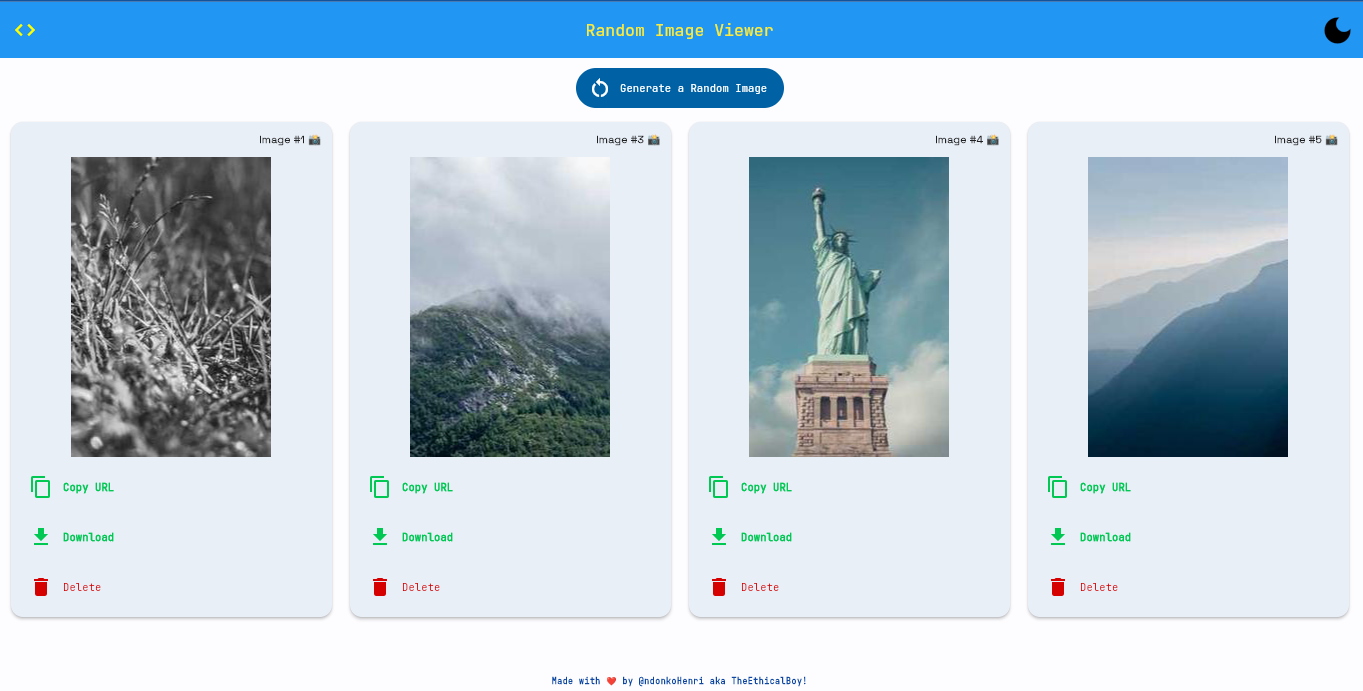\n\n### How to build this project?\nI wrote an article on Medium explaining step by step, how I built this application. Check it out at [here](https://ndonkohenri.medium.com/building-a-random-image-generator-flutter-app-with-the-flet-python-framework-ecfe8b5daaf8).\n\n### Where are the images from?\nAll the images you will see while using this app are served by [picsum.photos](https://picsum.photos).\n\n### Why this project?\nTo be honest, JUST FOR FUN :) \n\n### Contribution/Issues\nIf you face any issue or have any question, please drop it in the issue tracker, and I will reply as soon as possible.\nOn the other hand, if you wish to contribute(_ex: typos, UI/UX improvement_) to this project, please fork this repo, and make a pull request, which after review and discussion will be possibly merged.\n\n**Flet-ty MEME by [@Hololeo](https://github.com/hololeo)**:\n\n\n\n\nBest regards,\n\n**TheEthicalBoy**\n\n"
},
{
"path": "Random Image Viewer/assets/fonts/JetBrains_Mono/OFL.txt",
"content": "Copyright 2020 The JetBrains Mono Project Authors (https://github.com/JetBrains/JetBrainsMono)\n\nThis Font Software is licensed under the SIL Open Font License, Version 1.1.\nThis license is copied below, and is also available with a FAQ at:\nhttp://scripts.sil.org/OFL\n\n\n-----------------------------------------------------------\nSIL OPEN FONT LICENSE Version 1.1 - 26 February 2007\n-----------------------------------------------------------\n\nPREAMBLE\nThe goals of the Open Font License (OFL) are to stimulate worldwide\ndevelopment of collaborative font projects, to support the font creation\nefforts of academic and linguistic communities, and to provide a free and\nopen framework in which fonts may be shared and improved in partnership\nwith others.\n\nThe OFL allows the licensed fonts to be used, studied, modified and\nredistributed freely as long as they are not sold by themselves. The\nfonts, including any derivative works, can be bundled, embedded, \nredistributed and/or sold with any software provided that any reserved\nnames are not used by derivative works. The fonts and derivatives,\nhowever, cannot be released under any other type of license. The\nrequirement for fonts to remain under this license does not apply\nto any document created using the fonts or their derivatives.\n\nDEFINITIONS\n\"Font Software\" refers to the set of files released by the Copyright\nHolder(s) under this license and clearly marked as such. This may\ninclude source files, build scripts and documentation.\n\n\"Reserved Font Name\" refers to any names specified as such after the\ncopyright statement(s).\n\n\"Original Version\" refers to the collection of Font Software components as\ndistributed by the Copyright Holder(s).\n\n\"Modified Version\" refers to any derivative made by adding to, deleting,\nor substituting -- in part or in whole -- any of the components of the\nOriginal Version, by changing formats or by porting the Font Software to a\nnew environment.\n\n\"Author\" refers to any designer, engineer, programmer, technical\nwriter or other person who contributed to the Font Software.\n\nPERMISSION & CONDITIONS\nPermission is hereby granted, free of charge, to any person obtaining\na copy of the Font Software, to use, study, copy, merge, embed, modify,\nredistribute, and sell modified and unmodified copies of the Font\nSoftware, subject to the following conditions:\n\n1) Neither the Font Software nor any of its individual components,\nin Original or Modified Versions, may be sold by itself.\n\n2) Original or Modified Versions of the Font Software may be bundled,\nredistributed and/or sold with any software, provided that each copy\ncontains the above copyright notice and this license. These can be\nincluded either as stand-alone text files, human-readable headers or\nin the appropriate machine-readable metadata fields within text or\nbinary files as long as those fields can be easily viewed by the user.\n\n3) No Modified Version of the Font Software may use the Reserved Font\nName(s) unless explicit written permission is granted by the corresponding\nCopyright Holder. This restriction only applies to the primary font name as\npresented to the users.\n\n4) The name(s) of the Copyright Holder(s) or the Author(s) of the Font\nSoftware shall not be used to promote, endorse or advertise any\nModified Version, except to acknowledge the contribution(s) of the\nCopyright Holder(s) and the Author(s) or with their explicit written\npermission.\n\n5) The Font Software, modified or unmodified, in part or in whole,\nmust be distributed entirely under this license, and must not be\ndistributed under any other license. The requirement for fonts to\nremain under this license does not apply to any document created\nusing the Font Software.\n\nTERMINATION\nThis license becomes null and void if any of the above conditions are\nnot met.\n\nDISCLAIMER\nTHE FONT SOFTWARE IS PROVIDED \"AS IS\", WITHOUT WARRANTY OF ANY KIND,\nEXPRESS OR IMPLIED, INCLUDING BUT NOT LIMITED TO ANY WARRANTIES OF\nMERCHANTABILITY, FITNESS FOR A PARTICULAR PURPOSE AND NONINFRINGEMENT\nOF COPYRIGHT, PATENT, TRADEMARK, OR OTHER RIGHT. IN NO EVENT SHALL THE\nCOPYRIGHT HOLDER BE LIABLE FOR ANY CLAIM, DAMAGES OR OTHER LIABILITY,\nINCLUDING ANY GENERAL, SPECIAL, INDIRECT, INCIDENTAL, OR CONSEQUENTIAL\nDAMAGES, WHETHER IN AN ACTION OF CONTRACT, TORT OR OTHERWISE, ARISING\nFROM, OUT OF THE USE OR INABILITY TO USE THE FONT SOFTWARE OR FROM\nOTHER DEALINGS IN THE FONT SOFTWARE.\n"
},
{
"path": "Random Image Viewer/assets/fonts/Kalam/OFL.txt",
"content": "Copyright (c) 2014, Indian Type Foundry (info@indiantypefoundry.com).\n\nThis Font Software is licensed under the SIL Open Font License, Version 1.1.\nThis license is copied below, and is also available with a FAQ at:\nhttp://scripts.sil.org/OFL\n\n\n-----------------------------------------------------------\nSIL OPEN FONT LICENSE Version 1.1 - 26 February 2007\n-----------------------------------------------------------\n\nPREAMBLE\nThe goals of the Open Font License (OFL) are to stimulate worldwide\ndevelopment of collaborative font projects, to support the font creation\nefforts of academic and linguistic communities, and to provide a free and\nopen framework in which fonts may be shared and improved in partnership\nwith others.\n\nThe OFL allows the licensed fonts to be used, studied, modified and\nredistributed freely as long as they are not sold by themselves. The\nfonts, including any derivative works, can be bundled, embedded, \nredistributed and/or sold with any software provided that any reserved\nnames are not used by derivative works. The fonts and derivatives,\nhowever, cannot be released under any other type of license. The\nrequirement for fonts to remain under this license does not apply\nto any document created using the fonts or their derivatives.\n\nDEFINITIONS\n\"Font Software\" refers to the set of files released by the Copyright\nHolder(s) under this license and clearly marked as such. This may\ninclude source files, build scripts and documentation.\n\n\"Reserved Font Name\" refers to any names specified as such after the\ncopyright statement(s).\n\n\"Original Version\" refers to the collection of Font Software components as\ndistributed by the Copyright Holder(s).\n\n\"Modified Version\" refers to any derivative made by adding to, deleting,\nor substituting -- in part or in whole -- any of the components of the\nOriginal Version, by changing formats or by porting the Font Software to a\nnew environment.\n\n\"Author\" refers to any designer, engineer, programmer, technical\nwriter or other person who contributed to the Font Software.\n\nPERMISSION & CONDITIONS\nPermission is hereby granted, free of charge, to any person obtaining\na copy of the Font Software, to use, study, copy, merge, embed, modify,\nredistribute, and sell modified and unmodified copies of the Font\nSoftware, subject to the following conditions:\n\n1) Neither the Font Software nor any of its individual components,\nin Original or Modified Versions, may be sold by itself.\n\n2) Original or Modified Versions of the Font Software may be bundled,\nredistributed and/or sold with any software, provided that each copy\ncontains the above copyright notice and this license. These can be\nincluded either as stand-alone text files, human-readable headers or\nin the appropriate machine-readable metadata fields within text or\nbinary files as long as those fields can be easily viewed by the user.\n\n3) No Modified Version of the Font Software may use the Reserved Font\nName(s) unless explicit written permission is granted by the corresponding\nCopyright Holder. This restriction only applies to the primary font name as\npresented to the users.\n\n4) The name(s) of the Copyright Holder(s) or the Author(s) of the Font\nSoftware shall not be used to promote, endorse or advertise any\nModified Version, except to acknowledge the contribution(s) of the\nCopyright Holder(s) and the Author(s) or with their explicit written\npermission.\n\n5) The Font Software, modified or unmodified, in part or in whole,\nmust be distributed entirely under this license, and must not be\ndistributed under any other license. The requirement for fonts to\nremain under this license does not apply to any document created\nusing the Font Software.\n\nTERMINATION\nThis license becomes null and void if any of the above conditions are\nnot met.\n\nDISCLAIMER\nTHE FONT SOFTWARE IS PROVIDED \"AS IS\", WITHOUT WARRANTY OF ANY KIND,\nEXPRESS OR IMPLIED, INCLUDING BUT NOT LIMITED TO ANY WARRANTIES OF\nMERCHANTABILITY, FITNESS FOR A PARTICULAR PURPOSE AND NONINFRINGEMENT\nOF COPYRIGHT, PATENT, TRADEMARK, OR OTHER RIGHT. IN NO EVENT SHALL THE\nCOPYRIGHT HOLDER BE LIABLE FOR ANY CLAIM, DAMAGES OR OTHER LIABILITY,\nINCLUDING ANY GENERAL, SPECIAL, INDIRECT, INCIDENTAL, OR CONSEQUENTIAL\nDAMAGES, WHETHER IN AN ACTION OF CONTRACT, TORT OR OTHERWISE, ARISING\nFROM, OUT OF THE USE OR INABILITY TO USE THE FONT SOFTWARE OR FROM\nOTHER DEALINGS IN THE FONT SOFTWARE.\n"
},
{
"path": "Random Image Viewer/assets/fonts/Space_Grotesk/OFL.txt",
"content": "Copyright 2020 The Space Grotesk Project Authors (https://github.com/floriankarsten/space-grotesk)\n\nThis Font Software is licensed under the SIL Open Font License, Version 1.1.\nThis license is copied below, and is also available with a FAQ at:\nhttp://scripts.sil.org/OFL\n\n\n-----------------------------------------------------------\nSIL OPEN FONT LICENSE Version 1.1 - 26 February 2007\n-----------------------------------------------------------\n\nPREAMBLE\nThe goals of the Open Font License (OFL) are to stimulate worldwide\ndevelopment of collaborative font projects, to support the font creation\nefforts of academic and linguistic communities, and to provide a free and\nopen framework in which fonts may be shared and improved in partnership\nwith others.\n\nThe OFL allows the licensed fonts to be used, studied, modified and\nredistributed freely as long as they are not sold by themselves. The\nfonts, including any derivative works, can be bundled, embedded, \nredistributed and/or sold with any software provided that any reserved\nnames are not used by derivative works. The fonts and derivatives,\nhowever, cannot be released under any other type of license. The\nrequirement for fonts to remain under this license does not apply\nto any document created using the fonts or their derivatives.\n\nDEFINITIONS\n\"Font Software\" refers to the set of files released by the Copyright\nHolder(s) under this license and clearly marked as such. This may\ninclude source files, build scripts and documentation.\n\n\"Reserved Font Name\" refers to any names specified as such after the\ncopyright statement(s).\n\n\"Original Version\" refers to the collection of Font Software components as\ndistributed by the Copyright Holder(s).\n\n\"Modified Version\" refers to any derivative made by adding to, deleting,\nor substituting -- in part or in whole -- any of the components of the\nOriginal Version, by changing formats or by porting the Font Software to a\nnew environment.\n\n\"Author\" refers to any designer, engineer, programmer, technical\nwriter or other person who contributed to the Font Software.\n\nPERMISSION & CONDITIONS\nPermission is hereby granted, free of charge, to any person obtaining\na copy of the Font Software, to use, study, copy, merge, embed, modify,\nredistribute, and sell modified and unmodified copies of the Font\nSoftware, subject to the following conditions:\n\n1) Neither the Font Software nor any of its individual components,\nin Original or Modified Versions, may be sold by itself.\n\n2) Original or Modified Versions of the Font Software may be bundled,\nredistributed and/or sold with any software, provided that each copy\ncontains the above copyright notice and this license. These can be\nincluded either as stand-alone text files, human-readable headers or\nin the appropriate machine-readable metadata fields within text or\nbinary files as long as those fields can be easily viewed by the user.\n\n3) No Modified Version of the Font Software may use the Reserved Font\nName(s) unless explicit written permission is granted by the corresponding\nCopyright Holder. This restriction only applies to the primary font name as\npresented to the users.\n\n4) The name(s) of the Copyright Holder(s) or the Author(s) of the Font\nSoftware shall not be used to promote, endorse or advertise any\nModified Version, except to acknowledge the contribution(s) of the\nCopyright Holder(s) and the Author(s) or with their explicit written\npermission.\n\n5) The Font Software, modified or unmodified, in part or in whole,\nmust be distributed entirely under this license, and must not be\ndistributed under any other license. The requirement for fonts to\nremain under this license does not apply to any document created\nusing the Font Software.\n\nTERMINATION\nThis license becomes null and void if any of the above conditions are\nnot met.\n\nDISCLAIMER\nTHE FONT SOFTWARE IS PROVIDED \"AS IS\", WITHOUT WARRANTY OF ANY KIND,\nEXPRESS OR IMPLIED, INCLUDING BUT NOT LIMITED TO ANY WARRANTIES OF\nMERCHANTABILITY, FITNESS FOR A PARTICULAR PURPOSE AND NONINFRINGEMENT\nOF COPYRIGHT, PATENT, TRADEMARK, OR OTHER RIGHT. IN NO EVENT SHALL THE\nCOPYRIGHT HOLDER BE LIABLE FOR ANY CLAIM, DAMAGES OR OTHER LIABILITY,\nINCLUDING ANY GENERAL, SPECIAL, INDIRECT, INCIDENTAL, OR CONSEQUENTIAL\nDAMAGES, WHETHER IN AN ACTION OF CONTRACT, TORT OR OTHERWISE, ARISING\nFROM, OUT OF THE USE OR INABILITY TO USE THE FONT SOFTWARE OR FROM\nOTHER DEALINGS IN THE FONT SOFTWARE.\n"
},
{
"path": "Random Image Viewer/assets/index.html",
"content": "\n\n\n\n\n \n\n \n \n \n\n \n \n \n \n \n\n \n \n \n \n \n \n\n \n \n \n \n \n \n \n\n \n \n\n \n \n \n \n\n Random Image Generator\n \n\n \n\n \n \n\n \n\n \n \n \n\n\n\n
\n \n \n
\n \n\n\n"
},
{
"path": "Random Image Viewer/assets/manifest.json",
"content": "{\n \"name\": \"Random Image Generator\",\n \"short_name\": \"Random Image Generator\",\n \"start_url\": \".\",\n \"display\": \"standalone\",\n \"background_color\": \"#ffffff\",\n \"theme_color\": \"#0175C2\",\n \"description\": \"Someone once said, 'an image is worth a thousand words'\",\n \"orientation\": \"natural\",\n \"prefer_related_applications\": false,\n \"icons\": [\n {\n \"src\": \"icons/icon-192.png\",\n \"sizes\": \"192x192\",\n \"type\": \"image/png\"\n },\n {\n \"src\": \"icons/icon-512.png\",\n \"sizes\": \"512x512\",\n \"type\": \"image/png\"\n },\n {\n \"src\": \"icons/icon-maskable-192.png\",\n \"sizes\": \"192x192\",\n \"type\": \"image/png\",\n \"purpose\": \"maskable\"\n },\n {\n \"src\": \"icons/icon-maskable-512.png\",\n \"sizes\": \"512x512\",\n \"type\": \"image/png\",\n \"purpose\": \"maskable\"\n }\n ]\n}"
},
{
"path": "Random Image Viewer/main.py",
"content": "import flet as ft\nfrom utils import ImageCard\n\n\ndef main(page: ft.Page):\n # little configurations\n page.title = \"Random Image Generator\"\n page.horizontal_alignment = \"center\" # center the controls in the page - just for a beautiful UI\n page.theme_mode = \"light\"\n page.img_id_counter = 1\n\n # some custom fonts found in the assets folder\n page.fonts = {\n \"Kalam\": \"/fonts/Kalam/Kalam-Regular.ttf\",\n \"JetBrainsMono\": \"/fonts/JetBrains_Mono/JetBrainsMono-VariableFont_wght.ttf\",\n \"SpaceGrotesk\": \"/fonts/Space_Grotesk/SpaceGrotesk-VariableFont_wght.ttf\"\n }\n # set the default font_family for light and dark theme modes\n page.theme = ft.Theme(font_family=\"JetBrainsMono\")\n page.dark_theme = ft.Theme(font_family=\"JetBrainsMono\")\n\n def change_theme(e):\n \"\"\"\n When the button(to change theme) is clicked, the theme is changed, and the page is updated.\n\n :param e: The event that triggered the function\n \"\"\"\n page.theme_mode = \"light\" if page.theme_mode == \"dark\" else \"dark\"\n theme_icon_button.selected = not theme_icon_button.selected\n page.update()\n\n # button to change theme_mode (from dark to light mode, or the reverse)\n\n def generate_image(e):\n # make sure the banner is closed\n page.close_banner()\n\n img_gen_btn.disabled = True\n page.update()\n\n try:\n page.img_id_counter += 1\n page.images_row.controls.append(ImageCard(img_id=page.img_id_counter))\n except Exception as error:\n print(error)\n page.show_banner(page.banner)\n\n img_gen_btn.disabled = False\n page.update()\n\n page.banner = ft.Banner(\n bgcolor=ft.colors.AMBER_100,\n leading=ft.Icon(ft.icons.WARNING_AMBER_ROUNDED, color=ft.colors.AMBER, size=40),\n content=ft.Text(\n \"Oops, there were some errors while trying to fetch the Image. Please make sure you are connected to the \"\n \"internet. What would you like me to do? \"\n ),\n actions=[\n ft.TextButton(\"Retry\", on_click=generate_image),\n ft.TextButton(\"Ignore\", on_click=lambda e: page.close_banner()),\n ],\n )\n\n theme_icon_button = ft.IconButton(\n icon=ft.icons.DARK_MODE,\n selected_icon=ft.icons.LIGHT_MODE,\n icon_color=ft.colors.BLACK,\n selected_icon_color=ft.colors.WHITE,\n selected=False,\n icon_size=35,\n tooltip=\"change theme\",\n on_click=change_theme,\n )\n\n page.appbar = ft.AppBar(\n title=ft.Text(\"Random Image Viewer\"),\n center_title=True,\n bgcolor=\"blue\",\n color=\"yellow\",\n actions=[theme_icon_button],\n leading=ft.IconButton(\n icon=ft.icons.CODE,\n icon_color=ft.colors.YELLOW_ACCENT,\n tooltip=\"View Code\",\n on_click=lambda e: page.launch_url(\n \"https://github.com/ndonkoHenri/Flet-Samples/tree/master/Random%20Image%Viewer\")\n )\n )\n\n page.images_row = ft.ResponsiveRow([ImageCard(page.img_id_counter)])\n\n img_gen_btn = ft.ElevatedButton(\n text=\"Generate a Random Image\",\n on_click=generate_image\n )\n\n page.add(\n img_gen_btn,\n ft.Column(\n [page.images_row],\n scroll=ft.ScrollMode.HIDDEN,\n expand=True\n ),\n ft.Text(\n \"Made with ❤ by @ndonkoHenri aka TheEthicalBoy!\",\n style=ft.TextThemeStyle.LABEL_SMALL,\n weight=ft.FontWeight.BOLD,\n color=ft.colors.BLUE_900,\n )\n )\n\n\nft.app(target=main, assets_dir=\"assets\", view=ft.WEB_BROWSER)\n"
},
{
"path": "Random Image Viewer/requirements.txt",
"content": "flet>=0.3.2"
},
{
"path": "Random Image Viewer/utils.py",
"content": "import random\nimport flet as ft\n\n\n# todo: add grayscale and blur\n\nclass ImageCard(ft.Card):\n # elevation when this card is not hovered\n NORMAL_ELEVATION = 3\n # elevation when this card is hovered\n HOVERED_ELEVATION = 7\n\n def __init__(self, img_id: int):\n super(ImageCard, self).__init__(elevation=self.NORMAL_ELEVATION)\n self.img_id = str(img_id)\n self.random_id = random.randint(0, 1050) # get a random number/id\n # images are gotten from https://picsum.photos | I hardcoded a size of 200x300\n self.random_img_url = f\"https://picsum.photos/id/{self.random_id}/200/300\"\n\n # defines the responsiveness of this card (what amount of space should be occupied) on different window sizes\n # see docs https://flet.dev/docs/controls/responsiverow/\n self.col = {\"xs\": 12, \"sm\": 6, \"md\": 5, \"lg\": 4, \"xl\": 3, \"xxl\": 2.4}\n\n # the content of this card\n self.content = ft.Container(\n content=ft.Column(\n [\n ft.Row(\n controls=[\n ft.Text(\n f\"Image #{self.img_id} 📸\",\n weight=ft.FontWeight.BOLD,\n font_family=\"SpaceGrotesk\"\n )\n ],\n alignment=ft.MainAxisAlignment.END\n ),\n ft.Row(\n controls=[\n ft.Image(\n src=self.random_img_url,\n )\n ],\n alignment=ft.MainAxisAlignment.CENTER\n ),\n ft.Row(\n [\n ft.IconButton(\n icon=ft.icons.COPY, on_click=self.copy_img_url,\n icon_color=ft.colors.BLUE, tooltip=\"Copy URL\"\n ),\n ft.IconButton(\n icon=ft.icons.DOWNLOAD, on_click=self.launch_img_url,\n icon_color=ft.colors.GREEN, tooltip=\"Download image\"\n ),\n ft.IconButton(\n icon=ft.icons.DELETE, on_click=self.delete_img_card,\n icon_color=ft.colors.RED, tooltip=\"Delete card\"\n ),\n ],\n alignment=ft.MainAxisAlignment.SPACE_EVENLY\n ),\n ],\n ),\n padding=10,\n on_hover=self.hover_elevation,\n # bgcolor=ft.colors.BLUE_GREY_100,\n border_radius=18,\n )\n\n def launch_img_url(self, e):\n \"\"\"Opens the image in the browser, so the user downloads from there. See it as a way to avoid copyright issues.\"\"\"\n self.page.launch_url(self.random_img_url)\n self.page.show_snack_bar(\n ft.SnackBar(ft.Text(\"Opened original Image. Download from there please.\", font_family=\"SpaceGrotesk\"))\n )\n\n def copy_img_url(self, e):\n \"\"\"Copies the url of this image to the clipboard, and then shows a snackbar to notify the user.\"\"\"\n self.page.set_clipboard(self.random_img_url)\n self.page.show_snack_bar(ft.SnackBar(ft.Text(\"Image URL copied to clipboard.\")))\n\n def delete_img_card(self, e):\n \"\"\"When the 'delete' btn is clicked, this card is deleted, and then shows a snackbar to notify the user.\"\"\"\n self.page.images_row.controls.remove(self)\n self.update()\n self.page.update()\n self.page.show_snack_bar(ft.SnackBar(ft.Text(\"Deletion successful!\")))\n\n def hover_elevation(self, e):\n \"\"\"When the card is hovered, increase the elevation and vice-versa.\"\"\"\n self.elevation = self.HOVERED_ELEVATION if self.elevation == self.NORMAL_ELEVATION else self.NORMAL_ELEVATION\n self.update()\n\n"
},
{
"path": "Short Jokes/README.md",
"content": "# Short Jokes\n\nI deployed a live version of this application [here](https://short-jokes.henrindonko.repl.co/). Feel free to try it out anytime, and drop your feedbacks (issues, improvements etc). -->\n\n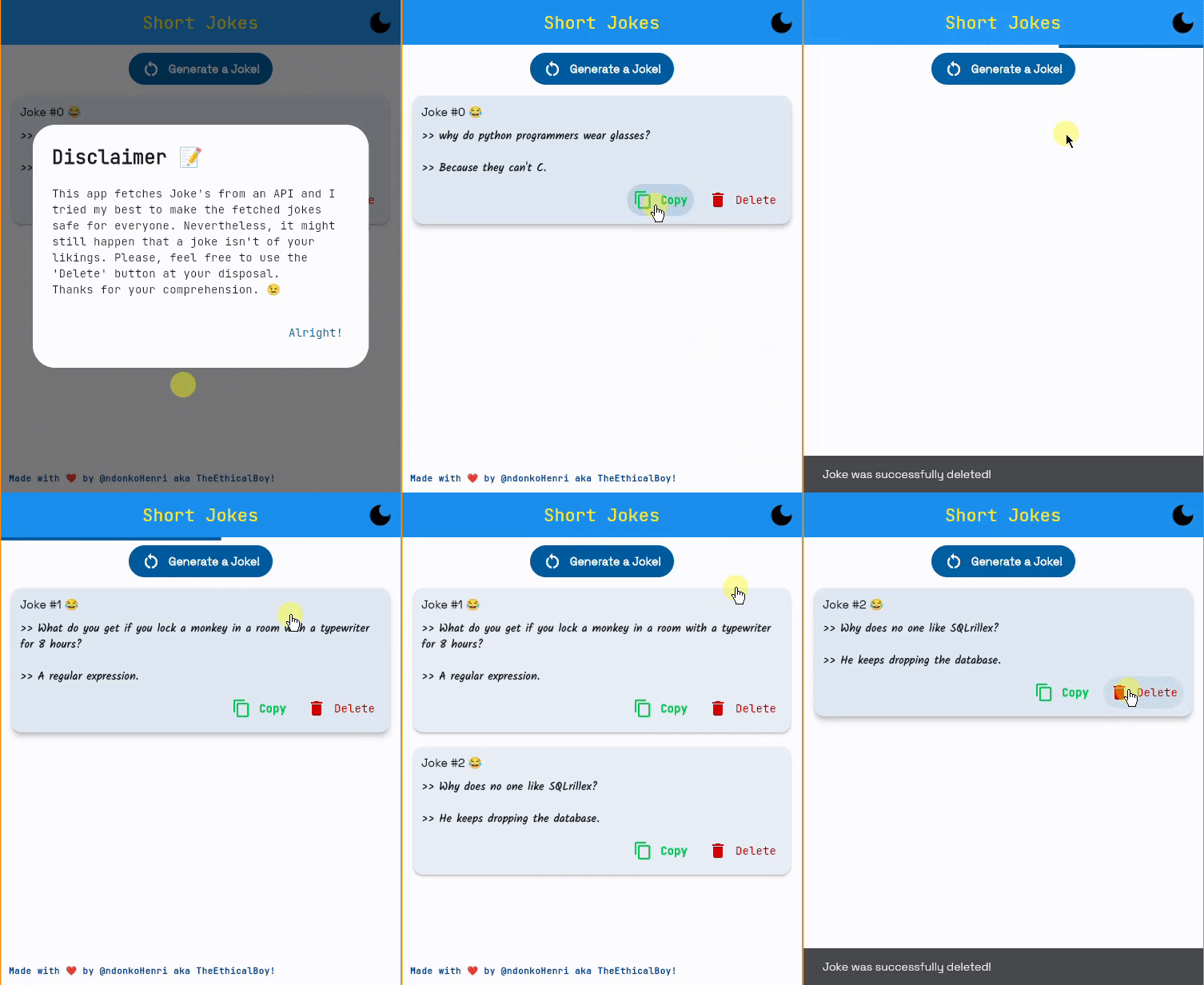\n\n### Where are the jokes from?\nAll the jokes you will see while using this app are served by [JokeAPI](https://v2.jokeapi.dev/).\nTo make the user experience good for everyone, I decided to blacklist some flags(_nsfw, racist, sexist, explicit_) and exposed only two(_programming and christmas_) from the six available categories.\n\nFeel free to fork/clone this project and modify the parameters to your likings.\n\n### Why this project?\nI wanted to expose the possibility of communicating with APIs while using Flet for the frontend.\n\n### Project Architecture/Structure\nThere are three main files: `main.py`, `utils.py` and `joke.py`.\nThe first two files contain the frontend/UI of the app, while the last file contains the backend communication with the API (fetching, parsing). \n\n### Contribution/Issues\nIf you face any issue or have any question, please drop it in the issue tracker, and I will reply as soon as possible.\nOn the other hand, if you wish to contribute(_ex: typos, UI/UX improvement_) to this project, please fork this repo, and make a pull request, which after review and discussion will be possibly merged.\n\n**Flet-ty MEME by [@Hololeo](https://github.com/hololeo)**:\n\n\n\n\nBest regards,\n\n**TheEthicalBoy**\n\n"
},
{
"path": "Short Jokes/assets/fonts/JetBrains_Mono/OFL.txt",
"content": "Copyright 2020 The JetBrains Mono Project Authors (https://github.com/JetBrains/JetBrainsMono)\n\nThis Font Software is licensed under the SIL Open Font License, Version 1.1.\nThis license is copied below, and is also available with a FAQ at:\nhttp://scripts.sil.org/OFL\n\n\n-----------------------------------------------------------\nSIL OPEN FONT LICENSE Version 1.1 - 26 February 2007\n-----------------------------------------------------------\n\nPREAMBLE\nThe goals of the Open Font License (OFL) are to stimulate worldwide\ndevelopment of collaborative font projects, to support the font creation\nefforts of academic and linguistic communities, and to provide a free and\nopen framework in which fonts may be shared and improved in partnership\nwith others.\n\nThe OFL allows the licensed fonts to be used, studied, modified and\nredistributed freely as long as they are not sold by themselves. The\nfonts, including any derivative works, can be bundled, embedded, \nredistributed and/or sold with any software provided that any reserved\nnames are not used by derivative works. The fonts and derivatives,\nhowever, cannot be released under any other type of license. The\nrequirement for fonts to remain under this license does not apply\nto any document created using the fonts or their derivatives.\n\nDEFINITIONS\n\"Font Software\" refers to the set of files released by the Copyright\nHolder(s) under this license and clearly marked as such. This may\ninclude source files, build scripts and documentation.\n\n\"Reserved Font Name\" refers to any names specified as such after the\ncopyright statement(s).\n\n\"Original Version\" refers to the collection of Font Software components as\ndistributed by the Copyright Holder(s).\n\n\"Modified Version\" refers to any derivative made by adding to, deleting,\nor substituting -- in part or in whole -- any of the components of the\nOriginal Version, by changing formats or by porting the Font Software to a\nnew environment.\n\n\"Author\" refers to any designer, engineer, programmer, technical\nwriter or other person who contributed to the Font Software.\n\nPERMISSION & CONDITIONS\nPermission is hereby granted, free of charge, to any person obtaining\na copy of the Font Software, to use, study, copy, merge, embed, modify,\nredistribute, and sell modified and unmodified copies of the Font\nSoftware, subject to the following conditions:\n\n1) Neither the Font Software nor any of its individual components,\nin Original or Modified Versions, may be sold by itself.\n\n2) Original or Modified Versions of the Font Software may be bundled,\nredistributed and/or sold with any software, provided that each copy\ncontains the above copyright notice and this license. These can be\nincluded either as stand-alone text files, human-readable headers or\nin the appropriate machine-readable metadata fields within text or\nbinary files as long as those fields can be easily viewed by the user.\n\n3) No Modified Version of the Font Software may use the Reserved Font\nName(s) unless explicit written permission is granted by the corresponding\nCopyright Holder. This restriction only applies to the primary font name as\npresented to the users.\n\n4) The name(s) of the Copyright Holder(s) or the Author(s) of the Font\nSoftware shall not be used to promote, endorse or advertise any\nModified Version, except to acknowledge the contribution(s) of the\nCopyright Holder(s) and the Author(s) or with their explicit written\npermission.\n\n5) The Font Software, modified or unmodified, in part or in whole,\nmust be distributed entirely under this license, and must not be\ndistributed under any other license. The requirement for fonts to\nremain under this license does not apply to any document created\nusing the Font Software.\n\nTERMINATION\nThis license becomes null and void if any of the above conditions are\nnot met.\n\nDISCLAIMER\nTHE FONT SOFTWARE IS PROVIDED \"AS IS\", WITHOUT WARRANTY OF ANY KIND,\nEXPRESS OR IMPLIED, INCLUDING BUT NOT LIMITED TO ANY WARRANTIES OF\nMERCHANTABILITY, FITNESS FOR A PARTICULAR PURPOSE AND NONINFRINGEMENT\nOF COPYRIGHT, PATENT, TRADEMARK, OR OTHER RIGHT. IN NO EVENT SHALL THE\nCOPYRIGHT HOLDER BE LIABLE FOR ANY CLAIM, DAMAGES OR OTHER LIABILITY,\nINCLUDING ANY GENERAL, SPECIAL, INDIRECT, INCIDENTAL, OR CONSEQUENTIAL\nDAMAGES, WHETHER IN AN ACTION OF CONTRACT, TORT OR OTHERWISE, ARISING\nFROM, OUT OF THE USE OR INABILITY TO USE THE FONT SOFTWARE OR FROM\nOTHER DEALINGS IN THE FONT SOFTWARE.\n"
},
{
"path": "Short Jokes/assets/fonts/Kalam/OFL.txt",
"content": "Copyright (c) 2014, Indian Type Foundry (info@indiantypefoundry.com).\n\nThis Font Software is licensed under the SIL Open Font License, Version 1.1.\nThis license is copied below, and is also available with a FAQ at:\nhttp://scripts.sil.org/OFL\n\n\n-----------------------------------------------------------\nSIL OPEN FONT LICENSE Version 1.1 - 26 February 2007\n-----------------------------------------------------------\n\nPREAMBLE\nThe goals of the Open Font License (OFL) are to stimulate worldwide\ndevelopment of collaborative font projects, to support the font creation\nefforts of academic and linguistic communities, and to provide a free and\nopen framework in which fonts may be shared and improved in partnership\nwith others.\n\nThe OFL allows the licensed fonts to be used, studied, modified and\nredistributed freely as long as they are not sold by themselves. The\nfonts, including any derivative works, can be bundled, embedded, \nredistributed and/or sold with any software provided that any reserved\nnames are not used by derivative works. The fonts and derivatives,\nhowever, cannot be released under any other type of license. The\nrequirement for fonts to remain under this license does not apply\nto any document created using the fonts or their derivatives.\n\nDEFINITIONS\n\"Font Software\" refers to the set of files released by the Copyright\nHolder(s) under this license and clearly marked as such. This may\ninclude source files, build scripts and documentation.\n\n\"Reserved Font Name\" refers to any names specified as such after the\ncopyright statement(s).\n\n\"Original Version\" refers to the collection of Font Software components as\ndistributed by the Copyright Holder(s).\n\n\"Modified Version\" refers to any derivative made by adding to, deleting,\nor substituting -- in part or in whole -- any of the components of the\nOriginal Version, by changing formats or by porting the Font Software to a\nnew environment.\n\n\"Author\" refers to any designer, engineer, programmer, technical\nwriter or other person who contributed to the Font Software.\n\nPERMISSION & CONDITIONS\nPermission is hereby granted, free of charge, to any person obtaining\na copy of the Font Software, to use, study, copy, merge, embed, modify,\nredistribute, and sell modified and unmodified copies of the Font\nSoftware, subject to the following conditions:\n\n1) Neither the Font Software nor any of its individual components,\nin Original or Modified Versions, may be sold by itself.\n\n2) Original or Modified Versions of the Font Software may be bundled,\nredistributed and/or sold with any software, provided that each copy\ncontains the above copyright notice and this license. These can be\nincluded either as stand-alone text files, human-readable headers or\nin the appropriate machine-readable metadata fields within text or\nbinary files as long as those fields can be easily viewed by the user.\n\n3) No Modified Version of the Font Software may use the Reserved Font\nName(s) unless explicit written permission is granted by the corresponding\nCopyright Holder. This restriction only applies to the primary font name as\npresented to the users.\n\n4) The name(s) of the Copyright Holder(s) or the Author(s) of the Font\nSoftware shall not be used to promote, endorse or advertise any\nModified Version, except to acknowledge the contribution(s) of the\nCopyright Holder(s) and the Author(s) or with their explicit written\npermission.\n\n5) The Font Software, modified or unmodified, in part or in whole,\nmust be distributed entirely under this license, and must not be\ndistributed under any other license. The requirement for fonts to\nremain under this license does not apply to any document created\nusing the Font Software.\n\nTERMINATION\nThis license becomes null and void if any of the above conditions are\nnot met.\n\nDISCLAIMER\nTHE FONT SOFTWARE IS PROVIDED \"AS IS\", WITHOUT WARRANTY OF ANY KIND,\nEXPRESS OR IMPLIED, INCLUDING BUT NOT LIMITED TO ANY WARRANTIES OF\nMERCHANTABILITY, FITNESS FOR A PARTICULAR PURPOSE AND NONINFRINGEMENT\nOF COPYRIGHT, PATENT, TRADEMARK, OR OTHER RIGHT. IN NO EVENT SHALL THE\nCOPYRIGHT HOLDER BE LIABLE FOR ANY CLAIM, DAMAGES OR OTHER LIABILITY,\nINCLUDING ANY GENERAL, SPECIAL, INDIRECT, INCIDENTAL, OR CONSEQUENTIAL\nDAMAGES, WHETHER IN AN ACTION OF CONTRACT, TORT OR OTHERWISE, ARISING\nFROM, OUT OF THE USE OR INABILITY TO USE THE FONT SOFTWARE OR FROM\nOTHER DEALINGS IN THE FONT SOFTWARE.\n"
},
{
"path": "Short Jokes/assets/fonts/Space_Grotesk/OFL.txt",
"content": "Copyright 2020 The Space Grotesk Project Authors (https://github.com/floriankarsten/space-grotesk)\n\nThis Font Software is licensed under the SIL Open Font License, Version 1.1.\nThis license is copied below, and is also available with a FAQ at:\nhttp://scripts.sil.org/OFL\n\n\n-----------------------------------------------------------\nSIL OPEN FONT LICENSE Version 1.1 - 26 February 2007\n-----------------------------------------------------------\n\nPREAMBLE\nThe goals of the Open Font License (OFL) are to stimulate worldwide\ndevelopment of collaborative font projects, to support the font creation\nefforts of academic and linguistic communities, and to provide a free and\nopen framework in which fonts may be shared and improved in partnership\nwith others.\n\nThe OFL allows the licensed fonts to be used, studied, modified and\nredistributed freely as long as they are not sold by themselves. The\nfonts, including any derivative works, can be bundled, embedded, \nredistributed and/or sold with any software provided that any reserved\nnames are not used by derivative works. The fonts and derivatives,\nhowever, cannot be released under any other type of license. The\nrequirement for fonts to remain under this license does not apply\nto any document created using the fonts or their derivatives.\n\nDEFINITIONS\n\"Font Software\" refers to the set of files released by the Copyright\nHolder(s) under this license and clearly marked as such. This may\ninclude source files, build scripts and documentation.\n\n\"Reserved Font Name\" refers to any names specified as such after the\ncopyright statement(s).\n\n\"Original Version\" refers to the collection of Font Software components as\ndistributed by the Copyright Holder(s).\n\n\"Modified Version\" refers to any derivative made by adding to, deleting,\nor substituting -- in part or in whole -- any of the components of the\nOriginal Version, by changing formats or by porting the Font Software to a\nnew environment.\n\n\"Author\" refers to any designer, engineer, programmer, technical\nwriter or other person who contributed to the Font Software.\n\nPERMISSION & CONDITIONS\nPermission is hereby granted, free of charge, to any person obtaining\na copy of the Font Software, to use, study, copy, merge, embed, modify,\nredistribute, and sell modified and unmodified copies of the Font\nSoftware, subject to the following conditions:\n\n1) Neither the Font Software nor any of its individual components,\nin Original or Modified Versions, may be sold by itself.\n\n2) Original or Modified Versions of the Font Software may be bundled,\nredistributed and/or sold with any software, provided that each copy\ncontains the above copyright notice and this license. These can be\nincluded either as stand-alone text files, human-readable headers or\nin the appropriate machine-readable metadata fields within text or\nbinary files as long as those fields can be easily viewed by the user.\n\n3) No Modified Version of the Font Software may use the Reserved Font\nName(s) unless explicit written permission is granted by the corresponding\nCopyright Holder. This restriction only applies to the primary font name as\npresented to the users.\n\n4) The name(s) of the Copyright Holder(s) or the Author(s) of the Font\nSoftware shall not be used to promote, endorse or advertise any\nModified Version, except to acknowledge the contribution(s) of the\nCopyright Holder(s) and the Author(s) or with their explicit written\npermission.\n\n5) The Font Software, modified or unmodified, in part or in whole,\nmust be distributed entirely under this license, and must not be\ndistributed under any other license. The requirement for fonts to\nremain under this license does not apply to any document created\nusing the Font Software.\n\nTERMINATION\nThis license becomes null and void if any of the above conditions are\nnot met.\n\nDISCLAIMER\nTHE FONT SOFTWARE IS PROVIDED \"AS IS\", WITHOUT WARRANTY OF ANY KIND,\nEXPRESS OR IMPLIED, INCLUDING BUT NOT LIMITED TO ANY WARRANTIES OF\nMERCHANTABILITY, FITNESS FOR A PARTICULAR PURPOSE AND NONINFRINGEMENT\nOF COPYRIGHT, PATENT, TRADEMARK, OR OTHER RIGHT. IN NO EVENT SHALL THE\nCOPYRIGHT HOLDER BE LIABLE FOR ANY CLAIM, DAMAGES OR OTHER LIABILITY,\nINCLUDING ANY GENERAL, SPECIAL, INDIRECT, INCIDENTAL, OR CONSEQUENTIAL\nDAMAGES, WHETHER IN AN ACTION OF CONTRACT, TORT OR OTHERWISE, ARISING\nFROM, OUT OF THE USE OR INABILITY TO USE THE FONT SOFTWARE OR FROM\nOTHER DEALINGS IN THE FONT SOFTWARE.\n"
},
{
"path": "Short Jokes/assets/index.html",
"content": "\n \n\n \n \n\n \n \n Short Jokes\n \n\n \n \n \n \n \n \n\n \n \n \n \n \n \n \n\n\n \n \n \n \n \n\n \n \n\n \n \n\n \n\n \n\n \n \n \n\n\n\n \n\n\n"
},
{
"path": "Short Jokes/assets/manifest.json",
"content": "{\n \"name\": \"Short Jokes\",\n \"short_name\": \"Short Jokes\",\n \"start_url\": \".\",\n \"display\": \"standalone\",\n \"background_color\": \"#ffffff\",\n \"theme_color\": \"#0175C2\",\n \"description\": \"If you're ready for some good laughs, these short jokes will do the trick.\",\n \"orientation\": \"natural\",\n \"prefer_related_applications\": false,\n \"icons\": [\n {\n \"src\": \"icons/icon-192.png\",\n \"sizes\": \"192x192\",\n \"type\": \"image/png\"\n },\n {\n \"src\": \"icons/icon-512.png\",\n \"sizes\": \"512x512\",\n \"type\": \"image/png\"\n },\n {\n \"src\": \"icons/icon-maskable-192.png\",\n \"sizes\": \"192x192\",\n \"type\": \"image/png\",\n \"purpose\": \"maskable\"\n },\n {\n \"src\": \"icons/icon-maskable-512.png\",\n \"sizes\": \"512x512\",\n \"type\": \"image/png\",\n \"purpose\": \"maskable\"\n }\n ]\n}"
},
{
"path": "Short Jokes/joke.py",
"content": "import json\nfrom typing import Optional\n\nimport urllib3\n\n# documentation available here : https://v2.jokeapi.dev/\nJOKE_URL = 'https://v2.jokeapi.dev/joke/Programming,Christmas?blacklistFlags=nsfw,racist,sexist,explicit&safe-mode'\n\n\ndef fetch_joke() -> Optional[dict]:\n \"\"\" We fetch the joke, while taking into consideration possible errors. \"\"\"\n try:\n http = urllib3.PoolManager()\n r = http.request('GET', JOKE_URL)\n except Exception as ex:\n print(ex)\n return None\n return json.loads(r.data.decode('utf-8'))\n\n\ndef validate_joke(joke: dict) -> None:\n \"\"\" We want to validate the joke before rendering it\"\"\"\n assert isinstance(joke, dict), \"Humm! Seems like the the joke is not of type Dict.\"\n assert joke['error'] is False, \"An error occurred while fetching the joke!\"\n\n\ndef render_joke(joke: dict) -> Optional[str]:\n try:\n validate_joke(joke)\n if joke.get('type') == 'single':\n joke_str = joke['joke']\n elif joke.get('type') == 'twopart':\n joke_str = f\">> {joke['setup']} \\n\\n>> {joke['delivery']}\"\n else:\n raise Exception(f'Unknown joke format {joke}')\n except Exception as ex:\n print(ex)\n return None\n\n return joke_str\n\n\ndef return_joke():\n return render_joke(\n fetch_joke()\n )\n\n\nif __name__ == '__main__':\n print(render_joke(fetch_joke()))\n"
},
{
"path": "Short Jokes/main.py",
"content": "import flet as ft\nfrom utils import JokeCard, ethical_signature\nfrom joke import return_joke\n\n\n\ndef main(page: ft.Page):\n page.title = \"Short Jokes\"\n page.theme_mode = \"light\"\n # page.window_always_on_top = True\n page.jokes_id_counter = 0\n page.splash = ft.ProgressBar(visible=False)\n page.fonts = {\n \"Kalam\": \"/fonts/Kalam/Kalam-Regular.ttf\",\n \"JetBrainsMono\": \"/fonts/JetBrains_Mono/JetBrainsMono-VariableFont_wght.ttf\",\n \"SpaceGrotesk\": \"/fonts/Space_Grotesk/SpaceGrotesk-VariableFont_wght.ttf\"\n }\n page.theme = ft.Theme(font_family=\"JetBrainsMono\")\n page.dark_theme = ft.Theme(font_family=\"JetBrainsMono\")\n\n def close_dlg(e):\n page.dialog.open = False\n page.update()\n\n def close_banner(e):\n \"\"\"Close the banner.\"\"\"\n page.banner.open = False\n page.update()\n\n def open_banner(e):\n \"\"\"Open the banner.\"\"\"\n page.banner.open = True\n page.update()\n\n def change_theme(e):\n \"\"\"\n When the button(to change theme) is clicked, the theme is changed, and the page is updated.\n\n :param e: The event that triggered the function\n \"\"\"\n page.theme_mode = \"light\" if page.theme_mode == \"dark\" else \"dark\"\n theme_icon_button.selected = not theme_icon_button.selected\n page.update()\n\n def generate(e):\n # make sure the banner is closed\n close_banner(None)\n\n # make the progress bar visible and disable the btn: indicating to the user, that we are trying to get the joke\n page.splash.visible = True\n joke_gen_btn.disabled = True\n page.update()\n\n # if the returned value is a valid Joke(not None), then we add a new card to the Row of jokes\n if (fetched_joke := return_joke()) is not None:\n page.jokes_id_counter += 1\n page.jokes_row.controls.append(JokeCard(joke_id=page.jokes_id_counter, joke=fetched_joke))\n else:\n open_banner(None)\n\n # make the progress bar invisible and enable the button: indicating\n page.splash.visible = False\n joke_gen_btn.disabled = False\n page.update()\n\n page.dialog = ft.AlertDialog(\n modal=True,\n title=ft.Text(\"Disclaimer 📝\", weight=ft.FontWeight.BOLD),\n content=ft.Text(\"This app fetches Joke's from an API and I tried my best to make the fetched jokes safe for \"\n \"everyone. Nevertheless, it might still happen that a joke isn't of your likings. Please, \"\n \"feel free to use the 'Delete' button at your disposal.\\nThanks for your comprehension. 😉\"),\n actions=[\n ft.TextButton(\"Alright!\", on_click=close_dlg),\n ],\n actions_alignment=ft.MainAxisAlignment.END\n )\n\n page.banner = ft.Banner(\n bgcolor=ft.colors.AMBER_100,\n leading=ft.Icon(ft.icons.WARNING_AMBER_ROUNDED, color=ft.colors.AMBER, size=40),\n content=ft.Text(\n \"Oops, there were some errors while trying to fetch the Joke. Please make sure you are connected to the \"\n \"internet. What would you like me to do? \"\n ),\n actions=[\n ft.TextButton(\"Retry\", on_click=generate),\n ft.TextButton(\"Ignore\", on_click=close_banner),\n ],\n )\n\n theme_icon_button = ft.IconButton(\n icon=ft.icons.DARK_MODE,\n selected_icon=ft.icons.LIGHT_MODE,\n icon_color=ft.colors.BLACK,\n selected_icon_color=ft.colors.WHITE,\n selected=False,\n icon_size=35,\n tooltip=\"change theme\",\n on_click=change_theme,\n )\n\n page.appbar = ft.AppBar(\n title=ft.Text(\"Short Jokes\"),\n center_title=True,\n bgcolor=\"blue\",\n color=\"yellow\",\n actions=[theme_icon_button],\n leading=ft.IconButton(\n icon=ft.icons.CODE,\n icon_color=ft.colors.YELLOW_ACCENT,\n tooltip=\"View Code\",\n on_click=lambda e: page.launch_url(\n \"https://github.com/ndonkoHenri/Flet-Samples/tree/master/Short%20Jokes\")\n )\n )\n\n page.jokes_row = ft.ResponsiveRow(\n [\n JokeCard(\n page.jokes_id_counter,\n \">> why do python programmers wear glasses? \\n\\n>> Because they can't C.\"\n ),\n ],\n )\n\n page.add(\n ft.Row(\n controls=[\n joke_gen_btn := ft.FilledButton(\n on_click=generate,\n content=ft.Row(\n [\n ft.Icon(ft.icons.RESTART_ALT),\n ft.Text(\"Generate a Joke!\", font_family=\"SpaceGrotesk\", weight=ft.FontWeight.BOLD)\n ]\n )\n ),\n ],\n alignment=ft.MainAxisAlignment.CENTER,\n ),\n ft.Column(\n [page.jokes_row],\n scroll=ft.ScrollMode.HIDDEN,\n expand=True\n ),\n ethical_signature\n )\n\n # open the disclaimer dialog\n page.dialog.open = True\n page.update()\n\n\nft.app(target=main, assets_dir=\"assets\", view=ft.WEB_BROWSER)\n"
},
{
"path": "Short Jokes/requirements.txt",
"content": "flet>=0.3.2"
},
{
"path": "Short Jokes/utils.py",
"content": "import flet as ft\n\n\nclass JokeCard(ft.Card):\n # elevation when this card is not hovered\n NORMAL_ELEVATION = 3\n # elevation when this card is hovered\n HOVERED_ELEVATION = 7\n\n def __init__(self, joke_id: int, joke: str = \"This is a Joke bro. Haha!\"):\n super(JokeCard, self).__init__(elevation=self.NORMAL_ELEVATION)\n self.joke_id = str(joke_id)\n self.joke = joke\n self.col = {\"sm\": 6, \"md\": 4}\n\n def _build(self):\n self.content = ft.Container(\n content=ft.Column(\n [\n ft.Text(\n f\"Joke #{self.joke_id} 😂\",\n weight=ft.FontWeight.BOLD,\n font_family=\"SpaceGrotesk\"\n ),\n ft.Text(\n self.joke,\n weight=ft.FontWeight.BOLD,\n font_family=\"Kalam\",\n ),\n ft.Row(\n [\n ft.TextButton(\n on_click=self.copy_joke,\n content=ft.Row(\n [\n ft.Icon(ft.icons.COPY, color=ft.colors.GREEN_ACCENT_700),\n ft.Text(\"Copy\", weight=ft.FontWeight.BOLD, color=ft.colors.GREEN_ACCENT_700)\n ],\n )\n ),\n ft.TextButton(\n on_click=self.delete_joke_card,\n content=ft.Row(\n [\n ft.Icon(ft.icons.DELETE, color=ft.colors.RED_ACCENT_700),\n ft.Text(\"Delete\", color=ft.colors.RED_ACCENT_700)\n ],\n ),\n ),\n ],\n alignment=ft.MainAxisAlignment.END,\n ),\n ],\n ),\n width=400,\n padding=10,\n on_hover=self.hover_elevation,\n # bgcolor=ft.colors.BLUE_GREY_100,\n border_radius=18,\n )\n\n def copy_joke(self, e):\n \"\"\"When the 'copy' btn is clicked, copy the joke.\"\"\"\n self.page.set_clipboard(self.joke)\n self.page.show_snack_bar(\n ft.SnackBar(\n ft.Text(f\"Copied Joke to Clipboard!\", font_family=\"SpaceGrotesk\"),\n open=True\n )\n )\n\n def delete_joke_card(self, e):\n \"\"\"When the 'delete' btn is clicked, delete this card.\"\"\"\n self.page.jokes_row.controls.remove(self)\n self.update()\n self.page.update()\n self.page.show_snack_bar(\n ft.SnackBar(\n ft.Text(f\"Joke was successfully deleted!\", font_family=\"SpaceGrotesk\"),\n open=True\n )\n )\n\n def hover_elevation(self, e):\n \"\"\"When the card is hovered, increase the elevation.\"\"\"\n self.elevation = self.HOVERED_ELEVATION if self.elevation == self.NORMAL_ELEVATION else self.NORMAL_ELEVATION\n self.update()\n\n\nethical_signature = ft.Text(\n \"Made with ❤ by @ndonkoHenri aka TheEthicalBoy!\",\n style=ft.TextThemeStyle.LABEL_SMALL,\n weight=ft.FontWeight.BOLD,\n color=ft.colors.BLUE_900,\n)\n\n"
},
{
"path": "StartUp Name Generator/README.md",
"content": "# StartUp Name Generator Clone\n\nI made this after watching an [interview](https://www.youtube.com/watch?v=kxsLRRY2xZA&t=3512s) of Flet with it's creator and core dev Feodor Fitsner.\nThe idea was to reproduce apps made with Flutter with Flet, exposing how easy and cool it is to build UIs with Flet.\n\nTo be brief, this \"Startup Name Generator\" comes from [Flutter's CodeLab tutorial](https://codelabs.developers.google.com/codelabs/first-flutter-app-pt2#0) made mainly for beginners starting with the framework.\n\nThis program doesn't generate true Startup names as compared to the Flutter one.\nI left this out because I didn't find a python package to do that, and also wanted to leave out some extra complexity and keep things simple.\n\n### Captures\n\n- **Made with Flutter:**\n\n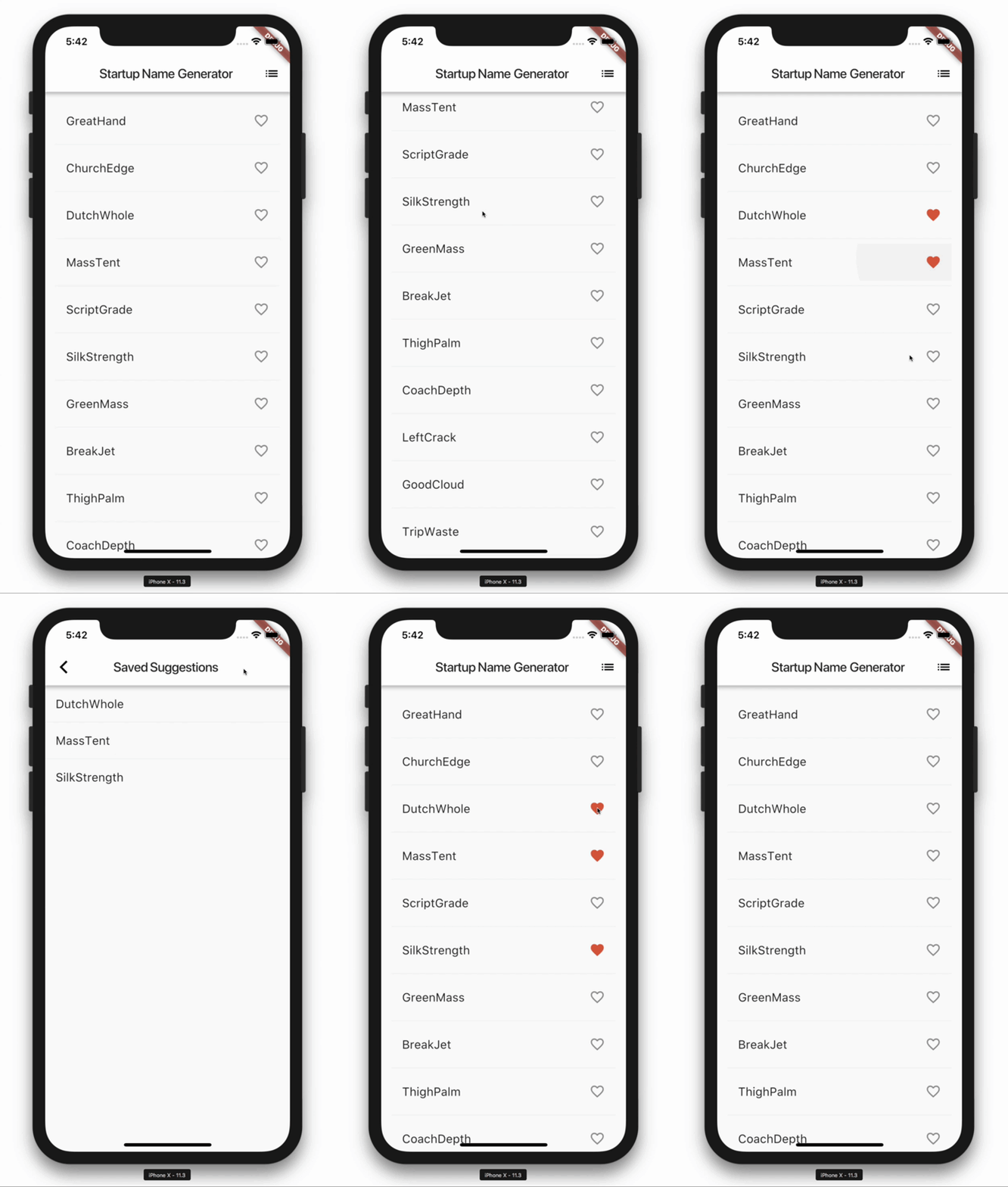\n\n\n- **Made with Flet:** \n\n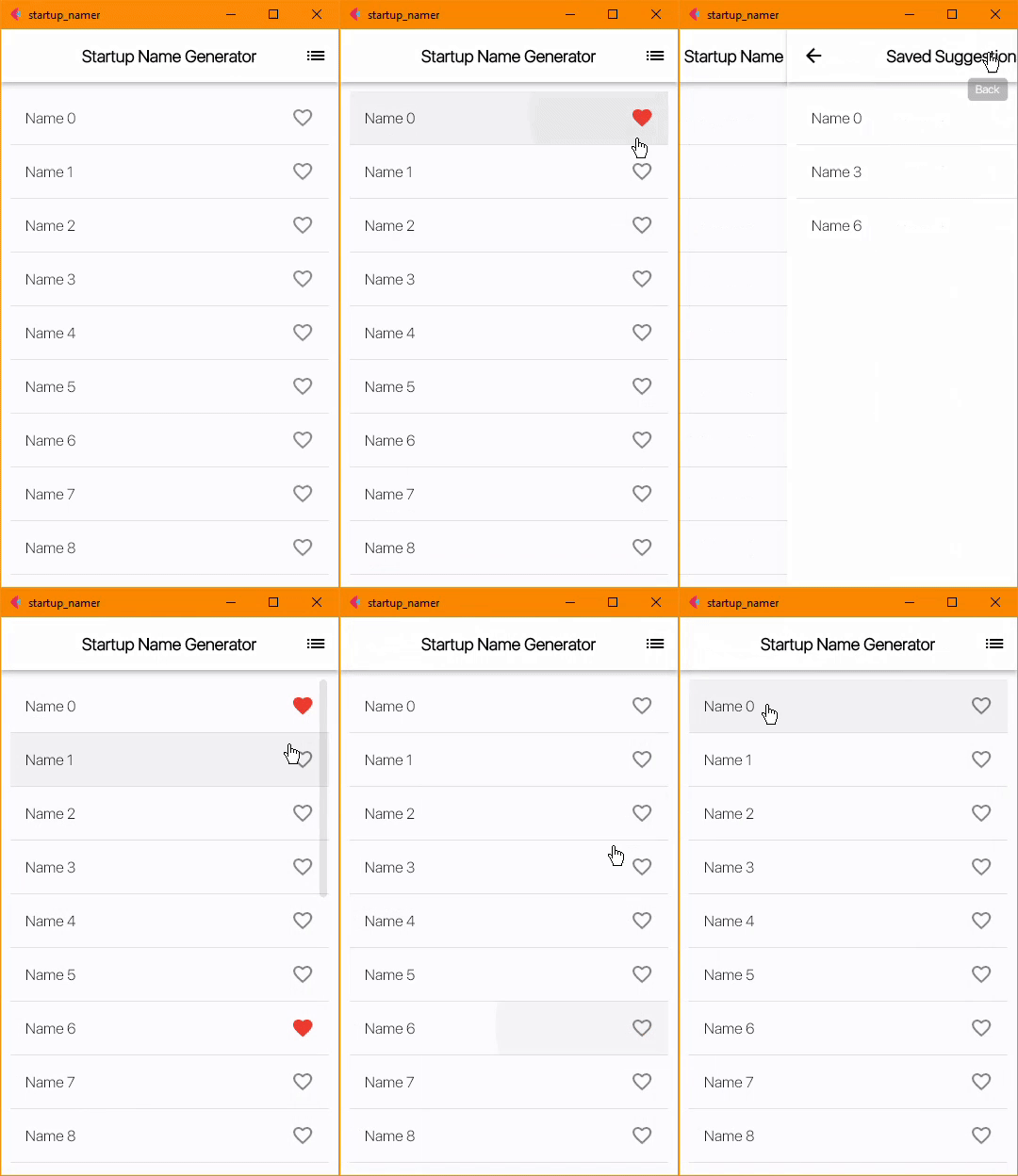\n"
},
{
"path": "StartUp Name Generator/main.py",
"content": "# made by @ndonkoHenri aka TheEthicalBoy\n\nimport flet as ft\nimport utils\n\n\ndef main(page: ft.Page):\n def tile_clicked(e):\n \"\"\"\n When a tile is clicked, if it's not a favorite, add it to the favorites page, otherwise remove it from the\n favorites page.\n \"\"\"\n\n # tile item added to the favorites page (precisely into the list of favorites)\n if e.control.trailing.name == ft.icons.FAVORITE_BORDER:\n # change the icon and its color to reflect the event\n e.control.trailing.name = ft.icons.FAVORITE\n e.control.trailing.color = ft.colors.RED\n\n # addition to favorites page\n utils.favorites_view.controls[0].controls.append(\n ft.ListTile(\n title=e.control.title\n )\n )\n\n # tile item removed from the favorites page (precisely from list of favorites)\n else:\n # change the icon and its color to reflect the event\n e.control.trailing.name = ft.icons.FAVORITE_BORDER\n e.control.trailing.color = None\n\n # removal from favorites page\n for fav_tile in utils.favorites_view.controls[0].controls:\n # check the type and content --- please use debug or add prints to better understand\n if isinstance(fav_tile, ft.ListTile) and fav_tile.title == e.control.title:\n utils.favorites_view.controls[0].controls.remove(fav_tile)\n\n # update the page to reflect the current UI state\n page.update()\n\n def route_change(route):\n \"\"\"\n Called whenever there's a change in the routes. (see https://flet.dev/docs/guides/python/navigation-and-routing)\n It clears the page's views and appends the main view (root view).\n If the route is /favorites, it appends the favorites view, and updates the page.\n \"\"\"\n page.views.clear()\n page.views.append(main_view)\n\n if page.route == \"/favorites\":\n page.views.append(\n utils.favorites_view\n )\n page.update()\n\n def view_pop(view):\n \"\"\"\n When the user clicks the back button, the current view is popped off the stack, and the previous view is loaded.\n \"\"\"\n page.views.pop()\n top_view = page.views[-1]\n page.go(top_view.route)\n\n # basic page settings\n page.title = \"startup_namer\"\n page.window_always_on_top = True\n page.fonts = {\"San Fransisco\": \"/fonts/San-Francisco/SFUIDisplay-Light.ttf\"}\n page.theme_mode = \"light\"\n page.theme = ft.Theme(\n font_family=\"San Fransisco\", # set as default font family\n use_material3=False, # use material 2: this setting is mainly for the app-bar's elevation\n )\n\n # change the transition from one view to another to better mimic the Flutter example\n page.theme.page_transitions.windows = ft.PageTransitionTheme.CUPERTINO\n page.theme.page_transitions.macos = ft.PageTransitionTheme.CUPERTINO\n\n # set the callbacks for the navigation and routing of the app\n page.on_route_change = route_change\n page.on_view_pop = view_pop\n\n # Creating a list of tiles.\n for i in range(20):\n item_text = ft.Text(f\"Name {i}\")\n\n item_tile = ft.ListTile(\n title=item_text,\n on_click=tile_clicked,\n trailing=ft.Icon(\n ft.icons.FAVORITE_BORDER\n ),\n )\n\n # add the currently created tile to the listview (list of tiles)\n utils.main_listview.controls.append(item_tile)\n\n main_view = ft.View(\n \"/\",\n controls=page.controls,\n )\n\n page.add(\n utils.main_appbar,\n utils.main_listview\n )\n\n\nft.app(\n target=main,\n assets_dir=\"assets\", # https://flet.dev/docs/controls/image/#src\n route_url_strategy=\"path\", # https://flet.dev/docs/guides/python/navigation-and-routing#url-strategy-for-web\n # view=ft.WEB_BROWSER # opens the app in the browser\n)\n"
},
{
"path": "StartUp Name Generator/requirements.txt",
"content": "flet==0.3.2"
},
{
"path": "StartUp Name Generator/utils.py",
"content": "# I pushed some stuffs into here to make th main.py file cleaner\n\nimport flet as ft\n\n# the list view for the main page\nmain_listview = ft.ListView(\n expand=True,\n spacing=1,\n divider_thickness=0.2,\n first_item_prototype=True\n)\n\n# the appbar to be shown on the main/entry page\nmain_appbar = ft.AppBar(\n title=ft.Text(\n \"Startup Name Generator\",\n weight=ft.FontWeight.BOLD,\n color=ft.colors.BLACK,\n size=18\n ),\n bgcolor=ft.colors.WHITE,\n color=ft.colors.BLACK,\n center_title=True,\n actions=[\n ft.IconButton(\n ft.icons.LIST,\n tooltip='Saved Suggestions',\n icon_color=ft.colors.BLACK,\n on_click=lambda e: e.page.go(\"/favorites\"), # if pressed, move to the favorites page\n )\n ],\n elevation=4 # will only be seen when Theme.use_material3=False\n)\n\n# the appbar to be shown on the favorites page\nfavorites_appbar = ft.AppBar(\n title=ft.Text(\n \"Saved Suggestions\",\n weight=ft.FontWeight.BOLD,\n color=ft.colors.BLACK,\n size=18\n ),\n bgcolor=ft.colors.WHITE,\n color=ft.colors.BLACK,\n center_title=True,\n elevation=4 # will only be seen when Theme.use_material3=False\n)\n\nfavorites_view = ft.View(\n \"/favorites\",\n controls=[\n ft.ListView(\n expand=True,\n spacing=1,\n divider_thickness=0.2,\n first_item_prototype=True\n )\n ],\n appbar=favorites_appbar,\n bgcolor=ft.colors.WHITE\n)\n"
},
{
"path": "URL shortener/Dockerfile",
"content": "FROM python:3-alpine\n\nWORKDIR /app\n\nCOPY requirements.txt ./\nRUN pip install --no-cache-dir -r requirements.txt\n\nCOPY . .\n\nEXPOSE 8080\n\nCMD [\"python\", \"./main.py\"]"
},
{
"path": "URL shortener/README.md",
"content": "# Flet URL shortener\n\nUsing long URLs is sometimes annoying, boring and tedious. \nThis tool is here to help shorten these URLs, making them more beautiful to see, and also easy to memorize.\n\n## Captures\n\nhttps://user-images.githubusercontent.com/98978078/197305959-6dfad1c8-e6d8-4b71-9137-4975bbbc49f5.mp4\n\n\n"
},
{
"path": "URL shortener/assets/index.html",
"content": "\n \n\n \n \n\n \n URL Shortener\n \n\n \n \n \n \n \n \n \n\n \n \n \n \n \n \n \n\n\n \n \n \n \n \n\n \n \n\n \n \n\n \n\n \n\n \n \n \n\n\n
\n \n \n
\n \n\n\n"
},
{
"path": "URL shortener/fly.toml",
"content": "# fly.toml file generated for url-shorten on 2022-10-23T17:54:34+02:00\n\napp = \"url-shorten\"\nkill_signal = \"SIGINT\"\nkill_timeout = 5\nprocesses = []\n\n[env]\n FLET_SERVER_PORT = \"8080\"\n\n[experimental]\n allowed_public_ports = []\n auto_rollback = true\n\n[[services]]\n http_checks = []\n internal_port = 8080\n processes = [\"app\"]\n protocol = \"tcp\"\n script_checks = []\n [services.concurrency]\n hard_limit = 25\n soft_limit = 20\n type = \"connections\"\n\n [[services.ports]]\n force_https = true\n handlers = [\"http\"]\n port = 80\n\n [[services.ports]]\n handlers = [\"tls\", \"http\"]\n port = 443\n\n [[services.tcp_checks]]\n grace_period = \"1s\"\n interval = \"15s\"\n restart_limit = 0\n timeout = \"2s\"\n"
},
{
"path": "URL shortener/main.py",
"content": "import flet as ft\nimport pyshorteners # pip install pyshorteners\n\nshortener = pyshorteners.Shortener()\n\n\nclass ShortLinkRow(ft.Row):\n # a row containing the shortened url, and two buttons ('copy', and 'open in browser')\n\n def __init__(self, shortened_link, link_source):\n \"\"\"\n We create a new class called `ShortenedLinkRow` that inherits from `ft.Row`.\n The constructor takes two arguments/parameters: `shortened_link` and `source`.\n\n :param shortened_link: the shortened link\n :param link_source: the service hosting the shortened_link\n \"\"\"\n super().__init__() # required when overwriting the constructor\n\n self.tooltip = link_source # set the tooltip of the row itself to the link provider/source\n self.alignment = \"center\" # center the contents of this row\n\n # the controls/content of our Row\n self.controls = [\n ft.Text(value=shortened_link, size=16, selectable=True, italic=True),\n ft.IconButton(\n icon=ft.icons.COPY, # the icon to be showed\n on_click=lambda e: self.copy(shortened_link), # when this button is clicked, call the `copy` method, passing the shortened link as parameter\n bgcolor=ft.colors.BLUE_700,\n tooltip=\"copy\" # to be showed when hovering on this button\n ),\n ft.IconButton(\n icon=ft.icons.OPEN_IN_BROWSER_OUTLINED, # the icon to be showed\n tooltip=\"open in browser\", # to be showed when hovering on this button\n on_click=lambda e: e.page.launch_url(shortened_link) # when this button is clicked, open a browser tab with that shortened link\n )\n ]\n\n def copy(self, value):\n \"\"\"\n It copies the given value to the clipboard, and opens a Snackbar to inform the user.\n :param value: The value to be copied to the clipboard\n \"\"\"\n self.page.set_clipboard(value)\n self.page.show_snack_bar(ft.SnackBar(ft.Text(\"Link copied to clipboard!\")))\n\n\ndef main(page: ft.Page):\n page.title = \"URL Shortener\" # title of application/page\n page.theme_mode = \"light\" # by default, page.theme_mode=None\n page.splash = ft.ProgressBar(visible=False)\n page.horizontal_alignment = \"center\" # center our page's content\n # set the width and height of the window on desktop\n page.window_width = 522\n page.window_height = 620\n page.scroll = \"hidden\"\n\n # use the custom fonts in the assets folder\n page.fonts = {\n \"sf-simple\": \"/fonts/San-Francisco/SFUIDisplay-Light.ttf\",\n \"sf-bold\": \"/fonts/San-Francisco/SFUIDisplay-Bold.ttf\"\n }\n page.theme = ft.Theme(font_family=\"sf-simple\")\n\n def change_theme(e):\n \"\"\"\n Changes the app's theme_mode, from dark to light or light to dark. A splash(progress bar) is also shown.\n\n :param e: The event that triggered the function\n :type e: ControlEvent\n \"\"\"\n page.theme_mode = \"light\" if page.theme_mode == \"dark\" else \"dark\" # changes the page's theme_mode\n theme_icon_button.selected = not theme_icon_button.selected # changes the icon\n page.update()\n\n def shorten(e: ft.ControlEvent):\n \"\"\"Grabs the URL in the textfield, and displays shortened versions of it.\"\"\"\n\n user_link = text_field.value # retrieve the content of the textfield\n\n if user_link: # if the textfield is not empty\n # if the entered text in the textfield is not a valid URl, the program may break,\n # hence the need to catch that in a try-except\n page.splash.visible = True\n page.update()\n page.add(ft.Text(f\"Long URL: {text_field.value}\", italic=False, weight=ft.FontWeight.BOLD))\n try:\n page.add(ShortLinkRow(shortener.tinyurl.short(text_field.value), \"Source: tinyurl.com\"))\n page.add(ShortLinkRow(shortener.chilpit.short(text_field.value), \"Source: chilp.it\"))\n page.add(ShortLinkRow(shortener.clckru.short(text_field.value), \"Source: clck.ru\"))\n page.add(ShortLinkRow(shortener.dagd.short(text_field.value), \"Source: da.dg\"))\n page.add(ShortLinkRow(shortener.isgd.short(text_field.value), \"Source: is.gd\"))\n page.add(ShortLinkRow(shortener.osdb.short(text_field.value), \"Source: os.db\"))\n\n # page.add(ShortLinkRow(shortener.gitio.short(url_field.value), \"Source: git.io\"),\n # page.add(ShortLinkRow(shortener.owly.short(url_field.value), \"Source: ow.ly\"),\n # page.add(ShortLinkRow(shortener.qpsru.short(url_field.value), \"Source: qps.ru\"),\n\n except Exception as exception:\n print(exception)\n # inform the user that an error has occurred\n e.page.show_snack_bar(\n ft.SnackBar(\n ft.Text(f\"An error occurred. Please retry, or refresh the page.\")))\n page.splash.visible = False\n page.update()\n\n else: # inform the user if the textfield is empty (no text)\n e.page.show_snack_bar(ft.SnackBar(ft.Text(\"Please enter a URL in the field!\")))\n\n theme_icon_button = ft.IconButton(\n ft.icons.DARK_MODE,\n selected=False,\n selected_icon=ft.icons.LIGHT_MODE,\n icon_size=35,\n tooltip=\"change theme\",\n on_click=change_theme,\n style=ft.ButtonStyle(color={\"\": ft.colors.BLACK, \"selected\": ft.colors.WHITE}),\n )\n\n page.appbar = ft.AppBar(\n title=ft.Text(\n \"URL Shortener\",\n color=\"white\"\n ),\n center_title=True,\n bgcolor=\"blue\",\n actions=[theme_icon_button],\n leading=ft.IconButton(\n icon=ft.icons.CODE,\n icon_color=ft.colors.YELLOW_ACCENT,\n tooltip=\"View Code\",\n on_click=lambda e: page.launch_url(\"https://github.com/ndonkoHenri/Flet-Samples/tree/master/URL%20shortener\")\n )\n )\n\n page.add(\n text_field := ft.TextField(\n value='https://github.com/ndonkoHenri', # a test link\n label=\"Long URL\",\n hint_text=\"type long url here\",\n max_length=200,\n width=800,\n keyboard_type=ft.KeyboardType.URL,\n # 'shorten' is the function to be called on occurrence of some events\n suffix=ft.FilledButton(\"Shorten!\", on_click=shorten), # event: button clicked\n on_submit=shorten # event: 'enter' key pressed\n ),\n ft.Text(\"Generated URLs:\", weight=ft.FontWeight.BOLD, size=23, font_family=\"sf-bold\")\n )\n\n\nft.app(target=main, assets_dir=\"assets\", view=ft.WEB_BROWSER)\n"
},
{
"path": "URL shortener/requirements.txt",
"content": "flet>=0.4.0\npyshorteners>=1.0.1"
}
]
 \n
\n  \n\n \n"
},
{
"path": "Flet-Utils/assets/index.html",
"content": "\n
\n\n \n"
},
{
"path": "Flet-Utils/assets/index.html",
"content": "\n