 CHANGELOG SeleniumBase Workflows
> **Table of Contents / Navigation:**
> - [**CI build**](workflows/python-package.yml)
================================================
FILE: .github/workflows/pages.yml
================================================
# Build and deploy a Jekyll site to GitHub Pages
name: Deploy docs to GitHub Pages
on:
# Runs on pushes targeting the default branch
push:
branches: ["master"]
# Allows you to run this workflow manually from the Actions tab
workflow_dispatch:
# Sets permissions of the GITHUB_TOKEN to allow deployment to GitHub Pages
permissions:
contents: read
pages: write
id-token: write
# Allow only one concurrent deployment
concurrency:
group: "pages"
cancel-in-progress: false
jobs:
# Build job
build:
if: github.repository == 'seleniumbase/SeleniumBase'
runs-on: ubuntu-latest
steps:
- name: Checkout
uses: actions/checkout@v6
- name: Setup Pages
uses: actions/configure-pages@v5
- name: Build with Jekyll
uses: actions/jekyll-build-pages@v1
with:
source: ./
destination: ./_site
- name: Upload artifact
uses: actions/upload-pages-artifact@v4
# Deployment job
deploy:
environment:
name: github-pages
url: ${{ steps.deployment.outputs.page_url }}
if: github.repository == 'seleniumbase/SeleniumBase'
runs-on: ubuntu-latest
needs: build
steps:
- name: Deploy to GitHub Pages
id: deployment
uses: actions/deploy-pages@v4
================================================
FILE: .github/workflows/python-nightly-mac.yml
================================================
name: Nightly Tests (macOS)
on:
schedule:
- cron: "40 1 * * *"
workflow_dispatch:
branches:
jobs:
build:
env:
PY_COLORS: "1"
runs-on: macos-latest
strategy:
fail-fast: false
max-parallel: 6
matrix:
python-version: ["3.9", "3.10", "3.11", "3.12", "3.13", "3.14"]
steps:
- uses: actions/checkout@v6
- name: Set up Python ${{ matrix.python-version }}
uses: actions/setup-python@v6
with:
python-version: ${{ matrix.python-version }}
- name: Install dependencies
run: |
python -m pip install --upgrade pip
python -m pip install --upgrade wheel
pip install -r requirements.txt
- name: Install SeleniumBase
run: |
pip install .
- name: Check the console scripts interface
run: |
seleniumbase
sbase
- name: Install chromedriver
run: |
seleniumbase install chromedriver
- name: Make sure pytest is working
run: |
echo "def test_1(): pass" > nothing.py
pytest nothing.py
- name: Make sure nosetests is working
run: |
echo "def test_2(): pass" > nothing2.py
nosetests nothing2.py
- name: Run pytest examples/unit_tests/verify_framework.py --browser=chrome --headless
run: |
pytest examples/unit_tests/verify_framework.py --browser=chrome --headless -v -s --junit-xml=junit/test-results.xml
- name: Run pytest examples/offline_examples --browser=chrome --headless --rs
run: |
pytest examples/offline_examples --rs --browser=chrome --headless -v -s --junit-xml=junit/test-results.xml
- name: Run pytest examples/boilerplate_test.py --browser=chrome --headless
run: |
pytest examples/boilerplates/boilerplate_test.py --browser=chrome --headless -v -s --junit-xml=junit/test-results.xml
- name: Run pytest examples/test_window_switching.py --browser=chrome --headless
run: |
pytest examples/test_window_switching.py --browser=chrome --headless -v -s --junit-xml=junit/test-results.xml
- name: Verify seleniumbase install from PyPI
run: |
pip install seleniumbase -U --no-deps --force-reinstall --no-cache-dir
================================================
FILE: .github/workflows/python-nightly-ubuntu.yml
================================================
name: Nightly Tests (Ubuntu)
on:
schedule:
- cron: "30 1 * * *"
workflow_dispatch:
branches:
jobs:
build:
env:
PY_COLORS: "1"
runs-on: ubuntu-latest
strategy:
fail-fast: false
max-parallel: 6
matrix:
python-version: ["3.9", "3.10", "3.11", "3.12", "3.13", "3.14"]
steps:
- uses: actions/checkout@v6
- name: Set up Python ${{ matrix.python-version }}
uses: actions/setup-python@v6
with:
python-version: ${{ matrix.python-version }}
- name: Install dependencies
run: |
python -m pip install --upgrade pip
python -m pip install --upgrade wheel
pip install -r requirements.txt
- name: Install SeleniumBase
run: |
pip install .
- name: Check the console scripts interface
run: |
seleniumbase
sbase
- name: Install chromedriver
run: |
seleniumbase install chromedriver
- name: Make sure pytest is working
run: |
echo "def test_1(): pass" > nothing.py
pytest nothing.py
- name: Make sure nosetests is working
run: |
echo "def test_2(): pass" > nothing2.py
nosetests nothing2.py
- name: Run pytest examples/unit_tests/verify_framework.py --browser=chrome --headless
run: |
pytest examples/unit_tests/verify_framework.py --browser=chrome --headless -v -s --junit-xml=junit/test-results.xml
- name: Run pytest examples/offline_examples --browser=chrome --headless --rs
run: |
pytest examples/offline_examples --rs --browser=chrome --headless -v -s --junit-xml=junit/test-results.xml
- name: Run pytest examples/boilerplate_test.py --browser=chrome --headless
run: |
pytest examples/boilerplates/boilerplate_test.py --browser=chrome --headless -v -s --junit-xml=junit/test-results.xml
- name: Run pytest examples/test_window_switching.py --browser=chrome --headless
run: |
pytest examples/test_window_switching.py --browser=chrome --headless -v -s --junit-xml=junit/test-results.xml
- name: Verify seleniumbase install from PyPI
run: |
pip install seleniumbase -U --no-deps --force-reinstall --no-cache-dir
================================================
FILE: .github/workflows/python-nightly-windows.yml
================================================
name: Nightly Tests (Windows)
on:
schedule:
- cron: "50 1 * * *"
workflow_dispatch:
branches:
jobs:
build:
env:
PY_COLORS: "1"
runs-on: windows-latest
strategy:
fail-fast: false
max-parallel: 6
matrix:
python-version: ["3.9", "3.10", "3.11", "3.12", "3.13", "3.14"]
steps:
- uses: actions/checkout@v6
- name: Set up Python ${{ matrix.python-version }}
uses: actions/setup-python@v6
with:
python-version: ${{ matrix.python-version }}
- name: Install dependencies
run: |
python -m pip install --upgrade pip
python -m pip install --upgrade wheel
pip install -r requirements.txt
- name: Install SeleniumBase
run: |
pip install .
- name: Check the console scripts interface
run: |
seleniumbase
sbase
- name: Install chromedriver
run: |
seleniumbase install chromedriver
- name: Get chrome-headless-shell
run: |
sbase get chs
- name: Make sure pytest is working
run: |
echo "def test_1(): pass" > nothing.py
pytest nothing.py
- name: Make sure nosetests is working
run: |
echo "def test_2(): pass" > nothing2.py
nosetests nothing2.py
- name: Run pytest examples/unit_tests/verify_framework.py --browser=chrome --headless
run: |
pytest examples/unit_tests/verify_framework.py --browser=chrome --headless -v -s --junit-xml=junit/test-results.xml
- name: Run pytest examples/offline_examples --browser=chrome --headless --rs
run: |
pytest examples/offline_examples --rs --browser=chrome --headless -v -s --junit-xml=junit/test-results.xml
- name: Run pytest examples/boilerplate_test.py --browser=chrome --headless
run: |
pytest examples/boilerplates/boilerplate_test.py --browser=chrome --headless -v -s --junit-xml=junit/test-results.xml
- name: Run pytest examples/test_window_switching.py --browser=chrome --headless
run: |
pytest examples/test_window_switching.py --browser=chrome --headless -v -s --junit-xml=junit/test-results.xml
- name: Verify seleniumbase install from PyPI
run: |
pip install seleniumbase -U --no-deps --force-reinstall --no-cache-dir
================================================
FILE: .github/workflows/python-package.yml
================================================
name: CI build
on:
pull_request:
branches:
push:
branches:
- master
workflow_dispatch:
branches:
jobs:
build:
env:
PY_COLORS: "1"
runs-on: ubuntu-latest
strategy:
fail-fast: false
max-parallel: 6
matrix:
python-version: ["3.9", "3.10", "3.11", "3.12", "3.13", "3.14"]
steps:
- uses: actions/checkout@v6
- name: Set up Python ${{ matrix.python-version }}
uses: actions/setup-python@v6
with:
python-version: ${{ matrix.python-version }}
- name: Install dependencies
run: |
python -m pip install --upgrade pip wheel setuptools
pip install -r requirements.txt
- name: Install SeleniumBase
run: |
pip install .
- name: Lint with flake8
run: |
pip install flake8
# Stop the build if there are flake8 issues
flake8 . --count --show-source --statistics --exclude=temp
- name: Install Chrome
run: |
sudo apt install google-chrome-stable
- name: Check the console scripts interface
run: |
seleniumbase
sbase
- name: Install chromedriver
run: |
seleniumbase install chromedriver
- name: Make sure pytest is working
run: |
pytest --help
echo "def test_1(): pass" > nothing.py
pytest nothing.py
- name: Make sure nosetests is working
run: |
echo "def test_2(): pass" > nothing2.py
nosetests nothing2.py
- name: Run pytest examples/unit_tests/verify_framework.py --browser=chrome --headless
run: |
pytest examples/unit_tests/verify_framework.py --browser=chrome --headless -v -s --junit-xml=junit/test-results.xml
- name: Run pytest examples/boilerplate_test.py --browser=chrome --headless
run: |
pytest examples/boilerplates/boilerplate_test.py --browser=chrome --headless -v -s --junit-xml=junit/test-results.xml
- name: Run pytest examples/test_demo_site.py --browser=chrome --xvfb
run: |
pytest examples/test_demo_site.py --browser=chrome --xvfb -v -s --junit-xml=junit/test-results.xml
- name: Run pytest examples/iframe_tests.py --browser=chrome --xvfb --rs --crumbs
run: |
pytest examples/iframe_tests.py --browser=chrome --xvfb --rs --crumbs -v -s --junit-xml=junit/test-results.xml
- name: Run pytest examples/test_mfa_login.py --browser=chrome --xvfb
run: |
pytest examples/test_mfa_login.py --browser=chrome --xvfb -v -s --junit-xml=junit/test-results.xml
- name: Run pytest examples/iframe_tests.py --browser=chrome --xvfb --rs
run: |
pytest examples/iframe_tests.py --browser=chrome --xvfb --rs -v -s --junit-xml=junit/test-results.xml
- name: Run pytest examples/test_window_switching.py --browser=chrome --headless
run: |
pytest examples/test_window_switching.py --browser=chrome --headless -v -s --junit-xml=junit/test-results.xml
- name: Run pytest examples/my_first_test.py --browser=chrome --headless
run: |
pytest examples/my_first_test.py --browser=chrome --headless -v -s --junit-xml=junit/test-results.xml
- name: Run pytest examples/test_inspect_html.py --browser=chrome --headless
run: |
pytest examples/test_inspect_html.py --browser=chrome --headless -v -s --junit-xml=junit/test-results.xml
- name: Run behave examples/behave_bdd/features/calculator.feature -D rs -D crumbs -D xvfb
run: |
behave examples/behave_bdd/features/calculator.feature -D rs -D crumbs -D xvfb -T -k
- name: Run behave examples/behave_bdd/features/realworld.feature -D rs -D crumbs -D xvfb
run: |
behave examples/behave_bdd/features/realworld.feature -D rs -D crumbs -D xvfb -T -k
================================================
FILE: .gitignore
================================================
# Compiled Python Bytecode
*.py[cod]
# Packages
*.egg
*.egg-info
.eggs
eggs
develop-eggs
bin
build
dist
lib
lib64
parts
sdist
var
.installed.cfg
__pycache__
# Python3 pyvenv
.env
.venv
env/
venv/
ENV/
VENV/
env.bak/
venv.bak/
.sbase
.sbase*
seleniumbase_env
seleniumbase_venv
sbase_env
sbase_venv
pyvenv.cfg
.Python
include
pip-delete-this-directory.txt
pip-selfcheck.json
ipython.1.gz
nosetests.1
.noseids
# Installer logs
pip-log.txt
.swp
# Unit test / coverage reports
.coverage
.tox
coverage.xml
nosetests.xml
# py.test
.cache/*
.pytest_cache/*
.pytest_config
# Azure Pipelines
junit
test-results.xml
# Developer
.idea
.project
.pydevproject
.vscode
# Web Drivers
chromedriver
geckodriver
msedgedriver
operadriver
uc_driver
MicrosoftWebDriver.exe
headless_ie_selenium.exe
IEDriverServer.exe
chromedriver.exe
geckodriver.exe
msedgedriver.exe
operadriver.exe
uc_driver.exe
# Chromium Zip Files
chrome-mac.zip
chrome-linux.zip
chrome-win.zip
# Chromium folders
chrome-mac
chrome-linux
chrome-win
# Chrome for Testing Zip Files
chrome-mac-arm64.zip
chrome-mac-x64.zip
chrome-linux64.zip
chrome-win64.zip
chrome-win32.zip
# Chrome for Testing folders
chrome-mac-arm64
chrome-mac-x64
chrome-linux64
chrome-win64
chrome-win32
# Chrome-Headless-Shell Zip Files
chrome-headless-shell-mac-arm64.zip
chrome-headless-shell-mac-x64.zip
chrome-headless-shell-linux64.zip
chrome-headless-shell-win64.zip
chrome-headless-shell-win32.zip
# Chrome-Headless-Shell folders
chrome-headless-shell-mac-arm64
chrome-headless-shell-mac-x64
chrome-headless-shell-linux64
chrome-headless-shell-win64
chrome-headless-shell-win32
# msedgedriver requirements
libc++.dylib
# Logs
logs
latest_logs
log_archives
archived_logs
geckodriver.log
ghostdriver.log
pytestdebug.log
# Reports
reports/*.xml
latest_report
report_archives
archived_reports
html_report.html
last_report.html
report.html
report.xml
# Dashboard
dashboard.html
dashboard.json
dash_pie.json
dashboard.lock
# Allure Reports / Results
allure_report
allure-report
allure_results
allure-results
# Charts
saved_charts
# Presentations
saved_presentations
# Tours
tours_exported
# Images
images_exported
# Cookies
saved_cookies
# Recordings
recordings
# Automated Visual Testing
visual_baseline
# MkDocs WebSite Generator
site/*
mkdocs_build/*.md
mkdocs_build/*/*.md
mkdocs_build/*/*/*.md
mkdocs_build/*/*/*/*.md
# macOS system files
.DS_Store
# Other
selenium-server-standalone.jar
proxy.zip
proxy.lock
verbose_hub_server.dat
verbose_node_server.dat
ip_of_grid_hub.dat
downloaded_files
archived_files
assets
temp
temp_*/
node_modules
================================================
FILE: CHANGELOG.md
================================================
CHANGELOG
CHANGELOG SeleniumBase Workflows
> **Table of Contents / Navigation:**
> - [**CI build**](workflows/python-package.yml)
================================================
FILE: .github/workflows/pages.yml
================================================
# Build and deploy a Jekyll site to GitHub Pages
name: Deploy docs to GitHub Pages
on:
# Runs on pushes targeting the default branch
push:
branches: ["master"]
# Allows you to run this workflow manually from the Actions tab
workflow_dispatch:
# Sets permissions of the GITHUB_TOKEN to allow deployment to GitHub Pages
permissions:
contents: read
pages: write
id-token: write
# Allow only one concurrent deployment
concurrency:
group: "pages"
cancel-in-progress: false
jobs:
# Build job
build:
if: github.repository == 'seleniumbase/SeleniumBase'
runs-on: ubuntu-latest
steps:
- name: Checkout
uses: actions/checkout@v6
- name: Setup Pages
uses: actions/configure-pages@v5
- name: Build with Jekyll
uses: actions/jekyll-build-pages@v1
with:
source: ./
destination: ./_site
- name: Upload artifact
uses: actions/upload-pages-artifact@v4
# Deployment job
deploy:
environment:
name: github-pages
url: ${{ steps.deployment.outputs.page_url }}
if: github.repository == 'seleniumbase/SeleniumBase'
runs-on: ubuntu-latest
needs: build
steps:
- name: Deploy to GitHub Pages
id: deployment
uses: actions/deploy-pages@v4
================================================
FILE: .github/workflows/python-nightly-mac.yml
================================================
name: Nightly Tests (macOS)
on:
schedule:
- cron: "40 1 * * *"
workflow_dispatch:
branches:
jobs:
build:
env:
PY_COLORS: "1"
runs-on: macos-latest
strategy:
fail-fast: false
max-parallel: 6
matrix:
python-version: ["3.9", "3.10", "3.11", "3.12", "3.13", "3.14"]
steps:
- uses: actions/checkout@v6
- name: Set up Python ${{ matrix.python-version }}
uses: actions/setup-python@v6
with:
python-version: ${{ matrix.python-version }}
- name: Install dependencies
run: |
python -m pip install --upgrade pip
python -m pip install --upgrade wheel
pip install -r requirements.txt
- name: Install SeleniumBase
run: |
pip install .
- name: Check the console scripts interface
run: |
seleniumbase
sbase
- name: Install chromedriver
run: |
seleniumbase install chromedriver
- name: Make sure pytest is working
run: |
echo "def test_1(): pass" > nothing.py
pytest nothing.py
- name: Make sure nosetests is working
run: |
echo "def test_2(): pass" > nothing2.py
nosetests nothing2.py
- name: Run pytest examples/unit_tests/verify_framework.py --browser=chrome --headless
run: |
pytest examples/unit_tests/verify_framework.py --browser=chrome --headless -v -s --junit-xml=junit/test-results.xml
- name: Run pytest examples/offline_examples --browser=chrome --headless --rs
run: |
pytest examples/offline_examples --rs --browser=chrome --headless -v -s --junit-xml=junit/test-results.xml
- name: Run pytest examples/boilerplate_test.py --browser=chrome --headless
run: |
pytest examples/boilerplates/boilerplate_test.py --browser=chrome --headless -v -s --junit-xml=junit/test-results.xml
- name: Run pytest examples/test_window_switching.py --browser=chrome --headless
run: |
pytest examples/test_window_switching.py --browser=chrome --headless -v -s --junit-xml=junit/test-results.xml
- name: Verify seleniumbase install from PyPI
run: |
pip install seleniumbase -U --no-deps --force-reinstall --no-cache-dir
================================================
FILE: .github/workflows/python-nightly-ubuntu.yml
================================================
name: Nightly Tests (Ubuntu)
on:
schedule:
- cron: "30 1 * * *"
workflow_dispatch:
branches:
jobs:
build:
env:
PY_COLORS: "1"
runs-on: ubuntu-latest
strategy:
fail-fast: false
max-parallel: 6
matrix:
python-version: ["3.9", "3.10", "3.11", "3.12", "3.13", "3.14"]
steps:
- uses: actions/checkout@v6
- name: Set up Python ${{ matrix.python-version }}
uses: actions/setup-python@v6
with:
python-version: ${{ matrix.python-version }}
- name: Install dependencies
run: |
python -m pip install --upgrade pip
python -m pip install --upgrade wheel
pip install -r requirements.txt
- name: Install SeleniumBase
run: |
pip install .
- name: Check the console scripts interface
run: |
seleniumbase
sbase
- name: Install chromedriver
run: |
seleniumbase install chromedriver
- name: Make sure pytest is working
run: |
echo "def test_1(): pass" > nothing.py
pytest nothing.py
- name: Make sure nosetests is working
run: |
echo "def test_2(): pass" > nothing2.py
nosetests nothing2.py
- name: Run pytest examples/unit_tests/verify_framework.py --browser=chrome --headless
run: |
pytest examples/unit_tests/verify_framework.py --browser=chrome --headless -v -s --junit-xml=junit/test-results.xml
- name: Run pytest examples/offline_examples --browser=chrome --headless --rs
run: |
pytest examples/offline_examples --rs --browser=chrome --headless -v -s --junit-xml=junit/test-results.xml
- name: Run pytest examples/boilerplate_test.py --browser=chrome --headless
run: |
pytest examples/boilerplates/boilerplate_test.py --browser=chrome --headless -v -s --junit-xml=junit/test-results.xml
- name: Run pytest examples/test_window_switching.py --browser=chrome --headless
run: |
pytest examples/test_window_switching.py --browser=chrome --headless -v -s --junit-xml=junit/test-results.xml
- name: Verify seleniumbase install from PyPI
run: |
pip install seleniumbase -U --no-deps --force-reinstall --no-cache-dir
================================================
FILE: .github/workflows/python-nightly-windows.yml
================================================
name: Nightly Tests (Windows)
on:
schedule:
- cron: "50 1 * * *"
workflow_dispatch:
branches:
jobs:
build:
env:
PY_COLORS: "1"
runs-on: windows-latest
strategy:
fail-fast: false
max-parallel: 6
matrix:
python-version: ["3.9", "3.10", "3.11", "3.12", "3.13", "3.14"]
steps:
- uses: actions/checkout@v6
- name: Set up Python ${{ matrix.python-version }}
uses: actions/setup-python@v6
with:
python-version: ${{ matrix.python-version }}
- name: Install dependencies
run: |
python -m pip install --upgrade pip
python -m pip install --upgrade wheel
pip install -r requirements.txt
- name: Install SeleniumBase
run: |
pip install .
- name: Check the console scripts interface
run: |
seleniumbase
sbase
- name: Install chromedriver
run: |
seleniumbase install chromedriver
- name: Get chrome-headless-shell
run: |
sbase get chs
- name: Make sure pytest is working
run: |
echo "def test_1(): pass" > nothing.py
pytest nothing.py
- name: Make sure nosetests is working
run: |
echo "def test_2(): pass" > nothing2.py
nosetests nothing2.py
- name: Run pytest examples/unit_tests/verify_framework.py --browser=chrome --headless
run: |
pytest examples/unit_tests/verify_framework.py --browser=chrome --headless -v -s --junit-xml=junit/test-results.xml
- name: Run pytest examples/offline_examples --browser=chrome --headless --rs
run: |
pytest examples/offline_examples --rs --browser=chrome --headless -v -s --junit-xml=junit/test-results.xml
- name: Run pytest examples/boilerplate_test.py --browser=chrome --headless
run: |
pytest examples/boilerplates/boilerplate_test.py --browser=chrome --headless -v -s --junit-xml=junit/test-results.xml
- name: Run pytest examples/test_window_switching.py --browser=chrome --headless
run: |
pytest examples/test_window_switching.py --browser=chrome --headless -v -s --junit-xml=junit/test-results.xml
- name: Verify seleniumbase install from PyPI
run: |
pip install seleniumbase -U --no-deps --force-reinstall --no-cache-dir
================================================
FILE: .github/workflows/python-package.yml
================================================
name: CI build
on:
pull_request:
branches:
push:
branches:
- master
workflow_dispatch:
branches:
jobs:
build:
env:
PY_COLORS: "1"
runs-on: ubuntu-latest
strategy:
fail-fast: false
max-parallel: 6
matrix:
python-version: ["3.9", "3.10", "3.11", "3.12", "3.13", "3.14"]
steps:
- uses: actions/checkout@v6
- name: Set up Python ${{ matrix.python-version }}
uses: actions/setup-python@v6
with:
python-version: ${{ matrix.python-version }}
- name: Install dependencies
run: |
python -m pip install --upgrade pip wheel setuptools
pip install -r requirements.txt
- name: Install SeleniumBase
run: |
pip install .
- name: Lint with flake8
run: |
pip install flake8
# Stop the build if there are flake8 issues
flake8 . --count --show-source --statistics --exclude=temp
- name: Install Chrome
run: |
sudo apt install google-chrome-stable
- name: Check the console scripts interface
run: |
seleniumbase
sbase
- name: Install chromedriver
run: |
seleniumbase install chromedriver
- name: Make sure pytest is working
run: |
pytest --help
echo "def test_1(): pass" > nothing.py
pytest nothing.py
- name: Make sure nosetests is working
run: |
echo "def test_2(): pass" > nothing2.py
nosetests nothing2.py
- name: Run pytest examples/unit_tests/verify_framework.py --browser=chrome --headless
run: |
pytest examples/unit_tests/verify_framework.py --browser=chrome --headless -v -s --junit-xml=junit/test-results.xml
- name: Run pytest examples/boilerplate_test.py --browser=chrome --headless
run: |
pytest examples/boilerplates/boilerplate_test.py --browser=chrome --headless -v -s --junit-xml=junit/test-results.xml
- name: Run pytest examples/test_demo_site.py --browser=chrome --xvfb
run: |
pytest examples/test_demo_site.py --browser=chrome --xvfb -v -s --junit-xml=junit/test-results.xml
- name: Run pytest examples/iframe_tests.py --browser=chrome --xvfb --rs --crumbs
run: |
pytest examples/iframe_tests.py --browser=chrome --xvfb --rs --crumbs -v -s --junit-xml=junit/test-results.xml
- name: Run pytest examples/test_mfa_login.py --browser=chrome --xvfb
run: |
pytest examples/test_mfa_login.py --browser=chrome --xvfb -v -s --junit-xml=junit/test-results.xml
- name: Run pytest examples/iframe_tests.py --browser=chrome --xvfb --rs
run: |
pytest examples/iframe_tests.py --browser=chrome --xvfb --rs -v -s --junit-xml=junit/test-results.xml
- name: Run pytest examples/test_window_switching.py --browser=chrome --headless
run: |
pytest examples/test_window_switching.py --browser=chrome --headless -v -s --junit-xml=junit/test-results.xml
- name: Run pytest examples/my_first_test.py --browser=chrome --headless
run: |
pytest examples/my_first_test.py --browser=chrome --headless -v -s --junit-xml=junit/test-results.xml
- name: Run pytest examples/test_inspect_html.py --browser=chrome --headless
run: |
pytest examples/test_inspect_html.py --browser=chrome --headless -v -s --junit-xml=junit/test-results.xml
- name: Run behave examples/behave_bdd/features/calculator.feature -D rs -D crumbs -D xvfb
run: |
behave examples/behave_bdd/features/calculator.feature -D rs -D crumbs -D xvfb -T -k
- name: Run behave examples/behave_bdd/features/realworld.feature -D rs -D crumbs -D xvfb
run: |
behave examples/behave_bdd/features/realworld.feature -D rs -D crumbs -D xvfb -T -k
================================================
FILE: .gitignore
================================================
# Compiled Python Bytecode
*.py[cod]
# Packages
*.egg
*.egg-info
.eggs
eggs
develop-eggs
bin
build
dist
lib
lib64
parts
sdist
var
.installed.cfg
__pycache__
# Python3 pyvenv
.env
.venv
env/
venv/
ENV/
VENV/
env.bak/
venv.bak/
.sbase
.sbase*
seleniumbase_env
seleniumbase_venv
sbase_env
sbase_venv
pyvenv.cfg
.Python
include
pip-delete-this-directory.txt
pip-selfcheck.json
ipython.1.gz
nosetests.1
.noseids
# Installer logs
pip-log.txt
.swp
# Unit test / coverage reports
.coverage
.tox
coverage.xml
nosetests.xml
# py.test
.cache/*
.pytest_cache/*
.pytest_config
# Azure Pipelines
junit
test-results.xml
# Developer
.idea
.project
.pydevproject
.vscode
# Web Drivers
chromedriver
geckodriver
msedgedriver
operadriver
uc_driver
MicrosoftWebDriver.exe
headless_ie_selenium.exe
IEDriverServer.exe
chromedriver.exe
geckodriver.exe
msedgedriver.exe
operadriver.exe
uc_driver.exe
# Chromium Zip Files
chrome-mac.zip
chrome-linux.zip
chrome-win.zip
# Chromium folders
chrome-mac
chrome-linux
chrome-win
# Chrome for Testing Zip Files
chrome-mac-arm64.zip
chrome-mac-x64.zip
chrome-linux64.zip
chrome-win64.zip
chrome-win32.zip
# Chrome for Testing folders
chrome-mac-arm64
chrome-mac-x64
chrome-linux64
chrome-win64
chrome-win32
# Chrome-Headless-Shell Zip Files
chrome-headless-shell-mac-arm64.zip
chrome-headless-shell-mac-x64.zip
chrome-headless-shell-linux64.zip
chrome-headless-shell-win64.zip
chrome-headless-shell-win32.zip
# Chrome-Headless-Shell folders
chrome-headless-shell-mac-arm64
chrome-headless-shell-mac-x64
chrome-headless-shell-linux64
chrome-headless-shell-win64
chrome-headless-shell-win32
# msedgedriver requirements
libc++.dylib
# Logs
logs
latest_logs
log_archives
archived_logs
geckodriver.log
ghostdriver.log
pytestdebug.log
# Reports
reports/*.xml
latest_report
report_archives
archived_reports
html_report.html
last_report.html
report.html
report.xml
# Dashboard
dashboard.html
dashboard.json
dash_pie.json
dashboard.lock
# Allure Reports / Results
allure_report
allure-report
allure_results
allure-results
# Charts
saved_charts
# Presentations
saved_presentations
# Tours
tours_exported
# Images
images_exported
# Cookies
saved_cookies
# Recordings
recordings
# Automated Visual Testing
visual_baseline
# MkDocs WebSite Generator
site/*
mkdocs_build/*.md
mkdocs_build/*/*.md
mkdocs_build/*/*/*.md
mkdocs_build/*/*/*/*.md
# macOS system files
.DS_Store
# Other
selenium-server-standalone.jar
proxy.zip
proxy.lock
verbose_hub_server.dat
verbose_node_server.dat
ip_of_grid_hub.dat
downloaded_files
archived_files
assets
temp
temp_*/
node_modules
================================================
FILE: CHANGELOG.md
================================================
CHANGELOG
All-in-one Browser Automation Framework:
Web Crawling / Testing / Scraping / Stealth




🚀 Start |
🏰 Features |
🎛️ Options |
📚 Examples |
🪄 Scripts |
📱 Mobile
📘 The API |
🔠 SyntaxFormats |
🔴 Recorder |
📊 Dashboard |
🗾 Locale
🎖️ GUI |
📰 TestPage |
👤 UC Mode |
🐙 CDP Mode |
📶 Charts |
🖥️ Farm
👁️ How |
🚝 Migration |
🎭 Stealthy Playwright |
🛂 MasterQA |
🚎 Tours
🤖 CI/CD |
❇️ JSMgr |
🌏 Translator |
🎞️ Presenter |
🖼️ Visual |
🗂️ CPlans
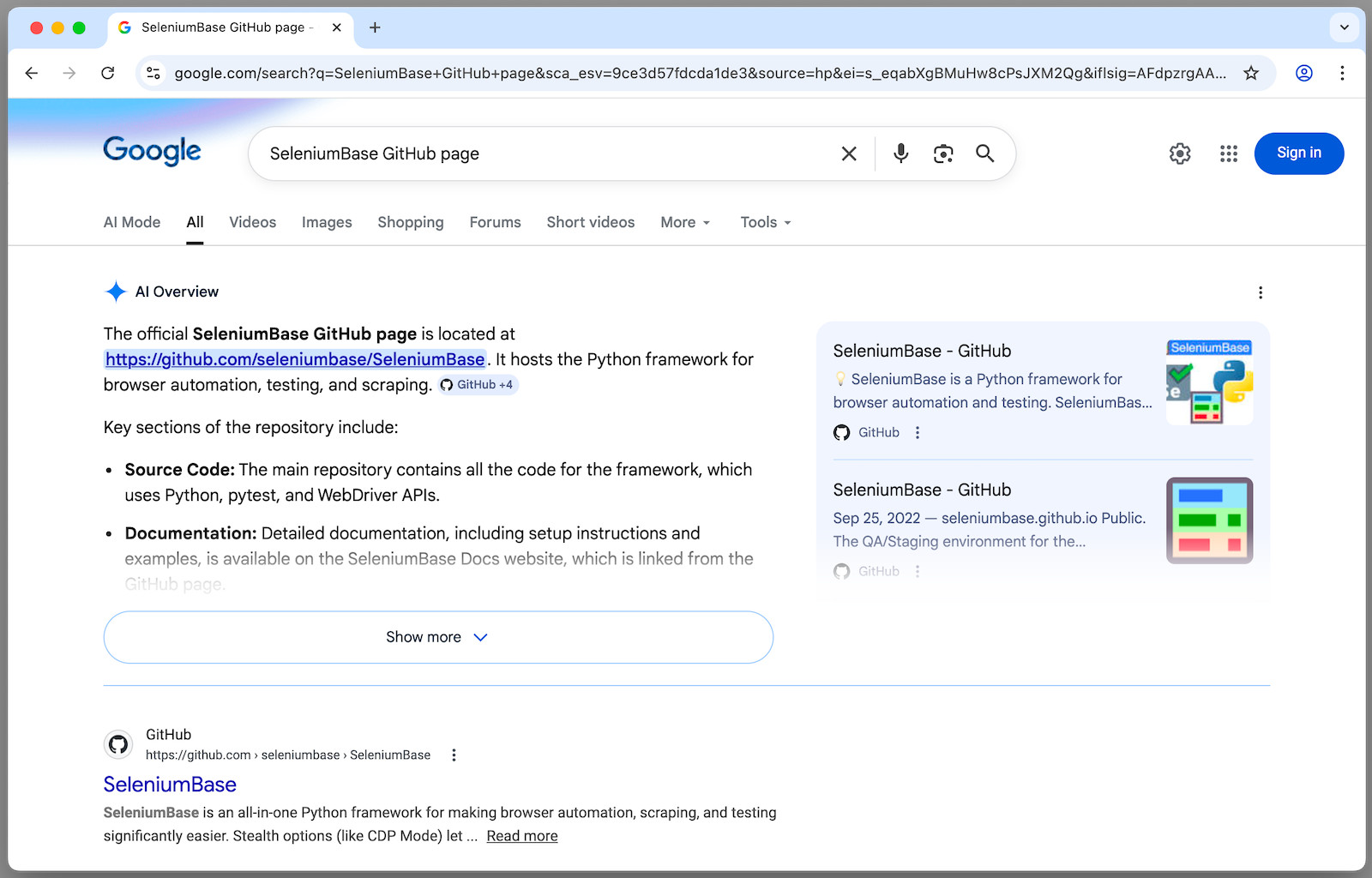
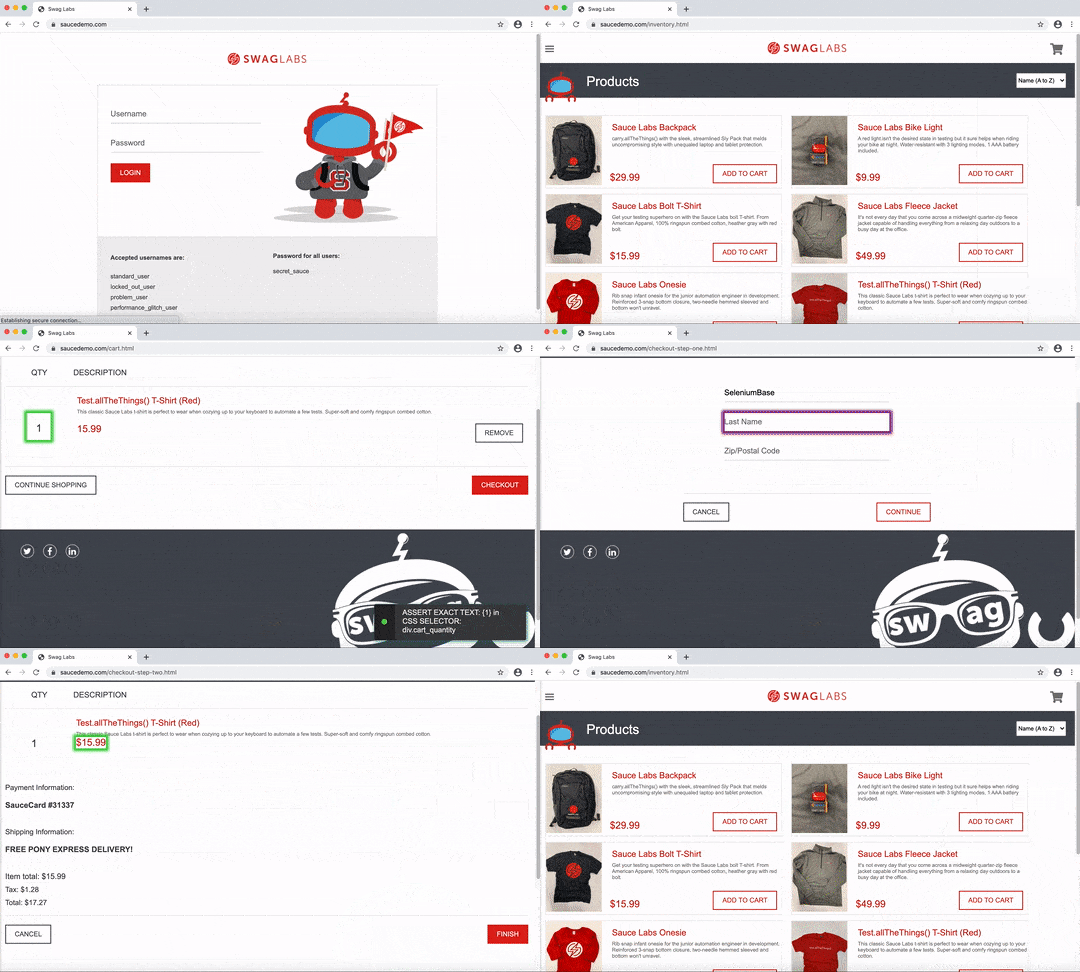
📗 This script performs a Google Search using SeleniumBase UC Mode + CDP Mode:
SeleniumBase/examples/raw_google.py (Results are saved as PDF, HTML, and PNG)
 --------
📗 Here's a script that bypasses Cloudflare's challenge page with UC Mode + CDP Mode: SeleniumBase/examples/cdp_mode/raw_gitlab.py
```python from seleniumbase import SB with SB(uc=True, test=True, locale="en") as sb: url = "https://gitlab.com/users/sign_in" sb.activate_cdp_mode(url) sb.sleep(2) sb.solve_captcha() # (The rest is for testing and demo purposes) sb.assert_text("Username", '[for="user_login"]', timeout=3) sb.assert_element('label[for="user_login"]') sb.highlight('button:contains("Sign in")') sb.highlight('h1:contains("GitLab")') sb.post_message("SeleniumBase wasn't detected", duration=4) ```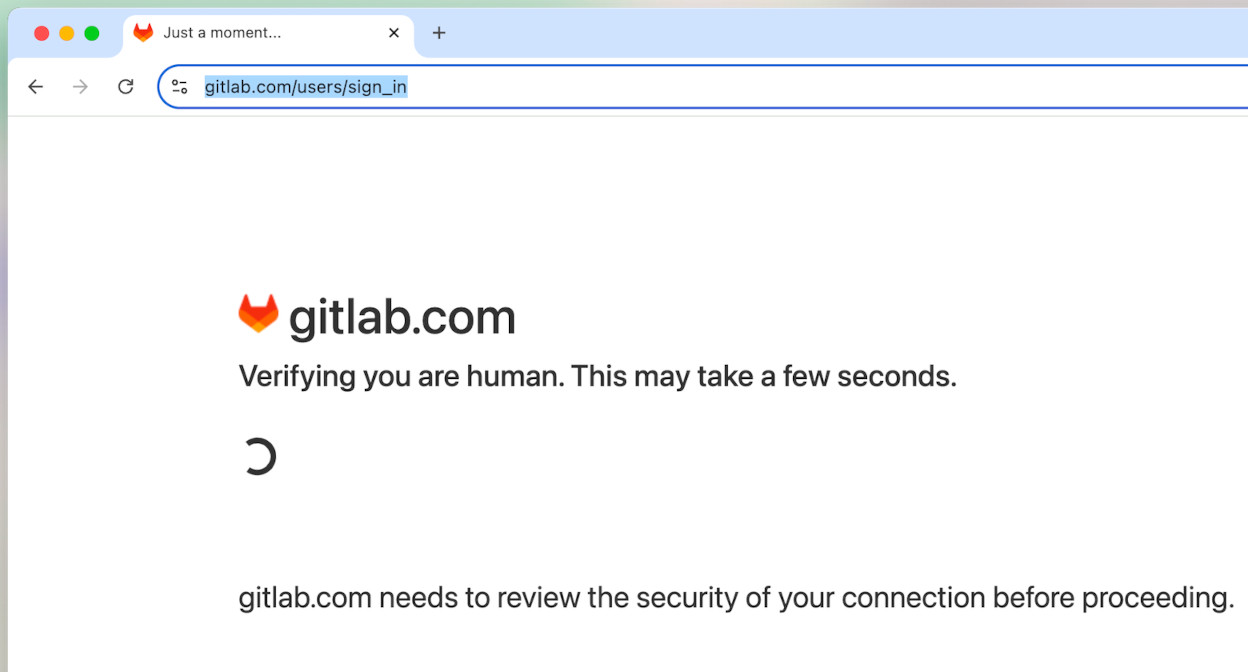
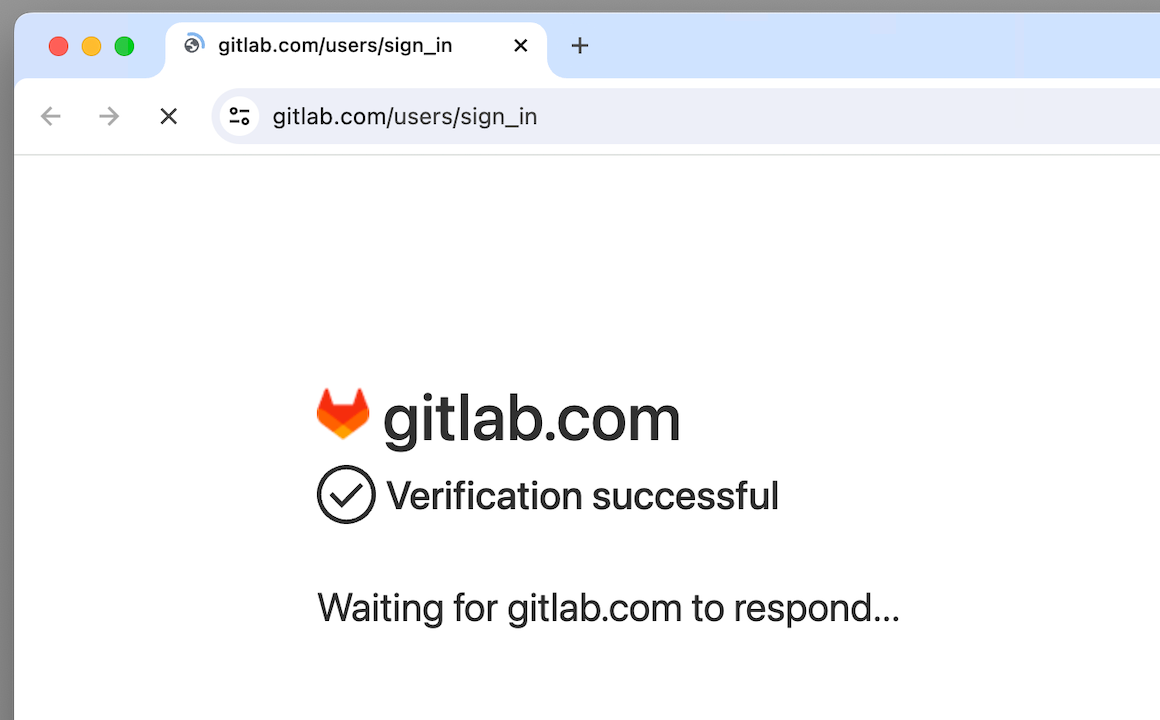
📙 There's also SeleniumBase's "Pure CDP Mode", which doesn't use WebDriver or Selenium at all: SeleniumBase/examples/cdp_mode/raw_cdp_gitlab.py
```python from seleniumbase import sb_cdp url = "https://gitlab.com/users/sign_in" sb = sb_cdp.Chrome(url, incognito=True) sb.sleep(2) sb.solve_captcha() sb.highlight('h1:contains("GitLab")') sb.highlight('button:contains("Sign in")') sb.driver.stop() ``` --------📗 Here's SeleniumBase/examples/test_get_swag.py, which tests an e-commerce site:
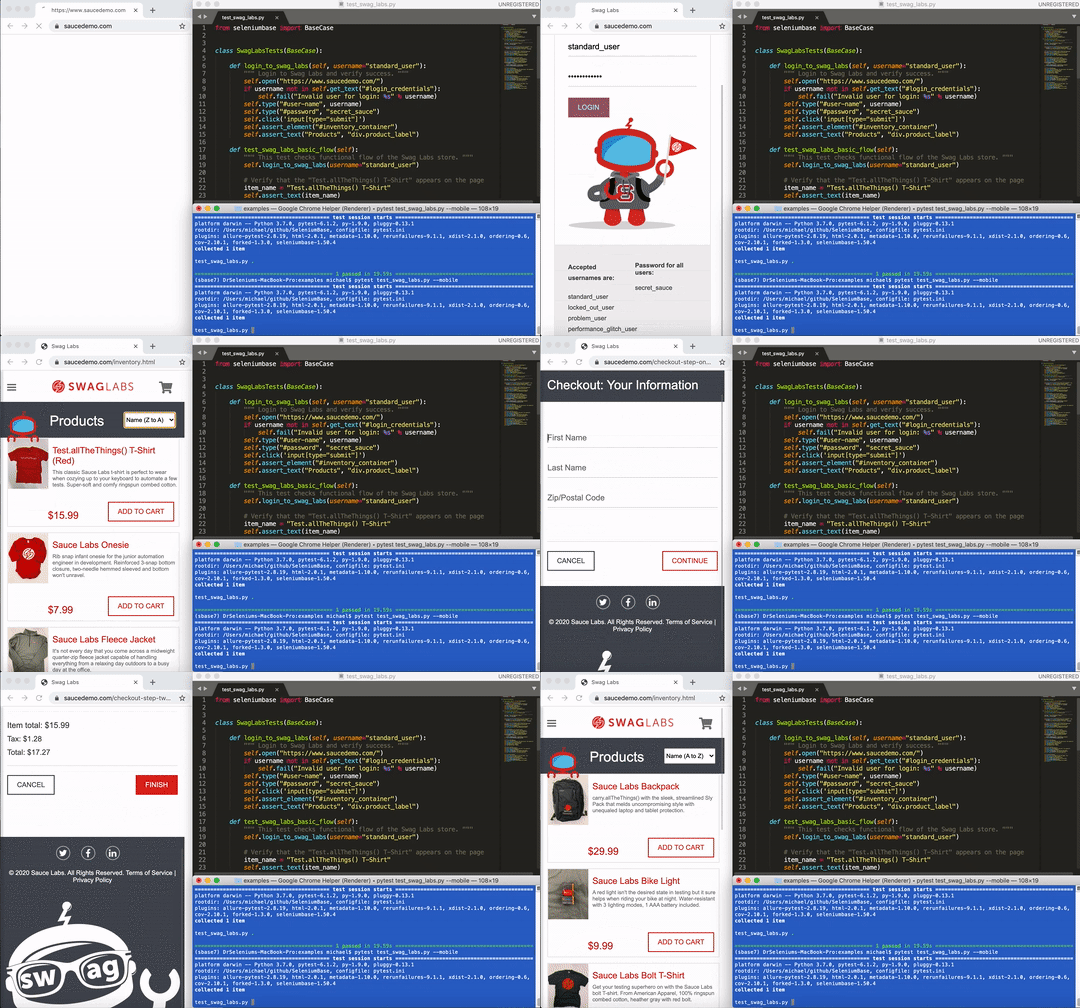
```python from seleniumbase import BaseCase BaseCase.main(__name__, __file__) # Call pytest class MyTestClass(BaseCase): def test_swag_labs(self): self.open("https://www.saucedemo.com") self.type("#user-name", "standard_user") self.type("#password", "secret_sauce\n") self.assert_element("div.inventory_list") self.click('button[name*="backpack"]') self.click("#shopping_cart_container a") self.assert_text("Backpack", "div.cart_item") self.click("button#checkout") self.type("input#first-name", "SeleniumBase") self.type("input#last-name", "Automation") self.type("input#postal-code", "77123") self.click("input#continue") self.click("button#finish") self.assert_text("Thank you for your order!") ``` > `pytest test_get_swag.py`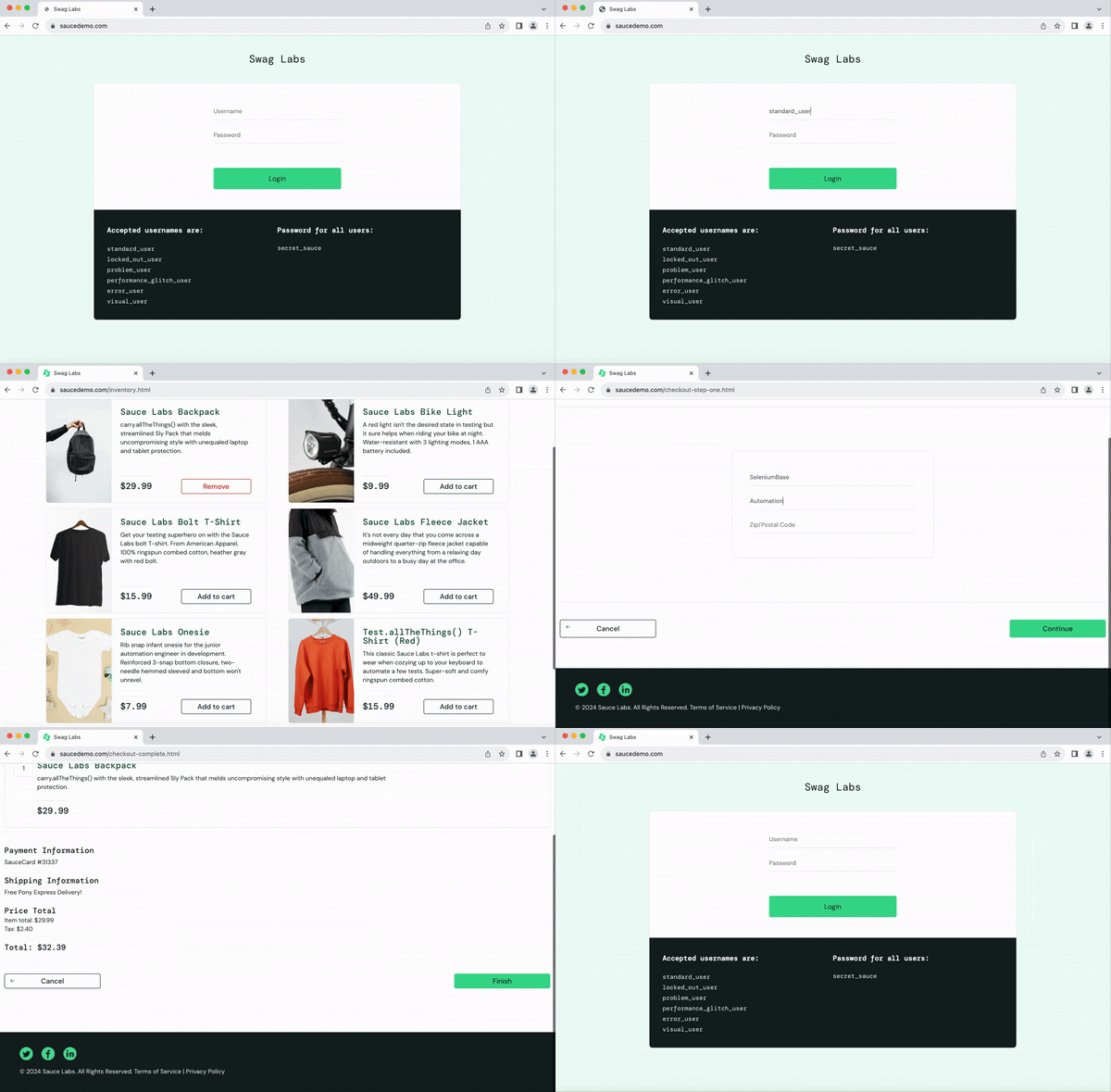 > (The default browser is `--chrome` if not set.)
--------
> (The default browser is `--chrome` if not set.)
--------
📗 Here's SeleniumBase/examples/test_coffee_cart.py, which verifies an e-commerce site:
```zsh pytest test_coffee_cart.py --demo ```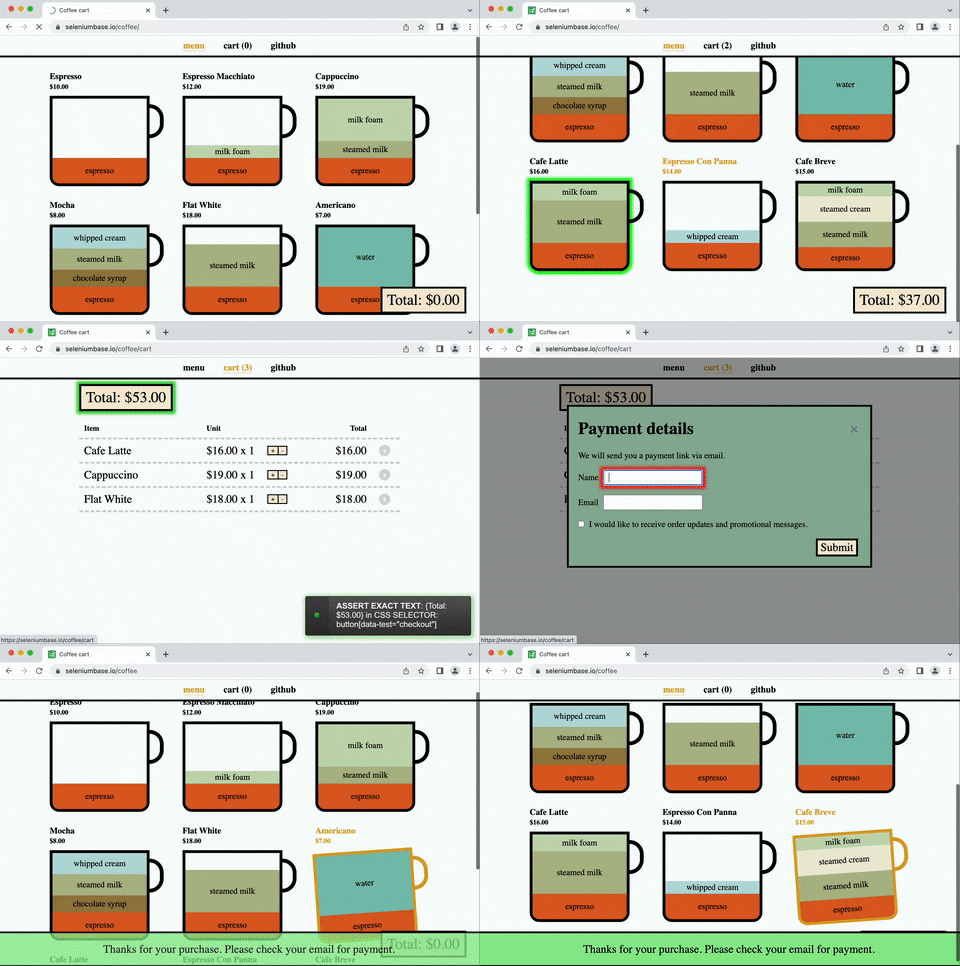
(--demo mode slows down tests and highlights actions)
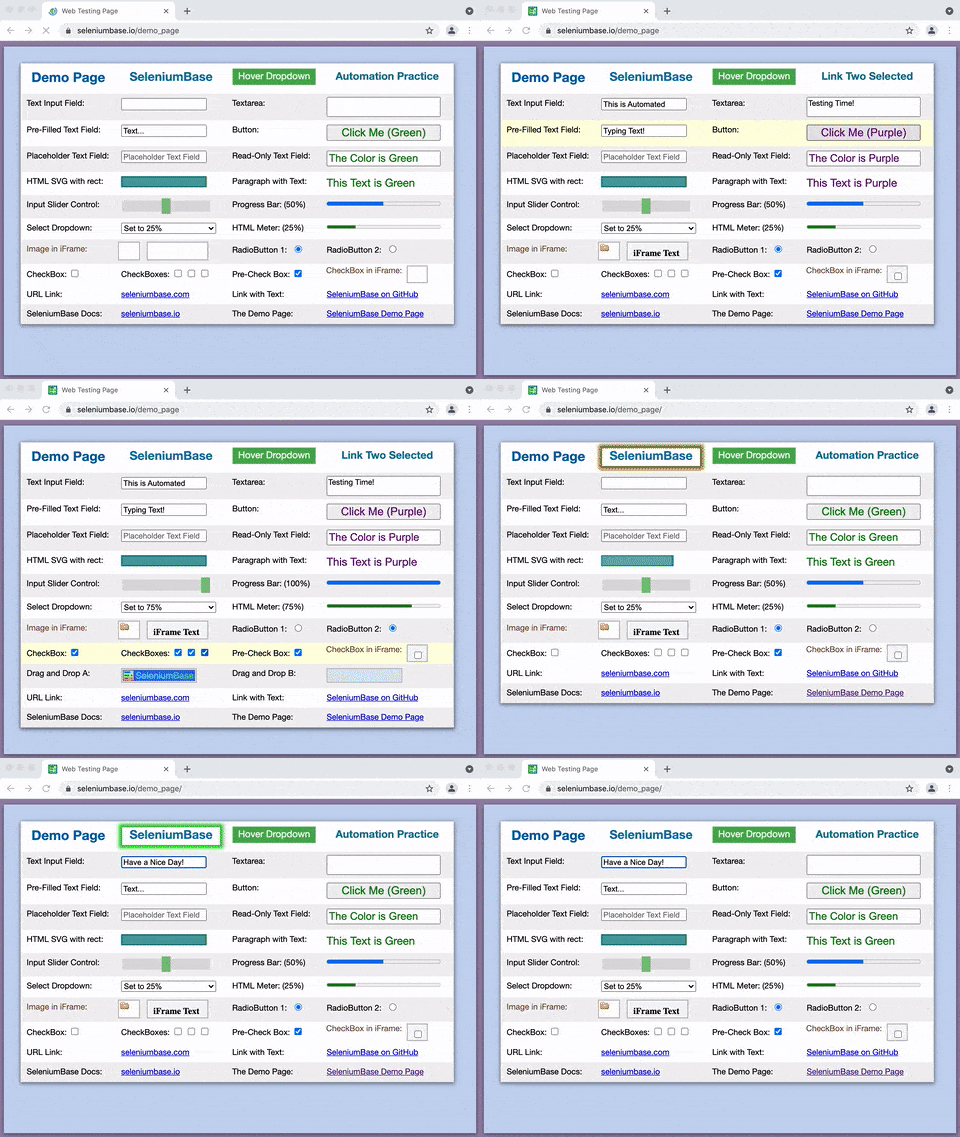
📗 Here's SeleniumBase/examples/test_demo_site.py, which covers several actions:
```zsh pytest test_demo_site.py ```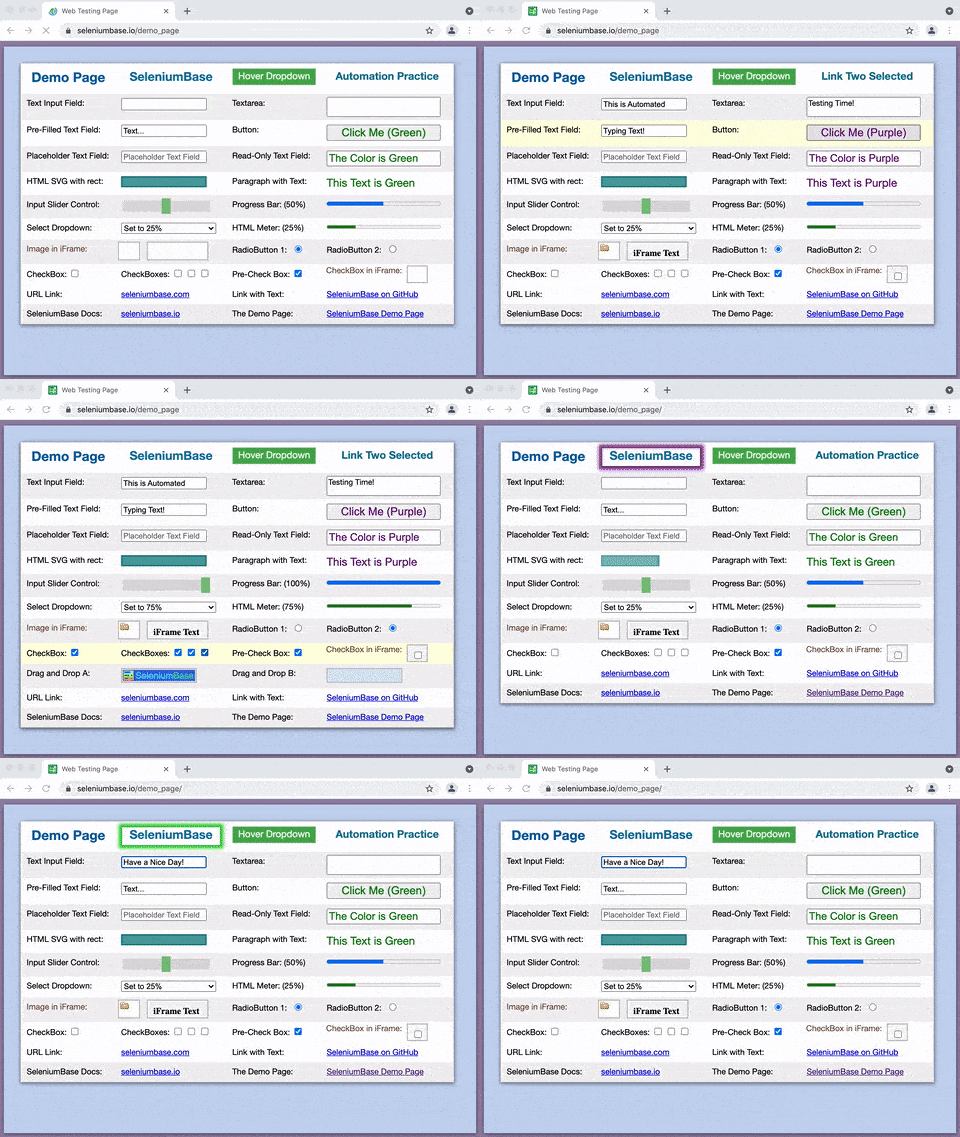
📓 Here's a high-level stealthy architecture overview of SeleniumBase:
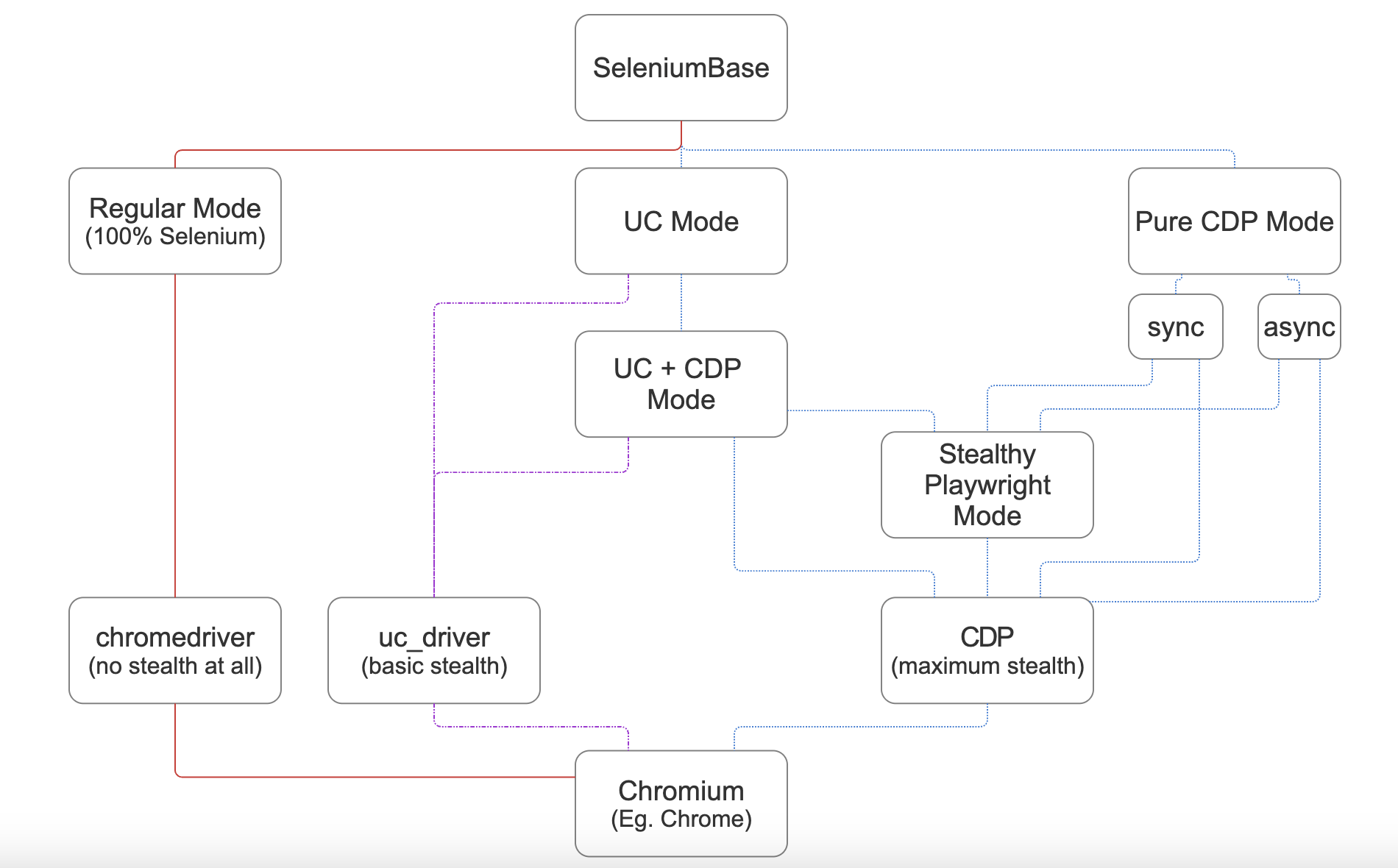 (For maximum stealth, use CDP Mode, which is used by Stealthy Playwright Mode)
--------
(For maximum stealth, use CDP Mode, which is used by Stealthy Playwright Mode)
--------

--------Explore the README:
💡 SeleniumBase is a Python framework for browser automation and testing. SeleniumBase uses Selenium/WebDriver APIs and incorporates test-runners such as pytest, pynose, and behave to provide organized structure, test discovery, test execution, test state (eg. passed, failed, or skipped), and command-line options for changing default settings (eg. browser selection). With raw Selenium, you would need to set up your own options-parser for configuring tests from the command-line.
💡 SeleniumBase's driver manager gives you more control over automatic driver downloads. (Use --driver-version=VER with your pytest run command to specify the version.) By default, SeleniumBase will download a driver version that matches your major browser version if not set.
💡 SeleniumBase automatically detects between CSS Selectors and XPath, which means you don't need to specify the type of selector in your commands (but optionally you could).
💡 SeleniumBase methods often perform multiple actions in a single method call. For example, self.type(selector, text) does the following:
1. Waits for the element to be visible.
2. Waits for the element to be interactive.
3. Clears the text field.
4. Types in the new text.
5. Presses Enter/Submit if the text ends in "\n".
With raw Selenium, those actions require multiple method calls.
💡 SeleniumBase uses default timeout values when not set:
✅ self.click("button")
With raw Selenium, methods would fail instantly (by default) if an element needed more time to load:
❌ self.driver.find_element(by="css selector", value="button").click()
(Reliable code is better than unreliable code.)
💡 SeleniumBase lets you change the explicit timeout values of methods:
✅ self.click("button", timeout=10)
With raw Selenium, that requires more code:
❌ WebDriverWait(driver, 10).until(EC.element_to_be_clickable("css selector", "button")).click()
(Simple code is better than complex code.)
💡 SeleniumBase gives you clean error output when a test fails. With raw Selenium, error messages can get very messy.
💡 SeleniumBase gives you the option to generate a dashboard and reports for tests. It also saves screenshots from failing tests to the ./latest_logs/ folder. Raw Selenium does not have these options out-of-the-box.
💡 SeleniumBase includes desktop GUI apps for running tests, such as SeleniumBase Commander for pytest and SeleniumBase Behave GUI for behave.
💡 SeleniumBase has its own Recorder / Test Generator for creating tests from manual browser actions.
💡 SeleniumBase comes with test case management software, ("CasePlans"), for organizing tests and step descriptions.
💡 SeleniumBase includes tools for building data apps, ("ChartMaker"), which can generate JavaScript from Python.
📚 Learn about different ways of writing tests:
📗📝 Here's test_simple_login.py, which uses BaseCase class inheritance, and runs with pytest or pynose. (Use self.driver to access Selenium's raw driver.)
📘📝 Here's raw_login_sb.py, which uses the SB Context Manager. Runs with pure python. (Use sb.driver to access Selenium's raw driver.)
📙📝 Here's raw_login_driver.py, which uses the Driver Manager. Runs with pure python. (The driver is an improved version of Selenium's raw driver, with more methods.)
 Set up Python & Git:
 🔵 Add Python and Git to your System PATH.
🔵 Using a Python virtual env is recommended.
🔵 Add Python and Git to your System PATH.
🔵 Using a Python virtual env is recommended.
 Install SeleniumBase: Basic Example / Usage:
Here's my_first_test.py:
```zsh cd examples/ pytest my_first_test.py ```
Here's the full code for my_first_test.py:
```python from seleniumbase import BaseCase BaseCase.main(__name__, __file__) class MyTestClass(BaseCase): def test_swag_labs(self): self.open("https://www.saucedemo.com") self.type("#user-name", "standard_user") self.type("#password", "secret_sauce\n") self.assert_element("div.inventory_list") self.assert_exact_text("Products", "span.title") self.click('button[name*="backpack"]') self.click("#shopping_cart_container a") self.assert_exact_text("Your Cart", "span.title") self.assert_text("Backpack", "div.cart_item") self.click("button#checkout") self.type("#first-name", "SeleniumBase") self.type("#last-name", "Automation") self.type("#postal-code", "77123") self.click("input#continue") self.assert_text("Checkout: Overview") self.assert_text("Backpack", "div.cart_item") self.assert_text("29.99", "div.inventory_item_price") self.click("button#finish") self.assert_exact_text("Thank you for your order!", "h2") self.assert_element('img[alt="Pony Express"]') self.js_click("a#logout_sidebar_link") self.assert_element("div#login_button_container") ``` * By default, **[CSS Selectors](https://www.w3schools.com/cssref/css_selectors.asp)** are used for finding page elements. * If you're new to CSS Selectors, games like [CSS Diner](http://flukeout.github.io/) can help you learn. * For more reading, [here's an advanced guide on CSS attribute selectors](https://developer.mozilla.org/en-US/docs/Web/CSS/Attribute_selectors). Here are some common SeleniumBase methods: Fun Facts / Learn More:✅ SeleniumBase automatically handles common WebDriver actions such as launching web browsers before tests, saving screenshots during failures, and closing web browsers after tests.
✅ SeleniumBase lets you customize tests via command-line options.
✅ SeleniumBase uses simple syntax for commands. Example:
```python self.type("input", "dogs\n") # (The "\n" presses ENTER) ``` Most SeleniumBase scripts can be run withpytest, pynose, or pure python. Not all test runners can run all test formats. For example, tests that use the `sb` pytest fixture can only be run with `pytest`. (See Syntax Formats) There's also a Gherkin test format that runs with behave.
```zsh
pytest coffee_cart_tests.py --rs
pytest test_sb_fixture.py --demo
pytest test_suite.py --rs --html=report.html --dashboard
pynose basic_test.py --mobile
pynose test_suite.py --headless --report --show-report
python raw_sb.py
python raw_test_scripts.py
behave realworld.feature
behave calculator.feature -D rs -D dashboard
```
✅ pytest includes automatic test discovery. If you don't specify a specific file or folder to run, pytest will automatically search through all subdirectories for tests to run based on the following criteria:
✅ You can do a pre-flight check to see which tests would get discovered by pytest before the actual run:
✅ You can be more specific when calling pytest or pynose on a file:
✅ No More Flaky Tests! SeleniumBase methods automatically wait for page elements to finish loading before interacting with them (up to a timeout limit). This means you no longer need random time.sleep() statements in your scripts.
 ✅ SeleniumBase supports all major browsers and operating systems:
Browsers: Chrome, Edge, Firefox, and Safari.
Systems: Linux/Ubuntu, macOS, and Windows.
✅ SeleniumBase works on all popular CI/CD platforms:





✅ SeleniumBase includes an automated/manual hybrid solution called MasterQA to speed up manual testing with automation while manual testers handle validation.
✅ SeleniumBase supports running tests while offline (assuming webdrivers have previously been downloaded when online).
✅ For a full list of SeleniumBase features, Click Here.
Demo Mode / Debugging: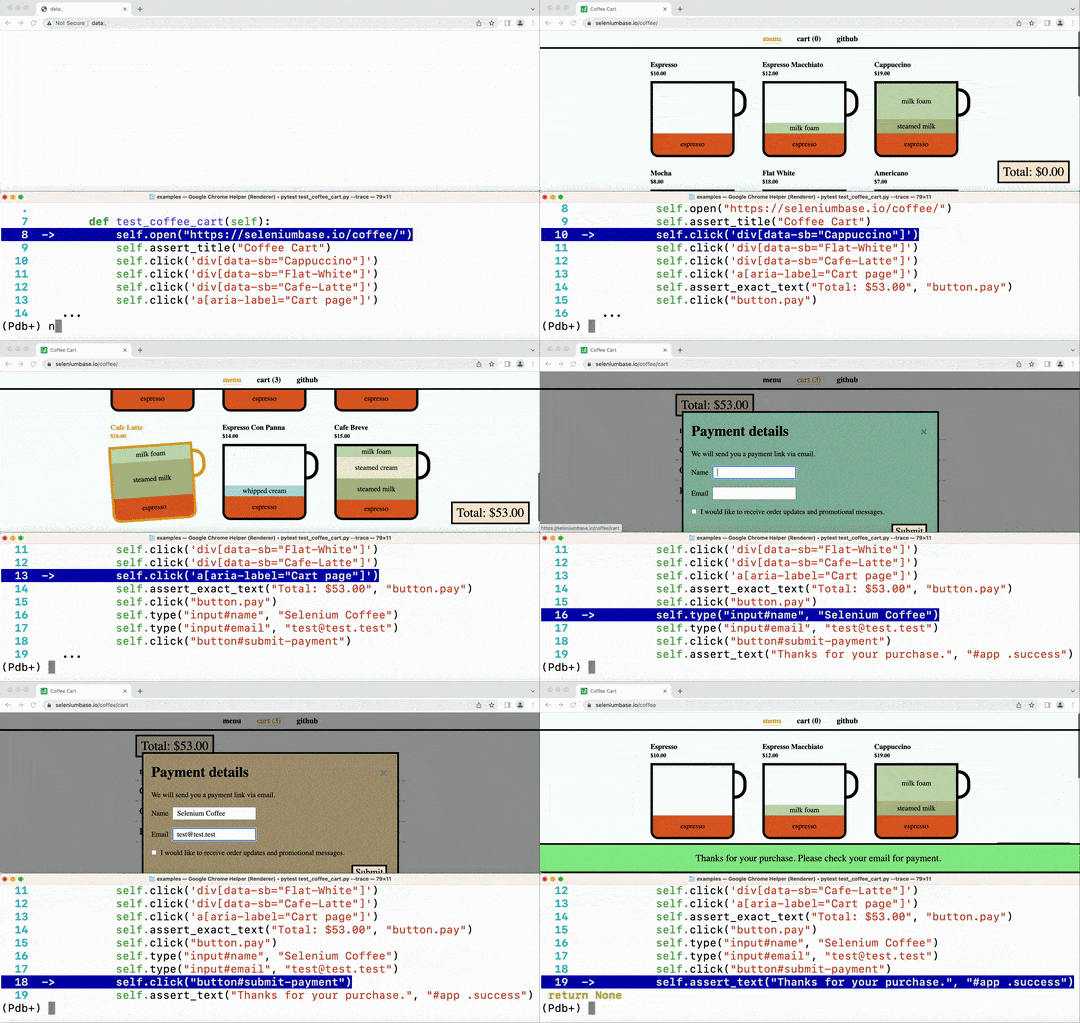
pytest:
```zsh
-v # Verbose mode. Prints the full name of each test and shows more details.
-q # Quiet mode. Print fewer details in the console output when running tests.
-x # Stop running the tests after the first failure is reached.
--html=report.html # Creates a detailed pytest-html report after tests finish.
--co | --collect-only # Show what tests would get run. (Without running them)
--co -q # (Both options together!) - Do a dry run with full test names shown.
-n=NUM # Multithread the tests using that many threads. (Speed up test runs!)
-s # See print statements. (Should be on by default with pytest.ini present.)
--junit-xml=report.xml # Creates a junit-xml report after tests finish.
--pdb # If a test fails, enter Post Mortem Debug Mode. (Don't use with CI!)
--trace # Enter Debug Mode at the beginning of each test. (Don't use with CI!)
-m=MARKER # Run tests with the specified pytest marker.
```
✅ SeleniumBase provides additional pytest command-line options for tests:
```zsh
--browser=BROWSER # (The web browser to use. Default: "chrome".)
--chrome # (Shortcut for "--browser=chrome". On by default.)
--edge # (Shortcut for "--browser=edge".)
--firefox # (Shortcut for "--browser=firefox".)
--safari # (Shortcut for "--browser=safari".)
--opera # (Shortcut for "--browser=opera".)
--brave # (Shortcut for "--browser=brave".)
--comet # (Shortcut for "--browser=comet".)
--atlas # (Shortcut for "--browser=atlas".)
--settings-file=FILE # (Override default SeleniumBase settings.)
--env=ENV # (Set the test env. Access with "self.env" in tests.)
--account=STR # (Set account. Access with "self.account" in tests.)
--data=STRING # (Extra test data. Access with "self.data" in tests.)
--var1=STRING # (Extra test data. Access with "self.var1" in tests.)
--var2=STRING # (Extra test data. Access with "self.var2" in tests.)
--var3=STRING # (Extra test data. Access with "self.var3" in tests.)
--variables=DICT # (Extra test data. Access with "self.variables".)
--user-data-dir=DIR # (Set the Chrome user data directory to use.)
--protocol=PROTOCOL # (The Selenium Grid protocol: http|https.)
--server=SERVER # (The Selenium Grid server/IP used for tests.)
--port=PORT # (The Selenium Grid port used by the test server.)
--cap-file=FILE # (The web browser's desired capabilities to use.)
--cap-string=STRING # (The web browser's desired capabilities to use.)
--proxy=SERVER:PORT # (Connect to a proxy server:port as tests are running)
--proxy=USERNAME:PASSWORD@SERVER:PORT # (Use an authenticated proxy server)
--proxy-bypass-list=STRING # (";"-separated hosts to bypass, Eg "*.foo.com")
--proxy-pac-url=URL # (Connect to a proxy server using a PAC_URL.pac file.)
--proxy-pac-url=USERNAME:PASSWORD@URL # (Authenticated proxy with PAC URL.)
--proxy-driver # (If a driver download is needed, will use: --proxy=PROXY.)
--multi-proxy # (Allow multiple authenticated proxies when multi-threaded.)
--agent=STRING # (Modify the web browser's User-Agent string.)
--mobile # (Use the mobile device emulator while running tests.)
--metrics=STRING # (Set mobile metrics: "CSSWidth,CSSHeight,PixelRatio".)
--chromium-arg="ARG=N,ARG2" # (Set Chromium args, ","-separated, no spaces.)
--firefox-arg="ARG=N,ARG2" # (Set Firefox args, comma-separated, no spaces.)
--firefox-pref=SET # (Set a Firefox preference:value set, comma-separated.)
--extension-zip=ZIP # (Load a Chrome Extension .zip|.crx, comma-separated.)
--extension-dir=DIR # (Load a Chrome Extension directory, comma-separated.)
--disable-features="F1,F2" # (Disable features, comma-separated, no spaces.)
--binary-location=PATH # (Set path of the Chromium browser binary to use.)
--driver-version=VER # (Set the chromedriver or uc_driver version to use.)
--sjw # (Skip JS Waits for readyState to be "complete" or Angular to load.)
--wfa # (Wait for AngularJS to be done loading after specific web actions.)
--pls=PLS # (Set pageLoadStrategy on Chrome: "normal", "eager", or "none".)
--headless # (The default headless mode. Linux uses this mode by default.)
--headless1 # (Use Chrome's old headless mode. Fast, but has limitations.)
--headless2 # (Use Chrome's new headless mode, which supports extensions.)
--headed # (Run tests in headed/GUI mode on Linux OS, where not default.)
--xvfb # (Run tests using the Xvfb virtual display server on Linux OS.)
--xvfb-metrics=STRING # (Set Xvfb display size on Linux: "Width,Height".)
--locale=LOCALE_CODE # (Set the Language Locale Code for the web browser.)
--interval=SECONDS # (The autoplay interval for presentations & tour steps)
--start-page=URL # (The starting URL for the web browser when tests begin.)
--archive-logs # (Archive existing log files instead of deleting them.)
--archive-downloads # (Archive old downloads instead of deleting them.)
--time-limit=SECONDS # (Safely fail any test that exceeds the time limit.)
--slow # (Slow down the automation. Faster than using Demo Mode.)
--demo # (Slow down and visually see test actions as they occur.)
--demo-sleep=SECONDS # (Set the wait time after Slow & Demo Mode actions.)
--highlights=NUM # (Number of highlight animations for Demo Mode actions.)
--message-duration=SECONDS # (The time length for Messenger alerts.)
--check-js # (Check for JavaScript errors after page loads.)
--ad-block # (Block some types of display ads from loading.)
--host-resolver-rules=RULES # (Set host-resolver-rules, comma-separated.)
--block-images # (Block images from loading during tests.)
--do-not-track # (Indicate to websites that you don't want to be tracked.)
--verify-delay=SECONDS # (The delay before MasterQA verification checks.)
--ee | --esc-end # (Lets the user end the current test via the ESC key.)
--recorder # (Enables the Recorder for turning browser actions into code.)
--rec-behave # (Same as Recorder Mode, but also generates behave-gherkin.)
--rec-sleep # (If the Recorder is enabled, also records self.sleep calls.)
--rec-print # (If the Recorder is enabled, prints output after tests end.)
--disable-cookies # (Disable Cookies on websites. Pages might break!)
--disable-js # (Disable JavaScript on websites. Pages might break!)
--disable-csp # (Disable the Content Security Policy of websites.)
--disable-ws # (Disable Web Security on Chromium-based browsers.)
--enable-ws # (Enable Web Security on Chromium-based browsers.)
--enable-sync # (Enable "Chrome Sync" on websites.)
--uc | --undetected # (Use undetected-chromedriver to evade bot-detection.)
--uc-cdp-events # (Capture CDP events when running in "--undetected" mode.)
--log-cdp # ("goog:loggingPrefs", {"performance": "ALL", "browser": "ALL"})
--remote-debug # (Sync to Chrome Remote Debugger chrome://inspect/#devices)
--ftrace | --final-trace # (Debug Mode after each test. Don't use with CI!)
--dashboard # (Enable the SeleniumBase Dashboard. Saved at: dashboard.html)
--dash-title=STRING # (Set the title shown for the generated dashboard.)
--enable-3d-apis # (Enables WebGL and 3D APIs.)
--swiftshader # (Chrome "--use-gl=angle" / "--use-angle=swiftshader-webgl")
--incognito # (Enable Chrome's Incognito mode.)
--guest # (Enable Chrome's Guest mode.)
--dark # (Enable Chrome's Dark mode.)
--devtools # (Open Chrome's DevTools when the browser opens.)
--rs | --reuse-session # (Reuse browser session for all tests.)
--rcs | --reuse-class-session # (Reuse session for tests in class.)
--crumbs # (Delete all cookies between tests reusing a session.)
--disable-beforeunload # (Disable the "beforeunload" event on Chrome.)
--window-position=X,Y # (Set the browser's starting window position.)
--window-size=WIDTH,HEIGHT # (Set the browser's starting window size.)
--maximize # (Start tests with the browser window maximized.)
--screenshot # (Save a screenshot at the end of each test.)
--no-screenshot # (No screenshots saved unless tests directly ask it.)
--visual-baseline # (Set the visual baseline for Visual/Layout tests.)
--wire # (Use selenium-wire's webdriver for replacing selenium webdriver.)
--external-pdf # (Set Chromium "plugins.always_open_pdf_externally":True.)
--timeout-multiplier=MULTIPLIER # (Multiplies the default timeout values.)
--list-fail-page # (After each failing test, list the URL of the failure.)
```
(See the full list of command-line option definitions **[here](https://github.com/seleniumbase/SeleniumBase/blob/master/seleniumbase/plugins/pytest_plugin.py)**. For detailed examples of command-line options, see **[customizing_test_runs.md](https://github.com/seleniumbase/SeleniumBase/blob/master/help_docs/customizing_test_runs.md)**)
--------
🔵 During test failures, logs and screenshots from the most recent test run will get saved to the `latest_logs/` folder. Those logs will get moved to `archived_logs/` if you add --archive_logs to command-line options, or have `ARCHIVE_EXISTING_LOGS` set to True in [settings.py](https://github.com/seleniumbase/SeleniumBase/blob/master/seleniumbase/config/settings.py), otherwise log files with be cleaned up at the start of the next test run. The `test_suite.py` collection contains tests that fail on purpose so that you can see how logging works.
```zsh
cd examples/
pytest test_suite.py --chrome
pytest test_suite.py --firefox
```
An easy way to override seleniumbase/config/settings.py is by using a custom settings file.
Here's the command-line option to add to tests: (See [examples/custom_settings.py](https://github.com/seleniumbase/SeleniumBase/blob/master/examples/custom_settings.py))
`--settings_file=custom_settings.py`
(Settings include default timeout values, a two-factor auth key, DB credentials, S3 credentials, and other important settings used by tests.)
🔵 To pass additional data from the command-line to tests, add `--data="ANY STRING"`.
Inside your tests, you can use `self.data` to access that.
Directory Configuration: Log files from failed tests: SeleniumBase Dashboard: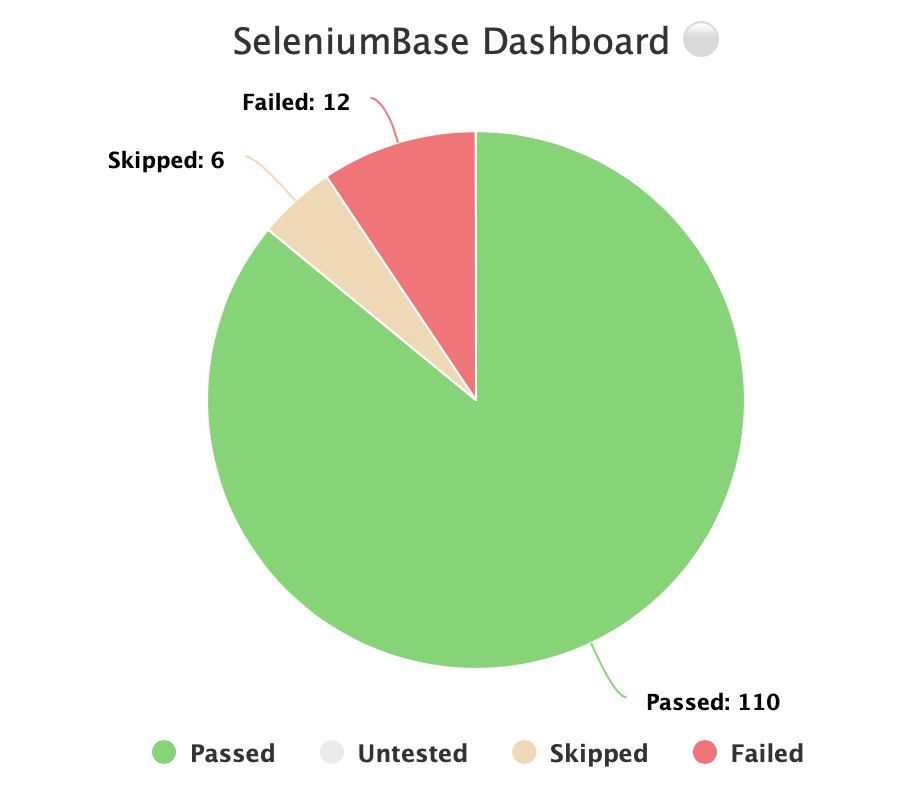 🔵 Additionally, you can host your own SeleniumBase Dashboard Server on a port of your choice. Here's an example of that using Python's `http.server`:
```zsh
python -m http.server 1948
```
🔵 Now you can navigate to `http://localhost:1948/dashboard.html` in order to view the dashboard as a web app. This requires two different terminal windows: one for running the server, and another for running the tests, which should be run from the same directory. (Use Ctrl+C to stop the http server.)
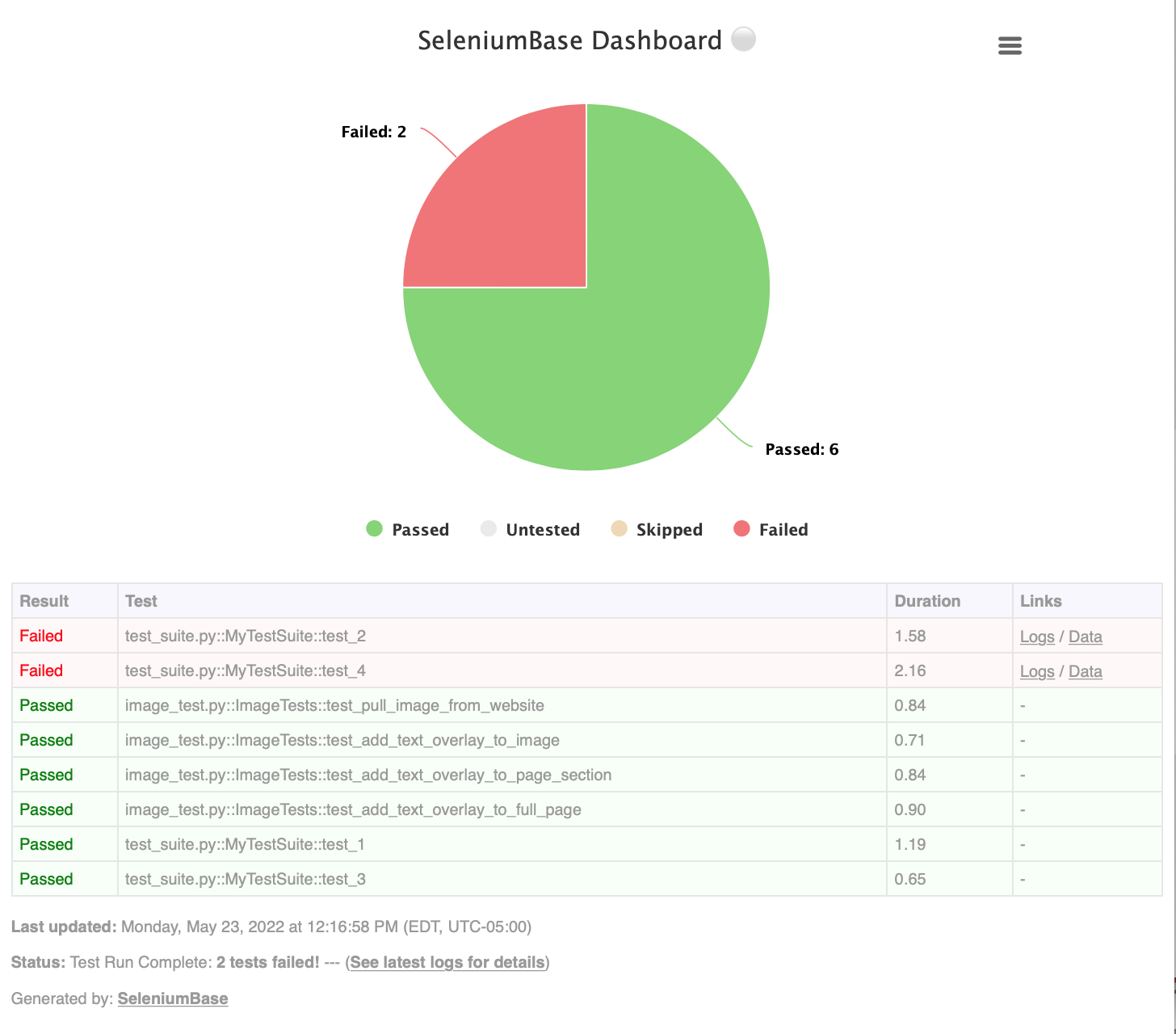
🔵 Here's a full example of what the SeleniumBase Dashboard may look like:
```zsh
pytest test_suite.py test_image_saving.py --dashboard --rs --headless
```
🔵 Additionally, you can host your own SeleniumBase Dashboard Server on a port of your choice. Here's an example of that using Python's `http.server`:
```zsh
python -m http.server 1948
```
🔵 Now you can navigate to `http://localhost:1948/dashboard.html` in order to view the dashboard as a web app. This requires two different terminal windows: one for running the server, and another for running the tests, which should be run from the same directory. (Use Ctrl+C to stop the http server.)
🔵 Here's a full example of what the SeleniumBase Dashboard may look like:
```zsh
pytest test_suite.py test_image_saving.py --dashboard --rs --headless
```
 --------
Generating Test Reports:
--------
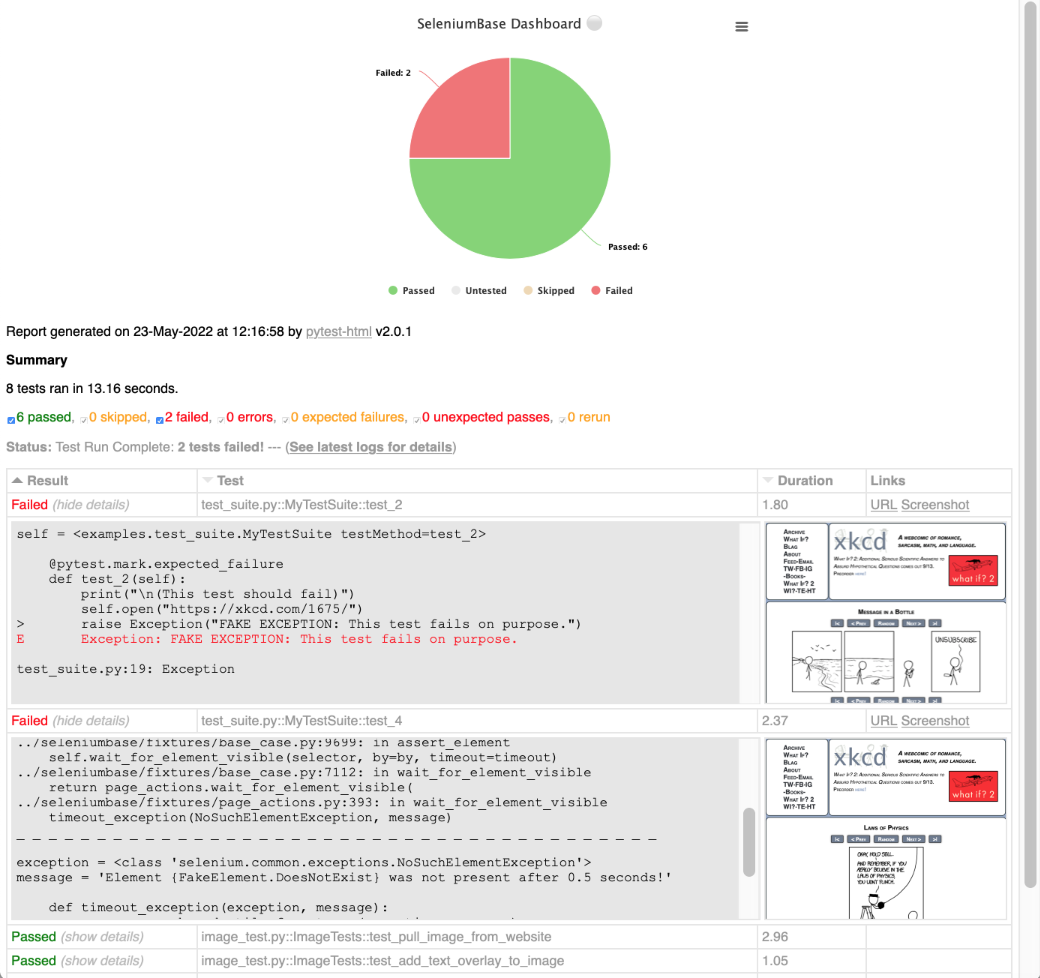
Generating Test Reports:pytest HTML Reports: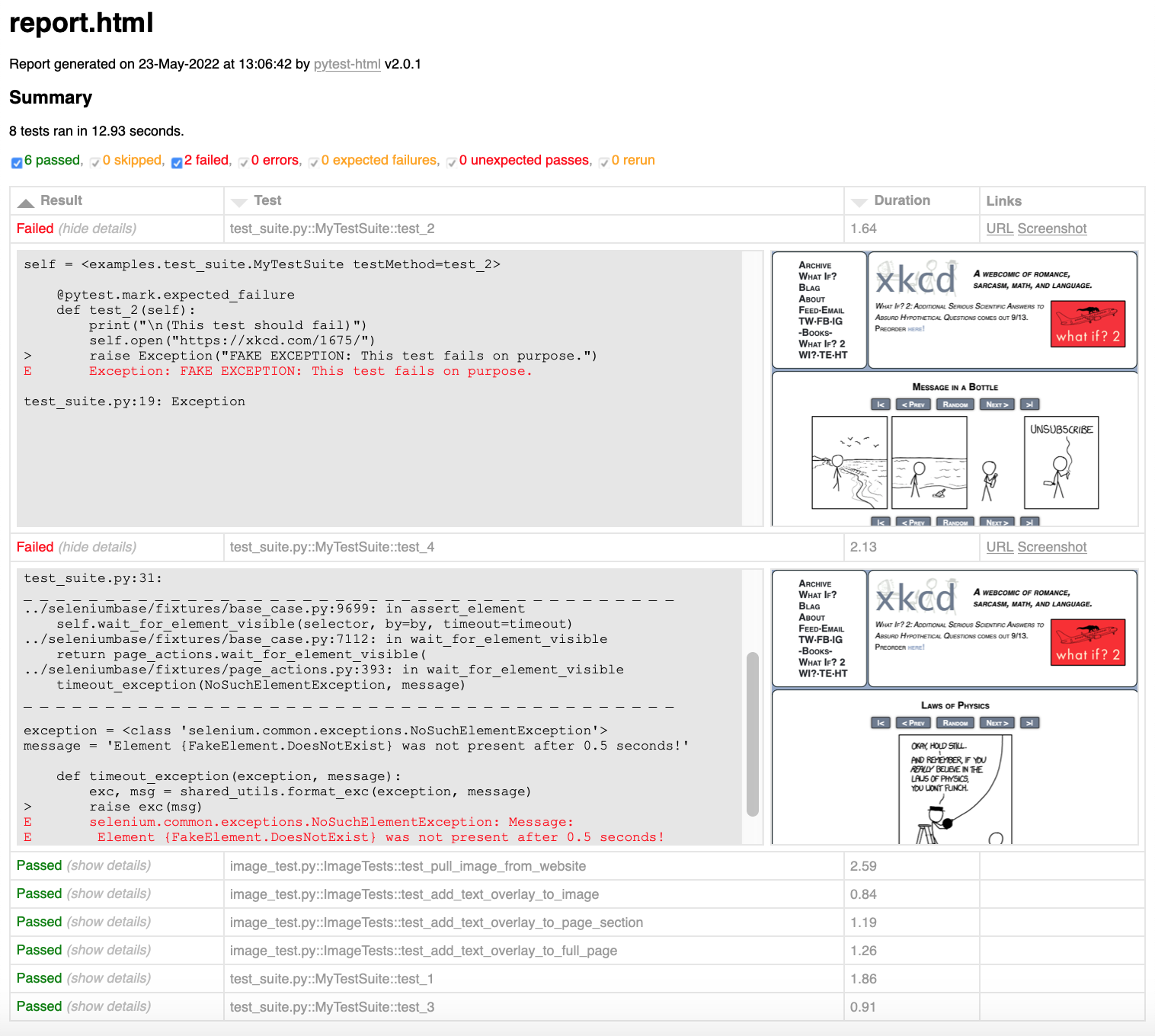 ✅ When combining pytest html reports with SeleniumBase Dashboard usage, the pie chart from the Dashboard will get added to the html report. Additionally, if you set the html report URL to be the same as the Dashboard URL when also using the dashboard, (example: `--dashboard --html=dashboard.html`), then the Dashboard will become an advanced html report when all the tests complete.
✅ Here's an example of an upgraded html report:
```zsh
pytest test_suite.py --dashboard --html=report.html
```
✅ When combining pytest html reports with SeleniumBase Dashboard usage, the pie chart from the Dashboard will get added to the html report. Additionally, if you set the html report URL to be the same as the Dashboard URL when also using the dashboard, (example: `--dashboard --html=dashboard.html`), then the Dashboard will become an advanced html report when all the tests complete.
✅ Here's an example of an upgraded html report:
```zsh
pytest test_suite.py --dashboard --html=report.html
```
 If viewing pytest html reports in [Jenkins](https://www.jenkins.io/), you may need to [configure Jenkins settings](https://stackoverflow.com/a/46197356/7058266) for the html to render correctly. This is due to [Jenkins CSP changes](https://www.jenkins.io/doc/book/system-administration/security/configuring-content-security-policy/).
You can also use `--junit-xml=report.xml` to get an xml report instead. Jenkins can use this file to display better reporting for your tests.
```zsh
pytest test_suite.py --junit-xml=report.xml
```
If viewing pytest html reports in [Jenkins](https://www.jenkins.io/), you may need to [configure Jenkins settings](https://stackoverflow.com/a/46197356/7058266) for the html to render correctly. This is due to [Jenkins CSP changes](https://www.jenkins.io/doc/book/system-administration/security/configuring-content-security-policy/).
You can also use `--junit-xml=report.xml` to get an xml report instead. Jenkins can use this file to display better reporting for your tests.
```zsh
pytest test_suite.py --junit-xml=report.xml
```
pynose Reports: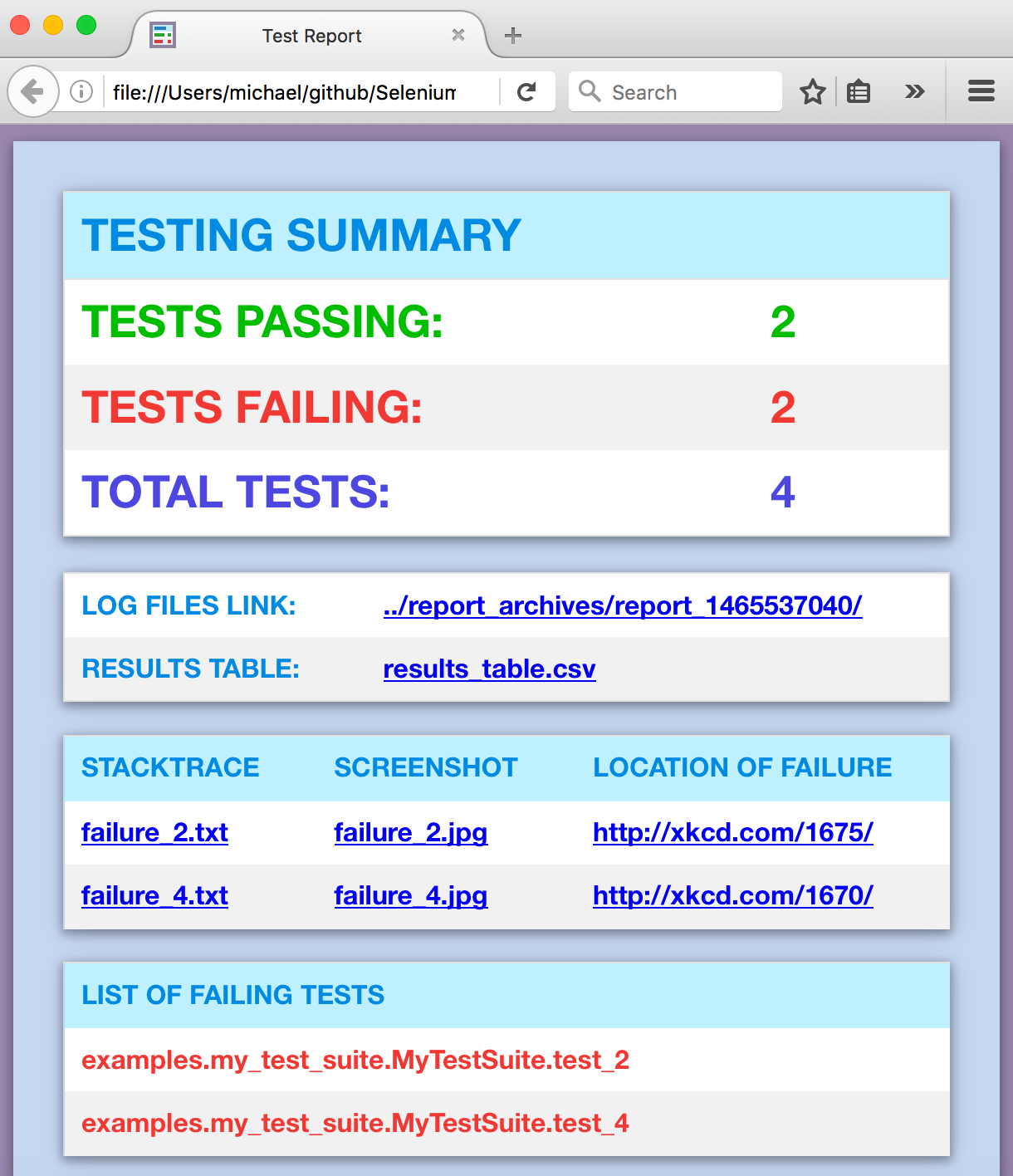 (NOTE: You can add `--show-report` to immediately display pynose reports after the test suite completes. Only use `--show-report` when running tests locally because it pauses the test run.)
behave Dashboard & Reports: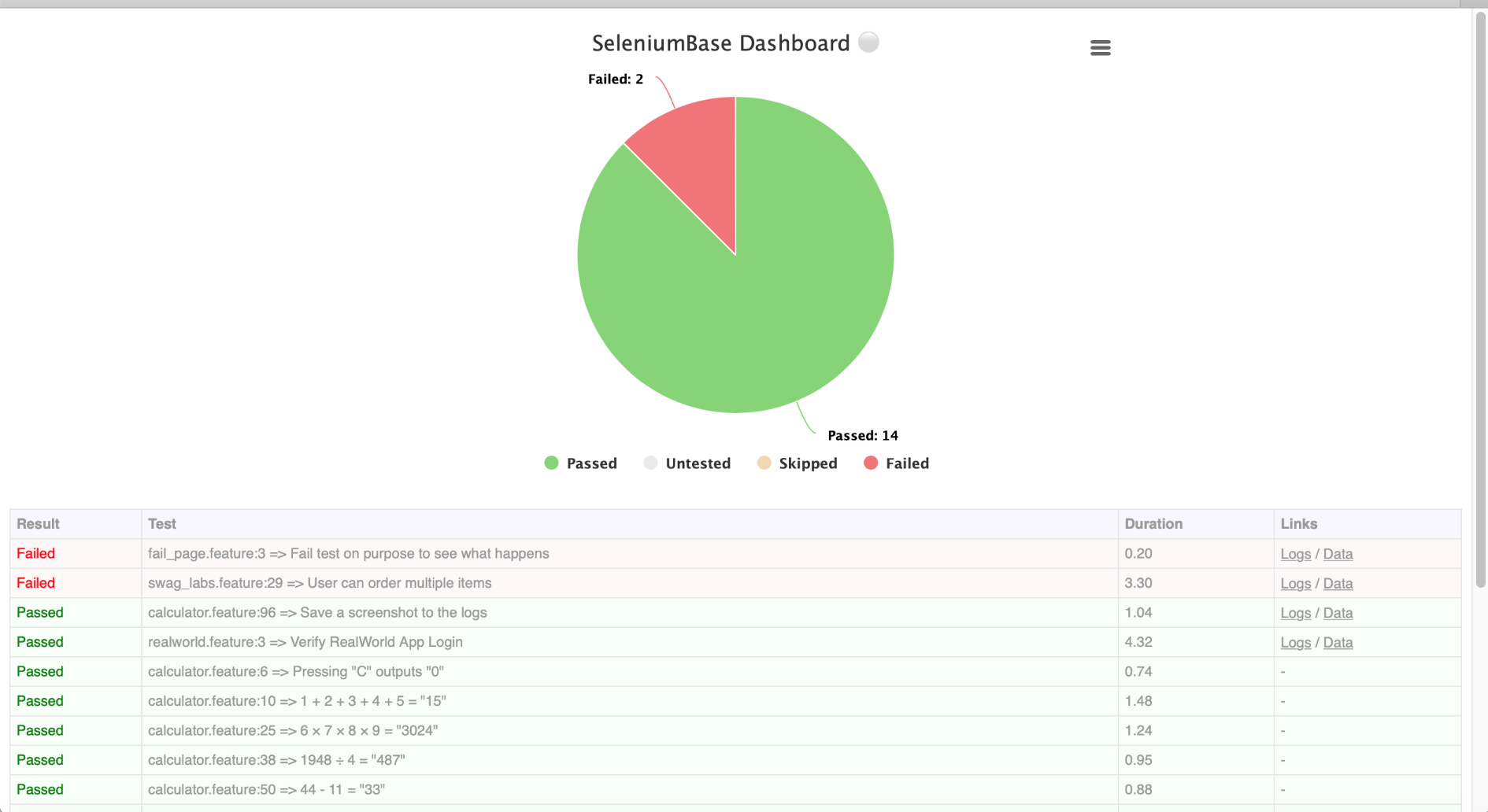 You can also use `--junit` to get `.xml` reports for each
 behave feature. Jenkins can use these files to display better reporting for your tests.
```zsh
behave behave_bdd/features/ --junit -D rs -D headless
```
Using a Proxy Server: Changing the User-Agent: Handling Pop-Up Alerts:self.accept_alert() automatically waits for and accepts alert pop-ups. self.dismiss_alert() automatically waits for and dismisses alert pop-ups. On occasion, some methods like self.click(SELECTOR) might dismiss a pop-up on its own because they call JavaScript to make sure that the readyState of the page is complete before advancing. If you're trying to accept a pop-up that got dismissed this way, use this workaround: Call self.find_element(SELECTOR).click() instead, (which will let the pop-up remain on the screen), and then use self.accept_alert() to accept the pop-up (more on that here). If pop-ups are intermittent, wrap code in a try/except block.
Building Guided Tours for Websites: Production Environments & Integrations:--with-s3-logging on the command-line when running your tests. Detailed Method Specifications and Examples:self.get_page_source() method with Python's find() command to parse through HTML to find something specific. (For more advanced parsing, see the BeautifulSoup example.)
```python
source = self.get_page_source()
head_open_tag = source.find('')
head_close_tag = source.find('', head_open_tag)
everything_inside_head = source[head_open_tag+len(''):head_close_tag]
```
🔵 **Clicking:**
To click an element on the page:
```python
self.click("div#my_id")
```
**ProTip™:** In most web browsers, you can right-click on a page and select `Inspect Element` to see the CSS selector details that you'll need to create your own scripts.
🔵 **Typing Text:**
self.type(selector, text) # updates the text from the specified element with the specified value. An exception is raised if the element is missing or if the text field is not editable. Example:
```python
self.type("input#id_value", "2012")
```
You can also use self.add_text() or the WebDriver .send_keys() command, but those won't clear the text box first if there's already text inside.
🔵 **Getting the text from an element on a page:**
```python
text = self.get_text("header h2")
```
🔵 **Getting the attribute value from an element on a page:**
```python
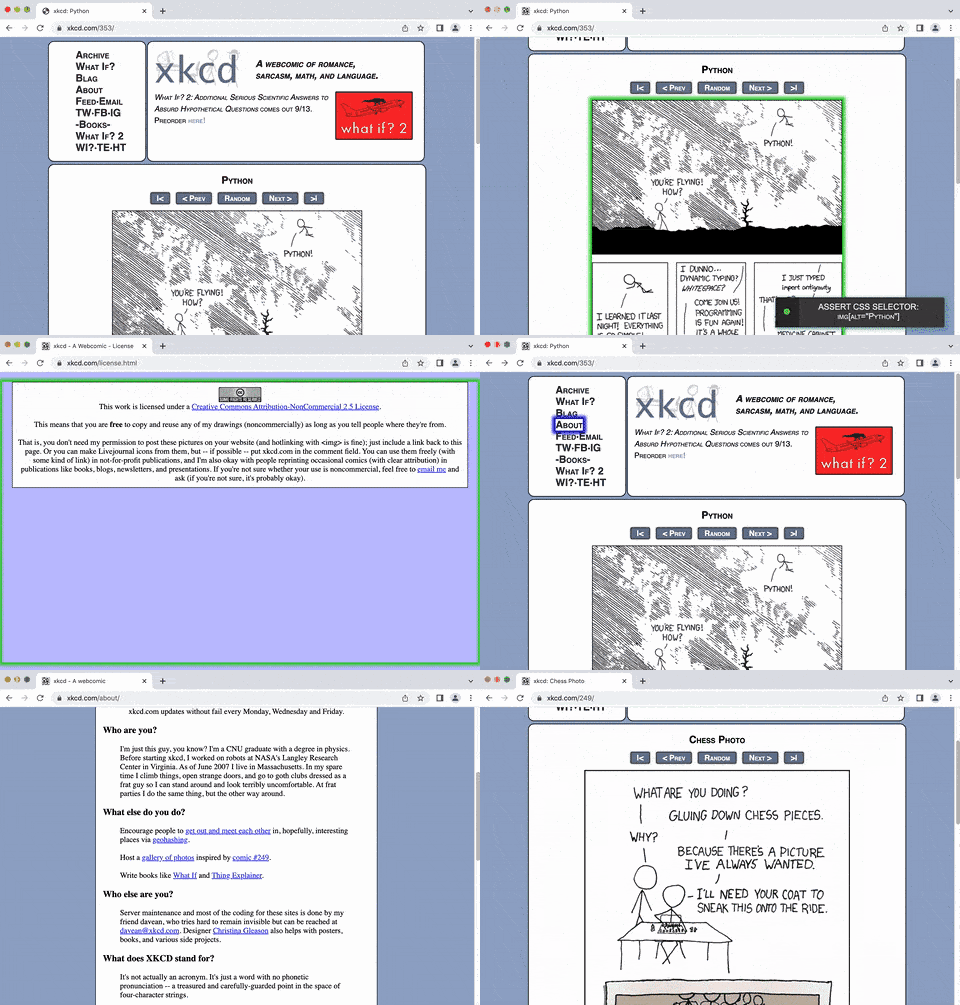
attribute = self.get_attribute("#comic img", "title")
```
🔵 **Asserting existence of an element on a page within some number of seconds:**
```python
self.wait_for_element_present("div.my_class", timeout=10)
```
(NOTE: You can also use: `self.assert_element_present(ELEMENT)`)
🔵 **Asserting visibility of an element on a page within some number of seconds:**
```python
self.wait_for_element_visible("a.my_class", timeout=5)
```
(NOTE: The short versions of that are `self.find_element(ELEMENT)` and `self.assert_element(ELEMENT)`. The `find_element()` version returns the element.)
Since the line above returns the element, you can combine that with `.click()` as shown below:
```python
self.find_element("a.my_class", timeout=5).click()
# But you're better off using the following statement, which does the same thing:
self.click("a.my_class") # DO IT THIS WAY!
```
**ProTip™:** You can use dots to signify class names (Ex: `div.class_name`) as a simplified version of `div[class="class_name"]` within a CSS selector.
You can also use `*=` to search for any partial value in a CSS selector as shown below:
```python
self.click('a[name*="partial_name"]')
```
🔵 **Asserting visibility of text inside an element on a page within some number of seconds:**
```python
self.assert_text("Make it so!", "div#trek div.picard div.quotes")
self.assert_text("Tea. Earl Grey. Hot.", "div#trek div.picard div.quotes", timeout=3)
```
(NOTE: `self.find_text(TEXT, ELEMENT)` and `self.wait_for_text(TEXT, ELEMENT)` also do this. For backwards compatibility, older method names were kept, but the default timeout may be different.)
🔵 **Asserting Anything:**
```python
self.assert_true(var1 == var2)
self.assert_false(var1 == var2)
self.assert_equal(var1, var2)
```
🔵 **Useful Conditional Statements: (with creative examples)**
❓ `is_element_visible(selector):` (visible on the page)
```python
if self.is_element_visible('div#warning'):
print("Red Alert: Something bad might be happening!")
```
❓ `is_element_present(selector):` (present in the HTML)
```python
if self.is_element_present('div#top_secret img.tracking_cookie'):
self.contact_cookie_monster() # Not a real SeleniumBase method
else:
current_url = self.get_current_url()
self.contact_the_nsa(url=current_url, message="Dark Zone Found") # Not a real SeleniumBase method
```
```python
def is_there_a_cloaked_klingon_ship_on_this_page():
if self.is_element_present("div.ships div.klingon"):
return not self.is_element_visible("div.ships div.klingon")
return False
```
❓ `is_text_visible(text, selector):` (text visible on element)
```python
if self.is_text_visible("You Shall Not Pass!", "h1"):
self.open("https://www.youtube.com/watch?v=3xYXUeSmb-Y")
```
is_text_visible():If your test opens up a new tab/window, you can switch to it. (SeleniumBase automatically switches to new tabs that don't open to about:blank URLs.)
jQuery is a powerful JavaScript library that allows you to perform advanced actions in a web browser. If the web page you're on already has jQuery loaded, you can start executing jQuery scripts immediately. You'd know this because the web page would contain something like the following in the HTML:
```html ``` 🔵 It's OK if you want to use jQuery on a page that doesn't have it loaded yet. To do so, run the following command first: ```python self.activate_jquery() ```self.generate_referral(start_page, end_page) and the self.generate_traffic(start_page, end_page, loops) methods.)
Let's say you want to verify multiple different elements on a web page in a single test, but you don't want the test to fail until you verified several elements at once so that you don't have to rerun the test to find more missing elements on the same page. That's where deferred asserts come in. Here's an example:
```python from seleniumbase import BaseCase BaseCase.main(__name__, __file__) class DeferredAssertTests(BaseCase): def test_deferred_asserts(self): self.open("https://xkcd.com/993/") self.wait_for_element("#comic") self.deferred_assert_element('img[alt="Brand Identity"]') self.deferred_assert_element('img[alt="Rocket Ship"]') # Will Fail self.deferred_assert_element("#comicmap") self.deferred_assert_text("Fake Item", "ul.comicNav") # Will Fail self.deferred_assert_text("Random", "ul.comicNav") self.deferred_assert_element('a[name="Super Fake !!!"]') # Will Fail self.deferred_assert_exact_text("Brand Identity", "#ctitle") self.deferred_assert_exact_text("Fake Food", "#comic") # Will Fail self.process_deferred_asserts() ```deferred_assert_element() and deferred_assert_text() will save any exceptions that would be raised.
To flush out all the failed deferred asserts into a single exception, make sure to call self.process_deferred_asserts() at the end of your test method. If your test hits multiple pages, you can call self.process_deferred_asserts() before navigating to a new page so that the screenshot from your log files matches the URL where the deferred asserts were made.
If you need access to any commands that come with standard WebDriver, you can call them directly like this:
```python self.driver.delete_all_cookies() capabilities = self.driver.capabilities self.driver.find_elements("partial link text", "GitHub") ``` (In general, you'll want to use the SeleniumBase versions of methods when available.)You can use pytest --reruns=NUM to retry failing tests that many times. Add --reruns-delay=SECONDS to wait that many seconds between retries. Example:
You can use the @retry_on_exception() decorator to retry failing methods. (First import: from seleniumbase import decorators). To learn more about SeleniumBase decorators, click here.
Wrap-Up











 Example Tests: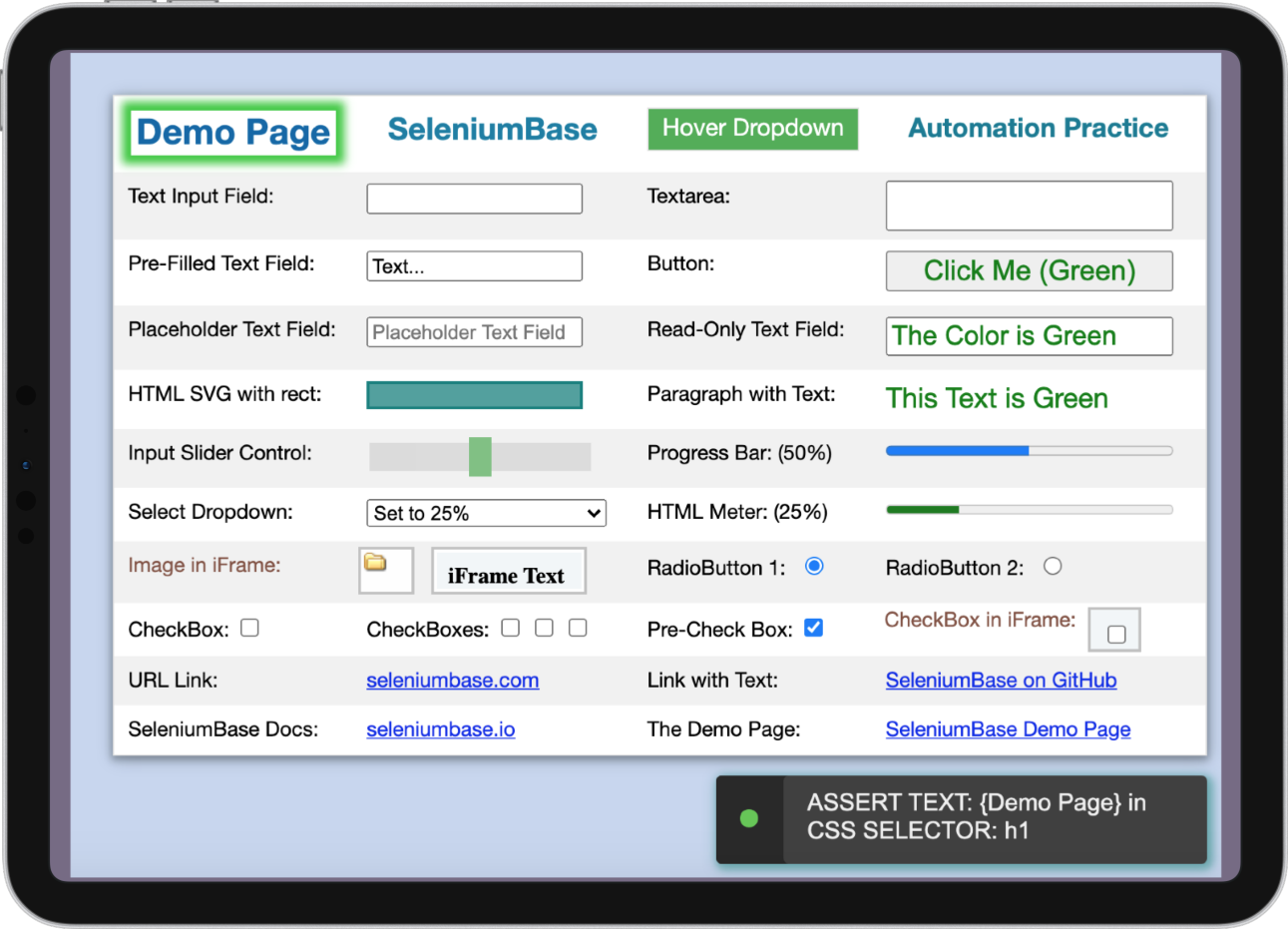
Example tests with run commands to help you get started: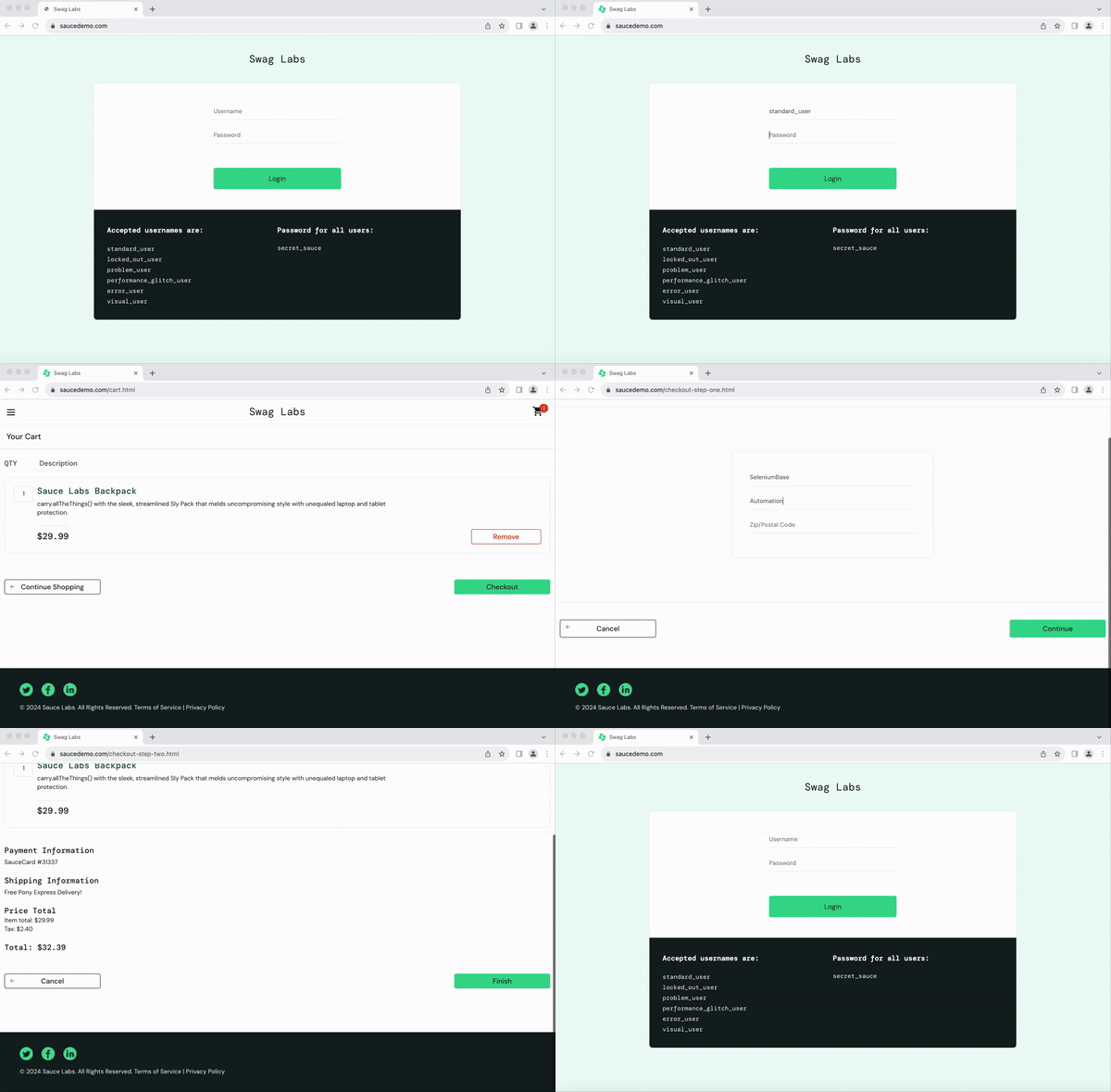
 You can debug tests easily with the included `pdbp` (Pdb+) debugger:
```zsh
pytest test_coffee_cart.py --trace
```
You can debug tests easily with the included `pdbp` (Pdb+) debugger:
```zsh
pytest test_coffee_cart.py --trace
```
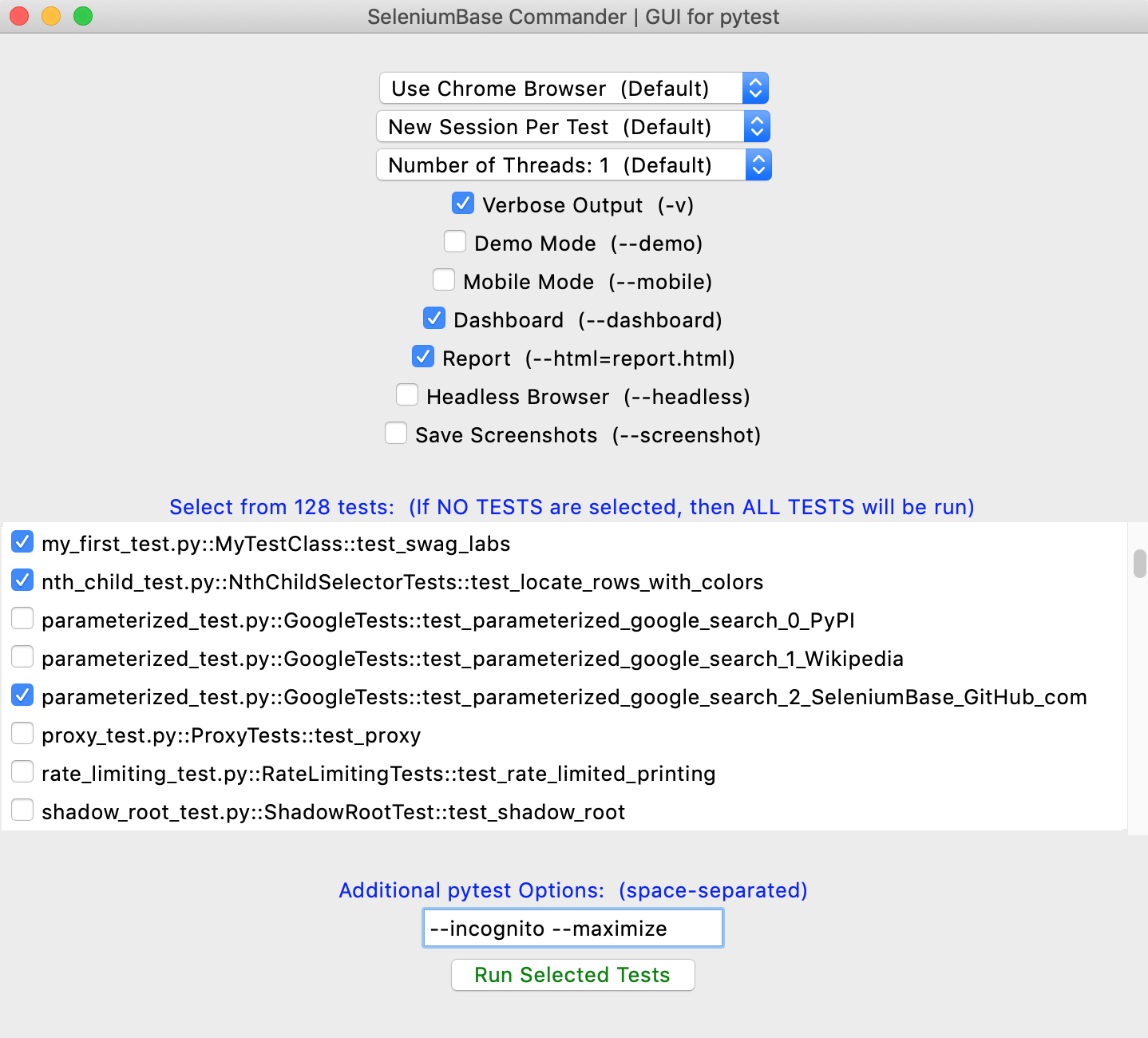
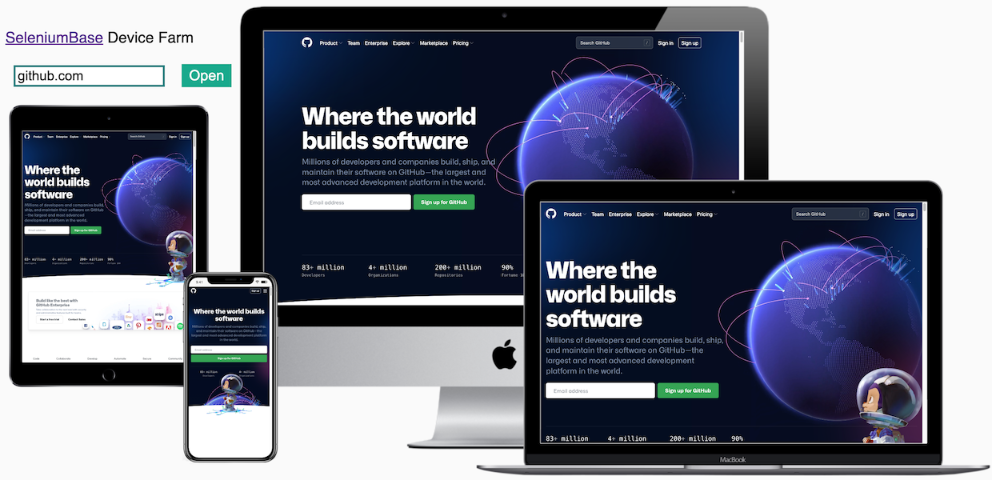
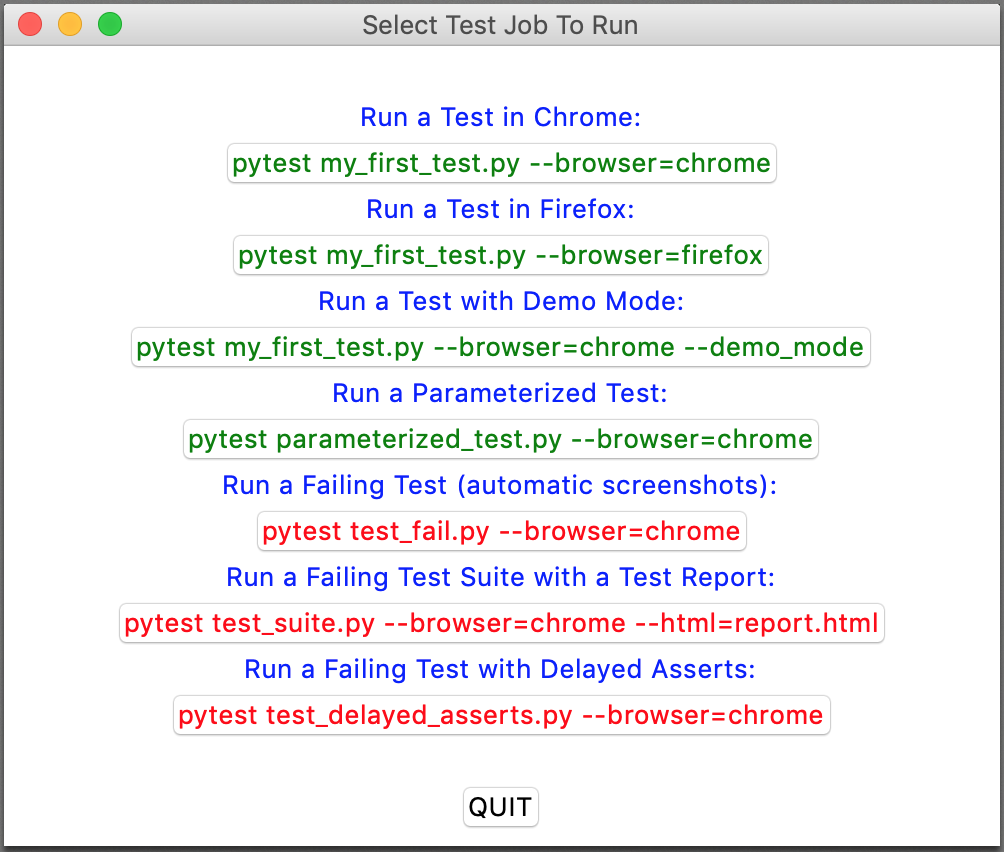 (The newer **[SeleniumBase Commander](https://seleniumbase.io/help_docs/commander/)** improves on that.)
--------
Join the SeleniumBase chat on Discord!
(The newer **[SeleniumBase Commander](https://seleniumbase.io/help_docs/commander/)** improves on that.)
--------
Join the SeleniumBase chat on Discord! ================================================
FILE: examples/__init__.py
================================================
================================================
FILE: examples/basic_test.py
================================================
"""Add an item to a shopping cart. Verify. Remove item. Verify."""
from seleniumbase import BaseCase
BaseCase.main(__name__, __file__)
class MyTestClass(BaseCase):
def test_basics(self):
self.open("https://www.saucedemo.com")
self.type("#user-name", "standard_user")
self.type("#password", "secret_sauce\n")
self.assert_element("div.inventory_list")
self.assert_exact_text("Products", "span.title")
self.click('button[name*="backpack"]')
self.click("#shopping_cart_container a")
self.assert_exact_text("Your Cart", "span.title")
self.assert_text("Backpack", "div.cart_item")
self.click('button:contains("Remove")') # HTML innerText
self.assert_text_not_visible("Backpack", "div.cart_item")
self.js_click("a#logout_sidebar_link")
self.assert_element("div#login_button_container")
================================================
FILE: examples/behave_bdd/ReadMe.md
================================================
## [](https://github.com/seleniumbase/SeleniumBase/) 🐝 Behave test runner for SeleniumBase 🐝
🐝 (Utilizes the [Behave BDD Python library](https://github.com/behave/behave). For more info, see the [Behave tutorial](https://behave.readthedocs.io/en/stable/tutorial/) and read about [Behave's Gherkin model](https://behave.readthedocs.io/en/stable/gherkin/).)
🐝 Behave examples with SeleniumBase: [SeleniumBase/examples/behave_bdd](https://github.com/seleniumbase/SeleniumBase/blob/master/examples/behave_bdd)
```zsh
> cd examples/behave_bdd/
> behave features/realworld.feature -T -D dashboard -k
Dashboard: /Users/michael/github/SeleniumBase/examples/behave_bdd/dashboard.html
********************************************************************************
Feature: SeleniumBase scenarios for the RealWorld App # features/realworld.feature:1
Scenario: Verify RealWorld App (log in / sign out) # features/realworld.feature:3
Given Open "seleniumbase.io/realworld/login" # ../../sbase/steps.py:10
And Clear Session Storage # ../../sbase/steps.py:669
When Type "demo_user" into "#username" # ../../sbase/steps.py:40
And Type "secret_pass" into "#password" # ../../sbase/steps.py:40
And Do MFA "GAXG2MTEOR3DMMDG" into "#totpcode" # ../../sbase/steps.py:322
Then Assert exact text "Welcome!" in "h1" # ../../sbase/steps.py:157
And Highlight "img#image1" # ../../sbase/steps.py:184
And Click 'a:contains("This Page")' # ../../sbase/steps.py:27
And Save screenshot to logs # ../../sbase/steps.py:239
When Click link "Sign out" # ../../sbase/steps.py:195
Then Assert element 'a:contains("Sign in")' # ../../sbase/steps.py:120
And Assert text "You have been signed out!" # ../../sbase/steps.py:145
✅ Scenario Passed!
- Dashboard: /Users/michael/github/SeleniumBase/examples/behave_bdd/dashboard.html
--- LogPath: /Users/michael/github/SeleniumBase/examples/behave_bdd/latest_logs/
==================================================================================
1 feature passed, 0 failed, 0 skipped
1 scenario passed, 0 failed, 0 skipped
12 steps passed, 0 failed, 0 skipped, 0 undefined
Took 0m4.682s
```
🐝 Another example, which uses higher-level Behave steps to simplify the ``.feature`` file:
```zsh
> cd examples/behave_bdd/
> behave features/calculator.feature:61 -T -D dashboard -k
Dashboard: /Users/michael/github/SeleniumBase/examples/behave_bdd/dashboard.html
********************************************************************************
Feature: SeleniumBase scenarios for the Calculator App # features/calculator.feature:1
Background: # features/calculator.feature:3
Scenario: 7.0 × (3 + 3) = 42 # features/calculator.feature:49
Given Open the Calculator App # features/steps/calculator.py:4
When Press C # features/steps/calculator.py:9
And Press 7 # features/steps/calculator.py:79
And Press . # features/steps/calculator.py:104
And Press 0 # features/steps/calculator.py:94
And Press × # features/steps/calculator.py:29
And Press ( # features/steps/calculator.py:14
And Press 3 # features/steps/calculator.py:59
And Press + # features/steps/calculator.py:39
And Press 3 # features/steps/calculator.py:59
And Press ) # features/steps/calculator.py:19
Then Verify output is "7.0×(3+3)" # features/steps/calculator.py:135
When Press = # features/steps/calculator.py:44
Then Verify output is "42" # features/steps/calculator.py:135
✅ Scenario Passed!
- Dashboard: /Users/michael/github/SeleniumBase/examples/behave_bdd/dashboard.html
--- LogPath: /Users/michael/github/SeleniumBase/examples/behave_bdd/latest_logs/
==================================================================================
1 feature passed, 0 failed, 0 skipped
1 scenario passed, 0 failed, 8 skipped
14 steps passed, 0 failed, 60 skipped, 0 undefined
Took 0m1.672s
```
🐝⚪ With the Dashboard enabled, you'll get one of these:
### 🐝 Behave-Gherkin files:
🐝 The ``*.feature`` files can use any step seen from:
```zsh
behave --steps-catalog
```
🐝 SeleniumBase includes several pre-made Behave steps, which you can use by creating a Python file with the following line in your ``features/steps/`` directory:
```python
from seleniumbase.behave import steps # noqa
```
🐝 Inside your ``features/environment.py`` file, you should have the following:
```python
from seleniumbase import BaseCase
from seleniumbase.behave import behave_sb
behave_sb.set_base_class(BaseCase) # Accepts a BaseCase subclass
from seleniumbase.behave.behave_sb import before_all # noqa
from seleniumbase.behave.behave_sb import before_feature # noqa
from seleniumbase.behave.behave_sb import before_scenario # noqa
from seleniumbase.behave.behave_sb import before_step # noqa
from seleniumbase.behave.behave_sb import after_step # noqa
from seleniumbase.behave.behave_sb import after_scenario # noqa
from seleniumbase.behave.behave_sb import after_feature # noqa
from seleniumbase.behave.behave_sb import after_all # noqa
```
🐝 If you've already created a subclass of ``BaseCase`` with custom methods, you can swap ``BaseCase`` in with your own subclass, which will allow you to easily use your own custom methods in your Behave step definitions.
🐝 Here's an example Python file in the ``features/steps/`` folder:
```python
from behave import step
@step("Open the Swag Labs Login Page")
def go_to_swag_labs(context):
sb = context.sb
sb.open("https://www.saucedemo.com")
sb.clear_local_storage()
@step("Login to Swag Labs with {user}")
def login_to_swag_labs(context, user):
sb = context.sb
sb.type("#user-name", user)
sb.type("#password", "secret_sauce\n")
@step("Verify that the current user is logged in")
def verify_logged_in(context):
sb = context.sb
sb.assert_element("#header_container")
sb.assert_element("#react-burger-menu-btn")
sb.assert_element("#shopping_cart_container")
@step('Add "{item}" to cart')
def add_item_to_cart(context, item):
sb = context.sb
sb.click('div.inventory_item:contains("%s") button[name*="add"]' % item)
```
🐝 A ``*.feature`` file could look like this:
```gherkin
Feature: SeleniumBase scenarios for the Swag Labs App
Background:
Given Open the Swag Labs Login Page
Scenario: User can order a backpack from the store
When Login to Swag Labs with standard_user
Then Verify that the current user is logged in
And Save price of "Backpack" to
================================================
FILE: examples/__init__.py
================================================
================================================
FILE: examples/basic_test.py
================================================
"""Add an item to a shopping cart. Verify. Remove item. Verify."""
from seleniumbase import BaseCase
BaseCase.main(__name__, __file__)
class MyTestClass(BaseCase):
def test_basics(self):
self.open("https://www.saucedemo.com")
self.type("#user-name", "standard_user")
self.type("#password", "secret_sauce\n")
self.assert_element("div.inventory_list")
self.assert_exact_text("Products", "span.title")
self.click('button[name*="backpack"]')
self.click("#shopping_cart_container a")
self.assert_exact_text("Your Cart", "span.title")
self.assert_text("Backpack", "div.cart_item")
self.click('button:contains("Remove")') # HTML innerText
self.assert_text_not_visible("Backpack", "div.cart_item")
self.js_click("a#logout_sidebar_link")
self.assert_element("div#login_button_container")
================================================
FILE: examples/behave_bdd/ReadMe.md
================================================
## [](https://github.com/seleniumbase/SeleniumBase/) 🐝 Behave test runner for SeleniumBase 🐝
🐝 (Utilizes the [Behave BDD Python library](https://github.com/behave/behave). For more info, see the [Behave tutorial](https://behave.readthedocs.io/en/stable/tutorial/) and read about [Behave's Gherkin model](https://behave.readthedocs.io/en/stable/gherkin/).)
🐝 Behave examples with SeleniumBase: [SeleniumBase/examples/behave_bdd](https://github.com/seleniumbase/SeleniumBase/blob/master/examples/behave_bdd)
```zsh
> cd examples/behave_bdd/
> behave features/realworld.feature -T -D dashboard -k
Dashboard: /Users/michael/github/SeleniumBase/examples/behave_bdd/dashboard.html
********************************************************************************
Feature: SeleniumBase scenarios for the RealWorld App # features/realworld.feature:1
Scenario: Verify RealWorld App (log in / sign out) # features/realworld.feature:3
Given Open "seleniumbase.io/realworld/login" # ../../sbase/steps.py:10
And Clear Session Storage # ../../sbase/steps.py:669
When Type "demo_user" into "#username" # ../../sbase/steps.py:40
And Type "secret_pass" into "#password" # ../../sbase/steps.py:40
And Do MFA "GAXG2MTEOR3DMMDG" into "#totpcode" # ../../sbase/steps.py:322
Then Assert exact text "Welcome!" in "h1" # ../../sbase/steps.py:157
And Highlight "img#image1" # ../../sbase/steps.py:184
And Click 'a:contains("This Page")' # ../../sbase/steps.py:27
And Save screenshot to logs # ../../sbase/steps.py:239
When Click link "Sign out" # ../../sbase/steps.py:195
Then Assert element 'a:contains("Sign in")' # ../../sbase/steps.py:120
And Assert text "You have been signed out!" # ../../sbase/steps.py:145
✅ Scenario Passed!
- Dashboard: /Users/michael/github/SeleniumBase/examples/behave_bdd/dashboard.html
--- LogPath: /Users/michael/github/SeleniumBase/examples/behave_bdd/latest_logs/
==================================================================================
1 feature passed, 0 failed, 0 skipped
1 scenario passed, 0 failed, 0 skipped
12 steps passed, 0 failed, 0 skipped, 0 undefined
Took 0m4.682s
```
🐝 Another example, which uses higher-level Behave steps to simplify the ``.feature`` file:
```zsh
> cd examples/behave_bdd/
> behave features/calculator.feature:61 -T -D dashboard -k
Dashboard: /Users/michael/github/SeleniumBase/examples/behave_bdd/dashboard.html
********************************************************************************
Feature: SeleniumBase scenarios for the Calculator App # features/calculator.feature:1
Background: # features/calculator.feature:3
Scenario: 7.0 × (3 + 3) = 42 # features/calculator.feature:49
Given Open the Calculator App # features/steps/calculator.py:4
When Press C # features/steps/calculator.py:9
And Press 7 # features/steps/calculator.py:79
And Press . # features/steps/calculator.py:104
And Press 0 # features/steps/calculator.py:94
And Press × # features/steps/calculator.py:29
And Press ( # features/steps/calculator.py:14
And Press 3 # features/steps/calculator.py:59
And Press + # features/steps/calculator.py:39
And Press 3 # features/steps/calculator.py:59
And Press ) # features/steps/calculator.py:19
Then Verify output is "7.0×(3+3)" # features/steps/calculator.py:135
When Press = # features/steps/calculator.py:44
Then Verify output is "42" # features/steps/calculator.py:135
✅ Scenario Passed!
- Dashboard: /Users/michael/github/SeleniumBase/examples/behave_bdd/dashboard.html
--- LogPath: /Users/michael/github/SeleniumBase/examples/behave_bdd/latest_logs/
==================================================================================
1 feature passed, 0 failed, 0 skipped
1 scenario passed, 0 failed, 8 skipped
14 steps passed, 0 failed, 60 skipped, 0 undefined
Took 0m1.672s
```
🐝⚪ With the Dashboard enabled, you'll get one of these:
### 🐝 Behave-Gherkin files:
🐝 The ``*.feature`` files can use any step seen from:
```zsh
behave --steps-catalog
```
🐝 SeleniumBase includes several pre-made Behave steps, which you can use by creating a Python file with the following line in your ``features/steps/`` directory:
```python
from seleniumbase.behave import steps # noqa
```
🐝 Inside your ``features/environment.py`` file, you should have the following:
```python
from seleniumbase import BaseCase
from seleniumbase.behave import behave_sb
behave_sb.set_base_class(BaseCase) # Accepts a BaseCase subclass
from seleniumbase.behave.behave_sb import before_all # noqa
from seleniumbase.behave.behave_sb import before_feature # noqa
from seleniumbase.behave.behave_sb import before_scenario # noqa
from seleniumbase.behave.behave_sb import before_step # noqa
from seleniumbase.behave.behave_sb import after_step # noqa
from seleniumbase.behave.behave_sb import after_scenario # noqa
from seleniumbase.behave.behave_sb import after_feature # noqa
from seleniumbase.behave.behave_sb import after_all # noqa
```
🐝 If you've already created a subclass of ``BaseCase`` with custom methods, you can swap ``BaseCase`` in with your own subclass, which will allow you to easily use your own custom methods in your Behave step definitions.
🐝 Here's an example Python file in the ``features/steps/`` folder:
```python
from behave import step
@step("Open the Swag Labs Login Page")
def go_to_swag_labs(context):
sb = context.sb
sb.open("https://www.saucedemo.com")
sb.clear_local_storage()
@step("Login to Swag Labs with {user}")
def login_to_swag_labs(context, user):
sb = context.sb
sb.type("#user-name", user)
sb.type("#password", "secret_sauce\n")
@step("Verify that the current user is logged in")
def verify_logged_in(context):
sb = context.sb
sb.assert_element("#header_container")
sb.assert_element("#react-burger-menu-btn")
sb.assert_element("#shopping_cart_container")
@step('Add "{item}" to cart')
def add_item_to_cart(context, item):
sb = context.sb
sb.click('div.inventory_item:contains("%s") button[name*="add"]' % item)
```
🐝 A ``*.feature`` file could look like this:
```gherkin
Feature: SeleniumBase scenarios for the Swag Labs App
Background:
Given Open the Swag Labs Login Page
Scenario: User can order a backpack from the store
When Login to Swag Labs with standard_user
Then Verify that the current user is logged in
And Save price of "Backpack" to 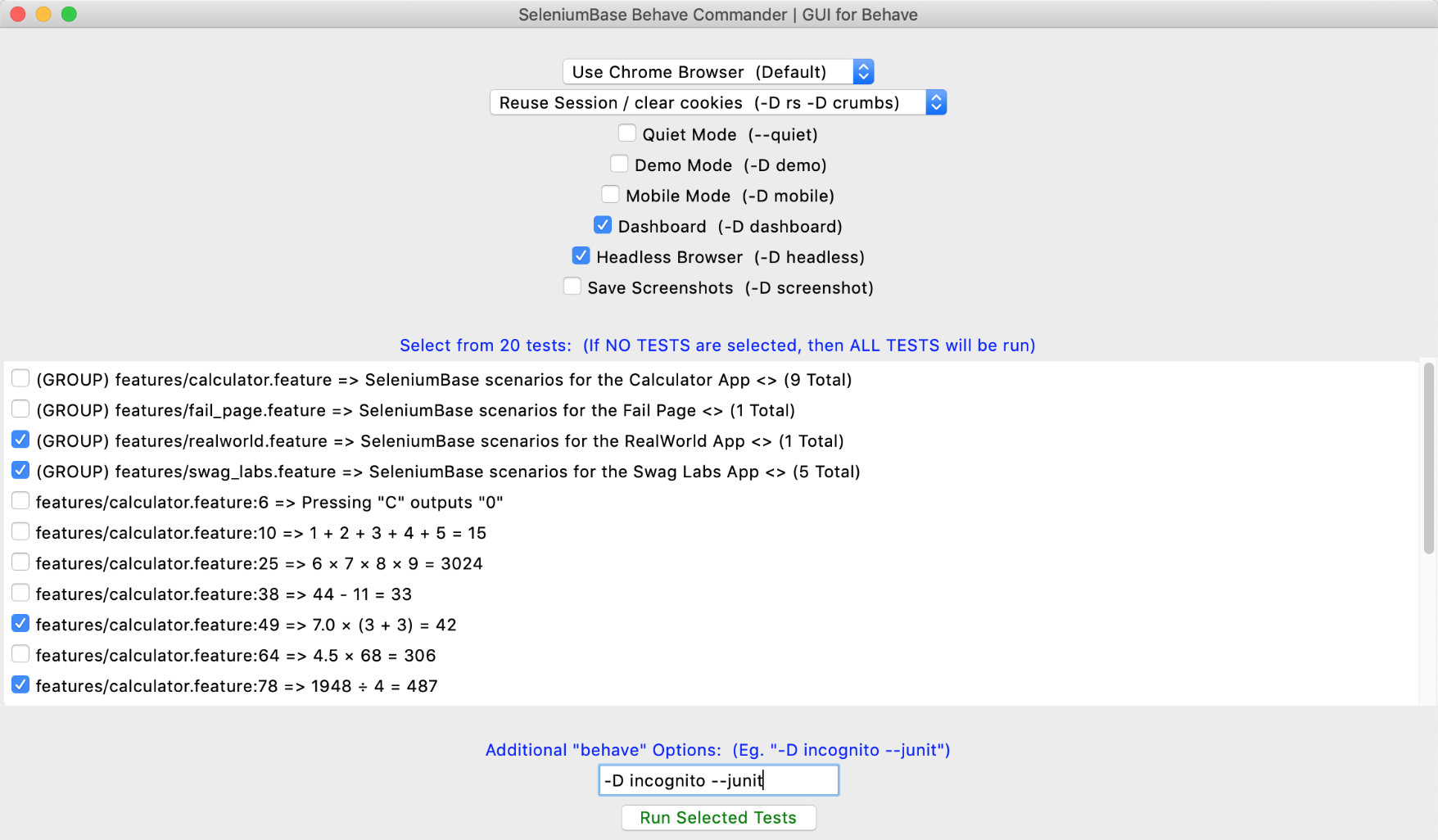 🐝🎖️ You can customize the tests that show up there:
```zsh
sbase behave-gui # all tests
sbase behave-gui -i=calculator # tests with "calculator" in the name
sbase behave-gui features/ # tests located in the "features/" folder
sbase behave-gui features/calculator.feature # tests in that feature
```
--------
🐝🎖️ You can customize the tests that show up there:
```zsh
sbase behave-gui # all tests
sbase behave-gui -i=calculator # tests with "calculator" in the name
sbase behave-gui features/ # tests located in the "features/" folder
sbase behave-gui features/calculator.feature # tests in that feature
```
--------

 ================================================
FILE: examples/behave_bdd/__init__.py
================================================
================================================
FILE: examples/behave_bdd/behave.ini
================================================
[behave]
show_skipped=false
show_timings=false
================================================
FILE: examples/behave_bdd/features/__init__.py
================================================
================================================
FILE: examples/behave_bdd/features/behave.ini
================================================
[behave]
show_skipped=false
show_timings=false
================================================
FILE: examples/behave_bdd/features/calculator.feature
================================================
Feature: SeleniumBase scenarios for the Calculator App
Background:
Given Open the Calculator App
Scenario: Pressing "C" outputs "0"
When Press C
Then Verify output is "0"
Scenario: 1 + 2 + 3 + 4 + 5 = 15
When Press C
And Press 1
And Press +
And Press 2
And Press +
And Press 3
And Press +
And Press 4
And Press +
And Press 5
Then Verify output is "1+2+3+4+5"
When Press =
Then Verify output is "15"
Scenario: 6 × 7 × 8 × 9 = 3024
When Press C
And Press 6
And Press ×
And Press 7
And Press ×
And Press 8
And Press ×
And Press 9
Then Verify output is "6×7×8×9"
When Press =
Then Verify output is "3024"
Scenario: 44 - 11 = 33
When Press C
And Press 4
And Press 4
And Press -
And Press 1
And Press 1
Then Verify output is "44-11"
When Press =
Then Verify output is "33"
Scenario: 7.0 × (3 + 3) = 42
When Press C
And Press 7
And Press .
And Press 0
And Press ×
And Press (
And Press 3
And Press +
And Press 3
And Press )
Then Verify output is "7.0×(3+3)"
When Press =
Then Verify output is "42"
Scenario: 4.5 × 68 = 306
When Press C
And Evaluate [4.5 × 68]
Then Verify output is "306"
Scenario Outline:
================================================
FILE: examples/behave_bdd/__init__.py
================================================
================================================
FILE: examples/behave_bdd/behave.ini
================================================
[behave]
show_skipped=false
show_timings=false
================================================
FILE: examples/behave_bdd/features/__init__.py
================================================
================================================
FILE: examples/behave_bdd/features/behave.ini
================================================
[behave]
show_skipped=false
show_timings=false
================================================
FILE: examples/behave_bdd/features/calculator.feature
================================================
Feature: SeleniumBase scenarios for the Calculator App
Background:
Given Open the Calculator App
Scenario: Pressing "C" outputs "0"
When Press C
Then Verify output is "0"
Scenario: 1 + 2 + 3 + 4 + 5 = 15
When Press C
And Press 1
And Press +
And Press 2
And Press +
And Press 3
And Press +
And Press 4
And Press +
And Press 5
Then Verify output is "1+2+3+4+5"
When Press =
Then Verify output is "15"
Scenario: 6 × 7 × 8 × 9 = 3024
When Press C
And Press 6
And Press ×
And Press 7
And Press ×
And Press 8
And Press ×
And Press 9
Then Verify output is "6×7×8×9"
When Press =
Then Verify output is "3024"
Scenario: 44 - 11 = 33
When Press C
And Press 4
And Press 4
And Press -
And Press 1
And Press 1
Then Verify output is "44-11"
When Press =
Then Verify output is "33"
Scenario: 7.0 × (3 + 3) = 42
When Press C
And Press 7
And Press .
And Press 0
And Press ×
And Press (
And Press 3
And Press +
And Press 3
And Press )
Then Verify output is "7.0×(3+3)"
When Press =
Then Verify output is "42"
Scenario: 4.5 × 68 = 306
When Press C
And Evaluate [4.5 × 68]
Then Verify output is "306"
Scenario Outline:  Example Boilerplates: Boilerplate Files:
Hello!
") def add_input_text(self, sb, text): sb.type("input", text) class ObjTests(BaseCase): def test_data_url_page(self): DataPage().go_to_data_url(self) self.assert_text("Hello!", "p") DataPage().add_input_text(self, "Goodbye!") ================================================ FILE: examples/boilerplates/page_objects.py ================================================ """Example of using the Page Object Pattern in tests. Makes code more Readable, Maintainable, and Reusable. Import files like this at the top of your test files.""" class Page(object): html = "html" ok_button = "#ok" cancel_button = "#cancel" see_items_button = "button.items" class HomePage(object): see_items_button = "button.items" class ShoppingPage(object): buyable_item = 'img[alt="Item"]' add_to_cart = "button.add" go_to_checkout = "#checkout" class CheckoutPage(object): remove_from_cart = "button.remove" buy_now = "#buy-now" shop_more = "#shop-more" """ # Now you can do something like this in your test files: from .base_test_case import BaseTestCase from .page_objects import HomePage, ShoppingPage, CheckoutPage class MyTests(BaseTestCase): def test_example(self): self.login() self.click(HomePage.see_items_button) self.click(ShoppingPage.buyable_item) self.click(ShoppingPage.add_to_cart) self.click(CheckoutPage.buy_now) self.assert_element("#success") self.assert_text("Order Received!", "#h2") """ ================================================ FILE: examples/boilerplates/samples/__init__.py ================================================ ================================================ FILE: examples/boilerplates/samples/file_parsing/__init__.py ================================================ ================================================ FILE: examples/boilerplates/samples/file_parsing/parse_files.py ================================================ """Example of parsing data from files.""" from seleniumbase import BaseCase BaseCase.main(__name__, __file__) class ParseTestCase(BaseCase): def get_login_credentials(self, user_type): # Example of parsing data from a file (Method 1) with open("qa_login_example.txt") as f: file_lines = [line.rstrip() for line in f] for line in file_lines: line_items = line.split(",") if line_items[0] == user_type: return line_items[1], line_items[2] def get_all_login_credentials(self): # Example of parsing data from a file (Method 2) keys = {} with open("staging_login_example.txt") as f: file_lines = [line.rstrip() for line in f] for line in file_lines: line_items = line.split(",") if line_items[0] == "admin": keys["admin"] = { "username": line_items[1], "password": line_items[2], } if line_items[0] == "employee": keys["employee"] = { "username": line_items[1], "password": line_items[2], } if line_items[0] == "customer": keys["customer"] = { "username": line_items[1], "password": line_items[2], } return keys class ParseTests(ParseTestCase): def test_get_login_credentials(self): print("\nExample 1 of getting login info from parsing a config file:") print("") username, password = self.get_login_credentials("admin") print("Getting Admin User login data:") print("Username: %s" % username) print("Password: %s" % password) print("\nExample 2 of getting login info from parsing a config file:") print("") keys = self.get_all_login_credentials() print("Getting Customer login data:") print("Username: %s" % keys["customer"]["username"]) print("Password: %s" % keys["customer"]["password"]) ================================================ FILE: examples/boilerplates/samples/file_parsing/qa_login_example.txt ================================================ admin,admin_username_qa,admin_password_qa employee,employee_username_qa,employee_password_qa customer,customer_username_qa,customer_password_qa ================================================ FILE: examples/boilerplates/samples/file_parsing/staging_login_example.txt ================================================ admin,admin_username_staging,admin_password_staging employee,employee_username_staging,employee_password_staging customer,customer_username_staging,customer_password_staging ================================================ FILE: examples/boilerplates/samples/google_objects.py ================================================ """google.com page objects""" class HomePage(object): dialog_box = '[role="dialog"] div' search_box = '[title="Search"]' search_button = 'input[value="Google Search"]' feeling_lucky_button = """input[value="I'm Feeling Lucky"]""" class ResultsPage(object): search_results = "div#center_col" ================================================ FILE: examples/boilerplates/samples/google_test.py ================================================ """google.com example test that uses page objects""" from seleniumbase import BaseCase try: from .google_objects import HomePage, ResultsPage except Exception: from google_objects import HomePage, ResultsPage BaseCase.main(__name__, __file__, "--uc") class GoogleTests(BaseCase): def test_google_dot_com(self): if self.headless: self.open_if_not_url("about:blank") print("\n Skipping test in headless mode.") self.skip("Skipping test in headless mode.") if not self.undetectable: self.get_new_driver(undetectable=True) self.driver.get("https://google.com/ncr") self.assert_title_contains("Google") self.sleep(0.05) self.save_screenshot_to_logs() # ("./latest_logs" folder) self.type(HomePage.search_box, "github.com") self.assert_element(HomePage.search_button) self.assert_element(HomePage.feeling_lucky_button) self.click(HomePage.search_button) self.assert_text("github.com", ResultsPage.search_results) ================================================ FILE: examples/boilerplates/samples/sb_swag_test.py ================================================ """Classic Page Object Model with the "sb" fixture.""" from seleniumbase import BaseCase BaseCase.main(__name__, __file__) class LoginPage: def login_to_swag_labs(self, sb: BaseCase, username): sb.open("https://www.saucedemo.com") sb.type("#user-name", username) sb.type("#password", "secret_sauce") sb.click('input[type="submit"]') class MyTests: def test_swag_labs_login(self, sb: BaseCase): LoginPage().login_to_swag_labs(sb, "standard_user") sb.assert_element("div.inventory_list") sb.assert_element('div:contains("Sauce Labs Backpack")') sb.js_click("a#logout_sidebar_link") sb.assert_element("div#login_button_container") ================================================ FILE: examples/boilerplates/samples/swag_labs_test.py ================================================ """Classic Page Object Model with BaseCase inheritance.""" from seleniumbase import BaseCase BaseCase.main(__name__, __file__) class LoginPage: def login_to_swag_labs(self, sb: BaseCase, username): sb.open("https://www.saucedemo.com") sb.type("#user-name", username) sb.type("#password", "secret_sauce") sb.click('input[type="submit"]') class MyTests(BaseCase): def test_swag_labs_login(self): LoginPage().login_to_swag_labs(self, "standard_user") self.assert_element("div.inventory_list") self.assert_element('div:contains("Sauce Labs Backpack")') self.js_click("a#logout_sidebar_link") self.assert_element("div#login_button_container") ================================================ FILE: examples/boilerplates/samples/test_page_objects.py ================================================ """An example using the Classic Page Object Model.""" from seleniumbase import BaseCase BaseCase.main(__name__, __file__, "--uc") class GooglePage: def go_to_google(self, sb): sb.driver.get("https://google.com/ncr") def assert_google_title(self, sb): sb.assert_title_contains("Google") def hide_sign_in_pop_up(self, sb): if not sb.is_element_visible("iframe"): sb.sleep(1.5) # A slow pop-up might appear sb.hide_elements('iframe') sb.sleep(0.05) def do_search(self, sb, search_term): sb.sleep(0.05) sb.click('[title="Search"]') sb.type('[title="Search"]', search_term + "\n") def click_search_result(self, sb, content): sb.click('a:contains("%s")' % content) class SeleniumBaseIOPage: def do_search_and_click(self, sb, search_term): sb.sleep(0.05) sb.type('form[name="search"] input', search_term) sb.click("li.md-search-result__item h1:contains(%s)" % search_term) class MyTests(BaseCase): def test_page_objects(self): if self.headless: self.open_if_not_url("about:blank") print("\n Skipping test in headless mode.") self.skip("Skipping test in headless mode.") if not self.undetectable: self.get_new_driver(undetectable=True) search_term = "SeleniumBase.io Docs" expected_text = "SeleniumBase" GooglePage().go_to_google(self) GooglePage().assert_google_title(self) GooglePage().hide_sign_in_pop_up(self) GooglePage().do_search(self, search_term) self.assert_text(expected_text, "#search") GooglePage().click_search_result(self, expected_text) SeleniumBaseIOPage().do_search_and_click(self, "Dashboard") self.assert_text("Dashboard", "main h1") ================================================ FILE: examples/boilerplates/sb_fixture_test.py ================================================ """Classic Page Object Model with the "sb" fixture.""" class DataPage: def go_to_data_url(self, sb): sb.open("data:text/html,Hello!
") def add_input_text(self, sb, text): sb.type("input", text) class ObjTests: def test_data_url_page(self, sb): DataPage().go_to_data_url(sb) sb.assert_text("Hello!", "p") DataPage().add_input_text(sb, "Goodbye!") ================================================ FILE: examples/capabilities/ReadMe.md ================================================ ## [](https://github.com/seleniumbase/SeleniumBase/) Using Desired Capabilities
You can specify browser capabilities when running SeleniumBase tests on a remote Selenium Grid server (such as BrowserStack or Sauce Labs).
Sample run commands may look like this when run from the [SeleniumBase/examples/](https://github.com/seleniumbase/SeleniumBase/tree/master/examples) folder: (The browser is now specified in the capabilities file.)
```zsh
pytest test_demo_site.py --browser=remote --server=USERNAME:KEY@hub.browserstack.com --port=80 --cap_file=capabilities/sample_cap_file_BS.py
```
```zsh
pytest test_demo_site.py --browser=remote --server=USERNAME:KEY@ondemand.us-east-1.saucelabs.com --port=443 --protocol=https --cap_file=capabilities/sample_cap_file_SL.py
```
(Parameters: ``--browser=remote``, ``--server=SERVER``, ``--port=PORT``, ``--protocol=PROTOCOL``, and ``--cap_file=CAP_FILE.py``)
Here's an example desired capabilities file for BrowserStack using the newer SDK format in a `.yml` / `.yaml` file:
```yml
platforms:
- browserName: safari
osVersion: 17
deviceName: iPhone 15 Pro Max
buildIdentifier: ${BUILD_NUMBER}
parallelsPerPlatform: 1
projectName: My Project
browserstackLocal: true
debug: true
networkLogs: true
```
Here's an example desired capabilities file for BrowserStack using the legacy JSONWP format in a `.py` file:
```python
desired_cap = {
"browser": "Chrome",
"os": "Windows",
"os_version": "11",
"browser_version": "latest",
"browserstack.console": "info",
"browserstack.debug": "true",
"browserstack.networkLogs": "true",
"browserstack.local": "true",
}
```
Here's an example desired capabilities file for Sauce Labs:
```python
capabilities = {
"browserName": "chrome",
"browserVersion": "latest",
"platformName": "macOS 10.14",
"sauce:options": {},
}
```
(Note that the browser is now being specified in the capabilities file, rather than with ``--BROWSER`` when using a **remote** Selenium Grid. If using a **local** Selenium Grid, specify the browser, eg: ``--firefox``.)
basic_test.py::MyTestClass::test_basicsmy_first_test.py::MyTestClass::test_swag_labsshadow_root_test.py::ShadowRootTest::test_shadow_roottest_assert_elements.py::ListAssertTests::test_assert_list_of_elementstest_calculator.py::CalculatorTests::test_6_times_7_plus_12_equals_54test_demo_site.py::DemoSiteTests::test_demo_sitetest_login.py::SwagLabsLoginTests::test_swag_labs_logintest_mfa_login.py::TestMFALogin::test_mfa_loginvisual_testing/layout_test.py::VisualLayoutTests::test_applitools_layout_changevisual_testing/python_home_test.py::VisualLayoutTests::test_python_home_layout_changevisual_testing/test_layout_fail.py::VisualLayout_FixtureTests::test_python_home_changevisual_testing/test_layout_fail.py::VisualLayoutFailureTests::test_applitools_changevisual_testing/test_layout_fail.py::VisualLayoutFailureTests::test_xkcd_logo_changevisual_testing/xkcd_visual_test.py::VisualLayoutTests::test_xkcd_layout_change CDP Mode 🐙
----
### 🎞️ YouTube tutorials that cover CDP Mode:
(Watch "Undetectable Automation 4" on YouTube! ▶️)
(See `examples/cdp_mode/` for up-to-date examples.) ----(Watch "Hacking websites with CDP" on YouTube! ▶️)
----(Watch "Web-Scraping with GitHub Actions" on YouTube! ▶️)
---- ℹ️ Note the differences between UC Mode and CDP Mode: 👤 UC Mode's stealth is based on a modified chromedriver (uc_driver) that avoids bot-detection by disconnecting and reconnecting WebDriver from the browser at strategic times. Due to advancements in anti-bot technology, more stealth was needed to bypass advanced bot-detection. (That's where CDP Mode comes in.)
🐙 CDP Mode includes multiple updates to the above, such as:
* Using CDP directly, which is stealthier than WebDriver.
* Backwards compatibility for existing UC Mode scripts.
* More configuration options when launching browsers.
* The ability to use WebDriver and CDP calls together.
* Full access to call any advanced CDP library method.
* Can be used to make the Playwright library stealthy.
----
### 🐙 CDP Mode Usage (when used as a subset of UC Mode):
* **`sb.activate_cdp_mode(url)`**
That disconnects WebDriver from Chrome (which prevents detection), and gives you access to `sb.cdp` methods (which don't trigger anti-bot checks).
> (**New:** Calling **`sb.open(url)`** from UC Mode also activates CDP Mode now.)
Simple example from [SeleniumBase/examples/cdp_mode/raw_gitlab.py](https://github.com/seleniumbase/SeleniumBase/blob/master/examples/cdp_mode/raw_gitlab.py):
```python
from seleniumbase import SB
with SB(uc=True, test=True, locale="en") as sb:
url = "https://gitlab.com/users/sign_in"
sb.activate_cdp_mode(url)
sb.sleep(2)
sb.solve_captcha()
sb.sleep(2)
```
(If the CAPTCHA wasn't bypassed automatically when going to the URL, then `sb.solve_captcha()` gets the job done.)
----
Here's another example that calls `sb.solve_captcha()`:
([SeleniumBase/examples/cdp_mode/raw_planetmc.py](https://github.com/seleniumbase/SeleniumBase/blob/master/examples/cdp_mode/raw_planetmc.py))
```python
from seleniumbase import SB
with SB(uc=True, test=True, guest=True) as sb:
url = "www.planetminecraft.com/account/sign_in/"
sb.activate_cdp_mode(url)
sb.sleep(2)
sb.solve_captcha()
sb.wait_for_element_absent("input[disabled]")
sb.sleep(2)
```
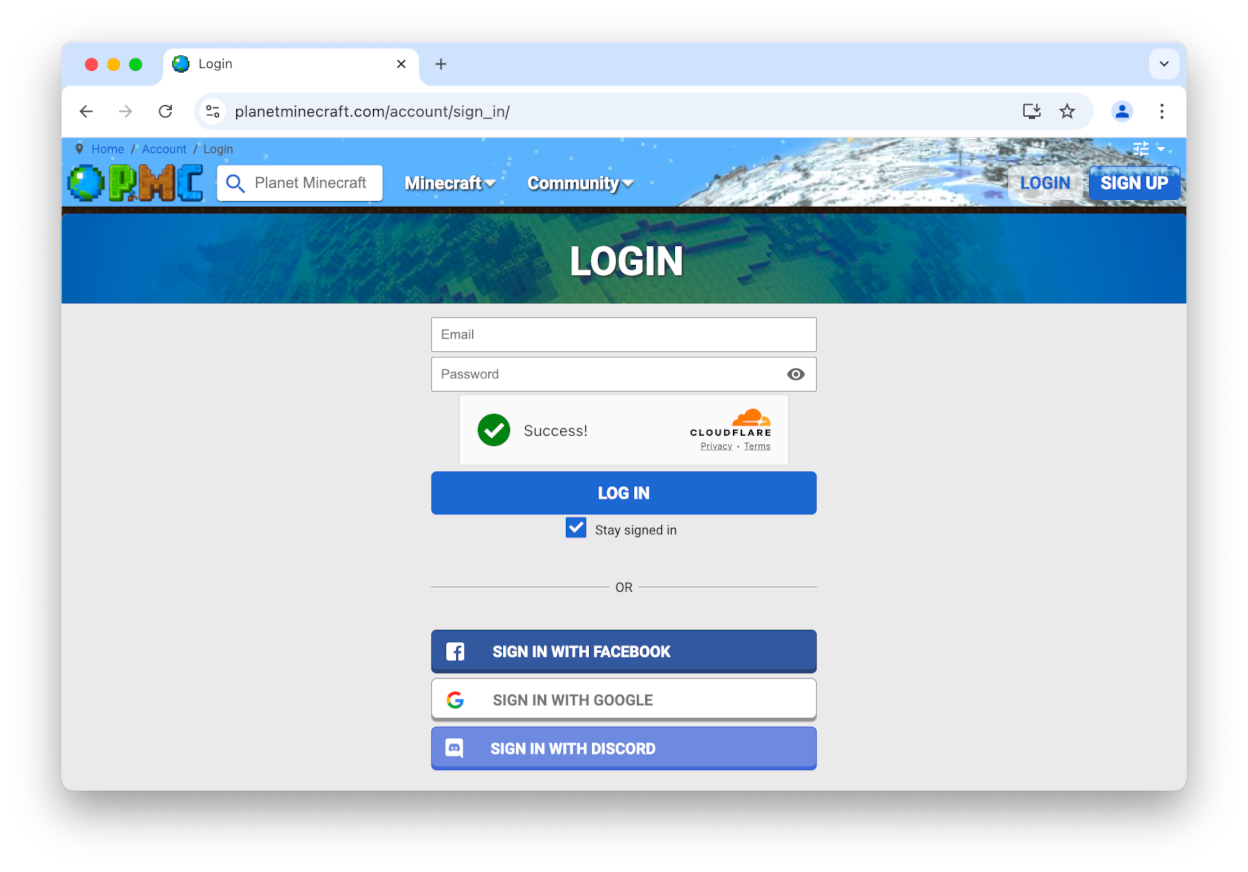 In many cases, the CAPTCHA will be solved automatically without needing to call `solve_captcha()`.
----
You can also use `PyAutoGUI` to click on elements with the mouse by calling `sb.cdp.gui_click_element(selector)`.
ℹ️ Note that `PyAutoGUI` is an optional dependency. If calling a method that uses it when not already installed, then `SeleniumBase` installs `PyAutoGUI` at runtime.
----
### 🐙 Here are a few common `sb.cdp` methods:
* `sb.cdp.click(selector)` (Uses the CDP API to click)
* `sb.cdp.click_if_visible(selector)` (Click if visible)
* `sb.cdp.solve_captcha()` (Uses CDP to click a CAPTCHA)
* `sb.cdp.gui_click_element(selector)` (Uses `PyAutoGUI`)
* `sb.cdp.type(selector, text)` (Type text into a selector)
* `sb.cdp.press_keys(selector, text)` (Human-speed `type`)
* `sb.cdp.select_all(selector)` (Returns matching elements)
* `sb.cdp.get_text(selector)` (Returns the element's text)
Methods that start with `sb.cdp.gui` use `PyAutoGUI` for interaction.
To use WebDriver methods again, call:
* **`sb.reconnect()`** or **`sb.connect()`**
(Note that reconnecting allows anti-bots to detect you, so only reconnect if it is safe to do so.)
To disconnect again, call:
* **`sb.disconnect()`**
While disconnected, if you call a WebDriver method, then SeleniumBase will attempt to use the CDP Mode version of that method (if available). For example, if you call `sb.click(selector)` instead of `sb.cdp.click(selector)`, then your WebDriver call will automatically be redirected to the CDP Mode version. Not all WebDriver methods have a matching CDP Mode method. In that scenario, calling a WebDriver method while disconnected could raise an error, or make WebDriver automatically reconnect first.
To find out if WebDriver is connected or disconnected, call:
* **`sb.is_connected()`**
Note: When CDP Mode is initialized from UC Mode, the WebDriver is disconnected from the browser. (The stealthy CDP-Driver takes over.)
----
### 🐙 CDP Mode examples ([SeleniumBase/examples/cdp_mode](https://github.com/seleniumbase/SeleniumBase/tree/master/examples/cdp_mode))
In many cases, the CAPTCHA will be solved automatically without needing to call `solve_captcha()`.
----
You can also use `PyAutoGUI` to click on elements with the mouse by calling `sb.cdp.gui_click_element(selector)`.
ℹ️ Note that `PyAutoGUI` is an optional dependency. If calling a method that uses it when not already installed, then `SeleniumBase` installs `PyAutoGUI` at runtime.
----
### 🐙 Here are a few common `sb.cdp` methods:
* `sb.cdp.click(selector)` (Uses the CDP API to click)
* `sb.cdp.click_if_visible(selector)` (Click if visible)
* `sb.cdp.solve_captcha()` (Uses CDP to click a CAPTCHA)
* `sb.cdp.gui_click_element(selector)` (Uses `PyAutoGUI`)
* `sb.cdp.type(selector, text)` (Type text into a selector)
* `sb.cdp.press_keys(selector, text)` (Human-speed `type`)
* `sb.cdp.select_all(selector)` (Returns matching elements)
* `sb.cdp.get_text(selector)` (Returns the element's text)
Methods that start with `sb.cdp.gui` use `PyAutoGUI` for interaction.
To use WebDriver methods again, call:
* **`sb.reconnect()`** or **`sb.connect()`**
(Note that reconnecting allows anti-bots to detect you, so only reconnect if it is safe to do so.)
To disconnect again, call:
* **`sb.disconnect()`**
While disconnected, if you call a WebDriver method, then SeleniumBase will attempt to use the CDP Mode version of that method (if available). For example, if you call `sb.click(selector)` instead of `sb.cdp.click(selector)`, then your WebDriver call will automatically be redirected to the CDP Mode version. Not all WebDriver methods have a matching CDP Mode method. In that scenario, calling a WebDriver method while disconnected could raise an error, or make WebDriver automatically reconnect first.
To find out if WebDriver is connected or disconnected, call:
* **`sb.is_connected()`**
Note: When CDP Mode is initialized from UC Mode, the WebDriver is disconnected from the browser. (The stealthy CDP-Driver takes over.)
----
### 🐙 CDP Mode examples ([SeleniumBase/examples/cdp_mode](https://github.com/seleniumbase/SeleniumBase/tree/master/examples/cdp_mode))
sb.sleep() calls have been added to prevent bot-detection because some sites will flag you as a bot if you perform actions too quickly.)
(Note: Some sites may IP-block you for 36 hours or more if they catch you using regular Selenium WebDriver. Be extra careful when creating and/or modifying automation scripts that run on them.)
----
### 🐙 CDP Mode API / Methods
```python
sb.cdp.get(url, **kwargs)
sb.cdp.open(url, **kwargs) # Same as sb.cdp.get(url, **kwargs)
sb.cdp.reload(ignore_cache=True, script_to_evaluate_on_load=None)
sb.cdp.refresh(*args, **kwargs)
sb.cdp.get_event_loop()
sb.cdp.get_rd_host() # Returns the remote-debugging host
sb.cdp.get_rd_port() # Returns the remote-debugging port
sb.cdp.get_rd_url() # Returns the remote-debugging URL
sb.cdp.get_endpoint_url() # Same as sb.cdp.get_rd_url()
sb.cdp.get_port() # Same as sb.cdp.get_rd_port()
sb.cdp.get_websocket_url() # Returns the websocket URL
sb.cdp.add_handler(event, handler)
sb.cdp.find_element(selector, best_match=False, timeout=None)
sb.cdp.find(selector, best_match=False, timeout=None)
sb.cdp.locator(selector, best_match=False, timeout=None)
sb.cdp.find_element_by_text(text, tag_name=None, timeout=None)
sb.cdp.find_all(selector, timeout=None)
sb.cdp.find_elements_by_text(text, tag_name=None)
sb.cdp.select(selector, timeout=None)
sb.cdp.select_all(selector, timeout=None)
sb.cdp.find_elements(selector, timeout=None)
sb.cdp.find_visible_elements(selector, timeout=None)
sb.cdp.click(selector, timeout=None)
sb.cdp.click_if_visible(selector, timeout=0)
sb.cdp.click_visible_elements(selector, limit=0)
sb.cdp.click_nth_element(selector, number)
sb.cdp.click_nth_visible_element(selector, number)
sb.cdp.click_with_offset(selector, x, y, center=False)
sb.cdp.click_link(link_text)
sb.cdp.go_back()
sb.cdp.go_forward()
sb.cdp.get_navigation_history()
sb.cdp.tile_windows(windows=None, max_columns=0)
sb.cdp.grant_permissions(permissions, origin=None)
sb.cdp.grant_all_permissions()
sb.cdp.reset_permissions()
sb.cdp.get_all_cookies(*args, **kwargs)
sb.cdp.set_all_cookies(*args, **kwargs)
sb.cdp.save_cookies(*args, **kwargs)
sb.cdp.load_cookies(*args, **kwargs)
sb.cdp.clear_cookies()
sb.cdp.sleep(seconds)
sb.cdp.bring_active_window_to_front()
sb.cdp.bring_to_front()
sb.cdp.get_active_element()
sb.cdp.get_active_element_css()
sb.cdp.click_active_element()
sb.cdp.mouse_click(selector, timeout=None)
sb.cdp.nested_click(parent_selector, selector)
sb.cdp.get_nested_element(parent_selector, selector)
sb.cdp.select_option_by_text(dropdown_selector, option)
sb.cdp.select_option_by_index(dropdown_selector, option)
sb.cdp.select_option_by_value(dropdown_selector, option)
sb.cdp.flash(selector, duration=1, color="44CC88", pause=0)
sb.cdp.highlight(selector)
sb.cdp.focus(selector)
sb.cdp.highlight_overlay(selector)
sb.cdp.get_parent(element)
sb.cdp.remove_element(selector)
sb.cdp.remove_from_dom(selector)
sb.cdp.remove_elements(selector)
sb.cdp.send_keys(selector, text, timeout=None)
sb.cdp.press_keys(selector, text, timeout=None)
sb.cdp.type(selector, text, timeout=None)
sb.cdp.set_value(selector, text, timeout=None)
sb.cdp.clear_input(selector, timeout=None)
sb.cdp.clear(selector, timeout=None)
sb.cdp.submit(selector)
sb.cdp.evaluate(expression)
sb.cdp.execute_script(expression)
sb.cdp.js_dumps(obj_name)
sb.cdp.maximize()
sb.cdp.minimize()
sb.cdp.medimize()
sb.cdp.set_window_rect(x, y, width, height)
sb.cdp.reset_window_size()
sb.cdp.open_new_window(url=None, switch_to=True)
sb.cdp.switch_to_window(window)
sb.cdp.switch_to_newest_window()
sb.cdp.open_new_tab(url=None, switch_to=True)
sb.cdp.switch_to_tab(tab)
sb.cdp.switch_to_newest_tab()
sb.cdp.close_active_tab()
sb.cdp.get_active_tab()
sb.cdp.get_tabs()
sb.cdp.get_window()
sb.cdp.get_text(selector)
sb.cdp.get_title()
sb.cdp.get_current_url()
sb.cdp.get_origin()
sb.cdp.get_html(include_shadow_dom=True)
sb.cdp.get_page_source(include_shadow_dom=True)
sb.cdp.get_user_agent()
sb.cdp.get_cookie_string()
sb.cdp.get_locale_code()
sb.cdp.get_local_storage_item(key)
sb.cdp.get_session_storage_item(key)
sb.cdp.get_screen_rect()
sb.cdp.get_window_rect()
sb.cdp.get_window_size()
sb.cdp.get_window_position()
sb.cdp.get_element_rect(selector, timeout=None)
sb.cdp.get_element_size(selector, timeout=None)
sb.cdp.get_element_position(selector, timeout=None)
sb.cdp.get_gui_element_rect(selector, timeout=None)
sb.cdp.get_gui_element_center(selector, timeout=None)
sb.cdp.get_document()
sb.cdp.get_flattened_document()
sb.cdp.get_element_attributes(selector)
sb.cdp.get_element_attribute(selector, attribute)
sb.cdp.get_attribute(selector, attribute)
sb.cdp.get_element_html(selector)
sb.cdp.get_mfa_code(totp_key=None)
sb.cdp.enter_mfa_code(selector, totp_key=None, timeout=None)
sb.cdp.activate_messenger()
sb.cdp.set_messenger_theme(theme="default", location="default")
sb.cdp.post_message(message, duration=None, pause=True, style="info")
sb.cdp.set_locale(locale)
sb.cdp.set_local_storage_item(key, value)
sb.cdp.set_session_storage_item(key, value)
sb.cdp.set_attributes(selector, attribute, value)
sb.cdp.is_attribute_present(selector, attribute, value=None)
sb.cdp.is_online()
sb.cdp.solve_captcha()
sb.cdp.click_captcha()
sb.cdp.gui_press_key(key)
sb.cdp.gui_press_keys(keys)
sb.cdp.gui_write(text)
sb.cdp.gui_click_x_y(x, y, timeframe=0.25)
sb.cdp.gui_click_element(selector, timeframe=0.25)
sb.cdp.gui_click_with_offset(selector, x, y, timeframe=0.25, center=False)
sb.cdp.gui_click_captcha()
sb.cdp.gui_drag_drop_points(x1, y1, x2, y2, timeframe=0.35)
sb.cdp.gui_drag_and_drop(drag_selector, drop_selector, timeframe=0.35)
sb.cdp.gui_click_and_hold(selector, timeframe=0.35)
sb.cdp.gui_hover_x_y(x, y)
sb.cdp.gui_hover_element(selector)
sb.cdp.gui_hover_and_click(hover_selector, click_selector)
sb.cdp.hover_element(selector)
sb.cdp.hover_and_click(hover_selector, click_selector)
sb.cdp.internalize_links()
sb.cdp.is_checked(selector)
sb.cdp.is_selected(selector)
sb.cdp.check_if_unchecked(selector)
sb.cdp.select_if_unselected(selector)
sb.cdp.uncheck_if_checked(selector)
sb.cdp.unselect_if_selected(selector)
sb.cdp.is_element_present(selector)
sb.cdp.is_element_visible(selector)
sb.cdp.is_text_visible(text, selector="body")
sb.cdp.is_exact_text_visible(text, selector="body")
sb.cdp.wait_for_text(text, selector="body", timeout=None)
sb.cdp.wait_for_text_not_visible(text, selector="body", timeout=None)
sb.cdp.wait_for_element_visible(selector, timeout=None)
sb.cdp.wait_for_element(selector, timeout=None)
sb.cdp.wait_for_element_not_visible(selector, timeout=None)
sb.cdp.wait_for_element_absent(selector, timeout=None)
sb.cdp.wait_for_any_of_elements_visible(*args, **kwargs)
sb.cdp.wait_for_any_of_elements_present(*args, **kwargs)
sb.cdp.assert_any_of_elements_visible(*args, **kwargs)
sb.cdp.assert_any_of_elements_present(*args, **kwargs)
sb.cdp.assert_element(selector, timeout=None)
sb.cdp.assert_element_visible(selector, timeout=None)
sb.cdp.assert_element_present(selector, timeout=None)
sb.cdp.assert_element_absent(selector, timeout=None)
sb.cdp.assert_element_not_visible(selector, timeout=None)
sb.cdp.assert_element_attribute(selector, attribute, value=None)
sb.cdp.assert_title(title)
sb.cdp.assert_title_contains(substring)
sb.cdp.assert_url(url)
sb.cdp.assert_url_contains(substring)
sb.cdp.assert_text(text, selector="html", timeout=None)
sb.cdp.assert_exact_text(text, selector="html", timeout=None)
sb.cdp.assert_text_not_visible(text, selector="body", timeout=None)
sb.cdp.assert_true()
sb.cdp.assert_false()
sb.cdp.assert_equal(first, second)
sb.cdp.assert_not_equal(first, second)
sb.cdp.assert_in(first, second)
sb.cdp.assert_not_in(first, second)
sb.cdp.scroll_into_view(selector)
sb.cdp.scroll_to_y(y)
sb.cdp.scroll_by_y(y)
sb.cdp.scroll_to_top()
sb.cdp.scroll_to_bottom()
sb.cdp.scroll_up(amount=25)
sb.cdp.scroll_down(amount=25)
sb.cdp.save_page_source(name, folder=None)
sb.cdp.save_as_html(name, folder=None)
sb.cdp.save_screenshot(name, folder=None, selector=None)
sb.cdp.print_to_pdf(name, folder=None)
sb.cdp.save_as_pdf(name, folder=None)
```
ℹ️ When available, calling `sb.METHOD()` redirects to `sb.cdp.METHOD()` when CDP Mode is active. From Pure CDP Mode, always call these methods with `sb.METHOD()` instead of `sb.cdp.METHOD()`.
----
### 🐙 Pure CDP Mode (sb_cdp)
Pure CDP Mode doesn't use WebDriver for anything. The browser is launched using CDP, and all browser actions are performed using CDP (or PyAutoGUI). Initialization:
```python
from seleniumbase import sb_cdp
sb = sb_cdp.Chrome(url=None, **kwargs)
```
Pure CDP Mode includes all methods from regular CDP Mode, except that they're called directly from sb instead of sb.cdp. Eg: sb.gui_click_captcha(). To quit a CDP-launched browser, use `sb.driver.stop()`.
Basic example from [SeleniumBase/examples/cdp_mode/raw_cdp_turnstile.py](https://github.com/seleniumbase/SeleniumBase/blob/master/examples/cdp_mode/raw_cdp_turnstile.py):
```python
from seleniumbase import sb_cdp
url = "https://seleniumbase.io/apps/turnstile"
sb = sb_cdp.Chrome(url)
sb.solve_captcha()
sb.assert_element("img#captcha-success")
sb.set_messenger_theme(location="top_left")
sb.post_message("SeleniumBase wasn't detected", duration=3)
sb.driver.stop()
```
Another example: ([SeleniumBase/examples/cdp_mode/raw_cdp_methods.py](https://github.com/seleniumbase/SeleniumBase/blob/master/examples/cdp_mode/raw_cdp_methods.py))
```python
from seleniumbase import sb_cdp
url = "https://seleniumbase.io/demo_page"
sb = sb_cdp.Chrome(url)
sb.press_keys("input", "Text")
sb.highlight("button")
sb.type("textarea", "Here are some words")
sb.click("button")
sb.set_value("input#mySlider", "100")
sb.click_visible_elements("input.checkBoxClassB")
sb.select_option_by_text("#mySelect", "Set to 75%")
sb.gui_hover_and_click("#myDropdown", "#dropOption2")
sb.gui_click_element("#checkBox1")
sb.gui_drag_and_drop("img#logo", "div#drop2")
sb.nested_click("iframe#myFrame3", ".fBox")
sb.sleep(2)
sb.driver.stop()
```
ℹ️ Even if you don't call `sb.driver.stop()`, the browser still quits after the script goes out-of-scope.
----
### 🐙 CDP Mode Async API / Methods
Initialization:
```python
from seleniumbase import cdp_driver
driver = await cdp_driver.start_async()
tab = await driver.get(url, **kwargs)
```
Methods: (Sometimes `tab` is named `page` in examples)
```python
await tab.get(url="about:blank")
await tab.open(url="about:blank")
await tab.find(text, best_match=False, timeout=10) # text can be selector
await tab.find_all(text, timeout=10) # text can be selector
await tab.select(selector, timeout=10)
await tab.select_all(selector, timeout=10, include_frames=False)
await tab.query_selector(selector)
await tab.query_selector_all(selector)
await tab.find_element_by_text(text, best_match=False)
await tab.find_elements_by_text(text)
await tab.reload(ignore_cache=True, script_to_evaluate_on_load=None)
await tab.evaluate(expression)
await tab.js_dumps(obj_name)
await tab.back()
await tab.forward()
await tab.get_window()
await tab.get_content()
await tab.maximize()
await tab.minimize()
await tab.fullscreen()
await tab.medimize()
await tab.set_window_size(left=0, top=0, width=1280, height=1024)
await tab.set_window_rect(left=0, top=0, width=1280, height=1024)
await tab.activate()
await tab.bring_to_front()
await tab.set_window_state(
left=0, top=0, width=1280, height=720, state="normal")
await tab.get_navigation_history()
await tab.get_user_agent()
await tab.get_cookie_string()
await tab.get_locale_code()
await tab.is_online()
await tab.open_external_inspector() # Open separate browser for debugging
await tab.close()
await tab.scroll_down(amount=25)
await tab.scroll_up(amount=25)
await tab.wait_for(selector="", text="", timeout=10)
await tab.set_attributes(selector, attribute, value)
await tab.internalize_links()
await tab.download_file(url, filename=None)
await tab.save_screenshot(
filename="auto", format="png", full_page=False)
await tab.print_to_pdf(filename="auto")
await tab.set_download_path(path)
await tab.get_all_linked_sources()
await tab.get_all_urls(absolute=True)
await tab.get_html()
await tab.get_page_source()
await tab.is_element_present(selector)
await tab.is_element_visible(selector)
await tab.get_element_rect(selector, timeout=5) # (window-based)
await tab.get_window_rect()
await tab.get_gui_element_rect(selector, timeout=5) # (screen-based)
await tab.get_title()
await tab.get_current_url()
await tab.get_origin()
await tab.send_keys(selector, text, timeout=5)
await tab.type(selector, text, timeout=5)
await tab.click(selector, timeout=5)
await tab.click_if_visible(selector, timeout=0)
await tab.click_with_offset(selector, x, y, center=False, timeout=5)
await tab.solve_captcha()
await tab.click_captcha() # Same as solve_captcha()
await tab.get_document()
await tab.get_flattened_document()
await tab.get_local_storage()
await tab.set_local_storage(items)
```
----
### 🐙 CDP Mode WebElement API / Methods
After finding an element in CDP Mode, you can access `WebElement` methods:
(Eg. After `element = sb.find_element(selector)`)
```python
element.clear_input()
element.click()
element.click_with_offset(x, y, center=False)
element.flash(duration=0.5, color="EE4488")
element.focus()
element.gui_click(timeframe=0.25)
element.highlight_overlay()
element.mouse_click()
element.mouse_drag(destination)
element.mouse_move()
element.press_keys(text)
element.query_selector(selector)
element.querySelector(selector)
element.query_selector_all(selector)
element.querySelectorAll(selector)
element.remove_from_dom()
element.save_screenshot(*args, **kwargs)
element.save_to_dom()
element.scroll_into_view()
element.select_option()
element.send_file(*file_paths)
element.send_keys(text)
element.set_text(value)
element.type(text)
element.get_position()
element.get_html()
element.get_js_attributes()
element.get_attribute(attribute)
element.get_parent()
```
----
Stealthy Playwright Mode 🎭connect_over_cdp() to attach itself onto an existing SeleniumBase session via the remote-debugging-port. From here, APIs of both frameworks can be used together.
--------
(See Stealthy Playwright Mode on YouTube! ▶️)
-------- ### 🎭 Getting started with Stealthy Playwright Mode: If `playwright` isn't already installed, then install it first: ```zsh pip install playwright ``` Stealthy Playwright Mode comes in 3 formats: 1. `sb_cdp` sync format 2. `SB` nested sync format 3. `cdp_driver` async format #### `sb_cdp` sync format (minimal boilerplate): ```python from playwright.sync_api import sync_playwright from seleniumbase import sb_cdp sb = sb_cdp.Chrome() endpoint_url = sb.get_endpoint_url() with sync_playwright() as p: browser = p.chromium.connect_over_cdp(endpoint_url) context = browser.contexts[0] page = context.pages[0] page.goto("https://example.com") ``` #### `SB` nested sync format (minimal boilerplate): ```python from playwright.sync_api import sync_playwright from seleniumbase import SB with SB(uc=True) as sb: sb.activate_cdp_mode() endpoint_url = sb.cdp.get_endpoint_url() with sync_playwright() as p: browser = p.chromium.connect_over_cdp(endpoint_url) context = browser.contexts[0] page = context.pages[0] page.goto("https://example.com") ``` #### `cdp_driver` async format (minimal boilerplate): ```python import asyncio from seleniumbase import cdp_driver from playwright.async_api import async_playwright async def main(): driver = await cdp_driver.start_async() endpoint_url = driver.get_endpoint_url() async with async_playwright() as p: browser = await p.chromium.connect_over_cdp(endpoint_url) context = browser.contexts[0] page = context.pages[0] await page.goto("https://example.com") if __name__ == "__main__": loop = asyncio.new_event_loop() loop.run_until_complete(main()) ``` ### 🎭 Stealthy Playwright Mode details: The `sb_cdp` and `cdp_driver` formats don't use WebDriver at all, meaning that `chromedriver` isn't needed. From these two formats, Stealthy Playwright Mode can call [CDP Mode methods](https://github.com/seleniumbase/SeleniumBase/blob/master/help_docs/cdp_mode_methods.md) and Playwright methods. The `SB()` format requires WebDriver, therefore `chromedriver` will be downloaded (as `uc_driver`) if the driver isn't already present on the local machine. The `SB()` format has access to Selenium WebDriver methods via [the SeleniumBase API](https://github.com/seleniumbase/SeleniumBase/blob/master/help_docs/method_summary.md). Using Stealthy Playwright Mode from `SB()` grants access to all the APIs: Selenium, SeleniumBase, [UC Mode](https://github.com/seleniumbase/SeleniumBase/blob/master/help_docs/uc_mode.md), [CDP Mode](https://github.com/seleniumbase/SeleniumBase/blob/master/examples/cdp_mode/ReadMe.md), and Playwright. In the sync formats, `get_endpoint_url()` also applies `nest-asyncio` so that nested event loops are allowed. (Python doesn't allow nested event loops by default). Without this, you'd get the error: `"Cannot run the event loop while another loop is running"` when calling CDP Mode methods (such as `solve_captcha()`) from within the Playwright context manager. This `nest-asyncio` call is done behind-the-scenes so that users don't need to handle this on their own. ### 🎭 Stealthy Playwright Mode examples: Here's an example that queries Microsoft Copilot: ```python from playwright.sync_api import sync_playwright from seleniumbase import sb_cdp sb = sb_cdp.Chrome() endpoint_url = sb.get_endpoint_url() with sync_playwright() as p: browser = p.chromium.connect_over_cdp(endpoint_url) context = browser.contexts[0] page = context.pages[0] page.goto("https://copilot.microsoft.com") page.wait_for_selector("textarea#userInput") sb.sleep(1) query = "Playwright Python connect_over_cdp() sync example" page.fill("textarea#userInput", query) page.click('button[data-testid="submit-button"]') sb.sleep(3) sb.solve_captcha() page.wait_for_selector('button[data-testid*="-thumbs-up"]') sb.sleep(4) page.click('button[data-testid*="scroll-to-bottom"]') sb.sleep(3) chat_results = '[data-testid="highlighted-chats"]' result = page.locator(chat_results).inner_text() print(result.replace("\n\n", " \n")) ``` Here's an example that solves the Bing CAPTCHA: ```python from playwright.sync_api import sync_playwright from seleniumbase import sb_cdp sb = sb_cdp.Chrome(locale="en") endpoint_url = sb.get_endpoint_url() with sync_playwright() as p: browser = p.chromium.connect_over_cdp(endpoint_url) context = browser.contexts[0] page = context.pages[0] page.goto("https://www.bing.com/turing/captcha/challenge") sb.sleep(3) sb.solve_captcha() sb.sleep(3) ``` For more examples, see [examples/cdp_mode/playwright](https://github.com/seleniumbase/SeleniumBase/tree/master/examples/cdp_mode/playwright). -------- ================================================
FILE: examples/cdp_mode/playwright/__init__.py
================================================
================================================
FILE: examples/cdp_mode/playwright/raw_basic_async.py
================================================
import asyncio
from playwright.async_api import async_playwright
from seleniumbase import cdp_driver
async def main():
driver = await cdp_driver.start_async()
endpoint_url = driver.get_endpoint_url()
async with async_playwright() as p:
browser = await p.chromium.connect_over_cdp(endpoint_url)
context = browser.contexts[0]
page = context.pages[0]
await page.goto("https://seleniumbase.io/simple/login")
await page.fill("#username", "demo_user")
await page.fill("#password", "secret_pass")
await page.click("#log-in")
await page.wait_for_selector("h1")
await driver.sleep(1)
if __name__ == "__main__":
loop = asyncio.new_event_loop()
loop.run_until_complete(main())
================================================
FILE: examples/cdp_mode/playwright/raw_basic_nested.py
================================================
from playwright.sync_api import sync_playwright
from seleniumbase import SB
with SB(uc=True) as sb:
sb.activate_cdp_mode()
endpoint_url = sb.cdp.get_endpoint_url()
with sync_playwright() as p:
browser = p.chromium.connect_over_cdp(endpoint_url)
context = browser.contexts[0]
page = context.pages[0]
page.goto("https://seleniumbase.io/simple/login")
page.fill("#username", "demo_user")
page.fill("#password", "secret_pass")
page.click("#log-in")
page.wait_for_selector("h1")
sb.sleep(1)
================================================
FILE: examples/cdp_mode/playwright/raw_basic_sync.py
================================================
from playwright.sync_api import sync_playwright
from seleniumbase import sb_cdp
sb = sb_cdp.Chrome()
endpoint_url = sb.get_endpoint_url()
with sync_playwright() as p:
browser = p.chromium.connect_over_cdp(endpoint_url)
context = browser.contexts[0]
page = context.pages[0]
page.goto("https://seleniumbase.io/simple/login")
page.fill("#username", "demo_user")
page.fill("#password", "secret_pass")
page.click("#log-in")
page.wait_for_selector("h1")
sb.sleep(1)
================================================
FILE: examples/cdp_mode/playwright/raw_bing_cap_async.py
================================================
import asyncio
from playwright.async_api import async_playwright
from seleniumbase import cdp_driver
async def main():
driver = await cdp_driver.start_async(locale="en")
endpoint_url = driver.get_endpoint_url()
async with async_playwright() as p:
browser = await p.chromium.connect_over_cdp(endpoint_url)
context = browser.contexts[0]
page = context.pages[0]
await page.goto("https://www.bing.com/turing/captcha/challenge")
await driver.sleep(3)
await driver.solve_captcha()
await driver.sleep(3)
if __name__ == "__main__":
loop = asyncio.new_event_loop()
loop.run_until_complete(main())
================================================
FILE: examples/cdp_mode/playwright/raw_bing_cap_nested.py
================================================
from playwright.sync_api import sync_playwright
from seleniumbase import SB
with SB(uc=True, locale="en") as sb:
sb.activate_cdp_mode()
endpoint_url = sb.cdp.get_endpoint_url()
with sync_playwright() as p:
browser = p.chromium.connect_over_cdp(endpoint_url)
context = browser.contexts[0]
page = context.pages[0]
page.goto("https://www.bing.com/turing/captcha/challenge")
sb.sleep(3)
sb.solve_captcha()
sb.sleep(3)
================================================
FILE: examples/cdp_mode/playwright/raw_bing_cap_sync.py
================================================
from playwright.sync_api import sync_playwright
from seleniumbase import sb_cdp
sb = sb_cdp.Chrome(locale="en")
endpoint_url = sb.get_endpoint_url()
with sync_playwright() as p:
browser = p.chromium.connect_over_cdp(endpoint_url)
context = browser.contexts[0]
page = context.pages[0]
page.goto("https://www.bing.com/turing/captcha/challenge")
sb.sleep(3)
sb.solve_captcha()
sb.sleep(3)
================================================
FILE: examples/cdp_mode/playwright/raw_cf_cap_sync.py
================================================
from playwright.sync_api import sync_playwright
from seleniumbase import sb_cdp
sb = sb_cdp.Chrome(locale="en")
endpoint_url = sb.get_endpoint_url()
with sync_playwright() as p:
browser = p.chromium.connect_over_cdp(endpoint_url)
context = browser.contexts[0]
page = context.pages[0]
page.goto("https://www.cloudflare.com/login")
sb.sleep(3)
sb.solve_captcha()
sb.sleep(3)
================================================
FILE: examples/cdp_mode/playwright/raw_copilot_async.py
================================================
import asyncio
from playwright.async_api import async_playwright
from seleniumbase import cdp_driver
async def main():
driver = await cdp_driver.start_async()
endpoint_url = driver.get_endpoint_url()
async with async_playwright() as p:
browser = await p.chromium.connect_over_cdp(endpoint_url)
context = browser.contexts[0]
page = context.pages[0]
await page.goto("https://copilot.microsoft.com")
await page.wait_for_selector("textarea#userInput")
await driver.sleep(1)
query = "Playwright Python connect_over_cdp() sync example"
await page.fill("textarea#userInput", query)
await page.click('button[data-testid="submit-button"]')
await driver.sleep(4)
await driver.solve_captcha()
await page.wait_for_selector('button[data-testid*="-thumbs-up"]')
await driver.sleep(4)
await page.click('button[data-testid*="scroll-to-bottom"]')
await driver.sleep(3)
chat_results = '[data-testid="highlighted-chats"]'
result = await page.locator(chat_results).inner_text()
print(result.replace("\n\n", " \n"))
if __name__ == "__main__":
loop = asyncio.new_event_loop()
loop.run_until_complete(main())
================================================
FILE: examples/cdp_mode/playwright/raw_copilot_nested.py
================================================
from playwright.sync_api import sync_playwright
from seleniumbase import SB
with SB(uc=True) as sb:
sb.activate_cdp_mode()
endpoint_url = sb.cdp.get_endpoint_url()
with sync_playwright() as p:
browser = p.chromium.connect_over_cdp(endpoint_url)
context = browser.contexts[0]
page = context.pages[0]
page.goto("https://copilot.microsoft.com")
page.wait_for_selector("textarea#userInput")
sb.sleep(1)
query = "Playwright Python connect_over_cdp() sync example"
page.fill("textarea#userInput", query)
page.click('button[data-testid="submit-button"]')
sb.sleep(4)
sb.solve_captcha()
page.wait_for_selector('button[data-testid*="-thumbs-up"]')
sb.sleep(4)
page.click('button[data-testid*="scroll-to-bottom"]')
sb.sleep(3)
chat_results = '[data-testid="highlighted-chats"]'
result = page.locator(chat_results).inner_text()
print(result.replace("\n\n", " \n"))
================================================
FILE: examples/cdp_mode/playwright/raw_copilot_sync.py
================================================
from playwright.sync_api import sync_playwright
from seleniumbase import sb_cdp
sb = sb_cdp.Chrome()
endpoint_url = sb.get_endpoint_url()
with sync_playwright() as p:
browser = p.chromium.connect_over_cdp(endpoint_url)
context = browser.contexts[0]
page = context.pages[0]
page.goto("https://copilot.microsoft.com")
page.wait_for_selector("textarea#userInput")
sb.sleep(1)
query = "Playwright Python connect_over_cdp() sync example"
page.fill("textarea#userInput", query)
page.click('button[data-testid="submit-button"]')
sb.sleep(4)
sb.solve_captcha()
page.wait_for_selector('button[data-testid*="-thumbs-up"]')
sb.sleep(4)
page.click('button[data-testid*="scroll-to-bottom"]')
sb.sleep(3)
chat_results = '[data-testid="highlighted-chats"]'
result = page.locator(chat_results).inner_text()
print(result.replace("\n\n", " \n"))
================================================
FILE: examples/cdp_mode/playwright/raw_footlocker_sync.py
================================================
from playwright.sync_api import sync_playwright
from seleniumbase import sb_cdp
sb = sb_cdp.Chrome(locale="en", ad_block=True)
endpoint_url = sb.get_endpoint_url()
with sync_playwright() as p:
browser = p.chromium.connect_over_cdp(endpoint_url)
context = browser.contexts[0]
page = context.pages[0]
page.goto("https://www.footlocker.com/")
input_field = 'input[name="query"]'
page.wait_for_selector(input_field)
sb.sleep(1.5)
sb.click_if_visible('button[id*="Agree"]')
sb.sleep(1.2)
page.click(input_field)
sb.sleep(0.5)
search = "Nike Shoes"
sb.press_keys(input_field, search)
sb.sleep(1.2)
page.click('ul[id*="typeahead"] li div')
sb.sleep(3.5)
elements = sb.select_all("a.ProductCard-link")
if elements:
print('**** Found results for "%s": ****' % search)
for element in elements:
print("------------------ >>>")
print("* " + element.text)
sb.sleep(2)
================================================
FILE: examples/cdp_mode/playwright/raw_gas_info_async.py
================================================
import asyncio
from playwright.async_api import async_playwright
from seleniumbase import cdp_driver
async def main():
driver = await cdp_driver.start_async()
endpoint_url = driver.get_endpoint_url()
tab = await driver.get("about:blank")
async with async_playwright() as p:
browser = await p.chromium.connect_over_cdp(endpoint_url)
context = browser.contexts[0]
page = context.pages[0]
url = (
"https://www.gassaferegister.co.uk/gas-safety"
"/gas-safety-certificates-records/building-regulations-certificate"
"/order-replacement-building-regulations-certificate/"
)
await page.goto(url)
await tab.sleep(0.6)
await tab.solve_captcha()
await page.wait_for_selector("#SearchTerm")
await tab.sleep(1.4)
allow_cookies = 'button:contains("Allow all cookies")'
await tab.click_if_visible(allow_cookies, timeout=2)
await tab.sleep(1)
await page.fill("#SearchTerm", "Hydrogen")
await page.click("button.search-button")
await tab.sleep(3)
results = await tab.query_selector_all("div.search-result")
for result in results:
print(result.text.replace(" " * 12, " ").strip() + "\n")
await tab.scroll_down(50)
await tab.sleep(1)
if __name__ == "__main__":
loop = asyncio.new_event_loop()
loop.run_until_complete(main())
================================================
FILE: examples/cdp_mode/playwright/raw_gas_info_sync.py
================================================
from playwright.sync_api import sync_playwright
from seleniumbase import sb_cdp
sb = sb_cdp.Chrome()
endpoint_url = sb.get_endpoint_url()
with sync_playwright() as p:
browser = p.chromium.connect_over_cdp(endpoint_url)
context = browser.contexts[0]
page = context.pages[0]
url = (
"https://www.gassaferegister.co.uk/gas-safety"
"/gas-safety-certificates-records/building-regulations-certificate"
"/order-replacement-building-regulations-certificate/"
)
page.goto(url)
sb.sleep(0.6)
sb.solve_captcha()
page.wait_for_selector("#SearchTerm")
sb.sleep(1.4)
allow_cookies = 'button:contains("Allow all cookies")'
sb.click_if_visible(allow_cookies, timeout=2)
sb.sleep(1)
page.fill("#SearchTerm", "Hydrogen")
page.click("button.search-button")
sb.sleep(3)
items = page.locator("div.search-result")
for i in range(items.count()):
item_text = items.nth(i).inner_text()
print(item_text.replace("\n\n", "\n") + "\n")
sb.scroll_to_bottom()
sb.sleep(1)
================================================
FILE: examples/cdp_mode/playwright/raw_gitlab_async.py
================================================
import asyncio
from playwright.async_api import async_playwright
from seleniumbase import cdp_driver
async def main():
driver = await cdp_driver.start_async(locale="en", agent="headless")
endpoint_url = driver.get_endpoint_url()
async with async_playwright() as p:
browser = await p.chromium.connect_over_cdp(endpoint_url)
context = browser.contexts[0]
page = context.pages[0]
await page.goto("https://gitlab.com/users/sign_in")
await driver.sleep(3)
await driver.solve_captcha()
await driver.sleep(1)
await page.locator('label[for="user_login"]').click()
await page.wait_for_selector('[data-testid="sign-in-button"]')
await page.locator("#user_login").fill("Username")
await driver.sleep(2)
if __name__ == "__main__":
loop = asyncio.new_event_loop()
loop.run_until_complete(main())
================================================
FILE: examples/cdp_mode/playwright/raw_gitlab_nested.py
================================================
from playwright.sync_api import sync_playwright
from seleniumbase import SB
with SB(uc=True, locale="en") as sb:
sb.activate_cdp_mode()
endpoint_url = sb.cdp.get_endpoint_url()
with sync_playwright() as p:
browser = p.chromium.connect_over_cdp(endpoint_url)
context = browser.contexts[0]
page = context.pages[0]
page.goto("https://gitlab.com/users/sign_in")
sb.sleep(3)
sb.solve_captcha()
sb.sleep(1)
page.locator('label[for="user_login"]').click()
page.wait_for_selector('[data-testid="sign-in-button"]')
page.locator("#user_login").fill("Username")
sb.sleep(2)
================================================
FILE: examples/cdp_mode/playwright/raw_gitlab_sync.py
================================================
from playwright.sync_api import sync_playwright
from seleniumbase import sb_cdp
sb = sb_cdp.Chrome(locale="en")
endpoint_url = sb.get_endpoint_url()
with sync_playwright() as p:
browser = p.chromium.connect_over_cdp(endpoint_url)
context = browser.contexts[0]
page = context.pages[0]
page.goto("https://gitlab.com/users/sign_in")
sb.sleep(3)
sb.solve_captcha()
sb.sleep(1)
page.locator('label[for="user_login"]').click()
page.wait_for_selector('[data-testid="sign-in-button"]')
page.locator("#user_login").fill("Username")
sb.sleep(2)
================================================
FILE: examples/cdp_mode/playwright/raw_idealista_nested.py
================================================
"""(Bypasses the DataDome slider CAPTCHA)"""
from playwright.sync_api import sync_playwright
from seleniumbase import SB
with SB(uc=True, locale="es") as sb:
url = "https://www.idealista.com/venta-viviendas/barcelona-provincia/"
sb.activate_cdp_mode(url)
sb.sleep(1)
sb.solve_captcha()
sb.sleep(2)
endpoint_url = sb.cdp.get_endpoint_url()
with sync_playwright() as p:
browser = p.chromium.connect_over_cdp(endpoint_url)
context = browser.contexts[0]
page = context.pages[0]
page.click("button#didomi-notice-agree-button")
page.wait_for_timeout(1000)
print("*** " + page.locator("h1").inner_text())
items = page.locator("div.item-info-container")
for i in range(items.count()):
item = items.nth(i)
print(item.locator("a.item-link").text_content().strip())
print(item.locator("span.item-price").text_content().strip())
item_text = items.nth(i)
================================================
FILE: examples/cdp_mode/playwright/raw_nike_sync.py
================================================
from playwright.sync_api import sync_playwright
from seleniumbase import sb_cdp
sb = sb_cdp.Chrome()
endpoint_url = sb.get_endpoint_url()
with sync_playwright() as p:
browser = p.chromium.connect_over_cdp(endpoint_url)
context = browser.contexts[0]
page = context.pages[0]
page.goto("https://www.nike.com/")
page.click('[data-testid="user-tools-container"] search')
search = "Pegasus"
page.fill('input[type="search"]', search)
sb.sleep(4)
details = 'ul[data-testid*="products"] figure .details'
items = page.locator(details)
if items:
print('**** Found results for "%s": ****' % search)
for i in range(items.count()):
item = items.nth(i)
print(item.inner_text())
================================================
FILE: examples/cdp_mode/playwright/raw_nordstrom_sync.py
================================================
from playwright.sync_api import sync_playwright
from seleniumbase import sb_cdp
sb = sb_cdp.Chrome(locale="en")
endpoint_url = sb.get_endpoint_url()
with sync_playwright() as p:
browser = p.chromium.connect_over_cdp(endpoint_url)
context = browser.contexts[0]
page = context.pages[0]
page.goto("https://www.nordstrom.com/")
sb.sleep(2)
page.click("input#keyword-search-input")
sb.sleep(0.8)
search = "cocktail dresses for women teal"
sb.press_keys("input#keyword-search-input", search + "\n")
sb.sleep(2.2)
for i in range(17):
sb.scroll_down(16)
sb.sleep(0.14)
print('*** Nordstrom Search for "%s":' % search)
unique_item_text = []
items = sb.find_elements("article")
for item in items:
description = item.querySelector("article h3")
if description and description.text not in unique_item_text:
unique_item_text.append(description.text)
price_text = ""
price = item.querySelector('div div span[aria-hidden="true"]')
if price:
price_text = price.text
print("* %s (%s)" % (description.text, price_text))
================================================
FILE: examples/cdp_mode/playwright/raw_planetmc_sync.py
================================================
from playwright.sync_api import sync_playwright
from seleniumbase import sb_cdp
sb = sb_cdp.Chrome()
endpoint_url = sb.get_endpoint_url()
with sync_playwright() as p:
browser = p.chromium.connect_over_cdp(endpoint_url)
context = browser.contexts[0]
page = context.pages[0]
page.goto("https://www.planetminecraft.com/account/sign_in/")
sb.sleep(2)
sb.solve_captcha()
sb.wait_for_element_absent("input[disabled]")
sb.sleep(2)
================================================
FILE: examples/cdp_mode/playwright/raw_reddit_sync.py
================================================
from playwright.sync_api import sync_playwright
from seleniumbase import sb_cdp
sb = sb_cdp.Chrome(use_chromium=True)
endpoint_url = sb.get_endpoint_url()
with sync_playwright() as p:
browser = p.chromium.connect_over_cdp(endpoint_url)
context = browser.contexts[0]
page = context.pages[0]
search = "reddit+scraper"
url = f"https://www.reddit.com/r/webscraping/search/?q={search}"
page.goto(url)
sb.solve_captcha() # Might not be needed
sb.sleep(1)
post_title = '[data-testid="post-title"]'
page.wait_for_selector(post_title)
for i in range(8):
sb.scroll_down(25)
sb.sleep(0.2)
print('*** Reddit Posts for "%s":' % search)
items = page.locator(post_title)
for i in range(items.count()):
item_text = items.nth(i).inner_text()
print("* " + item_text)
================================================
FILE: examples/cdp_mode/playwright/raw_seatgeek_sync.py
================================================
from playwright.sync_api import sync_playwright
from seleniumbase import sb_cdp
sb = sb_cdp.Chrome(locale="en", ad_block=True)
endpoint_url = sb.get_endpoint_url()
with sync_playwright() as p:
browser = p.chromium.connect_over_cdp(endpoint_url)
context = browser.contexts[0]
page = context.pages[0]
page.goto("https://seatgeek.com/")
input_field = 'input[name="search"]'
page.wait_for_selector(input_field)
sb.sleep(1.6)
query = "Jerry Seinfeld"
sb.press_keys(input_field, query)
sb.sleep(1.6)
page.click("li#active-result-item")
sb.sleep(4.2)
print('*** SeatGeek Search for "%s":' % query)
items = page.locator('[data-testid="listing-item"]')
for i in range(items.count()):
item_text = items.nth(i).inner_text()
print(item_text.replace("\n\n", "\n"))
================================================
FILE: examples/cdp_mode/playwright/raw_walmart_sync.py
================================================
from playwright.sync_api import sync_playwright
from seleniumbase import sb_cdp
sb = sb_cdp.Chrome(locale="en", guest=True)
endpoint_url = sb.get_endpoint_url()
with sync_playwright() as p:
browser = p.chromium.connect_over_cdp(endpoint_url)
context = browser.contexts[0]
page = context.pages[0]
page.goto("https://www.walmart.com/")
sb.sleep(2.6)
page.click('input[aria-label="Search"]')
sb.sleep(1.4)
search = "Settlers of Catan Board Game"
required_text = "Catan"
sb.press_keys('input[aria-label="Search"]', search + "\n")
sb.sleep(3.8)
sb.remove_elements('[data-testid="skyline-ad"]')
sb.remove_elements('[data-testid="sba-container"]')
print('*** Walmart Search for "%s":' % search)
print(' (Results must contain "%s".)' % required_text)
unique_item = []
sb.click_if_visible('[data-automation-id="sb-btn-close-mark"]')
items = page.locator('[data-item-id]')
for i in range(items.count()):
item = items.nth(i)
if required_text in item.inner_text():
description = item.locator('[data-automation-id="product-title"]')
if (
description
and description.is_visible()
and description.inner_text() not in unique_item
):
unique_item.append(description.inner_text())
print("* " + description.inner_text())
price = item.locator('[data-automation-id="product-price"]')
if price:
price_text = price.inner_text()
price_text = price_text.split("current price Now ")[-1]
price_text = price_text.split("current price ")[-1]
price_text = price_text.split(" ")[0]
print(" (" + price_text + ")")
================================================
FILE: examples/cdp_mode/raw_ad_blocking.py
================================================
import mycdp
from seleniumbase import decorators
from seleniumbase import sb_cdp
async def block_urls(tab):
await tab.send(mycdp.network.enable())
await tab.send(mycdp.network.set_blocked_urls(
urls=[
"*.googlesyndication.com*",
"*.googletagmanager.com*",
"*.google-analytics.com*",
"*.amazon-adsystem.com*",
"*.adsafeprotected.com*",
"*.doubleclick.net*",
"*.fastclick.net*",
"*.snigelweb.com*",
"*.2mdn.net*",
]
))
with decorators.print_runtime("raw_ad_blocking.py"):
sb = sb_cdp.Chrome()
loop = sb.get_event_loop()
loop.run_until_complete(block_urls(sb.get_active_tab()))
sb.open("https://www.w3schools.com/jquery/default.asp")
source = sb.get_page_source()
sb.assert_false("doubleclick.net" in source)
sb.assert_false("google-analytics.com" in source)
sb.post_message("Blocking was successful!")
sb.driver.quit()
================================================
FILE: examples/cdp_mode/raw_ahrefs.py
================================================
from seleniumbase import SB
with SB(uc=True, test=True, incognito=True, locale="en") as sb:
url = "https://ahrefs.com/website-authority-checker"
input_field = 'input[placeholder="Enter domain"]'
submit_button = 'span:contains("Check Authority")'
sb.activate_cdp_mode(url) # The bot-check is later
sb.type(input_field, "github.com/seleniumbase/SeleniumBase")
sb.scroll_down(36)
sb.click(submit_button)
sb.sleep(2)
sb.solve_captcha()
sb.sleep(3)
sb.wait_for_text_not_visible("Checking", timeout=15)
sb.click_if_visible('button[data-cky-tag="close-button"]')
sb.highlight('p:contains("github.com/seleniumbase/SeleniumBase")')
sb.highlight('a:contains("Top 100 backlinks")')
sb.set_messenger_theme(location="bottom_center")
sb.post_message("SeleniumBase wasn't detected!")
================================================
FILE: examples/cdp_mode/raw_albertsons.py
================================================
from seleniumbase import SB
with SB(uc=True, test=True, locale="en") as sb:
url = "https://www.albertsons.com/recipes/"
sb.activate_cdp_mode(url)
sb.sleep(2.5)
sb.remove_element("div > div > article")
sb.scroll_into_view('input[type="search"]')
close_btn = ".notification-alert-wrapper__close-button"
sb.click_if_visible(close_btn)
sb.click("input#search-suggestion-input")
sb.sleep(0.2)
search = "Avocado Smoked Salmon"
required_text = "Salmon"
sb.press_keys("input#search-suggestion-input", search)
sb.sleep(0.8)
sb.click("#suggestion-0 a span")
sb.sleep(0.8)
sb.click_if_visible(close_btn)
sb.sleep(3.2)
print('*** Albertsons Search for "%s":' % search)
print(' (Results must contain "%s".)' % required_text)
unique_item_text = []
item_selector = 'a[href*="/meal-plans-recipes/shop/"]'
items = sb.find_elements(item_selector)
for item in items:
sb.sleep(0.06)
if required_text in item.text:
item.flash(color="44CC88")
sb.sleep(0.025)
if item.text not in unique_item_text:
unique_item_text.append(item.text)
print("* " + item.text)
================================================
FILE: examples/cdp_mode/raw_amazon.py
================================================
from seleniumbase import SB
with SB(uc=True, test=True, ad_block=True) as sb:
url = "https://www.amazon.com"
sb.activate_cdp_mode(url)
sb.sleep(2)
sb.click_if_visible('button[alt="Continue shopping"]')
sb.sleep(2)
sb.press_keys('input[role="searchbox"]', "TI-89\n")
sb.sleep(3)
for i in range(16):
sb.cdp.scroll_down(16)
print(sb.get_page_title())
sb.save_as_pdf_to_logs()
sb.save_page_source_to_logs()
sb.save_screenshot_to_logs()
print("Logs have been saved to: ./latest_logs/")
================================================
FILE: examples/cdp_mode/raw_antibot.py
================================================
from seleniumbase import SB
with SB(uc=True, test=True) as sb:
url = "https://seleniumbase.io/antibot/login"
sb.activate_cdp_mode(url)
sb.press_keys("input#username", "demo_user")
sb.press_keys("input#password", "secret_pass")
sb.click("button#myButton")
sb.sleep(1.5)
sb.click("a#log-in")
sb.assert_text("Welcome!", "h1")
sb.set_messenger_theme(location="bottom_center")
sb.post_message("SeleniumBase wasn't detected!")
sb.sleep(1.5)
================================================
FILE: examples/cdp_mode/raw_async.py
================================================
import asyncio
import time
from contextlib import suppress
from seleniumbase import sb_cdp
from seleniumbase import cdp_driver
async def main():
url = "https://seleniumbase.io/simple/login"
driver = await cdp_driver.start_async()
page = await driver.get(url, lang="en")
print(await page.get_title())
await page.type("#username", "demo_user")
await page.type("#password", "secret_pass")
await page.click("#log-in")
print(await page.get_title())
element = await page.select("h1")
assert element.text == "Welcome!"
top_nav = await page.select("div.topnav")
links = await top_nav.query_selector_all_async("a")
for nav_item in links:
print(nav_item.text)
driver.stop()
if __name__ == "__main__":
# Call an async function with awaited methods
loop = asyncio.new_event_loop()
loop.run_until_complete(main())
# An example of wrapping all async calls with event loops
driver = cdp_driver.start_sync()
page = loop.run_until_complete(driver.get("about:blank"))
loop.run_until_complete(page.set_locale("en"))
loop.run_until_complete(page.get("https://www.pokemon.com/us"))
time.sleep(3)
print(loop.run_until_complete(page.evaluate("document.title")))
with suppress(Exception):
selector = "button#onetrust-reject-all-handler"
element = loop.run_until_complete(page.select(selector, timeout=1))
loop.run_until_complete(element.click_async())
time.sleep(1)
element = loop.run_until_complete(page.select("span.icon_pokeball"))
loop.run_until_complete(element.click_async())
time.sleep(2)
print(loop.run_until_complete(page.evaluate("document.title")))
time.sleep(1)
driver.stop()
# Call CDP methods via the simplified SB CDP API
sb = sb_cdp.Chrome("https://www.priceline.com/")
sb.sleep(2.5)
sb.internalize_links() # Don't open links in a new tab
sb.click("#link_header_nav_experiences")
sb.sleep(3.5)
sb.remove_elements("msm-cookie-banner")
sb.sleep(1.5)
location = "Amsterdam"
where_to = 'div[data-automation*="experiences"] input'
button = 'button[data-automation*="experiences-search"]'
sb.wait_for_text("Where to?")
sb.click(where_to)
sb.press_keys(where_to, location)
sb.sleep(1)
sb.click(button)
sb.sleep(3)
print(sb.get_title())
print("************")
cards = sb.select_all('span[data-automation*="product-list-card"]')
for card in cards:
print("* %s" % card.text)
sb.driver.stop()
================================================
FILE: examples/cdp_mode/raw_basic_async.py
================================================
import asyncio
from seleniumbase import cdp_driver
from seleniumbase import decorators
async def main():
url = "https://seleniumbase.io/simple/login"
driver = await cdp_driver.start_async()
page = await driver.get(url, lang="en")
print(await page.get_title())
await page.type("#username", "demo_user")
await page.type("#password", "secret_pass")
await page.click("#log-in")
print(await page.get_title())
element = await page.select("h1")
assert element.text == "Welcome!"
top_nav = await page.select("div.topnav")
links = await top_nav.query_selector_all_async("a")
for nav_item in links:
print(nav_item.text)
driver.stop()
if __name__ == "__main__":
loop = asyncio.new_event_loop()
with decorators.print_runtime("raw_basic_async.py"):
loop.run_until_complete(main())
================================================
FILE: examples/cdp_mode/raw_basic_cdp.py
================================================
from seleniumbase import sb_cdp
url = "https://seleniumbase.io/simple/login"
sb = sb_cdp.Chrome(url)
sb.type("#username", "demo_user")
sb.type("#password", "secret_pass")
sb.click('a:contains("Sign in")')
sb.assert_exact_text("Welcome!", "h1")
sb.assert_element("img#image1")
sb.highlight("#image1")
top_nav = sb.find_element("div.topnav")
links = top_nav.query_selector_all("a")
for nav_item in links:
print(nav_item.text)
sb.click_link("Sign out")
sb.assert_text("signed out", "#top_message")
sb.driver.stop()
================================================
FILE: examples/cdp_mode/raw_basic_mobile.py
================================================
from seleniumbase import SB
with SB(uc=True, test=True, mobile=True) as sb:
url = "https://gitlab.com/users/sign_in"
sb.activate_cdp_mode(url)
sb.sleep(2)
sb.solve_captcha()
# (The rest is for testing and demo purposes)
sb.assert_text("Username", '[for="user_login"]', timeout=3)
sb.assert_element('label[for="user_login"]')
sb.highlight('button:contains("Sign in")')
sb.highlight('h1:contains("GitLab")')
sb.post_message("SeleniumBase wasn't detected", duration=4)
================================================
FILE: examples/cdp_mode/raw_bestwestern.py
================================================
from seleniumbase import SB
with SB(uc=True, test=True, locale="en", guest=True) as sb:
url = "https://www.bestwestern.com/en_US.html"
sb.activate_cdp_mode(url)
sb.sleep(3)
sb.click_if_visible(".onetrust-close-btn-handler")
sb.sleep(1)
sb.click("input#destination-input")
sb.sleep(2)
location = "Palm Springs, CA, USA"
sb.press_keys("input#destination-input", location)
sb.sleep(1)
sb.click("ul#google-suggestions li")
sb.sleep(1)
sb.click("button#btn-modify-stay-update")
sb.sleep(4)
sb.click("label#available-label")
sb.sleep(2.5)
print("Best Western Hotels in %s:" % location)
summary_details = sb.get_text("#summary-details-column")
dates = summary_details.split("DESTINATION")[-1]
dates = dates.split(" CHECK-OUT")[0].strip() + " CHECK-OUT"
dates = dates.replace(" ", " ")
print("(Dates: %s)" % dates)
flip_cards = sb.select_all(".flipCard")
for i, flip_card in enumerate(flip_cards):
hotel = flip_card.query_selector(".hotelName")
price = flip_card.query_selector(".priceSection")
if hotel and price:
print("* %s: %s => %s" % (
i + 1, hotel.text.strip(), price.text.strip())
)
================================================
FILE: examples/cdp_mode/raw_browserscan.py
================================================
from seleniumbase import SB
with SB(uc=True, test=True, ad_block=True) as sb:
url = "https://www.browserscan.net/bot-detection"
sb.activate_cdp_mode(url)
sb.sleep(1)
sb.cdp.flash("Test Results", duration=4)
sb.sleep(1)
sb.assert_element('strong:contains("Normal")')
sb.cdp.flash('strong:contains("Normal")', duration=4, pause=4)
================================================
FILE: examples/cdp_mode/raw_canvas.py
================================================
"""Use SeleniumBase to interact with "canvas" elements."""
from seleniumbase import SB
def get_canvas_pixel_colors_at_top_left(sb):
# Return the RGB colors of the canvas's top left pixel
color = sb.evaluate(
"document.querySelector('canvas').getContext('2d')"
".getImageData(%s,%s,1,1).data;" % (0, 0)
)
return [color["0"], color["1"], color["2"]]
with SB(uc=True, test=True) as sb:
# Testing sb.cdp.click_with_offset()
url = "https://seleniumbase.io/canvas/"
sb.activate_cdp_mode(url)
sb.assert_title_contains("Canvas")
sb.highlight("canvas")
rgb = get_canvas_pixel_colors_at_top_left(sb)
sb.assert_equal(rgb, [221, 242, 231]) # Looks greenish
sb.click_with_offset("canvas", 500, 350)
sb.highlight("canvas", loops=5)
rgb = get_canvas_pixel_colors_at_top_left(sb)
sb.assert_equal(rgb, [39, 43, 56]) # Blue by hamburger
with SB(uc=True, test=True) as sb:
# Testing sb.cdp.gui_click_with_offset()
url = "https://seleniumbase.io/other/canvas"
sb.activate_cdp_mode(url)
sb.assert_title_contains("Canvas")
sb.click_with_offset("canvas", 0, 0, center=True)
sb.sleep(1)
sb.uc_gui_press_key("ENTER")
sb.sleep(0.5)
================================================
FILE: examples/cdp_mode/raw_cdp.py
================================================
"""Example of using CDP Mode without WebDriver"""
from seleniumbase import decorators
from seleniumbase import sb_cdp
@decorators.print_runtime("CDP Priceline Example")
def main():
url = "https://www.priceline.com/"
sb = sb_cdp.Chrome(url, lang="en")
sb.sleep(2)
sb.internalize_links() # Don't open links in a new tab
sb.click("#link_header_nav_experiences")
sb.sleep(3)
sb.remove_elements("msm-cookie-banner")
sb.sleep(1)
location = "Amsterdam"
where_to = 'div[data-automation*="experiences"] input'
button = 'button[data-automation*="experiences-search"]'
sb.wait_for_text("Where to?")
sb.click(where_to)
sb.press_keys(where_to, location)
sb.sleep(1)
sb.click(button)
sb.sleep(2)
sb.click_if_visible('button[aria-label="Close"]')
sb.sleep(1)
print(sb.get_title())
print("************")
for i in range(8):
sb.scroll_down(50)
sb.sleep(0.2)
cards = sb.select_all('span[data-automation*="product-list-card"]')
for card in cards:
print("* %s" % card.text)
sb.driver.stop()
if __name__ == "__main__":
main()
================================================
FILE: examples/cdp_mode/raw_cdp_copilot.py
================================================
from seleniumbase import sb_cdp
url = "https://copilot.microsoft.com/"
sb = sb_cdp.Chrome(url, locale="en", guest=True)
textarea = "textarea#userInput"
sb.wait_for_element(textarea)
sb.sleep(1.3)
sb.click_if_visible('[aria-label="Dismiss"]')
sb.sleep(0.5)
sb.click('button[data-testid*="chat-mode-"]')
sb.sleep(1.1)
sb.click_if_visible('button[title^="Think"]')
sb.sleep(1.1)
query = "How to start automating with SeleniumBase?"
sb.press_keys(textarea, query)
sb.sleep(1.1)
seen_text = sb.get_text(textarea)
if seen_text != query and seen_text in query:
# When CAPTCHA appears while typing text
sb.sleep(1.1)
sb.solve_captcha()
sb.sleep(2.2)
sb.type(textarea, "")
sb.press_keys(textarea, query)
sb.sleep(0.5)
sb.click('button[data-testid="submit-button"]')
sb.sleep(2.5)
sb.solve_captcha()
sb.sleep(3.5)
sb.solve_captcha()
sb.sleep(2.5)
stop_button = '[data-testid="stop-button"]'
thumbs_up = 'button[data-testid*="-thumbs-up-"]'
sb.wait_for_element_absent(stop_button, timeout=50)
sb.wait_for_element(thumbs_up, timeout=20)
sb.sleep(0.6)
scroll = 'button[data-testid*="scroll-to-bottom"]'
sb.click_if_visible(scroll)
sb.sleep(2.2)
folder = "downloaded_files"
file_name = "copilot_results.html"
sb.save_as_html(file_name, folder)
print('"./%s/%s" was saved!' % (folder, file_name))
sb.driver.stop()
================================================
FILE: examples/cdp_mode/raw_cdp_drivers.py
================================================
# An example of switching between multiple drivers
from seleniumbase import SB
with SB(uc=True, test=True) as sb:
url1 = "https://seleniumbase.io/antibot/login"
sb.activate_cdp_mode(url1)
url2 = "https://seleniumbase.io/hobbit/login"
driver2 = sb.get_new_driver(undetectable=True)
sb.activate_cdp_mode(url2)
sb.sleep(1)
sb.switch_to_default_driver()
sb.assert_url_contains("antibot")
print(sb.get_current_url())
sb.type("input#username", "demo_user")
sb.type("input#password", "secret_pass")
sb.click("button")
sb.sleep(1)
sb.click("a#log-in")
sb.assert_text("Welcome!", "h1")
sb.sleep(2)
sb.switch_to_driver(driver2)
sb.assert_url_contains("hobbit")
print(sb.get_current_url())
sb.click("button")
sb.assert_text("Welcome to Middle Earth!")
sb.click("img")
sb.sleep(3)
================================================
FILE: examples/cdp_mode/raw_cdp_extended.py
================================================
"""The long way of using CDP Mode without WebDriver"""
import asyncio
from seleniumbase import sb_cdp
from seleniumbase import cdp_driver
url = "https://seleniumbase.io/demo_page"
loop = asyncio.new_event_loop()
driver = cdp_driver.start_sync()
page = loop.run_until_complete(driver.get(url))
sb = sb_cdp.CDPMethods(loop, page, driver)
sb.press_keys("input", "Text")
sb.highlight("button")
sb.type("textarea", "Here are some words")
sb.click("button")
sb.set_value("input#mySlider", "100")
sb.click_visible_elements("input.checkBoxClassB")
sb.select_option_by_text("#mySelect", "Set to 75%")
sb.gui_hover_and_click("#myDropdown", "#dropOption2")
sb.gui_click_element("#checkBox1")
sb.gui_drag_and_drop("img#logo", "div#drop2")
sb.nested_click("iframe#myFrame3", ".fBox")
sb.sleep(2)
sb.driver.stop()
================================================
FILE: examples/cdp_mode/raw_cdp_gitlab.py
================================================
from seleniumbase import sb_cdp
url = "https://gitlab.com/users/sign_in"
sb = sb_cdp.Chrome(url, incognito=True)
sb.sleep(2)
sb.solve_captcha()
sb.highlight('h1:contains("GitLab")')
sb.highlight('button:contains("Sign in")')
sb.driver.stop()
================================================
FILE: examples/cdp_mode/raw_cdp_hyatt.py
================================================
from seleniumbase import sb_cdp
url = "https://www.hyatt.com/"
sb = sb_cdp.Chrome(url, locale="en", guest=True)
sb.sleep(3.6)
sb.click_if_visible('button[aria-label="Close"]')
sb.sleep(0.1)
sb.click_if_visible("#onetrust-reject-all-handler")
sb.sleep(1.2)
location = "Anaheim, CA, USA"
sb.type('input[id="search-term"]', location)
sb.sleep(1.2)
sb.click('li[data-js="suggestion"]')
sb.sleep(1.2)
sb.click("button.be-button-shop")
sb.sleep(6)
card_info = 'div[data-booking-status="BOOKABLE"] [class*="HotelCard_info"]'
hotels = sb.select_all(card_info)
print("Hyatt Hotels in %s:" % location)
print("(" + sb.get_text('span[class*="summary_destination"]') + ")")
if len(hotels) == 0:
print("No availability over the selected dates!")
for hotel in hotels:
info = hotel.text.strip()
if "Avg/Night" in info and not info.startswith("Rates from"):
name = info.split(" (")[0].split(" + ")[0].split(" Award Cat")[0]
name = name.split(" Rates from :")[0]
price = "?"
if "Rates from : " in info:
price = info.split("Rates from : ")[1].split(" Avg/Night")[0]
print("* %s => %s" % (name, price))
sb.driver.stop()
================================================
FILE: examples/cdp_mode/raw_cdp_login.py
================================================
from seleniumbase import decorators
from seleniumbase import sb_cdp
def main():
url = "https://seleniumbase.io/simple/login"
sb = sb_cdp.Chrome(url)
sb.type("#username", "demo_user")
sb.type("#password", "secret_pass")
sb.click('a:contains("Sign in")')
sb.assert_exact_text("Welcome!", "h1")
sb.assert_element("img#image1")
sb.highlight("#image1")
top_nav = sb.find_element("div.topnav")
links = top_nav.query_selector_all("a")
for nav_item in links:
print(nav_item.text)
sb.click_link("Sign out")
sb.assert_text("signed out", "#top_message")
sb.driver.stop()
if __name__ == "__main__":
with decorators.print_runtime("raw_cdp_login.py"):
main()
================================================
FILE: examples/cdp_mode/raw_cdp_methods.py
================================================
from seleniumbase import sb_cdp
url = "https://seleniumbase.io/demo_page"
sb = sb_cdp.Chrome(url)
sb.press_keys("input", "Text")
sb.highlight("button")
sb.type("textarea", "Here are some words")
sb.click("button")
sb.set_value("input#mySlider", "100")
sb.click_visible_elements("input.checkBoxClassB")
sb.select_option_by_text("#mySelect", "Set to 75%")
sb.gui_hover_and_click("#myDropdown", "#dropOption2")
sb.gui_click_element("#checkBox1")
sb.gui_drag_and_drop("img#logo", "div#drop2")
sb.nested_click("iframe#myFrame3", ".fBox")
sb.sleep(2)
sb.driver.stop()
================================================
FILE: examples/cdp_mode/raw_cdp_mobile.py
================================================
import mycdp
from seleniumbase import sb_cdp
sb = sb_cdp.Chrome()
tab = sb.get_active_tab()
loop = sb.get_event_loop()
loop.run_until_complete(
tab.send(
mycdp.emulation.set_device_metrics_override(
width=412, height=732, device_scale_factor=3, mobile=True
)
)
)
url = "https://gitlab.com/users/sign_in"
sb.open(url)
sb.sleep(2)
sb.solve_captcha()
# (The rest is for testing and demo purposes)
sb.assert_text("Username", '[for="user_login"]', timeout=3)
sb.assert_element('label[for="user_login"]')
sb.highlight('button:contains("Sign in")')
sb.highlight('h1:contains("GitLab")')
================================================
FILE: examples/cdp_mode/raw_cdp_nike.py
================================================
from seleniumbase import sb_cdp
url = "https://www.nike.com/"
sb = sb_cdp.Chrome(url)
sb.sleep(1.2)
sb.click('[data-testid="user-tools-container"] search')
sb.sleep(1)
search = "Pegasus"
sb.press_keys('input[type="search"]', search)
sb.sleep(4)
details = 'ul[data-testid*="products"] figure .details'
elements = sb.select_all(details)
if elements:
print('**** Found results for "%s": ****' % search)
for element in elements:
print("* " + element.text)
sb.driver.stop()
================================================
FILE: examples/cdp_mode/raw_cdp_nordstrom.py
================================================
from seleniumbase import sb_cdp
url = "https://www.nordstrom.com/"
sb = sb_cdp.Chrome(url, locale="en", guest=True)
sb.sleep(2.2)
sb.click("input#keyword-search-input")
sb.sleep(0.8)
search = "cocktail dresses for women teal"
sb.press_keys("input#keyword-search-input", search + "\n")
sb.sleep(2.2)
for i in range(17):
sb.scroll_down(16)
sb.sleep(0.14)
print('*** Nordstrom Search for "%s":' % search)
unique_item_text = []
items = sb.find_elements("article")
for item in items:
description = item.querySelector("article h3")
if description and description.text not in unique_item_text:
unique_item_text.append(description.text)
price_text = ""
price = item.querySelector('div div span[aria-hidden="true"]')
if price:
price_text = price.text
print("* %s (%s)" % (description.text, price_text))
sb.driver.stop()
================================================
FILE: examples/cdp_mode/raw_cdp_pixelscan.py
================================================
from seleniumbase import sb_cdp
url = "https://pixelscan.net/fingerprint-check"
sb = sb_cdp.Chrome(url, incognito=True)
sb.remove_element("#headerBanner")
sb.wait_for_element("pxlscn-dynamic-ad")
sb.sleep(0.5)
sb.remove_elements("pxlscn-dynamic-ad")
sb.sleep(2)
sb.assert_text("No masking detected", "pxlscn-fingerprint-masking")
sb.assert_text("No automated behavior", "pxlscn-bot-detection")
sb.highlight('span:contains("is consistent")')
sb.sleep(1)
sb.highlight("pxlscn-fingerprint-masking p")
sb.sleep(1)
sb.highlight("pxlscn-bot-detection p")
sb.sleep(2)
================================================
FILE: examples/cdp_mode/raw_cdp_recaptcha.py
================================================
from seleniumbase import sb_cdp
url = "https://seleniumbase.io/apps/recaptcha"
sb = sb_cdp.Chrome(url)
sb.solve_captcha()
sb.assert_element("img#captcha-success")
sb.set_messenger_theme(location="top_left")
sb.post_message("SeleniumBase wasn't detected", duration=3)
sb.driver.stop()
================================================
FILE: examples/cdp_mode/raw_cdp_reddit.py
================================================
"""Reddit Search / Bypasses reCAPTCHA."""
from seleniumbase import sb_cdp
search = "reddit+scraper"
url = f"https://www.reddit.com/r/webscraping/search/?q={search}"
sb = sb_cdp.Chrome(url, use_chromium=True)
sb.solve_captcha() # Might not be needed
post_title = '[data-testid="post-title"]'
sb.wait_for_element(post_title)
for i in range(8):
sb.scroll_down(25)
sb.sleep(0.2)
posts = sb.select_all(post_title)
print('*** Reddit Posts for "%s":' % search)
for post in posts:
print("* " + post.text)
================================================
FILE: examples/cdp_mode/raw_cdp_shadow.py
================================================
"""An example of displaying Shadow DOM inside HTML"""
from seleniumbase import sb_cdp
url = "https://seleniumbase.io/apps/turnstile"
sb = sb_cdp.Chrome(url)
element = sb.find_element("div.cf-turnstile div")
html_with_shadow_dom = element.get_html()
print(html_with_shadow_dom)
text_to_find = "Widget containing a Cloudflare security challenge"
sb.assert_true(text_to_find in html_with_shadow_dom)
sb.solve_captcha()
sb.assert_element("img#captcha-success", timeout=3)
sb.set_messenger_theme(location="top_left")
sb.post_message("SeleniumBase wasn't detected", duration=3)
================================================
FILE: examples/cdp_mode/raw_cdp_tabs.py
================================================
from seleniumbase import sb_cdp
sb = sb_cdp.Chrome()
sb.open("data:text/html, 📊 ChartMaker 📶
================================================
FILE: examples/cdp_mode/playwright/__init__.py
================================================
================================================
FILE: examples/cdp_mode/playwright/raw_basic_async.py
================================================
import asyncio
from playwright.async_api import async_playwright
from seleniumbase import cdp_driver
async def main():
driver = await cdp_driver.start_async()
endpoint_url = driver.get_endpoint_url()
async with async_playwright() as p:
browser = await p.chromium.connect_over_cdp(endpoint_url)
context = browser.contexts[0]
page = context.pages[0]
await page.goto("https://seleniumbase.io/simple/login")
await page.fill("#username", "demo_user")
await page.fill("#password", "secret_pass")
await page.click("#log-in")
await page.wait_for_selector("h1")
await driver.sleep(1)
if __name__ == "__main__":
loop = asyncio.new_event_loop()
loop.run_until_complete(main())
================================================
FILE: examples/cdp_mode/playwright/raw_basic_nested.py
================================================
from playwright.sync_api import sync_playwright
from seleniumbase import SB
with SB(uc=True) as sb:
sb.activate_cdp_mode()
endpoint_url = sb.cdp.get_endpoint_url()
with sync_playwright() as p:
browser = p.chromium.connect_over_cdp(endpoint_url)
context = browser.contexts[0]
page = context.pages[0]
page.goto("https://seleniumbase.io/simple/login")
page.fill("#username", "demo_user")
page.fill("#password", "secret_pass")
page.click("#log-in")
page.wait_for_selector("h1")
sb.sleep(1)
================================================
FILE: examples/cdp_mode/playwright/raw_basic_sync.py
================================================
from playwright.sync_api import sync_playwright
from seleniumbase import sb_cdp
sb = sb_cdp.Chrome()
endpoint_url = sb.get_endpoint_url()
with sync_playwright() as p:
browser = p.chromium.connect_over_cdp(endpoint_url)
context = browser.contexts[0]
page = context.pages[0]
page.goto("https://seleniumbase.io/simple/login")
page.fill("#username", "demo_user")
page.fill("#password", "secret_pass")
page.click("#log-in")
page.wait_for_selector("h1")
sb.sleep(1)
================================================
FILE: examples/cdp_mode/playwright/raw_bing_cap_async.py
================================================
import asyncio
from playwright.async_api import async_playwright
from seleniumbase import cdp_driver
async def main():
driver = await cdp_driver.start_async(locale="en")
endpoint_url = driver.get_endpoint_url()
async with async_playwright() as p:
browser = await p.chromium.connect_over_cdp(endpoint_url)
context = browser.contexts[0]
page = context.pages[0]
await page.goto("https://www.bing.com/turing/captcha/challenge")
await driver.sleep(3)
await driver.solve_captcha()
await driver.sleep(3)
if __name__ == "__main__":
loop = asyncio.new_event_loop()
loop.run_until_complete(main())
================================================
FILE: examples/cdp_mode/playwright/raw_bing_cap_nested.py
================================================
from playwright.sync_api import sync_playwright
from seleniumbase import SB
with SB(uc=True, locale="en") as sb:
sb.activate_cdp_mode()
endpoint_url = sb.cdp.get_endpoint_url()
with sync_playwright() as p:
browser = p.chromium.connect_over_cdp(endpoint_url)
context = browser.contexts[0]
page = context.pages[0]
page.goto("https://www.bing.com/turing/captcha/challenge")
sb.sleep(3)
sb.solve_captcha()
sb.sleep(3)
================================================
FILE: examples/cdp_mode/playwright/raw_bing_cap_sync.py
================================================
from playwright.sync_api import sync_playwright
from seleniumbase import sb_cdp
sb = sb_cdp.Chrome(locale="en")
endpoint_url = sb.get_endpoint_url()
with sync_playwright() as p:
browser = p.chromium.connect_over_cdp(endpoint_url)
context = browser.contexts[0]
page = context.pages[0]
page.goto("https://www.bing.com/turing/captcha/challenge")
sb.sleep(3)
sb.solve_captcha()
sb.sleep(3)
================================================
FILE: examples/cdp_mode/playwright/raw_cf_cap_sync.py
================================================
from playwright.sync_api import sync_playwright
from seleniumbase import sb_cdp
sb = sb_cdp.Chrome(locale="en")
endpoint_url = sb.get_endpoint_url()
with sync_playwright() as p:
browser = p.chromium.connect_over_cdp(endpoint_url)
context = browser.contexts[0]
page = context.pages[0]
page.goto("https://www.cloudflare.com/login")
sb.sleep(3)
sb.solve_captcha()
sb.sleep(3)
================================================
FILE: examples/cdp_mode/playwright/raw_copilot_async.py
================================================
import asyncio
from playwright.async_api import async_playwright
from seleniumbase import cdp_driver
async def main():
driver = await cdp_driver.start_async()
endpoint_url = driver.get_endpoint_url()
async with async_playwright() as p:
browser = await p.chromium.connect_over_cdp(endpoint_url)
context = browser.contexts[0]
page = context.pages[0]
await page.goto("https://copilot.microsoft.com")
await page.wait_for_selector("textarea#userInput")
await driver.sleep(1)
query = "Playwright Python connect_over_cdp() sync example"
await page.fill("textarea#userInput", query)
await page.click('button[data-testid="submit-button"]')
await driver.sleep(4)
await driver.solve_captcha()
await page.wait_for_selector('button[data-testid*="-thumbs-up"]')
await driver.sleep(4)
await page.click('button[data-testid*="scroll-to-bottom"]')
await driver.sleep(3)
chat_results = '[data-testid="highlighted-chats"]'
result = await page.locator(chat_results).inner_text()
print(result.replace("\n\n", " \n"))
if __name__ == "__main__":
loop = asyncio.new_event_loop()
loop.run_until_complete(main())
================================================
FILE: examples/cdp_mode/playwright/raw_copilot_nested.py
================================================
from playwright.sync_api import sync_playwright
from seleniumbase import SB
with SB(uc=True) as sb:
sb.activate_cdp_mode()
endpoint_url = sb.cdp.get_endpoint_url()
with sync_playwright() as p:
browser = p.chromium.connect_over_cdp(endpoint_url)
context = browser.contexts[0]
page = context.pages[0]
page.goto("https://copilot.microsoft.com")
page.wait_for_selector("textarea#userInput")
sb.sleep(1)
query = "Playwright Python connect_over_cdp() sync example"
page.fill("textarea#userInput", query)
page.click('button[data-testid="submit-button"]')
sb.sleep(4)
sb.solve_captcha()
page.wait_for_selector('button[data-testid*="-thumbs-up"]')
sb.sleep(4)
page.click('button[data-testid*="scroll-to-bottom"]')
sb.sleep(3)
chat_results = '[data-testid="highlighted-chats"]'
result = page.locator(chat_results).inner_text()
print(result.replace("\n\n", " \n"))
================================================
FILE: examples/cdp_mode/playwright/raw_copilot_sync.py
================================================
from playwright.sync_api import sync_playwright
from seleniumbase import sb_cdp
sb = sb_cdp.Chrome()
endpoint_url = sb.get_endpoint_url()
with sync_playwright() as p:
browser = p.chromium.connect_over_cdp(endpoint_url)
context = browser.contexts[0]
page = context.pages[0]
page.goto("https://copilot.microsoft.com")
page.wait_for_selector("textarea#userInput")
sb.sleep(1)
query = "Playwright Python connect_over_cdp() sync example"
page.fill("textarea#userInput", query)
page.click('button[data-testid="submit-button"]')
sb.sleep(4)
sb.solve_captcha()
page.wait_for_selector('button[data-testid*="-thumbs-up"]')
sb.sleep(4)
page.click('button[data-testid*="scroll-to-bottom"]')
sb.sleep(3)
chat_results = '[data-testid="highlighted-chats"]'
result = page.locator(chat_results).inner_text()
print(result.replace("\n\n", " \n"))
================================================
FILE: examples/cdp_mode/playwright/raw_footlocker_sync.py
================================================
from playwright.sync_api import sync_playwright
from seleniumbase import sb_cdp
sb = sb_cdp.Chrome(locale="en", ad_block=True)
endpoint_url = sb.get_endpoint_url()
with sync_playwright() as p:
browser = p.chromium.connect_over_cdp(endpoint_url)
context = browser.contexts[0]
page = context.pages[0]
page.goto("https://www.footlocker.com/")
input_field = 'input[name="query"]'
page.wait_for_selector(input_field)
sb.sleep(1.5)
sb.click_if_visible('button[id*="Agree"]')
sb.sleep(1.2)
page.click(input_field)
sb.sleep(0.5)
search = "Nike Shoes"
sb.press_keys(input_field, search)
sb.sleep(1.2)
page.click('ul[id*="typeahead"] li div')
sb.sleep(3.5)
elements = sb.select_all("a.ProductCard-link")
if elements:
print('**** Found results for "%s": ****' % search)
for element in elements:
print("------------------ >>>")
print("* " + element.text)
sb.sleep(2)
================================================
FILE: examples/cdp_mode/playwright/raw_gas_info_async.py
================================================
import asyncio
from playwright.async_api import async_playwright
from seleniumbase import cdp_driver
async def main():
driver = await cdp_driver.start_async()
endpoint_url = driver.get_endpoint_url()
tab = await driver.get("about:blank")
async with async_playwright() as p:
browser = await p.chromium.connect_over_cdp(endpoint_url)
context = browser.contexts[0]
page = context.pages[0]
url = (
"https://www.gassaferegister.co.uk/gas-safety"
"/gas-safety-certificates-records/building-regulations-certificate"
"/order-replacement-building-regulations-certificate/"
)
await page.goto(url)
await tab.sleep(0.6)
await tab.solve_captcha()
await page.wait_for_selector("#SearchTerm")
await tab.sleep(1.4)
allow_cookies = 'button:contains("Allow all cookies")'
await tab.click_if_visible(allow_cookies, timeout=2)
await tab.sleep(1)
await page.fill("#SearchTerm", "Hydrogen")
await page.click("button.search-button")
await tab.sleep(3)
results = await tab.query_selector_all("div.search-result")
for result in results:
print(result.text.replace(" " * 12, " ").strip() + "\n")
await tab.scroll_down(50)
await tab.sleep(1)
if __name__ == "__main__":
loop = asyncio.new_event_loop()
loop.run_until_complete(main())
================================================
FILE: examples/cdp_mode/playwright/raw_gas_info_sync.py
================================================
from playwright.sync_api import sync_playwright
from seleniumbase import sb_cdp
sb = sb_cdp.Chrome()
endpoint_url = sb.get_endpoint_url()
with sync_playwright() as p:
browser = p.chromium.connect_over_cdp(endpoint_url)
context = browser.contexts[0]
page = context.pages[0]
url = (
"https://www.gassaferegister.co.uk/gas-safety"
"/gas-safety-certificates-records/building-regulations-certificate"
"/order-replacement-building-regulations-certificate/"
)
page.goto(url)
sb.sleep(0.6)
sb.solve_captcha()
page.wait_for_selector("#SearchTerm")
sb.sleep(1.4)
allow_cookies = 'button:contains("Allow all cookies")'
sb.click_if_visible(allow_cookies, timeout=2)
sb.sleep(1)
page.fill("#SearchTerm", "Hydrogen")
page.click("button.search-button")
sb.sleep(3)
items = page.locator("div.search-result")
for i in range(items.count()):
item_text = items.nth(i).inner_text()
print(item_text.replace("\n\n", "\n") + "\n")
sb.scroll_to_bottom()
sb.sleep(1)
================================================
FILE: examples/cdp_mode/playwright/raw_gitlab_async.py
================================================
import asyncio
from playwright.async_api import async_playwright
from seleniumbase import cdp_driver
async def main():
driver = await cdp_driver.start_async(locale="en", agent="headless")
endpoint_url = driver.get_endpoint_url()
async with async_playwright() as p:
browser = await p.chromium.connect_over_cdp(endpoint_url)
context = browser.contexts[0]
page = context.pages[0]
await page.goto("https://gitlab.com/users/sign_in")
await driver.sleep(3)
await driver.solve_captcha()
await driver.sleep(1)
await page.locator('label[for="user_login"]').click()
await page.wait_for_selector('[data-testid="sign-in-button"]')
await page.locator("#user_login").fill("Username")
await driver.sleep(2)
if __name__ == "__main__":
loop = asyncio.new_event_loop()
loop.run_until_complete(main())
================================================
FILE: examples/cdp_mode/playwright/raw_gitlab_nested.py
================================================
from playwright.sync_api import sync_playwright
from seleniumbase import SB
with SB(uc=True, locale="en") as sb:
sb.activate_cdp_mode()
endpoint_url = sb.cdp.get_endpoint_url()
with sync_playwright() as p:
browser = p.chromium.connect_over_cdp(endpoint_url)
context = browser.contexts[0]
page = context.pages[0]
page.goto("https://gitlab.com/users/sign_in")
sb.sleep(3)
sb.solve_captcha()
sb.sleep(1)
page.locator('label[for="user_login"]').click()
page.wait_for_selector('[data-testid="sign-in-button"]')
page.locator("#user_login").fill("Username")
sb.sleep(2)
================================================
FILE: examples/cdp_mode/playwright/raw_gitlab_sync.py
================================================
from playwright.sync_api import sync_playwright
from seleniumbase import sb_cdp
sb = sb_cdp.Chrome(locale="en")
endpoint_url = sb.get_endpoint_url()
with sync_playwright() as p:
browser = p.chromium.connect_over_cdp(endpoint_url)
context = browser.contexts[0]
page = context.pages[0]
page.goto("https://gitlab.com/users/sign_in")
sb.sleep(3)
sb.solve_captcha()
sb.sleep(1)
page.locator('label[for="user_login"]').click()
page.wait_for_selector('[data-testid="sign-in-button"]')
page.locator("#user_login").fill("Username")
sb.sleep(2)
================================================
FILE: examples/cdp_mode/playwright/raw_idealista_nested.py
================================================
"""(Bypasses the DataDome slider CAPTCHA)"""
from playwright.sync_api import sync_playwright
from seleniumbase import SB
with SB(uc=True, locale="es") as sb:
url = "https://www.idealista.com/venta-viviendas/barcelona-provincia/"
sb.activate_cdp_mode(url)
sb.sleep(1)
sb.solve_captcha()
sb.sleep(2)
endpoint_url = sb.cdp.get_endpoint_url()
with sync_playwright() as p:
browser = p.chromium.connect_over_cdp(endpoint_url)
context = browser.contexts[0]
page = context.pages[0]
page.click("button#didomi-notice-agree-button")
page.wait_for_timeout(1000)
print("*** " + page.locator("h1").inner_text())
items = page.locator("div.item-info-container")
for i in range(items.count()):
item = items.nth(i)
print(item.locator("a.item-link").text_content().strip())
print(item.locator("span.item-price").text_content().strip())
item_text = items.nth(i)
================================================
FILE: examples/cdp_mode/playwright/raw_nike_sync.py
================================================
from playwright.sync_api import sync_playwright
from seleniumbase import sb_cdp
sb = sb_cdp.Chrome()
endpoint_url = sb.get_endpoint_url()
with sync_playwright() as p:
browser = p.chromium.connect_over_cdp(endpoint_url)
context = browser.contexts[0]
page = context.pages[0]
page.goto("https://www.nike.com/")
page.click('[data-testid="user-tools-container"] search')
search = "Pegasus"
page.fill('input[type="search"]', search)
sb.sleep(4)
details = 'ul[data-testid*="products"] figure .details'
items = page.locator(details)
if items:
print('**** Found results for "%s": ****' % search)
for i in range(items.count()):
item = items.nth(i)
print(item.inner_text())
================================================
FILE: examples/cdp_mode/playwright/raw_nordstrom_sync.py
================================================
from playwright.sync_api import sync_playwright
from seleniumbase import sb_cdp
sb = sb_cdp.Chrome(locale="en")
endpoint_url = sb.get_endpoint_url()
with sync_playwright() as p:
browser = p.chromium.connect_over_cdp(endpoint_url)
context = browser.contexts[0]
page = context.pages[0]
page.goto("https://www.nordstrom.com/")
sb.sleep(2)
page.click("input#keyword-search-input")
sb.sleep(0.8)
search = "cocktail dresses for women teal"
sb.press_keys("input#keyword-search-input", search + "\n")
sb.sleep(2.2)
for i in range(17):
sb.scroll_down(16)
sb.sleep(0.14)
print('*** Nordstrom Search for "%s":' % search)
unique_item_text = []
items = sb.find_elements("article")
for item in items:
description = item.querySelector("article h3")
if description and description.text not in unique_item_text:
unique_item_text.append(description.text)
price_text = ""
price = item.querySelector('div div span[aria-hidden="true"]')
if price:
price_text = price.text
print("* %s (%s)" % (description.text, price_text))
================================================
FILE: examples/cdp_mode/playwright/raw_planetmc_sync.py
================================================
from playwright.sync_api import sync_playwright
from seleniumbase import sb_cdp
sb = sb_cdp.Chrome()
endpoint_url = sb.get_endpoint_url()
with sync_playwright() as p:
browser = p.chromium.connect_over_cdp(endpoint_url)
context = browser.contexts[0]
page = context.pages[0]
page.goto("https://www.planetminecraft.com/account/sign_in/")
sb.sleep(2)
sb.solve_captcha()
sb.wait_for_element_absent("input[disabled]")
sb.sleep(2)
================================================
FILE: examples/cdp_mode/playwright/raw_reddit_sync.py
================================================
from playwright.sync_api import sync_playwright
from seleniumbase import sb_cdp
sb = sb_cdp.Chrome(use_chromium=True)
endpoint_url = sb.get_endpoint_url()
with sync_playwright() as p:
browser = p.chromium.connect_over_cdp(endpoint_url)
context = browser.contexts[0]
page = context.pages[0]
search = "reddit+scraper"
url = f"https://www.reddit.com/r/webscraping/search/?q={search}"
page.goto(url)
sb.solve_captcha() # Might not be needed
sb.sleep(1)
post_title = '[data-testid="post-title"]'
page.wait_for_selector(post_title)
for i in range(8):
sb.scroll_down(25)
sb.sleep(0.2)
print('*** Reddit Posts for "%s":' % search)
items = page.locator(post_title)
for i in range(items.count()):
item_text = items.nth(i).inner_text()
print("* " + item_text)
================================================
FILE: examples/cdp_mode/playwright/raw_seatgeek_sync.py
================================================
from playwright.sync_api import sync_playwright
from seleniumbase import sb_cdp
sb = sb_cdp.Chrome(locale="en", ad_block=True)
endpoint_url = sb.get_endpoint_url()
with sync_playwright() as p:
browser = p.chromium.connect_over_cdp(endpoint_url)
context = browser.contexts[0]
page = context.pages[0]
page.goto("https://seatgeek.com/")
input_field = 'input[name="search"]'
page.wait_for_selector(input_field)
sb.sleep(1.6)
query = "Jerry Seinfeld"
sb.press_keys(input_field, query)
sb.sleep(1.6)
page.click("li#active-result-item")
sb.sleep(4.2)
print('*** SeatGeek Search for "%s":' % query)
items = page.locator('[data-testid="listing-item"]')
for i in range(items.count()):
item_text = items.nth(i).inner_text()
print(item_text.replace("\n\n", "\n"))
================================================
FILE: examples/cdp_mode/playwright/raw_walmart_sync.py
================================================
from playwright.sync_api import sync_playwright
from seleniumbase import sb_cdp
sb = sb_cdp.Chrome(locale="en", guest=True)
endpoint_url = sb.get_endpoint_url()
with sync_playwright() as p:
browser = p.chromium.connect_over_cdp(endpoint_url)
context = browser.contexts[0]
page = context.pages[0]
page.goto("https://www.walmart.com/")
sb.sleep(2.6)
page.click('input[aria-label="Search"]')
sb.sleep(1.4)
search = "Settlers of Catan Board Game"
required_text = "Catan"
sb.press_keys('input[aria-label="Search"]', search + "\n")
sb.sleep(3.8)
sb.remove_elements('[data-testid="skyline-ad"]')
sb.remove_elements('[data-testid="sba-container"]')
print('*** Walmart Search for "%s":' % search)
print(' (Results must contain "%s".)' % required_text)
unique_item = []
sb.click_if_visible('[data-automation-id="sb-btn-close-mark"]')
items = page.locator('[data-item-id]')
for i in range(items.count()):
item = items.nth(i)
if required_text in item.inner_text():
description = item.locator('[data-automation-id="product-title"]')
if (
description
and description.is_visible()
and description.inner_text() not in unique_item
):
unique_item.append(description.inner_text())
print("* " + description.inner_text())
price = item.locator('[data-automation-id="product-price"]')
if price:
price_text = price.inner_text()
price_text = price_text.split("current price Now ")[-1]
price_text = price_text.split("current price ")[-1]
price_text = price_text.split(" ")[0]
print(" (" + price_text + ")")
================================================
FILE: examples/cdp_mode/raw_ad_blocking.py
================================================
import mycdp
from seleniumbase import decorators
from seleniumbase import sb_cdp
async def block_urls(tab):
await tab.send(mycdp.network.enable())
await tab.send(mycdp.network.set_blocked_urls(
urls=[
"*.googlesyndication.com*",
"*.googletagmanager.com*",
"*.google-analytics.com*",
"*.amazon-adsystem.com*",
"*.adsafeprotected.com*",
"*.doubleclick.net*",
"*.fastclick.net*",
"*.snigelweb.com*",
"*.2mdn.net*",
]
))
with decorators.print_runtime("raw_ad_blocking.py"):
sb = sb_cdp.Chrome()
loop = sb.get_event_loop()
loop.run_until_complete(block_urls(sb.get_active_tab()))
sb.open("https://www.w3schools.com/jquery/default.asp")
source = sb.get_page_source()
sb.assert_false("doubleclick.net" in source)
sb.assert_false("google-analytics.com" in source)
sb.post_message("Blocking was successful!")
sb.driver.quit()
================================================
FILE: examples/cdp_mode/raw_ahrefs.py
================================================
from seleniumbase import SB
with SB(uc=True, test=True, incognito=True, locale="en") as sb:
url = "https://ahrefs.com/website-authority-checker"
input_field = 'input[placeholder="Enter domain"]'
submit_button = 'span:contains("Check Authority")'
sb.activate_cdp_mode(url) # The bot-check is later
sb.type(input_field, "github.com/seleniumbase/SeleniumBase")
sb.scroll_down(36)
sb.click(submit_button)
sb.sleep(2)
sb.solve_captcha()
sb.sleep(3)
sb.wait_for_text_not_visible("Checking", timeout=15)
sb.click_if_visible('button[data-cky-tag="close-button"]')
sb.highlight('p:contains("github.com/seleniumbase/SeleniumBase")')
sb.highlight('a:contains("Top 100 backlinks")')
sb.set_messenger_theme(location="bottom_center")
sb.post_message("SeleniumBase wasn't detected!")
================================================
FILE: examples/cdp_mode/raw_albertsons.py
================================================
from seleniumbase import SB
with SB(uc=True, test=True, locale="en") as sb:
url = "https://www.albertsons.com/recipes/"
sb.activate_cdp_mode(url)
sb.sleep(2.5)
sb.remove_element("div > div > article")
sb.scroll_into_view('input[type="search"]')
close_btn = ".notification-alert-wrapper__close-button"
sb.click_if_visible(close_btn)
sb.click("input#search-suggestion-input")
sb.sleep(0.2)
search = "Avocado Smoked Salmon"
required_text = "Salmon"
sb.press_keys("input#search-suggestion-input", search)
sb.sleep(0.8)
sb.click("#suggestion-0 a span")
sb.sleep(0.8)
sb.click_if_visible(close_btn)
sb.sleep(3.2)
print('*** Albertsons Search for "%s":' % search)
print(' (Results must contain "%s".)' % required_text)
unique_item_text = []
item_selector = 'a[href*="/meal-plans-recipes/shop/"]'
items = sb.find_elements(item_selector)
for item in items:
sb.sleep(0.06)
if required_text in item.text:
item.flash(color="44CC88")
sb.sleep(0.025)
if item.text not in unique_item_text:
unique_item_text.append(item.text)
print("* " + item.text)
================================================
FILE: examples/cdp_mode/raw_amazon.py
================================================
from seleniumbase import SB
with SB(uc=True, test=True, ad_block=True) as sb:
url = "https://www.amazon.com"
sb.activate_cdp_mode(url)
sb.sleep(2)
sb.click_if_visible('button[alt="Continue shopping"]')
sb.sleep(2)
sb.press_keys('input[role="searchbox"]', "TI-89\n")
sb.sleep(3)
for i in range(16):
sb.cdp.scroll_down(16)
print(sb.get_page_title())
sb.save_as_pdf_to_logs()
sb.save_page_source_to_logs()
sb.save_screenshot_to_logs()
print("Logs have been saved to: ./latest_logs/")
================================================
FILE: examples/cdp_mode/raw_antibot.py
================================================
from seleniumbase import SB
with SB(uc=True, test=True) as sb:
url = "https://seleniumbase.io/antibot/login"
sb.activate_cdp_mode(url)
sb.press_keys("input#username", "demo_user")
sb.press_keys("input#password", "secret_pass")
sb.click("button#myButton")
sb.sleep(1.5)
sb.click("a#log-in")
sb.assert_text("Welcome!", "h1")
sb.set_messenger_theme(location="bottom_center")
sb.post_message("SeleniumBase wasn't detected!")
sb.sleep(1.5)
================================================
FILE: examples/cdp_mode/raw_async.py
================================================
import asyncio
import time
from contextlib import suppress
from seleniumbase import sb_cdp
from seleniumbase import cdp_driver
async def main():
url = "https://seleniumbase.io/simple/login"
driver = await cdp_driver.start_async()
page = await driver.get(url, lang="en")
print(await page.get_title())
await page.type("#username", "demo_user")
await page.type("#password", "secret_pass")
await page.click("#log-in")
print(await page.get_title())
element = await page.select("h1")
assert element.text == "Welcome!"
top_nav = await page.select("div.topnav")
links = await top_nav.query_selector_all_async("a")
for nav_item in links:
print(nav_item.text)
driver.stop()
if __name__ == "__main__":
# Call an async function with awaited methods
loop = asyncio.new_event_loop()
loop.run_until_complete(main())
# An example of wrapping all async calls with event loops
driver = cdp_driver.start_sync()
page = loop.run_until_complete(driver.get("about:blank"))
loop.run_until_complete(page.set_locale("en"))
loop.run_until_complete(page.get("https://www.pokemon.com/us"))
time.sleep(3)
print(loop.run_until_complete(page.evaluate("document.title")))
with suppress(Exception):
selector = "button#onetrust-reject-all-handler"
element = loop.run_until_complete(page.select(selector, timeout=1))
loop.run_until_complete(element.click_async())
time.sleep(1)
element = loop.run_until_complete(page.select("span.icon_pokeball"))
loop.run_until_complete(element.click_async())
time.sleep(2)
print(loop.run_until_complete(page.evaluate("document.title")))
time.sleep(1)
driver.stop()
# Call CDP methods via the simplified SB CDP API
sb = sb_cdp.Chrome("https://www.priceline.com/")
sb.sleep(2.5)
sb.internalize_links() # Don't open links in a new tab
sb.click("#link_header_nav_experiences")
sb.sleep(3.5)
sb.remove_elements("msm-cookie-banner")
sb.sleep(1.5)
location = "Amsterdam"
where_to = 'div[data-automation*="experiences"] input'
button = 'button[data-automation*="experiences-search"]'
sb.wait_for_text("Where to?")
sb.click(where_to)
sb.press_keys(where_to, location)
sb.sleep(1)
sb.click(button)
sb.sleep(3)
print(sb.get_title())
print("************")
cards = sb.select_all('span[data-automation*="product-list-card"]')
for card in cards:
print("* %s" % card.text)
sb.driver.stop()
================================================
FILE: examples/cdp_mode/raw_basic_async.py
================================================
import asyncio
from seleniumbase import cdp_driver
from seleniumbase import decorators
async def main():
url = "https://seleniumbase.io/simple/login"
driver = await cdp_driver.start_async()
page = await driver.get(url, lang="en")
print(await page.get_title())
await page.type("#username", "demo_user")
await page.type("#password", "secret_pass")
await page.click("#log-in")
print(await page.get_title())
element = await page.select("h1")
assert element.text == "Welcome!"
top_nav = await page.select("div.topnav")
links = await top_nav.query_selector_all_async("a")
for nav_item in links:
print(nav_item.text)
driver.stop()
if __name__ == "__main__":
loop = asyncio.new_event_loop()
with decorators.print_runtime("raw_basic_async.py"):
loop.run_until_complete(main())
================================================
FILE: examples/cdp_mode/raw_basic_cdp.py
================================================
from seleniumbase import sb_cdp
url = "https://seleniumbase.io/simple/login"
sb = sb_cdp.Chrome(url)
sb.type("#username", "demo_user")
sb.type("#password", "secret_pass")
sb.click('a:contains("Sign in")')
sb.assert_exact_text("Welcome!", "h1")
sb.assert_element("img#image1")
sb.highlight("#image1")
top_nav = sb.find_element("div.topnav")
links = top_nav.query_selector_all("a")
for nav_item in links:
print(nav_item.text)
sb.click_link("Sign out")
sb.assert_text("signed out", "#top_message")
sb.driver.stop()
================================================
FILE: examples/cdp_mode/raw_basic_mobile.py
================================================
from seleniumbase import SB
with SB(uc=True, test=True, mobile=True) as sb:
url = "https://gitlab.com/users/sign_in"
sb.activate_cdp_mode(url)
sb.sleep(2)
sb.solve_captcha()
# (The rest is for testing and demo purposes)
sb.assert_text("Username", '[for="user_login"]', timeout=3)
sb.assert_element('label[for="user_login"]')
sb.highlight('button:contains("Sign in")')
sb.highlight('h1:contains("GitLab")')
sb.post_message("SeleniumBase wasn't detected", duration=4)
================================================
FILE: examples/cdp_mode/raw_bestwestern.py
================================================
from seleniumbase import SB
with SB(uc=True, test=True, locale="en", guest=True) as sb:
url = "https://www.bestwestern.com/en_US.html"
sb.activate_cdp_mode(url)
sb.sleep(3)
sb.click_if_visible(".onetrust-close-btn-handler")
sb.sleep(1)
sb.click("input#destination-input")
sb.sleep(2)
location = "Palm Springs, CA, USA"
sb.press_keys("input#destination-input", location)
sb.sleep(1)
sb.click("ul#google-suggestions li")
sb.sleep(1)
sb.click("button#btn-modify-stay-update")
sb.sleep(4)
sb.click("label#available-label")
sb.sleep(2.5)
print("Best Western Hotels in %s:" % location)
summary_details = sb.get_text("#summary-details-column")
dates = summary_details.split("DESTINATION")[-1]
dates = dates.split(" CHECK-OUT")[0].strip() + " CHECK-OUT"
dates = dates.replace(" ", " ")
print("(Dates: %s)" % dates)
flip_cards = sb.select_all(".flipCard")
for i, flip_card in enumerate(flip_cards):
hotel = flip_card.query_selector(".hotelName")
price = flip_card.query_selector(".priceSection")
if hotel and price:
print("* %s: %s => %s" % (
i + 1, hotel.text.strip(), price.text.strip())
)
================================================
FILE: examples/cdp_mode/raw_browserscan.py
================================================
from seleniumbase import SB
with SB(uc=True, test=True, ad_block=True) as sb:
url = "https://www.browserscan.net/bot-detection"
sb.activate_cdp_mode(url)
sb.sleep(1)
sb.cdp.flash("Test Results", duration=4)
sb.sleep(1)
sb.assert_element('strong:contains("Normal")')
sb.cdp.flash('strong:contains("Normal")', duration=4, pause=4)
================================================
FILE: examples/cdp_mode/raw_canvas.py
================================================
"""Use SeleniumBase to interact with "canvas" elements."""
from seleniumbase import SB
def get_canvas_pixel_colors_at_top_left(sb):
# Return the RGB colors of the canvas's top left pixel
color = sb.evaluate(
"document.querySelector('canvas').getContext('2d')"
".getImageData(%s,%s,1,1).data;" % (0, 0)
)
return [color["0"], color["1"], color["2"]]
with SB(uc=True, test=True) as sb:
# Testing sb.cdp.click_with_offset()
url = "https://seleniumbase.io/canvas/"
sb.activate_cdp_mode(url)
sb.assert_title_contains("Canvas")
sb.highlight("canvas")
rgb = get_canvas_pixel_colors_at_top_left(sb)
sb.assert_equal(rgb, [221, 242, 231]) # Looks greenish
sb.click_with_offset("canvas", 500, 350)
sb.highlight("canvas", loops=5)
rgb = get_canvas_pixel_colors_at_top_left(sb)
sb.assert_equal(rgb, [39, 43, 56]) # Blue by hamburger
with SB(uc=True, test=True) as sb:
# Testing sb.cdp.gui_click_with_offset()
url = "https://seleniumbase.io/other/canvas"
sb.activate_cdp_mode(url)
sb.assert_title_contains("Canvas")
sb.click_with_offset("canvas", 0, 0, center=True)
sb.sleep(1)
sb.uc_gui_press_key("ENTER")
sb.sleep(0.5)
================================================
FILE: examples/cdp_mode/raw_cdp.py
================================================
"""Example of using CDP Mode without WebDriver"""
from seleniumbase import decorators
from seleniumbase import sb_cdp
@decorators.print_runtime("CDP Priceline Example")
def main():
url = "https://www.priceline.com/"
sb = sb_cdp.Chrome(url, lang="en")
sb.sleep(2)
sb.internalize_links() # Don't open links in a new tab
sb.click("#link_header_nav_experiences")
sb.sleep(3)
sb.remove_elements("msm-cookie-banner")
sb.sleep(1)
location = "Amsterdam"
where_to = 'div[data-automation*="experiences"] input'
button = 'button[data-automation*="experiences-search"]'
sb.wait_for_text("Where to?")
sb.click(where_to)
sb.press_keys(where_to, location)
sb.sleep(1)
sb.click(button)
sb.sleep(2)
sb.click_if_visible('button[aria-label="Close"]')
sb.sleep(1)
print(sb.get_title())
print("************")
for i in range(8):
sb.scroll_down(50)
sb.sleep(0.2)
cards = sb.select_all('span[data-automation*="product-list-card"]')
for card in cards:
print("* %s" % card.text)
sb.driver.stop()
if __name__ == "__main__":
main()
================================================
FILE: examples/cdp_mode/raw_cdp_copilot.py
================================================
from seleniumbase import sb_cdp
url = "https://copilot.microsoft.com/"
sb = sb_cdp.Chrome(url, locale="en", guest=True)
textarea = "textarea#userInput"
sb.wait_for_element(textarea)
sb.sleep(1.3)
sb.click_if_visible('[aria-label="Dismiss"]')
sb.sleep(0.5)
sb.click('button[data-testid*="chat-mode-"]')
sb.sleep(1.1)
sb.click_if_visible('button[title^="Think"]')
sb.sleep(1.1)
query = "How to start automating with SeleniumBase?"
sb.press_keys(textarea, query)
sb.sleep(1.1)
seen_text = sb.get_text(textarea)
if seen_text != query and seen_text in query:
# When CAPTCHA appears while typing text
sb.sleep(1.1)
sb.solve_captcha()
sb.sleep(2.2)
sb.type(textarea, "")
sb.press_keys(textarea, query)
sb.sleep(0.5)
sb.click('button[data-testid="submit-button"]')
sb.sleep(2.5)
sb.solve_captcha()
sb.sleep(3.5)
sb.solve_captcha()
sb.sleep(2.5)
stop_button = '[data-testid="stop-button"]'
thumbs_up = 'button[data-testid*="-thumbs-up-"]'
sb.wait_for_element_absent(stop_button, timeout=50)
sb.wait_for_element(thumbs_up, timeout=20)
sb.sleep(0.6)
scroll = 'button[data-testid*="scroll-to-bottom"]'
sb.click_if_visible(scroll)
sb.sleep(2.2)
folder = "downloaded_files"
file_name = "copilot_results.html"
sb.save_as_html(file_name, folder)
print('"./%s/%s" was saved!' % (folder, file_name))
sb.driver.stop()
================================================
FILE: examples/cdp_mode/raw_cdp_drivers.py
================================================
# An example of switching between multiple drivers
from seleniumbase import SB
with SB(uc=True, test=True) as sb:
url1 = "https://seleniumbase.io/antibot/login"
sb.activate_cdp_mode(url1)
url2 = "https://seleniumbase.io/hobbit/login"
driver2 = sb.get_new_driver(undetectable=True)
sb.activate_cdp_mode(url2)
sb.sleep(1)
sb.switch_to_default_driver()
sb.assert_url_contains("antibot")
print(sb.get_current_url())
sb.type("input#username", "demo_user")
sb.type("input#password", "secret_pass")
sb.click("button")
sb.sleep(1)
sb.click("a#log-in")
sb.assert_text("Welcome!", "h1")
sb.sleep(2)
sb.switch_to_driver(driver2)
sb.assert_url_contains("hobbit")
print(sb.get_current_url())
sb.click("button")
sb.assert_text("Welcome to Middle Earth!")
sb.click("img")
sb.sleep(3)
================================================
FILE: examples/cdp_mode/raw_cdp_extended.py
================================================
"""The long way of using CDP Mode without WebDriver"""
import asyncio
from seleniumbase import sb_cdp
from seleniumbase import cdp_driver
url = "https://seleniumbase.io/demo_page"
loop = asyncio.new_event_loop()
driver = cdp_driver.start_sync()
page = loop.run_until_complete(driver.get(url))
sb = sb_cdp.CDPMethods(loop, page, driver)
sb.press_keys("input", "Text")
sb.highlight("button")
sb.type("textarea", "Here are some words")
sb.click("button")
sb.set_value("input#mySlider", "100")
sb.click_visible_elements("input.checkBoxClassB")
sb.select_option_by_text("#mySelect", "Set to 75%")
sb.gui_hover_and_click("#myDropdown", "#dropOption2")
sb.gui_click_element("#checkBox1")
sb.gui_drag_and_drop("img#logo", "div#drop2")
sb.nested_click("iframe#myFrame3", ".fBox")
sb.sleep(2)
sb.driver.stop()
================================================
FILE: examples/cdp_mode/raw_cdp_gitlab.py
================================================
from seleniumbase import sb_cdp
url = "https://gitlab.com/users/sign_in"
sb = sb_cdp.Chrome(url, incognito=True)
sb.sleep(2)
sb.solve_captcha()
sb.highlight('h1:contains("GitLab")')
sb.highlight('button:contains("Sign in")')
sb.driver.stop()
================================================
FILE: examples/cdp_mode/raw_cdp_hyatt.py
================================================
from seleniumbase import sb_cdp
url = "https://www.hyatt.com/"
sb = sb_cdp.Chrome(url, locale="en", guest=True)
sb.sleep(3.6)
sb.click_if_visible('button[aria-label="Close"]')
sb.sleep(0.1)
sb.click_if_visible("#onetrust-reject-all-handler")
sb.sleep(1.2)
location = "Anaheim, CA, USA"
sb.type('input[id="search-term"]', location)
sb.sleep(1.2)
sb.click('li[data-js="suggestion"]')
sb.sleep(1.2)
sb.click("button.be-button-shop")
sb.sleep(6)
card_info = 'div[data-booking-status="BOOKABLE"] [class*="HotelCard_info"]'
hotels = sb.select_all(card_info)
print("Hyatt Hotels in %s:" % location)
print("(" + sb.get_text('span[class*="summary_destination"]') + ")")
if len(hotels) == 0:
print("No availability over the selected dates!")
for hotel in hotels:
info = hotel.text.strip()
if "Avg/Night" in info and not info.startswith("Rates from"):
name = info.split(" (")[0].split(" + ")[0].split(" Award Cat")[0]
name = name.split(" Rates from :")[0]
price = "?"
if "Rates from : " in info:
price = info.split("Rates from : ")[1].split(" Avg/Night")[0]
print("* %s => %s" % (name, price))
sb.driver.stop()
================================================
FILE: examples/cdp_mode/raw_cdp_login.py
================================================
from seleniumbase import decorators
from seleniumbase import sb_cdp
def main():
url = "https://seleniumbase.io/simple/login"
sb = sb_cdp.Chrome(url)
sb.type("#username", "demo_user")
sb.type("#password", "secret_pass")
sb.click('a:contains("Sign in")')
sb.assert_exact_text("Welcome!", "h1")
sb.assert_element("img#image1")
sb.highlight("#image1")
top_nav = sb.find_element("div.topnav")
links = top_nav.query_selector_all("a")
for nav_item in links:
print(nav_item.text)
sb.click_link("Sign out")
sb.assert_text("signed out", "#top_message")
sb.driver.stop()
if __name__ == "__main__":
with decorators.print_runtime("raw_cdp_login.py"):
main()
================================================
FILE: examples/cdp_mode/raw_cdp_methods.py
================================================
from seleniumbase import sb_cdp
url = "https://seleniumbase.io/demo_page"
sb = sb_cdp.Chrome(url)
sb.press_keys("input", "Text")
sb.highlight("button")
sb.type("textarea", "Here are some words")
sb.click("button")
sb.set_value("input#mySlider", "100")
sb.click_visible_elements("input.checkBoxClassB")
sb.select_option_by_text("#mySelect", "Set to 75%")
sb.gui_hover_and_click("#myDropdown", "#dropOption2")
sb.gui_click_element("#checkBox1")
sb.gui_drag_and_drop("img#logo", "div#drop2")
sb.nested_click("iframe#myFrame3", ".fBox")
sb.sleep(2)
sb.driver.stop()
================================================
FILE: examples/cdp_mode/raw_cdp_mobile.py
================================================
import mycdp
from seleniumbase import sb_cdp
sb = sb_cdp.Chrome()
tab = sb.get_active_tab()
loop = sb.get_event_loop()
loop.run_until_complete(
tab.send(
mycdp.emulation.set_device_metrics_override(
width=412, height=732, device_scale_factor=3, mobile=True
)
)
)
url = "https://gitlab.com/users/sign_in"
sb.open(url)
sb.sleep(2)
sb.solve_captcha()
# (The rest is for testing and demo purposes)
sb.assert_text("Username", '[for="user_login"]', timeout=3)
sb.assert_element('label[for="user_login"]')
sb.highlight('button:contains("Sign in")')
sb.highlight('h1:contains("GitLab")')
================================================
FILE: examples/cdp_mode/raw_cdp_nike.py
================================================
from seleniumbase import sb_cdp
url = "https://www.nike.com/"
sb = sb_cdp.Chrome(url)
sb.sleep(1.2)
sb.click('[data-testid="user-tools-container"] search')
sb.sleep(1)
search = "Pegasus"
sb.press_keys('input[type="search"]', search)
sb.sleep(4)
details = 'ul[data-testid*="products"] figure .details'
elements = sb.select_all(details)
if elements:
print('**** Found results for "%s": ****' % search)
for element in elements:
print("* " + element.text)
sb.driver.stop()
================================================
FILE: examples/cdp_mode/raw_cdp_nordstrom.py
================================================
from seleniumbase import sb_cdp
url = "https://www.nordstrom.com/"
sb = sb_cdp.Chrome(url, locale="en", guest=True)
sb.sleep(2.2)
sb.click("input#keyword-search-input")
sb.sleep(0.8)
search = "cocktail dresses for women teal"
sb.press_keys("input#keyword-search-input", search + "\n")
sb.sleep(2.2)
for i in range(17):
sb.scroll_down(16)
sb.sleep(0.14)
print('*** Nordstrom Search for "%s":' % search)
unique_item_text = []
items = sb.find_elements("article")
for item in items:
description = item.querySelector("article h3")
if description and description.text not in unique_item_text:
unique_item_text.append(description.text)
price_text = ""
price = item.querySelector('div div span[aria-hidden="true"]')
if price:
price_text = price.text
print("* %s (%s)" % (description.text, price_text))
sb.driver.stop()
================================================
FILE: examples/cdp_mode/raw_cdp_pixelscan.py
================================================
from seleniumbase import sb_cdp
url = "https://pixelscan.net/fingerprint-check"
sb = sb_cdp.Chrome(url, incognito=True)
sb.remove_element("#headerBanner")
sb.wait_for_element("pxlscn-dynamic-ad")
sb.sleep(0.5)
sb.remove_elements("pxlscn-dynamic-ad")
sb.sleep(2)
sb.assert_text("No masking detected", "pxlscn-fingerprint-masking")
sb.assert_text("No automated behavior", "pxlscn-bot-detection")
sb.highlight('span:contains("is consistent")')
sb.sleep(1)
sb.highlight("pxlscn-fingerprint-masking p")
sb.sleep(1)
sb.highlight("pxlscn-bot-detection p")
sb.sleep(2)
================================================
FILE: examples/cdp_mode/raw_cdp_recaptcha.py
================================================
from seleniumbase import sb_cdp
url = "https://seleniumbase.io/apps/recaptcha"
sb = sb_cdp.Chrome(url)
sb.solve_captcha()
sb.assert_element("img#captcha-success")
sb.set_messenger_theme(location="top_left")
sb.post_message("SeleniumBase wasn't detected", duration=3)
sb.driver.stop()
================================================
FILE: examples/cdp_mode/raw_cdp_reddit.py
================================================
"""Reddit Search / Bypasses reCAPTCHA."""
from seleniumbase import sb_cdp
search = "reddit+scraper"
url = f"https://www.reddit.com/r/webscraping/search/?q={search}"
sb = sb_cdp.Chrome(url, use_chromium=True)
sb.solve_captcha() # Might not be needed
post_title = '[data-testid="post-title"]'
sb.wait_for_element(post_title)
for i in range(8):
sb.scroll_down(25)
sb.sleep(0.2)
posts = sb.select_all(post_title)
print('*** Reddit Posts for "%s":' % search)
for post in posts:
print("* " + post.text)
================================================
FILE: examples/cdp_mode/raw_cdp_shadow.py
================================================
"""An example of displaying Shadow DOM inside HTML"""
from seleniumbase import sb_cdp
url = "https://seleniumbase.io/apps/turnstile"
sb = sb_cdp.Chrome(url)
element = sb.find_element("div.cf-turnstile div")
html_with_shadow_dom = element.get_html()
print(html_with_shadow_dom)
text_to_find = "Widget containing a Cloudflare security challenge"
sb.assert_true(text_to_find in html_with_shadow_dom)
sb.solve_captcha()
sb.assert_element("img#captcha-success", timeout=3)
sb.set_messenger_theme(location="top_left")
sb.post_message("SeleniumBase wasn't detected", duration=3)
================================================
FILE: examples/cdp_mode/raw_cdp_tabs.py
================================================
from seleniumbase import sb_cdp
sb = sb_cdp.Chrome()
sb.open("data:text/html, 📊 ChartMaker 📶SeleniumBase ChartMaker lets you use Python to generate HTML charts.
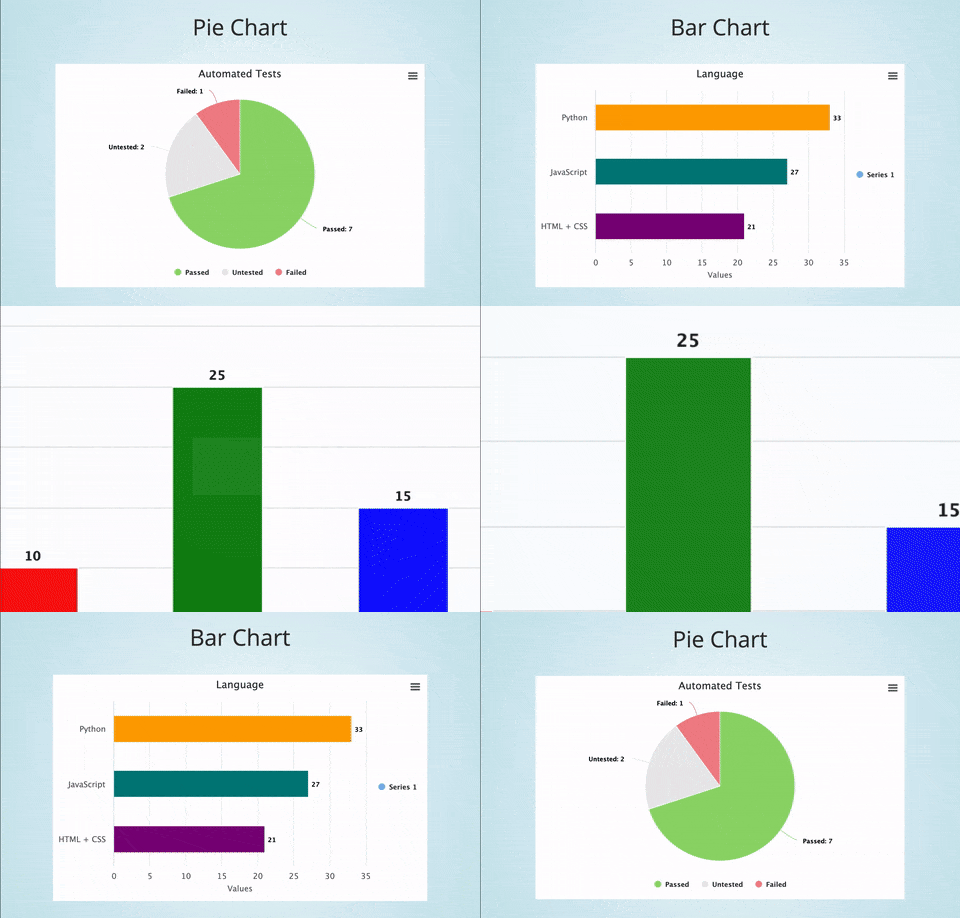
Pie Chart
" + self.extract_chart()) self.begin_presentation(filename="my_chart.html") ``` Here's how to run an example presentation with multiple charts: ```zsh cd examples/chart_maker pytest chart_presentation.py ``` Here are screenshots from the examples: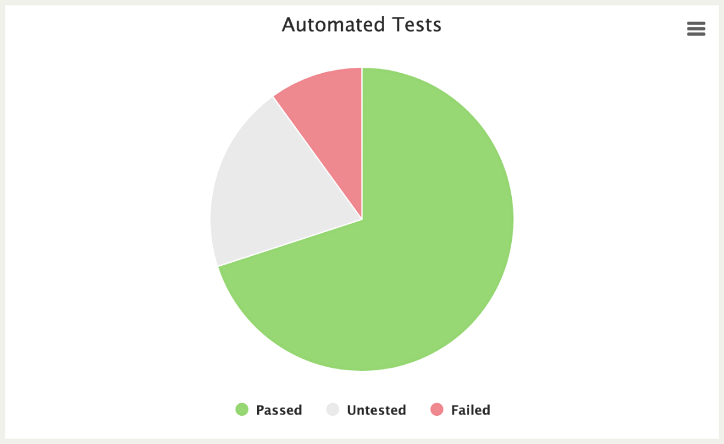
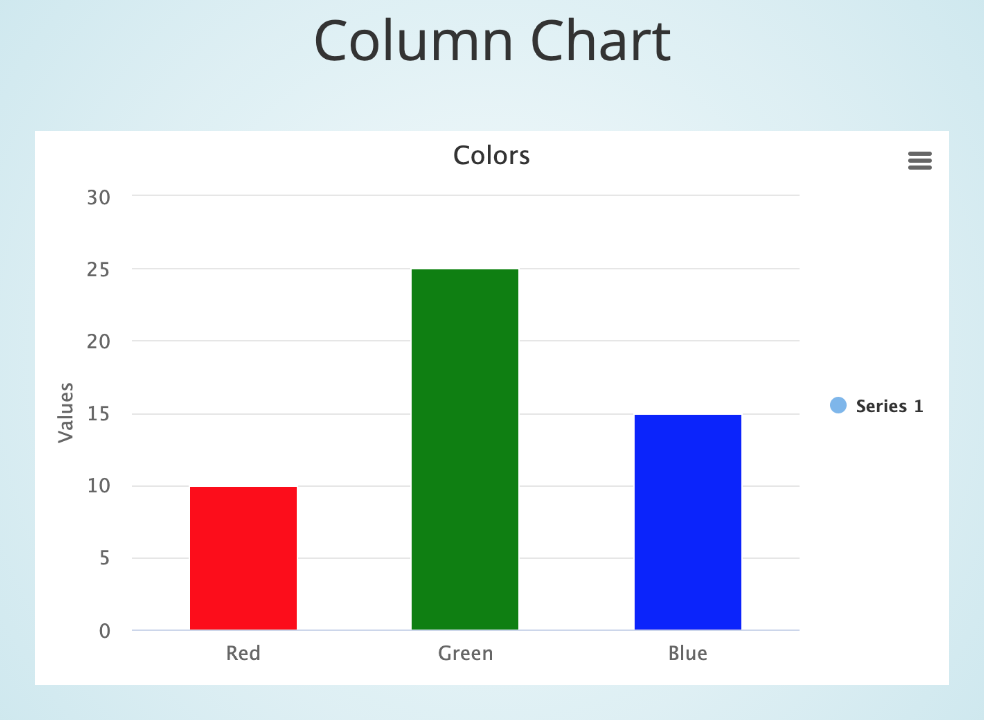
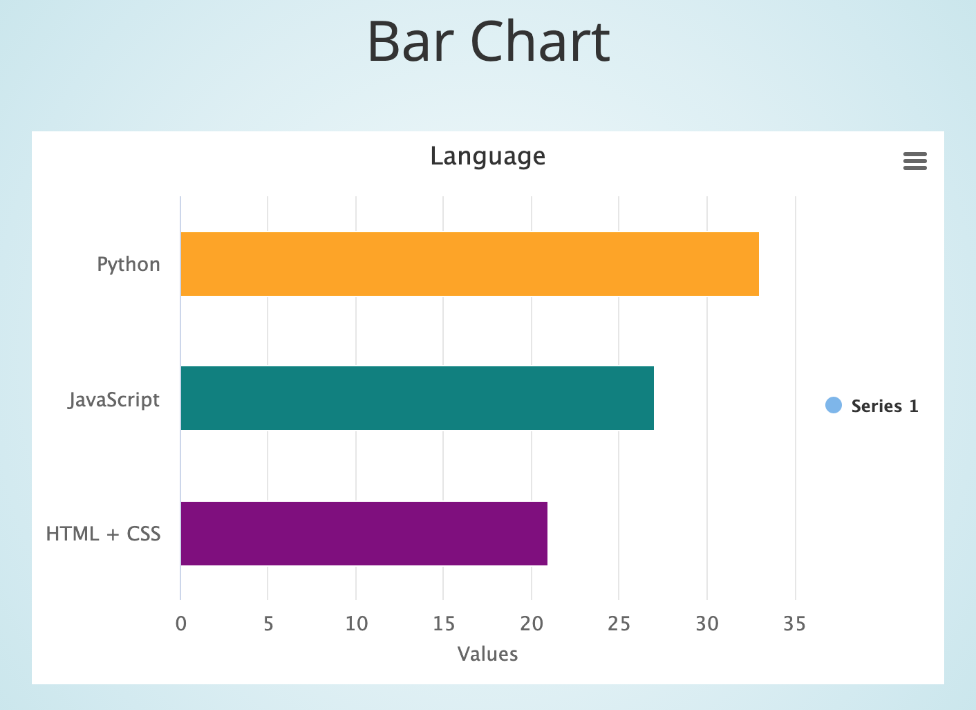
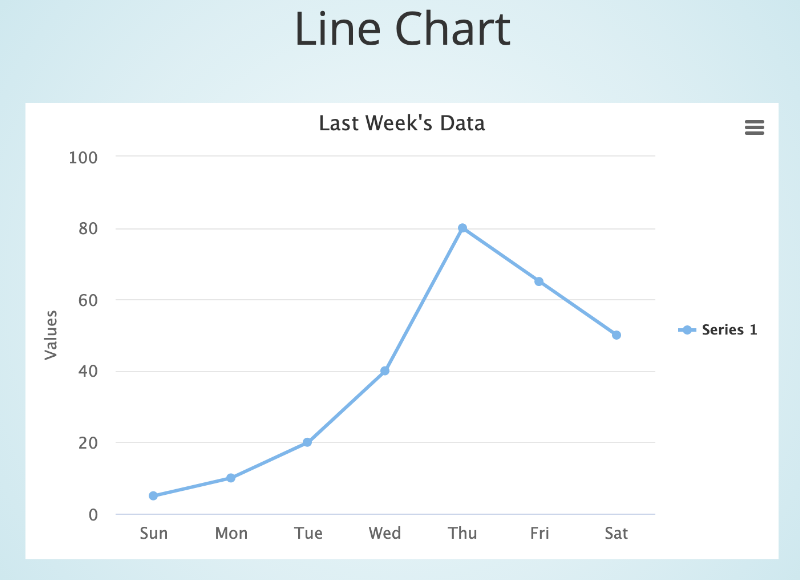
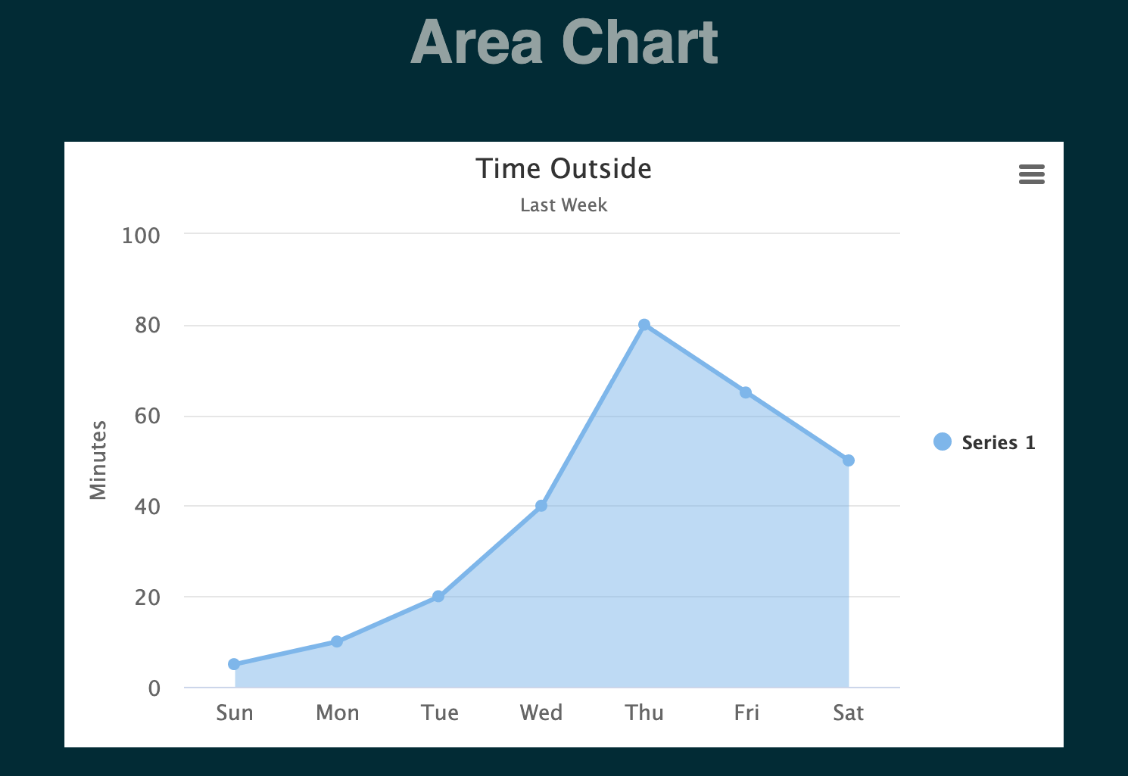
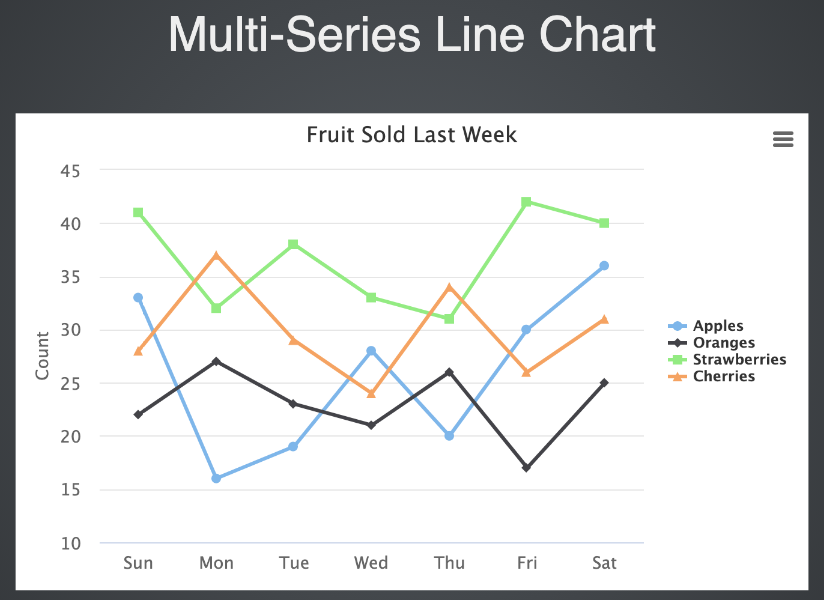 Here's a line chart example:
Line Chart
" + self.extract_chart()) self.begin_presentation(filename="line_chart.html", interval=8) ``` This example is from [test_line_chart.py](https://github.com/seleniumbase/SeleniumBase/blob/master/examples/chart_maker/test_line_chart.py), which you can run from the ``examples/chart_maker`` folder with the following command: ```zsh pytest test_line_chart.py ``` Because that presentation above has an ``interval`` set to ``8``, it will automatically advance to the next slide after 8 seconds. (Or exit if there are no more slides.) For a more advanced example (multiple charts in a presentation):Pie Chart
" + self.extract_chart()) self.create_bar_chart(title="Language") self.add_data_point("Python", 33, color="Orange") self.add_data_point("JavaScript", 27, color="Teal") self.add_data_point("HTML + CSS", 21, color="Purple") self.add_slide("Bar Chart
" + self.extract_chart()) self.create_column_chart(title="Colors") self.add_data_point("Red", 10, color="Red") self.add_data_point("Green", 25, color="Green") self.add_data_point("Blue", 15, color="Blue") self.add_slide("Column Chart
" + self.extract_chart()) self.create_line_chart(title="Last Week's Data") self.add_data_point("Sun", 5) self.add_data_point("Mon", 10) self.add_data_point("Tue", 20) self.add_data_point("Wed", 40) self.add_data_point("Thu", 80) self.add_data_point("Fri", 65) self.add_data_point("Sat", 50) self.add_slide("Line Chart
" + self.extract_chart()) self.begin_presentation(filename="chart_presentation.html") ``` Here's how to run that example: ```zsh cd examples/chart_maker pytest chart_presentation.py ``` (Press the Right Arrow to advance to the next slide in that chart presentation) ([Click to see a live example of that presentation](https://seleniumbase.io/other/chart_presentation.html)) Multi-Series charts can also be created. Try the available examples to learn more. ChartMaker API Adding a data point to a chart: Adding a new data series to an existing chart: Saving a chart to a file: Extracting the HTML of a chart: Displaying a chart in the browser window: ================================================
FILE: examples/chart_maker/chart_presentation.py
================================================
from seleniumbase import BaseCase
BaseCase.main(__name__, __file__)
class ChartMakerPresentation(BaseCase):
def test_chart_maker_presentation(self):
self.create_presentation(theme="sky", transition="zoom")
self.create_pie_chart(title="Automated Tests")
self.add_data_point("Passed", 7, color="#95d96f")
self.add_data_point("Untested", 2, color="#eaeaea")
self.add_data_point("Failed", 1, color="#f1888f")
self.add_slide("
================================================
FILE: examples/chart_maker/chart_presentation.py
================================================
from seleniumbase import BaseCase
BaseCase.main(__name__, __file__)
class ChartMakerPresentation(BaseCase):
def test_chart_maker_presentation(self):
self.create_presentation(theme="sky", transition="zoom")
self.create_pie_chart(title="Automated Tests")
self.add_data_point("Passed", 7, color="#95d96f")
self.add_data_point("Untested", 2, color="#eaeaea")
self.add_data_point("Failed", 1, color="#f1888f")
self.add_slide("Pie Chart
" + self.extract_chart()) self.create_bar_chart(title="Language", legend=False) self.add_data_point("Python", 33, color="Orange") self.add_data_point("JavaScript", 27, color="Teal") self.add_data_point("HTML + CSS", 21, color="Purple") self.add_slide("Bar Chart
" + self.extract_chart()) self.create_column_chart(title="Colors", legend=False) self.add_data_point("Red", 10, color="Red") self.add_data_point("Green", 25, color="Green") self.add_data_point("Blue", 15, color="Blue") self.add_slide("Column Chart
" + self.extract_chart()) self.create_line_chart(title="Last Week's Data") self.add_data_point("Sun", 5) self.add_data_point("Mon", 10) self.add_data_point("Tue", 20) self.add_data_point("Wed", 40) self.add_data_point("Thu", 80) self.add_data_point("Fri", 65) self.add_data_point("Sat", 50) self.add_slide("Line Chart
" + self.extract_chart()) self.begin_presentation(filename="chart_presentation.html") ================================================ FILE: examples/chart_maker/my_chart.py ================================================ from seleniumbase import BaseCase BaseCase.main(__name__, __file__) class MyChartMakerClass(BaseCase): def test_chart_maker(self): self.create_presentation() self.create_pie_chart(title="Automated Tests") self.add_data_point("Passed", 7, color="#95d96f") self.add_data_point("Untested", 2, color="#eaeaea") self.add_data_point("Failed", 1, color="#f1888f") self.add_slide("Pie Chart
" + self.extract_chart()) self.begin_presentation(filename="my_chart.html") ================================================ FILE: examples/chart_maker/pie_charts.py ================================================ from seleniumbase import BaseCase BaseCase.main(__name__, __file__) class PieCharts(BaseCase): def test_pie_charts(self): self.create_presentation(theme="serif", transition="convex") self.create_pie_chart(labels=False) self.add_data_point("Meringue Cream", 3, color="#f1eeea") self.add_data_point("Lemon Filling", 3, color="#e9d655") self.add_data_point("Graham Cracker Crust", 1, color="#9d5b34") self.add_slide("Lemon Meringue Pie
" + self.extract_chart()) self.create_pie_chart(labels=False) self.add_data_point("Blueberries", 1, color="#5c81b7") self.add_data_point("Blueberry Filling", 2, color="#12405e") self.add_data_point("Golden Brown Crust", 1, color="#cd7b54") self.add_slide("Blueberry Pie
" + self.extract_chart()) self.create_pie_chart(labels=False) self.add_data_point("Strawberries", 1, color="#ff282c") self.add_data_point("Kiwis", 1, color="#a9c208") self.add_data_point("Apricots", 1, color="#f47a14") self.add_data_point("Raspberries", 1, color="#b10019") self.add_data_point("Black Berries", 1, color="#44001e") self.add_data_point("Blueberries", 1, color="#5c81b7") self.add_data_point("Custard", 3, color="#eee896") self.add_data_point("Golden Crust", 4, color="#dca422") self.add_slide("Fruit Tart Pie
" + self.extract_chart()) self.create_pie_chart(labels=False) self.add_data_point("Apple Crust", 4, color="#b66327") self.add_data_point("Apple Filling", 5, color="#c5903e") self.add_data_point("Cinnamon", 1, color="#76210d") self.add_data_point("Whipped Cream", 2, color="#f2f2f2") self.add_slide("Apple Pie
" + self.extract_chart()) self.create_pie_chart(labels=False) self.add_data_point("Sponge Cake", 4, color="#e0d5a0") self.add_data_point("Custard", 3, color="#eee896") self.add_data_point("Chocolate", 1, color="#5c3625") self.add_slide("Boston Cream Pie
" + self.extract_chart()) self.begin_presentation(filename="pie_charts.html") ================================================ FILE: examples/chart_maker/test_area_chart.py ================================================ from seleniumbase import BaseCase BaseCase.main(__name__, __file__) class MyChartMakerClass(BaseCase): def test_area_chart(self): self.create_presentation(theme="moon") self.create_area_chart( title="Time Outside", subtitle="Last Week", unit="Minutes" ) self.add_data_point("Sun", 5) self.add_data_point("Mon", 10) self.add_data_point("Tue", 20) self.add_data_point("Wed", 40) self.add_data_point("Thu", 80) self.add_data_point("Fri", 65) self.add_data_point("Sat", 50) self.add_slide("Area Chart
" + self.extract_chart()) self.begin_presentation(filename="line_chart.html", interval=4) ================================================ FILE: examples/chart_maker/test_display_chart.py ================================================ from seleniumbase import BaseCase BaseCase.main(__name__, __file__) class MyChartMakerClass(BaseCase): def test_display_chart(self): self.create_pie_chart(title="Pie Chart") self.add_data_point("Passed", 7, color="#95d96f") self.add_data_point("Untested", 2, color="#eaeaea") self.add_data_point("Failed", 1, color="#f1888f") self.display_chart(filename="pie_chart.html", interval=2.5) self.create_bar_chart(title="Bar Chart", legend=False) self.add_data_point("Python", 33, color="Orange") self.add_data_point("JavaScript", 27, color="Teal") self.add_data_point("HTML + CSS", 21, color="Purple") self.display_chart(filename="bar_chart.html", interval=2.5) self.create_column_chart(title="Column Chart", legend=False) self.add_data_point("Red", 10, color="Red") self.add_data_point("Green", 25, color="Green") self.add_data_point("Blue", 15, color="Blue") self.display_chart(filename="column_chart.html", interval=2.5) self.create_line_chart(title="Line Chart") self.add_data_point("Sun", 5) self.add_data_point("Mon", 10) self.add_data_point("Tue", 20) self.add_data_point("Wed", 40) self.add_data_point("Thu", 80) self.add_data_point("Fri", 65) self.add_data_point("Sat", 50) self.display_chart(filename="line_chart.html", interval=2.5) ================================================ FILE: examples/chart_maker/test_line_chart.py ================================================ from seleniumbase import BaseCase BaseCase.main(__name__, __file__) class MyChartMakerClass(BaseCase): def test_line_chart(self): self.create_presentation() self.create_line_chart( title="Time Outside", subtitle="Last Week", unit="Minutes" ) self.add_data_point("Sun", 5) self.add_data_point("Mon", 10) self.add_data_point("Tue", 20) self.add_data_point("Wed", 40) self.add_data_point("Thu", 80) self.add_data_point("Fri", 65) self.add_data_point("Sat", 50) self.add_slide("Line Chart
" + self.extract_chart()) self.begin_presentation(filename="line_chart.html", interval=4) ================================================ FILE: examples/chart_maker/test_multi_series.py ================================================ from seleniumbase import BaseCase BaseCase.main(__name__, __file__) class MyChartMakerClass(BaseCase): def test_multi_series(self): self.create_presentation(theme="league") self.create_line_chart( title="Fruit Sold Last Week", data_name="Apples", unit="Count" ) self.add_data_point("Sun", 33) self.add_data_point("Mon", 16) self.add_data_point("Tue", 19) self.add_data_point("Wed", 28) self.add_data_point("Thu", 20) self.add_data_point("Fri", 30) self.add_data_point("Sat", 36) self.add_series_to_chart(data_name="Oranges") self.add_data_point("Sun", 22) self.add_data_point("Mon", 27) self.add_data_point("Tue", 23) self.add_data_point("Wed", 21) self.add_data_point("Thu", 26) self.add_data_point("Fri", 17) self.add_data_point("Sat", 25) self.add_series_to_chart(data_name="Strawberries") self.add_data_point("Sun", 41) self.add_data_point("Mon", 32) self.add_data_point("Tue", 38) self.add_data_point("Wed", 33) self.add_data_point("Thu", 31) self.add_data_point("Fri", 42) self.add_data_point("Sat", 40) self.add_series_to_chart(data_name="Cherries") self.add_data_point("Sun", 28) self.add_data_point("Mon", 37) self.add_data_point("Tue", 29) self.add_data_point("Wed", 24) self.add_data_point("Thu", 34) self.add_data_point("Fri", 26) self.add_data_point("Sat", 31) self.add_slide("Multi-Series Line Chart
" + self.extract_chart()) self.begin_presentation(filename="multi_series_chart.html", interval=4) ================================================ FILE: examples/chart_maker/test_save_chart.py ================================================ from seleniumbase import BaseCase BaseCase.main(__name__, __file__) class MyChartMakerClass(BaseCase): def test_save_chart(self): self.create_pie_chart(title="Pie Chart") self.add_data_point("Passed", 7, color="#95d96f") self.add_data_point("Untested", 2, color="#eaeaea") self.add_data_point("Failed", 1, color="#f1888f") self.save_chart(filename="pie_chart.html") self.create_bar_chart(title="Bar Chart") self.add_data_point("Python", 33, color="Orange") self.add_data_point("JavaScript", 27, color="Teal") self.add_data_point("HTML + CSS", 21, color="Purple") self.save_chart(filename="bar_chart.html") self.create_column_chart(title="Column Chart") self.add_data_point("Red", 10, color="Red") self.add_data_point("Green", 25, color="Green") self.add_data_point("Blue", 15, color="Blue") self.save_chart(filename="column_chart.html") self.create_line_chart(title="Line Chart") self.add_data_point("Sun", 5) self.add_data_point("Mon", 10) self.add_data_point("Tue", 20) self.add_data_point("Wed", 40) self.add_data_point("Thu", 80) self.add_data_point("Fri", 65) self.add_data_point("Sat", 50) self.save_chart(filename="line_chart.html") ================================================ FILE: examples/coffee_cart_tests.py ================================================ """Use SeleniumBase to test the Coffee Cart App.""" from parameterized import parameterized from seleniumbase import BaseCase BaseCase.main(__name__, __file__) class CoffeeCartTests(BaseCase): def test_1_verify_nav_link_to_coffee_cart(self): self.open("https://seleniumbase.io/help_docs/customizing_test_runs/") self.js_click('nav a:contains("Coffee Cart")') self.assert_title("Coffee Cart") self.assert_element('h4:contains("Espresso")') def test_buy_one_cappuccino(self): self.open("https://seleniumbase.io/coffee/") self.assert_title("Coffee Cart") self.click('div[data-test="Cappuccino"]') self.assert_exact_text("cart (1)", 'a[aria-label="Cart page"]') self.click('a[aria-label="Cart page"]') self.assert_exact_text("Total: $19.00", 'button[data-test="checkout"]') self.click('button[data-test="checkout"]') self.type("input#name", "Selenium Coffee") self.type("input#email", "test@test.test") self.click("button#submit-payment") self.assert_text("Thanks for your purchase.", "div#app div.success") self.assert_exact_text("cart (0)", 'a[aria-label="Cart page"]') self.assert_exact_text("Total: $0.00", 'button[data-test="checkout"]') @parameterized.expand([[False], [True]]) def test_coffee_promo_with_preview(self, accept_promo): self.open("https://seleniumbase.io/coffee/") self.assert_title("Coffee Cart") self.click('div[data-test="Espresso"]') self.click('div[data-test="Americano"]') self.click('div[data-test="Cafe_Latte"]') self.assert_exact_text("cart (3)", 'a[aria-label="Cart page"]') promo = False total_string = "Total: $33.00" if self.is_element_visible("div.promo"): self.assert_text("Get an extra cup of Mocha for $4.", "div.promo") if accept_promo: self.click("div.promo button.yes") self.assert_exact_text("cart (4)", 'a[aria-label="Cart page"]') promo = True total_string = "Total: $37.00" else: self.click("div.promo button.no") checkout_button = 'button[data-test="checkout"]' if promo and not self.browser == "safari": self.hover(checkout_button) if not self.is_element_visible("ul.cart-preview"): self.highlight(checkout_button) self.post_message("STOP moving the mouse! Desktop Apps Dialog Boxes 🛂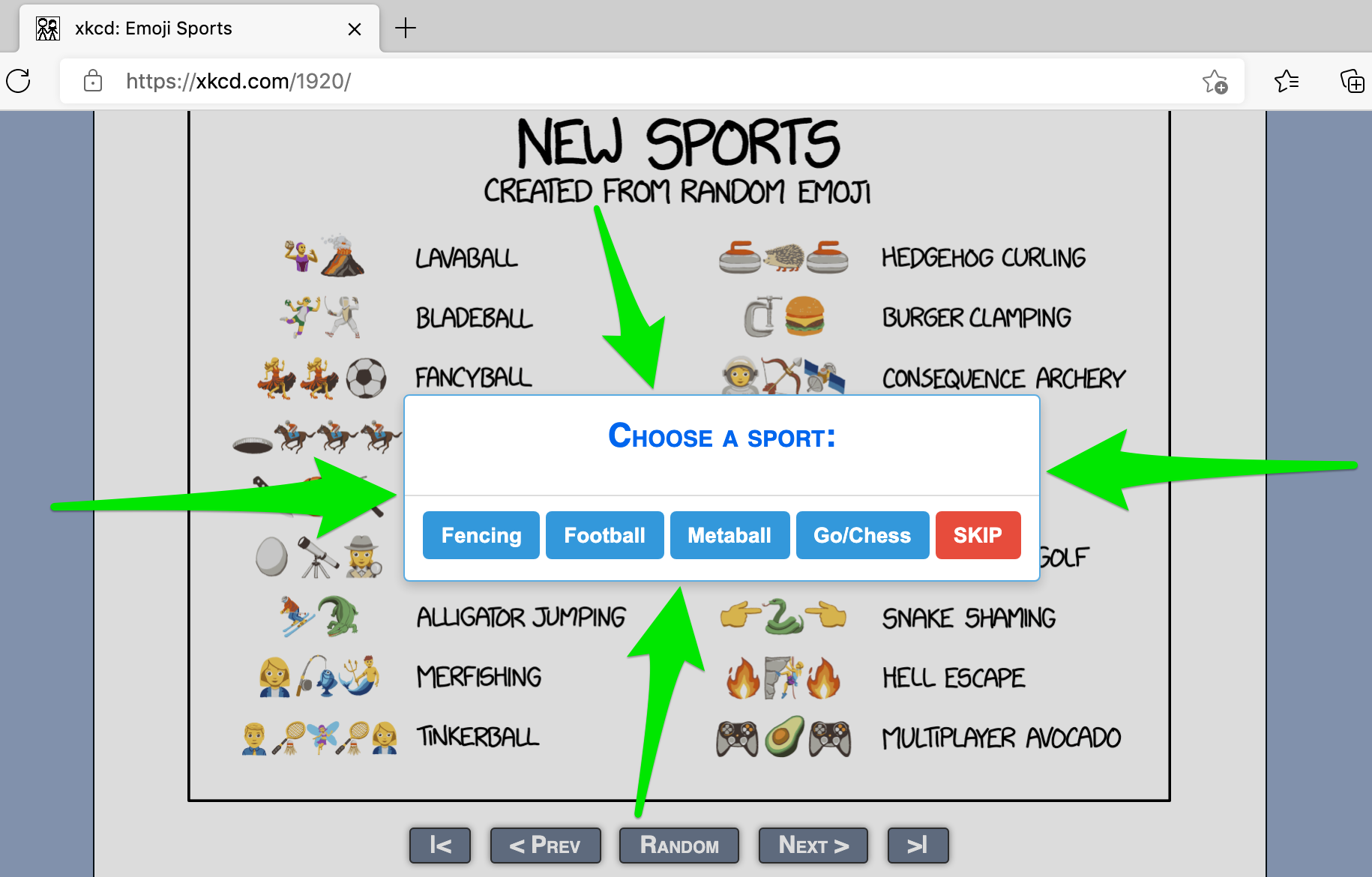
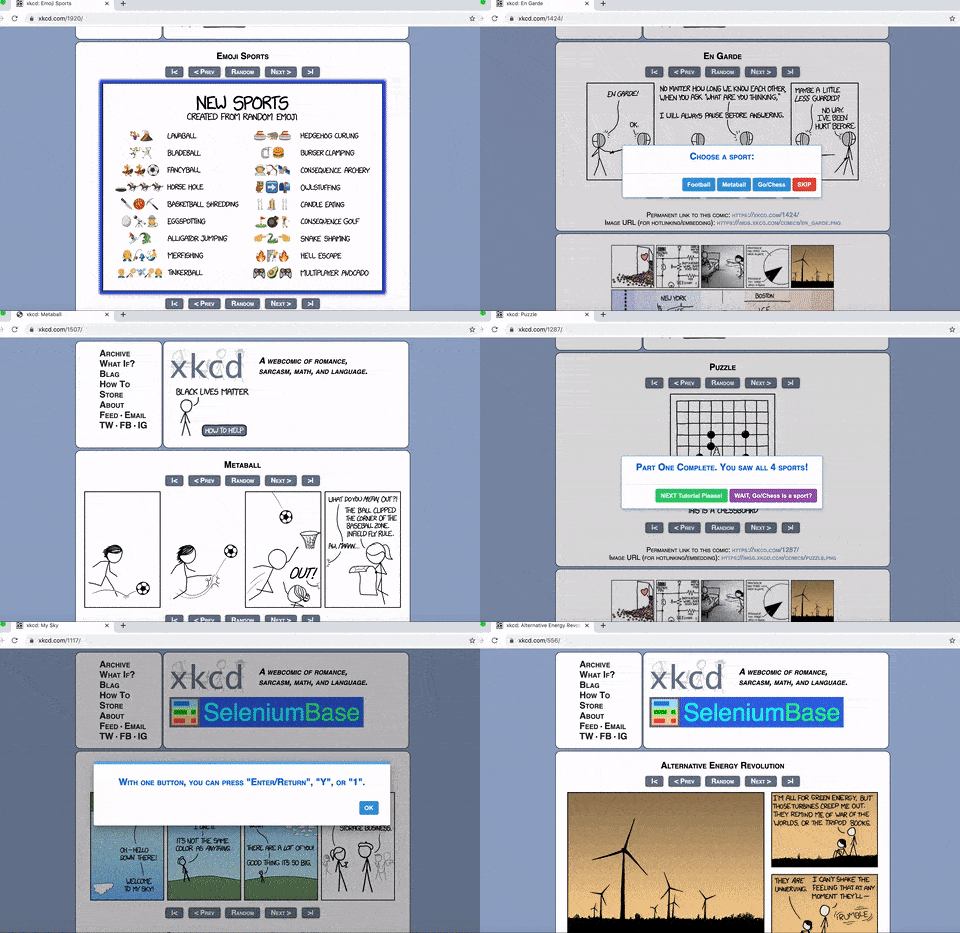
set_jqc_theme():MasterQA uses SeleniumBase Dialog Boxes to speed up manual testing by having automation perform all the browser actions while the manual tester handles validation. See the MasterQA GitHub page for examples.
================================================ FILE: examples/dialog_boxes/dialog_box_tour.py ================================================ from seleniumbase import BaseCase BaseCase.main(__name__, __file__) class DialogBoxTests(BaseCase): def test_dialog_boxes(self): self.open("https://xkcd.com/1920/") self.assert_element('img[alt="Emoji Sports"]') self.highlight("#comic img") skip_button = ["SKIP", "red"] # Can be a [text, color] list or tuple. buttons = ["Fencing", "Football", "Metaball", "Go/Chess", skip_button] message = "Choose a sport:" choice = None while choice != "STOP": choice = self.get_jqc_button_input(message, buttons) if choice == "Fencing": self.open("https://xkcd.com/1424/") buttons.remove("Fencing") elif choice == "Football": self.open("https://xkcd.com/1107/") buttons.remove("Football") elif choice == "Metaball": self.open("https://xkcd.com/1507/") buttons.remove("Metaball") elif choice == "Go/Chess": self.open("https://xkcd.com/1287/") buttons.remove("Go/Chess") else: break self.highlight("#comic img") if len(buttons) == 2: message = "One Sport Remaining:" if len(buttons) == 1: message = "Part One Complete. You saw all 4 sports!" btn_text_1 = "NEXT Tutorial Please!" btn_text_2 = "WAIT, Go/Chess is a sport?" buttons = [(btn_text_1, "green"), (btn_text_2, "purple")] choice_2 = self.get_jqc_button_input(message, buttons) if choice_2 == btn_text_2: self.open_if_not_url("https://xkcd.com/1287/") message = "Brain sports count as sports!](https://github.com/seleniumbase/SeleniumBase/) Logs, The Dashboard, and Reports:
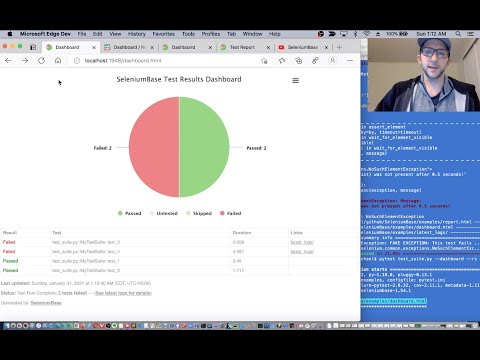
(The Dashboard Tutorial on YouTube)
🔵 During test failures, logs and screenshots from the most recent test run will get saved to the ``latest_logs/`` folder. If ``--archive-logs`` is specified (or if ARCHIVE_EXISTING_LOGS is set to True in [settings.py](https://github.com/seleniumbase/SeleniumBase/blob/master/seleniumbase/config/settings.py)), test logs will also get archived to the ``archived_logs/`` folder. Otherwise, the log files will be cleaned out when the next test run begins (by default). ```zsh pytest test_fail.py ``` (Log files in [SeleniumBase/examples/example_logs](https://github.com/seleniumbase/SeleniumBase/tree/master/examples/example_logs) were generated when [test_fail.py](https://github.com/seleniumbase/SeleniumBase/blob/master/examples/test_fail.py) ran and failed.) Examples of expected log files generated during failures: In addition to log files, you can also generate dashboards and test reports. -------- The SeleniumBase Dashboard:
🔵 Additionally, you can host your own SeleniumBase Dashboard Server on a port of your choice. Here's an example of that using Python 3's ``http.server``:
```zsh
python -m http.server 1948
```
🔵 Now you can navigate to ``http://localhost:1948/dashboard.html`` in order to view the dashboard as a web app. This requires two different terminal windows: one for running the server, and another for running the tests, which should be run from the same directory. (Use Ctrl+C to stop the http server.)
🔵 Here's a full example of what the SeleniumBase Dashboard may look like:
```zsh
pytest test_suite.py test_image_saving.py --dashboard --rs --headless
```
--------
Pytest Reports:
🔵 When combining pytest html reports with SeleniumBase Dashboard usage, the pie chart from the Dashboard will get added to the html report. Additionally, if you set the html report URL to be the same as the Dashboard URL when also using the dashboard, (example: ``--dashboard --html=dashboard.html``), then the Dashboard will become an advanced html report when all the tests complete.
🔵 Here's an example of an upgraded html report:
```zsh
pytest test_suite.py --dashboard --html=report.html
```
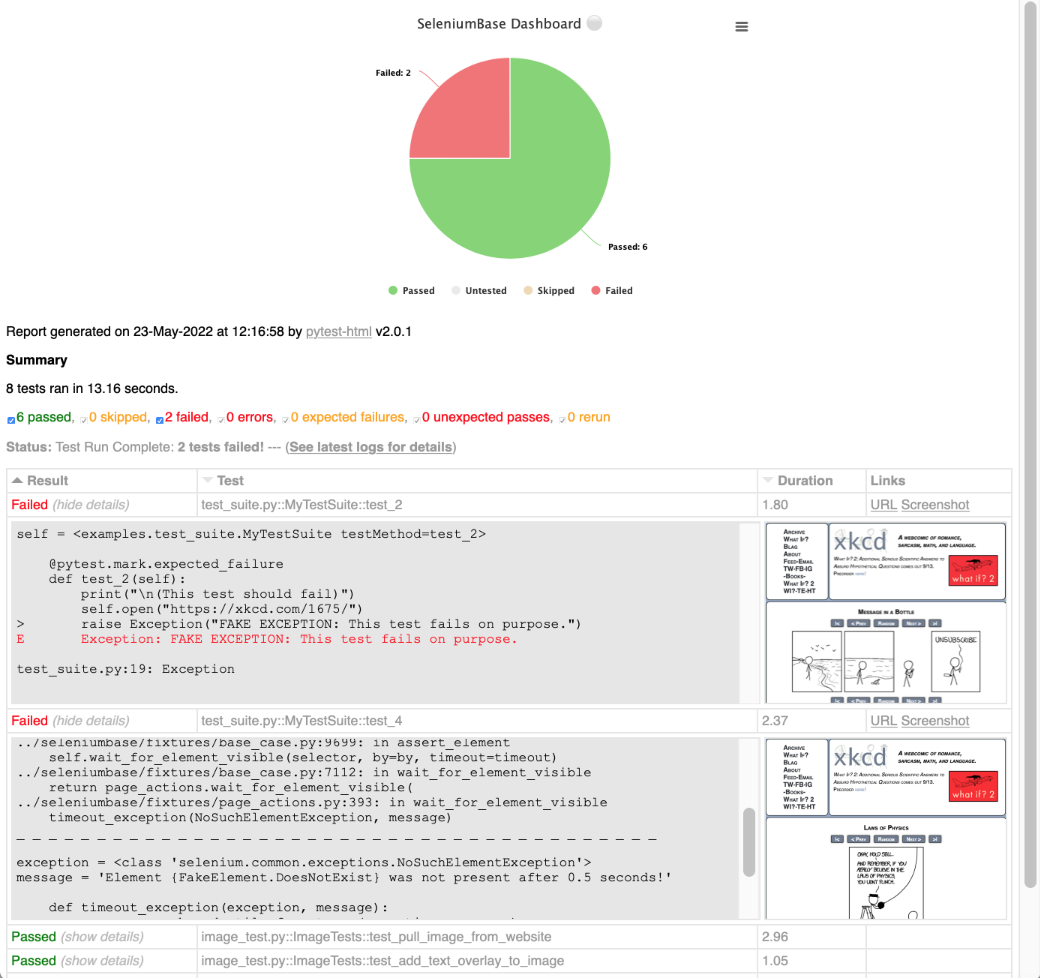 --------
If viewing ``pytest-html`` reports in [Jenkins](https://www.jenkins.io/), you may need to [configure Jenkins settings](https://stackoverflow.com/a/46197356/7058266) for the HTML to render correctly. This is due to [Jenkins CSP changes](https://www.jenkins.io/doc/book/security/configuring-content-security-policy/). That setting can be changed from ``Manage Jenkins`` > ``Script Console`` by running:
```js
System.setProperty("hudson.model.DirectoryBrowserSupport.CSP", "")
```
--------
You can also use ``--junit-xml=report.xml`` to get an xml report instead. Jenkins can use this file to display better reporting for your tests.
```zsh
pytest test_suite.py --junit-xml=report.xml
```
--------
pynose Test Reports:
(NOTE: You can add ``--show-report`` to immediately display pynose reports after the test suite completes. Only use ``--show-report`` when running tests locally because it pauses the test run.)
--------
🐝⚪ Behave Dashboard & Reports:
You can also use ``--junit`` to get ``.xml`` reports for each Behave feature. Jenkins can use these files to display better reporting for your tests.
```zsh
behave behave_bdd/features/ --junit -D rs -D headless
```
--------
--------
If viewing ``pytest-html`` reports in [Jenkins](https://www.jenkins.io/), you may need to [configure Jenkins settings](https://stackoverflow.com/a/46197356/7058266) for the HTML to render correctly. This is due to [Jenkins CSP changes](https://www.jenkins.io/doc/book/security/configuring-content-security-policy/). That setting can be changed from ``Manage Jenkins`` > ``Script Console`` by running:
```js
System.setProperty("hudson.model.DirectoryBrowserSupport.CSP", "")
```
--------
You can also use ``--junit-xml=report.xml`` to get an xml report instead. Jenkins can use this file to display better reporting for your tests.
```zsh
pytest test_suite.py --junit-xml=report.xml
```
--------
pynose Test Reports:
(NOTE: You can add ``--show-report`` to immediately display pynose reports after the test suite completes. Only use ``--show-report`` when running tests locally because it pauses the test run.)
--------
🐝⚪ Behave Dashboard & Reports:
You can also use ``--junit`` to get ``.xml`` reports for each Behave feature. Jenkins can use these files to display better reporting for your tests.
```zsh
behave behave_bdd/features/ --junit -D rs -D headless
```
--------
 A webcomic of romance,

This work is licensed under a Creative Commons Attribution-NonCommercial 2.5 License.
This means you're free to copy and share these comics (but not to sell them). More details.
MasterQA combines automation with manual verification steps.💡 SeleniumBase is a Python framework for browser automation and testing. SeleniumBase uses Selenium/WebDriver APIs and incorporates test-runners such as pytest, pynose, and behave to provide organized structure, test discovery, test execution, test state (eg. passed, failed, or skipped), and command-line options for changing default settings (eg. browser selection). With raw Selenium, you would need to set up your own options-parser for configuring tests from the command-line.
💡 SeleniumBase's driver manager gives you more control over automatic driver downloads. (Use --driver-version=VER with your pytest run command to specify the version.) By default, SeleniumBase will download a driver version that matches your major browser version if not set.
💡 SeleniumBase automatically detects between CSS Selectors and XPath, which means you don't need to specify the type of selector in your commands (but optionally you could).
💡 SeleniumBase methods often perform multiple actions in a single method call. For example, self.type(selector, text) does the following:
1. Waits for the element to be visible.
2. Waits for the element to be interactive.
3. Clears the text field.
4. Types in the new text.
5. Presses Enter/Submit if the text ends in "\n".
With raw Selenium, those actions require multiple method calls.
💡 SeleniumBase uses default timeout values when not set:
✅ self.click("button")
With raw Selenium, methods would fail instantly (by default) if an element needed more time to load:
❌ self.driver.find_element(by="css selector", value="button").click()
(Reliable code is better than unreliable code.)
💡 SeleniumBase lets you change the explicit timeout values of methods:
✅ self.click("button", timeout=10)
With raw Selenium, that requires more code:
❌ WebDriverWait(driver, 10).until(EC.element_to_be_clickable("css selector", "button")).click()
(Simple code is better than complex code.)
💡 SeleniumBase gives you clean error output when a test fails. With raw Selenium, error messages can get very messy.
💡 SeleniumBase gives you the option to generate a dashboard and reports for tests. It also saves screenshots from failing tests to the ./latest_logs/ folder. Raw Selenium does not have these options out-of-the-box.
💡 SeleniumBase includes desktop GUI apps for running tests, such as SeleniumBase Commander for pytest and SeleniumBase Behave GUI for behave.
💡 SeleniumBase has its own Recorder / Test Generator for creating tests from manual browser actions.
💡 SeleniumBase comes with test case management software, ("Case Plans"), for organizing tests and step descriptions.
💡 SeleniumBase includes tools for building data apps, ("Chart Maker"), which can generate JavaScript from Python.
 ](https://github.com/seleniumbase/SeleniumBase)
================================================
FILE: examples/migration/raw_selenium/__init__.py
================================================
================================================
FILE: examples/migration/raw_selenium/flaky_messy_raw.py
================================================
"""Flaky Raw Selenium Example - (ONLY Selenium / NO SeleniumBase)"""
import sys
from selenium import webdriver
from selenium.webdriver.chrome.service import Service
from selenium.webdriver.common.by import By
from unittest import TestCase
class FlakyMessyRawSelenium(TestCase):
def setUp(self):
self.driver = None
options = webdriver.ChromeOptions()
options.add_argument("--disable-notifications")
if "linux" in sys.platform:
options.add_argument("--headless=new")
options.add_experimental_option(
"excludeSwitches", ["enable-automation", "enable-logging"],
)
prefs = {
"credentials_enable_service": False,
"profile.password_manager_enabled": False,
}
options.add_experimental_option("prefs", prefs)
service = Service(service_args=["--disable-build-check"])
self.driver = webdriver.Chrome(options=options, service=service)
def tearDown(self):
if self.driver:
try:
if self.driver.service.process:
self.driver.quit()
except Exception:
pass
def is_element_visible(self, selector, by="css selector"):
try:
element = self.driver.find_element(by, selector)
if element.is_displayed():
return True
except Exception:
pass
return False
def test_add_item_to_cart(self):
self.driver.get("https://www.saucedemo.com")
by_css = By.CSS_SELECTOR # "css selector"
element = self.driver.find_element(by_css, "#user-name")
element.clear()
element.send_keys("standard_user")
element = self.driver.find_element(by_css, "#password")
element.clear()
element.send_keys("secret_sauce")
element.submit()
self.driver.find_element(by_css, "div.inventory_list")
element = self.driver.find_element(by_css, "span.title")
self.assertEqual(element.text, "Products")
self.driver.find_element(by_css, 'button[name*="backpack"]').click()
self.driver.find_element(by_css, "#shopping_cart_container a").click()
element = self.driver.find_element(by_css, "span.title")
self.assertEqual(element.text, "Your Cart")
element = self.driver.find_element(by_css, "div.cart_item")
self.assertIn("Backpack", element.text)
self.driver.find_element(by_css, "#remove-sauce-labs-backpack").click()
self.assertFalse(self.is_element_visible("div.cart_item"))
self.driver.find_element(by_css, "#react-burger-menu-btn").click()
self.driver.find_element(by_css, "a#logout_sidebar_link").click()
self.driver.find_element(by_css, "input#login-button")
# When run with "python" instead of "pytest" or "python -m unittest"
if __name__ == "__main__":
from unittest import main
main()
================================================
FILE: examples/migration/raw_selenium/long_messy_raw.py
================================================
"""Long & Messy Raw Selenium Example - (ONLY Selenium / NO SeleniumBase)"""
import sys
from selenium import webdriver
from selenium.webdriver.chrome.service import Service
from selenium.webdriver.common.by import By
from selenium.webdriver.support import expected_conditions as EC
from selenium.webdriver.support.ui import WebDriverWait
from unittest import TestCase
class LongMessyRawSelenium(TestCase):
def setUp(self):
self.driver = None
options = webdriver.ChromeOptions()
options.add_argument("--disable-notifications")
if "linux" in sys.platform:
options.add_argument("--headless=new")
options.add_experimental_option(
"excludeSwitches", ["enable-automation", "enable-logging"],
)
prefs = {
"credentials_enable_service": False,
"profile.password_manager_enabled": False,
}
options.add_experimental_option("prefs", prefs)
service = Service(service_args=["--disable-build-check"])
self.driver = webdriver.Chrome(options=options, service=service)
def tearDown(self):
if self.driver:
try:
if self.driver.service.process:
self.driver.quit()
except Exception:
pass
def test_add_item_to_cart(self):
self.driver.get("https://www.saucedemo.com")
by_css = By.CSS_SELECTOR # "css selector"
element = WebDriverWait(self.driver, 10).until(
EC.element_to_be_clickable((by_css, "#user-name"))
)
element.clear()
element.send_keys("standard_user")
element = WebDriverWait(self.driver, 10).until(
EC.element_to_be_clickable((by_css, "#password"))
)
element.clear()
element.send_keys("secret_sauce")
element.submit()
WebDriverWait(self.driver, 10).until(
EC.visibility_of_element_located((by_css, "div.inventory_list"))
)
element = WebDriverWait(self.driver, 10).until(
EC.visibility_of_element_located((by_css, "span.title"))
)
self.assertEqual(element.text, "Products")
element = WebDriverWait(self.driver, 10).until(
EC.element_to_be_clickable((by_css, 'button[name*="backpack"]'))
)
element.click()
element = WebDriverWait(self.driver, 10).until(
EC.element_to_be_clickable((by_css, "#shopping_cart_container a"))
)
element.click()
element = WebDriverWait(self.driver, 10).until(
EC.visibility_of_element_located((by_css, "span.title"))
)
self.assertEqual(element.text, "Your Cart")
element = WebDriverWait(self.driver, 10).until(
EC.visibility_of_element_located((by_css, "div.cart_item"))
)
self.assertIn("Backpack", element.text)
element = WebDriverWait(self.driver, 10).until(
EC.element_to_be_clickable((by_css, "#remove-sauce-labs-backpack"))
)
element.click()
WebDriverWait(self.driver, 10).until(
EC.invisibility_of_element((by_css, "div.cart_item"))
)
element = WebDriverWait(self.driver, 10).until(
EC.element_to_be_clickable((by_css, "#react-burger-menu-btn"))
)
element.click()
element = WebDriverWait(self.driver, 10).until(
EC.element_to_be_clickable((by_css, "a#logout_sidebar_link"))
)
element.click()
WebDriverWait(self.driver, 10).until(
EC.visibility_of_element_located((by_css, "input#login-button"))
)
# When run with "python" instead of "pytest" or "python -m unittest"
if __name__ == "__main__":
from unittest import main
main()
================================================
FILE: examples/migration/raw_selenium/messy_raw.py
================================================
"""Messy Raw Selenium Example - (ONLY Selenium / NO SeleniumBase)"""
import sys
from selenium import webdriver
from selenium.webdriver.chrome.service import Service
from selenium.webdriver.support import expected_conditions as EC
from selenium.webdriver.support.ui import WebDriverWait
from unittest import TestCase
class MessyRawSelenium(TestCase):
def setUp(self):
self.driver = None
options = webdriver.ChromeOptions()
options.add_argument("--disable-notifications")
if "linux" in sys.platform:
options.add_argument("--headless=new")
options.add_experimental_option(
"excludeSwitches", ["enable-automation", "enable-logging"],
)
prefs = {
"credentials_enable_service": False,
"profile.password_manager_enabled": False,
}
options.add_experimental_option("prefs", prefs)
service = Service(service_args=["--disable-build-check"])
self.driver = webdriver.Chrome(options=options, service=service)
def tearDown(self):
if self.driver:
try:
if self.driver.service.process:
self.driver.quit()
except Exception:
pass
def wait_for_element_visible(
self, selector, by="css selector", timeout=10
):
return WebDriverWait(self.driver, timeout).until(
EC.visibility_of_element_located((by, selector))
)
def wait_for_element_clickable(
self, selector, by="css selector", timeout=10
):
return WebDriverWait(self.driver, timeout).until(
EC.element_to_be_clickable((by, selector))
)
def wait_for_element_not_visible(
self, selector, by="css selector", timeout=10
):
return WebDriverWait(self.driver, timeout).until(
EC.invisibility_of_element((by, selector))
)
def test_add_item_to_cart(self):
self.driver.get("https://www.saucedemo.com")
element = self.wait_for_element_clickable("#user-name")
element.clear()
element.send_keys("standard_user")
element = self.wait_for_element_clickable("#password")
element.clear()
element.send_keys("secret_sauce")
element.submit()
self.wait_for_element_visible("div.inventory_list")
element = self.wait_for_element_visible("span.title")
self.assertEqual(element.text, "Products")
self.wait_for_element_clickable('button[name*="backpack"]').click()
self.wait_for_element_clickable("#shopping_cart_container a").click()
element = self.wait_for_element_visible("span.title")
self.assertEqual(element.text, "Your Cart")
element = self.wait_for_element_visible("div.cart_item")
self.assertIn("Backpack", element.text)
self.wait_for_element_clickable("#remove-sauce-labs-backpack").click()
self.wait_for_element_not_visible("div.cart_item")
self.wait_for_element_clickable("#react-burger-menu-btn").click()
self.wait_for_element_clickable("a#logout_sidebar_link").click()
self.wait_for_element_visible("input#login-button")
# When run with "python" instead of "pytest" or "python -m unittest"
if __name__ == "__main__":
from unittest import main
main()
================================================
FILE: examples/migration/raw_selenium/pytest.ini
================================================
[pytest]
# Display console output. Disable cacheprovider:
addopts = --capture=tee-sys -p no:cacheprovider
# Skip these directories during test collection:
norecursedirs = .* build dist recordings temp assets
# Ignore DeprecationWarning, PytestUnknownMarkWarning
filterwarnings =
ignore::pytest.PytestWarning
ignore:.*U.*mode is deprecated:DeprecationWarning
# Configure the junit_family option explicitly:
junit_family = legacy
# Set pytest discovery rules:
# (Most of the rules here are similar to the default rules.)
# (Inheriting unittest.TestCase could override these rules.)
python_files = *.py
python_classes = Test* *Test* *Test *Tests *Suite
python_functions = test_*
# Common pytest markers used in examples:
# (pytest may require marker registration to prevent warnings.)
# (Future versions may turn those marker warnings into errors.)
markers =
marker1: custom marker
marker2: custom marker
marker3: custom marker
marker_test_suite: custom marker
expected_failure: custom marker
local: custom marker
remote: custom marker
offline: custom marker
develop: custom marker
qa: custom marker
ci: custom marker
e2e: custom marker
ready: custom marker
smoke: custom marker
deploy: custom marker
active: custom marker
master: custom marker
release: custom marker
staging: custom marker
production: custom marker
================================================
FILE: examples/migration/raw_selenium/refined_raw.py
================================================
"""Refined Raw Selenium Example - (ONLY Selenium / NO SeleniumBase)"""
import sys
from selenium import webdriver
from selenium.webdriver.chrome.service import Service
from selenium.webdriver.support import expected_conditions as EC
from selenium.webdriver.support.ui import WebDriverWait
from unittest import TestCase
class RefinedRawSelenium(TestCase):
def setUp(self):
self.driver = None
options = webdriver.ChromeOptions()
options.add_argument("--disable-notifications")
if "linux" in sys.platform:
options.add_argument("--headless=new")
options.add_experimental_option(
"excludeSwitches", ["enable-automation", "enable-logging"],
)
prefs = {
"credentials_enable_service": False,
"profile.password_manager_enabled": False,
}
options.add_experimental_option("prefs", prefs)
service = Service(service_args=["--disable-build-check"])
self.driver = webdriver.Chrome(options=options, service=service)
def tearDown(self):
if self.driver:
try:
if self.driver.service.process:
self.driver.quit()
except Exception:
pass
def wait_for_element_visible(
self, selector, by="css selector", timeout=10
):
try:
return WebDriverWait(self.driver, timeout).until(
EC.visibility_of_element_located((by, selector))
)
except Exception:
raise Exception(
"Element {%s} was not visible after %s seconds!"
% (selector, timeout)
)
def wait_for_element_clickable(
self, selector, by="css selector", timeout=10
):
try:
return WebDriverWait(self.driver, timeout).until(
EC.element_to_be_clickable((by, selector))
)
except Exception:
raise Exception(
"Element {%s} was not visible/clickable after %s seconds!"
% (selector, timeout)
)
def wait_for_element_not_visible(
self, selector, by="css selector", timeout=10
):
try:
return WebDriverWait(self.driver, timeout).until(
EC.invisibility_of_element((by, selector))
)
except Exception:
raise Exception(
"Element {%s} was still visible after %s seconds!"
% (selector, timeout)
)
def open(self, url):
self.driver.get(url)
def click(self, selector, by="css selector", timeout=7):
el = self.wait_for_element_clickable(selector, by=by, timeout=timeout)
el.click()
def type(self, selector, text, by="css selector", timeout=10):
el = self.wait_for_element_clickable(selector, by=by, timeout=timeout)
el.clear()
if not text.endswith("\n"):
el.send_keys(text)
else:
el.send_keys(text[:-1])
el.submit()
def assert_element(self, selector, by="css selector", timeout=7):
self.wait_for_element_visible(selector, by=by, timeout=timeout)
def assert_text(self, text, selector="html", by="css selector", timeout=7):
el = self.wait_for_element_visible(selector, by=by, timeout=timeout)
self.assertIn(text, el.text)
def assert_exact_text(self, text, selector, by="css selector", timeout=7):
el = self.wait_for_element_visible(selector, by=by, timeout=timeout)
self.assertEqual(text, el.text)
def assert_element_not_visible(
self, selector, by="css selector", timeout=7
):
self.wait_for_element_not_visible(selector, by=by, timeout=timeout)
def test_add_item_to_cart(self):
self.open("https://www.saucedemo.com")
self.type("#user-name", "standard_user")
self.type("#password", "secret_sauce\n")
self.assert_element("div.inventory_list")
self.assert_text("Products", "span.title")
self.click('button[name*="backpack"]')
self.click("#shopping_cart_container a")
self.assert_exact_text("Your Cart", "span.title")
self.assert_text("Backpack", "div.cart_item")
self.click("#remove-sauce-labs-backpack")
self.assert_element_not_visible("div.cart_item")
self.click("#react-burger-menu-btn")
self.click("a#logout_sidebar_link")
self.assert_element("input#login-button")
# When run with "python" instead of "pytest" or "python -m unittest"
if __name__ == "__main__":
from unittest import main
main()
================================================
FILE: examples/migration/raw_selenium/simple_sbase.py
================================================
"""Clean SeleniumBase Example - (Uses simple, reliable methods)"""
from seleniumbase import BaseCase
BaseCase.main(__name__, __file__)
class CleanSeleniumBase(BaseCase):
def test_add_item_to_cart(self):
self.open("https://www.saucedemo.com")
self.type("#user-name", "standard_user")
self.type("#password", "secret_sauce\n")
self.assert_element("div.inventory_list")
self.assert_text("Products", "span.title")
self.click('button[name*="backpack"]')
self.click("#shopping_cart_container a")
self.assert_exact_text("Your Cart", "span.title")
self.assert_text("Backpack", "div.cart_item")
self.click("#remove-sauce-labs-backpack")
self.assert_element_not_visible("div.cart_item")
self.click("#react-burger-menu-btn")
self.click("a#logout_sidebar_link")
self.assert_element("input#login-button")
================================================
FILE: examples/multiple_cdp_drivers.py
================================================
from seleniumbase import BaseCase
BaseCase.main(__name__, __file__, "--uc")
class MultipleDriversTest(BaseCase):
def test_multiple_drivers(self):
url1 = "https://seleniumbase.io/demo_page"
self.activate_cdp_mode(url1)
driver1 = self.driver
url2 = "https://seleniumbase.io/coffee/"
driver2 = self.get_new_driver(undetectable=True)
self.activate_cdp_mode(url2)
print("\n" + driver1.get_current_url())
print(driver2.get_current_url())
================================================
FILE: examples/my_first_test.py
================================================
"""A complete end-to-end test for an e-commerce website."""
from seleniumbase import BaseCase
BaseCase.main(__name__, __file__)
class MyTestClass(BaseCase):
def test_swag_labs(self):
self.open("https://www.saucedemo.com")
self.type("#user-name", "standard_user")
self.type("#password", "secret_sauce\n")
self.assert_element("div.inventory_list")
self.assert_exact_text("Products", "span.title")
self.click('button[name*="backpack"]')
self.click("#shopping_cart_container a")
self.assert_exact_text("Your Cart", "span.title")
self.assert_text("Backpack", "div.cart_item")
self.click("button#checkout")
self.type("#first-name", "SeleniumBase")
self.type("#last-name", "Automation")
self.type("#postal-code", "77123")
self.click("input#continue")
self.assert_text("Checkout: Overview")
self.assert_text("Backpack", "div.cart_item")
self.assert_text("29.99", "div.inventory_item_price")
self.click("button#finish")
self.assert_exact_text("Thank you for your order!", "h2")
self.assert_element('img[alt="Pony Express"]')
self.js_click("a#logout_sidebar_link")
self.assert_element("div#login_button_container")
#######################################################################
#
# **** NOTES / USEFUL INFO ****
#
# 1. By default, page elements are identified by "css selector".
# CSS Guide: "https://www.w3schools.com/cssref/css_selectors.asp".
# Other selectors include: "link text", "partial link text", "name",
# "class name", and "id", but most of those can be expressed as CSS.
#
# Here's an example of changing the "by":
# [
# self.click('Next', by="partial link text")
# ]
#
# XPath is used by default if the arg starts with "/", "./", or "(":
# [
# self.click('/html/body/div[3]/div[4]/p[2]/a')
# ]
#
# If you're completely new to CSS selectors, right-click on a
# web page and select "Inspect" to see the CSS in the html.
#
# 2. Most methods have the optional "timeout" argument.
# Here's an example of changing the "timeout":
# [
# self.assert_element('img[alt="Python"]', timeout=15)
# ]
# The "timeout" argument tells the method how many seconds to wait
# for an element to appear before failing the test. This is
# useful if a web page needs additional time to load an element.
# If you don't specify a "timeout", a default timeout is used.
# Default timeouts are configured in seleniumbase/config/settings.py
#
# 3. SeleniumBase methods often perform multiple actions.
# Example: self.type(SELECTOR, TEXT) does the following:
# * Waits for the element to be visible
# * Waits for the element to be interactive
# * Clears the text field
# * Types in the new text
# * Presses Enter/Return if the text ends in "\n": element.submit()
#
# 4. There are duplicate method names that exist for the same method:
# (This makes it easier to switch over from other test frameworks.)
# Example:
# self.open() = self.visit() = self.open_url() = self.goto()
# self.type() = self.update_text() = self.input() = self.fill()
# self.send_keys() = self.add_text()
# self.get_element() = self.wait_for_element_present()
# self.find_element() = self.wait_for_element_visible()
# = self.wait_for_element()
# self.assert_element() = self.assert_element_visible()
# self.assert_text() = self.assert_text_visible()
# self.find_text() = self.wait_for_text_visible()
# = self.wait_for_text()
# self.click_link("LinkText") = self.click("link=LinkText")
# = self.click_link_text("LinkText")
# = self.click('a:contains("LinkText")')
# * self.get(url) is SPECIAL: *
# If {url} is a valid URL, self.get() works just like self.open()
# Otherwise {url} becomes a selector for calling self.get_element()
#
# 5. There's usually more than one way to do the same thing.
# Example 1:
# [
# self.assert_text("xkcd: volume 0", "h3")
# ]
# Is the same as:
# [
# text = self.get_text("h3")
# self.assert_true("xkcd: volume 0" in text)
# ]
# Is also the same as:
# [
# element = self.find_element("h3")
# text = element.text
# self.assert_true("xkcd: volume 0" in text)
# ]
#
# Example 2:
# [
# self.assert_exact_text("xkcd.com", "h2")
# ]
# Is the same as:
# [
# text = self.get_text("h2").strip()
# self.assert_true("xkcd.com".strip() == text)
# ]
# Is also the same as:
# [
# element = self.find_element("h2")
# text = element.text.strip()
# self.assert_true("xkcd.com".strip() == text)
# ]
#
# Example 3:
# [
# title = self.get_attribute("#comic img", "title")
# ]
# Is the same as:
# [
# element = self.find_element("#comic img")
# title = element.get_attribute("title")
# ]
#
# 6. self.assert_exact_text(TEXT) ignores leading and trailing
# whitespace in the TEXT assertion.
# So, self.assert_exact_text("Some Text") accepts [" Some Text "].
#
# 7. self.js_click(SELECTOR) can be used to click on hidden elements.
#
# 8. self.open(URL) will automatically complete URLs missing a prefix.
# Example: google.com will become https://google.com before opened.
#
# 9. For the full method list, see one of the following:
# * SeleniumBase/seleniumbase/fixtures/base_case.py
# * SeleniumBase/help_docs/method_summary.md
#
# 10. BaseCase.main(__name__, __file__) enables "python" to run pytest,
# which is useful if someone forgets that tests run with "pytest".
================================================
FILE: examples/nth_child_test.py
================================================
from seleniumbase import BaseCase
BaseCase.main(__name__, __file__)
class NthChildSelectorTests(BaseCase):
def test_locate_rows_with_colors(self):
self.open("https://xkcd.com/color/rgb/")
tbody = "center > table tbody"
if self.headed:
self.demo_mode = True
self.demo_sleep = 0.5
self.message_duration = 2.0
else:
self.demo_mode = False
self.message_duration = 0.1
self.highlight(tbody)
self.post_message("Part 1: Assert text in given row.")
self.assert_text("teal", tbody + " tr:nth-child(2)")
self.assert_text("aqua", tbody + " tr:nth-child(4)")
self.assert_text("mint", tbody + " tr:nth-child(14)")
self.assert_text("jade", tbody + " tr:nth-child(36)")
soup = self.get_beautiful_soup(self.get_page_source())
self.post_message("Part 2: Find row with given text.")
self.locate_first_row_with_color("rust", tbody, soup)
self.locate_first_row_with_color("azure", tbody, soup)
self.locate_first_row_with_color("topaz", tbody, soup)
def locate_first_row_with_color(self, color, tbody, soup):
rows = soup.body.table.find_all("tr")
num_rows = len(rows)
for row in range(num_rows):
row_selector = tbody + " tr:nth-child(%s)" % (row + 1)
if color in rows[row].text:
message = '"%s" found on row %s' % (color, row + 1)
self.post_message_and_highlight(message, row_selector)
return # Found row and done
self.post_error_message('"%s" could not be found on any row!' % color)
================================================
FILE: examples/offline_examples/__init__.py
================================================
================================================
FILE: examples/offline_examples/demo_page.html
================================================
](https://github.com/seleniumbase/SeleniumBase)
================================================
FILE: examples/migration/raw_selenium/__init__.py
================================================
================================================
FILE: examples/migration/raw_selenium/flaky_messy_raw.py
================================================
"""Flaky Raw Selenium Example - (ONLY Selenium / NO SeleniumBase)"""
import sys
from selenium import webdriver
from selenium.webdriver.chrome.service import Service
from selenium.webdriver.common.by import By
from unittest import TestCase
class FlakyMessyRawSelenium(TestCase):
def setUp(self):
self.driver = None
options = webdriver.ChromeOptions()
options.add_argument("--disable-notifications")
if "linux" in sys.platform:
options.add_argument("--headless=new")
options.add_experimental_option(
"excludeSwitches", ["enable-automation", "enable-logging"],
)
prefs = {
"credentials_enable_service": False,
"profile.password_manager_enabled": False,
}
options.add_experimental_option("prefs", prefs)
service = Service(service_args=["--disable-build-check"])
self.driver = webdriver.Chrome(options=options, service=service)
def tearDown(self):
if self.driver:
try:
if self.driver.service.process:
self.driver.quit()
except Exception:
pass
def is_element_visible(self, selector, by="css selector"):
try:
element = self.driver.find_element(by, selector)
if element.is_displayed():
return True
except Exception:
pass
return False
def test_add_item_to_cart(self):
self.driver.get("https://www.saucedemo.com")
by_css = By.CSS_SELECTOR # "css selector"
element = self.driver.find_element(by_css, "#user-name")
element.clear()
element.send_keys("standard_user")
element = self.driver.find_element(by_css, "#password")
element.clear()
element.send_keys("secret_sauce")
element.submit()
self.driver.find_element(by_css, "div.inventory_list")
element = self.driver.find_element(by_css, "span.title")
self.assertEqual(element.text, "Products")
self.driver.find_element(by_css, 'button[name*="backpack"]').click()
self.driver.find_element(by_css, "#shopping_cart_container a").click()
element = self.driver.find_element(by_css, "span.title")
self.assertEqual(element.text, "Your Cart")
element = self.driver.find_element(by_css, "div.cart_item")
self.assertIn("Backpack", element.text)
self.driver.find_element(by_css, "#remove-sauce-labs-backpack").click()
self.assertFalse(self.is_element_visible("div.cart_item"))
self.driver.find_element(by_css, "#react-burger-menu-btn").click()
self.driver.find_element(by_css, "a#logout_sidebar_link").click()
self.driver.find_element(by_css, "input#login-button")
# When run with "python" instead of "pytest" or "python -m unittest"
if __name__ == "__main__":
from unittest import main
main()
================================================
FILE: examples/migration/raw_selenium/long_messy_raw.py
================================================
"""Long & Messy Raw Selenium Example - (ONLY Selenium / NO SeleniumBase)"""
import sys
from selenium import webdriver
from selenium.webdriver.chrome.service import Service
from selenium.webdriver.common.by import By
from selenium.webdriver.support import expected_conditions as EC
from selenium.webdriver.support.ui import WebDriverWait
from unittest import TestCase
class LongMessyRawSelenium(TestCase):
def setUp(self):
self.driver = None
options = webdriver.ChromeOptions()
options.add_argument("--disable-notifications")
if "linux" in sys.platform:
options.add_argument("--headless=new")
options.add_experimental_option(
"excludeSwitches", ["enable-automation", "enable-logging"],
)
prefs = {
"credentials_enable_service": False,
"profile.password_manager_enabled": False,
}
options.add_experimental_option("prefs", prefs)
service = Service(service_args=["--disable-build-check"])
self.driver = webdriver.Chrome(options=options, service=service)
def tearDown(self):
if self.driver:
try:
if self.driver.service.process:
self.driver.quit()
except Exception:
pass
def test_add_item_to_cart(self):
self.driver.get("https://www.saucedemo.com")
by_css = By.CSS_SELECTOR # "css selector"
element = WebDriverWait(self.driver, 10).until(
EC.element_to_be_clickable((by_css, "#user-name"))
)
element.clear()
element.send_keys("standard_user")
element = WebDriverWait(self.driver, 10).until(
EC.element_to_be_clickable((by_css, "#password"))
)
element.clear()
element.send_keys("secret_sauce")
element.submit()
WebDriverWait(self.driver, 10).until(
EC.visibility_of_element_located((by_css, "div.inventory_list"))
)
element = WebDriverWait(self.driver, 10).until(
EC.visibility_of_element_located((by_css, "span.title"))
)
self.assertEqual(element.text, "Products")
element = WebDriverWait(self.driver, 10).until(
EC.element_to_be_clickable((by_css, 'button[name*="backpack"]'))
)
element.click()
element = WebDriverWait(self.driver, 10).until(
EC.element_to_be_clickable((by_css, "#shopping_cart_container a"))
)
element.click()
element = WebDriverWait(self.driver, 10).until(
EC.visibility_of_element_located((by_css, "span.title"))
)
self.assertEqual(element.text, "Your Cart")
element = WebDriverWait(self.driver, 10).until(
EC.visibility_of_element_located((by_css, "div.cart_item"))
)
self.assertIn("Backpack", element.text)
element = WebDriverWait(self.driver, 10).until(
EC.element_to_be_clickable((by_css, "#remove-sauce-labs-backpack"))
)
element.click()
WebDriverWait(self.driver, 10).until(
EC.invisibility_of_element((by_css, "div.cart_item"))
)
element = WebDriverWait(self.driver, 10).until(
EC.element_to_be_clickable((by_css, "#react-burger-menu-btn"))
)
element.click()
element = WebDriverWait(self.driver, 10).until(
EC.element_to_be_clickable((by_css, "a#logout_sidebar_link"))
)
element.click()
WebDriverWait(self.driver, 10).until(
EC.visibility_of_element_located((by_css, "input#login-button"))
)
# When run with "python" instead of "pytest" or "python -m unittest"
if __name__ == "__main__":
from unittest import main
main()
================================================
FILE: examples/migration/raw_selenium/messy_raw.py
================================================
"""Messy Raw Selenium Example - (ONLY Selenium / NO SeleniumBase)"""
import sys
from selenium import webdriver
from selenium.webdriver.chrome.service import Service
from selenium.webdriver.support import expected_conditions as EC
from selenium.webdriver.support.ui import WebDriverWait
from unittest import TestCase
class MessyRawSelenium(TestCase):
def setUp(self):
self.driver = None
options = webdriver.ChromeOptions()
options.add_argument("--disable-notifications")
if "linux" in sys.platform:
options.add_argument("--headless=new")
options.add_experimental_option(
"excludeSwitches", ["enable-automation", "enable-logging"],
)
prefs = {
"credentials_enable_service": False,
"profile.password_manager_enabled": False,
}
options.add_experimental_option("prefs", prefs)
service = Service(service_args=["--disable-build-check"])
self.driver = webdriver.Chrome(options=options, service=service)
def tearDown(self):
if self.driver:
try:
if self.driver.service.process:
self.driver.quit()
except Exception:
pass
def wait_for_element_visible(
self, selector, by="css selector", timeout=10
):
return WebDriverWait(self.driver, timeout).until(
EC.visibility_of_element_located((by, selector))
)
def wait_for_element_clickable(
self, selector, by="css selector", timeout=10
):
return WebDriverWait(self.driver, timeout).until(
EC.element_to_be_clickable((by, selector))
)
def wait_for_element_not_visible(
self, selector, by="css selector", timeout=10
):
return WebDriverWait(self.driver, timeout).until(
EC.invisibility_of_element((by, selector))
)
def test_add_item_to_cart(self):
self.driver.get("https://www.saucedemo.com")
element = self.wait_for_element_clickable("#user-name")
element.clear()
element.send_keys("standard_user")
element = self.wait_for_element_clickable("#password")
element.clear()
element.send_keys("secret_sauce")
element.submit()
self.wait_for_element_visible("div.inventory_list")
element = self.wait_for_element_visible("span.title")
self.assertEqual(element.text, "Products")
self.wait_for_element_clickable('button[name*="backpack"]').click()
self.wait_for_element_clickable("#shopping_cart_container a").click()
element = self.wait_for_element_visible("span.title")
self.assertEqual(element.text, "Your Cart")
element = self.wait_for_element_visible("div.cart_item")
self.assertIn("Backpack", element.text)
self.wait_for_element_clickable("#remove-sauce-labs-backpack").click()
self.wait_for_element_not_visible("div.cart_item")
self.wait_for_element_clickable("#react-burger-menu-btn").click()
self.wait_for_element_clickable("a#logout_sidebar_link").click()
self.wait_for_element_visible("input#login-button")
# When run with "python" instead of "pytest" or "python -m unittest"
if __name__ == "__main__":
from unittest import main
main()
================================================
FILE: examples/migration/raw_selenium/pytest.ini
================================================
[pytest]
# Display console output. Disable cacheprovider:
addopts = --capture=tee-sys -p no:cacheprovider
# Skip these directories during test collection:
norecursedirs = .* build dist recordings temp assets
# Ignore DeprecationWarning, PytestUnknownMarkWarning
filterwarnings =
ignore::pytest.PytestWarning
ignore:.*U.*mode is deprecated:DeprecationWarning
# Configure the junit_family option explicitly:
junit_family = legacy
# Set pytest discovery rules:
# (Most of the rules here are similar to the default rules.)
# (Inheriting unittest.TestCase could override these rules.)
python_files = *.py
python_classes = Test* *Test* *Test *Tests *Suite
python_functions = test_*
# Common pytest markers used in examples:
# (pytest may require marker registration to prevent warnings.)
# (Future versions may turn those marker warnings into errors.)
markers =
marker1: custom marker
marker2: custom marker
marker3: custom marker
marker_test_suite: custom marker
expected_failure: custom marker
local: custom marker
remote: custom marker
offline: custom marker
develop: custom marker
qa: custom marker
ci: custom marker
e2e: custom marker
ready: custom marker
smoke: custom marker
deploy: custom marker
active: custom marker
master: custom marker
release: custom marker
staging: custom marker
production: custom marker
================================================
FILE: examples/migration/raw_selenium/refined_raw.py
================================================
"""Refined Raw Selenium Example - (ONLY Selenium / NO SeleniumBase)"""
import sys
from selenium import webdriver
from selenium.webdriver.chrome.service import Service
from selenium.webdriver.support import expected_conditions as EC
from selenium.webdriver.support.ui import WebDriverWait
from unittest import TestCase
class RefinedRawSelenium(TestCase):
def setUp(self):
self.driver = None
options = webdriver.ChromeOptions()
options.add_argument("--disable-notifications")
if "linux" in sys.platform:
options.add_argument("--headless=new")
options.add_experimental_option(
"excludeSwitches", ["enable-automation", "enable-logging"],
)
prefs = {
"credentials_enable_service": False,
"profile.password_manager_enabled": False,
}
options.add_experimental_option("prefs", prefs)
service = Service(service_args=["--disable-build-check"])
self.driver = webdriver.Chrome(options=options, service=service)
def tearDown(self):
if self.driver:
try:
if self.driver.service.process:
self.driver.quit()
except Exception:
pass
def wait_for_element_visible(
self, selector, by="css selector", timeout=10
):
try:
return WebDriverWait(self.driver, timeout).until(
EC.visibility_of_element_located((by, selector))
)
except Exception:
raise Exception(
"Element {%s} was not visible after %s seconds!"
% (selector, timeout)
)
def wait_for_element_clickable(
self, selector, by="css selector", timeout=10
):
try:
return WebDriverWait(self.driver, timeout).until(
EC.element_to_be_clickable((by, selector))
)
except Exception:
raise Exception(
"Element {%s} was not visible/clickable after %s seconds!"
% (selector, timeout)
)
def wait_for_element_not_visible(
self, selector, by="css selector", timeout=10
):
try:
return WebDriverWait(self.driver, timeout).until(
EC.invisibility_of_element((by, selector))
)
except Exception:
raise Exception(
"Element {%s} was still visible after %s seconds!"
% (selector, timeout)
)
def open(self, url):
self.driver.get(url)
def click(self, selector, by="css selector", timeout=7):
el = self.wait_for_element_clickable(selector, by=by, timeout=timeout)
el.click()
def type(self, selector, text, by="css selector", timeout=10):
el = self.wait_for_element_clickable(selector, by=by, timeout=timeout)
el.clear()
if not text.endswith("\n"):
el.send_keys(text)
else:
el.send_keys(text[:-1])
el.submit()
def assert_element(self, selector, by="css selector", timeout=7):
self.wait_for_element_visible(selector, by=by, timeout=timeout)
def assert_text(self, text, selector="html", by="css selector", timeout=7):
el = self.wait_for_element_visible(selector, by=by, timeout=timeout)
self.assertIn(text, el.text)
def assert_exact_text(self, text, selector, by="css selector", timeout=7):
el = self.wait_for_element_visible(selector, by=by, timeout=timeout)
self.assertEqual(text, el.text)
def assert_element_not_visible(
self, selector, by="css selector", timeout=7
):
self.wait_for_element_not_visible(selector, by=by, timeout=timeout)
def test_add_item_to_cart(self):
self.open("https://www.saucedemo.com")
self.type("#user-name", "standard_user")
self.type("#password", "secret_sauce\n")
self.assert_element("div.inventory_list")
self.assert_text("Products", "span.title")
self.click('button[name*="backpack"]')
self.click("#shopping_cart_container a")
self.assert_exact_text("Your Cart", "span.title")
self.assert_text("Backpack", "div.cart_item")
self.click("#remove-sauce-labs-backpack")
self.assert_element_not_visible("div.cart_item")
self.click("#react-burger-menu-btn")
self.click("a#logout_sidebar_link")
self.assert_element("input#login-button")
# When run with "python" instead of "pytest" or "python -m unittest"
if __name__ == "__main__":
from unittest import main
main()
================================================
FILE: examples/migration/raw_selenium/simple_sbase.py
================================================
"""Clean SeleniumBase Example - (Uses simple, reliable methods)"""
from seleniumbase import BaseCase
BaseCase.main(__name__, __file__)
class CleanSeleniumBase(BaseCase):
def test_add_item_to_cart(self):
self.open("https://www.saucedemo.com")
self.type("#user-name", "standard_user")
self.type("#password", "secret_sauce\n")
self.assert_element("div.inventory_list")
self.assert_text("Products", "span.title")
self.click('button[name*="backpack"]')
self.click("#shopping_cart_container a")
self.assert_exact_text("Your Cart", "span.title")
self.assert_text("Backpack", "div.cart_item")
self.click("#remove-sauce-labs-backpack")
self.assert_element_not_visible("div.cart_item")
self.click("#react-burger-menu-btn")
self.click("a#logout_sidebar_link")
self.assert_element("input#login-button")
================================================
FILE: examples/multiple_cdp_drivers.py
================================================
from seleniumbase import BaseCase
BaseCase.main(__name__, __file__, "--uc")
class MultipleDriversTest(BaseCase):
def test_multiple_drivers(self):
url1 = "https://seleniumbase.io/demo_page"
self.activate_cdp_mode(url1)
driver1 = self.driver
url2 = "https://seleniumbase.io/coffee/"
driver2 = self.get_new_driver(undetectable=True)
self.activate_cdp_mode(url2)
print("\n" + driver1.get_current_url())
print(driver2.get_current_url())
================================================
FILE: examples/my_first_test.py
================================================
"""A complete end-to-end test for an e-commerce website."""
from seleniumbase import BaseCase
BaseCase.main(__name__, __file__)
class MyTestClass(BaseCase):
def test_swag_labs(self):
self.open("https://www.saucedemo.com")
self.type("#user-name", "standard_user")
self.type("#password", "secret_sauce\n")
self.assert_element("div.inventory_list")
self.assert_exact_text("Products", "span.title")
self.click('button[name*="backpack"]')
self.click("#shopping_cart_container a")
self.assert_exact_text("Your Cart", "span.title")
self.assert_text("Backpack", "div.cart_item")
self.click("button#checkout")
self.type("#first-name", "SeleniumBase")
self.type("#last-name", "Automation")
self.type("#postal-code", "77123")
self.click("input#continue")
self.assert_text("Checkout: Overview")
self.assert_text("Backpack", "div.cart_item")
self.assert_text("29.99", "div.inventory_item_price")
self.click("button#finish")
self.assert_exact_text("Thank you for your order!", "h2")
self.assert_element('img[alt="Pony Express"]')
self.js_click("a#logout_sidebar_link")
self.assert_element("div#login_button_container")
#######################################################################
#
# **** NOTES / USEFUL INFO ****
#
# 1. By default, page elements are identified by "css selector".
# CSS Guide: "https://www.w3schools.com/cssref/css_selectors.asp".
# Other selectors include: "link text", "partial link text", "name",
# "class name", and "id", but most of those can be expressed as CSS.
#
# Here's an example of changing the "by":
# [
# self.click('Next', by="partial link text")
# ]
#
# XPath is used by default if the arg starts with "/", "./", or "(":
# [
# self.click('/html/body/div[3]/div[4]/p[2]/a')
# ]
#
# If you're completely new to CSS selectors, right-click on a
# web page and select "Inspect" to see the CSS in the html.
#
# 2. Most methods have the optional "timeout" argument.
# Here's an example of changing the "timeout":
# [
# self.assert_element('img[alt="Python"]', timeout=15)
# ]
# The "timeout" argument tells the method how many seconds to wait
# for an element to appear before failing the test. This is
# useful if a web page needs additional time to load an element.
# If you don't specify a "timeout", a default timeout is used.
# Default timeouts are configured in seleniumbase/config/settings.py
#
# 3. SeleniumBase methods often perform multiple actions.
# Example: self.type(SELECTOR, TEXT) does the following:
# * Waits for the element to be visible
# * Waits for the element to be interactive
# * Clears the text field
# * Types in the new text
# * Presses Enter/Return if the text ends in "\n": element.submit()
#
# 4. There are duplicate method names that exist for the same method:
# (This makes it easier to switch over from other test frameworks.)
# Example:
# self.open() = self.visit() = self.open_url() = self.goto()
# self.type() = self.update_text() = self.input() = self.fill()
# self.send_keys() = self.add_text()
# self.get_element() = self.wait_for_element_present()
# self.find_element() = self.wait_for_element_visible()
# = self.wait_for_element()
# self.assert_element() = self.assert_element_visible()
# self.assert_text() = self.assert_text_visible()
# self.find_text() = self.wait_for_text_visible()
# = self.wait_for_text()
# self.click_link("LinkText") = self.click("link=LinkText")
# = self.click_link_text("LinkText")
# = self.click('a:contains("LinkText")')
# * self.get(url) is SPECIAL: *
# If {url} is a valid URL, self.get() works just like self.open()
# Otherwise {url} becomes a selector for calling self.get_element()
#
# 5. There's usually more than one way to do the same thing.
# Example 1:
# [
# self.assert_text("xkcd: volume 0", "h3")
# ]
# Is the same as:
# [
# text = self.get_text("h3")
# self.assert_true("xkcd: volume 0" in text)
# ]
# Is also the same as:
# [
# element = self.find_element("h3")
# text = element.text
# self.assert_true("xkcd: volume 0" in text)
# ]
#
# Example 2:
# [
# self.assert_exact_text("xkcd.com", "h2")
# ]
# Is the same as:
# [
# text = self.get_text("h2").strip()
# self.assert_true("xkcd.com".strip() == text)
# ]
# Is also the same as:
# [
# element = self.find_element("h2")
# text = element.text.strip()
# self.assert_true("xkcd.com".strip() == text)
# ]
#
# Example 3:
# [
# title = self.get_attribute("#comic img", "title")
# ]
# Is the same as:
# [
# element = self.find_element("#comic img")
# title = element.get_attribute("title")
# ]
#
# 6. self.assert_exact_text(TEXT) ignores leading and trailing
# whitespace in the TEXT assertion.
# So, self.assert_exact_text("Some Text") accepts [" Some Text "].
#
# 7. self.js_click(SELECTOR) can be used to click on hidden elements.
#
# 8. self.open(URL) will automatically complete URLs missing a prefix.
# Example: google.com will become https://google.com before opened.
#
# 9. For the full method list, see one of the following:
# * SeleniumBase/seleniumbase/fixtures/base_case.py
# * SeleniumBase/help_docs/method_summary.md
#
# 10. BaseCase.main(__name__, __file__) enables "python" to run pytest,
# which is useful if someone forgets that tests run with "pytest".
================================================
FILE: examples/nth_child_test.py
================================================
from seleniumbase import BaseCase
BaseCase.main(__name__, __file__)
class NthChildSelectorTests(BaseCase):
def test_locate_rows_with_colors(self):
self.open("https://xkcd.com/color/rgb/")
tbody = "center > table tbody"
if self.headed:
self.demo_mode = True
self.demo_sleep = 0.5
self.message_duration = 2.0
else:
self.demo_mode = False
self.message_duration = 0.1
self.highlight(tbody)
self.post_message("Part 1: Assert text in given row.")
self.assert_text("teal", tbody + " tr:nth-child(2)")
self.assert_text("aqua", tbody + " tr:nth-child(4)")
self.assert_text("mint", tbody + " tr:nth-child(14)")
self.assert_text("jade", tbody + " tr:nth-child(36)")
soup = self.get_beautiful_soup(self.get_page_source())
self.post_message("Part 2: Find row with given text.")
self.locate_first_row_with_color("rust", tbody, soup)
self.locate_first_row_with_color("azure", tbody, soup)
self.locate_first_row_with_color("topaz", tbody, soup)
def locate_first_row_with_color(self, color, tbody, soup):
rows = soup.body.table.find_all("tr")
num_rows = len(rows)
for row in range(num_rows):
row_selector = tbody + " tr:nth-child(%s)" % (row + 1)
if color in rows[row].text:
message = '"%s" found on row %s' % (color, row + 1)
self.post_message_and_highlight(message, row_selector)
return # Found row and done
self.post_error_message('"%s" could not be found on any row!' % color)
================================================
FILE: examples/offline_examples/__init__.py
================================================
================================================
FILE: examples/offline_examples/demo_page.html
================================================
" self.load_html_string(html) # Open "data:text/html," then replace html self.assert_text("Hello", "h2") self.assert_text("OK!", "button") self.type("input", "Goodbye") self.click("button") new_html = '
Check Me!
' self.set_content(new_html) # Same as load_html_string(), but keeps URL self.assert_text("Checkbox", "h3") self.assert_text("Check Me!", "p") self.assert_false(self.is_selected("input")) self.click("input") self.assert_true(self.is_selected("input")) ================================================ FILE: examples/offline_examples/test_demo_page.py ================================================ import os import pytest from seleniumbase import BaseCase BaseCase.main(__name__, __file__) @pytest.mark.offline # Can be run with: "pytest -m offline" class OfflineTests(BaseCase): def test_demo_page(self): # Load a local html file into the web browser dir_path = os.path.dirname(os.path.abspath(__file__)) file_path = os.path.join(dir_path, "demo_page.html") self.load_html_file(file_path) # Assert the title of the current web page self.assert_title("Web Testing Page") # Assert that an element is visible on the page self.assert_element("tbody#tbodyId") # Assert that a text substring appears in an element self.assert_text("Demo Page", "h1") # Type text into various text fields and then assert self.type("#myTextInput", "This is Automated") self.type("textarea.area1", "Testing Time!\n") self.type('[name="preText2"]', "Typing Text!") self.assert_text("This is Automated", "#myTextInput") self.assert_text("Testing Time!\n", "textarea.area1") self.assert_text("Typing Text!", '[name="preText2"]') # Hover & click a dropdown element and assert results self.assert_text("Automation Practice", "h3") try: self.hover_and_click("#myDropdown", "#dropOption2", timeout=1) except Exception: # Someone probably moved the mouse while the test ran self.hover_and_js_click("#myDropdown", "#dropOption2") self.assert_text("Link Two Selected", "h3") # Click a button and then verify the expected results self.assert_text("This Text is Green", "#pText") self.click('button:contains("Click Me")') self.assert_text("This Text is Purple", "#pText") # Assert that the given SVG is visible on the page self.assert_element('svg[name="svgName"]') # Verify that a slider control updates a progress bar self.assert_element('progress[value="50"]') self.set_value("input#mySlider", "100") self.assert_element('progress[value="100"]') # Verify that a "select" option updates a meter bar self.assert_element('meter[value="0.25"]') self.select_option_by_text("#mySelect", "Set to 75%") self.assert_element('meter[value="0.75"]') # Assert an element located inside an iframe self.assert_false(self.is_element_visible("img")) self.switch_to_frame("#myFrame1") self.assert_true(self.is_element_visible("img")) self.switch_to_default_content() # Assert text located inside an iframe self.assert_false(self.is_text_visible("iFrame Text")) self.switch_to_frame("#myFrame2") self.assert_true(self.is_text_visible("iFrame Text")) self.switch_to_default_content() # Verify that clicking a radio button selects it self.assert_false(self.is_selected("#radioButton2")) self.click("#radioButton2") self.assert_true(self.is_selected("#radioButton2")) # Verify that clicking a checkbox makes it selected self.assert_element_not_visible("img#logo") self.assert_false(self.is_selected("#checkBox1")) self.click("#checkBox1") self.assert_true(self.is_selected("#checkBox1")) self.assert_element("img#logo") # Verify clicking on multiple elements with one call self.assert_false(self.is_selected("#checkBox2")) self.assert_false(self.is_selected("#checkBox3")) self.assert_false(self.is_selected("#checkBox4")) self.click_visible_elements("input.checkBoxClassB") self.assert_true(self.is_selected("#checkBox2")) self.assert_true(self.is_selected("#checkBox3")) self.assert_true(self.is_selected("#checkBox4")) # Verify that clicking an iframe checkbox selects it self.assert_false(self.is_element_visible(".fBox")) self.switch_to_frame("#myFrame3") self.assert_true(self.is_element_visible(".fBox")) self.assert_false(self.is_selected(".fBox")) self.click(".fBox") self.assert_true(self.is_selected(".fBox")) self.switch_to_default_content() # Verify Drag and Drop self.assert_element_not_visible("div#drop2 img#logo") self.drag_and_drop("img#logo", "div#drop2") self.assert_element("div#drop2 img#logo") # Assert link text - Use click_link() to click self.assert_link_text("seleniumbase.com") self.assert_link_text("SeleniumBase on GitHub") self.assert_link_text("seleniumbase.io") self.assert_link_text("SeleniumBase Demo Page") # Assert exact text self.assert_exact_text("Demo Page", "h1") # Highlight a page element (Also asserts visibility) self.highlight("h2") ================================================ FILE: examples/offline_examples/test_extended_driver.py ================================================ import os import pytest from seleniumbase import BaseCase BaseCase.main(__name__, __file__) @pytest.mark.offline # Can be run with: "pytest -m offline" class OfflineTests(BaseCase): def test_extended_driver(self): # Load a local html file into the web browser dir_path = os.path.dirname(os.path.abspath(__file__)) file_path = os.path.join(dir_path, "demo_page.html") self.load_html_file(file_path) # Get the raw driver driver = self.driver # Assert that an element is visible on the page driver.assert_element("tbody#tbodyId") # Assert that a text substring appears in an element driver.assert_text("Demo Page", "h1") # Type text into various text fields and then assert driver.type("#myTextInput", "This is Automated") driver.type("textarea.area1", "Testing Time!\n") driver.type('[name="preText2"]', "Typing Text!") driver.assert_text("This is Automated", "#myTextInput") driver.assert_text("Testing Time!\n", "textarea.area1") driver.assert_text("Typing Text!", '[name="preText2"]') # Hover & click a dropdown element and assert results driver.assert_text("Automation Practice", "h3") driver.js_click("#dropOption2") driver.assert_text("Link Two Selected", "h3") # Click a button and then verify the expected results driver.assert_text("This Text is Green", "#pText") driver.click('button:contains("Click Me")') driver.assert_text("This Text is Purple", "#pText") # Assert that the given SVG is visible on the page driver.assert_element('svg[name="svgName"]') # Assert an element located inside an iframe self.assert_false(driver.is_element_visible("img")) driver.switch_to.frame("myFrame1") self.assert_true(driver.is_element_visible("img")) driver.switch_to.default_content() # Assert text located inside an iframe self.assert_false(driver.is_text_visible("iFrame Text")) driver.switch_to.frame("myFrame2") self.assert_true(driver.is_text_visible("iFrame Text")) driver.switch_to.default_content() # Assert exact text driver.assert_exact_text("Demo Page", "h1") # Highlight a page element (Also asserts visibility) driver.highlight("h2") ================================================ FILE: examples/offline_examples/test_handle_alerts.py ================================================ import pytest from seleniumbase import BaseCase BaseCase.main(__name__, __file__) @pytest.mark.offline # Can be run with: "pytest -m offline" class OfflineTests(BaseCase): def test_alerts(self): self.open("data:,") self.execute_script('window.alert("ALERT!!!");') self.sleep(1) # Not needed (Lets you see the alert pop up) self.accept_alert() self.sleep(1) # Not needed (Lets you see the alert go away) self.execute_script('window.prompt("My Prompt","defaultText");') self.sleep(1) # Not needed (Lets you see the alert pop up) alert = self.switch_to_alert() self.assert_equal(alert.text, "My Prompt") # Not input field self.dismiss_alert() self.sleep(1) # Not needed (Lets you see the alert go away) if self.browser == "safari" and self._reuse_session: # Alerts can freeze Safari if reusing the browser session self.driver.quit() ================================================ FILE: examples/offline_examples/test_request_fixture.py ================================================ import pytest # Use the pytest "request" fixture to get the "sb" fixture (no class) @pytest.mark.offline def test_request_fixture(request): sb = request.getfixturevalue("sb") sb.open("data:text/html,Hello
Hello
📑 Presenter 🎞️SeleniumBase Presenter (slide-maker) lets you use Python to generate HTML presentations.
Here's a sample presentation: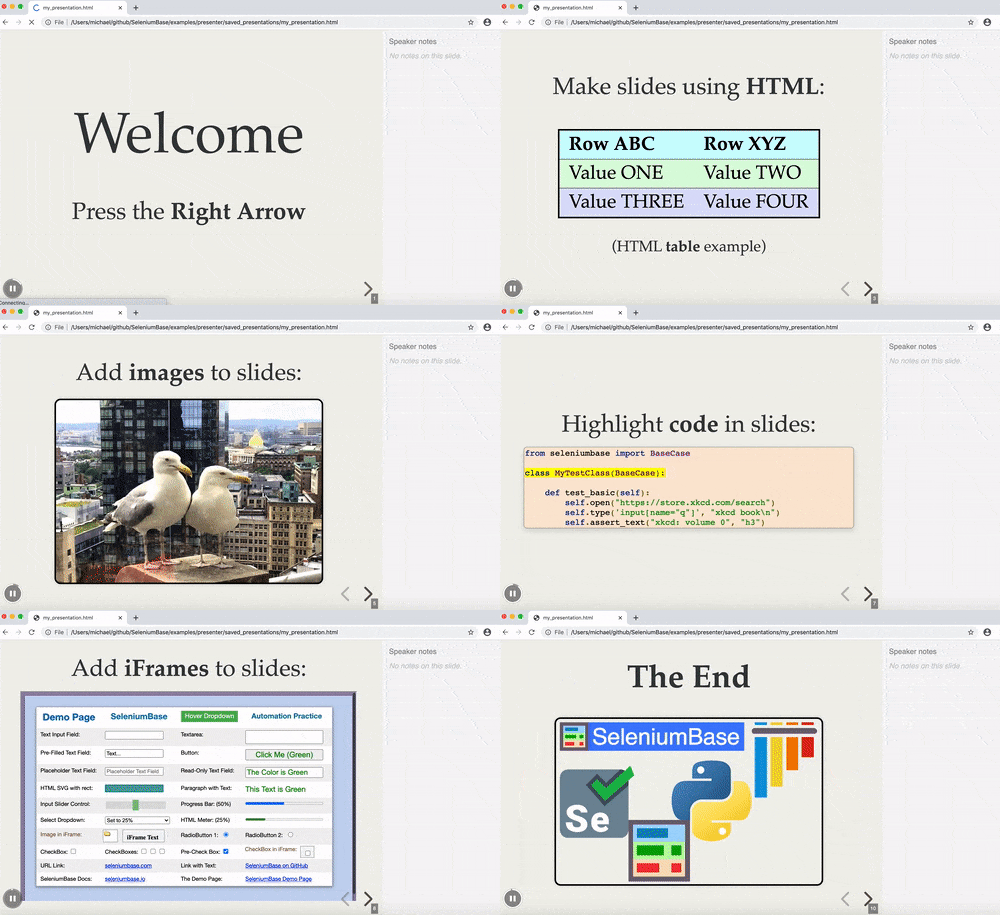
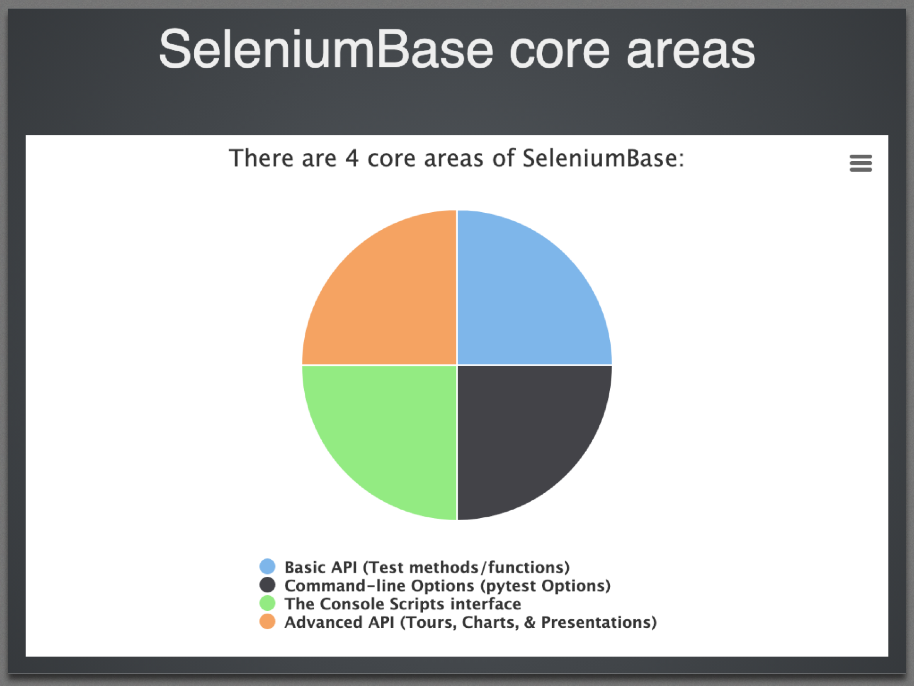 Creating a new presentation: Adding a slide to a presentation: Running a presentation: Here's an example of using SeleniumBase Presenter:
 '
''
'
'
''
' '
'
'
'| Row ABC | Row XYZ |
|---|---|
| Value ONE | Value TWO |
| Value THREE | Value FOUR |
| Key | Action |
|---|---|
| => | Next Slide (N also works) |
| <= | Previous Slide (P also works) |
| F | Full Screen Mode |
| O | Overview Mode Toggle |
| esc | Exit Full Screen / Overview Mode |
| . | Pause/Resume Toggle |
| space | Next Slide (alternative) |
Saving a presentation: Special abilities:Highlight this on the first generated slide
Highlight this on the second generated slide
Highlight this on the third generated slide
Highlight this on the fourth generated slide>
``` Eg. Second generated slide: ```htmlHighlight this on the first generated slide
Highlight this on the second generated slide
Highlight this on the third generated slide
Highlight this on the fourth generated slide>
``` Etc... --------SeleniumBase core areas
" + self.extract_chart()) self.add_slide( "Basic API (test methods). Example test:
", code=( "from seleniumbase import BaseCase\n\n" "class TestMFALogin(BaseCase):\n\n" " def test_mfa_login(self):\n" ' self.open("seleniumbase.io/realworld/login")\n' ' self.type("#username", "demo_user")\n' ' self.type("#password", "secret_pass")\n' ' self.enter_mfa_code(' '"#totpcode", "GAXG2MTEOR3DMMDG")\n' ' self.assert_text("Welcome!", "h1")\n' ' self.highlight("img#image1")\n' " self.click('a:contains(\"This Page\")')\n" " self.save_screenshot_to_logs()\n" ' self.click_link("Sign out")\n' ' self.assert_element(\'a:contains("Sign in")\')\n' ), ) self.add_slide( "Command-line options. Examples:
", code=( "$ pytest my_first_test.py\n" "$ pytest test_swag_labs.py --mobile\n" "$ pytest edge_test.py --browser=edge\n" "$ pytest basic_test.py --headless\n" "$ pytest my_first_test.py --demo --guest\n" "$ pytest basic_test.py --slow\n" "$ pytest -v -m marker2 --headless --save-screenshot\n" "$ pytest parameterized_test.py --reuse-session\n" "$ pytest test_suite.py --html=report.html --rs\n" "$ pytest test_suite.py --dashboard --html=report.html\n" "$ pytest github_test.py --demo --disable-csp\n" "$ pytest test_suite.py -n=2 --rs --crumbs\n" "$ pytest test_demo_site.py --incognito\n" "$ pytest verify_undetected.py --uc\n" "$ pytest basic_test.py --sjw --pls=none\n" ), ) self.add_slide( "The Console Scripts interface. Examples:
", code=( "$ sbase get chromedriver\n" "$ sbase mkdir new_test_folder\n" "$ sbase mkfile new_test.py\n" "$ sbase mkpres new_presentation.py\n" "$ sbase mkchart new_chart.py\n" "$ sbase print basic_test.py -n\n" "$ sbase translate basic_test.py -p --ru -n\n" "$ sbase grid-hub start\n" '$ sbase grid-node start --hub="127.0.0.1"\n' "$ sbase grid-node stop\n" "$ sbase grid-hub stop\n" "$ sbase recorder\n" "$ sbase commander\n" "$ sbase methods\n" "$ sbase options\n" ), ) self.add_slide( 'Advanced API. "Presenter" example:
', code=( "from seleniumbase import BaseCase\n\n" "class MyPresenterClass(BaseCase):\n" " def test_presenter(self):\n" ' self.create_presentation(theme="serif")\n' ' self.add_slide("Welcome to Presenter!")\n' " self.add_slide(\n" ' "Add code to slides:",\n' " code=(\n" ' "from seleniumbase import BaseCase\\n\\n"\n' ' "class MyPresenterClass(BaseCase):\\n\\n"\n' ' " def test_presenter(self):\\n"\n' ' " self.create_presentation()\\n"))\n' " self.begin_presentation(\n" ' filename="demo.html", show_notes=True)' ), ) self.add_slide( "The End
", image="https://seleniumbase.io/cdn/img/sb_logo_g.png", ) self.begin_presentation(filename="core_presentation.html") ================================================ FILE: examples/presenter/edge_presentation.py ================================================ from seleniumbase import BaseCase if __name__ == "__main__": from pytest import main main([__file__, "--edge", "-s", "--disable-csp"]) class EdgePresentationClass(BaseCase): def test_presentation(self): if not self.browser == "edge" or not self.disable_csp: self.driver.quit() self.get_new_driver(browser="edge", disable_csp=True) self.demo_mode = False self.maximize_window() self._output_file_saves = False self.create_presentation(theme="serif", transition="fade") self.add_slide( "About the presenter:
\n" "By the end of this presentation, you'll learn:
" "How do you get Selenium?
\n" "(for Python)
pip install seleniumWhat are some building blocks?
\n" "Is Selenium really a framework, or just a library?
\n" "Given that Selenium uses WebDriver APIs for interacting with" " websites, but lacks essential features for structuring tests," " (and more...), Selenium is really: JUST A LIBRARY!
\n", image="https://seleniumbase.io/other/selenium_slogan.png" ) self.add_slide( "JUST A LIBRARY, continued...
\n" "Technically, Selenium consists of multiple language bindings" " for interacting with WebDriver APIs. These bindings include:" " C#, Java, JS, Python, and Ruby.
\n", image="https://seleniumbase.io/other/library_books.jpg" ) self.add_slide( "Test frameworks wrap Selenium to improve things!
What are some disadvantages of using raw Selenium " "without extra libraries or frameworks?
\n"
"
",
image="https://seleniumbase.io/other/sel_and_py_2.png",
)
self.add_slide(
"
What are some disadvantages of using raw Selenium " "without extra libraries or frameworks?
\n" "The default timeout is 0: If an element isn't immediately " "ready to be interacted with, you'll get errors when trying " "to interact with those elements.\n" "
\n", image="https://seleniumbase.io/other/messy_stacktrace.png", ) self.add_slide( "What are some disadvantages of using raw Selenium " "without extra libraries or frameworks?
\n"
"The command statements can get a bit too long:
This is better:
" "
",
)
self.add_slide(
"
What are some disadvantages of using raw Selenium " "without extra libraries or frameworks?
A test framework can provide those!
Raw Selenium disadvantages, continued...
\n"
            'element = driver.find_element("css selector", "#password")\n'
            "element.clear()\n"
            'element.send_keys("secret_sauce")\n'
            'element.submit()\n'
"\nself.type("#password", "secret_sauce\\n")'
)
self.add_slide(
"What else can test frameworks provide?
self.assert_no_broken_links()
self.assert_text(TEXT, SELECTOR)
pytest --browser=edge --html=report.html
Element "h2" was not visible after 10s!
What about test runners?
Python includes powerful test runners, such as pytest." "
\n", image="https://seleniumbase.io/other/invoke_pytest.png", ) self.add_slide( "What can pytest do?
What about complete frameworks?
SeleniumBase combines the best of both "
"Selenium and pytest "
"into a super framework.
SeleniumBase features. (You already saw this!)" "
self.assert_no_broken_links()
self.assert_text(TEXT, SELECTOR)
pytest --browser=edge --html=report.html
Element "h2" was not visible after 10s!
How do you get SeleniumBase?
\n" "pip install seleniumbasepytest --edge --mobile\n"
'--browser=BROWSER'
''
' (Choose web browser. Default: "chrome".)'
'\n'
'--edge / --firefox / --safari'
''
' (Browser Shortcut.)'
'\n'
'--headless'
''
' (Run tests headlessly. Default on Linux OS.)'
'\n'
'--demo'
''
' (Slow down and see test actions as they occur.)'
'\n'
'--slow'
''
' (Slow down the automation. Faster than Demo Mode.)'
'\n'
'--rs / --reuse-session'
''
' (Reuse browser session for tests.)'
'\n'
'--rcs / --reuse-class-session'
''
' (RS, but for class tests.)'
'\n'
'--crumbs'
''
' (Clear cookies between tests reusing a session.)'
'\n'
'--maximize'
''
' (Start tests with the web browser maximized.)'
'\n'
'--dashboard'
''
' (Enable the SB Dashboard at dashboard.html)'
'\n'
'--uc'
''
' (Enable undetected-chromedriver mode.)'
'\n'
'--incognito'
''
' (Enable Incognito mode.)'
'\n'
'--guest'
''
' (Enable Guest mode.)'
'\n'
'-m=MARKER'
''
' (Run tests with the specified pytest marker.)'
'\n'
'-n=NUM'
''
' (Multithread the tests using that many threads.)'
'\n'
'-v'
''
' (Verbose mode. Print the full names of each test run.)'
'\n'
'--html=report.html'
''
' (Create a detailed pytest-html report.)'
'\n'
'--co / --collect-only'
''
' (Only show discovered tests. No run.)'
'\n'
'--co -q'
''
' (Only show full names of discovered tests. No run.)'
'\n'
'-x'
''
' (Stop running tests after the first failure is reached.)'
'\n'
""
)
self.add_slide(
"About me:
\n" "" "This is the ONLY Python session at SeleniumConf!" "
(for Python)
pip install selenium
",
)
self.add_slide(
"
It takes multiple lines of code to do simple tasks:" "
\n\n"
'element = driver.find_element("css selector", "#password")\n'
"element.clear()\n"
'element.send_keys("secret_sauce")\n'
'element.submit()\n'
"\nBut with a framework, do all that in ONE line:
\n" 'self.type("#password", "secret_sauce\\n")'
)
self.add_slide(
"It takes multiple lines of code to do simple tasks:
\n" "\n"
'element = driver.find_element("css selector", "#password")\n'
"element.clear()\n"
'element.send_keys("secret_sauce")\n'
'element.submit()\n'
"\nBut with a framework, do all that in ONE line:" "
\n" 'self.type("#password", "secret_sauce\\n")'
)
self.add_slide(
"self.assert_no_broken_links()
self.assert_text(TEXT, SELECTOR)
pytest --browser=edge --html=report.html
Element "h2" was not visible after 10s!
pytest do?SeleniumBase combines the best of both "
"Selenium and pytest "
"into a super framework.self.assert_no_broken_links()
self.assert_text(TEXT, SELECTOR)
pytest --browser=edge --html=report.html
Element "h2" was not visible after 10s!
pip install seleniumbase\n"
'--browser=BROWSER'
''
' (Choose web browser. Default: "chrome".)'
'\n'
'--edge / --firefox / --safari'
''
' (Browser Shortcut.)'
'\n'
'--headless'
''
' (Run tests headlessly. Default on Linux OS.)'
'\n'
'--demo'
''
' (Slow down and see test actions as they occur.)'
'\n'
'--slow'
''
' (Slow down the automation. Faster than Demo Mode.)'
'\n'
'--reuse-session / --rs'
''
' (Reuse browser session for tests.)'
'\n'
'--reuse-class-session / --rcs'
''
' (RS, but for class tests.)'
'\n'
'--crumbs'
''
' (Clear cookies between tests reusing a session.)'
'\n'
'--maximize'
''
' (Start tests with the web browser maximized.)'
'\n'
'--dashboard'
''
' (Enable the SB Dashboard at dashboard.html)'
'\n'
'--uc'
''
' (Enable undetected-chromedriver mode.)'
'\n'
'--incognito'
''
' (Enable Incognito mode.)'
'\n'
'--guest'
''
' (Enable Guest mode.)'
'\n'
'-m=MARKER'
''
' (Run tests with the specified pytest marker.)'
'\n'
'-n=NUM'
''
' (Multithread the tests using that many threads.)'
'\n'
'-v'
''
' (Verbose mode. Print the full names of each test run.)'
'\n'
'--html=report.html'
''
' (Create a detailed pytest-html report.)'
'\n'
'--collect-only / --co'
''
' (Only show discovered tests. No run.)'
'\n'
'--co -q'
''
' (Only show full names of discovered tests. No run.)'
'\n'
'-x'
''
' (Stop running tests after the first failure is reached.)'
'\n'
""
)
self.add_slide(
" '
"
'
"Coming up on the Hacker Show...
\n" "Coming up on the Hacker Show...
\n" "Coming up on the Hacker Show...
\n" "Coming up on the Hacker Show...
\n" "Coming up on the Hacker Show...
\n" " '
)
self.add_slide(
'
'
)
self.add_slide(
' '
)
self.add_slide(
'
'
)
self.add_slide(
' '
)
self.add_slide(
'
'
)
self.add_slide(
' '
)
self.add_slide(
'
'
)
self.add_slide(
'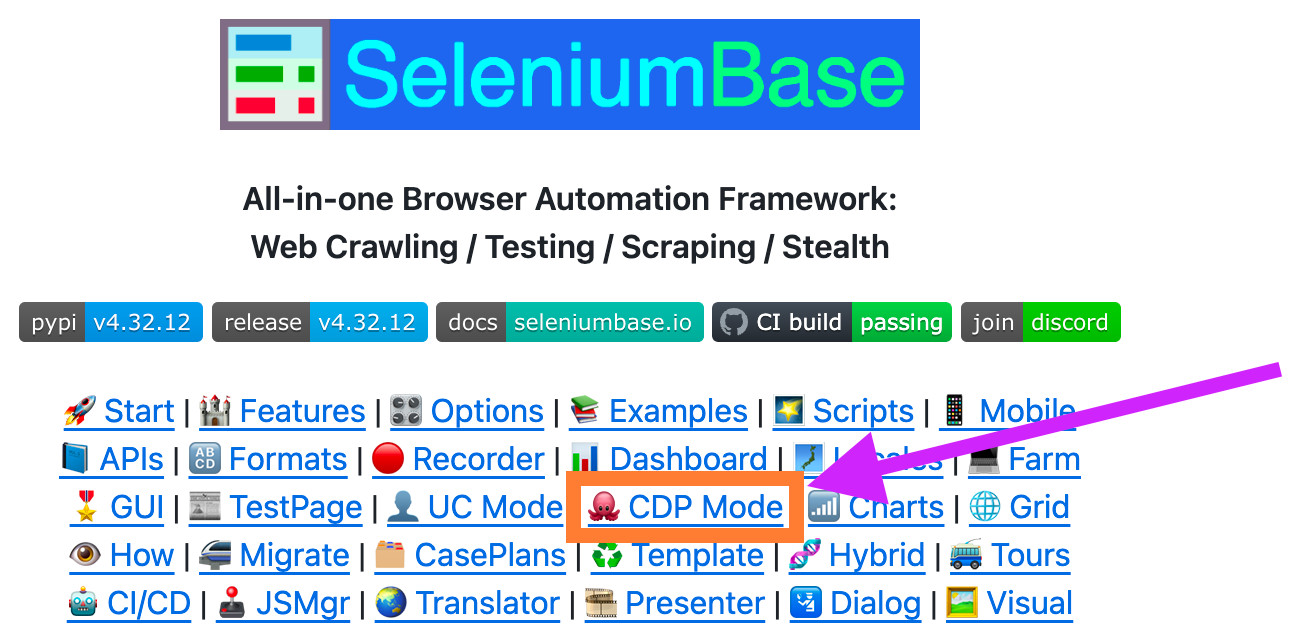 '
)
self.add_slide(
'
'
)
self.add_slide(
' '
)
self.add_slide(
'
'
)
self.add_slide(
'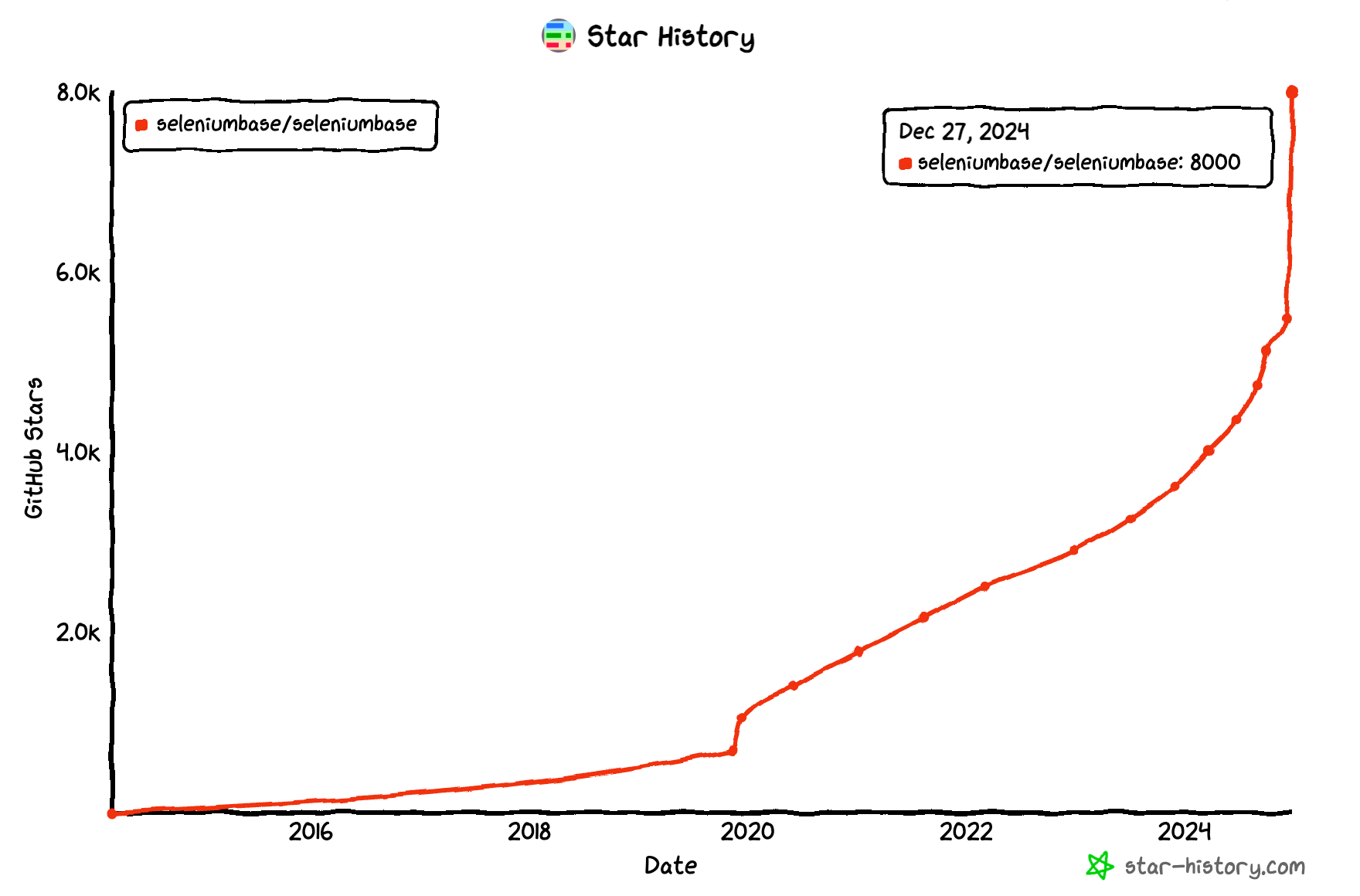 '
)
self.add_slide(
'
'
)
self.add_slide(
'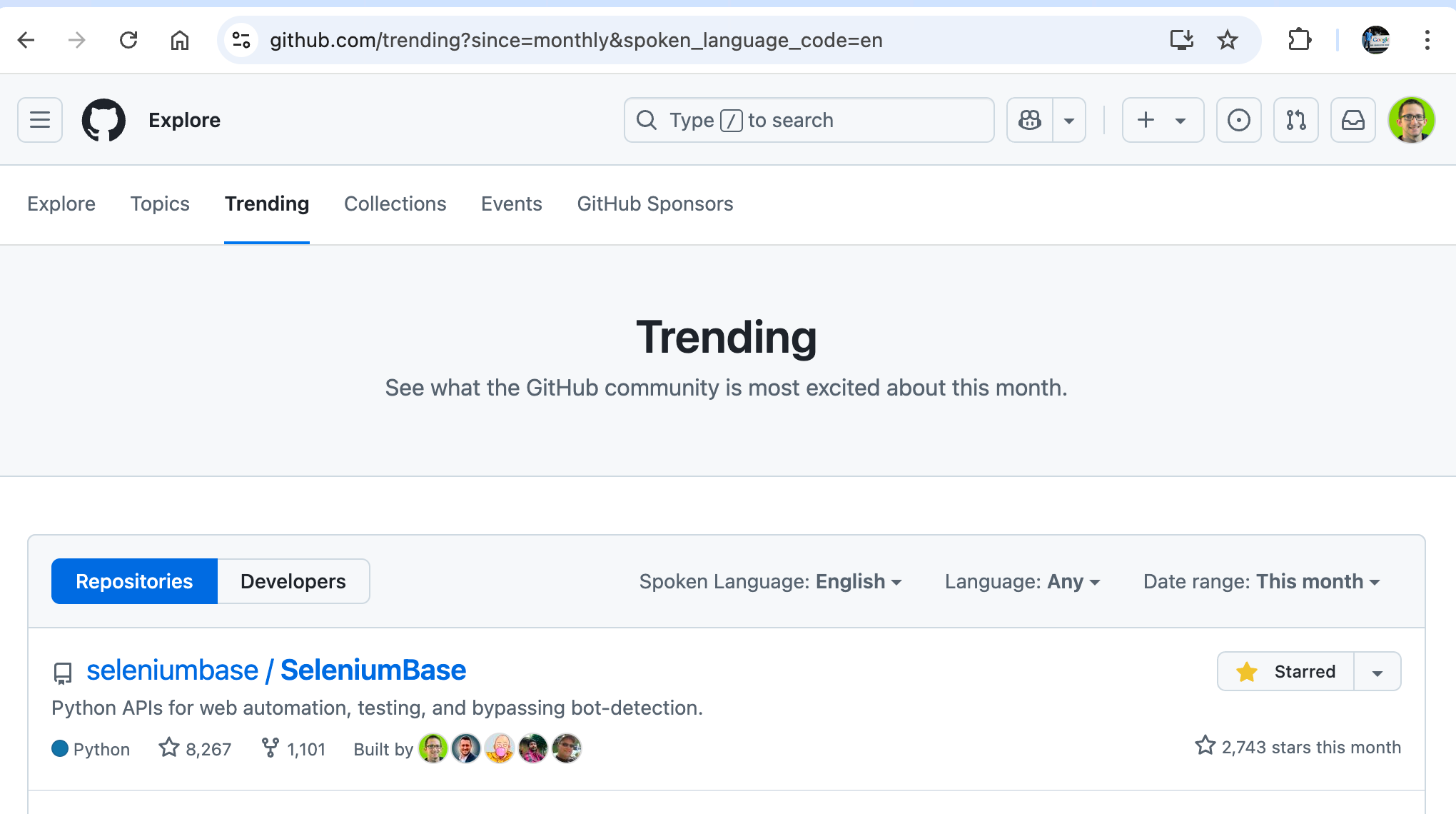 '
)
self.add_slide(
'
'
)
self.add_slide(
'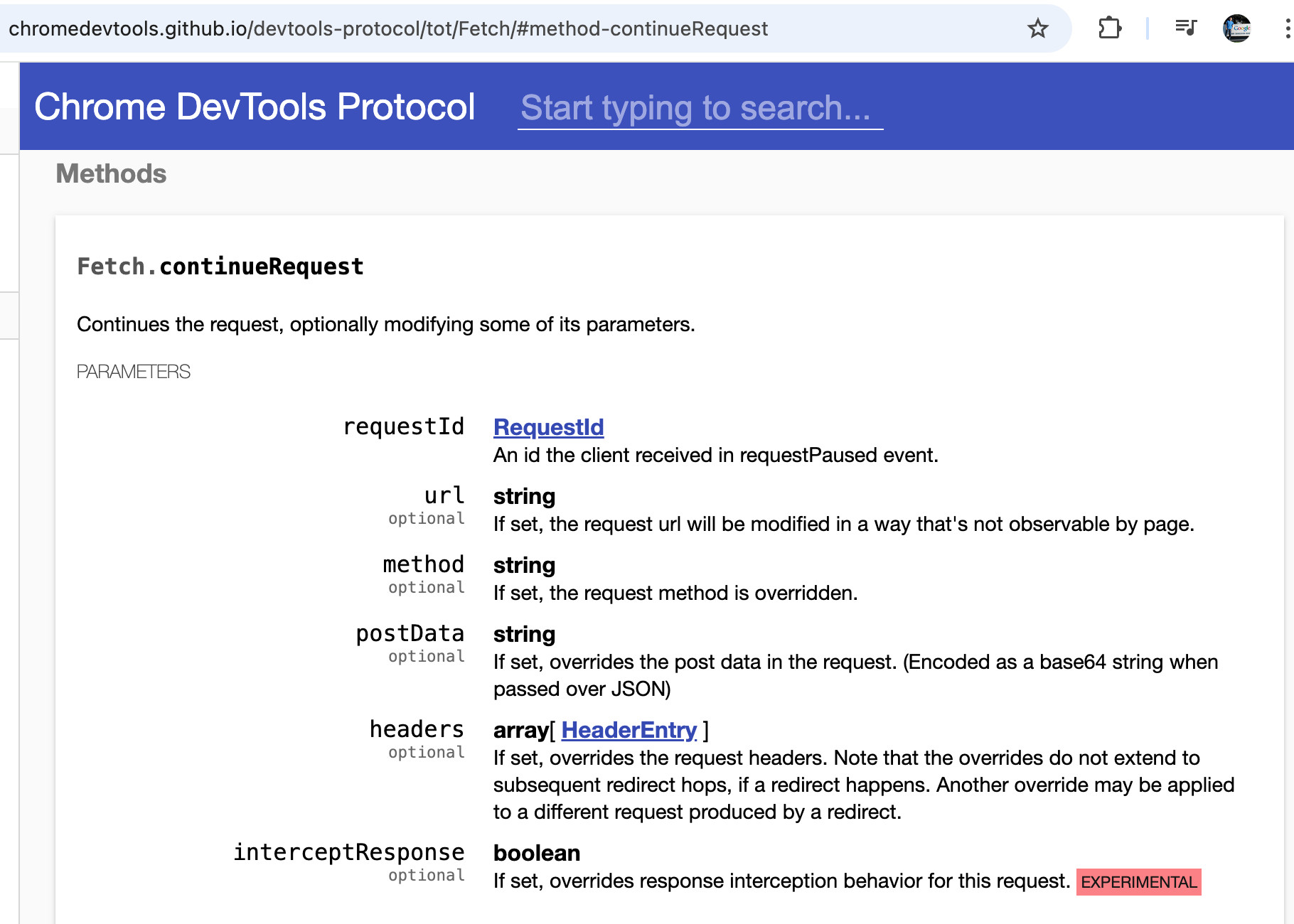 '
)
self.add_slide(
'
'
)
self.add_slide(
'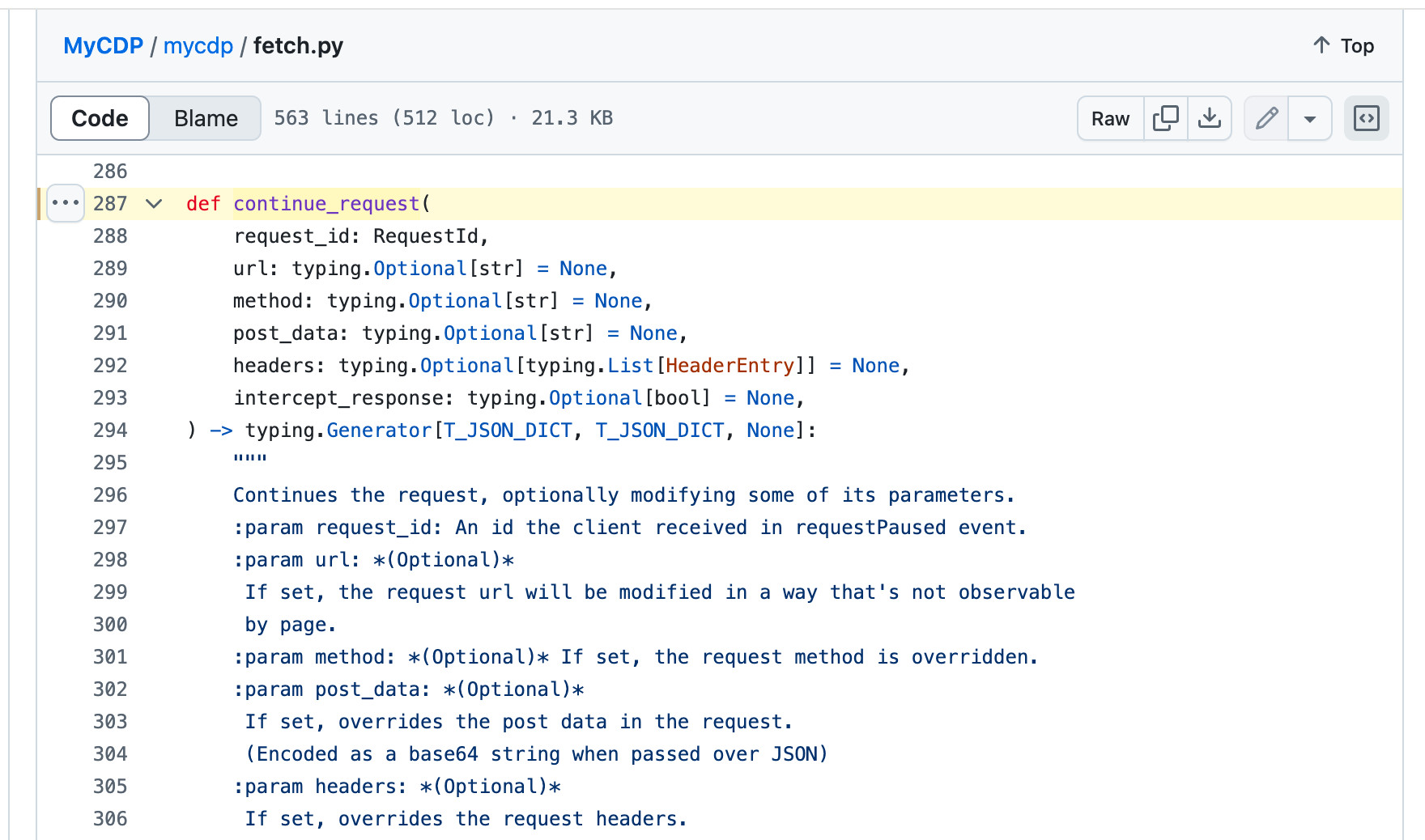 '
)
self.add_slide(
'
'
)
self.add_slide(
'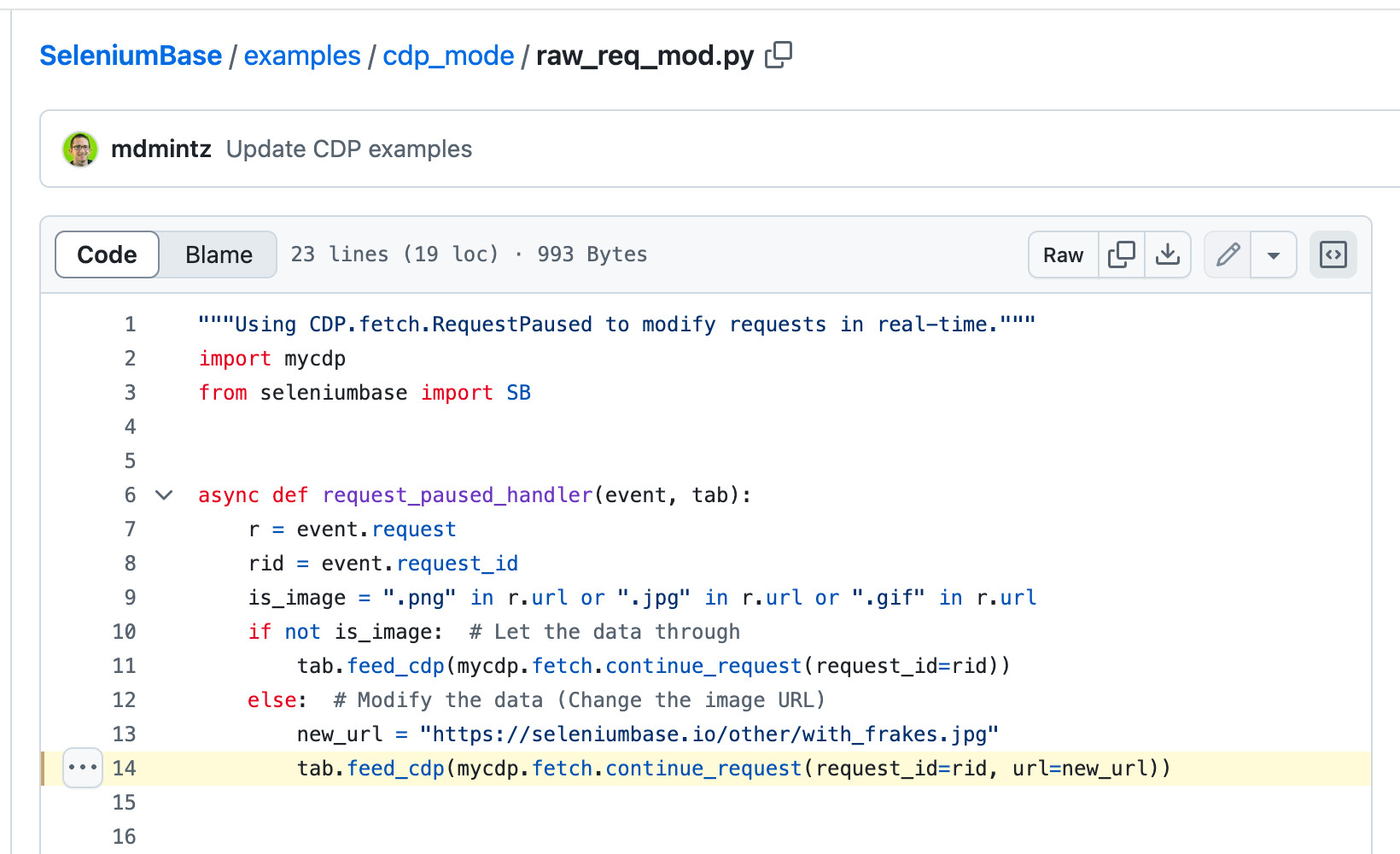 '
)
self.add_slide(
'
'
)
self.add_slide(
' '
)
self.add_slide(
'
'
)
self.add_slide(
'remote-debugging-port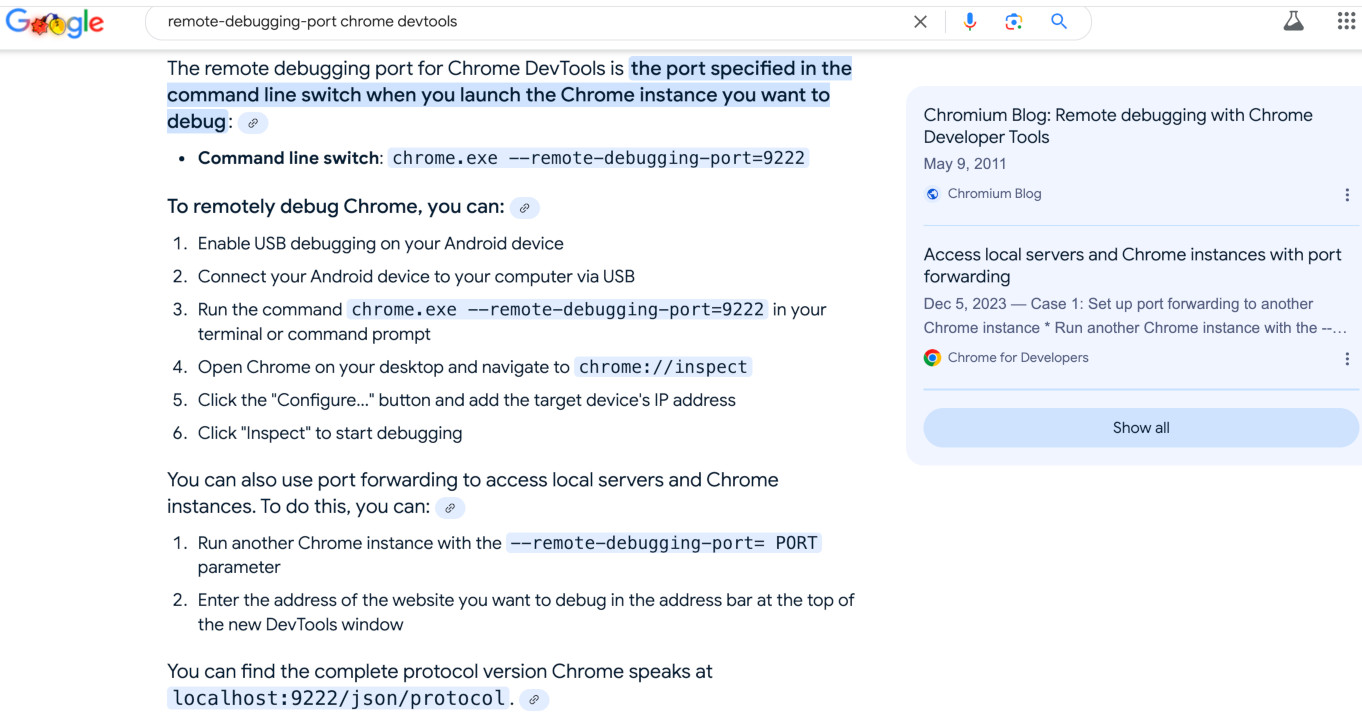 '
)
self.add_slide(
"'
)
self.begin_presentation(filename="uc_presentation.html")
================================================
FILE: examples/presenter/multi_uc.py
================================================
"""Part of the UC presentation"""
import pytest
from random import randint
from seleniumbase import BaseCase
BaseCase.main(__name__, __file__, "--uc", "-n3")
@pytest.mark.parametrize("", [[]] * 3)
def test_multi_threaded(sb):
url = "https://gitlab.com/users/sign_in"
sb.driver.uc_open_with_reconnect(url, 3)
sb.set_window_rect(randint(0, 755), randint(38, 403), 700, 500)
try:
sb.assert_text("Username", '[for="user_login"]', timeout=3)
sb.post_message("SeleniumBase wasn't detected", duration=4)
sb._print("\n Success! Website did not detect Selenium! ")
except Exception:
sb.driver.uc_open_with_reconnect(url, 3)
try:
sb.assert_text("Username", '[for="user_login"]', timeout=3)
sb.post_message("SeleniumBase wasn't detected", duration=4)
sb._print("\n Success! Website did not detect Selenium! ")
except Exception:
sb.fail('Selenium was detected! Try using: "pytest --uc"')
================================================
FILE: examples/presenter/my_presentation.py
================================================
from seleniumbase import BaseCase
BaseCase.main(__name__, __file__)
class MyPresenterClass(BaseCase):
def test_presenter(self):
self.create_presentation(theme="serif", transition="none")
self.add_slide(
"
'
)
self.add_slide(
"'
)
self.begin_presentation(filename="uc_presentation.html")
================================================
FILE: examples/presenter/multi_uc.py
================================================
"""Part of the UC presentation"""
import pytest
from random import randint
from seleniumbase import BaseCase
BaseCase.main(__name__, __file__, "--uc", "-n3")
@pytest.mark.parametrize("", [[]] * 3)
def test_multi_threaded(sb):
url = "https://gitlab.com/users/sign_in"
sb.driver.uc_open_with_reconnect(url, 3)
sb.set_window_rect(randint(0, 755), randint(38, 403), 700, 500)
try:
sb.assert_text("Username", '[for="user_login"]', timeout=3)
sb.post_message("SeleniumBase wasn't detected", duration=4)
sb._print("\n Success! Website did not detect Selenium! ")
except Exception:
sb.driver.uc_open_with_reconnect(url, 3)
try:
sb.assert_text("Username", '[for="user_login"]', timeout=3)
sb.post_message("SeleniumBase wasn't detected", duration=4)
sb._print("\n Success! Website did not detect Selenium! ")
except Exception:
sb.fail('Selenium was detected! Try using: "pytest --uc"')
================================================
FILE: examples/presenter/my_presentation.py
================================================
from seleniumbase import BaseCase
BaseCase.main(__name__, __file__)
class MyPresenterClass(BaseCase):
def test_presenter(self):
self.create_presentation(theme="serif", transition="none")
self.add_slide(
"| Row ABC | Row XYZ |
|---|---|
| Value ONE | Value TWO |
| Value THREE | Value FOUR |
| Key | Action |
|---|---|
| => | Next Slide (N also works) |
| <= | Previous Slide (P also works) |
| F | Full Screen Mode |
| O | Overview Mode Toggle |
| esc | Exit Full Screen / Overview Mode |
| . | Pause/Resume Toggle |
| space | Next Slide (alternative) |
Granite State Code Camp - Sat, Nov 14, 2020
" ) self.add_slide( "About me:
\n" "Topics & tools covered by this presentation:
" "Topics & tools that are NOT covered here:
(Other Python package management tools)
" ) self.add_slide( "What is a Python virtual environment?
A Python virtual environment is a partitioned directory" " where a Python interpreter, libraries/packages, and scripts" " can be installed and isolated from those installed in other" " virtual environments or the global environment.
" ) self.add_slide( "Why should we use Python virtual environments?" "
We should use Python virtual environments because different" " Python projects can have conflicting Python dependencies that" " cannot coexist in the same env.
" ) self.add_slide( "Why? - continued
Example: Project A and Project B both depend on" " different versions of the same Python library!
" "Therefore, installing the second project requirements" " would overwrite the first one, causing it to break.
", code=( "# Project A requirement:\n" "urllib3==1.25.3\n\n" "# Project B requirement:\n" "urllib3==1.26.2" ), ) self.add_slide( "Why? - continued
It is also possible that Project A and Project B" " require different versions of Python installed!
", code=( "# Project A requirement:\n" "Python-3.8\n\n" "# Project B requirement:\n" "Python-2.7" ), ) self.add_slide( "How do we create and use Python virtual envs?" "
Python 3 "venv"
"mkvirtualenv" (from virtualenvwrapper)
List of commands from virtualenvwrapper
" "Determining if you are in a virtual env
" "When activated, the name of your virtual env" " will appear in parentheses on the left side of your" " command prompt.
", code=( "# Example of how it may look on a Windows machine:\n" "C:\\Users\\Michael\\github> mkvirtualenv my_env\n" "(my_env) C:\\Users\\Michael\\github>" ), ) self.add_slide( 'Installing packages with "pip install"
Once you have created a Python virtual environment and are" " inside, it is now safe to install packages from PyPI," " setup.py files, and/or requirements.txt files.
\n", code=( "# Install a package from PyPI:\n" "pip install seleniumbase\n\n" "# Install packages from a folder with setup.py:\n" "pip install . # Normal installation\n" "pip install -e . # Editable install\n\n" "# Install packages from a requirements.txt file:\n" "pip install -r requirements.txt\n" ), ) self.add_slide( 'Other useful "pip" commands
A deep dive into undetectable automation, with:
" "SeleniumBase UC Mode"
" and undetected-chromedriver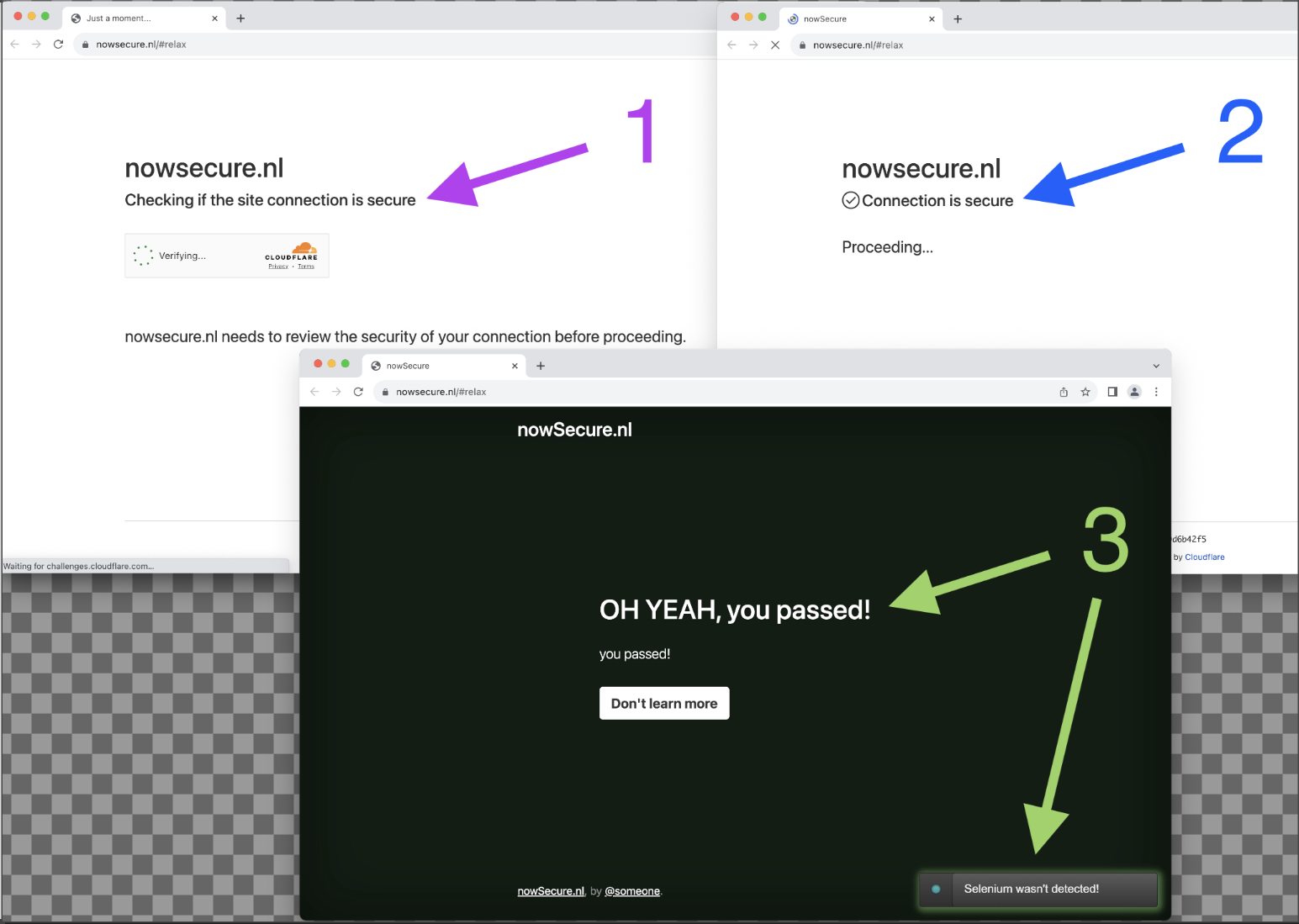 '
)
self.add_slide(
"
'
)
self.add_slide(
"🔹 The Objective 🔹
🔹 There's a lot more to come! 🔹
Not just an army of bots, but an army of bots
"
"that look just like humans using web browsers.
(That's how they weren't detected!)
" ) self.begin_presentation(filename="uc_presentation.html") self.create_presentation(theme="serif", transition="fade") self.add_slide( "If this is what you came here for, stick aroundYou may find it easier to build a Selenium
"
"bot than to navigate an obstacle course.
But first, you may be wondering who I am...
" "Or maybe you're one of over one million people
"
"that I've already helped on Stack Overview:
 '
)
self.add_slide(
"
'
)
self.add_slide(
"About the presenter (Michael Mintz):
\n" "I've been doing video podcasts since 2012!
" "(That's when I first co-hosted the
Marketing Update"
" on HubSpot TV)
I spoke at Selenium Conference 2023:
" "(As the dedicated Python Selenium speaker)
", image="https://seleniumbase.io/other/me_se_conf.jpg", ) self.add_slide( "Here's me with the creators
"
"of Selenium / WebDriver:
Now, let me explain how we got here...
" "And by here, I mean a time when lots of companies" " have been building services to detect and block bots:
", image="https://seleniumbase.io/other/verify_human.png", ) self.add_slide( "In the early days, there were few bots,
"
"and those bots didn't look human at all.
Those early bots were mostly innocent, and
"
"most websites didn't care if they were around.
At some point, the number of bots grew by a lot...
Many bots were programmed with bad intentions...
And sometimes you couldn't tell apart the good bots" " from the bad ones until it was already too late...
", ) self.add_slide( "Then came Google reCAPTCHA v1...
" "Although intended as a defense against bots,
"
" humans on a web browser also got hit by it.
Then Google made improvements:
" "(reCAPTCHA v2 / reCAPTCHA v3)
", image="https://seleniumbase.io/other/recaptcha_v2a.png", ) self.add_slide( "And that annoyed a lot of people...
", image="https://seleniumbase.io/other/recaptcha_v2b.png", ) self.add_slide( "Then came the next iteration of anti-bot security:
" "Cloudflare Turnstile CAPTCHA-replacement." "
That changed the game in many ways.
", image="https://seleniumbase.io/other/check_if_secure.png", ) self.add_slide( "For awhile, Cloudflare's Turnstile did a decentThen undetected-chromedriver arrived:
 '
)
self.add_slide(
"
'
)
self.add_slide(
"undetected-chromedriver was found to be
"
"incredibly effective at getting past the Turnstile:
The maintainer of undetected-chromedriver:
He appears to be very busy with various projects.
" ' '
)
self.add_slide(
"
'
)
self.add_slide(
"The biggest challenge for undetected-chromedriver" " has been adapting to breaking changes caused by:
" "Those can brake things until updates are released:
" ' '
)
self.add_slide(
"
'
)
self.add_slide(
"Thankfully, undetected-chromedriver has
"
"supporters helping to figure out and fix things.
"
' '
)
self.add_slide(
"
'
)
self.add_slide(
"
That's where seleniumbase UC Mode comes in:
 '
)
self.add_slide(
"
'
)
self.add_slide(
"pytest-xdist.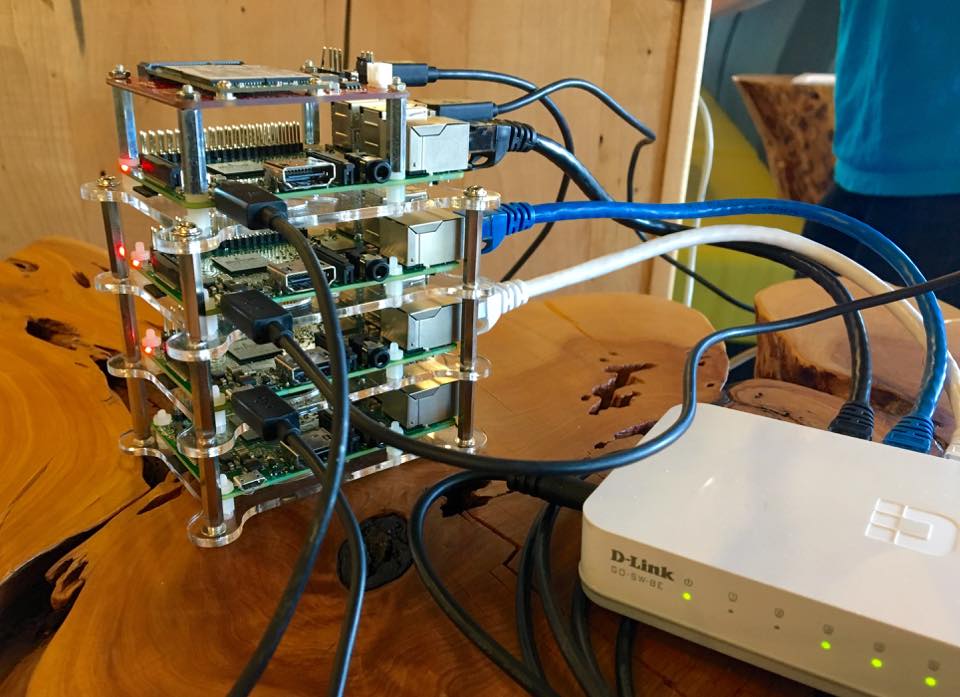 '
)
self.add_slide(
"
'
)
self.add_slide(
"--uc / uc=True)--slow)--demo)--proxy="h:p"/"u:p@h:p")--pdb/--trace/--ftrace)--mobile / mobile=True)--rec / --rec-behave)pytest -n4 / -n8)
"
" It must be activated by switching it on:
--uc uc=True "
"
driver methods"
"
"
"SeleniumBase format, with more methods:
Now let's learn how UC Mode works in general.
" "First, there are several things that need to happen for" " browsers to remain undetected from anti-bot services.
\n", image="https://seleniumbase.io/other/yeah_you_passed.png", ) self.add_slide( "user_data_dir), is making sure that"
" the u_d_d is only used by UC Mode Chrome instances. If you"
' "cross the streams", UC Mode can be detected.driver.get(url) has"
" been modified from the original todriver.get(url) has"
" been modified, driver.default_get(url)"
" exists to do a regular get(url),"
" which may be useful if revisiting a website.driver.uc_open(url) will"
" open a URL in the same tab with a disconnect.driver.uc_open_with_tab(url)"
" opens a URL in a new tab with a disconnect. Similar to the new"
" driver.get(url), but without the pre-check."
"driver.uc_open_with_tab(url) opens"
" a URL in a new tab with a disconnect. Similar to the new"
" driver.get(url), but without the pre-check."
"driver.get(url)"
" pre-check checks to see if a URL has bot-detection software"
" on it before opening the URL in a new tab with a disconnect."
"requests.get(URL)UC Mode web browser."403" (Forbidden),disconnect."
"Here's a method for a custom reconnect time
"
"when opening a page that tries to detect bots:
" "driver.uc_open_with_reconnect(url, reconnect_time)" "
If your bot needs to click a button on a website that has" " anti-bot services, you might be able to do it with this special" " method, which forces a short disconnect:
\n" "" 'driver.uc_click(selector)
by="css selector", timeout=7) '
)
self.begin_presentation(filename="uc_presentation.html")
self.open("https://seleniumbase.io/other/uc3_title.jpg")
self.sleep(2.5)
self.create_presentation(theme="serif", transition="fade")
self.add_slide(
''
'
'
)
self.begin_presentation(filename="uc_presentation.html")
self.open("https://seleniumbase.io/other/uc3_title.jpg")
self.sleep(2.5)
self.create_presentation(theme="serif", transition="fade")
self.add_slide(
''
'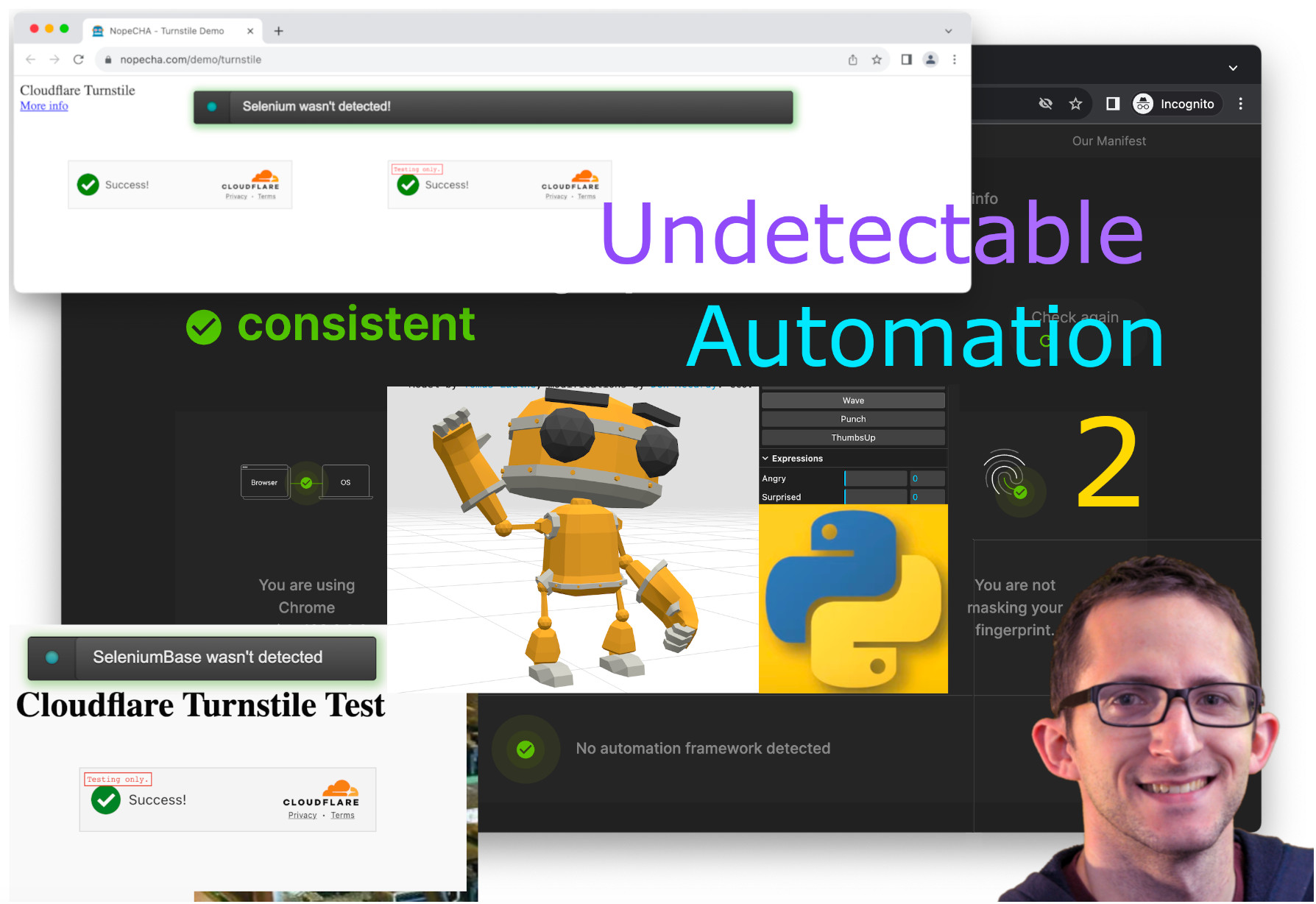 '
)
self.add_slide(
'
'
)
self.add_slide(
' '
)
self.add_slide(
"
'
)
self.add_slide(
"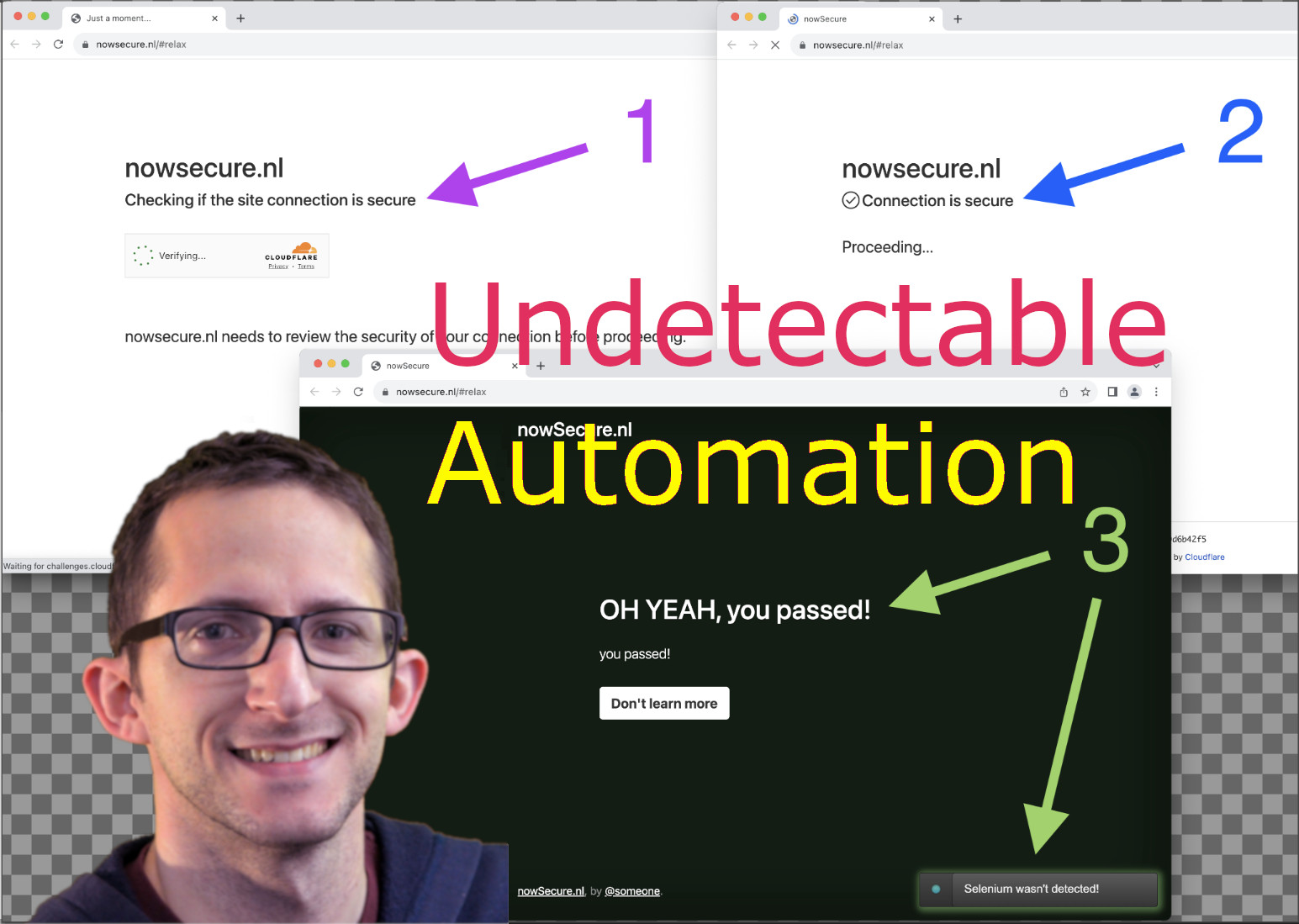 '
)
self.add_slide(
'
'
)
self.add_slide(
' '
)
self.add_slide(
"
'
)
self.add_slide(
"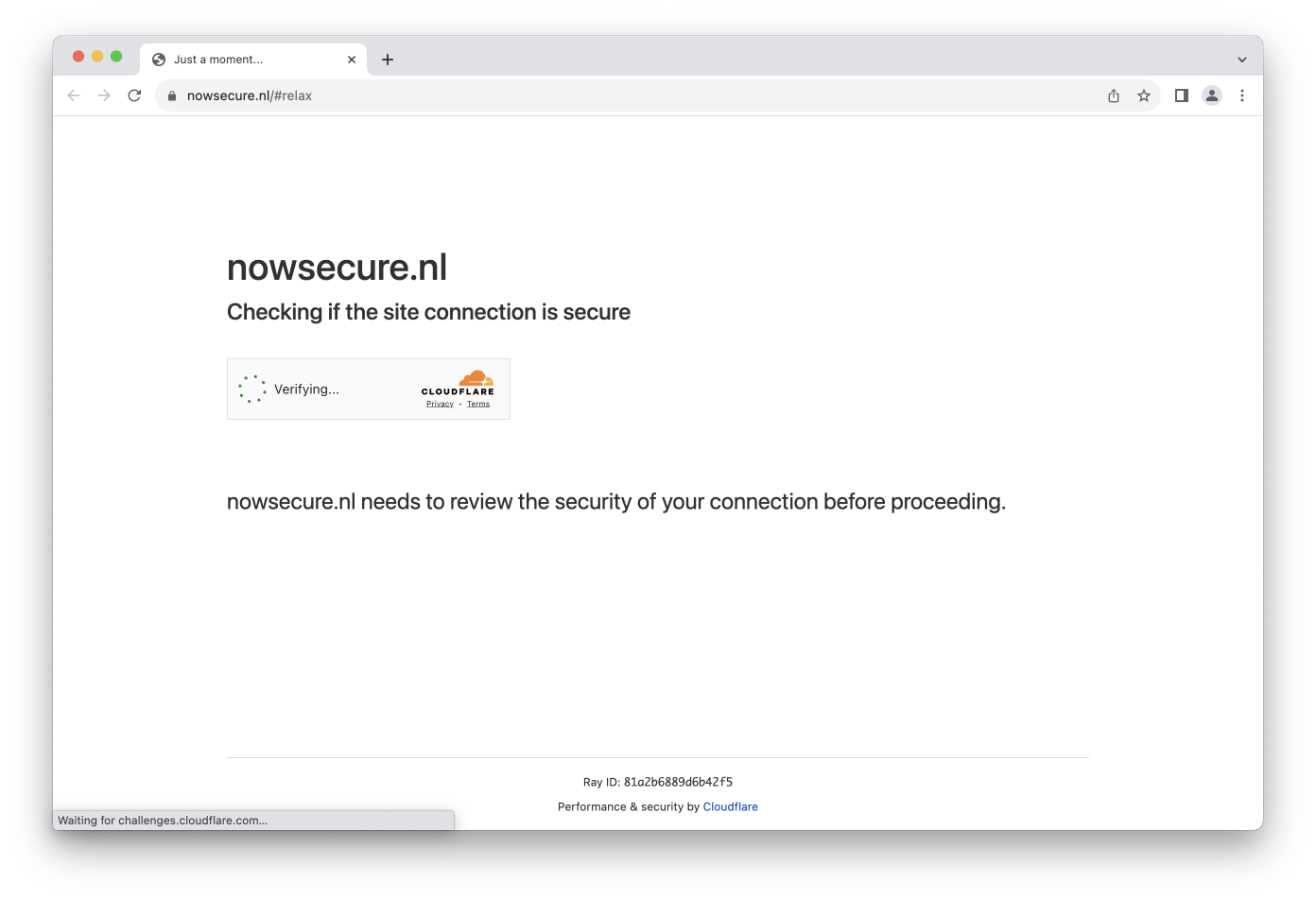 '
)
self.add_slide(
"
'
)
self.add_slide(
"The code for the previous live demo:
" "sb.uc_gui_handle_captcha()sb.uc_gui_click_captcha()The code for the previous live demo:
" "The code for the previous live demo:
" "SB(uc=True)"
"sb.uc_open_with_reconnect(url)"
"sb.uc_gui_handle_captcha()"
" or sb.uc_gui_click_captcha()"
" to bypass CAPTCHAs as needed.sb.uc_click(selector)"
"
"
"found in the SeleniumBase GitHub repo:
"
"github.com/seleniumbase/SeleniumBase
"
'
uc_click(selector) method"
" to bypass a Cloudflare CAPTCHA on"
" steamdb.info ...The code for the previous live demo:
" "👤
PyAutoGUI for all"
" features to work.PyAutoGUI doesn't support Headless Mode."
"👤
👤 General information 👤
" "Don't assume that all CAPTCHA services" " are secure, even if they say they are...
👤
"
"some CAPTCHA services are quite good..."
"
👤 General information 👤
" "On the other hand,
"
"some CAPTCHA services are quite good..."
"
👤
👤
things to know to"
" understand things better..."
"
👤
"
"the most popular one today is UC Mode,
"
"which enables Selenium browsers to appear
"
"as human-controlled browsers to websites."
"
👤
which is ideal and recommended'
" for UC Mode."
"
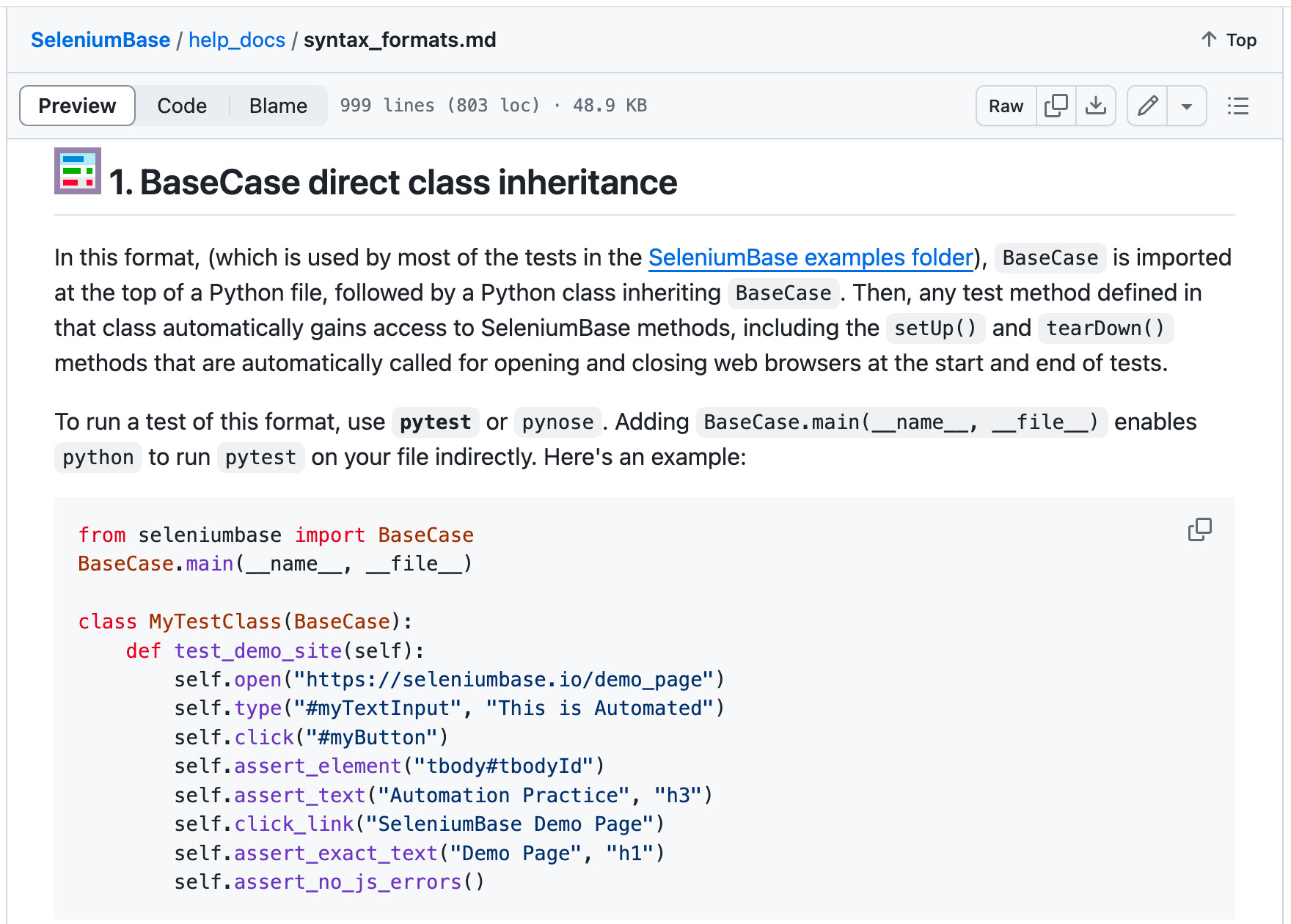 '
)
self.add_slide(
'
'
)
self.add_slide(
'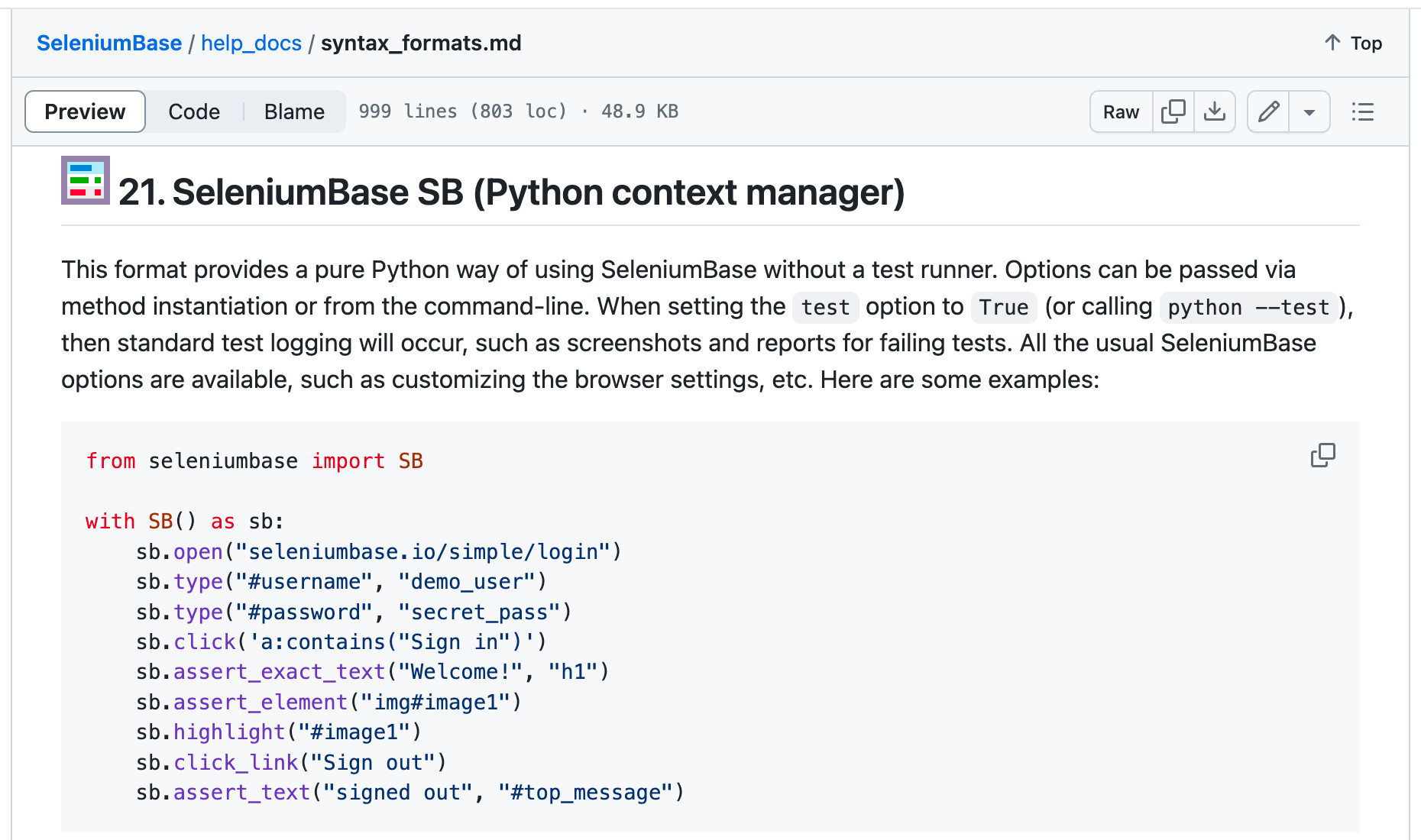 '
)
self.add_slide(
"
'
)
self.add_slide(
" '
)
self.add_slide(
"
'
)
self.add_slide(
"About me: (Michael Mintz)
\n" "About me: (Michael Mintz)
\n" " '
)
self.add_slide(
"
'
)
self.add_slide(
"👤
👤
"
"changes at the same time..."
"
"
"UC Mode updates to counter those changes..."
"
👤
uc_click(selector) method"
" was updated to click on CAPTCHAs
via JavaScript using"
" window.setTimeout()."
"
👤
"
'examples to change "span.mark" to just "span".'
"
👤
(This was a major setback!)"
"PyAutoGUI."
"
👤
"
"(They went for a killing blow!)"
"
for"
" PyAutoGUI."
" (Same-day delivery, thanks to an advanced warning"
" on Discord a few days earlier.)"
"
👤
"
"CSS Selectors that come before Shadow-DOM."
"
'
'"uc_gui_click_captcha()" for any CAPTCHA now.
'
'(On Linux, only "uc_gui_click_captcha" works.)'
"
👤
"
"have been shipped since then so far..."
"
"
"on UC Mode updates as needed..."
"
👤
"
"a GitHub repo named Brotector was released."
"
(It appears that Cloudflare learned from them.)"
"
 '
)
self.add_slide(
"
'
)
self.add_slide(
" '
)
self.add_slide(
"
'
)
self.add_slide(
"👤
"
'"The Brotector CAPTCHA"'
"
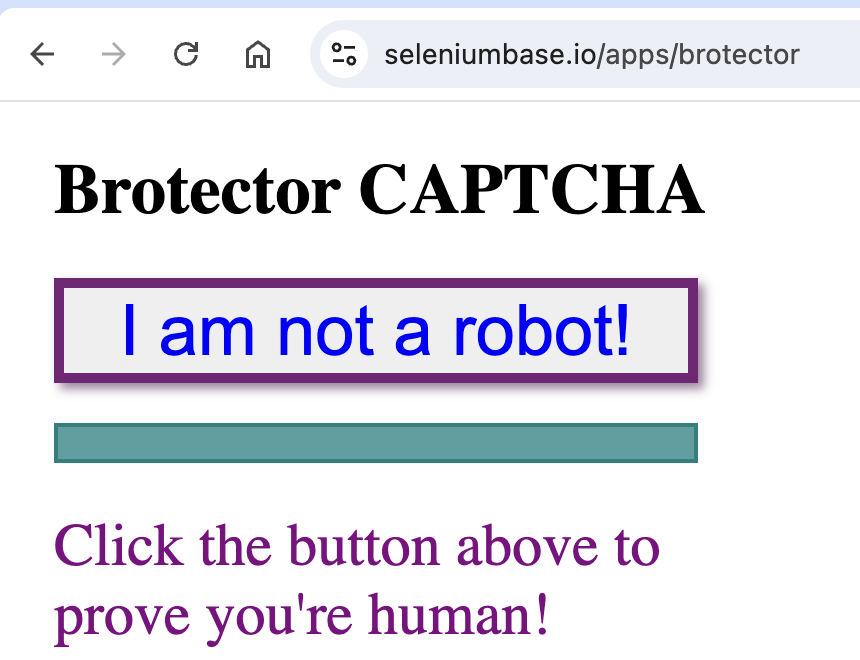 '
)
self.add_slide(
'
'
)
self.add_slide(
'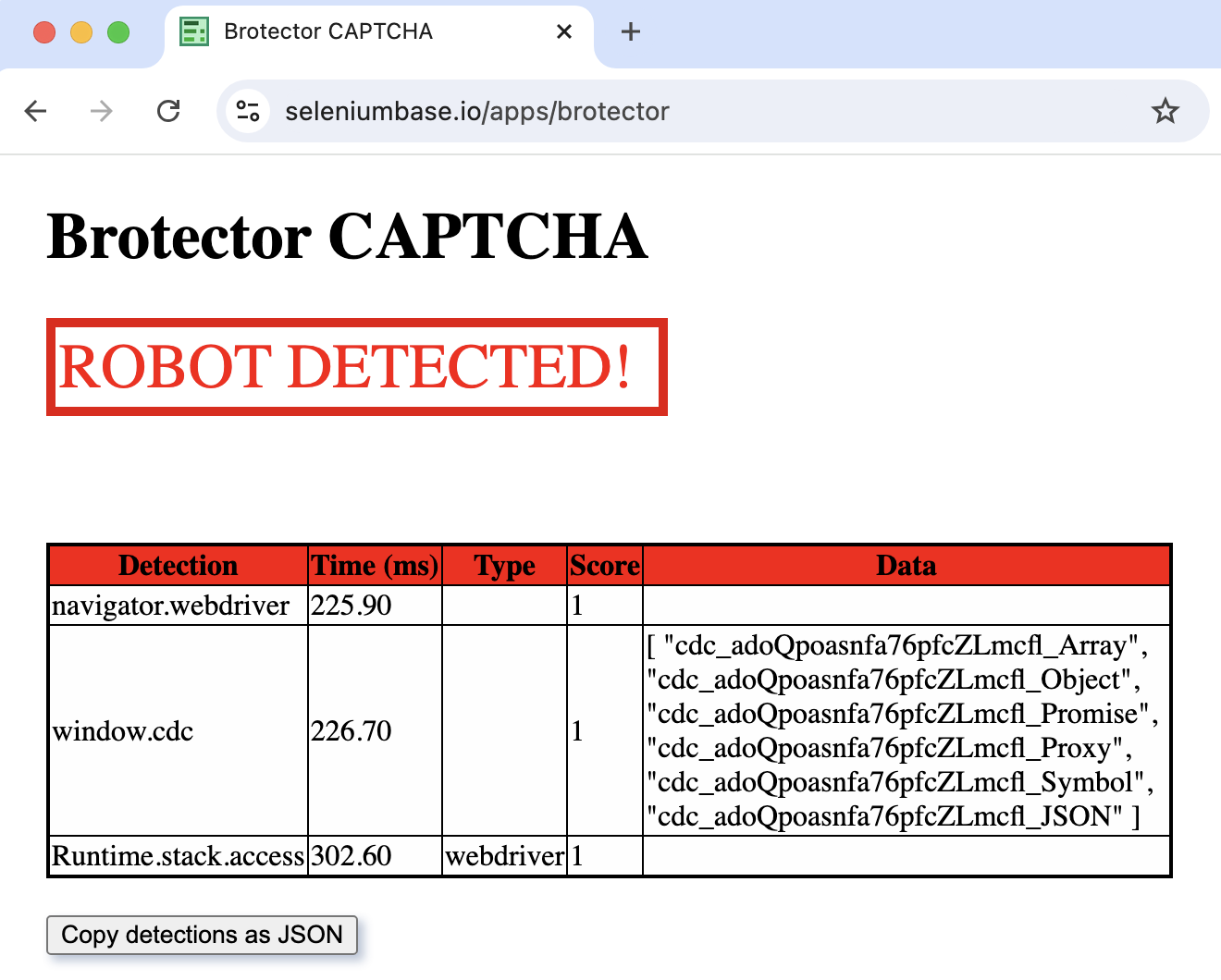 '
)
self.add_slide(
"
'
)
self.add_slide(
"👤
"
"bot-detection, like Brotector already has?
PyAutoGUI click.
(This is fine"
" for now because CF only scans
"
"during page loads and CAPTCHA clicks.)"
"
"
"Cloudflare adds real-time bot-scanning..."
"
👤
" '
sb.uc_gui_click_captcha(frame="iframe", retry=False,'
' blind=True )👤
"
"from the SeleniumBase GitHub repo..."
"
'
)
self.add_slide(
"👤
"
"get out of a trap you fell into..."
"
👤
"
"but new projects are classified until released."
"
'
)
self.begin_presentation(filename="uc_presentation.html")
================================================
FILE: examples/presenter/uc_presentation_4.py
================================================
# https://www.youtube.com/watch?v=Mr90iQmNsKM
from contextlib import suppress
from seleniumbase import BaseCase
from seleniumbase import SB
BaseCase.main(__name__, __file__)
class UCPresentationClass(BaseCase):
def test_presentation_4(self):
self.open("data:,")
self.set_window_position(4, 40)
self._output_file_saves = False
self.create_presentation(theme="serif", transition="fade")
self.add_slide(
' '
)
self.add_slide(
"
'
)
self.add_slide(
" '
)
self.begin_presentation(filename="uc_presentation.html")
with suppress(Exception):
self.open("https://www.bostoncodecamp.com/CC37/info")
self.create_tour(theme="hopscotch")
self.add_tour_step(
"'
)
self.add_slide(
"
'
)
self.begin_presentation(filename="uc_presentation.html")
with suppress(Exception):
self.open("https://www.bostoncodecamp.com/CC37/info")
self.create_tour(theme="hopscotch")
self.add_tour_step(
"'
)
self.add_slide(
" '
)
self.add_slide(
"Note: There are different kinds of reCAPTCHA,
'
)
self.add_slide(
"Note: There are different kinds of reCAPTCHA, '
)
self.add_slide(
"
'
)
self.add_slide(
" '
)
self.add_slide(
"
'
)
self.add_slide(
" '
)
self.add_slide(
"
'
)
self.add_slide(
" '
)
self.add_slide(
"
'
)
self.add_slide(
" '
)
self.add_slide(
"
'
)
self.add_slide(
" '
)
self.add_slide(
"
'
)
self.add_slide(
"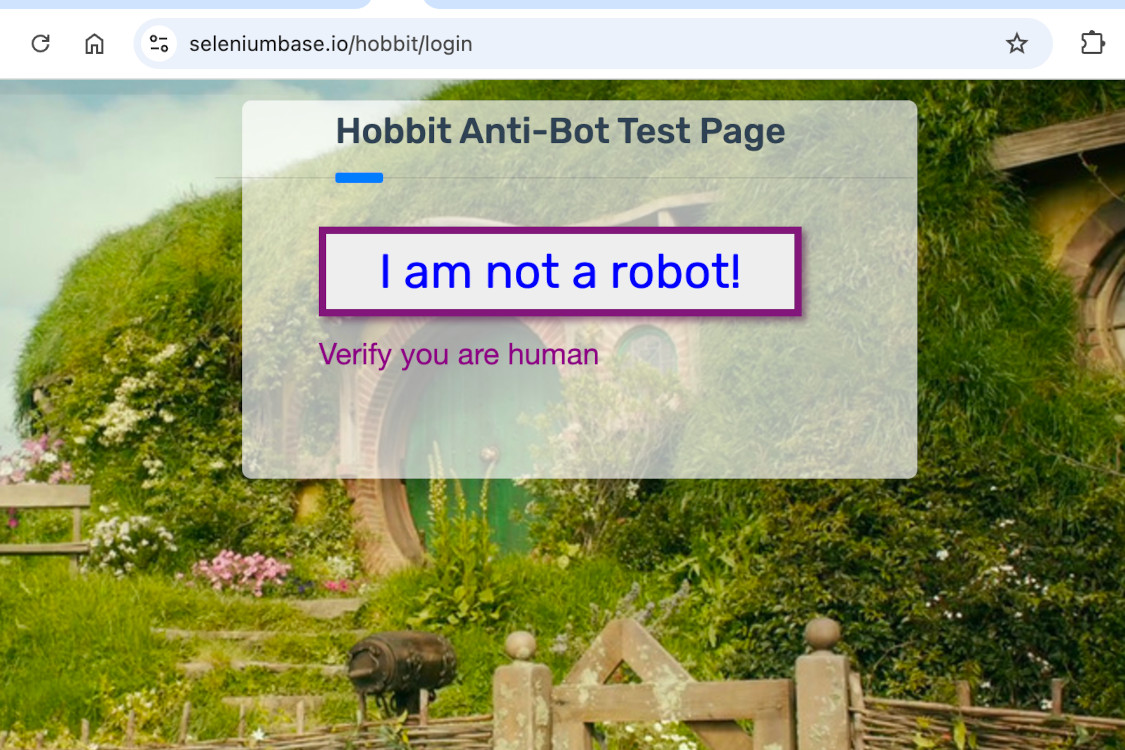 '
)
self.add_slide(
"
'
)
self.add_slide(
" '
)
self.add_slide(
"
'
)
self.add_slide(
"🔹 By the end of this presentation... 🔹
 '
)
self.add_slide(
"
'
)
self.add_slide(
"About me: (Michael Mintz)
\n" " '
)
self.add_slide(
"
'
)
self.add_slide(
" '
)
self.add_slide(
"
'
)
self.add_slide(
" '
)
self.add_slide(
"
'
)
self.add_slide(
" '
)
self.add_slide(
"
'
)
self.add_slide(
" '
)
self.add_slide(
"
'
)
self.add_slide(
" '
)
self.add_slide(
"
'
)
self.add_slide(
" '
)
self.add_slide(
"
'
)
self.add_slide(
"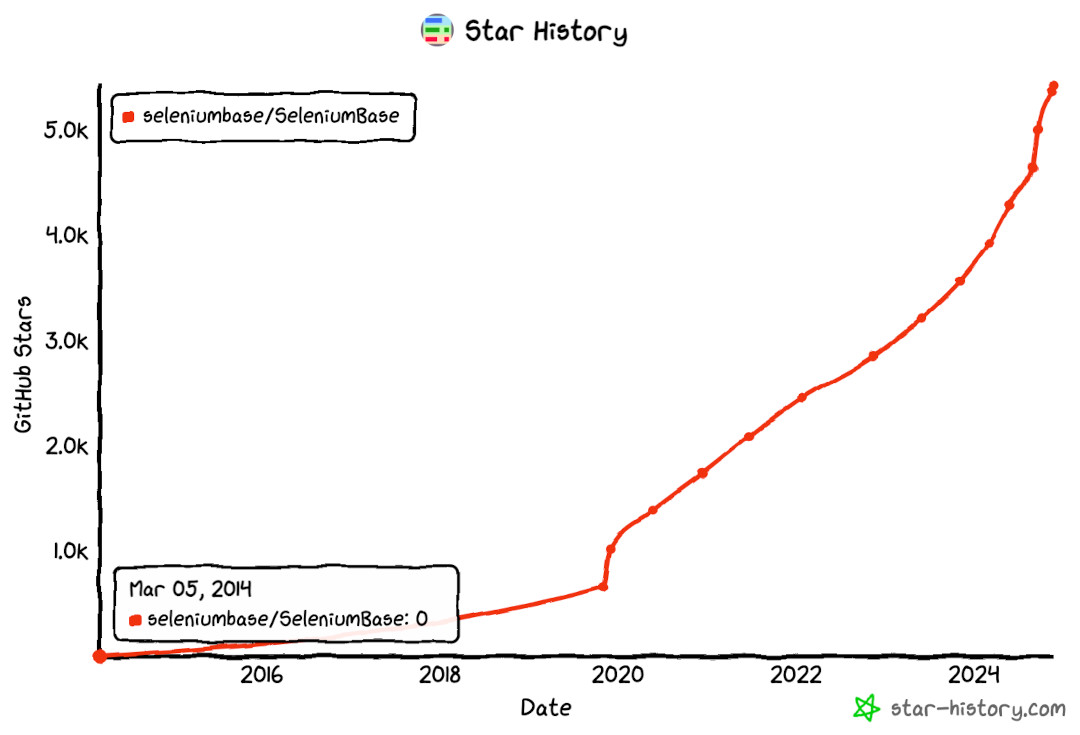 '
)
self.add_slide(
"
'
)
self.add_slide(
" '
)
self.add_slide(
'
'
)
self.add_slide(
' '
)
self.add_slide(
''
'
'
)
self.add_slide(
''
'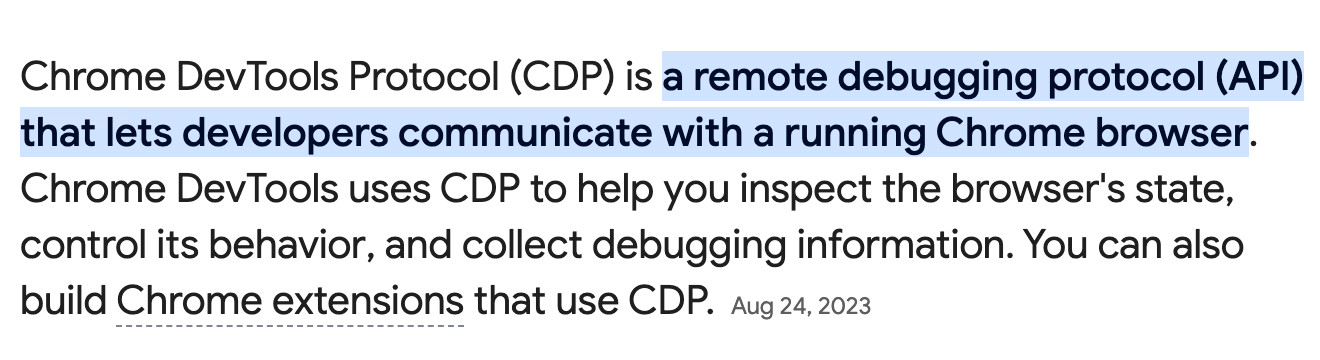 '
"
'
"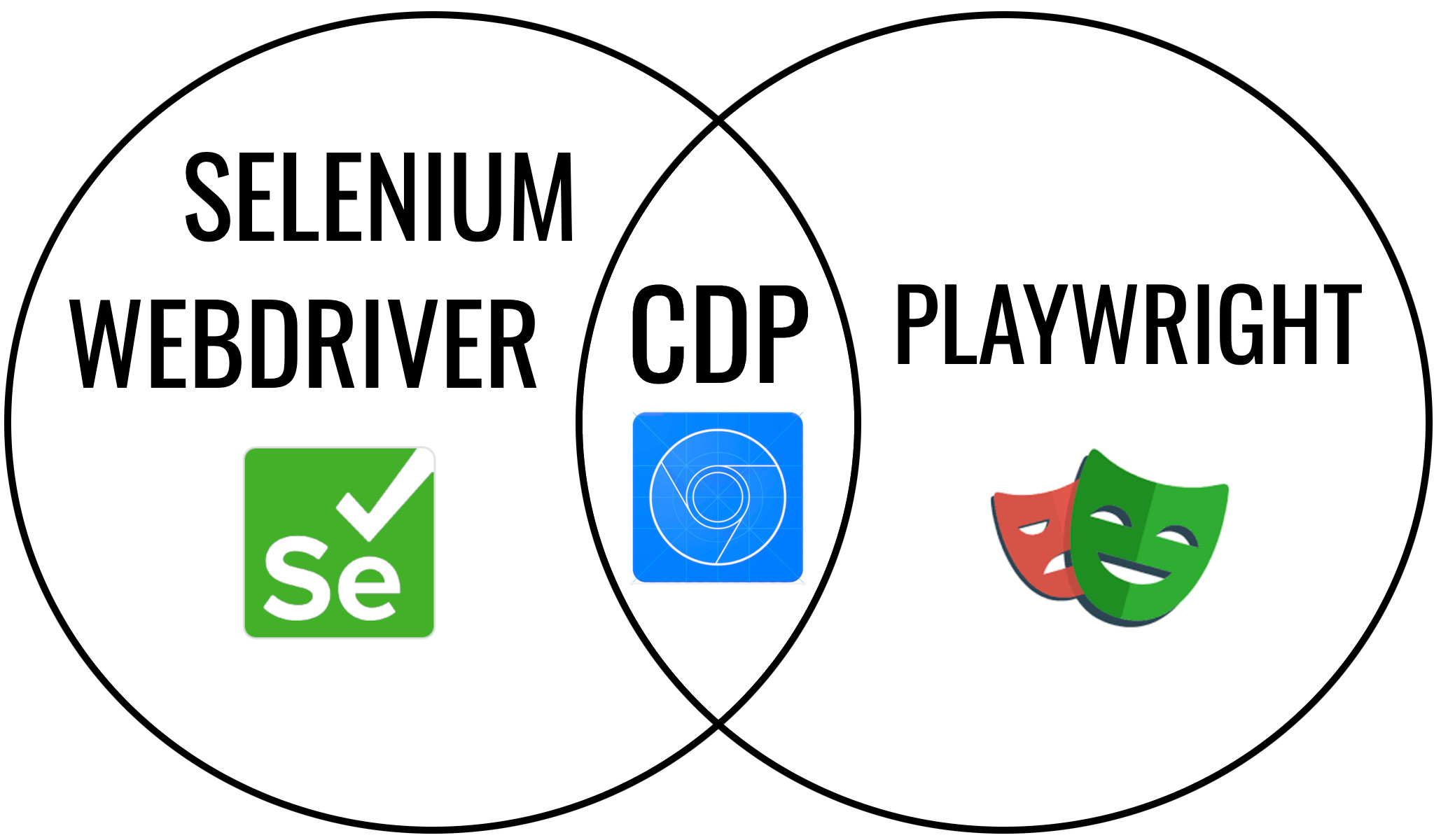 '
)
self.add_slide(
"Playwright using CDP"
'
'
)
self.add_slide(
"Playwright using CDP"
' '
)
self.add_slide(
"Selenium using CDP"
'
'
)
self.add_slide(
"Selenium using CDP"
' '
)
self.add_slide(
"
'
)
self.add_slide(
"Microsoft still supports Selenium,
"
"even though they have Playwright.
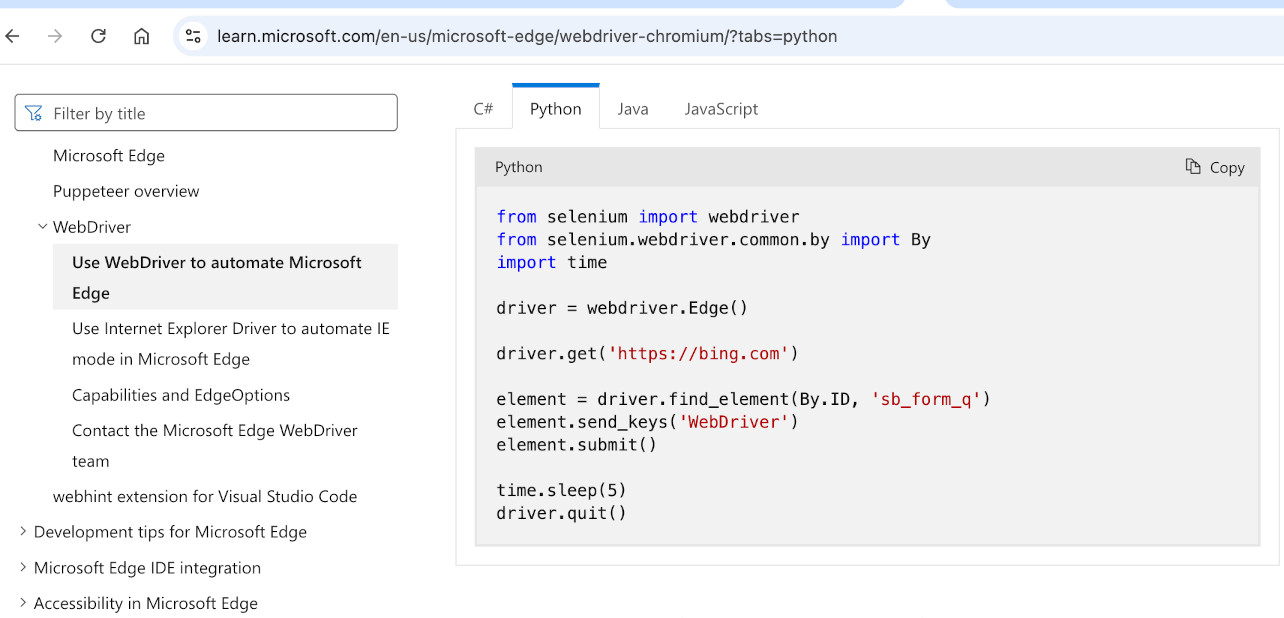 '
)
self.add_slide(
'
'
)
self.add_slide(
' '
)
self.add_slide(
"As a birthday gift, BrightData invested a lot of money into "
"Selenium (making them an official sponsor)."
'
'
)
self.add_slide(
"As a birthday gift, BrightData invested a lot of money into "
"Selenium (making them an official sponsor)."
' '
)
self.add_slide(
"That's great news for the Selenium community!"
'
'
)
self.add_slide(
"That's great news for the Selenium community!"
' '
)
self.add_slide(
"Now, let's get back to CDP..."
''
)
self.add_slide(
"There are lots of GitHub repos using CDP.
'
)
self.add_slide(
"Now, let's get back to CDP..."
''
)
self.add_slide(
"There are lots of GitHub repos using CDP. '
)
self.add_slide(
"The first major Python implementation of CDP:"
'
'
)
self.add_slide(
"The first major Python implementation of CDP:"
' '
)
self.add_slide(
'
'
)
self.add_slide(
' '
)
self.add_slide(
"PyCDP was the key ingredient to stealthy automation."
'
'
)
self.add_slide(
"PyCDP was the key ingredient to stealthy automation."
' '
)
self.add_slide(
'
'
)
self.add_slide(
' '
)
self.add_slide(
'
'
)
self.add_slide(
' '
)
self.add_slide(
"In addition to using CDP for controlling Chrome in a"
" stealthy way, you can also achieve stealth by using"
" tools that can control the mouse and keyboard.
'
)
self.add_slide(
"In addition to using CDP for controlling Chrome in a"
" stealthy way, you can also achieve stealth by using"
" tools that can control the mouse and keyboard.PyAutoGUI is one such tool:"
' '
)
self.add_slide(
'
'
)
self.add_slide(
' '
)
self.add_slide(
"PyAutoGUI requires a headed browser to work.
'
)
self.add_slide(
"PyAutoGUI requires a headed browser to work.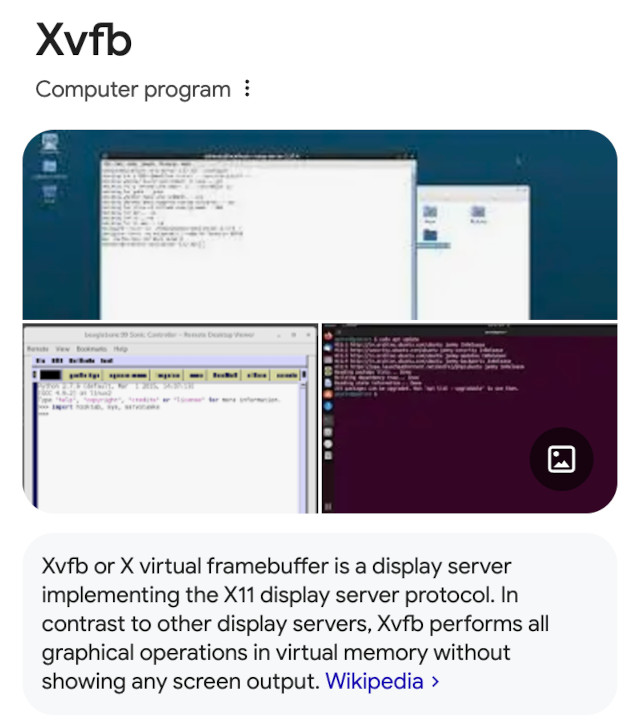 '
)
self.add_slide(
"'
)
self.add_slide(
'
'
)
self.add_slide(
"'
)
self.add_slide(
' '
)
self.add_slide(
'
'
)
self.add_slide(
'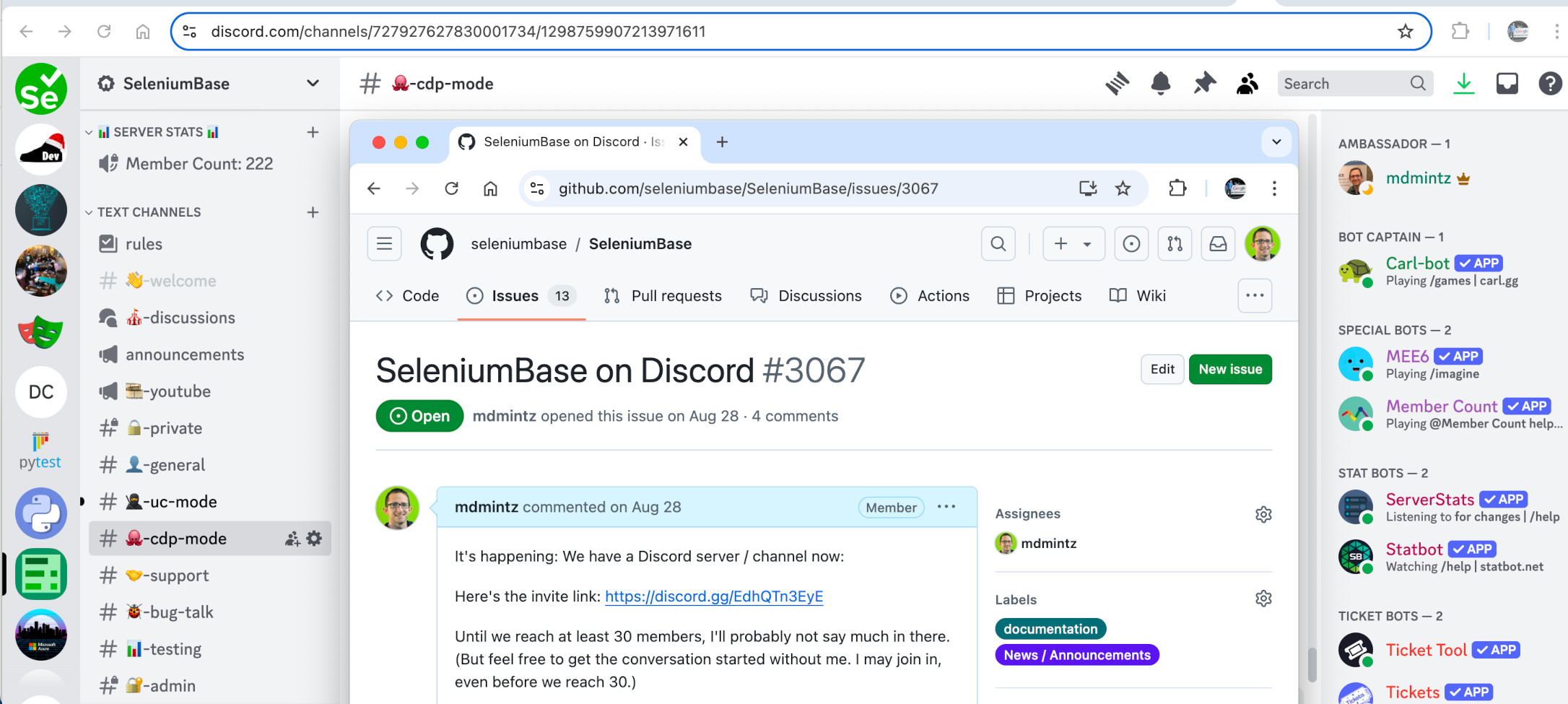 '
)
self.add_slide(
'
'
)
self.add_slide(
'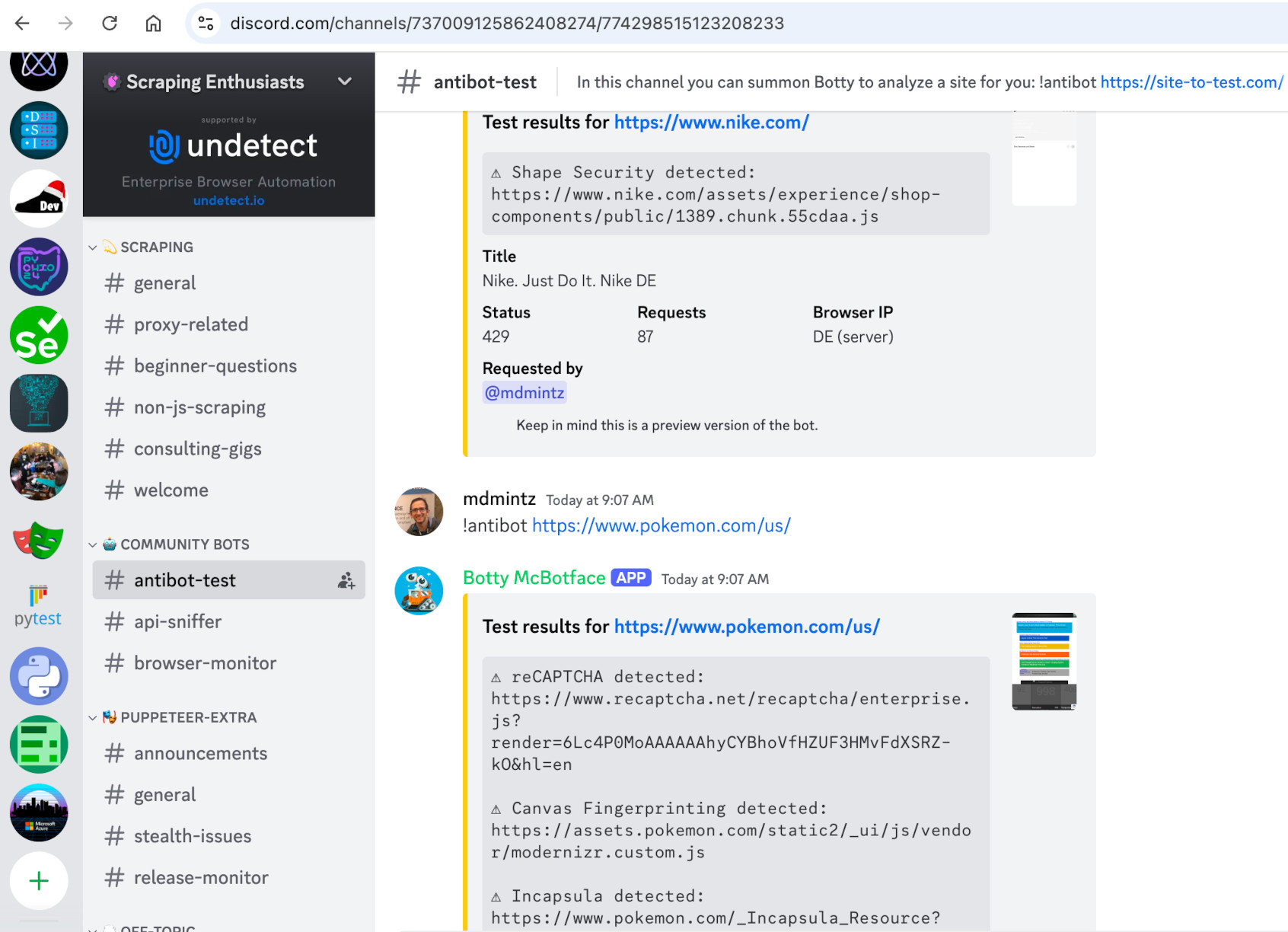 '
)
self.add_slide(
'
'
)
self.add_slide(
' '
)
self.add_slide(
"List of sites with their invisible anti-bot services:"
'
'
)
self.add_slide(
"List of sites with their invisible anti-bot services:"
'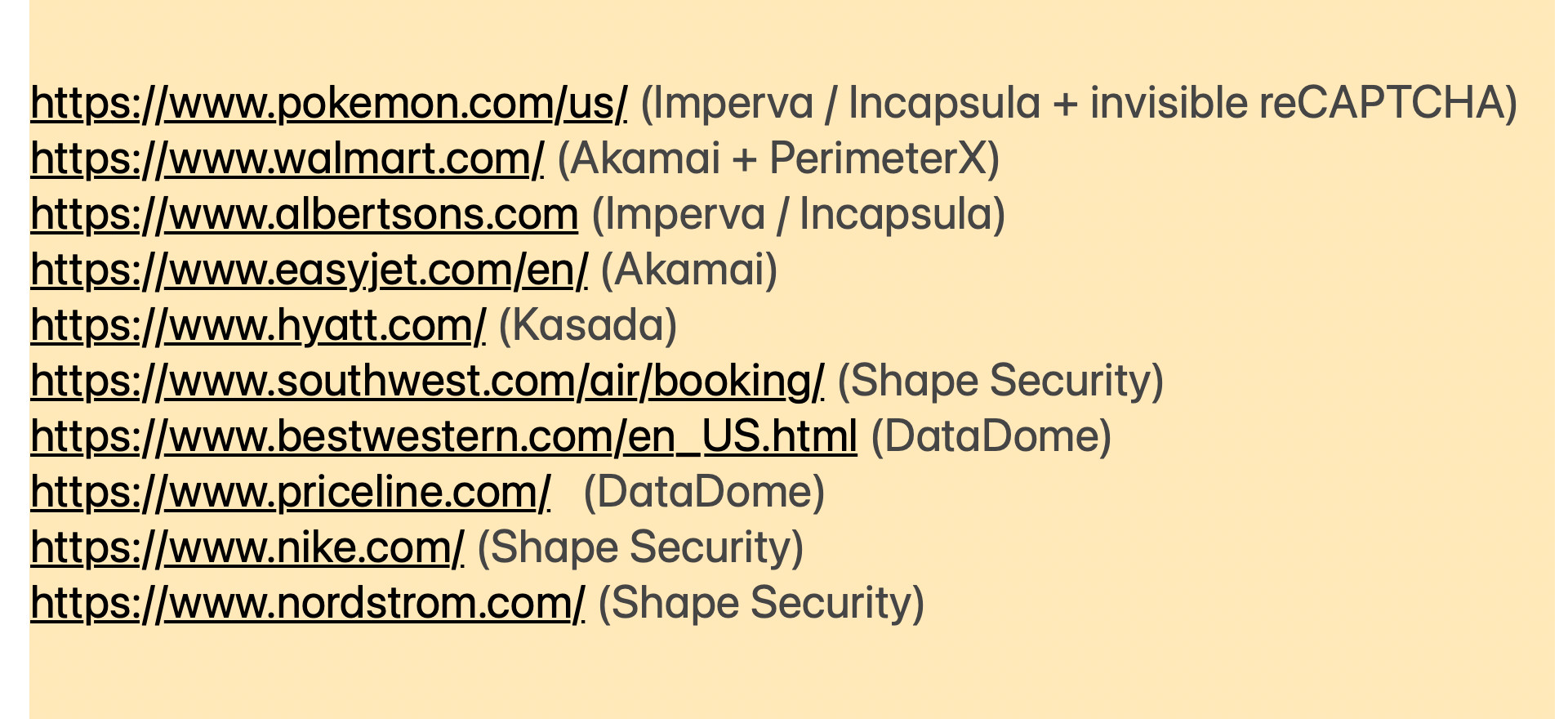 '
)
self.add_slide(
"
'
)
self.add_slide(
""
"planetminecraft.com/account/sign_in/"
""
"cloudflare.com/login"
""
"gitlab.com/users/sign_in"
"The code for the previous live demo:
" ""
"bing.com/turing/captcha/challenge"
""
"pokemon.com/us"
""
"walmart.com"
""
"albertsons.com/recipes/"
""
"easyjet.com/en/"
""
"hyatt.com"
""
"bestwestern.com/en_US.html"
""
"priceline.com"
" '
)
self.add_slide(
'
'
)
self.add_slide(
' '
)
self.add_slide(
'
'
)
self.add_slide(
' '
)
self.add_slide(
'
'
)
self.add_slide(
' '
)
self.add_slide(
"
'
)
self.add_slide(
""
"nike.com"
""
"nordstrom.com"
"'
)
self.add_slide(
"'
)
self.add_slide(
"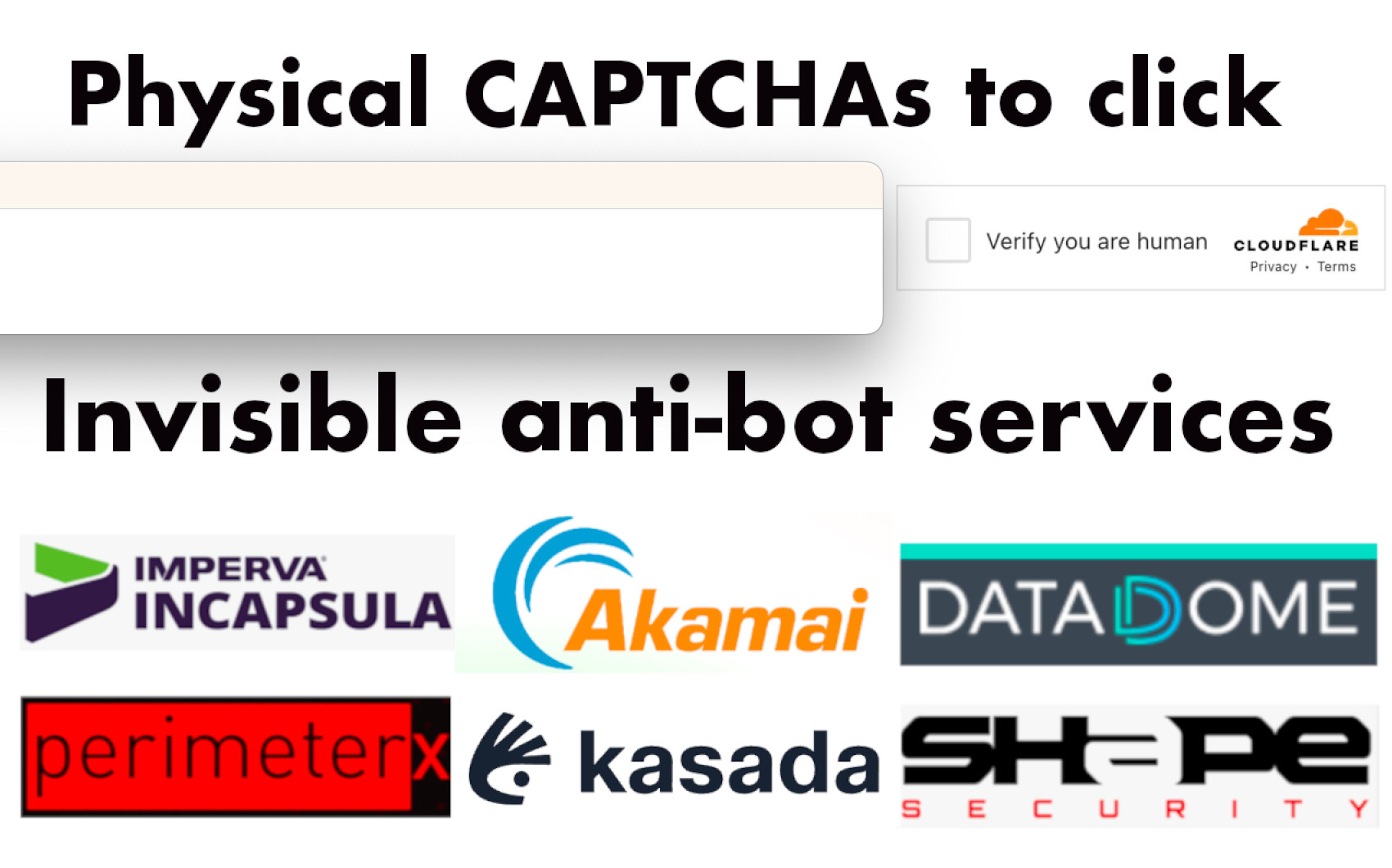 '
)
self.add_slide(
"
'
)
self.add_slide(
"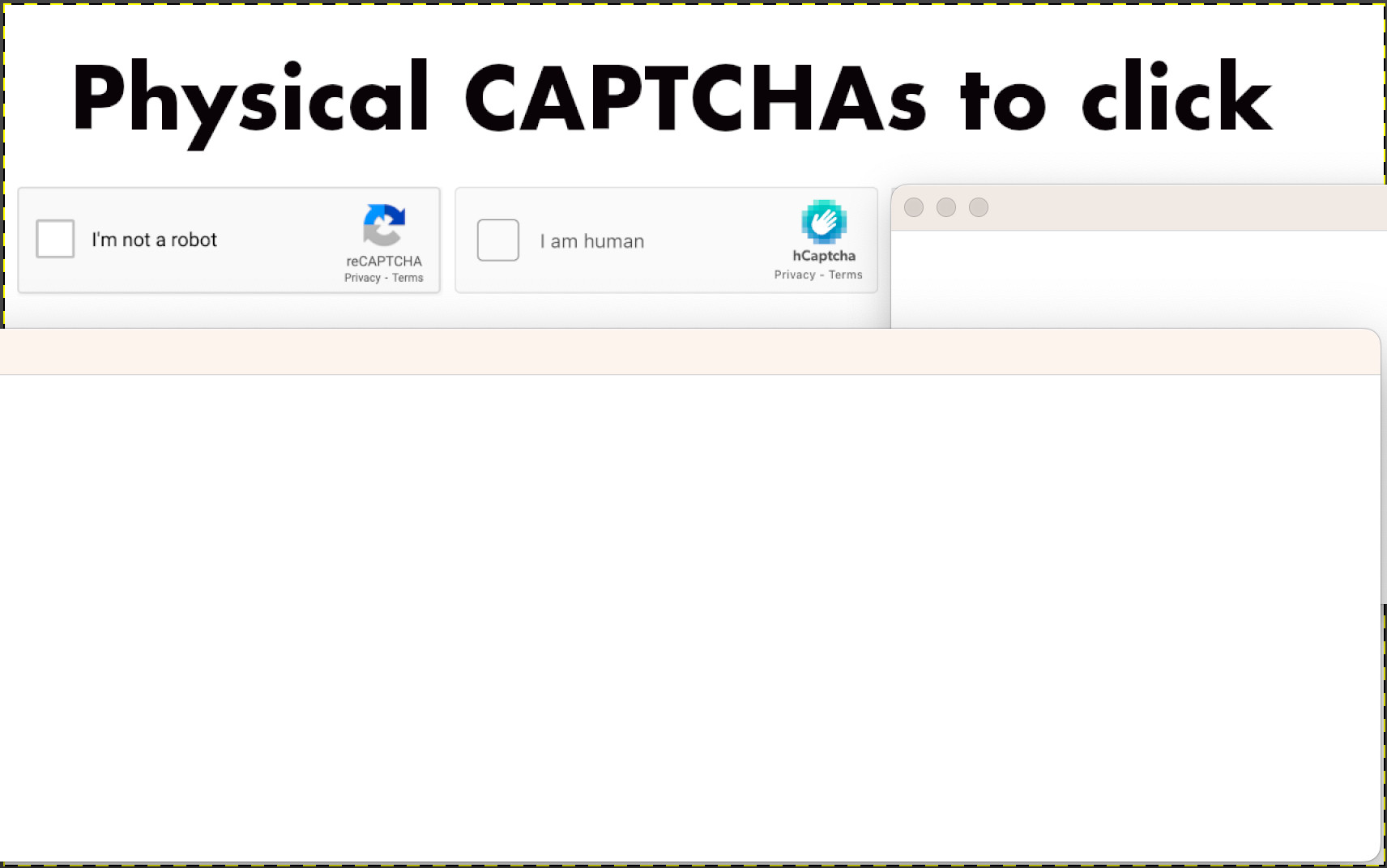 '
)
self.add_slide(
"
'
)
self.add_slide(
"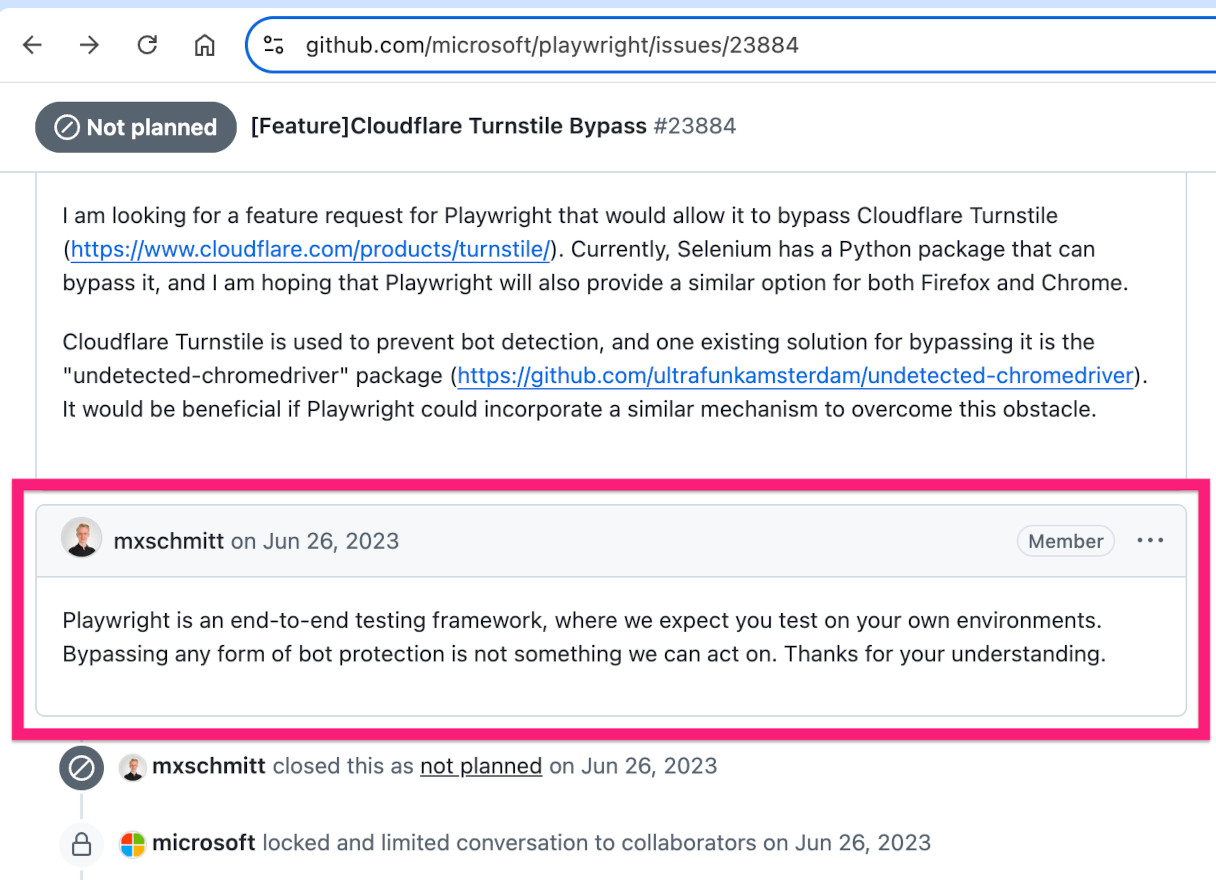 '
)
self.add_slide(
"
'
)
self.add_slide(
" '
)
self.add_slide(
'
'
)
self.add_slide(
' '
)
self.add_slide(
"And steathy CDP works well in GitHub Actions."
'
'
)
self.add_slide(
"And steathy CDP works well in GitHub Actions."
'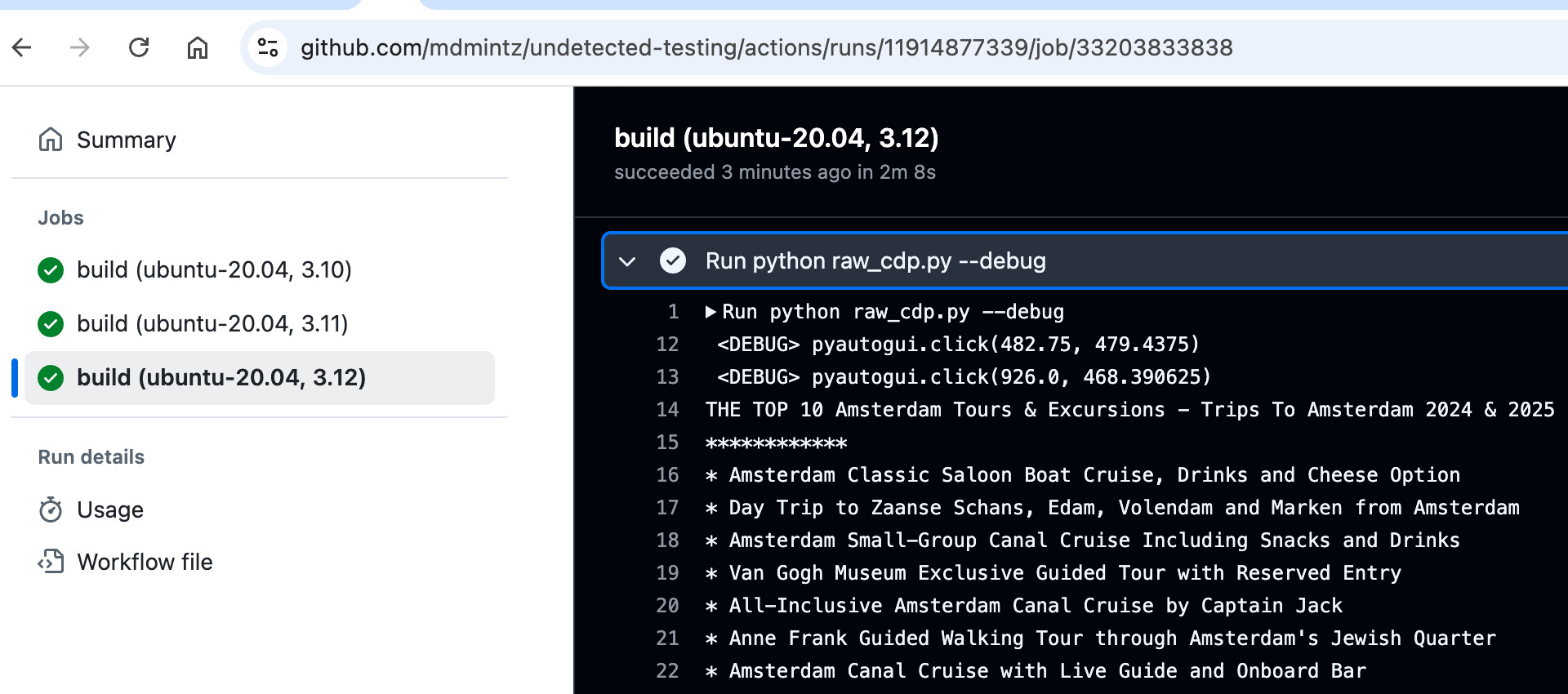 '
)
self.add_slide(
"Why does stealthy CDP work in GitHub Actions,
'
)
self.add_slide(
"Why does stealthy CDP work in GitHub Actions, '
)
self.add_slide(
"
'
)
self.add_slide(
" '
)
self.add_slide("
'
)
self.add_slide(" '
)
self.add_slide(
"
'
)
self.add_slide(
" '
)
self.add_slide(
"
'
)
self.add_slide(
" '
)
self.add_slide(
"
'
)
self.add_slide(
" '
)
self.add_slide(
"
'
)
self.add_slide(
"sbase recorder --uc '
)
self.add_slide(
'
'
)
self.add_slide(
'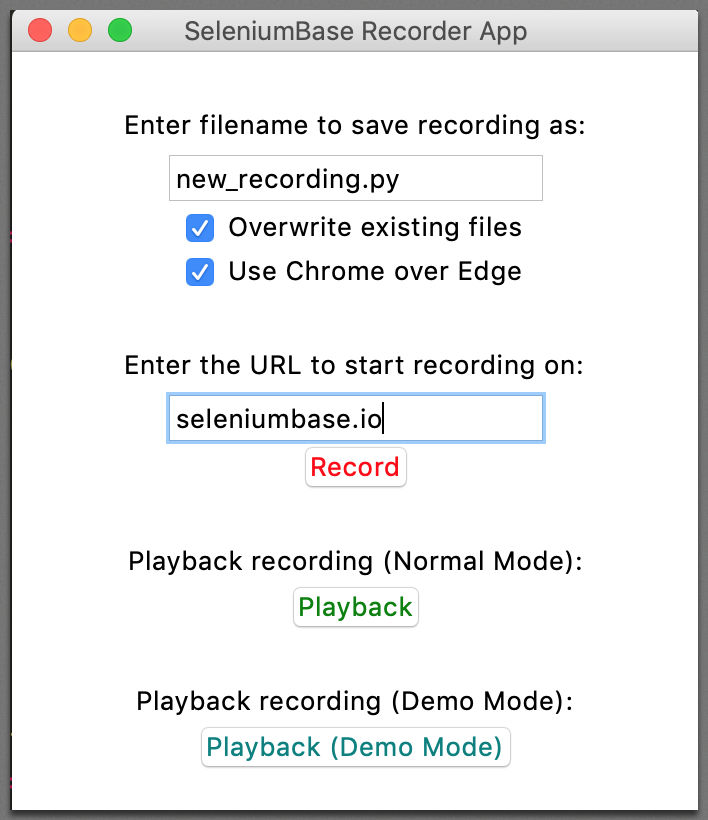 '
)
self.begin_presentation(filename="uc_presentation.html")
# import sys
# from seleniumbase.console_scripts import sb_recorder
# sys.argv.append("--uc")
# sb_recorder.main()
self.create_presentation(theme="serif", transition="none")
self.add_slide(
"'
)
self.add_slide(
'
'
)
self.begin_presentation(filename="uc_presentation.html")
# import sys
# from seleniumbase.console_scripts import sb_recorder
# sys.argv.append("--uc")
# sb_recorder.main()
self.create_presentation(theme="serif", transition="none")
self.add_slide(
"'
)
self.add_slide(
' '
)
self.add_slide(
'
'
)
self.add_slide(
' '
)
self.add_slide(
'
'
)
self.add_slide(
'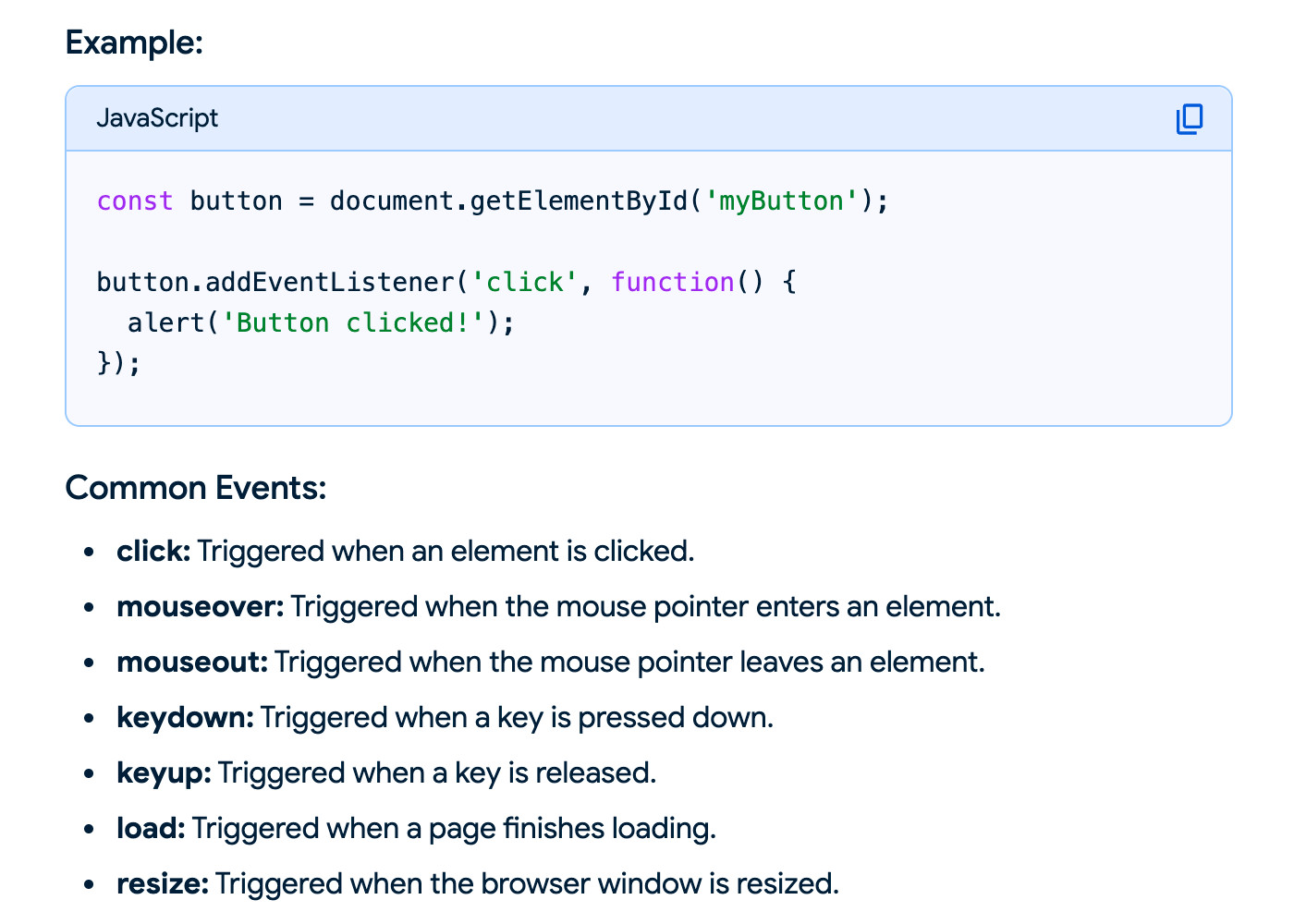 '
)
self.add_slide(
"And that's the secret to building a test recorder!"
''
)
self.add_slide(
"Also note that there are more stealth CDP repos
'
)
self.add_slide(
"And that's the secret to building a test recorder!"
''
)
self.add_slide(
"Also note that there are more stealth CDP repos '
)
self.add_slide(
"
'
)
self.add_slide(
"👤
"
"from the SeleniumBase GitHub repo...
'
)
self.add_slide(
"'
)
self.begin_presentation(filename="uc_presentation.html")
================================================
FILE: examples/presenter/web_scraping_on_gha.py
================================================
from contextlib import suppress
from seleniumbase import BaseCase
BaseCase.main(__name__, __file__)
class UCPresentationClass(BaseCase):
def test_hacking_with_cdp(self):
self.open("data:,")
self.set_window_position(4, 40)
self._output_file_saves = False
self.create_presentation(theme="serif", transition="none")
self.add_slide("(Here's the GitHub page)
", image="https://seleniumbase.io/other/sbase_qr_code.png", ) self.begin_presentation(filename="uc_presentation.html") with suppress(Exception): self.open("https://www.bostoncodecamp.com/CC38/info") self.create_tour(theme="hopscotch") self.add_tour_step( "
Coming up... on the Hacker Show:
\n" "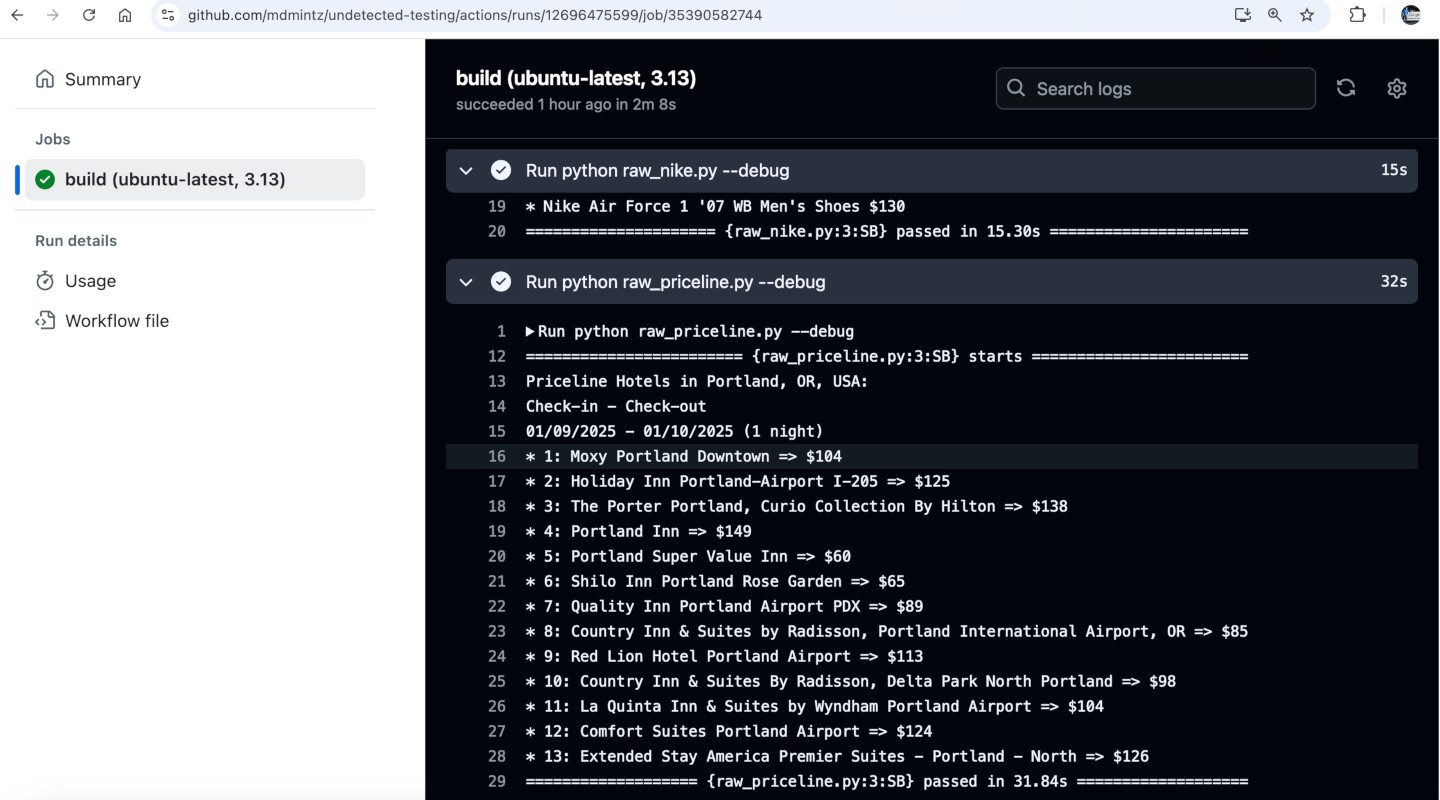 ',
)
self.add_slide(
"
',
)
self.add_slide(
"Coming up... on the Hacker Show:
\n" " \n'
"
\n'
"Coming up... on the Hacker Show:
\n" "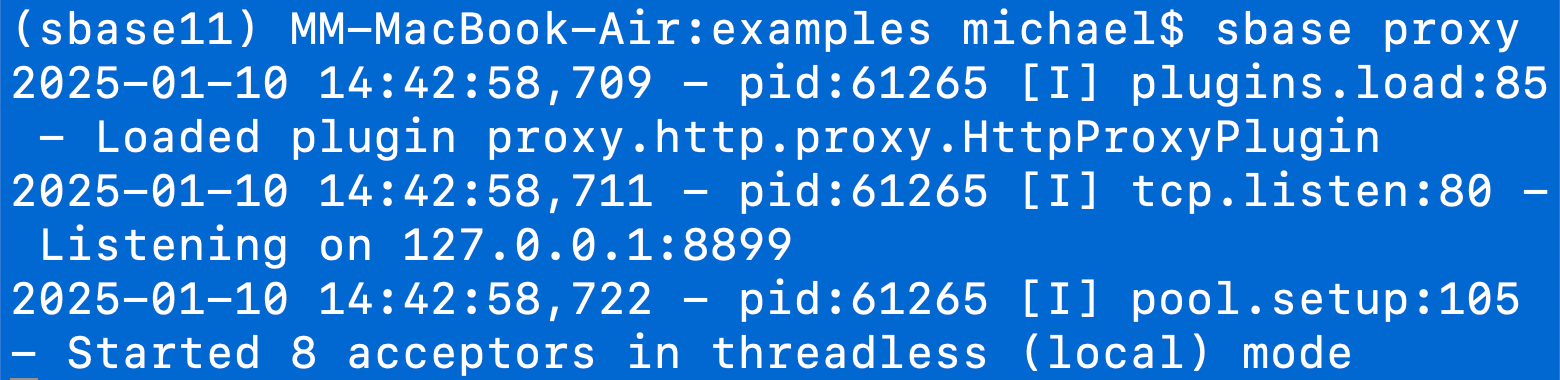 '
"
'
"Coming up... on the Hacker Show:
\n" " '
"
'
"Coming up... on the Hacker Show:
\n" "Get ready for some serious hacking!
" ''
)
self.add_slide(
'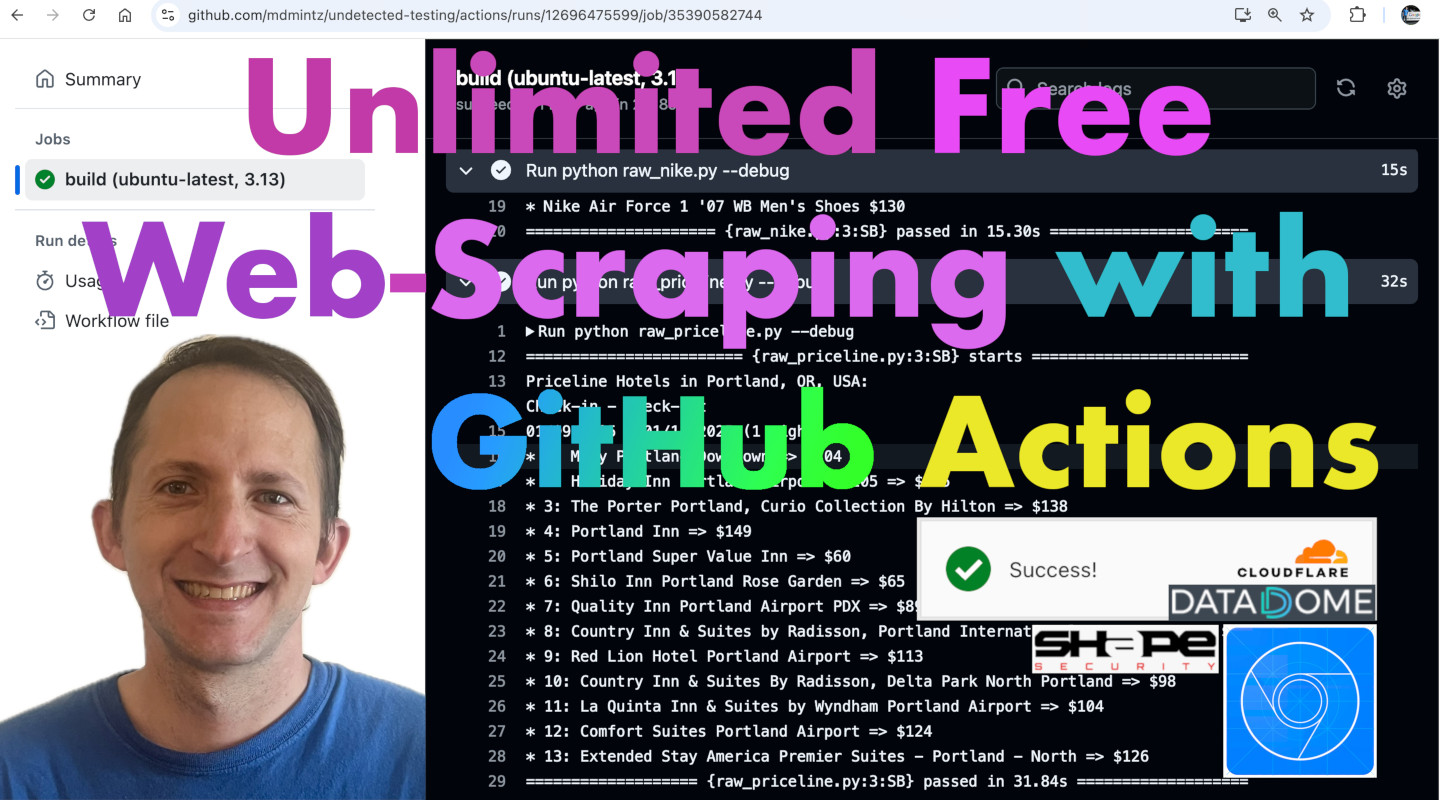 '
)
self.add_slide(
"
'
)
self.add_slide(
"'
)
self.add_slide(
"
But first, a little bit about me...
" ''
)
self.add_slide(
"About me: (Michael Mintz)
\n" " '
)
self.add_slide(
"
'
)
self.add_slide(
"Fun Fact
I once showed SeleniumBase to Sam Altman at MIT.
"
"(Sam Altman cofounded OpenAI with Elon Musk.)"
' '
)
self.add_slide(
"
'
)
self.add_slide(
"
Recently, SeleniumBase was trending on GitHub:" "
\n" ' '
)
self.add_slide(
"
'
)
self.add_slide(
"The recent popularity can be attributed to CDP Mode,"
"
which provides advanced stealth during automation.
'
)
self.add_slide(
"That stealth is enough to bypass bot-detection
"
"while web-scraping from GitHub Actions:
'
)
self.add_slide(
"GitHub Actions is free for public repositories:
" ' '
)
self.add_slide(
'
'
)
self.add_slide(
' '
)
self.add_slide(
"
'
)
self.add_slide(
"To hide sensitive information while using"
"
GitHub Actions for open-source projects,"
"
there's a feature called: GitHub Secrets.
That removes the limitation"
r"
of being 100% open-source,"
r"
while still being 100% free.
 '
)
self.add_slide(
'
'
)
self.add_slide(
'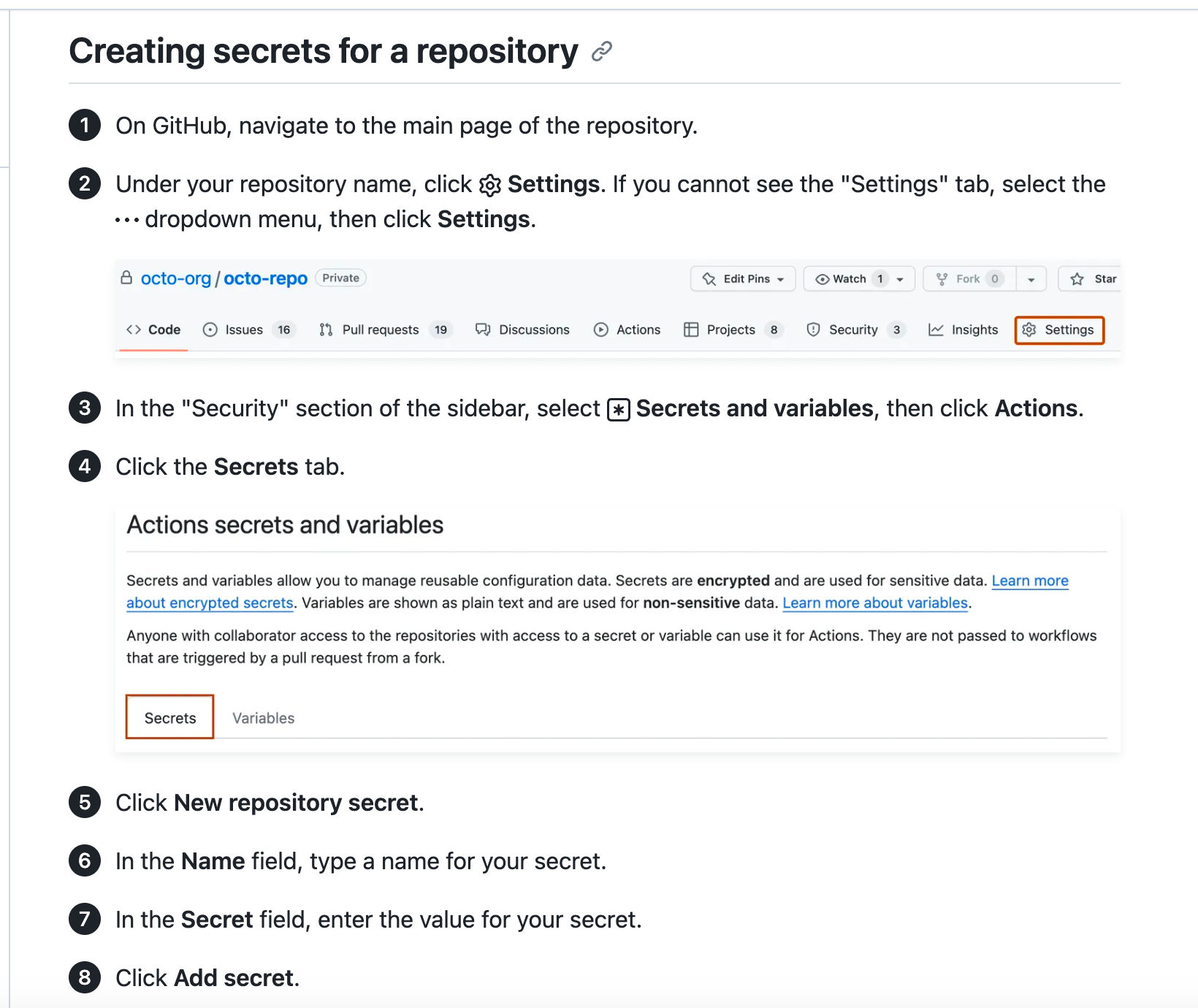 '
)
self.add_slide(
'
'
)
self.add_slide(
'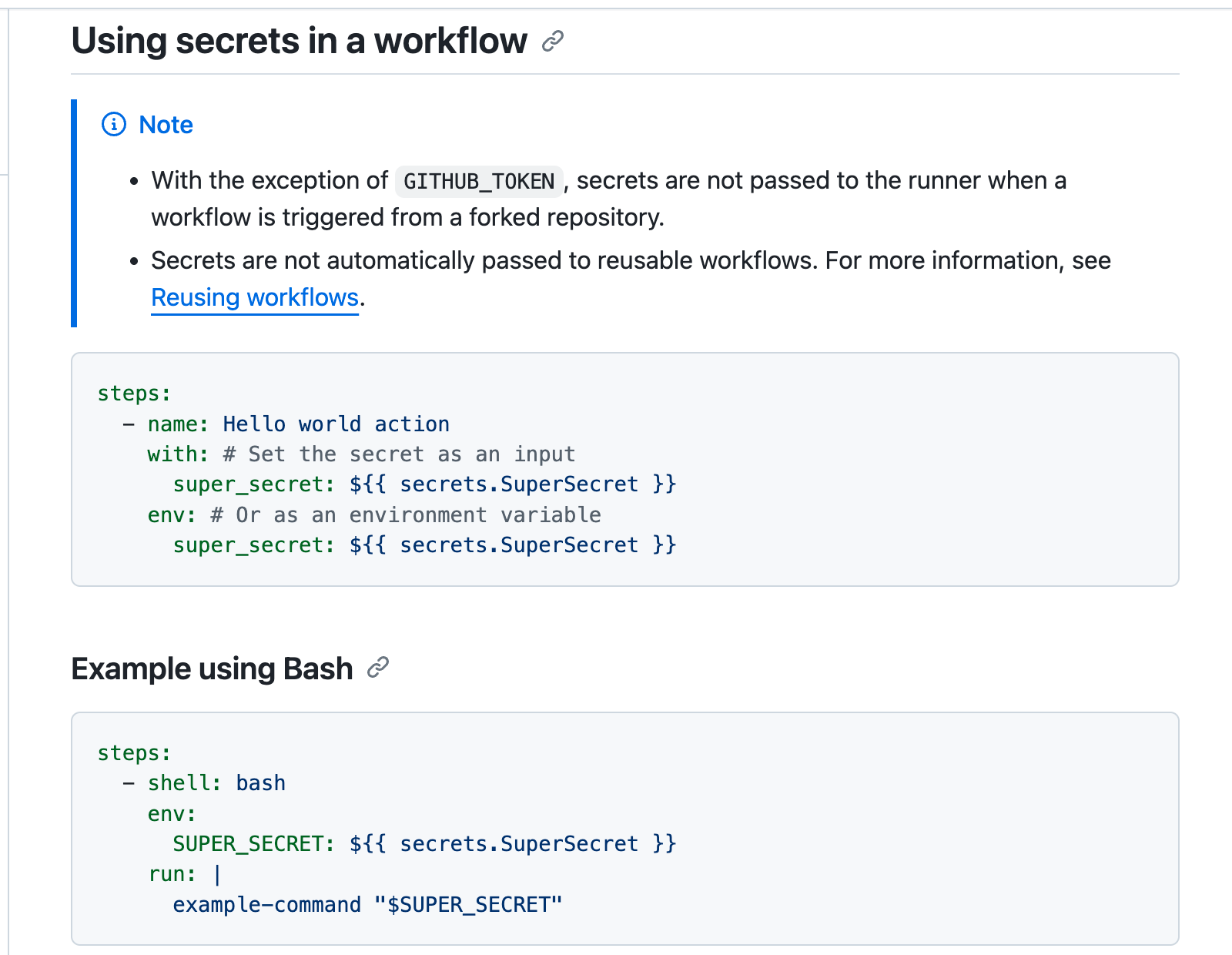 '
)
self.add_slide(
'
'
)
self.add_slide(
'(Faster to launch than making Instant Coffee!)" ) self.add_slide( '
"sbase proxy"'
)
self.add_slide(
'More configuration options for "sbase proxy":
' '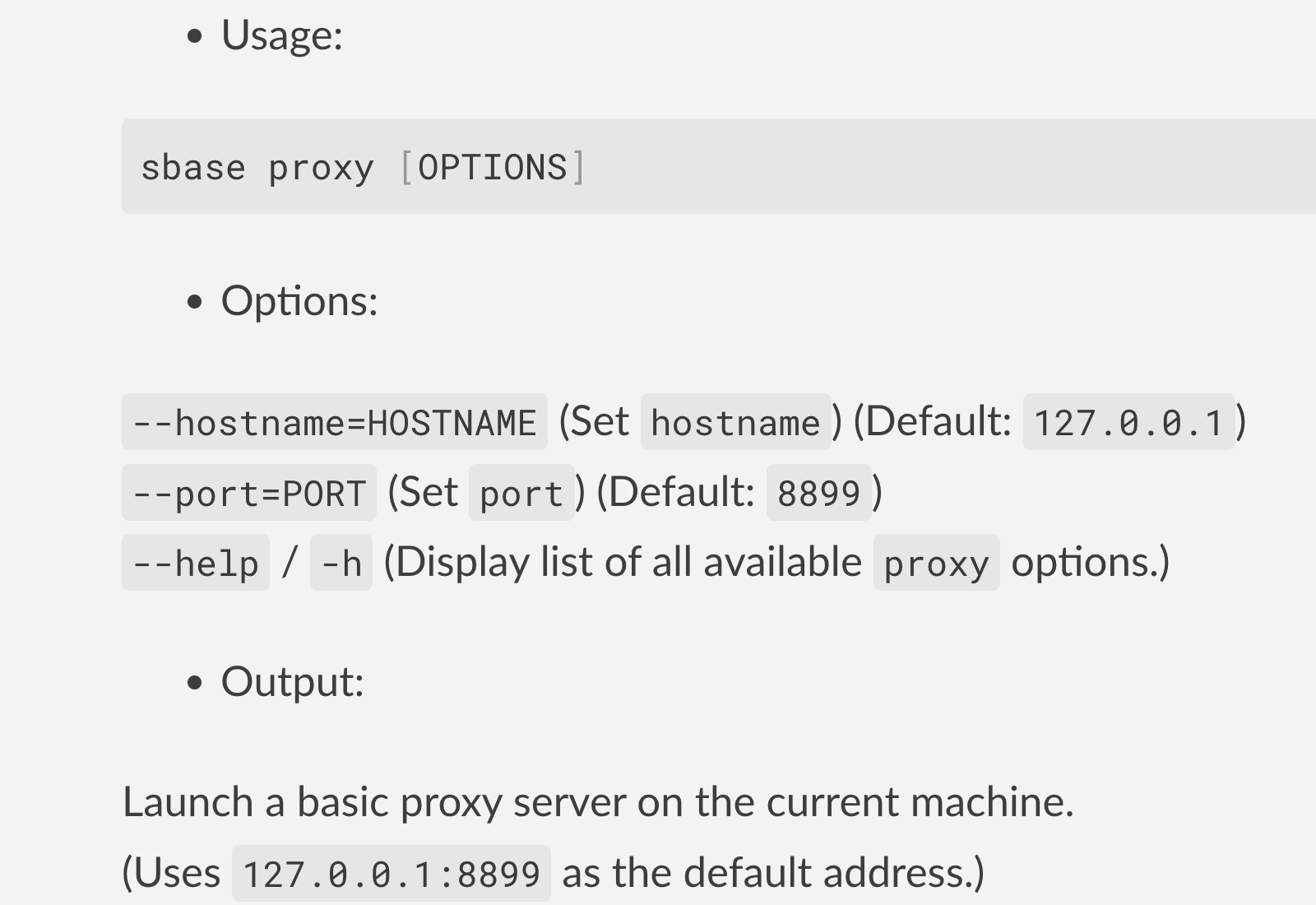 '
)
self.add_slide(
"
'
)
self.add_slide(
"The proxy server code comes from proxy.py:
" ' '
)
self.add_slide(
"
'
)
self.add_slide(
"pytest:pytest --proxy="host:port"'
'pytest --proxy="user:pass@host:port"'
'SB() manager:SB(proxy="host:port")'
'SB(proxy="user:pass@host:port")'
'(And how to use them with SeleniumBase)
" ) self.add_slide( " '
)
self.add_slide(
'
'
)
self.add_slide(
' '
)
self.add_slide(
"'
)
self.add_slide(
"'
)
self.add_slide(
"
'
)
self.add_slide(
"'
)
self.add_slide(
"'
)
self.add_slide(
"%s
" % message) print("\n%s:" % message) for item in range(1, 11): self.print_item(item) ================================================ FILE: examples/raw_ahrefs.py ================================================ from seleniumbase import SB with SB(uc=True, test=True, incognito=True, locale="en") as sb: url = "https://ahrefs.com/website-authority-checker" input_field = 'input[placeholder="Enter domain"]' submit_button = 'span:contains("Check Authority")' sb.activate_cdp_mode(url) sb.type(input_field, "github.com/seleniumbase/SeleniumBase") sb.click(submit_button) sb.sleep(2) sb.solve_captcha() sb.wait_for_text_not_visible("Checking", timeout=15) sb.click_if_visible('button[data-cky-tag="close-button"]') sb.highlight('p:contains("github.com/seleniumbase/SeleniumBase")') sb.highlight('a:contains("Top 100 backlinks")') sb.set_messenger_theme(location="bottom_center") sb.post_message("SeleniumBase wasn't detected!") ================================================ FILE: examples/raw_antibot_login.py ================================================ """UC Mode has PyAutoGUI methods for CAPTCHA-bypass.""" from seleniumbase import SB with SB(uc=True, test=True) as sb: url = "https://seleniumbase.io/antibot/login" sb.uc_open_with_disconnect(url, 2.15) sb.uc_gui_write("\t" + "demo_user") sb.uc_gui_write("\t" + "secret_pass") sb.uc_gui_press_keys("\t" + " ") # For Single-char keys sb.sleep(1.5) sb.uc_gui_press_keys(["\t", "ENTER"]) # Multi-char keys sb.reconnect(1.8) sb.assert_text("Welcome!", "h1") sb.set_messenger_theme(location="bottom_center") sb.post_message("SeleniumBase wasn't detected!") ================================================ FILE: examples/raw_bing_captcha.py ================================================ from seleniumbase import SB with SB(uc=True, test=True) as sb: url = "https://www.bing.com/turing/captcha/challenge" sb.activate_cdp_mode(url) sb.sleep(1) sb.solve_captcha() sb.sleep(2) ================================================ FILE: examples/raw_block.py ================================================ """If Brotector catches you, Gandalf blocks you!""" from seleniumbase import SB with SB(test=True) as sb: url = "https://seleniumbase.io/hobbit/login" sb.open(url) sb.click_if_visible("button") sb.assert_text("Gandalf blocked you!", "h1") sb.click("img") sb.highlight("h1") sb.sleep(3) # Gandalf: "You Shall Not Pass!" ================================================ FILE: examples/raw_brotector_captcha.py ================================================ """UC Mode has PyAutoGUI methods for CAPTCHA-bypass.""" from seleniumbase import SB with SB(uc=True, test=True) as sb: url = "https://seleniumbase.io/apps/brotector" sb.uc_open_with_disconnect(url, 2.2) sb.uc_gui_press_key("\t") sb.uc_gui_press_key(" ") sb.reconnect(2.2) ================================================ FILE: examples/raw_call.py ================================================ """Can run with "python" instead of using "pytest" directly. Usage: "python raw_call.py". Two examples: pytest.main() and subprocess.call().""" import pytest import subprocess if __name__ == "__main__": pytest.main(["test_coffee_cart.py", "--chrome", "-v"]) subprocess.call(["pytest", "test_mfa_login.py", "--chrome", "-v"]) ================================================ FILE: examples/raw_cdp_drivers.py ================================================ from seleniumbase import SB with SB(uc=True, test=True) as sb: url1 = "https://seleniumbase.io/demo_page" sb.activate_cdp_mode(url1) driver1 = sb.driver url2 = "https://seleniumbase.io/coffee/" driver2 = sb.get_new_driver(undetectable=True) sb.activate_cdp_mode(url2) print(driver1.get_current_url()) print(driver2.get_current_url()) sb.switch_to_default_driver() sb.assert_url_contains("demo_page") print(sb.get_current_url()) sb.switch_to_driver(driver2) sb.assert_url_contains("coffee") print(sb.get_current_url()) ================================================ FILE: examples/raw_cdp_logging.py ================================================ from rich.pretty import pprint from seleniumbase import Driver driver = Driver(uc=True, log_cdp=True) try: url = "seleniumbase.io/apps/turnstile" driver.uc_open_with_reconnect(url, 2) driver.uc_gui_handle_captcha() driver.sleep(2) pprint(driver.get_log("performance")) finally: driver.quit() ================================================ FILE: examples/raw_cf.py ================================================ """SB Manager using CDP Mode for bypassing CAPTCHAs.""" from seleniumbase import SB with SB(uc=True, test=True, guest=True) as sb: url = "https://www.cloudflare.com/login" sb.activate_cdp_mode(url) sb.wait_for_element('div[data-testid*="challenge-widget"]') sb.sleep(1.5) sb.solve_captcha() sb.sleep(3) ================================================ FILE: examples/raw_cookies.py ================================================ """A SeleniumBase test that loads cookies to bypass login.""" from seleniumbase import SB # Log in to Swag Labs and save cookies with SB(test=True) as sb: sb.open("https://www.saucedemo.com") sb.wait_for_element("div.login_logo") sb.type("#user-name", "standard_user") sb.type("#password", "secret_sauce") sb.click('input[type="submit"]') sb.highlight("div.inventory_list", loops=6) sb.save_cookies(name="cookies.txt") # Load previously saved cookies to bypass login with SB(test=True) as sb: sb.open("https://www.saucedemo.com") sb.load_cookies(name="cookies.txt") sb.open("https://www.saucedemo.com/inventory.html") sb.highlight("div.inventory_list", loops=12) ================================================ FILE: examples/raw_detection.py ================================================ """The Brotector CAPTCHA in action.""" from seleniumbase import SB with SB(test=True) as sb: sb.open("https://seleniumbase.io/antibot/login") sb.highlight("h4", loops=6) sb.type("#username", "demo_user") sb.type("#password", "secret_pass") sb.click_if_visible("button span") sb.highlight("label#pText") sb.highlight("table#detections") sb.sleep(4.4) # Add time to read the table ================================================ FILE: examples/raw_driver_context.py ================================================ """DriverContext() example. (Runs with "python").""" from seleniumbase import DriverContext with DriverContext() as driver: driver.open("seleniumbase.io/") driver.highlight('img[alt="SeleniumBase"]', loops=6) with DriverContext(browser="chrome", incognito=True) as driver: driver.open("seleniumbase.io/apps/calculator") driver.click('[id="4"]') driver.click('[id="2"]') driver.assert_text("42", "#output") driver.highlight("#output", loops=6) with DriverContext() as driver: driver.open("seleniumbase.io/demo_page") driver.highlight("h2") driver.type("#myTextInput", "Automation") driver.click("#checkBox1") driver.highlight("img", loops=6) ================================================ FILE: examples/raw_driver_manager.py ================================================ """Driver() manager example. (Runs with "python").""" from seleniumbase import Driver driver = Driver() try: driver.open("seleniumbase.io/demo_page") driver.highlight("h2") driver.type("#myTextInput", "Automation") driver.click("#checkBox1") driver.highlight("img", loops=6) finally: driver.quit() driver = Driver(browser="chrome", headless=False) try: driver.open("seleniumbase.io/apps/calculator") driver.click('[id="4"]') driver.click('[id="2"]') driver.assert_text("42", "#output") driver.highlight("#output", loops=6) finally: driver.quit() ================================================ FILE: examples/raw_file_call.py ================================================ """Call a file with "python" instead of "pytest" directly. Added pytest args from the command-line won't be included. To run, use: "python raw_file_call.py".""" from seleniumbase import BaseCase if __name__ == "__main__": from pytest import main main([__file__, "-s"]) class TinyMceTest(BaseCase): def test_tinymce(self): self.open("https://seleniumbase.io/tinymce/") self.wait_for_element("div.mce-container-body") self.click('span:contains("File")') self.click('span:contains("New document")') self.click('span:contains("Paragraph")') self.click('span:contains("Heading 1")') with self.frame_switch("iframe"): self.add_text("#tinymce", "SeleniumBase!") self.highlight("#tinymce") self.post_message("SeleniumBase is fast!", duration=1.5) self.post_message("And SeleniumBase is fun!", duration=1.5) ================================================ FILE: examples/raw_form_turnstile.py ================================================ from seleniumbase import SB with SB(uc=True, test=True) as sb: url = "seleniumbase.io/apps/form_turnstile" sb.uc_open_with_reconnect(url, 1.1) sb.press_keys("#name", "SeleniumBase") sb.press_keys("#email", "test@test.test") sb.press_keys("#phone", "1-555-555-5555") sb.click('[for="date"]') sb.click("td.is-today button") sb.click('div[class="select-wrapper"] input') sb.click('span:contains("9:00 PM")') sb.highlight_click('input[value="AR"] + span') sb.click('input[value="cc"] + span') sb.scroll_to('div[class*="cf-turnstile"]') sb.uc_gui_handle_captcha() sb.highlight("img#captcha-success", timeout=3) sb.highlight_click('button:contains("Request & Pay")') sb.highlight("img#submit-success") sb.highlight('button:contains("Success!")') ================================================ FILE: examples/raw_games.py ================================================ """SB Manager using CDP Mode for evading bot-detection.""" from seleniumbase import SB with SB(uc=True, test=True, disable_csp=True) as sb: url = "https://steamdb.info/" sb.activate_cdp_mode(url) sb.sleep(1) sb.click("a.header-login span") sb.sleep(2) sb.solve_captcha() sb.assert_text("Sign in", "button#js-sign-in", timeout=4) sb.sleep(0.5) sb.click("button#js-sign-in") sb.sleep(0.5) sb.highlight("div.page_content form") sb.highlight('button:contains("Sign in")', scroll=False) sb.set_messenger_theme(location="top_center") sb.post_message("SeleniumBase wasn't detected", duration=4) ================================================ FILE: examples/raw_gitlab.py ================================================ from seleniumbase import SB with SB(uc=True, test=True, locale="en") as sb: url = "https://gitlab.com/users/sign_in" sb.activate_cdp_mode(url) sb.sleep(2) sb.solve_captcha() # (The rest is for testing and demo purposes) sb.assert_element('label[for="user_login"]') sb.assert_element('input[data-testid*="username"]') sb.assert_element('input[data-testid*="password"]') sb.set_messenger_theme(location="bottom_center") sb.post_message("SeleniumBase wasn't detected!") ================================================ FILE: examples/raw_google.py ================================================ from seleniumbase import SB with SB(uc=True, test=True) as sb: url = "https://google.com/ncr" sb.activate_cdp_mode(url) sb.type('[name="q"]', "SeleniumBase GitHub page") sb.click('[value="Google Search"]') sb.sleep(4) # The "AI Overview" sometimes loads print(sb.get_page_title()) sb.save_as_pdf_to_logs() sb.save_page_source_to_logs() sb.save_screenshot_to_logs() print("Logs have been saved to: ./latest_logs/") ================================================ FILE: examples/raw_gui_click.py ================================================ from seleniumbase import SB with SB(uc=True, test=True) as sb: url = "seleniumbase.io/apps/form_turnstile" sb.activate_cdp_mode(url) sb.press_keys("#name", "SeleniumBase") sb.press_keys("#email", "test@test.test") sb.press_keys("#phone", "1-555-555-5555") sb.click('[for="date"]') sb.click("td.is-today button") sb.click('div[class="select-wrapper"] input') sb.click('span:contains("9:00 PM")') sb.highlight_click('input[value="AR"] + span') sb.click('input[value="cc"] + span') sb.scroll_to('div[class*="cf-turnstile"]') sb.scroll_down(40) sb.uc_gui_click_captcha() sb.highlight("img#captcha-success", timeout=3) sb.highlight_click('button:contains("Request & Pay")') sb.highlight("img#submit-success") sb.highlight('button:contains("Success!")') ================================================ FILE: examples/raw_hobbit.py ================================================ """UC Mode has PyAutoGUI methods for CAPTCHA-bypass.""" from seleniumbase import SB with SB(uc=True, test=True) as sb: url = "https://seleniumbase.io/hobbit/login" sb.uc_open_with_disconnect(url, 2.2) sb.uc_gui_press_keys("\t ") sb.reconnect(1.5) sb.assert_text("Welcome to Middle Earth!", "h1") sb.set_messenger_theme(location="bottom_center") sb.post_message("SeleniumBase wasn't detected!") sb.click("img") sb.sleep(5.888) # Cool animation happening now! ================================================ FILE: examples/raw_invisible_captcha.py ================================================ from seleniumbase import SB with SB(uc=True, test=True, incognito=True) as sb: url = "https://seleniumbase.io/apps/invisible_recaptcha" sb.activate_cdp_mode(url) sb.sleep(1) sb.assert_element("img#captcha-success", timeout=3) sb.set_messenger_theme(location="top_left") sb.post_message("SeleniumBase wasn't detected", duration=3) ================================================ FILE: examples/raw_login_context.py ================================================ from seleniumbase import DriverContext with DriverContext() as driver: driver.open("seleniumbase.io/simple/login") driver.type("#username", "demo_user") driver.type("#password", "secret_pass") driver.click('a:contains("Sign in")') driver.assert_exact_text("Welcome!", "h1") driver.assert_element("img#image1") driver.highlight("#image1") driver.click_link("Sign out") driver.assert_text("signed out", "#top_message") ================================================ FILE: examples/raw_login_driver.py ================================================ from seleniumbase import Driver driver = Driver() try: driver.open("seleniumbase.io/simple/login") driver.type("#username", "demo_user") driver.type("#password", "secret_pass") driver.click('a:contains("Sign in")') driver.assert_exact_text("Welcome!", "h1") driver.assert_element("img#image1") driver.highlight("#image1") driver.click_link("Sign out") driver.assert_text("signed out", "#top_message") finally: driver.quit() ================================================ FILE: examples/raw_login_sb.py ================================================ from seleniumbase import SB with SB() as sb: sb.open("seleniumbase.io/simple/login") sb.type("#username", "demo_user") sb.type("#password", "secret_pass") sb.click('a:contains("Sign in")') sb.assert_exact_text("Welcome!", "h1") sb.assert_element("img#image1") sb.highlight("#image1") sb.click_link("Sign out") sb.assert_text("signed out", "#top_message") ================================================ FILE: examples/raw_main_call.py ================================================ """Can use "python" instead of using "pytest". Added pytest args will be included in the run. Example usage: "python raw_file_call.py".""" from seleniumbase import BaseCase BaseCase.main(__name__, __file__) class TinyMceTest(BaseCase): def test_tinymce(self): self.open("https://seleniumbase.io/tinymce/") self.wait_for_element("div.mce-container-body") self.click('span:contains("File")') self.click('span:contains("New document")') self.click('span:contains("Paragraph")') self.click('span:contains("Heading 1")') with self.frame_switch("iframe"): self.add_text("#tinymce", "SeleniumBase!") self.highlight("#tinymce") self.post_message("SeleniumBase is fast!", duration=1.5) self.post_message("And SeleniumBase is fun!", duration=1.5) ================================================ FILE: examples/raw_mobile.py ================================================ from seleniumbase import Driver driver = Driver(mobile=True) try: driver.open("https://www.roblox.com/") driver.assert_element("#download-the-app-container") driver.assert_text("Roblox for Android") driver.highlight('span:contains("Roblox for Android")', loops=8) driver.highlight('span:contains("Continue in App")', loops=8) finally: driver.quit() ================================================ FILE: examples/raw_multi_drivers.py ================================================ import sys import threading from concurrent.futures import ThreadPoolExecutor from random import randint, seed from seleniumbase import Driver sys.argv.append("-n") # Tell SeleniumBase to do thread-locking as needed def launch_driver(url): seed(len(threading.enumerate())) # Random seed for browser placement driver = Driver() try: driver.set_window_rect(randint(4, 720), randint(8, 410), 700, 500) driver.get(url=url) if driver.is_element_visible("h1"): driver.highlight("h1", loops=9) else: driver.sleep(2.2) finally: driver.quit() if __name__ == "__main__": urls = ['https://seleniumbase.io/demo_page' for i in range(4)] with ThreadPoolExecutor(max_workers=len(urls)) as executor: for url in urls: executor.submit(launch_driver, url) ================================================ FILE: examples/raw_multi_sb.py ================================================ import sys import threading from concurrent.futures import ThreadPoolExecutor from random import randint, seed from seleniumbase import SB sys.argv.append("-n") # Tell SeleniumBase to do thread-locking as needed def launch_driver(url): seed(len(threading.enumerate())) # Random seed for browser placement with SB() as sb: sb.set_window_rect(randint(4, 720), randint(8, 410), 700, 500) sb.open(url=url) if sb.is_element_visible("h1"): sb.highlight("h1", loops=9) else: sb.sleep(2.2) if __name__ == "__main__": urls = ['https://seleniumbase.io/demo_page' for i in range(4)] with ThreadPoolExecutor(max_workers=len(urls)) as executor: for url in urls: executor.submit(launch_driver, url) ================================================ FILE: examples/raw_no_context_mgr.py ================================================ """SB() without the context manager `with` block.""" from seleniumbase import SB sb_context = SB() sb = sb_context.__enter__() sb.open("data:text/html," class RepeatTests(BaseCase): @parameterized.expand([[]] * 2) def test_repeat_this_test_with_parameterized(self): self.open(url) self.type("input", "SeleniumBase is fun") self.click('button:contains("OK!")') self.assert_text("Hello", "h2") @pytest.mark.parametrize("", [[]] * 2) def test_repeat_this_test_with_pytest_parametrize(sb): sb.open(url) sb.type("input", "SeleniumBase is fun") sb.click('button:contains("OK!")') sb.assert_text("Hello", "h2") class RepeatTestsWithPytest: @pytest.mark.parametrize("", [[]] * 2) def test_repeat_test_with_pytest_parametrize(self, sb): sb.open(url) sb.type("input", "SeleniumBase is fun") sb.click('button:contains("OK!")') sb.assert_text("Hello", "h2") ================================================ FILE: examples/test_request_sb_fixture.py ================================================ from seleniumbase import BaseCase BaseCase.main(__name__, __file__) # Use the pytest "request" fixture to get the "sb" fixture (no class) def test_request_sb_fixture(request): sb: BaseCase = request.getfixturevalue("sb") sb.open("https://seleniumbase.io/demo_page") sb.assert_text("SeleniumBase", "#myForm h2") sb.assert_element("input#myTextInput") sb.type("#myTextarea", "This is me") sb.click("#myButton") sb.tearDown() # Use the pytest "request" fixture to get the "sb" fixture (in class) class Test_Request_Fixture: def test_request_sb_fixture_in_class(self, request): sb: BaseCase = request.getfixturevalue("sb") sb.open("https://seleniumbase.io/demo_page") sb.assert_element("input#myTextInput") sb.type("#myTextarea", "Automated") sb.assert_text("This Text is Green", "#pText") sb.click("#myButton") sb.assert_text("This Text is Purple", "#pText") sb.tearDown() ================================================ FILE: examples/test_roblox_mobile.py ================================================ """Mobile device test for Chromium-based browsers Example: "pytest test_roblox_mobile.py --mobile" """ from seleniumbase import BaseCase if __name__ == "__main__": from pytest import main main([__file__, "--mobile", "-s"]) class RobloxTests(BaseCase): def test_roblox_mobile_site(self): if not self.mobile_emulator: self.open_if_not_url("about:blank") print("\n This test is only for mobile-device web browsers!") print(' (Use "--mobile" to run this test in Mobile Mode!)') self.skip('Use "--mobile" to run this test in Mobile Mode!') self.open("https://www.roblox.com/") self.assert_element("#download-the-app-container") self.assert_text("Roblox for Android") self.assert_text("Continue in App", "a.content-action-emphasis") self.highlight('span:contains("Roblox for Android")', loops=8) self.highlight("a.content-action-emphasis", loops=8) ================================================ FILE: examples/test_save_screenshots.py ================================================ import os from seleniumbase import BaseCase BaseCase.main(__name__, __file__) class ScreenshotTests(BaseCase): def test_save_screenshot(self): self.open("https://seleniumbase.io/demo_page") # "./downloaded_files" is a special SeleniumBase folder for downloads self.save_screenshot("demo_page.png", folder="./downloaded_files") self.assert_downloaded_file("demo_page.png") print('\n"%s/%s" was saved!' % ("downloaded_files", "demo_page.png")) def test_save_screenshot_to_logs(self): self.open("https://seleniumbase.io/demo_page") self.save_screenshot_to_logs() # "self.log_path" is the absolute path to the "./latest_logs" folder. # Each test that generates log files will create a subfolder in there test_logpath = os.path.join(self.log_path, self.test_id) expected_screenshot = os.path.join(test_logpath, "_1_screenshot.png") self.assert_true(os.path.exists(expected_screenshot)) print('\n"%s" was saved!' % (expected_screenshot)) self.open("https://seleniumbase.io/tinymce/") self.save_screenshot_to_logs() expected_screenshot = os.path.join(test_logpath, "_2_screenshot.png") self.assert_true(os.path.exists(expected_screenshot)) print('"%s" was saved!' % (expected_screenshot)) self.open("https://seleniumbase.io/error_page/") self.save_screenshot_to_logs("error_page") expected_screenshot = os.path.join(test_logpath, "_3_error_page.png") self.assert_true(os.path.exists(expected_screenshot)) print('"%s" was saved!' % (expected_screenshot)) self.open("https://seleniumbase.io/devices/") self.save_screenshot_to_logs("devices") expected_screenshot = os.path.join(test_logpath, "_4_devices.png") self.assert_true(os.path.exists(expected_screenshot)) print('"%s" was saved!' % (expected_screenshot)) ================================================ FILE: examples/test_sb_fixture.py ================================================ from seleniumbase import BaseCase BaseCase.main(__name__, __file__) # "sb" pytest fixture test in a method with no class def test_sb_fixture_with_no_class(sb: BaseCase): sb.open("seleniumbase.io/help_docs/install/") sb.type('input[aria-label="Search"]', "GUI Commander") sb.click('mark:contains("Commander")') sb.assert_title_contains("GUI / Commander") # "sb" pytest fixture test in a method inside a class class Test_SB_Fixture: def test_sb_fixture_inside_class(self, sb: BaseCase): sb.open("seleniumbase.io/help_docs/install/") sb.type('input[aria-label="Search"]', "GUI Commander") sb.click('mark:contains("Commander")') sb.assert_title_contains("GUI / Commander") ================================================ FILE: examples/test_scrape_bing.py ================================================ from seleniumbase import BaseCase BaseCase.main(__name__, __file__) class ScrapeBingTests(BaseCase): def test_scrape_bing(self): if self._multithreaded: self.open_if_not_url("about:blank") self.skip("Skipping test in multi-threaded mode.") self.open("www.bing.com/search?q=SeleniumBase+GitHub&qs=n&form=QBRE") self.wait_for_element("main h2 a") self.sleep(0.5) soup = self.get_beautiful_soup() titles = [item.text for item in soup.select("main h2 a")] print("\nSearch Result Headers:") for title in titles: if ( "seleniumbase/" in title.lower() or "SeleniumBase Docs" in title ): print(" " + title) links = [item["href"] for item in soup.select("main h2 a")] print("Search Result Links:") for link in links: if ( "github.com/seleniumbase" in link.lower() or "https://seleniumbase.io/" in link.lower() ): print(" " + link) self.click_if_visible('a[href="https://github.com/seleniumbase"]') print("Last Page = " + self.get_current_url()) ================================================ FILE: examples/test_select_options.py ================================================ from seleniumbase import BaseCase BaseCase.main(__name__, __file__) class SelectTestClass(BaseCase): def test_base(self): self.open("https://seleniumbase.io/demo_page") expected_option_texts = [ "Set to 25%", "Set to 50%", "Set to 75%", "Set to 100%" ] option_texts = self.get_select_options("select#mySelect") self.assert_equal(option_texts, expected_option_texts) expected_option_indexes = ["0", "1", "2", "3"] option_indexes = self.get_select_options( "select#mySelect", attribute="index" ) self.assert_equal(option_indexes, expected_option_indexes) expected_option_values = ["25%", "50%", "75%", "100%"] option_values = self.get_select_options( "select#mySelect", attribute="value" ) self.assert_equal(option_values, expected_option_values) for index, option_text in enumerate(option_texts): self.select_option_by_text("#mySelect", option_text) selected_value = self.get_attribute("#mySelect", "value") self.assert_equal(selected_value, option_values[index]) for index, option_value in enumerate(option_values): self.select_option_by_value("#mySelect", option_value) selected_value = self.get_attribute("#mySelect", "value") self.assert_equal(selected_value, option_values[index]) for index, option_index in enumerate(option_indexes): self.select_option_by_index("#mySelect", option_index) # assert_attribute() combines get_attribute() and assert_equal() # It also highlights the element when Demo Mode is enabled. self.assert_attribute("#mySelect", "value", option_values[index]) ================================================ FILE: examples/test_shadow_dom.py ================================================ """Shadow DOM test. First download files from PyPI. Then search for them on a multi-layered Shadow DOM page. This uses the "::shadow" selector for piercing shadow-root elements. Here's the URL that contains Shadow DOM: chrome://downloads/ """ from seleniumbase import BaseCase BaseCase.main(__name__, __file__) class ShadowDomTests(BaseCase): def download_tar_file_from_pypi(self, package): self.open("https://pypi.org/project/%s/#files" % package) pkg_header = self.get_text("h1.package-header__name").strip() pkg_name = pkg_header.replace(" ", "-") tar_file = pkg_name + ".tar.gz" tar_selector = 'div#files a[href$="%s"]' % tar_file self.delete_downloaded_file_if_present(tar_file, browser=True) self.click(tar_selector) return tar_file def test_shadow_dom(self): if not self.browser == "chrome" or self.headless or self.recorder_mode: self.open_if_not_url("about:blank") print("\n Unsupported mode for this test.") self.skip("Unsupported mode for this test.") # Download Python package files from PyPI file_name_1 = self.download_tar_file_from_pypi("sbase") file_name_2 = self.download_tar_file_from_pypi("seleniumbase") self.assert_downloaded_file(file_name_1, browser=True) self.assert_downloaded_file(file_name_2, browser=True) # Navigate to the Chrome downloads page. self.open("chrome://downloads/") # Shadow DOM selectors search_icon = ( "downloads-manager::shadow downloads-toolbar::shadow" " cr-toolbar::shadow cr-toolbar-search-field::shadow" " cr-icon-button" ) search_input = ( "downloads-manager::shadow downloads-toolbar::shadow" " cr-toolbar::shadow cr-toolbar-search-field::shadow" " #searchInput" ) clear_search_icon = ( "downloads-manager::shadow downloads-toolbar::shadow" " cr-toolbar::shadow cr-toolbar-search-field::shadow" " #clearSearch" ) file_link = ( "downloads-manager::shadow #downloadsList" " downloads-item::shadow #file-link" ) remove_button = ( "downloads-manager::shadow #downloadsList" " downloads-item::shadow #quick-remove" ) no_downloads_area = "downloads-manager::shadow #no-downloads" self.assert_element(search_icon) self.type(search_input, "sbase") self.assert_text(file_name_1, file_link) print("\n Download 1: %s" % self.get_text(file_link)) self.type(search_input, "seleniumbase") self.assert_text(file_name_2, file_link) print(" Download 2: %s" % self.get_text(file_link)) self.click(clear_search_icon) self.type(search_input, "fake-file.zzz") self.assert_text("No search results found", no_downloads_area) self.click(clear_search_icon) self.assert_element(remove_button) # Delete the downloaded files from the [Downloads Folder] self.delete_downloaded_file_if_present(file_name_1, browser=True) self.delete_downloaded_file_if_present(file_name_2, browser=True) ================================================ FILE: examples/test_show_file_choosers.py ================================================ """self.show_file_choosers() is used to show hidden file-upload fields. Verify that one can choose a file after the hidden input is visible.""" import os from seleniumbase import BaseCase BaseCase.main(__name__, __file__) class FileUpload(BaseCase): def test_show_file_choosers(self): self.open("https://seleniumbase.io/apps/img_upload") self.wait_for_element('img[alt="ImgBB"]') choose_file_selector = 'input[type="file"]' uploaded_image = "#anywhere-upload-queue li.queue-item" self.assert_element_not_visible(choose_file_selector) self.show_file_choosers() self.highlight(choose_file_selector) self.assert_element(choose_file_selector) self.assert_attribute(choose_file_selector, "value", "") self.assert_element_not_visible(uploaded_image) dir_name = os.path.dirname(os.path.abspath(__file__)) my_file = "screenshot.png" file_path = os.path.join(dir_name, "example_logs/%s" % my_file) self.choose_file(choose_file_selector, file_path) if self.browser != "safari": seen_path = "%s\\%s" % ("C:\\fakepath", my_file) self.assert_attribute(choose_file_selector, "value", seen_path) self.demo_mode = True self.assert_element(uploaded_image) ================================================ FILE: examples/test_simple_login.py ================================================ from seleniumbase import BaseCase BaseCase.main(__name__, __file__) class TestSimpleLogin(BaseCase): def test_simple_login(self): self.open("seleniumbase.io/simple/login") self.type("#username", "demo_user") self.type("#password", "secret_pass") self.click('a:contains("Sign in")') self.assert_exact_text("Welcome!", "h1") self.assert_element("img#image1") self.highlight("#image1") self.click_link("Sign out") self.assert_text("signed out", "#top_message") ================================================ FILE: examples/test_suite.py ================================================ """This test suite contains 2 passing tests and 2 failing tests.""" import pytest from seleniumbase import BaseCase BaseCase.main(__name__, __file__) class MyTestSuite(BaseCase): def test_1(self): self.open("https://xkcd.com/1722/") self.assert_text("Debugging", "div#ctitle", timeout=4) for p in range(3): self.click('a[rel="next"]') self.assert_text("Linear Regression", "div#ctitle", timeout=4) @pytest.mark.expected_failure def test_2(self): print("\n(This test should fail)") self.open("https://xkcd.com/1373/") self.assert_text("FakeText", "div#ctitle", timeout=0.4) def test_3(self): self.open("https://xkcd.com/2224/") self.assert_text("Software Updates", "div#ctitle", timeout=4) self.open("https://xkcd.com/608/") self.assert_exact_text("Form", "div#ctitle", timeout=4) @pytest.mark.expected_failure def test_4(self): print("\n(This test should fail)") self.open("https://xkcd.com/2224/") self.assert_element("FakeElement.DoesNotExist", timeout=0.4) ================================================ FILE: examples/test_swag_labs.py ================================================ from seleniumbase import BaseCase BaseCase.main(__name__, __file__) class SwagLabsTests(BaseCase): def login_to_swag_labs(self, username="standard_user"): """Login to Swag Labs and verify success.""" self.open("https://www.saucedemo.com") if username not in self.get_text("#login_credentials"): self.fail("Invalid user for login: %s" % username) self.type("#user-name", username) self.type("#password", "secret_sauce") self.click('input[type="submit"]') self.assert_element("div.inventory_list") self.assert_element('.inventory_item:contains("Sauce Labs Backpack")') def test_swag_labs_basic_flow(self): """This test checks functional flow of the Swag Labs store.""" self.login_to_swag_labs(username="standard_user") # Verify that the "Test.allTheThings() T-Shirt" appears on the page item_name = "Test.allTheThings() T-Shirt" self.assert_text(item_name) # Verify that a reverse-alphabetical sort works as expected self.select_option_by_value("select.product_sort_container", "za") if item_name not in self.get_text("div.inventory_item"): self.fail('Sort Failed! Expecting "%s" on top!' % item_name) # Add the "Test.allTheThings() T-Shirt" to the cart self.assert_exact_text("Add to cart", "button.btn_inventory") item_price = self.get_text("div.inventory_item_price") self.click("button.btn_inventory") self.assert_exact_text("Remove", "button.btn_inventory") self.assert_exact_text("1", "span.shopping_cart_badge") # Verify your cart self.click("#shopping_cart_container a") self.assert_element('span:contains("Your Cart")') self.assert_text(item_name, "div.inventory_item_name") self.assert_exact_text("1", "div.cart_quantity") self.assert_exact_text("Remove", "button.cart_button") self.assert_element("button#continue-shopping") # Checkout - Add info self.click("button#checkout") self.assert_element('span:contains("Checkout: Your Information")') self.assert_element("button#cancel") self.type("#first-name", "SeleniumBase") self.type("#last-name", "Rocks") self.type("#postal-code", "01720") # Checkout - Overview self.click("input#continue") self.assert_element('span:contains("Checkout: Overview")') self.assert_element("button#cancel") self.assert_text(item_name, "div.inventory_item_name") self.assert_text(item_price, "div.inventory_item_price") self.assert_exact_text("1", "div.cart_quantity") # Finish Checkout and verify that the cart is now empty self.click("button#finish") self.assert_exact_text("Thank you for your order!", "h2") self.click("#shopping_cart_container a") self.assert_element_absent("div.inventory_item_name") self.click("button#continue-shopping") self.assert_element_absent("span.shopping_cart_badge") def tearDown(self): self.save_teardown_screenshot() # Only if a test fails # Reset App State and Logout if the controls are present try: self.wait_for_ready_state_complete() if self.is_element_visible("#react-burger-menu-btn"): self.click("#react-burger-menu-btn") self.wait_for_element("a#reset_sidebar_link") self.js_click_if_present("a#reset_sidebar_link") self.js_click_if_present("a#logout_sidebar_link") except Exception: pass super().tearDown() ================================================ FILE: examples/test_tinymce.py ================================================ from seleniumbase import BaseCase BaseCase.main(__name__, __file__) class TinyMceTests(BaseCase): def test_tinymce(self): if self.headless: self.open_if_not_url("about:blank") self.skip("Skip this test in headless mode!") self.open("https://seleniumbase.io/tinymce/") self.wait_for_element("div.mce-container-body") self.click('span:contains("File")') self.click('span:contains("New document")') self.click('span:contains("Paragraph")') self.click('span:contains("Heading 2")') self.switch_to_frame("iframe") self.add_text("#tinymce", "Automate anything with SeleniumBase!\n") self.switch_to_parent_frame() self.click("button i.mce-i-image") self.type('input[aria-label="Width"].mce-textbox', "300") image_url = "https://seleniumbase.github.io/img/sb_logo_10.png" self.type("input.mce-textbox", image_url + "\n") with self.frame_switch("iframe"): self.click("h2") self.post_message("Automate anything with SeleniumBase!") self.click('span:contains("File")') self.click('span:contains("Preview")') self.switch_to_frame('iframe[sandbox="allow-scripts"]') self.post_message("Learn SeleniumBase Today!") ================================================ FILE: examples/test_todomvc.py ================================================ from parameterized import parameterized from seleniumbase import BaseCase BaseCase.main(__name__, __file__) class TodoMVC(BaseCase): def setUp(self): super().setUp() self.open_new_window() def tearDown(self): self.save_teardown_screenshot() self.driver.close() super().tearDown() @parameterized.expand([["jquery"], ["react"], ["vue"]]) def test_todomvc(self, framework): self.open("https://todomvc.com/") self.clear_local_storage() self.click('a[href*="examples/%s/dist"]' % framework) self.assert_element("section.todoapp") self.assert_text("todos", "header h1") self.wait_for_ready_state_complete() title = self.get_title() self.assert_in(framework, title.lower()) new_todo_input = "input.new-todo" todo_count_span = "span.todo-count" self.wait_for_ready_state_complete() self.type(new_todo_input, "Learn Python\n") self.type(new_todo_input, "Learn JavaScript\n") self.type(new_todo_input, "Learn SeleniumBase\n") self.assert_text("3 items left", todo_count_span) self.check_if_unchecked("ul.todo-list li input") self.check_if_unchecked("ul.todo-list li:nth-of-type(2) input") self.check_if_unchecked("ul.todo-list li:nth-of-type(3) input") self.assert_text("0 items left", todo_count_span) self.click("button.clear-completed") self.assert_element_not_visible(todo_count_span) ================================================ FILE: examples/test_url_asserts.py ================================================ from seleniumbase import BaseCase BaseCase.main(__name__, __file__) class URLTestClass(BaseCase): def test_url_asserts(self): self.open("https://seleniumbase.io/help_docs/how_it_works/") self.assert_url("https://seleniumbase.io/help_docs/how_it_works/") self.assert_title_contains("How it Works") self.js_click('nav a:contains("Coffee Cart")') self.assert_url_contains("/coffee") self.assert_title("Coffee Cart") ================================================ FILE: examples/test_usefixtures.py ================================================ import pytest from seleniumbase import BaseCase BaseCase.main(__name__, __file__) @pytest.mark.usefixtures("sb") class Test_UseFixtures: def test_usefixtures_on_class(self): if not hasattr(self, "sb"): print("This test is for pytest only!") return sb: BaseCase = self.sb sb.open("https://seleniumbase.io/realworld/login") sb.type("#username", "demo_user") sb.type("#password", "secret_pass") sb.enter_mfa_code("#totpcode", "GAXG2MTEOR3DMMDG") # 6-digit sb.assert_text("Welcome!", "h1") sb.highlight("img#image1") # A fancier assert_element() call sb.click('a:contains("This Page")') # Use :contains() on any tag sb.save_screenshot_to_logs() # In "./latest_logs/" folder. sb.click_link("Sign out") # Link must be "a" tag. Not "button". sb.assert_element('a:contains("Sign in")') sb.assert_exact_text("You have been signed out!", "#top_message") ================================================ FILE: examples/test_verify_chromedriver.py ================================================ import sys from seleniumbase import BaseCase BaseCase.main(__name__, __file__) class ChromedriverTests(BaseCase): def test_fail_if_versions_dont_match(self): self.open("about:blank") if self.browser != "chrome": print("\n This test is only for Chrome!") self.skip("This test is only for Chrome!") chrome_version = self.get_chrome_version() major_chrome_version = chrome_version.split(".")[0] chromedriver_version = self.get_chromedriver_version() major_chromedriver_version = chromedriver_version.split(".")[0] install_sb = "sbase get chromedriver %s" % major_chrome_version arg_join = " ".join(sys.argv) message = ( 'Your version of chromedriver: "%s"\n ' 'does not match your version of Chrome: "%s"\n' 'Run this command to fix that: "%s"' % (chromedriver_version, chrome_version, install_sb) ) if "--driver-version=" in arg_join or "--driver-version=" in arg_join: if int(major_chromedriver_version) != int(major_chrome_version): print("\nWarning -> " + message) elif int(major_chromedriver_version) != int(major_chrome_version): raise Exception(message) else: print( "\n* Chrome version: {%s}\n* Driver version: {%s}" % (chromedriver_version, chrome_version) ) ================================================ FILE: examples/test_window_switching.py ================================================ """ Sometimes tests open new tabs/windows, and you'll need to switch to them first in order to interact with them. The starting window is window(0). Then increments by 1. """ from seleniumbase import BaseCase BaseCase.main(__name__, __file__) class TabSwitchingTests(BaseCase): def test_switch_to_tabs(self): self.open("about:blank") self.get_new_driver() self.open("data:text/html,
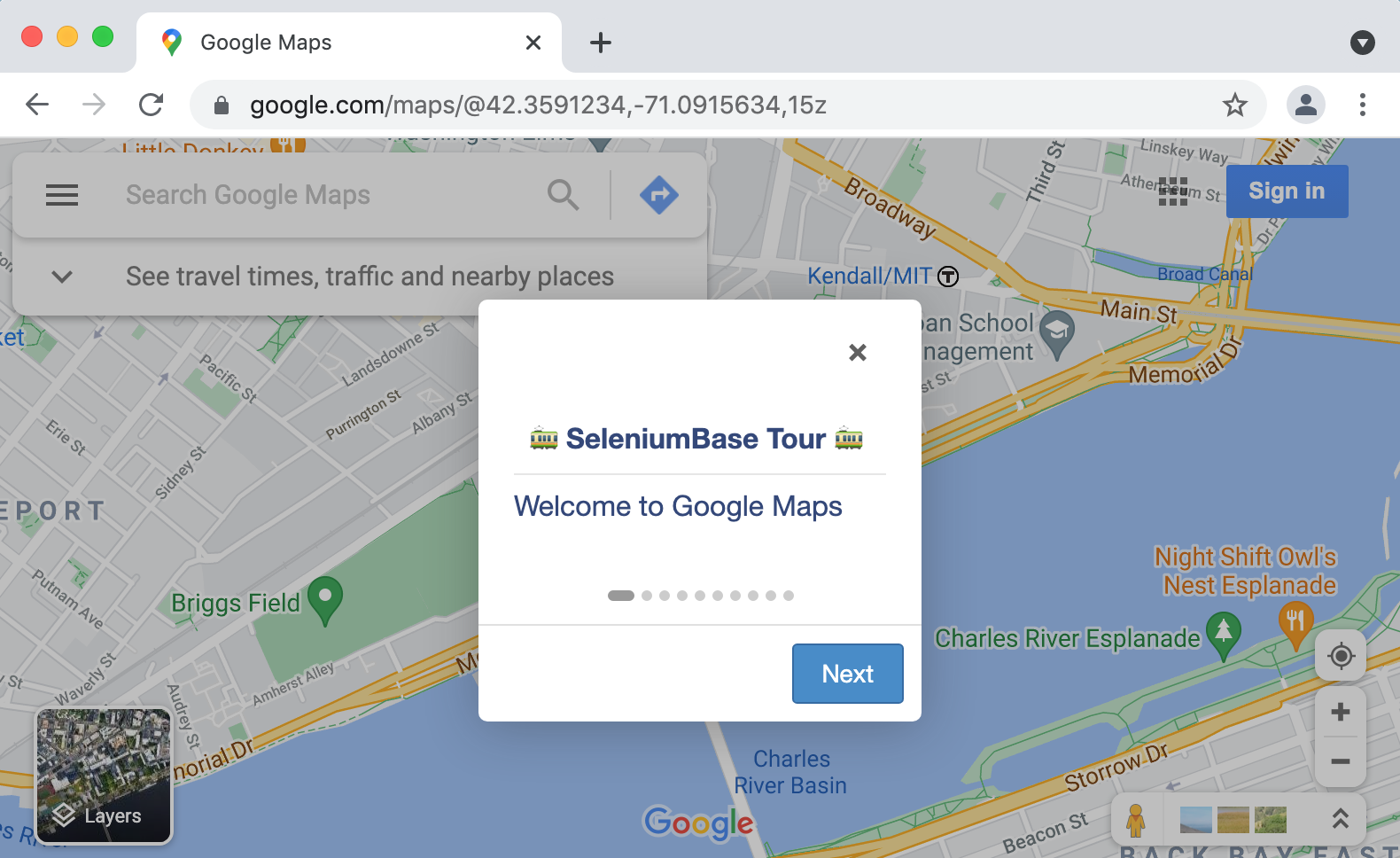 🌏 Interactive Product Tours 🚎
Increase SaaS Product Adoption by 10x or more.
* SeleniumBase Tours utilize 5 JavaScript libraries for creating interactive walkthroughs on **any website**: > **[IntroJS](https://introjs.com/)**, **[Bootstrap Tour](http://bootstraptour.com/)**, **[DriverJS](https://kamranahmed.info/driver.js/)**, **[Shepherd](https://shepherdjs.dev/)**, and **[Hopscotch](https://linkedinattic.github.io/hopscotch/)**. A tour demo: (with autoplay)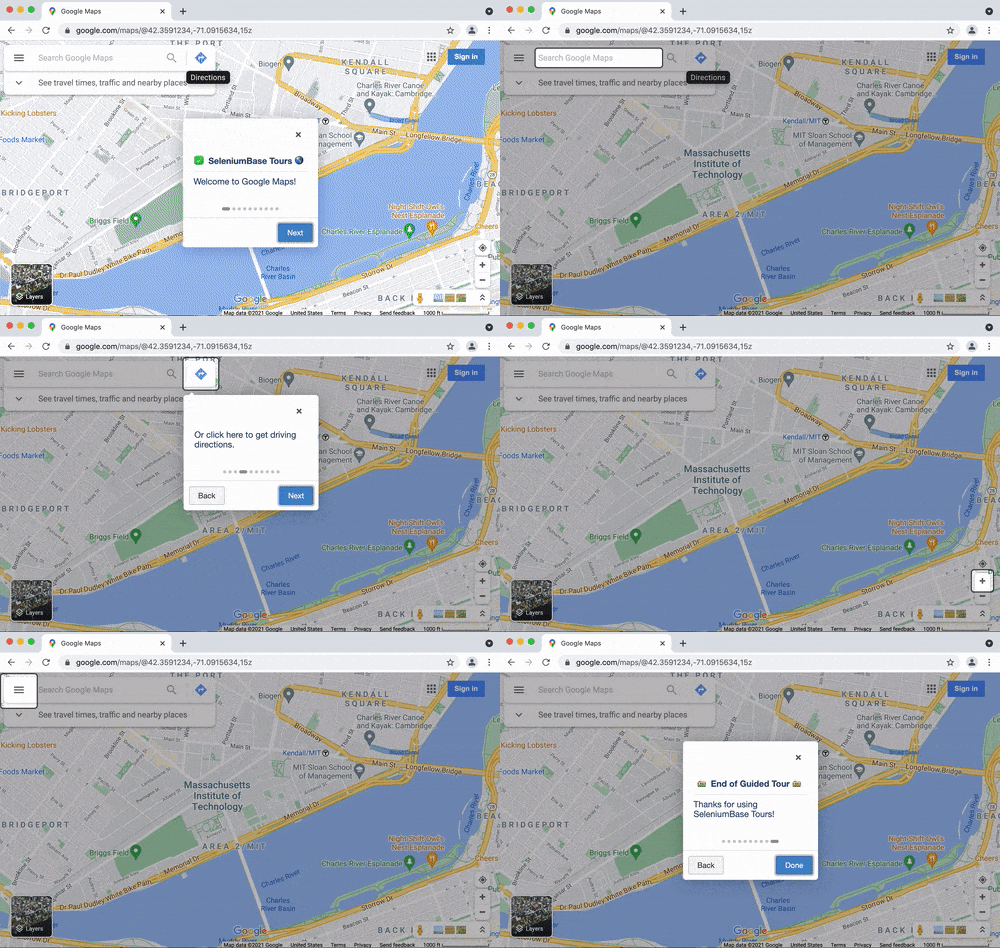
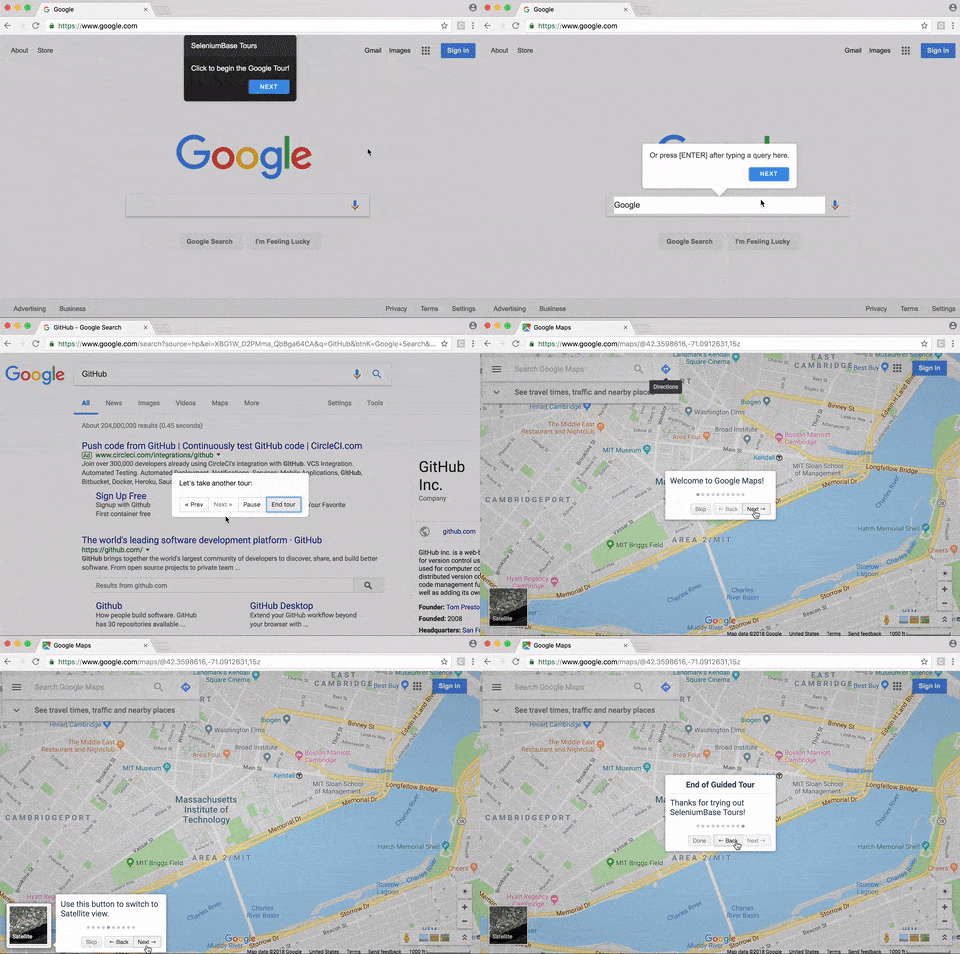
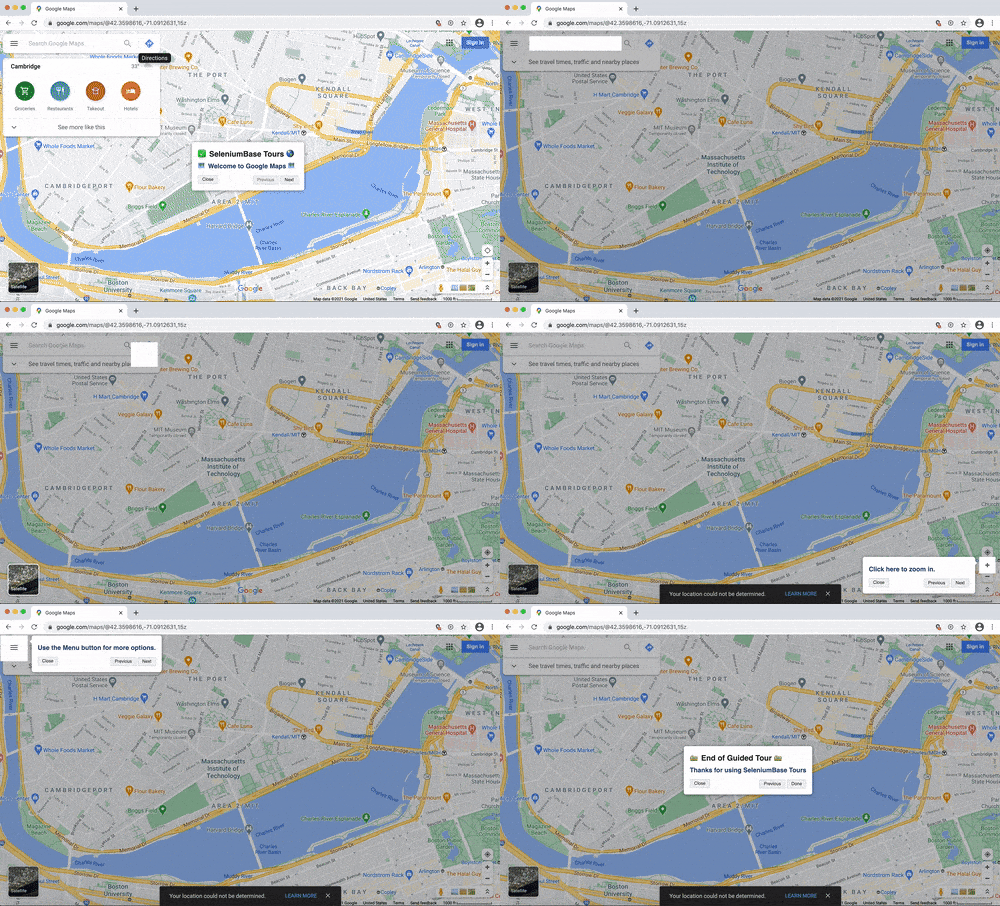 🌏 Translated Tests 🈺 Translation API 🈺
 pytest-specific unit tests
Hello
Hello
Hello
Data URL
") source = driver.page_source assert "Data URL" in source success = True # No errors finally: driver.quit() assert success """ ) result = pytester.inline_run(headless, "-v") assert result.matchreport("test_browser_launcher").passed def test_framework_components(pytester): pytester.makepyfile( """ import sys from seleniumbase import get_driver from seleniumbase import js_utils from seleniumbase import page_actions b = None if "win32" in sys.platform: b = "chs" def test_framework_components(): success = False try: driver = get_driver("chrome", headless=True, binary_location=b) driver.get('data:text/html,
Automated Visual Regression Testing
(Watch the tutorial on YouTube)
To handle automated visual testing, SeleniumBase uses the ``self.check_window()`` method, which can set visual baselines for comparison and then compare the latest versions of web pages to the existing baseline. The first time a test calls ``self.check_window()`` with a unique ``name`` parameter, the visual baseline is set, which means a folder is created with the following files: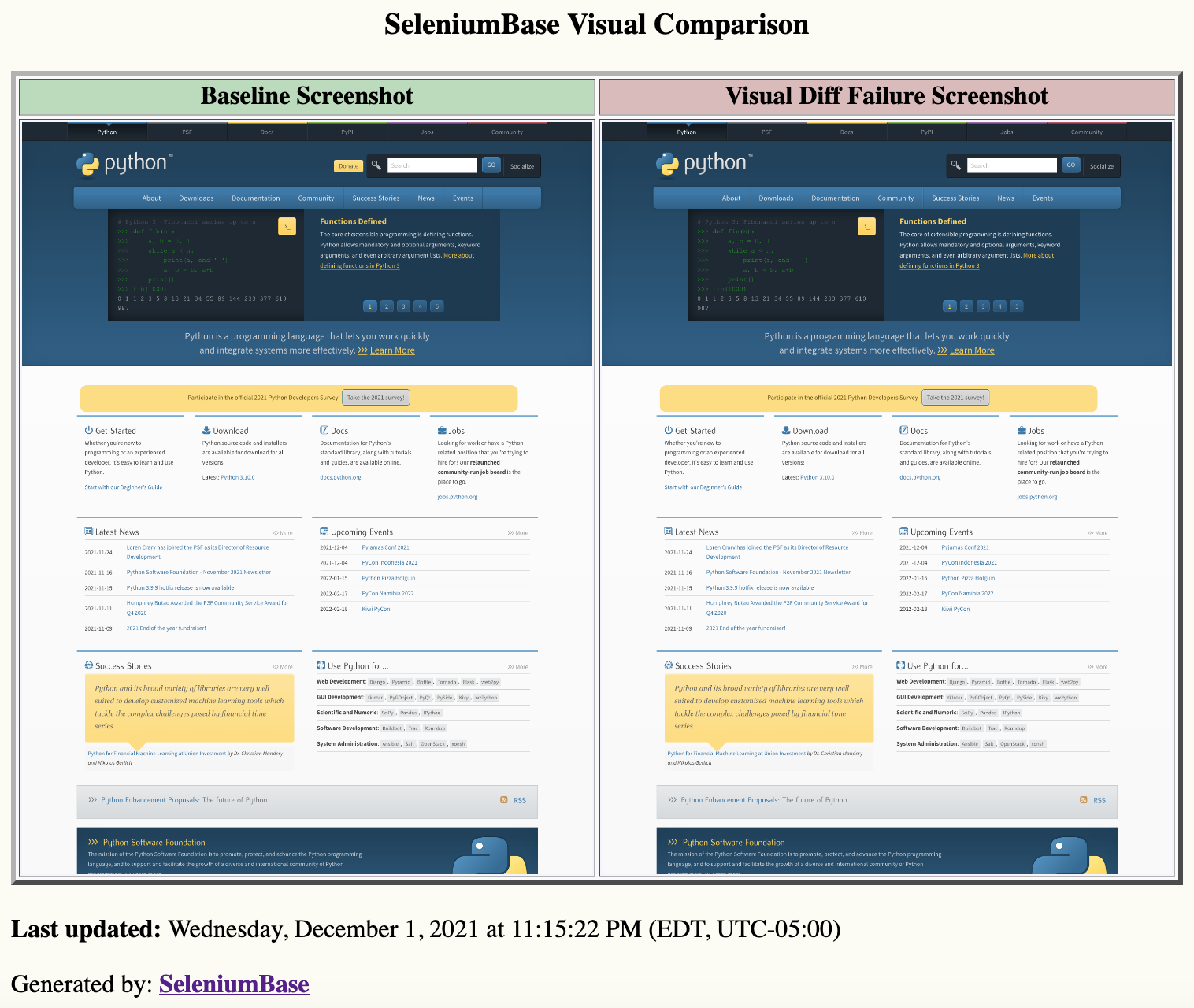 Here's another example, where a web site logo is resized:
```python
from seleniumbase import BaseCase
BaseCase.main(__name__, __file__)
class VisualLayoutTest(BaseCase):
def test_xkcd_layout_change_failure(self):
self.open('https://xkcd.com/554/')
print('\nCreating baseline in "visual_baseline" folder.')
self.check_window(name="xkcd_554", baseline=True)
# Change height: (83 -> 130) , Change width: (185 -> 120)
self.set_attribute('[alt="xkcd.com logo"]', "height", "130")
self.set_attribute('[alt="xkcd.com logo"]', "width", "120")
self.check_window(name="xkcd_554", level=3)
```
Here's the output of that:
```
AssertionError:
First differing element 22:
['img[30 chars]['height', '83'], ['src', '/s/0b7742.png'], ['width', '185']]]
['img[30 chars]['height', '130'], ['src', '/s/0b7742.png'], ['width', '120']]]
- ['height', '83'],
? ^
+ ['height', '130'],
? ^ +
- ['width', '185']]],
? ^^
+ ['width', '120']]],
? ^^
*
*** Exception:
Here's another example, where a web site logo is resized:
```python
from seleniumbase import BaseCase
BaseCase.main(__name__, __file__)
class VisualLayoutTest(BaseCase):
def test_xkcd_layout_change_failure(self):
self.open('https://xkcd.com/554/')
print('\nCreating baseline in "visual_baseline" folder.')
self.check_window(name="xkcd_554", baseline=True)
# Change height: (83 -> 130) , Change width: (185 -> 120)
self.set_attribute('[alt="xkcd.com logo"]', "height", "130")
self.set_attribute('[alt="xkcd.com logo"]', "width", "120")
self.check_window(name="xkcd_554", level=3)
```
Here's the output of that:
```
AssertionError:
First differing element 22:
['img[30 chars]['height', '83'], ['src', '/s/0b7742.png'], ['width', '185']]]
['img[30 chars]['height', '130'], ['src', '/s/0b7742.png'], ['width', '120']]]
- ['height', '83'],
? ^
+ ['height', '130'],
? ^ +
- ['width', '185']]],
? ^^
+ ['width', '120']]],
? ^^
*
*** Exception: 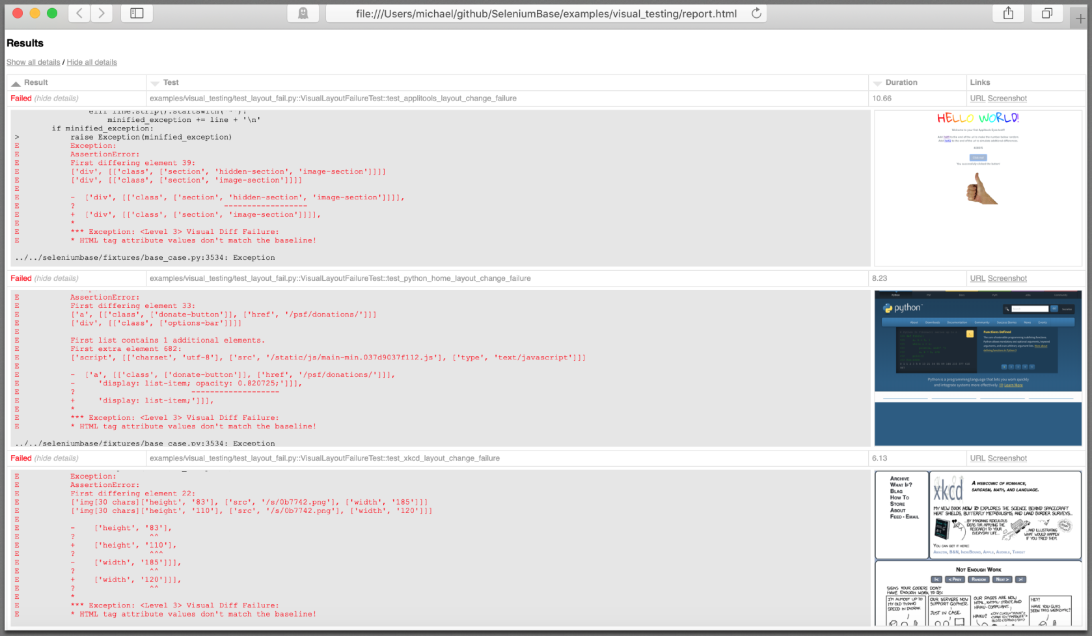 ](https://seleniumbase.github.io/cdn/img/visual_testing_report_2.png)
--------
In conclusion, open source automated visual testing tools are being built directly into test frameworks, and this trend is growing. Just like many years ago when free Wi-Fi at coffee shops replaced Internet cafes that charged money for Internet access, open source tools for visual testing will replace their paid counterparts in time. You'll remember this next time you're sipping your Starbucks® Pumpkin Spice Latte with your free Internet access, instead of paying for Internet at cybercafes.
================================================
FILE: examples/visual_testing/__init__.py
================================================
================================================
FILE: examples/visual_testing/case_plans/layout_test.VisualLayoutTests.test_applitools_layout_change.md
================================================
``layout_test.py::VisualLayoutTests::test_applitools_layout_change``
---
| # | Step Description | Expected Result |
| - | ---------------- | --------------- |
| 1 | Open https://applitools.com/helloworld?diff1.
](https://seleniumbase.github.io/cdn/img/visual_testing_report_2.png)
--------
In conclusion, open source automated visual testing tools are being built directly into test frameworks, and this trend is growing. Just like many years ago when free Wi-Fi at coffee shops replaced Internet cafes that charged money for Internet access, open source tools for visual testing will replace their paid counterparts in time. You'll remember this next time you're sipping your Starbucks® Pumpkin Spice Latte with your free Internet access, instead of paying for Internet at cybercafes.
================================================
FILE: examples/visual_testing/__init__.py
================================================
================================================
FILE: examples/visual_testing/case_plans/layout_test.VisualLayoutTests.test_applitools_layout_change.md
================================================
``layout_test.py::VisualLayoutTests::test_applitools_layout_change``
---
| # | Step Description | Expected Result |
| - | ---------------- | --------------- |
| 1 | Open https://applitools.com/helloworld?diff1. 
Help Docs
🚀 Start |
📊 Dashboard
🏰 Features |
🎛️ Options
📚 Examples |
📱 Emulator
🪄 Console Scripts |
🌐 Grid
📘 Methods / APIs |
🚎 Tours
🔠 Syntax Formats |
🤖 CI/CD
♻️ Boilerplates |
🗾 Locale Codes
❇️ JS Manager |
🖼️ Visual Testing
🌏 Translator |
🛂 Dialog Boxes
🔴 Recorder |
🖥️ Device Farm
🎭 Stealthy Playwright Mode
🎞️ Slides |
📶 Chart Maker
🎖️ GUI |
👤 UC Mode
🐙 CDP Mode
SeleniumBase Behave GUI / Commander 🐝🎖️behave scripts from a Desktop GUI.
🐝🎖️ SeleniumBase Behave GUI loads the same tests that are found by:
```zsh
behave -d
```
🐝🎖️ You can customize which tests are loaded by passing additional args:
```zsh
sbase behave-gui [OPTIONAL PATH or TEST FILE]
```
🐝🎖️ Here are examples of customizing test collection:
```zsh
sbase behave-gui # all tests
sbase behave-gui -i=calculator # tests with "calculator" in the name
sbase behave-gui features/ # tests located in the "features/" folder
sbase behave-gui features/calculator.feature # tests in that feature
```
🐝🎖️ Once launched, you can further customize which tests to run and what settings to use. There are various controls for changing settings, modes, and other "behave" command line options that are specific to SeleniumBase. You can also set additional options that don't have a visible toggle. When you're ready to run the selected tests with the specified options, click on the Run Selected Tests button.
🐝⚪ With the Dashboard enabled, you'll get one of these:
--------
================================================
FILE: help_docs/case_plans.md
================================================
SeleniumBase Case Plans 🗂️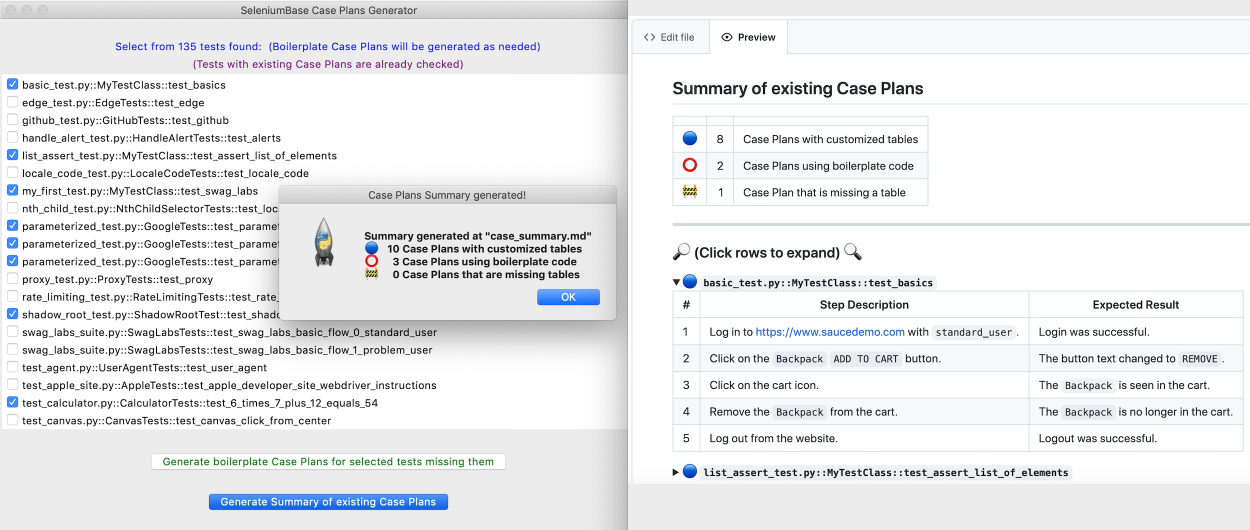 🗂️ SeleniumBase Case Plans is Test Case Management Software that uses Markdown tables for displaying test plans directly in GitHub (and other source code management systems that support Markdown format).
🗂️ The ``case_summary.md`` file is generated from individual Case Plans that exist in the ``case_plans/`` folders of your repository. (See the example below to learn how the Case Summary file may look.)
--------
> **Example of a ``case_summary.md`` file:**
🗂️ SeleniumBase Case Plans is Test Case Management Software that uses Markdown tables for displaying test plans directly in GitHub (and other source code management systems that support Markdown format).
🗂️ The ``case_summary.md`` file is generated from individual Case Plans that exist in the ``case_plans/`` folders of your repository. (See the example below to learn how the Case Summary file may look.)
--------
> **Example of a ``case_summary.md`` file:**
basic_test.py::MyTestClass::test_basicslist_assert_test.py::MyTestClass::test_assert_list_of_elementslocale_code_test.py::LocaleCodeTests::test_locale_codemy_first_test.py::MyTestClass::test_swag_labsproxy_test.py::ProxyTests::test_proxyshadow_root_test.py::ShadowRootTest::test_shadow_roottest_agent.py::UserAgentTests::test_user_agent
test_calculator.py::CalculatorTests::test_6_times_7_plus_12_equals_54test_demo_site.py::DemoSiteTests::test_demo_sitetest_login.py::SwagLabsLoginTests::test_swag_labs_logintest_mfa_login.py::TestMFALogin::test_mfa_login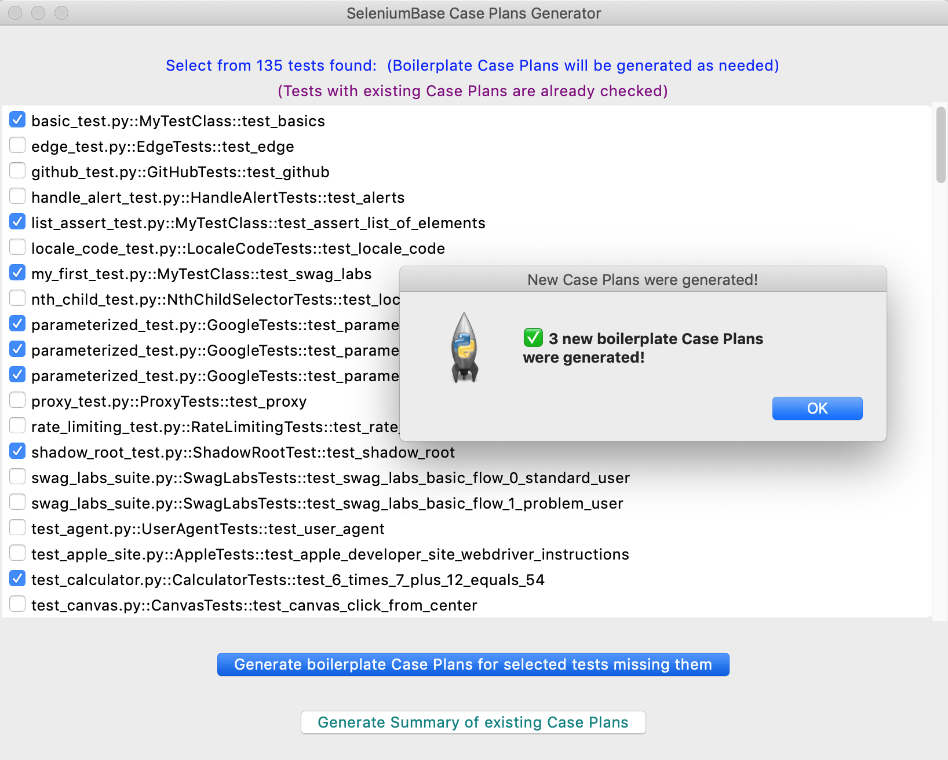 🗂️ Once you are running the Case Plans GUI, select the existing tests that need Case Plans, and then click: ``Generate boilerplate Case Plans for selected tests missing them``. For each selected test that didn't already have a Case Plan file, one will be generated. Each new Case Plan file starts with default boilerplate code with a Markdown table. Eg:
```zsh
``proxy_test.py::ProxyTests::test_proxy``
---
| # | Step Description | Expected Result |
| - | ---------------- | --------------- |
| 1 | Perform Action 1 | Verify Action 1 |
| 2 | Perform Action 2 | Verify Action 2 |
```
🗂️ When rendered as a Markdown table, the result looks like this:
``proxy_test.py::ProxyTests::test_proxy``
---
| # | Step Description | Expected Result |
| - | ---------------- | --------------- |
| 1 | Perform Action 1 | Verify Action 1 |
| 2 | Perform Action 2 | Verify Action 2 |
🗂️ Markdown tables are flexible, but must be constructed correctly to be displayed. For a Markdown table to render, it's important that you place pipes (``|``), dashes (``-``), and spaces in the correct locations. If you want a line break in a step, use ``
🗂️ Once you are running the Case Plans GUI, select the existing tests that need Case Plans, and then click: ``Generate boilerplate Case Plans for selected tests missing them``. For each selected test that didn't already have a Case Plan file, one will be generated. Each new Case Plan file starts with default boilerplate code with a Markdown table. Eg:
```zsh
``proxy_test.py::ProxyTests::test_proxy``
---
| # | Step Description | Expected Result |
| - | ---------------- | --------------- |
| 1 | Perform Action 1 | Verify Action 1 |
| 2 | Perform Action 2 | Verify Action 2 |
```
🗂️ When rendered as a Markdown table, the result looks like this:
``proxy_test.py::ProxyTests::test_proxy``
---
| # | Step Description | Expected Result |
| - | ---------------- | --------------- |
| 1 | Perform Action 1 | Verify Action 1 |
| 2 | Perform Action 2 | Verify Action 2 |
🗂️ Markdown tables are flexible, but must be constructed correctly to be displayed. For a Markdown table to render, it's important that you place pipes (``|``), dashes (``-``), and spaces in the correct locations. If you want a line break in a step, use ``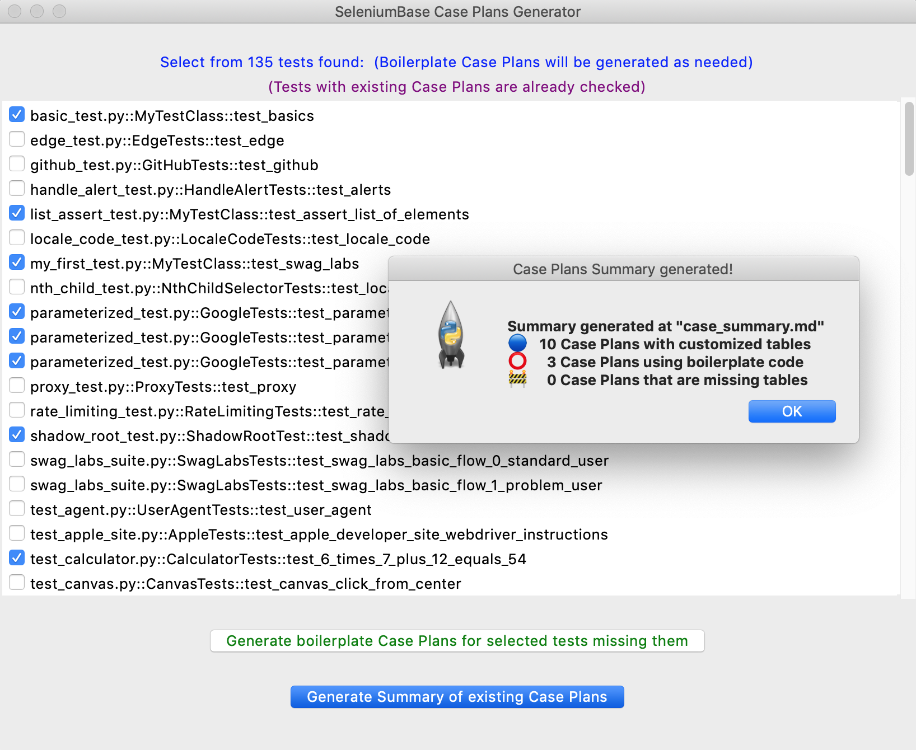 🗂️ The generated Case Plans summary file, ``case_summary.md``, gets created in the same location where the Case Plans GUI was launched. This is NOT the same location where individual Case Plan boilerplates are generated, which is in the ``case_plans/`` folders. The ``case_plans/`` folders are generated where individual tests live, which means that if you have your tests in multiple folders, then you could also have multiple ``case_plans/`` folders. A ``case_summary.md`` file may look like this when rendered:
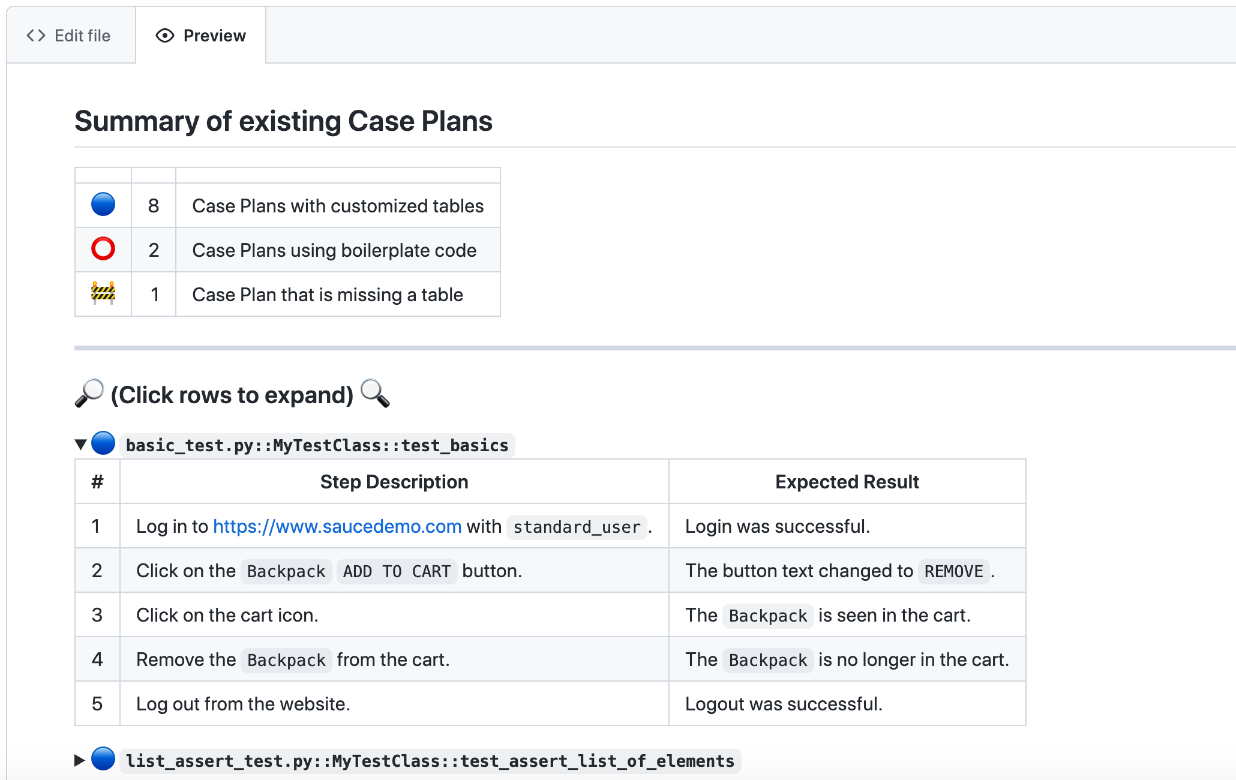 🗂️ When calling ``sbase caseplans``, you can provide additional arguments to limit the tests that appear in the list. The same discovery rules apply as when using ``pytest``. Eg:
```zsh
sbase caseplans
sbase caseplans -k agent
sbase caseplans -m marker2
sbase caseplans test_suite.py
sbase caseplans offline_examples/
```
--------
🗂️ When calling ``sbase caseplans``, you can provide additional arguments to limit the tests that appear in the list. The same discovery rules apply as when using ``pytest``. Eg:
```zsh
sbase caseplans
sbase caseplans -k agent
sbase caseplans -m marker2
sbase caseplans test_suite.py
sbase caseplans offline_examples/
```
--------
 ================================================
FILE: help_docs/cdp_mode_methods.md
================================================
SeleniumBase CDP Mode Methods (CDP Mode API Reference)
================================================
FILE: help_docs/cdp_mode_methods.md
================================================
SeleniumBase CDP Mode Methods (CDP Mode API Reference)sb_cdp)
Pure CDP Mode doesn't use WebDriver for anything. The browser is launched using CDP, and all browser actions are performed using CDP (or PyAutoGUI). Initialization:
```python
from seleniumbase import sb_cdp
sb = sb_cdp.Chrome(url=None, **kwargs)
```
Pure CDP Mode includes all methods from regular CDP Mode, except that they're called directly from sb instead of sb.cdp. Eg: sb.gui_click_captcha(). To quit a CDP-launched browser, use `sb.driver.stop()`.
Basic example from [SeleniumBase/examples/cdp_mode/raw_cdp_turnstile.py](https://github.com/seleniumbase/SeleniumBase/blob/master/examples/cdp_mode/raw_cdp_turnstile.py):
```python
from seleniumbase import sb_cdp
url = "https://seleniumbase.io/apps/turnstile"
sb = sb_cdp.Chrome(url)
sb.solve_captcha()
sb.assert_element("img#captcha-success")
sb.set_messenger_theme(location="top_left")
sb.post_message("SeleniumBase wasn't detected", duration=3)
sb.driver.stop()
```
Another example: ([SeleniumBase/examples/cdp_mode/raw_cdp_methods.py](https://github.com/seleniumbase/SeleniumBase/blob/master/examples/cdp_mode/raw_cdp_methods.py))
```python
from seleniumbase import sb_cdp
url = "https://seleniumbase.io/demo_page"
sb = sb_cdp.Chrome(url)
sb.press_keys("input", "Text")
sb.highlight("button")
sb.type("textarea", "Here are some words")
sb.click("button")
sb.set_value("input#mySlider", "100")
sb.click_visible_elements("input.checkBoxClassB")
sb.select_option_by_text("#mySelect", "Set to 75%")
sb.gui_hover_and_click("#myDropdown", "#dropOption2")
sb.gui_click_element("#checkBox1")
sb.gui_drag_and_drop("img#logo", "div#drop2")
sb.nested_click("iframe#myFrame3", ".fBox")
sb.sleep(2)
sb.driver.stop()
```
ℹ️ Even if you don't call `sb.driver.stop()`, the browser still quits after the script goes out-of-scope.
--------
### 🐙 CDP Mode Async API / Methods
Initialization:
```python
from seleniumbase import cdp_driver
driver = await cdp_driver.start_async()
tab = await driver.get(url, **kwargs)
```
Methods: (Sometimes `tab` is named `page` in examples)
```python
await tab.get(url="about:blank")
await tab.open(url="about:blank")
await tab.find(text, best_match=False, timeout=10) # text can be selector
await tab.find_all(text, timeout=10) # text can be selector
await tab.select(selector, timeout=10)
await tab.select_all(selector, timeout=10, include_frames=False)
await tab.query_selector(selector)
await tab.query_selector_all(selector)
await tab.find_element_by_text(text, best_match=False)
await tab.find_elements_by_text(text)
await tab.reload(ignore_cache=True, script_to_evaluate_on_load=None)
await tab.evaluate(expression)
await tab.js_dumps(obj_name)
await tab.back()
await tab.forward()
await tab.get_window()
await tab.get_content()
await tab.maximize()
await tab.minimize()
await tab.fullscreen()
await tab.medimize()
await tab.set_window_size(left=0, top=0, width=1280, height=1024)
await tab.set_window_rect(left=0, top=0, width=1280, height=1024)
await tab.activate()
await tab.bring_to_front()
await tab.set_window_state(
left=0, top=0, width=1280, height=720, state="normal")
await tab.get_navigation_history()
await tab.get_user_agent()
await tab.get_cookie_string()
await tab.get_locale_code()
await tab.is_online()
await tab.open_external_inspector() # Open separate browser for debugging
await tab.close()
await tab.scroll_down(amount=25)
await tab.scroll_up(amount=25)
await tab.wait_for(selector="", text="", timeout=10)
await tab.set_attributes(selector, attribute, value)
await tab.internalize_links()
await tab.download_file(url, filename=None)
await tab.save_screenshot(
filename="auto", format="png", full_page=False)
await tab.print_to_pdf(filename="auto")
await tab.set_download_path(path)
await tab.get_all_linked_sources()
await tab.get_all_urls(absolute=True)
await tab.get_html()
await tab.get_page_source()
await tab.is_element_present(selector)
await tab.is_element_visible(selector)
await tab.get_element_rect(selector, timeout=5) # (window-based)
await tab.get_window_rect()
await tab.get_gui_element_rect(selector, timeout=5) # (screen-based)
await tab.get_title()
await tab.get_current_url()
await tab.get_origin()
await tab.send_keys(selector, text, timeout=5)
await tab.type(selector, text, timeout=5)
await tab.click(selector, timeout=5)
await tab.click_if_visible(selector, timeout=0)
await tab.click_with_offset(selector, x, y, center=False, timeout=5)
await tab.solve_captcha()
await tab.click_captcha() # Same as solve_captcha()
await tab.get_document()
await tab.get_flattened_document()
await tab.get_local_storage()
await tab.set_local_storage(items)
```
--------
### 🐙 CDP Mode WebElement API / Methods
After finding an element in CDP Mode, you can access `WebElement` methods:
(Eg. After `element = sb.find_element(selector)`)
```python
element.clear_input()
element.click()
element.click_with_offset(x, y, center=False)
element.flash(duration=0.5, color="EE4488")
element.focus()
element.gui_click(timeframe=0.25)
element.highlight_overlay()
element.mouse_click()
element.mouse_drag(destination)
element.mouse_move()
element.press_keys(text)
element.query_selector(selector)
element.querySelector(selector)
element.query_selector_all(selector)
element.querySelectorAll(selector)
element.remove_from_dom()
element.save_screenshot(*args, **kwargs)
element.save_to_dom()
element.scroll_into_view()
element.select_option()
element.send_file(*file_paths)
element.send_keys(text)
element.set_text(value)
element.type(text)
element.get_position()
element.get_html()
element.get_js_attributes()
element.get_attribute(attribute)
element.get_parent()
```
--------
SeleniumBase Commander 🎖️pytest scripts from a Desktop GUI.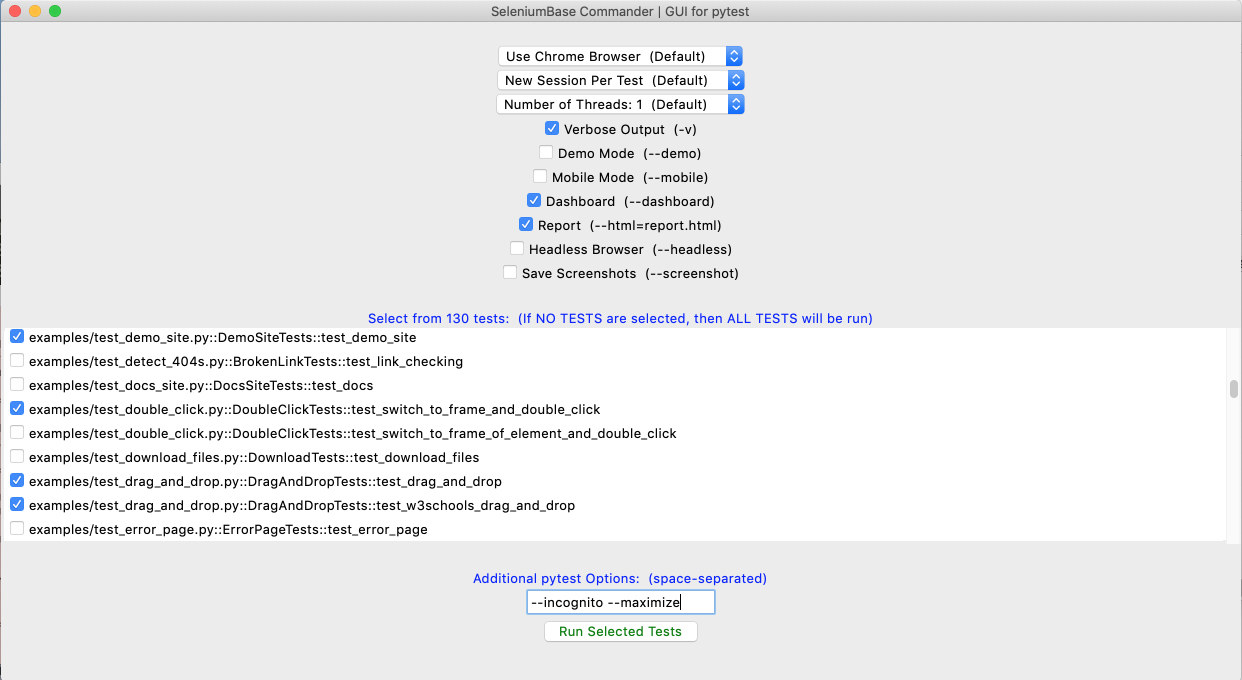 🎖️ SeleniumBase Commander loads the same tests that are found by:
```zsh
pytest --co -q
```
🎖️ You can customize which tests are loaded by passing additional args:
```zsh
sbase commander [OPTIONAL PATH or TEST FILE]
sbase gui [OPTIONAL PATH or TEST FILE]
```
🎖️ Here are examples of customizing test collection:
```zsh
sbase gui
sbase gui -k agent
sbase gui -m marker2
sbase gui test_suite.py
sbase gui offline_examples/
```
🎖️ Once launched, you can further customize which tests to run and what settings to use. There are various controls for changing settings, modes, and other pytest command line options that are specific to SeleniumBase. You can also set additional options that don't have a visible toggle. When you're ready to run the selected tests with the specified options, click on the
🎖️ SeleniumBase Commander loads the same tests that are found by:
```zsh
pytest --co -q
```
🎖️ You can customize which tests are loaded by passing additional args:
```zsh
sbase commander [OPTIONAL PATH or TEST FILE]
sbase gui [OPTIONAL PATH or TEST FILE]
```
🎖️ Here are examples of customizing test collection:
```zsh
sbase gui
sbase gui -k agent
sbase gui -m marker2
sbase gui test_suite.py
sbase gui offline_examples/
```
🎖️ Once launched, you can further customize which tests to run and what settings to use. There are various controls for changing settings, modes, and other pytest command line options that are specific to SeleniumBase. You can also set additional options that don't have a visible toggle. When you're ready to run the selected tests with the specified options, click on the Run Selected Tests button.
--------
Other SeleniumBase Commanders:
--------
================================================
FILE: help_docs/customizing_test_runs.md
================================================
Options / Customization--------
01. pytest command-line options Example tests using Logging: Demo Mode: Passing additional data to tests: Running tests multithreaded: How to retry failing tests automatically:
You can use pytest --reruns=NUM to retry failing tests that many times. Add --reruns-delay=SECONDS to wait that many seconds between retries. Example:
Debugging tests: Combinations of options:-n8 --dist=loadgroup (click to expand)xdist_group mark. Groups are distributed to available workers as whole units. This guarantees that all tests with the same xdist_group name run in the same worker.This makes
test_1andTest::test_2run in the same worker. Tests without thexdist_groupmark are distributed normally.
The SeleniumBase Dashboard:
🔵 Additionally, you can host your own SeleniumBase Dashboard Server on a port of your choice. Here's an example of that using Python 3's `http.server`:
```zsh
python -m http.server 1948
```
🔵 Now you can navigate to `http://localhost:1948/dashboard.html` in order to view the dashboard as a web app. This requires two different terminal windows: one for running the server, and another for running the tests, which should be run from the same directory. (Use Ctrl+C to stop the http server.)
🔵 Here's a full example of what the SeleniumBase Dashboard may look like:
```zsh
pytest test_suite.py --dashboard --rs --headless
```
--------
Pytest Reports:
🔵 When combining pytest html reports with SeleniumBase Dashboard usage, the pie chart from the Dashboard will get added to the html report. Additionally, if you set the html report URL to be the same as the Dashboard URL when also using the dashboard, (example: `--dashboard --html=dashboard.html`), then the Dashboard will become an advanced html report when all the tests complete.
🔵 Here's an example of an upgraded html report:
```zsh
pytest test_suite.py --dashboard --html=report.html
```
If viewing pytest html reports in [Jenkins](https://www.jenkins.io/), you may need to [configure Jenkins settings](https://stackoverflow.com/a/46197356/7058266) for the html to render correctly. This is due to [Jenkins CSP changes](https://www.jenkins.io/doc/book/system-administration/security/configuring-content-security-policy/).
You can also use `--junit-xml=report.xml` to get an xml report instead. Jenkins can use this file to display better reporting for your tests.
```zsh
pytest test_suite.py --junit-xml=report.xml
```
--------
Nosetest Reports:
(NOTE: You can add `--show_report` to immediately display Nosetest reports after the test suite completes. Only use `--show_report` when running tests locally because it pauses the test run.)
--------
Language Locale Codes Changing the default driver version: Setting the binary location: Customizing default settings: Running tests on a remote Selenium Grid: Using a Proxy Server: Changing the User-Agent: Mobile Device Testing: 02. SB() method options 03. Driver() method options 04. sb_cdp.Chrome() method options 05. activate_cdp_mode() method options](https://github.com/seleniumbase/SeleniumBase)
================================================
FILE: help_docs/demo_mode.md
================================================
Demo Mode 🎦
🔵 Demo Mode helps you see what a test is doing.
🏇💨 👀 If a test runs too fast for your eyes, use Demo Mode to slow it down, highlight actions, and display assertions. Example usage:
```zsh cd examples/ pytest test_coffee_cart.py --demo ```
(--demo mode slows down tests and highlights actions)
Here's how to run test_swag_labs.py from examples/ in Demo Mode:
```zsh pytest test_swag_labs.py --demo ```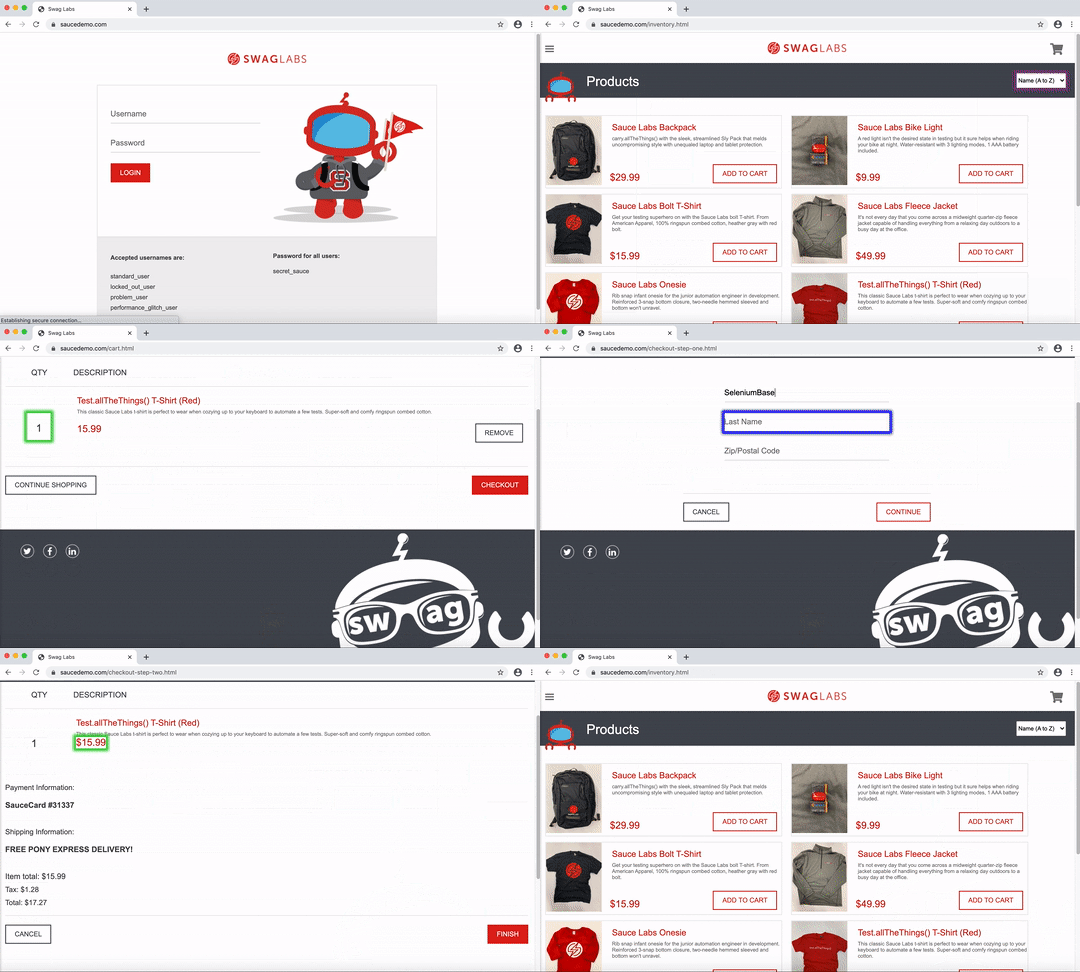
Here's an example that only uses the highlight() method for highlighting browser actions:
(test_error_page.py from examples/)
```zsh pytest test_error_page.py ```
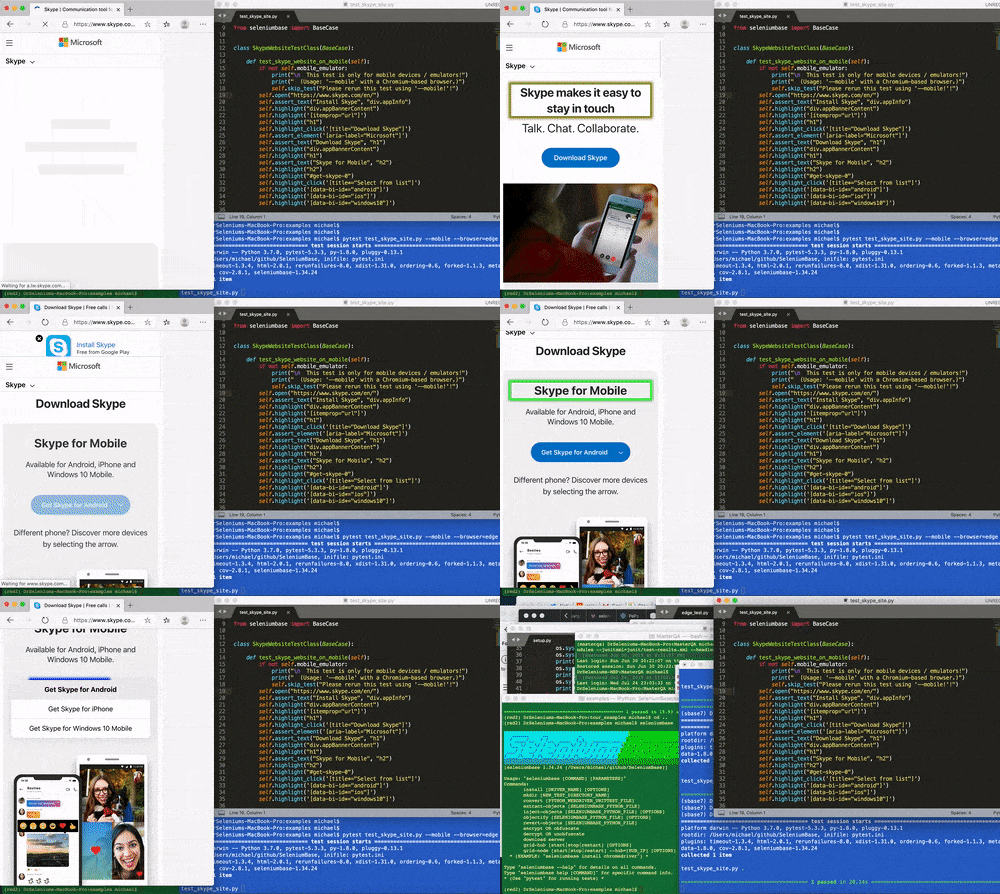
Using Desired Capabilities
(Watch the SeleniumBase tutorial from Selenium-Conf-2023 on YouTube)
SeleniumBase Features: 🏰
(Have fun with test automation!)
(Watch the original tutorial on YouTube)
================================================
FILE: help_docs/handling_iframes.md
================================================
How to handle iframes How SeleniumBase Works 👁️
SeleniumBase methods automatically wait for page elements to finish loading before interacting with them (up to a timeout limit). This means you no longer need random time.sleep() statements in your scripts.
**There are three layers of protection that provide reliability for tests using SeleniumBase:**
* **(1)**: Selenium's default ``pageLoadStrategy`` is ``normal``: This strategy causes Selenium to wait for the full page to load, with HTML content and sub-resources downloaded and parsed.
* **(2)**: SeleniumBase includes methods such as ``wait_for_ready_state_complete()``, which run inside other SeleniumBase methods to ensure that it's safe to proceed with the next command.
* **(3)**: SeleniumBase methods automatically wait for elements to be visible and interactable before interacting with those elements.
**If you want to speed up your tests and you think the third level of protection is enough by itself, you can use command-line options to remove the first, the second, or both of those first two levels of protection:**
* ``--pls=none`` --> Set ``pageLoadStrategy`` to ``"none"``: This strategy causes Selenium to return immediately after the initial HTML content is fully received by the browser.
* ``--sjw`` --> Skip JS Waits, such as ``wait_for_ready_state_complete()``.
--------
The HTML Inspector 🕵️ SeleniumBase Installationseleniumbase directly from PyPI, (the Python Package Index), use:seleniumbase install from PyPI:seleniumbase from a Git clone, use:seleniumbase install from GitHub:seleniumbase from a GitHub branch, use:pip install can be customized:](https://github.com/seleniumbase/SeleniumBase/)
================================================
FILE: help_docs/install_python_pip_git.md
================================================
## Installation instructions for ``Git``, ``Python``, and ``pip``
### [Git](http://www.git-scm.com)
You can [download Git from here](http://git-scm.com/downloads).
(A Git GUI tool like [SourceTree](https://www.sourcetreeapp.com/) or [GitHub Desktop](https://desktop.github.com/) can help you with Git commands.)
(You can also download SeleniumBase from GitHub without using git-related commands.)
### [Python](https://www.python.org)
You can download Python from [https://www.python.org/downloads/](https://www.python.org/downloads/) if it's not already preinstalled on your machine.
### [pip](https://en.wikipedia.org/wiki/Pip_%28package_manager%29)
**``pip`` already comes with Python!** (It lets you install packages, such as ``seleniumbase``.)
⚠️ If something went wrong with your ``pip`` installation, try this:
```zsh
python -m ensurepip --default-pip
```
If your existing version of pip is old, upgrade to the latest version:
```zsh
python -m pip install --upgrade pip setuptools
```
On CentOS 7 and some versions of Linux, you may need to install pip with ``yum``:
```zsh
yum -y update
yum -y install python-pip
```
If you're having any trouble getting pip, you can [GET PIP HERE](https://pip.pypa.io/en/latest/installation/).
When done, make sure the location of pip is on your path, which is ``$PATH`` for macOS/Linux. (On Windows, it's the System Variables ``Path`` within System Environment Variables.)
You can also get pip (or fix pip) by using:
```zsh
curl https://bootstrap.pypa.io/get-pip.py | python
```
* (If you get SSL errors while trying to install packages with pip, see [this Stackoverflow post](https://stackoverflow.com/questions/49768770/not-able-to-install-python-packages-ssl-tlsv1-alert-protocol-version), which tells you to run the above command.)
**Keep Pip and Setuptools up-to-date:**
```zsh
python -m pip install -U pip setuptools
```
* (Depending on your user permissions, you may need to add ``--user`` to the command if you're not inside a [Python virtual environment](https://github.com/seleniumbase/SeleniumBase/blob/master/help_docs/virtualenv_instructions.md), or use "[sudo](https://en.wikipedia.org/wiki/Sudo)" on a UNIX-based OS if you're getting errors during installation.)
================================================
FILE: help_docs/js_package_manager.md
================================================
JS Package Manager and Code Generators🗺️ This example is from maps_introjs_tour.py. (The --interval=1 makes the tour go automatically to the next step after 1 second.)
❇️ SeleniumBase includes powerful JS code generators for converting Python into JavaScript for using the supported JS packages. A few lines of Python in your tests might generate hundreds of lines of JavaScript.
🗺️ Here is some tour code in Python from maps_introjs_tour.py that expands into a lot of JavaScript.
```python self.open("https://www.google.com/maps/@42.3591234,-71.0915634,15z") self.create_tour(theme="introjs") self.add_tour_step("Welcome to Google Maps!", title="SeleniumBase Tours") self.add_tour_step("Enter Location", "#searchboxinput", title="Search Box") self.add_tour_step("See it", "#searchbox-searchbutton", alignment="bottom") self.add_tour_step("Thanks for using Tours!", title="End of Guided Tour") self.export_tour(filename="maps_introjs_tour.js") self.play_tour() ```❇️ If you're wondering how SeleniumBase does this, here's the full Python code from js_utils.py, which uses WebDriver's execute_script() method for making JS calls after escaping quotes with backslashes as needed:
❇️ Now that you've loaded JavaScript into the browser, you may also want to load some CSS to go along with it:
```python self.add_css_link(css_link) ```❇️ Here's code that loads the IntroJS CSS:
```python self.add_css_link("https://cdnjs.cloudflare.com/ajax/libs/intro.js/2.9.3/introjs.css") ```❇️ And here's the Python WebDriver code that makes this possible:
```python def add_css_link(driver, css_link): script_to_add_css = ( """function injectCSS(css) { var head = document.getElementsByTagName("head")[0]; var link = document.createElement("link"); link.rel = "stylesheet"; link.type = "text/css"; link.href = css; link.crossorigin = "anonymous"; head.appendChild(link); } injectCSS("%s");""") css_link = escape_quotes_if_needed(css_link) driver.execute_script(script_to_add_css % css_link) ```
================================================
FILE: help_docs/locale_codes.md
================================================
Language Locale Codes List of Language Locale Codes:| Language | Code |
|---|---|
| Afrikaans | af |
| Amharic | am |
| Arabic | ar |
| Arabic (Egypt) | ar_ |
| Arabic (Saudi Arabia) | ar_ |
| Basque | eu |
| Belarusian | be |
| Bengali | bn |
| Bulgarian | bg |
| Catalan | ca |
| Chinese | zh |
| Chinese (China Mainland) | zh_ |
| Chinese (Hong Kong) | zh_ |
| Chinese (Taiwan) | zh_ |
| Croatian | hr |
| Czech | cs |
| Danish | da |
| Dutch | nl |
| English | en |
| English (United States) | en_ |
| English (Australia) | en_ |
| English (Canada) | en_ |
| English (United Kingdom) | en_ |
| English (Ireland) | en_ |
| English (India) | en_ |
| English (Singapore) | en_ |
| English (South Africa) | en_ |
| Estonian | et |
| Farsi | fa |
| Filipino | fil |
| Finnish | fi |
| French | fr |
| French (Canada) | fr_ |
| French (Switzerland) | fr_ |
| Galician | gl |
| German | de |
| German (Austria) | de_ |
| Greek | el |
| Gujarati | gu |
| Hebrew | he |
| Hindi | hi |
| Hungarian | hu |
| Icelandic | is |
| Indonesian | id |
| Italian | it |
| Japanese | ja |
| Kannada | kn |
| Korean | ko |
| Lao | lo |
| Latvian | lv |
| Lingala | ln |
| Lithuanian | lt |
| Malay | ms |
| Malayalam | ml |
| Marathi | mr |
| Norwegian | no |
| Polish | pl |
| Portuguese | pt |
| Portuguese (Brazil) | pt_ |
| Portuguese (Portugal) | pt_ |
| Romanian | ro |
| Russian | ru |
| Serbian | sr |
| Slovak | sk |
| Slovenian | sl |
| Spanish | es |
| Spanish (Latin America) | es_ |
| Spanish (Argentina) | es_ |
| Spanish (Chile) | es_ |
| Spanish (Colombia) | es_ |
| Spanish (Costa Rica) | es_ |
| Spanish (Dominican Rep.) | es_ |
| Spanish (Ecuador) | es_ |
| Spanish (El Salvador) | es_ |
| Spanish (Guatemala) | es_ |
| Spanish (Honduras) | es_ |
| Spanish (Mexico) | es_ |
| Spanish (Nicaragua) | es_ |
| Spanish (Panama) | es_ |
| Spanish (Peru) | es_ |
| Spanish (Puerto Rico) | es_ |
| Spanish (Paraguay) | es_ |
| Spanish (United States) | es_ |
| Spanish (Uruguay) | es_ |
| Spanish (Venezuela) | es_ |
| Swahili | sw |
| Swedish | sv |
| Swiss German | gsw |
| Tagalog | tl |
| Tamil | ta |
| Telugu | te |
| Thai | th |
| Turkish | tr |
| Ukrainian | uk |
| Urdu | ur |
| Vietnamese | vi |
| Zulu | zu |
SeleniumBase Methods (API Reference)
(Common API Methods on YouTube)
Here's a list of SeleniumBase method definitions, which are defined in **[base_case.py](https://github.com/seleniumbase/SeleniumBase/blob/master/seleniumbase/fixtures/base_case.py)** For backwards compatibility, older versions of method names have remained to keep older scripts working. *(E.g: wait_for_element_visible was shortened to wait_for_element and then to find_element.)* ```python self.open(url) # Duplicates: self.open_url(url), self.visit(url), visit_url(url), # self.goto(url), self.go_to(url) self.get(url) # If the url parameter is a URL: Perform self.open(url) # Otherwise: return self.get_element(URL_AS_A_SELECTOR) self.click(selector, by="css selector", timeout=None, delay=0, scroll=True) self.slow_click(selector, by="css selector", timeout=None) self.double_click(selector, by="css selector", timeout=None) self.context_click(selector, by="css selector", timeout=None) # Duplicates: # self.right_click(selector, by="css selector", timeout=None) self.click_chain(selectors_list, by="css selector", timeout=None, spacing=0) self.type(selector, text, by="css selector", timeout=None) # Duplicates: # self.update_text(selector, text, by="css selector", timeout=None) # self.input(selector, text, by="css selector", timeout=None) # self.fill(selector, text, by="css selector", timeout=None) # self.write(selector, text, by="css selector", timeout=None) self.send_keys(selector, text, by="css selector", timeout=None) # Duplicates: # self.add_text(selector, text, by="css selector", timeout=None) self.press_keys(selector, text, by="css selector", timeout=None) self.submit(selector, by="css selector") self.clear(selector, by="css selector", timeout=None) self.focus(selector, by="css selector", timeout=None) self.refresh() # Duplicates: self.refresh_page(), self.reload_page(), self.reload() self.get_current_url() self.get_origin() self.get_html() self.get_page_source() self.get_title() # Duplicates: self.get_page_title() self.get_user_agent() self.get_locale_code() self.go_back() self.go_forward() self.open_start_page() self.open_if_not_url(url) self.is_element_present(selector, by="css selector") self.is_element_visible(selector, by="css selector") self.is_element_clickable(selector, by="css selector") self.is_element_enabled(selector, by="css selector") self.is_text_visible(text, selector="html", by="css selector") self.is_exact_text_visible(text, selector="html", by="css selector") self.is_non_empty_text_visible(selector="html", by="css selector") self.is_attribute_present(selector, attribute, value=None, by="css selector") self.is_link_text_visible(link_text) self.is_partial_link_text_visible(partial_link_text) self.is_link_text_present(link_text) self.is_partial_link_text_present(link_text) self.get_link_attribute(link_text, attribute, hard_fail=True) # Duplicates: # self.get_link_text_attribute(link_text, attribute, hard_fail=True) self.get_partial_link_text_attribute(link_text, attribute, hard_fail=True) self.click_link(link_text, timeout=None) # Duplicates: # self.click_link_text(link_text, timeout=None) self.click_partial_link(partial_link_text, timeout=None) # Duplicates: # self.click_partial_link_text(partial_link_text, timeout=None) self.get_text(selector="html", by="css selector", timeout=None) self.get_attribute(selector, attribute, by="css selector", timeout=None, hard_fail=True) self.set_attribute(selector, attribute, value, by="css selector", timeout=None, scroll=False) self.set_attributes(selector, attribute, value, by="css selector") # Duplicates: # self.set_attribute_all(selector, attribute, value, by="css selector") self.remove_attribute(selector, attribute, by="css selector", timeout=None) self.remove_attributes(selector, attribute, by="css selector") self.internalize_links() self.get_parent(element, by="css selector", timeout=None) self.get_property(selector, property, by="css selector", timeout=None) self.get_text_content(selector="html", by="css selector", timeout=None) self.get_property_value(selector, property, by="css selector", timeout=None) self.get_image_url(selector, by="css selector", timeout=None) self.find_elements(selector, by="css selector", limit=0) # Duplicates: # self.select_all(selector, by="css selector", limit=0) self.find_visible_elements(selector, by="css selector", limit=0) self.click_visible_elements(selector, by="css selector", limit=0, timeout=None) self.click_nth_visible_element(selector, number, by="css selector", timeout=None) self.click_if_visible(selector, by="css selector", timeout=0) self.click_active_element() self.click_with_offset( selector, x, y, by="css selector", mark=None, timeout=None, center=None) self.double_click_with_offset( selector, x, y, by="css selector", mark=None, timeout=None, center=None) self.is_checked(selector, by="css selector", timeout=None) # Duplicates: # self.is_selected(selector, by="css selector", timeout=None) self.check_if_unchecked(selector, by="css selector") # Duplicates: # self.select_if_unselected(selector, by="css selector") self.uncheck_if_checked(selector, by="css selector") # Duplicates: # self.unselect_if_selected(selector, by="css selector") self.is_element_in_an_iframe(selector, by="css selector") self.switch_to_frame_of_element(selector, by="css selector") self.hover(selector, by="css selector", timeout=None) # Duplicates: # self.hover_element(selector, by="css selector", timeout=None) # self.hover_on_element(selector, by="css selector", timeout=None) # self.hover_over_element(selector, by="css selector", timeout=None) self.hover_and_click( hover_selector, click_selector, hover_by="css selector", click_by="css selector", timeout=None, js_click=False) self.hover_and_js_click( hover_selector, click_selector, hover_by="css selector", click_by="css selector", timeout=None) self.hover_and_double_click( hover_selector, click_selector, hover_by="css selector", click_by="css selector", timeout=None) self.drag_and_drop( drag_selector, drop_selector, drag_by="css selector", drop_by="css selector", timeout=None, jquery=False) self.drag_and_drop_with_offset( selector, x, y, by="css selector", timeout=None) self.select_option_by_text( dropdown_selector, option, dropdown_by="css selector", timeout=None) self.select_option_by_index( dropdown_selector, option, dropdown_by="css selector", timeout=None) self.select_option_by_value( dropdown_selector, option, dropdown_by="css selector", timeout=None) self.get_select_options( dropdown_selector, attribute="text", by="css selector", timeout=None) self.load_html_string(html_string, new_page=True) self.set_content(html_string, new_page=False) self.load_html_file(html_file, new_page=True) self.open_html_file(html_file) self.evaluate(expression) self.execute_script(script, *args, **kwargs) self.execute_cdp_cmd(script, *args, **kwargs) self.execute_async_script(script, timeout=None) self.safe_execute_script(script, *args, **kwargs) self.get_element_at_x_y(x, y) self.get_gui_element_rect(selector, by="css selector") self.get_gui_element_center(selector, by="css selector") self.get_screen_rect() self.get_window_rect() self.get_window_size() self.get_window_position() self.set_window_rect(x, y, width, height) self.set_window_size(width, height) self.set_window_position(x, y) self.maximize_window() # Duplicates: self.maximize() self.minimize_window() # Duplicates: self.minimize() self.reset_window_size() self.switch_to_frame(frame="iframe", timeout=None, invisible=False) self.switch_to_default_content() self.switch_to_parent_frame() with self.frame_switch(frame, timeout=None): # Indented Code Block for Context Manager (Must use "with") self.set_content_to_frame(frame, timeout=None) self.set_content_to_default(nested=False) # Duplicates: self.set_content_to_default_content(nested=False) self.set_content_to_parent() # Duplicates: self.set_content_to_parent_frame() self.open_new_window(switch_to=True) # Duplicates: self.open_new_tab(switch_to=True) self.switch_to_window(window, timeout=None) # Duplicates: self.switch_to_tab(tab, timeout=None) self.switch_to_default_window() # Duplicates: self.switch_to_default_tab() self.switch_to_newest_window() # Duplicates: self.switch_to_newest_tab() self.get_new_driver( browser=None, headless=None, locale_code=None, protocol=None, servername=None, port=None, proxy=None, proxy_bypass_list=None, proxy_pac_url=None, multi_proxy=None, agent=None, switch_to=True, cap_file=None, cap_string=None, recorder_ext=None, disable_cookies=None, disable_js=None, disable_csp=None, enable_ws=None, enable_sync=None, use_auto_ext=None, undetectable=None, uc_cdp_events=None, uc_subprocess=None, log_cdp_events=None, no_sandbox=None, disable_gpu=None, headless1=None, headless2=None, incognito=None, guest_mode=None, dark_mode=None, devtools=None, remote_debug=None, enable_3d_apis=None, swiftshader=None, ad_block_on=None, host_resolver_rules=None, block_images=None, do_not_track=None, chromium_arg=None, firefox_arg=None, firefox_pref=None, user_data_dir=None, extension_zip=None, extension_dir=None, disable_features=None, binary_location=None, driver_version=None, page_load_strategy=None, use_wire=None, external_pdf=None, is_mobile=None, d_width=None, d_height=None, d_p_r=None, ) self.switch_to_driver(driver) self.switch_to_default_driver() self.save_screenshot(name, folder=None, selector=None, by="css selector") self.save_screenshot_to_logs(name=None, selector=None, by="css selector") self.save_as_pdf_to_logs(name=None) self.save_data_to_logs(data, file_name=None) self.append_data_to_logs(data, file_name=None) self.save_page_source_to_logs(name=None) self.save_page_source(name, folder=None) # Duplicates: self.save_as_html(name, folder=None) self.save_cookies(name="cookies.txt") self.load_cookies(name="cookies.txt", expiry=False) self.delete_all_cookies() # Duplicates: self.clear_all_cookies() self.delete_saved_cookies(name="cookies.txt") self.get_saved_cookies(name="cookies.txt") self.get_cookie(name) self.get_cookies() self.get_cookie_string() self.add_cookie(cookie_dict, expiry=False) self.add_cookies(cookies, expiry=False) self.wait_for_ready_state_complete(timeout=None) self.wait_for_angularjs(timeout=None) self.sleep(seconds) # Duplicates: self.wait(seconds) self.install_addon(xpi_file) self.activate_jquery() self.activate_demo_mode() self.deactivate_demo_mode() self.activate_design_mode() self.deactivate_design_mode() self.activate_recorder() self.save_recorded_actions() self.bring_active_window_to_front() self.bring_to_front(selector, by="css selector") self.highlight_click(selector, by="css selector", loops=3, scroll=True, timeout=None) self.highlight_type(selector, text, by="css selector", loops=3, scroll=True, timeout=None) # Duplicates: # self.highlight_update_text( # selector, text, by="css selector", loops=3, scroll=True, timeout=None) self.highlight_if_visible(selector, by="css selector", loops=4, scroll=True) self.highlight(selector, by="css selector", loops=4, scroll=True, timeout=None) self.highlight_elements(selector, by="css selector", loops=4, scroll=True, limit=0) self.press_up_arrow(selector="html", times=1, by="css selector") self.press_down_arrow(selector="html", times=1, by="css selector") self.press_left_arrow(selector="html", times=1, by="css selector") self.press_right_arrow(selector="html", times=1, by="css selector") self.scroll_to(selector, by="css selector", timeout=None) # Duplicates: # self.scroll_to_element(selector, by="css selector") self.slow_scroll_to(selector, by="css selector", timeout=None) # Duplicates: # self.slow_scroll_to_element(selector, by="css selector") self.scroll_into_view(selector, by="css selector", timeout=None) self.scroll_to_top() self.scroll_to_bottom() self.scroll_to_y(y) self.scroll_by_y(y) self.scroll_up(amount=25) self.scroll_down(amount=25) self.click_xpath(xpath) self.js_click(selector, by="css selector", all_matches=False, timeout=None, scroll=True) self.js_click_if_present(selector, by="css selector", timeout=0) self.js_click_if_visible(selector, by="css selector", timeout=0) self.js_click_all(selector, by="css selector", timeout=None) self.jquery_click(selector, by="css selector", timeout=None) self.jquery_click_all(selector, by="css selector", timeout=None) self.hide_element(selector, by="css selector") self.hide_elements(selector, by="css selector") self.show_element(selector, by="css selector") self.show_elements(selector, by="css selector") self.remove_element(selector, by="css selector") self.remove_elements(selector, by="css selector") self.ad_block() # Duplicates: self.block_ads() self.show_file_choosers() self.disable_beforeunload() self.get_domain_url(url) self.get_active_element_css() self.get_beautiful_soup(source=None) self.get_unique_links() self.get_link_status_code(link, allow_redirects=False, timeout=5, verify=False) self.assert_link_status_code_is_not_404(link) self.assert_no_404_errors(multithreaded=True, timeout=None) # Duplicates: # self.assert_no_broken_links(multithreaded=True, timeout=None) self.print_unique_links_with_status_codes() self.get_pdf_text( pdf, page=None, maxpages=None, password=None, codec='utf-8', wrap=False, nav=False, override=False, caching=True) self.assert_pdf_text( pdf, text, page=None, maxpages=None, password=None, codec='utf-8', wrap=True, nav=False, override=False, caching=True) self.create_folder(folder) self.choose_file(selector, file_path, by="css selector", timeout=None) self.save_element_as_image_file(selector, file_name, folder=None, overlay_text="") self.download_file(file_url, destination_folder=None) self.save_file_as(file_url, new_file_name, destination_folder=None) self.save_data_as(data, file_name, destination_folder=None) self.append_data_to_file(data, file_name, destination_folder=None) self.get_file_data(file_name, folder=None) self.print_to_pdf(name, folder=None) # Duplicates: self.save_as_pdf(name, folder=None) self.get_downloads_folder() self.get_browser_downloads_folder() self.get_downloaded_files(regex=None, browser=False) self.get_path_of_downloaded_file(file, browser=False) self.get_data_from_downloaded_file(file, timeout=None, browser=False) self.is_downloaded_file_present(file, browser=False) self.is_downloaded_file_regex_present(regex, browser=False) self.delete_downloaded_file_if_present(file, browser=False) # Duplicates: self.delete_downloaded_file(file, browser=False) self.assert_downloaded_file(file, timeout=None, browser=False) self.assert_downloaded_file_regex(regex, timeout=None, browser=False) self.assert_data_in_downloaded_file(data, file, timeout=None, browser=False) self.assert_true(expr, msg=None) self.assert_false(expr, msg=None) self.assert_equal(first, second, msg=None) self.assert_not_equal(first, second, msg=None) self.assert_in(first, second, msg=None) self.assert_not_in(first, second, msg=None) self.assert_raises(*args, **kwargs) self.wait_for_attribute(selector, attribute, value=None, by="css selector", timeout=None) self.assert_attribute(selector, attribute, value=None, by="css selector", timeout=None) self.assert_title(title) self.assert_title_contains(substring) self.assert_url(url) self.assert_url_contains(substring) self.assert_no_js_errors(exclude=[]) self.inspect_html() self.is_valid_url(url) self.is_alert_present() self.is_online() self.is_chromium() self.get_chrome_version() self.get_chromium_version() self.get_chromedriver_version() self.get_chromium_driver_version() self.get_mfa_code(totp_key=None) # Duplicates: # self.get_totp_code(totp_key=None) # self.get_google_auth_password(totp_key=None) # self.get_google_auth_code(totp_key=None) self.enter_mfa_code(selector, totp_key=None, by="css selector", timeout=None) # Duplicates: # self.enter_totp_code(selector, totp_key=None, by="css selector", timeout=None) self.convert_css_to_xpath(css) self.convert_xpath_to_css(xpath) self.convert_to_css_selector(selector, by) self.set_value(selector, text, by="css selector", timeout=None, scroll=True) self.js_update_text(selector, text, by="css selector", timeout=None) # Duplicates: # self.js_type(selector, text, by="css selector", timeout=None) # self.set_text(selector, text, by="css selector", timeout=None) self.set_text_content(selector, text, by="css selector", timeout=None, scroll=False) self.jquery_update_text(selector, text, by="css selector", timeout=None) # Duplicates: # self.jquery_type(selector, text, by="css selector", timeout=None) self.get_value(selector, by="css selector", timeout=None) self.set_time_limit(time_limit) self.set_default_timeout(timeout) self.reset_default_timeout() self.fail(msg=None) self.skip(reason="") ############ self.start_recording_console_logs() self.console_log_string(string) self.console_log_script(script) self.get_recorded_console_logs() ############ self.set_local_storage_item(key, value) self.get_local_storage_item(key) self.remove_local_storage_item(key) self.clear_local_storage() # Duplicates: self.delete_local_storage() self.get_local_storage_keys() self.get_local_storage_items() self.set_session_storage_item(key, value) self.get_session_storage_item(key) self.remove_session_storage_item(key) self.clear_session_storage() # Duplicates: self.delete_session_storage() self.get_session_storage_keys() self.get_session_storage_items() ############ self.set_wire_proxy(string) # Requires "--wire"! ############ self.add_css_link(css_link) self.add_js_link(js_link) self.add_css_style(css_style) self.add_js_code_from_link(js_link) self.add_js_code(js_code) self.add_meta_tag(http_equiv=None, content=None) ############ self.create_presentation(name=None, theme="default", transition="default") self.add_slide( content=None, image=None, code=None, iframe=None, content2=None, notes=None, transition=None, name=None) self.save_presentation(name=None, filename=None, show_notes=False, interval=0) self.begin_presentation(name=None, filename=None, show_notes=False, interval=0) ############ self.create_pie_chart( chart_name=None, title=None, subtitle=None, data_name=None, unit=None, libs=True, labels=True, legend=True) self.create_bar_chart( chart_name=None, title=None, subtitle=None, data_name=None, unit=None, libs=True, labels=True, legend=True) self.create_column_chart( chart_name=None, title=None, subtitle=None, data_name=None, unit=None, libs=True, labels=True, legend=True) self.create_line_chart( chart_name=None, title=None, subtitle=None, data_name=None, unit=None, zero=False, libs=True, labels=True, legend=True) self.create_area_chart( chart_name=None, title=None, subtitle=None, data_name=None, unit=None, zero=False, libs=True, labels=True, legend=True) self.add_series_to_chart(data_name=None, chart_name=None) self.add_data_point(label, value, color=None, chart_name=None) self.save_chart(chart_name=None, filename=None, folder=None) self.display_chart(chart_name=None, filename=None, interval=0) self.extract_chart(chart_name=None) ############ self.create_tour(name=None, theme=None) self.create_shepherd_tour(name=None, theme=None) self.create_bootstrap_tour(name=None) self.create_hopscotch_tour(name=None) self.create_introjs_tour(name=None) self.set_introjs_colors(theme_color=None, hover_color=None) self.add_tour_step(message, selector=None, name=None, title=None, theme=None, alignment=None) self.play_tour(name=None, interval=0) # Duplicates: self.start_tour(name=None, interval=0): self.export_tour(name=None, filename="my_tour.js", url=None) ############ self.activate_jquery_confirm() self.set_jqc_theme(theme, color=None, width=None) self.reset_jqc_theme() self.get_jqc_button_input(message, buttons, options=None) self.get_jqc_text_input(message, button=None, options=None) self.get_jqc_form_inputs(message, buttons, options=None) ############ self.activate_messenger() self.post_message(message, duration=None, pause=True, style="info") self.post_message_and_highlight(message, selector, by="css selector") self.post_success_message(message, duration=None, pause=True) self.post_error_message(message, duration=None, pause=True) self.set_messenger_theme(theme="default", location="default", max_messages="default") ############ self.generate_referral(start_page, destination_page, selector=None) self.generate_traffic(start_page, destination_page, loops=1, selector=None) self.generate_referral_chain(pages) self.generate_traffic_chain(pages, loops=1) ############ self.get_element(selector, by="css selector", timeout=None) # Duplicates: # self.wait_for_selector(selector, by="css selector", timeout=None) # self.locator(selector, by="css selector", timeout=None) # self.wait_for_element_present(selector, by="css selector", timeout=None) self.wait_for_query_selector(selector, by="css selector", timeout=None) self.assert_element_present(selector, by="css selector", timeout=None) self.assert_elements_present(*args, **kwargs) ############ self.find_element(selector, by="css selector", timeout=None) # Duplicates: # self.wait_for_element(selector, by="css selector", timeout=None) # self.wait_for_element_visible(selector, by="css selector", timeout=None) self.assert_element(selector, by="css selector", timeout=None) # Duplicates: # self.assert_element_visible(selector, by="css selector", timeout=None) self.assert_elements(*args, **kwargs) # Duplicates: # self.assert_elements_visible(*args, **kwargs) ############ self.wait_for_any_of_elements_visible(*args, **kwargs) self.wait_for_any_of_elements_present(*args, **kwargs) self.assert_any_of_elements_visible(*args, **kwargs) self.assert_any_of_elements_present(*args, **kwargs) ############ self.find_text(text, selector="html", by="css selector", timeout=None) # Duplicates: # self.wait_for_text(text, selector="html", by="css selector", timeout=None) # self.wait_for_text_visible(text, selector="html", by="css selector", timeout=None) self.find_exact_text(text, selector="html", by="css selector", timeout=None) # Duplicates: # self.wait_for_exact_text(text, selector="html", by="css selector", timeout=None) # self.wait_for_exact_text_visible(text, selector="html", by="css selector", timeout=None) self.find_non_empty_text(selector="html", by="css selector", timeout=None) # Duplicates: # self.wait_for_non_empty_text(selector="html", by="css selector", timeout=None) # self.wait_for_non_empty_text_visible(selector="html", by="css selector", timeout=None) self.assert_text(text, selector="html", by="css selector", timeout=None) # Duplicates: # self.assert_text_visible(text, selector="html", by="css selector", timeout=None) self.assert_exact_text(text, selector="html", by="css selector", timeout=None) ############ self.wait_for_link_text_present(link_text, timeout=None) self.wait_for_partial_link_text_present(link_text, timeout=None) self.find_link_text(link_text, timeout=None) # Duplicates: # self.wait_for_link_text(link_text, timeout=None) # self.wait_for_link_text_visible(link_text, timeout=None) self.assert_link_text(link_text, timeout=None) # Duplicates: self.assert_link(link_text, timeout=None) ############ self.find_partial_link_text(partial_link_text, timeout=None) # Duplicates: # self.wait_for_partial_link_text(partial_link_text, timeout=None) self.assert_partial_link_text(partial_link_text, timeout=None) ############ self.wait_for_element_absent(selector, by="css selector", timeout=None) # Duplicates: # self.wait_for_element_not_present(selector, by="css selector", timeout=None) self.assert_element_absent(selector, by="css selector", timeout=None) # Duplicates: # self.assert_element_not_present(selector, by="css selector", timeout=None) ############ self.wait_for_element_clickable(selector, by="css selector", timeout=None) ############ self.wait_for_element_not_visible(selector, by="css selector", timeout=None) self.assert_element_not_visible(selector, by="css selector", timeout=None) ############ self.wait_for_text_not_visible(text, selector="html", by="css selector", timeout=None) self.wait_for_exact_text_not_visible(text, selector="html", by="css selector", timeout=None) self.assert_text_not_visible(text, selector="html", by="css selector", timeout=None) self.assert_exact_text_not_visible(text, selector="html", by="css selector", timeout=None) self.assert_non_empty_text(selector="html", by="css selector", timeout=None) ############ self.wait_for_attribute_not_present( selector, attribute, value=None, by="css selector", timeout=None) self.assert_attribute_not_present( selector, attribute, value=None, by="css selector", timeout=None) ############ self.accept_alert(timeout=None) # Duplicates: self.wait_for_and_accept_alert(timeout=None) self.dismiss_alert(timeout=None) # Duplicates: self.wait_for_and_dismiss_alert(timeout=None) self.switch_to_alert(timeout=None) # Duplicates: self.wait_for_and_switch_to_alert(timeout=None) ############ self.quit_extra_driver(driver=None) ############ self.check_window(name="default", level=0, baseline=False, check_domain=True, full_diff=False) ############ self.deferred_assert_element(selector, by="css selector", timeout=None, fs=False) # Duplicates: # self.delayed_assert_element( # selector, by="css selector", timeout=None, fs=False) self.deferred_assert_element_present(selector, by="css selector", timeout=None, fs=False) # Duplicates: # self.delayed_assert_element_present( # selector, by="css selector", timeout=None, fs=False) self.deferred_assert_text(text, selector="html", by="css selector", timeout=None, fs=False) # Duplicates: # self.delayed_assert_text( # text, selector="html", by="css selector", timeout=None, fs=False) self.deferred_assert_exact_text( text, selector="html", by="css selector", timeout=None, fs=False) # Duplicates: # self.delayed_assert_exact_text( # text, selector="html", by="css selector", timeout=None, fs=False) self.deferred_assert_non_empty_text( selector="html", by="css selector", timeout=None, fs=False) # Duplicates: # self.delayed_assert_non_empty_text( # selector="html", by="css selector", timeout=None, fs=False) self.deferred_check_window( name="default", level=0, baseline=False, check_domain=True, full_diff=False, fs=False) # Duplicates: # self.delayed_check_window( # name="default", level=0, baseline=False, # check_domain=True, full_diff=False, fs=False) self.process_deferred_asserts(print_only=False) # Duplicates: self.process_delayed_asserts(print_only=False) ############ self.fail(msg=None) # Inherited from "unittest" self._check_browser() # Fails test cleanly if the active window is closed self._print(TEXT) # Calls Python's print() / Allows for translations ############ # **** UC Mode methods. (uc=True / --uc) **** # (Mainly for CDP Mode) - (For all CDP methods, see the CDP Mode Docs) self.activate_cdp_mode(url=None, **kwargs) # Activate CDP Mode on URL self.reconnect(timeout=0.1) # disconnect() + sleep(timeout) + connect() self.disconnect() # Stops the webdriver service to prevent detection self.connect() # Starts the webdriver service to allow actions again # (For regular UC Mode) self.uc_open(url) # (Open in same tab with default reconnect_time) self.uc_open_with_tab(url) # (New tab with default reconnect_time) self.uc_open_with_reconnect(url, reconnect_time=None) # (New tab) self.uc_open_with_disconnect(url, timeout=None) # New tab + sleep() self.uc_click(selector) # A stealthy click for evading bot-detection self.uc_gui_press_key(key) # Use PyAutoGUI to press the keyboard key self.uc_gui_press_keys(keys) # Use PyAutoGUI to press a list of keys self.uc_gui_write(text) # Similar to uc_gui_press_keys(), but faster self.uc_gui_click_x_y(x, y, timeframe=0.25) # PyAutoGUI click screen self.uc_gui_click_captcha(frame="iframe", retry=False, blind=False) self.uc_gui_handle_captcha(frame="iframe") ############ # "driver"-specific methods added (or modified) by SeleniumBase driver.default_get(url) # Because driver.get(url) works differently in UC Mode driver.open(url) # Like driver.get(), but allows partial URLs without protocol driver.click(selector) driver.click_link(link_text) driver.click_if_visible(selector) driver.click_active_element() driver.send_keys(selector, text) driver.press_keys(selector, text) driver.type(selector, text) driver.submit(selector) driver.assert_element(selector) driver.assert_element_present(selector) driver.assert_element_not_visible(selector) driver.assert_text(text, selector) driver.assert_exact_text(text, selector) driver.find_element(selector) driver.find_elements(selector) driver.wait_for_element(selector) driver.wait_for_element_visible(selector) driver.wait_for_element_present(selector) driver.wait_for_selector(selector) driver.wait_for_text(text, selector) driver.wait_for_exact_text(text, selector) driver.wait_for_and_accept_alert() driver.wait_for_and_dismiss_alert() driver.is_element_present(selector) driver.is_element_visible(selector) driver.is_text_visible(text, selector) driver.is_exact_text_visible(text, selector) driver.is_attribute_present(selector, attribute) driver.get_text(selector) driver.js_click(selector) driver.get_active_element_css() driver.get_locale_code() driver.get_origin() driver.get_user_agent() driver.highlight(selector) driver.highlight_click(selector) driver.highlight_if_visible(selector) driver.sleep(seconds) driver.locator(selector) driver.get_attribute(selector, attribute) driver.get_parent(element) driver.get_current_url() driver.get_page_source() driver.get_title() driver.switch_to_frame(frame="iframe") driver.is_cdp_mode_active() driver.is_connected() # UC / CDP Mode can disconnect WebDriver ############ # "driver"-specific methods added (or modified) by SeleniumBase for UC Mode: driver.get(url) # If UC Mode and site detects bots, then uc_open_with_tab(url) driver.uc_open(url) # (Open in same tab with default reconnect_time) driver.uc_open_with_tab(url) # (New tab with default reconnect_time) driver.uc_open_with_reconnect(url, reconnect_time=None) # (New tab) driver.uc_open_with_disconnect(url, timeout=None) # New tab + sleep() driver.uc_activate_cdp_mode(url=None, **kwargs) # Activate CDP Mode on URL driver.reconnect(timeout=0.1) # disconnect() + sleep(timeout) + connect() driver.disconnect() # Stops the webdriver service to prevent detection driver.connect() # Starts the webdriver service to allow actions again driver.uc_click(selector) # A stealthy click for evading bot-detection driver.uc_gui_press_key(key) # Use PyAutoGUI to press the keyboard key driver.uc_gui_press_keys(keys) # Use PyAutoGUI to press a list of keys driver.uc_gui_write(text) # Similar to uc_gui_press_keys(), but faster driver.uc_gui_click_x_y(x, y, timeframe=0.25) # PyAutoGUI click screen driver.uc_gui_click_captcha(frame="iframe", retry=False, blind=False) driver.uc_gui_handle_captcha(frame="iframe") ``` --------](https://github.com/seleniumbase/SeleniumBase/blob/master/README.md)
================================================
FILE: help_docs/mobile_testing.md
================================================
Mobile Mode / Mobile Testing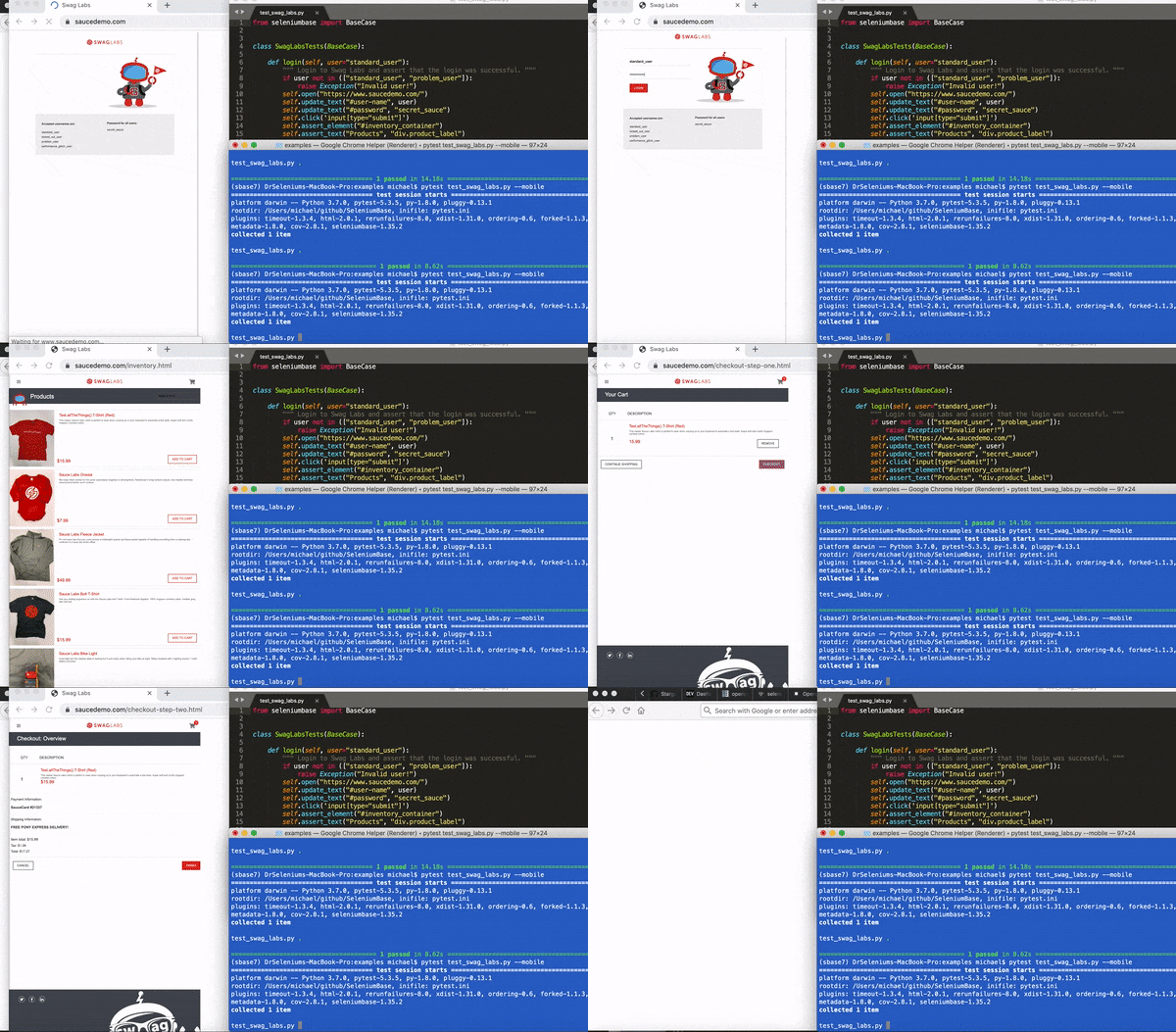 Here's an example of configuring mobile settings for that test:
```zsh
# Run tests using Chrome's mobile device emulator (default settings)
pytest test_swag_labs.py --mobile
# Run mobile tests specifying CSS Width, CSS Height, and Pixel-Ratio
pytest test_swag_labs.py --mobile --metrics="360,640,2"
# Run mobile tests specifying the user agent
pytest test_swag_labs.py --mobile --agent="Mozilla/5.0 (Linux; Android 9; Pixel 3 XL)"
```
--------
For some [SeleniumBase Syntax Formats](https://github.com/seleniumbase/SeleniumBase/blob/master/help_docs/syntax_formats.md), you can also use `mobile=True` to run tests in Mobile Mode:
```python
from seleniumbase import Driver
driver = Driver(mobile=True)
try:
driver.open("https://www.roblox.com/")
driver.assert_element("#download-the-app-container")
driver.assert_text("Roblox for Android")
driver.highlight('span:contains("Roblox for Android")', loops=8)
driver.highlight('span:contains("Continue in App")', loops=8)
finally:
driver.quit()
```
--------
Recorder Mode 🔴/⏺️
Here's an example of configuring mobile settings for that test:
```zsh
# Run tests using Chrome's mobile device emulator (default settings)
pytest test_swag_labs.py --mobile
# Run mobile tests specifying CSS Width, CSS Height, and Pixel-Ratio
pytest test_swag_labs.py --mobile --metrics="360,640,2"
# Run mobile tests specifying the user agent
pytest test_swag_labs.py --mobile --agent="Mozilla/5.0 (Linux; Android 9; Pixel 3 XL)"
```
--------
For some [SeleniumBase Syntax Formats](https://github.com/seleniumbase/SeleniumBase/blob/master/help_docs/syntax_formats.md), you can also use `mobile=True` to run tests in Mobile Mode:
```python
from seleniumbase import Driver
driver = Driver(mobile=True)
try:
driver.open("https://www.roblox.com/")
driver.assert_element("#download-the-app-container")
driver.assert_text("Roblox for Android")
driver.highlight('span:contains("Roblox for Android")', loops=8)
driver.highlight('span:contains("Continue in App")', loops=8)
finally:
driver.quit()
```
--------
Recorder Mode 🔴/⏺️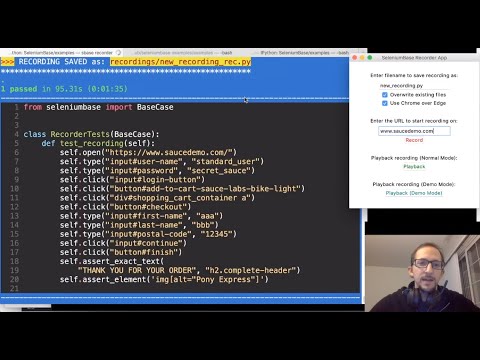
(Watch the tutorial on YouTube)
🔴 SeleniumBase Recorder Mode lets you record & export browser actions into test automation scripts.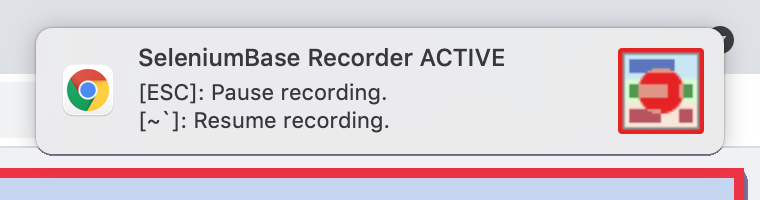 ⏺️ Recorder Mode can be activated from the command-line interface or the Recorder Desktop App.
⏺️ To make a new recording from the command-line interface, use ``sbase mkrec``, ``sbase codegen``, or ``sbase record``:
```zsh
sbase mkrec TEST_NAME.py --url=URL
```
If the file already exists, you'll get an error. If no URL is provided, you'll start on a blank page and will need to navigate somewhere for the Recorder to activate. (The Recorder captures events on URLs that start with ``https``, ``http``, or ``file``.) The command above runs an empty test that stops at a breakpoint so that you can perform manual browser actions for the Recorder. When you have finished recording, type "``c``" on the command-line and press ``[ENTER]`` to continue from the breakpoint. The test will complete and a file called ``TEST_NAME_rec.py`` will be automatically created in the ``./recordings`` folder. That file will get copied back to the original folder with the name you gave it. (You can run with Edge instead of Chrome by adding ``--edge`` to the command above. For headed Linux machines, add ``--gui`` to prevent the default headless mode on Linux.)
Example:
```zsh
sbase mkrec new_test.py --url=wikipedia.org
* RECORDING initialized: new_test.py
pytest new_test.py --rec -q -s --url=wikipedia.org
>>>>>>>>>>>>>>>>>> PDB set_trace >>>>>>>>>>>>>>>>>
> PATH_TO_YOUR_CURRENT_DIRECTORY/new_test.py(9)
.
5 def test_recording(self):
6 if self.recorder_ext:
7 # When done recording actions,
8 # type "c", and press [Enter].
9 -> import pdb; pdb.set_trace()
return None
(Pdb+) c
>>>>>>>>>>>>>>>>>> PDB continue >>>>>>>>>>>>>>>>>>
>>> RECORDING SAVED as: recordings/new_test_rec.py
**************************************************
*** RECORDING COPIED to: new_test.py
```
🔴 You can also activate Recorder Mode from the Recorder Desktop App:
```zsh
sbase recorder
* Starting the SeleniumBase Recorder Desktop App...
```
⏺️ Recorder Mode can be activated from the command-line interface or the Recorder Desktop App.
⏺️ To make a new recording from the command-line interface, use ``sbase mkrec``, ``sbase codegen``, or ``sbase record``:
```zsh
sbase mkrec TEST_NAME.py --url=URL
```
If the file already exists, you'll get an error. If no URL is provided, you'll start on a blank page and will need to navigate somewhere for the Recorder to activate. (The Recorder captures events on URLs that start with ``https``, ``http``, or ``file``.) The command above runs an empty test that stops at a breakpoint so that you can perform manual browser actions for the Recorder. When you have finished recording, type "``c``" on the command-line and press ``[ENTER]`` to continue from the breakpoint. The test will complete and a file called ``TEST_NAME_rec.py`` will be automatically created in the ``./recordings`` folder. That file will get copied back to the original folder with the name you gave it. (You can run with Edge instead of Chrome by adding ``--edge`` to the command above. For headed Linux machines, add ``--gui`` to prevent the default headless mode on Linux.)
Example:
```zsh
sbase mkrec new_test.py --url=wikipedia.org
* RECORDING initialized: new_test.py
pytest new_test.py --rec -q -s --url=wikipedia.org
>>>>>>>>>>>>>>>>>> PDB set_trace >>>>>>>>>>>>>>>>>
> PATH_TO_YOUR_CURRENT_DIRECTORY/new_test.py(9)
.
5 def test_recording(self):
6 if self.recorder_ext:
7 # When done recording actions,
8 # type "c", and press [Enter].
9 -> import pdb; pdb.set_trace()
return None
(Pdb+) c
>>>>>>>>>>>>>>>>>> PDB continue >>>>>>>>>>>>>>>>>>
>>> RECORDING SAVED as: recordings/new_test_rec.py
**************************************************
*** RECORDING COPIED to: new_test.py
```
🔴 You can also activate Recorder Mode from the Recorder Desktop App:
```zsh
sbase recorder
* Starting the SeleniumBase Recorder Desktop App...
```
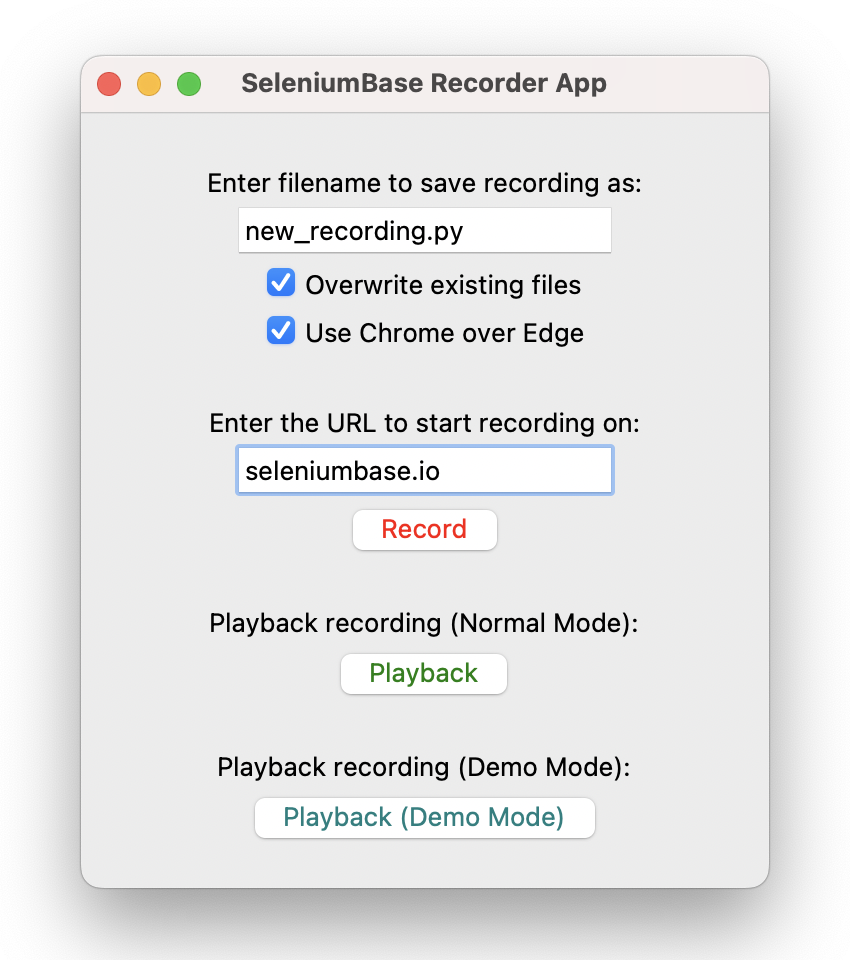 ⏺️ While a recording is in progress, you can press the ``[ESC]`` key to pause the Recorder. To resume the recording, you can hit the ``[~`]`` key, which is located directly below the ``[ESC]`` key on most keyboards.
⏺️ From within Recorder Mode there are two additional modes: "Assert Element Mode" and "Assert Text Mode". To switch into "Assert Element Mode", press the ``[^]-key (SHIFT+6 on standard QWERTY keyboards)``: The border will become purple, and you'll be able to click on elements to assert from your test. To switch into "Assert Text Mode", press the ``[&]-key (SHIFT+7 on standard QWERTY keyboards)``: The border will become teal, and you'll be able to click on elements for asserting text from your test.
⏺️ While using either of the two special Assertion Modes, certain actions such as clicking on links won't have any effect. This lets you make assertions on elements without navigating away from the page, etc. To add an assertion for buttons without triggering default "click" behavior, mouse-down on the button and then mouse-up somewhere else. (This prevents a detected click while still recording the assert.) To return back to the original Recorder Mode, press any key other than ``[SHIFT]`` or ``[BACKSPACE]`` (Eg: Press ``[CONTROL]``, etc.). Press ``[ESC]`` once to leave the Assertion Modes, but it'll stop the Recorder if you press it again.
⏺️ For extra flexibility, the ``sbase mkrec`` command can be split into four separate commands:
```zsh
sbase mkfile TEST_NAME.py --rec
pytest TEST_NAME.py --rec -q -s
sbase print ./recordings/TEST_NAME_rec.py -n
cp ./recordings/TEST_NAME_rec.py ./TEST_NAME.py
```
The first command creates a boilerplate test with a breakpoint; the second command runs the test with the Recorder activated; the third command prints the completed test to the console; and the fourth command replaces the initial boilerplate with the completed test. If you're just experimenting with the Recorder, you can run the second command as many times as you want, and it'll override previous recordings saved to ``./recordings/TEST_NAME_rec.py``. (Note that ``-s`` is needed to allow breakpoints, unless you already have a ``pytest.ini`` file present where you set it. The ``-q`` is optional, which shortens ``pytest`` console output.)
⏺️ You can also use the Recorder to add code to an existing test. To do that, you'll first need to create a breakpoint in your code to insert manual browser actions:
```python
import pdb; pdb.set_trace()
```
Now you'll be able to run your test with ``pytest``, and it will stop at the breakpoint for you to add in actions: (Press ``c`` and ``ENTER`` on the command-line to continue from the breakpoint.)
```zsh
pytest TEST_NAME.py --rec -s
```
⏺️ You can also set a breakpoint at the start of your test by adding ``--trace`` as a ``pytest`` command-line option: (This is useful when running Recorder Mode without any ``pdb`` breakpoints.)
```zsh
pytest TEST_NAME.py --trace --rec -s
```
⏺️ After the test completes, a file called ``TEST_NAME_rec.py`` will be automatically created in the ``./recordings`` folder, which will include the actions performed by the test, and the manual actions that you added in.
⏺️ Here's a command-line notification for a completed recording:
```zsh
>>> RECORDING SAVED as: recordings/TEST_NAME_rec.py
***************************************************
```
⏺️ When running additional tests from the same Python module, Recordings will get added to the file that was created from the first test:
```zsh
>>> RECORDING ADDED to: recordings/TEST_NAME_rec.py
***************************************************
```
⏺️ Recorder Mode works by saving your recorded actions into the browser's sessionStorage. SeleniumBase then reads from the browser's sessionStorage to take the raw data and generate a full test from it. Keep in mind that sessionStorage is only present while the browser tab remains in the same domain/origin. (The sessionStorage of that tab goes away if you leave that domain/origin.) To compensate, links to web pages of different domain/origin will automatically open a new tab for you in Recorder Mode.
⏺️ Additionally, the SeleniumBase
⏺️ While a recording is in progress, you can press the ``[ESC]`` key to pause the Recorder. To resume the recording, you can hit the ``[~`]`` key, which is located directly below the ``[ESC]`` key on most keyboards.
⏺️ From within Recorder Mode there are two additional modes: "Assert Element Mode" and "Assert Text Mode". To switch into "Assert Element Mode", press the ``[^]-key (SHIFT+6 on standard QWERTY keyboards)``: The border will become purple, and you'll be able to click on elements to assert from your test. To switch into "Assert Text Mode", press the ``[&]-key (SHIFT+7 on standard QWERTY keyboards)``: The border will become teal, and you'll be able to click on elements for asserting text from your test.
⏺️ While using either of the two special Assertion Modes, certain actions such as clicking on links won't have any effect. This lets you make assertions on elements without navigating away from the page, etc. To add an assertion for buttons without triggering default "click" behavior, mouse-down on the button and then mouse-up somewhere else. (This prevents a detected click while still recording the assert.) To return back to the original Recorder Mode, press any key other than ``[SHIFT]`` or ``[BACKSPACE]`` (Eg: Press ``[CONTROL]``, etc.). Press ``[ESC]`` once to leave the Assertion Modes, but it'll stop the Recorder if you press it again.
⏺️ For extra flexibility, the ``sbase mkrec`` command can be split into four separate commands:
```zsh
sbase mkfile TEST_NAME.py --rec
pytest TEST_NAME.py --rec -q -s
sbase print ./recordings/TEST_NAME_rec.py -n
cp ./recordings/TEST_NAME_rec.py ./TEST_NAME.py
```
The first command creates a boilerplate test with a breakpoint; the second command runs the test with the Recorder activated; the third command prints the completed test to the console; and the fourth command replaces the initial boilerplate with the completed test. If you're just experimenting with the Recorder, you can run the second command as many times as you want, and it'll override previous recordings saved to ``./recordings/TEST_NAME_rec.py``. (Note that ``-s`` is needed to allow breakpoints, unless you already have a ``pytest.ini`` file present where you set it. The ``-q`` is optional, which shortens ``pytest`` console output.)
⏺️ You can also use the Recorder to add code to an existing test. To do that, you'll first need to create a breakpoint in your code to insert manual browser actions:
```python
import pdb; pdb.set_trace()
```
Now you'll be able to run your test with ``pytest``, and it will stop at the breakpoint for you to add in actions: (Press ``c`` and ``ENTER`` on the command-line to continue from the breakpoint.)
```zsh
pytest TEST_NAME.py --rec -s
```
⏺️ You can also set a breakpoint at the start of your test by adding ``--trace`` as a ``pytest`` command-line option: (This is useful when running Recorder Mode without any ``pdb`` breakpoints.)
```zsh
pytest TEST_NAME.py --trace --rec -s
```
⏺️ After the test completes, a file called ``TEST_NAME_rec.py`` will be automatically created in the ``./recordings`` folder, which will include the actions performed by the test, and the manual actions that you added in.
⏺️ Here's a command-line notification for a completed recording:
```zsh
>>> RECORDING SAVED as: recordings/TEST_NAME_rec.py
***************************************************
```
⏺️ When running additional tests from the same Python module, Recordings will get added to the file that was created from the first test:
```zsh
>>> RECORDING ADDED to: recordings/TEST_NAME_rec.py
***************************************************
```
⏺️ Recorder Mode works by saving your recorded actions into the browser's sessionStorage. SeleniumBase then reads from the browser's sessionStorage to take the raw data and generate a full test from it. Keep in mind that sessionStorage is only present while the browser tab remains in the same domain/origin. (The sessionStorage of that tab goes away if you leave that domain/origin.) To compensate, links to web pages of different domain/origin will automatically open a new tab for you in Recorder Mode.
⏺️ Additionally, the SeleniumBase self.open(URL) method will also open a new tab for you in Recorder Mode if the domain/origin is different from the current URL. If you need to navigate to a different domain/origin from within the same tab, call self.save_recorded_actions() first, which saves the recorded data for later. When a recorded test completes, SeleniumBase scans the sessionStorage data of all open browser tabs for generating the completed script.
⏺️ As an alternative to activating Recorder Mode with the --rec command-line arg, you can also call self.activate_recorder() from your tests. Using the Recorder this way is only useful for tests that stay on the same URL. This is because the standard Recorder Mode functions as a Chrome extension and persists wherever the browser goes. (This version only stays on the page where called.)
⏺️ (Note that same domain/origin is not the same as same URL. Example: https://xkcd.com/353 and https://xkcd.com/1537 are two different URLs with the same domain/origin. That means both URLs share the same sessionStorage, and that changes persist to different URLs of the same domain/origin. If you want to find out a website's origin during a test, just call: self.get_origin(), which returns the value of window.location.origin from the browser's console.)
⏺️ Inside recorded tests, you might find the self.open_if_not_url(URL) method, which opens the URL given if the browser is not currently on that page. SeleniumBase uses this method in recorded scripts when the Recorder detects that a browser action changed the current URL. This method prevents an unnecessary page load and shows what page the test visited after a browser action.
⏺️ By launching the Recorder App with sbase recorder --ee, you can end the recording by pressing {SHIFT+ESC} instead of the usual way of ending the recording by typing c from a breakpoint() and pressing Enter. Those buttons don't need to be pressed at the same time, but SHIFT must be pressed directly before ESC.
⏺️ Use sbase recorder --uc to launch the Recorder App with UC Mode enabled. (The driver will be disconnected from Chrome, but the Recorder extension will still capture any browser actions.)
--------
================================================
FILE: help_docs/shadow_dom.md
================================================
The 25 Syntax Formats / Design Patterns--------
- 01. BaseCase direct class inheritance
- 02. BaseCase subclass inheritance
- 03. The "sb" pytest fixture (no class)
- 04. The "sb" pytest fixture (in class)
- 05. Page Object Model with BaseCase
- 06. Page Object Model with the "sb" fixture
- 07. Using "request" to get "sb" (no class)
- 08. Using "request" to get "sb" (in class)
- 09. Overriding the driver via BaseCase
- 10. Overriding the driver via "sb" fixture
- 11. BaseCase with Chinese translations
- 12. BaseCase with Dutch translations
- 13. BaseCase with French translations
- 14. BaseCase with Italian translations
- 15. BaseCase with Japanese translations
- 16. BaseCase with Korean translations
- 17. BaseCase with Portuguese translations
- 18. BaseCase with Russian translations
- 19. BaseCase with Spanish translations
- 20. Gherkin syntax with "behave" BDD runner
- 21. SeleniumBase SB (Python context manager)
- 22. The driver manager (via context manager)
- 23. The driver manager (via direct import)
- 24. Pure CDP Mode (Async API. No Selenium)
- 25. Pure CDP Mode (Sync API. No Selenium)
 1. BaseCase direct class inheritance
BaseCase is imported at the top of a Python file, followed by a Python class inheriting BaseCase. Then, any test method defined in that class automatically gains access to SeleniumBase methods, including the setUp() and tearDown() methods that are automatically called for opening and closing web browsers at the start and end of tests.
To run a test of this format, use **``pytest``** or ``pynose``. Adding ``BaseCase.main(__name__, __file__)`` enables ``python`` to run ``pytest`` on your file indirectly. Here's an example:
```python
from seleniumbase import BaseCase
BaseCase.main(__name__, __file__)
class MyTestClass(BaseCase):
def test_demo_site(self):
self.open("https://seleniumbase.io/demo_page")
self.type("#myTextInput", "This is Automated")
self.click("#myButton")
self.assert_element("tbody#tbodyId")
self.assert_text("Automation Practice", "h3")
self.click_link("SeleniumBase Demo Page")
self.assert_exact_text("Demo Page", "h1")
self.assert_no_js_errors()
```
(See examples/test_demo_site.py for the full test.)
Using ``BaseCase`` inheritance is a great starting point for anyone learning SeleniumBase, and it follows good object-oriented programming principles.
2. BaseCase subclass inheritancesetUp and tearDown of your tests. Maybe you want to have all your tests login to a specific web site first, or maybe you want to have your tests report results through an API call depending on whether a test passed or failed. This can be done by creating a subclass of BaseCase and then carefully creating custom setUp() and tearDown() methods that don't overwrite the critical functionality of the default SeleniumBase setUp() and tearDown() methods. Afterwards, your test classes will inherit the subclass of BaseCase with the added functionality, rather than directly inheriting BaseCase itself. Here's an example of that:
```python
from seleniumbase import BaseCase
BaseCase.main(__name__, __file__)
class BaseTestCase(BaseCase):
def setUp(self):
super().setUp()
# <<< Run custom setUp() code for tests AFTER the super().setUp() >>>
def tearDown(self):
self.save_teardown_screenshot() # On failure or "--screenshot"
if self.has_exception():
# <<< Run custom code if the test failed. >>>
pass
else:
# <<< Run custom code if the test passed. >>>
pass
# (Wrap unreliable tearDown() code in a try/except block.)
# <<< Run custom tearDown() code BEFORE the super().tearDown() >>>
super().tearDown()
def login(self):
# <<< Placeholder. Add your code here. >>>
# Reduce duplicate code in tests by having reusable methods like this.
# If the UI changes, the fix can be applied in one place.
pass
def example_method(self):
# <<< Placeholder. Add your code here. >>>
pass
class MyTests(BaseTestCase):
def test_example(self):
self.login()
self.example_method()
self.type("input", "Name")
self.click("form button")
# ...
```
(See examples/boilerplates/base_test_case.py for more info.)
3. The "sb" pytest fixture (no class)setUp() and tearDown() methods at the beginning and end of test methods. To work, sb is added as an argument to each test method definition that needs SeleniumBase functionality. This means you no longer need import statements in your Python files to use SeleniumBase. If using other pytest fixtures in your tests, you may need to use the SeleniumBase fixture (instead of BaseCase class inheritance) for compatibility reasons. Here's an example of the sb fixture in a test that does not use Python classes:
```python
from seleniumbase import BaseCase
BaseCase.main(__name__, __file__)
def test_sb_fixture_with_no_class(sb: BaseCase):
sb.open("seleniumbase.io/help_docs/install/")
sb.type('input[aria-label="Search"]', "GUI Commander")
sb.click('mark:contains("Commander")')
sb.assert_title_contains("GUI / Commander")
```
(See the top of examples/test_sb_fixture.py for the test.)
4. The "sb" pytest fixture (in class)sb pytest fixture can also be used inside of a class. There is a slight change to the syntax because that means test methods must also include self in their argument definitions when test methods are defined. (The self argument represents the class object, and is used in every test method that lives inside of a class.) Once again, no import statements are needed in your Python files for this to work. Here's an example of using the sb fixture in a test method that lives inside of a Python class:
```python
from seleniumbase import BaseCase
BaseCase.main(__name__, __file__)
class Test_SB_Fixture:
def test_sb_fixture_inside_class(self, sb: BaseCase):
sb.open("seleniumbase.io/help_docs/install/")
sb.type('input[aria-label="Search"]', "GUI Commander")
sb.click('mark:contains("Commander")')
sb.assert_title_contains("GUI / Commander")
```
(See the bottom of examples/test_sb_fixture.py for the test.)
5. Page Object Model with BaseCaseself variable (from test methods that inherit BaseCase) contains the driver and all other framework-specific variable definitions. Therefore, that self must be passed as an arg into any outside class method in order to call SeleniumBase methods from there. In the example below, the self variable from the test method is passed into the sb arg of the Page Object class method because the self arg of the Page Object class method is already being used for its own class. Every Python class method definition must include the self as the first arg.
```python
from seleniumbase import BaseCase
BaseCase.main(__name__, __file__)
class LoginPage:
def login_to_swag_labs(self, sb: BaseCase, username):
sb.open("https://www.saucedemo.com")
sb.type("#user-name", username)
sb.type("#password", "secret_sauce")
sb.click('input[type="submit"]')
class MyTests(BaseCase):
def test_swag_labs_login(self):
LoginPage().login_to_swag_labs(self, "standard_user")
self.assert_element("div.inventory_list")
self.assert_element('div:contains("Sauce Labs Backpack")')
```
(See examples/boilerplates/samples/swag_labs_test.py for the full test.)
6. Page Object Model with the "sb" fixtureBaseCase inheritance, except that this time we pass the sb pytest fixture from the test into the sb arg of the page object class method, (instead of passing self). Now that you're using sb as a pytest fixture, you no longer need to import BaseCase anywhere in your code. See the example below:
```python
from seleniumbase import BaseCase
BaseCase.main(__name__, __file__)
class LoginPage:
def login_to_swag_labs(self, sb: BaseCase, username):
sb.open("https://www.saucedemo.com")
sb.type("#user-name", username)
sb.type("#password", "secret_sauce")
sb.click('input[type="submit"]')
class MyTests:
def test_swag_labs_login(self, sb: BaseCase):
LoginPage().login_to_swag_labs(sb, "standard_user")
sb.assert_element("div.inventory_list")
sb.assert_element('div:contains("Sauce Labs Backpack")')
sb.js_click("a#logout_sidebar_link")
sb.assert_element("div#login_button_container")
```
(See examples/boilerplates/samples/sb_swag_test.py for the full test.)
7. Using "request" to get "sb" (no class)request fixture can be used to retrieve other pytest fixtures from within tests, such as the sb fixture. This allows you to have more control over when fixtures get initialized because the fixture no longer needs to be loaded at the very beginning of test methods. This is done by calling request.getfixturevalue('sb') from the test. Here's an example of using the pytest request fixture to load the sb fixture in a test method that does not use Python classes:
```python
from seleniumbase import BaseCase
BaseCase.main(__name__, __file__)
def test_request_sb_fixture(request):
sb: BaseCase = request.getfixturevalue("sb")
sb.open("https://seleniumbase.io/demo_page")
sb.assert_text("SeleniumBase", "#myForm h2")
sb.assert_element("input#myTextInput")
sb.type("#myTextarea", "This is me")
sb.click("#myButton")
sb.tearDown()
```
(See the top of examples/test_request_sb_fixture.py for the test.)
8. Using "request" to get "sb" (in class)request fixture can also be used to get the sb fixture from inside a Python class. Here's an example of that:
```python
from seleniumbase import BaseCase
BaseCase.main(__name__, __file__)
class Test_Request_Fixture:
def test_request_sb_fixture_in_class(self, request):
sb: BaseCase = request.getfixturevalue("sb")
sb.open("https://seleniumbase.io/demo_page")
sb.assert_element("input#myTextInput")
sb.type("#myTextarea", "Automated")
sb.assert_text("This Text is Green", "#pText")
sb.click("#myButton")
sb.assert_text("This Text is Purple", "#pText")
sb.tearDown()
```
(See the bottom of examples/test_request_sb_fixture.py for the test.)
9. Overriding the driver via BaseCaseBaseCase, but you want total freedom to control how you spin up your web browsers, this is the format you want. Although SeleniumBase gives you plenty of command-line options to change how your browsers are launched, this format gives you more control when the existing options aren't enough. Here's an example of that:
```python
from selenium import webdriver
from seleniumbase import BaseCase
BaseCase.main(__name__, __file__)
class OverrideDriverTest(BaseCase):
def get_new_driver(self, *args, **kwargs):
"""This method overrides get_new_driver() from BaseCase."""
options = webdriver.ChromeOptions()
options.add_argument("--disable-3d-apis")
options.add_argument("--disable-notifications")
if self.headless:
options.add_argument("--headless=new")
options.add_argument("--disable-gpu")
options.add_experimental_option(
"excludeSwitches", ["enable-automation", "enable-logging"],
)
prefs = {
"credentials_enable_service": False,
"profile.password_manager_enabled": False,
}
options.add_experimental_option("prefs", prefs)
return webdriver.Chrome(options=options)
def test_simple(self):
self.open("https://seleniumbase.io/demo_page")
self.assert_text("Demo Page", "h1")
```
(From examples/test_override_driver.py)
The above format lets you customize [selenium-wire](https://github.com/wkeeling/selenium-wire) for intercepting and inspecting requests and responses during SeleniumBase tests. Here's how a ``selenium-wire`` integration may look:
```python
from seleniumbase import BaseCase
from seleniumwire import webdriver # Requires "pip install selenium-wire"
BaseCase.main(__name__, __file__)
class WireTestCase(BaseCase):
def get_new_driver(self, *args, **kwargs):
options = webdriver.ChromeOptions()
options.add_experimental_option(
"excludeSwitches", ["enable-automation"]
)
options.add_experimental_option("useAutomationExtension", False)
return webdriver.Chrome(options=options)
def test_simple(self):
self.open("https://seleniumbase.io/demo_page")
for request in self.driver.requests:
print(request.url)
```
(NOTE: The ``selenium-wire`` integration is now included with ``seleniumbase``: Add ``--wire`` as a ``pytest`` command-line option to activate.)
10. Overriding the driver via "sb" fixture 11. BaseCase with Chinese translationsBaseCase inheritance, but there's a different import statement, and method names have been translated into Chinese. Here's an example of that:
```python
from seleniumbase.translate.chinese import 硒测试用例
硒测试用例.main(__name__, __file__)
class 我的测试类(硒测试用例):
def test_例子1(self):
self.开启("https://zh.wikipedia.org/wiki/")
self.断言标题("维基百科,自由的百科全书")
self.断言元素('a[title="Wikipedia:关于"]')
self.如果可见请单击('button[aria-label="关闭"]')
self.如果可见请单击('button[aria-label="關閉"]')
self.断言元素('span:contains("创建账号")')
self.断言元素('span:contains("登录")')
self.输入文本('input[name="search"]', "舞龍")
self.单击('button:contains("搜索")')
self.断言文本("舞龍", "#firstHeading")
self.断言元素('img[src*="Chinese_draak.jpg"]')
self.回去()
self.输入文本('input[name="search"]', "麻婆豆腐")
self.单击('button:contains("搜索")')
self.断言文本("麻婆豆腐", "#firstHeading")
self.断言元素('figure:contains("一家中餐館的麻婆豆腐")')
self.回去()
self.输入文本('input[name="search"]', "精武英雄")
self.单击('button:contains("搜索")')
self.断言元素('img[src*="Fist_of_legend.jpg"]')
self.断言文本("李连杰", 'li a[title="李连杰"]')
```
(See examples/translations/chinese_test_1.py for the Chinese test.)
12. BaseCase with Dutch translationsBaseCase inheritance, but there's a different import statement, and method names have been translated into Dutch. Here's an example of that:
```python
from seleniumbase.translate.dutch import Testgeval
Testgeval.main(__name__, __file__)
class MijnTestklasse(Testgeval):
def test_voorbeeld_1(self):
self.openen("https://nl.wikipedia.org/wiki/Hoofdpagina")
self.controleren_element('a[title*="Welkom voor nieuwkomers"]')
self.controleren_tekst("Welkom op Wikipedia", "td.hp-welkom")
self.typ("#searchform input", "Stroopwafel")
self.klik("#searchform button")
self.controleren_tekst("Stroopwafel", "#firstHeading")
self.controleren_element('img[src*="Stroopwafels"]')
self.typ("#searchform input", "Rijksmuseum Amsterdam")
self.klik("#searchform button")
self.controleren_tekst("Rijksmuseum", "#firstHeading")
self.controleren_element('img[src*="Rijksmuseum"]')
self.terug()
self.controleren_url_bevat("Stroopwafel")
self.vooruit()
self.controleren_url_bevat("Rijksmuseum")
```
(See examples/translations/dutch_test_1.py for the Dutch test.)
13. BaseCase with French translationsBaseCase inheritance, but there's a different import statement, and method names have been translated into French. Here's an example of that:
```python
from seleniumbase.translate.french import CasDeBase
CasDeBase.main(__name__, __file__)
class MaClasseDeTest(CasDeBase):
def test_exemple_1(self):
self.ouvrir("https://fr.wikipedia.org/wiki/")
self.vérifier_texte("Wikipédia")
self.vérifier_élément('[alt="Wikipédia"]')
self.cliquer_si_affiché('button[aria-label="Fermer"]')
self.js_taper("#searchform input", "Crème brûlée")
self.cliquer("#searchform button")
self.vérifier_texte("Crème brûlée", "#firstHeading")
self.vérifier_élément('img[alt*="Crème brûlée"]')
self.js_taper("#searchform input", "Jardin des Tuileries")
self.cliquer("#searchform button")
self.vérifier_texte("Jardin des Tuileries", "#firstHeading")
self.vérifier_élément('img[alt*="Jardin des Tuileries"]')
self.retour()
self.vérifier_url_contient("brûlée")
self.en_avant()
self.vérifier_url_contient("Jardin")
```
(See examples/translations/french_test_1.py for the French test.)
14. BaseCase with Italian translationsBaseCase inheritance, but there's a different import statement, and method names have been translated into Italian. Here's an example of that:
```python
from seleniumbase.translate.italian import CasoDiProva
CasoDiProva.main(__name__, __file__)
class MiaClasseDiTest(CasoDiProva):
def test_esempio_1(self):
self.apri("https://it.wikipedia.org/wiki/")
self.verificare_testo("Wikipedia")
self.verificare_elemento('a[title="Lingua italiana"]')
self.digitare('input[name="search"]', "Pizza")
self.fare_clic("#searchform button")
self.verificare_testo("Pizza", "#firstHeading")
self.verificare_elemento('figure img[src*="pizza"]')
self.digitare('input[name="search"]', "Colosseo")
self.fare_clic("#searchform button")
self.verificare_testo("Colosseo", "#firstHeading")
self.verificare_elemento('figure img[src*="Colosseo"]')
self.indietro()
self.verificare_url_contiene("Pizza")
self.avanti()
self.verificare_url_contiene("Colosseo")
```
(See examples/translations/italian_test_1.py for the Italian test.)
15. BaseCase with Japanese translationsBaseCase inheritance, but there's a different import statement, and method names have been translated into Japanese. Here's an example of that:
```python
from seleniumbase.translate.japanese import セレニウムテストケース
セレニウムテストケース.main(__name__, __file__)
class 私のテストクラス(セレニウムテストケース):
def test_例1(self):
self.を開く("https://ja.wikipedia.org/wiki/")
self.テキストを確認する("ウィキペディア")
self.要素を確認する('[title*="ウィキペディアへようこそ"]')
self.JS入力('input[name="search"]', "アニメ")
self.クリックして("#searchform button")
self.テキストを確認する("アニメ", "#firstHeading")
self.JS入力('input[name="search"]', "寿司")
self.クリックして("#searchform button")
self.テキストを確認する("寿司", "#firstHeading")
self.要素を確認する('img[src*="Various_sushi"]')
self.JS入力("#searchInput", "レゴランド・ジャパン")
self.クリックして("#searchform button")
self.要素を確認する('img[src*="LEGOLAND_JAPAN"]')
self.リンクテキストを確認する("名古屋城")
self.リンクテキストをクリックします("テーマパーク")
self.テキストを確認する("テーマパーク", "#firstHeading")
```
(See examples/translations/japanese_test_1.py for the Japanese test.)
16. BaseCase with Korean translationsBaseCase inheritance, but there's a different import statement, and method names have been translated into Korean. Here's an example of that:
```python
from seleniumbase.translate.korean import 셀레늄_테스트_케이스
셀레늄_테스트_케이스.main(__name__, __file__)
class 테스트_클래스(셀레늄_테스트_케이스):
def test_실시예_1(self):
self.열기("https://ko.wikipedia.org/wiki/")
self.텍스트_확인("위키백과")
self.요소_확인('[title="위키백과:소개"]')
self.JS_입력("#searchform input", "김치")
self.클릭("#searchform button")
self.텍스트_확인("김치", "#firstHeading")
self.요소_확인('img[src*="Various_kimchi.jpg"]')
self.링크_텍스트_확인("한국 요리")
self.JS_입력("#searchform input", "비빔밥")
self.클릭("#searchform button")
self.텍스트_확인("비빔밥", "#firstHeading")
self.요소_확인('img[src*="Dolsot-bibimbap.jpg"]')
self.링크_텍스트를_클릭합니다("돌솥비빔밥")
self.텍스트_확인("돌솥비빔밥", "#firstHeading")
```
(See examples/translations/korean_test_1.py for the Korean test.)
17. BaseCase with Portuguese translationsBaseCase inheritance, but there's a different import statement, and method names have been translated into Portuguese. Here's an example of that:
```python
from seleniumbase.translate.portuguese import CasoDeTeste
CasoDeTeste.main(__name__, __file__)
class MinhaClasseDeTeste(CasoDeTeste):
def test_exemplo_1(self):
self.abrir("https://pt.wikipedia.org/wiki/")
self.verificar_texto("Wikipédia")
self.verificar_elemento('[title="Língua portuguesa"]')
self.digitar("#searchform input", "João Pessoa")
self.clique("#searchform button")
self.verificar_texto("João Pessoa", "#firstHeading")
self.verificar_elemento('img[alt*="João Pessoa"]')
self.digitar("#searchform input", "Florianópolis")
self.clique("#searchform button")
self.verificar_texto("Florianópolis", "h1#firstHeading")
self.verificar_elemento('td:contains("Avenida Beira-Mar")')
self.voltar()
self.verificar_url_contém("João_Pessoa")
self.atualizar_a_página()
self.js_digitar("#searchform input", "Teatro Amazonas")
self.clique("#searchform button")
self.verificar_texto("Teatro Amazonas", "#firstHeading")
self.verificar_texto_do_link("Festival Amazonas de Ópera")
```
(See examples/translations/portuguese_test_1.py for the Portuguese test.)
18. BaseCase with Russian translationsBaseCase inheritance, but there's a different import statement, and method names have been translated into Russian. Here's an example of that:
```python
from seleniumbase.translate.russian import ТестНаСелен
ТестНаСелен.main(__name__, __file__)
class МойТестовыйКласс(ТестНаСелен):
def test_пример_1(self):
self.открыть("https://ru.wikipedia.org/wiki/")
self.подтвердить_элемент('[title="Русский язык"]')
self.подтвердить_текст("Википедия", "div.main-wikimedia-header")
self.введите("#searchInput", "МГУ")
self.нажмите("#searchButton")
self.подтвердить_текст("университет", "#firstHeading")
self.подтвердить_элемент('img[alt*="Главное здание МГУ"]')
self.введите("#searchInput", "приключения Шурика")
self.нажмите("#searchButton")
self.подтвердить_текст("Операция «Ы» и другие приключения Шурика")
self.подтвердить_элемент('img[alt="Постер фильма"]')
self.назад()
self.подтвердить_URL_содержит("университет")
self.вперед()
self.подтвердить_URL_содержит("Шурика")
```
(See examples/translations/russian_test_1.py for the Russian test.)
19. BaseCase with Spanish translationsBaseCase inheritance, but there's a different import statement, and method names have been translated into Spanish. Here's an example of that:
```python
from seleniumbase.translate.spanish import CasoDePrueba
CasoDePrueba.main(__name__, __file__)
class MiClaseDePrueba(CasoDePrueba):
def test_ejemplo_1(self):
self.abrir("https://es.wikipedia.org/wiki/")
self.verificar_texto("Wikipedia")
self.verificar_elemento('[title="Wikipedia:Bienvenidos"]')
self.escriba('[name="search"]', "Parque de Atracciones Tibidabo")
self.haga_clic('button:contains("Buscar")')
self.verificar_texto("Tibidabo", "#firstHeading")
self.verificar_elemento('img[src*="Tibidabo"]')
self.escriba('input[name="search"]', "Palma de Mallorca")
self.haga_clic('button:contains("Buscar")')
self.verificar_texto("Palma de Mallorca", "#firstHeading")
self.verificar_elemento('img[src*="Palma"]')
self.volver()
self.verificar_url_contiene("Tibidabo")
self.adelante()
self.verificar_url_contiene("Mallorca")
```
(See examples/translations/spanish_test_1.py for the Spanish test.)
20. Gherkin syntax with "behave" BDD runner 21. SeleniumBase SB (Python context manager)test option to True (or calling python --test), then standard test logging will occur, such as screenshots and reports for failing tests. All the usual SeleniumBase options are available, such as customizing the browser settings, etc. Here are some examples:
```python
from seleniumbase import SB
with SB() as sb:
sb.open("seleniumbase.io/simple/login")
sb.type("#username", "demo_user")
sb.type("#password", "secret_pass")
sb.click('a:contains("Sign in")')
sb.assert_exact_text("Welcome!", "h1")
sb.assert_element("img#image1")
sb.highlight("#image1")
sb.click_link("Sign out")
sb.assert_text("signed out", "#top_message")
```
(See examples/raw_login_sb.py for the test.)
Here's another example, which uses test mode:
```python
from seleniumbase import SB
with SB(uc=True, test=True) as sb:
sb.open("https://google.com/ncr")
sb.type('[name="q"]', "SeleniumBase on GitHub\n")
sb.highlight('a[href*="github.com/seleniumbase"]')
sb.sleep(0.5)
with SB(test=True, rtf=True, demo=True) as sb:
sb.open("seleniumbase.github.io/demo_page")
sb.type("#myTextInput", "This is Automated")
sb.assert_text("This is Automated", "#myTextInput")
sb.assert_text("This Text is Green", "#pText")
sb.click('button:contains("Click Me")')
sb.assert_text("This Text is Purple", "#pText")
sb.click("#checkBox1")
sb.assert_element_not_visible("div#drop2 img#logo")
sb.drag_and_drop("img#logo", "div#drop2")
sb.assert_element("div#drop2 img#logo")
```
(See examples/raw_test_scripts.py for the test.)
Here's another example, which uses [CDP Mode](https://github.com/seleniumbase/SeleniumBase/blob/master/examples/cdp_mode/ReadMe.md) from the SeleniumBase SB format:
```python
from seleniumbase import SB
with SB(uc=True, test=True) as sb:
url = "www.planetminecraft.com/account/sign_in/"
sb.activate_cdp_mode(url)
sb.sleep(2)
sb.solve_captcha()
sb.wait_for_element_absent("input[disabled]")
sb.sleep(2)
```
(See examples/cdp_mode/raw_planetmc.py for the test.)
22. The driver manager (via context manager)webdriver instance in a with block. The SeleniumBase Driver Manager will automatically make sure that your driver is compatible with your browser version. It gives you full access to customize driver options via method args or via the command-line. The driver will automatically call quit() after the code leaves the with block. Here are some examples:
```python
"""DriverContext() example. (Runs with "python")."""
from seleniumbase import DriverContext
with DriverContext() as driver:
driver.open("seleniumbase.io/")
driver.highlight('img[alt="SeleniumBase"]', loops=6)
with DriverContext(browser="chrome", incognito=True) as driver:
driver.open("seleniumbase.io/apps/calculator")
driver.click('[id="4"]')
driver.click('[id="2"]')
driver.assert_text("42", "#output")
driver.highlight("#output", loops=6)
with DriverContext() as driver:
driver.open("seleniumbase.io/demo_page")
driver.highlight("h2")
driver.type("#myTextInput", "Automation")
driver.click("#checkBox1")
driver.highlight("img", loops=6)
```
(See examples/raw_driver_context.py for an example.)
23. The driver manager (via direct import) 24. Pure CDP Mode (Async API. No Selenium)async/await API is used. Here's an example:
```python
import asyncio
from seleniumbase import cdp_driver
async def main():
url = "https://seleniumbase.io/simple/login"
driver = await cdp_driver.start_async()
page = await driver.get(url, lang="en")
print(await page.get_title())
await page.type("#username", "demo_user")
await page.type("#password", "secret_pass")
await page.click("#log-in")
print(await page.get_title())
element = await page.select("h1")
assert element.text == "Welcome!"
top_nav = await page.select("div.topnav")
links = await top_nav.query_selector_all_async("a")
for nav_item in links:
print(nav_item.text)
driver.stop()
if __name__ == "__main__":
loop = asyncio.new_event_loop()
loop.run_until_complete(main())
```
(See examples/cdp_mode/raw_basic_async.py for the test.)
25. Pure CDP Mode (Sync API. No Selenium)sb_cdp Sync API is used. Here's an example:
```python
from seleniumbase import sb_cdp
url = "https://seleniumbase.io/simple/login"
sb = sb_cdp.Chrome(url)
sb.type("#username", "demo_user")
sb.type("#password", "secret_pass")
sb.click('a:contains("Sign in")')
sb.assert_exact_text("Welcome!", "h1")
sb.assert_element("img#image1")
sb.highlight("#image1")
top_nav = sb.find_element("div.topnav")
links = top_nav.query_selector_all("a")
for nav_item in links:
print(nav_item.text)
sb.click_link("Sign out")
sb.assert_text("signed out", "#top_message")
sb.driver.stop()
```
(See examples/cdp_mode/raw_basic_cdp.py for the test.)
Here's a Pure CDP Mode example that bypasses bot-detection to scrape data from a website:
```python
from seleniumbase import sb_cdp
def main():
url = "https://www.priceline.com/"
sb = sb_cdp.Chrome(url, lang="en")
sb.sleep(2)
sb.internalize_links() # Don't open links in a new tab
sb.click("#link_header_nav_experiences")
sb.sleep(3)
sb.remove_elements("msm-cookie-banner")
sb.sleep(1)
location = "Amsterdam"
where_to = 'div[data-automation*="experiences"] input'
button = 'button[data-automation*="experiences-search"]'
sb.wait_for_text("Where to?")
sb.click(where_to)
sb.press_keys(where_to, location)
sb.sleep(1)
sb.click(button)
sb.sleep(2)
sb.click_if_visible('button[aria-label="Close"]')
sb.sleep(1)
print(sb.get_title())
print("************")
for i in range(8):
sb.scroll_down(50)
sb.sleep(0.2)
cards = sb.select_all('span[data-automation*="product-list-card"]')
for card in cards:
print("* %s" % card.text)
sb.driver.stop()
if __name__ == "__main__":
main()
```
(See examples/cdp_mode/raw_cdp.py for the test.)
--------


 🌏 Translated Tests 🈺
 Translation API 🈺 UC Mode 👤
(Watch the 1st UC Mode tutorial on YouTube! ▶️)
----
(Watch the 2nd UC Mode tutorial on YouTube! ▶️)
----
(Watch the 3rd UC Mode tutorial on YouTube! ▶️)
----
(Watch the 4th UC Mode tutorial on YouTube! ▶️)
---- 👤 UC Mode is based on [undetected-chromedriver](https://github.com/ultrafunkamsterdam/undetected-chromedriver). UC Mode includes multiple updates, fixes, and improvements, such as having specialuc_*() methods for bypassing CAPTCHAs.
👤 Here's a simple example with the Driver manager:
```python
from seleniumbase import Driver
driver = Driver(uc=True)
url = "https://gitlab.com/users/sign_in"
driver.uc_open_with_reconnect(url, 4)
driver.uc_gui_click_captcha()
driver.quit()
```
👤 Here's an example with the SB manager (which has more methods and functionality than the Driver format):
```python
from seleniumbase import SB
with SB(uc=True) as sb:
url = "https://gitlab.com/users/sign_in"
sb.uc_open_with_reconnect(url, 4)
sb.uc_gui_click_captcha()
```
(Note: If running UC Mode scripts on headless Linux machines, then you'll need to use the SB manager instead of the Driver manager because the SB manager includes a special virtual display that allows for PyAutoGUI actions.)
👤 Here's a longer example: (Note that sb.uc_gui_click_captcha() performs a special click using PyAutoGUI if a CAPTCHA is detected.)
```python
from seleniumbase import SB
with SB(uc=True, test=True) as sb:
url = "https://gitlab.com/users/sign_in"
sb.uc_open_with_reconnect(url, 4)
sb.uc_gui_click_captcha()
sb.assert_text("Username", '[for="user_login"]', timeout=3)
sb.assert_element('label[for="user_login"]')
sb.highlight('button:contains("Sign in")')
sb.highlight('h1:contains("GitLab")')
sb.post_message("SeleniumBase wasn't detected", duration=4)
```
👤 Here's an example where clicking the checkbox is required, even for humans: ```python
from seleniumbase import SB
with SB(uc=True, test=True) as sb:
url = "https://seleniumbase.io/apps/turnstile"
sb.uc_open_with_reconnect(url, reconnect_time=2)
sb.uc_gui_handle_captcha()
sb.assert_element("img#captcha-success", timeout=3)
sb.set_messenger_theme(location="top_left")
sb.post_message("SeleniumBase wasn't detected", duration=3)
```
```python
from seleniumbase import SB
with SB(uc=True, test=True) as sb:
url = "https://seleniumbase.io/apps/turnstile"
sb.uc_open_with_reconnect(url, reconnect_time=2)
sb.uc_gui_handle_captcha()
sb.assert_element("img#captcha-success", timeout=3)
sb.set_messenger_theme(location="top_left")
sb.post_message("SeleniumBase wasn't detected", duration=3)
```
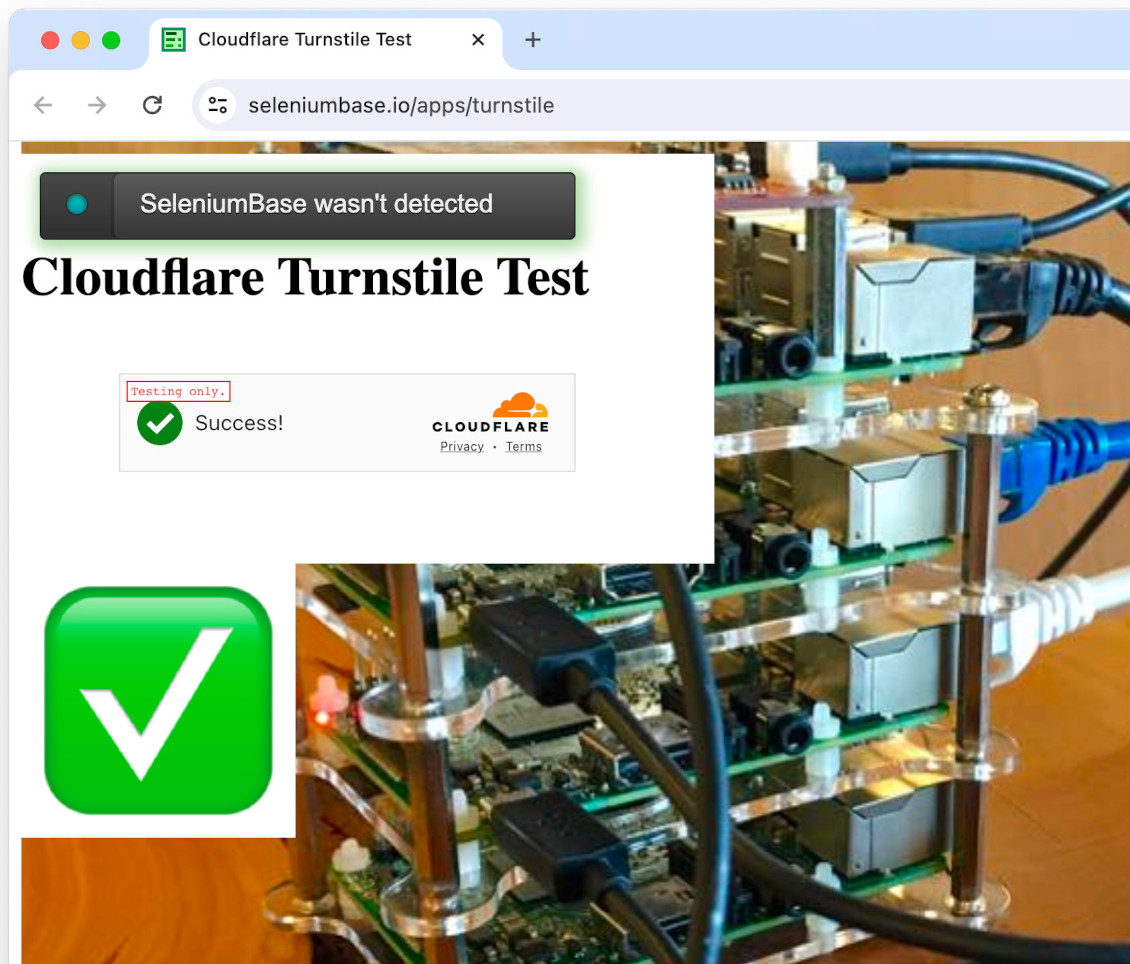 If running on a Linux server, `uc_gui_handle_captcha()` might not be good enough. Switch to `uc_gui_click_captcha()` to be more stealthy. Note that these methods auto-detect between CF Turnstile and Google reCAPTCHA.
Sometimes you need to add
If running on a Linux server, `uc_gui_handle_captcha()` might not be good enough. Switch to `uc_gui_click_captcha()` to be more stealthy. Note that these methods auto-detect between CF Turnstile and Google reCAPTCHA.
Sometimes you need to add incognito=True with uc=True to maximize your anti-detection abilities. (Some websites can detect you if you don't do that.)
👤 Here's an example where the CAPTCHA appears after submitting a form:
```python
from seleniumbase import SB
with SB(uc=True, test=True, incognito=True, locale="en") as sb:
url = "https://ahrefs.com/website-authority-checker"
input_field = 'input[placeholder="Enter domain"]'
submit_button = 'span:contains("Check Authority")'
sb.uc_open_with_reconnect(url) # The bot-check is later
sb.type(input_field, "github.com/seleniumbase/SeleniumBase")
sb.uc_click(submit_button, reconnect_time=3.25)
sb.uc_gui_click_captcha()
sb.wait_for_text_not_visible("Checking", timeout=15)
sb.click_if_visible('button[data-cky-tag="close-button"]')
sb.highlight('p:contains("github.com/seleniumbase/SeleniumBase")')
sb.highlight('a:contains("Top 100 backlinks")')
sb.set_messenger_theme(location="bottom_center")
sb.post_message("SeleniumBase wasn't detected!")
```
 --------
👤 On Linux, use `sb.uc_gui_click_captcha()` to handle CAPTCHAs (Cloudflare Turnstiles):
```python
from seleniumbase import SB
with SB(uc=True, test=True) as sb:
url = "https://www.virtualmanager.com/en/login"
sb.uc_open_with_reconnect(url, 4)
print(sb.get_page_title())
sb.uc_gui_click_captcha() # Only used if needed
print(sb.get_page_title())
sb.assert_element('input[name*="email"]')
sb.assert_element('input[name*="login"]')
sb.set_messenger_theme(location="bottom_center")
sb.post_message("SeleniumBase wasn't detected!")
```
--------
👤 On Linux, use `sb.uc_gui_click_captcha()` to handle CAPTCHAs (Cloudflare Turnstiles):
```python
from seleniumbase import SB
with SB(uc=True, test=True) as sb:
url = "https://www.virtualmanager.com/en/login"
sb.uc_open_with_reconnect(url, 4)
print(sb.get_page_title())
sb.uc_gui_click_captcha() # Only used if needed
print(sb.get_page_title())
sb.assert_element('input[name*="email"]')
sb.assert_element('input[name*="login"]')
sb.set_messenger_theme(location="bottom_center")
sb.post_message("SeleniumBase wasn't detected!")
```
print() should output Virtual Manager, which means that the automation successfully passed the Turnstile.
(Note: UC Mode is detectable in Headless Mode, so don't combine those options. Instead, use xvfb=True / `--xvfb`on Linux for the special virtual display, which is enabled by default when not changing headed/headless settings.)
--------
👤 In UC Mode, driver.get(url) has been modified from its original version: If anti-bot services are detected from a requests.get(url) call that's made before navigating to the website, then driver.uc_open_with_reconnect(url) will be used instead. To open a URL normally in UC Mode, use driver.default_get(url).
--------
### 👤 Here are some examples that use UC Mode:
* [SeleniumBase/examples/verify_undetected.py](https://github.com/seleniumbase/SeleniumBase/blob/master/examples/verify_undetected.py)
* [SeleniumBase/examples/raw_turnstile.py](https://github.com/seleniumbase/SeleniumBase/blob/master/examples/raw_turnstile.py)
* [SeleniumBase/examples/raw_form_turnstile.py](https://github.com/seleniumbase/SeleniumBase/blob/master/examples/raw_form_turnstile.py)
* [SeleniumBase/examples/raw_uc_mode.py](https://github.com/seleniumbase/SeleniumBase/blob/master/examples/raw_uc_mode.py)
 --------
👤 Here's an example where
--------
👤 Here's an example where incognito=True is needed for bypassing detection:
```python
from seleniumbase import SB
with SB(uc=True, incognito=True, test=True) as sb:
sb.driver.uc_open_with_reconnect("https://pixelscan.net/", 10)
sb.sleep(2)
```
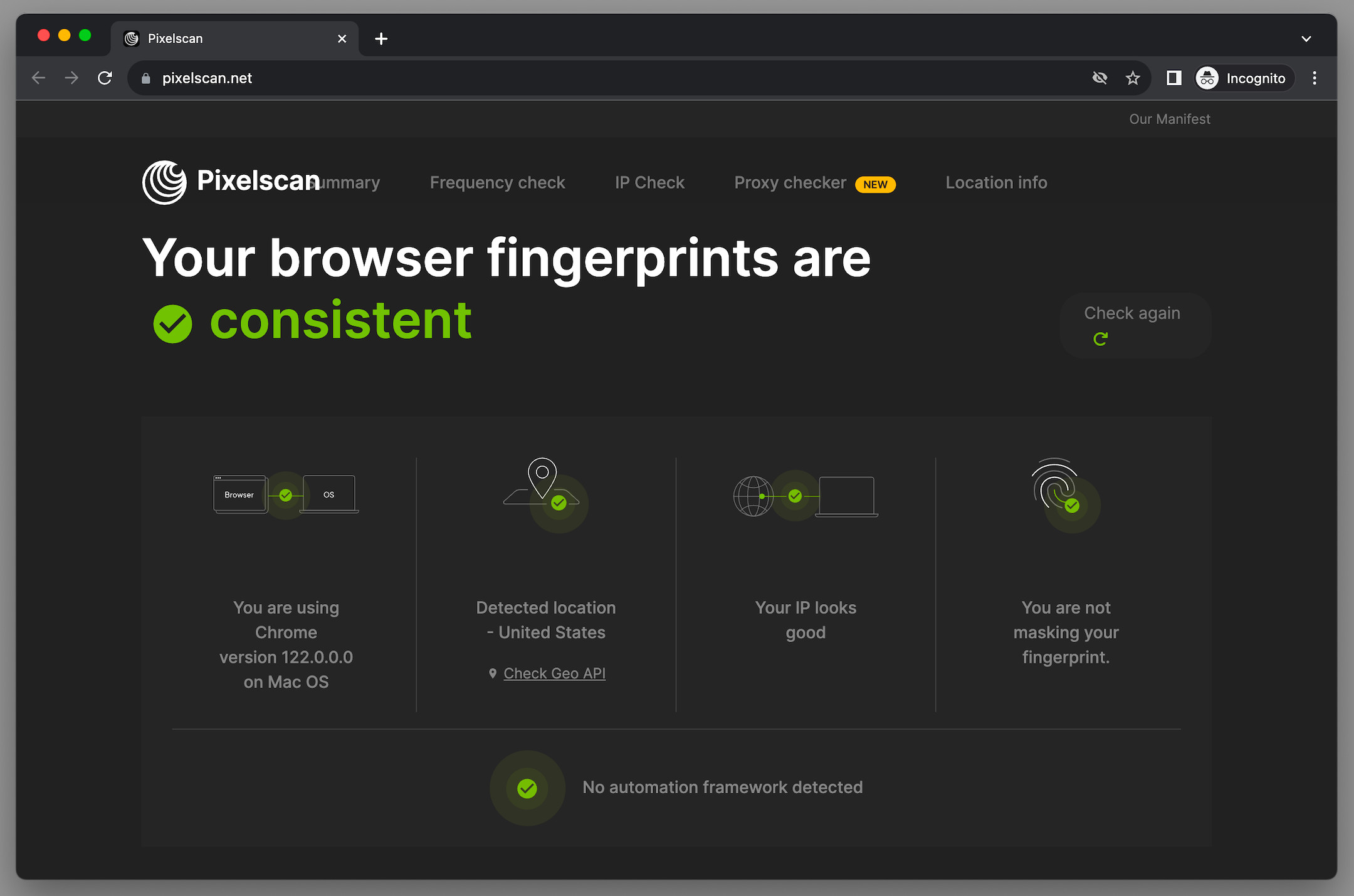 --------
### 👤 Here are the SeleniumBase UC Mode methods: (**`--uc`** / **`uc=True`**)
```python
driver.uc_open(url)
driver.uc_open_with_tab(url)
driver.uc_open_with_reconnect(url, reconnect_time=None)
driver.uc_open_with_disconnect(url, timeout=None)
driver.reconnect(timeout)
driver.disconnect()
driver.connect()
driver.uc_click(
selector, by="css selector",
timeout=settings.SMALL_TIMEOUT, reconnect_time=None)
driver.uc_gui_press_key(key)
driver.uc_gui_press_keys(keys)
driver.uc_gui_write(text)
driver.uc_gui_click_x_y(x, y, timeframe=0.25)
driver.uc_gui_click_captcha(frame="iframe", retry=False, blind=False)
# driver.uc_gui_click_cf(frame="iframe", retry=False, blind=False)
# driver.uc_gui_click_rc(frame="iframe", retry=False, blind=False)
driver.uc_gui_handle_captcha(frame="iframe")
# driver.uc_gui_handle_cf(frame="iframe")
# driver.uc_gui_handle_rc(frame="iframe")
```
(Note that the
--------
### 👤 Here are the SeleniumBase UC Mode methods: (**`--uc`** / **`uc=True`**)
```python
driver.uc_open(url)
driver.uc_open_with_tab(url)
driver.uc_open_with_reconnect(url, reconnect_time=None)
driver.uc_open_with_disconnect(url, timeout=None)
driver.reconnect(timeout)
driver.disconnect()
driver.connect()
driver.uc_click(
selector, by="css selector",
timeout=settings.SMALL_TIMEOUT, reconnect_time=None)
driver.uc_gui_press_key(key)
driver.uc_gui_press_keys(keys)
driver.uc_gui_write(text)
driver.uc_gui_click_x_y(x, y, timeframe=0.25)
driver.uc_gui_click_captcha(frame="iframe", retry=False, blind=False)
# driver.uc_gui_click_cf(frame="iframe", retry=False, blind=False)
# driver.uc_gui_click_rc(frame="iframe", retry=False, blind=False)
driver.uc_gui_handle_captcha(frame="iframe")
# driver.uc_gui_handle_cf(frame="iframe")
# driver.uc_gui_handle_rc(frame="iframe")
```
(Note that the reconnect_time is used to specify how long the driver should be disconnected from Chrome to prevent detection before reconnecting again.)
👤 Since driver.get(url) is slower in UC Mode for bypassing detection, use driver.default_get(url) for a standard page load instead:
```python
driver.default_get(url) # Faster, but Selenium can be detected
```
👤 Here are some examples of using those special UC Mode methods: (Use self.driver for BaseCase formats. Use sb.driver for SB() formats):
```python
url = "https://gitlab.com/users/sign_in"
driver.uc_open_with_reconnect(url, reconnect_time=3)
driver.uc_open_with_reconnect(url, 3)
driver.reconnect(5)
driver.reconnect(timeout=5)
```
👤 You can also set the reconnect_time / timeout to "breakpoint" as a valid option. This allows the user to perform manual actions (until typing c and pressing ENTER to continue from the breakpoint):
```python
url = "https://gitlab.com/users/sign_in"
driver.uc_open_with_reconnect(url, reconnect_time="breakpoint")
driver.uc_open_with_reconnect(url, "breakpoint")
driver.reconnect(timeout="breakpoint")
driver.reconnect("breakpoint")
```
(Note that while the special UC Mode breakpoint is active, you can't use Selenium commands in the browser, and the browser can't detect Selenium.)
--------
👤 On Linux, use xvfb=True / `--xvfb` to activate a special virtual display. This allows you to run a regular browser in an environment that has no GUI. This is important for two reasons: One: UC Mode is detectable in headless mode. Two: pyautogui doesn't work in headless mode. (Note that some methods such as uc_gui_click_captcha() require pyautogui for performing special actions.)
--------
👤 uc_gui_click_captcha() auto-detects the CAPTCHA type before trying to click it. This is a generic method for both CF Turnstile and Google reCAPTCHA. It will use the code from uc_gui_click_cf() and uc_gui_click_rc() as needed.
👤 uc_gui_click_cf(frame="iframe", retry=False, blind=False) has three args. (All optional). The first one, frame, lets you specify the selector above the iframe in case the CAPTCHA is not located in the first iframe on the page. (In the case of Shadow-DOM, specify the selector of an element that's above the Shadow-DOM.) The second one, retry, lets you retry the click after reloading the page if the first one didn't work (and a CAPTCHA is still present after the page reload). The third arg, blind, (if True), will retry after a page reload (if the first click failed) by clicking at the last known coordinates of the CAPTCHA checkbox without confirming first with Selenium that a CAPTCHA is still on the page.
👤 uc_gui_click_rc(frame="iframe", retry=False, blind=False) is for reCAPTCHA. This may only work a few times before not working anymore... not because Selenium was detected, but because reCAPTCHA uses advanced AI to detect unusual activity, unlike the CF Turnstile, which only uses basic detection.
--------
👤 To find out if UC Mode will work at all on a specific site (before adjusting for timing), load your site with the following script:
```python
from seleniumbase import SB
with SB(uc=True) as sb:
sb.uc_open_with_reconnect(URL, reconnect_time="breakpoint")
```
(If you remain undetected while loading the page and performing manual actions, then you know you can create a working script once you swap the breakpoint with a time and add special methods like sb.uc_click as needed.)
--------
👤 Multithreaded UC Mode:
If you're using pytest for multithreaded UC Mode (which requires using one of the pytest [syntax formats](https://github.com/seleniumbase/SeleniumBase/blob/master/help_docs/syntax_formats.md)), then all you have to do is set the number of threads when your script runs. (-n NUM) Eg:
```zsh
pytest --uc -n 4
```
(Then pytest-xdist is automatically used to spin up and process the threads.)
If you don't want to use pytest for multithreading, then you'll need to do a little more work. That involves using a different multithreading library, (eg. concurrent.futures), and making sure that thread-locking is done correctly for processes that share resources. To handle that thread-locking, include sys.argv.append("-n") in your SeleniumBase file.
Here's a sample script that uses concurrent.futures for spinning up multiple processes:
```python
import sys
from concurrent.futures import ThreadPoolExecutor
from seleniumbase import Driver
sys.argv.append("-n") # Tell SeleniumBase to do thread-locking as needed
def launch_driver(url):
driver = Driver(uc=True)
try:
driver.get(url=url)
driver.sleep(2)
finally:
driver.quit()
urls = ['https://seleniumbase.io/demo_page' for i in range(3)]
with ThreadPoolExecutor(max_workers=len(urls)) as executor:
for url in urls:
executor.submit(launch_driver, url)
```
--------
👤 What makes UC Mode work?
Here are the 3 primary things that UC Mode does to make bots appear human:
chromedriver to rename Chrome DevTools Console variables.chromedriver to them.chromedriver from Chrome during stealthy actions.selenium for browser automation:
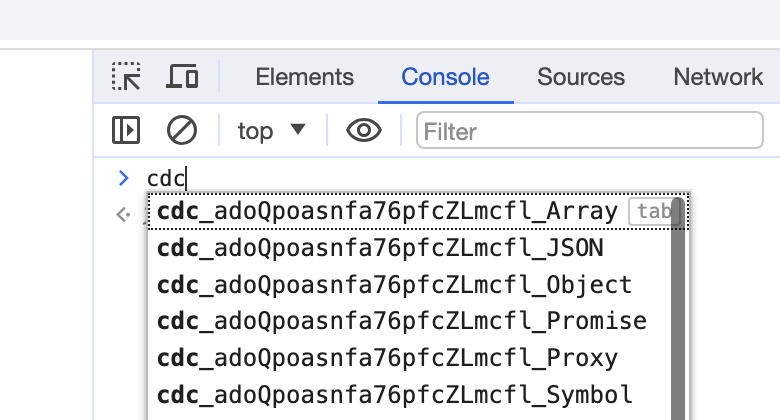 (If those variables are still there, then websites can easily detect your bots.)
If you launch Chrome using
(If those variables are still there, then websites can easily detect your bots.)
If you launch Chrome using chromedriver, then there will be settings that make your browser look like a bot. (Instead, UC Mode connects chromedriver to Chrome after the browser is launched, which makes Chrome look like a normal, human-controlled web browser.)
While chromedriver is connected to Chrome, website services can detect it. Thankfully, raw selenium already includes driver.service.stop() for stopping the chromedriver service, driver.service.start() for starting the chromedriver service, and driver.start_session(capabilities) for reviving the active browser session with the given capabilities. (SeleniumBase UC Mode methods automatically use those raw selenium methods as needed.)
Links to those raw Selenium method definitions have been provided for reference (but you don't need to call those methods directly):
Also note that chromedriver isn't detectable in a browser tab if it never touches that tab. Here's a JS command that lets you open a URL in a new tab (from your current tab):
window.open("URL"); --> (Info: W3Schools)SeleniumBase UC Mode methods for opening URLs in a stealthy way. Since some websites try to detect if your browser is a bot on the initial page load, this allows you to bypass detection in those situations. After a few seconds (customizable), UC Mode tells chromedriver to connect to that tab so that automated commands can now be issued. At that point, chromedriver could be detected if websites are looking for it (but generally websites only look for it during specific events, such as page loads, form submissions, and button clicks).
Avoiding detection while clicking is easy if you schedule your clicks to happen at a future point when the chromedriver service has been stopped. Here's a JS command that lets you schedule events (such as clicks) to happen in the future:
window.setTimeout(function() { SCRIPT }, MS); --> (Info: W3Schools)SeleniumBase UC Mode method: sb.uc_click(selector) so that clicking can be done in a stealthy way. UC Mode schedules your click, disconnects chromedriver from Chrome, waits a little (customizable), and reconnects.
--------
🏆 Choosing the right CAPTCHA service for your business / website:
 As an ethical hacker / cybersecurity researcher who builds bots that bypass CAPTCHAs for sport, the CAPTCHA service that I personally recommend for keeping bots out is Google reCAPTCHA:
 Since Google makes Chrome, Google's own reCAPTCHA service has access to more data than other CAPTCHA services, and can therefore use that data to make better decisions about whether or not web activity is coming from real humans or automated bots.
--------
⚖️ Legal implications of web-scraping:
Based on the following article, https://nubela.co/blog/meta-lost-the-scraping-legal-battle-to-bright-data/, (which outlines a court case where social-networking company: Meta lost the legal battle to data-scraping company: Bright Data), it was determined that web scraping is 100% legal in the eyes of the courts as long as:
1. The scraping is only done with public data and not private data.
2. The scraping isn’t done while logged in on the site being scraped.
If the above criteria are met, then scrape away! (According to the article)
(Note: I'm not a lawyer, so I can't officially offer legal advice, but I can direct people to existing articles online where people can find their own answers.)
--------
Verifying that web drivers are installed Option 1: Using "venv" Option 2: Using virtualenvwrapper virtualenvwrapper commands: Installing webdrivers
================================================
FILE: install.sh
================================================
#!/usr/bin/env bash
pip install -e . --use-pep517 --config-settings="editable_mode=compat"
================================================
FILE: integrations/__init__.py
================================================
================================================
FILE: integrations/azure/azure_pipelines/ReadMe.md
================================================
### Running browser-based test automation with [Azure Pipelines](https://dev.azure.com/seleniumbase/seleniumbase/_build?definitionId=1&_a=summary) by using [SeleniumBase](https://github.com/seleniumbase/SeleniumBase)
----------
### Step 0. Fork the [SeleniumBase](https://github.com/seleniumbase/SeleniumBase) repo on GitHub to get started quickly.
* **(You'll be using your own repository eventually.)**
### Step 1. Get Azure Pipelines from the GitHub Marketplace
#### Navigate to [https://github.com/marketplace/azure-pipelines](https://github.com/marketplace/azure-pipelines)
* **Set up a new plan (it's free) and follow the steps...**
----------
----------
----------
### Step 2. Go to Microsoft Azure DevOps to set up your environment
* **Navigate to [https://azure.microsoft.com/en-us/services/devops/?nav=min](https://azure.microsoft.com/en-us/services/devops/?nav=min)**
* **Follow the steps...**
#### Select "Start free with GitHub >":
----------
#### Give your new project a name and set visibility to public (for your SeleniumBase fork):
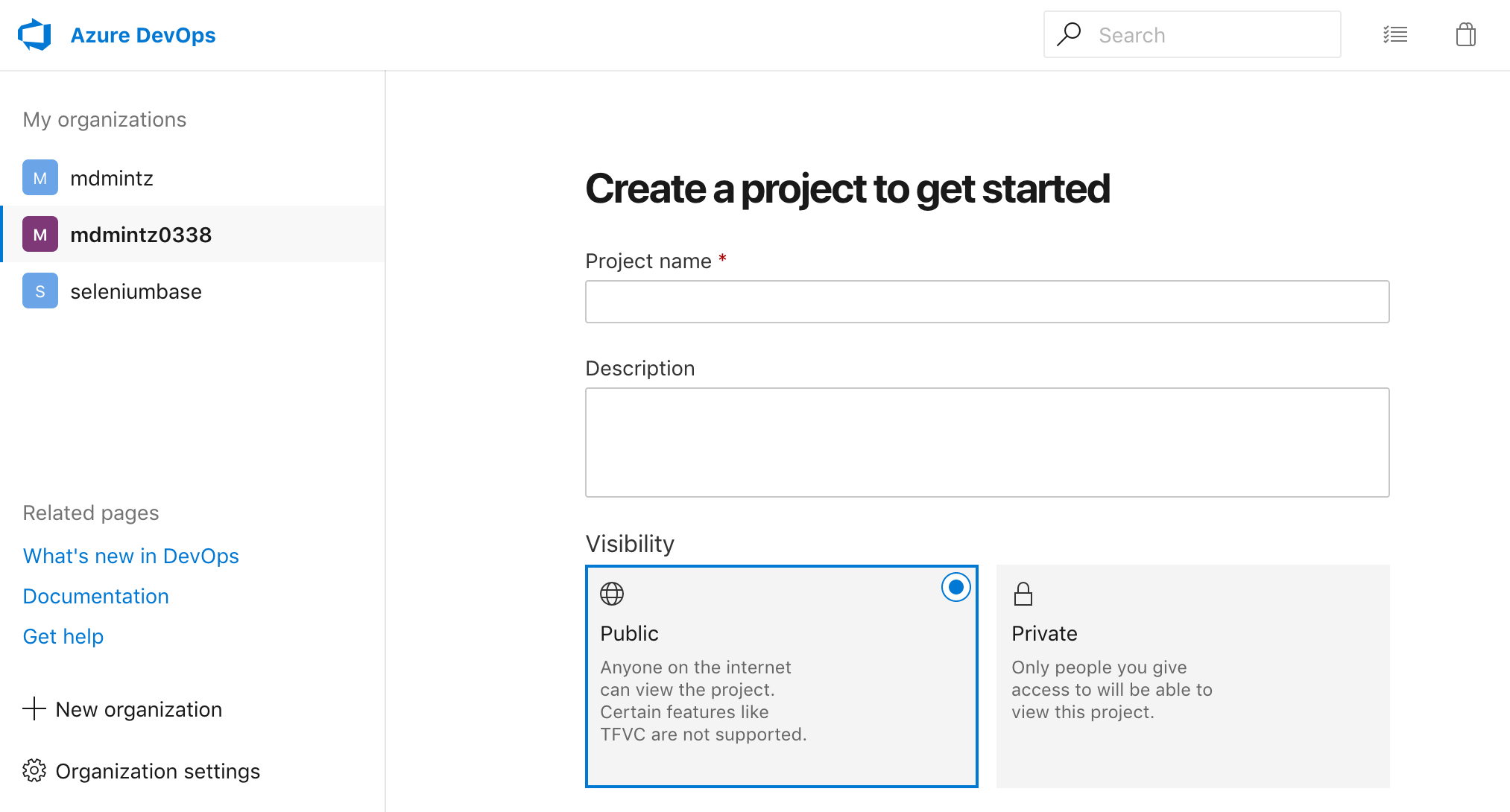
----------
#### Select that your code is hosted on GitHub:
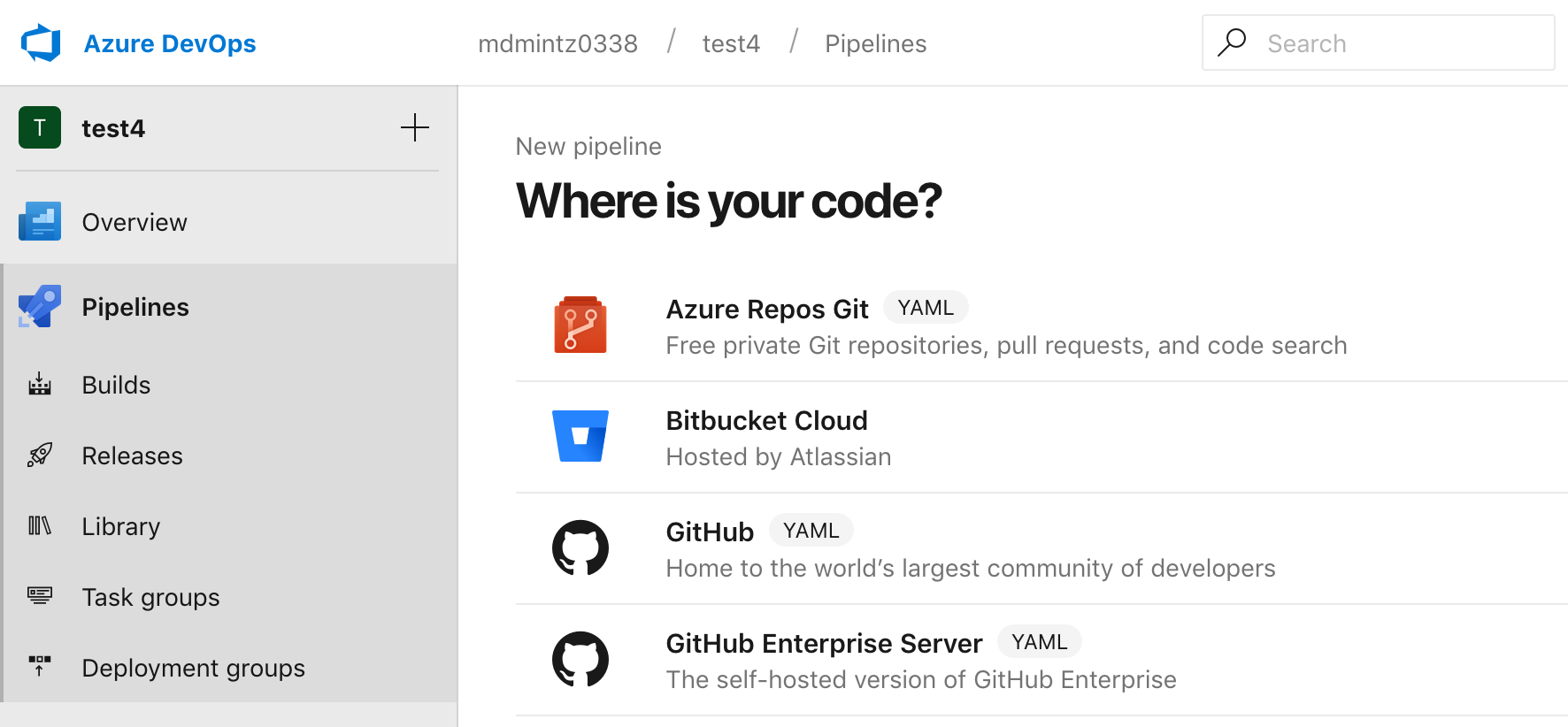
----------
#### Select your fork of SeleniumBase as your repository:
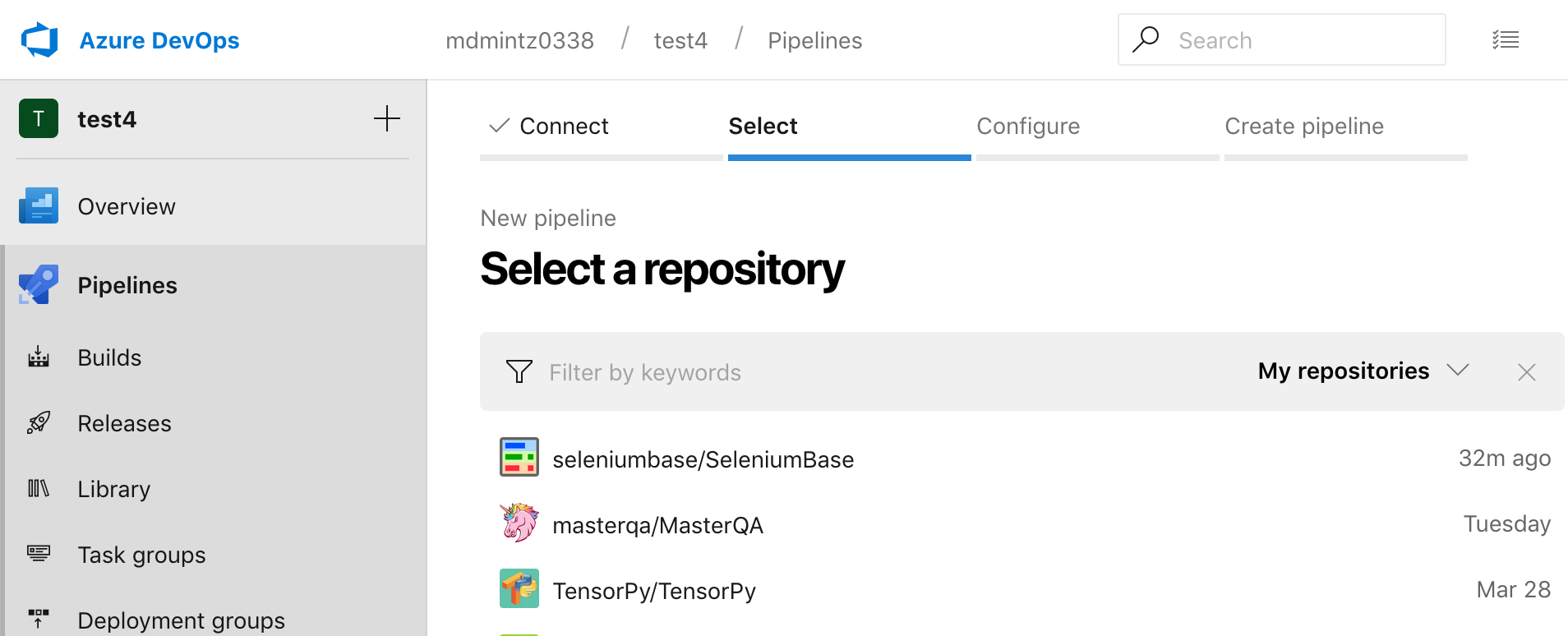
----------
#### Copy the [azure-pipelines.yml](https://github.com/seleniumbase/SeleniumBase/blob/master/azure-pipelines.yml) file from SeleniumBase into the azure-pipelines.yml box to create your new pipeline:
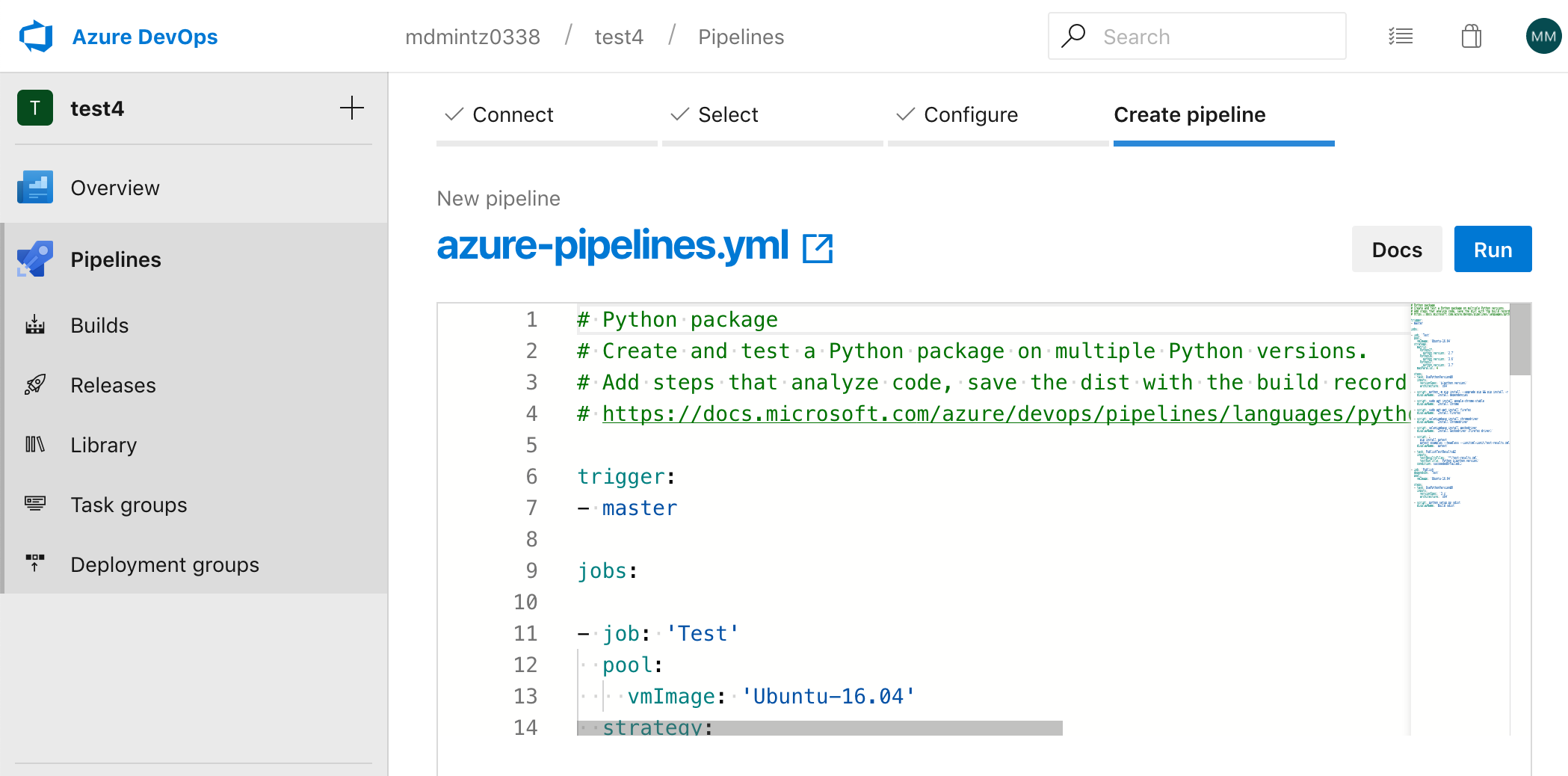
#### When you're done copying, click "Run".
----------
### Step 3. Congratulations! Your browser tests are now running!
* **Here's what a SeleniumBase sample run in Azure Pipelines may look like:**
[https://dev.azure.com/seleniumbase/seleniumbase/\_build/results?buildId=234](https://dev.azure.com/seleniumbase/seleniumbase/_build/results?buildId=234)
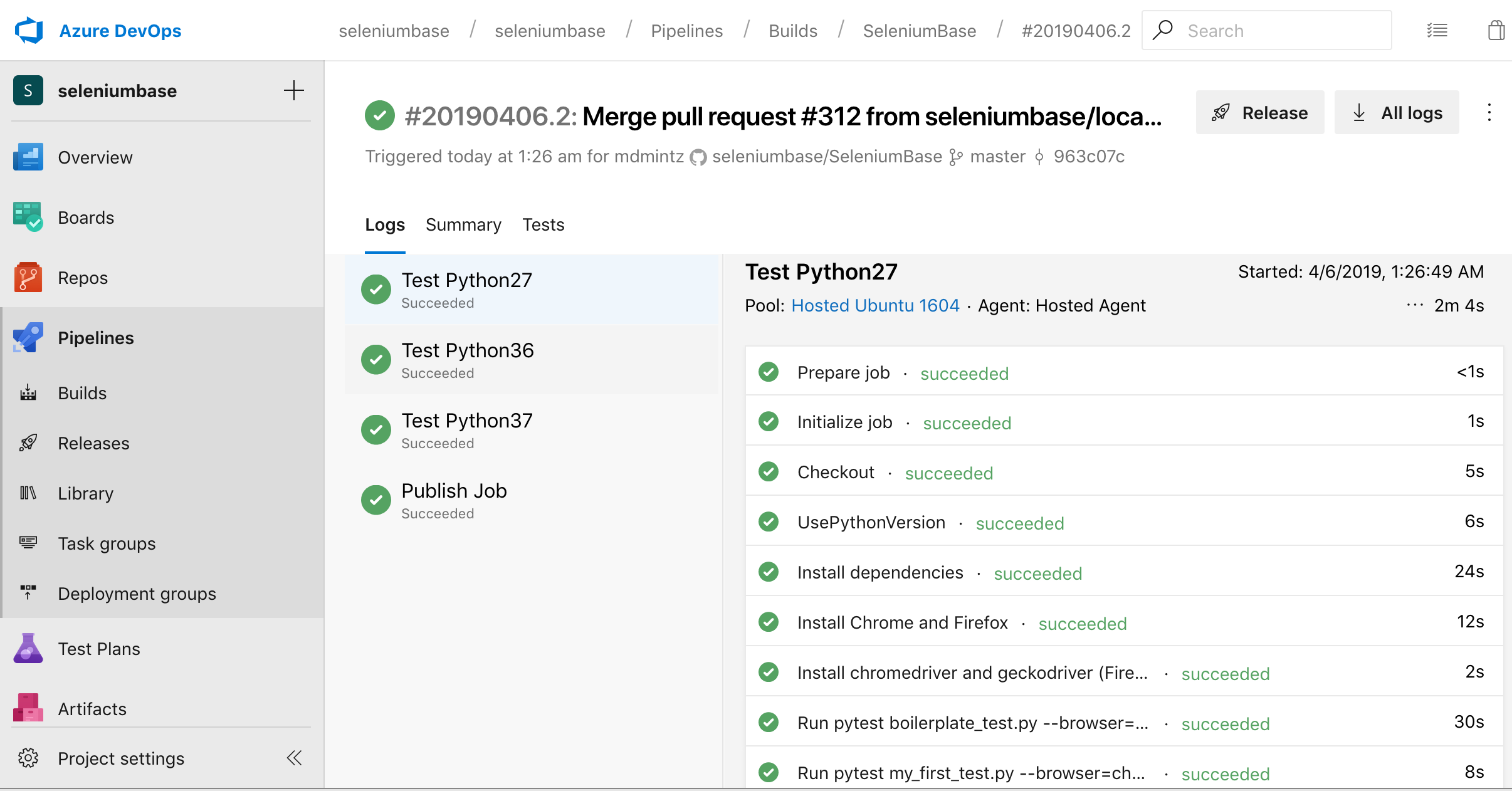
----------
#### Every time you create a pull request now, Azure Pipelines will run your tests automatically.
**To learn more, study [SeleniumBase](https://github.com/seleniumbase/SeleniumBase) and see how the [azure-pipelines.yml](https://github.com/seleniumbase/SeleniumBase/blob/master/azure-pipelines.yml) file works.**
================================================
FILE: integrations/azure/jenkins/ReadMe.md
================================================
### Building a browser-based test automation server with Jenkins on Azure by using SeleniumBase
(For the official Microsoft tutorial, see [Get Started: Install Jenkins on an Azure Linux VM](https://docs.microsoft.com/en-us/azure/developer/jenkins/configure-on-linux-vm), and then continue with [Step 4](#step4) below to resume SeleniumBase setup after you've created your Jenkins instance.)
----------
### Step 0. Fork the [SeleniumBase](https://github.com/seleniumbase/SeleniumBase) repo on GitHub to get started quickly.
* **(You'll be using your own repository eventually.)**
### Step 1. Find Jenkins in the Azure Marketplace
#### Search for ["Jenkins" in the Azure Marketplace](https://portal.azure.com/#blade/Microsoft_Azure_Marketplace/GalleryFeaturedMenuItemBlade/selectedMenuItemId/home/searchQuery/jenkins/resetMenuId/) and select the ``Jenkins (Publisher: Microsoft)`` result to get to the Jenkins Start page.
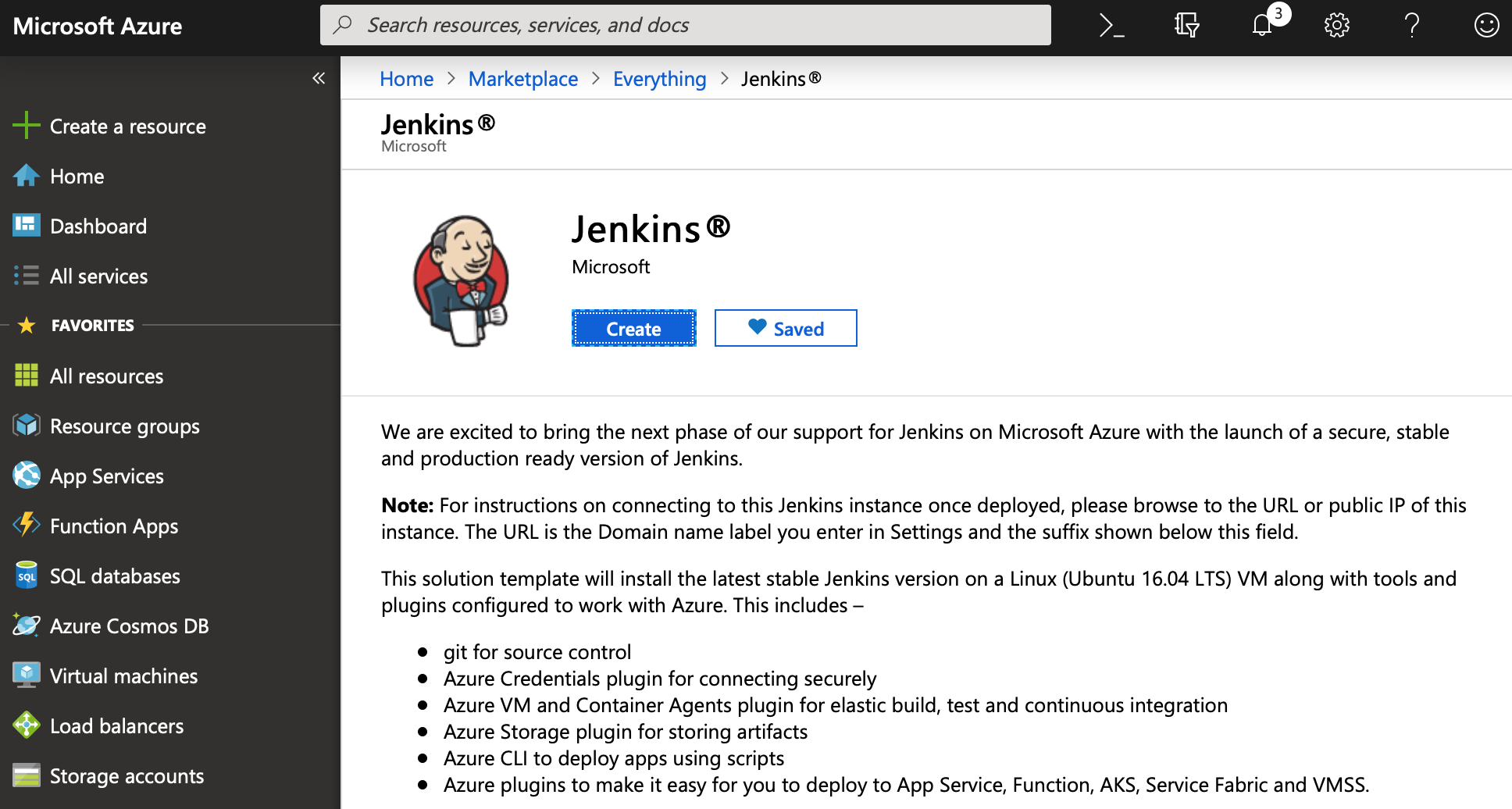
----------
### Step 2. Launch a Jenkins instance
#### Click "Create" and follow the steps...
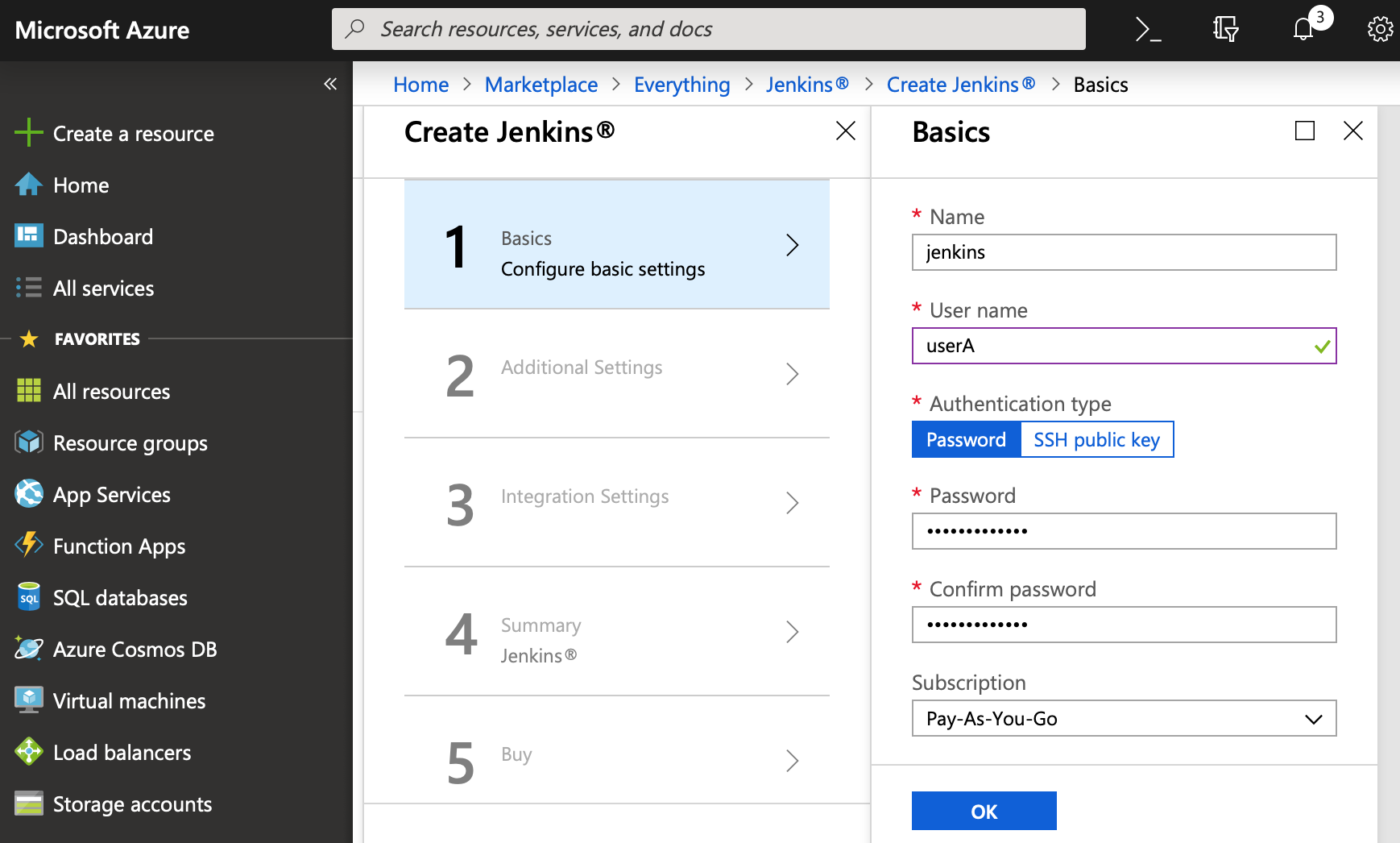
----------
#### Continue to "Additional Settings" when you're done with "Basics".
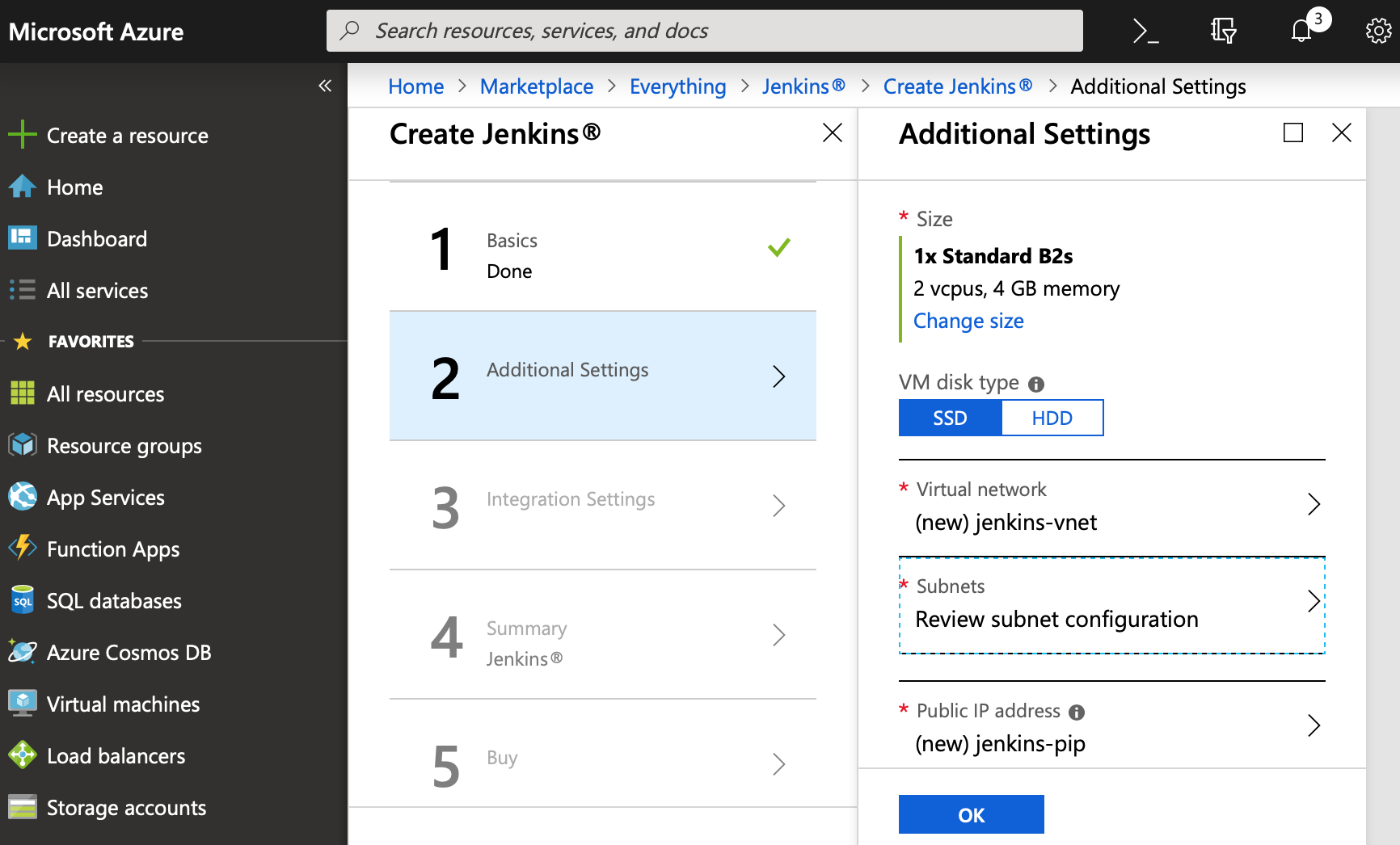
----------
#### On the "Additional Settings" section, set the Size to "B2s":
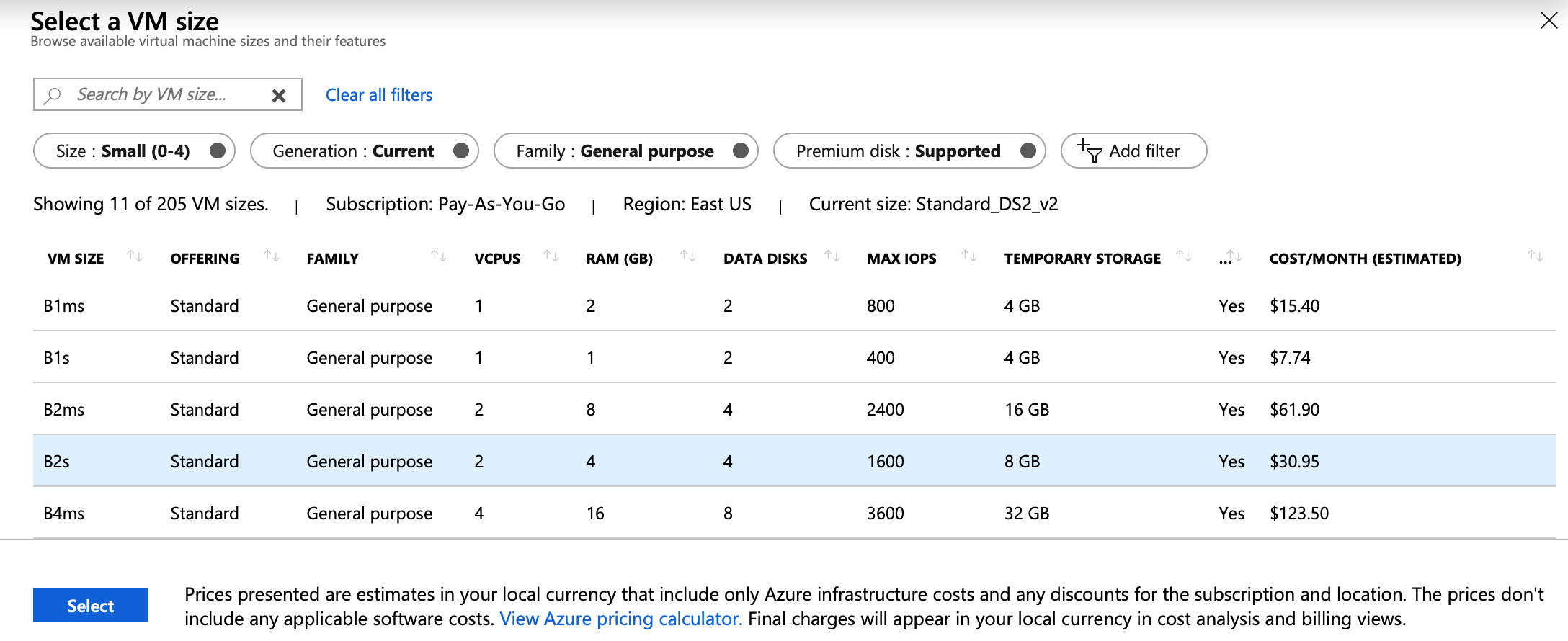
----------
#### Once you've reached Step 5, click "Create" to complete the setup.
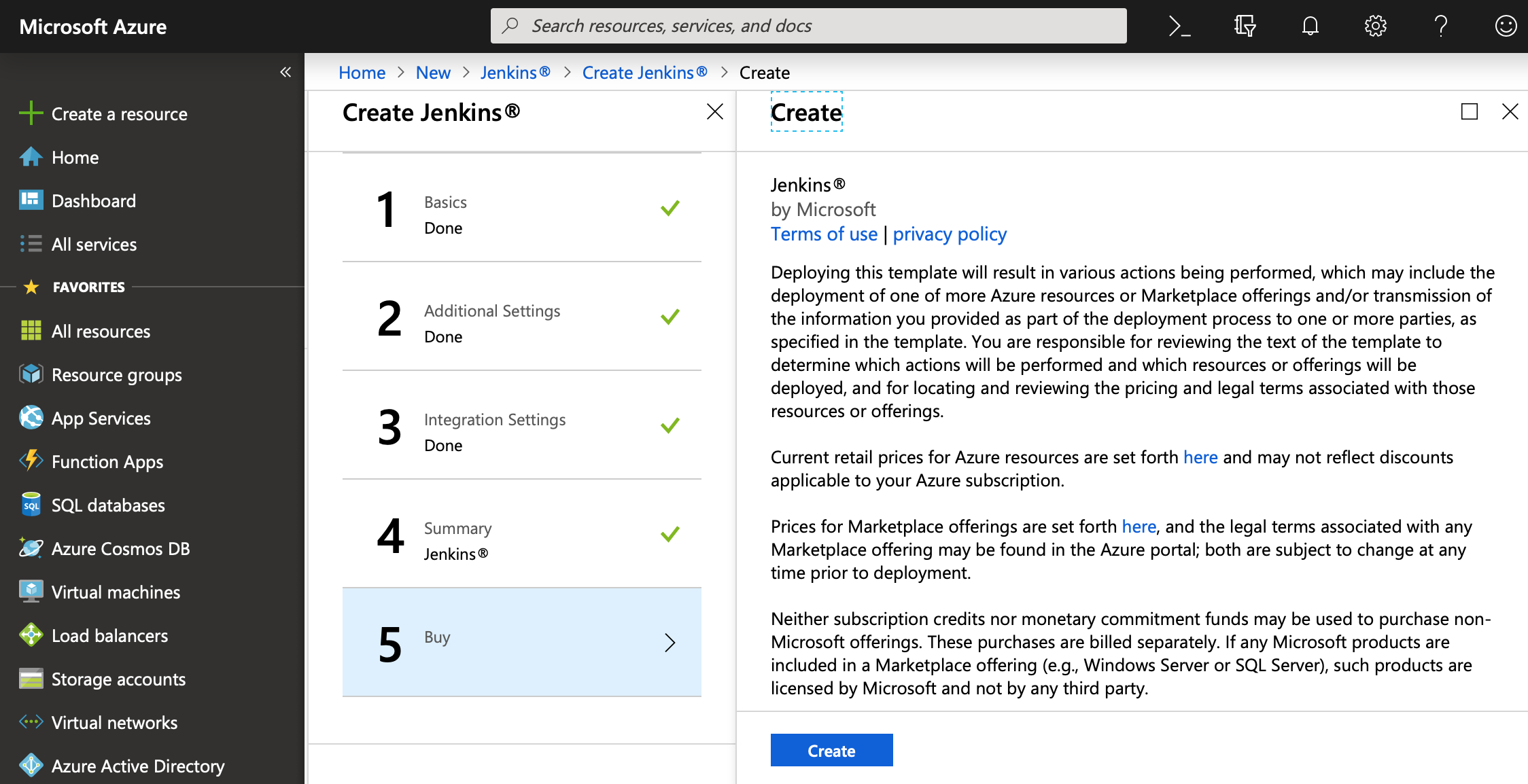
----------
### Step 3. Inspect your new Jenkins instance to SSH into the new machine
#### Once your new Jenkins instance has finished launching, you should be able to see the main page:
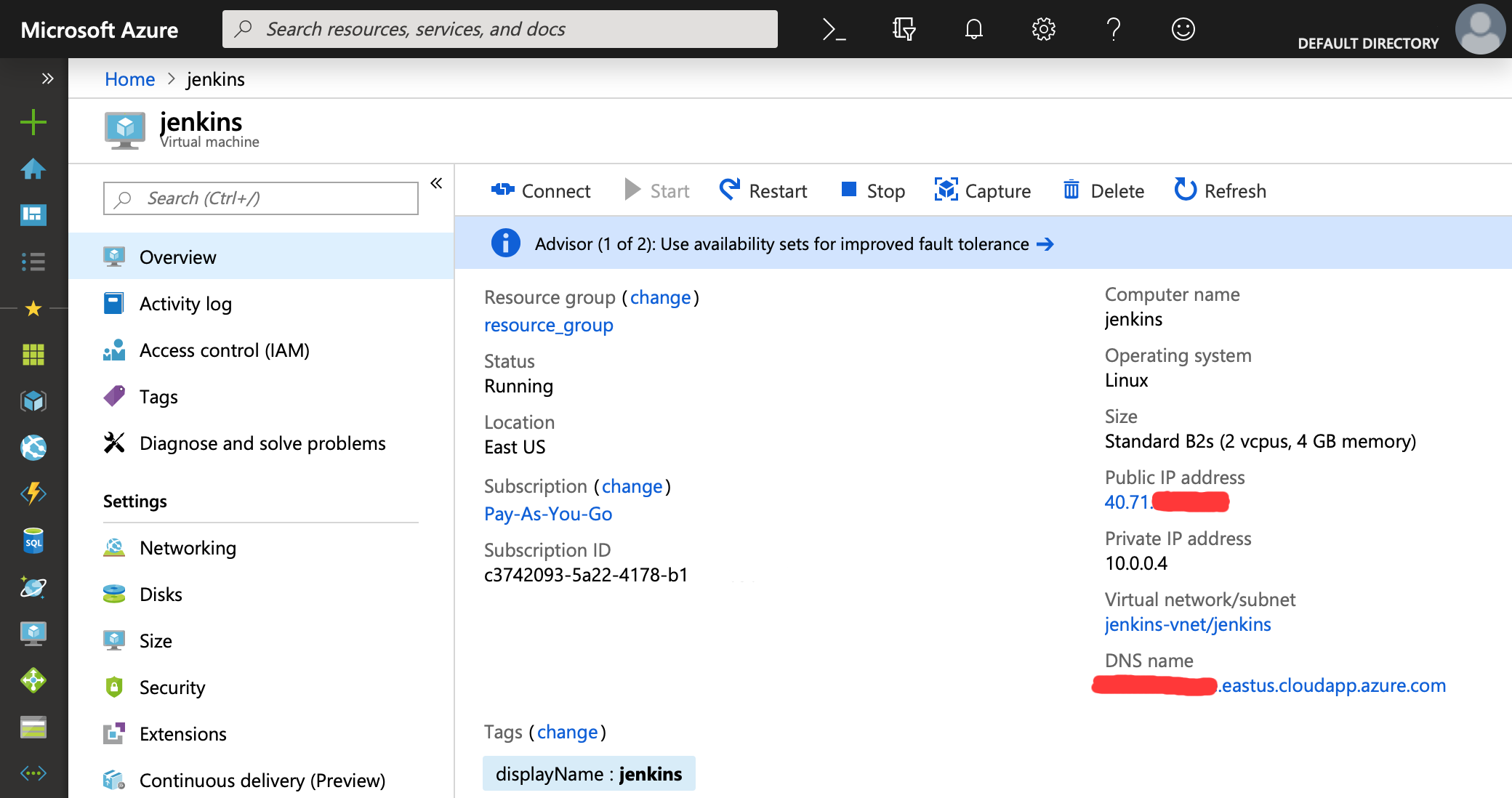
----------
#### On the main page, you should be able to find the Public IP Address.
* **Use that IP Address to SSH into the machine:**
```zsh
ssh USERNAME@IP_ADDRESS
```
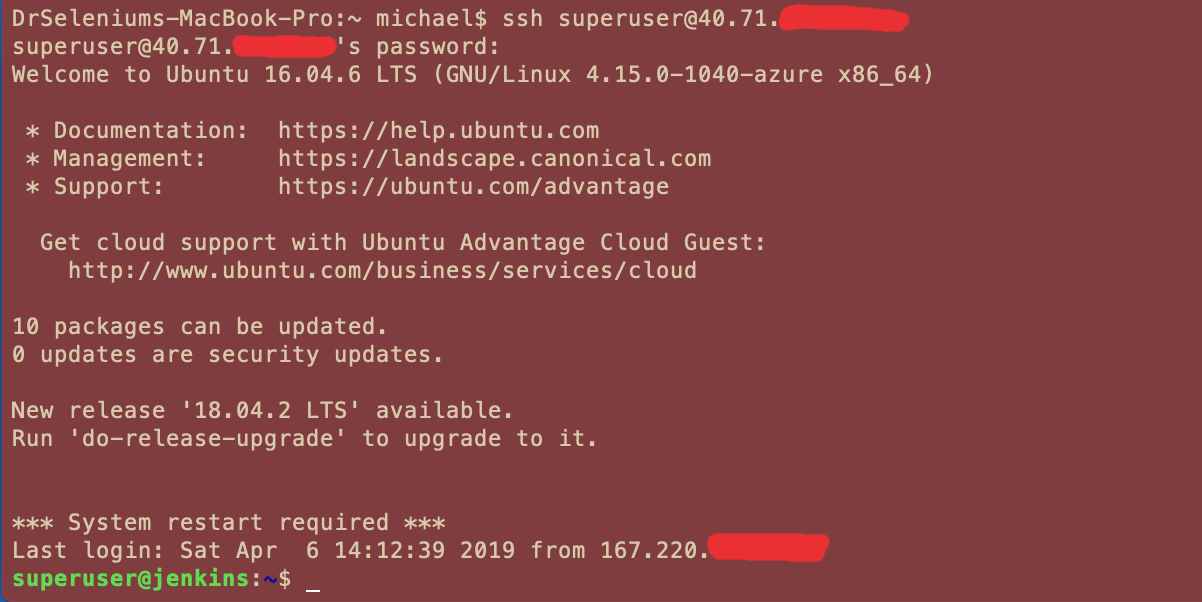
----------
### Step 4. Clone the SeleniumBase repository from the root ("/") directory.
```zsh
cd /
sudo git clone https://github.com/seleniumbase/SeleniumBase.git
```
### Step 5. Enter the "linux" folder
```zsh
cd SeleniumBase/integrations/linux/
```
### Step 6. Give the "jenkins" user sudo access (See [jenkins_permissions.sh](https://github.com/seleniumbase/SeleniumBase/blob/master/integrations/linux/jenkins_permissions.sh) for details)
```zsh
./jenkins_permissions.sh
```
### Step 7. Become the "jenkins" user and enter a "bash" shell
```zsh
sudo su jenkins
bash
```
### Step 8. Install dependencies (See [Linuxfile.sh](https://github.com/seleniumbase/SeleniumBase/blob/master/integrations/linux/Linuxfile.sh) for details)
```zsh
./Linuxfile.sh
```
### Step 9. Start up the headless browser display mechanism: Xvfb (See [Xvfb_launcher.sh](https://github.com/seleniumbase/SeleniumBase/blob/master/integrations/linux/Xvfb_launcher.sh) for details)
```zsh
./Xvfb_launcher.sh
```
### Step 10. Go to the SeleniumBase directory
```zsh
cd /SeleniumBase
```
### Step 11. Install the [requirements](https://github.com/seleniumbase/SeleniumBase/blob/master/requirements.txt) for SeleniumBase
```zsh
sudo pip install -r requirements.txt --upgrade
```
### Step 12. Install SeleniumBase (Make sure you already installed the requirements above)
```zsh
sudo python setup.py develop
```
### Step 13. Install chromedriver
```zsh
sudo seleniumbase install chromedriver
```
### Step 14. Run an [example test](https://github.com/seleniumbase/SeleniumBase/blob/master/examples/my_first_test.py) in Chrome to verify installation (May take up to 10 seconds)
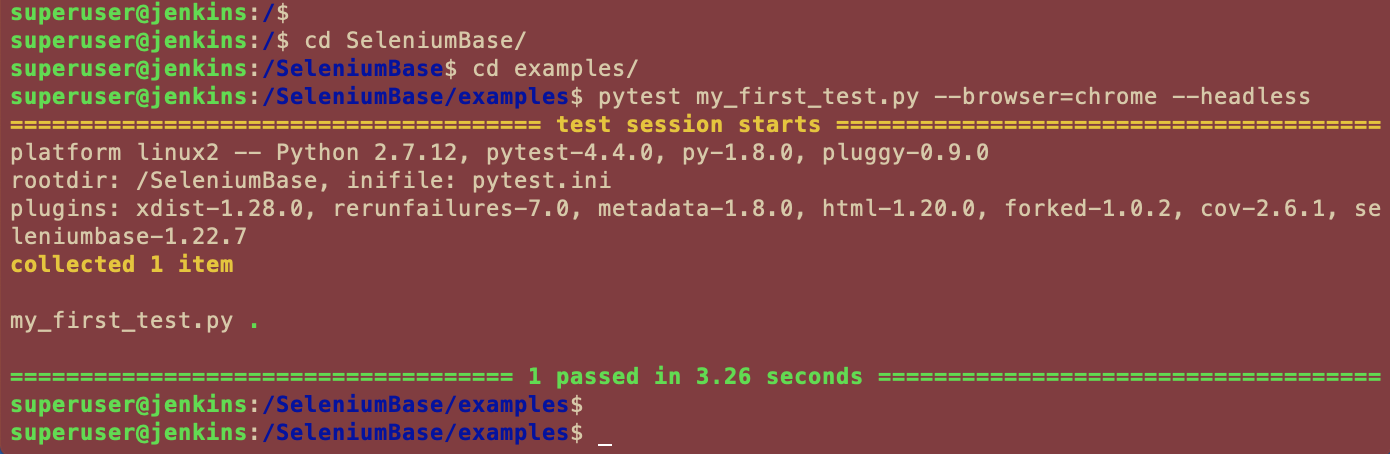
----------
```zsh
pytest examples/my_first_test.py --headless --browser=chrome
```
### Step 15. Secure your Jenkins machine
#### Navigate to http://JENKINS_IP_ADDRESS/jenkins-on-azure/
(Depending on your version of Jenkins, you may see the following screen, or nothing at all.)
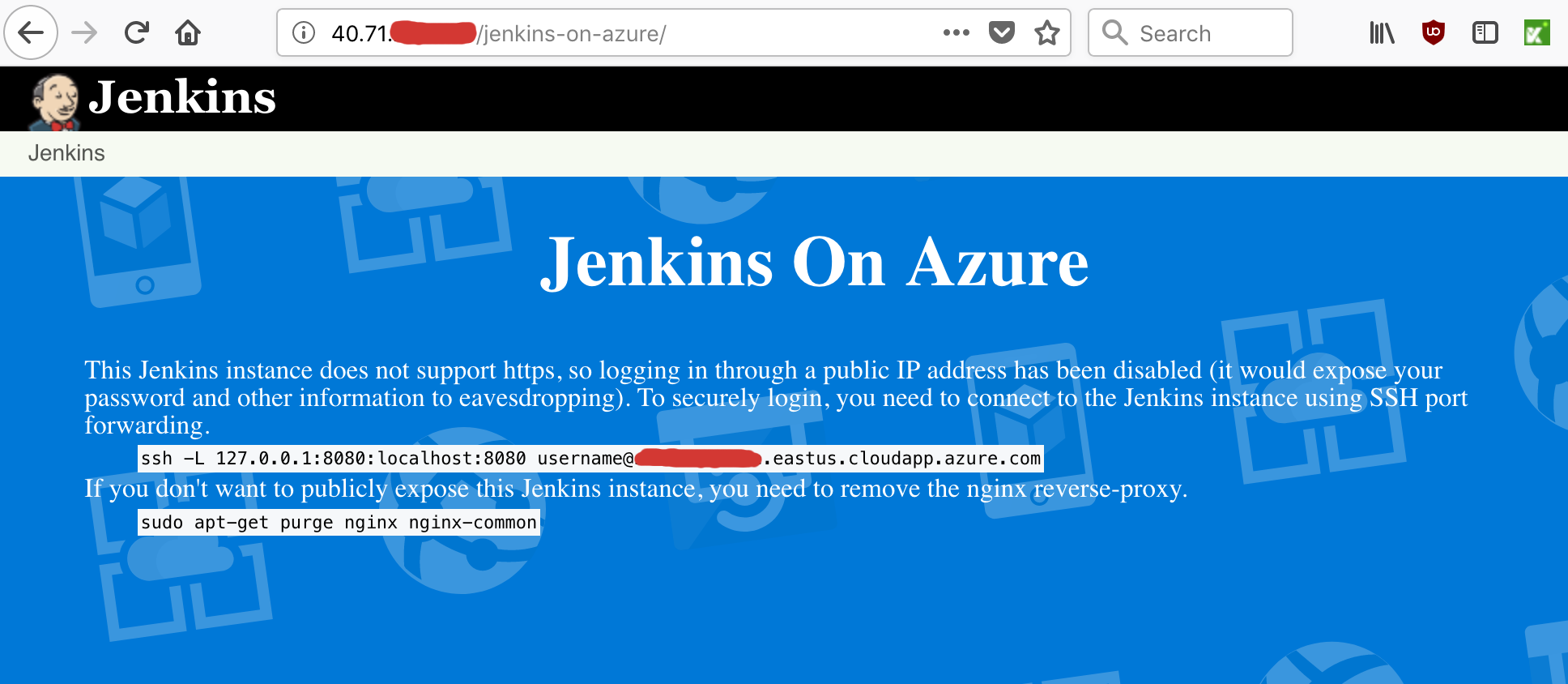
----------
#### Initially, Jenkins uses only ``http``, which makes it less secure.
#### You'll need to set up SSH Port Forwarding in order to secure it.
* **To do this, copy/paste the string and run it in a NEW command prompt on your local machine (NOT from an SSH terminal session), swapping out the username and DNS name with the ones you set up when creating the Jenkins instance in Azure.**
``ssh -L 127.0.0.1:8080:localhost:8080 USERNAME@DNS_NAME``
### Step 16. Login to Jenkins
#### If you've correctly set up SSH Port Forwarding, the url will be ``http://127.0.0.1:8080/``
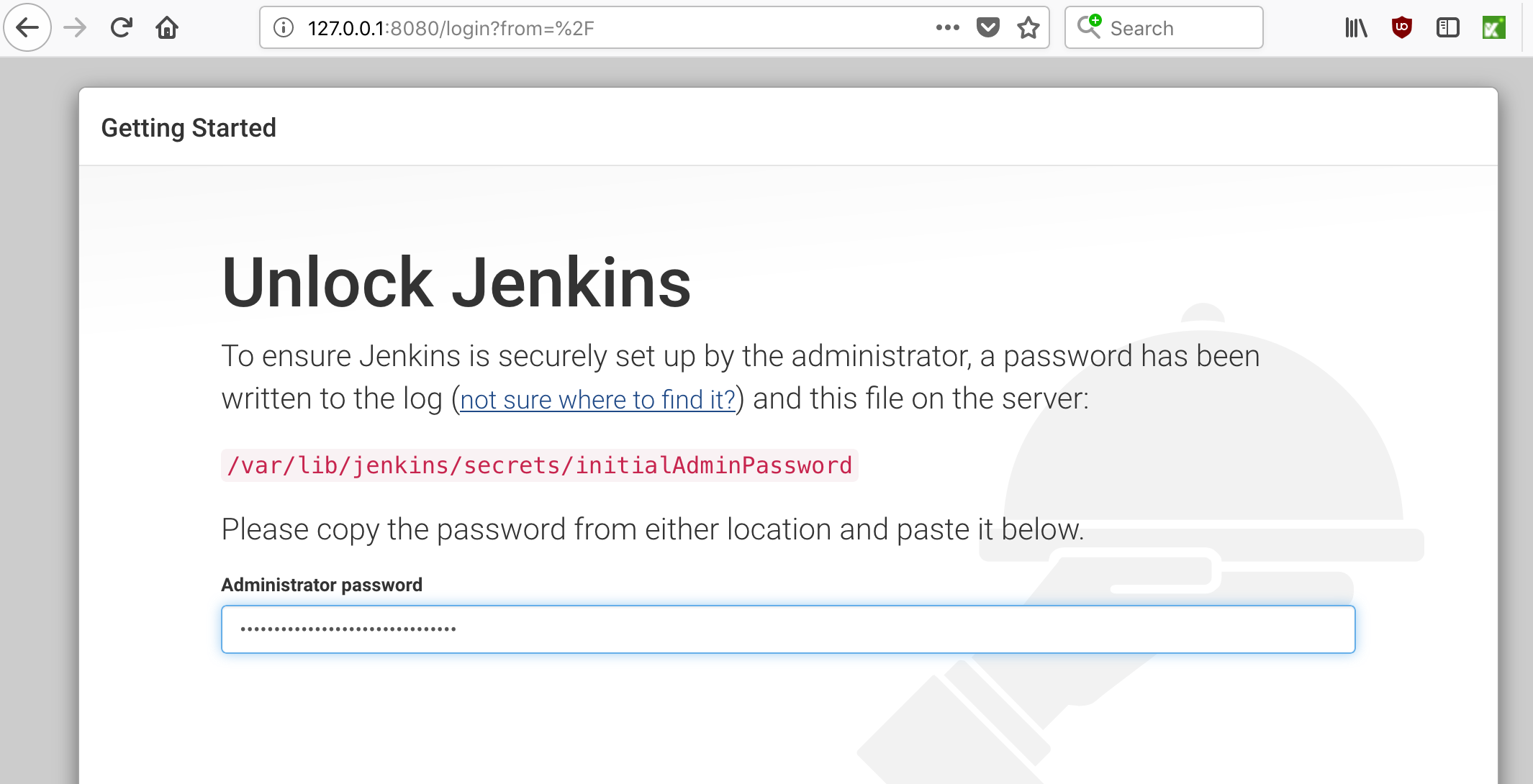
----------
#### You'll need to get the password from the SSH terminal on the Linux machine to log in:
```zsh
sudo cat /var/lib/jenkins/secrets/initialAdminPassword
```
### Step 17. Customize Jenkins
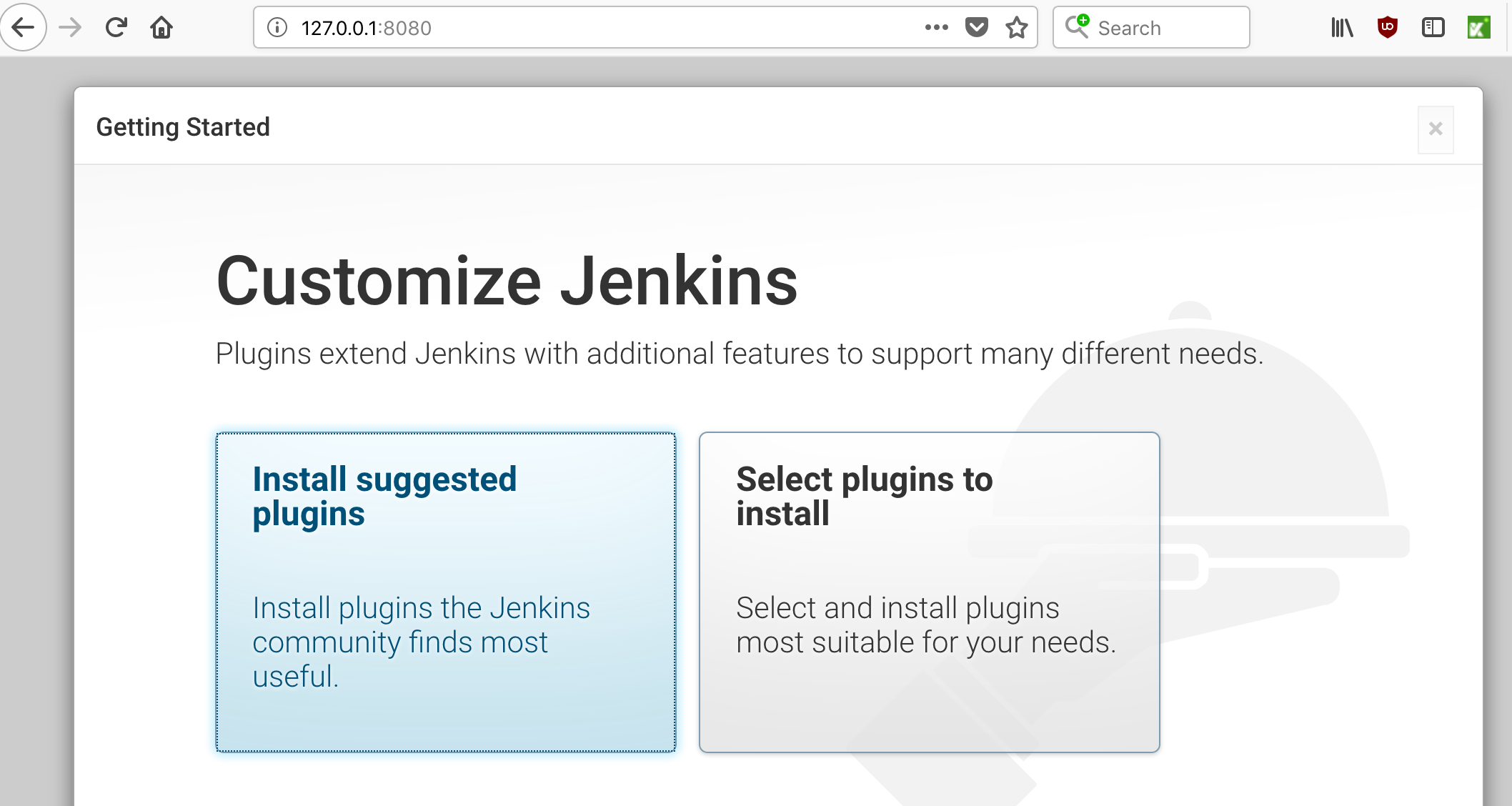
----------
### Step 18. Create an Admin user
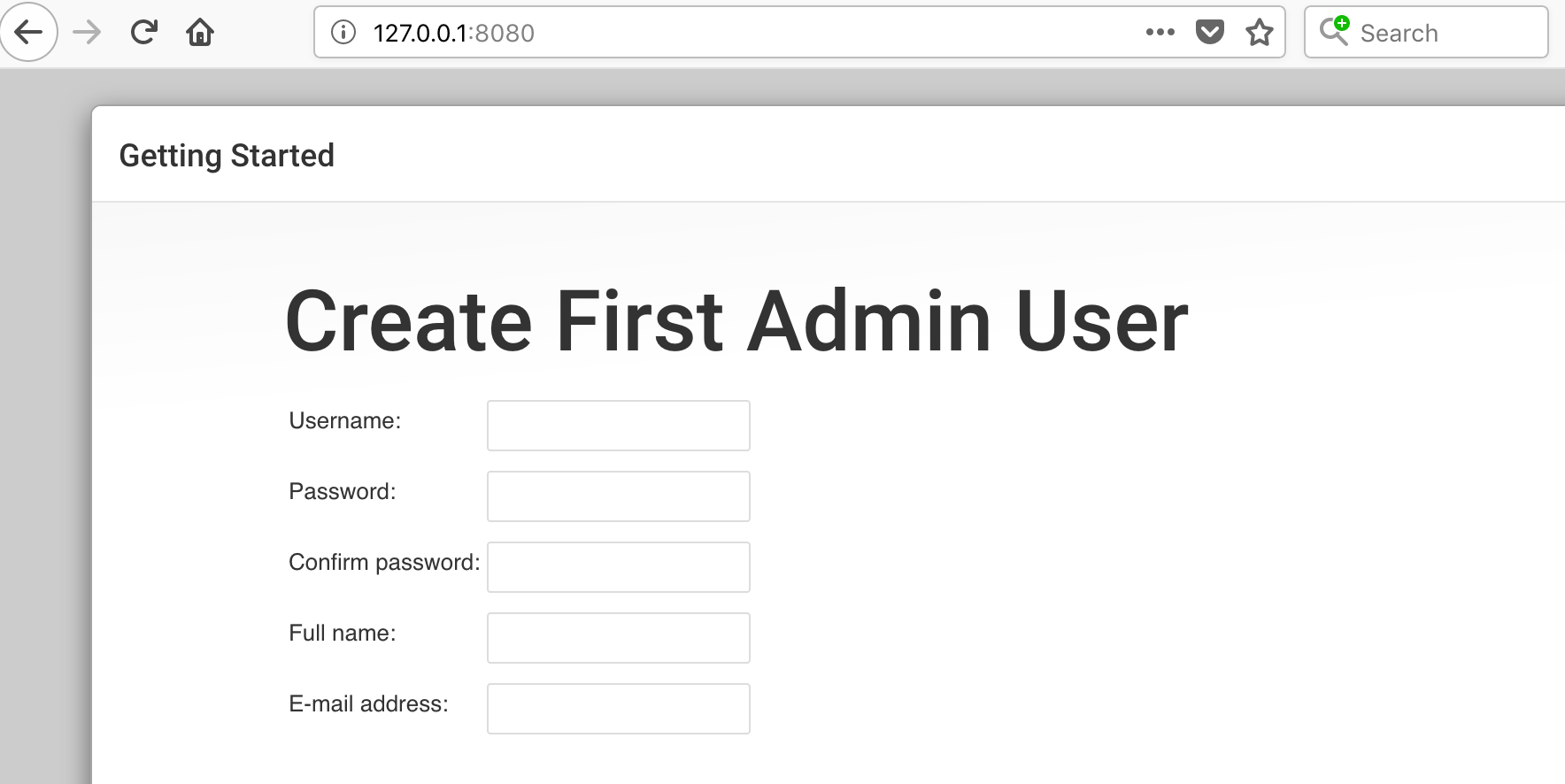
----------
#### Once Jenkins has finished loading, the top left of the page should look like this:
----------
### Step 19. Create a new Jenkins job
* **Click on "New Item"**
* **Give your new Jenkins job a name (ex: "Test1")**
* **Select "Freestyle project"**
* **Click "OK"**
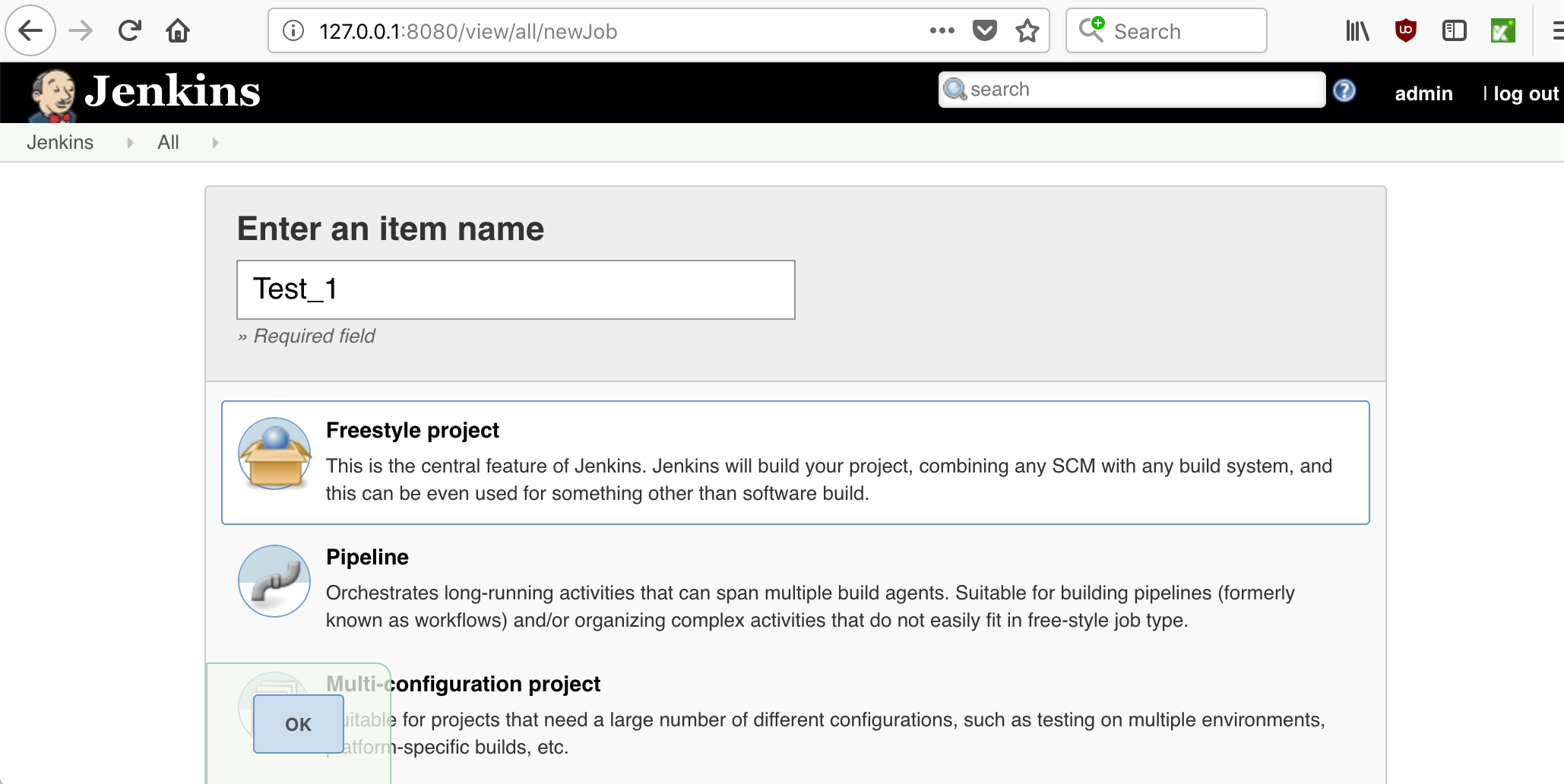
----------
### Step 20. Setup your new Jenkins job
* **Under "Source Code Management", select "Git".**
* **For the "Repository URL", put: ``https://github.com/seleniumbase/SeleniumBase.git``. (You'll eventually be using your own clone of the repository here.)**
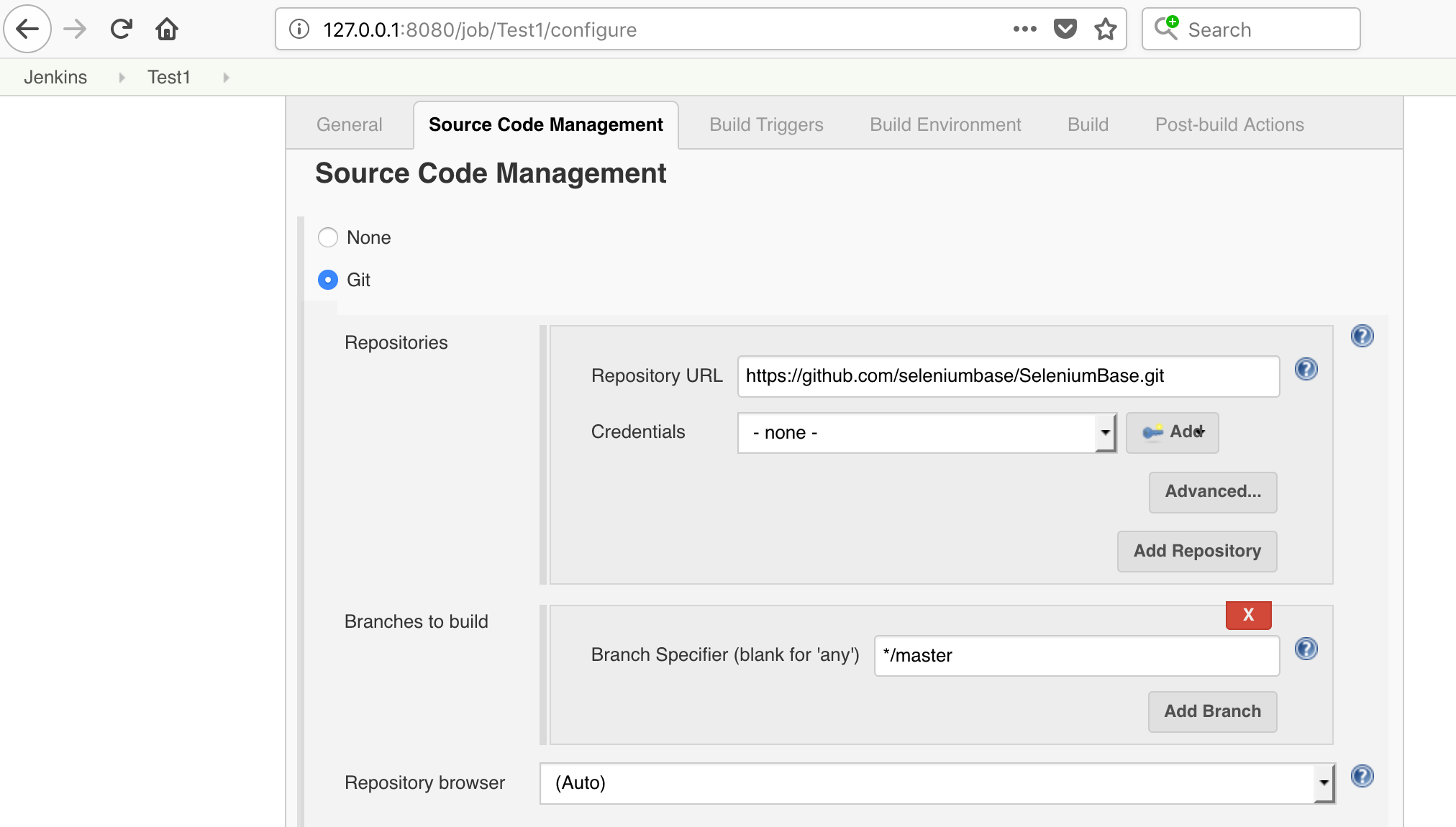
----------
* **Under "Build", click the "Add build step" dropdown.**
* **Select "Execute shell".**
* **For the "Command", paste:**
```zsh
cd examples
pytest my_first_test.py --headless
```
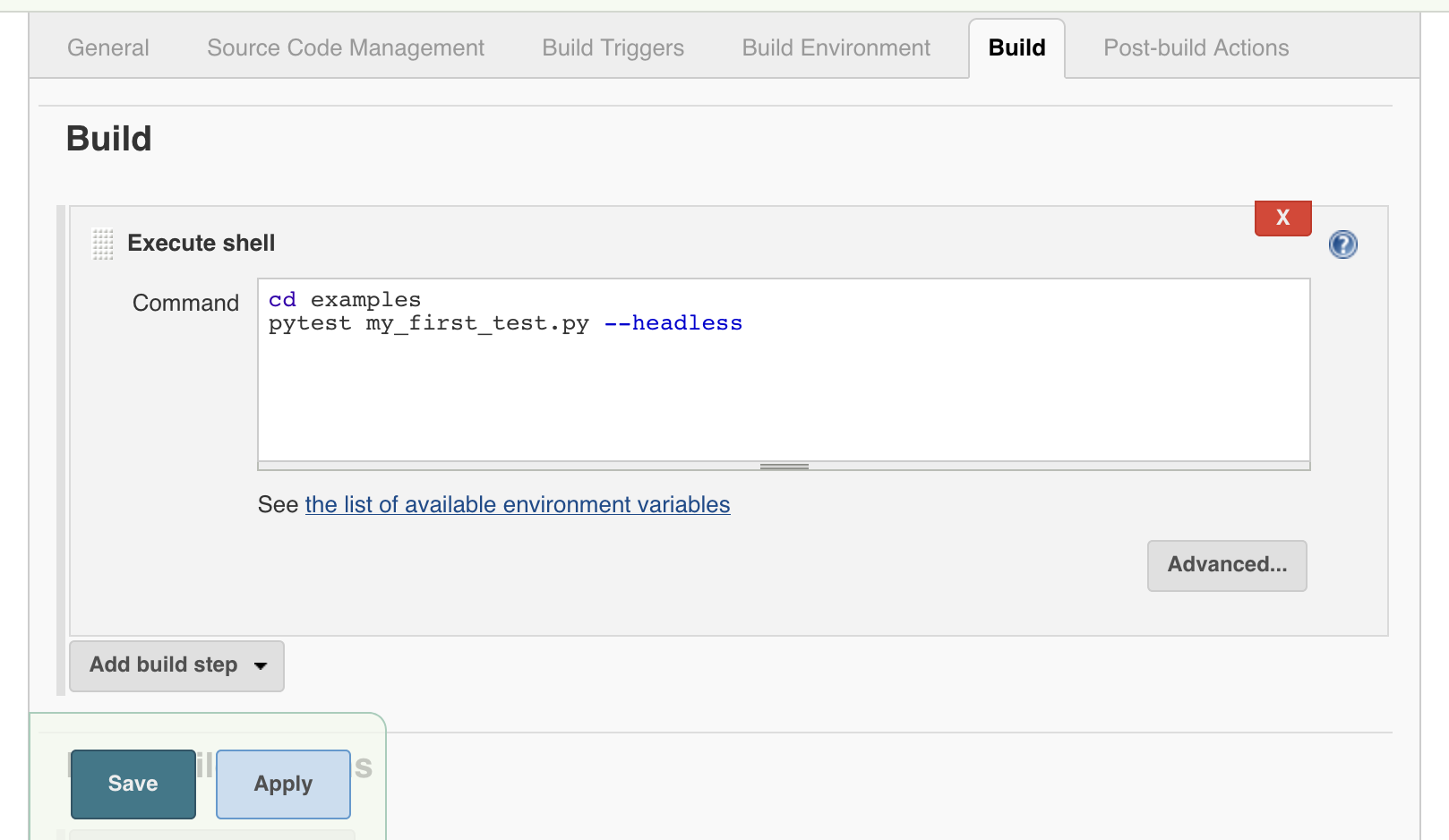
----------
#### Click "Save" when you're done.
* **You'll see the following page after that:**
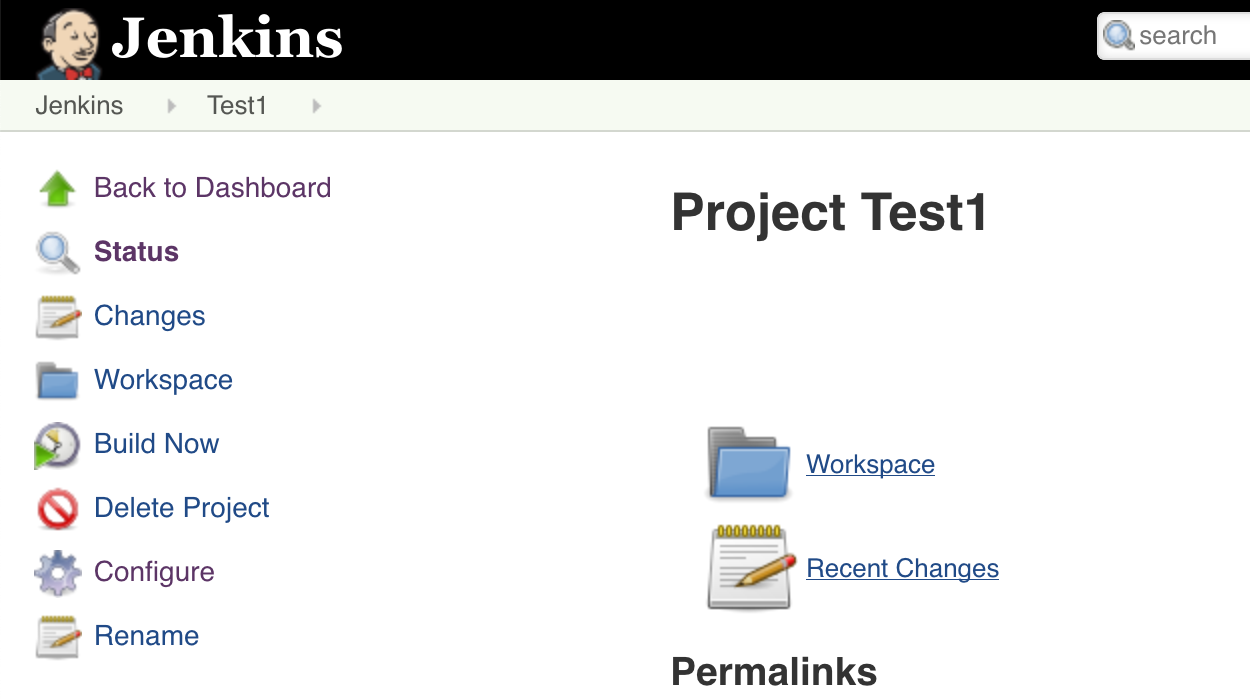
----------
### Step 21. Run your new Jenkins job
* **Click on "Build Now"**
* **(If everything was done correctly, you'll see a blue dot appear after a few seconds, indicating that the test job passed.)**
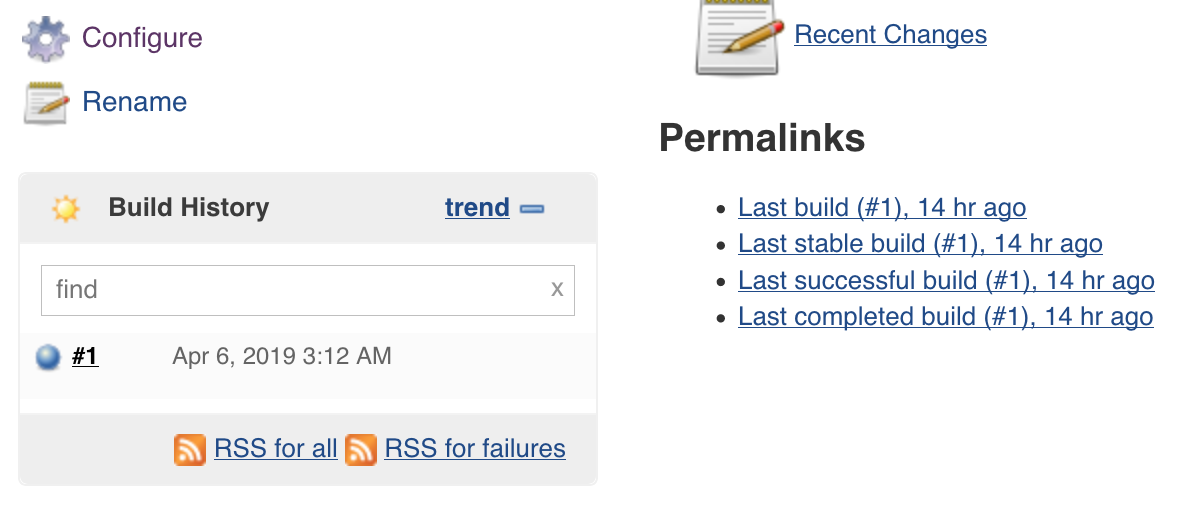
----------
### Step 22. See the top Jenkins page for an overview of all jobs
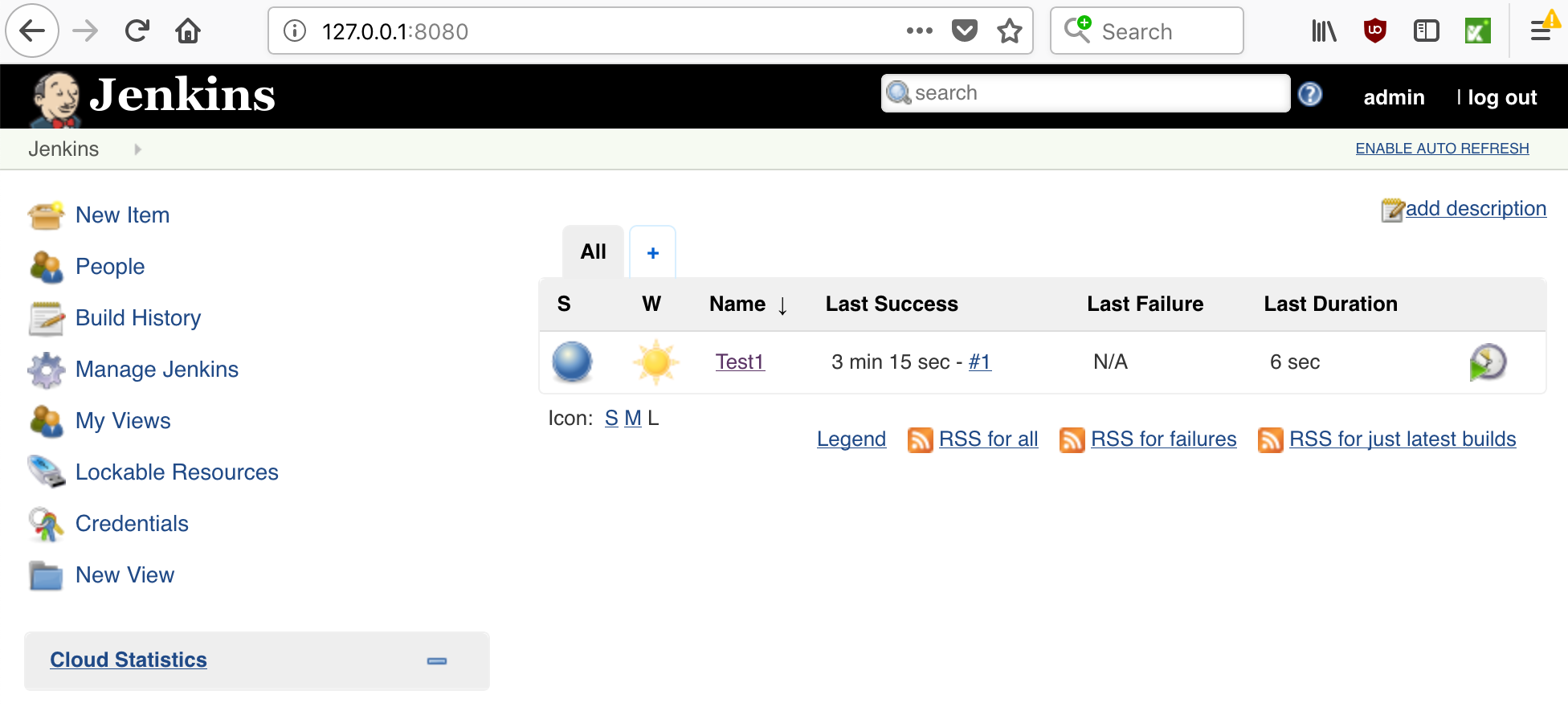
----------
### Step 23. Future Work
If you have a web application that you want to test, you'll be able to create SeleniumBase tests and add them to Jenkins as you saw here. You may want to create a Deploy job, which downloads the latest version of your repository, and then kicks off all tests to run after that. You could then tell that Deploy job to auto-run whenever a change is pushed to your repository by using: "Poll SCM". All your tests would then be able to run by using: "Build after other projects are built".
#### Congratulations! You're now well on your way to becoming a build & release / automation engineer!
================================================
FILE: integrations/behave/ReadMe.md
================================================
🐝 Behave test runner for SeleniumBase 🐝
### 🐝 Behave-Gherkin files:
🐝 The ``*.feature`` files can use any step seen from:
```zsh
behave --steps-catalog
```
🐝 SeleniumBase includes several pre-made Behave steps, which you can use by creating a Python file with the following line in your ``features/steps/`` directory:
```python
from seleniumbase.behave import steps # noqa
```
🐝 Inside your ``features/environment.py`` file, you should have the following:
```python
from seleniumbase import BaseCase
from seleniumbase.behave import behave_sb
behave_sb.set_base_class(BaseCase) # Accepts a BaseCase subclass
from seleniumbase.behave.behave_sb import before_all # noqa
from seleniumbase.behave.behave_sb import before_feature # noqa
from seleniumbase.behave.behave_sb import before_scenario # noqa
from seleniumbase.behave.behave_sb import before_step # noqa
from seleniumbase.behave.behave_sb import after_step # noqa
from seleniumbase.behave.behave_sb import after_scenario # noqa
from seleniumbase.behave.behave_sb import after_feature # noqa
from seleniumbase.behave.behave_sb import after_all # noqa
```
🐝 If you've already created a subclass of ``BaseCase`` with custom methods, you can swap ``BaseCase`` in with your own subclass, which will allow you to easily use your own custom methods in your Behave step definitions.
🐝 Here's an example Python file in the ``features/steps/`` folder:
```python
from behave import step
@step("Open the Swag Labs Login Page")
def go_to_swag_labs(context):
sb = context.sb
sb.open("https://www.saucedemo.com")
sb.clear_local_storage()
@step("Login to Swag Labs with {user}")
def login_to_swag_labs(context, user):
sb = context.sb
sb.type("#user-name", user)
sb.type("#password", "secret_sauce\n")
@step("Verify that the current user is logged in")
def verify_logged_in(context):
sb = context.sb
sb.assert_element("#header_container")
sb.assert_element("#react-burger-menu-btn")
sb.assert_element("#shopping_cart_container")
@step('Add "{item}" to cart')
def add_item_to_cart(context, item):
sb = context.sb
sb.click('div.inventory_item:contains("%s") button[name*="add"]' % item)
```
🐝 A ``*.feature`` file could look like this:
```gherkin
Feature: SeleniumBase scenarios for the Swag Labs App
Background:
Given Open the Swag Labs Login Page
Scenario: User can order a backpack from the store
When Login to Swag Labs with standard_user
Then Verify that the current user is logged in
And Save price of "Backpack" to
🐝🎖️ You can customize the tests that show up there:
```zsh
sbase behave-gui # all tests
sbase behave-gui -i=calculator # tests with "calculator" in the name
sbase behave-gui features/ # tests located in the "features/" folder
sbase behave-gui features/calculator.feature # tests in that feature
```
--------
================================================
FILE: integrations/behave/behave.ini
================================================
[behave]
show_skipped=false
show_timings=false
================================================
FILE: integrations/behave/features/__init__.py
================================================
================================================
FILE: integrations/behave/features/behave.ini
================================================
[behave]
show_skipped=false
show_timings=false
================================================
FILE: integrations/behave/features/calculator.feature
================================================
Feature: SeleniumBase scenarios for the Calculator App
Background:
Given Open the Calculator App
Scenario: Pressing "C" outputs "0"
When Press C
Then Verify output is "0"
Scenario: 1 + 2 + 3 + 4 + 5 = "15"
When Press C
And Press 1
And Press +
And Press 2
And Press +
And Press 3
And Press +
And Press 4
And Press +
And Press 5
Then Verify output is "1+2+3+4+5"
When Press =
Then Verify output is "15"
Scenario: 6 × 7 × 8 × 9 = "3024"
When Press C
And Press 6
And Press ×
And Press 7
And Press ×
And Press 8
And Press ×
And Press 9
Then Verify output is "6×7×8×9"
When Press =
Then Verify output is "3024"
Scenario: 44 - 11 = "33"
When Press C
And Press 4
And Press 4
And Press -
And Press 1
And Press 1
Then Verify output is "44-11"
When Press =
Then Verify output is "33"
Scenario: 7.0 × (3 + 3) = "42"
When Press C
And Press 7
And Press .
And Press 0
And Press ×
And Press (
And Press 3
And Press +
And Press 3
And Press )
Then Verify output is "7.0×(3+3)"
When Press =
Then Verify output is "42"
Scenario: 4.5 × 68 = "306"
When Press C
And Evaluate [4.5 × 68]
Then Verify output is "306"
Scenario Outline:
Since Google makes Chrome, Google's own reCAPTCHA service has access to more data than other CAPTCHA services, and can therefore use that data to make better decisions about whether or not web activity is coming from real humans or automated bots.
--------
⚖️ Legal implications of web-scraping:
Based on the following article, https://nubela.co/blog/meta-lost-the-scraping-legal-battle-to-bright-data/, (which outlines a court case where social-networking company: Meta lost the legal battle to data-scraping company: Bright Data), it was determined that web scraping is 100% legal in the eyes of the courts as long as:
1. The scraping is only done with public data and not private data.
2. The scraping isn’t done while logged in on the site being scraped.
If the above criteria are met, then scrape away! (According to the article)
(Note: I'm not a lawyer, so I can't officially offer legal advice, but I can direct people to existing articles online where people can find their own answers.)
--------
Verifying that web drivers are installed Option 1: Using "venv" Option 2: Using virtualenvwrapper virtualenvwrapper commands: Installing webdrivers
================================================
FILE: install.sh
================================================
#!/usr/bin/env bash
pip install -e . --use-pep517 --config-settings="editable_mode=compat"
================================================
FILE: integrations/__init__.py
================================================
================================================
FILE: integrations/azure/azure_pipelines/ReadMe.md
================================================
### Running browser-based test automation with [Azure Pipelines](https://dev.azure.com/seleniumbase/seleniumbase/_build?definitionId=1&_a=summary) by using [SeleniumBase](https://github.com/seleniumbase/SeleniumBase)
----------
### Step 0. Fork the [SeleniumBase](https://github.com/seleniumbase/SeleniumBase) repo on GitHub to get started quickly.
* **(You'll be using your own repository eventually.)**
### Step 1. Get Azure Pipelines from the GitHub Marketplace
#### Navigate to [https://github.com/marketplace/azure-pipelines](https://github.com/marketplace/azure-pipelines)
* **Set up a new plan (it's free) and follow the steps...**

----------

----------

----------
### Step 2. Go to Microsoft Azure DevOps to set up your environment
* **Navigate to [https://azure.microsoft.com/en-us/services/devops/?nav=min](https://azure.microsoft.com/en-us/services/devops/?nav=min)**
* **Follow the steps...**
#### Select "Start free with GitHub >":

----------
#### Give your new project a name and set visibility to public (for your SeleniumBase fork):

----------
#### Select that your code is hosted on GitHub:

----------
#### Select your fork of SeleniumBase as your repository:

----------
#### Copy the [azure-pipelines.yml](https://github.com/seleniumbase/SeleniumBase/blob/master/azure-pipelines.yml) file from SeleniumBase into the azure-pipelines.yml box to create your new pipeline:

#### When you're done copying, click "Run".
----------
### Step 3. Congratulations! Your browser tests are now running!
* **Here's what a SeleniumBase sample run in Azure Pipelines may look like:**
[https://dev.azure.com/seleniumbase/seleniumbase/\_build/results?buildId=234](https://dev.azure.com/seleniumbase/seleniumbase/_build/results?buildId=234)

----------
#### Every time you create a pull request now, Azure Pipelines will run your tests automatically.
**To learn more, study [SeleniumBase](https://github.com/seleniumbase/SeleniumBase) and see how the [azure-pipelines.yml](https://github.com/seleniumbase/SeleniumBase/blob/master/azure-pipelines.yml) file works.**
================================================
FILE: integrations/azure/jenkins/ReadMe.md
================================================
### Building a browser-based test automation server with Jenkins on Azure by using SeleniumBase
(For the official Microsoft tutorial, see [Get Started: Install Jenkins on an Azure Linux VM](https://docs.microsoft.com/en-us/azure/developer/jenkins/configure-on-linux-vm), and then continue with [Step 4](#step4) below to resume SeleniumBase setup after you've created your Jenkins instance.)
----------
### Step 0. Fork the [SeleniumBase](https://github.com/seleniumbase/SeleniumBase) repo on GitHub to get started quickly.
* **(You'll be using your own repository eventually.)**
### Step 1. Find Jenkins in the Azure Marketplace
#### Search for ["Jenkins" in the Azure Marketplace](https://portal.azure.com/#blade/Microsoft_Azure_Marketplace/GalleryFeaturedMenuItemBlade/selectedMenuItemId/home/searchQuery/jenkins/resetMenuId/) and select the ``Jenkins (Publisher: Microsoft)`` result to get to the Jenkins Start page.

----------
### Step 2. Launch a Jenkins instance
#### Click "Create" and follow the steps...

----------
#### Continue to "Additional Settings" when you're done with "Basics".

----------
#### On the "Additional Settings" section, set the Size to "B2s":

----------
#### Once you've reached Step 5, click "Create" to complete the setup.

----------
### Step 3. Inspect your new Jenkins instance to SSH into the new machine
#### Once your new Jenkins instance has finished launching, you should be able to see the main page:

----------
#### On the main page, you should be able to find the Public IP Address.
* **Use that IP Address to SSH into the machine:**
```zsh
ssh USERNAME@IP_ADDRESS
```

----------
### Step 4. Clone the SeleniumBase repository from the root ("/") directory.
```zsh
cd /
sudo git clone https://github.com/seleniumbase/SeleniumBase.git
```
### Step 5. Enter the "linux" folder
```zsh
cd SeleniumBase/integrations/linux/
```
### Step 6. Give the "jenkins" user sudo access (See [jenkins_permissions.sh](https://github.com/seleniumbase/SeleniumBase/blob/master/integrations/linux/jenkins_permissions.sh) for details)
```zsh
./jenkins_permissions.sh
```
### Step 7. Become the "jenkins" user and enter a "bash" shell
```zsh
sudo su jenkins
bash
```
### Step 8. Install dependencies (See [Linuxfile.sh](https://github.com/seleniumbase/SeleniumBase/blob/master/integrations/linux/Linuxfile.sh) for details)
```zsh
./Linuxfile.sh
```
### Step 9. Start up the headless browser display mechanism: Xvfb (See [Xvfb_launcher.sh](https://github.com/seleniumbase/SeleniumBase/blob/master/integrations/linux/Xvfb_launcher.sh) for details)
```zsh
./Xvfb_launcher.sh
```
### Step 10. Go to the SeleniumBase directory
```zsh
cd /SeleniumBase
```
### Step 11. Install the [requirements](https://github.com/seleniumbase/SeleniumBase/blob/master/requirements.txt) for SeleniumBase
```zsh
sudo pip install -r requirements.txt --upgrade
```
### Step 12. Install SeleniumBase (Make sure you already installed the requirements above)
```zsh
sudo python setup.py develop
```
### Step 13. Install chromedriver
```zsh
sudo seleniumbase install chromedriver
```
### Step 14. Run an [example test](https://github.com/seleniumbase/SeleniumBase/blob/master/examples/my_first_test.py) in Chrome to verify installation (May take up to 10 seconds)

----------
```zsh
pytest examples/my_first_test.py --headless --browser=chrome
```
### Step 15. Secure your Jenkins machine
#### Navigate to http://JENKINS_IP_ADDRESS/jenkins-on-azure/
(Depending on your version of Jenkins, you may see the following screen, or nothing at all.)

----------
#### Initially, Jenkins uses only ``http``, which makes it less secure.
#### You'll need to set up SSH Port Forwarding in order to secure it.
* **To do this, copy/paste the string and run it in a NEW command prompt on your local machine (NOT from an SSH terminal session), swapping out the username and DNS name with the ones you set up when creating the Jenkins instance in Azure.**
``ssh -L 127.0.0.1:8080:localhost:8080 USERNAME@DNS_NAME``
### Step 16. Login to Jenkins
#### If you've correctly set up SSH Port Forwarding, the url will be ``http://127.0.0.1:8080/``

----------
#### You'll need to get the password from the SSH terminal on the Linux machine to log in:
```zsh
sudo cat /var/lib/jenkins/secrets/initialAdminPassword
```
### Step 17. Customize Jenkins

----------
### Step 18. Create an Admin user

----------
#### Once Jenkins has finished loading, the top left of the page should look like this:

----------
### Step 19. Create a new Jenkins job
* **Click on "New Item"**
* **Give your new Jenkins job a name (ex: "Test1")**
* **Select "Freestyle project"**
* **Click "OK"**

----------
### Step 20. Setup your new Jenkins job
* **Under "Source Code Management", select "Git".**
* **For the "Repository URL", put: ``https://github.com/seleniumbase/SeleniumBase.git``. (You'll eventually be using your own clone of the repository here.)**

----------
* **Under "Build", click the "Add build step" dropdown.**
* **Select "Execute shell".**
* **For the "Command", paste:**
```zsh
cd examples
pytest my_first_test.py --headless
```

----------
#### Click "Save" when you're done.
* **You'll see the following page after that:**

----------
### Step 21. Run your new Jenkins job
* **Click on "Build Now"**
* **(If everything was done correctly, you'll see a blue dot appear after a few seconds, indicating that the test job passed.)**

----------
### Step 22. See the top Jenkins page for an overview of all jobs

----------
### Step 23. Future Work
If you have a web application that you want to test, you'll be able to create SeleniumBase tests and add them to Jenkins as you saw here. You may want to create a Deploy job, which downloads the latest version of your repository, and then kicks off all tests to run after that. You could then tell that Deploy job to auto-run whenever a change is pushed to your repository by using: "Poll SCM". All your tests would then be able to run by using: "Build after other projects are built".
#### Congratulations! You're now well on your way to becoming a build & release / automation engineer!
================================================
FILE: integrations/behave/ReadMe.md
================================================
🐝 Behave test runner for SeleniumBase 🐝
### 🐝 Behave-Gherkin files:
🐝 The ``*.feature`` files can use any step seen from:
```zsh
behave --steps-catalog
```
🐝 SeleniumBase includes several pre-made Behave steps, which you can use by creating a Python file with the following line in your ``features/steps/`` directory:
```python
from seleniumbase.behave import steps # noqa
```
🐝 Inside your ``features/environment.py`` file, you should have the following:
```python
from seleniumbase import BaseCase
from seleniumbase.behave import behave_sb
behave_sb.set_base_class(BaseCase) # Accepts a BaseCase subclass
from seleniumbase.behave.behave_sb import before_all # noqa
from seleniumbase.behave.behave_sb import before_feature # noqa
from seleniumbase.behave.behave_sb import before_scenario # noqa
from seleniumbase.behave.behave_sb import before_step # noqa
from seleniumbase.behave.behave_sb import after_step # noqa
from seleniumbase.behave.behave_sb import after_scenario # noqa
from seleniumbase.behave.behave_sb import after_feature # noqa
from seleniumbase.behave.behave_sb import after_all # noqa
```
🐝 If you've already created a subclass of ``BaseCase`` with custom methods, you can swap ``BaseCase`` in with your own subclass, which will allow you to easily use your own custom methods in your Behave step definitions.
🐝 Here's an example Python file in the ``features/steps/`` folder:
```python
from behave import step
@step("Open the Swag Labs Login Page")
def go_to_swag_labs(context):
sb = context.sb
sb.open("https://www.saucedemo.com")
sb.clear_local_storage()
@step("Login to Swag Labs with {user}")
def login_to_swag_labs(context, user):
sb = context.sb
sb.type("#user-name", user)
sb.type("#password", "secret_sauce\n")
@step("Verify that the current user is logged in")
def verify_logged_in(context):
sb = context.sb
sb.assert_element("#header_container")
sb.assert_element("#react-burger-menu-btn")
sb.assert_element("#shopping_cart_container")
@step('Add "{item}" to cart')
def add_item_to_cart(context, item):
sb = context.sb
sb.click('div.inventory_item:contains("%s") button[name*="add"]' % item)
```
🐝 A ``*.feature`` file could look like this:
```gherkin
Feature: SeleniumBase scenarios for the Swag Labs App
Background:
Given Open the Swag Labs Login Page
Scenario: User can order a backpack from the store
When Login to Swag Labs with standard_user
Then Verify that the current user is logged in
And Save price of "Backpack" to
🐝🎖️ You can customize the tests that show up there:
```zsh
sbase behave-gui # all tests
sbase behave-gui -i=calculator # tests with "calculator" in the name
sbase behave-gui features/ # tests located in the "features/" folder
sbase behave-gui features/calculator.feature # tests in that feature
```
--------
================================================
FILE: integrations/behave/behave.ini
================================================
[behave]
show_skipped=false
show_timings=false
================================================
FILE: integrations/behave/features/__init__.py
================================================
================================================
FILE: integrations/behave/features/behave.ini
================================================
[behave]
show_skipped=false
show_timings=false
================================================
FILE: integrations/behave/features/calculator.feature
================================================
Feature: SeleniumBase scenarios for the Calculator App
Background:
Given Open the Calculator App
Scenario: Pressing "C" outputs "0"
When Press C
Then Verify output is "0"
Scenario: 1 + 2 + 3 + 4 + 5 = "15"
When Press C
And Press 1
And Press +
And Press 2
And Press +
And Press 3
And Press +
And Press 4
And Press +
And Press 5
Then Verify output is "1+2+3+4+5"
When Press =
Then Verify output is "15"
Scenario: 6 × 7 × 8 × 9 = "3024"
When Press C
And Press 6
And Press ×
And Press 7
And Press ×
And Press 8
And Press ×
And Press 9
Then Verify output is "6×7×8×9"
When Press =
Then Verify output is "3024"
Scenario: 44 - 11 = "33"
When Press C
And Press 4
And Press 4
And Press -
And Press 1
And Press 1
Then Verify output is "44-11"
When Press =
Then Verify output is "33"
Scenario: 7.0 × (3 + 3) = "42"
When Press C
And Press 7
And Press .
And Press 0
And Press ×
And Press (
And Press 3
And Press +
And Press 3
And Press )
Then Verify output is "7.0×(3+3)"
When Press =
Then Verify output is "42"
Scenario: 4.5 × 68 = "306"
When Press C
And Evaluate [4.5 × 68]
Then Verify output is "306"
Scenario Outline: 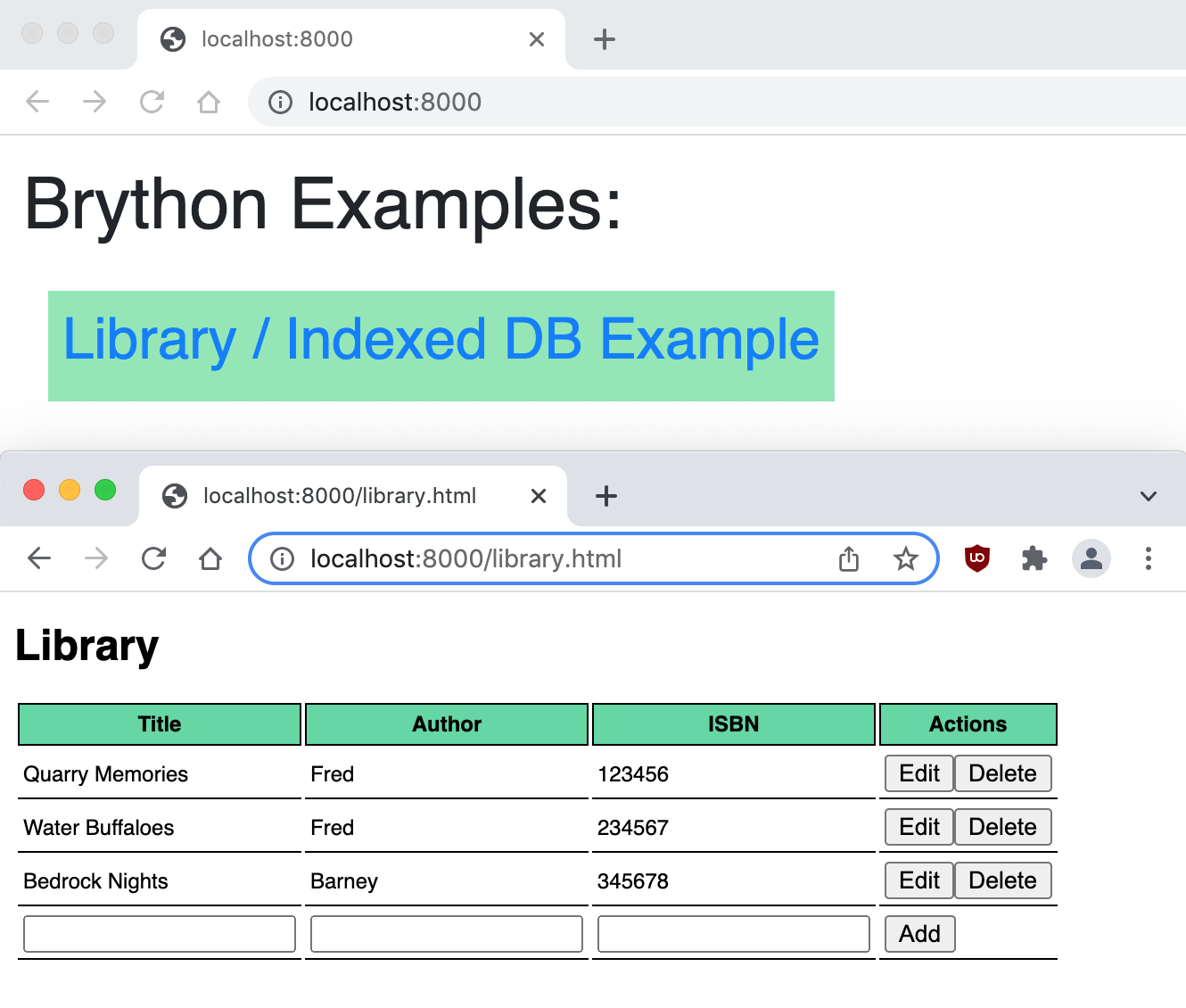 ### 0. Install ``brython``:
```zsh
pip install brython
```
### 1. Get a web server up and running:
Run from [SeleniumBase/integrations/brython](https://github.com/seleniumbase/SeleniumBase/tree/master/integrations/brython):
```zsh
python -m http.server
```
(You can stop the server by using Ctrl+C)
### 2. Navigate to [http://localhost:8000/](http://localhost:8000/)
Now click on the examples to see Brython in action.
### 3. For more info, see the following:
* https://brython.info/
* https://pypi.org/project/brython/
* https://github.com/brython-dev/brython
================================================
FILE: integrations/brython/index.html
================================================
### 0. Install ``brython``:
```zsh
pip install brython
```
### 1. Get a web server up and running:
Run from [SeleniumBase/integrations/brython](https://github.com/seleniumbase/SeleniumBase/tree/master/integrations/brython):
```zsh
python -m http.server
```
(You can stop the server by using Ctrl+C)
### 2. Navigate to [http://localhost:8000/](http://localhost:8000/)
Now click on the examples to see Brython in action.
### 3. For more info, see the following:
* https://brython.info/
* https://pypi.org/project/brython/
* https://github.com/brython-dev/brython
================================================
FILE: integrations/brython/index.html
================================================
Library / Indexed DB Example |
|---|
| Title | Author | ISBN | Actions |
|---|---|---|---|
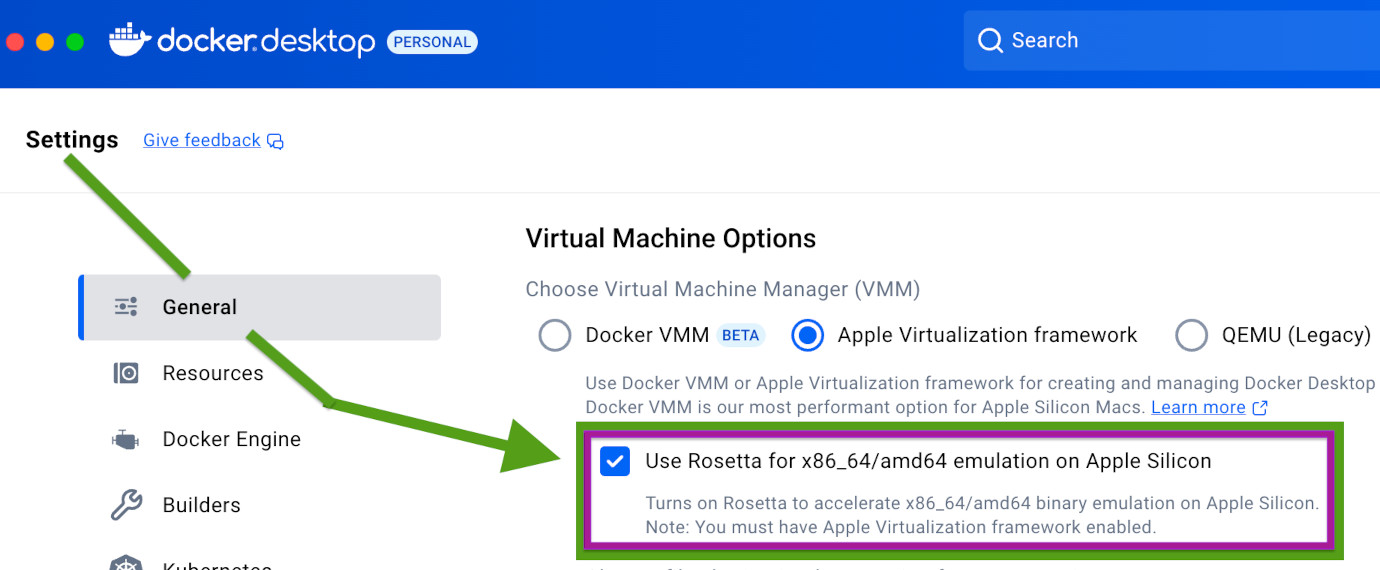 Then you can run these commands:
export DOCKER_DEFAULT_PLATFORM=linux/amd64
docker build --platform linux/amd64 -t seleniumbase .
#### 4. Run [the example test](https://github.com/seleniumbase/SeleniumBase/blob/master/examples/my_first_test.py) with Chrome inside your Docker: (Once the test completes after a few seconds, you'll automatically exit the Docker shell)
docker run seleniumbase ./run_docker_test_in_chrome.sh
#### 5. You can also enter Docker and stay inside the shell:
docker run -i -t seleniumbase
#### 6. Now you can run the example test from inside the Docker shell:
./run_docker_test_in_chrome.sh
#### 7. When you're satisfied, you may exit the Docker shell:
exit
#### 8. (Optional) Since Docker images and containers take up a lot of space, you may want to clean up your machine from time to time when they’re not being used:
Details on that can be found here:
http://stackoverflow.com/questions/17236796/how-to-remove-old-docker-containers
Here are a few of those cleanup commands:
docker container prune
docker system prune
docker images | grep "
Then you can run these commands:
export DOCKER_DEFAULT_PLATFORM=linux/amd64
docker build --platform linux/amd64 -t seleniumbase .
#### 4. Run [the example test](https://github.com/seleniumbase/SeleniumBase/blob/master/examples/my_first_test.py) with Chrome inside your Docker: (Once the test completes after a few seconds, you'll automatically exit the Docker shell)
docker run seleniumbase ./run_docker_test_in_chrome.sh
#### 5. You can also enter Docker and stay inside the shell:
docker run -i -t seleniumbase
#### 6. Now you can run the example test from inside the Docker shell:
./run_docker_test_in_chrome.sh
#### 7. When you're satisfied, you may exit the Docker shell:
exit
#### 8. (Optional) Since Docker images and containers take up a lot of space, you may want to clean up your machine from time to time when they’re not being used:
Details on that can be found here:
http://stackoverflow.com/questions/17236796/how-to-remove-old-docker-containers
Here are a few of those cleanup commands:
docker container prune
docker system prune
docker images | grep " GitHub Integrations
> **Table of Contents / Navigation:**
> - [**Actions/Workflows**](https://github.com/seleniumbase/SeleniumBase/blob/master/integrations/github/workflows/ReadMe.md)
> - [**Extras/Action-Integrations**](https://github.com/seleniumbase/SeleniumBase/blob/master/integrations/github/workflows/extras.md)
================================================
FILE: integrations/github/workflows/ReadMe.md
================================================
## Running browser tests on [GitHub Actions](https://github.com/seleniumbase/SeleniumBase/actions) with [SeleniumBase](https://github.com/seleniumbase/SeleniumBase)
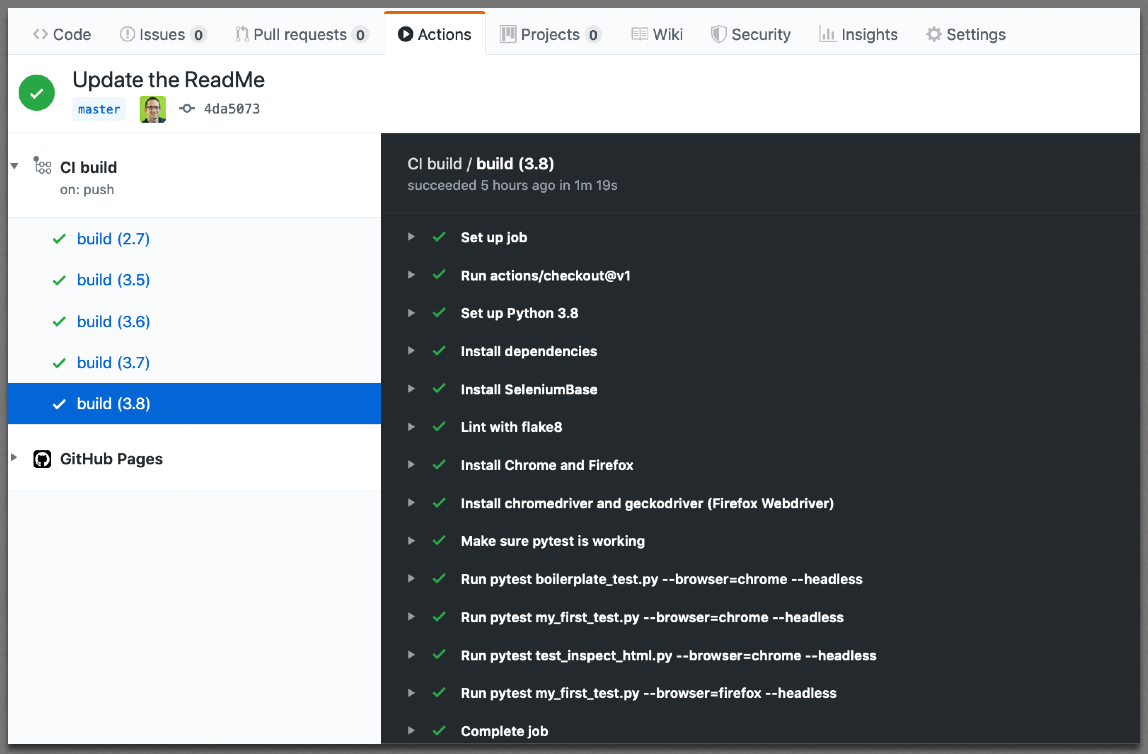
----------
### Step 0. Create a fork of [SeleniumBase](https://github.com/seleniumbase/SeleniumBase) on GitHub to help you get started.
* **(You'll be using your own repo eventually.)**
----------
### Step 1. From the GitHub Actions tab, choose to set up a Python package Workflow.
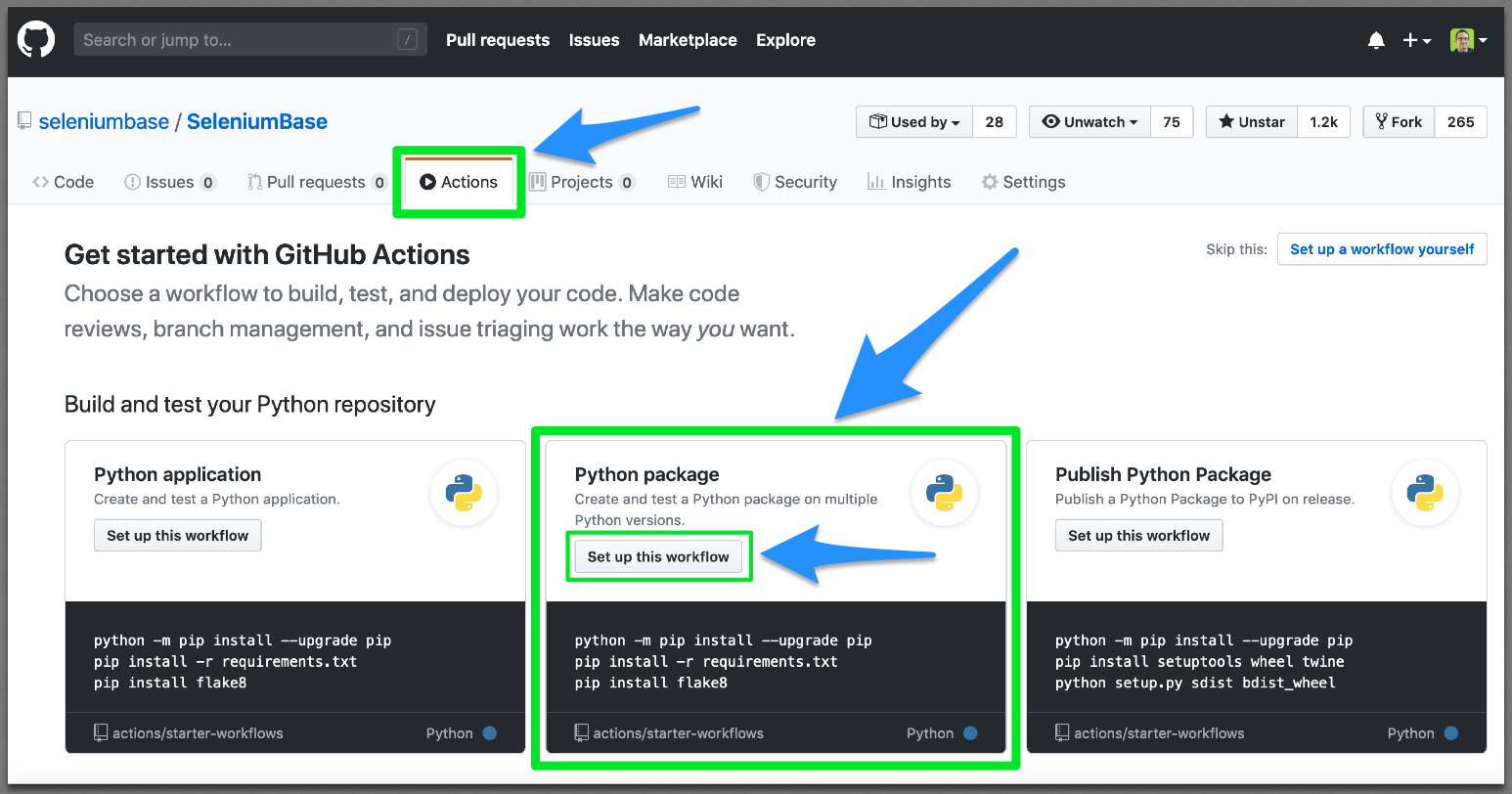
----------
### Step 2. Add your workflow ``.yml`` script.
* **(If using a SeleniumBase fork, the script from https://github.com/seleniumbase/SeleniumBase/blob/master/.github/workflows/python-package.yml already exists to help guide you.)**
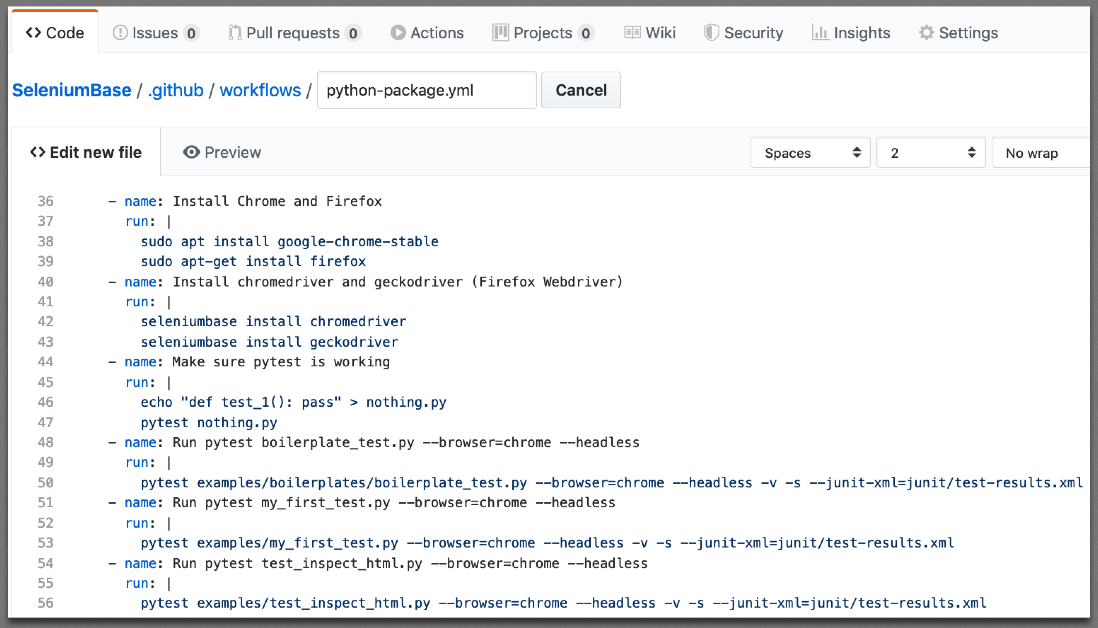
### Step 3. Commit your changes to GitHub.
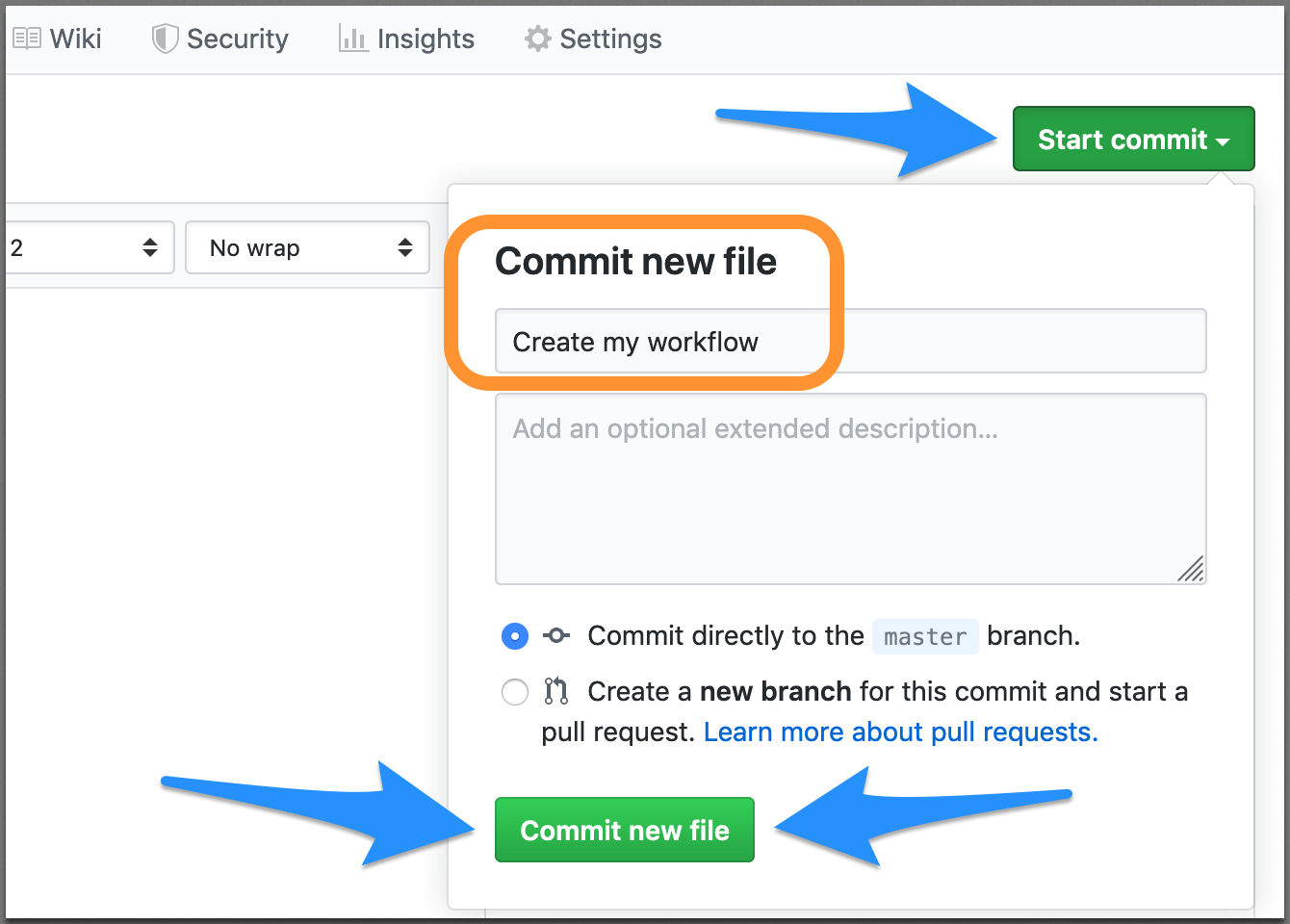
----------
### Step 4. Your tests will now run on every pull request and on every commit to the ``master`` branch.
* **(See https://github.com/seleniumbase/SeleniumBase/actions for the SeleniumBase example.)**
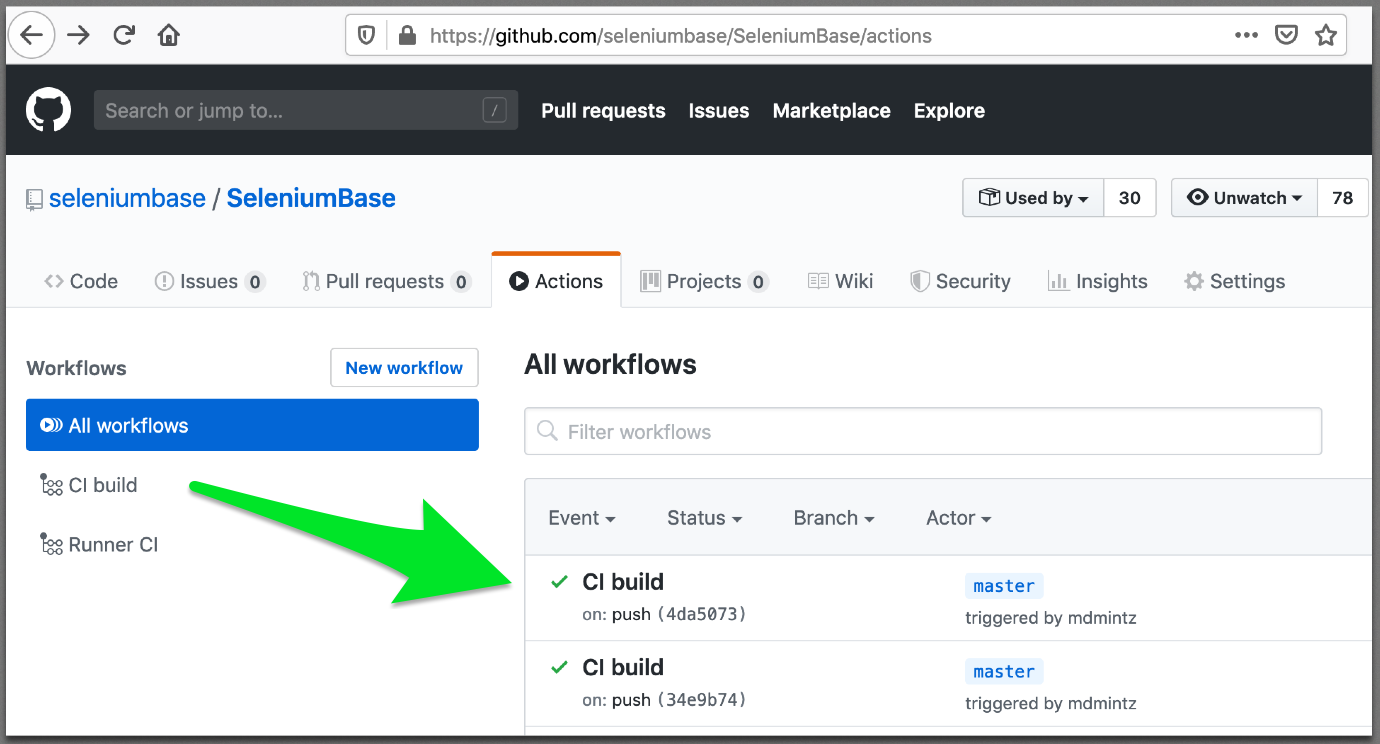
* **(You can click inside each build for more details.)**
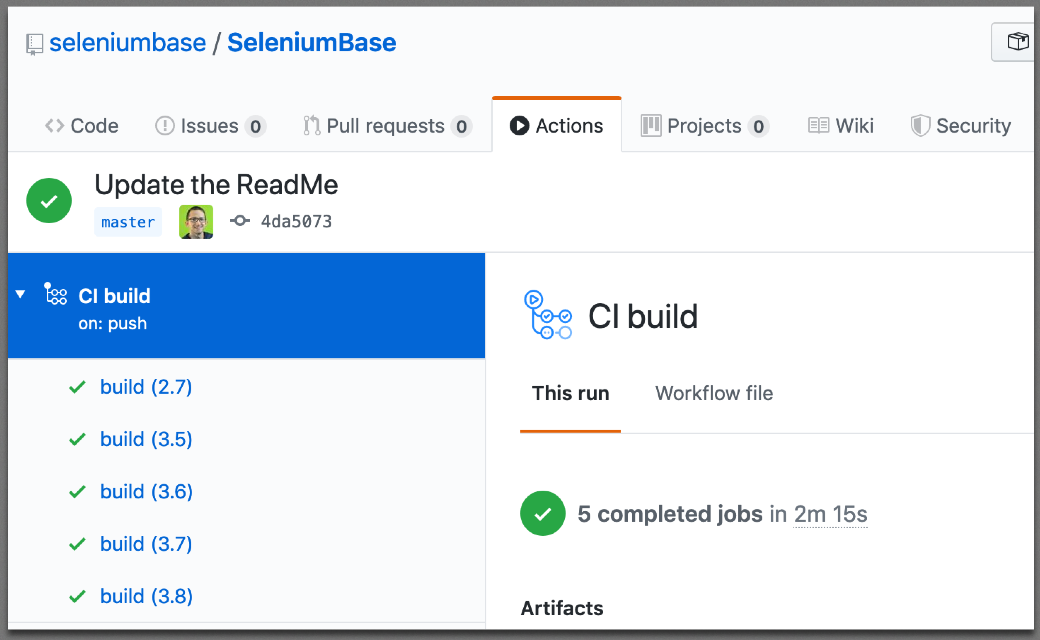
* **(You can also see the specific steps being performed by each command.)**

* **(You'll notice that web browsers such as Chrome and Firefox get installed for tests to use. SeleniumBase uses pytest for running tests while using Selenium to interact with web browsers.)**
----------
### Congratulations! You now know how to create and run browser tests with GitHub Actions!
### **Study [SeleniumBase](https://github.com/seleniumbase/SeleniumBase) to learn more!**
================================================
FILE: integrations/github/workflows/extras.md
================================================
Integrations for GitHub Actions:
GitHub Integrations
> **Table of Contents / Navigation:**
> - [**Actions/Workflows**](https://github.com/seleniumbase/SeleniumBase/blob/master/integrations/github/workflows/ReadMe.md)
> - [**Extras/Action-Integrations**](https://github.com/seleniumbase/SeleniumBase/blob/master/integrations/github/workflows/extras.md)
================================================
FILE: integrations/github/workflows/ReadMe.md
================================================
## Running browser tests on [GitHub Actions](https://github.com/seleniumbase/SeleniumBase/actions) with [SeleniumBase](https://github.com/seleniumbase/SeleniumBase)

----------
### Step 0. Create a fork of [SeleniumBase](https://github.com/seleniumbase/SeleniumBase) on GitHub to help you get started.
* **(You'll be using your own repo eventually.)**

----------
### Step 1. From the GitHub Actions tab, choose to set up a Python package Workflow.

----------
### Step 2. Add your workflow ``.yml`` script.
* **(If using a SeleniumBase fork, the script from https://github.com/seleniumbase/SeleniumBase/blob/master/.github/workflows/python-package.yml already exists to help guide you.)**

### Step 3. Commit your changes to GitHub.

----------
### Step 4. Your tests will now run on every pull request and on every commit to the ``master`` branch.
* **(See https://github.com/seleniumbase/SeleniumBase/actions for the SeleniumBase example.)**

* **(You can click inside each build for more details.)**

* **(You can also see the specific steps being performed by each command.)**

* **(You'll notice that web browsers such as Chrome and Firefox get installed for tests to use. SeleniumBase uses pytest for running tests while using Selenium to interact with web browsers.)**
----------
### Congratulations! You now know how to create and run browser tests with GitHub Actions!
### **Study [SeleniumBase](https://github.com/seleniumbase/SeleniumBase) to learn more!**
================================================
FILE: integrations/github/workflows/extras.md
================================================
Integrations for GitHub Actions:
(SeleniumBase Google Cloud Video)
#### Step 1. Open the Google Cloud Platform Cloud Launcher * Navigate to [https://console.cloud.google.com/launcher](https://console.cloud.google.com/launcher) * (If you already have an active Google Cloud project, the Google Cloud Launcher will probably default to using that. If you don't, [sign up for the free trial of Google Cloud Platform here](https://console.cloud.google.com/freetrial) to get started.) #### Step 2. Launch a Jenkins instance 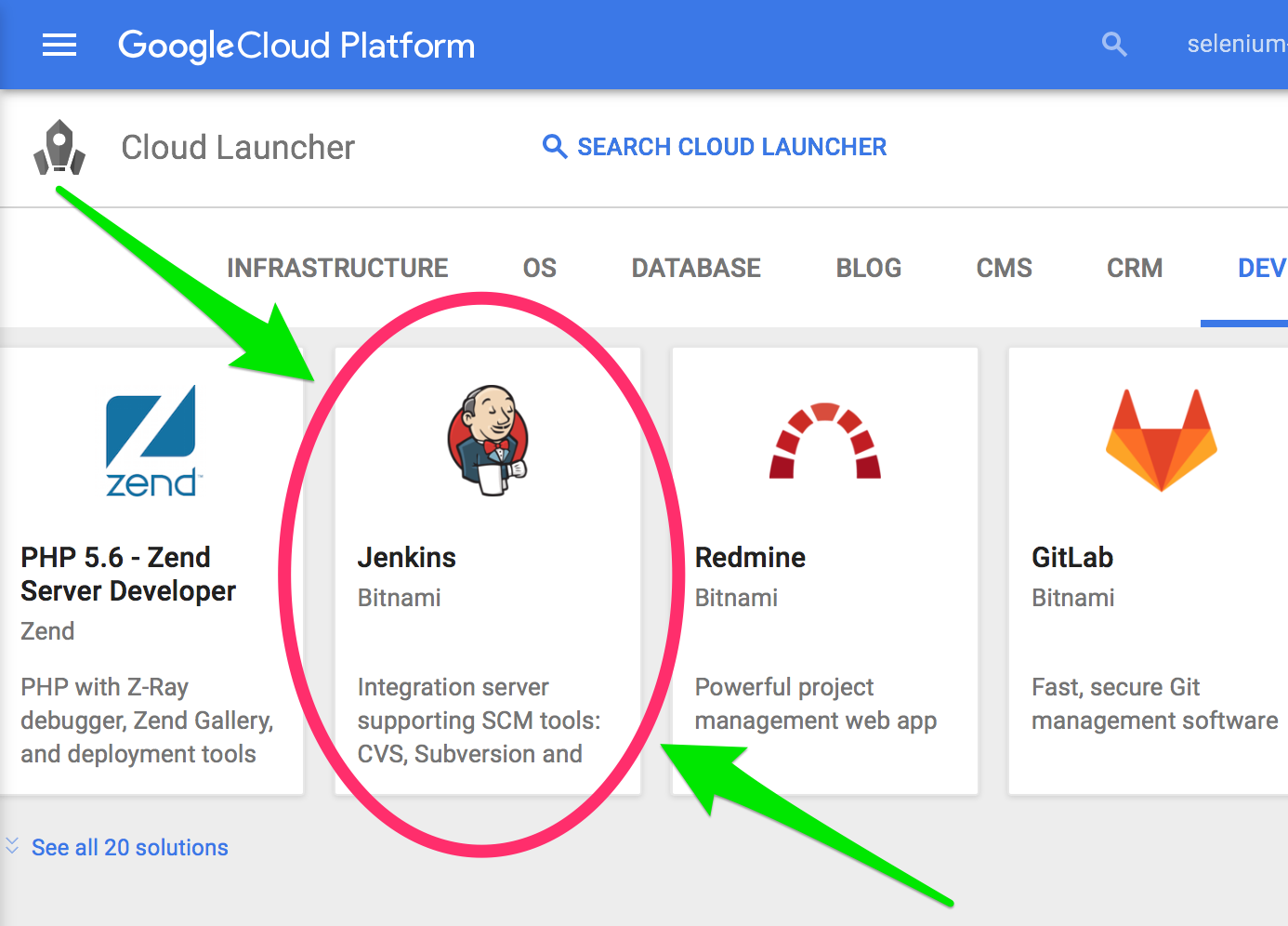 * Under "Cloud Launcher", Click on "Jenkins Certified by Bitnami" * Click on "Launch on Compute Engine" * Give the instance a name * Give the instance a zone * Click "Create" #### Step 3. Connect with your new Jenkins instance 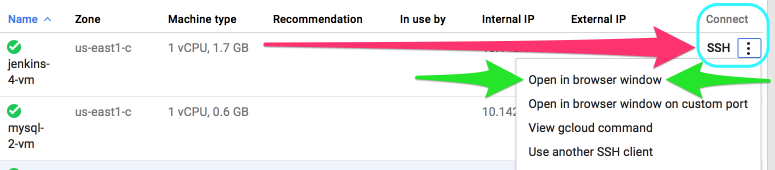 * SSH into your new instance by selecting: "SSH" => "Open in browser window" from the instance page. #### Step 4. Clone the SeleniumBase repository from the root ("/") directory. ```zsh cd / sudo git clone https://github.com/seleniumbase/SeleniumBase.git ``` #### Step 5. Enter the "linux" folder ```zsh cd SeleniumBase/integrations/linux/ ``` #### Step 6. Give Jenkins (aka "tomcat" user) sudo access (See [tomcat_permissions.sh](https://github.com/seleniumbase/SeleniumBase/blob/master/integrations/linux/tomcat_permissions.sh) for details) ```zsh ./tomcat_permissions.sh ``` #### Step 7. Become "tomcat" (the Jenkins user) and enter a "bash" shell ```zsh sudo su tomcat bash ``` #### Step 8. Install dependencies (See [Linuxfile.sh](https://github.com/seleniumbase/SeleniumBase/blob/master/integrations/linux/Linuxfile.sh) for details) ```zsh ./Linuxfile.sh ``` #### Step 9. Start up the headless browser display mechanism: Xvfb (See [Xvfb_launcher.sh](https://github.com/seleniumbase/SeleniumBase/blob/master/integrations/linux/Xvfb_launcher.sh) for details) ```zsh ./Xvfb_launcher.sh ``` #### Step 10. Go to the SeleniumBase directory ```zsh cd /SeleniumBase ``` #### Step 11. Install the [requirements](https://github.com/seleniumbase/SeleniumBase/blob/master/requirements.txt) for SeleniumBase ```zsh sudo pip install -r requirements.txt --upgrade ``` #### Step 12. Install SeleniumBase ```zsh sudo python setup.py develop ``` #### Step 13. Run an [example test](https://github.com/seleniumbase/SeleniumBase/blob/master/examples/my_first_test.py) on Chrome to verify installation (May take up to 10 seconds) 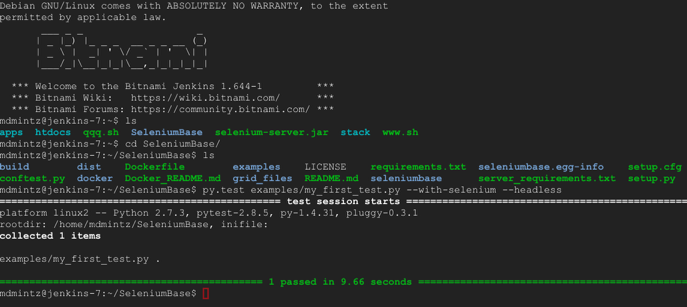 ```zsh pytest examples/my_first_test.py --headless ``` #### Step 14. If you prefer using nosetests, that works too ```zsh nosetests examples/my_first_test.py --headless ``` #### Step 15. You can also verify that the example test runs on Firefox ```zsh pytest examples/my_first_test.py --headless --browser=firefox ``` #### Step 16. Login to Jenkins * (The url, as well as username and password, should be accessible from your Google Cloud Platform VM instance page.) #### Step 17. Create a new Jenkins job 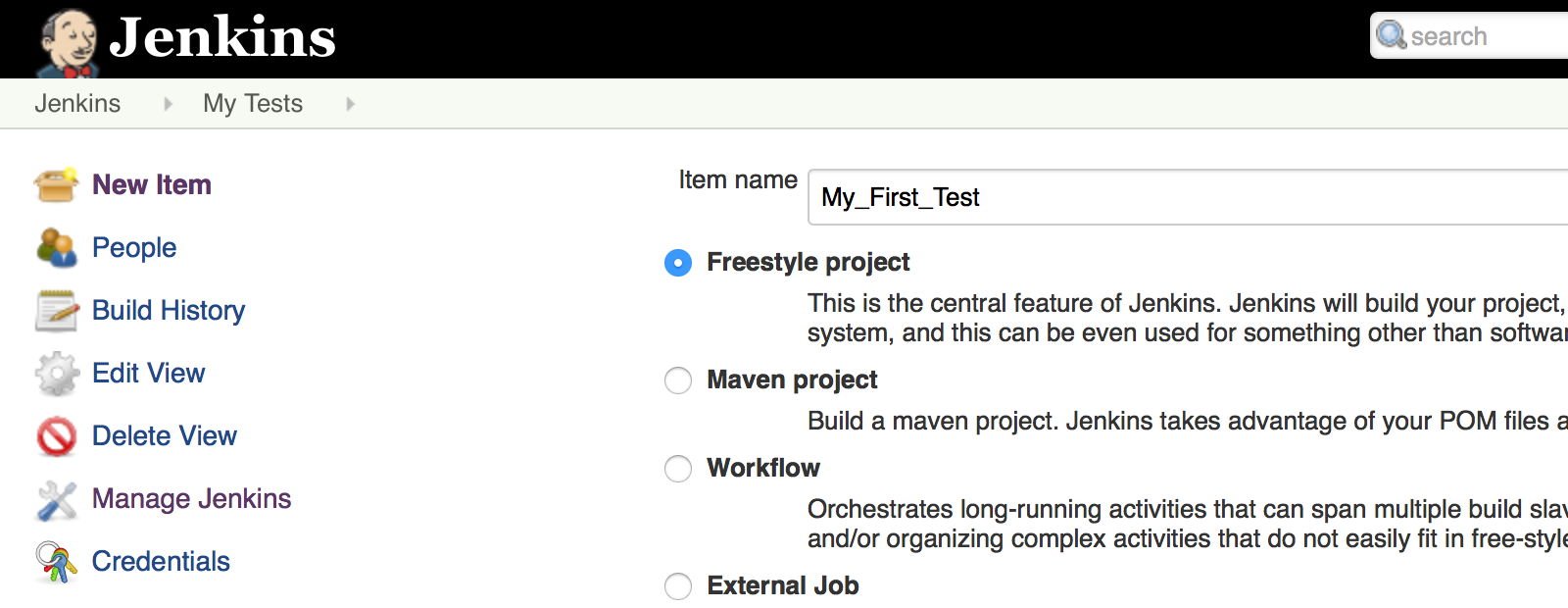 * Click on "New Item" * Give your new Jenkins job a name (ex: "My_First_Test") * Select "Freestyle project" * Click "OK" #### Step 18. Setup your new Jenkins job * Under "Source Code Management", select "Git". * For the "Repository URL", put: ``https://github.com/seleniumbase/SeleniumBase.git``. (You'll eventually be using your own clone of the repository here.) * Under "Build", click the "Add build step" dropdown and then select "Execute shell". * For the "Command", put: ```zsh pytest examples/my_first_test.py --headless ``` * Click "Save" when you're done. #### Step 19. Run your new Jenkins job * Click on "Build Now" * (If all the setup was done correctly, you should see a blue dot appear after a few seconds, indicating that the test job passed.) #### Step 20. Future Work If you have a web application that you want to test, you'll be able to create SeleniumBase tests and add them to Jenkins as you saw here. You may want to create a Deploy job, which downloads the latest version of your repository, and then kicks off all tests to run after that. You could then tell that Deploy job to auto-run whenever a change is pushed to your repository by using: "Poll SCM". All your tests would then be able to run by using: "Build after other projects are built". You can also use MySQL to save test results in the DB so that you can query the data at any time. #### Congratulations! You're now well on your way to becoming a build & release / automation engineer! ### MySQL DB setup instructions #### Step 21. Return to the Google Cloud Launcher and launch a MySQL Instance  * Under "Featured Solutions", Click on "MySQL" * Click on "Launch on Compute Engine" * Give the instance a name * Give the instance a zone * Click "Create" #### Step 22. Get the Connection credentials for your new MySQL Instance * Under the Google Cloud Platform menu, go to "Compute Engine" * Find your new MySQL instance and then write down the value written in the "External IP" section. * Under the Google Cloud Platform menu, go to "Deployment Manager" * Find your new MySQL instance and then click on it. * Write down the values for Admin username and password. (Username should be "root") #### Step 23. Get a MySQL GUI tool so that you can connect to your MySQL Instance * You can download [MySQL Workbench](https://dev.mysql.com/downloads/tools/workbench/) for this. #### Step 24. Create a new connection to your MySQL Instance * Use the MySQL DB credentials that you saved in Step 21 for this. #### Step 25. Create a new database/schema in your MySQL Instance * You can name your database/schema ``test_db``. #### Step 26. Create the necessary tables in your MySQL database/schema * Run the [create_db_tables.sql](https://raw.githubusercontent.com/seleniumbase/SeleniumBase/master/seleniumbase/core/create_db_tables.sql) script in your MySQL database/schema to create all the required DB tables. #### Step 27. Have your local clone of SeleniumBase connect to your MySQL DB Instance * Update the MySQL connection details in your [settings.py](https://github.com/seleniumbase/SeleniumBase/blob/master/seleniumbase/config/settings.py) file to use the credentials that you saved in Step 21. #### Step 28. Have your SeleniumBase Jenkins jobs use your MySQL DB Instance * For the "Execute shell", use the following as your updated "Command": ```zsh pytest examples/test_suite.py --headless --with-db_reporting ``` * Click "Save" when you're done. #### Step 29. Run your new Jenkins job * Click on "Build Now" * If all goes well, you should be seeing new rows appear in your MySQL DB tables. #### Step 30. Congratulations! You've successfully completed this tutorial! ================================================ FILE: integrations/katalon/ReadMe.md ================================================ ### Converting Katalon recordings into SeleniumBase test scripts ### (NOTE: **[SeleniumBase now has Recorder Mode](https://github.com/seleniumbase/SeleniumBase/blob/master/help_docs/recorder_mode.md)**, which is recommended over other record & playback tools.) -------- Katalon Recorder (Selenium IDE) is a tool that allows you to record and playback actions performed inside a web browser. It's available as a [downloadable Chrome extension](https://chrome.google.com/webstore/detail/katalon-recorder-selenium/ljdobmomdgdljniojadhoplhkpialdid) and a [downloadable Firefox extension](https://addons.mozilla.org/en-US/firefox/addon/katalon-automation-record/). The Katalon Recorder comes with an option to export recordings as various WebDriver test scripts, one of which is ``Python 2 (WebDriver + unittest)``. Unfortunately, these natively-exported scripts can be very messy and don't always run reliably. The purpose of this converter is to clean up and improve the scripts so that they can be used in production-level environments. #### Step 1: Make a recording with the Katalon Recorder  #### Step 2: Export your recording as a Python 2 Webdriver script * ``{} Export`` => ``Python 2 (WebDriver + unittest)`` => ``Save As File`` #### Step 3: Run ``seleniumbase convert`` on your exported Python file ```zsh seleniumbase convert MY_TEST.py ``` * You should see a [MY_TEST_SB.py] file appear in the folder. (``_SB`` is added to the file name so that the original file stays intact in case you still need it.) This new clean & reliable SeleniumBase test script is ready to be added into your test suite for running. -------- -------- The following is an example of a Katalon Recorder exported file (**WebDriver + unittest format**). It is **messy** and has **unnecessary lines of code** to do the task that was recorded: ```python # -*- coding: utf-8 -*- from selenium import webdriver from selenium.webdriver.common.by import By from selenium.webdriver.common.keys import Keys from selenium.webdriver.support.ui import Select from selenium.common.exceptions import NoSuchElementException from selenium.common.exceptions import NoAlertPresentException import unittest, time, re class Swag(unittest.TestCase): def setUp(self): self.driver = webdriver.Firefox() self.driver.implicitly_wait(30) self.base_url = "https://www.google.com/" self.verificationErrors = [] self.accept_next_alert = True def test_swag(self): driver = self.driver driver.get("https://www.saucedemo.com/") driver.find_element_by_id("user-name").click() driver.find_element_by_id("user-name").clear() driver.find_element_by_id("user-name").send_keys("standard_user") driver.find_element_by_id("password").click() driver.find_element_by_id("password").clear() driver.find_element_by_id("password").send_keys("secret_sauce") driver.find_element_by_id("login-button").click() def is_element_present(self, how, what): try: self.driver.find_element(by=how, value=what) except NoSuchElementException as e: return False return True def is_alert_present(self): try: self.driver.switch_to_alert() except NoAlertPresentException as e: return False return True def close_alert_and_get_its_text(self): try: alert = self.driver.switch_to_alert() alert_text = alert.text if self.accept_next_alert: alert.accept() else: alert.dismiss() return alert_text finally: self.accept_next_alert = True def tearDown(self): self.driver.quit() self.assertEqual([], self.verificationErrors) if __name__ == "__main__": unittest.main() ```seleniumbase convert [FILE.py] on it, here is the new result:
```python
# -*- coding: utf-8 -*-
from seleniumbase import BaseCase
class Swag(BaseCase):
def test_swag(self):
self.open('https://www.saucedemo.com/')
self.type('#user-name', 'standard_user')
self.type('#password', 'secret_sauce')
self.click('#login-button')
```
This is much cleaner than the original version.
It also uses the more reliable SeleniumBase methods.
================================================
FILE: integrations/linux/Linuxfile.sh
================================================
# SeleniumBase Debian Linux Dependency Installation
# (Installs all required dependencies on Linux)
# Make sure this script is only run on Linux
value="$(uname)"
if [ $value == "Linux" ]
then
echo "Initializing Requirements Setup..."
else
echo "Not on a Linux machine. Exiting..."
exit
fi
# Go home
cd ~
# Configure apt-get resources
sudo sh -c "echo \"deb http://packages.linuxmint.com debian import\" >> /etc/apt/sources.list"
sudo sh -c "echo \"deb http://downloads.sourceforge.net/project/ubuntuzilla/mozilla/apt all main\" >> /etc/apt/sources.list"
# Update aptitude
sudo aptitude update
# Install core dependencies
sudo aptitude install -y --force-yes xserver-xorg-core
sudo aptitude install -y --force-yes x11-xkb-utils
# Install Xvfb (headless display system)
sudo aptitude install -y --force-yes xvfb
# Install fonts for web browsers
sudo aptitude install -y --force-yes xfonts-100dpi xfonts-75dpi xfonts-scalable xfonts-cyrillic
# Install Python core dependencies
sudo apt-get update
sudo apt-get install -y --force-yes python-setuptools
# Install Firefox
sudo gpg --keyserver pgp.mit.edu --recv-keys 3EE67F3D0FF405B2
sudo gpg --export 3EE67F3D0FF405B2 > 3EE67F3D0FF405B2.gpg
sudo apt-key add ./3EE67F3D0FF405B2.gpg
sudo rm ./3EE67F3D0FF405B2.gpg
sudo apt-get -qy --no-install-recommends install -y --force-yes firefox
sudo apt-get -qy --no-install-recommends install -y --force-yes $(apt-cache depends firefox | grep Depends | sed "s/.*ends:\ //" | tr '\n' ' ')
cd /tmp
sudo wget --no-check-certificate -O firefox-esr.tar.bz2 'https://download.mozilla.org/?product=firefox-esr-latest&os=linux32&lang=en-US'
sudo tar -xjf firefox-esr.tar.bz2 -C /opt/
sudo rm -rf /usr/bin/firefox
sudo ln -s /opt/firefox/firefox /usr/bin/firefox
sudo rm -f /tmp/firefox-esr.tar.bz2
sudo apt-get -f install -y --force-yes firefox
# Install more dependencies
sudo apt-get update
sudo apt-get install -y --force-yes curl
sudo apt-get install -y --force-yes xvfb
sudo apt-get install -y --force-yes build-essential chrpath libssl-dev libxft-dev
sudo apt-get install -y --force-yes libfreetype6 libfreetype6-dev
sudo apt-get install -y --force-yes libfontconfig1 libfontconfig1-dev
sudo apt-get install -y --force-yes libmysqlclient-dev
sudo apt-get install -y --force-yes python-dev
sudo apt-get install -y --force-yes python-MySQLdb
# Install Chrome
cd /tmp
sudo wget https://dl.google.com/linux/direct/google-chrome-stable_current_amd64.deb
sudo apt-get -f install -y --force-yes
sudo dpkg -i google-chrome-stable_current_amd64.deb
# Install Chromedriver
CHROMEDRIVER_VERSION=`curl -sS chromedriver.storage.googleapis.com/LATEST_RELEASE`
sudo wget -N http://chromedriver.storage.googleapis.com/$CHROMEDRIVER_VERSION/chromedriver_linux64.zip -P ~/Downloads
sudo unzip -o ~/Downloads/chromedriver_linux64.zip -d ~/Downloads
sudo chmod +x ~/Downloads/chromedriver
sudo rm -f /usr/local/share/chromedriver
sudo rm -f /usr/local/bin/chromedriver
sudo rm -f /usr/bin/chromedriver
sudo mv -f ~/Downloads/chromedriver /usr/local/share/chromedriver
sudo ln -s /usr/local/share/chromedriver /usr/local/bin/chromedriver
sudo ln -s /usr/local/share/chromedriver /usr/bin/chromedriver
# Finalize apt-get dependancies
sudo apt-get -f install -y --force-yes
# Get pip
sudo easy_install pip
================================================
FILE: integrations/linux/ReadMe.md
================================================
## Running SeleniumBase on Debian GNU/Linux
Files in this folder are currently used with the [Jenkins on Microsoft Azure setup instructions for SeleniumBase](https://github.com/seleniumbase/SeleniumBase/blob/master/integrations/azure/jenkins/ReadMe.md), as well as with the [Jenkins on Google Cloud setup instructions for SeleniumBase](https://github.com/seleniumbase/SeleniumBase/blob/master/integrations/google_cloud/ReadMe.md). You can also use these files standalone with any Ubuntu/Debian GNU/Linux machine.
================================================
FILE: integrations/linux/Xvfb_launcher.sh
================================================
# Activate Headless Display (Xvfb)
sudo Xvfb -ac :99 -screen 0 1280x1024x16 > /dev/null 2>&1 &
export DISPLAY=:99
exec "$@"
================================================
FILE: integrations/linux/jenkins_permissions.sh
================================================
# This file will add "jenkins" to the sudoers file.
# To become jenkins from a different user, use the following:
# sudo su jenkins
# bash
sudo sh -c "echo \"%jenkins ALL=(ALL:ALL) ALL\" >> /etc/sudoers"
sudo sh -c "echo \"%jenkins ALL=(ALL) NOPASSWD: ALL\" >> /etc/sudoers"
sudo sh -c "echo \"jenkins ALL=NOPASSWD: ALL\" >> /etc/sudoers"
================================================
FILE: integrations/linux/tomcat_permissions.sh
================================================
# This file will add "tomcat" to the sudoers file.
# "tomcat" is the Jenkins user name by default on Bitnami Jenkins machines
# To become tomcat from a different user, use the following:
# sudo su tomcat
# bash
sudo sh -c "echo \"%tomcat ALL=(ALL:ALL) ALL\" >> /etc/sudoers"
sudo sh -c "echo \"%tomcat ALL=(ALL) NOPASSWD: ALL\" >> /etc/sudoers"
sudo sh -c "echo \"tomcat ALL=NOPASSWD: ALL\" >> /etc/sudoers"
================================================
FILE: integrations/node_js/ReadMe.md
================================================
Creating a Test Runner with NodeJS + Express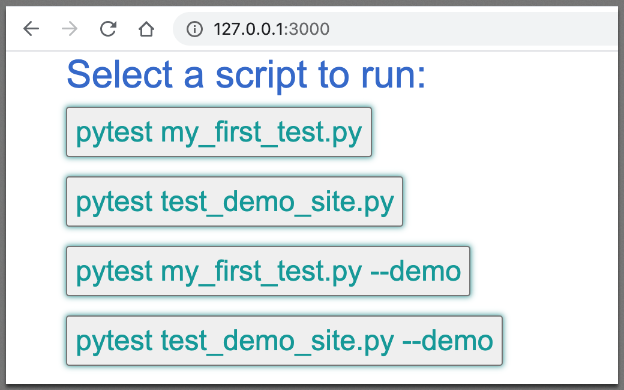 #### 0. Clone SeleniumBase from GitHub
* You'll need to work with the files located in the [integrations/node_js](https://github.com/seleniumbase/SeleniumBase/tree/master/integrations/node_js) folder.
#### 1. Install NodeJS (if not installed)
* Navigate to [https://nodejs.org/en/](https://nodejs.org/en/)
* Click to download and install NodeJS
#### 2. Upgrade NodeJS (if using an older version)
```zsh
npm install -g npm@latest
```
#### 3. Install the example Test Runner for SeleniumBase from [integrations/node_js](https://github.com/seleniumbase/SeleniumBase/tree/master/integrations/node_js). (If dependencies were already installed, you can use `npm ci` for a speed improvement over `npm i` / `npm install` because `npm ci` uses `npm-shrinkwrap.json`, which is generated via ``npm shrinkwrap``.)
```zsh
npm install
```
(You should see a `node_modules` folder appear in your `node_js` folder.)
#### 4. Run the NodeJS server for your SeleniumBase Test Runner web app
```zsh
node server.js
```
(You can stop the server by using Ctrl+C)
#### 5. Open the SeleniumBase Test Runner web app
* Navigate to [http://127.0.0.1:3000/](http://127.0.0.1:3000/)
#### 6. Run an example test
Click on a button to run a SeleniumBase example test.
#### 7. Expand your web app
Now that you have a web app for running SeleniumBase tests, you can expand it to run any script that you want after pressing a button.
================================================
FILE: integrations/node_js/__init__.py
================================================
================================================
FILE: integrations/node_js/index.html
================================================
#### 0. Clone SeleniumBase from GitHub
* You'll need to work with the files located in the [integrations/node_js](https://github.com/seleniumbase/SeleniumBase/tree/master/integrations/node_js) folder.
#### 1. Install NodeJS (if not installed)
* Navigate to [https://nodejs.org/en/](https://nodejs.org/en/)
* Click to download and install NodeJS
#### 2. Upgrade NodeJS (if using an older version)
```zsh
npm install -g npm@latest
```
#### 3. Install the example Test Runner for SeleniumBase from [integrations/node_js](https://github.com/seleniumbase/SeleniumBase/tree/master/integrations/node_js). (If dependencies were already installed, you can use `npm ci` for a speed improvement over `npm i` / `npm install` because `npm ci` uses `npm-shrinkwrap.json`, which is generated via ``npm shrinkwrap``.)
```zsh
npm install
```
(You should see a `node_modules` folder appear in your `node_js` folder.)
#### 4. Run the NodeJS server for your SeleniumBase Test Runner web app
```zsh
node server.js
```
(You can stop the server by using Ctrl+C)
#### 5. Open the SeleniumBase Test Runner web app
* Navigate to [http://127.0.0.1:3000/](http://127.0.0.1:3000/)
#### 6. Run an example test
Click on a button to run a SeleniumBase example test.
#### 7. Expand your web app
Now that you have a web app for running SeleniumBase tests, you can expand it to run any script that you want after pressing a button.
================================================
FILE: integrations/node_js/__init__.py
================================================
================================================
FILE: integrations/node_js/index.html
================================================
seleniumbase convert [FILE.py] on it, here is the new result:
```python
# -*- coding: utf-8 -*-
from seleniumbase import BaseCase
class Swag(BaseCase):
def test_swag(self):
self.open('https://www.saucedemo.com/')
self.type('#user-name', 'standard_user')
self.type('#password', 'secret_sauce')
self.click('#login-button')
```
This is much cleaner than the original version.
It also uses the more reliable SeleniumBase methods.
================================================
FILE: mkdocs.yml
================================================
# Project information
site_name: SeleniumBase Docs
site_url: https://seleniumbase.io
site_author: Michael Mintz
site_description: A complete framework for end-to-end testing with Python, pytest, behave-BDD, and WebDriver.
# Repository information
repo_name: seleniumbase/SeleniumBase
repo_url: https://github.com/seleniumbase/SeleniumBase
edit_uri: ""
site_dir: "site"
docs_dir: "mkdocs_build"
# Copyright
copyright: Copyright © 2014 - 2026 Michael Mintz
# Extensions
markdown_extensions:
- admonition
- md_in_html
- tables
- toc:
permalink: true
- pymdownx.highlight:
linenums: false
- pymdownx.tabbed:
alternate_style: true
- pymdownx.highlight
- pymdownx.superfences
- pymdownx.inlinehilite
# - pymdownx.details
# - pymdownx.snippets
# Configuration
theme:
name: material
logo: img/logo3c.png
favicon: img/green_logo3.png
language: en
include_homepage_in_sidebar: true
sticky_navigation: true
collapse_navigation: true
# titles_only: false
include_search_page: false
search_index_only: true
static_templates:
- 404.html
features:
# - search.highlight
# - toc.integrate
- toc.hide
# - navigation.indexes
- toc.follow
- navigation.sections
# - navigation.expand
# - navigation.tabs
- navigation.top
- navigation.tracking
- navigation.instant
palette:
scheme: default
primary: blue
accent: green
font:
text: Roboto
code: Roboto Mono
icon:
logo: img/sb_logo_10.png
# Plugins
plugins:
- search:
separator: '[\s]+'
lang: en
- exclude-search:
exclude:
- CODE_OF_CONDUCT.md
- CONTRIBUTING.md
- SECURITY.md
- examples/case_summary.md
- examples/migration/raw_selenium/ReadMe.md
- integrations/katalon/ReadMe.md
- help_docs/ReadMe.md
- help_docs/verify_webdriver.md
- help_docs/webdriver_installation.md
- seleniumbase/masterqa/ReadMe.md
- seleniumbase/utilities/selenium_ide/ReadMe.md
- seleniumbase/examples/chart_maker/ReadMe.md
# - minify:
# minify_html: true
# minify_css: true
# minify_js: true
- mkdocs-simple-hooks:
hooks:
on_pre_build: mkdocs_build.prepare:main
# Page tree
nav:
- ✅ SeleniumBase README: README.md
- 🏰 List of Features: help_docs/features_list.md
- 📚 Running Example Tests: examples/ReadMe.md
- 🎛️ Command Line Options: help_docs/customizing_test_runs.md
- 🪄 Console Scripts: seleniumbase/console_scripts/ReadMe.md
- 📊 Dashboard / Reports: examples/example_logs/ReadMe.md
- 🔡 Syntax Formats: help_docs/syntax_formats.md
- 🎖️ GUI / Commander: help_docs/commander.md
- 🔴 Recorder Mode: help_docs/recorder_mode.md
- 📘 API Reference: help_docs/method_summary.md
- 📗 CDP Mode APIs: help_docs/cdp_mode_methods.md
- Python Setup / Install:
- 🐉 Get Python, pip, & git: help_docs/install_python_pip_git.md
- ⚙️ Virtualenv Instructions: help_docs/virtualenv_instructions.md
- 🏄 Install SeleniumBase: help_docs/install.md
- 👁️ How it Works: help_docs/how_it_works.md
- JS Manager / JS Tools:
- ❇️ JS Package Manager: help_docs/js_package_manager.md
- 🎦 Demo Mode: help_docs/demo_mode.md
- 🚎 Tour Maker: examples/tour_examples/ReadMe.md
- 🛂 Dialog Boxes: examples/dialog_boxes/ReadMe.md
- 🛂 MasterQA Mode: examples/master_qa/ReadMe.md
- 📶 Chart Maker: examples/chart_maker/ReadMe.md
- 🎞️ Presentation Maker: examples/presenter/ReadMe.md
- Integrations:
- 👤 UC Mode: help_docs/uc_mode.md
- 🐙 CDP Mode: examples/cdp_mode/ReadMe.md
- 🎭 Stealthy Playwright: examples/cdp_mode/playwright/ReadMe.md
- 🤖 GitHub CI: integrations/github/workflows/ReadMe.md
- 🛂 MasterQA: seleniumbase/masterqa/ReadMe.md
- 🗂️ Case Plans: help_docs/case_plans.md
- 📱 Mobile Mode: help_docs/mobile_testing.md
- 🌐 Selenium Grid: seleniumbase/utilities/selenium_grid/ReadMe.md
- 🖼️ Visual Testing: examples/visual_testing/ReadMe.md
- 🕵️ The HTML Inspector: help_docs/html_inspector.md
- 🤖 Azure Pipelines: integrations/azure/azure_pipelines/ReadMe.md
- 🤖 Jenkins on Azure: integrations/azure/jenkins/ReadMe.md
- 🤖 Jenkins on Google Cloud: integrations/google_cloud/ReadMe.md
- 🤖 NodeJS Test Runner: https://github.com/seleniumbase/SeleniumBase/tree/master/integrations/node_js
- Presentations:
- ✅ Core Presentation: https://seleniumbase.io/other/core_presentation.html
- 🎞️ Presenter Demo: https://seleniumbase.io/other/presenter.html
- 📊 Chart Maker Demo: https://seleniumbase.io/other/chart_presentation.html
- ⚙️ Python Virtual Envs: https://seleniumbase.io/other/py_virtual_envs.html
- 🔰 Fundamentals Demo: https://seleniumbase.io/other/fundamentals.html
- Demo Pages:
- 🍵 Coffee Cart (Test App): https://seleniumbase.io/coffee/
- 📑 Demo Page (Test Page): https://seleniumbase.io/demo_page
- 🔑 Simple App (Test Page): https://seleniumbase.io/simple/login
- 🔑 MFA Login (Test App): https://seleniumbase.io/realworld/login
- 📝 TinyMCE (Test Page): https://seleniumbase.io/tinymce/
- 🔢 Calculator (Test App): https://seleniumbase.io/apps/calculator
- 📱 Device Farm (Virtual): https://seleniumbase.io/devices/
- ⚠️ Error Page (Test Page): https://seleniumbase.io/error_page/
- ⚠️ Page with broken links: https://seleniumbase.io/other/broken_page
- ↔️ Drag & Drop (Test Page): https://seleniumbase.io/other/drag_and_drop
- 🖼️ Canvas Test Page One: https://seleniumbase.io/canvas/
- 🖼️ Canvas Test Page Two: https://seleniumbase.io/other/canvas
- 👤 Shadow DOM/Root Page: https://seleniumbase.io/other/shadow_dom
- 🖥️ SeleniumBase in iframe: https://seleniumbase.io/w3schools/sbase
- 🖥️ W3Schools Playground: https://seleniumbase.io/w3schools/
- 🖥️ W3Schools iframes: https://seleniumbase.io/w3schools/iframes
- 🗃️ W3Schools file upload: https://seleniumbase.io/w3schools/file_upload
- 🖲️ W3Schools doubleclick: https://seleniumbase.io/w3schools/double_click
- ↔️ W3Schools drag & drop: https://seleniumbase.io/w3schools/drag_drop
- ☑️ W3Schools checkboxes: https://seleniumbase.io/w3schools/checkboxes
- 🔘 W3Schools radio buttons: https://seleniumbase.io/w3schools/radio_buttons
- Pages with CAPTCHAs:
- 🔑 CF Turnstile Test: https://seleniumbase.io/apps/turnstile
- 🔑 CF Turnstile on Form: https://seleniumbase.io/apps/form_turnstile
- 🔐 reCAPTCHA v2 Test: https://seleniumbase.io/apps/recaptcha
- 🔐 reCAPTCHA v2 on Form: https://seleniumbase.io/apps/form_recaptcha
- 🔐 reCAPTCHA, invisible: https://seleniumbase.io/apps/invisible_recaptcha
- Additional Help Docs:
- 📑 Table of Contents: help_docs/ReadMe.md
- 🖼️ How to handle iframes: help_docs/handling_iframes.md
- 🔐 Decorators / Security: seleniumbase/common/ReadMe.md
- 🗂️ Case Plans (examples): examples/case_summary.md
- 🧭 Using Safari Driver: help_docs/using_safari_driver.md
- 🐳 Docker Start Guide: integrations/docker/ReadMe.md
- 👤 Shadow DOM Support: help_docs/shadow_dom.md
- 👥 macOS Hidden Files: help_docs/hidden_files_info.md
- 🗄️ MySQL Instructions: help_docs/mysql_installation.md
- 📃 Desired Capabilities: help_docs/desired_capabilities.md
- 📜 Useful grep commands: help_docs/useful_grep_commands.md
- ⚙️ Downloading drivers: help_docs/webdriver_installation.md
- ✅ Selenium Migration: examples/migration/raw_selenium/ReadMe.md
- ✔️ Verifying drivers: help_docs/verify_webdriver.md
- Behave-BDD Integration:
- 🐝 Behave-BDD ReadMe: examples/behave_bdd/ReadMe.md
- 🐝 Behave-BDD GUI App: help_docs/behave_gui.md
- Languages:
- 🌏 Translations: help_docs/translations.md
- 🗾 Locale Codes: help_docs/locale_codes.md
- Other:
- 📺 YouTube Link: https://www.youtube.com/playlist?list=PLp9uKicxkBc5UIlGi2BuE3aWC7JyXpD3m
- 📋 Case Studies: help_docs/happy_customers.md
- 🙏 Thank You: help_docs/thank_you.md
# Google Analytics
extra:
analytics:
provider: google
property: G-P5KFWRNLRN
# property: UA-167313767-1
# google_analytics: ['G-P5KFWRNLRN', 'seleniumbase.io']
================================================
FILE: mkdocs_build/ReadMe.txt
================================================
Help Docs Home Page:
https://seleniumbase.io
================================================
FILE: mkdocs_build/docs_instructions.txt
================================================
Preparing the SeleniumBase Docs website with "mkdocs"
Usage: (from the top-level SeleniumBase folder)
pip install -r mkdocs_build/requirements.txt
mkdocs build (OR "mkdocs build --strict" to fail on warnings)
================================================
FILE: mkdocs_build/index.txt
================================================
Docs Home Page: https://seleniumbase.io '
r"
'
r" '
)
back_to_gh = (
r''
r'
'
)
back_to_gh = (
r''
r' '
r""
)
if alt_link_badge in line:
line = line.replace(alt_link_badge, back_to_gh)
changed = True
if "/help_docs/uc_mode/" in line and file_.count("/") >= 2:
line = line.replace(
"/help_docs/uc_mode/", "/../help_docs/uc_mode/"
)
changed = True
if "" in line:
changed = True
continue
if "" in line and "watch?v=" in line:
start_pt = line.find("watch?v=") + len("watch?v=")
end_pt = line.find('"', start_pt + 1)
yt_code = line[start_pt:end_pt]
changed = True
line = video_embed.replace("yt_code", yt_code)
if "" in line:
changed = True
line = (
'
Framework Folders
Console Scripts 🪄
'
r""
)
if alt_link_badge in line:
line = line.replace(alt_link_badge, back_to_gh)
changed = True
if "/help_docs/uc_mode/" in line and file_.count("/") >= 2:
line = line.replace(
"/help_docs/uc_mode/", "/../help_docs/uc_mode/"
)
changed = True
if "" in line:
changed = True
continue
if "" in line and "watch?v=" in line:
start_pt = line.find("watch?v=") + len("watch?v=")
end_pt = line.find('"', start_pt + 1)
yt_code = line[start_pt:end_pt]
changed = True
line = video_embed.replace("yt_code", yt_code)
if "" in line:
changed = True
line = (
'
Framework Folders
Console Scripts 🪄get / installmethodsoptionsbehave-optionsgui / commanderbehave-guicaseplansmkdirmkfilemkrec / record / codegenrecordermkpresmkchartprinttranslateextract-objectsinject-objectsobjectifyrevert-objectsconvertencrypt / obfuscatedecrypt / unobfuscateproxydownloadgrid-hubgrid-node
================================================
FILE: seleniumbase/console_scripts/__init__.py
================================================
================================================
FILE: seleniumbase/console_scripts/logo_helper.py
================================================
""" SeleniumBase Logo Processing (for the console scripts interface)
Logo generated from:
http://www.patorjk.com/software/taag/#p=display&f=Slant&t=SeleniumBase """
import colorama
import os
from contextlib import suppress
r"""
______ __ _ ____
/ ____/__ / /__ ____ (_)_ ______ ___ / _ \____ ________
\__ \/ _ \/ / _ \/ __ \/ / / / / __ `__ \ / /_) / __ \/ ___/ _ \
___/ / __/ / __/ / / / / /_/ / / / / / // /_) / (_/ /__ / __/
/____/\___/_/\___/_/ /_/_/\__,_/_/ /_/ /_//_____/\__,_/____/\___/
"""
def get_seleniumbase_logo():
c1 = colorama.Fore.BLUE + colorama.Back.LIGHTCYAN_EX
c2 = colorama.Fore.BLUE + colorama.Back.LIGHTGREEN_EX
c3 = colorama.Back.CYAN
c4 = colorama.Back.GREEN
cr = colorama.Style.RESET_ALL
sb = " "
sb += cr
sb += "\n"
sb += c1
sb += " ______ __ _ "
sb += c2
sb += "____ "
sb += cr
sb += "\n"
sb += c1
sb += " / ____/__ / /__ ____ (_)_ ______ ___ "
sb += c2
sb += "/ _ \\____ ________ "
sb += cr
sb += "\n"
sb += c1
sb += " \\__ \\/ _ \\/ / _ \\/ __ \\/ / / / / __ `__ \\ "
sb += c2
sb += "/ /_) / __ \\/ ___/ _ \\"
sb += cr
sb += "\n"
sb += c1
sb += " ___/ / __/ / __/ / / / / /_/ / / / / / /"
sb += c2
sb += "/ /_) / (_/ /__ / __/"
sb += cr
sb += "\n"
sb += c1
sb += "/____/\\___/_/\\___/_/ /_/_/\\__,_/_/ /_/ /_/"
sb += c2
sb += "/_____/\\__,_/____/\\___/ "
sb += cr
sb += "\n"
sb += c3
sb += " "
sb += c4
sb += " "
sb += cr
sb += cr
with suppress(Exception):
terminal_width = os.get_terminal_size().columns
if isinstance(terminal_width, int) and terminal_width >= 66:
return sb
# If the logo is wider than the screen width, use a smaller one:
r"""
___ _ _ ___
/ __| ___| |___ _ _ (_)_ _ _ __ | _ ) __ _ ______
\__ \/ -_) / -_) ' \| | \| | ' \ | _ \/ _` (_-< -_)
|___/\___|_\___|_||_|_|\_,_|_|_|_\|___/\__,_/__|___|
"""
sb = " "
sb += cr
sb += "\n"
sb += c1
sb += " ___ _ _ "
sb += c2
sb += " ___ "
sb += cr
sb += "\n"
sb += c1
sb += "/ __| ___| |___ _ _ (_)_ _ _ __ "
sb += c2
sb += "| _ ) __ _ ______ "
sb += cr
sb += "\n"
sb += c1
sb += "\\__ \\/ -_) / -_) ' \\| | \\| | ' \\ "
sb += c2
sb += "| _ \\/ _` (_-< -_)"
sb += cr
sb += "\n"
sb += c1
sb += "|___/\\___|_\\___|_||_|_|\\_,_|_|_|_\\"
sb += c2
sb += "|___/\\__,_/__|___|"
sb += cr
sb += "\n"
sb += c3
sb += " "
sb += c4
sb += " "
sb += cr
sb += cr
return sb
================================================
FILE: seleniumbase/console_scripts/rich_helper.py
================================================
from rich.console import Console
from rich.markdown import Markdown
from rich.syntax import Syntax
def process_syntax(code, lang, theme, line_numbers, code_width, word_wrap):
syntax = Syntax(
code,
lang,
theme=theme,
line_numbers=line_numbers,
code_width=code_width,
word_wrap=word_wrap,
)
return syntax
def get_code_without_tag(code, tag):
# Remove TAG from Code/HTML, but keep inner text.
# Eg: Hello! becomes: "Hello!"
tag_start = "<%s " % tag
tag_solo = "<%s>" % tag
tag_end = "" % tag
while tag_start in code:
start = code.find(tag_start)
if start == -1:
break
end = code.find(">", start + 1) + 1
if end == 0:
break
code = code[:start] + code[end:]
code = code.replace(tag_solo, "")
code = code.replace(tag_end, "")
return code
def display_markdown(code):
try:
markdown = Markdown(code)
console = Console()
console.print(markdown)
return True # Success
except Exception:
return False # Failure
def display_code(code):
try:
console = Console()
console.print(code)
return True # Success
except Exception:
return False # Failure
def fix_emoji_spacing(code):
try:
# Fix the display width of certain emojis that take up two spaces
double_width_emojis = [
"👁️",
"🗺️",
"🖼️",
"🗄️",
"♻️",
"🗂️",
"🖥️",
"🕹️",
"🎞️",
"🎛️",
"🎖️",
"☀️",
"⏺️",
"▶️",
"↘️",
"⬇️",
"↙️",
"⬅️",
"↖️",
"⬆️",
"↗️",
"➡️",
]
for emoji in double_width_emojis:
if emoji in code:
code = code.replace(emoji, emoji + " ")
code = code.replace("✅<", "✅ <")
code = code.replace("❌<", "❌ <")
except Exception:
pass
return code
================================================
FILE: seleniumbase/console_scripts/run.py
================================================
"""
SeleniumBase console scripts runner
Usage:
seleniumbase [COMMAND] [PARAMETERS]
OR sbase [COMMAND] [PARAMETERS]
Examples:
sbase get chromedriver
sbase methods
sbase options
sbase commander
sbase behave-gui
sbase behave-options
sbase caseplans
sbase mkdir ui_tests
sbase mkfile new_test.py
sbase mkrec new_test.py
sbase mkrec new_test.py --url=wikipedia.org
sbase codegen new_test.py --url=wikipedia.org
sbase recorder
sbase record new_test.py
sbase record
sbase mkpres new_presentation.py
sbase mkchart new_chart.py
sbase convert webdriver_unittest_file.py
sbase print my_first_test.py -n
sbase translate my_first_test.py --zh -p
sbase extract-objects my_first_test.py
sbase inject-objects my_first_test.py
sbase objectify my_first_test.py
sbase revert-objects my_first_test.py
sbase encrypt
sbase decrypt
sbase proxy
sbase proxy --hostname=127.0.0.1 --port=8899
sbase download server
sbase grid-hub start
sbase grid-node start --hub=127.0.0.1
"""
import colorama
import sys
import time
from contextlib import suppress
from seleniumbase.config import settings
from seleniumbase.fixtures import constants
from seleniumbase.fixtures import shared_utils
def show_basic_usage():
from seleniumbase.console_scripts import logo_helper
seleniumbase_logo = logo_helper.get_seleniumbase_logo()
print(seleniumbase_logo)
time.sleep(0.035)
print("")
time.sleep(0.031)
show_package_location()
time.sleep(0.031)
show_version_info()
time.sleep(0.031)
print("")
time.sleep(0.555) # Enough time to see the logo & version
sc = ""
sc += "╭──────────────────────────────────────────────────╮\n"
sc += '│ * USAGE: "seleniumbase [COMMAND] [PARAMETERS]" │\n'
sc += '│ * OR: "sbase [COMMAND] [PARAMETERS]" │\n'
sc += "│ │\n"
sc += "│ COMMANDS: PARAMETERS / DESCRIPTIONS: │\n"
sc += "│ get / install [DRIVER_NAME] [OPTIONS] │\n"
sc += "│ methods (List common Python methods) │\n"
sc += "│ options (List common pytest options) │\n"
sc += "│ behave-options (List common behave options) │\n"
sc += "│ gui / commander [OPTIONAL PATH or TEST FILE] │\n"
sc += "│ behave-gui (SBase Commander for Behave) │\n"
sc += "│ caseplans [OPTIONAL PATH or TEST FILE] │\n"
sc += "│ mkdir [DIRECTORY] [OPTIONS] │\n"
sc += "│ mkfile [FILE.py] [OPTIONS] │\n"
sc += "│ mkrec / codegen [FILE.py] [OPTIONS] │\n"
sc += "│ recorder (Open Recorder Desktop App.) │\n"
sc += "│ record (If args: mkrec. Else: App.) │\n"
sc += "│ mkpres [FILE.py] [LANG] │\n"
sc += "│ mkchart [FILE.py] [LANG] │\n"
sc += "│ print [FILE] [OPTIONS] │\n"
sc += "│ translate [SB_FILE.py] [LANG] [ACTION] │\n"
sc += "│ convert [WEBDRIVER_UNITTEST_FILE.py] │\n"
sc += "│ extract-objects [SB_FILE.py] │\n"
sc += "│ inject-objects [SB_FILE.py] [OPTIONS] │\n"
sc += "│ objectify [SB_FILE.py] [OPTIONS] │\n"
sc += "│ revert-objects [SB_FILE.py] [OPTIONS] │\n"
sc += "│ encrypt / obfuscate │\n"
sc += "│ decrypt / unobfuscate │\n"
sc += "│ proxy (Start a basic proxy server) │\n"
sc += "│ download server (Get Selenium Grid JAR file) │\n"
sc += "│ grid-hub [start|stop] [OPTIONS] │\n"
sc += "│ grid-node [start|stop] --hub=[HOST/IP] │\n"
sc += "│ │\n"
sc += '│ * EXAMPLE => "sbase get chromedriver stable" │\n'
sc += '│ * For command info => "sbase help [COMMAND]" │\n'
sc += '│ * For info on all commands => "sbase --help" │\n'
sc += "╰──────────────────────────────────────────────────╯"
sc += ""
bordered_sc = sc
if "linux" not in sys.platform:
c1 = colorama.Fore.BLUE + colorama.Back.LIGHTCYAN_EX
c2 = colorama.Fore.BLUE + colorama.Back.LIGHTGREEN_EX
c3 = colorama.Fore.BLUE + colorama.Back.LIGHTYELLOW_EX
c4 = colorama.Fore.MAGENTA + colorama.Back.LIGHTYELLOW_EX
cr = colorama.Style.RESET_ALL
sc = sc.replace("seleniumbase", c1 + "selenium" + c2 + "base" + cr)
sc = sc.replace("sbase", c1 + "s" + c2 + "base" + cr)
sc = sc.replace("[COMMAND]", c3 + "[COMMAND]" + cr)
sc = sc.replace("--help", c4 + "--help" + cr)
sc = sc.replace("help", c4 + "help" + cr)
with suppress(Exception):
print(sc)
return
sc = bordered_sc.replace("╮\n", "")
sc = sc.replace("╭", "").replace("╮", "").replace("│", "")
sc = sc.replace("╰", "").replace("╯", "").replace("─", "")
if "linux" not in sys.platform:
sc = sc.replace("seleniumbase", c1 + "selenium" + c2 + "base" + cr)
sc = sc.replace("sbase", c1 + "s" + c2 + "base" + cr)
sc = sc.replace("[COMMAND]", c3 + "[COMMAND]" + cr)
sc = sc.replace("--help", c4 + "--help" + cr)
sc = sc.replace("help", c4 + "help" + cr)
print(sc)
def show_install_usage():
c2 = colorama.Fore.BLUE + colorama.Back.LIGHTGREEN_EX
c3 = colorama.Fore.BLUE + colorama.Back.LIGHTYELLOW_EX
cr = colorama.Style.RESET_ALL
sc = " " + c2 + "** " + c3 + "get / install" + c2 + " **" + cr
print(sc)
print("")
print(" Usage:")
print(" seleniumbase install [DRIVER_NAME] [OPTIONS]")
print(" OR: seleniumbase get [DRIVER_NAME] [OPTIONS]")
print(" OR: sbase install [DRIVER_NAME] [OPTIONS]")
print(" OR: sbase get [DRIVER_NAME] [OPTIONS]")
print(" (Drivers: chromedriver, cft, uc_driver,")
print(" edgedriver, chs, geckodriver)")
print(" Options:")
print(" VERSION Specify the version to download.")
print(" Tries to detect the needed version.")
print(" If using chromedriver or edgedriver,")
print(" you can use the major version integer.")
print()
print(" -p / --path Also copy driver to /usr/local/bin")
print(" Examples:")
print(" sbase get chromedriver")
print(" sbase get geckodriver")
print(" sbase get edgedriver")
print(" sbase get chromedriver 114")
print(" sbase get chromedriver 114.0.5735.90")
print(" sbase get chromedriver stable")
print(" sbase get chromedriver beta")
print(" sbase get chromedriver -p")
print(" sbase get cft 131")
print(" sbase get chs")
print(" Output:")
print(" Downloads the webdriver to seleniumbase/drivers/")
print(" (chromedriver is required for Chrome automation)")
print(" (geckodriver is required for Firefox automation)")
print(" (edgedriver is required for MS__Edge automation)")
print(" (cft is for the `Chrome for Testing` binary exe)")
print(" (chs is for the `Chrome-Headless-Shell` binary.)")
print("")
def show_commander_usage():
c2 = colorama.Fore.BLUE + colorama.Back.LIGHTGREEN_EX
c3 = colorama.Fore.BLUE + colorama.Back.LIGHTYELLOW_EX
cr = colorama.Style.RESET_ALL
sc = " " + c2 + "** " + c3 + "commander" + c2 + " **" + cr
print(sc)
print("")
print(" Usage:")
print(" seleniumbase commander [OPTIONAL PATH or TEST FILE]")
print(" OR: sbase commander [OPTIONAL PATH or TEST FILE]")
print(" OR: seleniumbase gui [OPTIONAL PATH or TEST FILE]")
print(" OR: sbase gui [OPTIONAL PATH or TEST FILE]")
print(" Examples:")
print(" sbase gui")
print(" sbase gui -k agent")
print(" sbase gui -m marker2")
print(" sbase gui test_suite.py")
print(" sbase gui offline_examples/")
print(" Output:")
print(" Launches SeleniumBase Commander | GUI for pytest.")
print("")
def show_behave_gui_usage():
c2 = colorama.Fore.BLUE + colorama.Back.LIGHTGREEN_EX
c3 = colorama.Fore.BLUE + colorama.Back.LIGHTYELLOW_EX
cr = colorama.Style.RESET_ALL
sc = " " + c2 + "** " + c3 + "behave-gui" + c2 + " **" + cr
print(sc)
print("")
print(" Usage:")
print(" seleniumbase behave-gui [OPTIONAL PATH or TEST FILE]")
print(" seleniumbase gui-behave [OPTIONAL PATH or TEST FILE]")
print(" OR: sbase behave-gui [OPTIONAL PATH or TEST FILE]")
print(" OR: sbase gui-behave [OPTIONAL PATH or TEST FILE]")
print(" Examples:")
print(" sbase behave-gui")
print(" sbase behave-gui features/")
print(" sbase behave-gui features/calculator.feature")
print(" Output:")
print(" Launches SeleniumBase Commander | GUI for Behave.")
print("")
def show_caseplans_usage():
c2 = colorama.Fore.BLUE + colorama.Back.LIGHTGREEN_EX
c3 = colorama.Fore.BLUE + colorama.Back.LIGHTYELLOW_EX
cr = colorama.Style.RESET_ALL
sc = " " + c2 + "** " + c3 + "caseplans" + c2 + " **" + cr
print(sc)
print("")
print(" Usage:")
print(" seleniumbase caseplans [OPTIONAL PATH or TEST FILE]")
print(" OR: sbase caseplans [OPTIONAL PATH or TEST FILE]")
print(" Examples:")
print(" sbase caseplans")
print(" sbase caseplans -k agent")
print(" sbase caseplans -m marker2")
print(" sbase caseplans test_suite.py")
print(" sbase caseplans offline_examples/")
print(" Output:")
print(" Launches the SeleniumBase Case Plans Generator.")
print("")
def show_mkdir_usage():
c2 = colorama.Fore.BLUE + colorama.Back.LIGHTGREEN_EX
c3 = colorama.Fore.BLUE + colorama.Back.LIGHTYELLOW_EX
cr = colorama.Style.RESET_ALL
sc = " " + c2 + "** " + c3 + "mkdir" + c2 + " **" + cr
print(sc)
print("")
print(" Usage:")
print(" seleniumbase mkdir [DIRECTORY] [OPTIONS]")
print(" OR: sbase mkdir [DIRECTORY] [OPTIONS]")
print(" Example:")
print(" sbase mkdir ui_tests")
print(" Options:")
print(" -b / --basic (Only config files. No tests added.)")
print(" --gha (Include GitHub Actions YML with defaults.)")
print(" Output:")
print(" Creates a new folder for running SBase scripts.")
print(" The new folder contains default config files,")
print(" sample tests for helping new users get started,")
print(" and Python boilerplates for setting up customized")
print(" test frameworks.")
print("")
def show_mkfile_usage():
c2 = colorama.Fore.BLUE + colorama.Back.LIGHTGREEN_EX
c3 = colorama.Fore.BLUE + colorama.Back.LIGHTYELLOW_EX
cr = colorama.Style.RESET_ALL
sc = " " + c2 + "** " + c3 + "mkfile" + c2 + " **" + cr
print(sc)
print("")
print(" Usage:")
print(" seleniumbase mkfile [FILE.py] [OPTIONS]")
print(" OR: sbase mkfile [FILE.py] [OPTIONS]")
print(" Example:")
print(" sbase mkfile new_test.py")
print(" Options:")
print(" --uc (UC Mode boilerplate using SB context manager)")
print(" -b / --basic (Basic boilerplate / single-line test)")
print(" -r / --rec (Adds Pdb+ breakpoint for Recorder Mode)")
print(" --url=URL (Makes the test start on a specific page)")
print(" Language Options:")
print(" --en / --English | --zh / --Chinese")
print(" --nl / --Dutch | --fr / --French")
print(" --it / --Italian | --ja / --Japanese")
print(" --ko / --Korean | --pt / --Portuguese")
print(" --ru / --Russian | --es / --Spanish")
print(" Syntax Formats:")
print(" --bc / --basecase (BaseCase class inheritance)")
print(" --pf / --pytest-fixture (sb pytest fixture)")
print(" --cf / --class-fixture (class + sb pytest fixture)")
print(" --cm / --context-manager (SB context manager)")
print(" --dc / --driver-context (DriverContext manager)")
print(" --dm / --driver-manager (Driver manager)")
print(" Output:")
print(" Creates a new SBase test file with boilerplate code.")
print(" If the file already exists, an error is raised.")
print(" By default, uses English with BaseCase inheritance,")
print(" and creates a boilerplate with common SeleniumBase")
print(' methods: "open", "type", "click", "assert_element",')
print(' and "assert_text". If using the basic boilerplate')
print(' option, only the "open" method is included. Only the')
print(" BaseCase format supports Languages or Recorder Mode.")
print(" UC Mode automatically uses English with SB() format.")
print("")
def show_mkrec_usage():
c2 = colorama.Fore.BLUE + colorama.Back.LIGHTGREEN_EX
c3 = colorama.Fore.BLUE + colorama.Back.LIGHTYELLOW_EX
cr = colorama.Style.RESET_ALL
sc = " " + c2 + "** " + c3 + "mkrec" + c2 + " **" + cr
print(sc)
print("")
print(" Usage:")
print(" seleniumbase mkrec [FILE.py] [OPTIONS]")
print(" OR: sbase mkrec [FILE.py] [OPTIONS]")
print(" Examples:")
print(" sbase mkrec new_test.py")
print(" sbase mkrec new_test.py --url=wikipedia.org")
print(" Options:")
print(" --url=URL (Sets the initial start page URL.)")
print(" --edge (Use Edge browser instead of Chrome.)")
print(" --gui / --headed (Use headed mode on Linux.)")
print(" --uc / --undetected (Use undetectable mode.)")
print(" --ee (Use SHIFT + ESC to end the recording.)")
print(" --overwrite (Overwrite file when it exists.)")
print(" --behave (Also output Behave/Gherkin files.)")
print(" Output:")
print(" Creates a new SeleniumBase test using the Recorder.")
print(" If the filename already exists, an error is raised.")
print("")
def show_codegen_usage():
c2 = colorama.Fore.BLUE + colorama.Back.LIGHTGREEN_EX
c3 = colorama.Fore.BLUE + colorama.Back.LIGHTYELLOW_EX
cr = colorama.Style.RESET_ALL
sc = " " + c2 + "** " + c3 + "codegen" + c2 + " **" + cr
print(sc)
print("")
print(" Usage:")
print(" seleniumbase codegen [FILE.py] [OPTIONS]")
print(" OR: sbase codegen [FILE.py] [OPTIONS]")
print(" Examples:")
print(" sbase codegen new_test.py")
print(" sbase codegen new_test.py --url=wikipedia.org")
print(" Options:")
print(" --url=URL (Sets the initial start page URL.)")
print(" --edge (Use Edge browser instead of Chrome.)")
print(" --gui / --headed (Use headed mode on Linux.)")
print(" --uc / --undetected (Use undetectable mode.)")
print(" --ee (Use SHIFT + ESC to end the recording.)")
print(" --overwrite (Overwrite file when it exists.)")
print(" --behave (Also output Behave/Gherkin files.)")
print(" Output:")
print(" Creates a new SeleniumBase test using the Recorder.")
print(" If the filename already exists, an error is raised.")
print("")
def show_recorder_usage():
c2 = colorama.Fore.BLUE + colorama.Back.LIGHTGREEN_EX
c3 = colorama.Fore.BLUE + colorama.Back.LIGHTYELLOW_EX
cr = colorama.Style.RESET_ALL
sc = " " + c2 + "** " + c3 + "recorder" + c2 + " **" + cr
print(sc)
print("")
print(" Usage:")
print(" seleniumbase recorder [OPTIONS]")
print(" OR: sbase recorder [OPTIONS]")
print(" Options:")
print(" --uc / --undetected (Use undetectable mode.)")
print(" --behave (Also output Behave/Gherkin files.)")
print(" Output:")
print(" Launches the SeleniumBase Recorder Desktop App.")
print("")
def show_mkpres_usage():
c2 = colorama.Fore.BLUE + colorama.Back.LIGHTGREEN_EX
c3 = colorama.Fore.BLUE + colorama.Back.LIGHTYELLOW_EX
cr = colorama.Style.RESET_ALL
sc = " " + c2 + "** " + c3 + "mkpres" + c2 + " **" + cr
print(sc)
print("")
print(" Usage:")
print(" seleniumbase mkpres [FILE.py] [LANG]")
print(" OR: sbase mkpres [FILE.py] [LANG]")
print(" Example:")
print(" sbase mkpres new_presentation.py --en")
print(" Language Options:")
print(" --en / --English | --zh / --Chinese")
print(" --nl / --Dutch | --fr / --French")
print(" --it / --Italian | --ja / --Japanese")
print(" --ko / --Korean | --pt / --Portuguese")
print(" --ru / --Russian | --es / --Spanish")
print(" Output:")
print(" Creates a new presentation with 3 example slides.")
print(" If the file already exists, an error is raised.")
print(" By default, the slides are written in English,")
print(' and use "serif" theme with "slide" transition.')
print(" The slides can be used as a basic boilerplate.")
print("")
def show_mkchart_usage():
c2 = colorama.Fore.BLUE + colorama.Back.LIGHTGREEN_EX
c3 = colorama.Fore.BLUE + colorama.Back.LIGHTYELLOW_EX
cr = colorama.Style.RESET_ALL
sc = " " + c2 + "** " + c3 + "mkchart" + c2 + " **" + cr
print(sc)
print("")
print(" Usage:")
print(" seleniumbase mkchart [FILE.py] [LANG]")
print(" OR: sbase mkchart [FILE.py] [LANG]")
print(" Example:")
print(" sbase mkchart new_chart.py --en")
print(" Language Options:")
print(" --en / --English | --zh / --Chinese")
print(" --nl / --Dutch | --fr / --French")
print(" --it / --Italian | --ja / --Japanese")
print(" --ko / --Korean | --pt / --Portuguese")
print(" --ru / --Russian | --es / --Spanish")
print(" Output:")
print(" Creates a new SeleniumBase chart presentation.")
print(" If the file already exists, an error is raised.")
print(" By default, the slides are written in English,")
print(' and use a "sky" theme with "slide" transition.')
print(" The chart can be used as a basic boilerplate.")
print("")
def show_convert_usage():
c2 = colorama.Fore.BLUE + colorama.Back.LIGHTGREEN_EX
c3 = colorama.Fore.BLUE + colorama.Back.LIGHTYELLOW_EX
cr = colorama.Style.RESET_ALL
sc = " " + c2 + "** " + c3 + "convert" + c2 + " **" + cr
print(sc)
print("")
print(" Usage:")
print(" seleniumbase convert [WEBDRIVER_UNITTEST_FILE.py]")
print(" OR: sbase convert [WEBDRIVER_UNITTEST_FILE.py]")
print(" Output:")
print(" Converts a Selenium IDE exported WebDriver unittest")
print(" file into a SeleniumBase file. Adds _SB to the new")
print(" file name while keeping the original file intact.")
print(" (Works with Katalon Recorder Selenium scripts.)")
print("")
def show_print_usage():
c2 = colorama.Fore.BLUE + colorama.Back.LIGHTGREEN_EX
c3 = colorama.Fore.BLUE + colorama.Back.LIGHTYELLOW_EX
cr = colorama.Style.RESET_ALL
sc = " " + c2 + "** " + c3 + "print" + c2 + " **" + cr
print(sc)
print("")
print(" Usage:")
print(" seleniumbase print [FILE] [OPTIONS]")
print(" OR: sbase print [FILE] [OPTIONS]")
print(" Options:")
print(" -n (Add line Numbers to the rows)")
print(" Output:")
print(" Prints the code/text of any file")
print(" with syntax-highlighting.")
print("")
def show_translate_usage():
c2 = colorama.Fore.BLUE + colorama.Back.LIGHTGREEN_EX
c3 = colorama.Fore.BLUE + colorama.Back.LIGHTYELLOW_EX
cr = colorama.Style.RESET_ALL
sc = " " + c2 + "** " + c3 + "translate" + c2 + " **" + cr
print(sc)
print("")
print(" Usage:")
print(" seleniumbase translate [SB_FILE.py] [LANG] [ACTION]")
print(" OR: sbase translate [SB_FILE.py] [LANG] [ACTION]")
print(" Languages:")
print(" --en / --English | --zh / --Chinese")
print(" --nl / --Dutch | --fr / --French")
print(" --it / --Italian | --ja / --Japanese")
print(" --ko / --Korean | --pt / --Portuguese")
print(" --ru / --Russian | --es / --Spanish")
print(" Actions:")
print(" -p / --print (Print translation output to the screen)")
print(" -o / --overwrite (Overwrite the file being translated)")
print(" -c / --copy (Copy the translation to a new .py file)")
print(" Options:")
print(" -n (include line Numbers when using the Print action)")
print(" Output:")
print(" Translates a SeleniumBase Python file into the language")
print(' specified. Method calls and "import" lines get swapped.')
print(" Both a language and an action must be specified.")
print(' The "-p" action can be paired with one other action.')
print(' When running with "-c" (or "--copy"), the new file name')
print(" will be the original name appended with an underscore")
print(" plus the 2-letter language code of the new language.")
print(' (Example: Translating "test_1.py" into Japanese with')
print(' "-c" will create a new file called "test_1_ja.py".)')
print("")
def show_extract_objects_usage():
c2 = colorama.Fore.BLUE + colorama.Back.LIGHTGREEN_EX
c3 = colorama.Fore.BLUE + colorama.Back.LIGHTYELLOW_EX
cr = colorama.Style.RESET_ALL
sc = " " + c2 + "** " + c3 + "extract-objects" + c2 + " **" + cr
print(sc)
print("")
print(" Usage:")
print(" seleniumbase extract-objects [SB_FILE.py]")
print(" OR: sbase extract-objects [SB_FILE.py]")
print(" Output:")
print(" Creates page objects based on selectors found in a")
print(" seleniumbase Python file and saves those objects to the")
print(' "page_objects.py" file in the same folder as the tests.')
print("")
def show_inject_objects_usage():
c2 = colorama.Fore.BLUE + colorama.Back.LIGHTGREEN_EX
c3 = colorama.Fore.BLUE + colorama.Back.LIGHTYELLOW_EX
cr = colorama.Style.RESET_ALL
sc = " " + c2 + "** " + c3 + "inject-objects" + c2 + " **" + cr
print(sc)
print("")
print(" Usage:")
print(" seleniumbase inject-objects [SB_FILE.py] [OPTIONS]")
print(" OR: sbase inject-objects [SB_FILE.py] [OPTIONS]")
print(" Options:")
print(" -c, --comments (Add object selectors to the comments.)")
print(" (Default: No added comments.)")
print(" Output:")
print(' Takes the page objects found in the "page_objects.py"')
print(" file and uses those to replace matching selectors in")
print(" the selected seleniumbase Python file.")
print("")
def show_objectify_usage():
c2 = colorama.Fore.BLUE + colorama.Back.LIGHTGREEN_EX
c3 = colorama.Fore.BLUE + colorama.Back.LIGHTYELLOW_EX
cr = colorama.Style.RESET_ALL
sc = " " + c2 + "** " + c3 + "objectify" + c2 + " **" + cr
print(sc)
print("")
print(" Usage:")
print(" seleniumbase objectify [SB_FILE.py] [OPTIONS]")
print(" OR: sbase objectify [SB_FILE.py] [OPTIONS]")
print(" Options:")
print(" -c, --comments (Add object selectors to the comments.)")
print(" (Default: No added comments.)")
print(" Output:")
print(" A modified version of the file where the selectors")
print(" have been replaced with variable names defined in")
print(' "page_objects.py", supporting the Page Object Pattern.')
print("")
print(' (seleniumbase "objectify" has the same outcome as')
print(' combining "extract-objects" with "inject-objects")')
print("")
def show_revert_objects_usage():
c2 = colorama.Fore.BLUE + colorama.Back.LIGHTGREEN_EX
c3 = colorama.Fore.BLUE + colorama.Back.LIGHTYELLOW_EX
cr = colorama.Style.RESET_ALL
sc = " " + c2 + "** " + c3 + "revert-objects" + c2 + " **" + cr
print(sc)
print("")
print(" Usage:")
print(" seleniumbase revert-objects [SB_FILE.py] [OPTIONS]")
print(" OR: sbase revert-objects [SB_FILE.py] [OPTIONS]")
print(" Options:")
print(" -c, --comments (Keep existing comments for the lines.)")
print(" (Default: No comments are kept.)")
print(" Output:")
print(' Reverts the changes made by "seleniumbase objectify" or')
print(' "seleniumbase inject-objects" when run against a')
print(" seleniumbase Python file. Objects will get replaced by")
print(' selectors stored in the "page_objects.py" file.')
print("")
def show_encrypt_usage():
c2 = colorama.Fore.BLUE + colorama.Back.LIGHTGREEN_EX
c3 = colorama.Fore.BLUE + colorama.Back.LIGHTYELLOW_EX
cr = colorama.Style.RESET_ALL
sc = " " + c2 + "** " + c3 + "encrypt OR obfuscate" + c2 + " **" + cr
print(sc)
print("")
print(" Usage:")
print(" seleniumbase encrypt || seleniumbase obfuscate")
print(" --OR--")
print(" sbase encrypt || sbase obfuscate")
print(" Output:")
print(" Runs the password encryption/obfuscation tool.")
print(" (Where you can enter a password to encrypt/obfuscate.)")
print("")
def show_decrypt_usage():
c2 = colorama.Fore.BLUE + colorama.Back.LIGHTGREEN_EX
c3 = colorama.Fore.BLUE + colorama.Back.LIGHTYELLOW_EX
cr = colorama.Style.RESET_ALL
sc = " " + c2 + "** " + c3 + "decrypt OR unobfuscate" + c2 + " **" + cr
print(sc)
print("")
print(" Usage:")
print(" seleniumbase decrypt || seleniumbase unobfuscate")
print(" --OR--")
print(" sbase decrypt || sbase unobfuscate")
print(" Output:")
print(" Runs the password decryption/unobfuscation tool.")
print(" (Where you can enter an encrypted password to decrypt.)")
print("")
def show_download_usage():
c2 = colorama.Fore.BLUE + colorama.Back.LIGHTGREEN_EX
c3 = colorama.Fore.BLUE + colorama.Back.LIGHTYELLOW_EX
cr = colorama.Style.RESET_ALL
sc = " " + c2 + "** " + c3 + "download" + c2 + " **" + cr
print(sc)
print("")
print(" Usage:")
print(" seleniumbase download server")
print(" OR: sbase download server")
print(" Output:")
print(" Downloads the Selenium Standalone Server.")
print(" (Server is required for using your own Selenium Grid.)")
print("")
def show_grid_hub_usage():
c2 = colorama.Fore.BLUE + colorama.Back.LIGHTGREEN_EX
c3 = colorama.Fore.BLUE + colorama.Back.LIGHTYELLOW_EX
cr = colorama.Style.RESET_ALL
sc = " " + c2 + "** " + c3 + "grid-hub" + c2 + " **" + cr
print(sc)
print("")
print(" Usage:")
print(" seleniumbase grid-hub {start|stop|restart} [OPTIONS]")
print(" OR: sbase grid-hub {start|stop|restart} [OPTIONS]")
print(" Options:")
print(" -v, --verbose (Increase verbosity of logging output.)")
print(" (Default: Quiet logging / not verbose.)")
print(" --timeout=TIMEOUT (Close idle browser after TIMEOUT.)")
print(" (The default TIMEOUT: 230 seconds.)")
print(" (Use --timeout=0 to skip timeouts.)")
print(" Example:")
print(" seleniumbase grid-hub start")
print(" Output:")
print(" Controls the Selenium Grid Hub Server, which allows")
print(" for running tests on multiple machines in parallel")
print(" to speed up test runs and reduce the total time")
print(" of test suite execution.")
print(' You can "start" or "stop" the Grid Hub server.')
print("")
def show_grid_node_usage():
c2 = colorama.Fore.BLUE + colorama.Back.LIGHTGREEN_EX
c3 = colorama.Fore.BLUE + colorama.Back.LIGHTYELLOW_EX
cr = colorama.Style.RESET_ALL
sc = " " + c2 + "** " + c3 + "grid-node" + c2 + " **" + cr
print(sc)
print("")
print(" Usage:")
print(" seleniumbase grid-node {start|stop|restart} [OPTIONS]")
print(" OR: sbase grid-node {start|stop|restart} [OPTIONS]")
print(" Options:")
print(" --hub=[HOST/IP] (The Grid Hub Hostname / IP Address.)")
print(" (Default: 127.0.0.1 if not set.)")
print(" -v, --verbose (Increase verbosity of logging output.)")
print(" (Default: Quiet logging / Not verbose.)")
print(" Example:")
print(" seleniumbase grid-node start --hub=127.0.0.1")
print(" Output:")
print(" Controls the Selenium Grid node, which serves as a")
print(" worker machine for your Selenium Grid Hub server.")
print(' You can "start" or "stop" the Grid node.')
print("")
def get_version_info():
# from pkg_resources import get_distribution
# version = get_distribution("seleniumbase").version
from seleniumbase import __version__
version_info = None
c1 = colorama.Fore.BLUE + colorama.Back.LIGHTCYAN_EX
c2 = colorama.Fore.BLUE + colorama.Back.LIGHTGREEN_EX
c3 = colorama.Fore.BLUE + colorama.Back.LIGHTYELLOW_EX
cr = colorama.Style.RESET_ALL
sb_text = c1 + "selenium" + c2 + "base" + cr
version_info = "%s %s%s%s" % (sb_text, c3, __version__, cr)
return version_info
def show_version_info():
version_info = get_version_info()
print("%s" % version_info)
def get_package_location():
# from pkg_resources import get_distribution
# location = get_distribution("seleniumbase").location
import os
import seleniumbase
location = os.path.dirname(os.path.realpath(seleniumbase.__file__))
if location.endswith("seleniumbase"):
location = location[0 : -len("seleniumbase")] # noqa: E203
return location
def show_package_location():
location = get_package_location()
print("%s" % location)
def show_methods():
c1 = colorama.Fore.BLUE + colorama.Back.LIGHTCYAN_EX
c2 = colorama.Fore.BLUE + colorama.Back.LIGHTGREEN_EX
c3 = colorama.Fore.BLUE + colorama.Back.LIGHTYELLOW_EX
c4 = colorama.Fore.MAGENTA + colorama.Back.LIGHTYELLOW_EX
c5 = colorama.Fore.LIGHTRED_EX + colorama.Back.LIGHTGREEN_EX
cr = colorama.Style.RESET_ALL
sc = (
"\n " + c2 + " ** " + c3 + " SeleniumBase Python Methods "
"" + c2 + " ** " + cr
)
print(sc)
print("")
line = "Here are some common methods that come with SeleniumBase:"
line = c1 + line + cr
print(line)
line = "(Some optional args are not shown here)"
print(line)
print("")
sbm = ""
sbm += "*.open(url) => Navigate the browser window to the URL.\n"
sbm += "*.type(selector, text) => Update the field with the text.\n"
sbm += "*.click(selector) => Click the element with the selector.\n"
sbm += "*.click_link(link_text) => Click the link containing text.\n"
sbm += "*.check_if_unchecked(selector) => Check checkbox if unchecked.\n"
sbm += "*.uncheck_if_checked(selector) => Uncheck checkbox if checked.\n"
sbm += "*.select_option_by_text(dropdown_selector, option)\n"
sbm += "*.hover_and_click(hover_selector, click_selector)\n"
sbm += "*.drag_and_drop(drag_selector, drop_selector)\n"
sbm += "*.choose_file(selector, file_path) => Choose a file to upload.\n"
sbm += "*.get_text(selector) => Get the text from the element.\n"
sbm += "*.get_current_url() => Get the URL of the current page.\n"
sbm += "*.get_page_source() => Get the HTML of the current page.\n"
sbm += "*.get_attribute(selector, attribute) => Get element attribute.\n"
sbm += "*.get_title() => Get the title of the current page.\n"
sbm += "*.go_back() => Navigate to the previous page in history.\n"
sbm += "*.switch_to_frame(frame) => Switch into the iframe container.\n"
sbm += "*.switch_to_default_content() => Exit all iframe containers.\n"
sbm += "*.switch_to_parent_frame() => Exit from the current iframe.\n"
sbm += "*.open_new_window() => Open a new window in the same browser.\n"
sbm += "*.switch_to_window(window) => Switch to the browser window.\n"
sbm += "*.switch_to_default_window() => Switch to the original window.\n"
sbm += "*.get_new_driver(OPTIONS) => Open a new driver with OPTIONS.\n"
sbm += "*.switch_to_driver(driver) => Switch to the browser driver.\n"
sbm += "*.switch_to_default_driver() => Switch to the original driver.\n"
sbm += "*.wait_for_element(selector) => Wait until element is visible.\n"
sbm += "*.wait_for_element_present(selector) => Until element in HTML.\n"
sbm += "*.is_element_visible(selector) => Return element visibility.\n"
sbm += "*.is_element_present(selector) => Return element is in HTML.\n"
sbm += "*.is_text_visible(text, selector) => Return text visibility.\n"
sbm += "*.is_checked(selector) => Return whether the box is checked.\n"
sbm += "*.sleep(seconds) => Do nothing for the given amount of time.\n"
sbm += "*.save_screenshot(name) => Save a screenshot in .png format.\n"
sbm += "*.assert_element(selector) => Verify the element is visible.\n"
sbm += "*.assert_text(text, selector) => Verify text in the element.\n"
sbm += "*.assert_exact_text(text, selector) => Verify text is exact.\n"
sbm += "*.assert_url(url) => Verify that the current URL is the URL.\n"
sbm += "*.assert_url_contains(substring) => Verify substring in URL.\n"
sbm += "*.assert_title(title) => Verify the title of the web page.\n"
sbm += "*.assert_title_contains(substring) => Verify STR in title.\n"
sbm += "*.assert_downloaded_file(file) => Verify file was downloaded.\n"
sbm += "*.assert_no_404_errors() => Verify there are no broken links.\n"
sbm += "*.assert_no_js_errors() => Verify there are no JS errors.\n"
sbm = sbm.replace("*.", "self." + c1).replace("(", cr + "(")
sbm = sbm.replace("self.", c2 + "self" + c5 + "." + cr)
sbm = sbm.replace("(", c3 + "(" + c4)
sbm = sbm.replace(")", c3 + ")" + cr)
print(sbm)
def show_options():
c1 = colorama.Fore.BLUE + colorama.Back.LIGHTCYAN_EX
c2 = colorama.Fore.BLUE + colorama.Back.LIGHTGREEN_EX
c3 = colorama.Fore.BLUE + colorama.Back.LIGHTYELLOW_EX
c4 = colorama.Fore.MAGENTA + colorama.Back.LIGHTYELLOW_EX
c5 = colorama.Fore.RED + colorama.Back.LIGHTYELLOW_EX
cr = colorama.Style.RESET_ALL
sc = "\n " + c2 + " ** " + c3 + " pytest CLI Options " + c2 + " ** " + cr
print(sc)
print("")
line = "Here are some common pytest options to use with SeleniumBase:"
line = c1 + line + cr
print(line)
line = '(Some options are Chromium-specific, e.g. "--guest --mobile")'
print(line)
op = "\n"
op += '--browser=BROWSER (Choice of web browser. Default is "chrome")\n'
op += "--edge / --firefox / --safari (Shortcut for browser selection)\n"
op += "--headless (Run tests headlessly. Default setting on Linux OS)\n"
op += "--demo (Slow down and visually see test actions as they occur)\n"
op += "--slow (Slow down the automation. Faster than using Demo Mode)\n"
op += "--rs / --reuse-session (Reuse browser session between tests.)\n"
op += "--reuse-class-session / --rcs (RS, but for class tests only.)\n"
op += "--crumbs (Clear all cookies between tests reusing a session.)\n"
op += "--maximize (Start tests with the browser window maximized)\n"
op += "--dashboard (Enable SeleniumBase Dashboard at dashboard.html)\n"
op += "--incognito (Enable Chromium's Incognito Mode.)\n"
op += "--guest (Enable Chromium's Guest Mode.)\n"
op += "--dark (Enable Chromium's Dark Mode.)\n"
op += "--uc (Use undetected-chromedriver to evade detection.)\n"
op += "-m=MARKER (Run tests with the specified pytest marker.)\n"
op += "-n=NUM (Multithread the tests using that many threads.)\n"
op += "-v (Verbose mode. Print the full names of each test run.)\n"
op += "--html=report.html (Create a detailed pytest-html report.)\n"
op += "--collect-only / --co (Only show discovered tests. No run.)\n"
op += "--co -q (Only show full names of discovered tests. No run.)\n"
op += "-x (Stop running tests after the first failure is reached.)\n"
op += "--pdb (Enter Post Mortem Debug Mode after any test fails.)\n"
op += "--trace (Enter Debug Mode immediately after starting tests.)\n"
op += " | Debug Mode Commands >>> help / h: List all commands. |\n"
op += " | n: Next line of method. s: Step into. c: Continue. |\n"
op += " | where / w: Show stack spot. u: Up stack. d: Down stack. |\n"
op += " | return / r: Run until method returns. j: Jump to line. |\n"
op += " | longlist / ll: See code. dir(): List namespace objects. |\n"
op += "--help / -h (Display list of all available pytest options.)\n"
op += "--ftrace / --final-trace (Enter Debug Mode after tests end.)\n"
op += "--recorder / --rec (Save browser actions as Python scripts.)\n"
op += "--rec-behave / --rec-gherkin (Save actions as Gherkin code.)\n"
op += "--rec-print (Display recorded scripts when they are created.)\n"
op += "--save-screenshot (Save a screenshot at the end of each test.)\n"
op += "--archive-logs (Archive logs after tests to prevent deletion.)\n"
op += "--check-js (Check for JavaScript errors after page loads.)\n"
op += "--start-page=URL (The browser start page when tests begin.)\n"
op += "--agent=STRING (Modify the web browser's User-Agent string.)\n"
op += "--mobile (Use Chromium's mobile device emulator during tests.)\n"
op += '--metrics=STRING (Set mobile "CSSWidth,CSSHeight,PixelRatio".)\n'
op += "--ad-block (Block certain types of iframe ads from appearing.)\n"
op += "--settings-file=FILE (Override default SeleniumBase settings.)\n"
op += '--env=ENV (Set the test env. Use "self.env" to access.)\n'
op += '--data=DATA (Extra test data. Use "self.data" to access.)\n'
op += "--disable-csp (Disable the Content Security Policy of sites.)\n"
op += "--remote-debug (Sync to Ch_Debugger chrome://inspect/#devices)\n"
op += "--server=SERVER (The Selenium Grid server/IP used for tests.)\n"
op += "--port=PORT (The Selenium Grid port used by the test server.)\n"
op += "--proxy=SERVER:PORT (Connect to a proxy server:port for tests)\n"
op += "--proxy=USER:PASS@SERVER:PORT (Use authenticated proxy server)\n"
op += cr
op = op.replace("\n-", "\n" + c1 + "-").replace(" (", cr + " (")
op = op.replace(" / -", cr + " / " + c1 + "-")
op = op.replace("=", c2 + "=" + c3)
op = op.replace(" | ", " |" + c3 + " ").replace("|\n", cr + "|\n")
op = op.replace(": ", c5 + ":" + c3 + " ")
op = op.replace("Debug Mode Commands", c5 + "Debug Mode Commands" + c3)
op = op.replace(">>>", c4 + ">>>" + c3)
print(op)
line = "To view all " + c3 + "pytest" + cr
line += " " + c2 + "command-line options" + cr
line += ', type: "' + c3 + "pytest" + cr + " " + c1 + "--help" + cr + '".'
print(line)
print("")
def show_behave_options():
c1 = colorama.Fore.BLUE + colorama.Back.LIGHTCYAN_EX
c2 = colorama.Fore.BLUE + colorama.Back.LIGHTGREEN_EX
c3 = colorama.Fore.BLUE + colorama.Back.LIGHTYELLOW_EX
c4 = colorama.Fore.MAGENTA + colorama.Back.LIGHTYELLOW_EX
c5 = colorama.Fore.RED + colorama.Back.LIGHTYELLOW_EX
cr = colorama.Style.RESET_ALL
sc = "\n " + c2 + " ** " + c3 + " Behave CLI Options " + c2 + " ** " + cr
print(sc)
print("")
line = 'Here are some common "behave" options to use with SeleniumBase:'
line = c1 + line + cr
print(line)
line = '(Some options are Chromium-specific, e.g. "-D guest -D mobile")'
print(line)
op = "\n"
op += '-D browser=BROWSER (Choice of web browser. Default is "chrome")\n'
op += "-D headless (Run tests headlessly. Default mode on Linux OS.)\n"
op += "-D demo (Slow down and visually see test actions as they occur)\n"
op += "-D slow (Slow down the automation. Faster than using Demo Mode)\n"
op += "-D reuse-session / -D rs (Reuse browser session between tests.)\n"
op += "-D crumbs (Clear all cookies between tests reusing a session.)\n"
op += "-D maximize (Start tests with the web browser window maximized)\n"
op += "-D dashboard (Enable SeleniumBase Dashboard at dashboard.html)\n"
op += "-D incognito (Enable Chromium's Incognito Mode.)\n"
op += "-D guest (Enable Chromium's Guest Mode.)\n"
op += "-D dark (Enable Chromium's Dark Mode.)\n"
op += "-D uc (Use undetected-chromedriver to evade detection.)\n"
op += "--no-snippets / -q (Quiet mode. Don't print snippets.)\n"
op += "--dry-run / -d (Dry run. Only show discovered tests.)\n"
op += "--stop (Stop running tests after the first failure is reached.)\n"
op += "-D pdb (Enter the Post Mortem Debug Mode after any test fails.)\n"
op += " | Debug Mode Commands >>> help / h: List all commands. |\n"
op += " | n: Next line of method. s: Step through. c: Continue. |\n"
op += " | return / r: Run until method returns. j: Jump to line. |\n"
op += " | where / w: Show stack spot. u: Up stack. d: Down stack. |\n"
op += " | longlist / ll: See code. dir(): List namespace objects. |\n"
op += "-D recorder (Record browser actions to generate test scripts.)\n"
op += "-D rec-print (Display recorded scripts when they are created.)\n"
op += "-D save-screenshot (Save a screenshot at the end of each test.)\n"
op += "-D archive-logs (Archive log files instead of deleting them.)\n"
op += "-D check-js (Check for JavaScript errors after page loads.)\n"
op += "-D start-page=URL (The browser start page when tests begin.)\n"
op += "-D agent=STRING (Modify the web browser's User-Agent string.)\n"
op += "-D mobile (Use Chromium's mobile device emulator during tests.)\n"
op += '-D metrics=STRING (Set mobile "CSSWidth,CSSHeight,PixelRatio".)\n'
op += "-D ad-block (Block some types of display ads after page loads.)\n"
op += "-D settings-file=FILE (Override default SeleniumBase settings.)\n"
op += '-D env=ENV (Set the test env. Access using "self.env" in tests)\n'
op += '-D data=DATA (Extra test data. Access using "self.data".)\n'
op += "-D disable-csp (Disable the Content Security Policy of sites.)\n"
op += "-D remote-debug (Sync Ch-R-Debugger chrome://inspect/#devices)\n"
op += "-D server=SERVER (The Selenium Grid server/IP used for tests.)\n"
op += "-D port=PORT (The Selenium Grid port used by the test server.)\n"
op += "-D proxy=SERVER:PORT (Connect to a proxy server:port for tests)\n"
op += "-D proxy=USER:PASS@SERVER:PORT (Use authenticated proxy server)\n"
op += cr
op = op.replace("\n-", "\n" + c1 + "-").replace(" (", cr + " (")
op = op.replace(" / -", cr + " / " + c1 + "-")
op = op.replace("=", c2 + "=" + c3)
op = op.replace(" | ", " |" + c3 + " ").replace("|\n", cr + "|\n")
op = op.replace(": ", c5 + ":" + c3 + " ")
op = op.replace("Debug Mode Commands", c5 + "Debug Mode Commands" + c3)
op = op.replace(">>>", c4 + ">>>" + c3)
print(op)
line = "For the full list of " + c2 + "command-line options" + cr
line += ', type: "' + c3 + "behave" + cr + " " + c1 + "--help" + cr + '".'
print(line)
print("")
def show_detailed_help():
c2 = colorama.Fore.BLUE + colorama.Back.LIGHTGREEN_EX
c3 = colorama.Fore.BLUE + colorama.Back.LIGHTYELLOW_EX
c6 = colorama.Back.CYAN
cr = colorama.Style.RESET_ALL
show_basic_usage()
print(c6 + " " + c2 + " Commands: " + c6 + " ")
print(cr)
show_install_usage()
show_commander_usage()
show_behave_gui_usage()
show_caseplans_usage()
show_mkdir_usage()
show_mkfile_usage()
show_mkrec_usage()
show_codegen_usage()
show_recorder_usage()
show_mkpres_usage()
show_mkchart_usage()
show_convert_usage()
show_print_usage()
show_translate_usage()
show_extract_objects_usage()
show_inject_objects_usage()
show_objectify_usage()
show_revert_objects_usage()
show_encrypt_usage()
show_decrypt_usage()
show_download_usage()
show_grid_hub_usage()
show_grid_node_usage()
print(
'* (Use "' + c3 + "pytest" + cr + '" or "' + c3 + ''
'' + "python" + cr + '" for running tests) *\n'
)
def main():
command = None
command_args = None
num_args = len(sys.argv)
if num_args == 1:
show_basic_usage()
return
elif num_args == 2:
command = sys.argv[1]
command_args = []
elif num_args > 2:
command = sys.argv[1]
command_args = sys.argv[2:]
command = command.lower()
if command == "get" or command == "install":
if len(command_args) >= 1:
from seleniumbase.console_scripts import sb_install
need_retry = False
need_another_retry = False
retry_msg_1 = "* Unable to download driver! Retrying in 3s..."
retry_msg_2 = "** Unable to download driver! Retrying in 5s..."
if " --proxy=" in " ".join(sys.argv):
from seleniumbase.core import proxy_helper
for arg in sys.argv:
if arg.startswith("--proxy="):
proxy_string = arg.split("--proxy=")[1]
if "@" in proxy_string:
proxy_string = proxy_string.split("@")[1]
proxy_helper.validate_proxy_string(proxy_string)
break
try:
settings.HIDE_DRIVER_DOWNLOADS = False
sb_install.main()
except Exception as e:
invalid_run_cmd = constants.Warnings.INVALID_RUN_COMMAND
if invalid_run_cmd in str(e):
raise
print()
print(retry_msg_1)
time.sleep(3)
print()
need_retry = True
if need_retry:
try:
sb_install.main()
except Exception:
print(retry_msg_2)
time.sleep(5)
print()
need_another_retry = True
if need_another_retry:
sb_install.main()
else:
show_basic_usage()
show_install_usage()
elif command == "commander" or command == "gui":
from seleniumbase.console_scripts import sb_commander
sb_commander.main()
elif command == "behave-gui" or command == "gui-behave":
from seleniumbase.console_scripts import sb_behave_gui
sb_behave_gui.main()
elif (
command == "caseplans"
or command == "case-plans"
or command == "case_plans"
):
from seleniumbase.console_scripts import sb_caseplans
sb_caseplans.main()
elif (
command == "recorder"
or (command == "record" and len(command_args) == 0)
):
from seleniumbase.console_scripts import sb_recorder
sb_recorder.main()
elif (
command == "mkrec"
or command == "codegen"
or (command == "record" and len(command_args) >= 1)
):
if len(command_args) >= 1:
from seleniumbase.console_scripts import sb_mkrec
sb_mkrec.main()
else:
show_basic_usage()
if command == "codegen":
show_codegen_usage()
else:
show_mkrec_usage()
elif command == "mkdir":
if len(command_args) >= 1:
from seleniumbase.console_scripts import sb_mkdir
sb_mkdir.main()
else:
show_basic_usage()
show_mkdir_usage()
elif command == "mkfile":
if len(command_args) >= 1:
from seleniumbase.console_scripts import sb_mkfile
sb_mkfile.main()
else:
show_basic_usage()
show_mkfile_usage()
elif command == "mkpres":
if len(command_args) >= 1:
from seleniumbase.console_scripts import sb_mkpres
sb_mkpres.main()
else:
show_basic_usage()
show_mkpres_usage()
elif command == "mkchart":
if len(command_args) >= 1:
from seleniumbase.console_scripts import sb_mkchart
sb_mkchart.main()
else:
show_basic_usage()
show_mkchart_usage()
elif command == "convert":
if len(command_args) == 1:
from seleniumbase.utilities.selenium_ide import convert_ide
convert_ide.main()
else:
show_basic_usage()
show_convert_usage()
elif command == "print":
if len(command_args) >= 1:
from seleniumbase.console_scripts import sb_print
sb_print.main()
else:
show_basic_usage()
show_print_usage()
elif command == "translate":
if len(command_args) >= 1:
from seleniumbase.translate import translator
translator.main()
else:
show_basic_usage()
show_translate_usage()
elif command == "extract-objects" or command == "extract_objects":
if len(command_args) >= 1:
from seleniumbase.console_scripts import sb_objectify
sb_objectify.extract_objects()
else:
show_basic_usage()
show_extract_objects_usage()
elif command == "inject-objects" or command == "inject_objects":
if len(command_args) >= 1:
from seleniumbase.console_scripts import sb_objectify
sb_objectify.inject_objects()
else:
show_basic_usage()
show_inject_objects_usage()
elif command == "objectify":
if len(command_args) >= 1:
from seleniumbase.console_scripts import sb_objectify
sb_objectify.objectify()
else:
show_basic_usage()
show_objectify_usage()
elif command == "revert-objects" or command == "revert_objects":
if len(command_args) >= 1:
from seleniumbase.console_scripts import sb_objectify
sb_objectify.revert_objects()
else:
show_basic_usage()
show_revert_objects_usage()
elif command == "encrypt" or command == "obfuscate":
if len(command_args) >= 0:
from seleniumbase.common import obfuscate
obfuscate.main()
else:
show_basic_usage()
show_encrypt_usage()
elif command == "decrypt" or command == "unobfuscate":
if len(command_args) >= 0:
from seleniumbase.common import unobfuscate
unobfuscate.main()
else:
show_basic_usage()
show_decrypt_usage()
elif command == "download":
if len(command_args) >= 1 and command_args[0].lower() == "server":
from seleniumbase.utilities.selenium_grid import (
download_selenium_server,
)
download_selenium_server.main(force_download=True)
else:
show_basic_usage()
show_download_usage()
elif command == "grid-hub" or command == "grid_hub":
if len(command_args) >= 1:
from seleniumbase.utilities.selenium_grid import grid_hub
grid_hub.main()
else:
show_basic_usage()
show_grid_hub_usage()
elif command == "grid-node" or command == "grid_node":
if len(command_args) >= 1:
from seleniumbase.utilities.selenium_grid import grid_node
grid_node.main()
else:
show_basic_usage()
show_grid_node_usage()
elif command == "version" or command == "--version" or command == "-v":
if len(command_args) == 0:
from seleniumbase.console_scripts import logo_helper
seleniumbase_logo = logo_helper.get_seleniumbase_logo()
print(seleniumbase_logo)
print("")
show_package_location()
show_version_info()
print("")
else:
show_basic_usage()
elif command == "methods" or command == "--methods":
show_methods()
elif command == "options" or command == "--options":
show_options()
elif command == "behave-options" or command == "--behave-options":
show_behave_options()
elif command == "proxy" or command == "--proxy":
import fasteners
import os
import warnings
with warnings.catch_warnings():
warnings.simplefilter("ignore", category=UserWarning)
pip_find_lock = fasteners.InterProcessLock(
constants.PipInstall.FINDLOCK
)
with pip_find_lock:
try:
from proxy import proxy # noqa: F401
except Exception:
shared_utils.pip_install(
"proxy.py", version=constants.ProxyPy.VER
)
os.system("proxy %s" % " ".join(sys.argv[2:]))
elif command == "help" or command == "--help" or command == "-h":
if len(command_args) >= 1:
if command_args[0] == "get":
print("")
show_install_usage()
return
elif command_args[0] == "install":
print("")
show_install_usage()
return
elif command_args[0] == "commander":
print("")
show_commander_usage()
return
elif command_args[0] == "gui":
print("")
show_commander_usage()
return
elif command_args[0] == "behave-gui":
print("")
show_behave_gui_usage()
return
elif command_args[0] == "gui-behave":
print("")
show_behave_gui_usage()
return
elif command_args[0] == "caseplans":
print("")
show_caseplans_usage()
return
elif command_args[0] == "case-plans":
print("")
show_caseplans_usage()
return
elif command_args[0] == "case_plans":
print("")
show_caseplans_usage()
return
elif command_args[0] == "mkdir":
print("")
show_mkdir_usage()
return
elif command_args[0] == "mkfile":
print("")
show_mkfile_usage()
return
elif command_args[0] == "mkrec":
print("")
show_mkrec_usage()
return
elif command_args[0] == "codegen":
print("")
show_codegen_usage()
return
elif command_args[0] == "recorder":
print("")
show_recorder_usage()
return
elif command_args[0] == "mkpres":
print("")
show_mkpres_usage()
return
elif command_args[0] == "mkchart":
print("")
show_mkchart_usage()
return
elif command_args[0] == "convert":
print("")
show_convert_usage()
return
elif command_args[0] == "print":
print("")
show_print_usage()
return
elif command_args[0] == "translate":
print("")
show_translate_usage()
return
elif command_args[0] == "extract-objects":
print("")
show_extract_objects_usage()
return
elif command_args[0] == "inject-objects":
print("")
show_inject_objects_usage()
return
elif command_args[0] == "objectify":
print("")
show_objectify_usage()
return
elif command_args[0] == "revert-objects":
print("")
show_revert_objects_usage()
return
elif command_args[0] == "encrypt":
print("")
show_encrypt_usage()
return
elif command_args[0] == "obfuscate":
print("")
show_encrypt_usage()
return
elif command_args[0] == "decrypt":
print("")
show_decrypt_usage()
return
elif command_args[0] == "unobfuscate":
print("")
show_decrypt_usage()
return
elif command_args[0] == "download":
print("")
show_download_usage()
return
elif command_args[0] == "grid-hub":
print("")
show_grid_hub_usage()
return
elif command_args[0] == "grid-node":
print("")
show_grid_node_usage()
return
show_detailed_help()
else:
show_basic_usage()
c5 = colorama.Fore.RED + colorama.Back.LIGHTYELLOW_EX
c7 = colorama.Fore.BLACK + colorama.Back.MAGENTA
cr = colorama.Style.RESET_ALL
invalid_cmd = "===> INVALID COMMAND: >> %s <<\n" % command
invalid_cmd = invalid_cmd.replace(">> ", ">>" + c5 + " ")
invalid_cmd = invalid_cmd.replace(" <<", " " + cr + "<<")
invalid_cmd = invalid_cmd.replace(">>", c7 + ">>" + cr)
invalid_cmd = invalid_cmd.replace("<<", c7 + "<<" + cr)
print(invalid_cmd)
if __name__ == "__main__":
main()
================================================
FILE: seleniumbase/console_scripts/sb_behave_gui.py
================================================
"""
Launches SeleniumBase Behave Commander | GUI for Behave.
Usage:
seleniumbase behave-gui [OPTIONAL PATH or TEST FILE]
sbase behave-gui [OPTIONAL PATH or TEST FILE]
Examples:
sbase behave-gui
sbase behave-gui features/
sbase behave-gui features/calculator.feature
Output:
Launches SeleniumBase Behave Commander | GUI for Behave.
"""
import colorama
import subprocess
import sys
import tkinter as tk
from seleniumbase.fixtures import shared_utils
from tkinter.scrolledtext import ScrolledText
def set_colors(use_colors):
c0 = ""
c1 = ""
c2 = ""
c3 = ""
c4 = ""
c5 = ""
c6 = ""
cr = ""
if use_colors:
c0 = colorama.Fore.BLUE + colorama.Back.LIGHTCYAN_EX
c1 = colorama.Fore.BLUE + colorama.Back.LIGHTGREEN_EX
c2 = colorama.Fore.RED + colorama.Back.LIGHTYELLOW_EX
c3 = colorama.Fore.BLACK + colorama.Back.LIGHTGREEN_EX
c4 = colorama.Fore.BLUE + colorama.Back.LIGHTYELLOW_EX
c5 = colorama.Fore.RED + colorama.Back.LIGHTYELLOW_EX
c6 = colorama.Fore.MAGENTA + colorama.Back.LIGHTYELLOW_EX
cr = colorama.Style.RESET_ALL
return c0, c1, c2, c3, c4, c5, c6, cr
def send_window_to_front(root):
root.lift()
root.attributes("-topmost", True)
root.after_idle(root.attributes, "-topmost", False)
def do_behave_run(
root,
tests,
selected_tests,
command_string,
browser_string,
rs_string,
quiet_mode,
demo_mode,
mobile_mode,
dashboard,
headless,
save_screenshots,
additional_options,
):
total_tests = len(tests)
total_selected_tests = 0
test_to_run = None
for selected_test in selected_tests:
if selected_tests[selected_test].get():
total_selected_tests += 1
full_run_command = '"%s" -m behave' % sys.executable
if total_selected_tests == 0 or total_tests == total_selected_tests:
if command_string:
full_run_command += " "
full_run_command += command_string
else:
for test_number, test in enumerate(tests):
if selected_tests[test_number].get():
full_run_command += " "
test_to_run = test
if test.startswith("(GROUP) "):
test_to_run = test.split("(GROUP) ")[1]
full_run_command += test_to_run.split(" => ")[0]
else:
full_run_command += test.split(" => ")[0]
if "(-D edge)" in browser_string:
full_run_command += " -D edge"
elif "(-D firefox)" in browser_string:
full_run_command += " -D firefox"
elif "(-D safari)" in browser_string:
full_run_command += " -D safari"
if "(-D rs)" in rs_string:
full_run_command += " -D rs"
elif "(-D rs -D crumbs)" in rs_string:
full_run_command += " -D rs -D crumbs"
elif "(-D rcs)" in rs_string:
full_run_command += " -D rcs"
elif "(-D rcs -D crumbs)" in rs_string:
full_run_command += " -D rcs -D crumbs"
if quiet_mode:
full_run_command += " --quiet"
if demo_mode:
full_run_command += " -D demo"
if mobile_mode:
full_run_command += " -D mobile"
if dashboard:
full_run_command += " -D dashboard"
if headless:
full_run_command += " -D headless"
elif shared_utils.is_linux():
full_run_command += " -D gui"
if save_screenshots:
full_run_command += " -D screenshot"
additional_options_list = additional_options.split(" ")
dash_T_needed = False
if (
"-T" not in additional_options_list
and "--no-timings" not in additional_options_list
and "--show-timings" not in additional_options_list
):
dash_T_needed = True
dash_k_needed = False
if (
"-k" not in additional_options_list
and "--no-skipped" not in additional_options_list
and "--show-skipped" not in additional_options_list
):
dash_k_needed = True
additional_options = additional_options.strip()
if additional_options:
full_run_command += " "
full_run_command += additional_options
if dash_T_needed:
full_run_command += " -T"
if dash_k_needed:
full_run_command += " -k"
print(full_run_command)
if not additional_options or " " not in additional_options:
subprocess.Popen(full_run_command, shell=True)
else:
proc = subprocess.Popen(
full_run_command, stderr=subprocess.PIPE, shell=True
)
(output, error) = proc.communicate()
if error and proc.returncode == 2:
if str(error).startswith("b'") and str(error).endswith("\\n'"):
error = str(error)[2:-3]
elif str(error).startswith("b'") and str(error).endswith("'"):
error = str(error)[2:-1]
else:
error = str(error)
error = error.replace("\\n", "\n")
print(error)
send_window_to_front(root)
def create_tkinter_gui(tests, command_string, t_count, f_count, s_tests):
root = tk.Tk()
root.title("SeleniumBase Behave Commander | GUI for Behave")
if shared_utils.is_windows():
root.minsize(820, 640)
else:
root.minsize(820, 656)
tk.Label(root, text="").pack()
options_list = [
"Use Chrome Browser (Default)",
"Use Edge Browser (-D edge)",
"Use Firefox Browser (-D firefox)",
]
if shared_utils.is_mac():
options_list.append("Use Safari Browser (-D safari)")
brx = tk.StringVar(root)
brx.set(options_list[0])
question_menu = tk.OptionMenu(root, brx, *options_list)
question_menu.pack()
options_list = [
"New Session Per Test (Default)",
"Reuse Session for ALL the tests (-D rs)",
"Reuse Session and clear cookies (-D rs -D crumbs)",
"Reuse Session in the SAME class/feature (-D rcs)",
"Reuse Session in class and clear cookies (-D rcs -D crumbs)",
]
rsx = tk.StringVar(root)
rsx.set(options_list[0])
question_menu = tk.OptionMenu(root, rsx, *options_list)
question_menu.pack()
qmx = tk.IntVar()
chk = tk.Checkbutton(
root, text="Quiet Mode (--quiet)", variable=qmx, pady=0
)
chk.pack()
dmx = tk.IntVar()
chk = tk.Checkbutton(
root, text="Demo Mode (-D demo)", variable=dmx, pady=0
)
chk.pack()
mmx = tk.IntVar()
chk = tk.Checkbutton(
root, text="Mobile Mode (-D mobile)", variable=mmx, pady=0
)
chk.pack()
dbx = tk.IntVar()
chk = tk.Checkbutton(
root, text="Dashboard (-D dashboard)", variable=dbx, pady=0
)
chk.pack()
chk.select()
hbx = tk.IntVar()
chk = tk.Checkbutton(
root, text="Headless Browser (-D headless)", variable=hbx, pady=0
)
chk.pack()
ssx = tk.IntVar()
chk = tk.Checkbutton(
root, text="Save Screenshots (-D screenshot)", variable=ssx, pady=0
)
chk.pack()
tk.Label(root, text="").pack()
plural = "s"
if f_count == 1:
plural = ""
run_display = (
"Select from %s rows (%s feature%s with %s scenarios): "
"(All tests will run if none are selected)"
% (len(tests), f_count, plural, t_count)
)
if t_count == 1:
run_display = "Only ONE TEST was found and will be run:"
tests = s_tests
tk.Label(root, text=run_display, bg="yellow", fg="magenta").pack()
text_area = ScrolledText(
root, width=100, height=12, wrap="word", state=tk.DISABLED
)
text_area.pack(side=tk.TOP, fill=tk.BOTH, expand=True)
count = 0
ara = {}
for row in tests:
row += " " * 200
ara[count] = tk.IntVar()
cb = None
if shared_utils.is_windows():
cb = tk.Checkbutton(
text_area,
text=(row),
bg="white",
fg="black",
anchor="w",
pady=0,
borderwidth=1,
highlightthickness=1,
variable=ara[count],
)
else:
cb = tk.Checkbutton(
text_area,
text=(row),
bg="white",
fg="black",
anchor="w",
pady=0,
variable=ara[count],
)
text_area.window_create("end", window=cb)
text_area.insert("end", "\n")
count += 1
tk.Label(root, text="").pack()
additional_options = ""
aopts = tk.StringVar(value=additional_options)
tk.Label(
root,
text='Additional "behave" Options: (Eg. "-D incognito --junit")',
bg="yellow", fg="blue",
).pack()
entry = tk.Entry(root, textvariable=aopts)
entry.pack()
entry.focus()
entry.bind(
"" % icon
+ first_line[2:-2]
+ "%s" % (icon, first_line)
lines.insert(0, first_line)
full_plan.append("\r\n".join(lines))
full_plan.append("")
if icon == "🔵":
num_ready_cases += 1
elif icon == "⭕":
num_boilerplate += 1
elif icon == "🚧":
num_in_progress += 1
msg_ready_cases = "%s Case Plans with customized tables" % num_ready_cases
if num_ready_cases == 1:
msg_ready_cases = "1 Case Plan with a customized table"
msg_boilerplate = "%s Case Plans using boilerplate code" % num_boilerplate
if num_boilerplate == 1:
msg_boilerplate = "1 Case Plan using boilerplate code"
msg_in_progress = "%s Case Plans that are missing tables" % num_in_progress
if num_in_progress == 1:
msg_in_progress = "1 Case Plan that is missing a table"
msg_r = " ".join(msg_ready_cases.split(" ")[1:])
msg_b = " ".join(msg_boilerplate.split(" ")[1:])
msg_i = " ".join(msg_in_progress.split(" ")[1:])
plan_head = []
if len(case_data_storage) > 0:
plan_head.append(
"Chart Demo
" + self.extract_chart()' data = [] data.append("%s" % import_line) data.append("%s" % main_line) data.append("") data.append("") data.append("%s" % class_line) data.append(" def test_chart_presentation(self):") data.append(" self.create_presentation(%s)" % settings) data.append("") data.append(" # %s => %s" % (select_option, chart_options)) data.append(" self.create_pie_chart(%s)" % chart_settings) data.append(' self.add_data_point("%s A", 36)' % item) data.append(' self.add_data_point("%s B", 33)' % item) data.append(' self.add_data_point("%s C", 27)' % item) data.append(' self.add_data_point("%s D", 21)' % item) data.append(' self.add_data_point("%s E", 18)' % item) data.append(' self.add_data_point("%s F", 15)' % item) data.append(" self.add_slide(%s)" % add_slide) data.append("") data.append(' self.begin_presentation(filename="%s")' % html_name) data.append("") new_data = [] if language == "English": new_data = data else: from seleniumbase.translate.master_dict import MD from seleniumbase.translate.master_dict import MD_L_Codes md = MD.md lang_codes = MD_L_Codes.lang nl_code = lang_codes[language] dl_code = lang_codes["English"] for line in data: found_swap = False replace_count = line.count("self.") # Total possible replacements for key in md.keys(): original = "self." + md[key][dl_code] + "(" if original in line: replacement = "self." + md[key][nl_code] + "(" new_line = line.replace(original, replacement) found_swap = True replace_count -= 1 if replace_count == 0: break # Done making replacements else: # There might be another method to replace in the line. # Example: self.assert_true("Name" in self.get_title()) line = new_line continue if main_line in line: new_main = "%s.main(__name__, __file__)" % parent_class new_line = line.replace(main_line, new_main) found_swap = True if found_swap: if new_line.endswith(" # noqa"): # Remove flake8 skip new_line = new_line[0 : -len(" # noqa")] new_data.append(new_line) continue new_data.append(line) data = new_data file = open(file_path, mode="w+", encoding="utf-8") file.writelines("\r\n".join(data)) file.close() if " " not in file_name: os.system("sbase print %s -n" % file_name) elif '"' not in file_name: os.system('sbase print "%s" -n' % file_name) else: os.system("sbase print '%s' -n" % file_name) success = ( "\n" + c1 + '* Chart Presentation: "' + file_name + '" was created! *' "" + cr + "\n" ) print(success) if __name__ == "__main__": invalid_run_command() ================================================ FILE: seleniumbase/console_scripts/sb_mkdir.py ================================================ """ Creates a new folder for running SeleniumBase scripts. Usage: seleniumbase mkdir [DIRECTORY] [OPTIONS] OR sbase mkdir [DIRECTORY] [OPTIONS] Example: sbase mkdir ui_tests Options: -b / --basic (Only config files. No tests added.) --gha (Include GitHub Actions YML with defaults.) Output: Creates a new folder for running SBase scripts. The new folder contains default config files, sample tests for helping new users get started, and Python boilerplates for setting up customized test frameworks. """ import colorama import os import sys def invalid_run_command(msg=None): exp = " ** mkdir **\n\n" exp += " Usage:\n" exp += " seleniumbase mkdir [DIRECTORY] [OPTIONS]\n" exp += " OR sbase mkdir [DIRECTORY] [OPTIONS]\n" exp += " Example:\n" exp += " sbase mkdir ui_tests\n" exp += " Options:\n" exp += " -b / --basic (Only config files. No tests added.)\n" exp += " --gha (Include GitHub Actions YML with defaults.)\n" exp += " Output:\n" exp += " Creates a new folder for running SBase scripts.\n" exp += " The new folder contains default config files,\n" exp += " sample tests for helping new users get started,\n" exp += " and Python boilerplates for setting up customized\n" exp += " test frameworks.\n" if not msg: raise Exception("INVALID RUN COMMAND!\n\n%s" % exp) elif msg == "help": print("\n%s" % exp) sys.exit() else: raise Exception("INVALID RUN COMMAND!\n\n%s\n%s\n" % (exp, msg)) def main(): c1 = "" c5 = "" c7 = "" cr = "" if "linux" not in sys.platform: c1 = colorama.Fore.BLUE + colorama.Back.LIGHTCYAN_EX c5 = colorama.Fore.RED + colorama.Back.LIGHTYELLOW_EX c7 = colorama.Fore.BLACK + colorama.Back.MAGENTA cr = colorama.Style.RESET_ALL gha = False basic = False help_me = False error_msg = None invalid_cmd = None command_args = sys.argv[2:] dir_name = command_args[0] if dir_name == "-h" or dir_name == "--help": invalid_run_command("help") elif len(str(dir_name)) < 2: error_msg = "Directory name length must be at least 2 characters long!" elif "/" in str(dir_name) or "\\" in str(dir_name): error_msg = 'Directory name must not include slashes ("/", "\\")!' elif dir_name.startswith("-"): error_msg = 'Directory name cannot start with "-"!' elif os.path.exists(os.getcwd() + "/" + dir_name): error_msg = ( 'Directory "%s" already exists in this directory!' % dir_name ) if error_msg: error_msg = c5 + "ERROR: " + error_msg + cr invalid_run_command(error_msg) if len(command_args) >= 2: options = command_args[1:] for option in options: option = option.lower() if option == "-h" or option == "--help": help_me = True elif option == "-b" or option == "--basic": basic = True elif option == "--gha": gha = True else: invalid_cmd = "\n===> INVALID OPTION: >> %s <<\n" % option invalid_cmd = invalid_cmd.replace(">> ", ">>" + c5 + " ") invalid_cmd = invalid_cmd.replace(" <<", " " + cr + "<<") invalid_cmd = invalid_cmd.replace(">>", c7 + ">>" + cr) invalid_cmd = invalid_cmd.replace("<<", c7 + "<<" + cr) help_me = True break if help_me: invalid_run_command(invalid_cmd) os.mkdir(dir_name) data = [] seleniumbase_req = "seleniumbase" try: from seleniumbase import __version__ seleniumbase_req = "seleniumbase>=%s" % str(__version__) except Exception: pass data.append(seleniumbase_req) data.append("") file_path = "%s/%s" % (dir_name, "requirements.txt") file = open(file_path, mode="w+", encoding="utf-8") file.writelines("\r\n".join(data)) file.close() data = [] data.append("[pytest]") data.append("addopts = --capture=tee-sys -p no:cacheprovider") data.append("norecursedirs = .* build dist recordings temp assets") data.append("filterwarnings =") data.append(" ignore::pytest.PytestWarning") data.append(" ignore:.*U.*mode is deprecated:DeprecationWarning") data.append("junit_family = legacy") data.append("python_files = test_*.py *_test.py *_tests.py *_suite.py") data.append("python_classes = Test* *Test* *Test *Tests *Suite") data.append("python_functions = test_*") data.append("markers =") data.append(" marker1: custom marker") data.append(" marker2: custom marker") data.append(" marker3: custom marker") data.append(" marker_test_suite: custom marker") data.append(" expected_failure: custom marker") data.append(" local: custom marker") data.append(" remote: custom marker") data.append(" offline: custom marker") data.append(" develop: custom marker") data.append(" qa: custom marker") data.append(" ci: custom marker") data.append(" e2e: custom marker") data.append(" ready: custom marker") data.append(" smoke: custom marker") data.append(" deploy: custom marker") data.append(" active: custom marker") data.append(" master: custom marker") data.append(" release: custom marker") data.append(" staging: custom marker") data.append(" production: custom marker") data.append("") file_path = "%s/%s" % (dir_name, "pytest.ini") file = open(file_path, mode="w+", encoding="utf-8") file.writelines("\r\n".join(data)) file.close() data = [] data.append("[flake8]") data.append("exclude=recordings,temp") data.append("ignore=W503") data.append("") data.append("[nosetests]") data.append("nocapture=1") data.append("logging-level=INFO") data.append("") data.append("[behave]") data.append("show_skipped=false") data.append("show_timings=false") file_path = "%s/%s" % (dir_name, "setup.cfg") file = open(file_path, mode="w+", encoding="utf-8") file.writelines("\r\n".join(data)) file.close() data = [] data.append("") file_path = "%s/%s" % (dir_name, "__init__.py") file = open(file_path, mode="w+", encoding="utf-8") file.writelines("\r\n".join(data)) file.close() data = [] data.append("*.py[cod]") data.append("*.egg") data.append("*.egg-info") data.append("dist") data.append("build") data.append(".eggs") data.append("eggs") data.append("parts") data.append("bin") data.append("var") data.append("sdist") data.append("develop-eggs") data.append(".installed.cfg") data.append("lib") data.append("lib64") data.append("__pycache__") data.append(".env") data.append(".venv") data.append("env/") data.append("venv/") data.append("ENV/") data.append("VENV/") data.append("env.bak/") data.append("venv.bak/") data.append(".sbase") data.append(".sbase*") data.append("seleniumbase_env") data.append("seleniumbase_venv") data.append("sbase_env") data.append("sbase_venv") data.append("pyvenv.cfg") data.append(".Python") data.append("include") data.append("pip-delete-this-directory.txt") data.append("pip-selfcheck.json") data.append("ipython.1.gz") data.append("nosetests.1") data.append(".noseids") data.append("pip-log.txt") data.append(".swp") data.append(".coverage") data.append(".tox") data.append("coverage.xml") data.append("nosetests.xml") data.append(".cache/*") data.append(".pytest_cache/*") data.append(".pytest_config") data.append("junit") data.append("test-results.xml") data.append(".idea") data.append(".project") data.append(".pydevproject") data.append(".vscode") data.append("chromedriver") data.append("geckodriver") data.append("msedgedriver") data.append("operadriver") data.append("uc_driver") data.append("MicrosoftWebDriver.exe") data.append("headless_ie_selenium.exe") data.append("IEDriverServer.exe") data.append("chromedriver.exe") data.append("geckodriver.exe") data.append("msedgedriver.exe") data.append("operadriver.exe") data.append("uc_driver.exe") data.append("chrome-mac.zip") data.append("chrome-linux.zip") data.append("chrome-win.zip") data.append("chrome-mac") data.append("chrome-linux") data.append("chrome-win") data.append("chrome-mac-arm64.zip") data.append("chrome-mac-x64.zip") data.append("chrome-linux64.zip") data.append("chrome-win64.zip") data.append("chrome-win32.zip") data.append("chrome-mac-arm64") data.append("chrome-mac-x64") data.append("chrome-linux64") data.append("chrome-win64") data.append("chrome-win32") data.append("chrome-headless-shell-mac-arm64.zip") data.append("chrome-headless-shell-mac-x64.zip") data.append("chrome-headless-shell-linux64.zip") data.append("chrome-headless-shell-win64.zip") data.append("chrome-headless-shell-win32.zip") data.append("chrome-headless-shell-mac-arm64") data.append("chrome-headless-shell-mac-x64") data.append("chrome-headless-shell-linux64") data.append("chrome-headless-shell-win64") data.append("chrome-headless-shell-win32") data.append("libc++.dylib") data.append("logs") data.append("latest_logs") data.append("log_archives") data.append("archived_logs") data.append("geckodriver.log") data.append("ghostdriver.log") data.append("pytestdebug.log") data.append("reports/*.xml") data.append("latest_report") data.append("report_archives") data.append("archived_reports") data.append("html_report.html") data.append("last_report.html") data.append("report.html") data.append("report.xml") data.append("dashboard.html") data.append("dashboard.json") data.append("dash_pie.json") data.append("dashboard.lock") data.append("allure_report") data.append("allure-report") data.append("allure_results") data.append("allure-results") data.append("saved_charts") data.append("saved_presentations") data.append("tours_exported") data.append("images_exported") data.append("saved_cookies") data.append("recordings") data.append("visual_baseline") data.append(".DS_Store") data.append("selenium-server-standalone.jar") data.append("proxy.zip") data.append("proxy.lock") data.append("verbose_hub_server.dat") data.append("verbose_node_server.dat") data.append("ip_of_grid_hub.dat") data.append("downloaded_files") data.append("archived_files") data.append("assets") data.append("temp") data.append("temp_*/") data.append("node_modules") file_path = "%s/%s" % (dir_name, ".gitignore") file = open(file_path, mode="w+", encoding="utf-8") file.writelines("\r\n".join(data)) file.close() if gha: dir_name_b = dir_name + "/" + ".github" os.mkdir(dir_name_b) dir_name_c = dir_name_b + "/" + "workflows" os.mkdir(dir_name_c) data = [] data.append("name: CI build") data.append("on:") data.append(" push:") data.append(" branches:") data.append(" pull_request:") data.append(" branches:") data.append(" workflow_dispatch:") data.append(" branches:") data.append("jobs:") data.append(" build:") data.append(" env:") data.append(' PY_COLORS: "1"') data.append(" strategy:") data.append(" fail-fast: false") data.append(" max-parallel: 15") data.append(" matrix:") data.append(" os: [ubuntu-latest]") data.append(' python-version: ["3.x"]') data.append(" runs-on: ${{ matrix.os }}") data.append(" steps:") data.append(" - uses: actions/checkout@v6") data.append(" - name: Set up Python ${{ matrix.python-version }}") data.append(" uses: actions/setup-python@v6") data.append(" with:") data.append(" python-version: ${{ matrix.python-version }}") data.append(" - name: Install dependencies") data.append(" run: |") data.append(" python -m pip install --upgrade pip") data.append(" pip install -r requirements.txt") data.append(" - name: Install Chrome") data.append(" if: matrix.os == 'ubuntu-latest'") data.append(" run: sudo apt install google-chrome-stable") data.append(" - name: Download chromedriver") data.append(" run: sbase get chromedriver") data.append(" - name: Run pytest") data.append(" run: pytest -v -s --rs --crumbs --reruns=1") data.append(" - name: Upload artifacts") data.append(" if: ${{ always() }}") data.append(" uses: actions/upload-artifact@v6") data.append(" with:") data.append(" name: seleniumbase-artifacts") data.append(" path: ./latest_logs/") data.append(" if-no-files-found: ignore") data.append("") file_path = "%s/%s" % (dir_name_c, "python-package.yml") file = open(file_path, mode="w+", encoding="utf-8") file.writelines("\r\n".join(data)) file.close() if basic: data = [] data.append(" %s/" % dir_name) if gha: data.append(" ├── .github") data.append(" │ └── workflows/") data.append(" │ └── python-package.yml") data.append(" ├── __init__.py") data.append(" ├── pytest.ini") data.append(" ├── requirements.txt") data.append(" └── setup.cfg") file_path = "%s/%s" % (dir_name, "outline.rst") file = open(file_path, mode="w+", encoding="utf-8") file.writelines("\r\n".join(data)) file.close() os.system("sbase print %s -n" % file_path) os.remove(file_path) success = ( "\n" + c1 + '* Directory "' + dir_name + '" was created ' "with config files! *" + cr + "\n" ) print(success) return data = [] data.append("from seleniumbase import BaseCase") data.append("BaseCase.main(__name__, __file__)") data.append("") data.append("") data.append("class MyTestClass(BaseCase):") data.append(" def test_swag_labs(self):") data.append(' self.open("https://www.saucedemo.com")') data.append(' self.type("#user-name", "standard_user")') data.append(' self.type("#password", "secret_sauce\\n")') data.append(' self.assert_element("div.inventory_list")') data.append(' self.assert_text("Products", "span.title")') data.append(" self.click('button[name*=\"backpack\"]')") data.append(' self.click("#shopping_cart_container a")') data.append(' self.assert_text("Your Cart", "span.title")') data.append(' self.assert_text("Backpack", "div.cart_item")') data.append(' self.click("button#checkout")') data.append(' self.type("#first-name", "SeleniumBase")') data.append(' self.type("#last-name", "Automation")') data.append(' self.type("#postal-code", "77123")') data.append(' self.click("input#continue")') data.append(' self.assert_text("Checkout: Overview")') data.append(' self.assert_text("Backpack", "div.cart_item")') data.append(' self.click("button#finish")') data.append( ' self.assert_exact_text("Thank you for your order!", "h2")' ) data.append(" self.assert_element('img[alt=\"Pony Express\"]')") data.append(' self.js_click("a#logout_sidebar_link")') data.append(' self.assert_element("div#login_button_container")') data.append("") file_path = "%s/%s" % (dir_name, "my_first_test.py") file = open(file_path, mode="w+", encoding="utf-8") file.writelines("\r\n".join(data)) file.close() data = [] data.append("from seleniumbase import BaseCase") data.append("BaseCase.main(__name__, __file__)") data.append("") data.append("") data.append("class DemoSiteTests(BaseCase):") data.append(" def test_demo_site(self):") data.append(' self.open("https://seleniumbase.io/demo_page.html")') data.append(' self.assert_title("Web Testing Page")') data.append(' self.assert_element("tbody#tbodyId")') data.append(' self.assert_text("Demo Page", "h1")') data.append(' self.type("#myTextInput", "This is Automated")') data.append(' self.type("textarea.area1", "Testing Time!\\n")') data.append(' self.type(\'[name="preText2"]\', "Typing Text!")') data.append( ' self.assert_text("This is Automated", "#myTextInput")' ) data.append( ' self.assert_text("Testing Time!\\n", "textarea.area1")' ) data.append( ' self.assert_text("Typing Text!", \'[name="preText2"]\')' ) data.append(' self.assert_text("Automation Practice", "h3")') data.append( ' self.hover_and_js_click("#myDropdown", "#dropOption2")' ) data.append(' self.assert_text("Link Two Selected", "h3")') data.append(' self.assert_text("This Text is Green", "#pText")') data.append(' self.click("#myButton")') data.append(' self.assert_text("This Text is Purple", "#pText")') data.append(" self.assert_element('svg[name=\"svgName\"]')") data.append(" self.assert_element('progress[value=\"50\"]')") data.append(' self.press_right_arrow("#myslider", times=5)') data.append(" self.assert_element('progress[value=\"100\"]')") data.append(" self.assert_element('meter[value=\"0.25\"]')") data.append( ' self.select_option_by_text("#mySelect", "Set to 75%")' ) data.append(" self.assert_element('meter[value=\"0.75\"]')") data.append(' self.assert_false(self.is_element_visible("img"))') data.append(' self.switch_to_frame("#myFrame1")') data.append(' self.assert_true(self.is_element_visible("img"))') data.append(" self.switch_to_default_content()") data.append( ' self.assert_false(self.is_text_visible("iFrame Text"))' ) data.append(' self.switch_to_frame("#myFrame2")') data.append( ' self.assert_true(self.is_text_visible("iFrame Text"))' ) data.append(" self.switch_to_default_content()") data.append(' self.assert_false(self.is_selected("#radioButton2"))') data.append(' self.click("#radioButton2")') data.append(' self.assert_true(self.is_selected("#radioButton2"))') data.append(' self.assert_false(self.is_selected("#checkBox1"))') data.append(' self.click("#checkBox1")') data.append(' self.assert_true(self.is_selected("#checkBox1"))') data.append(' self.assert_false(self.is_selected("#checkBox2"))') data.append(' self.assert_false(self.is_selected("#checkBox3"))') data.append(' self.assert_false(self.is_selected("#checkBox4"))') data.append(' self.click_visible_elements("input.checkBoxClassB")') data.append(' self.assert_true(self.is_selected("#checkBox2"))') data.append(' self.assert_true(self.is_selected("#checkBox3"))') data.append(' self.assert_true(self.is_selected("#checkBox4"))') data.append(' self.assert_false(self.is_element_visible(".fBox"))') data.append(' self.switch_to_frame("#myFrame3")') data.append(' self.assert_true(self.is_element_visible(".fBox"))') data.append(' self.assert_false(self.is_selected(".fBox"))') data.append(' self.click(".fBox")') data.append(' self.assert_true(self.is_selected(".fBox"))') data.append(" self.switch_to_default_content()") data.append( ' self.assert_element_not_visible("div#drop2 img#logo")' ) data.append(' self.drag_and_drop("img#logo", "div#drop2")') data.append(' self.assert_element("div#drop2 img#logo")') data.append(' self.assert_link_text("seleniumbase.com")') data.append(' self.assert_link_text("SeleniumBase on GitHub")') data.append(' self.assert_link_text("seleniumbase.io")') data.append(' self.click_link("SeleniumBase Demo Page")') data.append(' self.assert_exact_text("Demo Page", "h1")') data.append(' self.highlight("h2")') data.append(' if self.headed:') data.append(" self.activate_demo_mode()") data.append(' self.type("input", "Have a Nice Day!")') data.append(' self.assert_text("SeleniumBase", "h2")') data.append("") file_path = "%s/%s" % (dir_name, "test_demo_site.py") file = open(file_path, mode="w+", encoding="utf-8") file.writelines("\r\n".join(data)) file.close() data = [] data.append("from parameterized import parameterized") data.append("from seleniumbase import BaseCase") data.append("BaseCase.main(__name__, __file__)") data.append("") data.append("") data.append("class SearchTests(BaseCase):") data.append(" @parameterized.expand(") data.append(" [") data.append( " " '["SeleniumBase Commander", "Commander", "GUI / Commander"],' ) data.append( ' ["SeleniumBase Recorder", "Recorder", "Recorder Mode"],' ) data.append( ' ["SeleniumBase Syntax", "Syntax", "Syntax Formats"],' ) data.append(" ]") data.append(" )") data.append( " def test_parameterized_search(" "self, search_term, keyword, title_text):" ) data.append( ' self.open("https://seleniumbase.io/help_docs/how_it_works/")' ) data.append( ' self.type(\'[aria-label="Search"]\', search_term)' ) data.append(' self.click(\'mark:contains("%s")\' % keyword)') data.append(' self.assert_title_contains(title_text)') data.append(' self.save_screenshot_to_logs()') data.append("") file_path = "%s/%s" % (dir_name, "parameterized_test.py") file = open(file_path, mode="w+", encoding="utf-8") file.writelines("\r\n".join(data)) file.close() dir_name_2 = dir_name + "/" + "boilerplates" os.mkdir(dir_name_2) data = [] data.append("") file_path = "%s/%s" % (dir_name_2, "__init__.py") file = open(file_path, mode="w+", encoding="utf-8") file.writelines("\r\n".join(data)) file.close() data = [] data.append("from seleniumbase import BaseCase") data.append("BaseCase.main(__name__, __file__)") data.append("") data.append("") data.append("class BaseTestCase(BaseCase):") data.append(" def setUp(self):") data.append(" super().setUp()") data.append(" # <<< Run custom code AFTER the super() line >>>") data.append("") data.append(" def tearDown(self):") data.append(" self.save_teardown_screenshot()") data.append(" if self.has_exception():") data.append(" # <<< Run custom code if the test failed. >>>") data.append(" pass") data.append(" else:") data.append(" # <<< Run custom code if the test passed. >>>") data.append(" pass") data.append(" # (Wrap unreliable code in a try/except block.)") data.append(" # <<< Run custom code BEFORE the super() line >>>") data.append(" super().tearDown()") data.append("") data.append(" def login(self):") data.append(" # <<< Placeholder. Add your code here. >>>") data.append(" pass") data.append("") data.append(" def example_method(self):") data.append(" # <<< Placeholder. Add your code here. >>>") data.append(" pass") data.append("") file_path = "%s/%s" % (dir_name_2, "base_test_case.py") file = open(file_path, mode="w+", encoding="utf-8") file.writelines("\r\n".join(data)) file.close() data = [] data.append("class Page(object):") data.append(' html = "html"') data.append("") file_path = "%s/%s" % (dir_name_2, "page_objects.py") file = open(file_path, mode="w+", encoding="utf-8") file.writelines("\r\n".join(data)) file.close() data = [] data.append("from .base_test_case import BaseTestCase") data.append("from .page_objects import Page") data.append("") data.append("") data.append("class MyTestClass(BaseTestCase):") data.append(" def test_boilerplate(self):") data.append(" self.login()") data.append(" self.example_method()") data.append(" self.assert_element(Page.html)") data.append("") file_path = "%s/%s" % (dir_name_2, "boilerplate_test.py") file = open(file_path, mode="w+", encoding="utf-8") file.writelines("\r\n".join(data)) file.close() data = [] data.append("from seleniumbase import BaseCase") data.append("BaseCase.main(__name__, __file__)") data.append("") data.append("") data.append("class DataPage:") data.append(" def go_to_data_url(self, sb):") data.append(' sb.open("data:text/html,Hello!
")') data.append("") data.append(" def add_input_text(self, sb, text):") data.append(' sb.type("input", text)') data.append("") data.append("") data.append("class ObjTests(BaseCase):") data.append(" def test_data_url_page(self):") data.append(" DataPage().go_to_data_url(self)") data.append(' self.assert_text("Hello!", "p")') data.append(' DataPage().add_input_text(self, "Goodbye!")') data.append("") file_path = "%s/%s" % (dir_name_2, "classic_obj_test.py") file = open(file_path, mode="w+", encoding="utf-8") file.writelines("\r\n".join(data)) file.close() data = [] data.append("class DataPage:") data.append(" def go_to_data_url(self, sb):") data.append(' sb.open("data:text/html,Hello!
")') data.append("") data.append(" def add_input_text(self, sb, text):") data.append(' sb.type("input", text)') data.append("") data.append("") data.append("class ObjTests:") data.append(" def test_data_url_page(self, sb):") data.append(" DataPage().go_to_data_url(sb)") data.append(' sb.assert_text("Hello!", "p")') data.append(' DataPage().add_input_text(sb, "Goodbye!")') data.append("") file_path = "%s/%s" % (dir_name_2, "sb_fixture_test.py") file = open(file_path, mode="w+", encoding="utf-8") file.writelines("\r\n".join(data)) file.close() dir_name_3 = dir_name_2 + "/" + "samples" os.mkdir(dir_name_3) data = [] data.append("") file_path = "%s/%s" % (dir_name_3, "__init__.py") file = open(file_path, mode="w+", encoding="utf-8") file.writelines("\r\n".join(data)) file.close() data = [] data.append("from seleniumbase import BaseCase") data.append("from .google_objects import HomePage, ResultsPage") data.append('BaseCase.main(__name__, __file__, "--uc")') data.append("") data.append("") data.append("class GoogleTests(BaseCase):") data.append(" def test_google_dot_com(self):") data.append(" if self.headless:") data.append(' self.skip("Skipping test in headless mode.")') data.append(" if not self.undetectable:") data.append(" self.get_new_driver(undetectable=True)") data.append(' self.open("https://google.com/ncr")') data.append(' self.assert_title_contains("Google")') data.append(" self.save_screenshot_to_logs()") data.append(' self.type(HomePage.search_box, "github.com")') data.append(" self.assert_element(HomePage.search_button)") data.append(" self.assert_element(HomePage.feeling_lucky_button)") data.append(" self.click(HomePage.search_button)") data.append( ' self.assert_text("github.com", ResultsPage.search_results)' ) data.append("") file_path = "%s/%s" % (dir_name_3, "google_test.py") file = open(file_path, mode="w+", encoding="utf-8") file.writelines("\r\n".join(data)) file.close() data = [] data.append("class HomePage(object):") data.append(" dialog_box = '[role=\"dialog\"] div'") data.append(" search_box = '[title=\"Search\"]'") data.append(" search_button = 'input[value=\"Google Search\"]'") data.append( ' feeling_lucky_button = """input[value="I\'m Feeling Lucky"]"""' ) data.append("") data.append("") data.append("class ResultsPage(object):") data.append(' search_results = "div#center_col"') data.append("") file_path = "%s/%s" % (dir_name_3, "google_objects.py") file = open(file_path, mode="w+", encoding="utf-8") file.writelines("\r\n".join(data)) file.close() data = [] data.append('""" Classic Page Object Model with BaseCase inheritance """') data.append("") data.append("from seleniumbase import BaseCase") data.append("BaseCase.main(__name__, __file__)") data.append("") data.append("") data.append("class LoginPage:") data.append(" def login_to_swag_labs(self, sb, username):") data.append(' sb.open("https://www.saucedemo.com/")') data.append(' sb.type("#user-name", username)') data.append(' sb.type("#password", "secret_sauce")') data.append(" sb.click('input[type=\"submit\"]')") data.append("") data.append("") data.append("class MyTests(BaseCase):") data.append(" def test_swag_labs_login(self):") data.append( ' LoginPage().login_to_swag_labs(self, "standard_user")' ) data.append(' self.assert_element("#inventory_container")') data.append( " self.assert_element('div:contains(\"Sauce Labs Backpack\")')" ) data.append(' self.js_click("a#logout_sidebar_link")') data.append(' self.assert_element("div#login_button_container")') data.append("") file_path = "%s/%s" % (dir_name_3, "swag_labs_test.py") file = open(file_path, mode="w+", encoding="utf-8") file.writelines("\r\n".join(data)) file.close() data = [] data.append('""" Classic Page Object Model with the "sb" fixture """') data.append("") data.append("") data.append("class LoginPage:") data.append(" def login_to_swag_labs(self, sb, username):") data.append(' sb.open("https://www.saucedemo.com/")') data.append(' sb.type("#user-name", username)') data.append(' sb.type("#password", "secret_sauce")') data.append(" sb.click('input[type=\"submit\"]')") data.append("") data.append("") data.append("class MyTests:") data.append(" def test_swag_labs_login(self, sb):") data.append(' LoginPage().login_to_swag_labs(sb, "standard_user")') data.append(' sb.assert_element("div.inventory_list")') data.append( " sb.assert_element('div:contains(\"Sauce Labs Backpack\")')" ) data.append(' sb.js_click("a#logout_sidebar_link")') data.append(' sb.assert_element("div#login_button_container")') data.append("") file_path = "%s/%s" % (dir_name_3, "sb_swag_test.py") file = open(file_path, mode="w+", encoding="utf-8") file.writelines("\r\n".join(data)) file.close() data = [] data.append(" %s/" % dir_name) if gha: data.append(" ├── .github") data.append(" │ └── workflows/") data.append(" │ └── python-package.yml") data.append(" ├── __init__.py") data.append(" ├── my_first_test.py") data.append(" ├── parameterized_test.py") data.append(" ├── pytest.ini") data.append(" ├── requirements.txt") data.append(" ├── setup.cfg") data.append(" ├── test_demo_site.py") data.append(" └── boilerplates/") data.append(" ├── __init__.py") data.append(" ├── base_test_case.py") data.append(" ├── boilerplate_test.py") data.append(" ├── classic_obj_test.py") data.append(" ├── page_objects.py") data.append(" ├── sb_fixture_test.py") data.append(" └── samples/") data.append(" ├── __init__.py") data.append(" ├── google_objects.py") data.append(" ├── google_test.py") data.append(" ├── sb_swag_test.py") data.append(" └── swag_labs_test.py") file_path = "%s/%s" % (dir_name, "outline.rst") file = open(file_path, mode="w+", encoding="utf-8") file.writelines("\r\n".join(data)) file.close() if " " not in file_path: os.system("sbase print %s -n" % file_path) elif '"' not in file_path: os.system('sbase print "%s" -n' % file_path) else: os.system("sbase print '%s' -n" % file_path) os.remove(file_path) success = ( "\n" + c1 + '* Directory "' + dir_name + '" was created ' "with config files and sample tests! *" + cr + "\n" ) print(success) if __name__ == "__main__": invalid_run_command() ================================================ FILE: seleniumbase/console_scripts/sb_mkfile.py ================================================ """ Creates a new SeleniumBase test file with boilerplate code. Usage: seleniumbase mkfile [FILE.py] [OPTIONS] or sbase mkfile [FILE.py] [OPTIONS] Example: sbase mkfile new_test.py Options: --uc (UC Mode boilerplate using SB context manager) -b / --basic (Basic boilerplate / single-line test) -r / --rec (Adds Pdb+ breakpoint for Recorder Mode) --url=URL (Makes the test start on a specific page) Language Options: --en / --English | --zh / --Chinese --nl / --Dutch | --fr / --French --it / --Italian | --ja / --Japanese --ko / --Korean | --pt / --Portuguese --ru / --Russian | --es / --Spanish Syntax Formats: --bc / --basecase (BaseCase class inheritance) --pf / --pytest-fixture (sb pytest fixture) --cf / --class-fixture (class + sb pytest fixture) --cm / --context-manager (SB context manager) --dc / --driver-context (DriverContext manager) --dm / --driver-manager (Driver manager) Output: Creates a new SBase test file with boilerplate code. If the file already exists, an error is raised. By default, uses English with BaseCase inheritance, and creates a boilerplate with common SeleniumBase methods: "open", "type", "click", "assert_element", and "assert_text". If using the basic boilerplate option, only the "open" method is included. Only the BaseCase format supports Languages or Recorder Mode. UC Mode automatically uses English with SB() format. """ import colorama import os import sys def invalid_run_command(msg=None): exp = " ** mkfile **\n\n" exp += " Usage:\n" exp += " seleniumbase mkfile [FILE.py] [OPTIONS]\n" exp += " OR sbase mkfile [FILE.py] [OPTIONS]\n" exp += " Example:\n" exp += " sbase mkfile new_test.py\n" exp += " Options:\n" exp += " --uc (UC Mode boilerplate using SB context manager)\n" exp += " -b / --basic (Basic boilerplate / single-line test)\n" exp += " -r / --rec (Adds Pdb+ breakpoint for Recorder Mode)\n" exp += " --url=URL (Makes the test start on a specific page)\n" exp += " Language Options:\n" exp += " --en / --English | --zh / --Chinese\n" exp += " --nl / --Dutch | --fr / --French\n" exp += " --it / --Italian | --ja / --Japanese\n" exp += " --ko / --Korean | --pt / --Portuguese\n" exp += " --ru / --Russian | --es / --Spanish\n" exp += " Syntax Formats:\n" exp += " --bc / --basecase (BaseCase class inheritance)\n" exp += " --pf / --pytest-fixture (sb pytest fixture)\n" exp += " --cf / --class-fixture (class + sb pytest fixture)\n" exp += " --cm / --context-manager (SB context manager)\n" exp += " --dc / --driver-context (DriverContext manager)\n" exp += " --dm / --driver-manager (Driver manager)\n" exp += " Output:\n" exp += " Creates a new SBase test file with boilerplate code.\n" exp += " If the file already exists, an error is raised.\n" exp += " By default, uses English with BaseCase inheritance,\n" exp += " and creates a boilerplate with common SeleniumBase\n" exp += ' methods: "open", "type", "click", "assert_element",\n' exp += ' and "assert_text". If using the basic boilerplate\n' exp += ' option, only the "open" method is included. Only the\n' exp += " BaseCase format supports Languages or Recorder Mode.\n" exp += " UC Mode automatically uses English with SB() format.\n" if not msg: raise Exception("INVALID RUN COMMAND!\n\n%s" % exp) elif msg == "help": print("\n%s" % exp) sys.exit() else: raise Exception("INVALID RUN COMMAND!\n\n%s\n%s\n" % (exp, msg)) def main(): c1 = "" c5 = "" c7 = "" cr = "" if "linux" not in sys.platform: c1 = colorama.Fore.BLUE + colorama.Back.LIGHTCYAN_EX c5 = colorama.Fore.RED + colorama.Back.LIGHTYELLOW_EX c7 = colorama.Fore.BLACK + colorama.Back.MAGENTA cr = colorama.Style.RESET_ALL basic = False use_uc = False help_me = False recorder = False error_msg = None start_page = None invalid_cmd = None syntax = "BaseCase" language = "English" command_args = sys.argv[2:] file_name = command_args[0] if file_name == "-h" or file_name == "--help": invalid_run_command("help") elif not file_name.endswith(".py"): error_msg = 'File name must end with ".py"!' elif "*" in file_name or len(str(file_name)) < 4: error_msg = "Invalid file name!" elif file_name.startswith("-"): error_msg = 'File name cannot start with "-"!' elif "/" in str(file_name) or "\\" in str(file_name): error_msg = "File must be created in the current directory!" elif os.path.exists(os.getcwd() + "/" + file_name): error_msg = 'File "%s" already exists in this directory!' % file_name if error_msg: error_msg = c5 + "ERROR: " + error_msg + cr invalid_run_command(error_msg) if len(command_args) >= 2: options = command_args[1:] for option in options: option = option.lower() if option == "-h" or option == "--help": help_me = True elif option.startswith("--url=") and len(option) > 6: from seleniumbase.fixtures import page_utils start_page = option.split("--url=")[1] if not page_utils.is_valid_url(start_page): if page_utils.is_valid_url("https://" + start_page): start_page = "https://" + start_page else: raise Exception("Invalid URL: %s" % start_page) basic = True elif option == "-b" or option == "--basic": basic = True elif option == "-r" or option == "--rec": recorder = True elif option == "--record" or option == "--recorder": recorder = True elif use_uc: # UC must use English & ContextManager formats continue elif option == "--en" or option == "--english": language = "English" elif option == "--zh" or option == "--chinese": language = "Chinese" elif option == "--nl" or option == "--dutch": language = "Dutch" elif option == "--fr" or option == "--french": language = "French" elif option == "--it" or option == "--italian": language = "Italian" elif option == "--ja" or option == "--japanese": language = "Japanese" elif option == "--ko" or option == "--korean": language = "Korean" elif option == "--pt" or option == "--portuguese": language = "Portuguese" elif option == "--ru" or option == "--russian": language = "Russian" elif option == "--es" or option == "--spanish": language = "Spanish" elif option == "--bc" or option == "--basecase": syntax = "BaseCase" elif option == "--pf" or option == "--pytest-fixture": syntax = "PytestFixture" elif option == "--cf" or option == "--class-fixture": syntax = "ClassFixture" elif option == "--cm" or option == "--context-manager": syntax = "ContextManager" elif option == "--dc" or option == "--driver-context": syntax = "DriverContext" elif option == "--dm" or option == "--driver-manager": syntax = "DriverManager" elif option == "--uc": basic = True language = "English" syntax = "ContextManager" use_uc = True else: invalid_cmd = "\n===> INVALID OPTION: >> %s <<\n" % option invalid_cmd = invalid_cmd.replace(">> ", ">>" + c5 + " ") invalid_cmd = invalid_cmd.replace(" <<", " " + cr + "<<") invalid_cmd = invalid_cmd.replace(">>", c7 + ">>" + cr) invalid_cmd = invalid_cmd.replace("<<", c7 + "<<" + cr) help_me = True break if help_me: invalid_run_command(invalid_cmd) dir_name = os.getcwd() file_path = "%s/%s" % (dir_name, file_name) body = "body" para1 = "html body > p" para2 = "p" hello = "Hello" goodbye = "Goodbye" class_name = "MyTestClass" if language == "Chinese": hello = "你好" goodbye = "再见" class_name = "我的测试类" elif language == "Dutch": hello = "Hallo" goodbye = "Dag" class_name = "MijnTestklasse" elif language == "French": hello = "Bonjour" goodbye = "Au revoir" class_name = "MaClasseDeTest" elif language == "Italian": hello = "Ciao" goodbye = "Addio" class_name = "MiaClasseDiTest" elif language == "Japanese": hello = "こんにちは" goodbye = "さようなら" class_name = "私のテストクラス" elif language == "Korean": hello = "여보세요" goodbye = "안녕" class_name = "테스트_클래스" elif language == "Portuguese": hello = "Olá" goodbye = "Tchau" class_name = "MinhaClasseDeTeste" elif language == "Russian": hello = "Привет" goodbye = "До свидания" class_name = "МойТестовыйКласс" elif language == "Spanish": hello = "Hola" goodbye = "Adiós" class_name = "MiClaseDePrueba" url = "" if start_page: url = start_page elif basic: url = "about:blank" elif language not in ["English", "Dutch", "French", "Italian"]: url = "data:text/html,%s
" % hello
else:
url = "data:text/html,
%s
" % hello
import_line = "from seleniumbase import BaseCase"
main_line = "BaseCase.main(__name__, __file__)"
parent_class = "BaseCase"
if language != "English":
from seleniumbase.translate.master_dict import MD_F
import_line = MD_F.get_import_line(language)
parent_class = MD_F.get_lang_parent_class(language)
class_line = "class %s(%s):" % (class_name, parent_class)
data = []
data.append("%s" % import_line)
if not recorder:
data.append(main_line)
data.append("")
data.append("")
data.append("%s" % class_line)
data.append(" def test_base(self):")
if not recorder:
data.append(' self.open("%s")' % url)
else:
data.append(" if self.recorder_ext and not self.xvfb:")
data.append(" import pdb; pdb.set_trace()")
if not basic and not recorder:
data.append(
' self.type("input", "%s")' " # selector, text" % goodbye
)
data.append(' self.click("%s") # selector' % para1)
data.append(' self.assert_element("%s") # selector' % body)
data.append(
' self.assert_text("%s", "%s")'
" # text, selector" % (hello, para2)
)
data.append("")
new_data = []
if language == "English" and syntax == "BaseCase":
new_data = data
elif language == "English" and syntax == "PytestFixture":
data = []
data.append("def test_base(sb):")
data.append(' sb.open("data:text/html,
Hello
")')
if not basic:
data.append(' sb.type("input", "Goodbye") # selector, text')
data.append(' sb.click("html body > p") # selector')
data.append(' sb.assert_element("body") # selector')
data.append(' sb.assert_text("Hello", "p") # text, selector')
data.append("")
new_data = data
elif language == "English" and syntax == "ClassFixture":
data = []
data.append("class %s:" % class_name)
data.append(" def test_base(self, sb):")
data.append(' sb.open("data:text/html,
Hello
")')
if not basic:
data.append(
' sb.type("input", "Goodbye") # selector, text'
)
data.append(' sb.click("html body > p") # selector')
data.append(' sb.assert_element("body") # selector')
data.append(
' sb.assert_text("Hello", "p") # text, selector'
)
data.append("")
new_data = data
elif language == "English" and syntax == "ContextManager":
data = []
data.append("from seleniumbase import SB")
data.append("")
if use_uc:
data.append('with SB(uc=True) as sb:')
else:
data.append('with SB(browser="chrome") as sb:')
if use_uc:
data.append(' url = "%s"' % url)
data.append(" sb.uc_open_with_reconnect(url, 4)")
data.append(" sb.uc_gui_click_captcha()")
else:
data.append(' sb.open("%s")' % url)
if not basic:
data.append(' sb.type("input", "Goodbye") # selector, text')
data.append(' sb.click("html body > p") # selector')
data.append(' sb.assert_element("input") # selector')
data.append(' sb.assert_text("Hello", "p") # text, selector')
data.append(' sb.highlight("p") # selector')
data.append(" sb.sleep(0.5) # seconds")
data.append("")
new_data = data
elif language == "English" and syntax == "DriverContext":
data = []
data.append("from seleniumbase import DriverContext")
data.append("")
data.append('with DriverContext(browser="chrome") as driver:')
data.append(' driver.get("%s")' % url)
if not basic:
data.append(' driver.type("input", "Goodbye") # sel, text')
data.append(' driver.click("html body > p") # selector')
data.append(' driver.assert_element("input") # selector')
data.append(' driver.assert_text("Hello", "p") # text, sel')
data.append(' driver.highlight("p") # selector')
data.append(" driver.sleep(0.5) # seconds")
data.append("")
new_data = data
elif language == "English" and syntax == "DriverManager":
data = []
data.append("from seleniumbase import Driver")
data.append("")
data.append('driver = Driver(browser="chrome")')
data.append("try:")
data.append(' driver.get("%s")' % url)
if not basic:
data.append(' driver.type("input", "Goodbye") # sel, text')
data.append(' driver.click("html body > p") # selector')
data.append(' driver.assert_element("input") # selector')
data.append(' driver.assert_text("Hello", "p") # text, sel')
data.append(' driver.highlight("p") # selector')
data.append(" driver.sleep(0.5) # seconds")
data.append("finally:")
data.append(" driver.quit()")
data.append("")
new_data = data
else:
from seleniumbase.translate.master_dict import MD
from seleniumbase.translate.master_dict import MD_L_Codes
md = MD.md
lang_codes = MD_L_Codes.lang
nl_code = lang_codes[language]
dl_code = lang_codes["English"]
for line in data:
found_swap = False
replace_count = line.count("self.") # Total possible replacements
for key in md.keys():
original = "self." + md[key][dl_code] + "("
if original in line:
replacement = "self." + md[key][nl_code] + "("
new_line = line.replace(original, replacement)
found_swap = True
replace_count -= 1
if replace_count == 0:
break # Done making replacements
else:
# There might be another method to replace in the line.
# Example: self.assert_true("Name" in self.get_title())
line = new_line
continue
if main_line in line:
new_main = "%s.main(__name__, __file__)" % parent_class
new_line = line.replace(main_line, new_main)
found_swap = True
if found_swap:
if new_line.endswith(" # noqa"): # Remove flake8 skip
new_line = new_line[0 : -len(" # noqa")]
new_data.append(new_line)
continue
new_data.append(line)
data = new_data
file = open(file_path, mode="w+", encoding="utf-8")
file.writelines("\r\n".join(data))
file.close()
if " " not in file_name:
os.system("sbase print %s -n" % file_name)
elif '"' not in file_name:
os.system('sbase print "%s" -n' % file_name)
else:
os.system("sbase print '%s' -n" % file_name)
success = (
"\n" + c1 + '* Test file: "' + file_name + '" was created! *'
"" + cr + "\n"
)
print(success)
if __name__ == "__main__":
invalid_run_command()
================================================
FILE: seleniumbase/console_scripts/sb_mkpres.py
================================================
"""
Creates a new SeleniumBase presentation with boilerplate code.
Usage:
seleniumbase mkpres [FILE.py] [LANG]
or sbase mkpres [FILE.py] [LANG]
Example:
sbase mkpres new_presentation.py --en
Language Options:
--en / --English | --zh / --Chinese
--nl / --Dutch | --fr / --French
--it / --Italian | --ja / --Japanese
--ko / --Korean | --pt / --Portuguese
--ru / --Russian | --es / --Spanish
Output:
Creates a new presentation with 3 example slides.
If the file already exists, an error is raised.
By default, the slides are written in English,
and use "serif" theme with "slide" transition.
The slides can be used as a basic boilerplate.
"""
import colorama
import os
import sys
def invalid_run_command(msg=None):
exp = " ** mkpres **\n\n"
exp += " Usage:\n"
exp += " seleniumbase mkpres [FILE.py] [LANG]\n"
exp += " OR sbase mkpres [FILE.py] [LANG]\n"
exp += " Example:\n"
exp += " sbase mkpres new_presentation.py --en\n"
exp += " Language Options:\n"
exp += " --en / --English | --zh / --Chinese\n"
exp += " --nl / --Dutch | --fr / --French\n"
exp += " --it / --Italian | --ja / --Japanese\n"
exp += " --ko / --Korean | --pt / --Portuguese\n"
exp += " --ru / --Russian | --es / --Spanish\n"
exp += " Output:\n"
exp += " Creates a new presentation with 3 example slides.\n"
exp += " If the file already exists, an error is raised.\n"
exp += " By default, the slides are written in English,\n"
exp += ' and use "serif" theme with "slide" transition.\n'
exp += " The slides can be used as a basic boilerplate.\n"
if not msg:
raise Exception("INVALID RUN COMMAND!\n\n%s" % exp)
elif msg == "help":
print("\n%s" % exp)
sys.exit()
else:
raise Exception("INVALID RUN COMMAND!\n\n%s\n%s\n" % (exp, msg))
def main():
c1 = ""
c5 = ""
c7 = ""
cr = ""
if "linux" not in sys.platform:
c1 = colorama.Fore.BLUE + colorama.Back.LIGHTCYAN_EX
c5 = colorama.Fore.RED + colorama.Back.LIGHTYELLOW_EX
c7 = colorama.Fore.BLACK + colorama.Back.MAGENTA
cr = colorama.Style.RESET_ALL
help_me = False
error_msg = None
invalid_cmd = None
language = "English"
command_args = sys.argv[2:]
file_name = command_args[0]
if file_name == "-h" or file_name == "--help":
invalid_run_command("help")
elif not file_name.endswith(".py"):
error_msg = 'File name must end with ".py"!'
elif "*" in file_name or len(str(file_name)) < 4:
error_msg = "Invalid file name!"
elif file_name.startswith("-"):
error_msg = 'File name cannot start with "-"!'
elif "/" in str(file_name) or "\\" in str(file_name):
error_msg = "File must be created in the current directory!"
elif os.path.exists(os.getcwd() + "/" + file_name):
error_msg = 'File "%s" already exists in this directory!' % file_name
if error_msg:
error_msg = c5 + "ERROR: " + error_msg + cr
invalid_run_command(error_msg)
if len(command_args) >= 2:
options = command_args[1:]
for option in options:
option = option.lower()
if option == "-h" or option == "--help":
help_me = True
elif option == "--en" or option == "--english":
language = "English"
elif option == "--zh" or option == "--chinese":
language = "Chinese"
elif option == "--nl" or option == "--dutch":
language = "Dutch"
elif option == "--fr" or option == "--french":
language = "French"
elif option == "--it" or option == "--italian":
language = "Italian"
elif option == "--ja" or option == "--japanese":
language = "Japanese"
elif option == "--ko" or option == "--korean":
language = "Korean"
elif option == "--pt" or option == "--portuguese":
language = "Portuguese"
elif option == "--ru" or option == "--russian":
language = "Russian"
elif option == "--es" or option == "--spanish":
language = "Spanish"
else:
invalid_cmd = "\n===> INVALID OPTION: >> %s <<\n" % option
invalid_cmd = invalid_cmd.replace(">> ", ">>" + c5 + " ")
invalid_cmd = invalid_cmd.replace(" <<", " " + cr + "<<")
invalid_cmd = invalid_cmd.replace(">>", c7 + ">>" + cr)
invalid_cmd = invalid_cmd.replace("<<", c7 + "<<" + cr)
help_me = True
break
if help_me:
invalid_run_command(invalid_cmd)
dir_name = os.getcwd()
file_path = "%s/%s" % (dir_name, file_name)
html_name = file_name.replace(".py", ".html")
hello = "Hello"
press_right_arrow = "Press Right Arrow"
add_text = "Add Text"
goodbye = "Goodbye"
class_name = "MyTestClass"
if language == "Chinese":
hello = "你好"
press_right_arrow = "按向右箭头"
add_text = "添加文本"
goodbye = "再见"
class_name = "我的测试类"
elif language == "Dutch":
hello = "Hallo"
press_right_arrow = "Druk op pijl rechts"
add_text = "Tekst Toevoegen"
goodbye = "Dag"
class_name = "MijnTestklasse"
elif language == "French":
hello = "Bonjour"
press_right_arrow = "Appuyer sur flèche droite"
add_text = "Ajouter Texte"
goodbye = "Au revoir"
class_name = "MaClasseDeTest"
elif language == "Italian":
hello = "Ciao"
press_right_arrow = "Premere la freccia destra"
add_text = "Aggiungi Testo"
goodbye = "Addio"
class_name = "MiaClasseDiTest"
elif language == "Japanese":
hello = "こんにちは"
press_right_arrow = "右矢印を押します"
add_text = "テキストを追加"
goodbye = "さようなら"
class_name = "私のテストクラス"
elif language == "Korean":
hello = "여보세요"
press_right_arrow = "오른쪽 화살표를 누르십시오"
add_text = "텍스트를 추가"
goodbye = "안녕"
class_name = "테스트_클래스"
elif language == "Portuguese":
hello = "Olá"
press_right_arrow = "Pressione a seta direita"
add_text = "Adicionar Texto"
goodbye = "Tchau"
class_name = "MinhaClasseDeTeste"
elif language == "Russian":
hello = "Привет"
press_right_arrow = "Нажмите стрелку вправо"
add_text = "Добавить Текст"
goodbye = "До свидания"
class_name = "МойТестовыйКласс"
elif language == "Spanish":
hello = "Hola"
press_right_arrow = "Presione la flecha derecha"
add_text = "Agregar Texto"
goodbye = "Adiós"
class_name = "MiClaseDePrueba"
import_line = "from seleniumbase import BaseCase"
main_line = "BaseCase.main(__name__, __file__)"
parent_class = "BaseCase"
if language != "English":
from seleniumbase.translate.master_dict import MD_F
import_line = MD_F.get_import_line(language)
parent_class = MD_F.get_lang_parent_class(language)
class_line = "class %s(%s):" % (class_name, parent_class)
settings = 'theme="serif", transition="slide"'
img_src_1 = 'src="https://seleniumbase.github.io/cdn/gif/chart_pres.gif"'
img_src_2 = 'src="https://seleniumbase.github.io/cdn/img/sb_logo_10.png"'
hello_page = (
"\n '
%s
'" "" % (hello, press_right_arrow) ) add_text_page = ( "\n '`" not in all_code and "`" not in all_code:
if "`" not in all_code and "`" not in all_code:
all_code = all_code.replace('', "``")
all_code = all_code.replace("", "``")
all_code = all_code.replace("", "``")
# Display ALL tags as an because the font size is fixed
all_code = all_code.replace("\n", "\n# ").replace("
", "")
all_code = all_code.replace("\n", "\n# ").replace("
", "")
all_code = all_code.replace("\n", "\n# ").replace("
", "")
all_code = all_code.replace("\n", "\n# ").replace("
", "")
all_code = rich_helper.get_code_without_tag(all_code, "summary")
all_code = rich_helper.get_code_without_tag(all_code, "details")
all_code = rich_helper.get_code_without_tag(all_code, "span")
all_code = rich_helper.get_code_without_tag(all_code, "div")
all_code = rich_helper.get_code_without_tag(all_code, "img")
all_code = rich_helper.get_code_without_tag(all_code, "li")
all_code = rich_helper.get_code_without_tag(all_code, "ul")
all_code = rich_helper.get_code_without_tag(all_code, "a")
all_code = rich_helper.get_code_without_tag(all_code, "p")
all_code = all_code.replace("
", "\n")
print_success = rich_helper.display_markdown(all_code)
if all_code.endswith("\n"):
print() # Because "rich" skips the last line if new-line
elif magic_syntax:
print_success = rich_helper.display_code(magic_syntax)
if not magic_syntax or not print_success:
for line in code_lines:
print(line)
print(dashes)
# ----------------------------------------
if __name__ == "__main__":
invalid_run_command()
================================================
FILE: seleniumbase/console_scripts/sb_recorder.py
================================================
"""
** recorder **
Launches the SeleniumBase Recorder Desktop App.
Usage:
seleniumbase recorder [OPTIONS]
sbase recorder [OPTIONS]
Options:
--uc / --undetected (Use undetectable mode.)
--cdp (Same as "--uc" and "--undetectable".)
--behave (Also output Behave/Gherkin files.)
Output:
Launches the SeleniumBase Recorder Desktop App.
"""
import colorama
import os
import subprocess
import sys
import tkinter as tk
from seleniumbase import config as sb_config
from seleniumbase.fixtures import page_utils
from seleniumbase.fixtures import shared_utils
from tkinter import messagebox
sb_config.rec_subprocess_p = None
sb_config.rec_subprocess_used = False
sys_executable = sys.executable
if " " in sys_executable:
sys_executable = "python"
def set_colors(use_colors):
c0 = ""
c1 = ""
c2 = ""
c3 = ""
c4 = ""
cr = ""
if use_colors:
c0 = colorama.Fore.BLUE + colorama.Back.LIGHTCYAN_EX
c1 = colorama.Fore.BLUE + colorama.Back.LIGHTGREEN_EX
c2 = colorama.Fore.RED + colorama.Back.LIGHTYELLOW_EX
c3 = colorama.Fore.LIGHTRED_EX + colorama.Back.LIGHTYELLOW_EX
c4 = colorama.Fore.BLUE + colorama.Back.LIGHTYELLOW_EX
cr = colorama.Style.RESET_ALL
return c0, c1, c2, c3, c4, cr
def send_window_to_front(window):
window.lift()
window.attributes("-topmost", True)
window.after_idle(window.attributes, "-topmost", False)
def show_already_recording_warning():
messagebox.showwarning(
"SeleniumBase Recorder: Already Running!",
"Please finalize the active recording from the terminal\n"
'where you opened the Recorder: Type "c" and hit Enter.',
)
def file_name_error(file_name):
error_msg = None
if not file_name.endswith(".py"):
error_msg = 'File name must end with ".py"!'
elif "*" in file_name or len(str(file_name)) < 4:
error_msg = "Invalid file name!"
elif file_name.startswith("-"):
error_msg = 'File name cannot start with "-"!'
elif "/" in str(file_name) or "\\" in str(file_name):
error_msg = "File must be created in the current directory!"
return error_msg
def do_recording(file_name, url, overwrite_enabled, use_chrome, window):
poll = None
if sb_config.rec_subprocess_used:
poll = sb_config.rec_subprocess_p.poll()
if not sb_config.rec_subprocess_used or poll is not None:
pass
else:
show_already_recording_warning()
send_window_to_front(window)
poll = sb_config.rec_subprocess_p.poll()
if poll is None:
return
file_name = file_name.strip()
error_msg = file_name_error(file_name)
if error_msg:
messagebox.showwarning(
"Invalid filename", "Invalid filename: %s" % error_msg
)
return
url = url.strip()
if not page_utils.is_valid_url(url):
if page_utils.is_valid_url("https://" + url):
url = "https://" + url
if not page_utils.is_valid_url(url):
messagebox.showwarning(
"Invalid URL", "Enter a valid URL! (Eg. seleniumbase.io)"
)
else:
if os.path.exists(os.getcwd() + "/" + file_name):
if not overwrite_enabled:
msgbox = tk.messagebox.askquestion(
"Overwrite?",
'Are you sure you want to overwrite "%s"?' % file_name,
icon="warning",
)
if msgbox == "yes":
os.remove(file_name)
else:
tk.messagebox.showinfo("Cancelled", "Recording Cancelled!")
return
else:
os.remove(file_name)
add_on = ""
command_args = sys.argv[2:]
if (
"--rec-behave" in command_args
or "--behave" in command_args
or "--gherkin" in command_args
):
add_on = " --rec-behave"
command = (
"%s -m seleniumbase mkrec %s --url=%s --gui"
% (sys_executable, file_name, url)
)
if '"' not in url:
command = (
'%s -m seleniumbase mkrec %s --url="%s" --gui'
% (sys_executable, file_name, url)
)
elif "'" not in url:
command = (
"%s -m seleniumbase mkrec %s --url='%s' --gui"
% (sys_executable, file_name, url)
)
if not use_chrome:
command += " --edge"
elif "--opera" in command_args:
command += " --opera"
elif "--brave" in command_args:
command += " --brave"
elif "--comet" in command_args:
command += " --comet"
elif "--atlas" in command_args:
command += " --atlas"
elif "--use-chromium" in command_args:
command += " --use-chromium"
if (
"--uc" in command_args
or "--cdp" in command_args
or "--undetected" in command_args
or "--undetectable" in command_args
):
command += " --uc"
if "--ee" in command_args:
command += " --ee"
command += add_on
poll = None
if sb_config.rec_subprocess_used:
poll = sb_config.rec_subprocess_p.poll()
if not sb_config.rec_subprocess_used or poll is not None:
sb_config.rec_subprocess_p = subprocess.Popen(command, shell=True)
sb_config.rec_subprocess_used = True
else:
show_already_recording_warning()
send_window_to_front(window)
def do_playback(file_name, use_chrome, window, demo_mode=False):
file_name = file_name.strip()
error_msg = file_name_error(file_name)
if error_msg:
messagebox.showwarning(
"Invalid filename", "Invalid filename: %s" % error_msg
)
return
if not os.path.exists(os.getcwd() + "/" + file_name):
messagebox.showwarning(
"File does not exist",
'File "%s" does not exist in the current directory!' % file_name,
)
return
command = "%s -m pytest %s -q -s" % (sys_executable, file_name)
if shared_utils.is_linux():
command += " --gui"
if not use_chrome:
command += " --edge"
if demo_mode:
command += " --demo"
command_args = sys.argv[2:]
if (
"--uc" in command_args
or "--cdp" in command_args
or "--undetected" in command_args
or "--undetectable" in command_args
):
command += " --uc"
poll = None
if sb_config.rec_subprocess_used:
poll = sb_config.rec_subprocess_p.poll()
if not sb_config.rec_subprocess_used or poll is not None:
print(command)
subprocess.Popen(command, shell=True)
else:
messagebox.showwarning(
"SeleniumBase Recorder: Already Running!",
"Please finalize the active recording from the terminal\n"
'where you opened the Recorder: Type "c" and hit Enter.',
)
send_window_to_front(window)
def create_tkinter_gui():
default_file_name = "new_recording.py"
window = tk.Tk()
window.title("SeleniumBase Recorder App")
window.geometry("344x388")
frame = tk.Frame(window)
frame.pack()
tk.Label(window, text="").pack()
fname = tk.StringVar(value=default_file_name)
tk.Label(window, text="Enter filename to save recording as:").pack()
entry = tk.Entry(window, textvariable=fname)
entry.pack()
cbx = tk.IntVar()
chk = tk.Checkbutton(window, text="Overwrite existing files", variable=cbx)
chk.pack()
chk.select()
use_stealth = False
command_args = sys.argv[2:]
if (
"--uc" in command_args
or "--cdp" in command_args
or "--undetected" in command_args
or "--undetectable" in command_args
):
use_stealth = True
browser_display = "Use Chrome over Edge"
if "--opera" in command_args:
browser_display = "Use Opera over Edge"
elif "--brave" in command_args:
browser_display = "Use Brave over Edge"
elif "--comet" in command_args:
browser_display = "Use Comet over Edge"
elif "--atlas" in command_args:
browser_display = "Use Atlas over Edge"
cbb = tk.IntVar()
if not use_stealth:
chkb = tk.Checkbutton(window, text=browser_display, variable=cbb)
chkb.pack()
if "--edge" not in command_args:
chkb.select()
else:
chkb = tk.Checkbutton(
window, text="Stealthy Chrome Mode", variable=cbb
)
chkb.pack()
chkb.select()
chkb.config(state=tk.DISABLED)
tk.Label(window, text="").pack()
url = tk.StringVar()
tk.Label(window, text="Enter the URL to start recording on:").pack()
entry = tk.Entry(window, textvariable=url)
entry.pack()
entry.focus()
entry.bind(
"",
(
lambda _: do_recording(
fname.get(), url.get(), cbx.get(), cbb.get(), window
)
),
)
tk.Button(
window,
text="Record",
fg="red",
command=lambda: do_recording(
fname.get(), url.get(), cbx.get(), cbb.get(), window
),
).pack()
tk.Label(window, text="").pack()
tk.Label(window, text="Playback recording (Normal Mode):").pack()
tk.Button(
window,
text="Playback",
fg="green",
command=lambda: do_playback(fname.get(), cbb.get(), window),
).pack()
tk.Label(window, text="").pack()
tk.Label(window, text="Playback recording (Demo Mode):").pack()
try:
tk.Button(
window,
text="Playback (Demo Mode)",
fg="teal",
command=lambda: do_playback(
fname.get(), cbb.get(), window, demo_mode=True
),
).pack()
except Exception:
tk.Button(
window,
text="Playback (Demo Mode)",
fg="blue",
command=lambda: do_playback(
fname.get(), cbb.get(), window, demo_mode=True
),
).pack()
# Bring form window to front
send_window_to_front(window)
# Use decoy to set correct focus on main window
decoy = tk.Tk()
decoy.geometry("1x1")
decoy.iconify()
decoy.update()
decoy.deiconify()
decoy.destroy()
# Start tkinter
window.mainloop()
end_program()
def recorder_still_running():
poll = None
if sb_config.rec_subprocess_used:
try:
poll = sb_config.rec_subprocess_p.poll()
except Exception:
return False
else:
return False
if poll is not None:
return False
return True
def show_still_running_warning():
"""Give the user a chance to end the recording safely via the
pytest pdb Debug Mode so that processes such as chromedriver
and Python don't remain open and hanging in the background."""
messagebox.showwarning(
"SeleniumBase Recorder: Still Running!",
"Please finalize the active recording from the terminal\n"
'where you opened the Recorder: Type "c" and hit Enter.\n'
"(Then you can safely close this alert.)",
)
def end_program():
if recorder_still_running():
show_still_running_warning()
def main():
use_colors = True
if shared_utils.is_linux():
use_colors = False
c0, c1, c2, c3, c4, cr = set_colors(use_colors)
message = ""
message += c2
message += "*"
message += c4
message += " Starting the "
message += c0
message += "Selenium"
message += c1
message += "Base"
message += c2
message += " "
message += c3
message += "Recorder"
message += c4
message += " Desktop App"
message += c2
message += "..."
message += cr
print(message)
create_tkinter_gui()
if __name__ == "__main__":
print('To open the Recorder Desktop App: "seleniumbase recorder"')
================================================
FILE: seleniumbase/core/__init__.py
================================================
================================================
FILE: seleniumbase/core/application_manager.py
================================================
import time
class ApplicationManager:
"""Generating application strings for the Testcase Database."""
@classmethod
def generate_application_string(cls, test):
"""Generate a string based on some of the given information
that's pulled from the test object: app_env, start_time."""
app_env = "test"
if hasattr(test, "env"):
app_env = test.env
elif hasattr(test, "environment"):
app_env = test.environment
start_time = int(time.time() * 1000)
return "%s.%s" % (app_env, start_time)
================================================
FILE: seleniumbase/core/browser_launcher.py
================================================
import fasteners
import json
import logging
import os
import platform
import re
import shutil
import subprocess
import sys
import time
import types
import urllib3
import warnings
from contextlib import suppress
from filelock import FileLock
from selenium import webdriver
from selenium.common.exceptions import ElementClickInterceptedException
from selenium.common.exceptions import InvalidSessionIdException
from selenium.common.exceptions import SessionNotCreatedException
from selenium.webdriver.chrome.service import Service as ChromeService
from selenium.webdriver.common.options import ArgOptions
from selenium.webdriver.common.service import utils as service_utils
from selenium.webdriver.edge.service import Service as EdgeService
from selenium.webdriver.firefox.service import Service as FirefoxService
from selenium.webdriver.safari.service import Service as SafariService
from seleniumbase import config as sb_config
from seleniumbase import decorators
from seleniumbase import drivers # webdriver storage folder for SeleniumBase
from seleniumbase.drivers import cft_drivers # chrome-for-testing
from seleniumbase.drivers import chs_drivers # chrome-headless-shell
from seleniumbase.drivers import opera_drivers # still uses chromedriver
from seleniumbase.drivers import brave_drivers # still uses chromedriver
from seleniumbase.drivers import comet_drivers # still uses chromedriver
from seleniumbase.drivers import atlas_drivers # still uses chromedriver
from seleniumbase.drivers import chromium_drivers # still uses chromedriver
from seleniumbase import extensions # browser extensions storage folder
from seleniumbase.config import settings
from seleniumbase.core import detect_b_ver
from seleniumbase.core import download_helper
from seleniumbase.core import proxy_helper
from seleniumbase.core import sb_driver
from seleniumbase.core import sb_cdp
from seleniumbase.fixtures import constants
from seleniumbase.fixtures import js_utils
from seleniumbase.fixtures import page_actions
from seleniumbase.fixtures import shared_utils
urllib3.disable_warnings()
DRIVER_DIR = os.path.dirname(os.path.realpath(drivers.__file__))
DRIVER_DIR_CFT = os.path.dirname(os.path.realpath(cft_drivers.__file__))
DRIVER_DIR_CHS = os.path.dirname(os.path.realpath(chs_drivers.__file__))
DRIVER_DIR_OPERA = os.path.dirname(os.path.realpath(opera_drivers.__file__))
DRIVER_DIR_BRAVE = os.path.dirname(os.path.realpath(brave_drivers.__file__))
DRIVER_DIR_COMET = os.path.dirname(os.path.realpath(comet_drivers.__file__))
DRIVER_DIR_ATLAS = os.path.dirname(os.path.realpath(atlas_drivers.__file__))
DRIVER_DIR_CHROMIUM = os.path.dirname(
os.path.realpath(chromium_drivers.__file__)
)
# Make sure that the SeleniumBase DRIVER_DIR is at the top of the System PATH
# (Changes to the System PATH with os.environ only last during the test run)
if not os.environ["PATH"].startswith(DRIVER_DIR):
# Remove existing SeleniumBase DRIVER_DIR from System PATH if present
os.environ["PATH"] = os.environ["PATH"].replace(DRIVER_DIR, "")
# If two path separators are next to each other, replace with just one
os.environ["PATH"] = os.environ["PATH"].replace(
os.pathsep + os.pathsep, os.pathsep
)
# Put the SeleniumBase DRIVER_DIR at the beginning of the System PATH
os.environ["PATH"] = DRIVER_DIR + os.pathsep + os.environ["PATH"]
EXTENSIONS_DIR = os.path.dirname(os.path.realpath(extensions.__file__))
DISABLE_CSP_ZIP_PATH = os.path.join(EXTENSIONS_DIR, "disable_csp.zip")
AD_BLOCK_ZIP_PATH = os.path.join(EXTENSIONS_DIR, "ad_block.zip")
RECORDER_ZIP_PATH = os.path.join(EXTENSIONS_DIR, "recorder.zip")
SBASE_EXT_ZIP_PATH = os.path.join(EXTENSIONS_DIR, "sbase_ext.zip")
DOWNLOADS_FOLDER = download_helper.get_downloads_folder()
PROXY_ZIP_PATH = proxy_helper.PROXY_ZIP_PATH
PROXY_ZIP_LOCK = proxy_helper.PROXY_ZIP_LOCK
PROXY_DIR_PATH = proxy_helper.PROXY_DIR_PATH
PROXY_DIR_LOCK = proxy_helper.PROXY_DIR_LOCK
LOCAL_CHROMEDRIVER = None
LOCAL_GECKODRIVER = None
LOCAL_EDGEDRIVER = None
LOCAL_IEDRIVER = None
LOCAL_HEADLESS_IEDRIVER = None
LOCAL_UC_DRIVER = None
ARCH = platform.architecture()[0]
IS_ARM_MAC = shared_utils.is_arm_mac()
IS_MAC = shared_utils.is_mac()
IS_LINUX = shared_utils.is_linux()
IS_WINDOWS = shared_utils.is_windows()
if IS_MAC or IS_LINUX:
LOCAL_CHROMEDRIVER = DRIVER_DIR + "/chromedriver"
LOCAL_GECKODRIVER = DRIVER_DIR + "/geckodriver"
LOCAL_EDGEDRIVER = DRIVER_DIR + "/msedgedriver"
LOCAL_UC_DRIVER = DRIVER_DIR + "/uc_driver"
elif IS_WINDOWS:
LOCAL_EDGEDRIVER = DRIVER_DIR + "/msedgedriver.exe"
LOCAL_IEDRIVER = DRIVER_DIR + "/IEDriverServer.exe"
LOCAL_HEADLESS_IEDRIVER = DRIVER_DIR + "/headless_ie_selenium.exe"
LOCAL_CHROMEDRIVER = DRIVER_DIR + "/chromedriver.exe"
LOCAL_GECKODRIVER = DRIVER_DIR + "/geckodriver.exe"
LOCAL_UC_DRIVER = DRIVER_DIR + "/uc_driver.exe"
else:
# Cannot determine system
pass # SeleniumBase will use web drivers from the System PATH by default
def log_d(message):
"""If setting sb_config.settings.HIDE_DRIVER_DOWNLOADS to True,
output from driver downloads are logged instead of printed."""
if getattr(settings, "HIDE_DRIVER_DOWNLOADS", None):
logging.debug(message)
else:
print(message)
def override_driver_dir(driver_dir):
if (
driver_dir
and isinstance(driver_dir, str)
and os.path.exists(driver_dir)
):
driver_dir = os.path.realpath(driver_dir)
sb_config.settings.NEW_DRIVER_DIR = driver_dir
if (
not os.environ["PATH"].startswith(driver_dir)
and len(driver_dir) >= 4
):
os.environ["PATH"] = os.environ["PATH"].replace(driver_dir, "")
os.environ["PATH"] = os.environ["PATH"].replace(
os.pathsep + os.pathsep, os.pathsep
)
os.environ["PATH"] = driver_dir + os.pathsep + os.environ["PATH"]
elif (
not driver_dir
or not isinstance(driver_dir, str)
or not os.path.exists(driver_dir)
):
bad_dir = ""
if driver_dir and isinstance(driver_dir, str):
bad_dir = os.path.realpath(driver_dir)
log_d(
"\n* Warning: Cannot set driver_dir to nonexistent directory:\n%s"
"\n* Will use the default folder instead:\n%s"
% (bad_dir, DRIVER_DIR)
)
def make_driver_executable_if_not(driver_path):
# Verify driver has executable permissions. If not, add them.
permissions = oct(os.stat(driver_path)[0])[-3:]
if "4" in permissions or "6" in permissions:
# We want at least a '5' or '7' to make sure it's executable
shared_utils.make_executable(driver_path)
def extend_driver(
driver, proxy_auth=False, use_uc=True, recorder_ext=False
):
# Extend the driver with new methods
driver.default_find_element = driver.find_element
driver.default_find_elements = driver.find_elements
driver.default_add_cookie = driver.add_cookie
driver.default_get_cookie = driver.get_cookie
driver.default_delete_cookie = driver.delete_cookie
driver.default_back = driver.back
driver.default_forward = driver.forward
driver.default_refresh = driver.refresh
DM = sb_driver.DriverMethods(driver)
driver.find_element = DM.find_element
driver.find_elements = DM.find_elements
driver.add_cookie = DM.add_cookie
driver.get_cookie = DM.get_cookie
driver.delete_cookie = DM.delete_cookie
driver.back = DM.back
driver.forward = DM.forward
driver.refresh = DM.refresh
driver.locator = DM.locator
page = types.SimpleNamespace()
page.open = DM.open_url
page.click = DM.click
page.click_link = DM.click_link
page.click_if_visible = DM.click_if_visible
page.click_active_element = DM.click_active_element
page.send_keys = DM.send_keys
page.press_keys = DM.press_keys
page.type = DM.update_text
page.submit = DM.submit
page.assert_element = DM.assert_element_visible
page.assert_element_present = DM.assert_element_present
page.assert_element_not_visible = DM.assert_element_not_visible
page.assert_text = DM.assert_text
page.assert_exact_text = DM.assert_exact_text
page.assert_non_empty_text = DM.assert_non_empty_text
page.assert_text_not_visible = DM.assert_text_not_visible
page.wait_for_element = DM.wait_for_element
page.wait_for_text = DM.wait_for_text
page.wait_for_exact_text = DM.wait_for_exact_text
page.wait_for_non_empty_text = DM.wait_for_non_empty_text
page.wait_for_text_not_visible = DM.wait_for_text_not_visible
page.wait_for_and_accept_alert = DM.wait_for_and_accept_alert
page.wait_for_and_dismiss_alert = DM.wait_for_and_dismiss_alert
page.is_element_present = DM.is_element_present
page.is_element_visible = DM.is_element_visible
page.is_text_visible = DM.is_text_visible
page.is_exact_text_visible = DM.is_exact_text_visible
page.is_attribute_present = DM.is_attribute_present
page.is_non_empty_text_visible = DM.is_non_empty_text_visible
page.get_text = DM.get_text
page.find_element = DM.find_element
page.find_elements = DM.find_elements
page.locator = DM.locator
page.get_current_url = DM.get_current_url
page.get_page_source = DM.get_page_source
page.get_title = DM.get_title
page.get_page_title = DM.get_title
page.switch_to_default_window = DM.switch_to_default_window
page.switch_to_newest_window = DM.switch_to_newest_window
page.open_new_window = DM.open_new_window
page.open_new_tab = DM.open_new_tab
page.switch_to_window = DM.switch_to_window
page.switch_to_tab = DM.switch_to_tab
page.switch_to_frame = DM.switch_to_frame
driver.page = page
js = types.SimpleNamespace()
js.js_click = DM.js_click
js.get_active_element_css = DM.get_active_element_css
js.get_locale_code = DM.get_locale_code
js.get_origin = DM.get_origin
js.get_user_agent = DM.get_user_agent
js.highlight = DM.highlight
driver.js = js
driver.open = DM.open_url
driver.click = DM.click
driver.click_link = DM.click_link
driver.click_if_visible = DM.click_if_visible
driver.click_active_element = DM.click_active_element
driver.send_keys = DM.send_keys
driver.press_keys = DM.press_keys
driver.type = DM.update_text
driver.submit = DM.submit
driver.assert_element = DM.assert_element_visible
driver.assert_element_present = DM.assert_element_present
driver.assert_element_not_visible = DM.assert_element_not_visible
driver.assert_text = DM.assert_text
driver.assert_exact_text = DM.assert_exact_text
driver.assert_non_empty_text = DM.assert_non_empty_text
driver.assert_text_not_visible = DM.assert_text_not_visible
driver.wait_for_element = DM.wait_for_element
driver.wait_for_element_visible = DM.wait_for_element_visible
driver.wait_for_element_present = DM.wait_for_element_present
driver.wait_for_element_absent = DM.wait_for_element_absent
driver.wait_for_element_not_visible = DM.wait_for_element_not_visible
driver.wait_for_selector = DM.wait_for_selector
driver.wait_for_text = DM.wait_for_text
driver.wait_for_exact_text = DM.wait_for_exact_text
driver.wait_for_non_empty_text = DM.wait_for_non_empty_text
driver.wait_for_text_not_visible = DM.wait_for_text_not_visible
driver.wait_for_and_accept_alert = DM.wait_for_and_accept_alert
driver.wait_for_and_dismiss_alert = DM.wait_for_and_dismiss_alert
driver.is_element_present = DM.is_element_present
driver.is_element_visible = DM.is_element_visible
driver.is_text_visible = DM.is_text_visible
driver.is_exact_text_visible = DM.is_exact_text_visible
driver.is_attribute_present = DM.is_attribute_present
driver.is_non_empty_text_visible = DM.is_non_empty_text_visible
driver.is_valid_url = DM.is_valid_url
driver.is_alert_present = DM.is_alert_present
driver.is_online = DM.is_online
driver.is_connected = DM.is_connected
driver.is_uc_mode_active = DM.is_uc_mode_active
driver.is_cdp_mode_active = DM.is_cdp_mode_active
driver.js_click = DM.js_click
driver.get_text = DM.get_text
driver.get_active_element_css = DM.get_active_element_css
driver.get_locale_code = DM.get_locale_code
driver.get_screen_rect = DM.get_screen_rect
driver.get_origin = DM.get_origin
driver.get_user_agent = DM.get_user_agent
driver.get_cookie_string = DM.get_cookie_string
driver.highlight = DM.highlight
driver.highlight_click = DM.highlight_click
driver.highlight_if_visible = DM.highlight_if_visible
driver.sleep = time.sleep
driver.get_attribute = DM.get_attribute
driver.get_parent = DM.get_parent
driver.get_current_url = DM.get_current_url
driver.get_page_source = DM.get_page_source
driver.get_title = DM.get_title
driver.get_page_title = DM.get_title
driver.switch_to_default_window = DM.switch_to_default_window
driver.switch_to_newest_window = DM.switch_to_newest_window
driver.open_new_window = DM.open_new_window
driver.open_new_tab = DM.open_new_tab
driver.switch_to_window = DM.switch_to_window
driver.switch_to_tab = DM.switch_to_tab
driver.switch_to_frame = DM.switch_to_frame
driver.reset_window_size = DM.reset_window_size
if recorder_ext:
from seleniumbase.js_code.recorder_js import recorder_js
recorder_code = (
"""window.onload = function() { %s };""" % recorder_js
)
driver.execute_cdp_cmd(
"Page.addScriptToEvaluateOnNewDocument", {"source": recorder_code}
)
if hasattr(driver, "proxy"):
driver.set_wire_proxy = DM.set_wire_proxy
completed_loads = []
for ext_dir in sb_config._ext_dirs:
if ext_dir not in completed_loads:
completed_loads.append(ext_dir)
if not use_uc and os.path.exists(os.path.realpath(ext_dir)):
with suppress(Exception):
driver.webextension.install(os.path.realpath(ext_dir))
driver._is_using_auth = False
if proxy_auth:
driver._is_using_auth = True
if not use_uc and os.path.exists(proxy_helper.PROXY_DIR_PATH):
with suppress(Exception):
driver.webextension.install(proxy_helper.PROXY_DIR_PATH)
# Proxy needs a moment to load in Manifest V3
if use_uc:
time.sleep(0.14)
else:
time.sleep(0.28)
return driver
@decorators.rate_limited(4)
def requests_get(url, proxy_string=None):
import requests
protocol = "http"
proxies = None
if proxy_string:
if proxy_string.endswith(":443"):
protocol = "https"
elif "socks4" in proxy_string:
protocol = "socks4"
elif "socks5" in proxy_string:
protocol = "socks5"
proxies = {protocol: proxy_string}
response = None
try:
response = requests.get(url, proxies=proxies, timeout=1.25)
except Exception:
# Prevent SSLCertVerificationError / CERTIFICATE_VERIFY_FAILED
url = url.replace("https://", "http://")
time.sleep(0.04)
response = requests.get(url, proxies=proxies, timeout=2.75)
return response
def get_latest_chromedriver_version():
from seleniumbase.console_scripts import sb_install
return sb_install.get_latest_stable_chromedriver_version()
def chromedriver_on_path():
paths = os.environ["PATH"].split(os.pathsep)
for path in paths:
if (
not IS_WINDOWS
and os.path.exists(os.path.join(path, "chromedriver"))
):
return os.path.join(path, "chromedriver")
elif (
IS_WINDOWS
and os.path.exists(os.path.join(path, "chromedriver.exe"))
):
return os.path.join(path, "chromedriver.exe")
return None
def get_uc_driver_version(full=False, local_uc_driver=None):
if not local_uc_driver:
local_uc_driver = LOCAL_UC_DRIVER
uc_driver_version = None
if os.path.exists(local_uc_driver):
with suppress(Exception):
output = subprocess.check_output(
'"%s" --version' % local_uc_driver, shell=True
)
if IS_WINDOWS:
output = output.decode("latin1")
else:
output = output.decode("utf-8")
full_version = output.split(" ")[1]
output = output.split(" ")[1].split(".")[0]
if int(output) >= 72:
if full:
uc_driver_version = full_version
else:
uc_driver_version = output
return uc_driver_version
def find_chromedriver_version_to_use(use_version, driver_version):
# Note: https://chromedriver.chromium.org/downloads stops at 114.
# Future drivers are part of the Chrome-for-Testing collection.
if (
driver_version
and str(driver_version).split(".")[0].isdigit()
and int(str(driver_version).split(".")[0]) >= 72
):
use_version = str(driver_version)
elif driver_version and not str(driver_version).split(".")[0].isdigit():
from seleniumbase.console_scripts import sb_install
driver_version = driver_version.lower()
if driver_version == "stable" or driver_version == "latest":
use_version = sb_install.get_latest_stable_chromedriver_version()
elif driver_version == "beta":
use_version = sb_install.get_latest_beta_chromedriver_version()
elif driver_version == "dev":
use_version = sb_install.get_latest_dev_chromedriver_version()
elif driver_version == "canary":
use_version = sb_install.get_latest_canary_chromedriver_version()
elif driver_version == "previous" or driver_version == "latest-1":
use_version = sb_install.get_latest_stable_chromedriver_version()
use_version = str(int(use_version.split(".")[0]) - 1)
elif driver_version == "mlatest":
if use_version.split(".")[0].isdigit():
major = use_version.split(".")[0]
if int(major) >= 115:
use_version = (
sb_install.get_cft_latest_version_from_milestone(major)
)
return use_version
def find_edgedriver_version_to_use(use_version, driver_version):
if (
driver_version
and str(driver_version).split(".")[0].isdigit()
and int(str(driver_version).split(".")[0]) >= 80
):
use_version = str(driver_version)
return use_version
def has_captcha(text):
if (
"403 Forbidden " in text
or "Permission Denied" in text
or 'id="challenge-error-text"' in text
or "/challenge-platform/h/b/" in text
or "Just a moment..." in text
or 'action="/?__cf_chl_f_tk' in text
or 'id="challenge-widget-' in text
or 'src="chromedriver.js"' in text
or "com/recaptcha/api.js" in text
or 'class="g-recaptcha"' in text
or 'content="Pixelscan"' in text
or 'id="challenge-form"' in text
or "window._cf_chl_opt" in text
or "/turnstile/" in text
):
return True
return False
def __is_cdp_swap_needed(driver):
"""If the driver is disconnected, use a CDP method when available."""
return shared_utils.is_cdp_swap_needed(driver)
def uc_execute_cdp_cmd(driver, *args, **kwargs):
if not driver.is_connected():
driver.connect()
return driver.default_execute_cdp_cmd(*args, **kwargs)
def updated_get(driver, url):
if url and ":" not in url and "." in url:
url = "https:" + url
driver.default_get(url)
def uc_special_open_if_cf(
driver,
url,
proxy_string=None,
mobile_emulator=None,
device_width=None,
device_height=None,
device_pixel_ratio=None,
):
if url and ":" not in url and "." in url:
url = "https:" + url
if url.startswith("http:") or url.startswith("https:"):
special = False
with suppress(Exception):
req_get = requests_get(url, proxy_string)
status_str = str(req_get.status_code)
if (
status_str.startswith("3")
or status_str.startswith("4")
or status_str.startswith("5")
or has_captcha(req_get.text)
):
special = True
if status_str == "403" or status_str == "429":
time.sleep(0.06) # Forbidden / Blocked! (Wait first!)
if special and not hasattr(driver, "cdp_base"):
time.sleep(0.05)
with driver:
driver.execute_script('window.open("%s","_blank");' % url)
driver.close()
if mobile_emulator:
page_actions.switch_to_window(
driver, driver.window_handles[-1], 2
)
uc_metrics = {}
if (
isinstance(device_width, int)
and isinstance(device_height, int)
and isinstance(device_pixel_ratio, (int, float))
):
uc_metrics["width"] = device_width
uc_metrics["height"] = device_height
uc_metrics["pixelRatio"] = device_pixel_ratio
else:
uc_metrics["width"] = constants.Mobile.WIDTH
uc_metrics["height"] = constants.Mobile.HEIGHT
uc_metrics["pixelRatio"] = constants.Mobile.RATIO
set_device_metrics_override = dict(
{
"width": uc_metrics["width"],
"height": uc_metrics["height"],
"deviceScaleFactor": uc_metrics["pixelRatio"],
"mobile": True
}
)
with suppress(Exception):
driver.execute_cdp_cmd(
'Emulation.setDeviceMetricsOverride',
set_device_metrics_override
)
if not mobile_emulator:
page_actions.switch_to_window(
driver, driver.window_handles[-1], 2
)
else:
driver.default_get(url) # The original one
else:
driver.default_get(url) # The original one
return None
def uc_open(driver, url):
url = shared_utils.fix_url_as_needed(url)
if __is_cdp_swap_needed(driver):
driver.cdp.get(url)
time.sleep(0.3)
return
if (url.startswith("http:") or url.startswith("https:")):
with driver:
script = 'window.location.href = "%s";' % url
js_utils.call_me_later(driver, script, 5)
else:
driver.default_get(url) # The original one
return None
def uc_open_with_tab(driver, url):
url = shared_utils.fix_url_as_needed(url)
if __is_cdp_swap_needed(driver):
driver.cdp.get(url)
time.sleep(0.3)
return
if (url.startswith("http:") or url.startswith("https:")):
if not hasattr(driver, "cdp_base"):
with driver:
driver.execute_script('window.open("%s","_blank");' % url)
driver.close()
else:
driver.cdp.open(url)
page_actions.switch_to_window(driver, driver.window_handles[-1], 2)
else:
driver.default_get(url) # The original one
return None
def uc_open_with_reconnect(driver, url, reconnect_time=None):
"""Open a url, disconnect chromedriver, wait, and reconnect."""
if (
hasattr(sb_config, "_cdp_browser")
and sb_config._cdp_browser in ["comet", "opera", "atlas"]
):
if not __is_cdp_swap_needed(driver):
if not driver.current_url.startswith(
("about", "data", "chrome")
):
driver.get("about:blank")
uc_activate_cdp_mode(driver, url)
else:
driver.cdp.open(url)
return
url = shared_utils.fix_url_as_needed(url)
if __is_cdp_swap_needed(driver):
driver.cdp.get(url)
time.sleep(0.3)
return
if not reconnect_time:
reconnect_time = constants.UC.RECONNECT_TIME
if (url.startswith("http:") or url.startswith("https:")):
script = 'window.open("%s","_blank");' % url
if not hasattr(driver, "cdp_base"):
driver.execute_script(script)
time.sleep(0.05)
driver.close()
else:
driver.cdp.open(url)
if reconnect_time == "disconnect":
driver.disconnect()
time.sleep(0.008)
else:
driver.reconnect(reconnect_time)
time.sleep(0.004)
try:
page_actions.switch_to_window(
driver, driver.window_handles[-1], 2
)
except InvalidSessionIdException:
time.sleep(0.05)
page_actions.switch_to_window(
driver, driver.window_handles[-1], 2
)
else:
driver.default_get(url) # The original one
return None
def uc_open_with_cdp_mode(driver, url=None, **kwargs):
"""Activate CDP Mode with the URL and kwargs."""
import asyncio
from seleniumbase.undetected.cdp_driver import cdp_util
current_url = None
try:
current_url = driver.current_url
except Exception:
driver.connect()
current_url = driver.current_url
url_protocol = current_url.split(":")[0]
driver.disconnect()
cdp_details = driver._get_cdp_details()
cdp_host = cdp_details[1].split("://")[1].split(":")[0]
cdp_port = int(cdp_details[1].split("://")[1].split(":")[1].split("/")[0])
url = shared_utils.fix_url_as_needed(url)
url_protocol = url.split(":")[0]
safe_url = True
if url_protocol not in ["about", "data", "chrome"]:
safe_url = False
if (
getattr(driver, "_is_using_cdp", None)
and getattr(driver, "cdp", None)
and hasattr(driver.cdp, "loop")
):
# CDP Mode was already initialized
driver.cdp.open(url, **kwargs)
if not safe_url:
time.sleep(constants.UC.CDP_MODE_OPEN_WAIT)
if IS_WINDOWS:
time.sleep(constants.UC.EXTRA_WINDOWS_WAIT)
else:
time.sleep(0.012)
return
headless = False
headed = None
xvfb = None
xvfb_metrics = None
binary_location = None
if hasattr(sb_config, "headless"):
headless = sb_config.headless
if hasattr(sb_config, "headed"):
headed = sb_config.headed
if hasattr(sb_config, "xvfb"):
xvfb = sb_config.xvfb
if hasattr(sb_config, "xvfb_metrics"):
xvfb_metrics = sb_config.xvfb_metrics
if hasattr(sb_config, "binary_location"):
binary_location = sb_config.binary_location
loop = asyncio.new_event_loop()
asyncio.set_event_loop(loop)
driver.cdp_base = loop.run_until_complete(
cdp_util.start(
host=cdp_host,
port=cdp_port,
headless=headless,
headed=headed,
xvfb=xvfb,
xvfb_metrics=xvfb_metrics,
browser_executable_path=binary_location,
mobile=getattr(sb_config, "_cdp_mobile_mode", None),
)
)
loop.run_until_complete(driver.cdp_base.wait(0))
gui_lock = FileLock(constants.MultiBrowser.PYAUTOGUILOCK)
if (
"chrome-extension://" in str(driver.cdp_base.main_tab)
and len(driver.cdp_base.tabs) >= 2
):
with suppress(Exception):
loop.run_until_complete(driver.cdp_base.main_tab.close())
for tab in driver.cdp_base.tabs[-1::-1]:
if "chrome-extension://" not in str(tab):
with gui_lock:
with suppress(Exception):
shared_utils.make_writable(
constants.MultiBrowser.PYAUTOGUILOCK
)
loop.run_until_complete(tab.activate())
break
page_tab = None
if "chrome-extension://" not in str(driver.cdp_base.tabs[-1]):
page_tab = driver.cdp_base.tabs[-1]
else:
for tab in driver.cdp_base.tabs:
if "chrome-extension://" not in str(tab):
page_tab = tab
break
if page_tab:
loop.run_until_complete(page_tab.aopen())
with gui_lock:
with suppress(Exception):
shared_utils.make_writable(
constants.MultiBrowser.PYAUTOGUILOCK
)
loop.run_until_complete(page_tab.activate())
loop.run_until_complete(driver.cdp_base.update_targets())
page = loop.run_until_complete(
driver.cdp_base.get(url, **kwargs)
)
with gui_lock:
with suppress(Exception):
shared_utils.make_writable(constants.MultiBrowser.PYAUTOGUILOCK)
loop.run_until_complete(page.activate())
loop.run_until_complete(page.wait())
if not safe_url:
time.sleep(constants.UC.CDP_MODE_OPEN_WAIT)
if IS_WINDOWS:
time.sleep(constants.UC.EXTRA_WINDOWS_WAIT)
else:
time.sleep(0.012)
cdp = types.SimpleNamespace()
CDPM = sb_cdp.CDPMethods(loop, page, driver)
cdp.get = CDPM.get
cdp.open = CDPM.open
cdp.reload = CDPM.reload
cdp.refresh = CDPM.refresh
cdp.add_handler = CDPM.add_handler
cdp.get_event_loop = CDPM.get_event_loop
cdp.get_rd_host = CDPM.get_rd_host
cdp.get_rd_port = CDPM.get_rd_port
cdp.get_rd_url = CDPM.get_rd_url
cdp.get_endpoint_url = CDPM.get_endpoint_url
cdp.get_websocket_url = CDPM.get_websocket_url
cdp.get_port = CDPM.get_port
cdp.find_element = CDPM.find_element
cdp.find = CDPM.find_element
cdp.locator = CDPM.find_element
cdp.find_element_by_text = CDPM.find_element_by_text
cdp.find_all = CDPM.find_all
cdp.find_elements_by_text = CDPM.find_elements_by_text
cdp.select = CDPM.select
cdp.select_all = CDPM.select_all
cdp.find_elements = CDPM.find_elements
cdp.find_visible_elements = CDPM.find_visible_elements
cdp.click_nth_element = CDPM.click_nth_element
cdp.click_nth_visible_element = CDPM.click_nth_visible_element
cdp.click_link = CDPM.click_link
cdp.go_back = CDPM.go_back
cdp.go_forward = CDPM.go_forward
cdp.get_navigation_history = CDPM.get_navigation_history
cdp.tile_windows = CDPM.tile_windows
cdp.grant_permissions = CDPM.grant_permissions
cdp.grant_all_permissions = CDPM.grant_all_permissions
cdp.reset_permissions = CDPM.reset_permissions
cdp.get_all_cookies = CDPM.get_all_cookies
cdp.set_all_cookies = CDPM.set_all_cookies
cdp.save_cookies = CDPM.save_cookies
cdp.load_cookies = CDPM.load_cookies
cdp.clear_cookies = CDPM.clear_cookies
cdp.sleep = CDPM.sleep
cdp.bring_active_window_to_front = CDPM.bring_active_window_to_front
cdp.bring_to_front = CDPM.bring_active_window_to_front
cdp.get_active_element = CDPM.get_active_element
cdp.get_active_element_css = CDPM.get_active_element_css
cdp.click = CDPM.click
cdp.click_active_element = CDPM.click_active_element
cdp.click_if_visible = CDPM.click_if_visible
cdp.click_visible_elements = CDPM.click_visible_elements
cdp.click_with_offset = CDPM.click_with_offset
cdp.mouse_click = CDPM.mouse_click
cdp.get_parent = CDPM.get_parent
cdp.remove_element = CDPM.remove_element
cdp.remove_from_dom = CDPM.remove_from_dom
cdp.remove_elements = CDPM.remove_elements
cdp.send_keys = CDPM.send_keys
cdp.press_keys = CDPM.press_keys
cdp.type = CDPM.type
cdp.clear_input = CDPM.clear_input
cdp.clear = CDPM.clear_input
cdp.set_value = CDPM.set_value
cdp.submit = CDPM.submit
cdp.evaluate = CDPM.evaluate
cdp.execute_script = CDPM.execute_script
cdp.js_dumps = CDPM.js_dumps
cdp.maximize = CDPM.maximize
cdp.minimize = CDPM.minimize
cdp.medimize = CDPM.medimize
cdp.set_window_rect = CDPM.set_window_rect
cdp.reset_window_size = CDPM.reset_window_size
cdp.activate_messenger = CDPM.activate_messenger
cdp.set_messenger_theme = CDPM.set_messenger_theme
cdp.post_message = CDPM.post_message
cdp.set_locale = CDPM.set_locale
cdp.set_local_storage_item = CDPM.set_local_storage_item
cdp.set_session_storage_item = CDPM.set_session_storage_item
cdp.set_attributes = CDPM.set_attributes
cdp.is_attribute_present = CDPM.is_attribute_present
cdp.is_online = CDPM.is_online
cdp.solve_captcha = CDPM.solve_captcha
cdp.click_captcha = CDPM.click_captcha
cdp.gui_press_key = CDPM.gui_press_key
cdp.gui_press_keys = CDPM.gui_press_keys
cdp.gui_write = CDPM.gui_write
cdp.gui_click_x_y = CDPM.gui_click_x_y
cdp.gui_click_element = CDPM.gui_click_element
cdp.gui_click_with_offset = CDPM.gui_click_with_offset
cdp.gui_click_captcha = CDPM.gui_click_captcha
cdp.gui_drag_drop_points = CDPM.gui_drag_drop_points
cdp.gui_drag_and_drop = CDPM.gui_drag_and_drop
cdp.gui_click_and_hold = CDPM.gui_click_and_hold
cdp.gui_hover_x_y = CDPM.gui_hover_x_y
cdp.gui_hover_element = CDPM.gui_hover_element
cdp.gui_hover_and_click = CDPM.gui_hover_and_click
cdp.hover_element = CDPM.hover_element
cdp.hover_and_click = CDPM.hover_and_click
cdp.internalize_links = CDPM.internalize_links
cdp.open_new_window = CDPM.open_new_window
cdp.switch_to_window = CDPM.switch_to_window
cdp.switch_to_newest_window = CDPM.switch_to_newest_window
cdp.open_new_tab = CDPM.open_new_tab
cdp.switch_to_tab = CDPM.switch_to_tab
cdp.switch_to_newest_tab = CDPM.switch_to_newest_tab
cdp.close_active_tab = CDPM.close_active_tab
cdp.get_active_tab = CDPM.get_active_tab
cdp.get_tabs = CDPM.get_tabs
cdp.get_window = CDPM.get_window
cdp.get_element_attributes = CDPM.get_element_attributes
cdp.get_element_attribute = CDPM.get_element_attribute
cdp.get_attribute = CDPM.get_attribute
cdp.get_element_html = CDPM.get_element_html
cdp.get_element_rect = CDPM.get_element_rect
cdp.get_element_size = CDPM.get_element_size
cdp.get_element_position = CDPM.get_element_position
cdp.get_gui_element_rect = CDPM.get_gui_element_rect
cdp.get_gui_element_center = CDPM.get_gui_element_center
cdp.get_html = CDPM.get_html
cdp.get_page_source = CDPM.get_page_source
cdp.get_user_agent = CDPM.get_user_agent
cdp.get_cookie_string = CDPM.get_cookie_string
cdp.get_locale_code = CDPM.get_locale_code
cdp.get_local_storage_item = CDPM.get_local_storage_item
cdp.get_session_storage_item = CDPM.get_session_storage_item
cdp.get_text = CDPM.get_text
cdp.get_title = CDPM.get_title
cdp.get_page_title = CDPM.get_title
cdp.get_current_url = CDPM.get_current_url
cdp.get_origin = CDPM.get_origin
cdp.get_nested_element = CDPM.get_nested_element
cdp.get_document = CDPM.get_document
cdp.get_flattened_document = CDPM.get_flattened_document
cdp.get_screen_rect = CDPM.get_screen_rect
cdp.get_window_rect = CDPM.get_window_rect
cdp.get_window_size = CDPM.get_window_size
cdp.get_mfa_code = CDPM.get_mfa_code
cdp.nested_click = CDPM.nested_click
cdp.select_option_by_text = CDPM.select_option_by_text
cdp.select_option_by_index = CDPM.select_option_by_index
cdp.select_option_by_value = CDPM.select_option_by_value
cdp.enter_mfa_code = CDPM.enter_mfa_code
cdp.flash = CDPM.flash
cdp.highlight = CDPM.highlight
cdp.focus = CDPM.focus
cdp.highlight_overlay = CDPM.highlight_overlay
cdp.get_window_position = CDPM.get_window_position
cdp.check_if_unchecked = CDPM.check_if_unchecked
cdp.uncheck_if_checked = CDPM.uncheck_if_checked
cdp.select_if_unselected = CDPM.select_if_unselected
cdp.unselect_if_selected = CDPM.unselect_if_selected
cdp.is_checked = CDPM.is_checked
cdp.is_selected = CDPM.is_selected
cdp.is_element_present = CDPM.is_element_present
cdp.is_element_visible = CDPM.is_element_visible
cdp.is_text_visible = CDPM.is_text_visible
cdp.is_exact_text_visible = CDPM.is_exact_text_visible
cdp.wait_for_text = CDPM.wait_for_text
cdp.wait_for_text_not_visible = CDPM.wait_for_text_not_visible
cdp.wait_for_element_visible = CDPM.wait_for_element_visible
cdp.wait_for_element = CDPM.wait_for_element
cdp.wait_for_element_not_visible = CDPM.wait_for_element_not_visible
cdp.wait_for_element_absent = CDPM.wait_for_element_absent
cdp.wait_for_any_of_elements_visible = (
CDPM.wait_for_any_of_elements_visible
)
cdp.wait_for_any_of_elements_present = (
CDPM.wait_for_any_of_elements_present
)
cdp.assert_any_of_elements_visible = CDPM.assert_any_of_elements_visible
cdp.assert_any_of_elements_present = CDPM.assert_any_of_elements_present
cdp.assert_element = CDPM.assert_element
cdp.assert_element_visible = CDPM.assert_element_visible
cdp.assert_element_present = CDPM.assert_element_present
cdp.assert_element_absent = CDPM.assert_element_absent
cdp.assert_element_not_visible = CDPM.assert_element_not_visible
cdp.assert_element_attribute = CDPM.assert_element_attribute
cdp.assert_title = CDPM.assert_title
cdp.assert_title_contains = CDPM.assert_title_contains
cdp.assert_url = CDPM.assert_url
cdp.assert_url_contains = CDPM.assert_url_contains
cdp.assert_text = CDPM.assert_text
cdp.assert_exact_text = CDPM.assert_exact_text
cdp.assert_text_not_visible = CDPM.assert_text_not_visible
cdp.assert_true = CDPM.assert_true
cdp.assert_false = CDPM.assert_false
cdp.assert_equal = CDPM.assert_equal
cdp.assert_not_equal = CDPM.assert_not_equal
cdp.assert_in = CDPM.assert_in
cdp.assert_not_in = CDPM.assert_not_in
cdp.scroll_into_view = CDPM.scroll_into_view
cdp.scroll_to_y = CDPM.scroll_to_y
cdp.scroll_by_y = CDPM.scroll_by_y
cdp.scroll_to_top = CDPM.scroll_to_top
cdp.scroll_to_bottom = CDPM.scroll_to_bottom
cdp.scroll_up = CDPM.scroll_up
cdp.scroll_down = CDPM.scroll_down
cdp.save_page_source = CDPM.save_page_source
cdp.save_as_html = CDPM.save_as_html
cdp.save_screenshot = CDPM.save_screenshot
cdp.print_to_pdf = CDPM.print_to_pdf
cdp.save_as_pdf = CDPM.save_as_pdf
cdp.page = page # async world
cdp.driver = driver.cdp_base # async world
cdp.tab = cdp.page # shortcut (original)
cdp.browser = driver.cdp_base # shortcut (original)
cdp.util = cdp_util # shortcut (original)
core_items = types.SimpleNamespace()
core_items.browser = cdp.browser
core_items.tab = cdp.tab
core_items.util = cdp.util
cdp._swap_driver = CDPM._swap_driver
cdp.core = core_items
cdp.loop = cdp.get_event_loop()
driver.cdp = cdp
driver.solve_captcha = CDPM.solve_captcha
driver.click_captcha = CDPM.click_captcha
driver.find_element_by_text = CDPM.find_element_by_text
driver._is_using_cdp = True
if (
getattr(sb_config, "_cdp_proxy", None)
and "@" in sb_config._cdp_proxy
):
time.sleep(0.077)
loop.run_until_complete(page.wait(0.25))
time.sleep(0.022)
def uc_activate_cdp_mode(driver, url=None, **kwargs):
uc_open_with_cdp_mode(driver, url=url, **kwargs)
def uc_open_with_disconnect(driver, url, timeout=None):
"""Open a url and disconnect chromedriver.
Then waits for the duration of the timeout.
Note: You can't perform Selenium actions again
until after you've called driver.connect()."""
url = shared_utils.fix_url_as_needed(url)
if __is_cdp_swap_needed(driver):
driver.cdp.get(url)
time.sleep(0.3)
return
if not driver.is_connected():
driver.connect()
if (url.startswith("http:") or url.startswith("https:")):
script = 'window.open("%s","_blank");' % url
driver.execute_script(script)
time.sleep(0.05)
driver.close()
driver.disconnect()
min_timeout = 0.008
if timeout and not str(timeout).replace(".", "", 1).isdigit():
timeout = min_timeout
if not timeout or timeout < min_timeout:
timeout = min_timeout
time.sleep(timeout)
else:
driver.default_get(url) # The original one
return None
def uc_click(
driver,
selector,
by="css selector",
timeout=settings.SMALL_TIMEOUT,
reconnect_time=None,
):
if __is_cdp_swap_needed(driver):
driver.cdp.click(selector)
return
with suppress(Exception):
rct = float(by) # Add shortcut: driver.uc_click(selector, RCT)
if not reconnect_time:
reconnect_time = rct
by = "css selector"
element = driver.wait_for_selector(selector, by=by, timeout=timeout)
tag_name = element.tag_name
if not tag_name == "span" and not tag_name == "input": # Must be "visible"
element = driver.wait_for_element(selector, by=by, timeout=timeout)
try:
element.uc_click(
driver,
selector,
by=by,
reconnect_time=reconnect_time,
tag_name=tag_name,
)
except ElementClickInterceptedException:
time.sleep(0.16)
driver.js_click(selector, by=by, timeout=timeout)
if not reconnect_time:
driver.reconnect(0.1)
else:
driver.reconnect(reconnect_time)
def verify_pyautogui_has_a_headed_browser(driver):
"""PyAutoGUI requires a headed browser so that it can
focus on the correct element when performing actions."""
if getattr(driver, "_is_hidden", None):
raise Exception(
"PyAutoGUI can't be used in headless mode!"
)
def __install_pyautogui_if_missing():
try:
import pyautogui
with suppress(Exception):
use_pyautogui_ver = constants.PyAutoGUI.VER
u_pv = shared_utils.make_version_tuple(use_pyautogui_ver)
pv = shared_utils.make_version_tuple(pyautogui.__version__)
if pv < u_pv:
del pyautogui # To get newer ver
shared_utils.pip_install("pyautogui", version="Latest")
import pyautogui
except Exception:
print("\nPyAutoGUI required! Installing now...")
shared_utils.pip_install("pyautogui", version="Latest")
try:
import pyautogui
except Exception:
if (
IS_LINUX
and hasattr(sb_config, "xvfb")
and hasattr(sb_config, "headed")
and hasattr(sb_config, "headless")
and hasattr(sb_config, "headless2")
and (not sb_config.headed or sb_config.xvfb)
and not (sb_config.headless or sb_config.headless2)
):
from sbvirtualdisplay import Display
xvfb_width = 1366
xvfb_height = 768
if (
getattr(sb_config, "_xvfb_width", None)
and isinstance(sb_config._xvfb_width, int)
and getattr(sb_config, "_xvfb_height", None)
and isinstance(sb_config._xvfb_height, int)
):
xvfb_width = sb_config._xvfb_width
xvfb_height = sb_config._xvfb_height
if xvfb_width < 1024:
xvfb_width = 1024
sb_config._xvfb_width = xvfb_width
if xvfb_height < 768:
xvfb_height = 768
sb_config._xvfb_height = xvfb_height
with suppress(Exception):
_xvfb_display = Display(
visible=True,
size=(xvfb_width, xvfb_height),
backend="xvfb",
use_xauth=True,
)
if "--debug-display" in sys.argv:
print(
"Starting VDisplay from browser_launcher: (%s, %s)"
% (xvfb_width, xvfb_height)
)
_xvfb_display.start()
sb_config._virtual_display = _xvfb_display
sb_config.headless_active = True
if (
getattr(sb_config, "reuse_session", None)
and hasattr(sb_config, "_vd_list")
and isinstance(sb_config._vd_list, list)
):
sb_config._vd_list.append(_xvfb_display)
def install_pyautogui_if_missing(driver):
verify_pyautogui_has_a_headed_browser(driver)
pip_find_lock = fasteners.InterProcessLock(
constants.PipInstall.FINDLOCK
)
try:
with pip_find_lock:
pass
except Exception:
# Since missing permissions, skip the locks
__install_pyautogui_if_missing()
return
with pip_find_lock: # Prevent issues with multiple processes
with suppress(Exception):
shared_utils.make_writable(constants.PipInstall.FINDLOCK)
__install_pyautogui_if_missing()
def get_configured_pyautogui(pyautogui_copy):
if (
IS_LINUX
and hasattr(pyautogui_copy, "_pyautogui_x11")
and "DISPLAY" in os.environ.keys()
):
if (
getattr(sb_config, "_pyautogui_x11_display", None)
and hasattr(pyautogui_copy._pyautogui_x11, "_display")
and (
sb_config._pyautogui_x11_display
== pyautogui_copy._pyautogui_x11._display
)
):
pass
else:
import Xlib.display
pyautogui_copy._pyautogui_x11._display = (
Xlib.display.Display(os.environ['DISPLAY'])
)
sb_config._pyautogui_x11_display = (
pyautogui_copy._pyautogui_x11._display
)
return pyautogui_copy
def uc_gui_press_key(driver, key):
install_pyautogui_if_missing(driver)
import pyautogui
pyautogui = get_configured_pyautogui(pyautogui)
gui_lock = FileLock(constants.MultiBrowser.PYAUTOGUILOCK)
with gui_lock:
pyautogui.press(key)
def uc_gui_press_keys(driver, keys):
install_pyautogui_if_missing(driver)
import pyautogui
pyautogui = get_configured_pyautogui(pyautogui)
gui_lock = FileLock(constants.MultiBrowser.PYAUTOGUILOCK)
with gui_lock:
for key in keys:
pyautogui.press(key)
def uc_gui_write(driver, text):
install_pyautogui_if_missing(driver)
import pyautogui
pyautogui = get_configured_pyautogui(pyautogui)
gui_lock = FileLock(constants.MultiBrowser.PYAUTOGUILOCK)
with gui_lock:
pyautogui.write(text)
def get_gui_element_position(driver, selector):
if __is_cdp_swap_needed(driver):
element_rect = driver.cdp.get_gui_element_rect(selector)
return (element_rect["x"], element_rect["y"])
element = driver.wait_for_element_present(selector, timeout=3)
element_rect = element.rect
window_rect = driver.get_window_rect()
window_bottom_y = window_rect["y"] + window_rect["height"]
viewport_height = driver.execute_script("return window.innerHeight;")
viewport_x = window_rect["x"] + element_rect["x"]
viewport_y = window_bottom_y - viewport_height + element_rect["y"]
y_scroll_offset = driver.execute_script("return window.pageYOffset;")
viewport_y = viewport_y - y_scroll_offset
return (viewport_x, viewport_y)
def _uc_gui_click_x_y(driver, x, y, timeframe=0.25, uc_lock=False):
install_pyautogui_if_missing(driver)
import pyautogui
pyautogui = get_configured_pyautogui(pyautogui)
screen_width, screen_height = pyautogui.size()
if x < 0 or y < 0 or x > screen_width or y > screen_height:
raise Exception(
"PyAutoGUI cannot click on point (%s, %s)"
" outside screen. (Width: %s, Height: %s)"
% (x, y, screen_width, screen_height)
)
if uc_lock:
gui_lock = FileLock(constants.MultiBrowser.PYAUTOGUILOCK)
with gui_lock: # Prevent issues with multiple processes
pyautogui.moveTo(x, y, timeframe, pyautogui.easeOutQuad)
if timeframe >= 0.25:
time.sleep(0.056) # Wait if moving at human-speed
if "--debug" in sys.argv:
print(" <DEBUG> pyautogui.click(%s, %s)" % (x, y))
pyautogui.click(x=x, y=y)
else:
# Called from a method where the gui_lock is already active
pyautogui.moveTo(x, y, timeframe, pyautogui.easeOutQuad)
if timeframe >= 0.25:
time.sleep(0.056) # Wait if moving at human-speed
if "--debug" in sys.argv:
print(" <DEBUG> pyautogui.click(%s, %s)" % (x, y))
pyautogui.click(x=x, y=y)
def uc_gui_click_x_y(driver, x, y, timeframe=0.25):
gui_lock = FileLock(constants.MultiBrowser.PYAUTOGUILOCK)
with gui_lock: # Prevent issues with multiple processes
install_pyautogui_if_missing(driver)
import pyautogui
pyautogui = get_configured_pyautogui(pyautogui)
connected = True
width_ratio = 1.0
if IS_WINDOWS:
connected = driver.is_connected()
if (
not connected
and not getattr(sb_config, "_saved_width_ratio", None)
and not __is_cdp_swap_needed(driver)
):
driver.reconnect(0.1)
if IS_WINDOWS and not __is_cdp_swap_needed(driver):
window_rect = driver.get_window_rect()
width = window_rect["width"]
height = window_rect["height"]
win_x = window_rect["x"]
win_y = window_rect["y"]
scr_width = pyautogui.size().width
driver.maximize_window()
win_width = driver.get_window_size()["width"]
width_ratio = round(float(scr_width) / float(win_width), 2) + 0.01
if width_ratio < 0.45 or width_ratio > 2.55:
width_ratio = 1.01
sb_config._saved_width_ratio = width_ratio
driver.minimize_window()
driver.set_window_rect(win_x, win_y, width, height)
elif IS_WINDOWS and __is_cdp_swap_needed(driver):
window_rect = driver.cdp.get_window_rect()
width = window_rect["width"]
height = window_rect["height"]
win_x = window_rect["x"]
win_y = window_rect["y"]
scr_width = pyautogui.size().width
driver.cdp.maximize()
win_width = driver.cdp.get_window_size()["width"]
width_ratio = round(float(scr_width) / float(win_width), 2) + 0.01
if width_ratio < 0.45 or width_ratio > 2.55:
width_ratio = 1.01
sb_config._saved_width_ratio = width_ratio
driver.cdp.minimize()
driver.cdp.set_window_rect(win_x, win_y, width, height)
if IS_WINDOWS:
x = x * (width_ratio + 0.03)
y = y * (width_ratio - 0.03)
_uc_gui_click_x_y(driver, x, y, timeframe=timeframe, uc_lock=False)
return
with suppress(Exception):
page_actions.switch_to_window(
driver, driver.current_window_handle, 2, uc_lock=False
)
_uc_gui_click_x_y(driver, x, y, timeframe=timeframe, uc_lock=False)
def _on_a_cf_turnstile_page(driver):
source = driver.get_page_source()
if (
(
'data-callback="onCaptchaSuccess"' in source
and 'title="reCAPTCHA"' not in source
and 'id="recaptcha-token"' not in source
)
or "/challenge-platform/h/b/" in source
or 'id="challenge-widget-' in source
or "challenges.cloudf" in source
or "cf-turnstile-" in source
):
return True
return False
def _on_a_g_recaptcha_page(driver):
source = driver.get_page_source()
if (
'id="recaptcha-token"' in source
or 'title="reCAPTCHA"' in source
):
return True
return False
def _uc_gui_click_captcha(
driver,
frame="iframe",
retry=False,
blind=False,
ctype=None,
):
cdp_mode_on_at_start = __is_cdp_swap_needed(driver)
if cdp_mode_on_at_start:
return driver.cdp.gui_click_captcha()
_on_a_captcha_page = None
if ctype == "cf_t":
if not _on_a_cf_turnstile_page(driver):
return False
else:
_on_a_captcha_page = _on_a_cf_turnstile_page
elif ctype == "g_rc":
if not _on_a_g_recaptcha_page(driver):
return False
else:
_on_a_captcha_page = _on_a_g_recaptcha_page
else:
if _on_a_g_recaptcha_page(driver):
ctype = "g_rc"
_on_a_captcha_page = _on_a_g_recaptcha_page
elif _on_a_cf_turnstile_page(driver):
ctype = "cf_t"
_on_a_captcha_page = _on_a_cf_turnstile_page
else:
return False
install_pyautogui_if_missing(driver)
import pyautogui
pyautogui = get_configured_pyautogui(pyautogui)
i_x = None
i_y = None
x = None
y = None
visible_iframe = True
gui_lock = FileLock(constants.MultiBrowser.PYAUTOGUILOCK)
with gui_lock: # Prevent issues with multiple processes
needs_switch = False
width_ratio = 1.0
is_in_frame = js_utils.is_in_frame(driver)
if is_in_frame and driver.is_element_present("#challenge-stage"):
driver.switch_to.parent_frame()
needs_switch = True
is_in_frame = js_utils.is_in_frame(driver)
if not is_in_frame:
# Make sure the window is on top
if __is_cdp_swap_needed(driver):
driver.cdp.bring_active_window_to_front()
else:
page_actions.switch_to_window(
driver, driver.current_window_handle, 2, uc_lock=False
)
if IS_WINDOWS and not __is_cdp_swap_needed(driver):
window_rect = driver.get_window_rect()
width = window_rect["width"]
height = window_rect["height"]
win_x = window_rect["x"]
win_y = window_rect["y"]
scr_width = pyautogui.size().width
driver.maximize_window()
win_width = driver.get_window_size()["width"]
width_ratio = round(float(scr_width) / float(win_width), 2) + 0.01
if width_ratio < 0.45 or width_ratio > 2.55:
width_ratio = 1.01
sb_config._saved_width_ratio = width_ratio
driver.minimize_window()
driver.set_window_rect(win_x, win_y, width, height)
elif IS_WINDOWS and __is_cdp_swap_needed(driver):
window_rect = driver.cdp.get_window_rect()
width = window_rect["width"]
height = window_rect["height"]
win_x = window_rect["x"]
win_y = window_rect["y"]
scr_width = pyautogui.size().width
driver.cdp.maximize()
win_width = driver.cdp.get_window_size()["width"]
width_ratio = round(float(scr_width) / float(win_width), 2) + 0.01
if width_ratio < 0.45 or width_ratio > 2.55:
width_ratio = 1.01
sb_config._saved_width_ratio = width_ratio
driver.cdp.minimize()
driver.cdp.set_window_rect(win_x, win_y, width, height)
if ctype == "cf_t":
if (
driver.is_element_present(".cf-turnstile-wrapper iframe")
or driver.is_element_present(
'[data-callback="onCaptchaSuccess"] iframe'
)
):
pass
else:
visible_iframe = False
if (
frame != "iframe"
and driver.is_element_present(
"%s .cf-turnstile-wrapper" % frame
)
):
frame = "%s .cf-turnstile-wrapper" % frame
elif (
frame != "iframe"
and driver.is_element_present(
'%s [name*="cf-turnstile"]' % frame
)
and driver.is_element_present("%s div" % frame)
):
frame = "%s div" % frame
elif driver.is_element_present("#challenge-form div > div"):
frame = "#challenge-form div > div"
elif (
driver.is_element_present(
'[style="display: grid;"] div div'
)
):
frame = '[style="display: grid;"] div div'
elif (
driver.is_element_present('[name*="cf-turnstile-"]')
and driver.is_element_present(
".spacer + div div:not([class])"
)
):
frame = '.spacer + div div:not([class])'
elif (
driver.is_element_present(".spacer div:not([class])")
):
frame = ".spacer div:not([class])"
elif (
driver.is_element_present(
'[data-testid*="challenge-"] div'
)
):
frame = '[data-testid*="challenge-"] div'
elif driver.is_element_present(
"div#turnstile-widget div:not([class])"
):
frame = "div#turnstile-widget div:not([class])"
elif driver.is_element_present(
"ngx-turnstile div:not([class])"
):
frame = "ngx-turnstile div:not([class])"
elif driver.is_element_present(
'form div:not([class]):has(input[name*="cf-turn"])'
):
frame = 'form div:not([class]):has(input[name*="cf-turn"])'
elif (
driver.is_element_present('[src*="/turnstile/"]')
and driver.is_element_present("form div:not(:has(*))")
):
frame = "form div:not(:has(*))"
elif (
driver.is_element_present('[src*="/turnstile/"]')
and driver.is_element_present(
"body > div#check > div:not([class])"
)
):
frame = "body > div#check > div:not([class])"
elif driver.is_element_present(".cf-turnstile-wrapper"):
frame = ".cf-turnstile-wrapper"
elif driver.is_element_present('[class="cf-turnstile"]'):
frame = '[class="cf-turnstile"]'
elif driver.is_element_present(
'[id*="turnstile"] div:not([class])'
):
frame = '[id*="turnstile"] div:not([class])'
elif driver.is_element_present(
'[class*="turnstile"] div:not([class])'
):
frame = '[class*="turnstile"] div:not([class])'
elif driver.is_element_present(
'[data-callback="onCaptchaSuccess"]'
):
frame = '[data-callback="onCaptchaSuccess"]'
elif driver.is_element_present(
"div:not([class]):not([id]):not([aria-label]) > "
"div:not([class]):not([id]):not([aria-label])"
):
frame = (
"div:not([class]):not([id]):not([aria-label]) > "
"div:not([class]):not([id]):not([aria-label])"
)
else:
return False
if (
driver.is_element_present("form")
and (
driver.is_element_present('form[class*="center"]')
or driver.is_element_present('form[class*="right"]')
or driver.is_element_present('form div[class*="center"]')
or driver.is_element_present('form div[class*="right"]')
)
):
script = (
"""var $elements = document.querySelectorAll(
'form[class], form div[class]');
var index = 0, length = $elements.length;
for(; index < length; index++){
the_class = $elements[index].getAttribute('class');
new_class = the_class.replaceAll('center', 'left');
new_class = new_class.replaceAll('right', 'left');
$elements[index].setAttribute('class', new_class);}"""
)
if __is_cdp_swap_needed(driver):
driver.cdp.evaluate(script)
else:
driver.execute_script(script)
elif (
driver.is_element_present("form")
and (
driver.is_element_present('form div[style*="center"]')
or driver.is_element_present('form div[style*="right"]')
)
):
script = (
"""var $elements = document.querySelectorAll(
'form[style], form div[style]');
var index = 0, length = $elements.length;
for(; index < length; index++){
the_style = $elements[index].getAttribute('style');
new_style = the_style.replaceAll('center', 'left');
new_style = new_style.replaceAll('right', 'left');
$elements[index].setAttribute('style', new_style);}"""
)
if __is_cdp_swap_needed(driver):
driver.cdp.evaluate(script)
else:
driver.execute_script(script)
elif (
driver.is_element_present(
'form [id*="turnstile"] div:not([class])'
)
or driver.is_element_present(
'form [class*="turnstile"] div:not([class])'
)
):
script = (
"""var $elements = document.querySelectorAll(
'form [id*="turnstile"]');
var index = 0, length = $elements.length;
for(; index < length; index++){
$elements[index].setAttribute('align', 'left');}
var $elements = document.querySelectorAll(
'form [class*="turnstile"]');
var index = 0, length = $elements.length;
for(; index < length; index++){
$elements[index].setAttribute('align', 'left');}"""
)
if __is_cdp_swap_needed(driver):
driver.cdp.evaluate(script)
else:
driver.execute_script(script)
elif (
driver.is_element_present(
'[style*="text-align: center;"] div:not([class])'
)
):
script = (
"""var $elements = document.querySelectorAll(
'[style*="text-align: center;"]');
var index = 0, length = $elements.length;
for(; index < length; index++){
the_style = $elements[index].getAttribute('style');
new_style = the_style.replaceAll('center', 'left');
$elements[index].setAttribute('style', new_style);}"""
)
if __is_cdp_swap_needed(driver):
driver.cdp.evaluate(script)
else:
driver.execute_script(script)
if not is_in_frame or needs_switch:
# Currently not in frame (or nested frame outside CF one)
try:
i_x, i_y = get_gui_element_position(driver, frame)
if visible_iframe:
driver.switch_to_frame(frame)
except Exception:
if visible_iframe:
if driver.is_element_present("iframe"):
i_x, i_y = get_gui_element_position(driver, "iframe")
if driver.is_connected():
driver.switch_to_frame("iframe")
else:
return False
if not i_x or not i_y:
return False
try:
if ctype == "g_rc" and not driver.is_connected():
x = (i_x + 29) * width_ratio
y = (i_y + 35) * width_ratio
elif visible_iframe:
selector = "span"
if ctype == "g_rc":
selector = "span.recaptcha-checkbox"
if not driver.is_connected():
selector = "iframe"
element = driver.wait_for_element_present(
selector, timeout=2.5
)
x = i_x + element.rect["x"] + (element.rect["width"] / 2.0)
x += 0.5
y = i_y + element.rect["y"] + (element.rect["height"] / 2.0)
y += 0.5
else:
x = (i_x + 28) * width_ratio
if not IS_WINDOWS:
y = (i_y + 32) * width_ratio
else:
y = (i_y + 22) * width_ratio
if driver.is_connected():
driver.switch_to.default_content()
except Exception:
if driver.is_connected():
try:
driver.switch_to.default_content()
except Exception:
return False
if x and y:
sb_config._saved_cf_x_y = (x, y)
if not __is_cdp_swap_needed(driver):
if driver.is_element_present(".footer .clearfix .ray-id"):
driver.uc_open_with_disconnect(
driver.get_current_url(), 3.8
)
else:
driver.disconnect()
with suppress(Exception):
_uc_gui_click_x_y(driver, x, y, timeframe=0.32)
if __is_cdp_swap_needed(driver):
time.sleep(float(constants.UC.RECONNECT_TIME) / 2.0)
return True
reconnect_time = (float(constants.UC.RECONNECT_TIME) / 2.0) + 0.6
if IS_LINUX:
reconnect_time = constants.UC.RECONNECT_TIME + 0.2
if not x or not y:
reconnect_time = 1 # Make it quick (it already failed)
driver.reconnect(reconnect_time)
caught = False
if (
driver.is_element_present(".footer .clearfix .ray-id")
and not driver.is_element_visible("#challenge-success-text")
):
blind = True
caught = True
if blind:
retry = True
if retry and x and y and (caught or _on_a_captcha_page(driver)):
with gui_lock: # Prevent issues with multiple processes
# Make sure the window is on top
if __is_cdp_swap_needed(driver):
driver.cdp.bring_active_window_to_front()
else:
page_actions.switch_to_window(
driver, driver.current_window_handle, 2, uc_lock=False
)
if driver.is_element_present("iframe"):
try:
driver.switch_to_frame(frame)
except Exception:
try:
driver.switch_to_frame("iframe")
except Exception:
return False
checkbox_success = None
if ctype == "cf_t":
checkbox_success = "#success-icon"
elif ctype == "g_rc":
checkbox_success = "span.recaptcha-checkbox-checked"
else:
return False # If line is reached, ctype wasn't set
if driver.is_element_visible("#success-icon"):
driver.switch_to.parent_frame(checkbox_success)
return True
if blind:
driver.uc_open_with_disconnect(driver.get_current_url(), 3.8)
if __is_cdp_swap_needed(driver) and _on_a_captcha_page(driver):
_uc_gui_click_x_y(driver, x, y, timeframe=0.32)
else:
time.sleep(0.1)
else:
driver.uc_open_with_reconnect(driver.get_current_url(), 3.8)
if _on_a_captcha_page(driver):
driver.disconnect()
_uc_gui_click_x_y(driver, x, y, timeframe=0.32)
if not cdp_mode_on_at_start:
driver.reconnect(reconnect_time)
return True
def uc_gui_click_captcha(driver, frame="iframe", retry=False, blind=False):
_uc_gui_click_captcha(
driver,
frame=frame,
retry=retry,
blind=blind,
ctype=None,
)
def uc_gui_click_rc(driver, frame="iframe", retry=False, blind=False):
_uc_gui_click_captcha(
driver,
frame=frame,
retry=retry,
blind=blind,
ctype="g_rc",
)
def uc_gui_click_cf(driver, frame="iframe", retry=False, blind=False):
_uc_gui_click_captcha(
driver,
frame=frame,
retry=retry,
blind=blind,
ctype="cf_t",
)
def _uc_gui_handle_captcha_(driver, frame="iframe", ctype=None):
if ctype == "cf_t":
if not _on_a_cf_turnstile_page(driver):
return
elif ctype == "g_rc":
if not _on_a_g_recaptcha_page(driver):
return
else:
if _on_a_g_recaptcha_page(driver):
ctype = "g_rc"
elif _on_a_cf_turnstile_page(driver):
ctype = "cf_t"
else:
return
if not driver.is_connected() and not __is_cdp_swap_needed(driver):
driver.connect()
time.sleep(2)
install_pyautogui_if_missing(driver)
import pyautogui
pyautogui = get_configured_pyautogui(pyautogui)
visible_iframe = True
gui_lock = FileLock(constants.MultiBrowser.PYAUTOGUILOCK)
with gui_lock: # Prevent issues with multiple processes
needs_switch = False
if not __is_cdp_swap_needed(driver):
is_in_frame = js_utils.is_in_frame(driver)
else:
is_in_frame = False
selector = "#challenge-stage"
if ctype == "g_rc":
selector = "#recaptcha-token"
if is_in_frame and driver.is_element_present(selector):
driver.switch_to.parent_frame()
needs_switch = True
is_in_frame = js_utils.is_in_frame(driver)
if not is_in_frame and not __is_cdp_swap_needed(driver):
# Make sure the window is on top
page_actions.switch_to_window(
driver, driver.current_window_handle, 2, uc_lock=False
)
if IS_WINDOWS and hasattr(pyautogui, "getActiveWindowTitle"):
py_a_g_title = pyautogui.getActiveWindowTitle() or ""
window_title = driver.get_title()
if not py_a_g_title.startswith(window_title):
window_rect = driver.get_window_rect()
width = window_rect["width"]
height = window_rect["height"]
win_x = window_rect["x"]
win_y = window_rect["y"]
driver.minimize_window()
driver.set_window_rect(win_x, win_y, width, height)
time.sleep(0.33)
tab_up_first = False
if ctype == "cf_t":
if (
driver.is_element_present(".cf-turnstile-wrapper iframe")
or driver.is_element_present(
'[data-callback="onCaptchaSuccess"] iframe'
)
):
pass
else:
visible_iframe = False
if driver.is_element_present(".cf-turnstile-wrapper"):
frame = ".cf-turnstile-wrapper"
elif driver.is_element_present(
'[data-callback="onCaptchaSuccess"]'
):
frame = '[data-callback="onCaptchaSuccess"]'
elif (
driver.is_element_present('[name*="cf-turnstile-"]')
and driver.is_element_present(".spacer div:not([class])")
):
frame = ".spacer div:not([class])"
elif (
driver.is_element_present('script[src*="challenges.c"]')
and driver.is_element_present(
'[data-testid*="challenge-"] div'
)
):
frame = '[data-testid*="challenge-"] div'
elif driver.is_element_present(
'form div:not([class]):has(input[name*="cf-turn"])'
):
frame = 'form div:not([class]):has(input[name*="cf-turn"])'
tab_up_first = True
elif (
driver.is_element_present('[src*="/turnstile/"]')
and driver.is_element_present("form div:not(:has(*))")
):
frame = "form div:not(:has(*))"
tab_up_first = True
elif (
driver.is_element_present('[src*="/turnstile/"]')
and driver.is_element_present(
"body > div#check > div:not([class])"
)
):
frame = "body > div#check > div:not([class])"
elif driver.is_element_present(
"div#turnstile-widget div:not([class])"
):
frame = "div#turnstile-widget div:not([class])"
elif driver.is_element_present(".cf-turnstile-wrapper"):
frame = ".cf-turnstile-wrapper"
elif driver.is_element_present('[class="cf-turnstile"]'):
frame = '[class="cf-turnstile"]'
elif driver.is_element_present(
"div:not([class]) > div:not([class])"
):
frame = "div:not([class]) > div:not([class])"
else:
return
else:
if (
driver.is_element_present('iframe[title="reCAPTCHA"]')
and frame == "iframe"
):
frame = 'iframe[title="reCAPTCHA"]'
if not __is_cdp_swap_needed(driver):
if not is_in_frame or needs_switch:
# Currently not in frame (or nested frame outside CF one)
try:
if visible_iframe or ctype == "g_rc":
driver.switch_to_frame(frame)
except Exception:
if visible_iframe or ctype == "g_rc":
if driver.is_element_present("iframe"):
driver.switch_to_frame("iframe")
else:
return
try:
selector = "div.cf-turnstile"
if ctype == "g_rc":
selector = "span#recaptcha-anchor"
found_checkbox = False
if tab_up_first:
for i in range(10):
pyautogui.hotkey("shift", "tab")
time.sleep(0.027)
if ctype == "g_rc":
if js_utils.get_active_element_css(driver) == "body":
break
tab_count = 0
for i in range(34):
pyautogui.press("\t")
tab_count += 1
time.sleep(0.027)
active_element_css = js_utils.get_active_element_css(driver)
if (
active_element_css.startswith(selector)
or active_element_css.endswith(" div")
or (ctype == "g_rc" and "frame[name" in active_element_css)
):
found_checkbox = True
sb_config._saved_cf_tab_count = tab_count
break
time.sleep(0.02)
if not found_checkbox:
return
except Exception:
try:
driver.switch_to.default_content()
except Exception:
return
if (
(
driver.is_element_present(".footer .clearfix .ray-id")
or driver.is_element_present("script[data-cf-beacon]")
)
and getattr(sb_config, "_saved_cf_tab_count", None)
and not __is_cdp_swap_needed(driver)
):
driver.uc_open_with_disconnect(driver.current_url, 3.8)
with suppress(Exception):
if "--debug" in sys.argv:
if sb_config._saved_cf_tab_count == 1:
print(' <DEBUG> pyautogui.press("\\t")')
else:
print(
' <DEBUG> pyautogui.press("\\t") * %s'
% sb_config._saved_cf_tab_count
)
for i in range(sb_config._saved_cf_tab_count):
pyautogui.press("\t")
time.sleep(0.027)
if "--debug" in sys.argv:
print(' <DEBUG> pyautogui.press(" ")')
pyautogui.press(" ")
else:
driver.disconnect()
pyautogui.press(" ")
reconnect_time = (float(constants.UC.RECONNECT_TIME) / 2.0) + 0.6
if IS_LINUX:
reconnect_time = constants.UC.RECONNECT_TIME + 0.2
driver.reconnect(reconnect_time)
def _uc_gui_handle_captcha(driver, frame="iframe", ctype=None):
_uc_gui_handle_captcha_(driver, frame=frame, ctype=ctype)
if (
driver.is_element_present(".footer .clearfix .ray-id")
and not driver.is_element_visible("#challenge-success-text")
):
driver.uc_open_with_reconnect(driver.current_url, 3.8)
_uc_gui_handle_captcha_(driver, frame=frame, ctype=ctype)
def uc_gui_handle_captcha(driver, frame="iframe"):
_uc_gui_handle_captcha(driver, frame=frame, ctype=None)
def uc_gui_handle_cf(driver, frame="iframe"):
_uc_gui_handle_captcha(driver, frame=frame, ctype="cf_t")
def uc_gui_handle_rc(driver, frame="iframe"):
_uc_gui_handle_captcha(driver, frame=frame, ctype="g_rc")
def uc_switch_to_frame(driver, frame="iframe", reconnect_time=None):
from selenium.webdriver.remote.webelement import WebElement
if isinstance(frame, WebElement):
if not reconnect_time:
driver.reconnect(0.1)
else:
driver.reconnect(reconnect_time)
driver.switch_to.frame(frame)
else:
iframe = driver.locator(frame)
if not reconnect_time:
driver.reconnect(0.1)
else:
driver.reconnect(reconnect_time)
driver.switch_to.frame(iframe)
def edgedriver_on_path():
return os.path.exists(LOCAL_EDGEDRIVER)
def geckodriver_on_path():
paths = os.environ["PATH"].split(os.pathsep)
for path in paths:
if (not IS_WINDOWS) and os.path.exists(path + "/geckodriver"):
return True
elif IS_WINDOWS and os.path.exists(path + "/geckodriver.exe"):
return True
return False
def iedriver_on_path():
paths = os.environ["PATH"].split(os.pathsep)
for path in paths:
if os.path.exists(path + "/IEDriverServer.exe"):
return True
return False
def headless_iedriver_on_path():
return os.path.exists(LOCAL_HEADLESS_IEDRIVER)
def get_valid_binary_names_for_browser(browser):
if browser == constants.Browser.GOOGLE_CHROME:
if IS_LINUX:
return constants.ValidBinaries.valid_chrome_binaries_on_linux
elif IS_MAC:
return constants.ValidBinaries.valid_chrome_binaries_on_macos
elif IS_WINDOWS:
return constants.ValidBinaries.valid_chrome_binaries_on_windows
else:
raise Exception("Could not determine OS, or unsupported!")
elif browser == constants.Browser.EDGE:
if IS_LINUX:
return constants.ValidBinaries.valid_edge_binaries_on_linux
elif IS_MAC:
return constants.ValidBinaries.valid_edge_binaries_on_macos
elif IS_WINDOWS:
return constants.ValidBinaries.valid_edge_binaries_on_windows
else:
raise Exception("Could not determine OS, or unsupported!")
else:
raise Exception("Invalid combination for OS browser binaries!")
def _special_binary_exists(location, name):
filename = str(location).split("/")[-1].split("\\")[-1]
return (
location
and str(name).lower() in filename.lower()
and os.path.exists(location)
)
def _repair_chromedriver(chrome_options, headless_options, mcv=None):
if mcv:
subprocess.check_call(
"sbase get chromedriver %s" % mcv, shell=True
)
return
driver = None
subprocess.check_call(
"sbase get chromedriver 72.0.3626.69", shell=True
)
try:
service = ChromeService(executable_path=LOCAL_CHROMEDRIVER)
driver = webdriver.Chrome(
service=service,
options=headless_options,
)
except Exception:
subprocess.check_call(
"sbase get chromedriver latest-1", shell=True
)
return
chrome_version = None
if "version" in driver.capabilities:
chrome_version = driver.capabilities["version"]
else:
chrome_version = driver.capabilities["browserVersion"]
major_chrome_ver = chrome_version.split(".")[0]
chrome_dict = driver.capabilities["chrome"]
driver.quit()
chromedriver_ver = chrome_dict["chromedriverVersion"]
chromedriver_ver = chromedriver_ver.split(" ")[0]
major_chromedriver_ver = chromedriver_ver.split(".")[0]
if (
major_chromedriver_ver != major_chrome_ver
and int(major_chrome_ver) >= 73
):
subprocess.check_call(
"sbase get chromedriver %s" % major_chrome_ver, shell=True
)
return
def _repair_edgedriver(edge_version):
log_d(
"\nWarning: msedgedriver version doesn't match Edge version!"
"\nAttempting to install a matching version of msedgedriver:"
)
subprocess.check_call(
"sbase get edgedriver %s" % edge_version, shell=True
)
return
def _mark_driver_repaired():
abs_path = os.path.abspath(".")
driver_repaired_lock = constants.MultiBrowser.DRIVER_REPAIRED
file_path = os.path.join(abs_path, driver_repaired_lock)
if not os.path.exists(DOWNLOADS_FOLDER):
os.makedirs(DOWNLOADS_FOLDER)
out_file = open(file_path, mode="w+", encoding="utf-8")
out_file.writelines("")
out_file.close()
def _was_driver_repaired():
abs_path = os.path.abspath(".")
driver_repaired_lock = constants.MultiBrowser.DRIVER_REPAIRED
file_path = os.path.join(abs_path, driver_repaired_lock)
return os.path.exists(file_path)
def _set_proxy_filenames():
DOWNLOADS_DIR = constants.Files.DOWNLOADS_FOLDER
for num in range(1000):
PROXY_ZIP_PATH = os.path.join(DOWNLOADS_DIR, "proxy_%s.zip" % num)
PROXY_DIR_PATH = os.path.join(DOWNLOADS_DIR, "proxy_ext_dir_%s" % num)
if os.path.exists(PROXY_ZIP_PATH) or os.path.exists(PROXY_DIR_PATH):
continue
proxy_helper.PROXY_ZIP_PATH = PROXY_ZIP_PATH
proxy_helper.PROXY_DIR_PATH = PROXY_DIR_PATH
return
# Exceeded upper bound. Use Defaults:
PROXY_ZIP_PATH = os.path.join(DOWNLOADS_DIR, "proxy.zip")
PROXY_DIR_PATH = os.path.join(DOWNLOADS_DIR, "proxy_ext_dir")
proxy_helper.PROXY_ZIP_PATH = PROXY_ZIP_PATH
proxy_helper.PROXY_DIR_PATH = PROXY_DIR_PATH
def _add_chrome_proxy_extension(
chrome_options,
proxy_string,
proxy_user,
proxy_pass,
proxy_scheme,
proxy_bypass_list=None,
zip_it=True,
multi_proxy=False,
):
"""Implementation of https://stackoverflow.com/a/35293284/7058266
for https://stackoverflow.com/q/12848327/7058266
(Run Selenium on a proxy server that requires authentication.)"""
zip_it = False
args = " ".join(sys.argv)
bypass_list = proxy_bypass_list
if (
not ("-n" in sys.argv or " -n=" in args or args == "-c")
and not multi_proxy
):
# Single-threaded
if zip_it:
proxy_zip_lock = fasteners.InterProcessLock(PROXY_ZIP_LOCK)
with proxy_zip_lock:
proxy_helper.create_proxy_ext(
proxy_string,
proxy_user,
proxy_pass,
proxy_scheme,
bypass_list,
)
proxy_zip = proxy_helper.PROXY_ZIP_PATH
chrome_options.add_extension(proxy_zip)
else:
proxy_dir_lock = fasteners.InterProcessLock(PROXY_DIR_LOCK)
with proxy_dir_lock:
proxy_helper.create_proxy_ext(
proxy_string,
proxy_user,
proxy_pass,
proxy_scheme,
bypass_list,
zip_it=False,
)
proxy_dir_path = proxy_helper.PROXY_DIR_PATH
chrome_options = add_chrome_ext_dir(
chrome_options, proxy_dir_path
)
else:
# Multi-threaded
if zip_it:
proxy_zip_lock = fasteners.InterProcessLock(PROXY_ZIP_LOCK)
with proxy_zip_lock:
with suppress(Exception):
shared_utils.make_writable(PROXY_ZIP_LOCK)
if multi_proxy:
_set_proxy_filenames()
if not os.path.exists(proxy_helper.PROXY_ZIP_PATH):
proxy_helper.create_proxy_ext(
proxy_string,
proxy_user,
proxy_pass,
proxy_scheme,
bypass_list,
)
proxy_zip = proxy_helper.PROXY_ZIP_PATH
chrome_options.add_extension(proxy_zip)
else:
proxy_dir_lock = fasteners.InterProcessLock(PROXY_DIR_LOCK)
with proxy_dir_lock:
with suppress(Exception):
shared_utils.make_writable(PROXY_DIR_LOCK)
if multi_proxy:
_set_proxy_filenames()
if not os.path.exists(proxy_helper.PROXY_DIR_PATH):
proxy_helper.create_proxy_ext(
proxy_string,
proxy_user,
proxy_pass,
proxy_scheme,
bypass_list,
zip_it=False,
)
chrome_options = add_chrome_ext_dir(
chrome_options, proxy_helper.PROXY_DIR_PATH
)
return chrome_options
def is_using_uc(undetectable, browser_name):
if undetectable and browser_name == constants.Browser.GOOGLE_CHROME:
return True
return False
def _unzip_to_new_folder(zip_file, folder):
proxy_dir_lock = fasteners.InterProcessLock(PROXY_DIR_LOCK)
with proxy_dir_lock:
with suppress(Exception):
shared_utils.make_writable(PROXY_DIR_LOCK)
if not os.path.exists(folder):
import zipfile
zip_ref = zipfile.ZipFile(zip_file, "r")
os.makedirs(folder)
zip_ref.extractall(folder)
zip_ref.close()
def add_chrome_ext_dir(chrome_options, dir_path):
option_exists = False
for arg in chrome_options.arguments:
if arg.startswith("--load-extension="):
option_exists = True
chrome_options.arguments.remove(arg)
chrome_options.add_argument(
"%s,%s" % (arg, os.path.realpath(dir_path))
)
if not option_exists:
chrome_options.add_argument(
"--load-extension=%s" % os.path.realpath(dir_path)
)
return chrome_options
def _add_chrome_disable_csp_extension(chrome_options):
"""Disable Chrome's Content-Security-Policy with a browser extension.
See https://github.com/PhilGrayson/chrome-csp-disable for details."""
chrome_options.add_extension(DISABLE_CSP_ZIP_PATH)
return chrome_options
def _add_chrome_ad_block_extension(chrome_options):
"""Block Ads on Chromium Browsers with a browser extension.
See https://github.com/slingamn/simpleblock for details."""
chrome_options.add_extension(AD_BLOCK_ZIP_PATH)
return chrome_options
def _add_chrome_recorder_extension(chrome_options):
"""The SeleniumBase Recorder Chrome/Edge extension.
https://seleniumbase.io/help_docs/recorder_mode/"""
chrome_options.add_extension(RECORDER_ZIP_PATH)
return chrome_options
def _set_chrome_options(
browser_name,
downloads_path,
headless,
locale_code,
proxy_string,
proxy_auth,
proxy_user,
proxy_pass,
proxy_scheme,
proxy_bypass_list,
proxy_pac_url,
multi_proxy,
user_agent,
recorder_ext,
disable_cookies,
disable_js,
disable_csp,
enable_ws,
enable_sync,
use_auto_ext,
undetectable,
uc_cdp_events,
uc_subprocess,
log_cdp_events,
no_sandbox,
disable_gpu,
headless1,
headless2,
incognito,
guest_mode,
dark_mode,
devtools,
remote_debug,
enable_3d_apis,
swiftshader,
ad_block_on,
host_resolver_rules,
block_images,
do_not_track,
chromium_arg,
user_data_dir,
extension_zip,
extension_dir,
disable_features,
binary_location,
driver_version,
page_load_strategy,
use_wire,
external_pdf,
servername,
mobile_emulator,
device_width,
device_height,
device_pixel_ratio,
):
chrome_options = webdriver.ChromeOptions()
if is_using_uc(undetectable, browser_name):
from seleniumbase import undetected
chrome_options = undetected.ChromeOptions()
elif browser_name == constants.Browser.EDGE:
chrome_options = webdriver.edge.options.Options()
prefs = {}
prefs["download.default_directory"] = downloads_path
prefs["download.directory_upgrade"] = True
prefs["download.prompt_for_download"] = False
prefs["download_bubble.partial_view_enabled"] = False
prefs["credentials_enable_service"] = False
prefs["autofill.credit_card_enabled"] = False
prefs["local_discovery.notifications_enabled"] = False
prefs["safebrowsing.enabled"] = False # Prevent PW "data breach" pop-ups
prefs["safebrowsing.disable_download_protection"] = True
prefs["omnibox-max-zero-suggest-matches"] = 0
prefs["omnibox-use-existing-autocomplete-client"] = 0
prefs["omnibox-trending-zero-prefix-suggestions-on-ntp"] = 0
prefs["omnibox-local-history-zero-suggest-beyond-ntp"] = 0
prefs["omnibox-on-focus-suggestions-contextual-web"] = 0
prefs["omnibox-on-focus-suggestions-srp"] = 0
prefs["omnibox-zero-suggest-prefetching"] = 0
prefs["omnibox-zero-suggest-prefetching-on-srp"] = 0
prefs["omnibox-zero-suggest-prefetching-on-web"] = 0
prefs["omnibox-zero-suggest-in-memory-caching"] = 0
prefs["content_settings.exceptions.automatic_downloads.*.setting"] = 1
prefs["default_content_setting_values.notifications"] = 0
prefs["default_content_settings.popups"] = 0
prefs["managed_default_content_settings.popups"] = 0
prefs["profile.password_manager_enabled"] = False
prefs["profile.password_manager_leak_detection"] = False
prefs["profile.default_content_setting_values.notifications"] = 2
prefs["profile.default_content_settings.popups"] = 0
prefs["profile.managed_default_content_settings.popups"] = 0
prefs["profile.default_content_setting_values.automatic_downloads"] = 1
if locale_code:
prefs["intl.accept_languages"] = locale_code
sb_config._cdp_locale = locale_code
else:
sb_config._cdp_locale = None
if block_images:
prefs["profile.managed_default_content_settings.images"] = 2
if disable_cookies:
prefs["profile.default_content_setting_values.cookies"] = 2
if disable_js:
prefs["profile.managed_default_content_settings.javascript"] = 2
if do_not_track:
prefs["enable_do_not_track"] = True
if external_pdf:
prefs["plugins.always_open_pdf_externally"] = True
pdf_settings = {
"recentDestinations": [
{"id": "Save as PDF", "origin": "local", "account": ""}
],
"selectedDestinationId": "Save as PDF",
"version": 2,
}
app_state = "printing.print_preview_sticky_settings.appState"
prefs[app_state] = json.dumps(pdf_settings)
if proxy_string or proxy_pac_url:
# Implementation of https://stackoverflow.com/q/65705775/7058266
prefs["webrtc.ip_handling_policy"] = "disable_non_proxied_udp"
prefs["webrtc.multiple_routes_enabled"] = False
prefs["webrtc.nonproxied_udp_enabled"] = False
chrome_options.add_experimental_option("prefs", prefs)
if enable_sync:
chrome_options.add_experimental_option(
"excludeSwitches",
["enable-automation", "enable-logging", "disable-sync"],
)
chrome_options.add_argument("--enable-sync")
else:
chrome_options.add_experimental_option(
"excludeSwitches",
["enable-automation", "enable-logging", "enable-blink-features"],
)
if log_cdp_events:
chrome_options.set_capability(
"goog:loggingPrefs", {"performance": "ALL", "browser": "ALL"}
)
if host_resolver_rules:
chrome_options.add_argument(
"--host-resolver-rules=%s" % host_resolver_rules
)
if mobile_emulator and not is_using_uc(undetectable, browser_name):
emulator_settings = {}
device_metrics = {}
if (
isinstance(device_width, int)
and isinstance(device_height, int)
and isinstance(device_pixel_ratio, (int, float))
):
device_metrics["width"] = device_width
device_metrics["height"] = device_height
device_metrics["pixelRatio"] = device_pixel_ratio
else:
device_metrics["width"] = constants.Mobile.WIDTH
device_metrics["height"] = constants.Mobile.HEIGHT
device_metrics["pixelRatio"] = constants.Mobile.RATIO
emulator_settings["deviceMetrics"] = device_metrics
if user_agent:
emulator_settings["userAgent"] = user_agent
chrome_options.add_experimental_option(
"mobileEmulation", emulator_settings
)
# Handle Window Position
if (headless or headless2) and IS_WINDOWS:
# https://stackoverflow.com/a/78999088/7058266
chrome_options.add_argument("--window-position=-2400,-2400")
else:
if (
hasattr(settings, "WINDOW_START_X")
and isinstance(settings.WINDOW_START_X, int)
and hasattr(settings, "WINDOW_START_Y")
and isinstance(settings.WINDOW_START_Y, int)
):
chrome_options.add_argument(
"--window-position=%s,%s" % (
settings.WINDOW_START_X, settings.WINDOW_START_Y
)
)
# Handle Window Size
if headless or headless2:
if (
hasattr(settings, "HEADLESS_START_WIDTH")
and isinstance(settings.HEADLESS_START_WIDTH, int)
and hasattr(settings, "HEADLESS_START_HEIGHT")
and isinstance(settings.HEADLESS_START_HEIGHT, int)
):
chrome_options.add_argument(
"--window-size=%s,%s" % (
settings.HEADLESS_START_WIDTH,
settings.HEADLESS_START_HEIGHT,
)
)
else:
if (
hasattr(settings, "CHROME_START_WIDTH")
and isinstance(settings.CHROME_START_WIDTH, int)
and hasattr(settings, "CHROME_START_HEIGHT")
and isinstance(settings.CHROME_START_HEIGHT, int)
):
chrome_options.add_argument(
"--window-size=%s,%s" % (
settings.CHROME_START_WIDTH,
settings.CHROME_START_HEIGHT,
)
)
if (
not proxy_auth
and not disable_csp
and not ad_block_on
and not recorder_ext
and (not extension_zip and not extension_dir)
):
if (
binary_location
and isinstance(binary_location, str)
and (
binary_location.lower().endswith("comet")
or binary_location.lower().endswith("comet.exe")
or binary_location.lower().endswith("atlas")
or binary_location.lower().endswith("atlas.exe")
)
):
# AI browsers don't like Incognito / Guest Mode
incognito = False
guest_mode = False
if incognito:
# Use Chrome's Incognito Mode
# Incognito Mode prevents Chrome extensions from loading,
# so if using extensions or a feature that uses extensions,
# then Chrome's Incognito mode will be disabled instead.
chrome_options.add_argument("--incognito")
elif guest_mode:
# Use Chrome's Guest Mode
# Guest mode prevents Chrome extensions from loading,
# so if using extensions or a feature that uses extensions,
# then Chrome's Guest Mode will be disabled instead.
chrome_options.add_argument("--guest")
else:
pass
if dark_mode:
chrome_options.add_argument("--enable-features=WebContentsForceDark")
if user_data_dir and not is_using_uc(undetectable, browser_name):
abs_path = os.path.abspath(user_data_dir)
chrome_options.add_argument("--user-data-dir=%s" % abs_path)
if extension_zip:
# Can be a comma-separated list of .ZIP or .CRX files
extension_zip_list = extension_zip.split(",")
for extension_zip_item in extension_zip_list:
abs_path = os.path.realpath(extension_zip_item)
if os.path.exists(abs_path):
try:
abs_path_dir = os.path.join(
DOWNLOADS_FOLDER, abs_path.split(".")[0]
)
_unzip_to_new_folder(abs_path, abs_path_dir)
chrome_options = add_chrome_ext_dir(
chrome_options, abs_path_dir
)
sb_config._ext_dirs.append(abs_path_dir)
except Exception:
with suppress(Exception):
chrome_options.add_extension(abs_path)
if extension_dir:
# load-extension input can be a comma-separated list
abs_path = (
",".join(os.path.realpath(p) for p in extension_dir.split(","))
)
chrome_options = add_chrome_ext_dir(chrome_options, abs_path)
for p in extension_dir.split(","):
sb_config._ext_dirs.append(os.path.realpath(p))
if (
page_load_strategy
and page_load_strategy.lower() in ["eager", "none"]
):
# Only change it if not "normal", which is the default.
chrome_options.page_load_strategy = page_load_strategy.lower()
elif (
not page_load_strategy
and getattr(settings, "PAGE_LOAD_STRATEGY", None)
and settings.PAGE_LOAD_STRATEGY.lower() in ["eager", "none"]
):
# Only change it if not "normal", which is the default.
chrome_options.page_load_strategy = settings.PAGE_LOAD_STRATEGY.lower()
if headless2:
if servername and servername != "localhost":
# The Grid Node will need Chrome 109 or newer
chrome_options.add_argument("--headless=new")
else:
pass # Processed After Version Check
elif headless:
if not undetectable:
if headless1:
chrome_options.add_argument("--headless=old")
else:
chrome_options.add_argument("--headless")
if undetectable and servername and servername != "localhost":
# The Grid Node will need Chrome 109 or newer
chrome_options.add_argument("--headless=new")
else:
pass # Processed After Version Check
if (settings.DISABLE_CSP_ON_CHROME or disable_csp) and not headless:
# Headless Chrome does not support extensions, which are required
# for disabling the Content Security Policy on Chrome.
disable_csp_zip = DISABLE_CSP_ZIP_PATH
disable_csp_dir = os.path.join(DOWNLOADS_FOLDER, "disable_csp")
_unzip_to_new_folder(disable_csp_zip, disable_csp_dir)
chrome_options = add_chrome_ext_dir(
chrome_options, disable_csp_dir
)
sb_config._ext_dirs.append(disable_csp_dir)
if ad_block_on and not headless:
# Headless Chrome does not support extensions.
ad_block_zip = AD_BLOCK_ZIP_PATH
ad_block_dir = os.path.join(DOWNLOADS_FOLDER, "ad_block")
_unzip_to_new_folder(ad_block_zip, ad_block_dir)
chrome_options = add_chrome_ext_dir(chrome_options, ad_block_dir)
sb_config._ext_dirs.append(ad_block_dir)
if recorder_ext and not headless:
recorder_zip = RECORDER_ZIP_PATH
recorder_dir = os.path.join(DOWNLOADS_FOLDER, "recorder")
_unzip_to_new_folder(recorder_zip, recorder_dir)
chrome_options = add_chrome_ext_dir(chrome_options, recorder_dir)
sb_config._ext_dirs.append(recorder_dir)
if chromium_arg and "sbase" in chromium_arg:
sbase_ext_zip = SBASE_EXT_ZIP_PATH
sbase_ext_dir = os.path.join(DOWNLOADS_FOLDER, "sbase_ext")
_unzip_to_new_folder(sbase_ext_zip, sbase_ext_dir)
chrome_options = add_chrome_ext_dir(chrome_options, sbase_ext_dir)
sb_config._ext_dirs.append(sbase_ext_dir)
if proxy_string:
if proxy_auth:
zip_it = True
if is_using_uc(undetectable, browser_name):
zip_it = False # undetected-chromedriver needs a folder ext
chrome_options = _add_chrome_proxy_extension(
chrome_options,
proxy_string,
proxy_user,
proxy_pass,
proxy_scheme,
proxy_bypass_list,
zip_it,
multi_proxy,
)
chrome_options.add_argument("--proxy-server=%s" % proxy_string)
if proxy_bypass_list:
chrome_options.add_argument(
"--proxy-bypass-list=%s" % proxy_bypass_list
)
elif proxy_pac_url:
if proxy_auth:
zip_it = True # undetected-chromedriver needs a folder ext
if is_using_uc(undetectable, browser_name):
zip_it = False
chrome_options = _add_chrome_proxy_extension(
chrome_options,
None,
proxy_user,
proxy_pass,
proxy_scheme,
proxy_bypass_list,
zip_it,
multi_proxy,
)
chrome_options.add_argument("--proxy-pac-url=%s" % proxy_pac_url)
if (
not is_using_uc(undetectable, browser_name)
or not enable_ws
or proxy_string
):
chrome_options.add_argument("--ignore-certificate-errors")
chrome_options.add_argument("--ignore-ssl-errors=yes")
if not enable_ws:
chrome_options.add_argument("--disable-web-security")
if (
IS_LINUX
or (IS_MAC and not is_using_uc(undetectable, browser_name))
):
chrome_options.add_argument("--no-sandbox")
if remote_debug:
# To access the Debugger, go to: chrome://inspect/#devices
# while a Chromium driver is running.
# Info: https://chromedevtools.github.io/devtools-protocol/
args = " ".join(sys.argv)
debug_port = 9222
if ("-n" in sys.argv or " -n=" in args or args == "-c"):
debug_port = service_utils.free_port()
chrome_options.add_argument("--remote-debugging-port=%s" % debug_port)
if swiftshader:
chrome_options.add_argument("--use-gl=angle")
chrome_options.add_argument("--use-angle=swiftshader-webgl")
elif (
not is_using_uc(undetectable, browser_name)
and not enable_3d_apis
):
chrome_options.add_argument("--disable-gpu")
if (
(not IS_LINUX and is_using_uc(undetectable, browser_name))
or (
IS_MAC
and binary_location
and "chrome-headless-shell" in binary_location
)
):
chrome_options.add_argument("--disable-dev-shm-usage")
chrome_options.add_argument("--disable-application-cache")
if IS_LINUX:
chrome_options.add_argument("--disable-dev-shm-usage")
if is_using_uc(undetectable, browser_name):
chrome_options.add_argument("--disable-application-cache")
chrome_options.add_argument("--disable-setuid-sandbox")
if not binary_location:
if os.path.exists("/bin/google-chrome"):
binary_location = "/bin/google-chrome"
elif os.path.exists("/usr/bin/google-chrome-stable"):
binary_location = "/usr/bin/google-chrome-stable"
elif os.path.exists("/usr/bin/google-chrome"):
binary_location = "/usr/bin/google-chrome"
elif os.path.exists("/usr/bin/google-chrome-stable"):
binary_location = "/usr/bin/google-chrome-stable"
else:
br_app = "google-chrome"
binary_loc = detect_b_ver.get_binary_location(br_app, True)
if os.path.exists(binary_loc):
binary_location = binary_loc
extra_disabled_features = []
if chromium_arg:
# Can be a comma-separated list of Chromium args or a list
chromium_arg_list = None
if isinstance(chromium_arg, (list, tuple)):
chromium_arg_list = chromium_arg
else:
chromium_arg_list = chromium_arg.split(",")
for chromium_arg_item in chromium_arg_list:
chromium_arg_item = chromium_arg_item.strip()
if not chromium_arg_item.startswith("--"):
if chromium_arg_item.startswith("-"):
chromium_arg_item = "-" + chromium_arg_item
else:
chromium_arg_item = "--" + chromium_arg_item
if "remote-debugging-port=" in chromium_arg_item:
with suppress(Exception):
# Extra processing for UC Mode
chrome_options._remote_debugging_port = int(
chromium_arg_item.split("remote-debugging-port=")[1]
)
if "set-binary" in chromium_arg_item and not binary_location:
br_app = "google-chrome"
binary_loc = detect_b_ver.get_binary_location(
br_app, is_using_uc(undetectable, browser_name)
)
if os.path.exists(binary_loc):
binary_location = binary_loc
elif "disable-features=" in chromium_arg_item:
d_f = chromium_arg_item.split("disable-features=")[-1]
extra_disabled_features.append(d_f)
elif len(chromium_arg_item) >= 3:
chrome_options.add_argument(chromium_arg_item)
if disable_features:
extra_disabled_features.extend(disable_features.split(","))
if devtools and not headless:
chrome_options.add_argument("--auto-open-devtools-for-tabs")
if user_agent:
chrome_options.add_argument("--user-agent=%s" % user_agent)
chrome_options.add_argument("--safebrowsing-disable-download-protection")
chrome_options.add_argument("--disable-search-engine-choice-screen")
chrome_options.add_argument("--disable-browser-side-navigation")
chrome_options.add_argument("--disable-save-password-bubble")
chrome_options.add_argument("--disable-single-click-autofill")
chrome_options.add_argument("--allow-file-access-from-files")
chrome_options.add_argument("--disable-prompt-on-repost")
chrome_options.add_argument("--dns-prefetch-disable")
chrome_options.add_argument("--disable-translate")
if binary_location:
chrome_options.binary_location = binary_location
if not enable_3d_apis and not is_using_uc(undetectable, browser_name):
chrome_options.add_argument("--disable-3d-apis")
if headless or headless2 or is_using_uc(undetectable, browser_name):
chrome_options.add_argument("--disable-renderer-backgrounding")
chrome_options.add_argument("--disable-backgrounding-occluded-windows")
chrome_options.add_argument("--disable-client-side-phishing-detection")
chrome_options.add_argument("--disable-device-discovery-notifications")
chrome_options.add_argument("--disable-oopr-debug-crash-dump")
chrome_options.add_argument("--disable-top-sites")
chrome_options.add_argument("--ash-no-nudges")
chrome_options.add_argument("--no-crash-upload")
chrome_options.add_argument("--deny-permission-prompts")
chrome_options.add_argument(
'--simulate-outdated-no-au="Tue, 31 Dec 2099 23:59:59 GMT"'
)
chrome_options.add_argument("--disable-ipc-flooding-protection")
chrome_options.add_argument("--disable-password-generation")
chrome_options.add_argument("--disable-domain-reliability")
chrome_options.add_argument("--disable-breakpad")
included_disabled_features = []
included_disabled_features.append("OptimizationHints")
included_disabled_features.append("OptimizationHintsFetching")
included_disabled_features.append("Translate")
included_disabled_features.append("ComponentUpdater")
included_disabled_features.append("OptimizationTargetPrediction")
included_disabled_features.append("OptimizationGuideModelDownloading")
included_disabled_features.append("DownloadBubble")
included_disabled_features.append("DownloadBubbleV2")
included_disabled_features.append("InsecureDownloadWarnings")
included_disabled_features.append("InterestFeedContentSuggestions")
included_disabled_features.append("PrivacySandboxSettings4")
included_disabled_features.append("SidePanelPinning")
included_disabled_features.append("UserAgentClientHint")
included_disabled_features.append("DisableLoadExtensionCommandLineSwitch")
included_disabled_features.append("Bluetooth")
included_disabled_features.append("WebBluetooth")
included_disabled_features.append("UnifiedWebBluetooth")
included_disabled_features.append("WebAuthentication")
included_disabled_features.append("PasskeyAuth")
for item in extra_disabled_features:
if item not in included_disabled_features:
included_disabled_features.append(item)
d_f_string = ",".join(included_disabled_features)
chrome_options.add_argument("--disable-features=%s" % d_f_string)
chrome_options.add_argument("--enable-unsafe-extension-debugging")
if proxy_string:
chrome_options.add_argument("--test-type")
if proxy_auth or sb_config._ext_dirs:
if not is_using_uc(undetectable, browser_name):
chrome_options.add_argument("--remote-debugging-pipe")
chrome_options.enable_webextensions = True
chrome_options.enable_bidi = True
if (
is_using_uc(undetectable, browser_name)
and (
not headless
or IS_LINUX # switches to Xvfb (non-headless)
)
):
chrome_options.add_argument("--no-pings")
chrome_options.add_argument("--homepage=chrome://version/")
chrome_options.add_argument("--animation-duration-scale=0")
chrome_options.add_argument("--wm-window-animations-disabled")
chrome_options.add_argument("--enable-privacy-sandbox-ads-apis")
chrome_options.add_argument("--disable-background-timer-throttling")
# Prevent new tabs opened by Selenium from being blocked:
chrome_options.add_argument("--disable-popup-blocking")
# Skip remaining options that trigger anti-bot services
return chrome_options
if not proxy_string:
chrome_options.add_argument("--test-type")
chrome_options.add_argument("--log-level=3")
chrome_options.add_argument("--no-first-run")
chrome_options.add_argument("--allow-insecure-localhost")
chrome_options.add_argument("--allow-running-insecure-content")
chrome_options.add_argument("--disable-infobars")
chrome_options.add_argument("--disable-notifications")
chrome_options.add_argument(
"--disable-autofill-keyboard-accessory-view[8]"
)
chrome_options.add_argument("--homepage=about:blank")
chrome_options.add_argument("--dom-automation")
chrome_options.add_argument("--disable-hang-monitor")
return chrome_options
def _set_firefox_options(
downloads_path,
headless,
locale_code,
proxy_string,
proxy_bypass_list,
proxy_pac_url,
user_agent,
disable_cookies,
disable_js,
disable_csp,
firefox_arg,
firefox_pref,
external_pdf,
):
blank_p = "about:blank"
options = webdriver.FirefoxOptions()
options.accept_untrusted_certs = True
options.set_preference("reader.parse-on-load.enabled", False)
options.set_preference("browser.startup.homepage", blank_p)
options.set_preference("startup.homepage_welcome_url", blank_p)
options.set_preference("startup.homepage_welcome_url.additional", blank_p)
options.set_preference("browser.newtab.url", blank_p)
options.set_preference("trailhead.firstrun.branches", "nofirstrun-empty")
options.set_preference("browser.aboutwelcome.enabled", False)
options.set_preference("app.update.auto", False)
options.set_preference("app.update.enabled", False)
options.set_preference("browser.formfill.enable", False)
options.set_preference("browser.privatebrowsing.autostart", True)
options.set_preference("dom.webnotifications.enabled", False)
options.set_preference("dom.disable_beforeunload", True)
options.set_preference("browser.contentblocking.database.enabled", True)
options.set_preference("extensions.systemAddon.update.enabled", False)
options.set_preference("extensions.update.autoUpdateDefault", False)
options.set_preference("extensions.update.enabled", False)
options.set_preference("datareporting.healthreport.service.enabled", False)
options.set_preference("datareporting.healthreport.uploadEnabled", False)
options.set_preference("datareporting.policy.dataSubmissionEnabled", False)
options.set_preference("browser.search.update", False)
options.set_preference("privacy.trackingprotection.enabled", False)
options.set_preference("toolkit.telemetry.enabled", False)
options.set_preference("toolkit.telemetry.unified", False)
options.set_preference("toolkit.telemetry.archive.enabled", False)
if proxy_string:
socks_proxy = False
socks_ver = 0
chunks = proxy_string.split(":")
if len(chunks) == 3 and (
chunks[0] == "socks4" or chunks[0] == "socks5"
):
socks_proxy = True
socks_ver = int(chunks[0][5])
if chunks[1].startswith("//") and len(chunks[1]) > 2:
chunks[1] = chunks[1][2:]
proxy_server = chunks[1]
proxy_port = chunks[2]
else:
proxy_server = proxy_string.split(":")[0]
proxy_port = proxy_string.split(":")[1]
options.set_preference("network.proxy.type", 1)
if socks_proxy:
options.set_preference("network.proxy.socks", proxy_server)
options.set_preference("network.proxy.socks_port", int(proxy_port))
options.set_preference("network.proxy.socks_version", socks_ver)
else:
options.set_preference("network.proxy.http", proxy_server)
options.set_preference("network.proxy.http_port", int(proxy_port))
options.set_preference("network.proxy.ssl", proxy_server)
options.set_preference("network.proxy.ssl_port", int(proxy_port))
if proxy_bypass_list:
options.set_preference("no_proxies_on", proxy_bypass_list)
elif proxy_pac_url:
options.set_preference("network.proxy.type", 2)
options.set_preference("network.proxy.autoconfig_url", proxy_pac_url)
if user_agent:
options.set_preference("general.useragent.override", user_agent)
options.set_preference(
"security.mixed_content.block_active_content", False
)
options.set_preference("security.warn_submit_insecure", False)
if disable_cookies:
options.set_preference("network.cookie.cookieBehavior", 2)
if disable_js:
options.set_preference("javascript.enabled", False)
if settings.DISABLE_CSP_ON_FIREFOX or disable_csp:
options.set_preference("security.csp.enable", False)
options.set_preference(
"browser.download.manager.showAlertOnComplete", False
)
if headless and not IS_LINUX:
options.add_argument("--headless")
elif headless and IS_LINUX:
# This assumes Xvfb is running, which prevents many Linux issues.
# If not, we'll fix this later during the error-handling process.
# To override this feature: ``pytest --firefox-arg="-headless"``.
pass
if locale_code:
options.set_preference("intl.accept_languages", locale_code)
options.set_preference("browser.shell.checkDefaultBrowser", False)
options.set_preference("browser.startup.page", 0)
options.set_preference("browser.download.panel.shown", False)
options.set_preference("browser.download.animateNotifications", False)
options.set_preference("browser.download.dir", downloads_path)
options.set_preference("browser.download.folderList", 2)
options.set_preference("browser.helperApps.alwaysAsk.force", False)
options.set_preference("browser.download.manager.showWhenStarting", False)
options.set_preference(
"browser.helperApps.neverAsk.saveToDisk",
(
"application/pdf,application/zip,application/octet-stream,"
"text/csv,text/xml,application/xml,text/plain,application/json,"
"text/octet-stream,application/x-gzip,application/x-tar,"
"application/java-archive,text/x-java-source,java,"
"application/javascript,video/jpeg,audio/x-aac,image/svg+xml,"
"application/x-font-woff,application/x-7z-compressed,"
"application/mp4,video/mp4,audio/mp4,video/x-msvideo,"
"application/vnd.openxmlformats-officedocument.spreadsheetml.sheet"
),
)
if external_pdf:
options.set_preference("pdfjs.disabled", True)
else:
options.set_preference("pdfjs.disabled", False)
if firefox_arg:
# Can be a comma-separated list of Firefox args
firefox_arg_list = firefox_arg.split(",")
for firefox_arg_item in firefox_arg_list:
firefox_arg_item = firefox_arg_item.strip()
if not firefox_arg_item.startswith("-"):
if firefox_arg_item.count(os.sep) == 0:
firefox_arg_item = "--" + firefox_arg_item
if len(firefox_arg_item) >= 3:
options.add_argument(firefox_arg_item)
if firefox_pref:
# Can be a comma-separated list of Firefox preference:value pairs
firefox_pref_list = firefox_pref.split(",")
for firefox_pref_item in firefox_pref_list:
f_pref = None
f_pref_value = None
needs_conversion = False
if firefox_pref_item.count(":") == 0:
f_pref = firefox_pref_item
f_pref_value = True
elif firefox_pref_item.count(":") == 1:
f_pref = firefox_pref_item.split(":")[0]
f_pref_value = firefox_pref_item.split(":")[1]
needs_conversion = True
elif firefox_pref_item.count("://") == 1:
f_pref = firefox_pref_item.split(":")[0]
f_pref_value = ":".join(firefox_pref_item.split(":")[1:])
else: # More than one ":" in the set without a URL.
raise Exception(
'Incorrect formatting for Firefox "pref:value" set!'
)
if needs_conversion:
if f_pref_value.lower() == "true" or len(f_pref_value) == 0:
f_pref_value = True
elif f_pref_value.lower() == "false":
f_pref_value = False
elif f_pref_value.isdigit():
f_pref_value = int(f_pref_value)
elif f_pref_value.replace(".", "", 1).isdigit():
f_pref_value = float(f_pref_value)
else:
pass # keep as string
if len(f_pref) >= 1:
options.set_preference(f_pref, f_pref_value)
return options
def get_driver(
browser_name=None,
headless=False,
locale_code=None,
use_grid=False,
protocol="http",
servername="localhost",
port=4444,
proxy_string=None,
proxy_bypass_list=None,
proxy_pac_url=None,
multi_proxy=None,
user_agent=None,
cap_file=None,
cap_string=None,
recorder_ext=False,
disable_cookies=False,
disable_js=False,
disable_csp=False,
enable_ws=False,
enable_sync=False,
use_auto_ext=False,
undetectable=False,
uc_cdp_events=False,
uc_subprocess=False,
log_cdp_events=False,
no_sandbox=False,
disable_gpu=False,
headless1=False,
headless2=False,
incognito=False,
guest_mode=False,
dark_mode=False,
devtools=False,
remote_debug=False,
enable_3d_apis=False,
swiftshader=False,
ad_block_on=False,
host_resolver_rules=None,
block_images=False,
do_not_track=False,
chromium_arg=None,
firefox_arg=None,
firefox_pref=None,
user_data_dir=None,
extension_zip=None,
extension_dir=None,
disable_features=None,
binary_location=None,
driver_version=None,
page_load_strategy=None,
use_wire=False,
external_pdf=False,
test_id=None,
mobile_emulator=False,
device_width=None,
device_height=None,
device_pixel_ratio=None,
browser=None, # A duplicate of browser_name to avoid confusion
):
sb_config._ext_dirs = []
driver_dir = DRIVER_DIR
if binary_location == "_chromium_":
driver_dir = DRIVER_DIR_CHROMIUM
elif binary_location == "cft":
driver_dir = DRIVER_DIR_CFT
elif binary_location == "chs":
driver_dir = DRIVER_DIR_CHS
elif _special_binary_exists(binary_location, "opera"):
driver_dir = DRIVER_DIR_OPERA
sb_config._cdp_browser = "opera"
elif _special_binary_exists(binary_location, "brave"):
driver_dir = DRIVER_DIR_BRAVE
sb_config._cdp_browser = "brave"
elif _special_binary_exists(binary_location, "comet"):
driver_dir = DRIVER_DIR_COMET
sb_config._cdp_browser = "comet"
elif _special_binary_exists(binary_location, "atlas"):
driver_dir = DRIVER_DIR_ATLAS
sb_config._cdp_browser = "atlas"
if (
hasattr(sb_config, "settings")
and getattr(sb_config.settings, "NEW_DRIVER_DIR", None)
and os.path.exists(sb_config.settings.NEW_DRIVER_DIR)
):
driver_dir = sb_config.settings.NEW_DRIVER_DIR
if not browser_name:
if browser:
browser_name = browser
else:
browser_name = "chrome" # The default if not specified
if browser_name in constants.ChromiumSubs.chromium_subs:
browser_name = "chrome"
browser_name = browser_name.lower()
if is_using_uc(undetectable, browser_name):
if ad_block_on:
sb_config.ad_block_on = True
else:
sb_config.ad_block_on = False
if disable_csp:
sb_config.disable_csp = True
else:
sb_config.disable_csp = False
if mobile_emulator:
# For stealthy mobile mode, see the CDP Mode examples
# to learn how to properly configure it.
user_agent = None # Undo the override
mobile_emulator = False # Instead, set from CDP Mode
sb_config._cdp_mobile_mode = True
else:
sb_config._cdp_mobile_mode = False
if headless2 and browser_name == constants.Browser.FIREFOX:
headless2 = False # Only for Chromium
headless = True
if binary_location and isinstance(binary_location, str):
binary_location = binary_location.strip()
if (
is_using_uc(undetectable, browser_name)
and binary_location
and isinstance(binary_location, str)
and binary_location.lower() == "chs"
):
raise Exception("UC Mode can't be used with Chrome-Headless-Shell!")
if (
binary_location
and isinstance(binary_location, str)
and (
browser_name == constants.Browser.GOOGLE_CHROME
or browser_name == constants.Browser.EDGE
)
):
if (
binary_location.lower() == "_chromium_"
and browser_name == constants.Browser.GOOGLE_CHROME
):
binary_folder = None
if IS_MAC:
binary_folder = "chrome-mac"
elif IS_LINUX:
binary_folder = "chrome-linux"
elif IS_WINDOWS:
binary_folder = "chrome-win"
if binary_folder:
binary_location = os.path.join(driver_dir, binary_folder)
if not os.path.exists(binary_location):
from seleniumbase.console_scripts import sb_install
args = " ".join(sys.argv)
if not (
"-n" in sys.argv or " -n=" in args or args == "-c"
):
# (Not multithreaded)
sys_args = sys.argv # Save a copy of current sys args
log_d("\nWarning: Chromium binary not found...")
try:
sb_install.main(override="chromium")
except Exception as e:
log_d("\nWarning: Chrome download failed: %s" % e)
sys.argv = sys_args # Put back the original sys args
else:
chrome_fixing_lock = fasteners.InterProcessLock(
constants.MultiBrowser.DRIVER_FIXING_LOCK
)
with chrome_fixing_lock:
with suppress(Exception):
shared_utils.make_writable(
constants.MultiBrowser.DRIVER_FIXING_LOCK
)
if not os.path.exists(binary_location):
sys_args = sys.argv # Save a copy of sys args
log_d(
"\nWarning: Chromium binary not found..."
)
sb_install.main(override="chromium")
sys.argv = sys_args # Put back original args
else:
binary_location = None
if (
binary_location.lower() == "cft"
and browser_name == constants.Browser.GOOGLE_CHROME
):
binary_folder = None
if IS_MAC:
if IS_ARM_MAC:
binary_folder = "chrome-mac-arm64"
else:
binary_folder = "chrome-mac-x64"
elif IS_LINUX:
binary_folder = "chrome-linux64"
elif IS_WINDOWS:
if "64" in ARCH:
binary_folder = "chrome-win64"
else:
binary_folder = "chrome-win32"
if binary_folder:
binary_location = os.path.join(driver_dir, binary_folder)
if not os.path.exists(binary_location):
from seleniumbase.console_scripts import sb_install
args = " ".join(sys.argv)
if not (
"-n" in sys.argv or " -n=" in args or args == "-c"
):
# (Not multithreaded)
sys_args = sys.argv # Save a copy of current sys args
log_d(
"\nWarning: Chrome for Testing binary not found..."
)
try:
sb_install.main(override="cft")
except Exception as e:
log_d("\nWarning: Chrome download failed: %s" % e)
sys.argv = sys_args # Put back the original sys args
else:
chrome_fixing_lock = fasteners.InterProcessLock(
constants.MultiBrowser.DRIVER_FIXING_LOCK
)
with chrome_fixing_lock:
with suppress(Exception):
shared_utils.make_writable(
constants.MultiBrowser.DRIVER_FIXING_LOCK
)
if not os.path.exists(binary_location):
sys_args = sys.argv # Save a copy of sys args
log_d(
"\nWarning: "
"Chrome for Testing binary not found..."
)
sb_install.main(override="cft")
sys.argv = sys_args # Put back original args
else:
binary_location = None
if (
binary_location.lower() == "chs"
and browser_name == constants.Browser.GOOGLE_CHROME
):
binary_folder = None
if IS_MAC:
if IS_ARM_MAC:
binary_folder = "chrome-headless-shell-mac-arm64"
else:
binary_folder = "chrome-headless-shell-mac-x64"
elif IS_LINUX:
binary_folder = "chrome-headless-shell-linux64"
elif IS_WINDOWS:
if "64" in ARCH:
binary_folder = "chrome-headless-shell-win64"
else:
binary_folder = "chrome-headless-shell-win32"
if binary_folder:
binary_location = os.path.join(driver_dir, binary_folder)
if not os.path.exists(binary_location):
from seleniumbase.console_scripts import sb_install
args = " ".join(sys.argv)
if not (
"-n" in sys.argv or " -n=" in args or args == "-c"
):
# (Not multithreaded)
sys_args = sys.argv # Save a copy of current sys args
log_d(
"\nWarning: "
"Chrome-Headless-Shell binary not found..."
)
try:
sb_install.main(override="chs")
except Exception as e:
log_d(
"\nWarning: "
"Chrome-Headless-Shell download failed: %s" % e
)
sys.argv = sys_args # Put back the original sys args
else:
chrome_fixing_lock = fasteners.InterProcessLock(
constants.MultiBrowser.DRIVER_FIXING_LOCK
)
with chrome_fixing_lock:
with suppress(Exception):
shared_utils.make_writable(
constants.MultiBrowser.DRIVER_FIXING_LOCK
)
if not os.path.exists(binary_location):
sys_args = sys.argv # Save a copy of sys args
log_d(
"\nWarning: "
"Chrome-Headless-Shell binary not found..."
)
sb_install.main(override="chs")
sys.argv = sys_args # Put back original args
else:
binary_location = None
if not os.path.exists(binary_location):
log_d(
"\nWarning: The Chromium binary specified (%s) was NOT found!"
"\n(Will use default settings...)\n" % binary_location
)
binary_location = None
elif binary_location.endswith("/") or binary_location.endswith("\\"):
log_d(
"\nWarning: The Chromium binary path must be a full path "
"that includes the browser filename at the end of it!"
"\n(Will use default settings...)\n" % binary_location
)
# Example of a valid binary location path - MacOS:
# "/Applications/Google Chrome.app/Contents/MacOS/Google Chrome"
binary_location = None
else:
binary_name = binary_location.split("/")[-1].split("\\")[-1]
valid_names = get_valid_binary_names_for_browser(browser_name)
if binary_name == "Google Chrome for Testing.app":
binary_name = "Google Chrome for Testing"
binary_location += "/Contents/MacOS/Google Chrome for Testing"
elif binary_name in ["chrome-mac-arm64", "chrome-mac-x64"]:
binary_name = "Google Chrome for Testing"
binary_location += "/Google Chrome for Testing.app"
binary_location += "/Contents/MacOS/Google Chrome for Testing"
elif binary_name == "Chromium.app":
binary_name = "Chromium"
binary_location += "/Contents/MacOS/Chromium"
elif binary_name in ["chrome-mac"]:
binary_name = "Chromium"
binary_location += "/Chromium.app"
binary_location += "/Contents/MacOS/Chromium"
elif binary_name == "chrome-linux64":
binary_name = "chrome"
binary_location += "/chrome"
elif binary_name == "chrome-linux":
binary_name = "chrome"
binary_location += "/chrome"
elif binary_name in ["chrome-win32", "chrome-win64"]:
binary_name = "chrome.exe"
binary_location += "\\chrome.exe"
elif binary_name in ["chrome-win"]:
binary_name = "chrome.exe"
binary_location += "\\chrome.exe"
elif binary_name in [
"chrome-headless-shell-mac-arm64",
"chrome-headless-shell-mac-x64",
]:
binary_name = "chrome-headless-shell"
binary_location += "/chrome-headless-shell"
elif binary_name == "chrome-headless-shell-linux64":
binary_name = "chrome-headless-shell"
binary_location += "/chrome-headless-shell"
elif binary_name in [
"chrome-headless-shell-win32",
"chrome-headless-shell-win64",
]:
binary_name = "chrome-headless-shell.exe"
binary_location += "\\chrome-headless-shell.exe"
if binary_name not in valid_names:
log_d(
"\nWarning: The Chromium binary specified is NOT valid!"
'\nExpecting "%s" to be found in %s for the browser / OS!'
"\n(Will use default settings...)\n"
"" % (binary_name, valid_names)
)
binary_location = None
elif binary_location.lower() == "chs":
headless = True
if (uc_cdp_events or uc_subprocess) and not undetectable:
undetectable = True
if mobile_emulator and not user_agent:
# Use a Pixel user agent by default if not specified
user_agent = constants.Mobile.AGENT
if page_load_strategy and page_load_strategy.lower() == "none":
settings.PAGE_LOAD_STRATEGY = "none"
proxy_auth = False
proxy_user = None
proxy_pass = None
proxy_scheme = "http"
if proxy_string:
# (The line below is for the Chrome 142 proxy auth fix)
sb_config._cdp_proxy = proxy_string
username_and_password = None
if "@" in proxy_string:
# Format => username:password@hostname:port
try:
username_and_password = proxy_string.split("@")[0]
proxy_string = proxy_string.split("@")[1]
proxy_user = username_and_password.split(":")[0]
proxy_pass = username_and_password.split(":")[1]
except Exception:
raise Exception(
"The format for using a proxy server with authentication "
'is: "username:password@hostname:port". If using a proxy '
'server without auth, the format is: "hostname:port".'
)
if browser_name != constants.Browser.GOOGLE_CHROME and (
browser_name != constants.Browser.EDGE
):
raise Exception(
"Chrome or Edge is required when using a proxy server "
"that has authentication! (If using a proxy server "
"without auth, Chrome, Edge, or Firefox may be used.)"
)
proxy_string, proxy_scheme = proxy_helper.validate_proxy_string(
proxy_string, keep_scheme=True
)
if proxy_user and not proxy_pass:
proxy_pass = ""
if proxy_string and proxy_user:
proxy_auth = True
elif proxy_pac_url:
username_and_password = None
if "@" in proxy_pac_url:
# Format => username:password@PAC_URL.pac
try:
username_and_password = proxy_pac_url.split("@")[0]
proxy_pac_url = proxy_pac_url.split("@")[1]
proxy_user = username_and_password.split(":")[0]
proxy_pass = username_and_password.split(":")[1]
except Exception:
raise Exception(
"The format for using a PAC URL with authentication "
'is: "username:password@PAC_URL.pac". If using a PAC '
'URL without auth, the format is: "PAC_URL.pac".'
)
if browser_name != constants.Browser.GOOGLE_CHROME and (
browser_name != constants.Browser.EDGE
):
raise Exception(
"Chrome or Edge is required when using a PAC URL "
"that has authentication! (If using a PAC URL "
"without auth, Chrome, Edge, or Firefox may be used.)"
)
if not proxy_pac_url.lower().endswith(".pac"):
raise Exception('The proxy PAC URL must end with ".pac"!')
if proxy_user and not proxy_pass:
proxy_pass = ""
if proxy_pac_url and proxy_user:
proxy_auth = True
if (
is_using_uc(undetectable, browser_name)
and not IS_LINUX
and headless
):
headless = False
headless2 = True
if (
headless
and (
proxy_auth
or disable_cookies
or disable_js
or ad_block_on
or disable_csp
or recorder_ext
or extension_zip
or extension_dir
)
and (
browser_name == constants.Browser.GOOGLE_CHROME
or browser_name == constants.Browser.EDGE
)
):
# Headless Chrome/Edge doesn't support extensions, which are
# required when using a proxy server that has authentication,
# or when using other SeleniumBase extensions (eg: Recorder).
# Instead, base_case.py will use the SBVirtualDisplay when not
# using Chrome's built-in headless mode. See link for details:
# https://bugs.chromium.org/p/chromium/issues/detail?id=706008
headless = False
if not IS_LINUX:
# Use the new headless mode on Chrome if not using Linux:
# bugs.chromium.org/p/chromium/issues/detail?id=706008#c36
# Although Linux is technically supported, there are a lot
# of old versions of Chrome on Linux server machines, and
# this mode requires a recent version of Chrome to work.
# Specify "--headless2" as a pytest arg to use on Linux.
headless2 = True
if (
browser_name == constants.Browser.GOOGLE_CHROME
and user_data_dir
and len(user_data_dir) < 3
):
raise Exception(
"Name length of Chrome's User Data Directory must be >= 3."
)
if use_grid:
return get_remote_driver(
browser_name,
headless,
locale_code,
protocol,
servername,
port,
proxy_string,
proxy_auth,
proxy_user,
proxy_pass,
proxy_scheme,
proxy_bypass_list,
proxy_pac_url,
multi_proxy,
user_agent,
cap_file,
cap_string,
recorder_ext,
disable_cookies,
disable_js,
disable_csp,
enable_ws,
enable_sync,
use_auto_ext,
undetectable,
uc_cdp_events,
uc_subprocess,
log_cdp_events,
no_sandbox,
disable_gpu,
headless1,
headless2,
incognito,
guest_mode,
dark_mode,
devtools,
remote_debug,
enable_3d_apis,
swiftshader,
ad_block_on,
host_resolver_rules,
block_images,
do_not_track,
chromium_arg,
firefox_arg,
firefox_pref,
user_data_dir,
extension_zip,
extension_dir,
disable_features,
binary_location,
driver_version,
page_load_strategy,
use_wire,
external_pdf,
test_id,
mobile_emulator,
device_width,
device_height,
device_pixel_ratio,
)
else:
return get_local_driver(
browser_name,
headless,
locale_code,
servername,
proxy_string,
proxy_auth,
proxy_user,
proxy_pass,
proxy_scheme,
proxy_bypass_list,
proxy_pac_url,
multi_proxy,
user_agent,
recorder_ext,
disable_cookies,
disable_js,
disable_csp,
enable_ws,
enable_sync,
use_auto_ext,
undetectable,
uc_cdp_events,
uc_subprocess,
log_cdp_events,
no_sandbox,
disable_gpu,
headless1,
headless2,
incognito,
guest_mode,
dark_mode,
devtools,
remote_debug,
enable_3d_apis,
swiftshader,
ad_block_on,
host_resolver_rules,
block_images,
do_not_track,
chromium_arg,
firefox_arg,
firefox_pref,
user_data_dir,
extension_zip,
extension_dir,
disable_features,
binary_location,
driver_version,
page_load_strategy,
use_wire,
external_pdf,
mobile_emulator,
device_width,
device_height,
device_pixel_ratio,
)
def get_remote_driver(
browser_name,
headless,
locale_code,
protocol,
servername,
port,
proxy_string,
proxy_auth,
proxy_user,
proxy_pass,
proxy_scheme,
proxy_bypass_list,
proxy_pac_url,
multi_proxy,
user_agent,
cap_file,
cap_string,
recorder_ext,
disable_cookies,
disable_js,
disable_csp,
enable_ws,
enable_sync,
use_auto_ext,
undetectable,
uc_cdp_events,
uc_subprocess,
log_cdp_events,
no_sandbox,
disable_gpu,
headless1,
headless2,
incognito,
guest_mode,
dark_mode,
devtools,
remote_debug,
enable_3d_apis,
swiftshader,
ad_block_on,
host_resolver_rules,
block_images,
do_not_track,
chromium_arg,
firefox_arg,
firefox_pref,
user_data_dir,
extension_zip,
extension_dir,
disable_features,
binary_location,
driver_version,
page_load_strategy,
use_wire,
external_pdf,
test_id,
mobile_emulator,
device_width,
device_height,
device_pixel_ratio,
):
if use_wire:
pip_find_lock = fasteners.InterProcessLock(
constants.PipInstall.FINDLOCK
)
with pip_find_lock: # Prevent issues with multiple processes
with suppress(Exception):
shared_utils.make_writable(constants.PipInstall.FINDLOCK)
try:
from seleniumwire import webdriver
import blinker
with suppress(Exception):
use_blinker_ver = constants.SeleniumWire.BLINKER_VER
if blinker.__version__ != use_blinker_ver:
shared_utils.pip_install(
"blinker", version=use_blinker_ver
)
del blinker
except Exception:
shared_utils.pip_install(
"blinker", version=constants.SeleniumWire.BLINKER_VER
)
shared_utils.pip_install(
"selenium-wire", version=constants.SeleniumWire.VER
)
from seleniumwire import webdriver
warnings.simplefilter("ignore", category=DeprecationWarning)
else:
from selenium import webdriver
# Construct the address for connecting to a Selenium Grid
if servername.startswith("https://"):
protocol = "https"
servername = servername.split("https://")[1]
elif "://" in servername:
servername = servername.split("://")[1]
server_with_port = ""
if ":" not in servername:
col_port = ":" + str(port)
first_slash = servername.find("/")
if first_slash != -1:
server_with_port = (
servername[:first_slash] + col_port + servername[first_slash:]
)
else:
server_with_port = servername + col_port
else:
server_with_port = servername
address = "%s://%s" % (protocol, server_with_port)
if not address.endswith("/wd/hub"):
if address.endswith("/"):
address += "wd/hub"
else:
address += "/wd/hub"
downloads_path = DOWNLOADS_FOLDER
desired_caps = {}
extra_caps = {}
if cap_file:
from seleniumbase.core import capabilities_parser
desired_caps = capabilities_parser.get_desired_capabilities(cap_file)
if cap_string:
try:
extra_caps = json.loads(str(cap_string))
except Exception as e:
p1 = "Invalid input format for --cap-string:\n %s" % e
p2 = "The --cap-string input was: %s" % cap_string
p3 = (
"Enclose cap-string in SINGLE quotes; "
"keys and values in DOUBLE quotes."
)
p4 = (
"""Here's an example of correct cap-string usage:\n """
"""--cap-string='{"browserName":"chrome","name":"test1"}'"""
)
raise Exception("%s\n%s\n%s\n%s" % (p1, p2, p3, p4))
for cap_key in extra_caps.keys():
desired_caps[cap_key] = extra_caps[cap_key]
if cap_file or cap_string:
if "name" in desired_caps.keys():
if desired_caps["name"] == "*":
desired_caps["name"] = test_id
if browser_name == constants.Browser.GOOGLE_CHROME:
chrome_options = _set_chrome_options(
browser_name,
downloads_path,
headless,
locale_code,
proxy_string,
proxy_auth,
proxy_user,
proxy_pass,
proxy_scheme,
proxy_bypass_list,
proxy_pac_url,
multi_proxy,
user_agent,
recorder_ext,
disable_cookies,
disable_js,
disable_csp,
enable_ws,
enable_sync,
use_auto_ext,
undetectable,
uc_cdp_events,
uc_subprocess,
log_cdp_events,
no_sandbox,
disable_gpu,
headless1,
headless2,
incognito,
guest_mode,
dark_mode,
devtools,
remote_debug,
enable_3d_apis,
swiftshader,
ad_block_on,
host_resolver_rules,
block_images,
do_not_track,
chromium_arg,
user_data_dir,
extension_zip,
extension_dir,
disable_features,
binary_location,
driver_version,
page_load_strategy,
use_wire,
external_pdf,
servername,
mobile_emulator,
device_width,
device_height,
device_pixel_ratio,
)
capabilities = webdriver.ChromeOptions().to_capabilities()
# Set custom desired capabilities
selenoid = False
selenoid_options = None
screen_resolution = None
browser_version = None
platform_name = None
extension_capabilities = {}
for key in desired_caps.keys():
capabilities[key] = desired_caps[key]
if key == "selenoid:options":
selenoid = True
selenoid_options = desired_caps[key]
elif key == "screenResolution":
screen_resolution = desired_caps[key]
elif key == "version" or key == "browserVersion":
browser_version = desired_caps[key]
elif key == "platform" or key == "platformName":
platform_name = desired_caps[key]
elif re.match("[a-zA-Z0-9]*:[a-zA-Z0-9]*", key):
extension_capabilities[key] = desired_caps[key]
cap_str = str(desired_caps).lower()
if "browserstack" in cap_str or "bstack" in cap_str:
chrome_options.set_capability("bstack:options", desired_caps)
chrome_options.set_capability("cloud:options", capabilities)
if selenoid:
snops = selenoid_options
chrome_options.set_capability("selenoid:options", snops)
if screen_resolution:
scres = screen_resolution
chrome_options.set_capability("screenResolution", scres)
if browser_version:
br_vers = browser_version
chrome_options.set_capability("browserVersion", br_vers)
if platform_name:
plat_name = platform_name
chrome_options.set_capability("platformName", plat_name)
if extension_capabilities:
for key in extension_capabilities:
ext_caps = extension_capabilities
chrome_options.set_capability(key, ext_caps[key])
driver = webdriver.Remote(
command_executor=address,
options=chrome_options,
)
return extend_driver(driver)
elif browser_name == constants.Browser.FIREFOX:
firefox_options = _set_firefox_options(
downloads_path,
headless,
locale_code,
proxy_string,
proxy_bypass_list,
proxy_pac_url,
user_agent,
disable_cookies,
disable_js,
disable_csp,
firefox_arg,
firefox_pref,
external_pdf,
)
capabilities = webdriver.FirefoxOptions().to_capabilities()
capabilities["marionette"] = True
if IS_LINUX and headless:
capabilities["moz:firefoxOptions"] = {"args": ["-headless"]}
# Set custom desired capabilities
selenoid = False
selenoid_options = None
screen_resolution = None
browser_version = None
platform_name = None
extension_capabilities = {}
for key in desired_caps.keys():
capabilities[key] = desired_caps[key]
if key == "selenoid:options":
selenoid = True
selenoid_options = desired_caps[key]
elif key == "screenResolution":
screen_resolution = desired_caps[key]
elif key == "version" or key == "browserVersion":
browser_version = desired_caps[key]
elif key == "platform" or key == "platformName":
platform_name = desired_caps[key]
elif re.match("[a-zA-Z0-9]*:[a-zA-Z0-9]*", key):
extension_capabilities[key] = desired_caps[key]
cap_str = str(desired_caps).lower()
if "browserstack" in cap_str or "bstack" in cap_str:
firefox_options.set_capability("bstack:options", desired_caps)
firefox_options.set_capability("cloud:options", capabilities)
if selenoid:
snops = selenoid_options
firefox_options.set_capability("selenoid:options", snops)
if screen_resolution:
scres = screen_resolution
firefox_options.set_capability("screenResolution", scres)
if browser_version:
br_vers = browser_version
firefox_options.set_capability("browserVersion", br_vers)
if platform_name:
plat_name = platform_name
firefox_options.set_capability("platformName", plat_name)
if extension_capabilities:
for key in extension_capabilities:
ext_caps = extension_capabilities
firefox_options.set_capability(key, ext_caps[key])
driver = webdriver.Remote(
command_executor=address,
options=firefox_options,
)
return extend_driver(driver)
elif browser_name == constants.Browser.INTERNET_EXPLORER:
capabilities = webdriver.DesiredCapabilities.INTERNETEXPLORER
remote_options = ArgOptions()
remote_options.set_capability("cloud:options", desired_caps)
driver = webdriver.Remote(
command_executor=address,
options=remote_options,
)
return extend_driver(driver)
elif browser_name == constants.Browser.EDGE:
edge_options = _set_chrome_options(
browser_name,
downloads_path,
headless,
locale_code,
proxy_string,
proxy_auth,
proxy_user,
proxy_pass,
proxy_scheme,
proxy_bypass_list,
proxy_pac_url,
multi_proxy,
user_agent,
recorder_ext,
disable_cookies,
disable_js,
disable_csp,
enable_ws,
enable_sync,
use_auto_ext,
undetectable,
uc_cdp_events,
uc_subprocess,
log_cdp_events,
no_sandbox,
disable_gpu,
headless1,
headless2,
incognito,
guest_mode,
dark_mode,
devtools,
remote_debug,
enable_3d_apis,
swiftshader,
ad_block_on,
host_resolver_rules,
block_images,
do_not_track,
chromium_arg,
user_data_dir,
extension_zip,
extension_dir,
disable_features,
binary_location,
driver_version,
page_load_strategy,
use_wire,
external_pdf,
servername,
mobile_emulator,
device_width,
device_height,
device_pixel_ratio,
)
capabilities = webdriver.EdgeOptions().to_capabilities()
# Set custom desired capabilities
selenoid = False
selenoid_options = None
screen_resolution = None
browser_version = None
platform_name = None
extension_capabilities = {}
for key in desired_caps.keys():
capabilities[key] = desired_caps[key]
if key == "selenoid:options":
selenoid = True
selenoid_options = desired_caps[key]
elif key == "screenResolution":
screen_resolution = desired_caps[key]
elif key == "version" or key == "browserVersion":
browser_version = desired_caps[key]
elif key == "platform" or key == "platformName":
platform_name = desired_caps[key]
elif re.match("[a-zA-Z0-9]*:[a-zA-Z0-9]*", key):
extension_capabilities[key] = desired_caps[key]
edge_options.set_capability("cloud:options", capabilities)
if selenoid:
snops = selenoid_options
edge_options.set_capability("selenoid:options", snops)
if screen_resolution:
scres = screen_resolution
edge_options.set_capability("screenResolution", scres)
if browser_version:
br_vers = browser_version
edge_options.set_capability("browserVersion", br_vers)
if platform_name:
plat_name = platform_name
edge_options.set_capability("platformName", plat_name)
if extension_capabilities:
for key in extension_capabilities:
ext_caps = extension_capabilities
edge_options.set_capability(key, ext_caps[key])
driver = webdriver.Remote(
command_executor=address,
options=edge_options,
)
return extend_driver(driver)
elif browser_name == constants.Browser.SAFARI:
capabilities = webdriver.DesiredCapabilities.SAFARI
remote_options = ArgOptions()
remote_options.set_capability("cloud:options", desired_caps)
driver = webdriver.Remote(
command_executor=address,
options=remote_options,
)
return extend_driver(driver)
elif browser_name == constants.Browser.REMOTE:
remote_options = ArgOptions()
for cap_name, cap_value in desired_caps.items():
remote_options.set_capability(cap_name, cap_value)
cap_str = str(desired_caps).lower()
if "browserstack" in cap_str or "bstack" in cap_str:
remote_options.set_capability("bstack:options", desired_caps)
driver = webdriver.Remote(
command_executor=address,
options=remote_options,
)
return extend_driver(driver)
def get_local_driver(
browser_name,
headless,
locale_code,
servername,
proxy_string,
proxy_auth,
proxy_user,
proxy_pass,
proxy_scheme,
proxy_bypass_list,
proxy_pac_url,
multi_proxy,
user_agent,
recorder_ext,
disable_cookies,
disable_js,
disable_csp,
enable_ws,
enable_sync,
use_auto_ext,
undetectable,
uc_cdp_events,
uc_subprocess,
log_cdp_events,
no_sandbox,
disable_gpu,
headless1,
headless2,
incognito,
guest_mode,
dark_mode,
devtools,
remote_debug,
enable_3d_apis,
swiftshader,
ad_block_on,
host_resolver_rules,
block_images,
do_not_track,
chromium_arg,
firefox_arg,
firefox_pref,
user_data_dir,
extension_zip,
extension_dir,
disable_features,
binary_location,
driver_version,
page_load_strategy,
use_wire,
external_pdf,
mobile_emulator,
device_width,
device_height,
device_pixel_ratio,
):
"""Spins up a new web browser and returns the driver.
Can also be used to spin up additional browsers for the same test."""
downloads_path = DOWNLOADS_FOLDER
driver_dir = DRIVER_DIR
special_chrome = False
if binary_location:
if (
binary_location == "_chromium_"
or "chromium_drivers" in binary_location
):
special_chrome = True
driver_dir = DRIVER_DIR_CHROMIUM
elif binary_location == "cft" or "cft_drivers" in binary_location:
special_chrome = True
driver_dir = DRIVER_DIR_CFT
elif binary_location == "chs" or "chs_drivers" in binary_location:
special_chrome = True
driver_dir = DRIVER_DIR_CHS
elif _special_binary_exists(binary_location, "opera"):
special_chrome = True
driver_dir = DRIVER_DIR_OPERA
elif _special_binary_exists(binary_location, "brave"):
special_chrome = True
driver_dir = DRIVER_DIR_BRAVE
elif _special_binary_exists(binary_location, "comet"):
special_chrome = True
driver_dir = DRIVER_DIR_COMET
elif _special_binary_exists(binary_location, "atlas"):
special_chrome = True
driver_dir = DRIVER_DIR_ATLAS
if (
hasattr(sb_config, "settings")
and getattr(sb_config.settings, "NEW_DRIVER_DIR", None)
and os.path.exists(sb_config.settings.NEW_DRIVER_DIR)
):
driver_dir = sb_config.settings.NEW_DRIVER_DIR
elif special_chrome:
override_driver_dir(driver_dir)
if IS_MAC or IS_LINUX:
local_chromedriver = driver_dir + "/chromedriver"
local_geckodriver = driver_dir + "/geckodriver"
local_edgedriver = driver_dir + "/msedgedriver"
local_uc_driver = driver_dir + "/uc_driver"
elif IS_WINDOWS:
local_edgedriver = driver_dir + "/msedgedriver.exe"
local_iedriver = driver_dir + "/IEDriverServer.exe"
local_headless_iedriver = driver_dir + "/headless_ie_selenium.exe"
local_chromedriver = driver_dir + "/chromedriver.exe"
local_geckodriver = driver_dir + "/geckodriver.exe"
local_uc_driver = driver_dir + "/uc_driver.exe"
b_path = binary_location
use_uc = is_using_uc(undetectable, browser_name)
if use_wire:
pip_find_lock = fasteners.InterProcessLock(
constants.PipInstall.FINDLOCK
)
with pip_find_lock: # Prevent issues with multiple processes
with suppress(Exception):
shared_utils.make_writable(constants.PipInstall.FINDLOCK)
try:
from seleniumwire import webdriver
import blinker
with suppress(Exception):
use_blinker_ver = constants.SeleniumWire.BLINKER_VER
if blinker.__version__ != use_blinker_ver:
shared_utils.pip_install(
"blinker", version=use_blinker_ver
)
del blinker
except Exception:
shared_utils.pip_install(
"blinker", version=constants.SeleniumWire.BLINKER_VER
)
shared_utils.pip_install(
"selenium-wire", version=constants.SeleniumWire.VER
)
from seleniumwire import webdriver
warnings.simplefilter("ignore", category=DeprecationWarning)
else:
from selenium import webdriver
if browser_name == constants.Browser.FIREFOX:
firefox_options = _set_firefox_options(
downloads_path,
headless,
locale_code,
proxy_string,
proxy_bypass_list,
proxy_pac_url,
user_agent,
disable_cookies,
disable_js,
disable_csp,
firefox_arg,
firefox_pref,
external_pdf,
)
if local_geckodriver and os.path.exists(local_geckodriver):
try:
make_driver_executable_if_not(local_geckodriver)
except Exception as e:
logging.debug(
"\nWarning: Could not make geckodriver"
" executable: %s" % e
)
elif not geckodriver_on_path():
from seleniumbase.console_scripts import sb_install
args = " ".join(sys.argv)
if not ("-n" in sys.argv or " -n=" in args or args == "-c"):
# (Not multithreaded)
sys_args = sys.argv # Save a copy of current sys args
log_d("\nWarning: geckodriver not found. Getting it now:")
try:
sb_install.main(override="geckodriver")
except Exception as e:
log_d("\nWarning: Could not install geckodriver: %s" % e)
sys.argv = sys_args # Put back the original sys args
else:
geckodriver_fixing_lock = fasteners.InterProcessLock(
constants.MultiBrowser.DRIVER_FIXING_LOCK
)
with geckodriver_fixing_lock:
with suppress(Exception):
shared_utils.make_writable(
constants.MultiBrowser.DRIVER_FIXING_LOCK
)
if not geckodriver_on_path():
sys_args = sys.argv # Save a copy of sys args
log_d(
"\nWarning: geckodriver not found. "
"Getting it now:"
)
sb_install.main(override="geckodriver")
sys.argv = sys_args # Put back original sys args
# Launch Firefox
if os.path.exists(local_geckodriver):
service = FirefoxService(
executable_path=local_geckodriver,
log_output=os.devnull,
)
try:
driver = webdriver.Firefox(
service=service,
options=firefox_options,
)
return extend_driver(driver)
except BaseException as e:
if (
"geckodriver unexpectedly exited" in str(e)
or "Process unexpectedly closed" in str(e)
or "Failed to read marionette port" in str(e)
or "A connection attempt failed" in str(e)
or "Expected browser binary" in str(e)
or hasattr(e, "msg") and (
"geckodriver unexpectedly exited" in e.msg
or "Process unexpectedly closed" in e.msg
or "Failed to read marionette port" in e.msg
or "A connection attempt failed" in e.msg
or "Expected browser binary" in e.msg
)
):
time.sleep(0.1)
if (
IS_LINUX
and headless
and (
"unexpected" in str(e)
or (
hasattr(e, "msg") and "unexpected" in e.msg
)
)
):
firefox_options.add_argument("-headless")
driver = webdriver.Firefox(
service=service,
options=firefox_options,
)
return extend_driver(driver)
else:
raise # Not an obvious fix.
else:
service = FirefoxService(log_output=os.devnull)
try:
driver = webdriver.Firefox(
service=service,
options=firefox_options,
)
return extend_driver(driver)
except BaseException as e:
if (
"geckodriver unexpectedly exited" in str(e)
or "Process unexpectedly closed" in str(e)
or "Failed to read marionette port" in str(e)
or "A connection attempt failed" in str(e)
or "Expected browser binary" in str(e)
or hasattr(e, "msg") and (
"geckodriver unexpectedly exited" in e.msg
or "Process unexpectedly closed" in e.msg
or "Failed to read marionette port" in e.msg
or "A connection attempt failed" in e.msg
or "Expected browser binary" in e.msg
)
):
time.sleep(0.1)
if (
IS_LINUX
and headless
and (
"unexpected" in str(e)
or (
hasattr(e, "msg") and "unexpected" in e.msg
)
)
):
firefox_options.add_argument("-headless")
driver = webdriver.Firefox(
service=service,
options=firefox_options,
)
return extend_driver(driver)
else:
raise # Not an obvious fix.
elif browser_name == constants.Browser.INTERNET_EXPLORER:
if not IS_WINDOWS:
raise Exception(
"IE Browser is for Windows-based systems only!"
)
from selenium.webdriver.ie.options import Options
from selenium.webdriver.ie.service import Service
ie_options = Options()
ie_options.add_argument("--guest")
ie_options.attach_to_edge_chrome = True
ie_options.ignore_protected_mode_settings = True
ie_options.ignore_zoom_level = True
ie_options.require_window_focus = False
ie_options.native_events = True
ie_options.full_page_screenshot = True
ie_options.persistent_hover = True
if local_iedriver and os.path.exists(local_iedriver):
try:
make_driver_executable_if_not(local_iedriver)
except Exception as e:
logging.debug(
"\nWarning: Could not make IEDriver executable: %s" % e
)
elif not iedriver_on_path():
from seleniumbase.console_scripts import sb_install
args = " ".join(sys.argv)
if not ("-n" in sys.argv or " -n=" in args or args == "-c"):
# (Not multithreaded)
sys_args = sys.argv # Save a copy of current sys args
log_d("\nWarning: IEDriver not found. Getting it now:")
sb_install.main(override="iedriver")
sys.argv = sys_args # Put back the original sys args
if local_headless_iedriver and os.path.exists(local_headless_iedriver):
try:
make_driver_executable_if_not(local_headless_iedriver)
except Exception as e:
logging.debug(
"\nWarning: Could not make HeadlessIEDriver executable: %s"
% e
)
elif not headless_iedriver_on_path():
from seleniumbase.console_scripts import sb_install
args = " ".join(sys.argv)
if not ("-n" in sys.argv or " -n=" in args or args == "-c"):
# (Not multithreaded)
sys_args = sys.argv # Save a copy of current sys args
log_d("\nWarning: HeadlessIEDriver not found. Getting it now:")
sb_install.main(override="iedriver")
sys.argv = sys_args # Put back the original sys args
d_b_c = "--disable-build-check"
logger = logging.getLogger("selenium")
logger.setLevel("INFO")
if not headless:
warnings.simplefilter("ignore", category=DeprecationWarning)
service = Service(service_args=[d_b_c], log_output=os.devnull)
driver = webdriver.Ie(service=service, options=ie_options)
return extend_driver(driver)
else:
warnings.simplefilter("ignore", category=DeprecationWarning)
service = Service(
executable_path=local_iedriver,
service_args=[d_b_c],
log_output=os.devnull,
)
driver = webdriver.Ie(service=service, options=ie_options)
return extend_driver(driver)
elif browser_name == constants.Browser.EDGE:
prefs = {
"download.default_directory": downloads_path,
"download.directory_upgrade": True,
"download.prompt_for_download": False,
"credentials_enable_service": False,
"autofill.credit_card_enabled": False,
"local_discovery.notifications_enabled": False,
"safebrowsing.disable_download_protection": True,
"safebrowsing.enabled": False, # Prevent PW "data breach" pop-ups
"omnibox-max-zero-suggest-matches": 0,
"omnibox-use-existing-autocomplete-client": 0,
"omnibox-trending-zero-prefix-suggestions-on-ntp": 0,
"omnibox-local-history-zero-suggest-beyond-ntp": 0,
"omnibox-on-focus-suggestions-contextual-web": 0,
"omnibox-on-focus-suggestions-srp": 0,
"omnibox-zero-suggest-prefetching": 0,
"omnibox-zero-suggest-prefetching-on-srp": 0,
"omnibox-zero-suggest-prefetching-on-web": 0,
"omnibox-zero-suggest-in-memory-caching": 0,
"content_settings.exceptions.automatic_downloads.*.setting": 1,
"default_content_setting_values.notifications": 0,
"default_content_settings.popups": 0,
"managed_default_content_settings.popups": 0,
"profile.password_manager_enabled": False,
"profile.password_manager_leak_detection": False,
"profile.default_content_setting_values.notifications": 2,
"profile.default_content_settings.popups": 0,
"profile.managed_default_content_settings.popups": 0,
"profile.default_content_setting_values.automatic_downloads": 1,
}
use_version = "latest"
major_edge_version = None
saved_mev = None
use_br_version_for_edge = False
use_exact_version_for_edge = False
try:
if binary_location:
try:
major_edge_version = (
detect_b_ver.get_browser_version_from_binary(
binary_location
)
)
saved_mev = major_edge_version
major_edge_version = saved_mev.split(".")[0]
if len(major_edge_version) < 2:
major_edge_version = None
except Exception:
major_edge_version = None
if not major_edge_version:
br_app = "edge"
major_edge_version = (
detect_b_ver.get_browser_version_from_os(br_app)
)
saved_mev = major_edge_version
major_edge_version = major_edge_version.split(".")[0]
if int(major_edge_version) < 80:
major_edge_version = None
elif int(major_edge_version) >= 115:
if (
driver_version == "browser"
and saved_mev
and len(saved_mev.split(".")) == 4
):
driver_version = saved_mev
use_br_version_for_edge = True
except Exception:
major_edge_version = None
if driver_version and "." in driver_version:
use_exact_version_for_edge = True
if use_br_version_for_edge:
major_edge_version = saved_mev
if major_edge_version:
use_version = major_edge_version
edge_driver_version = None
edgedriver_upgrade_needed = False
if os.path.exists(local_edgedriver):
with suppress(Exception):
output = subprocess.check_output(
'"%s" --version' % local_edgedriver, shell=True
)
if IS_WINDOWS:
output = output.decode("latin1")
else:
output = output.decode("utf-8")
if output.split(" ")[0] == "MSEdgeDriver":
# MSEdgeDriver VERSION
output = output.split(" ")[1]
if use_exact_version_for_edge:
edge_driver_version = output.split(" ")[0]
output = output.split(".")[0]
elif output.split(" ")[0] == "Microsoft":
output = output.split(" ")[3]
if use_exact_version_for_edge:
edge_driver_version = output.split(" ")[0]
output = output.split(".")[0]
else:
output = 0
if int(output) >= 2:
if not use_exact_version_for_edge:
edge_driver_version = output
if driver_version == "keep":
driver_version = edge_driver_version
use_version = find_edgedriver_version_to_use(
use_version, driver_version
)
local_edgedriver_exists = False
if local_edgedriver and os.path.exists(local_edgedriver):
local_edgedriver_exists = True
if (
use_version != "latest"
and edge_driver_version
and use_version != edge_driver_version
):
edgedriver_upgrade_needed = True
else:
try:
make_driver_executable_if_not(local_edgedriver)
except Exception as e:
logging.debug(
"\nWarning: Could not make edgedriver"
" executable: %s" % e
)
if not local_edgedriver_exists or edgedriver_upgrade_needed:
from seleniumbase.console_scripts import sb_install
args = " ".join(sys.argv)
if not ("-n" in sys.argv or " -n=" in args or args == "-c"):
# (Not multithreaded)
msg = "Microsoft Edge Driver not found."
if edgedriver_upgrade_needed:
msg = "Microsoft Edge Driver update needed."
sys_args = sys.argv # Save a copy of current sys args
log_d("\n%s Getting it now:" % msg)
sb_install.main(override="edgedriver %s" % use_version)
sys.argv = sys_args # Put back the original sys args
else:
edgedriver_fixing_lock = fasteners.InterProcessLock(
constants.MultiBrowser.DRIVER_FIXING_LOCK
)
with edgedriver_fixing_lock:
with suppress(Exception):
shared_utils.make_writable(
constants.MultiBrowser.DRIVER_FIXING_LOCK
)
msg = "Microsoft Edge Driver not found."
if edgedriver_upgrade_needed:
msg = "Microsoft Edge Driver update needed."
sys_args = sys.argv # Save a copy of current sys args
log_d("\n%s Getting it now:" % msg)
sb_install.main(override="edgedriver %s" % use_version)
sys.argv = sys_args # Put back the original sys args
# For Microsoft Edge (Chromium) version 80 or higher
Edge = webdriver.Edge
EdgeOptions = webdriver.EdgeOptions
if local_edgedriver and os.path.exists(local_edgedriver):
try:
make_driver_executable_if_not(local_edgedriver)
except Exception as e:
logging.debug(
"\nWarning: Could not make edgedriver"
" executable: %s" % e
)
edge_options = EdgeOptions()
edge_options.use_chromium = True
if locale_code:
prefs["intl.accept_languages"] = locale_code
if block_images:
prefs["profile.managed_default_content_settings.images"] = 2
if disable_cookies:
prefs["profile.default_content_setting_values.cookies"] = 2
if disable_js:
prefs["profile.managed_default_content_settings.javascript"] = 2
if do_not_track:
prefs["enable_do_not_track"] = True
if external_pdf:
prefs["plugins.always_open_pdf_externally"] = True
pdce = "user_experience_metrics.personalization_data_consent_enabled"
prefs[pdce] = True # Remove "Personalize your web experience" prompt
edge_options.add_experimental_option("prefs", prefs)
edge_options.add_argument(
"--disable-blink-features=AutomationControlled"
)
edge_options.add_experimental_option(
"excludeSwitches", ["enable-automation", "enable-logging"]
)
if log_cdp_events:
edge_options.set_capability(
"ms:loggingPrefs", {"performance": "ALL", "browser": "ALL"}
)
if host_resolver_rules:
edge_options.add_argument(
"--host-resolver-rules=%s" % host_resolver_rules
)
if not enable_sync:
edge_options.add_argument("--disable-sync")
if (
not recorder_ext and not disable_csp and not proxy_auth
):
edge_options.add_argument("--guest")
if dark_mode:
edge_options.add_argument("--enable-features=WebContentsForceDark")
if headless1:
# developer.chrome.com/blog/removing-headless-old-from-chrome
with suppress(Exception):
if int(str(use_version).split(".")[0]) >= 132:
headless1 = False
headless2 = True
if headless2:
try:
if use_version == "latest" or int(use_version) >= 109:
edge_options.add_argument("--headless=new")
else:
edge_options.add_argument("--headless=chrome")
except Exception:
edge_options.add_argument("--headless=new")
elif headless and undetectable:
# (For later: UC Mode doesn't support Edge now)
with suppress(Exception):
if int(use_version) >= 109:
edge_options.add_argument("--headless=new")
elif (
int(use_version) >= 96
and int(use_version) <= 108
):
edge_options.add_argument("--headless=chrome")
else:
pass # Will need Xvfb on Linux
elif headless:
if (
"--headless" not in edge_options.arguments
and "--headless=old" not in edge_options.arguments
):
if headless1:
edge_options.add_argument("--headless=old")
else:
edge_options.add_argument("--headless")
if mobile_emulator and not use_uc:
emulator_settings = {}
device_metrics = {}
if (
isinstance(device_width, int)
and isinstance(device_height, int)
and isinstance(device_pixel_ratio, (int, float))
):
device_metrics["width"] = device_width
device_metrics["height"] = device_height
device_metrics["pixelRatio"] = device_pixel_ratio
else:
device_metrics["width"] = constants.Mobile.WIDTH
device_metrics["height"] = constants.Mobile.HEIGHT
device_metrics["pixelRatio"] = constants.Mobile.RATIO
emulator_settings["deviceMetrics"] = device_metrics
if user_agent:
emulator_settings["userAgent"] = user_agent
edge_options.add_experimental_option(
"mobileEmulation", emulator_settings
)
# Handle Window Position
if (headless or headless2) and IS_WINDOWS:
# https://stackoverflow.com/a/78999088/7058266
edge_options.add_argument("--window-position=-2400,-2400")
else:
if (
hasattr(settings, "WINDOW_START_X")
and isinstance(settings.WINDOW_START_X, int)
and hasattr(settings, "WINDOW_START_Y")
and isinstance(settings.WINDOW_START_Y, int)
):
edge_options.add_argument(
"--window-position=%s,%s" % (
settings.WINDOW_START_X, settings.WINDOW_START_Y
)
)
# Handle Window Size
if headless or headless2:
if (
hasattr(settings, "HEADLESS_START_WIDTH")
and isinstance(settings.HEADLESS_START_WIDTH, int)
and hasattr(settings, "HEADLESS_START_HEIGHT")
and isinstance(settings.HEADLESS_START_HEIGHT, int)
):
edge_options.add_argument(
"--window-size=%s,%s" % (
settings.HEADLESS_START_WIDTH,
settings.HEADLESS_START_HEIGHT,
)
)
else:
if (
hasattr(settings, "CHROME_START_WIDTH")
and isinstance(settings.CHROME_START_WIDTH, int)
and hasattr(settings, "CHROME_START_HEIGHT")
and isinstance(settings.CHROME_START_HEIGHT, int)
):
edge_options.add_argument(
"--window-size=%s,%s" % (
settings.CHROME_START_WIDTH,
settings.CHROME_START_HEIGHT,
)
)
if user_data_dir and not use_uc:
abs_path = os.path.abspath(user_data_dir)
edge_options.add_argument("--user-data-dir=%s" % abs_path)
if extension_zip:
# Can be a comma-separated list of .ZIP or .CRX files
extension_zip_list = extension_zip.split(",")
for extension_zip_item in extension_zip_list:
abs_path = os.path.realpath(extension_zip_item)
edge_options.add_extension(abs_path)
if extension_dir:
# load-extension input can be a comma-separated list
abs_path = (
",".join(os.path.realpath(p) for p in extension_dir.split(","))
)
edge_options = add_chrome_ext_dir(edge_options, abs_path)
edge_options.add_argument("--disable-infobars")
edge_options.add_argument("--disable-notifications")
edge_options.add_argument("--disable-save-password-bubble")
edge_options.add_argument("--disable-single-click-autofill")
edge_options.add_argument(
"--disable-autofill-keyboard-accessory-view[8]"
)
edge_options.add_argument("--safebrowsing-disable-download-protection")
edge_options.add_argument("--disable-search-engine-choice-screen")
edge_options.add_argument("--disable-browser-side-navigation")
edge_options.add_argument("--disable-translate")
if not enable_ws:
edge_options.add_argument("--disable-web-security")
edge_options.add_argument("--homepage=about:blank")
edge_options.add_argument("--dns-prefetch-disable")
edge_options.add_argument("--dom-automation")
edge_options.add_argument("--disable-hang-monitor")
edge_options.add_argument("--disable-prompt-on-repost")
if not enable_3d_apis:
edge_options.add_argument("--disable-3d-apis")
if headless or headless2 or use_uc:
edge_options.add_argument("--disable-renderer-backgrounding")
edge_options.add_argument("--disable-backgrounding-occluded-windows")
edge_options.add_argument("--disable-client-side-phishing-detection")
edge_options.add_argument("--disable-oopr-debug-crash-dump")
edge_options.add_argument("--disable-top-sites")
edge_options.add_argument("--ash-no-nudges")
edge_options.add_argument("--no-crash-upload")
edge_options.add_argument("--deny-permission-prompts")
if (
page_load_strategy
and page_load_strategy.lower() in ["eager", "none"]
):
# Only change it if not "normal", which is the default.
edge_options.page_load_strategy = page_load_strategy.lower()
elif (
not page_load_strategy
and getattr(settings, "PAGE_LOAD_STRATEGY", None)
and settings.PAGE_LOAD_STRATEGY.lower() in ["eager", "none"]
):
# Only change it if not "normal", which is the default.
edge_options.page_load_strategy = (
settings.PAGE_LOAD_STRATEGY.lower()
)
if (settings.DISABLE_CSP_ON_CHROME or disable_csp) and not headless:
# Headless Edge doesn't support extensions, which are required
# for disabling the Content Security Policy on Edge
edge_options = _add_chrome_disable_csp_extension(edge_options)
if ad_block_on and not headless:
edge_options = _add_chrome_ad_block_extension(edge_options)
if recorder_ext and not headless:
edge_options = _add_chrome_recorder_extension(edge_options)
if proxy_string:
if proxy_auth:
edge_options = _add_chrome_proxy_extension(
edge_options,
proxy_string,
proxy_user,
proxy_pass,
proxy_scheme,
proxy_bypass_list,
zip_it=True,
multi_proxy=multi_proxy,
)
edge_options.add_argument("--proxy-server=%s" % proxy_string)
if proxy_bypass_list:
edge_options.add_argument(
"--proxy-bypass-list=%s" % proxy_bypass_list
)
elif proxy_pac_url:
if proxy_auth:
edge_options = _add_chrome_proxy_extension(
edge_options,
None,
proxy_user,
proxy_pass,
proxy_scheme,
proxy_bypass_list,
zip_it=True,
multi_proxy=multi_proxy,
)
edge_options.add_argument("--proxy-pac-url=%s" % proxy_pac_url)
edge_options.add_argument("--test-type")
edge_options.add_argument("--log-level=3")
edge_options.add_argument("--no-first-run")
edge_options.add_argument("--ignore-certificate-errors")
edge_options.add_argument("--ignore-ssl-errors=yes")
if devtools and not headless:
edge_options.add_argument("--auto-open-devtools-for-tabs")
edge_options.add_argument("--allow-file-access-from-files")
edge_options.add_argument("--allow-insecure-localhost")
edge_options.add_argument("--allow-running-insecure-content")
if user_agent:
edge_options.add_argument("--user-agent=%s" % user_agent)
if IS_LINUX or (IS_MAC and not use_uc):
edge_options.add_argument("--no-sandbox")
if remote_debug:
# To access the Debugger, go to: edge://inspect/#devices
# while a Chromium driver is running.
# Info: https://chromedevtools.github.io/devtools-protocol/
args = " ".join(sys.argv)
free_port = 9222
if ("-n" in sys.argv or " -n=" in args or args == "-c"):
free_port = service_utils.free_port()
edge_options.add_argument("--remote-debugging-port=%s" % free_port)
if swiftshader:
edge_options.add_argument("--use-gl=angle")
edge_options.add_argument("--use-angle=swiftshader-webgl")
elif not use_uc and not enable_3d_apis:
edge_options.add_argument("--disable-gpu")
if IS_LINUX:
edge_options.add_argument("--disable-dev-shm-usage")
extra_disabled_features = []
set_binary = False
if chromium_arg:
# Can be a comma-separated list of Chromium args
chromium_arg_list = None
if isinstance(chromium_arg, (list, tuple)):
chromium_arg_list = chromium_arg
else:
chromium_arg_list = chromium_arg.split(",")
for chromium_arg_item in chromium_arg_list:
chromium_arg_item = chromium_arg_item.strip()
if not chromium_arg_item.startswith("--"):
if chromium_arg_item.startswith("-"):
chromium_arg_item = "-" + chromium_arg_item
else:
chromium_arg_item = "--" + chromium_arg_item
if "set-binary" in chromium_arg_item:
set_binary = True
elif "disable-features=" in chromium_arg_item:
d_f = chromium_arg_item.split("disable-features=")[-1]
extra_disabled_features.append(d_f)
elif len(chromium_arg_item) >= 3:
edge_options.add_argument(chromium_arg_item)
if disable_features:
extra_disabled_features.extend(disable_features.split(","))
edge_options.add_argument(
'--simulate-outdated-no-au="Tue, 31 Dec 2099 23:59:59 GMT"'
)
edge_options.add_argument("--disable-ipc-flooding-protection")
edge_options.add_argument("--disable-password-generation")
edge_options.add_argument("--disable-domain-reliability")
edge_options.add_argument("--disable-breakpad")
included_disabled_features = []
included_disabled_features.append("OptimizationHints")
included_disabled_features.append("OptimizationHintsFetching")
included_disabled_features.append("Translate")
included_disabled_features.append("ComponentUpdater")
included_disabled_features.append("OptimizationTargetPrediction")
included_disabled_features.append("OptimizationGuideModelDownloading")
included_disabled_features.append("InsecureDownloadWarnings")
included_disabled_features.append("InterestFeedContentSuggestions")
included_disabled_features.append("PrivacySandboxSettings4")
included_disabled_features.append("SidePanelPinning")
included_disabled_features.append("UserAgentClientHint")
included_disabled_features.append(
"DisableLoadExtensionCommandLineSwitch"
)
included_disabled_features.append("Bluetooth")
included_disabled_features.append("WebBluetooth")
included_disabled_features.append("UnifiedWebBluetooth")
included_disabled_features.append("WebAuthentication")
included_disabled_features.append("PasskeyAuth")
for item in extra_disabled_features:
if item not in included_disabled_features:
included_disabled_features.append(item)
d_f_string = ",".join(included_disabled_features)
edge_options.add_argument("--disable-features=%s" % d_f_string)
if (set_binary or IS_LINUX) and not binary_location:
br_app = "edge"
binary_loc = detect_b_ver.get_binary_location(br_app)
if os.path.exists(binary_loc):
binary_location = binary_loc
if binary_location:
edge_options.binary_location = binary_location
service = EdgeService(
executable_path=local_edgedriver,
log_output=os.devnull,
service_args=["--disable-build-check"],
)
try:
driver = Edge(service=service, options=edge_options)
except Exception as e:
if not hasattr(e, "msg"):
raise
auto_upgrade_edgedriver = False
edge_version = None
if (
"This version of MSEdgeDriver only supports" in e.msg
or "This version of Microsoft Edge WebDriver" in e.msg
):
if "Current browser version is " in e.msg:
auto_upgrade_edgedriver = True
edge_version = e.msg.split(
"Current browser version is "
)[1].split(" ")[0]
elif "only supports MSEdge version " in e.msg:
auto_upgrade_edgedriver = True
edge_version = e.msg.split(
"only supports MSEdge version "
)[1].split(" ")[0]
elif "DevToolsActivePort file doesn't exist" in e.msg:
# https://stackoverflow.com/a/56638103/7058266
args = " ".join(sys.argv)
free_port = 9222
if ("-n" in sys.argv or " -n=" in args or args == "-c"):
free_port = service_utils.free_port()
edge_options.add_argument(
"--remote-debugging-port=%s" % free_port
)
driver = Edge(service=service, options=edge_options)
return extend_driver(driver)
if not auto_upgrade_edgedriver:
raise # Not an obvious fix.
else:
pass # Try upgrading EdgeDriver to match Edge.
args = " ".join(sys.argv)
if "-n" in sys.argv or " -n=" in args or args == "-c":
edgedriver_fixing_lock = fasteners.InterProcessLock(
constants.MultiBrowser.DRIVER_FIXING_LOCK
)
with edgedriver_fixing_lock:
with suppress(Exception):
shared_utils.make_writable(
constants.MultiBrowser.DRIVER_FIXING_LOCK
)
with suppress(Exception):
if not _was_driver_repaired():
_repair_edgedriver(edge_version)
_mark_driver_repaired()
else:
with suppress(Exception):
if not _was_driver_repaired():
_repair_edgedriver(edge_version)
_mark_driver_repaired()
driver = Edge(service=service, options=edge_options)
return extend_driver(driver)
elif browser_name == constants.Browser.SAFARI:
args = " ".join(sys.argv)
if ("-n" in sys.argv or " -n=" in args or args == "-c"):
# Skip if multithreaded
raise Exception("Can't run Safari tests in multithreaded mode!")
warnings.simplefilter("ignore", category=DeprecationWarning)
from selenium.webdriver.safari.options import Options as SafariOptions
service = SafariService(quiet=False)
options = SafariOptions()
if (
page_load_strategy
and page_load_strategy.lower() in ["eager", "none"]
):
# Only change it if not "normal", which is the default.
options.page_load_strategy = page_load_strategy.lower()
elif (
not page_load_strategy
and getattr(settings, "PAGE_LOAD_STRATEGY", None)
and settings.PAGE_LOAD_STRATEGY.lower() in ["eager", "none"]
):
# Only change it if not "normal", which is the default.
options.page_load_strategy = settings.PAGE_LOAD_STRATEGY.lower()
driver = webdriver.safari.webdriver.WebDriver(
service=service, options=options
)
return extend_driver(driver)
elif browser_name == constants.Browser.GOOGLE_CHROME:
set_chromium = None
if _special_binary_exists(binary_location, "opera"):
set_chromium = "opera"
local_chromedriver = DRIVER_DIR_OPERA + "/chromedriver"
if IS_WINDOWS:
local_chromedriver = DRIVER_DIR_OPERA + "/chromedriver.exe"
if _special_binary_exists(binary_location, "brave"):
set_chromium = "brave"
local_chromedriver = DRIVER_DIR_BRAVE + "/chromedriver"
if IS_WINDOWS:
local_chromedriver = DRIVER_DIR_BRAVE + "/chromedriver.exe"
if _special_binary_exists(binary_location, "comet"):
set_chromium = "comet"
local_chromedriver = DRIVER_DIR_COMET + "/chromedriver"
if IS_WINDOWS:
local_chromedriver = DRIVER_DIR_COMET + "/chromedriver.exe"
if _special_binary_exists(binary_location, "atlas"):
set_chromium = "atlas"
local_chromedriver = DRIVER_DIR_ATLAS + "/chromedriver"
if IS_WINDOWS:
local_chromedriver = DRIVER_DIR_ATLAS + "/chromedriver.exe"
try:
chrome_options = _set_chrome_options(
browser_name,
downloads_path,
headless,
locale_code,
proxy_string,
proxy_auth,
proxy_user,
proxy_pass,
proxy_scheme,
proxy_bypass_list,
proxy_pac_url,
multi_proxy,
user_agent,
recorder_ext,
disable_cookies,
disable_js,
disable_csp,
enable_ws,
enable_sync,
use_auto_ext,
undetectable,
uc_cdp_events,
uc_subprocess,
log_cdp_events,
no_sandbox,
disable_gpu,
headless1,
headless2,
incognito,
guest_mode,
dark_mode,
devtools,
remote_debug,
enable_3d_apis,
swiftshader,
ad_block_on,
host_resolver_rules,
block_images,
do_not_track,
chromium_arg,
user_data_dir,
extension_zip,
extension_dir,
disable_features,
binary_location,
driver_version,
page_load_strategy,
use_wire,
external_pdf,
servername,
mobile_emulator,
device_width,
device_height,
device_pixel_ratio,
)
if binary_location and "chromium_drivers" in binary_location:
chrome_options.add_argument("--use-mock-keychain")
use_version = "latest"
major_chrome_version = None
saved_mcv = None
full_ch_version = None
full_ch_driver_version = None
use_br_version_for_uc = False
try:
if chrome_options.binary_location:
try:
major_chrome_version = (
detect_b_ver.get_browser_version_from_binary(
chrome_options.binary_location,
)
)
saved_mcv = major_chrome_version
major_chrome_version = saved_mcv.split(".")[0]
if len(major_chrome_version) < 2:
major_chrome_version = None
except Exception:
major_chrome_version = None
if not major_chrome_version:
br_app = "google-chrome"
full_ch_version = (
detect_b_ver.get_browser_version_from_os(br_app)
)
saved_mcv = full_ch_version
major_chrome_version = full_ch_version.split(".")[0]
if int(major_chrome_version) < 67:
major_chrome_version = None
elif (
int(major_chrome_version) >= 67
and int(major_chrome_version) <= 72
):
# chromedrivers 2.41 - 2.46 could be swapped with 72
major_chrome_version = "72"
elif int(major_chrome_version) >= 115:
if (
driver_version == "browser"
and saved_mcv
and len(saved_mcv.split(".")) == 4
):
driver_version = saved_mcv
if use_uc:
use_br_version_for_uc = True
if (
(headless or headless2)
and IS_WINDOWS
and major_chrome_version
and int(major_chrome_version) >= 117
and not use_uc
and not (remote_debug or devtools or use_wire)
and not (proxy_string or multi_proxy or proxy_pac_url)
and (not chromium_arg or "debug" not in chromium_arg)
and (not servername or servername == "localhost")
):
# Hide the "DevTools listening on ..." message.
# https://bugs.chromium.org
# /p/chromedriver/issues/detail?id=4403#c35
# (Only when the remote debugging port is not needed.)
chrome_options.add_argument("--remote-debugging-pipe")
except Exception:
major_chrome_version = None
if major_chrome_version:
use_version = major_chrome_version
if (
set_chromium == "opera"
and use_version.isnumeric()
and int(use_version) < 130
):
use_version = "130" # Special case
ch_driver_version = None
path_chromedriver = chromedriver_on_path()
if os.path.exists(local_chromedriver):
with suppress(Exception):
output = subprocess.check_output(
'"%s" --version' % local_chromedriver, shell=True
)
if IS_WINDOWS:
output = output.decode("latin1")
else:
output = output.decode("utf-8")
full_ch_driver_version = output.split(" ")[1]
output = full_ch_driver_version.split(".")[0]
if int(output) >= 2:
ch_driver_version = output
if driver_version == "keep":
driver_version = ch_driver_version
elif path_chromedriver and not set_chromium:
try:
make_driver_executable_if_not(path_chromedriver)
except Exception as e:
logging.debug(
"\nWarning: Could not make chromedriver"
" executable: %s" % e
)
with suppress(Exception):
output = subprocess.check_output(
'"%s" --version' % path_chromedriver, shell=True
)
if IS_WINDOWS:
output = output.decode("latin1")
else:
output = output.decode("utf-8")
full_ch_driver_version = output.split(" ")[1]
output = full_ch_driver_version.split(".")[0]
if int(output) >= 2:
ch_driver_version = output
if driver_version == "keep":
use_version = ch_driver_version
disable_build_check = True
uc_driver_version = None
if use_uc:
if use_br_version_for_uc or driver_version == "mlatest":
uc_driver_version = get_uc_driver_version(
full=True, local_uc_driver=local_uc_driver
)
full_ch_driver_version = uc_driver_version
else:
uc_driver_version = get_uc_driver_version(
local_uc_driver=local_uc_driver
)
if multi_proxy:
sb_config.multi_proxy = True
if uc_driver_version and driver_version == "keep":
driver_version = uc_driver_version
use_version = find_chromedriver_version_to_use(
use_version, driver_version
)
if headless1:
# developer.chrome.com/blog/removing-headless-old-from-chrome
with suppress(Exception):
if int(str(use_version).split(".")[0]) >= 132:
headless1 = False
headless2 = True
if headless2:
try:
if (
use_version == "latest"
or int(str(use_version).split(".")[0]) >= 109
):
chrome_options.add_argument("--headless=new")
else:
chrome_options.add_argument("--headless=chrome")
except Exception:
chrome_options.add_argument("--headless=new")
elif headless and undetectable:
try:
int_use_version = int(str(use_version).split(".")[0])
if int_use_version >= 109:
chrome_options.add_argument("--headless=new")
elif (
int_use_version >= 96
and int_use_version <= 108
):
chrome_options.add_argument("--headless=chrome")
else:
pass # Will need Xvfb on Linux
except Exception:
pass # Will need Xvfb on Linux
elif headless:
if (
"--headless" not in chrome_options.arguments
and "--headless=old" not in chrome_options.arguments
):
if headless1:
chrome_options.add_argument("--headless=old")
else:
chrome_options.add_argument("--headless")
if local_chromedriver and os.path.exists(local_chromedriver):
try:
make_driver_executable_if_not(local_chromedriver)
except Exception as e:
logging.debug(
"\nWarning: Could not make chromedriver"
" executable: %s" % e
)
make_uc_driver_from_chromedriver = False
local_ch_exists = (
local_chromedriver and os.path.exists(local_chromedriver)
)
"""If no local_chromedriver, but path_chromedriver, and the
browser version nearly matches the driver version, then use
the path_chromedriver instead of downloading a new driver.
Eg. 116.0.* for both is close, but not 116.0.* and 116.1.*"""
browser_driver_close_match = False
if (
path_chromedriver
and full_ch_version
and full_ch_driver_version
):
full_ch_v_p = full_ch_version.split(".")[0:2]
full_ch_driver_v_p = full_ch_driver_version.split(".")[0:2]
if (
full_ch_v_p == full_ch_driver_v_p
or driver_version == "keep"
):
browser_driver_close_match = True
one_off_chromium = False
if (
hasattr(sb_config, "binary_location")
and sb_config.binary_location == "_chromium_"
):
with suppress(Exception):
one_off_chromium_ver = int(use_version.split(".")[0]) - 1
if one_off_chromium_ver == int(ch_driver_version):
one_off_chromium = True
# If not ARM MAC and need to use uc_driver (and it's missing),
# and already have chromedriver with the correct version,
# then copy chromedriver to uc_driver (and it'll get patched).
if (
not IS_ARM_MAC
and use_uc
and (
(
(local_ch_exists or path_chromedriver)
and use_version == ch_driver_version
and (
not os.path.exists(local_uc_driver)
or uc_driver_version != use_version
)
)
or (
local_ch_exists
and use_version == "latest"
and not os.path.exists(local_uc_driver)
)
)
):
make_uc_driver_from_chromedriver = True
elif (
(use_uc and not os.path.exists(local_uc_driver))
or (not use_uc and not path_chromedriver)
or (
not use_uc
and use_version != "latest" # Browser version detected
and (ch_driver_version or not local_ch_exists)
and (
(
use_version.split(".")[0] != ch_driver_version
and not one_off_chromium
)
or (
not local_ch_exists
and use_version.isnumeric()
and int(use_version) >= 115
and not browser_driver_close_match
and not one_off_chromium
)
)
)
or (
use_uc
and use_version != "latest" # Browser version detected
and uc_driver_version != use_version
and not one_off_chromium
)
or (
full_ch_driver_version # Also used for the uc_driver
and driver_version
and len(str(driver_version).split(".")) == 4
and full_ch_driver_version != driver_version
and not one_off_chromium
)
):
# chromedriver download needed in the seleniumbase/drivers dir
from seleniumbase.console_scripts import sb_install
args = " ".join(sys.argv)
if not ("-n" in sys.argv or " -n=" in args or args == "-c"):
# (Not multithreaded)
sys_args = sys.argv # Save a copy of current sys args
msg = "chromedriver update needed. Getting it now:"
if not path_chromedriver:
msg = "chromedriver not found. Getting it now:"
if use_uc and not os.path.exists(local_uc_driver):
msg = "uc_driver not found. Getting it now:"
if use_uc and os.path.exists(local_uc_driver):
msg = "uc_driver update needed. Getting it now:"
log_d("\nWarning: %s" % msg)
force_uc = False
intel_for_uc = False
if use_uc:
force_uc = True
if IS_ARM_MAC and use_uc:
intel_for_uc = True # Use Intel's driver for UC Mode
try:
sb_install.main(
override="chromedriver %s" % use_version,
intel_for_uc=intel_for_uc,
force_uc=force_uc,
)
except Exception:
d_latest = get_latest_chromedriver_version()
if (
d_latest
and use_version != "latest"
and int(use_version) > int(d_latest.split(".")[0])
):
disable_build_check = True
d_latest_major = d_latest.split(".")[0]
if (
not path_chromedriver
or (
ch_driver_version
and (
int(ch_driver_version)
< int(d_latest_major)
)
)
):
sb_install.main(override="chromedriver latest")
sys.argv = sys_args # Put back the original sys args
else:
# (Multithreaded)
chromedriver_fixing_lock = fasteners.InterProcessLock(
constants.MultiBrowser.DRIVER_FIXING_LOCK
)
with chromedriver_fixing_lock:
with suppress(Exception):
shared_utils.make_writable(
constants.MultiBrowser.DRIVER_FIXING_LOCK
)
msg = "chromedriver update needed. Getting it now:"
if not path_chromedriver:
msg = "chromedriver not found. Getting it now:"
if use_uc and not os.path.exists(local_uc_driver):
msg = "uc_driver not found. Getting it now:"
if use_uc and os.path.exists(local_uc_driver):
msg = "uc_driver update needed. Getting it now:"
force_uc = False
intel_for_uc = False
if use_uc:
force_uc = True
if IS_ARM_MAC and use_uc:
intel_for_uc = True # Use Intel driver for UC Mode
if os.path.exists(local_chromedriver):
with suppress(Exception):
output = subprocess.check_output(
'"%s" --version' % local_chromedriver,
shell=True,
)
if IS_WINDOWS:
output = output.decode("latin1")
else:
output = output.decode("utf-8")
full_ch_driver_version = output.split(" ")[1]
output = full_ch_driver_version.split(".")[0]
if int(output) >= 2:
ch_driver_version = output
if (
(
not use_uc
and not os.path.exists(local_chromedriver)
)
or (use_uc and not os.path.exists(local_uc_driver))
or (
not use_uc
and (
use_version.split(".")[0]
!= ch_driver_version
)
)
or (
use_uc
and (
use_version.split(".")[0]
!= get_uc_driver_version(
local_uc_driver=local_uc_driver
)
)
)
):
log_d("\nWarning: %s" % msg)
sys_args = sys.argv # Save a copy of sys args
try:
sb_install.main(
override="chromedriver %s" % use_version,
intel_for_uc=intel_for_uc,
force_uc=force_uc,
)
except Exception:
d_latest = get_latest_chromedriver_version()
if (
d_latest
and use_version != "latest"
and (
int(use_version)
> int(d_latest.split(".")[0])
)
):
disable_build_check = True
d_latest_major = d_latest.split(".")[0]
if (
not path_chromedriver
or (
ch_driver_version
and (
int(ch_driver_version)
< int(d_latest_major)
)
)
):
sb_install.main(
override="chromedriver latest"
)
finally:
sys.argv = sys_args # Put back original args
service_args = []
if disable_build_check:
service_args = ["--disable-build-check"]
if use_uc:
uc_lock = fasteners.InterProcessLock(
constants.MultiBrowser.DRIVER_FIXING_LOCK
)
with uc_lock: # Avoid multithreaded issues
with suppress(Exception):
shared_utils.make_writable(
constants.MultiBrowser.DRIVER_FIXING_LOCK
)
if make_uc_driver_from_chromedriver:
if os.path.exists(local_chromedriver):
with suppress(Exception):
make_driver_executable_if_not(
local_chromedriver
)
shutil.copy2(local_chromedriver, local_uc_driver)
elif os.path.exists(path_chromedriver):
with suppress(Exception):
make_driver_executable_if_not(
path_chromedriver
)
shutil.copy2(path_chromedriver, local_uc_driver)
try:
make_driver_executable_if_not(local_uc_driver)
except Exception as e:
logging.debug(
"\nWarning: Could not make uc_driver"
" executable: %s" % e
)
if not headless or not IS_LINUX or use_uc:
uc_activated = False
try:
if os.path.exists(local_chromedriver) or use_uc:
if headless and not IS_LINUX:
undetectable = False # No support for headless
use_uc = is_using_uc(undetectable, browser_name)
if use_uc:
from seleniumbase import undetected
from urllib.error import URLError
if IS_LINUX:
if "--headless" in (
chrome_options.arguments
):
chrome_options.arguments.remove(
"--headless"
)
if "--headless=old" in (
chrome_options.arguments
):
chrome_options.arguments.remove(
"--headless=old"
)
uc_chrome_version = None
if (
use_version.isnumeric()
and int(use_version) >= 72
):
uc_chrome_version = int(use_version)
elif (
str(use_version).split(".")[0].isnumeric()
and int(str(use_version).split(".")[0]) >= 72
):
uc_chrome_version = (
int(str(use_version).split(".")[0])
)
cdp_events = uc_cdp_events
cert = "unable to get local issuer certificate"
mac_certificate_error = False
if (
use_version.isnumeric()
and int(use_version) <= 74
):
chrome_options.add_experimental_option(
"w3c", True
)
if (
(not user_agent or "Headless" in user_agent)
and uc_chrome_version
and uc_chrome_version >= 117
and (headless or headless2)
and hasattr(sb_config, "uc_agent_cache")
):
user_agent = sb_config.uc_agent_cache
chrome_options.add_argument(
"--user-agent=%s" % user_agent
)
with suppress(Exception):
if (
(
not user_agent
or "Headless" in user_agent
)
and uc_chrome_version
and uc_chrome_version >= 117
and (headless or headless2)
and chromium_arg != "decoy"
):
from seleniumbase.console_scripts import (
sb_install
)
sb_config.uc_user_agent_cache = True
headless_options = _set_chrome_options(
browser_name,
downloads_path,
True, # headless
locale_code,
None, # proxy_string
None, # proxy_auth
None, # proxy_user
None, # proxy_pass
None, # proxy_scheme
None, # proxy_bypass_list
None, # proxy_pac_url
None, # multi_proxy
None, # user_agent
None, # recorder_ext
disable_cookies,
disable_js,
disable_csp,
enable_ws,
enable_sync,
use_auto_ext,
False, # undetectable
False, # uc_cdp_events
False, # uc_subprocess
False, # log_cdp_events
no_sandbox,
disable_gpu,
False, # headless1
False, # headless2
incognito,
guest_mode,
dark_mode,
None, # devtools
remote_debug,
enable_3d_apis,
swiftshader,
None, # ad_block_on
None, # host_resolver_rules
block_images,
do_not_track,
None, # chromium_arg
None, # user_data_dir
None, # extension_zip
None, # extension_dir
None, # disable_features
binary_location,
driver_version,
page_load_strategy,
use_wire,
external_pdf,
servername,
mobile_emulator,
device_width,
device_height,
device_pixel_ratio,
)
if (
not path_chromedriver
or (
ch_driver_version
and use_version
and (
int(ch_driver_version)
< int(str(
use_version).split(".")[0]
)
)
)
):
sb_install.main(
override="chromedriver %s"
% use_version,
intel_for_uc=False,
force_uc=False,
)
d_b_c = "--disable-build-check"
if os.path.exists(local_chromedriver):
service = ChromeService(
executable_path=local_chromedriver,
log_output=os.devnull,
service_args=[d_b_c],
)
driver = webdriver.Chrome(
service=service,
options=headless_options,
)
else:
service = ChromeService(
log_output=os.devnull,
service_args=[d_b_c],
)
driver = webdriver.Chrome(
service=service,
options=headless_options,
)
with suppress(Exception):
user_agent = driver.execute_script(
"return navigator.userAgent;"
)
if (
major_chrome_version
and full_ch_version
and full_ch_version.count(".") == 3
and full_ch_version in user_agent
):
mcv = major_chrome_version
user_agent = user_agent.replace(
"Chrome/%s" % full_ch_version,
"Chrome/%s.0.0.0" % mcv
)
user_agent = user_agent.replace(
"Headless", ""
)
chrome_options.add_argument(
"--user-agent=%s" % user_agent
)
sb_config.uc_agent_cache = user_agent
driver.quit()
uc_path = None
if os.path.exists(local_uc_driver):
uc_path = local_uc_driver
uc_path = os.path.realpath(uc_path)
try:
driver = undetected.Chrome(
options=chrome_options,
user_data_dir=user_data_dir,
driver_executable_path=uc_path,
browser_executable_path=b_path,
enable_cdp_events=cdp_events,
headless=False, # Xvfb needed!
version_main=uc_chrome_version,
use_subprocess=True, # Always!
)
uc_activated = True
except URLError as e:
if (
IS_MAC
and hasattr(e, "args")
and isinstance(e.args, (list, tuple))
and len(e.args) > 0
and cert in e.args[0]
):
mac_certificate_error = True
else:
raise
except SessionNotCreatedException:
time.sleep(0.2)
driver = undetected.Chrome(
options=chrome_options,
user_data_dir=user_data_dir,
driver_executable_path=uc_path,
browser_executable_path=b_path,
enable_cdp_events=cdp_events,
headless=False, # Xvfb needed!
version_main=uc_chrome_version,
use_subprocess=True, # Always!
)
uc_activated = True
if mac_certificate_error:
cf_lock_path = (
constants.MultiBrowser.CERT_FIXING_LOCK
)
cf_lock = fasteners.InterProcessLock(
constants.MultiBrowser.CERT_FIXING_LOCK
)
if not os.path.exists(cf_lock_path):
# Avoid multithreaded issues
with cf_lock:
with suppress(Exception):
shared_utils.make_writable(
cf_lock_path
)
# Install Python Certificates (MAC)
os.system(
r"bash /Applications/Python*/"
r"Install\ "
r"Certificates.command"
)
driver = undetected.Chrome(
options=chrome_options,
user_data_dir=user_data_dir,
driver_executable_path=uc_path,
browser_executable_path=b_path,
enable_cdp_events=cdp_events,
headless=False, # Xvfb needed!
version_main=uc_chrome_version,
use_subprocess=True, # Always!
)
uc_activated = True
else:
if (
use_version.isnumeric()
and int(use_version) <= 74
):
chrome_options.add_experimental_option(
"w3c", True
)
service = ChromeService(
executable_path=local_chromedriver,
log_output=os.devnull,
service_args=service_args,
)
driver = webdriver.Chrome(
service=service,
options=chrome_options,
)
else:
service = ChromeService(
log_output=os.devnull,
service_args=service_args,
)
driver = webdriver.Chrome(
service=service,
options=chrome_options,
)
except Exception as e:
if not hasattr(e, "msg"):
raise
auto_upgrade_chromedriver = False
if "This version of ChromeDriver only supports" in e.msg:
auto_upgrade_chromedriver = True
elif "Chrome version must be between" in e.msg:
auto_upgrade_chromedriver = True
elif "Missing or invalid capabilities" in e.msg:
chrome_options.add_experimental_option("w3c", True)
service = ChromeService(
log_output=os.devnull,
service_args=service_args,
)
with warnings.catch_warnings():
warnings.simplefilter(
"ignore", category=DeprecationWarning
)
driver = webdriver.Chrome(
service=service, options=chrome_options
)
return extend_driver(
driver, proxy_auth, use_uc, recorder_ext
)
if not auto_upgrade_chromedriver:
raise # Not an obvious fix.
else:
pass # Try upgrading ChromeDriver to match Chrome.
mcv = None # Major Chrome Version
if "Current browser version is " in e.msg:
line = e.msg.split("Current browser version is ")[1]
browser_version = line.split(" ")[0]
major_chrome_version = browser_version.split(".")[0]
if (
major_chrome_version.isnumeric()
and int(major_chrome_version) >= 86
):
mcv = major_chrome_version
mcv = find_chromedriver_version_to_use(
mcv, driver_version
)
headless_options = _set_chrome_options(
browser_name,
downloads_path,
True, # headless
locale_code,
None, # proxy_string
None, # proxy_auth
None, # proxy_user
None, # proxy_pass
None, # proxy_scheme
None, # proxy_bypass_list
None, # proxy_pac_url
None, # multi_proxy
None, # user_agent
None, # recorder_ext
disable_cookies,
disable_js,
disable_csp,
enable_ws,
enable_sync,
use_auto_ext,
False, # undetectable
False, # uc_cdp_events
False, # uc_subprocess
False, # log_cdp_events
no_sandbox,
disable_gpu,
False, # headless1
False, # headless2
incognito,
guest_mode,
dark_mode,
None, # devtools
remote_debug,
enable_3d_apis,
swiftshader,
None, # ad_block_on
None, # host_resolver_rules
block_images,
do_not_track,
None, # chromium_arg
None, # user_data_dir
None, # extension_zip
None, # extension_dir
None, # disable_features
binary_location,
driver_version,
page_load_strategy,
use_wire,
external_pdf,
servername,
mobile_emulator,
device_width,
device_height,
device_pixel_ratio,
)
args = " ".join(sys.argv)
if "-n" in sys.argv or " -n=" in args or args == "-c":
chromedriver_fixing_lock = fasteners.InterProcessLock(
constants.MultiBrowser.DRIVER_FIXING_LOCK
)
with chromedriver_fixing_lock:
with suppress(Exception):
shared_utils.make_writable(
constants.MultiBrowser.DRIVER_FIXING_LOCK
)
if not _was_driver_repaired():
_repair_chromedriver(
chrome_options, headless_options, mcv
)
_mark_driver_repaired()
else:
if not _was_driver_repaired():
_repair_chromedriver(
chrome_options, headless_options, mcv
)
_mark_driver_repaired()
if os.path.exists(local_chromedriver):
service = ChromeService(
executable_path=local_chromedriver,
log_output=os.devnull,
service_args=["--disable-build-check"],
)
driver = webdriver.Chrome(
service=service,
options=chrome_options,
)
else:
service = ChromeService(
log_output=os.devnull,
service_args=["--disable-build-check"],
)
driver = webdriver.Chrome(
service=service,
options=chrome_options,
)
driver.default_get = driver.get # Save copy of original
driver.cdp = None # Set a placeholder
driver._is_using_uc = False
driver._is_using_cdp = False
driver._is_connected = True
if uc_activated:
driver.get = lambda url: uc_special_open_if_cf(
driver,
url,
proxy_string,
mobile_emulator,
device_width,
device_height,
device_pixel_ratio,
)
driver.uc_open = lambda url: uc_open(driver, url)
driver.uc_open_with_tab = (
lambda url: uc_open_with_tab(driver, url)
)
driver.uc_open_with_reconnect = (
lambda *args, **kwargs: uc_open_with_reconnect(
driver, *args, **kwargs
)
)
driver.uc_open_with_disconnect = (
lambda *args, **kwargs: uc_open_with_disconnect(
driver, *args, **kwargs
)
)
driver.uc_click = lambda *args, **kwargs: uc_click(
driver, *args, **kwargs
)
driver.uc_activate_cdp_mode = (
lambda *args, **kwargs: uc_activate_cdp_mode(
driver, *args, **kwargs
)
)
driver.activate_cdp_mode = driver.uc_activate_cdp_mode
driver.uc_open_with_cdp_mode = (
lambda *args, **kwargs: uc_open_with_cdp_mode(
driver, *args, **kwargs
)
)
driver.uc_gui_press_key = (
lambda *args, **kwargs: uc_gui_press_key(
driver, *args, **kwargs
)
)
driver.uc_gui_press_keys = (
lambda *args, **kwargs: uc_gui_press_keys(
driver, *args, **kwargs
)
)
driver.uc_gui_write = (
lambda *args, **kwargs: uc_gui_write(
driver, *args, **kwargs
)
)
driver.uc_gui_click_x_y = (
lambda *args, **kwargs: uc_gui_click_x_y(
driver, *args, **kwargs
)
)
driver.uc_gui_click_captcha = (
lambda *args, **kwargs: uc_gui_click_captcha(
driver, *args, **kwargs
)
)
driver.uc_gui_click_cf = (
lambda *args, **kwargs: uc_gui_click_cf(
driver, *args, **kwargs
)
)
driver.uc_gui_click_rc = (
lambda *args, **kwargs: uc_gui_click_rc(
driver, *args, **kwargs
)
)
driver.uc_gui_handle_captcha = (
lambda *args, **kwargs: uc_gui_handle_captcha(
driver, *args, **kwargs
)
)
driver.uc_gui_handle_cf = (
lambda *args, **kwargs: uc_gui_handle_cf(
driver, *args, **kwargs
)
)
driver.uc_gui_handle_rc = (
lambda *args, **kwargs: uc_gui_handle_rc(
driver, *args, **kwargs
)
)
driver.uc_switch_to_frame = (
lambda *args, **kwargs: uc_switch_to_frame(
driver, *args, **kwargs
)
)
driver.default_execute_cdp_cmd = driver.execute_cdp_cmd
driver.execute_cdp_cmd = (
lambda *args, **kwargs: uc_execute_cdp_cmd(
driver, *args, **kwargs
)
)
driver._is_hidden = (headless or headless2)
driver._is_using_uc = True
with suppress(Exception):
if int(uc_driver_version) >= 133:
for window_handle in driver.window_handles:
driver.switch_to.window(window_handle)
if driver.current_url.startswith(
"chrome-extension://"
):
driver.close()
time.sleep(0.003)
driver.switch_to.window(driver.window_handles[0])
time.sleep(0.003)
# seleniumbase/SeleniumBase/discussions/4190
if getattr(sb_config, "skip_133_patch", None):
# To skip the connect() patch for Chrome 133+:
# from seleniumbase import config as sb_config
# sb_config.skip_133_patch = True
# (Do the above before launching the browser.)
pass
else:
# This fixes an issue on Chrome 133+
# (Some people might not need it though.)
driver.connect()
time.sleep(0.003)
if mobile_emulator:
uc_metrics = {}
if (
isinstance(device_width, int)
and isinstance(device_height, int)
and isinstance(device_pixel_ratio, (int, float))
):
uc_metrics["width"] = device_width
uc_metrics["height"] = device_height
uc_metrics["pixelRatio"] = device_pixel_ratio
else:
uc_metrics["width"] = constants.Mobile.WIDTH
uc_metrics["height"] = constants.Mobile.HEIGHT
uc_metrics["pixelRatio"] = constants.Mobile.RATIO
set_device_metrics_override = dict(
{
"width": uc_metrics["width"],
"height": uc_metrics["height"],
"deviceScaleFactor": uc_metrics["pixelRatio"],
"mobile": True
}
)
with suppress(Exception):
driver.execute_cdp_cmd(
'Emulation.setDeviceMetricsOverride',
set_device_metrics_override
)
else:
driver.get = lambda url: updated_get(driver, url)
return extend_driver(
driver, proxy_auth, use_uc, recorder_ext
)
else: # Running headless on Linux (and not using --uc)
try:
driver = webdriver.Chrome(options=chrome_options)
return extend_driver(
driver, proxy_auth, use_uc, recorder_ext
)
except Exception as e:
if not hasattr(e, "msg"):
raise
auto_upgrade_chromedriver = False
if "This version of ChromeDriver only supports" in e.msg:
auto_upgrade_chromedriver = True
elif "Chrome version must be between" in e.msg:
auto_upgrade_chromedriver = True
elif "Missing or invalid capabilities" in e.msg:
chrome_options.add_experimental_option("w3c", True)
service = ChromeService(
log_output=os.devnull,
service_args=["--disable-build-check"],
)
with warnings.catch_warnings():
warnings.simplefilter(
"ignore", category=DeprecationWarning
)
driver = webdriver.Chrome(
service=service, options=chrome_options
)
return extend_driver(
driver, proxy_auth, use_uc, recorder_ext
)
mcv = None # Major Chrome Version
if "Current browser version is " in e.msg:
line = e.msg.split("Current browser version is ")[1]
browser_version = line.split(" ")[0]
major_chrome_version = browser_version.split(".")[0]
if (
major_chrome_version.isnumeric()
and int(major_chrome_version) >= 86
):
mcv = major_chrome_version
if auto_upgrade_chromedriver:
args = " ".join(sys.argv)
if "-n" in sys.argv or " -n=" in args or args == "-c":
chromedr_fixing_lock = fasteners.InterProcessLock(
constants.MultiBrowser.DRIVER_FIXING_LOCK
)
D_F_L = constants.MultiBrowser.DRIVER_FIXING_LOCK
with chromedr_fixing_lock:
with suppress(Exception):
shared_utils.make_writable(D_F_L)
if not _was_driver_repaired():
with suppress(Exception):
_repair_chromedriver(
chrome_options, chrome_options, mcv
)
_mark_driver_repaired()
else:
if not _was_driver_repaired():
with suppress(Exception):
_repair_chromedriver(
chrome_options, chrome_options, mcv
)
_mark_driver_repaired()
with suppress(Exception):
service = ChromeService(
log_output=os.devnull,
service_args=["--disable-build-check"],
)
driver = webdriver.Chrome(
service=service,
options=chrome_options,
)
return extend_driver(
driver, proxy_auth, use_uc, recorder_ext
)
# Use the virtual display on Linux during headless errors
logging.debug(
"\nWarning: Chrome failed to launch in"
" headless mode. Attempting to use the"
" SeleniumBase virtual display on Linux..."
)
if "--headless" in chrome_options.arguments:
chrome_options.arguments.remove("--headless")
if "--headless=old" in chrome_options.arguments:
chrome_options.arguments.remove("--headless=old")
service = ChromeService(
log_output=os.devnull,
service_args=["--disable-build-check"]
)
driver = webdriver.Chrome(
service=service, options=chrome_options
)
return extend_driver(
driver, proxy_auth, use_uc, recorder_ext
)
except Exception as original_exception:
if use_uc:
raise
# Try again if Chrome didn't launch
with suppress(Exception):
service = ChromeService(service_args=["--disable-build-check"])
driver = webdriver.Chrome(
service=service, options=chrome_options
)
return extend_driver(
driver, proxy_auth, use_uc, recorder_ext
)
if user_data_dir:
print("\nUnable to set user_data_dir while starting Chrome!\n")
raise
elif mobile_emulator:
print("\nFailed to start Chrome's mobile device emulator!\n")
raise
elif extension_zip or extension_dir:
print("\nUnable to load extension while starting Chrome!\n")
raise
elif headless or headless2 or IS_LINUX or proxy_string or use_wire:
raise
# Try running without any options (bare bones Chrome launch)
if local_chromedriver and os.path.exists(local_chromedriver):
try:
make_driver_executable_if_not(local_chromedriver)
except Exception as e:
logging.debug(
"\nWarning: Could not make chromedriver"
" executable: %s" % e
)
service = ChromeService(
log_output=os.devnull,
service_args=["--disable-build-check"]
)
try:
driver = webdriver.Chrome(service=service)
return extend_driver(
driver, proxy_auth, use_uc, recorder_ext
)
except Exception:
raise original_exception
else:
raise Exception(
"%s is not a valid browser option for this system!" % browser_name
)
================================================
FILE: seleniumbase/core/capabilities_parser.py
================================================
import re
import ast
import json
import yaml # Requires pyyaml
def _analyze_ast(contents):
try:
return ast.literal_eval(contents)
except SyntaxError:
pass
try:
# Remove all comments
contents = re.sub(re.compile(r"/\*.*?\*/", re.DOTALL), "", contents)
contents = re.sub(re.compile(r"#.*?\n"), "", contents)
# Remove anything before dict declaration like: "caps = { ..."
match = re.match(r"^([^{]+)", contents)
if match:
contents = contents.replace(match.group(1), "")
return ast.literal_eval(contents)
except SyntaxError:
pass
return False
def _analyze_manual(contents):
capabilities = {}
code_lines = contents.split("\n")
for line in code_lines:
if "desired_cap = {" in line:
line = line.split("desired_cap = {")[1]
# 'KEY' : 'VALUE'
data = re.match(r"^\s*'([\S\s]+)'\s*:\s*'([\S\s]+)'\s*[,}]?\s*$", line)
if data:
key = data.group(1)
value = data.group(2)
capabilities[key] = value
continue
# "KEY" : "VALUE"
data = re.match(r'^\s*"([\S\s]+)"\s*:\s*"([\S\s]+)"\s*[,}]?\s*$', line)
if data:
key = data.group(1)
value = data.group(2)
capabilities[key] = value
continue
# 'KEY' : "VALUE"
data = re.match(
r"""^\s*'([\S\s]+)'\s*:\s*"([\S\s]+)"\s*[,}]?\s*$""", line
)
if data:
key = data.group(1)
value = data.group(2)
capabilities[key] = value
continue
# "KEY" : 'VALUE'
data = re.match(
r"""^\s*"([\S\s]+)"\s*:\s*'([\S\s]+)'\s*[,}]?\s*$""", line
)
if data:
key = data.group(1)
value = data.group(2)
capabilities[key] = value
continue
# "KEY" : True
data = re.match(r"""^\s*"([\S\s]+)"\s*:\s*True\s*[,}]?\s*$""", line)
if data:
key = data.group(1)
value = True
capabilities[key] = value
continue
# 'KEY' : True
data = re.match(r"""^\s*'([\S\s]+)'\s*:\s*True\s*[,}]?\s*$""", line)
if data:
key = data.group(1)
value = True
capabilities[key] = value
continue
# "KEY" : False
data = re.match(r"""^\s*"([\S\s]+)"\s*:\s*False\s*[,}]?\s*$""", line)
if data:
key = data.group(1)
value = False
capabilities[key] = value
continue
# 'KEY' : False
data = re.match(r"""^\s*'([\S\s]+)'\s*:\s*False\s*[,}]?\s*$""", line)
if data:
key = data.group(1)
value = False
capabilities[key] = value
continue
# caps['KEY'] = 'VALUE'
data = re.match(r"^\s*caps\['([\S\s]+)'\]\s*=\s*'([\S\s]+)'\s*$", line)
if data:
key = data.group(1)
value = data.group(2)
capabilities[key] = value
continue
# caps["KEY"] = "VALUE"
data = re.match(r'^\s*caps\["([\S\s]+)"\]\s*=\s*"([\S\s]+)"\s*$', line)
if data:
key = data.group(1)
value = data.group(2)
capabilities[key] = value
continue
# caps['KEY'] = "VALUE"
data = re.match(
r"""^\s*caps\['([\S\s]+)'\]\s*=\s*"([\S\s]+)"\s*$""", line
)
if data:
key = data.group(1)
value = data.group(2)
capabilities[key] = value
continue
# caps["KEY"] = 'VALUE'
data = re.match(
r"""^\s*caps\["([\S\s]+)"\]\s*=\s*'([\S\s]+)'\s*$""", line
)
if data:
key = data.group(1)
value = data.group(2)
capabilities[key] = value
continue
# caps["KEY"] = True
data = re.match(r"""^\s*caps\["([\S\s]+)"\]\s*=\s*True\s*$""", line)
if data:
key = data.group(1)
value = True
capabilities[key] = value
continue
# caps['KEY'] = True
data = re.match(r"""^\s*caps\['([\S\s]+)'\]\s*=\s*True\s*$""", line)
if data:
key = data.group(1)
value = True
capabilities[key] = value
continue
# caps["KEY"] = False
data = re.match(r"""^\s*caps\["([\S\s]+)"\]\s*=\s*False\s*$""", line)
if data:
key = data.group(1)
value = False
capabilities[key] = value
continue
# caps['KEY'] = False
data = re.match(r"""^\s*caps\['([\S\s]+)'\]\s*=\s*False\s*$""", line)
if data:
key = data.group(1)
value = False
capabilities[key] = value
continue
return capabilities
def _read_file(file):
f = open(file, "r")
data = f.read()
f.close()
return data
def _parse_py_file(cap_file):
all_code = _read_file(cap_file)
capabilities = _analyze_ast(all_code)
if not capabilities:
capabilities = _analyze_manual(all_code)
return capabilities
def _parse_json_file(cap_file):
all_code = _read_file(cap_file)
return json.loads(all_code)
def _parse_yaml_file(cap_file):
all_code = _read_file(cap_file)
return yaml.safe_load(all_code)
def get_desired_capabilities(cap_file):
if cap_file.endswith(".py"):
capabilities = _parse_py_file(cap_file)
elif cap_file.endswith(".json"):
capabilities = _parse_json_file(cap_file)
elif (cap_file.endswith(".yml") or cap_file.endswith(".yaml")):
capabilities = _parse_yaml_file(cap_file)
else:
raise Exception(
'\n\n`%s` must end in ".py", ".json", ".yml", or ".yaml"!\n'
% cap_file
)
if len(capabilities.keys()) == 0:
raise Exception("Unable to parse desired capabilities file!")
return capabilities
================================================
FILE: seleniumbase/core/colored_traceback.py
================================================
import sys
def add_hook(always=False, style="default", debug=False):
import os
if os.environ.get("NO_COLOR", ""):
return # https://no-color.org
isatty = getattr(sys.stderr, "isatty", lambda: False)
if always or isatty():
colorizer = Colorizer(style, debug)
sys.excepthook = colorizer.colorize_traceback
class Colorizer(object):
def __init__(self, style, debug=False):
self.style = style
self.debug = debug
def colorize_traceback(self, type, value, tb):
import traceback
import pygments.lexers
tb_text = "".join(traceback.format_exception(type, value, tb))
lexer_name = "py3tb"
lexer = pygments.lexers.get_lexer_by_name(lexer_name)
tb_colored = pygments.highlight(tb_text, lexer, self.formatter)
self.stream.write(tb_colored)
@property
def formatter(self):
from pygments.formatters import get_formatter_by_name
import pygments.util
colors = _get_term_color_support()
if self.debug:
sys.stderr.write("Detected support for %s colors\n" % colors)
if colors == 256:
fmt_options = {"style": self.style}
elif self.style in ("light", "dark"):
fmt_options = {"bg": self.style}
else:
fmt_options = {"bg": "dark"}
fmt_alias = "terminal256" if colors == 256 else "terminal"
try:
return get_formatter_by_name(fmt_alias, **fmt_options)
except pygments.util.ClassNotFound as ex:
if self.debug:
sys.stderr.write(str(ex) + "\n")
return get_formatter_by_name(fmt_alias)
@property
def stream(self):
try:
import colorama
except ImportError:
return sys.stderr
return colorama.AnsiToWin32(sys.stderr)
def _get_term_color_support():
try:
import curses
except ImportError:
return 16
curses.setupterm()
return curses.tigetnum("colors")
================================================
FILE: seleniumbase/core/create_db_tables.sql
================================================
# Creates test_db tables for using SeleniumBase with MySQL
# test_run_data table
# -----------------------------------
CREATE TABLE `test_run_data` (
`guid` varchar(64) NOT NULL DEFAULT '',
`test_address` varchar(255) DEFAULT NULL,
`env` varchar(64) DEFAULT NULL,
`start_time` varchar(64) DEFAULT NULL,
`execution_guid` varchar(64) DEFAULT NULL,
`runtime` int(11),
`state` varchar(64) DEFAULT NULL,
`browser` varchar(64) DEFAULT NULL,
`message` text,
`stack_trace` text,
`retry_count` int(11) DEFAULT '0',
`exception_map_guid` varchar(64) DEFAULT NULL,
`log_url` text,
PRIMARY KEY (`guid`)
) ENGINE=InnoDB DEFAULT CHARSET=utf8;
# test_execution table
# -----------------------------------
CREATE TABLE `test_execution` (
`guid` varchar(64) NOT NULL DEFAULT '',
`total_execution_time` int(11),
`username` varchar(255) DEFAULT NULL,
`execution_start` bigint(20) DEFAULT '0',
PRIMARY KEY (`guid`)
) ENGINE=InnoDB DEFAULT CHARSET=utf8;
================================================
FILE: seleniumbase/core/detect_b_ver.py
================================================
"""Detect the browser version before launching tests.
Eg. detect_b_ver.get_browser_version_from_os("google-chrome")"""
import datetime
import os
import platform
import re
import subprocess
import sys
class File(object):
def __init__(self, stream):
self.content = stream.content
self.__stream = stream
self.__temp_name = "driver"
@property
def filename(self):
try:
filename = re.findall(
"filename=(.+)", self.__stream.headers["content-disposition"]
)[0]
except KeyError:
filename = "%s.zip" % self.__temp_name
except IndexError:
filename = "%s.exe" % self.__temp_name
if '"' in filename:
filename = filename.replace('"', "")
return filename
class OSType(object):
LINUX = "linux"
MAC = "mac"
WIN = "win"
class ChromeType(object):
GOOGLE = "google-chrome"
MSEDGE = "edge"
OPERA = "opera"
BRAVE = "brave"
COMET = "comet"
ATLAS = "atlas"
PATTERN = {
ChromeType.GOOGLE: r"\d+\.\d+\.\d+",
ChromeType.MSEDGE: r"\d+\.\d+\.\d+",
}
def os_name():
if "linux" in sys.platform:
return OSType.LINUX
elif "darwin" in sys.platform:
return OSType.MAC
elif "win32" in sys.platform:
return OSType.WIN
else:
raise Exception("Could not determine the OS type!")
def os_architecture():
if platform.machine().endswith("64"):
return 64
else:
return 32
def os_type():
return "%s%s" % (os_name(), os_architecture())
def is_arch(os_sys_type):
if '_m1' in os_sys_type:
return True
return platform.processor() != 'i386'
def is_mac_os(os_sys_type):
return OSType.MAC in os_sys_type
def get_date_diff(date1, date2, date_format):
a = datetime.datetime.strptime(date1, date_format)
b = datetime.datetime.strptime(
str(date2.strftime(date_format)), date_format)
return (b - a).days
def linux_browser_apps_to_cmd(*apps):
"""Create 'browser --version' command from browser app names."""
ignore_errors_cmd_part = " 2>/dev/null" if os.getenv(
"WDM_LOG_LEVEL") == "0" else ""
return " || ".join(
"%s --version%s" % (i, ignore_errors_cmd_part) for i in apps
)
def chrome_on_linux_path(chromium_ok=False, browser_type=None):
if browser_type and browser_type != ChromeType.GOOGLE:
return ""
if os_name() != OSType.LINUX:
return ""
paths = [
"/bin/google-chrome",
"/bin/google-chrome-stable",
"/usr/bin/google-chrome",
"/usr/bin/google-chrome-stable"
]
for path in paths:
try:
if (
os.path.exists(path)
and os.access(path, os.R_OK)
and os.access(path, os.X_OK)
):
return path
except Exception:
pass
paths = os.environ["PATH"].split(os.pathsep)
binaries = []
binaries.append("google-chrome")
binaries.append("google-chrome-stable")
binaries.append("google-chrome-beta")
binaries.append("google-chrome-dev")
binaries.append("google-chrome-unstable")
binaries.append("chrome")
binaries.append("chromium")
binaries.append("chromium-browser")
for binary in binaries:
for path in paths:
full_path = os.path.join(path, binary)
try:
if (
os.path.exists(full_path)
and os.access(full_path, os.R_OK)
and os.access(full_path, os.X_OK)
):
return full_path
except Exception:
pass
if chromium_ok:
paths = [
"/bin/chromium",
"/bin/chromium-browser",
"/usr/bin/chromium",
"/usr/bin/chromium-browser"
]
for path in paths:
try:
if (
os.path.exists(path)
and os.access(path, os.R_OK)
and os.access(path, os.X_OK)
):
return path
except Exception:
pass
return "/usr/bin/google-chrome"
def edge_on_linux_path(browser_type=None):
if browser_type and browser_type != ChromeType.MSEDGE:
return ""
if os_name() != OSType.LINUX:
return ""
paths = os.environ["PATH"].split(os.pathsep)
binaries = []
binaries.append("microsoft-edge")
binaries.append("microsoft-edge-stable")
binaries.append("microsoft-edge-beta")
binaries.append("microsoft-edge-dev")
for binary in binaries:
for path in paths:
full_path = os.path.join(path, binary)
if os.path.exists(full_path) and os.access(full_path, os.X_OK):
return full_path
return "/usr/bin/microsoft-edge"
def opera_on_linux_path(browser_type=None):
if browser_type and browser_type != ChromeType.OPERA:
return ""
if os_name() != OSType.LINUX:
return ""
paths = os.environ["PATH"].split(os.pathsep)
binaries = []
binaries.append("opera")
binaries.append("opera-stable")
for binary in binaries:
for path in paths:
full_path = os.path.join(path, binary)
if os.path.exists(full_path) and os.access(full_path, os.X_OK):
return full_path
return "/usr/bin/opera-stable"
def brave_on_linux_path(browser_type=None):
if browser_type and browser_type != ChromeType.BRAVE:
return ""
if os_name() != OSType.LINUX:
return ""
paths = os.environ["PATH"].split(os.pathsep)
binaries = []
binaries.append("brave-browser")
binaries.append("brave")
binaries.append("brave-browser-stable")
for binary in binaries:
for path in paths:
full_path = os.path.join(path, binary)
if os.path.exists(full_path) and os.access(full_path, os.X_OK):
return full_path
return "/usr/bin/brave-browser"
def comet_on_linux_path(browser_type=None):
if browser_type and browser_type != ChromeType.COMET:
return ""
if os_name() != OSType.LINUX:
return ""
return "" # Comet Browser isn't supported on Linux yet
def atlas_on_linux_path(browser_type=None):
if browser_type and browser_type != ChromeType.ATLAS:
return ""
if os_name() != OSType.LINUX:
return ""
return "" # Atlas Browser isn't supported on Linux yet
def chrome_on_windows_path(browser_type=None):
if browser_type and browser_type != ChromeType.GOOGLE:
return ""
if os_name() != OSType.WIN:
return ""
candidates = []
for item in map(
os.environ.get,
(
"PROGRAMFILES",
"PROGRAMFILES(X86)",
"LOCALAPPDATA",
"PROGRAMW6432",
),
):
for subitem in (
"Google/Chrome/Application",
"Google/Chrome Beta/Application",
"Google/Chrome Canary/Application",
):
try:
candidates.append(os.sep.join((item, subitem, "chrome.exe")))
except TypeError:
pass
for candidate in candidates:
if os.path.exists(candidate) and os.access(candidate, os.X_OK):
return os.path.normpath(candidate)
return ""
def edge_on_windows_path(browser_type=None):
if browser_type and browser_type != ChromeType.MSEDGE:
return ""
if os_name() != OSType.WIN:
return ""
candidates = []
for item in map(
os.environ.get,
(
"PROGRAMFILES",
"PROGRAMFILES(X86)",
"LOCALAPPDATA",
"PROGRAMW6432",
),
):
for subitem in (
"Microsoft/Edge/Application",
"Microsoft/Edge Beta/Application",
"Microsoft/Edge Canary/Application",
):
try:
candidates.append(os.sep.join((item, subitem, "msedge.exe")))
except TypeError:
pass
for candidate in candidates:
if os.path.exists(candidate) and os.access(candidate, os.X_OK):
return os.path.normpath(candidate)
return ""
def opera_on_windows_path(browser_type=None):
if browser_type and browser_type != ChromeType.OPERA:
return ""
if os_name() != OSType.WIN:
return ""
candidates = []
for item in map(
os.environ.get,
(
"PROGRAMFILES",
"PROGRAMFILES(X86)",
"LOCALAPPDATA",
"PROGRAMW6432",
),
):
for subitem in (
"Programs/Opera",
"Opera",
"Opera/Application",
):
try:
candidates.append(os.sep.join((item, subitem, "opera.exe")))
except TypeError:
pass
for candidate in candidates:
if os.path.exists(candidate) and os.access(candidate, os.X_OK):
return os.path.normpath(candidate)
return ""
def brave_on_windows_path(browser_type=None):
if browser_type and browser_type != ChromeType.BRAVE:
return ""
if os_name() != OSType.WIN:
return ""
candidates = []
for item in map(
os.environ.get,
(
"PROGRAMFILES",
"PROGRAMFILES(X86)",
"LOCALAPPDATA",
"PROGRAMW6432",
),
):
for subitem in (
"BraveSoftware/Brave-Browser/Application",
):
try:
candidates.append(os.sep.join((item, subitem, "brave.exe")))
except TypeError:
pass
for candidate in candidates:
if os.path.exists(candidate) and os.access(candidate, os.X_OK):
return os.path.normpath(candidate)
return ""
def comet_on_windows_path(browser_type=None):
if browser_type and browser_type != ChromeType.COMET:
return ""
if os_name() != OSType.WIN:
return ""
candidates = []
for item in map(
os.environ.get,
(
"LOCALAPPDATA",
"PROGRAMFILES",
"PROGRAMFILES(X86)",
"PROGRAMW6432",
),
):
for subitem in (
"Perplexity/Comet/Application",
"Comet/Application",
"Programs/Comet",
):
try:
candidates.append(os.sep.join((item, subitem, "comet.exe")))
except TypeError:
pass
for candidate in candidates:
if os.path.exists(candidate) and os.access(candidate, os.X_OK):
return os.path.normpath(candidate)
return ""
def atlas_on_windows_path(browser_type=None):
if browser_type and browser_type != ChromeType.ATLAS:
return ""
if os_name() != OSType.WIN:
return ""
candidates = []
for item in map(
os.environ.get,
(
"LOCALAPPDATA",
"PROGRAMFILES",
"PROGRAMFILES(X86)",
"PROGRAMW6432",
),
):
for subitem in (
"OpenAI/Atlas/Application",
"Atlas/Application",
"Programs/Atlas",
):
try:
candidates.append(os.sep.join((item, subitem, "atlas.exe")))
except TypeError:
pass
for candidate in candidates:
if os.path.exists(candidate) and os.access(candidate, os.X_OK):
return os.path.normpath(candidate)
return ""
def windows_browser_apps_to_cmd(*apps):
"""Create analogue of browser --version command for windows."""
powershell = determine_powershell()
first_hit_template = "$tmp = {expression}; if ($tmp) {{echo $tmp; Exit;}};"
script = "$ErrorActionPreference='silentlycontinue'; " + " ".join(
first_hit_template.format(expression=e) for e in apps
)
return '%s -NoProfile "%s"' % (powershell, script)
def get_binary_location(browser_type, chromium_ok=False):
"""Return the full path of the browser binary."""
if browser_type.lower() == "chrome":
browser_type = "google-chrome"
elif browser_type.lower() == "msedge":
browser_type = "edge"
else:
browser_type = browser_type.lower()
cmd_mapping = {
ChromeType.GOOGLE: {
OSType.LINUX: chrome_on_linux_path(chromium_ok, browser_type),
OSType.MAC: r"/Applications/Google Chrome.app"
r"/Contents/MacOS/Google Chrome",
OSType.WIN: chrome_on_windows_path(browser_type),
},
ChromeType.MSEDGE: {
OSType.LINUX: edge_on_linux_path(browser_type),
OSType.MAC: r"/Applications/Microsoft Edge.app"
r"/Contents/MacOS/Microsoft Edge",
OSType.WIN: edge_on_windows_path(browser_type),
},
ChromeType.OPERA: {
OSType.LINUX: opera_on_linux_path(browser_type),
OSType.MAC: r"/Applications/Opera.app"
r"/Contents/MacOS/Opera",
OSType.WIN: opera_on_windows_path(browser_type),
},
ChromeType.BRAVE: {
OSType.LINUX: brave_on_linux_path(browser_type),
OSType.MAC: r"/Applications/Brave Browser.app"
r"/Contents/MacOS/Brave Browser",
OSType.WIN: brave_on_windows_path(browser_type),
},
ChromeType.COMET: {
OSType.LINUX: comet_on_linux_path(browser_type),
OSType.MAC: r"/Applications/Comet.app"
r"/Contents/MacOS/Comet",
OSType.WIN: comet_on_windows_path(browser_type),
},
ChromeType.ATLAS: {
OSType.LINUX: atlas_on_linux_path(browser_type),
OSType.MAC: r"/Applications/ChatGPT Atlas.app"
r"/Contents/MacOS/ChatGPT Atlas",
OSType.WIN: atlas_on_windows_path(browser_type),
},
}
return cmd_mapping[browser_type][os_name()]
def get_browser_version_from_binary(binary_location):
try:
if not os.path.exists(binary_location):
return None
path = binary_location
pattern = r"\d+\.\d+\.\d+"
quad_pattern = r"\d+\.\d+\.\d+\.\d+"
if os_name() == OSType.WIN:
path = path.replace(r"\ ", r" ").replace("\\", "\\\\")
cmd_mapping = (
'''powershell -command "&{(Get-Item -Path '%s')'''
'''.VersionInfo.FileVersion}"''' % path
)
quad_version = read_version_from_cmd(cmd_mapping, quad_pattern)
if quad_version and len(str(quad_version)) >= 9: # Eg. 122.0.0.0
return quad_version
return read_version_from_cmd(cmd_mapping, pattern)
if binary_location.count(r"\ ") != binary_location.count(" "):
binary_location = binary_location.replace(" ", r"\ ")
cmd_mapping = binary_location + " --version"
quad_version = read_version_from_cmd(cmd_mapping, quad_pattern)
if quad_version and len(str(quad_version)) >= 9:
return quad_version
return read_version_from_cmd(cmd_mapping, pattern)
except Exception:
return None
def get_browser_version_from_os(browser_type):
"""Return installed browser version."""
cmd_mapping = {
ChromeType.GOOGLE: {
OSType.LINUX: linux_browser_apps_to_cmd(
"google-chrome",
"google-chrome-stable",
"chrome",
"chromium",
"chromium-browser",
"google-chrome-beta",
"google-chrome-dev",
"google-chrome-unstable",
),
OSType.MAC: r"/Applications/Google\ Chrome.app"
r"/Contents/MacOS/Google\ Chrome --version",
OSType.WIN: windows_browser_apps_to_cmd(
r'(Get-Item -Path "$env:PROGRAMFILES\Google\Chrome'
r'\Application\chrome.exe").VersionInfo.FileVersion',
r'(Get-Item -Path "$env:PROGRAMFILES (x86)\Google\Chrome'
r'\Application\chrome.exe").VersionInfo.FileVersion',
r'(Get-Item -Path "$env:LOCALAPPDATA\Google\Chrome'
r'\Application\chrome.exe").VersionInfo.FileVersion',
r'(Get-ItemProperty -Path Registry::"HKCU\SOFTWARE'
r'\Google\Chrome\BLBeacon").version',
r'(Get-ItemProperty -Path Registry::"HKLM\SOFTWARE'
r'\Wow6432Node\Microsoft\Windows'
r'\CurrentVersion\Uninstall\Google Chrome").version',
),
},
ChromeType.MSEDGE: {
OSType.LINUX: linux_browser_apps_to_cmd(
"microsoft-edge",
"microsoft-edge-stable",
"microsoft-edge-beta",
"microsoft-edge-dev",
),
OSType.MAC: r"/Applications/Microsoft\ Edge.app"
r"/Contents/MacOS/Microsoft\ Edge --version",
OSType.WIN: windows_browser_apps_to_cmd(
# stable edge
r'(Get-Item -Path "$env:PROGRAMFILES\Microsoft\Edge'
r'\Application\msedge.exe").VersionInfo.FileVersion',
r'(Get-Item -Path "$env:PROGRAMFILES (x86)\Microsoft'
r'\Edge\Application\msedge.exe").VersionInfo.FileVersion',
r'(Get-ItemProperty -Path Registry::"HKCU\SOFTWARE'
r'\Microsoft\Edge\BLBeacon").version',
r'(Get-ItemProperty -Path Registry::"HKLM\SOFTWARE'
r'\Microsoft\EdgeUpdate\Clients'
r'\{56EB18F8-8008-4CBD-B6D2-8C97FE7E9062}").pv',
# beta edge
r'(Get-Item -Path "$env:LOCALAPPDATA\Microsoft\Edge Beta'
r'\Application\msedge.exe").VersionInfo.FileVersion',
r'(Get-Item -Path "$env:PROGRAMFILES\Microsoft\Edge Beta'
r'\Application\msedge.exe").VersionInfo.FileVersion',
r'(Get-Item -Path "$env:PROGRAMFILES (x86)\Microsoft\Edge Beta'
r'\Application\msedge.exe").VersionInfo.FileVersion',
r'(Get-ItemProperty -Path Registry::"HKCU\SOFTWARE\Microsoft'
r'\Edge Beta\BLBeacon").version',
# dev edge
r'(Get-Item -Path "$env:LOCALAPPDATA\Microsoft\Edge Dev'
r'\Application\msedge.exe").VersionInfo.FileVersion',
r'(Get-Item -Path "$env:PROGRAMFILES\Microsoft\Edge Dev'
r'\Application\msedge.exe").VersionInfo.FileVersion',
r'(Get-Item -Path "$env:PROGRAMFILES (x86)\Microsoft\Edge Dev'
r'\Application\msedge.exe").VersionInfo.FileVersion',
r'(Get-ItemProperty -Path Registry::"HKCU\SOFTWARE\Microsoft'
r'\Edge Dev\BLBeacon").version',
# canary edge
r'(Get-Item -Path "$env:LOCALAPPDATA\Microsoft\Edge SxS'
r'\Application\msedge.exe").VersionInfo.FileVersion',
r'(Get-ItemProperty -Path Registry::"HKCU\SOFTWARE'
r'\Microsoft\Edge SxS\BLBeacon").version',
# highest edge
r"(Get-Item (Get-ItemProperty 'HKLM:\SOFTWARE\Microsoft"
r"\Windows\CurrentVersion\App Paths\msedge.exe')."
r"'(Default)').VersionInfo.ProductVersion",
r"[System.Diagnostics.FileVersionInfo]::GetVersionInfo(("
r"Get-ItemProperty 'HKLM:\SOFTWARE\Microsoft\Windows"
r"\CurrentVersion\App Paths\msedge.exe')."
r"'(Default)').ProductVersion",
r"Get-AppxPackage -Name *MicrosoftEdge.* | Foreach Version",
r'(Get-ItemProperty -Path Registry::"HKLM\SOFTWARE\Wow6432Node'
r'\Microsoft\Windows\CurrentVersion\Uninstall'
r'\Microsoft Edge").version',
),
},
}
try:
cmd_mapping = cmd_mapping[browser_type][os_name()]
pattern = PATTERN[browser_type]
quad_pattern = r"\d+\.\d+\.\d+\.\d+"
quad_version = read_version_from_cmd(cmd_mapping, quad_pattern)
if quad_version and len(str(quad_version)) >= 9: # Eg. 115.0.0.0
return quad_version
version = read_version_from_cmd(cmd_mapping, pattern)
return version
except Exception:
raise Exception(
"Can not find browser %s installed in your system!" % browser_type
)
def format_version(browser_type, version):
if not version or version == 'latest':
return 'latest'
try:
pattern = PATTERN[browser_type]
result = re.search(pattern, version)
return result.group(0) if result else version
except Exception:
return "latest"
def get_browser_version(browser_type, metadata):
pattern = PATTERN[browser_type]
version_from_os = metadata['version']
result = re.search(pattern, version_from_os)
version = result.group(0) if version_from_os else None
return version
def read_version_from_cmd(cmd, pattern):
with subprocess.Popen(
cmd,
stdout=subprocess.PIPE,
stderr=subprocess.DEVNULL,
stdin=subprocess.DEVNULL,
shell=True,
) as stream:
stdout = stream.communicate()[0].decode()
version = re.search(pattern, stdout)
version = version.group(0) if version else None
return version
def determine_powershell():
"""Returns "True" if runs in Powershell and "False" if another console."""
cmd = "(dir 2>&1 *`|echo CMD);&<# rem #>echo powershell"
with subprocess.Popen(
cmd,
stdout=subprocess.PIPE,
stderr=subprocess.DEVNULL,
stdin=subprocess.DEVNULL,
shell=True,
) as stream:
stdout = stream.communicate()[0].decode()
return "" if stdout == "powershell" else "powershell"
================================================
FILE: seleniumbase/core/download_helper.py
================================================
import os
import shutil
import time
from seleniumbase.config import settings
from seleniumbase.fixtures import constants
# The "downloads_folder" is a folder for saving downloaded files.
# Works for downloads initiated by Chromium and Firefox WebDriver clicks.
# Browser type doesn't matter if using self.download_file(file_url)
# or self.save_file_as(file_url, new_file_name)
# The "downloads_folder" is cleaned out at the start of each pytest run,
# but there is an option to save existing files in "archived_files".
DOWNLOADS_DIR = constants.Files.DOWNLOADS_FOLDER
abs_path = os.path.abspath(".")
downloads_path = os.path.join(abs_path, DOWNLOADS_DIR)
def get_downloads_folder():
return downloads_path
def reset_downloads_folder():
"""Clears the downloads folder.
If settings.ARCHIVE_EXISTING_DOWNLOADS is set to True, archives it."""
downloads_dir = constants.Files.DOWNLOADS_FOLDER
archive_dir = constants.Files.ARCHIVED_DOWNLOADS_FOLDER
if downloads_dir.endswith("/"):
downloads_dir = downloads_dir[:-1]
if downloads_dir.startswith("/"):
downloads_dir = downloads_dir[1:]
if archive_dir.endswith("/"):
archive_dir = archive_dir[:-1]
if archive_dir.startswith("/"):
archive_dir = archive_dir[1:]
if len(downloads_dir) < 10 or len(archive_dir) < 10:
return # Prevent accidental deletions if constants are renamed
archived_downloads_folder = os.path.join(os.getcwd(), archive_dir) + os.sep
if os.path.exists(downloads_path) and not os.listdir(downloads_path) == []:
reset_downloads_folder_assistant(archived_downloads_folder)
if os.path.exists(downloads_path) and os.listdir(downloads_path) == []:
try:
os.rmdir(downloads_path)
except OSError:
pass
if (
os.path.exists(archived_downloads_folder)
and os.listdir(archived_downloads_folder) == []
):
try:
os.rmdir(archived_downloads_folder)
except OSError:
pass
def reset_downloads_folder_assistant(archived_downloads_folder):
if not os.path.exists(archived_downloads_folder):
try:
os.makedirs(archived_downloads_folder, exist_ok=True)
except Exception:
pass # Should only be reachable during multi-threaded test runs
new_archived_downloads_sub_folder = "%s/downloads_%s" % (
archived_downloads_folder,
int(time.time()),
)
if os.path.exists(downloads_path):
if not os.listdir(downloads_path) == []:
try:
shutil.move(downloads_path, new_archived_downloads_sub_folder)
os.makedirs(downloads_path, exist_ok=True)
except Exception:
pass
if not settings.ARCHIVE_EXISTING_DOWNLOADS:
try:
shutil.rmtree(new_archived_downloads_sub_folder)
except OSError:
pass
================================================
FILE: seleniumbase/core/encoded_images.py
================================================
""" Instructions for generating encoded images:
> import base64
> with open("YOUR_FILE.png", "rb") as image_file:
> encoded_string = base64.b64encode(image_file.read())
"""
def get_dash_pie_png1():
DASH_PIE_PNG_1 = (
"data:image/gif;base64,iVBORw0KGgoAAAANSUhEUgAAAEcAAABHCAYAAABVsFofAAA"
"AAXNSR0IArs4c6QAABqxJREFUeAHtnOtPFFcUwO/sLo9GUKIkUtNWDK+a2qZGm2LShDFS"
"oeWhqUatxrSoMSS06R/QD0DSP0MTP1Cb9pMCpUCx0EIaWiBChBYLUWwMEndBEBamuztze"
"8+yd5jdndl57Mzu7IZN8N69j3PP+c05587s3hWh7dc2ASMEGCOTjM7xN37RAnMZhJvlZL"
"TVBeYGi58VRvUxeIDBzK/QfqOsvSWq36IGy+EAEAKjgujPqtmgCCdyYgiW1aAsgUOAsCH"
"vUAUitVszHOkkAMU7W28cvDMgbTaj7jJDCJWxBQWztE1fifUNh9GYYbFDYK/+UxcMPTO9"
"yaFfG/kZgcamfuIt/aSXlR9hcStAQqiZQOq/9vdpU3SIGw7kFAIGLnn8ChlwnCjkm57UD"
"5Ci+nQ2xAUn5C3NOtdMzHACKV5AhnJOKLfEfWUspwSAHtZjRnAcN5KwdXuOlWDMiCo54C"
"RhG8pDuuBYCWbTKKvwkE3NACDNcKwHI3fNzW3TC0gTnHQAQzHrAaQJTuj+hcq3sBQslL0"
"lGgBtvVOuqcKB7Vp5usk9iWETVFrLNh8TDgmnFiKJDUpLt3/INq92Jx0TTujhMd2wiPao"
"5R9FOM+72r/hXS5OlJSmFezkm5VMk4XzeOYBu15a9PXLhrqhQH7ekNLktGiPEV6ycBjGG"
"aTp3fVqpfvzs4denKvqRlkZs5bDwJavILuAkvdEwQGvIfeT5G/zxaPMPO8bRdXzXza4No"
"6W3hUyMjy0L21KBe+JgoOQg5UzWkCuwkW28pS78cIsV7a/T25MKrfJeU8UHIZBigkKjPd"
"n5ZZ76moqlxrqu/ndu4bNBZKkuAIjiPdE2hIG5/HMVEvkAKX363teq35+5Vzx0qkPf8TZ"
"mU+VxulqTyIb0PPaw/oWqb5hcBiGqZB2qtV5lJG/XlJS86zpM447UtpJ8tGy2hw792Mm+"
"C2JqGIYHGkiFkdoqAhMRrHneGWt+/qFaV/R6wMapthzSERoiXA2d6n4dPa/klu+ePpk+d"
"Llms7A7l3j8UlLzmzpI4UIR2mX0qsiz2Rlr+/dX+u+cr5g9cSxAcHpnNMuI8lJBxQlX/N"
"QfSVwaJM5JY9cBSuHD7Oery6tce8UdQqZmeqPIjZgI807Ihy1LdwoMp8j55DnZFWt5+rZ"
"0cDePSqPIragw1JbRTi0warStyPvA/flT46+uPhxt39n7qRV65gpN2FwQGmy9Wd79xVWu"
"69/mrNa8f4An+FaMNMYs2UlFA5VHh5FVt47wi42XVzg3j7QJ340YoOoojpC6ZK+SXTd58"
"p511P1EdpxbH4g5+5gDmK8+YnWIdZ6SfGcSIW8O/exy5cq16YP8rbQh+qXVM8BJZzIvzA"
"mDE904K4qcuTLVq+kwpnFI6MdQk/OGvJW2YpKSJmkwBHQ6tB3gTb+EfNvhR2hUJ0SCodB"
"/NxQoH3sF+bPM3YLIQpEWiYEDskryxNoZPQnvq+QYzbOSBWwc12EgzFqteIRYkGYHP8e3"
"8l+ibyVdgZBdSN7Qiuti3Bog1mlA60N3xbauBn8hDVLZqLliHAOlLzVMjc71RyvAg4UmB"
"sReqe68GBNvLKSPT/szoLAMXwD70S+tSl8H7bmAg5tvJlsw4yuf7OsXWQieg4IM5p3/hN"
"W7rXhW2geLZwwqpQt5pED31I9wuAgJJBOh+bQcuL18R/wt2t/4UepDSVEBE7CS+GILkQb"
"tYQWyStPx/AfU718X5mP4Qrp3FQvpSEFtkR4TuzQcmI/N43uj3fg3jwvJrf8UWhTFw8xJ"
"cxrwBJZ8+S8J4BW+27zt5gnaD4tQijyMsqdVY7yHJgkTcwu5J28x/dM/YZGzkcKTJv3JB"
"HLHeKWhUMT84Twe08v/rmIQ1z6giFXODIR04suG1bQCd8bk5sezTsXFZhqJeQapZ8hKcI"
"BI+F3A6lmrF59I3co6fyYH0tCkpIOTre6mn0x4UCSArdLNyhBexSSsNTWmGFFBwYPNEec"
"QKB9KVkSMDdLO1SjQhMcAJA2gDSCAZtjhhUMoC8tpOlYO5dK27aczprhwGS1BCa3gJ3a5"
"O6CY+mnOayoEDjcEzx5mUo5SEcoUTuh1A2HTk6ZHGQQDNipK6woGCghBxGyrdI2u9VBv3"
"hypWHPoSCCYabxx110TiJKvflFTqe44YDQ4CFDcpbODs9i4C1Kz0pyAGK1mQJHukCychF"
"AQYJD9qMHqX566qbDgcUT6UlmekokOEvgSBexApQVXiLVmdYth0MXoiX9fUHwSKuWeyWy"
"FSfjf12i+m6X2wT0E/gfn/18pZirCc8AAAAASUVORK5CYII="
)
return DASH_PIE_PNG_1
def get_dash_pie_png2():
DASH_PIE_PNG_2 = (
"data:image/gif;base64,iVBORw0KGgoAAAANSUhEUgAAAEcAAABHCAYAAABVsFofAAA"
"AAXNSR0IArs4c6QAACQ9JREFUeAHlnH9sFEUUx9/uXXtXKHCWlhatWEoFKddGkWDVCoeQ"
"AELxD0QgoIjxZ4yJJmIIicFGJcZo4l8kBhJjAlhA/hABIeHHIS3yo0SsRyUCpWApx6/Yw"
"PW6pXe37ndxjuuy1929vd9O0s7d3Mzse5+8ebMzO285SmJaufnUx7hcx1VabeSyeXbOPX"
"yoeBBtPl844WMjbc3U5cw01tMWQG7c5Kb2CKKr01MkN2lv1dPybh2H1Ax/SPc7rxGDlWh"
"QCYGzcusfrhtdltUMSNc1Ivy9NHiXrOBHZcflXPlvQ12g/VDF5TJluddTTpf/KJeLu/Yt"
"kkEBVhiUI1j/+YIqt7Kd2e9xhcOgXLk4yNVxalAYyFRHJ01xXNKUNRocZUMGi4EqneCn4"
"lF+eejF05riBuf1da0HGJSHus7QuyMO6gISqbheOJFtAOr89nlkv+WULWrMpOvu4XGyJN"
"Nw4FPgYFsPFFGsUJiyG+r6pGHlLWPfjeTMmqhlETFLWvd65TQjfSjrmoIDaznXXOiCg13"
"/wHrDlqIUxgwc1lekJT0++7rbDKCY4MC3dHj5A7CWOv8uiuZgmcB68w1zJct5ODbLUV5D"
"tqSNq6hy2jUqLQlNi8Vh88pOtb4DTGvLkAOHtxTRl7nr4wZG67pGfy9xttHIJWsIckJey"
"G20D0NwGBhL0yX6a0K96WFkVFij9QFo2vrX6OzFtpgA6YYTCWbr2E1G5dRVX9RVy3ilJ1"
"d9HRMgXXCSAeaOyonCQxQLIE04yQNj3CKMtjAKaEA42QSGgTQCaEA4mK497kGUKB/DBL6"
"bh+5+TOAnAIJe0G+gy0SFgxs83Mfg5i5pKTlsZHXGv7eGoB/0jKafKhwsCXDnixs8PQvG"
"aJ2nczmmeWGIh7AehPtQk1UVDtZKWBLE685X7cLpUKblf+6Bw4bTp7MONQatViEdlEikD"
"KPnbSdsr2D/SXmdfnBgXjCzUflXaMF8f23fsqcbA4WORmWjbPo+0PDqBwf0QPHdeedk/W"
"1DemdwS6ucvS88sZtsOWcTDiVx94ADih7NesJwIq1mivNWuDOe+hy5pdys4NuTrT2Txv4"
"Yysm5Hv4xSz5Es54wHArxLt/VQVRdfkVVZZ6CZfbagueDb9ScFcY9tFe1UgYXqllPGE54"
"hlp0eUAVrTl9NbbZI2f4l0/ZHSwYdmTAyoZ/TNG4kuSE9eAhAB4KMLFlOLivwWOTpdNbW"
"Llmnjfs9ixxWVWFUDdxp2jP7dBsoKdC6tjI0jmmNxA4gAcKZDh4rgRqU50+uZLefxYxUG"
"gbkzsn9OYkQXh87A7JH3XpbZuO9UZW3bEe8IB8MhyYEuBEOmIjwvNcqML2TMHc4Gs1p2+"
"PedBtpG061VUOLR6z1M2rg6l6tLojNiK81dZXw9eV1QhLntoRKBh20kjbdKlrL/cQeIAL"
"rzVLGRXaQn12W1FoLvdyVUng2UfcIYulXX8fKXY6kqD20R7CrA0u4dlKvwL6avIUKLFUO"
"1zBd2p9QvWYHaHcXO2lSOrZUKTf4fVO4fqQ3FvLyvc6bc8WzQ0un9QcKB6usRRJPZ1Iv2"
"O9V53ElFjzQrXBxZWC4A3stuzylObclJ7fpnlK2LBS01v2RyXiLP7V6vzAlHHuYI7Vq1Y"
"vXcqSCocpjaWIZeJ9LvGtp71C1ei94a2R1I8qJqKcJ21Y9bvqf18slt5HLdOLqXfyKHdo"
"hyefuO5CtXqpKkuJ5SiVlbZGXL1LJvpOjw+mhTxMvpRaDoQIkdV7kL/w+2bx8EyK6VgDU"
"yX+eUrhHONuNG+ho/k+sXtm/FUz32NK4Pg4a+NasSnYRhenmlchcT0kFU6Qs7ZvE8+d2E"
"/H5qfbEFJDnBQ4IcrpauL+bt5GzWUC1zNfTZB0LLM898o7XLdvsKv9gt/wfo4ehU5xPSe"
"/4nYLzXR2coACBXrapLLOb9/PoJI8J413+usTZjk9XO6RtVyjcEa84EqlsmauzePcLg47"
"b9hXbaafcNsQWdq3896d79PGmkwGA4XiZjlByvEd4zubN4tHSwSxZ06YVoZ9wMHvyhevy"
"TEW8h1p6QiqL6sk+qRhZEyqdHHcvs+4/Ue/E90ugXoeiamTNGiEE6gIG0BsBcS5Yzl8yJ"
"0/wr+6pa1YKhr40QwasdTL5Z38hmv0tYpt01lZJuc4CV8hhQrgBDz0kC0HZ3SHjuimlvO"
"Ao50kv9Kxj7+0Z4W4xSGBqdVukRk1hDYngQM7sxxe6OkZWpJfEY5yN46s4H/ybZXWQrc5"
"oSwz1NaWElM4XAs4sNphOFqzlk+07P2Cczd9S/trusXujPUrTHFlLpx3kuRapLEUcrPfw"
"nBQoGY9t3mbZxPXvvkDvmHGBerMCt/ClGc5HDGibhCWxIYUfusHB9RA745jJnLznXs+FH"
"+w/0LHF7KOsjGHI0akDXPETMd+cECt0tldfzOvmJ5o+IcaxKaZAgkVrHI25vJywe4k6B1"
"pNdC1HxwUMN+Dm6H/Q4KeWCGoRfjdAwdAEILjdPnp1zXvZTUf6Ac9oa+aoqpw2PAqkcwN"
"ZpeNKZoTjtRVFQ4qwMwQL4mwQHSUTQn6XJYC1bQi+TS3tHH09sTPhS4EduFRaaYnvWCgZ"
"1TLYRAQI4lQwD+/XsWKMjqPNm2rKaUJB42yxUHDAVeMKqfK6lu6Yj41hxUjisM8iJVESC"
"BOXmbSEMNQguVjZtILBnrrhoPKDBAOcmeKD2I+JpYoYUNwGCCcdIeTpuoGemxx+h5Jlm9"
"DpNlWa1aCXmrJMBzWCWYxhB15BY8cP8nK0yWHf8F9Gm5HYg28jxkOIOC8bqtn8Gr4IZyl"
"SwcrgrVgSSD7F6yXTLxvxxQcGdB/jhqHDBGjhQi4VDhrQMGeDKwFa6VY30IQafmm4TBAO"
"H3JXviBCLhkWRKzFOziYbtFXl2bsJa4w4nsEL4IMVvMknCuN96gmJVgzxdQZEvB9qa0H6"
"XcdoiUzejnuFiO8qKY8pkl4cAzA4V6iC9AwpFWPcNPnooj3rqEtsxKsBmO3UszfgX9RUs"
"JgRN5sUhQKGfv7UI4Af60kvJ9Xagvb4LH2UrU5Eg4HOVFWUQKe8mZ8nfld/byMpQnykKU"
"12Tf/wU491oPtPXjKQAAAABJRU5ErkJggg=="
)
return DASH_PIE_PNG_2
def get_dash_pie_png3():
DASH_PIE_PNG_3 = (
"data:image/gif;base64,iVBORw0KGgoAAAANSUhEUgAAAEcAAABHCAYAAABVsFofAAA"
"AAXNSR0IArs4c6QAACThJREFUeAHlnH9sE+cZx587O3FIUuIxnARKISQRtImTdgy1gbIQ"
"IAKmAv2DsaWiW9UJbaumSZ20SRPSpk3b+GPqH/zVaVKkaVLpAqhSoRSxKgRXJClh6caPJ"
"KvWNE1oSAxetSS1k3Ni+3bf13nds3P2nX//2CvZ53vv/fE8Hz/v8/64e0+w/OqPMmUotF"
"RuYjU9JgePRqudFWZpjmZY8hsPJ4xmSzqdOekSdAoAkNVkpQq5gqbu2ljq/hGdTBGXrTY"
"bWYNZ6Zh9E3FY6QaVFjgbyiqooawmBOS+i2hY+Xy37DJT+73Gv0eoHzx947Bv/Hr9dE3k"
"RedQLU3frWXR4+c6FFBBWBzUiGecJj2zkdmSPk8pHA5FeLCeJgdKQ0B2W6eotfF+wsJW2"
"8cIHxZe6CYOi4NqbFxPDVVTrOml0ppSBmd/5ZPEoWya+Zheq3w/KSCxSIZgLYMavXiESo"
"btrOntb7JSqiwpaTjwKXCwIz02CkHZkqiVxN83BEGdDlnTTE8HcUt67+HtWIx1ryUFB9b"
"iuVtPcLCdj3ZSa8JQdOXUTcCtydk0RtyS9u8lSgZQQnDgW3aUPsms5fD8ZYrmYHU1ikwQ"
"v+FElsB8U7U9aEn3z5ykY3sq6IP52wk5bHFF6ToRANPo3kn952z0WnEn/bJGu+fRKSbtl"
"2FJ646fYnJCXsgdb4gLDgdj6rtP/278DbVaE/Ut8YqZWHoA2tN5gkbvjbE/NF5AhuGowZ"
"zf8mZi0urkSkGr0qxhx8nTCQEyBCcTYIJapQsPUSKAdOFkDozmn57SyHgBxYRTSGA45Xg"
"AxYSD7nrIUUrp8jFc4C+PgS9/pvEXAEEv6BcrRIWDAd7INRsb3MUqIKXXMsOGifzEq6eY"
"ftAzWtCEgykBRr4Y4OV6dx1NMb14dPPSI0NsPgj3oRU04WCuNK5MCXJ1gKelSCJxev5nB"
"RzenH538Hqv32yWEqk0n/JsPnKRJodL2fpTpNxhcGBeWHbYWP6Ajh2d37X00rO9vrXW3s"
"hMhXQeq3mFwcHqHSj+5MgnTH/LI9524cUmu/dbz1whS9Fo2qGkbwwYU/Ro1hOCo7aaVvs"
"XocJEWrIWbxAO+l952rywfcuFQFHRf0IXC+RHNOtRwbGS+2EpNdc+0FRZJH9Nya41z/t/"
"0DIqbd3UrZkojyO1rCcEJ9RDdUzHVNFctNRi+ea69vmXW6/411TciJk47otZaleKnLCeG"
"eUmAO6S8MDgYFwzNWSjF/fd4fG6x1UViwfll5rqpcPb3pVLiid1MxhJkD02TDrrvi7GAT"
"wQGBzcVwK13XY3izT6ZZJ9ay11xc8Ffrhdkr6+5ZLij4J33owWkGPp1ilLrOAAHggMDkw"
"JkWpHHI/cohCot3xjzSH/iZaPFusec8STN5fSRjYtEb3U3MMyat6s7YjjEd5sWWoRD9e0"
"SMd3XvKtqbgVT95cSVtSO8R4gIsCJ3YvFa/QJloqsdgCh4TvNVX79j7uCJhM48bLyLLTU"
"QQt2TzEem1wCfVWxhUwllIkX7Wp2drm//Eut9RcdylQXKw/Fck+G1L7HdFoF24MycpUZt"
"Frt+y1HfK/vH3QV/VVnalI9umo/Y55pTrpiTGvCuzyv9AgSU7fFdPloQ1Fc1/Y01NT6kp"
"NW7PSEpH5o2r5oPj95nJf61aHv8js1EqXK3EZhcOVxlTEtO0rbfKPnnVKTZu7Q0sj2W9V"
"XER2zFizCqt1+cRk8j5l2ldF3qc3OgKXhspJ8KzVSpetuKxYTqSyytJIm/f4NvdHT/hzQ"
"h4uX1YtB0IEyOx8X5y4fVbuP0ACFys3jlmFc1P4fPAcDZS7Zc+B3MARLkVW4LgFc+/rcp"
"9/jO7tDhcnt84yCscvmMffkj/5sIduHs21JqT1t2QEToCKZvqEzwbfosEaSVg4qiVILsa"
"JnwkTVNNA9NuudWmRb1hYuPUL4YLzDF1vl2ihPi2VpLDQf/61nfEAl7RZzoJQfON1oVf6"
"WJ5oS6HsGS1KxHO76+0ueuNqc0oqDpBp/KLofPendKYln8EARsosx09F7pvi1OBZeaBak"
"heeSwnpLBQyc7WDGr7tovOK0bARabJ+Z0YQrv5e6Bn4i+xoU/zK41nQKSVV4sl47LHA3g"
"oEZjmTnhlqrJynO2NVSlTsWzMs1/KXV1h1609Cr3tEHtunjs/X358qT8LXN87TsLKXAmE"
"ZziztqPRQvwNw9IPiVyavifeGLwT+sXWRpKf0c+RHCmnMTqu3u2jSFbSc0ETPSNNS/Io0"
"IHx+4+fiO+7zylxoUZBq8kNtfSnVXThPHYKj12u5ZVP3HwRH35+pp8Uje/LWr3DFI4/Sp"
"3YqV1wLXAwPITiI0LKeRdEy9KYwfvZnYlf7BE0VhG/hyvMjHHGJsmorK9uS1Pu2wrrySM"
"fsEKf+9rb8YZ1E0nd4QYV4jHTEXMcwywG12aoRmltVRc90/Ze65L4DCph6nrgQj/A11SV"
"2prfaaqBrGBxEcN+DwdD/Q4CemCFo7fBbAQdAsAXH3jZPH5x6taD5QD+mp6KvVtCEw5sX"
"zA1mV4ghmhNW66oJBwlgZmVNymOAdzrYFkF1pnz/zTbQKhvVHt07GnMnX1Q4AIAtgChgW"
"ikIBRZCMAoGusaEgwQA1LDHRf86fRKneR/QbW9Q5k/YQawXdOGggEJx0HDA9Rtrabi8P2"
"ywFw2SIThw0CgQBaOCfGtikPfaic64wACYIThIqAaUTz6I+5idygKWUYuBvggm8+5Dv2a"
"/DHzNLXnJW+6iuq0Bmrr4PDld8+xhHwNZs5IEwxB39yusU3nHdZMgfzzBsOXwQmFBvBez"
"Tnfk7EARzR/y6XXXXC+to5DM+3PwvG7Fgwa28xbP0n1NebdEtgOsBVMCjHwxT9SaFhiVM"
"Sk4qARPXWJTO7YGYI8WdsDh0bFMB0DBmgxG9ZgrJfoWArXcScNBYQCEpy/ZCz+UrY/YAZ"
"cpS+KWghuTWKxK1lpSDkddIDazYc8WtyQ815tqUNxKsOYLKLAULNRhPQo+MVUhJZYTKYz"
"akvAAOAeFdNhfgIBHWo00P9YVL791iS+jcCtZrdwUAJRk/AoTJspXWuCo61KDQjw2oCBg"
"OwE+egH3kfj7umAhCOmwEi050g4nslK+I4W/5CzyeuQ5f3kZ4tNlIZF18vP/AXYR+dvV3"
"FCCAAAAAElFTkSuQmCC"
)
return DASH_PIE_PNG_3
def get_report_favicon():
REPORT_FAVICON = (
"data:image/gif;base64,iVBORw0KGgoAAAANSUhEUgAAABAAAAAQCAIAAACQkWg2AAA"
"AAXNSR0IArs4c6QAAAM9JREFUKBVjnNS8goEUwESKYpBaFiD+z/hTJz2EoM4rM9cw/mcH"
"aYCA2Nl3YUwEvTBFkZGREchnBEIwAGv4z/6f4T8DWAIk+P8/RA6ZBCkAA4QNi1IUkVVgY"
"f9nBwpCNTiLcGNRgSp0FcxF2CC3RhVVAcOjkNtAEYg4hA3kIjRAPYWmCeRdFIDQ8BBsHo"
"okmIMmDtXw5s0bTKVoIhCrQBogLHaPUGQVP7avgnA5PMOAjJ87VkO4ZCUNiFa4GRAu3K9"
"o4lA/LJ+xF6KOIEmykwBQHy74EMZM3QAAAABJRU5ErkJggg=="
)
return REPORT_FAVICON
def get_side_by_side_png():
SIDE_BY_SIDE_PNG = (
"data:image/gif;base64,iVBORw0KGgoAAAANSUhEUgAAABAAAAAQCAIAAACQkWg2AAA"
"AAXNSR0IArs4c6QAAAIVJREFUKBVjvPLvPwMpgIkUxSC1LBANOo0oGq/Ug7hYBUm2gWQN"
"jBBPa/1lRHbTNWZQSGAVhPqBaRWyeoYrkSAuozaKIMMNEJdkJ5GsAeqkf2Eotl8D8/5fR"
"RGEcGB+aEGJb0g8MGEVxGIIXiFy/eC8CuJsmOH1WkAWVkFoxMEUEqZJdhIAo3Aj/iHmzl"
"MAAAAASUVORK5CYII="
)
return SIDE_BY_SIDE_PNG
def get_no_screenshot_png():
NO_SCREENSHOT = (
"iVBORw0KGgoAAAANSUhEUgAAAIwAAAA8CAAAAACRYQ2XAAAF10lEQVRo3u3WeVATVxwH8"
"AiGIDEkEEjEoCCpXGVsFI3EE5DBitd4Y6nngK1a79pRUYeq1FIto9JWO9ra4mCZoiCKR4"
"tarMihYAEJJIpXNgmQmJBAIHe+/QORadC2M870mNn9a/f3e2/eZ/f33ttHwX/oopAYEkN"
"iSAyJITEkhsSQGBJDYkgMiSExJIbEkBgSQ2JIDIn59zA6RbP5H8Los7bkWQHAdDyt+SXt"
"avfEDA1OOiZ/nbFUn33R1TdqNZidMYrRlKDbAKCfwqzr2+PaCCpPGDqQmtDwGpjGIKGmb"
"/RO4jd2J4wyikJZ1AagPZ59r0+HZwnuaU81rdenUFJeo1SSYJG2b7TIfYPDGTN24BCP47"
"0Ys/LRk97XqOWKVABwk/OmDECHrInoBGwarV2jtALWZkJh7G5pkBNqBwCLqsOhJuSdAGB"
"rJQiVHZAEj9NqCaIdAGCUP5TpAIchx+O9FosTRhiUzhop7cHc/2AYx1d0qqfElaxxLQCg"
"O/SpCiidNciHt6gazQsTs8cKCDzYyucMXVpqA6wXZvtxBOkEUBO140sBxz+xDlCnh3K5E"
"ZntkISMOjyW4zf9hgOoT/HncGN/MJu38Vy8hNXOmGE171PWGrsx8gS3Obs3D2MesnVnm8"
"JoS660WgDYgV9DGMtS51Mny+WRnjxufOvjONr01JXM4GtAHtdvzbZJ/ZN0KGOxeYt3jKc"
"s6LCl0d/enRpFOwhJmPugWamzXSfI8GDSgPlp64d6f2fNm08dk/bYGRPYJB3BKkB7PLse"
"B11W6IGr/nxxd9aSNYjiEbZ83+VmoCOp/14zNHNpZxRCSqJEa9lJ3aiD9RA1yfRkxOCLg"
"HKm22mUe3seM6NmOL9BPT6wDqiKmN0hDaPuMUAxmXkV21w3G4BCL4ECl+mbnVeTUhh4H1"
"+7x7QY4tli/QT2bQDGpe65z9Om0r0iH9d+nhMvQcofLgVQtqeSGM2rBBRRgTWwOWTh/NY"
"c6mqz3YYztFWOcla0Bmifyi1XTxiwX2EyN9TbJSEhUsC62qNQNX5IFQBTIq0QRfSN9r4Y"
"KXQLXfa1TWWLiYDRrQAcabSs3lmvFWd/OJISIalkxeq6I0TkWy1ALY/9bkpyynIeW7zPR"
"ZicnJwyq9/0zgpmkgnomMG55cjyceUvTi8zQRIs0gC2TR4FDcOi1ACwg3LklRhU83kXEt"
"gNTbxoDQD77ucYx0+ZjwDALp5Ey7nBmGHowYxUAVW+jIkx0dExcQubUl2Gx0RHR8fG7TR"
"VMJeZgY4ZnFJYSlIFTCp3u1EaLNJ2Y2p4E9sAYDsl69UYWwZ1ushHrOSHEwCMK3rKtIly"
"FABg30Q9WsUWPQPw21f3iEiBChAHhorb9Xrt3WpLhstHOr1eryxvQnkP5paxUQV1xX4er"
"/r+C8yDEAEBwLyYdv7VGLROdXXn1pvmuZ0CIA0PqO3OnugX3wwAzQnuZ5RCn2tA10pmvi"
"JSoAI08Yx8ALWjEw1FA2I1AI7xs3ox5XWj1poA0wJWyYMeTH77NM8CADWDwwgU0Tf2mcB"
"jAqUAUOJP4dzDOa/Q7xt/eYe65fl++zTaZW5OcXH2HGqMzHGAFpdf8rGnSCaPFKgAfEuP"
"Olt3fppbJnTz3NaV3s0cHFL3AuNbphzne+ThoxOBo568+DJncZIe+WNj8UzqJzYUMybmq"
"Z0w44PvA4Bll/sQMYwZXGbQIMYSRY/59jQ6neVFZ8y9B2g3env7McZchzxKqALQmcH1Cv"
"TxXqcFGhPofgEDwwuBCt9kM2CY41+G/ADGG8M9A/IgjZisBWxbvQrQtc+HFcT1TFYDD0V"
"uAeV/xHRdKujeppW5eTrAcvPA+vSCtt61pD63d8WqzMs6AOj8+Wjm6UdA58UiIwBYbny+"
"9fDVTgBoydm562Q9AFVumR2wluSp4LhzaPWarCoH9IVXzICj6rQMMF0/sGF/kR6A4252r"
"uqvzjNWp2eH+U/+kbYXd3b7S9IWy98YgDx2/k8wvwNEPGrBGochUwAAAABJRU5ErkJggg"
"=="
)
return NO_SCREENSHOT
================================================
FILE: seleniumbase/core/jqc_helper.py
================================================
"""This module contains methods for opening jquery-confirm boxes.
These helper methods SHOULD NOT be called directly from tests."""
from seleniumbase.fixtures import constants
from seleniumbase.fixtures import js_utils
form_code = """'<form align="center" action="" class="jqc_form">' +
'<div class="form-group">' +
'<input style="font-size:20px; background-color: #f8fdfd; ' +
' width: 84%%; border: 1px solid blue; ' +
' box-shadow:inset 0 0 2px 2px #f4fafa;"' +
' type="text" class="jqc_input" />' +
'</div>' +
'</form>'"""
def jquery_confirm_button_dialog(driver, message, buttons, options=None):
js_utils.activate_jquery_confirm(driver)
# These defaults will be overwritten later if set
theme = constants.JqueryConfirm.DEFAULT_THEME
border_color = constants.JqueryConfirm.DEFAULT_COLOR
width = constants.JqueryConfirm.DEFAULT_WIDTH
if options:
for option in options:
if option[0].lower() == "theme":
theme = option[1]
elif option[0].lower() == "color":
border_color = option[1]
elif option[0].lower() == "width":
width = option[1]
else:
raise Exception('Unknown option: "%s"' % option[0])
if not message:
message = ""
key_row = ""
if len(buttons) == 1: # There's only one button as an option
key_row = "keys: ['enter', 'y', '1']," # Shortcut: "Enter","Y","1"
b_html = """button_%s: {
btnClass: 'btn-%s',
text: '<b>%s</b>',
%s
action: function(){
jqc_status = '%s';
$jqc_status = jqc_status;
jconfirm.lastButtonText = jqc_status;
}
},"""
all_buttons = ""
btn_count = 0
for button in buttons:
btn_count += 1
text = button[0]
text = js_utils.escape_quotes_if_needed(text)
if len(buttons) > 1 and text.lower() == "yes":
key_row = "keys: ['y'],"
if btn_count < 10:
key_row = "keys: ['y', '%s']," % btn_count
elif len(buttons) > 1 and text.lower() == "no":
key_row = "keys: ['n'],"
if btn_count < 10:
key_row = "keys: ['n', '%s']," % btn_count
elif len(buttons) > 1:
if btn_count < 10:
key_row = "keys: ['%s']," % btn_count
color = button[1]
if not color:
color = "blue"
new_button = b_html % (btn_count, color, text, key_row, text)
all_buttons += new_button
content = '<div></div><font color="#0066ee">%s</font>' % (message)
content = js_utils.escape_quotes_if_needed(content)
overlay_opacity = "0.32"
if theme.lower() == "supervan":
overlay_opacity = "0.56"
if theme.lower() == "bootstrap":
overlay_opacity = "0.64"
if theme.lower() == "modern":
overlay_opacity = "0.5"
if theme.lower() == "material":
overlay_opacity = "0.4"
jqcd = """jconfirm({
boxWidth: '%s',
useBootstrap: false,
containerFluid: true,
bgOpacity: %s,
type: '%s',
theme: '%s',
animationBounce: 1,
typeAnimated: true,
animation: 'scale',
draggable: true,
dragWindowGap: 1,
container: 'body',
title: '%s',
content: '<div></div>',
buttons: {
%s
}
});""" % (
width,
overlay_opacity,
border_color,
theme,
content,
all_buttons,
)
driver.execute_script(jqcd)
def jquery_confirm_text_dialog(driver, message, button=None, options=None):
js_utils.activate_jquery_confirm(driver)
# These defaults will be overwritten later if set
theme = constants.JqueryConfirm.DEFAULT_THEME
border_color = constants.JqueryConfirm.DEFAULT_COLOR
width = constants.JqueryConfirm.DEFAULT_WIDTH
if not message:
message = ""
if button:
if not isinstance(button, (list, tuple)) or len(button) != 2:
raise Exception('"button" should be a (text, color) tuple!')
else:
button = ("Submit", "blue")
if options:
for option in options:
if option[0].lower() == "theme":
theme = option[1]
elif option[0].lower() == "color":
border_color = option[1]
elif option[0].lower() == "width":
width = option[1]
else:
raise Exception('Unknown option: "%s"' % option[0])
btn_text = button[0]
btn_color = button[1]
if not btn_color:
btn_color = "blue"
content = '<div></div><font color="#0066ee">%s</font>' % (message)
content = js_utils.escape_quotes_if_needed(content)
overlay_opacity = "0.32"
if theme.lower() == "supervan":
overlay_opacity = "0.56"
if theme.lower() == "bootstrap":
overlay_opacity = "0.64"
if theme.lower() == "modern":
overlay_opacity = "0.5"
if theme.lower() == "material":
overlay_opacity = "0.4"
jqcd = """jconfirm({
boxWidth: '%s',
useBootstrap: false,
containerFluid: true,
bgOpacity: %s,
type: '%s',
theme: '%s',
animationBounce: 1,
typeAnimated: true,
animation: 'scale',
draggable: true,
dragWindowGap: 1,
container: 'body',
title: '%s',
content: '<div></div>' +
%s,
buttons: {
formSubmit: {
btnClass: 'btn-%s',
text: '%s',
action: function () {
jqc_input = this.$content.find('.jqc_input').val();
$jqc_input = this.$content.find('.jqc_input').val();
jconfirm.lastInputText = jqc_input;
$jqc_status = '%s'; // There is only one button
},
},
},
onContentReady: function () {
var jc = this;
this.$content.find('form.jqc_form').on('submit', function (e) {
// User submits the form by pressing "Enter" in the field
e.preventDefault();
jc.$$formSubmit.trigger('click'); // Click the button
});
}
});""" % (
width,
overlay_opacity,
border_color,
theme,
content,
form_code,
btn_color,
btn_text,
btn_text,
)
driver.execute_script(jqcd)
def jquery_confirm_full_dialog(driver, message, buttons, options=None):
js_utils.activate_jquery_confirm(driver)
# These defaults will be overwritten later if set
theme = constants.JqueryConfirm.DEFAULT_THEME
border_color = constants.JqueryConfirm.DEFAULT_COLOR
width = constants.JqueryConfirm.DEFAULT_WIDTH
if not message:
message = ""
btn_count = 0
b_html = """button_%s: {
btnClass: 'btn-%s',
text: '%s',
action: function(){
jqc_input = this.$content.find('.jqc_input').val();
$jqc_input = this.$content.find('.jqc_input').val();
jconfirm.lastInputText = jqc_input;
$jqc_status = '%s';
}
},"""
b1_html = """formSubmit: {
btnClass: 'btn-%s',
text: '%s',
action: function(){
jqc_input = this.$content.find('.jqc_input').val();
$jqc_input = this.$content.find('.jqc_input').val();
jconfirm.lastInputText = jqc_input;
jqc_status = '%s';
$jqc_status = jqc_status;
jconfirm.lastButtonText = jqc_status;
}
},"""
one_button_trigger = ""
if len(buttons) == 1:
# If there's only one button, allow form submit with "Enter/Return"
one_button_trigger = "jc.$$formSubmit.trigger('click');"
all_buttons = ""
for button in buttons:
text = button[0]
text = js_utils.escape_quotes_if_needed(text)
color = button[1]
if not color:
color = "blue"
btn_count += 1
if len(buttons) == 1:
new_button = b1_html % (color, text, text)
else:
new_button = b_html % (btn_count, color, text, text)
all_buttons += new_button
if options:
for option in options:
if option[0].lower() == "theme":
theme = option[1]
elif option[0].lower() == "color":
border_color = option[1]
elif option[0].lower() == "width":
width = option[1]
else:
raise Exception('Unknown option: "%s"' % option[0])
content = '<div></div><font color="#0066ee">%s</font>' % (message)
content = js_utils.escape_quotes_if_needed(content)
overlay_opacity = "0.32"
if theme.lower() == "supervan":
overlay_opacity = "0.56"
if theme.lower() == "bootstrap":
overlay_opacity = "0.64"
if theme.lower() == "modern":
overlay_opacity = "0.5"
if theme.lower() == "material":
overlay_opacity = "0.4"
jqcd = """jconfirm({
boxWidth: '%s',
useBootstrap: false,
containerFluid: true,
bgOpacity: %s,
type: '%s',
theme: '%s',
animationBounce: 1,
typeAnimated: true,
animation: 'scale',
draggable: true,
dragWindowGap: 1,
container: 'body',
title: '%s',
content: '<div></div>' +
%s,
buttons: {
%s
},
onContentReady: function () {
var jc = this;
this.$content.find('form.jqc_form').on('submit', function (e) {
// User submits the form by pressing "Enter" in the field
e.preventDefault();
%s
});
}
});""" % (
width,
overlay_opacity,
border_color,
theme,
content,
form_code,
all_buttons,
one_button_trigger,
)
driver.execute_script(jqcd)
================================================
FILE: seleniumbase/core/log_helper.py
================================================
import os
import shutil
import sys
import time
from contextlib import suppress
from seleniumbase import config as sb_config
from seleniumbase.config import settings
from seleniumbase.fixtures import constants
from seleniumbase.fixtures import shared_utils
python3_11_or_newer = False
if sys.version_info >= (3, 11):
python3_11_or_newer = True
py311_patch2 = constants.PatchPy311.PATCH
def __is_cdp_swap_needed(driver):
"""If the driver is disconnected, use a CDP method when available."""
return shared_utils.is_cdp_swap_needed(driver)
def log_screenshot(test_logpath, driver, screenshot=None, get=False):
screenshot_name = settings.SCREENSHOT_NAME
screenshot_path = os.path.join(test_logpath, screenshot_name)
screenshot_skipped = constants.Warnings.SCREENSHOT_SKIPPED
screenshot_warning = constants.Warnings.SCREENSHOT_UNDEFINED
if (
getattr(sb_config, "no_screenshot", None)
or screenshot == screenshot_skipped
):
if get:
return screenshot
return
try:
if not screenshot:
element = driver.find_element("tag name", "body")
screenshot = element.screenshot_as_base64
if screenshot != screenshot_warning:
with open(screenshot_path, mode="wb") as file:
file.write(screenshot)
with suppress(Exception):
shared_utils.make_writable(screenshot_path)
else:
print("WARNING: %s" % screenshot_warning)
if get:
return screenshot
except Exception:
try:
driver.get_screenshot_as_file(screenshot_path)
except Exception:
print("WARNING: %s" % screenshot_warning)
def get_master_time():
"""Returns (timestamp, the_date, the_time)"""
import datetime
timestamp = str(int(time.time())) + " (Unix Timestamp)"
now = datetime.datetime.now()
utc_offset = -time.timezone / 3600.0
utc_offset += time.daylight
utc_str = "UTC+0"
if utc_offset > 0:
if utc_offset < 10:
utc_str = "UTC+0%s" % utc_offset
else:
utc_str = "UTC+%s" % utc_offset
elif utc_offset < 0:
if utc_offset > -10:
utc_str = "UTC-0%s" % abs(utc_offset)
else:
utc_str = "UTC-%s" % abs(utc_offset)
utc_str = utc_str.replace(".5", ".3").replace(".", ":") + "0"
time_zone = ""
try:
time_zone = "(" + time.tzname[time.daylight] + ", " + utc_str + ")"
except Exception:
time_zone = "(" + utc_str + ")"
# Use [Day-of-Week, Month Day, Year] format when time zone < GMT/UTC-3
the_date = now.strftime("%A, %B %d, %Y").replace(" 0", " ")
if utc_offset >= -3:
# Use [Day-of-Week, Day Month Year] format when time zone >= GMT/UTC-3
the_date = now.strftime("%A, %d %B %Y").replace(" 0", " ")
the_time = now.strftime("%I:%M:%S %p ") + time_zone
if the_time.startswith("0"):
the_time = the_time[1:]
return timestamp, the_date, the_time
def get_browser_version(driver):
if (
python3_11_or_newer
and py311_patch2
and hasattr(sb_config, "_browser_version")
):
return sb_config._browser_version
driver_capabilities = driver.capabilities
if "version" in driver_capabilities:
browser_version = driver_capabilities["version"]
else:
browser_version = driver_capabilities["browserVersion"]
return browser_version
def get_driver_name_and_version(driver, browser):
if hasattr(sb_config, "_driver_name_version"):
return sb_config._driver_name_version
if driver.capabilities["browserName"].lower() == "chrome":
cap_dict = driver.capabilities["chrome"]
return ("chromedriver", cap_dict["chromedriverVersion"].split(" ")[0])
elif driver.capabilities["browserName"].lower() == "msedge":
cap_dict = driver.capabilities["msedge"]
return ("msedgedriver", cap_dict["msedgedriverVersion"].split(" ")[0])
elif driver.capabilities["browserName"].lower() == "firefox":
return ("geckodriver", driver.capabilities["moz:geckodriverVersion"])
elif browser == "safari":
return ("safaridriver", get_browser_version(driver))
elif browser == "ie":
return ("iedriver", get_browser_version(driver))
else:
return None
def log_test_failure_data(test, test_logpath, driver, browser, url=None):
import traceback
browser_displayed = browser
driver_displayed = None
browser_version = None
driver_version = None
driver_name = None
duration = None
exc_message = None
try:
browser_version = get_browser_version(driver)
except Exception:
pass
try:
driver_name, driver_version = get_driver_name_and_version(
driver, browser
)
except Exception:
pass
try:
duration = "%.2fs" % (time.time() - (sb_config.start_time_ms / 1000.0))
except Exception:
duration = "(Unknown Duration)"
if browser_version:
headless = ""
if test.headless and browser in ["chrome", "edge", "firefox"]:
headless = " / headless"
if test.headless2 and browser in ["chrome", "edge"]:
headless = " / headless2"
if browser and len(browser) > 1:
# Capitalize the first letter
browser = "%s%s" % (browser[0].upper(), browser[1:])
browser_displayed = "%s %s%s" % (browser, browser_version, headless)
if driver_name and driver_version:
driver_displayed = "%s %s" % (driver_name, driver_version)
else:
browser_displayed = browser
driver_displayed = "(Unknown Driver)"
if not driver_displayed:
driver_displayed = "(Unknown Driver)"
basic_info_name = settings.BASIC_INFO_NAME
basic_file_path = os.path.join(test_logpath, basic_info_name)
if url:
last_page = url
else:
last_page = get_last_page(driver)
sb_config._fail_page = last_page
timestamp, the_date, the_time = get_master_time()
test_id = get_test_id(test) # pytest runnable display_id (with the "::")
data_to_save = []
data_to_save.append("%s" % test_id)
data_to_save.append(
"--------------------------------------------------------------------"
)
data_to_save.append("Last Page: %s" % last_page)
data_to_save.append(" Duration: %s" % duration)
data_to_save.append(" Browser: %s" % browser_displayed)
data_to_save.append(" Driver: %s" % driver_displayed)
data_to_save.append("Timestamp: %s" % timestamp)
data_to_save.append(" Date: %s" % the_date)
data_to_save.append(" Time: %s" % the_time)
data_to_save.append(
"--------------------------------------------------------------------"
)
if hasattr(test, "_outcome") and getattr(test._outcome, "errors", None):
try:
exc_message = test._outcome.errors[-1][1][1]
traceback_address = test._outcome.errors[-1][1][2]
traceback_list = traceback.format_list(
traceback.extract_tb(traceback_address)[1:]
)
updated_list = []
counter = 0
for traceback_item in traceback_list:
if "self._callTestMethod(testMethod)" in traceback_item:
counter = 1
updated_list.append(traceback_item) # In case not cleared
continue
elif (
", in _callTestMethod" in traceback_item.strip()
and "method()" in traceback_item.strip()
and counter == 1
):
counter = 0
updated_list = []
continue
else:
counter = 0
updated_list.append(traceback_item)
traceback_list = updated_list
traceback_message = "".join(traceback_list).strip()
except Exception:
exc_message = "(Unknown Exception)"
traceback_message = "(Unknown Traceback)"
traceback_message = str(traceback_message).strip()
data_to_save.append("Traceback:\n %s" % traceback_message)
data_to_save.append("Exception: %s" % exc_message)
else:
traceback_message = None
if getattr(test, "is_behave", None):
if sb_config.behave_scenario.status.name == "failed":
if (
hasattr(sb_config, "behave_step")
and getattr(sb_config.behave_step, "error_message", None)
):
traceback_message = sb_config.behave_step.error_message
else:
format_exception = traceback.format_exception(
sys.exc_info()[0], sys.exc_info()[1], sys.exc_info()[2]
)
if format_exception:
updated_list = []
for line in format_exception:
if "sb_manager.py" in line and "yield sb" in line:
continue
updated_list.append(line)
format_exception = updated_list
traceback_message = "".join(format_exception)
if (
not traceback_message
or len(str(traceback_message)) < 30
or traceback_message.endswith("StopIteration\n")
):
good_stack = []
the_stacks = []
if hasattr(sys, "last_traceback"):
the_stacks = traceback.format_list(
traceback.extract_tb(sys.last_traceback)
)
elif hasattr(sb_config, "_excinfo_tb"):
the_stacks = traceback.format_list(
traceback.extract_tb(sb_config._excinfo_tb)
)
else:
message = None
if getattr(test, "is_behave", None):
message = "Behave step was not implemented or skipped!"
else:
message = "Traceback not found!"
the_stacks = [message]
for stack in the_stacks:
if "/site-packages/pluggy/" not in stack:
if "/site-packages/_pytest/" not in stack:
good_stack.append(stack)
traceback_message = str("".join(good_stack)).strip()
data_to_save.append("Traceback:\n %s" % traceback_message)
if hasattr(sys, "last_value"):
last_value = sys.last_value
if last_value:
data_to_save.append("Exception: %s" % last_value)
elif hasattr(sb_config, "_excinfo_value"):
data_to_save.append("Exception: %s" % sb_config._excinfo_value)
else:
data_to_save.append("Traceback:\n %s" % traceback_message)
if getattr(test, "is_nosetest", None):
# Also save the data for the report
sb_config._report_test_id = test_id
sb_config._report_fail_page = last_page
sb_config._report_duration = duration
sb_config._report_browser = browser_displayed
sb_config._report_driver = driver_displayed
sb_config._report_timestamp = timestamp
sb_config._report_date = the_date
sb_config._report_time = the_time
sb_config._report_traceback = traceback_message
sb_config._report_exception = exc_message
if not os.path.exists(test_logpath):
with suppress(Exception):
os.makedirs(test_logpath)
with suppress(Exception):
log_file = open(basic_file_path, mode="w+", encoding="utf-8")
log_file.writelines("\r\n".join(data_to_save))
log_file.close()
shared_utils.make_writable(basic_file_path)
def log_skipped_test_data(test, test_logpath, driver, browser, reason):
browser_displayed = browser
driver_displayed = None
browser_version = None
driver_version = None
driver_name = None
with suppress(Exception):
browser_version = get_browser_version(driver)
with suppress(Exception):
driver_name, driver_version = get_driver_name_and_version(
driver, browser
)
if browser_version:
headless = ""
if test.headless and browser in ["chrome", "edge", "firefox"]:
headless = " / headless"
if test.headless2 and browser in ["chrome", "edge"]:
headless = " / headless2"
if browser and len(browser) > 1:
# Capitalize the first letter
browser = "%s%s" % (browser[0].upper(), browser[1:])
browser_displayed = "%s %s%s" % (browser, browser_version, headless)
if driver_name and driver_version:
driver_displayed = "%s %s" % (driver_name, driver_version)
else:
browser_displayed = browser
driver_displayed = "(Unknown Driver)"
if not driver_displayed:
driver_displayed = "(Unknown Driver)"
timestamp, the_date, the_time = get_master_time()
test_id = get_test_id(test) # pytest runnable display_id (with the "::")
data_to_save = []
data_to_save.append("%s" % test_id)
data_to_save.append(
"--------------------------------------------------------------------"
)
data_to_save.append(" Outcome: SKIPPED")
data_to_save.append(" Browser: %s" % browser_displayed)
data_to_save.append(" Driver: %s" % driver_displayed)
data_to_save.append(" Timestamp: %s" % timestamp)
data_to_save.append(" Date: %s" % the_date)
data_to_save.append(" Time: %s" % the_time)
data_to_save.append(
"--------------------------------------------------------------------"
)
data_to_save.append(" * Skip Reason: %s" % reason)
data_to_save.append("")
file_path = os.path.join(test_logpath, "skip_reason.txt")
with suppress(Exception):
log_file = open(file_path, mode="w+", encoding="utf-8")
log_file.writelines("\r\n".join(data_to_save))
log_file.close()
shared_utils.make_writable(file_path)
def log_page_source(test_logpath, driver, source=None):
html_file_name = settings.PAGE_SOURCE_NAME
if source:
page_source = source
else:
try:
page_source = None
if __is_cdp_swap_needed(driver):
page_source = driver.cdp.get_page_source()
else:
page_source = driver.page_source
page_source = get_html_source_with_base_href(driver, page_source)
except Exception:
source = constants.Warnings.PAGE_SOURCE_UNDEFINED
page_source = constants.Warnings.PAGE_SOURCE_UNDEFINED
if source == constants.Warnings.PAGE_SOURCE_UNDEFINED:
page_source = (
"<h3>Warning: "
+ source
+ (
"</h3>\n<h4>The browser window was either unreachable, "
"unresponsive, or closed prematurely!</h4>"
)
)
if not os.path.exists(test_logpath):
with suppress(Exception):
os.makedirs(test_logpath)
html_file_path = os.path.join(test_logpath, html_file_name)
with suppress(Exception):
html_file = open(html_file_path, mode="w+", encoding="utf-8")
html_file.write(page_source)
html_file.close()
shared_utils.make_writable(html_file_path)
def get_test_id(test):
if getattr(test, "is_behave", None):
file_name = sb_config.behave_scenario.filename
line_num = sb_config.behave_line_num
scenario_name = sb_config.behave_scenario.name
if " -- @" in scenario_name:
scenario_name = scenario_name.split(" -- @")[0]
test_id = "%s:%s => %s" % (file_name, line_num, scenario_name)
return test_id
elif getattr(test, "is_context_manager", None):
filename = test.__class__.__module__.split(".")[-1] + ".py"
classname = test.__class__.__name__
methodname = test._testMethodName
context_id = None
if filename == "base_case.py" or methodname == "runTest":
import traceback
stack_base = traceback.format_stack()[0].split(", in ")[0]
test_base = stack_base.split(", in ")[0].split(os.sep)[-1]
if getattr(test, "cm_filename", None):
filename = test.cm_filename
else:
filename = test_base.split('"')[0]
classname = "SB"
methodname = ".py:" + test_base.split(", line ")[-1]
context_id = filename.split(".")[0] + methodname + ":" + classname
return context_id
test_id = None
try:
test_id = get_test_name(test)
except Exception:
test_id = "%s.%s.%s" % (
test.__class__.__module__,
test.__class__.__name__,
test._testMethodName,
)
if test._sb_test_identifier and len(str(test._sb_test_identifier)) > 6:
test_id = test._sb_test_identifier
return test_id
def get_test_name(test):
if "PYTEST_CURRENT_TEST" in os.environ:
full_name = os.environ["PYTEST_CURRENT_TEST"]
if "] " in full_name:
test_name = full_name.split("] ")[0] + "]"
else:
test_name = full_name.split(" ")[0]
elif test.is_pytest:
test_name = "%s.py::%s::%s" % (
test.__class__.__module__.split(".")[-1],
test.__class__.__name__,
test._testMethodName,
)
else:
test_name = "%s.py:%s.%s" % (
test.__class__.__module__.split(".")[-1],
test.__class__.__name__,
test._testMethodName,
)
if test._sb_test_identifier and len(str(test._sb_test_identifier)) > 6:
test_name = test._sb_test_identifier
return test_name
def get_last_page(driver):
try:
last_page = None
if __is_cdp_swap_needed(driver):
last_page = driver.cdp.get_current_url()
else:
last_page = driver.current_url
except Exception:
last_page = "[WARNING! Browser Not Open!]"
if len(last_page) < 5:
last_page = "[WARNING! Browser Not Open!]"
return last_page
def get_base_url(full_url):
protocol = full_url.split("://")[0]
simple_url = full_url.split("://")[1]
base_url = simple_url.split("/")[0]
full_base_url = "%s://%s" % (protocol, base_url)
return full_base_url
def get_base_href_html(full_url):
"""The base href line tells the html what the base page really is.
This is important when trying to open the page outside it's home."""
base_url = get_base_url(full_url)
return '<base href="%s">' % base_url
def get_html_source_with_base_href(driver, page_source):
"""Combines the domain base href with the html source.
Also adds on the meta charset, which may get dropped.
This is needed for the page html to render correctly."""
last_page = get_last_page(driver)
meta_charset = '<meta charset="utf-8">'
if "://" in last_page:
base_href_html = get_base_href_html(last_page)
if ' charset="' not in page_source:
return "%s\n%s\n%s" % (base_href_html, meta_charset, page_source)
else:
return "%s\n%s" % (base_href_html, page_source)
return ""
def copytree(src, dst, symlinks=False, ignore=None):
if not os.path.exists(dst):
os.makedirs(dst)
for item in os.listdir(src):
s = os.path.join(src, item)
d = os.path.join(dst, item)
if os.path.isdir(s):
copytree(s, d, symlinks, ignore)
else:
if not os.path.exists(d) or (
os.stat(s).st_mtime - os.stat(d).st_mtime > 1
):
shutil.copy2(s, d)
def archive_logs_if_set(log_path, archive_logs=False):
"""Handle Logging"""
arg_join = " ".join(sys.argv)
if ("-n" in sys.argv) or ("-n=" in arg_join) or (arg_join == "-c"):
return # Skip if multithreaded
if log_path.endswith("/"):
log_path = log_path[:-1]
if not os.path.exists(log_path):
try:
os.makedirs(log_path)
except Exception:
pass # Only reachable during multi-threaded runs
else:
if settings.ARCHIVE_EXISTING_LOGS or archive_logs:
if len(os.listdir(log_path)) > 0:
saved_folder = "%s/../%s/" % (log_path, constants.Logs.SAVED)
archived_folder = os.path.realpath(saved_folder) + "/"
log_path = os.path.realpath(log_path) + "/"
if not os.path.exists(archived_folder):
try:
os.makedirs(archived_folder)
except Exception:
pass # Only reachable during multi-threaded runs
time_id = str(int(time.time()))
archived_logs = "%slogs_%s" % (archived_folder, time_id)
copytree(log_path, archived_logs)
def log_folder_setup(log_path, archive_logs=False):
"""Clean up logs to prepare for another run"""
if log_path.endswith("/"):
log_path = log_path[:-1]
if log_path.startswith("/"):
log_path = log_path[1:]
if constants.Logs.SAVED.endswith("/"):
constants.Logs.SAVED = constants.Logs.SAVED[:-1]
if constants.Logs.SAVED.startswith("/"):
constants.Logs.SAVED = constants.Logs.SAVED[1:]
if len(log_path) < 10 or len(constants.Logs.SAVED) < 10:
return # Prevent accidental deletions if constants are renamed
if not os.path.exists(log_path):
try:
os.makedirs(log_path)
except Exception:
pass # Only reachable during multi-threaded runs
else:
saved_folder = "%s/../%s/" % (log_path, constants.Logs.SAVED)
archived_folder = os.path.realpath(saved_folder) + "/"
if not os.path.exists(archived_folder):
try:
os.makedirs(archived_folder)
except Exception:
pass # Only reachable during multi-threaded runs
archived_logs = "%slogs_%s" % (archived_folder, int(time.time()))
if len(os.listdir(log_path)) > 0:
try:
shutil.move(log_path, archived_logs)
os.makedirs(log_path)
except Exception:
pass # A file was probably open at the time
if not settings.ARCHIVE_EXISTING_LOGS and not archive_logs:
shutil.rmtree(archived_logs)
else:
a_join = " ".join(sys.argv)
if ("-n" in sys.argv) or ("-n=" in a_join) or (a_join == "-c"):
# Logs are saved/archived now if tests are multithreaded
pass
else:
shutil.rmtree(archived_logs) # (Archive test run later)
def clear_empty_logs():
latest_logs_dir = os.path.join(os.getcwd(), constants.Logs.LATEST) + os.sep
archived_folder = os.path.join(os.getcwd(), constants.Logs.SAVED) + os.sep
if os.path.exists(latest_logs_dir) and not os.listdir(latest_logs_dir):
try:
os.rmdir(latest_logs_dir)
except OSError:
pass
if os.path.exists(archived_folder) and not os.listdir(archived_folder):
try:
os.rmdir(archived_folder)
except OSError:
pass
================================================
FILE: seleniumbase/core/mysql.py
================================================
"""Wrapper for MySQL DB functions"""
class DatabaseManager:
"""This class wraps MySQL database methods for easy use."""
def __init__(self, database_env="test", conf_creds=None):
"""Create a connection to the MySQL DB."""
import fasteners
import time
from seleniumbase import config as sb_config
from seleniumbase.config import settings
from seleniumbase.core import settings_parser
from seleniumbase.fixtures import constants
from seleniumbase.fixtures import shared_utils
pip_find_lock = fasteners.InterProcessLock(
constants.PipInstall.FINDLOCK
)
with pip_find_lock:
try:
import cryptography # noqa: F401
import pymysql
except Exception:
shared_utils.pip_install("PyMySQL[rsa]", version="1.1.1")
import pymysql
db_server = settings.DB_HOST
db_port = settings.DB_PORT
db_user = settings.DB_USERNAME
db_pass = settings.DB_PASSWORD
db_schema = settings.DB_SCHEMA
if getattr(sb_config, "settings_file", None):
override = settings_parser.set_settings(sb_config.settings_file)
if "DB_HOST" in override.keys():
db_server = override["DB_HOST"]
if "DB_PORT" in override.keys():
db_port = override["DB_PORT"]
if "DB_USERNAME" in override.keys():
db_user = override["DB_USERNAME"]
if "DB_PASSWORD" in override.keys():
db_pass = override["DB_PASSWORD"]
if "DB_SCHEMA" in override.keys():
db_schema = override["DB_SCHEMA"]
retry_count = 3
backoff = 1.2 # Time to wait (in seconds) between retries.
count = 0
while count < retry_count:
try:
self.conn = pymysql.connect(
host=db_server,
port=db_port,
user=db_user,
password=db_pass,
database=db_schema,
)
self.conn.autocommit(True)
self.cursor = self.conn.cursor()
return
except Exception:
time.sleep(backoff)
count = count + 1
if retry_count == 3:
print("Unable to connect to Database after 3 retries.")
raise
def query_fetch_all(self, query, values):
"""Execute db query, get all the values, and close the connection."""
self.cursor.execute(query, values)
retval = self.cursor.fetchall()
self.__close_db()
return retval
def query_fetch_one(self, query, values):
"""Execute db query, get the first value, and close the connection."""
self.cursor.execute(query, values)
retval = self.cursor.fetchone()
self.__close_db()
return retval
def execute_query(self, query, values):
"""Execute db query, close the connection, and return the results."""
retval = self.cursor.execute(query, values)
self.__close_db()
return retval
def __close_db(self):
self.cursor.close()
self.conn.close()
================================================
FILE: seleniumbase/core/proxy_helper.py
================================================
import os
import re
import warnings
import zipfile
from contextlib import suppress
from seleniumbase.config import proxy_list
from seleniumbase.config import settings
from seleniumbase.fixtures import constants
from seleniumbase.fixtures import page_utils
from seleniumbase.fixtures import shared_utils
DOWNLOADS_DIR = constants.Files.DOWNLOADS_FOLDER
PROXY_ZIP_PATH = os.path.join(DOWNLOADS_DIR, "proxy.zip")
PROXY_ZIP_LOCK = os.path.join(DOWNLOADS_DIR, "proxy.lock")
PROXY_DIR_PATH = os.path.join(DOWNLOADS_DIR, "proxy_ext_dir")
PROXY_DIR_LOCK = os.path.join(DOWNLOADS_DIR, "proxy_dir.lock")
def create_proxy_ext(
proxy_string,
proxy_user,
proxy_pass,
proxy_scheme="http",
bypass_list=None,
zip_it=True,
):
"""Implementation of https://stackoverflow.com/a/35293284 for
https://stackoverflow.com/questions/12848327/
(Run Selenium on a proxy server that requires authentication.)
Solution involves creating & adding a Chromium extension at runtime.
CHROMIUM-ONLY! *** Only Chrome and Edge browsers are supported. ***
"""
background_js = None
if not bypass_list:
bypass_list = ""
if proxy_string:
proxy_protocol = ""
if proxy_string.count("://") == 1:
proxy_protocol = proxy_string.split("://")[0] + "://"
proxy_string = proxy_string.split("://")[1]
proxy_host = proxy_protocol + proxy_string.split(":")[0]
proxy_port = proxy_string.split(":")[1]
background_js = (
"""var config = {\n"""
""" mode: "fixed_servers",\n"""
""" rules: {\n"""
""" singleProxy: {\n"""
""" scheme: "%s",\n"""
""" host: "%s",\n"""
""" port: parseInt("%s")\n"""
""" },\n"""
""" bypassList: ["%s"]\n"""
""" }\n"""
""" };\n"""
"""chrome.proxy.settings.set("""
"""{value: config, scope: "regular"}, function() {"""
"""});\n"""
"""function callbackFn(details) {\n"""
""" return {\n"""
""" authCredentials: {\n"""
""" username: "%s",\n"""
""" password: "%s"\n"""
""" }\n"""
""" };\n"""
"""}\n"""
"""chrome.webRequest.onAuthRequired.addListener(\n"""
""" callbackFn,\n"""
""" {urls: ["<all_urls>"]},\n"""
""" ['blocking']\n"""
""");""" % (
proxy_scheme,
proxy_host,
proxy_port,
bypass_list,
proxy_user,
proxy_pass,
)
)
else:
background_js = (
"""var config = {\n"""
""" mode: "fixed_servers",\n"""
""" rules: {\n"""
""" },\n"""
""" bypassList: ["%s"]\n"""
""" };\n"""
"""chrome.proxy.settings.set("""
"""{value: config, scope: "regular"}, function() {"""
"""});\n"""
"""function callbackFn(details) {\n"""
""" return {\n"""
""" authCredentials: {\n"""
""" username: "%s",\n"""
""" password: "%s"\n"""
""" }\n"""
""" };\n"""
"""}\n"""
"""chrome.webRequest.onAuthRequired.addListener(\n"""
""" callbackFn,\n"""
""" {urls: ["<all_urls>"]},\n"""
""" ['blocking']\n"""
""");""" % (bypass_list, proxy_user, proxy_pass)
)
manifest_json = (
"""{\n"""
""""version": "1.0.0",\n"""
""""manifest_version": 3,\n"""
""""name": "Chrome Proxy",\n"""
""""permissions": [\n"""
""" "proxy",\n"""
""" "tabs",\n"""
""" "unlimitedStorage",\n"""
""" "storage",\n"""
""" "webRequest",\n"""
""" "webRequestAuthProvider"\n"""
"""],\n"""
""""host_permissions": [\n"""
""" "<all_urls>"\n"""
"""],\n"""
""""background": {\n"""
""" "service_worker": "background.js"\n"""
"""},\n"""
""""minimum_chrome_version":"88.0.0"\n"""
"""}"""
)
abs_path = os.path.abspath(".")
downloads_path = os.path.join(abs_path, DOWNLOADS_DIR)
if not os.path.exists(downloads_path):
os.mkdir(downloads_path)
if zip_it:
zf = zipfile.ZipFile(PROXY_ZIP_PATH, mode="w")
zf.writestr("background.js", background_js)
zf.writestr("manifest.json", manifest_json)
zf.close()
with suppress(Exception):
shared_utils.make_writable(PROXY_ZIP_PATH)
else:
proxy_ext_dir = PROXY_DIR_PATH
if not os.path.exists(proxy_ext_dir):
os.mkdir(proxy_ext_dir)
with suppress(Exception):
shared_utils.make_writable(proxy_ext_dir)
manifest_file = os.path.join(proxy_ext_dir, "manifest.json")
with open(manifest_file, mode="w") as f:
f.write(manifest_json)
with suppress(Exception):
shared_utils.make_writable(manifest_json)
proxy_host = proxy_string.split(":")[0]
proxy_port = proxy_string.split(":")[1]
background_file = os.path.join(proxy_ext_dir, "background.js")
with open(background_file, mode="w") as f:
f.write(background_js)
with suppress(Exception):
shared_utils.make_writable(background_js)
def remove_proxy_zip_if_present():
"""Remove Chromium extension zip file used for proxy server authentication.
Used in the implementation of https://stackoverflow.com/a/35293284
for https://stackoverflow.com/questions/12848327/
"""
if os.path.exists(PROXY_ZIP_PATH):
with suppress(Exception):
os.remove(PROXY_ZIP_PATH)
if os.path.exists(PROXY_ZIP_LOCK):
with suppress(Exception):
os.remove(PROXY_ZIP_LOCK)
def validate_proxy_string(proxy_string, keep_scheme=False):
if proxy_string in proxy_list.PROXY_LIST.keys():
proxy_string = proxy_list.PROXY_LIST[proxy_string]
if not proxy_string:
return None
proxy_scheme = "http"
if proxy_string.startswith("https://"):
proxy_scheme = "https"
elif proxy_string.startswith("socks4://"):
proxy_scheme = "socks4"
elif proxy_string.startswith("socks5://"):
proxy_scheme = "socks5"
valid = False
val_ip = re.match(
r"^\d{1,3}\.\d{1,3}\.\d{1,3}\.\d{1,3}:\d+$", proxy_string
)
if not val_ip:
if proxy_string.startswith("http://"):
proxy_string = proxy_string.split("http://")[1]
elif proxy_string.startswith("https://"):
proxy_string = proxy_string.split("https://")[1]
elif "://" in proxy_string:
if not proxy_string.startswith("socks4://") and not (
proxy_string.startswith("socks5://")
):
proxy_string = proxy_string.split("://")[1]
chunks = proxy_string.split(":")
if len(chunks) == 2:
if re.match(r"^\d+$", chunks[1]):
if page_utils.is_valid_url("http://" + proxy_string):
valid = True
elif len(chunks) == 3:
if re.match(r"^\d+$", chunks[2]):
if page_utils.is_valid_url("http:" + ":".join(chunks[1:])):
if chunks[0] == "http":
valid = True
elif chunks[0] == "https":
valid = True
elif chunks[0] == "socks4":
valid = True
elif chunks[0] == "socks5":
valid = True
else:
proxy_string = val_ip.group()
valid = True
if not valid:
__display_proxy_warning(proxy_string)
proxy_string = None
if keep_scheme:
return (proxy_string, proxy_scheme)
return proxy_string
def __display_proxy_warning(proxy_string):
message = (
'\nWARNING: Proxy String ["%s"] is NOT in the expected '
'"ip_address:port" or "server:port" format, '
"(OR the key does not exist in "
"seleniumbase.config.proxy_list.PROXY_LIST)." % proxy_string
)
if settings.RAISE_INVALID_PROXY_STRING_EXCEPTION:
raise Exception(message)
else:
message += " *** DEFAULTING to NOT USING a Proxy Server! ***"
warnings.simplefilter("always", Warning) # See Warnings
warnings.warn(message, category=Warning, stacklevel=2)
warnings.simplefilter("default", Warning) # Set Default
================================================
FILE: seleniumbase/core/recorder_helper.py
================================================
"""Generating SeleniumBase Python code from the Recorder"""
def generate_sbase_code(srt_actions):
sb_actions = []
for action in srt_actions:
if action[0] == "begin" or action[0] == "_url_":
if "%" in action[2]:
try:
from urllib.parse import unquote
action[2] = unquote(action[2], errors="strict")
except Exception:
pass
if '"' not in action[2]:
sb_actions.append('self.open("%s")' % action[2])
elif "'" not in action[2]:
sb_actions.append("self.open('%s')" % action[2])
else:
sb_actions.append(
'self.open("%s")' % action[2].replace('"', '\\"')
)
elif action[0] == "f_url":
if "%" in action[2]:
try:
from urllib.parse import unquote
action[2] = unquote(action[2], errors="strict")
except Exception:
pass
if '"' not in action[2]:
sb_actions.append('self.open_if_not_url("%s")' % action[2])
elif "'" not in action[2]:
sb_actions.append("self.open_if_not_url('%s')" % action[2])
else:
sb_actions.append(
'self.open_if_not_url("%s")'
% action[2].replace('"', '\\"')
)
elif action[0] == "click":
method = "click"
if '"' not in action[1]:
sb_actions.append('self.%s("%s")' % (method, action[1]))
else:
sb_actions.append("self.%s('%s')" % (method, action[1]))
elif action[0] == "dbclk":
method = "double_click"
if '"' not in action[1]:
sb_actions.append('self.%s("%s")' % (method, action[1]))
else:
sb_actions.append("self.%s('%s')" % (method, action[1]))
elif action[0] == "js_cl":
method = "js_click"
if '"' not in action[1]:
sb_actions.append('self.%s("%s")' % (method, action[1]))
else:
sb_actions.append("self.%s('%s')" % (method, action[1]))
elif action[0] == "js_ca":
method = "js_click_all"
if '"' not in action[1]:
sb_actions.append('self.%s("%s")' % (method, action[1]))
else:
sb_actions.append("self.%s('%s')" % (method, action[1]))
elif action[0] == "jq_cl":
method = "jquery_click"
if '"' not in action[1]:
sb_actions.append('self.%s("%s")' % (method, action[1]))
else:
sb_actions.append("self.%s('%s')" % (method, action[1]))
elif action[0] == "jq_ca":
method = "jquery_click_all"
if '"' not in action[1]:
sb_actions.append('self.%s("%s")' % (method, action[1]))
else:
sb_actions.append("self.%s('%s')" % (method, action[1]))
elif action[0] == "r_clk":
method = "context_click"
if '"' not in action[1]:
sb_actions.append('self.%s("%s")' % (method, action[1]))
else:
sb_actions.append("self.%s('%s')" % (method, action[1]))
elif action[0] == "canva":
method = "click_with_offset"
selector = action[1][0]
p_x = action[1][1]
p_y = action[1][2]
if '"' not in selector:
sb_actions.append(
'self.%s("%s", %s, %s)' % (method, selector, p_x, p_y)
)
else:
sb_actions.append(
"self.%s('%s', %s, %s)" % (method, selector, p_x, p_y)
)
elif (
action[0] == "input"
or action[0] == "js_ty"
or action[0] == "jq_ty"
or action[0] == "pkeys"
):
method = "type"
if action[0] == "js_ty":
method = "js_type"
elif action[0] == "jq_ty":
method = "jquery_type"
elif action[0] == "pkeys":
method = "press_keys"
text = action[2].replace("\n", "\\n")
if '"' not in action[1] and '"' not in text:
sb_actions.append(
'self.%s("%s", "%s")' % (method, action[1], text)
)
elif '"' not in action[1] and '"' in text:
sb_actions.append(
'self.%s("%s", \'%s\')' % (method, action[1], text)
)
elif '"' in action[1] and '"' not in text:
sb_actions.append(
'self.%s(\'%s\', "%s")' % (method, action[1], text)
)
elif '"' in action[1] and '"' in text:
sb_actions.append(
"self.%s('%s', '%s')" % (method, action[1], text)
)
elif action[0] == "hover":
method = "hover"
if '"' not in action[1]:
sb_actions.append('self.%s("%s")' % (method, action[1]))
else:
sb_actions.append("self.%s('%s')" % (method, action[1]))
elif action[0] == "e_mfa":
method = "enter_mfa_code"
text = action[2].replace("\n", "\\n")
if '"' not in action[1] and '"' not in text:
sb_actions.append(
'self.%s("%s", "%s")' % (method, action[1], text)
)
elif '"' not in action[1] and '"' in text:
sb_actions.append(
'self.%s("%s", \'%s\')' % (method, action[1], text)
)
elif '"' in action[1] and '"' not in text:
sb_actions.append(
'self.%s(\'%s\', "%s")' % (method, action[1], text)
)
elif '"' in action[1] and '"' in text:
sb_actions.append(
"self.%s('%s', '%s')" % (method, action[1], text)
)
elif action[0] == "h_clk":
method = "hover_and_click"
if '"' not in action[1] and '"' not in action[2]:
sb_actions.append(
'self.%s("%s", "%s")' % (method, action[1], action[2])
)
elif '"' not in action[1] and '"' in action[2]:
sb_actions.append(
'self.%s("%s", \'%s\')'
% (method, action[1], action[2])
)
elif '"' in action[1] and '"' not in action[2]:
sb_actions.append(
'self.%s(\'%s\', "%s")'
% (method, action[1], action[2])
)
elif '"' in action[1] and '"' in action[2]:
sb_actions.append(
"self.%s('%s', '%s')" % (method, action[1], action[2])
)
elif action[0] == "ddrop":
method = "drag_and_drop"
if '"' not in action[1] and '"' not in action[2]:
sb_actions.append(
'self.%s("%s", "%s")' % (method, action[1], action[2])
)
elif '"' not in action[1] and '"' in action[2]:
sb_actions.append(
'self.%s("%s", \'%s\')'
% (method, action[1], action[2])
)
elif '"' in action[1] and '"' not in action[2]:
sb_actions.append(
'self.%s(\'%s\', "%s")'
% (method, action[1], action[2])
)
elif '"' in action[1] and '"' in action[2]:
sb_actions.append(
"self.%s('%s', '%s')" % (method, action[1], action[2])
)
elif action[0] == "s_opt":
method = "select_option_by_text"
if '"' not in action[1] and '"' not in action[2]:
sb_actions.append(
'self.%s("%s", "%s")' % (method, action[1], action[2])
)
elif '"' not in action[1] and '"' in action[2]:
sb_actions.append(
'self.%s("%s", \'%s\')'
% (method, action[1], action[2])
)
elif '"' in action[1] and '"' not in action[2]:
sb_actions.append(
'self.%s(\'%s\', "%s")'
% (method, action[1], action[2])
)
elif '"' in action[1] and '"' in action[2]:
sb_actions.append(
"self.%s('%s', '%s')" % (method, action[1], action[2])
)
elif action[0] == "set_v":
method = "set_value"
if '"' not in action[1] and '"' not in action[2]:
sb_actions.append(
'self.%s("%s", "%s")' % (method, action[1], action[2])
)
elif '"' not in action[1] and '"' in action[2]:
sb_actions.append(
'self.%s("%s", \'%s\')'
% (method, action[1], action[2])
)
elif '"' in action[1] and '"' not in action[2]:
sb_actions.append(
'self.%s(\'%s\', "%s")'
% (method, action[1], action[2])
)
elif '"' in action[1] and '"' in action[2]:
sb_actions.append(
"self.%s('%s', '%s')" % (method, action[1], action[2])
)
elif action[0] == "cho_f":
method = "choose_file"
action[2] = action[2].replace("\\", "\\\\")
if '"' not in action[1] and '"' not in action[2]:
sb_actions.append(
'self.%s("%s", "%s")' % (method, action[1], action[2])
)
elif '"' not in action[1] and '"' in action[2]:
sb_actions.append(
'self.%s("%s", \'%s\')'
% (method, action[1], action[2])
)
elif '"' in action[1] and '"' not in action[2]:
sb_actions.append(
'self.%s(\'%s\', "%s")'
% (method, action[1], action[2])
)
elif '"' in action[1] and '"' in action[2]:
sb_actions.append(
"self.%s('%s', '%s')" % (method, action[1], action[2])
)
elif action[0] == "sw_fr":
method = "switch_to_frame"
if '"' not in action[1]:
sb_actions.append('self.%s("%s")' % (method, action[1]))
else:
sb_actions.append("self.%s('%s')" % (method, action[1]))
elif action[0] == "sw_dc":
sb_actions.append("self.switch_to_default_content()")
elif action[0] == "sw_pf":
sb_actions.append("self.switch_to_parent_frame()")
elif action[0] == "s_c_f":
method = "set_content_to_frame"
if '"' not in action[1]:
sb_actions.append('self.%s("%s")' % (method, action[1]))
else:
sb_actions.append("self.%s('%s')" % (method, action[1]))
elif action[0] == "s_c_d":
method = "set_content_to_default"
nested = action[1]
if nested:
method = "set_content_to_parent"
sb_actions.append("self.%s()" % method)
else:
sb_actions.append("self.%s()" % method)
elif action[0] == "sleep":
method = "sleep"
sb_actions.append("self.%s(%s)" % (method, action[1]))
elif action[0] == "wf_el":
method = "wait_for_element"
if '"' not in action[1]:
sb_actions.append('self.%s("%s")' % (method, action[1]))
elif "'" not in action[1]:
sb_actions.append("self.%s('%s')" % (method, action[1]))
else:
sb_actions.append(
'self.%s("""%s""")' % (method, action[1])
)
elif action[0] == "as_el":
method = "assert_element"
if '"' not in action[1]:
sb_actions.append('self.%s("%s")' % (method, action[1]))
elif "'" not in action[1]:
sb_actions.append("self.%s('%s')" % (method, action[1]))
else:
sb_actions.append(
'self.%s("""%s""")' % (method, action[1])
)
elif action[0] == "as_ep":
method = "assert_element_present"
if '"' not in action[1]:
sb_actions.append('self.%s("%s")' % (method, action[1]))
elif "'" not in action[1]:
sb_actions.append("self.%s('%s')" % (method, action[1]))
else:
sb_actions.append(
'self.%s("""%s""")' % (method, action[1])
)
elif action[0] == "asenv":
method = "assert_element_not_visible"
if '"' not in action[1]:
sb_actions.append('self.%s("%s")' % (method, action[1]))
elif "'" not in action[1]:
sb_actions.append("self.%s('%s')" % (method, action[1]))
else:
sb_actions.append(
'self.%s("""%s""")' % (method, action[1])
)
elif action[0] == "s_at_" or action[0] == "s_ats":
method = "set_attribute"
if action[0] == "s_ats":
method = "set_attributes"
if '"' not in action[1][0]:
sb_actions.append(
'self.%s("%s", "%s", "%s")'
% (method, action[1][0], action[1][1], action[1][2])
)
elif "'" not in action[1][0]:
sb_actions.append(
"self.%s('%s', \"%s\", \"%s\")"
% (method, action[1][0], action[1][1], action[1][2])
)
else:
sb_actions.append(
'self.%s("""%s""", "%s", "%s")'
% (method, action[1][0], action[1][1], action[1][2])
)
elif action[0] == "acc_a":
sb_actions.append("self.accept_alert()")
elif action[0] == "dis_a":
sb_actions.append("self.dismiss_alert()")
elif action[0] == "hi_li":
method = "highlight"
if '"' not in action[1]:
sb_actions.append('self.%s("%s")' % (method, action[1]))
else:
sb_actions.append("self.%s('%s')" % (method, action[1]))
elif action[0] == "as_lt":
method = "assert_link_text"
if '"' not in action[1]:
sb_actions.append('self.%s("%s")' % (method, action[1]))
else:
sb_actions.append("self.%s('%s')" % (method, action[1]))
elif action[0] == "as_ti":
method = "assert_title"
if '"' not in action[1]:
sb_actions.append('self.%s("%s")' % (method, action[1]))
else:
sb_actions.append("self.%s('%s')" % (method, action[1]))
elif action[0] == "as_tc":
method = "assert_title_contains"
if '"' not in action[1]:
sb_actions.append('self.%s("%s")' % (method, action[1]))
else:
sb_actions.append("self.%s('%s')" % (method, action[1]))
elif action[0] == "a_url":
method = "assert_url"
if '"' not in action[1]:
sb_actions.append('self.%s("%s")' % (method, action[1]))
else:
sb_actions.append("self.%s('%s')" % (method, action[1]))
elif action[0] == "a_u_c":
method = "assert_url_contains"
if '"' not in action[1]:
sb_actions.append('self.%s("%s")' % (method, action[1]))
else:
sb_actions.append("self.%s('%s')" % (method, action[1]))
elif action[0] == "as_df":
method = "assert_downloaded_file"
if '"' not in action[1]:
sb_actions.append('self.%s("%s")' % (method, action[1]))
else:
sb_actions.append("self.%s('%s')" % (method, action[1]))
elif action[0] == "do_fi":
method = "download_file"
file_url = action[1][0]
dest = action[1][1]
if not dest:
sb_actions.append('self.%s("%s")' % (method, file_url))
else:
sb_actions.append(
'self.%s("%s", "%s")' % (method, file_url, dest)
)
elif action[0] == "as_at":
method = "assert_attribute"
if ('"' not in action[1][0]) and action[1][2]:
sb_actions.append(
'self.%s("%s", "%s", "%s")'
% (method, action[1][0], action[1][1], action[1][2])
)
elif ('"' not in action[1][0]) and not action[1][2]:
sb_actions.append(
'self.%s("%s", "%s")'
% (method, action[1][0], action[1][1])
)
elif ('"' in action[1][0]) and action[1][2]:
sb_actions.append(
'self.%s(\'%s\', "%s", "%s")'
% (method, action[1][0], action[1][1], action[1][2])
)
else:
sb_actions.append(
'self.%s(\'%s\', "%s")'
% (method, action[1][0], action[1][1])
)
elif (
action[0] == "as_te"
or action[0] == "as_et"
or action[0] == "astnv"
or action[0] == "aetnv"
or action[0] == "da_te"
or action[0] == "da_et"
):
import unicodedata
text_list = False
try:
action[1][0] = unicodedata.normalize("NFKC", action[1][0])
action[1][0] = action[1][0].replace("\n", "\\n")
action[1][0] = action[1][0].replace("\u00B6", "")
except Exception:
text_list = True
method = "assert_text"
if action[0] == "as_et":
method = "assert_exact_text"
elif action[0] == "astnv":
method = "assert_text_not_visible"
elif action[0] == "aetnv":
method = "assert_exact_text_not_visible"
elif action[0] == "da_te":
method = "deferred_assert_text"
elif action[0] == "da_et":
method = "deferred_assert_exact_text"
if action[1][1] != "html":
if text_list and '"' not in action[1][1]:
sb_actions.append(
'self.%s(%s, "%s")'
% (method, action[1][0], action[1][1])
)
elif text_list and "'" not in action[1][1]:
sb_actions.append(
"self.%s(%s, '%s')"
% (method, action[1][0], action[1][1])
)
elif '"' not in action[1][0] and '"' not in action[1][1]:
sb_actions.append(
'self.%s("%s", "%s")'
% (method, action[1][0], action[1][1])
)
elif '"' not in action[1][0] and '"' in action[1][1]:
sb_actions.append(
'self.%s("%s", \'%s\')'
% (method, action[1][0], action[1][1])
)
elif '"' in action[1] and '"' not in action[1][1]:
sb_actions.append(
'self.%s(\'%s\', "%s")'
% (method, action[1][0], action[1][1])
)
elif '"' in action[1] and '"' in action[1][1]:
sb_actions.append(
"self.%s('%s', '%s')"
% (method, action[1][0], action[1][1])
)
else:
if text_list:
sb_actions.append(
'self.%s(%s)' % (method, action[1][0])
)
elif '"' not in action[1][0]:
sb_actions.append(
'self.%s("%s")' % (method, action[1][0])
)
else:
sb_actions.append(
"self.%s('%s')" % (method, action[1][0])
)
elif action[0] == "asnet":
method = "assert_non_empty_text"
if '"' not in action[1]:
sb_actions.append('self.%s("%s")' % (method, action[1]))
elif "'" not in action[1]:
sb_actions.append("self.%s('%s')" % (method, action[1]))
else:
sb_actions.append(
'self.%s("""%s""")' % (method, action[1])
)
elif action[0] == "da_el":
method = "deferred_assert_element"
if '"' not in action[1]:
sb_actions.append('self.%s("%s")' % (method, action[1]))
elif "'" not in action[1]:
sb_actions.append("self.%s('%s')" % (method, action[1]))
else:
sb_actions.append(
'self.%s("""%s""")' % (method, action[1])
)
elif action[0] == "da_ep":
method = "deferred_assert_element_present"
if '"' not in action[1]:
sb_actions.append('self.%s("%s")' % (method, action[1]))
elif "'" not in action[1]:
sb_actions.append("self.%s('%s')" % (method, action[1]))
else:
sb_actions.append(
'self.%s("""%s""")' % (method, action[1])
)
elif action[0] == "danet":
method = "deferred_assert_non_empty_text"
if '"' not in action[1]:
sb_actions.append('self.%s("%s")' % (method, action[1]))
elif "'" not in action[1]:
sb_actions.append("self.%s('%s')" % (method, action[1]))
else:
sb_actions.append(
'self.%s("""%s""")' % (method, action[1])
)
elif action[0] == "s_scr":
method = "save_screenshot"
if '"' not in action[1]:
sb_actions.append('self.%s("%s")' % (method, action[1]))
else:
sb_actions.append("self.%s('%s')" % (method, action[1]))
elif action[0] == "ss_tf":
method = "save_screenshot"
action[2] = action[1][1]
action[1] = action[1][0]
if '"' not in action[1] and '"' not in action[2]:
sb_actions.append(
'self.%s("%s", "%s")' % (method, action[1], action[2])
)
elif '"' not in action[1] and '"' in action[2]:
sb_actions.append(
'self.%s("%s", \'%s\')'
% (method, action[1], action[2])
)
elif '"' in action[1] and '"' not in action[2]:
sb_actions.append(
'self.%s(\'%s\', "%s")'
% (method, action[1], action[2])
)
elif '"' in action[1] and '"' in action[2]:
sb_actions.append(
"self.%s('%s', '%s')" % (method, action[1], action[2])
)
elif action[0] == "ss_tl":
method = "save_screenshot_to_logs"
sb_actions.append("self.%s()" % method)
elif action[0] == "pdftl":
method = "save_as_pdf_to_logs"
sb_actions.append("self.%s()" % method)
elif action[0] == "spstl":
method = "save_page_source_to_logs"
sb_actions.append("self.%s()" % method)
elif action[0] == "sh_fc":
method = "show_file_choosers"
sb_actions.append("self.%s()" % method)
elif action[0] == "pr_da":
sb_actions.append("self.process_deferred_asserts()")
elif action[0] == "a_d_m":
sb_actions.append("self.activate_demo_mode()")
elif action[0] == "d_d_m":
sb_actions.append("self.deactivate_demo_mode()")
elif action[0] == "c_l_s":
sb_actions.append("self.clear_local_storage()")
elif action[0] == "c_s_s":
sb_actions.append("self.clear_session_storage()")
elif action[0] == "d_a_c":
sb_actions.append("self.delete_all_cookies()")
elif action[0] == "go_bk":
sb_actions.append("self.go_back()")
elif action[0] == "go_fw":
sb_actions.append("self.go_forward()")
elif action[0] == "c_box":
method = "check_if_unchecked"
if action[2] == "no":
method = "uncheck_if_checked"
if '"' not in action[1]:
sb_actions.append('self.%s("%s")' % (method, action[1]))
else:
sb_actions.append("self.%s('%s')" % (method, action[1]))
return sb_actions
================================================
FILE: seleniumbase/core/report_helper.py
================================================
import os
import shutil
import sys
import time
from seleniumbase import config as sb_config
from seleniumbase.config import settings
from seleniumbase.core.style_sheet import get_report_style
LATEST_REPORT_DIR = settings.LATEST_REPORT_DIR
ARCHIVE_DIR = settings.REPORT_ARCHIVE_DIR
HTML_REPORT = settings.HTML_REPORT
RESULTS_TABLE = settings.RESULTS_TABLE
def get_timestamp():
return str(int(time.time() * 1000))
def process_successes(test, test_count, duration):
return '"%s","%s","%s","%s","%s","%s","%s","%s","%s","%s"' % (
test_count,
"Passed!",
"*",
"*",
"*",
test.browser,
get_timestamp()[:-3],
duration,
test.id(),
"*",
)
def save_test_failure_data(test, name, folder=None):
"""
Saves failure data to the current directory, or to a subfolder if provided.
If {name} does not end in ".txt", it will get added to it.
If the folder provided doesn't exist, it will get created.
"""
if not name.endswith(".txt"):
name = name + ".txt"
if folder:
abs_path = os.path.abspath(".")
file_path = os.path.join(abs_path, folder)
if not os.path.exists(file_path):
os.makedirs(file_path)
failure_data_file_path = os.path.join(file_path, name)
else:
failure_data_file_path = name
failure_data_file = open(
failure_data_file_path, mode="w+", encoding="utf-8"
)
data_to_save = []
if not hasattr(sb_config, "_report_test_id"):
exc_message = "(Unknown Exception)"
traceback_message = ""
if hasattr(sb_config, "_report_traceback"):
traceback_message = str(sb_config._report_traceback)
if hasattr(sb_config, "_report_exception"):
if type(sb_config._report_exception) is tuple:
exc_message = str(sb_config._report_exception[1].message)
else:
exc_message = str(sb_config._report_exception)
data_to_save.append(test.id())
data_to_save.append(
"----------------------------------------------------------------"
)
data_to_save.append("Last Page: %s" % test._last_page_url)
data_to_save.append(" Browser: %s" % test.browser)
data_to_save.append("Timestamp: %s" % get_timestamp()[:-3])
data_to_save.append(
"----------------------------------------------------------------"
)
data_to_save.append("Traceback: %s" % traceback_message)
data_to_save.append("Exception: %s" % exc_message)
failure_data_file.writelines("\r\n".join(data_to_save))
failure_data_file.close()
return
data_to_save.append(sb_config._report_test_id)
data_to_save.append(
"--------------------------------------------------------------------"
)
data_to_save.append("Last Page: %s" % sb_config._report_fail_page)
data_to_save.append(" Duration: %s" % sb_config._report_duration)
data_to_save.append(" Browser: %s" % sb_config._report_browser)
data_to_save.append(" Driver: %s" % sb_config._report_driver)
data_to_save.append("Timestamp: %s" % sb_config._report_timestamp)
data_to_save.append(" Date: %s" % sb_config._report_date)
data_to_save.append(" Time: %s" % sb_config._report_time)
data_to_save.append(
"--------------------------------------------------------------------"
)
data_to_save.append("Traceback: %s" % sb_config._report_traceback)
data_to_save.append("Exception: %s" % sb_config._report_exception)
failure_data_file.writelines("\r\n".join(data_to_save))
failure_data_file.close()
def process_failures(test, test_count, duration):
bad_page_image = "failure_%s.png" % test_count
bad_page_data = "failure_%s.txt" % test_count
screenshot_path = os.path.join(LATEST_REPORT_DIR, bad_page_image)
if getattr(test, "_last_page_screenshot", None):
with open(screenshot_path, mode="wb") as file:
file.write(test._last_page_screenshot)
save_test_failure_data(test, bad_page_data, folder=LATEST_REPORT_DIR)
exc_message = None
if hasattr(test, "_outcome") and getattr(test._outcome, "errors", None):
try:
exc_message = test._outcome.errors[-1][1][1]
except Exception:
exc_message = "(Unknown Exception)"
else:
try:
exc_message = sys.last_value
except Exception:
exc_message = "(Unknown Exception)"
if not hasattr(test, "_last_page_url"):
test._last_page_url = "about:blank"
return '"%s","%s","%s","%s","%s","%s","%s","%s","%s","%s"' % (
test_count,
"FAILED!",
bad_page_data,
bad_page_image,
test._last_page_url,
test.browser,
get_timestamp()[:-3],
duration,
test.id(),
exc_message,
)
def clear_out_old_report_logs(archive_past_runs=True, get_log_folder=False):
abs_path = os.path.abspath(".")
file_path = os.path.join(abs_path, LATEST_REPORT_DIR)
if not os.path.exists(file_path):
try:
os.makedirs(file_path)
except Exception:
pass # Should only be reachable during multi-threaded runs
if archive_past_runs:
archive_timestamp = int(time.time())
archive_dir_root = os.path.join(file_path, "..", ARCHIVE_DIR)
if not os.path.exists(archive_dir_root):
os.makedirs(archive_dir_root)
archive_dir = os.path.join(
archive_dir_root, "report_%s" % archive_timestamp
)
shutil.move(file_path, archive_dir)
os.makedirs(file_path)
if get_log_folder:
return archive_dir
else:
# Just delete bad pages to make room for the latest run.
filelist = [
f
for f in os.listdir(os.path.join(".", LATEST_REPORT_DIR))
if f.startswith("failure_")
or (f == HTML_REPORT)
or (f.startswith("automation_failure"))
or (f == RESULTS_TABLE)
]
for f in filelist:
os.remove(os.path.join(file_path, f))
def add_bad_page_log_file(page_results_list):
abs_path = os.path.abspath(".")
file_path = os.path.join(abs_path, LATEST_REPORT_DIR)
log_file = os.path.join(file_path, RESULTS_TABLE)
f = open(log_file, mode="w")
h_p1 = '"Num","Result","Stacktrace","Screenshot",'
h_p2 = '"URL","Browser","Epoch Time","Duration",'
h_p3 = '"Test Case Address","Additional Info"\n'
page_header = h_p1 + h_p2 + h_p3
f.write(page_header)
for line in page_results_list:
f.write("%s\n" % line)
f.close()
def archive_new_report_logs():
log_string = clear_out_old_report_logs(get_log_folder=True)
log_folder = log_string.split("/")[-1]
abs_path = os.path.abspath(".")
file_path = os.path.join(abs_path, ARCHIVE_DIR)
report_log_path = os.path.join(file_path, log_folder)
return report_log_path
def add_results_page(html):
abs_path = os.path.abspath(".")
file_path = os.path.join(abs_path, LATEST_REPORT_DIR)
results_file_name = HTML_REPORT
results_file = os.path.join(file_path, results_file_name)
f = open(results_file, mode="w")
f.write(html)
f.close()
return results_file
def build_report(
report_log_path,
page_results_list,
successes,
failures,
browser_type,
show_report,
):
web_log_path = "file://%s" % report_log_path
successes_count = len(successes)
failures_count = len(failures)
total_test_count = successes_count + failures_count
tf_color = "#11BB11"
if failures_count > 0:
tf_color = "#EE3A3A"
summary_table = """<div><table><thead><tr>
<th>TESTING SUMMARY</th>
<th> </th>
</tr></thead><tbody>
<tr style="color:#00BB00"><td>TESTS PASSING: <td>%s</tr>
<tr style="color:%s" ><td>TESTS FAILING: <td>%s</tr>
<tr style="color:#4D4DDD"><td>TOTAL TESTS: <td>%s</tr>
</tbody></table>""" % (
successes_count,
tf_color,
failures_count,
total_test_count,
)
summary_table = (
"""<h1 id="ContextHeader" class="sectionHeader" title="">
%s</h1>"""
% summary_table
)
log_link_shown = os.path.join(
"..", "%s%s" % (ARCHIVE_DIR, web_log_path.split(ARCHIVE_DIR)[1])
)
csv_link = os.path.join(web_log_path, RESULTS_TABLE)
csv_link_shown = "%s" % RESULTS_TABLE
log_table = """<p><p><p><p><h2><table><tbody>
<tr><td>LOG FILES LINK: <td><a href="%s">%s</a></tr>
<tr><td>RESULTS TABLE: <td><a href="%s">%s</a></tr>
</tbody></table></h2><p><p><p><p>""" % (
web_log_path,
log_link_shown,
csv_link,
csv_link_shown,
)
failure_table = "<h2><table><tbody></div>"
any_screenshots = False
for line in page_results_list:
line = line.split(",")
if line[1] == '"FAILED!"':
if not any_screenshots:
any_screenshots = True
failure_table += """<thead><tr>
<th>STACKTRACE </th>
<th>SCREENSHOT </th>
<th>LOCATION OF FAILURE</th>
</tr></thead>"""
display_url = line[4]
actual_url = line[4]
if len(display_url) < 7:
display_url = sb_config._report_fail_page
actual_url = sb_config._report_fail_page
if len(display_url) > 60:
display_url = display_url[0:58] + "..."
line = (
'<a href="%s">%s</a>'
% ("file://" + report_log_path + "/" + line[2], line[2])
+ """
"""
+ '<td><a href="%s">%s</a>'
% ("file://" + report_log_path + "/" + line[3], line[3])
+ """
"""
+ '<td><a href="%s">%s</a>' % (actual_url, display_url)
)
line = line.replace('"', "")
failure_table += "<tr><td>%s</tr>\n" % line
failure_table += "</tbody></table></h2>"
failing_list = ""
if failures:
failing_list = "<h2><table><tbody>"
failing_list += """<thead><tr><th>LIST OF FAILING TESTS
</th></tr></thead>"""
for failure in failures:
failing_list += '<tr style="color:#EE3A3A"><td>%s</tr>\n' % failure
failing_list += "</tbody></table></h2>"
passing_list = ""
if successes:
passing_list = "<h2><table><tbody>"
passing_list += """<thead><tr><th>LIST OF PASSING TESTS
</th></tr></thead>"""
for success in successes:
passing_list += '<tr style="color:#00BB00"><td>%s</tr>\n' % success
passing_list += "</tbody></table></h2>"
table_view = "%s%s%s%s%s" % (
summary_table,
log_table,
failure_table,
failing_list,
passing_list,
)
report_html = "<html><head>%s</head><body>%s</body></html>" % (
get_report_style(),
table_view,
)
results_file = add_results_page(report_html)
archived_results_file = report_log_path + "/" + HTML_REPORT
shutil.copyfile(results_file, archived_results_file)
print("\n* The latest html report page is located at:\n" + results_file)
print(
"\n* Files saved for this report are located at:\n" + report_log_path
)
print("")
if show_report:
from seleniumbase import get_driver
driver = get_driver(browser_type, headless=False)
driver.get("file://%s" % archived_results_file)
print("\n*** Close the html report window to continue. ***")
while len(driver.window_handles):
time.sleep(0.1)
driver.quit()
================================================
FILE: seleniumbase/core/s3_manager.py
================================================
"""Methods for uploading/managing files on Amazon S3."""
already_uploaded_files = []
class S3LoggingBucket(object):
"""A class for uploading log files from tests to Amazon S3.
Those files can then be shared easily."""
from seleniumbase.config import settings
def __init__(
self,
log_bucket=settings.S3_LOG_BUCKET,
bucket_url=settings.S3_BUCKET_URL,
selenium_access_key=settings.S3_SELENIUM_ACCESS_KEY,
selenium_secret_key=settings.S3_SELENIUM_SECRET_KEY,
):
import fasteners
from seleniumbase.fixtures import constants
from seleniumbase.fixtures import shared_utils
pip_find_lock = fasteners.InterProcessLock(
constants.PipInstall.FINDLOCK
)
with pip_find_lock:
try:
import boto3
except Exception:
shared_utils.pip_install("boto3")
import boto3
self.conn = boto3.Session(
aws_access_key_id=selenium_access_key,
aws_secret_access_key=selenium_secret_key,
)
self.bucket = log_bucket
self.bucket_url = bucket_url
def get_key(self, file_name):
"""Create a new S3 connection instance with the given name."""
return self.conn.resource("s3").Object(self.bucket, file_name)
def get_bucket(self):
"""Return the bucket being used."""
return self.bucket
def upload_file(self, file_name, file_path):
"""Upload a given file from the file_path to the bucket
with the new name/path file_name."""
upload_key = self.get_key(file_name)
content_type = "text/plain"
if file_name.endswith(".html"):
content_type = "text/html"
elif file_name.endswith(".jpg"):
content_type = "image/jpeg"
elif file_name.endswith(".png"):
content_type = "image/png"
upload_key.Bucket().upload_file(
file_path,
file_name,
ExtraArgs={"ACL": "public-read", "ContentType": content_type},
)
def upload_index_file(
self, test_address, timestamp, data_path, save_data_to_logs
):
"""Create an index.html file with links to all the log files
that were just uploaded."""
import os
global already_uploaded_files
already_uploaded_files = list(set(already_uploaded_files))
already_uploaded_files.sort()
file_name = "%s/%s/index.html" % (test_address, timestamp)
index = self.get_key(file_name)
index_str = []
for completed_file in already_uploaded_files:
index_str.append(
"<a href='" + self.bucket_url + ""
"%s'>%s</a>" % (completed_file, completed_file)
)
index_page = str("<br>".join(index_str))
save_data_to_logs(index_page, "index.html")
file_path = os.path.join(data_path, "index.html")
index.Bucket().upload_file(
file_path,
file_name,
ExtraArgs={"ACL": "public-read", "ContentType": "text/html"},
)
return "%s%s" % (self.bucket_url, file_name)
def save_uploaded_file_names(self, files):
"""Keep a record of all file names that have been uploaded.
Upload log files related to each test after its execution.
Once done, use already_uploaded_files to create an index file."""
global already_uploaded_files # noqa
already_uploaded_files.extend(files)
================================================
FILE: seleniumbase/core/sb_cdp.py
================================================
"""Add CDP methods to extend the driver"""
import asyncio
import fasteners
import mycdp
import os
import random
import re
import sys
import time
from contextlib import suppress
from filelock import FileLock
from seleniumbase import config as sb_config
from seleniumbase.config import settings
from seleniumbase.fixtures import constants
from seleniumbase.fixtures import js_utils
from seleniumbase.fixtures import page_utils
from seleniumbase.fixtures import shared_utils
from seleniumbase.undetected.cdp_driver import cdp_util
from seleniumbase.undetected.cdp_driver import tab as cdp_tab
class CDPMethods():
def __init__(self, loop, page, driver):
self.loop = loop
self.page = page
self.driver = driver
def _swap_driver(self, driver):
self.driver = driver
self.page = driver.cdp.page
self.loop = driver.cdp.loop
def __slow_mode_pause_if_set(self):
if (
(hasattr(sb_config, "demo_mode") and sb_config.demo_mode)
or "--demo" in sys.argv
):
time.sleep(0.48)
elif (
(hasattr(sb_config, "slow_mode") and sb_config.slow_mode)
or "--slow" in sys.argv
):
time.sleep(0.24)
def __add_light_pause(self):
time.sleep(0.007)
def __convert_to_css_if_xpath(self, selector):
if page_utils.is_xpath_selector(selector):
with suppress(Exception):
css = js_utils.convert_to_css_selector(selector, "xpath")
if css:
return css
return selector
def __add_sync_methods(self, element):
if not element:
return element
element.clear_input = lambda: self.__clear_input(element)
element.click = lambda: self.__click(element)
element.flash = lambda *args, **kwargs: self.__flash(
element, *args, **kwargs
)
element.focus = lambda: self.__focus(element)
element.gui_click = (
lambda *args, **kwargs: self.__gui_click(element, *args, **kwargs)
)
element.highlight_overlay = lambda: self.__highlight_overlay(element)
element.mouse_click = lambda: self.__mouse_click(element)
element.click_with_offset = (
lambda *args, **kwargs: self.__mouse_click_with_offset_async(
element, *args, **kwargs
)
)
element.mouse_drag = (
lambda destination: self.__mouse_drag(element, destination)
)
element.mouse_move = lambda: self.__mouse_move(element)
element.press_keys = lambda text: self.__press_keys(element, text)
element.query_selector = (
lambda selector: self.__query_selector(element, selector)
)
element.querySelector = element.query_selector
element.query_selector_all = (
lambda selector: self.__query_selector_all(element, selector)
)
element.querySelectorAll = element.query_selector_all
element.remove_from_dom = lambda: self.__remove_from_dom(element)
element.save_screenshot = (
lambda *args, **kwargs: self.__save_screenshot(
element, *args, **kwargs)
)
element.save_to_dom = lambda: self.__save_to_dom(element)
element.scroll_into_view = lambda: self.__scroll_into_view(element)
element.select_option = lambda: self.__select_option(element)
element.send_file = (
lambda *file_paths: self.__send_file(element, *file_paths)
)
element.send_keys = lambda text: self.__send_keys(element, text)
element.set_text = lambda value: self.__set_text(element, value)
element.set_value = lambda value: self.__set_value(element, value)
element.type = lambda text: self.__type(element, text)
element.get_position = lambda: self.__get_position(element)
element.get_html = lambda: self.__get_html(element)
element.get_js_attributes = lambda: self.__get_js_attributes(element)
element.get_attribute = (
lambda attribute: self.__get_attribute(element, attribute)
)
# element.get_parent() should come last
element.get_parent = lambda: self.__get_parent(element)
return element
def get(self, url, **kwargs):
url = shared_utils.fix_url_as_needed(url)
driver = self.driver
if hasattr(driver, "cdp_base"):
driver = driver.cdp_base
load_timeout = 60.0
wait_timeout = 30.0
if hasattr(sb_config, "_cdp_proxy") and sb_config._cdp_proxy:
load_timeout = 90.0
wait_timeout = 45.0
try:
task = self.page.get(url, **kwargs)
self.loop.run_until_complete(
asyncio.wait_for(task, timeout=load_timeout)
)
except asyncio.TimeoutError:
print("Timeout loading %s" % url)
url_protocol = url.split(":")[0]
safe_url = True
if url_protocol not in ["about", "data", "chrome"]:
safe_url = False
if not safe_url:
time.sleep(constants.UC.CDP_MODE_OPEN_WAIT)
if shared_utils.is_windows():
time.sleep(constants.UC.EXTRA_WINDOWS_WAIT)
else:
time.sleep(0.012)
self.__slow_mode_pause_if_set()
try:
self.loop.run_until_complete(
asyncio.wait_for(self.page.wait(), timeout=wait_timeout)
)
except asyncio.TimeoutError:
pass
except Exception:
pass
def open(self, url, **kwargs):
self.get(url, **kwargs)
def reload(self, ignore_cache=True, script_to_evaluate_on_load=None):
self.loop.run_until_complete(
self.page.reload(
ignore_cache=ignore_cache,
script_to_evaluate_on_load=script_to_evaluate_on_load,
)
)
def refresh(self, *args, **kwargs):
self.reload(*args, **kwargs)
def get_event_loop(self):
return self.loop
def get_rd_host(self):
"""Returns the remote-debugging host (likely 127.0.0.1)"""
driver = self.driver
if hasattr(driver, "cdp_base"):
driver = driver.cdp_base
return driver.config.host
def get_rd_port(self):
"""Returns the remote-debugging port (commonly 9222)"""
driver = self.driver
if hasattr(driver, "cdp_base"):
driver = driver.cdp_base
return driver.config.port
def get_rd_url(self):
"""Returns the remote-debugging URL, which is used for
allowing the Playwright integration to launch stealthy,
and also applies nest-asyncio for nested event loops so
that SeleniumBase methods can be called from Playwright
without encountering event loop error messages such as:
Cannot run the event loop while another loop is running.
Also sets an environment variable to hide this warning:
Deprecation: "url.parse() behavior is not standardized".
(github.com/microsoft/playwright-python/issues/3016)"""
import nest_asyncio
nest_asyncio.apply()
os.environ["NODE_NO_WARNINGS"] = "1"
driver = self.driver
if hasattr(driver, "cdp_base"):
driver = driver.cdp_base
host = driver.config.host
port = driver.config.port
return f"http://{host}:{port}"
def get_endpoint_url(self):
"""Same as get_rd_url(), which returns the remote-debugging URL."""
return self.get_rd_url()
def get_port(self):
"""Same as get_rd_port(), which returns the remote-debugging port."""
return self.get_rd_port()
def get_websocket_url(self):
"""Returns the websocket URL of the active tab.
The websocket URL starts with `ws://`."""
return self.get_active_tab().websocket_url
def add_handler(self, event, handler):
self.page.add_handler(event, handler)
def find_element(self, selector, best_match=False, timeout=None):
"""Similar to select(), but also finds elements by text content.
When using text-based searches, if best_match=False, then will
find the first element with the text. If best_match=True, then
if multiple elements have that text, then will use the element
with the closest text-length to the text being searched for."""
if not timeout:
timeout = settings.SMALL_TIMEOUT
self.__add_light_pause()
selector = self.__convert_to_css_if_xpath(selector)
early_failure = False
if (":contains(") in selector:
selector, _ = page_utils.recalculate_selector(
selector, by="css selector", xp_ok=True
)
failure = False
try:
if early_failure:
raise Exception("Failed!")
if (
"contains(" not in selector
and not page_utils.is_xpath_selector(selector)
and not re.findall(r"\.\s", selector)
and not re.findall(r"\.$", selector)
and not re.findall(r"#\s", selector)
and not re.findall(r"#$", selector)
and (
selector in ["html", "body"]
or "[" in selector
or re.findall(r"\.\S", selector)
or re.findall(r"#\S", selector)
or " > " in selector
)
):
element = self.loop.run_until_complete(
self.page.select(selector, timeout=timeout)
)
else:
element = self.loop.run_until_complete(
self.page.find(
selector, best_match=best_match, timeout=timeout
)
)
except Exception:
failure = True
plural = "s"
if timeout == 1:
plural = ""
message = "\n Element {%s} was not found after %s second%s!" % (
selector,
timeout,
plural,
)
if failure:
raise Exception(message)
element = self.__add_sync_methods(element)
self.__slow_mode_pause_if_set()
return element
def find_element_by_text(self, text, tag_name=None, timeout=None):
"""Returns an element by matching text.
Optionally, provide a tag_name to narrow down the search to an
element with the given tag. (Eg: a, button, div, script, span)"""
if not timeout:
timeout = settings.SMALL_TIMEOUT
if tag_name:
try:
return self.find_element(
'%s:contains("%s")' % (tag_name, text), timeout=timeout
)
except Exception:
pass # The exception will be raised later
else:
self.__add_light_pause()
self.assert_text(text, timeout=timeout)
elements = self.loop.run_until_complete(
self.page.find_elements_by_text(text=text)
)
for element in elements:
if element:
element = self.__add_sync_methods(element)
return self.__add_sync_methods(element)
plural = "s"
if timeout == 1:
plural = ""
raise Exception(
"Text {%s} with tag {%s} was not found after %s second%s!"
% (text, tag_name, timeout, plural)
)
def find_all(self, selector, timeout=None):
if not timeout:
timeout = settings.SMALL_TIMEOUT
self.__add_light_pause()
selector = self.__convert_to_css_if_xpath(selector)
elements = self.loop.run_until_complete(
self.page.find_all(selector, timeout=timeout)
)
updated_elements = []
for element in elements:
element = self.__add_sync_methods(element)
updated_elements.append(element)
return updated_elements
def find_elements_by_text(self, text, tag_name=None):
"""Returns a list of elements by matching text.
Optionally, provide a tag_name to narrow down the search to only
elements with the given tag. (Eg: a, button, div, script, span)"""
self.__add_light_pause()
elements = self.loop.run_until_complete(
self.page.find_elements_by_text(text=text)
)
updated_elements = []
if tag_name:
tag_name = tag_name.lower().strip()
for element in elements:
if element and not tag_name:
element = self.__add_sync_methods(element)
if element not in updated_elements:
updated_elements.append(element)
elif (
element
and tag_name in element.tag_name.lower()
and text.strip() in element.text
):
element = self.__add_sync_methods(element)
if element not in updated_elements:
updated_elements.append(element)
elif (
element
and element.parent
and tag_name in element.parent.tag_name.lower()
and text.strip() in element.parent.text
):
element = self.__add_sync_methods(element.parent)
if element not in updated_elements:
updated_elements.append(element)
elif (
element
and element.parent
and element.parent.parent
and tag_name in element.parent.parent.tag_name.lower()
and text.strip() in element.parent.parent.text
):
element = self.__add_sync_methods(element.parent.parent)
if element not in updated_elements:
updated_elements.append(element)
return updated_elements
def select(self, selector, timeout=None):
"""Similar to find_element()."""
if not timeout:
timeout = settings.SMALL_TIMEOUT
self.__add_light_pause()
selector = self.__convert_to_css_if_xpath(selector)
if (":contains(" in selector):
return self.find_element(selector, timeout=timeout)
failure = False
try:
element = self.loop.run_until_complete(
self.page.select(selector, timeout=timeout)
)
except Exception:
failure = True
plural = "s"
if timeout == 1:
plural = ""
msg = "\n Element {%s} was not found after %s second%s!"
message = msg % (selector, timeout, plural)
if failure:
raise Exception(message)
element = self.__add_sync_methods(element)
self.__slow_mode_pause_if_set()
return element
def select_all(self, selector, timeout=None):
if not timeout:
timeout = settings.MINI_TIMEOUT
self.__add_light_pause()
selector = self.__convert_to_css_if_xpath(selector)
if not self.is_element_present(selector):
self.sleep(1)
timeout = timeout - 1
if timeout < 1:
timeout = 1
try:
self.select(selector, timeout=timeout)
except Exception:
return []
elements = self.loop.run_until_complete(
self.page.select_all(selector, timeout=0.1)
)
updated_elements = []
for element in elements:
element = self.__add_sync_methods(element)
updated_elements.append(element)
return updated_elements
def find_elements(self, selector, timeout=None):
if not timeout:
timeout = settings.MINI_TIMEOUT
return self.select_all(selector, timeout=timeout)
def find_visible_elements(self, selector, timeout=None):
if not timeout:
timeout = settings.MINI_TIMEOUT
visible_elements = []
elements = self.select_all(selector, timeout=timeout)
for element in elements:
with suppress(Exception):
position = element.get_position()
if (position.width != 0 or position.height != 0):
visible_elements.append(element)
return visible_elements
def click_nth_element(self, selector, number):
elements = self.select_all(selector)
if len(elements) < number:
raise Exception(
"Not enough matching {%s} elements to "
"click number %s!" % (selector, number)
)
number = number - 1
if number < 0:
number = 0
element = elements[number]
element.scroll_into_view()
element.click()
def click_nth_visible_element(self, selector, number):
"""Finds all matching page elements and clicks the nth visible one.
Example: self.click_nth_visible_element('[type="checkbox"]', 5)
(Clicks the 5th visible checkbox on the page.)"""
elements = self.find_visible_elements(selector)
if len(elements) < number:
raise Exception(
"Not enough matching {%s} elements to "
"click number %s!" % (selector, number)
)
number = number - 1
if number < 0:
number = 0
element = elements[number]
element.scroll_into_view()
element.click()
def click_link(self, link_text):
self.find_elements_by_text(link_text, "a")[0].click()
def go_back(self):
self.loop.run_until_complete(self.page.back())
def go_forward(self):
self.loop.run_until_complete(self.page.forward())
def get_navigation_history(self):
return self.loop.run_until_complete(self.page.get_navigation_history())
def __clear_input(self, element):
return (
self.loop.run_until_complete(element.clear_input_async())
)
def __click(self, element):
result = (
self.loop.run_until_complete(element.click_async())
)
self.loop.run_until_complete(self.page.wait(0.2))
return result
def __flash(self, element, *args, **kwargs):
element.scroll_into_view()
if len(args) < 3 and "x_offset" not in kwargs:
x_offset = self.__get_x_scroll_offset()
kwargs["x_offset"] = x_offset
if len(args) < 3 and "y_offset" not in kwargs:
y_offset = self.__get_y_scroll_offset()
kwargs["y_offset"] = y_offset
return (
self.loop.run_until_complete(
element.flash_async(*args, **kwargs)
)
)
def __focus(self, element):
return (
self.loop.run_until_complete(element.focus_async())
)
def __gui_click(self, element, timeframe=None):
element.scroll_into_view()
self.__add_light_pause()
position = element.get_position()
x = position.x
y = position.y
e_width = position.width
e_height = position.height
# Relative to window
element_rect = {"height": e_height, "width": e_width, "x": x, "y": y}
window_rect = self.get_window_rect()
w_bottom_y = window_rect["y"] + window_rect["height"]
viewport_height = window_rect["innerHeight"]
x = window_rect["x"] + element_rect["x"]
y = w_bottom_y - viewport_height + element_rect["y"]
y_scroll_offset = window_rect["pageYOffset"]
y = y - y_scroll_offset
x = x + window_rect["scrollX"]
y = y + window_rect["scrollY"]
# Relative to screen
element_rect = {"height": e_height, "width": e_width, "x": x, "y": y}
e_width = element_rect["width"]
e_height = element_rect["height"]
e_x = element_rect["x"]
e_y = element_rect["y"]
x, y = ((e_x + e_width / 2.0) + 0.5), ((e_y + e_height / 2.0) + 0.5)
if not timeframe or not isinstance(timeframe, (int, float)):
timeframe = 0.25
if timeframe > 3:
timeframe = 3
self.gui_click_x_y(x, y, timeframe=timeframe)
return self.loop.run_until_complete(self.page.wait(0.2))
def __highlight_overlay(self, element):
return (
self.loop.run_until_complete(element.highlight_overlay_async())
)
def __mouse_click(self, element):
result = (
self.loop.run_until_complete(element.mouse_click_async())
)
self.loop.run_until_complete(self.page.wait(0.2))
return result
def __mouse_click_with_offset_async(self, element, *args, **kwargs):
result = (
self.loop.run_until_complete(
element.mouse_click_with_offset_async(*args, **kwargs)
)
)
self.loop.run_until_complete(self.page.wait(0.2))
return result
def __mouse_drag(self, element, destination):
return (
self.loop.run_until_complete(element.mouse_drag_async(destination))
)
def __mouse_move(self, element):
return (
self.loop.run_until_complete(element.mouse_move_async())
)
def __press_keys(self, element, text):
element.scroll_into_view()
submit = False
if text.endswith("\n") or text.endswith("\r"):
submit = True
text = text[:-1]
for key in text:
element.send_keys(key)
time.sleep(float(0.042 + (random.random() / 110.0)))
if submit:
element.send_keys("\r\n")
time.sleep(0.044)
self.__slow_mode_pause_if_set()
return self.loop.run_until_complete(self.page.sleep(0.025))
def __query_selector(self, element, selector):
selector = self.__convert_to_css_if_xpath(selector)
element2 = self.loop.run_until_complete(
element.query_selector_async(selector)
)
element2 = self.__add_sync_methods(element2)
return element2
def __query_selector_all(self, element, selector):
selector = self.__convert_to_css_if_xpath(selector)
elements = self.loop.run_until_complete(
element.query_selector_all_async(selector)
)
updated_elements = []
for element in elements:
element = self.__add_sync_methods(element)
updated_elements.append(element)
self.__slow_mode_pause_if_set()
return updated_elements
def __remove_from_dom(self, element):
return (
self.loop.run_until_complete(element.remove_from_dom_async())
)
def __save_screenshot(self, element, *args, **kwargs):
return (
self.loop.run_until_complete(
element.save_screenshot_async(*args, **kwargs)
)
)
def __save_to_dom(self, element):
return (
self.loop.run_until_complete(element.save_to_dom_async())
)
def __scroll_into_view(self, element):
self.loop.run_until_complete(element.scroll_into_view_async())
self.__add_light_pause()
return None
def __select_option(self, element):
return (
self.loop.run_until_complete(element.select_option_async())
)
def __send_file(self, element, *file_paths):
return (
self.loop.run_until_complete(element.send_file_async(*file_paths))
)
def __send_keys(self, element, text):
return (
self.loop.run_until_complete(element.send_keys_async(text))
)
def __set_text(self, element, value):
return (
self.loop.run_until_complete(element.set_text_async(value))
)
def __set_value(self, element, value):
return (
self.loop.run_until_complete(element.set_value_async(value))
)
def __type(self, element, text):
with suppress(Exception):
element.clear_input()
element.send_keys(text)
def __get_position(self, element):
return (
self.loop.run_until_complete(element.get_position_async())
)
def __get_html(self, element):
return (
self.loop.run_until_complete(element.get_html_async())
)
def __get_js_attributes(self, element):
return (
self.loop.run_until_complete(element.get_js_attributes_async())
)
def __get_attribute(self, element, attribute):
try:
return element.get_js_attributes()[attribute]
except Exception:
if not attribute:
raise
try:
attribute_str = element.get_js_attributes()
locate = ' %s="' % attribute
if locate in attribute_str.outerHTML:
outer_html = attribute_str.outerHTML
attr_start = outer_html.find(locate) + len(locate)
attr_end = outer_html.find('"', attr_start)
value = outer_html[attr_start:attr_end]
return value
except Exception:
pass
return None
def __get_parent(self, element):
return self.__add_sync_methods(element.parent)
def __get_x_scroll_offset(self):
x_scroll_offset = self.loop.run_until_complete(
self.page.evaluate("window.pageXOffset")
)
return x_scroll_offset or 0
def __get_y_scroll_offset(self):
y_scroll_offset = self.loop.run_until_complete(
self.page.evaluate("window.pageYOffset")
)
return y_scroll_offset or 0
def tile_windows(self, windows=None, max_columns=0):
"""Tile windows and return the grid of tiled windows."""
driver = self.driver
if hasattr(driver, "cdp_base"):
driver = driver.cdp_base
return self.loop.run_until_complete(
driver.tile_windows(windows, max_columns)
)
def grant_permissions(self, permissions, origin=None):
"""Grant specific permissions to the current window.
Applies to all origins if no origin is specified."""
driver = self.driver
if hasattr(driver, "cdp_base"):
driver = driver.cdp_base
return self.loop.run_until_complete(
driver.grant_permissions(permissions, origin)
)
def grant_all_permissions(self):
"""Grant all permissions to the current window for all origins."""
driver = self.driver
if hasattr(driver, "cdp_base"):
driver = driver.cdp_base
return self.loop.run_until_complete(driver.grant_all_permissions())
def reset_permissions(self):
"""Reset permissions for all origins on the current window."""
driver = self.driver
if hasattr(driver, "cdp_base"):
driver = driver.cdp_base
return self.loop.run_until_complete(driver.reset_permissions())
def get_all_cookies(self, *args, **kwargs):
driver = self.driver
if hasattr(driver, "cdp_base"):
driver = driver.cdp_base
return self.loop.run_until_complete(
driver.cookies.get_all(*args, **kwargs)
)
def set_all_cookies(self, *args, **kwargs):
driver = self.driver
if hasattr(driver, "cdp_base"):
driver = driver.cdp_base
return self.loop.run_until_complete(
driver.cookies.set_all(*args, **kwargs)
)
def save_cookies(self, *args, **kwargs):
driver = self.driver
if hasattr(driver, "cdp_base"):
driver = driver.cdp_base
return self.loop.run_until_complete(
driver.cookies.save(*args, **kwargs)
)
def load_cookies(self, *args, **kwargs):
driver = self.driver
if hasattr(driver, "cdp_base"):
driver = driver.cdp_base
return self.loop.run_until_complete(
driver.cookies.load(*args, **kwargs)
)
def clear_cookies(self):
driver = self.driver
if hasattr(driver, "cdp_base"):
driver = driver.cdp_base
return self.loop.run_until_complete(driver.cookies.clear())
def sleep(self, seconds):
time.sleep(seconds)
def bring_active_window_to_front(self):
self.loop.run_until_complete(self.page.bring_to_front())
self.__add_light_pause()
def get_active_element(self):
return self.loop.run_until_complete(
self.page.js_dumps("document.activeElement")
)
def get_active_element_css(self):
from seleniumbase.js_code import active_css_js
js_code = active_css_js.get_active_element_css
js_code = js_code.replace("return getBestSelector", "getBestSelector")
return self.loop.run_until_complete(self.page.evaluate(js_code))
def click(self, selector, timeout=None):
if not timeout:
timeout = settings.SMALL_TIMEOUT
self.__slow_mode_pause_if_set()
element = self.find_element(selector, timeout=timeout)
element.scroll_into_view()
tag_name = element.tag_name
if tag_name:
tag_name = tag_name.lower().strip()
if (
tag_name in [
"a", "button", "canvas", "div", "input", "li", "span", "label"
]
and "contains(" not in selector
):
try:
element.mouse_click() # Simulated click (NOT PyAutoGUI)
except Exception:
element.click() # Standard CDP click
else:
element.click() # Standard CDP click
self.__slow_mode_pause_if_set()
self.loop.run_until_complete(self.page.wait(0.2))
def click_active_element(self):
self.loop.run_until_complete(
self.page.evaluate("document.activeElement.click()")
)
self.__slow_mode_pause_if_set()
self.loop.run_until_complete(self.page.wait(0.2))
def click_if_visible(self, selector, timeout=0):
if self.is_element_visible(selector):
with suppress(Exception):
self.click(selector, timeout=1)
elif timeout == 0:
return
else:
with suppress(Exception):
self.find_element(selector, timeout=timeout)
if self.is_element_visible(selector):
self.click(selector, timeout=1)
def click_visible_elements(self, selector, limit=0):
"""Finds all matching page elements and clicks visible ones in order.
If a click reloads or opens a new page, the clicking will stop.
If no matching elements appear, an Exception will be raised.
If "limit" is set and > 0, will only click that many elements.
Also clicks elements that become visible from previous clicks.
Works best for actions such as clicking all checkboxes on a page.
Example: self.click_visible_elements('input[type="checkbox"]')"""
elements = self.select_all(selector)
click_count = 0
for element in elements:
if limit and limit > 0 and click_count >= limit:
return
try:
width = 0
height = 0
try:
position = element.get_position()
width = position.width
height = position.height
except Exception:
continue
if (width != 0 or height != 0):
element.scroll_into_view()
element.click()
click_count += 1
time.sleep(0.044)
self.__slow_mode_pause_if_set()
self.loop.run_until_complete(self.page.wait(0.2))
except Exception:
break
def mouse_click(self, selector, timeout=None):
"""(Attempt simulating a mouse click)"""
if not timeout:
timeout = settings.SMALL_TIMEOUT
self.__slow_mode_pause_if_set()
element = self.find_element(selector, timeout=timeout)
element.scroll_into_view()
element.mouse_click()
self.__slow_mode_pause_if_set()
self.loop.run_until_complete(self.page.wait(0.2))
def nested_click(self, parent_selector, selector):
"""
Find parent element and click on child element inside it.
(This can be used to click on elements inside an iframe.)
"""
element = self.find_element(parent_selector)
element.query_selector(selector).mouse_click()
self.__slow_mode_pause_if_set()
self.loop.run_until_complete(self.page.wait(0.2))
def get_nested_element(self, parent_selector, selector):
"""(Can be used to find an element inside an iframe)"""
element = self.find_element(parent_selector)
return element.query_selector(selector)
def select_option_by_text(self, dropdown_selector, option):
element = self.find_element(dropdown_selector)
element.scroll_into_view()
options = element.query_selector_all("option")
for found_option in options:
if found_option.text.strip() == option.strip():
found_option.select_option()
return
raise Exception(
"Unable to find text option {%s} in dropdown {%s}!"
% (dropdown_selector, option)
)
def select_option_by_index(self, dropdown_selector, option):
element = self.find_element(dropdown_selector)
element.scroll_into_view()
options = element.query_selector_all("option")
count = 0
for found_option in options:
if count == int(option):
found_option.select_option()
return
count += 1
raise Exception(
"Unable to find index option {%s} in dropdown {%s}!"
% (dropdown_selector, option)
)
def select_option_by_value(self, dropdown_selector, option):
element = self.find_element(dropdown_selector)
element.scroll_into_view()
options = element.query_selector_all("option")
for found_option in options:
if (
"value" in found_option.attrs
and str(found_option.attrs["value"]) == str(option)
):
found_option.select_option()
return
raise Exception(
"Unable to find value option {%s} in dropdown {%s}!"
% (dropdown_selector, option)
)
def flash(
self,
selector, # The CSS Selector to flash
duration=1, # (seconds) flash duration
color="44CC88", # RGB hex flash color
pause=0, # (seconds) If 0, the next action starts during flash
):
"""Paint a quickly-vanishing dot over an element."""
selector = self.__convert_to_css_if_xpath(selector)
element = self.find_element(selector)
element.scroll_into_view()
x_offset = self.__get_x_scroll_offset()
y_offset = self.__get_y_scroll_offset()
element.flash(duration, color, x_offset, y_offset)
if pause and isinstance(pause, (int, float)):
time.sleep(pause)
def highlight(self, selector):
"""Highlight an element with multi-colors."""
selector = self.__convert_to_css_if_xpath(selector)
element = self.find_element(selector)
element.scroll_into_view()
x_offset = self.__get_x_scroll_offset()
y_offset = self.__get_y_scroll_offset()
element.flash(0.46, "44CC88", x_offset, y_offset)
time.sleep(0.15)
element.flash(0.42, "8844CC", x_offset, y_offset)
time.sleep(0.15)
element.flash(0.38, "CC8844", x_offset, y_offset)
time.sleep(0.15)
element.flash(0.30, "44CC88", x_offset, y_offset)
time.sleep(0.30)
def focus(self, selector):
element = self.find_element(selector)
element.scroll_into_view()
element.focus()
def highlight_overlay(self, selector):
self.find_element(selector).highlight_overlay()
def get_parent(self, element):
if isinstance(element, str):
element = self.select(element)
return self.__add_sync_methods(element.parent)
def remove_element(self, selector):
self.select(selector).remove_from_dom()
def remove_from_dom(self, selector):
self.select(selector).remove_from_dom()
def remove_elements(self, selector):
"""Remove all elements on the page that match the selector."""
css_selector = self.__convert_to_css_if_xpath(selector)
css_selector = re.escape(css_selector) # Add "\\" to special chars
css_selector = js_utils.escape_quotes_if_needed(css_selector)
js_code = (
"""var $elements = document.querySelectorAll('%s');
var index = 0, length = $elements.length;
for(; index < length; index++){
$elements[index].remove();}"""
% css_selector
)
with suppress(Exception):
self.loop.run_until_complete(self.page.evaluate(js_code))
def send_keys(self, selector, text, timeout=None):
if not timeout:
timeout = settings.SMALL_TIMEOUT
self.__slow_mode_pause_if_set()
element = self.select(selector, timeout=timeout)
element.scroll_into_view()
if text.endswith("\n") or text.endswith("\r"):
text = text[:-1] + "\r\n"
elif (
element.tag_name == "textarea"
and "\n" in text
and "\r" not in text
):
text = text.replace("\n", "\r")
element.send_keys(text)
self.__slow_mode_pause_if_set()
self.loop.run_until_complete(self.page.sleep(0.025))
def press_keys(self, selector, text, timeout=None):
"""Similar to send_keys(), but presses keys at human speed."""
if not timeout:
timeout = settings.SMALL_TIMEOUT
self.__slow_mode_pause_if_set()
element = self.select(selector, timeout=timeout)
element.scroll_into_view()
submit = False
if text.endswith("\n") or text.endswith("\r"):
submit = True
text = text[:-1]
elif (
element.tag_name == "textarea"
and "\n" in text
and "\r" not in text
):
text = text.replace("\n", "\r")
for key in text:
element.send_keys(key)
time.sleep(float(0.042 + (random.random() / 110.0)))
if submit:
element.send_keys("\r\n")
time.sleep(0.044)
self.__slow_mode_pause_if_set()
self.loop.run_until_complete(self.page.sleep(0.025))
def type(self, selector, text, timeout=None):
"""Similar to send_keys(), but clears the text field first."""
if not timeout:
timeout = settings.SMALL_TIMEOUT
self.__slow_mode_pause_if_set()
element = self.select(selector, timeout=timeout)
element.scroll_into_view()
with suppress(Exception):
element.clear_input()
if text.endswith("\n") or text.endswith("\r"):
text = text[:-1] + "\r\n"
elif (
element.tag_name == "textarea"
and "\n" in text
and "\r" not in text
):
text = text.replace("\n", "\r")
element.send_keys(text)
self.__slow_mode_pause_if_set()
self.loop.run_until_complete(self.page.sleep(0.025))
def clear_input(self, selector, timeout=None):
if not timeout:
timeout = settings.SMALL_TIMEOUT
self.__slow_mode_pause_if_set()
element = self.select(selector, timeout=timeout)
element.scroll_into_view()
element.clear_input()
self.__slow_mode_pause_if_set()
self.loop.run_until_complete(self.page.sleep(0.025))
def set_value(self, selector, text, timeout=None):
"""Similar to send_keys(), but clears the text field first."""
if not timeout:
timeout = settings.SMALL_TIMEOUT
self.__slow_mode_pause_if_set()
selector = self.__convert_to_css_if_xpath(selector)
element = self.select(selector, timeout=timeout)
element.scroll_into_view()
press_enter = False
if text.endswith("\n"):
text = text[:-1]
press_enter = True
value = js_utils.escape_quotes_if_needed(re.escape(text))
css_selector = re.escape(selector)
css_selector = js_utils.escape_quotes_if_needed(css_selector)
set_value_script = (
"""m_elm = document.querySelector('%s');"""
"""m_elm.value = '%s';""" % (css_selector, value)
)
self.loop.run_until_complete(self.page.evaluate(set_value_script))
the_type = self.get_element_attribute(selector, "type")
if the_type == "range":
# Some input sliders need a mouse event to trigger listeners.
with suppress(Exception):
mouse_move_script = (
"""m_elm = document.querySelector('%s');"""
"""m_evt = new Event('mousemove');"""
"""m_elm.dispatchEvent(m_evt);""" % css_selector
)
self.loop.run_until_complete(
self.page.evaluate(mouse_move_script)
)
elif press_enter:
self.__add_light_pause()
self.send_keys(selector, "\n")
self.__slow_mode_pause_if_set()
self.loop.run_until_complete(self.page.sleep(0.025))
def submit(self, selector):
submit_script = (
"""elm = document.querySelector('%s');
const event = new KeyboardEvent("keydown", {
key: "Enter",
keyCode: 13,
code: "Enter",
which: 13,
bubbles: true
});
elm.dispatchEvent(event);""" % selector
)
self.loop.run_until_complete(self.page.evaluate(submit_script))
def evaluate(self, expression):
"""Run a JavaScript expression and return the result."""
expression = expression.strip()
exp_list = expression.split("\n")
if exp_list and exp_list[-1].strip().startswith("return "):
expression = (
"\n".join(exp_list[0:-1]) + "\n"
+ exp_list[-1].strip()[len("return "):]
).strip()
return self.loop.run_until_complete(self.page.evaluate(expression))
def execute_script(self, expression):
return self.evaluate(expression)
def js_dumps(self, obj_name):
"""Similar to evaluate(), but for dictionary results."""
if obj_name.startswith("return "):
obj_name = obj_name[len("return "):]
return self.loop.run_until_complete(self.page.js_dumps(obj_name))
def maximize(self):
try:
if self.get_window()[1].window_state.value == "maximized":
return
elif self.get_window()[1].window_state.value == "minimized":
self.loop.run_until_complete(self.page.maximize())
time.sleep(0.044)
return self.loop.run_until_complete(self.page.maximize())
except Exception:
with suppress(Exception):
width = self.evaluate("screen.availWidth;")
height = self.evaluate("screen.availHeight;")
self.__set_window_rect(0, 0, width, height)
return
def minimize(self):
if self.get_window()[1].window_state.value != "minimized":
return self.loop.run_until_complete(self.page.minimize())
def medimize(self):
if self.get_window()[1].window_state.value == "minimized":
self.loop.run_until_complete(self.page.medimize())
time.sleep(0.044)
return self.loop.run_until_complete(self.page.medimize())
def __set_window_rect(self, x, y, width, height, uc_lock=False):
if uc_lock:
gui_lock = FileLock(constants.MultiBrowser.PYAUTOGUILOCK)
with gui_lock:
self.__make_sure_pyautogui_lock_is_writable()
if self.get_window()[1].window_state.value == "minimized":
self.loop.run_until_complete(
self.page.set_window_size(
left=x, top=y, width=width, height=height)
)
time.sleep(0.044)
return self.loop.run_until_complete(
self.page.set_window_size(
left=x, top=y, width=width, height=height)
)
else:
if self.get_window()[1].window_state.value == "minimized":
self.loop.run_until_complete(
self.page.set_window_size(
left=x, top=y, width=width, height=height)
)
time.sleep(0.044)
return self.loop.run_until_complete(
self.page.set_window_size(
left=x, top=y, width=width, height=height)
)
def set_window_rect(self, x, y, width, height):
return self.__set_window_rect(x, y, width, height, uc_lock=True)
def reset_window_size(self):
x = settings.WINDOW_START_X
y = settings.WINDOW_START_Y
width = settings.CHROME_START_WIDTH
height = settings.CHROME_START_HEIGHT
self.__set_window_rect(x, y, width, height, uc_lock=True)
self.__add_light_pause()
def open_new_window(self, url=None, switch_to=True):
return self.open_new_tab(url=url, switch_to=switch_to)
def switch_to_window(self, window):
self.switch_to_tab(window)
def switch_to_newest_window(self):
self.switch_to_tab(-1)
def open_new_tab(self, url=None, switch_to=True, **kwargs):
driver = self.driver
if not isinstance(url, str):
url = "about:blank"
if hasattr(driver, "cdp_base"):
try:
self.loop.run_until_complete(
self.page.get(url, new_tab=True, **kwargs)
)
except Exception:
original_targets = self.loop.run_until_complete(
self.page.send(mycdp.target.get_targets())
)
tab_url = driver.cdp_base.tabs[0].websocket_url
if not self.driver.is_connected():
self.driver.connect()
self.driver.open_new_tab()
targets = self.loop.run_until_complete(
self.page.send(mycdp.target.get_targets())
)
new_targets = []
for target in targets:
if target not in original_targets:
new_targets.append(target)
if new_targets:
found_target = new_targets[0]
t_str = str(new_targets[0])
target_id = (
t_str.split("target_id=TargetID('")[-1].split("')")[0]
)
pre_tab_url = tab_url.split("/page/")[0] + "/page/"
new_tab_url = pre_tab_url + target_id
new_tab = cdp_tab.Tab(
new_tab_url, found_target, driver.cdp_base
)
driver.cdp_base.targets.append(new_tab)
driver.cdp_base.tabs.append(new_tab)
self.driver.disconnect()
self.switch_to_newest_tab()
self.open(url)
return
elif getattr(sb_config, "guest_mode", None):
print(" open_new_tab() failed! (Known Guest Mode issue)")
if switch_to:
self.switch_to_newest_tab()
return
target_id = self.loop.run_until_complete(
self.page.send(mycdp.target.create_target(url))
)
if not target_id and getattr(sb_config, "guest_mode", None):
print(" open_new_tab() failed! (Known Guest Mode issue)")
found_target = None
targets = self.loop.run_until_complete(
self.page.send(mycdp.target.get_targets())
)
if target_id:
for target in targets:
if str(target_id) in str(target):
found_target = target
break
if found_target:
tab_url = driver.tabs[0].websocket_url
pre_tab_url = tab_url.split("/page/")[0] + "/page/"
new_tab_url = pre_tab_url + target_id
new_tab = cdp_tab.Tab(new_tab_url, found_target, driver)
driver.targets.append(new_tab)
driver.tabs.append(new_tab)
if switch_to:
self.switch_to_newest_tab()
def switch_to_tab(self, tab):
driver = self.driver
if hasattr(driver, "cdp_base"):
driver = driver.cdp_base
if isinstance(tab, int):
self.page = driver.tabs[tab]
elif isinstance(tab, cdp_util.Tab):
self.page = tab
else:
raise Exception("`tab` must be an int or a Tab type!")
self.bring_active_window_to_front()
def switch_to_newest_tab(self):
self.switch_to_tab(-1)
def close_active_tab(self):
"""Close the active tab.
The active tab is the one currenly controlled by CDP.
The active tab MIGHT NOT be the currently visible tab!
(If a page opens a new tab, the new tab WON'T be active)
To switch the active tab, call: sb.switch_to_tab(tab)"""
return self.loop.run_until_complete(self.page.close())
def get_active_tab(self):
"""Return the active tab.
The active tab is the one currenly controlled by CDP.
The active tab MIGHT NOT be the currently visible tab!
(If a page opens a new tab, the new tab WON'T be active)
To switch the active tab, call: sb.switch_to_tab(tab)"""
return self.page
def get_tabs(self):
driver = self.driver
if hasattr(driver, "cdp_base"):
driver = driver.cdp_base
return driver.tabs
def get_window(self):
return self.loop.run_until_complete(self.page.get_window())
def get_text(self, selector):
return self.find_element(selector).text_all
def get_title(self):
return self.loop.run_until_complete(
self.page.evaluate("document.title")
)
def get_current_url(self):
return self.loop.run_until_complete(
self.page.evaluate("window.location.href")
)
def get_origin(self):
return self.loop.run_until_complete(
self.page.evaluate("window.location.origin")
)
def get_html(self, include_shadow_dom=True):
return self.get_page_source(
include_shadow_dom=include_shadow_dom
)
def get_page_source(self, include_shadow_dom=True):
if include_shadow_dom:
return self.find_element("html").get_html()
try:
source = self.loop.run_until_complete(
self.page.evaluate("document.documentElement.outerHTML")
)
except Exception:
time.sleep(constants.UC.CDP_MODE_OPEN_WAIT)
source = self.loop.run_until_complete(
self.page.evaluate("document.documentElement.outerHTML")
)
return source
def get_user_agent(self):
return self.loop.run_until_complete(
self.page.evaluate("navigator.userAgent")
)
def get_cookie_string(self):
return self.loop.run_until_complete(
self.page.evaluate("document.cookie")
)
def get_locale_code(self):
return self.loop.run_until_complete(
self.page.evaluate("navigator.language || navigator.languages[0]")
)
def get_local_storage_item(self, key):
js_code = """localStorage.getItem('%s');""" % key
with suppress(Exception):
return self.loop.run_until_complete(self.page.evaluate(js_code))
def get_session_storage_item(self, key):
js_code = """sessionStorage.getItem('%s');""" % key
with suppress(Exception):
return self.loop.run_until_complete(self.page.evaluate(js_code))
def get_screen_rect(self):
coordinates = self.loop.run_until_complete(
self.page.js_dumps("window.screen")
)
return coordinates
def get_window_rect(self):
coordinates = {}
innerWidth = self.loop.run_until_complete(
self.page.evaluate("window.innerWidth")
)
innerHeight = self.loop.run_until_complete(
self.page.evaluate("window.innerHeight")
)
outerWidth = self.loop.run_until_complete(
self.page.evaluate("window.outerWidth")
)
outerHeight = self.loop.run_until_complete(
self.page.evaluate("window.outerHeight")
)
pageXOffset = self.loop.run_until_complete(
self.page.evaluate("window.pageXOffset")
)
pageYOffset = self.loop.run_until_complete(
self.page.evaluate("window.pageYOffset")
)
scrollX = self.loop.run_until_complete(
self.page.evaluate("window.scrollX")
)
scrollY = self.loop.run_until_complete(
self.page.evaluate("window.scrollY")
)
screenLeft = self.loop.run_until_complete(
self.page.evaluate("window.screenLeft")
)
screenTop = self.loop.run_until_complete(
self.page.evaluate("window.screenTop")
)
x = self.loop.run_until_complete(
self.page.evaluate("window.screenX")
)
y = self.loop.run_until_complete(
self.page.evaluate("window.screenY")
)
coordinates["innerWidth"] = innerWidth
coordinates["innerHeight"] = innerHeight
coordinates["outerWidth"] = outerWidth
coordinates["outerHeight"] = outerHeight
coordinates["width"] = outerWidth
coordinates["height"] = outerHeight
coordinates["pageXOffset"] = pageXOffset if pageXOffset else 0
coordinates["pageYOffset"] = pageYOffset if pageYOffset else 0
coordinates["scrollX"] = scrollX if scrollX else 0
coordinates["scrollY"] = scrollY if scrollY else 0
coordinates["screenLeft"] = screenLeft if screenLeft else 0
coordinates["screenTop"] = screenTop if screenTop else 0
coordinates["x"] = x if x else 0
coordinates["y"] = y if y else 0
return coordinates
def get_window_size(self):
coordinates = {}
outerWidth = self.loop.run_until_complete(
self.page.evaluate("window.outerWidth")
)
outerHeight = self.loop.run_until_complete(
self.page.evaluate("window.outerHeight")
)
coordinates["width"] = outerWidth
coordinates["height"] = outerHeight
return coordinates
def get_window_position(self):
coordinates = {}
x = self.loop.run_until_complete(
self.page.evaluate("window.screenX")
)
y = self.loop.run_until_complete(
self.page.evaluate("window.screenY")
)
coordinates["x"] = x if x else 0
coordinates["y"] = y if y else 0
return coordinates
def get_element_rect(self, selector, timeout=None):
if not timeout:
timeout = settings.SMALL_TIMEOUT
selector = self.__convert_to_css_if_xpath(selector)
element = self.select(selector, timeout=timeout)
self.__add_light_pause()
coordinates = None
if ":contains(" in selector:
position = element.get_position()
x = position.x
y = position.y
width = position.width
height = position.height
coordinates = {"x": x, "y": y, "width": width, "height": height}
else:
coordinates = self.loop.run_until_complete(
self.page.js_dumps(
"""document.querySelector('%s').getBoundingClientRect()"""
% js_utils.escape_quotes_if_needed(re.escape(selector))
)
)
return coordinates
def get_element_size(self, selector, timeout=None):
if not timeout:
timeout = settings.SMALL_TIMEOUT
element_rect = self.get_element_rect(selector, timeout=timeout)
coordinates = {}
coordinates["width"] = element_rect["width"]
coordinates["height"] = element_rect["height"]
return coordinates
def get_element_position(self, selector, timeout=None):
if not timeout:
timeout = settings.SMALL_TIMEOUT
element_rect = self.get_element_rect(selector, timeout=timeout)
coordinates = {}
coordinates["x"] = element_rect["x"]
coordinates["y"] = element_rect["y"]
return coordinates
def get_gui_element_rect(self, selector, timeout=None):
"""(Coordinates are relative to the screen. Not the window.)"""
if not timeout:
timeout = settings.SMALL_TIMEOUT
element_rect = self.get_element_rect(selector, timeout=timeout)
e_width = element_rect["width"]
e_height = element_rect["height"]
window_rect = self.get_window_rect()
w_bottom_y = window_rect["y"] + window_rect["height"]
viewport_height = window_rect["innerHeight"]
x = window_rect["x"] + element_rect["x"]
y = w_bottom_y - viewport_height + element_rect["y"]
y_scroll_offset = window_rect["pageYOffset"]
if (
hasattr(sb_config, "_cdp_browser")
and sb_config._cdp_browser == "opera"
):
# Handle special case where Opera side panel shifts coordinates
x_offset = window_rect["outerWidth"] - window_rect["innerWidth"]
if x_offset > 56:
x_offset = 56
elif x_offset < 22:
x_offset = 0
x = x + x_offset
y = y - y_scroll_offset
x = x + window_rect["scrollX"]
y = y + window_rect["scrollY"]
return ({"height": e_height, "width": e_width, "x": x, "y": y})
def get_gui_element_center(self, selector, timeout=None):
"""(Coordinates are relative to the screen. Not the window.)"""
if not timeout:
timeout = settings.SMALL_TIMEOUT
element_rect = self.get_gui_element_rect(selector, timeout=timeout)
e_width = element_rect["width"]
e_height = element_rect["height"]
e_x = element_rect["x"]
e_y = element_rect["y"]
return ((e_x + e_width / 2.0) + 0.5, (e_y + e_height / 2.0) + 0.5)
def get_document(self):
return self.loop.run_until_complete(self.page.get_document())
def get_flattened_document(self):
return self.loop.run_until_complete(self.page.get_flattened_document())
def get_element_attributes(self, selector):
selector = self.__convert_to_css_if_xpath(selector)
return self.loop.run_until_complete(
self.page.js_dumps(
"""document.querySelector('%s')"""
% js_utils.escape_quotes_if_needed(re.escape(selector))
)
)
def get_element_attribute(self, selector, attribute):
"""Find an element and return the value of an attribute.
Raises an exception if there's no such element or attribute."""
attributes = self.get_element_attributes(selector)
with suppress(Exception):
return attributes[attribute]
locate = ' %s="' % attribute
value = self.get_attribute(selector, attribute)
if not value and locate not in attributes:
raise KeyError(attribute)
return value
def get_attribute(self, selector, attribute):
"""Find an element and return the value of an attribute.
If the element doesn't exist: Raises an exception.
If the attribute doesn't exist: Returns None."""
return self.find_element(selector).get_attribute(attribute)
def get_element_html(self, selector):
"""Find an element and return the outerHTML."""
selector = self.__convert_to_css_if_xpath(selector)
self.find_element(selector)
self.__add_light_pause()
return self.loop.run_until_complete(
self.page.evaluate(
"""document.querySelector('%s').outerHTML"""
% js_utils.escape_quotes_if_needed(re.escape(selector))
)
)
def get_mfa_code(self, totp_key=None):
"""Returns a time-based one-time password based on the Google
Authenticator algorithm for multi-factor authentication."""
return shared_utils.get_mfa_code(totp_key)
def enter_mfa_code(self, selector, totp_key=None, timeout=None):
if not timeout:
timeout = settings.SMALL_TIMEOUT
mfa_code = self.get_mfa_code(totp_key)
self.type(selector, mfa_code + "\n", timeout=timeout)
def activate_messenger(self):
js_utils.activate_messenger(self)
self.__add_light_pause()
def set_messenger_theme(
self, theme="default", location="default", max_messages="default"
):
"""Sets a theme for posting messages.
Themes: ["flat", "future", "block", "air", "ice"]
Locations: ["top_left", "top_center", "top_right",
"bottom_left", "bottom_center", "bottom_right"]
max_messages: The limit of concurrent messages to display."""
if not theme:
theme = "default" # "flat"
if not location:
location = "default" # "bottom_right"
if not max_messages:
max_messages = "default" # "8"
else:
max_messages = str(max_messages) # Value must be in string format
js_utils.set_messenger_theme(
self,
theme=theme,
location=location,
max_messages=max_messages,
)
self.__add_light_pause()
def post_message(self, message, duration=None, pause=True, style="info"):
"""Post a message on the screen with Messenger.
Arguments:
message: The message to display.
duration: The time until the message vanishes. (Default: 2.55s)
pause: If True, the program waits until the message completes.
style: "info", "success", or "error"."""
driver = self.driver
if hasattr(driver, "cdp_base"):
driver = driver.cdp_base
if style not in ["info", "success", "error"]:
style = "info"
if not duration:
duration = settings.DEFAULT_MESSAGE_DURATION
if (
(
driver.config.headless
or (hasattr(sb_config, "xvfb") and sb_config.xvfb)
)
and float(duration) > 0.75
):
duration = 0.75
try:
js_utils.post_message(self, message, duration, style=style)
except Exception:
print(" * %s message: %s" % (style.upper(), message))
if pause:
duration = float(duration) + 0.15
time.sleep(float(duration))
def set_locale(self, locale):
"""(Settings will take effect on the next page load)"""
self.loop.run_until_complete(self.page.set_locale(locale))
def set_local_storage_item(self, key, value):
js_code = """localStorage.setItem('%s','%s');""" % (key, value)
with suppress(Exception):
self.loop.run_until_complete(self.page.evaluate(js_code))
def set_session_storage_item(self, key, value):
js_code = """sessionStorage.setItem('%s','%s');""" % (key, value)
with suppress(Exception):
self.loop.run_until_complete(self.page.evaluate(js_code))
def set_attributes(self, selector, attribute, value):
"""This method uses JavaScript to set/update a common attribute.
All matching selectors from querySelectorAll() are used.
Example => (Make all links on a website redirect to Google):
self.set_attributes("a", "href", "https://google.com")"""
attribute = re.escape(attribute)
attribute = js_utils.escape_quotes_if_needed(attribute)
value = re.escape(value)
value = js_utils.escape_quotes_if_needed(value)
css_selector = self.__convert_to_css_if_xpath(selector)
css_selector = re.escape(css_selector) # Add "\\" to special chars
css_selector = js_utils.escape_quotes_if_needed(css_selector)
js_code = (
"""var $elements = document.querySelectorAll('%s');
var index = 0, length = $elements.length;
for(; index < length; index++){
$elements[index].setAttribute('%s','%s');}""" % (
css_selector,
attribute,
value,
)
)
with suppress(Exception):
self.loop.run_until_complete(self.page.evaluate(js_code))
def is_attribute_present(self, selector, attribute, value=None):
try:
element = self.find_element(selector, timeout=0.1)
found_value = element.get_attribute(attribute)
if found_value is None:
return False
if value is not None:
if found_value == value:
return True
else:
return False
else:
return True
except Exception:
return False
def is_online(self):
js_code = "navigator.onLine;"
return self.loop.run_until_complete(self.page.evaluate(js_code))
def __make_sure_pyautogui_lock_is_writable(self):
with suppress(Exception):
shared_utils.make_writable(constants.MultiBrowser.PYAUTOGUILOCK)
def __verify_pyautogui_has_a_headed_browser(self):
"""PyAutoGUI requires a headed browser so that it can
focus on the correct element when performing actions."""
driver = self.driver
if hasattr(driver, "cdp_base"):
driver = driver.cdp_base
if driver.config.headless:
raise Exception(
"PyAutoGUI can't be used in headless mode!"
)
def __install_pyautogui_if_missing(self):
self.__verify_pyautogui_has_a_headed_browser()
driver = self.driver
if hasattr(driver, "cdp_base"):
driver = driver.cdp_base
pip_find_lock = fasteners.InterProcessLock(
constants.PipInstall.FINDLOCK
)
with pip_find_lock: # Prevent issues with multiple processes
with suppress(Exception):
shared_utils.make_writable(constants.PipInstall.FINDLOCK)
try:
import pyautogui
with suppress(Exception):
use_pyautogui_ver = constants.PyAutoGUI.VER
u_pv = shared_utils.make_version_tuple(use_pyautogui_ver)
pv = shared_utils.make_version_tuple(pyautogui.__version__)
if pv < u_pv:
del pyautogui # To get newer ver
shared_utils.pip_install("pyautogui", version="Latest")
import pyautogui
except Exception:
print("\nPyAutoGUI required! Installing now...")
shared_utils.pip_install("pyautogui", version="Latest")
try:
import pyautogui
except Exception:
if (
shared_utils.is_linux()
and (
not sb_config.headed
or (hasattr(sb_config, "xvfb") and sb_config.xvfb)
)
and not driver.config.headless
and (
not hasattr(sb_config, "_virtual_display")
or not sb_config._virtual_display
)
):
from sbvirtualdisplay import Display
xvfb_width = 1366
xvfb_height = 768
if (
hasattr(sb_config, "_xvfb_width")
and sb_config._xvfb_width
and isinstance(sb_config._xvfb_width, int)
and hasattr(sb_config, "_xvfb_height")
and sb_config._xvfb_height
and isinstance(sb_config._xvfb_height, int)
):
xvfb_width = sb_config._xvfb_width
xvfb_height = sb_config._xvfb_height
if xvfb_width < 1024:
xvfb_width = 1024
sb_config._xvfb_width = xvfb_width
if xvfb_height < 768:
xvfb_height = 768
sb_config._xvfb_height = xvfb_height
with suppress(Exception):
xvfb_display = Display(
visible=True,
size=(xvfb_width, xvfb_height),
backend="xvfb",
use_xauth=True,
)
if "--debug-display" in sys.argv:
print(
"Starting VDisplay from sb_cdp: (%s, %s)"
% (xvfb_width, xvfb_height)
)
xvfb_display.start()
def __get_configured_pyautogui(self, pyautogui_copy):
if (
shared_utils.is_linux()
and hasattr(pyautogui_copy, "_pyautogui_x11")
and "DISPLAY" in os.environ.keys()
):
if (
hasattr(sb_config, "_pyautogui_x11_display")
and sb_config._pyautogui_x11_display
and hasattr(pyautogui_copy._pyautogui_x11, "_display")
and (
sb_config._pyautogui_x11_display
== pyautogui_copy._pyautogui_x11._display
)
):
pass
else:
import Xlib.display
pyautogui_copy._pyautogui_x11._display = (
Xlib.display.Display(os.environ['DISPLAY'])
)
sb_config._pyautogui_x11_display = (
pyautogui_copy._pyautogui_x11._display
)
return pyautogui_copy
def gui_press_key(self, key):
self.__install_pyautogui_if_missing()
import pyautogui
pyautogui = self.__get_configured_pyautogui(pyautogui)
gui_lock = FileLock(constants.MultiBrowser.PYAUTOGUILOCK)
with gui_lock:
self.__make_sure_pyautogui_lock_is_writable()
pyautogui.press(key)
time.sleep(0.044)
self.__slow_mode_pause_if_set()
self.loop.run_until_complete(self.page.sleep(0.025))
def gui_press_keys(self, keys):
self.__install_pyautogui_if_missing()
import pyautogui
pyautogui = self.__get_configured_pyautogui(pyautogui)
gui_lock = FileLock(constants.MultiBrowser.PYAUTOGUILOCK)
with gui_lock:
self.__make_sure_pyautogui_lock_is_writable()
for key in keys:
pyautogui.press(key)
time.sleep(float(0.042 + (random.random() / 110.0)))
self.__slow_mode_pause_if_set()
self.loop.run_until_complete(self.page.sleep(0.025))
def gui_write(self, text):
self.__install_pyautogui_if_missing()
import pyautogui
pyautogui = self.__get_configured_pyautogui(pyautogui)
gui_lock = FileLock(constants.MultiBrowser.PYAUTOGUILOCK)
with gui_lock:
self.__make_sure_pyautogui_lock_is_writable()
pyautogui.write(text)
self.__slow_mode_pause_if_set()
self.loop.run_until_complete(self.page.sleep(0.025))
def __gui_click_x_y(self, x, y, timeframe=0.25, uc_lock=False):
self.__install_pyautogui_if_missing()
import pyautogui
pyautogui = self.__get_configured_pyautogui(pyautogui)
screen_width, screen_height = pyautogui.size()
if x < 0 or y < 0 or x > screen_width or y > screen_height:
raise Exception(
"PyAutoGUI cannot click on point (%s, %s)"
" outside screen. (Width: %s, Height: %s)"
% (x, y, screen_width, screen_height)
)
if uc_lock:
gui_lock = FileLock(constants.MultiBrowser.PYAUTOGUILOCK)
with gui_lock: # Prevent issues with multiple processes
self.__make_sure_pyautogui_lock_is_writable()
pyautogui.moveTo(x, y, timeframe, pyautogui.easeOutQuad)
if timeframe >= 0.25:
time.sleep(0.056) # Wait if moving at human-speed
if "--debug" in sys.argv:
print(" <DEBUG> pyautogui.click(%s, %s)" % (x, y))
pyautogui.click(x=x, y=y)
else:
# Called from a method where the gui_lock is already active
pyautogui.moveTo(x, y, timeframe, pyautogui.easeOutQuad)
if timeframe >= 0.25:
time.sleep(0.056) # Wait if moving at human-speed
if "--debug" in sys.argv:
print(" <DEBUG> pyautogui.click(%s, %s)" % (x, y))
pyautogui.click(x=x, y=y)
def gui_click_x_y(self, x, y, timeframe=0.25):
gui_lock = FileLock(constants.MultiBrowser.PYAUTOGUILOCK)
with gui_lock: # Prevent issues with multiple processes
self.__make_sure_pyautogui_lock_is_writable()
self.__install_pyautogui_if_missing()
import pyautogui
pyautogui = self.__get_configured_pyautogui(pyautogui)
width_ratio = 1.0
if shared_utils.is_windows():
window_rect = self.get_window_rect()
width = window_rect["width"]
height = window_rect["height"]
win_x = window_rect["x"]
win_y = window_rect["y"]
scr_width = pyautogui.size().width
win_width = self.evaluate("screen.availWidth;")
width_ratio = round(float(scr_width) / float(win_width), 2)
width_ratio += 0.01
if width_ratio < 0.45 or width_ratio > 2.55:
width_ratio = 1.01
sb_config._saved_width_ratio = width_ratio
with suppress(Exception):
self.get_window() # If this fails, skip the rest
self.minimize()
self.__add_light_pause()
self.__set_window_rect(win_x, win_y, width, height)
self.__add_light_pause()
x = x * (width_ratio + 0.03)
y = y * (width_ratio - 0.03)
self.bring_active_window_to_front()
self.__gui_click_x_y(x, y, timeframe=timeframe, uc_lock=False)
def gui_click_element(self, selector, timeframe=0.25):
self.__slow_mode_pause_if_set()
x, y = self.get_gui_element_center(selector)
self.__add_light_pause()
self.gui_click_x_y(x, y, timeframe=timeframe)
self.__slow_mode_pause_if_set()
self.loop.run_until_complete(self.page.wait(0.2))
def gui_click_with_offset(
self, selector, x, y, timeframe=0.25, center=False
):
"""Click an element at an {X,Y}-offset location.
{0,0} is the top-left corner of the element.
If center==True, {0,0} becomes the center of the element.
The timeframe is the time spent moving the mouse."""
if center:
px, py = self.get_gui_element_center(selector)
self.gui_click_x_y(px + x, py + y, timeframe=timeframe)
else:
element_rect = self.get_gui_element_rect(selector)
px = element_rect["x"]
py = element_rect["y"]
self.gui_click_x_y(px + x, py + y, timeframe=timeframe)
def click_with_offset(self, selector, x, y, center=False):
element = self.find_element(selector)
element.scroll_into_view()
if "--debug" in sys.argv:
displayed_selector = "`%s`" % selector
if '"' not in selector:
displayed_selector = '"%s"' % selector
elif "'" not in selector:
displayed_selector = "'%s'" % selector
print(
" <DEBUG> sb.click_with_offset(%s, %s, %s, center=%s)"
% (displayed_selector, x, y, center)
)
element.click_with_offset(x=x, y=y, center=center)
self.__slow_mode_pause_if_set()
self.loop.run_until_complete(self.page.wait(0.2))
def _on_a_cf_turnstile_page(self, source=None):
if not source or len(source) < 400:
time.sleep(0.2)
source = self.get_page_source()
if (
(
'data-callback="onCaptchaSuccess"' in source
and 'title="reCAPTCHA"' not in source
and 'id="recaptcha-token"' not in source
)
or "/challenge-platform/h/b/" in source
or 'id="challenge-widget-' in source
or "challenges.cloudf" in source
or "cf-turnstile-" in source
):
return True
return False
def _on_an_incapsula_hcaptcha_page(self, *args, **kwargs):
self.loop.run_until_complete(self.page.wait(0.1))
if (
self.is_element_visible('iframe[src*="_Incapsula_Resource?"]')
or self.is_element_visible("iframe[data-hcaptcha-widget-id]")
):
return True
return False
def _on_a_datadome_slider_page(self, *args, **kwargs):
self.loop.run_until_complete(self.page.wait(0.1))
if (
self.is_element_visible(
'body > iframe[src*="/geo.captcha-delivery.com/captcha/"]'
)
):
return True
return False
def _on_a_g_recaptcha_page(self, *args, **kwargs):
time.sleep(0.4) # reCAPTCHA may need a moment to appear
self.loop.run_until_complete(self.page.wait(0.1))
source = self.get_page_source()
if (
(
'id="recaptcha-token"' in source
or 'title="reCAPTCHA"' in source
)
and self.is_element_visible('iframe[title="reCAPTCHA"]')
):
try:
self.loop.run_until_complete(self.page.wait(0.1))
except Exception:
time.sleep(0.1)
return True
elif "com/recaptcha/api.js" in source:
time.sleep(1.2) # Maybe still loading
try:
self.loop.run_until_complete(self.page.wait(0.1))
except Exception:
time.sleep(0.1)
return True
return False
def __gui_click_recaptcha(self, use_cdp=False):
selector = None
if self.is_element_visible('iframe[title="reCAPTCHA"]'):
selector = 'iframe[title="reCAPTCHA"]'
else:
return False
time.sleep(0.25)
self.loop.run_until_complete(self.page.wait(0.1))
time.sleep(0.25)
with suppress(Exception):
element_rect = self.get_element_rect(selector, timeout=0.1)
e_x = element_rect["x"]
e_y = element_rect["y"]
window_rect = self.get_window_rect()
win_width = window_rect["innerWidth"]
win_height = window_rect["innerHeight"]
if (
e_x > 1040
and e_y > 640
and abs(win_width - e_x) < 110
and abs(win_height - e_y) < 110
):
# Probably the invisible reCAPTCHA in the bottom right corner
return False
gui_element_rect = self.get_gui_element_rect(selector, timeout=1)
gui_e_x = gui_element_rect["x"]
gui_e_y = gui_element_rect["y"]
x_offset = 26
y_offset = 35
if shared_utils.is_windows():
x_offset = 29
x = gui_e_x + x_offset
y = gui_e_y + y_offset
sb_config._saved_cf_x_y = (x, y)
time.sleep(0.08)
if use_cdp:
self.sleep(0.03)
gui_lock = FileLock(constants.MultiBrowser.PYAUTOGUILOCK)
with gui_lock: # Prevent issues with multiple processes
self.bring_active_window_to_front()
time.sleep(0.056)
self.click_with_offset(selector, x_offset, y_offset)
time.sleep(0.056)
else:
self.gui_click_x_y(x, y)
return True
return False
def __gui_slide_datadome_captcha(self):
iframe = 'body > iframe[src*="/geo.captcha-delivery.com/captcha/"]'
if not self.is_element_visible(iframe):
return False
src = self.get_attribute(iframe, "src")
tab = self.get_active_tab()
self.open_new_tab(url=src)
time.sleep(0.41)
self.loop.run_until_complete(self.page.wait(0.1))
time.sleep(0.25)
x1, y1 = self.get_gui_element_center("div.slider")
x2, y2 = self.get_gui_element_center("div.sliderTarget")
self.close_active_tab()
self.switch_to_tab(tab)
self.gui_drag_drop_points(x1, y1, x2, y2, timeframe=0.55)
time.sleep(0.25)
self.loop.run_until_complete(self.page.wait(0.2))
time.sleep(0.15)
return True
def __cdp_click_incapsula_hcaptcha(self):
selector = "iframe[data-hcaptcha-widget-id]"
if self.is_element_visible('iframe[src*="_Incapsula_Resource?"]'):
outer_selector = 'iframe[src*="_Incapsula_Resource?"]'
element = self.get_nested_element(outer_selector, selector)
if not element:
return False
elif self.is_element_visible(selector):
element = self.select(selector, timeout=0.1)
if not element:
return False
else:
return False
time.sleep(0.05)
self.loop.run_until_complete(self.page.wait(0.1))
time.sleep(0.05)
x_offset = 30
y_offset = 36
was_clicked = False
gui_lock = FileLock(constants.MultiBrowser.PYAUTOGUILOCK)
with gui_lock: # Prevent issues with multiple processes
self.bring_active_window_to_front()
time.sleep(0.056)
if "--debug" in sys.argv:
displayed_selector = "`%s`" % selector
if '"' not in selector:
displayed_selector = '"%s"' % selector
elif "'" not in selector:
displayed_selector = "'%s'" % selector
print(
" <DEBUG> click_with_offset(%s, %s, %s)"
% (displayed_selector, x_offset, y_offset)
)
with suppress(Exception):
element.click_with_offset(x_offset, y_offset)
was_clicked = True
time.sleep(0.075)
if was_clicked:
# Wait a moment for the click to succeed
time.sleep(0.75)
self.__slow_mode_pause_if_set()
self.loop.run_until_complete(self.page.wait(0.1))
if "--debug" in sys.argv:
print(" <DEBUG> hCaptcha was clicked!")
return True
if "--debug" in sys.argv:
print(" <DEBUG> hCaptcha was NOT clicked!")
return False
def solve_captcha(self):
self.__click_captcha(use_cdp=True)
def click_captcha(self):
"""Same as solve_captcha()"""
self.__click_captcha(use_cdp=True)
def gui_click_captcha(self):
"""Use PyAutoGUI to click the CAPTCHA"""
self.__click_captcha(use_cdp=False)
def __click_captcha(self, use_cdp=False):
"""Uses PyAutoGUI unless use_cdp == True"""
self.sleep(0.075)
self.loop.run_until_complete(self.page.wait(0.1))
self.sleep(0.025)
source = self.get_page_source()
if self._on_a_cf_turnstile_page(source):
pass
elif self._on_a_g_recaptcha_page(source):
result = self.__gui_click_recaptcha(use_cdp)
return result
elif self._on_an_incapsula_hcaptcha_page():
result = self.__cdp_click_incapsula_hcaptcha()
return result
elif self._on_a_datadome_slider_page():
result = self.__gui_slide_datadome_captcha()
return result
else:
return False
selector = None
if self.is_element_present('[class="cf-turnstile"]'):
selector = '[class="cf-turnstile"]'
elif self.is_element_present("#challenge-form div > div"):
selector = "#challenge-form div > div"
elif self.is_element_present('[style="display: grid;"] div div'):
selector = '[style="display: grid;"] div div'
elif self.is_element_present("[class*=spacer] + div div"):
selector = '[class*=spacer] + div div'
elif self.is_element_present(".spacer div:not([class])"):
selector = ".spacer div:not([class])"
elif self.is_element_present('[data-testid*="challenge-"] div'):
selector = '[data-testid*="challenge-"] div'
elif self.is_element_present("div#turnstile-widget div:not([class])"):
selector = "div#turnstile-widget div:not([class])"
elif self.is_element_present("ngx-turnstile div:not([class])"):
selector = "ngx-turnstile div:not([class])"
elif self.is_element_present(
'form div:not([class]):has(input[name*="cf-turn"])'
):
selector = 'form div:not([class]):has(input[name*="cf-turn"])'
elif self.is_element_present("form div:not(:has(*))"):
selector = "form div:not(:has(*))"
elif self.is_element_present("body > div#check > div:not([class])"):
selector = "body > div#check > div:not([class])"
elif self.is_element_present(".cf-turnstile-wrapper"):
selector = ".cf-turnstile-wrapper"
elif self.is_element_present(
'[id*="turnstile"] div:not([class])'
):
selector = '[id*="turnstile"] div:not([class])'
elif self.is_element_present(
'[class*="turnstile"] div:not([class])'
):
selector = '[class*="turnstile"] div:not([class])'
elif self.is_element_present(
"iframe[data-hcaptcha-widget-id]"
):
selector = "iframe[data-hcaptcha-widget-id]"
elif self.is_element_present(
'[data-callback="onCaptchaSuccess"]'
):
selector = '[data-callback="onCaptchaSuccess"]'
elif self.is_element_present(
"div:not([class]):not([id]):not([aria-label]) > "
"div:not([class]):not([id]):not([aria-label])"
):
selector = (
"div:not([class]):not([id]):not([aria-label]) > "
"div:not([class]):not([id]):not([aria-label])"
)
else:
return False
if not selector:
return False
if (
self.is_element_present("form")
and (
self.is_element_present('form[class*="center"]')
or self.is_element_present('form[class*="right"]')
or self.is_element_present('form div[class*="center"]')
or self.is_element_present('form div[class*="right"]')
)
):
script = (
"""var $elements = document.querySelectorAll(
'form[class], form div[class]');
var index = 0, length = $elements.length;
for(; index < length; index++){
the_class = $elements[index].getAttribute('class');
new_class = the_class.replaceAll('center', 'left');
new_class = new_class.replaceAll('right', 'left');
$elements[index].setAttribute('class', new_class);}"""
)
with suppress(Exception):
self.loop.run_until_complete(self.page.evaluate(script))
self.loop.run_until_complete(self.page.wait(0.1))
elif (
self.is_element_present("form")
and (
self.is_element_present('form div[style*="center"]')
or self.is_element_present('form div[style*="right"]')
)
):
script = (
"""var $elements = document.querySelectorAll(
'form[style], form div[style]');
var index = 0, length = $elements.length;
for(; index < length; index++){
the_style = $elements[index].getAttribute('style');
new_style = the_style.replaceAll('center', 'left');
new_style = new_style.replaceAll('right', 'left');
$elements[index].setAttribute('style', new_style);}"""
)
with suppress(Exception):
self.loop.run_until_complete(self.page.evaluate(script))
self.loop.run_until_complete(self.page.wait(0.1))
elif (
self.is_element_present(
'form [id*="turnstile"] div:not([class])'
)
or self.is_element_present(
'form [class*="turnstile"] div:not([class])'
)
):
script = (
"""var $elements = document.querySelectorAll(
'form [id*="turnstile"]');
var index = 0, length = $elements.length;
for(; index < length; index++){
$elements[index].setAttribute('align', 'left');}
var $elements = document.querySelectorAll(
'form [class*="turnstile"]');
var index = 0, length = $elements.length;
for(; index < length; index++){
$elements[index].setAttribute('align', 'left');}"""
)
with suppress(Exception):
self.loop.run_until_complete(self.page.evaluate(script))
self.loop.run_until_complete(self.page.wait(0.1))
elif (
self.is_element_present(
'[style*="text-align: center;"] div:not([class])'
)
):
script = (
"""var $elements = document.querySelectorAll(
'[style*="text-align: center;"]');
var index = 0, length = $elements.length;
for(; index < length; index++){
the_style = $elements[index].getAttribute('style');
new_style = the_style.replaceAll('center', 'left');
$elements[index].setAttribute('style', new_style);}"""
)
with suppress(Exception):
self.loop.run_until_complete(self.page.evaluate(script))
self.loop.run_until_complete(self.page.wait(0.1))
with suppress(Exception):
time.sleep(0.05)
element_rect = self.get_gui_element_rect(selector, timeout=1)
e_x = element_rect["x"]
e_y = element_rect["y"]
x_offset = 28
y_offset = 32
if shared_utils.is_windows():
y_offset = 28
x = e_x + x_offset
y = e_y + y_offset
sb_config._saved_cf_x_y = (x, y)
time.sleep(0.05)
if hasattr(sb_config, "_cdp_proxy") and sb_config._cdp_proxy:
time.sleep(0.22) # CAPTCHA may load slower with proxy
if use_cdp:
self.sleep(0.03)
gui_lock = FileLock(constants.MultiBrowser.PYAUTOGUILOCK)
with gui_lock: # Prevent issues with multiple processes
self.bring_active_window_to_front()
time.sleep(0.05)
self.click_with_offset(selector, x_offset, y_offset)
time.sleep(0.05)
else:
self.gui_click_x_y(x, y)
return True
return False
def __gui_drag_drop(self, x1, y1, x2, y2, timeframe=0.25, uc_lock=False):
self.__install_pyautogui_if_missing()
import pyautogui
pyautogui = self.__get_configured_pyautogui(pyautogui)
screen_width, screen_height = pyautogui.size()
if x1 < 0 or y1 < 0 or x1 > screen_width or y1 > screen_height:
raise Exception(
"PyAutoGUI cannot drag-drop from point (%s, %s)"
" outside screen. (Width: %s, Height: %s)"
% (x1, y1, screen_width, screen_height)
)
if x2 < 0 or y2 < 0 or x2 > screen_width or y2 > screen_height:
raise Exception(
"PyAutoGUI cannot drag-drop to point (%s, %s)"
" outside screen. (Width: %s, Height: %s)"
% (x2, y2, screen_width, screen_height)
)
if uc_lock:
gui_lock = FileLock(constants.MultiBrowser.PYAUTOGUILOCK)
with gui_lock: # Prevent issues with multiple processes
if "--debug" in sys.argv:
print(" <DEBUG> pyautogui.moveTo(%s, %s)" % (x1, y1))
pyautogui.moveTo(x1, y1, 0.25, pyautogui.easeOutQuad)
self.__add_light_pause()
if "--debug" in sys.argv:
print(" <DEBUG> pyautogui.dragTo(%s, %s)" % (x2, y2))
pyautogui.dragTo(x2, y2, button="left", duration=timeframe)
else:
# Called from a method where the gui_lock is already active
if "--debug" in sys.argv:
print(" <DEBUG> pyautogui.moveTo(%s, %s)" % (x1, y1))
pyautogui.moveTo(x1, y1, 0.25, pyautogui.easeOutQuad)
self.__add_light_pause()
if "--debug" in sys.argv:
print(" <DEBUG> pyautogui.dragTo(%s, %s)" % (x2, y2))
pyautogui.dragTo(x2, y2, button="left", duration=timeframe)
def gui_drag_drop_points(self, x1, y1, x2, y2, timeframe=0.35):
"""Use PyAutoGUI to drag-and-drop from one point to another.
Can simulate click-and-hold when using the same point twice."""
gui_lock = FileLock(constants.MultiBrowser.PYAUTOGUILOCK)
with gui_lock: # Prevent issues with multiple processes
self.__install_pyautogui_if_missing()
import pyautogui
pyautogui = self.__get_configured_pyautogui(pyautogui)
width_ratio = 1.0
if shared_utils.is_windows():
window_rect = self.get_window_rect()
width = window_rect["width"]
height = window_rect["height"]
win_x = window_rect["x"]
win_y = window_rect["y"]
scr_width = pyautogui.size().width
win_width = self.evaluate("screen.availWidth;")
width_ratio = round(float(scr_width) / float(win_width), 2)
width_ratio += 0.01
if width_ratio < 0.45 or width_ratio > 2.55:
width_ratio = 1.01
sb_config._saved_width_ratio = width_ratio
with suppress(Exception):
self.get_window() # If this fails, skip the rest
self.minimize()
self.__add_light_pause()
self.__set_window_rect(win_x, win_y, width, height)
self.__add_light_pause()
x1 = x1 * width_ratio
y1 = y1 * (width_ratio - 0.02)
x2 = x2 * width_ratio
y2 = y2 * (width_ratio - 0.02)
self.bring_active_window_to_front()
self.__gui_drag_drop(
x1, y1, x2, y2, timeframe=timeframe, uc_lock=False
)
self.__slow_mode_pause_if_set()
self.loop.run_until_complete(self.page.wait(0.2))
def gui_drag_and_drop(self, drag_selector, drop_selector, timeframe=0.35):
"""Use PyAutoGUI to drag-and-drop from one selector to another.
Can simulate click-and-hold when using the same selector twice."""
self.__slow_mode_pause_if_set()
self.bring_active_window_to_front()
x1, y1 = self.get_gui_element_center(drag_selector)
self.__add_light_pause()
x2, y2 = self.get_gui_element_center(drop_selector)
self.__add_light_pause()
self.gui_drag_drop_points(x1, y1, x2, y2, timeframe=timeframe)
def gui_click_and_hold(self, selector, timeframe=0.35):
"""Use PyAutoGUI to click-and-hold a selector."""
self.__slow_mode_pause_if_set()
self.bring_active_window_to_front()
x, y = self.get_gui_element_center(selector)
self.__add_light_pause()
self.gui_drag_drop_points(x, y, x, y, timeframe=timeframe)
def __gui_hover_x_y(self, x, y, timeframe=0.25, uc_lock=False):
self.__install_pyautogui_if_missing()
import pyautogui
pyautogui = self.__get_configured_pyautogui(pyautogui)
screen_width, screen_height = pyautogui.size()
if x < 0 or y < 0 or x > screen_width or y > screen_height:
raise Exception(
"PyAutoGUI cannot hover on point (%s, %s)"
" outside screen. (Width: %s, Height: %s)"
% (x, y, screen_width, screen_height)
)
if uc_lock:
gui_lock = FileLock(constants.MultiBrowser.PYAUTOGUILOCK)
with gui_lock: # Prevent issues with multiple processes
if "--debug" in sys.argv:
print(" <DEBUG> pyautogui.moveTo(%s, %s)" % (x, y))
pyautogui.moveTo(x, y, timeframe, pyautogui.easeOutQuad)
time.sleep(0.056)
else:
# Called from a method where the gui_lock is already active
if "--debug" in sys.argv:
print(" <DEBUG> pyautogui.moveTo(%s, %s)" % (x, y))
pyautogui.moveTo(x, y, timeframe, pyautogui.easeOutQuad)
time.sleep(0.056)
def gui_hover_x_y(self, x, y, timeframe=0.25):
gui_lock = FileLock(constants.MultiBrowser.PYAUTOGUILOCK)
with gui_lock: # Prevent issues with multiple processes
self.__install_pyautogui_if_missing()
import pyautogui
pyautogui = self.__get_configured_pyautogui(pyautogui)
width_ratio = 1.0
if (
shared_utils.is_windows()
and (
not hasattr(sb_config, "_saved_width_ratio")
or not sb_config._saved_width_ratio
)
):
window_rect = self.get_window_rect()
width = window_rect["width"]
height = window_rect["height"]
win_x = window_rect["x"]
win_y = window_rect["y"]
if (
hasattr(sb_config, "_saved_width_ratio")
and sb_config._saved_width_ratio
):
width_ratio = sb_config._saved_width_ratio
else:
scr_width = pyautogui.size().width
win_width = self.evaluate("screen.availWidth;")
width_ratio = round(float(scr_width) / float(win_width), 2)
width_ratio += 0.01
if width_ratio < 0.45 or width_ratio > 2.55:
width_ratio = 1.01
sb_config._saved_width_ratio = width_ratio
with suppress(Exception):
self.__set_window_rect(win_x, win_y, width, height)
self.__add_light_pause()
self.bring_active_window_to_front()
elif (
shared_utils.is_windows()
and hasattr(sb_config, "_saved_width_ratio")
and sb_config._saved_width_ratio
):
width_ratio = sb_config._saved_width_ratio
self.bring_active_window_to_front()
if shared_utils.is_windows():
x = x * width_ratio
y = y * width_ratio
self.__gui_hover_x_y(x, y, timeframe=timeframe, uc_lock=False)
return
self.bring_active_window_to_front()
self.__gui_hover_x_y(x, y, timeframe=timeframe, uc_lock=False)
def gui_hover_element(self, selector, timeframe=0.25):
self.__slow_mode_pause_if_set()
element_rect = self.get_gui_element_rect(selector)
width = element_rect["width"]
height = element_rect["height"]
if width > 0 and height > 0:
x, y = self.get_gui_element_center(selector)
self.bring_active_window_to_front()
self.__gui_hover_x_y(x, y, timeframe=timeframe, uc_lock=False)
self.__slow_mode_pause_if_set()
self.loop.run_until_complete(self.page.wait(0.1))
def hover_element(self, selector, timeframe=0.25):
element = self.select(selector)
gui_lock = FileLock(constants.MultiBrowser.PYAUTOGUILOCK)
with gui_lock:
self.bring_active_window_to_front()
self.sleep(0.02)
element.mouse_move()
self.sleep(timeframe)
def hover_and_click(self, hover_selector, click_selector):
if getattr(sb_config, "_cdp_mobile_mode", None):
self.select(click_selector).click()
return
hover_element = self.select(hover_selector)
gui_lock = FileLock(constants.MultiBrowser.PYAUTOGUILOCK)
with gui_lock:
self.bring_active_window_to_front()
self.sleep(0.02)
hover_element.mouse_move()
self.sleep(0.25)
try:
self.click(click_selector, timeout=0.5)
except Exception:
self.select(click_selector, timeout=2).click()
def gui_hover_and_click(self, hover_selector, click_selector):
if getattr(sb_config, "_cdp_mobile_mode", None):
self.select(click_selector).click()
return
gui_lock = FileLock(constants.MultiBrowser.PYAUTOGUILOCK)
with gui_lock:
self.__make_sure_pyautogui_lock_is_writable()
self.bring_active_window_to_front()
self.gui_hover_element(hover_selector)
time.sleep(0.15)
self.gui_hover_element(click_selector)
self.click(click_selector)
def internalize_links(self):
"""All `target="_blank"` links become `target="_self"`.
This prevents those links from opening in a new tab."""
self.set_attributes('[target="_blank"]', "target", "_self")
def is_checked(self, selector):
"""Return True if checkbox (or radio button) is checked."""
selector = self.__convert_to_css_if_xpath(selector)
self.find_element(selector, timeout=settings.SMALL_TIMEOUT)
return bool(self.get_element_attribute(selector, "checked"))
def is_selected(self, selector):
selector = self.__convert_to_css_if_xpath(selector)
return self.is_checked(selector)
def check_if_unchecked(self, selector):
selector = self.__convert_to_css_if_xpath(selector)
if not self.is_checked(selector):
self.click(selector)
def select_if_unselected(self, selector):
selector = self.__convert_to_css_if_xpath(selector)
self.check_if_unchecked(selector)
def uncheck_if_checked(self, selector):
selector = self.__convert_to_css_if_xpath(selector)
if self.is_checked(selector):
self.click(selector)
def unselect_if_selected(self, selector):
selector = self.__convert_to_css_if_xpath(selector)
self.uncheck_if_checked(selector)
def is_element_present(self, selector):
try:
self.select(selector, timeout=0.01)
return True
except Exception:
return False
def is_element_visible(self, selector):
selector = self.__convert_to_css_if_xpath(selector)
element = None
if ":contains(" not in selector:
try:
element = self.select(selector, timeout=0.01)
except Exception:
return False
if not element:
return False
try:
position = element.get_position()
return (position.width != 0 or position.height != 0)
except Exception:
return False
else:
with suppress(Exception):
tag_name = selector.split(":contains(")[0].split(" ")[-1]
text = selector.split(":contains(")[1].split(")")[0][1:-1]
self.loop.run_until_complete(
self.page.select(tag_name, timeout=0.1)
)
self.loop.run_until_complete(self.page.find(text, timeout=0.1))
return True
return False
def is_text_visible(self, text, selector="body"):
selector = self.__convert_to_css_if_xpath(selector)
text = text.strip()
element = None
try:
element = self.find_element(selector, timeout=0.1)
except Exception:
return False
with suppress(Exception):
if text in element.text_all:
return True
return False
def is_exact_text_visible(self, text, selector="body"):
selector = self.__convert_to_css_if_xpath(selector)
text = text.strip()
element = None
try:
element = self.find_element(selector, timeout=0.1)
except Exception:
return False
with suppress(Exception):
if text == element.text_all.strip():
return True
return False
def wait_for_text(self, text, selector="body", timeout=None):
if not timeout:
timeout = settings.SMALL_TIMEOUT
start_ms = time.time() * 1000.0
stop_ms = start_ms + (timeout * 1000.0)
text = text.strip()
element = None
try:
element = self.find_element(selector, timeout=timeout)
except Exception:
raise Exception("Element {%s} not found!" % selector)
for i in range(int(timeout * 10)):
with suppress(Exception):
element = self.find_element(selector, timeout=0.1)
if text in element.text_all:
return True
now_ms = time.time() * 1000.0
if now_ms >= stop_ms:
break
time.sleep(0.1)
raise Exception(
"Text {%s} not found in {%s}! Actual text: {%s}"
% (text, selector, element.text_all)
)
def wait_for_text_not_visible(self, text, selector="body", timeout=None):
if not timeout:
timeout = settings.SMALL_TIMEOUT
text = text.strip()
start_ms = time.time() * 1000.0
stop_ms = start_ms + (timeout * 1000.0)
for i in range(int(timeout * 10)):
if not self.is_text_visible(text, selector):
return True
now_ms = time.time() * 1000.0
if now_ms >= stop_ms:
break
time.sleep(0.1)
plural = "s"
if timeout == 1:
plural = ""
raise Exception(
"Text {%s} in {%s} was still visible after %s second%s!"
% (text, selector, timeout, plural)
)
def wait_for_element_visible(self, selector, timeout=None):
if not timeout:
timeout = settings.SMALL_TIMEOUT
try:
self.select(selector, timeout=timeout)
except Exception:
raise Exception("Element {%s} was not found!" % selector)
for i in range(30):
if self.is_element_visible(selector):
return self.select(selector)
time.sleep(0.1)
raise Exception("Element {%s} was not visible!" % selector)
def wait_for_element(self, selector, **kwargs):
"""Same as wait_for_element_visible()"""
return self.wait_for_element_visible(selector, **kwargs)
def wait_for_element_not_visible(self, selector, timeout=None):
"""Wait for element to not be visible on page. (May still be in DOM)"""
if not timeout:
timeout = settings.SMALL_TIMEOUT
start_ms = time.time() * 1000.0
stop_ms = start_ms + (timeout * 1000.0)
for i in range(int(timeout * 10)):
if not self.is_element_present(selector):
return True
elif not self.is_element_visible(selector):
return True
now_ms = time.time() * 1000.0
if now_ms >= stop_ms:
break
time.sleep(0.1)
plural = "s"
if timeout == 1:
plural = ""
raise Exception(
"Element {%s} was still visible after %s second%s!"
% (selector, timeout, plural)
)
def wait_for_element_absent(self, selector, timeout=None):
"""Wait for element to not be present in the DOM."""
if not timeout:
timeout = settings.SMALL_TIMEOUT
start_ms = time.time() * 1000.0
stop_ms = start_ms + (timeout * 1000.0)
for i in range(int(timeout * 10)):
if not self.is_element_present(selector):
return True
now_ms = time.time() * 1000.0
if now_ms >= stop_ms:
break
time.sleep(0.1)
plural = "s"
if timeout == 1:
plural = ""
raise Exception(
"Element {%s} was still present after %s second%s!"
% (selector, timeout, plural)
)
def wait_for_any_of_elements_visible(self, *args, **kwargs):
"""Waits for at least one of the elements to be visible.
Returns the first element that is found.
The input is a list of elements. (Should be CSS selectors)
Optional kwargs include: "timeout" (used by all selectors).
Raises an exception if no elements are visible by the timeout.
Examples:
sb.cdp.wait_for_any_of_elements_visible("h1", "h2", "h3")
OR
sb.cdp.wait_for_any_of_elements_visible(["h1", "h2", "h3"]) """
selectors = []
timeout = None
for kwarg in kwargs:
if kwarg == "timeout":
timeout = kwargs["timeout"]
elif kwarg == "by":
pass # Autodetected
elif kwarg == "selector" or kwarg == "selectors":
selector = kwargs[kwarg]
if isinstance(selector, str):
selectors.append(selector)
elif isinstance(selector, list):
selectors_list = selector
for selector in selectors_list:
if isinstance(selector, str):
selectors.append(selector)
else:
raise Exception('Unknown kwarg: "%s"!' % kwarg)
if not timeout:
timeout = settings.SMALL_TIMEOUT
for arg in args:
if isinstance(arg, list):
for selector in arg:
if isinstance(selector, str):
selectors.append(selector)
elif isinstance(arg, str):
selectors.append(arg)
if not selectors:
raise Exception("The selectors list was empty!")
start_ms = time.time() * 1000.0
stop_ms = start_ms + (timeout * 1000.0)
any_present = False
for i in range(int(timeout * 10)):
for selector in selectors:
if self.is_element_visible(selector):
return self.select(selector)
if self.is_element_present(selector):
any_present = True
now_ms = time.time() * 1000.0
if now_ms >= stop_ms:
break
time.sleep(0.1)
plural = "s"
if timeout == 1:
plural = ""
if not any_present:
# None of the elements exist in the HTML
raise Exception(
"None of the elements {%s} were present after %s second%s!" % (
str(selectors),
timeout,
plural,
)
)
raise Exception(
"None of the elements %s were visible after %s second%s!" % (
str(selectors),
timeout,
plural,
)
)
def wait_for_any_of_elements_present(self, *args, **kwargs):
"""Waits for at least one of the elements to be present.
Visibility not required, but element must be in the DOM.
Returns the first element that is found.
The input is a list of elements. (Should be CSS selectors)
Optional kwargs include: "timeout" (used by all selectors).
Raises an exception if no elements are present by the timeout.
Examples:
self.wait_for_any_of_elements_present("style", "script")
OR
self.wait_for_any_of_elements_present(["style", "script"]) """
selectors = []
timeout = None
for kwarg in kwargs:
if kwarg == "timeout":
timeout = kwargs["timeout"]
elif kwarg == "by":
pass # Autodetected
elif kwarg == "selector" or kwarg == "selectors":
selector = kwargs[kwarg]
if isinstance(selector, str):
selectors.append(selector)
elif isinstance(selector, list):
selectors_list = selector
for selector in selectors_list:
if isinstance(selector, str):
selectors.append(selector)
else:
raise Exception('Unknown kwarg: "%s"!' % kwarg)
if not timeout:
timeout = settings.SMALL_TIMEOUT
for arg in args:
if isinstance(arg, list):
for selector in arg:
if isinstance(selector, str):
selectors.append(selector)
elif isinstance(arg, str):
selectors.append(arg)
if not selectors:
raise Exception("The selectors list was empty!")
start_ms = time.time() * 1000.0
stop_ms = start_ms + (timeout * 1000.0)
for i in range(int(timeout * 10)):
for selector in selectors:
if self.is_element_present(selector):
return self.select(selector)
now_ms = time.time() * 1000.0
if now_ms >= stop_ms:
break
time.sleep(0.1)
plural = "s"
if timeout == 1:
plural = ""
# None of the elements exist in the HTML
raise Exception(
"None of the elements %s were present after %s second%s!" % (
str(selectors),
timeout,
plural,
)
)
def assert_any_of_elements_visible(self, *args, **kwargs):
"""Like wait_for_any_of_elements_visible(), but returns nothing."""
self.wait_for_any_of_elements_visible(*args, **kwargs)
return True
def assert_any_of_elements_present(self, *args, **kwargs):
"""Like wait_for_any_of_elements_present(), but returns nothing."""
self.wait_for_any_of_elements_present(*args, **kwargs)
return True
def assert_element(self, selector, timeout=None):
"""Same as assert_element_visible()"""
self.assert_element_visible(selector, timeout=timeout)
return True
def assert_element_visible(self, selector, timeout=None):
"""Same as assert_element()"""
if not timeout:
timeout = settings.SMALL_TIMEOUT
try:
self.select(selector, timeout=timeout)
except Exception:
raise Exception("Element {%s} was not found!" % selector)
for i in range(30):
if self.is_element_visible(selector):
return True
time.sleep(0.1)
raise Exception("Element {%s} was not visible!" % selector)
def assert_element_present(self, selector, timeout=None):
"""Assert element is present in the DOM. (Visibility NOT required)"""
if not timeout:
timeout = settings.SMALL_TIMEOUT
try:
self.select(selector, timeout=timeout)
except Exception:
raise Exception("Element {%s} was not found!" % selector)
return True
def assert_element_absent(self, selector, timeout=None):
"""Assert element is not present in the DOM."""
self.wait_for_element_absent(selector, timeout=timeout)
return True
def assert_element_not_visible(self, selector, timeout=None):
"""Assert element is not visible on page. (May still be in DOM)"""
self.wait_for_element_not_visible(selector, timeout=timeout)
return True
def assert_element_attribute(self, selector, attribute, value=None):
attributes = self.get_element_attributes(selector)
if attribute not in attributes:
raise Exception(
"Attribute {%s} was not found in element {%s}!"
% (attribute, selector)
)
if value and attributes[attribute] != value:
raise Exception(
"Expected value {%s} of attribute {%s} "
"was not found in element {%s}! "
"(Actual value was {%s})"
% (value, attribute, selector, attributes[attribute])
)
def assert_title(self, title):
expected = title.strip()
actual = self.get_title().strip()
error = (
"Expected page title [%s] does not match the actual title [%s]!"
)
try:
if expected != actual:
raise Exception(error % (expected, actual))
except Exception:
time.sleep(2)
actual = self.get_title().strip()
if expected != actual:
raise Exception(error % (expected, actual))
def assert_title_contains(self, substring):
expected = substring.strip()
actual = self.get_title().strip()
error = (
"Expected title substring [%s] does not appear "
"in the actual page title [%s]!"
)
try:
if expected not in actual:
raise Exception(error % (expected, actual))
except Exception:
time.sleep(2)
actual = self.get_title().strip()
if expected not in actual:
raise Exception(error % (expected, actual))
def assert_url(self, url):
expected = url.strip()
actual = self.get_current_url().strip()
error = "Expected URL [%s] does not match the actual URL [%s]!"
try:
if expected != actual:
raise Exception(error % (expected, actual))
except Exception:
time.sleep(2)
actual = self.get_current_url().strip()
if expected != actual:
raise Exception(error % (expected, actual))
def assert_url_contains(self, substring):
expected = substring.strip()
actual = self.get_current_url().strip()
error = (
"Expected URL substring [%s] does not appear "
"in the full URL [%s]!"
)
try:
if expected not in actual:
raise Exception(error % (expected, actual))
except Exception:
time.sleep(2)
actual = self.get_current_url().strip()
if expected not in actual:
raise Exception(error % (expected, actual))
def assert_text(self, text, selector="body", timeout=None):
"""Same as wait_for_text()"""
self.wait_for_text(text, selector=selector, timeout=timeout)
return True
def assert_exact_text(self, text, selector="body", timeout=None):
if not timeout:
timeout = settings.SMALL_TIMEOUT
start_ms = time.time() * 1000.0
stop_ms = start_ms + (timeout * 1000.0)
text = text.strip()
element = None
try:
element = self.select(selector, timeout=timeout)
except Exception:
raise Exception("Element {%s} not found!" % selector)
for i in range(int(timeout * 10)):
with suppress(Exception):
element = self.select(selector, timeout=0.1)
if (
self.is_element_visible(selector)
and text.strip() == element.text_all.strip()
):
return True
now_ms = time.time() * 1000.0
if now_ms >= stop_ms:
break
time.sleep(0.1)
raise Exception(
"Expected Text {%s}, is not equal to {%s} in {%s}!"
% (text, element.text_all, selector)
)
def assert_text_not_visible(self, text, selector="body", timeout=None):
"""Raises an exception if the text is still visible after timeout."""
self.wait_for_text_not_visible(
text, selector=selector, timeout=timeout
)
return True
def assert_true(self, expression):
if not expression:
raise AssertionError("%s is not true" % expression)
def assert_false(self, expression):
if expression:
raise AssertionError("%s is not false" % expression)
def assert_equal(self, first, second):
if first != second:
raise AssertionError("%s is not equal to %s" % (first, second))
def assert_not_equal(self, first, second):
if first == second:
raise AssertionError("%s is equal to %s" % (first, second))
def assert_in(self, first, second):
if first not in second:
raise AssertionError("%s is not in %s" % (first, second))
def assert_not_in(self, first, second):
if first in second:
raise AssertionError("%s is in %s" % (first, second))
def scroll_into_view(self, selector):
self.find_element(selector).scroll_into_view()
self.loop.run_until_complete(self.page.wait(0.1))
def scroll_to_y(self, y):
y = int(y)
js_code = "window.scrollTo(0, %s);" % y
with suppress(Exception):
self.loop.run_until_complete(self.page.evaluate(js_code))
self.loop.run_until_complete(self.page.wait(0.1))
def scroll_by_y(self, y):
y = int(y)
js_code = "window.scrollBy(0, %s);" % y
with suppress(Exception):
self.loop.run_until_complete(self.page.evaluate(js_code))
self.loop.run_until_complete(self.page.wait(0.1))
def scroll_to_top(self):
js_code = "window.scrollTo(0, 0);"
with suppress(Exception):
self.loop.run_until_complete(self.page.evaluate(js_code))
self.loop.run_until_complete(self.page.wait(0.1))
def scroll_to_bottom(self):
js_code = "window.scrollTo(0, 10000);"
with suppress(Exception):
self.loop.run_until_complete(self.page.evaluate(js_code))
self.loop.run_until_complete(self.page.wait(0.1))
def scroll_up(self, amount=25):
"""Scrolls up as a percentage of the page."""
try:
self.loop.run_until_complete(self.page.scroll_up(amount))
except Exception:
amount = self.get_window_size()["height"] * amount / 100
self.execute_script("window.scrollBy(0, -%s);" % amount)
self.loop.run_until_complete(self.page.wait(0.1))
def scroll_down(self, amount=25):
"""Scrolls down as a percentage of the page."""
try:
self.loop.run_until_complete(self.page.scroll_down(amount))
except Exception:
amount = self.get_window_size()["height"] * amount / 100
self.execute_script("window.scrollBy(0, %s);" % amount)
self.loop.run_until_complete(self.page.wait(0.1))
def save_page_source(self, name, folder=None):
from seleniumbase.core import log_helper
if not name.endswith(".html"):
name = name + ".html"
if folder:
abs_path = os.path.abspath(".")
file_path = os.path.join(abs_path, folder)
if not os.path.exists(file_path):
os.makedirs(file_path)
html_file_path = os.path.join(file_path, name)
else:
html_file_path = name
page_source = self.get_page_source()
last_page = self.get_current_url()
meta_charset = '<meta charset="utf-8">'
rendered_source = ""
if "://" in last_page:
base_href_html = log_helper.get_base_href_html(last_page)
if ' charset="' not in page_source:
rendered_source = "%s\n%s\n%s" % (
base_href_html, meta_charset, page_source
)
else:
rendered_source = "%s\n%s" % (base_href_html, page_source)
else:
rendered_source = page_source
html_file = open(html_file_path, mode="w+", encoding="utf-8")
html_file.write(rendered_source)
html_file.close()
def save_as_html(self, *args, **kwargs):
self.save_page_source(*args, **kwargs)
def save_screenshot(self, name, folder=None, selector=None):
filename = name
if folder:
filename = os.path.join(folder, name)
if not selector:
self.loop.run_until_complete(
self.page.save_screenshot(filename)
)
else:
self.select(selector).save_screenshot(filename)
def print_to_pdf(self, name, folder=None):
filename = name
if folder:
filename = os.path.join(folder, name)
self.loop.run_until_complete(self.page.print_to_pdf(filename))
def save_as_pdf(self, *args, **kwargs):
self.print_to_pdf(*args, **kwargs)
class Chrome(CDPMethods):
def __init__(self, url=None, **kwargs):
if not url:
url = "about:blank"
driver = cdp_util.start_sync(**kwargs)
loop = asyncio.new_event_loop()
page = loop.run_until_complete(driver.get(url))
wait_timeout = 30.0
if hasattr(sb_config, "_cdp_proxy") and sb_config._cdp_proxy:
wait_timeout = 45.0
try:
loop.run_until_complete(
asyncio.wait_for(page.wait(), timeout=wait_timeout)
)
except asyncio.TimeoutError:
pass
except Exception:
pass
super().__init__(loop, page, driver)
================================================
FILE: seleniumbase/core/sb_driver.py
================================================
"""Add new methods to extend the driver"""
from contextlib import suppress
from selenium.webdriver.remote.webdriver import WebDriver
from selenium.webdriver.remote.webelement import WebElement
from seleniumbase.config import settings
from seleniumbase.fixtures import js_utils
from seleniumbase.fixtures import page_actions
from seleniumbase.fixtures import page_utils
from seleniumbase.fixtures import shared_utils
class DriverMethods(WebDriver):
def __init__(self, driver):
self.driver = driver
if hasattr(driver, "session_id"):
self.session_id = driver.session_id
if hasattr(driver, "command_executor"):
self.command_executor = driver.command_executor
def __is_cdp_swap_needed(self):
"""If the driver is disconnected, use a CDP method when available."""
return shared_utils.is_cdp_swap_needed(self.driver)
def find_element(self, by=None, value=None):
if not value:
value = by
by = "css selector"
elif not by:
by = "css selector"
else:
value, by = page_utils.swap_selector_and_by_if_reversed(value, by)
return self.driver.default_find_element(by=by, value=value)
def find_elements(self, by=None, value=None):
if not value:
value = by
by = "css selector"
elif not by:
by = "css selector"
else:
value, by = page_utils.swap_selector_and_by_if_reversed(value, by)
return self.driver.default_find_elements(by=by, value=value)
def add_cookie(self, *args, **kwargs):
page_actions._reconnect_if_disconnected(self.driver)
self.driver.default_add_cookie(*args, **kwargs)
def get_cookie(self, *args, **kwargs):
page_actions._reconnect_if_disconnected(self.driver)
self.driver.default_get_cookie(*args, **kwargs)
def delete_cookie(self, *args, **kwargs):
page_actions._reconnect_if_disconnected(self.driver)
self.driver.default_delete_cookie(*args, **kwargs)
def back(self):
if self.__is_cdp_swap_needed():
self.driver.cdp.go_back()
return
self.driver.default_back()
def forward(self):
if self.__is_cdp_swap_needed():
self.driver.cdp.go_forward()
return
self.driver.default_forward()
def refresh(self, *args, **kwargs):
if self.__is_cdp_swap_needed():
self.driver.cdp.refresh(*args, **kwargs)
return
self.driver.default_refresh()
def locator(self, selector, by=None):
if not by:
by = "css selector"
else:
selector, by = page_utils.swap_selector_and_by_if_reversed(
selector, by
)
with suppress(Exception):
return self.driver.default_find_element(by=by, value=selector)
raise Exception('No such Element: {%s} (by="%s")!' % (selector, by))
def get_attribute(self, selector, attribute, by="css selector"):
element = self.locator(selector, by=by)
return element.get_attribute(attribute)
def get_parent(self, element):
if self.__is_cdp_swap_needed():
return self.driver.cdp.get_parent(element)
if isinstance(element, str):
element = self.locator(element)
return element.find_element(by="xpath", value="..")
def get_current_url(self):
if self.__is_cdp_swap_needed():
current_url = self.driver.cdp.get_current_url()
else:
current_url = self.driver.current_url
return current_url
def get_page_source(self):
if self.__is_cdp_swap_needed():
return self.driver.cdp.get_page_source()
return self.driver.page_source
def get_title(self):
if self.__is_cdp_swap_needed():
return self.driver.cdp.get_title()
return self.driver.title
def open_url(self, *args, **kwargs):
page_actions.open_url(self.driver, *args, **kwargs)
def click(self, *args, **kwargs):
page_actions.click(self.driver, *args, **kwargs)
def click_link(self, *args, **kwargs):
page_actions.click_link(self.driver, *args, **kwargs)
def click_if_visible(self, *args, **kwargs):
page_actions.click_if_visible(self.driver, *args, **kwargs)
def click_active_element(self, *args, **kwargs):
page_actions.click_active_element(self.driver, *args, **kwargs)
def send_keys(self, *args, **kwargs):
page_actions.send_keys(self.driver, *args, **kwargs)
def press_keys(self, *args, **kwargs):
page_actions.press_keys(self.driver, *args, **kwargs)
def update_text(self, *args, **kwargs):
page_actions.update_text(self.driver, *args, **kwargs)
def submit(self, *args, **kwargs):
page_actions.submit(self.driver, *args, **kwargs)
def assert_element_visible(self, *args, **kwargs):
page_actions.assert_element_visible(self.driver, *args, **kwargs)
def assert_element_present(self, *args, **kwargs):
page_actions.assert_element_present(self.driver, *args, **kwargs)
def assert_element_not_visible(self, *args, **kwargs):
page_actions.assert_element_not_visible(self.driver, *args, **kwargs)
def assert_text(self, *args, **kwargs):
page_actions.assert_text(self.driver, *args, **kwargs)
def assert_exact_text(self, *args, **kwargs):
page_actions.assert_exact_text(self.driver, *args, **kwargs)
def assert_non_empty_text(self, *args, **kwargs):
return page_actions.assert_non_empty_text(
self.driver, *args, **kwargs
)
def assert_text_not_visible(self, *args, **kwargs):
return page_actions.assert_text_not_visible(
self.driver, *args, **kwargs
)
def wait_for_element(self, *args, **kwargs):
return page_actions.wait_for_element(self.driver, *args, **kwargs)
def wait_for_element_visible(self, *args, **kwargs):
return page_actions.wait_for_element(self.driver, *args, **kwargs)
def wait_for_element_present(self, *args, **kwargs):
return page_actions.wait_for_selector(self.driver, *args, **kwargs)
def wait_for_element_absent(self, *args, **kwargs):
return page_actions.wait_for_element_absent(
self.driver, *args, **kwargs
)
def wait_for_element_not_visible(self, *args, **kwargs):
return page_actions.wait_for_element_not_visible(
self.driver, *args, **kwargs
)
def wait_for_selector(self, *args, **kwargs):
return page_actions.wait_for_selector(self.driver, *args, **kwargs)
def wait_for_text(self, *args, **kwargs):
return page_actions.wait_for_text(self.driver, *args, **kwargs)
def wait_for_exact_text(self, *args, **kwargs):
return page_actions.wait_for_exact_text(self.driver, *args, **kwargs)
def wait_for_non_empty_text(self, *args, **kwargs):
return page_actions.wait_for_non_empty_text(
self.driver, *args, **kwargs
)
def wait_for_text_not_visible(self, *args, **kwargs):
return page_actions.wait_for_text_not_visible(
self.driver, *args, **kwargs
)
def wait_for_and_accept_alert(self, *args, **kwargs):
return page_actions.wait_for_and_accept_alert(
self.driver, *args, **kwargs
)
def wait_for_and_dismiss_alert(self, *args, **kwargs):
return page_actions.wait_for_and_dismiss_alert(
self.driver, *args, **kwargs
)
def is_element_present(self, *args, **kwargs):
return page_actions.is_element_present(self.driver, *args, **kwargs)
def is_element_visible(self, *args, **kwargs):
return page_actions.is_element_visible(self.driver, *args, **kwargs)
def is_text_visible(self, *args, **kwargs):
return page_actions.is_text_visible(self.driver, *args, **kwargs)
def is_exact_text_visible(self, *args, **kwargs):
return page_actions.is_exact_text_visible(self.driver, *args, **kwargs)
def is_attribute_present(self, *args, **kwargs):
return page_actions.has_attribute(self.driver, *args, **kwargs)
def is_non_empty_text_visible(self, *args, **kwargs):
return page_actions.is_non_empty_text_visible(
self.driver, *args, **kwargs
)
def is_valid_url(self, url):
"""Return True if the url is a valid url."""
return page_utils.is_valid_url(url)
def is_alert_present(self):
try:
self.driver.switch_to.alert
return True
except Exception:
return False
def is_online(self):
if self.__is_cdp_swap_needed():
return self.driver.cdp.evaluate("navigator.onLine;")
return self.driver.execute_script("return navigator.onLine;")
def is_connected(self):
"""
Return True if WebDriver is connected to the browser.
Note that the stealthy CDP-Driver isn't a WebDriver.
In CDP Mode, the CDP-Driver controls the web browser.
The CDP-Driver can be connected while WebDriver isn't.
"""
if shared_utils.is_windows():
return (
not hasattr(self.driver, "_is_connected")
or self.driver._is_connected
)
try:
self.driver.window_handles
return True
except Exception:
return False
def is_uc_mode_active(self):
"""Return True if the driver is using UC Mode. False otherwise."""
return (
hasattr(self.driver, "_is_using_uc")
and self.driver._is_using_uc
)
def is_cdp_mode_active(self):
"""CDP Mode is a special mode within UC Mode. Activated separately.
Return True if CDP Mode is loaded in the driver. False otherwise."""
return (
hasattr(self.driver, "_is_using_cdp")
and self.driver._is_using_cdp
)
def js_click(self, *args, **kwargs):
return page_actions.js_click(self.driver, *args, **kwargs)
def get_text(self, *args, **kwargs):
return page_actions.get_text(self.driver, *args, **kwargs)
def get_active_element_css(self, *args, **kwargs):
if self.__is_cdp_swap_needed():
return self.driver.cdp.get_active_element_css()
return js_utils.get_active_element_css(self.driver, *args, **kwargs)
def get_locale_code(self, *args, **kwargs):
if self.__is_cdp_swap_needed():
return self.driver.cdp.get_locale_code()
return js_utils.get_locale_code(self.driver, *args, **kwargs)
def get_screen_rect(self, *args, **kwargs):
if self.__is_cdp_swap_needed():
return self.driver.cdp.get_screen_rect()
return js_utils.get_screen_rect(self.driver, *args, **kwargs)
def get_origin(self, *args, **kwargs):
if self.__is_cdp_swap_needed():
return self.driver.cdp.get_origin()
return js_utils.get_origin(self.driver, *args, **kwargs)
def get_user_agent(self, *args, **kwargs):
if self.__is_cdp_swap_needed():
return self.driver.cdp.get_user_agent()
return js_utils.get_user_agent(self.driver, *args, **kwargs)
def get_cookie_string(self, *args, **kwargs):
if self.__is_cdp_swap_needed():
return self.driver.cdp.get_cookie_string()
return js_utils.get_cookie_string(self.driver, *args, **kwargs)
def highlight(self, *args, **kwargs):
if self.__is_cdp_swap_needed():
selector = None
if "selector" in kwargs:
selector = kwargs["selector"]
else:
selector = args[0]
self.driver.cdp.highlight(selector)
return
if "scroll" in kwargs:
kwargs.pop("scroll")
w_args = kwargs.copy()
if "loops" in w_args:
w_args.pop("loops")
element = page_actions.wait_for_element(self.driver, *args, **w_args)
browser = self.driver.capabilities["browserName"].lower()
js_utils.slow_scroll_to_element(self.driver, element, browser)
if "timeout" in kwargs:
kwargs.pop("timeout")
js_utils.highlight(self.driver, *args, **kwargs)
def highlight_click(self, *args, **kwargs):
self.highlight(*args, **kwargs)
if "loops" in kwargs:
kwargs.pop("loops")
if "scroll" in kwargs:
kwargs.pop("scroll")
page_actions.click(self.driver, *args, **kwargs)
def highlight_if_visible(
self, selector, by="css selector", loops=4, scroll=True
):
if self.is_element_visible(selector, by=by):
self.highlight(selector, by=by, loops=loops, scroll=scroll)
def switch_to_default_window(self):
self.driver.switch_to.window(self.driver.window_handles[0])
def switch_to_newest_window(self):
self.driver.switch_to.window(self.driver.window_handles[-1])
def open_new_window(self, switch_to=True):
if switch_to:
try:
self.driver.switch_to.new_window("tab")
except Exception:
self.driver.execute_script("window.open('');")
self.switch_to_newest_window()
else:
self.driver.execute_script("window.open('');")
def open_new_tab(self, switch_to=True):
self.open_new_window(switch_to=switch_to)
def switch_to_window(self, *args, **kwargs):
page_actions.switch_to_window(self.driver, *args, **kwargs)
def switch_to_tab(self, *args, **kwargs):
self.switch_to_window(*args, **kwargs)
def switch_to_frame(self, frame="iframe"):
if isinstance(frame, WebElement):
self.driver.switch_to.frame(frame)
else:
iframe = self.locator(frame)
self.driver.switch_to.frame(iframe)
def reset_window_size(self):
if self.__is_cdp_swap_needed():
self.driver.cdp.reset_window_size()
return
x = settings.WINDOW_START_X
y = settings.WINDOW_START_Y
width = settings.CHROME_START_WIDTH
height = settings.CHROME_START_HEIGHT
self.driver.set_window_rect(x, y, width, height)
def set_wire_proxy(self, string):
"""Set a proxy server for selenium-wire mode ("--wire")
Examples: (ONLY avilable if using selenium-wire mode!)
driver.set_wire_proxy("SERVER:PORT")
driver.set_wire_proxy("socks5://SERVER:PORT")
driver.set_wire_proxy("USERNAME:PASSWORD@SERVER:PORT")
"""
the_http = "http"
the_https = "https"
if string.startswith("socks4://"):
the_http = "socks4"
the_https = "socks4"
elif string.startswith("socks5://"):
the_http = "socks5"
the_https = "socks5"
string = string.split("//")[-1]
if hasattr(self.driver, "proxy"):
self.driver.proxy = {
"http": "%s://%s" % (the_http, string),
"https": "%s://%s" % (the_https, string),
"no_proxy": "localhost,127.0.0.1",
}
================================================
FILE: seleniumbase/core/session_helper.py
================================================
from seleniumbase import config as sb_config
def end_reused_class_session_as_needed():
if (
getattr(sb_config, "reuse_class_session", None)
and getattr(sb_config, "shared_driver", None)
):
if (
hasattr(sb_config.shared_driver, "service")
and sb_config.shared_driver.service.process
):
try:
sb_config.shared_driver.quit()
except Exception:
sb_config.shared_driver = None
================================================
FILE: seleniumbase/core/settings_parser.py
================================================
import re
from seleniumbase.config import settings
def set_settings(settings_file):
if not settings_file.endswith(".py"):
raise Exception("\n\n`%s` is not a Python file!\n\n" % settings_file)
f = open(settings_file, "r")
all_code = f.read()
f.close()
override_settings = {}
num_settings = 0
code_lines = all_code.split("\n")
for line in code_lines:
# KEY = "VALUE"
data = re.match(r'^\s*([\S]+)\s*=\s*"([\S\s]+)"\s*$', line)
if data:
key = data.group(1)
value = '"' + data.group(2) + '"'
override_settings[key] = value
num_settings += 1
continue
# KEY = 'VALUE'
data = re.match(r"^\s*([\S]+)\s*=\s*'([\S\s]+)'\s*$", line)
if data:
key = data.group(1)
value = "'" + data.group(2) + "'"
override_settings[key] = value
num_settings += 1
continue
# KEY = VALUE
data = re.match(r"^\s*([\S]+)\s*=\s*([\S]+)\s*$", line)
if data:
key = data.group(1)
value = data.group(2)
override_settings[key] = value
num_settings += 1
continue
for key in override_settings.keys():
value = override_settings[key]
if value.replace(".", "1").isdigit():
if value.count(".") == 1:
override_settings[key] = float(value)
elif value.count(".") == 0:
override_settings[key] = int(value)
else:
continue
elif value == "True":
override_settings[key] = True
elif value == "False":
override_settings[key] = False
elif len(value) > 1 and value.startswith('"') and value.endswith('"'):
override_settings[key] = value[1:-1]
elif len(value) > 1 and value.startswith("'") and value.endswith("'"):
override_settings[key] = value[1:-1]
else:
continue
if key == "MINI_TIMEOUT":
settings.MINI_TIMEOUT = override_settings[key]
elif key == "SMALL_TIMEOUT":
settings.SMALL_TIMEOUT = override_settings[key]
elif key == "LARGE_TIMEOUT":
settings.LARGE_TIMEOUT = override_settings[key]
elif key == "EXTREME_TIMEOUT":
settings.EXTREME_TIMEOUT = override_settings[key]
elif key == "PAGE_LOAD_TIMEOUT":
settings.PAGE_LOAD_TIMEOUT = override_settings[key]
elif key == "ARCHIVE_EXISTING_LOGS":
settings.ARCHIVE_EXISTING_LOGS = override_settings[key]
elif key == "ARCHIVE_EXISTING_DOWNLOADS":
settings.ARCHIVE_EXISTING_DOWNLOADS = override_settings[key]
elif key == "SCREENSHOT_WITH_BACKGROUND":
settings.SCREENSHOT_WITH_BACKGROUND = override_settings[key]
elif key == "SCREENSHOT_NAME":
settings.SCREENSHOT_NAME = override_settings[key]
elif key == "BASIC_INFO_NAME":
settings.BASIC_INFO_NAME = override_settings[key]
elif key == "PAGE_SOURCE_NAME":
settings.PAGE_SOURCE_NAME = override_settings[key]
elif key == "LATEST_REPORT_DIR":
settings.LATEST_REPORT_DIR = override_settings[key]
elif key == "REPORT_ARCHIVE_DIR":
settings.REPORT_ARCHIVE_DIR = override_settings[key]
elif key == "HTML_REPORT":
settings.HTML_REPORT = override_settings[key]
elif key == "RESULTS_TABLE":
settings.RESULTS_TABLE = override_settings[key]
elif key == "SWITCH_TO_NEW_TABS_ON_CLICK":
settings.SWITCH_TO_NEW_TABS_ON_CLICK = override_settings[key]
elif key == "WAIT_FOR_RSC_ON_PAGE_LOADS":
settings.WAIT_FOR_RSC_ON_PAGE_LOADS = override_settings[key]
elif key == "WAIT_FOR_RSC_ON_CLICKS":
settings.WAIT_FOR_RSC_ON_CLICKS = override_settings[key]
elif key == "WAIT_FOR_ANGULARJS":
settings.WAIT_FOR_ANGULARJS = override_settings[key]
elif key == "DEFAULT_DEMO_MODE_TIMEOUT":
settings.DEFAULT_DEMO_MODE_TIMEOUT = override_settings[key]
elif key == "HIGHLIGHTS":
settings.HIGHLIGHTS = override_settings[key]
elif key == "DEFAULT_MESSAGE_DURATION":
settings.DEFAULT_MESSAGE_DURATION = override_settings[key]
elif key == "DISABLE_CSP_ON_FIREFOX":
settings.DISABLE_CSP_ON_FIREFOX = override_settings[key]
elif key == "DISABLE_CSP_ON_CHROME":
settings.DISABLE_CSP_ON_CHROME = override_settings[key]
elif key == "RAISE_INVALID_PROXY_STRING_EXCEPTION":
settings.RAISE_INVALID_PROXY_STRING_EXCEPTION = override_settings[
key
]
elif key == "WINDOW_START_X":
settings.WINDOW_START_X = override_settings[key]
elif key == "WINDOW_START_Y":
settings.WINDOW_START_Y = override_settings[key]
elif key == "CHROME_START_WIDTH":
settings.CHROME_START_WIDTH = override_settings[key]
elif key == "CHROME_START_HEIGHT":
settings.CHROME_START_HEIGHT = override_settings[key]
elif key == "HEADLESS_START_WIDTH":
settings.HEADLESS_START_WIDTH = override_settings[key]
elif key == "HEADLESS_START_HEIGHT":
settings.HEADLESS_START_HEIGHT = override_settings[key]
elif key == "HIDE_DRIVER_DOWNLOADS":
settings.HIDE_DRIVER_DOWNLOADS = override_settings[key]
elif key == "MASTERQA_DEFAULT_VALIDATION_MESSAGE":
settings.MASTERQA_DEFAULT_VALIDATION_MESSAGE = override_settings[
key
]
elif key == "MASTERQA_WAIT_TIME_BEFORE_VERIFY":
settings.MASTERQA_WAIT_TIME_BEFORE_VERIFY = override_settings[key]
elif key == "MASTERQA_START_IN_FULL_SCREEN_MODE":
settings.MASTERQA_START_IN_FULL_SCREEN_MODE = override_settings[
key
]
elif key == "MASTERQA_MAX_IDLE_TIME_BEFORE_QUIT":
settings.MASTERQA_MAX_IDLE_TIME_BEFORE_QUIT = override_settings[
key
]
elif key == "TOTP_KEY":
settings.TOTP_KEY = override_settings[key]
elif key == "DB_HOST":
settings.DB_HOST = override_settings[key]
elif key == "DB_PORT":
settings.DB_PORT = override_settings[key]
elif key == "DB_USERNAME":
settings.DB_USERNAME = override_settings[key]
elif key == "DB_PASSWORD":
settings.DB_PASSWORD = override_settings[key]
elif key == "DB_SCHEMA":
settings.DB_SCHEMA = override_settings[key]
elif key == "S3_LOG_BUCKET":
settings.S3_LOG_BUCKET = override_settings[key]
elif key == "S3_BUCKET_URL":
settings.S3_BUCKET_URL = override_settings[key]
elif key == "S3_SELENIUM_ACCESS_KEY":
settings.S3_SELENIUM_ACCESS_KEY = override_settings[key]
elif key == "S3_SELENIUM_SECRET_KEY":
settings.S3_SELENIUM_SECRET_KEY = override_settings[key]
elif key == "ENCRYPTION_KEY":
settings.ENCRYPTION_KEY = override_settings[key]
elif key == "OBFUSCATION_START_TOKEN":
settings.OBFUSCATION_START_TOKEN = override_settings[key]
elif key == "OBFUSCATION_END_TOKEN":
settings.OBFUSCATION_END_TOKEN = override_settings[key]
else:
continue
if num_settings == 0:
raise Exception("Unable to parse the settings file!")
return override_settings
================================================
FILE: seleniumbase/core/style_sheet.py
================================================
import textwrap
from seleniumbase.fixtures import constants
class Saved:
# Storing data to prevent extra loading
pass
def get_report_style():
if hasattr(Saved, "report_style"):
return Saved.report_style
# Uses caching to prevent extra method calls
REPORT_FAVICON = constants.Report.get_favicon()
title = """<meta id="OGTitle" property="og:title" content="SeleniumBase">
<title>Test Report
""" % REPORT_FAVICON
style = (
title
+ """"""
)
style = textwrap.dedent(style)
Saved.report_style = style
return style
def get_bt_backdrop_style():
# Bootstrap Tour Backdrop Style
if hasattr(Saved, "bt_backdrop_style"):
return Saved.bt_backdrop_style
bt_backdrop_style = """
.tour-tour-element {
pointer-events: none !important;
}
:not(.tour-tour-element) .orphan.tour-tour {
box-shadow: 0 0 0 88422px rgba(0, 0, 0, 0.42);
pointer-events: auto !important;
}"""
bt_backdrop_style = textwrap.dedent(bt_backdrop_style)
Saved.bt_backdrop_style = bt_backdrop_style
return bt_backdrop_style
def get_dt_backdrop_style():
# DriverJS Tour Backdrop Style
if hasattr(Saved, "dt_backdrop_style"):
return Saved.dt_backdrop_style
dt_backdrop_style = """
.driver-fix-stacking {
pointer-events: none !important;
}
#driver-popover-item, .popover-class {
pointer-events: auto !important;
}
button.driver-prev-btn.driver-disabled {
visibility: hidden;
}"""
dt_backdrop_style = textwrap.dedent(dt_backdrop_style)
Saved.dt_backdrop_style = dt_backdrop_style
return dt_backdrop_style
def get_messenger_style():
if hasattr(Saved, "messenger_style"):
return Saved.messenger_style
font_family = '"open-sans",Arial,sans-serif !important'
messenger_style = """
.messenger-message-inner {
font-family: %s;
font-size: 17px;
}
ul.messenger-theme-flat, ul.messenger-theme-future {
box-shadow: 2px 2px 9px 4px rgba(32, 142, 120, 0.28),
2px 2px 9px 4px rgba(200, 240, 80, 0.34) !important;
}""" % font_family
messenger_style = textwrap.dedent(messenger_style)
Saved.messenger_style = messenger_style
return messenger_style
def get_sh_style_test():
if hasattr(Saved, "sh_style_test"):
return Saved.sh_style_test
sh_style_test = """
var test_tour = new Shepherd.Tour({
defaults: {
classes: 'shepherd-theme-dark',
scrollTo: true
}
});"""
sh_style_test = textwrap.dedent(sh_style_test)
Saved.sh_style_test = sh_style_test
return sh_style_test
def get_hops_backdrop_style():
# Hopscotch Backdrop Style
if hasattr(Saved, "hops_backdrop_style"):
return Saved.hops_backdrop_style
hops_backdrop_style = """
.hopscotch-bubble-container {
font-size: 110%;
}"""
hops_backdrop_style = textwrap.dedent(hops_backdrop_style)
Saved.hops_backdrop_style = hops_backdrop_style
return hops_backdrop_style
def get_introjs_style():
# IntroJS Style
if hasattr(Saved, "introjs_style"):
return Saved.introjs_style
introjs_style = """
.introjs-button.introjs-nextbutton,
.introjs-button.introjs-donebutton {
color: #fff !important;
background-color: %s !important;
border: 1px solid %s !important;
text-shadow: none;
box-shadow: none;
}
.introjs-button.introjs-nextbutton:hover,
.introjs-button.introjs-donebutton:hover {
color: #fff !important;
background-color: %s !important;
border: 1px solid %s !important;
}
.introjs-button {
box-sizing: content-box;
text-decoration: none;
}
.introjs-button.introjs-skipbutton {
color: %s;
}
.introjs-tooltip, .introjs-floating {
box-sizing: content-box;
position: absolute;
}"""
introjs_style = textwrap.dedent(introjs_style)
Saved.introjs_style = introjs_style
return introjs_style
def get_sh_backdrop_style():
# Shepherd Backdrop Style
if hasattr(Saved, "sh_backdrop_style"):
return Saved.sh_backdrop_style
sh_backdrop_style = """
body.shepherd-active .shepherd-target.shepherd-enabled {
box-shadow: 0 0 0 99999px rgba(0, 0, 0, 0.20);
pointer-events: none !important;
z-index: 9999;
}
body.shepherd-active .shepherd-orphan {
box-shadow: 0 0 0 99999px rgba(0, 0, 0, 0.20);
pointer-events: auto;
z-index: 9999;
}
body.shepherd-active
.shepherd-enabled.shepherd-element-attached-top {
position: relative;
}
body.shepherd-active
.shepherd-enabled.shepherd-element-attached-bottom {
position: relative;
}
body.shepherd-active .shepherd-step {
pointer-events: auto;
z-index: 9999;
}
body.shepherd-active {
pointer-events: none !important;
}"""
sh_backdrop_style = textwrap.dedent(sh_backdrop_style)
Saved.sh_backdrop_style = sh_backdrop_style
return sh_backdrop_style
def get_pytest_style():
# pytest html-report Style
if hasattr(Saved, "pytest_style"):
return Saved.pytest_style
pytest_style = """
body {
font-family: Helvetica, Arial, sans-serif;
font-size: 12px;
min-width: 800px;
color: #999;
}
h1 {
font-size: 24px;
color: black;
}
h2 {
font-size: 16px;
color: black;
}
p {
color: black;
}
a {
color: #999;
}
table {
border-collapse: collapse;
}
#environment td {
padding: 5px;
border: 1px solid #E6E6E6;
}
#environment tr:nth-child(odd) {
background-color: #f6f6f6;
}
span.passed, .passed .col-result {
color: green;
}
span.skipped, span.xfailed, span.rerun, .skipped .col-result,
.xfailed .col-result, .rerun .col-result {
color: orange;
}
span.error, span.failed, span.xpassed, .error .col-result,
.failed .col-result, .xpassed .col-result {
color: red;
}
#results-table {
border: 1px solid #e6e6e6;
color: #999;
font-size: 12px;
width: 100%
}
#results-table th, #results-table td {
padding: 5px;
border: 1px solid #E6E6E6;
text-align: left
}
#results-table th {
font-weight: bold
}
.log:only-child {
height: inherit
}
.log {
background-color: #e6e6e6;
border: 1px solid #e6e6e6;
color: black;
display: block;
font-family: "Courier New", Courier, monospace;
height: 230px;
overflow-y: scroll;
padding: 5px;
white-space: pre-wrap
}
div.image {
border: 1px solid #e6e6e6;
float: right;
height: 240px;
margin-left: 5px;
overflow: hidden;
width: 320px
}
div.image img {
width: 320px
}
.collapsed {
display: none;
}
.expander::after {
content: " (show details)";
color: #BBB;
font-style: italic;
cursor: pointer;
}
.collapser::after {
content: " (hide details)";
color: #BBB;
font-style: italic;
cursor: pointer;
}
.sortable {
cursor: pointer;
}
.sort-icon {
font-size: 0px;
float: left;
margin-right: 5px;
margin-top: 5px;
width: 0;
height: 0;
border-left: 8px solid transparent;
border-right: 8px solid transparent;
}
.inactive .sort-icon {
border-top: 8px solid #E6E6E6;
}
.asc.active .sort-icon {
border-bottom: 8px solid #999;
}
.desc.active .sort-icon {
border-top: 8px solid #999;
}"""
pytest_style = textwrap.dedent(pytest_style)
Saved.pytest_style = pytest_style
return pytest_style
================================================
FILE: seleniumbase/core/testcase_manager.py
================================================
from seleniumbase.core.mysql import DatabaseManager
class TestcaseManager:
def __init__(self, database_env):
self.database_env = database_env
def insert_execution_data(self, execution_query_payload):
"""Inserts a test execution row into the database.
Returns the execution guid.
"execution_start_time" is defined by milliseconds since the Epoch.
(See https://currentmillis.com to convert that to a real date.)"""
query = """INSERT INTO test_execution
(guid, execution_start, total_execution_time, username)
VALUES (%(guid)s,%(execution_start_time)s,
%(total_execution_time)s,%(username)s)"""
DatabaseManager(self.database_env).execute_query(
query, execution_query_payload.get_params()
)
return execution_query_payload.guid
def update_execution_data(self, execution_guid, execution_time):
"""Updates an existing test execution row in the database."""
query = """UPDATE test_execution
SET total_execution_time=%(execution_time)s
WHERE guid=%(execution_guid)s """
DatabaseManager(self.database_env).execute_query(
query,
{
"execution_guid": execution_guid,
"execution_time": execution_time,
},
)
def insert_testcase_data(self, testcase_run_payload):
"""Inserts all data for the test in the DB. Returns new row guid."""
query = """INSERT INTO test_run_data(
guid, browser, state, execution_guid, env, start_time,
test_address, runtime, retry_count, message, stack_trace)
VALUES (
%(guid)s,
%(browser)s,
%(state)s,
%(execution_guid)s,
%(env)s,
%(start_time)s,
%(test_address)s,
%(runtime)s,
%(retry_count)s,
%(message)s,
%(stack_trace)s) """
DatabaseManager(self.database_env).execute_query(
query, testcase_run_payload.get_params()
)
def update_testcase_data(self, testcase_payload):
"""Updates an existing test run in the database."""
query = """UPDATE test_run_data SET
runtime=%(runtime)s,
state=%(state)s,
retry_count=%(retry_count)s,
stack_trace=%(stack_trace)s,
message=%(message)s
WHERE guid=%(guid)s """
DatabaseManager(self.database_env).execute_query(
query, testcase_payload.get_params()
)
def update_testcase_log_url(self, testcase_payload):
query = """UPDATE test_run_data
SET log_url=%(log_url)s
WHERE guid=%(guid)s """
DatabaseManager(self.database_env).execute_query(
query, testcase_payload.get_params()
)
class ExecutionQueryPayload:
def __init__(self):
self.execution_start_time = None
self.total_execution_time = -1
self.username = "Default"
self.guid = None
def get_params(self):
return {
"execution_start_time": self.execution_start_time,
"total_execution_time": self.total_execution_time,
"username": self.username,
"guid": self.guid,
}
class TestcaseDataPayload:
def __init__(self):
self.guid = None
self.test_address = None
self.browser = None
self.state = None
self.execution_guid = None
self.env = None
self.start_time = None
self.runtime = None
self.retry_count = 0
self.stack_trace = None
self.message = None
self.log_url = None
def get_params(self):
return {
"guid": self.guid,
"test_address": self.test_address,
"browser": self.browser,
"state": self.state,
"execution_guid": self.execution_guid,
"env": self.env,
"start_time": self.start_time,
"runtime": self.runtime,
"retry_count": self.retry_count,
"stack_trace": self.stack_trace,
"message": self.message,
"log_url": self.log_url,
}
================================================
FILE: seleniumbase/core/tour_helper.py
================================================
"""This module contains methods for running website tours.
These helper methods SHOULD NOT be called directly from tests."""
import os
import re
import textwrap
import time
from seleniumbase import config as sb_config
from seleniumbase.config import settings
from seleniumbase.core import style_sheet
from seleniumbase.fixtures import constants
from seleniumbase.fixtures import js_utils
from seleniumbase.fixtures import page_actions
EXPORTED_TOURS_FOLDER = constants.Tours.EXPORTED_TOURS_FOLDER
def activate_bootstrap(driver):
"""Allows you to use Bootstrap Tours with SeleniumBase
http://bootstraptour.com/
"""
bootstrap_tour_css = constants.BootstrapTour.MIN_CSS
bootstrap_tour_js = constants.BootstrapTour.MIN_JS
verify_script = """// Verify Bootstrap Tour activated
var tour2 = new Tour({
});"""
backdrop_style = style_sheet.get_bt_backdrop_style()
js_utils.add_css_style(driver, backdrop_style)
js_utils.wait_for_ready_state_complete(driver)
js_utils.wait_for_angularjs(driver)
for x in range(4):
js_utils.activate_jquery(driver)
js_utils.add_css_link(driver, bootstrap_tour_css)
js_utils.add_js_link(driver, bootstrap_tour_js)
time.sleep(0.1)
for x in range(int(settings.MINI_TIMEOUT * 2.0)):
# Bootstrap needs a small amount of time to load & activate.
try:
driver.execute_script(verify_script)
time.sleep(0.05)
return
except Exception:
time.sleep(0.15)
js_utils.raise_unable_to_load_jquery_exception(driver)
def is_bootstrap_activated(driver):
verify_script = """// Verify Bootstrap Tour activated
var tour2 = new Tour({
});"""
try:
driver.execute_script(verify_script)
return True
except Exception:
return False
def activate_driverjs(driver):
"""Allows you to use DriverJS Tours with SeleniumBase
https://kamranahmed.info/driver.js/
"""
backdrop_style = style_sheet.get_dt_backdrop_style()
driverjs_css = constants.DriverJS.MIN_CSS
driverjs_js = constants.DriverJS.MIN_JS
verify_script = """// Verify DriverJS activated
var driverjs2 = Driver.name;
"""
js_utils.wait_for_ready_state_complete(driver)
js_utils.wait_for_angularjs(driver)
js_utils.add_css_style(driver, backdrop_style)
for x in range(4):
js_utils.activate_jquery(driver)
js_utils.add_css_link(driver, driverjs_css)
js_utils.add_js_link(driver, driverjs_js)
time.sleep(0.1)
for x in range(int(settings.MINI_TIMEOUT * 2.0)):
# DriverJS needs a small amount of time to load & activate.
try:
driver.execute_script(verify_script)
js_utils.wait_for_ready_state_complete(driver)
js_utils.wait_for_angularjs(driver)
time.sleep(0.05)
return
except Exception:
time.sleep(0.15)
js_utils.raise_unable_to_load_jquery_exception(driver)
def is_driverjs_activated(driver):
verify_script = """// Verify DriverJS activated
var driverjs2 = Driver.name;
"""
try:
driver.execute_script(verify_script)
return True
except Exception:
return False
def activate_hopscotch(driver):
"""Allows you to use Hopscotch Tours with SeleniumBase
http://linkedin.github.io/hopscotch/
"""
hopscotch_css = constants.Hopscotch.MIN_CSS
hopscotch_js = constants.Hopscotch.MIN_JS
backdrop_style = style_sheet.get_hops_backdrop_style()
verify_script = """// Verify Hopscotch activated
var hops = hopscotch.isActive;
"""
js_utils.wait_for_ready_state_complete(driver)
js_utils.wait_for_angularjs(driver)
js_utils.add_css_style(driver, backdrop_style)
for x in range(4):
js_utils.activate_jquery(driver)
js_utils.add_css_link(driver, hopscotch_css)
js_utils.add_js_link(driver, hopscotch_js)
time.sleep(0.1)
for x in range(int(settings.MINI_TIMEOUT * 2.0)):
# Hopscotch needs a small amount of time to load & activate.
try:
driver.execute_script(verify_script)
js_utils.wait_for_ready_state_complete(driver)
js_utils.wait_for_angularjs(driver)
time.sleep(0.05)
return
except Exception:
time.sleep(0.15)
js_utils.raise_unable_to_load_jquery_exception(driver)
def is_hopscotch_activated(driver):
verify_script = """// Verify Hopscotch activated
var hops = hopscotch.isActive;
"""
try:
driver.execute_script(verify_script)
return True
except Exception:
return False
def activate_introjs(driver):
"""Allows you to use IntroJS Tours with SeleniumBase
https://introjs.com/
"""
intro_css = constants.IntroJS.MIN_CSS
intro_js = constants.IntroJS.MIN_JS
theme_color = sb_config.introjs_theme_color
hover_color = sb_config.introjs_hover_color
backdrop_style = style_sheet.get_introjs_style() % (
theme_color,
hover_color,
hover_color,
hover_color,
theme_color,
)
verify_script = """// Verify IntroJS activated
var intro2 = introJs();
"""
js_utils.wait_for_ready_state_complete(driver)
js_utils.wait_for_angularjs(driver)
js_utils.add_css_style(driver, backdrop_style)
for x in range(4):
js_utils.activate_jquery(driver)
js_utils.add_css_link(driver, intro_css)
js_utils.add_js_link(driver, intro_js)
time.sleep(0.1)
for x in range(int(settings.MINI_TIMEOUT * 2.0)):
# IntroJS needs a small amount of time to load & activate.
try:
driver.execute_script(verify_script)
js_utils.wait_for_ready_state_complete(driver)
js_utils.wait_for_angularjs(driver)
time.sleep(0.05)
return
except Exception:
time.sleep(0.15)
js_utils.raise_unable_to_load_jquery_exception(driver)
def is_introjs_activated(driver):
verify_script = """// Verify IntroJS activated
var intro2 = introJs();
"""
try:
driver.execute_script(verify_script)
return True
except Exception:
return False
def activate_shepherd(driver):
"""Allows you to use Shepherd Tours with SeleniumBase
https://cdnjs.com/libraries/shepherd/1.8.1
"""
shepherd_js = constants.Shepherd.MIN_JS
sh_theme_arrows_css = constants.Shepherd.THEME_ARROWS_CSS
sh_theme_arrows_fix_css = constants.Shepherd.THEME_ARR_FIX_CSS
sh_theme_default_css = constants.Shepherd.THEME_DEFAULT_CSS
sh_theme_dark_css = constants.Shepherd.THEME_DARK_CSS
sh_theme_sq_css = constants.Shepherd.THEME_SQ_CSS
sh_theme_sq_dark_css = constants.Shepherd.THEME_SQ_DK_CSS
tether_js = constants.Tether.MIN_JS
spinner_css = constants.Messenger.SPINNER_CSS
sh_style = style_sheet.get_sh_style_test()
backdrop_style = style_sheet.get_sh_backdrop_style()
js_utils.wait_for_ready_state_complete(driver)
js_utils.wait_for_angularjs(driver)
js_utils.add_css_style(driver, backdrop_style)
js_utils.wait_for_ready_state_complete(driver)
js_utils.wait_for_angularjs(driver)
for x in range(4):
js_utils.add_css_link(driver, spinner_css)
js_utils.add_css_link(driver, sh_theme_arrows_css)
js_utils.add_css_link(driver, sh_theme_arrows_fix_css)
js_utils.add_css_link(driver, sh_theme_default_css)
js_utils.add_css_link(driver, sh_theme_dark_css)
js_utils.add_css_link(driver, sh_theme_sq_css)
js_utils.add_css_link(driver, sh_theme_sq_dark_css)
js_utils.add_js_link(driver, tether_js)
js_utils.add_js_link(driver, shepherd_js)
time.sleep(0.1)
for x in range(int(settings.MINI_TIMEOUT * 2.0)):
# Shepherd needs a small amount of time to load & activate.
try:
driver.execute_script(sh_style) # Verify Shepherd has loaded
js_utils.wait_for_ready_state_complete(driver)
js_utils.wait_for_angularjs(driver)
driver.execute_script(sh_style) # Need it twice for ordering
js_utils.wait_for_ready_state_complete(driver)
js_utils.wait_for_angularjs(driver)
time.sleep(0.05)
return
except Exception:
time.sleep(0.15)
js_utils.raise_unable_to_load_jquery_exception(driver)
def is_shepherd_activated(driver):
sh_style = style_sheet.get_sh_style_test()
try:
driver.execute_script(sh_style) # Verify Shepherd has loaded
return True
except Exception:
return False
def play_shepherd_tour(driver, tour_steps, msg_dur, name=None, interval=0):
"""Plays a Shepherd tour on the current website."""
instructions = ""
for tour_step in tour_steps[name]:
instructions += tour_step
instructions += """
// Start the tour
tour.start();
$tour = tour;"""
extra = """
document.body.addEventListener('keyup', function (event) {
if (event.key === 'PageUp' || event.key === 'ArrowLeft') {
Shepherd.activeTour.back(); }
if (event.key === 'PageDown' || event.key === 'ArrowRight') {
Shepherd.activeTour.next(); }
})"""
autoplay = False
if interval and interval > 0:
autoplay = True
interval = float(interval)
if interval < 0.5:
interval = 0.5
if not is_shepherd_activated(driver):
instructions += extra
activate_shepherd(driver)
if len(tour_steps[name]) > 1:
try:
selector = re.search(
r"[\S\s]+{element: '([\S\s]+)', on: [\S\s]+",
tour_steps[name][1],
).group(1)
selector = selector.replace("\\", "")
page_actions.wait_for_element_present(
driver,
selector,
by="css selector",
timeout=settings.SMALL_TIMEOUT,
)
except Exception:
js_utils.post_messenger_error_message(
driver, "Tour Error: {'%s'} was not found!" % selector, msg_dur
)
raise Exception(
"Tour Error: {'%s'} was not found! "
"Exiting due to failure on first tour step!"
"" % selector
)
driver.execute_script(instructions)
try:
page_actions.wait_for_element_visible(
driver, "a.tour-button-right", by="css selector", timeout=1.2
)
except Exception:
pass
try:
driver.execute_script('document.activeElement.blur();')
except Exception:
pass
tour_on = True
if autoplay:
start_ms = time.time() * 1000.0
stop_ms = start_ms + (interval * 1000.0)
latest_element = None
latest_text = None
while tour_on:
try:
time.sleep(0.01)
result = driver.execute_script(
"return Shepherd.activeTour.currentStep.isOpen()"
)
except Exception:
tour_on = False
result = None
if result:
tour_on = True
if autoplay:
try:
element = driver.execute_script(
"return Shepherd.activeTour.currentStep"
".options.attachTo.element"
)
shep_text = driver.execute_script(
"return Shepherd.activeTour.currentStep"
".options.text"
)
except Exception:
continue
if element != latest_element or shep_text != latest_text:
latest_element = element
latest_text = shep_text
start_ms = time.time() * 1000.0
stop_ms = start_ms + (interval * 1000.0)
now_ms = time.time() * 1000.0
if now_ms >= stop_ms:
if (element == latest_element) and (
shep_text == latest_text
):
driver.execute_script("Shepherd.activeTour.next()")
try:
latest_element = driver.execute_script(
"return Shepherd.activeTour.currentStep"
".options.attachTo.element"
)
latest_text = driver.execute_script(
"return Shepherd.activeTour.currentStep"
".options.text"
)
start_ms = time.time() * 1000.0
stop_ms = start_ms + (interval * 1000.0)
except Exception:
pass
continue
else:
try:
time.sleep(0.01)
selector = driver.execute_script(
"return Shepherd.activeTour"
".currentStep.options.attachTo.element"
)
try:
js_utils.wait_for_css_query_selector(
driver, selector, timeout=settings.SMALL_TIMEOUT
)
except Exception:
remove_script = (
"jQuery('%s').remove()" % "div.shepherd-content"
)
driver.execute_script(remove_script)
js_utils.post_messenger_error_message(
driver,
"Tour Error: {'%s'} was not found!" % selector,
msg_dur,
)
time.sleep(0.1)
driver.execute_script("Shepherd.activeTour.next()")
if autoplay:
start_ms = time.time() * 1000.0
stop_ms = start_ms + (interval * 1000.0)
tour_on = True
except Exception:
tour_on = False
time.sleep(0.1)
def play_bootstrap_tour(
driver, tour_steps, browser, msg_dur, name=None, interval=0
):
"""Plays a Bootstrap tour on the current website."""
instructions = ""
for tour_step in tour_steps[name]:
instructions += tour_step
instructions += """]);
// Initialize the tour
tour.init();
// Start the tour
tour.start();
// Fix timing issue by restarting tour immediately
tour.restart();
// Save for later
$tour = tour;"""
if interval and interval > 0:
if interval < 1:
interval = 1
interval = str(float(interval) * 1000.0)
instructions = instructions.replace(
"duration: 0,", "duration: %s," % interval
)
if not is_bootstrap_activated(driver):
activate_bootstrap(driver)
if len(tour_steps[name]) > 1:
try:
if "element: " in tour_steps[name][1]:
selector = re.search(
r"[\S\s]+element: '([\S\s]+)',[\S\s]+title: '",
tour_steps[name][1],
).group(1)
selector = selector.replace("\\", "").replace(":first", "")
page_actions.wait_for_element_present(
driver,
selector,
by="css selector",
timeout=settings.SMALL_TIMEOUT,
)
else:
selector = "html"
except Exception:
js_utils.post_messenger_error_message(
driver, "Tour Error: {'%s'} was not found!" % selector, msg_dur
)
raise Exception(
"Tour Error: {'%s'} was not found! "
"Exiting due to failure on first tour step!"
"" % selector
)
driver.execute_script(instructions)
tour_on = True
try:
page_actions.wait_for_element_visible(
driver, ".tour-tour", by="css selector", timeout=1.2
)
except Exception:
pass
try:
driver.execute_script('document.activeElement.blur();')
except Exception:
pass
while tour_on:
try:
time.sleep(0.01)
if browser != "firefox":
result = driver.execute_script("return $tour.ended()")
else:
page_actions.wait_for_element_present(
driver, ".tour-tour", by="css selector", timeout=0.48
)
result = False
except Exception:
tour_on = False
result = None
if result is False:
tour_on = True
time.sleep(0.05)
else:
try:
time.sleep(0.01)
if browser != "firefox":
result = driver.execute_script("return $tour.ended()")
else:
page_actions.wait_for_element_present(
driver, ".tour-tour", by="css selector", timeout=0.48
)
result = False
if result is False:
time.sleep(0.05)
continue
else:
return
except Exception:
tour_on = False
time.sleep(0.1)
def play_driverjs_tour(
driver, tour_steps, browser, msg_dur, name=None, interval=0
):
"""Plays a DriverJS tour on the current website."""
instructions = ""
for tour_step in tour_steps[name]:
instructions += tour_step
instructions += """]
);
// Start the tour!
tour.start();
$tour = tour;"""
extra = """
document.body.addEventListener('keyup', function (event) {
if (event.key === 'PageUp') { $tour.movePrevious(); }
if (event.key === 'PageDown') { $tour.moveNext(); }
})"""
autoplay = False
if interval and interval > 0:
autoplay = True
interval = float(interval)
if interval < 0.5:
interval = 0.5
if not is_driverjs_activated(driver):
instructions += extra
activate_driverjs(driver)
if len(tour_steps[name]) > 1:
try:
if "element: " in tour_steps[name][1]:
selector = re.search(
r"[\S\s]+element: '([\S\s]+)',[\S\s]+popover: {",
tour_steps[name][1],
).group(1)
selector = selector.replace("\\", "").replace(":first", "")
page_actions.wait_for_element_present(
driver,
selector,
by="css selector",
timeout=settings.SMALL_TIMEOUT,
)
else:
selector = "html"
except Exception:
js_utils.post_messenger_error_message(
driver, "Tour Error: {'%s'} was not found!" % selector, msg_dur
)
raise Exception(
"Tour Error: {'%s'} was not found! "
"Exiting due to failure on first tour step!"
"" % selector
)
driver.execute_script(instructions)
driver.execute_script(
'document.querySelector(".driver-next-btn").focus();'
)
tour_on = True
if autoplay:
start_ms = time.time() * 1000.0
stop_ms = start_ms + (interval * 1000.0)
latest_step = 0
while tour_on:
try:
time.sleep(0.01)
if browser != "firefox":
result = not driver.execute_script("return $tour.isActivated")
else:
page_actions.wait_for_element_visible(
driver,
"#driver-popover-item",
by="css selector",
timeout=1.1,
)
result = False
except Exception:
tour_on = False
result = None
if result is False:
tour_on = True
driver.execute_script(
'document.querySelector(".driver-next-btn").focus();'
)
if autoplay:
try:
current_step = driver.execute_script(
"return $tour.currentStep"
)
except Exception:
continue
if current_step != latest_step:
latest_step = current_step
start_ms = time.time() * 1000.0
stop_ms = start_ms + (interval * 1000.0)
now_ms = time.time() * 1000.0
if now_ms >= stop_ms:
if current_step == latest_step:
driver.execute_script("$tour.moveNext()")
try:
latest_step = driver.execute_script(
"return $tour.currentStep"
)
start_ms = time.time() * 1000.0
stop_ms = start_ms + (interval * 1000.0)
except Exception:
pass
continue
else:
try:
time.sleep(0.01)
if browser != "firefox":
result = not driver.execute_script(
"return $tour.isActivated"
)
else:
page_actions.wait_for_element_visible(
driver,
"#driver-popover-item",
by="css selector",
timeout=1.1,
)
result = False
if result is False:
time.sleep(0.1)
continue
else:
return
except Exception:
tour_on = False
time.sleep(0.1)
def play_hopscotch_tour(
driver, tour_steps, browser, msg_dur, name=None, interval=0
):
"""Plays a Hopscotch tour on the current website."""
instructions = ""
for tour_step in tour_steps[name]:
instructions += tour_step
instructions += """]
};
// Start the tour!
hopscotch.startTour(tour);
$tour = hopscotch;"""
extra = """
document.body.addEventListener('keyup', function (event) {
if (event.key === 'PageUp' || event.key === 'ArrowLeft') {
$tour.prevStep(); }
if (event.key === 'PageDown' || event.key === 'ArrowRight') {
$tour.nextStep(); }
})"""
autoplay = False
if interval and interval > 0:
autoplay = True
interval = float(interval)
if interval < 0.5:
interval = 0.5
if not is_hopscotch_activated(driver):
instructions += extra
activate_hopscotch(driver)
if len(tour_steps[name]) > 1:
try:
if "target: " in tour_steps[name][1]:
selector = re.search(
r"[\S\s]+target: '([\S\s]+)',[\S\s]+title: '",
tour_steps[name][1],
).group(1)
selector = selector.replace("\\", "").replace(":first", "")
page_actions.wait_for_element_present(
driver,
selector,
by="css selector",
timeout=settings.SMALL_TIMEOUT,
)
else:
selector = "html"
except Exception:
js_utils.post_messenger_error_message(
driver, "Tour Error: {'%s'} was not found!" % selector, msg_dur
)
raise Exception(
"Tour Error: {'%s'} was not found! "
"Exiting due to failure on first tour step!"
"" % selector
)
driver.execute_script(instructions)
try:
page_actions.wait_for_element_visible(
driver, "button.hopscotch-next", by="css selector", timeout=1.2
)
except Exception:
pass
try:
driver.execute_script('document.activeElement.blur();')
except Exception:
pass
tour_on = True
if autoplay:
start_ms = time.time() * 1000.0
stop_ms = start_ms + (interval * 1000.0)
latest_step = 0
while tour_on:
try:
time.sleep(0.01)
if browser != "firefox":
result = not driver.execute_script("return $tour.isActive")
else:
page_actions.wait_for_element_present(
driver,
".hopscotch-bubble",
by="css selector",
timeout=0.4,
)
result = False
except Exception:
tour_on = False
result = None
if result is False:
tour_on = True
if autoplay:
try:
current_step = driver.execute_script(
"return $tour.getCurrStepNum()"
)
except Exception:
continue
if current_step != latest_step:
latest_step = current_step
start_ms = time.time() * 1000.0
stop_ms = start_ms + (interval * 1000.0)
now_ms = time.time() * 1000.0
if now_ms >= stop_ms:
if current_step == latest_step:
driver.execute_script("$tour.nextStep()")
try:
latest_step = driver.execute_script(
"return $tour.getCurrStepNum()"
)
start_ms = time.time() * 1000.0
stop_ms = start_ms + (interval * 1000.0)
except Exception:
pass
continue
else:
try:
time.sleep(0.01)
if browser != "firefox":
result = not driver.execute_script("return $tour.isActive")
else:
page_actions.wait_for_element_present(
driver,
".hopscotch-bubble",
by="css selector",
timeout=0.4,
)
result = False
if result is False:
time.sleep(0.1)
continue
else:
return
except Exception:
tour_on = False
time.sleep(0.1)
def play_introjs_tour(
driver, tour_steps, browser, msg_dur, name=None, interval=0
):
"""Plays an IntroJS tour on the current website."""
instructions = ""
for tour_step in tour_steps[name]:
instructions += tour_step
instructions += """]
});
intro.setOption("disableInteraction", true);
intro.setOption("overlayOpacity", .29);
intro.setOption("scrollToElement", true);
intro.setOption("keyboardNavigation", true);
intro.setOption("exitOnEsc", true);
intro.setOption("hidePrev", true);
intro.setOption("nextToDone", true);
intro.setOption("exitOnOverlayClick", false);
intro.setOption("showStepNumbers", false);
intro.setOption("showProgress", false);
intro.start();
$tour = intro;
};
// Start the tour
startIntro();
"""
extra = """
document.body.addEventListener('keyup', function (event) {
if (event.key === 'PageUp') { $tour.previousStep(); }
if (event.key === 'PageDown') { $tour.nextStep(); }
})"""
autoplay = False
if interval and interval > 0:
autoplay = True
interval = float(interval)
if interval < 0.5:
interval = 0.5
if not is_introjs_activated(driver):
instructions += extra
activate_introjs(driver)
if len(tour_steps[name]) > 1:
try:
if "element: " in tour_steps[name][1]:
selector = re.search(
r"[\S\s]+element: '([\S\s]+)',[\S\s]+intro: '",
tour_steps[name][1],
).group(1)
selector = selector.replace("\\", "")
page_actions.wait_for_element_present(
driver,
selector,
by="css selector",
timeout=settings.SMALL_TIMEOUT,
)
else:
selector = "html"
except Exception:
js_utils.post_messenger_error_message(
driver, "Tour Error: {'%s'} was not found!" % selector, msg_dur
)
raise Exception(
"Tour Error: {'%s'} was not found! "
"Exiting due to failure on first tour step!"
"" % selector
)
driver.execute_script(instructions)
tour_on = True
if autoplay:
start_ms = time.time() * 1000.0
stop_ms = start_ms + (interval * 1000.0)
latest_step = 0
while tour_on:
try:
time.sleep(0.01)
if browser != "firefox":
result = driver.execute_script("return $tour._currentStep")
else:
page_actions.wait_for_element_present(
driver, ".introjs-tooltip", by="css selector", timeout=0.4
)
result = True
except Exception:
tour_on = False
result = None
if result is not None:
tour_on = True
if autoplay:
try:
current_step = driver.execute_script(
"return $tour._currentStep"
)
except Exception:
continue
if current_step != latest_step:
latest_step = current_step
start_ms = time.time() * 1000.0
stop_ms = start_ms + (interval * 1000.0)
now_ms = time.time() * 1000.0
if now_ms >= stop_ms:
if current_step == latest_step:
try:
driver.execute_script("$tour.nextStep()")
except Exception:
driver.execute_script("$tour.exit()")
try:
latest_step = driver.execute_script(
"return $tour._currentStep"
)
start_ms = time.time() * 1000.0
stop_ms = start_ms + (interval * 1000.0)
except Exception:
pass
continue
else:
try:
time.sleep(0.01)
if browser != "firefox":
result = driver.execute_script("return $tour._currentStep")
else:
page_actions.wait_for_element_present(
driver,
".introjs-tooltip",
by="css selector",
timeout=0.4,
)
result = True
if result is not None:
time.sleep(0.1)
continue
else:
return
except Exception:
tour_on = False
time.sleep(0.1)
def export_tour(tour_steps, name=None, filename="my_tour.js", url=None):
"""Exports a tour as a JS file.
It will include necessary resources as well, such as jQuery.
You'll be able to copy the tour directly into the Console of
any web browser to play the tour outside of SeleniumBase runs."""
if not name:
name = "default"
if name not in tour_steps:
raise Exception("Tour {%s} does not exist!" % name)
if not filename.endswith(".js"):
raise Exception('Tour file must end in ".js"!')
if not url:
url = "data:,"
tour_type = None
if "Bootstrap" in tour_steps[name][0]:
tour_type = "bootstrap"
elif "DriverJS" in tour_steps[name][0]:
tour_type = "driverjs"
elif "Hopscotch" in tour_steps[name][0]:
tour_type = "hopscotch"
elif "IntroJS" in tour_steps[name][0]:
tour_type = "introjs"
elif "Shepherd" in tour_steps[name][0]:
tour_type = "shepherd"
else:
raise Exception("Unknown tour type!")
instructions = (
"""//////// Load Tour Start Page (if not there now) ////////\n\n"""
"""if (window.location.href != "%s") {\n"""
""" window.location.href="%s";\n"""
"""}\n\n"""
"""//////// Resources ////////\n\n"""
"""function injectCSS(css_link) {"""
"""var head = document.getElementsByTagName("head")[0];"""
"""var link = document.createElement("link");"""
"""link.rel = "stylesheet";"""
"""link.type = "text/css";"""
"""link.href = css_link;"""
"""link.crossorigin = "anonymous";"""
"""head.appendChild(link);"""
"""};\n"""
"""function injectJS(js_link) {"""
"""var head = document.getElementsByTagName("head")[0];"""
"""var script = document.createElement("script");"""
"""script.src = js_link;"""
"""script.defer;"""
"""script.type="text/javascript";"""
"""script.crossorigin = "anonymous";"""
"""script.onload = function() { null };"""
"""head.appendChild(script);"""
"""};\n"""
"""function injectStyle(css) {"""
"""var head = document.getElementsByTagName("head")[0];"""
"""var style = document.createElement("style");"""
"""style.type = "text/css";"""
"""style.appendChild(document.createTextNode(css));"""
"""head.appendChild(style);"""
"""};\n""" % (url, url)
)
if tour_type == "bootstrap":
jquery_js = constants.JQuery.MIN_JS
bootstrap_tour_css = constants.BootstrapTour.MIN_CSS
bootstrap_tour_js = constants.BootstrapTour.MIN_JS
backdrop_style = style_sheet.get_bt_backdrop_style()
backdrop_style = backdrop_style.replace("\n", "")
backdrop_style = js_utils.escape_quotes_if_needed(backdrop_style)
instructions += 'injectJS("%s");\n' % jquery_js
instructions += "\n"
instructions += "function loadResources() { "
instructions += 'if ( typeof jQuery !== "undefined" ) {\n'
instructions += 'injectCSS("%s");\n' % bootstrap_tour_css
instructions += 'injectStyle("%s");\n' % backdrop_style
instructions += 'injectJS("%s");' % bootstrap_tour_js
instructions += '} else { window.setTimeout("loadResources();",100); '
instructions += "} }\n"
instructions += "loadResources()"
elif tour_type == "driverjs":
driverjs_css = constants.DriverJS.MIN_CSS
driverjs_js = constants.DriverJS.MIN_JS
backdrop_style = style_sheet.get_dt_backdrop_style()
backdrop_style = backdrop_style.replace("\n", "")
backdrop_style = js_utils.escape_quotes_if_needed(backdrop_style)
instructions += 'injectCSS("%s");\n' % driverjs_css
instructions += 'injectStyle("%s");\n' % backdrop_style
instructions += 'injectJS("%s");' % driverjs_js
elif tour_type == "hopscotch":
hopscotch_css = constants.Hopscotch.MIN_CSS
hopscotch_js = constants.Hopscotch.MIN_JS
backdrop_style = style_sheet.get_hops_backdrop_style()
backdrop_style = backdrop_style.replace("\n", "")
backdrop_style = js_utils.escape_quotes_if_needed(backdrop_style)
instructions += 'injectCSS("%s");\n' % hopscotch_css
instructions += 'injectStyle("%s");\n' % backdrop_style
instructions += 'injectJS("%s");' % hopscotch_js
elif tour_type == "introjs":
intro_css = constants.IntroJS.MIN_CSS
intro_js = constants.IntroJS.MIN_JS
theme_color = sb_config.introjs_theme_color
hover_color = sb_config.introjs_hover_color
backdrop_style = style_sheet.get_introjs_style() % (
theme_color,
hover_color,
hover_color,
hover_color,
theme_color,
)
backdrop_style = backdrop_style.replace("\n", "")
backdrop_style = js_utils.escape_quotes_if_needed(backdrop_style)
instructions += 'injectCSS("%s");\n' % intro_css
instructions += 'injectStyle("%s");\n' % backdrop_style
instructions += 'injectJS("%s");' % intro_js
elif tour_type == "shepherd":
jquery_js = constants.JQuery.MIN_JS
shepherd_js = constants.Shepherd.MIN_JS
sh_theme_arrows_css = constants.Shepherd.THEME_ARROWS_CSS
sh_theme_arrows_fix_css = constants.Shepherd.THEME_ARR_FIX_CSS
sh_theme_default_css = constants.Shepherd.THEME_DEFAULT_CSS
sh_theme_dark_css = constants.Shepherd.THEME_DARK_CSS
sh_theme_sq_css = constants.Shepherd.THEME_SQ_CSS
sh_theme_sq_dark_css = constants.Shepherd.THEME_SQ_DK_CSS
tether_js = constants.Tether.MIN_JS
spinner_css = constants.Messenger.SPINNER_CSS
backdrop_style = style_sheet.get_sh_backdrop_style()
backdrop_style = backdrop_style.replace("\n", "")
backdrop_style = js_utils.escape_quotes_if_needed(backdrop_style)
instructions += 'injectCSS("%s");\n' % spinner_css
instructions += 'injectJS("%s");\n' % jquery_js
instructions += 'injectJS("%s");\n' % tether_js
instructions += "\n"
instructions += "function loadResources() { "
instructions += 'if ( typeof jQuery !== "undefined" ) {\n'
instructions += 'injectCSS("%s");' % sh_theme_arrows_css
instructions += 'injectCSS("%s");' % sh_theme_arrows_fix_css
instructions += 'injectCSS("%s");' % sh_theme_default_css
instructions += 'injectCSS("%s");' % sh_theme_dark_css
instructions += 'injectCSS("%s");' % sh_theme_sq_css
instructions += 'injectCSS("%s");\n' % sh_theme_sq_dark_css
instructions += 'injectStyle("%s");\n' % backdrop_style
instructions += 'injectJS("%s");\n' % shepherd_js
instructions += '} else { window.setTimeout("loadResources();",100); '
instructions += "} }\n"
instructions += "loadResources()"
instructions += "\n\n//////// Tour Code ////////\n\n"
first_instructions = instructions
instructions = " "
if tour_type == "bootstrap":
instructions += "function loadTour() { "
instructions += 'if ( typeof Tour !== "undefined" ) {\n'
elif tour_type == "driverjs":
instructions += "function loadTour() { "
instructions += 'if ( typeof Driver !== "undefined" ) {\n'
elif tour_type == "hopscotch":
instructions += "function loadTour() { "
instructions += 'if ( typeof hopscotch !== "undefined" ) {\n'
elif tour_type == "introjs":
instructions += "function loadTour() { "
instructions += 'if ( typeof introJs !== "undefined" ) {\n'
elif tour_type == "shepherd":
instructions += "function loadTour() { "
instructions += 'if ( typeof Shepherd !== "undefined" ) {\n'
for tour_step in tour_steps[name]:
instructions += tour_step
if tour_type == "bootstrap":
instructions += """]);
// Initialize the tour
tour.init();
// Start the tour
tour.start();
$tour = tour;
$tour.restart();\n"""
elif tour_type == "driverjs":
instructions += """]
);
// Start the tour!
tour.start();
$tour = tour;\n"""
elif tour_type == "hopscotch":
instructions += """]
};
// Start the tour!
hopscotch.startTour(tour);
$tour = hopscotch;\n"""
elif tour_type == "introjs":
instructions += """]
});
intro.setOption("disableInteraction", true);
intro.setOption("overlayOpacity", .29);
intro.setOption("scrollToElement", true);
intro.setOption("keyboardNavigation", true);
intro.setOption("exitOnEsc", true);
intro.setOption("hidePrev", true);
intro.setOption("nextToDone", true);
intro.setOption("exitOnOverlayClick", false);
intro.setOption("showStepNumbers", false);
intro.setOption("showProgress", false);
intro.start();
$tour = intro;
};
startIntro();\n"""
elif tour_type == "shepherd":
instructions += """
tour.start();
$tour = tour;\n"""
else:
pass
instructions = textwrap.dedent(instructions)
instructions = first_instructions + instructions
instructions += '\n} else { window.setTimeout("loadTour();",100); } '
instructions += "}\n"
instructions += "loadTour()\n"
exported_tours_folder = EXPORTED_TOURS_FOLDER
if exported_tours_folder.endswith("/"):
exported_tours_folder = exported_tours_folder[:-1]
if not os.path.exists(exported_tours_folder):
try:
os.makedirs(exported_tours_folder)
except Exception:
pass
file_path = exported_tours_folder + "/" + filename
out_file = open(file_path, mode="w+", encoding="utf-8")
out_file.writelines(instructions)
out_file.close()
print("\n>>> [%s] was saved!\n" % file_path)
================================================
FILE: seleniumbase/core/visual_helper.py
================================================
import os
from seleniumbase.core import log_helper
from seleniumbase.fixtures import constants
VISUAL_BASELINE_DIR = constants.VisualBaseline.STORAGE_FOLDER
abs_path = os.path.abspath(".")
visual_baseline_path = os.path.join(abs_path, VISUAL_BASELINE_DIR)
def get_visual_baseline_folder():
return visual_baseline_path
def visual_baseline_folder_setup():
"""Handle Logging"""
if not os.path.exists(visual_baseline_path):
try:
os.makedirs(visual_baseline_path)
except Exception:
pass # Should only be reachable during multi-threaded runs
def get_sbs_head():
# Uses caching to prevent extra method calls
SIDE_BY_SIDE_PNG = constants.SideBySide.get_favicon()
head = (
''
''
''
"Visual Comparison "
"" % (SIDE_BY_SIDE_PNG)
)
return head
def get_sbs_table_row(baseline="baseline.png", diff="baseline_diff.png"):
row = (
''
''
'
"
"" % (baseline, diff)
)
return row
def get_sbs_table_html(baseline="baseline.png", diff="baseline_diff.png"):
table_html = (
''
''
""
'Baseline Screenshot '
'Visual Diff Failure Screenshot '
" "
)
row = get_sbs_table_row(baseline, diff)
table_html += row
table_html += "
"
return table_html
def get_sbs_gen_by():
gen_by = (
'Generated by: '
"SeleniumBase"
)
return gen_by
def get_sbs_header_text():
header_text = "SeleniumBase Visual Comparison"
return header_text
def get_sbs_header():
header_text = get_sbs_header_text()
header = '%s
' % header_text
return header
def get_sbs_footer():
footer = "
Last updated: "
timestamp, the_date, the_time = log_helper.get_master_time()
last_updated = "%s at %s" % (the_date, the_time)
footer = footer + "%s" % last_updated
gen_by = get_sbs_gen_by()
footer = footer + gen_by
return footer
def get_sbs_html(baseline="baseline.png", diff="baseline_diff.png"):
head = get_sbs_head()
header = get_sbs_header()
table_html = get_sbs_table_html(baseline, diff)
footer = get_sbs_footer()
the_html = (
''
+ head
+ ''
+ header
+ table_html
+ footer
+ ""
)
return the_html
================================================
FILE: seleniumbase/drivers/ReadMe.md
================================================
## SeleniumBase driver storage
To run web automation, you'll need webdrivers for each browser you plan on using. With SeleniumBase, drivers are downloaded automatically as needed into the SeleniumBase `drivers` folder.
🎛️ You can also download drivers manually with these commands:
```zsh
seleniumbase get chromedriver
seleniumbase get geckodriver
seleniumbase get edgedriver
```
After running the commands above, web drivers will get downloaded into the `seleniumbase/drivers/` folder. SeleniumBase uses those drivers during tests. (The drivers don't come with SeleniumBase by default.)
If the necessary driver is not found in this location while running tests, SeleniumBase will instead look for the driver on the System PATH. If the necessary driver is not on the System PATH either, SeleniumBase will automatically attempt to download the required driver.
🎛️ You can also download specific versions of drivers. Examples:
```zsh
sbase get chromedriver 114
sbase get chromedriver 114.0.5735.90
sbase get chromedriver stable
sbase get chromedriver beta
sbase get chromedriver dev
sbase get chromedriver canary
sbase get chromedriver previous # One major version before the stable version
sbase get chromedriver mlatest # Milestone latest version for detected browser
sbase get edgedriver 115.0.1901.183
```
(NOTE: `sbase` is a shortcut for `seleniumbase`)
--------
**Browser Binaries**:
🎛️ Use the `sbase get` command to download the `Chrome for Testing` and `Chrome-Headless-Shell` browser binaries. Example:
```zsh
sbase get chromium # (For base `Chromium`)
sbase get cft # (For `Chrome for Testing`)
sbase get chs # (For `Chrome-Headless-Shell`)
```
Those commands download those binaries into the `seleniumbase/drivers` folder. (There are subfolders, such as `cft_drivers`, `chs_drivers`, and `chromium_drivers`.)
To use the base `Chromium` binary in SeleniumBase scripts, add `--use-chromium` on the command-line, or set `use_chromium=True` from within scripts.
To use the `cft` or `chs` binaries in SeleniumBase scripts, set the `binary_location` to `cft` or `chs`, use `--cft` / `--chs` or set `cft=True` / `chs=True`.
(Source: https://googlechromelabs.github.io/chrome-for-testing/)
--------
[](https://github.com/seleniumbase/SeleniumBase)
================================================
FILE: seleniumbase/drivers/__init__.py
================================================
================================================
FILE: seleniumbase/drivers/atlas_drivers/__init__.py
================================================
================================================
FILE: seleniumbase/drivers/brave_drivers/__init__.py
================================================
================================================
FILE: seleniumbase/drivers/cft_drivers/__init__.py
================================================
================================================
FILE: seleniumbase/drivers/chromium_drivers/__init__.py
================================================
================================================
FILE: seleniumbase/drivers/chs_drivers/__init__.py
================================================
================================================
FILE: seleniumbase/drivers/comet_drivers/__init__.py
================================================
================================================
FILE: seleniumbase/drivers/opera_drivers/__init__.py
================================================
================================================
FILE: seleniumbase/extensions/ReadMe.md
================================================
[](https://github.com/seleniumbase/SeleniumBase)
SeleniumBase browser extension storage
The List:
* ad_block.zip => This extension blocks certain types of iframe ads from loading.
* disable_csp.zip => This extension disables a website's Content-Security-Policy.
* recorder.zip => Save browser actions to sessionStorage with good CSS selectors.
* sbase_ext.zip => A Chromium extension that does nothing. (Used for testing purposes)
* firefox_addon.xpi => A Firefox add-on that does nothing. (Used for testing purposes)
================================================
FILE: seleniumbase/extensions/__init__.py
================================================
================================================
FILE: seleniumbase/fixtures/__init__.py
================================================
================================================
FILE: seleniumbase/fixtures/base_case.py
================================================
r"""----------------------------------------------------------------->
| ______ __ _ ____ |
| / ____/__ / /__ ____ (_)_ ______ ___ / _ \____ ________ |
| \__ \/ _ \/ / _ \/ __ \/ / / / / __ `__ \ / /_) / __ \/ ___/ _ \ |
| ___/ / __/ / __/ / / / / /_/ / / / / / // /_) / (_/ /__ / __/ |
| /____/\___/_/\___/_/ /_/_/\__,_/_/ /_/ /_//_____/\__,_/____/\___/ |
| |
--------------------------------------------------------------------->
The BaseCase class is the main gateway for using The SeleniumBase Framework.
It inherits Python's unittest.TestCase class and runs with pytest or pynose.
All tests using BaseCase automatically launch WebDriver browsers for tests.
Example Test:
# --------------------------------------------------------------
from seleniumbase import BaseCase
BaseCase.main(__name__, __file__)
class MyTestClass(BaseCase):
def test_anything(self):
# Write your code here. Example:
self.open("https://github.com/")
self.click('span[data-target*="inputButtonText"]')
self.type("input#query-builder-test", "SeleniumBase\n")
self.click('a[href="/seleniumbase/SeleniumBase"]')
self.assert_element("div.repository-content")
self.assert_text("SeleniumBase", "strong a")
# --------------------------------------------------------------
SeleniumBase methods expand and improve on existing WebDriver commands.
Improvements include making WebDriver more robust, reliable, and flexible.
Page elements are given enough time to load before WebDriver acts on them.
Code becomes greatly simplified and easier to maintain."""
import colorama
import fasteners
import json
import logging
import math
import os
import re
import shutil
import sys
import textwrap
import time
import unittest
import urllib3
from contextlib import contextmanager, suppress
from selenium.common.exceptions import (
ElementClickInterceptedException as ECI_Exception,
ElementNotInteractableException as ENI_Exception,
InvalidArgumentException,
MoveTargetOutOfBoundsException,
NoSuchElementException,
NoSuchWindowException,
StaleElementReferenceException as Stale_Exception,
TimeoutException,
WebDriverException,
)
from selenium.webdriver.common.action_chains import ActionChains
from selenium.webdriver.common.by import By
from selenium.webdriver.common.keys import Keys
from selenium.webdriver.remote.remote_connection import LOGGER
from selenium.webdriver.remote.webelement import WebElement
from seleniumbase import config as sb_config
from seleniumbase.__version__ import __version__
from seleniumbase.common import decorators
from seleniumbase.common.exceptions import (
NotConnectedException,
NotUsingChromeException,
NotUsingChromiumException,
ProxyConnectionException,
OutOfScopeException,
VisualException,
)
from seleniumbase.config import settings
from seleniumbase.core import browser_launcher
from seleniumbase.core import download_helper
from seleniumbase.core import log_helper
from seleniumbase.core import session_helper
from seleniumbase.core import visual_helper
from seleniumbase.fixtures import constants
from seleniumbase.fixtures import css_to_xpath
from seleniumbase.fixtures import js_utils
from seleniumbase.fixtures import page_actions
from seleniumbase.fixtures import page_utils
from seleniumbase.fixtures import shared_utils
from seleniumbase.fixtures import unittest_helper
from seleniumbase.fixtures import xpath_to_css
__all__ = ["BaseCase"]
logging.getLogger("requests").setLevel(logging.ERROR)
logging.getLogger("urllib3").setLevel(logging.ERROR)
logging.getLogger("websocket").setLevel(logging.CRITICAL)
urllib3.disable_warnings()
LOGGER.setLevel(logging.WARNING)
is_linux = shared_utils.is_linux()
is_windows = shared_utils.is_windows()
python3_11_or_newer = False
if sys.version_info >= (3, 11):
python3_11_or_newer = True
py311_patch2 = constants.PatchPy311.PATCH
class BaseCase(unittest.TestCase):
""""""
def __init__(self, *args, **kwargs):
super().__init__(*args, **kwargs)
self.__initialize_variables()
def __initialize_variables(self):
self.driver = None
self.environment = None
self.env = None # Add a shortened version of self.environment
self.version_list = shared_utils.make_version_list(__version__)
self.version_tuple = tuple(self.version_list)
self.version_info = self.version_tuple
self.time = time.time
self.__page_sources = []
self.__extra_actions = []
self.__js_start_time = 0
self.__set_c_from_switch = False
self.__frame_switch_layer = 0 # Used by Recorder-Mode
self.__frame_switch_multi = False # Used by Recorder-Mode
self.__last_saved_url = None # Used by Recorder-Mode
self.__uc_frame_layer = 0
self.__called_setup = False
self.__called_teardown = False
self.__start_time_ms = int(time.time() * 1000.0)
self.__requests_timeout = None
self.__page_source_count = 0
self.__screenshot_count = 0
self.__saved_pdf_count = 0
self.__logs_data_count = 0
self.__last_data_file = None
self.__level_0_visual_f = False
self.__will_be_skipped = False
self.__passed_then_skipped = False
self.__visual_baseline_copies = []
self.__last_url_of_deferred_assert = "about:blank"
self.__last_page_load_url = "about:blank"
self.__last_page_screenshot = None
self.__last_page_screenshot_png = None
self.__last_page_url = None
self.__last_page_source = None
self.__skip_reason = None
self.__origins_to_save = []
self.__actions_to_save = []
self.__dont_record_open = False
self.__dont_record_js_click = False
self.__new_window_on_rec_open = True
self.__overrided_default_timeouts = False
self.__added_pytest_html_extra = None
self.__deferred_assert_count = 0
self.__deferred_assert_failures = []
self.__device_width = None
self.__device_height = None
self.__device_pixel_ratio = None
self.__changed_jqc_theme = False
self.__jqc_default_theme = None
self.__jqc_default_color = None
self.__jqc_default_width = None
self.__saved_id = None
# Requires self._* instead of self.__* for external class use
self._language = "English"
self._presentation_slides = {}
self._presentation_transition = {}
self._output_file_saves = True # For Presenter / ChartMaker
self._rec_overrides_switch = True # Recorder-Mode uses set_c vs switch
self._sb_test_identifier = None
self._html_report_extra = [] # (Used by pytest_plugin.py)
self._last_page_screenshot = None
self._last_page_url = None
self._final_debug = None
self._default_driver = None
self._drivers_list = []
self._drivers_browser_map = {}
self._was_skipped = False
self._chart_data = {}
self._chart_count = 0
self._chart_label = {}
self._chart_xcount = 0
self._chart_first_series = {}
self._chart_series_count = {}
self._tour_steps = {}
self._xvfb_display = None
self._xvfb_width = None
self._xvfb_height = None
@classmethod
def main(self, name, file, *args):
"""Run pytest if file was called with "python".
Usage example:
from seleniumbase import BaseCase
BaseCase.main(__name__, __file__)
class MyTestClass(BaseCase):
def test_example(self):
pass
The run command:
python my_test.py # (Instead of "pytest my_test.py")
This is useful when sharing code with people who may not be aware
that SeleniumBase tests are run with "pytest" instead of "python".
Now, if they accidentally type "python", the tests will still run.
Eg. "python my_test.py" instead of "pytest my_test.py"."""
if name == "__main__": # Test called with "python"
import subprocess
all_args = []
for arg in args:
all_args.append(arg)
for arg in sys.argv[1:]:
all_args.append(arg)
# See: https://stackoverflow.com/a/54666289/7058266
# from pytest import main as pytest_main
# pytest_main([file, "-s", *all_args])
subprocess.call(
[sys.executable, "-m", "pytest", file, "-s", *all_args]
)
def open(self, url, **kwargs):
"""Navigates the current browser window to the specified page."""
self.__check_scope()
if self.__is_cdp_swap_needed():
self.cdp.open(url, **kwargs)
return
elif (
getattr(self.driver, "_is_using_uc", None)
# and getattr(self.driver, "_is_using_auth", None)
and not getattr(self.driver, "_is_using_cdp", None)
):
# Auth in UC Mode requires CDP Mode
# (and now we're always forcing it)
logging.info("open() in UC Mode now always activates CDP Mode.")
self.activate_cdp_mode(url, **kwargs)
return
elif (
getattr(self.driver, "_is_using_uc", None)
and getattr(self.driver, "_is_using_cdp", None)
):
self.disconnect()
self.cdp.open(url, **kwargs)
return
self._check_browser()
if self.__needs_minimum_wait():
time.sleep(0.04)
pre_action_url = None
with suppress(Exception):
pre_action_url = self.driver.current_url
url = str(url).strip() # Remove leading and trailing whitespace
if not self.__looks_like_a_page_url(url):
# url should start with one of the following:
# "http:", "https:", "://", "data:", "file:",
# "about:", "chrome:", or "edge:".
if page_utils.is_valid_url("https://" + url):
url = "https://" + url
else:
raise Exception('Invalid URL: "%s"!' % url)
self.__last_page_load_url = None
js_utils.clear_out_console_logs(self.driver)
if url.startswith("://"):
# Convert URLs such as "://google.com" into "https://google.com"
url = "https" + url
if self.recorder_mode and not self.__dont_record_open:
time_stamp = self.execute_script("return Date.now();")
origin = self.get_origin()
action = ["o_url", origin, url, str(int(time_stamp) - 1)]
self.__extra_actions.append(action)
action = ["_url_", origin, url, time_stamp]
self.__extra_actions.append(action)
if self.recorder_mode and self.__new_window_on_rec_open:
c_url = self.driver.current_url
if ("http:") in c_url or ("https:") in c_url or ("file:") in c_url:
if self.get_domain_url(url) != self.get_domain_url(c_url):
self.open_new_window(switch_to=True)
try:
self.driver.get(url)
except Exception as e:
if not hasattr(e, "msg") and hasattr(self.driver, "default_get"):
try:
self._check_browser()
time.sleep(0.4)
except Exception:
logging.debug("Browser crashed! Will open new browser!")
self.driver = self.get_new_driver()
self.driver.default_get(url)
elif (
"ERR_CONNECTION_TIMED_OUT" in e.msg
or "ERR_CONNECTION_CLOSED" in e.msg
or "ERR_CONNECTION_RESET" in e.msg
or "ERR_NAME_NOT_RESOLVED" in e.msg
):
shared_utils.check_if_time_limit_exceeded()
self._check_browser()
time.sleep(0.8)
self.driver.get(url)
elif (
"ERR_INTERNET_DISCONNECTED" in e.msg
or "neterror?e=dnsNotFound" in e.msg
or "ERR_PROXY_CONNECTION_FAILED" in e.msg
):
shared_utils.check_if_time_limit_exceeded()
self._check_browser()
time.sleep(1.05)
try:
self.driver.get(url)
except Exception as e2:
if (
"ERR_INTERNET_DISCONNECTED" in e2.msg
or "neterror?e=dnsNotFound" in e2.msg
):
message = "ERR_INTERNET_DISCONNECTED: "
message += "Internet unreachable!"
raise NotConnectedException(message)
elif "ERR_PROXY_CONNECTION_FAILED" in e2.msg:
message = "ERR_PROXY_CONNECTION_FAILED: "
message += "Internet unreachable and/or invalid proxy!"
raise ProxyConnectionException(message)
else:
raise
elif "Timed out receiving message from renderer" in e.msg:
page_load_timeout = self.driver.timeouts.page_load
logging.info(
"The page load timed out after %s seconds! Will retry..."
% page_load_timeout
)
try:
self.driver.get(url)
except Exception as e:
if "Timed out receiving message from renderer" in e.msg:
raise Exception(
"Retry of page load timed out after %s seconds!"
% page_load_timeout
)
else:
raise
elif (
"cannot determine loading status" in e.msg
or "unexpected command response" in e.msg
):
if self.__needs_minimum_wait():
time.sleep(0.2)
self.driver.get(url)
else:
pass # Odd issue where the open did happen. Continue.
elif "invalid session id" in e.msg:
logging.debug("Invalid session id. Will open new browser.")
self.driver = self.get_new_driver()
self.driver.get(url)
else:
raise
try:
if (
self.driver.current_url == pre_action_url
and pre_action_url != url
):
time.sleep(0.1) # Make sure load happens
except Exception:
time.sleep(0.1) # First see if waiting helps
try:
self._check_browser()
if not self.driver.current_url:
raise Exception("No current URL!")
except Exception:
# Spin up a new driver with the URL
self.driver = self.get_new_driver()
self.driver.get(url)
self._check_browser()
if settings.WAIT_FOR_RSC_ON_PAGE_LOADS:
if not self.undetectable:
self.wait_for_ready_state_complete()
if self.__needs_minimum_wait():
time.sleep(0.08) # Force a minimum wait, even if skipping waits.
if self.undetectable:
self.__uc_frame_layer = 0
if self.demo_mode:
if self.driver.current_url.startswith(("http", "file", "data")):
if not js_utils.is_jquery_activated(self.driver):
with suppress(Exception):
js_utils.add_js_link(
self.driver, constants.JQuery.MIN_JS
)
self.__demo_mode_pause_if_active()
def get(self, url):
"""If "url" looks like a page URL, open the URL in the web browser.
Otherwise, return self.get_element(URL_AS_A_SELECTOR)
Examples:
self.get("https://seleniumbase.io") # Navigates to the URL
self.get("input.class") # Finds and returns the WebElement """
self.__check_scope()
if self.__looks_like_a_page_url(url):
self.open(url)
else:
return self.get_element(url) # url is treated like a selector
def click(
self, selector, by="css selector", timeout=None, delay=0, scroll=True
):
self.__check_scope()
self.__skip_if_esc()
if not timeout:
timeout = settings.SMALL_TIMEOUT
if self.timeout_multiplier and timeout == settings.SMALL_TIMEOUT:
timeout = self.__get_new_timeout(timeout)
original_selector = selector
original_by = by
selector, by = self.__recalculate_selector(selector, by)
if self.__is_cdp_swap_needed():
self.cdp.click(selector, timeout=timeout)
return
if delay and (type(delay) in [int, float]) and delay > 0:
time.sleep(delay)
if page_utils.is_link_text_selector(selector) or by == By.LINK_TEXT:
if not self.is_link_text_visible(selector):
# Handle a special case of links hidden in dropdowns
self.click_link_text(selector, timeout=timeout)
return
if (
page_utils.is_partial_link_text_selector(selector)
or by == By.PARTIAL_LINK_TEXT
):
if not self.is_partial_link_text_visible(selector):
# Handle a special case of partial links hidden in dropdowns
self.click_partial_link_text(selector, timeout=timeout)
return
if self.__is_shadow_selector(selector):
self.__shadow_click(selector, timeout)
return
if self.__needs_minimum_wait() or self.browser == "safari":
time.sleep(0.05)
element = page_actions.wait_for_element_visible(
self.driver,
selector,
by,
timeout=timeout,
original_selector=original_selector,
)
self.__demo_mode_highlight_if_active(original_selector, original_by)
if scroll and not self.demo_mode and not self.slow_mode:
self.__scroll_to_element(element, selector, by)
pre_action_url = None
with suppress(Exception):
pre_action_url = self.driver.current_url
pre_window_count = len(self.driver.window_handles)
try:
if (
by == By.LINK_TEXT
and (self.browser == "ie" or self.browser == "safari")
):
self.__jquery_click(selector, by=by)
elif self.browser == "safari":
self.execute_script("arguments[0].click();", element)
else:
href = None
new_tab = False
onclick = None
with suppress(Exception):
if self.headless and element.tag_name.lower() == "a":
# Handle a special case of opening a new tab (headless)
href = element.get_attribute("href").strip()
onclick = element.get_attribute("onclick")
target = element.get_attribute("target")
if target == "_blank":
new_tab = True
if new_tab and self.__looks_like_a_page_url(href):
if onclick:
with suppress(Exception):
self.execute_script(onclick)
current_window = self.driver.current_window_handle
self.open_new_window()
with suppress(Exception):
self.open(href)
self.switch_to_window(current_window)
return
# Normal click
self.__element_click(element)
except Stale_Exception:
self.wait_for_ready_state_complete()
time.sleep(0.16)
element = page_actions.wait_for_element_clickable(
self.driver,
selector,
by,
timeout=timeout,
original_selector=original_selector,
)
with suppress(Exception):
self.__scroll_to_element(element, selector, by)
if self.browser == "safari" and by == By.LINK_TEXT:
self.__jquery_click(selector, by=by)
elif self.browser == "safari":
self.execute_script("arguments[0].click();", element)
else:
self.__element_click(element)
except ENI_Exception as e:
with suppress(Exception):
if (
"element has zero size" in e.msg
and element.tag_name.lower() == "a"
):
if "contains(" not in selector:
self.js_click(selector, by=by)
else:
self.jquery_click(selector, by=by)
if self.__needs_minimum_wait():
time.sleep(0.04)
return
self.wait_for_ready_state_complete()
time.sleep(0.1)
element = page_actions.wait_for_element_visible(
self.driver,
selector,
by,
timeout=timeout,
original_selector=original_selector,
)
if not page_actions.is_element_clickable(
self.driver, selector, by
):
with suppress(Exception):
self.wait_for_element_clickable(
selector, by, timeout=1.8
)
element = page_actions.wait_for_element_visible(
self.driver,
selector,
by,
timeout=timeout,
original_selector=original_selector,
)
href = None
new_tab = False
onclick = None
with suppress(Exception):
if element.tag_name.lower() == "a":
# Handle a special case of opening a new tab (non-headless)
href = element.get_attribute("href").strip()
onclick = element.get_attribute("onclick")
target = element.get_attribute("target")
if target == "_blank":
new_tab = True
if new_tab and self.__looks_like_a_page_url(href):
if onclick:
with suppress(Exception):
self.execute_script(onclick)
current_window = self.driver.current_window_handle
self.open_new_window()
with suppress(Exception):
self.open(href)
self.switch_to_window(current_window)
return
if scroll and not self.demo_mode and not self.slow_mode:
self.__scroll_to_element(element, selector, by)
if self.browser == "firefox" or self.browser == "safari":
if by == By.LINK_TEXT or "contains(" in selector:
self.__jquery_click(selector, by=by)
else:
self.__js_click(selector, by=by)
else:
try:
self.__element_click(element)
except Exception:
self.wait_for_ready_state_complete()
element = page_actions.wait_for_element_visible(
self.driver,
selector,
by,
timeout=timeout,
original_selector=original_selector,
)
self.__element_click(element)
except MoveTargetOutOfBoundsException:
self.wait_for_ready_state_complete()
try:
self.__js_click(selector, by=by)
except Exception:
try:
self.__jquery_click(selector, by=by)
except Exception:
# One more attempt to click on the element
element = page_actions.wait_for_element_clickable(
self.driver,
selector,
by,
timeout=timeout,
original_selector=original_selector,
)
self.__element_click(element)
except WebDriverException as e:
if (
"cannot determine loading status" in e.msg
or "unexpected command response" in e.msg
):
pass # Odd issue where the click did happen. Continue.
else:
self.wait_for_ready_state_complete()
try:
self.__js_click(selector, by=by)
except Exception:
try:
self.__jquery_click(selector, by=by)
except Exception:
# One more attempt to click on the element
element = page_actions.wait_for_element_visible(
self.driver,
selector,
by,
timeout=timeout,
original_selector=original_selector,
)
self.__element_click(element)
latest_window_count = len(self.driver.window_handles)
if (
latest_window_count > pre_window_count
and (
self.recorder_mode
or (
settings.SWITCH_TO_NEW_TABS_ON_CLICK
and self.driver.current_url == pre_action_url
)
)
):
self.__switch_to_newest_window_if_not_blank()
elif (
latest_window_count == pre_window_count - 1
and latest_window_count > 0
):
# If a click closes the active window,
# switch to the last one if it exists.
self.switch_to_window(-1)
if settings.WAIT_FOR_RSC_ON_CLICKS:
if not self.undetectable:
with suppress(Exception):
self.wait_for_ready_state_complete()
if self.__needs_minimum_wait() or self.browser == "safari":
time.sleep(0.05)
else:
time.sleep(0.08)
else:
if not self.undetectable:
# A smaller subset of self.wait_for_ready_state_complete()
with suppress(Exception):
self.wait_for_angularjs(timeout=settings.MINI_TIMEOUT)
if self.__needs_minimum_wait() or self.browser == "safari":
time.sleep(0.045)
try:
if self.driver.current_url != pre_action_url:
self.__ad_block_as_needed()
self.__disable_beforeunload_as_needed()
if self.__needs_minimum_wait():
time.sleep(0.075)
except Exception:
with suppress(Exception):
self.wait_for_ready_state_complete()
if self.__needs_minimum_wait():
time.sleep(0.05)
else:
time.sleep(0.085)
if self.demo_mode:
if self.driver.current_url != pre_action_url:
if not js_utils.is_jquery_activated(self.driver):
js_utils.add_js_link(self.driver, constants.JQuery.MIN_JS)
self.__demo_mode_pause_if_active()
else:
self.__demo_mode_pause_if_active(tiny=True)
elif self.slow_mode:
self.__slow_mode_pause_if_active()
self.__set_esc_skip()
def slow_click(self, selector, by="css selector", timeout=None):
"""Similar to click(), but pauses for a brief moment before clicking.
When used in combination with setting the user-agent, you can often
bypass bot-detection by tricking websites into thinking that you're
not a bot. (Useful on websites that block web automation tools.)
To set the user-agent, use: ``--agent=AGENT``.
Here's an example message from GitHub's bot-blocker:
``You have triggered an abuse detection mechanism...`` """
self.__check_scope()
if not timeout:
timeout = settings.SMALL_TIMEOUT
if self.timeout_multiplier and timeout == settings.SMALL_TIMEOUT:
timeout = self.__get_new_timeout(timeout)
if not self.demo_mode and not self.slow_mode:
self.click(selector, by=by, timeout=timeout, delay=1.05)
elif self.slow_mode:
self.click(selector, by=by, timeout=timeout, delay=0.65)
else:
# Demo Mode already includes a small delay
self.click(selector, by=by, timeout=timeout, delay=0.25)
def double_click(self, selector, by="css selector", timeout=None):
self.__check_scope()
if not timeout:
timeout = settings.SMALL_TIMEOUT
if self.timeout_multiplier and timeout == settings.SMALL_TIMEOUT:
timeout = self.__get_new_timeout(timeout)
original_selector = selector
original_by = by
selector, by = self.__recalculate_selector(selector, by)
element = page_actions.wait_for_element_visible(
self.driver,
selector,
by,
timeout=timeout,
original_selector=original_selector,
)
self.__demo_mode_highlight_if_active(original_selector, original_by)
if not self.demo_mode and not self.slow_mode:
self.__scroll_to_element(element, selector, by)
self.wait_for_ready_state_complete()
if self.__needs_minimum_wait():
time.sleep(0.02)
# Find the element one more time in case scrolling hid it
element = page_actions.wait_for_element_visible(
self.driver,
selector,
by,
timeout=timeout,
original_selector=original_selector,
)
pre_action_url = None
with suppress(Exception):
pre_action_url = self.driver.current_url
try:
if self.browser == "safari":
# Jump to the "except" block where the other script should work
raise Exception("This Exception will be caught.")
actions = ActionChains(self.driver)
actions.double_click(element).perform()
except Exception:
css_selector = self.convert_to_css_selector(selector, by=by)
css_selector = re.escape(css_selector) # Add "\\" to special chars
css_selector = self.__escape_quotes_if_needed(css_selector)
double_click_script = (
"""var targetElement1 = document.querySelector('%s');
var clickEvent1 = document.createEvent('MouseEvents');
clickEvent1.initEvent('dblclick', true, true);
targetElement1.dispatchEvent(clickEvent1);"""
% css_selector
)
if ":contains\\(" not in css_selector:
self.execute_script(double_click_script)
else:
double_click_script = (
"""var targetElement1 = arguments[0];
var clickEvent1 = document.createEvent('MouseEvents');
clickEvent1.initEvent('dblclick', true, true);
targetElement1.dispatchEvent(clickEvent1);"""
)
self.execute_script(double_click_script, element)
if settings.WAIT_FOR_RSC_ON_CLICKS:
self.wait_for_ready_state_complete()
else:
# A smaller subset of self.wait_for_ready_state_complete()
self.wait_for_angularjs(timeout=settings.MINI_TIMEOUT)
if self.driver.current_url != pre_action_url:
self.__ad_block_as_needed()
self.__disable_beforeunload_as_needed()
if self.demo_mode:
if self.driver.current_url != pre_action_url:
if not js_utils.is_jquery_activated(self.driver):
js_utils.add_js_link(self.driver, constants.JQuery.MIN_JS)
self.__demo_mode_pause_if_active()
else:
self.__demo_mode_pause_if_active(tiny=True)
elif self.slow_mode:
self.__slow_mode_pause_if_active()
elif self.__needs_minimum_wait():
time.sleep(0.02)
def context_click(self, selector, by="css selector", timeout=None):
"""(A context click is a right-click that opens a context menu.)"""
self.__check_scope()
if not timeout:
timeout = settings.SMALL_TIMEOUT
if self.timeout_multiplier and timeout == settings.SMALL_TIMEOUT:
timeout = self.__get_new_timeout(timeout)
original_selector = selector
original_by = by
selector, by = self.__recalculate_selector(selector, by)
element = page_actions.wait_for_element_visible(
self.driver,
selector,
by,
timeout=timeout,
original_selector=original_selector,
)
self.__demo_mode_highlight_if_active(original_selector, original_by)
if not self.demo_mode and not self.slow_mode:
self.__scroll_to_element(element, selector, by)
self.wait_for_ready_state_complete()
if self.__needs_minimum_wait():
time.sleep(0.02)
# Find the element one more time in case scrolling hid it
element = page_actions.wait_for_element_visible(
self.driver,
selector,
by,
timeout=timeout,
original_selector=original_selector,
)
pre_action_url = None
with suppress(Exception):
pre_action_url = self.driver.current_url
try:
if self.browser == "safari":
# Jump to the "except" block where the other script should work
raise Exception("This Exception will be caught.")
actions = ActionChains(self.driver)
actions.context_click(element).perform()
except Exception:
css_selector = self.convert_to_css_selector(selector, by=by)
css_selector = re.escape(css_selector) # Add "\\" to special chars
css_selector = self.__escape_quotes_if_needed(css_selector)
right_click_script = (
"""var targetElement1 = document.querySelector('%s');
var clickEvent1 = document.createEvent('MouseEvents');
clickEvent1.initEvent('contextmenu', true, true);
targetElement1.dispatchEvent(clickEvent1);"""
% css_selector
)
if ":contains\\(" not in css_selector:
self.execute_script(right_click_script)
else:
right_click_script = (
"""var targetElement1 = arguments[0];
var clickEvent1 = document.createEvent('MouseEvents');
clickEvent1.initEvent('contextmenu', true, true);
targetElement1.dispatchEvent(clickEvent1);"""
)
self.execute_script(right_click_script, element)
if settings.WAIT_FOR_RSC_ON_CLICKS:
self.wait_for_ready_state_complete()
else:
# A smaller subset of self.wait_for_ready_state_complete()
self.wait_for_angularjs(timeout=settings.MINI_TIMEOUT)
if self.driver.current_url != pre_action_url:
self.__ad_block_as_needed()
self.__disable_beforeunload_as_needed()
if self.demo_mode:
if self.driver.current_url != pre_action_url:
if not js_utils.is_jquery_activated(self.driver):
js_utils.add_js_link(self.driver, constants.JQuery.MIN_JS)
self.__demo_mode_pause_if_active()
else:
self.__demo_mode_pause_if_active(tiny=True)
elif self.slow_mode:
self.__slow_mode_pause_if_active()
elif self.__needs_minimum_wait():
time.sleep(0.02)
if self.recorder_mode and self.__current_url_is_recordable():
if self.get_session_storage_item("pause_recorder") == "no":
if by == By.XPATH:
selector = original_selector
time_stamp = self.execute_script("return Date.now();")
origin = self.get_origin()
action = ["r_clk", selector, origin, time_stamp]
self.__extra_actions.append(action)
def click_chain(
self, selectors_list, by="css selector", timeout=None, spacing=0
):
"""This method clicks on a list of elements in succession.
@Params
selectors_list - The list of selectors to click on.
by - The type of selector to search by (Default: "css selector").
timeout - How long to wait for the selector to be visible.
spacing - The amount of time to wait between clicks (in seconds)."""
self.__check_scope()
if not timeout:
timeout = settings.SMALL_TIMEOUT
if self.timeout_multiplier and timeout == settings.SMALL_TIMEOUT:
timeout = self.__get_new_timeout(timeout)
for selector in selectors_list:
self.click(selector, by=by, timeout=timeout)
if spacing > 0:
time.sleep(spacing)
def update_text(
self, selector, text, by="css selector", timeout=None, retry=False
):
"""This method updates an element's text field with new text.
Has multiple parts:
* Waits for the element to be visible.
* Waits for the element to be interactive.
* Clears the text field.
* Types in the new text.
* Hits Enter/Submit (if the text ends in "\n").
@Params
selector - The selector of the text field.
text - The new text to type into the text field.
by - The type of selector to search by. (Default: "css selector")
timeout - How long to wait for the selector to be visible.
retry - If True, use JS if the Selenium text update fails."""
self.__check_scope()
if not timeout:
timeout = settings.LARGE_TIMEOUT
if self.timeout_multiplier and timeout == settings.LARGE_TIMEOUT:
timeout = self.__get_new_timeout(timeout)
selector, by = self.__recalculate_selector(selector, by)
if self.__is_cdp_swap_needed():
self.cdp.type(selector, text, timeout=timeout)
return
if self.__is_shadow_selector(selector):
self.__shadow_type(selector, text, timeout)
return
element = self.wait_for_element_clickable(
selector, by=by, timeout=timeout
)
self.__demo_mode_highlight_if_active(selector, by)
if not self.demo_mode and not self.slow_mode:
self.__scroll_to_element(element, selector, by)
if self.__needs_minimum_wait():
time.sleep(0.04)
try:
element.clear() # May need https://stackoverflow.com/a/50691625
backspaces = Keys.BACK_SPACE * 42 # Is the answer to everything
element.send_keys(backspaces) # In case autocomplete keeps text
except (Stale_Exception, ENI_Exception):
self.wait_for_ready_state_complete()
time.sleep(0.16)
element = self.wait_for_element_clickable(
selector, by=by, timeout=timeout
)
with suppress(Exception):
element.clear()
except Exception:
pass # Clearing the text field first might not be necessary
self.__demo_mode_pause_if_active(tiny=True)
pre_action_url = None
if self.demo_mode:
with suppress(Exception):
pre_action_url = self.driver.current_url
text = self.__get_type_checked_text(text)
try:
if not text.endswith("\n"):
element.send_keys(text)
if settings.WAIT_FOR_RSC_ON_PAGE_LOADS:
self.wait_for_ready_state_complete()
else:
element.send_keys(text[:-1])
if self.slow_mode or self.demo_mode:
self.__demo_mode_pause_if_active(tiny=True)
else:
time.sleep(0.0135)
try:
element.send_keys(Keys.RETURN)
except WebDriverException as e:
if (
"cannot determine loading status" in e.msg
or "unexpected command response" in e.msg
):
pass # Odd issue where the click did happen. Continue.
else:
raise
if settings.WAIT_FOR_RSC_ON_PAGE_LOADS:
self.wait_for_ready_state_complete()
if self.__needs_minimum_wait():
time.sleep(0.04)
except Exception:
self.wait_for_ready_state_complete()
time.sleep(0.14)
element = self.wait_for_element_visible(
selector, by=by, timeout=timeout
)
time.sleep(0.04)
if not text.endswith("\n"):
element.send_keys(text)
else:
element.send_keys(text[:-1])
if self.slow_mode or self.demo_mode:
self.__demo_mode_pause_if_active(tiny=True)
else:
time.sleep(0.0135)
try:
element.send_keys(Keys.RETURN)
except WebDriverException as e:
if (
"cannot determine loading status" in e.msg
or "unexpected command response" in e.msg
):
pass # Odd issue where the click did happen. Continue.
else:
raise
if settings.WAIT_FOR_RSC_ON_PAGE_LOADS:
self.wait_for_ready_state_complete()
if self.__needs_minimum_wait():
time.sleep(0.03)
if self.undetectable:
time.sleep(0.025)
if (
retry
and element.get_attribute("value") != text
and not text.endswith("\n")
):
logging.debug("update_text() is falling back to JavaScript!")
self.set_value(selector, text, by=by)
if self.demo_mode:
if self.driver.current_url != pre_action_url:
if not js_utils.is_jquery_activated(self.driver):
js_utils.add_js_link(self.driver, constants.JQuery.MIN_JS)
self.__demo_mode_pause_if_active()
else:
self.__demo_mode_pause_if_active(tiny=True)
elif self.slow_mode:
self.__slow_mode_pause_if_active()
def add_text(self, selector, text, by="css selector", timeout=None):
"""The more-reliable version of driver.send_keys()
Similar to update_text(), but won't clear the text field first."""
self.__check_scope()
if not timeout:
timeout = settings.LARGE_TIMEOUT
if self.timeout_multiplier and timeout == settings.LARGE_TIMEOUT:
timeout = self.__get_new_timeout(timeout)
selector, by = self.__recalculate_selector(selector, by)
if self.__is_cdp_swap_needed():
self.cdp.send_keys(selector, text)
return
if self.__is_shadow_selector(selector):
self.__shadow_type(selector, text, timeout, clear_first=False)
return
if selector == "html" and text in ["\n", Keys.ENTER, Keys.RETURN]:
# This is a shortcut for calling self.click_active_element().
# Use after "\t" or Keys.TAB to cycle through elements first.
self.click_active_element()
return
element = self.wait_for_element_present(
selector, by=by, timeout=timeout
)
if (
selector == "html" and text.count("\t") >= 1
and text.count("\n") == 1 and text.endswith("\n")
and text.replace("\t", "").replace("\n", "").replace(" ", "") == ""
):
# Shortcut to send multiple tabs followed by click_active_element()
self.wait_for_ready_state_complete()
element.send_keys(Keys.TAB * text.count("\t"))
self.click_active_element()
return
self.__demo_mode_highlight_if_active(selector, by)
if not self.demo_mode and not self.slow_mode:
self.__scroll_to_element(element, selector, by)
pre_action_url = None
if self.demo_mode:
with suppress(Exception):
pre_action_url = self.driver.current_url
text = self.__get_type_checked_text(text)
try:
if not text.endswith("\n"):
element.send_keys(text)
else:
element.send_keys(text[:-1])
if self.slow_mode or self.demo_mode:
self.__demo_mode_pause_if_active(tiny=True)
else:
time.sleep(0.0135)
element.send_keys(Keys.RETURN)
if settings.WAIT_FOR_RSC_ON_PAGE_LOADS:
self.wait_for_ready_state_complete()
except (Stale_Exception, ENI_Exception):
self.wait_for_ready_state_complete()
time.sleep(0.16)
element = self.wait_for_element_visible(
selector, by=by, timeout=timeout
)
if not text.endswith("\n"):
element.send_keys(text)
else:
element.send_keys(text[:-1])
if self.slow_mode or self.demo_mode:
self.__demo_mode_pause_if_active(tiny=True)
else:
time.sleep(0.0135)
element.send_keys(Keys.RETURN)
if settings.WAIT_FOR_RSC_ON_PAGE_LOADS:
self.wait_for_ready_state_complete()
if self.demo_mode:
if self.driver.current_url != pre_action_url:
if not js_utils.is_jquery_activated(self.driver):
js_utils.add_js_link(self.driver, constants.JQuery.MIN_JS)
self.__demo_mode_pause_if_active()
else:
self.__demo_mode_pause_if_active(tiny=True)
elif self.slow_mode:
self.__slow_mode_pause_if_active()
def type(
self, selector, text, by="css selector", timeout=None, retry=False
):
"""Same as self.update_text()
This method updates an element's text field with new text.
Has multiple parts:
* Waits for the element to be visible.
* Waits for the element to be interactive.
* Clears the text field.
* Types in the new text.
* Hits Enter/Submit (if the text ends in "\n").
@Params
selector - The selector of the text field.
text - The new text to type into the text field.
by - The type of selector to search by. (Default: "css selector")
timeout - How long to wait for the selector to be visible.
retry - If True, use JS if the Selenium text update fails.
DO NOT confuse self.type() with Python type()! They are different!
"""
self.__check_scope()
if not timeout:
timeout = settings.LARGE_TIMEOUT
if self.timeout_multiplier and timeout == settings.LARGE_TIMEOUT:
timeout = self.__get_new_timeout(timeout)
selector, by = self.__recalculate_selector(selector, by)
self.update_text(selector, text, by=by, timeout=timeout, retry=retry)
def send_keys(self, selector, text, by="css selector", timeout=None):
"""Same as self.add_text()
Similar to update_text(), but won't clear the text field first."""
self.__check_scope()
if not timeout:
timeout = settings.LARGE_TIMEOUT
if self.timeout_multiplier and timeout == settings.LARGE_TIMEOUT:
timeout = self.__get_new_timeout(timeout)
selector, by = self.__recalculate_selector(selector, by)
self.add_text(selector, text, by=by, timeout=timeout)
def press_keys(self, selector, text, by="css selector", timeout=None):
"""Use send_keys() to press one key at a time."""
if self.__is_cdp_swap_needed():
self.cdp.press_keys(selector, text, timeout=timeout)
return
self.wait_for_ready_state_complete()
element = self.wait_for_element_present(
selector, by=by, timeout=timeout
)
if self.demo_mode:
selector, by = self.__recalculate_selector(selector, by)
css_selector = self.convert_to_css_selector(selector, by=by)
self.__demo_mode_highlight_if_active(css_selector, By.CSS_SELECTOR)
if self.recorder_mode and self.__current_url_is_recordable():
if self.get_session_storage_item("pause_recorder") == "no":
css_selector = self.convert_to_css_selector(selector, by=by)
time_stamp = self.execute_script("return Date.now();")
origin = self.get_origin()
sel_tex = [css_selector, text]
action = ["pkeys", sel_tex, origin, time_stamp]
self.__extra_actions.append(action)
press_enter = False
if text.endswith("\n"):
text = text[:-1]
press_enter = True
for key in text:
element.send_keys(key)
if press_enter:
if self.slow_mode or self.demo_mode:
self.__demo_mode_pause_if_active(tiny=True)
else:
time.sleep(0.0135)
element.send_keys(Keys.RETURN)
if settings.WAIT_FOR_RSC_ON_PAGE_LOADS:
if not self.undetectable:
self.wait_for_ready_state_complete()
else:
time.sleep(0.15)
if self.demo_mode:
if press_enter:
self.__demo_mode_pause_if_active()
else:
self.__demo_mode_pause_if_active(tiny=True)
elif self.slow_mode:
self.__slow_mode_pause_if_active()
elif self.__needs_minimum_wait():
time.sleep(0.05)
if self.undetectable:
time.sleep(0.02)
def submit(self, selector, by="css selector"):
"""Alternative to self.driver.find_element_by_*(SELECTOR).submit()"""
self.__check_scope()
selector, by = self.__recalculate_selector(selector, by)
if self.__is_cdp_swap_needed():
self.cdp.submit(selector)
return
element = self.wait_for_element_clickable(
selector, by=by, timeout=settings.SMALL_TIMEOUT
)
element.submit()
self.__demo_mode_pause_if_active()
def clear(self, selector, by="css selector", timeout=None):
"""This method clears an element's text field.
A clear() is already included with most methods that type text,
such as self.type(), self.update_text(), etc.
Does not use Demo Mode highlights, mainly because we expect
that some users will be calling an unnecessary clear() before
calling a method that already includes clear() as part of it.
In case websites trigger an autofill after clearing a field,
add backspaces to make sure autofill doesn't undo the clear.
@Params
selector - The selector of the text field.
by - The type of selector to search by. (Default: "css selector")
timeout - How long to wait for the selector to be visible."""
self.__check_scope()
if not timeout:
timeout = settings.LARGE_TIMEOUT
if self.timeout_multiplier and timeout == settings.LARGE_TIMEOUT:
timeout = self.__get_new_timeout(timeout)
selector, by = self.__recalculate_selector(selector, by)
if self.__is_cdp_swap_needed():
self.cdp.clear_input(selector)
return
if self.__is_shadow_selector(selector):
self.__shadow_clear(selector, timeout)
return
element = self.wait_for_element_visible(
selector, by=by, timeout=timeout
)
self.scroll_to(selector, by=by, timeout=timeout)
try:
element.clear()
backspaces = Keys.BACK_SPACE * 42 # Autofill Defense
element.send_keys(backspaces)
except (Stale_Exception, ENI_Exception):
self.wait_for_ready_state_complete()
time.sleep(0.16)
element = self.wait_for_element_visible(
selector, by=by, timeout=timeout
)
element.clear()
with suppress(Exception):
backspaces = Keys.BACK_SPACE * 42 # Autofill Defense
element.send_keys(backspaces)
except Exception:
element.clear()
def focus(self, selector, by="css selector", timeout=None):
"""Make the current page focus on an interactable element.
If the element is not interactable, only scrolls to it.
The "tab" key is another way of setting the page focus."""
self.__check_scope()
if not timeout:
timeout = settings.LARGE_TIMEOUT
if self.timeout_multiplier and timeout == settings.LARGE_TIMEOUT:
timeout = self.__get_new_timeout(timeout)
selector, by = self.__recalculate_selector(selector, by)
if self.__is_cdp_swap_needed():
self.cdp.focus(selector)
return
element = self.wait_for_element_present(
selector, by=by, timeout=timeout
)
if not element.is_displayed():
css_selector = self.convert_to_css_selector(selector, by=by)
css_selector = re.escape(css_selector) # Add "\\" to special chars
css_selector = self.__escape_quotes_if_needed(css_selector)
script = """document.querySelector('%s').focus();""" % css_selector
self.execute_script(script)
self.__demo_mode_pause_if_active()
return
self.scroll_to(selector, by=by, timeout=timeout)
try:
element.send_keys(Keys.NULL)
except (Stale_Exception, ENI_Exception):
self.wait_for_ready_state_complete()
time.sleep(0.12)
element = self.wait_for_element_visible(
selector, by=by, timeout=timeout
)
try:
element.send_keys(Keys.NULL)
except ENI_Exception:
# Non-interactable element. Skip focus and continue.
pass
self.__demo_mode_pause_if_active()
def refresh_page(self):
self.__check_scope()
self.__last_page_load_url = None
if self.__is_cdp_swap_needed():
self.cdp.reload()
return
js_utils.clear_out_console_logs(self.driver)
self.driver.refresh()
self.wait_for_ready_state_complete()
def refresh(self):
"""The shorter version of self.refresh_page()"""
self.refresh_page()
def get_current_url(self):
self.__check_scope()
current_url = None
if self.__is_cdp_swap_needed():
current_url = self.cdp.get_current_url()
else:
current_url = self.driver.current_url
if "%" in current_url:
try:
from urllib.parse import unquote
current_url = unquote(current_url, errors="strict")
except Exception:
pass
return current_url
def get_origin(self):
self.__check_scope()
return self.execute_script("return window.location.origin;")
def get_html(self, *args, **kwargs):
return self.get_page_source(*args, **kwargs)
def get_page_source(self, *args, **kwargs):
if self.__is_cdp_swap_needed(*args, **kwargs):
return self.cdp.get_page_source()
self.wait_for_ready_state_complete()
if self.__needs_minimum_wait:
time.sleep(0.025)
return self.driver.page_source
def get_page_title(self):
if self.__is_cdp_swap_needed():
return self.cdp.get_title()
self.wait_for_ready_state_complete()
with suppress(Exception):
self.wait_for_element_present(
"title", by="css selector", timeout=settings.MINI_TIMEOUT
)
time.sleep(0.025)
return self.driver.title
def get_title(self):
"""The shorter version of self.get_page_title()"""
return self.get_page_title()
def get_user_agent(self):
if self.__is_cdp_swap_needed():
return self.cdp.get_user_agent()
return self.execute_script("return navigator.userAgent;")
def get_locale_code(self):
if self.__is_cdp_swap_needed():
return self.cdp.get_locale_code()
return self.execute_script(
"return navigator.language || navigator.languages[0];"
)
def go_back(self):
self.__check_scope()
if self.__is_cdp_swap_needed():
self.cdp.go_back()
return
if getattr(self, "recorder_mode", None):
self.save_recorded_actions()
pre_action_url = None
with suppress(Exception):
pre_action_url = self.driver.current_url
self.__last_page_load_url = None
self.driver.back()
with suppress(Exception):
if pre_action_url == self.driver.current_url:
self.driver.back() # Again because the page was redirected
if self.recorder_mode:
time_stamp = self.execute_script("return Date.now();")
origin = self.get_origin()
action = ["go_bk", "", origin, time_stamp]
self.__extra_actions.append(action)
if self.browser == "safari":
self.wait_for_ready_state_complete()
time.sleep(0.02)
self.driver.refresh()
time.sleep(0.02)
self.wait_for_ready_state_complete()
self.__demo_mode_pause_if_active()
def go_forward(self):
self.__check_scope()
if self.__is_cdp_swap_needed():
self.cdp.go_forward()
return
if getattr(self, "recorder_mode", None):
self.save_recorded_actions()
self.__last_page_load_url = None
self.driver.forward()
if self.recorder_mode:
time_stamp = self.execute_script("return Date.now();")
origin = self.get_origin()
action = ["go_fw", "", origin, time_stamp]
self.__extra_actions.append(action)
self.wait_for_ready_state_complete()
self.__demo_mode_pause_if_active()
def open_start_page(self):
"""Navigates the current browser window to the start_page.
You can set the start_page on the command-line in three ways:
'--start_page=URL', '--start-page=URL', or '--url=URL'.
If the start_page is not set, then "about:blank" will be used."""
self.__check_scope()
start_page = self.start_page
if isinstance(start_page, str):
start_page = start_page.strip() # Remove extra whitespace
if start_page and len(start_page) >= 4:
if page_utils.is_valid_url(start_page):
self.open(start_page)
else:
new_start_page = "https://" + start_page
if page_utils.is_valid_url(new_start_page):
self.__dont_record_open = True
self.open(new_start_page)
self.__dont_record_open = False
else:
logging.info('Invalid URL: "%s"!' % start_page)
if self.get_current_url() != "about:blank":
self.open("about:blank")
else:
if self.get_current_url() != "about:blank":
self.open("about:blank")
def open_if_not_url(self, url):
"""Opens the url in the browser if it's not the current url (*).
Parameters tagged on by search engines are ignored for this method.
Eg. If the current url is:
* https://www.bing.com/search?q=SeleniumBase&source=hp
And the url privided by this method call is:
* https://www.bing.com/search?q=SeleniumBase
Then the urls will be considered the same,
and no open() action will be performed.
This method is primarily used by Recorder Mode script generation,
where both clicks and opens are recorded. So if a click() action
leads to an open() action, then the script generator will attempt
to convert the open() action into open_if_not_url() so that the
same page isn't opened again if the user is already on the page."""
self.__check_scope()
current_url = self.get_current_url()
if current_url != url:
if (
"?q=" not in current_url
or "&" not in current_url
or current_url.find("?q=") >= current_url.find("&")
or current_url.split("&")[0] != url
):
self.open(url)
def is_element_present(self, selector, by="css selector"):
"""Returns whether the element exists in the HTML."""
if self.__is_cdp_swap_needed():
return self.cdp.is_element_present(selector)
self.wait_for_ready_state_complete()
selector, by = self.__recalculate_selector(selector, by)
if self.__is_shadow_selector(selector):
return self.__is_shadow_element_present(selector)
return page_actions.is_element_present(self.driver, selector, by)
def is_element_visible(self, selector, by="css selector"):
"""Returns whether the element is visible on the page."""
if self.__is_cdp_swap_needed():
return self.cdp.is_element_visible(selector)
self.wait_for_ready_state_complete()
selector, by = self.__recalculate_selector(selector, by)
if self.__is_shadow_selector(selector):
return self.__is_shadow_element_visible(selector)
return page_actions.is_element_visible(self.driver, selector, by)
def is_element_clickable(self, selector, by="css selector"):
self.wait_for_ready_state_complete()
selector, by = self.__recalculate_selector(selector, by)
if self.__is_shadow_selector(selector):
return self.__is_shadow_element_clickable(selector)
return page_actions.is_element_clickable(self.driver, selector, by)
def is_element_enabled(self, selector, by="css selector"):
self.wait_for_ready_state_complete()
selector, by = self.__recalculate_selector(selector, by)
if self.__is_shadow_selector(selector):
return self.__is_shadow_element_enabled(selector)
return page_actions.is_element_enabled(self.driver, selector, by)
def is_text_visible(self, text, selector="body", by="css selector"):
"""Returns whether the text substring is visible in the element."""
if self.__is_cdp_swap_needed():
return self.cdp.is_text_visible(text, selector)
self.wait_for_ready_state_complete()
time.sleep(0.01)
selector, by = self.__recalculate_selector(selector, by)
if self.__is_shadow_selector(selector):
return self.__is_shadow_text_visible(text, selector)
return page_actions.is_text_visible(self.driver, text, selector, by)
def is_exact_text_visible(self, text, selector="body", by="css selector"):
"""Returns whether the text is exactly equal to the element text.
(Leading and trailing whitespace is ignored in the verification.)"""
if self.__is_cdp_swap_needed():
return self.cdp.is_exact_text_visible(text, selector)
self.wait_for_ready_state_complete()
time.sleep(0.01)
selector, by = self.__recalculate_selector(selector, by)
if self.__is_shadow_selector(selector):
return self.__is_shadow_exact_text_visible(text, selector)
return page_actions.is_exact_text_visible(
self.driver, text, selector, by
)
def is_non_empty_text_visible(self, selector="body", by="css selector"):
"""Returns whether the element has any non-empty text visible.
Whitespace-only text is considered empty text."""
self.wait_for_ready_state_complete()
time.sleep(0.01)
selector, by = self.__recalculate_selector(selector, by)
if self.__is_shadow_selector(selector):
return self.__is_shadow_non_empty_text_visible(selector)
return page_actions.is_non_empty_text_visible(
self.driver, selector, by=by
)
def is_attribute_present(
self, selector, attribute, value=None, by="css selector"
):
"""Returns True if the element attribute/value is found.
If the value is not specified, the attribute only needs to exist."""
if self.__is_cdp_swap_needed():
return self.cdp.is_attribute_present(
selector, attribute, value=value
)
self.wait_for_ready_state_complete()
time.sleep(0.01)
selector, by = self.__recalculate_selector(selector, by)
if self.__is_shadow_selector(selector):
return self.__is_shadow_attribute_present(
selector, attribute, value
)
return page_actions.is_attribute_present(
self.driver, selector, attribute, value, by
)
def is_link_text_visible(self, link_text):
"""Returns whether there's an exact match for the link text."""
self.wait_for_ready_state_complete()
time.sleep(0.01)
return page_actions.is_element_visible(
self.driver, link_text, by="link text"
)
def is_partial_link_text_visible(self, partial_link_text):
"""Returns whether there's a substring match for the link text."""
self.wait_for_ready_state_complete()
time.sleep(0.01)
return page_actions.is_element_visible(
self.driver, partial_link_text, by="partial link text"
)
def is_link_text_present(self, link_text):
"""Returns True if the link text appears in the HTML of the page.
The element doesn't need to be visible,
such as elements hidden inside a dropdown selection."""
self.wait_for_ready_state_complete()
soup = self.get_beautiful_soup()
html_links = soup.find_all("a")
for html_link in html_links:
if html_link.text.strip() == link_text.strip():
return True
return False
def is_partial_link_text_present(self, link_text):
"""Returns True if the partial link appears in the HTML of the page.
The element doesn't need to be visible,
such as elements hidden inside a dropdown selection."""
self.wait_for_ready_state_complete()
soup = self.get_beautiful_soup()
html_links = soup.find_all("a")
for html_link in html_links:
if link_text.strip() in html_link.text.strip():
return True
return False
def get_link_attribute(self, link_text, attribute, hard_fail=True):
"""Finds a link by link text and then returns the attribute's value.
If the link text or attribute cannot be found, an exception will
get raised if hard_fail is True (otherwise None is returned)."""
self.wait_for_ready_state_complete()
soup = self.get_beautiful_soup()
html_links = soup.find_all("a")
for html_link in html_links:
if html_link.text.strip() == link_text.strip():
if html_link.has_attr(attribute):
attribute_value = html_link.get(attribute)
return attribute_value
if hard_fail:
raise Exception(
"Unable to find attribute {%s} from link text {%s}!"
% (attribute, link_text)
)
else:
return None
if hard_fail:
raise Exception("Link text {%s} was not found!" % link_text)
else:
return None
def get_link_text_attribute(self, link_text, attribute, hard_fail=True):
"""Same as self.get_link_attribute()
Finds a link by link text and then returns the attribute's value.
If the link text or attribute cannot be found, an exception will
get raised if hard_fail is True (otherwise None is returned)."""
return self.get_link_attribute(link_text, attribute, hard_fail)
def get_partial_link_text_attribute(
self, link_text, attribute, hard_fail=True
):
"""Finds a link by partial link text and then returns the attribute's
value. If the partial link text or attribute cannot be found, an
exception will get raised if hard_fail is True (otherwise None
is returned)."""
self.wait_for_ready_state_complete()
soup = self.get_beautiful_soup()
html_links = soup.find_all("a")
for html_link in html_links:
if link_text.strip() in html_link.text.strip():
if html_link.has_attr(attribute):
attribute_value = html_link.get(attribute)
return attribute_value
if hard_fail:
raise Exception(
"Unable to find attribute {%s} from "
"partial link text {%s}!" % (attribute, link_text)
)
else:
return None
if hard_fail:
msg = "Partial Link text {%s} was not found!" % link_text
page_actions.timeout_exception("LinkTextNotFoundException", msg)
else:
return None
def click_link_text(self, link_text, timeout=None):
"""This method clicks link text on a page."""
self.__check_scope()
if not timeout:
timeout = settings.SMALL_TIMEOUT
if self.timeout_multiplier and timeout == settings.SMALL_TIMEOUT:
timeout = self.__get_new_timeout(timeout)
if self.__is_cdp_swap_needed():
self.cdp.find_element(link_text, timeout=timeout).click()
return
self.__skip_if_esc()
link_text = self.__get_type_checked_text(link_text)
if self.__is_cdp_swap_needed():
self.cdp.click_link(link_text)
return
if self.browser == "safari":
if self.demo_mode:
self.wait_for_link_text_present(link_text, timeout=timeout)
try:
self.__jquery_slow_scroll_to(link_text, by="link text")
except Exception:
element = self.wait_for_link_text_visible(
link_text, timeout=timeout
)
self.__slow_scroll_to_element(element)
o_bs = "" # original_box_shadow
loops = settings.HIGHLIGHTS
selector = self.convert_to_css_selector(
link_text, by="link text"
)
selector = self.__make_css_match_first_element_only(selector)
try:
selector = re.escape(selector)
selector = self.__escape_quotes_if_needed(selector)
self.__highlight_with_jquery(selector, loops, o_bs)
except Exception:
pass # JQuery probably couldn't load. Skip highlighting.
self.__jquery_click(link_text, by="link text")
return
if not self.is_link_text_present(link_text):
self.wait_for_link_text_present(link_text, timeout=timeout)
if not self.demo_mode and not self.slow_mode:
if self.__needs_minimum_wait():
time.sleep(0.04)
pre_action_url = None
with suppress(Exception):
pre_action_url = self.driver.current_url
pre_window_count = len(self.driver.window_handles)
try:
element = self.wait_for_link_text_visible(link_text, timeout=0.2)
self.__demo_mode_highlight_if_active(link_text, by="link text")
try:
self.__element_click(element)
except (Stale_Exception, ENI_Exception, ECI_Exception):
self.wait_for_ready_state_complete()
time.sleep(0.16)
element = self.wait_for_link_text_visible(
link_text, timeout=timeout
)
self.__element_click(element)
except Exception:
found_css = False
text_id = self.get_link_attribute(link_text, "id", False)
if text_id:
link_css = '[id="%s"]' % link_text
found_css = True
if not found_css:
href = self.__get_href_from_link_text(link_text, False)
if href:
if href.startswith("/") or page_utils.is_valid_url(href):
link_css = '[href="%s"]' % href
found_css = True
if not found_css:
ngclick = self.get_link_attribute(link_text, "ng-click", False)
if ngclick:
link_css = '[ng-click="%s"]' % ngclick
found_css = True
if not found_css:
onclick = self.get_link_attribute(link_text, "onclick", False)
if onclick:
link_css = '[onclick="%s"]' % onclick
found_css = True
success = False
if found_css:
if self.is_element_visible(link_css):
self.click(link_css)
success = True
else:
# The link text might be hidden under a dropdown menu
success = self.__click_dropdown_link_text(
link_text, link_css
)
if not success:
element = self.wait_for_link_text_visible(
link_text, timeout=settings.MINI_TIMEOUT
)
self.__element_click(element)
latest_window_count = len(self.driver.window_handles)
if (
latest_window_count > pre_window_count
and (
self.recorder_mode
or (
settings.SWITCH_TO_NEW_TABS_ON_CLICK
and self.driver.current_url == pre_action_url
)
)
):
self.__switch_to_newest_window_if_not_blank()
elif (
latest_window_count == pre_window_count - 1
and latest_window_count > 0
):
# If a click closes the active window,
# switch to the last one if it exists.
self.switch_to_window(-1)
if settings.WAIT_FOR_RSC_ON_PAGE_LOADS:
with suppress(Exception):
self.wait_for_ready_state_complete()
if self.demo_mode:
if self.driver.current_url != pre_action_url:
if not js_utils.is_jquery_activated(self.driver):
js_utils.add_js_link(self.driver, constants.JQuery.MIN_JS)
self.__demo_mode_pause_if_active()
else:
self.__demo_mode_pause_if_active(tiny=True)
elif self.slow_mode:
self.__slow_mode_pause_if_active()
elif self.__needs_minimum_wait():
time.sleep(0.04)
def click_partial_link_text(self, partial_link_text, timeout=None):
"""This method clicks the partial link text on a page."""
self.__check_scope()
if not timeout:
timeout = settings.SMALL_TIMEOUT
if self.timeout_multiplier and timeout == settings.SMALL_TIMEOUT:
timeout = self.__get_new_timeout(timeout)
partial_link_text = self.__get_type_checked_text(partial_link_text)
if self.__is_cdp_swap_needed():
self.cdp.find_element(partial_link_text, timeout=timeout).click()
return
if not self.is_partial_link_text_present(partial_link_text):
self.wait_for_partial_link_text_present(
partial_link_text, timeout=timeout
)
pre_action_url = None
with suppress(Exception):
pre_action_url = self.driver.current_url
pre_window_count = len(self.driver.window_handles)
try:
element = self.wait_for_partial_link_text(
partial_link_text, timeout=0.2
)
self.__demo_mode_highlight_if_active(
partial_link_text, by="link text"
)
try:
self.__element_click(element)
except (Stale_Exception, ENI_Exception, ECI_Exception):
self.wait_for_ready_state_complete()
time.sleep(0.16)
element = self.wait_for_partial_link_text(
partial_link_text, timeout=timeout
)
self.__element_click(element)
except Exception:
found_css = False
text_id = self.get_partial_link_text_attribute(
partial_link_text, "id", False
)
if text_id:
link_css = '[id="%s"]' % partial_link_text
found_css = True
if not found_css:
href = self.__get_href_from_partial_link_text(
partial_link_text, False
)
if href:
if href.startswith("/") or page_utils.is_valid_url(href):
link_css = '[href="%s"]' % href
found_css = True
if not found_css:
ngclick = self.get_partial_link_text_attribute(
partial_link_text, "ng-click", False
)
if ngclick:
link_css = '[ng-click="%s"]' % ngclick
found_css = True
if not found_css:
onclick = self.get_partial_link_text_attribute(
partial_link_text, "onclick", False
)
if onclick:
link_css = '[onclick="%s"]' % onclick
found_css = True
success = False
if found_css:
if self.is_element_visible(link_css):
self.click(link_css)
success = True
else:
# The link text might be hidden under a dropdown menu
success = self.__click_dropdown_partial_link_text(
partial_link_text, link_css
)
if not success:
element = self.wait_for_partial_link_text(
partial_link_text, timeout=settings.MINI_TIMEOUT
)
self.__element_click(element)
latest_window_count = len(self.driver.window_handles)
if (
latest_window_count > pre_window_count
and (
self.recorder_mode
or (
settings.SWITCH_TO_NEW_TABS_ON_CLICK
and self.driver.current_url == pre_action_url
)
)
):
self.__switch_to_newest_window_if_not_blank()
elif (
latest_window_count == pre_window_count - 1
and latest_window_count > 0
):
# If a click closes the active window,
# switch to the last one if it exists.
self.switch_to_window(-1)
if settings.WAIT_FOR_RSC_ON_PAGE_LOADS:
with suppress(Exception):
self.wait_for_ready_state_complete()
if self.demo_mode:
if self.driver.current_url != pre_action_url:
if not js_utils.is_jquery_activated(self.driver):
js_utils.add_js_link(self.driver, constants.JQuery.MIN_JS)
self.__demo_mode_pause_if_active()
else:
self.__demo_mode_pause_if_active(tiny=True)
elif self.slow_mode:
self.__slow_mode_pause_if_active()
def get_text(self, selector="body", by="css selector", timeout=None):
self.__check_scope()
if not timeout:
timeout = settings.LARGE_TIMEOUT
if self.timeout_multiplier and timeout == settings.LARGE_TIMEOUT:
timeout = self.__get_new_timeout(timeout)
selector, by = self.__recalculate_selector(selector, by)
if self.__is_cdp_swap_needed():
return self.cdp.get_text(selector)
if self.__is_shadow_selector(selector):
return self.__get_shadow_text(selector, timeout)
self.wait_for_ready_state_complete()
time.sleep(0.01)
element = page_actions.wait_for_element_visible(
self.driver, selector, by, timeout
)
try:
element_text = element.text
if self.browser == "safari":
if element.tag_name.lower() in ["input", "textarea"]:
element_text = element.get_attribute("value")
else:
element_text = element.get_attribute("innerText")
elif element.tag_name.lower() in ["input", "textarea"]:
element_text = element.get_property("value")
except (Stale_Exception, ENI_Exception, TimeoutException):
self.wait_for_ready_state_complete()
time.sleep(0.14)
element = page_actions.wait_for_element_visible(
self.driver, selector, by, timeout
)
element_text = element.text
if self.browser == "safari":
if element.tag_name.lower() in ["input", "textarea"]:
element_text = element.get_attribute("value")
else:
element_text = element.get_attribute("innerText")
elif element.tag_name.lower() in ["input", "textarea"]:
element_text = element.get_property("value")
return element_text
def get_attribute(
self,
selector,
attribute,
by="css selector",
timeout=None,
hard_fail=True,
):
"""This method uses JavaScript to get the value of an attribute.
If the attribute doesn't exist or isn't found, an exception will
get raised if hard_fail is True (otherwise None is returned)."""
self.__check_scope()
if not timeout:
timeout = settings.LARGE_TIMEOUT
if self.timeout_multiplier and timeout == settings.LARGE_TIMEOUT:
timeout = self.__get_new_timeout(timeout)
selector, by = self.__recalculate_selector(selector, by)
if self.__is_cdp_swap_needed():
if hard_fail:
return self.cdp.get_element_attribute(selector, attribute)
else:
return self.cdp.get_attribute(selector, attribute)
self.wait_for_ready_state_complete()
time.sleep(0.01)
if self.__is_shadow_selector(selector):
return self.__get_shadow_attribute(
selector, attribute, timeout=timeout
)
element = page_actions.wait_for_element_present(
self.driver, selector, by, timeout
)
try:
attribute_value = element.get_attribute(attribute)
except (Stale_Exception, ENI_Exception, TimeoutException):
self.wait_for_ready_state_complete()
time.sleep(0.14)
element = page_actions.wait_for_element_present(
self.driver, selector, by, timeout
)
attribute_value = element.get_attribute(attribute)
if attribute_value is not None:
return attribute_value
else:
if hard_fail:
raise Exception(
"Element {%s} has no attribute {%s}!"
% (selector, attribute)
)
else:
return None
def set_attribute(
self,
selector,
attribute,
value,
by="css selector",
timeout=None,
scroll=False,
):
"""This method uses JavaScript to set/update an attribute.
Only the first matching selector from querySelector() is used."""
self.__check_scope()
if not timeout:
timeout = settings.LARGE_TIMEOUT
if self.timeout_multiplier and timeout == settings.LARGE_TIMEOUT:
timeout = self.__get_new_timeout(timeout)
selector, by = self.__recalculate_selector(selector, by)
original_attribute = attribute
original_value = value
if scroll and self.is_element_visible(selector, by=by):
with suppress(Exception):
self.scroll_to(selector, by=by, timeout=timeout)
attribute = re.escape(attribute)
attribute = self.__escape_quotes_if_needed(attribute)
value = re.escape(value)
value = self.__escape_quotes_if_needed(value)
css_selector = self.convert_to_css_selector(selector, by=by)
css_selector = re.escape(css_selector) # Add "\\" to special chars
css_selector = self.__escape_quotes_if_needed(css_selector)
script = (
"""document.querySelector('%s').setAttribute('%s','%s');"""
% (css_selector, attribute, value)
)
self.execute_script(script)
if self.recorder_mode and self.__current_url_is_recordable():
if self.get_session_storage_item("pause_recorder") == "no":
time_stamp = self.execute_script("return Date.now();")
origin = self.get_origin()
sele_attr_val = [selector, original_attribute, original_value]
action = ["s_at_", sele_attr_val, origin, time_stamp]
self.__extra_actions.append(action)
def set_attributes(self, selector, attribute, value, by="css selector"):
"""This method uses JavaScript to set/update a common attribute.
All matching selectors from querySelectorAll() are used.
Example => (Make all links on a website redirect to Google):
self.set_attributes("a", "href", "https://google.com")"""
self.__check_scope()
selector, by = self.__recalculate_selector(selector, by)
if self.__is_cdp_swap_needed():
self.cdp.set_attributes(selector, attribute, value)
return
original_attribute = attribute
original_value = value
attribute = re.escape(attribute)
attribute = self.__escape_quotes_if_needed(attribute)
value = re.escape(value)
value = self.__escape_quotes_if_needed(value)
css_selector = self.convert_to_css_selector(selector, by=by)
css_selector = re.escape(css_selector) # Add "\\" to special chars
css_selector = self.__escape_quotes_if_needed(css_selector)
script = """var $elements = document.querySelectorAll('%s');
var index = 0, length = $elements.length;
for(; index < length; index++){
$elements[index].setAttribute('%s','%s');}""" % (
css_selector,
attribute,
value,
)
with suppress(Exception):
self.execute_script(script)
if self.recorder_mode and self.__current_url_is_recordable():
if self.get_session_storage_item("pause_recorder") == "no":
time_stamp = self.execute_script("return Date.now();")
origin = self.get_origin()
sele_attr_val = [selector, original_attribute, original_value]
action = ["s_ats", sele_attr_val, origin, time_stamp]
self.__extra_actions.append(action)
def set_attribute_all(self, selector, attribute, value, by="css selector"):
"""Same as set_attributes(), but using querySelectorAll naming scheme.
This method uses JavaScript to set/update a common attribute.
All matching selectors from querySelectorAll() are used.
Example => (Make all links on a website redirect to Google):
self.set_attribute_all("a", "href", "https://google.com")"""
self.set_attributes(selector, attribute, value, by=by)
def remove_attribute(
self, selector, attribute, by="css selector", timeout=None
):
"""This method uses JavaScript to remove an attribute.
Only the first matching selector from querySelector() is used."""
self.__check_scope()
if not timeout:
timeout = settings.LARGE_TIMEOUT
if self.timeout_multiplier and timeout == settings.LARGE_TIMEOUT:
timeout = self.__get_new_timeout(timeout)
selector, by = self.__recalculate_selector(selector, by)
if self.is_element_visible(selector, by=by):
with suppress(Exception):
self.scroll_to(selector, by=by, timeout=timeout)
attribute = re.escape(attribute)
attribute = self.__escape_quotes_if_needed(attribute)
css_selector = self.convert_to_css_selector(selector, by=by)
css_selector = re.escape(css_selector) # Add "\\" to special chars
css_selector = self.__escape_quotes_if_needed(css_selector)
script = """document.querySelector('%s').removeAttribute('%s');""" % (
css_selector,
attribute,
)
self.execute_script(script)
def remove_attributes(self, selector, attribute, by="css selector"):
"""This method uses JavaScript to remove a common attribute.
All matching selectors from querySelectorAll() are used."""
self.__check_scope()
selector, by = self.__recalculate_selector(selector, by)
attribute = re.escape(attribute)
attribute = self.__escape_quotes_if_needed(attribute)
css_selector = self.convert_to_css_selector(selector, by=by)
css_selector = re.escape(css_selector) # Add "\\" to special chars
css_selector = self.__escape_quotes_if_needed(css_selector)
script = """var $elements = document.querySelectorAll('%s');
var index = 0, length = $elements.length;
for(; index < length; index++){
$elements[index].removeAttribute('%s');}""" % (
css_selector,
attribute,
)
with suppress(Exception):
self.execute_script(script)
def internalize_links(self):
"""All `target="_blank"` links become `target="_self"`.
This prevents those links from opening in a new tab."""
if self.__is_cdp_swap_needed():
self.cdp.internalize_links()
return
self.set_attributes('[target="_blank"]', "target", "_self")
def get_parent(self, element, by="css selector", timeout=None):
"""Returns the parent element.
If element is a string, then finds element first via selector."""
if self.__is_cdp_swap_needed():
return self.cdp.get_parent(element)
if isinstance(element, str):
if not timeout:
timeout = settings.LARGE_TIMEOUT
element = self.wait_for_element_present(
element, by=by, timeout=timeout
)
return element.find_element(by="xpath", value="..")
def get_property(
self, selector, property, by="css selector", timeout=None
):
"""Returns the property value of an element.
This is not the same as self.get_property_value(), which returns
the value of an element's computed style using a different algorithm.
If no result is found, an empty string (instead of None) is returned.
Example:
html_text = self.get_property(SELECTOR, "textContent") """
self.__check_scope()
if not timeout:
timeout = settings.LARGE_TIMEOUT
if self.timeout_multiplier and timeout == settings.LARGE_TIMEOUT:
timeout = self.__get_new_timeout(timeout)
selector, by = self.__recalculate_selector(selector, by)
self.wait_for_ready_state_complete()
time.sleep(0.01)
element = page_actions.wait_for_element_present(
self.driver, selector, by, timeout
)
try:
property_value = element.get_property(property)
except (Stale_Exception, ENI_Exception, TimeoutException):
self.wait_for_ready_state_complete()
time.sleep(0.14)
element = page_actions.wait_for_element_present(
self.driver, selector, by, timeout
)
property_value = element.get_property(property)
if not property_value:
return ""
return property_value
def get_text_content(
self, selector="body", by="css selector", timeout=None
):
"""Returns the text that appears in the HTML for an element.
This is different from "self.get_text(selector, by="css selector")"
because that only returns the visible text on a page for an element,
rather than the HTML text that's being returned from this method."""
self.__check_scope()
return self.get_property(
selector, property="textContent", by=by, timeout=timeout
)
def get_property_value(
self, selector, property, by="css selector", timeout=None
):
"""Returns the property value of a page element's computed style.
Example:
opacity = self.get_property_value("html body a", "opacity")
self.assertTrue(float(opacity) > 0, "Element not visible!") """
self.__check_scope()
if not timeout:
timeout = settings.LARGE_TIMEOUT
if self.timeout_multiplier and timeout == settings.LARGE_TIMEOUT:
timeout = self.__get_new_timeout(timeout)
selector, by = self.__recalculate_selector(selector, by)
self.wait_for_ready_state_complete()
element = page_actions.wait_for_element_present(
self.driver, selector, by, timeout
)
try:
selector = self.convert_to_css_selector(selector, by=by)
except Exception:
# If can't convert to CSS_Selector for JS, use element directly
script = (
"""var $elm = arguments[0];
$val = window.getComputedStyle($elm).getPropertyValue('%s');
return $val;""" % property
)
value = self.execute_script(script, element)
if value is not None:
return value
else:
return ""
selector = re.escape(selector)
selector = self.__escape_quotes_if_needed(selector)
script = """var $elm = document.querySelector('%s');
$val = window.getComputedStyle($elm).getPropertyValue('%s');
return $val;""" % (selector, property)
value = self.execute_script(script)
if value is not None:
return value
else:
return "" # Return an empty string if the property doesn't exist
def get_image_url(self, selector, by="css selector", timeout=None):
"""Extracts the URL from an image element on the page."""
self.__check_scope()
if not timeout:
timeout = settings.LARGE_TIMEOUT
if self.timeout_multiplier and timeout == settings.LARGE_TIMEOUT:
timeout = self.__get_new_timeout(timeout)
return self.get_attribute(
selector, attribute="src", by=by, timeout=timeout
)
def find_elements(self, selector, by="css selector", limit=0):
"""Returns a list of matching WebElements.
Elements could be either hidden or visible on the page.
If "limit" is set and > 0, will only return that many elements."""
selector, by = self.__recalculate_selector(selector, by)
if self.__is_cdp_swap_needed():
elements = self.cdp.select_all(selector)
if limit and limit > 0 and len(elements) > limit:
elements = elements[:limit]
return elements
self.wait_for_ready_state_complete()
time.sleep(0.05)
elements = self.driver.find_elements(by=by, value=selector)
if limit and limit > 0 and len(elements) > limit:
elements = elements[:limit]
return elements
def find_visible_elements(self, selector, by="css selector", limit=0):
"""Returns a list of matching WebElements that are visible.
If "limit" is set and > 0, will only return that many elements."""
selector, by = self.__recalculate_selector(selector, by)
if self.__is_cdp_swap_needed():
elements = self.cdp.find_visible_elements(selector)
if limit and limit > 0 and len(elements) > limit:
elements = elements[:limit]
return elements
self.wait_for_ready_state_complete()
time.sleep(0.05)
return page_actions.find_visible_elements(
self.driver, selector, by, limit
)
def click_visible_elements(
self, selector, by="css selector", limit=0, timeout=None
):
"""Finds all matching page elements and clicks visible ones in order.
If a click reloads or opens a new page, the clicking will stop.
If no matching elements appear, an Exception will be raised.
If "limit" is set and > 0, will only click that many elements.
Also clicks elements that become visible from previous clicks.
Works best for actions such as clicking all checkboxes on a page.
Example: self.click_visible_elements('input[type="checkbox"]')"""
self.__check_scope()
if not timeout:
timeout = settings.SMALL_TIMEOUT
if self.timeout_multiplier and timeout == settings.SMALL_TIMEOUT:
timeout = self.__get_new_timeout(timeout)
selector, by = self.__recalculate_selector(selector, by)
if self.__is_cdp_swap_needed():
self.cdp.click_visible_elements(selector, limit)
return
self.wait_for_ready_state_complete()
if self.__needs_minimum_wait():
time.sleep(0.12)
if self.undetectable:
time.sleep(0.06)
element = self.wait_for_element_present(
selector, by=by, timeout=timeout
)
with suppress(Exception):
# If the first element isn't visible, wait a little.
if not element.is_displayed():
time.sleep(0.16)
if self.undetectable:
time.sleep(0.06)
elements = self.find_elements(selector, by=by)
pre_action_url = None
with suppress(Exception):
pre_action_url = self.driver.current_url
pre_window_count = len(self.driver.window_handles)
click_count = 0
for element in elements:
if limit and limit > 0 and click_count >= limit:
return
try:
if element.is_displayed():
self.__scroll_to_element(element)
if self.browser == "safari":
self.execute_script("arguments[0].click();", element)
else:
element.click()
click_count += 1
self.wait_for_ready_state_complete()
except ECI_Exception:
continue # (Overlay likely)
except (Stale_Exception, ENI_Exception):
self.wait_for_ready_state_complete()
time.sleep(0.12)
try:
if element.is_displayed():
self.__scroll_to_element(element)
if self.browser == "safari":
self.execute_script(
"arguments[0].click();", element
)
else:
element.click()
click_count += 1
self.wait_for_ready_state_complete()
except (Stale_Exception, ENI_Exception):
latest_window_count = len(self.driver.window_handles)
if (
latest_window_count > pre_window_count
and (
self.recorder_mode
or (
settings.SWITCH_TO_NEW_TABS_ON_CLICK
and self.driver.current_url == pre_action_url
)
)
):
self.__switch_to_newest_window_if_not_blank()
return # Probably on new page / Elements are all stale
latest_window_count = len(self.driver.window_handles)
if (
latest_window_count > pre_window_count
and (
self.recorder_mode
or (
settings.SWITCH_TO_NEW_TABS_ON_CLICK
and self.driver.current_url == pre_action_url
)
)
):
self.__switch_to_newest_window_if_not_blank()
def click_nth_visible_element(
self, selector, number, by="css selector", timeout=None
):
"""Finds all matching page elements and clicks the nth visible one.
Example: self.click_nth_visible_element('[type="checkbox"]', 5)
(Clicks the 5th visible checkbox on the page.)"""
self.__check_scope()
if not timeout:
timeout = settings.SMALL_TIMEOUT
if self.timeout_multiplier and timeout == settings.SMALL_TIMEOUT:
timeout = self.__get_new_timeout(timeout)
selector, by = self.__recalculate_selector(selector, by)
if self.__is_cdp_swap_needed():
self.cdp.click_nth_visible_element(selector, number)
return
self.wait_for_ready_state_complete()
self.wait_for_element_present(selector, by=by, timeout=timeout)
elements = self.find_visible_elements(selector, by=by)
if len(elements) < number:
raise Exception(
"Not enough matching {%s} elements of type {%s} to "
"click number %s!" % (selector, by, number)
)
number = number - 1
if number < 0:
number = 0
element = elements[number]
pre_action_url = None
with suppress(Exception):
pre_action_url = self.driver.current_url
pre_window_count = len(self.driver.window_handles)
try:
self.__scroll_to_element(element)
self.__element_click(element)
except (Stale_Exception, ENI_Exception, ECI_Exception):
time.sleep(0.12)
self.wait_for_ready_state_complete()
self.wait_for_element_present(selector, by=by, timeout=timeout)
elements = self.find_visible_elements(selector, by=by)
if len(elements) < number:
raise Exception(
"Not enough matching {%s} elements of type {%s} to "
"click number %s!" % (selector, by, number)
)
number = number - 1
if number < 0:
number = 0
element = elements[number]
self.__element_click(element)
latest_window_count = len(self.driver.window_handles)
if (
latest_window_count > pre_window_count
and (
self.recorder_mode
or (
settings.SWITCH_TO_NEW_TABS_ON_CLICK
and self.driver.current_url == pre_action_url
)
)
):
self.__switch_to_newest_window_if_not_blank()
def click_if_visible(self, selector, by="css selector", timeout=0):
"""If the page selector exists and is visible, clicks on the element.
This method only clicks on the first matching element found.
Use click_visible_elements() to click all matching elements.
If a "timeout" is provided, waits that long for the element
to appear before giving up and returning without a click()."""
if self.__is_cdp_swap_needed():
self.cdp.click_if_visible(selector, timeout=timeout)
return
self.wait_for_ready_state_complete()
if self.is_element_visible(selector, by=by):
self.click(selector, by=by)
elif timeout > 0:
with suppress(Exception):
self.wait_for_element_visible(
selector, by=by, timeout=timeout
)
self.sleep(0.2)
if self.is_element_visible(selector, by=by):
self.click(selector, by=by)
def click_active_element(self):
if self.__is_cdp_swap_needed():
self.cdp.click_active_element()
return
self.wait_for_ready_state_complete()
pre_action_url = None
with suppress(Exception):
pre_action_url = self.driver.current_url
pre_window_count = len(self.driver.window_handles)
if self.recorder_mode:
selector = js_utils.get_active_element_css(self.driver)
self.click(selector)
return
else:
self.execute_script("document.activeElement.click();")
latest_window_count = len(self.driver.window_handles)
if (
latest_window_count > pre_window_count
and (
self.recorder_mode
or (
settings.SWITCH_TO_NEW_TABS_ON_CLICK
and self.driver.current_url == pre_action_url
)
)
):
self.__switch_to_newest_window_if_not_blank()
if settings.WAIT_FOR_RSC_ON_CLICKS:
self.wait_for_ready_state_complete()
else:
# A smaller subset of self.wait_for_ready_state_complete()
self.wait_for_angularjs(timeout=settings.MINI_TIMEOUT)
if self.driver.current_url != pre_action_url:
self.__ad_block_as_needed()
self.__disable_beforeunload_as_needed()
if self.demo_mode:
if self.driver.current_url != pre_action_url:
if not js_utils.is_jquery_activated(self.driver):
js_utils.add_js_link(self.driver, constants.JQuery.MIN_JS)
self.__demo_mode_pause_if_active()
else:
self.__demo_mode_pause_if_active(tiny=True)
elif self.slow_mode:
self.__slow_mode_pause_if_active()
def click_with_offset(
self,
selector,
x,
y,
by="css selector",
mark=None,
timeout=None,
center=None,
):
"""Click an element at an {X,Y}-offset location.
{0,0} is the top-left corner of the element.
If center==True, {0,0} becomes the center of the element.
If mark==True, will draw a dot at location. (Useful for debugging)
In Demo Mode, mark becomes True unless set to False. (Default: None)"""
self.__check_scope()
self.__click_with_offset(
selector,
x,
y,
by=by,
double=False,
mark=mark,
timeout=timeout,
center=center,
)
def double_click_with_offset(
self,
selector,
x,
y,
by="css selector",
mark=None,
timeout=None,
center=None,
):
"""Double click an element at an {X,Y}-offset location.
{0,0} is the top-left corner of the element.
If center==True, {0,0} becomes the center of the element.
If mark==True, will draw a dot at location. (Useful for debugging)
In Demo Mode, mark becomes True unless set to False. (Default: None)"""
self.__check_scope()
self.__click_with_offset(
selector,
x,
y,
by=by,
double=True,
mark=mark,
timeout=timeout,
center=center,
)
def is_checked(self, selector, by="css selector", timeout=None):
"""Determines if a checkbox or a radio button element is checked.
Returns True if the element is checked.
Returns False if the element is not checked.
If the element is not present on the page, raises an exception.
If the element is not a checkbox or radio, raises an exception."""
self.__check_scope()
if not timeout:
timeout = settings.SMALL_TIMEOUT
if self.timeout_multiplier and timeout == settings.SMALL_TIMEOUT:
timeout = self.__get_new_timeout(timeout)
selector, by = self.__recalculate_selector(selector, by)
if self.__is_cdp_swap_needed():
return self.cdp.is_checked(selector)
kind = self.get_attribute(selector, "type", by=by, timeout=timeout)
if kind != "checkbox" and kind != "radio":
raise Exception("Expecting a checkbox or a radio button element!")
return bool(
self.get_attribute(
selector, "checked", by=by, timeout=timeout, hard_fail=False
)
)
def is_selected(self, selector, by="css selector", timeout=None):
"""Same as is_checked()"""
return self.is_checked(selector, by=by, timeout=timeout)
def check_if_unchecked(self, selector, by="css selector"):
"""If a checkbox or radio button is not checked, will check it."""
self.__check_scope()
selector, by = self.__recalculate_selector(selector, by)
if self.__is_cdp_swap_needed():
self.cdp.check_if_unchecked(selector)
return
if not self.is_checked(selector, by=by):
if self.is_element_visible(selector, by=by):
self.click(selector, by=by)
else:
element = self.wait_for_element_present(selector, by=by)
opacity = self.execute_script(
'return arguments[0].style.opacity;', element
)
# Handle switches that sit on checkboxes with zero opacity:
# Change the opacity a bit to allow the click to succeed.
with suppress(Exception):
self.execute_script(
'arguments[0].style.opacity="0.001";', element
)
if self.is_element_visible(selector, by=by):
self.click(selector, by=by)
else:
selector = self.convert_to_css_selector(selector, by=by)
self.__dont_record_js_click = True
self.js_click(selector, by="css selector")
self.__dont_record_js_click = False
with suppress(Exception):
self.execute_script(
'arguments[0].style.opacity="arguments[1]";',
element,
opacity,
)
def select_if_unselected(self, selector, by="css selector"):
"""Same as check_if_unchecked()"""
self.check_if_unchecked(selector, by=by)
def uncheck_if_checked(self, selector, by="css selector"):
"""If a checkbox is checked, will uncheck it."""
self.__check_scope()
selector, by = self.__recalculate_selector(selector, by)
if self.__is_cdp_swap_needed():
self.cdp.uncheck_if_checked(selector)
return
if self.is_checked(selector, by=by):
if self.is_element_visible(selector, by=by):
self.click(selector, by=by)
else:
element = self.wait_for_element_present(selector, by=by)
opacity = self.execute_script(
'return arguments[0].style.opacity;', element
)
# Handle switches that sit on checkboxes with zero opacity:
# Change the opacity a bit to allow the click to succeed.
with suppress(Exception):
self.execute_script(
'arguments[0].style.opacity="0.001";', element
)
if self.is_element_visible(selector, by=by):
self.click(selector, by=by)
else:
selector = self.convert_to_css_selector(selector, by=by)
self.__dont_record_js_click = True
self.js_click(selector, by="css selector")
self.__dont_record_js_click = False
with suppress(Exception):
self.execute_script(
'arguments[0].style.opacity="arguments[1]";',
element,
opacity,
)
def unselect_if_selected(self, selector, by="css selector"):
"""Same as uncheck_if_checked()"""
self.uncheck_if_checked(selector, by=by)
def is_element_in_an_iframe(self, selector, by="css selector"):
"""Returns True if the selector's element is located in an iframe.
Otherwise returns False."""
self.__check_scope()
selector, by = self.__recalculate_selector(selector, by)
if self.is_element_present(selector, by=by):
return False
soup = self.get_beautiful_soup()
iframe_list = soup.select("iframe")
for iframe in iframe_list:
iframe_identifier = None
if iframe.has_attr("name") and len(iframe["name"]) > 0:
iframe_identifier = iframe["name"]
elif iframe.has_attr("id") and len(iframe["id"]) > 0:
iframe_identifier = iframe["id"]
elif iframe.has_attr("class") and len(iframe["class"]) > 0:
iframe_class = " ".join(iframe["class"])
iframe_identifier = '[class="%s"]' % iframe_class
else:
continue
self.switch_to_frame(iframe_identifier)
if self.is_element_present(selector, by=by):
self.switch_to_default_content()
return True
self.switch_to_default_content()
return False
def switch_to_frame_of_element(self, selector, by="css selector"):
"""Set driver control to the iframe containing element (assuming the
element is in a single-nested iframe) and returns the iframe name.
If element is not in an iframe, returns None, and nothing happens.
May not work if multiple iframes are nested within each other."""
self.wait_for_ready_state_complete()
if self.__needs_minimum_wait():
time.sleep(0.04)
if self.undetectable:
time.sleep(0.04)
selector, by = self.__recalculate_selector(selector, by)
if self.is_element_present(selector, by=by):
return None
soup = self.get_beautiful_soup()
iframe_list = soup.select("iframe")
for iframe in iframe_list:
iframe_identifier = None
if iframe.has_attr("name") and len(iframe["name"]) > 0:
iframe_identifier = iframe["name"]
elif iframe.has_attr("id") and len(iframe["id"]) > 0:
iframe_identifier = iframe["id"]
elif iframe.has_attr("class") and len(iframe["class"]) > 0:
iframe_class = " ".join(iframe["class"])
iframe_identifier = '[class="%s"]' % iframe_class
else:
continue
with suppress(Exception):
self.switch_to_frame(iframe_identifier, timeout=1)
if self.__needs_minimum_wait():
time.sleep(0.02)
if self.is_element_present(selector, by=by):
return iframe_identifier
self.switch_to_default_content()
if self.__needs_minimum_wait():
time.sleep(0.02)
try:
self.switch_to_frame(selector, timeout=1)
if self.undetectable:
self.__uc_frame_layer += 1
return selector
except Exception:
if self.is_element_present(selector, by=by):
return ""
raise Exception(
"Could not switch to iframe containing "
"element {%s}!" % selector
)
def hover(self, selector, by="css selector", timeout=None):
self.__check_scope()
if not timeout:
timeout = settings.SMALL_TIMEOUT
if self.timeout_multiplier and timeout == settings.SMALL_TIMEOUT:
timeout = self.__get_new_timeout(timeout)
original_selector = selector
original_by = by
selector, by = self.__recalculate_selector(selector, by)
if self.__is_cdp_swap_needed():
self.cdp.hover_element(selector)
return
self.wait_for_element_visible(
original_selector, by=original_by, timeout=timeout
)
self.__demo_mode_highlight_if_active(original_selector, original_by)
self.scroll_to(selector, by=by)
time.sleep(0.05) # Settle down from scrolling before hovering
element = page_actions.hover_on_element(self.driver, selector, by)
if self.recorder_mode and self.__current_url_is_recordable():
if self.get_session_storage_item("pause_recorder") == "no":
if by == By.XPATH:
selector = original_selector
time_stamp = self.execute_script("return Date.now();")
origin = self.get_origin()
action = ["hover", selector, origin, time_stamp]
self.__extra_actions.append(action)
return element
def hover_and_click(
self,
hover_selector,
click_selector,
hover_by="css selector",
click_by="css selector",
timeout=None,
js_click=False,
):
"""When you want to hover over an element or dropdown menu,
and then click an element that appears after that."""
self.__check_scope()
if not timeout:
timeout = settings.SMALL_TIMEOUT
if self.timeout_multiplier and timeout == settings.SMALL_TIMEOUT:
timeout = self.__get_new_timeout(timeout)
original_selector = hover_selector
original_by = hover_by
hover_selector, hover_by = self.__recalculate_selector(
hover_selector, hover_by
)
original_click_selector = click_selector
click_selector, click_by = self.__recalculate_selector(
click_selector, click_by
)
if self.__is_cdp_swap_needed():
self.cdp.hover_and_click(hover_selector, click_selector)
return
dropdown_element = self.wait_for_element_visible(
original_selector, by=original_by, timeout=timeout
)
self.__demo_mode_highlight_if_active(original_selector, original_by)
self.scroll_to(hover_selector, by=hover_by)
pre_action_url = None
with suppress(Exception):
pre_action_url = self.driver.current_url
pre_window_count = len(self.driver.window_handles)
if self.recorder_mode and self.__current_url_is_recordable():
if self.get_session_storage_item("pause_recorder") == "no":
if hover_by == By.XPATH:
hover_selector = original_selector
if click_by == By.XPATH:
click_selector = original_click_selector
time_stamp = self.execute_script("return Date.now();")
origin = self.get_origin()
the_selectors = [hover_selector, click_selector]
action = ["ho_cl", the_selectors, origin, time_stamp]
self.__extra_actions.append(action)
outdated_driver = False
element = None
try:
if self.mobile_emulator:
# On mobile, click to hover the element
dropdown_element.click()
else:
page_actions.hover_element(self.driver, dropdown_element)
except Exception:
outdated_driver = True
element = self.wait_for_element_present(
click_selector, click_by, timeout
)
if click_by == By.LINK_TEXT:
self.open(self.__get_href_from_link_text(click_selector))
elif click_by == By.PARTIAL_LINK_TEXT:
self.open(
self.__get_href_from_partial_link_text(click_selector)
)
else:
self.__dont_record_js_click = True
self.js_click(click_selector, by=click_by)
self.__dont_record_js_click = False
if outdated_driver:
pass # Already did the click workaround
elif self.mobile_emulator:
self.click(click_selector, by=click_by)
elif not outdated_driver:
element = page_actions.hover_and_click(
self.driver,
hover_selector,
click_selector,
hover_by,
click_by,
timeout,
js_click,
)
latest_window_count = len(self.driver.window_handles)
if (
latest_window_count > pre_window_count
and (
self.recorder_mode
or (
settings.SWITCH_TO_NEW_TABS_ON_CLICK
and self.driver.current_url == pre_action_url
)
)
):
self.__switch_to_newest_window_if_not_blank()
elif self.browser == "safari":
# Release the hover by hovering elsewhere
with suppress(Exception):
page_actions.hover_on_element(self.driver, "body")
if self.demo_mode:
if self.driver.current_url != pre_action_url:
if not js_utils.is_jquery_activated(self.driver):
js_utils.add_js_link(self.driver, constants.JQuery.MIN_JS)
self.__demo_mode_pause_if_active()
else:
self.__demo_mode_pause_if_active(tiny=True)
elif self.slow_mode:
self.__slow_mode_pause_if_active()
return element
def hover_and_js_click(
self,
hover_selector,
click_selector,
hover_by="css selector",
click_by="css selector",
timeout=None,
):
self.hover_and_click(
hover_selector=hover_selector,
click_selector=click_selector,
hover_by=hover_by,
click_by=click_by,
timeout=timeout,
js_click=True,
)
def hover_and_double_click(
self,
hover_selector,
click_selector,
hover_by="css selector",
click_by="css selector",
timeout=None,
):
"""When you want to hover over an element or dropdown menu,
and then double-click an element that appears after that."""
self.__check_scope()
if not timeout:
timeout = settings.SMALL_TIMEOUT
if self.timeout_multiplier and timeout == settings.SMALL_TIMEOUT:
timeout = self.__get_new_timeout(timeout)
original_selector = hover_selector
original_by = hover_by
hover_selector, hover_by = self.__recalculate_selector(
hover_selector, hover_by
)
hover_selector = self.convert_to_css_selector(hover_selector, hover_by)
hover_by = By.CSS_SELECTOR
click_selector, click_by = self.__recalculate_selector(
click_selector, click_by
)
dropdown_element = self.wait_for_element_visible(
original_selector, by=original_by, timeout=timeout
)
self.__demo_mode_highlight_if_active(original_selector, original_by)
self.scroll_to(hover_selector, by=hover_by)
pre_action_url = None
with suppress(Exception):
pre_action_url = self.driver.current_url
pre_window_count = len(self.driver.window_handles)
outdated_driver = False
element = None
try:
page_actions.hover_element(self.driver, dropdown_element)
except Exception:
outdated_driver = True
element = self.wait_for_element_present(
click_selector, click_by, timeout
)
if click_by == By.LINK_TEXT:
self.open(self.__get_href_from_link_text(click_selector))
elif click_by == By.PARTIAL_LINK_TEXT:
self.open(
self.__get_href_from_partial_link_text(click_selector)
)
else:
self.__dont_record_js_click = True
self.js_click(click_selector, click_by)
self.__dont_record_js_click = False
if not outdated_driver:
element = page_actions.hover_element_and_double_click(
self.driver,
dropdown_element,
click_selector,
click_by="css selector",
timeout=timeout,
)
latest_window_count = len(self.driver.window_handles)
if (
latest_window_count > pre_window_count
and (
self.recorder_mode
or (
settings.SWITCH_TO_NEW_TABS_ON_CLICK
and self.driver.current_url == pre_action_url
)
)
):
self.__switch_to_newest_window_if_not_blank()
if self.demo_mode:
if self.driver.current_url != pre_action_url:
if not js_utils.is_jquery_activated(self.driver):
js_utils.add_js_link(self.driver, constants.JQuery.MIN_JS)
self.__demo_mode_pause_if_active()
else:
self.__demo_mode_pause_if_active(tiny=True)
elif self.slow_mode:
self.__slow_mode_pause_if_active()
return element
def drag_and_drop(
self,
drag_selector,
drop_selector,
drag_by="css selector",
drop_by="css selector",
timeout=None,
jquery=False,
):
"""Drag-and-drop an element from one selector to another."""
self.__check_scope()
if not timeout:
timeout = settings.SMALL_TIMEOUT
if self.timeout_multiplier and timeout == settings.SMALL_TIMEOUT:
timeout = self.__get_new_timeout(timeout)
drag_selector, drag_by = self.__recalculate_selector(
drag_selector, drag_by
)
drop_selector, drop_by = self.__recalculate_selector(
drop_selector, drop_by
)
if self.__is_cdp_swap_needed():
self.cdp.gui_drag_and_drop(drag_selector, drop_selector)
return
drag_element = self.wait_for_element_clickable(
drag_selector, by=drag_by, timeout=timeout
)
self.__demo_mode_highlight_if_active(drag_selector, drag_by)
drop_element = self.wait_for_element_visible(
drop_selector, by=drop_by, timeout=timeout
)
self.__demo_mode_highlight_if_active(drop_selector, drop_by)
self.scroll_to(drop_selector, by=drop_by)
drag_selector = self.convert_to_css_selector(drag_selector, drag_by)
drop_selector = self.convert_to_css_selector(drop_selector, drop_by)
if not jquery:
drag_and_drop_script = js_utils.get_js_drag_and_drop_script()
self.execute_script(
drag_and_drop_script, drag_element, drop_element, 0, 0, 1, None
)
else:
drag_and_drop_script = js_utils.get_drag_and_drop_script()
self.safe_execute_script(
drag_and_drop_script
+ (
"$('%s').simulateDragDrop("
"{dropTarget: "
"'%s'});" % (drag_selector, drop_selector)
)
)
if self.demo_mode:
self.__demo_mode_pause_if_active()
elif self.slow_mode:
self.__slow_mode_pause_if_active()
return drag_element
def drag_and_drop_with_offset(
self, selector, x, y, by="css selector", timeout=None
):
"""Drag-and-drop an element to an {X,Y}-offset location."""
self.__check_scope()
if not timeout:
timeout = settings.SMALL_TIMEOUT
if self.timeout_multiplier and timeout == settings.SMALL_TIMEOUT:
timeout = self.__get_new_timeout(timeout)
selector, by = self.__recalculate_selector(selector, by)
css_selector = self.convert_to_css_selector(selector, by=by)
element = self.wait_for_element_visible(css_selector, timeout=timeout)
self.__demo_mode_highlight_if_active(css_selector, By.CSS_SELECTOR)
css_selector = re.escape(css_selector) # Add "\\" to special chars
css_selector = self.__escape_quotes_if_needed(css_selector)
script = js_utils.get_drag_and_drop_with_offset_script(
css_selector, x, y
)
self.execute_script(script)
if self.demo_mode:
self.__demo_mode_pause_if_active()
elif self.slow_mode:
self.__slow_mode_pause_if_active()
return element
def __element_click(self, element):
self.__check_scope()
if (
not self.undetectable
or self.uc_cdp_events
or self.__uc_frame_layer > 0
or not hasattr(element, "uc_click")
or element.tag_name.lower() != "a"
):
element.click()
else:
try:
href = element.get_attribute("href")
target = element.get_attribute("target")
if len(href) > 0 and target != "_blank":
element.uc_click()
else:
element.click()
time.sleep(0.012)
except Exception:
element.click()
def __select_option(
self,
dropdown_selector,
option,
dropdown_by="css selector",
option_by="text",
timeout=None,
):
"""Selects an HTML
