Showing preview only (4,975K chars total). Download the full file or copy to clipboard to get everything.
Repository: Mrpachimari0704/MidState-Yolo
Branch: main
Commit: c1dc00cbfef9
Files: 527
Total size: 4.6 MB
Directory structure:
gitextract_f3tebiv1/

├── .gitignore
├── .pre-commit-config.yaml
├── CONTRIBUTING.md
├── LICENSE
├── README.md
├── app.py
├── docker/
│   ├── Dockerfile
│   ├── Dockerfile-arm64
│   ├── Dockerfile-conda
│   ├── Dockerfile-cpu
│   ├── Dockerfile-jetson
│   ├── Dockerfile-python
│   └── Dockerfile-runner
├── docs/
│   ├── README.md
│   ├── build_docs.py
│   ├── build_reference.py
│   ├── coming_soon_template.md
│   ├── en/
│   │   ├── CNAME
│   │   ├── guides/
│   │   │   ├── azureml-quickstart.md
│   │   │   ├── conda-quickstart.md
│   │   │   ├── coral-edge-tpu-on-raspberry-pi.md
│   │   │   ├── distance-calculation.md
│   │   │   ├── docker-quickstart.md
│   │   │   ├── heatmaps.md
│   │   │   ├── hyperparameter-tuning.md
│   │   │   ├── index.md
│   │   │   ├── instance-segmentation-and-tracking.md
│   │   │   ├── isolating-segmentation-objects.md
│   │   │   ├── kfold-cross-validation.md
│   │   │   ├── model-deployment-options.md
│   │   │   ├── object-blurring.md
│   │   │   ├── object-counting.md
│   │   │   ├── object-cropping.md
│   │   │   ├── optimizing-openvino-latency-vs-throughput-modes.md
│   │   │   ├── raspberry-pi.md
│   │   │   ├── region-counting.md
│   │   │   ├── sahi-tiled-inference.md
│   │   │   ├── security-alarm-system.md
│   │   │   ├── speed-estimation.md
│   │   │   ├── triton-inference-server.md
│   │   │   ├── view-results-in-terminal.md
│   │   │   ├── vision-eye.md
│   │   │   ├── workouts-monitoring.md
│   │   │   ├── yolo-common-issues.md
│   │   │   ├── yolo-performance-metrics.md
│   │   │   └── yolo-thread-safe-inference.md
│   │   ├── help/
│   │   │   ├── CI.md
│   │   │   ├── CLA.md
│   │   │   ├── FAQ.md
│   │   │   ├── code_of_conduct.md
│   │   │   ├── contributing.md
│   │   │   ├── environmental-health-safety.md
│   │   │   ├── index.md
│   │   │   ├── minimum_reproducible_example.md
│   │   │   ├── privacy.md
│   │   │   └── security.md
│   │   ├── hub/
│   │   │   ├── api/
│   │   │   │   └── index.md
│   │   │   ├── app/
│   │   │   │   ├── android.md
│   │   │   │   ├── index.md
│   │   │   │   └── ios.md
│   │   │   ├── cloud-training.md
│   │   │   ├── datasets.md
│   │   │   ├── index.md
│   │   │   ├── inference-api.md
│   │   │   ├── integrations.md
│   │   │   ├── models.md
│   │   │   ├── on-premise/
│   │   │   │   └── index.md
│   │   │   ├── projects.md
│   │   │   └── quickstart.md
│   │   ├── index.md
│   │   ├── integrations/
│   │   │   ├── amazon-sagemaker.md
│   │   │   ├── clearml.md
│   │   │   ├── comet.md
│   │   │   ├── coreml.md
│   │   │   ├── dvc.md
│   │   │   ├── edge-tpu.md
│   │   │   ├── gradio.md
│   │   │   ├── index.md
│   │   │   ├── mlflow.md
│   │   │   ├── ncnn.md
│   │   │   ├── neural-magic.md
│   │   │   ├── onnx.md
│   │   │   ├── openvino.md
│   │   │   ├── paddlepaddle.md
│   │   │   ├── ray-tune.md
│   │   │   ├── roboflow.md
│   │   │   ├── tensorboard.md
│   │   │   ├── tensorrt.md
│   │   │   ├── tf-graphdef.md
│   │   │   ├── tf-savedmodel.md
│   │   │   ├── tflite.md
│   │   │   ├── torchscript.md
│   │   │   └── weights-biases.md
│   │   ├── models/
│   │   │   ├── fast-sam.md
│   │   │   ├── index.md
│   │   │   ├── mobile-sam.md
│   │   │   ├── rtdetr.md
│   │   │   ├── sam.md
│   │   │   ├── yolo-nas.md
│   │   │   ├── yolo-world.md
│   │   │   ├── yolov3.md
│   │   │   ├── yolov4.md
│   │   │   ├── yolov5.md
│   │   │   ├── yolov6.md
│   │   │   ├── yolov7.md
│   │   │   ├── yolov8.md
│   │   │   └── yolov9.md
│   │   ├── modes/
│   │   │   ├── benchmark.md
│   │   │   ├── export.md
│   │   │   ├── index.md
│   │   │   ├── predict.md
│   │   │   ├── track.md
│   │   │   ├── train.md
│   │   │   └── val.md
│   │   ├── quickstart.md
│   │   ├── reference/
│   │   │   ├── cfg/
│   │   │   │   └── __init__.md
│   │   │   ├── data/
│   │   │   │   ├── annotator.md
│   │   │   │   ├── augment.md
│   │   │   │   ├── base.md
│   │   │   │   ├── build.md
│   │   │   │   ├── converter.md
│   │   │   │   ├── dataset.md
│   │   │   │   ├── explorer/
│   │   │   │   │   ├── explorer.md
│   │   │   │   │   ├── gui/
│   │   │   │   │   │   └── dash.md
│   │   │   │   │   └── utils.md
│   │   │   │   ├── loaders.md
│   │   │   │   ├── split_dota.md
│   │   │   │   └── utils.md
│   │   │   ├── engine/
│   │   │   │   ├── exporter.md
│   │   │   │   ├── model.md
│   │   │   │   ├── predictor.md
│   │   │   │   ├── results.md
│   │   │   │   ├── trainer.md
│   │   │   │   ├── tuner.md
│   │   │   │   └── validator.md
│   │   │   ├── hub/
│   │   │   │   ├── __init__.md
│   │   │   │   ├── auth.md
│   │   │   │   ├── session.md
│   │   │   │   └── utils.md
│   │   │   ├── models/
│   │   │   │   ├── fastsam/
│   │   │   │   │   ├── model.md
│   │   │   │   │   ├── predict.md
│   │   │   │   │   ├── prompt.md
│   │   │   │   │   ├── utils.md
│   │   │   │   │   └── val.md
│   │   │   │   ├── nas/
│   │   │   │   │   ├── model.md
│   │   │   │   │   ├── predict.md
│   │   │   │   │   └── val.md
│   │   │   │   ├── rtdetr/
│   │   │   │   │   ├── model.md
│   │   │   │   │   ├── predict.md
│   │   │   │   │   ├── train.md
│   │   │   │   │   └── val.md
│   │   │   │   ├── sam/
│   │   │   │   │   ├── amg.md
│   │   │   │   │   ├── build.md
│   │   │   │   │   ├── model.md
│   │   │   │   │   ├── modules/
│   │   │   │   │   │   ├── decoders.md
│   │   │   │   │   │   ├── encoders.md
│   │   │   │   │   │   ├── sam.md
│   │   │   │   │   │   ├── tiny_encoder.md
│   │   │   │   │   │   └── transformer.md
│   │   │   │   │   └── predict.md
│   │   │   │   ├── utils/
│   │   │   │   │   ├── loss.md
│   │   │   │   │   └── ops.md
│   │   │   │   └── yolo/
│   │   │   │       ├── classify/
│   │   │   │       │   ├── predict.md
│   │   │   │       │   ├── train.md
│   │   │   │       │   └── val.md
│   │   │   │       ├── detect/
│   │   │   │       │   ├── predict.md
│   │   │   │       │   ├── train.md
│   │   │   │       │   └── val.md
│   │   │   │       ├── model.md
│   │   │   │       ├── obb/
│   │   │   │       │   ├── predict.md
│   │   │   │       │   ├── train.md
│   │   │   │       │   └── val.md
│   │   │   │       ├── pose/
│   │   │   │       │   ├── predict.md
│   │   │   │       │   ├── train.md
│   │   │   │       │   └── val.md
│   │   │   │       └── segment/
│   │   │   │           ├── predict.md
│   │   │   │           ├── train.md
│   │   │   │           └── val.md
│   │   │   ├── nn/
│   │   │   │   ├── autobackend.md
│   │   │   │   ├── modules/
│   │   │   │   │   ├── block.md
│   │   │   │   │   ├── conv.md
│   │   │   │   │   ├── head.md
│   │   │   │   │   ├── transformer.md
│   │   │   │   │   └── utils.md
│   │   │   │   └── tasks.md
│   │   │   ├── solutions/
│   │   │   │   ├── ai_gym.md
│   │   │   │   ├── distance_calculation.md
│   │   │   │   ├── heatmap.md
│   │   │   │   ├── object_counter.md
│   │   │   │   └── speed_estimation.md
│   │   │   ├── trackers/
│   │   │   │   ├── basetrack.md
│   │   │   │   ├── bot_sort.md
│   │   │   │   ├── byte_tracker.md
│   │   │   │   ├── track.md
│   │   │   │   └── utils/
│   │   │   │       ├── gmc.md
│   │   │   │       ├── kalman_filter.md
│   │   │   │       └── matching.md
│   │   │   └── utils/
│   │   │       ├── __init__.md
│   │   │       ├── autobatch.md
│   │   │       ├── benchmarks.md
│   │   │       ├── callbacks/
│   │   │       │   ├── base.md
│   │   │       │   ├── clearml.md
│   │   │       │   ├── comet.md
│   │   │       │   ├── dvc.md
│   │   │       │   ├── hub.md
│   │   │       │   ├── mlflow.md
│   │   │       │   ├── neptune.md
│   │   │       │   ├── raytune.md
│   │   │       │   ├── tensorboard.md
│   │   │       │   └── wb.md
│   │   │       ├── checks.md
│   │   │       ├── dist.md
│   │   │       ├── downloads.md
│   │   │       ├── errors.md
│   │   │       ├── files.md
│   │   │       ├── instance.md
│   │   │       ├── loss.md
│   │   │       ├── metrics.md
│   │   │       ├── ops.md
│   │   │       ├── patches.md
│   │   │       ├── plotting.md
│   │   │       ├── tal.md
│   │   │       ├── torch_utils.md
│   │   │       ├── triton.md
│   │   │       └── tuner.md
│   │   ├── robots.txt
│   │   ├── tasks/
│   │   │   ├── classify.md
│   │   │   ├── detect.md
│   │   │   ├── index.md
│   │   │   ├── obb.md
│   │   │   ├── pose.md
│   │   │   └── segment.md
│   │   ├── usage/
│   │   │   ├── callbacks.md
│   │   │   ├── cfg.md
│   │   │   ├── cli.md
│   │   │   ├── engine.md
│   │   │   ├── python.md
│   │   │   └── simple-utilities.md
│   │   └── yolov5/
│   │       ├── environments/
│   │       │   ├── aws_quickstart_tutorial.md
│   │       │   ├── azureml_quickstart_tutorial.md
│   │       │   ├── docker_image_quickstart_tutorial.md
│   │       │   └── google_cloud_quickstart_tutorial.md
│   │       ├── index.md
│   │       ├── quickstart_tutorial.md
│   │       └── tutorials/
│   │           ├── architecture_description.md
│   │           ├── clearml_logging_integration.md
│   │           ├── comet_logging_integration.md
│   │           ├── hyperparameter_evolution.md
│   │           ├── model_ensembling.md
│   │           ├── model_export.md
│   │           ├── model_pruning_and_sparsity.md
│   │           ├── multi_gpu_training.md
│   │           ├── neural_magic_pruning_quantization.md
│   │           ├── pytorch_hub_model_loading.md
│   │           ├── roboflow_datasets_integration.md
│   │           ├── running_on_jetson_nano.md
│   │           ├── test_time_augmentation.md
│   │           ├── tips_for_best_training_results.md
│   │           ├── train_custom_data.md
│   │           └── transfer_learning_with_frozen_layers.md
│   └── overrides/
│       ├── javascript/
│       │   └── extra.js
│       ├── main.html
│       ├── partials/
│       │   ├── comments.html
│       │   └── source-file.html
│       └── stylesheets/
│           └── style.css
├── examples/
│   ├── README.md
│   ├── YOLOv8-CPP-Inference/
│   │   ├── CMakeLists.txt
│   │   ├── README.md
│   │   ├── inference.cpp
│   │   ├── inference.h
│   │   └── main.cpp
│   ├── YOLOv8-LibTorch-CPP-Inference/
│   │   ├── CMakeLists.txt
│   │   ├── README.md
│   │   └── main.cc
│   ├── YOLOv8-ONNXRuntime/
│   │   ├── README.md
│   │   └── main.py
│   ├── YOLOv8-ONNXRuntime-CPP/
│   │   ├── CMakeLists.txt
│   │   ├── README.md
│   │   ├── inference.cpp
│   │   ├── inference.h
│   │   └── main.cpp
│   ├── YOLOv8-ONNXRuntime-Rust/
│   │   ├── Cargo.toml
│   │   ├── README.md
│   │   └── src/
│   │       ├── cli.rs
│   │       ├── lib.rs
│   │       ├── main.rs
│   │       ├── model.rs
│   │       ├── ort_backend.rs
│   │       └── yolo_result.rs
│   ├── YOLOv8-OpenCV-ONNX-Python/
│   │   ├── README.md
│   │   └── main.py
│   ├── YOLOv8-OpenCV-int8-tflite-Python/
│   │   ├── README.md
│   │   └── main.py
│   ├── YOLOv8-Region-Counter/
│   │   ├── readme.md
│   │   └── yolov8_region_counter.py
│   ├── YOLOv8-SAHI-Inference-Video/
│   │   ├── readme.md
│   │   └── yolov8_sahi.py
│   ├── YOLOv8-Segmentation-ONNXRuntime-Python/
│   │   ├── README.md
│   │   └── main.py
│   ├── heatmaps.ipynb
│   ├── hub.ipynb
│   ├── object_counting.ipynb
│   ├── object_tracking.ipynb
│   └── tutorial.ipynb
├── flops.py
├── logs/
│   ├── yolov10b.csv
│   ├── yolov10l.csv
│   ├── yolov10m.csv
│   ├── yolov10n.csv
│   ├── yolov10s.csv
│   └── yolov10x.csv
├── mkdocs.yml
├── pyproject.toml
├── requirements.txt
└── ultralytics/
    ├── 1.txt
    ├── __init__.py
    ├── cfg/
    │   ├── __init__.py
    │   ├── default.yaml
    │   ├── models/
    │   │   ├── README.md
    │   │   ├── rt-detr/
    │   │   │   ├── rtdetr-l.yaml
    │   │   │   ├── rtdetr-resnet101.yaml
    │   │   │   ├── rtdetr-resnet50.yaml
    │   │   │   └── rtdetr-x.yaml
    │   │   ├── v10/
    │   │   │   ├── yolov10b.yaml
    │   │   │   ├── yolov10l.yaml
    │   │   │   ├── yolov10m.yaml
    │   │   │   ├── yolov10n+C2f-DualConv.yaml
    │   │   │   ├── yolov10n+EMA.yaml
    │   │   │   ├── yolov10n-EMO-delete_PSA.yaml
    │   │   │   ├── yolov10n-EMO.yaml
    │   │   │   ├── yolov10n-FasterBlock-1.yaml
    │   │   │   ├── yolov10n-FasterBlock.yaml
    │   │   │   ├── yolov10n-MobileNet.yaml
    │   │   │   ├── yolov10n-sartnet-delete_PSA.yaml
    │   │   │   ├── yolov10n-sartnet.yaml
    │   │   │   ├── yolov10n-tov8+EMA+DualConv.yaml
    │   │   │   ├── yolov10n-tov8+EMA-2.yaml
    │   │   │   ├── yolov10n-tov8+EMA.yaml
    │   │   │   ├── yolov10n-tov8-2+C2f-DualConv+EMA.yaml
    │   │   │   ├── yolov10n-tov8-2+DualConv.yaml
    │   │   │   ├── yolov10n-tov8-2+EMA+DualConv.yaml
    │   │   │   ├── yolov10n-tov8-2+EMA+FasterBlock-1.yaml
    │   │   │   ├── yolov10n-tov8-2+EMA+FasterBlock.yaml
    │   │   │   ├── yolov10n-tov8-2+EMA.yaml
    │   │   │   ├── yolov10n-tov8-2.yaml
    │   │   │   ├── yolov10n-tov8-3.yaml
    │   │   │   ├── yolov10n-tov8.yaml
    │   │   │   ├── yolov10n.yaml
    │   │   │   ├── yolov10s.yaml
    │   │   │   └── yolov10x.yaml
    │   │   ├── v3/
    │   │   │   ├── yolov3-spp.yaml
    │   │   │   ├── yolov3-tiny.yaml
    │   │   │   └── yolov3.yaml
    │   │   ├── v5/
    │   │   │   ├── yolov5-p6.yaml
    │   │   │   └── yolov5.yaml
    │   │   ├── v6/
    │   │   │   └── yolov6.yaml
    │   │   ├── v8/
    │   │   │   ├── yolov8-cls-resnet101.yaml
    │   │   │   ├── yolov8-cls-resnet50.yaml
    │   │   │   ├── yolov8-cls.yaml
    │   │   │   ├── yolov8-ghost-p2.yaml
    │   │   │   ├── yolov8-ghost-p6.yaml
    │   │   │   ├── yolov8-ghost.yaml
    │   │   │   ├── yolov8-obb.yaml
    │   │   │   ├── yolov8-p2.yaml
    │   │   │   ├── yolov8-p6.yaml
    │   │   │   ├── yolov8-pose-p6.yaml
    │   │   │   ├── yolov8-pose.yaml
    │   │   │   ├── yolov8-rtdetr.yaml
    │   │   │   ├── yolov8-seg-p6.yaml
    │   │   │   ├── yolov8-seg.yaml
    │   │   │   ├── yolov8-world.yaml
    │   │   │   ├── yolov8-worldv2.yaml
    │   │   │   └── yolov8.yaml
    │   │   └── v9/
    │   │       ├── yolov9c.yaml
    │   │       └── yolov9e.yaml
    │   └── trackers/
    │       ├── botsort.yaml
    │       └── bytetrack.yaml
    ├── data/
    │   ├── __init__.py
    │   ├── annotator.py
    │   ├── augment.py
    │   ├── base.py
    │   ├── build.py
    │   ├── converter.py
    │   ├── dataset.py
    │   ├── explorer/
    │   │   ├── __init__.py
    │   │   ├── explorer.py
    │   │   ├── gui/
    │   │   │   ├── __init__.py
    │   │   │   └── dash.py
    │   │   └── utils.py
    │   ├── loaders.py
    │   ├── scripts/
    │   │   ├── download_weights.sh
    │   │   ├── get_coco.sh
    │   │   ├── get_coco128.sh
    │   │   └── get_imagenet.sh
    │   ├── split_dota.py
    │   └── utils.py
    ├── engine/
    │   ├── __init__.py
    │   ├── exporter.py
    │   ├── model.py
    │   ├── predictor.py
    │   ├── results.py
    │   ├── trainer.py
    │   ├── tuner.py
    │   └── validator.py
    ├── hub/
    │   ├── __init__.py
    │   ├── auth.py
    │   ├── session.py
    │   └── utils.py
    ├── models/
    │   ├── __init__.py
    │   ├── fastsam/
    │   │   ├── __init__.py
    │   │   ├── model.py
    │   │   ├── predict.py
    │   │   ├── prompt.py
    │   │   ├── utils.py
    │   │   └── val.py
    │   ├── nas/
    │   │   ├── __init__.py
    │   │   ├── model.py
    │   │   ├── predict.py
    │   │   └── val.py
    │   ├── rtdetr/
    │   │   ├── __init__.py
    │   │   ├── model.py
    │   │   ├── predict.py
    │   │   ├── train.py
    │   │   └── val.py
    │   ├── sam/
    │   │   ├── __init__.py
    │   │   ├── amg.py
    │   │   ├── build.py
    │   │   ├── model.py
    │   │   ├── modules/
    │   │   │   ├── __init__.py
    │   │   │   ├── decoders.py
    │   │   │   ├── encoders.py
    │   │   │   ├── sam.py
    │   │   │   ├── tiny_encoder.py
    │   │   │   └── transformer.py
    │   │   └── predict.py
    │   ├── utils/
    │   │   ├── __init__.py
    │   │   ├── loss.py
    │   │   └── ops.py
    │   ├── yolo/
    │   │   ├── __init__.py
    │   │   ├── classify/
    │   │   │   ├── __init__.py
    │   │   │   ├── predict.py
    │   │   │   ├── train.py
    │   │   │   └── val.py
    │   │   ├── detect/
    │   │   │   ├── __init__.py
    │   │   │   ├── predict.py
    │   │   │   ├── train.py
    │   │   │   └── val.py
    │   │   ├── model.py
    │   │   ├── obb/
    │   │   │   ├── __init__.py
    │   │   │   ├── predict.py
    │   │   │   ├── train.py
    │   │   │   └── val.py
    │   │   ├── pose/
    │   │   │   ├── __init__.py
    │   │   │   ├── predict.py
    │   │   │   ├── train.py
    │   │   │   └── val.py
    │   │   └── segment/
    │   │       ├── __init__.py
    │   │       ├── predict.py
    │   │       ├── train.py
    │   │       └── val.py
    │   └── yolov10/
    │       ├── __init__.py
    │       ├── card.py
    │       ├── model.py
    │       ├── predict.py
    │       ├── train.py
    │       └── val.py
    ├── nn/
    │   ├── Addmodules/
    │   │   ├── DualConv.py
    │   │   ├── EMAttention.py
    │   │   ├── __init__.py
    │   │   ├── mobilenetv4.py
    │   │   └── starnet.py
    │   ├── __init__.py
    │   ├── autobackend.py
    │   ├── modules/
    │   │   ├── __init__.py
    │   │   ├── block.py
    │   │   ├── conv.py
    │   │   ├── head.py
    │   │   ├── transformer.py
    │   │   └── utils.py
    │   └── tasks.py
    ├── print_model.py
    ├── solutions/
    │   ├── __init__.py
    │   ├── ai_gym.py
    │   ├── distance_calculation.py
    │   ├── heatmap.py
    │   ├── object_counter.py
    │   └── speed_estimation.py
    ├── trackers/
    │   ├── README.md
    │   ├── __init__.py
    │   ├── basetrack.py
    │   ├── bot_sort.py
    │   ├── byte_tracker.py
    │   ├── track.py
    │   └── utils/
    │       ├── __init__.py
    │       ├── gmc.py
    │       ├── kalman_filter.py
    │       └── matching.py
    ├── utils/
    │   ├── __init__.py
    │   ├── autobatch.py
    │   ├── benchmarks.py
    │   ├── callbacks/
    │   │   ├── __init__.py
    │   │   ├── base.py
    │   │   ├── clearml.py
    │   │   ├── comet.py
    │   │   ├── dvc.py
    │   │   ├── hub.py
    │   │   ├── mlflow.py
    │   │   ├── neptune.py
    │   │   ├── raytune.py
    │   │   ├── tensorboard.py
    │   │   └── wb.py
    │   ├── checks.py
    │   ├── dist.py
    │   ├── downloads.py
    │   ├── errors.py
    │   ├── files.py
    │   ├── instance.py
    │   ├── loss.py
    │   ├── metrics.py
    │   ├── ops.py
    │   ├── patches.py
    │   ├── plotting.py
    │   ├── tal.py
    │   ├── torch_utils.py
    │   ├── triton.py
    │   └── tuner.py
    └── yolov10_train.py
================================================
FILE CONTENTS
================================================
================================================
FILE: .gitignore
================================================
# Byte-compiled / optimized / DLL files
__pycache__/
*.py[cod]
*$py.class
# C extensions
*.so
# Distribution / packaging
.Python
build/
develop-eggs/
dist/
downloads/
eggs/
.eggs/
lib/
lib64/
parts/
sdist/
var/
wheels/
pip-wheel-metadata/
share/python-wheels/
*.egg-info/
.installed.cfg
*.egg
MANIFEST
# PyInstaller
# Usually these files are written by a python script from a template
# before PyInstaller builds the exe, so as to inject date/other info into it.
*.manifest
*.spec
# Installer logs
pip-log.txt
pip-delete-this-directory.txt
# Unit test / coverage reports
htmlcov/
.tox/
.nox/
.coverage
.coverage.*
.cache
nosetests.xml
coverage.xml
*.cover
*.py,cover
.hypothesis/
.pytest_cache/
mlruns/
# Translations
*.mo
*.pot
# Django stuff:
*.log
local_settings.py
db.sqlite3
db.sqlite3-journal
# Flask stuff:
instance/
.webassets-cache
# Scrapy stuff:
.scrapy
# Sphinx documentation
docs/_build/
# PyBuilder
target/
# Jupyter Notebook
.ipynb_checkpoints
# IPython
profile_default/
ipython_config.py
# Profiling
*.pclprof
# pyenv
.python-version
# pipenv
# According to pypa/pipenv#598, it is recommended to include Pipfile.lock in version control.
# However, in case of collaboration, if having platform-specific dependencies or dependencies
# having no cross-platform support, pipenv may install dependencies that don't work, or not
# install all needed dependencies.
#Pipfile.lock
# PEP 582; used by e.g. github.com/David-OConnor/pyflow
__pypackages__/
# Celery stuff
celerybeat-schedule
celerybeat.pid
# SageMath parsed files
*.sage.py
# Environments
.env
.venv
.idea
env/
venv/
ENV/
env.bak/
venv.bak/
# Spyder project settings
.spyderproject
.spyproject
# VSCode project settings
.vscode/
# Rope project settings
.ropeproject
# mkdocs documentation
/site
mkdocs_github_authors.yaml
# mypy
.mypy_cache/
.dmypy.json
dmypy.json
# Pyre type checker
.pyre/
# datasets and projects
datasets/
runs/
wandb/
tests/
.DS_Store
# Neural Network weights -----------------------------------------------------------------------------------------------
weights/
*.weights
*.pt
*.pb
*.onnx
*.engine
*.mlmodel
*.mlpackage
*.torchscript
*.tflite
*.h5
*_saved_model/
*_web_model/
*_openvino_model/
*_paddle_model/
pnnx*
# Autogenerated files for tests
/ultralytics/assets/
================================================
FILE: .pre-commit-config.yaml
================================================
# Ultralytics YOLO 🚀, AGPL-3.0 license
# Pre-commit hooks. For more information see https://github.com/pre-commit/pre-commit-hooks/blob/main/README.md
# Optionally remove from local hooks with 'rm .git/hooks/pre-commit'
# Define bot property if installed via https://github.com/marketplace/pre-commit-ci
ci:
autofix_prs: true
autoupdate_commit_msg: "[pre-commit.ci] pre-commit suggestions"
autoupdate_schedule: monthly
submodules: true
# Exclude directories (optional)
# exclude: 'docs/'
# Define repos to run
repos:
- repo: https://github.com/pre-commit/pre-commit-hooks
rev: v4.5.0
hooks:
- id: end-of-file-fixer
- id: trailing-whitespace
- id: check-case-conflict
# - id: check-yaml
- id: check-docstring-first
- id: detect-private-key
- repo: https://github.com/asottile/pyupgrade
rev: v3.15.0
hooks:
- id: pyupgrade
name: Upgrade code
- repo: https://github.com/astral-sh/ruff-pre-commit
rev: v0.1.11
hooks:
- id: ruff
args: [--fix]
- repo: https://github.com/executablebooks/mdformat
rev: 0.7.17
hooks:
- id: mdformat
name: MD formatting
additional_dependencies:
- mdformat-gfm
- mdformat-frontmatter
- mdformat-mkdocs
args:
- --wrap=no
- --number
exclude: 'docs/.*\.md'
# exclude: "README.md|README.zh-CN.md|CONTRIBUTING.md"
- repo: https://github.com/codespell-project/codespell
rev: v2.2.6
hooks:
- id: codespell
exclude: "docs/de|docs/fr|docs/pt|docs/es|docs/mkdocs_de.yml"
args:
- --ignore-words-list=crate,nd,ned,strack,dota,ane,segway,fo,gool,winn,commend,bloc,nam,afterall
- repo: https://github.com/hadialqattan/pycln
rev: v2.4.0
hooks:
- id: pycln
args: [--all]
#
# - repo: https://github.com/PyCQA/docformatter
# rev: v1.7.5
# hooks:
# - id: docformatter
# - repo: https://github.com/asottile/yesqa
# rev: v1.4.0
# hooks:
# - id: yesqa
# - repo: https://github.com/asottile/dead
# rev: v1.5.0
# hooks:
# - id: dead
# - repo: https://github.com/ultralytics/pre-commit
# rev: bd60a414f80a53fb8f593d3bfed4701fc47e4b23
# hooks:
# - id: capitalize-comments
================================================
FILE: CONTRIBUTING.md
================================================
# Contributing to YOLOv8 🚀
We love your input! We want to make contributing to YOLOv8 as easy and transparent as possible, whether it's:
- Reporting a bug
- Discussing the current state of the code
- Submitting a fix
- Proposing a new feature
- Becoming a maintainer
YOLOv8 works so well due to our combined community effort, and for every small improvement you contribute you will be helping push the frontiers of what's possible in AI 😃!
## Submitting a Pull Request (PR) 🛠️
Submitting a PR is easy! This example shows how to submit a PR for updating `requirements.txt` in 4 steps:
### 1. Select File to Update
Select `requirements.txt` to update by clicking on it in GitHub.
<p align="center"><img width="800" alt="PR_step1" src="https://user-images.githubusercontent.com/26833433/122260847-08be2600-ced4-11eb-828b-8287ace4136c.png"></p>
### 2. Click 'Edit this file'
Button is in top-right corner.
<p align="center"><img width="800" alt="PR_step2" src="https://user-images.githubusercontent.com/26833433/122260844-06f46280-ced4-11eb-9eec-b8a24be519ca.png"></p>
### 3. Make Changes
Change `matplotlib` version from `3.2.2` to `3.3`.
<p align="center"><img width="800" alt="PR_step3" src="https://user-images.githubusercontent.com/26833433/122260853-0a87e980-ced4-11eb-9fd2-3650fb6e0842.png"></p>
### 4. Preview Changes and Submit PR
Click on the **Preview changes** tab to verify your updates. At the bottom of the screen select 'Create a **new branch** for this commit', assign your branch a descriptive name such as `fix/matplotlib_version` and click the green **Propose changes** button. All done, your PR is now submitted to YOLOv8 for review and approval 😃!
<p align="center"><img width="800" alt="PR_step4" src="https://user-images.githubusercontent.com/26833433/122260856-0b208000-ced4-11eb-8e8e-77b6151cbcc3.png"></p>
### PR recommendations
To allow your work to be integrated as seamlessly as possible, we advise you to:
- ✅ Verify your PR is **up-to-date** with `ultralytics/ultralytics` `main` branch. If your PR is behind you can update your code by clicking the 'Update branch' button or by running `git pull` and `git merge main` locally.
<p align="center"><img width="751" alt="PR recommendation 1" src="https://user-images.githubusercontent.com/26833433/187295893-50ed9f44-b2c9-4138-a614-de69bd1753d7.png"></p>
- ✅ Verify all YOLOv8 Continuous Integration (CI) **checks are passing**.
<p align="center"><img width="751" alt="PR recommendation 2" src="https://user-images.githubusercontent.com/26833433/187296922-545c5498-f64a-4d8c-8300-5fa764360da6.png"></p>
- ✅ Reduce changes to the absolute **minimum** required for your bug fix or feature addition. _"It is not daily increase but daily decrease, hack away the unessential. The closer to the source, the less wastage there is."_ — Bruce Lee
### Docstrings
Not all functions or classes require docstrings but when they do, we follow [google-style docstrings format](https://google.github.io/styleguide/pyguide.html#38-comments-and-docstrings). Here is an example:
```python
"""
What the function does. Performs NMS on given detection predictions.
Args:
arg1: The description of the 1st argument
arg2: The description of the 2nd argument
Returns:
What the function returns. Empty if nothing is returned.
Raises:
Exception Class: When and why this exception can be raised by the function.
"""
```
## Submitting a Bug Report 🐛
If you spot a problem with YOLOv8 please submit a Bug Report!
For us to start investigating a possible problem we need to be able to reproduce it ourselves first. We've created a few short guidelines below to help users provide what we need in order to get started.
When asking a question, people will be better able to provide help if you provide **code** that they can easily understand and use to **reproduce** the problem. This is referred to by community members as creating a [minimum reproducible example](https://docs.ultralytics.com/help/minimum_reproducible_example/). Your code that reproduces the problem should be:
- ✅ **Minimal** – Use as little code as possible that still produces the same problem
- ✅ **Complete** – Provide **all** parts someone else needs to reproduce your problem in the question itself
- ✅ **Reproducible** – Test the code you're about to provide to make sure it reproduces the problem
In addition to the above requirements, for [Ultralytics](https://ultralytics.com/) to provide assistance your code should be:
- ✅ **Current** – Verify that your code is up-to-date with current GitHub [main](https://github.com/ultralytics/ultralytics/tree/main) branch, and if necessary `git pull` or `git clone` a new copy to ensure your problem has not already been resolved by previous commits.
- ✅ **Unmodified** – Your problem must be reproducible without any modifications to the codebase in this repository. [Ultralytics](https://ultralytics.com/) does not provide support for custom code ⚠️.
If you believe your problem meets all of the above criteria, please close this issue and raise a new one using the 🐛 **Bug Report** [template](https://github.com/ultralytics/ultralytics/issues/new/choose) and providing a [minimum reproducible example](https://docs.ultralytics.com/help/minimum_reproducible_example/) to help us better understand and diagnose your problem.
## License
By contributing, you agree that your contributions will be licensed under the [AGPL-3.0 license](https://choosealicense.com/licenses/agpl-3.0/)
================================================
FILE: LICENSE
================================================
GNU AFFERO GENERAL PUBLIC LICENSE
Version 3, 19 November 2007
Copyright (C) 2007 Free Software Foundation, Inc. <https://fsf.org/>
Everyone is permitted to copy and distribute verbatim copies
of this license document, but changing it is not allowed.
Preamble
The GNU Affero General Public License is a free, copyleft license for
software and other kinds of works, specifically designed to ensure
cooperation with the community in the case of network server software.
The licenses for most software and other practical works are designed
to take away your freedom to share and change the works. By contrast,
our General Public Licenses are intended to guarantee your freedom to
share and change all versions of a program--to make sure it remains free
software for all its users.
When we speak of free software, we are referring to freedom, not
price. Our General Public Licenses are designed to make sure that you
have the freedom to distribute copies of free software (and charge for
them if you wish), that you receive source code or can get it if you
want it, that you can change the software or use pieces of it in new
free programs, and that you know you can do these things.
Developers that use our General Public Licenses protect your rights
with two steps: (1) assert copyright on the software, and (2) offer
you this License which gives you legal permission to copy, distribute
and/or modify the software.
A secondary benefit of defending all users' freedom is that
improvements made in alternate versions of the program, if they
receive widespread use, become available for other developers to
incorporate. Many developers of free software are heartened and
encouraged by the resulting cooperation. However, in the case of
software used on network servers, this result may fail to come about.
The GNU General Public License permits making a modified version and
letting the public access it on a server without ever releasing its
source code to the public.
The GNU Affero General Public License is designed specifically to
ensure that, in such cases, the modified source code becomes available
to the community. It requires the operator of a network server to
provide the source code of the modified version running there to the
users of that server. Therefore, public use of a modified version, on
a publicly accessible server, gives the public access to the source
code of the modified version.
An older license, called the Affero General Public License and
published by Affero, was designed to accomplish similar goals. This is
a different license, not a version of the Affero GPL, but Affero has
released a new version of the Affero GPL which permits relicensing under
this license.
The precise terms and conditions for copying, distribution and
modification follow.
TERMS AND CONDITIONS
0. Definitions.
"This License" refers to version 3 of the GNU Affero General Public License.
"Copyright" also means copyright-like laws that apply to other kinds of
works, such as semiconductor masks.
"The Program" refers to any copyrightable work licensed under this
License. Each licensee is addressed as "you". "Licensees" and
"recipients" may be individuals or organizations.
To "modify" a work means to copy from or adapt all or part of the work
in a fashion requiring copyright permission, other than the making of an
exact copy. The resulting work is called a "modified version" of the
earlier work or a work "based on" the earlier work.
A "covered work" means either the unmodified Program or a work based
on the Program.
To "propagate" a work means to do anything with it that, without
permission, would make you directly or secondarily liable for
infringement under applicable copyright law, except executing it on a
computer or modifying a private copy. Propagation includes copying,
distribution (with or without modification), making available to the
public, and in some countries other activities as well.
To "convey" a work means any kind of propagation that enables other
parties to make or receive copies. Mere interaction with a user through
a computer network, with no transfer of a copy, is not conveying.
An interactive user interface displays "Appropriate Legal Notices"
to the extent that it includes a convenient and prominently visible
feature that (1) displays an appropriate copyright notice, and (2)
tells the user that there is no warranty for the work (except to the
extent that warranties are provided), that licensees may convey the
work under this License, and how to view a copy of this License. If
the interface presents a list of user commands or options, such as a
menu, a prominent item in the list meets this criterion.
1. Source Code.
The "source code" for a work means the preferred form of the work
for making modifications to it. "Object code" means any non-source
form of a work.
A "Standard Interface" means an interface that either is an official
standard defined by a recognized standards body, or, in the case of
interfaces specified for a particular programming language, one that
is widely used among developers working in that language.
The "System Libraries" of an executable work include anything, other
than the work as a whole, that (a) is included in the normal form of
packaging a Major Component, but which is not part of that Major
Component, and (b) serves only to enable use of the work with that
Major Component, or to implement a Standard Interface for which an
implementation is available to the public in source code form. A
"Major Component", in this context, means a major essential component
(kernel, window system, and so on) of the specific operating system
(if any) on which the executable work runs, or a compiler used to
produce the work, or an object code interpreter used to run it.
The "Corresponding Source" for a work in object code form means all
the source code needed to generate, install, and (for an executable
work) run the object code and to modify the work, including scripts to
control those activities. However, it does not include the work's
System Libraries, or general-purpose tools or generally available free
programs which are used unmodified in performing those activities but
which are not part of the work. For example, Corresponding Source
includes interface definition files associated with source files for
the work, and the source code for shared libraries and dynamically
linked subprograms that the work is specifically designed to require,
such as by intimate data communication or control flow between those
subprograms and other parts of the work.
The Corresponding Source need not include anything that users
can regenerate automatically from other parts of the Corresponding
Source.
The Corresponding Source for a work in source code form is that
same work.
2. Basic Permissions.
All rights granted under this License are granted for the term of
copyright on the Program, and are irrevocable provided the stated
conditions are met. This License explicitly affirms your unlimited
permission to run the unmodified Program. The output from running a
covered work is covered by this License only if the output, given its
content, constitutes a covered work. This License acknowledges your
rights of fair use or other equivalent, as provided by copyright law.
You may make, run and propagate covered works that you do not
convey, without conditions so long as your license otherwise remains
in force. You may convey covered works to others for the sole purpose
of having them make modifications exclusively for you, or provide you
with facilities for running those works, provided that you comply with
the terms of this License in conveying all material for which you do
not control copyright. Those thus making or running the covered works
for you must do so exclusively on your behalf, under your direction
and control, on terms that prohibit them from making any copies of
your copyrighted material outside their relationship with you.
Conveying under any other circumstances is permitted solely under
the conditions stated below. Sublicensing is not allowed; section 10
makes it unnecessary.
3. Protecting Users' Legal Rights From Anti-Circumvention Law.
No covered work shall be deemed part of an effective technological
measure under any applicable law fulfilling obligations under article
11 of the WIPO copyright treaty adopted on 20 December 1996, or
similar laws prohibiting or restricting circumvention of such
measures.
When you convey a covered work, you waive any legal power to forbid
circumvention of technological measures to the extent such circumvention
is effected by exercising rights under this License with respect to
the covered work, and you disclaim any intention to limit operation or
modification of the work as a means of enforcing, against the work's
users, your or third parties' legal rights to forbid circumvention of
technological measures.
4. Conveying Verbatim Copies.
You may convey verbatim copies of the Program's source code as you
receive it, in any medium, provided that you conspicuously and
appropriately publish on each copy an appropriate copyright notice;
keep intact all notices stating that this License and any
non-permissive terms added in accord with section 7 apply to the code;
keep intact all notices of the absence of any warranty; and give all
recipients a copy of this License along with the Program.
You may charge any price or no price for each copy that you convey,
and you may offer support or warranty protection for a fee.
5. Conveying Modified Source Versions.
You may convey a work based on the Program, or the modifications to
produce it from the Program, in the form of source code under the
terms of section 4, provided that you also meet all of these conditions:
a) The work must carry prominent notices stating that you modified
it, and giving a relevant date.
b) The work must carry prominent notices stating that it is
released under this License and any conditions added under section
7. This requirement modifies the requirement in section 4 to
"keep intact all notices".
c) You must license the entire work, as a whole, under this
License to anyone who comes into possession of a copy. This
License will therefore apply, along with any applicable section 7
additional terms, to the whole of the work, and all its parts,
regardless of how they are packaged. This License gives no
permission to license the work in any other way, but it does not
invalidate such permission if you have separately received it.
d) If the work has interactive user interfaces, each must display
Appropriate Legal Notices; however, if the Program has interactive
interfaces that do not display Appropriate Legal Notices, your
work need not make them do so.
A compilation of a covered work with other separate and independent
works, which are not by their nature extensions of the covered work,
and which are not combined with it such as to form a larger program,
in or on a volume of a storage or distribution medium, is called an
"aggregate" if the compilation and its resulting copyright are not
used to limit the access or legal rights of the compilation's users
beyond what the individual works permit. Inclusion of a covered work
in an aggregate does not cause this License to apply to the other
parts of the aggregate.
6. Conveying Non-Source Forms.
You may convey a covered work in object code form under the terms
of sections 4 and 5, provided that you also convey the
machine-readable Corresponding Source under the terms of this License,
in one of these ways:
a) Convey the object code in, or embodied in, a physical product
(including a physical distribution medium), accompanied by the
Corresponding Source fixed on a durable physical medium
customarily used for software interchange.
b) Convey the object code in, or embodied in, a physical product
(including a physical distribution medium), accompanied by a
written offer, valid for at least three years and valid for as
long as you offer spare parts or customer support for that product
model, to give anyone who possesses the object code either (1) a
copy of the Corresponding Source for all the software in the
product that is covered by this License, on a durable physical
medium customarily used for software interchange, for a price no
more than your reasonable cost of physically performing this
conveying of source, or (2) access to copy the
Corresponding Source from a network server at no charge.
c) Convey individual copies of the object code with a copy of the
written offer to provide the Corresponding Source. This
alternative is allowed only occasionally and noncommercially, and
only if you received the object code with such an offer, in accord
with subsection 6b.
d) Convey the object code by offering access from a designated
place (gratis or for a charge), and offer equivalent access to the
Corresponding Source in the same way through the same place at no
further charge. You need not require recipients to copy the
Corresponding Source along with the object code. If the place to
copy the object code is a network server, the Corresponding Source
may be on a different server (operated by you or a third party)
that supports equivalent copying facilities, provided you maintain
clear directions next to the object code saying where to find the
Corresponding Source. Regardless of what server hosts the
Corresponding Source, you remain obligated to ensure that it is
available for as long as needed to satisfy these requirements.
e) Convey the object code using peer-to-peer transmission, provided
you inform other peers where the object code and Corresponding
Source of the work are being offered to the general public at no
charge under subsection 6d.
A separable portion of the object code, whose source code is excluded
from the Corresponding Source as a System Library, need not be
included in conveying the object code work.
A "User Product" is either (1) a "consumer product", which means any
tangible personal property which is normally used for personal, family,
or household purposes, or (2) anything designed or sold for incorporation
into a dwelling. In determining whether a product is a consumer product,
doubtful cases shall be resolved in favor of coverage. For a particular
product received by a particular user, "normally used" refers to a
typical or common use of that class of product, regardless of the status
of the particular user or of the way in which the particular user
actually uses, or expects or is expected to use, the product. A product
is a consumer product regardless of whether the product has substantial
commercial, industrial or non-consumer uses, unless such uses represent
the only significant mode of use of the product.
"Installation Information" for a User Product means any methods,
procedures, authorization keys, or other information required to install
and execute modified versions of a covered work in that User Product from
a modified version of its Corresponding Source. The information must
suffice to ensure that the continued functioning of the modified object
code is in no case prevented or interfered with solely because
modification has been made.
If you convey an object code work under this section in, or with, or
specifically for use in, a User Product, and the conveying occurs as
part of a transaction in which the right of possession and use of the
User Product is transferred to the recipient in perpetuity or for a
fixed term (regardless of how the transaction is characterized), the
Corresponding Source conveyed under this section must be accompanied
by the Installation Information. But this requirement does not apply
if neither you nor any third party retains the ability to install
modified object code on the User Product (for example, the work has
been installed in ROM).
The requirement to provide Installation Information does not include a
requirement to continue to provide support service, warranty, or updates
for a work that has been modified or installed by the recipient, or for
the User Product in which it has been modified or installed. Access to a
network may be denied when the modification itself materially and
adversely affects the operation of the network or violates the rules and
protocols for communication across the network.
Corresponding Source conveyed, and Installation Information provided,
in accord with this section must be in a format that is publicly
documented (and with an implementation available to the public in
source code form), and must require no special password or key for
unpacking, reading or copying.
7. Additional Terms.
"Additional permissions" are terms that supplement the terms of this
License by making exceptions from one or more of its conditions.
Additional permissions that are applicable to the entire Program shall
be treated as though they were included in this License, to the extent
that they are valid under applicable law. If additional permissions
apply only to part of the Program, that part may be used separately
under those permissions, but the entire Program remains governed by
this License without regard to the additional permissions.
When you convey a copy of a covered work, you may at your option
remove any additional permissions from that copy, or from any part of
it. (Additional permissions may be written to require their own
removal in certain cases when you modify the work.) You may place
additional permissions on material, added by you to a covered work,
for which you have or can give appropriate copyright permission.
Notwithstanding any other provision of this License, for material you
add to a covered work, you may (if authorized by the copyright holders of
that material) supplement the terms of this License with terms:
a) Disclaiming warranty or limiting liability differently from the
terms of sections 15 and 16 of this License; or
b) Requiring preservation of specified reasonable legal notices or
author attributions in that material or in the Appropriate Legal
Notices displayed by works containing it; or
c) Prohibiting misrepresentation of the origin of that material, or
requiring that modified versions of such material be marked in
reasonable ways as different from the original version; or
d) Limiting the use for publicity purposes of names of licensors or
authors of the material; or
e) Declining to grant rights under trademark law for use of some
trade names, trademarks, or service marks; or
f) Requiring indemnification of licensors and authors of that
material by anyone who conveys the material (or modified versions of
it) with contractual assumptions of liability to the recipient, for
any liability that these contractual assumptions directly impose on
those licensors and authors.
All other non-permissive additional terms are considered "further
restrictions" within the meaning of section 10. If the Program as you
received it, or any part of it, contains a notice stating that it is
governed by this License along with a term that is a further
restriction, you may remove that term. If a license document contains
a further restriction but permits relicensing or conveying under this
License, you may add to a covered work material governed by the terms
of that license document, provided that the further restriction does
not survive such relicensing or conveying.
If you add terms to a covered work in accord with this section, you
must place, in the relevant source files, a statement of the
additional terms that apply to those files, or a notice indicating
where to find the applicable terms.
Additional terms, permissive or non-permissive, may be stated in the
form of a separately written license, or stated as exceptions;
the above requirements apply either way.
8. Termination.
You may not propagate or modify a covered work except as expressly
provided under this License. Any attempt otherwise to propagate or
modify it is void, and will automatically terminate your rights under
this License (including any patent licenses granted under the third
paragraph of section 11).
However, if you cease all violation of this License, then your
license from a particular copyright holder is reinstated (a)
provisionally, unless and until the copyright holder explicitly and
finally terminates your license, and (b) permanently, if the copyright
holder fails to notify you of the violation by some reasonable means
prior to 60 days after the cessation.
Moreover, your license from a particular copyright holder is
reinstated permanently if the copyright holder notifies you of the
violation by some reasonable means, this is the first time you have
received notice of violation of this License (for any work) from that
copyright holder, and you cure the violation prior to 30 days after
your receipt of the notice.
Termination of your rights under this section does not terminate the
licenses of parties who have received copies or rights from you under
this License. If your rights have been terminated and not permanently
reinstated, you do not qualify to receive new licenses for the same
material under section 10.
9. Acceptance Not Required for Having Copies.
You are not required to accept this License in order to receive or
run a copy of the Program. Ancillary propagation of a covered work
occurring solely as a consequence of using peer-to-peer transmission
to receive a copy likewise does not require acceptance. However,
nothing other than this License grants you permission to propagate or
modify any covered work. These actions infringe copyright if you do
not accept this License. Therefore, by modifying or propagating a
covered work, you indicate your acceptance of this License to do so.
10. Automatic Licensing of Downstream Recipients.
Each time you convey a covered work, the recipient automatically
receives a license from the original licensors, to run, modify and
propagate that work, subject to this License. You are not responsible
for enforcing compliance by third parties with this License.
An "entity transaction" is a transaction transferring control of an
organization, or substantially all assets of one, or subdividing an
organization, or merging organizations. If propagation of a covered
work results from an entity transaction, each party to that
transaction who receives a copy of the work also receives whatever
licenses to the work the party's predecessor in interest had or could
give under the previous paragraph, plus a right to possession of the
Corresponding Source of the work from the predecessor in interest, if
the predecessor has it or can get it with reasonable efforts.
You may not impose any further restrictions on the exercise of the
rights granted or affirmed under this License. For example, you may
not impose a license fee, royalty, or other charge for exercise of
rights granted under this License, and you may not initiate litigation
(including a cross-claim or counterclaim in a lawsuit) alleging that
any patent claim is infringed by making, using, selling, offering for
sale, or importing the Program or any portion of it.
11. Patents.
A "contributor" is a copyright holder who authorizes use under this
License of the Program or a work on which the Program is based. The
work thus licensed is called the contributor's "contributor version".
A contributor's "essential patent claims" are all patent claims
owned or controlled by the contributor, whether already acquired or
hereafter acquired, that would be infringed by some manner, permitted
by this License, of making, using, or selling its contributor version,
but do not include claims that would be infringed only as a
consequence of further modification of the contributor version. For
purposes of this definition, "control" includes the right to grant
patent sublicenses in a manner consistent with the requirements of
this License.
Each contributor grants you a non-exclusive, worldwide, royalty-free
patent license under the contributor's essential patent claims, to
make, use, sell, offer for sale, import and otherwise run, modify and
propagate the contents of its contributor version.
In the following three paragraphs, a "patent license" is any express
agreement or commitment, however denominated, not to enforce a patent
(such as an express permission to practice a patent or covenant not to
sue for patent infringement). To "grant" such a patent license to a
party means to make such an agreement or commitment not to enforce a
patent against the party.
If you convey a covered work, knowingly relying on a patent license,
and the Corresponding Source of the work is not available for anyone
to copy, free of charge and under the terms of this License, through a
publicly available network server or other readily accessible means,
then you must either (1) cause the Corresponding Source to be so
available, or (2) arrange to deprive yourself of the benefit of the
patent license for this particular work, or (3) arrange, in a manner
consistent with the requirements of this License, to extend the patent
license to downstream recipients. "Knowingly relying" means you have
actual knowledge that, but for the patent license, your conveying the
covered work in a country, or your recipient's use of the covered work
in a country, would infringe one or more identifiable patents in that
country that you have reason to believe are valid.
If, pursuant to or in connection with a single transaction or
arrangement, you convey, or propagate by procuring conveyance of, a
covered work, and grant a patent license to some of the parties
receiving the covered work authorizing them to use, propagate, modify
or convey a specific copy of the covered work, then the patent license
you grant is automatically extended to all recipients of the covered
work and works based on it.
A patent license is "discriminatory" if it does not include within
the scope of its coverage, prohibits the exercise of, or is
conditioned on the non-exercise of one or more of the rights that are
specifically granted under this License. You may not convey a covered
work if you are a party to an arrangement with a third party that is
in the business of distributing software, under which you make payment
to the third party based on the extent of your activity of conveying
the work, and under which the third party grants, to any of the
parties who would receive the covered work from you, a discriminatory
patent license (a) in connection with copies of the covered work
conveyed by you (or copies made from those copies), or (b) primarily
for and in connection with specific products or compilations that
contain the covered work, unless you entered into that arrangement,
or that patent license was granted, prior to 28 March 2007.
Nothing in this License shall be construed as excluding or limiting
any implied license or other defenses to infringement that may
otherwise be available to you under applicable patent law.
12. No Surrender of Others' Freedom.
If conditions are imposed on you (whether by court order, agreement or
otherwise) that contradict the conditions of this License, they do not
excuse you from the conditions of this License. If you cannot convey a
covered work so as to satisfy simultaneously your obligations under this
License and any other pertinent obligations, then as a consequence you may
not convey it at all. For example, if you agree to terms that obligate you
to collect a royalty for further conveying from those to whom you convey
the Program, the only way you could satisfy both those terms and this
License would be to refrain entirely from conveying the Program.
13. Remote Network Interaction; Use with the GNU General Public License.
Notwithstanding any other provision of this License, if you modify the
Program, your modified version must prominently offer all users
interacting with it remotely through a computer network (if your version
supports such interaction) an opportunity to receive the Corresponding
Source of your version by providing access to the Corresponding Source
from a network server at no charge, through some standard or customary
means of facilitating copying of software. This Corresponding Source
shall include the Corresponding Source for any work covered by version 3
of the GNU General Public License that is incorporated pursuant to the
following paragraph.
Notwithstanding any other provision of this License, you have
permission to link or combine any covered work with a work licensed
under version 3 of the GNU General Public License into a single
combined work, and to convey the resulting work. The terms of this
License will continue to apply to the part which is the covered work,
but the work with which it is combined will remain governed by version
3 of the GNU General Public License.
14. Revised Versions of this License.
The Free Software Foundation may publish revised and/or new versions of
the GNU Affero General Public License from time to time. Such new versions
will be similar in spirit to the present version, but may differ in detail to
address new problems or concerns.
Each version is given a distinguishing version number. If the
Program specifies that a certain numbered version of the GNU Affero General
Public License "or any later version" applies to it, you have the
option of following the terms and conditions either of that numbered
version or of any later version published by the Free Software
Foundation. If the Program does not specify a version number of the
GNU Affero General Public License, you may choose any version ever published
by the Free Software Foundation.
If the Program specifies that a proxy can decide which future
versions of the GNU Affero General Public License can be used, that proxy's
public statement of acceptance of a version permanently authorizes you
to choose that version for the Program.
Later license versions may give you additional or different
permissions. However, no additional obligations are imposed on any
author or copyright holder as a result of your choosing to follow a
later version.
15. Disclaimer of Warranty.
THERE IS NO WARRANTY FOR THE PROGRAM, TO THE EXTENT PERMITTED BY
APPLICABLE LAW. EXCEPT WHEN OTHERWISE STATED IN WRITING THE COPYRIGHT
HOLDERS AND/OR OTHER PARTIES PROVIDE THE PROGRAM "AS IS" WITHOUT WARRANTY
OF ANY KIND, EITHER EXPRESSED OR IMPLIED, INCLUDING, BUT NOT LIMITED TO,
THE IMPLIED WARRANTIES OF MERCHANTABILITY AND FITNESS FOR A PARTICULAR
PURPOSE. THE ENTIRE RISK AS TO THE QUALITY AND PERFORMANCE OF THE PROGRAM
IS WITH YOU. SHOULD THE PROGRAM PROVE DEFECTIVE, YOU ASSUME THE COST OF
ALL NECESSARY SERVICING, REPAIR OR CORRECTION.
16. Limitation of Liability.
IN NO EVENT UNLESS REQUIRED BY APPLICABLE LAW OR AGREED TO IN WRITING
WILL ANY COPYRIGHT HOLDER, OR ANY OTHER PARTY WHO MODIFIES AND/OR CONVEYS
THE PROGRAM AS PERMITTED ABOVE, BE LIABLE TO YOU FOR DAMAGES, INCLUDING ANY
GENERAL, SPECIAL, INCIDENTAL OR CONSEQUENTIAL DAMAGES ARISING OUT OF THE
USE OR INABILITY TO USE THE PROGRAM (INCLUDING BUT NOT LIMITED TO LOSS OF
DATA OR DATA BEING RENDERED INACCURATE OR LOSSES SUSTAINED BY YOU OR THIRD
PARTIES OR A FAILURE OF THE PROGRAM TO OPERATE WITH ANY OTHER PROGRAMS),
EVEN IF SUCH HOLDER OR OTHER PARTY HAS BEEN ADVISED OF THE POSSIBILITY OF
SUCH DAMAGES.
17. Interpretation of Sections 15 and 16.
If the disclaimer of warranty and limitation of liability provided
above cannot be given local legal effect according to their terms,
reviewing courts shall apply local law that most closely approximates
an absolute waiver of all civil liability in connection with the
Program, unless a warranty or assumption of liability accompanies a
copy of the Program in return for a fee.
END OF TERMS AND CONDITIONS
How to Apply These Terms to Your New Programs
If you develop a new program, and you want it to be of the greatest
possible use to the public, the best way to achieve this is to make it
free software which everyone can redistribute and change under these terms.
To do so, attach the following notices to the program. It is safest
to attach them to the start of each source file to most effectively
state the exclusion of warranty; and each file should have at least
the "copyright" line and a pointer to where the full notice is found.
<one line to give the program's name and a brief idea of what it does.>
Copyright (C) <year> <name of author>
This program is free software: you can redistribute it and/or modify
it under the terms of the GNU Affero General Public License as published by
the Free Software Foundation, either version 3 of the License, or
(at your option) any later version.
This program is distributed in the hope that it will be useful,
but WITHOUT ANY WARRANTY; without even the implied warranty of
MERCHANTABILITY or FITNESS FOR A PARTICULAR PURPOSE. See the
GNU Affero General Public License for more details.
You should have received a copy of the GNU Affero General Public License
along with this program. If not, see <https://www.gnu.org/licenses/>.
Also add information on how to contact you by electronic and paper mail.
If your software can interact with users remotely through a computer
network, you should also make sure that it provides a way for users to
get its source. For example, if your program is a web application, its
interface could display a "Source" link that leads users to an archive
of the code. There are many ways you could offer source, and different
solutions will be better for different programs; see section 13 for the
specific requirements.
You should also get your employer (if you work as a programmer) or school,
if any, to sign a "copyright disclaimer" for the program, if necessary.
For more information on this, and how to apply and follow the GNU AGPL, see
<https://www.gnu.org/licenses/>.
================================================
FILE: README.md
================================================
# Enhanced Self-Checkout System for Retail Based on Improved YOLOv10
Official PyTorch implementation of **MidState-YOLO-ED**.
## Paper
[Enhanced Self-Checkout System for Retail Based on Improved YOLOv10](https://doi.org/10.3390/jimaging10100248)
**Authors**: Lianghao Tan, Shubing Liu, Jing Gao, Xiaoyi Liu, Linyue Chu, Huangqi Jiang
**Published in**: *Journal of Imaging* 2024, 10, 248
**DOI**: https://doi.org/10.3390/jimaging10100248
## Abstract
This paper presents a novel self-checkout system for retail based on an improved YOLOv10 network, aimed at enhancing checkout efficiency and reducing labor costs. We propose targeted optimizations for the YOLOv10 model, incorporating the detection head structure from YOLOv8, which significantly improves product recognition accuracy. Additionally, we develop a post-processing algorithm tailored for self-checkout scenarios, to further enhance the application of the system.
## Key Improvements
- **Hybrid Architecture**: Combines YOLOv8 detection head with YOLOv10 backbone
- **EMA Attention**: Efficient multi-scale attention mechanism for better feature extraction
- **C2f-Dual Convolution**: Lightweight dual convolution design reducing parameters while improving accuracy
- **23.2% mAP improvement** over original YOLOv10-n
- **Optimized for retail environments**: Specifically designed for multi-product checkout scenarios
## Performance
| Model | mAP@0.5 | mAP@0.5:0.95 | Params | GFLOPs | FPS |
|:------|:-------:|:------------:|:------:|:------:|:---:|
| YOLOv10-n | 61.0% | 48.1% | 2.89M | 9.2 | 112.36 |
| **MidState-YOLO-ED** | **99.4%** | **87.5%** | **3.29M** | **9.6** | **109.89** |
## Citation
If you use this work in your research, please cite:
```bibtex
@article{tan2024enhanced,
title={Enhanced self-checkout system for retail based on improved YOLOv10},
author={Tan, Lianghao and Liu, Shubing and Gao, Jing and Liu, Xiaoyi and Chu, Linyue and Jiang, Huangqi},
journal={Journal of Imaging},
volume={10},
number={10},
pages={248},
year={2024},
publisher={MDPI}
}
```
================================================
FILE: app.py
================================================
import gradio as gr
import cv2
import tempfile
from ultralytics import YOLOv10
def yolov10_inference(image, video, model_id, image_size, conf_threshold):
model = YOLOv10.from_pretrained(f'jameslahm/{model_id}')
if image:
results = model.predict(source=image, imgsz=image_size, conf=conf_threshold)
annotated_image = results[0].plot()
return annotated_image[:, :, ::-1], None
else:
video_path = tempfile.mktemp(suffix=".webm")
with open(video_path, "wb") as f:
with open(video, "rb") as g:
f.write(g.read())
cap = cv2.VideoCapture(video_path)
fps = cap.get(cv2.CAP_PROP_FPS)
frame_width = int(cap.get(cv2.CAP_PROP_FRAME_WIDTH))
frame_height = int(cap.get(cv2.CAP_PROP_FRAME_HEIGHT))
output_video_path = tempfile.mktemp(suffix=".webm")
out = cv2.VideoWriter(output_video_path, cv2.VideoWriter_fourcc(*'vp80'), fps, (frame_width, frame_height))
while cap.isOpened():
ret, frame = cap.read()
if not ret:
break
results = model.predict(source=frame, imgsz=image_size, conf=conf_threshold)
annotated_frame = results[0].plot()
out.write(annotated_frame)
cap.release()
out.release()
return None, output_video_path
def yolov10_inference_for_examples(image, model_path, image_size, conf_threshold):
annotated_image, _ = yolov10_inference(image, None, model_path, image_size, conf_threshold)
return annotated_image
def app():
with gr.Blocks():
with gr.Row():
with gr.Column():
image = gr.Image(type="pil", label="Image", visible=True)
video = gr.Video(label="Video", visible=False)
input_type = gr.Radio(
choices=["Image", "Video"],
value="Image",
label="Input Type",
)
model_id = gr.Dropdown(
label="Model",
choices=[
"yolov10n",
"yolov10s",
"yolov10m",
"yolov10b",
"yolov10l",
"yolov10x",
],
value="yolov10m",
)
image_size = gr.Slider(
label="Image Size",
minimum=320,
maximum=1280,
step=32,
value=640,
)
conf_threshold = gr.Slider(
label="Confidence Threshold",
minimum=0.0,
maximum=1.0,
step=0.05,
value=0.25,
)
yolov10_infer = gr.Button(value="Detect Objects")
with gr.Column():
output_image = gr.Image(type="numpy", label="Annotated Image", visible=True)
output_video = gr.Video(label="Annotated Video", visible=False)
def update_visibility(input_type):
image = gr.update(visible=True) if input_type == "Image" else gr.update(visible=False)
video = gr.update(visible=False) if input_type == "Image" else gr.update(visible=True)
output_image = gr.update(visible=True) if input_type == "Image" else gr.update(visible=False)
output_video = gr.update(visible=False) if input_type == "Image" else gr.update(visible=True)
return image, video, output_image, output_video
input_type.change(
fn=update_visibility,
inputs=[input_type],
outputs=[image, video, output_image, output_video],
)
def run_inference(image, video, model_id, image_size, conf_threshold, input_type):
if input_type == "Image":
return yolov10_inference(image, None, model_id, image_size, conf_threshold)
else:
return yolov10_inference(None, video, model_id, image_size, conf_threshold)
yolov10_infer.click(
fn=run_inference,
inputs=[image, video, model_id, image_size, conf_threshold, input_type],
outputs=[output_image, output_video],
)
gr.Examples(
examples=[
[
"ultralytics/assets/bus.jpg",
"yolov10s",
640,
0.25,
],
[
"ultralytics/assets/zidane.jpg",
"yolov10s",
640,
0.25,
],
],
fn=yolov10_inference_for_examples,
inputs=[
image,
model_id,
image_size,
conf_threshold,
],
outputs=[output_image],
cache_examples='lazy',
)
gradio_app = gr.Blocks()
with gradio_app:
gr.HTML(
"""
<h1 style='text-align: center'>
YOLOv10: Real-Time End-to-End Object Detection
</h1>
""")
gr.HTML(
"""
<h3 style='text-align: center'>
<a href='https://arxiv.org/abs/2405.14458' target='_blank'>arXiv</a> | <a href='https://github.com/THU-MIG/yolov10' target='_blank'>github</a>
</h3>
""")
with gr.Row():
with gr.Column():
app()
if __name__ == '__main__':
gradio_app.launch()
================================================
FILE: docker/Dockerfile
================================================
# Ultralytics YOLO 🚀, AGPL-3.0 license
# Builds ultralytics/ultralytics:latest image on DockerHub https://hub.docker.com/r/ultralytics/ultralytics
# Image is CUDA-optimized for YOLOv8 single/multi-GPU training and inference
# Start FROM PyTorch image https://hub.docker.com/r/pytorch/pytorch or nvcr.io/nvidia/pytorch:23.03-py3
FROM pytorch/pytorch:2.2.0-cuda12.1-cudnn8-runtime
RUN pip install --no-cache nvidia-tensorrt --index-url https://pypi.ngc.nvidia.com
# Downloads to user config dir
ADD https://github.com/ultralytics/assets/releases/download/v0.0.0/Arial.ttf \
https://github.com/ultralytics/assets/releases/download/v0.0.0/Arial.Unicode.ttf \
/root/.config/Ultralytics/
# Install linux packages
# g++ required to build 'tflite_support' and 'lap' packages, libusb-1.0-0 required for 'tflite_support' package
RUN apt update \
&& apt install --no-install-recommends -y gcc git zip curl htop libgl1 libglib2.0-0 libpython3-dev gnupg g++ libusb-1.0-0
# Security updates
# https://security.snyk.io/vuln/SNYK-UBUNTU1804-OPENSSL-3314796
RUN apt upgrade --no-install-recommends -y openssl tar
# Create working directory
WORKDIR /usr/src/ultralytics
# Copy contents
# COPY . /usr/src/ultralytics # git permission issues inside container
RUN git clone https://github.com/ultralytics/ultralytics -b main /usr/src/ultralytics
ADD https://github.com/ultralytics/assets/releases/download/v8.1.0/yolov8n.pt /usr/src/ultralytics/
# Install pip packages
RUN python3 -m pip install --upgrade pip wheel
RUN pip install --no-cache -e ".[export]" albumentations comet pycocotools
# Run exports to AutoInstall packages
# Edge TPU export fails the first time so is run twice here
RUN yolo export model=tmp/yolov8n.pt format=edgetpu imgsz=32 || yolo export model=tmp/yolov8n.pt format=edgetpu imgsz=32
RUN yolo export model=tmp/yolov8n.pt format=ncnn imgsz=32
# Requires <= Python 3.10, bug with paddlepaddle==2.5.0 https://github.com/PaddlePaddle/X2Paddle/issues/991
RUN pip install --no-cache paddlepaddle>=2.6.0 x2paddle
# Fix error: `np.bool` was a deprecated alias for the builtin `bool` segmentation error in Tests
RUN pip install --no-cache numpy==1.23.5
# Remove exported models
RUN rm -rf tmp
# Set environment variables
ENV OMP_NUM_THREADS=1
# Avoid DDP error "MKL_THREADING_LAYER=INTEL is incompatible with libgomp.so.1 library" https://github.com/pytorch/pytorch/issues/37377
ENV MKL_THREADING_LAYER=GNU
# Usage Examples -------------------------------------------------------------------------------------------------------
# Build and Push
# t=ultralytics/ultralytics:latest && sudo docker build -f docker/Dockerfile -t $t . && sudo docker push $t
# Pull and Run with access to all GPUs
# t=ultralytics/ultralytics:latest && sudo docker pull $t && sudo docker run -it --ipc=host --gpus all $t
# Pull and Run with access to GPUs 2 and 3 (inside container CUDA devices will appear as 0 and 1)
# t=ultralytics/ultralytics:latest && sudo docker pull $t && sudo docker run -it --ipc=host --gpus '"device=2,3"' $t
# Pull and Run with local directory access
# t=ultralytics/ultralytics:latest && sudo docker pull $t && sudo docker run -it --ipc=host --gpus all -v "$(pwd)"/datasets:/usr/src/datasets $t
# Kill all
# sudo docker kill $(sudo docker ps -q)
# Kill all image-based
# sudo docker kill $(sudo docker ps -qa --filter ancestor=ultralytics/ultralytics:latest)
# DockerHub tag update
# t=ultralytics/ultralytics:latest tnew=ultralytics/ultralytics:v6.2 && sudo docker pull $t && sudo docker tag $t $tnew && sudo docker push $tnew
# Clean up
# sudo docker system prune -a --volumes
# Update Ubuntu drivers
# https://www.maketecheasier.com/install-nvidia-drivers-ubuntu/
# DDP test
# python -m torch.distributed.run --nproc_per_node 2 --master_port 1 train.py --epochs 3
# GCP VM from Image
# docker.io/ultralytics/ultralytics:latest
================================================
FILE: docker/Dockerfile-arm64
================================================
# Ultralytics YOLO 🚀, AGPL-3.0 license
# Builds ultralytics/ultralytics:latest-arm64 image on DockerHub https://hub.docker.com/r/ultralytics/ultralytics
# Image is aarch64-compatible for Apple M1, M2, M3, Raspberry Pi and other ARM architectures
# Start FROM Ubuntu image https://hub.docker.com/_/ubuntu with "FROM arm64v8/ubuntu:22.04" (deprecated)
# Start FROM Debian image for arm64v8 https://hub.docker.com/r/arm64v8/debian (new)
FROM arm64v8/debian:bookworm-slim
# Downloads to user config dir
ADD https://github.com/ultralytics/assets/releases/download/v0.0.0/Arial.ttf \
https://github.com/ultralytics/assets/releases/download/v0.0.0/Arial.Unicode.ttf \
/root/.config/Ultralytics/
# Install linux packages
# g++ required to build 'tflite_support' and 'lap' packages, libusb-1.0-0 required for 'tflite_support' package
# cmake and build-essential is needed to build onnxsim when exporting to tflite
RUN apt update \
&& apt install --no-install-recommends -y python3-pip git zip curl htop gcc libgl1 libglib2.0-0 libpython3-dev gnupg g++ libusb-1.0-0 build-essential
# Create working directory
WORKDIR /usr/src/ultralytics
# Copy contents
# COPY . /usr/src/ultralytics # git permission issues inside container
RUN git clone https://github.com/ultralytics/ultralytics -b main /usr/src/ultralytics
ADD https://github.com/ultralytics/assets/releases/download/v8.1.0/yolov8n.pt /usr/src/ultralytics/
# Remove python3.11/EXTERNALLY-MANAGED to avoid 'externally-managed-environment' issue, Debian 12 Bookworm error
RUN rm -rf /usr/lib/python3.11/EXTERNALLY-MANAGED
# Install pip packages
RUN python3 -m pip install --upgrade pip wheel
RUN pip install --no-cache -e ".[export]"
# Creates a symbolic link to make 'python' point to 'python3'
RUN ln -sf /usr/bin/python3 /usr/bin/python
# Usage Examples -------------------------------------------------------------------------------------------------------
# Build and Push
# t=ultralytics/ultralytics:latest-arm64 && sudo docker build --platform linux/arm64 -f docker/Dockerfile-arm64 -t $t . && sudo docker push $t
# Run
# t=ultralytics/ultralytics:latest-arm64 && sudo docker run -it --ipc=host $t
# Pull and Run
# t=ultralytics/ultralytics:latest-arm64 && sudo docker pull $t && sudo docker run -it --ipc=host $t
# Pull and Run with local volume mounted
# t=ultralytics/ultralytics:latest-arm64 && sudo docker pull $t && sudo docker run -it --ipc=host -v "$(pwd)"/datasets:/usr/src/datasets $t
================================================
FILE: docker/Dockerfile-conda
================================================
# Ultralytics YOLO 🚀, AGPL-3.0 license
# Builds ultralytics/ultralytics:latest-conda image on DockerHub https://hub.docker.com/r/ultralytics/ultralytics
# Image is optimized for Ultralytics Anaconda (https://anaconda.org/conda-forge/ultralytics) installation and usage
# Start FROM miniconda3 image https://hub.docker.com/r/continuumio/miniconda3
FROM continuumio/miniconda3:latest
# Downloads to user config dir
ADD https://github.com/ultralytics/assets/releases/download/v0.0.0/Arial.ttf \
https://github.com/ultralytics/assets/releases/download/v0.0.0/Arial.Unicode.ttf \
/root/.config/Ultralytics/
# Install linux packages
RUN apt update \
&& apt install --no-install-recommends -y libgl1
# Copy contents
ADD https://github.com/ultralytics/assets/releases/download/v8.1.0/yolov8n.pt .
# Install conda packages
# mkl required to fix 'OSError: libmkl_intel_lp64.so.2: cannot open shared object file: No such file or directory'
RUN conda config --set solver libmamba && \
conda install pytorch torchvision pytorch-cuda=11.8 -c pytorch -c nvidia && \
conda install -c conda-forge ultralytics mkl
# conda install -c pytorch -c nvidia -c conda-forge pytorch torchvision pytorch-cuda=11.8 ultralytics mkl
# Usage Examples -------------------------------------------------------------------------------------------------------
# Build and Push
# t=ultralytics/ultralytics:latest-conda && sudo docker build -f docker/Dockerfile-cpu -t $t . && sudo docker push $t
# Run
# t=ultralytics/ultralytics:latest-conda && sudo docker run -it --ipc=host $t
# Pull and Run
# t=ultralytics/ultralytics:latest-conda && sudo docker pull $t && sudo docker run -it --ipc=host $t
# Pull and Run with local volume mounted
# t=ultralytics/ultralytics:latest-conda && sudo docker pull $t && sudo docker run -it --ipc=host -v "$(pwd)"/datasets:/usr/src/datasets $t
================================================
FILE: docker/Dockerfile-cpu
================================================
# Ultralytics YOLO 🚀, AGPL-3.0 license
# Builds ultralytics/ultralytics:latest-cpu image on DockerHub https://hub.docker.com/r/ultralytics/ultralytics
# Image is CPU-optimized for ONNX, OpenVINO and PyTorch YOLOv8 deployments
# Start FROM Ubuntu image https://hub.docker.com/_/ubuntu
FROM ubuntu:23.10
# Downloads to user config dir
ADD https://github.com/ultralytics/assets/releases/download/v0.0.0/Arial.ttf \
https://github.com/ultralytics/assets/releases/download/v0.0.0/Arial.Unicode.ttf \
/root/.config/Ultralytics/
# Install linux packages
# g++ required to build 'tflite_support' and 'lap' packages, libusb-1.0-0 required for 'tflite_support' package
RUN apt update \
&& apt install --no-install-recommends -y python3-pip git zip curl htop libgl1 libglib2.0-0 libpython3-dev gnupg g++ libusb-1.0-0
# Create working directory
WORKDIR /usr/src/ultralytics
# Copy contents
# COPY . /usr/src/ultralytics # git permission issues inside container
RUN git clone https://github.com/ultralytics/ultralytics -b main /usr/src/ultralytics
ADD https://github.com/ultralytics/assets/releases/download/v8.1.0/yolov8n.pt /usr/src/ultralytics/
# Remove python3.11/EXTERNALLY-MANAGED or use 'pip install --break-system-packages' avoid 'externally-managed-environment' Ubuntu nightly error
RUN rm -rf /usr/lib/python3.11/EXTERNALLY-MANAGED
# Install pip packages
RUN python3 -m pip install --upgrade pip wheel
RUN pip install --no-cache -e ".[export]" --extra-index-url https://download.pytorch.org/whl/cpu
# Run exports to AutoInstall packages
RUN yolo export model=tmp/yolov8n.pt format=edgetpu imgsz=32
RUN yolo export model=tmp/yolov8n.pt format=ncnn imgsz=32
# Requires <= Python 3.10, bug with paddlepaddle==2.5.0 https://github.com/PaddlePaddle/X2Paddle/issues/991
# RUN pip install --no-cache paddlepaddle>=2.6.0 x2paddle
# Remove exported models
RUN rm -rf tmp
# Creates a symbolic link to make 'python' point to 'python3'
RUN ln -sf /usr/bin/python3 /usr/bin/python
# Usage Examples -------------------------------------------------------------------------------------------------------
# Build and Push
# t=ultralytics/ultralytics:latest-cpu && sudo docker build -f docker/Dockerfile-cpu -t $t . && sudo docker push $t
# Run
# t=ultralytics/ultralytics:latest-cpu && sudo docker run -it --ipc=host --name NAME $t
# Pull and Run
# t=ultralytics/ultralytics:latest-cpu && sudo docker pull $t && sudo docker run -it --ipc=host --name NAME $t
# Pull and Run with local volume mounted
# t=ultralytics/ultralytics:latest-cpu && sudo docker pull $t && sudo docker run -it --ipc=host -v "$(pwd)"/datasets:/usr/src/datasets $t
================================================
FILE: docker/Dockerfile-jetson
================================================
# Ultralytics YOLO 🚀, AGPL-3.0 license
# Builds ultralytics/ultralytics:jetson image on DockerHub https://hub.docker.com/r/ultralytics/ultralytics
# Supports JetPack for YOLOv8 on Jetson Nano, TX1/TX2, Xavier NX, AGX Xavier, AGX Orin, and Orin NX
# Start FROM https://catalog.ngc.nvidia.com/orgs/nvidia/containers/l4t-pytorch
FROM nvcr.io/nvidia/l4t-pytorch:r35.2.1-pth2.0-py3
# Downloads to user config dir
ADD https://github.com/ultralytics/assets/releases/download/v0.0.0/Arial.ttf \
https://github.com/ultralytics/assets/releases/download/v0.0.0/Arial.Unicode.ttf \
/root/.config/Ultralytics/
# Install linux packages
# g++ required to build 'tflite_support' and 'lap' packages, libusb-1.0-0 required for 'tflite_support' package
RUN apt update \
&& apt install --no-install-recommends -y gcc git zip curl htop libgl1 libglib2.0-0 libpython3-dev gnupg g++ libusb-1.0-0
# Create working directory
WORKDIR /usr/src/ultralytics
# Copy contents
# COPY . /usr/src/ultralytics # git permission issues inside container
RUN git clone https://github.com/ultralytics/ultralytics -b main /usr/src/ultralytics
ADD https://github.com/ultralytics/assets/releases/download/v8.1.0/yolov8n.pt /usr/src/ultralytics/
# Remove opencv-python from Ultralytics dependencies as it conflicts with opencv-python installed in base image
RUN grep -v "opencv-python" pyproject.toml > temp.toml && mv temp.toml pyproject.toml
# Install pip packages manually for TensorRT compatibility https://github.com/NVIDIA/TensorRT/issues/2567
RUN python3 -m pip install --upgrade pip wheel
RUN pip install --no-cache tqdm matplotlib pyyaml psutil pandas onnx "numpy==1.23"
RUN pip install --no-cache -e .
# Set environment variables
ENV OMP_NUM_THREADS=1
# Usage Examples -------------------------------------------------------------------------------------------------------
# Build and Push
# t=ultralytics/ultralytics:latest-jetson && sudo docker build --platform linux/arm64 -f docker/Dockerfile-jetson -t $t . && sudo docker push $t
# Run
# t=ultralytics/ultralytics:latest-jetson && sudo docker run -it --ipc=host $t
# Pull and Run
# t=ultralytics/ultralytics:latest-jetson && sudo docker pull $t && sudo docker run -it --ipc=host $t
# Pull and Run with NVIDIA runtime
# t=ultralytics/ultralytics:latest-jetson && sudo docker pull $t && sudo docker run -it --ipc=host --runtime=nvidia $t
================================================
FILE: docker/Dockerfile-python
================================================
# Ultralytics YOLO 🚀, AGPL-3.0 license
# Builds ultralytics/ultralytics:latest-cpu image on DockerHub https://hub.docker.com/r/ultralytics/ultralytics
# Image is CPU-optimized for ONNX, OpenVINO and PyTorch YOLOv8 deployments
# Use the official Python 3.10 slim-bookworm as base image
FROM python:3.10-slim-bookworm
# Downloads to user config dir
ADD https://github.com/ultralytics/assets/releases/download/v0.0.0/Arial.ttf \
https://github.com/ultralytics/assets/releases/download/v0.0.0/Arial.Unicode.ttf \
/root/.config/Ultralytics/
# Install linux packages
# g++ required to build 'tflite_support' and 'lap' packages, libusb-1.0-0 required for 'tflite_support' package
RUN apt update \
&& apt install --no-install-recommends -y python3-pip git zip curl htop libgl1 libglib2.0-0 libpython3-dev gnupg g++ libusb-1.0-0
# Create working directory
WORKDIR /usr/src/ultralytics
# Copy contents
# COPY . /usr/src/ultralytics # git permission issues inside container
RUN git clone https://github.com/ultralytics/ultralytics -b main /usr/src/ultralytics
ADD https://github.com/ultralytics/assets/releases/download/v8.1.0/yolov8n.pt /usr/src/ultralytics/
# Remove python3.11/EXTERNALLY-MANAGED or use 'pip install --break-system-packages' avoid 'externally-managed-environment' Ubuntu nightly error
# RUN rm -rf /usr/lib/python3.11/EXTERNALLY-MANAGED
# Install pip packages
RUN python3 -m pip install --upgrade pip wheel
RUN pip install --no-cache -e ".[export]" --extra-index-url https://download.pytorch.org/whl/cpu
# Run exports to AutoInstall packages
RUN yolo export model=tmp/yolov8n.pt format=edgetpu imgsz=32
RUN yolo export model=tmp/yolov8n.pt format=ncnn imgsz=32
# Requires <= Python 3.10, bug with paddlepaddle==2.5.0 https://github.com/PaddlePaddle/X2Paddle/issues/991
RUN pip install --no-cache paddlepaddle>=2.6.0 x2paddle
# Remove exported models
RUN rm -rf tmp
# Usage Examples -------------------------------------------------------------------------------------------------------
# Build and Push
# t=ultralytics/ultralytics:latest-python && sudo docker build -f docker/Dockerfile-python -t $t . && sudo docker push $t
# Run
# t=ultralytics/ultralytics:latest-python && sudo docker run -it --ipc=host $t
# Pull and Run
# t=ultralytics/ultralytics:latest-python && sudo docker pull $t && sudo docker run -it --ipc=host $t
# Pull and Run with local volume mounted
# t=ultralytics/ultralytics:latest-python && sudo docker pull $t && sudo docker run -it --ipc=host -v "$(pwd)"/datasets:/usr/src/datasets $t
================================================
FILE: docker/Dockerfile-runner
================================================
# Ultralytics YOLO 🚀, AGPL-3.0 license
# Builds GitHub actions CI runner image for deployment to DockerHub https://hub.docker.com/r/ultralytics/ultralytics
# Image is CUDA-optimized for YOLOv8 single/multi-GPU training and inference tests
# Start FROM Ultralytics GPU image
FROM ultralytics/ultralytics:latest
# Set the working directory
WORKDIR /actions-runner
# Download and unpack the latest runner from https://github.com/actions/runner
RUN FILENAME=actions-runner-linux-x64-2.309.0.tar.gz && \
curl -o $FILENAME -L https://github.com/actions/runner/releases/download/v2.309.0/$FILENAME && \
tar xzf $FILENAME && \
rm $FILENAME
# Install runner dependencies
ENV RUNNER_ALLOW_RUNASROOT=1
ENV DEBIAN_FRONTEND=noninteractive
RUN ./bin/installdependencies.sh && \
apt-get -y install libicu-dev
# Inline ENTRYPOINT command to configure and start runner with default TOKEN and NAME
ENTRYPOINT sh -c './config.sh --url https://github.com/ultralytics/ultralytics \
--token ${GITHUB_RUNNER_TOKEN:-TOKEN} \
--name ${GITHUB_RUNNER_NAME:-NAME} \
--labels gpu-latest \
--replace && \
./run.sh'
# Usage Examples -------------------------------------------------------------------------------------------------------
# Build and Push
# t=ultralytics/ultralytics:latest-runner && sudo docker build -f docker/Dockerfile-runner -t $t . && sudo docker push $t
# Pull and Run in detached mode with access to GPUs 0 and 1
# t=ultralytics/ultralytics:latest-runner && sudo docker run -d -e GITHUB_RUNNER_TOKEN=TOKEN -e GITHUB_RUNNER_NAME=NAME --ipc=host --gpus '"device=0,1"' $t
================================================
FILE: docs/README.md
================================================
<br>
<img src="https://raw.githubusercontent.com/ultralytics/assets/main/logo/Ultralytics_Logotype_Original.svg" width="320">
# 📚 Ultralytics Docs
Ultralytics Docs are the gateway to understanding and utilizing our cutting-edge machine learning tools. These documents are deployed to [https://docs.ultralytics.com](https://docs.ultralytics.com) for your convenience.
[](https://github.com/ultralytics/docs/actions/workflows/pages/pages-build-deployment) [](https://github.com/ultralytics/docs/actions/workflows/links.yml) [](https://github.com/ultralytics/docs/actions/workflows/check_domains.yml) [](https://github.com/ultralytics/docs/actions/workflows/format.yml) <a href="https://ultralytics.com/discord"><img alt="Discord" src="https://img.shields.io/discord/1089800235347353640?logo=discord&logoColor=white&label=Discord&color=blue"></a>
## 🛠️ Installation
[](https://badge.fury.io/py/ultralytics) [](https://pepy.tech/project/ultralytics)
To install the ultralytics package in developer mode, ensure you have Git and Python 3 installed on your system. Then, follow these steps:
1. Clone the ultralytics repository to your local machine using Git:
```bash
git clone https://github.com/ultralytics/ultralytics.git
```
2. Navigate to the cloned repository's root directory:
```bash
cd ultralytics
```
3. Install the package in developer mode using pip (or pip3 for Python 3):
```bash
pip install -e '.[dev]'
```
- This command installs the ultralytics package along with all development dependencies, allowing you to modify the package code and have the changes immediately reflected in your Python environment.
## 🚀 Building and Serving Locally
The `mkdocs serve` command builds and serves a local version of your MkDocs documentation, ideal for development and testing:
```bash
mkdocs serve
```
- #### Command Breakdown:
- `mkdocs` is the main MkDocs command-line interface.
- `serve` is the subcommand to build and locally serve your documentation.
- 🧐 Note:
- Grasp changes to the docs in real-time as `mkdocs serve` supports live reloading.
- To stop the local server, press `CTRL+C`.
## 🌍 Building and Serving Multi-Language
Supporting multi-language documentation? Follow these steps:
1. Stage all new language \*.md files with Git:
```bash
git add docs/**/*.md -f
```
2. Build all languages to the `/site` folder, ensuring relevant root-level files are present:
```bash
# Clear existing /site directory
rm -rf site
# Loop through each language config file and build
mkdocs build -f docs/mkdocs.yml
for file in docs/mkdocs_*.yml; do
echo "Building MkDocs site with $file"
mkdocs build -f "$file"
done
```
3. To preview your site, initiate a simple HTTP server:
```bash
cd site
python -m http.server
# Open in your preferred browser
```
- 🖥️ Access the live site at `http://localhost:8000`.
## 📤 Deploying Your Documentation Site
Choose a hosting provider and deployment method for your MkDocs documentation:
- Configure `mkdocs.yml` with deployment settings.
- Use `mkdocs deploy` to build and deploy your site.
* ### GitHub Pages Deployment Example:
```bash
mkdocs gh-deploy
```
- Update the "Custom domain" in your repository's settings for a personalized URL.
- For detailed deployment guidance, consult the [MkDocs documentation](https://www.mkdocs.org/user-guide/deploying-your-docs/).
## 💡 Contribute
We cherish the community's input as it drives Ultralytics open-source initiatives. Dive into the [Contributing Guide](https://docs.ultralytics.com/help/contributing) and share your thoughts via our [Survey](https://ultralytics.com/survey?utm_source=github&utm_medium=social&utm_campaign=Survey). A heartfelt thank you 🙏 to each contributor!
<!-- Pictorial representation of our dedicated contributor community -->

## 📜 License
Ultralytics presents two licensing options:
- **AGPL-3.0 License**: Perfect for academia and open collaboration. Details are in the [LICENSE](https://github.com/ultralytics/ultralytics/blob/main/LICENSE) file.
- **Enterprise License**: Tailored for commercial usage, offering a seamless blend of Ultralytics technology in your products. Learn more at [Ultralytics Licensing](https://ultralytics.com/license).
## ✉️ Contact
For bug reports and feature requests, navigate to [GitHub Issues](https://github.com/ultralytics/docs/issues). Engage with peers and the Ultralytics team on [Discord](https://ultralytics.com/discord) for enriching conversations!
<br>
<div align="center">
<a href="https://github.com/ultralytics"><img src="https://github.com/ultralytics/assets/raw/main/social/logo-social-github.png" width="3%" alt="Ultralytics GitHub"></a>
<img src="https://github.com/ultralytics/assets/raw/main/social/logo-transparent.png" width="3%" alt="space">
<a href="https://www.linkedin.com/company/ultralytics/"><img src="https://github.com/ultralytics/assets/raw/main/social/logo-social-linkedin.png" width="3%" alt="Ultralytics LinkedIn"></a>
<img src="https://github.com/ultralytics/assets/raw/main/social/logo-transparent.png" width="3%" alt="space">
<a href="https://twitter.com/ultralytics"><img src="https://github.com/ultralytics/assets/raw/main/social/logo-social-twitter.png" width="3%" alt="Ultralytics Twitter"></a>
<img src="https://github.com/ultralytics/assets/raw/main/social/logo-transparent.png" width="3%" alt="space">
<a href="https://youtube.com/ultralytics"><img src="https://github.com/ultralytics/assets/raw/main/social/logo-social-youtube.png" width="3%" alt="Ultralytics YouTube"></a>
<img src="https://github.com/ultralytics/assets/raw/main/social/logo-transparent.png" width="3%" alt="space">
<a href="https://www.tiktok.com/@ultralytics"><img src="https://github.com/ultralytics/assets/raw/main/social/logo-social-tiktok.png" width="3%" alt="Ultralytics TikTok"></a>
<img src="https://github.com/ultralytics/assets/raw/main/social/logo-transparent.png" width="3%" alt="space">
<a href="https://www.instagram.com/ultralytics/"><img src="https://github.com/ultralytics/assets/raw/main/social/logo-social-instagram.png" width="3%" alt="Ultralytics Instagram"></a>
<img src="https://github.com/ultralytics/assets/raw/main/social/logo-transparent.png" width="3%" alt="space">
<a href="https://ultralytics.com/discord"><img src="https://github.com/ultralytics/assets/raw/main/social/logo-social-discord.png" width="3%" alt="Ultralytics Discord"></a>
</div>
================================================
FILE: docs/build_docs.py
================================================
# Ultralytics YOLO 🚀, AGPL-3.0 license
"""
This Python script is designed to automate the building and post-processing of MkDocs documentation, particularly for
projects with multilingual content. It streamlines the workflow for generating localized versions of the documentation
and updating HTML links to ensure they are correctly formatted.
Key Features:
- Automated building of MkDocs documentation: The script compiles both the main documentation and
any localized versions specified in separate MkDocs configuration files.
- Post-processing of generated HTML files: After the documentation is built, the script updates all
HTML files to remove the '.md' extension from internal links. This ensures that links in the built
HTML documentation correctly point to other HTML pages rather than Markdown files, which is crucial
for proper navigation within the web-based documentation.
Usage:
- Run the script from the root directory of your MkDocs project.
- Ensure that MkDocs is installed and that all MkDocs configuration files (main and localized versions)
are present in the project directory.
- The script first builds the documentation using MkDocs, then scans the generated HTML files in the 'site'
directory to update the internal links.
- It's ideal for projects where the documentation is written in Markdown and needs to be served as a static website.
Note:
- This script is built to be run in an environment where Python and MkDocs are installed and properly configured.
"""
import os
import re
import shutil
import subprocess
from pathlib import Path
from tqdm import tqdm
DOCS = Path(__file__).parent.resolve()
SITE = DOCS.parent / "site"
def build_docs(clone_repos=True):
"""Build docs using mkdocs."""
if SITE.exists():
print(f"Removing existing {SITE}")
shutil.rmtree(SITE)
# Get hub-sdk repo
if clone_repos:
repo = "https://github.com/ultralytics/hub-sdk"
local_dir = DOCS.parent / Path(repo).name
if not local_dir.exists():
os.system(f"git clone {repo} {local_dir}")
os.system(f"git -C {local_dir} pull") # update repo
shutil.rmtree(DOCS / "en/hub/sdk", ignore_errors=True) # delete if exists
shutil.copytree(local_dir / "docs", DOCS / "en/hub/sdk") # for docs
shutil.rmtree(DOCS.parent / "hub_sdk", ignore_errors=True) # delete if exists
shutil.copytree(local_dir / "hub_sdk", DOCS.parent / "hub_sdk") # for mkdocstrings
print(f"Cloned/Updated {repo} in {local_dir}")
# Build the main documentation
print(f"Building docs from {DOCS}")
subprocess.run(f"mkdocs build -f {DOCS.parent}/mkdocs.yml", check=True, shell=True)
print(f"Site built at {SITE}")
def update_page_title(file_path: Path, new_title: str):
"""Update the title of an HTML file."""
# Read the content of the file
with open(file_path, encoding="utf-8") as file:
content = file.read()
# Replace the existing title with the new title
updated_content = re.sub(r"<title>.*?</title>", f"<title>{new_title}</title>", content)
# Write the updated content back to the file
with open(file_path, "w", encoding="utf-8") as file:
file.write(updated_content)
def update_html_head(script=""):
"""Update the HTML head section of each file."""
html_files = Path(SITE).rglob("*.html")
for html_file in tqdm(html_files, desc="Processing HTML files"):
with html_file.open("r", encoding="utf-8") as file:
html_content = file.read()
if script in html_content: # script already in HTML file
return
head_end_index = html_content.lower().rfind("</head>")
if head_end_index != -1:
# Add the specified JavaScript to the HTML file just before the end of the head tag.
new_html_content = html_content[:head_end_index] + script + html_content[head_end_index:]
with html_file.open("w", encoding="utf-8") as file:
file.write(new_html_content)
def update_subdir_edit_links(subdir="", docs_url=""):
"""Update the HTML head section of each file."""
from bs4 import BeautifulSoup
if str(subdir[0]) == "/":
subdir = str(subdir[0])[1:]
html_files = (SITE / subdir).rglob("*.html")
for html_file in tqdm(html_files, desc="Processing subdir files"):
with html_file.open("r", encoding="utf-8") as file:
soup = BeautifulSoup(file, "html.parser")
# Find the anchor tag and update its href attribute
a_tag = soup.find("a", {"class": "md-content__button md-icon"})
if a_tag and a_tag["title"] == "Edit this page":
a_tag["href"] = f"{docs_url}{a_tag['href'].split(subdir)[-1]}"
# Write the updated HTML back to the file
with open(html_file, "w", encoding="utf-8") as file:
file.write(str(soup))
def main():
"""Builds docs, updates titles and edit links, and prints local server command."""
build_docs()
# Update titles
update_page_title(SITE / "404.html", new_title="Ultralytics Docs - Not Found")
# Update edit links
update_subdir_edit_links(
subdir="hub/sdk/", # do not use leading slash
docs_url="https://github.com/ultralytics/hub-sdk/tree/develop/docs/",
)
# Update HTML file head section
script = ""
if any(script):
update_html_head(script)
# Show command to serve built website
print('Serve site at http://localhost:8000 with "python -m http.server --directory site"')
if __name__ == "__main__":
main()
================================================
FILE: docs/build_reference.py
================================================
# Ultralytics YOLO 🚀, AGPL-3.0 license
"""
Helper file to build Ultralytics Docs reference section. Recursively walks through ultralytics dir and builds an MkDocs
reference section of *.md files composed of classes and functions, and also creates a nav menu for use in mkdocs.yaml.
Note: Must be run from repository root directory. Do not run from docs directory.
"""
import re
from collections import defaultdict
from pathlib import Path
# Get package root i.e. /Users/glennjocher/PycharmProjects/ultralytics/ultralytics
from ultralytics.utils import ROOT as PACKAGE_DIR
# Constants
REFERENCE_DIR = PACKAGE_DIR.parent / "docs/en/reference"
GITHUB_REPO = "ultralytics/ultralytics"
def extract_classes_and_functions(filepath: Path) -> tuple:
"""Extracts class and function names from a given Python file."""
content = filepath.read_text()
class_pattern = r"(?:^|\n)class\s(\w+)(?:\(|:)"
func_pattern = r"(?:^|\n)def\s(\w+)\("
classes = re.findall(class_pattern, content)
functions = re.findall(func_pattern, content)
return classes, functions
def create_markdown(py_filepath: Path, module_path: str, classes: list, functions: list):
"""Creates a Markdown file containing the API reference for the given Python module."""
md_filepath = py_filepath.with_suffix(".md")
# Read existing content and keep header content between first two ---
header_content = ""
if md_filepath.exists():
existing_content = md_filepath.read_text()
header_parts = existing_content.split("---")
for part in header_parts:
if "description:" in part or "comments:" in part:
header_content += f"---{part}---\n\n"
module_name = module_path.replace(".__init__", "")
module_path = module_path.replace(".", "/")
url = f"https://github.com/{GITHUB_REPO}/blob/main/{module_path}.py"
edit = f"https://github.com/{GITHUB_REPO}/edit/main/{module_path}.py"
title_content = (
f"# Reference for `{module_path}.py`\n\n"
f"!!! Note\n\n"
f" This file is available at [{url}]({url}). If you spot a problem please help fix it by [contributing](https://docs.ultralytics.com/help/contributing/) a [Pull Request]({edit}) 🛠️. Thank you 🙏!\n\n"
)
md_content = ["<br><br>\n"] + [f"## ::: {module_name}.{class_name}\n\n<br><br>\n" for class_name in classes]
md_content.extend(f"## ::: {module_name}.{func_name}\n\n<br><br>\n" for func_name in functions)
md_content = header_content + title_content + "\n".join(md_content)
if not md_content.endswith("\n"):
md_content += "\n"
md_filepath.parent.mkdir(parents=True, exist_ok=True)
md_filepath.write_text(md_content)
return md_filepath.relative_to(PACKAGE_DIR.parent)
def nested_dict() -> defaultdict:
"""Creates and returns a nested defaultdict."""
return defaultdict(nested_dict)
def sort_nested_dict(d: dict) -> dict:
"""Sorts a nested dictionary recursively."""
return {key: sort_nested_dict(value) if isinstance(value, dict) else value for key, value in sorted(d.items())}
def create_nav_menu_yaml(nav_items: list, save: bool = False):
"""Creates a YAML file for the navigation menu based on the provided list of items."""
nav_tree = nested_dict()
for item_str in nav_items:
item = Path(item_str)
parts = item.parts
current_level = nav_tree["reference"]
for part in parts[2:-1]: # skip the first two parts (docs and reference) and the last part (filename)
current_level = current_level[part]
md_file_name = parts[-1].replace(".md", "")
current_level[md_file_name] = item
nav_tree_sorted = sort_nested_dict(nav_tree)
def _dict_to_yaml(d, level=0):
"""Converts a nested dictionary to a YAML-formatted string with indentation."""
yaml_str = ""
indent = " " * level
for k, v in d.items():
if isinstance(v, dict):
yaml_str += f"{indent}- {k}:\n{_dict_to_yaml(v, level + 1)}"
else:
yaml_str += f"{indent}- {k}: {str(v).replace('docs/en/', '')}\n"
return yaml_str
# Print updated YAML reference section
print("Scan complete, new mkdocs.yaml reference section is:\n\n", _dict_to_yaml(nav_tree_sorted))
# Save new YAML reference section
if save:
(PACKAGE_DIR.parent / "nav_menu_updated.yml").write_text(_dict_to_yaml(nav_tree_sorted))
def main():
"""Main function to extract class and function names, create Markdown files, and generate a YAML navigation menu."""
nav_items = []
for py_filepath in PACKAGE_DIR.rglob("*.py"):
classes, functions = extract_classes_and_functions(py_filepath)
if classes or functions:
py_filepath_rel = py_filepath.relative_to(PACKAGE_DIR)
md_filepath = REFERENCE_DIR / py_filepath_rel
module_path = f"{PACKAGE_DIR.name}.{py_filepath_rel.with_suffix('').as_posix().replace('/', '.')}"
md_rel_filepath = create_markdown(md_filepath, module_path, classes, functions)
nav_items.append(str(md_rel_filepath))
create_nav_menu_yaml(nav_items)
if __name__ == "__main__":
main()
================================================
FILE: docs/coming_soon_template.md
================================================
---
description: Discover what's next for Ultralytics with our under-construction page, previewing new, groundbreaking AI and ML features coming soon.
keywords: Ultralytics, coming soon, under construction, new features, AI updates, ML advancements, YOLO, technology preview
---
# Under Construction 🏗️🌟
Welcome to the Ultralytics "Under Construction" page! Here, we're hard at work developing the next generation of AI and ML innovations. This page serves as a teaser for the exciting updates and new features we're eager to share with you!
## Exciting New Features on the Way 🎉
- **Innovative Breakthroughs:** Get ready for advanced features and services that will transform your AI and ML experience.
- **New Horizons:** Anticipate novel products that redefine AI and ML capabilities.
- **Enhanced Services:** We're upgrading our services for greater efficiency and user-friendliness.
## Stay Updated 🚧
This placeholder page is your first stop for upcoming developments. Keep an eye out for:
- **Newsletter:** Subscribe [here](https://ultralytics.com/#newsletter) for the latest news.
- **Social Media:** Follow us [here](https://www.linkedin.com/company/ultralytics) for updates and teasers.
- **Blog:** Visit our [blog](https://ultralytics.com/blog) for detailed insights.
## We Value Your Input 🗣️
Your feedback shapes our future releases. Share your thoughts and suggestions [here](https://ultralytics.com/contact).
## Thank You, Community! 🌍
Your [contributions](https://docs.ultralytics.com/help/contributing) inspire our continuous [innovation](https://github.com/ultralytics/ultralytics). Stay tuned for the big reveal of what's next in AI and ML at Ultralytics!
---
Excited for what's coming? Bookmark this page and get ready for a transformative AI and ML journey with Ultralytics! 🛠️🤖
================================================
FILE: docs/en/CNAME
================================================
docs.ultralytics.com
================================================
FILE: docs/en/guides/azureml-quickstart.md
================================================
---
comments: true
description: Step-by-step Quickstart Guide to Running YOLOv8 Object Detection Models on AzureML for Fast Prototyping and Testing
keywords: Ultralytics, YOLOv8, Object Detection, Azure Machine Learning, Quickstart Guide, Prototype, Compute Instance, Terminal, Notebook, IPython Kernel, CLI, Python SDK
---
# YOLOv8 🚀 on AzureML
## What is Azure?
[Azure](https://azure.microsoft.com/) is Microsoft's cloud computing platform, designed to help organizations move their workloads to the cloud from on-premises data centers. With the full spectrum of cloud services including those for computing, databases, analytics, machine learning, and networking, users can pick and choose from these services to develop and scale new applications, or run existing applications, in the public cloud.
## What is Azure Machine Learning (AzureML)?
Azure Machine Learning, commonly referred to as AzureML, is a fully managed cloud service that enables data scientists and developers to efficiently embed predictive analytics into their applications, helping organizations use massive data sets and bring all the benefits of the cloud to machine learning. AzureML offers a variety of services and capabilities aimed at making machine learning accessible, easy to use, and scalable. It provides capabilities like automated machine learning, drag-and-drop model training, as well as a robust Python SDK so that developers can make the most out of their machine learning models.
## How Does AzureML Benefit YOLO Users?
For users of YOLO (You Only Look Once), AzureML provides a robust, scalable, and efficient platform to both train and deploy machine learning models. Whether you are looking to run quick prototypes or scale up to handle more extensive data, AzureML's flexible and user-friendly environment offers various tools and services to fit your needs. You can leverage AzureML to:
- Easily manage large datasets and computational resources for training.
- Utilize built-in tools for data preprocessing, feature selection, and model training.
- Collaborate more efficiently with capabilities for MLOps (Machine Learning Operations), including but not limited to monitoring, auditing, and versioning of models and data.
In the subsequent sections, you will find a quickstart guide detailing how to run YOLOv8 object detection models using AzureML, either from a compute terminal or a notebook.
## Prerequisites
Before you can get started, make sure you have access to an AzureML workspace. If you don't have one, you can create a new [AzureML workspace](https://learn.microsoft.com/azure/machine-learning/concept-workspace?view=azureml-api-2) by following Azure's official documentation. This workspace acts as a centralized place to manage all AzureML resources.
## Create a compute instance
From your AzureML workspace, select Compute > Compute instances > New, select the instance with the resources you need.
<p align="center">
<img width="1280" src="https://github.com/ouphi/ultralytics/assets/17216799/3e92fcc0-a08e-41a4-af81-d289cfe3b8f2" alt="Create Azure Compute Instance">
</p>
## Quickstart from Terminal
Start your compute and open a Terminal:
<p align="center">
<img width="480" src="https://github.com/ouphi/ultralytics/assets/17216799/635152f1-f4a3-4261-b111-d416cb5ef357" alt="Open Terminal">
</p>
### Create virtualenv
Create your conda virtualenv and install pip in it:
```bash
conda create --name yolov8env -y
conda activate yolov8env
conda install pip -y
```
Install the required dependencies:
```bash
cd ultralytics
pip install -r requirements.txt
pip install ultralytics
pip install onnx>=1.12.0
```
### Perform YOLOv8 tasks
Predict:
```bash
yolo predict model=yolov8n.pt source='https://ultralytics.com/images/bus.jpg'
```
Train a detection model for 10 epochs with an initial learning_rate of 0.01:
```bash
yolo train data=coco128.yaml model=yolov8n.pt epochs=10 lr0=0.01
```
You can find more [instructions to use the Ultralytics CLI here](../quickstart.md#use-ultralytics-with-cli).
## Quickstart from a Notebook
### Create a new IPython kernel
Open the compute Terminal.
<p align="center">
<img width="480" src="https://github.com/ouphi/ultralytics/assets/17216799/635152f1-f4a3-4261-b111-d416cb5ef357" alt="Open Terminal">
</p>
From your compute terminal, you need to create a new ipykernel that will be used by your notebook to manage your dependencies:
```bash
conda create --name yolov8env -y
conda activate yolov8env
conda install pip -y
conda install ipykernel -y
python -m ipykernel install --user --name yolov8env --display-name "yolov8env"
```
Close your terminal and create a new notebook. From your Notebook, you can select the new kernel.
Then you can open a Notebook cell and install the required dependencies:
```bash
%%bash
source activate yolov8env
cd ultralytics
pip install -r requirements.txt
pip install ultralytics
pip install onnx>=1.12.0
```
Note that we need to use the `source activate yolov8env` for all the %%bash cells, to make sure that the %%bash cell uses environment we want.
Run some predictions using the [Ultralytics CLI](../quickstart.md#use-ultralytics-with-cli):
```bash
%%bash
source activate yolov8env
yolo predict model=yolov8n.pt source='https://ultralytics.com/images/bus.jpg'
```
Or with the [Ultralytics Python interface](../quickstart.md#use-ultralytics-with-python), for example to train the model:
```python
from ultralytics import YOLO
# Load a model
model = YOLO("yolov8n.pt") # load an official YOLOv8n model
# Use the model
model.train(data="coco128.yaml", epochs=3) # train the model
metrics = model.val() # evaluate model performance on the validation set
results = model("https://ultralytics.com/images/bus.jpg") # predict on an image
path = model.export(format="onnx") # export the model to ONNX format
```
You can use either the Ultralytics CLI or Python interface for running YOLOv8 tasks, as described in the terminal section above.
By following these steps, you should be able to get YOLOv8 running quickly on AzureML for quick trials. For more advanced uses, you may refer to the full AzureML documentation linked at the beginning of this guide.
## Explore More with AzureML
This guide serves as an introduction to get you up and running with YOLOv8 on AzureML. However, it only scratches the surface of what AzureML can offer. To delve deeper and unlock the full potential of AzureML for your machine learning projects, consider exploring the following resources:
- [Create a Data Asset](https://learn.microsoft.com/azure/machine-learning/how-to-create-data-assets): Learn how to set up and manage your data assets effectively within the AzureML environment.
- [Initiate an AzureML Job](https://learn.microsoft.com/azure/machine-learning/how-to-train-model): Get a comprehensive understanding of how to kickstart your machine learning training jobs on AzureML.
- [Register a Model](https://learn.microsoft.com/azure/machine-learning/how-to-manage-models): Familiarize yourself with model management practices including registration, versioning, and deployment.
- [Train YOLOv8 with AzureML Python SDK](https://medium.com/@ouphi/how-to-train-the-yolov8-model-with-azure-machine-learning-python-sdk-8268696be8ba): Explore a step-by-step guide on using the AzureML Python SDK to train your YOLOv8 models.
- [Train YOLOv8 with AzureML CLI](https://medium.com/@ouphi/how-to-train-the-yolov8-model-with-azureml-and-the-az-cli-73d3c870ba8e): Discover how to utilize the command-line interface for streamlined training and management of YOLOv8 models on AzureML.
================================================
FILE: docs/en/guides/conda-quickstart.md
================================================
---
comments: true
description: Comprehensive guide to setting up and using Ultralytics YOLO models in a Conda environment. Learn how to install the package, manage dependencies, and get started with object detection projects.
keywords: Ultralytics, YOLO, Conda, environment setup, object detection, package installation, deep learning, machine learning, guide
---
# Conda Quickstart Guide for Ultralytics
<p align="center">
<img width="800" src="https://user-images.githubusercontent.com/26833433/266324397-32119e21-8c86-43e5-a00e-79827d303d10.png" alt="Ultralytics Conda Package Visual">
</p>
This guide provides a comprehensive introduction to setting up a Conda environment for your Ultralytics projects. Conda is an open-source package and environment management system that offers an excellent alternative to pip for installing packages and dependencies. Its isolated environments make it particularly well-suited for data science and machine learning endeavors. For more details, visit the Ultralytics Conda package on [Anaconda](https://anaconda.org/conda-forge/ultralytics) and check out the Ultralytics feedstock repository for package updates on [GitHub](https://github.com/conda-forge/ultralytics-feedstock/).
[](https://anaconda.org/conda-forge/ultralytics) [](https://anaconda.org/conda-forge/ultralytics) [](https://anaconda.org/conda-forge/ultralytics) [](https://anaconda.org/conda-forge/ultralytics)
## What You Will Learn
- Setting up a Conda environment
- Installing Ultralytics via Conda
- Initializing Ultralytics in your environment
- Using Ultralytics Docker images with Conda
---
## Prerequisites
- You should have Anaconda or Miniconda installed on your system. If not, download and install it from [Anaconda](https://www.anaconda.com/) or [Miniconda](https://docs.conda.io/projects/miniconda/en/latest/).
---
## Setting up a Conda Environment
First, let's create a new Conda environment. Open your terminal and run the following command:
```bash
conda create --name ultralytics-env python=3.8 -y
```
Activate the new environment:
```bash
conda activate ultralytics-env
```
---
## Installing Ultralytics
You can install the Ultralytics package from the conda-forge channel. Execute the following command:
```bash
conda install -c conda-forge ultralytics
```
### Note on CUDA Environment
If you're working in a CUDA-enabled environment, it's a good practice to install `ultralytics`, `pytorch`, and `pytorch-cuda` together to resolve any conflicts:
```bash
conda install -c pytorch -c nvidia -c conda-forge pytorch torchvision pytorch-cuda=11.8 ultralytics
```
---
## Using Ultralytics
With Ultralytics installed, you can now start using its robust features for object detection, instance segmentation, and more. For example, to predict an image, you can run:
```python
from ultralytics import YOLO
model = YOLO('yolov8n.pt') # initialize model
results = model('path/to/image.jpg') # perform inference
results[0].show() # display results for the first image
```
---
## Ultralytics Conda Docker Image
If you prefer using Docker, Ultralytics offers Docker images with a Conda environment included. You can pull these images from [DockerHub](https://hub.docker.com/r/ultralytics/ultralytics).
Pull the latest Ultralytics image:
```bash
# Set image name as a variable
t=ultralytics/ultralytics:latest-conda
# Pull the latest Ultralytics image from Docker Hub
sudo docker pull $t
```
Run the image:
```bash
# Run the Ultralytics image in a container with GPU support
sudo docker run -it --ipc=host --gpus all $t # all GPUs
sudo docker run -it --ipc=host --gpus '"device=2,3"' $t # specify GPUs
```
---
Certainly, you can include the following section in your Conda guide to inform users about speeding up installation using `libmamba`:
---
## Speeding Up Installation with Libmamba
If you're looking to [speed up the package installation](https://www.anaconda.com/blog/a-faster-conda-for-a-growing-community) process in Conda, you can opt to use `libmamba`, a fast, cross-platform, and dependency-aware package manager that serves as an alternative solver to Conda's default.
### How to Enable Libmamba
To enable `libmamba` as the solver for Conda, you can perform the following steps:
1. First, install the `conda-libmamba-solver` package. This can be skipped if your Conda version is 4.11 or above, as `libmamba` is included by default.
```bash
conda install conda-libmamba-solver
```
2. Next, configure Conda to use `libmamba` as the solver:
```bash
conda config --set solver libmamba
```
And that's it! Your Conda installation will now use `libmamba` as the solver, which should result in a faster package installation process.
---
Congratulations! You have successfully set up a Conda environment, installed the Ultralytics package, and are now ready to explore its rich functionalities. Feel free to dive deeper into the [Ultralytics documentation](../index.md) for more advanced tutorials and examples.
================================================
FILE: docs/en/guides/coral-edge-tpu-on-raspberry-pi.md
================================================
---
comments: true
description: Guide on how to use Ultralytics with a Coral Edge TPU on a Raspberry Pi for increased inference performance.
keywords: Ultralytics, YOLOv8, Object Detection, Coral, Edge TPU, Raspberry Pi, embedded, edge compute, sbc, accelerator, mobile
---
# Coral Edge TPU on a Raspberry Pi with Ultralytics YOLOv8 🚀
<p align="center">
<img width="800" src="https://images.ctfassets.net/2lpsze4g694w/5XK2dV0w55U0TefijPli1H/bf0d119d77faef9a5d2cc0dad2aa4b42/Edge-TPU-USB-Accelerator-and-Pi.jpg?w=800" alt="Raspberry Pi single board computer with USB Edge TPU accelerator">
</p>
## What is a Coral Edge TPU?
The Coral Edge TPU is a compact device that adds an Edge TPU coprocessor to your system. It enables low-power, high-performance ML inference for TensorFlow Lite models. Read more at the [Coral Edge TPU home page](https://coral.ai/products/accelerator).
## Boost Raspberry Pi Model Performance with Coral Edge TPU
Many people want to run their models on an embedded or mobile device such as a Raspberry Pi, since they are very power efficient and can be used in many different applications. However, the inference performance on these devices is usually poor even when using formats like [onnx](../integrations/onnx.md) or [openvino](../integrations/openvino.md). The Coral Edge TPU is a great solution to this problem, since it can be used with a Raspberry Pi and accelerate inference performance greatly.
## Edge TPU on Raspberry Pi with TensorFlow Lite (New)⭐
The [existing guide](https://coral.ai/docs/accelerator/get-started/) by Coral on how to use the Edge TPU with a Raspberry Pi is outdated, and the current Coral Edge TPU runtime builds do not work with the current TensorFlow Lite runtime versions anymore. In addition to that, Google seems to have completely abandoned the Coral project, and there have not been any updates between 2021 and 2024. This guide will show you how to get the Edge TPU working with the latest versions of the TensorFlow Lite runtime and an updated Coral Edge TPU runtime on a Raspberry Pi single board computer (SBC).
## Prerequisites
- [Raspberry Pi 4B](https://www.raspberrypi.com/products/raspberry-pi-4-model-b/) (2GB or more recommended) or [Raspberry Pi 5](https://www.raspberrypi.com/products/raspberry-pi-5/) (Recommended)
- [Raspberry Pi OS](https://www.raspberrypi.com/software/) Bullseye/Bookworm (64-bit) with desktop (Recommended)
- [Coral USB Accelerator](https://coral.ai/products/accelerator/)
- A non-ARM based platform for exporting an Ultralytics PyTorch model
## Installation Walkthrough
This guide assumes that you already have a working Raspberry Pi OS install and have installed `ultralytics` and all dependencies. To get `ultralytics` installed, visit the [quickstart guide](../quickstart.md) to get setup before continuing here.
### Installing the Edge TPU runtime
First, we need to install the Edge TPU runtime. There are many different versions available, so you need to choose the right version for your operating system.
| Raspberry Pi OS | High frequency mode | Version to download |
|-----------------|:-------------------:|--------------------------------------------|
| Bullseye 32bit | No | `libedgetpu1-std_ ... .bullseye_armhf.deb` |
| Bullseye 64bit | No | `libedgetpu1-std_ ... .bullseye_arm64.deb` |
| Bullseye 32bit | Yes | `libedgetpu1-max_ ... .bullseye_armhf.deb` |
| Bullseye 64bit | Yes | `libedgetpu1-max_ ... .bullseye_arm64.deb` |
| Bookworm 32bit | No | `libedgetpu1-std_ ... .bookworm_armhf.deb` |
| Bookworm 64bit | No | `libedgetpu1-std_ ... .bookworm_arm64.deb` |
| Bookworm 32bit | Yes | `libedgetpu1-max_ ... .bookworm_armhf.deb` |
| Bookworm 64bit | Yes | `libedgetpu1-max_ ... .bookworm_arm64.deb` |
[Download the latest version from here](https://github.com/feranick/libedgetpu/releases).
After downloading the file, you can install it with the following command:
```bash
sudo dpkg -i path/to/package.deb
```
After installing the runtime, you need to plug in your Coral Edge TPU into a USB 3.0 port on your Raspberry Pi. This is because, according to the official guide, a new `udev` rule needs to take effect after installation.
???+ warning "Important"
If you already have the Coral Edge TPU runtime installed, uninstall it using the following command.
```bash
# If you installed the standard version
sudo apt remove libedgetpu1-std
# If you installed the high frequency version
sudo apt remove libedgetpu1-max
```
## Export your model to a Edge TPU compatible model
To use the Edge TPU, you need to convert your model into a compatible format. It is recommended that you run export on Google Colab, x86_64 Linux machine, using the official [Ultralytics Docker container](docker-quickstart.md), or using [Ultralytics HUB](../hub/quickstart.md), since the Edge TPU compiler is not available on ARM. See the [Export Mode](../modes/export.md) for the available arguments.
!!! Exporting the model
=== "Python"
```python
from ultralytics import YOLO
# Load a model
model = YOLO('path/to/model.pt') # Load a official model or custom model
# Export the model
model.export(format='edgetpu')
```
=== "CLI"
```bash
yolo export model=path/to/model.pt format=edgetpu # Export a official model or custom model
```
The exported model will be saved in the `<model_name>_saved_model/` folder with the name `<model_name>_full_integer_quant_edgetpu.tflite`.
## Running the model
After exporting your model, you can run inference with it using the following code:
!!! Running the model
=== "Python"
```python
from ultralytics import YOLO
# Load a model
model = YOLO('path/to/edgetpu_model.tflite') # Load a official model or custom model
# Run Prediction
model.predict("path/to/source.png")
```
=== "CLI"
```bash
yolo predict model=path/to/edgetpu_model.tflite source=path/to/source.png # Load a official model or custom model
```
Find comprehensive information on the [Predict](../modes/predict.md) page for full prediction mode details.
???+ warning "Important"
You should run the model using `tflite-runtime` and not `tensorflow`.
If `tensorflow` is installed, uninstall tensorflow with the following command:
```bash
pip uninstall tensorflow tensorflow-aarch64
```
Then install/update `tflite-runtime`:
```
pip install -U tflite-runtime
```
If you want a `tflite-runtime` wheel for `tensorflow` 2.15.0 download it from [here](https://github.com/feranick/TFlite-builds/releases) and install it using `pip` or your package manager of choice.
================================================
FILE: docs/en/guides/distance-calculation.md
================================================
---
comments: true
description: Distance Calculation Using Ultralytics YOLOv8
keywords: Ultralytics, YOLOv8, Object Detection, Distance Calculation, Object Tracking, Notebook, IPython Kernel, CLI, Python SDK
---
# Distance Calculation using Ultralytics YOLOv8 🚀
## What is Distance Calculation?
Measuring the gap between two objects is known as distance calculation within a specified space. In the case of [Ultralytics YOLOv8](https://github.com/ultralytics/ultralytics), the bounding box centroid is employed to calculate the distance for bounding boxes highlighted by the user.
<p align="center">
<br>
<iframe loading="lazy" width="720" height="405" src="https://www.youtube.com/embed/LE8am1QoVn4"
title="YouTube video player" frameborder="0"
allow="accelerometer; autoplay; clipboard-write; encrypted-media; gyroscope; picture-in-picture; web-share"
allowfullscreen>
</iframe>
<br>
<strong>Watch:</strong> Distance Calculation using Ultralytics YOLOv8
</p>
## Visuals
| Distance Calculation using Ultralytics YOLOv8 |
|:-----------------------------------------------------------------------------------------------------------------------------------------------:|
| 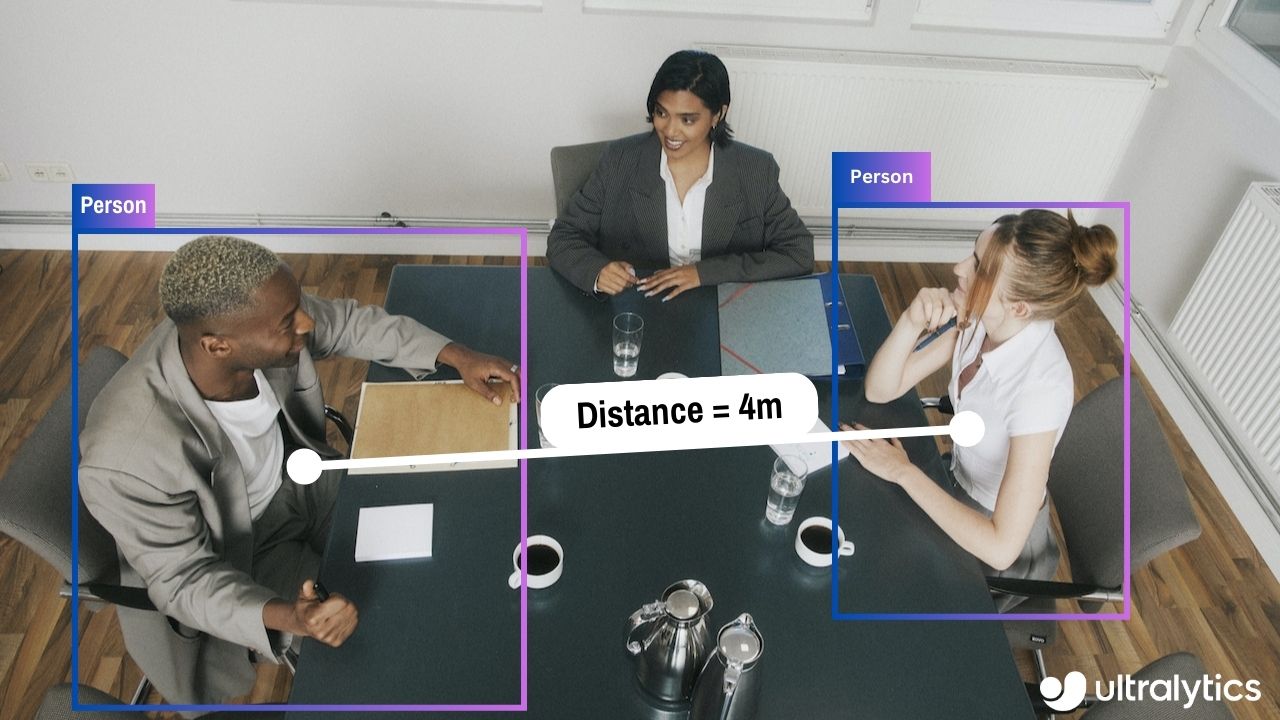 |
## Advantages of Distance Calculation?
- **Localization Precision:** Enhances accurate spatial positioning in computer vision tasks.
- **Size Estimation:** Allows estimation of physical sizes for better contextual understanding.
- **Scene Understanding:** Contributes to a 3D understanding of the environment for improved decision-making.
???+ tip "Distance Calculation"
- Click on any two bounding boxes with Left Mouse click for distance calculation
!!! Example "Distance Calculation using YOLOv8 Example"
=== "Video Stream"
```python
from ultralytics import YOLO
from ultralytics.solutions import distance_calculation
import cv2
model = YOLO("yolov8n.pt")
names = model.model.names
cap = cv2.VideoCapture("path/to/video/file.mp4")
assert cap.isOpened(), "Error reading video file"
w, h, fps = (int(cap.get(x)) for x in (cv2.CAP_PROP_FRAME_WIDTH, cv2.CAP_PROP_FRAME_HEIGHT, cv2.CAP_PROP_FPS))
# Video writer
video_writer = cv2.VideoWriter("distance_calculation.avi",
cv2.VideoWriter_fourcc(*'mp4v'),
fps,
(w, h))
# Init distance-calculation obj
dist_obj = distance_calculation.DistanceCalculation()
dist_obj.set_args(names=names, view_img=True)
while cap.isOpened():
success, im0 = cap.read()
if not success:
print("Video frame is empty or video processing has been successfully completed.")
break
tracks = model.track(im0, persist=True, show=False)
im0 = dist_obj.start_process(im0, tracks)
video_writer.write(im0)
cap.release()
video_writer.release()
cv2.destroyAllWindows()
```
???+ tip "Note"
- Mouse Right Click will delete all drawn points
- Mouse Left Click can be used to draw points
### Optional Arguments `set_args`
| Name | Type | Default | Description |
|------------------|--------|-----------------|--------------------------------------------------------|
| `names` | `dict` | `None` | Classes names |
| `view_img` | `bool` | `False` | Display frames with counts |
| `line_thickness` | `int` | `2` | Increase bounding boxes thickness |
| `line_color` | `RGB` | `(255, 255, 0)` | Line Color for centroids mapping on two bounding boxes |
| `centroid_color` | `RGB` | `(255, 0, 255)` | Centroid color for each bounding box |
### Arguments `model.track`
| Name | Type | Default | Description |
|-----------|---------|----------------|-------------------------------------------------------------|
| `source` | `im0` | `None` | source directory for images or videos |
| `persist` | `bool` | `False` | persisting tracks between frames |
| `tracker` | `str` | `botsort.yaml` | Tracking method 'bytetrack' or 'botsort' |
| `conf` | `float` | `0.3` | Confidence Threshold |
| `iou` | `float` | `0.5` | IOU Threshold |
| `classes` | `list` | `None` | filter results by class, i.e. classes=0, or classes=[0,2,3] |
| `verbose` | `bool` | `True` | Display the object tracking results |
================================================
FILE: docs/en/guides/docker-quickstart.md
================================================
---
comments: true
description: Complete guide to setting up and using Ultralytics YOLO models with Docker. Learn how to install Docker, manage GPU support, and run YOLO models in isolated containers.
keywords: Ultralytics, YOLO, Docker, GPU, containerization, object detection, package installation, deep learning, machine learning, guide
---
# Docker Quickstart Guide for Ultralytics
<p align="center">
<img width="800" src="https://user-images.githubusercontent.com/26833433/270173601-fc7011bd-e67c-452f-a31a-aa047dcd2771.png" alt="Ultralytics Docker Package Visual">
</p>
This guide serves as a comprehensive introduction to setting up a Docker environment for your Ultralytics projects. [Docker](https://docker.com/) is a platform for developing, shipping, and running applications in containers. It is particularly beneficial for ensuring that the software will always run the same, regardless of where it's deployed. For more details, visit the Ultralytics Docker repository on [Docker Hub](https://hub.docker.com/r/ultralytics/ultralytics).
[](https://hub.docker.com/r/ultralytics/ultralytics)
## What You Will Learn
- Setting up Docker with NVIDIA support
- Installing Ultralytics Docker images
- Running Ultralytics in a Docker container
- Mounting local directories into the container
---
## Prerequisites
- Make sure Docker is installed on your system. If not, you can download and install it from [Docker's website](https://www.docker.com/products/docker-desktop).
- Ensure that your system has an NVIDIA GPU and NVIDIA drivers are installed.
---
## Setting up Docker with NVIDIA Support
First, verify that the NVIDIA drivers are properly installed by running:
```bash
nvidia-smi
```
### Installing NVIDIA Docker Runtime
Now, let's install the NVIDIA Docker runtime to enable GPU support in Docker containers:
```bash
# Add NVIDIA package repositories
curl -s -L https://nvidia.github.io/nvidia-docker/gpgkey | sudo apt-key add -
distribution=$(lsb_release -cs)
curl -s -L https://nvidia.github.io/nvidia-docker/$distribution/nvidia-docker.list | sudo tee /etc/apt/sources.list.d/nvidia-docker.list
# Install NVIDIA Docker runtime
sudo apt-get update
sudo apt-get install -y nvidia-docker2
# Restart Docker service to apply changes
sudo systemctl restart docker
```
### Verify NVIDIA Runtime with Docker
Run `docker info | grep -i runtime` to ensure that `nvidia` appears in the list of runtimes:
```bash
docker info | grep -i runtime
```
---
## Installing Ultralytics Docker Images
Ultralytics offers several Docker images optimized for various platforms and use-cases:
- **Dockerfile:** GPU image, ideal for training.
- **Dockerfile-arm64:** For ARM64 architecture, suitable for devices like [Raspberry Pi](raspberry-pi.md).
- **Dockerfile-cpu:** CPU-only version for inference and non-GPU environments.
- **Dockerfile-jetson:** Optimized for NVIDIA Jetson devices.
- **Dockerfile-python:** Minimal Python environment for lightweight applications.
- **Dockerfile-conda:** Includes [Miniconda3](https://docs.conda.io/projects/miniconda/en/latest/) and Ultralytics package installed via Conda.
To pull the latest image:
```bash
# Set image name as a variable
t=ultralytics/ultralytics:latest
# Pull the latest Ultralytics image from Docker Hub
sudo docker pull $t
```
---
## Running Ultralytics in Docker Container
Here's how to execute the Ultralytics Docker container:
```bash
# Run with all GPUs
sudo docker run -it --ipc=host --gpus all $t
# Run specifying which GPUs to use
sudo docker run -it --ipc=host --gpus '"device=2,3"' $t
```
The `-it` flag assigns a pseudo-TTY and keeps stdin open, allowing you to interact with the container. The `--ipc=host` flag enables sharing of host's IPC namespace, essential for sharing memory between processes. The `--gpus` flag allows the container to access the host's GPUs.
### Note on File Accessibility
To work with files on your local machine within the container, you can use Docker volumes:
```bash
# Mount a local directory into the container
sudo docker run -it --ipc=host --gpus all -v /path/on/host:/path/in/container $t
```
Replace `/path/on/host` with the directory path on your local machine and `/path/in/container` with the desired path inside the Docker container.
---
Congratulations! You're now set up to use Ultralytics with Docker and ready to take advantage of its powerful capabilities. For alternate installation methods, feel free to explore the [Ultralytics quickstart documentation](../quickstart.md).
================================================
FILE: docs/en/guides/heatmaps.md
================================================
---
comments: true
description: Advanced Data Visualization with Ultralytics YOLOv8 Heatmaps
keywords: Ultralytics, YOLOv8, Advanced Data Visualization, Heatmap Technology, Object Detection and Tracking, Jupyter Notebook, Python SDK, Command Line Interface
---
# Advanced Data Visualization: Heatmaps using Ultralytics YOLOv8 🚀
## Introduction to Heatmaps
A heatmap generated with [Ultralytics YOLOv8](https://github.com/ultralytics/ultralytics/) transforms complex data into a vibrant, color-coded matrix. This visual tool employs a spectrum of colors to represent varying data values, where warmer hues indicate higher intensities and cooler tones signify lower values. Heatmaps excel in visualizing intricate data patterns, correlations, and anomalies, offering an accessible and engaging approach to data interpretation across diverse domains.
<p align="center">
<br>
<iframe loading="lazy" width="720" height="405" src="https://www.youtube.com/embed/4ezde5-nZZw"
title="YouTube video player" frameborder="0"
allow="accelerometer; autoplay; clipboard-write; encrypted-media; gyroscope; picture-in-picture; web-share"
allowfullscreen>
</iframe>
<br>
<strong>Watch:</strong> Heatmaps using Ultralytics YOLOv8
</p>
## Why Choose Heatmaps for Data Analysis?
- **Intuitive Data Distribution Visualization:** Heatmaps simplify the comprehension of data concentration and distribution, converting complex datasets into easy-to-understand visual formats.
- **Efficient Pattern Detection:** By visualizing data in heatmap format, it becomes easier to spot trends, clusters, and outliers, facilitating quicker analysis and insights.
- **Enhanced Spatial Analysis and Decision-Making:** Heatmaps are instrumental in illustrating spatial relationships, aiding in decision-making processes in sectors such as business intelligence, environmental studies, and urban planning.
## Real World Applications
| Transportation | Retail |
|:-----------------------------------------------------------------------------------------------------------------------------------------------:|:---------------------------------------------------------------------------------------------------------------------------------------:|
|  | 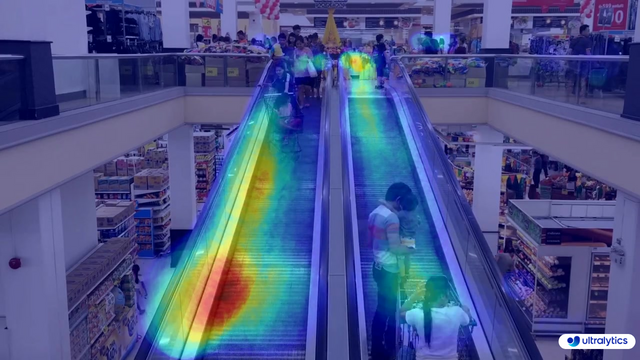 |
| Ultralytics YOLOv8 Transportation Heatmap | Ultralytics YOLOv8 Retail Heatmap |
!!! tip "Heatmap Configuration"
- `heatmap_alpha`: Ensure this value is within the range (0.0 - 1.0).
- `decay_factor`: Used for removing heatmap after an object is no longer in the frame, its value should also be in the range (0.0 - 1.0).
!!! Example "Heatmaps using Ultralytics YOLOv8 Example"
=== "Heatmap"
```python
from ultralytics import YOLO
from ultralytics.solutions import heatmap
import cv2
model = YOLO("yolov8n.pt")
cap = cv2.VideoCapture("path/to/video/file.mp4")
assert cap.isOpened(), "Error reading video file"
w, h, fps = (int(cap.get(x)) for x in (cv2.CAP_PROP_FRAME_WIDTH, cv2.CAP_PROP_FRAME_HEIGHT, cv2.CAP_PROP_FPS))
# Video writer
video_writer = cv2.VideoWriter("heatmap_output.avi",
cv2.VideoWriter_fourcc(*'mp4v'),
fps,
(w, h))
# Init heatmap
heatmap_obj = heatmap.Heatmap()
heatmap_obj.set_args(colormap=cv2.COLORMAP_PARULA,
imw=w,
imh=h,
view_img=True,
shape="circle")
while cap.isOpened():
success, im0 = cap.read()
if not success:
print("Video frame is empty or video processing has been successfully completed.")
break
tracks = model.track(im0, persist=True, show=False)
im0 = heatmap_obj.generate_heatmap(im0, tracks)
video_writer.write(im0)
cap.release()
video_writer.release()
cv2.destroyAllWindows()
```
=== "Line Counting"
```python
from ultralytics import YOLO
from ultralytics.solutions import heatmap
import cv2
model = YOLO("yolov8n.pt")
cap = cv2.VideoCapture("path/to/video/file.mp4")
assert cap.isOpened(), "Error reading video file"
w, h, fps = (int(cap.get(x)) for x in (cv2.CAP_PROP_FRAME_WIDTH, cv2.CAP_PROP_FRAME_HEIGHT, cv2.CAP_PROP_FPS))
# Video writer
video_writer = cv2.VideoWriter("heatmap_output.avi",
cv2.VideoWriter_fourcc(*'mp4v'),
fps,
(w, h))
line_points = [(20, 400), (1080, 404)] # line for object counting
# Init heatmap
heatmap_obj = heatmap.Heatmap()
heatmap_obj.set_args(colormap=cv2.COLORMAP_PARULA,
imw=w,
imh=h,
view_img=True,
shape="circle",
count_reg_pts=line_points)
while cap.isOpened():
success, im0 = cap.read()
if not success:
print("Video frame is empty or video processing has been successfully completed.")
break
tracks = model.track(im0, persist=True, show=False)
im0 = heatmap_obj.generate_heatmap(im0, tracks)
video_writer.write(im0)
cap.release()
video_writer.release()
cv2.destroyAllWindows()
```
=== "Region Counting"
```python
from ultralytics import YOLO
from ultralytics.solutions import heatmap
import cv2
model = YOLO("yolov8n.pt")
cap = cv2.VideoCapture("path/to/video/file.mp4")
assert cap.isOpened(), "Error reading video file"
w, h, fps = (int(cap.get(x)) for x in (cv2.CAP_PROP_FRAME_WIDTH, cv2.CAP_PROP_FRAME_HEIGHT, cv2.CAP_PROP_FPS))
# Video writer
video_writer = cv2.VideoWriter("heatmap_output.avi",
cv2.VideoWriter_fourcc(*'mp4v'),
fps,
(w, h))
# Define region points
region_points = [(20, 400), (1080, 404), (1080, 360), (20, 360)]
# Init heatmap
heatmap_obj = heatmap.Heatmap()
heatmap_obj.set_args(colormap=cv2.COLORMAP_PARULA,
imw=w,
imh=h,
view_img=True,
shape="circle",
count_reg_pts=region_points)
while cap.isOpened():
success, im0 = cap.read()
if not success:
print("Video frame is empty or video processing has been successfully completed.")
break
tracks = model.track(im0, persist=True, show=False)
im0 = heatmap_obj.generate_heatmap(im0, tracks)
video_writer.write(im0)
cap.release()
video_writer.release()
cv2.destroyAllWindows()
```
=== "Im0"
```python
from ultralytics import YOLO
from ultralytics.solutions import heatmap
import cv2
model = YOLO("yolov8s.pt") # YOLOv8 custom/pretrained model
im0 = cv2.imread("path/to/image.png") # path to image file
h, w = im0.shape[:2] # image height and width
# Heatmap Init
heatmap_obj = heatmap.Heatmap()
heatmap_obj.set_args(colormap=cv2.COLORMAP_PARULA,
imw=w,
imh=h,
view_img=True,
shape="circle")
results = model.track(im0, persist=True)
im0 = heatmap_obj.generate_heatmap(im0, tracks=results)
cv2.imwrite("ultralytics_output.png", im0)
```
=== "Specific Classes"
```python
from ultralytics import YOLO
from ultralytics.solutions import heatmap
import cv2
model = YOLO("yolov8n.pt")
cap = cv2.VideoCapture("path/to/video/file.mp4")
assert cap.isOpened(), "Error reading video file"
w, h, fps = (int(cap.get(x)) for x in (cv2.CAP_PROP_FRAME_WIDTH, cv2.CAP_PROP_FRAME_HEIGHT, cv2.CAP_PROP_FPS))
# Video writer
video_writer = cv2.VideoWriter("heatmap_output.avi",
cv2.VideoWriter_fourcc(*'mp4v'),
fps,
(w, h))
classes_for_heatmap = [0, 2] # classes for heatmap
# Init heatmap
heatmap_obj = heatmap.Heatmap()
heatmap_obj.set_args(colormap=cv2.COLORMAP_PARULA,
imw=w,
imh=h,
view_img=True,
shape="circle")
while cap.isOpened():
success, im0 = cap.read()
if not success:
print("Video frame is empty or video processing has been successfully completed.")
break
tracks = model.track(im0, persist=True, show=False,
classes=classes_for_heatmap)
im0 = heatmap_obj.generate_heatmap(im0, tracks)
video_writer.write(im0)
cap.release()
video_writer.release()
cv2.destroyAllWindows()
```
### Arguments `set_args`
| Name | Type | Default | Description |
|-----------------------|----------------|-------------------|-----------------------------------------------------------|
| `view_img` | `bool` | `False` | Display the frame with heatmap |
| `colormap` | `cv2.COLORMAP` | `None` | cv2.COLORMAP for heatmap |
| `imw` | `int` | `None` | Width of Heatmap |
| `imh` | `int` | `None` | Height of Heatmap |
| `heatmap_alpha` | `float` | `0.5` | Heatmap alpha value |
| `count_reg_pts` | `list` | `None` | Object counting region points |
| `count_txt_thickness` | `int` | `2` | Count values text size |
| `count_txt_color` | `RGB Color` | `(0, 0, 0)` | Foreground color for Object counts text |
| `count_color` | `RGB Color` | `(255, 255, 255)` | Background color for Object counts text |
| `count_reg_color` | `RGB Color` | `(255, 0, 255)` | Counting region color |
| `region_thickness` | `int` | `5` | Counting region thickness value |
| `decay_factor` | `float` | `0.99` | Decay factor for heatmap area removal after specific time |
| `shape` | `str` | `circle` | Heatmap shape for display "rect" or "circle" supported |
| `line_dist_thresh` | `int` | `15` | Euclidean Distance threshold for line counter |
### Arguments `model.track`
| Name | Type | Default | Description |
|-----------|---------|----------------|-------------------------------------------------------------|
| `source` | `im0` | `None` | source directory for images or videos |
| `persist` | `bool` | `False` | persisting tracks between frames |
| `tracker` | `str` | `botsort.yaml` | Tracking method 'bytetrack' or 'botsort' |
| `conf` | `float` | `0.3` | Confidence Threshold |
| `iou` | `float` | `0.5` | IOU Threshold |
| `classes` | `list` | `None` | filter results by class, i.e. classes=0, or classes=[0,2,3] |
### Heatmap COLORMAPs
| Colormap Name | Description |
|---------------------------------|----------------------------------------|
| `cv::COLORMAP_AUTUMN` | Autumn color map |
| `cv::COLORMAP_BONE` | Bone color map |
| `cv::COLORMAP_JET` | Jet color map |
| `cv::COLORMAP_WINTER` | Winter color map |
| `cv::COLORMAP_RAINBOW` | Rainbow color map |
| `cv::COLORMAP_OCEAN` | Ocean color map |
| `cv::COLORMAP_SUMMER` | Summer color map |
| `cv::COLORMAP_SPRING` | Spring color map |
| `cv::COLORMAP_COOL` | Cool color map |
| `cv::COLORMAP_HSV` | HSV (Hue, Saturation, Value) color map |
| `cv::COLORMAP_PINK` | Pink color map |
| `cv::COLORMAP_HOT` | Hot color map |
| `cv::COLORMAP_PARULA` | Parula color map |
| `cv::COLORMAP_MAGMA` | Magma color map |
| `cv::COLORMAP_INFERNO` | Inferno color map |
| `cv::COLORMAP_PLASMA` | Plasma color map |
| `cv::COLORMAP_VIRIDIS` | Viridis color map |
| `cv::COLORMAP_CIVIDIS` | Cividis color map |
| `cv::COLORMAP_TWILIGHT` | Twilight color map |
| `cv::COLORMAP_TWILIGHT_SHIFTED` | Shifted Twilight color map |
| `cv::COLORMAP_TURBO` | Turbo color map |
| `cv::COLORMAP_DEEPGREEN` | Deep Green color map |
These colormaps are commonly used for visualizing data with different color representations.
================================================
FILE: docs/en/guides/hyperparameter-tuning.md
================================================
---
comments: true
description: Dive into hyperparameter tuning in Ultralytics YOLO models. Learn how to optimize performance using the Tuner class and genetic evolution.
keywords: Ultralytics, YOLO, Hyperparameter Tuning, Tuner Class, Genetic Evolution, Optimization
---
# Ultralytics YOLO Hyperparameter Tuning Guide
## Introduction
Hyperparameter tuning is not just a one-time set-up but an iterative process aimed at optimizing the machine learning model's performance metrics, such as accuracy, precision, and recall. In the context of Ultralytics YOLO, these hyperparameters could range from learning rate to architectural details, such as the number of layers or types of activation functions used.
### What are Hyperparameters?
Hyperparameters are high-level, structural settings for the algorithm. They are set prior to the training phase and remain constant during it. Here are some commonly tuned hyperparameters in Ultralytics YOLO:
- **Learning Rate** `lr0`: Determines the step size at each iteration while moving towards a minimum in the loss function.
- **Batch Size** `batch`: Number of images processed simultaneously in a forward pass.
- **Number of Epochs** `epochs`: An epoch is one complete forward and backward pass of all the training examples.
- **Architecture Specifics**: Such as channel counts, number of layers, types of activation functions, etc.
<p align="center">
<img width="640" src="https://user-images.githubusercontent.com/26833433/263858934-4f109a2f-82d9-4d08-8bd6-6fd1ff520bcd.png" alt="Hyperparameter Tuning Visual">
</p>
For a full list of augmentation hyperparameters used in YOLOv8 please refer to the [configurations page](../usage/cfg.md#augmentation-settings).
### Genetic Evolution and Mutation
Ultralytics YOLO uses genetic algorithms to optimize hyperparameters. Genetic algorithms are inspired by the mechanism of natural selection and genetics.
- **Mutation**: In the context of Ultralytics YOLO, mutation helps in locally searching the hyperparameter space by applying small, random changes to existing hyperparameters, producing new candidates for evaluation.
- **Crossover**: Although crossover is a popular genetic algorithm technique, it is not currently used in Ultralytics YOLO for hyperparameter tuning. The focus is mainly on mutation for generating new hyperparameter sets.
## Preparing for Hyperparameter Tuning
Before you begin the tuning process, it's important to:
1. **Identify the Metrics**: Determine the metrics you will use to evaluate the model's performance. This could be AP50, F1-score, or others.
2. **Set the Tuning Budget**: Define how much computational resources you're willing to allocate. Hyperparameter tuning can be computationally intensive.
## Steps Involved
### Initialize Hyperparameters
Start with a reasonable set of initial hyperparameters. This could either be the default hyperparameters set by Ultralytics YOLO or something based on your domain knowledge or previous experiments.
### Mutate Hyperparameters
Use the `_mutate` method to produce a new set of hyperparameters based on the existing set.
### Train Model
Training is performed using the mutated set of hyperparameters. The training performance is then assessed.
### Evaluate Model
Use metrics like AP50, F1-score, or custom metrics to evaluate the model's performance.
### Log Results
It's crucial to log both the performance metrics and the corresponding hyperparameters for future reference.
### Repeat
The process is repeated until either the set number of iterations is reached or the performance metric is satisfactory.
## Usage Example
Here's how to use the `model.tune()` method to utilize the `Tuner` class for hyperparameter tuning of YOLOv8n on COCO8 for 30 epochs with an AdamW optimizer and skipping plotting, checkpointing and validation other than on final epoch for faster Tuning.
!!! Example
=== "Python"
```python
from ultralytics import YOLO
# Initialize the YOLO model
model = YOLO('yolov8n.pt')
# Tune hyperparameters on COCO8 for 30 epochs
model.tune(data='coco8.yaml', epochs=30, iterations=300, optimizer='AdamW', plots=False, save=False, val=False)
```
## Results
After you've successfully completed the hyperparameter tuning process, you will obtain several files and directories that encapsulate the results of the tuning. The following describes each:
### File Structure
Here's what the directory structure of the results will look like. Training directories like `train1/` contain individual tuning iterations, i.e. one model trained with one set of hyperparameters. The `tune/` directory contains tuning results from all the individual model trainings:
```plaintext
runs/
└── detect/
├── train1/
├── train2/
├── ...
└── tune/
├── best_hyperparameters.yaml
├── best_fitness.png
├── tune_results.csv
├── tune_scatter_plots.png
└── weights/
├── last.pt
└── best.pt
```
### File Descriptions
#### best_hyperparameters.yaml
This YAML file contains the best-performing hyperparameters found during the tuning process. You can use this file to initialize future trainings with these optimized settings.
- **Format**: YAML
- **Usage**: Hyperparameter results
- **Example**:
```yaml
# 558/900 iterations complete ✅ (45536.81s)
# Results saved to /usr/src/ultralytics/runs/detect/tune
# Best fitness=0.64297 observed at iteration 498
# Best fitness metrics are {'metrics/precision(B)': 0.87247, 'metrics/recall(B)': 0.71387, 'metrics/mAP50(B)': 0.79106, 'metrics/mAP50-95(B)': 0.62651, 'val/box_loss': 2.79884, 'val/cls_loss': 2.72386, 'val/dfl_loss': 0.68503, 'fitness': 0.64297}
# Best fitness model is /usr/src/ultralytics/runs/detect/train498
# Best fitness hyperparameters are printed below.
lr0: 0.00269
lrf: 0.00288
momentum: 0.73375
weight_decay: 0.00015
warmup_epochs: 1.22935
warmup_momentum: 0.1525
box: 18.27875
cls: 1.32899
dfl: 0.56016
hsv_h: 0.01148
hsv_s: 0.53554
hsv_v: 0.13636
degrees: 0.0
translate: 0.12431
scale: 0.07643
shear: 0.0
perspective: 0.0
flipud: 0.0
fliplr: 0.08631
mosaic: 0.42551
mixup: 0.0
copy_paste: 0.0
```
#### best_fitness.png
This is a plot displaying fitness (typically a performance metric like AP50) against the number of iterations. It helps you visualize how well the genetic algorithm performed over time.
- **Format**: PNG
- **Usage**: Performance visualization
<p align="center">
<img width="640" src="https://user-images.githubusercontent.com/26833433/266847423-9d0aea13-d5c4-4771-b06e-0b817a498260.png" alt="Hyperparameter Tuning Fitness vs Iteration">
</p>
#### tune_results.csv
A CSV file containing detailed results of each iteration during the tuning. Each row in the file represents one iteration, and it includes metrics like fitness score, precision, recall, as well as the hyperparameters used.
- **Format**: CSV
- **Usage**: Per-iteration results tracking.
- **Example**:
```csv
fitness,lr0,lrf,momentum,weight_decay,warmup_epochs,warmup_momentum,box,cls,dfl,hsv_h,hsv_s,hsv_v,degrees,translate,scale,shear,perspective,flipud,fliplr,mosaic,mixup,copy_paste
0.05021,0.01,0.01,0.937,0.0005,3.0,0.8,7.5,0.5,1.5,0.015,0.7,0.4,0.0,0.1,0.5,0.0,0.0,0.0,0.5,1.0,0.0,0.0
0.07217,0.01003,0.00967,0.93897,0.00049,2.79757,0.81075,7.5,0.50746,1.44826,0.01503,0.72948,0.40658,0.0,0.0987,0.4922,0.0,0.0,0.0,0.49729,1.0,0.0,0.0
0.06584,0.01003,0.00855,0.91009,0.00073,3.42176,0.95,8.64301,0.54594,1.72261,0.01503,0.59179,0.40658,0.0,0.0987,0.46955,0.0,0.0,0.0,0.49729,0.80187,0.0,0.0
```
#### tune_scatter_plots.png
This file contains scatter plots generated from `tune_results.csv`, helping you visualize relationships between different hyperparameters and performance metrics. Note that hyperparameters initialized to 0 will not be tuned, such as `degrees` and `shear` below.
- **Format**: PNG
- **Usage**: Exploratory data analysis
<p align="center">
<img width="1000" src="https://user-images.githubusercontent.com/26833433/266847488-ec382f3d-79bc-4087-a0e0-42fb8b62cad2.png" alt="Hyperparameter Tuning Scatter Plots">
</p>
#### weights/
This directory contains the saved PyTorch models for the last and the best iterations during the hyperparameter tuning process.
- **`last.pt`**: The last.pt are the weights from the last epoch of training.
- **`best.pt`**: The best.pt weights for the iteration that achieved the best fitness score.
Using these results, you can make more informed decisions for your future model trainings and analyses. Feel free to consult these artifacts to understand how well your model performed and how you might improve it further.
## Conclusion
The hyperparameter tuning process in Ultralytics YOLO is simplified yet powerful, thanks to its genetic algorithm-based approach focused on mutation. Following the steps outlined in this guide will assist you in systematically tuning your model to achieve better performance.
### Further Reading
1. [Hyperparameter Optimization in Wikipedia](https://en.wikipedia.org/wiki/Hyperparameter_optimization)
2. [YOLOv5 Hyperparameter Evolution Guide](../yolov5/tutorials/hyperparameter_evolution.md)
3. [Efficient Hyperparameter Tuning with Ray Tune and YOLOv8](../integrations/ray-tune.md)
For deeper insights, you can explore the `Tuner` class source code and accompanying documentation. Should you have any questions, feature requests, or need further assistance, feel free to reach out to us on [GitHub](https://github.com/ultralytics/ultralytics/issues/new/choose) or [Discord](https://ultralytics.com/discord).
================================================
FILE: docs/en/guides/index.md
================================================
---
comments: true
description: In-depth exploration of Ultralytics' YOLO. Learn about the YOLO object detection model, how to train it on custom data, multi-GPU training, exporting, predicting, deploying, and more.
keywords: Ultralytics, YOLO, Deep Learning, Object detection, PyTorch, Tutorial, Multi-GPU training, Custom data training, SAHI, Tiled Inference
---
# Comprehensive Tutorials to Ultralytics YOLO
Welcome to the Ultralytics' YOLO 🚀 Guides! Our comprehensive tutorials cover various aspects of the YOLO object detection model, ranging from training and prediction to deployment. Built on PyTorch, YOLO stands out for its exceptional speed and accuracy in real-time object detection tasks.
Whether you're a beginner or an expert in deep learning, our tutorials offer valuable insights into the implementation and optimization of YOLO for your computer vision projects. Let's dive in!
<p align="center">
<br>
<iframe loading="lazy" width="720" height="405" src="https://www.youtube.com/embed/96NkhsV-W1U"
title="YouTube video player" frameborder="0"
allow="accelerometer; autoplay; clipboard-write; encrypted-media; gyroscope; picture-in-picture; web-share"
allowfullscreen>
</iframe>
<br>
<strong>Watch:</strong> Ultralytics YOLOv8 Guides Overview
</p>
## Guides
Here's a compilation of in-depth guides to help you master different aspects of Ultralytics YOLO.
- [YOLO Common Issues](yolo-common-issues.md) ⭐ RECOMMENDED: Practical solutions and troubleshooting tips to the most frequently encountered issues when working with Ultralytics YOLO models.
- [YOLO Performance Metrics](yolo-performance-metrics.md) ⭐ ESSENTIAL: Understand the key metrics like mAP, IoU, and F1 score used to evaluate the performance of your YOLO models. Includes practical examples and tips on how to improve detection accuracy and speed.
- [Model Deployment Options](model-deployment-options.md): Overview of YOLO model deployment formats like ONNX, OpenVINO, and TensorRT, with pros and cons for each to inform your deployment strategy.
- [K-Fold Cross Validation](kfold-cross-validation.md) 🚀 NEW: Learn how to improve model generalization using K-Fold cross-validation technique.
- [Hyperparameter Tuning](hyperparameter-tuning.md) 🚀 NEW: Discover how to optimize your YOLO models by fine-tuning hyperparameters using the Tuner class and genetic evolution algorithms.
- [SAHI Tiled Inference](sahi-tiled-inference.md) 🚀 NEW: Comprehensive guide on leveraging SAHI's sliced inference capabilities with YOLOv8 for object detection in high-resolution images.
- [AzureML Quickstart](azureml-quickstart.md) 🚀 NEW: Get up and running with Ultralytics YOLO models on Microsoft's Azure Machine Learning platform. Learn how to train, deploy, and scale your object detection projects in the cloud.
- [Conda Quickstart](conda-quickstart.md) 🚀 NEW: Step-by-step guide to setting up a [Conda](https://anaconda.org/conda-forge/ultralytics) environment for Ultralytics. Learn how to install and start using the Ultralytics package efficiently with Conda.
- [Docker Quickstart](docker-quickstart.md) 🚀 NEW: Complete guide to setting up and using Ultralytics YOLO models with [Docker](https://hub.docker.com/r/ultralytics/ultralytics). Learn how to install Docker, manage GPU support, and run YOLO models in isolated containers for consistent development and deployment.
- [Raspberry Pi](raspberry-pi.md) 🚀 NEW: Quickstart tutorial to run YOLO models to the latest Raspberry Pi hardware.
- [Triton Inference Server Integration](triton-inference-server.md) 🚀 NEW: Dive into the integration of Ultralytics YOLOv8 with NVIDIA's Triton Inference Server for scalable and efficient deep learning inference deployments.
- [YOLO Thread-Safe Inference](yolo-thread-safe-inference.md) 🚀 NEW: Guidelines for performing inference with YOLO models in a thread-safe manner. Learn the importance of thread safety and best practices to prevent race conditions and ensure consistent predictions.
- [Isolating Segmentation Objects](isolating-segmentation-objects.md) 🚀 NEW: Step-by-step recipe and explanation on how to extract and/or isolate objects from images using Ultralytics Segmentation.
- [Edge TPU on Raspberry Pi](coral-edge-tpu-on-raspberry-pi.md): [Google Edge TPU](https://coral.ai/products/accelerator) accelerates YOLO inference on [Raspberry Pi](https://www.raspberrypi.com/).
- [View Inference Images in a Terminal](view-results-in-terminal.md): Use VSCode's integrated terminal to view inference results when using Remote Tunnel or SSH sessions.
- [OpenVINO Latency vs Throughput Modes](optimizing-openvino-latency-vs-throughput-modes.md) - Learn latency and throughput optimization techniques for peak YOLO inference performance.
## Real-World Projects
- [Object Counting](object-counting.md) 🚀 NEW: Explore the process of real-time object counting with Ultralytics YOLOv8 and acquire the knowledge to effectively count objects in a live video stream.
- [Object Cropping](object-cropping.md) 🚀 NEW: Explore object cropping using YOLOv8 for precise extraction of objects from images and videos.
- [Object Blurring](object-blurring.md) 🚀 NEW: Apply object blurring with YOLOv8 for privacy protection in image and video processing.
- [Workouts Monitoring](workouts-monitoring.md) 🚀 NEW: Discover the comprehensive approach to monitoring workouts with Ultralytics YOLOv8. Acquire the skills and insights necessary to effectively use YOLOv8 for tracking and analyzing various aspects of fitness routines in real time.
- [Objects Counting in Regions](region-counting.md) 🚀 NEW: Explore counting objects in specific regions with Ultralytics YOLOv8 for precise and efficient object detection in varied areas.
- [Security Alarm System](security-alarm-system.md) 🚀 NEW: Discover the process of creating a security alarm system with Ultralytics YOLOv8. This system triggers alerts upon detecting new objects in the frame. Subsequently, you can customize the code to align with your specific use case.
- [Heatmaps](heatmaps.md) 🚀 NEW: Elevate your understanding of data with our Detection Heatmaps! These intuitive visual tools use vibrant color gradients to vividly illustrate the intensity of data values across a matrix. Essential in computer vision, heatmaps are skillfully designed to highlight areas of interest, providing an immediate, impactful way to interpret spatial information.
- [Instance Segmentation with Object Tracking](instance-segmentation-and-tracking.md) 🚀 NEW: Explore our feature on [Object Segmentation](https://docs.ultralytics.com/tasks/segment/) in Bounding Boxes Shape, providing a visual representation of precise object boundaries for enhanced understanding and analysis.
- [VisionEye View Objects Mapping](vision-eye.md) 🚀 NEW: This feature aim computers to discern and focus on specific objects, much like the way the human eye observes details from a particular viewpoint.
- [Speed Estimation](speed-estimation.md) 🚀 NEW: Speed estimation in computer vision relies on analyzing object motion through techniques like [object tracking](https://docs.ultralytics.com/modes/track/), crucial for applications like autonomous vehicles and traffic monitoring.
- [Distance Calculation](distance-calculation.md) 🚀 NEW: Distance calculation, which involves measuring the separation between two objects within a defined space, is a crucial aspect. In the context of Ultralytics YOLOv8, the method employed for this involves using the bounding box centroid to determine the distance associated with user-highlighted bounding boxes.
## Contribute to Our Guides
We welcome contributions from the community! If you've mastered a particular aspect of Ultralytics YOLO that's not yet covered in our guides, we encourage you to share your expertise. Writing a guide is a great way to give back to the community and help us make our documentation more comprehensive and user-friendly.
To get started, please read our [Contributing Guide](../help/contributing.md) for guidelines on how to open up a Pull Request (PR) 🛠️. We look forward to your contributions!
Let's work together to make the Ultralytics YOLO ecosystem more robust and versatile 🙏!
================================================
FILE: docs/en/guides/instance-segmentation-and-tracking.md
================================================
---
comments: true
description: Instance Segmentation with Object Tracking using Ultralytics YOLOv8
keywords: Ultralytics, YOLOv8, Instance Segmentation, Object Detection, Object Tracking, Bounding Box, Computer Vision, Notebook, IPython Kernel, CLI, Python SDK
---
# Instance Segmentation and Tracking using Ultralytics YOLOv8 🚀
## What is Instance Segmentation?
[Ultralytics YOLOv8](https://github.com/ultralytics/ultralytics/) instance segmentation involves identifying and outlining individual objects in an image, providing a detailed understanding of spatial distribution. Unlike semantic segmentation, it uniquely labels and precisely delineates each object, crucial for tasks like object detection and medical imaging.
There are two types of instance segmentation tracking available in the Ultralytics package:
- **Instance Segmentation with Class Objects:** Each class object is assigned a unique color for clear visual separation.
- **Instance Segmentation with Object Tracks:** Every track is represented by a distinct color, facilitating easy identification and tracking.
<p align="center">
<br>
<iframe loading="lazy" width="720" height="405" src="https://www.youtube.com/embed/75G_S1Ngji8"
title="YouTube video player" frameborder="0"
allow="accelerometer; autoplay; clipboard-write; encrypted-media; gyroscope; picture-in-picture; web-share"
allowfullscreen>
</iframe>
<br>
<strong>Watch:</strong> Instance Segmentation with Object Tracking using Ultralytics YOLOv8
</p>
## Samples
| Instance Segmentation | Instance Segmentation + Object Tracking |
|:---------------------------------------------------------------------------------------------------------------------------------------:|:------------------------------------------------------------------------------------------------------------------------------------------------------------:|
| 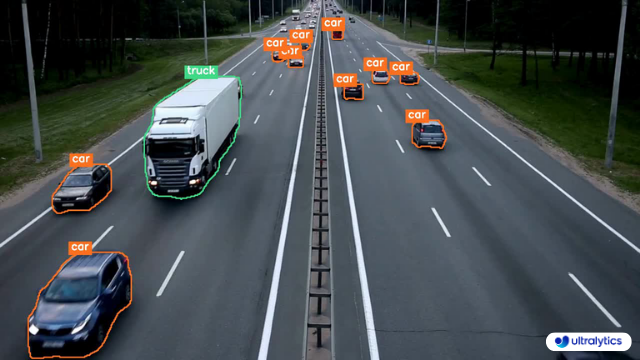 | 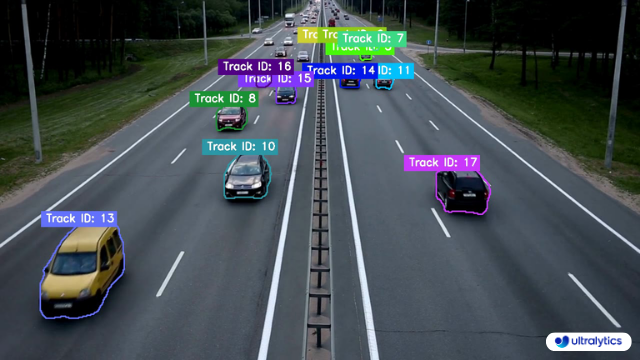 |
| Ultralytics Instance Segmentation 😍 | Ultralytics Instance Segmentation with Object Tracking 🔥 |
!!! Example "Instance Segmentation and Tracking"
=== "Instance Segmentation"
```python
import cv2
from ultralytics import YOLO
from ultralytics.utils.plotting import Annotator, colors
model = YOLO("yolov8n-seg.pt") # segmentation model
names = model.model.names
cap = cv2.VideoCapture("path/to/video/file.mp4")
w, h, fps = (int(cap.get(x)) for x in (cv2.CAP_PROP_FRAME_WIDTH, cv2.CAP_PROP_FRAME_HEIGHT, cv2.CAP_PROP_FPS))
out = cv2.VideoWriter('instance-segmentation.avi', cv2.VideoWriter_fourcc(*'MJPG'), fps, (w, h))
while True:
ret, im0 = cap.read()
if not ret:
print("Video frame is empty or video processing has been successfully completed.")
break
results = model.predict(im0)
annotator = Annotator(im0, line_width=2)
if results[0].masks is not None:
clss = results[0].boxes.cls.cpu().tolist()
masks = results[0].masks.xy
for mask, cls in zip(masks, clss):
annotator.seg_bbox(mask=mask,
mask_color=colors(int(cls), True),
det_label=names[int(cls)])
out.write(im0)
cv2.imshow("instance-segmentation", im0)
if cv2.waitKey(1) & 0xFF == ord('q'):
break
out.release()
cap.release()
cv2.destroyAllWindows()
```
=== "Instance Segmentation with Object Tracking"
```python
import cv2
from ultralytics import YOLO
from ultralytics.utils.plotting import Annotator, colors
from collections import defaultdict
track_history = defaultdict(lambda: [])
model = YOLO("yolov8n-seg.pt") # segmentation model
cap = cv2.VideoCapture("path/to/video/file.mp4")
w, h, fps = (int(cap.get(x)) for x in (cv2.CAP_PROP_FRAME_WIDTH, cv2.CAP_PROP_FRAME_HEIGHT, cv2.CAP_PROP_FPS))
out = cv2.VideoWriter('instance-segmentation-object-tracking.avi', cv2.VideoWriter_fourcc(*'MJPG'), fps, (w, h))
while True:
ret, im0 = cap.read()
if not ret:
print("Video frame is empty or video processing has been successfully completed.")
break
annotator = Annotator(im0, line_width=2)
results = model.track(im0, persist=True)
if results[0].boxes.id is not None and results[0].masks is not None:
masks = results[0].masks.xy
track_ids = results[0].boxes.id.int().cpu().tolist()
for mask, track_id in zip(masks, track_ids):
annotator.seg_bbox(mask=mask,
mask_color=colors(track_id, True),
track_label=str(track_id))
out.write(im0)
cv2.imshow("instance-segmentation-object-tracking", im0)
if cv2.waitKey(1) & 0xFF == ord('q'):
break
out.release()
cap.release()
cv2.destroyAllWindows()
```
### `seg_bbox` Arguments
| Name | Type | Default | Description |
|---------------|---------|-----------------|----------------------------------------|
| `mask` | `array` | `None` | Segmentation mask coordinates |
| `mask_color` | `tuple` | `(255, 0, 255)` | Mask color for every segmented box |
| `det_label` | `str` | `None` | Label for segmented object |
| `track_label` | `str` | `None` | Label for segmented and tracked object |
## Note
For any inquiries, feel free to post your questions in the [Ultralytics Issue Section](https://github.com/ultralytics/ultralytics/issues/new/choose) or the discussion section mentioned below.
================================================
FILE: docs/en/guides/isolating-segmentation-objects.md
================================================
---
comments: true
description: A concise guide on isolating segmented objects using Ultralytics.
keywords: Ultralytics, YOLO, segmentation, Python, object detection, inference, dataset, prediction, instance segmentation, contours, binary mask, object mask, image processing
---
# Isolating Segmentation Objects
After performing the [Segment Task](../tasks/segment.md), it's sometimes desirable to extract the isolated objects from the inference results. This guide provides a generic recipe on how to accomplish this using the Ultralytics [Predict Mode](../modes/predict.md).
<p align="center">
<img src="https://github.com/ultralytics/ultralytics/assets/62214284/1787d76b-ad5f-43f9-a39c-d45c9157f38a" alt="Example Isolated Object Segmentation">
</p>
## Recipe Walk Through
1. Begin with the necessary imports
```python
from pathlib import Path
import cv2
import numpy as np
from ultralytics import YOLO
```
???+ tip "Ultralytics Install"
See the Ultralytics [Quickstart](../quickstart.md/#install-ultralytics) Installation section for a quick walkthrough on installing the required libraries.
***
2. Load a model and run `predict()` method on a source.
```python
from ultralytics import YOLO
# Load a model
model = YOLO('yolov8n-seg.pt')
# Run inference
results = model.predict()
```
!!! question "No Prediction Arguments?"
Without specifying a source, the example images from the library will be used:
```
'ultralytics/assets/bus.jpg'
'ultralytics/assets/zidane.jpg'
```
This is helpful for rapid testing with the `predict()` method.
For additional information about Segmentation Models, visit the [Segment Task](../tasks/segment.md#models) page. To learn more about `predict()` method, see [Predict Mode](../modes/predict.md) section of the Documentation.
***
3. Now iterate over the results and the contours. For workflows that want to save an image to file, the source image `base-name` and the detection `class-label` are retrieved for later use (optional).
```{ .py .annotate }
# (2) Iterate detection results (helpful for multiple images)
for r in res:
img = np.copy(r.orig_img)
img_name = Path(r.path).stem # source image base-name
# Iterate each object contour (multiple detections)
for ci,c in enumerate(r):
# (1) Get detection class name
label = c.names[c.boxes.cls.tolist().pop()]
```
1. To learn more about working with detection results, see [Boxes Section for Predict Mode](../modes/predict.md#boxes).
2. To learn more about `predict()` results see [Working with Results for Predict Mode](../modes/predict.md#working-with-results)
??? info "For-Loop"
A single image will only iterate the first loop once. A single image with only a single detection will iterate each loop _only_ once.
***
4. Start with generating a binary mask from the source image and then draw a filled contour onto the mask. This will allow the object to be isolated from the other parts of the image. An example from `bus.jpg` for one of the detected `person` class objects is shown on the right.
{ width="240", align="right" }
```{ .py .annotate }
# Create binary mask
b_mask = np.zeros(img.shape[:2], np.uint8)
# (1) Extract contour result
contour = c.masks.xy.pop()
# (2) Changing the type
contour = contour.astype(np.int32)
# (3) Reshaping
contour = contour.reshape(-1, 1, 2)
# Draw contour onto mask
_ = cv2.drawContours(b_mask,
[contour],
-1,
(255, 255, 255),
cv2.FILLED)
```
1. For more info on `c.masks.xy` see [Masks Section from Predict Mode](../modes/predict.md#masks).
2. Here, the values are cast into `np.int32` for compatibility with `drawContours()` function from OpenCV.
3. The OpenCV `drawContours()` function expects contours to have a shape of `[N, 1, 2]` expand section below for more details.
<details>
<summary> Expand to understand what is happening when defining the <code>contour</code> variable.</summary>
<p>
- `c.masks.xy` :: Provides the coordinates of the mask contour points in the format `(x, y)`. For more details, refer to the [Masks Section from Predict Mode](../modes/predict.md#masks).
- `.pop()` :: As `masks.xy` is a list containing a single element, this element is extracted using the `pop()` method.
- `.astype(np.int32)` :: Using `masks.xy` will return with a data type of `float32`, but this won't be compatible with the OpenCV `drawContours()` function, so this will change the data type to `int32` for compatibility.
- `.reshape(-1, 1, 2)` :: Reformats the data into the required shape of `[N, 1, 2]` where `N` is the number of contour points, with each point represented by a single entry `1`, and the entry is composed of `2` values. The `-1` denotes that the number of values along this dimension is flexible.
</details>
<p></p>
<details>
<summary> Expand for an explanation of the <code>drawContours()</code> configuration.</summary>
<p>
- Encapsulating the `contour` variable within square brackets, `[contour]`, was found to effectively generate the desired contour mask during testing.
- The value `-1` specified for the `drawContours()` parameter instructs the function to draw all contours present in the image.
- The `tuple` `(255, 255, 255)` represents the color white, which is the desired color for drawing the contour in this binary mask.
- The addition of `cv2.FILLED` will color all pixels enclosed by the contour boundary the same, in this case, all enclosed pixels will be white.
- See [OpenCV Documentation on `drawContours()`](https://docs.opencv.org/4.8.0/d6/d6e/group__imgproc__draw.html#ga746c0625f1781f1ffc9056259103edbc) for more information.
</details>
<p></p>
***
5. Next the there are 2 options for how to move forward with the image from this point and a subsequent option for each.
### Object Isolation Options
!!! example ""
=== "Black Background Pixels"
```py
# Create 3-channel mask
mask3ch = cv2.cvtColor(b_mask, cv2.COLOR_GRAY2BGR)
# Isolate object with binary mask
isolated = cv2.bitwise_and(mask3ch, img)
```
??? question "How does this work?"
- First, the binary mask is first converted from a single-channel image to a three-channel image. This conversion is necessary for the subsequent step where the mask and the original image are combined. Both images must have the same number of channels to be compatible with the blending operation.
- The original image and the three-channel binary mask are merged using the OpenCV function `bitwise_and()`. This operation retains <u>only</u> pixel values that are greater than zero `(> 0)` from both images. Since the mask pixels are greater than zero `(> 0)` <u>only</u> within the contour region, the pixels remaining from the original image are those that overlap with the contour.
### Isolate with Black Pixels: Sub-options
??? info "Full-size Image"
There are no additional steps required if keeping full size image.
<figure markdown>
{ width=240 }
<figcaption>Example full-size output</figcaption>
</figure>
??? info "Cropped object Image"
Additional steps required to crop image to only include object region.
{ align="right" }
``` { .py .annotate }
# (1) Bounding box coordinates
x1, y1, x2, y2 = c.boxes.xyxy.cpu().numpy().squeeze().astype(np.int32)
# Crop image to object region
iso_crop = isolated[y1:y2, x1:x2]
```
1. For more information on bounding box results, see [Boxes Section from Predict Mode](../modes/predict.md/#boxes)
??? question "What does this code do?"
- The `c.boxes.xyxy.cpu().numpy()` call retrieves the bounding boxes as a NumPy array in the `xyxy` format, where `xmin`, `ymin`, `xmax`, and `ymax` represent the coordinates of the bounding box rectangle. See [Boxes Section from Predict Mode](../modes/predict.md/#boxes) for more details.
- The `squeeze()` operation removes any unnecessary dimensions from the NumPy array, ensuring it has the expected shape.
- Converting the coordinate values using `.astype(np.int32)` changes the box coordinates data type from `float32` to `int32`, making them compatible for image cropping using index slices.
- Finally, the bounding box region is cropped from the image using index slicing. The bounds are defined by the `[ymin:ymax, xmin:xmax]` coordinates of the detection bounding box.
=== "Transparent Background Pixels"
```py
# Isolate object with transparent background (when saved as PNG)
isolated = np.dstack([img, b_mask])
```
??? question "How does this work?"
- Using the NumPy `dstack()` function (array stacking along depth-axis) in conjunction with the binary mask generated, will create an image with four channels. This allows for all pixels outside of the object contour to be transparent when saving as a `PNG` file.
### Isolate with Transparent Pixels: Sub-options
??? info "Full-size Image"
There are no additional steps required if keeping full size image.
<figure markdown>
{ width=240 }
<figcaption>Example full-size output + transparent background</figcaption>
</figure>
??? info "Cropped object Image"
Additional steps required to crop image to only include object region.
{ align="right" }
``` { .py .annotate }
# (1) Bounding box coordinates
x1, y1, x2, y2 = c.boxes.xyxy.cpu().numpy().squeeze().astype(np.int32)
# Crop image to object region
iso_crop = isolated[y1:y2, x1:x2]
```
1. For more information on bounding box results, see [Boxes Section from Predict Mode](../modes/predict.md/#boxes)
??? question "What does this code do?"
- When using `c.boxes.xyxy.cpu().numpy()`, the bounding boxes are returned as a NumPy array, using the `xyxy` box coordinates format, which correspond to the points `xmin, ymin, xmax, ymax` for the bounding box (rectangle), see [Boxes Section from Predict Mode](../modes/predict.md/#boxes) for more information.
- Adding `squeeze()` ensures that any extraneous dimensions are removed from the NumPy array.
- Converting the coordinate values using `.astype(np.int32)` changes the box coordinates data type from `float32` to `int32` which will be compatible when cropping the image using index slices.
- Finally the image region for the bounding box is cropped using index slicing, where the bounds are set using the `[ymin:ymax, xmin:xmax]` coordinates of the detection bounding box.
??? question "What if I want the cropped object **including** the background?"
This is a built in feature for the Ultralytics library. See the `save_crop` argument for [Predict Mode Inference Arguments](../modes/predict.md/#inference-arguments) for details.
***
6. <u>What to do next is entirely left to you as the developer.</u> A basic example of one possible next step (saving the image to file for future use) is shown.
- **NOTE:** this step is optional and can be skipped if not required for your specific use case.
??? example "Example Final Step"
```py
# Save isolated object to file
_ = cv2.imwrite(f'{img_name}_{label}-{ci}.png', iso_crop)
```
- In this example, the `img_name` is the base-name of the source image file, `label` is the detected class-name, and `ci` is the index of the object detection (in case of multiple instances with the same class name).
## Full Example code
Here, all steps from the previous section are combined into a single block of code. For repeated use, it would be optimal to define a function to do some or all commands contained in the `for`-loops, but that is an exercise left to the reader.
```{ .py .annotate }
from pathlib import Path
import cv2
import numpy as np
from ultralytics import YOLO
m = YOLO('yolov8n-seg.pt')#(4)!
res = m.predict()#(3)!
# iterate detection results (5)
for r in res:
img = np.copy(r.orig_img)
img_name = Path(r.path).stem
# iterate each object contour (6)
for ci,c in enumerate(r):
label = c.names[c.boxes.cls.tolist().pop()]
b_mask = np.zeros(img.shape[:2], np.uint8)
# Create contour mask (1)
contour = c.masks.xy.pop().astype(np.int32).reshape(-1, 1, 2)
_ = cv2.drawContours(b_mask, [contour], -1, (255, 255, 255), cv2.FILLED)
# Choose one:
# OPTION-1: Isolate object with black background
mask3ch = cv2.cvtColor(b_mask, cv2.COLOR_GRAY2BGR)
isolated = cv2.bitwise_and(mask3ch, img)
# OPTION-2: Isolate object with transparent background (when saved as PNG)
isolated = np.dstack([img, b_mask])
# OPTIONAL: detection crop (from either OPT1 or OPT2)
x1, y1, x2, y2 = c.boxes.xyxy.cpu().numpy().squeeze().astype(np.int32)
iso_crop = isolated[y1:y2, x1:x2]
# TODO your actions go here (2)
```
1. The line populating `contour` is combined into a single line here, where it was split to multiple above.
2. {==What goes here is up to you!==}
3. See [Predict Mode](../modes/predict.md) for additional information.
4. See [Segment Task](../tasks/segment.md#models) for more information.
5. Learn more about [Working with Results](../modes/predict.md#working-with-results)
6. Learn more about [Segmentation Mask Results](../modes/predict.md#masks)
================================================
FILE: docs/en/guides/kfold-cross-validation.md
================================================
---
comments: true
description: An in-depth guide demonstrating the implementation of K-Fold Cross Validation with the Ultralytics ecosystem for object detection datasets, leveraging Python, YOLO, and sklearn.
keywords: K-Fold cross validation, Ultralytics, YOLO detection format, Python, sklearn, object detection
---
# K-Fold Cross Validation with Ultralytics
## Introduction
This comprehensive guide illustrates the implementation of K-Fold Cross Validation for object detection datasets within the Ultralytics ecosystem. We'll leverage the YOLO detection format and key Python libraries such as sklearn, pandas, and PyYaml to guide you through the necessary setup, the process of generating feature vectors, and the execution of a K-Fold dataset split.
<p align="center">
<img width="800" src="https://user-images.githubusercontent.com/26833433/258589390-8d815058-ece8-48b9-a94e-0e1ab53ea0f6.png" alt="K-Fold Cross Validation Overview">
</p>
Whether your project involves the Fruit Detection dataset or a custom data source, this tutorial aims to help you comprehend and apply K-Fold Cross Validation to bolster the reliability and robustness of your machine learning models. While we're applying `k=5` folds for this tutorial, keep in mind that the optimal number of folds can vary depending on your dataset and the specifics of your project.
Without further ado, let's dive in!
## Setup
- Your annotations should be in the [YOLO detection format](../datasets/detect/index.md).
- This guide assumes that annotation files are locally available.
- For our demonstration, we use the [Fruit Detection](https://www.kaggle.com/datasets/lakshaytyagi01/fruit-detection/code) dataset.
- This dataset contains a total of 8479 images.
- It includes 6 class labels, each with its total instance counts listed below.
| Class Label | Instance Count |
|:------------|:--------------:|
| Apple | 7049 |
| Grapes | 7202 |
| Pineapple | 1613 |
| Orange | 15549 |
| Banana | 3536 |
| Watermelon | 1976 |
- Necessary Python packages include:
- `ultralytics`
- `sklearn`
- `pandas`
- `pyyaml`
- This tutorial operates with `k=5` folds. However, you should determine the best number of folds for your specific dataset.
1. Initiate a new Python virtual environment (`venv`) for your project and activate it. Use `pip` (or your preferred package manager) to install:
- The Ultralytics library: `pip install -U ultralytics`. Alternatively, you can clone the official [repo](https://github.com/ultralytics/ultralytics).
- Scikit-learn, pandas, and PyYAML: `pip install -U scikit-learn pandas pyyaml`.
2. Verify that your annotations are in the [YOLO detection format](../datasets/detect/index.md).
- For this tutorial, all annotation files are found in the `Fruit-Detection/labels` directory.
## Generating Feature Vectors for Object Detection Dataset
1. Start by creating a new Python file and import the required libraries.
```python
import datetime
import shutil
from pathlib import Path
from collections import Counter
import yaml
import numpy as np
import pandas as pd
from ultralytics import YOLO
from sklearn.model_selection import KFold
```
2. Proceed to retrieve all label files for your dataset.
```python
dataset_path = Path('./Fruit-detection') # replace with 'path/to/dataset' for your custom data
labels = sorted(dataset_path.rglob("*labels/*.txt")) # all data in 'labels'
```
3. Now, read the contents of the dataset YAML file and extract the indices of the class labels.
```python
yaml_file = 'path/to/data.yaml' # your data YAML with data directories and names dictionary
with open(yaml_file, 'r', encoding="utf8") as y:
classes = yaml.safe_load(y)['names']
cls_idx = sorted(classes.keys())
```
4. Initialize an empty `pandas` DataFrame.
```python
indx = [l.stem for l in labels] # uses base filename as ID (no extension)
labels_df = pd.DataFrame([], columns=cls_idx, index=indx)
```
5. Count the instances of each class-label present in the annotation files.
```python
for label in labels:
lbl_counter = Counter()
with open(label,'r') as lf:
lines = lf.readlines()
for l in lines:
# classes for YOLO label uses integer at first position of each line
lbl_counter[int(l.split(' ')[0])] += 1
labels_df.loc[label.stem] = lbl_counter
labels_df = labels_df.fillna(0.0) # replace `nan` values with `0.0`
```
6. The following is a sample view of the populated DataFrame:
```pandas
0 1 2 3 4 5
'0000a16e4b057580_jpg.rf.00ab48988370f64f5ca8ea4...' 0.0 0.0 0.0 0.0 0.0 7.0
'0000a16e4b057580_jpg.rf.7e6dce029fb67f01eb19aa7...' 0.0 0.0 0.0 0.0 0.0 7.0
'0000a16e4b057580_jpg.rf.bc4d31cdcbe229dd022957a...' 0.0 0.0 0.0 0.0 0.0 7.0
'00020ebf74c4881c_jpg.rf.508192a0a97aa6c4a3b6882...' 0.0 0.0 0.0 1.0 0.0 0.0
'00020ebf74c4881c_jpg.rf.5af192a2254c8ecc4188a25...' 0.0 0.0 0.0 1.0 0.0 0.0
... ... ... ... ... ... ...
'ff4cd45896de38be_jpg.rf.c4b5e967ca10c7ced3b9e97...' 0.0 0.0 0.0 0.0 0.0 2.0
'ff4cd45896de38be_jpg.rf.ea4c1d37d2884b3e3cbce08...' 0.0 0.0 0.0 0.0 0.0 2.0
'ff5fd9c3c624b7dc_jpg.rf.bb519feaa36fc4bf630a033...' 1.0 0.0 0.0 0.0 0.0 0.0
'ff5fd9c3c624b7dc_jpg.rf.f0751c9c3aa4519ea3c9d6a...' 1.0 0.0 0.0 0.0 0.0 0.0
'fffe28b31f2a70d4_jpg.rf.7ea16bd637ba0711c53b540...' 0.0 6.0 0.0 0.0 0.0 0.0
```
The rows index the label files, each corresponding to an image in your dataset, and the columns correspond to your class-label indices. Each row represents a pseudo feature-vector, with the count of each class-label present in your dataset. This data structure enables the application of K-Fold Cross Validation to an object detection dataset.
## K-Fold Dataset Split
1. Now we will use the `KFold` class from `sklearn.model_selection` to generate `k` splits of the dataset.
- Important:
- Setting `shuffle=True` ensures a randomized distribution of classes in your splits.
- By setting `random_state=M` where `M` is a chosen integer, you can obtain repeatable results.
```python
ksplit = 5
kf = KFold(n_splits=ksplit, shuffle=True, random_state=20) # setting random_state for repeatable results
kfolds = list(kf.split(labels_df))
```
2. The dataset has now been split into `k` folds, each having a list of `train` and `val` indices. We will construct a DataFrame to display these results more clearly.
```python
folds = [f'split_{n}' for n in range(1, ksplit + 1)]
folds_df = pd.DataFrame(index=indx, columns=folds)
for idx, (train, val) in enumerate(kfolds, start=1):
folds_df[f'split_{idx}'].loc[labels_df.iloc[train].index] = 'train'
folds_df[f'split_{idx}'].loc[labels_df.iloc[val].index] = 'val'
```
3. Now we will calculate the distribution of class labels for each fold as a ratio of the classes present in `val` to those present in `train`.
```python
fold_lbl_distrb = pd.DataFrame(index=folds, columns=cls_idx)
for n, (train_indices, val_indices) in enumerate(kfolds, start=1):
train_totals = labels_df.iloc[train_indices].sum()
val_totals = labels_df.iloc[val_indices].sum()
# To avoid division by zero, we add a small value (1E-7) to the denominator
ratio = val_totals / (train_totals + 1E-7)
fold_lbl_distrb.loc[f'split_{n}'] = ratio
```
The ideal scenario is for all class ratios to be reasonably similar for each split and across classes. This, however, will be subject to the specifics of your dataset.
4. Next, we create the directories and dataset YAML files for each split.
```python
supported_extensions = ['.jpg', '.jpeg', '.png']
# Initialize an empty list to store image file paths
images = []
# Loop through supported extensions and gather image files
for ext in supported_extensions:
images.extend(sorted((dataset_path / 'images').rglob(f"*{ext}")))
# Create the necessary directories and dataset YAML files (unchanged)
save_path = Path(dataset_path / f'{datetime.date.today().isoformat()}_{ksplit}-Fold_Cross-val')
save_path.mkdir(parents=True, exist_ok=True)
ds_yamls = []
for split in folds_df.columns:
# Create directories
split_dir = save_path / split
split_dir.mkdir(parents=True, exist_ok=True)
(split_dir / 'train' / 'images').mkdir(parents=True, exist_ok=True)
(split_dir / 'train' / 'labels').mkdir(parents=True, exist_ok=True)
(split_dir / 'val' / 'images').mkdir(parents=True, exist_ok=True)
(split_dir / 'val' / 'labels').mkdir(parents=True, exist_ok=True)
# Create dataset YAML files
dataset_yaml = split_dir / f'{split}_dataset.yaml'
ds_yamls.append(dataset_yaml)
with open(dataset_yaml, 'w') as ds_y:
yaml.safe_dump({
'path': split_dir.as_posix(),
'train': 'train',
'val': 'val',
'names': classes
}, ds_y)
```
5. Lastly, copy images and labels into the respective directory ('train' or 'val') for each split.
- __NOTE:__ The time required for this portion of the code will vary based on the size of your dataset and your system hardware.
```python
for image, label in zip(images, labels):
for split, k_split in folds_df.loc[image.stem].items():
# Destination directory
img_to_path = save_path / split / k_split / 'images'
lbl_to_path = save_path / split / k_split / 'labels'
# Copy image and label files to new directory (SamefileError if file already exists)
shutil.copy(image, img_to_path / image.name)
shutil.copy(label, lbl_to_path / label.name)
```
## Save Records (Optional)
Optionally, you can save the records of the K-Fold split and label distribution DataFrames as CSV files for future reference.
```python
folds_df.to_csv(save_path / "kfold_datasplit.csv")
fold_lbl_distrb.to_csv(save_path / "kfold_label_distribution.csv")
```
## Train YOLO using K-Fold Data Splits
1. First, load the YOLO model.
```python
weights_path = 'path/to/weights.pt'
model = YOLO(weights_path, task='detect')
```
2. Next, iterate over the dataset YAML files to run training. The results will be saved to a directory specified by the `project` and `name` arguments. By default, this directory is 'exp/runs#' where # is an integer index.
```python
results = {}
# Define your additional arguments here
batch = 16
project = 'kfold_demo'
epochs = 100
for k in range(ksplit):
dataset_yaml = ds_yamls[k]
model.train(data=dataset_yaml,epochs=epochs, batch=batch, project=project) # include any train arguments
results[k] = model.metrics # save output metrics for further analysis
```
## Conclusion
In this guide, we have explored the process of using K-Fold cross-validation for training the YOLO object detection model. We learned how to split our dataset into K partitions, ensuring a balanced class distribution across the different folds.
We also explored the procedure for creating report DataFrames to visualize the data splits and label distributions across these splits, providing us a clear insight into the structure of our training and validation sets.
Optionally, we saved our records for future reference, which could be particularly useful in large-scale projects or when troubleshooting model performance.
Finally, we implemented the actual model training using each split in a loop, saving our training results for further analysis and comparison.
This technique of K-Fold cross-validation is a robust way of making the most out of your available data, and it helps to ensure that your model performance is reliable and consistent across different data subsets. This results in a more generalizable and reliable model that is less likely to overfit to specific data patterns.
Remember that although we used YOLO in this guide, these steps are mostly transferable to other machine learning models. Understanding these steps allows you to apply cross-validation effectively in your own machine learning projects. Happy coding!
================================================
FILE: docs/en/guides/model-deployment-options.md
================================================
---
comments: true
description: A guide to help determine which deployment option to choose for your YOLOv8 model, including essential considerations.
keywords: YOLOv8, Deployment, PyTorch, TorchScript, ONNX, OpenVINO, TensorRT, CoreML, TensorFlow, Export
---
# Understanding YOLOv8’s Deployment Options
## Introduction
You've come a long way on your journey with YOLOv8. You've diligently collected data, meticulously annotated it, and put in the hours to train and rigorously evaluate your custom YOLOv8 model. Now, it’s time to put your model to work for your specific application, use case, or project. But there's a critical decision that stands before you: how to export and deploy your model effectively.
This guide walks you through YOLOv8’s deployment options and the essential factors to consider to choose the right option for your project.
## How to Select the Right Deployment Option for Your YOLOv8 Model
When it's time to deploy your YOLOv8 model, selecting a suitable export format is very important. As outlined in the [Ultralytics YOLOv8 Modes documentation](../modes/export.md#usage-examples), the model.export() function allows for converting your trained model into a variety of formats tailored to diverse environments and performance requirements.
The ideal format depends on your model's intended operational context, balancing speed, hardware constraints, and ease of integration. In the following section, we'll take a closer look at each export option, understanding when to choose each one.
### YOLOv8’s Deployment Options
Let’s walk through the different YOLOv8 deployment options. For a detailed walkthrough of the export process, visit the [Ultralytics documentation page on exporting](../modes/export.md).
#### PyTorch
PyTorch is an open-source machine learning library widely used for applications in deep learning and artificial intelligence. It provides a high level of flexibility and speed, which has made it a favorite among researchers and developers.
- **Performance Benchmarks**: PyTorch is known for its ease of use and flexibility, which may result in a slight trade-off in raw performance when compared to other frameworks that are more specialized and optimized.
- **Compatibility and Integration**: Offers excellent compatibility with various data science and machine learning libraries in Python.
- **Community Support and Ecosystem**: One of the most vibrant communities, with extensive resources for learning and troubleshooting.
- **Case Studies**: Commonly used in research prototypes, many academic papers reference models deployed in PyTorch.
- **Maintenance and Updates**: Regular updates with active development and support for new features.
- **Security Considerations**: Regular patches for security issues, but security is largely dependent on the overall environment it’s deployed in.
- **Hardware Acceleration**: Supports CUDA for GPU acceleration, essential for speeding up model training and inference.
#### TorchScript
TorchScript extends PyTorch’s capabilities by allowing the exportation of models to be run in a C++ runtime environment. This makes it suitable for production environments where Python is unavailable.
- **Performance Benchmarks**: Can offer improved performance over native PyTorch, especially in production environments.
- **Compatibility and Integration**: Designed for seamless transition from PyTorch to C++ production environments, though some advanced features might not translate perfectly.
- **Community Support and Ecosystem**: Benefits from PyTorch’s large community but has a narrower scope of specialized developers.
- **Case Studies**: Widely used in industry settings where Python’s performance overhead is a bottleneck.
- **Maintenance and Updates**: Maintained alongside PyTorch with consistent updates.
- **Security Considerations**: Offers improved security by enabling the running of models in environments without full Python installations.
- **Hardware Acceleration**: Inherits PyTorch’s CUDA support, ensuring efficient GPU utilization.
#### ONNX
The Open Neural Network Exchange (ONNX) is a format that allows for model interoperability across different frameworks, which can be critical when deploying to various platforms.
- **Performance Benchmarks**: ONNX models may experience a variable performance depending on the specific runtime they are deployed on.
- **Compatibility and Integration**: High interoperability across multiple platforms and hardware due to its framework-agnostic nature.
- **Community Support and Ecosystem**: Supported by many organizations, leading to a broad ecosystem and a variety of tools for optimization.
- **Case Studies**: Frequently used to move models between different machine learning frameworks, demonstrating its flexibility.
- **Maintenance and Updates**: As an open standard, ONNX is regularly updated to support new operations and models.
- **Security Considerations**: As with any cross-platform tool, it's essential to ensure secure practices in the conversion and deployment
gitextract_f3tebiv1/
├── .gitignore
├── .pre-commit-config.yaml
├── CONTRIBUTING.md
├── LICENSE
├── README.md
├── app.py
├── docker/
│ ├── Dockerfile
│ ├── Dockerfile-arm64
│ ├── Dockerfile-conda
│ ├── Dockerfile-cpu
│ ├── Dockerfile-jetson
│ ├── Dockerfile-python
│ └── Dockerfile-runner
├── docs/
│ ├── README.md
│ ├── build_docs.py
│ ├── build_reference.py
│ ├── coming_soon_template.md
│ ├── en/
│ │ ├── CNAME
│ │ ├── guides/
│ │ │ ├── azureml-quickstart.md
│ │ │ ├── conda-quickstart.md
│ │ │ ├── coral-edge-tpu-on-raspberry-pi.md
│ │ │ ├── distance-calculation.md
│ │ │ ├── docker-quickstart.md
│ │ │ ├── heatmaps.md
│ │ │ ├── hyperparameter-tuning.md
│ │ │ ├── index.md
│ │ │ ├── instance-segmentation-and-tracking.md
│ │ │ ├── isolating-segmentation-objects.md
│ │ │ ├── kfold-cross-validation.md
│ │ │ ├── model-deployment-options.md
│ │ │ ├── object-blurring.md
│ │ │ ├── object-counting.md
│ │ │ ├── object-cropping.md
│ │ │ ├── optimizing-openvino-latency-vs-throughput-modes.md
│ │ │ ├── raspberry-pi.md
│ │ │ ├── region-counting.md
│ │ │ ├── sahi-tiled-inference.md
│ │ │ ├── security-alarm-system.md
│ │ │ ├── speed-estimation.md
│ │ │ ├── triton-inference-server.md
│ │ │ ├── view-results-in-terminal.md
│ │ │ ├── vision-eye.md
│ │ │ ├── workouts-monitoring.md
│ │ │ ├── yolo-common-issues.md
│ │ │ ├── yolo-performance-metrics.md
│ │ │ └── yolo-thread-safe-inference.md
│ │ ├── help/
│ │ │ ├── CI.md
│ │ │ ├── CLA.md
│ │ │ ├── FAQ.md
│ │ │ ├── code_of_conduct.md
│ │ │ ├── contributing.md
│ │ │ ├── environmental-health-safety.md
│ │ │ ├── index.md
│ │ │ ├── minimum_reproducible_example.md
│ │ │ ├── privacy.md
│ │ │ └── security.md
│ │ ├── hub/
│ │ │ ├── api/
│ │ │ │ └── index.md
│ │ │ ├── app/
│ │ │ │ ├── android.md
│ │ │ │ ├── index.md
│ │ │ │ └── ios.md
│ │ │ ├── cloud-training.md
│ │ │ ├── datasets.md
│ │ │ ├── index.md
│ │ │ ├── inference-api.md
│ │ │ ├── integrations.md
│ │ │ ├── models.md
│ │ │ ├── on-premise/
│ │ │ │ └── index.md
│ │ │ ├── projects.md
│ │ │ └── quickstart.md
│ │ ├── index.md
│ │ ├── integrations/
│ │ │ ├── amazon-sagemaker.md
│ │ │ ├── clearml.md
│ │ │ ├── comet.md
│ │ │ ├── coreml.md
│ │ │ ├── dvc.md
│ │ │ ├── edge-tpu.md
│ │ │ ├── gradio.md
│ │ │ ├── index.md
│ │ │ ├── mlflow.md
│ │ │ ├── ncnn.md
│ │ │ ├── neural-magic.md
│ │ │ ├── onnx.md
│ │ │ ├── openvino.md
│ │ │ ├── paddlepaddle.md
│ │ │ ├── ray-tune.md
│ │ │ ├── roboflow.md
│ │ │ ├── tensorboard.md
│ │ │ ├── tensorrt.md
│ │ │ ├── tf-graphdef.md
│ │ │ ├── tf-savedmodel.md
│ │ │ ├── tflite.md
│ │ │ ├── torchscript.md
│ │ │ └── weights-biases.md
│ │ ├── models/
│ │ │ ├── fast-sam.md
│ │ │ ├── index.md
│ │ │ ├── mobile-sam.md
│ │ │ ├── rtdetr.md
│ │ │ ├── sam.md
│ │ │ ├── yolo-nas.md
│ │ │ ├── yolo-world.md
│ │ │ ├── yolov3.md
│ │ │ ├── yolov4.md
│ │ │ ├── yolov5.md
│ │ │ ├── yolov6.md
│ │ │ ├── yolov7.md
│ │ │ ├── yolov8.md
│ │ │ └── yolov9.md
│ │ ├── modes/
│ │ │ ├── benchmark.md
│ │ │ ├── export.md
│ │ │ ├── index.md
│ │ │ ├── predict.md
│ │ │ ├── track.md
│ │ │ ├── train.md
│ │ │ └── val.md
│ │ ├── quickstart.md
│ │ ├── reference/
│ │ │ ├── cfg/
│ │ │ │ └── __init__.md
│ │ │ ├── data/
│ │ │ │ ├── annotator.md
│ │ │ │ ├── augment.md
│ │ │ │ ├── base.md
│ │ │ │ ├── build.md
│ │ │ │ ├── converter.md
│ │ │ │ ├── dataset.md
│ │ │ │ ├── explorer/
│ │ │ │ │ ├── explorer.md
│ │ │ │ │ ├── gui/
│ │ │ │ │ │ └── dash.md
│ │ │ │ │ └── utils.md
│ │ │ │ ├── loaders.md
│ │ │ │ ├── split_dota.md
│ │ │ │ └── utils.md
│ │ │ ├── engine/
│ │ │ │ ├── exporter.md
│ │ │ │ ├── model.md
│ │ │ │ ├── predictor.md
│ │ │ │ ├── results.md
│ │ │ │ ├── trainer.md
│ │ │ │ ├── tuner.md
│ │ │ │ └── validator.md
│ │ │ ├── hub/
│ │ │ │ ├── __init__.md
│ │ │ │ ├── auth.md
│ │ │ │ ├── session.md
│ │ │ │ └── utils.md
│ │ │ ├── models/
│ │ │ │ ├── fastsam/
│ │ │ │ │ ├── model.md
│ │ │ │ │ ├── predict.md
│ │ │ │ │ ├── prompt.md
│ │ │ │ │ ├── utils.md
│ │ │ │ │ └── val.md
│ │ │ │ ├── nas/
│ │ │ │ │ ├── model.md
│ │ │ │ │ ├── predict.md
│ │ │ │ │ └── val.md
│ │ │ │ ├── rtdetr/
│ │ │ │ │ ├── model.md
│ │ │ │ │ ├── predict.md
│ │ │ │ │ ├── train.md
│ │ │ │ │ └── val.md
│ │ │ │ ├── sam/
│ │ │ │ │ ├── amg.md
│ │ │ │ │ ├── build.md
│ │ │ │ │ ├── model.md
│ │ │ │ │ ├── modules/
│ │ │ │ │ │ ├── decoders.md
│ │ │ │ │ │ ├── encoders.md
│ │ │ │ │ │ ├── sam.md
│ │ │ │ │ │ ├── tiny_encoder.md
│ │ │ │ │ │ └── transformer.md
│ │ │ │ │ └── predict.md
│ │ │ │ ├── utils/
│ │ │ │ │ ├── loss.md
│ │ │ │ │ └── ops.md
│ │ │ │ └── yolo/
│ │ │ │ ├── classify/
│ │ │ │ │ ├── predict.md
│ │ │ │ │ ├── train.md
│ │ │ │ │ └── val.md
│ │ │ │ ├── detect/
│ │ │ │ │ ├── predict.md
│ │ │ │ │ ├── train.md
│ │ │ │ │ └── val.md
│ │ │ │ ├── model.md
│ │ │ │ ├── obb/
│ │ │ │ │ ├── predict.md
│ │ │ │ │ ├── train.md
│ │ │ │ │ └── val.md
│ │ │ │ ├── pose/
│ │ │ │ │ ├── predict.md
│ │ │ │ │ ├── train.md
│ │ │ │ │ └── val.md
│ │ │ │ └── segment/
│ │ │ │ ├── predict.md
│ │ │ │ ├── train.md
│ │ │ │ └── val.md
│ │ │ ├── nn/
│ │ │ │ ├── autobackend.md
│ │ │ │ ├── modules/
│ │ │ │ │ ├── block.md
│ │ │ │ │ ├── conv.md
│ │ │ │ │ ├── head.md
│ │ │ │ │ ├── transformer.md
│ │ │ │ │ └── utils.md
│ │ │ │ └── tasks.md
│ │ │ ├── solutions/
│ │ │ │ ├── ai_gym.md
│ │ │ │ ├── distance_calculation.md
│ │ │ │ ├── heatmap.md
│ │ │ │ ├── object_counter.md
│ │ │ │ └── speed_estimation.md
│ │ │ ├── trackers/
│ │ │ │ ├── basetrack.md
│ │ │ │ ├── bot_sort.md
│ │ │ │ ├── byte_tracker.md
│ │ │ │ ├── track.md
│ │ │ │ └── utils/
│ │ │ │ ├── gmc.md
│ │ │ │ ├── kalman_filter.md
│ │ │ │ └── matching.md
│ │ │ └── utils/
│ │ │ ├── __init__.md
│ │ │ ├── autobatch.md
│ │ │ ├── benchmarks.md
│ │ │ ├── callbacks/
│ │ │ │ ├── base.md
│ │ │ │ ├── clearml.md
│ │ │ │ ├── comet.md
│ │ │ │ ├── dvc.md
│ │ │ │ ├── hub.md
│ │ │ │ ├── mlflow.md
│ │ │ │ ├── neptune.md
│ │ │ │ ├── raytune.md
│ │ │ │ ├── tensorboard.md
│ │ │ │ └── wb.md
│ │ │ ├── checks.md
│ │ │ ├── dist.md
│ │ │ ├── downloads.md
│ │ │ ├── errors.md
│ │ │ ├── files.md
│ │ │ ├── instance.md
│ │ │ ├── loss.md
│ │ │ ├── metrics.md
│ │ │ ├── ops.md
│ │ │ ├── patches.md
│ │ │ ├── plotting.md
│ │ │ ├── tal.md
│ │ │ ├── torch_utils.md
│ │ │ ├── triton.md
│ │ │ └── tuner.md
│ │ ├── robots.txt
│ │ ├── tasks/
│ │ │ ├── classify.md
│ │ │ ├── detect.md
│ │ │ ├── index.md
│ │ │ ├── obb.md
│ │ │ ├── pose.md
│ │ │ └── segment.md
│ │ ├── usage/
│ │ │ ├── callbacks.md
│ │ │ ├── cfg.md
│ │ │ ├── cli.md
│ │ │ ├── engine.md
│ │ │ ├── python.md
│ │ │ └── simple-utilities.md
│ │ └── yolov5/
│ │ ├── environments/
│ │ │ ├── aws_quickstart_tutorial.md
│ │ │ ├── azureml_quickstart_tutorial.md
│ │ │ ├── docker_image_quickstart_tutorial.md
│ │ │ └── google_cloud_quickstart_tutorial.md
│ │ ├── index.md
│ │ ├── quickstart_tutorial.md
│ │ └── tutorials/
│ │ ├── architecture_description.md
│ │ ├── clearml_logging_integration.md
│ │ ├── comet_logging_integration.md
│ │ ├── hyperparameter_evolution.md
│ │ ├── model_ensembling.md
│ │ ├── model_export.md
│ │ ├── model_pruning_and_sparsity.md
│ │ ├── multi_gpu_training.md
│ │ ├── neural_magic_pruning_quantization.md
│ │ ├── pytorch_hub_model_loading.md
│ │ ├── roboflow_datasets_integration.md
│ │ ├── running_on_jetson_nano.md
│ │ ├── test_time_augmentation.md
│ │ ├── tips_for_best_training_results.md
│ │ ├── train_custom_data.md
│ │ └── transfer_learning_with_frozen_layers.md
│ └── overrides/
│ ├── javascript/
│ │ └── extra.js
│ ├── main.html
│ ├── partials/
│ │ ├── comments.html
│ │ └── source-file.html
│ └── stylesheets/
│ └── style.css
├── examples/
│ ├── README.md
│ ├── YOLOv8-CPP-Inference/
│ │ ├── CMakeLists.txt
│ │ ├── README.md
│ │ ├── inference.cpp
│ │ ├── inference.h
│ │ └── main.cpp
│ ├── YOLOv8-LibTorch-CPP-Inference/
│ │ ├── CMakeLists.txt
│ │ ├── README.md
│ │ └── main.cc
│ ├── YOLOv8-ONNXRuntime/
│ │ ├── README.md
│ │ └── main.py
│ ├── YOLOv8-ONNXRuntime-CPP/
│ │ ├── CMakeLists.txt
│ │ ├── README.md
│ │ ├── inference.cpp
│ │ ├── inference.h
│ │ └── main.cpp
│ ├── YOLOv8-ONNXRuntime-Rust/
│ │ ├── Cargo.toml
│ │ ├── README.md
│ │ └── src/
│ │ ├── cli.rs
│ │ ├── lib.rs
│ │ ├── main.rs
│ │ ├── model.rs
│ │ ├── ort_backend.rs
│ │ └── yolo_result.rs
│ ├── YOLOv8-OpenCV-ONNX-Python/
│ │ ├── README.md
│ │ └── main.py
│ ├── YOLOv8-OpenCV-int8-tflite-Python/
│ │ ├── README.md
│ │ └── main.py
│ ├── YOLOv8-Region-Counter/
│ │ ├── readme.md
│ │ └── yolov8_region_counter.py
│ ├── YOLOv8-SAHI-Inference-Video/
│ │ ├── readme.md
│ │ └── yolov8_sahi.py
│ ├── YOLOv8-Segmentation-ONNXRuntime-Python/
│ │ ├── README.md
│ │ └── main.py
│ ├── heatmaps.ipynb
│ ├── hub.ipynb
│ ├── object_counting.ipynb
│ ├── object_tracking.ipynb
│ └── tutorial.ipynb
├── flops.py
├── logs/
│ ├── yolov10b.csv
│ ├── yolov10l.csv
│ ├── yolov10m.csv
│ ├── yolov10n.csv
│ ├── yolov10s.csv
│ └── yolov10x.csv
├── mkdocs.yml
├── pyproject.toml
├── requirements.txt
└── ultralytics/
├── 1.txt
├── __init__.py
├── cfg/
│ ├── __init__.py
│ ├── default.yaml
│ ├── models/
│ │ ├── README.md
│ │ ├── rt-detr/
│ │ │ ├── rtdetr-l.yaml
│ │ │ ├── rtdetr-resnet101.yaml
│ │ │ ├── rtdetr-resnet50.yaml
│ │ │ └── rtdetr-x.yaml
│ │ ├── v10/
│ │ │ ├── yolov10b.yaml
│ │ │ ├── yolov10l.yaml
│ │ │ ├── yolov10m.yaml
│ │ │ ├── yolov10n+C2f-DualConv.yaml
│ │ │ ├── yolov10n+EMA.yaml
│ │ │ ├── yolov10n-EMO-delete_PSA.yaml
│ │ │ ├── yolov10n-EMO.yaml
│ │ │ ├── yolov10n-FasterBlock-1.yaml
│ │ │ ├── yolov10n-FasterBlock.yaml
│ │ │ ├── yolov10n-MobileNet.yaml
│ │ │ ├── yolov10n-sartnet-delete_PSA.yaml
│ │ │ ├── yolov10n-sartnet.yaml
│ │ │ ├── yolov10n-tov8+EMA+DualConv.yaml
│ │ │ ├── yolov10n-tov8+EMA-2.yaml
│ │ │ ├── yolov10n-tov8+EMA.yaml
│ │ │ ├── yolov10n-tov8-2+C2f-DualConv+EMA.yaml
│ │ │ ├── yolov10n-tov8-2+DualConv.yaml
│ │ │ ├── yolov10n-tov8-2+EMA+DualConv.yaml
│ │ │ ├── yolov10n-tov8-2+EMA+FasterBlock-1.yaml
│ │ │ ├── yolov10n-tov8-2+EMA+FasterBlock.yaml
│ │ │ ├── yolov10n-tov8-2+EMA.yaml
│ │ │ ├── yolov10n-tov8-2.yaml
│ │ │ ├── yolov10n-tov8-3.yaml
│ │ │ ├── yolov10n-tov8.yaml
│ │ │ ├── yolov10n.yaml
│ │ │ ├── yolov10s.yaml
│ │ │ └── yolov10x.yaml
│ │ ├── v3/
│ │ │ ├── yolov3-spp.yaml
│ │ │ ├── yolov3-tiny.yaml
│ │ │ └── yolov3.yaml
│ │ ├── v5/
│ │ │ ├── yolov5-p6.yaml
│ │ │ └── yolov5.yaml
│ │ ├── v6/
│ │ │ └── yolov6.yaml
│ │ ├── v8/
│ │ │ ├── yolov8-cls-resnet101.yaml
│ │ │ ├── yolov8-cls-resnet50.yaml
│ │ │ ├── yolov8-cls.yaml
│ │ │ ├── yolov8-ghost-p2.yaml
│ │ │ ├── yolov8-ghost-p6.yaml
│ │ │ ├── yolov8-ghost.yaml
│ │ │ ├── yolov8-obb.yaml
│ │ │ ├── yolov8-p2.yaml
│ │ │ ├── yolov8-p6.yaml
│ │ │ ├── yolov8-pose-p6.yaml
│ │ │ ├── yolov8-pose.yaml
│ │ │ ├── yolov8-rtdetr.yaml
│ │ │ ├── yolov8-seg-p6.yaml
│ │ │ ├── yolov8-seg.yaml
│ │ │ ├── yolov8-world.yaml
│ │ │ ├── yolov8-worldv2.yaml
│ │ │ └── yolov8.yaml
│ │ └── v9/
│ │ ├── yolov9c.yaml
│ │ └── yolov9e.yaml
│ └── trackers/
│ ├── botsort.yaml
│ └── bytetrack.yaml
├── data/
│ ├── __init__.py
│ ├── annotator.py
│ ├── augment.py
│ ├── base.py
│ ├── build.py
│ ├── converter.py
│ ├── dataset.py
│ ├── explorer/
│ │ ├── __init__.py
│ │ ├── explorer.py
│ │ ├── gui/
│ │ │ ├── __init__.py
│ │ │ └── dash.py
│ │ └── utils.py
│ ├── loaders.py
│ ├── scripts/
│ │ ├── download_weights.sh
│ │ ├── get_coco.sh
│ │ ├── get_coco128.sh
│ │ └── get_imagenet.sh
│ ├── split_dota.py
│ └── utils.py
├── engine/
│ ├── __init__.py
│ ├── exporter.py
│ ├── model.py
│ ├── predictor.py
│ ├── results.py
│ ├── trainer.py
│ ├── tuner.py
│ └── validator.py
├── hub/
│ ├── __init__.py
│ ├── auth.py
│ ├── session.py
│ └── utils.py
├── models/
│ ├── __init__.py
│ ├── fastsam/
│ │ ├── __init__.py
│ │ ├── model.py
│ │ ├── predict.py
│ │ ├── prompt.py
│ │ ├── utils.py
│ │ └── val.py
│ ├── nas/
│ │ ├── __init__.py
│ │ ├── model.py
│ │ ├── predict.py
│ │ └── val.py
│ ├── rtdetr/
│ │ ├── __init__.py
│ │ ├── model.py
│ │ ├── predict.py
│ │ ├── train.py
│ │ └── val.py
│ ├── sam/
│ │ ├── __init__.py
│ │ ├── amg.py
│ │ ├── build.py
│ │ ├── model.py
│ │ ├── modules/
│ │ │ ├── __init__.py
│ │ │ ├── decoders.py
│ │ │ ├── encoders.py
│ │ │ ├── sam.py
│ │ │ ├── tiny_encoder.py
│ │ │ └── transformer.py
│ │ └── predict.py
│ ├── utils/
│ │ ├── __init__.py
│ │ ├── loss.py
│ │ └── ops.py
│ ├── yolo/
│ │ ├── __init__.py
│ │ ├── classify/
│ │ │ ├── __init__.py
│ │ │ ├── predict.py
│ │ │ ├── train.py
│ │ │ └── val.py
│ │ ├── detect/
│ │ │ ├── __init__.py
│ │ │ ├── predict.py
│ │ │ ├── train.py
│ │ │ └── val.py
│ │ ├── model.py
│ │ ├── obb/
│ │ │ ├── __init__.py
│ │ │ ├── predict.py
│ │ │ ├── train.py
│ │ │ └── val.py
│ │ ├── pose/
│ │ │ ├── __init__.py
│ │ │ ├── predict.py
│ │ │ ├── train.py
│ │ │ └── val.py
│ │ └── segment/
│ │ ├── __init__.py
│ │ ├── predict.py
│ │ ├── train.py
│ │ └── val.py
│ └── yolov10/
│ ├── __init__.py
│ ├── card.py
│ ├── model.py
│ ├── predict.py
│ ├── train.py
│ └── val.py
├── nn/
│ ├── Addmodules/
│ │ ├── DualConv.py
│ │ ├── EMAttention.py
│ │ ├── __init__.py
│ │ ├── mobilenetv4.py
│ │ └── starnet.py
│ ├── __init__.py
│ ├── autobackend.py
│ ├── modules/
│ │ ├── __init__.py
│ │ ├── block.py
│ │ ├── conv.py
│ │ ├── head.py
│ │ ├── transformer.py
│ │ └── utils.py
│ └── tasks.py
├── print_model.py
├── solutions/
│ ├── __init__.py
│ ├── ai_gym.py
│ ├── distance_calculation.py
│ ├── heatmap.py
│ ├── object_counter.py
│ └── speed_estimation.py
├── trackers/
│ ├── README.md
│ ├── __init__.py
│ ├── basetrack.py
│ ├── bot_sort.py
│ ├── byte_tracker.py
│ ├── track.py
│ └── utils/
│ ├── __init__.py
│ ├── gmc.py
│ ├── kalman_filter.py
│ └── matching.py
├── utils/
│ ├── __init__.py
│ ├── autobatch.py
│ ├── benchmarks.py
│ ├── callbacks/
│ │ ├── __init__.py
│ │ ├── base.py
│ │ ├── clearml.py
│ │ ├── comet.py
│ │ ├── dvc.py
│ │ ├── hub.py
│ │ ├── mlflow.py
│ │ ├── neptune.py
│ │ ├── raytune.py
│ │ ├── tensorboard.py
│ │ └── wb.py
│ ├── checks.py
│ ├── dist.py
│ ├── downloads.py
│ ├── errors.py
│ ├── files.py
│ ├── instance.py
│ ├── loss.py
│ ├── metrics.py
│ ├── ops.py
│ ├── patches.py
│ ├── plotting.py
│ ├── tal.py
│ ├── torch_utils.py
│ ├── triton.py
│ └── tuner.py
└── yolov10_train.py
SYMBOL INDEX (1992 symbols across 140 files)
FILE: app.py
function yolov10_inference (line 7) | def yolov10_inference(image, video, model_id, image_size, conf_threshold):
function yolov10_inference_for_examples (line 42) | def yolov10_inference_for_examples(image, model_path, image_size, conf_t...
function app (line 47) | def app():
FILE: docs/build_docs.py
function build_docs (line 39) | def build_docs(clone_repos=True):
function update_page_title (line 64) | def update_page_title(file_path: Path, new_title: str):
function update_html_head (line 79) | def update_html_head(script=""):
function update_subdir_edit_links (line 97) | def update_subdir_edit_links(subdir="", docs_url=""):
function main (line 118) | def main():
FILE: docs/build_reference.py
function extract_classes_and_functions (line 21) | def extract_classes_and_functions(filepath: Path) -> tuple:
function create_markdown (line 33) | def create_markdown(py_filepath: Path, module_path: str, classes: list, ...
function nested_dict (line 67) | def nested_dict() -> defaultdict:
function sort_nested_dict (line 72) | def sort_nested_dict(d: dict) -> dict:
function create_nav_menu_yaml (line 77) | def create_nav_menu_yaml(nav_items: list, save: bool = False):
function main (line 112) | def main():
FILE: docs/overrides/javascript/extra.js
function checkAutoTheme (line 18) | function checkAutoTheme() {
FILE: examples/YOLOv8-CPP-Inference/inference.h
type Detection (line 15) | struct Detection
function confidence (line 19) | float confidence{0.0};
function cudaEnabled (line 37) | bool cudaEnabled{}
function modelNMSThreshold (line 45) | float modelNMSThreshold {0.50};
FILE: examples/YOLOv8-CPP-Inference/main.cpp
function main (line 12) | int main(int argc, char **argv)
FILE: examples/YOLOv8-LibTorch-CPP-Inference/main.cc
function generate_scale (line 13) | float generate_scale(cv::Mat& image, const std::vector<int>& target_size) {
function letterbox (line 27) | float letterbox(cv::Mat &input_image, cv::Mat &output_image, const std::...
function xyxy2xywh (line 58) | torch::Tensor xyxy2xywh(const torch::Tensor& x) {
function xywh2xyxy (line 68) | torch::Tensor xywh2xyxy(const torch::Tensor& x) {
function nms (line 81) | torch::Tensor nms(const torch::Tensor& bboxes, const torch::Tensor& scor...
function non_max_supperession (line 142) | torch::Tensor non_max_supperession(torch::Tensor& prediction, float conf...
function clip_boxes (line 181) | torch::Tensor clip_boxes(torch::Tensor& boxes, const std::vector<int>& s...
function scale_boxes (line 190) | torch::Tensor scale_boxes(const std::vector<int>& img1_shape, torch::Ten...
function main (line 204) | int main() {
FILE: examples/YOLOv8-ONNXRuntime-CPP/inference.cpp
type Ort (line 16) | namespace Ort
type TypeToTensorType<half> (line 19) | struct TypeToTensorType<half> { static constexpr ONNXTensorElementData...
FILE: examples/YOLOv8-ONNXRuntime-CPP/inference.h
type MODEL_TYPE (line 22) | enum MODEL_TYPE
type DL_INIT_PARAM (line 35) | typedef struct _DL_INIT_PARAM
type DL_RESULT (line 49) | typedef struct _DL_RESULT
function class (line 58) | class YOLO_V8
FILE: examples/YOLOv8-ONNXRuntime-CPP/main.cpp
function Detector (line 8) | void Detector(YOLO_V8*& p) {
function Classifier (line 61) | void Classifier(YOLO_V8*& p)
function ReadCocoYaml (line 100) | int ReadCocoYaml(YOLO_V8*& p) {
function DetectTest (line 149) | void DetectTest()
function ClsTest (line 178) | void ClsTest()
function main (line 189) | int main()
FILE: examples/YOLOv8-ONNXRuntime-Rust/src/cli.rs
type Args (line 7) | pub struct Args {
FILE: examples/YOLOv8-ONNXRuntime-Rust/src/lib.rs
function non_max_suppression (line 14) | pub fn non_max_suppression(
function gen_time_string (line 38) | pub fn gen_time_string(delimiter: &str) -> String {
constant SKELETON (line 48) | pub const SKELETON: [(usize, usize); 16] = [
function check_font (line 67) | pub fn check_font(font: &str) -> rusttype::Font<'static> {
FILE: examples/YOLOv8-ONNXRuntime-Rust/src/main.rs
function main (line 5) | fn main() -> Result<(), Box<dyn std::error::Error>> {
FILE: examples/YOLOv8-ONNXRuntime-Rust/src/model.rs
type YOLOv8 (line 14) | pub struct YOLOv8 {
method new (line 34) | pub fn new(config: Args) -> Result<Self> {
method scale_wh (line 123) | pub fn scale_wh(&self, w0: f32, h0: f32, w1: f32, h1: f32) -> (f32, f3...
method preprocess (line 128) | pub fn preprocess(&mut self, xs: &Vec<DynamicImage>) -> Result<Array<f...
method run (line 170) | pub fn run(&mut self, xs: &Vec<DynamicImage>) -> Result<Vec<YOLOResult...
method postprocess (line 199) | pub fn postprocess(
method plot_and_save (line 406) | pub fn plot_and_save(
method summary (line 539) | pub fn summary(&self) {
method engine (line 587) | pub fn engine(&self) -> &OrtBackend {
method conf (line 591) | pub fn conf(&self) -> f32 {
method set_conf (line 595) | pub fn set_conf(&mut self, val: f32) {
method conf_mut (line 599) | pub fn conf_mut(&mut self) -> &mut f32 {
method kconf (line 603) | pub fn kconf(&self) -> f32 {
method iou (line 607) | pub fn iou(&self) -> f32 {
method task (line 611) | pub fn task(&self) -> &YOLOTask {
method batch (line 615) | pub fn batch(&self) -> u32 {
method width (line 619) | pub fn width(&self) -> u32 {
method height (line 623) | pub fn height(&self) -> u32 {
method nc (line 627) | pub fn nc(&self) -> u32 {
method nk (line 631) | pub fn nk(&self) -> u32 {
method nm (line 635) | pub fn nm(&self) -> u32 {
method names (line 639) | pub fn names(&self) -> &Vec<String> {
FILE: examples/YOLOv8-ONNXRuntime-Rust/src/ort_backend.rs
type YOLOTask (line 11) | pub enum YOLOTask {
type OrtEP (line 20) | pub enum OrtEP {
type Batch (line 28) | pub struct Batch {
method default (line 35) | fn default() -> Self {
type OrtInputs (line 45) | pub struct OrtInputs {
method new (line 54) | pub fn new(session: &Session) -> Self {
type OrtConfig (line 77) | pub struct OrtConfig {
type OrtBackend (line 88) | pub struct OrtBackend {
method build (line 98) | pub fn build(args: OrtConfig) -> Result<Self> {
method fetch_inputs_from_session (line 186) | pub fn fetch_inputs_from_session(
method set_ep_cuda (line 205) | pub fn set_ep_cuda(device_id: u32) -> (OrtEP, ExecutionProvider) {
method set_ep_trt (line 221) | pub fn set_ep_trt(
method fetch_from_metadata (line 272) | pub fn fetch_from_metadata(&self, key: &str) -> Option<String> {
method run (line 283) | pub fn run(&self, xs: Array<f32, IxDyn>, profile: bool) -> Result<Vec<...
method run_fp16 (line 292) | pub fn run_fp16(&self, xs: Array<f32, IxDyn>, profile: bool) -> Result...
method run_fp32 (line 337) | pub fn run_fp32(&self, xs: Array<f32, IxDyn>, profile: bool) -> Result...
method output_shapes (line 367) | pub fn output_shapes(&self) -> Vec<Vec<i32>> {
method output_dtypes (line 379) | pub fn output_dtypes(&self) -> Vec<TensorElementDataType> {
method input_shapes (line 388) | pub fn input_shapes(&self) -> &Vec<Vec<i32>> {
method input_names (line 392) | pub fn input_names(&self) -> &Vec<String> {
method input_dtypes (line 396) | pub fn input_dtypes(&self) -> &Vec<TensorElementDataType> {
method dtype (line 400) | pub fn dtype(&self) -> TensorElementDataType {
method height (line 404) | pub fn height(&self) -> u32 {
method width (line 408) | pub fn width(&self) -> u32 {
method is_height_dynamic (line 412) | pub fn is_height_dynamic(&self) -> bool {
method is_width_dynamic (line 416) | pub fn is_width_dynamic(&self) -> bool {
method batch (line 420) | pub fn batch(&self) -> u32 {
method is_batch_dynamic (line 424) | pub fn is_batch_dynamic(&self) -> bool {
method ep (line 428) | pub fn ep(&self) -> &OrtEP {
method task (line 432) | pub fn task(&self) -> YOLOTask {
method names (line 436) | pub fn names(&self) -> Option<Vec<String>> {
method nk (line 452) | pub fn nk(&self) -> Option<u32> {
method nc (line 464) | pub fn nc(&self) -> Option<u32> {
method nm (line 505) | pub fn nm(&self) -> Option<u32> {
method na (line 513) | pub fn na(&self) -> Option<u32> {
method author (line 527) | pub fn author(&self) -> Option<String> {
method version (line 531) | pub fn version(&self) -> Option<String> {
FILE: examples/YOLOv8-ONNXRuntime-Rust/src/yolo_result.rs
type YOLOResult (line 4) | pub struct YOLOResult {
method fmt (line 13) | fn fmt(&self, f: &mut std::fmt::Formatter<'_>) -> std::fmt::Result {
method new (line 30) | pub fn new(
method probs (line 44) | pub fn probs(&self) -> Option<&Embedding> {
method keypoints (line 48) | pub fn keypoints(&self) -> Option<&Vec<Vec<Point2>>> {
method masks (line 52) | pub fn masks(&self) -> Option<&Vec<Vec<u8>>> {
method bboxes (line 56) | pub fn bboxes(&self) -> Option<&Vec<Bbox>> {
method bboxes_mut (line 60) | pub fn bboxes_mut(&mut self) -> Option<&mut Vec<Bbox>> {
type Point2 (line 66) | pub struct Point2 {
method new_with_conf (line 74) | pub fn new_with_conf(x: f32, y: f32, confidence: f32) -> Self {
method new (line 78) | pub fn new(x: f32, y: f32) -> Self {
method x (line 86) | pub fn x(&self) -> f32 {
method y (line 90) | pub fn y(&self) -> f32 {
method confidence (line 94) | pub fn confidence(&self) -> f32 {
type Embedding (line 100) | pub struct Embedding {
method new (line 106) | pub fn new(data: Array<f32, IxDyn>) -> Self {
method data (line 110) | pub fn data(&self) -> &Array<f32, IxDyn> {
method topk (line 114) | pub fn topk(&self, k: usize) -> Vec<(usize, f32)> {
method norm (line 129) | pub fn norm(&self) -> Array<f32, IxDyn> {
method top1 (line 134) | pub fn top1(&self) -> (usize, f32) {
type Bbox (line 140) | pub struct Bbox {
method new_from_xywh (line 151) | pub fn new_from_xywh(xmin: f32, ymin: f32, width: f32, height: f32) ->...
method new (line 161) | pub fn new(xmin: f32, ymin: f32, width: f32, height: f32, id: usize, c...
method width (line 172) | pub fn width(&self) -> f32 {
method height (line 176) | pub fn height(&self) -> f32 {
method xmin (line 180) | pub fn xmin(&self) -> f32 {
method ymin (line 184) | pub fn ymin(&self) -> f32 {
method xmax (line 188) | pub fn xmax(&self) -> f32 {
method ymax (line 192) | pub fn ymax(&self) -> f32 {
method tl (line 196) | pub fn tl(&self) -> Point2 {
method br (line 200) | pub fn br(&self) -> Point2 {
method cxcy (line 204) | pub fn cxcy(&self) -> Point2 {
method id (line 208) | pub fn id(&self) -> usize {
method confidence (line 212) | pub fn confidence(&self) -> f32 {
method area (line 216) | pub fn area(&self) -> f32 {
method intersection_area (line 220) | pub fn intersection_area(&self, another: &Bbox) -> f32 {
method union (line 228) | pub fn union(&self, another: &Bbox) -> f32 {
method iou (line 232) | pub fn iou(&self, another: &Bbox) -> f32 {
FILE: examples/YOLOv8-ONNXRuntime/main.py
class YOLOv8 (line 14) | class YOLOv8:
method __init__ (line 17) | def __init__(self, onnx_model, input_image, confidence_thres, iou_thres):
method draw_detections (line 38) | def draw_detections(self, img, box, score, class_id):
method preprocess (line 79) | def preprocess(self):
method postprocess (line 110) | def postprocess(self, input_image, output):
method main (line 180) | def main(self):
FILE: examples/YOLOv8-OpenCV-ONNX-Python/main.py
function draw_bounding_box (line 15) | def draw_bounding_box(img, class_id, confidence, x, y, x_plus_w, y_plus_h):
function main (line 34) | def main(onnx_model, input_image):
FILE: examples/YOLOv8-OpenCV-int8-tflite-Python/main.py
class LetterBox (line 17) | class LetterBox:
method __init__ (line 18) | def __init__(
method __call__ (line 28) | def __call__(self, labels=None, image=None):
method _update_labels (line 77) | def _update_labels(self, labels, ratio, padw, padh):
class Yolov8TFLite (line 87) | class Yolov8TFLite:
method __init__ (line 88) | def __init__(self, tflite_model, input_image, confidence_thres, iou_th...
method draw_detections (line 110) | def draw_detections(self, img, box, score, class_id):
method preprocess (line 155) | def preprocess(self):
method postprocess (line 180) | def postprocess(self, input_image, output):
method main (line 229) | def main(self):
FILE: examples/YOLOv8-Region-Counter/yolov8_region_counter.py
function mouse_callback (line 39) | def mouse_callback(event, x, y, flags, param):
function run (line 93) | def run(
function parse_opt (line 227) | def parse_opt():
function main (line 244) | def main(opt):
FILE: examples/YOLOv8-SAHI-Inference-Video/yolov8_sahi.py
function run (line 14) | def run(weights="yolov8n.pt", source="test.mp4", view_img=False, save_im...
function parse_opt (line 93) | def parse_opt():
function main (line 104) | def main(opt):
FILE: examples/YOLOv8-Segmentation-ONNXRuntime-Python/main.py
class YOLOv8Seg (line 14) | class YOLOv8Seg:
method __init__ (line 17) | def __init__(self, onnx_model):
method __call__ (line 45) | def __call__(self, im0, conf_threshold=0.4, iou_threshold=0.45, nm=32):
method preprocess (line 80) | def preprocess(self, img):
method postprocess (line 112) | def postprocess(self, preds, im0, ratio, pad_w, pad_h, conf_threshold,...
method masks2segments (line 170) | def masks2segments(masks):
method crop_mask (line 192) | def crop_mask(masks, boxes):
method process_mask (line 210) | def process_mask(self, protos, masks_in, bboxes, im0_shape):
method scale_mask (line 233) | def scale_mask(masks, im0_shape, ratio_pad=None):
method draw_and_visualize (line 266) | def draw_and_visualize(self, im, bboxes, segments, vis=False, save=True):
FILE: ultralytics/cfg/__init__.py
function cfg2dict (line 178) | def cfg2dict(cfg):
function get_cfg (line 195) | def get_cfg(cfg: Union[str, Path, Dict, SimpleNamespace] = DEFAULT_CFG_D...
function check_cfg (line 231) | def check_cfg(cfg, hard=True):
function get_save_dir (line 267) | def get_save_dir(args, name=None):
function _handle_deprecation (line 282) | def _handle_deprecation(custom):
function check_dict_alignment (line 302) | def check_dict_alignment(base: Dict, custom: Dict, e=None):
function merge_equals_args (line 327) | def merge_equals_args(args: List[str]) -> List[str]:
function handle_yolo_hub (line 353) | def handle_yolo_hub(args: List[str]) -> None:
function handle_yolo_settings (line 379) | def handle_yolo_settings(args: List[str]) -> None:
function handle_explorer (line 412) | def handle_explorer():
function parse_key_value_pair (line 419) | def parse_key_value_pair(pair):
function smart_value (line 427) | def smart_value(v):
function entrypoint (line 442) | def entrypoint(debug=""):
function copy_default_cfg (line 601) | def copy_default_cfg():
FILE: ultralytics/data/annotator.py
function auto_annotate (line 8) | def auto_annotate(data, det_model="yolov8x.pt", sam_model="sam_b.pt", de...
FILE: ultralytics/data/augment.py
class BaseTransform (line 26) | class BaseTransform:
method __init__ (line 41) | def __init__(self) -> None:
method apply_image (line 45) | def apply_image(self, labels):
method apply_instances (line 49) | def apply_instances(self, labels):
method apply_semantic (line 53) | def apply_semantic(self, labels):
method __call__ (line 57) | def __call__(self, labels):
class Compose (line 64) | class Compose:
method __init__ (line 67) | def __init__(self, transforms):
method __call__ (line 71) | def __call__(self, data):
method append (line 77) | def append(self, transform):
method tolist (line 81) | def tolist(self):
method __repr__ (line 85) | def __repr__(self):
class BaseMixTransform (line 90) | class BaseMixTransform:
method __init__ (line 97) | def __init__(self, dataset, pre_transform=None, p=0.0) -> None:
method __call__ (line 103) | def __call__(self, labels):
method _mix_transform (line 126) | def _mix_transform(self, labels):
method get_indexes (line 130) | def get_indexes(self):
class Mosaic (line 135) | class Mosaic(BaseMixTransform):
method __init__ (line 149) | def __init__(self, dataset, imgsz=640, p=1.0, n=4):
method get_indexes (line 159) | def get_indexes(self, buffer=True):
method _mix_transform (line 166) | def _mix_transform(self, labels):
method _mosaic3 (line 174) | def _mosaic3(self, labels):
method _mosaic4 (line 208) | def _mosaic4(self, labels):
method _mosaic9 (line 244) | def _mosaic9(self, labels):
method _update_labels (line 293) | def _update_labels(labels, padw, padh):
method _cat_labels (line 301) | def _cat_labels(self, mosaic_labels):
class MixUp (line 326) | class MixUp(BaseMixTransform):
method __init__ (line 329) | def __init__(self, dataset, pre_transform=None, p=0.0) -> None:
method get_indexes (line 333) | def get_indexes(self):
method _mix_transform (line 337) | def _mix_transform(self, labels):
class RandomPerspective (line 347) | class RandomPerspective:
method __init__ (line 371) | def __init__(
method affine_transform (line 384) | def affine_transform(self, img, border):
method apply_bboxes (line 437) | def apply_bboxes(self, bboxes, M):
method apply_segments (line 462) | def apply_segments(self, segments, M):
method apply_keypoints (line 489) | def apply_keypoints(self, keypoints, M):
method __call__ (line 512) | def __call__(self, labels):
method box_candidates (line 562) | def box_candidates(self, box1, box2, wh_thr=2, ar_thr=100, area_thr=0....
class RandomHSV (line 584) | class RandomHSV:
method __init__ (line 592) | def __init__(self, hgain=0.5, sgain=0.5, vgain=0.5) -> None:
method __call__ (line 605) | def __call__(self, labels):
class RandomFlip (line 627) | class RandomFlip:
method __init__ (line 634) | def __init__(self, p=0.5, direction="horizontal", flip_idx=None) -> None:
method __call__ (line 651) | def __call__(self, labels):
class LetterBox (line 684) | class LetterBox:
method __init__ (line 687) | def __init__(self, new_shape=(640, 640), auto=False, scaleFill=False, ...
method __call__ (line 696) | def __call__(self, labels=None, image=None):
method _update_labels (line 744) | def _update_labels(self, labels, ratio, padw, padh):
class CopyPaste (line 753) | class CopyPaste:
method __init__ (line 759) | def __init__(self, p=0.5) -> None:
method __call__ (line 769) | def __call__(self, labels):
class Albumentations (line 819) | class Albumentations:
method __init__ (line 828) | def __init__(self, p=1.0):
method __call__ (line 856) | def __call__(self, labels):
class Format (line 876) | class Format:
method __init__ (line 892) | def __init__(
method __call__ (line 915) | def __call__(self, labels):
method _format_img (line 950) | def _format_img(self, img):
method _format_segments (line 959) | def _format_segments(self, instances, cls, w, h):
function v8_transforms (line 973) | def v8_transforms(dataset, imgsz, hyp, stretch=False):
function classify_transforms (line 1011) | def classify_transforms(
function classify_augmentations (line 1060) | def classify_augmentations(
class ClassifyLetterBox (line 1154) | class ClassifyLetterBox:
method __init__ (line 1166) | def __init__(self, size=(640, 640), auto=False, stride=32):
method __call__ (line 1180) | def __call__(self, im):
class CenterCrop (line 1205) | class CenterCrop:
method __init__ (line 1210) | def __init__(self, size=640):
method __call__ (line 1215) | def __call__(self, im):
class ToTensor (line 1232) | class ToTensor:
method __init__ (line 1235) | def __init__(self, half=False):
method __call__ (line 1240) | def __call__(self, im):
FILE: ultralytics/data/base.py
class BaseDataset (line 21) | class BaseDataset(Dataset):
method __init__ (line 49) | def __init__(
method get_img_files (line 100) | def get_img_files(self, img_path):
method update_labels (line 128) | def update_labels(self, include_class: Optional[list]):
method load_image (line 147) | def load_image(self, i, rect_mode=True):
method cache_images (line 184) | def cache_images(self, cache):
method cache_images_to_disk (line 200) | def cache_images_to_disk(self, i):
method check_cache_ram (line 206) | def check_cache_ram(self, safety_margin=0.5):
method set_rectangle (line 226) | def set_rectangle(self):
method __getitem__ (line 251) | def __getitem__(self, index):
method get_image_and_label (line 255) | def get_image_and_label(self, index):
method __len__ (line 268) | def __len__(self):
method update_labels_info (line 272) | def update_labels_info(self, label):
method build_transforms (line 276) | def build_transforms(self, hyp=None):
method get_labels (line 292) | def get_labels(self):
FILE: ultralytics/data/build.py
class InfiniteDataLoader (line 29) | class InfiniteDataLoader(dataloader.DataLoader):
method __init__ (line 36) | def __init__(self, *args, **kwargs):
method __len__ (line 42) | def __len__(self):
method __iter__ (line 46) | def __iter__(self):
method reset (line 51) | def reset(self):
class _RepeatSampler (line 60) | class _RepeatSampler:
method __init__ (line 68) | def __init__(self, sampler):
method __iter__ (line 72) | def __iter__(self):
function seed_worker (line 78) | def seed_worker(worker_id): # noqa
function build_yolo_dataset (line 85) | def build_yolo_dataset(cfg, img_path, batch, data, mode="train", rect=Fa...
function build_dataloader (line 106) | def build_dataloader(dataset, batch, workers, shuffle=True, rank=-1):
function check_source (line 127) | def check_source(source):
function load_inference_source (line 153) | def load_inference_source(source=None, batch=1, vid_stride=1, buffer=Fal...
FILE: ultralytics/data/converter.py
function coco91_to_coco80_class (line 14) | def coco91_to_coco80_class():
function coco80_to_coco91_class (line 117) | def coco80_to_coco91_class():
function convert_coco (line 216) | def convert_coco(
function convert_dota_to_yolo_obb (line 320) | def convert_dota_to_yolo_obb(dota_root_path: str):
function min_index (line 416) | def min_index(arr1, arr2):
function merge_multi_segment (line 431) | def merge_multi_segment(segments):
function yolo_bbox2segment (line 481) | def yolo_bbox2segment(im_dir, save_dir=None, sam_model="sam_b.pt"):
FILE: ultralytics/data/dataset.py
class YOLODataset (line 23) | class YOLODataset(BaseDataset):
method __init__ (line 35) | def __init__(self, *args, data=None, task="detect", **kwargs):
method cache_labels (line 44) | def cache_labels(self, path=Path("./labels.cache")):
method get_labels (line 111) | def get_labels(self):
method build_transforms (line 152) | def build_transforms(self, hyp=None):
method close_mosaic (line 175) | def close_mosaic(self, hyp):
method update_labels_info (line 182) | def update_labels_info(self, label):
method collate_fn (line 208) | def collate_fn(batch):
class ClassificationDataset (line 228) | class ClassificationDataset(torchvision.datasets.ImageFolder):
method __init__ (line 246) | def __init__(self, root, args, augment=False, prefix=""):
method __getitem__ (line 285) | def __getitem__(self, i):
method __len__ (line 301) | def __len__(self) -> int:
method verify_images (line 305) | def verify_images(self):
function load_dataset_cache_file (line 345) | def load_dataset_cache_file(path):
function save_dataset_cache_file (line 355) | def save_dataset_cache_file(prefix, path, x):
class SemanticDataset (line 369) | class SemanticDataset(BaseDataset):
method __init__ (line 381) | def __init__(self):
FILE: ultralytics/data/explorer/explorer.py
class ExplorerDataset (line 23) | class ExplorerDataset(YOLODataset):
method __init__ (line 24) | def __init__(self, *args, data: dict = None, **kwargs) -> None:
method load_image (line 27) | def load_image(self, i: int) -> Union[Tuple[np.ndarray, Tuple[int, int...
method build_transforms (line 42) | def build_transforms(self, hyp: IterableSimpleNamespace = None):
class Explorer (line 55) | class Explorer:
method __init__ (line 56) | def __init__(
method create_embeddings_table (line 78) | def create_embeddings_table(self, force: bool = False, split: str = "t...
method _yield_batches (line 130) | def _yield_batches(self, dataset: ExplorerDataset, data_info: dict, mo...
method query (line 141) | def query(
method sql_query (line 173) | def sql_query(
method plot_sql_query (line 219) | def plot_sql_query(self, query: str, labels: bool = True) -> Image.Image:
method get_similar (line 244) | def get_similar(
method plot_similar (line 282) | def plot_similar(
method similarity_index (line 315) | def similarity_index(self, max_dist: float = 0.2, top_k: float = None,...
method plot_similarity_index (line 374) | def plot_similarity_index(self, max_dist: float = 0.2, top_k: float = ...
method _check_imgs_or_idxs (line 418) | def _check_imgs_or_idxs(
method ask_ai (line 431) | def ask_ai(self, query):
method visualize (line 457) | def visualize(self, result):
method generate_report (line 466) | def generate_report(self, result):
FILE: ultralytics/data/explorer/gui/dash.py
function _get_explorer (line 18) | def _get_explorer():
function init_explorer_form (line 34) | def init_explorer_form():
function query_form (line 66) | def query_form():
function ai_query_form (line 81) | def ai_query_form():
function find_similar_imgs (line 91) | def find_similar_imgs(imgs):
function similarity_form (line 100) | def similarity_form(selected_imgs):
function run_sql_query (line 133) | def run_sql_query():
function run_ai_query (line 144) | def run_ai_query():
function reset_explorer (line 163) | def reset_explorer():
function utralytics_explorer_docs_callback (line 170) | def utralytics_explorer_docs_callback():
function layout (line 185) | def layout():
FILE: ultralytics/data/explorer/utils.py
function get_table_schema (line 18) | def get_table_schema(vector_size):
function get_sim_index_schema (line 34) | def get_sim_index_schema():
function sanitize_batch (line 47) | def sanitize_batch(batch, dataset_info):
function plot_query_result (line 59) | def plot_query_result(similar_set, plot_labels=True):
function prompt_sql_query (line 112) | def prompt_sql_query(query):
FILE: ultralytics/data/loaders.py
class SourceTypes (line 24) | class SourceTypes:
class LoadStreams (line 33) | class LoadStreams:
method __init__ (line 65) | def __init__(self, sources="file.streams", vid_stride=1, buffer=False):
method update (line 116) | def update(self, i, cap, stream):
method close (line 136) | def close(self):
method __iter__ (line 149) | def __iter__(self):
method __next__ (line 154) | def __next__(self):
method __len__ (line 181) | def __len__(self):
class LoadScreenshots (line 186) | class LoadScreenshots:
method __init__ (line 211) | def __init__(self, source):
method __iter__ (line 238) | def __iter__(self):
method __next__ (line 242) | def __next__(self):
class LoadImagesAndVideos (line 251) | class LoadImagesAndVideos:
method __init__ (line 274) | def __init__(self, path, batch=1, vid_stride=1):
method __iter__ (line 315) | def __iter__(self):
method __next__ (line 320) | def __next__(self):
method _new_video (line 372) | def _new_video(self, path):
method __len__ (line 381) | def __len__(self):
class LoadPilAndNumpy (line 386) | class LoadPilAndNumpy:
method __init__ (line 404) | def __init__(self, im0):
method _single_check (line 414) | def _single_check(im):
method __len__ (line 424) | def __len__(self):
method __next__ (line 428) | def __next__(self):
method __iter__ (line 435) | def __iter__(self):
class LoadTensor (line 441) | class LoadTensor:
method __init__ (line 458) | def __init__(self, im0) -> None:
method _single_check (line 466) | def _single_check(im, stride=32):
method __iter__ (line 488) | def __iter__(self):
method __next__ (line 493) | def __next__(self):
method __len__ (line 500) | def __len__(self):
function autocast_list (line 505) | def autocast_list(source):
function get_best_youtube_url (line 522) | def get_best_youtube_url(url, use_pafy=True):
FILE: ultralytics/data/split_dota.py
function bbox_iof (line 20) | def bbox_iof(polygon1, bbox2, eps=1e-6):
function load_yolo_dota (line 56) | def load_yolo_dota(data_root, split="train"):
function get_windows (line 89) | def get_windows(im_size, crop_sizes=[1024], gaps=[200], im_rate_thr=0.6,...
function get_window_obj (line 132) | def get_window_obj(anno, windows, iof_thr=0.7):
function crop_and_save (line 146) | def crop_and_save(anno, windows, window_objs, im_dir, lb_dir):
function split_images_and_labels (line 190) | def split_images_and_labels(data_root, save_dir, split="train", crop_siz...
function split_trainval (line 220) | def split_trainval(data_root, save_dir, crop_size=1024, gap=200, rates=[...
function split_test (line 250) | def split_test(data_root, save_dir, crop_size=1024, gap=200, rates=[1.0]):
FILE: ultralytics/data/utils.py
function img2label_paths (line 43) | def img2label_paths(img_paths):
function get_hash (line 49) | def get_hash(paths):
function exif_size (line 57) | def exif_size(img: Image.Image):
function verify_image (line 70) | def verify_image(args):
function verify_image_label (line 95) | def verify_image_label(args):
function polygon2mask (line 167) | def polygon2mask(imgsz, polygons, color=1, downsample_ratio=1):
function polygons2masks (line 190) | def polygons2masks(imgsz, polygons, color, downsample_ratio=1):
function polygons2masks_overlap (line 207) | def polygons2masks_overlap(imgsz, segments, downsample_ratio=1):
function find_dataset_yaml (line 229) | def find_dataset_yaml(path: Path) -> Path:
function check_det_dataset (line 251) | def check_det_dataset(dataset, autodownload=True):
function check_cls_dataset (line 345) | def check_cls_dataset(dataset, split=""):
class HUBDatasetStats (line 424) | class HUBDatasetStats:
method __init__ (line 449) | def __init__(self, path="coco8.yaml", task="detect", autodownload=False):
method _unzip (line 477) | def _unzip(path):
method _hub_ops (line 487) | def _hub_ops(self, f):
method get_json (line 491) | def get_json(self, save=False, verbose=False):
method process_images (line 565) | def process_images(self):
function compress_one_image (line 581) | def compress_one_image(f, f_new=None, max_dim=1920, quality=50):
function autosplit (line 619) | def autosplit(path=DATASETS_DIR / "coco8/images", weights=(0.9, 0.1, 0.0...
FILE: ultralytics/engine/exporter.py
function export_formats (line 93) | def export_formats():
function gd_outputs (line 115) | def gd_outputs(gd):
function try_export (line 124) | def try_export(inner_func):
class Exporter (line 143) | class Exporter:
method __init__ (line 152) | def __init__(self, cfg=DEFAULT_CFG, overrides=None, _callbacks=None):
method __call__ (line 169) | def __call__(self, model=None):
method export_torchscript (line 337) | def export_torchscript(self, prefix=colorstr("TorchScript:")):
method export_onnx (line 354) | def export_onnx(self, prefix=colorstr("ONNX:")):
method export_openvino (line 415) | def export_openvino(self, prefix=colorstr("OpenVINO:")):
method export_paddle (line 500) | def export_paddle(self, prefix=colorstr("PaddlePaddle:")):
method export_ncnn (line 514) | def export_ncnn(self, prefix=colorstr("NCNN:")):
method export_coreml (line 583) | def export_coreml(self, prefix=colorstr("CoreML:")):
method export_engine (line 656) | def export_engine(self, prefix=colorstr("TensorRT:")):
method export_saved_model (line 727) | def export_saved_model(self, prefix=colorstr("TensorFlow SavedModel:")):
method export_pb (line 828) | def export_pb(self, keras_model, prefix=colorstr("TensorFlow GraphDef:...
method export_tflite (line 844) | def export_tflite(self, keras_model, nms, agnostic_nms, prefix=colorst...
method export_edgetpu (line 859) | def export_edgetpu(self, tflite_model="", prefix=colorstr("Edge TPU:")):
method export_tfjs (line 889) | def export_tfjs(self, prefix=colorstr("TensorFlow.js:")):
method _add_tflite_metadata (line 937) | def _add_tflite_metadata(self, file):
method _pipeline_coreml (line 995) | def _pipeline_coreml(self, model, weights_dir=None, prefix=colorstr("C...
method add_callback (line 1117) | def add_callback(self, event: str, callback):
method run_callbacks (line 1121) | def run_callbacks(self, event: str):
class IOSDetectModel (line 1127) | class IOSDetectModel(torch.nn.Module):
method __init__ (line 1130) | def __init__(self, model, im):
method forward (line 1141) | def forward(self, x):
FILE: ultralytics/engine/model.py
class Model (line 17) | class Model(nn.Module):
method __init__ (line 84) | def __init__(
method __call__ (line 143) | def __call__(
method _get_hub_session (line 169) | def _get_hub_session(model: str):
method is_triton_model (line 177) | def is_triton_model(model: str) -> bool:
method is_hub_model (line 185) | def is_hub_model(model: str) -> bool:
method _new (line 195) | def _new(self, cfg: str, task=None, model=None, verbose=False) -> None:
method _load (line 217) | def _load(self, weights: str, task=None) -> None:
method _check_is_pytorch_model (line 243) | def _check_is_pytorch_model(self) -> None:
method reset_weights (line 256) | def reset_weights(self) -> "Model":
method load (line 278) | def load(self, weights: Union[str, Path] = "yolov8n.pt") -> "Model":
method save (line 300) | def save(self, filename: Union[str, Path] = "saved_model.pt", use_dill...
method info (line 325) | def info(self, detailed: bool = False, verbose: bool = True):
method fuse (line 345) | def fuse(self):
method embed (line 357) | def embed(
method predict (line 385) | def predict(
method track (line 443) | def track(
method val (line 483) | def val(
method benchmark (line 520) | def benchmark(
method export (line 561) | def export(
method train (line 592) | def train(
method tune (line 666) | def tune(
method _apply (line 705) | def _apply(self, fn) -> "Model":
method names (line 714) | def names(self) -> list:
method device (line 729) | def device(self) -> torch.device:
method transforms (line 742) | def transforms(self):
method add_callback (line 753) | def add_callback(self, event: str, func) -> None:
method clear_callback (line 769) | def clear_callback(self, event: str) -> None:
method reset_callbacks (line 783) | def reset_callbacks(self) -> None:
method _reset_ckpt_args (line 794) | def _reset_ckpt_args(args: dict) -> dict:
method _smart_load (line 804) | def _smart_load(self, key: str):
method task_map (line 816) | def task_map(self) -> dict:
FILE: ultralytics/engine/predictor.py
class BasePredictor (line 63) | class BasePredictor:
method __init__ (line 80) | def __init__(self, cfg=DEFAULT_CFG, overrides=None, _callbacks=None):
method preprocess (line 115) | def preprocess(self, im):
method inference (line 135) | def inference(self, im, *args, **kwargs):
method pre_transform (line 144) | def pre_transform(self, im):
method postprocess (line 158) | def postprocess(self, preds, img, orig_imgs):
method __call__ (line 162) | def __call__(self, source=None, model=None, stream=False, *args, **kwa...
method predict_cli (line 170) | def predict_cli(self, source=None, model=None):
method setup_source (line 180) | def setup_source(self, source):
method stream_inference (line 209) | def stream_inference(self, source=None, model=None, *args, **kwargs):
method setup_model (line 295) | def setup_model(self, model, verbose=True):
method write_results (line 312) | def write_results(self, i, p, im, s):
method save_predicted_images (line 352) | def save_predicted_images(self, save_path="", frame=0):
method show (line 380) | def show(self, p=""):
method run_callbacks (line 390) | def run_callbacks(self, event: str):
method add_callback (line 395) | def add_callback(self, event: str, func):
FILE: ultralytics/engine/results.py
class BaseTensor (line 21) | class BaseTensor(SimpleClass):
method __init__ (line 24) | def __init__(self, data, orig_shape) -> None:
method shape (line 37) | def shape(self):
method cpu (line 41) | def cpu(self):
method numpy (line 45) | def numpy(self):
method cuda (line 49) | def cuda(self):
method to (line 53) | def to(self, *args, **kwargs):
method __len__ (line 57) | def __len__(self): # override len(results)
method __getitem__ (line 61) | def __getitem__(self, idx):
class Results (line 66) | class Results(SimpleClass):
method __init__ (line 97) | def __init__(self, orig_img, path, names, boxes=None, masks=None, prob...
method __getitem__ (line 124) | def __getitem__(self, idx):
method __len__ (line 128) | def __len__(self):
method update (line 135) | def update(self, boxes=None, masks=None, probs=None, obb=None):
method _apply (line 146) | def _apply(self, fn, *args, **kwargs):
method cpu (line 166) | def cpu(self):
method numpy (line 170) | def numpy(self):
method cuda (line 174) | def cuda(self):
method to (line 178) | def to(self, *args, **kwargs):
method new (line 182) | def new(self):
method plot (line 186) | def plot(
method show (line 304) | def show(self, *args, **kwargs):
method save (line 308) | def save(self, filename=None, *args, **kwargs):
method verbose (line 315) | def verbose(self):
method save_txt (line 330) | def save_txt(self, txt_file, save_conf=False):
method save_crop (line 366) | def save_crop(self, save_dir, file_name=Path("im.jpg")):
method summary (line 388) | def summary(self, normalize=False, decimals=5):
method tojson (line 426) | def tojson(self, normalize=False, decimals=5):
class Boxes (line 433) | class Boxes(BaseTensor):
method __init__ (line 460) | def __init__(self, boxes, orig_shape) -> None:
method xyxy (line 479) | def xyxy(self):
method conf (line 484) | def conf(self):
method cls (line 489) | def cls(self):
method id (line 494) | def id(self):
method xywh (line 500) | def xywh(self):
method xyxyn (line 506) | def xyxyn(self):
method xywhn (line 515) | def xywhn(self):
class Masks (line 523) | class Masks(BaseTensor):
method __init__ (line 538) | def __init__(self, masks, orig_shape) -> None:
method xyn (line 546) | def xyn(self):
method xy (line 555) | def xy(self):
class Keypoints (line 563) | class Keypoints(BaseTensor):
method __init__ (line 580) | def __init__(self, keypoints, orig_shape) -> None:
method xy (line 592) | def xy(self):
method xyn (line 598) | def xyn(self):
method conf (line 607) | def conf(self):
class Probs (line 612) | class Probs(BaseTensor):
method __init__ (line 629) | def __init__(self, probs, orig_shape=None) -> None:
method top1 (line 635) | def top1(self):
method top5 (line 641) | def top5(self):
method top1conf (line 647) | def top1conf(self):
method top5conf (line 653) | def top5conf(self):
class OBB (line 658) | class OBB(BaseTensor):
method __init__ (line 685) | def __init__(self, boxes, orig_shape) -> None:
method xywhr (line 696) | def xywhr(self):
method conf (line 701) | def conf(self):
method cls (line 706) | def cls(self):
method id (line 711) | def id(self):
method xyxyxyxy (line 717) | def xyxyxyxy(self):
method xyxyxyxyn (line 723) | def xyxyxyxyn(self):
method xyxy (line 732) | def xyxy(self):
FILE: ultralytics/engine/trainer.py
class BaseTrainer (line 53) | class BaseTrainer:
method __init__ (line 90) | def __init__(self, cfg=DEFAULT_CFG, overrides=None, _callbacks=None):
method add_callback (line 165) | def add_callback(self, event: str, callback):
method set_callback (line 169) | def set_callback(self, event: str, callback):
method run_callbacks (line 173) | def run_callbacks(self, event: str):
method train (line 178) | def train(self):
method _setup_scheduler (line 215) | def _setup_scheduler(self):
method _setup_ddp (line 223) | def _setup_ddp(self, world_size):
method _setup_train (line 236) | def _setup_train(self, world_size):
method _do_train (line 323) | def _do_train(self, world_size=1):
method save_model (line 479) | def save_model(self):
method get_dataset (line 509) | def get_dataset(data):
method setup_model (line 517) | def setup_model(self):
method optimizer_step (line 532) | def optimizer_step(self):
method preprocess_batch (line 542) | def preprocess_batch(self, batch):
method validate (line 546) | def validate(self):
method get_model (line 558) | def get_model(self, cfg=None, weights=None, verbose=True):
method get_validator (line 562) | def get_validator(self):
method get_dataloader (line 566) | def get_dataloader(self, dataset_path, batch_size=16, rank=0, mode="tr...
method build_dataset (line 570) | def build_dataset(self, img_path, mode="train", batch=None):
method label_loss_items (line 574) | def label_loss_items(self, loss_items=None, prefix="train"):
method set_model_attributes (line 583) | def set_model_attributes(self):
method build_targets (line 587) | def build_targets(self, preds, targets):
method progress_string (line 591) | def progress_string(self):
method plot_training_samples (line 596) | def plot_training_samples(self, batch, ni):
method plot_training_labels (line 600) | def plot_training_labels(self):
method save_metrics (line 604) | def save_metrics(self, metrics):
method plot_metrics (line 612) | def plot_metrics(self):
method on_plot (line 616) | def on_plot(self, name, data=None):
method final_eval (line 621) | def final_eval(self):
method check_resume (line 633) | def check_resume(self, overrides):
method resume_training (line 660) | def resume_training(self, ckpt):
method _close_dataloader_mosaic (line 687) | def _close_dataloader_mosaic(self):
method build_optimizer (line 695) | def build_optimizer(self, model, name="auto", lr=0.001, momentum=0.9, ...
FILE: ultralytics/engine/tuner.py
class Tuner (line 33) | class Tuner:
method __init__ (line 70) | def __init__(self, args=DEFAULT_CFG, _callbacks=None):
method _mutate (line 114) | def _mutate(self, parent="single", n=5, mutation=0.8, sigma=0.2):
method __call__ (line 160) | def __call__(self, model=None, iterations=10, cleanup=True):
FILE: ultralytics/engine/validator.py
class BaseValidator (line 39) | class BaseValidator:
method __init__ (line 68) | def __init__(self, dataloader=None, save_dir=None, pbar=None, args=Non...
method __call__ (line 106) | def __call__(self, trainer=None, model=None):
method match_predictions (line 226) | def match_predictions(self, pred_classes, true_classes, iou, use_scipy...
method add_callback (line 268) | def add_callback(self, event: str, callback):
method run_callbacks (line 272) | def run_callbacks(self, event: str):
method get_dataloader (line 277) | def get_dataloader(self, dataset_path, batch_size):
method build_dataset (line 281) | def build_dataset(self, img_path):
method preprocess (line 285) | def preprocess(self, batch):
method postprocess (line 289) | def postprocess(self, preds):
method init_metrics (line 293) | def init_metrics(self, model):
method update_metrics (line 297) | def update_metrics(self, preds, batch):
method finalize_metrics (line 301) | def finalize_metrics(self, *args, **kwargs):
method get_stats (line 305) | def get_stats(self):
method check_stats (line 309) | def check_stats(self, stats):
method print_results (line 313) | def print_results(self):
method get_desc (line 317) | def get_desc(self):
method metric_keys (line 322) | def metric_keys(self):
method on_plot (line 326) | def on_plot(self, name, data=None):
method plot_val_samples (line 331) | def plot_val_samples(self, batch, ni):
method plot_predictions (line 335) | def plot_predictions(self, batch, preds, ni):
method pred_to_json (line 339) | def pred_to_json(self, preds, batch):
method eval_json (line 343) | def eval_json(self, stats):
FILE: ultralytics/hub/__init__.py
function login (line 11) | def login(api_key: str = None, save=True) -> bool:
function logout (line 55) | def logout():
function reset_model (line 71) | def reset_model(model_id=""):
function export_fmts_hub (line 80) | def export_fmts_hub():
function export_model (line 87) | def export_model(model_id="", format="torchscript"):
function get_export (line 97) | def get_export(model_id="", format="torchscript"):
function check_dataset (line 109) | def check_dataset(path="", task="detect"):
FILE: ultralytics/hub/auth.py
class Auth (line 11) | class Auth:
method __init__ (line 28) | def __init__(self, api_key="", verbose=False):
method request_api_key (line 69) | def request_api_key(self, max_attempts=3):
method authenticate (line 85) | def authenticate(self) -> bool:
method auth_with_cookies (line 104) | def auth_with_cookies(self) -> bool:
method get_auth_header (line 125) | def get_auth_header(self):
FILE: ultralytics/hub/session.py
class HUBTrainingSession (line 17) | class HUBTrainingSession:
method __init__ (line 34) | def __init__(self, identifier):
method load_model (line 73) | def load_model(self, model_id):
method create_model (line 87) | def create_model(self, model_args):
method _parse_identifier (line 125) | def _parse_identifier(self, identifier):
method _set_train_args (line 173) | def _set_train_args(self):
method request_queue (line 208) | def request_queue(
method _should_retry (line 268) | def _should_retry(self, status_code):
method _get_failure_message (line 277) | def _get_failure_message(self, response: requests.Response, retry: int...
method upload_metrics (line 303) | def upload_metrics(self):
method upload_model (line 307) | def upload_model(
method _show_upload_progress (line 342) | def _show_upload_progress(self, content_length: int, response: request...
FILE: ultralytics/hub/utils.py
function request_with_credentials (line 38) | def request_with_credentials(url: str) -> any:
function requests_with_progress (line 80) | def requests_with_progress(method, url, **kwargs):
function smart_request (line 112) | def smart_request(method, url, retry=3, timeout=30, thread=True, code=-1...
class Events (line 171) | class Events:
method __init__ (line 185) | def __init__(self):
method __call__ (line 207) | def __call__(self, cfg):
FILE: ultralytics/models/fastsam/model.py
class FastSAM (line 10) | class FastSAM(Model):
method __init__ (line 23) | def __init__(self, model="FastSAM-x.pt"):
method task_map (line 31) | def task_map(self):
FILE: ultralytics/models/fastsam/predict.py
class FastSAMPredictor (line 11) | class FastSAMPredictor(DetectionPredictor):
method __init__ (line 26) | def __init__(self, cfg=DEFAULT_CFG, overrides=None, _callbacks=None):
method postprocess (line 38) | def postprocess(self, preds, img, orig_imgs):
FILE: ultralytics/models/fastsam/prompt.py
class FastSAMPrompt (line 15) | class FastSAMPrompt:
method __init__ (line 26) | def __init__(self, source, results, device="cuda") -> None:
method _segment_image (line 43) | def _segment_image(image, bbox):
method _format_results (line 59) | def _format_results(result, filter=0):
method _get_bbox_from_mask (line 79) | def _get_bbox_from_mask(mask):
method plot (line 96) | def plot(
method fast_show_mask (line 181) | def fast_show_mask(
method retrieve (line 248) | def retrieve(self, model, preprocess, elements, search_text: str, devi...
method _crop_image (line 260) | def _crop_image(self, format_results):
method box_prompt (line 284) | def box_prompt(self, bbox):
method point_prompt (line 319) | def point_prompt(self, points, pointlabel): # numpy
method text_prompt (line 342) | def text_prompt(self, text):
method everything_prompt (line 355) | def everything_prompt(self):
FILE: ultralytics/models/fastsam/utils.py
function adjust_bboxes_to_image_border (line 6) | def adjust_bboxes_to_image_border(boxes, image_shape, threshold=20):
function bbox_iou (line 30) | def bbox_iou(box1, boxes, iou_thres=0.9, image_shape=(640, 640), raw_out...
FILE: ultralytics/models/fastsam/val.py
class FastSAMValidator (line 7) | class FastSAMValidator(SegmentationValidator):
method __init__ (line 23) | def __init__(self, dataloader=None, save_dir=None, pbar=None, args=Non...
FILE: ultralytics/models/nas/model.py
class NAS (line 24) | class NAS(Model):
method __init__ (line 46) | def __init__(self, model="yolo_nas_s.pt") -> None:
method _load (line 52) | def _load(self, weights: str, task: str):
method info (line 70) | def info(self, detailed=False, verbose=True):
method task_map (line 81) | def task_map(self):
FILE: ultralytics/models/nas/predict.py
class NASPredictor (line 10) | class NASPredictor(BasePredictor):
method postprocess (line 35) | def postprocess(self, preds_in, img, orig_imgs):
FILE: ultralytics/models/nas/val.py
class NASValidator (line 11) | class NASValidator(DetectionValidator):
method postprocess (line 37) | def postprocess(self, preds_in):
FILE: ultralytics/models/rtdetr/model.py
class RTDETR (line 18) | class RTDETR(Model):
method __init__ (line 27) | def __init__(self, model="rtdetr-l.pt") -> None:
method task_map (line 40) | def task_map(self) -> dict:
FILE: ultralytics/models/rtdetr/predict.py
class RTDETRPredictor (line 11) | class RTDETRPredictor(BasePredictor):
method postprocess (line 34) | def postprocess(self, preds, img, orig_imgs):
method pre_transform (line 74) | def pre_transform(self, im):
FILE: ultralytics/models/rtdetr/train.py
class RTDETRTrainer (line 13) | class RTDETRTrainer(DetectionTrainer):
method get_model (line 33) | def get_model(self, cfg=None, weights=None, verbose=True):
method build_dataset (line 50) | def build_dataset(self, img_path, mode="val", batch=None):
method get_validator (line 74) | def get_validator(self):
method preprocess_batch (line 84) | def preprocess_batch(self, batch):
FILE: ultralytics/models/rtdetr/val.py
class RTDETRDataset (line 13) | class RTDETRDataset(YOLODataset):
method __init__ (line 21) | def __init__(self, *args, data=None, **kwargs):
method load_image (line 26) | def load_image(self, i, rect_mode=False):
method build_transforms (line 30) | def build_transforms(self, hyp=None):
class RTDETRValidator (line 53) | class RTDETRValidator(DetectionValidator):
method build_dataset (line 74) | def build_dataset(self, img_path, mode="val", batch=None):
method postprocess (line 95) | def postprocess(self, preds):
method _prepare_batch (line 116) | def _prepare_batch(self, si, batch):
method _prepare_pred (line 130) | def _prepare_pred(self, pred, pbatch):
FILE: ultralytics/models/sam/amg.py
function is_box_near_crop_edge (line 11) | def is_box_near_crop_edge(
function batch_iterator (line 24) | def batch_iterator(batch_size: int, *args) -> Generator[List[Any], None,...
function calculate_stability_score (line 32) | def calculate_stability_score(masks: torch.Tensor, mask_threshold: float...
function build_point_grid (line 48) | def build_point_grid(n_per_side: int) -> np.ndarray:
function build_all_layer_point_grids (line 57) | def build_all_layer_point_grids(n_per_side: int, n_layers: int, scale_pe...
function generate_crop_boxes (line 62) | def generate_crop_boxes(
function uncrop_boxes_xyxy (line 101) | def uncrop_boxes_xyxy(boxes: torch.Tensor, crop_box: List[int]) -> torch...
function uncrop_points (line 111) | def uncrop_points(points: torch.Tensor, crop_box: List[int]) -> torch.Te...
function uncrop_masks (line 121) | def uncrop_masks(masks: torch.Tensor, crop_box: List[int], orig_h: int, ...
function remove_small_regions (line 132) | def remove_small_regions(mask: np.ndarray, area_thresh: float, mode: str...
function batched_mask_to_box (line 152) | def batched_mask_to_box(masks: torch.Tensor) -> torch.Tensor:
FILE: ultralytics/models/sam/build.py
function build_sam_vit_h (line 21) | def build_sam_vit_h(checkpoint=None):
function build_sam_vit_l (line 32) | def build_sam_vit_l(checkpoint=None):
function build_sam_vit_b (line 43) | def build_sam_vit_b(checkpoint=None):
function build_mobile_sam (line 54) | def build_mobile_sam(checkpoint=None):
function _build_sam (line 66) | def _build_sam(
function build_sam (line 149) | def build_sam(ckpt="sam_b.pt"):
FILE: ultralytics/models/sam/model.py
class SAM (line 25) | class SAM(Model):
method __init__ (line 34) | def __init__(self, model="sam_b.pt") -> None:
method _load (line 48) | def _load(self, weights: str, task=None):
method predict (line 58) | def predict(self, source, stream=False, bboxes=None, points=None, labe...
method __call__ (line 77) | def __call__(self, source=None, stream=False, bboxes=None, points=None...
method info (line 93) | def info(self, detailed=False, verbose=True):
method task_map (line 107) | def task_map(self):
FILE: ultralytics/models/sam/modules/decoders.py
class MaskDecoder (line 12) | class MaskDecoder(nn.Module):
method __init__ (line 29) | def __init__(
method forward (line 73) | def forward(
method predict_masks (line 110) | def predict_masks(
class MLP (line 154) | class MLP(nn.Module):
method __init__ (line 160) | def __init__(
method forward (line 184) | def forward(self, x):
FILE: ultralytics/models/sam/modules/encoders.py
class ImageEncoderViT (line 13) | class ImageEncoderViT(nn.Module):
method __init__ (line 30) | def __init__(
method forward (line 116) | def forward(self, x: torch.Tensor) -> torch.Tensor:
class PromptEncoder (line 128) | class PromptEncoder(nn.Module):
method __init__ (line 146) | def __init__(
method get_dense_pe (line 191) | def get_dense_pe(self) -> torch.Tensor:
method _embed_points (line 201) | def _embed_points(self, points: torch.Tensor, labels: torch.Tensor, pa...
method _embed_boxes (line 216) | def _embed_boxes(self, boxes: torch.Tensor) -> torch.Tensor:
method _embed_masks (line 225) | def _embed_masks(self, masks: torch.Tensor) -> torch.Tensor:
method _get_batch_size (line 229) | def _get_batch_size(
method _get_device (line 245) | def _get_device(self) -> torch.device:
method forward (line 249) | def forward(
class PositionEmbeddingRandom (line 288) | class PositionEmbeddingRandom(nn.Module):
method __init__ (line 291) | def __init__(self, num_pos_feats: int = 64, scale: Optional[float] = N...
method _pe_encoding (line 302) | def _pe_encoding(self, coords: torch.Tensor) -> torch.Tensor:
method forward (line 311) | def forward(self, size: Tuple[int, int]) -> torch.Tensor:
method forward_with_coords (line 324) | def forward_with_coords(self, coords_input: torch.Tensor, image_size: ...
class Block (line 332) | class Block(nn.Module):
method __init__ (line 335) | def __init__(
method forward (line 379) | def forward(self, x: torch.Tensor) -> torch.Tensor:
class Attention (line 397) | class Attention(nn.Module):
method __init__ (line 400) | def __init__(
method forward (line 435) | def forward(self, x: torch.Tensor) -> torch.Tensor:
function window_partition (line 453) | def window_partition(x: torch.Tensor, window_size: int) -> Tuple[torch.T...
function window_unpartition (line 477) | def window_unpartition(
function get_rel_pos (line 503) | def get_rel_pos(q_size: int, k_size: int, rel_pos: torch.Tensor) -> torc...
function add_decomposed_rel_pos (line 536) | def add_decomposed_rel_pos(
class PatchEmbed (line 576) | class PatchEmbed(nn.Module):
method __init__ (line 579) | def __init__(
method forward (line 601) | def forward(self, x: torch.Tensor) -> torch.Tensor:
FILE: ultralytics/models/sam/modules/sam.py
class Sam (line 18) | class Sam(nn.Module):
method __init__ (line 37) | def __init__(
FILE: ultralytics/models/sam/modules/tiny_encoder.py
class Conv2d_BN (line 23) | class Conv2d_BN(torch.nn.Sequential):
method __init__ (line 26) | def __init__(self, a, b, ks=1, stride=1, pad=0, dilation=1, groups=1, ...
class PatchEmbed (line 38) | class PatchEmbed(nn.Module):
method __init__ (line 41) | def __init__(self, in_chans, embed_dim, resolution, activation):
method forward (line 58) | def forward(self, x):
class MBConv (line 63) | class MBConv(nn.Module):
method __init__ (line 66) | def __init__(self, in_chans, out_chans, expand_ratio, activation, drop...
method forward (line 88) | def forward(self, x):
class PatchMerging (line 101) | class PatchMerging(nn.Module):
method __init__ (line 104) | def __init__(self, input_resolution, dim, out_dim, activation):
method forward (line 119) | def forward(self, x):
class ConvLayer (line 136) | class ConvLayer(nn.Module):
method __init__ (line 143) | def __init__(
method forward (line 196) | def forward(self, x):
class Mlp (line 203) | class Mlp(nn.Module):
method __init__ (line 210) | def __init__(self, in_features, hidden_features=None, out_features=Non...
method forward (line 221) | def forward(self, x):
class Attention (line 231) | class Attention(torch.nn.Module):
method __init__ (line 241) | def __init__(
method train (line 292) | def train(self, mode=True):
method forward (line 300) | def forward(self, x): # x
class TinyViTBlock (line 324) | class TinyViTBlock(nn.Module):
method __init__ (line 327) | def __init__(
method forward (line 382) | def forward(self, x):
method extra_repr (line 427) | def extra_repr(self) -> str:
class BasicLayer (line 437) | class BasicLayer(nn.Module):
method __init__ (line 440) | def __init__(
method forward (line 508) | def forward(self, x):
method extra_repr (line 514) | def extra_repr(self) -> str:
class LayerNorm2d (line 519) | class LayerNorm2d(nn.Module):
method __init__ (line 522) | def __init__(self, num_channels: int, eps: float = 1e-6) -> None:
method forward (line 529) | def forward(self, x: torch.Tensor) -> torch.Tensor:
class TinyViT (line 537) | class TinyViT(nn.Module):
method __init__ (line 563) | def __init__(
method set_layer_lr_decay (line 674) | def set_layer_lr_decay(self, layer_lr_decay):
method _init_weights (line 709) | def _init_weights(self, m):
method no_weight_decay_keywords (line 721) | def no_weight_decay_keywords(self):
method forward_features (line 725) | def forward_features(self, x):
method forward (line 740) | def forward(self, x):
FILE: ultralytics/models/sam/modules/transformer.py
class TwoWayTransformer (line 12) | class TwoWayTransformer(nn.Module):
method __init__ (line 29) | def __init__(
method forward (line 71) | def forward(
class TwoWayAttentionBlock (line 116) | class TwoWayAttentionBlock(nn.Module):
method __init__ (line 135) | def __init__(
method forward (line 171) | def forward(self, queries: Tensor, keys: Tensor, query_pe: Tensor, key...
class Attention (line 205) | class Attention(nn.Module):
method __init__ (line 210) | def __init__(
method _separate_heads (line 239) | def _separate_heads(x: Tensor, num_heads: int) -> Tensor:
method _recombine_heads (line 246) | def _recombine_heads(x: Tensor) -> Tensor:
method forward (line 252) | def forward(self, q: Tensor, k: Tensor, v: Tensor) -> Tensor:
FILE: ultralytics/models/sam/predict.py
class Predictor (line 35) | class Predictor(BasePredictor):
method __init__ (line 55) | def __init__(self, cfg=DEFAULT_CFG, overrides=None, _callbacks=None):
method preprocess (line 77) | def preprocess(self, im):
method pre_transform (line 105) | def pre_transform(self, im):
method inference (line 122) | def inference(self, im, bboxes=None, points=None, labels=None, masks=N...
method prompt_inference (line 152) | def prompt_inference(self, im, bboxes=None, points=None, labels=None, ...
method generate (line 210) | def generate(
method setup_model (line 316) | def setup_model(self, model, verbose=True):
method postprocess (line 349) | def postprocess(self, preds, img, orig_imgs):
method setup_source (line 388) | def setup_source(self, source):
method set_image (line 401) | def set_image(self, image):
method set_prompts (line 425) | def set_prompts(self, prompts):
method reset_image (line 429) | def reset_image(self):
method remove_small_regions (line 435) | def remove_small_regions(masks, min_area=0, nms_thresh=0.7):
FILE: ultralytics/models/utils/loss.py
class DETRLoss (line 12) | class DETRLoss(nn.Module):
method __init__ (line 32) | def __init__(
method _get_loss_class (line 61) | def _get_loss_class(self, pred_scores, targets, gt_scores, num_gts, po...
method _get_loss_bbox (line 83) | def _get_loss_bbox(self, pred_bboxes, gt_bboxes, postfix=""):
method _get_loss_aux (line 134) | def _get_loss_aux(
method _get_index (line 191) | def _get_index(match_indices):
method _get_assigned_bboxes (line 198) | def _get_assigned_bboxes(self, pred_bboxes, gt_bboxes, match_indices):
method _get_loss (line 214) | def _get_loss(
method forward (line 250) | def forward(self, pred_bboxes, pred_scores, batch, postfix="", **kwargs):
class RTDETRDetectionLoss (line 279) | class RTDETRDetectionLoss(DETRLoss):
method forward (line 287) | def forward(self, preds, batch, dn_bboxes=None, dn_scores=None, dn_met...
method get_dn_match_indices (line 322) | def get_dn_match_indices(dn_pos_idx, dn_num_group, gt_groups):
FILE: ultralytics/models/utils/ops.py
class HungarianMatcher (line 12) | class HungarianMatcher(nn.Module):
method __init__ (line 34) | def __init__(self, cost_gain=None, use_fl=True, with_mask=False, num_s...
method forward (line 48) | def forward(self, pred_bboxes, pred_scores, gt_bboxes, gt_cls, gt_grou...
function get_cdn_group (line 153) | def get_cdn_group(
FILE: ultralytics/models/yolo/classify/predict.py
class ClassificationPredictor (line 12) | class ClassificationPredictor(BasePredictor):
method __init__ (line 30) | def __init__(self, cfg=DEFAULT_CFG, overrides=None, _callbacks=None):
method preprocess (line 36) | def preprocess(self, img):
method postprocess (line 51) | def postprocess(self, preds, img, orig_imgs):
FILE: ultralytics/models/yolo/classify/train.py
class ClassificationTrainer (line 15) | class ClassificationTrainer(BaseTrainer):
method __init__ (line 32) | def __init__(self, cfg=DEFAULT_CFG, overrides=None, _callbacks=None):
method set_model_attributes (line 41) | def set_model_attributes(self):
method get_model (line 45) | def get_model(self, cfg=None, weights=None, verbose=True):
method setup_model (line 60) | def setup_model(self):
method build_dataset (line 81) | def build_dataset(self, img_path, mode="train", batch=None):
method get_dataloader (line 85) | def get_dataloader(self, dataset_path, batch_size=16, rank=0, mode="tr...
method preprocess_batch (line 99) | def preprocess_batch(self, batch):
method progress_string (line 105) | def progress_string(self):
method get_validator (line 115) | def get_validator(self):
method label_loss_items (line 120) | def label_loss_items(self, loss_items=None, prefix="train"):
method plot_metrics (line 132) | def plot_metrics(self):
method final_eval (line 136) | def final_eval(self):
method plot_training_samples (line 150) | def plot_training_samples(self, batch, ni):
FILE: ultralytics/models/yolo/classify/val.py
class ClassificationValidator (line 12) | class ClassificationValidator(BaseValidator):
method __init__ (line 29) | def __init__(self, dataloader=None, save_dir=None, pbar=None, args=Non...
method get_desc (line 37) | def get_desc(self):
method init_metrics (line 41) | def init_metrics(self, model):
method preprocess (line 49) | def preprocess(self, batch):
method update_metrics (line 56) | def update_metrics(self, preds, batch):
method finalize_metrics (line 62) | def finalize_metrics(self, *args, **kwargs):
method get_stats (line 74) | def get_stats(self):
method build_dataset (line 79) | def build_dataset(self, img_path):
method get_dataloader (line 83) | def get_dataloader(self, dataset_path, batch_size):
method print_results (line 88) | def print_results(self):
method plot_val_samples (line 93) | def plot_val_samples(self, batch, ni):
method plot_predictions (line 104) | def plot_predictions(self, batch, preds, ni):
FILE: ultralytics/models/yolo/detect/predict.py
class DetectionPredictor (line 8) | class DetectionPredictor(BasePredictor):
method postprocess (line 23) | def postprocess(self, preds, img, orig_imgs):
FILE: ultralytics/models/yolo/detect/train.py
class DetectionTrainer (line 19) | class DetectionTrainer(BaseTrainer):
method build_dataset (line 33) | def build_dataset(self, img_path, mode="train", batch=None):
method get_dataloader (line 45) | def get_dataloader(self, dataset_path, batch_size=16, rank=0, mode="tr...
method preprocess_batch (line 57) | def preprocess_batch(self, batch):
method set_model_attributes (line 76) | def set_model_attributes(self):
method get_model (line 86) | def get_model(self, cfg=None, weights=None, verbose=True):
method get_validator (line 93) | def get_validator(self):
method label_loss_items (line 100) | def label_loss_items(self, loss_items=None, prefix="train"):
method progress_string (line 113) | def progress_string(self):
method plot_training_samples (line 123) | def plot_training_samples(self, batch, ni):
method plot_metrics (line 135) | def plot_metrics(self):
method plot_training_labels (line 139) | def plot_training_labels(self):
FILE: ultralytics/models/yolo/detect/val.py
class DetectionValidator (line 17) | class DetectionValidator(BaseValidator):
method __init__ (line 31) | def __init__(self, dataloader=None, save_dir=None, pbar=None, args=Non...
method preprocess (line 43) | def preprocess(self, batch):
method init_metrics (line 65) | def init_metrics(self, model):
method get_desc (line 80) | def get_desc(self):
method postprocess (line 84) | def postprocess(self, preds):
method _prepare_batch (line 96) | def _prepare_batch(self, si, batch):
method _prepare_pred (line 109) | def _prepare_pred(self, pred, pbatch):
method update_metrics (line 117) | def update_metrics(self, preds, batch):
method finalize_metrics (line 161) | def finalize_metrics(self, *args, **kwargs):
method get_stats (line 166) | def get_stats(self):
method print_results (line 176) | def print_results(self):
method _process_batch (line 194) | def _process_batch(self, detections, gt_bboxes, gt_cls):
method build_dataset (line 210) | def build_dataset(self, img_path, mode="val", batch=None):
method get_dataloader (line 221) | def get_dataloader(self, dataset_path, batch_size):
method plot_val_samples (line 226) | def plot_val_samples(self, batch, ni):
method plot_predictions (line 239) | def plot_predictions(self, batch, preds, ni):
method save_one_txt (line 250) | def save_one_txt(self, predn, save_conf, shape, file):
method pred_to_json (line 259) | def pred_to_json(self, predn, filename):
method eval_json (line 275) | def eval_json(self, stats):
FILE: ultralytics/models/yolo/model.py
class YOLO (line 11) | class YOLO(Model):
method __init__ (line 14) | def __init__(self, model="yolov8n.pt", task=None, verbose=False):
method task_map (line 31) | def task_map(self):
class YOLOWorld (line 67) | class YOLOWorld(Model):
method __init__ (line 70) | def __init__(self, model="yolov8s-world.pt") -> None:
method task_map (line 84) | def task_map(self):
method set_classes (line 94) | def set_classes(self, classes):
FILE: ultralytics/models/yolo/obb/predict.py
class OBBPredictor (line 10) | class OBBPredictor(DetectionPredictor):
method __init__ (line 25) | def __init__(self, cfg=DEFAULT_CFG, overrides=None, _callbacks=None):
method postprocess (line 30) | def postprocess(self, preds, img, orig_imgs):
FILE: ultralytics/models/yolo/obb/train.py
class OBBTrainer (line 10) | class OBBTrainer(yolo.detect.DetectionTrainer):
method __init__ (line 24) | def __init__(self, cfg=DEFAULT_CFG, overrides=None, _callbacks=None):
method get_model (line 31) | def get_model(self, cfg=None, weights=None, verbose=True):
method get_validator (line 39) | def get_validator(self):
FILE: ultralytics/models/yolo/obb/val.py
class OBBValidator (line 13) | class OBBValidator(DetectionValidator):
method __init__ (line 27) | def __init__(self, dataloader=None, save_dir=None, pbar=None, args=Non...
method init_metrics (line 33) | def init_metrics(self, model):
method postprocess (line 39) | def postprocess(self, preds):
method _process_batch (line 53) | def _process_batch(self, detections, gt_bboxes, gt_cls):
method _prepare_batch (line 70) | def _prepare_batch(self, si, batch):
method _prepare_pred (line 83) | def _prepare_pred(self, pred, pbatch):
method plot_predictions (line 91) | def plot_predictions(self, batch, preds, ni):
method pred_to_json (line 102) | def pred_to_json(self, predn, filename):
method save_one_txt (line 119) | def save_one_txt(self, predn, save_conf, shape, file):
method eval_json (line 129) | def eval_json(self, stats):
FILE: ultralytics/models/yolo/pose/predict.py
class PosePredictor (line 8) | class PosePredictor(DetectionPredictor):
method __init__ (line 23) | def __init__(self, cfg=DEFAULT_CFG, overrides=None, _callbacks=None):
method postprocess (line 33) | def postprocess(self, preds, img, orig_imgs):
FILE: ultralytics/models/yolo/pose/train.py
class PoseTrainer (line 11) | class PoseTrainer(yolo.detect.DetectionTrainer):
method __init__ (line 25) | def __init__(self, cfg=DEFAULT_CFG, overrides=None, _callbacks=None):
method get_model (line 38) | def get_model(self, cfg=None, weights=None, verbose=True):
method set_model_attributes (line 46) | def set_model_attributes(self):
method get_validator (line 51) | def get_validator(self):
method plot_training_samples (line 58) | def plot_training_samples(self, batch, ni):
method plot_metrics (line 77) | def plot_metrics(self):
FILE: ultralytics/models/yolo/pose/val.py
class PoseValidator (line 15) | class PoseValidator(DetectionValidator):
method __init__ (line 29) | def __init__(self, dataloader=None, save_dir=None, pbar=None, args=Non...
method preprocess (line 42) | def preprocess(self, batch):
method get_desc (line 48) | def get_desc(self):
method postprocess (line 64) | def postprocess(self, preds):
method init_metrics (line 77) | def init_metrics(self, model):
method _prepare_batch (line 86) | def _prepare_batch(self, si, batch):
method _prepare_pred (line 98) | def _prepare_pred(self, pred, pbatch):
method update_metrics (line 106) | def update_metrics(self, preds, batch):
method _process_batch (line 152) | def _process_batch(self, detections, gt_bboxes, gt_cls, pred_kpts=None...
method plot_val_samples (line 177) | def plot_val_samples(self, batch, ni):
method plot_predictions (line 191) | def plot_predictions(self, batch, preds, ni):
method pred_to_json (line 204) | def pred_to_json(self, predn, filename):
method eval_json (line 221) | def eval_json(self, stats):
FILE: ultralytics/models/yolo/segment/predict.py
class SegmentationPredictor (line 8) | class SegmentationPredictor(DetectionPredictor):
method __init__ (line 23) | def __init__(self, cfg=DEFAULT_CFG, overrides=None, _callbacks=None):
method postprocess (line 28) | def postprocess(self, preds, img, orig_imgs):
FILE: ultralytics/models/yolo/segment/train.py
class SegmentationTrainer (line 11) | class SegmentationTrainer(yolo.detect.DetectionTrainer):
method __init__ (line 25) | def __init__(self, cfg=DEFAULT_CFG, overrides=None, _callbacks=None):
method get_model (line 32) | def get_model(self, cfg=None, weights=None, verbose=True):
method get_validator (line 40) | def get_validator(self):
method plot_training_samples (line 47) | def plot_training_samples(self, batch, ni):
method plot_metrics (line 60) | def plot_metrics(self):
FILE: ultralytics/models/yolo/segment/val.py
class SegmentationValidator (line 17) | class SegmentationValidator(DetectionValidator):
method __init__ (line 31) | def __init__(self, dataloader=None, save_dir=None, pbar=None, args=Non...
method preprocess (line 39) | def preprocess(self, batch):
method init_metrics (line 45) | def init_metrics(self, model):
method get_desc (line 56) | def get_desc(self):
method postprocess (line 72) | def postprocess(self, preds):
method _prepare_batch (line 87) | def _prepare_batch(self, si, batch):
method _prepare_pred (line 94) | def _prepare_pred(self, pred, pbatch, proto):
method update_metrics (line 100) | def update_metrics(self, preds, batch):
method finalize_metrics (line 159) | def finalize_metrics(self, *args, **kwargs):
method _process_batch (line 164) | def _process_batch(self, detections, gt_bboxes, gt_cls, pred_masks=Non...
method plot_val_samples (line 190) | def plot_val_samples(self, batch, ni):
method plot_predictions (line 204) | def plot_predictions(self, batch, preds, ni):
method pred_to_json (line 217) | def pred_to_json(self, predn, filename, pred_masks):
method eval_json (line 250) | def eval_json(self, stats):
FILE: ultralytics/models/yolov10/model.py
class YOLOv10 (line 10) | class YOLOv10(Model, PyTorchModelHubMixin, model_card_template=card_temp...
method __init__ (line 12) | def __init__(self, model="yolov10n.pt", task=None, verbose=False,
method push_to_hub (line 18) | def push_to_hub(self, repo_name, **kwargs):
method task_map (line 27) | def task_map(self):
FILE: ultralytics/models/yolov10/predict.py
class YOLOv10DetectionPredictor (line 7) | class YOLOv10DetectionPredictor(DetectionPredictor):
method postprocess (line 8) | def postprocess(self, preds, img, orig_imgs):
FILE: ultralytics/models/yolov10/train.py
class YOLOv10DetectionTrainer (line 7) | class YOLOv10DetectionTrainer(DetectionTrainer):
method get_validator (line 8) | def get_validator(self):
method get_model (line 15) | def get_model(self, cfg=None, weights=None, verbose=True):
FILE: ultralytics/models/yolov10/val.py
class YOLOv10DetectionValidator (line 5) | class YOLOv10DetectionValidator(DetectionValidator):
method __init__ (line 6) | def __init__(self, *args, **kwargs):
method postprocess (line 10) | def postprocess(self, preds):
FILE: ultralytics/nn/Addmodules/DualConv.py
function autopad (line 7) | def autopad(k, p=None, d=1): # kernel, padding, dilation
class Conv (line 16) | class Conv(nn.Module):
method __init__ (line 20) | def __init__(self, c1, c2, k=1, s=1, p=None, g=1, d=1, act=True):
method forward (line 27) | def forward(self, x):
method forward_fuse (line 31) | def forward_fuse(self, x):
class DualConv (line 36) | class DualConv(nn.Module):
method __init__ (line 37) | def __init__(self, in_channels, out_channels, stride=1, g=4):
method forward (line 51) | def forward(self, input_data):
class Bottleneck (line 60) | class Bottleneck(nn.Module):
method __init__ (line 62) | def __init__(self, c1, c2, shortcut=True, g=1, k=(3, 3), e=0.5): # ch...
method forward (line 70) | def forward(self, x):
class C2f_Dual (line 74) | class C2f_Dual(nn.Module):
method __init__ (line 76) | def __init__(self, c1, c2, n=1, shortcut=False, g=1, e=0.5): # ch_in,...
method forward (line 83) | def forward(self, x):
FILE: ultralytics/nn/Addmodules/EMAttention.py
class EMA (line 7) | class EMA(nn.Module):
method __init__ (line 8) | def __init__(self, channels, factor=16):
method forward (line 20) | def forward(self, x):
function autopad (line 37) | def autopad(k, p=None, d=1): # kernel, padding, dilation
class Conv (line 46) | class Conv(nn.Module):
method __init__ (line 50) | def __init__(self, c1, c2, k=1, s=1, p=None, g=1, d=1, act=True):
method forward (line 57) | def forward(self, x):
method forward_fuse (line 61) | def forward_fuse(self, x):
class Bottleneck (line 66) | class Bottleneck(nn.Module):
method __init__ (line 69) | def __init__(self, c1, c2, shortcut=True, g=1, k=(3, 3), e=0.5):
method forward (line 80) | def forward(self, x):
class C2f_EMA (line 85) | class C2f_EMA(nn.Module):
method __init__ (line 88) | def __init__(self, c1, c2, n=1, shortcut=False, g=1, e=0.5):
method forward (line 98) | def forward(self, x):
method forward_split (line 104) | def forward_split(self, x):
class PSAEMA (line 111) | class PSAEMA(nn.Module):
method __init__ (line 113) | def __init__(self, c1, c2, e=0.5):
method forward (line 126) | def forward(self, x):
FILE: ultralytics/nn/Addmodules/mobilenetv4.py
function mhsa (line 201) | def mhsa(num_heads, key_dim, value_dim, px):
function make_divisible (line 361) | def make_divisible(
function conv_2d (line 389) | def conv_2d(inp, oup, kernel_size=3, stride=1, groups=1, bias=False, nor...
class InvertedResidual (line 400) | class InvertedResidual(nn.Module):
method __init__ (line 401) | def __init__(self, inp, oup, stride, expand_ratio, act=False, squeeze_...
method forward (line 415) | def forward(self, x):
class UniversalInvertedBottleneckBlock (line 422) | class UniversalInvertedBottleneckBlock(nn.Module):
method __init__ (line 423) | def __init__(self,
method forward (line 458) | def forward(self, x):
class MultiQueryAttentionLayerWithDownSampling (line 472) | class MultiQueryAttentionLayerWithDownSampling(nn.Module):
method __init__ (line 473) | def __init__(self, inp, num_heads, key_dim, value_dim, query_h_strides...
method forward (line 510) | def forward(self, x):
class MNV4LayerScale (line 543) | class MNV4LayerScale(nn.Module):
method __init__ (line 544) | def __init__(self, init_value):
method forward (line 554) | def forward(self, x):
class MultiHeadSelfAttentionBlock (line 559) | class MultiHeadSelfAttentionBlock(nn.Module):
method __init__ (line 560) | def __init__(
method forward (line 593) | def forward(self, x):
function build_blocks (line 612) | def build_blocks(layer_spec):
class MobileNetV4 (line 646) | class MobileNetV4(nn.Module):
method __init__ (line 647) | def __init__(self, model):
method forward (line 674) | def forward(self, x):
function MobileNetV4ConvSmall (line 685) | def MobileNetV4ConvSmall():
function MobileNetV4ConvMedium (line 690) | def MobileNetV4ConvMedium():
function MobileNetV4ConvLarge (line 695) | def MobileNetV4ConvLarge():
function MobileNetV4HybridMedium (line 700) | def MobileNetV4HybridMedium():
function MobileNetV4HybridLarge (line 705) | def MobileNetV4HybridLarge():
FILE: ultralytics/nn/Addmodules/starnet.py
class ConvBN (line 25) | class ConvBN(torch.nn.Sequential):
method __init__ (line 26) | def __init__(self, in_planes, out_planes, kernel_size=1, stride=1, pad...
class StarNetBlock (line 35) | class StarNetBlock(nn.Module):
method __init__ (line 36) | def __init__(self, dim, mlp_ratio=3, drop_path=0.):
method forward (line 46) | def forward(self, x):
class StarNet (line 56) | class StarNet(nn.Module):
method __init__ (line 57) | def __init__(self, base_dim=32, depths=[3, 3, 12, 5], mlp_ratio=4, dro...
method _init_weights (line 78) | def _init_weights(self, m):
method forward (line 87) | def forward(self, x):
function starnet_s1 (line 97) | def starnet_s1(pretrained=False, **kwargs):
function starnet_s2 (line 106) | def starnet_s2(pretrained=False, **kwargs):
function starnet_s3 (line 115) | def starnet_s3(pretrained=False, **kwargs):
function starnet_s4 (line 124) | def starnet_s4(pretrained=False, **kwargs):
function starnet_s050 (line 135) | def starnet_s050(pretrained=False, **kwargs):
function starnet_s100 (line 139) | def starnet_s100(pretrained=False, **kwargs):
function starnet_s150 (line 143) | def starnet_s150(pretrained=False, **kwargs):
FILE: ultralytics/nn/autobackend.py
function check_class_names (line 22) | def check_class_names(names):
function default_class_names (line 45) | def default_class_names(data=None):
class AutoBackend (line 53) | class AutoBackend(nn.Module):
method __init__ (line 82) | def __init__(
method forward (line 401) | def forward(self, im, augment=False, visualize=False, embed=None):
method from_numpy (line 565) | def from_numpy(self, x):
method warmup (line 577) | def warmup(self, imgsz=(1, 3, 640, 640)):
method _model_type (line 591) | def _model_type(p="path/to/model.pt"):
FILE: ultralytics/nn/modules/block.py
class DFL (line 44) | class DFL(nn.Module):
method __init__ (line 51) | def __init__(self, c1=16):
method forward (line 59) | def forward(self, x):
class Proto (line 66) | class Proto(nn.Module):
method __init__ (line 69) | def __init__(self, c1, c_=256, c2=32):
method forward (line 81) | def forward(self, x):
class HGStem (line 86) | class HGStem(nn.Module):
method __init__ (line 93) | def __init__(self, c1, cm, c2):
method forward (line 103) | def forward(self, x):
class HGBlock (line 117) | class HGBlock(nn.Module):
method __init__ (line 124) | def __init__(self, c1, cm, c2, k=3, n=6, lightconv=False, shortcut=Fal...
method forward (line 133) | def forward(self, x):
class SPP (line 141) | class SPP(nn.Module):
method __init__ (line 144) | def __init__(self, c1, c2, k=(5, 9, 13)):
method forward (line 152) | def forward(self, x):
class SPPF (line 158) | class SPPF(nn.Module):
method __init__ (line 161) | def __init__(self, c1, c2, k=5):
method forward (line 173) | def forward(self, x):
class C1 (line 181) | class C1(nn.Module):
method __init__ (line 184) | def __init__(self, c1, c2, n=1):
method forward (line 190) | def forward(self, x):
class C2 (line 196) | class C2(nn.Module):
method __init__ (line 199) | def __init__(self, c1, c2, n=1, shortcut=True, g=1, e=0.5):
method forward (line 210) | def forward(self, x):
class C2f (line 216) | class C2f(nn.Module):
method __init__ (line 219) | def __init__(self, c1, c2, n=1, shortcut=False, g=1, e=0.5):
method forward (line 229) | def forward(self, x):
method forward_split (line 235) | def forward_split(self, x):
class C3 (line 242) | class C3(nn.Module):
method __init__ (line 245) | def __init__(self, c1, c2, n=1, shortcut=True, g=1, e=0.5):
method forward (line 254) | def forward(self, x):
class C3x (line 259) | class C3x(C3):
method __init__ (line 262) | def __init__(self, c1, c2, n=1, shortcut=True, g=1, e=0.5):
class RepC3 (line 269) | class RepC3(nn.Module):
method __init__ (line 272) | def __init__(self, c1, c2, n=3, e=1.0):
method forward (line 281) | def forward(self, x):
class C3TR (line 286) | class C3TR(C3):
method __init__ (line 289) | def __init__(self, c1, c2, n=1, shortcut=True, g=1, e=0.5):
class C3Ghost (line 296) | class C3Ghost(C3):
method __init__ (line 299) | def __init__(self, c1, c2, n=1, shortcut=True, g=1, e=0.5):
class GhostBottleneck (line 306) | class GhostBottleneck(nn.Module):
method __init__ (line 309) | def __init__(self, c1, c2, k=3, s=1):
method forward (line 322) | def forward(self, x):
class Bottleneck (line 327) | class Bottleneck(nn.Module):
method __init__ (line 330) | def __init__(self, c1, c2, shortcut=True, g=1, k=(3, 3), e=0.5):
method forward (line 340) | def forward(self, x):
class BottleneckCSP (line 345) | class BottleneckCSP(nn.Module):
method __init__ (line 348) | def __init__(self, c1, c2, n=1, shortcut=True, g=1, e=0.5):
method forward (line 360) | def forward(self, x):
class ResNetBlock (line 367) | class ResNetBlock(nn.Module):
method __init__ (line 370) | def __init__(self, c1, c2, s=1, e=4):
method forward (line 379) | def forward(self, x):
class ResNetLayer (line 384) | class ResNetLayer(nn.Module):
method __init__ (line 387) | def __init__(self, c1, c2, s=1, is_first=False, n=1, e=4):
method forward (line 401) | def forward(self, x):
class MaxSigmoidAttnBlock (line 406) | class MaxSigmoidAttnBlock(nn.Module):
method __init__ (line 409) | def __init__(self, c1, c2, nh=1, ec=128, gc=512, scale=False):
method forward (line 420) | def forward(self, x, guide):
class C2fAttn (line 441) | class C2fAttn(nn.Module):
method __init__ (line 444) | def __init__(self, c1, c2, n=1, ec=128, nh=1, gc=512, shortcut=False, ...
method forward (line 455) | def forward(self, x, guide):
method forward_split (line 462) | def forward_split(self, x, guide):
class ImagePoolingAttn (line 470) | class ImagePoolingAttn(nn.Module):
method __init__ (line 473) | def __init__(self, ec=256, ch=(), ct=512, nh=8, k=3, scale=False):
method forward (line 491) | def forward(self, x, text):
class ContrastiveHead (line 516) | class ContrastiveHead(nn.Module):
method __init__ (line 521) | def __init__(self):
method forward (line 527) | def forward(self, x, w):
class BNContrastiveHead (line 535) | class BNContrastiveHead(nn.Module):
method __init__ (line 543) | def __init__(self, embed_dims: int):
method forward (line 551) | def forward(self, x, w):
class RepBottleneck (line 559) | class RepBottleneck(nn.Module):
method __init__ (line 562) | def __init__(self, c1, c2, shortcut=True, g=1, k=(3, 3), e=0.5):
method forward (line 572) | def forward(self, x):
class RepCSP (line 577) | class RepCSP(nn.Module):
method __init__ (line 580) | def __init__(self, c1, c2, n=1, shortcut=True, g=1, e=0.5):
method forward (line 589) | def forward(self, x):
class RepNCSPELAN4 (line 594) | class RepNCSPELAN4(nn.Module):
method __init__ (line 597) | def __init__(self, c1, c2, c3, c4, n=1):
method forward (line 606) | def forward(self, x):
method forward_split (line 612) | def forward_split(self, x):
class ADown (line 619) | class ADown(nn.Module):
method __init__ (line 622) | def __init__(self, c1, c2):
method forward (line 629) | def forward(self, x):
class SPPELAN (line 639) | class SPPELAN(nn.Module):
method __init__ (line 642) | def __init__(self, c1, c2, c3, k=5):
method forward (line 652) | def forward(self, x):
class Silence (line 659) | class Silence(nn.Module):
method __init__ (line 662) | def __init__(self):
method forward (line 666) | def forward(self, x):
class CBLinear (line 671) | class CBLinear(nn.Module):
method __init__ (line 674) | def __init__(self, c1, c2s, k=1, s=1, p=None, g=1):
method forward (line 680) | def forward(self, x):
class CBFuse (line 686) | class CBFuse(nn.Module):
method __init__ (line 689) | def __init__(self, idx):
method forward (line 694) | def forward(self, xs):
class RepVGGDW (line 702) | class RepVGGDW(torch.nn.Module):
method __init__ (line 703) | def __init__(self, ed) -> None:
method forward (line 710) | def forward(self, x):
method forward_fuse (line 713) | def forward_fuse(self, x):
method fuse (line 717) | def fuse(self):
class CIB (line 737) | class CIB(nn.Module):
method __init__ (line 740) | def __init__(self, c1, c2, shortcut=True, e=0.5, lk=False):
method forward (line 756) | def forward(self, x):
class C2fCIB (line 760) | class C2fCIB(C2f):
method __init__ (line 763) | def __init__(self, c1, c2, n=1, shortcut=False, lk=False, g=1, e=0.5):
class Attention (line 771) | class Attention(nn.Module):
method __init__ (line 772) | def __init__(self, dim, num_heads=8,
method forward (line 785) | def forward(self, x):
class PSA (line 799) | class PSA(nn.Module):
method __init__ (line 801) | def __init__(self, c1, c2, e=0.5):
method forward (line 814) | def forward(self, x):
class SCDown (line 820) | class SCDown(nn.Module):
method __init__ (line 821) | def __init__(self, c1, c2, k, s):
method forward (line 826) | def forward(self, x):
FILE: ultralytics/nn/modules/conv.py
function autopad (line 27) | def autopad(k, p=None, d=1): # kernel, padding, dilation
class Conv (line 36) | class Conv(nn.Module):
method __init__ (line 41) | def __init__(self, c1, c2, k=1, s=1, p=None, g=1, d=1, act=True):
method forward (line 48) | def forward(self, x):
method forward_fuse (line 52) | def forward_fuse(self, x):
class Conv2 (line 57) | class Conv2(Conv):
method __init__ (line 60) | def __init__(self, c1, c2, k=3, s=1, p=None, g=1, d=1, act=True):
method forward (line 65) | def forward(self, x):
method forward_fuse (line 69) | def forward_fuse(self, x):
method fuse_convs (line 73) | def fuse_convs(self):
class LightConv (line 83) | class LightConv(nn.Module):
method __init__ (line 90) | def __init__(self, c1, c2, k=1, act=nn.ReLU()):
method forward (line 96) | def forward(self, x):
class DWConv (line 101) | class DWConv(Conv):
method __init__ (line 104) | def __init__(self, c1, c2, k=1, s=1, d=1, act=True): # ch_in, ch_out,...
class DWConvTranspose2d (line 109) | class DWConvTranspose2d(nn.ConvTranspose2d):
method __init__ (line 112) | def __init__(self, c1, c2, k=1, s=1, p1=0, p2=0): # ch_in, ch_out, ke...
class ConvTranspose (line 117) | class ConvTranspose(nn.Module):
method __init__ (line 122) | def __init__(self, c1, c2, k=2, s=2, p=0, bn=True, act=True):
method forward (line 129) | def forward(self, x):
method forward_fuse (line 133) | def forward_fuse(self, x):
class Focus (line 138) | class Focus(nn.Module):
method __init__ (line 141) | def __init__(self, c1, c2, k=1, s=1, p=None, g=1, act=True):
method forward (line 147) | def forward(self, x):
class GhostConv (line 157) | class GhostConv(nn.Module):
method __init__ (line 160) | def __init__(self, c1, c2, k=1, s=1, g=1, act=True):
method forward (line 169) | def forward(self, x):
class RepConv (line 175) | class RepConv(nn.Module):
method __init__ (line 185) | def __init__(self, c1, c2, k=3, s=1, p=1, g=1, d=1, act=True, bn=False...
method forward_fuse (line 198) | def forward_fuse(self, x):
method forward (line 202) | def forward(self, x):
method get_equivalent_kernel_bias (line 207) | def get_equivalent_kernel_bias(self):
method _pad_1x1_to_3x3_tensor (line 214) | def _pad_1x1_to_3x3_tensor(self, kernel1x1):
method _fuse_bn_tensor (line 221) | def _fuse_bn_tensor(self, branch):
method fuse_convs (line 249) | def fuse_convs(self):
class ChannelAttention (line 278) | class ChannelAttention(nn.Module):
method __init__ (line 281) | def __init__(self, channels: int) -> None:
method forward (line 288) | def forward(self, x: torch.Tensor) -> torch.Tensor:
class SpatialAttention (line 293) | class SpatialAttention(nn.Module):
method __init__ (line 296) | def __init__(self, kernel_size=7):
method forward (line 304) | def forward(self, x):
class CBAM (line 309) | class CBAM(nn.Module):
method __init__ (line 312) | def __init__(self, c1, kernel_size=7):
method forward (line 318) | def forward(self, x):
class Concat (line 323) | class Concat(nn.Module):
method __init__ (line 326) | def __init__(self, dimension=1):
method forward (line 331) | def forward(self, x):
FILE: ultralytics/nn/modules/head.py
class Detect (line 21) | class Detect(nn.Module):
method __init__ (line 30) | def __init__(self, nc=80, ch=()):
method inference (line 45) | def inference(self, x):
method forward_feat (line 73) | def forward_feat(self, x, cv2, cv3):
method forward (line 79) | def forward(self, x):
method bias_init (line 88) | def bias_init(self):
method decode_bboxes (line 97) | def decode_bboxes(self, bboxes, anchors):
class Segment (line 104) | class Segment(Detect):
method __init__ (line 107) | def __init__(self, nc=80, nm=32, npr=256, ch=()):
method forward (line 118) | def forward(self, x):
class OBB (line 130) | class OBB(Detect):
method __init__ (line 133) | def __init__(self, nc=80, ne=1, ch=()):
method forward (line 142) | def forward(self, x):
method decode_bboxes (line 156) | def decode_bboxes(self, bboxes, anchors):
class Pose (line 161) | class Pose(Detect):
method __init__ (line 164) | def __init__(self, nc=80, kpt_shape=(17, 3), ch=()):
method forward (line 174) | def forward(self, x):
method kpts_decode (line 184) | def kpts_decode(self, bs, kpts):
class Classify (line 202) | class Classify(nn.Module):
method __init__ (line 205) | def __init__(self, c1, c2, k=1, s=1, p=None, g=1):
method forward (line 216) | def forward(self, x):
class WorldDetect (line 224) | class WorldDetect(Detect):
method __init__ (line 225) | def __init__(self, nc=80, embed=512, with_bn=False, ch=()):
method forward (line 232) | def forward(self, x, text):
class RTDETRDecoder (line 267) | class RTDETRDecoder(nn.Module):
method __init__ (line 278) | def __init__(
method forward (line 357) | def forward(self, x, batch=None):
method _generate_anchors (line 396) | def _generate_anchors(self, shapes, grid_size=0.05, dtype=torch.float3...
method _get_encoder_input (line 416) | def _get_encoder_input(self, x):
method _get_decoder_input (line 434) | def _get_decoder_input(self, feats, shapes, dn_embed=None, dn_bbox=None):
method _reset_parameters (line 473) | def _reset_parameters(self):
class v10Detect (line 497) | class v10Detect(Detect):
method __init__ (line 501) | def __init__(self, nc=80, ch=()):
method forward (line 511) | def forward(self, x):
method bias_init (line 527) | def bias_init(self):
FILE: ultralytics/nn/modules/transformer.py
class TransformerEncoderLayer (line 28) | class TransformerEncoderLayer(nn.Module):
method __init__ (line 31) | def __init__(self, c1, cm=2048, num_heads=8, dropout=0.0, act=nn.GELU(...
method with_pos_embed (line 55) | def with_pos_embed(tensor, pos=None):
method forward_post (line 59) | def forward_post(self, src, src_mask=None, src_key_padding_mask=None, ...
method forward_pre (line 69) | def forward_pre(self, src, src_mask=None, src_key_padding_mask=None, p...
method forward (line 79) | def forward(self, src, src_mask=None, src_key_padding_mask=None, pos=N...
class AIFI (line 86) | class AIFI(TransformerEncoderLayer):
method __init__ (line 89) | def __init__(self, c1, cm=2048, num_heads=8, dropout=0, act=nn.GELU(),...
method forward (line 93) | def forward(self, x):
method build_2d_sincos_position_embedding (line 102) | def build_2d_sincos_position_embedding(w, h, embed_dim=256, temperatur...
class TransformerLayer (line 118) | class TransformerLayer(nn.Module):
method __init__ (line 121) | def __init__(self, c, num_heads):
method forward (line 131) | def forward(self, x):
class TransformerBlock (line 137) | class TransformerBlock(nn.Module):
method __init__ (line 140) | def __init__(self, c1, c2, num_heads, num_layers):
method forward (line 150) | def forward(self, x):
class MLPBlock (line 159) | class MLPBlock(nn.Module):
method __init__ (line 162) | def __init__(self, embedding_dim, mlp_dim, act=nn.GELU):
method forward (line 169) | def forward(self, x: torch.Tensor) -> torch.Tensor:
class MLP (line 174) | class MLP(nn.Module):
method __init__ (line 177) | def __init__(self, input_dim, hidden_dim, output_dim, num_layers):
method forward (line 184) | def forward(self, x):
class LayerNorm2d (line 191) | class LayerNorm2d(nn.Module):
method __init__ (line 201) | def __init__(self, num_channels, eps=1e-6):
method forward (line 208) | def forward(self, x):
class MSDeformAttn (line 216) | class MSDeformAttn(nn.Module):
method __init__ (line 223) | def __init__(self, d_model=256, n_levels=4, n_heads=8, n_points=4):
method _reset_parameters (line 246) | def _reset_parameters(self):
method forward (line 267) | def forward(self, query, refer_bbox, value, value_shapes, value_mask=N...
class DeformableTransformerDecoderLayer (line 310) | class DeformableTransformerDecoderLayer(nn.Module):
method __init__ (line 318) | def __init__(self, d_model=256, n_heads=8, d_ffn=1024, dropout=0.0, ac...
method with_pos_embed (line 341) | def with_pos_embed(tensor, pos):
method forward_ffn (line 345) | def forward_ffn(self, tgt):
method forward (line 351) | def forward(self, embed, refer_bbox, feats, shapes, padding_mask=None,...
class DeformableTransformerDecoder (line 373) | class DeformableTransformerDecoder(nn.Module):
method __init__ (line 380) | def __init__(self, hidden_dim, decoder_layer, num_layers, eval_idx=-1):
method forward (line 388) | def forward(
FILE: ultralytics/nn/modules/utils.py
function _get_clones (line 16) | def _get_clones(module, n):
function bias_init_with_prob (line 21) | def bias_init_with_prob(prior_prob=0.01):
function linear_init (line 26) | def linear_init(module):
function inverse_sigmoid (line 34) | def inverse_sigmoid(x, eps=1e-5):
function multi_scale_deformable_attn_pytorch (line 42) | def multi_scale_deformable_attn_pytorch(
FILE: ultralytics/nn/tasks.py
class BaseModel (line 81) | class BaseModel(nn.Module):
method forward (line 84) | def forward(self, x, *args, **kwargs):
method predict (line 98) | def predict(self, x, profile=False, visualize=False, augment=False, em...
method _predict_once (line 116) | def _predict_once(self, x, profile=False, visualize=False, embed=None):
method _predict_augment (line 154) | def _predict_augment(self, x):
method _profile_one_layer (line 162) | def _profile_one_layer(self, m, x, dt):
method fuse (line 187) | def fuse(self, verbose=True):
method is_fused (line 217) | def is_fused(self, thresh=10):
method info (line 230) | def info(self, detailed=False, verbose=True, imgsz=640):
method _apply (line 241) | def _apply(self, fn):
method load (line 259) | def load(self, weights, verbose=True):
method loss (line 274) | def loss(self, batch, preds=None):
method init_criterion (line 288) | def init_criterion(self):
class DetectionModel (line 293) | class DetectionModel(BaseModel):
method __init__ (line 296) | def __init__(self, cfg="yolov8n.yaml", ch=3, nc=None, verbose=True): ...
method _predict_augment (line 330) | def _predict_augment(self, x):
method _descale_pred (line 349) | def _descale_pred(p, flips, scale, img_size, dim=1):
method _clip_augmented (line 359) | def _clip_augmented(self, y):
method init_criterion (line 370) | def init_criterion(self):
class OBBModel (line 375) | class OBBModel(DetectionModel):
method __init__ (line 378) | def __init__(self, cfg="yolov8n-obb.yaml", ch=3, nc=None, verbose=True):
method init_criterion (line 382) | def init_criterion(self):
class SegmentationModel (line 387) | class SegmentationModel(DetectionModel):
method __init__ (line 390) | def __init__(self, cfg="yolov8n-seg.yaml", ch=3, nc=None, verbose=True):
method init_criterion (line 394) | def init_criterion(self):
class PoseModel (line 399) | class PoseModel(DetectionModel):
method __init__ (line 402) | def __init__(self, cfg="yolov8n-pose.yaml", ch=3, nc=None, data_kpt_sh...
method init_criterion (line 411) | def init_criterion(self):
class ClassificationModel (line 416) | class ClassificationModel(BaseModel):
method __init__ (line 419) | def __init__(self, cfg="yolov8n-cls.yaml", ch=3, nc=None, verbose=True):
method _from_yaml (line 424) | def _from_yaml(self, cfg, ch, nc, verbose):
method reshape_outputs (line 441) | def reshape_outputs(model, nc):
method init_criterion (line 461) | def init_criterion(self):
class RTDETRDetectionModel (line 466) | class RTDETRDetectionModel(DetectionModel):
method __init__ (line 486) | def __init__(self, cfg="rtdetr-l.yaml", ch=3, nc=None, verbose=True):
method init_criterion (line 498) | def init_criterion(self):
method loss (line 504) | def loss(self, batch, preds=None):
method predict (line 549) | def predict(self, x, profile=False, visualize=False, batch=None, augme...
class WorldModel (line 583) | class WorldModel(DetectionModel):
method __init__ (line 586) | def __init__(self, cfg="yolov8s-world.yaml", ch=3, nc=None, verbose=Tr...
method set_classes (line 592) | def set_classes(self, text):
method init_criterion (line 609) | def init_criterion(self):
method predict (line 613) | def predict(self, x, profile=False, visualize=False, augment=False, em...
class YOLOv10DetectionModel (line 655) | class YOLOv10DetectionModel(DetectionModel):
method init_criterion (line 656) | def init_criterion(self):
class Ensemble (line 659) | class Ensemble(nn.ModuleList):
method __init__ (line 662) | def __init__(self):
method forward (line 666) | def forward(self, x, augment=False, profile=False, visualize=False):
function temporary_modules (line 679) | def temporary_modules(modules=None):
function torch_safe_load (line 720) | def torch_safe_load(weight):
function attempt_load_weights (line 777) | def attempt_load_weights(weights, device=None, inplace=True, fuse=False):
function attempt_load_one_weight (line 816) | def attempt_load_one_weight(weight, device=None, inplace=True, fuse=False):
function parse_model (line 842) | def parse_model(d, ch, verbose=True): # model_dict, input_channels(3)
function yaml_model_load (line 1000) | def yaml_model_load(path):
function guess_model_scale (line 1021) | def guess_model_scale(model_path):
function guess_model_task (line 1040) | def guess_model_task(model):
FILE: ultralytics/solutions/ai_gym.py
class AIGym (line 9) | class AIGym:
method __init__ (line 12) | def __init__(self):
method set_args (line 39) | def set_args(
method start_counting (line 66) | def start_counting(self, im0, results, frame_count):
FILE: ultralytics/solutions/distance_calculation.py
class DistanceCalculation (line 11) | class DistanceCalculation:
method __init__ (line 14) | def __init__(self):
method set_args (line 44) | def set_args(
method mouse_event_for_distance (line 71) | def mouse_event_for_distance(self, event, x, y, flags, param):
method extract_tracks (line 97) | def extract_tracks(self, tracks):
method calculate_centroid (line 108) | def calculate_centroid(self, box):
method calculate_distance (line 117) | def calculate_distance(self, centroid1, centroid2):
method start_process (line 128) | def start_process(self, im0, tracks):
method display_frames (line 170) | def display_frames(self):
FILE: ultralytics/solutions/heatmap.py
class Heatmap (line 16) | class Heatmap:
method __init__ (line 19) | def __init__(self):
method set_args (line 66) | def set_args(
method extract_results (line 149) | def extract_results(self, tracks):
method generate_heatmap (line 160) | def generate_heatmap(self, im0, tracks):
method display_frames (line 272) | def display_frames(self):
FILE: ultralytics/solutions/object_counter.py
class ObjectCounter (line 15) | class ObjectCounter:
method __init__ (line 18) | def __init__(self):
method set_args (line 60) | def set_args(
method mouse_event_for_region (line 128) | def mouse_event_for_region(self, event, x, y, flags, params):
method extract_and_process_tracks (line 160) | def extract_and_process_tracks(self, tracks):
method display_frames (line 249) | def display_frames(self):
method start_counting (line 261) | def start_counting(self, im0, tracks):
FILE: ultralytics/solutions/speed_estimation.py
class SpeedEstimator (line 13) | class SpeedEstimator:
method __init__ (line 16) | def __init__(self):
method set_args (line 48) | def set_args(
method extract_tracks (line 78) | def extract_tracks(self, tracks):
method store_track_info (line 89) | def store_track_info(self, track_id, box):
method plot_box_and_track (line 107) | def plot_box_and_track(self, track_id, box, cls, track):
method calculate_speed (line 125) | def calculate_speed(self, trk_id, track):
method estimate_speed (line 157) | def estimate_speed(self, im0, tracks, region_color=(255, 0, 0)):
method display_frames (line 190) | def display_frames(self):
FILE: ultralytics/trackers/basetrack.py
class TrackState (line 9) | class TrackState:
class BaseTrack (line 26) | class BaseTrack:
method __init__ (line 57) | def __init__(self):
method end_frame (line 72) | def end_frame(self):
method next_id (line 77) | def next_id():
method activate (line 82) | def activate(self, *args):
method predict (line 86) | def predict(self):
method update (line 90) | def update(self, *args, **kwargs):
method mark_lost (line 94) | def mark_lost(self):
method mark_removed (line 98) | def mark_removed(self):
method reset_id (line 103) | def reset_id():
FILE: ultralytics/trackers/bot_sort.py
class BOTrack (line 14) | class BOTrack(STrack):
method __init__ (line 45) | def __init__(self, tlwh, score, cls, feat=None, feat_history=50):
method update_features (line 56) | def update_features(self, feat):
method predict (line 67) | def predict(self):
method re_activate (line 76) | def re_activate(self, new_track, frame_id, new_id=False):
method update (line 82) | def update(self, new_track, frame_id):
method tlwh (line 89) | def tlwh(self):
method multi_predict (line 98) | def multi_predict(stracks):
method convert_coords (line 113) | def convert_coords(self, tlwh):
method tlwh_to_xywh (line 118) | def tlwh_to_xywh(tlwh):
class BOTSORT (line 125) | class BOTSORT(BYTETracker):
method __init__ (line 151) | def __init__(self, args, frame_rate=30):
method get_kalmanfilter (line 163) | def get_kalmanfilter(self):
method init_track (line 167) | def init_track(self, dets, scores, cls, img=None):
method get_dists (line 177) | def get_dists(self, tracks, detections):
method multi_predict (line 193) | def multi_predict(self, tracks):
method reset (line 197) | def reset(self):
FILE: ultralytics/trackers/byte_tracker.py
class STrack (line 12) | class STrack(BaseTrack):
method __init__ (line 46) | def __init__(self, xywh, score, cls):
method predict (line 62) | def predict(self):
method multi_predict (line 70) | def multi_predict(stracks):
method multi_gmc (line 85) | def multi_gmc(stracks, H=np.eye(2, 3)):
method activate (line 103) | def activate(self, kalman_filter, frame_id):
method re_activate (line 116) | def re_activate(self, new_track, frame_id, new_id=False):
method update (line 132) | def update(self, new_track, frame_id):
method convert_coords (line 155) | def convert_coords(self, tlwh):
method tlwh (line 160) | def tlwh(self):
method xyxy (line 170) | def xyxy(self):
method tlwh_to_xyah (line 177) | def tlwh_to_xyah(tlwh):
method xywh (line 187) | def xywh(self):
method xywha (line 194) | def xywha(self):
method result (line 202) | def result(self):
method __repr__ (line 207) | def __repr__(self):
class BYTETracker (line 212) | class BYTETracker:
method __init__ (line 241) | def __init__(self, args, frame_rate=30):
method update (line 253) | def update(self, results, img=None):
method get_kalmanfilter (line 367) | def get_kalmanfilter(self):
method init_track (line 371) | def init_track(self, dets, scores, cls, img=None):
method get_dists (line 375) | def get_dists(self, tracks, detections):
method multi_predict (line 383) | def multi_predict(self, tracks):
method reset_id (line 388) | def reset_id():
method reset (line 392) | def reset(self):
method joint_stracks (line 402) | def joint_stracks(tlista, tlistb):
method sub_stracks (line 417) | def sub_stracks(tlista, tlistb):
method remove_duplicate_stracks (line 430) | def remove_duplicate_stracks(stracksa, stracksb):
FILE: ultralytics/trackers/track.py
function on_predict_start (line 17) | def on_predict_start(predictor: object, persist: bool = False) -> None:
function on_predict_postprocess_end (line 47) | def on_predict_postprocess_end(predictor: object, persist: bool = False)...
function register_tracker (line 80) | def register_tracker(model: object, persist: bool) -> None:
FILE: ultralytics/trackers/utils/gmc.py
class GMC (line 11) | class GMC:
method __init__ (line 36) | def __init__(self, method: str = "sparseOptFlow", downscale: int = 2) ...
method apply (line 80) | def apply(self, raw_frame: np.array, detections: list = None) -> np.ar...
method applyEcc (line 106) | def applyEcc(self, raw_frame: np.array) -> np.array:
method applyFeatures (line 152) | def applyFeatures(self, raw_frame: np.array, detections: list = None) ...
method applySparseOptFlow (line 294) | def applySparseOptFlow(self, raw_frame: np.array) -> np.array:
method reset_params (line 358) | def reset_params(self) -> None:
FILE: ultralytics/trackers/utils/kalman_filter.py
class KalmanFilterXYAH (line 7) | class KalmanFilterXYAH:
method __init__ (line 18) | def __init__(self):
method initiate (line 33) | def initiate(self, measurement: np.ndarray) -> tuple:
method predict (line 62) | def predict(self, mean: np.ndarray, covariance: np.ndarray) -> tuple:
method project (line 93) | def project(self, mean: np.ndarray, covariance: np.ndarray) -> tuple:
method multi_predict (line 116) | def multi_predict(self, mean: np.ndarray, covariance: np.ndarray) -> t...
method update (line 151) | def update(self, mean: np.ndarray, covariance: np.ndarray, measurement...
method gating_distance (line 176) | def gating_distance(
class KalmanFilterXYWH (line 219) | class KalmanFilterXYWH(KalmanFilterXYAH):
method initiate (line 230) | def initiate(self, measurement: np.ndarray) -> tuple:
method predict (line 258) | def predict(self, mean, covariance) -> tuple:
method project (line 289) | def project(self, mean, covariance) -> tuple:
method multi_predict (line 312) | def multi_predict(self, mean, covariance) -> tuple:
method update (line 347) | def update(self, mean, covariance, measurement) -> tuple:
FILE: ultralytics/trackers/utils/matching.py
function linear_assignment (line 20) | def linear_assignment(cost_matrix: np.ndarray, thresh: float, use_lap: b...
function iou_distance (line 61) | def iou_distance(atracks: list, btracks: list) -> np.ndarray:
function embedding_distance (line 96) | def embedding_distance(tracks: list, detections: list, metric: str = "co...
function fuse_score (line 120) | def fuse_score(cost_matrix: np.ndarray, detections: list) -> np.ndarray:
FILE: ultralytics/utils/__init__.py
class TQDM (line 110) | class TQDM(tqdm_original):
method __init__ (line 119) | def __init__(self, *args, **kwargs):
class SimpleClass (line 130) | class SimpleClass:
method __str__ (line 135) | def __str__(self):
method __repr__ (line 149) | def __repr__(self):
method __getattr__ (line 153) | def __getattr__(self, attr):
class IterableSimpleNamespace (line 159) | class IterableSimpleNamespace(SimpleNamespace):
method __iter__ (line 164) | def __iter__(self):
method __str__ (line 168) | def __str__(self):
method __getattr__ (line 172) | def __getattr__(self, attr):
method get (line 184) | def get(self, key, default=None):
function plt_settings (line 189) | def plt_settings(rcparams=None, backend="Agg"):
function set_logging (line 232) | def set_logging(name=LOGGING_NAME, verbose=True):
function emojis (line 276) | def emojis(string=""):
class ThreadingLocked (line 281) | class ThreadingLocked:
method __init__ (line 301) | def __init__(self):
method __call__ (line 305) | def __call__(self, f):
function yaml_save (line 318) | def yaml_save(file="data.yaml", data=None, header=""):
function yaml_load (line 350) | def yaml_load(file="data.yaml", append_filename=False):
function yaml_print (line 376) | def yaml_print(yaml_file: Union[str, Path, dict]) -> None:
function is_ubuntu (line 400) | def is_ubuntu() -> bool:
function is_colab (line 413) | def is_colab():
function is_kaggle (line 423) | def is_kaggle():
function is_jupyter (line 433) | def is_jupyter():
function is_docker (line 447) | def is_docker() -> bool:
function is_online (line 462) | def is_online() -> bool:
function is_pip_package (line 486) | def is_pip_package(filepath: str = __name__) -> bool:
function is_dir_writeable (line 505) | def is_dir_writeable(dir_path: Union[str, Path]) -> bool:
function is_pytest_running (line 518) | def is_pytest_running():
function is_github_action_running (line 528) | def is_github_action_running() -> bool:
function is_git_dir (line 538) | def is_git_dir():
function get_git_dir (line 549) | def get_git_dir():
function get_git_origin_url (line 562) | def get_git_origin_url():
function get_git_branch (line 575) | def get_git_branch():
function get_default_args (line 588) | def get_default_args(func):
function get_ubuntu_version (line 602) | def get_ubuntu_version():
function get_user_config_dir (line 615) | def get_user_config_dir(sub_dir="yolov10"):
function colorstr (line 652) | def colorstr(*input):
function remove_colorstr (line 705) | def remove_colorstr(input_string):
class TryExcept (line 723) | class TryExcept(contextlib.ContextDecorator):
method __init__ (line 740) | def __init__(self, msg="", verbose=True):
method __enter__ (line 745) | def __enter__(self):
method __exit__ (line 749) | def __exit__(self, exc_type, value, traceback):
class Retry (line 756) | class Retry(contextlib.ContextDecorator):
method __init__ (line 776) | def __init__(self, times=3, delay=2):
method __call__ (line 782) | def __call__(self, func):
method __enter__ (line 800) | def __enter__(self):
method __exit__ (line 804) | def __exit__(self, exc_type, exc_value, traceback):
function threaded (line 815) | def threaded(func):
function set_sentry (line 834) | def set_sentry():
class SettingsManager (line 906) | class SettingsManager(dict):
method __init__ (line 915) | def __init__(self, file=SETTINGS_YAML, version="0.0.4"):
method load (line 980) | def load(self):
method save (line 984) | def save(self):
method update (line 988) | def update(self, *args, **kwargs):
method reset (line 993) | def reset(self):
function deprecation_warn (line 1000) | def deprecation_warn(arg, new_arg, version=None):
function clean_url (line 1010) | def clean_url(url):
function url2file (line 1016) | def url2file(url):
FILE: ultralytics/utils/autobatch.py
function check_train_batch_size (line 13) | def check_train_batch_size(model, imgsz=640, amp=True):
function autobatch (line 30) | def autobatch(model, imgsz=640, fraction=0.60, batch_size=DEFAULT_CFG.ba...
FILE: ultralytics/utils/benchmarks.py
function benchmark (line 44) | def benchmark(
class ProfileModels (line 154) | class ProfileModels:
method __init__ (line 178) | def __init__(
method profile (line 211) | def profile(self):
method get_files (line 248) | def get_files(self):
method get_onnx_model_info (line 264) | def get_onnx_model_info(self, onnx_file: str):
method iterative_sigma_clipping (line 271) | def iterative_sigma_clipping(data, sigma=2, max_iters=3):
method profile_tensorrt_model (line 282) | def profile_tensorrt_model(self, engine_file: str, eps: float = 1e-3):
method profile_onnx_model (line 311) | def profile_onnx_model(self, onnx_file: str, eps: float = 1e-3):
method generate_table_row (line 366) | def generate_table_row(self, model_name, t_onnx, t_engine, model_info):
method generate_results_dict (line 375) | def generate_results_dict(model_name, t_onnx, t_engine, model_info):
method print_table (line 387) | def print_table(table_rows):
FILE: ultralytics/utils/callbacks/base.py
function on_pretrain_routine_start (line 11) | def on_pretrain_routine_start(trainer):
function on_pretrain_routine_end (line 16) | def on_pretrain_routine_end(trainer):
function on_train_start (line 21) | def on_train_start(trainer):
function on_train_epoch_start (line 26) | def on_train_epoch_start(trainer):
function on_train_batch_start (line 31) | def on_train_batch_start(trainer):
function optimizer_step (line 36) | def optimizer_step(trainer):
function on_before_zero_grad (line 41) | def on_before_zero_grad(trainer):
function on_train_batch_end (line 46) | def on_train_batch_end(trainer):
function on_train_epoch_end (line 51) | def on_train_epoch_end(trainer):
function on_fit_epoch_end (line 56) | def on_fit_epoch_end(trainer):
function on_model_save (line 61) | def on_model_save(trainer):
function on_train_end (line 66) | def on_train_end(trainer):
function on_params_update (line 71) | def on_params_update(trainer):
function teardown (line 76) | def teardown(trainer):
function on_val_start (line 84) | def on_val_start(validator):
function on_val_batch_start (line 89) | def on_val_batch_start(validator):
function on_val_batch_end (line 94) | def on_val_batch_end(validator):
function on_val_end (line 99) | def on_val_end(validator):
function on_predict_start (line 107) | def on_predict_start(predictor):
function on_predict_batch_start (line 112) | def on_predict_batch_start(predictor):
function on_predict_batch_end (line 117) | def on_predict_batch_end(predictor):
function on_predict_postprocess_end (line 122) | def on_predict_postprocess_end(predictor):
function on_predict_end (line 127) | def on_predict_end(predictor):
function on_export_start (line 135) | def on_export_start(exporter):
function on_export_end (line 140) | def on_export_end(exporter):
function get_default_callbacks (line 178) | def get_default_callbacks():
function add_integration_callbacks (line 188) | def add_integration_callbacks(instance):
FILE: ultralytics/utils/callbacks/clearml.py
function _log_debug_samples (line 19) | def _log_debug_samples(files, title="Debug Samples") -> None:
function _log_plot (line 39) | def _log_plot(title, plot_path) -> None:
function on_pretrain_routine_start (line 60) | def on_pretrain_routine_start(trainer):
function on_train_epoch_end (line 86) | def on_train_epoch_end(trainer):
function on_fit_epoch_end (line 99) | def on_fit_epoch_end(trainer):
function on_val_end (line 115) | def on_val_end(validator):
function on_train_end (line 122) | def on_train_end(trainer):
FILE: ultralytics/utils/callbacks/comet.py
function _get_comet_mode (line 28) | def _get_comet_mode():
function _get_comet_model_name (line 33) | def _get_comet_model_name():
function _get_eval_batch_logging_interval (line 38) | def _get_eval_batch_logging_interval():
function _get_max_image_predictions_to_log (line 43) | def _get_max_image_predictions_to_log():
function _scale_confidence_score (line 48) | def _scale_confidence_score(score):
function _should_log_confusion_matrix (line 54) | def _should_log_confusion_matrix():
function _should_log_image_predictions (line 59) | def _should_log_image_predictions():
function _get_experiment_type (line 64) | def _get_experiment_type(mode, project_name):
function _create_experiment (line 72) | def _create_experiment(args):
function _fetch_trainer_metadata (line 95) | def _fetch_trainer_metadata(trainer):
function _scale_bounding_box_to_original_image_shape (line 111) | def _scale_bounding_box_to_original_image_shape(box, resized_image_shape...
function _format_ground_truth_annotations_for_detection (line 133) | def _format_ground_truth_annotations_for_detection(img_idx, image_path, ...
function _format_prediction_annotations_for_detection (line 163) | def _format_prediction_annotations_for_detection(image_path, metadata, c...
function _fetch_annotations (line 186) | def _fetch_annotations(img_idx, image_path, batch, prediction_metadata_m...
function _create_prediction_metadata_map (line 201) | def _create_prediction_metadata_map(model_predictions):
function _log_confusion_matrix (line 211) | def _log_confusion_matrix(experiment, trainer, curr_step, curr_epoch):
function _log_images (line 220) | def _log_images(experiment, image_paths, curr_step, annotations=None):
function _log_image_predictions (line 231) | def _log_image_predictions(experiment, validator, curr_step):
function _log_plots (line 276) | def _log_plots(experiment, trainer):
function _log_model (line 285) | def _log_model(experiment, trainer):
function on_pretrain_routine_start (line 291) | def on_pretrain_routine_start(trainer):
function on_train_epoch_end (line 299) | def on_train_epoch_end(trainer):
function on_fit_epoch_end (line 315) | def on_fit_epoch_end(trainer):
function on_train_end (line 343) | def on_train_end(trainer):
FILE: ultralytics/utils/callbacks/dvc.py
function _log_images (line 28) | def _log_images(path, prefix=""):
function _log_plots (line 42) | def _log_plots(plots, prefix=""):
function _log_confusion_matrix (line 51) | def _log_confusion_matrix(validator):
function on_pretrain_routine_start (line 68) | def on_pretrain_routine_start(trainer):
function on_pretrain_routine_end (line 78) | def on_pretrain_routine_end(trainer):
function on_train_start (line 83) | def on_train_start(trainer):
function on_train_epoch_start (line 89) | def on_train_epoch_start(trainer):
function on_fit_epoch_end (line 95) | def on_fit_epoch_end(trainer):
function on_train_end (line 116) | def on_train_end(trainer):
FILE: ultralytics/utils/callbacks/hub.py
function on_pretrain_routine_end (line 10) | def on_pretrain_routine_end(trainer):
function on_fit_epoch_end (line 21) | def on_fit_epoch_end(trainer):
function on_model_save (line 47) | def on_model_save(trainer):
function on_train_end (line 59) | def on_train_end(trainer):
function on_train_start (line 75) | def on_train_start(trainer):
function on_val_start (line 80) | def on_val_start(validator):
function on_predict_start (line 85) | def on_predict_start(predictor):
function on_export_start (line 90) | def on_export_start(exporter):
FILE: ultralytics/utils/callbacks/mlflow.py
function on_pretrain_routine_end (line 43) | def on_pretrain_routine_end(trainer):
function on_train_epoch_end (line 86) | def on_train_epoch_end(trainer):
function on_fit_epoch_end (line 98) | def on_fit_epoch_end(trainer):
function on_train_end (line 104) | def on_train_end(trainer):
FILE: ultralytics/utils/callbacks/neptune.py
function _log_scalars (line 19) | def _log_scalars(scalars, step=0):
function _log_images (line 26) | def _log_images(imgs_dict, group=""):
function _log_plot (line 33) | def _log_plot(title, plot_path):
function on_pretrain_routine_start (line 51) | def on_pretrain_routine_start(trainer):
function on_train_epoch_end (line 61) | def on_train_epoch_end(trainer):
function on_fit_epoch_end (line 69) | def on_fit_epoch_end(trainer):
function on_val_end (line 78) | def on_val_end(validator):
function on_train_end (line 85) | def on_train_end(trainer):
FILE: ultralytics/utils/callbacks/raytune.py
function on_fit_epoch_end (line 15) | def on_fit_epoch_end(trainer):
FILE: ultralytics/utils/callbacks/tensorboard.py
function _log_scalars (line 26) | def _log_scalars(scalars, step=0):
function _log_tensorboard_graph (line 33) | def _log_tensorboard_graph(trainer):
function on_pretrain_routine_start (line 69) | def on_pretrain_routine_start(trainer):
function on_train_start (line 80) | def on_train_start(trainer):
function on_train_epoch_end (line 86) | def on_train_epoch_end(trainer):
function on_fit_epoch_end (line 92) | def on_fit_epoch_end(trainer):
FILE: ultralytics/utils/callbacks/wb.py
function _custom_table (line 22) | def _custom_table(x, y, classes, title="Precision Recall Curve", x_title...
function _plot_curve (line 49) | def _plot_curve(
function _log_plots (line 101) | def _log_plots(plots, step):
function on_pretrain_routine_start (line 110) | def on_pretrain_routine_start(trainer):
function on_fit_epoch_end (line 115) | def on_fit_epoch_end(trainer):
function on_train_epoch_end (line 124) | def on_train_epoch_end(trainer):
function on_train_end (line 132) | def on_train_end(trainer):
FILE: ultralytics/utils/checks.py
function parse_requirements (line 51) | def parse_requirements(file_path=ROOT.parent / "requirements.txt", packa...
function parse_version (line 87) | def parse_version(version="0.0.0") -> tuple:
function is_ascii (line 105) | def is_ascii(s) -> bool:
function check_imgsz (line 122) | def check_imgsz(imgsz, stride=32, min_dim=1, max_dim=2, floor=0):
function check_version (line 176) | def check_version(
function check_latest_pypi_version (line 257) | def check_latest_pypi_version(package_name="ultralytics"):
function check_pip_update_available (line 274) | def check_pip_update_available():
function check_font (line 296) | def check_font(font="Arial.ttf"):
function check_python (line 325) | def check_python(minimum: str = "3.8.0") -> bool:
function check_requirements (line 339) | def check_requirements(requirements=ROOT.parent / "requirements.txt", ex...
function check_torchvision (line 408) | def check_torchvision():
function check_suffix (line 440) | def check_suffix(file="yolov8n.pt", suffix=".pt", msg=""):
function check_yolov5u_filename (line 451) | def check_yolov5u_filename(file: str, verbose: bool = True):
function check_model_file_from_stem (line 470) | def check_model_file_from_stem(model="yolov8n"):
function check_file (line 478) | def check_file(file, suffix="", download=True, hard=True):
function check_yaml (line 506) | def check_yaml(file, suffix=(".yaml", ".yml"), hard=True):
function check_is_path_safe (line 511) | def check_is_path_safe(basedir, path):
function check_imshow (line 528) | def check_imshow(warn=False):
function check_yolo (line 544) | def check_yolo(verbose=True, device=""):
function collect_system_info (line 573) | def collect_system_info():
function check_amp (line 613) | def check_amp(model):
function git_describe (line 671) | def git_describe(path=ROOT): # path must be a directory
function print_args (line 678) | def print_args(args: Optional[dict] = None, show_file=True, show_func=Fa...
function cuda_device_count (line 698) | def cuda_device_count() -> int:
function cuda_is_available (line 720) | def cuda_is_available() -> bool:
FILE: ultralytics/utils/dist.py
function find_free_network_port (line 13) | def find_free_network_port() -> int:
function generate_ddp_file (line 25) | def generate_ddp_file(trainer):
function generate_ddp_command (line 55) | def generate_ddp_command(world_size, trainer):
function ddp_cleanup (line 68) | def ddp_cleanup(trainer, file):
FILE: ultralytics/utils/downloads.py
function is_url (line 36) | def is_url(url, check=False):
function delete_dsstore (line 65) | def delete_dsstore(path, files_to_delete=(".DS_Store", "__MACOSX")):
function zip_directory (line 91) | def zip_directory(directory, compress=True, exclude=(".DS_Store", "__MAC...
function unzip_file (line 130) | def unzip_file(file, path=None, exclude=(".DS_Store", "__MACOSX"), exist...
function check_disk_space (line 194) | def check_disk_space(url="https://ultralytics.com/assets/coco128.zip", p...
function get_google_drive_file_info (line 232) | def get_google_drive_file_info(link):
function safe_download (line 274) | def safe_download(
function get_github_assets (line 373) | def get_github_assets(repo="ultralytics/assets", version="latest", retry...
function attempt_download_asset (line 405) | def attempt_download_asset(file, repo="ultralytics/assets", release="v8....
function download (line 459) | def download(url, dir=Path.cwd(), unzip=True, delete=False, curl=False, ...
FILE: ultralytics/utils/errors.py
class HUBModelError (line 6) | class HUBModelError(Exception):
method __init__ (line 20) | def __init__(self, message="Model not found. Please check model URL an...
FILE: ultralytics/utils/files.py
class WorkingDirectory (line 13) | class WorkingDirectory(contextlib.ContextDecorator):
method __init__ (line 16) | def __init__(self, new_dir):
method __enter__ (line 21) | def __enter__(self):
method __exit__ (line 25) | def __exit__(self, exc_type, exc_val, exc_tb): # noqa
function spaces_in_path (line 31) | def spaces_in_path(path):
function increment_path (line 85) | def increment_path(path, exist_ok=False, sep="", mkdir=False):
function file_age (line 120) | def file_age(path=__file__):
function file_date (line 126) | def file_date(path=__file__):
function file_size (line 132) | def file_size(path):
function get_latest_run (line 144) | def get_latest_run(search_dir="."):
function update_models (line 150) | def update_models(model_names=("yolov8n.pt",), source_dir=Path("."), upd...
FILE: ultralytics/utils/instance.py
function _ntuple (line 13) | def _ntuple(n):
class Bboxes (line 34) | class Bboxes:
method __init__ (line 49) | def __init__(self, bboxes, format="xyxy") -> None:
method convert (line 59) | def convert(self, format):
method areas (line 73) | def areas(self):
method mul (line 94) | def mul(self, scale):
method add (line 108) | def add(self, offset):
method __len__ (line 122) | def __len__(self):
method concatenate (line 127) | def concatenate(cls, boxes_list: List["Bboxes"], axis=0) -> "Bboxes":
method __getitem__ (line 151) | def __getitem__(self, index) -> "Bboxes":
class Instances (line 176) | class Instances:
method __init__ (line 208) | def __init__(self, bboxes, segments=None, keypoints=None, bbox_format=...
method convert_bbox (line 220) | def convert_bbox(self, format):
method bbox_areas (line 225) | def bbox_areas(self):
method scale (line 229) | def scale(self, scale_w, scale_h, bbox_only=False):
method denormalize (line 240) | def denormalize(self, w, h):
method normalize (line 252) | def normalize(self, w, h):
method add_padding (line 264) | def add_padding(self, padw, padh):
method __getitem__ (line 274) | def __getitem__(self, index) -> "Instances":
method flipud (line 302) | def flipud(self, h):
method fliplr (line 315) | def fliplr(self, w):
method clip (line 328) | def clip(self, w, h):
method remove_zero_area_boxes (line 342) | def remove_zero_area_boxes(self):
method update (line 357) | def update(self, bboxes, segments=None, keypoints=None):
method __len__ (line 365) | def __len__(self):
method concatenate (line 370) | def concatenate(cls, instances_list: List["Instances"], axis=0) -> "In...
method bboxes (line 405) | def bboxes(self):
FILE: ultralytics/utils/loss.py
class VarifocalLoss (line 14) | class VarifocalLoss(nn.Module):
method __init__ (line 21) | def __init__(self):
method forward (line 26) | def forward(pred_score, gt_score, label, alpha=0.75, gamma=2.0):
class FocalLoss (line 38) | class FocalLoss(nn.Module):
method __init__ (line 41) | def __init__(self):
method forward (line 46) | def forward(pred, label, gamma=1.5, alpha=0.25):
class BboxLoss (line 63) | class BboxLoss(nn.Module):
method __init__ (line 66) | def __init__(self, reg_max, use_dfl=False):
method forward (line 72) | def forward(self, pred_dist, pred_bboxes, anchor_points, target_bboxes...
method _df_loss (line 89) | def _df_loss(pred_dist, target):
class RotatedBboxLoss (line 106) | class RotatedBboxLoss(BboxLoss):
method __init__ (line 109) | def __init__(self, reg_max, use_dfl=False):
method forward (line 113) | def forward(self, pred_dist, pred_bboxes, anchor_points, target_bboxes...
class KeypointLoss (line 130) | class KeypointLoss(nn.Module):
method __init__ (line 133) | def __init__(self, sigmas) -> None:
method forward (line 138) | def forward(self, pred_kpts, gt_kpts, kpt_mask, area):
class v8DetectionLoss (line 147) | class v8DetectionLoss:
method __init__ (line 150) | def __init__(self, model, tal_topk=10): # model must be de-paralleled
method preprocess (line 170) | def preprocess(self, targets, batch_size, scale_tensor):
method bbox_decode (line 187) | def bbox_decode(self, anchor_points, pred_dist):
method __call__ (line 196) | def __call__(self, preds, batch):
class v8SegmentationLoss (line 250) | class v8SegmentationLoss(v8DetectionLoss):
method __init__ (line 253) | def __init__(self, model): # model must be de-paralleled
method __call__ (line 258) | def __call__(self, preds, batch):
method single_mask_loss (line 342) | def single_mask_loss(
method calculate_segmentation_loss (line 366) | def calculate_segmentation_loss(
class v8PoseLoss (line 433) | class v8PoseLoss(v8DetectionLoss):
method __init__ (line 436) | def __init__(self, model): # model must be de-paralleled
method __call__ (line 446) | def __call__(self, preds, batch):
method kpts_decode (line 513) | def kpts_decode(anchor_points, pred_kpts):
method calculate_keypoints_loss (line 521) | def calculate_keypoints_loss(
class v8ClassificationLoss (line 589) | class v8ClassificationLoss:
method __call__ (line 592) | def __call__(self, preds, batch):
class v8OBBLoss (line 599) | class v8OBBLoss(v8DetectionLoss):
method __init__ (line 600) | def __init__(self, model):
method preprocess (line 610) | def preprocess(self, targets, batch_size, scale_tensor):
method __call__ (line 628) | def __call__(self, preds, batch):
method bbox_decode (line 700) | def bbox_decode(self, anchor_points, pred_dist, pred_angle):
class v10DetectLoss (line 717) | class v10DetectLoss:
method __init__ (line 718) | def __init__(self, model):
method __call__ (line 722) | def __call__(self, preds, batch):
FILE: ultralytics/utils/metrics.py
function bbox_ioa (line 20) | def bbox_ioa(box1, box2, iou=False, eps=1e-7):
function box_iou (line 53) | def box_iou(box1, box2, eps=1e-7):
function bbox_iou (line 78) | def bbox_iou(box1, box2, xywh=True, GIoU=False, DIoU=False, CIoU=False, ...
function mask_iou (line 137) | def mask_iou(mask1, mask2, eps=1e-7):
function kpt_iou (line 156) | def kpt_iou(kpt1, kpt2, area, sigma, eps=1e-7):
function _get_covariance_matrix (line 178) | def _get_covariance_matrix(boxes):
function probiou (line 198) | def probiou(obb1, obb2, CIoU=False, eps=1e-7):
function batch_probiou (line 237) | def batch_probiou(obb1, obb2, eps=1e-7):
function smooth_BCE (line 271) | def smooth_BCE(eps=0.1):
class ConfusionMatrix (line 287) | class ConfusionMatrix:
method __init__ (line 299) | def __init__(self, nc, conf=0.25, iou_thres=0.45, task="detect"):
method process_cls_preds (line 307) | def process_cls_preds(self, preds, targets):
method process_batch (line 319) | def process_batch(self, detections, gt_bboxes, gt_cls):
method matrix (line 378) | def matrix(self):
method tp_fp (line 382) | def tp_fp(self):
method plot (line 391) | def plot(self, normalize=True, save_dir="", names=(), on_plot=None):
method print (line 435) | def print(self):
function smooth (line 441) | def smooth(y, f=0.05):
function plot_pr_curve (line 450) | def plot_pr_curve(px, py, ap, save_dir=Path("pr_curve.png"), names=(), o...
function plot_mc_curve (line 475) | def plot_mc_curve(px, py, save_dir=Path("mc_curve.png"), names=(), xlabe...
function compute_ap (line 499) | def compute_ap(recall, precision):
function ap_per_class (line 532) | def ap_per_class(
class Metric (line 623) | class Metric(SimpleClass):
method __init__ (line 650) | def __init__(self) -> None:
method ap50 (line 660) | def ap50(self):
method ap (line 670) | def ap(self):
method mp (line 680) | def mp(self):
method mr (line 690) | def mr(self):
method map50 (line 700) | def map50(self):
method map75 (line 710) | def map75(self):
method map (line 720) | def map(self):
method mean_results (line 729) | def mean_results(self):
method class_result (line 733) | def class_result(self, i):
method maps (line 738) | def maps(self):
method fitness (line 745) | def fitness(self):
method update (line 750) | def update(self, results):
method curves (line 780) | def curves(self):
method curves_results (line 785) | def curves_results(self):
class DetMetrics (line 795) | class DetMetrics(SimpleClass):
method __init__ (line 827) | def __init__(self, save_dir=Path("."), plot=False, on_plot=None, names...
method process (line 837) | def process(self, tp, conf, pred_cls, target_cls):
method keys (line 853) | def keys(self):
method mean_results (line 857) | def mean_results(self):
method class_result (line 861) | def class_result(self, i):
method maps (line 866) | def maps(self):
method fitness (line 871) | def fitness(self):
method ap_class_index (line 876) | def ap_class_index(self):
method results_dict (line 881) | def results_dict(self):
method curves (line 886) | def curves(self):
method curves_results (line 891) | def curves_results(self):
class SegmentMetrics (line 896) | class SegmentMetrics(SimpleClass):
method __init__ (line 925) | def __init__(self, save_dir=Path("."), plot=False, on_plot=None, names...
method process (line 936) | def process(self, tp, tp_m, conf, pred_cls, target_cls):
method keys (line 976) | def keys(self):
method mean_results (line 989) | def mean_results(self):
method class_result (line 993) | def class_result(self, i):
method maps (line 998) | def maps(self):
method fitness (line 1003) | def fitness(self):
method ap_class_index (line 1008) | def ap_class_index(self):
method results_dict (line 1013) | def results_dict(self):
method curves (line 1018) | def curves(self):
method curves_results (line 1032) | def curves_results(self):
class PoseMetrics (line 1037) | class PoseMetrics(SegmentMetrics):
method __init__ (line 1066) | def __init__(self, save_dir=Path("."), plot=False, on_plot=None, names...
method process (line 1078) | def process(self, tp, tp_p, conf, pred_cls, target_cls):
method keys (line 1118) | def keys(self):
method mean_results (line 1131) | def mean_results(self):
method class_result (line 1135) | def class_result(self, i):
method maps (line 1140) | def maps(self):
method fitness (line 1145) | def fitness(self):
method curves (line 1150) | def curves(self):
method curves_results (line 1164) | def curves_results(self):
class ClassifyMetrics (line 1169) | class ClassifyMetrics(SimpleClass):
method __init__ (line 1187) | def __init__(self) -> None:
method process (line 1194) | def process(self, targets, pred):
method fitness (line 1202) | def fitness(self):
method results_dict (line 1207) | def results_dict(self):
method keys (line 1212) | def keys(self):
method curves (line 1217) | def curves(self):
method curves_results (line 1222) | def curves_results(self):
class OBBMetrics (line 1227) | class OBBMetrics(SimpleClass):
method __init__ (line 1228) | def __init__(self, save_dir=Path("."), plot=False, on_plot=None, names...
method process (line 1236) | def process(self, tp, conf, pred_cls, target_cls):
method keys (line 1252) | def keys(self):
method mean_results (line 1256) | def mean_results(self):
method class_result (line 1260) | def class_result(self, i):
method maps (line 1265) | def maps(self):
method fitness (line 1270) | def fitness(self):
method ap_class_index (line 1275) | def ap_class_index(self):
method results_dict (line 1280) | def results_dict(self):
method curves (line 1285) | def curves(self):
method curves_results (line 1290) | def curves_results(self):
FILE: ultralytics/utils/ops.py
class Profile (line 18) | class Profile(contextlib.ContextDecorator):
method __init__ (line 33) | def __init__(self, t=0.0, device: torch.device = None):
method __enter__ (line 45) | def __enter__(self):
method __exit__ (line 50) | def __exit__(self, type, value, traceback): # noqa
method __str__ (line 55) | def __str__(self):
method time (line 59) | def time(self):
function segment2box (line 66) | def segment2box(segment, width=640, height=640):
function scale_boxes (line 89) | def scale_boxes(img1_shape, boxes, img0_shape, ratio_pad=None, padding=T...
function make_divisible (line 127) | def make_divisible(x, divisor):
function nms_rotated (line 143) | def nms_rotated(boxes, scores, threshold=0.45):
function non_max_suppression (line 163) | def non_max_suppression(
function clip_boxes (line 305) | def clip_boxes(boxes, shape):
function clip_coords (line 327) | def clip_coords(coords, shape):
function scale_image (line 347) | def scale_image(masks, im0_shape, ratio_pad=None):
function xyxy2xywh (line 382) | def xyxy2xywh(x):
function xywh2xyxy (line 402) | def xywh2xyxy(x):
function xywhn2xyxy (line 424) | def xywhn2xyxy(x, w=640, h=640, padw=0, padh=0):
function xyxy2xywhn (line 447) | def xyxy2xywhn(x, w=640, h=640, clip=False, eps=0.0):
function xywh2ltwh (line 473) | def xywh2ltwh(x):
function xyxy2ltwh (line 489) | def xyxy2ltwh(x):
function ltwh2xywh (line 505) | def ltwh2xywh(x):
function xyxyxyxy2xywhr (line 521) | def xyxyxyxy2xywhr(corners):
function xywhr2xyxyxyxy (line 548) | def xywhr2xyxyxyxy(rboxes):
function ltwh2xyxy (line 576) | def ltwh2xyxy(x):
function segments2boxes (line 592) | def segments2boxes(segments):
function resample_segments (line 609) | def resample_segments(segments, n=1000):
function crop_mask (line 630) | def crop_mask(masks, boxes):
function process_mask_upsample (line 649) | def process_mask_upsample(protos, masks_in, bboxes, shape):
function process_mask (line 670) | def process_mask(protos, masks_in, bboxes, shape, upsample=False):
function process_mask_native (line 704) | def process_mask_native(protos, masks_in, bboxes, shape):
function scale_masks (line 724) | def scale_masks(masks, shape, padding=True):
function scale_coords (line 748) | def scale_coords(img1_shape, coords, img0_shape, ratio_pad=None, normali...
function regularize_rboxes (line 783) | def regularize_rboxes(rboxes):
function masks2segments (line 801) | def masks2segments(masks, strategy="largest"):
function convert_torch2numpy_batch (line 826) | def convert_torch2numpy_batch(batch: torch.Tensor) -> np.ndarray:
function clean_str (line 839) | def clean_str(s):
function v10postprocess (line 851) | def v10postprocess(preds, max_det, nc=80):
FILE: ultralytics/utils/patches.py
function imread (line 15) | def imread(filename: str, flags: int = cv2.IMREAD_COLOR):
function imwrite (line 29) | def imwrite(filename: str, img: np.ndarray, params=None):
function imshow (line 48) | def imshow(winname: str, mat: np.ndarray):
function torch_save (line 63) | def torch_save(*args, use_dill=True, **kwargs):
FILE: ultralytics/utils/plotting.py
class Colors (line 20) | class Colors:
method __init__ (line 33) | def __init__(self):
method __call__ (line 85) | def __call__(self, i, bgr=False):
method hex2rgb (line 91) | def hex2rgb(h):
class Annotator (line 99) | class Annotator:
method __init__ (line 113) | def __init__(self, im, line_width=None, font_size=None, font="Arial.tt...
method box_label (line 162) | def box_label(self, box, label="", color=(128, 128, 128), txt_color=(2...
method masks (line 207) | def masks(self, masks, colors, im_gpu, alpha=0.5, retina_masks=False):
method kpts (line 243) | def kpts(self, kpts, shape=(640, 640), radius=5, kpt_line=True):
method rectangle (line 292) | def rectangle(self, xy, fill=None, outline=None, width=1):
method text (line 296) | def text(self, xy, text, txt_color=(255, 255, 255), anchor="top", box_...
method fromarray (line 325) | def fromarray(self, im):
method result (line 330) | def result(self):
method show (line 334) | def show(self, title=None):
method save (line 338) | def save(self, filename="image.jpg"):
method draw_region (line 342) | def draw_region(self, reg_pts=None, color=(0, 255, 0), thickness=5):
method draw_centroid_and_tracks (line 353) | def draw_centroid_and_tracks(self, track, color=(255, 0, 255), track_t...
method count_labels (line 366) | def count_labels(self, counts=0, count_txt_size=2, color=(255, 255, 25...
method estimate_pose_angle (line 397) | def estimate_pose_angle(a, b, c):
method draw_specific_points (line 416) | def draw_specific_points(self, keypoints, indices=[2, 5, 7], shape=(64...
method plot_angle_and_count_and_stage (line 437) | def plot_angle_and_count_and_stage(self, angle_text, count_text, stage...
method seg_bbox (line 507) | def seg_bbox(self, mask, mask_color=(255, 0, 255), det_label=None, tra...
method plot_distance_and_line (line 534) | def plot_distance_and_line(self, distance_m, distance_mm, centroids, l...
method visioneye (line 579) | def visioneye(self, box, center_point, color=(235, 219, 11), pin_color...
function plot_labels (line 599) | def plot_labels(boxes, cls, names=(), save_dir=Path(""), on_plot=None):
function save_one_box (line 653) | def save_one_box(xyxy, im, file=Path("im.jpg"), gain=1.02, pad=10, squar...
function plot_images (line 702) | def plot_images(
function plot_results (line 842) | def plot_results(file="path/to/results.csv", dir="", segment=False, pose...
function plt_color_scatter (line 905) | def plt_color_scatter(v, f, bins=20, cmap="viridis", alpha=0.8, edgecolo...
function plot_tune_results (line 937) | def plot_tune_results(csv_file="tune_results.csv"):
function output_to_target (line 995) | def output_to_target(output, max_det=300):
function output_to_rotated_target (line 1006) | def output_to_rotated_target(output, max_det=300):
function feature_visualization (line 1017) | def feature_visualization(x, module_type, stage, n=32, save_dir=Path("ru...
FILE: ultralytics/utils/tal.py
class TaskAlignedAssigner (line 13) | class TaskAlignedAssigner(nn.Module):
method __init__ (line 28) | def __init__(self, topk=13, num_classes=80, alpha=1.0, beta=6.0, eps=1...
method forward (line 39) | def forward(self, pd_scores, pd_bboxes, anc_points, gt_labels, gt_bbox...
method get_pos_mask (line 90) | def get_pos_mask(self, pd_scores, pd_bboxes, gt_labels, gt_bboxes, anc...
method get_box_metrics (line 102) | def get_box_metrics(self, pd_scores, pd_bboxes, gt_labels, gt_bboxes, ...
method iou_calculation (line 123) | def iou_calculation(self, gt_bboxes, pd_bboxes):
method select_topk_candidates (line 127) | def select_topk_candidates(self, metrics, largest=True, topk_mask=None):
method get_targets (line 163) | def get_targets(self, gt_labels, gt_bboxes, target_gt_idx, fg_mask):
method select_candidates_in_gts (line 213) | def select_candidates_in_gts(xy_centers, gt_bboxes, eps=1e-9):
method select_highest_overlaps (line 232) | def select_highest_overlaps(mask_pos, overlaps, n_max_boxes):
class RotatedTaskAlignedAssigner (line 261) | class RotatedTaskAlignedAssigner(TaskAlignedAssigner):
method iou_calculation (line 262) | def iou_calculation(self, gt_bboxes, pd_bboxes):
method select_candidates_in_gts (line 267) | def select_candidates_in_gts(xy_centers, gt_bboxes):
function make_anchors (line 294) | def make_anchors(feats, strides, grid_cell_offset=0.5):
function dist2bbox (line 309) | def dist2bbox(distance, anchor_points, xywh=True, dim=-1):
function bbox2dist (line 322) | def bbox2dist(anchor_points, bbox, reg_max):
function dist2rbox (line 328) | def dist2rbox(pred_dist, pred_angle, anchor_points, dim=-1):
FILE: ultralytics/utils/torch_utils.py
function torch_distributed_zero_first (line 37) | def torch_distributed_zero_first(local_rank: int):
function smart_inference_mode (line 47) | def smart_inference_mode():
function get_cpu_info (line 60) | def get_cpu_info():
function select_device (line 70) | def select_device(device="", batch=0, newline=False, verbose=True):
function time_sync (line 164) | def time_sync():
function fuse_conv_and_bn (line 171) | def fuse_conv_and_bn(conv, bn):
function fuse_deconv_and_bn (line 201) | def fuse_deconv_and_bn(deconv, bn):
function model_info (line 232) | def model_info(model, detailed=False, verbose=True, imgsz=640):
function get_num_params (line 263) | def get_num_params(model):
function get_num_gradients (line 268) | def get_num_gradients(model):
function model_info_for_loggers (line 273) | def model_info_for_loggers(trainer):
function get_flops (line 301) | def get_flops(model, imgsz=640):
function get_flops_with_torch_profiler (line 326) | def get_flops_with_torch_profiler(model, imgsz=640):
function initialize_weights (line 342) | def initialize_weights(model):
function scale_img (line 355) | def scale_img(img, ratio=1.0, same_shape=False, gs=32):
function make_divisible (line 369) | def make_divisible(x, divisor):
function copy_attr (line 376) | def copy_attr(a, b, include=(), exclude=()):
function get_latest_opset (line 385) | def get_latest_opset():
function intersect_dicts (line 390) | def intersect_dicts(da, db, exclude=()):
function is_parallel (line 395) | def is_parallel(model):
function de_parallel (line 400) | def de_parallel(model):
function one_cycle (line 405) | def one_cycle(y1=0.0, y2=1.0, steps=100):
function init_seeds (line 410) | def init_seeds(seed=0, deterministic=False):
class ModelEMA (line 431) | class ModelEMA:
method __init__ (line 438) | def __init__(self, model, decay=0.9999, tau=2000, updates=0):
method update (line 447) | def update(self, model):
method update_attr (line 460) | def update_attr(self, model, include=(), exclude=("process_group", "re...
function strip_optimizer (line 466) | def strip_optimizer(f: Union[str, Path] = "best.pt", s: str = "") -> None:
function profile (line 509) | def profile(input, ops, n=10, device=None):
class EarlyStopping (line 568) | class EarlyStopping:
method __init__ (line 571) | def __init__(self, patience=50):
method __call__ (line 583) | def __call__(self, epoch, fitness):
FILE: ultralytics/utils/triton.py
class TritonRemoteModel (line 9) | class TritonRemoteModel:
method __init__ (line 25) | def __init__(self, url: str, endpoint: str = "", scheme: str = ""):
method __call__ (line 70) | def __call__(self, *inputs: np.ndarray) -> List[np.ndarray]:
FILE: ultralytics/utils/tuner.py
function run_ray_tune (line 9) | def run_ray_tune(
Condensed preview — 527 files, each showing path, character count, and a content snippet. Download the .json file or copy for the full structured content (5,095K chars).
[
  {
    "path": ".gitignore",
    "chars": 2468,
    "preview": "# Byte-compiled / optimized / DLL files\r\n__pycache__/\r\n*.py[cod]\r\n*$py.class\r\n\r\n# C extensions\r\n*.so\r\n\r\n# Distribution /"
  },
  {
    "path": ".pre-commit-config.yaml",
    "chars": 2388,
    "preview": "# Ultralytics YOLO 🚀, AGPL-3.0 license\r\n# Pre-commit hooks. For more information see https://github.com/pre-commit/pre-c"
  },
  {
    "path": "CONTRIBUTING.md",
    "chars": 5629,
    "preview": "# Contributing to YOLOv8 🚀\r\n\r\nWe love your input! We want to make contributing to YOLOv8 as easy and transparent as poss"
  },
  {
    "path": "LICENSE",
    "chars": 35184,
    "preview": "                    GNU AFFERO GENERAL PUBLIC LICENSE\r\n                       Version 3, 19 November 2007\r\n\r\n Copyright "
  },
  {
    "path": "README.md",
    "chars": 2118,
    "preview": "# Enhanced Self-Checkout System for Retail Based on Improved YOLOv10\r\n\r\nOfficial PyTorch implementation of **MidState-YO"
  },
  {
    "path": "app.py",
    "chars": 5688,
    "preview": "import gradio as gr\r\nimport cv2\r\nimport tempfile\r\nfrom ultralytics import YOLOv10\r\n\r\n\r\ndef yolov10_inference(image, vide"
  },
  {
    "path": "docker/Dockerfile",
    "chars": 3952,
    "preview": "# Ultralytics YOLO 🚀, AGPL-3.0 license\r\n# Builds ultralytics/ultralytics:latest image on DockerHub https://hub.docker.co"
  },
  {
    "path": "docker/Dockerfile-arm64",
    "chars": 2522,
    "preview": "# Ultralytics YOLO 🚀, AGPL-3.0 license\r\n# Builds ultralytics/ultralytics:latest-arm64 image on DockerHub https://hub.doc"
  },
  {
    "path": "docker/Dockerfile-conda",
    "chars": 1914,
    "preview": "# Ultralytics YOLO 🚀, AGPL-3.0 license\r\n# Builds ultralytics/ultralytics:latest-conda image on DockerHub https://hub.doc"
  },
  {
    "path": "docker/Dockerfile-cpu",
    "chars": 2703,
    "preview": "# Ultralytics YOLO 🚀, AGPL-3.0 license\r\n# Builds ultralytics/ultralytics:latest-cpu image on DockerHub https://hub.docke"
  },
  {
    "path": "docker/Dockerfile-jetson",
    "chars": 2434,
    "preview": "# Ultralytics YOLO 🚀, AGPL-3.0 license\r\n# Builds ultralytics/ultralytics:jetson image on DockerHub https://hub.docker.co"
  },
  {
    "path": "docker/Dockerfile-python",
    "chars": 2598,
    "preview": "# Ultralytics YOLO 🚀, AGPL-3.0 license\r\n# Builds ultralytics/ultralytics:latest-cpu image on DockerHub https://hub.docke"
  },
  {
    "path": "docker/Dockerfile-runner",
    "chars": 1762,
    "preview": "# Ultralytics YOLO 🚀, AGPL-3.0 license\r\n# Builds GitHub actions CI runner image for deployment to DockerHub https://hub."
  },
  {
    "path": "docs/README.md",
    "chars": 7431,
    "preview": "<br>\r\n<img src=\"https://raw.githubusercontent.com/ultralytics/assets/main/logo/Ultralytics_Logotype_Original.svg\" width="
  },
  {
    "path": "docs/build_docs.py",
    "chars": 5726,
    "preview": "# Ultralytics YOLO 🚀, AGPL-3.0 license\r\n\"\"\"\r\nThis Python script is designed to automate the building and post-processing"
  },
  {
    "path": "docs/build_reference.py",
    "chars": 5351,
    "preview": "# Ultralytics YOLO 🚀, AGPL-3.0 license\r\n\"\"\"\r\nHelper file to build Ultralytics Docs reference section. Recursively walks "
  },
  {
    "path": "docs/coming_soon_template.md",
    "chars": 1846,
    "preview": "---\r\ndescription: Discover what's next for Ultralytics with our under-construction page, previewing new, groundbreaking "
  },
  {
    "path": "docs/en/CNAME",
    "chars": 22,
    "preview": "docs.ultralytics.com\r\n"
  },
  {
    "path": "docs/en/guides/azureml-quickstart.md",
    "chars": 7759,
    "preview": "---\r\ncomments: true\r\ndescription: Step-by-step Quickstart Guide to Running YOLOv8 Object Detection Models on AzureML for"
  },
  {
    "path": "docs/en/guides/conda-quickstart.md",
    "chars": 5451,
    "preview": "---\r\ncomments: true\r\ndescription: Comprehensive guide to setting up and using Ultralytics YOLO models in a Conda environ"
  },
  {
    "path": "docs/en/guides/coral-edge-tpu-on-raspberry-pi.md",
    "chars": 7050,
    "preview": "---\r\ncomments: true\r\ndescription: Guide on how to use Ultralytics with a Coral Edge TPU on a Raspberry Pi for increased "
  },
  {
    "path": "docs/en/guides/distance-calculation.md",
    "chars": 5331,
    "preview": "---\r\ncomments: true\r\ndescription: Distance Calculation Using Ultralytics YOLOv8\r\nkeywords: Ultralytics, YOLOv8, Object D"
  },
  {
    "path": "docs/en/guides/docker-quickstart.md",
    "chars": 4734,
    "preview": "---\r\ncomments: true\r\ndescription: Complete guide to setting up and using Ultralytics YOLO models with Docker. Learn how "
  },
  {
    "path": "docs/en/guides/heatmaps.md",
    "chars": 15428,
    "preview": "---\r\ncomments: true\r\ndescription: Advanced Data Visualization with Ultralytics YOLOv8 Heatmaps\r\nkeywords: Ultralytics, Y"
  },
  {
    "path": "docs/en/guides/hyperparameter-tuning.md",
    "chars": 10028,
    "preview": "---\r\ncomments: true\r\ndescription: Dive into hyperparameter tuning in Ultralytics YOLO models. Learn how to optimize perf"
  },
  {
    "path": "docs/en/guides/index.md",
    "chars": 8227,
    "preview": "---\r\ncomments: true\r\ndescription: In-depth exploration of Ultralytics' YOLO. Learn about the YOLO object detection model"
  },
  {
    "path": "docs/en/guides/instance-segmentation-and-tracking.md",
    "chars": 6806,
    "preview": "---\r\ncomments: true\r\ndescription: Instance Segmentation with Object Tracking using Ultralytics YOLOv8\r\nkeywords: Ultraly"
  },
  {
    "path": "docs/en/guides/isolating-segmentation-objects.md",
    "chars": 15429,
    "preview": "---\r\ncomments: true\r\ndescription: A concise guide on isolating segmented objects using Ultralytics.\r\nkeywords: Ultralyti"
  },
  {
    "path": "docs/en/guides/kfold-cross-validation.md",
    "chars": 12893,
    "preview": "---\r\ncomments: true\r\ndescription: An in-depth guide demonstrating the implementation of K-Fold Cross Validation with the"
  },
  {
    "path": "docs/en/guides/model-deployment-options.md",
    "chars": 23596,
    "preview": "---\r\ncomments: true\r\ndescription: A guide to help determine which deployment option to choose for your YOLOv8 model, inc"
  },
  {
    "path": "docs/en/guides/object-blurring.md",
    "chars": 5591,
    "preview": "---\r\ncomments: true\r\ndescription: Learn to blur objects using Ultralytics YOLOv8 for privacy in images and videos.\r\nkeyw"
  },
  {
    "path": "docs/en/guides/object-counting.md",
    "chars": 12476,
    "preview": "---\r\ncomments: true\r\ndescription: Object Counting Using Ultralytics YOLOv8\r\nkeywords: Ultralytics, YOLOv8, Object Detect"
  },
  {
    "path": "docs/en/guides/object-cropping.md",
    "chars": 6678,
    "preview": "---\r\ncomments: true\r\ndescription: Learn how to isolate and extract specific objects from images and videos using YOLOv8 "
  },
  {
    "path": "docs/en/guides/optimizing-openvino-latency-vs-throughput-modes.md",
    "chars": 5470,
    "preview": "---\r\ncomments: true\r\ndescription: Learn how to optimize Ultralytics YOLOv8 models with Intel OpenVINO for maximum perfor"
  },
  {
    "path": "docs/en/guides/raspberry-pi.md",
    "chars": 8614,
    "preview": "---\r\ncomments: true\r\ndescription: Quick start guide to setting up YOLO on a Raspberry Pi with a Pi Camera using the libc"
  },
  {
    "path": "docs/en/guides/region-counting.md",
    "chars": 5288,
    "preview": "---\r\ncomments: true\r\ndescription: Object Counting in Different Region using Ultralytics YOLOv8\r\nkeywords: Ultralytics, Y"
  },
  {
    "path": "docs/en/guides/sahi-tiled-inference.md",
    "chars": 7726,
    "preview": "---\r\ncomments: true\r\ndescription: A comprehensive guide on how to use YOLOv8 with SAHI for standard and sliced inference"
  },
  {
    "path": "docs/en/guides/security-alarm-system.md",
    "chars": 6306,
    "preview": "---\r\ncomments: true\r\ndescription: Security Alarm System Project Using Ultralytics YOLOv8. Learn How to implement a Secur"
  },
  {
    "path": "docs/en/guides/speed-estimation.md",
    "chars": 6794,
    "preview": "---\r\ncomments: true\r\ndescription: Speed Estimation Using Ultralytics YOLOv8\r\nkeywords: Ultralytics, YOLOv8, Object Detec"
  },
  {
    "path": "docs/en/guides/triton-inference-server.md",
    "chars": 5268,
    "preview": "---\r\ncomments: true\r\ndescription: A step-by-step guide on integrating Ultralytics YOLOv8 with Triton Inference Server fo"
  },
  {
    "path": "docs/en/guides/view-results-in-terminal.md",
    "chars": 4980,
    "preview": "---\r\ncomments: true\r\ndescription: Learn how to view image results inside a compatible VSCode terminal.\r\nkeywords: YOLOv8"
  },
  {
    "path": "docs/en/guides/vision-eye.md",
    "chars": 9014,
    "preview": "---\r\ncomments: true\r\ndescription: VisionEye View Object Mapping using Ultralytics YOLOv8\r\nkeywords: Ultralytics, YOLOv8,"
  },
  {
    "path": "docs/en/guides/workouts-monitoring.md",
    "chars": 9741,
    "preview": "---\r\ncomments: true\r\ndescription: Workouts Monitoring Using Ultralytics YOLOv8\r\nkeywords: Ultralytics, YOLOv8, Object De"
  },
  {
    "path": "docs/en/guides/yolo-common-issues.md",
    "chars": 17516,
    "preview": "---\r\ncomments: true\r\ndescription: A comprehensive guide to troubleshooting common issues encountered while working with "
  },
  {
    "path": "docs/en/guides/yolo-performance-metrics.md",
    "chars": 11804,
    "preview": "---\r\ncomments: true\r\ndescription: A comprehensive guide on various performance metrics related to YOLOv8, their signific"
  },
  {
    "path": "docs/en/guides/yolo-thread-safe-inference.md",
    "chars": 5414,
    "preview": "---\r\ncomments: true\r\ndescription: This guide provides best practices for performing thread-safe inference with YOLO mode"
  },
  {
    "path": "docs/en/help/CI.md",
    "chars": 12232,
    "preview": "---\r\ncomments: true\r\ndescription: Learn how Ultralytics leverages Continuous Integration (CI) for maintaining high-quali"
  },
  {
    "path": "docs/en/help/CLA.md",
    "chars": 5902,
    "preview": "---\r\ndescription: Understand terms governing contributions to Ultralytics projects including source code, bug fixes, doc"
  },
  {
    "path": "docs/en/help/FAQ.md",
    "chars": 3109,
    "preview": "---\r\ncomments: true\r\ndescription: Find solutions to your common Ultralytics YOLO related queries. Learn about hardware r"
  },
  {
    "path": "docs/en/help/code_of_conduct.md",
    "chars": 5664,
    "preview": "---\r\ncomments: true\r\ndescription: Explore Ultralytics community’s Code of Conduct, ensuring a supportive, inclusive envi"
  },
  {
    "path": "docs/en/help/contributing.md",
    "chars": 7782,
    "preview": "---\r\ncomments: true\r\ndescription: Learn how to contribute to Ultralytics YOLO projects – guidelines for pull requests, r"
  },
  {
    "path": "docs/en/help/environmental-health-safety.md",
    "chars": 3262,
    "preview": "---\r\ncomments: false\r\ndescription: Discover Ultralytics’ EHS policy principles and implementation measures. Committed to"
  },
  {
    "path": "docs/en/help/index.md",
    "chars": 2452,
    "preview": "---\r\ncomments: true\r\ndescription: Find comprehensive guides and documents on Ultralytics YOLO tasks. Includes FAQs, cont"
  },
  {
    "path": "docs/en/help/minimum_reproducible_example.md",
    "chars": 3780,
    "preview": "---\r\ncomments: true\r\ndescription: Learn how to create minimum reproducible examples (MRE) for efficient bug reporting in"
  },
  {
    "path": "docs/en/help/privacy.md",
    "chars": 8197,
    "preview": "---\r\ndescription: Learn about how Ultralytics collects and uses data to improve user experience, ensure software stabili"
  },
  {
    "path": "docs/en/help/security.md",
    "chars": 3293,
    "preview": "---\r\ndescription: Explore Ultralytics' comprehensive security strategies safeguarding user data and systems. Learn about"
  },
  {
    "path": "docs/en/hub/api/index.md",
    "chars": 1846,
    "preview": "---\r\ndescription: Discover what's next for Ultralytics with our under-construction page, previewing new, groundbreaking "
  },
  {
    "path": "docs/en/hub/app/android.md",
    "chars": 10381,
    "preview": "---\r\ncomments: true\r\ndescription: Learn about the Ultralytics Android App, enabling real-time object detection using YOL"
  },
  {
    "path": "docs/en/hub/app/index.md",
    "chars": 4749,
    "preview": "---\r\ncomments: true\r\ndescription: Explore the Ultralytics HUB App, offering the ability to run YOLOv5 and YOLOv8 models "
  },
  {
    "path": "docs/en/hub/app/ios.md",
    "chars": 7499,
    "preview": "---\r\ncomments: true\r\ndescription: Execute object detection in real-time on your iOS devices utilizing YOLO models. Lever"
  },
  {
    "path": "docs/en/hub/cloud-training.md",
    "chars": 5208,
    "preview": "---\r\ncomments: true\r\ndescription: Learn how to use Ultralytics HUB for efficient and user-friendly AI model training in "
  },
  {
    "path": "docs/en/hub/datasets.md",
    "chars": 8735,
    "preview": "---\r\ncomments: true\r\ndescription: Learn how Ultralytics HUB datasets streamline your ML workflow. Upload, format, valida"
  },
  {
    "path": "docs/en/hub/index.md",
    "chars": 5640,
    "preview": "---\r\ncomments: true\r\ndescription: Gain insights into training and deploying your YOLOv5 and YOLOv8 models with Ultralyti"
  },
  {
    "path": "docs/en/hub/inference-api.md",
    "chars": 15599,
    "preview": "---\r\ncomments: true\r\ndescription: Access object detection capabilities of YOLOv8 via our RESTful API. Learn how to use t"
  },
  {
    "path": "docs/en/hub/integrations.md",
    "chars": 4798,
    "preview": "---\r\ncomments: true\r\ndescription: Explore integration options for Ultralytics HUB. Currently featuring Roboflow for data"
  },
  {
    "path": "docs/en/hub/models.md",
    "chars": 7917,
    "preview": "---\r\ncomments: true\r\ndescription: Learn how to efficiently train AI models using Ultralytics HUB, a streamlined solution"
  },
  {
    "path": "docs/en/hub/on-premise/index.md",
    "chars": 1846,
    "preview": "---\r\ndescription: Discover what's next for Ultralytics with our under-construction page, previewing new, groundbreaking "
  },
  {
    "path": "docs/en/hub/projects.md",
    "chars": 11611,
    "preview": "---\r\ncomments: true\r\ndescription: Learn how to manage Ultralytics HUB projects. Understand effective strategies to creat"
  },
  {
    "path": "docs/en/hub/quickstart.md",
    "chars": 3373,
    "preview": "---\r\ncomments: true\r\ndescription: Kickstart your journey with Ultralytics HUB. Learn how to train and deploy YOLOv5 and "
  },
  {
    "path": "docs/en/index.md",
    "chars": 9546,
    "preview": "---\r\ncomments: true\r\ndescription: Explore a complete guide to Ultralytics YOLOv8, a high-speed, high-accuracy object det"
  },
  {
    "path": "docs/en/integrations/amazon-sagemaker.md",
    "chars": 10750,
    "preview": "---\r\ncomments: true\r\nDescription: Learn how to deploy YOLOv8 models on Amazon SageMaker Endpoints. This guide covers the"
  },
  {
    "path": "docs/en/integrations/clearml.md",
    "chars": 10664,
    "preview": "---\r\ncomments: true\r\ndescription: Learn how to streamline and optimize your YOLOv8 model training with ClearML. This gui"
  },
  {
    "path": "docs/en/integrations/comet.md",
    "chars": 9199,
    "preview": "---\r\ncomments: true\r\ndescription: Discover how to track and enhance YOLOv8 model training with Comet ML's logging tools,"
  },
  {
    "path": "docs/en/integrations/coreml.md",
    "chars": 8001,
    "preview": "---\r\ncomments: true\r\ndescription: Explore the process of exporting Ultralytics YOLOv8 models to CoreML format, enabling "
  },
  {
    "path": "docs/en/integrations/dvc.md",
    "chars": 9722,
    "preview": "---\r\ncomments: true\r\ndescription: This guide provides a step-by-step approach to integrating DVCLive with Ultralytics YO"
  },
  {
    "path": "docs/en/integrations/edge-tpu.md",
    "chars": 7856,
    "preview": "---\r\ncomments: true\r\ndescription: Discover how to uplift your Ultralytics YOLOv8 model's overall performance with the TF"
  },
  {
    "path": "docs/en/integrations/gradio.md",
    "chars": 4311,
    "preview": "---\r\ncomments: true\r\ndescription: Learn to use Gradio and Ultralytics YOLOv8 for interactive object detection. Upload im"
  },
  {
    "path": "docs/en/integrations/index.md",
    "chars": 9897,
    "preview": "---\r\ncomments: true\r\ndescription: Explore Ultralytics integrations with tools for dataset management, model optimization"
  },
  {
    "path": "docs/en/integrations/mlflow.md",
    "chars": 5582,
    "preview": "---\r\ncomments: true\r\ndescription: Uncover the utility of MLflow for effective experiment logging in your Ultralytics YOL"
  },
  {
    "path": "docs/en/integrations/ncnn.md",
    "chars": 8090,
    "preview": "---\r\ncomments: true\r\ndescription: Uncover how to improve your Ultralytics YOLOv8 model's performance using the NCNN expo"
  },
  {
    "path": "docs/en/integrations/neural-magic.md",
    "chars": 9528,
    "preview": "---\r\ncomments: true\r\ndescription: Learn how to deploy your YOLOv8 models rapidly using Neural Magic’s DeepSparse. This g"
  },
  {
    "path": "docs/en/integrations/onnx.md",
    "chars": 8238,
    "preview": "---\r\ncomments: true\r\ndescription: Explore how to improve your Ultralytics YOLOv8 model's performance and interoperabilit"
  },
  {
    "path": "docs/en/integrations/openvino.md",
    "chars": 20676,
    "preview": "---\r\ncomments: true\r\ndescription: Discover the power of deploying your Ultralytics YOLOv8 model using OpenVINO format fo"
  },
  {
    "path": "docs/en/integrations/paddlepaddle.md",
    "chars": 8797,
    "preview": "---\r\ncomments: true\r\ndescription: This guide explains how to export Ultralytics YOLOv8 models to the PaddlePaddle format"
  },
  {
    "path": "docs/en/integrations/ray-tune.md",
    "chars": 11289,
    "preview": "---\r\ncomments: true\r\ndescription: Discover how to streamline hyperparameter tuning for YOLOv8 models with Ray Tune. Lear"
  },
  {
    "path": "docs/en/integrations/roboflow.md",
    "chars": 16619,
    "preview": "---\r\ncomments: true\r\ndescription: Learn how to use Roboflow with Ultralytics for labeling and managing images for use in"
  },
  {
    "path": "docs/en/integrations/tensorboard.md",
    "chars": 10804,
    "preview": "---\r\ncomments: true\r\ndescription: Walk through the integration of YOLOv8 with TensorBoard to be able to use TensorFlow's"
  },
  {
    "path": "docs/en/integrations/tensorrt.md",
    "chars": 8211,
    "preview": "---\r\ncomments: true\r\ndescription: Discover the power and flexibility of exporting Ultralytics YOLOv8 models to TensorRT "
  },
  {
    "path": "docs/en/integrations/tf-graphdef.md",
    "chars": 8468,
    "preview": "---\r\ncomments: true\r\ndescription: A guide that walks you step-by-step through how to export Ultralytics YOLOv8 models to"
  },
  {
    "path": "docs/en/integrations/tf-savedmodel.md",
    "chars": 8808,
    "preview": "---\r\ncomments: true\r\ndescription: A guide that goes through exporting from Ultralytics YOLOv8 models to TensorFlow Saved"
  },
  {
    "path": "docs/en/integrations/tflite.md",
    "chars": 8173,
    "preview": "---\r\ncomments: true\r\ndescription: Explore how to improve your Ultralytics YOLOv8 model's performance and interoperabilit"
  },
  {
    "path": "docs/en/integrations/torchscript.md",
    "chars": 9704,
    "preview": "---\r\ncomments: true\r\ndescription: Learn to export your Ultralytics YOLOv8 models to TorchScript format for deployment th"
  },
  {
    "path": "docs/en/integrations/weights-biases.md",
    "chars": 10333,
    "preview": "---\r\ncomments: true\r\ndescription: Discover how to train your YOLOv8 models efficiently with Weights & Biases. This guide"
  },
  {
    "path": "docs/en/models/fast-sam.md",
    "chars": 10106,
    "preview": "---\r\ncomments: true\r\ndescription: Explore FastSAM, a CNN-based solution for real-time object segmentation in images. Enh"
  },
  {
    "path": "docs/en/models/index.md",
    "chars": 5831,
    "preview": "---\r\ncomments: true\r\ndescription: Explore the diverse range of YOLO family, SAM, MobileSAM, FastSAM, YOLO-NAS, YOLO-Worl"
  },
  {
    "path": "docs/en/models/mobile-sam.md",
    "chars": 6138,
    "preview": "---\r\ncomments: true\r\ndescription: Learn more about MobileSAM, its implementation, comparison with the original SAM, and "
  },
  {
    "path": "docs/en/models/rtdetr.md",
    "chars": 6535,
    "preview": "---\r\ncomments: true\r\ndescription: Discover the features and benefits of RT-DETR, Baidu’s efficient and adaptable real-ti"
  },
  {
    "path": "docs/en/models/sam.md",
    "chars": 13507,
    "preview": "---\r\ncomments: true\r\ndescription: Explore the cutting-edge Segment Anything Model (SAM) from Ultralytics that allows rea"
  },
  {
    "path": "docs/en/models/yolo-nas.md",
    "chars": 7821,
    "preview": "---\r\ncomments: true\r\ndescription: Explore detailed documentation of YOLO-NAS, a superior object detection model. Learn a"
  },
  {
    "path": "docs/en/models/yolo-world.md",
    "chars": 13128,
    "preview": "---\r\ncomments: true\r\ndescription: Discover YOLO-World, a YOLOv8-based framework for real-time open-vocabulary object det"
  },
  {
    "path": "docs/en/models/yolov3.md",
    "chars": 6031,
    "preview": "---\r\ncomments: true\r\ndescription: Get an overview of YOLOv3, YOLOv3-Ultralytics and YOLOv3u. Learn about their key featu"
  },
  {
    "path": "docs/en/models/yolov4.md",
    "chars": 6561,
    "preview": "---\r\ncomments: true\r\ndescription: Explore our detailed guide on YOLOv4, a state-of-the-art real-time object detector. Un"
  },
  {
    "path": "docs/en/models/yolov5.md",
    "chars": 11048,
    "preview": "---\r\ncomments: true\r\ndescription: Discover YOLOv5u, a boosted version of the YOLOv5 model featuring an improved accuracy"
  },
  {
    "path": "docs/en/models/yolov6.md",
    "chars": 6873,
    "preview": "---\r\ncomments: true\r\ndescription: Explore Meituan YOLOv6, a state-of-the-art object detection model striking a balance b"
  },
  {
    "path": "docs/en/models/yolov7.md",
    "chars": 6144,
    "preview": "---\r\ncomments: true\r\ndescription: Explore the YOLOv7, a real-time object detector. Understand its superior speed, impres"
  },
  {
    "path": "docs/en/models/yolov8.md",
    "chars": 21024,
    "preview": "---\r\ncomments: true\r\ndescription: Explore the thrilling features of YOLOv8, the latest version of our real-time object d"
  },
  {
    "path": "docs/en/models/yolov9.md",
    "chars": 12733,
    "preview": "---\r\ncomments: true\r\ndescription: Discover YOLOv9, the latest addition to the real-time object detection arsenal, levera"
  },
  {
    "path": "docs/en/modes/benchmark.md",
    "chars": 7709,
    "preview": "---\r\ncomments: true\r\ndescription: Learn how to profile speed and accuracy of YOLOv8 across various export formats; get i"
  },
  {
    "path": "docs/en/modes/export.md",
    "chars": 9579,
    "preview": "---\r\ncomments: true\r\ndescription: Step-by-step guide on exporting your YOLOv8 models to various format like ONNX, Tensor"
  },
  {
    "path": "docs/en/modes/index.md",
    "chars": 4669,
    "preview": "---\r\ncomments: true\r\ndescription: From training to tracking, make the most of YOLOv8 with Ultralytics. Get insights and "
  },
  {
    "path": "docs/en/modes/predict.md",
    "chars": 48627,
    "preview": "---\r\ncomments: true\r\ndescription: Discover how to use YOLOv8 predict mode for various tasks. Learn about different infer"
  },
  {
    "path": "docs/en/modes/track.md",
    "chars": 16960,
    "preview": "---\r\ncomments: true\r\ndescription: Learn how to use Ultralytics YOLO for object tracking in video streams. Guides to use "
  },
  {
    "path": "docs/en/modes/train.md",
    "chars": 29313,
    "preview": "---\r\ncomments: true\r\ndescription: Step-by-step guide to train YOLOv8 models with Ultralytics YOLO including examples of "
  },
  {
    "path": "docs/en/modes/val.md",
    "chars": 8318,
    "preview": "---\r\ncomments: true\r\ndescription: Guide for Validating YOLOv8 Models. Learn how to evaluate the performance of your YOLO"
  },
  {
    "path": "docs/en/quickstart.md",
    "chars": 19291,
    "preview": "---\r\ncomments: true\r\ndescription: Explore various methods to install Ultralytics using pip, conda, git and Docker. Learn"
  },
  {
    "path": "docs/en/reference/cfg/__init__.md",
    "chars": 1564,
    "preview": "---\r\ndescription: Explore Ultralytics cfg functions like cfg2dict, handle_deprecation, merge_equal_args & more to handle"
  },
  {
    "path": "docs/en/reference/data/annotator.md",
    "chars": 828,
    "preview": "---\r\ndescription: Enhance your machine learning model with Ultralytics’ auto_annotate function. Simplify data annotation"
  },
  {
    "path": "docs/en/reference/data/augment.md",
    "chars": 1901,
    "preview": "---\r\ndescription: Detailed exploration into Ultralytics data augmentation methods including BaseTransform, MixUp, Letter"
  },
  {
    "path": "docs/en/reference/data/base.md",
    "chars": 760,
    "preview": "---\r\ndescription: Explore BaseDataset in Ultralytics docs. Learn how this implementation simplifies dataset creation and"
  },
  {
    "path": "docs/en/reference/data/build.md",
    "chars": 1221,
    "preview": "---\r\ndescription: Explore the Ultralytics YOLO v3 data build procedures, including the InfiniteDataLoader, seed_worker, "
  },
  {
    "path": "docs/en/reference/data/converter.md",
    "chars": 1236,
    "preview": "---\r\ndescription: Explore Ultralytics data converter functions like coco91_to_coco80_class, merge_multi_segment, rle2pol"
  },
  {
    "path": "docs/en/reference/data/dataset.md",
    "chars": 1087,
    "preview": "---\r\ndescription: Explore the YOLODataset and SemanticDataset classes in YOLO data. Learn how to efficiently handle and "
  },
  {
    "path": "docs/en/reference/data/explorer/explorer.md",
    "chars": 1063,
    "preview": "---\r\ncomments: true\r\ndescription: Comprehensive reference for the Explorer API. Get a brief description of all the main "
  },
  {
    "path": "docs/en/reference/data/explorer/gui/dash.md",
    "chars": 1668,
    "preview": "---\r\ncomments: true\r\ndescription: Detailed reference for the Explorer GUI. Includes brief descriptions for all the major"
  },
  {
    "path": "docs/en/reference/data/explorer/utils.md",
    "chars": 1272,
    "preview": "---\r\ncomments: true\r\ndescription: Detailed reference for the Explorer utils. Provides descriptions and details on import"
  },
  {
    "path": "docs/en/reference/data/loaders.md",
    "chars": 1257,
    "preview": "---\r\ndescription: Find detailed guides on Ultralytics YOLO data loaders, including LoadStreams, LoadImages and LoadTenso"
  },
  {
    "path": "docs/en/reference/data/split_dota.md",
    "chars": 1380,
    "preview": "---\r\ndescription: Detailed guide on using YOLO with DOTA dataset for object detection, including dataset preparation, im"
  },
  {
    "path": "docs/en/reference/data/utils.md",
    "chars": 1662,
    "preview": "---\r\ndescription: Uncover a detailed guide to Ultralytics data utilities. Learn functions from img2label_paths to autosp"
  },
  {
    "path": "docs/en/reference/engine/exporter.md",
    "chars": 1051,
    "preview": "---\r\ndescription: Explore the exporter functionality of Ultralytics. Learn about exporting formats, IOSDetectModel, and "
  },
  {
    "path": "docs/en/reference/engine/model.md",
    "chars": 811,
    "preview": "---\r\ndescription: Explore the detailed guide on using the Ultralytics YOLO Engine Model. Learn better ways to implement,"
  },
  {
    "path": "docs/en/reference/engine/predictor.md",
    "chars": 802,
    "preview": "---\r\ndescription: Learn about Ultralytics BasePredictor, an essential component of our engine that serves as the foundat"
  },
  {
    "path": "docs/en/reference/engine/results.md",
    "chars": 1105,
    "preview": "---\r\ndescription: Master Ultralytics engine results including base tensors, boxes, and keypoints with our thorough docum"
  },
  {
    "path": "docs/en/reference/engine/trainer.md",
    "chars": 795,
    "preview": "---\r\ndescription: Learn about the BaseTrainer class in the Ultralytics library. From training control, customization to "
  },
  {
    "path": "docs/en/reference/engine/tuner.md",
    "chars": 946,
    "preview": "---\r\ndescription: Explore the Ultralytics Tuner, a powerful tool designed for hyperparameter tuning of YOLO models to op"
  },
  {
    "path": "docs/en/reference/engine/validator.md",
    "chars": 806,
    "preview": "---\r\ndescription: Learn about the Ultralytics BaseValidator module. Understand its principles, uses, and how it interact"
  },
  {
    "path": "docs/en/reference/hub/__init__.md",
    "chars": 1094,
    "preview": "---\r\ndescription: Explore Ultralytics hub functions for model resetting, checking datasets, model exporting and more. Ea"
  },
  {
    "path": "docs/en/reference/hub/auth.md",
    "chars": 778,
    "preview": "---\r\ndescription: Dive into the Ultralytics Auth API documentation & learn how to manage authentication in your AI & ML "
  },
  {
    "path": "docs/en/reference/hub/session.md",
    "chars": 820,
    "preview": "---\r\ndescription: Explore details about the HUBTrainingSession in Ultralytics framework. Learn to utilize this functiona"
  },
  {
    "path": "docs/en/reference/hub/utils.md",
    "chars": 1033,
    "preview": "---\r\ndescription: Explore Ultralytics docs for various Events, including \"request_with_credentials\" and \"requests_with_p"
  },
  {
    "path": "docs/en/reference/models/fastsam/model.md",
    "chars": 832,
    "preview": "---\r\ndescription: Learn all about Ultralytics FastSAM model. Dive into our comprehensive guide for seamless integration "
  },
  {
    "path": "docs/en/reference/models/fastsam/predict.md",
    "chars": 917,
    "preview": "---\r\ndescription: Get detailed insights about Ultralytics FastSAMPredictor. Learn to predict and optimize your AI models"
  },
  {
    "path": "docs/en/reference/models/fastsam/prompt.md",
    "chars": 855,
    "preview": "---\r\ndescription: Learn to effectively utilize FastSAMPrompt model from Ultralytics. Detailed guide to help you get the "
  },
  {
    "path": "docs/en/reference/models/fastsam/utils.md",
    "chars": 953,
    "preview": "---\r\ndescription: Learn how to adjust bounding boxes to image borders in Ultralytics models using the bbox_iou utility. "
  },
  {
    "path": "docs/en/reference/models/fastsam/val.md",
    "chars": 826,
    "preview": "---\r\ndescription: Learn about FastSAMValidator in Ultralytics models. Comprehensive guide to enhancing AI capabilities w"
  },
  {
    "path": "docs/en/reference/models/nas/model.md",
    "chars": 813,
    "preview": "---\r\ndescription: Learn how our NAS model operates in Ultralytics. Comprehensive guide with detailed examples. Master th"
  },
  {
    "path": "docs/en/reference/models/nas/predict.md",
    "chars": 847,
    "preview": "---\r\ndescription: Explore Ultralytics NASPredictor. Understand high-level architecture of the model for effective implem"
  },
  {
    "path": "docs/en/reference/models/nas/val.md",
    "chars": 829,
    "preview": "---\r\ndescription: Explore the utilities and functions of the Ultralytics NASValidator. Find out how it benefits allocati"
  },
  {
    "path": "docs/en/reference/models/rtdetr/model.md",
    "chars": 838,
    "preview": "---\r\ndescription: Explore the specifics of using the RTDETR model in Ultralytics. Detailed documentation layered with ex"
  },
  {
    "path": "docs/en/reference/models/rtdetr/predict.md",
    "chars": 851,
    "preview": "---\r\ndescription: Learn how to use the RTDETRPredictor model of the Ultralytics package. Detailed documentation, usage i"
  },
  {
    "path": "docs/en/reference/models/rtdetr/train.md",
    "chars": 901,
    "preview": "---\r\ndescription: Get insights into RTDETRTrainer, a crucial component of Ultralytics for effective model training. Expl"
  },
  {
    "path": "docs/en/reference/models/rtdetr/val.md",
    "chars": 918,
    "preview": "---\r\ndescription: Explore RTDETRDataset in Ultralytics Models. Learn about the RTDETRValidator function, understand its "
  },
  {
    "path": "docs/en/reference/models/sam/amg.md",
    "chars": 1560,
    "preview": "---\r\ndescription: Explore Ultralytics methods for mask data processing, transformation and encoding. Deepen your underst"
  },
  {
    "path": "docs/en/reference/models/sam/build.md",
    "chars": 1164,
    "preview": "---\r\ndescription: Master building SAM ViT models with Ultralytics. Discover steps to leverage the power of SAM and Visio"
  },
  {
    "path": "docs/en/reference/models/sam/model.md",
    "chars": 822,
    "preview": "---\r\ndescription: Dive into the SAM model details in the Ultralytics YOLO documentation. Understand, implement, and opti"
  },
  {
    "path": "docs/en/reference/models/sam/modules/decoders.md",
    "chars": 962,
    "preview": "---\r\ndescription: Explore MaskDecoder, a part of the Ultralytics models. Gain insights on how to utilize it effectively "
  },
  {
    "path": "docs/en/reference/models/sam/modules/encoders.md",
    "chars": 1664,
    "preview": "---\r\ndescription: Discover detailed information on ImageEncoderViT, PositionEmbeddingRandom, Attention, window_partition"
  },
  {
    "path": "docs/en/reference/models/sam/modules/sam.md",
    "chars": 850,
    "preview": "---\r\ndescription: Explore the Sam module of Ultralytics. Discover detailed methods, classes, and information for efficie"
  },
  {
    "path": "docs/en/reference/models/sam/modules/tiny_encoder.md",
    "chars": 1776,
    "preview": "---\r\ndescription: Get in-depth insights about Ultralytics Tiny Encoder Modules such as Conv2d_BN, MBConv, ConvLayer, Att"
  },
  {
    "path": "docs/en/reference/models/sam/modules/transformer.md",
    "chars": 1030,
    "preview": "---\r\ndescription: Learn about TwoWayTransformer and Attention modules in Ultralytics. Leverage these tools to enhance yo"
  },
  {
    "path": "docs/en/reference/models/sam/predict.md",
    "chars": 856,
    "preview": "---\r\ndescription: Master the ultralytics.models.sam.predict.Predictor class with our comprehensive guide. Discover techn"
  },
  {
    "path": "docs/en/reference/models/utils/loss.md",
    "chars": 933,
    "preview": "---\r\ndescription: Learn to use the DETRLoss function provided by Ultralytics YOLO. Understand how to utilize loss in RTD"
  },
  {
    "path": "docs/en/reference/models/utils/ops.md",
    "chars": 908,
    "preview": "---\r\ndescription: Discover details for \"HungarianMatcher\" & \"inverse_sigmoid\" functions in Ultralytics YOLO, advanced to"
  },
  {
    "path": "docs/en/reference/models/yolo/classify/predict.md",
    "chars": 897,
    "preview": "---\r\ndescription: Explore the Ultralytics ClassificationPredictor guide for model prediction and visualization. Build po"
  },
  {
    "path": "docs/en/reference/models/yolo/classify/train.md",
    "chars": 906,
    "preview": "---\r\ndescription: Delve into Classification Trainer at Ultralytics YOLO docs and optimize your model's training process "
  },
  {
    "path": "docs/en/reference/models/yolo/classify/val.md",
    "chars": 907,
    "preview": "---\r\ndescription: Explore YOLO ClassificationValidator, a key element of Ultralytics YOLO models. Learn how it validates"
  },
  {
    "path": "docs/en/reference/models/yolo/detect/predict.md",
    "chars": 882,
    "preview": "---\r\ndescription: Explore the guide to using the DetectionPredictor in Ultralytics YOLO. Learn how to predict, detect an"
  },
  {
    "path": "docs/en/reference/models/yolo/detect/train.md",
    "chars": 894,
    "preview": "---\r\ndescription: Maximize your model's potential with Ultralytics YOLO Detection Trainer. Learn advanced techniques, ti"
  },
  {
    "path": "docs/en/reference/models/yolo/detect/val.md",
    "chars": 854,
    "preview": "---\r\ndescription: Discover function valuation of your YOLO models with the Ultralytics Detection Validator. Enhance prec"
  },
  {
    "path": "docs/en/reference/models/yolo/model.md",
    "chars": 872,
    "preview": "---\r\ndescription: Discover the Ultralytics YOLO model class. Learn advanced techniques, tips, and tricks for training.\r\n"
  },
  {
    "path": "docs/en/reference/models/yolo/obb/predict.md",
    "chars": 973,
    "preview": "---\r\ndescription: Discover OBBPredictor for YOLO, specializing in Oriented Bounding Box predictions. Essential for advan"
  },
  {
    "path": "docs/en/reference/models/yolo/obb/train.md",
    "chars": 1033,
    "preview": "---\r\ndescription: Master the Ultralytics YOLO OBB Trainer: A specialized tool for training YOLO models using Oriented Bo"
  },
  {
    "path": "docs/en/reference/models/yolo/obb/val.md",
    "chars": 943,
    "preview": "---\r\ndescription: Learn about Ultralytics' advanced OBBValidator, an extension of YOLO object detection for oriented bou"
  },
  {
    "path": "docs/en/reference/models/yolo/pose/predict.md",
    "chars": 850,
    "preview": "---\r\ndescription: Discover how to use PosePredictor in the Ultralytics YOLO model. Includes detailed guides, code exampl"
  },
  {
    "path": "docs/en/reference/models/yolo/pose/train.md",
    "chars": 862,
    "preview": "---\r\ndescription: Explore Ultralytics PoseTrainer for YOLO models. Get a step-by-step guide on how to train on custom po"
  },
  {
    "path": "docs/en/reference/models/yolo/pose/val.md",
    "chars": 828,
    "preview": "---\r\ndescription: Explore the PoseValidator—review how Ultralytics YOLO validates poses for object detection. Improve yo"
  },
  {
    "path": "docs/en/reference/models/yolo/segment/predict.md",
    "chars": 854,
    "preview": "---\r\ndescription: Discover how to utilize the YOLO Segmentation Predictor in Ultralytics. Enhance your objects detection"
  },
  {
    "path": "docs/en/reference/models/yolo/segment/train.md",
    "chars": 900,
    "preview": "---\r\ndescription: Maximize your YOLO model's performance with our SegmentationTrainer. Explore comprehensive guides and "
  },
  {
    "path": "docs/en/reference/models/yolo/segment/val.md",
    "chars": 901,
    "preview": "---\r\ndescription: Get practical insights about our SegmentationValidator in YOLO Ultralytics models. Discover functional"
  },
  {
    "path": "docs/en/reference/nn/autobackend.md",
    "chars": 934,
    "preview": "---\r\ndescription: Get to know more about Ultralytics nn.autobackend.check_class_names functionality. Optimize your YOLO "
  },
  {
    "path": "docs/en/reference/nn/modules/block.md",
    "chars": 2734,
    "preview": "---\r\ndescription: Explore Ultralytics YOLO neural network modules, Proto to BottleneckCSP. Detailed explanation of each "
  },
  {
    "path": "docs/en/reference/nn/modules/conv.md",
    "chars": 1615,
    "preview": "---\r\ndescription: Explore various Ultralytics convolution modules including Conv2, DWConv, ConvTranspose, GhostConv, Cha"
  },
  {
    "path": "docs/en/reference/nn/modules/head.md",
    "chars": 1162,
    "preview": "---\r\ndescription: Explore docs covering Ultralytics YOLO detection, pose & RTDETRDecoder. Comprehensive guides to help y"
  },
  {
    "path": "docs/en/reference/nn/modules/transformer.md",
    "chars": 1621,
    "preview": "---\r\ndescription: Learn about Ultralytics transformer encoder, layer, MLP block, LayerNorm2d and the deformable transfor"
  },
  {
    "path": "docs/en/reference/nn/modules/utils.md",
    "chars": 1157,
    "preview": "---\r\ndescription: Explore Ultralytics neural network utils, such as bias_init_with_prob, inverse_sigmoid and multi_scale"
  },
  {
    "path": "docs/en/reference/nn/tasks.md",
    "chars": 1752,
    "preview": "---\r\ndescription: Dive into the intricacies of YOLO tasks.py. Learn about DetectionModel, PoseModel and more for powerfu"
  },
  {
    "path": "docs/en/reference/solutions/ai_gym.md",
    "chars": 963,
    "preview": "---\r\ndescription: Explore Ultralytics YOLO's advanced AI Gym feature for real-time pose estimation and gym exercise trac"
  },
  {
    "path": "docs/en/reference/solutions/distance_calculation.md",
    "chars": 1050,
    "preview": "---\r\ndescription: Explore Ultralytics YOLO's distance calculation feature designed for advance analytics, providing an i"
  },
  {
    "path": "docs/en/reference/solutions/heatmap.md",
    "chars": 965,
    "preview": "---\r\ndescription: Explore Ultralytics YOLO's advanced Heatmaps feature designed to highlight areas of interest, providin"
  },
  {
    "path": "docs/en/reference/solutions/object_counter.md",
    "chars": 1073,
    "preview": "---\r\ndescription: Transform object tracking with Ultralytics YOLO Object Counter featuring cutting-edge technology for p"
  },
  {
    "path": "docs/en/reference/solutions/speed_estimation.md",
    "chars": 1053,
    "preview": "---\r\ndescription: Transform speed estimation with Ultralytics YOLO speed estimation featuring cutting-edge technology fo"
  },
  {
    "path": "docs/en/reference/trackers/basetrack.md",
    "chars": 903,
    "preview": "---\r\ndescription: Get familiar with TrackState in Ultralytics. Learn how it is used in the BaseTrack of the Ultralytics "
  },
  {
    "path": "docs/en/reference/trackers/bot_sort.md",
    "chars": 926,
    "preview": "---\r\ndescription: Master the use of Ultralytics BOTrack, a key component of the powerful Ultralytics tracking system. Le"
  },
  {
    "path": "docs/en/reference/trackers/byte_tracker.md",
    "chars": 941,
    "preview": "---\r\ndescription: Step-in to explore in-depth the functionalities of Ultralytics BYTETracker under STrack. Gain advanced"
  },
  {
    "path": "docs/en/reference/trackers/track.md",
    "chars": 972,
    "preview": "---\r\ndescription: Explore Ultralytics documentation on prediction function starters & register trackers. Understand our "
  },
  {
    "path": "docs/en/reference/trackers/utils/gmc.md",
    "chars": 841,
    "preview": "---\r\ndescription: Explore the Ultralytics GMC tool in our comprehensive documentation. Learn how it works, best practice"
  },
  {
    "path": "docs/en/reference/trackers/utils/kalman_filter.md",
    "chars": 955,
    "preview": "---\r\ndescription: Explore KalmanFilterXYAH, a key component of Ultralytics trackers. Understand its utilities and learn "
  },
  {
    "path": "docs/en/reference/trackers/utils/matching.md",
    "chars": 1194,
    "preview": "---\r\ndescription: Explore in-depth guidance for using Ultralytics trackers utils matching, including merge_matches, line"
  },
  {
    "path": "docs/en/reference/utils/__init__.md",
    "chars": 2759,
    "preview": "---\r\ndescription: Explore the Ultralytics Utils package, with handy functions like colorstr, yaml_save, set_logging & mo"
  },
  {
    "path": "docs/en/reference/utils/autobatch.md",
    "chars": 922,
    "preview": "---\r\ndescription: Explore Ultralytics documentation for check_train_batch_size utility in the autobatch module. Understa"
  },
  {
    "path": "docs/en/reference/utils/benchmarks.md",
    "chars": 893,
    "preview": "---\r\ndescription: Discover how to profile your models using Ultralytics utilities. Enhance performance, optimize your be"
  }
]

// ... and 327 more files (download for full content)
About this extraction
This page contains the full source code of the Mrpachimari0704/MidState-Yolo GitHub repository, extracted and formatted as plain text for AI agents and large language models (LLMs). The extraction includes 527 files (4.6 MB), approximately 1.2M tokens, and a symbol index with 1992 extracted functions, classes, methods, constants, and types. Use this with OpenClaw, Claude, ChatGPT, Cursor, Windsurf, or any other AI tool that accepts text input. You can copy the full output to your clipboard or download it as a .txt file.
Extracted by GitExtract — free GitHub repo to text converter for AI. Built by Nikandr Surkov.